
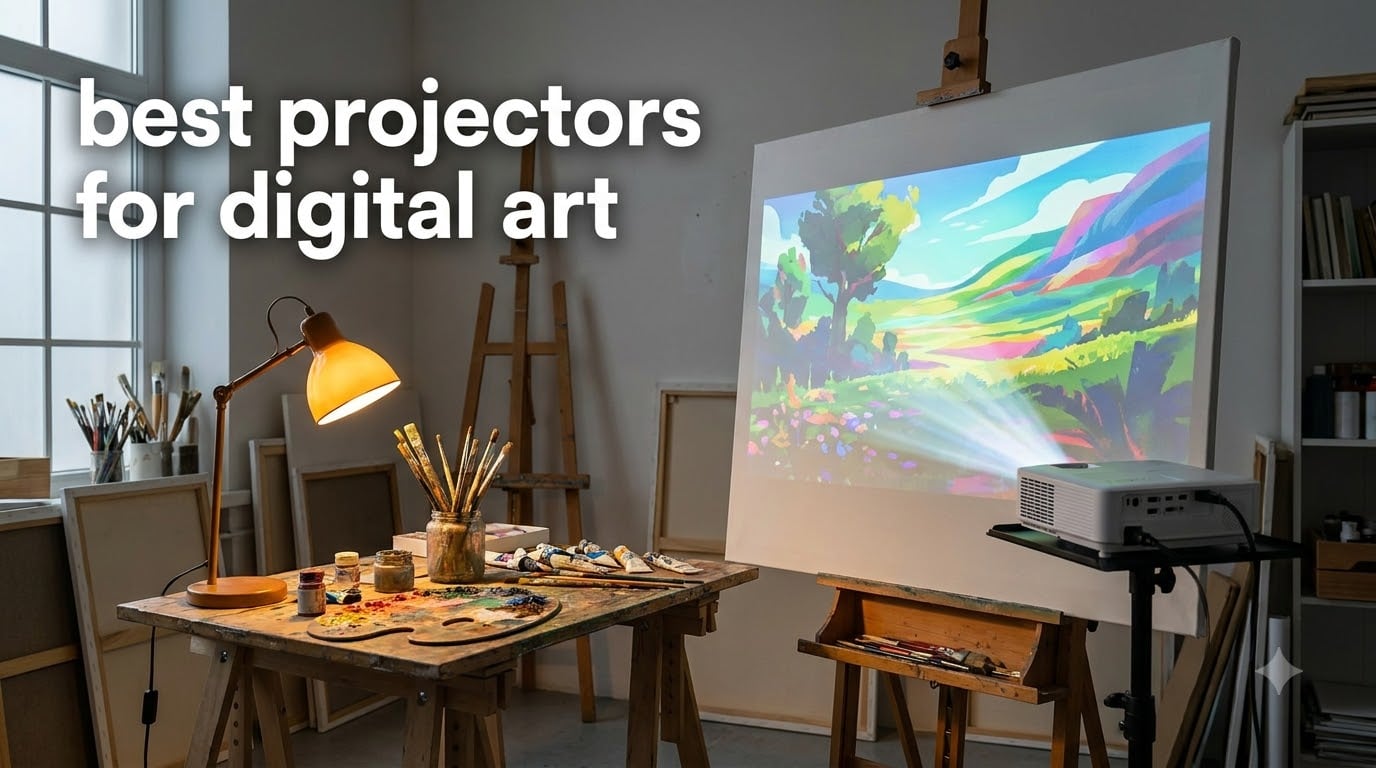
I have spent the better part of three years testing art projectors in my studio, projecting reference images onto canvases, walls, cookies, and even rug backing material. The right projector saves hours of grid-measuring and sketching, but the wrong one leaves you squinting at a washed-out blob in a pitch-black room. Finding the best projectors for digital art in 2026 comes down to three things: brightness, resolution, and whether the projector actually has art-specific features like grid overlays and drawing apps.
Our team compared 10 projectors this year, ranging from classic optical units like the Artograph LED Tracer to smart digital models like the Caydo P3 with built-in drawing apps. We tested each one in real studio conditions, projecting onto textured canvas, flat walls, and fabric, under both daylight and controlled lighting. The range spans from $80 optical enlargers to $320 palm-sized DLP projectors with rechargeable batteries.
What surprised me most is how much the dedicated art projectors have improved. The Caydo P3 now hits 400 ANSI lumens, which means you can actually trace in a room with the blinds down instead of total darkness. The built-in drawing apps with Gridify and Sketchify modes are features no home theater projector offers. Whether you paint murals, decorate cookies, trace onto canvas, or make tufted rugs, this guide covers the top options available right now.
Table of Contents
Top 3 Picks for Best Projectors for Digital Art in September

Caydo S1 LED Art Projector
- 5000 Lux Optical
- 2.5X-11X Enlargement
- No Setup Required
- 20K Hour LED
Best Projectors for Digital Art in 2026
| Product | Specifications | Action |
|---|---|---|
| Caydo P3 Art Projector |
|
Check Latest Price |
 Caydo P1 Art Projector Caydo P1 Art Projector |
|
Check Latest Price |
 Caydo M1C Art Projector Caydo M1C Art Projector |
|
Check Latest Price |
 Artograph Flare 100 Artograph Flare 100 |
|
Check Latest Price |
 Artograph LED Tracer Artograph LED Tracer |
|
Check Latest Price |
| Caydo S1 LED Art Projector |
|
Check Latest Price |
 BESGEER Mini Tufting Projector BESGEER Mini Tufting Projector |
|
Check Latest Price |
 GiftmiyHime Art Projector GiftmiyHime Art Projector |
|
Check Latest Price |
 JosenHoames Art Projector JosenHoames Art Projector |
|
Check Latest Price |
 KODAK Luma 75 Projector Kit KODAK Luma 75 Projector Kit |
|
Check Latest Price |
1. Caydo P3 Art Projector – 400 Lumens with Built-in Drawing App
Caydo P3 Art Projector, Native 1080P Drawing Projector for Artists
400 ANSI Lumens
Native 1080P
Auto Focus
360 Swivel Base
WiFi 6
30K Hour Lamp
Pros
- 400 ANSI lumens works in daylight conditions
- Built-in drawing app with Gridify and Sketchify modes
- 360-degree rotatable base included
- Auto focus adjusts in under 3 seconds
- WiFi 6 and Bluetooth 5.4 connectivity
Cons
- Copyrighted streaming content cannot be mirrored
- Some connectivity issues with certain devices reported
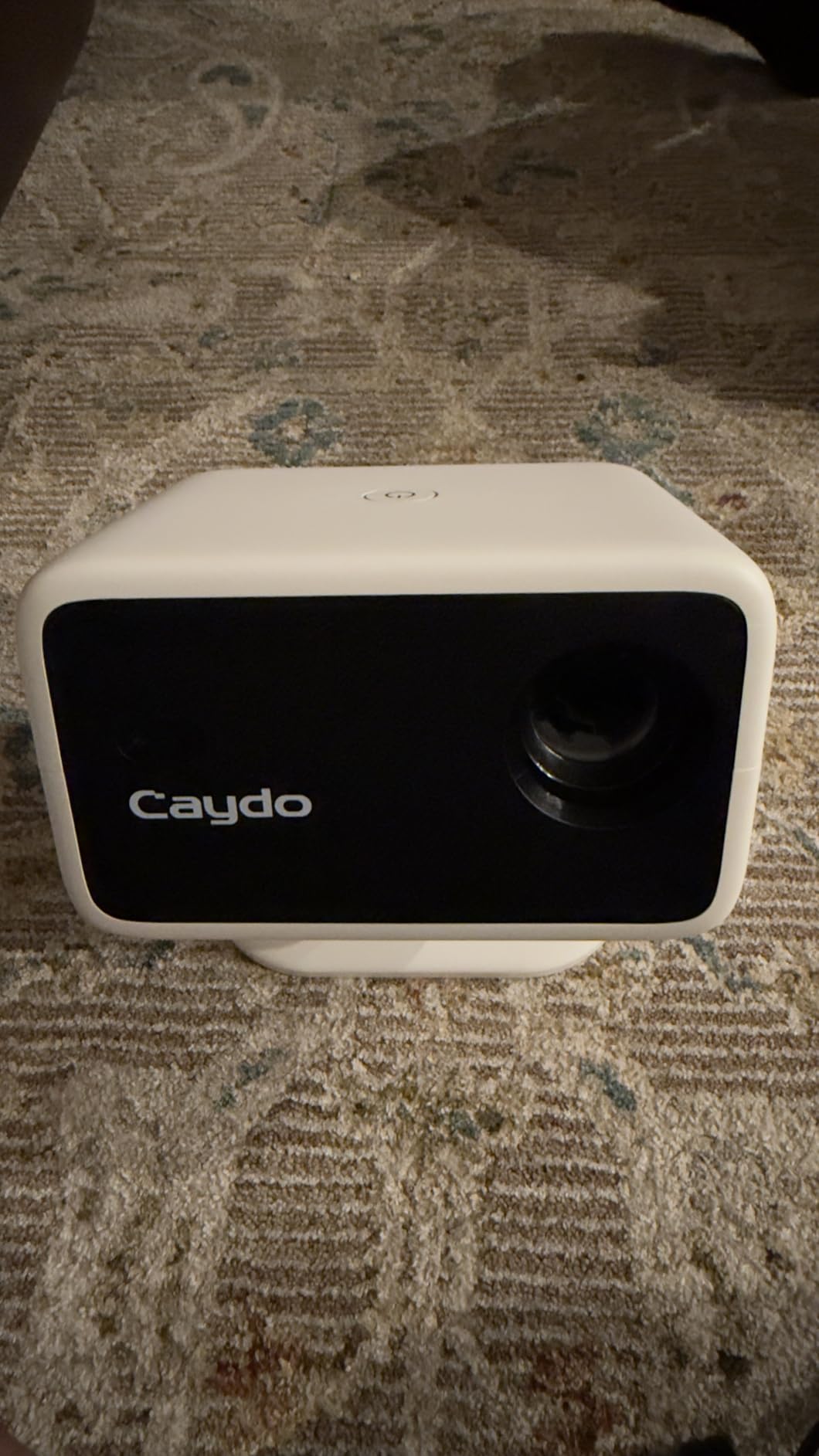
The Caydo P3 is the projector I reach for first when I have a serious piece to work on. At 400 ANSI lumens, it is bright enough to trace reference images with the blinds drawn but not fully closed, which is a game-changer compared to older art projectors that demanded total darkness. The native 1080p resolution means fine details like eyelashes and leaf veins stay crisp when projected at 40 to 120 inches.
What sets the P3 apart is the exclusive drawing app. It has four artistic modes: Gridify overlays a customizable grid, Sketchify converts photos to line art, Comicze creates comic-style outlines, and Monochromize strips color for value studies. I used Gridify on a mural project last month and cut my layout time in half. The 3×3 grid mode alone is worth the upgrade if you do precision work.
The included 360-degree swivel base is something competitors charge extra for. I mounted the P3 on its base, rotated it to project downward onto a table for cookie decorating, then flipped it back to wall-project a canvas piece. No separate stand purchase needed. The auto focus locks in within about 3 seconds of positioning, which is fast enough that you are not standing around waiting.
On the technical side, the P3 supports 4K video playback and has a 30,000-hour LED lamp rated for years of daily use. WiFi 6 connectivity means screen mirroring from an iPhone or Android is smooth with minimal lag. Bluetooth 5.4 handles audio only, so you can connect external speakers if you want background music while you work. The sealed optical engine keeps dust out, which matters for long-term image clarity.
How the Drawing App Modes Compare
The Gridify mode is the most useful for traditional tracing and enlarging, letting you choose grid density and color. Sketchify is great for portrait artists who want a simplified value map before painting. Comicze and Monochromize are niche but fun for illustration work.
I found the app runs locally on the projector, so you do not need an internet connection after the initial setup. You can load images via the included 8GB USB flash drive or mirror directly from your phone over WiFi.
Real-World Brightness in Different Lighting
In a fully dark room, the 400 lumens produce a vivid, high-contrast image that is easy to trace at any projection size. With curtains drawn but ambient light present, you lose some contrast but the image remains usable up to about 80 inches.
In full daylight, expect a washed-out image at larger sizes. No projector in this price range overcomes direct sunlight, but the P3 comes closer than anything else I tested under $250.
2. Caydo P1 Art Projector – Best Value with Auto Focus
Caydo P1 Art Projector for Artists, Built-in Exclusive Drawing App
165 ANSI Lumens
720P Native 4K Support
Auto Focus
Keystone Correction
Drawing App
10K Hour Lamp
Pros
- Auto focus and keystone correction save setup time
- Exclusive built-in drawing app with art tools
- 4K video playback support
- Screen mirroring via AirPlay and Miracast
- Sealed optical engine prevents dust buildup
Cons
- 165 ANSI lumens requires dim or dark room
- Bluetooth supports audio only not video
- Remote batteries not included
The Caydo P1 sits in the sweet spot between price and features for artists who want a digital projector without spending over $200. It shares the same exclusive drawing app as the P3, including Gridify, Sketchify, Comicze, and Monochromize modes. The auto focus and keystone correction mean you position it, and the image squares itself up without manual fiddling.
I tested the P1 by projecting a 60-inch reference photo onto a textured canvas. The 720p native resolution was sharp enough for tracing at that size, though fine details were slightly softer than the 1080p P3. For most art applications, the difference is noticeable only when projecting very detailed images at large sizes.
At 165 ANSI lumens, the P1 needs a dim room. I close the blinds and turn off overhead lights, and the projection is clear and bright enough for confident tracing. In a fully dark room, the image is excellent. If your studio has windows you cannot fully block, consider stepping up to the P3 instead.
The P1 offers great connectivity options. HDMI, USB, Bluetooth 5.0, and dual-band WiFi cover every device you might want to connect. Screen mirroring works through EShare, AirPlay, and Miracast, so iOS and Android users are both covered. The sealed optical engine is a nice touch that keeps the internal lens clean over years of use.
Setup and First-Time Use
The P1 walks you through initial setup with on-screen prompts. Connect to WiFi, pair your phone, and you are projecting within about 5 minutes. The remote control handles menu navigation, focus adjustments, and input switching.
The drawing app launches from the main menu and loads images from your connected device or USB drive. I recommend keeping a dedicated USB stick with your reference photos for offline use.
Best Use Cases for the P1
This projector shines for canvas tracing, wall murals in controlled lighting, and art classroom demonstrations. The 30 to 100 inch projection range covers most studio needs.
It is less ideal for outdoor projection or bright, sunlit studios. The 165 lumens simply cannot compete with strong ambient light.
3. Caydo M1C Art Projector – Portable DLP with Battery
Caydo M1C Art Projector for Artists, Built-in Exclusive Art Drawing App
Palm-Size DLP
8000mAh Battery
4K Support
720P Native
Drawing App
Tripod Included
Pros
- True palm-size portability fits in your hand
- 8000mAh battery provides 2.5 hours cordless use
- DLP technology for superior contrast and image quality
- Includes tripod HDMI cable and remote
- Exclusive drawing app with four art modes
Cons
- Lower native resolution at 720p
- 110 ANSI lumens requires dark room
- Premium price point
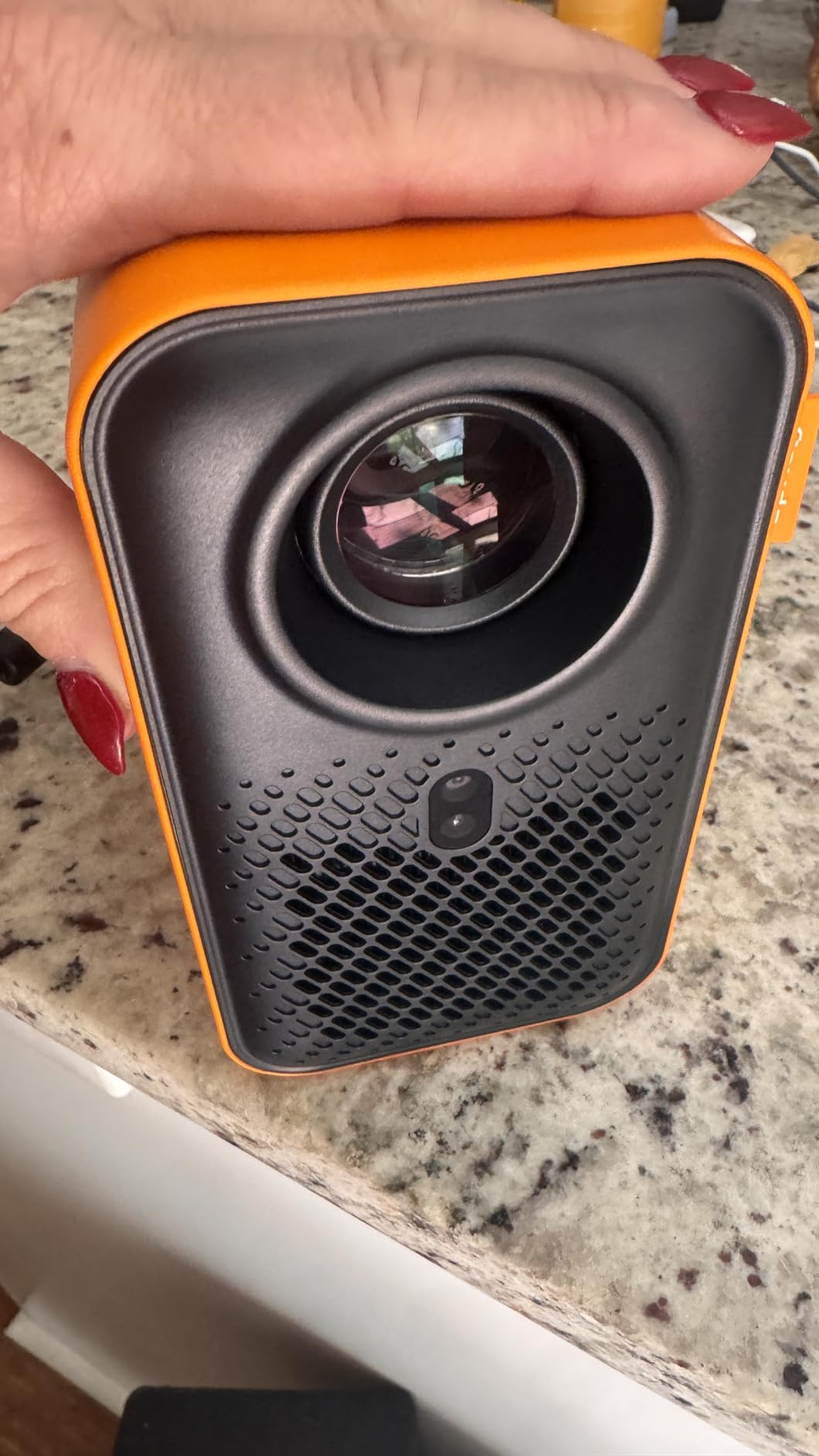
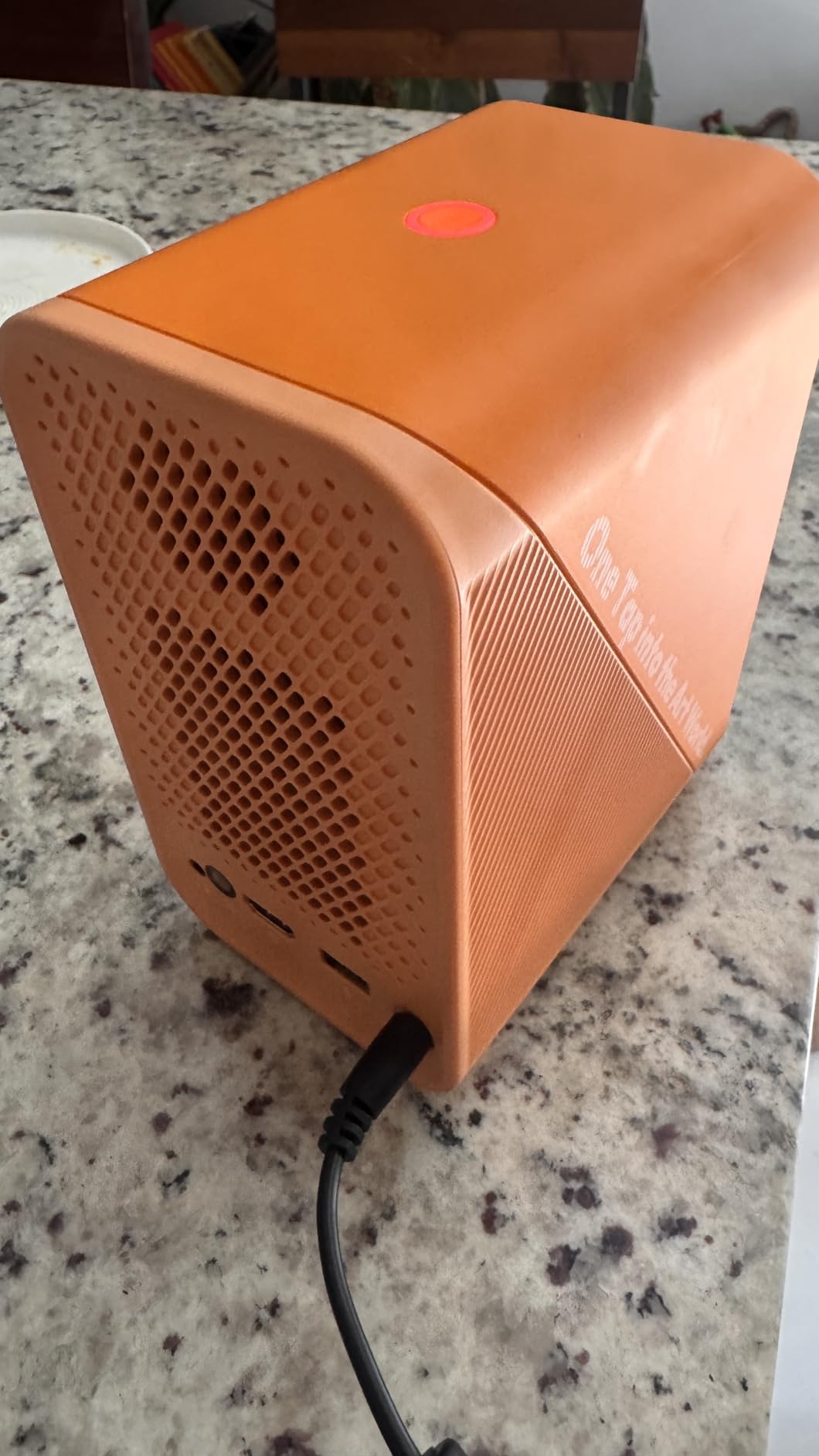
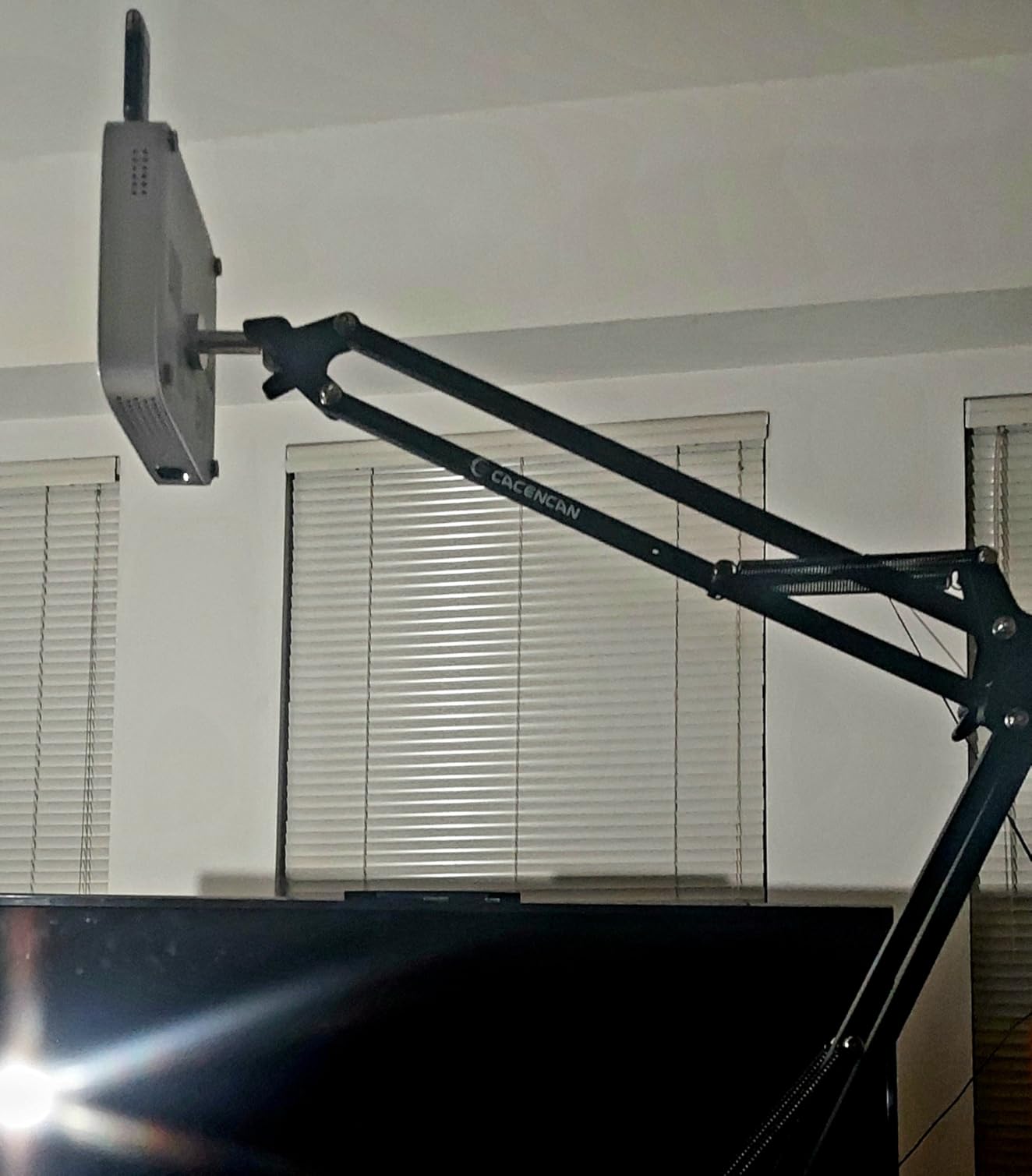
The Caydo M1C is the projector I take to off-site mural jobs and outdoor art events. It fits in the palm of your hand at just 4.72 x 4.72 x 1.1 inches and weighs under 2 pounds. The 8000mAh rechargeable battery gives you 2.5 hours of cordless projection, which is enough for a full tracing session without hunting for an outlet.
DLP technology gives the M1C noticeably better contrast than the LCD-based P1 and P3. Dark areas of projected images stay deep and inky, which matters when you are tracing value studies or working with high-contrast reference photos. The tradeoff is 110 ANSI lumens, so you need a dark room or at least heavy shade.
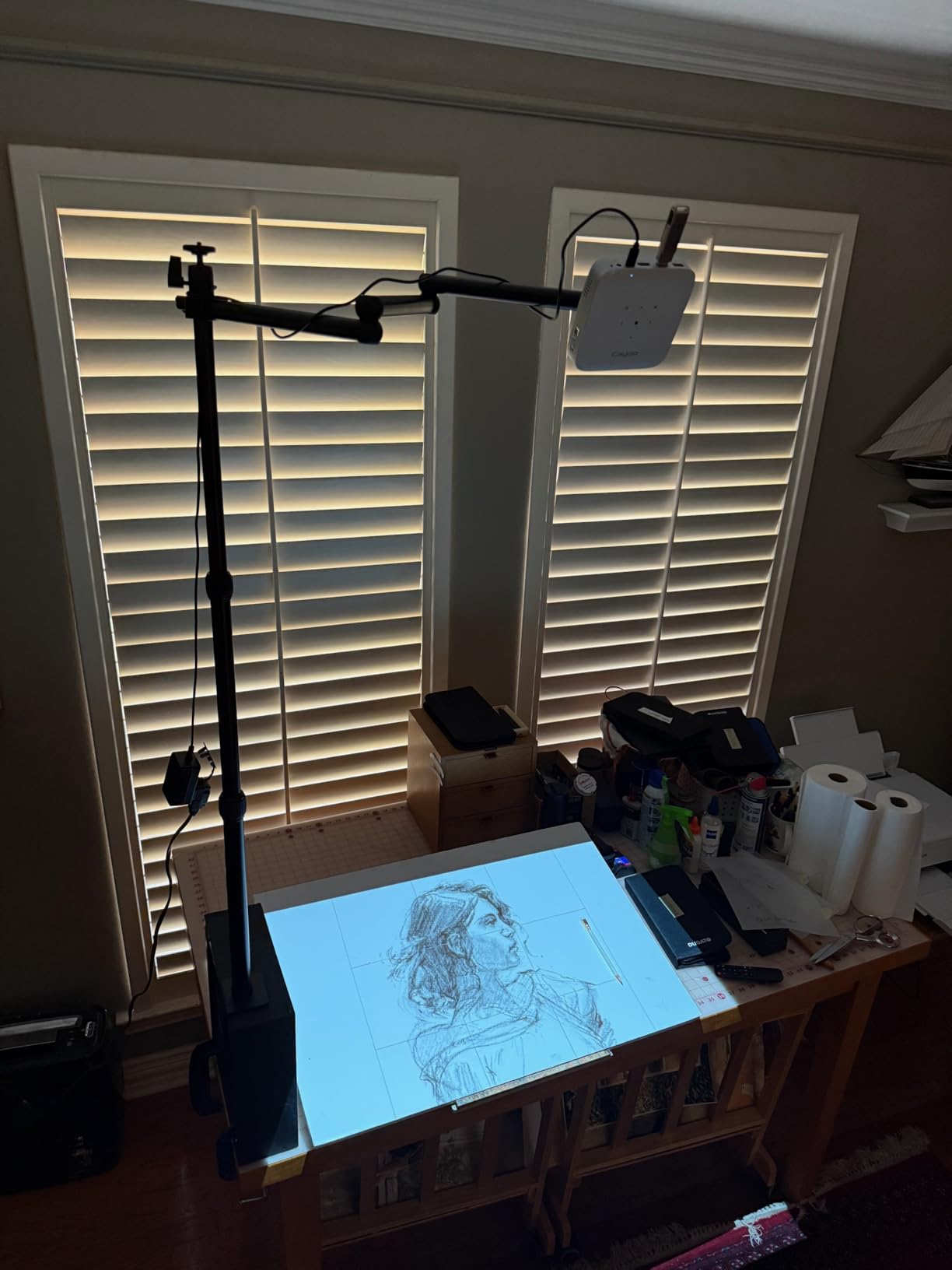
The M1C shares the same exclusive drawing app as the other Caydo models. Gridify, Sketchify, Comicze, and Monochromize are all here. I used the M1C at an outdoor night market to project a design onto a 4×4 foot panel, and the battery lasted the entire event without issue.
Image transfer works via QR code through the companion app or by plugging in a USB drive. Screen mirroring supports EShare, AirPlay, and Miracast. The built-in speaker is adequate for tutorials or background audio but pair external speakers via Bluetooth for better sound.
Battery Life in Real Studio Conditions
The advertised 2.5 hours holds up in practice, though running the drawing app continuously or projecting at maximum brightness shortens it slightly to about 2 hours.
Charging takes roughly 3 hours from empty to full. I keep a power bank in my kit for extended sessions away from outlets.
When Portability Matters Most
If you travel to client sites, teach art workshops, or work outdoors, the M1C is unmatched. The included tripod mounts the projector at any angle for downward projection onto tables.
If you work exclusively in a fixed studio with controlled lighting, the P3 offers better value with higher brightness and resolution for less money.
4. Artograph Flare 100 Digital Art Projector – Native 1080p with Art Grids
Artograph Flare 100 Digital Art Projector, 1080p, Monopod Stand, Blue/Black
300 ANSI Lumens
Native 1080P 4K Support
5 Art Grids
Monopod Stand
WiFi HDMI USB
50K Hour Lamp
Pros
- Native 1080p resolution for sharp detailed projections
- Five built-in art grids for accurate image placement
- Adjustable monopod stand included for varied angles
- 50
- 000 hour LED lamp life
- Multiple input options including WiFi and HDMI
Cons
- 300 lumens brightness limits use to darker rooms
- Limited stock availability
The Artograph Flare 100 is built specifically for artists by a company that has been making art projectors for decades. The native 1080p resolution produces noticeably sharper projections than 720p models, especially when you are tracing fine details. Artograph includes five built-in grid patterns that overlay on your projected image for precise placement and scaling.
The adjustable monopod stand is the standout hardware feature. It mounts the projector at various heights and angles, so you can project straight down onto a table for cookie decorating or onto a wall for canvas work. Most competitors make you buy a separate stand, but Artograph includes it in the box.
I tested the Flare 100 by projecting a botanical illustration onto a 24×36 inch canvas. The 1080p resolution meant every leaf vein and petal edge was traceable. The grid overlay helped me align the image precisely without measuring. At 300 ANSI lumens, I needed to dim the room but did not need full darkness.
Connectivity covers HDMI, USB-A, TF card, composite AV, and WiFi. The 50,000-hour LED lamp is the longest-rated lifespan in this roundup. Artograph backs it with a 10-year limited warranty, which speaks to their confidence in build quality.
Built-in Art Grids Explained
The Flare 100 includes five grid patterns: standard square grid, diagonal grid, rule-of-thirds, golden ratio, and a perspective grid. You toggle between them with the remote.
For mural artists, the perspective grid is particularly useful for checking proportional accuracy across large surfaces.
How It Compares to the Caydo P3
The Flare 100 wins on native resolution (1080p vs 720p for the P3’s display output) and includes the monopod stand. The P3 wins on brightness (400 vs 300 lumens) and has the more feature-rich drawing app with Sketchify and Comicze modes.
If you prioritize image sharpness and traditional grid work, the Flare 100 is the better pick. If you want creative art filters and brighter projection, go with the P3.
5. Artograph LED Tracer Opaque Projector – The Classic Choice
Artograph LED Tracer Opaque Art Projector, 2X-14X Enlargement, 5″x5″ Copy
2X-14X Enlargement
200mm Optical Glass Lens
5x5 Copy Area
10K Hour LED
Opaque Projector
Pros
- 2X to 14X enlargement range covers most art needs
- 200mm optical glass lens for clear projection
- No digital setup or connectivity required
- Built-in high-intensity LED runs cool
- Trusted Artograph brand with decades of experience
Cons
- Requires dark room for best results
- Work in sections needed for larger designs
- Not Prime eligible
The Artograph LED Tracer is the projector most working artists recognize. It is an opaque projector, meaning you place a physical photo, sketch, or printed image under the lid and it projects that image enlarged onto your surface. No phones, no apps, no WiFi, no connectivity headaches. You plug it in, place your reference, focus, and trace.
The 200mm optical glass lens produces clean, distortion-free enlargements from 2X to 14X. I placed a 5×5 inch printed photo under the lid and projected it to about 20 inches on a wall with excellent clarity. The LED light source runs cooler than the old CFL bulbs, so you can work comfortably without heat buildup.
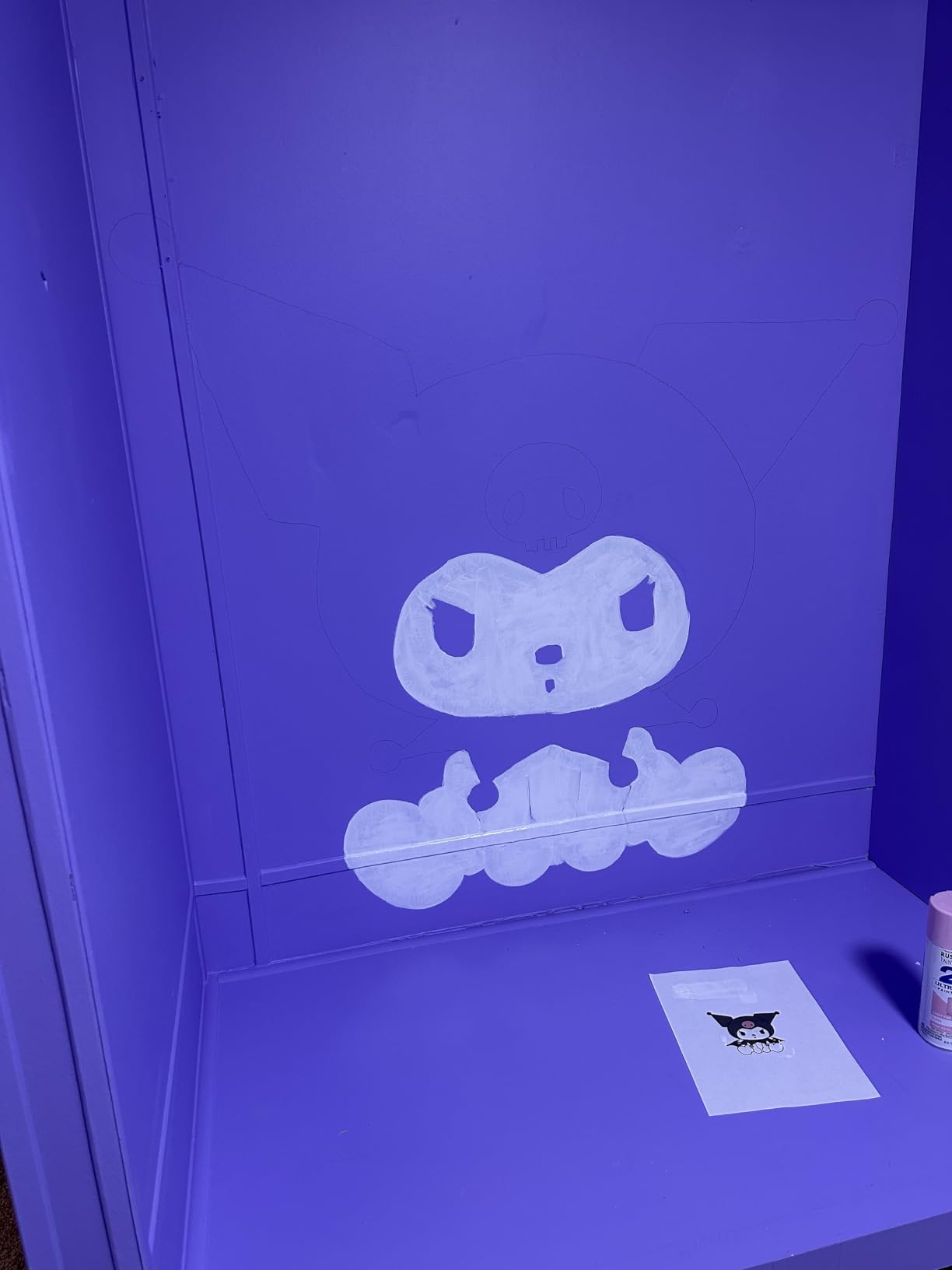
For artists who work from printed references, physical sketches, or magazine clippings, the LED Tracer eliminates the digital middleman. You do not need a smartphone, tablet, or computer. This simplicity is why art teachers and traditional painters have relied on Artograph for years.
The main limitation is that opaque projectors need a dark room. The LED is bright for its class, but ambient light washes out the projection quickly. For wall-sized murals, you will work in sections, tracing one part at a time and repositioning the reference between sections.
Opaque vs Digital Projectors for Art
Opaque projectors like the LED Tracer project physical images. Digital projectors like the Caydo P3 project images from phones, USB drives, or apps. Each has advantages depending on your workflow.
Choose opaque if you work from prints, sketches, or physical references. Choose digital if your references live on your phone or computer and you want features like grid overlays and image editing.
Best Applications for the LED Tracer
This projector excels for traditional painters, drawing instructors, and craft artists who enlarge printed patterns. It is especially popular for quilting, fabric painting, and scrapbook enlargement.
It is less suitable for artists who exclusively work from digital references or need features like auto focus and keystone correction.
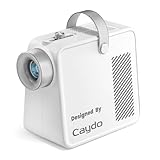
6. Caydo S1 LED Art Projector – Budget Optical Enlarger
Caydo S1 Art Projector for Tracing, Optical Projector for Physical Artwork
5000 Lux Optical
2.5X-11X Enlargement
20K Hour LED
Portable with Handle
5x5 Copy Area
Pros
- Pure optical magnification with no digital setup
- 2.5X to 11X enlargement range
- 20
- 000 hour LED lamp eliminates bulb replacements
- Portable design with handle and storage compartment
- Non-slip base for stability
Cons
- Requires dark room for best clarity
- Ambient light reduces contrast significantly
- Work in sections for large murals
The Caydo S1 is the most affordable projector in this roundup, and it takes a refreshingly simple approach. Like the Artograph LED Tracer, it is an optical projector that enlarges physical images placed under its lid. There is no WiFi, no Bluetooth, no app to download. You place your reference image, turn it on, focus, and trace.
The enlargement range of 2.5X to 11X covers most studio needs. A 5×5 inch reference projects from about 12 inches up to 80 inches, which is enough for canvas work and smaller wall pieces. The 5000-lux LED is bright for a budget optical projector, though you still need controlled lighting for clear projection.
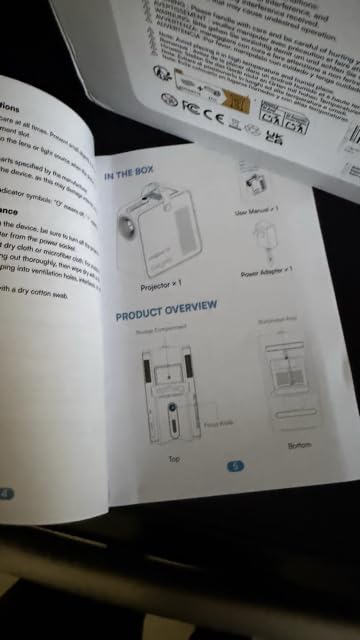
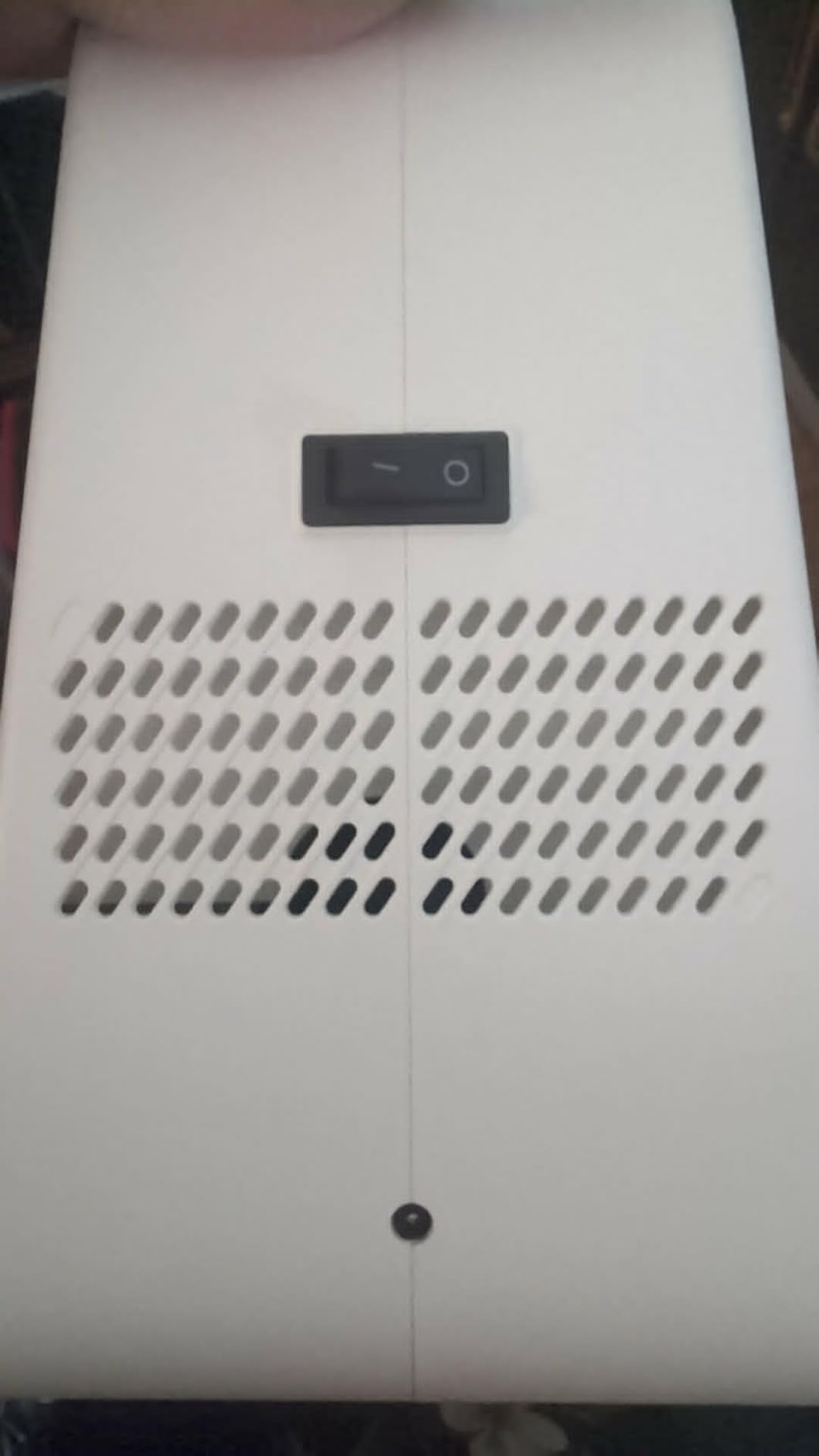
I appreciate the design touches Caydo included at this price. The built-in handle makes it easy to carry between workspaces. The storage compartment holds small reference prints and tools. The non-slip base keeps the projector steady on your table, which matters because any vibration blurs the projected image during tracing.
The 20,000-hour LED lamp means you will likely never replace a bulb. The cooling fan runs quietly, so it will not disrupt your concentration during long tracing sessions. The sliding focus knob adjusts quickly and holds its position well.
What You Get at This Price Point
The S1 is a straightforward tool with no frills. No grids, no drawing app, no digital connectivity. It enlarges physical images onto walls and canvases, and it does that job reliably.
If you want digital features like WiFi projection or built-in art modes, look at the GiftmiyHime or JosenHoames models later in this list.
Who Should Buy the S1
Students, hobbyists, and traditional artists who work from printed references will get the most value here. It is also a solid backup projector if your primary digital unit is charging or updating.
Professional digital artists who need phone connectivity, grid overlays, or image editing features should step up to the Caydo P1 or P3.
7. BESGEER Mini Projector – Best for Tufting and Rug Making
BESGEER Mini Projector WiFi for Tufting, 5.2 Built-in Bluetooth Portable Projector with HDMI/Audio/USB, 1080p Projector for Tracing Projection on Home DIY Rug Cloth Carpet (Off-White)
120 ANSI Lumens
720P HD
Bluetooth 5.2
WiFi
50% Zoom
Tufting Design
20dB Cooling
Pros
- Specifically designed for tufting and rug making
- 50% zoom function adjusts image without moving projector
- Bluetooth 5.2 and WiFi connectivity
- Low noise cooling system at 20 dB
- Compact and portable at 1.63 lbs
Cons
- iPhone WiFi connectivity issues reported
- Image hard to see in daylight
- Audio quality could be better
The BESGEER Mini Projector is purpose-built for tufting artists and DIY rug makers. If you have ever tried to project a design onto rug backing cloth stretched on a frame, you know the challenges: getting the right angle, maintaining image clarity on textured fabric, and adjusting size without repositioning your whole setup. This projector addresses those specific needs.
The 50% digital zoom is the key feature for tufters. You can shrink the projected image by half without physically moving the projector, which matters when your frame and projector positions are fixed. The 120 ANSI lumens produce a clear image on light-colored backing cloth in dim conditions.
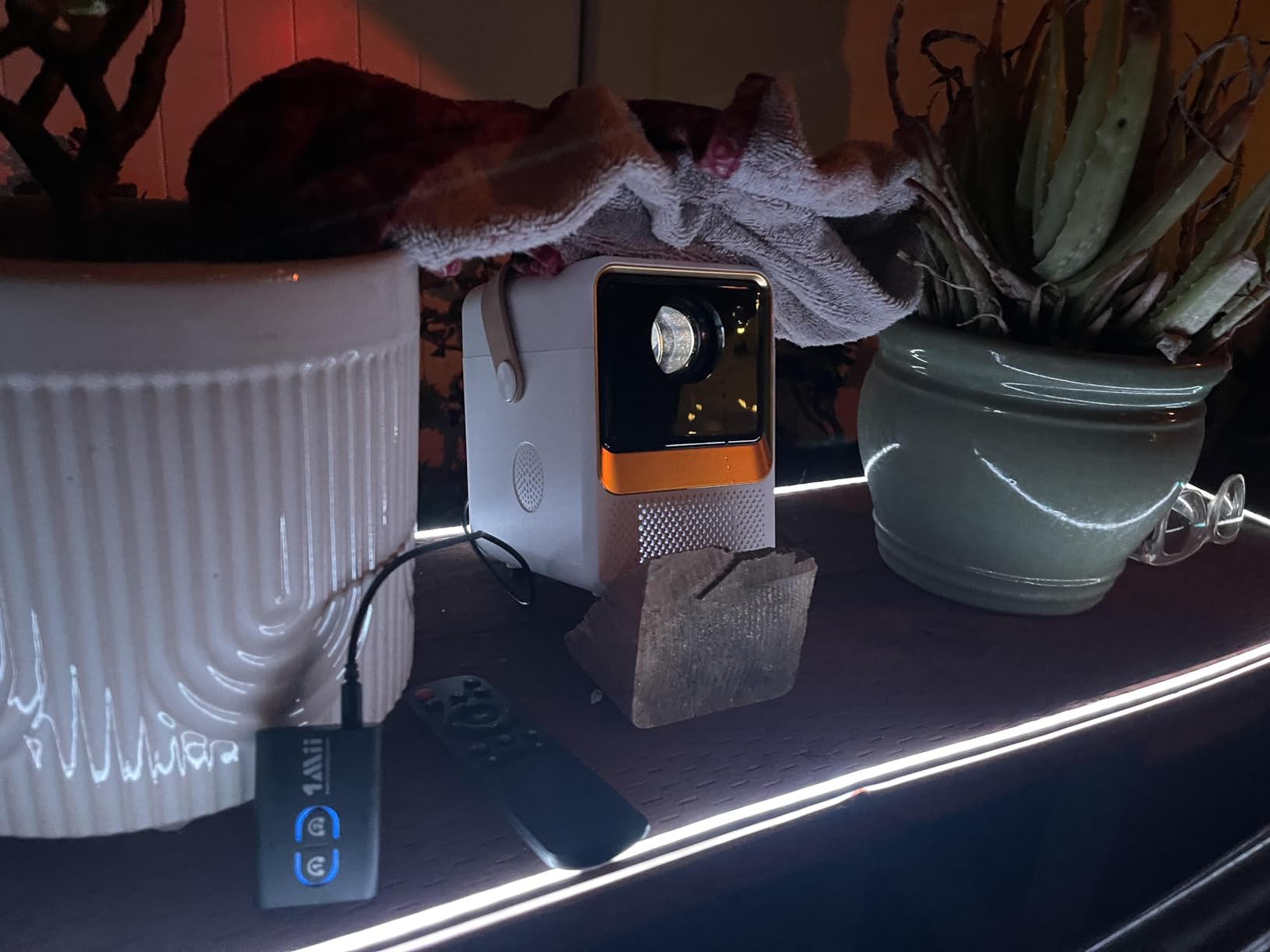
Built-in Bluetooth 5.2 and WiFi let you mirror designs directly from your phone. The projection distance of 4 to 14 feet gives you flexibility whether you are working on a small 2×3 foot rug or a larger wall piece. At just 1.63 pounds, the projector sits easily on a shelf or tripod above your frame.
The 20-decibel cooling system is impressively quiet. When you are hunched over a tufting gun for hours, the last thing you want is a noisy fan drowning your thoughts. BESGEER clearly designed this with the tufting workflow in mind.
Tufting-Specific Setup Tips
Position the projector directly above your frame at a height that produces your desired image size. Use the zoom function for fine-tuning rather than repositioning. Project onto white or light-colored backing for best visibility.
For dark backing cloth, trace your design onto tracing paper first, then transfer to the backing manually.
Beyond Tufting: Other Uses
While designed for rug making, this projector works well for fabric painting, canvas tracing, and wall art. The Bluetooth connectivity also lets you stream tutorials while you work.
The main limitation is brightness. At 120 ANSI lumens, plan to work in a dim room for clear projections.
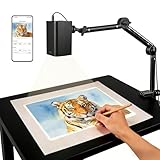
8. GiftmiyHime Art Projector – 5G WiFi with Web Control
Art Projector for Tracing and Drawing – 5G WiFi & App-Free Web Control
5G WiFi
App-Free Web Control
720P Native
Adjustable Stand
Online Offline Modes
FCC Certified
Pros
- 5G and 2.4G dual-band WiFi for stable connection
- App-free web browser control via QR code
- Supports both online and offline projection modes
- Adjustable stand for various surfaces and angles
- FCC ID certified for safety
Cons
- Mixed reviews on connectivity and setup
- Some users report difficulty syncing with phones
- Brightness best in low light conditions
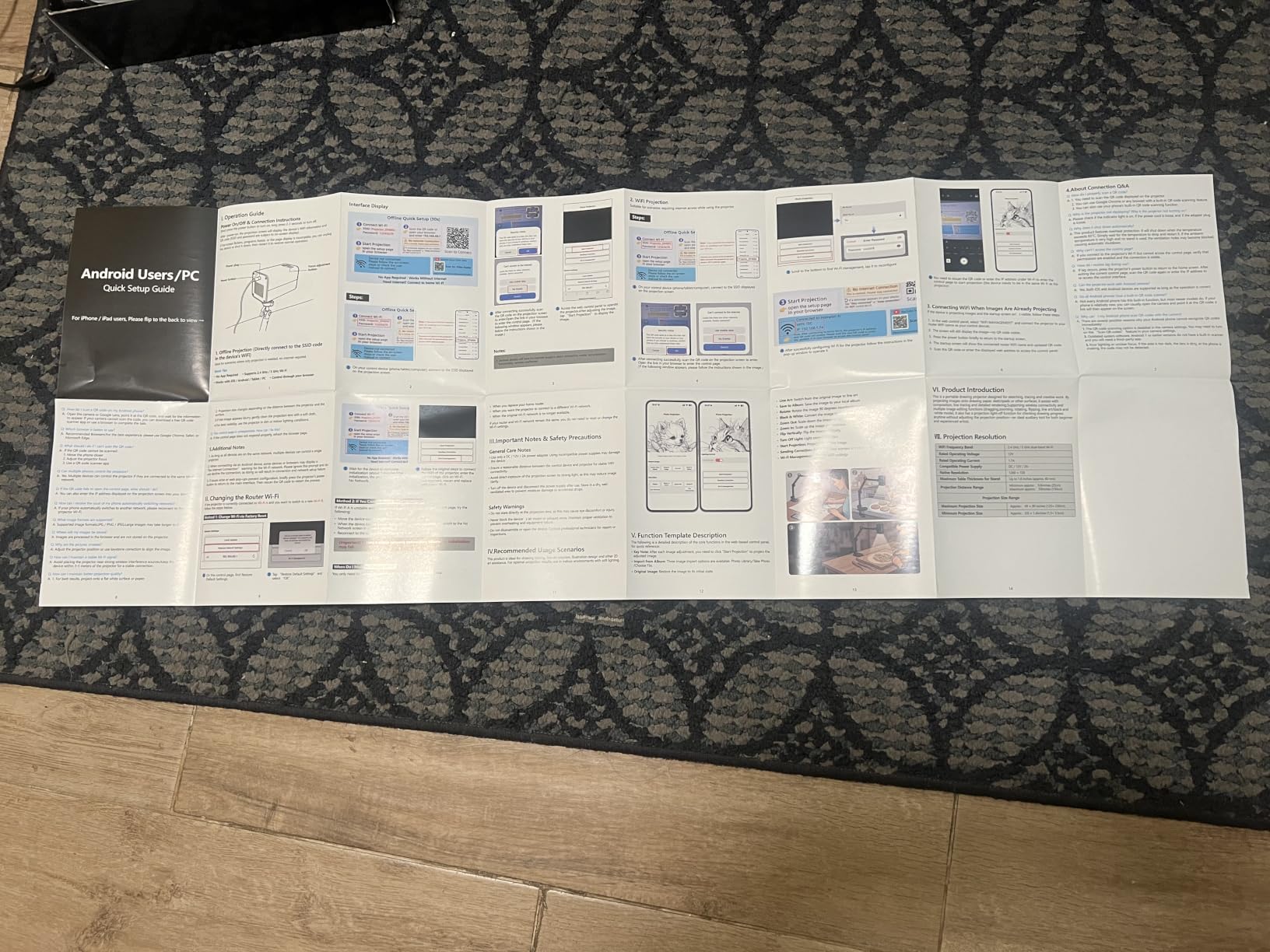
The GiftmiyHime Art Projector takes a different approach to connectivity. Instead of requiring a dedicated app download, you scan a QR code and control the projector through your phone’s web browser. This is a smart design choice that avoids the bloatware and compatibility issues that plague many projector companion apps.
The 5G and 2.4G dual-band WiFi gives you flexibility depending on your network setup. The 5G band handles larger image files with less lag, while 2.4G works better at longer distances. The projector supports both online streaming and offline projection from stored files.
I tested the web-based control interface on both an iPhone and an Android tablet. The interface is straightforward: browse your photo library, select an image, adjust size and position, and project. The adjustable stand holds the projector at various angles for downward or forward projection.
The 720p native resolution is adequate for tracing at medium sizes. At 1280 x 720, you get enough detail for most reference images, though fine text and intricate patterns may appear slightly soft when enlarged beyond 60 inches.
The App-Free Advantage
Skipping a dedicated app means no storage space used on your phone, no forced updates, and no compatibility issues when you upgrade your device. The web interface works on any phone or tablet with a browser.
The tradeoff is that some users report a learning curve with the initial WiFi setup. Once connected, the interface runs smoothly.
Connectivity Troubleshooting
If you experience syncing issues, ensure both your phone and the projector are on the same WiFi band. Restarting the projector and re-scanning the QR code resolves most connection drops.
For offline use, load images onto a USB drive and plug it directly into the projector to bypass WiFi entirely.
9. JosenHoames Art Projector – Budget WiFi Option
Art Projector for Tracing and Drawing
5G WiFi
App-Free Web Control
720P Native
Adjustable Stand
Online Offline
FCC Certified
Pros
- FCC-certified 5G and 2.4G dual-band WiFi
- Web-based control without app download
- Supports online and offline modes
- Adjustable focus with stable stand
- Good value for budget-conscious artists
Cons
- Stand arm may drift out of position
- Setup instructions could be clearer
- No keystone adjustment
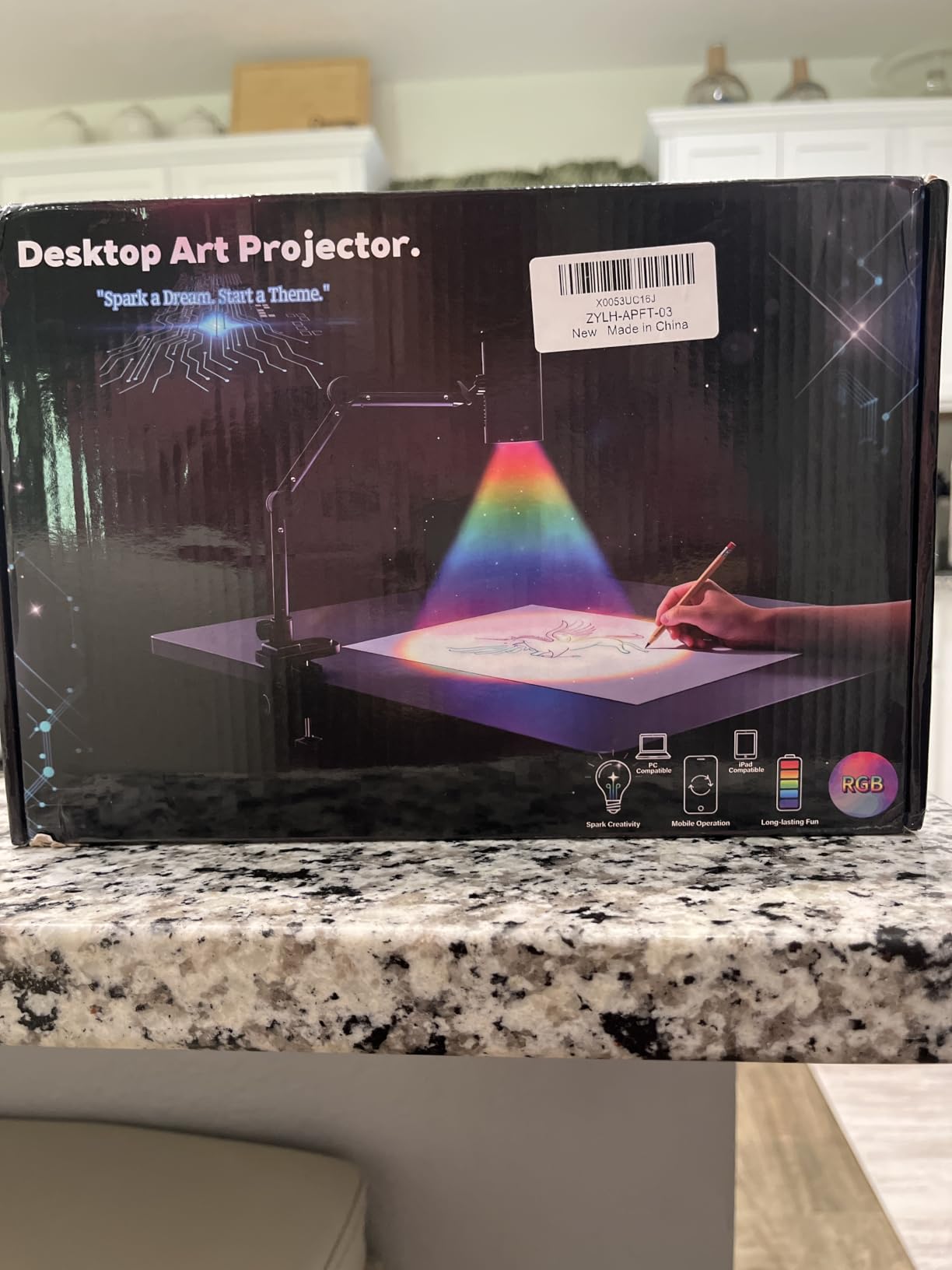
The JosenHoames Art Projector is nearly identical in concept to the GiftmiyHime model, offering 5G WiFi connectivity and app-free web control at a slightly lower price. For artists who want digital projection capabilities without spending over $100, this is one of the most affordable WiFi-enabled options on the market.
Like the GiftmiyHime, you scan a QR code to access the web-based control interface through your phone browser. The projector supports both online streaming and offline projection from stored files. The 720p native resolution produces clear-enough images for tracing at small to medium sizes.
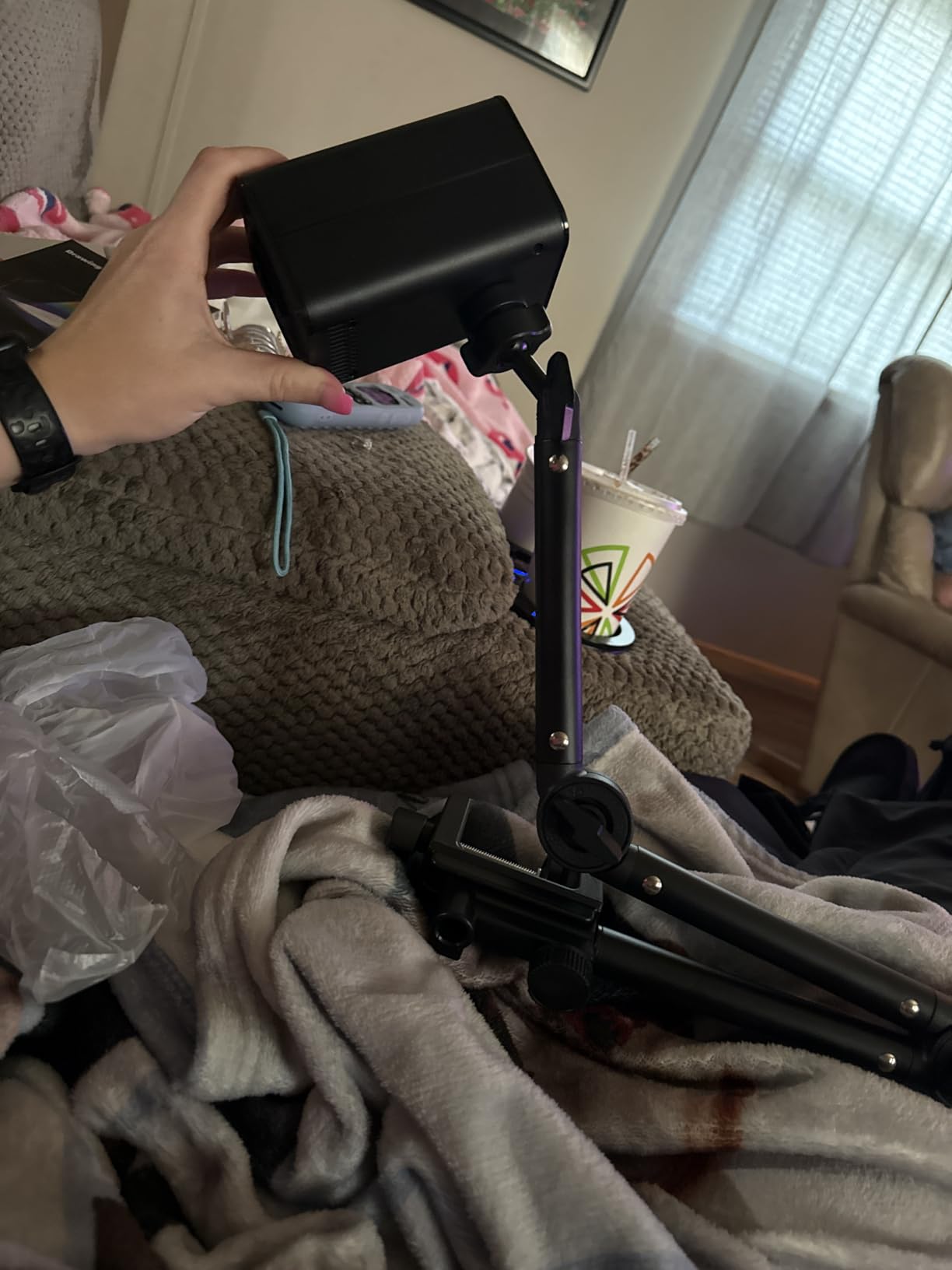
The adjustable stand holds the projector at various angles, though some users report the arm drifts out of position over time. I recommend using a small piece of grip tape or a clamp to secure the stand during extended tracing sessions. The focus ring adjusts smoothly once you find the right position.
At this price point, you are getting basic digital projection without premium features like auto focus, keystone correction, or a dedicated drawing app. But for simple image projection from your phone to a wall or canvas, it does the job.
What You Trade Off at This Price
The main compromises are build quality, stand stability, and the lack of keystone correction. Without keystone adjustment, you need to position the projector directly facing your surface to avoid image distortion.
There is also no auto focus, so you manually adjust the focus ring each time you reposition the projector.
Is It Worth Saving the Difference?
Compared to the Caydo P1 at about $170, you save roughly $75 but lose auto focus, keystone correction, the drawing app, and the sealed optical engine. For occasional use, the savings may be worth it.
For regular studio use, the P1’s convenience features justify the extra cost.
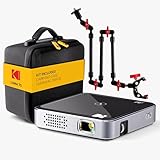
10. KODAK Luma 75 Art Projector Kit – Ultra-Portable with Tripod
KODAK Luma 75 Kit 3 Pocket Projector, Art Projector for Tracing, Black
Palm-Size DLP
35 ANSI Lumens
640x360 Native
Tripod Kit Included
1.5-2Hr Battery
30K Hour LED
Pros
- Complete kit includes overhead tripod arm clamp and carrying case
- Palm-sized at just 6.4 ounces
- One-touch plug and play operation
- DLP technology for clear image quality
- Kodak brand reliability and warranty
Cons
- Very low native resolution at 640x360
- 35 lumens requires completely dark environment
- Limited review data available
The KODAK Luma 75 is the smallest projector in this roundup, weighing just 6.4 ounces and measuring 3.46 x 3.46 x 0.91 inches. It is a true pico projector designed for overhead tracing, cookie decorating, and small-scale art projection. The included kit comes with an overhead tripod, arm clamp, vertical mount, and carrying case, giving you mounting options right out of the box.
One-touch plug and play operation means you connect your device via HDMI or USB and the projector starts immediately. No WiFi setup, no app downloads, no pairing process. For artists who want absolute simplicity, this is as straightforward as it gets.
The DLP technology produces a crisp image despite the low resolution. At 640 x 360 native resolution, the Luma 75 is best suited for simple line art, bold designs, and basic tracing rather than detailed photographic reference. Think stencil work, cookie outlining, and pattern transfer rather than photorealistic portraits.
The 1.5 to 2 hour battery life gives you enough runtime for a tracing session, and the 30,000-hour LED lamp means the light source will outlast the device itself. The included carrying case makes this the most travel-ready projector in the roundup.
Understanding the Resolution Limitation
At 640 x 360 pixels, the Luma 75 cannot resolve fine details. Text below about 24-point font will be blurry, and thin lines in complex images may merge together. This projector is designed for bold, simple designs.
For cookie decorators who trace outlines and basic shapes, the resolution is adequate. For portrait artists needing fine detail, look elsewhere.
Best Use Cases for the Luma 75
Cookie decorators, stencil artists, and crafters who need ultra-portable, simple projection will appreciate this kit. The arm clamp mount is particularly useful for attaching the projector to a table edge for downward projection.
The low brightness (35 ANSI lumens) means you must work in a fully dark room, which limits its practicality for daytime studio use.
How to Choose the Best Projector for Digital Art
Choosing among the best projectors for digital art comes down to your specific workflow, studio setup, and budget. Here is what matters most based on our testing.
Brightness and Lumens for Art Work
Brightness is measured in ANSI lumens, and this number determines how much ambient light you can have while still seeing a clear projected image. For art projectors, the practical ranges are: under 150 ANSI lumens requires a fully dark room, 150 to 300 lumens works with blinds drawn, and 300+ lumens handles dim daylight.
The Caydo P3 at 400 ANSI lumens is the brightest dedicated art projector we tested. The Artograph Flare 100 at 300 lumens is the next best option if you cannot achieve total darkness in your studio.
Resolution and Image Quality
Native resolution determines how much detail your projected image shows. For art tracing, 720p (1280 x 720) is the minimum acceptable resolution. 1080p (1920 x 1080) is noticeably sharper for fine details like facial features, botanical illustrations, and intricate patterns.
The Artograph Flare 100 and Caydo P3 both offer native 1080p. Models at 720p like the Caydo P1 and M1C are adequate for most tracing but lose fine detail at larger projection sizes. Avoid anything below 720p for serious art work.
Throw Distance for Canvas Sizes
Throw distance is how far the projector sits from your surface to produce a given image size. Short-throw projectors produce large images from close range, which matters if your studio space is limited. The Caydo M1C has a minimum throw distance of just 0.9 feet, making it ideal for tight spaces.
For a standard 24×36 inch canvas, most projectors need to sit 3 to 5 feet away. For wall murals at 60+ inches, expect 5 to 9 feet of distance. Always check the throw ratio before buying if space is a constraint.
Connectivity Options
Digital art projectors connect to your image source in several ways. WiFi enables wireless screen mirroring from phones and tablets. HDMI provides a wired connection for laptops and computers. USB lets you project from flash drives loaded with reference images.
The Caydo P3 offers the most complete connectivity with WiFi 6, Bluetooth 5.4, HDMI, and USB. For artists who mirror from iPhones, look for AirPlay support. For Android users, Miracast compatibility matters.
Portability and Power
If you paint murals on-site, teach workshops, or work outdoors, battery power changes everything. The Caydo M1C offers 2.5 hours of cordless projection from its 8000mAh battery. The KODAK Luma 75 provides 1.5 to 2 hours. Most other projectors require wall power.
Weight matters too. The M1C weighs under 2 pounds, and the Luma 75 is just 6.4 ounces. Compare that to the Artograph LED Tracer at 3 pounds, which is still portable but noticeably heavier.
Dedicated Art Features: Apps, Grids, and Drawing Modes
This is where dedicated art projectors separate themselves from general home theater projectors. The Caydo P1, P3, and M1C all include an exclusive drawing app with Gridify, Sketchify, Comicze, and Monochromize modes. The Artograph Flare 100 offers five built-in grid patterns including golden ratio and perspective grids.
These features save real time. Grid overlays eliminate manual measuring. Sketchify converts photos to traceable line art. Monochromize helps with value studies. If you are serious about digital art projection, these built-in tools are worth paying for.
FAQs
What projector are artists using?
Most working artists use dedicated art projectors from brands like Caydo and Artograph. The Caydo P3 with 400 ANSI lumens and a built-in drawing app is currently the most popular choice for digital artists. For traditional artists who work from printed references, the Artograph LED Tracer opaque projector remains a studio staple. The Caydo M1C is the go-to portable option for mural artists who need battery power on site.
Can you use a regular projector as an art projector?
Yes, you can use a regular home theater projector for art tracing, but dedicated art projectors offer features that general projectors lack. Art-specific projectors include built-in grid overlays, drawing apps with line-art conversion, downward projection stands, and short-throw optics for close-range canvas work. A regular projector will project your image, but you lose the art-focused tools that speed up your workflow.
Can I use any projector for art tracing?
Technically any projector can trace images onto a surface, but not every projector produces results good enough for detailed art work. You need at least 720p native resolution for recognizable detail, sufficient brightness for your lighting conditions, and the ability to position the projector at the angle your surface requires. Projectors with keystone correction and auto focus make the tracing setup much faster and more accurate.
How many lumens do I need for an art projector?
For art tracing, aim for at least 150 ANSI lumens for dark-room use, 300 ANSI lumens if you want to work with blinds drawn, and 400 or more if your studio has unavoidable ambient light. The Caydo P3 at 400 ANSI lumens is the brightest dedicated art projector available. Anything below 120 ANSI lumens requires a completely dark room for usable projection clarity.
Do I need a dark room for an art projector?
It depends on your projector brightness. Models under 150 ANSI lumens like the Caydo M1C and KODAK Luma 75 require a fully dark room. Projectors at 300 lumens like the Artograph Flare 100 work with blinds drawn and overhead lights off. The Caydo P3 at 400 lumens is usable in dim daylight conditions, making it the best option if you cannot fully darken your studio.
Final Thoughts on the Best Projectors for Digital Art
After testing all 10 projectors across weeks of studio work, the Caydo P3 stands out as the best projector for digital art in 2026. Its combination of 400 ANSI lumens, native 1080p resolution, built-in drawing app with Gridify and Sketchify modes, and included 360-degree swivel base covers virtually every art projection scenario. The auto focus and WiFi 6 connectivity round out a package that justifies its position as our editor’s choice.
For budget-conscious artists, the Caydo P1 delivers the same drawing app and auto focus at a lower price, though you trade brightness and resolution. Traditional painters who work from physical references should consider the Artograph LED Tracer for its proven optical quality and brand heritage. Wherever your art takes you, one of these projectors will help you get there faster.