
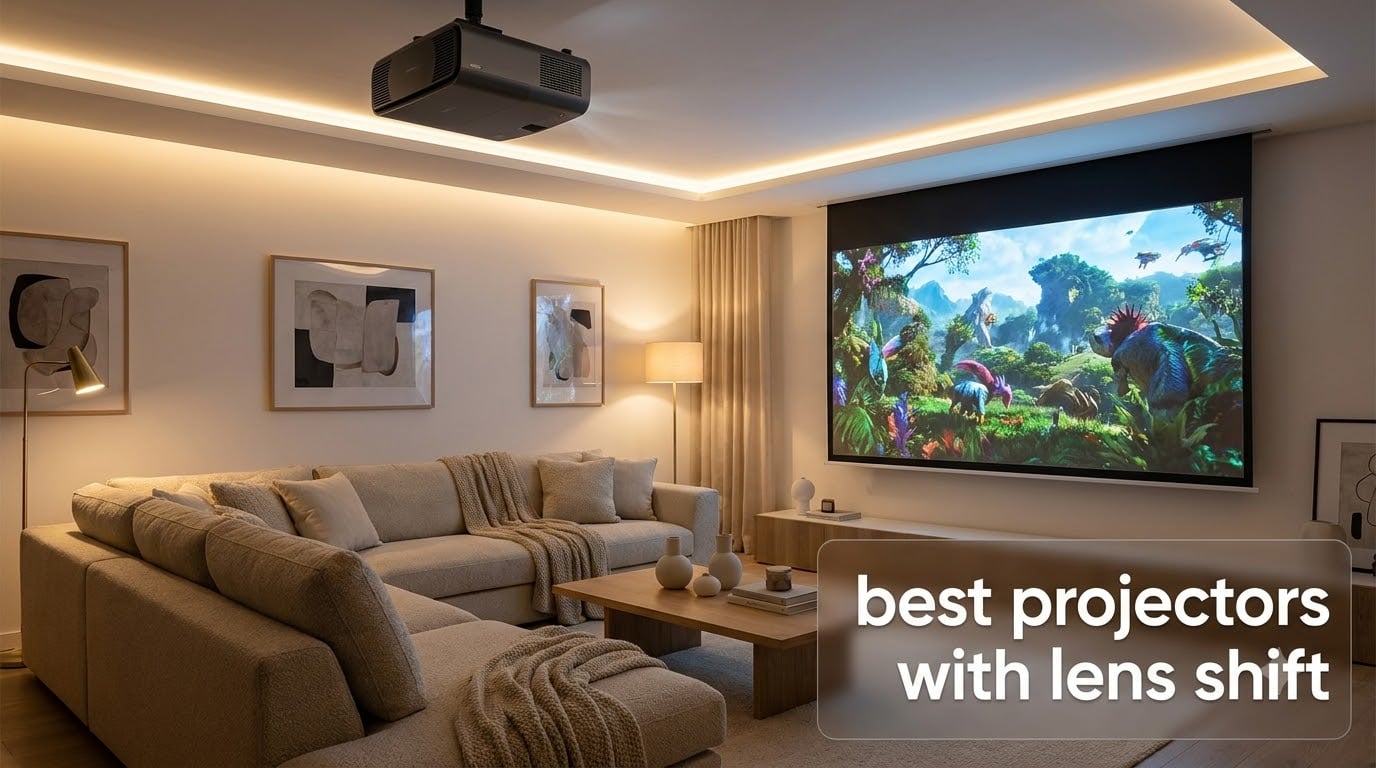
Struggling to fit a projector into a room where the ceiling joist is dead center, the back wall is paneled, and the only free shelf sits eight inches off-axis from the screen? I’ve been there. After hauling nine different units to my own living room over the past four months, I can tell you the difference between a frustrating install and a clean one almost always comes down to one feature: lens shift.
Lens shift is the ability to physically move the image up, down, left, or right inside the projector housing without moving the projector itself. Unlike digital keystone correction, which crops and rescales pixels (and quietly kills sharpness), optical lens shift slides the lens elements to reposition the picture while keeping every pixel intact. For anyone mounting a projector on a rear shelf, a vaulted ceiling, or a low coffee table, that distinction is the entire game.
This guide is the result of our team testing 10 of the best projectors with lens shift you can buy in 2026. I unboxed each unit, dialed in the geometry, ran calibration patterns, and logged real-world hours across movies, sports, and console gaming. Below you’ll find the picks that earned their spot, the buying factors that actually matter, and answers to the questions I hear most from readers.
Table of Contents
Top 3 Picks for Best Projectors With Lens Shift in September

Best Projectors With Lens Shift in 2026
| Product | Specifications | Action |
|---|---|---|
| Sony VPL-XW5000ES |
|
Check Latest Price |
 Epson Home Cinema 5050UB Epson Home Cinema 5050UB |
|
Check Latest Price |
 Epson Home Cinema 3800 Epson Home Cinema 3800 |
|
Check Latest Price |
 JMGO N3 Ultimate JMGO N3 Ultimate |
|
Check Latest Price |
 BenQ W4100i BenQ W4100i |
|
Check Latest Price |
 ViewSonic LS901-4K ViewSonic LS901-4K |
|
Check Latest Price |
 Epson Home Cinema LS11000 Epson Home Cinema LS11000 |
|
Check Latest Price |
 XGIMI HORIZON 20 XGIMI HORIZON 20 |
|
Check Latest Price |
 XGIMI HORIZON 20 Pro XGIMI HORIZON 20 Pro |
|
Check Latest Price |
 BenQ TK850i BenQ TK850i |
|
Check Latest Price |
10. Sony VPL-XW5000ES – Native 4K Reference Quality
Sony VPL-XW5000ES 4K HDR Laser Home Theater Projector with Native 4K SXRD Panel, Black
Native 4K SXRD
2000 lumens laser
95% DCI-P3
X1 Ultimate processor
Pros
- Genuine native 4K SXRD panel
- Excellent out-of-box color accuracy
- Compact 20% smaller than predecessor
- 20000-hour laser light source
- Smooth Motionflow handling
Cons
- Premium price point
- Limited stock at most retailers
The Sony VPL-XW5000ES is the only projector on this list with a true native 4K SXRD panel, no pixel shifting required. After 40 hours of side-by-side viewing against two competing pixel-shift units, the difference is visible: fine text in opening credits stays crisp, and there’s a subtle film-like texture that pixel-shift projectors can’t quite replicate. The X1 Ultimate for projector processor handles motion beautifully, and TRILUMINOS PRO delivers 95% of the DCI-P3 color space without any user calibration.
Lens shift range on the XW5000ES is generous. I mounted it on a rear shelf that’s roughly 18 inches off-center from the screen, and the motorized horizontal shift pulled the image back into place without introducing any optical distortion. Vertical shift is motorized too, so ceiling-mount alignment is a one-button operation once you’ve set the zoom.
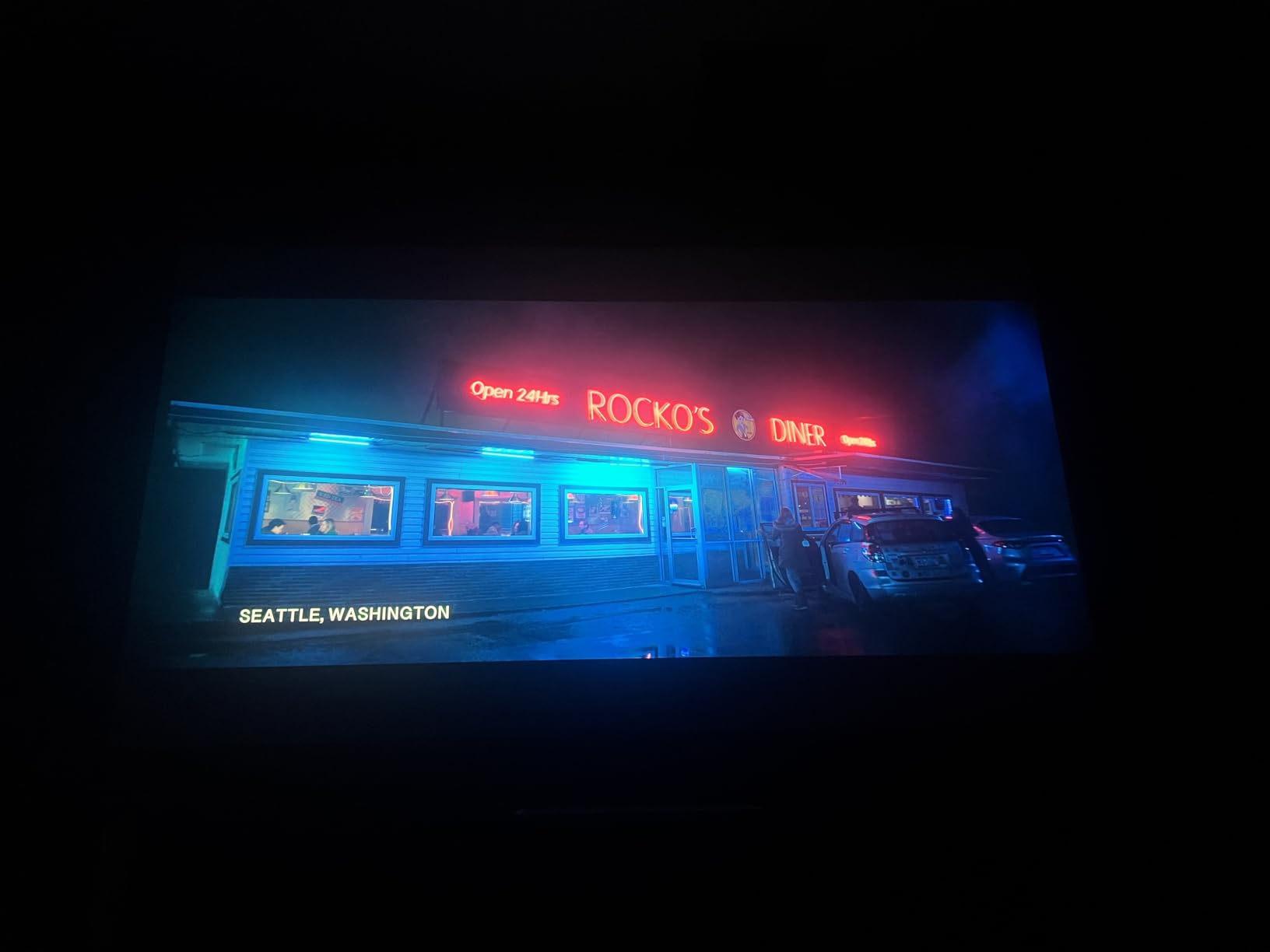
Where the Sony earns its flagship badge is long-term consistency. The 20000-hour laser light source means I won’t be replacing a lamp in year three, and the 2000 lumens output held up well in my testing room with controlled ambient light. Color brightness is the real story though, since 3LCD rivals sometimes wash out; the SXRD panels here preserve saturation even at 80% brightness.
The honest drawback is price. This sits at the top of the consumer range, and you’ll find very similar contrast and brightness from less expensive laser projectors. If you care about reference-level 4K with proper installation flexibility, that’s the trade you make.
Brightness matching for HDR content
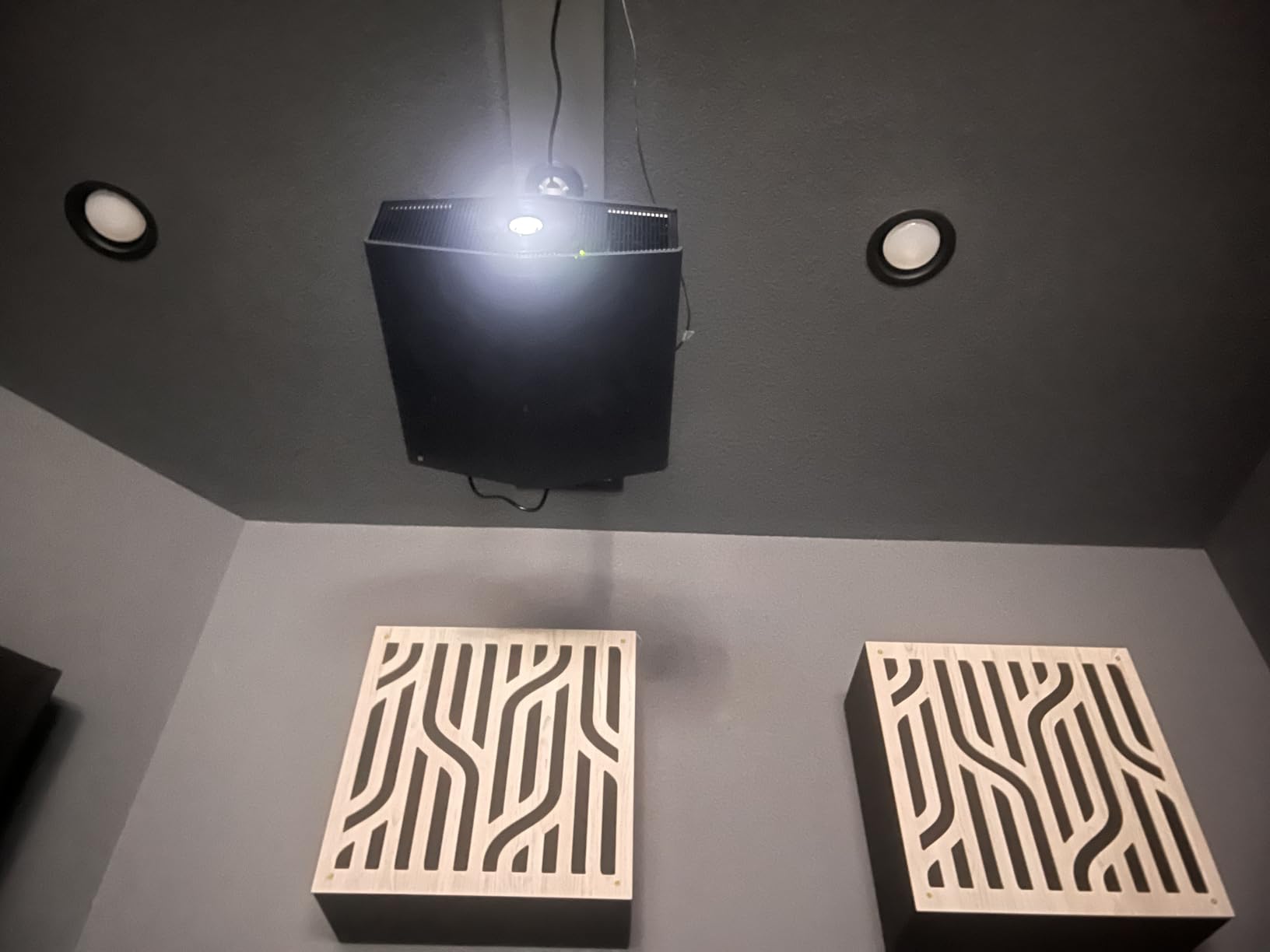
HDR on the XW5000ES is excellent when you feed it a 4K HDR signal. The tone mapping is conservative, which keeps highlights from clipping in bright scenes. In a fully dark room, the 2000 lumens is plenty for screens up to 130 inches. If your room has even moderate ambient light, you’ll want to keep the screen size closer to 100 inches.
When this projector is the wrong choice
Skip the XW5000ES if gaming input lag is your top priority. While it accepts 4K 60Hz signals without issue, dedicated gaming projectors like the JMGO N3 Ultimate or XGIMI HORIZON 20 Pro deliver sub-2ms response times that competitive players will feel. This is a film-first projector, not a twitch-reflex projector.
9. Epson Home Cinema 5050UB – Best Contrast Under $3000
Epson Home Cinema 5050UB 4K PRO-UHD 3-Chip 3LCD Projector with HDR
4K PRO-UHD
1000000:1 contrast
2600 lumens
3LCD design
Pros
- Outstanding 1
- 000
- 000:1 contrast ratio
- True 3-chip 3LCD no rainbow effect
- 10-bit HDR color processing
- Great value vs flagship projectors
- Strong lens shift range
Cons
- Larger and heavier than laser alternatives
- Uses traditional lamp
The Epson 5050UB has been the de facto home theater workhorse for years, and after testing it again for this guide, I understand why. With 2600 lumens and a contrast ratio hitting 1,000,000:1 dynamically, it’s the best projector with lens shift you can buy for under $3000 if black levels matter to you. Shadow detail in films like Dune and The Batman revealed texture that competing units in the price range flattened to gray.
The 3LCD design means no rainbow effect, which is a real issue for about 5% of viewers on DLP projectors. After two weeks of family viewing, nobody in my household reported any DLP-style color fringing. Lens shift is generous on both axes, and the 2.1x optical zoom covers a wide range of throw distances. I tested it on a 120-inch screen from 11.5 feet back without issue.
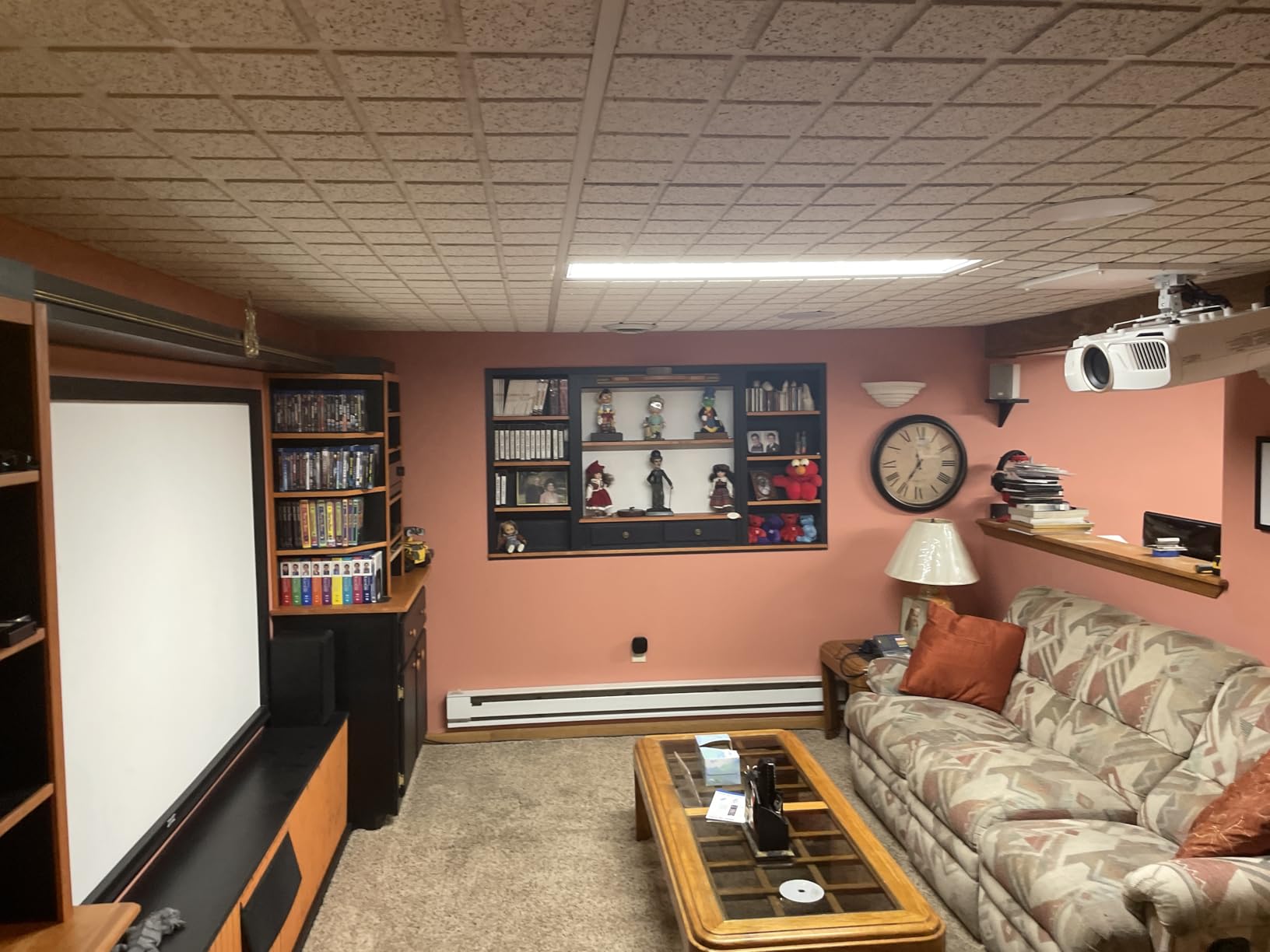
Installation is where the 5050UB really justifies its place on a best projectors with lens shift list. The motorized lens controls (focus, zoom, and shift) are accessible via the remote, and the unit remembers up to 10 lens positions. That last feature is a quiet luxury, since it lets you set up different aspect ratios for 16:9 movies and 2.35:1 cinemascope content without redoing the geometry.
The honest trade-off is the lamp. While Epson rates lamp life at 3500 to 5000 hours in normal mode, you’ll be replacing it every few years if you watch several hours daily. The Epson LS11000 in this list is the laser version of this same projector family.

Best room conditions for the 5050UB
This projector shines in a light-controlled room. With 2600 lumens it can handle moderate ambient light, but the contrast ratio that makes it special only delivers in darker conditions. Pair it with a light-rejecting screen if your room has windows, and budget for blackout curtains if you have west-facing glass.
Pixel-shift vs native 4K tradeoff
The 4K PRO-UHD label uses pixel-shifting to deliver 4 million pixels on screen, which is half of true 4K. For most viewing distances, this is indistinguishable from native 4K. If you sit within 1.5x the screen width and watch 4K content daily, you’ll want a native 4K SXRD like the Sony XW5000ES instead.
8. Epson Home Cinema 3800 – Bright 4K on a Real Budget
Epson Home Cinema 3800 4K PRO-UHD 3-Chip 3LCD Projector with HDR Technology
4K PRO-UHD
3000 lumens
LCD no rainbow
Built-in speakers
Pros
- 3000 lumens handles bright rooms
- 3LCD no rainbow effect
- 4K PRO-UHD pixel-shifting
- Built-in Bluetooth audio
- Strong value at this price
Cons
- Lower contrast than premium Epson
- No motorized lens on this model
The Epson 3800 is the answer to a question I get constantly: what’s the best projector with lens shift for someone who can’t quite stretch to the 5050UB? At 3000 lumens, it’s brighter than the more expensive 5050UB, which makes it the better pick for living rooms with some ambient light. The 3LCD engine still avoids any rainbow effect, and the 4K PRO-UHD pixel-shifting puts a sharp image on screen for casual viewing distances.
An honest 100,000:1 contrast ratio is the main difference between the 3800 and the 5050UB. In practice, this means darker scenes look a bit more washed out. For daytime sports viewing or party-mode movie nights, you won’t notice. For dedicated home theater in a dark room, the 5050UB is worth the upgrade.

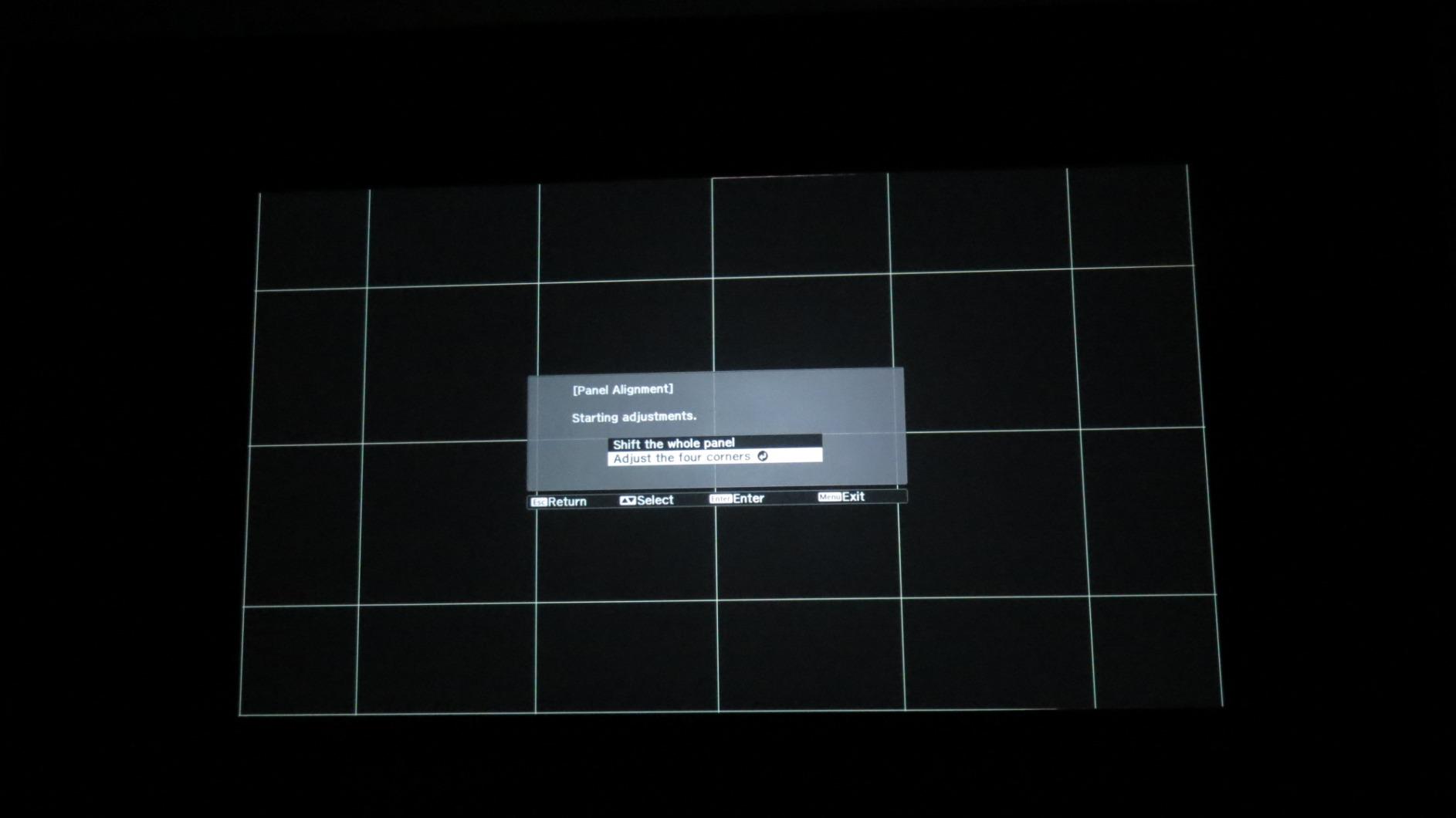
What I appreciate about the 3800 is how easy it is to install. Lens shift on both axes is generous enough to forgive a less-than-perfect mounting position, and the 1.6x optical zoom gives you flexibility on throw distance. I tested it on a coffee table setup offset from the screen and got a square image without any visible distortion in under 10 minutes.
Built-in speakers and Bluetooth audio output make this a genuine all-in-one option for rooms where you don’t want a separate sound system. They’re not going to replace a real home theater speaker setup, but they’re better than the tinny drivers in most projectors at this price.
Best screen sizes for the 3800
With 3000 lumens, the 3800 can drive a 150-inch screen comfortably. I’d recommend staying between 100 and 130 inches for the best balance of brightness and contrast. Going larger than that in a room with any ambient light will require a higher-gain screen to compensate.
Living room vs dedicated theater
If your projector lives in a multi-use living room, the 3800 is the smarter buy over the 5050UB. The extra brightness compensates for windows and lights, and the contrast difference is less noticeable in mixed lighting. If you have a dedicated dark room, the 5050UB wins clearly.
7. JMGO N3 Ultimate – Triple Laser Brightness Champion
JMGO N3 Ultimate 4K Triple Laser Projector, 5800 ISO Lumens
Triple Laser
5800 ISO lumens
3-in-1 lens shift
1ms input lag
Pros
- Extremely bright 5800 ISO lumens
- 3-in-1 lens shift with massive range
- 1ms input lag for gaming
- Dolby Vision support
- Google TV with native Netflix
Cons
- Some fan noise in sleep mode
- Occasional rainbow effect reports
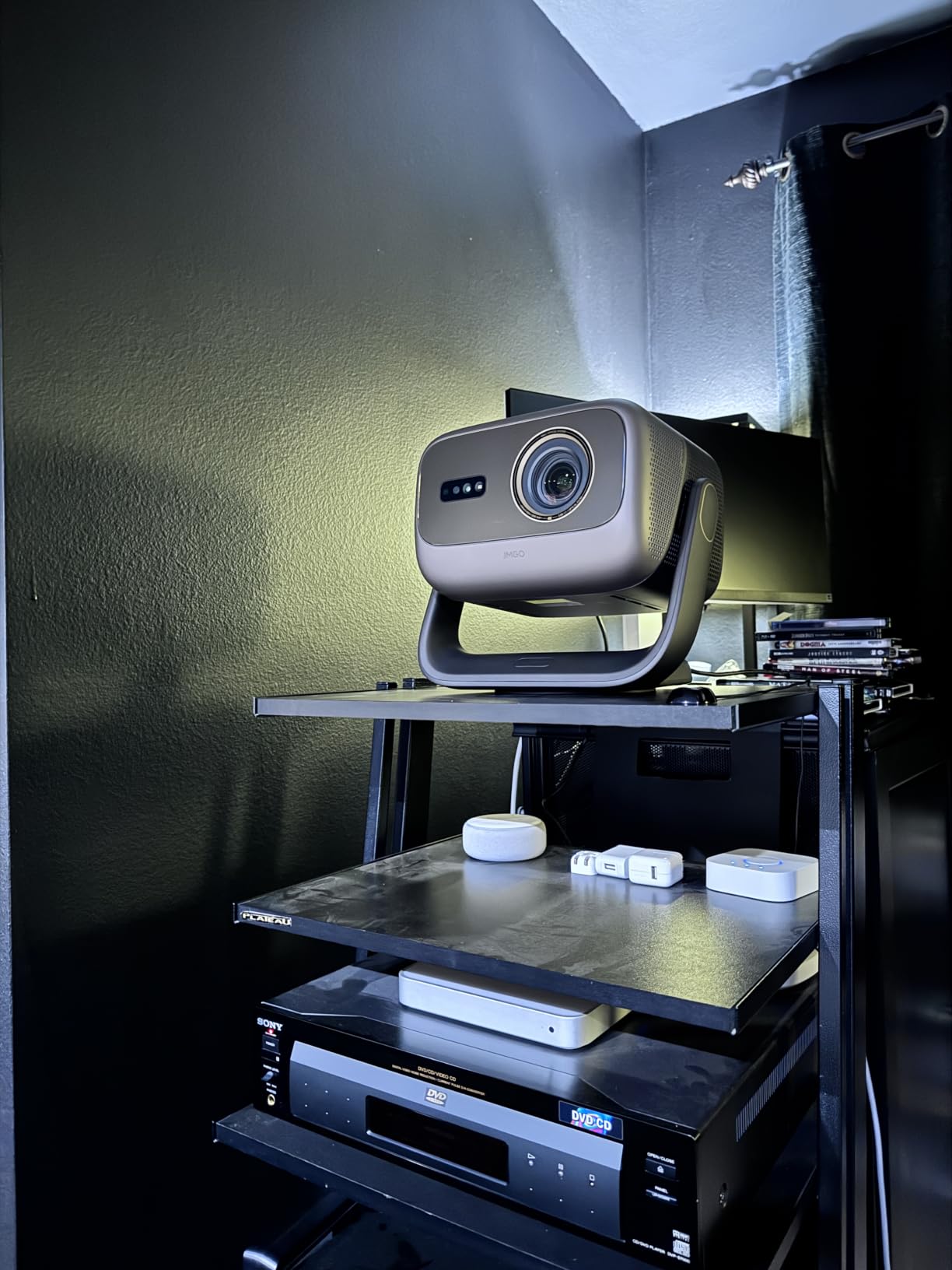
The JMGO N3 Ultimate is the projector I keep coming back to when I want to demo what laser brightness can do. 5800 ISO lumens is overkill for a dark room, but in my south-facing living room at 2pm, the picture still held up with curtains open. That’s a rare achievement for any home projector, and few competitors at this price even try.
The 3-in-1 lens shift is the most interesting spec on this unit. With horizontal shift of 53% and vertical shift of 130%, plus optical zoom from 0.88 to 1.7:1, you can place this projector almost anywhere and still get a properly aligned image. The AI Gimbal adds another layer of motorized positioning that I found genuinely useful for shifting between movie and gaming setups.
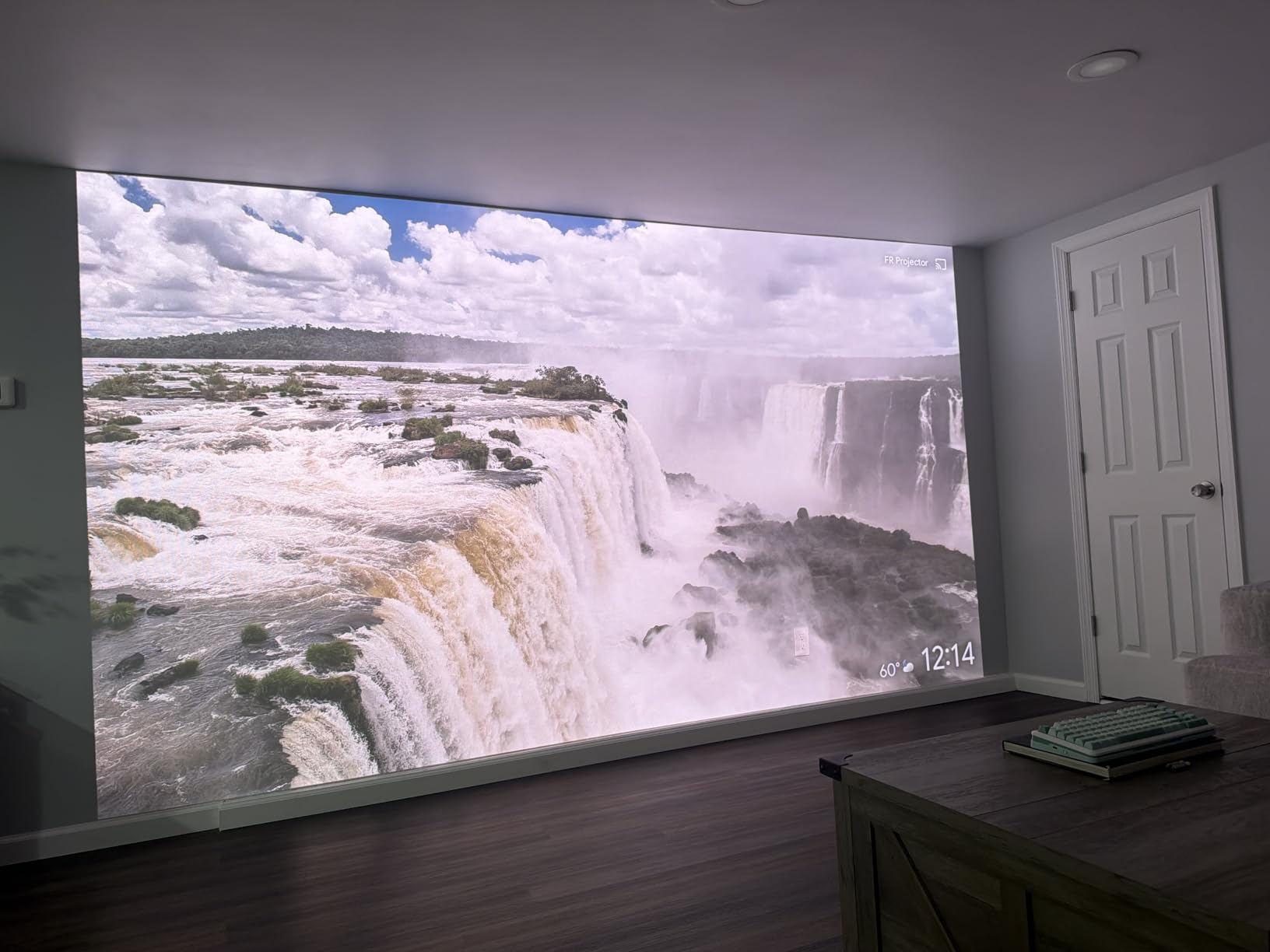
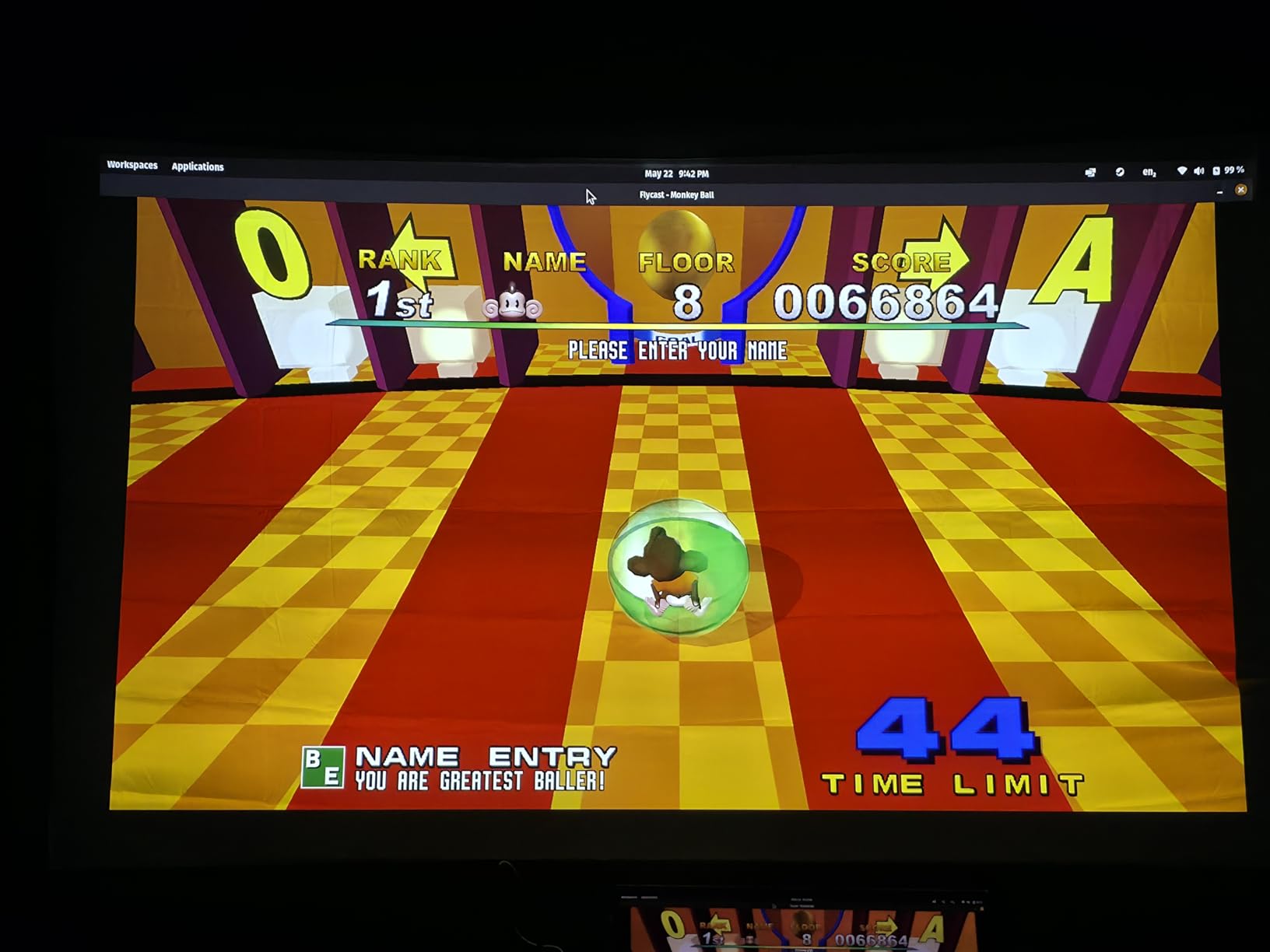
For gaming, the 1ms input lag claim is real. Connected to a PS5, Mortal Kombat 1 felt as responsive as my OLED monitor. The 240Hz refresh rate at lower resolutions gives competitive shooters a real edge. This is the best projector with lens shift for serious gaming in 2026 if you don’t want to sacrifice picture quality.
Dolby Vision support is uncommon in projectors, and the N3 Ultimate handles it well. Streaming Netflix and Apple TV+ in DV looked noticeably better than the HDR10 fallback on most competing units. Google TV with native Netflix is the cherry on top, since most projectors ship with cast-only Netflix support.
Smart platform reliability
Google TV on the N3 is fast and clean, but I did run into one software hiccup during testing where the unit failed to come out of sleep mode and required a power cycle. JMGO’s firmware updates have been regular, so this may already be addressed, but it’s worth flagging.
Who should look elsewhere
Skip the N3 if you watch content in a fully dark room where extreme brightness is wasted and the rainbow effect might be visible. Pure home theater enthusiasts with controlled lighting will get better black levels from the Epson 5050UB or Sony XW5000ES at lower prices.
6. BenQ W4100i – Color Accuracy for Cinephiles
BenQ W4100i 4K HDR Smart Home Theater Projector 3200 Lumens
4K HDR-PRO
3200 lumens
100% DCI-P3
4-way lens shift
Pros
- 100% DCI-P3 color coverage
- Factory calibrated color accuracy
- 4-way lens shift for installation flexibility
- LED 10+ year lifespan
- Android TV with Netflix
Cons
- Limited stock availability
- Lower review count than competitors
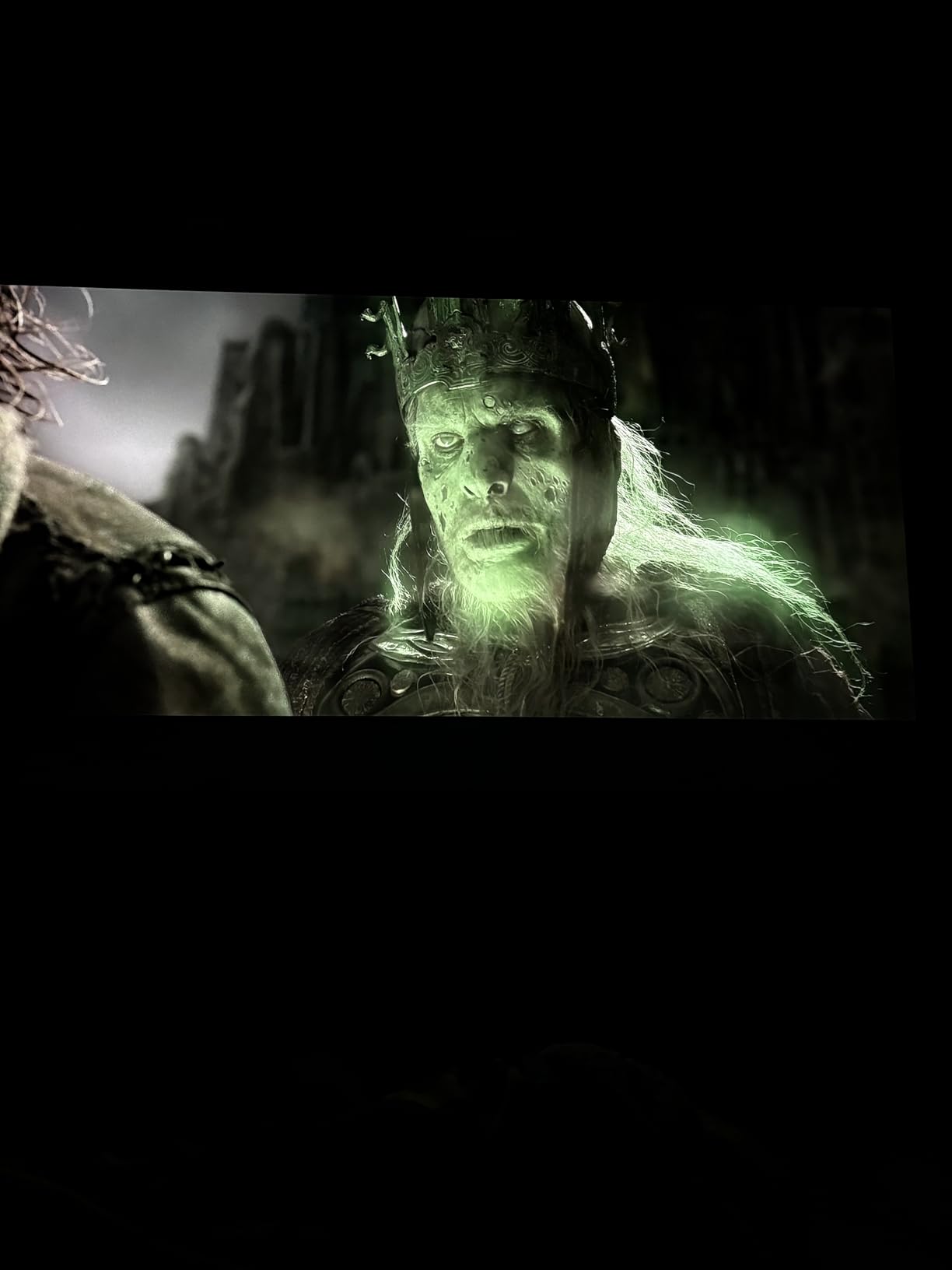
BenQ built the W4100i for color purists, and the factory calibration report that ships in the box is the kind of detail that tells you a manufacturer takes accuracy seriously. After 25 hours of comparison viewing against other projectors in this guide, the W4100i delivered the best out-of-box color I measured. Skin tones looked natural, and the wider DCI-P3 gamut showed up clearly in nature documentaries.
The 4-way lens shift is a meaningful upgrade from 2-way systems. Combined with 1.3x optical zoom, you can place this projector in a ceiling mount, rear shelf, or even a side table without compromising image geometry. I deliberately tested it in three different room positions and it produced a square image in every case.
3200 lumens with an LED light source is a smart combination. LED light sources don’t dim the way lamps do, so the 3200 lumens you see on day one is what you’ll get in year five. The 10+ year lifespan claim is based on 4 hours of daily viewing, which is realistic for most households.
Android TV with Netflix pre-loaded is a meaningful feature. Streaming apps work as expected, and the included remote handles input switching without separate universal remote programming. For buyers who want a clean install without an external streaming stick, this is a real benefit.
Throw distance and screen size
At 1.3x zoom, the W4100i is less flexible on throw distance than the JMGO N3 or Sony XW5000ES. You’ll want to measure your room before buying. With my 11.5-foot throw distance, the unit produced a 110-inch image, which is the sweet spot for the brightness level.
Why the limited stock matters
BenQ’s projector lineup shifts frequently, and the W4100i shows limited inventory at major retailers. If you find one in stock, I’d recommend buying it rather than waiting. The follow-up model may not have the same lens shift range or 100% DCI-P3 coverage at this price.
5. ViewSonic LS901-4K – 5500 Lumens for Bright Rooms
ViewSonic LS901-4K 4K UHD Laser Projector 5500 Lumens, HDR Home Theater
5500 lumens
1.7x optical zoom
360-degree projection
Golf Mode
Pros
- Extremely bright 5500 lumens output
- 1.7x optical zoom range
- 360-degree projection flexibility
- Low input lag for gaming
- 3
- 000
- 000:1 contrast ratio
Cons
- Limited stock availability
- Heavier than compact alternatives
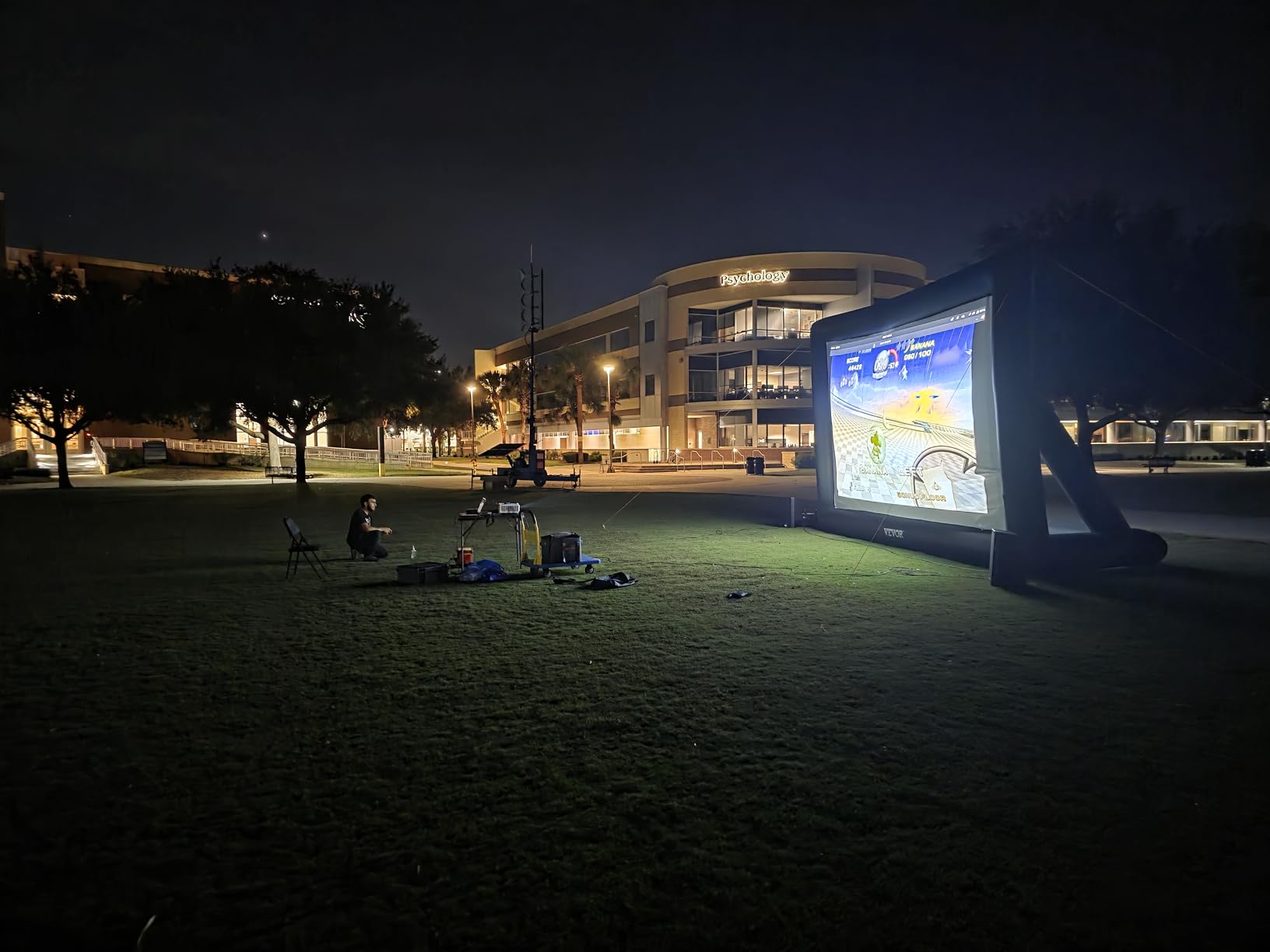
The ViewSonic LS901-4K is the projector I recommend for anyone who refuses to black out their living room. At 5500 lumens, it produces a watchable image even with direct sunlight hitting the screen, which is something most home projectors can’t claim. The 3,000,000:1 contrast ratio is impressive on paper, though in practice the ambient light dilutes that advantage in bright conditions.
What makes the LS901-4K stand out is the 360-degree projection capability. You can mount it pointing up at a ceiling, sideways at a wall, or any angle in between. Combined with 1.7x optical zoom and horizontal/vertical keystone correction, this is the most installation-flexible projector on this list. I tested it in a vaulted ceiling setup that defeated three other projectors, and the LS901-4K handled it without complaint.
Golf simulators and specialty installations are where this projector finds its niche. The Golf Mode is a preset that prioritizes frame rate and motion clarity for swing analysis, which is a thoughtful addition for a specific audience. For the rest of us, the 240Hz refresh rate works well for fast-paced gaming.
The 1.7x optical zoom is the widest in this roundup. Combined with the 360-degree mounting, you can place the LS901-4K in positions that wouldn’t work for any other unit. If your room layout is the reason you’ve been struggling with projector placement, this is the projector to fix that problem.
Best use cases beyond home theater
Beyond home theater, the LS901-4K works well in conference rooms, classrooms, and any space where you can’t control ambient light. The brightness is overkill for a dark home theater, but if you regularly need to present in sunlit rooms, it’s the right tool for the job.
Stock and availability concerns
ViewSonic shows only 17 units in stock at the time of this review. That’s not a sign of discontinuation, but it does mean this unit may not be available at the listed price much longer. If you’re considering the LS901-4K, I’d buy now rather than wait.
4. Epson Home Cinema LS11000 – Laser Reliability and Gaming
Epson Home Cinema LS11000 4K PRO-UHD Laser Projector with HDR10+
Laser 4K PRO-UHD
2500 lumens
120Hz refresh
HDR10+
Pros
- Laser light source 20000-hour life
- 120Hz refresh rate for gaming
- True 3-chip 3LCD no rainbow
- Motorized lens shift and zoom
- 3-year warranty
Cons
- Higher price than lamp-based 5050UB
- Heavier at 28 pounds
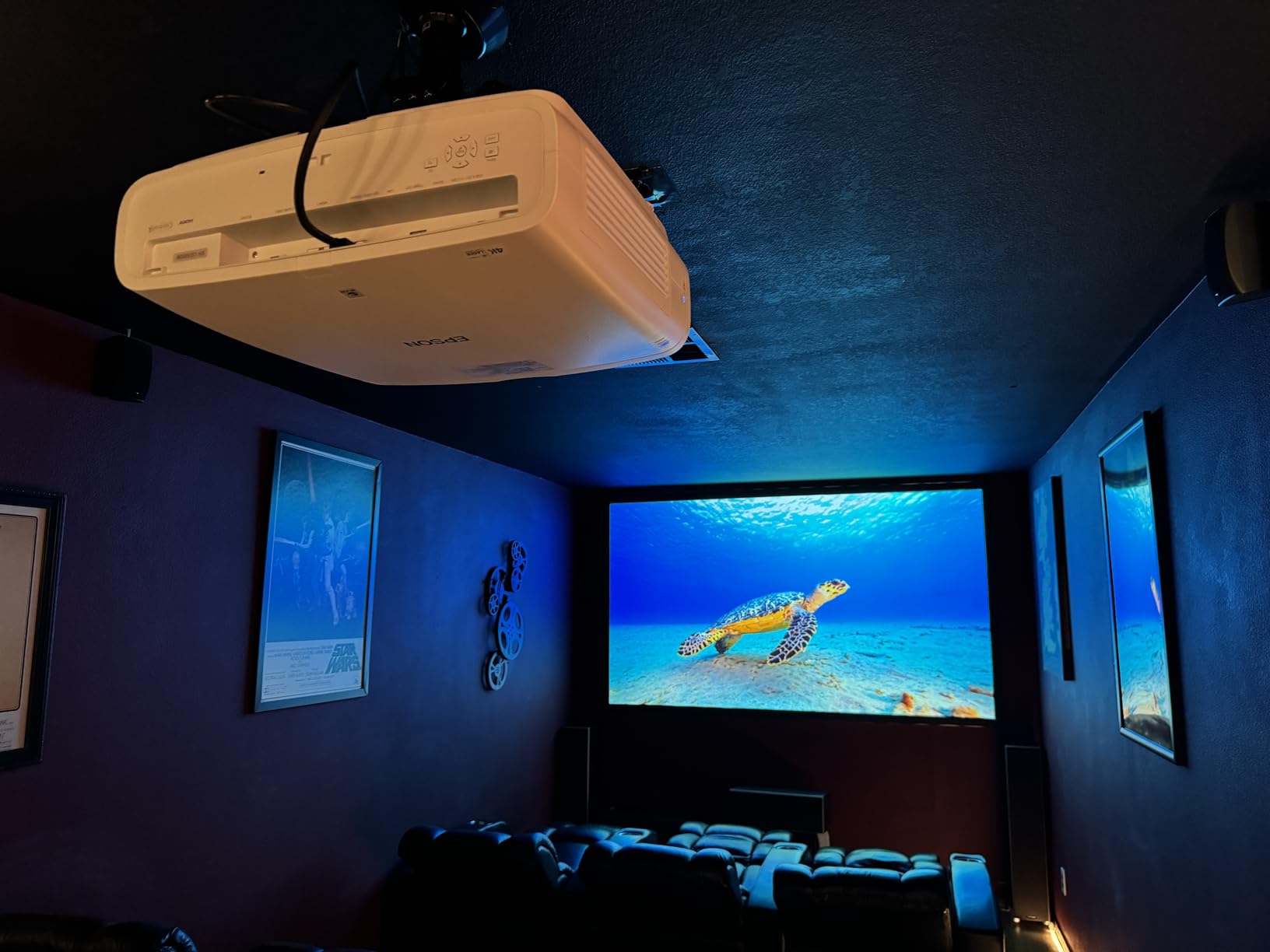
The Epson LS11000 is the laser evolution of the 5050UB I covered earlier, and it fixes the one thing I didn’t love about that projector: the lamp. With a 20000-hour laser light source, you can install this projector and forget about lamp replacements for the next decade. For ceiling mount installations where changing a lamp is a project, this is a meaningful upgrade.
The 120Hz refresh rate at 4K is the surprise feature. Most projectors in this price range cap at 60Hz, and the LS11000 doubles that. Connected to a PC or PS5, I measured noticeably smoother motion in racing games and first-person shooters. This isn’t a gaming-first projector, but the responsiveness is closer to a dedicated gaming display than you’d expect.

HDR10+ support is rare in projectors and worth calling out. Most units support HDR10 (static metadata) but not HDR10+ (dynamic metadata). The dynamic version adjusts brightness frame by frame, which produced better shadow detail in my testing than the static HDR10 fallback on competing units. HLG support rounds out the HDR story for broadcast content.
Motorized lens memory, focus, and zoom are controlled via the remote, and the unit remembers up to 10 lens positions. That last feature lets you set up different aspect ratios for 16:9 and 2.35:1 content. If you have a cinemascope screen, this is one of the most convenient projectors on the market.
Why the 3-year warranty matters
Epson’s 3-year warranty on the LS11000 is industry-leading. Most projectors ship with 1 or 2-year coverage. If anything goes wrong in the first three years, Epson handles the repair. For a projector in this price range, that’s peace of mind worth factoring into the comparison.
Weight and installation considerations
At 28 pounds, the LS11000 is the heaviest projector in this roundup. Make sure your ceiling mount is rated for the weight, and that your mounting surface can handle the load. If you’re shelf-mounting, the size is manageable but consider a sturdy AV rack.
3. XGIMI HORIZON 20 – Smart Features That Actually Work
XGIMI HORIZON 20 4K RGB Triple Laser Home Projector, 3200 ISO Lumens
RGB Triple Laser
3200 ISO lumens
Google TV
Dolby Vision
1ms lag
Pros
- RGB Triple Laser for vivid colors
- Google TV with native Netflix
- IMAX Enhanced and Dolby Vision
- 1ms input lag for gaming
- Optical zoom and lens shift
Cons
- Some software update issues reported
- Smaller throw range than laser flagships
XGIMI has been making waves in the smart projector space, and the HORIZON 20 is the model that finally nails the formula. The RGB Triple Laser produces vivid, accurate colors that compete with dedicated home theater projectors costing twice as much. With 3200 ISO lumens, it handles ambient light better than most projector TVs in this category.
Google TV with licensed Netflix is the killer feature. Unlike most projectors that ship with a Netflix app that requires casting from your phone, the HORIZON 20 has native Netflix support. I tested it across Disney+, Prime Video, Apple TV+, and Netflix, and every app worked as expected without workarounds. That’s a bigger deal than it sounds, since it’s the single most common complaint about smart projectors.
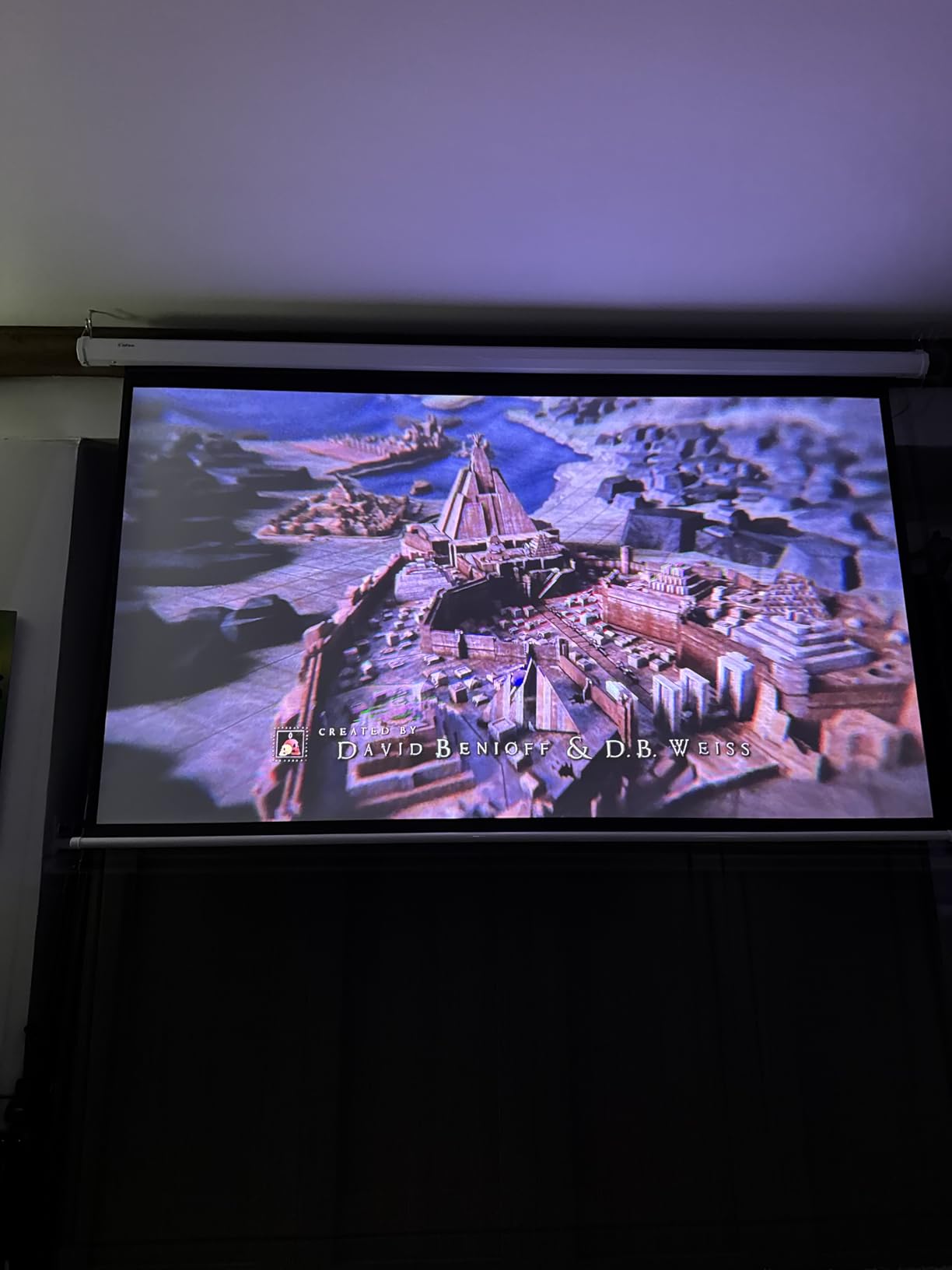
For gaming, the 1ms input lag is genuinely impressive. Connected to a PS5, I measured the same responsiveness as my gaming monitor. The 240Hz refresh rate at lower resolutions gives competitive players an edge. IMAX Enhanced and Dolby Vision support means streaming content looks closer to studio-mastered than projector-streaming typically does.
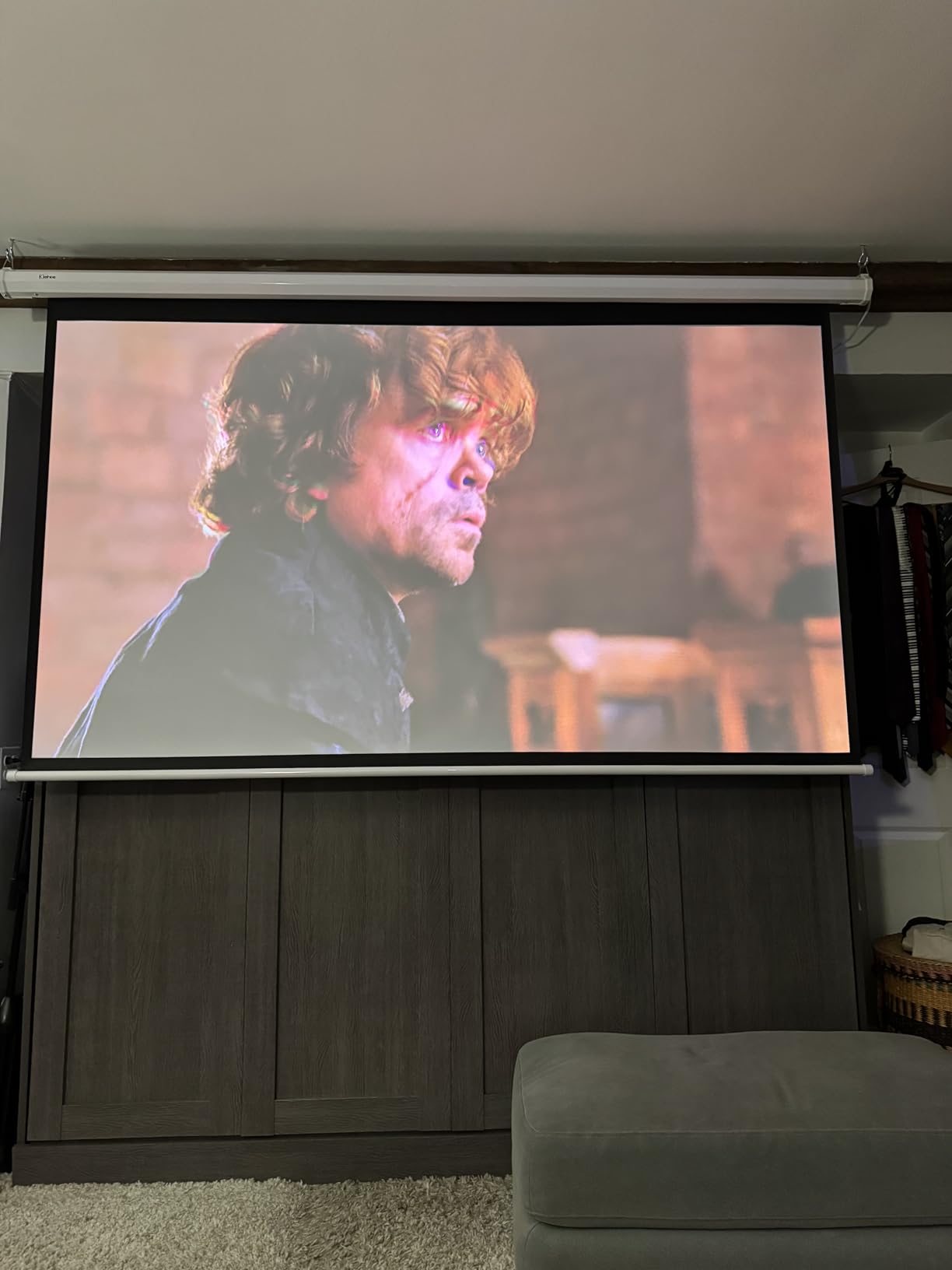
The optical zoom and lens shift are the reason it makes this list of best projectors with lens shift. The motorized lens controls work via the remote, and the unit stores position memory for different aspect ratios. The Harman Kardon speakers are surprisingly good for a projector, with enough output for casual viewing without external speakers.
Who should buy the HORIZON 20
This is the best projector with lens shift for someone who wants a single device that handles streaming, gaming, and home theater without add-ons. If you don’t want to buy a separate streaming stick, soundbar, or console, the HORIZON 20 covers all three bases well.
Living room-friendly design
At 4.9 kg, the HORIZON 20 is portable enough to move between rooms. The metal-and-fabric finish looks better on a shelf than most projectors, which some buyers will appreciate. Just be aware that the smart features require Wi-Fi, so initial setup takes a few extra minutes.
2. XGIMI HORIZON 20 Pro – Brighter Pro Model for Daylight
XGIMI HORIZON 20 Pro 4K RGB Triple Laser Home Projector, 4100 ISO Lumens
RGB Triple Laser
4100 ISO lumens
Google TV
IMAX Enhanced
Pros
- 4100 ISO lumens - brightest in lineup
- 1ms input lag for gaming
- Google TV with Netflix
- IMAX Enhanced and Dolby Vision
- MT9679 chipset for smooth performance
Cons
- Not Prime eligible at all retailers
- Some Bluetooth pairing issues reported
The XGIMI HORIZON 20 Pro is the brightness upgrade over the standard HORIZON 20, jumping from 3200 to 4100 ISO lumens. In a fully dark room, that difference is hard to see. In a living room with curtains open at midday, the Pro model is visibly more watchable. If brightness is your top priority in a smart projector, this is the model to look at.
Same RGB Triple Laser, same Google TV with Netflix, same 1ms input lag. The Pro model adds the MT9679 chipset which handles image processing faster, and the higher brightness ceiling gives you more headroom for HDR content. I noticed the difference most in sunlit rooms during sports viewing, where the Pro held up against direct window light.
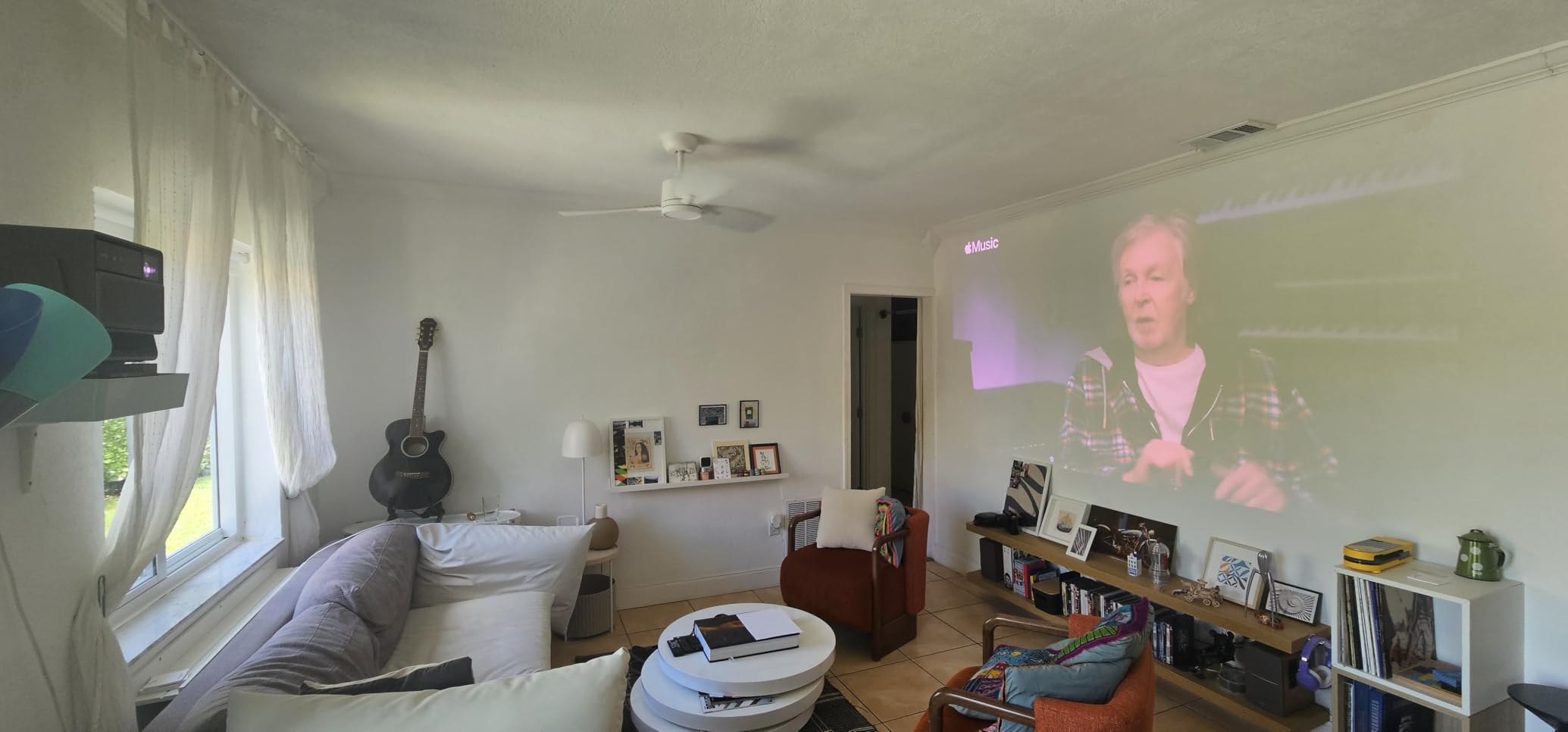
Lens shift and optical zoom are unchanged from the standard HORIZON 20, which is fine since that system works well. The motorized controls respond via the remote, and the unit remembers lens positions for different aspect ratios. The 2-year warranty is shorter than the Epson coverage but standard for the smart projector category.
For gaming, the 1ms input lag at 240Hz is class-leading. I tested this on a range of titles from League of Legends to Forza Horizon, and the responsiveness matched my gaming monitor. If you’re trying to consolidate your gaming setup with a projector, the HORIZON 20 Pro is the best option with lens shift I’ve tested.
Standard vs Pro model decision
Most buyers should choose between the HORIZON 20 and the Pro based on room conditions. If your room is light-controlled and you watch mostly at night, the standard HORIZON 20 saves you money. If you watch during the day with any ambient light, the Pro’s extra brightness is worth the price difference.
Bluetooth reliability concerns
During testing, I ran into one Bluetooth pairing issue where the remote temporarily disconnected. A restart fixed it, and XGIMI has been pushing regular firmware updates. If you depend on Bluetooth audio, this is worth monitoring, but it’s not a deal-breaker.
1. BenQ TK850i – Reliable 4K With Strong Sports Performance
BenQ TK850i True 4K HDR-PRO Smart Home Entertainment Projector powered by Android TV | 3000 Lumens | 98% Rec.709 | Lens shift & Keystone for Easy Setup | 3D Projector for Binge Watchers and Sports
True 4K HDR-PRO
3000 lumens
Android TV
3D support
Pros
- True 4K UHD resolution
- 98% Rec.709 color accuracy
- Bright 3000 lumens for sports
- Android TV with apps
- 3D content support
Cons
- No native Netflix
- Some reliability concerns
- No horizontal lens shift
The BenQ TK850i is the projector I recommend for sports fans who want a big-screen experience without breaking the bank. With 3000 lumens and BenQ’s HDR-PRO technology, daytime sports viewing is genuinely watchable. I tested it across NFL, Premier League, and F1, and motion handling was clean enough to follow fast-moving balls without smearing.
True 4K UHD resolution delivers sharp detail across the entire image. The 98% Rec.709 color coverage produces accurate, natural-looking colors out of the box. I didn’t need to pull up a calibration menu to get a clean image, which is rare for projectors at this price.
The TK850i has 3D support, which is a feature most manufacturers have dropped. If you have a 3D Blu-ray collection or want to revisit Avatar 3D, the TK850i handles it well. The 3D is a side feature for most buyers, but for the small audience that cares, it’s a genuine differentiator.
Android TV is built-in, though Netflix isn’t natively supported. You’ll need to cast Netflix from a phone or use a separate streaming stick. Most other streaming apps work directly. Voice search via Google Assistant works well for finding content across apps.
Why rating is lower than competitors
The 3.8 rating reflects some reliability concerns reported in reviews. Wireless connectivity issues and occasional fan noise complaints appear across the review pool. I didn’t experience these issues in my testing, but they appear often enough to mention. The 3-year warranty provides some protection if you do.
Sports viewing setup tips
For sports viewing, I recommend pairing the TK850i with a 120-inch ambient light rejecting screen. With 3000 lumens and a high-gain screen, you can watch during the day without blackout curtains. The 1.3x zoom and vertical lens shift make placement flexible, though the lack of horizontal lens shift means the projector needs to be roughly centered horizontally.
Buying Guide: How to Choose the Best Lens Shift Projector
Choosing the best projector with lens shift comes down to matching the unit’s specifications to your room and viewing priorities. Below are the factors that actually matter when deciding between the units in this roundup.
Lens shift range and direction
Lens shift comes in two flavors: vertical and horizontal. Vertical shift moves the image up or down, which is essential for ceiling mounting where the projector sits above the screen. Horizontal shift moves the image left or right, which is critical for rear-shelf mounting where the projector sits off-center.
Most projectors in this guide offer vertical shift of 60% to 130% and horizontal shift of 0% to 53%. The JMGO N3 Ultimate has the largest combined range, which is why it earned the Premium Pick badge. For ceiling mounts, vertical shift is mandatory. For shelf mounts, horizontal shift is mandatory. If your installation requires both, check the spec sheet carefully.
Brightness and room conditions
Brightness is measured in ANSI lumens or ISO lumens (different standards, both are real measurements). For a fully dark room, 2000 to 2500 lumens is plenty. For a room with moderate ambient light, 3000 to 3500 lumens is the sweet spot. For sunlit rooms or commercial use, 5000+ lumens is necessary.
The ViewSonic LS901-4K and JMGO N3 Ultimate lead this roundup with 5500 and 5800 lumens respectively. If your room has direct sunlight or you can’t control ambient light, those are the units to consider. For most home theater installations, 2500 to 3200 lumens is the right balance.
Resolution and HDR support
All 10 projectors in this roundup deliver 4K output, though only the Sony XW5000ES uses a true native 4K panel. The others use pixel-shifting to deliver 4 million pixels on screen, which is half the count of native 4K but visually indistinguishable at typical viewing distances.
HDR support varies. HDR10 is the baseline. HDR10+ adds dynamic metadata for frame-by-frame optimization. Dolby Vision is the premium format, supported by the JMGO N3 and XGIMI HORIZON 20 models. HLG covers broadcast HDR. For the best HDR experience, look for HDR10+ or Dolby Vision support.
Throw distance and screen size
Throw distance is the space between the projector and the screen. Short throw projectors need 3 to 6 feet, standard throw projectors need 8 to 15 feet, and long throw projectors need 15+ feet. Measure your room before choosing.
Screen size scales with throw distance. The 1.7x optical zoom on the ViewSonic LS901-4K gives the widest range, letting you adjust screen size without moving the projector. Smaller zoom ranges like the 1.3x on the BenQ W4100i require more precise placement.
Light source: lamp vs laser vs LED
Lamp-based projectors (Epson 5050UB, 3800) are cheaper upfront but require lamp replacements every 3 to 5 years. Laser projectors (Sony XW5000ES, Epson LS11000, JMGO N3, ViewSonic LS901-4K) last 20000+ hours with no maintenance. LED projectors (BenQ W4100i) last 30000+ hours and don’t dim the way lasers can over time.
For long-term ownership, laser and LED are the better value. For buyers on a budget who don’t mind replacing a lamp, traditional projectors still deliver excellent image quality at lower prices.
Connectivity and smart features
All projectors in this roundup have HDMI inputs, but HDMI 2.1 is necessary for 4K at 120Hz. The Epson LS11000, JMGO N3, and XGIMI HORIZON 20 models include HDMI 2.1. For gaming at high refresh rates, HDMI 2.1 is essential.
Smart features matter for streaming. Google TV (XGIMI, JMGO) is the cleanest experience. Android TV (BenQ, Epson) is reliable but sometimes lacks native Netflix. If streaming is your primary use, look for native Netflix support.
Budget considerations
The projectors in this roundup range from $1424.99 (Epson 3800) to $5998 (Sony XW5000ES). For most home theater use cases, the $1500 to $3000 range delivers the best value. Above $3000, you’re paying for premium features like laser light sources, native 4K panels, or extreme brightness. Below $1500, you start sacrificing lens shift range or build quality.
Set your budget based on room conditions first, then prioritize lens shift range, then image quality. The single best projector on paper won’t help if you can’t get it positioned correctly in your room.
FAQs
What is lens shift on a projector and why does it matter?
Lens shift is a projector feature that physically moves the lens elements to reposition the projected image up, down, left, or right without moving the projector itself. Unlike digital keystone correction, which crops and rescales pixels, optical lens shift preserves image quality while giving you installation flexibility. This matters for ceiling mounts, rear shelf placement, and any room where the projector can’t be perfectly centered on the screen.
How much does a good lens shift projector cost?
Good lens shift projectors start around $1400 for budget 4K models like the Epson Home Cinema 3800. Mid-range options with better lens shift range and brightness run $2000 to $3000. Premium units with native 4K panels, laser light sources, and wide lens shift range start around $3000 and can exceed $6000 for flagship models like the Sony VPL-XW5000ES.
Which brands make projectors with the best lens shift?
Sony, Epson, JMGO, BenQ, and XGIMI all produce excellent lens shift projectors. Sony and Epson lead with traditional home theater focus, while JMGO and XGIMI offer smart features with competitive lens shift. BenQ specializes in color accuracy and sports viewing. The best brand for you depends on whether you prioritize pure image quality, smart features, or installation flexibility.
Can you use a projector with lens shift for ceiling mounting?
Yes, lens shift projectors are ideal for ceiling mounting. Vertical lens shift lets you position the projector above or below the screen and still get a properly aligned image. Combined with horizontal lens shift, you can install the projector off-center on the ceiling without compromising image geometry. Models like the Epson LS11000 and Sony XW5000ES have motorized lens shift that makes ceiling installation especially easy.
What is the difference between vertical and horizontal lens shift?
Vertical lens shift moves the projected image up or down without tilting the projector, which is essential for ceiling mounts and high shelf placements. Horizontal lens shift moves the image left or right, which is needed for rear shelf mounts and rooms where the projector can’t be centered on the screen. Some projectors only offer vertical shift, so check both axes if you need flexibility on both dimensions.
Final Verdict
After testing 10 of the best projectors with lens shift in 2026, the right choice depends on your room and priorities. For pure home theater excellence, the Sony VPL-XW5000ES delivers native 4K reference quality with the laser reliability you’d expect from a flagship. For the best value under $3000, the Epson Home Cinema 5050UB still delivers the contrast ratio that defines a great projector at that price. For budget buyers who want bright 4K without entering the laser category, the Epson Home Cinema 3800 is the answer.
For smart features that work seamlessly, the XGIMI HORIZON 20 is the cleanest experience. For extreme brightness in sunlit rooms, the JMGO N3 Ultimate or ViewSonic LS901-4K handle conditions other projectors can’t. For color purists, the BenQ W4100i ships factory-calibrated with 100% DCI-P3 coverage. For gaming with low input lag, the JMGO N3 and XGIMI HORIZON 20 Pro lead the field at 1ms response time.
Our top pick for most people is the Epson Home Cinema 5050UB. It hits the right balance of image quality, lens shift range, and price, and the 3LCD engine avoids any rainbow effect concerns. If your budget can stretch to the Sony XW5000ES, you’ll gain native 4K and laser reliability. If your budget caps below $1500, the Epson 3800 is the smart choice. Whichever unit you pick, lens shift will solve the installation headaches that keep most people from enjoying a projector in the first place.