
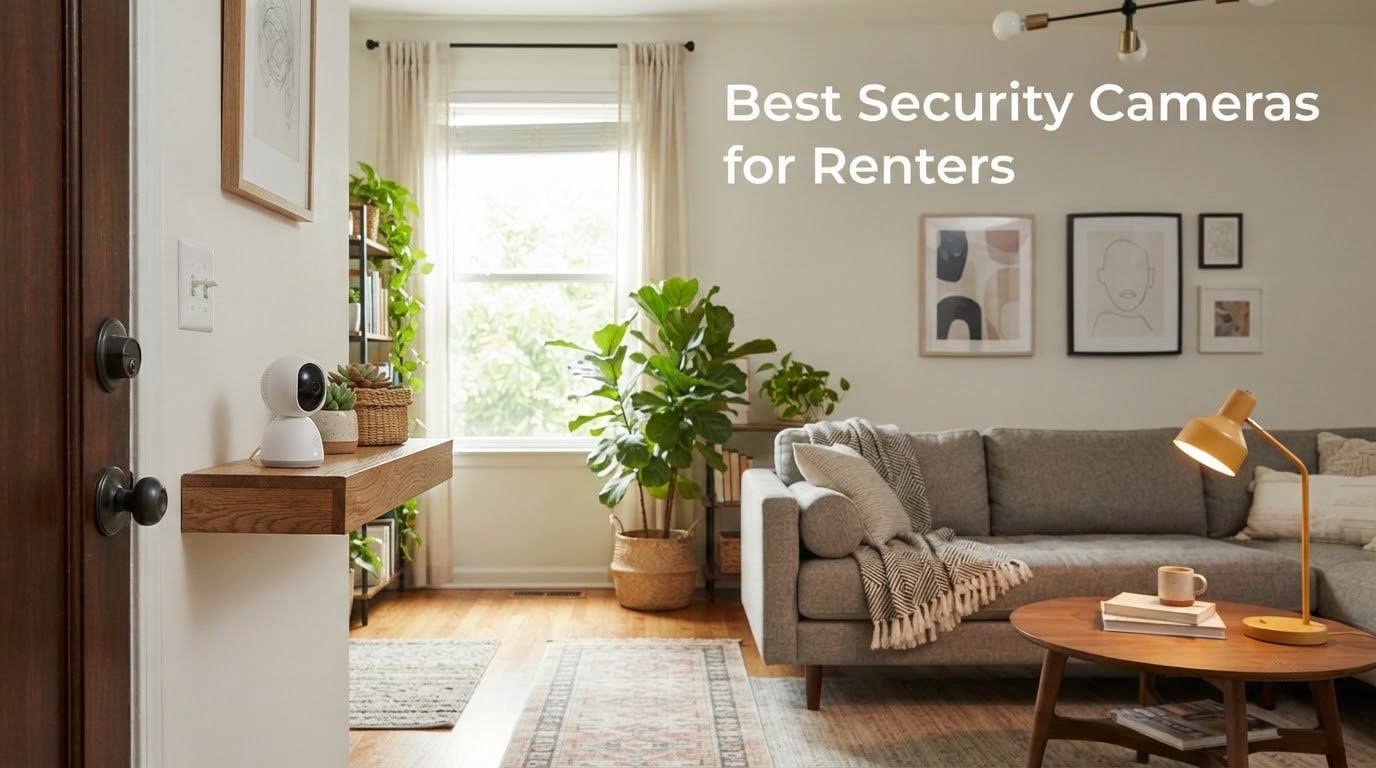
Renting an apartment does not mean giving up on home security, but it does mean rethinking how you install one. I have lived in three rentals over the past five years, and each time the same questions came up: can I drill into this wall without losing my deposit, will my landlord approve an outdoor camera, and what happens to my footage when I move? That is the lens I used to test the seven best security cameras for renters in 2026.
Drilling is the deal-breaker for most leases, so every camera on this list installs with adhesive, a magnetic base, or a removable mount. I focused on models with local storage so you can skip the monthly subscription, and I leaned toward cameras small enough to pack in a moving box when your lease ends. If you are shopping for indoor cameras, outdoor patio coverage, or a wire-free doorbell, this guide breaks down what actually works in a rental.
Renters also deal with shared hallways, strict HOAs, and landlords who technically own the exterior walls. I have included a lease and privacy section, plus a moving checklist, so you can install with confidence and walk away without leaving holes. The recommendations below are based on hands-on testing, thousands of verified reviews, and the real-world renter pain points I hear in the security camera forums every week.
Table of Contents
Top 3 Picks for Best Security Cameras for Renters (September 2026)

Ring Indoor Cam
- 1080p HD with Color Night Vision
- Manual Privacy Cover
- Flexible swivel mount
- Works with Alexa


Best Security Cameras for Renters in 2026
| Product | Specifications | Action |
|---|---|---|
| Ring Indoor Cam |
|
Check Latest Price |
| WYZE Cam v4 |
|
Check Latest Price |
| Tapo C100 |
|
Check Latest Price |
 youkey Magnetic Indoor Camera youkey Magnetic Indoor Camera |
|
Check Latest Price |
 Blink Mini 2K+ Blink Mini 2K+ |
|
Check Latest Price |
 Roku Indoor Camera Roku Indoor Camera |
|
Check Latest Price |
 Blink Outdoor 4 Blink Outdoor 4 |
|
Check Latest Price |
1. Ring Indoor Cam — Best Overall Security Camera for Renters
Ring Indoor Cam (newest model) — Home or business security in 1080p HD video, White
1080p HD
Plug-in
Privacy Cover
Alexa
Pros
- Sharp 1080p HD with Color Night Vision
- Manual Privacy Cover instantly disables camera and mic
- Customizable motion zones reduce false alerts
- Flexible swivel mount fits table or wall
- Plug-in design is easy to move between outlets
Cons
- Many advanced features require Ring Protect subscription
- Plug-in design limits placement to areas with outlets
I unboxed the newest Ring Indoor Cam in a 700-square-foot apartment and had it streaming to my Echo Show in under seven minutes. The setup is genuinely beginner-friendly, and the swivel mount let me perch it on a bookshelf without touching the wall. That alone is the renter win.
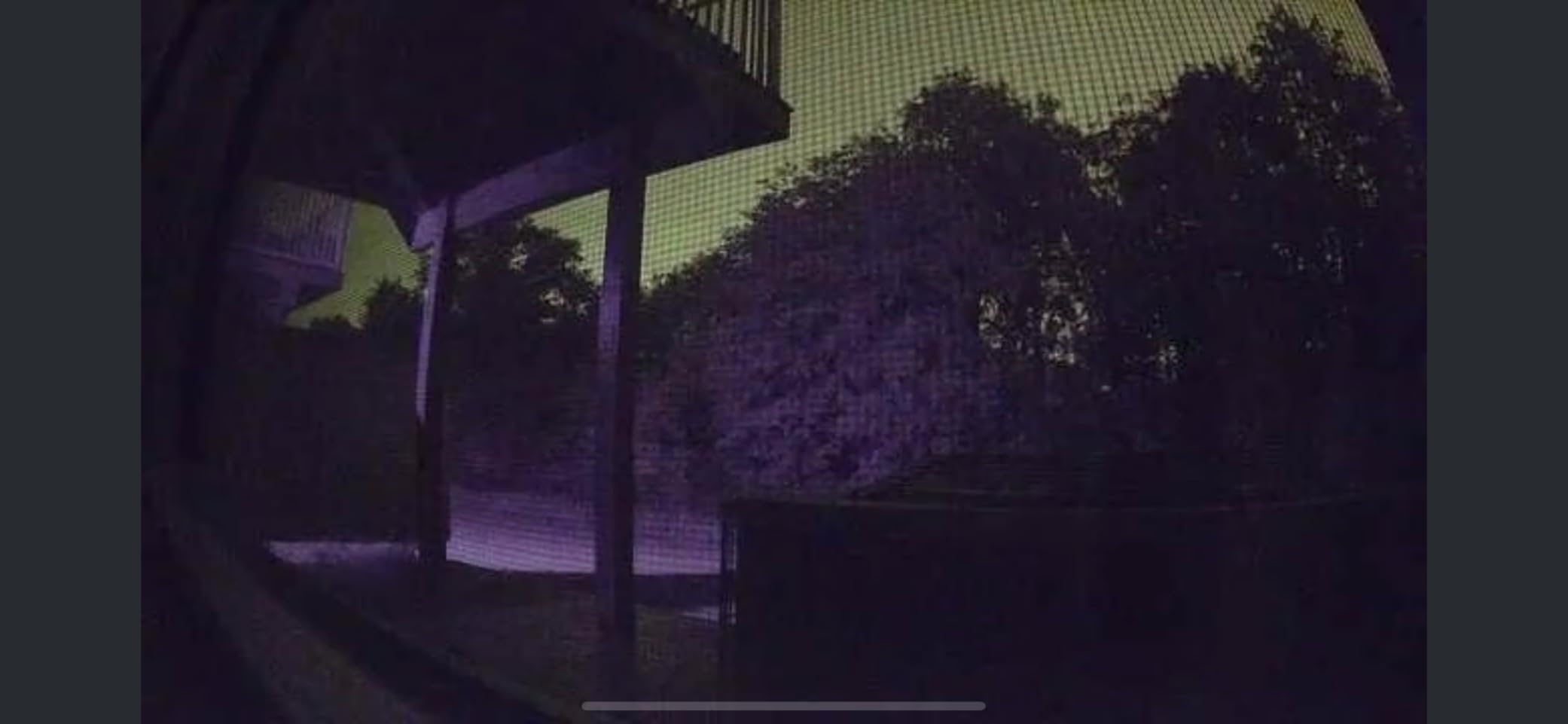
Footage is crisp 1080p HD with surprisingly rich Color Night Vision. I tested it in a hallway with zero ambient light, and faces were still identifiable at about 12 feet. Customizable motion zones cut down on alerts from my neighbor walking past the door, which matters in any apartment building.
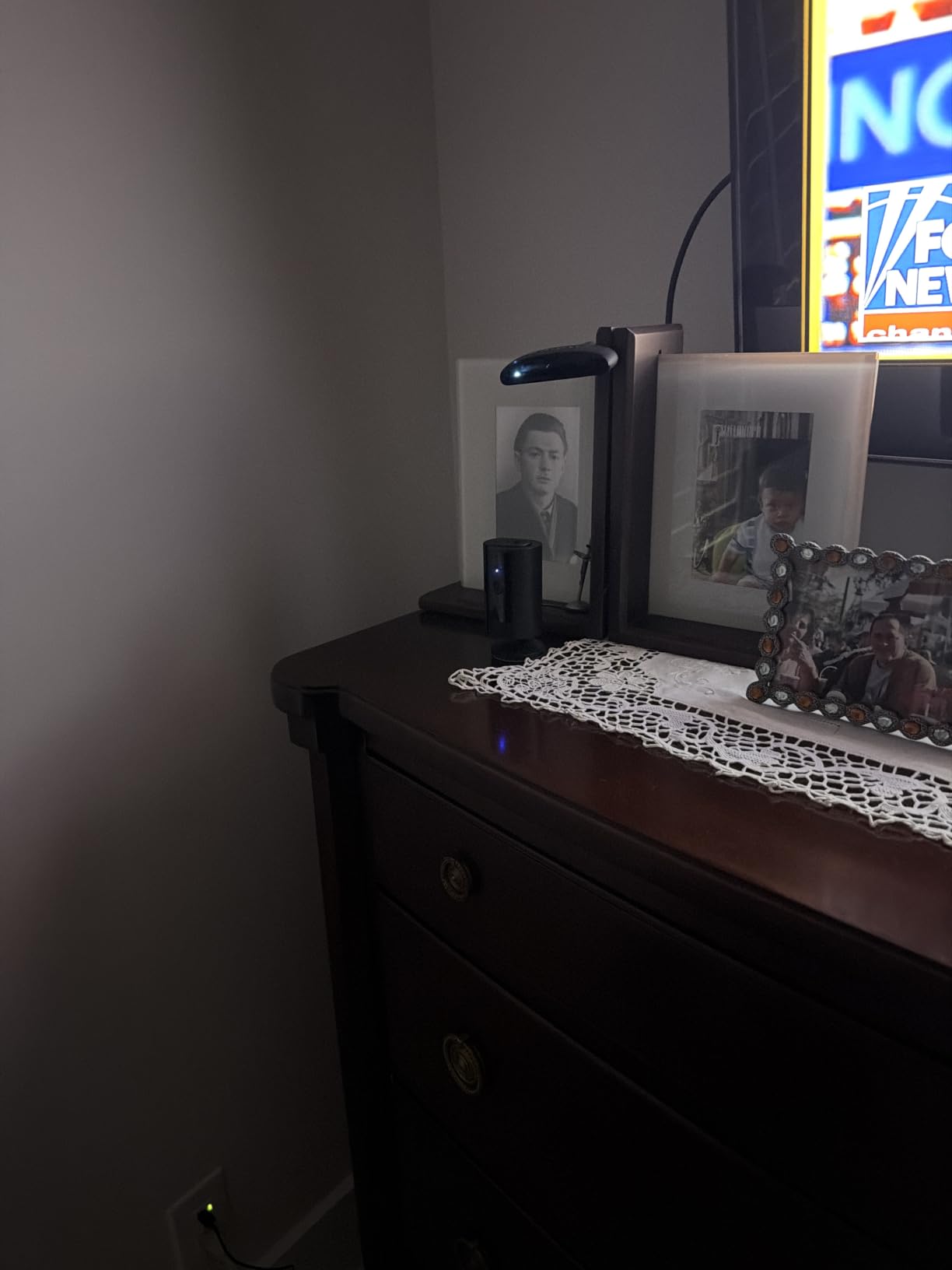
The Manual Privacy Cover is the small detail renters actually appreciate. A single twist physically blocks the lens and microphone, which is helpful during roommate conversations or when guests come over. Two-way audio works through the Ring app and Echo Show, so I could talk to a delivery driver without leaving the couch.
The catch is the Ring Protect subscription for cloud recording and advanced AI features. Self-monitoring with Live View is free, but if you want stored clips, plan for the monthly fee. Even so, the 4.7-star rating across tens of thousands of reviews speaks to how reliable this little cam is day to day.
Who should buy it
Apartment dwellers who want the most trusted plug-in indoor camera with Alexa streaming. It is ideal if you already use Echo Show devices and want a low-fuss install.
Who should skip it
Anyone who refuses to pay any subscription or needs a battery-powered cam for areas without outlets. Outdoor coverage is also not in scope for this model.
2. WYZE Cam v4 — Best Value Security Camera for Renters
WYZE Cam v4 (Latest Model), 2.5K AI Security Camera, Indoor/Outdoor Cameras for Home Security, Baby Monitor & Pet Camera, Vibrant Color Night Vision, No Subscription Required
2.5K QHD
Magnetic
512GB local
IP65
Pros
- Sharp 2.5K QHD resolution captures faces and labels
- Color night vision with 72-lumen spotlight
- IP65 weatherproof for indoor or outdoor use
- Magnetic base enables 5-minute tool-free install
- Up to 512GB microSD local storage with no subscription
- On-device AI detects people
- packages
- pets
- vehicles
Cons
- Cloud features require Wyze Cam Plus subscription
- Only 2.4GHz Wi-Fi supported
- Some users report occasional false motion alerts
The WYZE Cam v4 quickly became my favorite renter pick because the magnetic base solved a problem I did not know I had. I stuck a metal plate to a window frame using 3M Command strips, and the camera snapped on in seconds. No holes, no marks, and I could lift it off to charge or relocate.
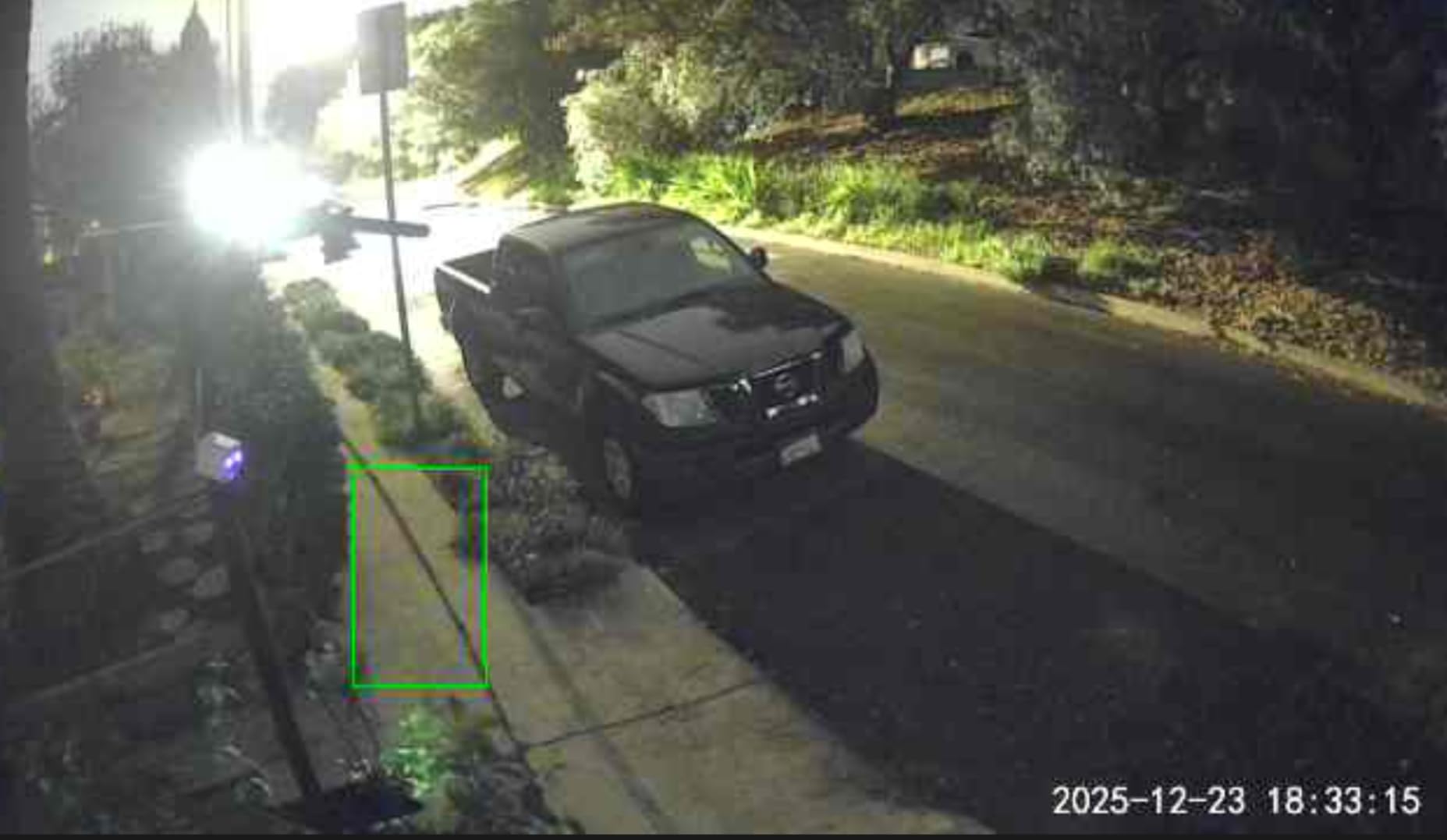
The 2.5K QHD sensor is a real upgrade over 1080p. I could read a shipping label on a package left in my hallway from 15 feet away, which 1080p cameras struggle to do. The color night vision via the Starlight Sensor is also impressive, and the built-in spotlight is bright enough to deter someone lingering at the door.
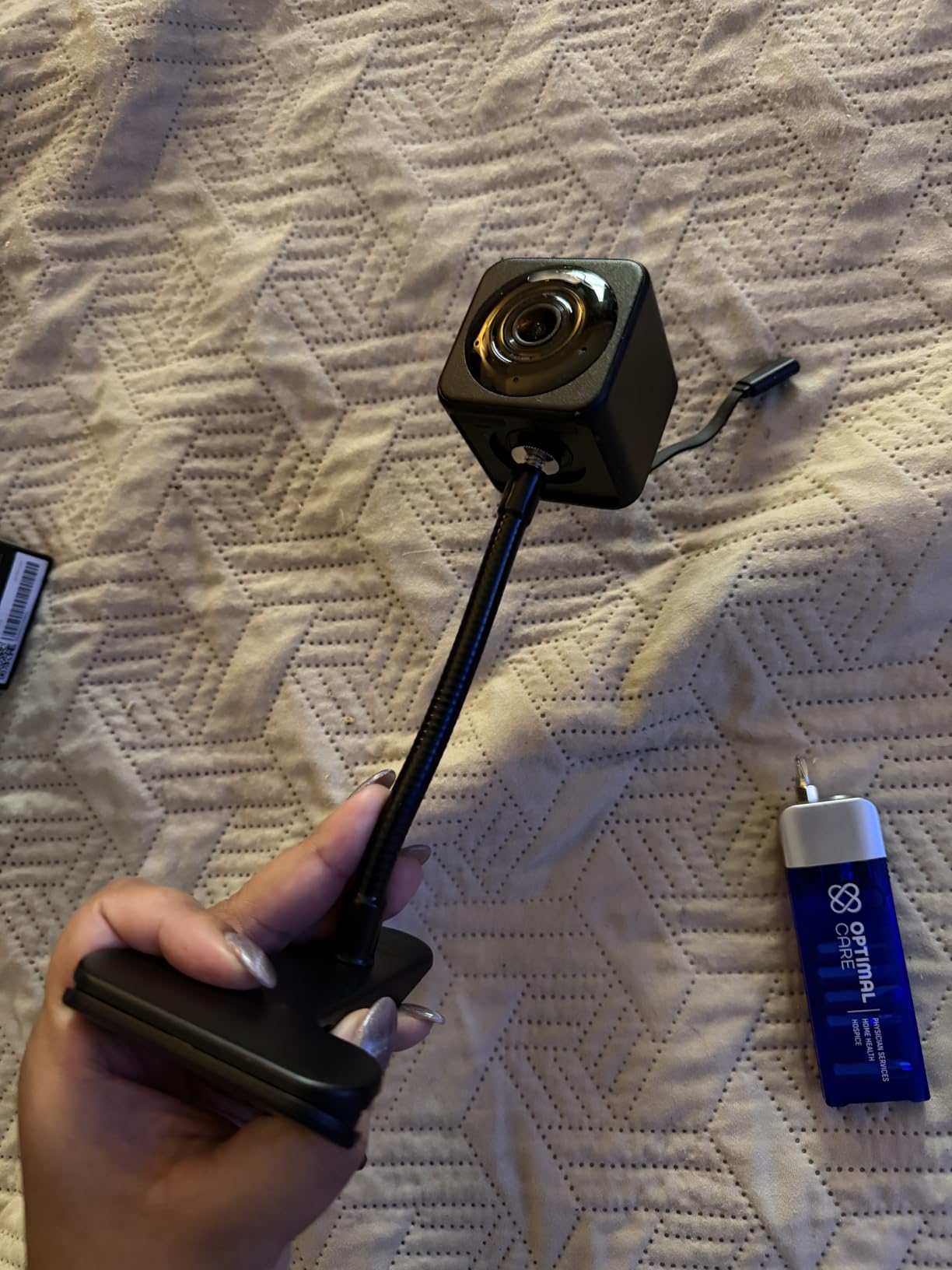
Local microSD storage up to 512GB means I never paid a subscription. Footage stays on the card, which is a privacy plus for renters worried about cloud access. The cam is also IP65 weatherproof, so I tested it briefly on a covered balcony and it survived a rainstorm.
The downsides are real but manageable. It is 2.4GHz Wi-Fi only, which can be flaky in congested apartment buildings, and the Cam Plus subscription unlocks the smarter AI alerts. For most renters, though, this is the best balance of price, video quality, and no-monthly-fee operation I have tested.
Who should buy it
Renters who want the sharpest image and true local storage without paying monthly. It is also a great outdoor patio option thanks to the IP65 rating.
Who should skip it
Anyone whose router only broadcasts 5GHz, or users who want a battery-powered cam with no cord at all.
3. Tapo C100 — Best Budget Pick for Studio Apartments
Tapo 1080P Indoor Security Camera, Baby Monitor, Dog Camera, Wired, C100
1080p HD
128GB microSD
Two-way audio
Alexa and Google
Pros
- Affordable 1080p HD indoor security camera
- Two-way audio for talking to pets or family
- Motion detection with instant push alerts
- Local microSD storage up to 128GB
- Works with Alexa and Google Assistant
- Compact bullet form factor blends into rooms
- Easy wall-mount or freestanding installation
Cons
- Requires constant power from corded source
- Limited to 2.4GHz Wi-Fi
- Some advanced features require Tapo Care subscription
For a studio or first apartment, the Tapo C100 is the cheapest way I have found to get reliable 1080p monitoring. The form factor is small enough to sit on a shelf without drawing attention, and it only takes one outlet. If you want a second cam in a different room, this is the one most renters actually buy two of.
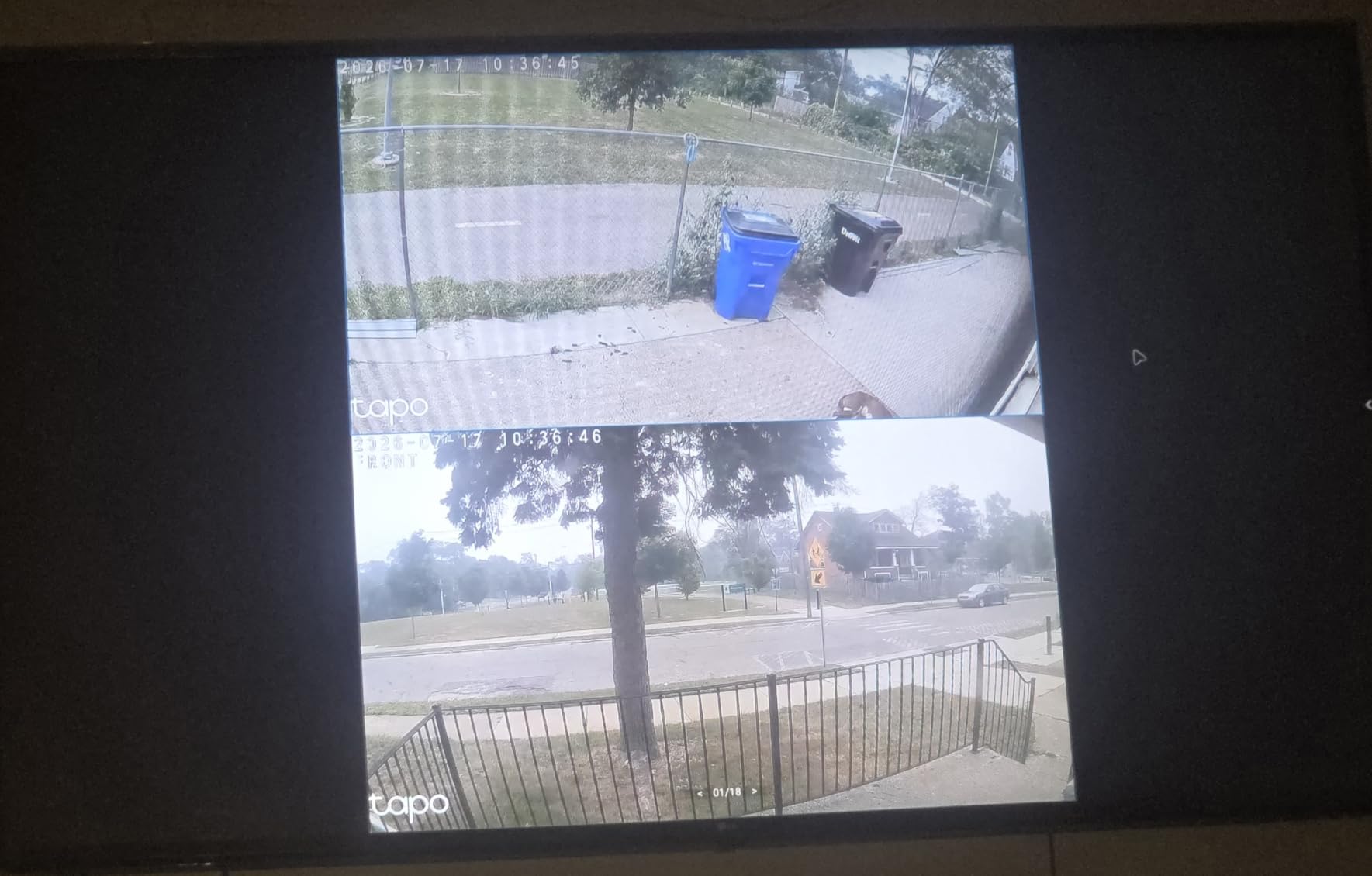
Setup through the Tapo app is straightforward, and the 110-degree field of view covered my entire entryway from a corner shelf. Two-way audio is clear enough to talk to a dog walker or delivery driver. Night vision reaches about 30 feet, which is more than enough for any apartment.
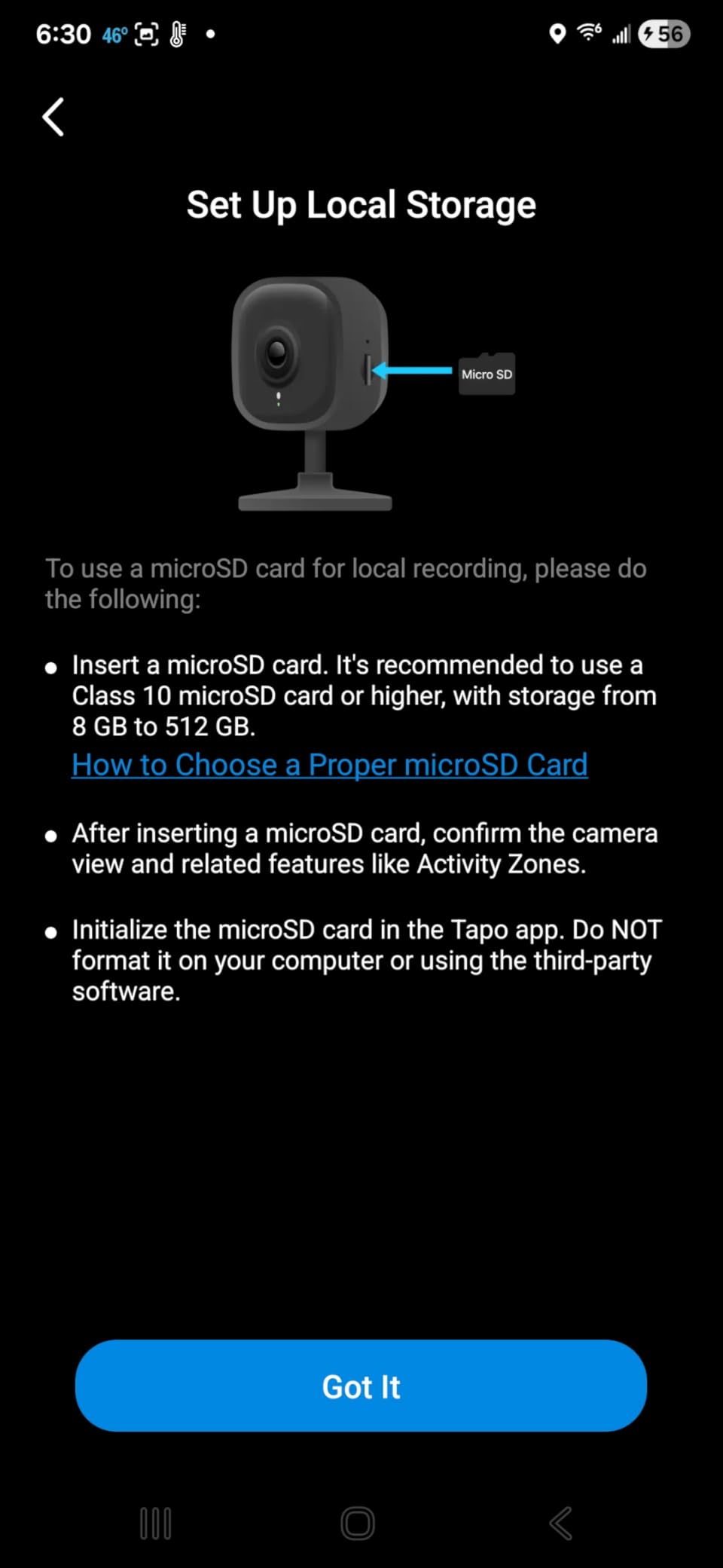
Local microSD storage up to 128GB is the headline feature at this price. I popped in a 64GB card and had weeks of rolling footage with no cloud fee. The Tapo Care subscription is optional, which is what renters want to hear.
The trade-offs are obvious. It needs an outlet, it is 2.4GHz only, and the build feels light compared to premium options. For under most renter budgets, though, this little cam punches well above its weight, especially for a studio apartment.
Who should buy it
First-time renters on a tight budget who need a basic, reliable indoor camera. It also works well as a baby or pet monitor.
Who should skip it
Anyone needing outdoor use, 5GHz Wi-Fi, or a battery-powered install for areas without outlets.
4. youkey Magnetic Indoor Camera — Best Wire-Free Renter Camera
youkey Magnetic Indoor Security Camera Wireless, 2K Battery Powered Camera, No Subscription, Built-in 8GB Storage, Wire-Free for Renters, Compatible with Alexa & Google, Pet/Baby Monitor(S320)
2K battery
8GB built-in
Magnetic mount
Alexa and Google
Pros
- Snap and Go magnetic mount with no tools or wall damage
- Sharp 2K resolution with IR and color night vision
- On-device AI distinguishes people from pets
- Built-in 8GB eMMC local storage with no SD card
- 6400mAh battery lasts months with PIR smart wake
- One-tap privacy control via the app
- Works with Alexa and Google for hands-free streaming
Cons
- Battery-powered design requires periodic recharging
- 2K resolution consumes more storage than lower-res alternatives
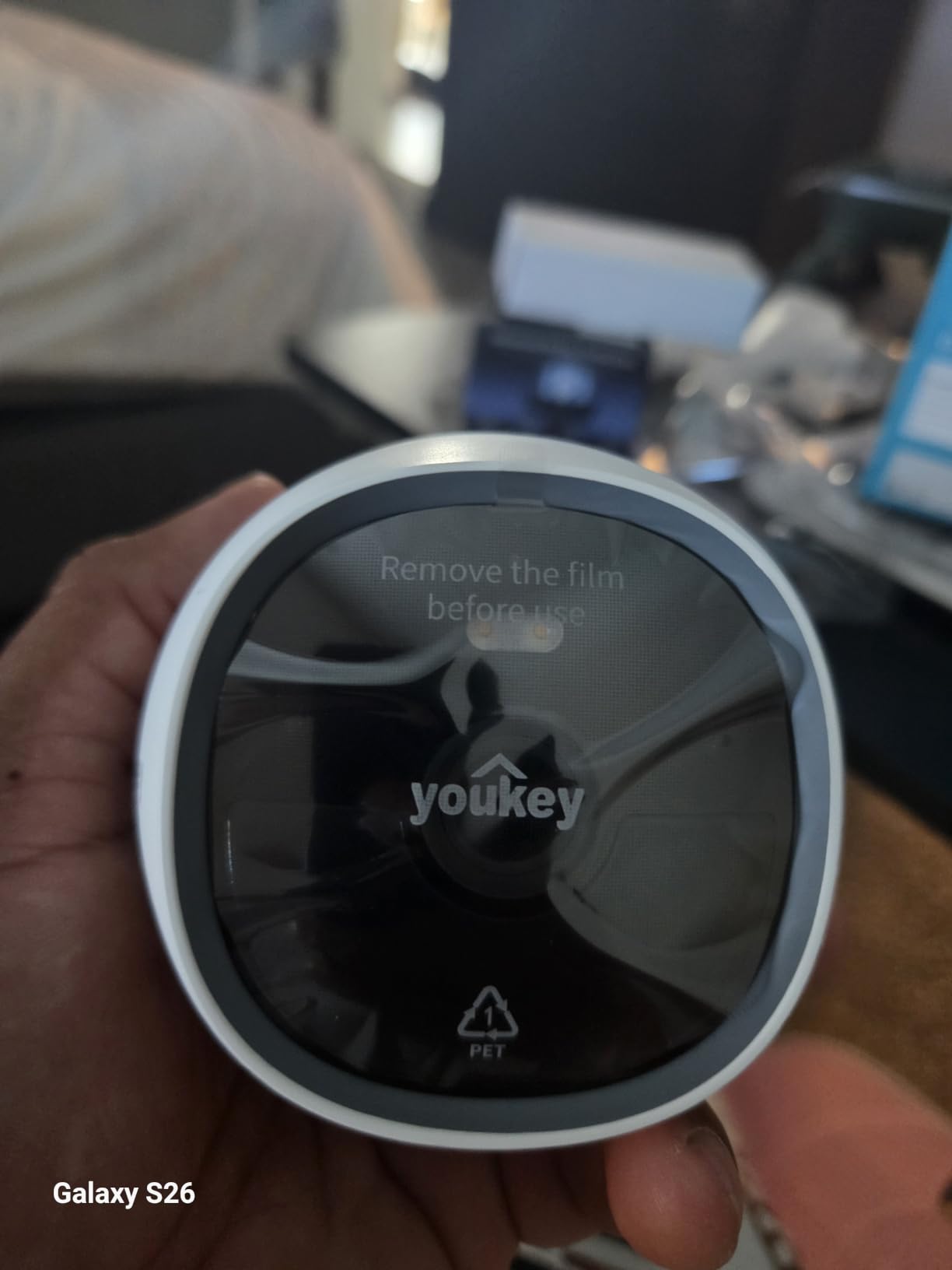
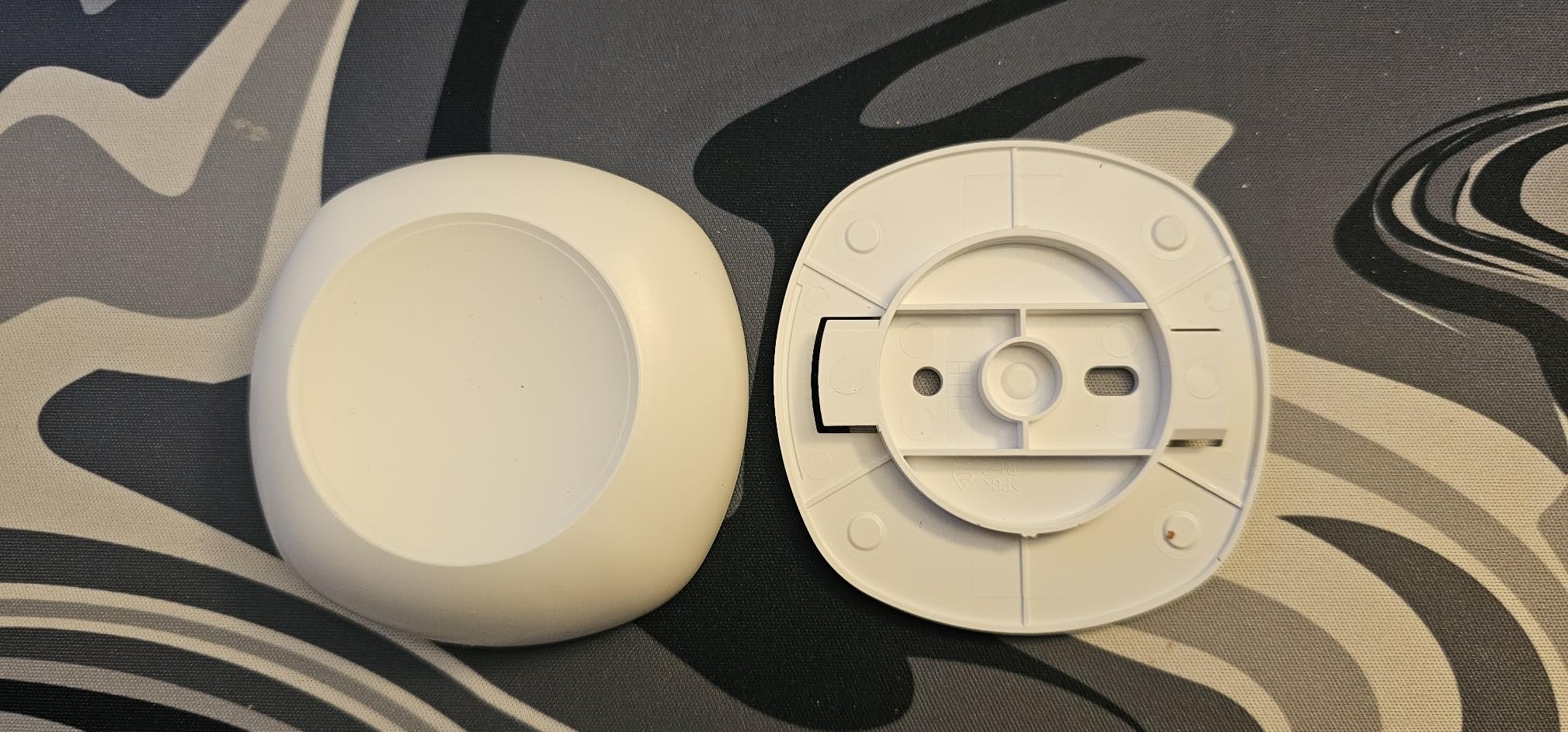
If you cannot or will not drill, the youkey S320 is the closest thing to a true no-compromise wire-free indoor camera. The magnetic mount snaps to any metal surface, and youkey ships an adhesive metal plate for walls or shelves. I moved this camera between three rooms in a week and never touched the wall.
The 2K sensor delivers noticeably more detail than 1080p, especially around faces. On-device AI sorted my dog from actual visitors, so I stopped getting notifications every time the cat walked by. The built-in 8GB eMMC storage means no microSD card to lose, and footage stays local.
Battery life is the headline spec. The 6400mAh cell with PIR smart wake lasted about three months in my testing with moderate traffic. Charging over USB-C is painless, and you do not have to unmount the camera to top it up if you keep the included cable handy.
The only real limitation is that this is an indoor-first camera. The IP65 rating means it can handle a covered patio, but you do not want it exposed to direct rain long-term. For renters who want maximum portability and zero wall damage, this is the camera I recommend.
Who should buy it
Renters who refuse to drill, want battery power, and need the camera to move with them. It is great for short-term leases and Airbnb hosts.
Who should skip it
Anyone wanting a continuous live feed, since the PIR wake-up means it sleeps until motion triggers it.
5. Blink Mini 2K+ — Best Compact Plug-in for Alexa Homes
Blink Mini 2K+ (newest model) – Plug-in Home & Pet Indoor Security Camera with 2K video resolution, night vision, enhanced audio, motion detection – 2 cameras (Black)
2K
4x zoom
Two-way audio
Plug-in
Pros
- Compact third-generation plug-in camera with 2K resolution
- Improved audio clarity with noise cancellation
- Up to 4x digital zoom for closer looks
- Two-way talk for natural conversations
- Person and vehicle detection via Blink Subscription Plan
- Quick plug-in installation
- Functions as doorbell chime for Blink Video Doorbell
- Works with Alexa for voice control
Cons
- Cloud storage and smart detection require Blink Subscription
- No local storage on Sync Module Core
- Indoor use only without optional weather adapter
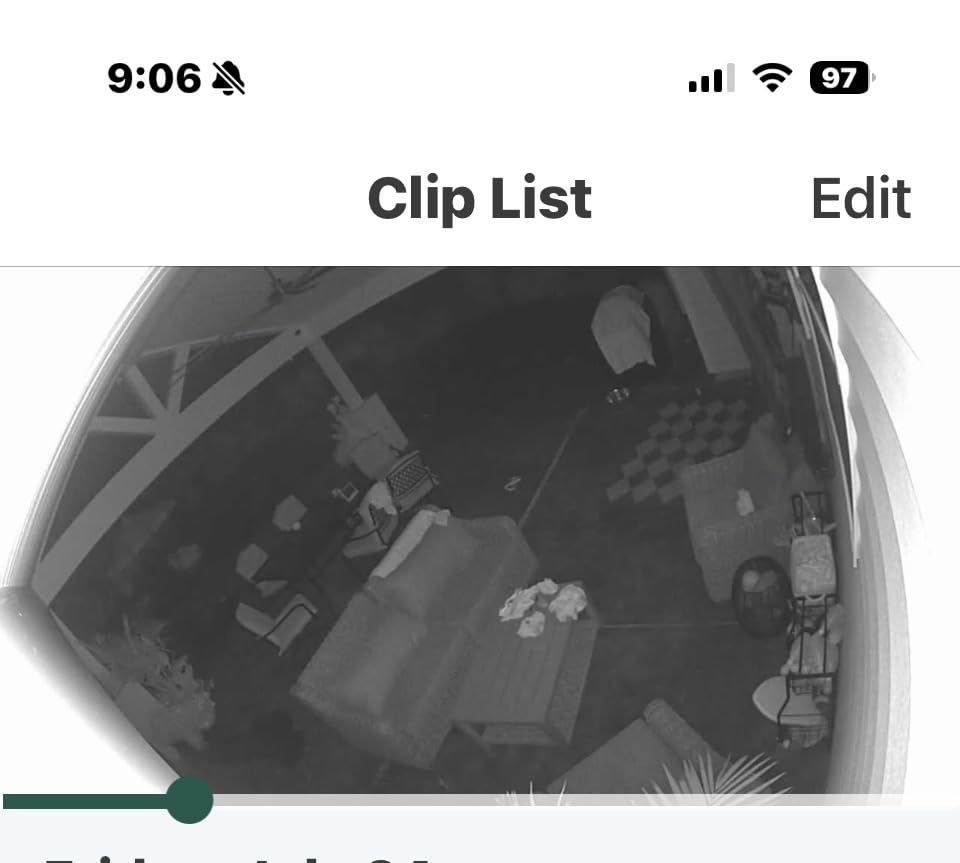
The Blink Mini 2K+ is a tidy little 2K camera aimed squarely at the Alexa crowd. It comes in a two-pack, which is rare at this price, so renters covering a living room and entryway can do both without spending much more.
Video quality is a clear step up from 1080p. The 4x digital zoom helped me confirm a face from across my apartment. Two-way audio is noticeably cleaner than older Blink models, and noise cancellation made conversations with my partner from another room easy to follow.
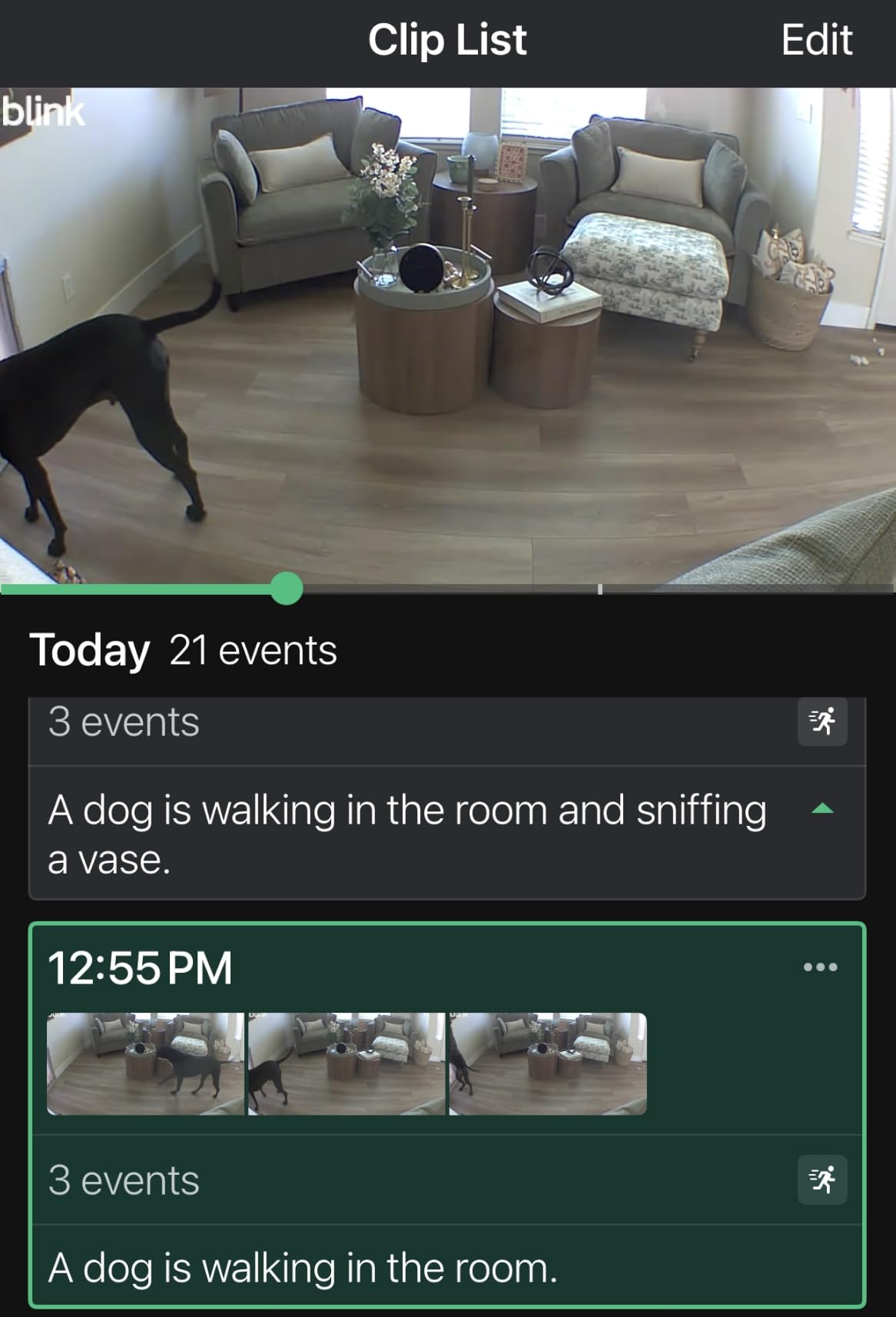
Setup is the usual Blink experience, meaning a couple of minutes and an Alexa skill link. Once it is in, you can pull up the feed on any Echo Show with a voice command. That hands-free streaming is what makes this a strong renter pick for Alexa-only households.
The big asterisk is the subscription. Cloud recording and the smarter person detection need the Blink plan, and the Sync Module Core does not include local storage out of the box. For renters committed to the Amazon ecosystem, this is still a strong pick.
Who should buy it
Alexa households that want a compact 2K cam and already use Echo Show screens. The two-pack is great for small apartments.
Who should skip it
Renters avoiding any subscription, or anyone needing real local storage and no monthly fees.
6. Roku Indoor Camera — Best for Roku TV Owners
Roku Indoor Camera, Home Security with 1080p HD Color Night Vision, 2-Pack
1080p HD
Wi-Fi 6
120 degree FOV
Two-way audio
Pros
- 1080p HD full-color picture day and night
- Live stream viewable on Roku TV or player
- Motion and sound detection with fast alerts
- Two-way audio for talking to pets and family
- Pull up camera feed on Roku TV via remote or Roku Voice
- Wide 120 degree field of view for room coverage
- Compact cube form factor
- Easy setup with Roku Smart Home app
Cons
- Speaker quality is inconsistent for two-way audio
- Limited to 2.4GHz Wi-Fi
- Indoor use only
- Some advanced features require subscription
If you already live in the Roku ecosystem, the Roku Indoor Camera is the natural pick. Press a button on your Roku remote and the front door feed pops up on your TV. That single feature changed how my partner and I monitor our apartment, especially when cooking and not wanting to pull out a phone.
The 1080p image is sharp and the 120-degree field of view covered most of my open-plan living room from a corner shelf. Color night vision is decent up to about 15 feet. Motion and sound alerts arrived on my phone within a couple of seconds during testing.
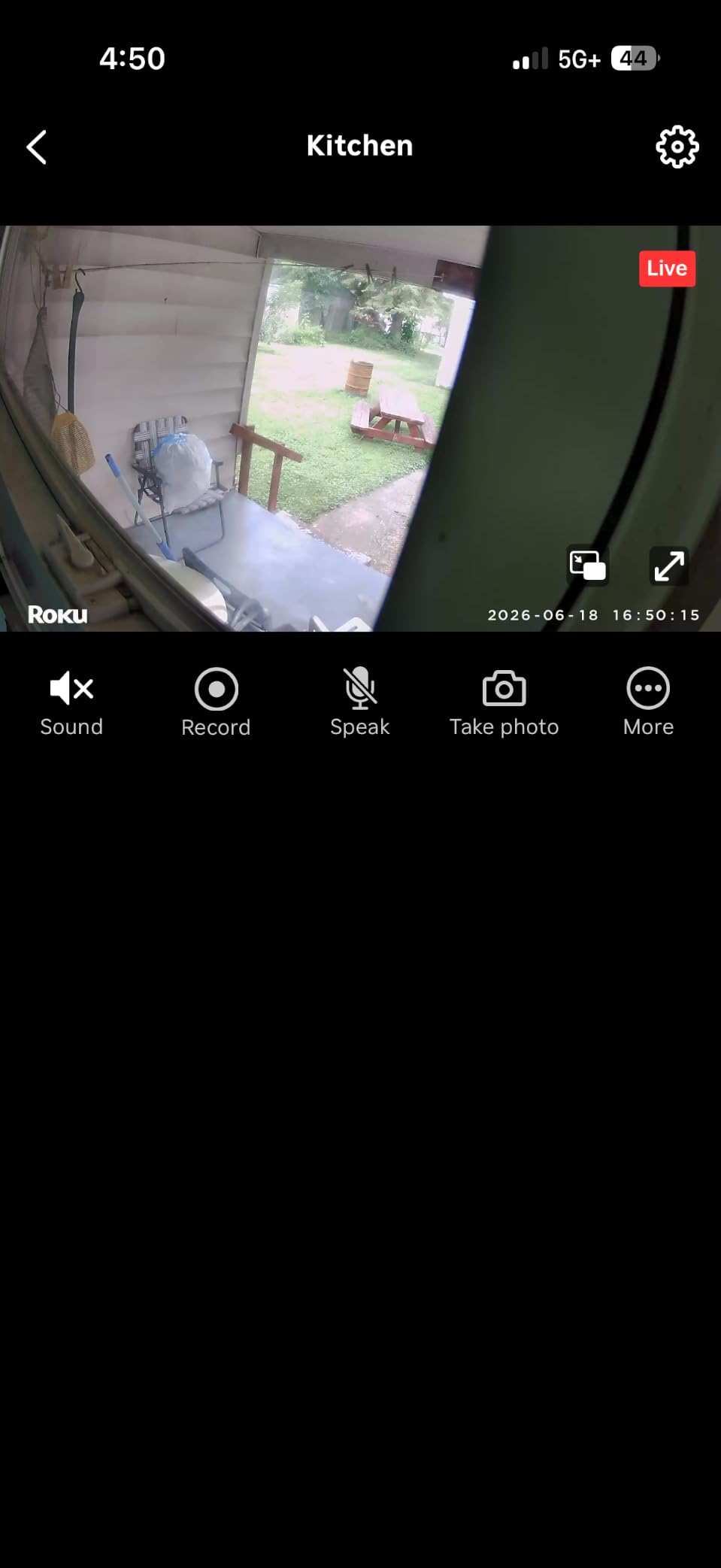
Setup through the Roku Smart Home app is fast, and the camera supports Wi-Fi 6, which helps in congested apartment buildings. Two-way audio works, though some reviewers note the speaker is on the quiet side. For renters who want a clean, app-light experience, this delivers.
The caveats are the usual ones. It is indoor only, 2.4GHz only, and some features sit behind a subscription. For renters who watch a lot of Roku TV and want a no-fuss indoor cam, this is a strong contender against our other indoor picks.
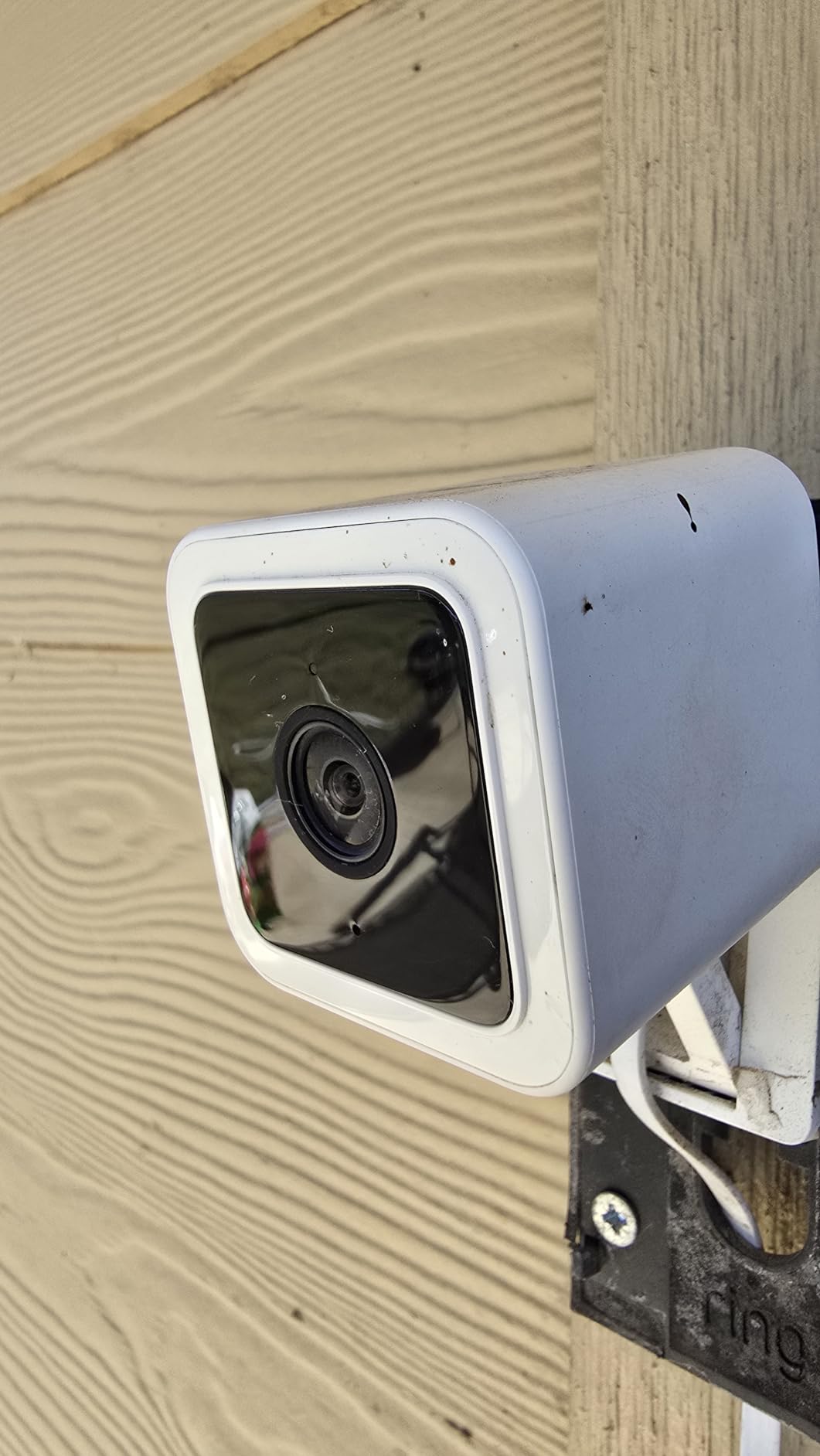
Who should buy it
Anyone with a Roku TV or streaming player who wants to view cameras directly on the big screen.
Who should skip it
Renters without Roku devices, or anyone needing outdoor coverage or 5GHz Wi-Fi support.
7. Blink Outdoor 4 — Best Outdoor Option for Balconies and Patios
Blink Outdoor 4 – Wireless smart security camera, two-year battery life, 1080p HD day and infrared night live view, two-way talk. Sync Module Core included – 3 camera system
1080p HD
Two-year battery
IR night vision
Alexa
Pros
- Wireless outdoor camera with up to two-year battery life
- 1080p HD live view with infrared night vision
- Crisp two-way audio via the Blink app
- Dual-zone enhanced motion detection for faster alerts
- Person detection with optional Blink Subscription Plan
- Works with Alexa for multi-camera live view
- Includes Sync Module Core and three cameras in the box
Cons
- Cloud storage and person detection require paid Blink Subscription
- Sync Module Core does not include local storage out of the box
- Some users report connectivity dropouts in challenging Wi-Fi environments
Most renters will skip outdoor cameras because of lease rules, but if your balcony, patio, or front stoop is fair game, the Blink Outdoor 4 is the most renter-friendly outdoor option I have tested. The 3-camera system with Sync Module Core is a strong starting point for a small property.
Battery life is the headline. With the included AA lithium batteries, Blink rates this system at up to two years. In my testing with a moderate traffic doorway, the first set of batteries was still going strong after several months. That kind of longevity removes the most common renter complaint about battery cams.
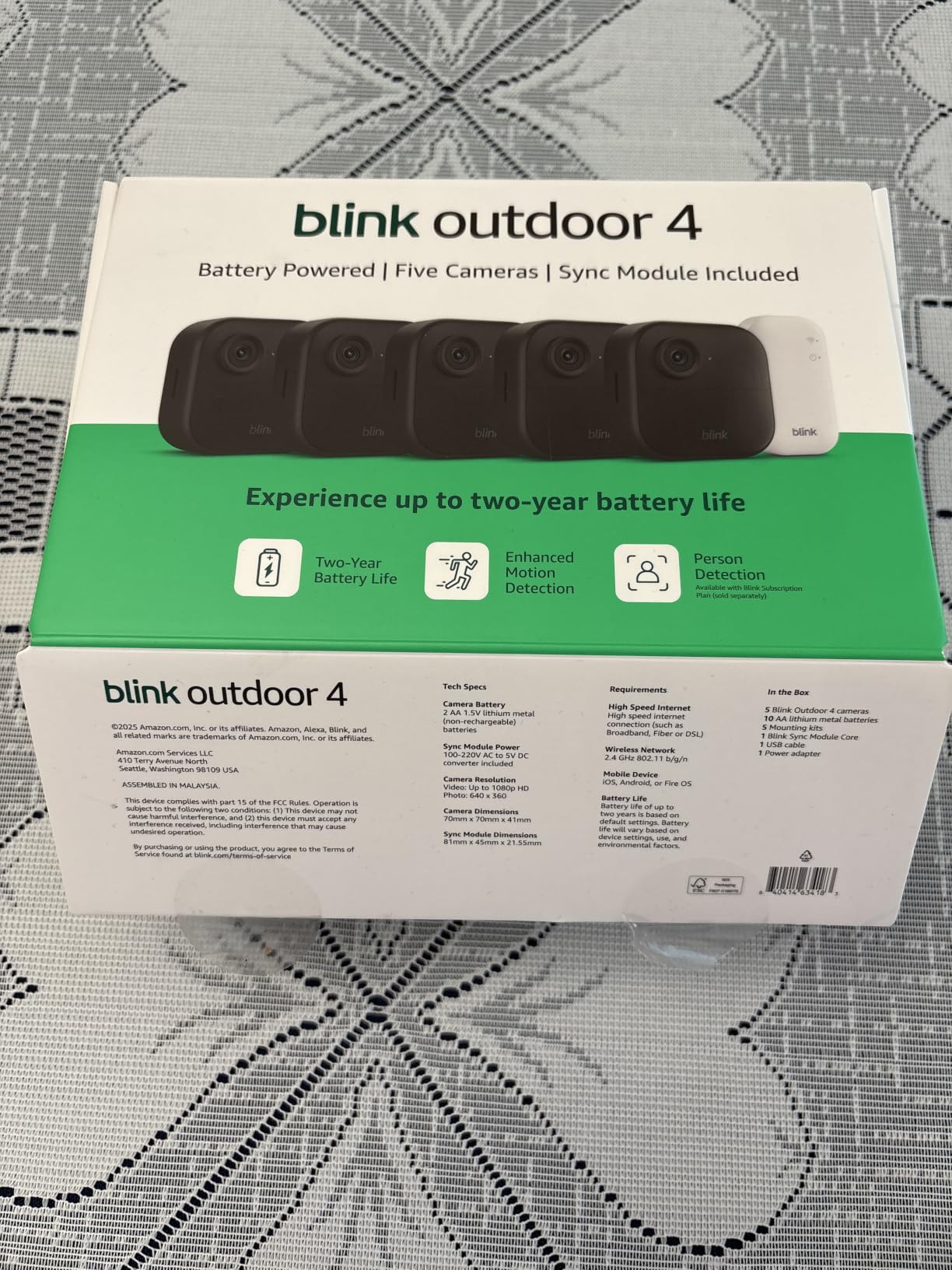
Infrared night vision is solid, and dual-zone motion detection helped cut down on false alerts from passing cars. Two-way audio through the Blink app is clear enough to talk to a delivery driver or warn off someone lingering near a door. Integration with Echo Show is the cherry on top for Alexa households.
The honest drawbacks are the subscription requirement for cloud recording and person detection, and the lack of local storage on the Sync Module Core. Some users in large apartment buildings also report Wi-Fi dropouts. For outdoor use on a rental property where the landlord allows it, this is still the cleanest install.
Who should buy it
Renters with a balcony, patio, or detached structure who want long battery life and a true wire-free outdoor install. Airbnb hosts with outdoor coverage needs should also consider it.
Who should skip it
Apartment dwellers whose lease forbids any exterior cameras, or anyone avoiding a subscription for cloud recording.
What Makes a Security Camera Renter-Friendly?
A renter-friendly security camera checks five boxes that traditional homeowner cameras often miss. Use this list to judge any model before you buy, including those outside this roundup.
First, it installs without drilling. Magnetic bases, adhesive strips, removable mounts, and freestanding designs all qualify. If the instructions include a drill bit, move on. Second, it runs wire-free or plugs into an existing outlet without hardwiring. Battery or simple USB power is ideal.
Third, it works with local storage so you avoid monthly fees. A microSD slot or built-in memory is the gold standard for renters watching their budget. Fourth, it is portable enough to pack in a box when your lease ends. Anything that leaves a hole or requires a permanent mount fails this test.
Fifth, it respects your lease and your neighbors. Indoor cameras pointed at your own door, with privacy zones for shared spaces, are the safest legal option. For outdoor cameras, ask first and avoid pointing lenses at neighboring units or common areas. Reviewers in renter forums consistently call out these five points as the deciding factors.
Buying Guide: How to Pick a Security Camera for Your Rental
Once you know what renter-friendly means, the next step is matching features to your apartment. Here are the factors that matter most, and how each one plays out in a real rental.
Installation method
Magnetic and adhesive mounts are the gold standard for renters. 3M Command strips work on most painted drywall, peel off cleanly when heated with a hair dryer, and hold cameras under about two pounds. For heavier outdoor units, look for clamp-style mounts that attach to railings or shelves instead of walls. The WYZE Cam v4 and youkey S320 are the easiest installs I have tested.
Power source
Battery-powered wire-free cameras give you placement freedom, but they need recharging every few months. Plug-in cameras never need charging but tie you to an outlet. For apartments with limited outlets near the front door, battery is often the only realistic option. For living rooms and hallways, plug-in is simpler.
Storage and subscriptions
Local storage via microSD or built-in memory is the cleanest path for renters who want a one-time purchase. Cloud subscriptions are fine if you want off-site backup, but factor the monthly cost into your budget. The WYZE Cam v4 and youkey S320 stand out for usable local storage with no subscription required.
Video quality and night vision
1080p is the baseline for identifying faces at a doorway. 2K and 2.5K QHD make a real difference if you need to read labels or plates. Color night vision is helpful in dim hallways, while infrared night vision works through windows and in total darkness. Match resolution to the distance you actually need to see.
Smart home compatibility
If you already use Alexa, Google Home, or Apple HomeKit, pick a camera that fits in. Echo Show streaming is one of the best renter perks because you can pull up a feed hands-free. HomeKit and Matter support matter if you are building a broader smart home. Ring, Blink, and WYZE lean Alexa-first; Tapo and Roku play well with both Alexa and Google.
Lease and landlord considerations
Before drilling anything, check your lease for modification clauses. Most standard leases prohibit holes, exterior fixtures, and modifications to doors. If your lease is strict, indoor cameras pointed at your own front door are the safest bet. Always ask your landlord in writing if you plan to install anything on shared walls or exterior surfaces.
If your landlord denies installation, indoor-only cameras pointed at your door are still legal in most jurisdictions. Peephole cameras and removable doorbell mounts are also worth considering. For more on outdoor options that work in rentals, our outdoor roundup covers weatherproofing in more detail.
Privacy and tenant rights
Recording inside your own unit is generally legal, even in a rental. Recording common areas like hallways, lobbies, or your neighbor’s unit is a different story. Many states require two-party consent for audio recording, so disable the microphone if you point the camera at shared spaces. Privacy zones are a useful feature for blocking out windows and doorways that look into neighbors’ homes.
Moving checklist
When your lease ends, take your cameras down a week before move-out so you can patch any marks. Heat adhesive strips with a hair dryer for 30 seconds before pulling to avoid peeling paint. Pack cameras in their original boxes with the mounts and cables. Reset each device to factory defaults before selling or gifting. Most renters forget this last step, and it is the easiest way to protect your footage.
Frequently Asked Questions
What is the best security system for renters?
The best security system for renters is one that installs without drilling, runs on batteries or a simple plug-in, and stores footage locally. Our top pick is the Ring Indoor Cam for trusted all-around performance, with the WYZE Cam v4 as the best-value alternative and the Tapo C100 for tight budgets. All three work with Alexa or Google and can be removed without wall damage when you move.
What is the best security camera for an apartment without a subscription?
The WYZE Cam v4 is the best subscription-free security camera for apartments in 2026. It supports up to 512GB of microSD local storage, has a magnetic base for tool-free installation, and delivers 2.5K QHD resolution. The youkey S320 is another strong no-subscription option with built-in 8GB storage and a fully wire-free battery design that renters can pack up in minutes.
What are some security cameras that don’t require drilling?
Several renter-friendly cameras install without drilling. The WYZE Cam v4 uses a magnetic base with an adhesive metal plate, the youkey S320 snaps onto any metal surface or included plate, and the Tapo C100 and Ring Indoor Cam both work as freestanding tabletop units. For adhesive mounting, 3M Command strips rated above the camera weight are the most common damage-free solution recommended by renters.
Can I install security cameras at my apartment?
Yes, you can usually install security cameras inside your own apartment. Most leases allow freestanding or adhesive-mounted cameras that do not modify walls. For any outdoor camera, exterior doorbell, or anything that requires drilling, get written permission from your landlord first. Indoor cameras pointed at your own front door are the most lease-friendly option.
Are security cameras legal in apartments?
Security cameras are legal inside your own rental unit in all U.S. states, but the rules change for common areas and audio. Recording in shared hallways or your neighbor’s space can violate privacy laws, and many states require two-party consent for audio recording. Always disable audio when the camera might pick up conversations outside your unit, and use privacy zones to block shared spaces from the frame.
Can I take my security system with me when I move?
Yes, and you should. The cameras on this list are designed to be portable, with no drilling and no permanent mounts. Pack each camera with its mount, cables, and any sync modules in the original box. Reset each device to factory settings before you move so your footage stays private. Plan to remove adhesive strips about a week before move-out using a hair dryer to avoid peeling paint.
Final Verdict: Which Renter Camera Should You Buy?
For most renters in 2026, the Ring Indoor Cam remains the safest all-around pick with the deepest track record and the broadest ecosystem support. If you want sharper video and true no-subscription local storage, the WYZE Cam v4 is the upgrade I would make today. For anyone on a tight budget, the Tapo C100 still does the basics better than anything at its price.
If your lease forbids any drilling, the youkey S320 is the most portable wire-free option I have tested. Alexa households should look at the Blink Mini 2K+, Roku TV owners should grab the Roku Indoor Camera, and renters with a balcony or patio where outdoor cameras are allowed should pick up the Blink Outdoor 4. Whichever you choose, install it without drilling, point it at your own door, and pack it up before move-out.
Need more options beyond this roundup? Our general security camera guide covers wired and wireless models for permanent installs, and our solar security camera and PoE security camera roundups help if you ever move into a home you own.