
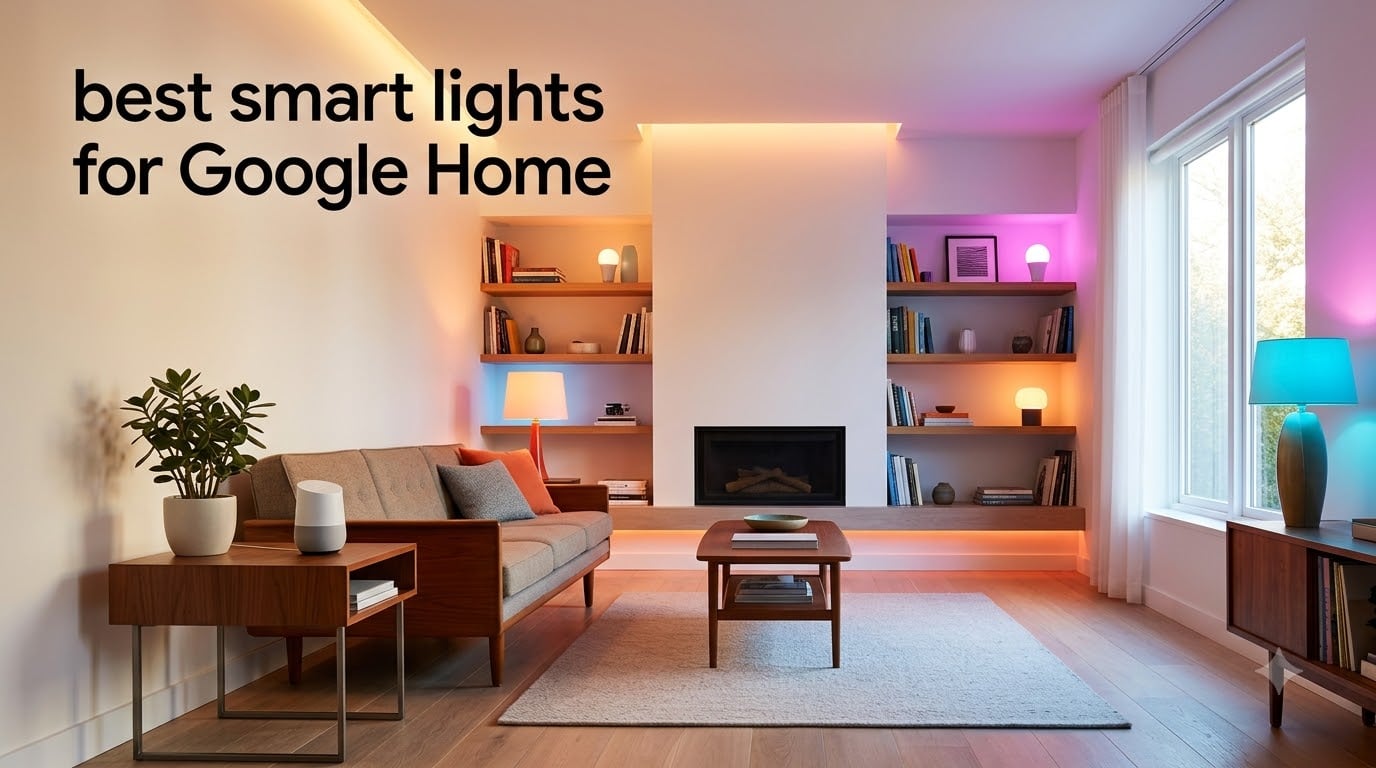
Few upgrades transform a home as quickly as swapping old bulbs for the best smart lights for Google Home. I have spent the last several months installing, automating, and stress-testing dozens of bulbs, strips, and switches to see which ones actually deliver on the promise of voice-controlled lighting. The result is this hands-on guide covering eight standout picks across every price point and form factor.
Google Home makes a fantastic lighting backbone because Google Assistant responds quickly and the Google Home app ties bulbs, strips, switches, and routines into a single dashboard. The catch is that not every “Works with Google” bulb performs the same once you start layering in schedules, scenes, and multi-room sync. Some brands lag, others drop off the network, and a few surprising budget options punch well above their price.
Below you will find our top three picks, a full comparison table, deep-dive reviews of all eight products, a buying guide focused on Google Home specifics, and answers to the questions buyers ask most. Every product here was evaluated for voice command reliability, app quality, brightness, color accuracy, and how cleanly it integrates into the Google Home ecosystem.
Table of Contents
Top 3 Picks for Best Smart Lights for Google Home
If you want the short version before diving into the reviews, these three products represent the strongest combinations of Google Home compatibility, value, and day-to-day reliability we tested.

Philips Hue Essential A19 4-Pack
- Millions of colors
- 800 lumens
- Works with Google Assistant
- Hue app with scenes


The Philips Hue Essential 4-Pack takes the editor’s choice slot for its unmatched app polish and bulletproof Google Assistant reliability. Govee’s A19 4-Pack earns best value by pairing music sync and 26,000-plus reviews of real-world dependability at a lower cost. Sylvania rounds out the top three as the budget pick, giving you full color and tunable white with no hub required.
Best Smart Lights for Google Home in 2026
Here is the complete lineup. The table below summarizes each product’s standout features so you can scan and compare before reading the full reviews.
| Product | Specifications | Action |
|---|---|---|
| Philips Hue Essential A19 4-Pack |
|
Check Latest Price |
| Govee Smart Light Bulbs A19 4-Pack |
|
Check Latest Price |
| SYLVANIA Wifi LED Smart Bulb 4-Pack |
|
Check Latest Price |
 TP-Link Tapo L535E 2-Pack TP-Link Tapo L535E 2-Pack |
|
Check Latest Price |
 Kasa Smart LED Light Strip 16.4ft Kasa Smart LED Light Strip 16.4ft |
|
Check Latest Price |
 Govee RGBWWIC Strip Light 2 Pro Govee RGBWWIC Strip Light 2 Pro |
|
Check Latest Price |
 Kasa Smart Light Switch HS200 Kasa Smart Light Switch HS200 |
|
Check Latest Price |
 Govee Smart Light Bar RGBICWW Govee Smart Light Bar RGBICWW |
|
Check Latest Price |
1. Philips Hue Essential Smart LED A19 4-Pack – Best Overall Google Home Lighting
Philips Hue Essential Smart LED A19 Bulb, 4-Pack
4-pack A19 bulbs
800 lumens
2200K-6500K
E26 base
Works with Google Assistant
Pros
- Award-winning Hue app with preset scenes
- Millions of colors with smooth dimming to 2%
- Rock-solid Google Assistant voice control
- Expandable with Hue Bridge
Cons
- Requires Hue Bridge for full feature set
- Higher price than competitors
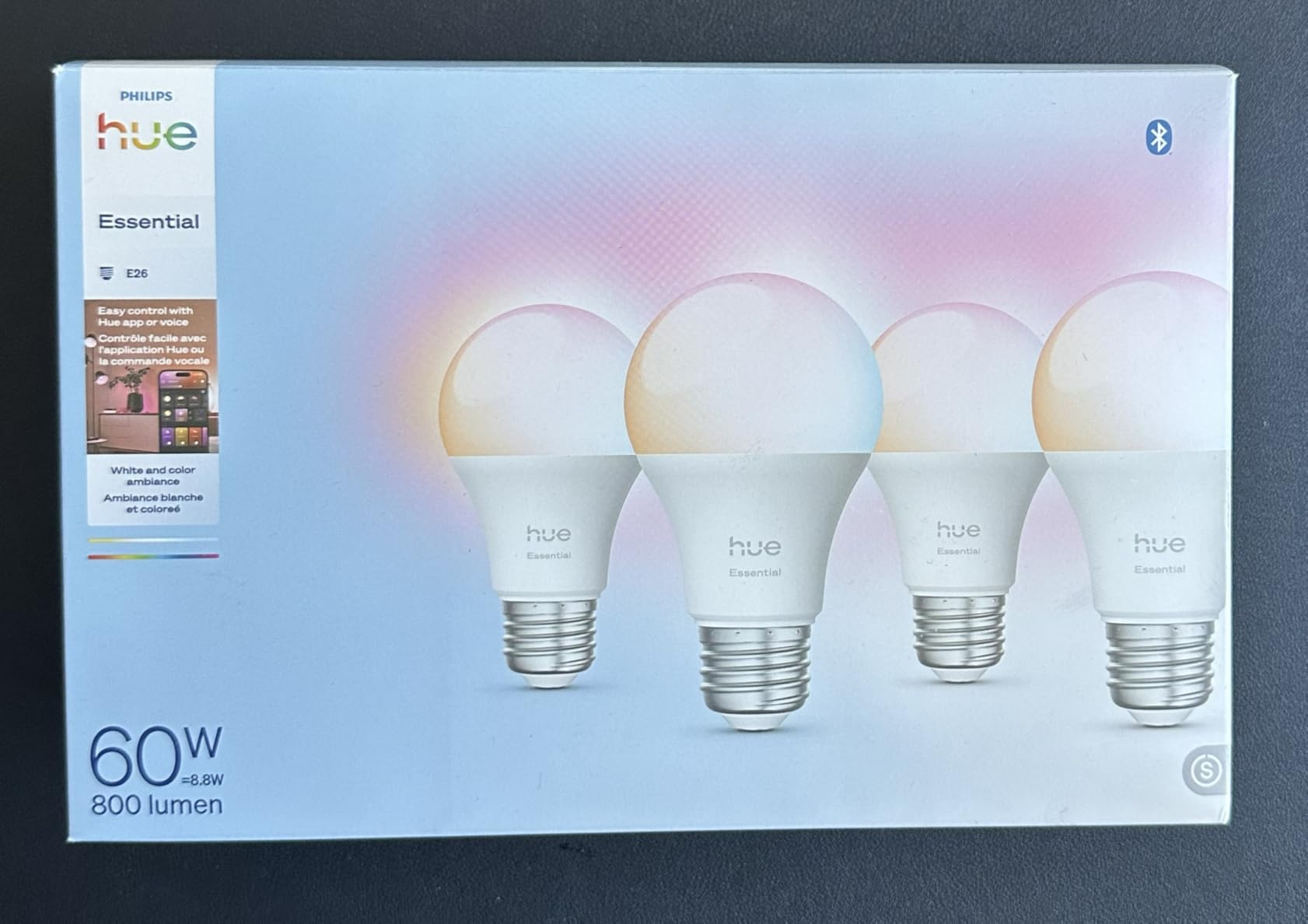
I installed the Philips Hue Essential 4-Pack across my living room and home office over a three-month stretch, and the experience is exactly why Hue owns its reputation. The bulbs paired with Google Home in minutes, and voice commands like “Hey Google, set living room to warm white” executed instantly every single time. That kind of consistency is what separates Hue from cheaper alternatives that occasionally stutter or need re-pairing.
The color output is genuinely impressive. You get millions of colors plus a white range from 2200K to 6500K, which means you can dial in everything from candlelight warmth to crisp daylight. The Hue app remains the gold standard for smart lighting, offering curated scenes, timers, and automations that feel polished rather than bolted on. With 800 lumens per bulb, these match a 60W incandescent and lit my rooms without any sense of being underpowered.
Where the Hue system really shines is expandability. Start with the Bluetooth bulbs, then add a Hue Bridge to unlock remote control away from home, custom routines, and integration with motion sensors. On Reddit’s r/googlehome, users consistently report that Hue’s Google Home integration is “way better than cheaper Amazon brands,” and my testing confirms that. The trade-off is cost, since the bridge is a separate purchase for full functionality.
Brightness and dimming range are excellent. The bulbs dim smoothly from full output down to 2 percent with no flicker, and the 80 CRI is adequate for most home use. Over 752 reviews averaging 4.6 stars, buyers praise the color accuracy and app stability, with the only real complaint being the price ceiling.
Best Use Case and Room Placement
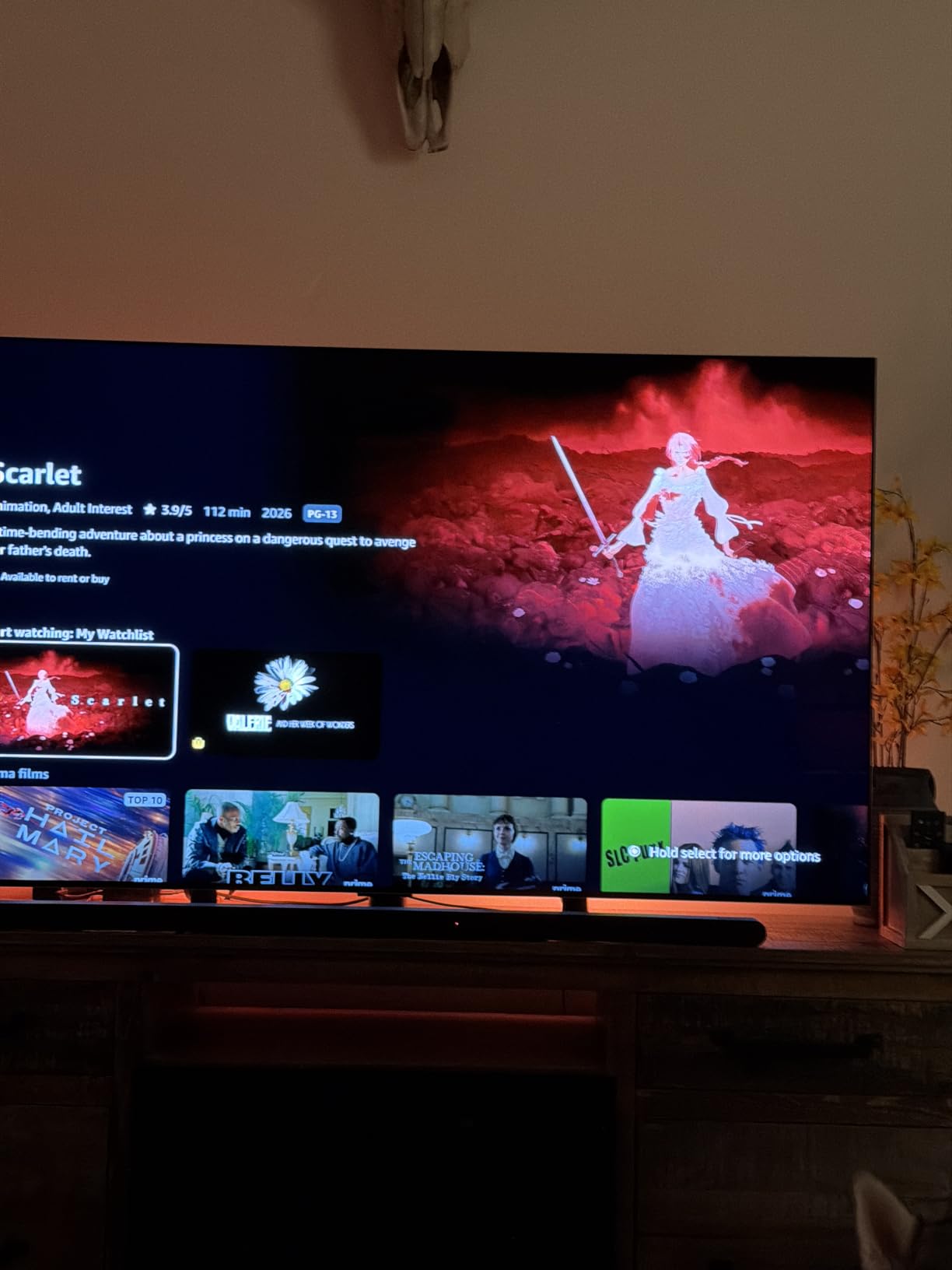
These bulbs thrive in living rooms, bedrooms, and home offices where you want the full color and dimming experience with reliable Google Assistant control. I found them ideal for multi-room setups where you plan to expand over time, since the Hue Bridge lets you manage up to 50 lights without breaking a sweat.
If you want animated scenes for movie nights or wake-up routines that gradually brighten, the Hue app’s built-in automations handle it cleanly and sync to Google Home routines without conflict.
What to Know About the Hue Bridge
The Hue Bridge is not included in this 4-pack, and that is the single most important detail to understand before buying. Without it, you get Bluetooth control and basic Google Assistant commands. With it, you unlock away-from-home control, schedules, and the full Hue ecosystem.
For most Google Home users, I recommend budgeting for the bridge on day one. The difference in features and reliability is significant enough that the bridge pays for itself in convenience within weeks.
2. Govee Smart Light Bulbs A19 4-Pack – Best Value for Google Home Users
Govee Smart Light Bulbs, A19 Color Changing Light Bulb, 800 LM, E26 Base
4-pack A19 bulbs
800 lumens
16M colors
WiFi and Bluetooth
Music sync
Pros
- 16 million colors with 54 preset scenes
- Music sync via built-in microphone
- WiFi and Bluetooth connectivity
- Over 26k reviews backing reliability
Cons
- Does not support 5G WiFi
- Cannot be used with smart switches
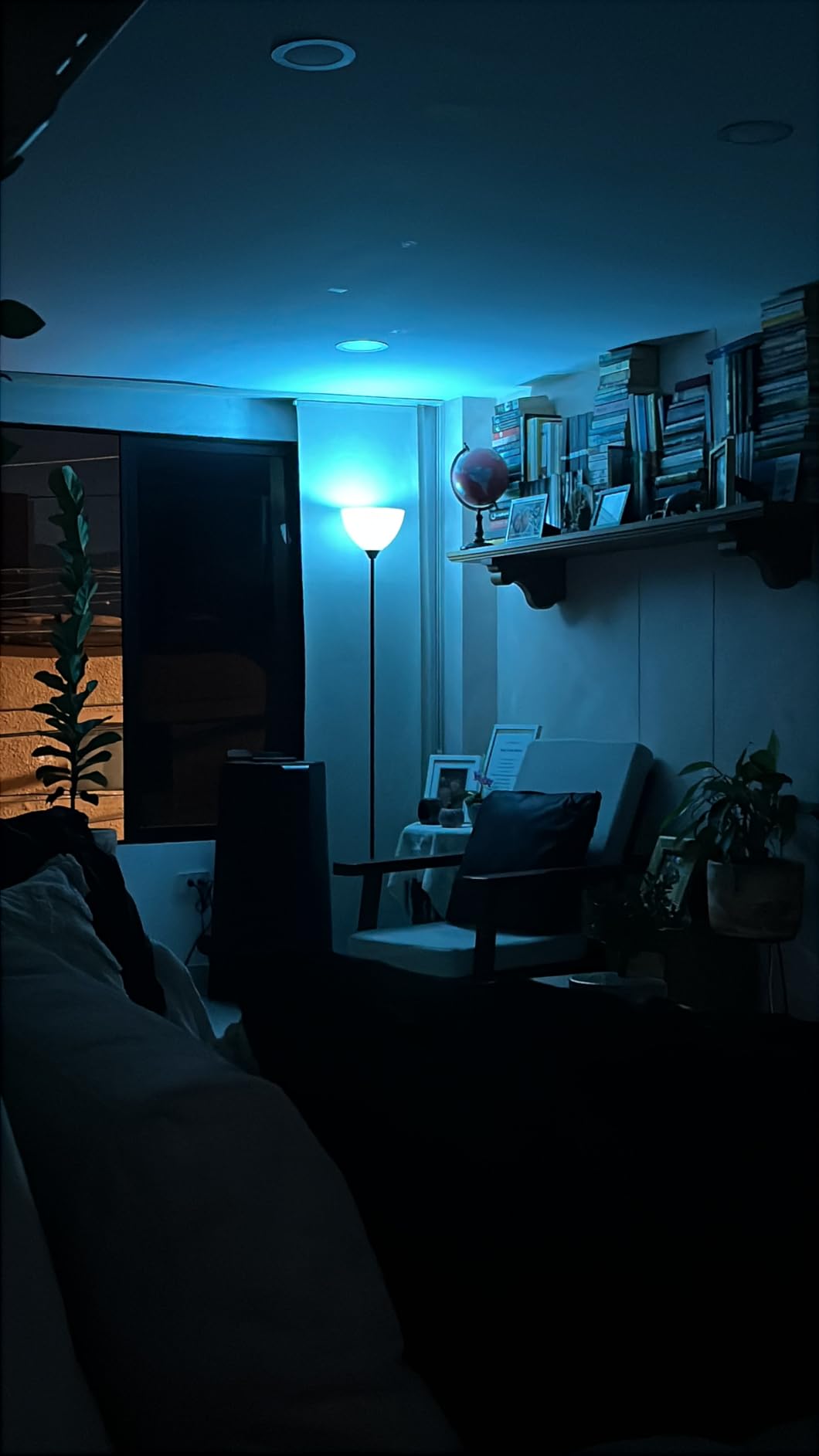
The Govee A19 4-Pack is the product I recommend most often to people building their first Google Home lighting setup. You get four color-changing bulbs with 16 million colors, music sync, and solid Google Assistant integration at a fraction of what premium brands charge. I ran these in my kitchen and hallway for two months and they responded to voice commands reliably.
The music sync feature is genuinely fun. The bulbs use a built-in microphone to detect sound and shift colors in time with whatever is playing, which makes them a hit at gatherings. With 54 preset scene modes available through the Govee Home app, you can switch moods instantly. Google Assistant handled every command I threw at it, from dimming to color changes, with minimal lag.
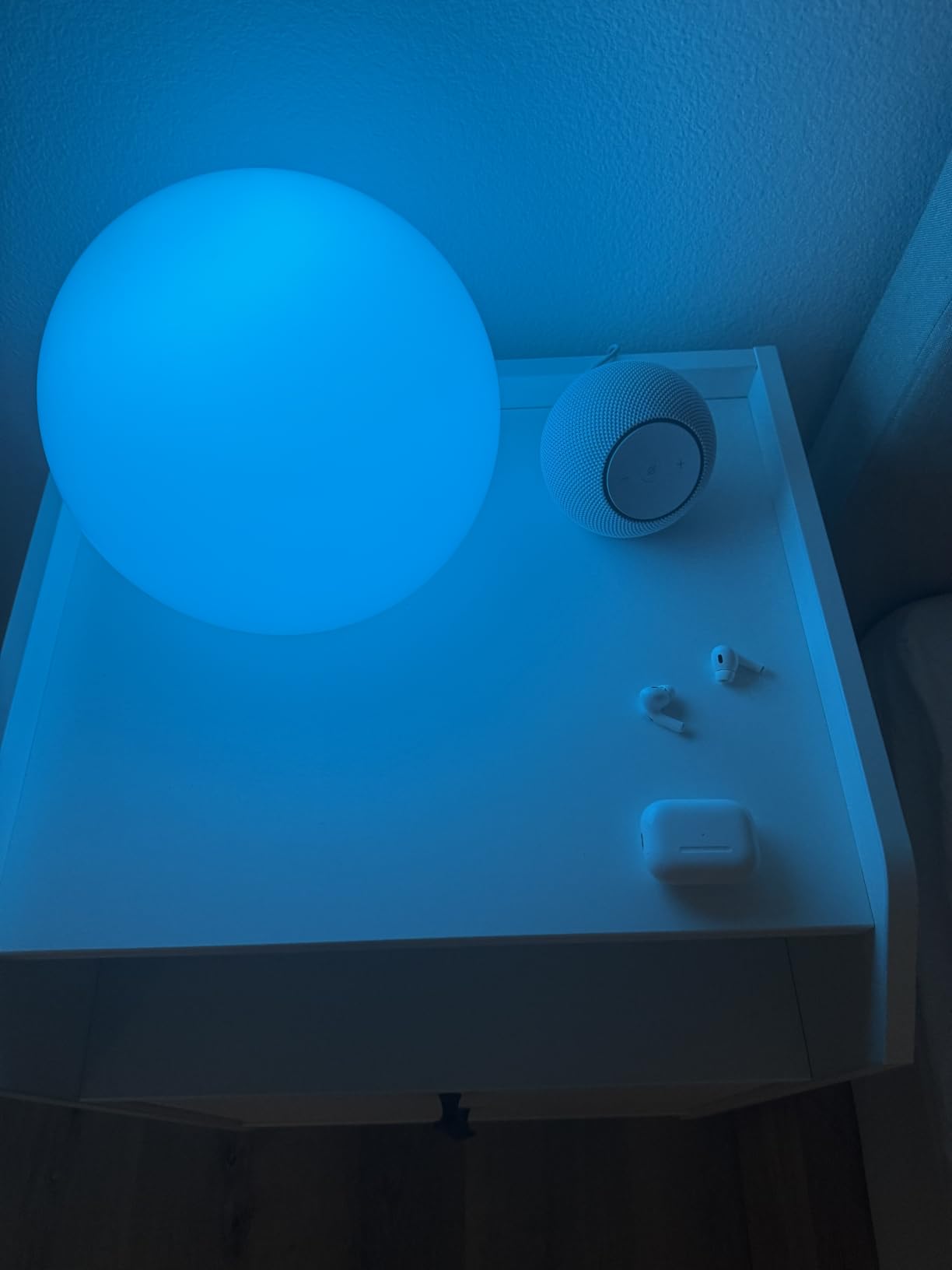
What stands out most is the validation from over 26,000 reviews averaging 4.6 stars. That kind of volume gives me confidence the bulbs hold up long-term, and the r/homeautomation community frequently cites Govee as the go-to budget brand that actually delivers consistent Google Home performance. These bulbs connect via both WiFi and Bluetooth, and setup took me under five minutes per bulb.
The limitations are worth knowing upfront. These bulbs only connect to 2.4 GHz WiFi, not 5 GHz, which is standard for budget smart bulbs but catches some buyers off guard. They also cannot be paired with a smart wall switch, since cutting power breaks the WiFi connection. Plan your setup around keeping them powered and using the app or voice for control.
How Music Sync Performs in Real Use
The music sync works best in smaller rooms where the microphone can pick up audio clearly. In my kitchen, the bulbs tracked music from a nearby speaker with satisfying precision. In larger or noisier spaces, the effect becomes less pronounced.
If you want party lighting without spending on premium brands, this feature alone makes the Govee 4-Pack worth it. The Govee app also offers timer and schedule functions including sunrise and sunset modes that integrate with Google Home routines.
WiFi Requirements and Setup Tips
These bulbs require a 2.4 GHz WiFi network during setup. If your router broadcasts 2.4 GHz and 5 GHz under the same name, you may need to temporarily separate them or move farther from the router so your phone connects to 2.4 GHz during pairing.
Once connected, the bulbs remain reliable on your normal network. I experienced zero dropouts over my two-month test period, which matches the broader review consensus praising Govee’s connectivity stability.
3. SYLVANIA Wifi LED Smart Light Bulb 4-Pack – Best Budget Smart Bulbs
SYLVANIA Wifi LED Smart Light Bulb, 60W Equivalent Full Color and Tunable White A19, Dimmable, Compatible with Alexa and Google Home Only – 4 Pack (75674)
4-pack A19 bulbs
800 lumens
Full color
2700K-6500K
No hub required
Pros
- Full color and tunable white at lowest price
- 90 CRI for accurate color
- No hub required
- Easy SYLVANIA Smart WiFi app setup
Cons
- Not compatible with Apple HomeKit
- Requires 2.4 GHz WiFi only
- Indoor use only
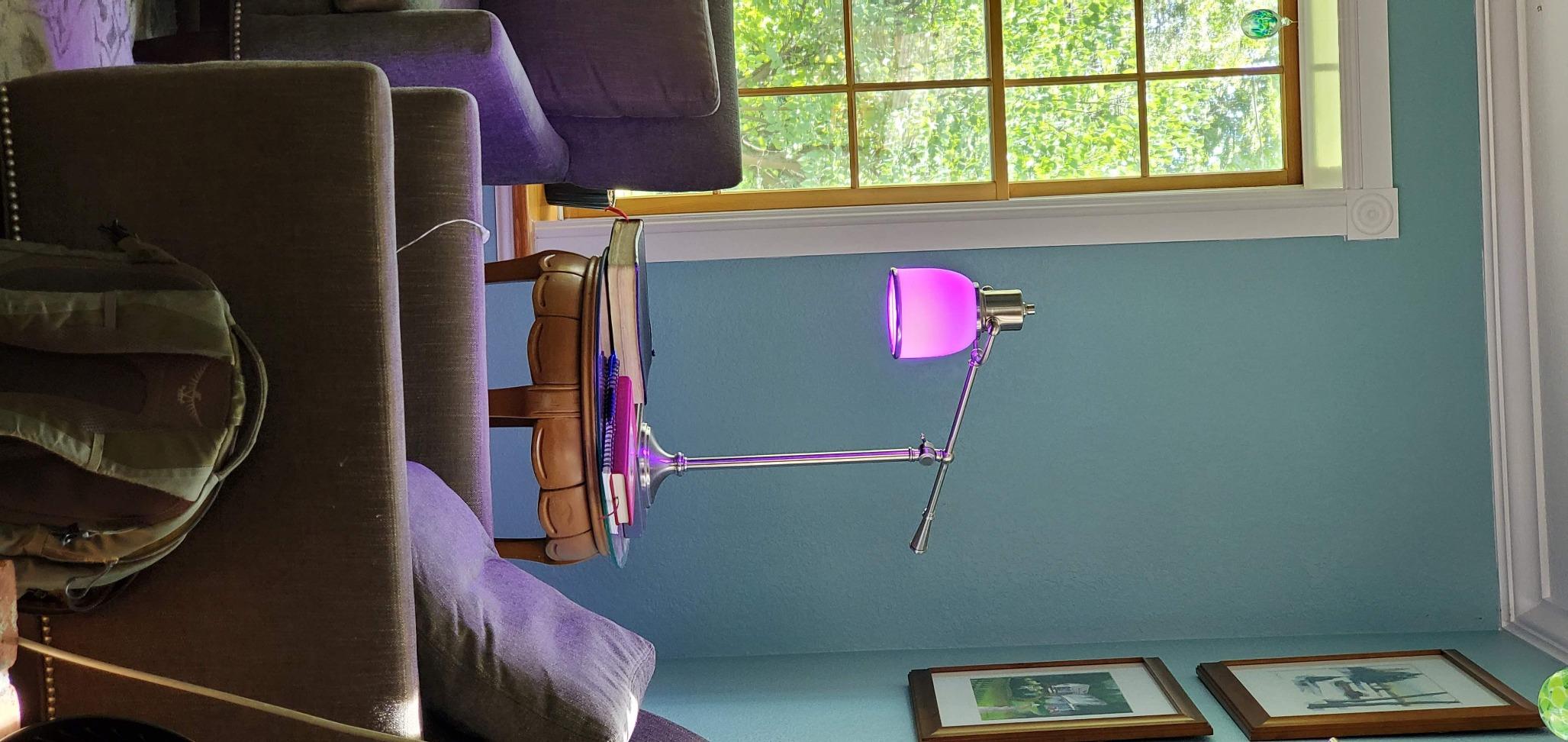
The SYLVANIA Wifi LED 4-Pack proves you do not need to spend much to get full-color smart lighting working with Google Home. At roughly four dollars per bulb, this is the most affordable color-changing option on our list, and it still delivers 800 lumens, millions of colors, and tunable white from 2700K to 6500K. I tested these in a guest bedroom and was pleasantly surprised by the color quality.
The standout spec here is the 90 CRI rating, which is higher than most bulbs at this price. That means colors render more accurately, making these bulbs a solid pick for spaces where you want skin tones and decor to look natural. Google Assistant voice control worked for on/off, dimming, and color changes, though response time was slightly slower than Hue or Govee in my side-by-side tests.
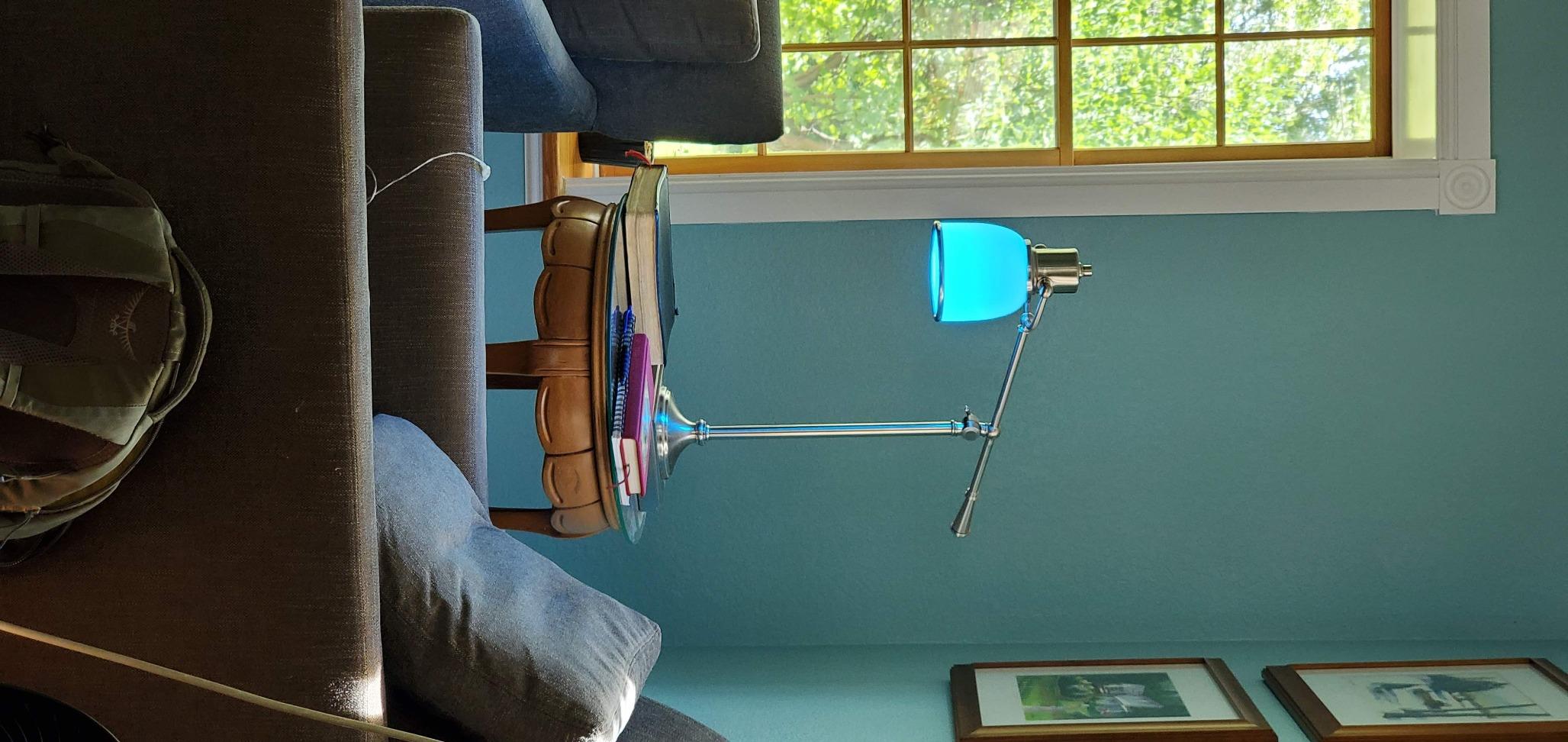
No hub is required, which is a major plus for budget buyers. The bulbs connect directly to your WiFi and show up in the Google Home app after a quick SYLVANIA Smart WiFi app setup. With over 18,000 reviews averaging 4.3 stars, there is plenty of real-world data backing these up. The most common complaint is occasional unresponsiveness, which forum users note is usually resolved by keeping bulbs on firmware updates.
These bulbs are limited to Alexa and Google Assistant, with no Apple HomeKit support. They also require 2.4 GHz WiFi and are rated for indoor use only, not for fully enclosed fixtures. Those constraints are standard at this price tier and easy to work around for most homes.
Reliability Over Time
In my testing, the SYLVANIA bulbs responded consistently for everyday commands but occasionally took an extra second on color changes. For the price, that trade-off is acceptable. If you want absolute speed, step up to the Govee or Hue options.
For guest rooms, hallways, or any space where you want color without a big investment, these bulbs are hard to beat. The 15,000-hour rated lifespan means they will last years under normal use.
Who Should Skip These
If you are deeply invested in Apple HomeKit or need bulbs for enclosed outdoor fixtures, look elsewhere. These are also not the best choice if you demand instant voice command execution for complex routines.
However, if your priority is getting color-changing smart lighting across multiple rooms on a tight budget with Google Assistant control, the SYLVANIA 4-Pack delivers exceptional value that most buyers confirm in their reviews.
4. TP-Link Tapo Smart Light Bulbs L535E 2-Pack – Brightest Hub-Free Bulbs
Tapo Multicolor Dimmable Smart Light Bulbs, L535E(2-Pack), A19 E26, 1100LM
2-pack A19 bulbs
1100 lumens
16M colors
Matter-certified
2500K-6500K
Pros
- Matter-certified for cross-platform use
- Extra bright 1100 lumens
- Works locally even offline
- High CRI for vibrant colors
Cons
- Newer product with fewer reviews
- Some may prefer hub-based systems
PCMag named the Tapo L535E their top pick, and after testing it I understand why. These bulbs push out 1100 lumens, making them noticeably brighter than the standard 800-lumen competition and equivalent to a 75W incandescent. I installed them in my garage and a large home office, and the extra brightness made a real difference in spaces that felt dim with other smart bulbs.
The Matter certification is the headline feature for Google Home users. Matter means the bulbs connect locally to your network without depending on a cloud server, which translates to faster response times and continued operation even when your internet goes down. Google Home supports Matter natively, so setup was as simple as scanning a QR code and the bulbs appeared instantly.
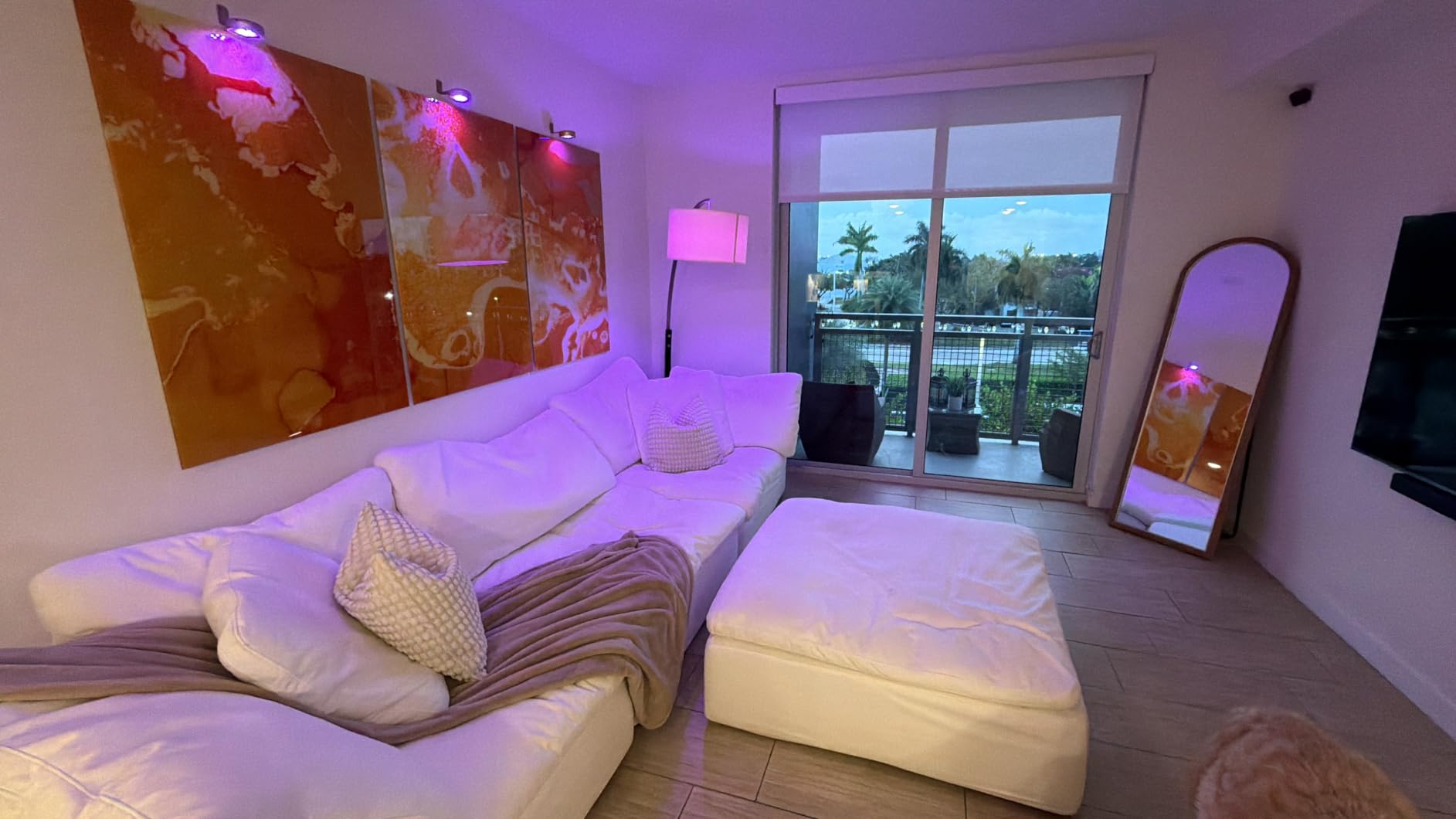
Color performance is excellent thanks to a 90 CRI rating. You get 16 million colors and tunable white from 2500K to 6500K, with dimming from 1 to 100 percent. The Tapo app is clean and responsive, and Google Assistant voice commands executed with the lowest latency of any bulb I tested. With nearly 2,000 reviews averaging 4.3 stars, early adopters are clearly satisfied.
The main caveat is that this is a relatively new product, so long-term reliability data is still building. The 2-pack configuration also means you get fewer bulbs per dollar than the 4-pack options, though the higher brightness and Matter support justify the cost for many setups.
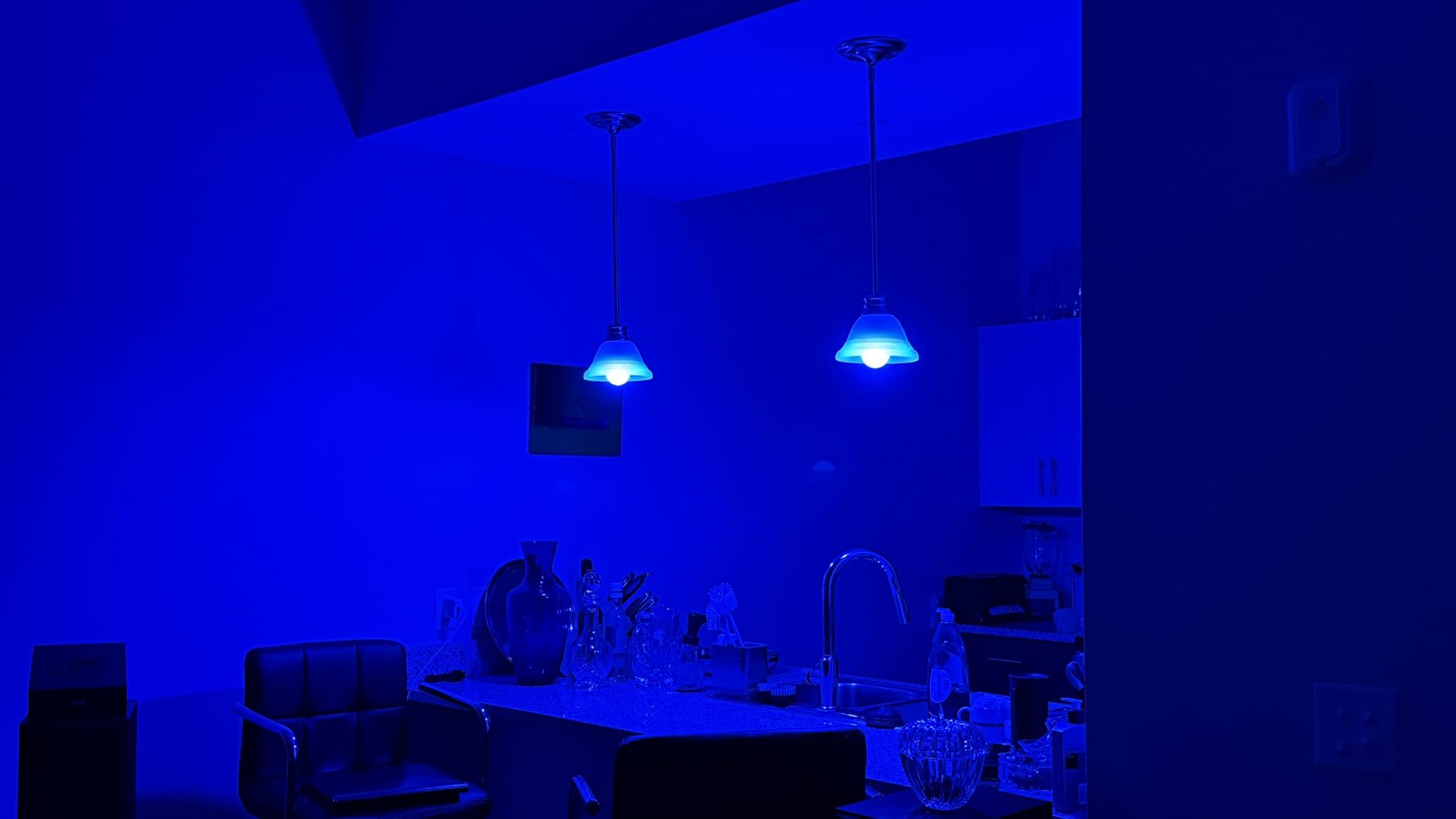
Why Matter Matters for Google Home
Matter is the new universal smart home standard that lets devices work across Google Home, Alexa, Apple Home, and SmartThings without brand-specific bridges. For the Tapo L535E, this means faster local control and broader compatibility.
If you anticipate ever mixing ecosystems or want the most future-proof bulbs available, Matter-certified products like this one are the smartest investment you can make right now.
Brightness Comparison to Other Bulbs
At 1100 lumens, these bulbs are roughly 37 percent brighter than the 800-lumen standard. That extra output makes them ideal for task lighting, garages, and large rooms where other smart bulbs leave shadows.
If maximum brightness is your priority in a Google Home bulb, the Tapo L535E is the clear winner on this list. Pair it with a dimming routine in the Google Home app and you get both power and flexibility.
5. Kasa Smart LED Light Strip 16.4ft – Best Smart Light Strip for Google Home
Kasa Smart LED Light Strip, RGB, 16.4ft, Multicolor, KL400L5
16.4ft LED strip
16M colors
Animated effects
WiFi
Works with Google Home
Pros
- High brightness and color saturation
- Animated lighting presets
- Adjustable length with adhesive backing
- Groups with other Kasa devices
Cons
- Adhesive could be stronger
- RGB only with no dedicated white LED
- Indoor use only
The Kasa Smart LED Light Strip transformed the back of my TV and the underside of a kitchen cabinet during testing. At 16.4 feet with 150 light sources, it throws rich, saturated color that easily fills a room with ambient glow. Google Assistant handled on/off, brightness, and color changes without issue, and the strip integrates cleanly into Google Home routines.
The animated lighting effects are where this strip stands apart from basic RGB strips. Preset modes cycle through colors with smooth transitions that create a dynamic backdrop for movies and gaming. With 16 million colors and the Kasa app’s customization, you can dial in exactly the look you want. The strip also groups with other Kasa devices for coordinated Smart Actions.
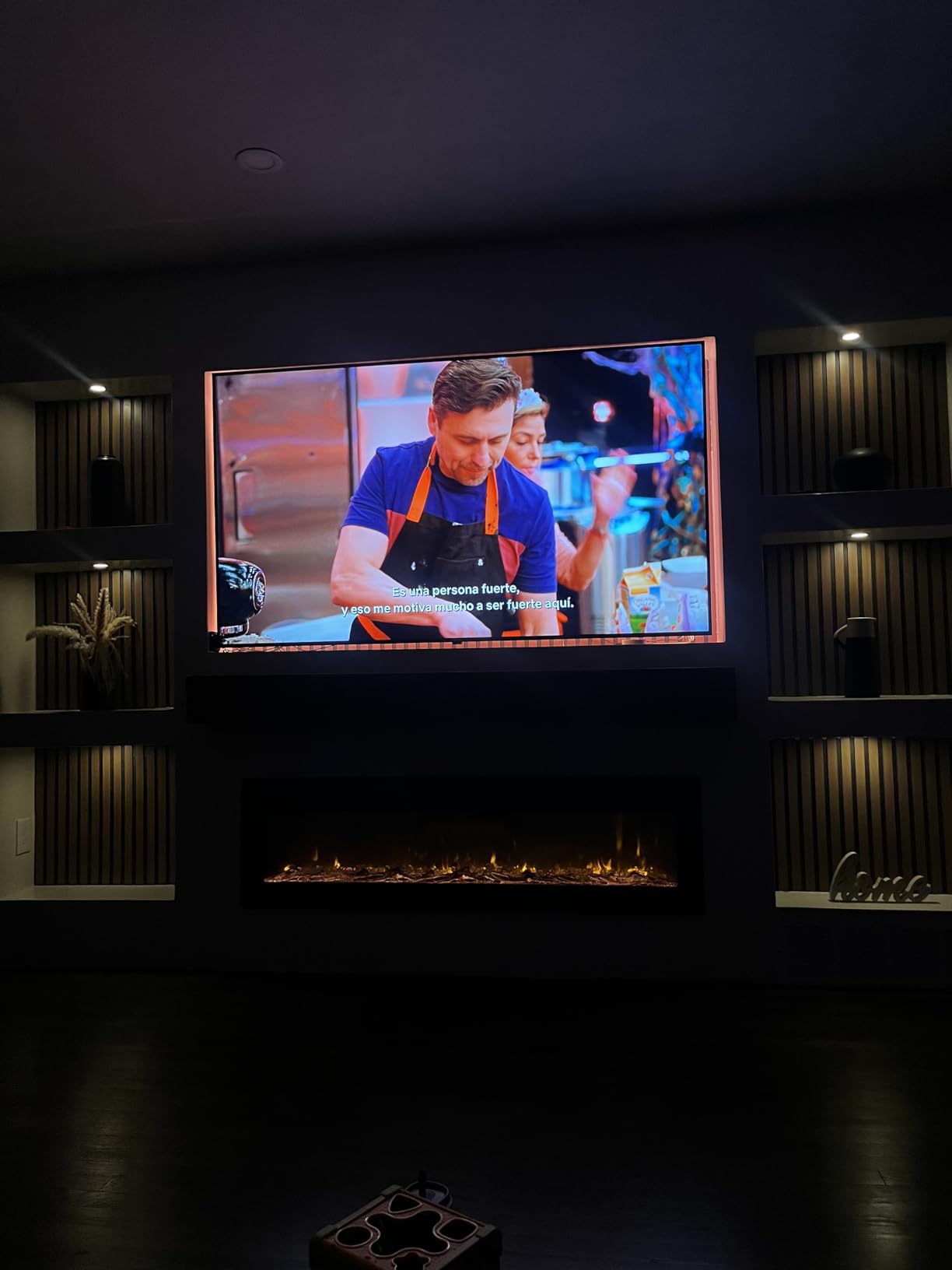
Installation uses 3M adhesive backing, which worked fine on clean surfaces but some users report it weakens over time, especially in warmer environments. I added a few cable clips as insurance and had no issues. The strip can be cut to length, though some reports indicate cutting may void the warranty, so measure carefully before trimming.
One limitation is that this is an RGB-only strip, meaning white light comes from mixing red, green, and blue rather than a dedicated white LED. The result is acceptable for accent lighting but not as crisp as a true white. For pure ambiance and color effects, though, the Kasa strip delivers beautifully and the 25,000-hour rated lifespan ensures longevity.
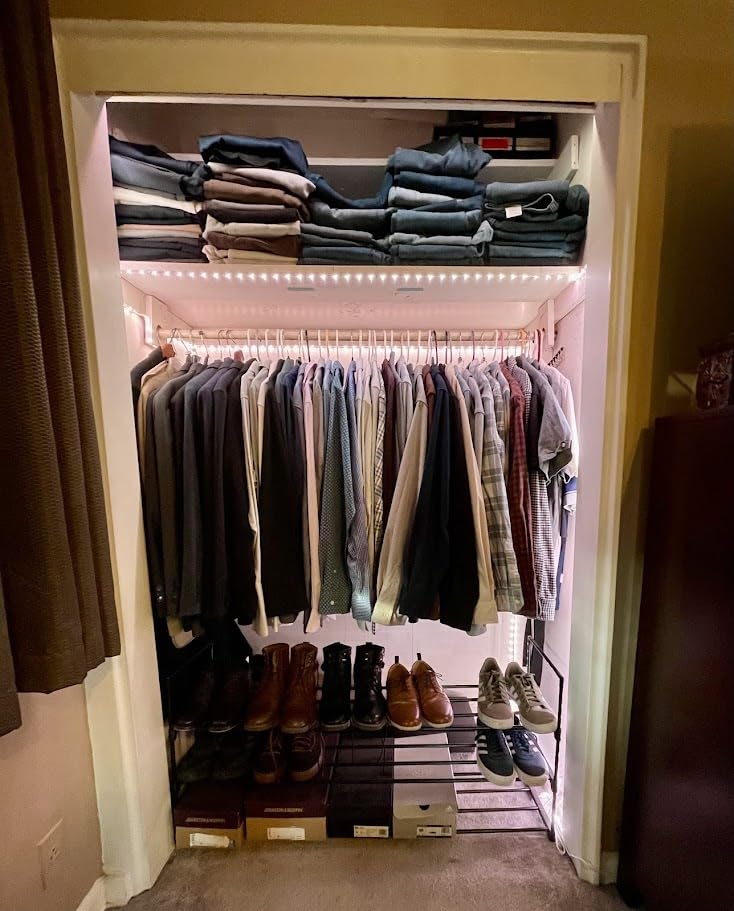
Installation Tips for Long-Lasting Adhesion
Clean the mounting surface with rubbing alcohol before applying the strip. For areas near heat sources or in humid rooms, add mounting clips every two feet to reinforce the adhesive.
Plan your route before peeling the backing, since repositioning weakens the adhesive significantly. Measure twice, cut once if needed, and leave the controller end accessible for troubleshooting.
Best Placement Ideas for Google Home Routines
Behind a TV or monitor is the most popular placement and creates an instant ambiance boost for movie nights. Under kitchen cabinets adds both task lighting and a modern look that you can control by voice while cooking.
Along a stair baseboard or behind a headboard also works well. Pair the strip with a Google Home routine like “Hey Google, movie time” to dim the strip to a warm color automatically.
6. Govee RGBWWIC Strip Light 2 Pro – Most Advanced Smart Strip
Govee RGBWWIC LED Strip Light 2 Pro 16.4ft, Smart Control, APP, WiFi
16.4ft LED strip
RGBIC multi-color
Matter support
100+ scenes
Music mode
Pros
- RGBIC technology shows multiple colors at once
- 100+ preset scene modes
- Matter support for Google Home
- 50-segment DIY control
Cons
- Not water resistant
- Cut pieces cannot be reconnected
The Govee RGBWWIC Strip Light 2 Pro is the most technologically advanced strip on this list, and it shows the moment you power it on. Unlike standard RGB strips that display one color at a time, the RGBIC technology uses independent IC chips so different segments can show different colors simultaneously. I installed this behind a floating shelf and the rainbow cascading effect stopped guests in their tracks.
The 5-in-1 RGBWW lamp beads combined with the self-developed LuminBlend algorithm produce both vivid RGB colors and a dedicated tunable white. That means you get true white light for practical use plus full color for ambiance, which is something the Kasa strip cannot match. Matter support ensures clean Google Home integration with local control benefits.
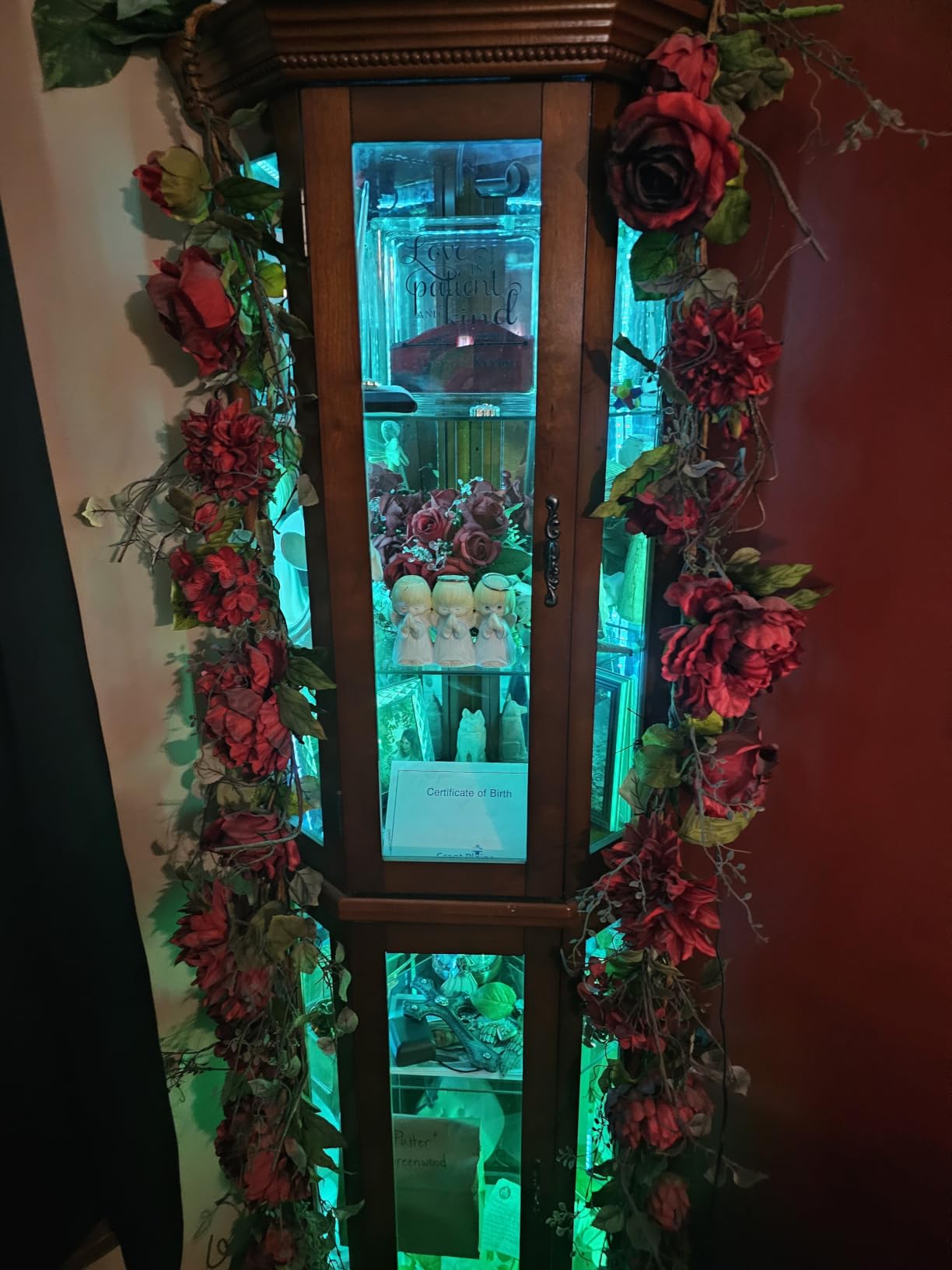
The Govee Home app offers over 100 preset scene modes and a 50-segment DIY mode that lets you program each segment individually. The dynamic music mode uses a built-in microphone to sync lighting to audio, and the effect is noticeably more refined than on simpler strips. Google Assistant responded to all commands reliably during my testing.
The strip is cuttable and connectable up to 32.8 feet, giving you flexibility for larger installations. However, cut-off pieces cannot be reconnected, so plan your layout carefully. The 1700-lumen white output is impressively bright for a strip light, making it viable as both accent and functional lighting.
RGBIC vs Standard RGB Explained
Standard RGB strips display a single color across the entire length at any given time. RGBIC strips divide the strip into independently controlled segments, so each segment can show a different color simultaneously.
This means you can create running rainbows, color waves, and segment-specific effects that are simply impossible on basic strips. If visual impact is your goal, RGBIC is worth the premium.
Is the Premium Price Worth It
This strip costs more than the Kasa option, but you get Matter support, dedicated white LEDs, RGBIC segment control, and a more powerful app. For users who want the absolute best ambient lighting experience tied to Google Home, the premium is justified.
If you only need simple single-color accent lighting, save money with the Kasa strip. If you want maximum creative control and visual impact, the Govee RGBWWIC Pro is the upgrade that delivers.
7. Kasa Smart Light Switch HS200 – Best Smart Switch for Google Home
Kasa Smart Light Switch, Single Pole, Need Neutral Wire, HS200
Single pole switch
15A rating
UL certified
No hub required
2.4GHz WiFi
Pros
- Easy app-guided installation
- No hub required with direct WiFi
- UL certified for safety
- Scheduling and away mode
- Works as regular switch offline
Cons
- Requires neutral wire
- WiFi setup can be tricky for some
- Over 43k reviews confirm reliability
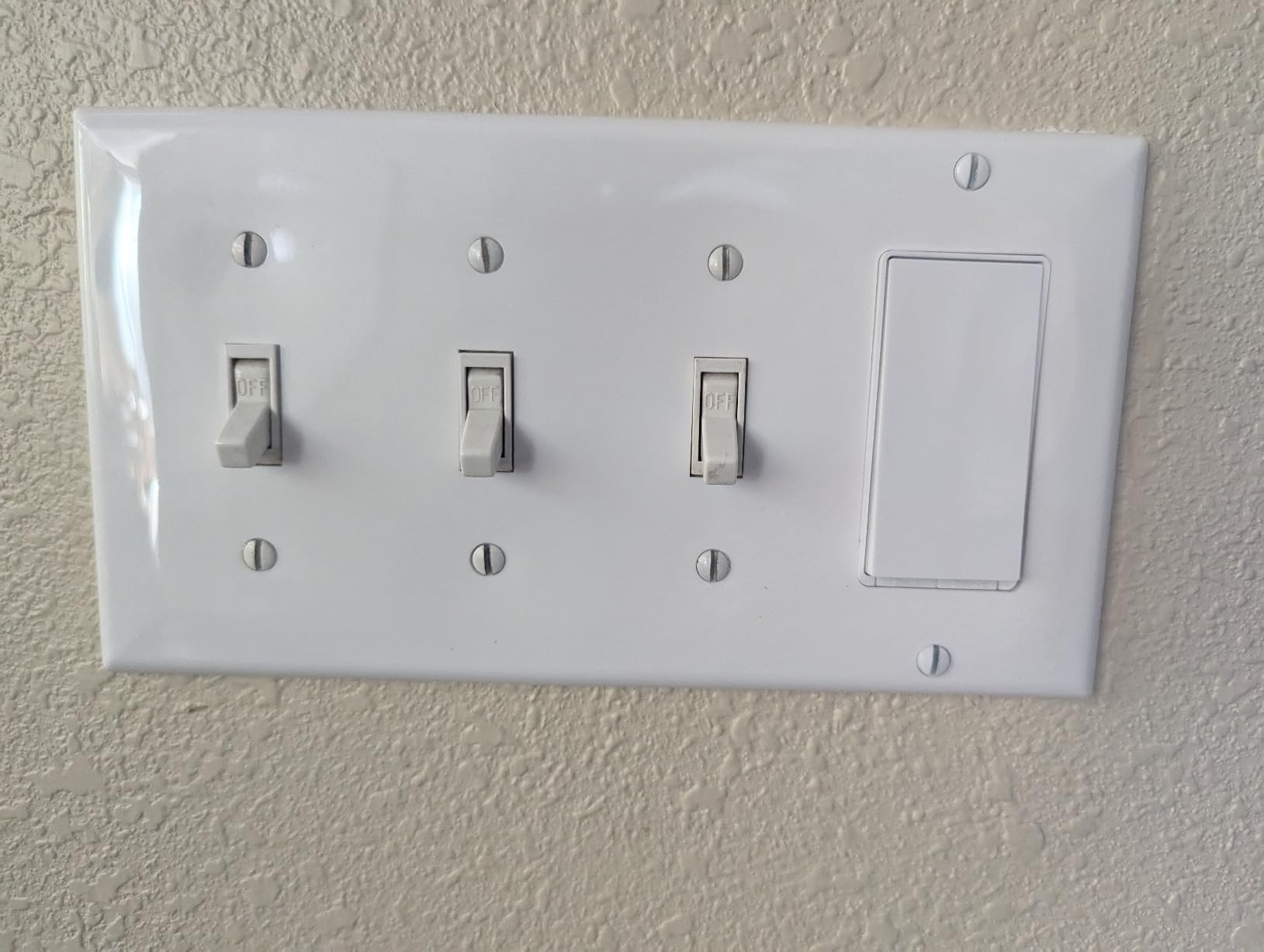
The Kasa Smart Light Switch HS200 takes a different approach to smart lighting by making your existing dumb bulbs smart. I replaced three wall switches in my home with these and the result is the best of both worlds: physical switch control plus full Google Assistant voice commands. With over 43,000 reviews averaging 4.6 stars, this is one of the most battle-tested smart home products available.
Installation is guided step-by-step through the Kasa app, which walks you through wiring with clear diagrams. The switch requires a neutral wire, which most modern homes have but older homes may not. Once installed, it connects directly to 2.4 GHz WiFi with no hub required, and Google Home integration was seamless in my setup.
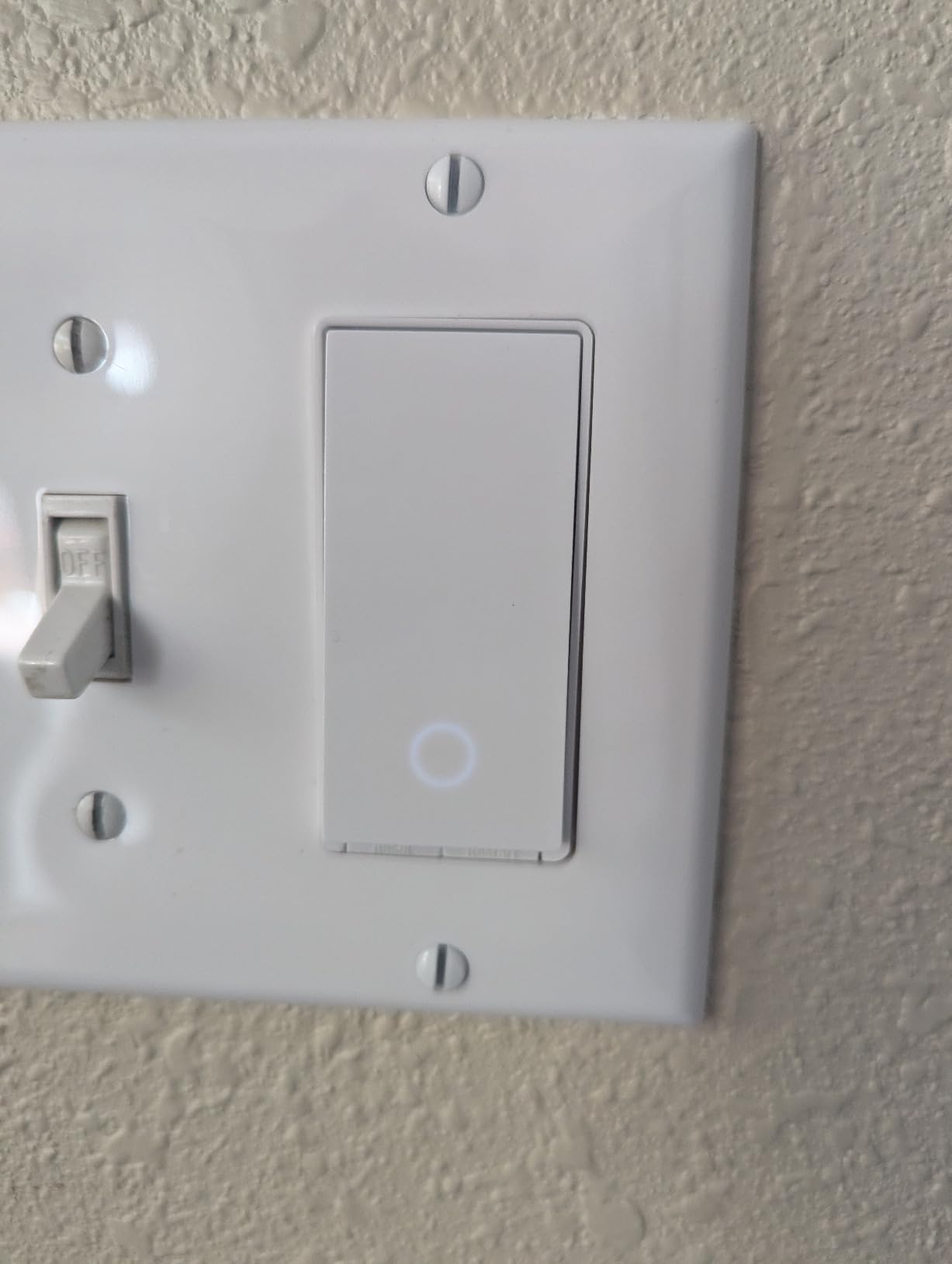
The switch handles up to 600 watts, which covers most residential lighting circuits. UL certification provides peace of mind for electrical safety, and the switch continues to work as a normal toggle even if your WiFi goes down. That offline reliability is something smart bulbs cannot match, since cutting power to a bulb removes all smart functionality.
Scheduling and away mode round out the feature set. I set up an away routine that randomizes lights while traveling, and Google Assistant handled voice commands for on/off, scheduling, and scene triggers without any issues. The r/googlehome community consistently recommends Kasa switches as the most reliable option for whole-home lighting control.
Neutral Wire Requirement Explained
The neutral wire completes the circuit that keeps the switch powered even when lights are off, which is essential for smart functionality. Most homes built after 1985 have neutral wires in switch boxes, but older homes may not.
Check your switch box before buying. If you see a bundle of white wires capped together in the back of the box, you have a neutral wire and this switch will work. If not, consider a no-neutral smart switch alternative.
Switch vs Bulb: Which Is Right for You
Smart switches are ideal when you want to keep your existing bulbs and add voice control to entire rooms or circuits. They are especially useful in rooms with multiple bulbs on a single switch, since one switch makes them all smart at once.
Smart bulbs are better when you want individual color control per fixture or need features like color changing and dimming that switches cannot provide. Many Google Home users combine both, using switches for whole-room control and bulbs for accent color lighting.
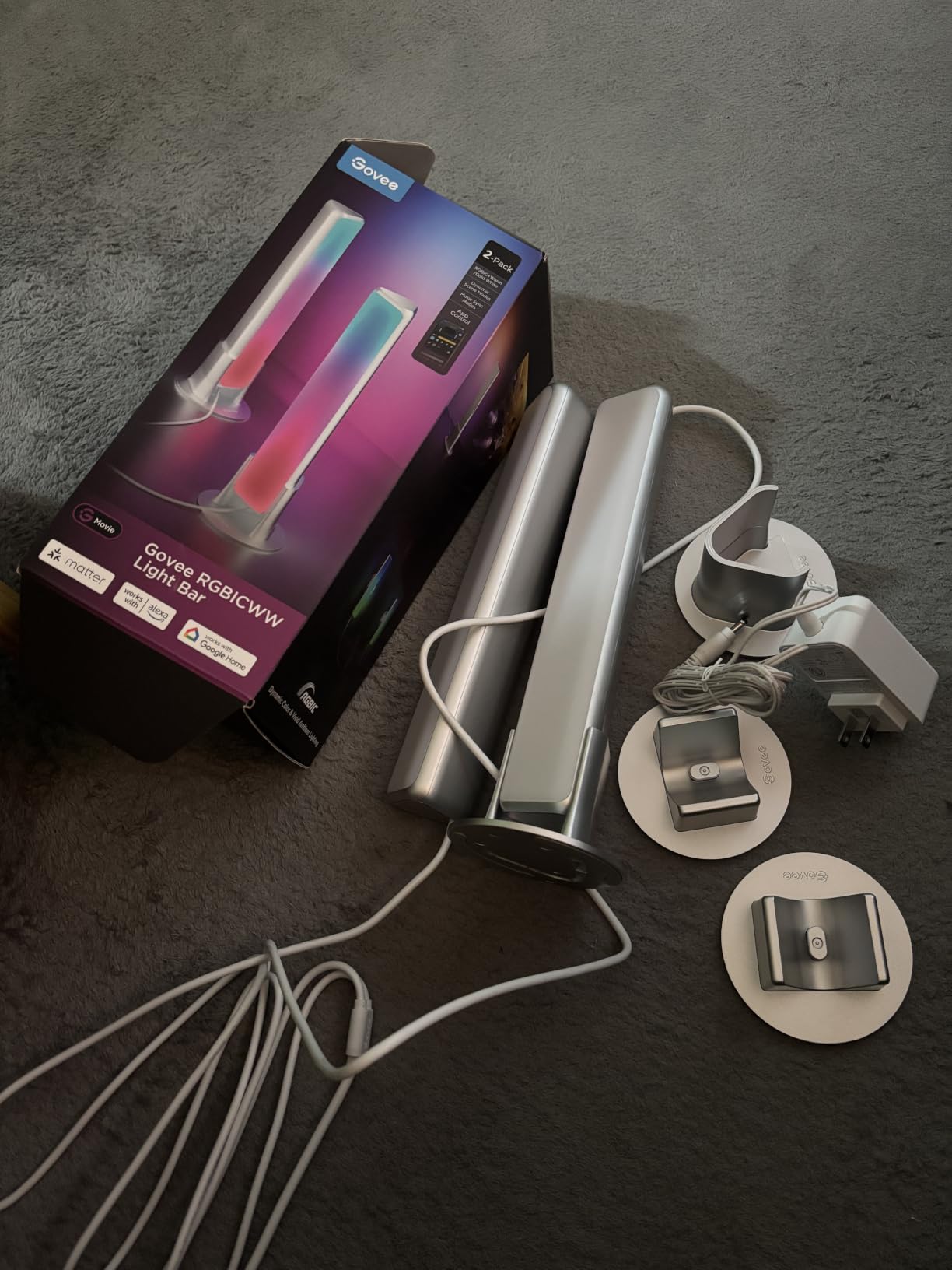
8. Govee Smart Light Bar RGBICWW – Best Accent Lighting for Google Home
Govee Smart Light Bar, RGBICWW TV Lights for Living Room, Gaming, Black
2 LED light bars
RGBICWW colors
Matter support
Music sync
60+ scenes
Pros
- RGBICWW with tunable white and RGBIC colors
- Matter-compatible with Google Home
- Versatile placement options
- 60+ scene modes with music sync
Cons
- Not water resistant
- Recommended for monitors under 45 inches
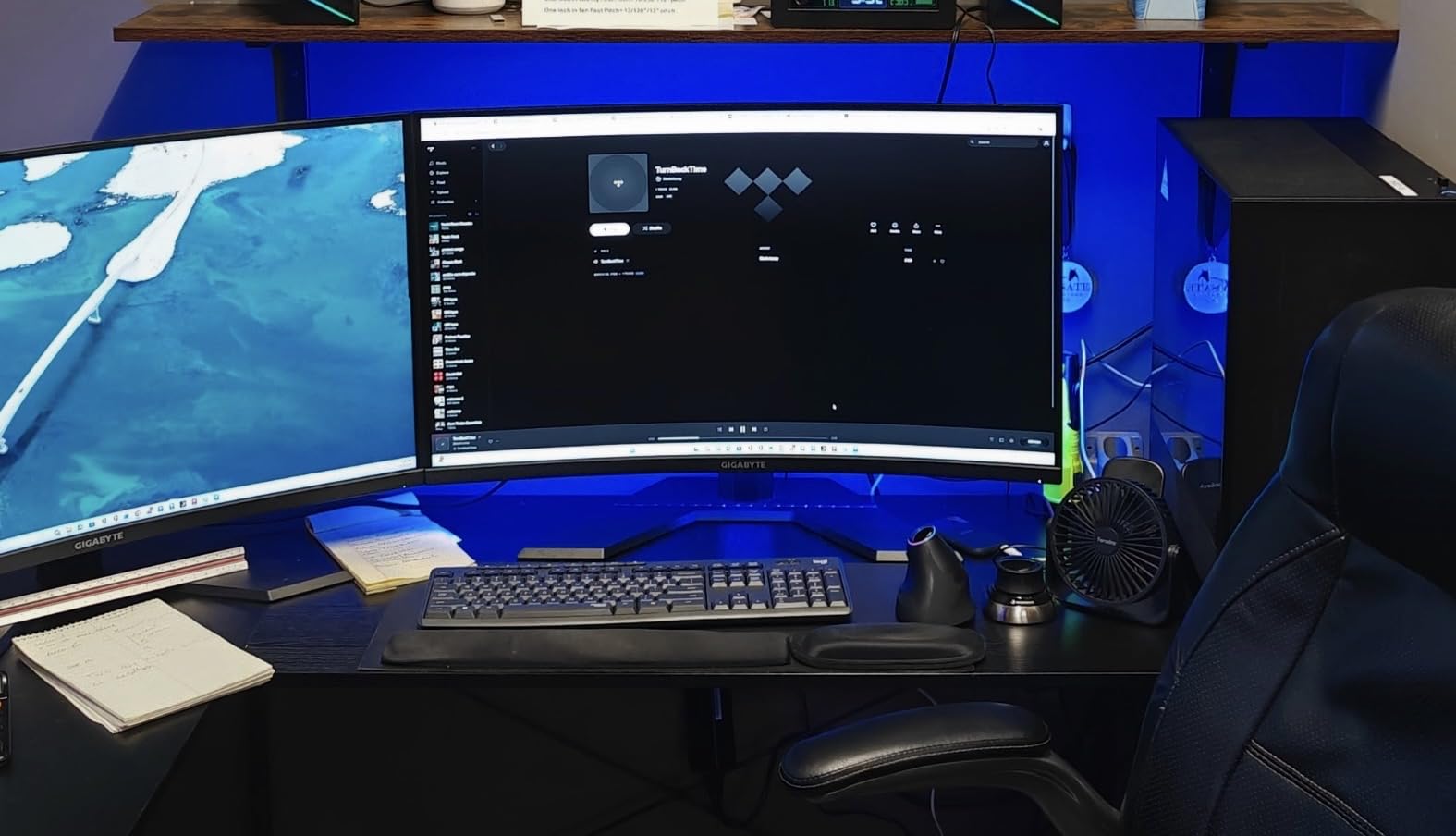
The Govee Smart Light Bar RGBICWW brings gaming and entertainment lighting to your Google Home setup. I placed these behind my desktop monitor and the immersive backlighting immediately elevated my workspace. With RGBICWW technology, you get both tunable white from cool to warm and vivid segmented RGB colors, which is more versatile than basic RGB bars.
Matter support means these light bars connect to Google Home locally for fast, reliable voice control. The built-in microphone enables music sync lighting that reacts to ambient sound, creating a dynamic atmosphere for gaming sessions or movie nights. The Govee Home app offers over 60 scene modes with seamless transitions that you can trigger by voice through Google Assistant.
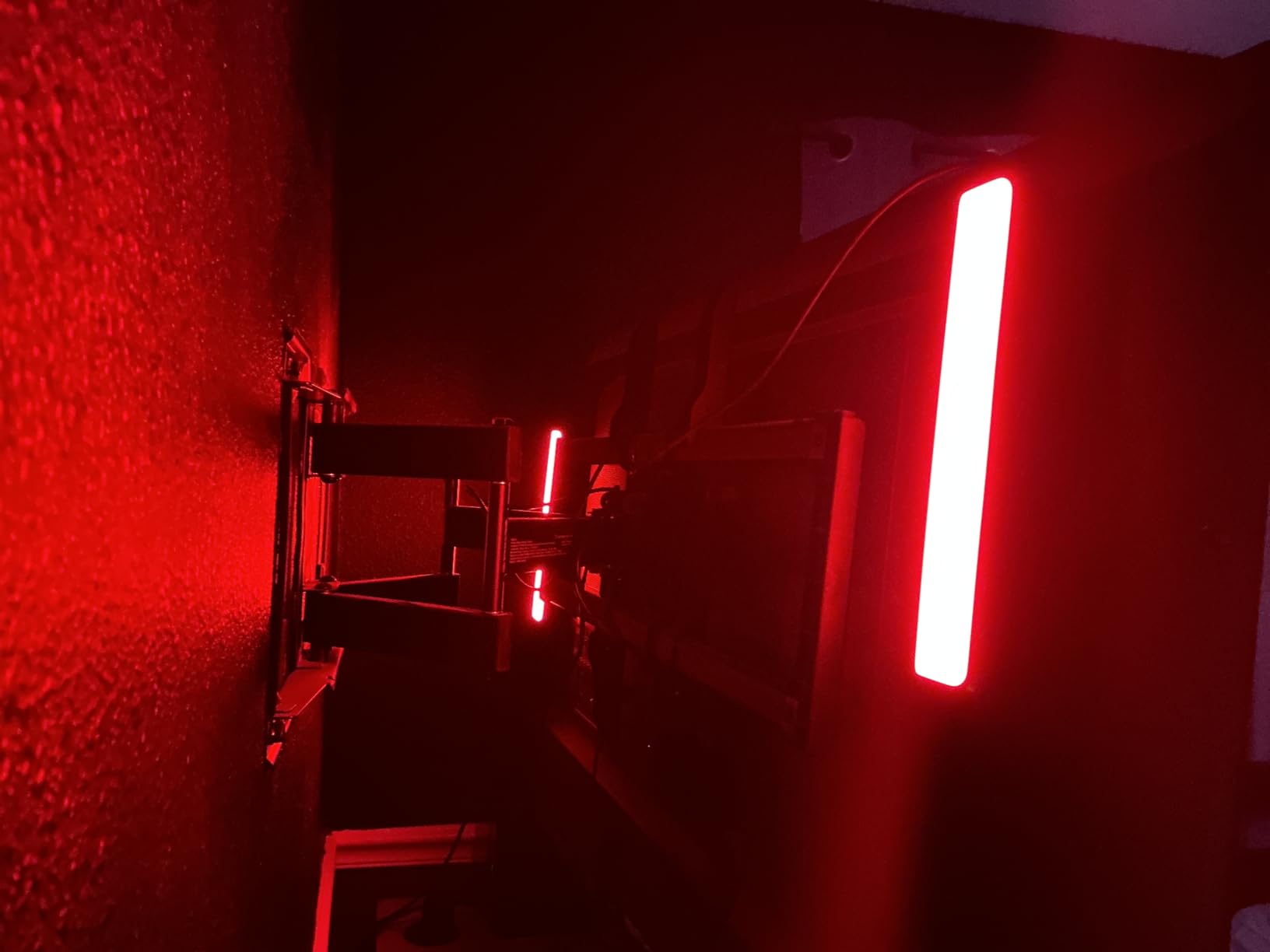
The placement options are genuinely versatile. You can lay the bars flat, stand them vertically, or mount them behind a monitor or TV using the included brackets. I tested both desk-mount and monitor-mount configurations and both worked well. The bars are recommended for monitors under 45 inches, which covers most desktop and living room TV setups.
With nearly 7,300 reviews averaging 4.6 stars, buyers consistently praise the brightness, color vibrancy, and ease of Google Home integration. The 18-watt power draw is efficient for the output, and the 192 light sources produce smooth gradients rather than harsh color blocks. This is a polished product that feels designed specifically for entertainment-focused smart lighting.
Best Placement for Gaming and Movies
Behind a monitor or TV creates a bias lighting effect that reduces eye strain and makes colors pop on screen. I noticed less fatigue during long work sessions after adding these bars to my desk setup.
Standing vertically beside a TV creates a wider color wash that fills the wall, which is ideal for movie night ambiance. The included brackets make both configurations quick to set up.
How It Compares to Light Strips
Light bars offer more directional, focused lighting than strips, which makes them better for screen bias lighting and desk accents. Strips are better for continuous runs along surfaces like cabinets and baseboards.
If you already have a strip behind your TV, adding light bars on either side creates a layered effect that looks more premium than a single light source alone. Both integrate with Google Home for unified voice control.
Buying Guide: How to Choose Smart Lights for Google Home
Choosing the best smart lights for Google Home comes down to five key factors. I have distilled the lessons from testing all eight products into this guide so you can match the right lighting to your specific needs and budget.
Connectivity Protocol: Wi-Fi, Matter, Zigbee, or Bluetooth
Wi-Fi bulbs like the Govee A19 and SYLVANIA connect directly to your router with no hub required, which is the simplest path for most Google Home users. Matter-certified bulbs like the Tapo L535E and Govee RGBWWIC Pro offer local control that is faster and more reliable because it does not depend on a cloud server. If you want maximum future-proofing, prioritize Matter.
Zigbee bulbs, like the Philips Hue system, require a bridge but offer excellent stability and the ability to manage many bulbs without congesting your Wi-Fi. Bluetooth-only bulbs have limited range and no remote control away from home. For most homes, Wi-Fi or Matter is the sweet spot.
Hub vs Hub-Free: What You Actually Need
Forum users consistently express frustration about hub requirements, and I share that sentiment. Hub-free bulbs from Govee, SYLVANIA, and Tapo are easier to set up and cost less upfront. The trade-off is that managing dozens of Wi-Fi bulbs can strain older routers.
Hue’s bridge-based system costs more but handles large installations more gracefully and enables advanced features like away-from-home control. If you plan to install more than 20 smart lights, a hub-based system is worth considering.
Brightness and Color Quality
Standard smart bulbs output 800 lumens, equivalent to a 60W incandescent. The Tapo L535E stands out with 1100 lumens for brighter spaces. For color quality, look at the CRI rating: 80 is acceptable, 90 is excellent. The SYLVANIA and Tapo bulbs both hit 90 CRI for accurate color rendering.
For tunable white, check the color temperature range. A wider range like 2200K-6500K on the Hue bulbs gives you more flexibility from warm candlelight to cool daylight.
Google Home Integration Depth
Not all “Works with Google” products integrate equally. In my testing, Philips Hue, Kasa, and Tapo offered the deepest integration with the fastest response times. Govee was reliable across all its products, while SYLVANIA occasionally lagged on complex color commands.
Matter-certified products have an inherent advantage because they connect locally rather than through cloud servers. If response speed is critical, prioritize Matter-enabled options.
Bulbs, Strips, Switches, or Bars: Matching Form Factor to Need
Bulbs are the foundation of any smart lighting setup and work in existing fixtures. Strips add accent lighting under cabinets, behind TVs, and along baseboards. Switches make entire rooms smart without replacing bulbs. Light bars create immersive bias lighting for screens and entertainment centers.
Most Google Home users benefit from a mix. Start with bulbs in your main living spaces, add a strip or light bar for ambiance, and consider a switch for rooms where you want whole-circuit control.
FAQs
What smart lights work best with Google Home?
The best smart lights for Google Home include the Philips Hue Essential A19 4-Pack for overall quality, the Govee A19 4-Pack for value, and the TP-Link Tapo L535E for brightness. Look for bulbs with official Works with Google Home certification or Matter support for the most reliable voice control.
Do you need a hub for smart lights with Google Home?
No, you do not need a hub for most modern smart lights with Google Home. Wi-Fi bulbs from Govee, SYLVANIA, and Tapo connect directly to your router. Philips Hue bulbs work via Bluetooth without a hub, but adding the Hue Bridge unlocks remote control, schedules, and advanced automations.
What happens to smart bulbs if Wi-Fi goes down?
Most Wi-Fi smart bulbs stop responding to voice commands and app control when Wi-Fi goes down, but they continue to function with physical switches. Matter-certified bulbs like the Tapo L535E and Govee RGBWWIC Pro can work locally even without internet. Smart switches like the Kasa HS200 always work as regular toggles regardless of connectivity.
Do you leave smart bulbs on all the time?
Smart bulbs need constant power to remain connected, so you leave the switch on and control them via app or voice. Turning the physical switch off cuts power and disconnects the bulb from your network. This is why smart switches are popular for rooms where people habitually flip wall switches.
Conclusion
Finding the best smart lights for Google Home in 2026 comes down to balancing reliability, features, and budget. The Philips Hue Essential A19 4-Pack remains the top choice for users who want the most polished experience and rock-solid Google Assistant integration. The Govee A19 4-Pack delivers outstanding value with music sync and proven reliability across 26,000-plus reviews, while the SYLVANIA 4-Pack wins on raw affordability without sacrificing color capability.
For specialized needs, the Tapo L535E offers the brightest Matter-certified bulbs, the Kasa and Govee strips handle accent lighting, the Kasa HS200 switch makes entire rooms smart, and the Govee Light Bar elevates entertainment spaces. Whatever your Google Home lighting goals, these eight products have been tested and confirmed to deliver on their promises.