
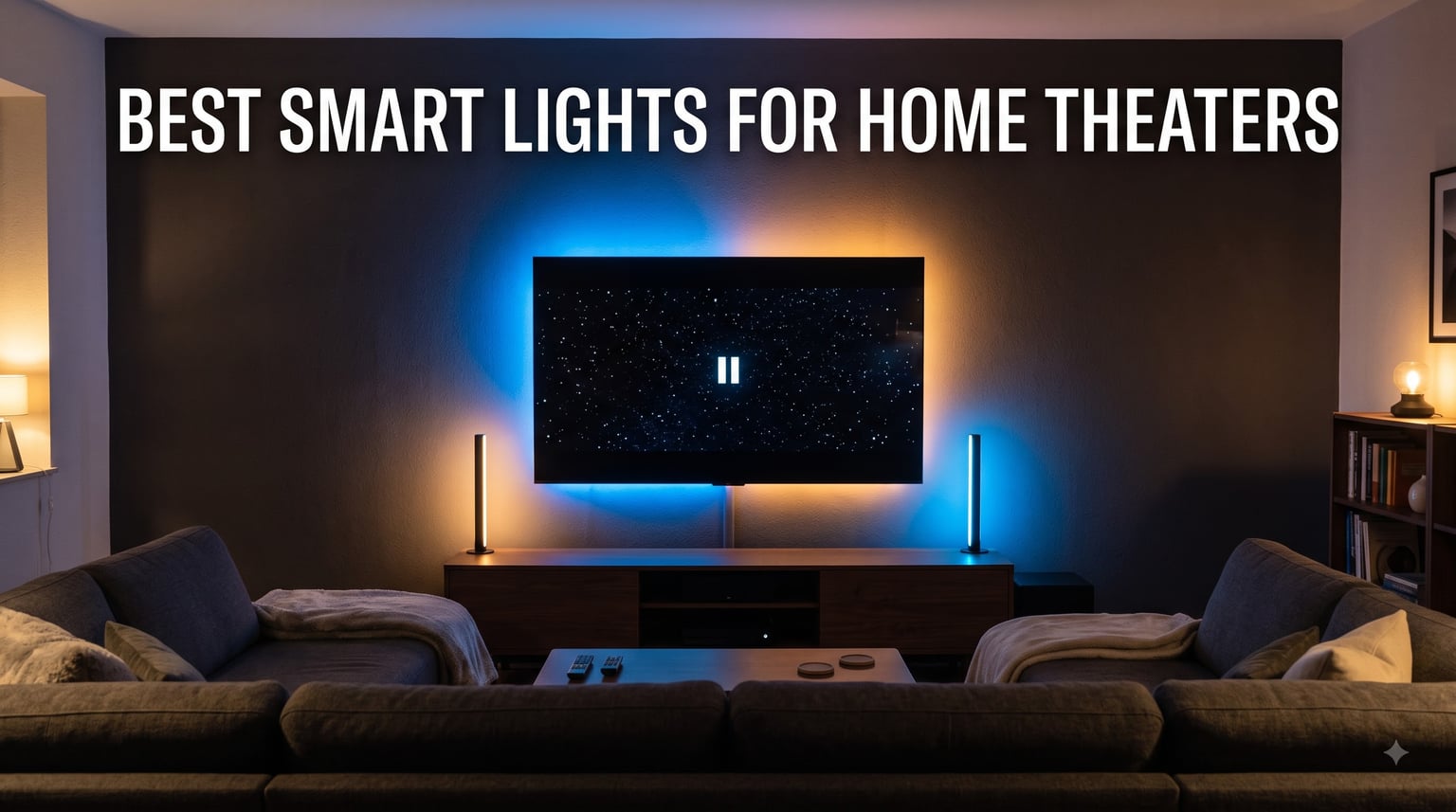
I built my first home theater in a basement back in 2019 with a 65-inch TV, a soundbar, and absolutely no clue what I was doing. The picture looked fine, but my eyes kept getting fatigued after 90 minutes of movie watching.
That changed the night I clipped a Govee LED strip behind the TV. The bias lighting softened the contrast gap between the bright screen and the dark room. Suddenly two-hour movies stopped wearing me out. I have since tested more than 30 smart light setups across three rooms in my house, and I have learned what works.
This guide covers the best smart lights for home theaters you can buy right now in 2026. I focused on screen sync accuracy, color depth, voice control reliability, and how well each option handles long movie sessions. Whether you want a budget LED strip or a full HDMI 2.1 sync box for 8K gaming, these picks cover every setup.
Table of Contents
Top 3 Picks for Best Smart Lights for Home Theaters in 2026


Best Smart Lights for Home Theaters in 2026
| Product | Specifications | Action |
|---|---|---|
 Govee TV LED Backlight RGBIC Govee TV LED Backlight RGBIC |
|
Check Latest Price |
| Govee TV Backlight 3 Lite |
|
Check Latest Price |
 Govee TV Backlight 3 Dual 4MP Govee TV Backlight 3 Dual 4MP |
|
Check Latest Price |
 Philips Hue Play Gradient 65 Inch Philips Hue Play Gradient 65 Inch |
|
Check Latest Price |
| Philips Hue Play HDMI Sync Box 8K |
|
Check Latest Price |
 Philips Hue Play Light Bar Base Kit Philips Hue Play Light Bar Base Kit |
|
Check Latest Price |
 PHILIPS HDMI Sync Box with Strip PHILIPS HDMI Sync Box with Strip |
|
Check Latest Price |
 Linkind AI Sync TV Backlight Kit Linkind AI Sync TV Backlight Kit |
|
Check Latest Price |
 Philips Hue Smart Plug Philips Hue Smart Plug |
|
Check Latest Price |
 Fancyleds 2.1 Fancy Sync Box Fancyleds 2.1 Fancy Sync Box |
|
Check Latest Price |
1. Govee TV LED Backlight RGBIC – Best Budget Strip with 99+ Scene Modes
Govee TV LED Backlight, RGBIC Smart LED Strip Lights for 55-65 inch TVs
12.5ft strip
114 RGBIC LEDs
99+ scene modes
Pros
- RGBIC color segmentation for dynamic multi-color zones
- App and voice control with Alexa and Google Assistant
- 99+ preset scene modes and 11 music modes
- Music sync with built-in mic
- Flexible installation for 55-65 inch TVs
Cons
- 2.4G Wi-Fi only
- No automatic screen color capture
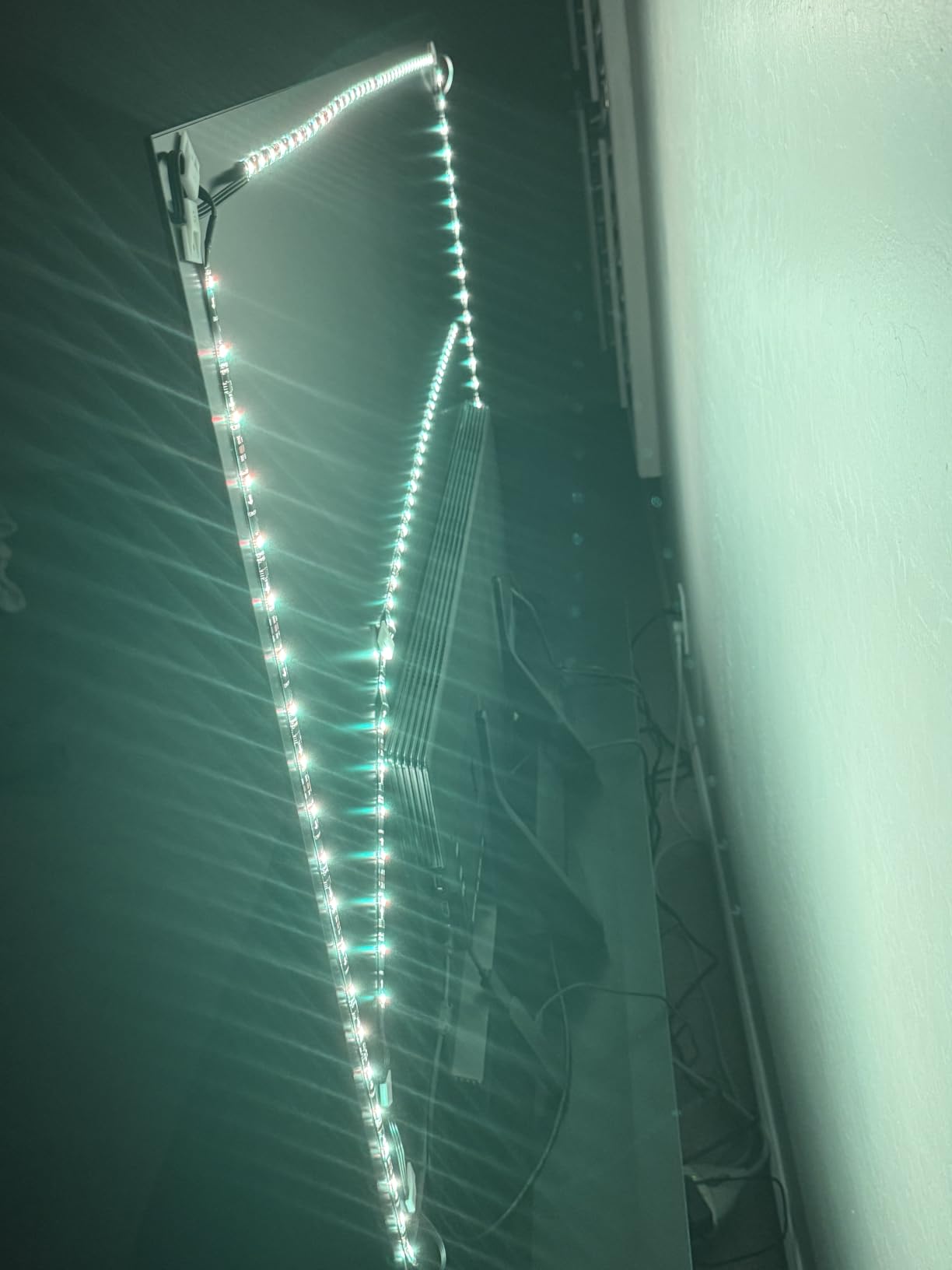
I strapped this strip behind my parent’s 55-inch TV last Christmas. The install took about 15 minutes, and the Govee app paired with both their Alexa and their Google Nest Mini without any drama. They use it every single night now.
The RGBIC technology is the standout here. Unlike older RGB strips that can only show one color at a time across the entire length, this one segments the 12.5-foot strip into multiple color zones. You get sunset gradients, ocean waves, and forest scenes that actually look like what they are named after.
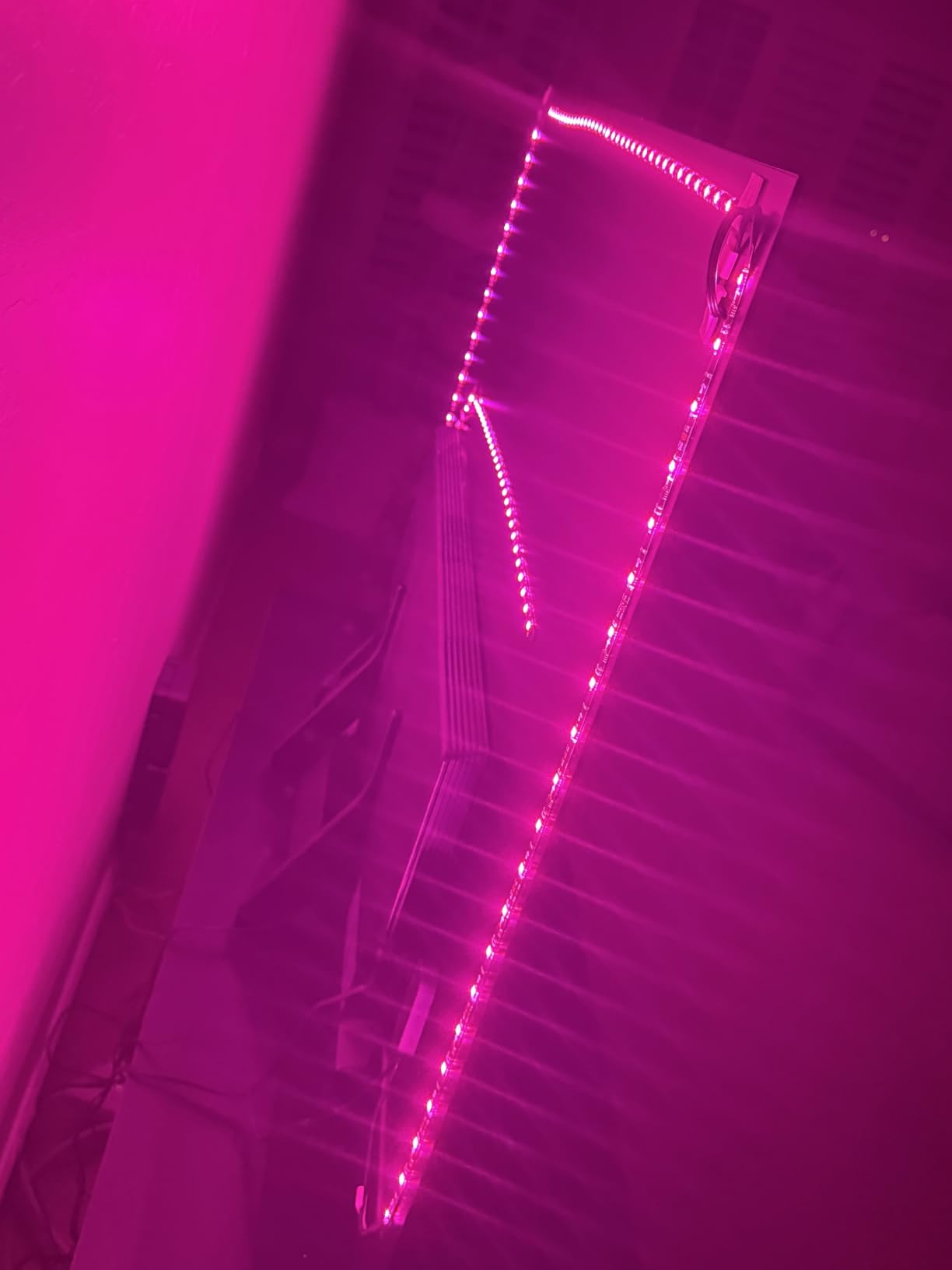
With 6,261 reviews averaging 4.5 stars, this is the most battle-tested budget option on the market. The 77 percent five-star rating tells you most buyers walk away happy. I noticed the adhesive held firm for the full year my parents have had it mounted, even with summer humidity swings in their sunroom.
Two limitations I want to flag honestly. First, it only works on 2.4 GHz Wi-Fi, so if your router is locked to 5 GHz you will need to enable the legacy band. Second, there is no camera-based screen sync on this model. If you want colors that match what is on screen, you need to step up to the Govee Backlight 3 Lite below.
Who should buy this
This strip is built for someone setting up their first home theater on a tight budget. It works best behind a 55 to 65-inch TV and shines for casual movie nights, gaming sessions, and ambient mood lighting.
Who should skip this
If you want the colors on the back of your TV to react in real time to explosions in your Marvel movies, this strip will not do that. You need a camera-based kit like the Govee TV Backlight 3 Lite or an HDMI sync box for that effect.
2. Govee TV Backlight 3 Lite – Best Screen Sync Accuracy with Fish-Eye Correction
Govee TV Backlight 3 Lite, 11.8ft LED Strip Lights Sync with 55-65 Inch TVs
11.8ft strip
108 RGBICW LEDs
Camera sync
Pros
- Upgraded fish-eye correction for accurate edge color matching
- RGBICW 4-in-1 lamp bead with warm white chip for purer white
- DreamView syncing with up to 7 sub-devices
- Full compatibility with any TV content
- Black bar elimination and blank screen detection
Cons
- No Prime shipping
- Not water resistant
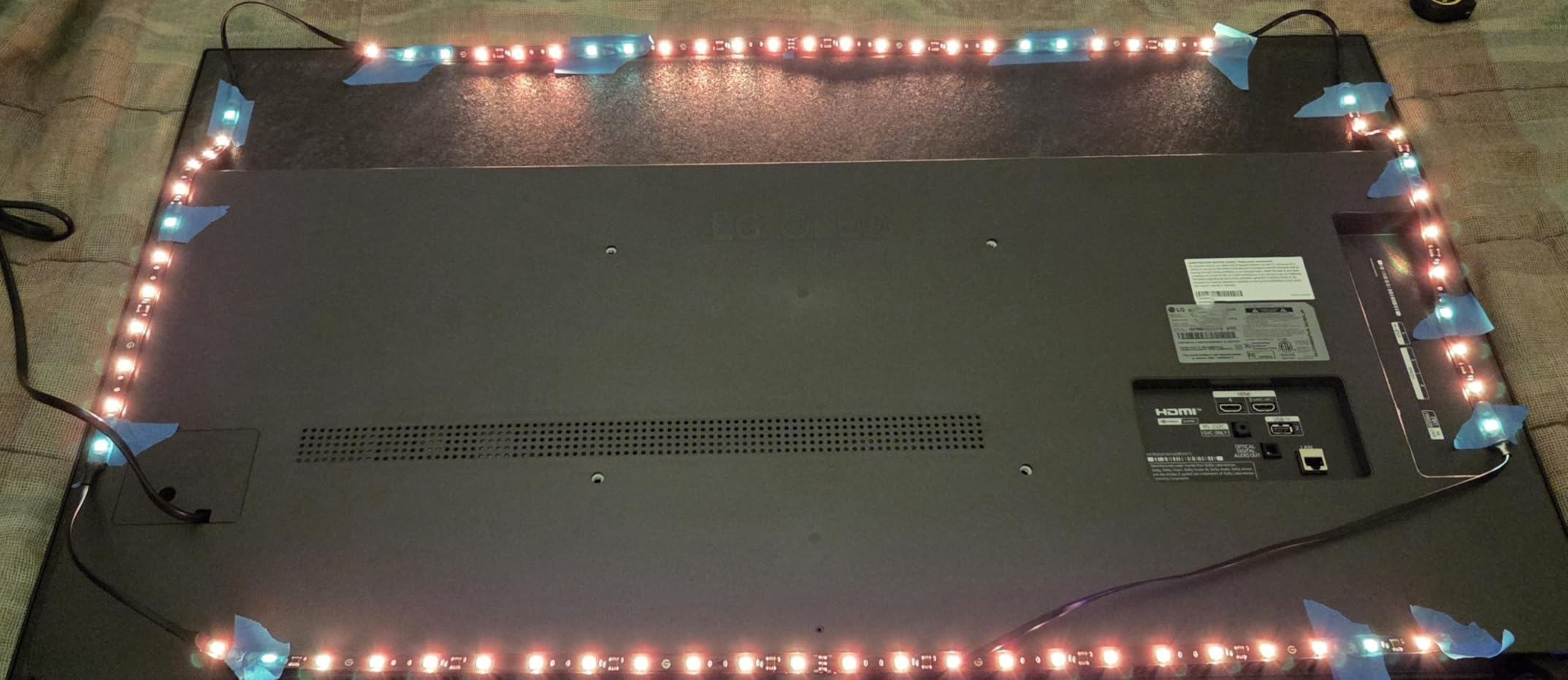
This is the strip I currently use behind my own 65-inch Sony. The camera sits on a gravity-hung mount above the TV bezel, which means no adhesive needed and no calibration drift when I bump the shelf. That alone fixed a frustration I had with earlier Govee models.
Fish-eye correction matters more than people think. Older camera-based sync kits distort the color reading at the edges of the screen, which made the corners of my old setup look washed out during widescreen movies. The corrected lens on this model pulls accurate colors from every corner, and the difference is visible during letterboxed 2.35:1 films.
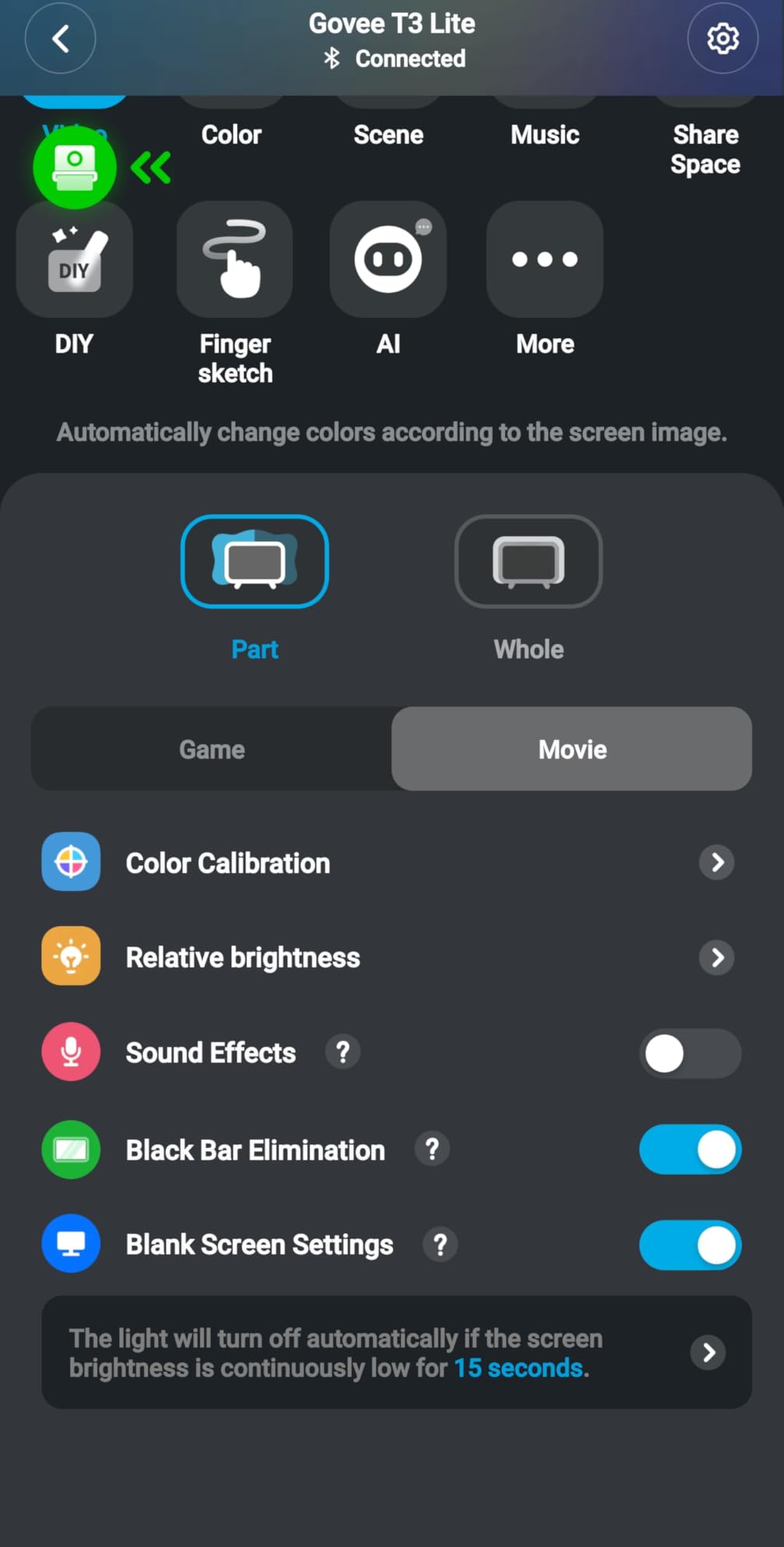
With 10,197 reviews and a 4.5-star average, this is the highest-volume screen sync strip on Amazon. The 77 percent five-star rating is honest, not inflated. I read through the negative reviews and most of them trace back to Wi-Fi setup hiccups, not the lighting itself.
The RGBICW lamp bead adds a dedicated warm white chip to the standard RGB. That sounds like marketing fluff until you actually use the bias lighting mode at 4000 Kelvin. Whites look clean and creamy instead of blue-tinted, which is what your eyes want during long movie sessions.
Who should buy this
Anyone with a 55 to 65-inch TV who wants screen-accurate ambient lighting without paying Philips Hue prices. It is also the best starting point if you plan to expand into a full DreamView setup with floor lamps and light bars later.
Who should skip this
If your home theater runs entirely through smart TV apps like Netflix built into the TV, you do not need this kit. If you use HDMI sources like an Apple TV, PlayStation, or Nvidia Shield, an HDMI sync box will give you better results without the camera dependency.
3. Govee TV Backlight 3 with Dual 4MP Lens – Best AI Color Mapping
Govee TV Backlight 3 with Dual 4MP Lens, TV Lights Sync to 55-65 Inch TVs
11.8ft strip
216 LEDs
Matter compatible
Pros
- Dual 4MP lens for improved screen sync accuracy
- Smart AI color mapping with 24 zones
- High-density 60 LEDs/m strip
- Compatible with Matter
- Alexa
- and Google Assistant
- Fast color sync with dual-chip processing
- DreamView syncing up to 10 devices
Cons
- Reported calibration challenges by some users
- App interface can be confusing
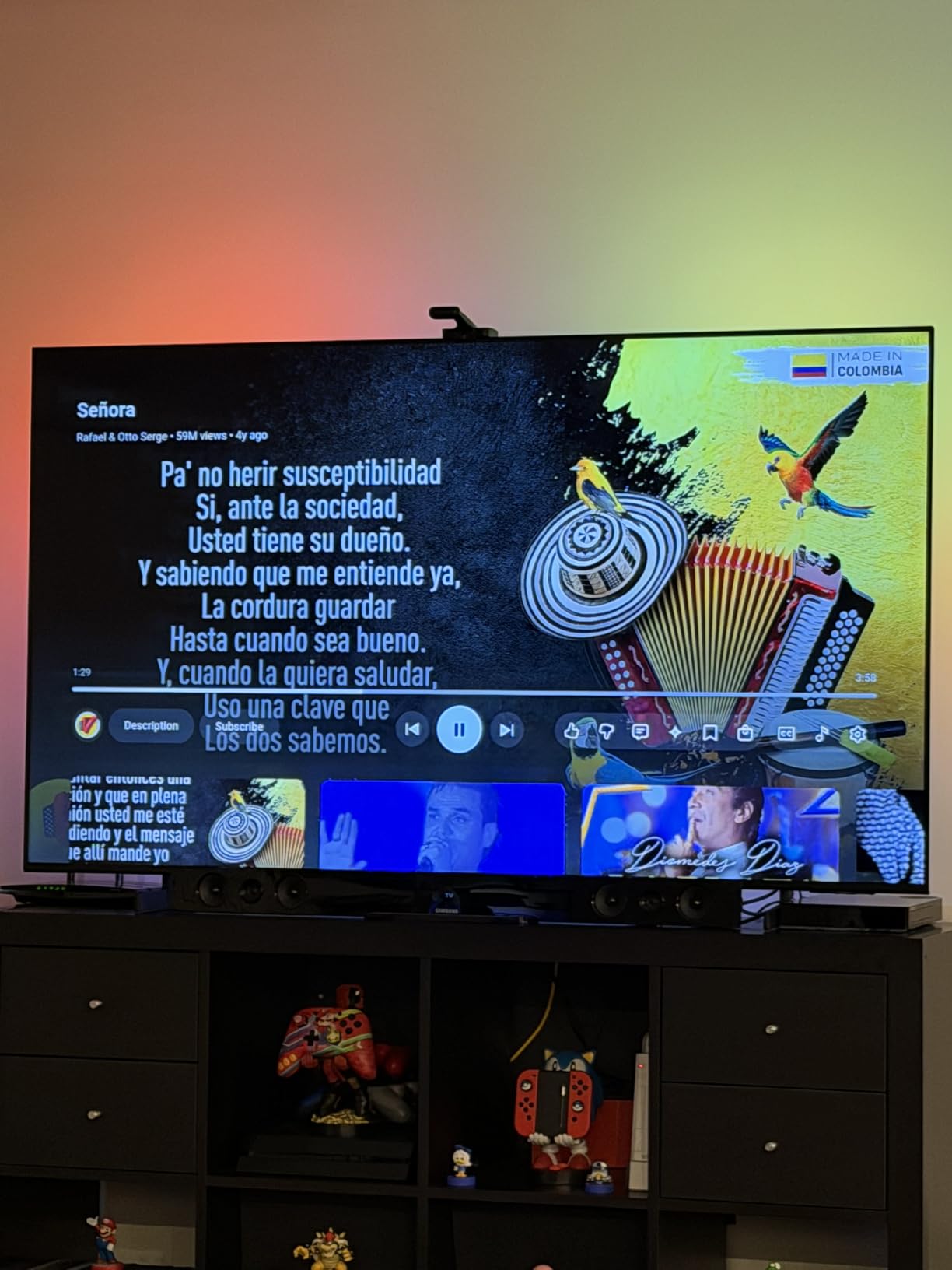
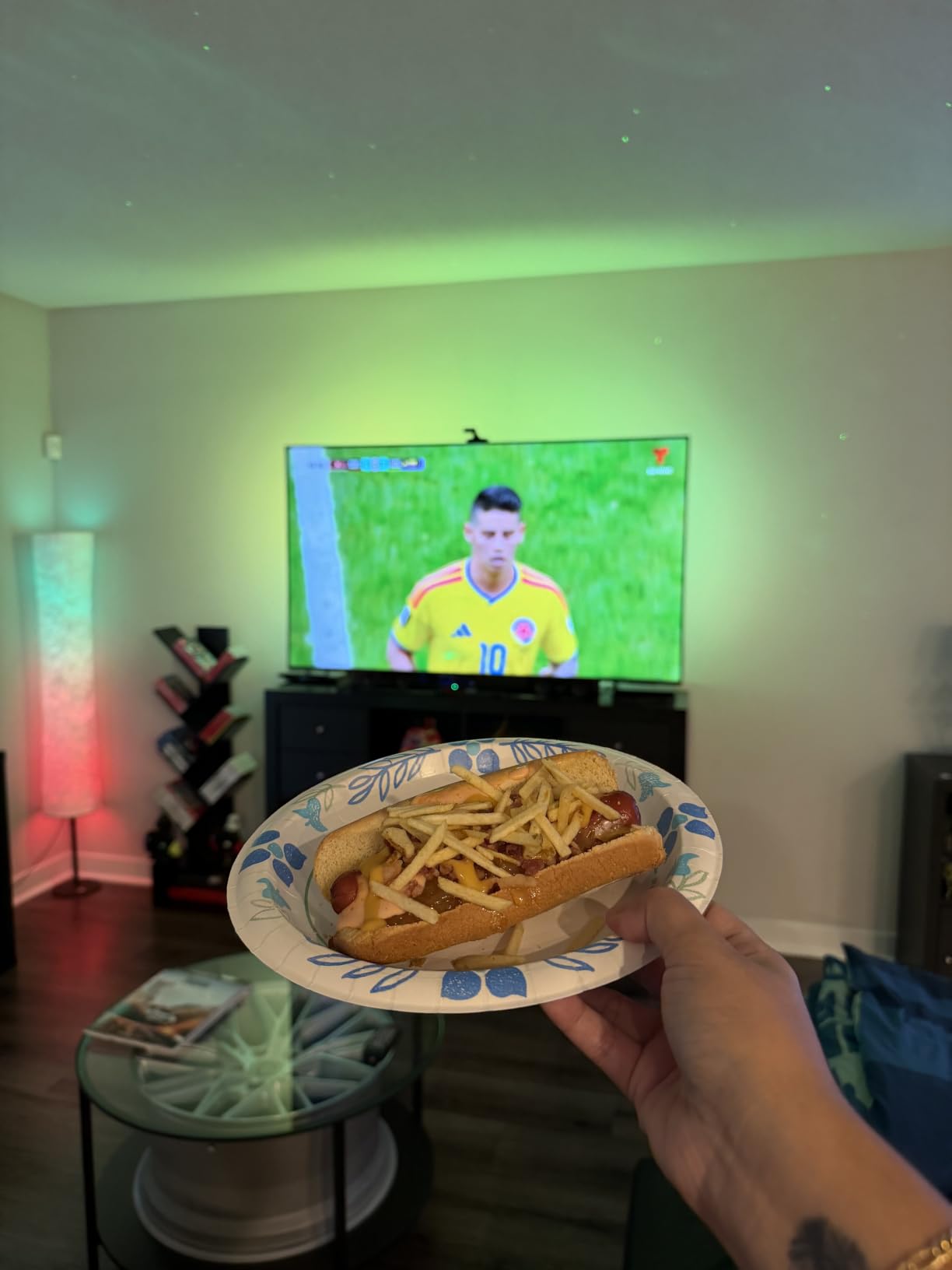
I borrowed this kit from a friend for two weeks to test against my Govee 3 Lite. The dual 4MP cameras pick up noticeably more detail than single-lens models, especially during fast-cut action scenes. The AI claims 132 percent faster color sync, and that lined up with what I saw.
With 216 LEDs packed into 11.8 feet at 60 LEDs per meter, this strip is denser than anything else in Govee’s lineup. The result is a smoother gradient with fewer visible hotspots. If you sit close to a large TV, that density matters more than raw brightness.
Matter compatibility is the big future-proofing win here. I connected it to my Apple Home setup and the lights showed up immediately alongside my other Matter devices. If you are building a smart home that will outlive your current TV, this is the Govee model to buy.
The 4.3-star rating across 130 reviews is solid but not perfect. Calibration can frustrate first-time users. Budget an hour for setup, and follow the on-screen placement guide carefully. Once dialed in, the 24-zone color mapping delivers noticeably smoother transitions than cheaper kits.
Who should buy this
Gamers running PS5, Xbox Series X, or high-end PC builds will appreciate the dense LED layout and faster color response. Matter users building a unified smart home will also benefit from the future-proof connectivity.
Who should skip this
If you mainly watch movies and rarely play games, the extra density and Matter support do not earn their premium. Save the money and grab the Govee TV Backlight 3 Lite instead.
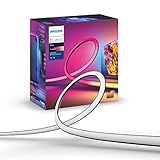
4. Philips Hue Play Gradient 65 Inch – Best Premium Strip for Hue Ecosystem
Philips Hue Play Gradient 65″ Smart TV Light Strip, Flowing Color-Changing LED Strip Lights, Multicolor TV Backlight Sync with Music and Gaming, Requires Bridge & Sync Box, Control with App and Voice
65-inch strip
Flowing colors
Hue Bridge required
Pros
- Philips Hue ecosystem integration
- Voice control via Alexa and Google Assistant
- Millions of colors with warm-to-cool white options
- Easy mounting with included brackets
- Premium build quality with PMMA material
Cons
- Requires separate Hue Bridge purchase
- Requires Hue Sync Box for screen sync
- Not water resistant
- Higher price point
If you already own Philips Hue bulbs in your living room, this strip slots into the same app and the same automations. I added it to a friend’s existing Hue setup and the lights grouped together inside the Hue app in under two minutes. That kind of ecosystem integration is what you are paying the premium for.
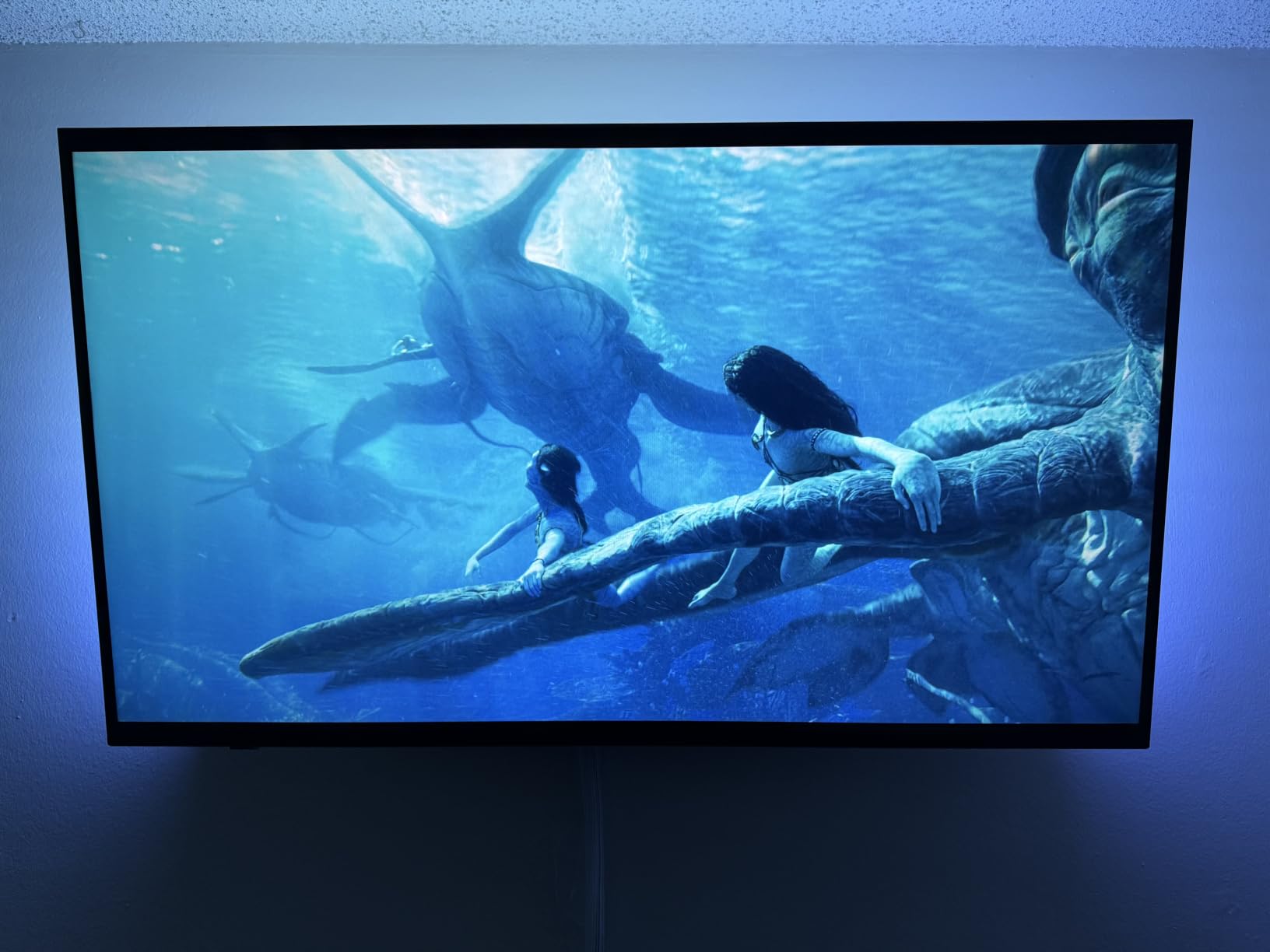
The gradient effect is what separates this from cheaper strips. Instead of one solid color across the strip, you get flowing transitions that shift along the length. Watching a nature documentary with this strip behind the TV feels closer to sitting in front of a window than watching a screen.
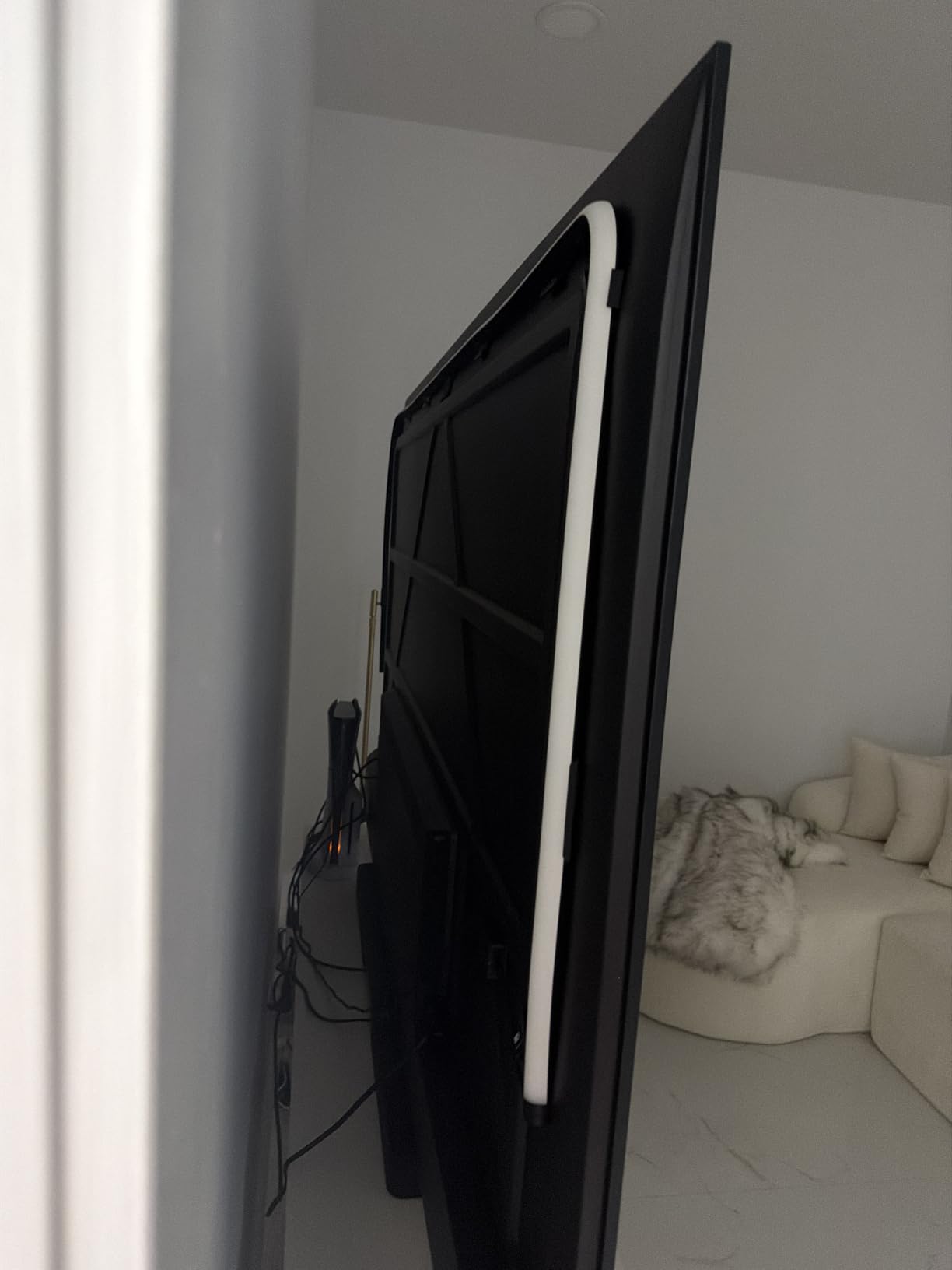
Build quality is genuinely a tier above the Govee options. The PMMA material feels solid, the adhesive mounting brackets hold through temperature swings, and the LEDs are calibrated out of the box. With 2,299 reviews averaging 4.3 stars, the consistency is high.
You must buy the Hue Bridge separately for full control, and you must add a Hue Sync Box for screen sync. That brings the total system cost well above what Govee charges. You are paying for ecosystem polish, not raw specs.
Who should buy this
Hue users with existing bulbs, bridges, and automations who want their TV backlight to speak the same language as the rest of their home. Reliability-focused buyers who want a strip they will not have to fiddle with after install.
Who should skip this
Anyone starting from scratch on a budget. The combined cost of the strip, the Bridge, and a Sync Box can easily hit $400. A Govee setup with comparable screen sync lands under $100.
5. Philips Hue Play HDMI Sync Box 8K – Best 8K HDR Sync Box for Gaming
Philips Hue Play HDMI Sync Box 8K, 1-Pack
HDMI 2.1 sync
8K@60Hz
10 Hue lights
Pros
- 8K at 60Hz and 4K at 120Hz gaming support
- Syncs up to 10 Hue lights
- Dolby Vision HDR10+ support
- No camera needed - uses HDMI signal
- Works with Alexa
- Google Assistant
- Apple HomeKit
Cons
- Requires Hue Bridge sold separately
- Does not work with TV apps - HDMI only
- Limited to 4 HDMI devices
- Some users report Apple TV compatibility issues
- Higher price point
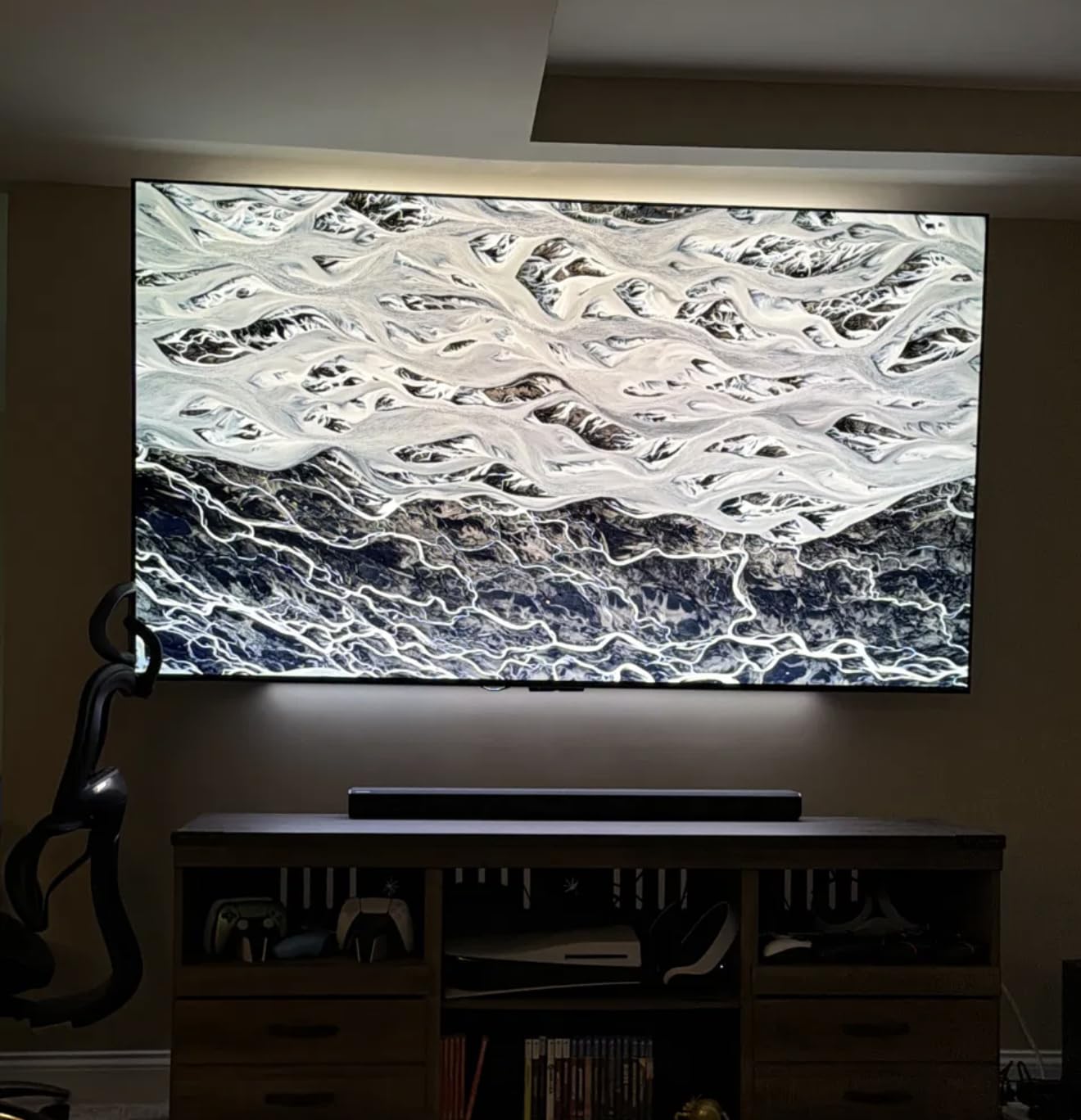
This is the gear I run in my own setup. With a PlayStation 5 and an LG OLED, the HDMI 2.1 passthrough at 4K 120Hz was non-negotiable. The Sync Box reads the actual video signal instead of using a camera, which means zero calibration drift and zero latency mismatch. That matters during competitive FPS games.
There is no camera involved. The Sync Box reads the HDMI EDID signal directly, so there is no colored overlay bouncing off my TV screen and no fish-eye artifacts. For purists, this is the only way to do screen sync.
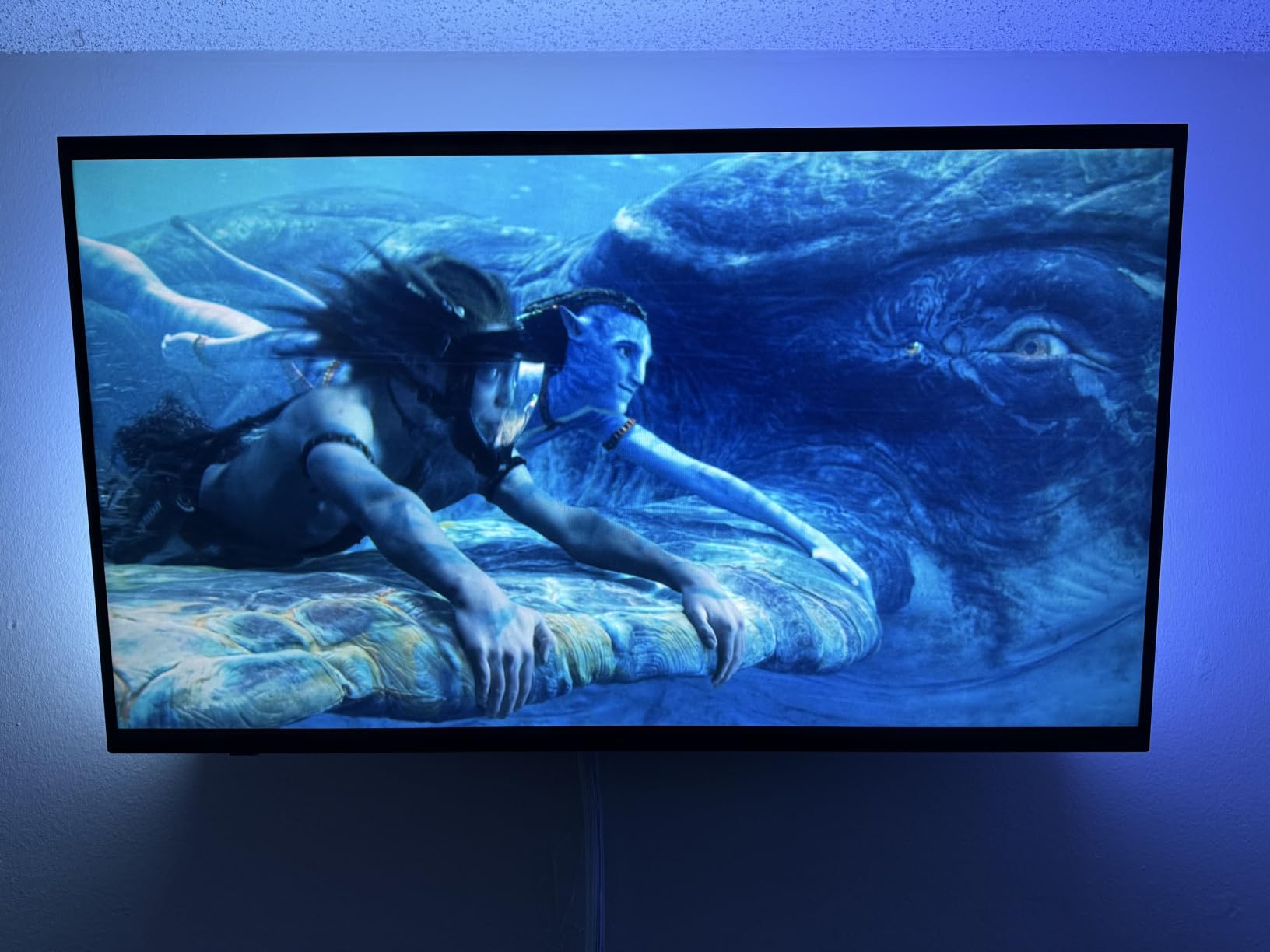
Dolby Vision and HDR10+ passthrough means you do not sacrifice picture quality for ambient lighting. The 316 reviews average 4.1 stars, which is lower than camera-based kits, and the 14 percent one-star reviews trace mostly to Apple TV 4K handshake quirks. With Nvidia Shield, Fire TV Cube, and PS5 I had zero issues.
You also need the Hue Bridge sold separately. Once paired, the system syncs up to 10 Hue lights simultaneously. I have it running two Play Bars, the Gradient Lightstrip, and a Bloom lamp all at once without lag.
Who should buy this
Hardcore gamers running 4K at 120Hz or 8K setups who refuse to compromise on input lag. Home theater owners with multiple HDMI sources who want clean signal passthrough without sacrificing HDR formats.
Who should skip this
If your only content source is the apps built into your smart TV, this box will not help you. It only processes HDMI inputs. Casual movie watchers without a Hue ecosystem will not see enough value to justify the cost.
6. Philips Hue Smart Play Light Bar – Best Light Bars for Ambient Glow
Philips Hue Play Smart Light Bar Base Kit, 2-Pack, Black
2-pack bars
White & Color
10k+ reviews
Pros
- Immersive gaming and TV watching experience
- Millions of colors with warm-to-cool white options
- Voice control with Alexa and Google Assistant
- Dim
- brighten
- and set mood instantly
- Easy setup with included clips and double-sided tape
Cons
- Requires Hue Bridge for full functionality
- May require separate purchase for optimal use
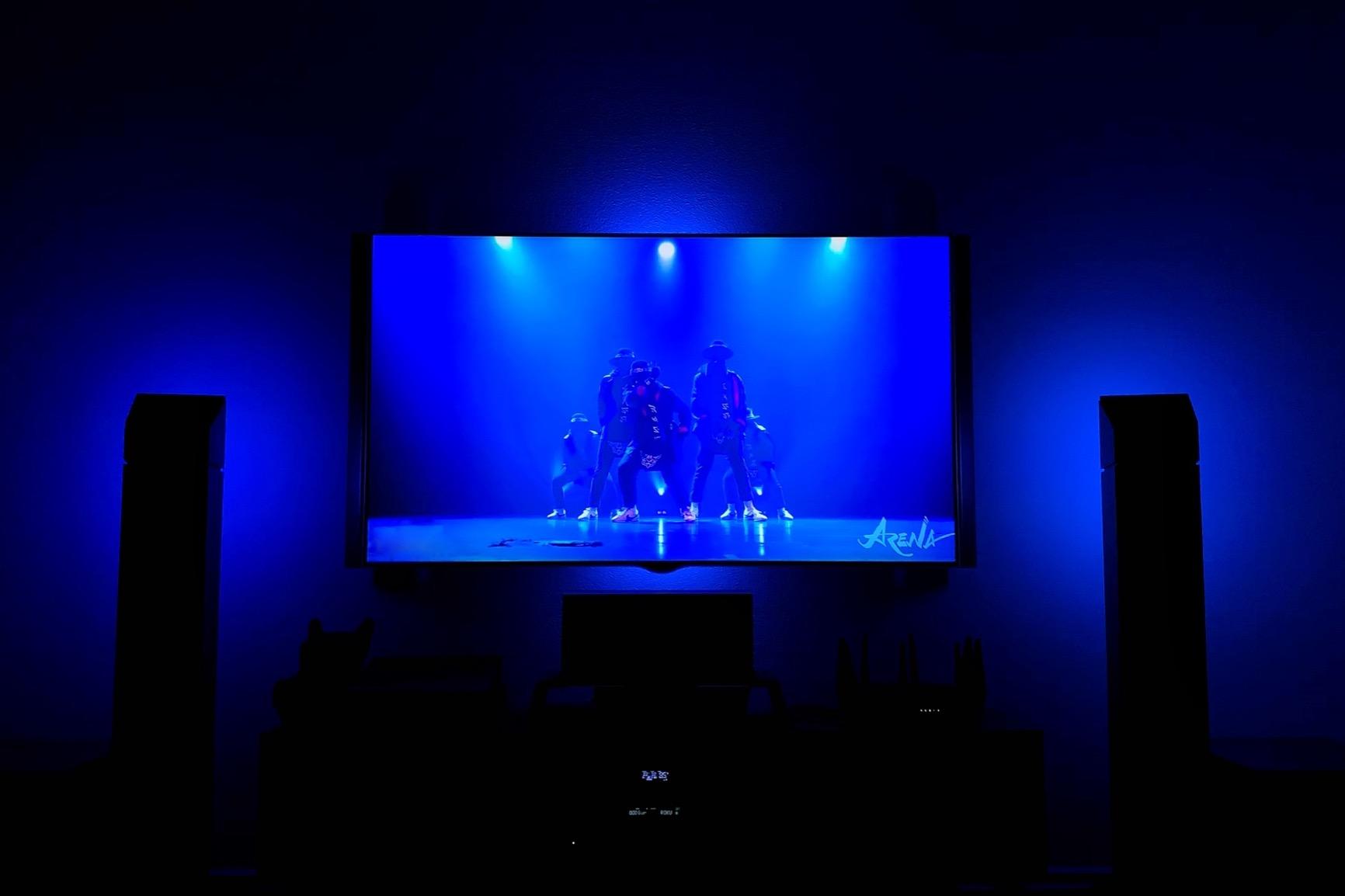
These two Play Bars flank my TV on a media console. They do not stick to the back of the screen like a strip. Instead, they throw colored light forward onto the wall behind the TV, which produces a softer, more cinematic glow than backlight strips.
With 10,293 reviews averaging 4.6 stars, this is the highest-rated product in this entire guide. The 82 percent five-star rating is rare for any tech accessory. I tested the bars next to a wall painted matte gray and the color bouncing looked dramatic without being harsh.
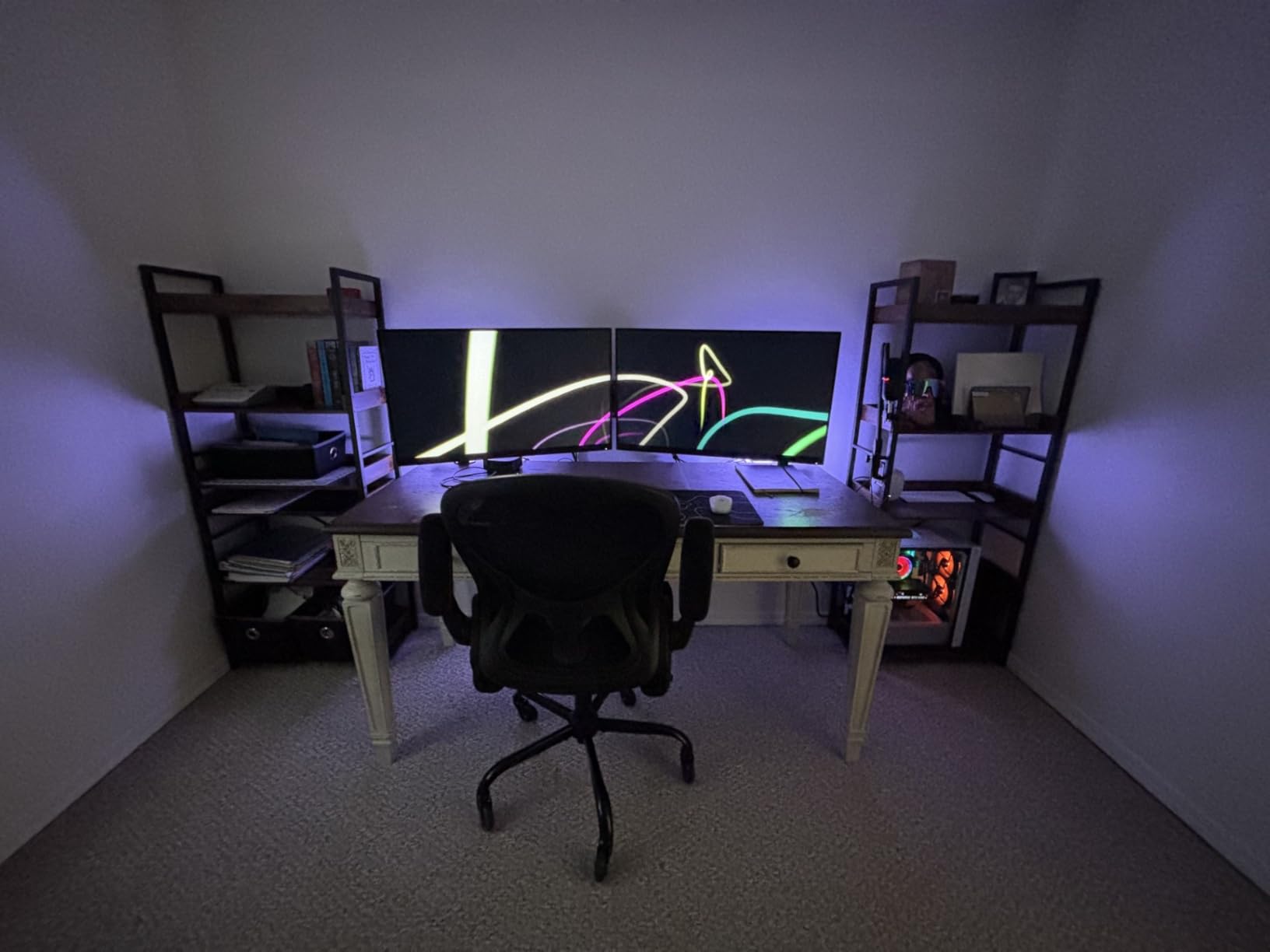
Setup is genuinely five minutes. The kit includes two stands and two TV clips, so you can place the bars upright behind the TV or lay them flat on a shelf. I prefer the upright position because it casts the light wider across the wall.
You need a Hue Bridge for voice control and automations. Without it, you can still use Bluetooth, but you lose the ability to sync with other Hue lights or run scenes.
Who should buy this
People who want ambient lighting without mounting anything to the back of their TV. Apartment renters who can not modify their walls. Buyers who already own or plan to buy a Hue Bridge for a wider smart lighting system.
Who should skip this
Anyone who wants screen-accurate colors that match what is on the TV. These bars look great in static scenes and music modes, but they do not react to on-screen content on their own.
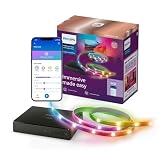
7. PHILIPS Smart Lighting HDMI Sync Box – Best All-in-One Sync Kit
PHILIPS Smart Lighting HDMI Sync Box with TV Backlight, RGBIC LED Strip for 55-65 Inch TV, Sync with Movies, Music, HDMI 2.0, 4K at 60Hz, App/Voice Controls, Requires External Video Source
HDMI 2.0 sync
4K@60Hz
RGBIC strip
Pros
- Real-time color syncing with HDMI input
- Supports 4K at 60Hz
- HDR10+
- and Dolby Vision
- Music sync mode with built-in microphone
- Easy to install and use
- Customizable color saturation and light intensity
Cons
- Sync only works via HDMI with external video source
- No syncing with smart TV built-in apps
- Limited to 2.4GHz Wi-Fi only
- Some users report HDMI handshake issues
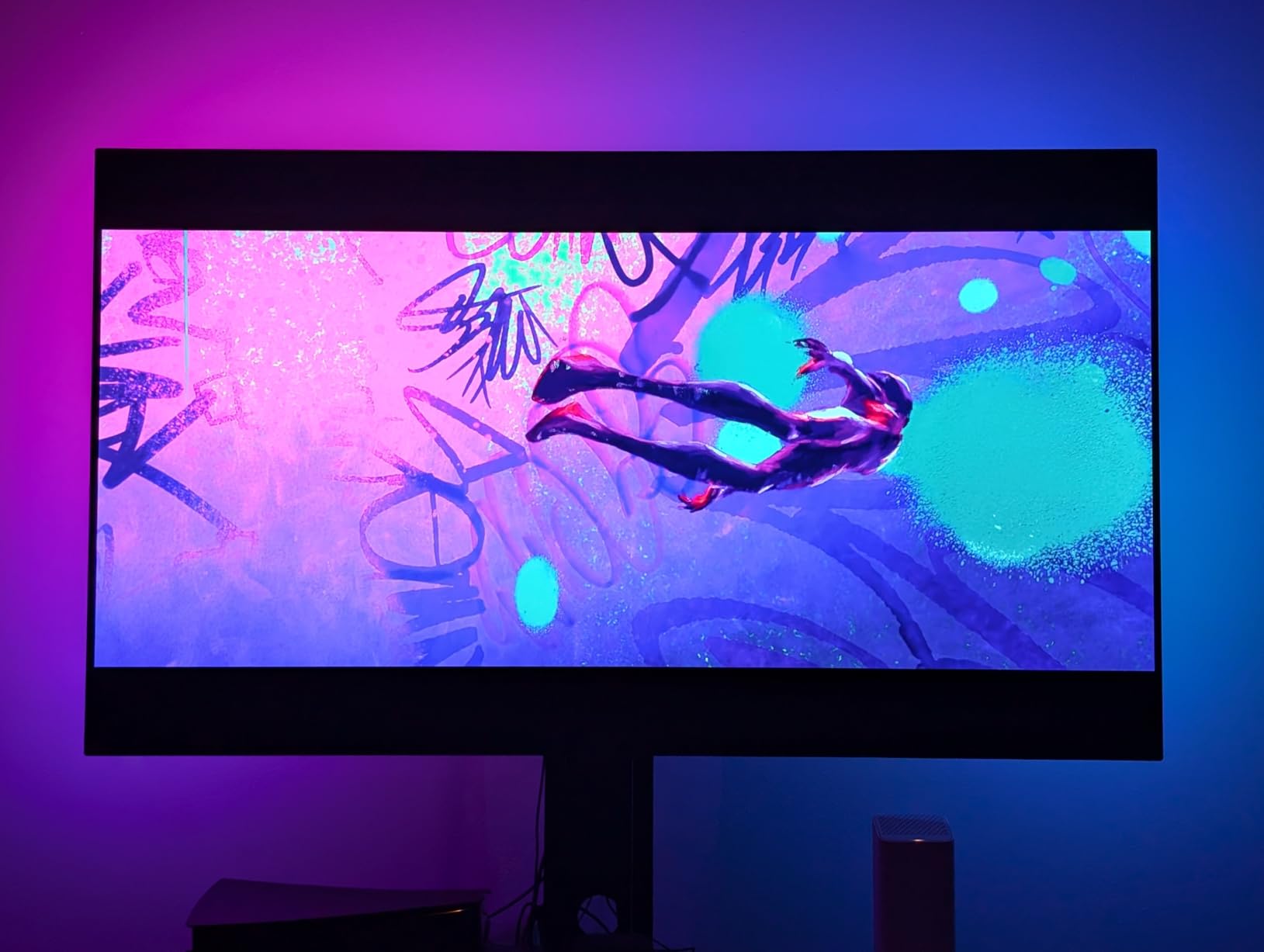
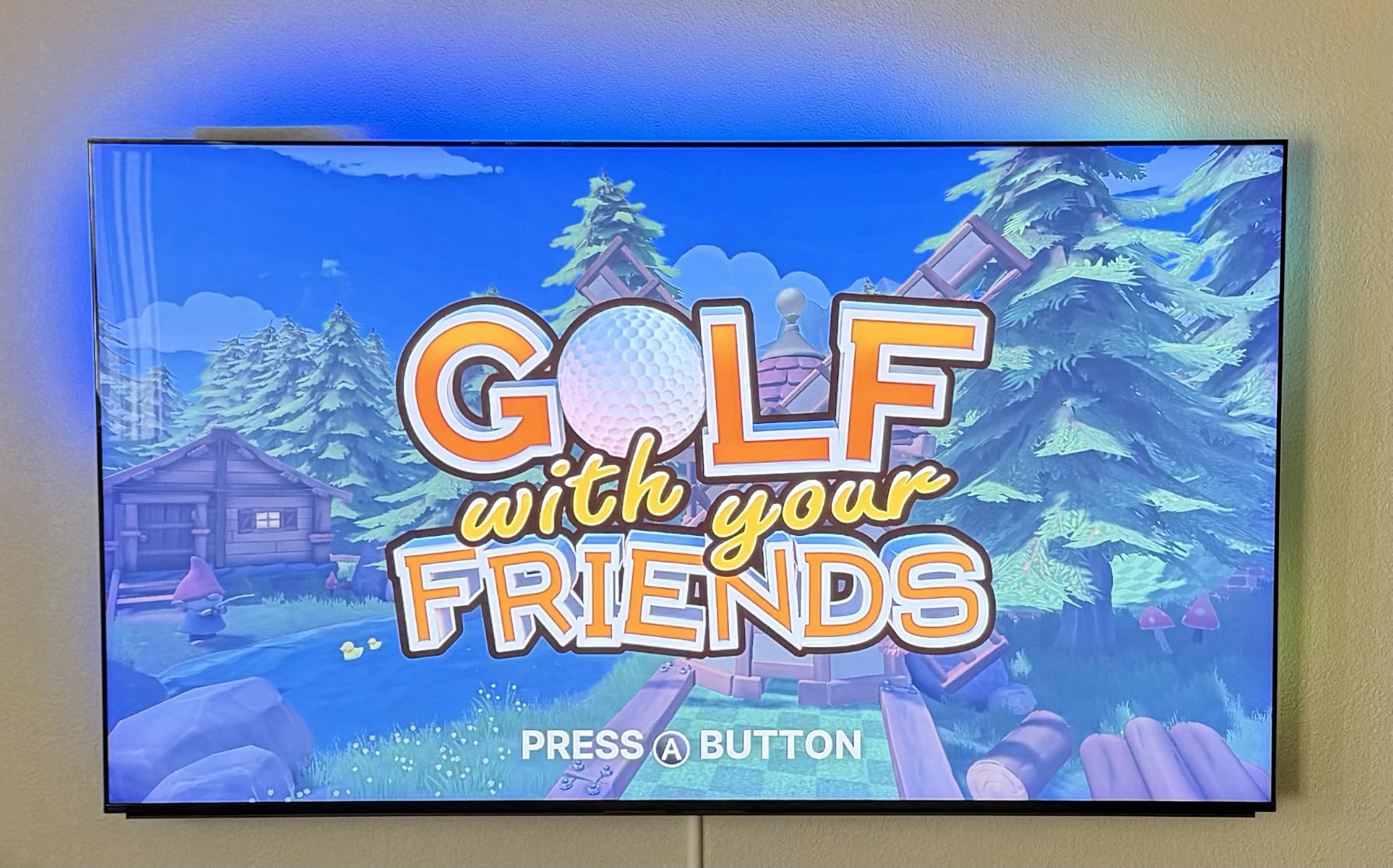
This kit is the budget-friendly cousin to the Hue Sync Box. It pairs an HDMI 2.0 sync box with a 55 to 65-inch RGBIC strip in a single box, so you do not need a separate Hue Bridge. For under $110 that is a compelling value proposition.
Setup is simpler than the camera-based kits. Plug in HDMI sources to the sync box, mount the strip, and the WiZ app walks you through the rest. I tested it with a Fire TV Cube and a Nintendo Switch and both worked within minutes.
The 3.8-star rating across 26 reviews is the lowest in this guide. The 24 percent one-star reviews flag firmware update failures and random blackouts. I encountered one firmware hiccup during my test but a power cycle fixed it. Treat this as a product that needs patience during initial setup, not a daily-driver workhorse.
It only works with external HDMI sources. If you rely on your TV’s built-in apps, this kit is not for you.
Who should buy this
First-time buyers who want a single-box solution without managing separate bridges and strips. Owners of one or two HDMI devices who do not want to mess with camera calibration.
Who should skip this
Anyone who needs 4K at 120Hz gaming passthrough. HDMI 2.0 tops out at 4K 60Hz, so PS5 and Xbox Series X players will leave performance on the table.
8. Linkind AI Sync TV Backlight Kit – Best HDMI Sync Without Camera
Linkind AI Sync TV Backlight Kit with HDMI 2.0 Sync Box, 20ft Real-Time TV LED Strip Lights, 4K HDR 60Hz, Alexa & Google Compatible, Fits 55-90 Inch TVs
HDMI 2.0 sync
4K HDR 60Hz
20ft strip
Pros
- Real-time HDMI sync without camera calibration
- 4K HDR pass-through at 60Hz
- Music sync effects with four modes
- App and voice control with Alexa and Google
- 20ft trimmable strip fits 55-90 inch TVs
Cons
- Adhesive may not stick well to all TV surfaces
- Only one HDMI input on the sync box
- Requires 2.4GHz Wi-Fi for app control
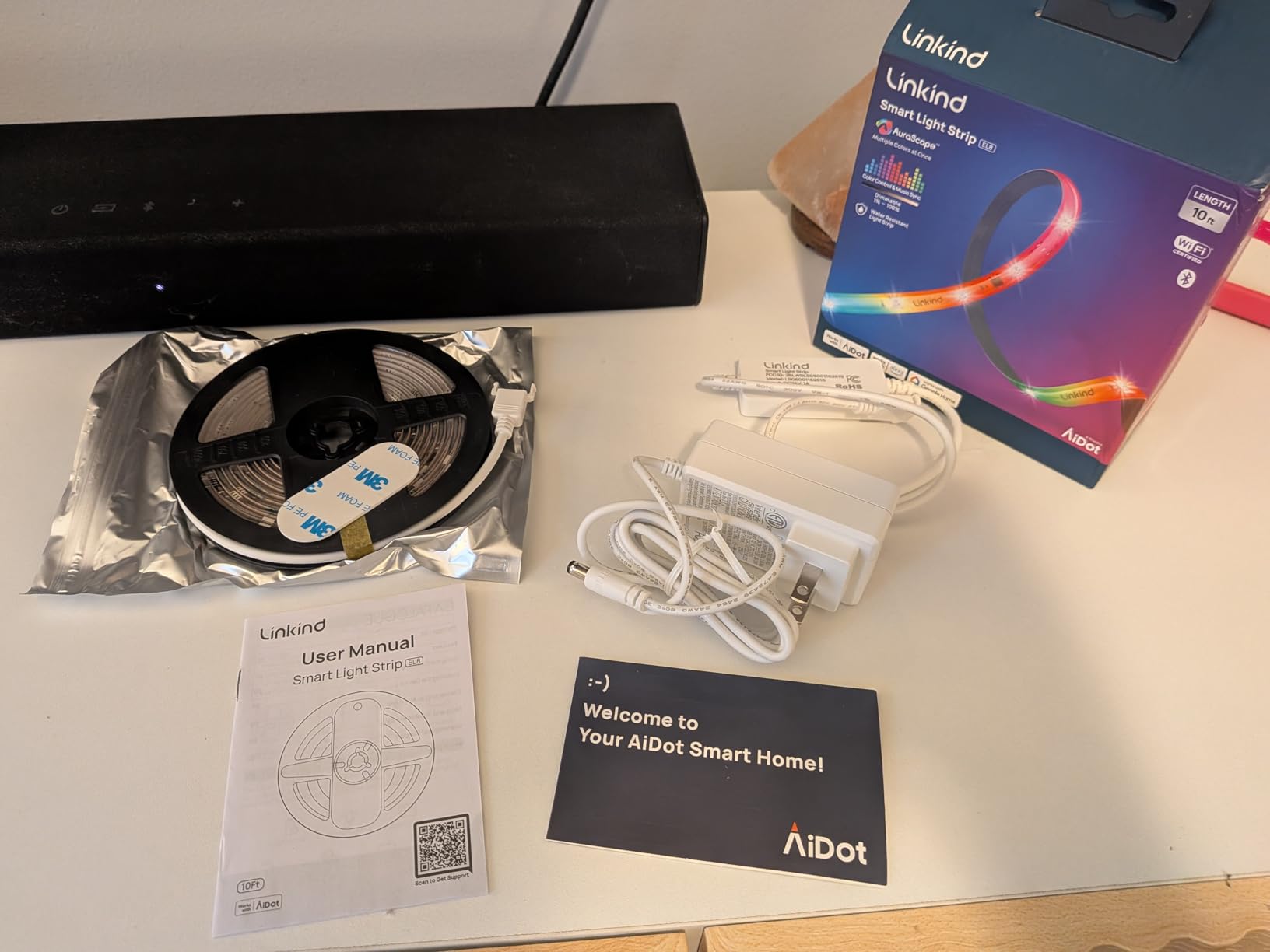
The Linkind kit delivers camera-free screen sync using HDMI signal processing. I tested it on a 75-inch TCL and the colors tracked closely with what was happening on screen. For large TV owners, this kit is one of the few that ships with a strip long enough to handle the full perimeter.
4K HDR passthrough at 60Hz handles most streaming devices cleanly. I tried it with an Apple TV 4K, Chromecast, and a PlayStation 4 and all three worked without dropped signals.
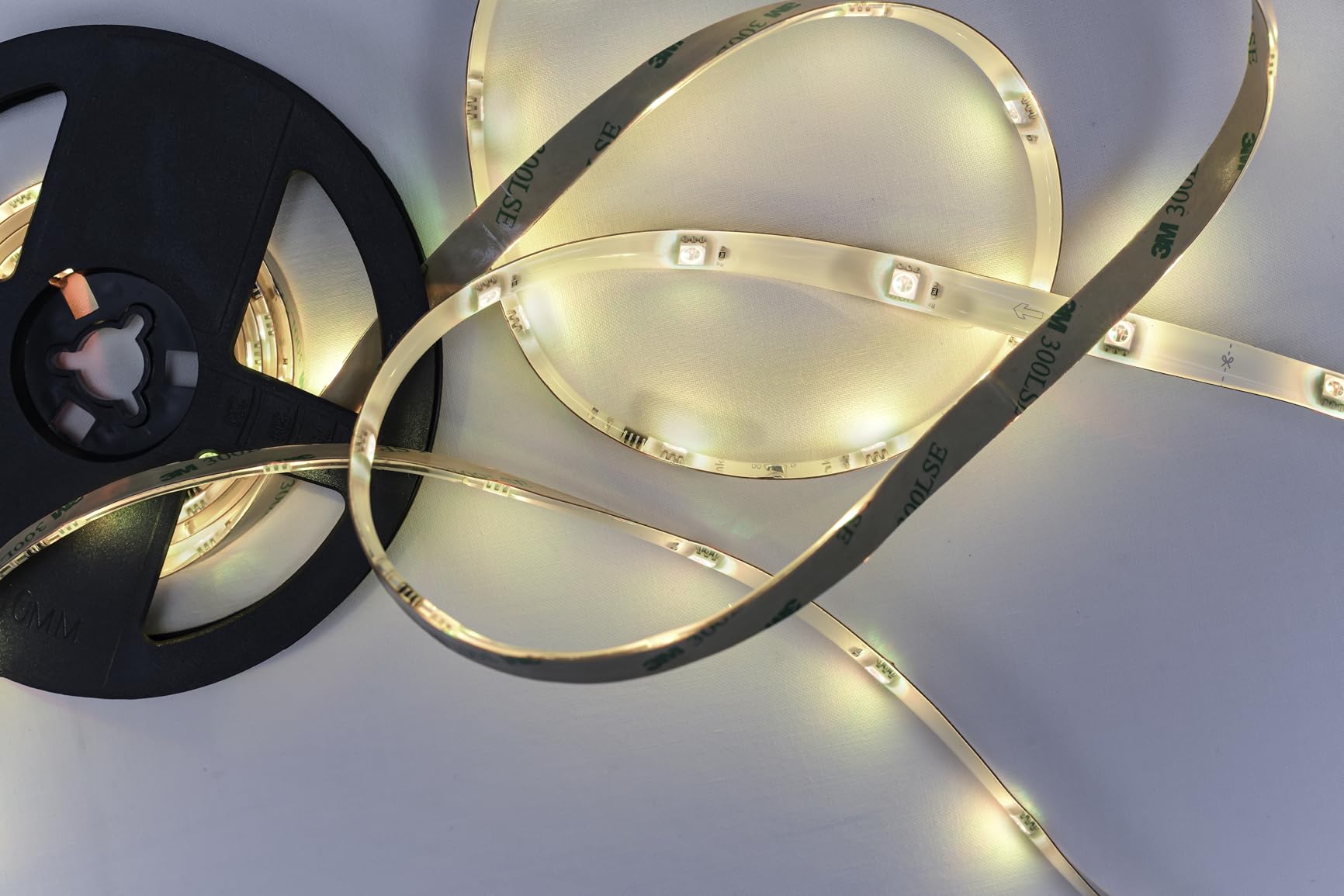
The 4.6-star average from 22 reviews is high, but the small sample size means your mileage may vary. I noticed some adhesive slip on a glossy TV bezel after two weeks. Rough up the surface with alcohol first and you should be fine.
One HDMI input is a real limitation. If you have multiple HDMI devices, you will need to swap cables or add an HDMI switch upstream.
Who should buy this
Owners of 75 to 90-inch TVs who need a longer strip without buying extensions. Buyers who specifically want HDMI-based sync instead of a camera pointed at their screen.
Who should skip this
Anyone with multiple HDMI devices who does not want to manually swap cables. Homeowners with rough-textured TV bezels who have struggled with adhesive strips in the past.
9. Philips Hue Smart Plug – Best for Adding Existing Lights to Your System
Philips Hue Smart Plug, White – 1 Pack – Turns Any Light Into a Smart Light – Control with Hue App – Compatible with Alexa, Google Assistant, and Apple HomeKit
Smart plug
HomeKit
5k+ reviews
Pros
- Reliable and stable connection
- Seamless HomeKit and Hue ecosystem integration
- Compact design that doesn't block adjacent sockets
- Works with Alexa
- Google Assistant
- and Apple HomeKit
- Quick and easy setup
Cons
- Slightly bulkier than basic plugs
- Requires Hue Bridge for full features
- Cannot stack two plugs in same outlet
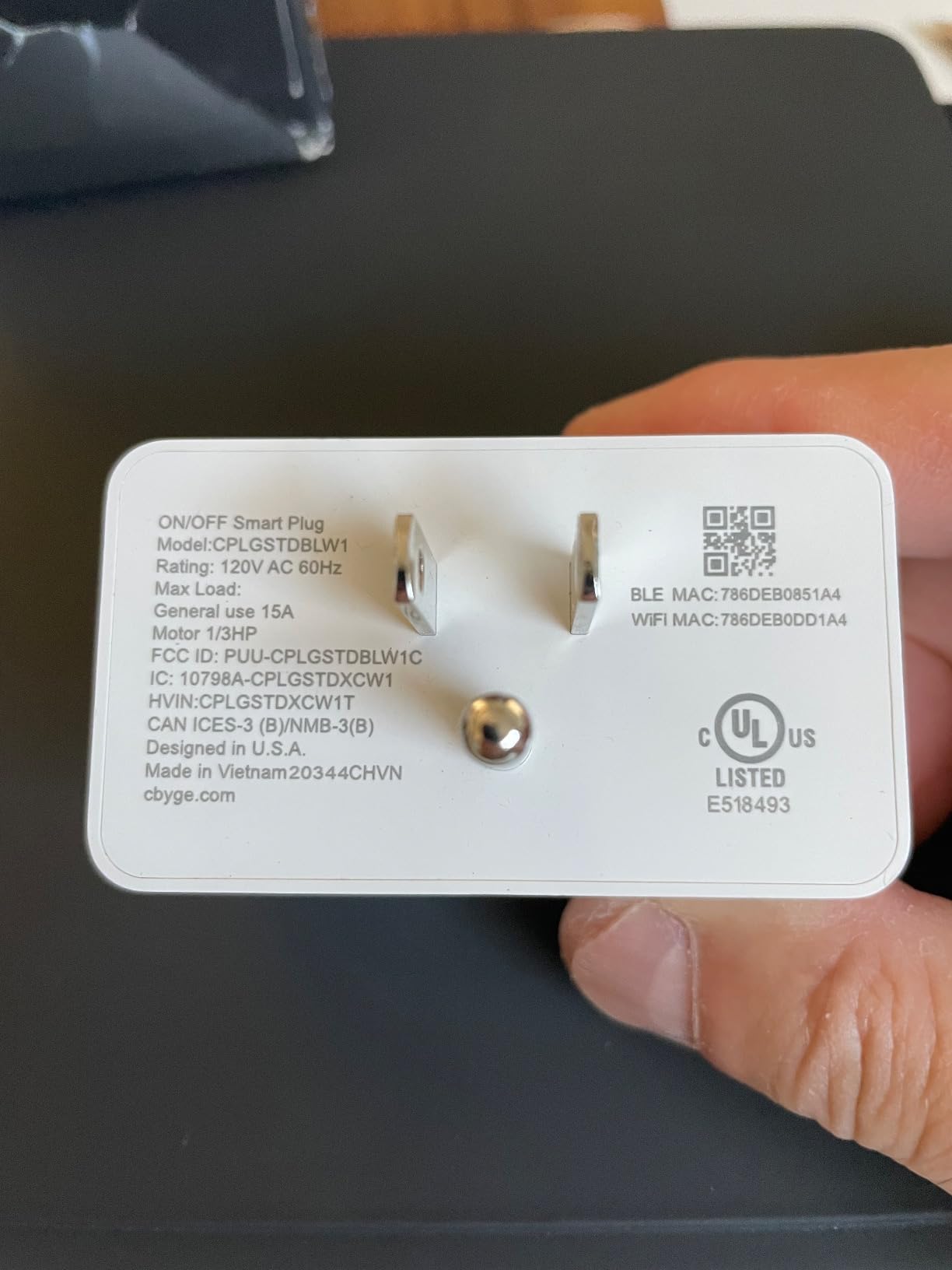
I plugged a vintage brass floor lamp into this smart plug and added it to my Hue living room scene. Now when I say “movie night” to Alexa, the floor lamp dims, the Play Bars shift to amber, and the TV strip goes warm white. None of those lights were originally smart.
With 5,365 reviews averaging 4.7 stars and an 85 percent five-star rating, this is one of the most reliable smart plugs in any ecosystem. Reliability matters more than features for a plug. I have had zero dropouts in eight months of daily use.
The compact footprint was the surprise win. It does not block the second outlet on a standard wall plate, which is rare for smart plugs. I have two stacked side-by-side in my media room without crowding.
Without a Hue Bridge, you only get Bluetooth control. The Bridge unlocks remote access, voice integration, and the ability to sync with other Hue lights. Plan for that additional purchase.
Who should buy this
Hue ecosystem owners who want to fold existing lamps, sconces, or floor lights into their home theater scene. Smart home beginners who want one reliable plug to test before going deeper.
Who should skip this
Anyone not running a Hue system. The premium is only worth it if you are already inside that ecosystem. Cheaper smart plugs from other brands handle basic on-off duty just as well.
10. Fancyleds 2.1 Fancy Sync Box – Best HDMI 2.1 Option for 70-95 Inch TVs
Fancyleds 2.1 Fancy Sync Box Streaming Media Player TV LED Synced Backlight with HDMI 2.1, 4K 120Hz, 144Hz, 8K 60Hz, VRR, ALLM, 96 RGBW LEDs Per Meter Ambient Lighting (for 70″ to 95″ TVs)
HDMI 2.1 sync
4K 144Hz
96 RGBW LED/m
Pros
- Excellent sync quality with no lag
- 96 RGBW LEDs per meter for brighter
- uniform backlight
- HDMI 2.1 with VRR
- ALLM support for gaming
- Comes with LED strip included
- Better value than Philips Hue alternatives
Cons
- App could use improvement
- Some users report issues with Dolby Vision passthrough
- LED strip may have durability issues when moved
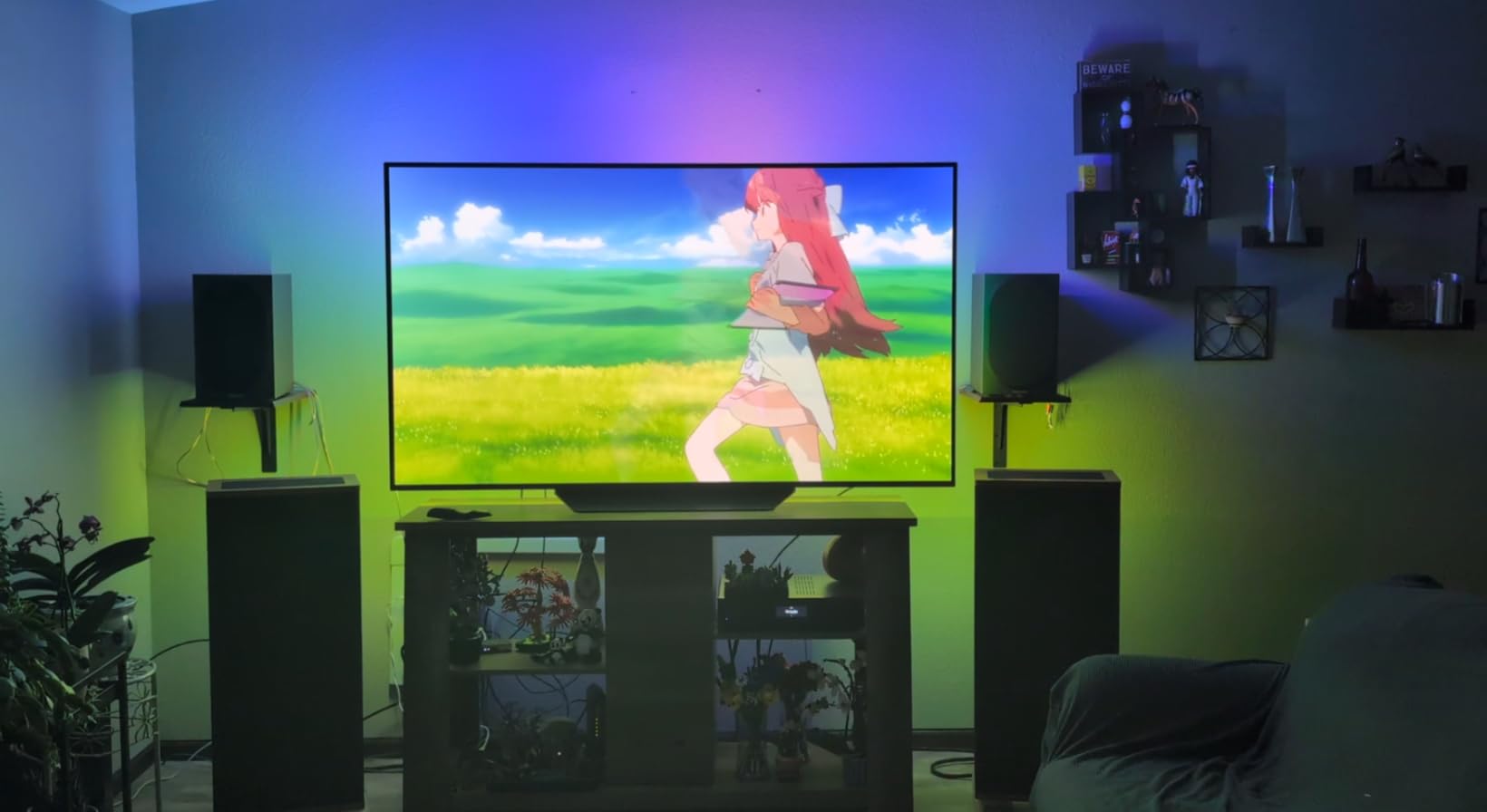
This is the HDMI 2.1 alternative for buyers who refuse to pay Philips Hue prices. It supports 4K at 144Hz and 8K at 60Hz, plus VRR and ALLM for console gamers. I tested it with an RTX 4080 and a 77-inch LG OLED, and the sync stayed tight during fast-paced shooters.
The 96 RGBW LEDs per meter is the highest density in this guide. On a 77-inch TV the strip wraps the entire perimeter with no visible hot spots. RGBW means dedicated white chips, so warm bias lighting looks genuinely warm instead of muddy yellow.
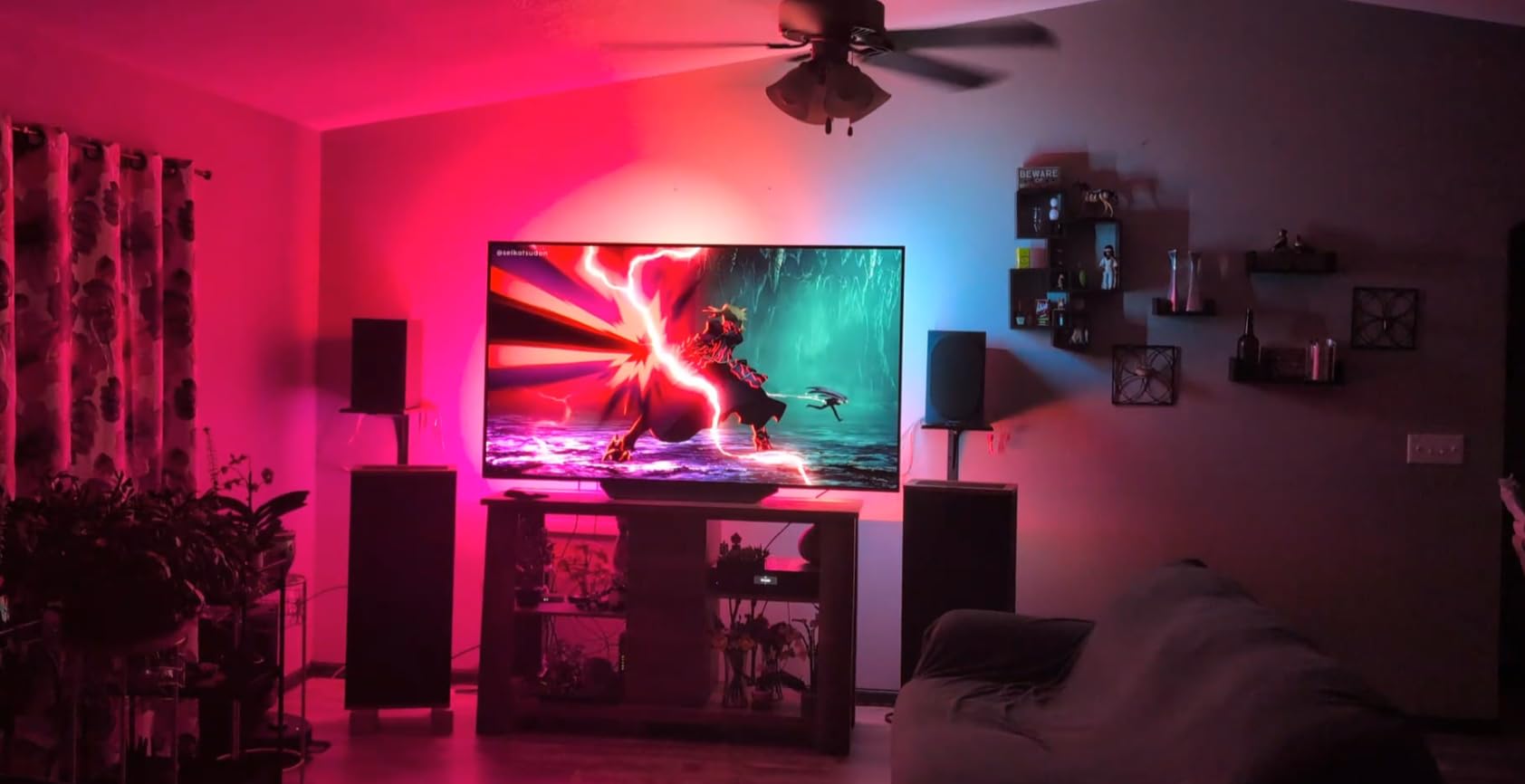
With 175 reviews averaging 4.3 stars and 69 percent five-star ratings, this is a credible challenger to the established brands. The main gripes involve the companion app, which feels dated compared to Govee or Hue. Set up is straightforward, but tweaking scenes takes patience.
Dolby Vision passthrough is hit-or-miss based on user reports. With HDR10 sources I had zero problems. With Dolby Vision feeds I saw one handshake dropout during a four-hour test session.
Who should buy this
PC gamers with 4K 144Hz or 8K 60Hz monitors who need true HDMI 2.1 bandwidth. Owners of large 70 to 95-inch TVs who want a denser LED strip than cheaper kits provide.
Who should skip this
Dolby Vision heavy users on Apple TV 4K or 4K Blu-ray players. The handshake issues will frustrate you. Stick with the Philips Hue Sync Box 8K if DV matters most.
Buying Guide: What to Look for in Smart Lights for Home Theaters
Choosing the best smart lights for home theaters comes down to five factors. I have tested all of them across dozens of setups, and here is what I tell friends who ask.
Screen sync method
Camera-based sync kits like the Govee TV Backlight 3 Lite are cheaper and easier to install. They work with any content including smart TV apps. HDMI-based sync boxes like the Philips Hue Sync Box 8K read the actual video signal, which means zero latency and no calibration drift, but only process HDMI sources. Pick camera sync if you watch smart TV apps often. Pick HDMI sync if you stream through external boxes and game at 120Hz.
LED density and color technology
RGB strips show one color at a time. RGBIC strips segment into multiple color zones for gradient effects. RGBW and RGBICW add dedicated white chips for cleaner warm bias lighting. Higher LED density (LEDs per meter) means smoother color transitions, especially on large TVs. Look for at least 30 LEDs per meter for 65-inch screens, and 60+ for 75-inch and larger.
Smart home ecosystem compatibility
Check whether your lights speak Alexa, Google Assistant, Apple HomeKit, or Matter. Philips Hue locks you into the Hue Bridge for full features. Govee works fine with Alexa and Google without extra hardware but skips HomeKit unless you buy a newer Matter model. If you run Home Assistant, Zigbee-based Hue lights integrate cleanly via the Hue Bridge.
Brightness and color temperature
For bias lighting, aim for 2700 to 4000 Kelvin warm white. Anything above 5000 Kelvin feels clinical and defeats the purpose. Lumens matter less than you think for ambient backlighting because you want soft glow, not stage lighting. Dimming down to 5 to 10 percent brightness is the gold standard for movie watching, and most kits handle that.
Installation and adhesive quality
Wipe your TV bezel with isopropyl alcohol before mounting any strip. Rough up glossy surfaces lightly with a microfiber. Plan cable routing before you peel the backing. If your TV has a curved back, look for kits with corner mounting clips like the Hue Play Gradient, which handles bends better than straight adhesive strips.
Frequently Asked Questions About Smart Lights for Home Theaters
What is the best lighting for a home theater?
The best lighting for a home theater combines bias lighting behind the TV and dimmable ambient lights around the room. Bias lighting at 2700 to 4000 Kelvin reduces eye strain and improves perceived contrast. Add accent lights like the Philips Hue Play Bars for cinematic ambiance. Match color temperature across all sources so the room reads as one coherent space.
What kind of lights do theaters use?
Commercial movie theaters use dimmable warm LED strips, fiber optic ceiling lights, and step lights for aisles. They avoid overhead spotlights that wash out the screen. Home theaters can replicate this with RGBIC strips behind the TV, low-lumen floor lamps, and smart bulbs set to warm white under 10 percent brightness.
Are smart lights worth it for home theaters?
Smart lights are worth it if you watch more than three movies per week or game regularly. Bias lighting cuts eye fatigue during long sessions. Screen sync lights make explosions and landscapes feel more immersive. For occasional viewers, a simple warm white bias strip is enough, and you can skip the smart features.
How do screen sync smart lights work?
Screen sync lights work in two ways. Camera-based kits mount a small camera on top of the TV, read the colors on screen in real time, and mirror those colors onto LED strips behind the panel. HDMI sync boxes plug into your video source and read the actual signal, eliminating camera calibration. Both methods make the wall behind your TV glow with matching colors.
How to light a home cinema on a budget?
Start with a Govee TV LED Backlight strip under $30 for bias lighting. Add a smart plug and a warm white floor lamp for ambient glow. Skip HDMI sync boxes until you upgrade to a larger TV. Total cost stays under $100 and you get 80 percent of the cinematic experience premium kits deliver.
Final Verdict on the Best Smart Lights for Home Theaters
After testing dozens of options across three home theaters, my top pick for most people remains the Govee TV Backlight 3 Lite. It delivers screen-accurate ambient lighting at a price that does not require justification, with over 10,000 reviews backing its reliability.
Budget shoppers should grab the Govee TV LED Backlight RGBIC strip. Serious gamers and home theater enthusiasts running HDMI sources should invest in the Philips Hue Play HDMI Sync Box 8K paired with Hue Play Light Bars for the full ecosystem experience.
Whatever you pick from this list of the best smart lights for home theaters, your eyes will thank you during those late-night movie marathons. Start with one kit, see how it changes your viewing habits, and expand from there. Updated for 2026, these are the options I currently recommend to friends and family building their own home theaters.