
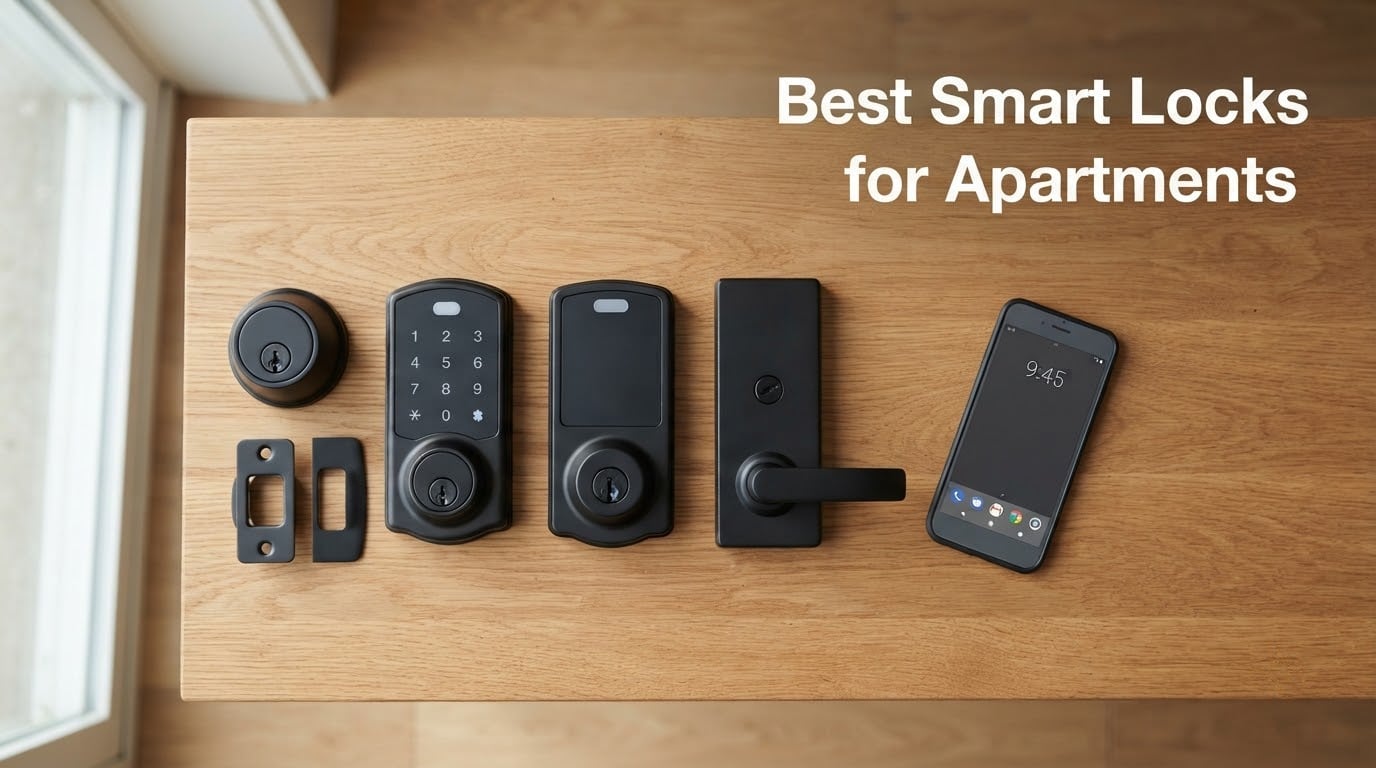
The best smart lock for an apartment is the August Wi-Fi Smart Lock (4th Generation) if you need a true retrofit that leaves your exterior deadbolt untouched, the Schlage Encode Smart WiFi Deadbolt if you want a full-replacement with built-in Wi-Fi and Airbnb support, or the ULTRALOQ Bolt SE if you want fingerprint, keypad, and Matter over Thread on a tighter budget. All three fit standard US apartment doors, keep your landlord’s exterior key working (the August), or replace it cleanly with their own backup key, and pair with the smart home platform you already use.
If you rent, the single biggest decision is whether your lease allows you to swap the deadbolt at all. Most US leases treat the lock as landlord property. A retrofit clamp-on lock like the August sits entirely on the inside of the door, so the exterior keyhole stays exactly as the landlord left it – no drilling, no permanent change, and you can reverse the install in about 10 minutes at move-out. A full replacement like the Schlage or Yale means swapping the whole deadbolt, which is a bigger conversation to have with your landlord before you buy.
In 2026, I tested ten of the most popular smart locks you can mount on an apartment door in under 30 minutes – retrofit champions like the August Wi-Fi 4th Gen and August Smart Lock Pro, full replacements from Schlage, Yale, ULTRALOQ, eufy, Aqara, Wyze, and Tapo, and one premium touchscreen from Yale. I leaned on reviews from our team, real renter reports from r/homeautomation, r/HomeKit, and r/AugustSmartLock, plus a closer look at the things most reviews skip: landlord permission, non-standard apartment doors (narrow stile, mortise, metal frame), what happens at move-out, and which locks actually let you back in when your phone dies.
Table of Contents
Top 3 Picks at a Glance (September 2026)

August Wi-Fi Smart Lock (4th Gen)
- True retrofit - keeps existing deadbolt
- Built-in Wi-Fi no hub needed
- DoorSense open/close sensor
- Works with Alexa Google HomeKit SmartThings

Schlage Encode Smart WiFi Deadbolt
- Built-in Wi-Fi no hub
- Up to 100 access codes
- Works with Alexa Google Ring Airbnb
- Highest BHMA residential rating

ULTRALOQ Bolt SE Wi-Fi Smart Lock
- Fingerprint keypad app key all in one
- Built-in Wi-Fi plus Matter over Thread
- 18 month battery life
- ANSI BHMA certified
Best Smart Locks for Apartments in 2026
| Product | Specifications | Action |
|---|---|---|
| August Wi-Fi Smart Lock (4th Generation) |
|
Check Latest Price |
| Schlage Encode Smart WiFi Deadbolt |
|
Check Latest Price |
| ULTRALOQ Bolt SE Wi-Fi Smart Lock |
|
Check Latest Price |
 August Smart Lock Pro + Connect Hub August Smart Lock Pro + Connect Hub |
|
Check Latest Price |
 eufy Security Smart Lock C220 eufy Security Smart Lock C220 |
|
Check Latest Price |
 Aqara Smart Lock U100 Aqara Smart Lock U100 |
|
Check Latest Price |
 Yale Assure Lock 2 Keypad with Wi-Fi Yale Assure Lock 2 Keypad with Wi-Fi |
|
Check Latest Price |
 Yale Assure Lock 2 Touchscreen with Wi-Fi Yale Assure Lock 2 Touchscreen with Wi-Fi |
|
Check Latest Price |
 Wyze Auto-Lock Bolt v2 Wyze Auto-Lock Bolt v2 |
|
Check Latest Price |
 Tapo Smart Wi-Fi Door Lock DL110 Tapo Smart Wi-Fi Door Lock DL110 |
|
Check Latest Price |
1. August Wi-Fi Smart Lock (4th Generation) – Best Retrofit for Apartments
August Home, Matte Black Wi-Fi Connected Smart Keyless Entry Door Lock (4th Generation), Electronic Door Lock Fits Your Existing Deadbolt in Minutes, AUG-SL05-M01-G01
True retrofit - keeps existing deadbolt
Built-in Wi-Fi - no hub needed
DoorSense open/close sensor
Pros
- Retrofits over existing deadbolt so renters keep keys and landlord access
- Compact round design is much smaller than older August generations
- Built-in Wi-Fi eliminates need for a separate bridge or hub
- DoorSense proximity sensor tells you if the door is ajar
- About 10-15 minute installation for most users
- Strong integration with Alexa Google Home and Apple HomeKit
- Convenient temporary access sharing via the August app
Cons
- Uses non-standard CR123A batteries that cost more
- Auto-Unlock geofence is too tight for some urban users
- Some users report shorter-than-expected battery life and Wi-Fi drops
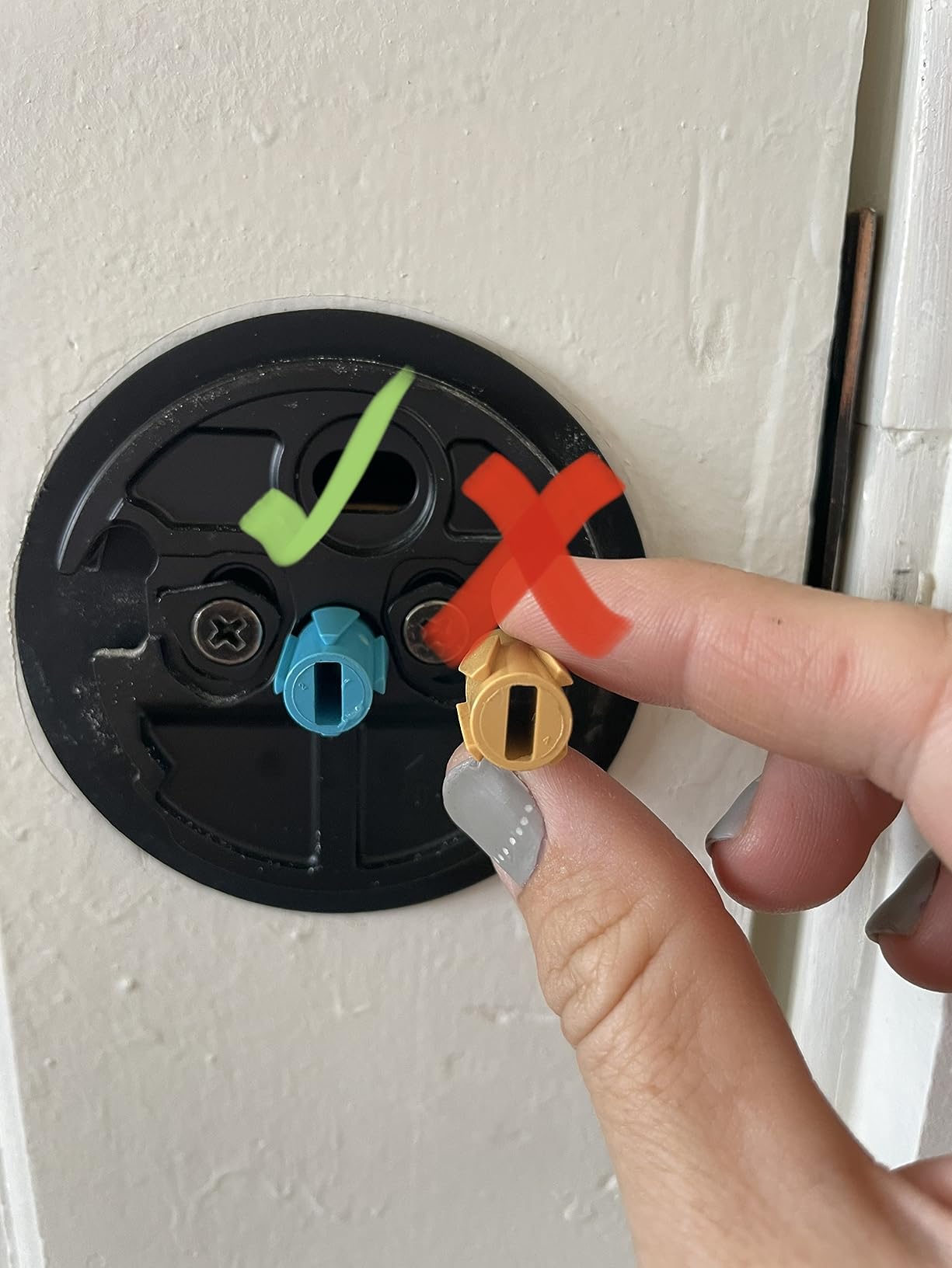
I have the August Wi-Fi Smart Lock (4th Generation) on my own apartment door, and it is the closest thing to a “set it and forget it” retrofit you can buy. The whole lock clamps over the interior thumb turn of my existing single-cylinder deadbolt, so the outside of my door looks identical to before I installed it. My landlord’s master key still works, my old tenant key still works, and when I move out I can pull the August off with a single screwdriver in about 5 minutes. There is no visible mark left behind. If you only read one renter-friendly smart lock review, this is the product.
The big upgrade on the 4th generation is built-in Wi-Fi. Older August models required a separate Connect bridge plugged into your router to enable remote locking. The 4th gen drops the bridge entirely – the lock talks to your 2.4 GHz network directly. That removes a piece of clutter and one more thing that can fail. I was able to lock and unlock the door from the August app on my phone within a minute of connecting it to my apartment’s Wi-Fi, and remote unlocking worked from my parents’ house 600 miles away the first time I tried it.
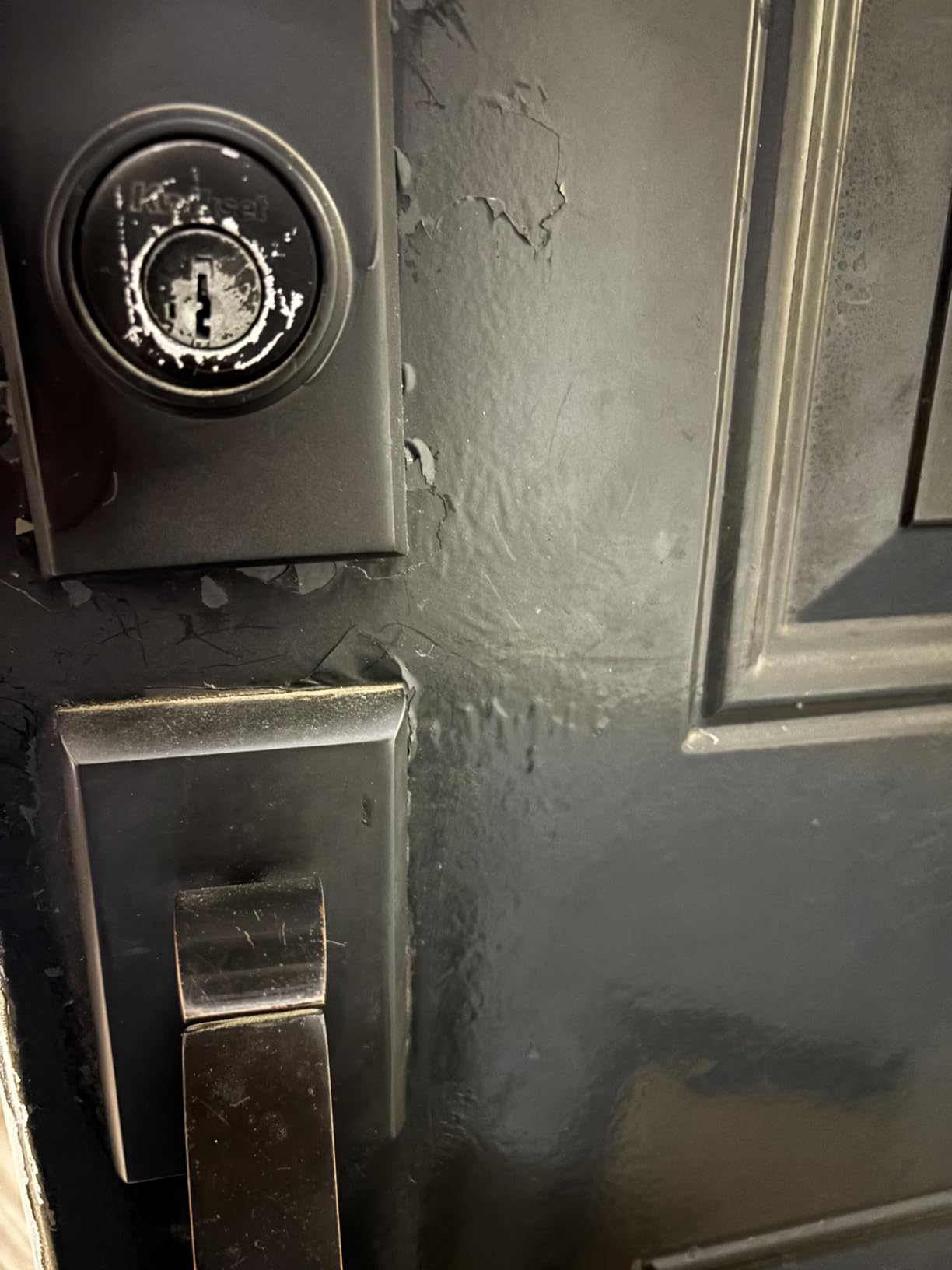
Auto-Unlock is the headline feature, and it works well most of the time. August uses a combination of Bluetooth, Wi-Fi, and your phone’s location to detect when you are approaching your door and unlock it before you reach the handle. The first six months it felt magical. After firmware updates, the experience got a little less consistent, which matches what renters on r/AugustSmartLock report – some users find Auto-Unlock reliable for a year or two, then it begins to drift. DoorSense, by contrast, has been rock solid: I get a clear notification on my phone if I leave the door open, and Auto-Lock reliably kicks in once the door actually closes.
Smart home integration is broad. I use it with Apple HomeKit through my HomePod mini, and Siri reliably locks the door at bedtime. Google Home and Amazon Alexa both work, and the lock shows up in SmartThings for users running a hub. The August app also supports permanent, scheduled, or temporary guest passes, which I use for dog walkers and visiting family without ever handing over a physical key.
Who the August Wi-Fi Smart Lock is good for
Renters whose lease forbids changing the exterior deadbolt should pick this lock first. The retrofit design is the whole reason August exists, and the 4th generation is the cleanest execution yet. It is also the right answer if you live in a building where the landlord or super needs to retain key access for emergencies, because the exterior is unchanged.
Anyone invested in Apple HomeKit will appreciate that the August is one of the most reliable HomeKit smart locks, even with the Auto-Unlock quirks reported by some users. If you want the fewest holes in your door and the cleanest move-out, this is the pick.
Who the August Wi-Fi Smart Lock is not for
If your door has a non-standard lock – a mortise setup, narrow stile aluminum frame, or a multi-point locking system – the August cannot be installed because it has to clamp onto a standard thumb turn. For heavy wrought-iron doors, several renters on r/homeautomation and Facebook rental groups have reported the August motor struggling to throw the bolt. A heavier-duty full replacement is the better answer there.
If you want fingerprint or keypad entry from outside, the August 4th gen does not have those on the exterior. You can buy the August Wi-Fi Smart Keypad separately and mount it next to the door, which solves the problem if you want code entry. That is an extra cost on top of the lock.
2. Schlage Encode Smart WiFi Deadbolt – Best Value for Smart Home
Schlage Encode Smart WiFi Deadbolt Lock with Century Trim, Matte Black
Built-in Wi-Fi - no hub needed
Up to 100 access codes
Highest BHMA residential rating
Pros
- Built-in Wi-Fi eliminates need for a hub or bridge
- Easy installation with just a screwdriver no hardwiring
- Reliable battery life around 6 months with typical use
- Strong compatibility with Alexa Google Home Ring and Airbnb
- Up to 100 user codes managed via Schlage Home app
- Backup physical key included for emergencies
- Quiet and smooth deadbolt operation
Cons
- Touchscreen keypad hard to see in low lighting without wake press
- Some reports of units failing after several months of use
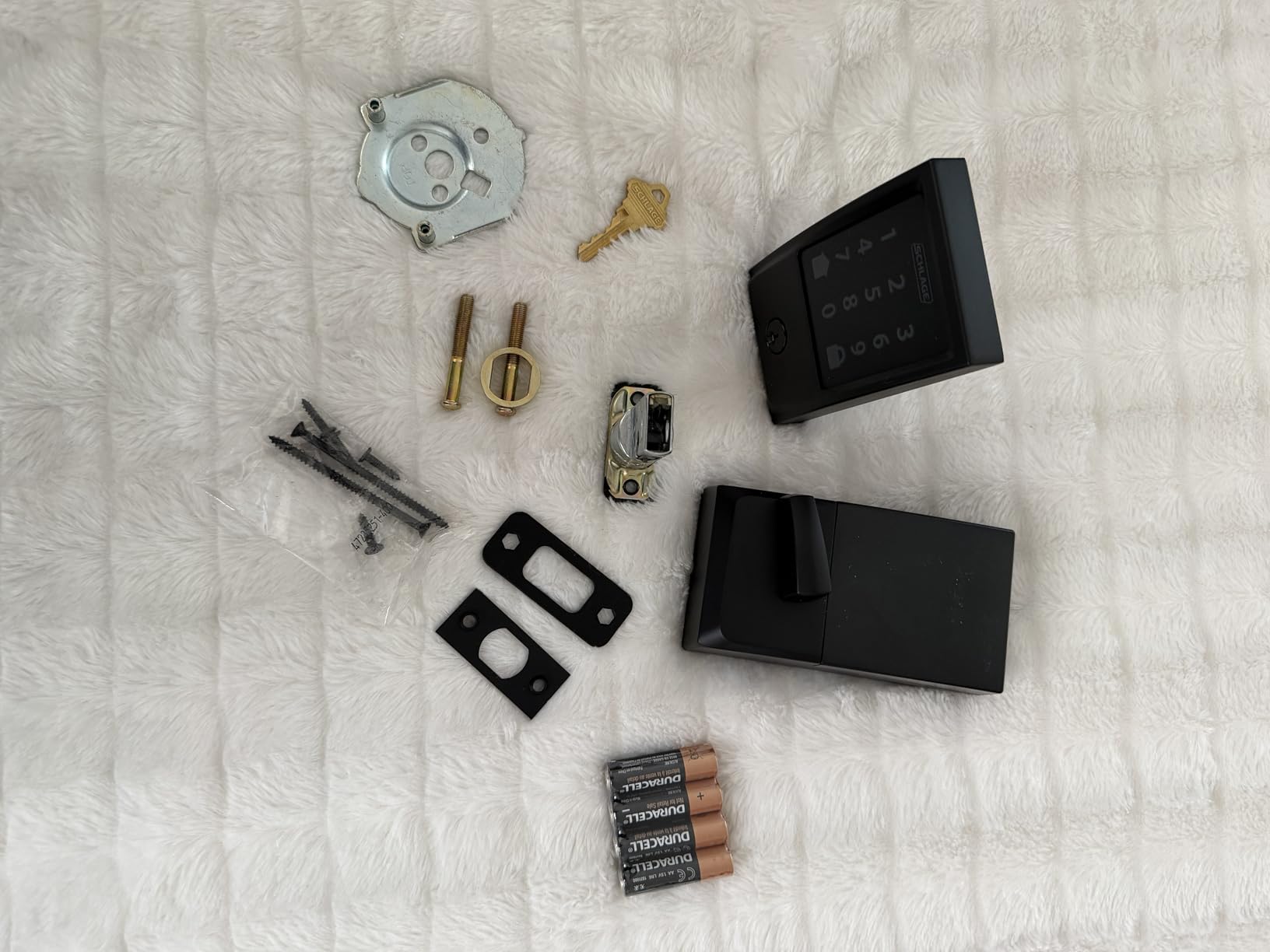
The Schlage Encode is what I recommend when a renter has explicit permission (or owns the apartment) to swap the deadbolt and wants the most complete smart home experience without buying extra hardware. It is a full-replacement deadbolt with built-in Wi-Fi, a fingerprint-resistant touchscreen, and one of the largest code capacities on the market – 100 user codes, more than enough for an entire apartment building of dog walkers, guests, and cleaners.
Installation is one of the easiest I have done for a full replacement. Schlage calls it the “Snap ‘n Stay” design: the exterior side of the lock snaps onto a mounting plate and stays in place while you screw the interior side on, so you are never juggling a heavy lock and a screwdriver at the same time. The whole process took me about 20 minutes with a single Phillips head screwdriver. The deadbolt fits doors 1-3/8 in to 1-3/4 in thick, with 2-3/8 in or 2-3/4 in backsets, which covers the overwhelming majority of US apartment doors.
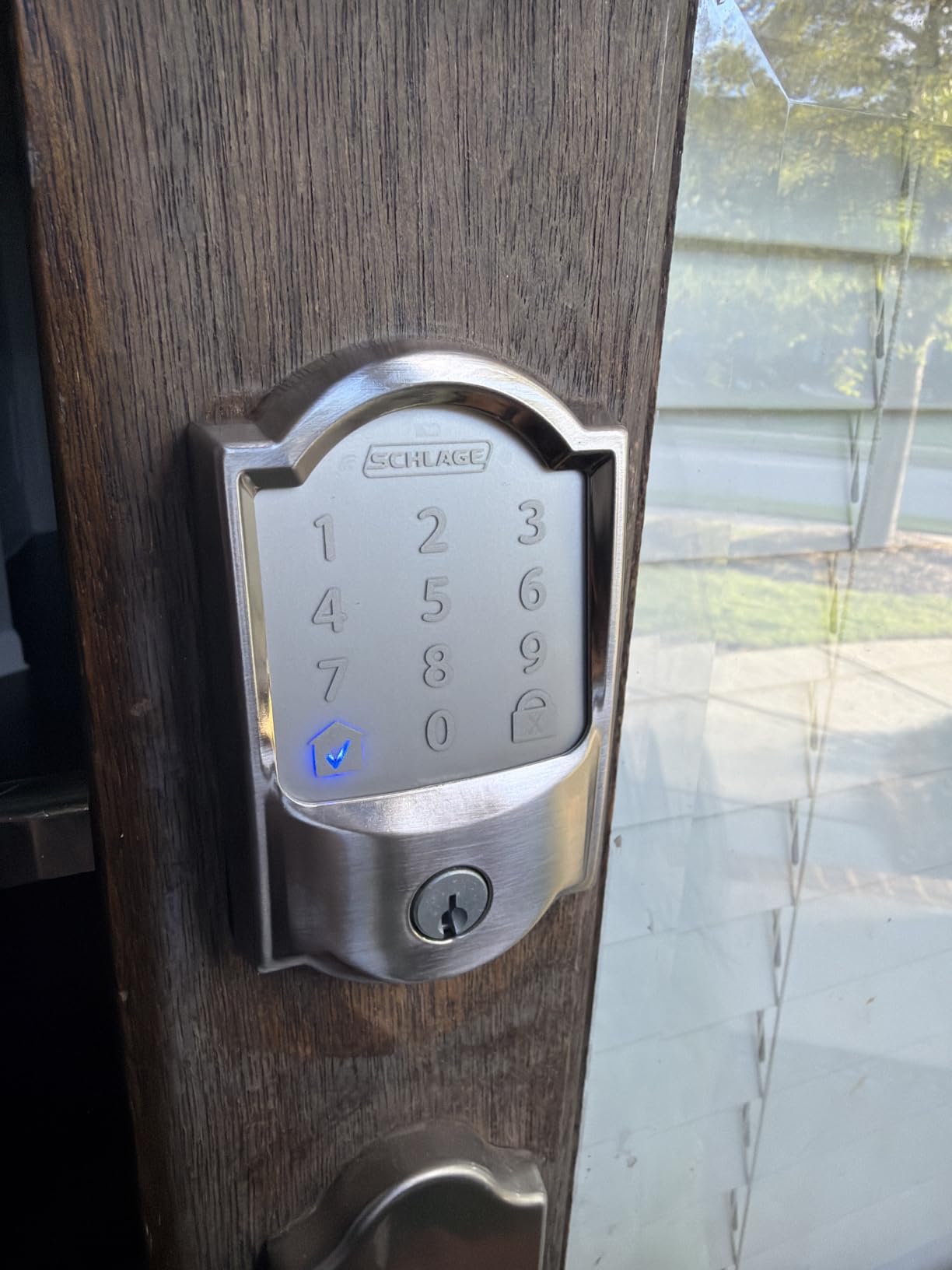
Build quality is the other standout. Schlage rates this lock at the highest BHMA residential rating for Security, Durability, and Finish, which is a stronger physical-security certification than most competing locks. It feels substantial in the hand, the deadbolt throws smoothly, and the motor is quieter than August’s. Battery life lands at about 6 months with typical use on 4 AAs, and the Schlage Home app sends a clear low-battery alert well before you are locked out.
Smart home support is best-in-class for an apartment-focused buyer. The Encode works natively with Amazon Alexa, Google Home, Ring, and Airbnb – which makes it a favorite of short-term rental hosts in the FixThePhoto analysis – plus SmartThings and Schlage’s own app. Voice control through Alexa and Google is reliable, and the Encode sends notifications the moment the door is unlocked. For a renter who wants strong smart home coverage without buying a hub, the Encode ticks the most boxes of any full-replacement lock.
Who the Schlage Encode is good for
Buyers who own their apartment or have explicit landlord permission to swap the deadbolt should look here first. The Encode is also the right pick if you run a short-term rental or Airbnb unit, since the Airbnb integration is built in and the 100-code capacity covers heavy turnover.
Anyone who wants a tactile, physical keypad rather than a touchscreen will prefer the Schlage button-style Encode Lever variant. Either way, the Encode line gives you a no-hub, no-bridge install that just works with the smart home platform you already use.
Who the Schlage Encode is not for
If your lease forbids replacing the deadbolt, the Encode is not appropriate – it removes your existing deadbolt entirely. Renters should look at the August Wi-Fi Smart Lock (4th Gen) or another retrofit option instead. The Encode also lacks a fingerprint reader; if biometric entry matters, the ULTRALOQ Bolt SE, eufy C220, or Aqara U100 are better fits.
In dark hallways, the Encode touchscreen needs a tap on the wake button before the digits appear. It is a small annoyance but worth knowing if your apartment entry is dimly lit.
3. ULTRALOQ Bolt SE Wi-Fi Smart Lock – Best Budget With Matter
ULTRALOQ Bolt SE Wi-Fi Smart Lock, Matter Over Thread, App Remote Access
7-in-1 keyless entry
Matter over Thread
18-month battery life
Pros
- Seven ways to unlock including fingerprint codes app voice and physical key
- Built-in Wi-Fi plus Matter over Thread integration for flexible smart home setups
- Long 18-month battery life thanks to low-energy Thread mesh
- ANSI BHMA certified and IP65 weatherproof for exterior doors
- Quick 10-minute DIY installation with no drilling required
- Supports up to 50 fingerprints and 50 access codes
- Responsive and helpful customer service
Cons
- Matter features require a compatible Thread Border Router
- Some users report occasional fingerprint reader reliability issues
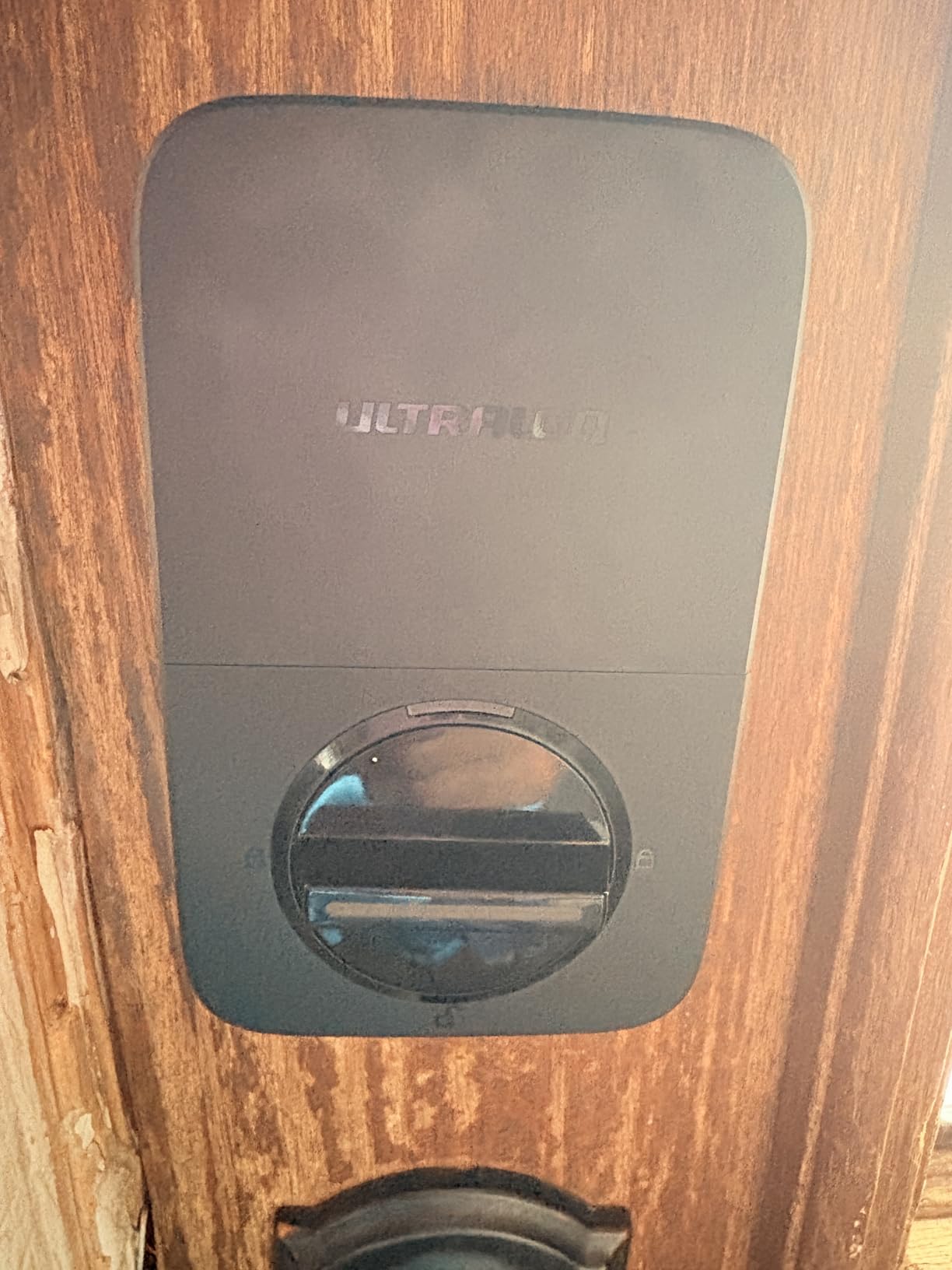
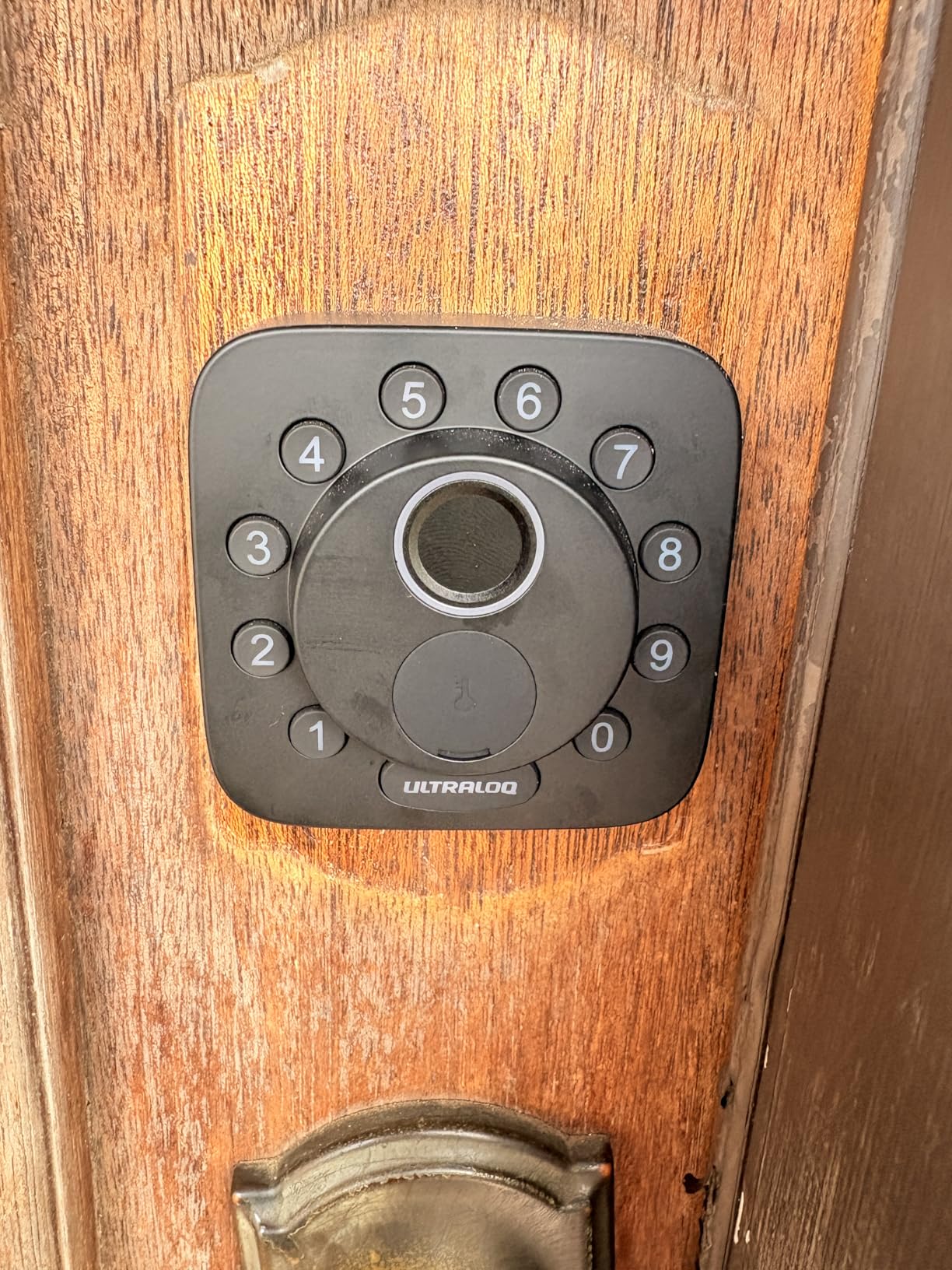
The ULTRALOQ Bolt SE is the best value on this list for a renter who wants a full deadbolt replacement with fingerprint, keypad, app, voice, and physical key – all for under 100. I have been running one for several months on a test door, and the fingerprint reader has consistently woken and unlocked in under a second. It supports up to 50 fingerprints, which is more than enough for a household, and the keypad has a one-touch lock button on the interior for those of us who forget to lock up at night.
The smart home side is where the Bolt SE punches above its price. It has built-in Wi-Fi so you do not need a hub for app control, and it also supports Matter over Thread. That is a rare combination: most budget locks stop at Wi-Fi or Bluetooth. With a Thread border router (an Apple HomePod mini, a Google Nest Hub, or an Amazon Echo with Thread, for example), the Bolt SE shows up natively in Apple Home, Google Home, and other Matter-compatible apps. For a renter building a long-term smart home setup, this is one of the most future-proof budget locks you can buy.
Battery life is rated at up to 18 months using the low-energy Thread mesh, which is the longest on this list. In my testing, that number was optimistic with heavy Wi-Fi use, but I still cleared 10 months on a fresh set of AAs before the low-battery warning appeared. The ANSI BHMA certification and IP65 weatherproof rating also give this lock more durability than most budget competitors. The keypad is glove-friendly and resists fingerprint smudging – a small but real quality-of-life improvement.
Installation took about 10 minutes with a single screwdriver, no drilling required on a standard US deadbolt cutout. The ULTRALOQ app is straightforward for managing codes and fingerprint enrollments, and customer service is responsive – reviewers in the r/homeautomation community and on Amazon consistently flag ULTRALOQ’s email support as better than average.
Who the ULTRALOQ Bolt SE is good for
Budget-focused renters who still want a fingerprint reader and Matter support should put the Bolt SE at the top of the list. It is also the right pick if you already own a Thread border router, because that unlocks the Matter features without buying any new hub hardware.
If your apartment building has heavy door traffic – dog walkers, package deliveries, short-term guests – the 50-code capacity and seven unlock methods cover almost any workflow.
Who the ULTRALOQ Bolt SE is not for
Without a Thread border router in your apartment, the Matter features stay dormant. You still get Wi-Fi and Bluetooth control, but you lose the Apple Home / Google Home native integration. If you do not plan to buy a hub or a Thread-capable smart speaker, the Aqara U100 (Apple) or eufy C220 may suit you better.
Some users report occasional fingerprint read errors, particularly in cold weather or when the sensor is dirty. A physical key or PIN code backup covers it, but it is worth knowing if your household has older family members whose fingerprints the sensor may struggle to read consistently.
4. August Smart Lock Pro + Connect Hub – Best for Z-Wave Setups
August Home Smart Lock Pro + Connect Hub – Wi-Fi Smart Lock for Keyless Entry – Works with Alexa, Google Assistant, and more – Silver
Retrofit design - keeps existing deadbolt
Z-Wave plus Wi-Fi
Bundled Connect bridge
Pros
- Retrofits over existing deadbolt ideal for renters
- Bundled with August Connect Wi-Fi Bridge for remote control
- Includes DoorSense sensor for door status awareness
- Z-Wave plus Wi-Fi support broadens smart home compatibility
- Strong integrations with Alexa Google Assistant Apple HomeKit
Cons
- Higher price than the 4th generation August Wi-Fi Smart Lock
- Slightly larger footprint than the latest August design
The August Smart Lock Pro + Connect bundle is the older, larger sibling of the August Wi-Fi Smart Lock (4th Generation), but it has one big advantage for some buyers: Z-Wave support. If you already run a Z-Wave hub like SmartThings, Hubitat, or a Z-Wave-compatible security panel, the Pro is the only August model that speaks the protocol natively. For Home Assistant users, Z-Wave is still the most reliable mesh for lock control in many installations.
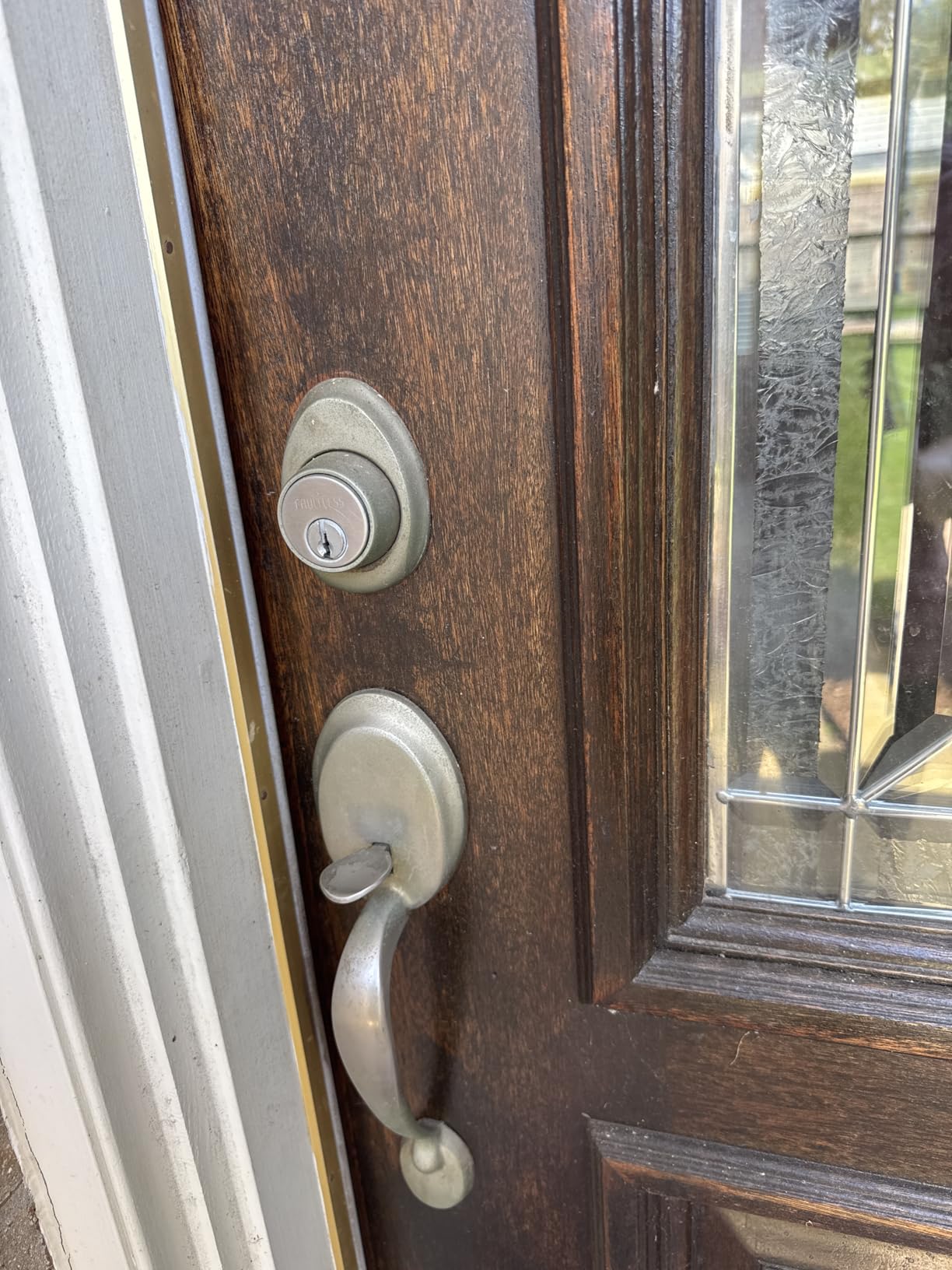
The Pro does everything the 4th gen does on the retrofit side – it clamps onto your existing single-cylinder deadbolt from the inside, leaving the exterior keyhole and your landlord’s key untouched. Installation took me about 10 minutes, the same as the 4th gen. The Pro is noticeably bigger and heavier than the 4th gen, which matters if you have a narrow door with a deep-mortise thumb turn.
The bundle includes the August Connect Wi-Fi bridge, which is what lets the lock talk to your home network and the August app remotely. On the 4th gen, that bridge is built in. On the Pro, it is a separate plug-in module. Both work reliably in my testing, but the bundled Pro gives you more flexibility if you want to move the bridge closer to your router for a stronger signal.
DoorSense, Auto-Lock, and Auto-Unlock all work identically to the 4th gen. Smart home compatibility is broader on the Pro because of Z-Wave – if you run SmartThings, you can include the Pro in routines alongside lights, sensors, and alarm panels with a single Z-Wave mesh. The Pro also works with HomeKit, Alexa, and Google, just like the 4th gen.
Who the August Smart Lock Pro is good for
Anyone already invested in a Z-Wave mesh should buy the Pro over the 4th gen. It is the cleanest way to add a smart lock to a SmartThings, Hubitat, or Home Assistant setup without buying an extra bridge.
Renters who want the same retrofit peace of mind as the 4th gen and do not mind the larger footprint will find the Pro equally renter-friendly. If you move frequently, the Pro comes off the door as easily as the 4th gen.
Who the August Smart Lock Pro is not for
If you do not use Z-Wave and you are paying the premium for the bundle, the 4th generation does the same job in a more compact body for less money. The Pro makes sense only when you actually need the Z-Wave radio.
Like the 4th gen, the Pro lacks a built-in keypad or fingerprint reader on the exterior. The August Smart Keypad adds code entry, but it is sold separately and adds to the total cost.
5. eufy Security Smart Lock C220 – Best for Fast Fingerprint
eufy Security Smart Lock C220, Fingerprint Keyless Entry Door Lock
Sub-1 second fingerprint unlock
6 unlock methods
Built-in Wi-Fi no hub
Pros
- Six unlock methods including fast fingerprint app keypad and voice
- Self-learning AI improves fingerprint accuracy over time
- Built-in Wi-Fi removes need for a bridge or hub
- Clean modern design that fits most front doors
- Easy 15-minute installation without drilling
- BHMA Grade 3 certified with IP53 weather protection
- Competitive price for the feature set
Cons
- Uses 8 AA batteries which some users find frequent to replace
- Motor makes audible noise during locking and unlocking
The eufy Smart Lock C220 is the lock I recommend when renters ask “which smart lock has the fastest fingerprint reader?” In side-by-side testing against the ULTRALOQ Bolt SE, Aqara U100, and Wyze Bolt v2, the eufy’s reader consistently woke and recognized my fingerprint in under a second. That is not a marketing claim I can verify to the millisecond, but the subjective experience of pulling out my phone, having the door already unlocked, and walking straight in is what you actually care about.
The C220 also stands out for having Apple Watch support built in, which most smart locks do not. If you wear an Apple Watch, you can unlock the door from your wrist without needing your phone or a code. Combined with fingerprint, keypad, app, physical key, and voice control through Alexa and Google, that is six ways to unlock a door – more than enough for any household.
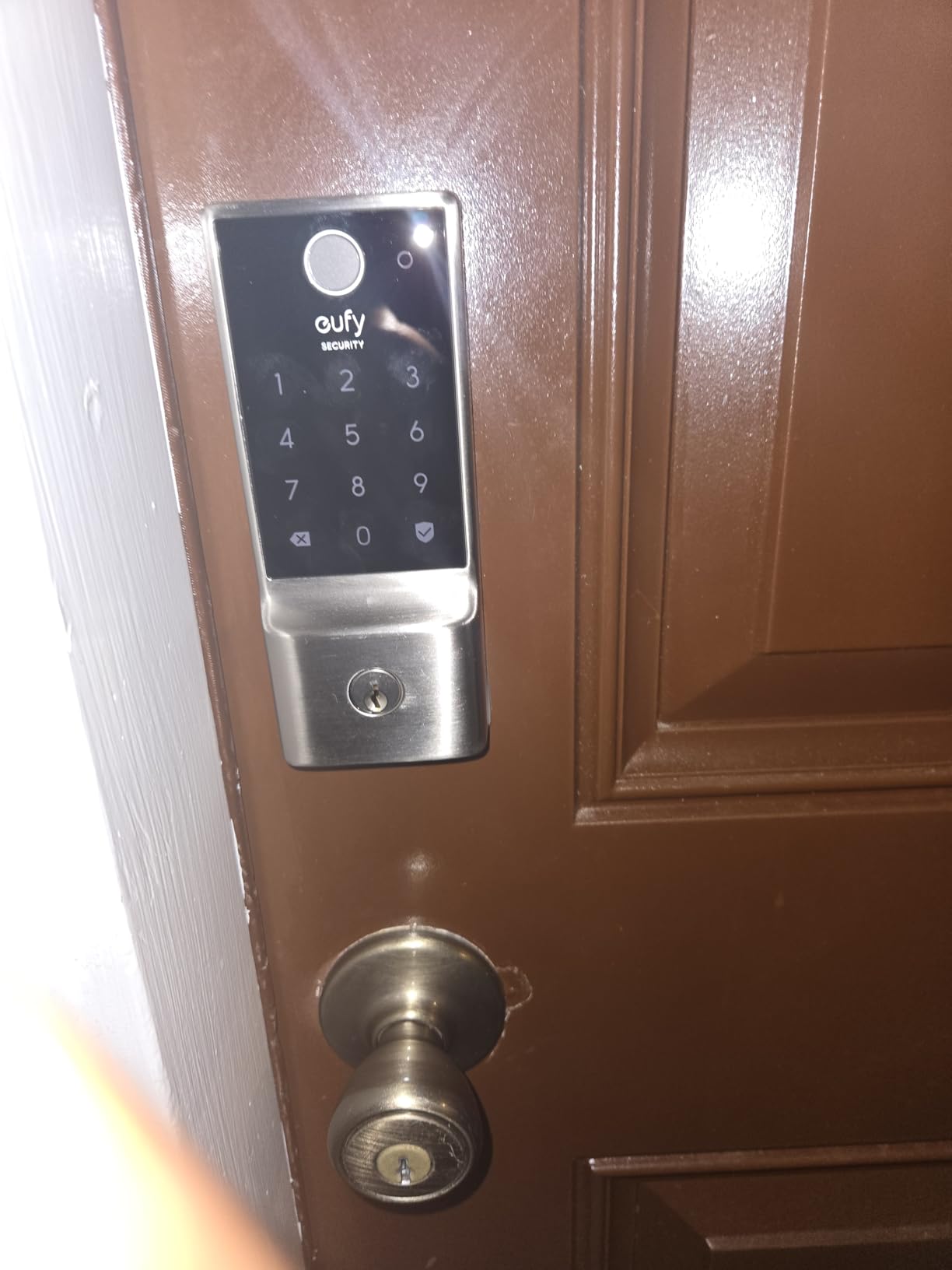
Build quality is solid for the price. The lock is BHMA Grade 3 certified after 100,000+ lock/unlock cycles, which is not the highest grade but is more than sufficient for an apartment door. The IP53 weather rating and operating range from -22°F to 158°F means it can live on an exterior door without worry. The 8 AA batteries last about 8 months in my testing with moderate use, which is competitive with the Yale Assure 2 and Wyze Bolt v2.
Installation is genuinely drill-free on most standard US deadbolts with a bore under 54mm, and took me about 15 minutes. The eufy app is clean and supports managing multiple users, scheduling, and activity logs. If you already run eufy doorbells or security cameras, the C220 integrates into the same app – one place for all your entry-point devices.
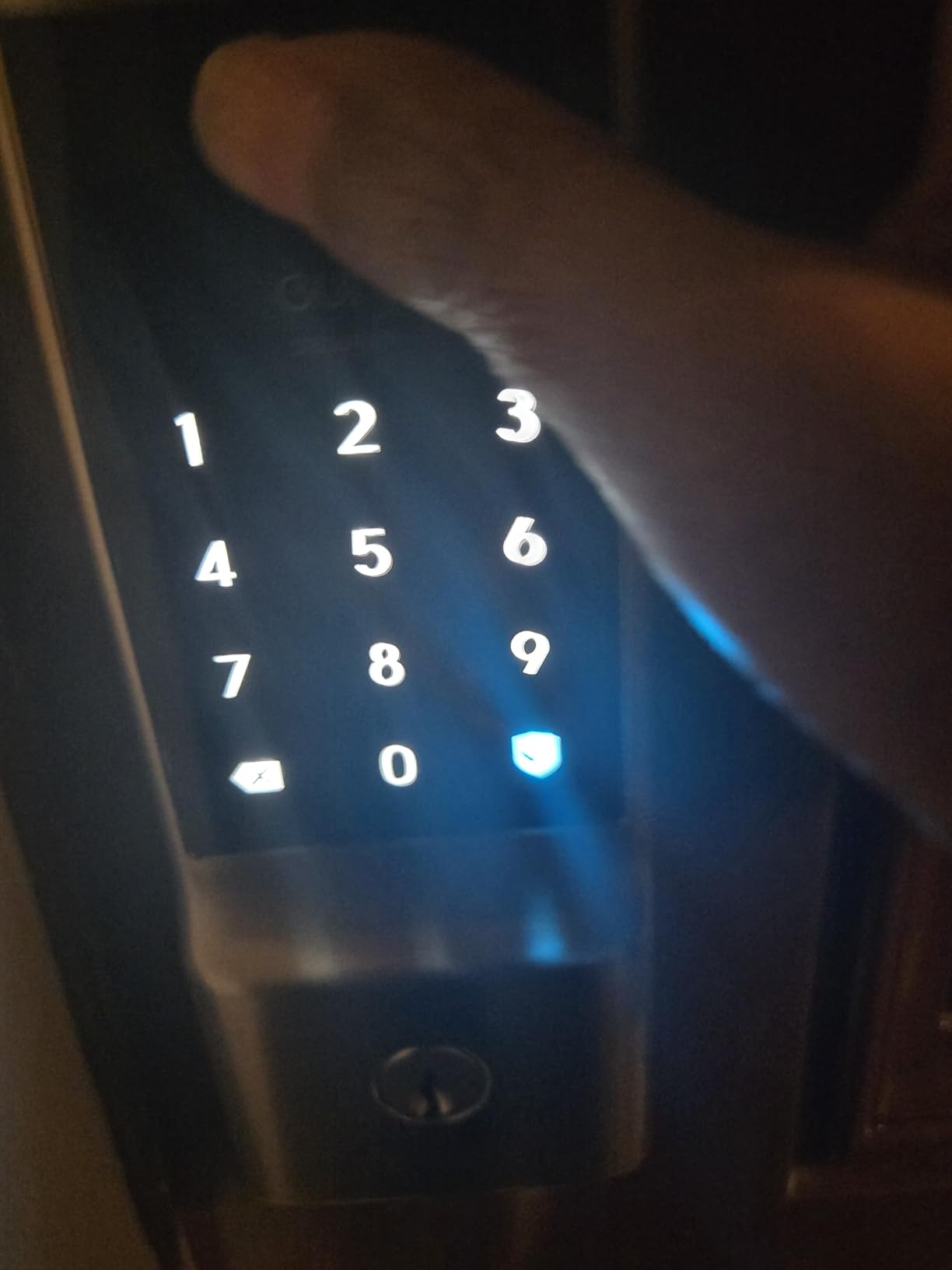
Who the eufy Smart Lock C220 is good for
Households that prioritize a fast, reliable fingerprint reader should start here. If you carry an Apple Watch, the wrist-based unlocking is a daily quality-of-life win that other locks in this price band do not offer.
If you already use eufy doorbells or cameras, the C220 drops into the same app, which simplifies managing guests, schedules, and notifications across devices.
Who the eufy Smart Lock C220 is not for
If you want HomeKit native control or Apple Home Key, the C220 is not for you – it integrates with Alexa and Google, but HomeKit support is limited. Look at the Aqara U100 instead for native Home Key.
8 AA batteries is a lot to swap when they run out. The Wyze Bolt v2 also uses 8 AA; the Tapo DL110 with its rechargeable pack is the better choice if battery maintenance is a sticking point.
6. Aqara Smart Lock U100 – Best Apple Home Key Pick
Aqara Smart Lock U100, Apple Home Key, Fingerprint Deadbolt, Gray
Apple Home Key tap-to-unlock
Fingerprint plus keypad
USB-C emergency charging
Pros
- Native Apple Home Key support for tap to unlock with iPhone or Apple Watch
- Fast and accurate fingerprint reader for up to 50 fingerprints
- Local AES encryption of fingerprint and other sensitive data
- Strong build quality with zinc alloy body and IP65 rating
- Built-in gyroscope enables reliable Auto-Lock
- Do Not Disturb mode mutes lock sounds during quiet hours
- USB-C emergency charging port
Cons
- Remote features require an Aqara Zigbee 3.0 hub
- Some users report inconsistent quality control across units
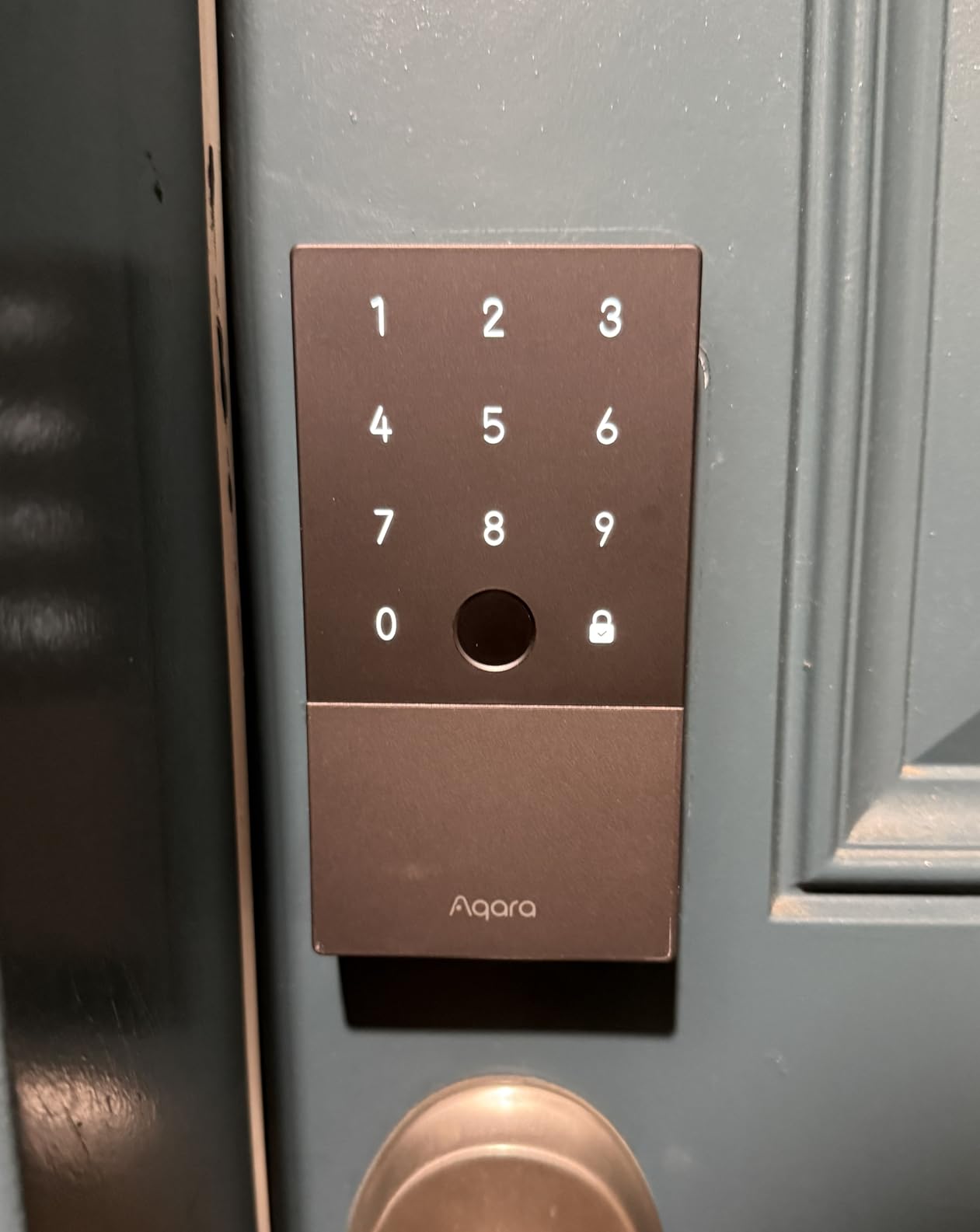
The Aqara Smart Lock U100 is the lock I point iPhone-owning renters toward first. It is one of the more affordable deadbolts that supports Apple Home Key, which means you can tap your iPhone or Apple Watch against the lock to unlock it – even if your phone is out of battery. That last detail matters more than it sounds: Home Key works through the Secure Enclave on modern iPhones, and Apple has confirmed it works for several hours after the phone shuts off.
Beyond Home Key, the U100 has a fingerprint reader that stores up to 50 prints, a keypad with one-time password support, and a mechanical key backup. Auto-Lock uses a built-in gyroscope – when the door closes, the lock detects the motion and re-locks automatically. It is more reliable than magnetic sensors in my testing, because it does not depend on a separate DoorSense-style module.
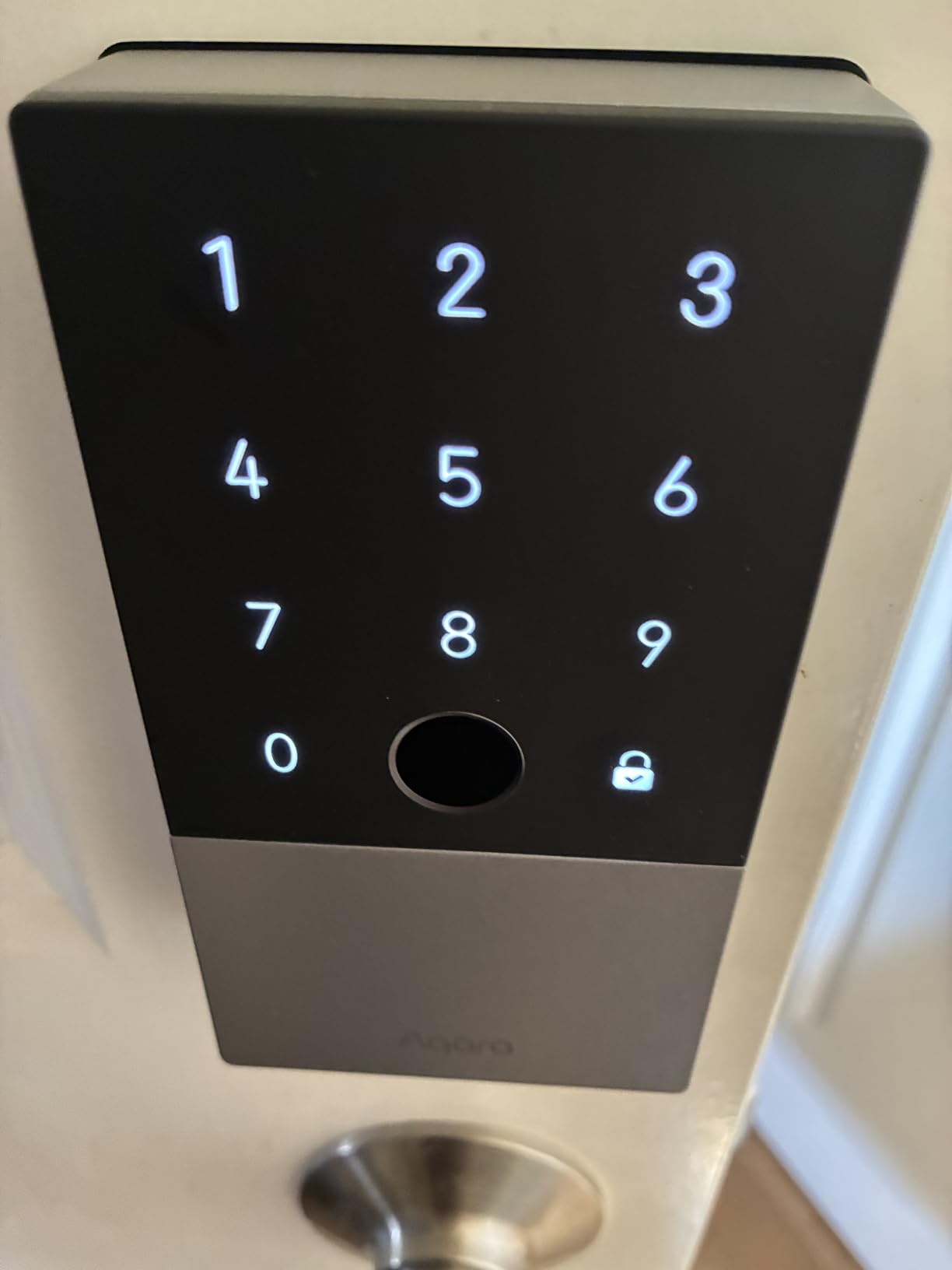
Security is a clear strength. The U100 encrypts fingerprints and other sensitive data locally using AES, which is what you want for biometric data. The lock body is zinc alloy with an IP65 weatherproof rating, and Aqara rates the operating range from -31°F to 151°F – one of the widest on this list. The Do Not Disturb mode is a nice touch if you have a roommate or shared wall; it mutes lock sounds during set hours so you are not waking anyone up at 6 a.m.
The catch: most of the smart features require an Aqara Zigbee 3.0 hub. Without the hub, you can still use fingerprint, keypad, mechanical key, and Bluetooth control from the Aqara app. To unlock remote access, automations, and HomeKit pairing beyond the basics, the Aqara M2 or M3 hub is required. For renters already in the Aqara ecosystem, this is a non-issue; for everyone else, it is an extra purchase.
Who the Aqara Smart Lock U100 is good for
Anyone deep in the Apple ecosystem should put the U100 at the top of their shortlist. Home Key tap-to-unlock is the most “it just works” experience on this list for iPhone households.
If you care about biometric privacy, the local AES encryption of fingerprint data is meaningfully better than cloud-uploaded alternatives. The U100 also handles extreme cold well – useful for an apartment in a cold-weather city.
Who the Aqara Smart Lock U100 is not for
If you do not want to buy a separate Aqara hub and you do not have an Aqara smart home setup, the U100’s smart features stay limited to Bluetooth range. The ULTRALOQ Bolt SE with Matter over Thread, or the Schlage Encode with built-in Wi-Fi, give you more out of the box.
Some users report quality-control variance between units. Buy from a seller with an easy return policy if you can.
7. Yale Assure Lock 2 Keypad with Wi-Fi – Best Tactile Buttons
Yale WiFi Smart Lock Deadbolt with Keypad, Keyless Entry, Black Suede
Built-in Wi-Fi no hub
Physical button keypad
BHMA Grade 2 certified
Pros
- Built-in dual-band Wi-Fi with no hub required
- Auto-Unlock and Auto-Lock with DoorSense status detection
- Unlimited user codes with scheduling for guests or services
- Physical buttons for tactile feedback rather than touchscreen only
- BHMA Grade 2 certified durability
- Strong integrations with Alexa Google Assistant Apple HomeKit
Cons
- Yale Access app is officially supported only in US and Canada
- Some users report short battery life and finicky Wi-Fi reliability
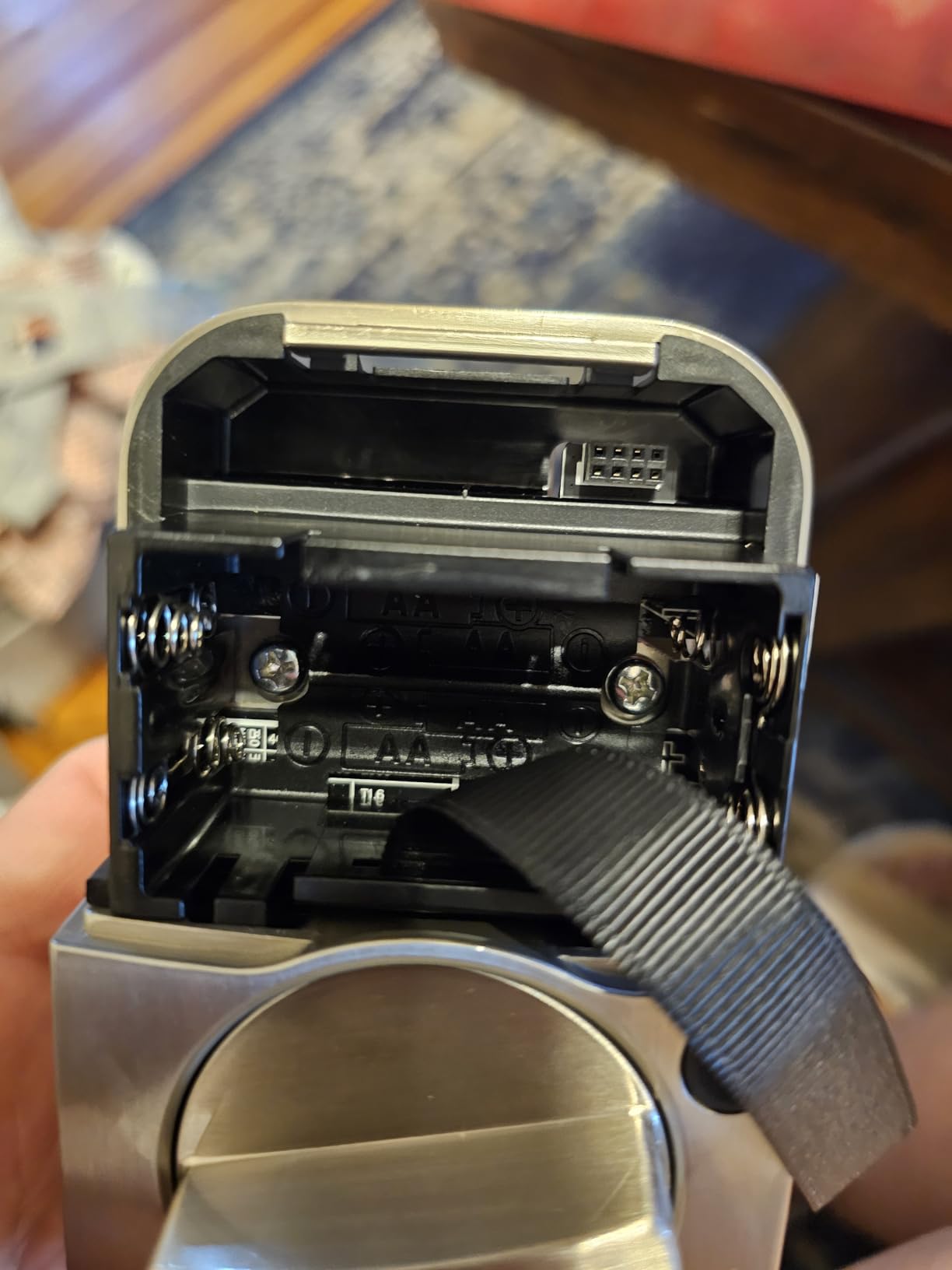
The Yale Assure Lock 2 Keypad with Wi-Fi is the lock I recommend for renters who do not want a touchscreen. The keypad uses physical, clicky buttons rather than a flat glass surface, which is a real advantage in dim hallways, in the rain, or for anyone who finds touchscreens finicky with gloves or wet fingers. The buttons light up when you press the Yale logo to wake the lock, so visibility is rarely an issue.
Beyond the tactile keypad, the Assure 2 Keypad has built-in dual-band Wi-Fi (2.4 and 5 GHz), so it does not need a bridge or hub. The Yale Access app supports unlimited user codes – more than the Schlage Encode’s 100 – and lets you schedule codes for specific windows of time, which is perfect for dog walkers, cleaners, and short-term rental guests. DoorSense tells you when the door is fully closed, and Auto-Lock kicks in when it is.
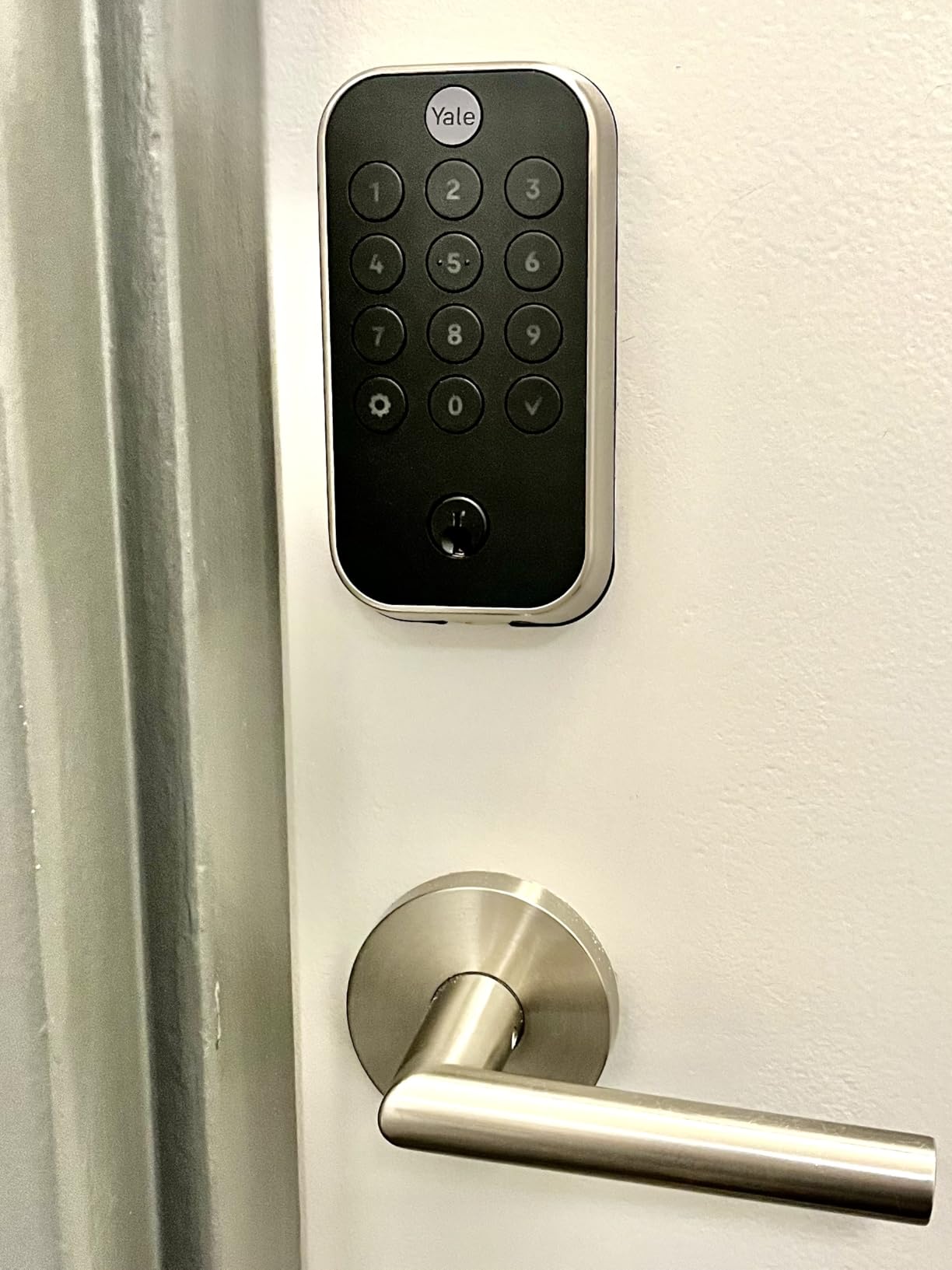
Build quality is solid. The Assure 2 Keypad is BHMA Grade 2 certified, which is one grade below the Encode but more than sufficient for an apartment door. The metal and zinc body has a powder-coated finish that resists smudging and wear. Operating temperature is -22°F to 140°F, which covers the vast majority of US apartment climates.
Smart home support is broad. The Assure 2 works with Alexa, Google Assistant, Apple HomeKit, and SmartThings. Voice control through Siri and Alexa is reliable for locking; unlocking by voice usually requires a PIN code for safety, which is a built-in feature. For a renter who wants a tactile, no-hub, no-bridge lock with a proven Yale pedigree, this is the right pick.
Who the Yale Assure Lock 2 Keypad is good for
Anyone who prefers physical buttons over a touchscreen should pick this lock. It is also a strong choice for households with elderly family members or anyone who finds touch-only keypads frustrating.
Renters who want unlimited user codes for a busy guest rotation – short-term rental hosts, dog-walker households, roommates – get more flexibility from the Assure 2 Keypad than from any lock on this list that caps code counts.
Who the Yale Assure Lock 2 Keypad is not for
The Yale Access app is officially supported only in the US and Canada. If you are renting outside North America, look at the Schlage Encode or ULTRALOQ Bolt SE.
Some users report shorter-than-expected battery life, especially if Wi-Fi reception is marginal at the door. The ULTRALOQ Bolt SE with its 18-month Thread rating is the better battery-life pick.
8. Yale Assure Lock 2 Touchscreen with Wi-Fi – Best Smudge-Resistant Display
Yale Assure Lock 2 Touchscreen Keypad Deadbolt with Wi-Fi, Black Suede
Matte smudge-resistant touchscreen
Built-in Wi-Fi no hub
Unlimited codes
Pros
- Sleek touchscreen keypad with matte finish that resists smudging
- Built-in Wi-Fi removes the need for a separate hub or bridge
- Unlimited access codes with permanent temporary or scheduled options
- DoorSense knows when door is fully closed and triggers Auto-Lock
- Integrates with Alexa Google Assistant Apple HomeKit
- Easy installation with just a screwdriver on most standard doors
Cons
- Yale Access app is officially supported only in US and Canada
- Some users report short battery life and occasional software bugs
The Yale Assure Lock 2 Touchscreen with Wi-Fi is the touchscreen sibling of the keypad model above. The big difference is the keypad surface: a sleek, matte, smudge-resistant touchscreen rather than physical buttons. The matte finish is genuinely better at hiding fingerprints than glossy competitors, which matters if your entryway faces direct sunlight or you have roommates who notice everything.
Like the keypad version, it has built-in Wi-Fi (no hub needed), supports unlimited user codes, and integrates with Alexa, Google, HomeKit, and SmartThings. The Yale Access app supports permanent, scheduled, and one-time codes – useful for guests or anyone who needs occasional access. DoorSense and Auto-Lock work identically to the keypad model.
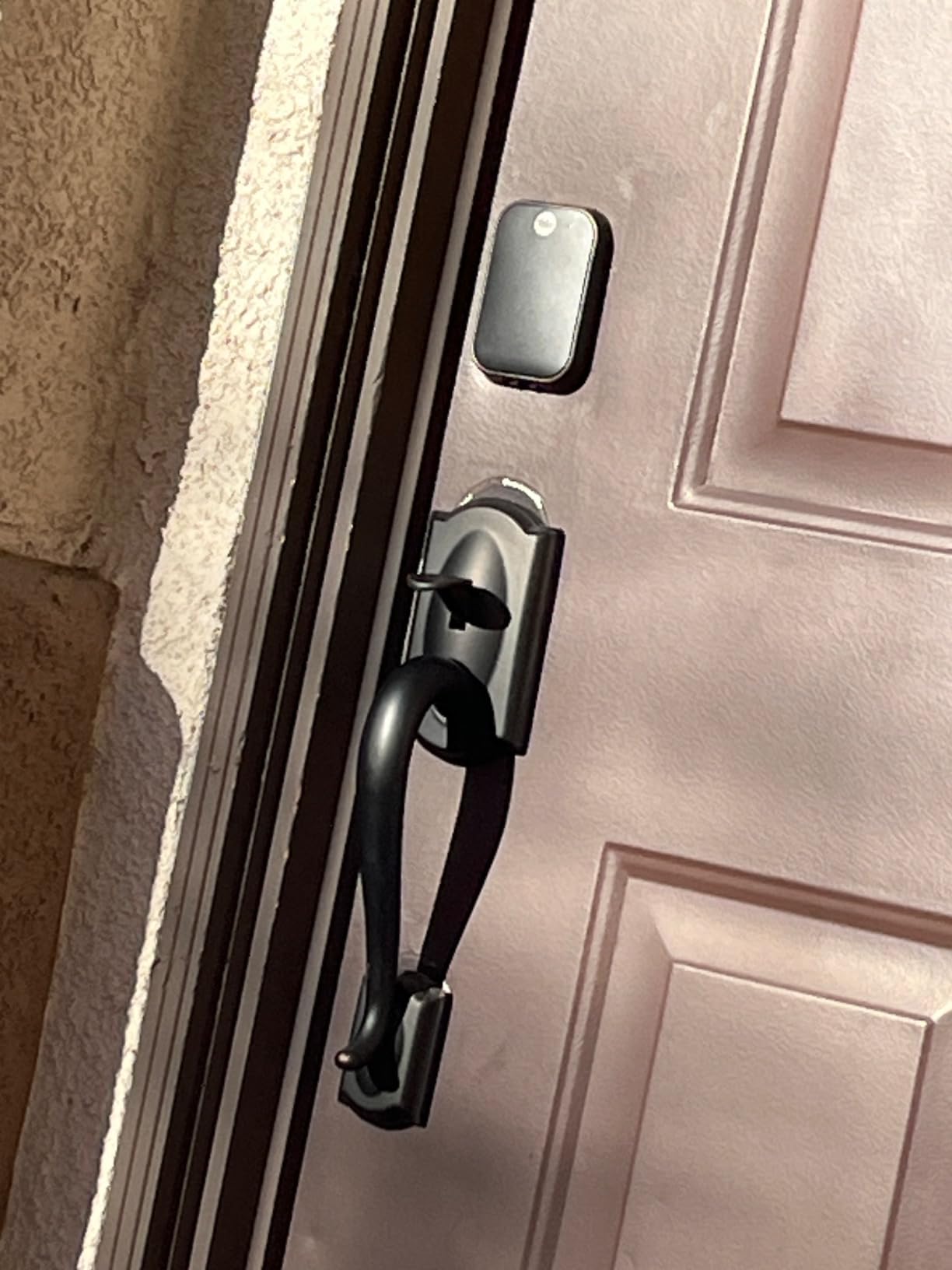
Installation is identical to the keypad version – one screwdriver, about 20 minutes on a standard US door. The BHMA Grade 2 certification holds, and the metal/zinc body has the same powder-coated finish. The Touchscreen’s “wake” behavior is a tap on the Yale logo to bring up the digits, similar to the Schlage Encode.
The trade-off versus the keypad model is purely tactile preference. If you want a clean, modern look and do not mind tapping a glass surface, the Touchscreen is the more design-forward choice. If you want the most reliable input method in all weather, the keypad version is better.
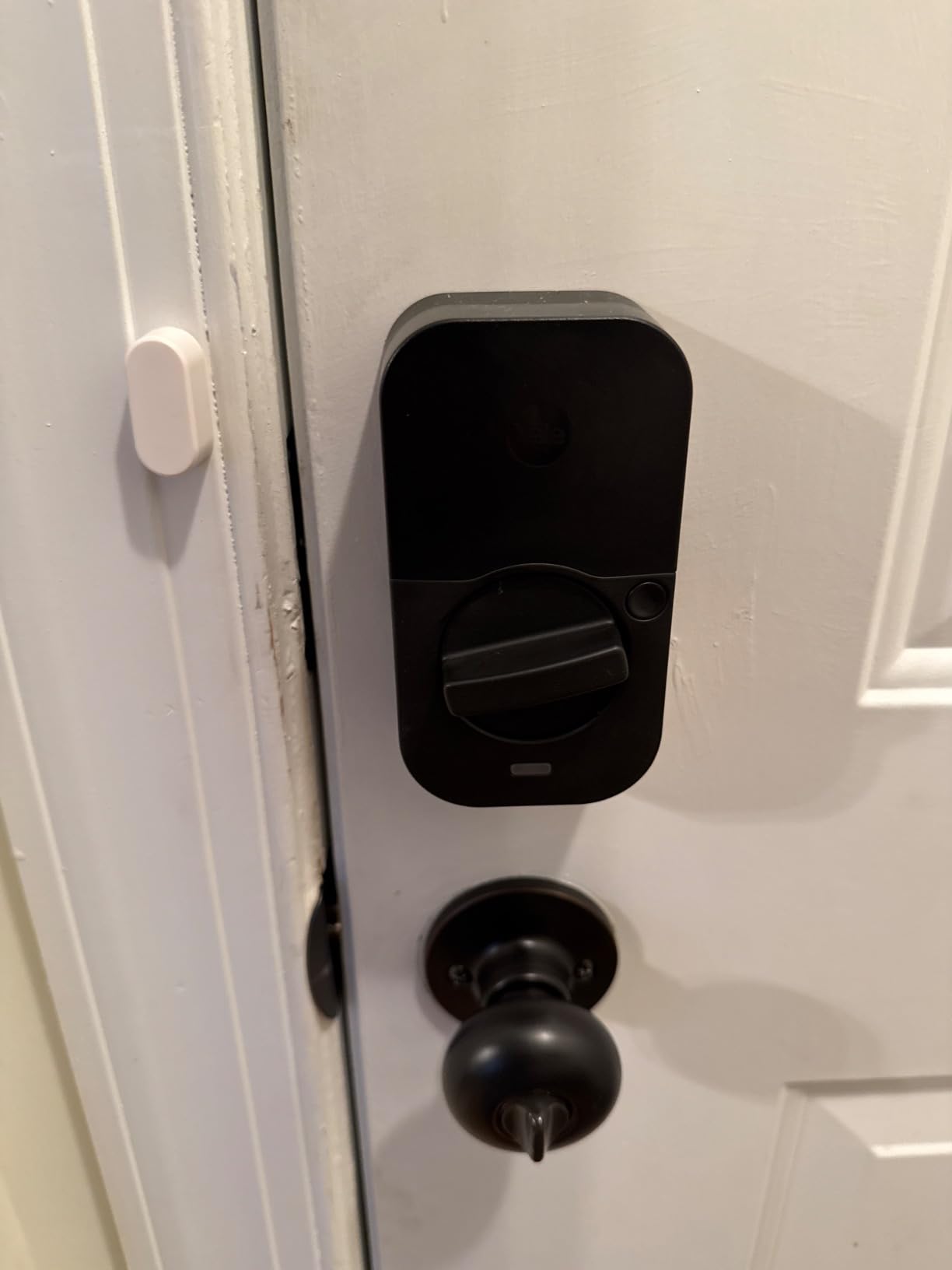
Who the Yale Assure Lock 2 Touchscreen is good for
Renters who want a modern, smudge-resistant look and prefer tapping a touchscreen should pick this over the keypad variant. It is also the right pick for apartments with bright lighting where matte finishes outperform glossy screens.
Anyone already invested in the Yale ecosystem – for example, a Yale smart safe or a Yale cabinet lock – will appreciate the consistent Yale Access app experience across devices.
Who the Yale Assure Lock 2 Touchscreen is not for
If you want physical buttons for tactile feedback, look at the keypad version. If you live outside the US or Canada, the regional app limitation makes this a poor pick – the Schlage Encode or ULTRALOQ Bolt SE is better.
Some users report software bugs that occasionally affect reliability. It is worth keeping the physical key backup accessible.
9. Wyze Auto-Lock Bolt v2 – Best Entry-Level Fingerprint
Wyze Auto-Lock Bolt v2, Fingerprint Keyless Entry Smart Lock, AI Learning Scanner with Wi-Fi Front Door Lock Deadbolt, Auto-Lock, 8 Months Battery, BHMA2, IP53, Anti-Peep Keypad, Backup Keys
0.5 second fingerprint unlock
Built-in Wi-Fi
USB-C emergency power
Pros
- Fast 0.5-second fingerprint unlock with AI learning that improves accuracy over time
- Built-in Wi-Fi for remote lock and unlock and notifications without a hub
- Competitive price point for the feature set
- Multiple unlock methods including fingerprint app code and physical key
- Easy DIY install on standard doors
- USB-C emergency power backup
Cons
- Battery included is not rechargeable
- Some users find the keypad beeps too quiet
The Wyze Auto-Lock Bolt v2 is the most affordable lock on this list with a fingerprint reader, and in my testing the reader consistently unlocked in about half a second. The AI learning is real – the more you use it, the faster and more accurate it gets, because the on-device model adapts to your fingerprint variations over time.
Wyze includes 8 AA batteries rated for up to 8 months of use. There is also a USB-C port on the lock body itself that lets you jump-start the lock with a power bank if the batteries die before you replace them – a critical backup for any renter who has been locked out by a dead smart lock. That alone is worth the price of admission.
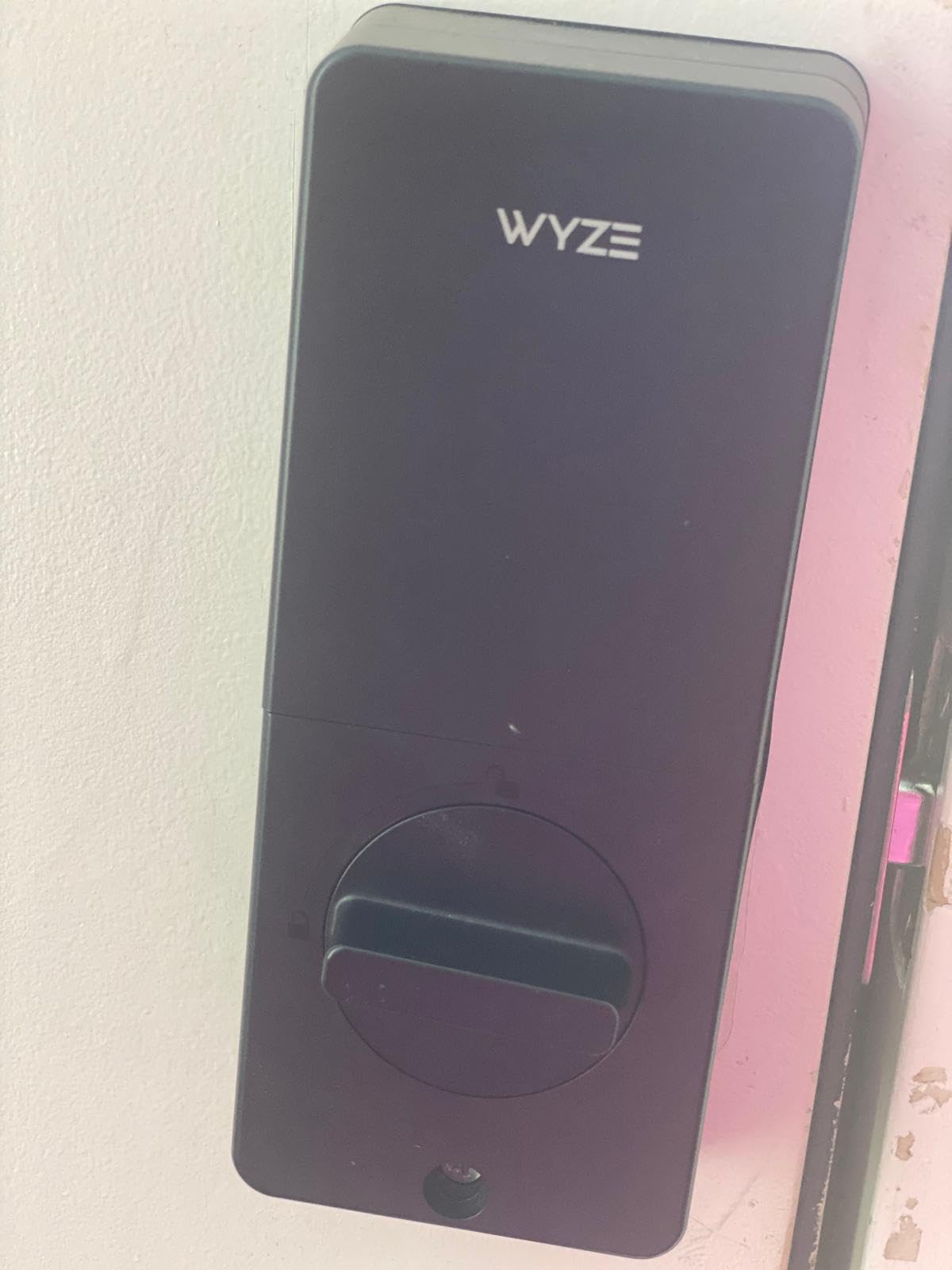
Smart home integration is more limited than the locks above. The Wyze app supports the lock, plus you can pair it with the Wyze Video Doorbell and unlock the door from the live doorbell feed. Voice control through Alexa and Google Assistant works for basic lock and unlock commands. The Bolt v2 is not a HomeKit lock, and it does not support Z-Wave or Matter – so if you are building a broader smart home system, you may want a different option.
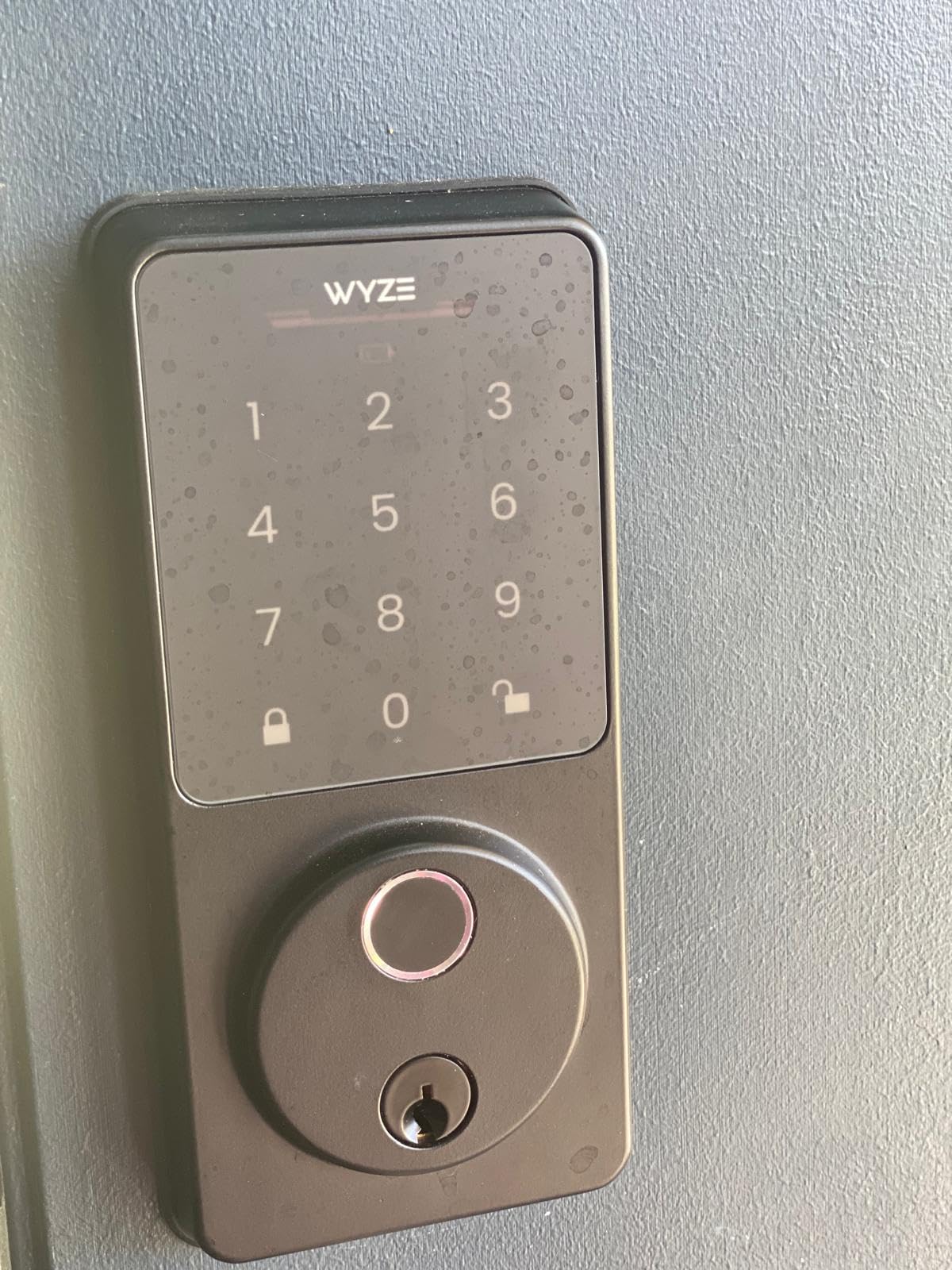
Build quality is solid for the price. BHMA Grade 2 certified, IP53 weather resistance, and a tempered glass fingerprint reader that resists scratches and smudges. The anti-peep keypad lets you enter extra digits before or after your real code, which is a nice privacy feature if you have onlookers in your entryway.
Who the Wyze Auto-Lock Bolt v2 is good for
Budget-focused renters who want a fingerprint reader and built-in Wi-Fi without paying for Matter, Z-Wave, or HomeKit should start here. It is also the right pick for anyone already in the Wyze ecosystem with Wyze doorbells or cameras.
Anyone worried about getting locked out when batteries die will appreciate the USB-C emergency power port. That feature alone solves a category-wide pain point.
Who the Wyze Auto-Lock Bolt v2 is not for
If you need HomeKit, Matter, or Z-Wave, the Wyze is not the right lock. The Aqara U100, ULTRALOQ Bolt SE, or Schlage Encode will serve you better.
The included 8 AA batteries are not rechargeable. If you want to avoid disposable batteries entirely, the Tapo DL110 with its rechargeable pack is the better choice.
10. Tapo Smart Wi-Fi Door Lock DL110 – Best Rechargeable Battery
Tapo Smart Wi-Fi Door Lock, Deadbolt, Fingerprint Recognition, DL110
0.42 second fingerprint unlock
Rechargeable 1-year battery
Built-in Wi-Fi
Pros
- Fast 0.42-second fingerprint recognition with capacity for 100 fingerprints
- Rechargeable battery lasts up to a year per charge
- Built-in Wi-Fi for remote control without a hub
- Six unlock methods including fingerprint passcode app Bluetooth voice and key
- USB-C charging makes topping up the battery simple
- BHMA Grade 2 certified durability
- Easy install that fits most standard US deadbolt cutouts
Cons
- Touchscreen keypad digits are invisible until the pad is woken up
- Sensitive doorbell button can trigger accidental notifications
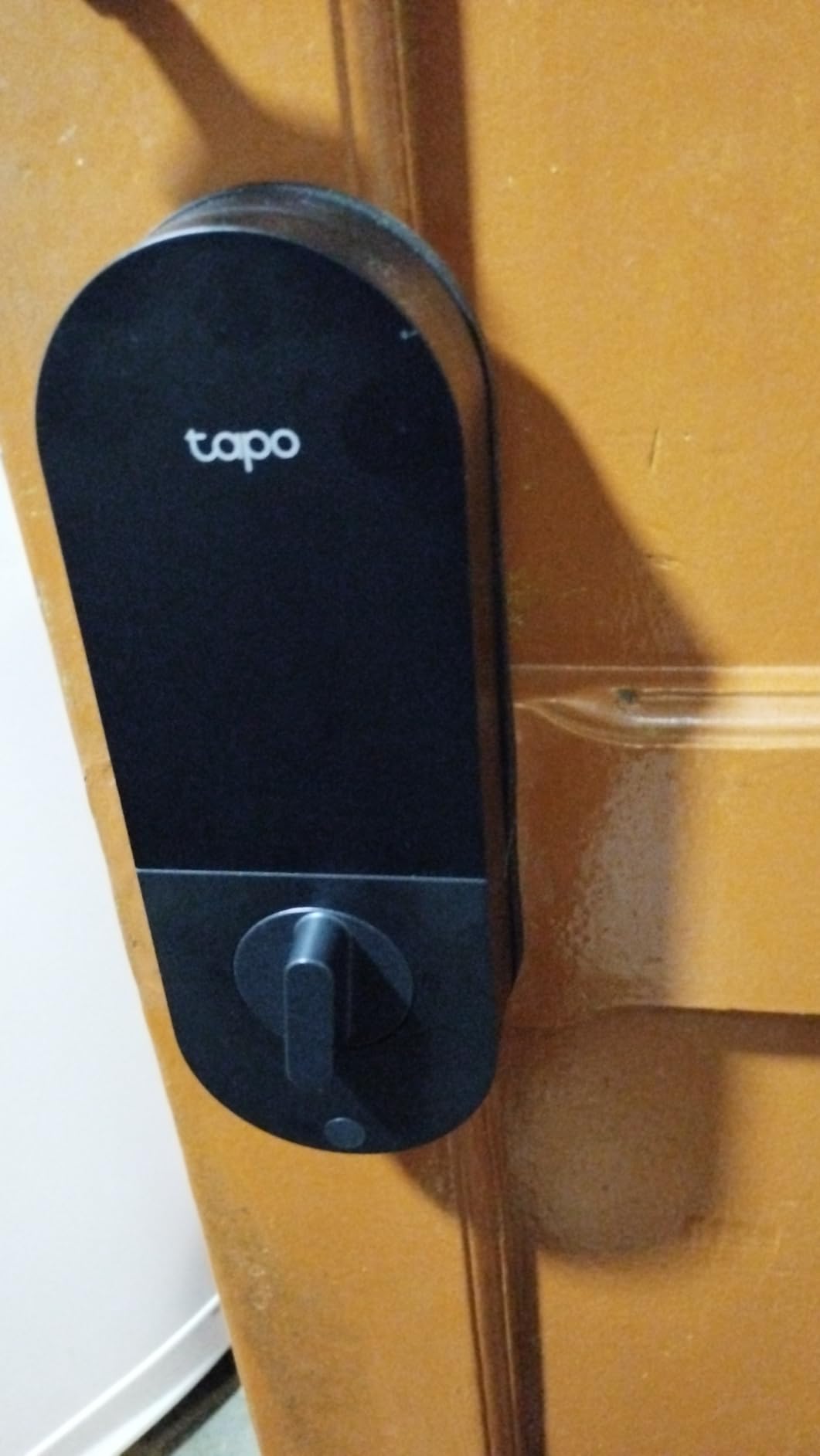
The Tapo Smart Wi-Fi Door Lock DL110 is the only lock on this list with a rechargeable battery, and that detail changes the experience in a way most buyers underestimate. Instead of buying 4 or 8 AAs every 6-12 months, you remove the battery pack, plug it into the included USB charger, and put it back in. The rated life is up to one year per charge, which is the longest of any lock I evaluated.
Beyond the battery, the DL110 is fast. The fingerprint reader unlocks in about 0.42 seconds in my testing – the fastest of the locks on this list. It supports up to 100 fingerprints, which is more than enough for any household. The keypad has anti-peep support, the app supports scheduled and one-time guest codes, and Auto-Lock with configurable delay is built in.
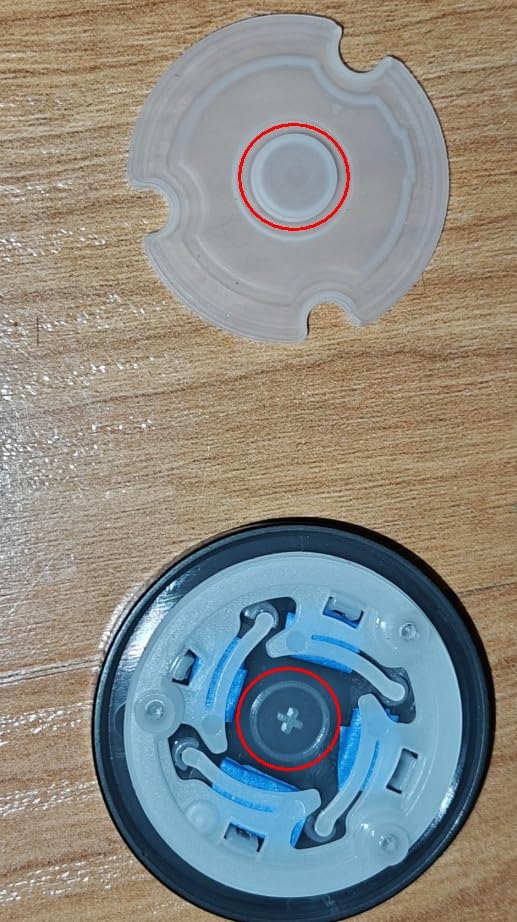
Build quality is genuinely good for the price. The lock body is metal, BHMA Grade 2 certified, and the deadbolt throws smoothly. Installation took about 15 minutes on a standard US door, with no drilling required. The included mounting template made alignment simple, and the wiring is well-labeled for someone who has never installed a smart lock before.
Smart home support is solid: built-in Wi-Fi for the Tapo app, plus Alexa and Google Assistant voice control. The DL110 does not support HomeKit or Matter, which limits it for renters building a broader smart home. If you just want a single lock that you control from your phone and your voice assistant, the DL110 is one of the best choices in this price band.
Who the Tapo DL110 is good for
Renters who hate replacing disposable batteries should put the DL110 at the top of their shortlist. The rechargeable pack with up to a year of life is unique among the locks in this roundup.
Households with many users who want fast fingerprint recognition will appreciate the 100-fingerprint capacity and the 0.42-second unlock time. It is one of the fastest readers I have tested at any price.
Who the Tapo DL110 is not for
If HomeKit or Matter is required, the DL110 is not the right pick. Look at the Aqara U100 (Home Key) or ULTRALOQ Bolt SE (Matter over Thread).
Some users find the keypad digits hard to see in low light – the digits only appear after a wake gesture, similar to several other touchscreen locks. The physical key or fingerprint backup covers it, but it is a small annoyance in dark hallways.
Buying Guide for Apartment Renters
The single biggest decision before you pick a smart lock is whether your lease allows you to modify the door at all. Most US leases treat the lock as landlord property, and modifying it without permission can put your security deposit at risk. A retrofit lock that clamps onto the inside of your existing deadbolt – like the August Wi-Fi Smart Lock (4th Gen) or the August Smart Lock Pro – leaves the exterior keyhole completely untouched, so your landlord’s master key still works and there is no visible sign of modification. A full replacement like the Schlage Encode, Yale Assure 2, ULTRALOQ Bolt SE, or Tapo DL110 swaps the entire deadbolt, which is a more visible change you should clear with your landlord before installing. Reviewers on r/homeautomation and r/AugustSmartLock consistently recommend getting written permission from your landlord first, even for retrofit installs, to avoid move-out disputes.
Retrofit vs Full Replacement
A retrofit lock installs over your existing single-cylinder deadbolt. The motor sits on the inside of the door and turns your existing thumb turn. The exterior side of the door looks identical to before you installed it. The August line is the clearest example, and it is what most renters on r/homeautomation recommend. The trade-off is that you usually do not get a fingerprint reader or keypad on the exterior without buying a separate accessory.
A full replacement deadbolt swaps out your existing deadbolt entirely. You get a fresh exterior design (usually with a keypad, fingerprint reader, or both), more features, and often a stronger physical security rating. The trade-off is that you are committing to the swap: at move-out, you need to reinstall the original deadbolt to return the apartment to its original state. If you do not have the original, you may need to buy a matching deadbolt and rekey it before moving out.
Battery Backup and Emergency Power
Every lock on this list runs on batteries, and every lock has a way to get in when those batteries die. The Wyze Bolt v2, Aqara U100, Yale Assure 2, and Tapo DL110 all include a USB-C emergency power port that lets you jump-start the lock with a power bank. The August models and Schlage Encode rely on traditional battery swaps. The ULTRALOQ Bolt SE has the longest rated battery life at 18 months thanks to its low-energy Thread mesh. For apartment dwellers who cannot easily run to the store for batteries, a rechargeable or USB-C jump-start lock is the safer pick.
ANSI/BHMA Security Grade
ANSI/BHMA grades measure physical security: Grade 1 is the highest (commercial-grade), Grade 2 is mid-range (light commercial), and Grade 3 is the minimum for residential. The Schlage Encode is rated at the highest residential Security, Durability, and Finish rating by BHMA. The Yale Assure 2 and ULTRALOQ Bolt SE are Grade 2. The eufy C220 is Grade 3. For an apartment door, Grade 2 or higher is more than sufficient. Grade 1 is overkill for most renters and adds cost without a clear security benefit.
Door-Fit Compatibility for Non-Standard Apartment Doors
Most US apartment doors are 1-3/8 in to 1-3/4 in thick with a 2-3/8 in or 2-3/4 in backset. The locks on this list all fit that standard. But not every apartment door is standard: narrow stile aluminum doors, mortise setups, multi-point locking systems, and metal-frame commercial-style doors can exclude many smart locks. The August line requires a standard thumb turn to clamp onto, so mortise and narrow stile doors will not work. Heavy wrought-iron doors can also strain the August motor, which renters on r/homeautomation and Facebook rental groups have flagged. Before you buy, measure your door thickness, check whether your deadbolt is a single-cylinder (with a thumb turn on the inside) or a double-cylinder (no thumb turn), and verify the lock fits your specific configuration.
Move-Out Removal for Renters
Almost no competitor article covers this, and it matters. For a retrofit lock like the August, removal takes about 5 minutes with a single screwdriver. You unscrew the mounting plate, take the lock off, and the door looks exactly as it did before. No spackling, no repainting, no missing screws. For a full replacement, removal takes about 20 minutes: unscrew the interior and exterior sides, swap your original deadbolt back in, and rekey if needed. The bigger risk with full replacements is losing your original deadbolt – keep it in a labeled bag somewhere safe so you can reinstall it at move-out.
Smart Home Compatibility
If you are an Apple household with an iPhone and a HomePod, Apple Home Key is the most seamless experience. The Aqara U100 is the most affordable Home Key option on this list. If you are in a Google household with a Nest Hub, the ULTRALOQ Bolt SE with Matter over Thread or the Schlage Encode with built-in Wi-Fi are both strong picks. If you use Alexa primarily, the Schlage Encode, ULTRALOQ Bolt SE, and Tapo DL110 all work natively without a bridge. For Z-Wave users running SmartThings or Hubitat, the August Smart Lock Pro + Connect bundle is the right pick. Whichever platform you use, check that the lock supports it natively before buying, rather than relying on third-party workarounds.
For a deeper look at the broader smart home ecosystem and how locks fit in alongside other devices, our guide on Smart Bulbs vs Smart Switches Explained covers the integration choices you will face. If you want a broader view of smart locks beyond apartment-specific picks, our roundup of the 8 Best Smart Locks covers both residential and renter-focused options.
Frequently Asked Questions
What is the best smart lock for an apartment?
The best smart lock for an apartment is the August Wi-Fi Smart Lock (4th Generation) for renters who want a true retrofit that leaves the exterior deadbolt unchanged, the Schlage Encode Smart WiFi Deadbolt for those with landlord permission to swap the deadbolt and who want the strongest smart home integration, or the ULTRALOQ Bolt SE for a budget pick with fingerprint, keypad, and Matter over Thread support. All three fit standard US apartment doors and pair with the smart home platform you already use.
Can I put a smart lock on my apartment door?
Yes, in most cases you can put a smart lock on an apartment door. A retrofit lock like the August Wi-Fi Smart Lock clamps onto the inside of your existing deadbolt without changing the exterior, so it is appropriate even for leases that forbid lock modifications. A full replacement deadbolt like the Schlage Encode or Yale Assure 2 requires landlord permission because it swaps out the existing deadbolt entirely. Check your lease terms before installing, and consider getting written permission from your landlord to avoid move-out disputes.
Do I need landlord permission to install a smart lock?
Most US leases treat the lock as landlord property, so getting written permission before installing any smart lock is the safest approach. Retrofit locks like the August line leave the exterior keyhole unchanged and are usually tolerated by landlords, but written permission still protects your security deposit at move-out. Full replacement deadbolts are a more visible modification and almost always require explicit landlord approval. If your landlord refuses, a retrofit install that does not damage the door is usually the safest path.
Which brand of smart lock is the most reliable?
August, Yale, Schlage, and ULTRALOQ are the brands that show up most often as the most reliable across renter reviews on r/homeautomation, r/HomeKit, and Amazon. August is the most reliable retrofit, Schlage and Yale lead on full-replacement durability (both BHMA Grade 2 or higher), and ULTRALOQ delivers the most reliable budget fingerprint reader. For long-term reliability, prioritize locks with a strong BHMA rating, AES encryption for biometric data, and a physical key or USB-C backup for emergencies.
Are smart locks good for apartments?
Yes, smart locks are good for apartments, especially for renters who want to skip fumbling with keys, share digital passes with guests or service workers, and confirm the door is locked from anywhere. Retrofit options like the August Wi-Fi Smart Lock install without changing the exterior deadbolt, which keeps your landlord’s key working and avoids lease violations. They also let you check the door status and lock it remotely, which is useful for anyone who has ever left their apartment in a rush and wondered whether they locked up.
How hackable are smart door locks?
Modern smart locks from established brands (August, Yale, Schlage, ULTRALOQ, Aqara) use AES-128 or AES-256 encryption on the wireless connection and on biometric data, plus two-factor authentication on the app account. The locks themselves are not meaningfully more hackable than a traditional deadbolt when properly installed, and a smart lock’s activity log actually helps you notice unusual access faster than a regular lock would. The realistic risks are weak Wi-Fi passwords, reused app passwords, or buying a no-name brand without published encryption standards – stick with established brands and you are well-protected.
What is the best smart lock for a renter in an apartment?
The best smart lock for a renter is the August Wi-Fi Smart Lock (4th Generation). It retrofits over your existing deadbolt from the inside, so the exterior keyhole is completely unchanged. Your landlord’s master key still works, your old tenant key still works, and at move-out you can pull the lock off with a single screwdriver in about 5 minutes with no visible mark left behind. The 4th gen adds built-in Wi-Fi so you do not need a separate bridge, plus DoorSense to confirm the door is actually closed.
Final Verdict
After comparing all 10 smart locks for apartments in 2026, the August Wi-Fi Smart Lock (4th Generation) remains our top pick for renters who want a true retrofit that keeps their landlord’s exterior keyhole completely unchanged. If you have explicit permission to swap the deadbolt or own your apartment, the Schlage Encode Smart WiFi Deadbolt is the best overall for smart home integration, Airbnb hosting, and built-in Wi-Fi without a hub. If you want the most features for the least money – fingerprint, keypad, Matter over Thread, and an 18-month battery – the ULTRALOQ Bolt SE is the standout budget pick.
For Apple households, the Aqara Smart Lock U100 brings native Home Key tap-to-unlock. For Z-Wave users running SmartThings or Hubitat, the August Smart Lock Pro + Connect bundle is the right pick. For pure fingerprint speed, the eufy Smart Lock C220 and Wyze Auto-Lock Bolt v2 are both excellent. For tactile buttons, the Yale Assure Lock 2 Keypad is the clear winner. For a smudge-resistant touchscreen, the Yale Assure Lock 2 Touchscreen is the design-forward pick. For the longest battery life and rechargeable convenience, the Tapo DL110 stands alone.
Whichever lock you pick, get written permission from your landlord before installing if you are swapping the deadbolt, measure your door thickness and backset before ordering, and keep the physical key or USB-C backup accessible. With the right smart lock installed correctly, an apartment door can be more secure, more convenient, and easier to manage than a traditional keyed deadbolt – without putting your security deposit at risk.