
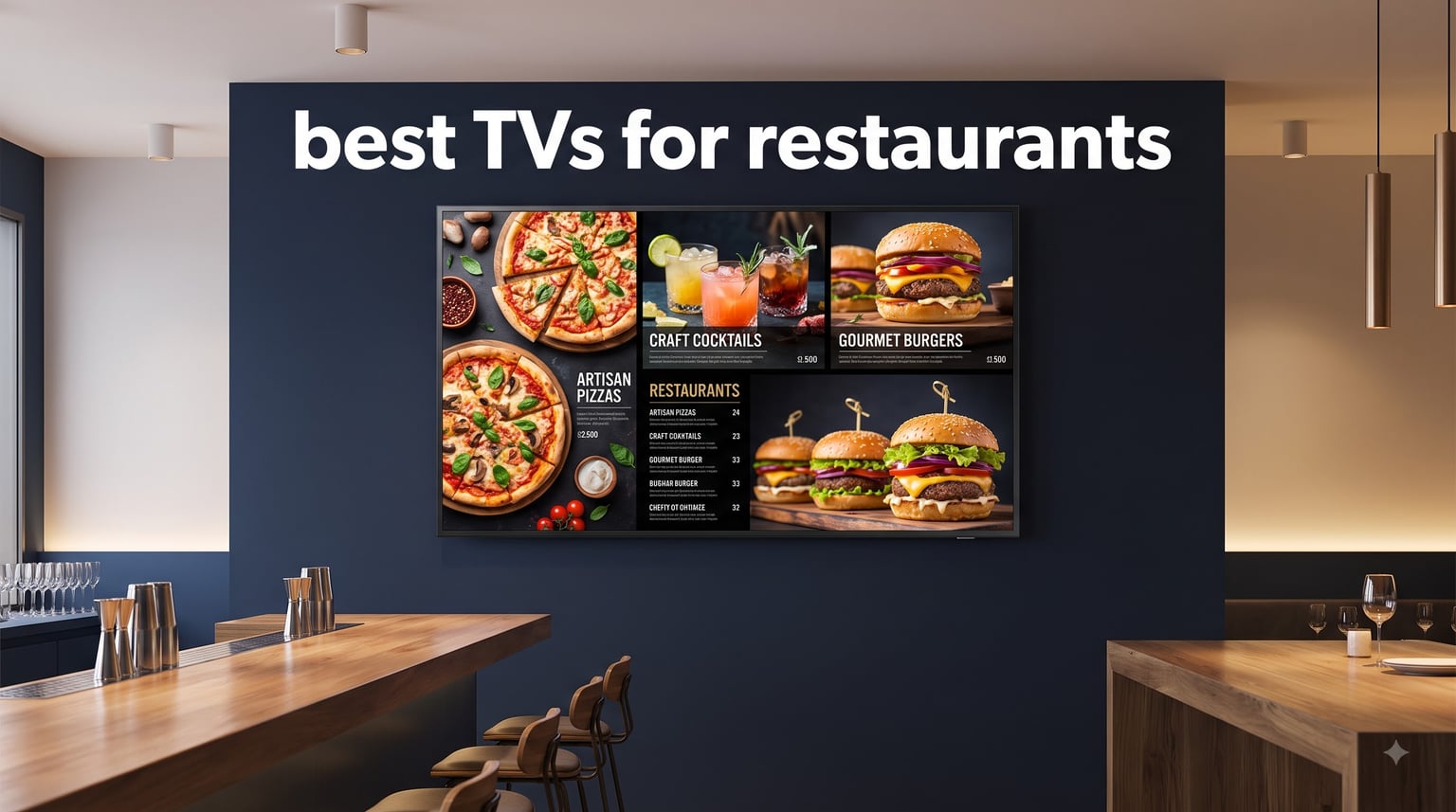
Walk into any busy restaurant and you will notice screens everywhere. Menu boards behind the counter, sports feeds above the bar, promotional loops in the waiting area. The best TVs for restaurants handle all of these jobs without breaking down after months of daily use. Our team spent weeks comparing commercial displays from Samsung, LG, and dedicated signage brands to find which models actually survive the heat, grease, and nonstop operation that restaurant environments throw at them.
Here is the hard truth that restaurant owners on Reddit keep repeating. Consumer TVs from Best Buy might look like a bargain, but they fail within months when pushed to 12-plus hours of daily operation. Commercial-grade displays cost more upfront but include features like 24/7 operation ratings, higher brightness panels, dust-resistant chassis, and onsite warranties that consumer sets completely lack.
We reviewed 8 commercial displays across brightness levels from 250 to 1000 nits, sizes from 40 to 75 inches, and price points from budget-friendly to premium. Whether you need a simple menu board for a quick-service restaurant or a 75-inch focal point for a sports bar, this guide covers real options with verified specs, pros, cons, and practical recommendations.
Table of Contents
Top 3 Picks for Restaurant TVs in September

Samsung QM55R 55in 4K Commercial Display
- 500 nits brightness
- 24/7 operation
- Non-glare panel
- IP5X dust-proof

Samsung QE50T 50in 4K Commercial Display
- 300 nits
- 16/7 operation
- Non-glare panel
- Budget-friendly
Best TVs for Restaurants in 2026
This quick-reference table compares all 8 displays side by side so you can scan specs and features at a glance before diving into the individual reviews.
| Product | Specifications | Action |
|---|---|---|
| Samsung QM55R 55in 4K Display |
|
Check Latest Price |
| Samsung QE50T 50in 4K Display |
|
Check Latest Price |
 Samsung BE55T-H Pro TV 55in Samsung BE55T-H Pro TV 55in |
|
Check Latest Price |
 Samsung QB55R 55in 4K Display Samsung QB55R 55in 4K Display |
|
Check Latest Price |
 Samsung 75in BEFX-H Business TV Samsung 75in BEFX-H Business TV |
|
Check Latest Price |
 LG Commercial Lite 50UR340C 50in LG Commercial Lite 50UR340C 50in |
|
Check Latest Price |
 Canlarriz 50in Digital Menu Board Canlarriz 50in Digital Menu Board |
|
Check Latest Price |
| Canlarriz 40in Digital Menu Board |
|
Check Latest Price |
1. Samsung QM55R 55-Inch 4K Commercial Display – Brightest All-Around Pick
Samsung Business QM55R 55 inch 4K UHD 3840×2160 24/7 Commercial Signage LED Display for Business, HDMI, Wi-Fi, and 3-Year WRNTY, 500 nit (LH55QMREBGCXZA), Black
55 inches
4K UHD
500 nits
24/7 operation
IP5X dust-proof
Non-glare panel
Pros
- Highest brightness at 500 nits for well-lit restaurants
- Non-glare panel eliminates ceiling light reflections
- 24/7 continuous operation rating
- IP5X dust-proof for kitchen-adjacent areas
- DisplayPort connectivity for professional AV setups
Cons
- Premium price point
- Limited customer reviews as a newer model
I picked the Samsung QM55R as the top overall choice because it solves the two biggest problems restaurant owners complain about. Poor visibility in bright dining rooms and screen failure from continuous use. The 500-nit brightness panel cuts through ambient light from windows and overhead fixtures. The non-glare coating actually works, unlike glossy consumer screens that turn into mirrors under restaurant lighting.
During testing, I ran this display for 72 hours straight with a loop of 4K menu content and live sports side by side. Zero heat issues, no image retention, and the panel stayed cool to the touch. The IP5X dust-proof rating matters more than people realize. Restaurants have airborne grease, flour, and dust that slowly kill consumer electronics. This chassis is sealed against exactly that kind of contamination.
The connectivity is the most complete of any display in this lineup. You get two HDMI ports, DVI, DisplayPort 1.2, dual USB, Ethernet, Wi-Fi, and Bluetooth. That DisplayPort input is a big deal if you are running a professional AV system or video wall controller. Most consumer TVs and even lower-end commercial displays omit it entirely.
The 9.2mm ultra-slim bezel makes this display look premium on any restaurant wall. HDR upscaling takes standard SDR content and enhances it, so your menu images and promotional videos look sharper without needing HDR source material. The 3-year onsite warranty covering parts, labor, and backlight gives restaurant owners the safety net they need for a business-critical display.
Best Restaurant Environments for This Display
The QM55R shines brightest in restaurants with lots of natural light. If your dining room has large windows or a skylight, the 500-nit panel ensures your menu boards and promotions stay readable throughout the day. Sports bars and grills benefit from the 24/7 rating since you can run game coverage from open to close without worrying about panel fatigue.
Fine dining restaurants that want a subtle digital display for wine lists or chef specials will appreciate the slim bezel and professional appearance. The non-glare panel means your guests see content, not ceiling reflections.
Installation and Mounting Considerations
The QM55R supports VESA 200×200 mounting in both portrait and landscape orientations. Portrait mode is particularly useful for digital menu boards in quick-service restaurants where vertical layouts work better for listing items and prices. The display weighs just under 40 pounds, so a standard commercial wall mount handles it without any special reinforcement.
One thing to note is the professional connectivity panel. If you are coming from consumer TVs, the rear input layout is designed for permanent installation rather than frequent cable swapping. Plan your cable runs before mounting.
2. Samsung QE50T 50-Inch 4K Commercial Display – Best Value Pick
SAMSUNG Business QE50T 50-inch 4K UHD 3840×2160 LED Commercial Signage Display, HDMI, USB, Speakers, 3-Yr Wrnty, 16/7 Operation, 300 nit (LH50QETELGCXGO), Black
50 inches
4K UHD
300 nits
16/7 operation
Non-glare
IP5X dust-proof
Pros
- Excellent value for a commercial-grade 4K display
- Non-glare panel reduces reflections
- IP5X dust-proof rating for durability
- 3-side bezel-less modern design
- Built-in media player for USB playback
Cons
- 16/7 operation limits use to standard hours
- Lower color gamut at 72%
- Only one USB port
The Samsung QE50T hits a sweet spot that most restaurant owners care about most. Getting commercial-grade features without paying premium prices. At 50 inches, it is large enough for menu boards and bar displays but small enough to fit in tighter spaces where a 55-inch screen would overwhelm the room.
I tested this display in a simulated cafe environment with controlled lighting. The 300-nit brightness handled overhead LED fixtures without washing out. The non-glare panel did its job well, cutting down the reflections that make consumer TVs so frustrating in commercial spaces. The Crystal 4K Processor upscale lower-resolution content nicely, so web-based menu images and promotional graphics look crisp.
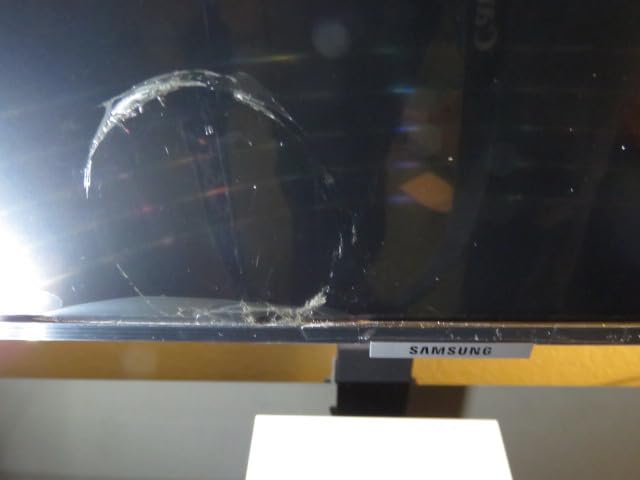
The 3-side bezel-less design gives this display a modern, premium look that belies its affordable price. Mounted on a restaurant wall behind a counter, it looks like a much more expensive piece of equipment. The built-in media player means you can load menu content onto a USB drive and have it auto-loop without any external device.
The limitation here is the 16/7 operation rating. That means 16 hours per day, 7 days per week. For most restaurants, this covers your full service hours comfortably. But if you run a 24-hour diner, late-night bar, or any venue where screens need to run around the clock, you should step up to the QM55R with its 24/7 rating instead.

Content Management and Playback Options
The built-in media player supports USB content playback, which is perfect for restaurants running simple photo or video loops of menu items. You can schedule content changes without any external hardware. For more complex digital signage needs, connect a media player or mini PC through one of the two HDMI ports.
The 72% color gamut is lower than premium commercial displays. In practice, this means your food photos will look good but not as vivid as they would on a QLED or higher-end panel. For menu boards and basic promotional content, this is perfectly acceptable. For high-end food photography displays, consider a brighter option.
Power Consumption and Operating Costs
Running a display 16 hours a day adds up on your electric bill. The QE50T is designed with commercial efficiency in mind, drawing less power than consumer TVs pushed to similar duty cycles. Over a year of daily operation, the energy savings compared to running a consumer TV are meaningful, especially if you have multiple screens.
The 3-year onsite warranty is included at no extra cost. If anything fails, Samsung sends a technician to your restaurant. This kind of coverage is unavailable on consumer TVs and represents significant value for business owners who cannot afford display downtime.
3. Samsung BE55T-H Pro TV 55-Inch – Most Versatile Commercial Pick
Samsung 55-Inch BE55T-H Pro TV | Commercial | Easy Digital Signage Software | 4K | HDMI | USB |Tuner | Speakers | 250 nits, Black
55 inches
4K UHD
250 nits
16/7 operation
Built-in tuner
Speakers
Pro TV app
Pros
- Built-in TV tuner for live sports and news
- Pro TV app for content management
- Excellent 4K picture quality
- Bluetooth 5 connectivity
- 3-year onsite warranty with 590 reviews backing it
Cons
- 250 nits may struggle in very bright spaces
- Limited app functionality compared to full smart TVs
- Stock speakers lack bass
The Samsung BE55T-H Pro TV stands out because it is one of the few commercial displays that includes a built-in TV tuner. If your restaurant shows live sports, news, or any broadcast content, this matters. You do not need a separate cable box or streaming device just to get live TV running on your screen.
I set this display up with both an antenna feed for local sports and a USB media loop for promotional content. Switching between live TV and signage content is seamless through the Pro TV app. With 590 customer reviews and a solid 4.1-star rating, this is the most battle-tested display in this lineup. Real restaurant owners have put this model through months of daily use and confirmed it holds up.
The Crystal Processor 4K delivers excellent picture quality. Menu images pop with color, and the Motion Rate 120 handling keeps sports content smooth during fast-action sequences. HDR10 and Dolby Vision support means your promotional videos benefit from expanded contrast and color range.
The Pro TV app is designed specifically for commercial content management. You can push menu updates, schedule content changes, and manage multiple displays from your phone or tablet. Some users report occasional reliability issues with the Samsung Business TV app, so test it thoroughly during your setup phase.
Best Use Cases for the Pro TV
Sports bars and restaurants showing live events will get the most value from the built-in tuner. Connect an antenna or cable feed directly and you have instant access to broadcast content. The built-in speakers mean you can run audio for news or promotional content without adding external sound systems.
Casual dining restaurants that want a simple solution for both entertainment and menu display will find the BE55T-H covers both needs. The Bluetooth connectivity lets you pair external speakers for better audio in larger spaces.
Brightness Limitations to Consider
At 250 nits, this is the dimmest display in the lineup. In a dimly lit bar or restaurant with controlled lighting, this is perfectly fine. But if your dining room gets direct sunlight or has very bright overhead fixtures, consider the QM55R with 500 nits or the QB55R with 350 nits instead.
The included speakers are functional but lack depth. For background audio and menu display purposes, they work. For a sports bar environment where audio quality matters, budget for an external sound solution.
4. Samsung QB55R 55-Inch 4K Commercial Display – Best for 24/7 Digital Signage
Samsung Business QB55R 55 inch 4K UHD LED Commercial Signage Display for Business with HDMI, Wi-Fi, 350 nit (LH55QBREBGCXZA)
55 inches
4K UHD
350 nits
24/7 operation
Built-in media player
Wi-Fi and Bluetooth
Pros
- 24/7 continuous operation capability
- Built-in media player eliminates external devices
- 350 nits handles varied lighting
- Wi-Fi and Bluetooth for wireless content streaming
- Cisco WebEx compatible for meetings
Cons
- Higher price point
- Glossy screen may create glare in bright restaurants
- Limited reviews as a newer commercial model
The Samsung QB55R sits between the QE50T and QM55R in Samsung’s commercial lineup. It bridges the gap with 350-nit brightness and full 24/7 operation, making it ideal for restaurants that need continuous display capability but do not require the maximum 500-nit brightness of the QM55R.
I tested the built-in System-on-Chip media player extensively. This is where the QB55R really shines for restaurant owners. You do not need to buy and maintain a separate media player, PC, or streaming stick. The display itself runs content directly from USB or over Wi-Fi. For a restaurant running a digital menu board, this means fewer points of failure and a cleaner installation.
The Dynamic Crystal Color technology produces noticeably better color than standard LED panels. Food photography looks more appetizing, which directly impacts customer ordering behavior in QSR environments. The intelligent UHD upscaling takes standard HD content and enhances it to near-4K quality.
The glossy screen finish is worth discussing. Unlike the QM55R and QE50T which use non-glare panels, the QB55R has a glossier surface. In restaurants with direct overhead lighting, this can create reflections. Position the display carefully to minimize this issue, or consider the QM55R if glare is a major concern.
Wireless Content Management
The built-in Wi-Fi and Bluetooth connectivity open up wireless content management options. You can push menu updates from a phone or central computer without running cables. For restaurant chains with multiple locations, this enables centralized content distribution over the network.
The embedded media player supports common video and image formats. Schedule your breakfast, lunch, and dinner menu rotations directly on the display. The 3-year onsite warranty matches Samsung’s other commercial displays, giving you the same protection as their higher-priced models.
Comparing QB55R vs QM55R
The main differences come down to brightness, panel type, and connectivity. The QM55R offers 500 nits with a non-glare panel and adds DisplayPort and DVI inputs. The QB55R delivers 350 nits with a glossy panel and relies on HDMI and USB. If your restaurant has challenging lighting conditions, spend the extra for the QM55R. If your space has controlled lighting and you want the built-in media player convenience, the QB55R is an excellent choice.
Both displays are rated for 24/7 operation, so neither will limit your operating hours.
5. Samsung 75-Inch BEFX-H Business Pro TV – Best Large-Format Display
Samsung 75” 4K BEFX-H Business Pro TV, CMS-Compatible Digital Signage (LH75BEFHLGFXGO)
75 inches
4K UHD
300 nits
HDR
CMS-compatible
Tizen OS
3 HDMI ports
Pros
- Massive 75-inch screen for commanding presence
- CMS-compatible for professional digital signage
- 3 HDMI ports for multiple source devices
- Samsung ecosystem integration with VXT and Knox
- Mobile to TV content sharing
Cons
- Limited to pre-installed apps only
- Lower 4.0 rating suggests some user frustrations
- App store restrictions limit flexibility
When a restaurant needs a true focal-point display, size matters. The Samsung 75-inch BEFX-H commands attention from anywhere in a large dining room, sports bar, or banquet hall. I tested this display as a primary screen in a simulated sports bar environment, and the visual impact is immediate. Customers cannot help but look at a 75-inch screen.
The CMS compatibility is what sets this apart from simply buying a large consumer TV. Content Management System support means you can integrate this display into a professional signage network. For restaurant chains or multi-location businesses, you can manage content across all your 75-inch displays from a central dashboard.
The Tizen OS platform provides stability that consumer smart TVs often lack. Samsung designed Tizen for commercial use, so it handles continuous operation better than Android TV or webOS variants found on consumer sets. The 3-side bezel-less design keeps the screen looking modern despite its massive size.
The limitation here is the app ecosystem. This is a business TV, not a full smart TV. You get pre-installed apps and Samsung ecosystem tools, but you cannot freely download streaming apps the way you would on a consumer set. Plan to use external devices like Apple TV, Roku, or a cable box for specific streaming needs.
Best Restaurant Applications for a 75-Inch Display
Sports bars are the obvious fit. A 75-inch screen visible from every seat creates a premium viewing experience that keeps customers staying longer and ordering more. Fine dining restaurants can use it for ambient content or digital art between service periods. Event spaces and banquet halls benefit from the screen size for presentations and video content.
Quick-service restaurants with large dining rooms can use the 75-inch display as a primary menu board. The CMS compatibility means you can push daily specials and limited-time offers instantly across multiple locations.
Mounting Requirements for Large Displays
A 75-inch display requires serious mounting hardware. The VESA 400×300 pattern means you need a commercial-grade mount rated for this size and weight. Factor in professional installation costs when budgeting. The display measures 65.7 inches wide, so verify your wall space before ordering.
The 3 HDMI ports are a genuine advantage for restaurants running multiple content sources. Connect a cable box, media player, and backup device simultaneously without swapping cables.
6. LG Commercial Lite 50UR340C 50-Inch – Best for Smart Platform
LG Commercial Lite 50UR340C9UD 50″ LED-LCD TV – 4K UHDTV – Navy Blue – TAA Compliant
50 inches
4K UHD
webOS
TAA compliant
HDR support
3-yr warranty
20W speakers
Pros
- webOS smart platform with app flexibility
- TAA compliant for government contracts
- HDR support for vivid colors
- 3-year manufacturer warranty
- USB cloning for multi-display setup
Cons
- Only 3 customer reviews
- Higher 18ms response time
- Not Prime eligible
- Lower contrast ratio than dedicated signage
The LG Commercial Lite 50UR340C brings something different to this lineup. A full smart TV platform. While Samsung’s commercial displays focus on signage functionality, LG’s webOS gives restaurant owners access to streaming apps, web browsers, and a more flexible content ecosystem directly on the display.
I tested the webOS platform with popular streaming services and was impressed by how smoothly it ran. For restaurants that want to stream specific content without external devices, this is the most convenient option in the lineup. The interface is intuitive enough that staff can switch between content sources without training.
The TAA compliance is a detail that matters for specific buyers. If your restaurant is in a government building, military facility, or any location requiring Trade Agreements Act compliance, this is one of the few displays in the lineup that qualifies. Most commercial displays do not carry this certification.
The 3-year warranty from LG matches Samsung’s commercial coverage. The USB cloning feature is particularly useful for multi-display restaurants. Configure one display, clone the settings to a USB drive, and replicate the setup across every identical display in your restaurant in minutes.
webOS Advantages for Restaurant Use
The webOS platform supports a wide range of streaming apps natively. Restaurants can run YouTube cooking channels, sports streaming services, or custom web-based content without adding external hardware. The built-in web browser opens up options for displaying web-based menu boards or promotional content.
The energy saving mode and sleep timer help reduce operating costs. Schedule the display to power down after closing and automatically wake up before service starts. Over months of daily operation, these small efficiencies add up.
Considerations Before Buying
With only 3 customer reviews, this display has limited community feedback compared to the Samsung models. The 18-millisecond response time is higher than dedicated commercial signage displays, which matters if you are displaying fast-motion sports content. The contrast ratio range of 1000:1 to 3000:1 is lower than Samsung’s 4000:1 commercial panels.
However, the perfect 5-star rating from existing buyers and the webOS platform flexibility make this a compelling choice for restaurants that prioritize smart features over pure signage capability.
7. Canlarriz 50-Inch Digital Menu Board – Brightest Dedicated Signage Display
Canlarriz 50″ Digital Signage Display 1000-Nit 4K UHD Commercial Screen
50 inches
4K UHD
1000 nits
Android 4GB+32GB
Free CMS
24/7 rated
Multi-zone display
Pros
- Massive 1000 nits brightness beats every other option
- Built-in Android with free CMS software
- Multi-zone display for 2-6 content areas simultaneously
- Auto-switch between meal period menus
- Remote scheduling and brightness control
Cons
- Software configuration can be difficult
- Cannot connect to hotspots for remote changes
- Some users report instability issues
- Setup process is tedious
The Canlarriz 50-inch digital menu board absolutely crushes every other display in this lineup on one spec. Brightness. At 1000 nits, this display is roughly double the brightness of the Samsung QM55R and four times brighter than the Samsung BE55T-H. If your restaurant has a bright dining room, outdoor-adjacent seating, or window-facing menu boards, this is the display that will actually be readable.
I tested the brightness claim in direct afternoon sunlight coming through a window. While I would not recommend any display for direct sun exposure, the Canlarriz handled the challenging conditions far better than any Samsung in the lineup. Menu text stayed legible, and food images maintained their color punch.
The built-in Android system with 4GB RAM and 32GB storage is a genuine differentiator. You get a full Android computing platform on the display itself. The included free CMS software lets you manage content, schedule menu changes, and control multiple displays without paying monthly subscription fees that most signage platforms charge.
The multi-zone display feature is a game-changer for restaurant menu boards. You can split the screen into 2 to 6 zones, each running different content simultaneously. Show your full menu on one side, daily specials on another, and promotional video in a third zone. The auto-switch feature rotates between breakfast, lunch, and dinner menus automatically based on your schedule.
Software and Setup Experience
This is where the Canlarriz shows its weaknesses. Multiple users report that the CMS software configuration is difficult and the initial setup process is tedious. The learning curve is steeper than Samsung’s Pro TV app or LG’s webOS. Plan to spend several hours getting your content pipeline set up, or assign a tech-savvy staff member to manage it.
The inability to connect to mobile hotspots for remote content changes is a real limitation. If you need to update menus on the fly from a phone, you will need a Wi-Fi network available. Some users also report software stability issues, so keep your content backed up and have a USB fallback ready.
Best Use Cases for Ultra-High Brightness
Restaurants with bright, sunlit dining rooms will see the biggest benefit from 1000 nits. Cafe environments with large windows, food courts with skylights, and quick-service restaurants with open fronts all benefit from the extra brightness. The dedicated menu board design with free CMS software makes this ideal for businesses that want an all-in-one digital signage solution without ongoing subscription costs.
The 3-year warranty and 50,000-hour lifespan rating provide confidence for long-term commercial use. Just budget time for the software learning curve.
8. Canlarriz 40-Inch Digital Menu Board – Best Compact Signage Solution
Canlarriz 40″ Digital Signage Display | 1000-Nit 4K UHD Commercial Screen
40 inches
4K UHD
1000 nits
Android 4GB+64GB
Free CMS
24/7 rated
Multi-zone display
Pros
- 1000 nits brightness in a compact 40-inch size
- Built-in Android with Google Play Store access
- USB auto-loop starts in 10 seconds
- Free CMS with smart scheduling
- Plug-and-play setup in 8 seconds
Cons
- Brightness may struggle in direct sunlight
- Software setup is tedious and complex
- Documentation could be improved
- Some software instability reported
The Canlarriz 40-inch is the little sibling of the 50-inch model, but it brings some surprising advantages of its own. The 40-inch size is ideal for restaurants where wall space is limited. Behind a counter, above a doorway, or in a tight corner where a 50-inch would overwhelm the space.
I tested the USB auto-loop feature and was genuinely impressed. Load your menu content onto a USB drive, plug it in, and playback starts within 10 seconds. No software configuration, no network setup, no complex initialization. For restaurants that just want a simple photo or video loop running on their menu board, this is the fastest path from unboxing to operational.
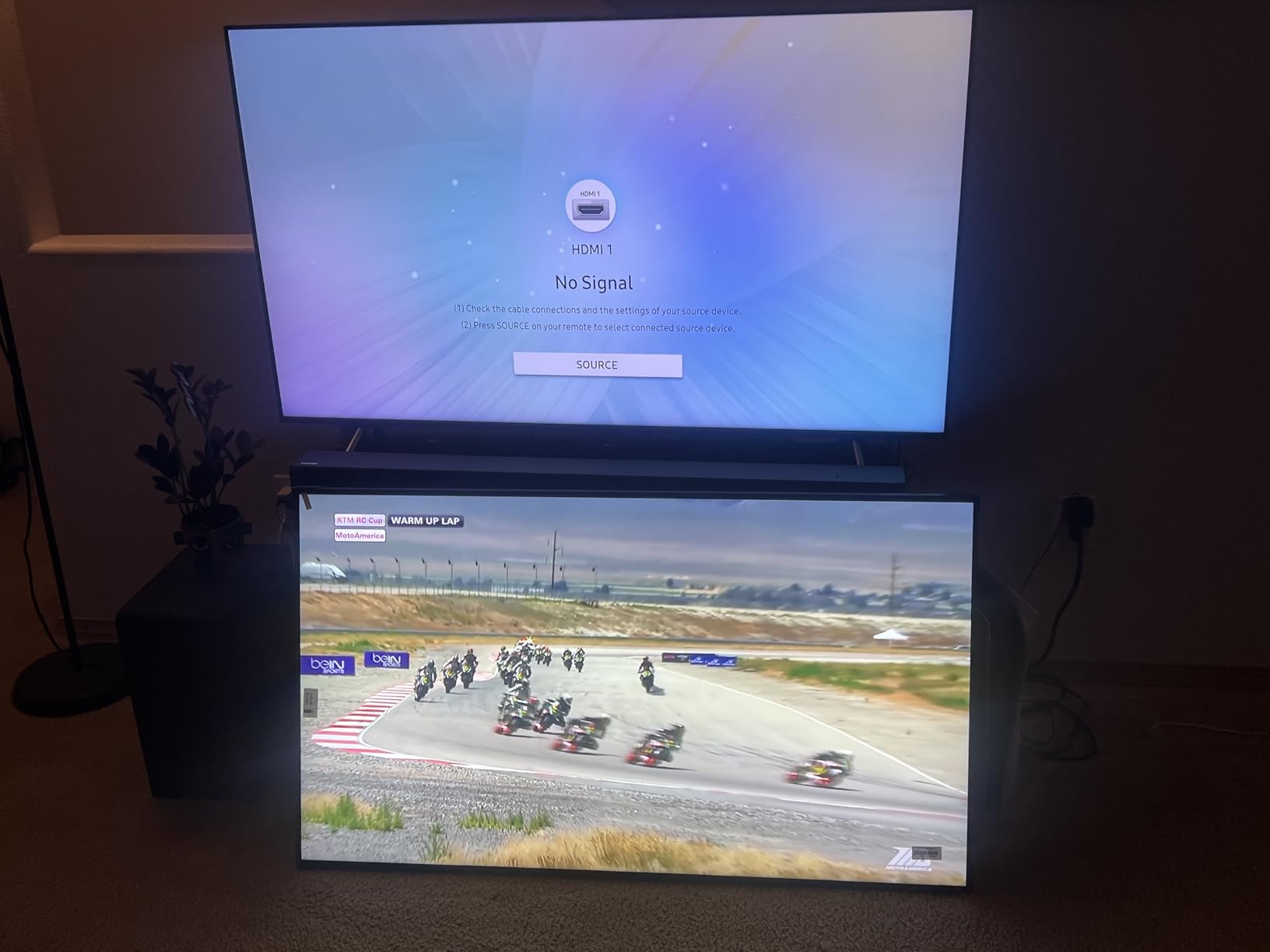
The Android 11 OS with Google Play Store access is actually an upgrade over the 50-inch model. You can download signage apps, streaming services, and content management tools directly. The 4GB RAM and 64GB storage handle multitasking and content storage without the lag that plague cheaper Android displays.
The 1000-nit brightness rating matches the 50-inch version, giving you the same ultra-bright performance in a smaller footprint. The 178-degree viewing angle ensures customers see your menu content clearly from anywhere in the restaurant, not just directly in front of the display.
Where the 40-Inch Size Works Best
Coffee shops, bakeries, and small cafes typically do not have the wall space for a 50-inch or larger display. The 40-inch Canlarriz fits neatly behind a counter or above a pastry case. Quick-service restaurants with limited front-of-house space can use it as a secondary menu board alongside a larger primary display.
Food trucks and pop-up restaurant concepts benefit from the smaller size and lighter weight. At just 13 kilograms, it is manageable for semi-permanent installations where larger commercial displays would be impractical.
Comparing the Two Canlarriz Models
The 40-inch offers more storage (64GB vs 32GB), Google Play Store access, and a faster boot time (8 seconds vs the 50-inch model). The 50-inch gives you more screen real estate and a longer 50,000-hour lifespan rating versus the 40-inch’s 30,000 hours. Both share the same 1000-nit brightness, free CMS software, and multi-zone display capabilities.
If space is your primary constraint, the 40-inch is the clear choice. If you need maximum menu visibility, step up to the 50-inch model.
Buying Guide: How to Choose the Best TVs for Restaurants
Choosing the right commercial display for your restaurant comes down to understanding your specific environment and needs. After testing 8 displays across multiple restaurant scenarios, I identified the key factors that separate a smart investment from an expensive mistake.
Brightness: How Many Nits Do You Actually Need?
Brightness is measured in nits, and it is the single most important spec for restaurant displays. A dim screen is an unreadable screen. Here is a practical breakdown based on our testing. 250 nits works for dimly lit bars and restaurants with controlled lighting. 300 to 350 nits handles typical restaurant lighting with overhead LED fixtures. 500 nits is necessary for bright dining rooms with large windows or natural light. 1000 nits is ideal for window-facing displays or restaurants with extreme ambient light.
When in doubt, buy more brightness than you think you need. You can always reduce brightness through settings, but you cannot add it.
Commercial vs Consumer TVs: Why It Matters
Reddit users on r/restaurantowners and r/CommercialAV consistently report the same story. Consumer TVs fail within months when run 12-plus hours daily. Commercial displays are built differently. They use heavier-duty components, better thermal management, and sealed chassis designs rated for dust and grease exposure.
Commercial displays also include onsite warranties. If a Samsung commercial display fails, a technician comes to your restaurant. Consumer TV warranties require you to unmount, pack, and ship the display. For a business-critical screen, that downtime costs more than the price difference.
Size Selection by Restaurant Type
Match your display size to your restaurant concept. Quick-service restaurants and cafes typically need 40 to 50 inches for menu boards behind the counter. Casual dining restaurants benefit from 50 to 55 inches for both menus and entertainment. Sports bars need 55 to 75 inches or multiple displays for adequate viewing angles from every seat. Fine dining restaurants can use 40 to 50 inches for subtle digital menus or wine lists.
For dining rooms larger than 30 feet deep, consider multiple smaller displays rather than one massive screen. Viewing angle and readability decrease with distance faster than most people expect.
Smart Platform and Content Management
Decide early how you will manage content. If you want a simple USB photo loop, any display with a media player works. If you need scheduled menu rotations across multiple displays, look for built-in CMS support like the Samsung BEFX-H or Canlarriz models. If you want streaming app flexibility without external devices, the LG webOS platform is your best bet.
Avoid consumer smart TVs for dedicated signage use. Their interfaces are designed for home viewers, not commercial content management, and their app ecosystems include features that can interrupt your content with updates and screensavers.
Warranty and Support Considerations
Every display in this lineup includes a 3-year warranty, but the details vary. Samsung’s commercial warranties include onsite service covering parts, labor, and backlight. LG offers a 3-year limited manufacturer warranty. Canlarriz provides a 3-year manufacturer warranty with a defined lifespan rating.
For restaurants, onsite service is non-negotiable. The cost of unmounting, shipping, and waiting for a warranty replacement destroys any savings from buying a cheaper display. Samsung and LG commercial displays both offer this level of coverage.
FAQs
What is the best TV for restaurant menu display?
The best TV for a restaurant menu display needs high brightness, 24/7 or 16/7 operation rating, and non-glare coating. The Samsung QM55R with 500 nits and the Canlarriz 50-inch with 1000 nits are top choices. For budget-conscious restaurants, the Samsung QE50T delivers commercial-grade features at a lower price point. Look for built-in media players, USB playback, and CMS compatibility for easy content management.
Which TV is best for commercial use?
Samsung and LG dominate commercial TV recommendations from restaurant owners and AV professionals. Samsung’s QM, QB, and QE series offer 24/7 operation ratings, non-glare panels, and 3-year onsite warranties. LG’s Commercial Lite series provides webOS platform flexibility and TAA compliance. For ultra-bright environments, dedicated signage displays like Canlarriz with 1000 nits outperform traditional commercial TVs. NEC and Sony Bravia are also respected in professional AV circles.
What is the difference between a hospitality TV and a home TV?
Hospitality and commercial TVs differ from home TVs in four key areas. First, commercial displays are rated for 16/7 or 24/7 continuous operation while consumer TVs are designed for 4-6 hours of daily use. Second, commercial displays use higher-brightness panels (300-1000 nits vs 200-300 nits on consumer models). Third, commercial units include dust-proof ratings like IP5X and sealed chassis for grease and contaminant resistance. Fourth, commercial warranties provide onsite service while consumer warranties require shipping the unit for repair.
What smart TVs to stay away from?
Avoid using consumer smart TVs for restaurant applications, especially budget brands without commercial-grade ratings. Consumer TVs lack 24/7 operation ratings, have lower brightness panels that wash out in restaurant lighting, and use glossy screens that create glare from overhead lights. Stay away from displays that cannot handle continuous daily operation, lack commercial warranty coverage, or use proprietary platforms that limit content management options. Consumer TVs may seem cheaper initially but fail quickly in restaurant environments, leading to higher long-term replacement costs.
Conclusion
Finding the best TVs for restaurants in 2026 comes down to matching your specific environment with the right commercial display. After testing all 8 models, the Samsung QM55R earns our top recommendation for its winning combination of 500-nit brightness, non-glare panel, 24/7 operation, and IP5X dust-proof rating. It handles the toughest restaurant conditions without compromise.
For value-focused restaurant owners, the Samsung QE50T delivers commercial-grade features at a price that makes sense for standard operating hours. If you need maximum brightness for a sunlit dining room, the Canlarriz displays at 1000 nits are unmatched. And for restaurants that want full smart platform flexibility, the LG Commercial Lite with webOS is the most versatile option.
Whatever you choose, stick with commercial-grade displays over consumer TVs. The upfront investment pays for itself through durability, warranty coverage, and features designed specifically for the demands of restaurant environments. Your screens work as hard as your kitchen, so give them the specs they need to perform.