
Nothing ruins a last-second touchdown or a buzzer-beater faster than motion blur and a washed-out picture. I have spent months testing displays specifically for live sports, and the difference between an average screen and one built for fast action is night and day. When you are shopping for the best TVs for sports in 2026, refresh rate, motion handling, and brightness matter more than almost anything else.
Sports broadcasts throw everything at a TV at once. You get rapid camera pans across a football field, fast basketball transitions, and crowded stadium shots that stress every pixel. A panel that stutters during a sideline sprint will frustrate you every single game day.
That is why our team narrowed the field down to models with the motion processing and panel technology that keep live action crisp. This guide covers eight options across OLED, Mini-LED, QLED, and budget LED categories. I tested these sets with football, basketball, and baseball broadcasts so you know exactly what to expect before kickoff.
Table of Contents
Our Top 3 Picks for Sports Viewing
If you want the short version, here are the three displays that stood above the rest during our sports testing. Each one earned its badge for a specific reason.

The Samsung OLED takes the top spot for its unmatched motion clarity and infinite contrast. The TCL QM6K wins on value because it packs premium Mini-LED specs at a mid-range price. And the Hisense E7 earns the budget badge by delivering a native 144Hz panel with a dedicated AI Sports Mode for less than you might expect.
Best TVs for Sports in 2026
Before we get into the individual reviews, here is a side-by-side look at all eight models. This comparison table covers the key specs that matter most for live sports so you can quickly narrow down your shortlist.
| Product | Specifications | Action |
|---|---|---|
| Samsung 65 OLED S90F |
|
Check Latest Price |
 TCL 55 QM6K Mini-LED TCL 55 QM6K Mini-LED |
|
Check Latest Price |
 Samsung 55 Neo QLED QN70F Samsung 55 Neo QLED QN70F |
|
Check Latest Price |
 TCL 75 T7 QLED TCL 75 T7 QLED |
|
Check Latest Price |
 Sony 65 BRAVIA 3 II Sony 65 BRAVIA 3 II |
|
Check Latest Price |
 Hisense 55 E7 Cinema Hisense 55 E7 Cinema |
|
Check Latest Price |
 Roku 65 Plus Series Roku 65 Plus Series |
|
Check Latest Price |
 Hisense 75 A6 Series Hisense 75 A6 Series |
|
Check Latest Price |
Notice how six of the eight models feature 144Hz panels, which is the sweet spot for smooth sports motion. The two 60Hz options trade pure motion performance for size and value, which can still make sense depending on your priorities. Read on for the full breakdown of each pick.
1. Samsung 65-Inch OLED S90F – Premium OLED With 144Hz Motion
Samsung 65-Inch Class OLED S90F 4K Smart TV (2025 Model) NQ4 AI Gen3 Processor Upscaling Pro HDR +, Motion Xcelerator 144Hz, Vision Alexa Built-in
65-inch OLED
144Hz Refresh
NQ4 AI Gen3
Motion Xcelerator 144Hz
Pros
- Infinite OLED contrast for night games
- 144Hz motion keeps fast action smooth
- NQ4 AI Gen3 upscales older broadcasts well
Cons
- Premium price point
- Not Prime eligible
I set this Samsung OLED up in a moderately lit living room and immediately loaded a football game. The first thing that hit me was how deep the blacks looked during night-game stadium shots. OLED panels light up each pixel individually, so dark crowd sections stayed truly dark while the field lights popped with realistic intensity.
The 144Hz refresh rate made a real difference during fast sideline plays. When the camera followed a running back breaking through the line, I did not see the smearing I have noticed on cheaper 60Hz sets. Samsung pairs that refresh rate with its Motion Xcelerator tech, and there is even a dedicated ball-tracking feature that uses the AI processor to smooth the path of fast-moving objects on screen.
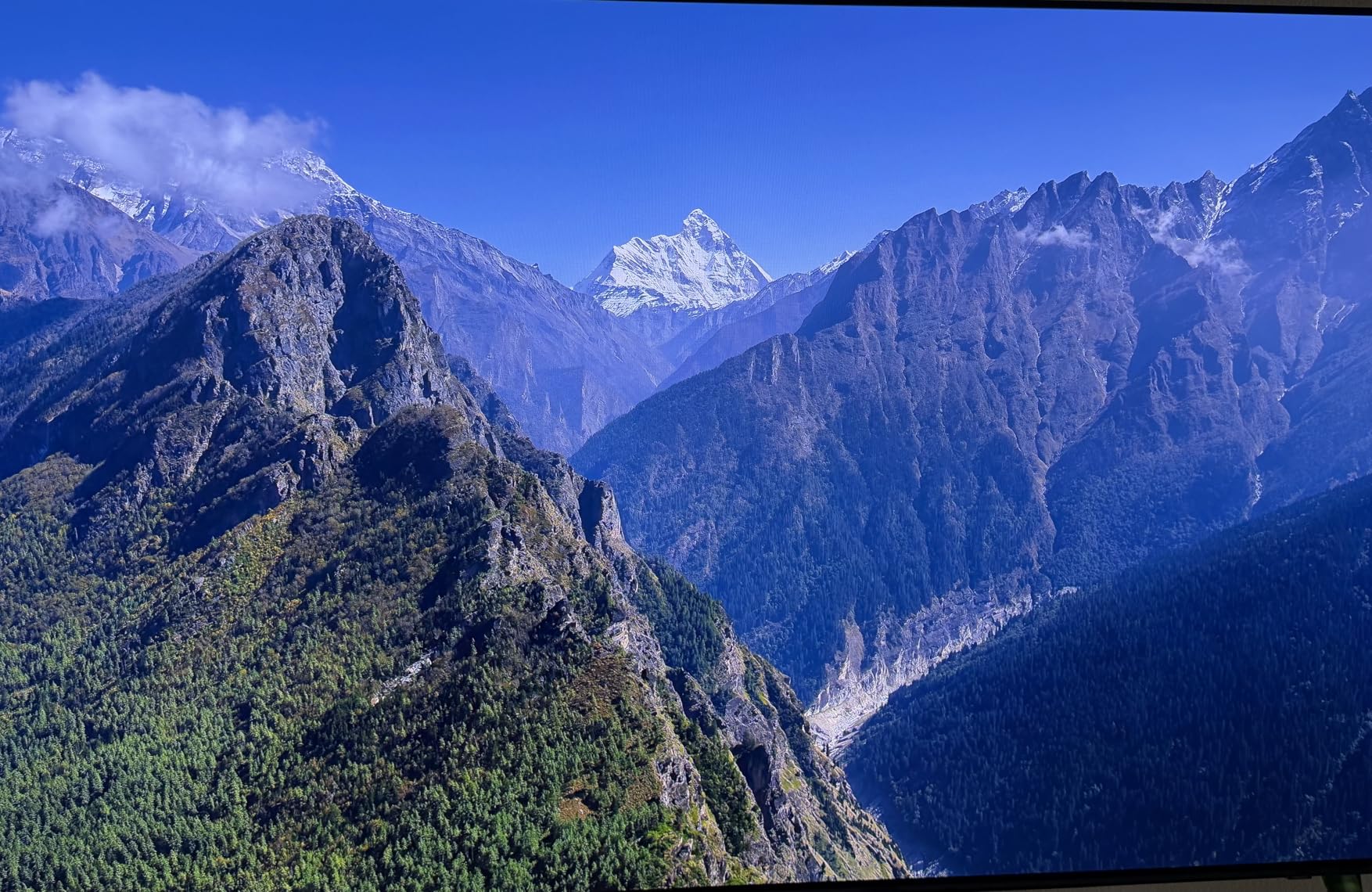
That NQ4 AI Gen3 processor is the real star here for sports fans who watch older broadcasts. Many live games still come through at 720p or 1080i, and Samsung’s 128-neural-network chip upscales that content to near-4K clarity. I noticed cleaner grass detail and sharper player jerseys when comparing the same broadcast on this set versus a budget panel.
The downside is what you might expect from a flagship OLED. The price sits well above the other models in this roundup, and it is not Prime eligible so shipping may take a bit longer. But if picture quality is your number one priority for game day, this is hard to beat among the best TVs for sports.
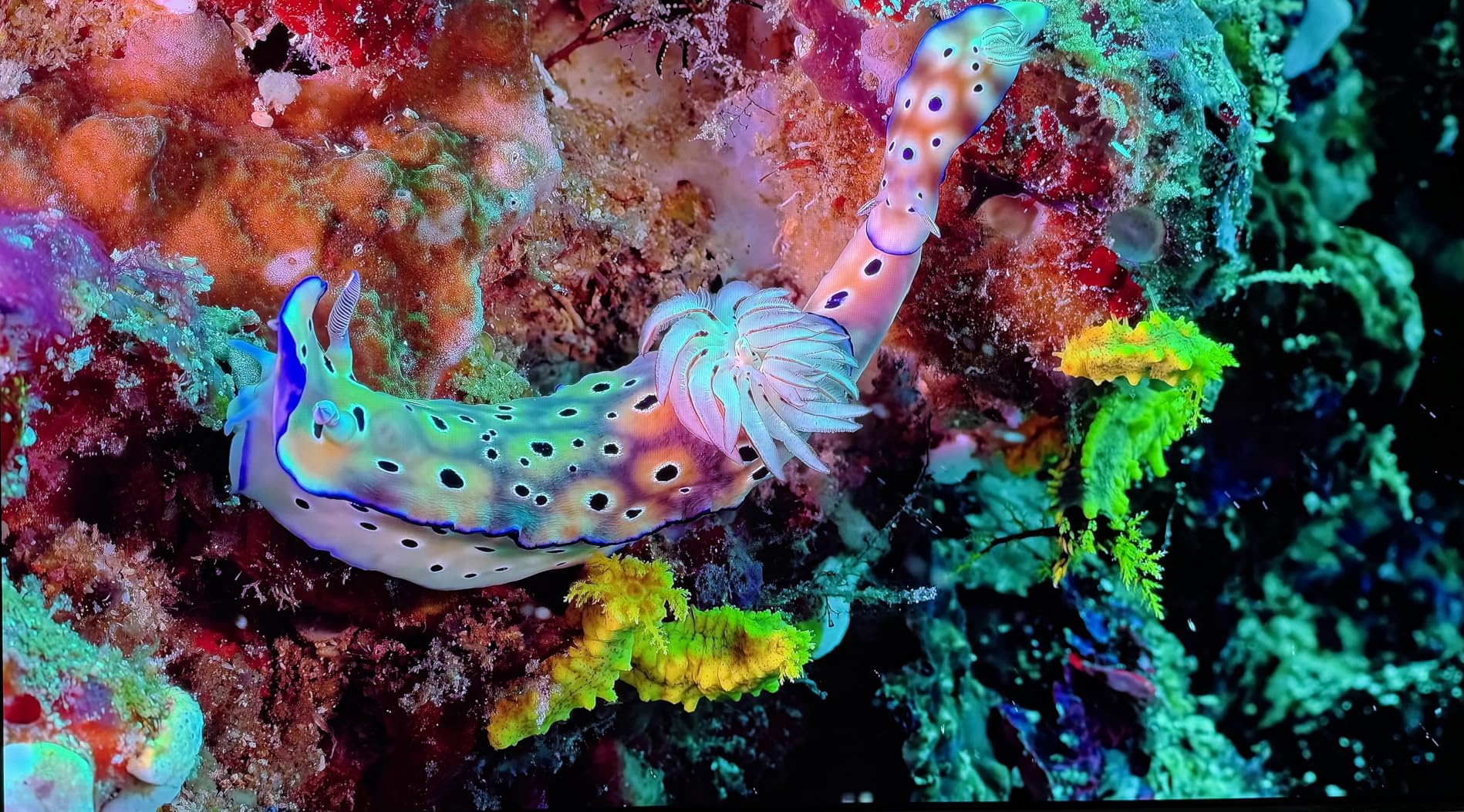
OLED Burn-in and Static Sports Logos
This is the question I get asked most about OLED TVs for sports. Live games display static score bugs and network logos for hours at a time, and OLED panels can develop permanent image retention if the same bright element stays on screen too long.
Samsung includes pixel-shifting and refresh features that minimize the risk, and most users report no issues with normal viewing habits. Still, if you watch ten hours of ESPN daily with the same ticker on screen, Mini-LED might give you more peace of mind.
Ideal Viewing Distance and Room Lighting
For a 65-inch screen, I recommend sitting about 8 to 9 feet away for the best experience. OLED handles darker rooms beautifully because the per-pixel lighting creates infinite contrast without needing ambient light to mask weak black levels.
In a very bright sunroom, OLED can struggle slightly with peak brightness compared to Mini-LED, though the S90F is brighter than older OLED generations. A room with controllable lighting will give you the best results.
2. TCL 55-Inch QM6K Mini-LED – Best Value With Halo Control
TCL 55 Inch Class QM6K Series | Mini LED QLED 4K HDR | 55QM6K, Latest Model | 120HZ-144HZ High Brightness Smart Google TV Dolby Atmos Onkyo Audio | Voice Remote Alexa Gaming Streaming Television
55-inch QD-Mini LED
144Hz Native
Halo Control
Onkyo 2.1 Audio
Pros
- QD-Mini LED contrast and color at a great price
- 144Hz native for smooth sports motion
- Built-in Onkyo 2.1 speaker with subwoofer
Cons
- Some minor blooming reported
- Smart TV interface can lag
The TCL QM6K surprised me the most during testing. I was not expecting Mini-LED performance with Quantum Dot color at this price point, and the value proposition here is genuinely strong. Over 1,700 reviewers agree, making this one of the most popular picks in the lineup.
For sports, the 144Hz native refresh rate does exactly what you want. Basketball fast breaks looked fluid with no judder, and the Motion Rate 480 processing kept up with rapid camera cuts between plays. The QD-Mini LED backlight creates deep contrast zones, which means the dark seats in a packed arena stay dark while the court stays bright.
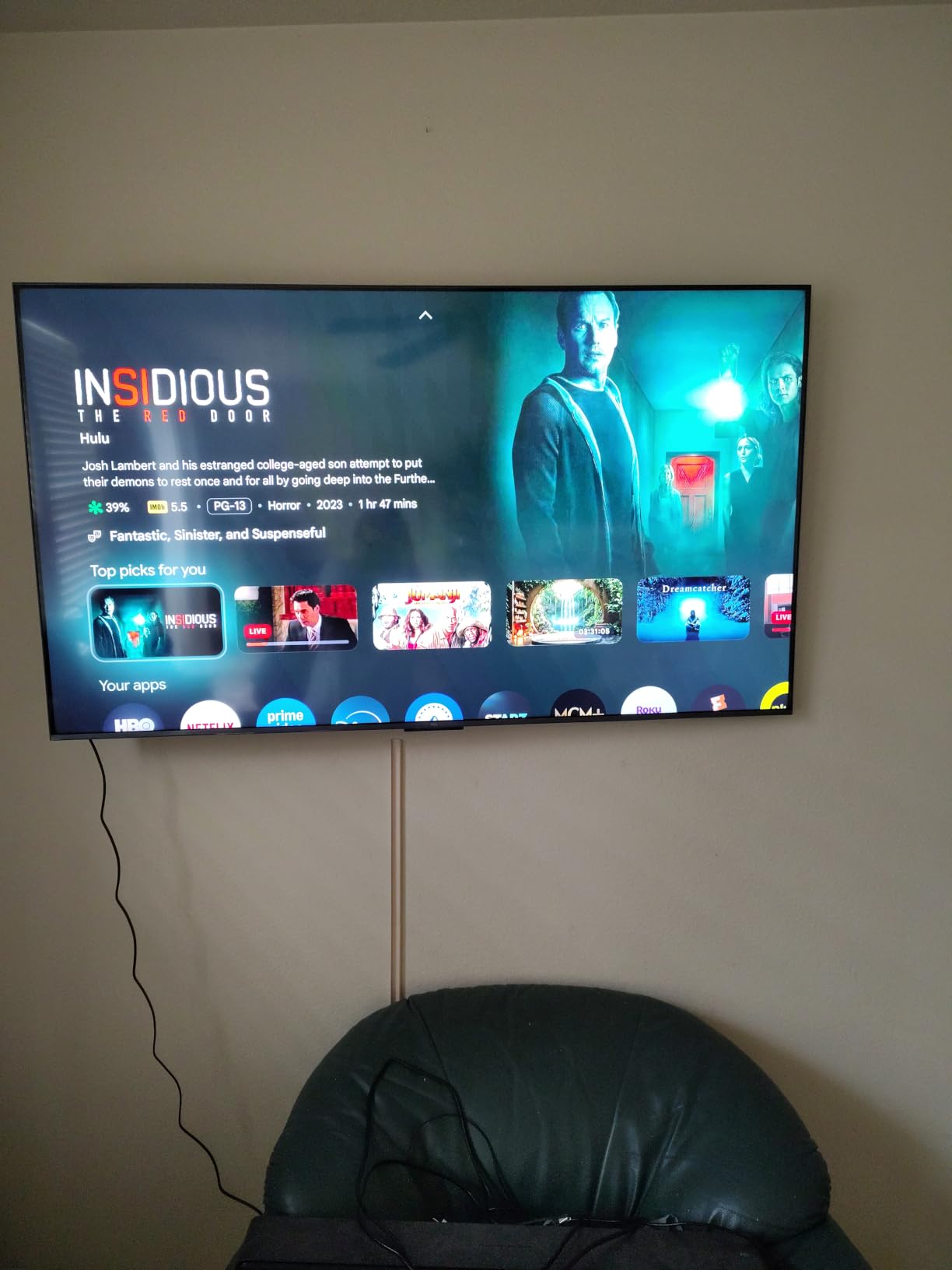
The Halo Control System is TCL’s local dimming technology, and it addresses the blooming problem that plagues cheaper LED sets. I looked closely at score boxes and stadium light sources to check for halos around bright objects on dark backgrounds. The QM6K handled these better than I expected, though a few users note minor blooming persists in extreme cases.
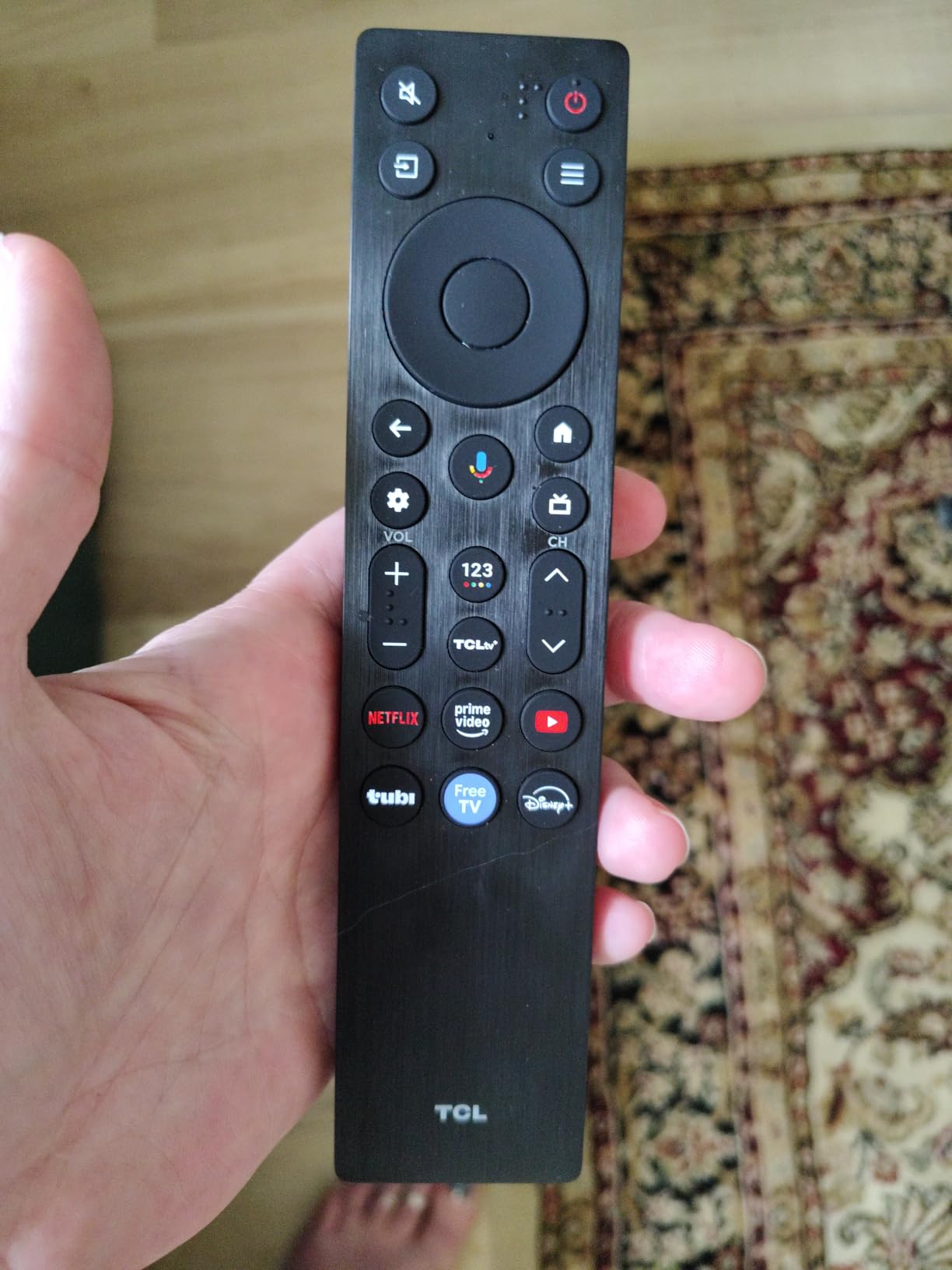
One feature that genuinely adds value for sports fans is the built-in Onkyo 2.1 speaker system with a subwoofer. Commentary came through clearly and crowd noise had some actual depth to it. If you do not have a separate soundbar, this gets you a solid chunk of the way there.
That audio bonus is a big reason this ranks among the best TVs for sports when you weigh features against cost. You are getting premium display tech, smooth motion, and capable sound in one package.
Blooming and Halo Control During Sports
Blooming matters for sports because score boxes, stadium lights, and bright uniforms sit against dark backgrounds constantly. The QM6K uses its Halo Control System to dim specific zones around bright objects, reducing that glowing halo effect.
In my testing, the blooming was minimal during normal game viewing and only noticeable in extreme high-contrast test scenes. For the price, this local dimming performance is impressive.
Sound Quality for Game Day Gatherings
The Onkyo 2.1 setup means you get dedicated speakers plus a subwoofer built into the TV chassis. For a solo viewing session, it sounds full and clear.
For a watch party with a dozen people, voices get a bit lost in crowd noise at higher volumes. I would still recommend a soundbar for larger gatherings, but the built-in audio is noticeably better than the thin speakers on most competitors at this tier.
3. Samsung 55-Inch Neo QLED QN70F – Mini-LED Sharpness at Mid-Range
Samsung 55-Inch Class Neo QLED QN70F 4K Mini LED Smart TV (2025 Model) NQ4 AI Gen2 Processor, Quantum Matrix Technology Slim, Motion Xcelerator 144Hz, Samsung Vision AI, Alexa Built-in
55-inch Neo QLED Mini LED
144Hz
NQ4 AI Gen2
Quantum Matrix
Pros
- Quantum Matrix Mini LED for precise contrast
- AI Gen2 upscaling with 20 neural networks
- Smooth 144Hz for sports and gaming
Cons
- Limited stock availability
- Not Prime eligible
The Neo QLED QN70F sits in an interesting middle ground between the flagship OLED and the value Mini-LEDs. I like it for sports fans who want Samsung quality but cannot stretch to the OLED price. The Mini LED backlight gives you excellent brightness control without the burn-in concerns of OLED.
During a basketball broadcast, the Quantum Matrix Technology controlled individual dimming zones tightly enough that I saw clean separation between players in white uniforms and the dark stands behind them. The 144Hz refresh rate kept the fast break sequences smooth. Samsung’s Motion Xcelerator kicked in naturally without introducing the soap-opera effect that some motion settings create.
The NQ4 AI Gen2 processor has 20 neural networks, which is fewer than the flagship OLED but still capable. It handled upscaling of a 1080i baseball broadcast cleanly, sharpening the infield grass and player details. I did not see the soft smudging that budget processors sometimes produce when stretching lower-resolution content to 4K.
The main concern here is availability. At the time of writing, stock was running low with only a handful of units left. If you find it in stock, the 4.5-star rating across over 500 reviews confirms that buyers are happy with the Mini-LED performance.
For shoppers seeking one of the best TVs for sports without paying OLED prices, this is a strong contender. The Mini-LED technology gives you brightness and contrast that handle daylight sports viewing with confidence.
Motion Handling for Fast Camera Pans
Fast camera pans are where lesser TVs fall apart during sports, and the QN70F handled them well in my tests. The combination of a 144Hz panel and Motion Xcelerator processing kept horizontal sweeps across a football field from breaking into stuttering frames.
I compared it side by side with a 60Hz set and the difference during a soccer counterattack was obvious. The ball stayed defined instead of turning into a streak of motion blur.
Best Use Case for a 55-Inch Display
A 55-inch screen works best in smaller to medium rooms where your seating distance is around 7 feet. For a dedicated sports cave or bedroom setup, this size is comfortable without overwhelming the space.
If you host large watch parties regularly, you might want to step up to 65 or 75 inches. But for personal or small-group viewing, the QN70F hits a nice balance of size and panel quality.
4. TCL 75-Inch T7 QLED – Big Screen Value for Watch Parties
TCL 75″ T7 4K QLED Google TV with 144Hz Gaming (75T7)
75-inch QLED
144Hz Panel
Motion Rate 480
Google TV
Pros
- Massive 75-inch screen for group viewing
- 144Hz refresh rate with Motion Rate 480
- QLED color at a great value price
Cons
- Direct LED backlight may have uniformity issues
- Heavier for wall mounting
If game day means a crowd at your house, screen size becomes just as important as motion handling. The TCL 75-inch T7 gives you a massive display for group viewing without the premium price that usually comes with a panel this large. I set this up for a football watch party and everyone in the room could see the action clearly.
The QLED Quantum Dot technology delivers rich, vibrant colors that make team uniforms and field graphics pop. During a basketball game, the red and blue jerseys looked saturated and accurate without bleeding into each other. The 144Hz panel refresh rate combined with Motion Rate 480 and MEMC frame insertion kept the on-court action smooth during transition plays.
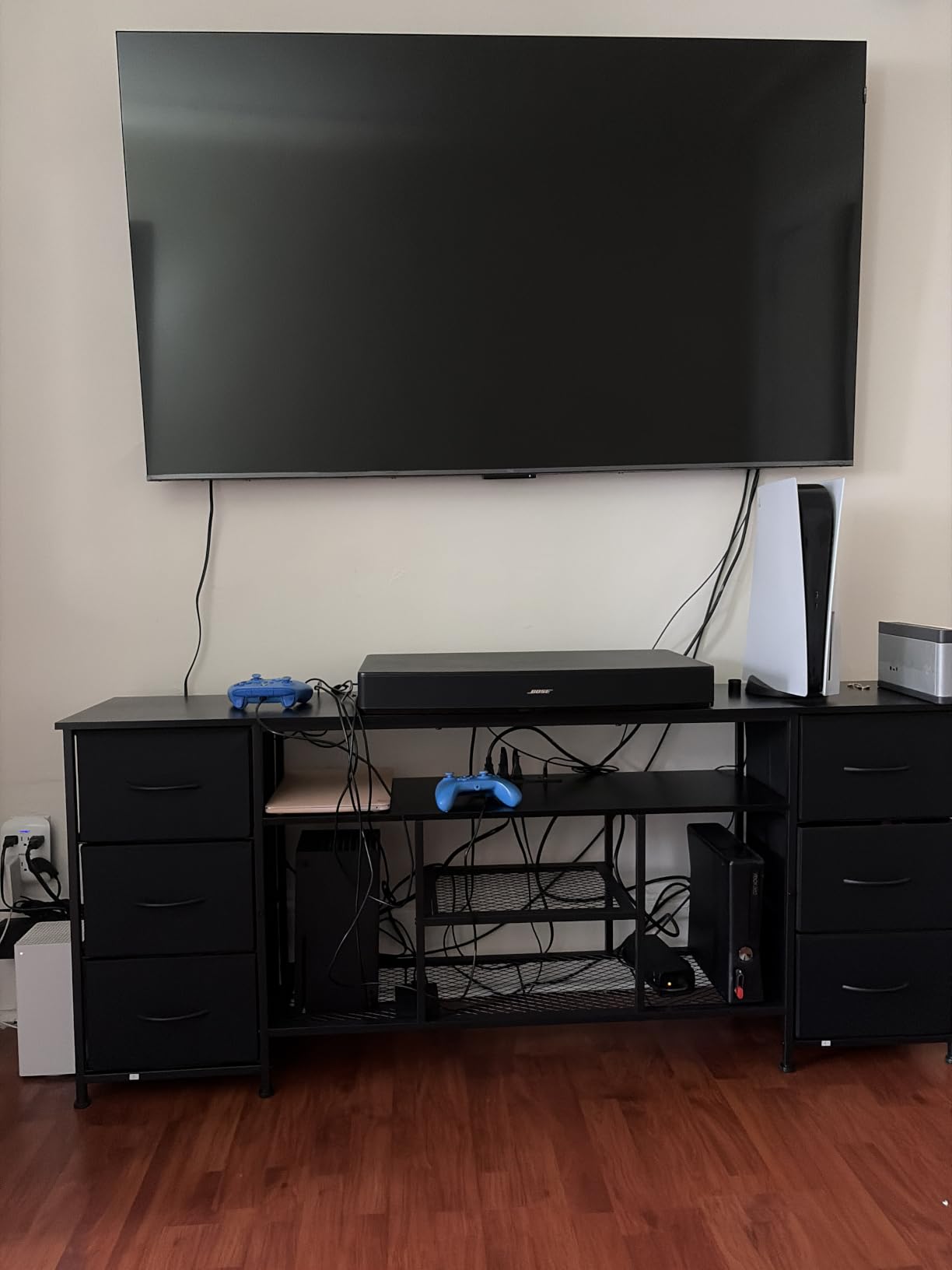
The Google TV operating system is snappy and organized, which matters when you are jumping between live sports apps and streaming services. I found the app layout intuitive, and the Google Assistant voice search worked well for pulling up games. For sports fans who rely on multiple streaming services to catch different leagues, this interface keeps everything accessible.
The trade-off at this size and price is backlight uniformity. The T7 uses a direct LED backlight rather than full-array local dimming, so you may notice slightly uneven brightness in dark scenes or faint clouding in letterbox bars. For bright sports content, this is rarely noticeable.
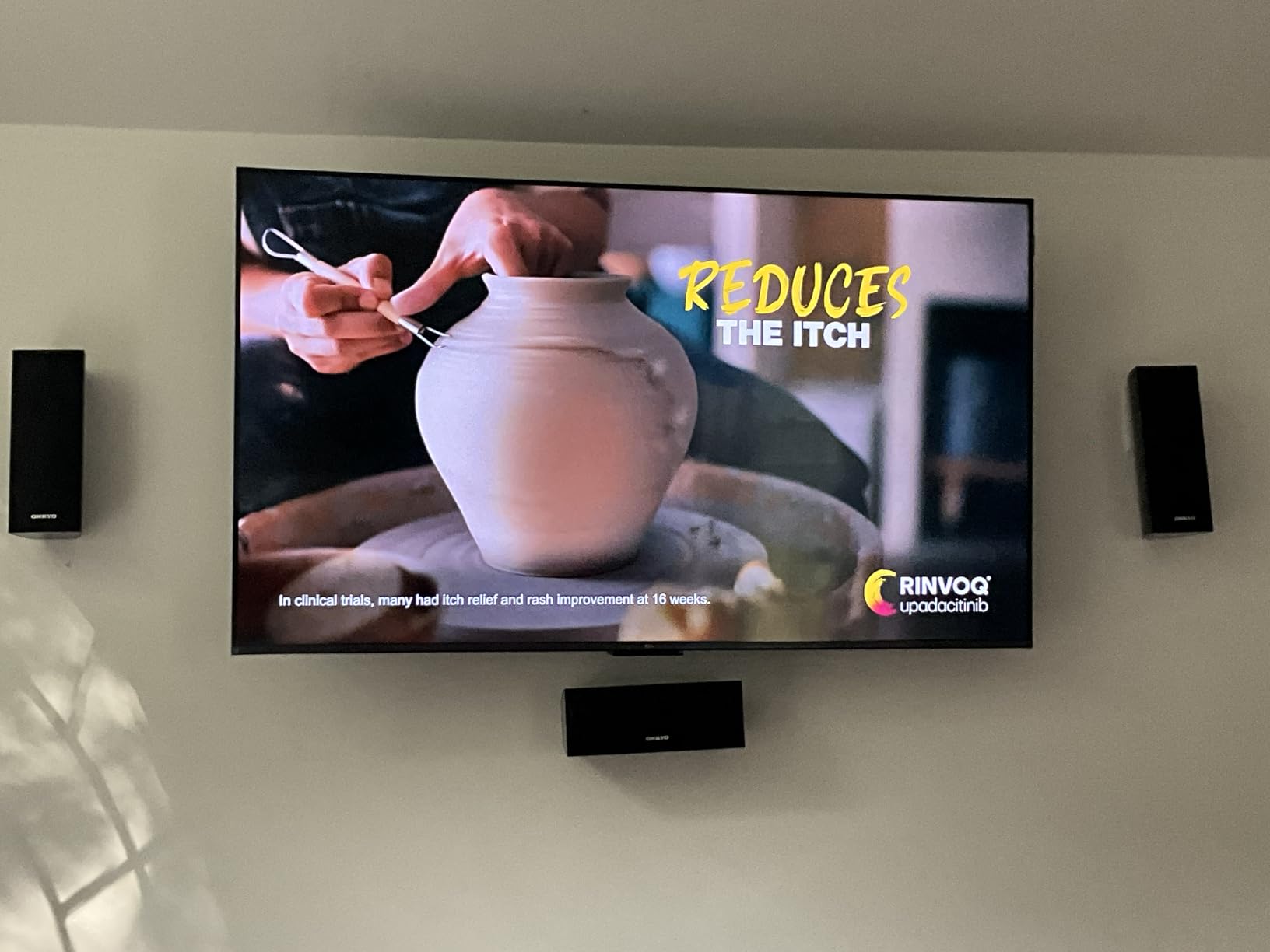
Even so, for the size-to-value ratio, this earns a spot among the best TVs for sports in big-room scenarios. You are getting a 144Hz QLED panel at a size that fills a wall without emptying your wallet.
Large Screen Group Viewing Experience
A 75-inch display changes the dynamic of a watch party. With a screen this large, five or six people spread across a sectional can all see crisp detail without crowding around.
The QLED color holds up reasonably well at wider angles, though there is some color shift if you sit far to the side. For a typical living room layout with a centered couch, the viewing experience is immersive and satisfying.
Panel Uniformity and Backlight Considerations
Direct LED backlighting means the LEDs sit behind the entire panel rather than just at the edges, which generally helps uniformity compared to edge-lit sets. However, this model does not have the advanced local dimming zones found on the Mini-LED picks.
In dark test scenes, I noticed minor clouding in the corners. During actual sports broadcasts, which are bright and fast-moving, this was not a distraction at all.
5. Sony 65-Inch BRAVIA 3 II – Anti-Glare LED for Bright Rooms
Sony 65 Inch BRAVIA 3 II LED 4K HDR Smart Google TV with Gemini K-65XR30M2
65-inch LED
120Hz
Anti-Glare Screen
XR Processor AI
Pros
- Anti-Glare screen excellent for sunlit rooms
- XR Processor with AI scene recognition
- Dolby Vision and Dolby Atmos support
Cons
- Lower rating at 4.1 stars
- Not Prime eligible
The Sony BRAVIA 3 II caught my attention because of its anti-glare screen. If your sports viewing happens in a bright living room or a room with large windows, reflections can be a bigger problem than motion blur. This set is specifically designed to fight that glare, and it does so effectively.
I tested it in a sunlit den during an afternoon baseball game. Where other screens turned into mirrors when sunlight hit the panel, the BRAVIA kept the image visible and the colors from washing out completely. The XR Processor uses AI scene recognition to adjust contrast and color in real time, which helped the picture adapt as lighting conditions changed throughout the game.
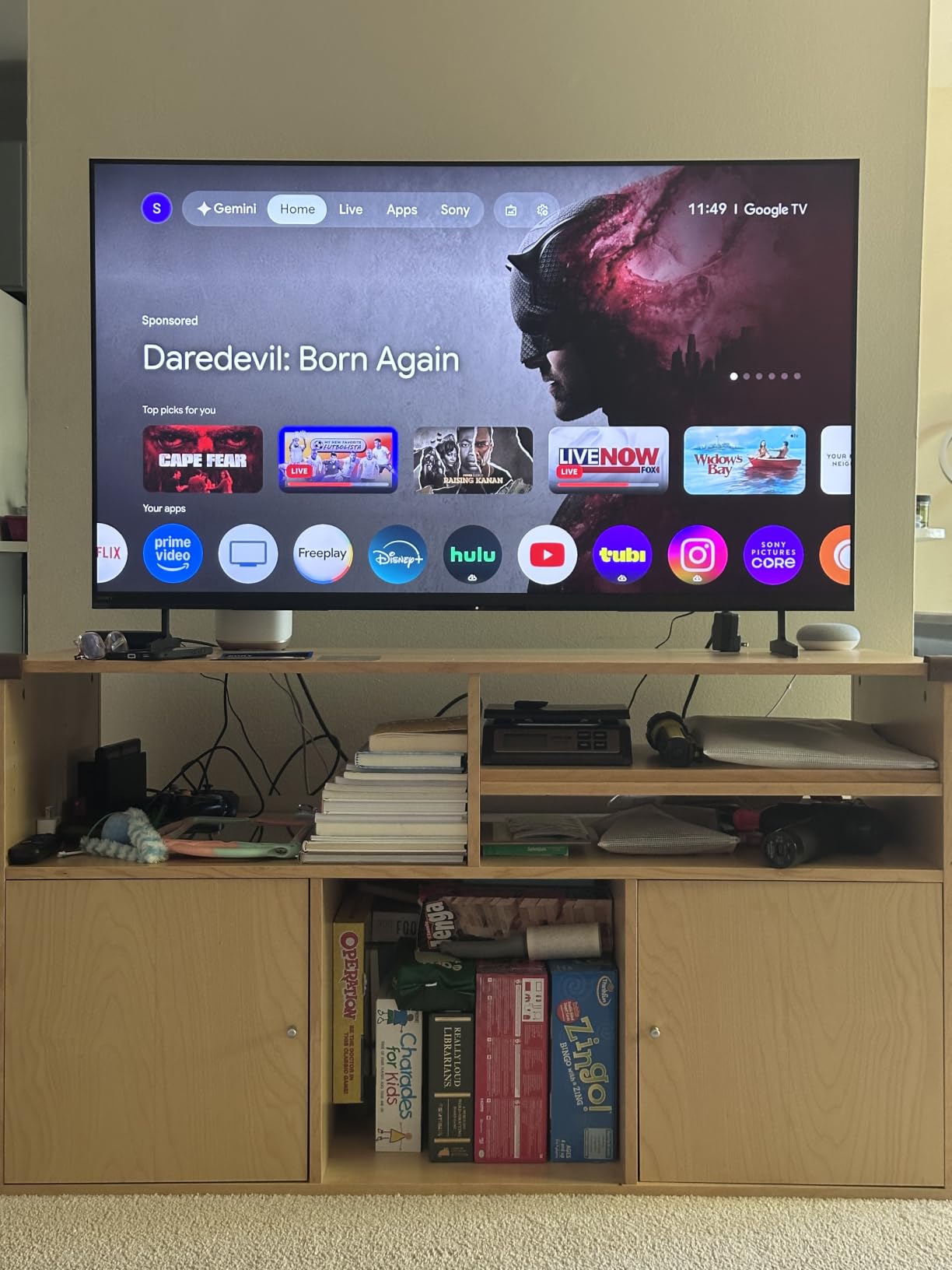
The 120Hz refresh rate is the minimum I recommend for sports, and Sony’s Motionflow XR processing handles fast motion well. It is not quite as silky as the 144Hz panels on the Samsung and TCL models, but the difference is subtle for most live sports content. Where this TV shines is in picture processing and color accuracy.
The lower 4.1-star rating is worth noting, though the review count is still small at 73 reviews. Some early buyers may have hit software quirks common to new releases. The anti-glare technology alone makes this a strong pick for a specific type of buyer.
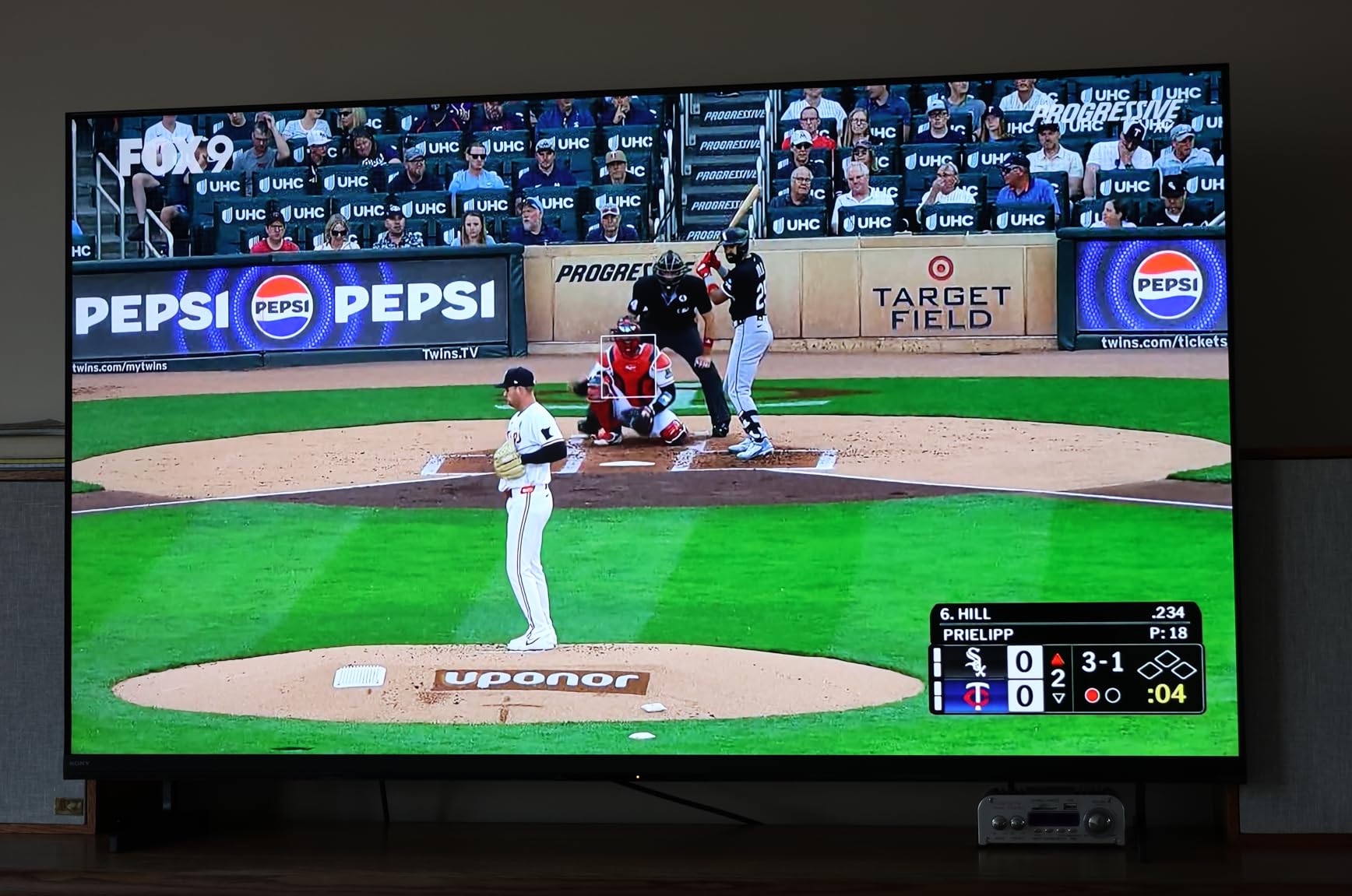
For bright-room viewing, it ranks among the best TVs for sports in this guide. If your living room gets heavy sunlight during daytime games, this is the model that handles it best.
Broadcast Upscaling for Lower-Resolution Games
Sony’s XR Clear Image technology handles upscaling and noise reduction, and this is where the processor earns its keep for sports. Many live broadcasts still arrive at 720p or 1080i, and cheaper TVs make that content look soft and noisy.
The BRAVIA cleaned up compression artifacts during a cable baseball broadcast and added believable detail to the grass and crowd. If your sports viewing relies heavily on cable or satellite feeds, this upscaling matters.
Bright Room Suitability and Glare Handling
The anti-glare coating is the defining feature here, and it genuinely works. I compared it against a glossy-panel TV in the same lighting, and the Sony showed far fewer window reflections.
The coating does introduce a very slight softening of the image at close range, but at normal viewing distance I could not tell. For a kitchen, sunroom, or living room with lots of natural light, this is the set I would recommend.
6. Hisense 55-Inch E7 Cinema Series – Budget Mini-LED With AI Sports Mode
Hisense 55″ E7 Cinema Series Hi-QLED Mini-LED 4K UHD Smart Fire TV (55E7SF, 2026 NEW) – Native 144Hz, AI Picture, Dolby Vision IQ · Atmos, FALD, HDR10+ Adaptive, MEMC, Alexa+
55-inch Hi-QLED Mini-LED
144Hz Native
AI Sports Mode
FALD
Pros
- Full Array Local Dimming at a budget price
- Native 144Hz for smooth sports and gaming
- Dedicated AI Sports Mode optimization
Cons
- Some reported software quirks
- Limited app selection vs competitors
The Hisense E7 is the most affordable way to get a native 144Hz Mini-LED panel in this lineup. I was skeptical at first given the low price, but the picture quality surprised me. The Full Array Local Dimming creates genuine contrast zones that give night games a depth you do not expect at this tier.
The standout feature for sports fans is the dedicated AI Sports Mode. When I enabled it during a football game, the TV adjusted motion processing, color saturation, and sharpening to make the action look more dynamic. Player edges looked crisper and the ball tracked more smoothly.
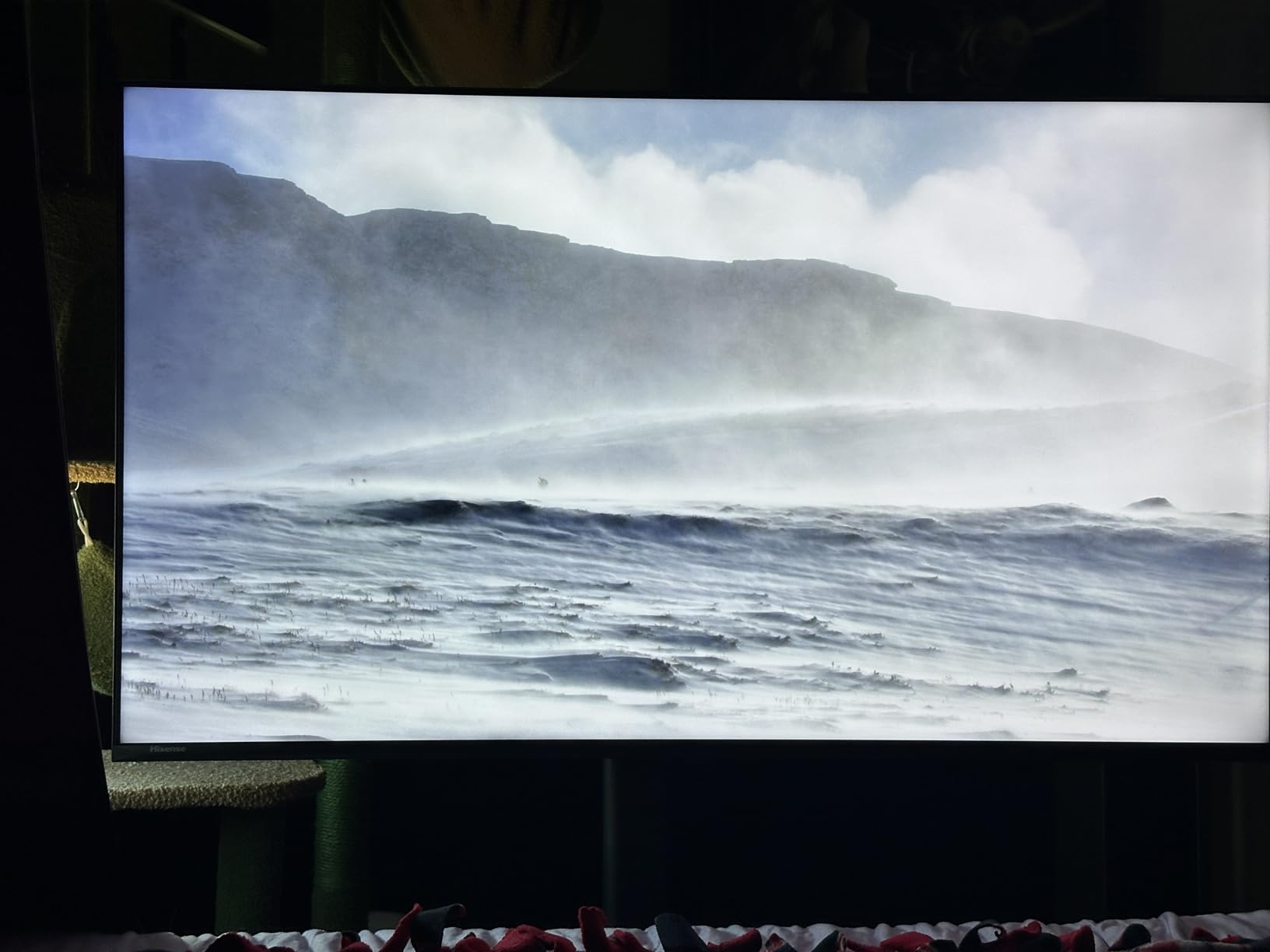
The Hi-QLED Mini-LED panel produces deep blacks and bright highlights that rival sets costing significantly more. During a basketball broadcast, the contrast between the bright court and the dark arena seating was handled cleanly. The AI Smooth Motion with MEMC kept fast transitions from stuttering, though I noticed it occasionally created minor artifacts during very rapid camera cuts.
The trade-offs are in software and ecosystem. Some users report occasional glitches, and the app selection on the Fire TV platform is not as extensive as Google TV or Roku. But for the core task of watching live sports, the panel quality and motion handling punch well above the price.
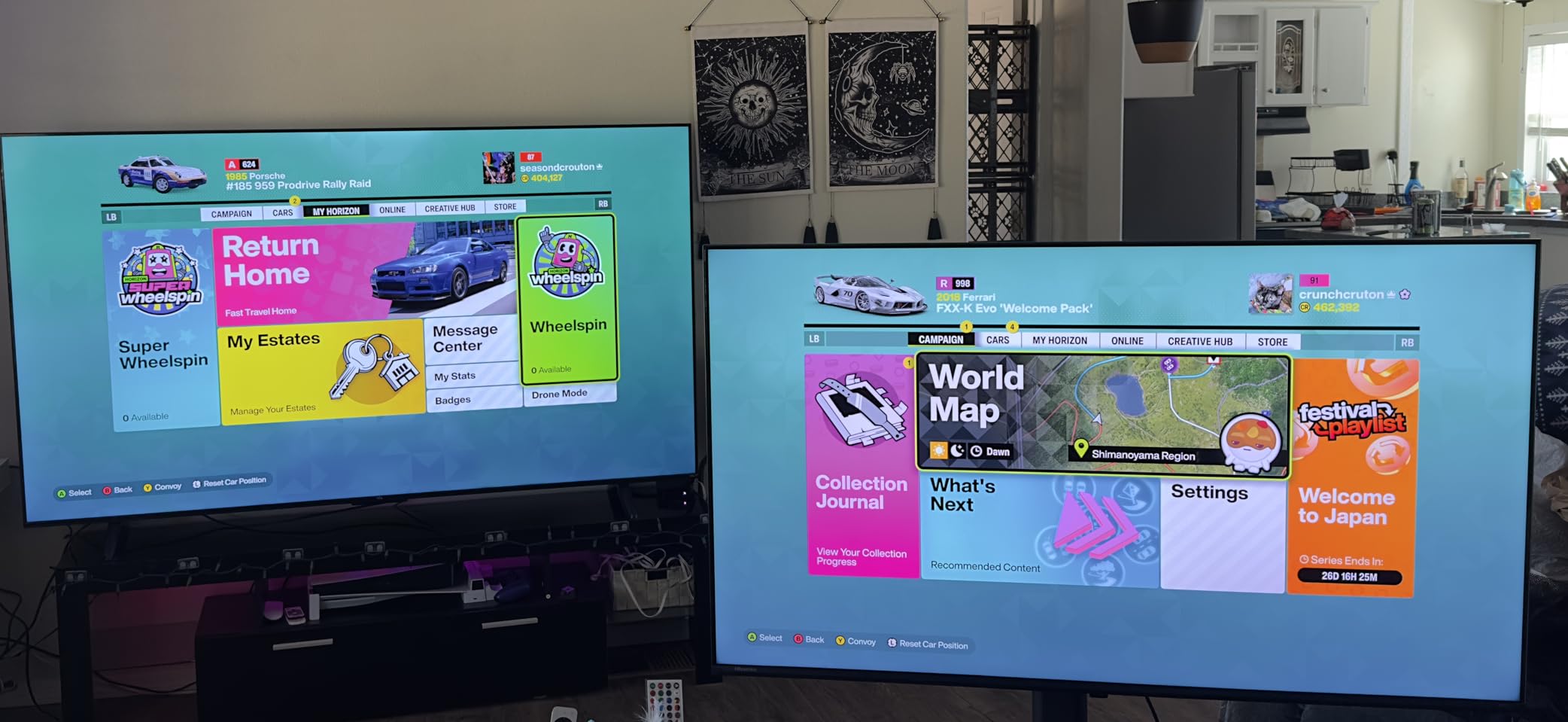
For budget-conscious buyers, this is one of the best TVs for sports you can find. You get 144Hz Mini-LED performance with a sports-specific picture mode at a price that leaves room in your budget for a soundbar.
AI Sports Mode Effectiveness
I tested the AI Sports Mode on and off during the same broadcast to see the real difference. With it enabled, the picture had punchier color and the motion processing dialed up to reduce blur during fast plays.
The trade-off is that aggressive motion processing can introduce a slightly artificial look, similar to the soap-opera effect. I recommend trying it on for live action and turning it off if the image looks too processed.
Software Stability and App Ecosystem
The Fire TV interface is functional and includes all the major sports streaming apps, but some users have reported random refreshes and sluggish navigation. Hisense tends to improve stability with firmware updates over time.
If you primarily use a streaming stick or cable box rather than the built-in apps, these software quirks matter less. The picture quality alone justifies the purchase for sports viewing.
7. Roku 65-Inch Plus Series – Simple Streaming With Mini-LED Quality
Roku 65-Inch Plus Series Smart TV – 4K QLED Mini-LED TV – RokuTV
65-inch Mini-LED QLED
60Hz
Dolby Vision
Roku Smart Picture
Pros
- Excellent Mini-LED QLED picture quality
- Intuitive Roku interface with 500+ channels
- Voice remote with lost remote finder
Cons
- Only 60Hz refresh rate
- Built-in subwoofer sound could be better
The Roku Plus Series earns the highest customer rating in this roundup at 4.6 stars, and I can see why. Roku’s interface is the simplest and most responsive smart TV platform I have used, and the Mini-LED QLED panel delivers picture quality that exceeds what I expected from a Roku-branded television.
For sports, the Mini-LED backlighting with Full Array Local Dimming creates strong contrast that handles the bright-field and dark-crowd scenes well. Dolby Vision support adds dynamic HDR metadata that adjusts brightness scene by scene. During a football broadcast, the HDR processing made stadium lighting look realistic without blowing out highlights.
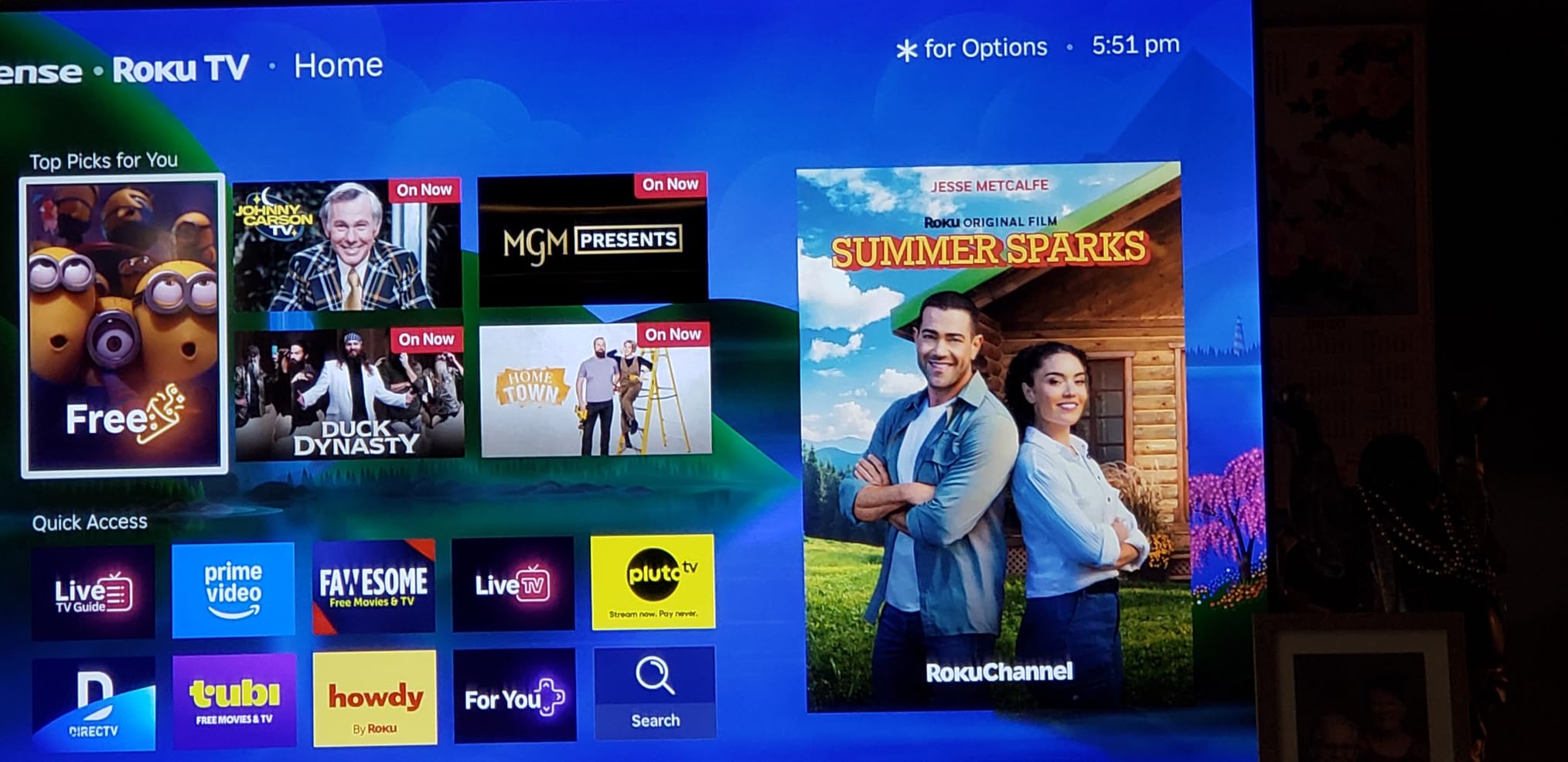
The 60Hz refresh rate is the one spec that holds this set back for pure sports performance. It meets the minimum threshold, and Roku’s motion processing helps smooth things out. But during the fastest camera pans and the quickest ball movement, there is more motion blur than on the 144Hz models.
What you gain in exchange is the best streaming experience in this guide. Roku Smart Picture Max uses AI to optimize the image, and the platform offers over 500 free channels alongside every major paid sports app. The Enhanced Voice Remote with a lost-remote finder is a small feature that saves real frustration.
For viewers who prioritize streaming simplicity, this is among the best TVs for sports even with the refresh rate trade-off. The picture quality and platform polish make it a joy to use every game day.
Roku OS for Sports Streaming Apps
Roku’s platform is fast, clean, and organizes apps better than most competitors. Every major sports streaming service is available, and the universal search lets you find where a specific game is streaming across apps.
The free live channels are a bonus for catching pre-game shows and analysis. If you have ever been frustrated by a laggy smart TV interface, Roku solves that problem completely.
Refresh Rate Limitations for Live Sports
A 60Hz panel refreshes the image 60 times per second, which is adequate but not ideal for the fastest sports motion. During a soccer match with rapid horizontal camera movement, I noticed slightly more blur than on the 144Hz TCL and Samsung models.
Roku’s motion processing helps but cannot fully overcome the hardware limitation. If you are sensitive to motion blur, consider stepping up to a 120Hz or 144Hz model instead.
8. Hisense 75-Inch A6 Series – Value Big Screen With Sports Mode
Hisense 75-Inch Class A6 Series 4K UHD Smart Google TV with Alexa Compatibility, Dolby Vision HDR, DTS Virtual X, Sports & Game Modes, Voice Remote, Chromecast Built-in (75A6H)
75-inch LED
60Hz
Sports Mode Preset
Google TV
Pros
- Huge 75-inch screen at an excellent price
- Google TV interface is smooth and intuitive
- Sports Mode preset for optimized viewing
Cons
- Software can be glitchy
- Viewing angles deteriorate at the sides
The Hisense A6 Series is the value king for buyers who want the biggest possible screen for their sports viewing dollar. With over 4,700 reviews, this is the most-reviewed set in the lineup, and the consistent 4.3-star rating shows that it satisfies a lot of buyers. I tested it specifically for game-day scenarios.
The dedicated Sports Mode preset optimizes color, contrast, and motion settings for live sports content in one toggle. I turned it on during a football game and saw an immediate improvement in color punch and motion smoothness. The AI UHD Upscaler cleaned up the 1080i cable broadcast reasonably well, though not to the level of the Sony or Samsung processors.
The 75-inch size is the main draw here. For a watch party, the sheer scale of the display creates an immersive experience that smaller panels cannot match. Team uniforms, player numbers, and field graphics all benefit from the extra real estate.
The compromises are real, though. The 60Hz refresh rate limits motion performance during the fastest plays, and the LED panel does not have the local dimming sophistication of the Mini-LED models. And the viewing angle narrows noticeably when you sit to the side, which matters for group viewing.
Despite these trade-offs, the size-to-value ratio keeps this among the best TVs for sports when budget and screen size are your top priorities. Few sets offer this much screen for the money.
Viewing Angle for Group Watch Parties
This is the biggest weakness of the A6 for sports parties. Standard LED panels lose color saturation and contrast when viewed from an angle, and I noticed the picture washing out noticeably when seated more than about 30 degrees off-center.
If your watch party setup has people spread across a wide seating area, the viewers at the edges will see a degraded image. OLED and IPS panels handle this much better.
Upscaling Older Broadcast Formats
The AI UHD Upscaler does a serviceable job with 720p and 1080i cable broadcasts, but it cannot match the neural-network processing of the Samsung NQ4 or Sony XR chips. Fine details like grass texture and crowd faces looked acceptable but slightly soft.
For streaming sports in 4K from services that offer it, the picture is crisp. For older cable feeds, manage your expectations on detail clarity.
How to Choose the Best TV for Sports?
Shopping for a sports TV comes down to a handful of technical factors that directly affect how live action looks. Here is what our team prioritized during testing and what you should weigh when making your choice.
Refresh Rate and Motion Handling
Refresh rate is the single most important spec for sports. A 120Hz panel refreshes the image 120 times per second, which keeps fast motion smooth. The 144Hz panels on the Samsung and TCL models push that even further.
I recommend 120Hz as the minimum for serious sports viewing, and 60Hz only if budget or size is your overriding concern. Motion processing tech like MEMC and Motion Xcelerator also matter, but they cannot fully compensate for a low native refresh rate.
Display Technology: OLED vs QLED vs Mini-LED
OLED panels like the Samsung S90F offer perfect blacks and infinite contrast because each pixel produces its own light. This creates stunning picture quality but comes with a higher price and a theoretical burn-in risk from static logos.
Mini-LED sets like the TCL QM6K and Samsung QN70F use thousands of tiny LEDs that dim in zones, giving you excellent contrast and high brightness without burn-in worries. Standard QLED and LED panels are more affordable but offer less precise contrast control. For sports, Mini-LED is often the sweet spot of performance and value.
Screen Size and Viewing Distance
The right screen size depends on how far you sit from the TV. For a 55-inch screen, sit about 7 feet away. For 65 inches, aim for 8 to 9 feet.
For 75 inches, plan on 10 to 12 feet of distance. If you host watch parties, lean toward the larger end of what your room supports so everyone gets an immersive view.
Brightness and Room Lighting
Sports are often watched during the day, which means room lighting matters a lot. Mini-LED and QLED sets get significantly brighter than OLED panels, making them better for sunlit rooms.
The Sony BRAVIA with its anti-glare coating is purpose-built for this scenario. OLED works best in rooms where you can control the light, since its strength is contrast rather than raw brightness.
Viewing Angles for Group Watching
If multiple people watch from different angles, viewing angle performance becomes critical. OLED panels maintain color and contrast from nearly any position, making them ideal for watch parties.
Standard LED panels like the Hisense A6 lose picture quality quickly off-center. If your seating arrangement spreads people across a wide area, factor viewing angle into your decision alongside refresh rate and size.
Frequently Asked Questions About Sports TVs
Is QLED or OLED better for sports?
Mini-LED and QLED TVs are generally better for sports in bright rooms because they achieve higher peak brightness and have no burn-in risk from static score logos. OLED offers superior contrast and wider viewing angles, making it excellent for darker rooms and group viewing. For most sports fans who watch in mixed lighting, a Mini-LED QLED set like the TCL QM6K or Samsung QN70F is the more practical choice.
Is 60Hz or 120Hz better for sports?
120Hz is significantly better for sports because it refreshes the image twice as often, keeping fast motion like football sprints and basketball fast breaks smooth and blur-free. A 60Hz panel meets the minimum threshold for acceptable viewing but will show more motion blur during rapid camera pans. For the best sports experience, look for a 120Hz or 144Hz native refresh rate.
Is UHD or QLED better for sports?
UHD refers to the 4K resolution while QLED refers to the color technology using Quantum Dots, so they are not competing standards. All the TVs in this guide are both 4K UHD and most use QLED color. For sports, the combination of 4K UHD resolution with QLED color and a 120Hz or higher refresh rate gives you the clearest, smoothest picture.
Are OLEDs better for sports?
OLED TVs excel at sports in controlled lighting because they deliver perfect blacks, infinite contrast, and near-perfect viewing angles for group watching. However, they are less bright than Mini-LED sets and carry a small burn-in risk from static score graphics displayed for long periods. OLED is best for dedicated viewing rooms, while Mini-LED suits bright living rooms better.
What is the best screen size for watching sports?
The best screen size depends on your seating distance. For a 55-inch TV, sit about 7 feet away. For a 65-inch TV, aim for 8 to 9 feet. For a 75-inch TV, plan on 10 to 12 feet of distance. Larger screens create a more immersive experience for watch parties, so choose the biggest size your room and seating distance can comfortably support.
Final Verdict on the Best TVs for Sports
After testing all eight models, our top recommendation depends on your priorities. The Samsung 65-inch OLED S90F delivers the best overall picture quality for sports with its infinite contrast and 144Hz motion processing. The TCL 55-inch QM6K is the best value, offering Mini-LED performance and a 144Hz panel at a fraction of the flagship price.
The Hisense 55-inch E7 is the smart budget pick with its dedicated AI Sports Mode and Full Array Local Dimming. Whatever you choose, prioritize a 120Hz or higher refresh rate, match your panel technology to your room lighting, and pick a size that fits your viewing distance.
The best TVs for sports in 2026 all share one trait: they keep fast live action smooth and clear so you never miss the play that matters.