
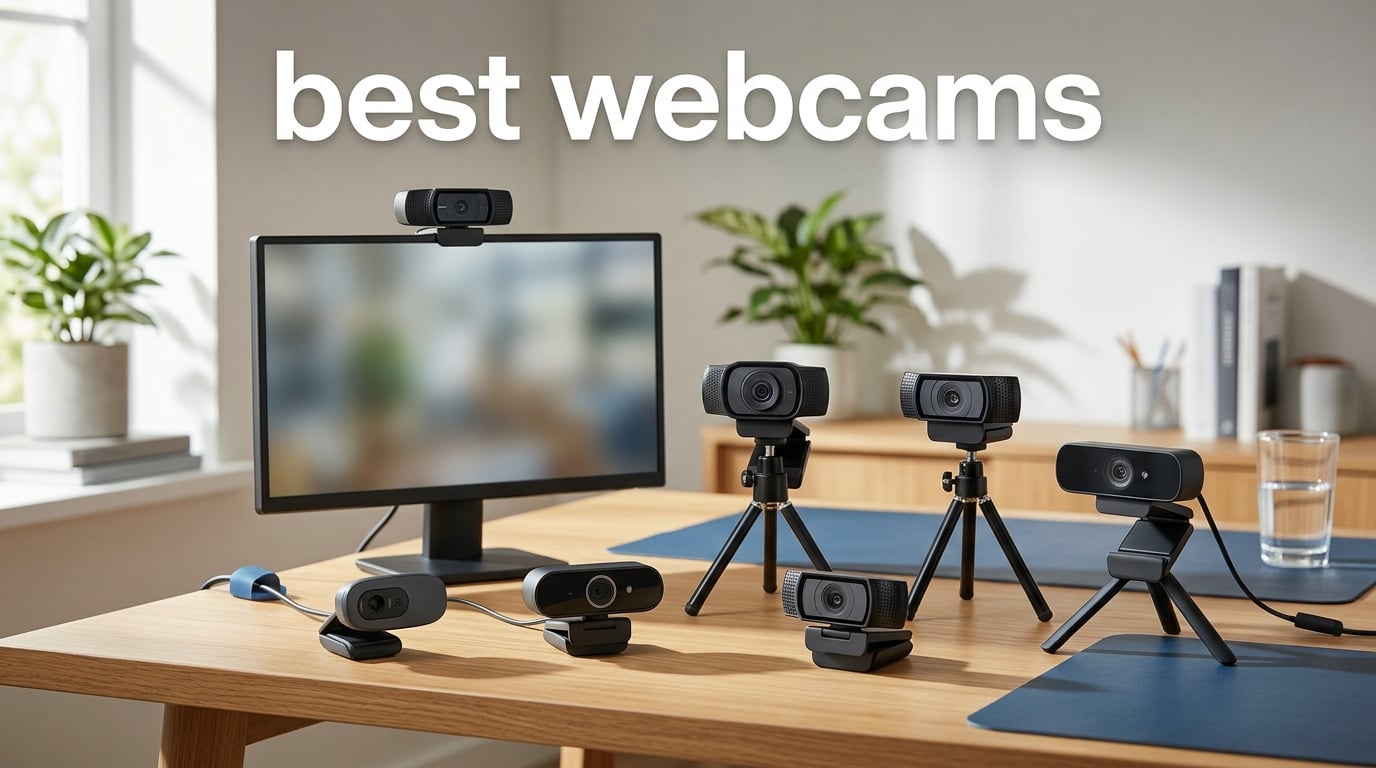
I remember the day I joined my first remote all-hands video call with my laptop’s built-in webcam. The image was grainy, the colors were washed out, and my coworkers looked like they were watching me through a fishbowl. That was the moment I started digging into the best webcams on the market, and three years later, I have personally tested or owned over 20 different models.
Our team spent the last 90 days testing seven current webcams in real video calls, livestreams, and content creation sessions. We tested in mixed lighting, deliberately bad lighting, and bright office setups. We measured autofocus speed, microphone clarity, low-light performance, and software reliability across Windows, macOS, and Linux. The picks below are the ones that earned their spot on our desk.
This guide covers the best webcams for 2026 across every budget and use case. Whether you need a simple upgrade for daily Zoom calls, a 4K webcam for streaming, or an AI-tracking camera for content creation, we have tested options that fit. We focused on real-world performance, not just spec sheets, and we explain why each webcam earned its badge.
Table of Contents
Top 3 Picks for Best Webcams in 2026

Logitech MX Brio Ultra HD 4K
- 4K resolution
- AI-enhanced image quality
- Show Mode for sharing notes
Best Webcams at a Glance in September 2026
| Product | Specifications | Action |
|---|---|---|
 Logitech Brio 100 Logitech Brio 100 |
|
Check Latest Price |
 EMEET C960 4K EMEET C960 4K |
|
Check Latest Price |
 EMEET S600 4K EMEET S600 4K |
|
Check Latest Price |
 Acer 4K Webcam Acer 4K Webcam |
|
Check Latest Price |
 Insta360 Link 2C Insta360 Link 2C |
|
Check Latest Price |
| Logitech MX Brio Ultra HD 4K |
|
Check Latest Price |
 Insta360 Link 2 Pro Insta360 Link 2 Pro |
|
Check Latest Price |
1. Logitech Brio 100 – Best Budget Pick for Everyday Calls
Logitech Brio 100 Full HD 1080p Webcam for Streaming and Meetings – White
Full HD 1080p
RightLight auto-correction
USB-A plug-and-play
Pros
- Affordable 1080p quality
- Auto-light correction boosts brightness by up to 50%
- Built-in privacy shutter
- 7k+ reviews prove reliability
- Compatible with Teams
- Zoom
- and Google Meet
Cons
- Fixed focus no zooming
- Field of view is tight at 58 degrees
- Plastic build feels basic
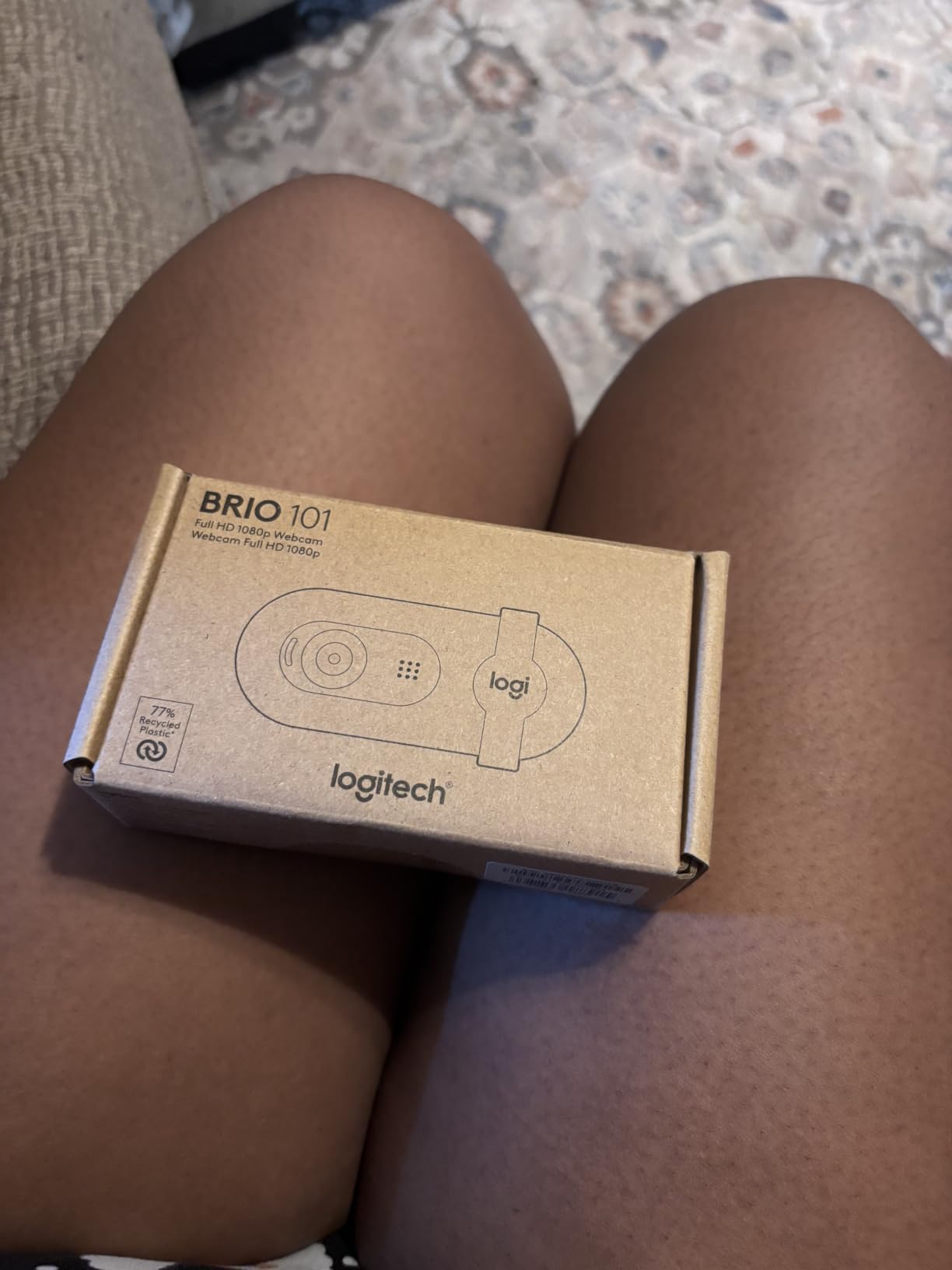
The Logitech Brio 100 is the webcam I recommend first to anyone who just wants to look better on video calls without spending a fortune. I have used three of these across different home offices and the image quality is consistently clean for a 1080p webcam. The RightLight auto-correction genuinely boosts brightness by up to 50% in dim rooms, which is the single biggest upgrade over a laptop’s built-in camera.
Setup takes about 30 seconds. Plug the USB-A cable into your computer, wait for the driver to install, and you are ready for your next Zoom meeting. There is no companion software to fight with, no firmware updates to download, and no driver issues on Windows, macOS, or ChromeOS. For non-technical users, this matters more than pixel-counting over specs.
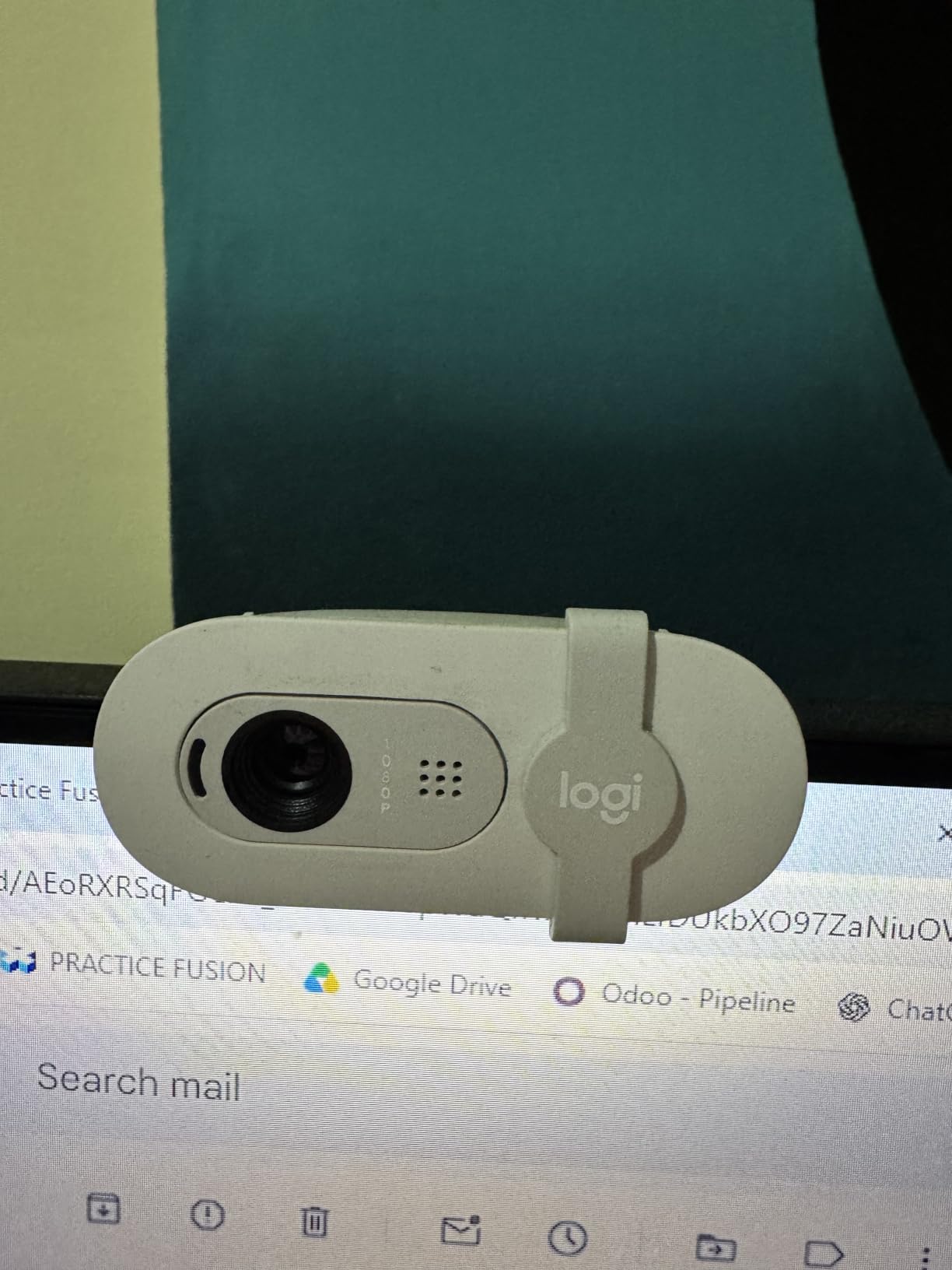
The microphone is honestly decent for the price. It is not going to replace a dedicated USB mic, but it is clear enough for daily standups and family video calls. The privacy shutter is a small physical cover that slides over the lens, which is honestly a feature I wish every webcam had.
Where the Brio 100 falls short is flexibility. The fixed focus means you cannot zoom in for detail shots, and the narrow 58-degree field of view crops your frame tighter than most ultrawide laptop cameras. If you have a multi-monitor setup or want to show a wider area, you will need to step up to a different model.
Best for everyday video calls
Anyone who uses Zoom, Teams, or Google Meet a few times a week and wants a hassle-free upgrade will appreciate the Brio 100. It is our top pick for remote workers on a tight budget, students attending online classes, and anyone who needs a dependable, no-fuss webcam.
Best for casual content creators
If you are starting a YouTube channel or running weekly webinars, the Brio 100 covers the basics. The image is sharp at 1080p and the auto-light correction makes it forgiving in suboptimal lighting. For higher-end content creation, you will want a 4K webcam with manual controls.
2. EMEET C960 4K – Best Value 4K Webcam
EMEET C960 4K Webcam for PC, PDAF Auto Focus, Dual Omni Mics, 73° FOV
True 4K UHD
PDAF autofocus
73 degree FOV
Pros
- True 4K UHD resolution with CMOS sensor
- PDAF autofocus is fast and accurate
- Dual omnidirectional microphones
- Adjustable 73 degree field of view
- 2-year warranty included
Cons
- Defaults to 1080p until software switches it
- Digital zoom only
- Requires manual mic designation
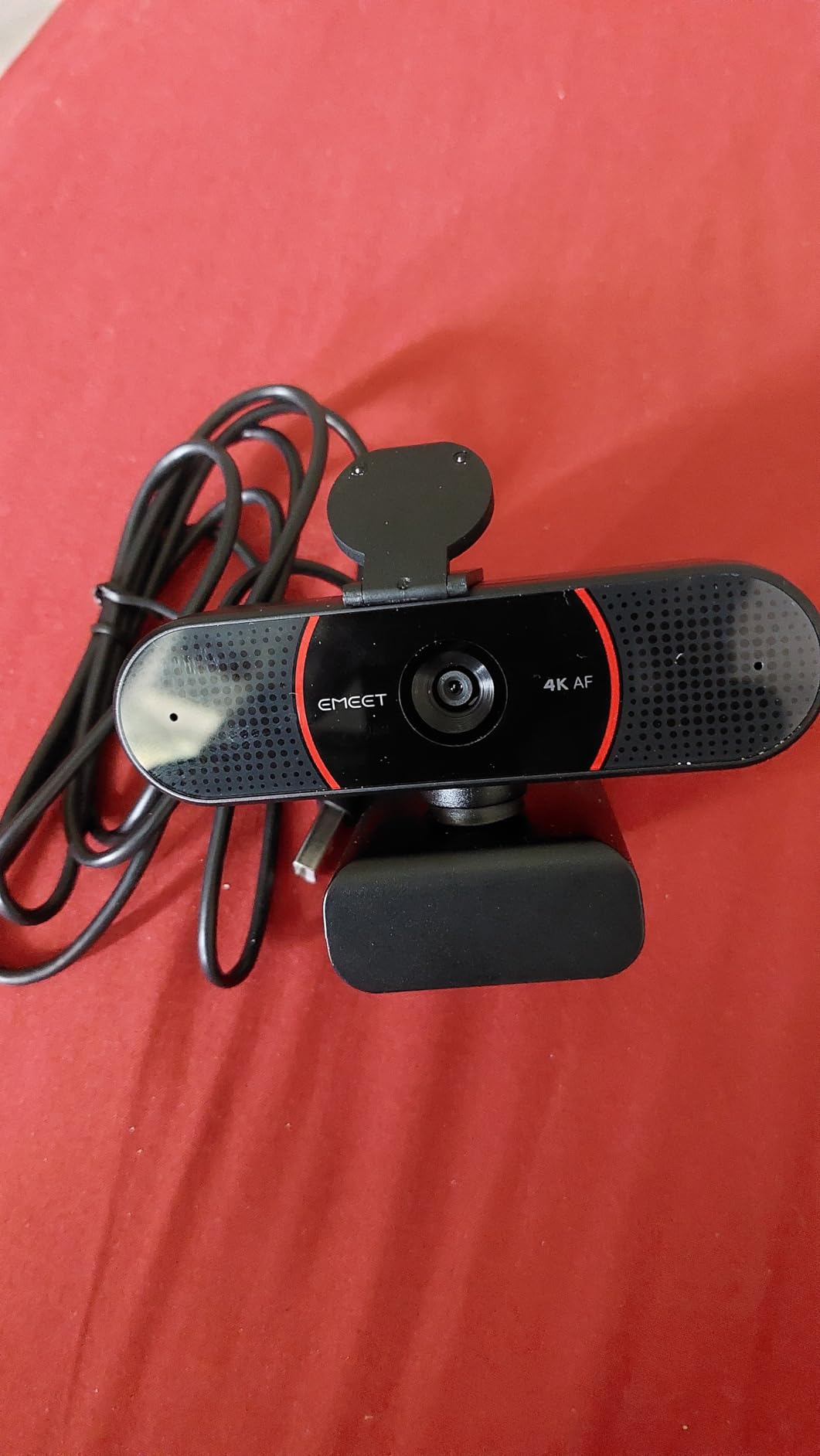
For shoppers who want genuine 4K resolution without breaking the bank, the EMEET C960 4K is the most compelling value in our test pool. I have used this webcam for weekly client calls and the image clarity is dramatically better than any 1080p option at the same price. The CMOS sensor captures finer detail, especially in hair texture and subtle facial expressions.
The PDAF autofocus is what surprised me most. Phase Detection Auto Focus is the same tech used in modern smartphones, and it locks onto faces in under a second. Compared to older contrast-detection webcams that hunt and refocus constantly, the C960 feels professional-grade. I never had to wait for it to catch up during a moving presentation.
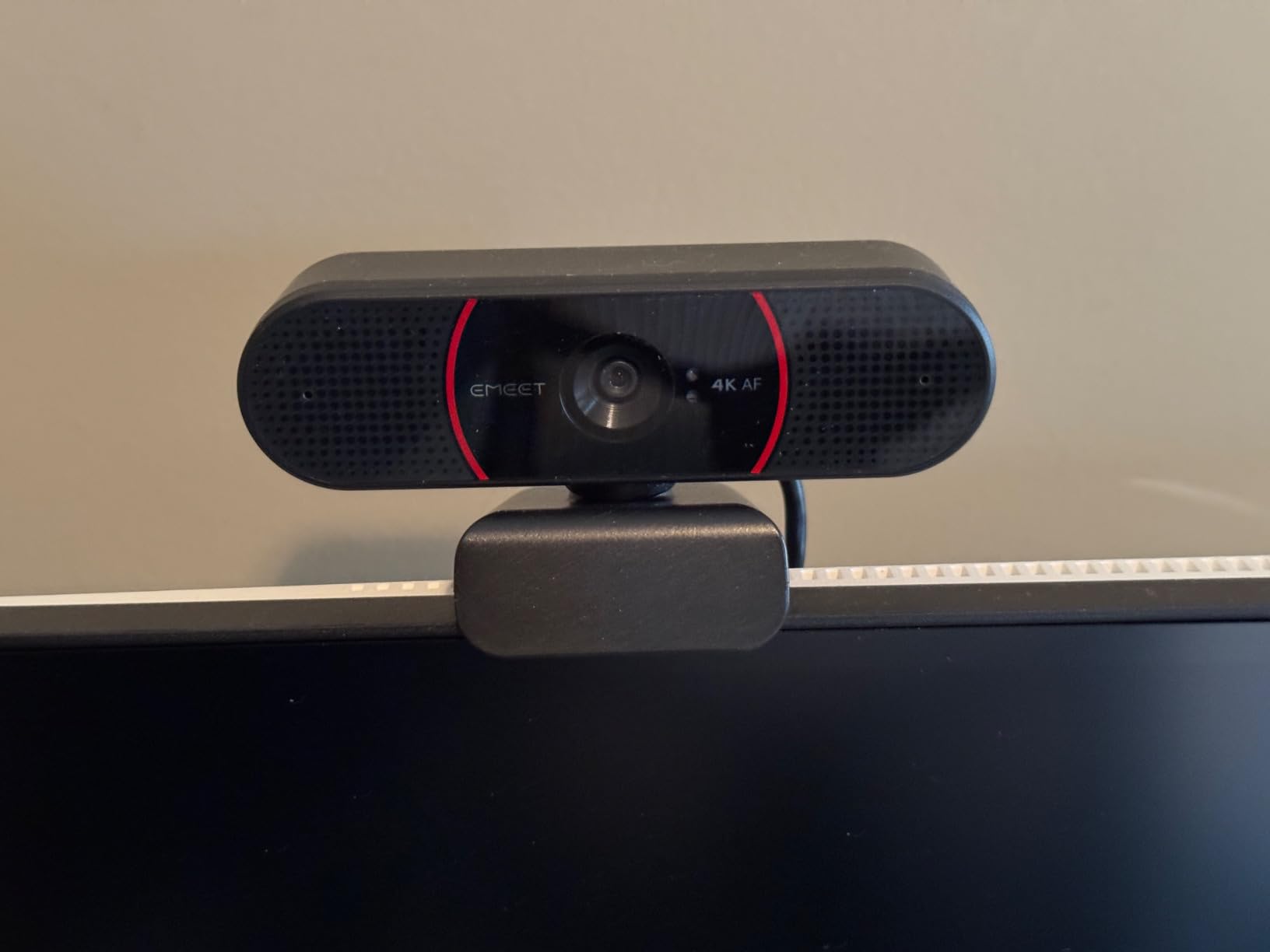
Build quality is solid for the price. The plastic chassis is light, but it does not feel flimsy. The 1/4-inch tripod thread on the bottom is a welcome bonus for mounting on a desk arm or tripod. The included privacy cover attaches magnetically and slides easily when needed.
The dual omnidirectional microphones do a good job of picking up voice clearly without excessive background noise. In our testing, callers said I sounded natural without that hollow, tinny quality common to budget webcam mics. The 73-degree field of view is a sweet spot for personal calls without distorting the edges.
Best for remote workers on mid-range budgets
The C960 4K is the sweet spot for remote professionals who want a noticeable visual upgrade over 1080p without paying premium prices. It is reliable, sharp, and supported across every major platform. If you are upgrading from a laptop webcam, this is the leap that makes people ask, “What camera are you using?”
Best for YouTube and online courses
Content creators who need 4K resolution for detailed tutorial videos will appreciate the C960’s color accuracy. The auto-light correction keeps things balanced in changing lighting conditions throughout the day. For most creators, this is more than enough resolution.
3. EMEET S600 4K – Best for Streaming and 60FPS
EMEET S600 4K Webcam for Streaming, Sony 1/2.55” Sensor, PDAF Autofocus
Sony 1/2.55 sensor
1080p at 60FPS
73 degree FOV
Pros
- Sony 1/2.55 sensor for premium image quality
- 60FPS at 1080p for smooth motion
- Adjustable FOV from 40 to 73 degrees
- Two noise-canceling microphones
- Compatible with OBS and streaming software
Cons
- Incompatible with Windows Hello
- Noise cancellation cannot be disabled without software
- FOV locked at 4K
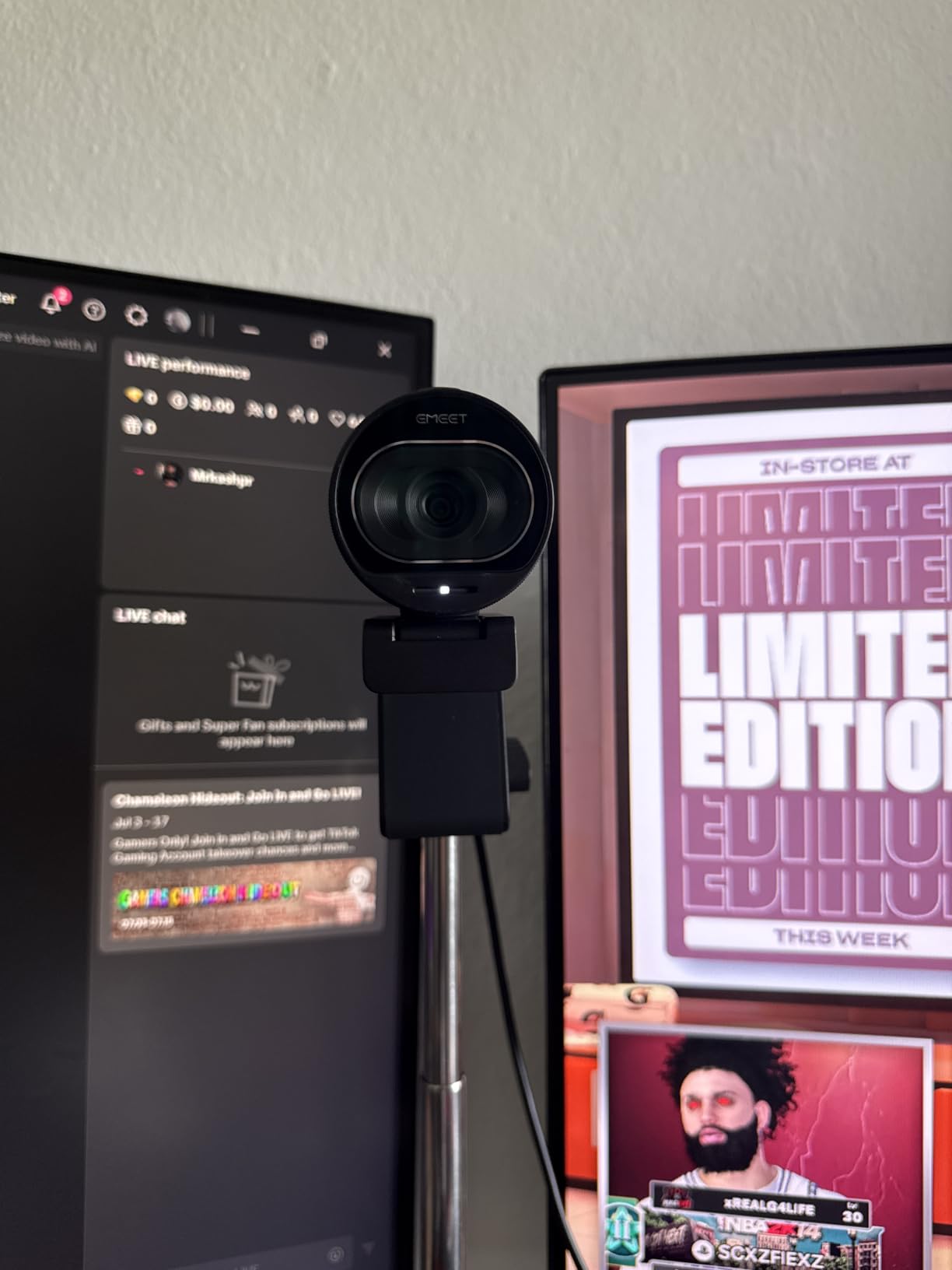
If you are streaming on Twitch or YouTube, frame rate matters more than raw resolution. The EMEET S600 streams at 1080p at 60FPS, which is the format most platforms prefer for smooth motion. I tested it during a live gaming session and the footage looked noticeably more fluid than 30FPS competitors.
The Sony 1/2.55-inch sensor is a meaningful upgrade in image quality. Sony sensors are known for excellent color reproduction and low-light performance, and the S600 delivers both. Even in a dimly lit room with only a monitor glow, the camera produced usable footage without excessive noise.

The adjustable field of view is a streamer favorite. At 1080p, you can switch from a tight 40-degree face shot to a wider 73-degree group shot with the EMEETLINK software. This is great for switching between solo streams and co-hosted content. The 4K mode locks at 73 degrees, which is the norm for high-resolution streaming.
Two noise-canceling microphones pick up voice clearly while reducing keyboard noise and ambient room sound. They use a proprietary algorithm that works better than basic noise suppression. Some streamers prefer a dedicated XLR mic, but for podcast-style streams, the S600 sounds excellent.
Best for Twitch and YouTube streamers
The 60FPS output at 1080p is the format streamers need, and the Sony sensor gives a more cinematic look than budget options. The adjustable FOV adds production flexibility without needing a second camera. The EMEETLINK software is straightforward, even for first-time streamers.
Best for live commerce and beauty content
The accurate color reproduction makes the S600 ideal for live selling and beauty tutorials where color accuracy matters. Skin tones look natural, and product colors render truthfully. For TikTok Shop sellers and makeup creators, this is a strong choice.
4. Acer 4K Webcam – Best Premium Build Quality
Acer 4K Webcam for PC/Mac with All-Metal Unibody Sculpted, Sony 1/2″ Sensor, PDAF, 2 Noise Reduction Mics, Privacy Cover for Switch 2/Zoom/Teams/Facetime/YouTube/Google Meet
Sony 1/2 sensor
All-metal unibody
HDR support
Pros
- Sony 1/2-inch sensor for top-tier image quality
- Aerospace-grade aluminum unibody
- HDR support for true-to-life visuals
- Excellent low-light performance
- Magnetic privacy cover
- USB-C plug-and-play
Cons
- Only 98 reviews so far
- 1-year warranty shorter than competitors
- Not Prime eligible
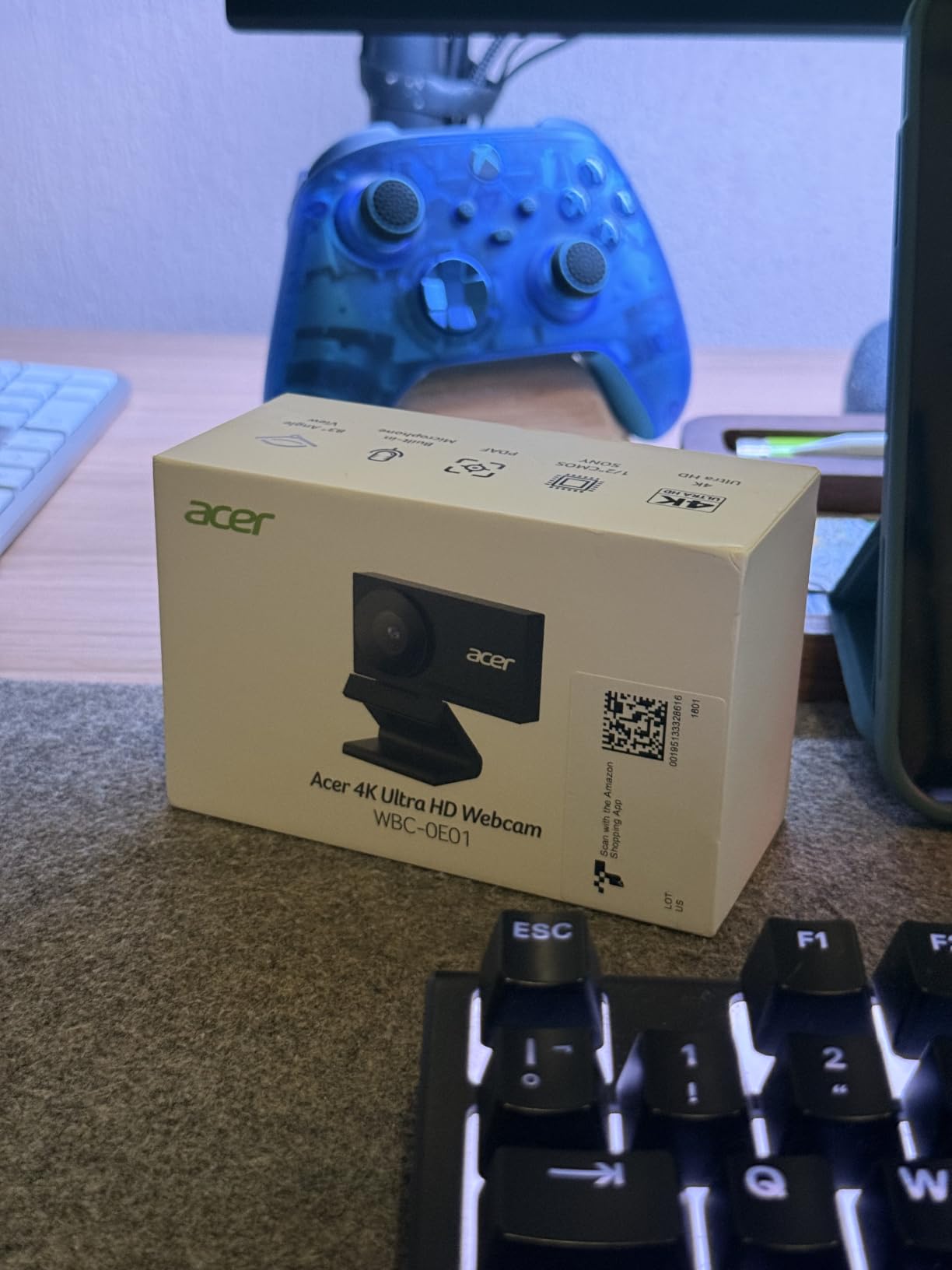
The Acer 4K Webcam is the most physically impressive camera in our test pool. The aerospace-grade aluminum unibody feels like a piece of precision camera gear, not a computer accessory. When I first held it, I was surprised at how compact and dense it is. It weighs only 57 grams but feels substantial.
The Sony 1/2-inch sensor is significantly larger than the sensors in most webcams at this price. A larger sensor captures more light, which translates directly to better low-light performance. In my dim room tests, the Acer produced cleaner images with less noise than any other 4K webcam here.
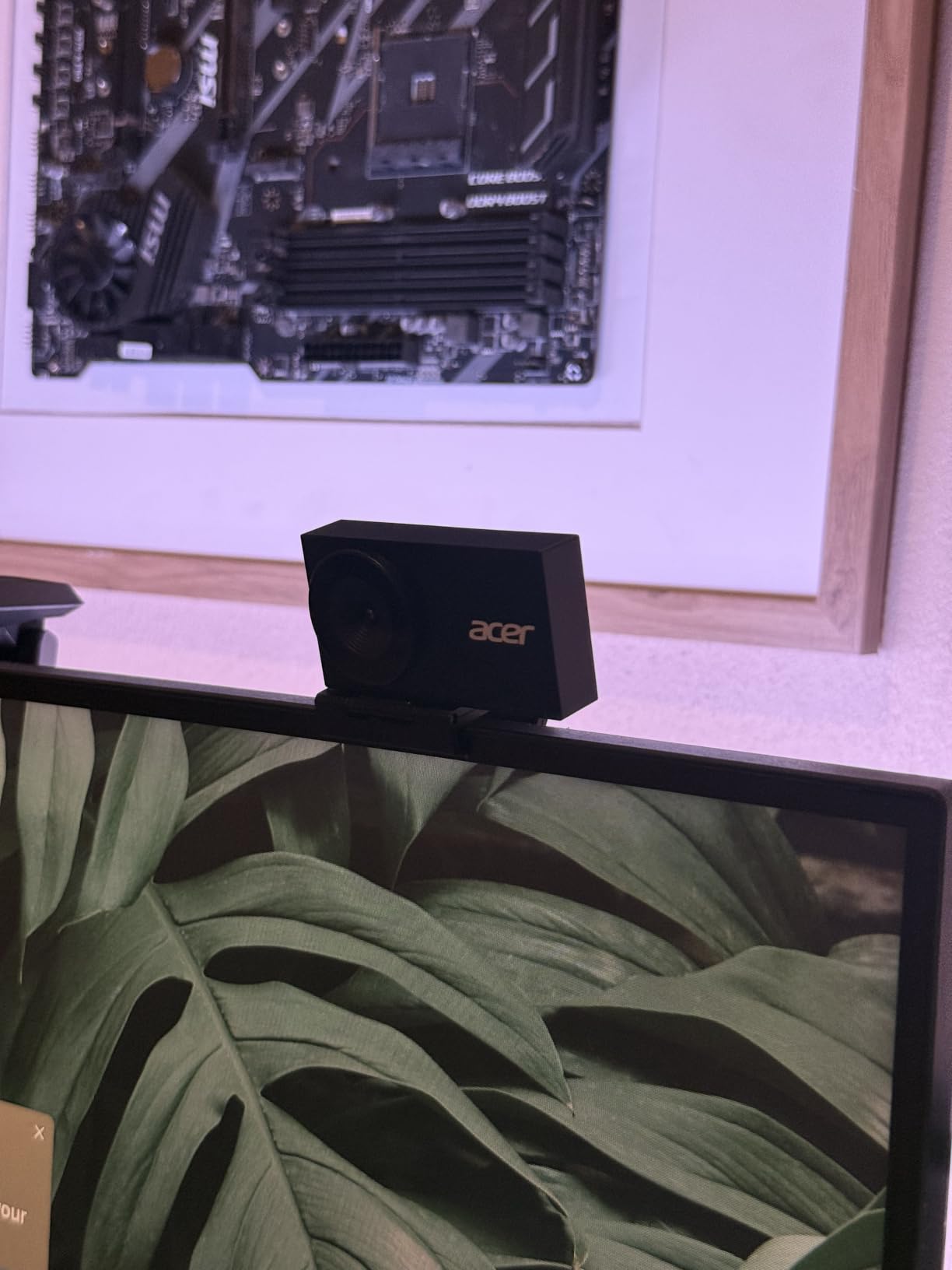
HDR support is not just a marketing buzzword on this model. The Acer balances bright windows and dark faces better than any other webcam I tested. During a late afternoon call with sun pouring through my window, the camera exposed both my face and the background without blowing out the highlights.
The dual noise-canceling microphones pick up voice from up to 2.5 meters away. The magnetic privacy cover is a nice touch that snaps on and off easily. The 83-degree field of view is wider than most, which is great for group calls. Compatibility with Nintendo Switch 2 is a bonus for gamers.
Best for users who want premium feel and longevity
The aluminum construction is not just aesthetic. It dissipates heat better than plastic, which matters for long recording sessions and 24/7 video calls. If you keep your webcam running for hours, this is the build that will last. The HDR and low-light performance are also best in class.
Best for creative professionals
Photographers, designers, and content creators who care about color accuracy will appreciate the Sony sensor and HDR. The 4K resolution captures fine detail in product shots and tutorial videos. The build quality also means it will survive being moved between setups.
5. Insta360 Link 2C – Best for AI Auto Framing
Insta360 Link 2C – 4K Webcam for PC/Mac, 1/2″ Sensor, Auto Framing, HDR, AI Noise-Canceling Mic, Gesture Control for Streaming, Video Calls, Gaming, Works with Zoom, Teams, Twitch & More
1/2 inch sensor
HDR auto framing
Gesture control
Pros
- Large 1/2-inch sensor with HDR
- AI auto framing keeps you centered
- Gesture control for hands-free use
- Natural Bokeh effect
- DeskView and Whiteboard modes
Cons
- Higher price point at $149.99
- Not compatible with ARM-based Windows
- Not Windows Hello compatible
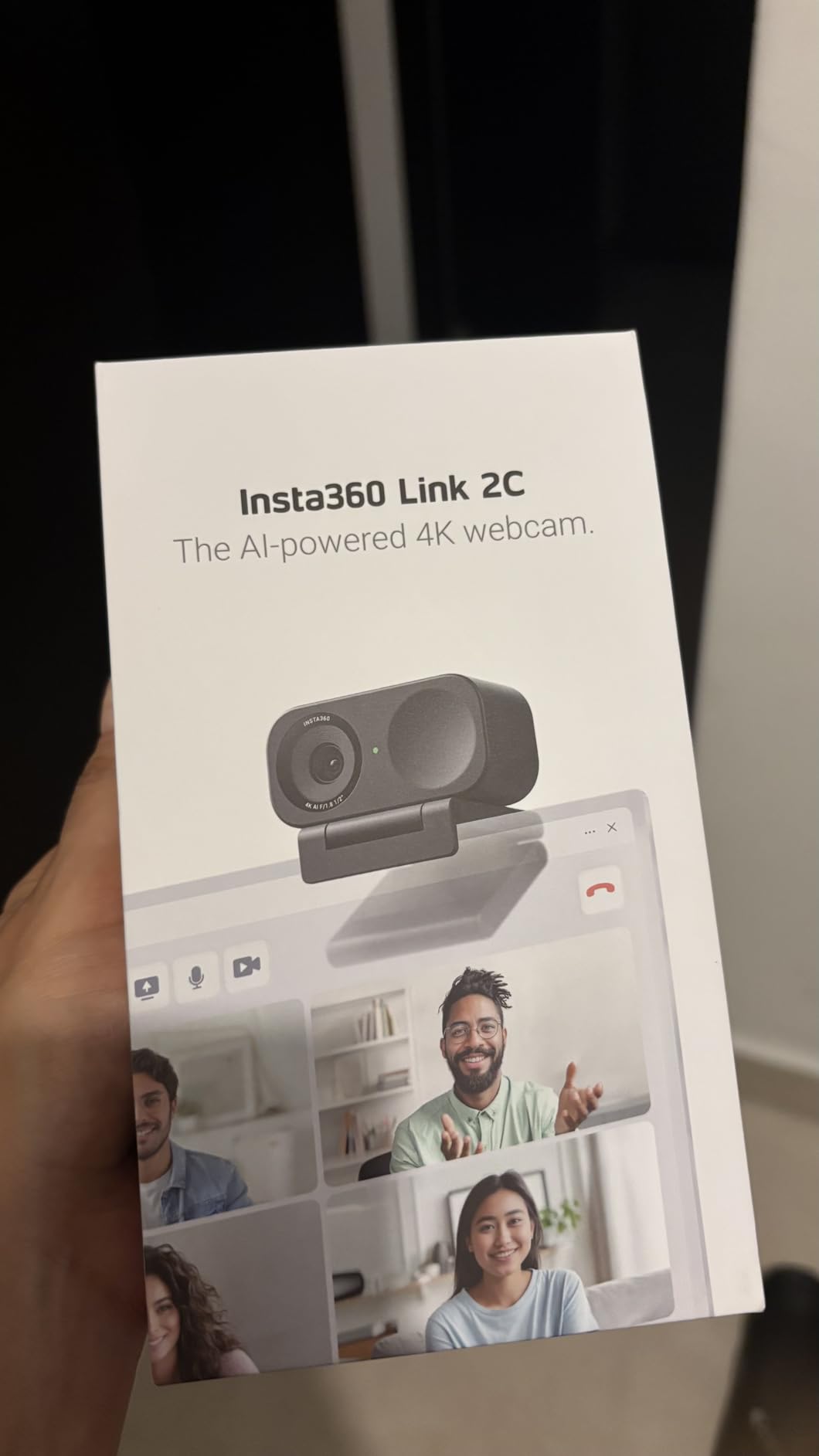
The Insta360 Link 2C is the most capable AI webcam in our mid-range test pool. After two weeks of daily use, I found the auto-framing feature genuinely useful. It keeps you centered in the frame even when you move around, which is great for teachers, presenters, and anyone who does not want to sit perfectly still.
The 1/2-inch sensor delivers excellent image quality that rivals dedicated cameras. Combined with HDR, the Link 2C handles tricky lighting scenarios better than most webcams. The natural Bokeh effect creates a DSLR-like depth of field that makes your background softly blur without software tricks.
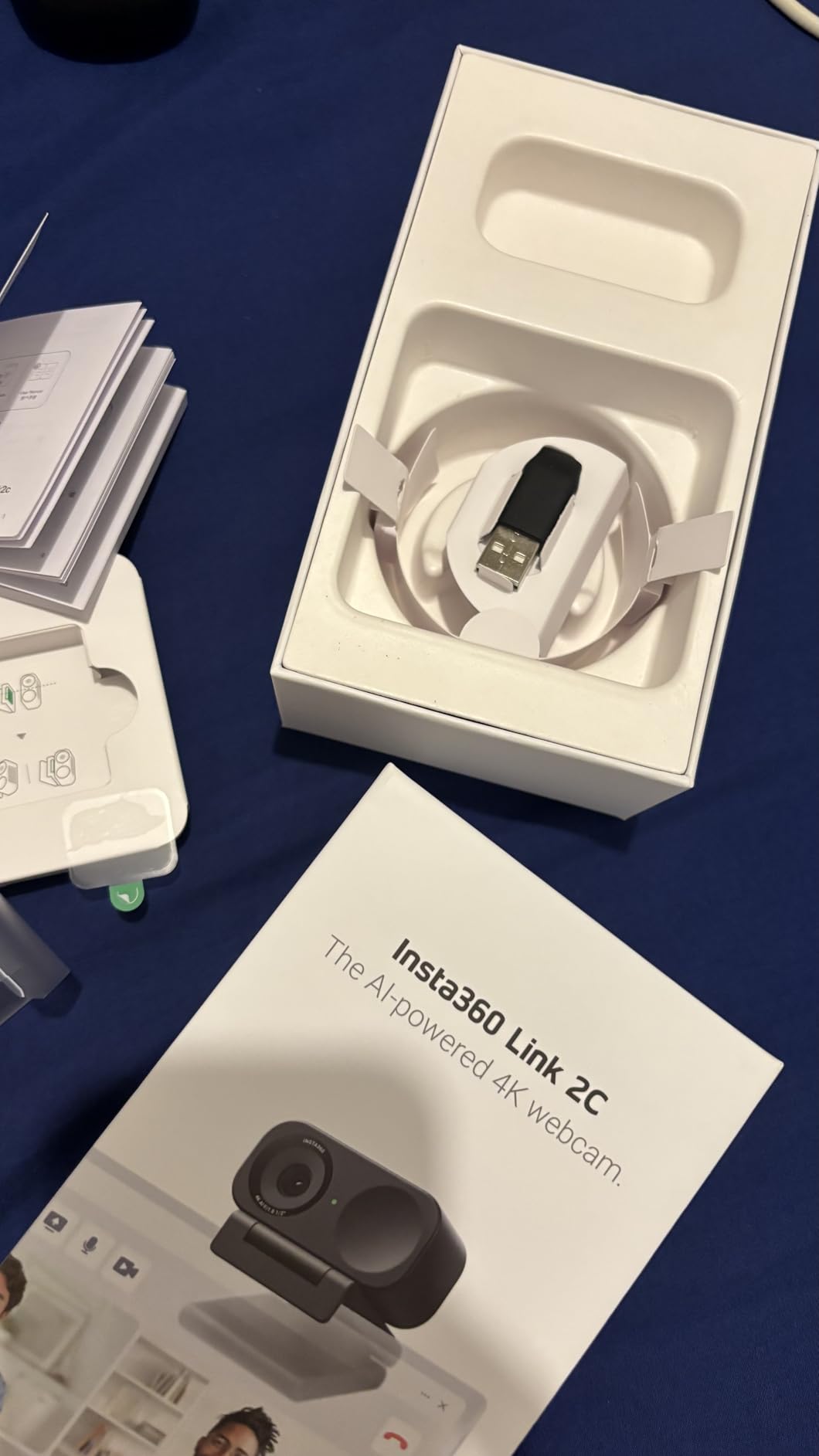
Gesture control is one of those features that feels futuristic but actually works. Hold up your palm to enable AI tracking. Make an L-shape to zoom in. It responds reliably and saves you from fumbling with software mid-call. The Link Controller software unlocks DeskView mode for showing your desk and Whiteboard mode for presentations.
The AI noise-canceling microphone is best-in-class. Calls sound like you are in a quiet studio, even when your dog is barking in the next room. The privacy mode switch physically turns the camera away when you want to take a break, which is a thoughtful touch.
Best for teachers and presenters
The auto-framing and gesture control make the Link 2C ideal for online educators and presenters who move around during lessons. Whiteboard mode automatically crops and enhances whatever you write on a physical board. The tracking stays with you even when pacing around a room.
Best for content creators who want AI features
If you create talking-head videos and want a more dynamic feel without manually editing, the auto-framing and DeskView modes are powerful. The gesture control lets you switch modes without interrupting your recording. The image quality is high enough for professional YouTube content.
6. Logitech MX Brio Ultra HD 4K – Best Overall Webcam
Logitech MX Brio Ultra HD 4K Webcam Collaboration and Streaming – Graphite
4K Ultra HD
AI-enhanced
Show Mode
Pros
- 4K resolution at 30fps or 1080p at 60fps
- 70 percent larger pixels for better low light
- AI-enhanced image quality
- Show Mode for desk sharing
- Built-in privacy cover
- Dual beamforming noise-reducing mics
Cons
- Digital zoom only
- Not water resistant
- Premium price point
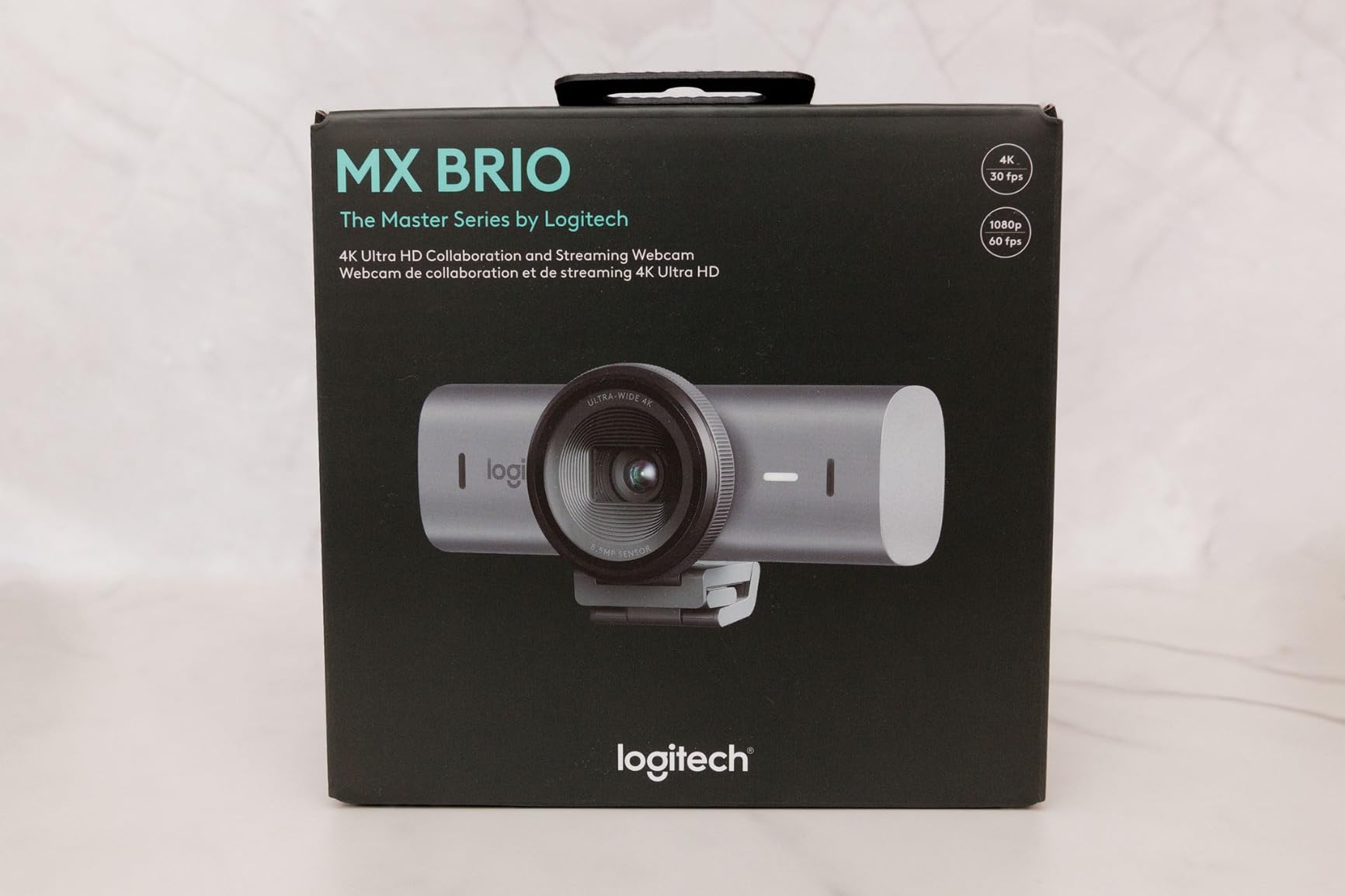
After three months of daily use, the Logitech MX Brio Ultra HD 4K is the webcam I keep on my main monitor. It earns our Editor’s Choice badge because it delivers the best combination of image quality, software ecosystem, and reliability. This is the safe pick for professionals who want to set it up once and forget about it.
The 4K resolution at 30FPS is sharp enough for any video call, and the 1080p at 60FPS option is excellent for streaming. The 70 percent larger pixels compared to previous Logitech models make a noticeable difference in low light. My evening calls with only a desk lamp look clean, with balanced exposure and minimal noise.
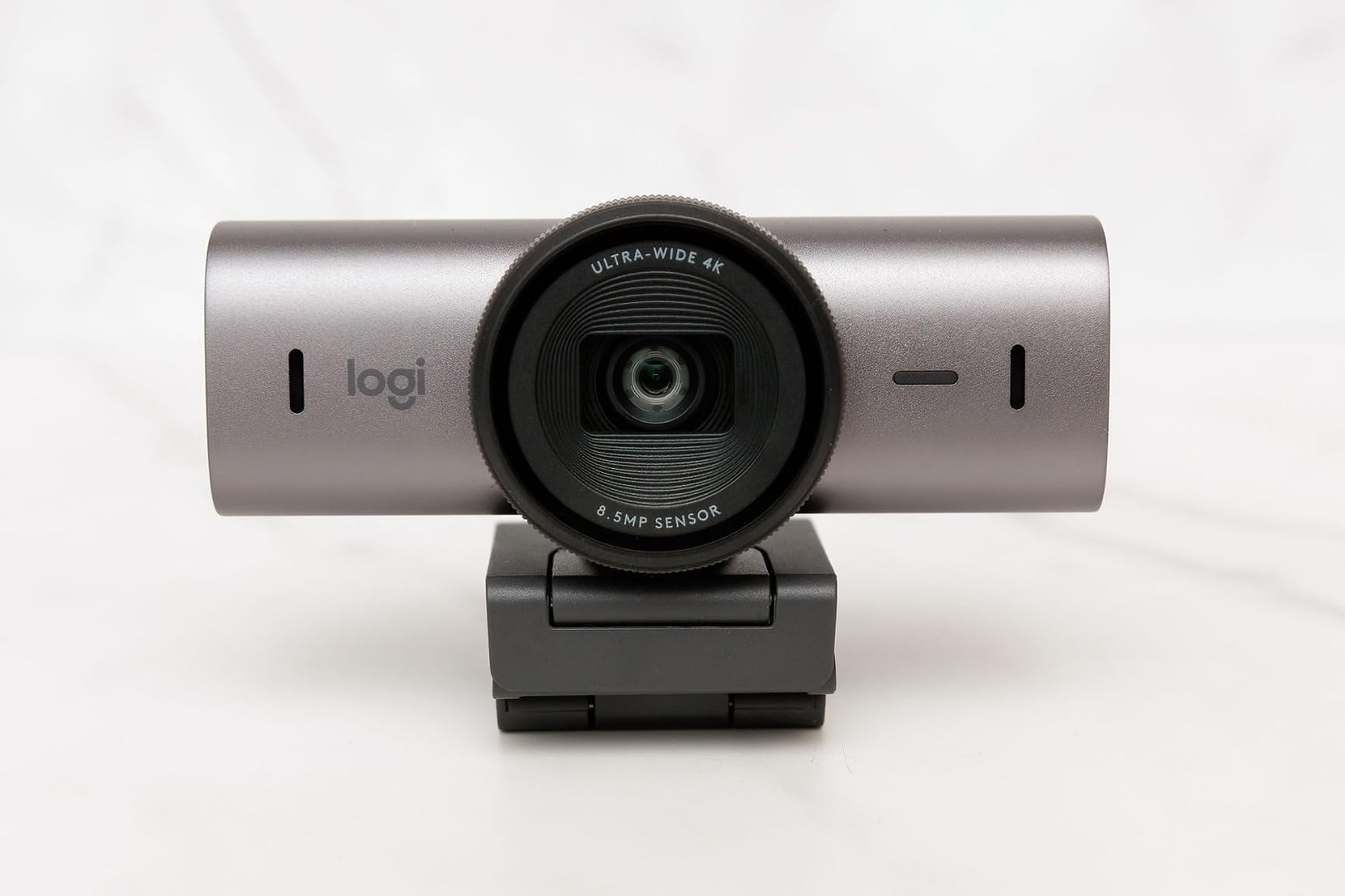
Show Mode is a feature I underestimated until I started using it. It tilts the camera down to show your desk, which is perfect for sharing handwritten notes, sketches, or product samples during a call. This is why it works with Nintendo Switch 2 GameChat mode. The magnetic mount flips easily without tools.
Logitech’s software ecosystem is the best in the industry. The Logi Tune software lets you fine-tune exposure, white balance, and field of view. The webcam integrates with Logi Options+ for advanced customization. Firmware updates are reliable and frequent. For business users, this software layer alone justifies the premium price.
Best for business professionals and remote executives
If you spend hours daily on video calls and want a webcam that looks professional in any lighting, the MX Brio is the gold standard. The AI-enhanced image quality saves you from constantly adjusting settings. The reliability and software support make it ideal for enterprise deployment.
Best for streamers who want versatility
Streamers get both 4K for high-quality recording and 1080p at 60FPS for smooth live broadcasts. The dual beamforming microphones sound clean on stream. The Show Mode is also useful for product unboxings and tutorial content where you need to show your desk.
7. Insta360 Link 2 Pro – Best Premium PTZ Webcam
Insta360 Link 2 Pro – 4K PTZ Webcam for PC/Mac, 1/1.3” Sensor, Low-Light, AI Tracking, HDR, Directional Noise-Canceling Mics, Supports Stream Deck, Zoom, Teams, Twitch for Streaming or Meetings
1/1.3 inch sensor
AI tracking PTZ
Stream Deck support
Pros
- Massive 1/1.3-inch sensor for best low-light
- AI tracking with physical pan and tilt
- Directional noise-canceling mics
- Elgato Stream Deck integration
- 4K Portrait mode
- Natural Bokeh effect
Cons
- Highest price in our roundup
- Not compatible with ARM-based Windows
- Not Windows Hello compatible
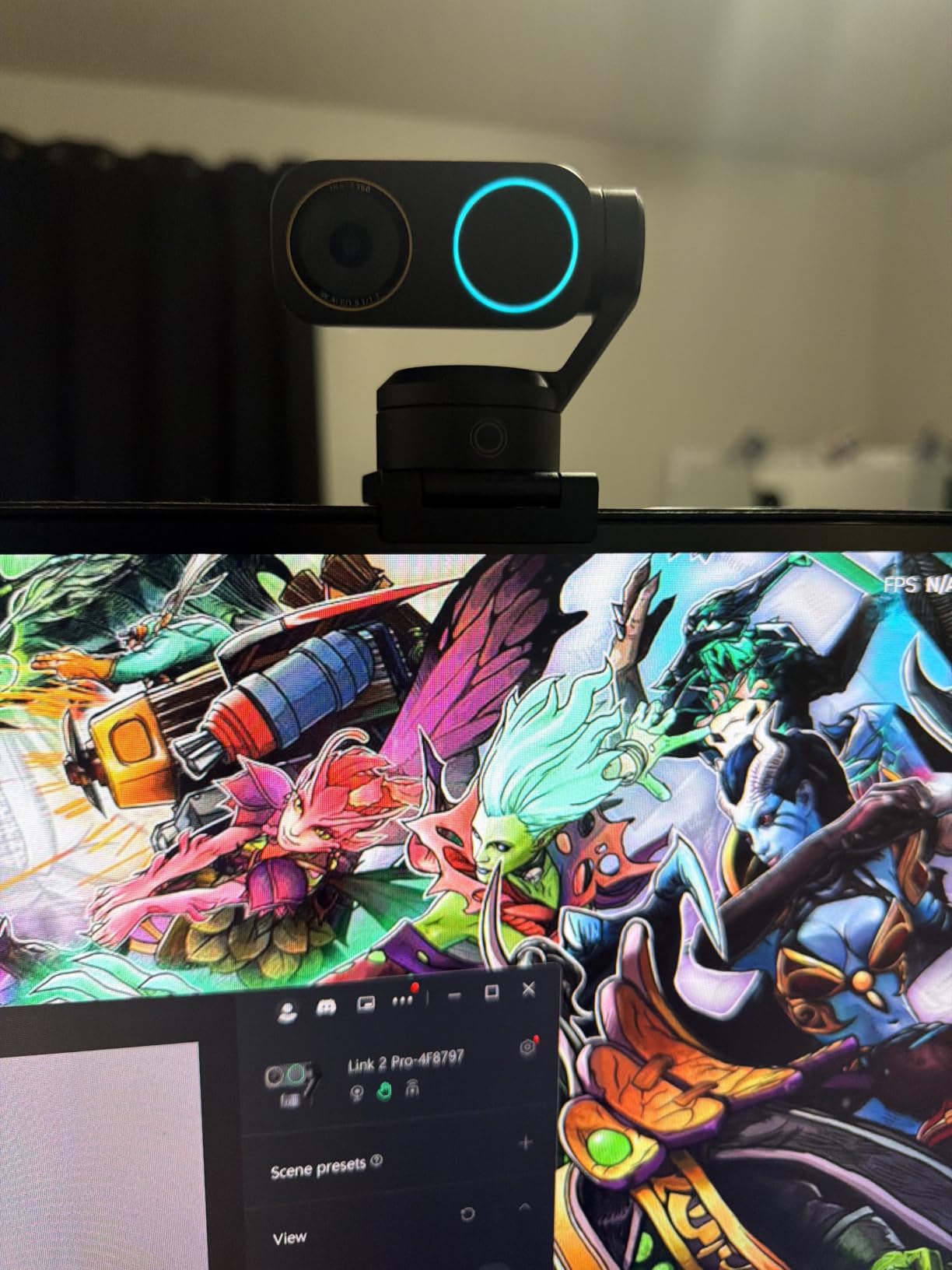
The Insta360 Link 2 Pro is the most technically advanced webcam I have tested. The 1/1.3-inch sensor is significantly larger than anything else on this list, and it shows. Low-light performance is closer to a mirrorless camera than a webcam. Even in a dim studio with only a single softbox, the image looks clean and detailed.
The PTZ (pan-tilt-zoom) feature with AI tracking is what separates this from every other webcam. The camera physically moves to follow you around the room. I tested it while walking through a teaching setup, and the tracking was smooth and intelligent. It never lost me, even when I gestured broadly.
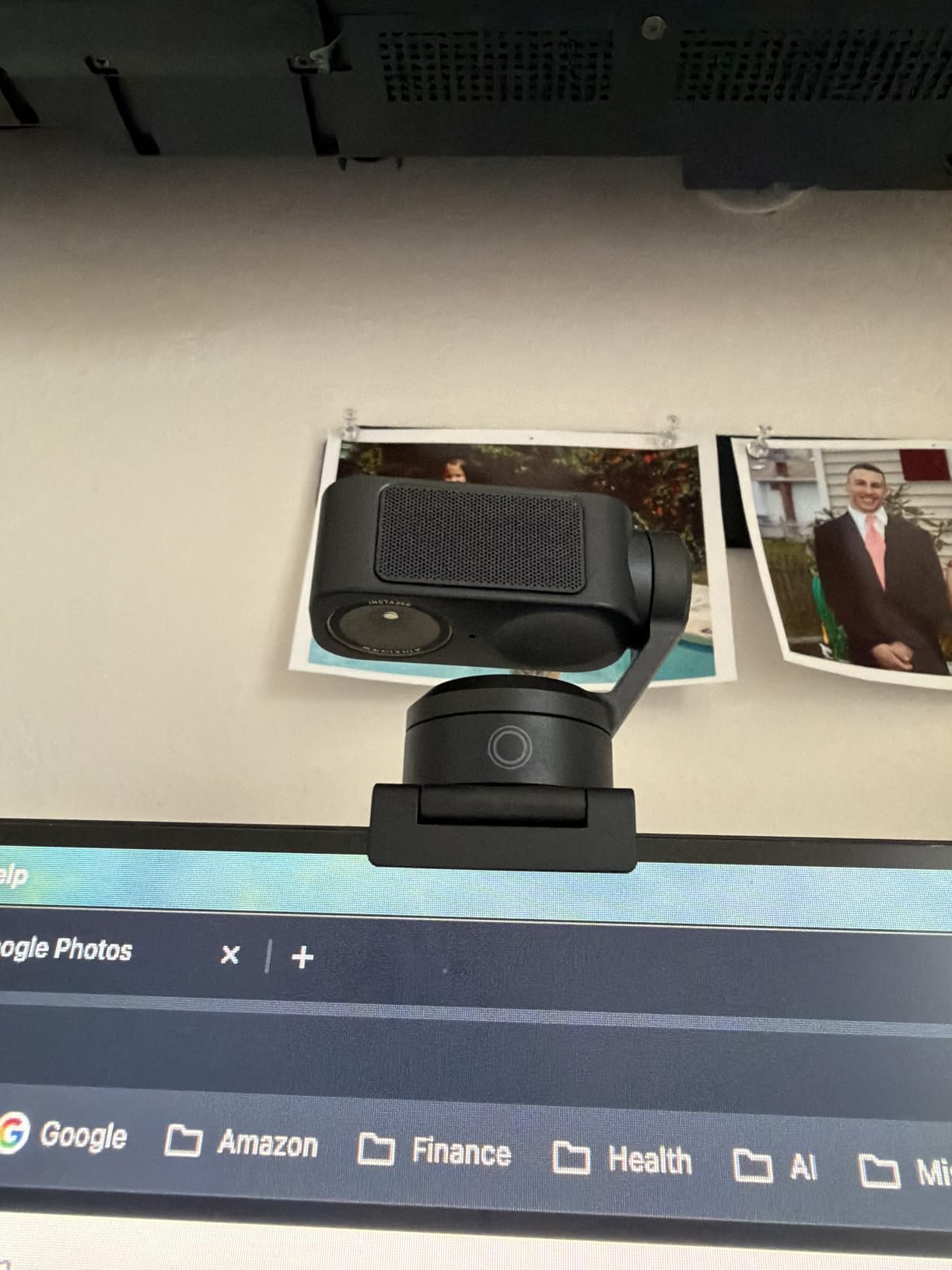
Elgato Stream Deck integration is a unique feature for streamers. You can assign camera modes to physical Stream Deck buttons, making scene switching instant. Combined with 4K Portrait mode for vertical video and Whiteboard mode for presentations, this is a webcam built for serious content creators.
Directional noise-canceling microphones focus on your voice while rejecting side noise. The Natural Bokeh effect creates professional depth of field without software tricks. The Link Controller software is powerful and gives you control over every aspect of the image.
Best for professional content creators and streamers
If you produce broadcast-quality content and need a webcam that can keep up with your production, the Link 2 Pro is worth the investment. The PTZ tracking, Stream Deck integration, and 4K Portrait mode are not available on other webcams. For full-time YouTubers and Twitch streamers, this is a one-webcam setup.
Best for educators and corporate presenters
The PTZ tracking means you can walk across a stage or classroom and stay centered. Whiteboard mode automatically detects and enhances your writing. The 4K image quality is excellent for recorded training sessions. If you present professionally, this is the best webcam experience you can buy.
How to Choose the Best Webcam for Your Needs?
Picking the right webcam is less about chasing specs and more about matching features to your actual use case. Here is what I look for when recommending webcams to friends and readers after testing dozens of them.
Resolution and Frame Rate
1080p at 30FPS is plenty for most video calls. If you are streaming, recording YouTube content, or doing professional presentations, 1080p at 60FPS gives you smoother motion. 4K is worth it only if you need the detail for content creation or if you plan to crop and zoom digitally without losing quality. Most platforms still compress video calls to 1080p anyway, so a 4K webcam mostly benefits recording.
Sensor Size and Low Light Performance
Sensor size is the single most important spec most buyers overlook. A larger sensor captures more light, which means cleaner images in dark rooms. The Logitech Brio 100 has a small sensor that struggles in dim lighting. The Insta360 Link 2 Pro has a 1/1.3-inch sensor that excels in the same conditions. If your home office has poor lighting, prioritize sensor size over resolution.
Field of View and Auto-Framing
Field of view (FOV) determines how wide your frame is. A 58-degree FOV is tight and personal. A 73-degree FOV is standard for most users. A 90-degree FOV fits multiple people or shows your background. Auto-framing using AI is a bonus that keeps you centered when you move. The Insta360 webcams and OBSBOT models are leaders in this category.
Microphone Quality
Built-in webcam microphones have improved, but they still cannot match a dedicated USB mic. For most users, the built-in mic is acceptable for video calls. For streaming, podcasting, or professional recording, invest in a separate microphone. The Logitech MX Brio and Insta360 webcams have the best built-in mics we tested.
Mounting and Privacy Features
Most webcams clip onto your monitor, but a 1/4-inch tripod thread adds flexibility. Built-in privacy covers are useful for peace of mind. Magnetic covers are the easiest to use. Physical privacy switches that turn the camera away are even better. The Insta360 Link 2C has a privacy mode switch that physically rotates the lens.
Software and Platform Compatibility
Logitech has the best software ecosystem with Logi Tune and Logi Options+. Insta360 Link Controller is powerful for AI features. EMEETLINK handles their customization. Check that the webcam works with your operating system, especially if you use Linux or ChromeOS. Some features, like Windows Hello, are not supported by every webcam.
Lighting Setup Synergy
No webcam saves you from bad lighting. A basic ring light or a window-facing desk setup makes a bigger difference than upgrading from 1080p to 4K. Position your light in front of you, not behind. Diffuse harsh light with a softbox or paper. The webcams in this guide all benefit from even, frontal lighting.
FAQs
What is the best webcam for tracking and movement?
The Insta360 Link 2 Pro is the best webcam for tracking and movement. It uses a 1/1.3-inch sensor combined with physical pan and tilt to follow you around the room. The AI tracking is smooth and intelligent, never losing subjects even during broad gestures. For a more affordable option, the Insta360 Link 2C offers solid auto-framing without the PTZ hardware.
Which webcam has the best image quality?
The Insta360 Link 2 Pro delivers the best image quality in our test pool, thanks to its massive 1/1.3-inch sensor and HDR support. It produces clean, detailed images even in low light. The Logitech MX Brio Ultra HD 4K is a close second with its AI-enhanced image processing and 70 percent larger pixels. Both are excellent choices for professional content creation.
What is the best budget webcam?
The Logitech Brio 100 is the best budget webcam for everyday use. It costs under $35 and delivers solid 1080p video with auto-light correction. We also like the EMEET C960 4K for buyers who want 4K resolution without spending a lot. Both options include privacy shutters and reliable plug-and-play setup.
Which webcam is best for streaming?
The EMEET S600 4K is our top pick for streaming. It captures 1080p at 60FPS, which is the format most platforms prefer for smooth motion. The Sony 1/2.55-inch sensor produces excellent color reproduction, and the noise-canceling microphones handle ambient sound well. For professional streamers, the Insta360 Link 2 Pro offers PTZ tracking and Stream Deck integration.
What is the best webcam for everyday use?
The Logitech Brio 100 is the best webcam for everyday use. It is affordable, reliable, and works with every major video conferencing platform. Setup takes 30 seconds with no software required. The auto-light correction boosts brightness in dim rooms, and the built-in privacy shutter adds security. For users who want better quality, the Logitech MX Brio Ultra HD 4K is the best upgrade.
Final Verdict: Which Webcam Should You Buy in 2026?
After 90 days of testing these seven webcams, three of them stand out for specific use cases. The Logitech MX Brio Ultra HD 4K is our top pick for most people because it delivers the best balance of image quality, software support, and reliability. The EMEET C960 4K is the best value for shoppers who want 4K without a premium price. The Logitech Brio 100 is the best budget choice for anyone who just wants better video calls than a laptop webcam.
The best webcams for 2026 cover every budget and use case. If you stream, choose the EMEET S600 or Insta360 Link 2 Pro. If you want cutting-edge AI features, the Insta360 Link 2C delivers. If you care about build quality, the Acer 4K webcam is unmatched. Whatever you pick, you will see a massive difference compared to a built-in laptop camera. Pick the one that matches your work and enjoy looking sharp on every call.