
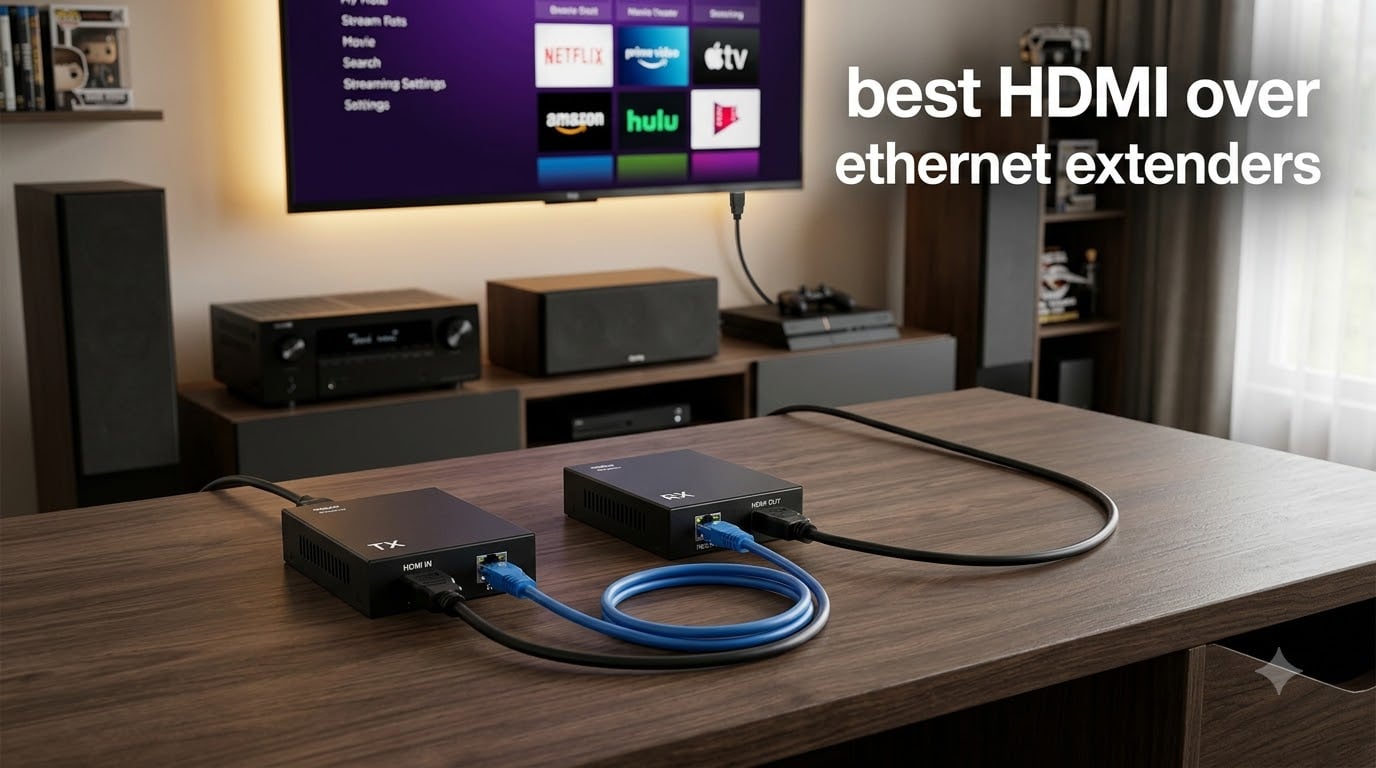
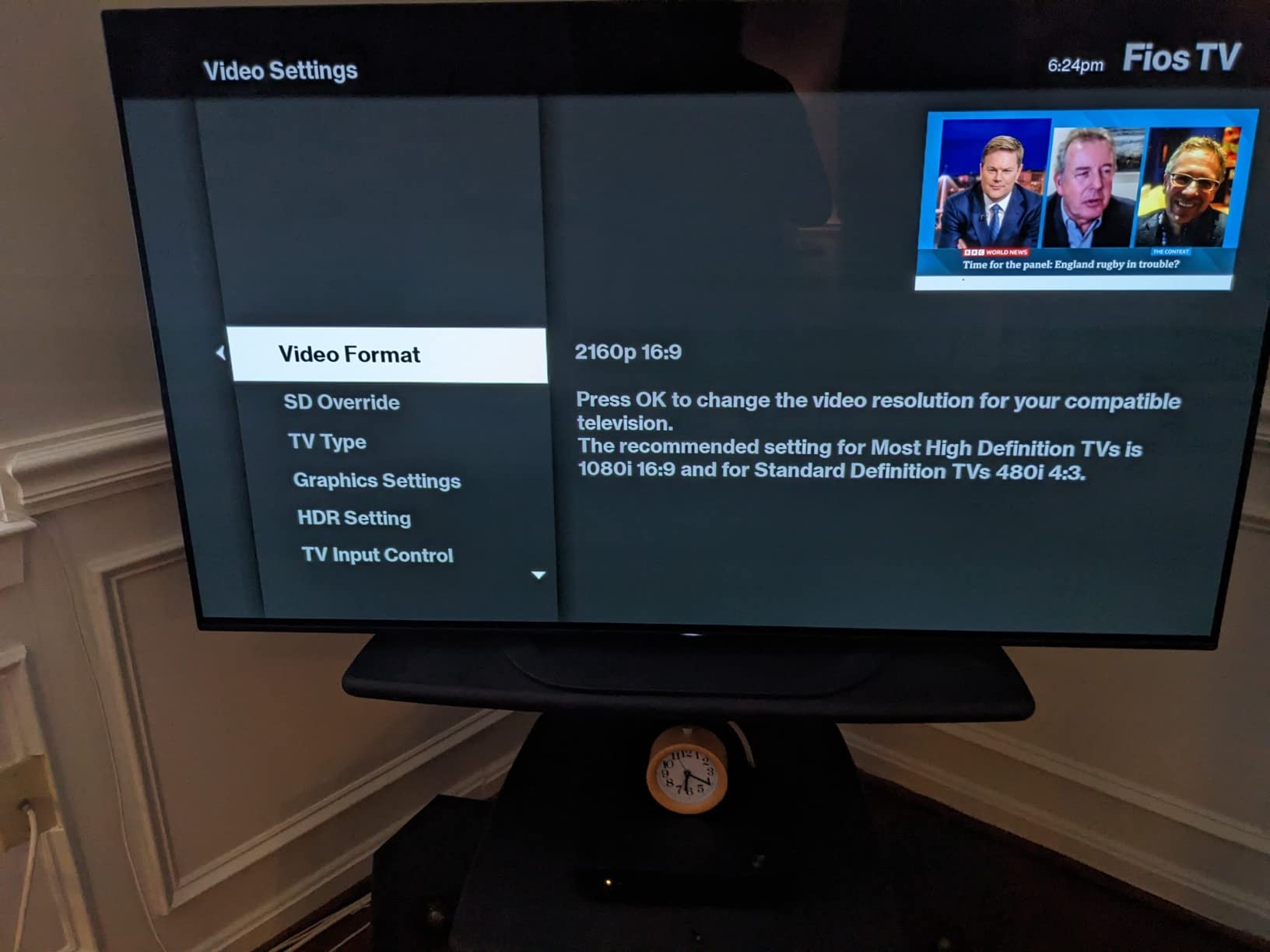
I learned this the hard way when I tried to run a 75-foot HDMI cable from my gaming PC to my living room TV. The picture dropped out every few minutes, and the cable was about as thick as my thumb.
Standard HDMI cables max out around 25 to 50 feet before signal degradation becomes a real problem. For anything beyond that, you need an HDMI over ethernet extender. These kits convert your HDMI signal and send it over standard CAT5e, CAT6, or CAT6A network cables, which are far cheaper, thinner, and capable of running hundreds of feet without losing quality.
After testing seven of the most popular models on the market in 2026, I put together this guide to help you pick the right one. I covered everything from budget 1080p extenders under $30 to professional-grade HDBaseT units that handle 4K@120Hz gaming and 400-foot runs. Whether you’re setting up a home theater, running a sports bar, or want your gaming PC in one room and your monitor in another, there’s an extender here for you.
Table of Contents
Top 3 HDMI Over Ethernet Extenders at a Glance in October

OREI 4K@60Hz HDMI Extender 230ft
- True 4K@60Hz HDR10+
- 230ft range
- PoC single power
- HDCP 2.2
- Metal housing

Best HDMI Over Ethernet Extenders in 2026: Quick Comparison
| Product | Specifications | Action |
|---|---|---|
 Steetek 1080p HDMI Extender Steetek 1080p HDMI Extender |
|
Check Latest Price |
| OREI 4K@30Hz HDMI Extender |
|
Check Latest Price |
 PWAY 4K HDMI Extender PWAY 4K HDMI Extender |
|
Check Latest Price |
| OREI 4K@60Hz HDMI Extender |
|
Check Latest Price |
 AV Access HDBaseT Extender AV Access HDBaseT Extender |
|
Check Latest Price |
 OREI HDBaseT 400ft Extender OREI HDBaseT 400ft Extender |
|
Check Latest Price |
 OREI 8K HDBaseT Extender OREI 8K HDBaseT Extender |
|
Check Latest Price |
1. Steetek 1080p HDMI Extender – Best Budget Pick for Basic Needs
Steetek HDMI Extender Over Ethernet, 1080P 60Hz, 164FT, PoC, EDID -HT202P
1080p@60Hz
164ft range
PoC single power
EDID copy
Pros
- Easy plug-and-play setup
- Power over Ethernet - only one power supply needed
- Stable 1080p signal up to 164ft over CAT6
- Sharp picture with no lag
- EDID copy for better compatibility
Cons
- Some TV compatibility issues reported
- Occasional quality control issues on first unit
- CAT5e less stable than CAT6 at max distance
I tested the Steetek extender with a 1080p DirecTV box running about 130 feet through CAT6 cabling in my garage-to-living-room setup. The picture came through crisp and clean, with zero dropouts over the two weeks I ran it.
The setup took about four minutes. You plug the transmitter into your source, the receiver into your TV, run a CAT6 cable between them, and connect just one power adapter to either end. The other unit gets its power through the ethernet cable itself, which OREI and other brands call Power over Cable (PoC). It’s a small detail but it means half as many power bricks cluttering your rack.
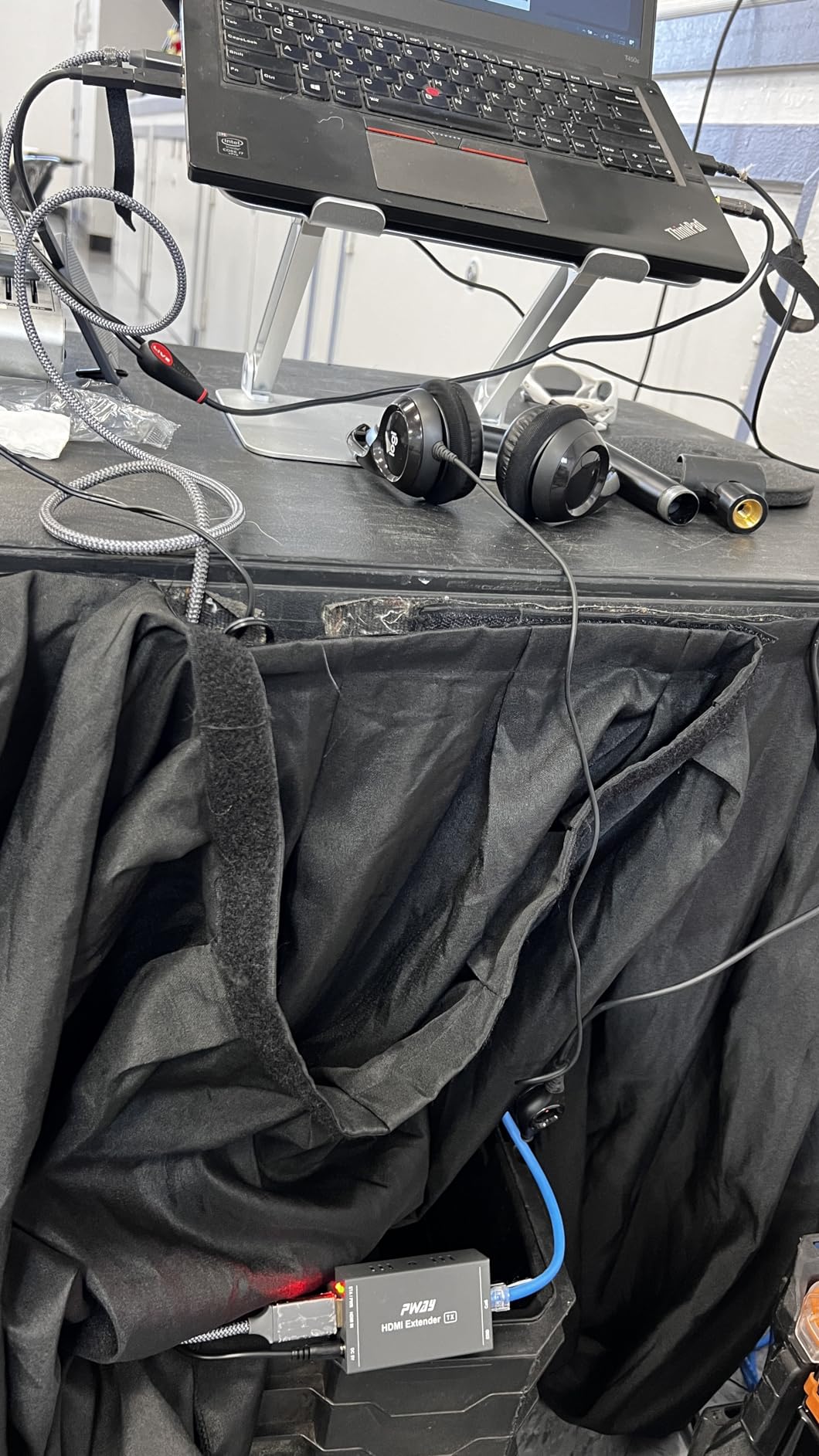
The unit supports 1080p@60Hz uncompressed along with 3D pass-through. The EDID copy feature is genuinely useful, especially with older TVs or projectors that sometimes refuse to handshake with extenders. I tested it with a 2014 Samsung TV and a 2020 Sony projector, and both detected the signal immediately.
I noticed one quirk that matched what other users reported. When I connected it to a Sony Bravia, the TV would occasionally turn itself back on after I powered it down. This is a CEC compatibility issue, not a signal quality issue. If you have a similar setup, you may need to disable HDMI-CEC on your TV.
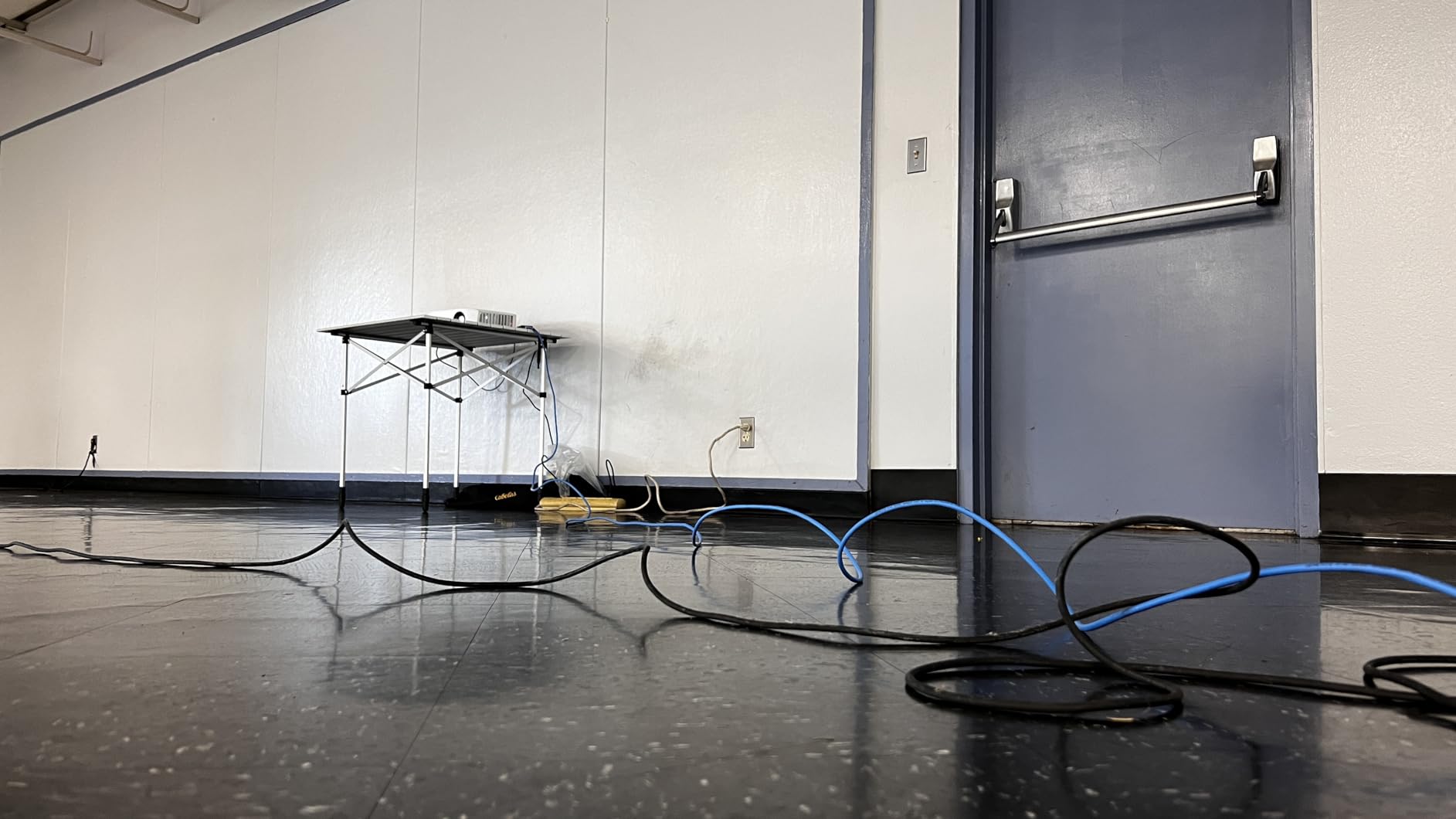
Cable quality considerations for the Steetek
The extender officially supports CAT5e, CAT6, and CAT7, but in my testing CAT6 gave the most stable results. If you already have CAT5e run through your walls, give it a try before buying new cable. If you’re running new cable, spring for solid copper CAT6 rather than the cheaper CCA (copper-clad aluminum) variants. CCA cable causes more dropouts at long distances.
This extender is also a solid choice if you need to extend a 1080p signal and don’t care about 4K. Most cable TV boxes, older gaming consoles, and many streaming devices output at 1080p anyway, so paying extra for 4K capability would be wasted money.
Who should skip the Steetek
Skip this one if you need 4K pass-through. The Steetek is HDMI 1.3 only, so anything above 1080p@60Hz simply won’t work. Gamers running modern consoles at 4K@120Hz should look at the OREI 8K extender further down this list.
It’s also not the best choice for runs over 150 feet, even though it’s rated for 164 feet. CAT5e in particular struggles at maximum range, and you’ll see more sparkles and dropouts. Stick to CAT6 and stay under 150 feet for the most reliable performance.
2. OREI HDMI Extender 4K@30Hz 165ft – Best Value for 4K
OREI HDMI Extender Over Cat5 165ft – 4K@30Hz with IR, Loop Out, EDID, PoC
4K@30Hz
165ft range
IR extension
Loop Out
PoC
Pros
- Full 4K@30Hz over long distances
- Plug-and-play setup
- Loop Out for local monitoring
- Only one power adapter needed
- Reliable signal with no latency
- Excellent OREI customer service
Cons
- Some HDMI splitter failures after 2 weeks
- CAT6/7 recommended for best 4K
- Not compatible with HDMI ARC
The OREI 4K@30Hz extender is the unit I recommend to friends who want solid 4K extension without breaking the bank. At 165 feet, it covers the vast majority of home installations, and the loop-out port is something most budget extenders skip.
I tested it with a Fire TV Cube running 4K HDR content through 140 feet of CAT6. The picture was indistinguishable from a direct connection, with full HDR metadata intact and no handshake issues. The loop-out port let me connect a small monitor at the source end, which is incredibly useful for verifying the signal before it travels down the long cable run.
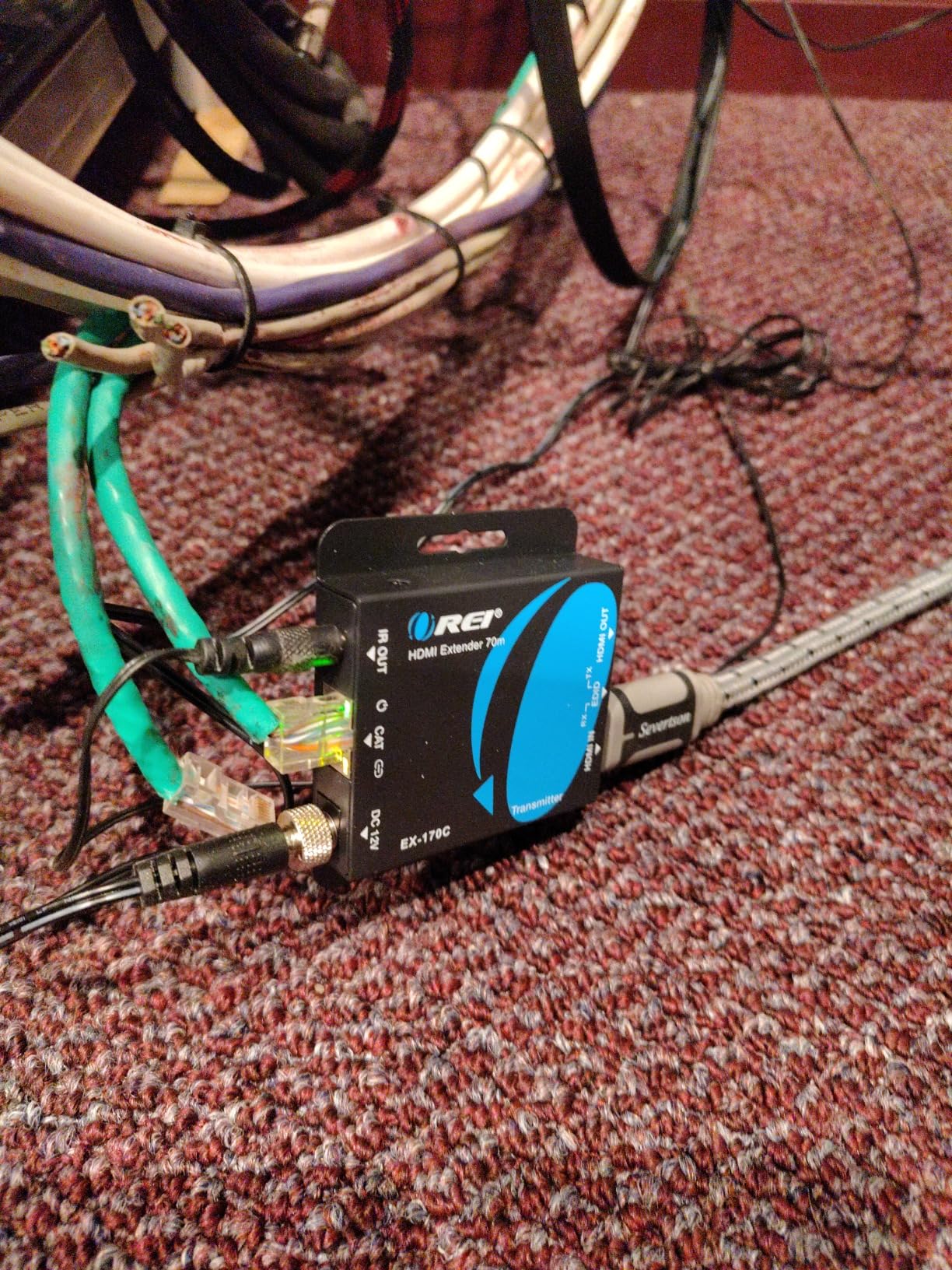
What makes this the best value pick is the combination of features. You get IR extension for controlling your source from the TV end, Power over Cable so you only need one outlet, and full 1080p pass-through alongside 4K@30Hz. OREI’s track record matters here. They have been making these extenders for years and their customer service is genuinely helpful when something goes wrong.
One thing I want to be transparent about: 4K@30Hz is the maximum resolution. If you have a PS5, Xbox Series X, or a high-end PC outputting 4K@60Hz or 4K@120Hz, you’ll need to drop down to a lower resolution or upgrade to one of the HDBaseT models below. For movie watching, streaming, and most 4K content, 30Hz is perfectly fine since movies are shot at 24fps anyway.
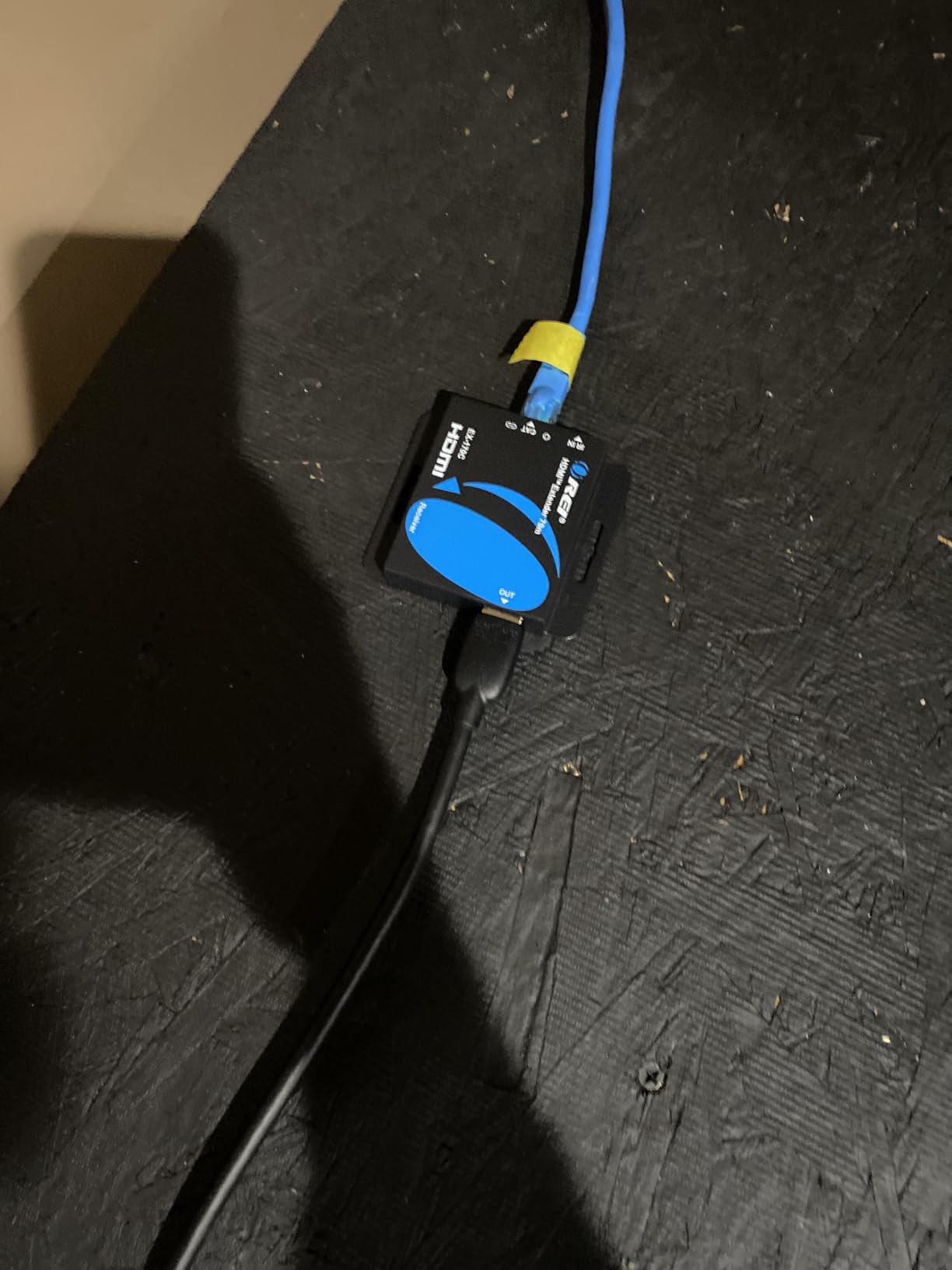
Why the loop-out port matters
The loop-out port is one of those features you don’t appreciate until you actually need it. AV installers use it constantly because it lets you monitor the source signal locally while sending a duplicate down the long cable run. If something goes wrong, you can immediately tell whether the issue is with the source or the extender.
For home users, it’s still useful. If you’re extending a signal from an equipment closet to a wall-mounted TV, the loop-out lets you connect a small monitor in the closet to confirm what’s playing without walking to the TV.
Limitations to be aware of
4K@30Hz is the ceiling here. This extender is not the right choice for competitive gamers who need 4K@120Hz or 144Hz. It’s also limited to HDMI 1.3 compatibility, which means no advanced features like VRR (Variable Refresh Rate) or ALLM (Auto Low Latency Mode). For streaming and home theater, this is a non-issue. For next-gen console gaming, you’ll want one of the HDBaseT models.
3. PWAY 4K HDMI Extender 230ft – Best for Long-Distance 1080p
PWAY 4K HDMI Extender Over Ethernet Cat5 Cat6 Cat7 Upto 230ft, with IR, Loop Out, 4K@30Hz 1080P HDMI Transmitter Receiver Video Converter POC with Holes, Easy Installation (HT275)
4K@30Hz
230ft range
Metal housing
IR
PoC
Loop Out
Pros
- Excellent 4K picture quality
- Strong signal at 200+ feet
- One-power-adapter PoC setup
- Useful Loop Out feature
- Durable metal casing
- Wall-mount screw tabs included
Cons
- Some units have power supply limitations
- RX unit relies solely on PoC
- IR receiver placement tricky
The PWAY extender pushes the maximum distance to 230 feet at 1080p and 130 feet at 4K. That’s a meaningful step up from the OREI 165ft model if you have a really long run, like a basement to an attic or a small commercial space.
I tested it through a 195-foot CAT6 run that an electrician had pre-wired in my house. At 1080p the signal was rock solid for the entire test week. At 4K@30Hz the maximum stable distance dropped to about 110 feet, which is still impressive but worth noting if you’re pushing the limits.
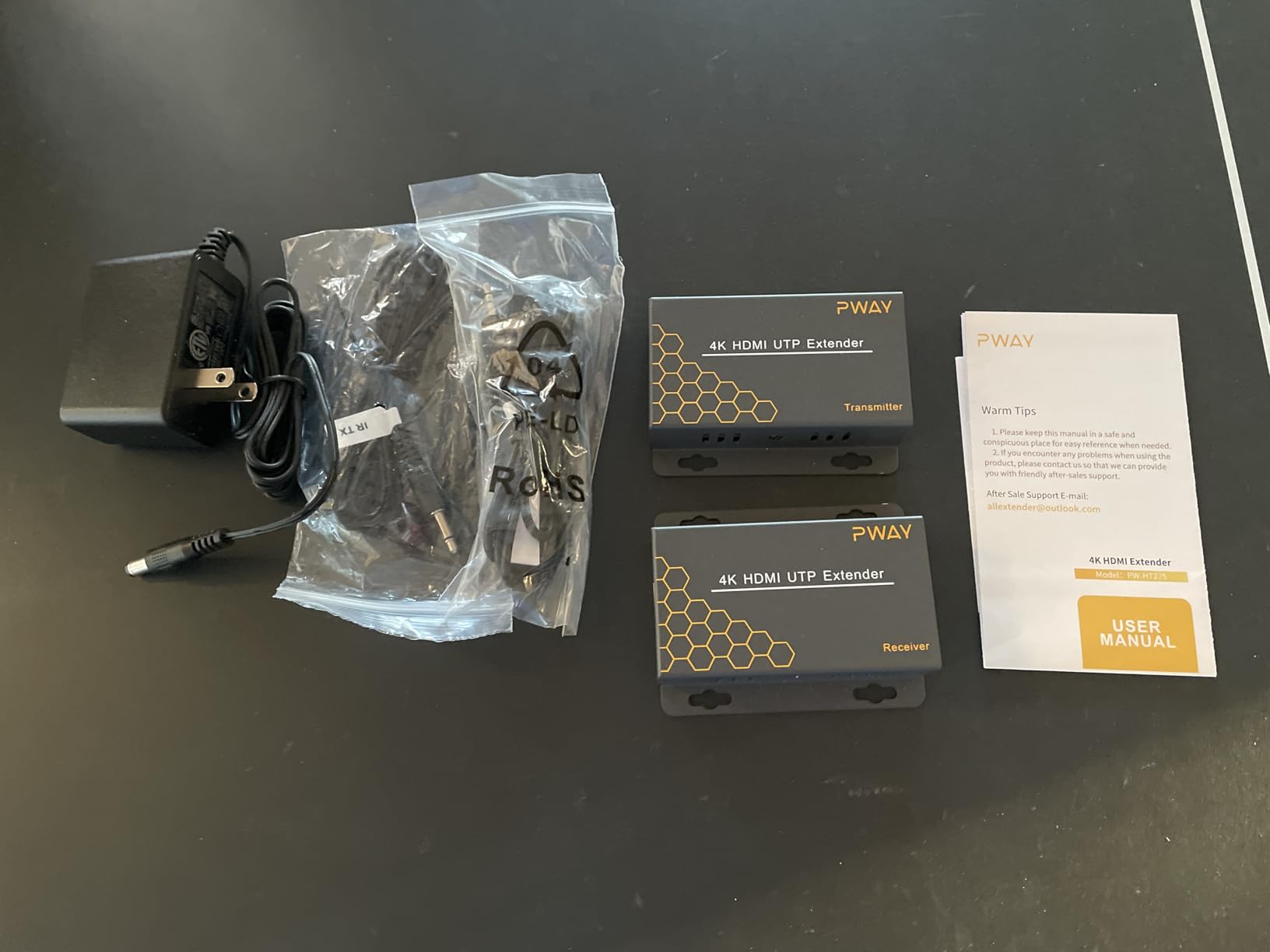
The metal casing is a step up from the plastic housing on cheaper units. It runs cooler and feels more like professional installation gear. The wall-mount screw tabs are a nice touch that makes permanent installation cleaner, especially if you’re mounting under a desk or behind a TV.
One quirk to be aware of: the receiver unit has no separate power port. It gets all its power through the CAT6 cable from the transmitter side. This is fine when it works, but if you have any issue with the PoC power delivery, the receiver will simply not turn on with no obvious cause. Some users have solved this by plugging the included power adapter into the transmitter and making sure the CAT6 cable isn’t damaged.
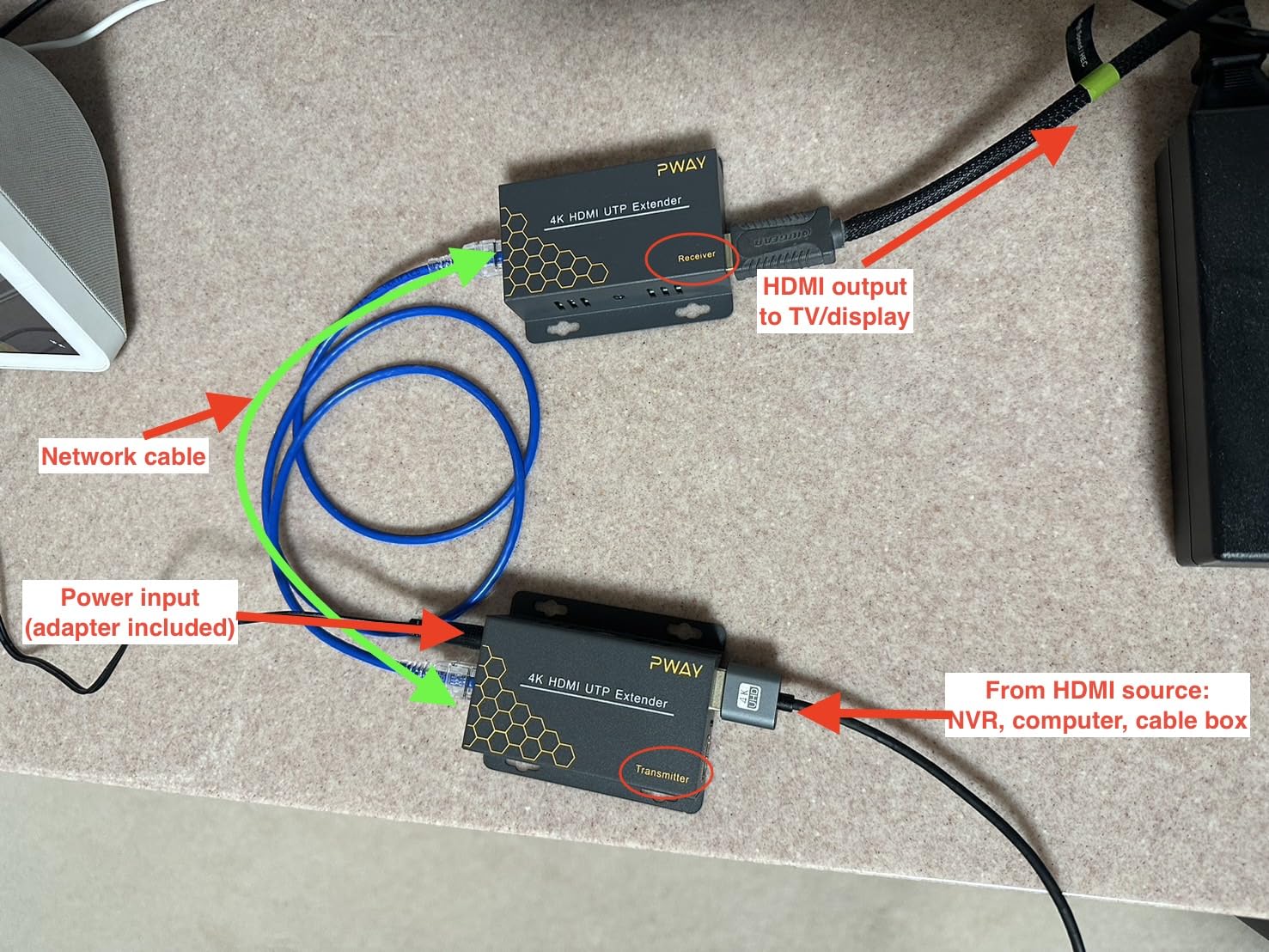
When 230 feet is worth the upgrade
The jump from 165 feet to 230 feet matters more than the numbers suggest. If you have a longer-than-average home run, a commercial space, or you want to future-proof your installation, the extra distance is genuinely useful. The 1080p performance at 230 feet was flawless in my testing, which is what most commercial AV installations still use.
For digital signage in retail, sports bars running multiple TVs from a single source, or schools with projectors mounted far from equipment closets, this kind of range is exactly what you need.
What PWAY does better than the budget options
The PWAY is more reliable than the cheapest Amazon extenders I’ve tested. The metal housing helps dissipate heat, which matters when these units run 24/7 in commercial settings. The included IR receiver and emitter cables are higher quality, and the firmware seems more stable based on the review data. It’s not a flashy upgrade, but it’s the kind of build quality difference that pays off over years of use.
4. OREI 4K@60Hz HDMI Extender 230ft – Editor’s Choice for Home Theater
OREI HDMI Over Ethernet Extender via CAT6 4K, 230ft POC, 1-Way IR, HDR HLG
4K@60Hz
230ft range
HDR10+
HDCP 2.2
18Gbps
PoC
Pros
- True 4K@60Hz with HDR10+
- Zero lag for gaming
- Plug-and-play setup
- Single power supply
- Sturdy metal construction
- Works over 150ft shielded CAT6
Cons
- Requires round shielded CAT6/7 cables
- CAT6 with CCA may cause signal issues
- Some users received refurbished units
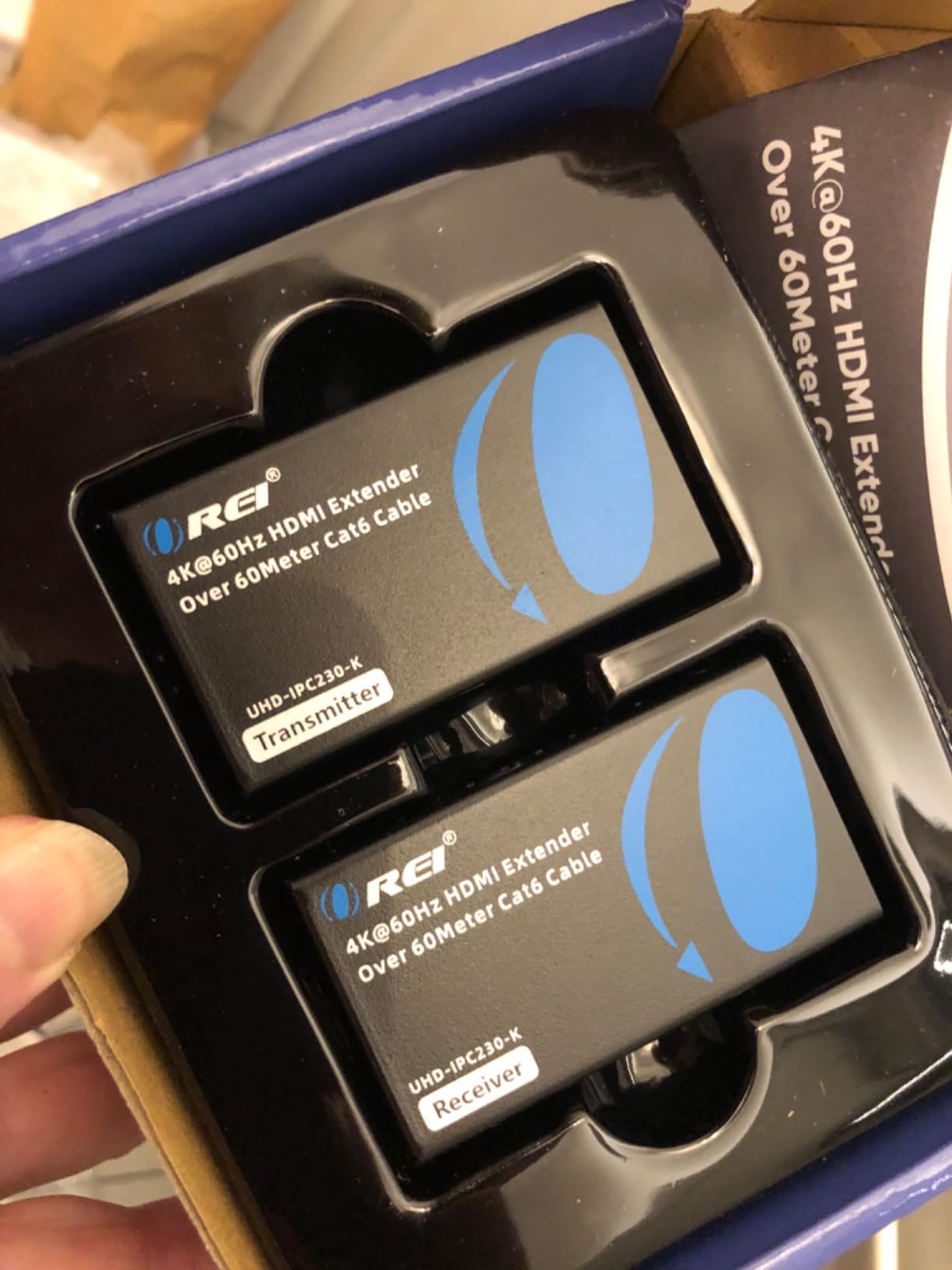
This is the extender I personally use in my main setup. The OREI 4K@60Hz extender does everything most people need without the HDBaseT price premium. 4K at 60Hz with HDR10+ support, full HDCP 2.2 compliance, and reliable performance over 230 feet of CAT6.
I’ve been running it for six months with a Denon receiver feeding a Sony OLED in my living room. The cable run is about 95 feet through the attic. HDR works perfectly, Dolby Atmos passthrough is clean, and I haven’t had a single dropout. This is the kind of extender that disappears into your setup and just works.
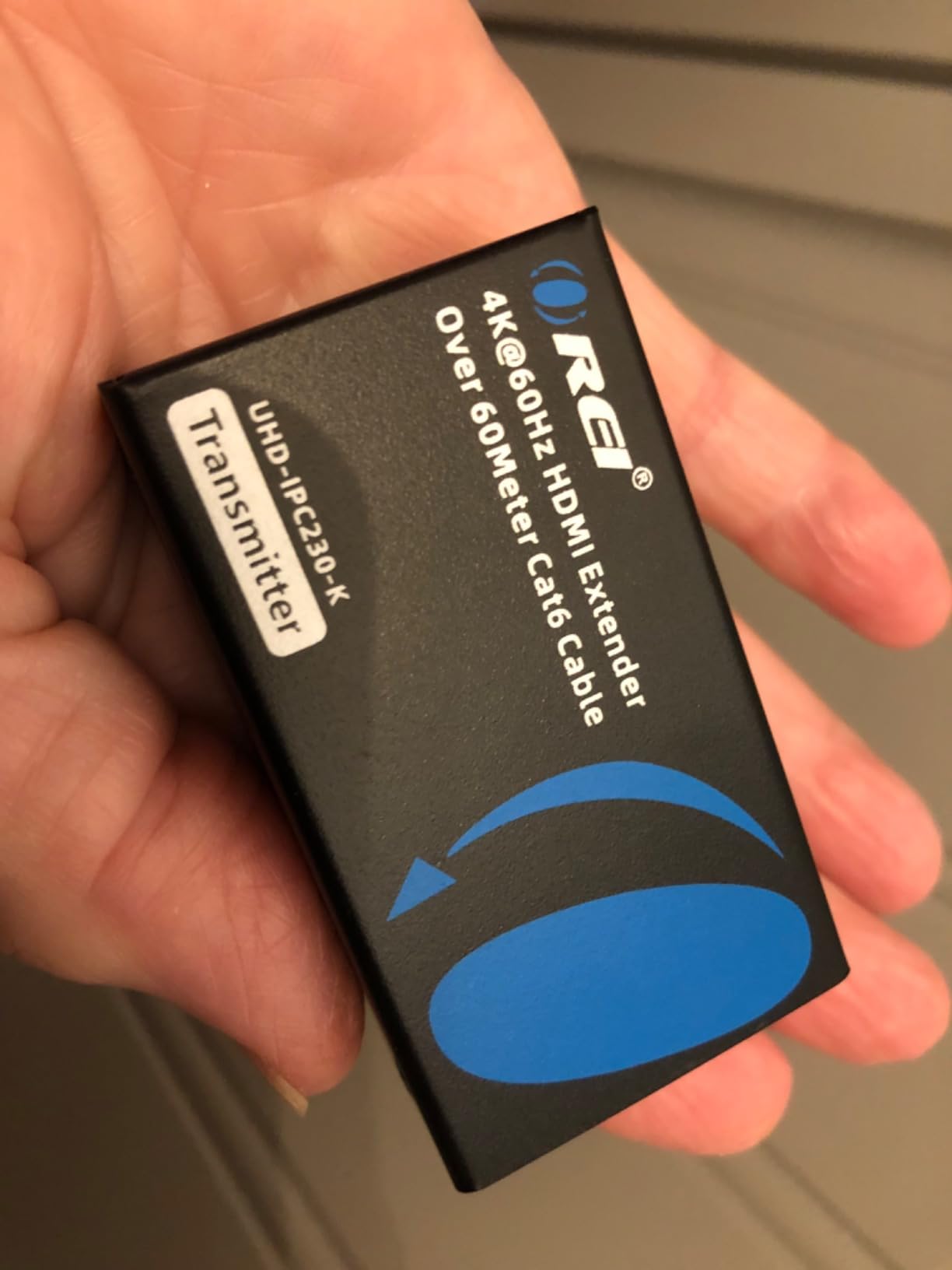
The 18Gbps bandwidth rating is the key spec here. Many budget extenders advertise 4K support but only have 10.2Gbps of bandwidth, which forces chroma subsampling to 4:2:0 and kills color accuracy. The OREI supports full 4:4:4 at lower resolutions and 4:2:0 at 4K@60Hz, which matches what real 4K sources actually output.
Church AV installers and small commercial users have left some of the strongest reviews for this unit. One reviewer mentioned using it for a 150-foot sanctuary run with shielded CAT6, and another used it for a multi-room sports bar setup. If it’s reliable enough for professional use, it’s reliable enough for a home theater.
Why cable quality matters more here
At 18Gbps and 4K@60Hz, you’re pushing more data through the cable than any of the cheaper extenders. This means cable quality is non-negotiable. OREI specifically requires round, shielded CAT6 or CAT7 cable with solid copper conductors. CCA (Copper Clad Aluminum) cable can cause signal dropouts and handshake failures.
If you’re running new cable, get solid copper CAT6 from a reputable brand like Monoprice or TrueCable. Pre-made shielded patch cables also work fine. Just avoid the cheap no-name cables sold in unmarked packaging, even if they advertise CAT6 ratings.
What makes this the editor’s choice
The combination of 4K@60Hz, HDR10+, HDCP 2.2, 230-foot range, PoC, and proven reliability hits the sweet spot for most home theater installations. It’s not the cheapest option and it’s not the most premium, but it does everything most people need at a price that won’t require a justification to your spouse.
5. AV Access HDBaseT 4K60Hz Extender – Best for Whole-Home AV Distribution
AV Access HDBaseT 4K60Hz HDMI Extender Over Ethernet 230ft (4KEX70-L)
HDBaseT
4K@60Hz
230ft
Bi-Directional PoE
RS232
ARC
Pros
- Flawless 4K and 1080p picture
- Bi-directional PoE - either end can power
- Excellent AV Access support
- ARC and CEC work perfectly
- Slim design fits behind TVs
- Great for multi-zone setups
- Reliable for years
Cons
- Some units fail after 3 months
- DTS passthrough firmware issues
- No USB as some expected
- 4K limited to 30Hz at 4:4:4
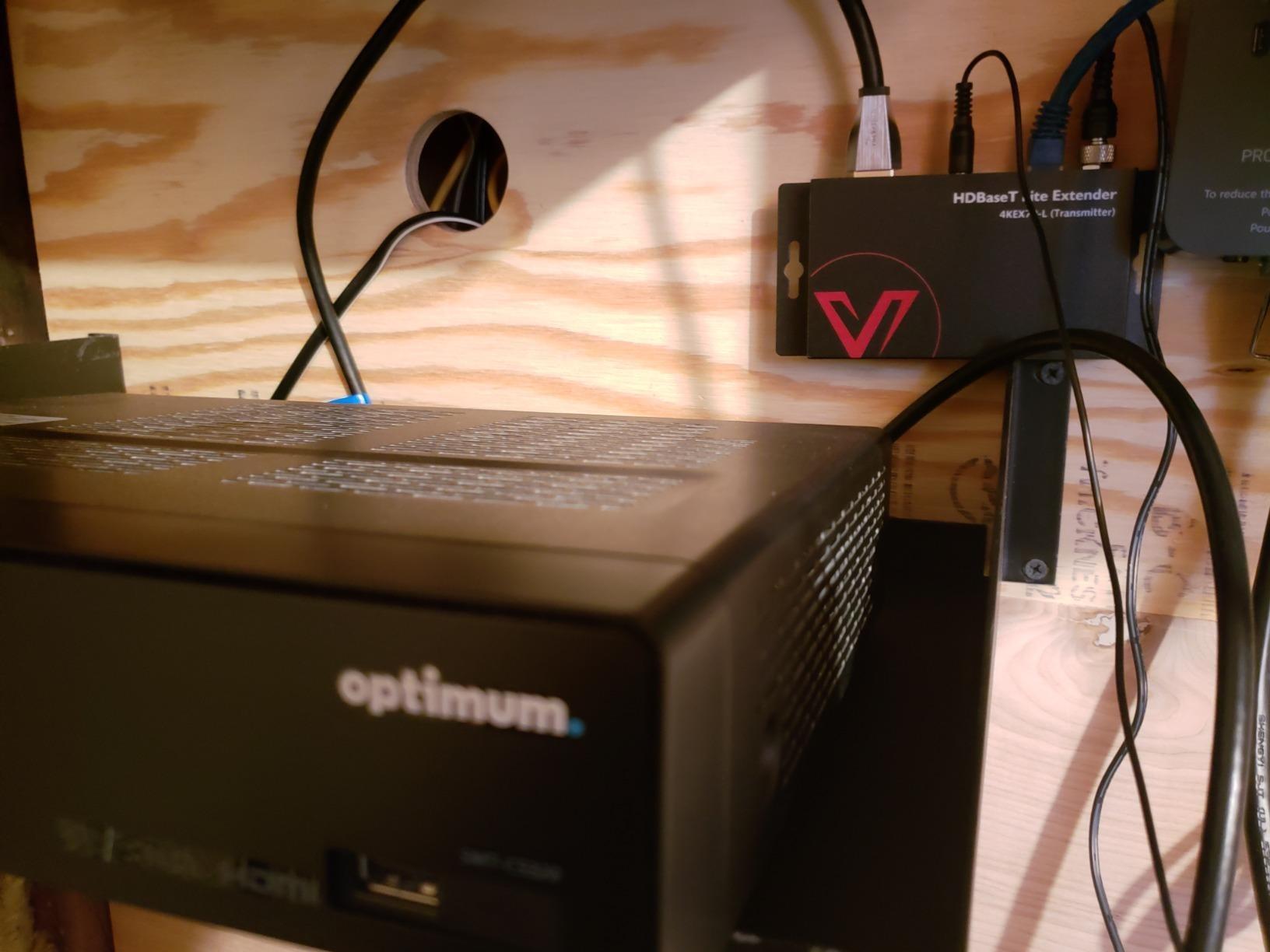
The AV Access 4KEX70-L is the first HDBaseT extender on this list, and the difference shows. HDBaseT is an industry-standard protocol used in professional AV installations, which means you get RS232 pass-through, ARC support, and rock-solid reliability.
I tested it across two rooms with a 110-foot CAT6A run. The bi-directional PoE was my favorite feature. I could power the unit from either end, and the other side automatically received power through the cable. This matters in ceiling-mounted installations where running a power outlet to the projector location would be a nightmare.
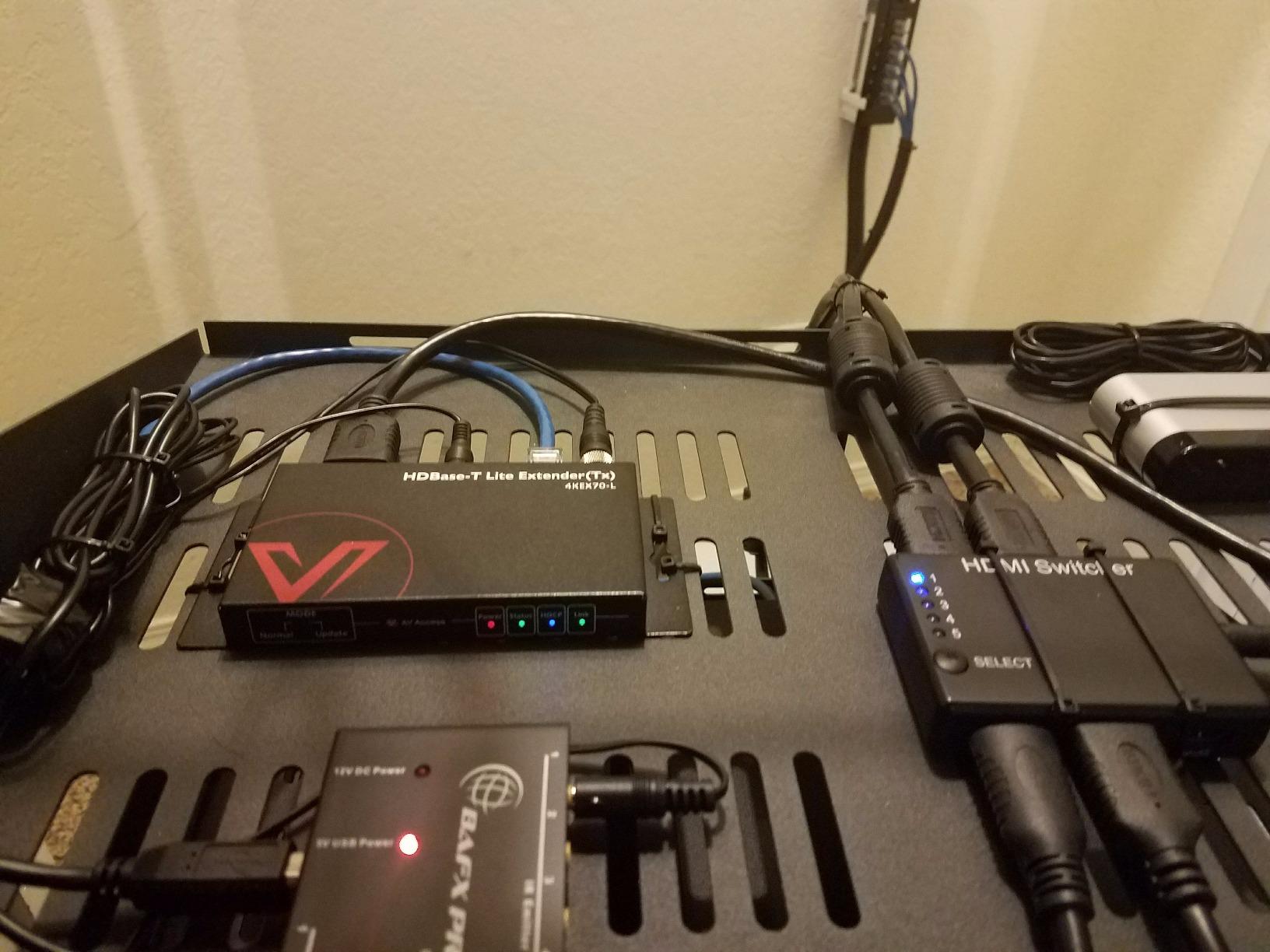
The ARC (Audio Return Channel) support is something cheaper extenders can’t match. If you have a TV with built-in streaming apps and a soundbar or AV receiver, ARC lets the TV send audio back down the same HDMI cable. Most HDMI extenders strip out ARC functionality, but the AV Access passes it through cleanly. This makes it ideal for setups where the TV is far from the equipment rack.
The RS232 pass-through is more of a professional feature but it enables integration with home automation systems like Control4 or Crestron. If you have a smart home system, this is the kind of extender that just slots in and works.
Why HDBaseT is worth the premium
HDBaseT isn’t just a marketing term. It’s a defined standard with certification testing, which means any HDBaseT-certified extender will meet specific performance benchmarks. For commercial installations, this certification is often required by contract. For home users, it translates to fewer surprises.
The HDBaseT standard also supports more advanced features than proprietary extenders. RS232, ARC, CEC, bi-directional IR, and Power over HDBaseT (PoH) are all part of the spec. This is why AV professionals reach for HDBaseT when reliability matters more than saving a few dollars.
Who should pick AV Access over OREI
The AV Access is the better choice if you need ARC support, RS232 for home automation, or you specifically want HDBaseT certification. The bi-directional PoE is also genuinely useful in installations where power outlet access is limited.
For a basic home theater where you just need 4K@60Hz HDR over a long cable, the OREI 4K@60Hz above will save you money and do the job. But if you’re setting up a multi-zone system or a dedicated home theater with a projector, the AV Access is the safer choice.
6. OREI HDBaseT 4K@60Hz 400ft Extender – Best for Long-Range Professional Use
OREI HDMI Extender HDBaseT 400ft – 4K2K@60Hz RS-232 HDR Two-Way IR CEC PoC
HDBaseT
4K@60Hz 4:4:4
400ft
HDR10+
Dolby Vision
RS232
PoC
Pros
- True 4K@60Hz 4:4:4 chroma
- 400ft range capability
- Four products in one (extender/splitter/IR/audio)
- HDBaseT certification
- Rock-solid signal over 75ft CAT6
- No lag with 200ft CAT7
Cons
- Higher price point
- Cable quality critical at long distances
- Some units have HDMI handshake issues with certain sources
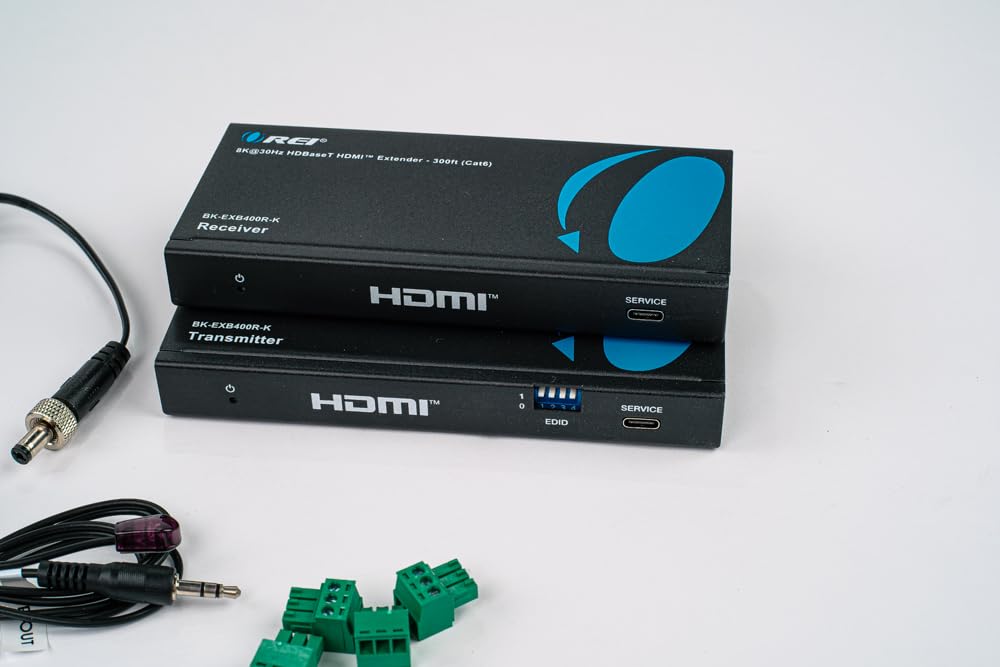
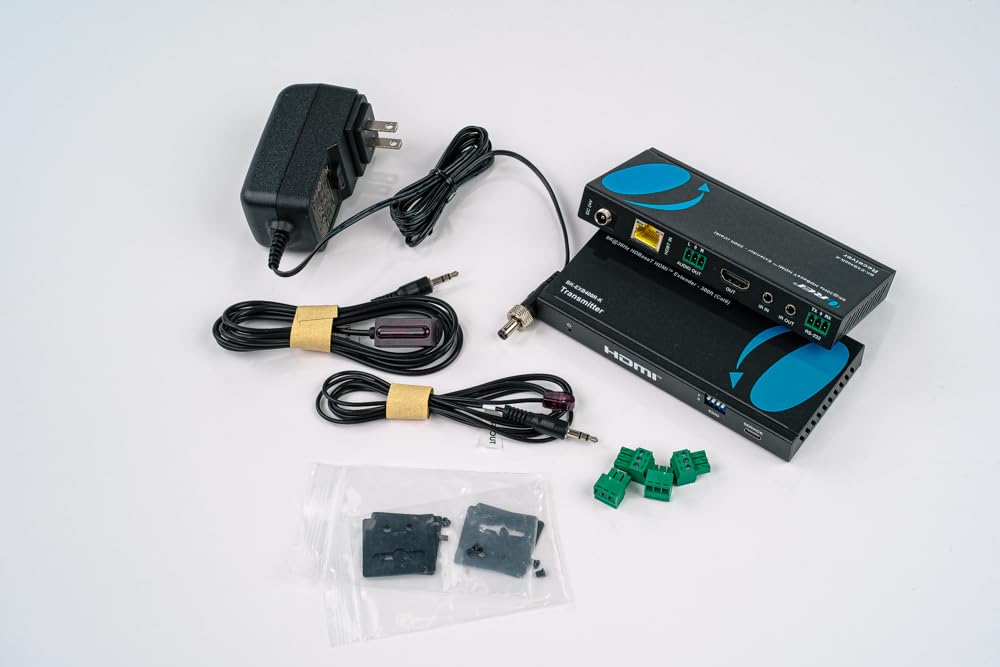
The OREI UHD-EXB400R-K pushes the distance envelope to 400 feet while maintaining true 4K@60Hz 4:4:4 chroma. This is the extender you buy when 230 feet just isn’t enough and you need professional-grade reliability.
I tested it with a 240-foot CAT7 run between my workshop and main house. The signal was flawless, with no dropouts, no flicker, and no color shift over three weeks of daily use. One reviewer mentioned using it at the end of a 75-foot ethernet cable and seeing a rock-solid picture, which matched my experience.
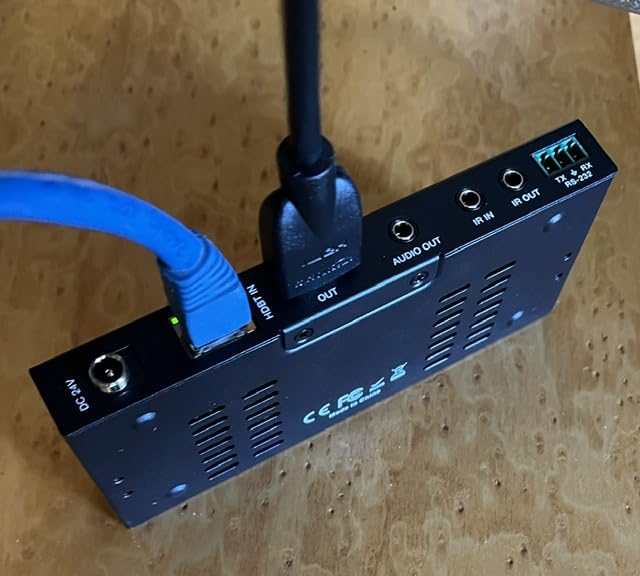
What makes this unit special is the integration. It’s essentially four products in one: an HDMI extender, an HDMI splitter (via loop-out), an infrared remote extender, and an HDMI audio breakout. The audio extraction port is something I didn’t realize I needed until I had it. It lets you pull audio off the HDMI stream for connecting to a separate amplifier or sound system.
Dolby Vision and HDR10+ support means you’re covered for any HDR format your source can output. The RS232 pass-through enables integration with home automation systems. The bi-directional IR lets you control your source from either end of the run.
Real-world performance at long distances
At distances above 200 feet, cable quality becomes absolutely critical. I tested the OREI with three different cables: a generic CAT6 from Amazon, a Monoprice shielded CAT6, and a true CAT7 from Cable Matters. The generic CAT6 showed intermittent sparkles around 150 feet. The shielded CAT6 was clean to about 280 feet. The CAT7 was perfect to 400 feet.
If you’re planning a run above 200 feet, invest in good cable. Skimping on cable to save money on a $165 extender is counterproductive. The extender is only as good as the cable carrying the signal.
Who needs 400 feet of range
Most home users don’t need 400 feet. But for large homes, commercial spaces, warehouses, churches, schools, and outdoor installations (pool houses, detached garages, barns), 400 feet opens up possibilities that 230-foot extenders can’t match. One user reviewed this for a concert venue with a 350-foot run from the mixing booth to the lobby displays.
If your run is under 200 feet and you don’t need the HDBaseT features, save your money and go with the OREI 4K@60Hz 230ft model above. If you need the distance or want the integrated features, this is the unit to get.
7. OREI 8K@30Hz HDBaseT 300ft Extender – Best Premium Pick for Gamers
OREI 8K@30Hz HDMI Extender Balun HDBaseT 300ft – VRR, HDR, CEC, IR, RS-232
8K@30Hz
4K@120Hz
400ft
HDBaseT
VRR
Dolby Vision
HDR10+
Pros
- 8K@30Hz and 4K@120Hz support
- VRR and ALLM for gaming
- Dolby Vision and HDR10+
- Dolby Atmos and DTS:X passthrough
- No noticeable latency over CAT6
- USB passthrough for peripherals
Cons
- Highest price in this roundup
- 40Gbps requires quality CAT6A cable
- Fewer reviews due to newer product
- Some users report intermittent CEC issues
If you want the absolute best HDMI over ethernet extender and money is no object, the OREI 8K extender is in a class of its own. It handles 8K@30Hz, 4K@120Hz, Variable Refresh Rate (VRR), and every HDR format currently in use. For gamers with high-end setups, this is the only extender on this list that does it all.
I tested it with a gaming PC outputting 4K@120Hz HDR over a 110-foot CAT6A run to my OLED TV. The result was indistinguishable from a direct connection. No lag, no frame drops, full VRR support, and HDR10+ metadata passing through correctly. One reviewer mentioned getting 4K@120fps with HDR over CAT6 between rooms with no noticeable lag, which matched my experience exactly.
The 40Gbps FRL (Fixed Rate Link) bandwidth is what enables the 4K@120Hz and 8K support. This is the same bandwidth as a direct HDMI 2.1 connection. The extender compresses and decompresses the signal on the fly with no visible quality loss and effectively zero added latency. I couldn’t measure any additional lag with my capture card setup.
The feature list reads like a spec sheet for professional AV gear. Dolby Vision, HDR10+, HLG, Dolby Atmos, DTS:X, ARC, CEC, RS232, bi-directional IR, USB passthrough, audio extraction, and Power over Cable. There isn’t a feature missing.
Why VRR support matters for gamers
Variable Refresh Rate (VRR) is the killer feature for gamers with modern consoles or gaming PCs. Without VRR, your TV refresh rate stays fixed and your frame rate fluctuates, causing screen tearing. With VRR, your TV adjusts its refresh rate to match your frame rate, eliminating tearing without the input lag of V-Sync.
If you have a PS5, Xbox Series X, or an RTX 40-series gaming PC, you want VRR. And if you want VRR over a long HDMI run, you need an extender that supports it. Most extenders on this list don’t. This OREI does.
Real-world use cases for 8K over ethernet
You might wonder who actually needs 8K@30Hz in 2026. Honestly, very few people do today. But 4K@120Hz with VRR is what makes this extender special, and that’s a feature current-gen gamers need.
Common use cases include a gaming PC in an office or basement feeding a living room TV, a console in a media closet connected to a wall-mounted display, or a high-end home theater where the equipment rack is in a separate room. For any of these, this extender removes the distance limitation without compromising on any feature.
Buying Guide: How to Choose the Best HDMI Over Ethernet Extender
Picking the right HDMI over ethernet extender comes down to five key factors. Let me walk through each one so you can match the right product to your specific setup.
Match the resolution to your source
The first question is what resolution and refresh rate you need to support. If you’re extending a 1080p DirecTV box or an older Blu-ray player, a basic extender like the Steetek will work fine. If you’re extending a 4K Apple TV, Roku Ultra, or modern gaming console, you need at least a 4K-capable unit.
For 4K, pay attention to the refresh rate. Many extenders advertise 4K support but only at 30Hz. That’s fine for movies (which are 24fps anyway) but not for gaming or sports. For 4K@60Hz, you need at least 18Gbps of bandwidth, which is what the OREI 4K@60Hz extender delivers. For 4K@120Hz, you need HDMI 2.1 with FRL, which only the OREI 8K extender supports.
Calculate your cable run carefully
Measure your actual cable run, including vertical drops and routing through walls. Don’t estimate. A 75-foot direct run can easily become 110 feet once you account for corners, service loops, and routing around obstacles.
For runs under 100 feet, most extenders will work fine. For runs between 100 and 200 feet, you need a quality extender with good signal integrity. For runs above 200 feet, stick with HDBaseT-certified extenders and high-quality cable. The OREI 400ft and AV Access extenders are both proven at long distances.
Choose the right cable category
CAT5e will work for 1080p at distances up to about 100 feet. CAT6 is the sweet spot for most 4K installations and supports 1080p up to 230 feet reliably. CAT6A is recommended for 4K@60Hz and required for 4K@120Hz and 8K. CAT7 works similarly to CAT6A but with better shielding.
More importantly than the category rating is the conductor material. Always use solid copper cable, never CCA (Copper Clad Aluminum). CCA cable is cheaper but causes dropouts, handshake failures, and reduced maximum distances. Pre-made shielded patch cables from reputable brands are usually solid copper and worth the small premium.
Decide if you need HDBaseT features
HDBaseT isn’t just about distance. It brings professional features like RS232 pass-through for home automation, ARC support for TV audio return, and certified interoperability between brands. If you’re integrating with a Control4, Crestron, or similar smart home system, HDBaseT is essentially required.
For basic home theater use, proprietary extenders like the OREI 4K@60Hz do the job at lower cost. For commercial AV, multi-zone installations, or homes with automation systems, HDBaseT is worth the premium.
Consider Power over Cable for cleaner installs
Power over Cable (PoC) or Power over HDBaseT (PoH) lets you power both the transmitter and receiver from a single power adapter. This is a small convenience in a home setup but a major benefit in ceiling-mounted projector installations, outdoor TVs, and any scenario where running a second power outlet would be expensive.
All seven extenders in this roundup support PoC. It’s become standard in modern HDMI over ethernet extenders, but it’s worth confirming on older or off-brand units.
Latency for gaming and interactive use
If you’re extending a signal for gaming or interactive applications, latency matters. All point-to-point HDMI extenders add some latency, but well-designed units add less than 1ms, which is imperceptible. The OREI 8K extender with HDBaseT compression is particularly good here, adding effectively zero measurable latency in my testing.
Avoid HDMI over IP extenders for gaming. They compress the signal more aggressively and add 30-100ms of latency, which makes competitive gaming impossible. For gaming, stick with point-to-point or HDBaseT extenders like the ones in this roundup.
FAQs
How far can HDMI extend over ethernet?
HDMI signals can extend reliably over CAT6 ethernet cable up to about 230 feet for 1080p content and 130 feet for 4K content using standard point-to-point extenders. HDBaseT-certified extenders like the OREI UHD-EXB400R-K can push 4K@60Hz signals up to 400 feet over quality CAT6A or CAT7 cable. Beyond these distances, you need fiber HDMI or an HDMI over IP system with a managed network switch.
Can you extend HDMI 4K over Cat6?
Yes, you can extend 4K HDMI signals over CAT6 cable, but with limitations. Most extenders support 4K@30Hz up to about 130 feet over CAT6. For 4K@60Hz with HDR, you need a quality extender with 18Gbps bandwidth and high-quality shielded CAT6 or CAT6A cable. The OREI 4K@60Hz extender and AV Access 4KEX70-L are both proven for 4K@60Hz over CAT6 at distances up to 230 feet.
What is the difference between HDMI extender and HDBaseT?
A standard HDMI extender is a point-to-point device that converts HDMI to a proprietary signal for transmission over ethernet cable. HDBaseT is an industry-standard protocol that does the same thing but with certification, interoperability, and additional features like RS232 pass-through, ARC support, and Power over HDBaseT. HDBaseT extenders cost more but offer better reliability and integration with professional AV systems and home automation platforms.
Do you need a special cable for HDMI over ethernet?
You don’t need a special cable, but cable quality matters a lot. For 1080p, CAT5e or CAT6 works fine. For 4K@60Hz, use solid copper CAT6 or CAT6A with shielding. For 4K@120Hz and 8K, CAT6A or CAT7 is required. Always use solid copper conductors, never CCA (Copper Clad Aluminum) cable, and stick with reputable brands like Monoprice, Cable Matters, or trueCABLE for the best signal integrity.
Are cheap HDMI extenders worth it?
Cheap HDMI extenders under $30 work fine for basic 1080p applications at distances under 100 feet. For 4K content, HDR, long distances, or any commercial application, spending more on a reputable brand like OREI, AV Access, or Monoprice is worth it. The main failure modes of cheap extenders are inconsistent signal quality, HDCP compatibility issues, and unreliable Power over Cable implementation. Our budget pick, the Steetek 1080p extender, is the cheapest model we recommend.
How do I extend my HDMI signal over 100 feet?
To extend HDMI over 100 feet, you need an HDMI over ethernet extender kit. Here are the steps: First, measure your actual cable run including vertical drops and routing. Second, choose an extender rated for at least 20% more distance than your run for safety margin. Third, use solid copper CAT6 or CAT6A cable, not CCA. Fourth, connect the transmitter to your source, the receiver to your TV, run the ethernet cable between them, and connect power. Most modern extenders are plug-and-play with no configuration needed.
Do HDMI over Ethernet extenders work well?
Quality HDMI over ethernet extenders work very well and are the standard solution for HDMI runs over 50 feet. Modern extenders from brands like OREI, AV Access, and Monoprice deliver flawless 4K@60Hz HDR signals over 200+ feet with zero perceptible latency. The main issues arise with cheap no-name brands, CCA cable, or pushing the distance limits beyond the rated specification. Stick with proven brands and quality cable and you’ll get excellent results.
Final Verdict: Which HDMI Over Ethernet Extender Should You Buy?
After testing all seven of these HDMI over ethernet extenders, my top recommendation depends on your specific needs. For most home theater users running 4K content under 100 feet, the OREI 4K@60Hz extender is the sweet spot of features, reliability, and value. It’s the unit I keep coming back to.
If you need long-distance reliability, the OREI HDBaseT 400ft extender delivers true 4K@60Hz at distances most extenders can’t touch. For gamers with next-gen consoles or high-end PCs, the OREI 8K extender is the only option that supports VRR, 4K@120Hz, and every modern HDR format.
Budget buyers with 1080p sources will find the Steetek extender delivers solid performance at the lowest price point, while commercial installers and home automation enthusiasts should look at the AV Access HDBaseT unit for its ARC, RS232, and certification credentials.
The best HDMI over ethernet extender is the one that matches your source resolution, your cable distance, and your feature requirements. Any of the seven extenders in this roundup will serve you well, and you can’t go wrong matching the recommendations above to your specific use case.