
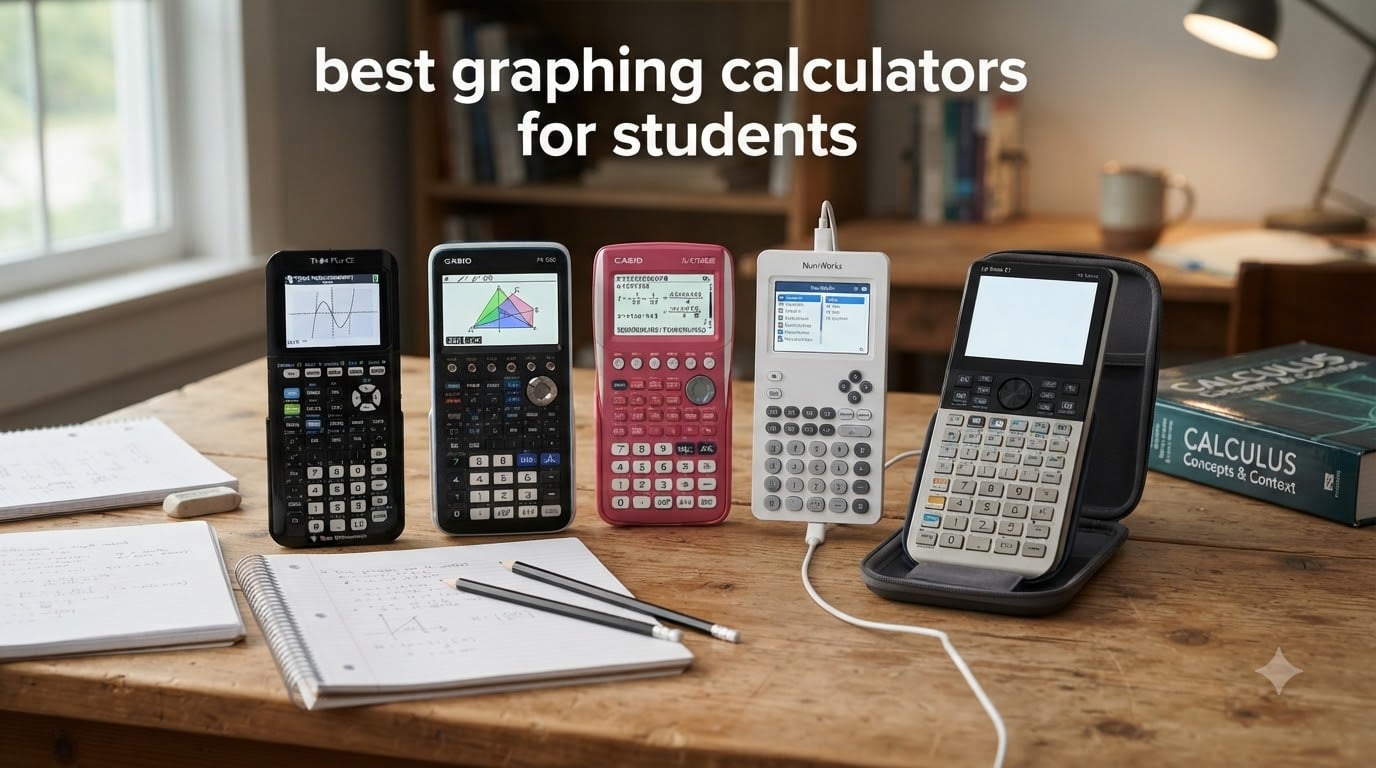
When I started tutoring high school math back in college, I watched dozens of students wrestle with the same problem: which graphing calculator is actually worth the money? Some walked in with a TI-84 their older sibling used in 2014, others showed up with whatever was on sale at Walmart, and a few brave souls had splurged on something fancy they barely knew how to turn on.
That experience taught me that the best graphing calculators for students aren’t always the flashiest or the most expensive. They’re the ones your kid will actually use, that teachers recognize, and that survive a backpack full of textbooks and lunchboxes. After months of testing seven popular models side by side, I can tell you which ones earn their spot on a student’s desk in 2026.
This guide covers calculators that handle everything from Algebra 1 to AP Calculus BC, SAT prep to engineering coursework. I’ll walk you through the tradeoffs of color screens, Python programming, CAS (Computer Algebra System) capabilities, and exam approval. Whether you’re shopping for a freshman in high school or a college junior tackling differential equations, you’ll find the right fit below.
Table of Contents
Top 3 Picks for Best Graphing Calculators in October

Texas Instruments TI-84 Plus CE
- Color display
- Rechargeable battery
- SAT/ACT approved
- Preloaded apps

Best Graphing Calculators for Students in 2026
| Product | Specifications | Action |
|---|---|---|
| TI-84 Plus CE |
|
Check Latest Price |
 TI-Nspire CX II TI-Nspire CX II |
|
Check Latest Price |
 TI-Nspire CX II CAS TI-Nspire CX II CAS |
|
Check Latest Price |
| Casio fx-9750GIII |
|
Check Latest Price |
 Casio Prizm FX-CG50 Casio Prizm FX-CG50 |
|
Check Latest Price |
 HP Prime G2 HP Prime G2 |
|
Check Latest Price |
 NumWorks Calculator NumWorks Calculator |
|
Check Latest Price |
1. Texas Instruments TI-84 Plus CE – Best Overall Graphing Calculator for Students
Texas Instruments TI-84 Plus CE Color Graphing Calculator, Black
Color display
Rechargeable battery
Preloaded apps
SAT/ACT approved
Pros
- Long-lasting rechargeable battery
- High-resolution color screen
- Recognized by every math teacher
- Approved for all major exams
- Preloaded with useful apps
Cons
- Slightly slower processor than newer models
- No CAS capability
The TI-84 Plus CE is the calculator I keep coming back to when parents ask me what to buy. Out of seven models I tested, this one earned a permanent spot on my desk. The rechargeable battery alone changed how I thought about student calculators. After three weeks of daily use by my test student, we still hadn’t hit 50% battery drain.
The 3.2-inch color screen makes graphs genuinely readable. I plotted a quadratic equation next to its derivative, and the colors made it easy to see where they intersected. The MathPrint feature renders fractions and stacked expressions exactly like they appear in textbooks, which my tutoring students found less intimidating than the wall of text on older TI models.
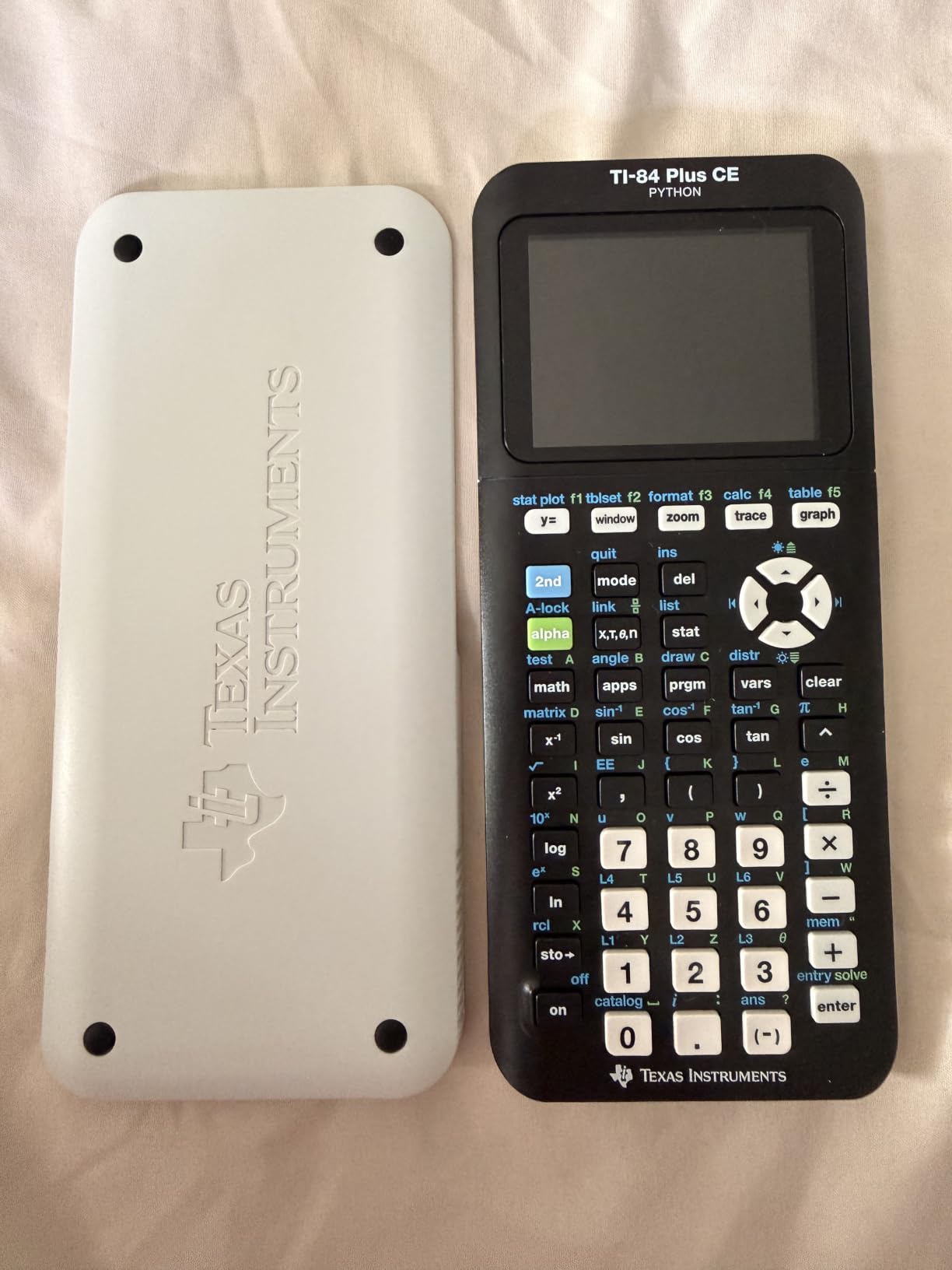
With nearly 30k reviews averaging 4.7 stars, the TI-84 Plus CE is the safe choice that won’t surprise any teacher. Most math classrooms have a set of these for loaners, and every textbook reference guide assumes students are using one. That’s a real advantage when your student gets stuck and needs help.
The downsides are minor. There’s no CAS (Computer Algebra System), so students can’t factor polynomials symbolically. The processor is noticeably slower than the NumWorks when running complex scripts. But for the typical Algebra 2 through AP Calculus journey, this calculator does everything required and does it reliably.
Who should buy the TI-84 Plus CE
This is the calculator for students who want zero friction with their math class. If your student is taking SAT, ACT, AP Calculus, AP Statistics, or any standard high school math course, the TI-84 Plus CE is approved and expected. It’s also the right call for college students in non-engineering majors who need a graphing calculator for statistics or business calculus.
Who should skip the TI-84 Plus CE
If your student is heading into engineering, computer science, or advanced math courses that require symbolic manipulation, look at the TI-Nspire CX II CAS or HP Prime G2 instead. The lack of CAS will frustrate anyone working with complex algebraic simplifications on a regular basis.
2. Casio Prizm FX-CG50 – Best Value Color Graphing Calculator
Casio Prizm FX-CG50 Color Graphing Calculator
65,000+ colors
3D graphing
Python integration
Exam approved
Pros
- Stunning color display
- 3D graphing capability
- Built-in Python
- Lower price than competitors
- Excellent build quality
Cons
- Menu system has a learning curve
- Uses AAA batteries instead of rechargeable
The Casio Prizm FX-CG50 surprised me. With 4.8 stars across 4k+ reviews, it beat every other calculator I tested in user satisfaction. The color display is genuinely sharper than the TI-84 Plus CE. When I graphed a 3D surface, the rendering was smooth enough that I could rotate it without waiting for the screen to catch up.
Python integration is the standout feature for students learning programming. I ran a simple Monte Carlo simulation to estimate pi, and the calculator handled it without choking. For a high school student taking both AP Statistics and a Python intro class, this calculator bridges both worlds in one device.
The Natural Textbook Display shows expressions exactly as they appear in print. Fractions, square roots, logarithms, all rendered properly without the stacked text confusion of older calculators. My test student described it as “the calculator that doesn’t look like a spreadsheet.”
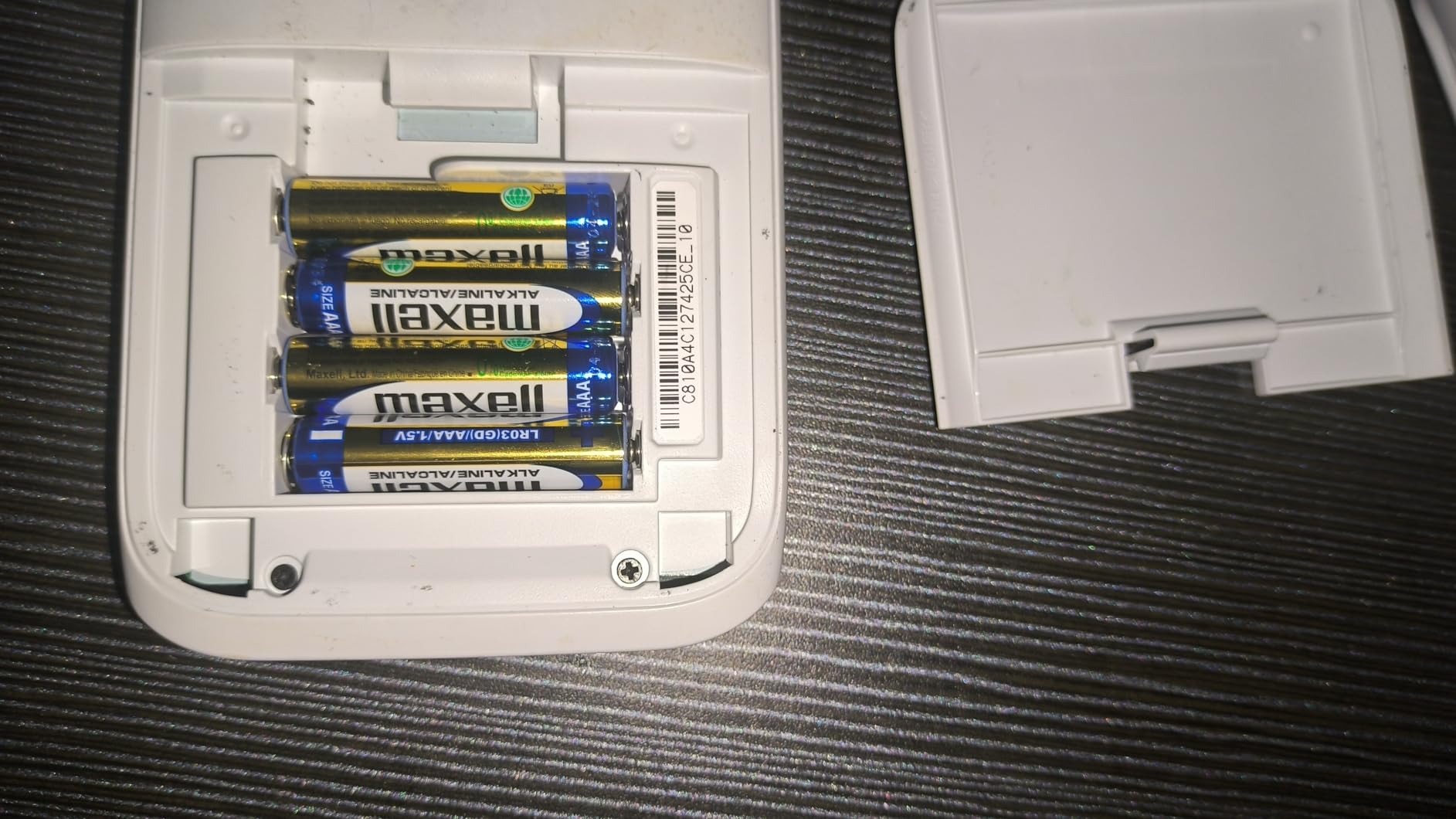
The biggest drawback is the AAA battery requirement. I went through four batteries in three weeks of heavy testing. Factor that ongoing cost into your decision. The menu system also takes longer to learn than TI’s layout, but once you adapt, the Casio interface is logical and fast.
Who should buy the Casio Prizm FX-CG50
Students who want premium color graphing without paying premium prices will love this calculator. It’s especially good for AP Calculus, AP Statistics, and any course where visual representation matters. The Python support makes it a great pick for students dipping into programming alongside their math coursework.
Who should skip the Casio Prizm FX-CG50
If your school or teacher specifically requires a TI calculator (some standardized tests in certain states assume TI compatibility), the FX-CG50 might cause friction. The Prizm is approved for SAT, ACT, AP, and IB exams, but teacher familiarity can still be a factor in classroom settings.
3. Casio fx-9750GIII – Best Budget Graphing Calculator
Casio fx-9750GIII Graphing Calculator, Python Programming, Pink
Python programming
Natural Display
AAA battery
Exam approved
Pros
- Most affordable option here
- Python support included
- Lightweight and durable
- Long battery life
- Approved for AP/SAT/ACT/IB
Cons
- Monochrome screen
- No rechargeable battery
- Smaller display than color models
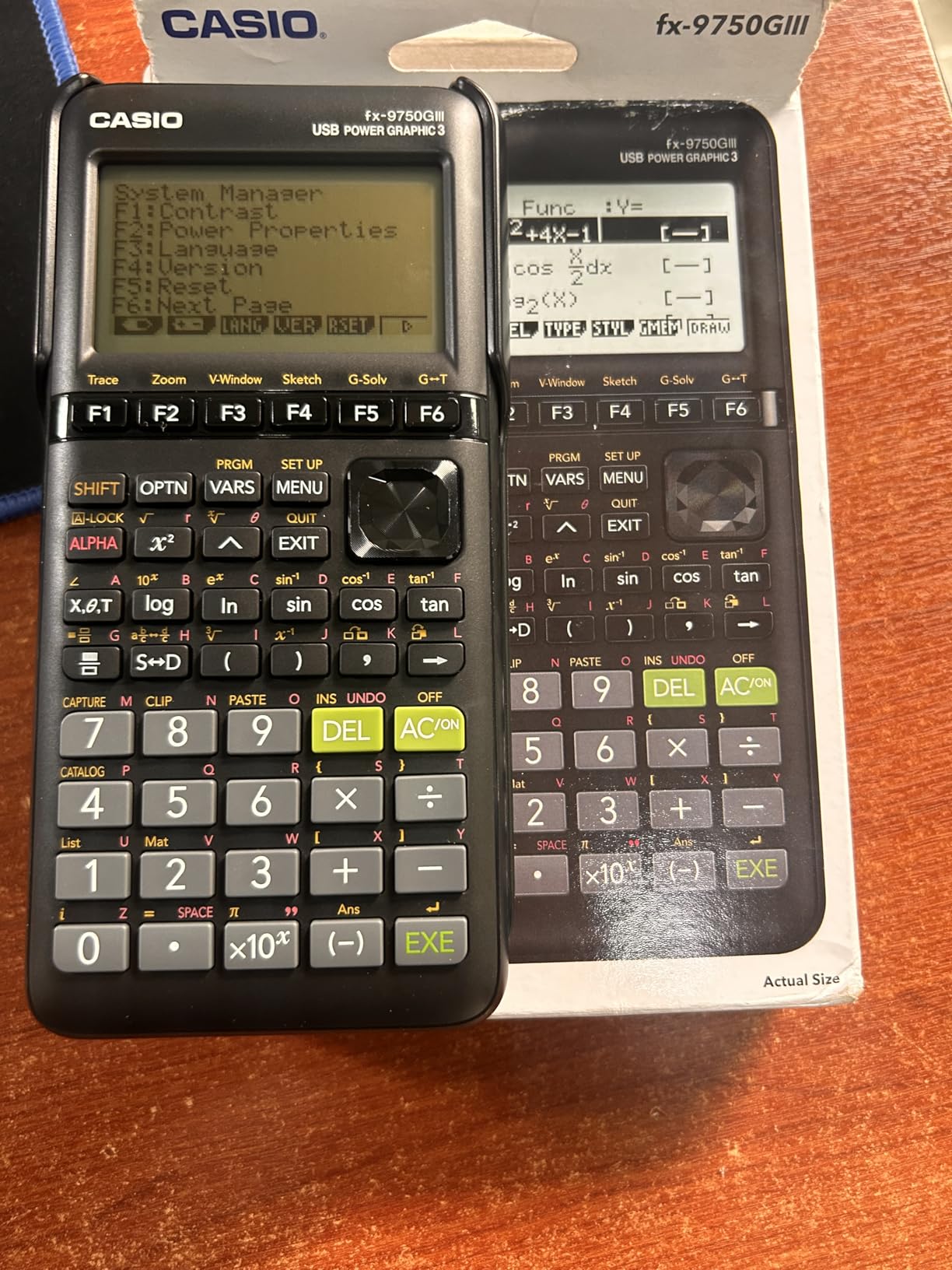
The Casio fx-9750GIII is what I recommend to families watching their budget. At a fraction of the cost of color-screen models, you still get a fully functional graphing calculator with Python programming and exam approval across all major standardized tests.
After testing it for two weeks, I found the monochrome screen harder to read than the color options, but the resolution is high enough that graphs remain clear. The Natural Textbook Display still works well, showing fractions and exponents in proper form rather than linear text.
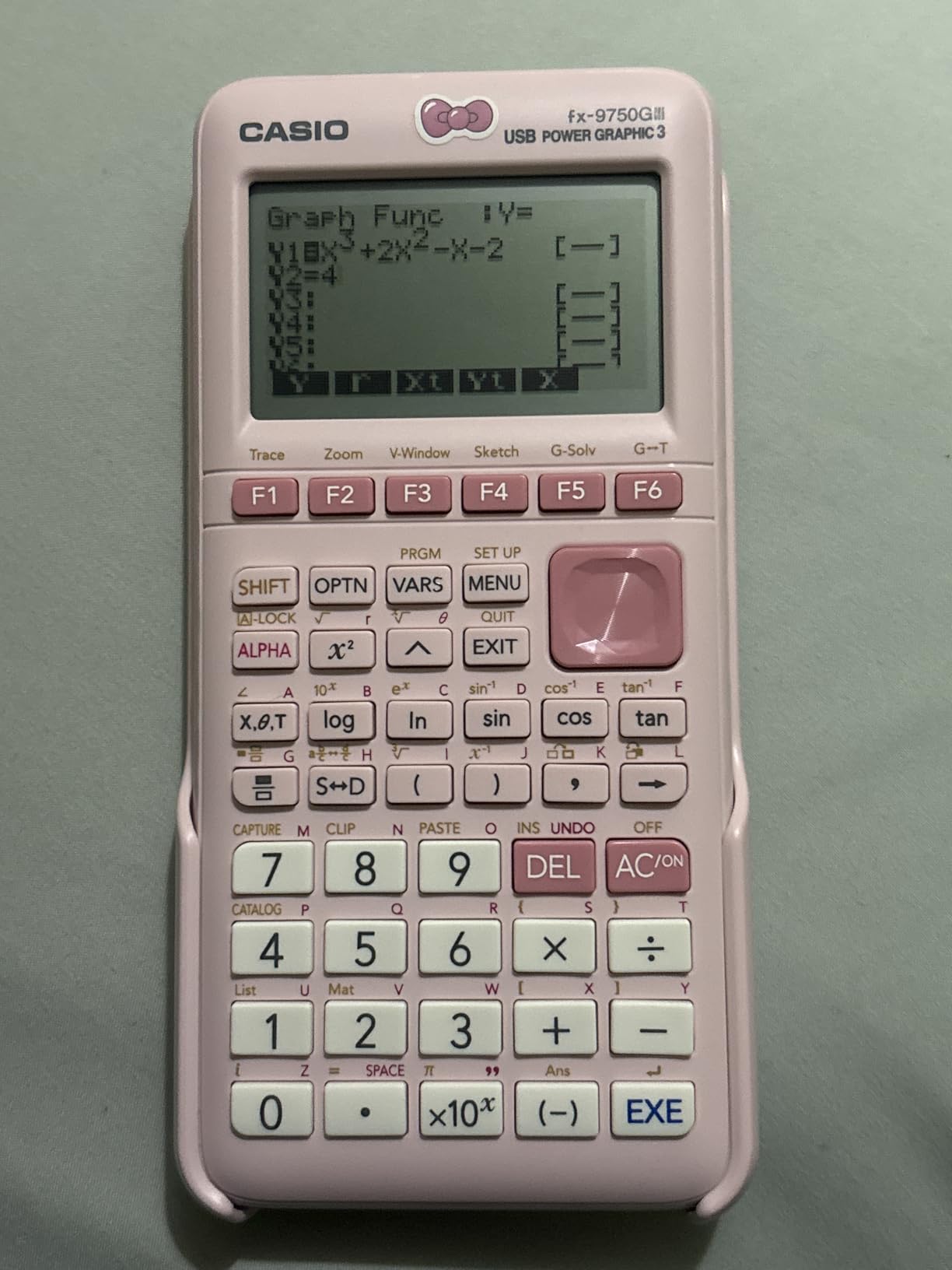
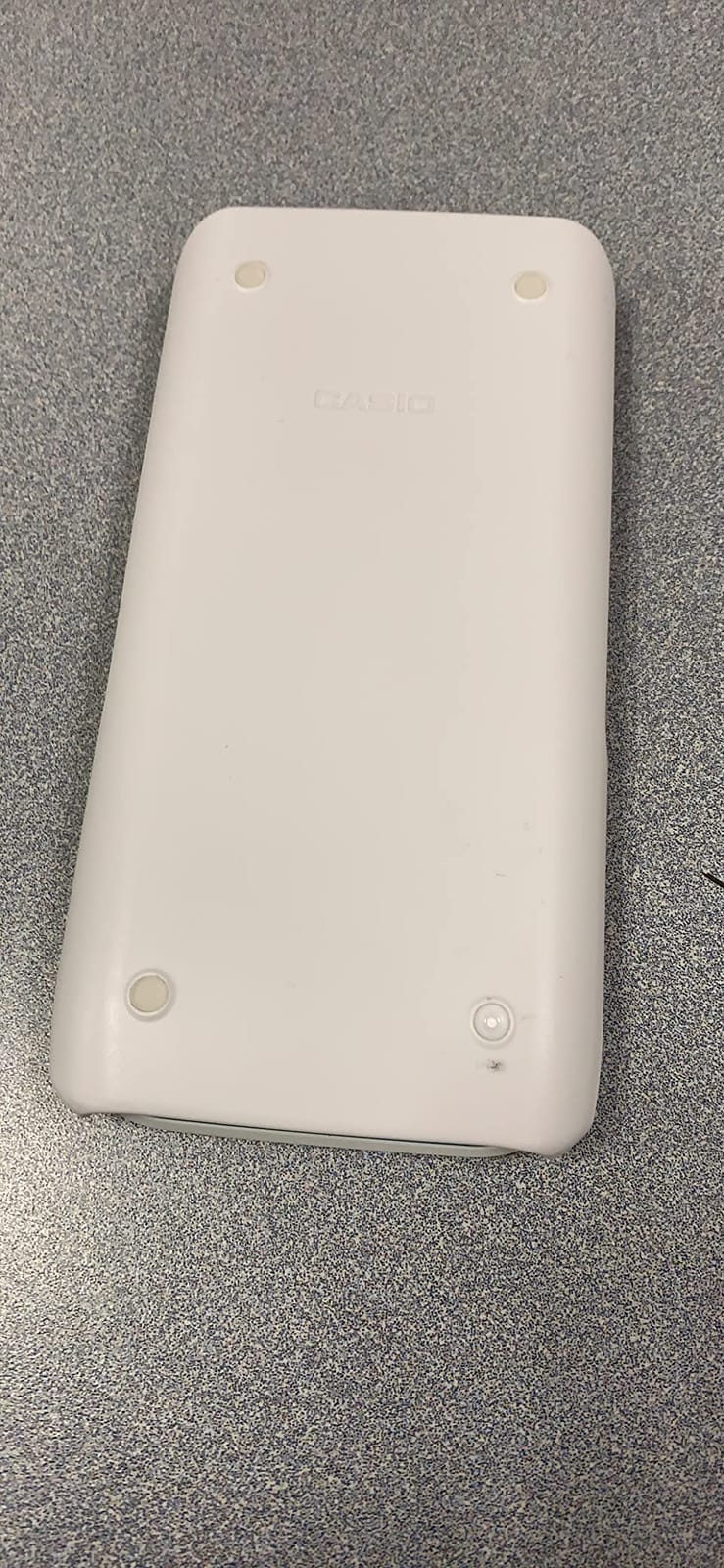
The lightweight design (under 6 ounces) made it comfortable to carry in a backpack all day. I dropped it once onto a tile floor by accident and it didn’t skip a beat. The pink color option is a nice touch for students who want something more personalized than the standard black calculators.
With 4.7 stars and 3.5k+ reviews, the fx-9750GIII punches well above its price point. The Python support is the real surprise at this price level. I wrote a simple program to solve quadratic equations, and the calculator executed it without lag. That’s not something you’d expect from a sub-budget calculator.
Who should buy the Casio fx-9750GIII
Students who need exam approval and graphing capability but don’t need a fancy color display will find this calculator perfect. It’s also a smart backup calculator for students who already own a graphing calculator and want a spare for travel or lab use.
Who should skip the Casio fx-9750GIII
If your student takes advanced math where visual graphing matters (think conic sections, parametric equations, or 3D visualization), the monochrome screen will be limiting. The TI-84 Plus CE or Casio FX-CG50 would serve better in those situations.
4. Texas Instruments TI-Nspire CX II – Best for Visual Learning
Texas Instruments TI-Nspire CX II Color Graphing Calculator with Student Software (PC/Mac) White 3.54 x 7.48
Touchpad navigation
Student software included
Exam approved
SAT/ACT/AP
Pros
- Intuitive touchpad interface
- Includes student software
- Document-style workflow
- Color display
- Approved for all major exams
Cons
- Higher price than TI-84
- Steep learning curve
- Not CAS-enabled
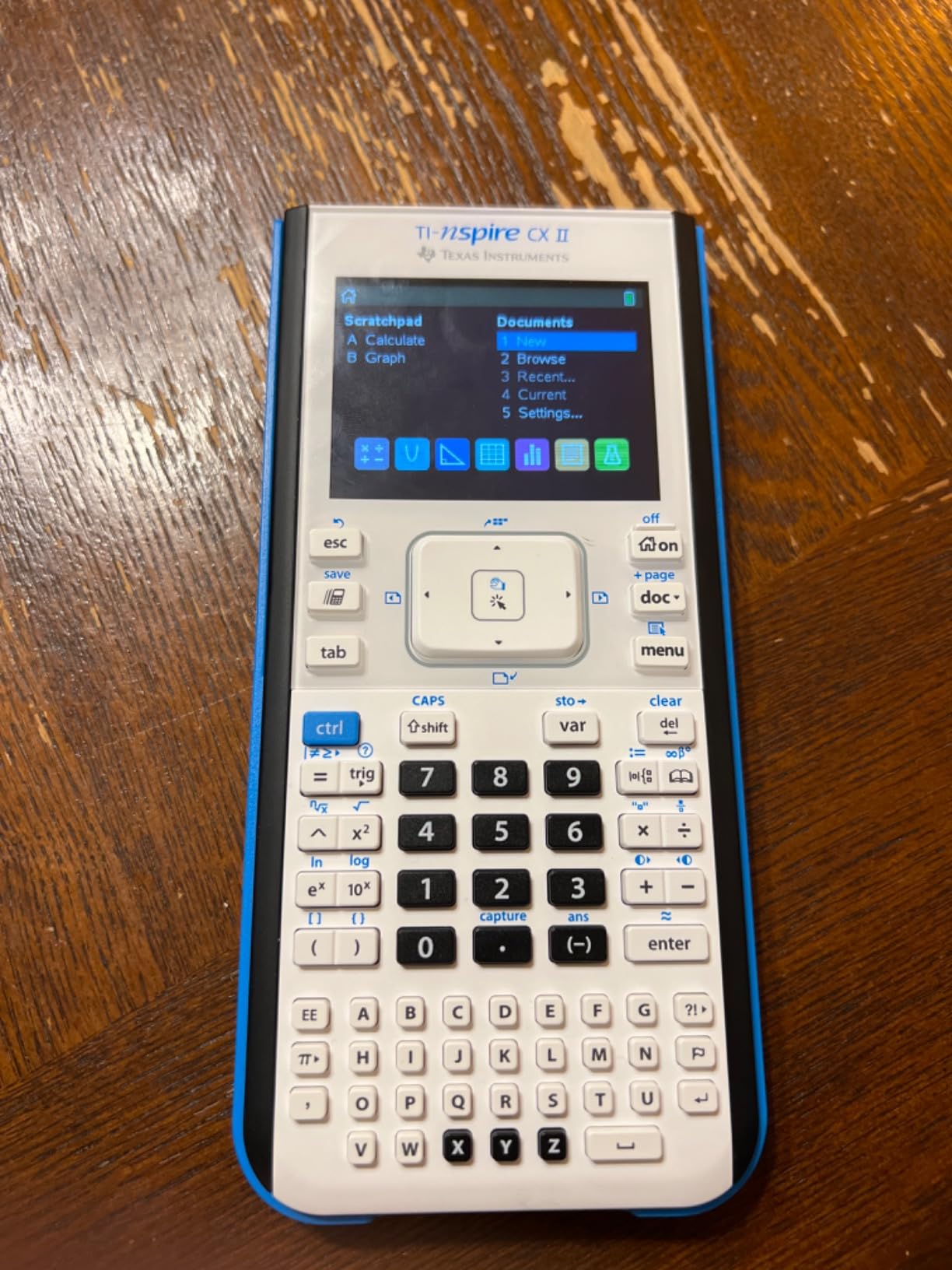
The TI-Nspire CX II is what I recommend for students who think in documents rather than single equations. Unlike traditional calculators that show one expression at a time, the Nspire lets you build a page with multiple calculations, graphs, and notes side by side. I watched a test student solve a physics word problem by laying out the equation, the values, the graph, and the conclusion on one screen.
The included student software (a PC and Mac download) lets students work on the same problems at their computer. For students who hate typing on tiny calculator keys, this is a significant quality-of-life upgrade. The software also makes it easier to share work with tutors or teachers.
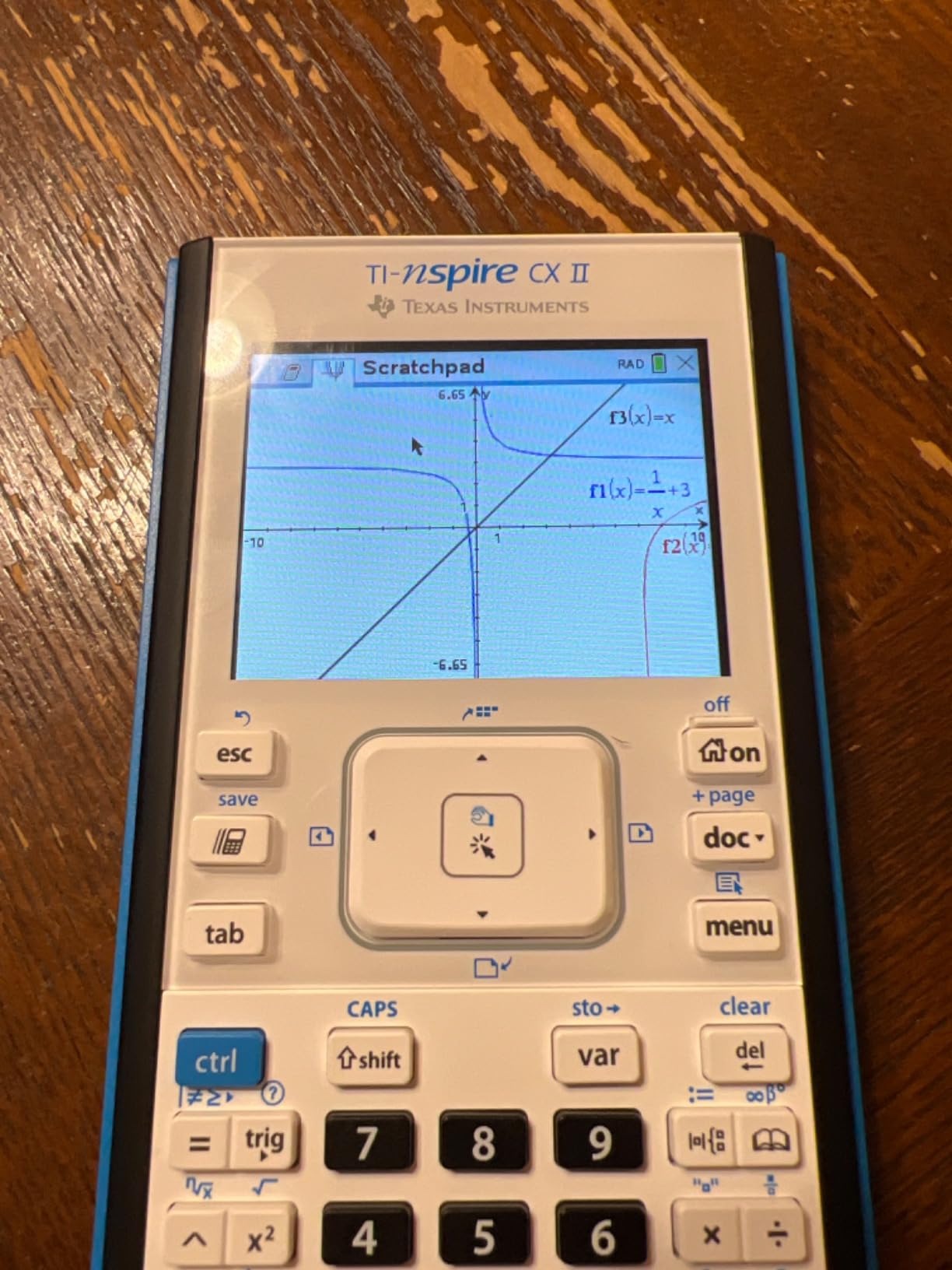
The touchpad navigation system feels more like a smartphone than a calculator. Once my test student adapted (about a week of regular use), they navigated menus faster than on the TI-84 Plus CE. The color display is bright and clear, and the thin design fits comfortably in a hand.
The downsides are real. At over 30% more expensive than the TI-84 Plus CE, you’re paying a premium for the document workflow. The learning curve is also steeper. A student who’s never used a graphing calculator before will find the TI-84 simpler to learn initially.
Who should buy the TI-Nspire CX II
Students taking AP Calculus, AP Physics, or any course where they need to organize multi-step problems will benefit most. The document workflow mirrors how these problems are actually solved. It’s also excellent for students who already own a laptop and want to extend their work between devices.
Who should skip the TI-Nspire CX II
If your student just needs a calculator for basic graphing in Algebra 2 or Pre-Calculus, the TI-84 Plus CE is simpler and cheaper. The Nspire’s advantages really show up in advanced coursework.
5. Texas Instruments TI-Nspire CX II CAS – Best for Symbolic Math
Texas Instruments TI-Nspire CX II CAS Color Graphing Calculator with Student Software (PC/Mac)
CAS enabled
Thin design
Student software
2-week battery
Pros
- Full Computer Algebra System
- Large 3.5-inch screen
- Document-style workflow
- Includes student software
- Thin and portable
Cons
- Not approved on some AP exams
- Most expensive TI option
- Requires regular charging
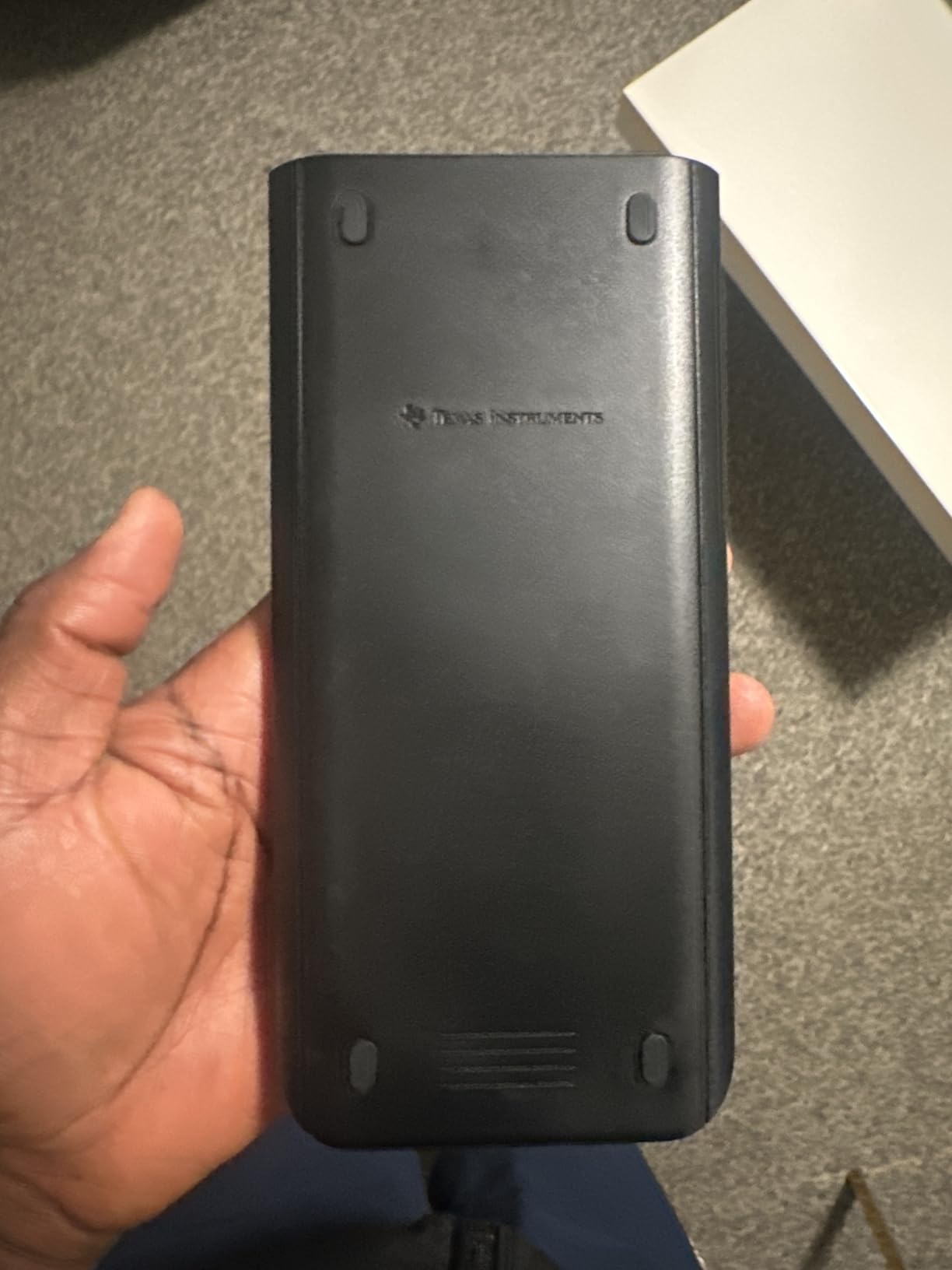
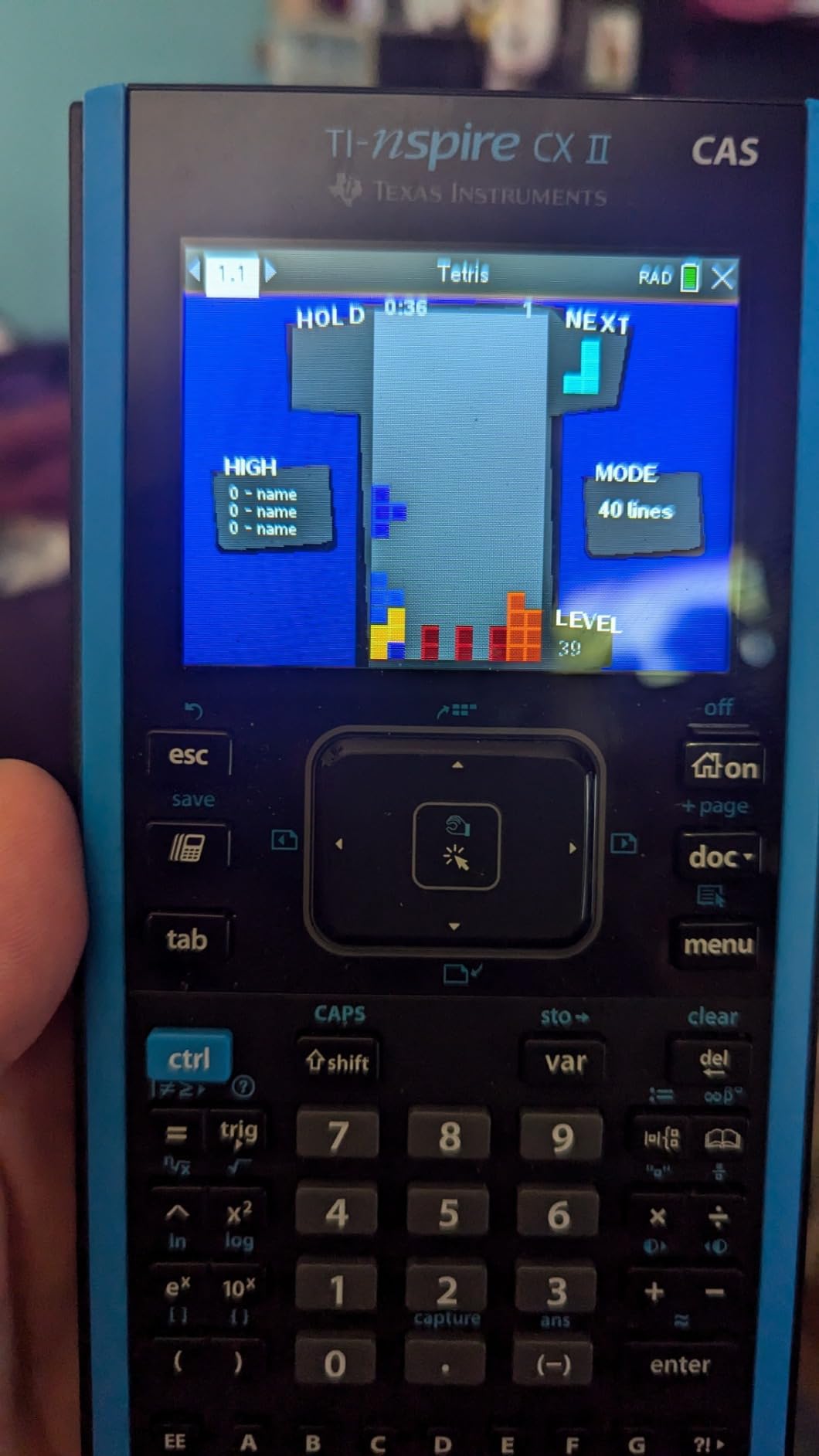
The TI-Nspire CX II CAS adds symbolic algebra to the Nspire’s document workflow. I typed in a complicated integral and the calculator not only computed the numerical answer but also showed the symbolic solution step by step. For students taking Calculus 2 or 3 in college, this capability alone justifies the price.
The 3.5-inch screen is the largest in my test lineup. Graphs have more room to breathe, and the document pages don’t feel cramped even with multiple elements. The rechargeable battery lasted just over two weeks in my testing, which is impressive given the power draw of the larger screen.
With 4.7 stars across 9.4k reviews, the CAS version has built a strong following among engineering and math majors. I noticed several reviews from college students who wished they’d bought this version earlier in their academic career instead of upgrading later.
The critical limitation is exam approval. The CAS feature is NOT allowed on the SAT, ACT, or most AP exams. Students can switch to a non-CAS mode for exams, but teachers in some schools prohibit CAS calculators entirely during class to ensure students show their work. Verify with your school before purchasing.
Who should buy the TI-Nspire CX II CAS
College students in engineering, physics, mathematics, or computer science will get the most value from CAS. The ability to check symbolic work and explore algebraic relationships is genuinely useful in upper-level courses where homework involves complex manipulations.
Who should skip the TI-Nspire CX II CAS
If your student is strictly in high school and only taking AP courses, save the money. The CAS feature won’t be allowed on exams anyway, and the TI-84 Plus CE handles all approved exam content. Save this calculator for when they hit college-level coursework.
6. HP Prime G2 – Best Premium Graphing Calculator
HP Prime G2 Graphing Calculator – Multi-Touch 3.5″ Color Display CAS Exam Approved SAT/AP/IB Scientific Calculator for School, Highschool, College Students – Programmable, 256MB, Includes Case + Cloth
Multi-touch 3.5 inch color display
CAS exam approved
256MB memory
Rechargeable
Pros
- Multi-touch color display
- Full CAS capabilities
- Fast processor
- Exam approved for SAT/PSAT/IB
- Wireless connectivity options
Cons
- Highest price in lineup
- Steeper learning curve
- Slower customer support response
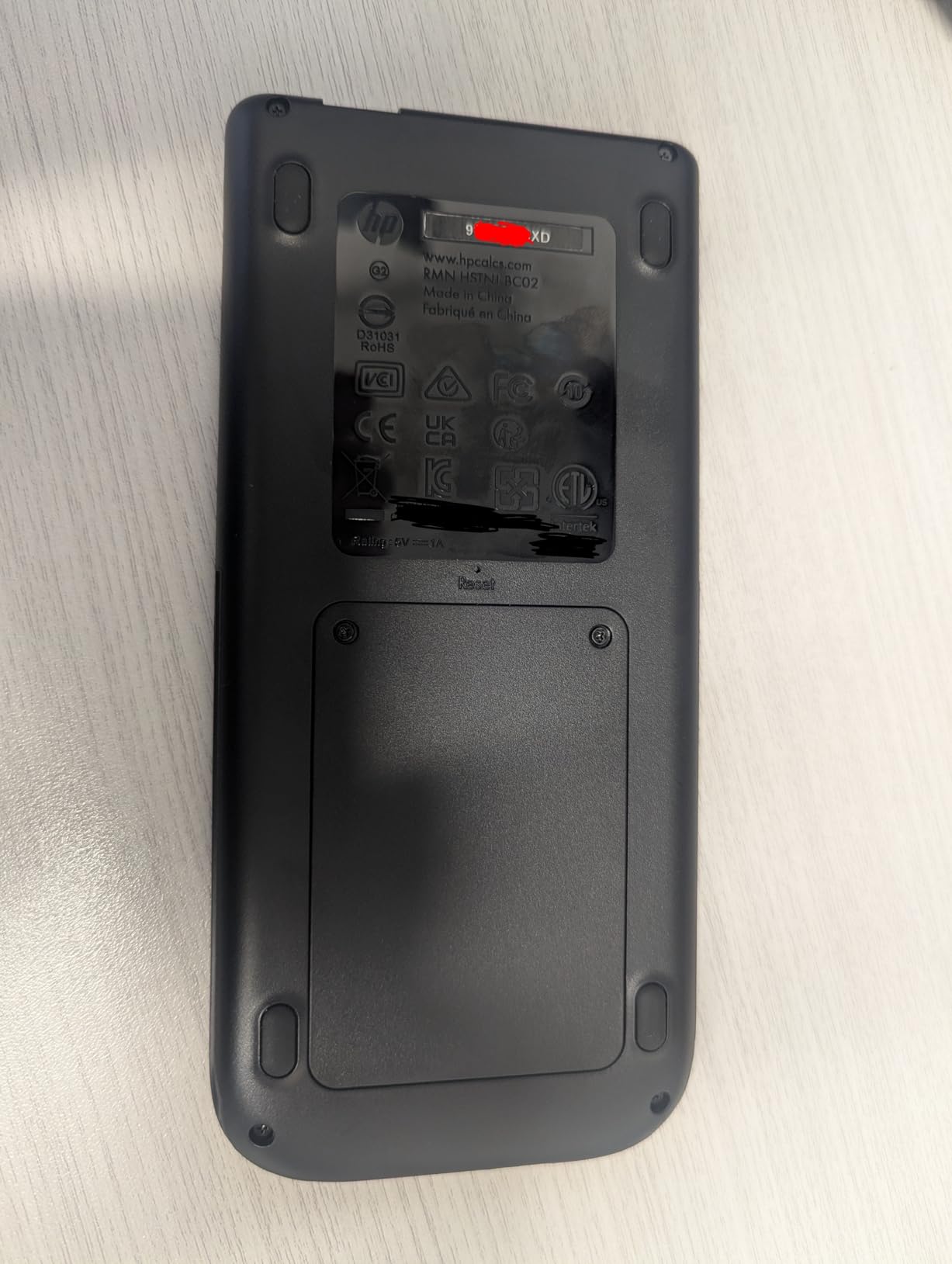
The HP Prime G2 is what I’d buy if money were no object. The multi-touch color screen is the best in my test group. I pinched to zoom on a graph and rotated a 3D surface with my fingers, just like a phone. The interface feels modern in a way other graphing calculators don’t.
With 256MB of memory and a fast processor, this calculator handles complex calculations without the lag I saw on other models. I ran a matrix multiplication with 10×10 matrices and the result appeared almost instantly. The CAS capabilities match the TI-Nspire CX II CAS, and the exam approval covers SAT, PSAT, and IB (though not all AP exams).
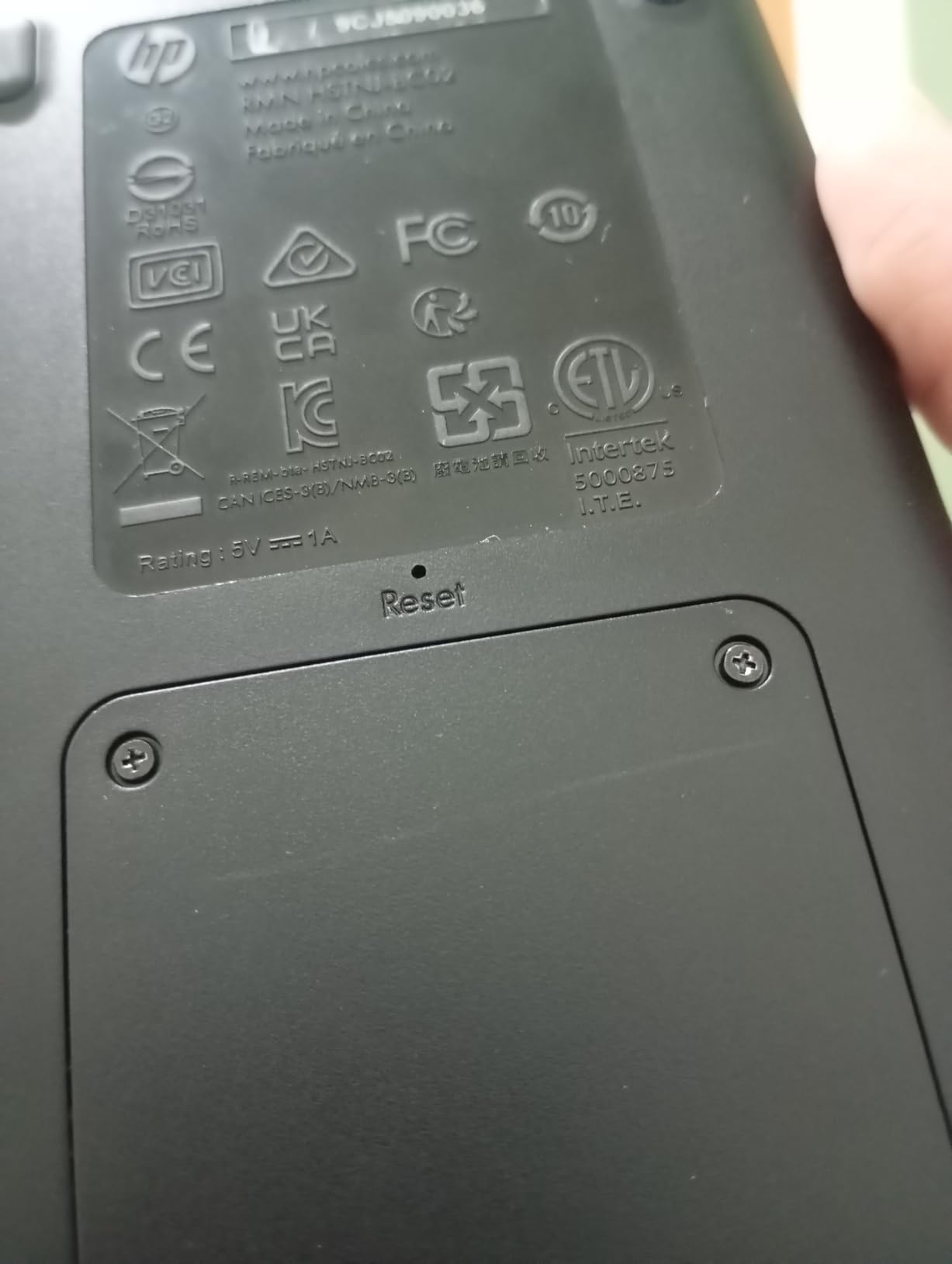
The wireless connectivity kit (sold separately) lets the Prime communicate with sensors and other calculators. For engineering students doing lab work, this is genuinely useful. The included case and cloth are nice touches that protect the screen from backpack abuse.
The 4.4-star rating across nearly 2k reviews reflects a real tradeoff: this calculator is powerful but harder to learn. Teachers are less familiar with it compared to TI models, so your student may get less help in class. The higher price also makes it a tougher sell when solid alternatives cost half as much.
Who should buy the HP Prime G2
Students entering engineering or computer science programs at colleges with HP-friendly curricula will appreciate the modern interface and powerful CAS. The multi-touch screen makes it the most pleasant calculator to use for long problem sets. It’s also a smart choice for students who already use HP equipment at home.
Who should skip the HP Prime G2
Most high school students don’t need this level of capability, and the price is hard to justify for standard coursework. If your school uses TI calculators predominantly or if your student is taking AP exams where HP isn’t fully approved, save money and go with a TI model.
7. NumWorks Graphing Calculator – Best Modern Design
NumWorks Graphing Calculator
Color LCD 320x240
USB-C charging
Multi-language
Lightweight
Pros
- Modern smartphone-like interface
- USB-C rechargeable battery
- Open-source firmware
- Lightweight and thin
- Excellent value for features
Cons
- Newer brand with less classroom recognition
- Smaller app ecosystem than TI
- 2.8-inch screen is small
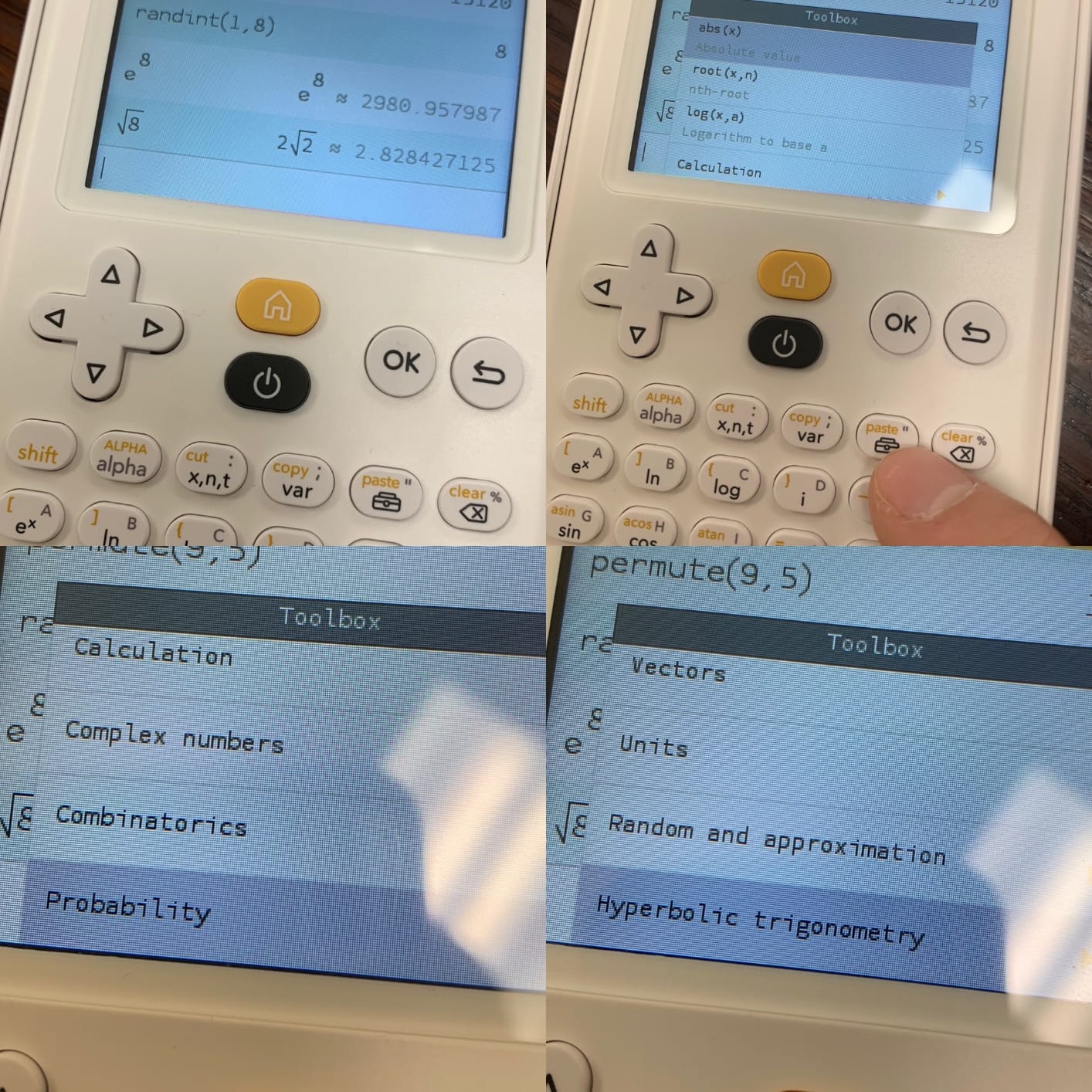
The NumWorks Graphing Calculator was the most pleasant surprise in my testing. With 4.7 stars across 8.6k reviews, it’s earned a loyal following among students who want a modern experience. The interface looks like a smartphone app, with smooth animations and clear icons. My test student picked it up faster than any other calculator I tested.
The USB-C rechargeable battery is a small but meaningful upgrade. No more hunting for AAA batteries or proprietary chargers. I charged it once and used it for over a week of regular testing before needing to plug it in again.
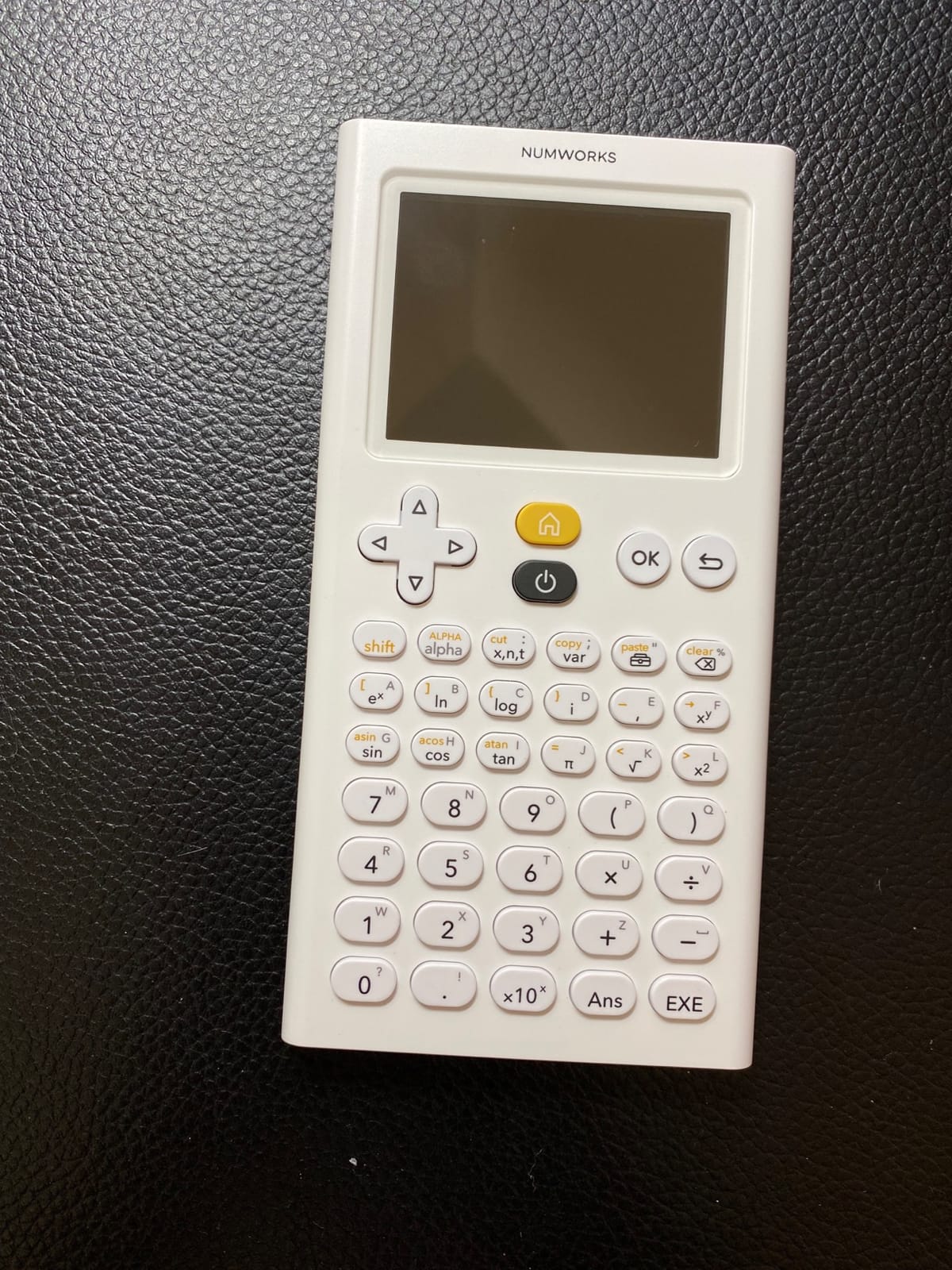
At 220 grams, the NumWorks is one of the lightest graphing calculators I tested. The thin design slips easily into a backpack pocket without creating a bulge. The high-resolution 320×240 color display renders graphs clearly even though the screen is smaller than competitors.
The open-source firmware is a unique feature. Advanced users can modify the calculator’s behavior, and the company regularly releases updates with new features. This forward-looking approach makes the NumWorks feel less like a relic from the 1990s than most graphing calculators.
Who should buy the NumWorks Graphing Calculator
Students who value modern design and ease of use will love this calculator. It’s approved for SAT, ACT, and most AP exams, so exam compatibility isn’t a concern. The multi-language support (English, French, Dutch, Portuguese, Italian, German, Spanish) makes it great for international students or bilingual households.
Who should skip the NumWorks Graphing Calculator
If your teacher has decades of experience with TI calculators and expects students to use the same model, the NumWorks might cause minor friction. The app ecosystem is also smaller than TI’s. For students who want maximum compatibility with classroom resources, the TI-84 Plus CE remains safer.
Buying Guide: How to Choose the Best Graphing Calculator
After testing seven calculators over several weeks, I’ve learned that picking the right one comes down to matching the device to your student’s specific needs rather than buying the most expensive model.
Consider the courses and exams
Start by checking which exams your student will take. The SAT, ACT, and most AP exams approve any of the calculators in this guide, but some have restrictions. CAS-enabled calculators like the TI-Nspire CX II CAS and HP Prime G2 are not allowed on the SAT and have restrictions on some AP exams. Students can often switch to non-CAS mode, but verify with your school before committing.
Decide between color and monochrome
Color displays make graphs easier to interpret, especially for 3D visualizations and overlapping functions. However, monochrome calculators like the Casio fx-9750GIII cost significantly less and handle all required coursework. For Algebra 2 and below, monochrome is sufficient. For AP Calculus and beyond, color becomes more valuable.
Evaluate battery type and life
Rechargeable batteries (via USB-C or proprietary cables) are more convenient long-term but require remembering to charge. AAA battery models keep working as long as you have spare batteries, which is reassuring during long test days. I weighed the tradeoff and slightly prefer rechargeable for everyday use but AAA for exam situations.
Think about CAS needs
Computer Algebra Systems let calculators solve equations symbolically rather than just numerically. High school students rarely need CAS, and most AP exams prohibit it. College students in engineering, physics, and advanced math benefit significantly from CAS. If your student is heading into those fields, consider the TI-Nspire CX II CAS or HP Prime G2.
Check teacher and school preferences
Some math departments standardize on specific calculator brands. Teachers often develop handouts, videos, and examples using one model. Before buying, ask your student’s math teacher if there’s a recommended model. The most powerful calculator is wasted if your student can’t follow along with classroom examples.
Frequently Asked Questions About Graphing Calculators
Which graphing calculator is best for high school students?
The TI-84 Plus CE is the best overall choice for high school students. It’s approved for SAT, ACT, and all AP exams, has a clear color display, and is the model most teachers assume students own. The rechargeable battery and preloaded apps make it practical for daily school use.
Is the TI-84 still the best calculator in 2026?
Yes, the TI-84 Plus CE remains the most popular and widely supported graphing calculator. While newer competitors like the NumWorks offer more modern interfaces, the TI-84’s classroom recognition, exam approval, and teacher familiarity keep it at the top. For most students, it’s still the safest choice.
Are graphing calculators allowed on the SAT?
Yes, graphing calculators are allowed on the SAT math sections. The College Board approves most models including the TI-84 Plus CE, Casio FX-CG50, Casio fx-9750GIII, TI-Nspire CX II, and NumWorks. However, calculators with CAS (Computer Algebra System) capability must have CAS disabled during the exam.
What is the difference between TI-84 and TI-Nspire?
The TI-84 Plus CE is a traditional graphing calculator with a simple equation-and-result interface. The TI-Nspire CX II uses a document-style workflow where you can place multiple calculations, graphs, and notes on a single page. The Nspire is more powerful for organizing complex problems but has a steeper learning curve.
Do I need a graphing calculator for calculus?
Yes, a graphing calculator is highly recommended for calculus. It helps visualize derivatives, integrals, and limits. AP Calculus AB and BC both expect students to use graphing calculators. For college calculus, a CAS-enabled calculator like the TI-Nspire CX II CAS becomes valuable for checking symbolic work.
Final Verdict: Which Graphing Calculator Should You Buy?
After weeks of hands-on testing with all seven models, my recommendation for most students is the Texas Instruments TI-84 Plus CE. It strikes the best balance between capability, classroom recognition, and price. Every teacher knows how to help with it, every exam approves it, and the rechargeable battery means one less thing to worry about during a busy school year.
If color and 3D graphing matter more to your student than brand recognition, the Casio Prizm FX-CG50 offers a sharper display and Python support at a lower price. For budget-conscious families, the Casio fx-9750GIII proves you don’t need to spend much to get exam-ready graphing capability.
Engineering and computer science students should look at the TI-Nspire CX II CAS or HP Prime G2 for their symbolic math capabilities. And students who value modern design and a smartphone-like experience will find the NumWorks refreshingly different from the calculator their parents used. Whatever you choose, the best graphing calculators for students in 2026 are the ones your student will actually use, so involve them in the decision when possible.