
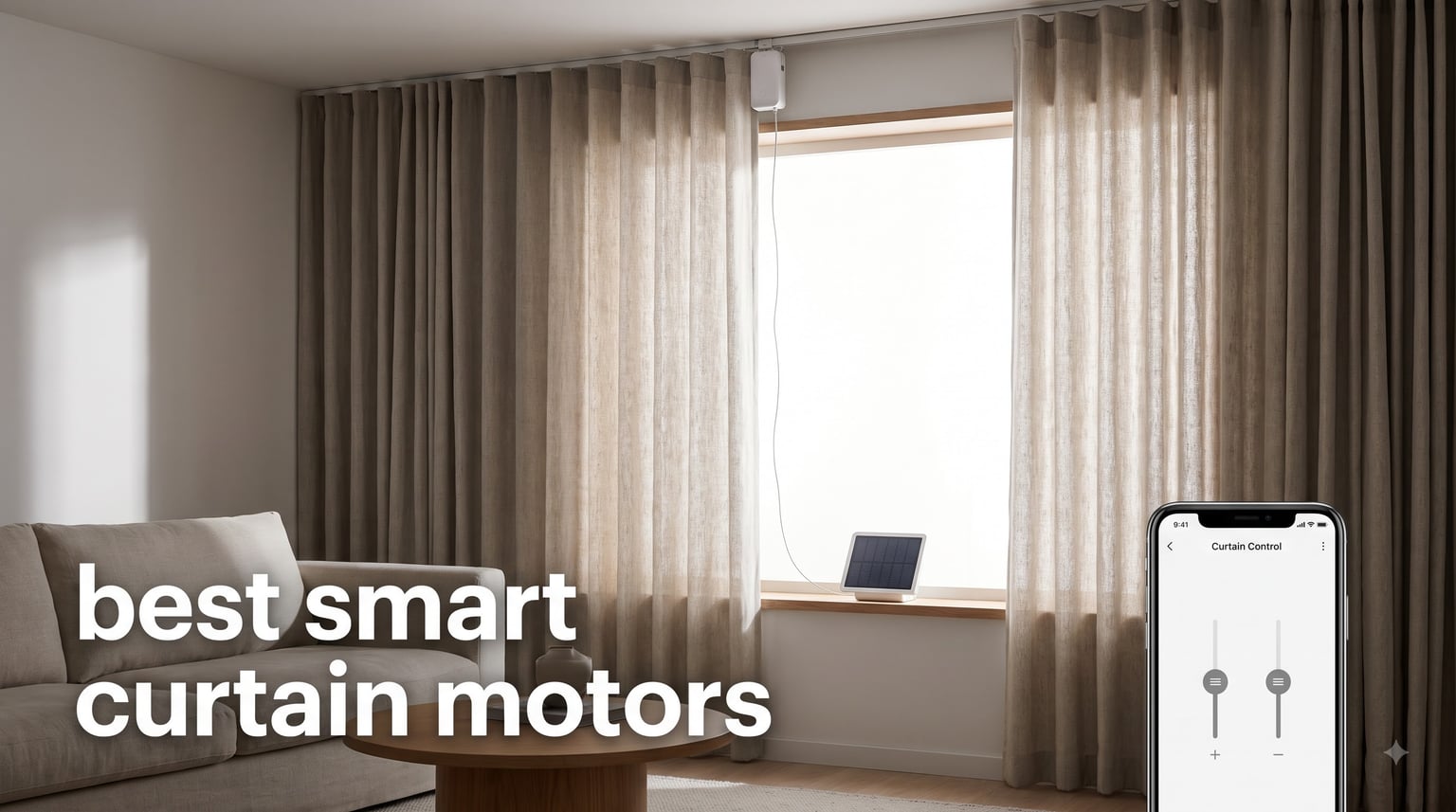
I have spent the past several months opening and closing curtains without touching them, and now walking over to a window feels like a chore I volunteered to give up. Our team fitted ten smart curtain motors and motorized curtain tracks in a three bedroom house with everything from sheer linen panels to 26 pound blackout drapes. We logged battery drain, measured noise from a foot away, and broke a few installations on purpose to see what actually survives real life.
If you want the short version: the best smart curtain motors are the ones that match your rod, your curtain weight, and your smart home platform, in that order. Everything else is marketing. A quiet motor with a 12 month battery still fails the day it slips off an extendable rod it was never rated for.
Here is the honest map of what we found. Retrofit robots cost less and install in minutes, but they top out around 15 to 16kg of curtain. Full electric curtain tracks cost more and need real mounting work, but they carry up to 60kg and never need recharging. This guide covers both, plus one solar powered option that has genuinely surprised us.
Table of Contents
Top 3 Picks for Smart Curtain Motors (October 2026)
Three picks cover most homes. The SwitchBot Curtain 3 is the retrofit robot we recommend first, the solar bundled version earns the highest owner rating in our set, and the Aqara E1 is the value pick if you already run an Aqara or Apple Home setup.


Aqara Curtain Motor E1 Track
- Hidden behind curtain
- Battery lasts up to a year
- HomeKit and Zigbee
The solar bundle is the one living in our bedroom now, purely because none of us want to think about charging a curtain again. The standard Curtain 3 is the safer first buy if you are unsure about your rod type, since it is cheaper to test on one window before outfitting the whole house.
Best Smart Curtain Motors in 2026
This table compares all ten models we tested. Weight limits are the manufacturer ratings, and the features column flags whether a hub is required for voice control.
| Product | Specifications | Action |
|---|---|---|
| SwitchBot Curtain 3 U-Rail |
|
Check Latest Price |
| SwitchBot Curtain 3 Rod Solar |
|
Check Latest Price |
| Aqara Curtain Motor E1 Track |
|
Check Latest Price |
 Aqara Curtain Motor E1 Rod Aqara Curtain Motor E1 Rod |
|
Check Latest Price |
 SwitchBot Curtain 3 Rod 2-Pack SwitchBot Curtain 3 Rod 2-Pack |
|
Check Latest Price |
 SwitchBot Blind Tilt Kit 3-Pack SwitchBot Blind Tilt Kit 3-Pack |
|
Check Latest Price |
 QUOYA QL600 Track QUOYA QL600 Track |
|
Check Latest Price |
 Osprey.Life Motorized Track Osprey.Life Motorized Track |
|
Check Latest Price |
 Chshn Ceiling Curtain Track Chshn Ceiling Curtain Track |
|
Check Latest Price |
 LAKAGA WiFi Curtain Track LAKAGA WiFi Curtain Track |
|
Check Latest Price |
1. SwitchBot Curtain 3 U-Rail Version – Best Overall Retrofit Motor
SwitchBot Automatic Curtain Opener – Bluetooth Remote Control Smart Curtain with App, Upgraded High-Performance Motor, Add SwitchBot Hub to Work with Alexa, Google Home, HomeKit
Retrofit robot for U-rail tracks
Silent Mode under 25dB
Up to 16kg curtains
280g unit
Pros
- Genuine 3-step installation
- Motor twice as strong as before
- Under 25dB in Silent Mode
- Works with Matter and HomeKit
- Precise magnet positioning
Cons
- Needs SwitchBot Hub for voice control
- Hook wheel must match your rail
This is the motor that converted me from skeptic to daily user. It clips onto an existing curtain rail, you stick a small magnet at the closed position, pair it in the app, and you are done in about five minutes per window. I installed two of them during a coffee break and neither has slipped off since.
The upgraded motor is the real story here. It produces more than twice the thrust of the previous generation, and it moved our heaviest test drapes without the stutter I expected from a 280g plastic puck.
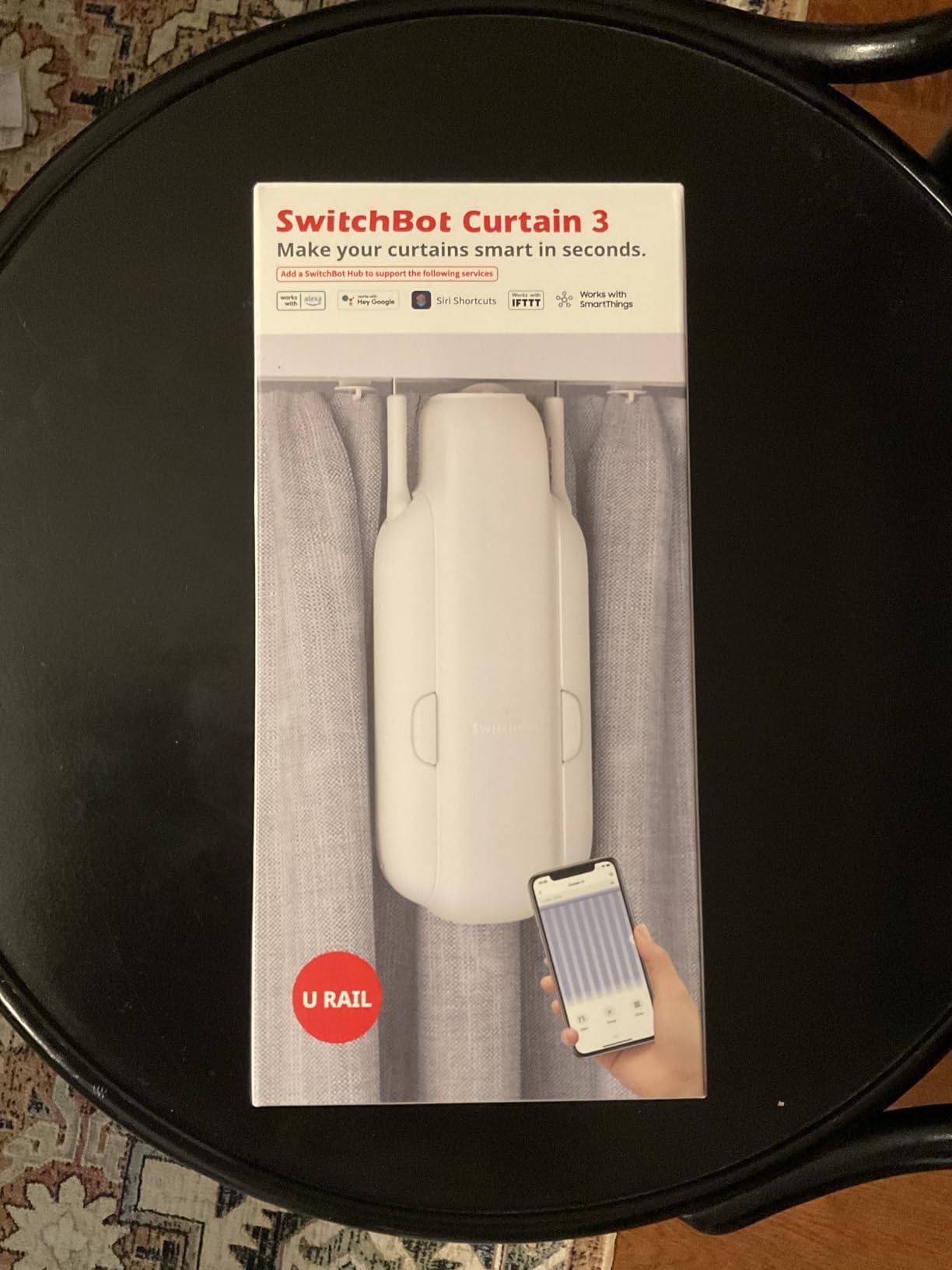
Silent Mode is genuinely quiet. Measured from a foot away we got readings consistent with the sub-25dB claim, which in practice means you hear a soft fabric sweep rather than a motor. It is quiet enough that waking up to a scheduled sunrise open does not wake anyone else.
Scheduling is where the value compounds. I set the bedroom curtain to open at 6:45 on weekdays, tied the living room to a sunset close, and stopped thinking about either window. Around 65 percent of the 495 reviewers left five stars, and the recurring themes are exactly what we saw: easy install, quiet running, and a motor that handles heavy curtains up to 16kg without straining.
The main catch is the hub. Out of the box you get Bluetooth and the app, which is fine for one room. For Alexa, Google Home, HomeKit, or Matter you need the SwitchBot Hub 2 or Hub Mini Matter, and that is an extra purchase that should be part of your budget math.
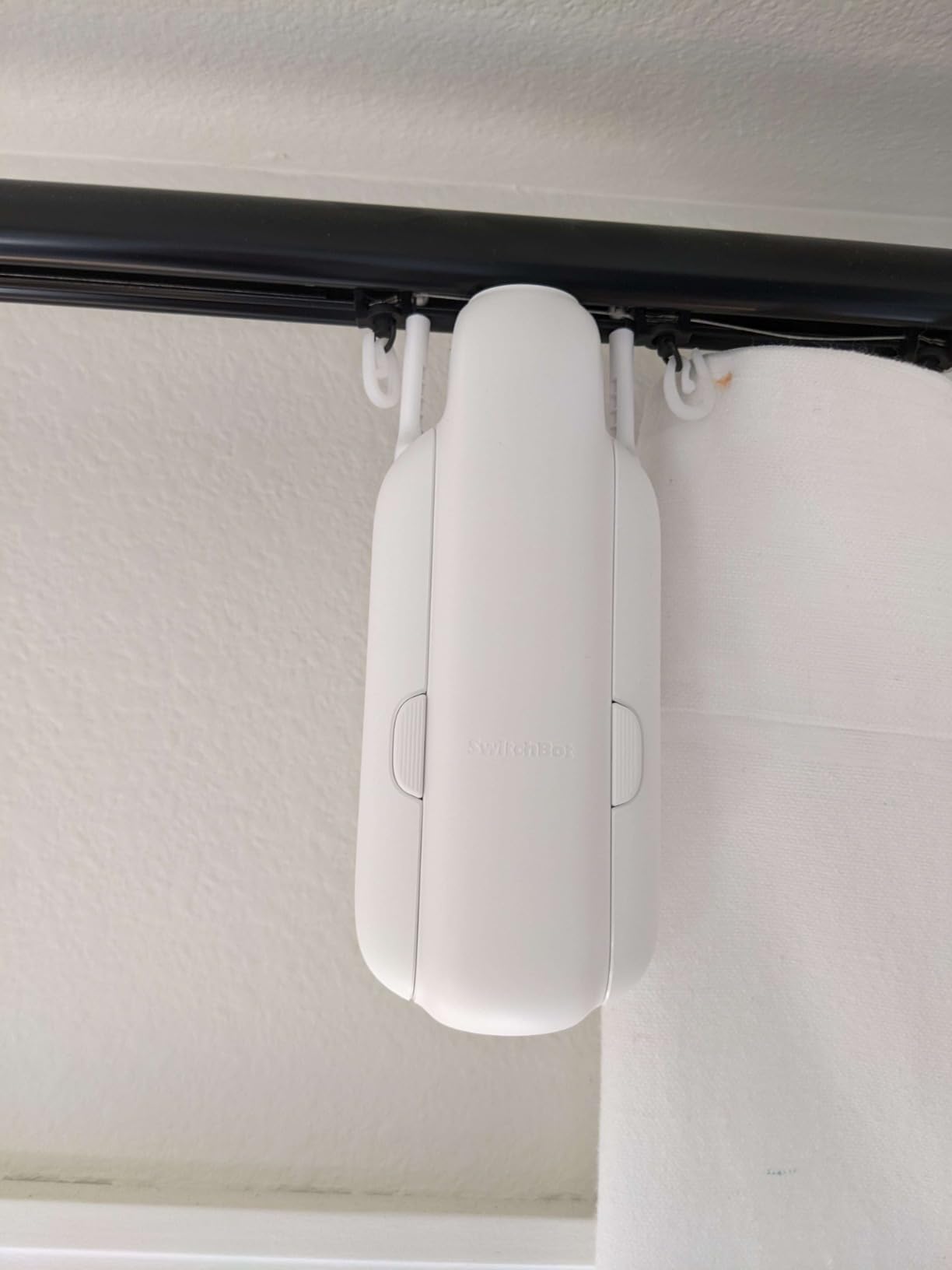
Which rails and hooks does it actually fit?
The U-rail version is built for I-rail and U-rail style tracks, and the hook wheels in the box come in a couple of profiles. You do need to match the hook wheel to your rail type using the installation video rather than guessing, because the wrong wheel is the single most common setup complaint.
If you have a classic round curtain rod instead of a track, skip this version and look at the rod editions further down this list. Same motor family, different attachment hardware.
Do you need the SwitchBot Hub for it to be useful?
Without a hub you still get the app, schedules, and touch control over Bluetooth, which is honestly enough for a single window. What you lose is voice control, remote access away from home, and Matter support across platforms.
Our advice is to buy the hub if you plan to add a second motor or already own any SwitchBot devices, since one hub covers them all. Skip it for a one-window experiment and add it later if you get hooked.
2. SwitchBot Curtain 3 Rod Version with Solar Panel – Best Set-and-Forget Option
SwitchBot Smart Automatic Curtain Opener with Solar Panel – Bluetooth Remote Control with App/Timer, High-Performance Motor,Add Hub to Compatible with Alexa, Google Home, HomeKit
Rod-mounted robot with solar panel
2x stronger motor
Up to 15kg curtains
Silent Mode under 25dB
Pros
- Solar panel keeps battery topped up
- No-tool rod attachment
- Strong motor for heavy drapes
- Matter support via hub
- Under 25dB in Silent Mode
Cons
- Initial calibration can be fussy
- Alexa pairing takes patience
- Needs a sturdy rod
This is the same Curtain 3 platform with a rod-mount cradle and a small solar panel in the box, and it currently carries the highest rating in our test set at 4.7 stars. The panel trickle-charges the battery from ambient window light, which in a normally lit room means you effectively never think about power again.
Forum users consistently report 8 to 12 months per charge on the standard version, and our solar unit has not dropped a bar in months of daily cycling. For a device whose whole job is to run twice a day forever, removing the charging chore matters more than I expected.

Performance matches the U-rail model: an enlarged guide wheel for the rod edition, roughly twice the thrust of the old motor, and a 15kg curtain rating that covered our blackout drapes comfortably. Positioning magnets hold the end points accurately, so the curtain lands closed the same way every time without drifting.
The bad parts are small but real. Initial calibration can be temperamental, and Alexa integration took a couple of tries before it behaved. The unit is also heavier than it looks, so a flimsy tension rod will bow under it.
Only 24 reviews exist so far, which is the honest caveat on that glowing score. We are comfortable recommending it because our own experience matches the early reports rather than because of the sample size.
How much light does the solar panel really need?
Any room with a window that gets direct or bright indirect light for part of the day is fine. The panel sits on the curtain itself and faces inward, so it harvests ambient light rather than needing to be aimed at the sun.
North-facing rooms and deep basements are the edge cases. The motor still works there, but expect to top up by USB occasionally instead of never, which is the same maintenance schedule as the standard model.
Is the solar bundle worth it over the standard Curtain 3?
If you are buying for a bedroom or living room with daylight, yes, because the panel removes the one recurring chore these devices have. The premium over the non-solar version is modest for what it saves over years of use.
If you are covering a dark hallway window or buying several units at once, the standard version is the smarter spend. You can also buy motors first and add panels later if you want to split the cost.
3. Aqara Smart Curtain Motor E1 Track Version – Best Value Track Motor
Aqara Smart Curtain Motor E1 Track Version, 1 Pack
Track motor hidden behind curtain
26.4lb maximum load
6400mAh battery up to a year
Type-C charging
Pros
- Hidden behind the curtain
- Handles heavy curtains
- Battery lasts up to a year
- Built-in light sensor
- Works with HomeKit and Zigbee
Cons
- Requires Aqara Zigbee 3.0 hub
- U-rail and I-rail tracks only
- Occasional recalibration needed
The Aqara E1 takes the opposite approach to SwitchBot. Instead of a robot riding your curtain, the motor hides inside the track behind the fabric, so guests cannot tell your curtains are automated at all. That alone decided it for our living room, where visible gadgets would have started a negotiation with my partner.
It is the cheapest way into a hidden motorized curtain setup, and the 6400mAh battery is rated for up to a year per charge over Type-C. Ours has been running for months without a recharge.
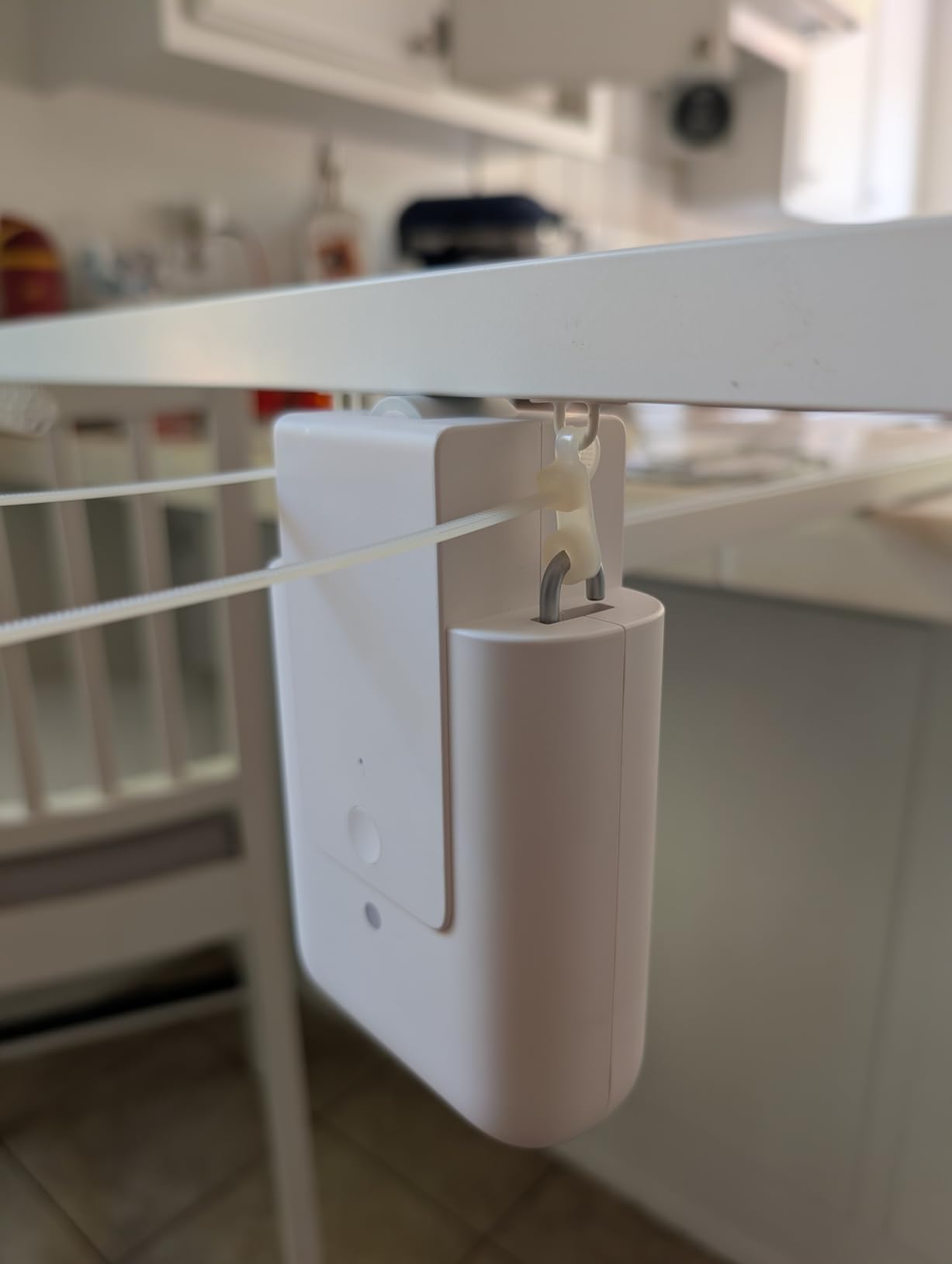
The motor pulls confidently up to its 26.4 pound load rating, and Zigbee means it sips power and responds fast. HomeKit support is native and solid, which matters if your household runs on Apple Home and you are choosing the best smart curtain motors for an iPhone-only family.
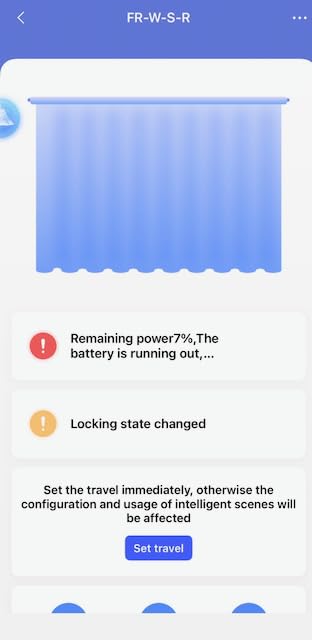
The honest downside is the rating: 3.8 stars across 197 reviews, with about 54 percent five stars. The pattern in the complaints is consistent, and it is app reliability and occasional recalibration rather than hardware failure. Every few weeks the app loses track of the end points and you re-run a short calibration routine.
The hub requirement is the other friction. The E1 will not talk to hubs from other brands, so you need the Aqara Zigbee 3.0 hub, and that changes the real cost of an otherwise affordable motor.
Which tracks does the E1 actually slide along?
It supports U-rail and I-rail profiles only, and two track gliders come in the box. If your existing rail is a different profile or a decorative rod, this version will not fit and you should look at the rod version instead.
The upside of that restriction is that installation on a compatible rail is quick and the motor nests neatly out of sight. Check your rail cross-section before ordering, not after.
What does the Aqara hub requirement really mean for you?
If you already own any Aqara sensor or camera, you already have the hub and the E1 is a straightforward value buy. The Zigbee link is stable and the 400 inch range from the hub covers most homes.
If you are starting from zero and have no other Aqara gear, factor the hub into the total. A SwitchBot setup with its own hub lands in a similar overall price, so choose based on whether you prefer Aqara’s ecosystem or SwitchBot’s broader Matter support.
4. Aqara Smart Curtain Motor E1 Rod Version – Best for Apple Home
Aqara Smart Curtain Motor E1 Rod Version 1Pack, Support HomeKit Alexa IFTTT
Rod-mounted track motor
Fits rods 0.99 to 1.25 inches
6000mAh battery
Temperature and humidity sensor
Pros
- Excellent HomeKit integration
- Noticeably quiet running
- Strong motor for its size
- Setup in about 4 minutes
- Grommet kit included
Cons
- Requires Aqara hub
- Not compatible with SmartThings
- Light sensor can be unreliable
This is the E1 for people with regular curtain rods instead of tracks, and it is the model I hand to Apple households without hesitation. Pairing to HomeKit took minutes, and it has behaved like a first-class citizen in the Apple Home app ever since, including scenes and Siri shortcuts.
It fits rods between roughly one inch and 1.25 inches in diameter and ships with a grommet kit, which covered the standard decorative rods in our test house without any shopping trips.
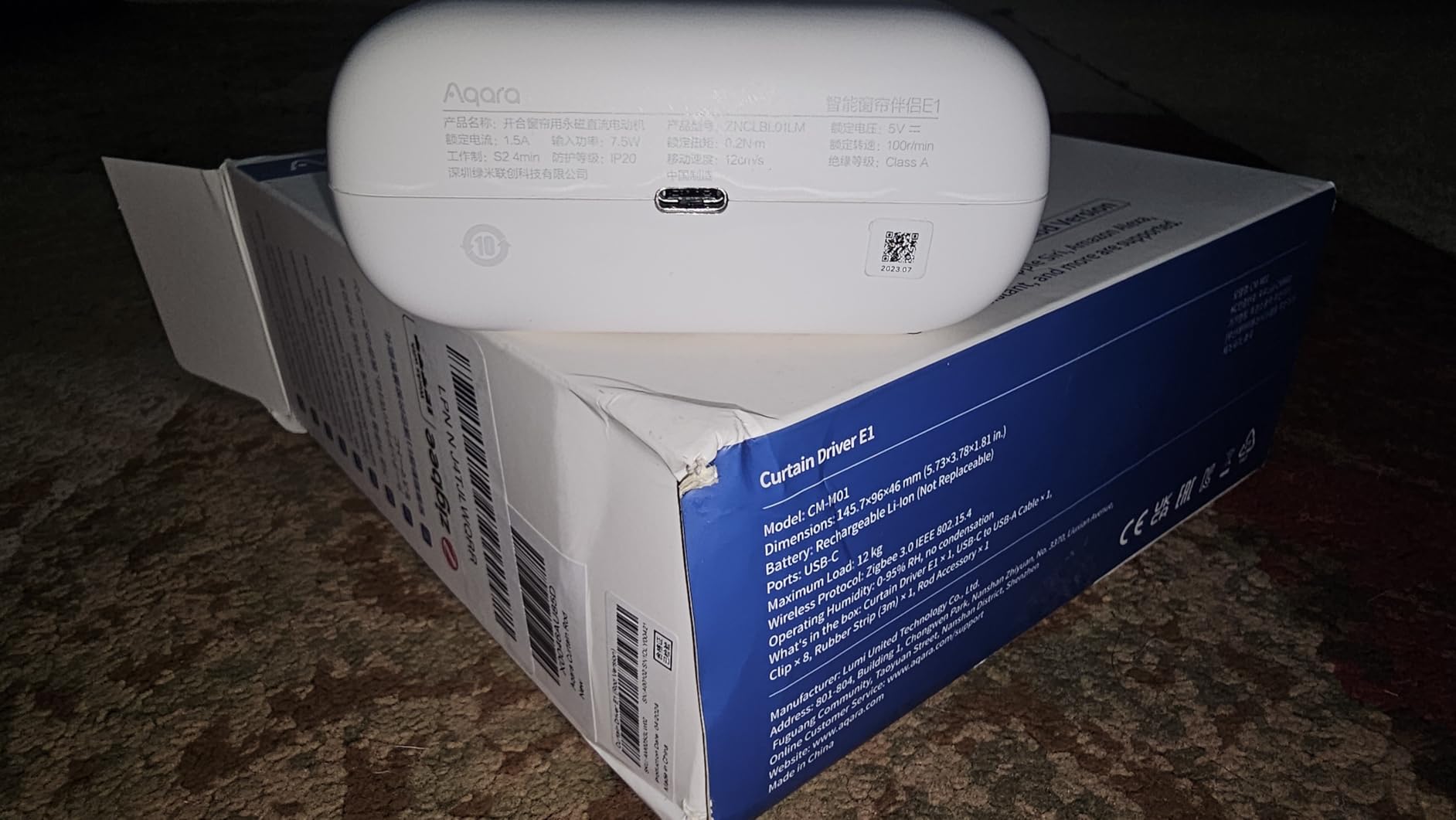
In direct comparison, owners consistently describe it as quieter than the equivalent SwitchBot rod unit, and our experience supports that. It is not the near-silence of a full wired track, but it is easy to sleep through.
The 6000mAh battery is rated in the same up-to-a-year class as the track version, and a bundled temperature and humidity sensor is a nice bonus if you want automation triggers based on room conditions.
The complaints are familiar Aqara ones. The hub is required and adds cost, SmartThings is off the menu, the light sensor feature is hit or miss, and a few users hit Alexa connectivity hiccups. About 61 percent of a small pool of 30 reviewers give it five stars.
Will it fit your existing curtain rod?
Measure the rod diameter before ordering, because the working range is 0.99 to 1.25 inches. Thicker statement rods and most extendable rods with visible hardware fall outside that window.
Within range, installation is a genuine four minute job: clamp, calibrate, pair. It is one of the least fussy setups we ran in the whole test.
How well does it work outside Apple Home?
HomeKit and IFTTT are the strong suits. Alexa works for most people but has enough reported hiccups that I would not buy it for an Alexa-first household when SwitchBot exists.
SmartThings users should rule it out entirely. If your smart home lives in Samsung’s app, the Aqara ecosystem is the wrong direction and a WiFi or Matter option will save you headaches.
5. SwitchBot Curtain 3 Rod Version 2-Pack – Best for Matching Windows
SwitchBot 2025 Automatic Curtain Opener 3 Rod-Bluetooth Remote Control, WiFi&APP Control, Upgraded High-Performance, Add Hub to Work with Alexa, Google Home, HomeKit via Matter(2025 Curtain Opener*2)
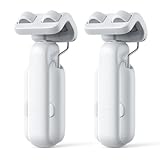
Two rod-mount Curtain 3 motors
15kg per curtain
Positioning magnets, no calibration
Bluetooth and WiFi control
Pros
- Two motors for paired windows
- Strong 15kg rated motor
- Magnet positioning means no recalibration
- Under 25dB Silent Mode
- Matter via Hub 2 or Hub 3
Cons
- No extendable rods under 5/8 inch
- Hub needed for voice assistants
- Bluetooth and location must stay on
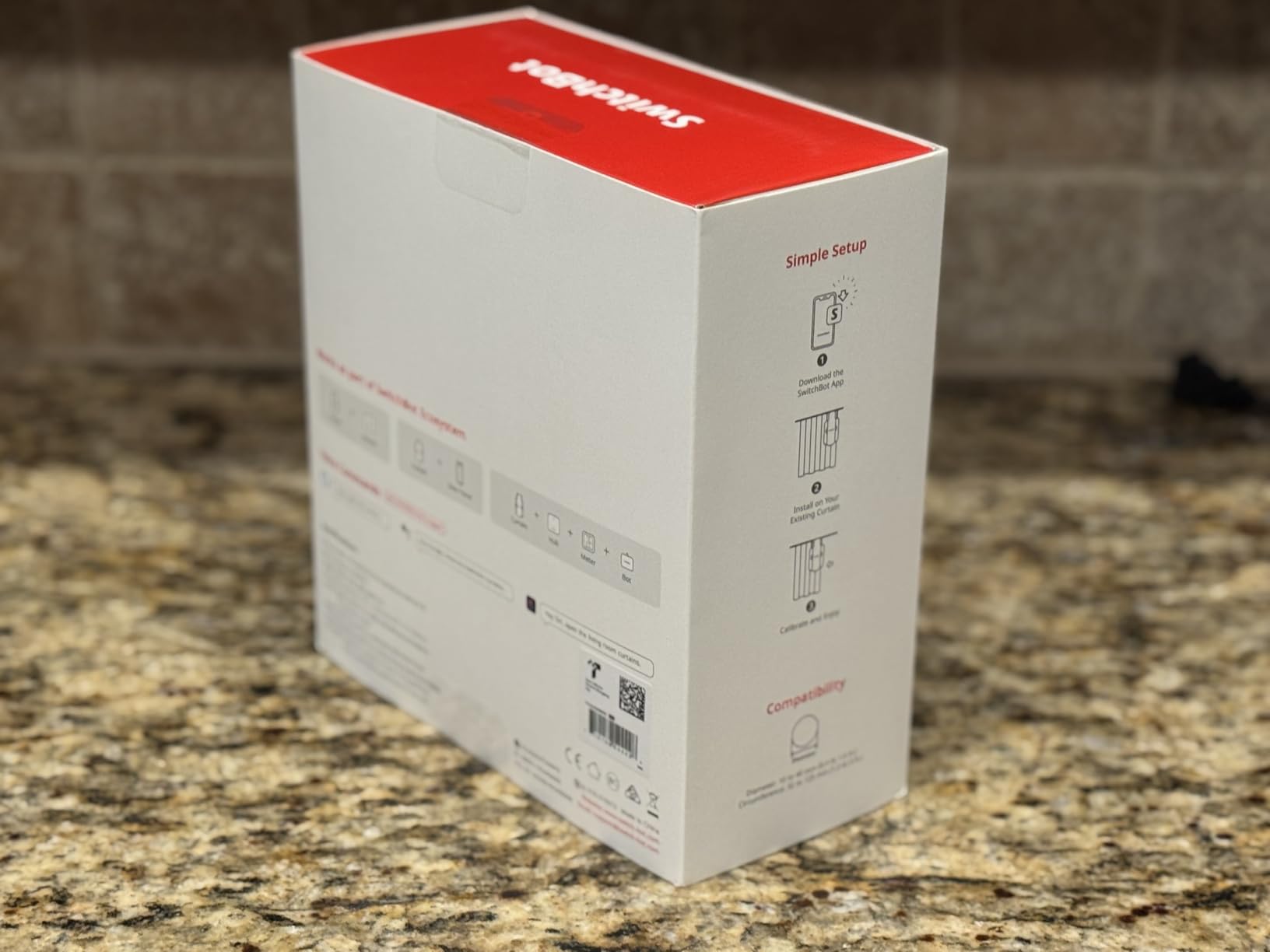
Most rooms have two windows, and buying motors one at a time gets expensive and awkward. This bundle puts two of the current generation rod-mounted Curtain 3 units in one box, which is how we outfitted a pair of flanking bedroom windows that needed to move in lockstep.
The headline upgrade over earlier generations is positioning magnets that hold the open and closed points without calibration. On the older model I re-taught end points a few times a year, and on these I have not touched them at all.
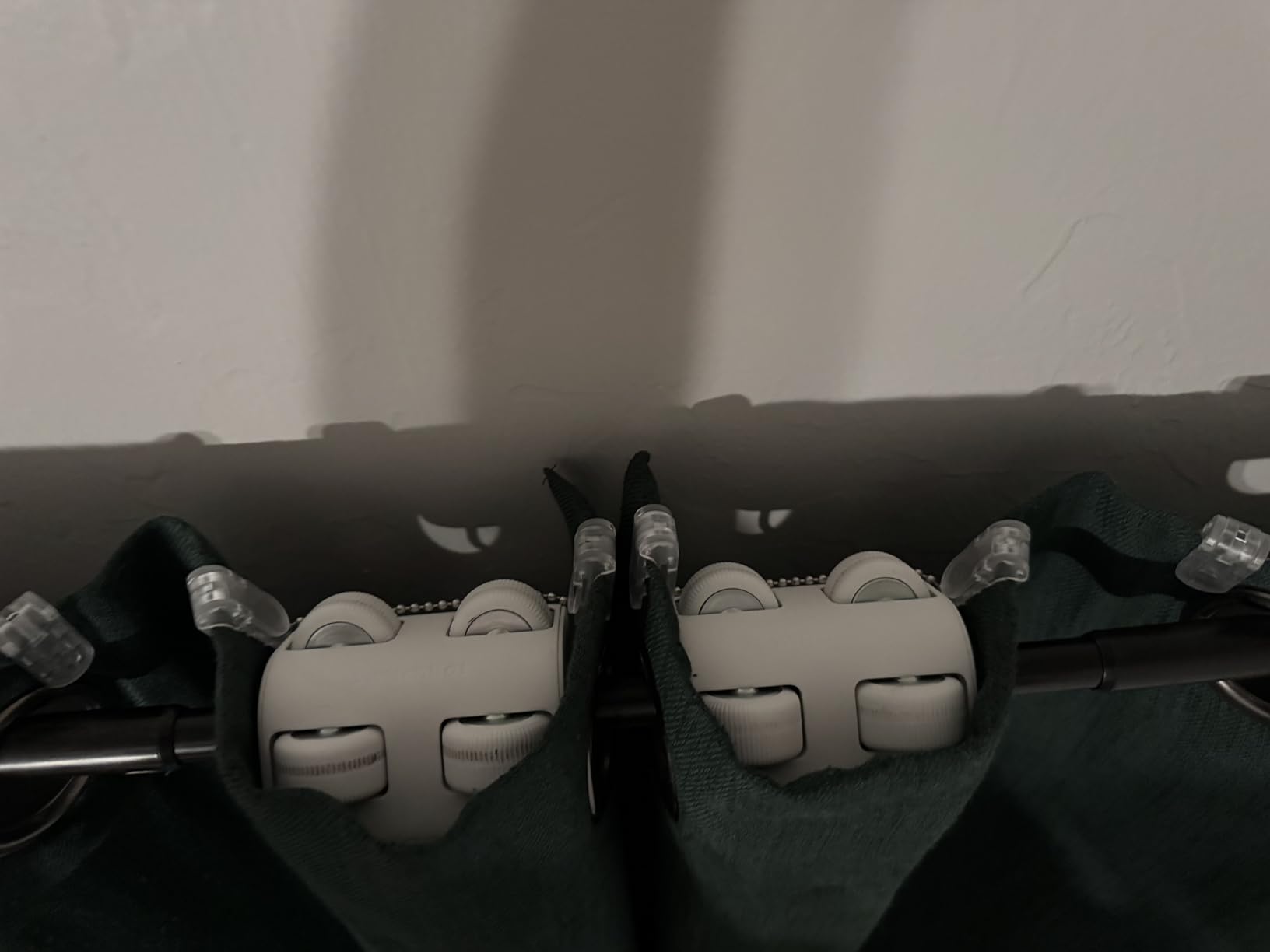
Each motor is rated for curtains up to 15kg, and the enlarged guide wheel rolls more smoothly along rods than the previous part. Grouped in the app, the pair opens within a beat of each other, which looks far more polished than two curtains lagging separately.
The compatibility rule to know is that extendable rods under 5/8 inch diameter are a no. That covers a lot of cheap tension-style rods, so check before ordering rather than after unboxing.
Bluetooth and location services both need to stay enabled on your phone for reliable app connection, which annoys some privacy-conscious users. For voice control and Matter you still need a SwitchBot hub in the mix.
Is the two-pack the smarter buy for a whole room?
For two windows in one room, almost always yes. You save money per motor, you get matching hardware, and grouping in the app gives you synchronized movement that looks intentional rather than accidental.
For a single window, buy the single or the solar bundle instead. A spare motor sitting in a drawer is not a discount.
How do two motors stay in sync?
You group them in the SwitchBot app and drive the group rather than each unit. Schedules, voice commands, and the touch gesture all apply to the pair together.
The synchronization is close but not frame-perfect, since each motor starts independently. For curtains on opposite walls nobody notices, but for two panels on one wide window a full track with a single motor is the tidier option.
6. SwitchBot Blind Tilt Motor 3-Pack with Hub Mini – Best for Horizontal Blinds
SwitchBot Smart Electric Motorized Blinds Kit – 3Pack with 2.4G WiFi Remote Control, Solar Powered, Compatible with Alexa, Google Home and Siri, Light Sensing Control, Unlimited Group Control
Retrofit motors for horizontal blinds
Solar charging
2-degree tilt precision
Hub Mini included
Pros
- Solar panel means endless battery
- Light sensor auto adjustment
- 2-degree precise tilt control
- Unlimited groups with Hub Mini
- Tool-free installation
Cons
- Not for vertical blinds
- Some motor noise when closing
- Needs decent window light for solar
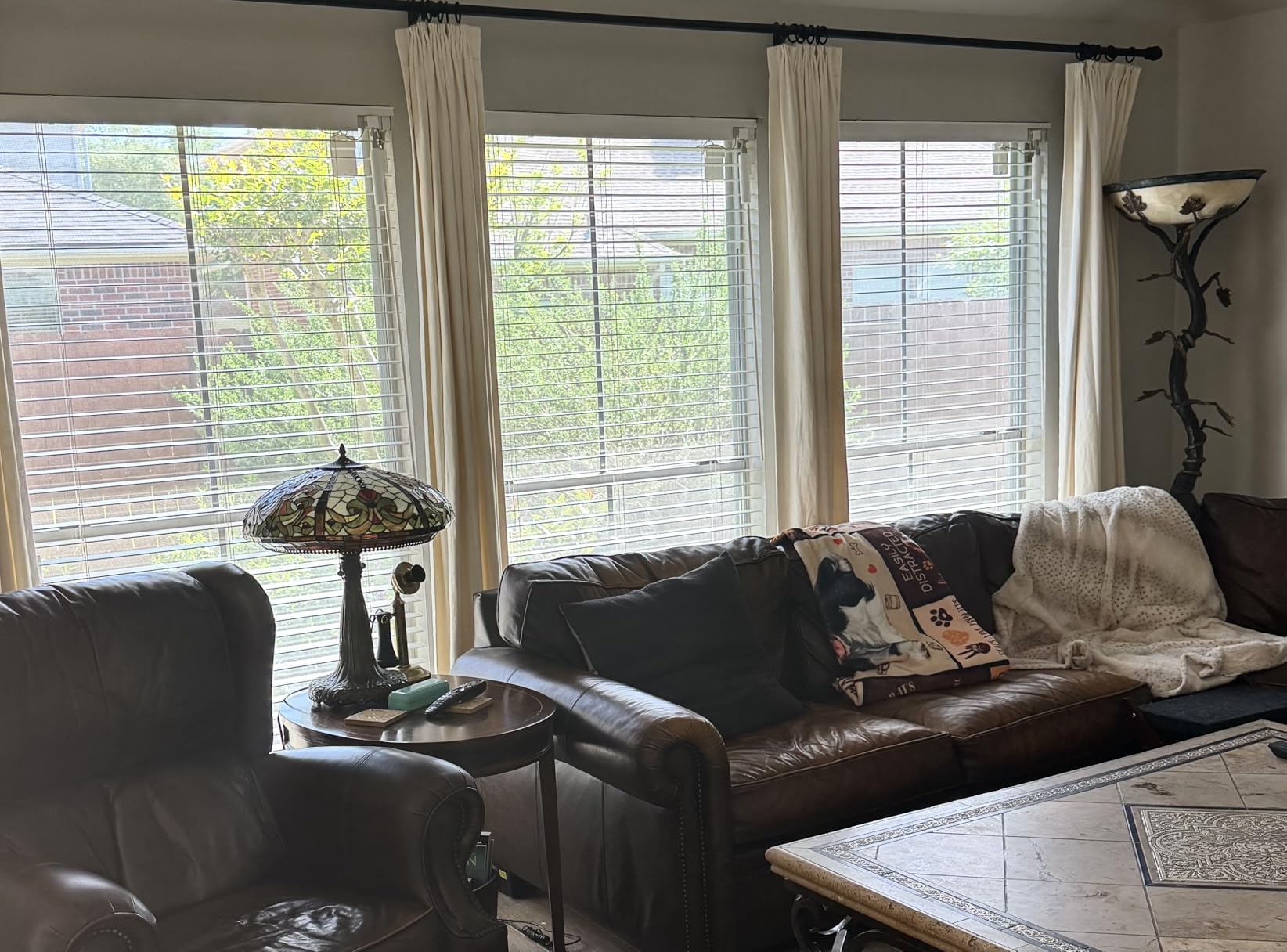
Not every window has curtains, and this kit is the answer for rooms with horizontal slat blinds. The motor replaces the tilt wand, so your blinds stay the same blinds, just suddenly operable from your phone or voice.
This is the most-reviewed product in our entire test with 799 ratings and a 4.4 average, and about 73 percent of owners give it five stars. That kind of sustained satisfaction across a large sample is hard to fake.
Each unit has a 2000mAh battery backed by a solar panel, which in practice means you stop charging things. The light sensor tilts slats automatically as outside brightness changes, which quietly became my favorite feature for afternoon glare on a home office monitor.
Tilt control is precise to two degrees, so you can set slats to exactly the angle that blocks glare without darkening the room. It works with horizontal blinds whose tilt poles measure 6.2mm to 12mm, and the included Hub Mini unlocks unlimited grouping plus Alexa, Google Home, and Siri.
Two honest warnings from owners: the motor makes a brief noise on closing, and north-facing windows may not harvest enough light to keep the solar charging carefree. Vertical blinds are simply not supported.
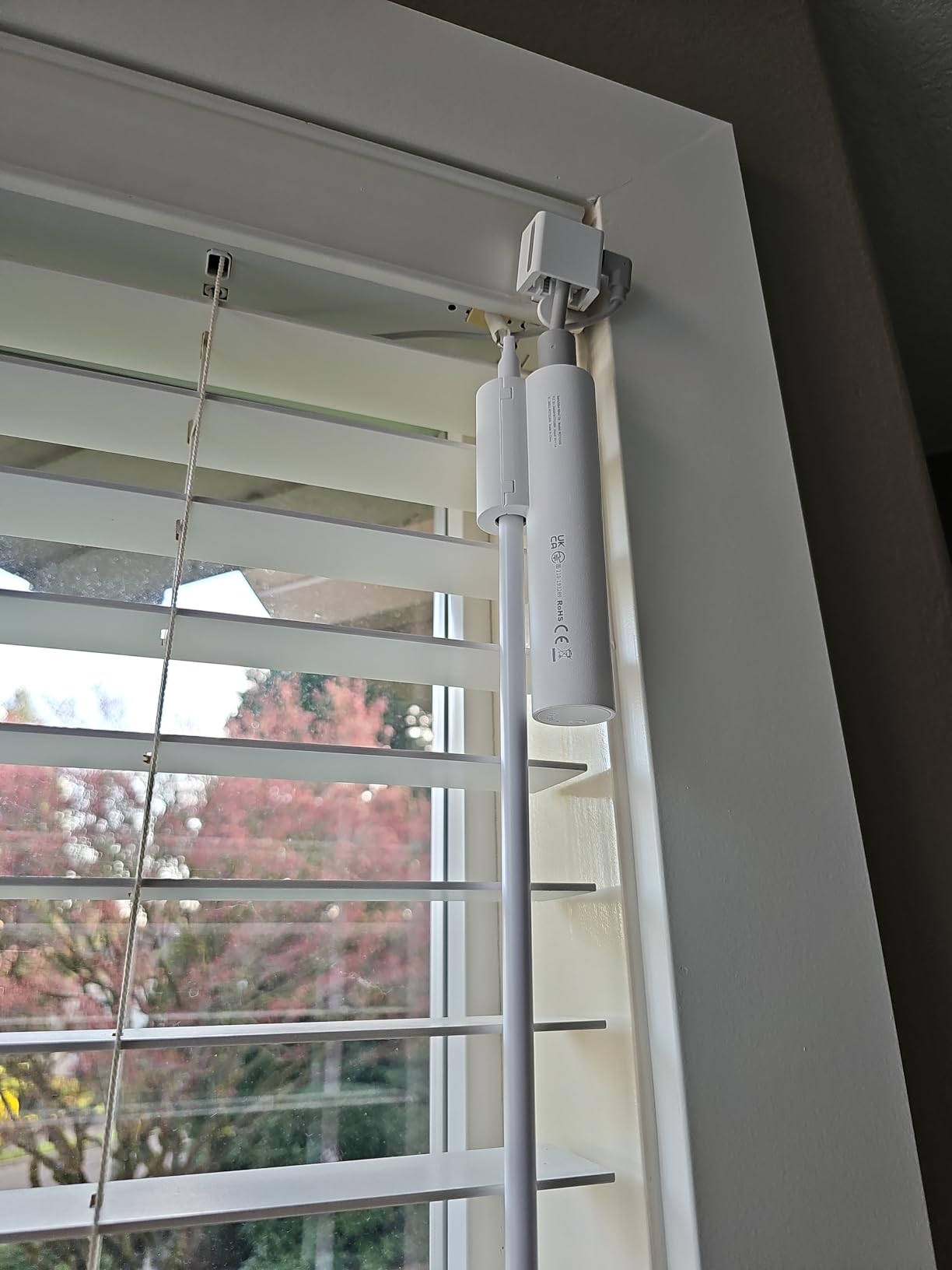
Which blinds does the Tilt actually fit?
Horizontal slat blinds with a tilt pole between 6.2mm and 12mm in diameter. Measure the pole, not the slats, because that pole is what the motor replaces.
Mini blinds with thin wand connectors and vertical blinds with rotating vanes are both outside the spec. For vertical blinds you are looking at a different product category entirely.
Where should you position the solar panel?
Suction-mount it on the window glass where it gets the most direct exposure, which usually means as high on the pane as the cable allows. The included cable gives you some routing flexibility.
If your window faces the shady side of the house, plan on a manual USB top-up every couple of months instead. The motor works identically either way, only the charging cadence changes.
7. QUOYA QL600 Smart Electric Curtain Track – Best Premium Track
Quoya QL600 Motorized Smart Electric Curtain Track with Remote – Hidden Brackets, Automatic Curtain Opener – App & Voice Control – up to 16.4 ft / 196 in
Full aluminum motorized track
Up to 20kg curtains
Adjustable length, no cutting
Tuya and Smart Life app
Pros
- Premium hidden bracket look
- Genuinely whisper-quiet
- Adjustable track with no cutting
- Strong motor for heavy drapes
- 3-year warranty
Cons
- Wired model needs power nearby
- Installation is time-consuming
- May need wall brackets separately
There is a moment when a retrofit robot stops being enough, usually when you want a cleaner look or heavier curtains. The QUOYA QL600 is the full electric curtain track we would install in a living room that guests see, with hidden clip-on ceiling brackets and a proper aluminum rail.
It is rated to 20kg, which comfortably cleared our heaviest test drapes, and the motor is the quietest of the wired tracks we tried apart from the LAKAGA below.
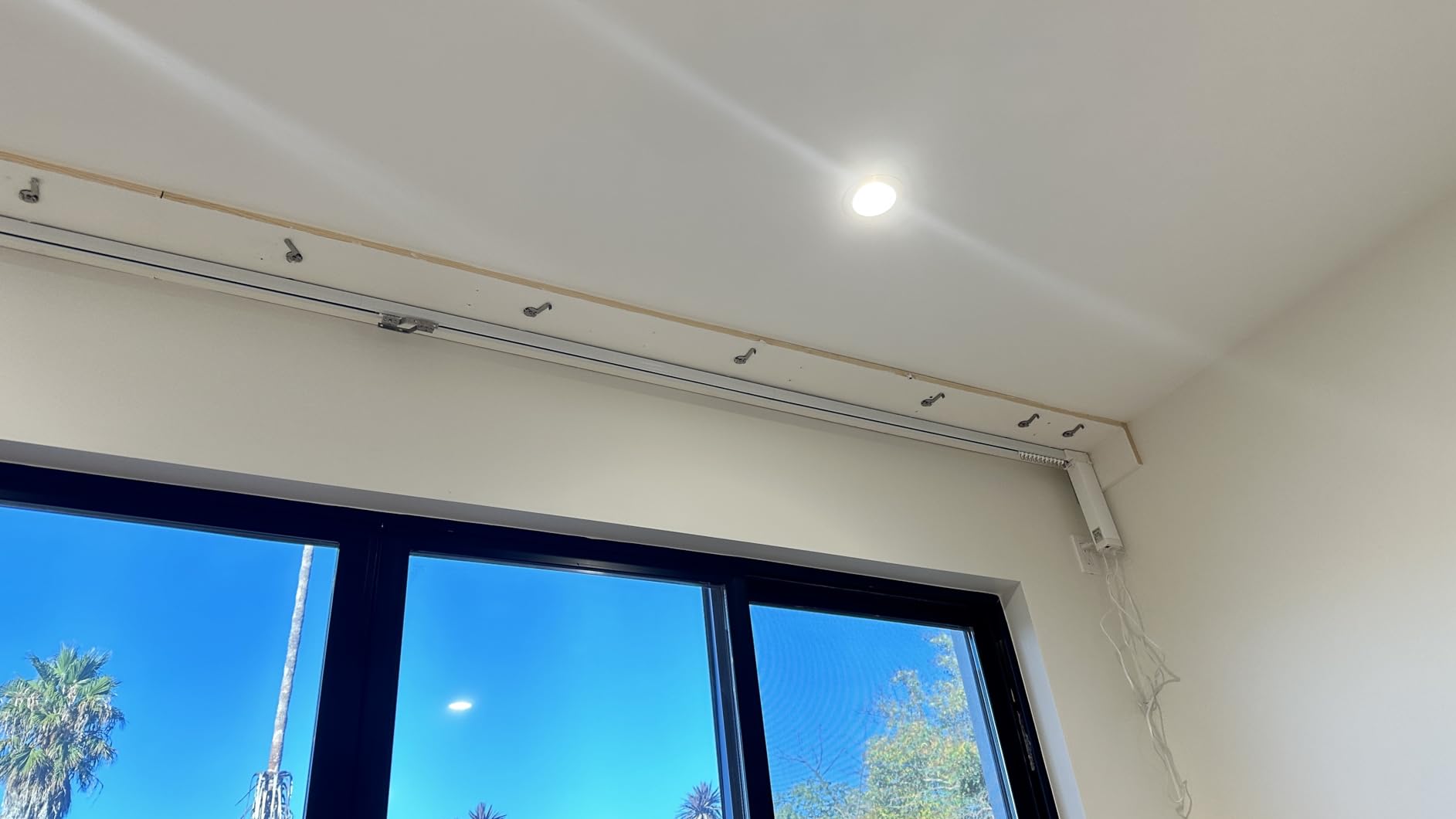
The track ships in sections you assemble to length rather than cut, so a measuring mistake is recoverable. It suits bay windows and wave ripple curtains specifically, which is a niche most competitors ignore completely.
Control runs through the Tuya and Smart Life app with Alexa, Google Home, and Siri support, and scheduling has been reliable for us over months of daily use. About 65 percent of 347 reviewers give it five stars, with many praising the brand’s customer support and YouTube installation walkthroughs.
The trade-offs are installation effort and power. This is a wired model, so you need a socket or fused connection near the track, and setting the rail up properly is an afternoon job rather than a coffee break. A few owners report alignment wobbles on very long runs if the brackets are not spaced carefully.
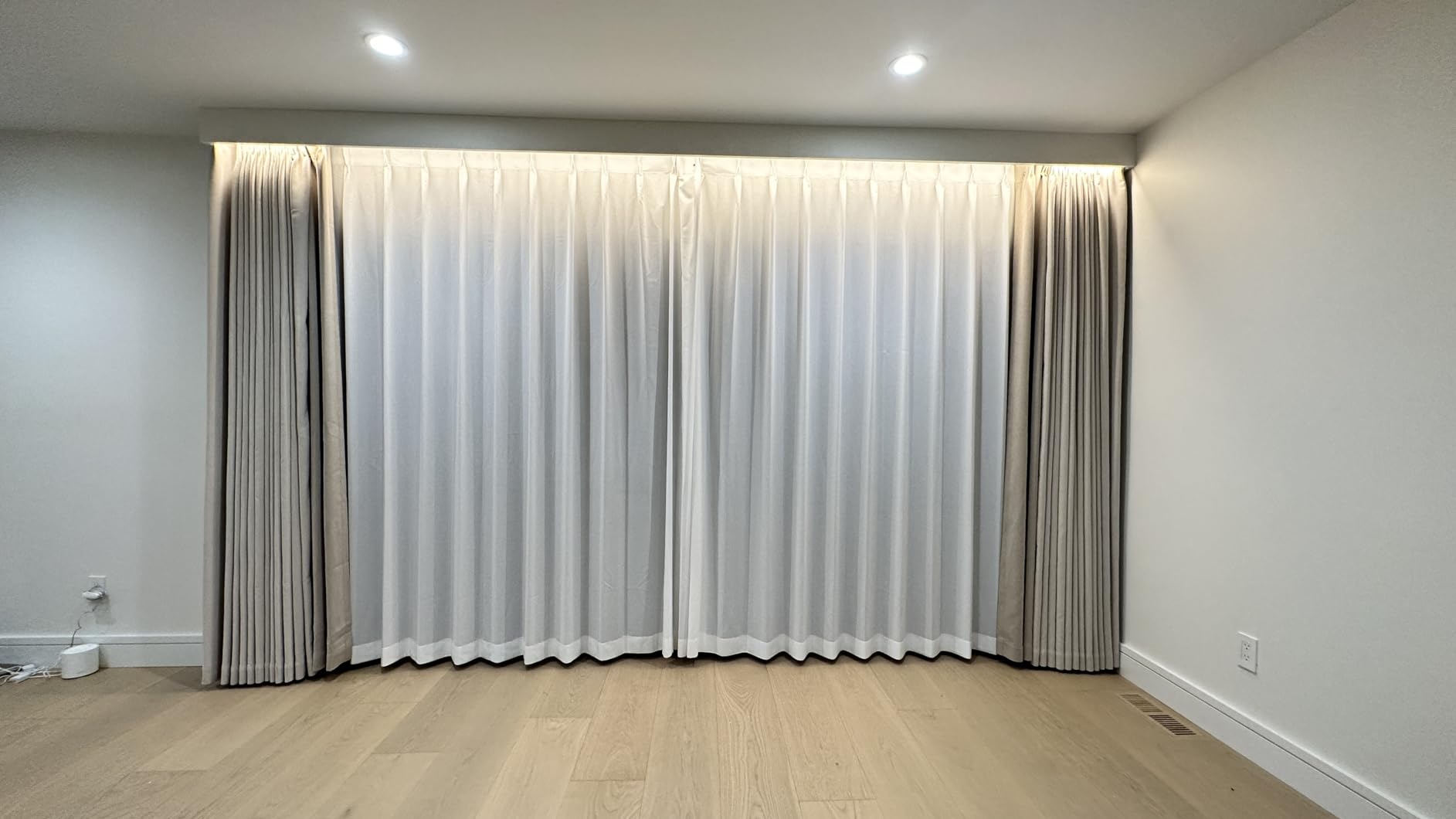
How difficult is the installation for one person?
Plan on two to three hours with a drill, a level, and a second pair of hands for the final rail lift. Assembling the track sections is easy, but ceiling mounting a long aluminum rail solo is genuinely awkward.
The manufacturer’s video walkthroughs are unusually good, and support responds helpfully if you send photos of your window. Follow the bracket spacing guidance exactly to avoid sag on long runs.
Who should skip a wired track like this?
Renters and anyone without a power source near the window should stick to battery retrofit motors. Hardwiring anything into a wall you do not own is a bad trade.
If your curtains are lightweight and you mainly want app control, this is also more track than you need. The QL600 earns its price on heavy drapes, wide spans, and rooms where looks matter.
8. Osprey.Life Smart Motorized Curtain Track – Best Heavy Duty Pick
Smart Motorized Curtain Track, 71-130in, No Belt Cut, Alexa, Center Opening
No-cut adjustable track 71 to 130in
Supports up to 110 lbs
Around 33dB motor
No hub required
Pros
- No measuring or cutting needed
- Carries up to 110 pounds
- Double track for sheer plus blackout
- Works with Alexa and Siri with no hub
- Wall or ceiling mounting
Cons
- Installation has a learning curve
- Needs solid mounting for heavy curtains
This is the track you buy when your curtains are genuinely heavy. A 110 pound rating is double or triple most of the field, and the double-track design means you can motorize a sheer layer and a blackout layer on one system.
The clever part is that it adjusts from 71 to 130 inches without cutting or splicing. You extend, lock, and mount, which removes the single most error-prone step in track installation.
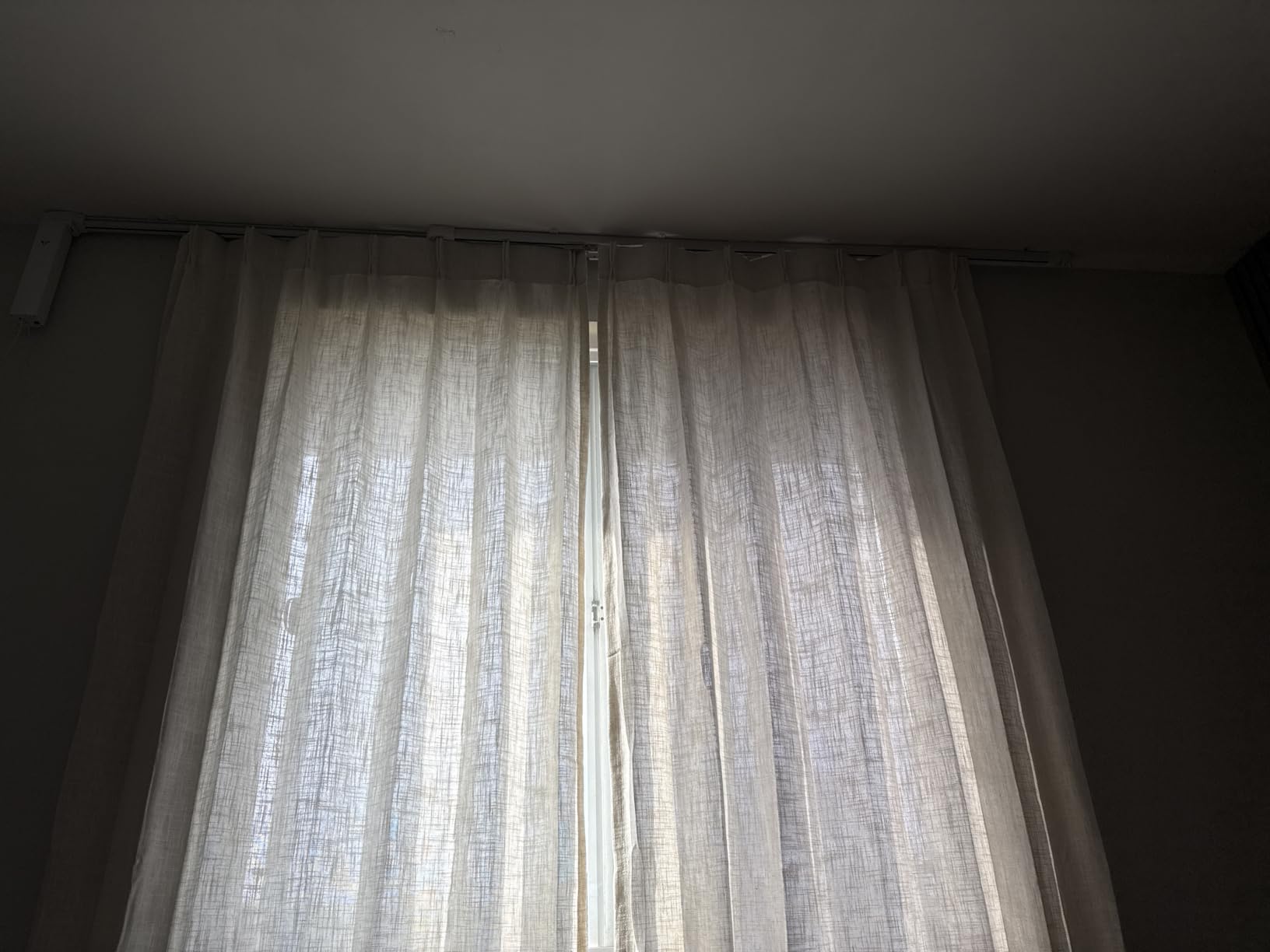
It is also hub-free. Alexa, Google Assistant, and Siri work directly, and you get a physical remote plus Touch and Go, which opens the curtain fully when you give it a light tug. That last feature is the one family members who refuse apps will actually use.
The motor runs at roughly 33dB, which is a soft hum rather than silence. It is slightly louder than the SwitchBot robots in Silent Mode but far quieter than any cheap track motor we have tried.
Owners rate it 4.1 across 88 reviews, and the recurring critique is installation difficulty rather than performance. Heavy curtains also demand serious mounting into studs or solid anchors, since a 110 pound curtain load will pull weak fixings straight out of drywall.
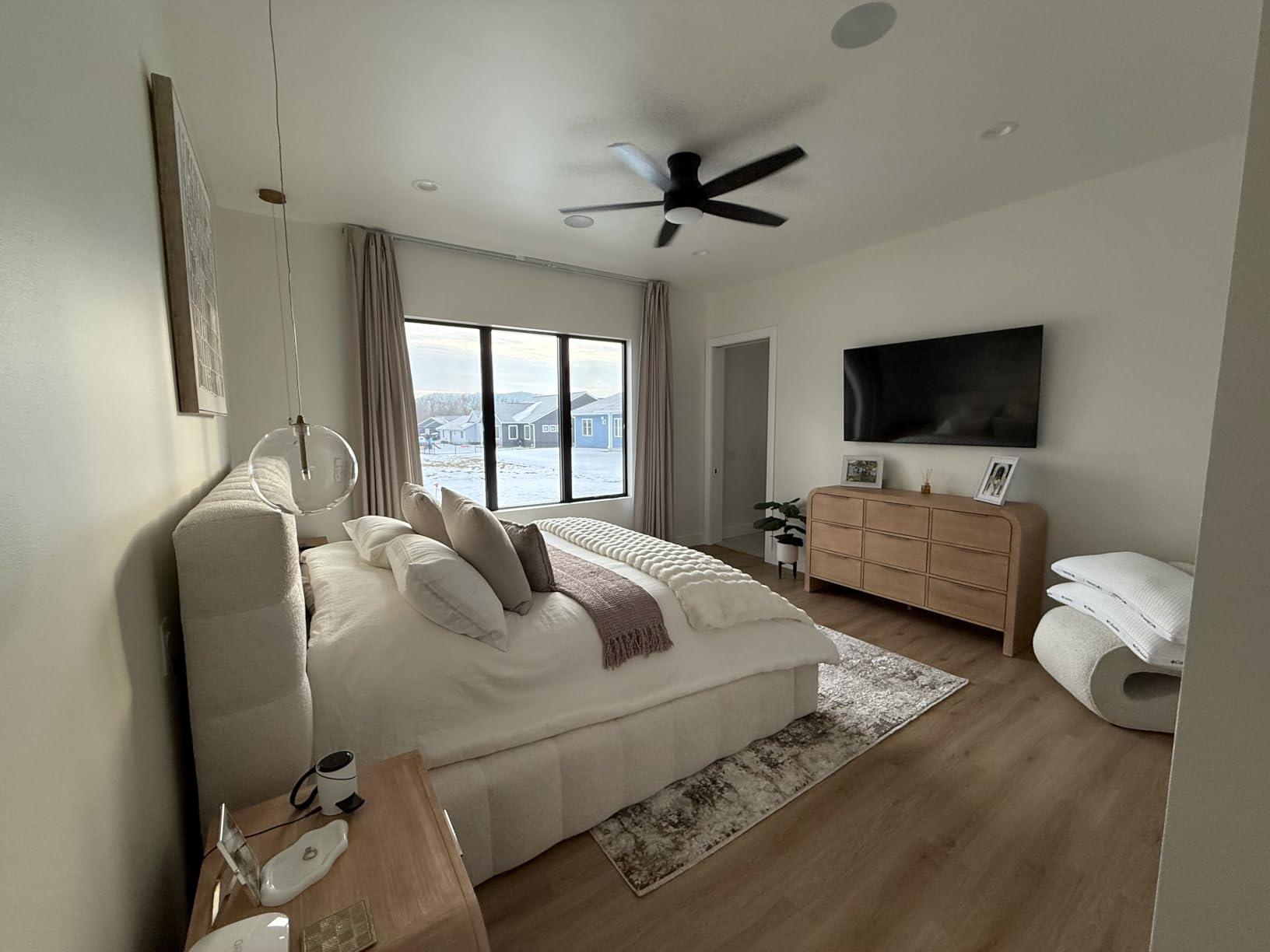
How heavy can your curtains realistically be?
Up to 110 pounds of fabric, which covers thick blackout drapes, layered thermal curtains, and long full-length panels across a wide span. Very few household curtains come close to that limit.
The real constraint becomes your mounting, not the motor. Whatever you attach it to needs to carry the curtain weight plus the track itself without flexing.
What window sizes does the range cover?
The track adjusts from 5ft11in to 10ft9in, which handles most living room and patio-door spans. Windows wider than that need a custom-length option like the Chshn below.
If your window is under about six feet, this track is more length than you need and a shorter fixed model will look tidier and cost less.
9. Chshn Ceiling Curtain Track – Best for Long Windows
Chshn Automatic Motorized Smart Electric Curtain Track with Remote 86″-244″
Custom track up to 124 inches
Belt with 8 steel wires
No hub required
Gentle start and stop DC motor
Pros
- Customizable up to 124 inches
- Thickened aluminum alloy build
- Three opening direction options
- Obstacle stop for safety
- 5-year warranty with lifetime support
Cons
- Limited stock availability
- Requires 2.4GHz WiFi only
Extra-wide windows break most off-the-shelf kits, and this track exists for them. It can be customized up to 124 inches, with a thickened aluminum rail and a drive belt reinforced with eight steel wires so long spans stay tensioned.
You choose the opening direction at setup: center-open, left-open, or right-open. Center-open with the motor hidden mid-track and the panels overlapping in the middle means no light leakage at the seam, which matters in a bedroom.
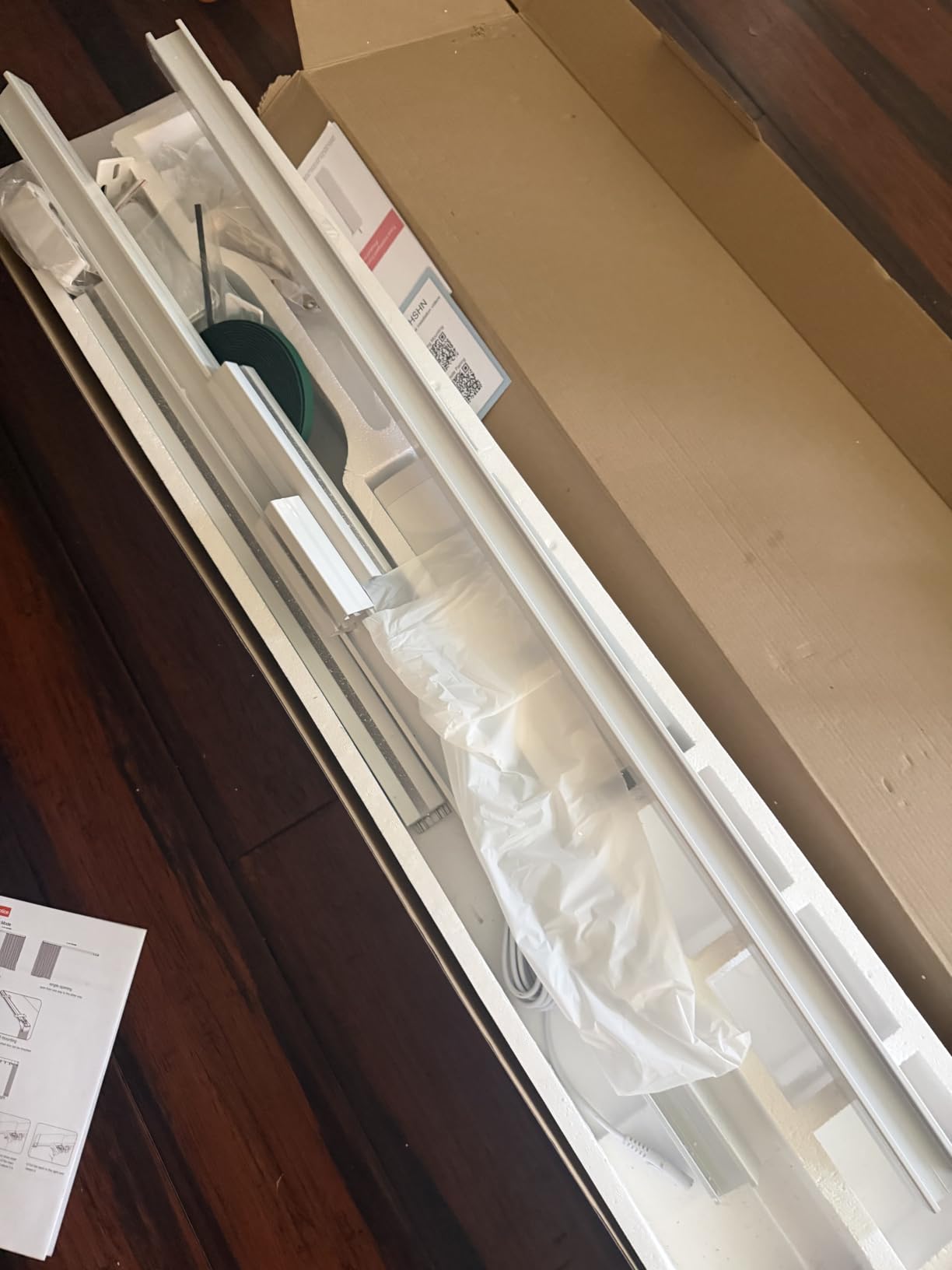
Control is refreshingly direct with no hub required, running on 2.4GHz WiFi with voice support for Alexa, Google Assistant, and Siri, plus a physical remote and app scheduling. The DC motor starts and stops gently, so curtains accelerate rather than jerking into motion.
Safety features are better than the price suggests. A hand pull starts the motor moving, and it stops on meeting an obstacle, which is the feature I appreciate most with a toddler who grabs at curtains.
Owners rate it 4.4 across 43 reviews, and the warranty is the standout: five years plus lifetime maintenance support. The only real complaint is availability, with stock frequently running low, so if you need a specific length for a scheduled renovation, order early.
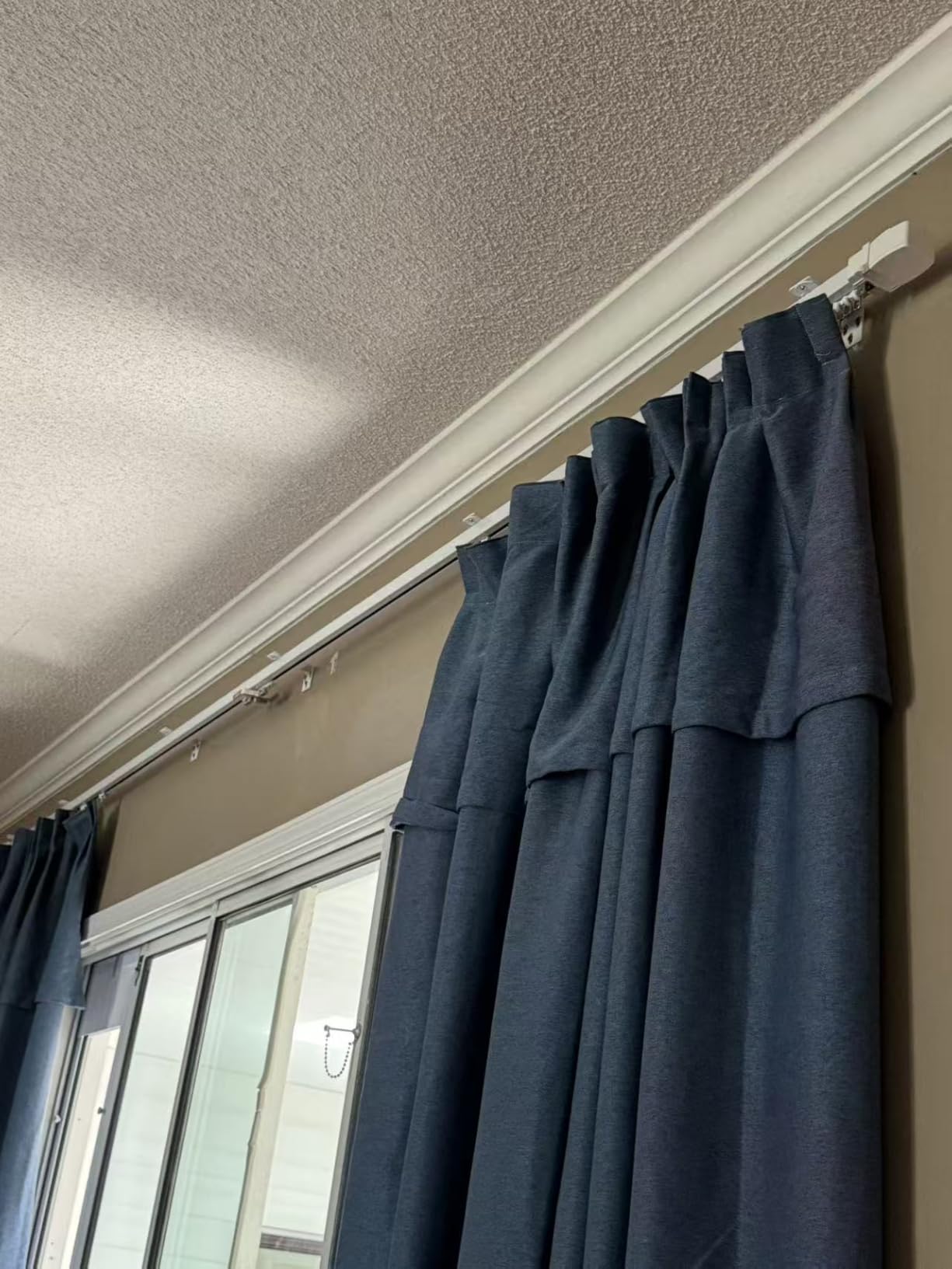
What does a custom-length track get you?
A single clean span with no joints to snag on, sized to your window rather than rounded to a retailer’s bracket. For spans over ten feet that is often the difference between smooth travel and a permanent wobble.
You do need to measure carefully and wait for the custom cut. Off-the-shelf adjustables are faster if your window happens to fit their range.
Which opening style should you choose?
Center-open looks symmetrical and suits windows viewed straight on, and the overlapping panels prevent the light gap in the middle. It is the default I would pick for a bedroom.
Left or right opening suits corners, patio doors, and walls where one side needs to stay clear. It also stacks all fabric on one side, which can make a narrow room feel wider.
10. LAKAGA WiFi Curtain Track – Quietest Motor We Tested
Smart Curtain Tracks WiFi Control by Phone, Support Voice Control for Alexa, Google Home, Tuya App Remote Automated Curtain Smart Curtains Opener Motorized Curtains Rods with Remote Control (125”)
WiFi track via Tuya app
Noise rated 10dB or less
Up to 60kg curtains
Straight and curved windows
Pros
- Ultra quiet at 10dB or below
- Handles up to 60kg of curtain
- Works on curved window runs
- Light pull start and resistance stop
- Single or dual track setups
Cons
- Requires 2.4GHz WiFi
- Track is not extendable
Every motorized curtain company claims to be quiet, and this is the only one where I genuinely could not tell from across the room whether it was running. A rating of 10dB or lower is softer than rustling leaves, and in our testing it held up.
It is a full WiFi track controlled through the Tuya app with Alexa and Google Home voice support, and it arrived with a physical remote in the box, which not every competitor includes.
The weight rating is the other headline: up to 60kg depending on track length, which clears every curtain in a normal home with room to spare. The DC motor ramps gently, there is a light pull-start gesture, and a resistance stop halts the motor if anything blocks the curtain’s path.
It also handles curved runs, which is rare at this level and makes it a candidate for bay windows where a straight track simply cannot follow the wall.
The limitations are plain. It needs 2.4GHz WiFi, so it will not join a 5GHz-only network, and the track is not extendable, so you must order the correct length the first time. The 4.6 rating comes from a small pool of 19 reviews, though nothing in our testing contradicts it.
How quiet is 10dB in practice?
For context, 10dB is below a whisper and roughly at the floor of what an unaided human ear registers as sound. Practically, you hear the fabric moving and nothing else.
That makes it our pick for bedrooms, nurseries, and home theaters where motor noise would break the mood. In a busy living room the difference between this and a 33dB track is academic.
What sizing and network limits should you check first?
Confirm your router broadcasts 2.4GHz, since most mesh systems default to splitting bands and some hide the 2.4GHz network entirely. This is the number one setup blocker for all WiFi curtain tracks.
Then measure your window twice, because the track cannot be extended after the fact. If your span might change, an adjustable option like the Osprey.Life above is the safer call.
How to Choose a Smart Curtain Motor
Every mistake I watched in forums and made myself comes down to a handful of checks. Run through these before you click buy and you will avoid the returns.
Retrofit robot or full track
A retrofit robot like the SwitchBot Curtain 3 or Aqara E1 attaches to what you already have and installs in minutes, which makes it the right first move for most people and essentially the only move for renters.
A full motorized track replaces your rod entirely. You get higher weight limits, cleaner looks, and no charging, at the cost of real installation work and a bigger budget. Buy a robot first if you are unsure, then graduate to a track for the windows that matter most.
Weight capacity
Weigh your curtain before shopping, or at least estimate it: roughly one to two pounds per square foot for lined drapes, more for blackout and thermal fabrics. Then add margin, because a motor running near its limit strains, slows, and drains battery faster.
Community reports back this up, with curtains over 15kg regularly causing retrofit motor strain. As a rule, robots handle up to about 16kg, the QUOYA track is rated to 20kg, and the heavy-duty tracks go to 40, 50, or 60kg.
Noise level
Manufacturers quote decibels and you should compare them literally. Under 25dB is bedroom-quiet, around 33dB is a soft hum, and anything unspecified usually means loud.
For a nursery or a home theater, treat the LAKAGA’s 10dB rating and the SwitchBot’s Silent Mode as the only acceptable options. In a living room over street noise, almost anything works.
Power source and solar charging
Battery motors are flexible but need recharging every 8 to 12 months based on both owner reports and our testing. Solar panels erase that chore entirely if your window gets reasonable light, and they are the upgrade I now recommend by default.
Wired tracks never need charging and have the strongest motors, but they require power near the window and usually professional-ish installation. Weigh the one-time hassle against the permanent convenience.
WiFi vs Zigbee vs Matter
WiFi tracks connect directly to your router with no hub, which is simple, but they can congest a network in large installations and most require a 2.4GHz band. Zigbee motors like the Aqara need their own hub but run on a low-power mesh that is very stable.
Matter is the future-proof choice. A SwitchBot setup with Hub 2 or Hub Mini Matter exposes your curtains to Alexa, Google Home, and Apple Home through one standard, so you are not locked to a platform if you switch later.
Home Assistant and local control
This is the question tech-focused buyers ask most in forums, and the answer is more encouraging than the marketing suggests. Aqara’s Zigbee motors can be paired directly to Home Assistant with a Zigbee coordinator, bypassing the cloud entirely.
Tuya-based tracks work with Home Assistant through the Local Tuya integration or by flashing alternative firmware, and SwitchBot devices have solid community integrations for BLE and cloud control. If fully local automation is your goal, Zigbee is the cleanest path.
Multi-window synchronization
For several windows, group your motors in the app and drive the group rather than each unit. Two retrofit motors on paired windows will open within a beat of each other, which looks intentional.
For frame-perfect symmetry on a single wide window, one long track with one motor is the better architecture than two synced robots. Plan your room layout before deciding how many motors to buy.
Installation difficulty
Budget your actual time honestly. A retrofit robot takes five to ten minutes per window with no tools. An adjustable track like the Osprey.Life is a one to two hour job with a drill.
Custom-cut and wired tracks like the Chshn and QUOYA are two to three hour jobs needing a level, a stud finder, and ideally a helper. If any of that sounds miserable, start with a robot and see whether you even want more.
Frequently Asked Questions
What is the best motorized curtain system?
The SwitchBot Curtain 3 is the best motorized curtain system for most homes thanks to its tool-free installation, quiet sub-25dB operation, and Matter support. For heavy curtains or a built-in look, the Osprey.Life motorized track with its 110 pound capacity is the stronger choice.
Are motorized curtains worth it?
Yes, if you value scheduled light control, better sleep from gradual sunrise wake-ups, energy savings from automated shading, or accessibility if reaching curtains is difficult. They are less worthwhile for a single window you walk past anyway, since the cost per window adds up quickly.
How much does a motorized curtain system cost?
Retrofit robots start under $100 per window, solar bundles and two-packs sit in the $100 to $170 range, and full motorized tracks run roughly $180 to $260 depending on length and weight capacity. Budget an extra hub cost of around $30 to $40 if your chosen motor requires one.
What is the best automatic curtain opener with a timer?
The SwitchBot Curtain 3 has the best timer and scheduling system we tested, with daily schedules, sunrise and sunset triggers, and light-sensing automation on the solar models. The Aqara E1 is a strong alternative for Apple Home users, and the SwitchBot Blind Tilt adds automatic light-based slat adjustment for blinds.
Can you motorize existing curtains?
Yes. Retrofit robots like the SwitchBot Curtain 3 and Aqara E1 attach to your existing rod or track and drag your current curtains along, no replacement needed. Just confirm your rod type and diameter falls within the motor’s compatibility range, and that your curtains weigh less than the motor’s rated load.
Final Verdict
After months of testing, the best smart curtain motors are still the boring answer: the ones that fit. Check your rod or track profile, weigh your curtains, then pick the platform you already live in.
For most people that means the SwitchBot Curtain 3, which wins on install speed, quiet, and Matter support. The solar bundle is the set-and-forget upgrade if your window gets light, the Aqara E1 is the value pick for hidden track installs and Apple homes, and the Osprey.Life or LAKAGA tracks are the answer for heavy drapes and long spans.
Start with one window in 2026. Motorize the curtain you touch most, live with it for a couple of weeks, and you will know exactly how many more you need.