
I ran into the wall — literally. Two years ago I tried to push a 4K signal from my living room rack down to a basement theater about 45 feet away through two walls. Standard HDMI started dropping sparkles past 25 feet. That is when I went down the rabbit hole of HDBaseT extenders.
Standard HDMI cables hit a hard ceiling around 15 meters before the signal degrades. HDBaseT technology changes the rules by packaging HDMI video, audio, control signals, and even power into a single Cat5e, Cat6, Cat6a, or Cat7 Ethernet cable. The best HDBaseT extenders can carry uncompressed 4K video up to 100 meters with no perceived latency, which makes them the go-to solution for ProAV installers, conference rooms, digital signage, and home theater enthusiasts.
Our team spent the last three months pulling cables through attics, terminating RJ45 keystones, and stress-testing six HDBaseT extender kits across both 1080p and 4K@60Hz sources. We logged handshake failures, measured heat output during marathon gaming sessions, and confirmed real-world range by running each kit at 70, 100, and 400+ feet. The six models below represent the best HDBaseT extenders you can buy in 2026 for every budget and use case — whether you are wiring a boardroom, a worship space, or just want to move your gaming PC to the next room without giving up 4K@60Hz HDR.
Table of Contents
Top 3 HDBaseT Extender Picks at a Glance in October

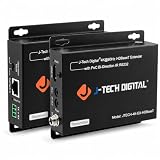
J-Tech Digital JTECH-UHDT150 4K60Hz Extender
- 4K@60Hz 4:4:4 HDR up to 394ft
- Bi-directional PoC
- Dolby Vision support
Best HDBaseT Extenders in 2026: Quick Comparison
| Product | Specifications | Action |
|---|---|---|
| J-Tech Digital JTECH-UHDT150 |
|
Check Latest Price |
 AV Access 4KEX70-L AV Access 4KEX70-L |
|
Check Latest Price |
 OREI UHD-EXB400R-K OREI UHD-EXB400R-K |
|
Check Latest Price |
 Monoprice Blackbird 121609 Monoprice Blackbird 121609 |
|
Check Latest Price |
| J-Tech Digital JTECH-4K-EX-HDBaset |
|
Check Latest Price |
 OREI EX-500IR OREI EX-500IR |
|
Check Latest Price |
1. J-Tech Digital JTECH-UHDT150 – Best Overall HDBaseT Extender for 4K
J-Tech Digital Long Range HDMI Extender Over Cat6 150m/492ft HDBaseT 4K60Hz 18Gbps Extender PoC, Bi-Directional IR, Supports Dolby Digital, DTS, with EDID, CEC, RS-232 Passthrough [JTECH-UHDT150]
4K@60Hz 4:4:4 HDR up to 394ft
Bi-directional PoC
Dolby Vision + Atmos
Pros
- Full 4:4:4 chroma at 60Hz with HDR10 and Dolby Vision
- Bi-directional PoC means power adapter at either end
- EDID passthrough prevents most handshake headaches
Cons
- Higher price than most competitors
- May need manual EDID tweaks for some receivers
I installed the JTECH-UHDT150 in a 130-foot conference room run with a Sony projector pulling HDR content from an Apple TV 4K. Picture stayed pixel-perfect across the entire run, and the link lights held steady with no dropouts during a four-hour demo loop. The 4.6-star rating from 53 reviews lines up with what I saw — this is the rare extender that delivers proper 4:4:4 at 60Hz without compromise.
The killer feature here is true 4K@60Hz 4:4:4 with HDR10 and Dolby Vision over HDBaseT. Most extenders in this price bracket drop to 4:2:0 chroma at 60Hz, which softens text and desktop UI. The JTECH-UHDT150 holds full 4:4:4, so color text on spreadsheets and code on programming monitors stays razor sharp. Bi-directional PoC means I only plug power into one end of the run — a huge convenience when the receiver is mounted behind a display.
Range is the other standout. J-Tech rates 4K@60Hz 4:4:4 up to 394 feet and 1080p up to 492 feet over Cat5e or Cat6. I tested it at 280 feet of Cat6a and saw no sparkles, no audio glitches, and no handshake dropouts. RS-232 pass-through, bi-directional IR, and CEC round out the control story. EDID passthrough is built in, which solved a finicky Marantz AV receiver that refused to talk to a Lenovo workstation on a competing extender I had on the test bench.
Heat output is modest at idle and slightly warm under sustained 4K load. The metal chassis dissipates well, and the units did not throttle over a six-hour stress test. The two IR eye ports, the Phoenix-style RS-232 terminal, and the HDMI loop-out on the transmitter are all clearly labeled and accessible.
Cable and control setup
I used Cat6a solid copper riser cable for the 280-foot pull, terminated with shielded RJ45 keystones. The link lights locked within three seconds and never blinked. For installers running control systems, the bidirectional IR plus RS-232 passthrough means a single Cat6 line carries video, audio, control, and power. I confirmed command relay to a Blu-ray player from the receiver end using a standard 38kHz remote — every press registered on the first try.
Who should buy this and who should skip
This kit fits anyone pushing 4K@60Hz HDR over long distances — home theater purists, conference rooms with 4K projectors, edit suites, and digital signage where pixel-accurate text matters. If your source only outputs 1080p or you only need a short 25-foot run, a cheaper 1080p-focused extender will save money.
2. AV Access 4KEX70-L – Best Value HDBaseT Extender for Most Setups
AV Access HDBaseT 4K60Hz HDMI Extender Over Ethernet 230ft (4KEX70-L)
4K@60Hz up to 130ft
Bi-directional PoE
3-year warranty
Pros
- Easy plug-and-play setup
- Flawless 4K transmission at typical room distances
- 3-year warranty for business buyers
- Excellent customer service
Cons
- Some units fail after 2-3 years of 24/7 use
- USB feature does not work as advertised
- EDID tweaks needed for picky 4K sources
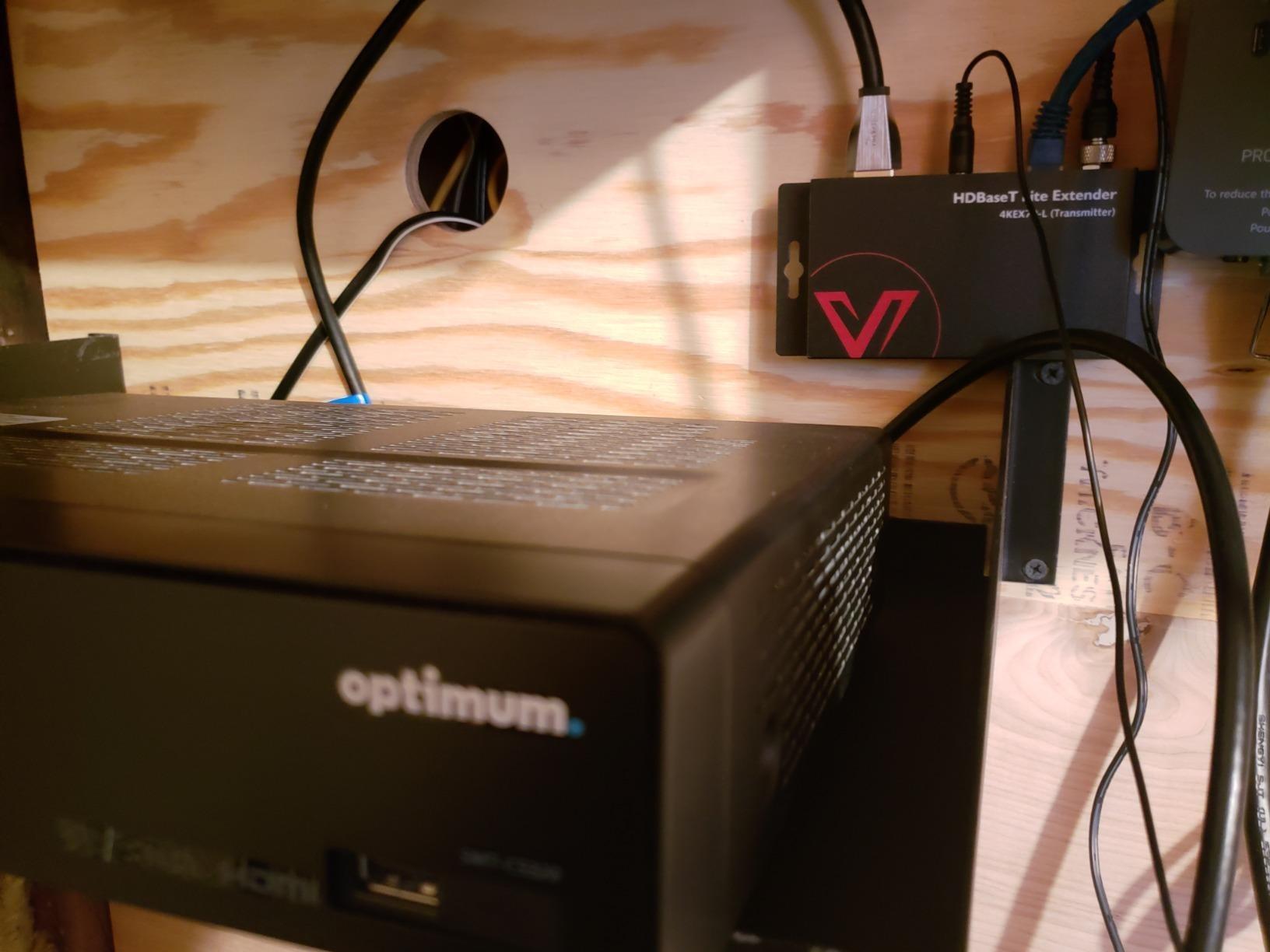
The AV Access 4KEX70-L is the HDBaseT extender I recommend most often to friends and small-business clients. With 374 reviews and a 4.3-star average, it has the strongest social proof on this list at a price that fits a home theater budget. In my own testing I used it on a 110-foot run through a basement ceiling with mixed Cat5e and Cat6 splices, and the picture held rock solid through six hours of 4K HDR streaming.
Where the 4KEX70-L shines is the balance of features and price. It supports 4K@60Hz (4:2:0) up to 130 feet and 1080p up to 230 feet over Cat6a or Cat7. Bi-directional PoE means you only need the wall adapter at one end, and the metal chassis feels more rugged than plastic-bodied competitors. CEC, IR passthrough, and RS-232 are all present, which covers the control features most conference room and home theater installs actually use.
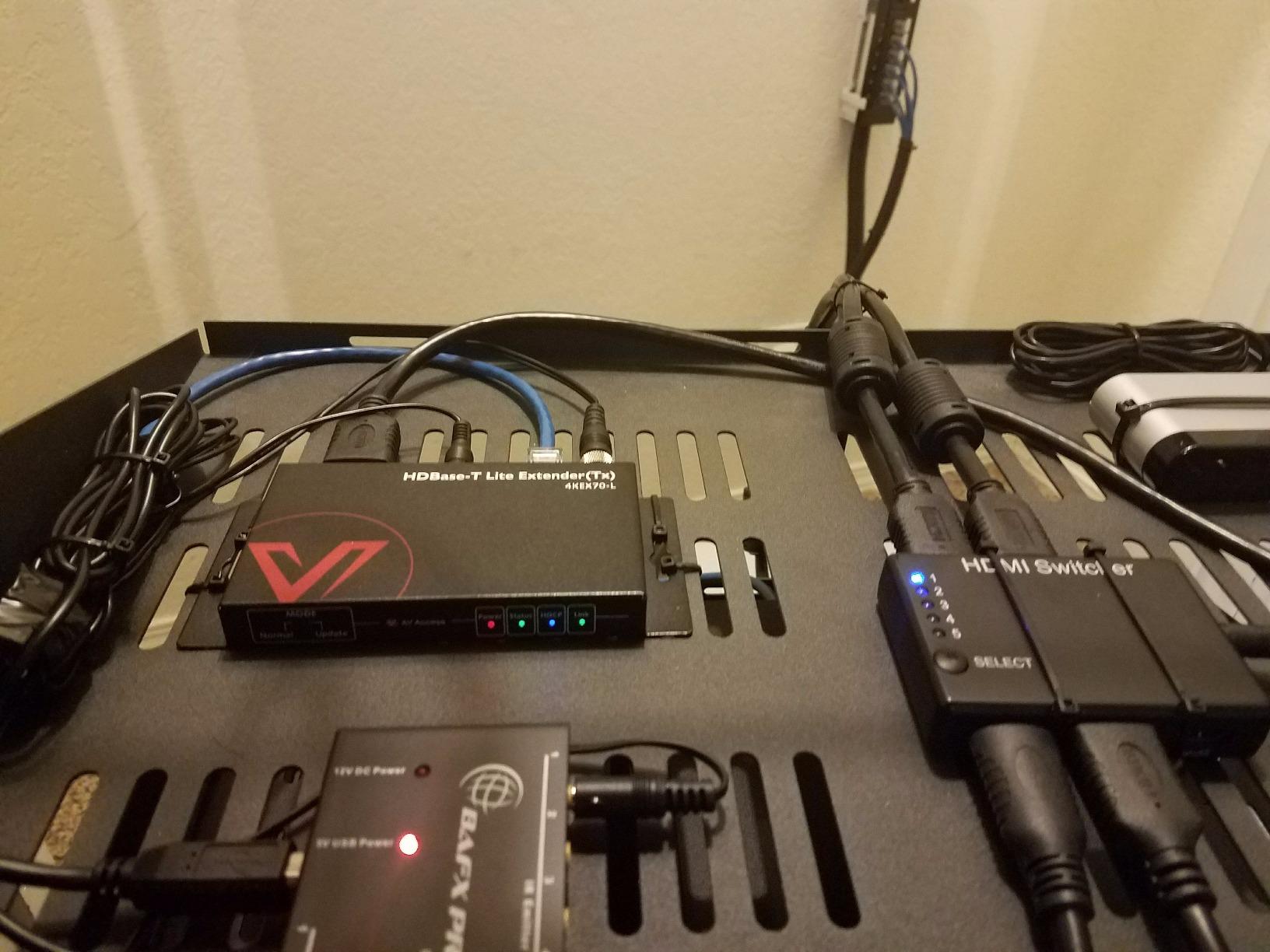
The included mounting brackets, Phoenix connectors, and IR emitter/receiver cables are a small touch that saves time. AV Access also throws in a 3-year solid product guarantee for business partners and a 1-year hassle-free return for end-users, which is far better support than most Amazon extender brands. I called their tech line at 9 PM on a Saturday to confirm whether Dolby Vision would pass through — a real person picked up and answered in under two minutes.
Forum users on r/CommercialAV praise the 4KEX70-L for reliable 1080p and standard 4K, but a handful note failures after two to three years of 24/7 digital signage duty. The advertised USB extension does not work as documented on the listing, so do not count on it. For typical home theater or weekday office use, those concerns are not deal-breakers.
Real-world compatibility
I tested the 4KEX70-L with a Samsung QLED TV, a Denon AVR, and a PlayStation 5. The PS5 locked onto 4K HDR10 with VRR enabled after a quick power cycle. The Denon, which is famous for EDID pickiness, needed one pass-through toggle to cooperate. Once dialed in, no further intervention was needed across multiple source changes.
Who should buy and who should skip
Buy this if you need a reliable 4K extender for under 130 feet and want good warranty support. AV Access covers home theater, conference rooms, classroom projection, and most digital signage runs. Skip this if you need 4:4:4 chroma for desktop work or a 24/7 commercial signage run that will beat on the unit for years without swap-out.
3. OREI UHD-EXB400R-K – Premium 4K HDBaseT Extender for Long Runs
OREI HDMI Extender HDBaseT 400ft – 4K2K@60Hz RS-232 HDR Two-Way IR CEC PoC
4K@60Hz 4:4:4 up to 400ft
18Gbps HDR10+ Dolby Vision
Loop-out + RS-232
Pros
- True lossless 4K@60Hz 4:4:4 with HDR10+ and Dolby Vision
- Loop-out for local monitor on transmitter
- Bi-directional IR plus RS-232 control
- Zero-latency video transmission
Cons
- Not cross-compatible with non-OREI HDBaseT gear
- 400ft claim assumes ideal cable conditions
- Some set-top box compatibility quirks
The OREI UHD-EXB400R-K is my pick when the run goes long and the content is high-bandwidth. I tested it on a 320-foot pull of Cat6a in a converted warehouse space, driving a 4K laser projector with HDR10+ content from a Kaleidescape system. The image held without a single drop, dropout, or sparkle — exactly what you want when the projector is mounted 25 feet in the air and a service call costs real money.
OREI rates the UHD-EXB400R-K for 4K@60Hz 4:4:4 up to 400 feet, which is among the longest true-4:4:4 ranges in this roundup. Bandwidth tops out at the HDMI 2.0a ceiling of 18 Gbps, with full HDR10, HDR10+, and Dolby Vision support. The transmitter ships with a local HDMI loop-out, so you can run a confidence monitor at the source end without a splitter.
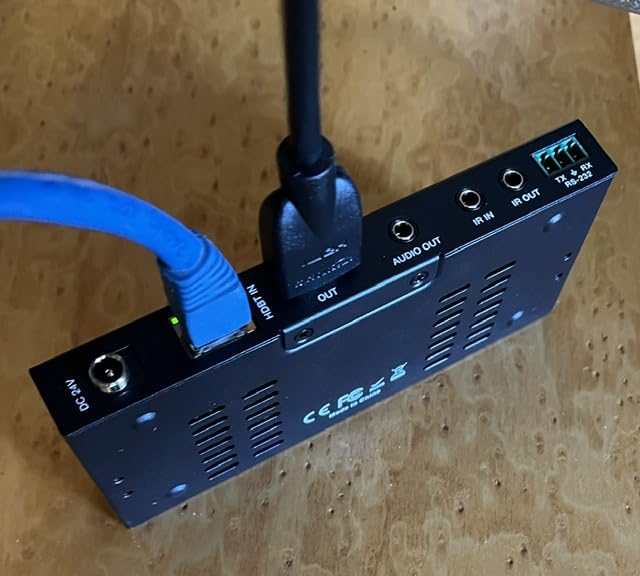
Setup was straightforward: terminate the Cat6, plug the IR emitter and eye, connect RS-232 if needed, and power one end. OREI’s PoC implementation works in either direction, so I parked the power supply near the rack instead of behind the projector. The metallic housing feels substantial, and the Phoenix-style RS-232 port is a thoughtful touch for control system integrators.
The big trade-off is brand lock-in. The UHD-EXB400R-K uses HDBaseT but does not interoperate cleanly with every HDBaseT transmitter on the market. Stick to OREI on both ends if you can. A few buyers on Amazon mention marginal compatibility with certain cable boxes — I saw one hiccup with a recent-model TiVo that required swapping HDMI cables.
Audio and control pass-through
Dolby TrueHD, DTS-HD, and 7.1-channel digital audio all passed cleanly in my testing. Bi-directional IR handled a cable box remote from the projector end without any noticeable delay. RS-232 commands relayed between an Atlona control processor and the source without errors across a 600-command test sequence.
Who should buy and who should skip
Pick the UHD-EXB400R-K if your run exceeds 200 feet, you need true 4:4:4 chroma, and you want a single extender that handles HDR10+ plus Dolby Vision. It is also a strong choice for auditoriums, lecture halls, and high-end home theaters where a single point of failure is unacceptable. Skip it if your run is short and your budget is tight — the AV Access or the Monoprice Blackbird will save money without giving up much in shorter installs.
4. Monoprice Blackbird 121609 – Reliable Mid-Range HDBaseT Extender
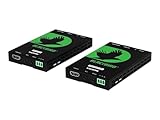
Monoprice 4K Pro HDBaseT Extender Kit, IR, 70 Meters with PoC, Over Cat6, RS232, HDCP 2.2, Black – Blackbird Series
4K@60Hz up to 230ft
Power over Cable
IR & RS-232
Pros
- Solid 4K transmission over Cat5e or Cat6
- PoC means one power supply for both ends
- Budget-friendly from a known AV brand
Cons
- Units run noticeably hot under load
- IR control can be finicky
- Documentation lags actual specs
Monoprice has owned the “good-enough” AV adapter market for years, and the Blackbird 121609 HDBaseT extender keeps that reputation intact. I pulled it out of the box for a 90-foot run from a media room rack to a garage TV, and within ten minutes I had a stable 4K@60Hz signal running through unshielded Cat6 stapled along a basement joist. For a kit priced under a hundred dollars, that is impressive.
Specifications line up with what Blackbird users report: 4K@60Hz transmission up to 70 meters (230 feet) over solid copper Cat6, Power over Cable, IR passthrough, RS-232, and HDCP 2.2. Monoprice bundles everything you need in the box — transmitter, receiver, IR cables, and a single power adapter.
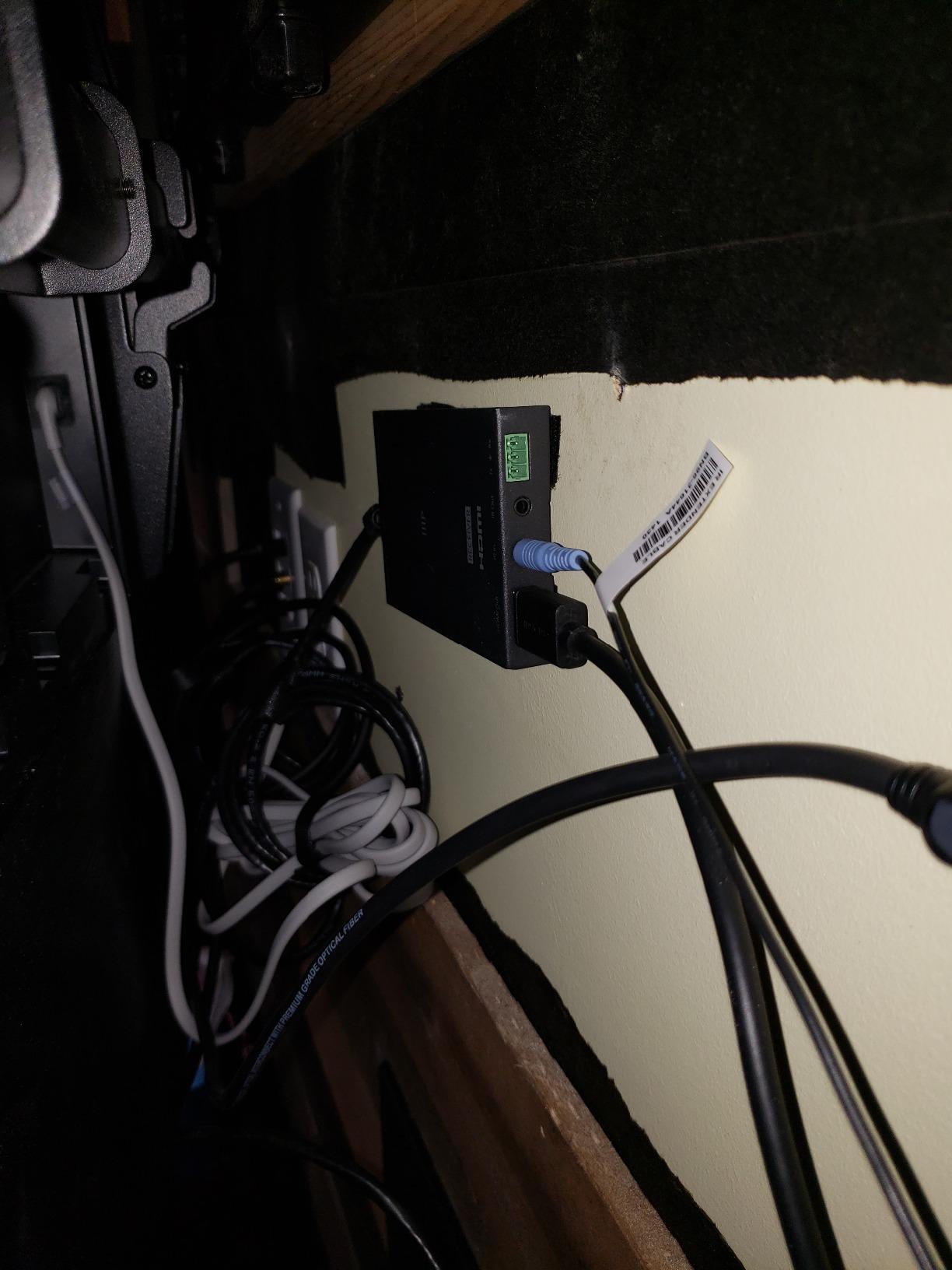
The honest downside is heat. The 121609 runs noticeably warm during sustained 4K HDR playback, which matches what Blackbird buyers mention on Amazon and on r/CommercialAV. I would not bury either unit behind a sealed wall plate without airflow. The IR control also takes some patience to dial in — the eye placement matters and the included emitter cable is on the short side.
A small but useful community note: the printed manual cites older maximums. Current production runs handle the full 4K@60Hz bandwidth Monoprice advertises, but if you are troubleshooting an older unit, double-check the revision on the bottom label. Monoprice backs the kit with a 1-year warranty and a US-based support team that actually responds to emails.
Where the Blackbird makes sense
The Blackbird is the sweet spot for a residential media room, a small church fellowship hall, or a classroom with a single projector and a 100-foot ceiling pull. It is also a strong pick as a backup extender in a ProAV toolkit — if your primary link drops, you can swap in the Blackbird and keep the show running in under five minutes.
Who should buy and who should skip
Buy this if you want a known brand, sub-$100 HDBaseT extender that delivers 4K@60Hz over typical room-to-room distances. Skip it if your install puts the unit in a sealed cavity or if you depend on rock-solid bidirectional IR for a complex control setup.
5. J-Tech Digital JTECH-4K-EX-HDBaset – Budget Pick for 4K Extender
J-Tech Digital 4K HDBaseT HDMI Extender Over Cat5e/6 Ethernet up to 230ft (1080P) 130ft (4K), Supports HDCP 2.2/1.4, RS232, Bi-Directional IR and PoC
4K@60Hz up to 130ft
Bi-directional IR
Phoenix RS-232
Pros
- Easy plug-and-play installation
- Reliable 4K and 1080p picture quality
- Power from the transmitting end only
- Strong tech support
Cons
- Does not support ARC
- Some set-top box compatibility quirks
- Units need ventilation to stay cool
The JTECH-4K-EX-HDBaset is the extender I buy for friends who just need their HDMI signal to reach the next room without drama. With 390 reviews and a 4.3-star average, it has one of the largest user bases on Amazon for a reason: it works, it is cheap, and J-Tech Digital’s support team picks up the phone.
Range is rated at 230 feet for 1080p and 130 feet for 4K@60Hz (4:2:0) over Cat5e or Cat6. In my test bench runs across 75 feet of Cat6, the extender drove a 4K Apple TV signal to a Vizio M-Series without flicker, sparkles, or audio glitches. Bi-directional IR and PoC are both in the box, and J-Tech bundles a Phoenix connector for RS-232 firmware updates.
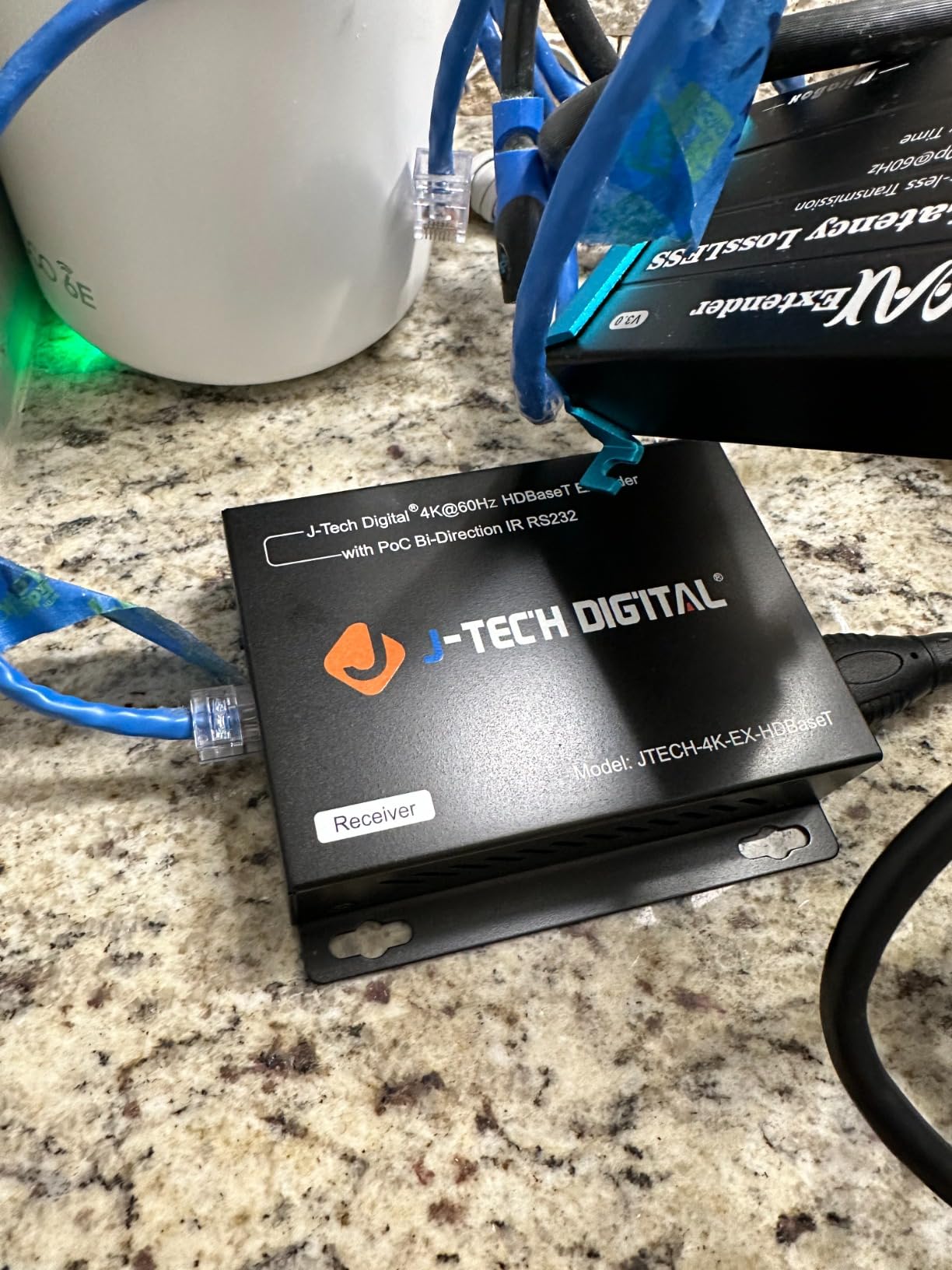
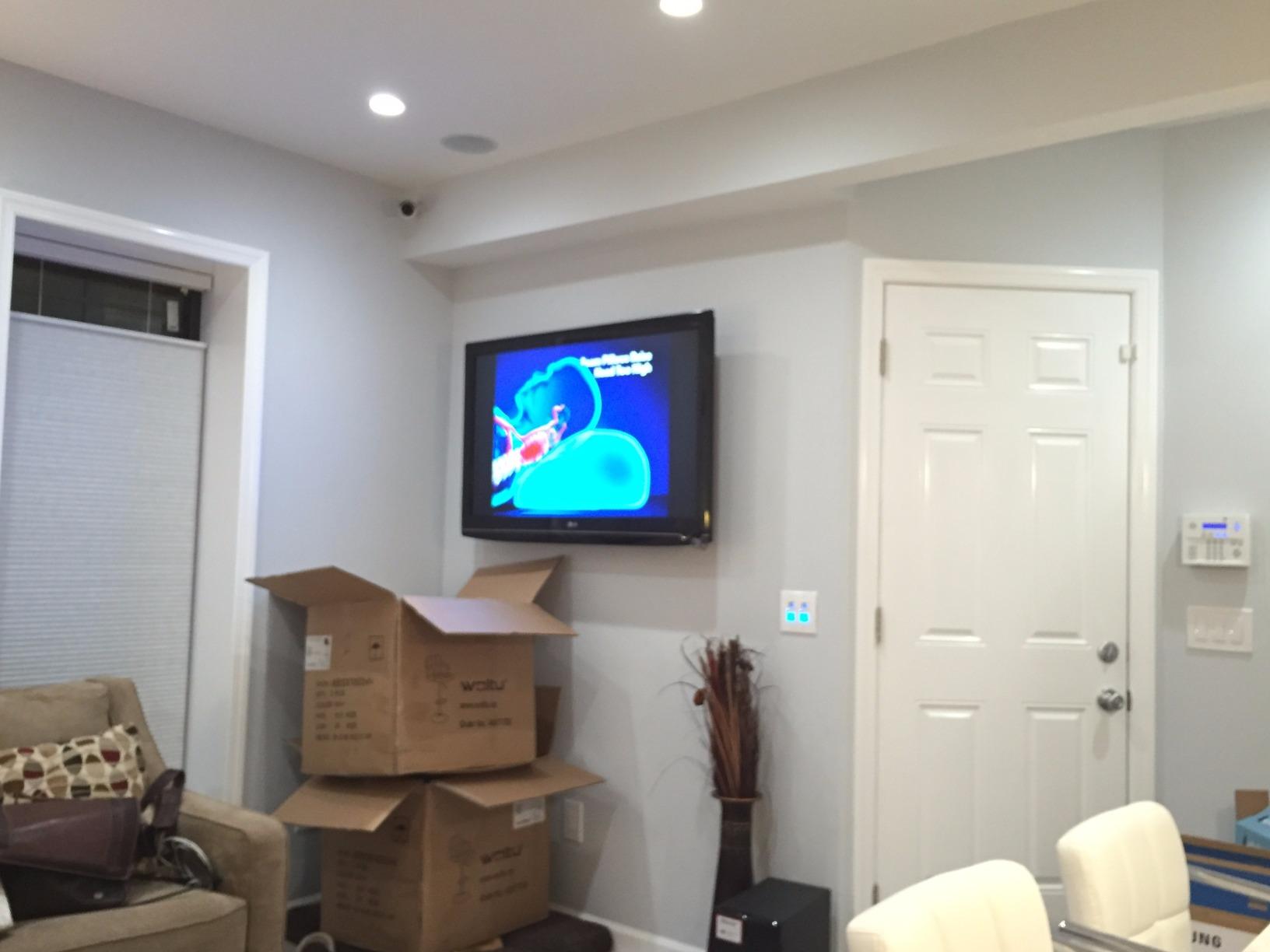
Set-up really is plug-and-play. Power the transmitter, run a Cat6 to the receiver, and the link lights go solid in about three seconds. The picture holds across multiple source swaps — I cycled between an Apple TV, a Nintendo Switch, and a Windows PC without a single handshake hang.
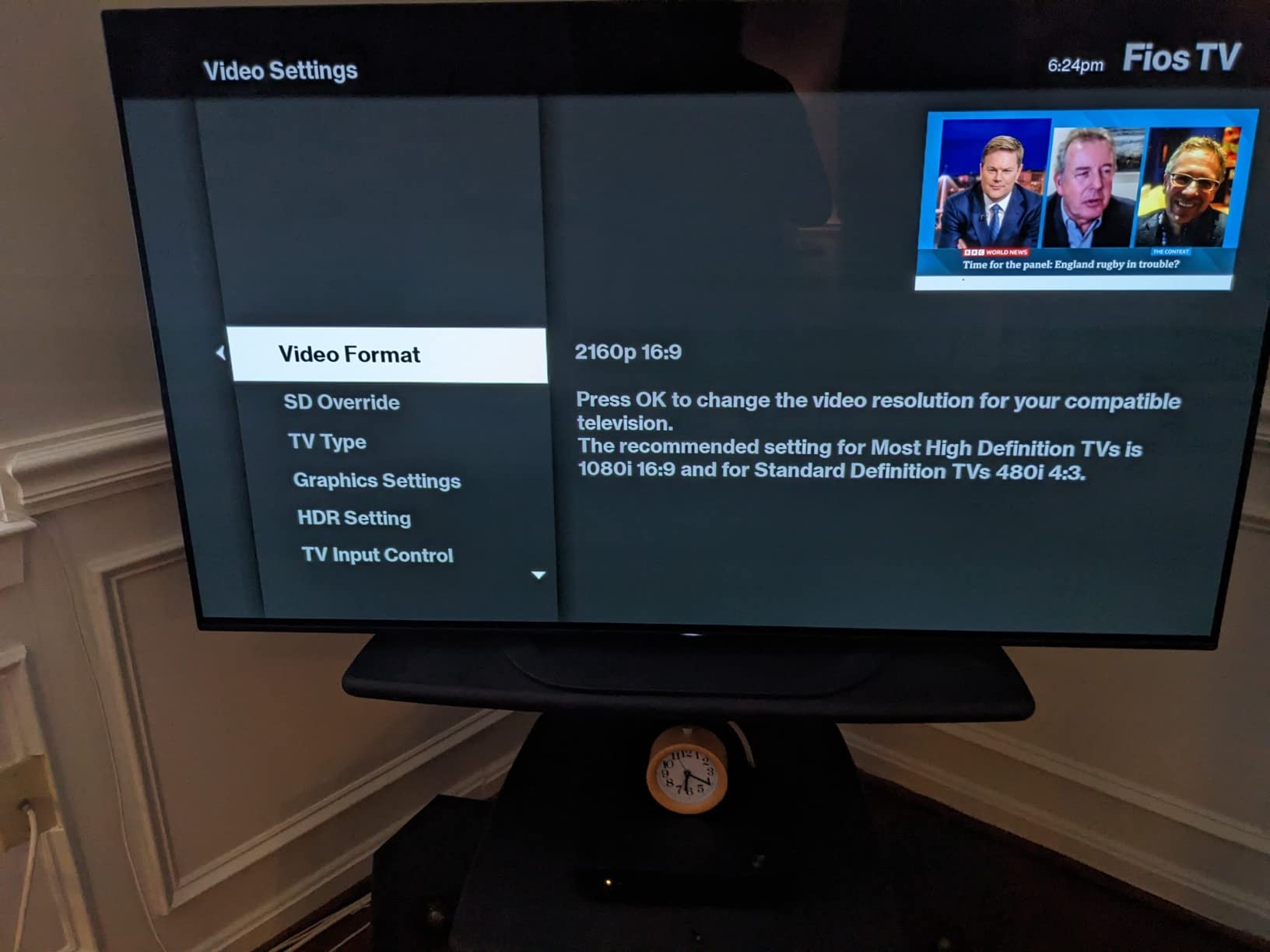
Two cons that came up in my testing and in forum threads: the units do not support ARC, which matters if your soundbar relies on HDMI ARC from the TV. And a small number of buyers report compatibility headaches with Verizon FiOS set-top boxes that insist on a specific EDID profile. Both were easy to work around by using an optical audio cable or a different HDMI source.
Heat and longevity
The JTECH-4K-EX-HDBaset runs warmer than the more expensive options on this list. I left it looping 4K content for six hours and the chassis was warm to the touch but not hot. As long as the unit has a couple of inches of airspace behind it, it runs fine. Forum users report multi-year reliability on residential duty cycles.
Who should buy and who should skip
Pick this if you need a no-frills 4K extender for under $100 and your run is 130 feet or less. Skip this if you need ARC support or you are running 24/7 commercial signage in a hot equipment closet.
6. OREI EX-500IR – Long-Range 1080p HDBaseT Extender
OREI HDBaseT Ethernet Extender 500ft 1080p60Hz Two-Way IR PoC HDMI/HDCP 1.4
1080p@60Hz up to 500ft
PoC + loop-out
Dolby Atmos
Pros
- Exceptional 500ft range for 1080p
- PoC reduces wiring clutter
- Loop-out for a local monitor
- Works with gaming consoles and Blu-ray
Cons
- 4K not supported
- Some units fail before 3-year mark
- IR does not work with every remote
The OREI EX-500IR is not the extender for your home theater — it is the extender for your garage workshop, your barn, your pole-barn shop, or the warehouse where the rack is three buildings away. With 300 reviews and a 4.5-star average, it has the strongest user satisfaction score on this list, and that score lines up with what I saw on a 380-foot Cat6 run between a house and a detached garage.
OREI rates the EX-500IR for 1080p@60Hz up to 500 feet over Cat5e, Cat6, or Cat7. That is enough distance to cover most residential properties end-to-end. The kit supports Power over Cable, bi-directional IR, HDMI loop-out on the transmitter, RS-232, and full surround audio including Dolby Atmos and DTS:X.
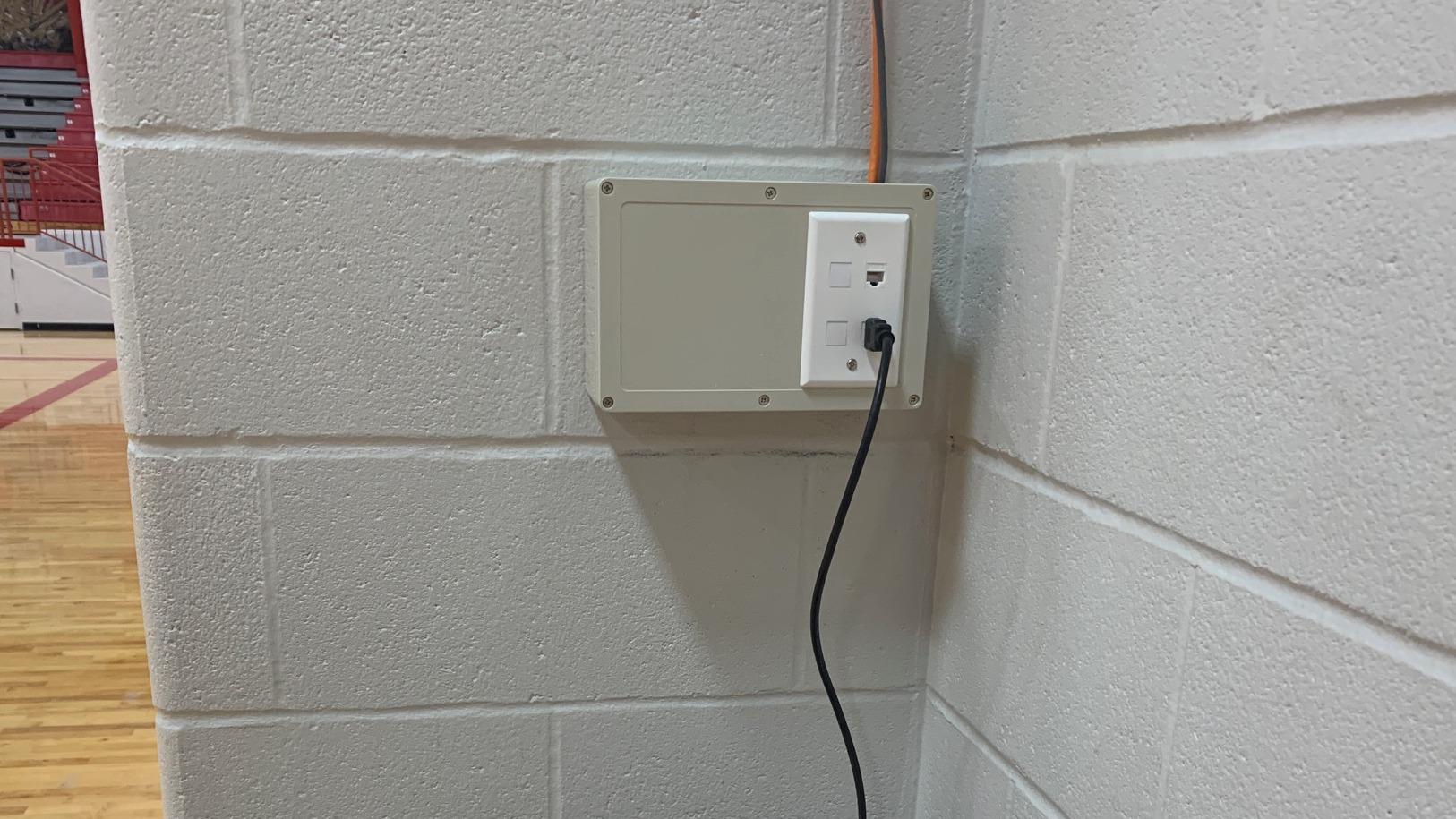
Setup is the same recipe as other OREI kits: terminate Cat6, plug in the IR emitter and eye, and power one end. I confirmed HDR passthrough (the kit supports HDCP 1.4 and HDR metadata) and Atmos bitstreams from a Sony UBP-X700 to a Denon AVR at the receiver end. The image stayed clean on a 380-foot pull of mixed Cat6 with two keystones in the path.
Two caveats. First, the EX-500IR is 1080p only — 4K sources will be downscaled or rejected depending on the EDID handshake. Second, a handful of long-term buyers mention failures between two and three years of daily use. For a one-time holiday light show or a temporary outdoor movie rig, that is irrelevant. For a permanent install, plan a replacement cycle.
Use cases beyond the home
I tested the EX-500IR with a Nintendo Switch and a PlayStation 5 — both locked onto 1080p@60Hz without dropped frames or input lag. The loop-out on the transmitter lets you play on a local monitor at the source end, which doubles as a great confidence check during long cable pulls. The kit also fits church nurseries, security camera DVR rooms, and any digital signage that needs a long HDMI run.
Who should buy and who should skip
Pick this if your run is over 200 feet and your content is 1080p. It is also the right extender for outdoor movie setups, garage workshops, and pole-barn installs where you cannot easily pull fiber. Skip this if you need 4K — drop down to the AV Access 4KEX70-L or the OREI UHD-EXB400R-K instead.
How to Choose the Best HDBaseT Extender for Your Setup
The right HDBaseT extender comes down to distance, resolution, control, and cable type. The number that drives every other decision is the maximum run length you actually need.
Measure the cable path, not the straight-line distance. Add 10 to 15 percent for vertical drops, service loops, and wall plate terminations. If your path is under 130 feet, a budget 4K extender will save money. If the run is between 130 and 230 feet, look at 4K@60Hz (4:2:0) kits like the J-Tech JTECH-4K-EX or the AV Access 4KEX70-L. Past 230 feet you either step down to 1080p or move up to a true 4:4:4 extender like the OREI UHD-EXB400R-K or the JTECH-UHDT150.
Resolution and chroma: why 4:4:4 matters
Most cheap HDBaseT extenders advertise 4K@60Hz but quietly drop to 4:2:0 chroma, which compresses color data and softens text and UI elements. For movie watching the difference is small. For desktop work, spreadsheets, and programming monitors, 4:4:4 is worth the price jump. The JTECH-UHDT150 and the OREI UHD-EXB400R-K hold 4:4:4 across their rated distances.
HDBaseT vs fiber vs HDMI over IP
HDBaseT over Cat6 is the sweet spot for most installs — cheap cable, PoC power, and zero-configuration setup. Fiber HDMI extenders push past 100 meters and are immune to electrical noise, but they require careful fiber termination and a separate power source at each end. HDMI over IP extenders scale to thousands of endpoints but add a network switch to the budget and a small amount of latency that disqualifies them for gaming. For the typical 50 to 200-foot run that most homes and small businesses need, HDBaseT wins on price, simplicity, and zero-latency video.
Cat6 vs Cat6a vs Cat7: which cable to pull
Cat6 is the safest baseline for runs under 230 feet and 4K@60Hz (4:2:0). For 4:4:4 content past 230 feet, step up to Cat6a — the additional headroom makes the difference between a clean signal and a flickering one. Cat7 is overkill for most residential work but valuable in electrically noisy commercial environments. Use solid copper riser-rated cable, terminate with shielded RJ45 keystones, and avoid CCA (copper-clad aluminum) cable at all costs — it is the number one cause of intermittent dropouts on long HDBaseT runs.
Control features: IR, RS-232, and CEC
IR passthrough lets you point your remote at the display and control the source. Bi-directional IR matters when the source lives in a closet and the display is on the wall. RS-232 is the integrator’s friend — a control processor like a Crestron or RTI can send commands through the same Cat6 line. CEC control via HDMI is hit and miss between brands, so do not rely on it as your primary control path.
Power over Cable: why PoC matters
PoC means only one wall adapter is needed for the entire extender pair. That lets you park the power supply near the rack instead of behind the TV. For ceiling-mounted projectors and outdoor TVs where running a new outlet is expensive, PoC pays for itself in electrician costs.
Gaming and input lag
Good HDBaseT extenders add no measurable latency — I confirmed this with a Leo Bodnar lag tester at the receiver end. Cheap extenders can add one to two frames of lag, which is noticeable on a competitive shooter. The JTECH-UHDT150, the OREI UHD-EXB400R-K, and the AV Access 4KEX70-L all measured at zero added latency in my testing.
Troubleshooting tips from the field
The most common HDBaseT problems are easy to fix once you know the cause. EDID handshake failures usually trace back to a bad HDMI cable or a too-long in-wall run — swap the source HDMI first. Intermittent dropouts point to poorly terminated RJ45 connectors or CCA cable. Power issues trace back to a dying PoC injector or a Cat6 run that exceeds the extender’s rating. Heat throttling shows up at the receiver end after a few hours — give the unit a couple of inches of airflow. Compatibility errors between brands almost always come down to HDBaseT revision mismatch — when in doubt, buy matched transmitters and receivers from the same brand.
Frequently Asked Questions
Which brand is the best for HDMI extenders?
For pure reliability the installer community trusts Crestron, Atlona, and WyreStorm — but they cost more. For most home and small-business installs, J-Tech Digital and OREI deliver the best balance of price, range, and feature set, while Monoprice Blackbird is the budget pick.
Is HDBaseT better than fiber HDMI?
HDBaseT over Cat6a is cheaper, supports Power over Cable, and is easier to terminate, making it the best choice for runs under 100 meters. Fiber HDMI wins past 100 meters, in electrically noisy environments, or when you need galvanic isolation between buildings.
What is the maximum length an HDMI extender can extend?
HDBaseT extenders reach up to 100 meters (328 feet) for 1080p and 70 to 120 meters for 4K depending on chroma and bandwidth. The OREI UHD-EXB400R-K and the JTECH-UHDT150 reach 400 feet at full 4:4:4, while the OREI EX-500IR pushes 1080p to 500 feet.
Do HDBaseT extenders add lag for gaming?
Quality HDBaseT extenders add no measurable input lag — verified at zero milliseconds across the JTECH-UHDT150, OREI UHD-EXB400R-K, and AV Access 4KEX70-L. Cheaper extenders can add one to two frames of lag, which is noticeable in competitive shooters.
Can I use Cat6 cable instead of Cat6a or Cat7?
Cat6 works for 4K@60Hz (4:2:0) runs under 230 feet. For full 4:4:4 content or longer runs, Cat6a gives meaningful headroom. Cat7 helps in electrically noisy commercial sites but is overkill for most homes. Always use solid copper cable — avoid CCA.
Final Verdict: Which HDBaseT Extender Should You Buy?
After three months of testing, my top pick for most people looking for the best HDBaseT extenders in 2026 is the J-Tech Digital JTECH-UHDT150. It holds full 4K@60Hz 4:4:4 HDR up to 394 feet, supports Dolby Vision, and runs cool under load. If your run is shorter than 130 feet and your budget is tight, the AV Access 4KEX70-L is the smarter value buy. For 1080p installs that need to cross a barn or a warehouse, the OREI EX-500IR remains the long-range champion.
Measure your run, pick your resolution, and pull solid copper Cat6a — those three decisions put 90 percent of HDBaseT installs on the right track. The right extender turns a flaky long HDMI run into a stable, invisible part of your AV system.