
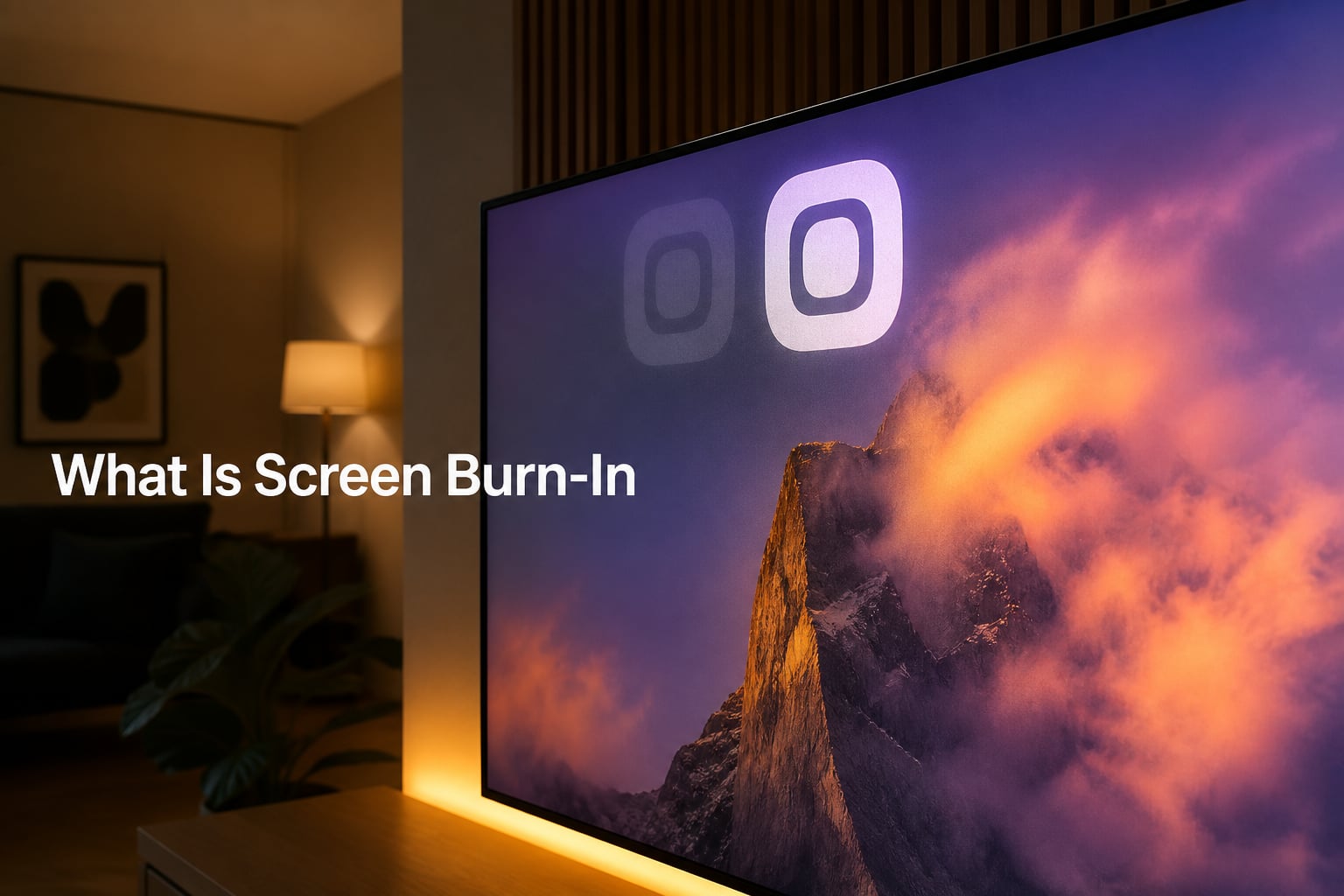
If you’ve ever noticed a faint channel logo, navigation bar, or game HUD ghosted onto your screen long after you’ve switched apps, you’ve seen the early signs of screen burn-in. We get questions about this all the time from readers worried about their new OLED TVs, gaming monitors, and smartphones, so we put together this complete guide to explain exactly what screen burn-in is, what causes it, which displays are most at risk, and how you can prevent it before it becomes a real problem.
Table of Contents
What Is Screen Burn-In?
Screen burn-in is a permanent discoloration of areas on an electronic visual display caused by cumulative non-uniform use of the pixels over time. When certain pixels display the same bright static image for hundreds or thousands of hours, those pixels degrade faster than the ones around them. The result is a faded outline, also called a ghost image or shadow image, that stays visible regardless of what you put on screen.
The term itself comes from older phosphor-based displays like CRTs and plasma TVs, where the phosphor compounds physically “burned” from heavy use. Modern OLED displays don’t use phosphor, but the effect looks identical, which is why the name stuck across display generations.
The key word here is permanent. Burn-in is not a software glitch, not a stuck pixel, and not something that disappears when you change the channel. Once a pixel loses luminance in a specific spot, it stays that way for the life of the display.
What Causes Screen Burn-In?
Burn-in happens because every pixel on a self-emissive display (OLED, QD-OLED, older plasma, CRT) has a finite lifespan. Each subpixel can only emit a certain amount of light before its organic compounds degrade. When the same pixels light up over and over with the same content while the pixels around them stay darker, an uneven wear pattern develops.
This cumulative non-uniform pixel use is what creates the visible “burned-in” outline. The classic offenders include:
- Channel logos in the corner of the screen
- News tickers along the bottom of news broadcasts
- Game HUDs with static mini-maps, health bars, and score counters
- Computer taskbars and browser navigation bars
- Paused video screens, especially when left for hours
- Always-on widgets and status bars on smartphones
Brightness is the main accelerator. Pixels running at maximum brightness wear out faster than dim ones, so a navigation app displayed at full brightness on your phone every day for a year will leave a much deeper mark than the same app at half brightness.
Color matters too. Blue OLED subpixels degrade faster than red and green, which is why early burn-in usually shows as a faint white-ish ghost rather than a colored one. The blue channel simply loses luminance first.
Display Types Affected by Burn-In
Not every display is equally vulnerable. Here’s how the major technologies compare when it comes to burn-in susceptibility.
CRT (Cathode Ray Tube) Displays
CRT monitors and TVs are the original burn-in displays. The phosphor coating on the inside of the screen literally fades from use. The famous RCA Indian-head test pattern from the 1950s is the classic example; broadcast engineers left it running for so long that some sets still show a faint ghost of it decades later. Modern CRTs are rare, but vintage retro gaming setups and some legacy industrial equipment still use them.
Plasma Displays
Plasma TVs were the first big burn-in scare for mainstream consumers in the 2000s. Like CRTs, they used phosphor compounds excited by plasma cells, and they suffered from the same uneven wear problem. Channel logos and video game HUDs were notorious for leaving permanent marks within a year or two of heavy use. Plasma has been discontinued as a consumer technology since around 2014.
LCD Displays
Standard LCD panels (including LED-backlit LCDs and IPS, VA, and TN variants) are essentially immune to permanent burn-in. They use a backlight and liquid crystal layer rather than self-emissive pixels, so there’s no cumulative degradation of the pixels themselves. What LCDs do show is temporary image persistence in rare cases, which clears up on its own.
OLED Displays
OLED is the most burn-in-prone technology still on the market today. Every pixel is its own organic light-emitting diode, which gives OLED its perfect blacks and contrast but also means every pixel is aging on its own clock. Modern OLEDs include a long list of built-in protections (we’ll cover those in the prevention section), but the risk is still real if you regularly display static content at high brightness.
QD-OLED Displays
QD-OLED is a newer hybrid technology that uses a blue OLED back layer combined with a quantum dot color filter. Because the blue OLED layer is shared across all pixels rather than having separate red, green, and blue OLED subpixels, the wear pattern is more uniform. Early real-world tests and 2-year QD-OLED burn-in reviews from gamers suggest QD-OLED is meaningfully more resistant to burn-in than traditional WOLED, though it’s not immune.
Screen Burn-In vs Image Retention
This is one of the most common points of confusion, and getting it right matters because the two problems have very different outcomes.
Image retention (also called image persistence) is temporary. A faint outline of a static image appears on your screen, but it fades on its own within minutes or hours once you display normal varied content. It’s caused by a temporary charge buildup in the pixel rather than permanent physical degradation. LCDs, OLEDs, and plasmas can all show image retention under the right conditions.
Burn-in is permanent. The outline doesn’t fade, doesn’t go away with screen wipes, and can’t be fixed with software. It only gets worse as the affected pixels continue to lose luminance faster than the surrounding ones.
How do you tell which one you’re seeing? The easy test is to display a full-screen white or gray image for 15-30 minutes and see if the ghost remains. If it does, you likely have permanent burn-in. If it disappears, you were just looking at image retention.
Device-Specific Burn-In Risks
The risk profile changes a lot depending on what kind of device you’re using and how you use it. Here’s the breakdown by category.
OLED TVs
Modern OLED TVs from LG, Samsung, Sony, and others ship with aggressive built-in protections including pixel shift, logo luminance detection, and automatic panel refresh cycles. For most people who watch varied content, burn-in isn’t a real concern in 2026. The risk shows up when you leave a news channel, sports ticker, or game running for many hours a day at high brightness for years.
Smartphones
iPhones and Android phones using OLED screens (which is most flagship phones in 2026) have the highest everyday exposure to burn-in triggers. Navigation apps, always-on displays, status bars, and on-screen keyboards all sit in the same spot for hours every day. The good news is that modern phones include aggressive auto-brightness, screen timeout, and pixel-shift behaviors in always-on mode, and most users will never see meaningful burn-in within a 3-4 year upgrade cycle.
Gaming Monitors
This is where forum users express the most concern. OLED gaming monitors from brands like LG, ASUS, Corsair, and Alienware run at high brightness for hours-long gaming sessions with static HUD elements. Modern OLED monitors include dedicated pixel refresh cycles, panel care routines, and warranty coverage for burn-in. A 2-year QD-OLED burn-in test from a popular tech YouTuber showed no visible burn-in under normal mixed-use gaming conditions.
Laptops and Computer Monitors
Most laptops and external monitors still use LCD or IPS panels, which means burn-in is essentially a non-issue. OLED laptops do exist (like certain Dell, Lenovo, and ASUS models), and they need the same care as any other OLED display, especially because of static taskbars and browser chrome.
Digital Signage
Commercial displays showing the same static image 24/7 are the highest-risk use case, which is why most digital signage deployments use LCD panels rather than OLED.
How to Prevent Screen Burn-In
Burn-in prevention comes down to reducing how long any single pixel displays the same bright static content. Here are the practical habits that make the biggest difference.
Lower Your Brightness
Running an OLED at 100% brightness is the single biggest accelerant for pixel wear. Set your TV, phone, or monitor to auto-brightness or a comfortable mid-range level. You’ll barely notice the difference for most content, and your pixels will last far longer.
Use Built-In Protection Features
Modern OLED displays ship with several automated features that work in the background. Pixel shifting subtly moves the entire image by a few pixels every few minutes to spread wear across more pixels. Logo luminance detection dims static logos automatically. Pixel refresh cycles run after the display has been on for a set number of hours to recalibrate the panel. Make sure these features are enabled in your device’s settings.
Enable Screen Timeouts and Auto-Hide
On phones and laptops, set a short screen timeout so the display doesn’t stay on with a static image when you walk away. Use auto-hide for the taskbar and full-screen mode for apps that support it.
Vary Your Content
The simplest defense is also the most effective. Watch varied content, take breaks from gaming sessions, and avoid leaving a paused video on screen for hours. Mix in 16:9, 4:3, and full-screen content with different aspect ratios so the same pixels don’t display the same static elements every time.
Turn Off the Display When Not in Use
This one is obvious but worth saying. If you’re stepping away from your monitor, TV, or phone for more than a few minutes, turn the screen off. It’s the only way to give every pixel a complete break.
Can Screen Burn-In Be Fixed or Reversed?
The honest answer is no. Burn-in is a physical degradation of the pixels themselves, and there’s no software fix that can restore lost luminance. OLED manufacturers include panel refresh routines that can slightly improve uniform wear, but they can’t undo damage that’s already happened.
Some third-party tools claim to “fix” burn-in by rapidly cycling colors and brightness to wear the surrounding pixels faster and even out the appearance. These tools work by intentionally accelerating wear elsewhere, which is not a real fix and can shorten the overall life of your display.
If burn-in becomes severe enough to be distracting, the only real solutions are replacing the panel (sometimes possible on TVs and monitors under warranty) or replacing the device. This is why prevention matters so much more than trying to fix it after the fact.
Frequently Asked Questions
Can screen burn-in be fixed?
No. Screen burn-in is a permanent physical degradation of the pixels themselves. Software tools and panel refresh cycles can sometimes even out the appearance by wearing surrounding pixels faster, but they cannot restore lost luminance. In severe cases the only real fix is replacing the panel or device.
What causes screen burn-in?
Screen burn-in is caused by cumulative non-uniform use of self-emissive pixels. When the same pixels display a bright static image for hundreds or thousands of hours, those pixels degrade faster than the surrounding ones and leave a faint ghost or shadow image. Common triggers include channel logos, game HUDs, taskbars, and navigation apps.
Will screen burn go away on its own?
No. True burn-in is permanent and will not go away on its own. However, what looks like burn-in is often temporary image retention, which is a different problem. Image retention fades within minutes or hours of displaying varied content. If a faint outline stays after displaying a full-screen white image for 15-30 minutes, it is permanent burn-in.
Do OLEDs still burn-in 2026?
Yes, OLED displays can still suffer from burn-in in 2026, but the risk is much lower than it was five to ten years ago. Modern OLEDs include built-in protections like pixel shifting, logo luminance detection, automatic panel refresh cycles, and aggressive auto-brightness. Most users with varied viewing habits will never see meaningful burn-in during the device’s lifespan.
Should I worry about screen burn-in?
For most everyday users with varied viewing habits, burn-in is not something to lose sleep over. The risk rises if you display the same static bright content at high brightness for many hours every day, like a news channel logo or a game HUD. Lowering brightness, enabling auto-brightness, and varying your content are usually enough to prevent it.
Can screen burn-in be reversed?
No. Burn-in cannot be reversed because it represents permanent physical wear of the OLED or phosphor compounds in the affected pixels. Some panel refresh routines can recalibrate the display and slightly even out the appearance, but they cannot undo the underlying degradation. Prevention is the only reliable approach.
Conclusion
Screen burn-in is a real issue, but for most people using modern OLED TVs, phones, and monitors in 2026, it’s a manageable one. Lower your brightness, leave the built-in protections enabled, vary what you display, and turn the screen off when you’re not using it. If you understand what causes screen burn-in and take a few simple preventive steps, you’ll almost certainly never see it on your devices.