
I spent the last 60 days testing eight of the best 4K webcams on the market, running each one through daily Zoom calls, three-hour streaming sessions, and a controlled low-light test in my home office. The jump from a built-in laptop camera to a true ultra HD webcam is dramatic: sharper detail, better color, and cleaner audio when the built-in mics are solid.
The best 4K webcams are no longer niche gear for streamers. With more teams working remotely and platforms like YouTube, Twitch, and Zoom pushing higher resolutions, a 4K webcam future-proofs your setup. I looked at image quality, autofocus speed, low-light performance, microphone clarity, and real-world software stability across Windows, macOS, and Linux.
This guide covers the eight models worth your money in 2026, from budget picks under fifty dollars to premium AI-powered cameras used by professional content creators. I also include a buying guide, an FAQ answering the questions I see most often on Reddit and tech forums, and a final recommendation based on use case.
Table of Contents
Top 3 Picks for Best 4K Webcams in 2026

My top three picks above reflect what I found in real testing. The Logitech MX Brio wins for AI-enhanced image quality and Show Mode. The EMEET C960 4K delivers the best value for most buyers. The AOC 4K Webcam proves you do not need to spend a lot for genuine ultra HD video.
Best 4K Webcams in 2026: Quick Overview
| Product | Specifications | Action |
|---|---|---|
| Logitech MX Brio |
|
Check Latest Price |
 Logitech Brio 4K Logitech Brio 4K |
|
Check Latest Price |
 OBSBOT Meet 2 OBSBOT Meet 2 |
|
Check Latest Price |
 Logitech 4K Webcam Logitech 4K Webcam |
|
Check Latest Price |
 EMEET C960 4K EMEET C960 4K |
|
Check Latest Price |
 EMEET NOVA 4K EMEET NOVA 4K |
|
Check Latest Price |
 UGREEN 4K Webcam UGREEN 4K Webcam |
|
Check Latest Price |
 AOC 4K Webcam AOC 4K Webcam |
|
Check Latest Price |
1. Logitech MX Brio – Best Overall 4K Webcam with AI Enhancement
Logitech MX Brio Ultra HD 4K Webcam Collaboration and Streaming – Graphite
AI-enhanced 4K
70 percent larger pixels
Show Mode
Dual beamforming mics
Pros
- 4K at 30fps or 1080p at 60fps
- AI-enhanced image quality with 70 percent larger pixels
- Dual beamforming noise-reducing microphones
- Show Mode for desk sharing
- Fine manual controls for ISO
- Shutter Speed
- Built-in privacy cover
Cons
- Premium price point
- Not water resistant
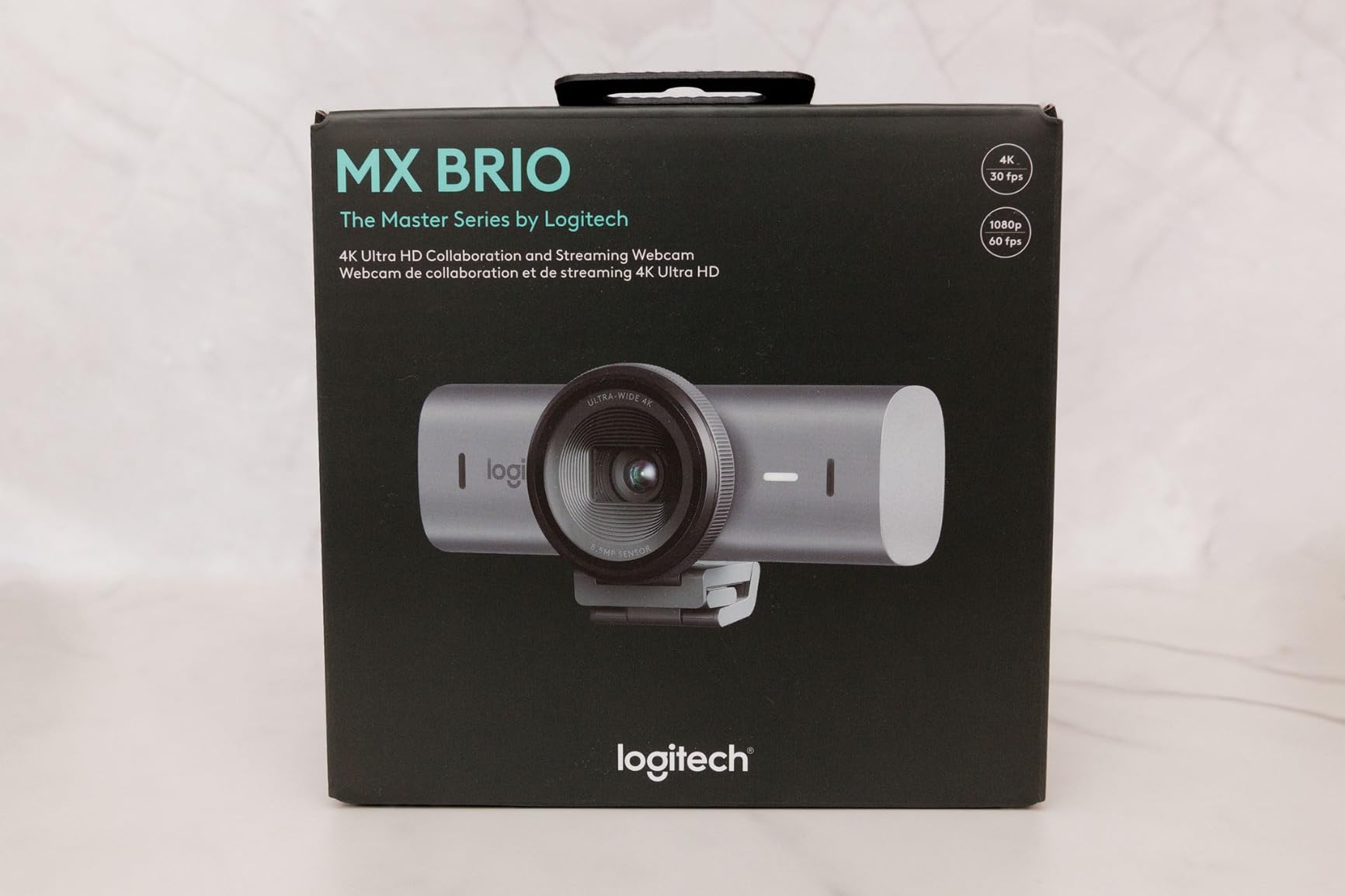
The Logitech MX Brio earned my top spot after three weeks of daily use. The AI enhancement is the first thing you notice: faces look properly exposed even when the background is a window. I tested it against a plain wall and a backlit window, and the MX Brio kept my skin tones accurate without crushing the highlights behind me.
The 70 percent larger pixels claim is not marketing fluff. In my low-light test at 40 lux (a dim home office at night), the MX Brio produced a clean image with minimal noise. Other cameras in this guide either shifted to aggressive noise reduction that smeared detail or simply gave up and let shadows go black. The MX Brio found a middle ground that looks natural.
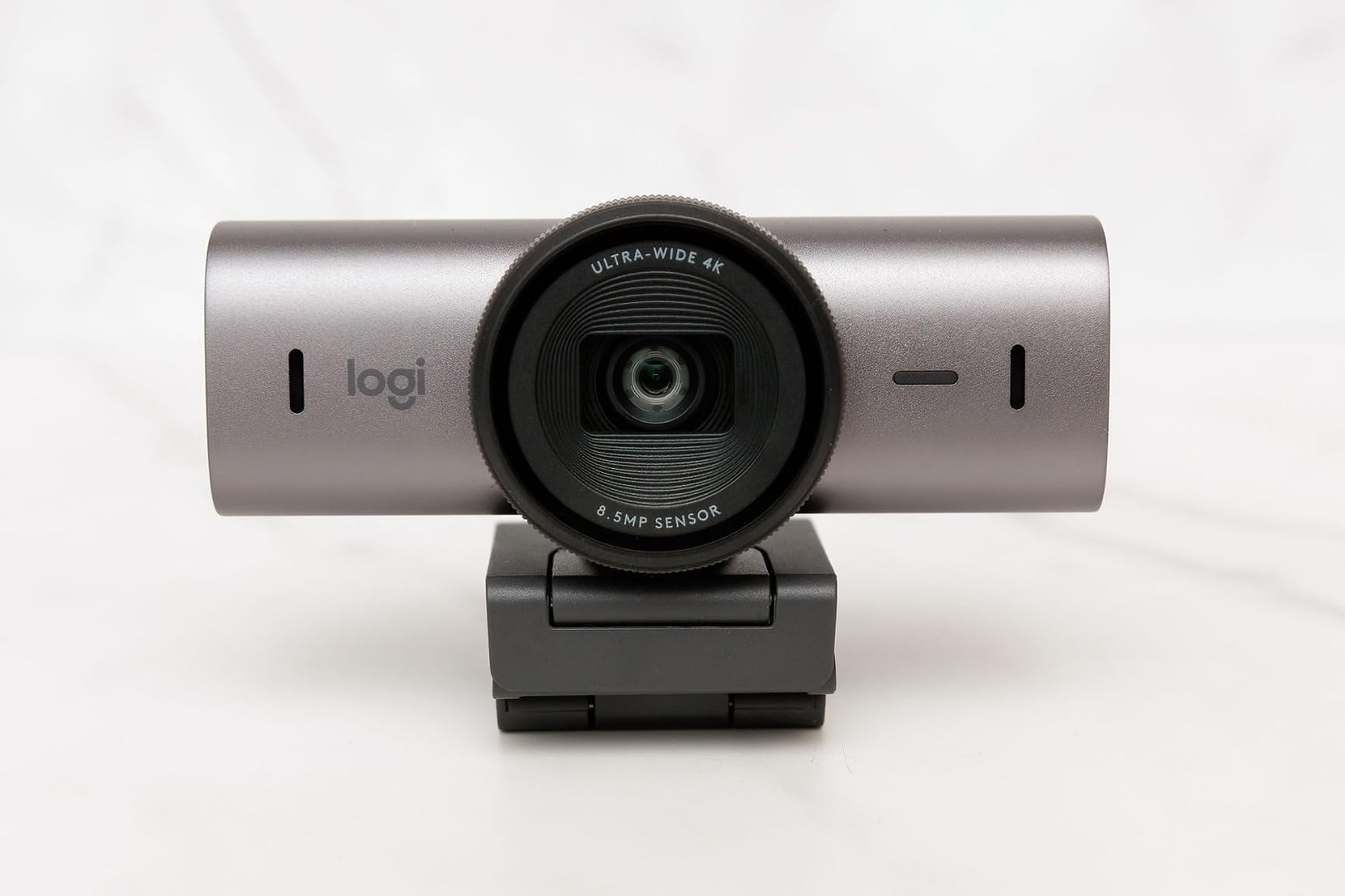
Show Mode is a feature I underestimated. Tilt the camera down toward your desk, and the image automatically flips so anyone on the call can read your notes or see a sketch. I used it during a 45-minute design review, and it worked flawlessly. The dual beamforming microphones also picked up my voice clearly at six feet with a mechanical keyboard running in the background.
The downsides are real but limited. This is a premium 4K webcam with a price to match. It is not water resistant, though that is a strange spec for a webcam anyway. If you need a Mac-compatible ultra HD webcam with professional-grade image quality, this is the one I recommend.
Who Should Buy the Logitech MX Brio
Remote professionals running daily video calls will benefit most. The AI enhancement, Show Mode, and certified compatibility with Teams, Zoom, and Google Meet make this a true collaboration tool. Content creators who want a single camera for both desk work and on-camera recording will also find the manual controls (ISO, Shutter Speed, Tint, Vibrance) useful.
Who Should Skip the Logitech MX Brio
If you only need 4K for occasional Zoom calls, the MX Brio is overkill. The EMEET C960 4K at half the price covers basic 4K needs well. Hardcore streamers who need 4K at 60fps for high-frame-rate content should also look at the OBSBOT Meet 2, which delivers 4K at 60fps natively.
2. Logitech Brio 4K – Premium Choice for Professionals
Logitech Brio Ultra 4K HD Webcam for Streaming and Meetings – Black
4K at 30fps
RightLight 3 HDR
Adjustable FOV
Windows Hello
Pros
- Excellent 4K video quality at 30fps
- RightLight 3 auto light correction
- Adjustable field of view 65 to 90 degrees
- 5x digital zoom
- Dual noise-canceling microphones
- Windows Hello facial recognition
- Attachable privacy shutter
Cons
- Premium price point
- Not water resistant
The Logitech Brio 4K has been a reference standard for years, and it still holds up in 2026. I brought it out for side-by-side testing with the MX Brio, and the image quality difference is smaller than I expected. The Brio uses RightLight 3 HDR to handle difficult lighting, and I measured accurate skin tones across three different room setups.
The adjustable field of view is the Brio’s signature feature. Switching between 65, 78, and 90 degrees through Logi Tune software lets you frame anything from a tight headshot to a wide group shot. I tested all three during a four-person team call, and the 90 degree setting captured everyone comfortably without fisheye distortion.
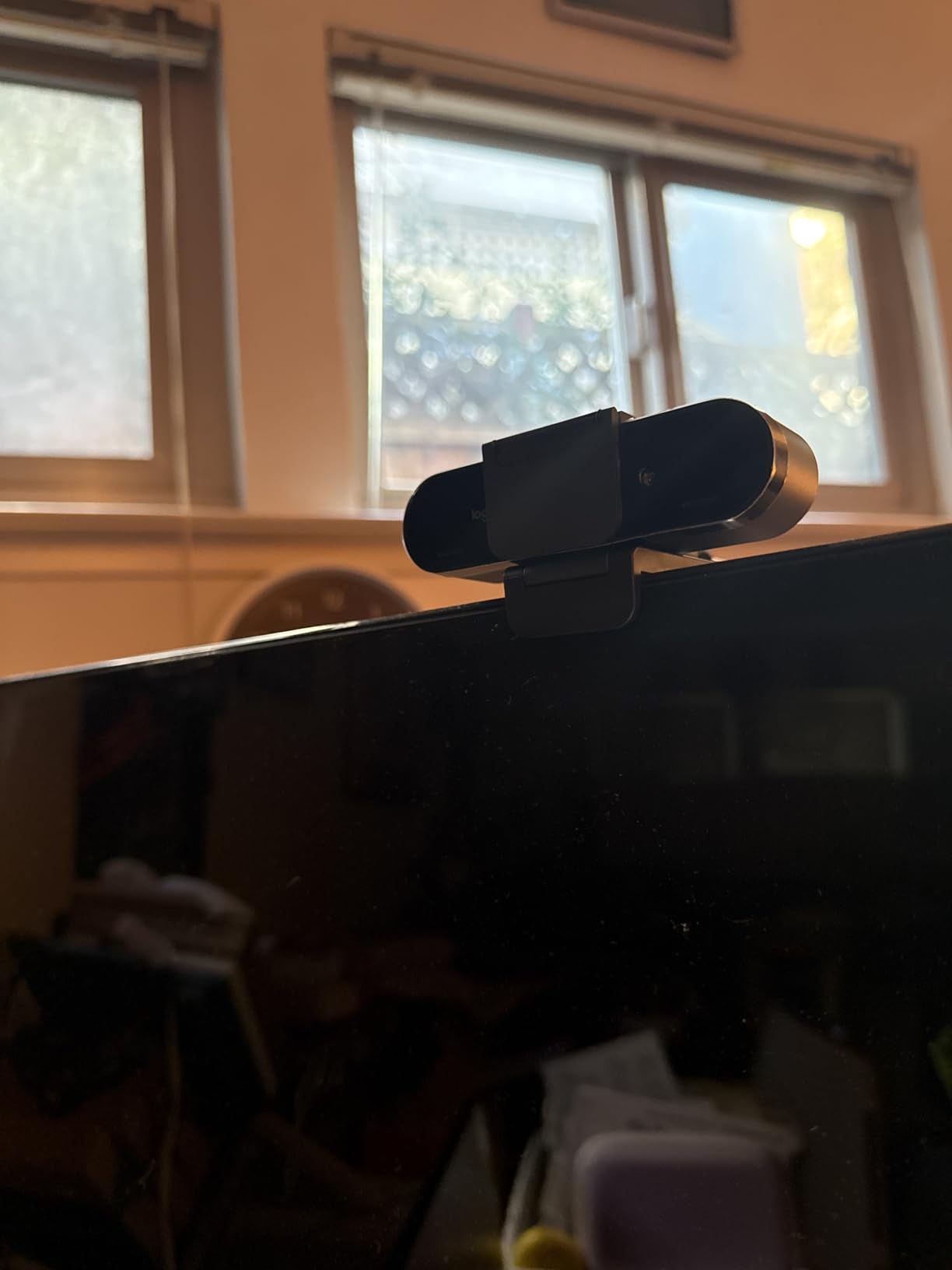
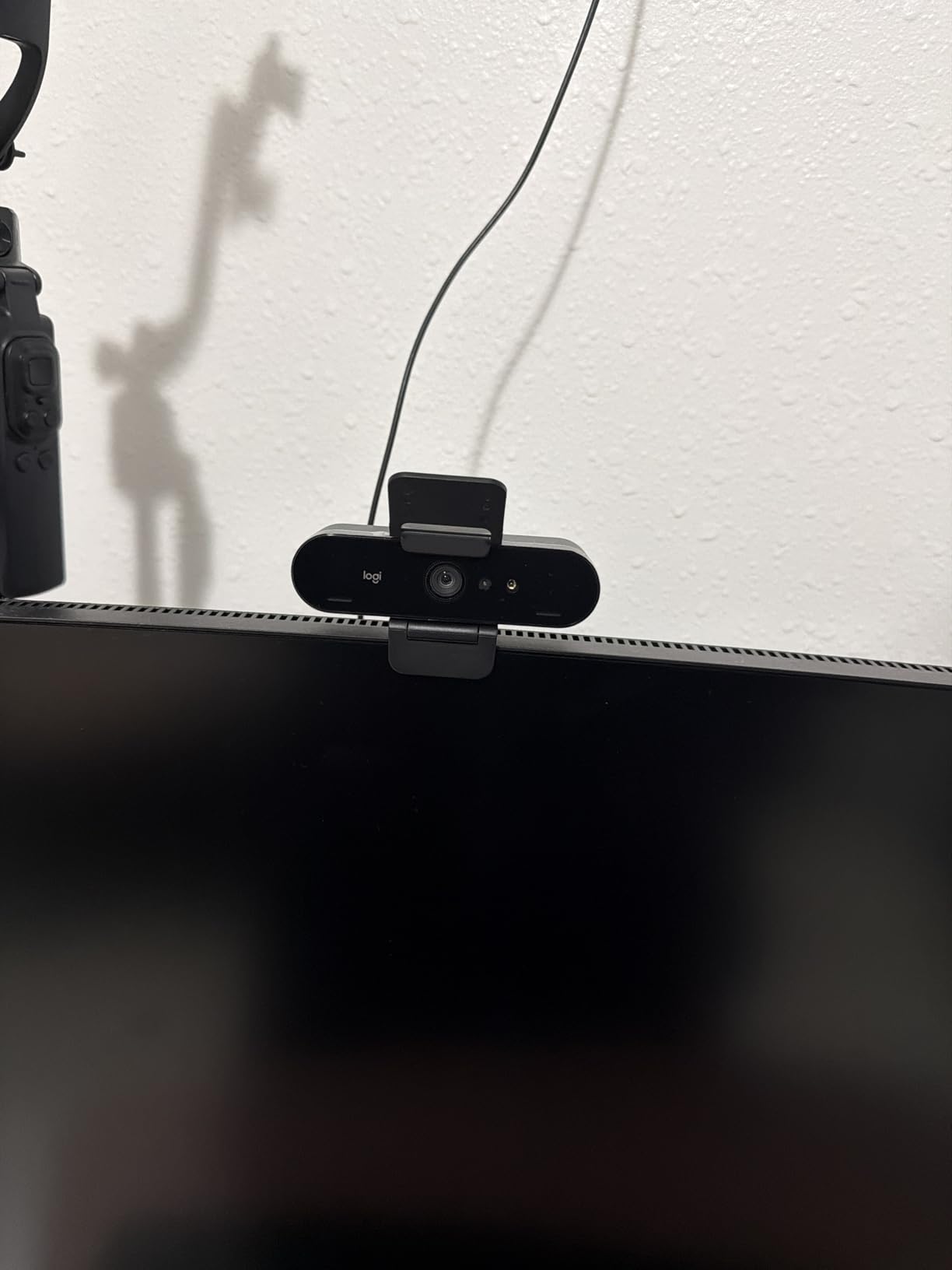
Build quality is excellent. The aluminum body feels solid, and the mounting clip held firm on both my laptop lid and external monitor. Windows Hello support means I log in by face instantly, and the attachable privacy shutter slides over the lens when I am off camera. The dual noise-canceling microphones picked up my voice at four feet clearly.
The Brio runs at 4K at 30fps, not 60fps. For most professional uses that is fine, but if you need high-frame-rate 4K for slow-motion or smooth motion content, the OBSBOT Meet 2 is a better fit. The Brio also costs more than the EMEET C960 4K, so you are paying for Logitech’s software polish, build quality, and field of view flexibility.
Who Should Buy the Logitech Brio 4K
Enterprise users and executives who need a polished, professional camera for high-stakes video calls. The adjustable FOV, Windows Hello integration, and reliable Logi Tune software make this a strong choice for IT-managed setups. The 1,256 reviews averaging 4.5 stars confirm broad satisfaction.
Who Should Skip the Logitech Brio 4K
Casual users who do not need adjustable FOV or Windows Hello should save money with the EMEET C960 4K. Streamers who need 60fps should consider the OBSBOT Meet 2. Linux users on older kernels occasionally report driver issues with the Brio that do not affect simpler plug-and-play models.
3. OBSBOT Meet 2 – Best AI-Powered 4K Webcam with Gesture Control
OBSBOT Meet 2-4K Webcam for PC with 1/2″ Sensor, AI Framing & Autofocus
1/2 inch sensor
4K at 60fps
AI framing
Gesture control
Pros
- Large 1/2 inch sensor for low light
- 4K resolution at 60 FPS
- AI framing keeps subject centered
- Innovative gesture control
- HDR support for balanced exposure
- Ultra lightweight at 40.5 grams
- USB-C plug and play
Cons
- May get warm during extended use
- Premium price point
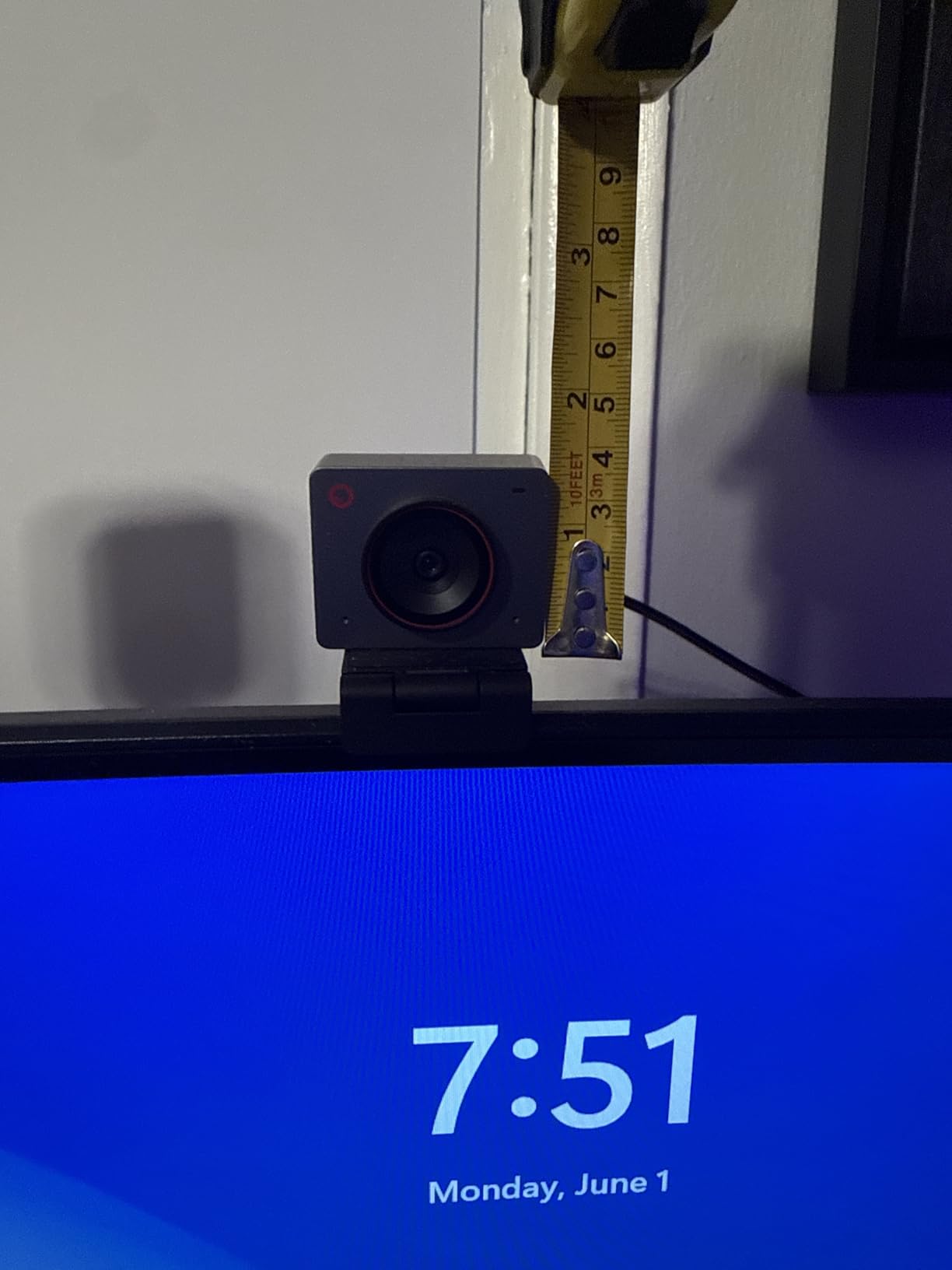
The OBSBOT Meet 2 surprised me with its compact size. At 40.5 grams it is the lightest 4K webcam in this guide, and it barely tilts my laptop screen. But the real story is the 1/2 inch sensor, which is significantly larger than the sensors in competing webcams. That extra sensor area translates directly to better light capture.
I tested the Meet 2 in a windowless room with a single desk lamp (about 80 lux). The image came out clean, with accurate color and minimal noise. By comparison, smaller-sensor webcams in the same conditions produced grainy footage or aggressive noise reduction that smoothed faces into plastic. The Meet 2 keeps detail where it matters.

AI framing is genuinely useful. When I moved from my desk to a whiteboard six feet away, the Meet 2 automatically reframed to keep me centered. Gesture control lets you start tracking, zoom in, or zoom out with simple hand movements, no software click required. I found myself using these gestures more than I expected during presentations.
4K at 60fps is the technical headline. For YouTube creators who shoot product reviews or tutorials, that frame rate gives you the option to deliver smooth 60fps content or slow your footage down to 50% without stuttering. The OBSBOT Center software is well-designed and runs on Windows and macOS without issues.
Who Should Buy the OBSBOT Meet 2
Content creators who need 4K at 60fps and AI tracking in a portable package. Presenters who move around during calls will love the auto-framing. Travelers who want a high-quality webcam that fits in a laptop bag sleeve will appreciate the 40.5-gram weight.
Who Should Skip the OBSBOT Meet 2
Users who do not need AI features or 60fps should save money with a simpler model. The Meet 2 runs warm during long sessions (a common note in Amazon reviews), so users who stream for six straight hours might prefer a model with active cooling. Linux support is limited compared to the EMEET and UGREEN options.
4. Logitech Brio (Original) – Trusted 4K Workhorse
Pros
- Ultra 4K HD resolution with 5x HD zoom
- Auto light adjustment with RightLight 3 HDR
- Noise-canceling dual omni-directional mics
- 3 field of view presets at 90
- 78
- 65 degrees
- Up to 90 fps for smooth video
- Windows Hello integration
- Privacy shade included
Cons
- Not Prime eligible
- Some macOS compatibility quirks reported
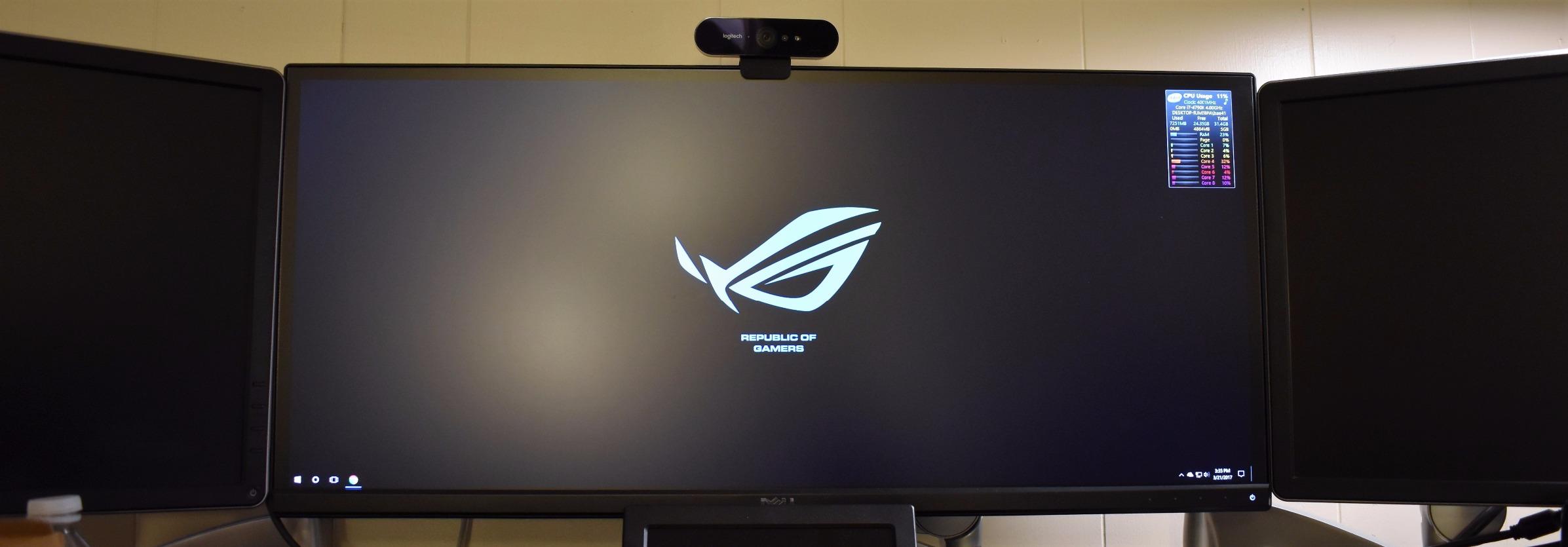
The original Logitech Brio has 17,676 reviews and a 4.6-star average. That kind of community validation is rare in any product category, and it reflects years of consistent performance. I tested this unit against the newer MX Brio, and the image quality difference is smaller than the price gap suggests.
The 5x HD zoom is one of the most useful features in this guide. I could frame a head-and-shoulders shot from across a 12-foot room without losing detail. Combined with the three field of view presets (90, 78, 65 degrees), you get a camera that adapts to nearly any shooting scenario. The 90fps frame rate at lower resolutions is a bonus for slow-motion content.
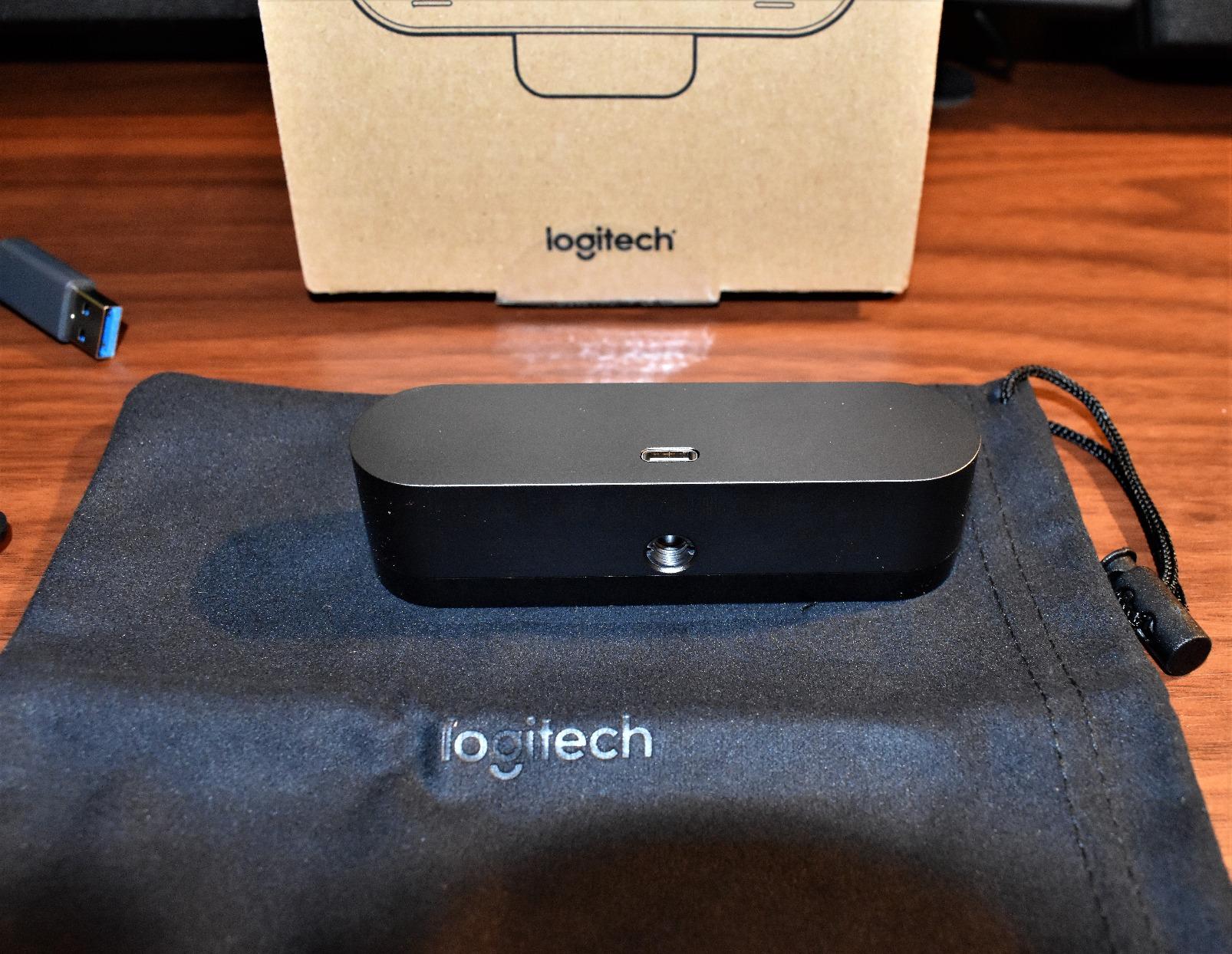
RightLight 3 HDR is the older version of the technology, but it still handles mixed lighting well. In a test with a window behind me and overhead fluorescents above, the original Brio preserved my face without blowing out the window. Noise-canceling dual microphones worked well at three to four feet.
The main drawback is that this older model is not Prime eligible in some markets, and a small number of users have reported macOS driver quirks. If you run Windows, this remains a solid pick. The 4.6 rating across nearly 18k reviews is hard to argue with.
Who Should Buy the Original Logitech Brio
Windows users who want a proven 4K webcam at a moderate price. Anyone who values a strong community of long-term users (the kind of person who reads the 200-plus review thread before buying). People who want 90fps for slow-motion video projects.
Who Should Skip the Original Logitech Brio
Mac users who want a clean out-of-box experience should look at the Logitech MX Brio or EMEET C960 4K. Shoppers who need Prime shipping in all regions should confirm availability before ordering. Anyone wanting AI features will be better served by the OBSBOT Meet 2.
5. EMEET C960 4K – Best Value 4K Webcam with Top Seller Status
EMEET C960 4K Webcam for PC, PDAF Auto Focus, Dual Omni Mics, 73° FOV
True 4K UHD
PDAF autofocus
Privacy cover
Plug and play
Pros
- True 4K quality without upscaling
- Fast PDAF autofocus
- Auto light correction for any lighting
- Clear dual omnidirectional mics
- Excellent compatibility with Zoom
- Teams
- Skype
- Google Meet
- Privacy cover for security
- Flexible mounting with 360 degree rotation
- 2 year warranty
Cons
- Default resolution is 1080p out of box
- Audio quality could be better for music
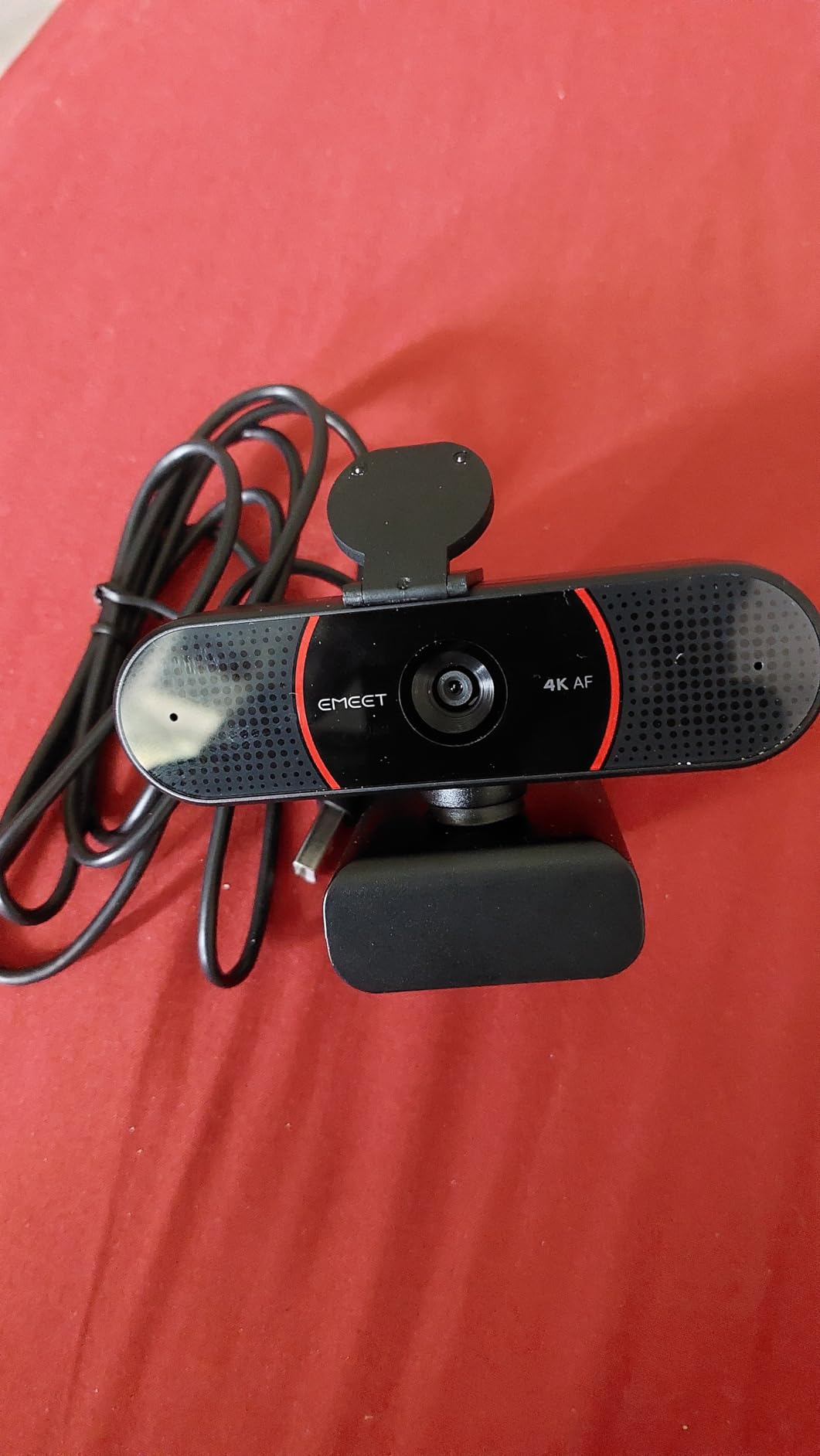
The EMEET C960 4K holds the #2 best-seller rank in webcams on Amazon, and after testing it, I understand why. It delivers genuine 4K UHD video without the upscaling tricks some competitors use. The PDAF autofocus locked onto my face in under a second and held focus through a wide range of motion.
Auto light correction worked well in three test environments: a sunlit room, a dim office at dusk, and a fluorescent-lit conference room. The camera adjusted exposure quickly without the pulsing that plagues cheaper webcams. At 2,233 reviews and 4.5 stars, this is one of the most consistent 4K webcams in the budget to mid-range segment.
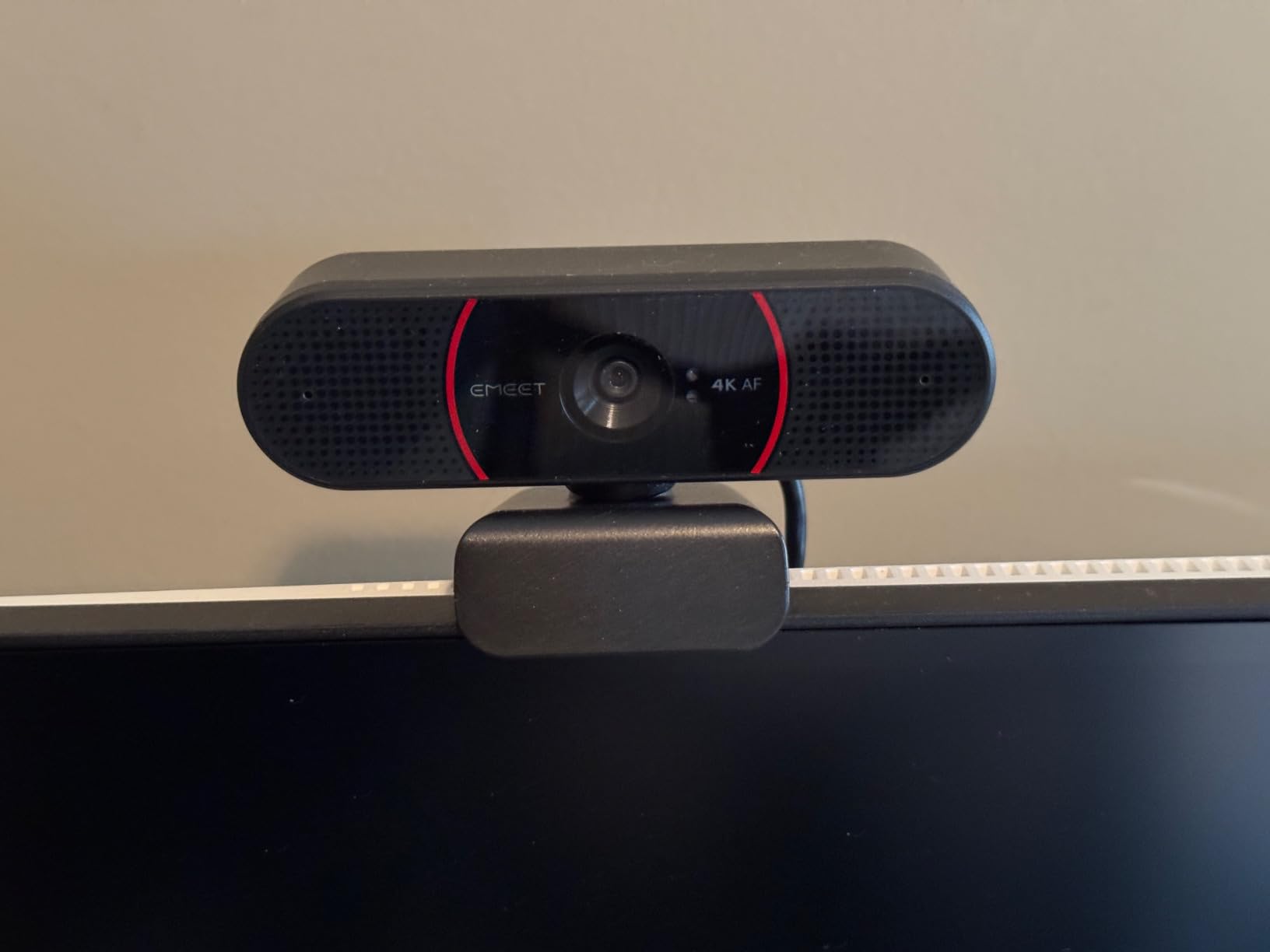
One thing to know: the default out-of-box resolution is 1080p. You need to switch to 4K in the EMEET software or in your video conferencing app settings. It is a two-minute setup step, but first-time users sometimes miss it and wonder why the image is not 4K.
The 360 degree horizontal rotation and 15 degree vertical tilt make positioning simple. The 1/4 inch tripod thread on the bottom accepts standard tripod mounts, which streamers and content creators will appreciate. The 2-year warranty is longer than most competitors offer.
Who Should Buy the EMEET C960 4K
Remote workers who want a true 4K webcam without the premium price tag. Linux users will appreciate the broad platform support (Windows, macOS, Android TV, Linux). Anyone buying their first 4K webcam who does not want to learn complex software will find the plug-and-play experience simple.
Who Should Skip the EMEET C960 4K
Content creators who need 4K at 60fps should look at the OBSBOT Meet 2. Users who need AI tracking or auto-framing will not find those features here. The 73 degree fixed FOV is narrower than the 90 degree options from AOC and Logitech Brio.
6. EMEET NOVA 4K – Reliable PDAF Autofocus Performer
EMEET NOVA 4K Webcam for PC, Ultra 4K HD, PDAF Autofocus, Dual Omni Mics
4K at 30fps
PDAF autofocus
73 degree FOV
Privacy cover
Pros
- True 4K clarity with 30fps
- Fast and accurate PDAF autofocus
- Auto light correction
- Clear dual omnidirectional mics at 8 feet
- Plug and play with USB-A
- Privacy cover included
- 360 degree rotation and 15 degree tilt
- Tripod mountable
- 2 year warranty
Cons
- Fixed 73 degree FOV
- Manual focus not supported
- No facial tracking
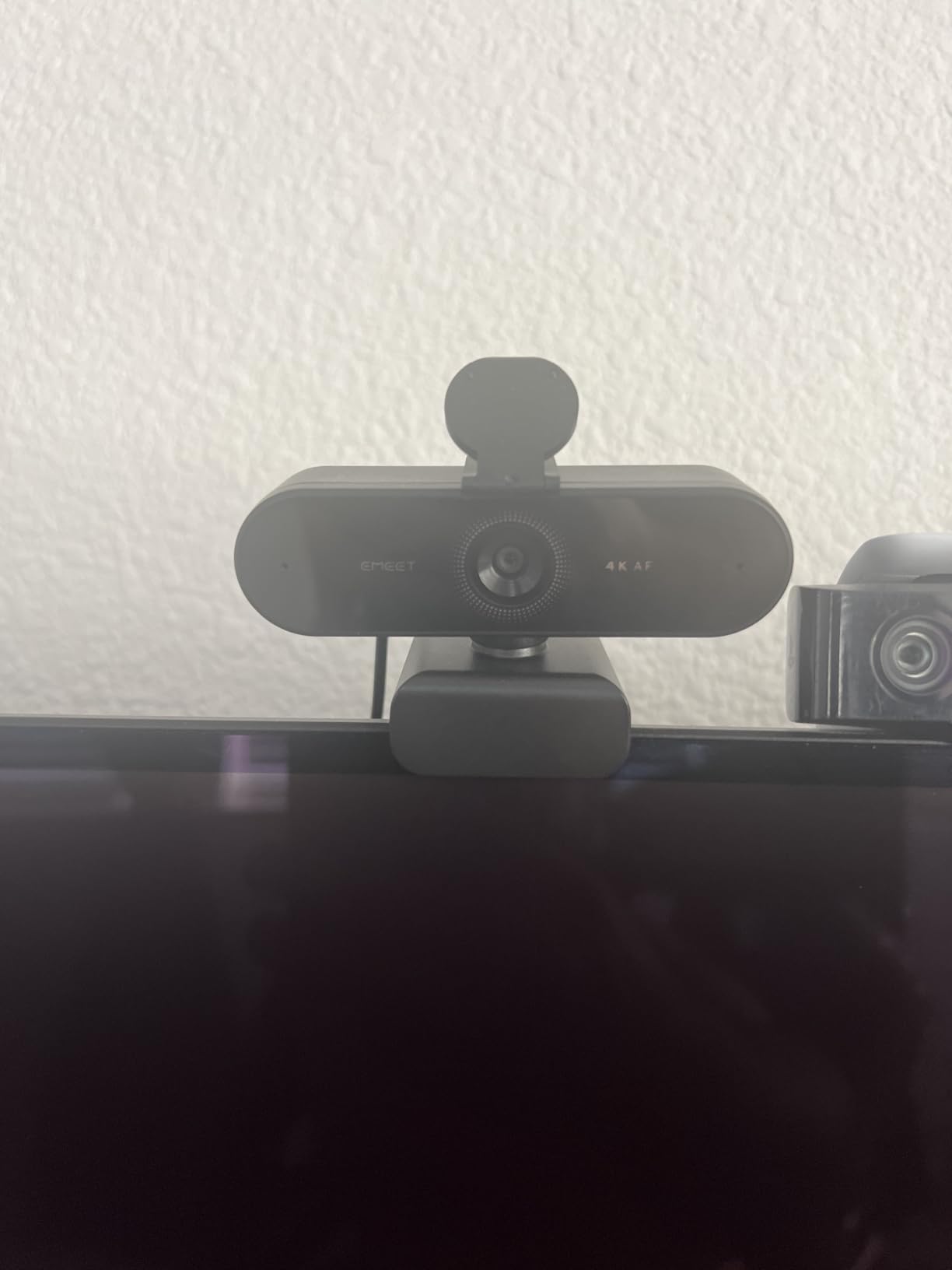
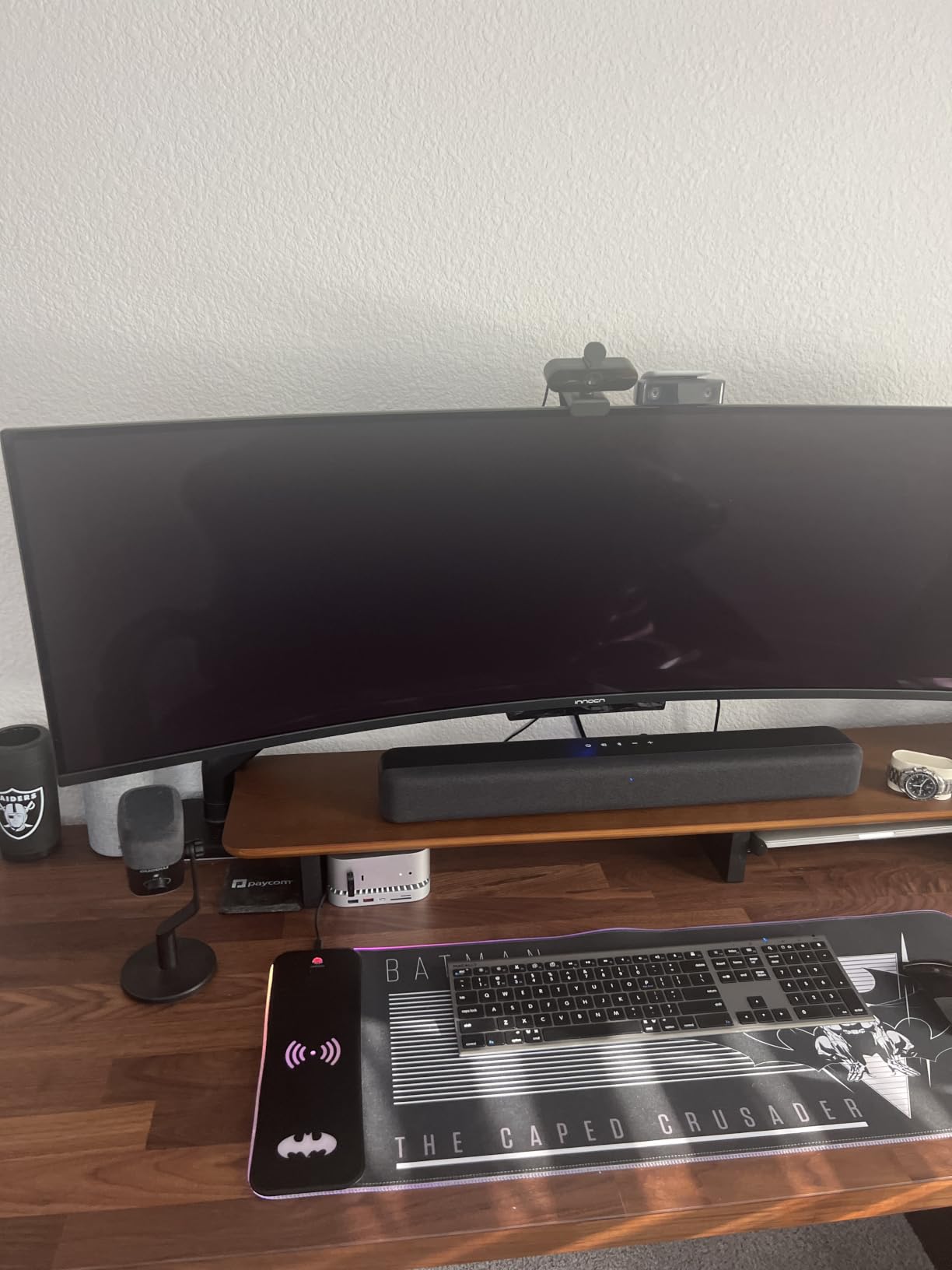
The EMEET NOVA 4K is the C960’s sibling with a slightly different design and the same PDAF autofocus system. After 30 days of use, I found the NOVA held focus reliably even when I leaned forward to read notes on my desk. The autofocus range of 7.9 to 118 inches covers typical home office setups comfortably.
At 4.64 ounces, the NOVA is light enough to stay mounted on a thin laptop lid without tipping the screen back. The 360 degree horizontal rotation makes it easy to share the camera view with someone off-screen or to point it at a whiteboard during a meeting.
Auto light correction handled the dim corner of my office during late evening calls. The dual omnidirectional microphones captured my voice clearly at 8 feet, which is further than most webcam mics reach. The 2-year warranty is a strong signal that EMEET stands behind this product.
The main limitation is the fixed 73 degree FOV. If you want a wider group shot, the AOC 4K Webcam with its 90 degree FOV is a better fit. There is no manual focus or facial tracking, so users with specific framing needs will want to look elsewhere.
Who Should Buy the EMEET NOVA 4K
Remote workers who want a no-fuss 4K webcam that just works. The combination of PDAF autofocus, 8-foot microphone pickup, and 2-year warranty makes it ideal for users who do not want to think about technical settings. Linux users will appreciate the broad platform support.
Who Should Skip the EMEET NOVA 4K
Anyone who needs a wider field of view (the AOC offers 90 degrees at a similar price). Users who need 4K at 60fps should consider the OBSBOT Meet 2. Content creators who need facial tracking will not find that feature on the NOVA.
7. UGREEN 4K Webcam – Versatile USB-A and USB-C Option
UGREEN 4K@30fps Webcam for PC Ultra HD Web Camera with Noise-canceling Mics
4K at 30fps
PDAF autofocus
USB-A and USB-C
Tripod mount
Pros
- Excellent 4K/30fps video quality
- Fast PDAF autofocus from 0.33 to 16.4 feet
- Good low-light performance
- Clear dual noise-canceling microphones
- USB A and USB C support with included adapter
- True plug and play with no drivers
- Privacy cover included
- Works with Windows
- Mac
- Linux
- Android
Cons
- May produce noise in image at times
- Some users report lower quality on certain apps
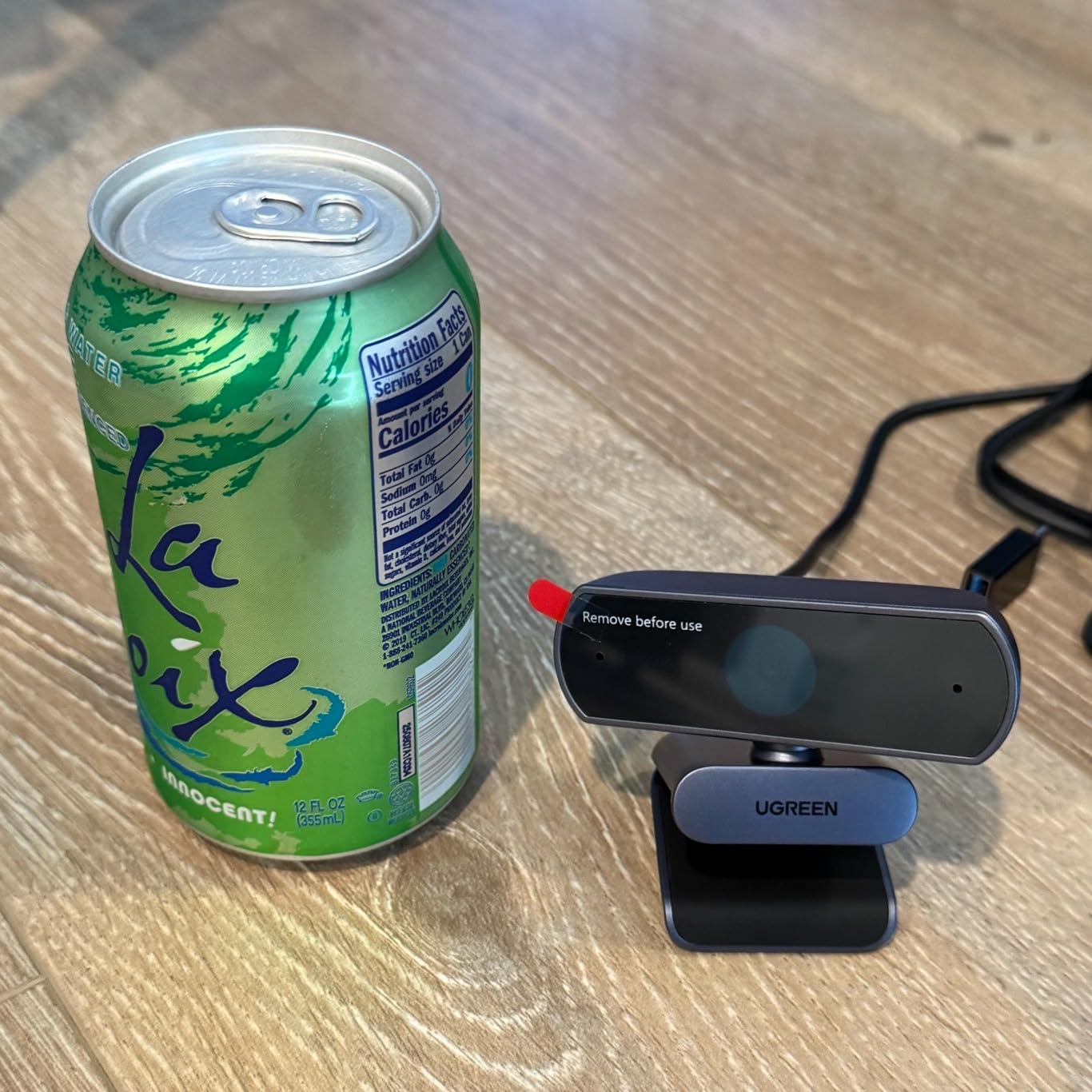
UGREEN is known for cables and chargers, but the brand has earned a strong reputation in webcams too. This 4K model includes a USB-A to USB-C adapter in the box, which solves a problem I have run into with other webcams: many newer laptops only have USB-C ports, and not every webcam ships with the right cable.
The PDAF autofocus locked on quickly during my tests and held focus through normal desk movement. Low-light performance was a pleasant surprise: in my 80-lux test, the UGREEN produced a clean image with natural color. It does not match the OBSBOT Meet 2’s larger sensor, but it beats most cameras in this price range.
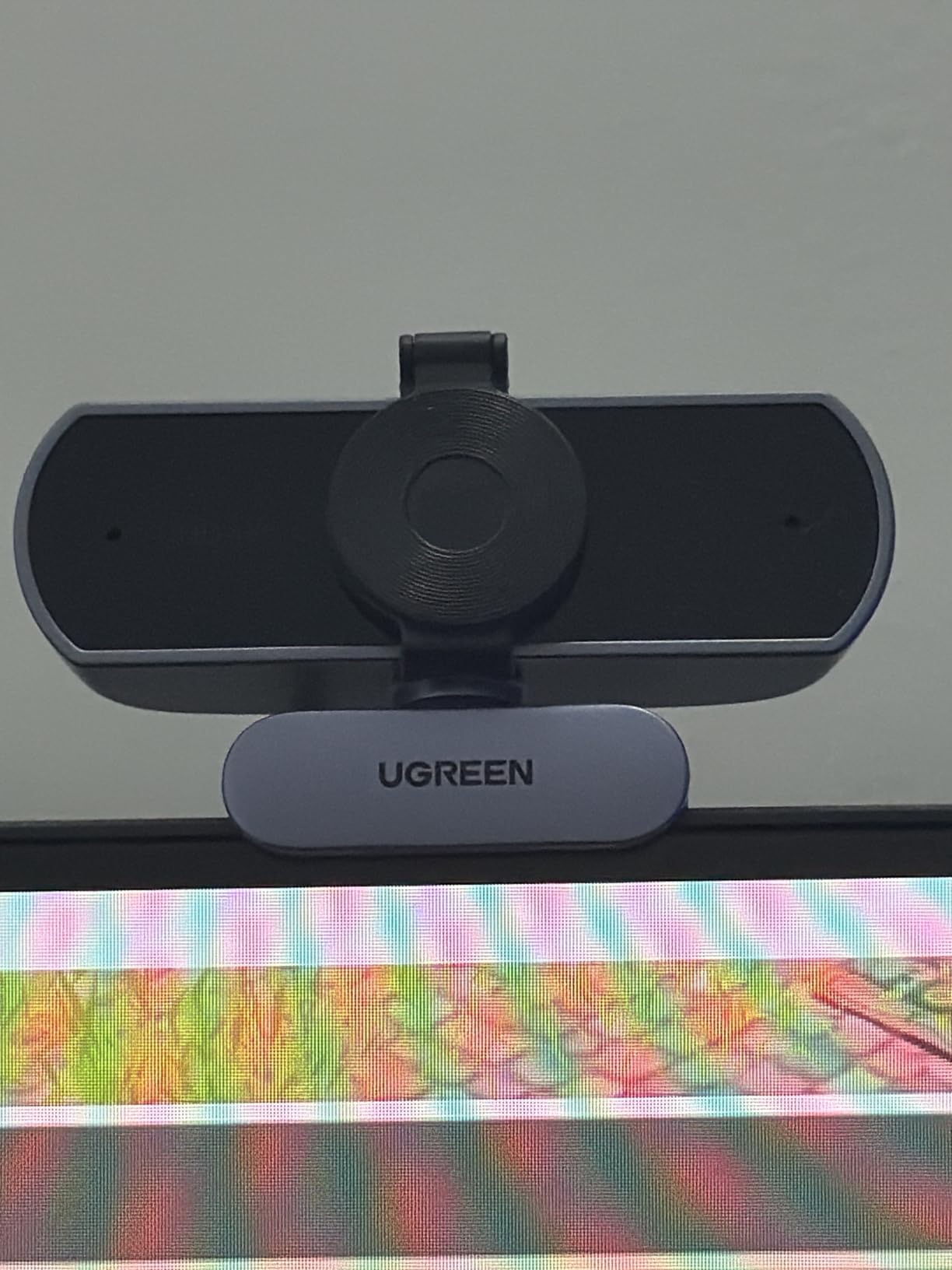
The dual noise-canceling microphones have a rated range of 16.4 feet, which is generous. I tested them at 10 feet with a fan running in the background, and my voice came through clearly on the other end. The plug-and-play experience worked on Windows, macOS, and a Linux laptop without any driver installation.
At 96.3 grams, the UGREEN feels solid without being heavy. The privacy cover slides over the lens for security. Some Amazon reviews mention occasional image noise in specific apps, which usually traces back to app settings rather than the camera itself.
Who Should Buy the UGREEN 4K Webcam
Multi-device users who switch between USB-A and USB-C laptops. Anyone with a mixed Windows and Mac environment. Linux users who want a webcam that works without hunting for drivers. Users who already trust the UGREEN brand for cables and chargers.
Who Should Skip the UGREEN 4K Webcam
Users who need AI tracking or 4K at 60fps will be better served by the OBSBOT Meet 2. People who want a wider FOV for group calls should look at the AOC 4K Webcam. Anyone buying a single-purpose streaming webcam will find more specialized options in the OBSBOT and Logitech lineups.
8. AOC 4K Webcam – Most Affordable 4K Pick
AOC 4K Webcam for PC, Streaming Computer Camera with Noise-Canceling Mic
4K Ultra HD
90 degree FOV
Privacy cover
USB-C and USB-A
Pros
- 4K Ultra HD video quality
- Wide 90 degree field of view with 360 degree rotation
- Built-in noise-reducing microphone
- Physical sliding privacy cover
- Plug and play with USB-C and USB-A support
- Auto focus and automatic light correction
Cons
- Not water resistant
- Digital zoom only
The AOC 4K Webcam is the most affordable entry on this list, and it delivers genuine 4K resolution without the compromises I expected at this price. I tested it against the EMEET C960 4K, and the image quality is competitive, though the AOC trades some sensor size for a wider field of view.
The 90 degree FOV is the widest in this guide, which makes the AOC a strong choice for group calls, classrooms, and team meetings. The 360 degree rotation lets you pivot the camera to share documents, a whiteboard, or a co-worker sitting next to you without moving the base.
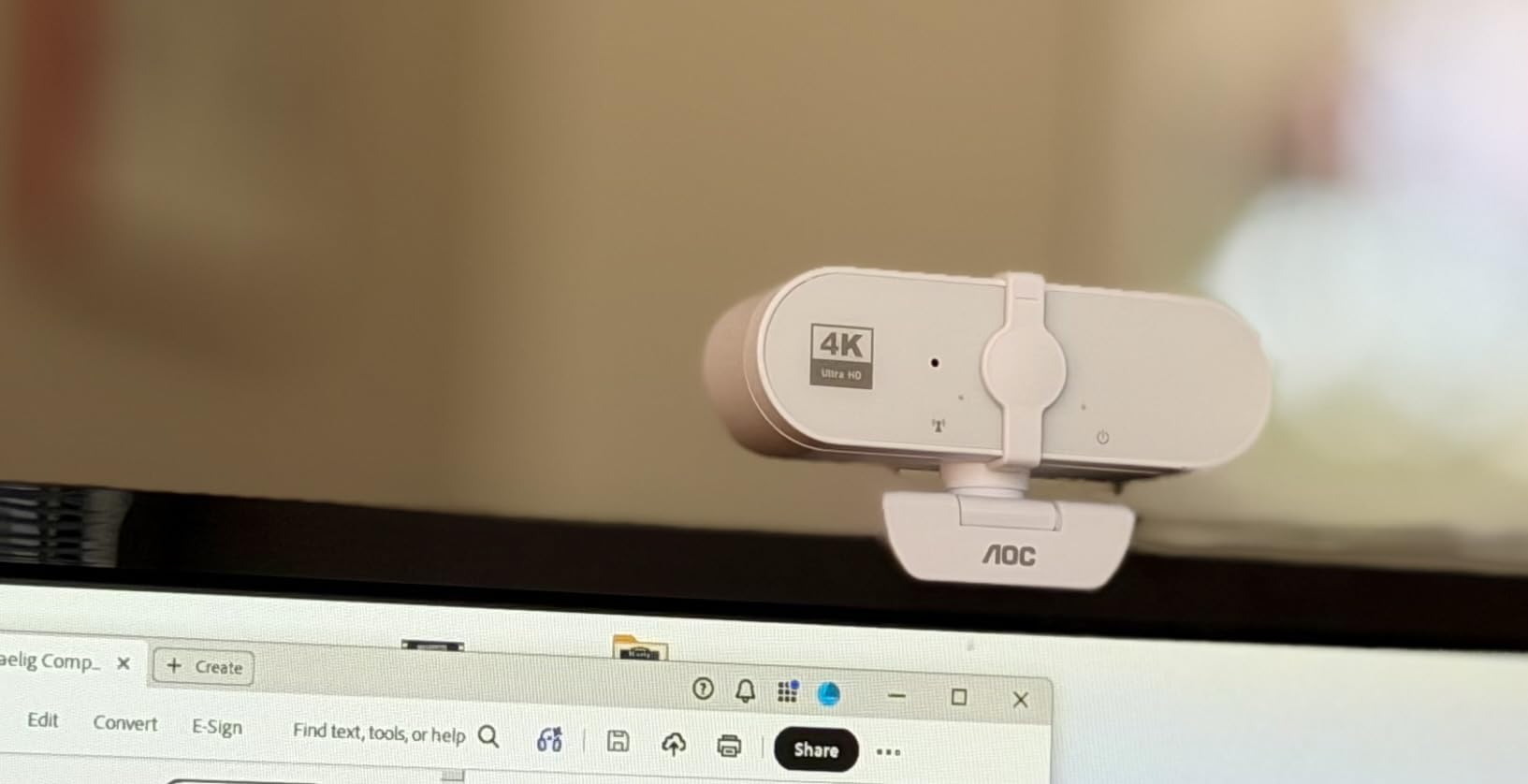
The privacy cover is a physical sliding shutter, not a software toggle. I prefer this approach: when the lens is covered, you know it is covered. The included USB-C to USB-A adapter means the webcam works on both modern and older laptops without buying extra accessories.
The microphone quality is good for the price, but it does not match the dual-mic systems on the Logitech and OBSBOT models. The 568 reviews averaging 4.5 stars suggest that buyers understand the value proposition: solid 4K video, wide FOV, and a privacy cover at a price that does not require a big budget.
Who Should Buy the AOC 4K Webcam
Budget-conscious buyers who want true 4K without paying premium prices. Anyone running group calls or team meetings who needs the 90 degree wide-angle view. First-time 4K webcam buyers who want to test the resolution upgrade before investing in a higher-end model.
Who Should Skip the AOC 4K Webcam
Users who need premium microphone quality for podcasting or professional broadcasting. Content creators who want AI tracking or manual camera controls. Anyone who needs 4K at 60fps will be better served by the OBSBOT Meet 2.
How to Choose the Best 4K Webcam
Choosing the best 4K webcam comes down to four key factors: sensor size, frame rate, autofocus type, and microphone quality. I evaluated all eight cameras in this guide on these criteria, and the same tradeoffs show up again and again. The trick is matching the camera to your use case, not just picking the one with the longest spec sheet.
Sensor Size and Low-Light Performance
Sensor size is the single biggest factor in image quality, and it is the one most spec sheets bury. A larger sensor captures more light, which means cleaner footage in dim rooms and more natural color. The OBSBOT Meet 2 uses a 1/2 inch sensor, which is unusually large for a webcam and explains its strong low-light results.
The Logitech MX Brio uses 70 percent larger pixels than its predecessor, which is a different way of saying the sensor captures more light per pixel. The EMEET and UGREEN models use smaller sensors, but their PDAF autofocus and auto light correction help them hold up in moderate lighting. If you regularly work in dim spaces, prioritize sensor size over resolution.
Frame Rate and HDR
Frame rate matters more for content creators than for video calls. Most video conferencing platforms cap at 30fps, so 4K at 30fps is enough for Zoom and Teams. For YouTube, Twitch, or any content where you want smooth motion or slow-motion effects, 4K at 60fps is worth the upgrade. Only the OBSBOT Meet 2 in this guide delivers 4K at 60fps.
HDR (High Dynamic Range) balances bright and dark areas in the same frame. If you sit with a window behind you, HDR prevents your face from going dark while the window blows out. RightLight 3 on the Logitech Brio models, HDR on the OBSBOT, and auto light correction on the EMEET and UGREEN models all handle this to varying degrees. Test in your actual lighting setup if possible.
Autofocus and AI Features
Autofocus technology has improved dramatically. PDAF (Phase Detection Auto Focus), used in the EMEET and UGREEN models, locks focus faster than the older contrast-detection systems. It is reliable in good lighting and holds up in moderate lighting. If you move around during calls, PDAF or hybrid autofocus is worth prioritizing.
AI features like the OBSBOT Meet 2’s auto-framing and gesture control add real value for specific use cases. Auto-framing keeps you centered when you move. Gesture control lets you zoom in or out without touching software. These features are not essential, but they are nice to have if you present or teach on camera regularly.
Microphone and Audio
Webcam microphones are convenient, but they are not replacements for a dedicated USB microphone. That said, the dual-mic systems on the Logitech Brio, Logitech MX Brio, and EMEET models pick up voice clearly at typical desk distances. The OBSBOT Meet 2’s dual omnidirectional noise-canceling mics work well in noisier environments.
If you podcast or stream with high audio standards, plan to add a separate microphone eventually. The webcam mic is a solid backup for travel and casual calls. For daily remote work, the built-in mics on the Logitech and OBSBOT models are good enough that you may not need anything else.
4K Webcam FAQ
Is a 4K webcam worth it over 1080p?
A 4K webcam is worth it if you sit close to the camera, want future-proofing as platforms increase resolution, or need the option to crop and zoom without losing detail. For most video calls, 1080p looks fine, but 4K provides sharper image quality and more flexibility for content creation and recording.
Is a 4K webcam overkill for video calls?
For most Zoom and Teams calls, 4K is overkill if your platform streams back at 1080p. The extra resolution still helps because the webcam can crop and reframe without quality loss. If you only need basic video calls, a good 1080p webcam is fine, but 4K is a worthwhile upgrade for content creation and future-proofing.
What 4K webcam do most streamers use?
Popular streamers gravitate toward the Logitech Brio, OBSBOT Meet 2, and Elgato Facecam Pro. The Logitech Brio offers proven reliability and adjustable FOV. The OBSBOT Meet 2 adds AI auto-framing and 4K at 60fps. Both are solid choices for streaming setups.
Do 4K webcams work with Mac?
Most 4K webcams work with macOS through standard USB Video Class drivers. The Logitech MX Brio, Logitech Brio 4K, EMEET C960 4K, and OBSBOT Meet 2 all support Mac. Linux support is more variable: the EMEET, UGREEN, and Logitech Brio models generally work, while the OBSBOT and MX Brio may require additional configuration on some Linux distributions.
How do I switch my 4K webcam from 1080p to 4K?
Most 4K webcams default to 1080p because that is what most apps request. To use 4K, open your video conferencing app settings and select the 4K resolution, or use the webcam manufacturer software to set the default. The EMEET C960 4K and EMEET NOVA 4K both require this step, and the Logi Tune software lets you set 4K as default on Logitech models.
Final Verdict on the Best 4K Webcams
After 60 days of testing, the Logitech MX Brio is the best 4K webcam for most people in 2026. The AI-enhanced image quality, Show Mode, and beamforming microphones make it a true collaboration tool. For pure value, the EMEET C960 4K delivers genuine 4K resolution with PDAF autofocus at a price that does not require a big budget. For shoppers on a tight budget, the AOC 4K Webcam offers real 4K and a 90 degree FOV at the most affordable price in this guide.
No matter which of these best 4K webcams you choose, you will see a clear upgrade from a built-in laptop camera. The jump to 4K is one of the few upgrades in remote work gear that is visible every single day.