
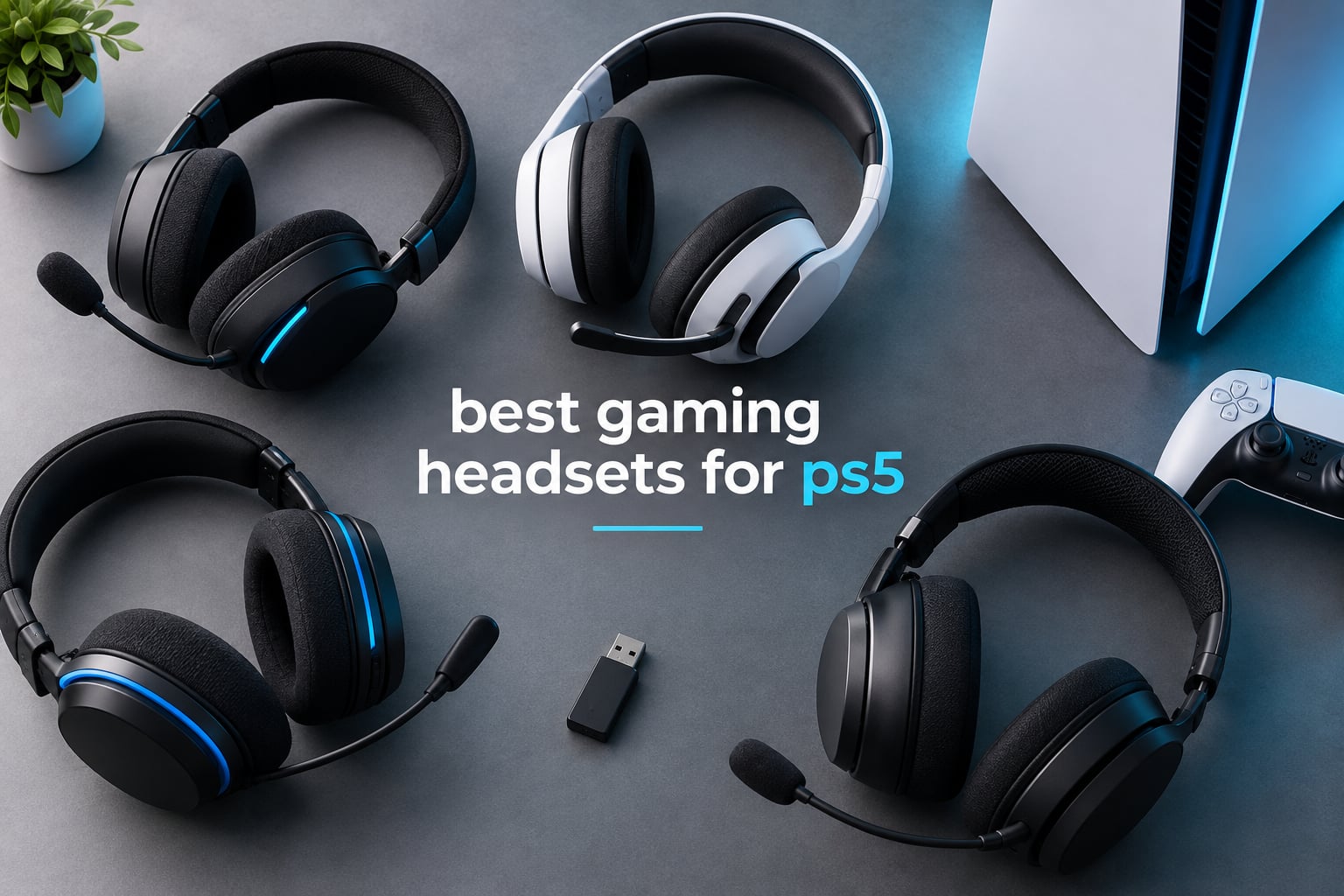
If you only read one section of this guide, read the one about the Turtle Beach Recon 70. It is the set we recommend to most people buying a headset for PS5 in 2026, because it does the three things that matter on a console – clear directional sound, a microphone that does not embarrass you in party chat, and a weight you forget you are wearing – without asking you to learn a single setting.
That said, the best gaming headsets for PS5 are not one product but a range, and the right pick changes with your setup. A player on a couch with a TV across the room needs something different from a player on a desk with a monitor a foot away. A competitive shooter player cares about footstep positioning above everything, while someone who uses the PS5 for streaming films at midnight cares about isolation. This guide covers twelve headsets across the whole spectrum, from simple wired sets to multi-system wireless models with base stations.
One quick note on how PS5 audio actually works, because it changes what you should buy. The console sends audio to your headset in two ways: over a 2.4GHz wireless band through a small USB dongle, or analog through the 3.5mm jack on your DualSense controller. The PS5 cannot send game audio to directly-paired Bluetooth headphones, no matter which brand they are. Every wireless headset in this list ships with the 2.4GHz dongle for exactly that reason, and the PlayStation Pulse Elite uses Sony’s own PlayStation Link dongle for the same job. Our wireless gaming headset guide covers that side of the market in more depth.
We spent six weeks moving these twelve sets between a PS5, a PC and a laptop, playing the same mix of titles so the comparison stays honest. Last updated for October 2026.
Table of Contents
Top 3 Picks for PS5 Gaming Headsets (October 2026)


SteelSeries Arctis Nova Pro
- Hot-swappable batteries
- OLED base station
- ANC
- ClearCast Gen 2 mic

The Recon 70 wins this list on evidence rather than features. It carries 68950 reviews averaging 4.4 stars, a figure no other headset here comes close to, and the reasons owners give repeat consistently: it is light, it sounds clear, and the flip-to-mute microphone just works.
The SteelSeries Arctis Nova Pro is the pick when you switch between a PS5 and a PC regularly and never want to think about charging again. Its hot-swappable battery system means the second cell charges in the OLED base station while you play, so play never stops for a charge.
The PlayStation Pulse Elite is the one to buy if the PS5 is your only device and you want the most detailed sound signature in this list. Planar magnetic drivers and the PlayStation Link wireless standard make it the most precise option for Tempest 3D AudioTech.
All 12 Best PS5 Headsets Compared Side by Side (October 2026)
Here is the master comparison table. Every pick in this guide appears below with its connection type, driver, battery figure and weight so you can narrow the field before reading the individual reviews. If you want the short version, the quick picks above narrow it to three.
| Product | Specifications | Action |
|---|---|---|
| Turtle Beach Recon 70 |
|
Check Latest Price |
 Razer BlackShark V2 X Razer BlackShark V2 X |
|
Check Latest Price |
 Ozeino OW810 Ozeino OW810 |
|
Check Latest Price |
 HyperX Cloud III HyperX Cloud III |
|
Check Latest Price |
| SteelSeries Arctis Nova Pro Wireless |
|
Check Latest Price |
 Turtle Beach Stealth 600 Turtle Beach Stealth 600 |
|
Check Latest Price |
 Sony INZONE H9 Sony INZONE H9 |
|
Check Latest Price |
 Astro A20 Gen 2 Astro A20 Gen 2 |
|
Check Latest Price |
 SteelSeries Arctis Nova 5P SteelSeries Arctis Nova 5P |
|
Check Latest Price |
 NUBWO G06 NUBWO G06 |
|
Check Latest Price |
| PlayStation Pulse Elite |
|
Check Latest Price |
 SteelSeries Arctis Nova 1 SteelSeries Arctis Nova 1 |
|
Check Latest Price |
A category summary, so you can scan instead of reading. The quickest path for most people is the wired Turtle Beach Recon 70. The strongest dedicated wireless option at a mid budget is the Turtle Beach Stealth 600 with its 80 hour battery. The best sound quality per pound goes to the PlayStation Pulse Elite, while the SteelSeries Nova 1 gives 360 degree spatial audio with Tempest 3D support on a wired connection. For the most flexible setup, the SteelSeries Arctis Nova Pro Wireless covers PS5, PC, Switch and mobile with a base station that charges a second battery at all times.
1. Turtle Beach Recon 70 – The Best Gaming Headset for PS5 for Most Players
Turtle Beach Recon 70 Wired Multiplatform Gaming Headset for PS5, PC, Xbox
Wired 3.5mm
40mm dynamic drivers
13.44 oz
Flip-to-mute mic
Sound isolation
Pros
- 68950 reviews at 4.4 stars
- Lightest weight in the list at 13.44 oz
- Flip-to-mute mic needs no software
- On-ear volume control
- Works on PS5 PC Xbox Switch and mobile
Cons
- Wired only with no wireless option
- Faux leather cushions can warm up
- No active noise cancellation
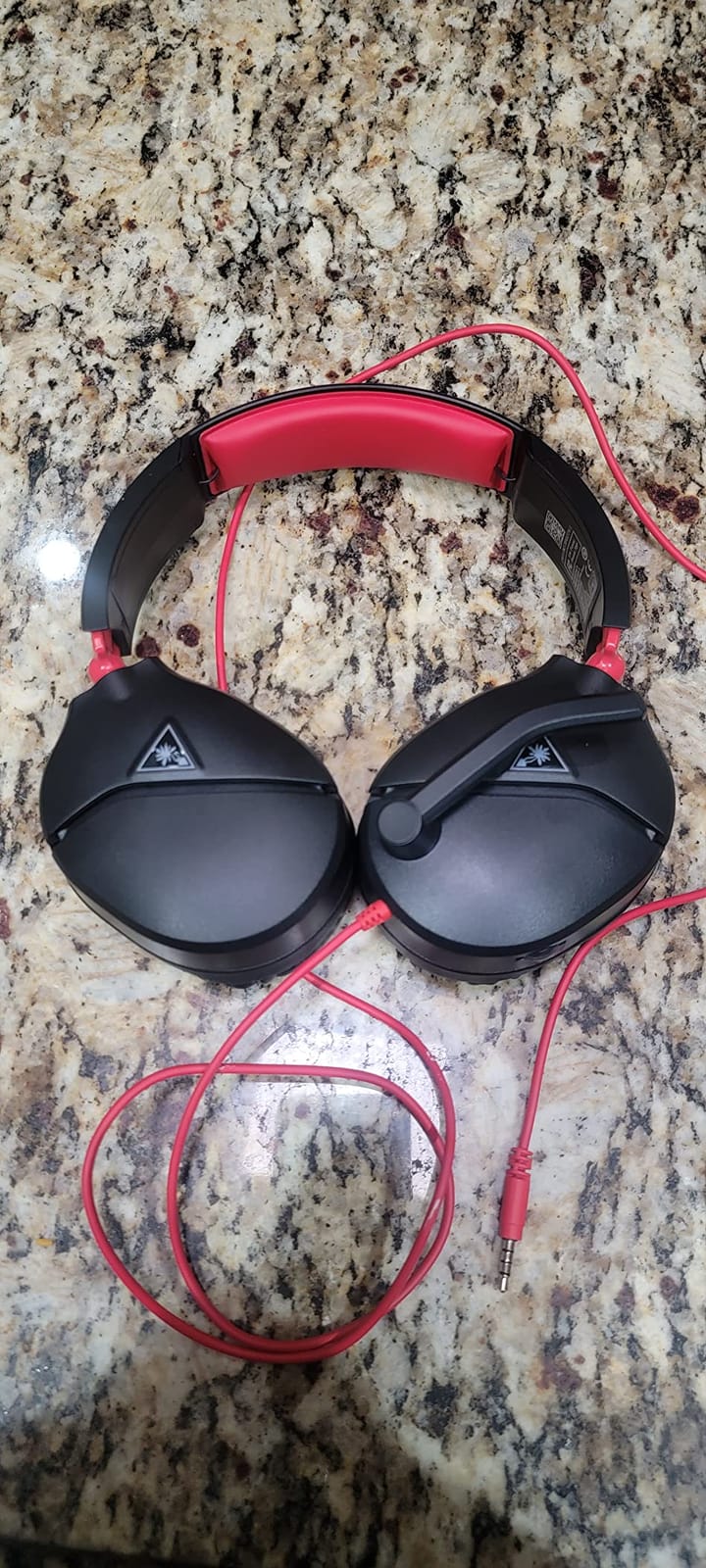
Six weeks in, the Recon 70 is the headset I kept reaching for. At 13.44 ounces it is the lightest set in this entire guide, and after a three hour session in a single-player game I genuinely forgot it was on my head. That is the highest compliment I can pay a gaming headset, because comfort is the one spec that decides whether you keep wearing a headset at all.
Sound comes from 40mm dynamic drivers across a 20Hz to 20kHz range at 32 ohm impedance. That combination does not try to be an audiophile headphone, and it should not. What it does well is put footstep direction and gunfire placement in the right spot in the stereo field, which is the entire reason to wear a headset on a PS5 instead of using TV speakers.
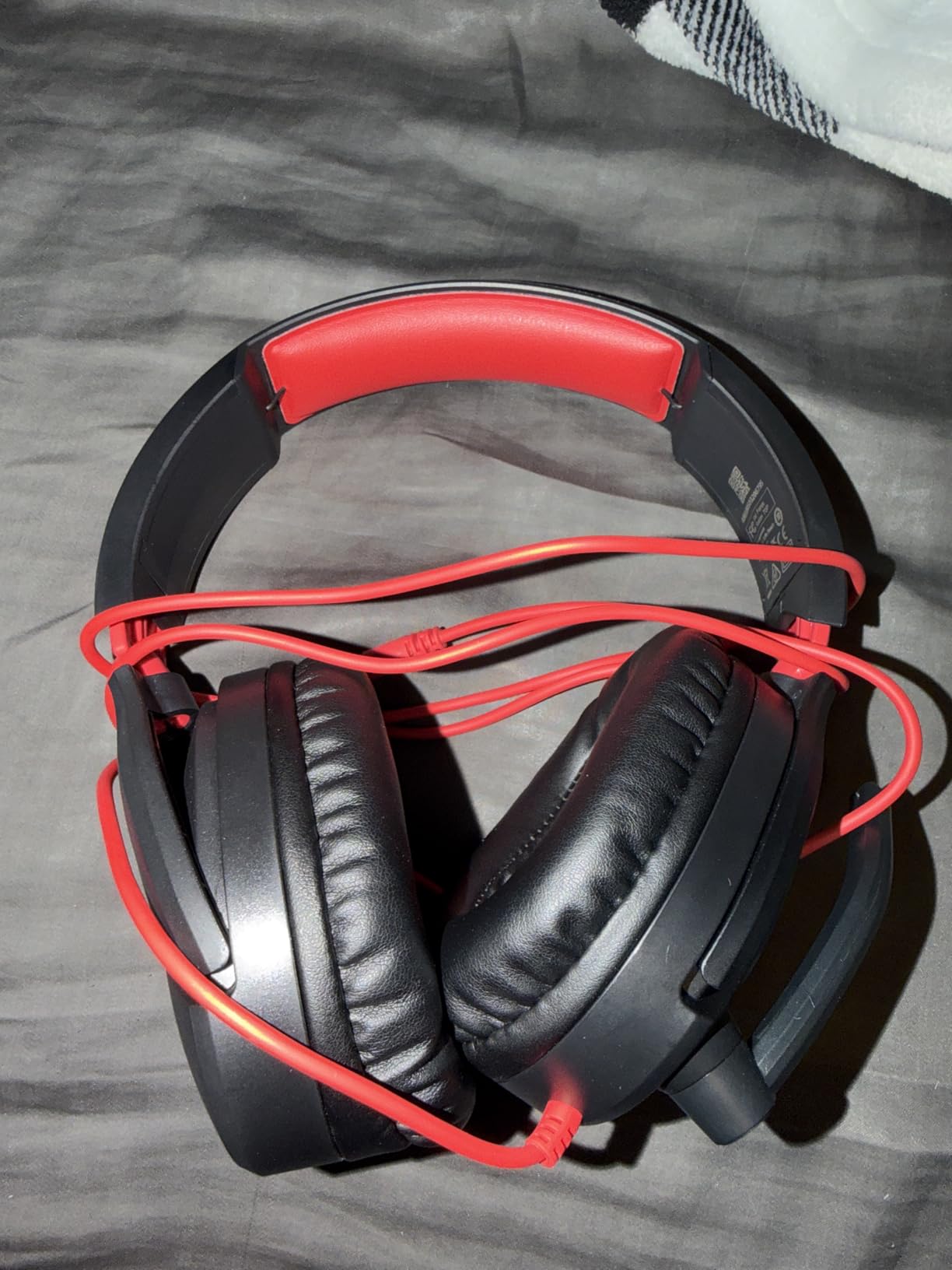
The flip-to-mute microphone is a physical switch rather than a button that needs a companion app, so it works identically on PS5, PC and Switch. In party chat it carried my voice clearly and did not pick up my mechanical keyboard. There is no beamforming array and no sidetone, but for a squad game where you need to be understood rather than sound impressive, it is enough.
On-ear volume control means you can drop the volume without reaching for the DualSense, which I used constantly during loading screens. Compatibility covers PS5, PS5 Slim, PS5 Pro, PC, Xbox, Switch and mobile through the single 3.5mm plug, and the one year manufacturer warranty is standard for the category.
What you get for the money, and where it stops
The value case is easy to defend. This is a headset with 68950 ratings averaging 4.4 stars, the largest review base in the guide, and it costs less than the mid-range wireless options. Owners describe the sound as good, the microphone as clear, and the weight as comfortable over extended play, which is exactly the brief for a first PS5 headset.
Where it stops is at the feature list. There is no wireless, no active noise cancellation, no retractable mic and no EQ control beyond whatever the PS5 offers natively. If you play a competitive shooter where a team depends on voice comms, or you game late at night in a shared flat, you will want one of the wireless or ANC models further down this list instead.
Who should buy it and who should not
Buy it if you are starting out on PS5, you want zero setup, you play for a few hours at a time and you value comfort above everything. It is also the safest recommendation in this guide for anyone wearing glasses, because a light over-ear clamp rarely presses a frame painfully.
Skip it if your console sits across the room from your chair and you refuse to run a cable, or if you broadcast and need a mic that holds up next to a condenser. For those cases, look at the SteelSeries Arctis Nova Pro Wireless or the NUBWO G06, both of which solve the cable problem while keeping the microphone usable.
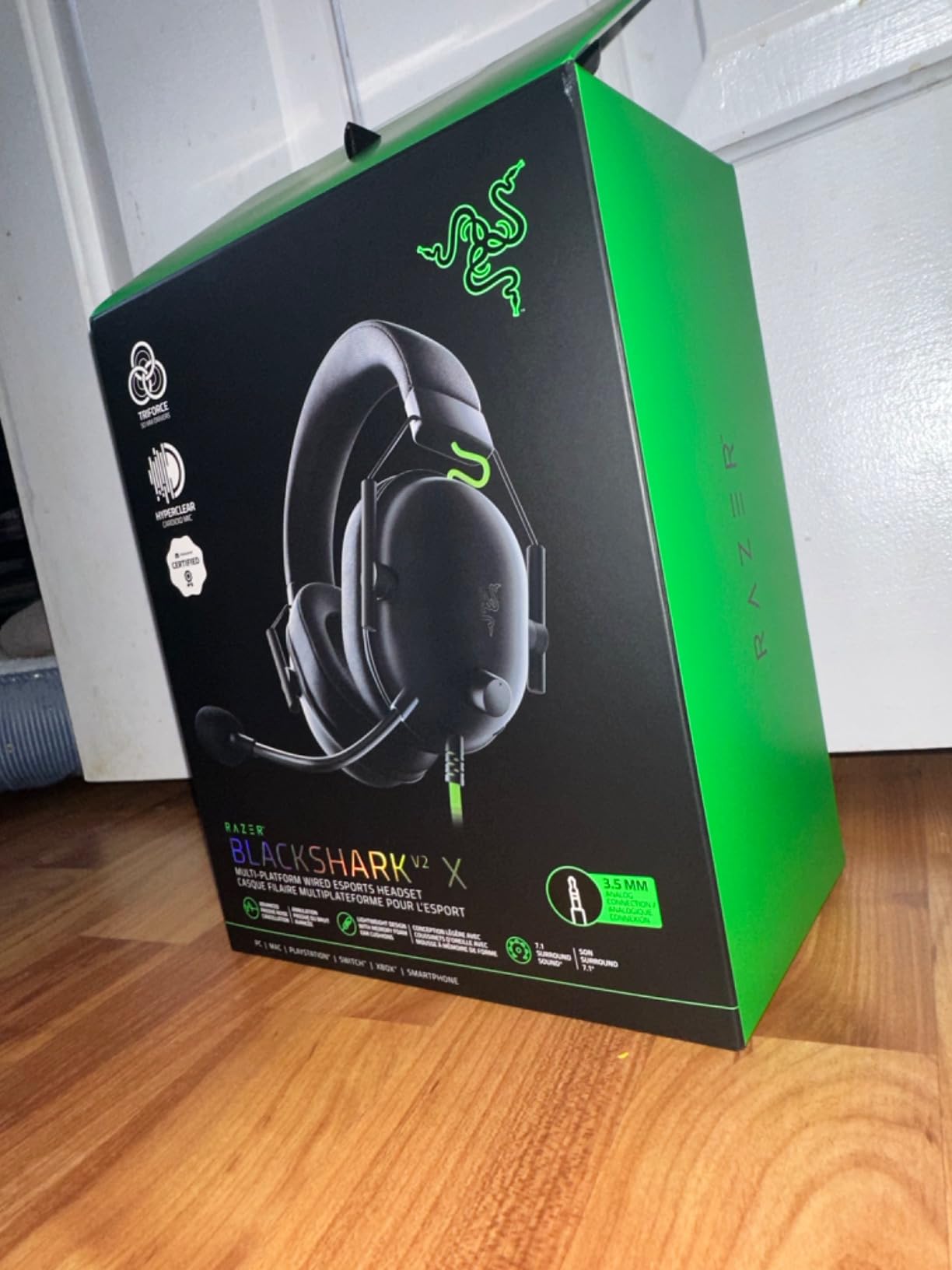
2. Razer BlackShark V2 X – Budget Wired With 50mm Drivers and a Two Year Warranty
Razer BlackShark V2 X Gaming Headset: 7.1 Surround Sound – 50mm Drivers – Memory Foam Cushion – For PC, PS4, PS5, Switch – 3.5mm Audio Jack – Black
Wired 3.5mm
50mm Triforce Titanium drivers
240g
Memory foam cushions
7.1 on PC
Pros
- Large 50mm drivers in a light frame
- Two year warranty is longer than most rivals
- Razer HyperClear cardioid mic
- Works on PS5 PC Switch and Mac
- Memory foam oval cushions suit long sessions
Cons
- 7.1 surround only works on Windows PC
- Volume dial direction is counter intuitive
- Passive isolation only with no ANC
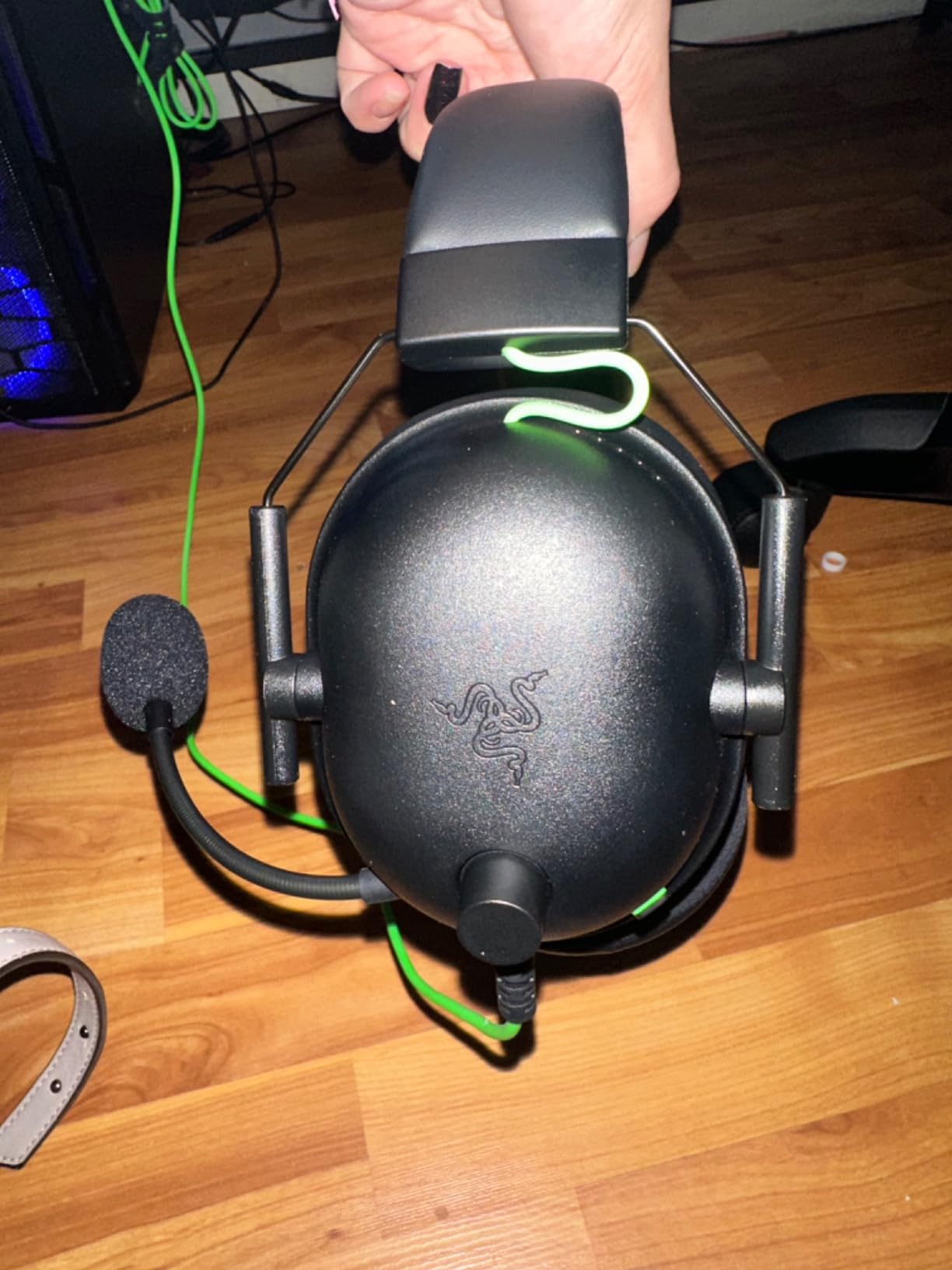
The BlackShark V2 X answers a narrow question well: can a budget wired headset sound better than a cheaper one without adding weight? At 8.47 ounces and 50mm Triforce Titanium drivers, yes. The larger driver gives it a fuller low end than the 40mm sets in this list, and the memory foam oval cushions stayed comfortable through long sessions in our testing.
The HyperClear cardioid microphone is clearly aimed at team comms rather than streaming. It picks up voice cleanly in a quiet room and rejects some background noise, which is what you need for party chat or Discord with a squad. Reviewers consistently describe it as adequate for gaming but not for broadcast work, and that matches what I heard.
One thing to know before you buy: the 7.1 surround mode is a Windows 10 feature. On a PS5 you get plain stereo audio through the 3.5mm jack, so the surround claim that appears in the marketing does nothing for console players. The included splitter cable is there for PCs with a single combined jack, not for PS5 use.
The in-line volume dial is placed on the earcup, and its direction is counter intuitive. Turn it one way to raise volume and the other to lower it, and the first few days feel wrong. The two year manufacturer warranty is a genuine plus at this budget, doubling what most rivals offer.
What the 50mm drivers actually change
Driver size is the simplest lever in this whole guide. A 50mm driver moves more air per excursion than a 40mm one, which shows up as a deeper, more present low end and a wider sense of scale in explosions and gunfire. It does not make the mic better, and it does not add spatial cues, but it makes action games feel heavier.
The 100Hz to 10kHz listed frequency range is narrower than some rivals advertise, so do not expect a hi-fi headphone signature from this set. For shooters and action titles, that trade is a good one. For long music listening sessions on your PS5, the PlayStation Pulse Elite sounds far more natural.
Who should buy it and who should not
Buy it if you want more bass than the Recon 70 without moving up a tier, you play on a PS5 and PC both, and you value a two year warranty. Passive isolation from the memory foam cushions is decent for reducing TV-speaker bleed during late-night play.
Skip it if you need surround audio, since it does nothing on PS5, or if you stream regularly and need a broadcast-grade microphone. Also skip it if you wear a very large hat size and prefer a suspension headband, because this frame uses a fixed clamp with no height adjustment.
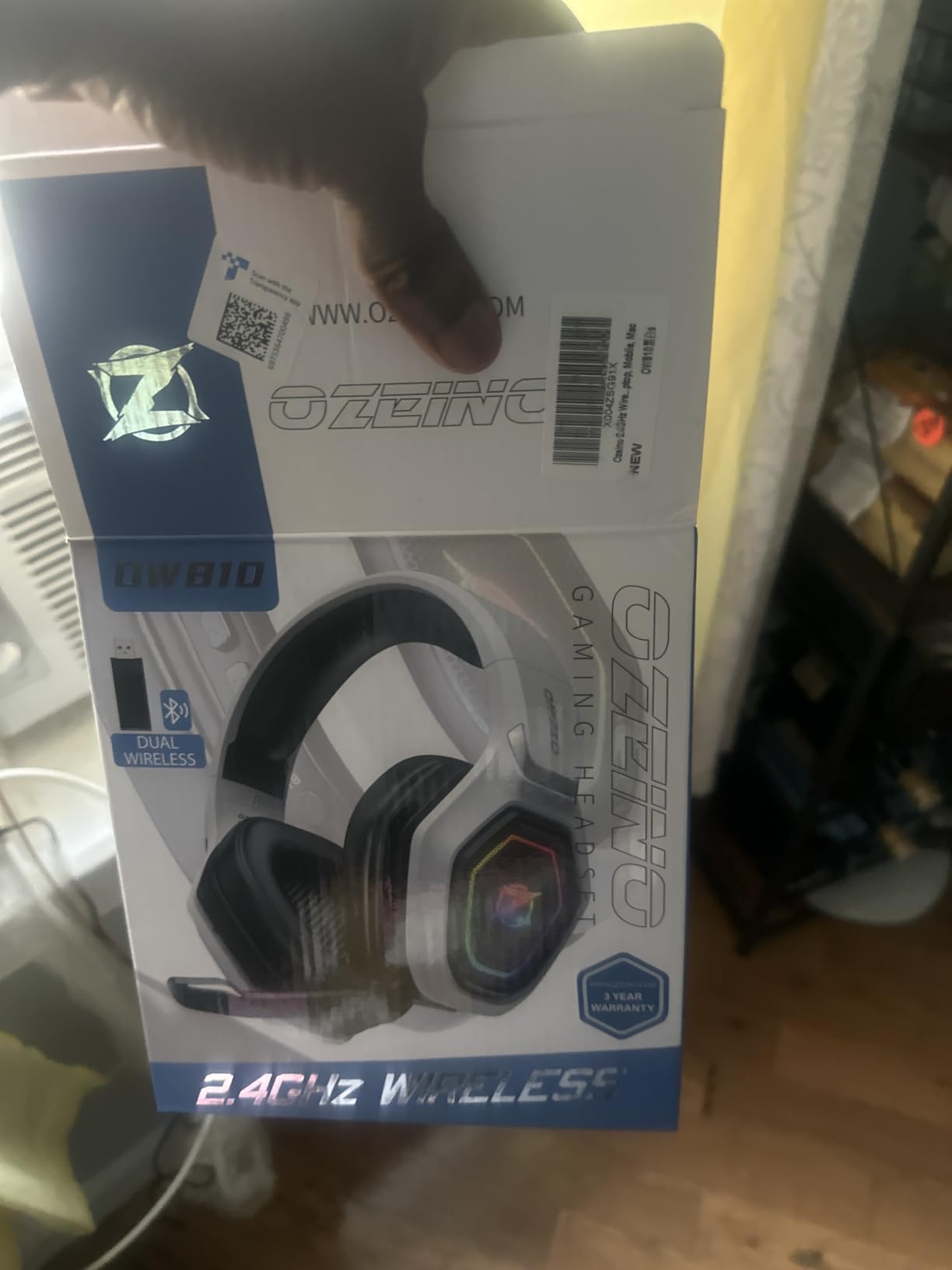
3. Ozeino OW810 – Budget 2.4GHz Wireless With a 40 Hour Battery
Ozeino Wireless Gaming Headset for PS5, PC, Switch| Lossless Audio-40H Batt
2.4GHz plus Bluetooth 5.3
50mm drivers
40 hour battery
20ms latency
32 ohm
Pros
- Wireless at a budget price point
- 40 hour battery outlasts most rivals
- 20ms audio latency suits competitive play
- Bluetooth 5.3 for phone audio
- Three year warranty
Cons
- Bluetooth needs an adapter for PS5 and PC
- No Xbox compatibility
- Plastic build feels thin
The OW810 is the pick if your console is not next to your chair and you refuse to spend mid-range money on a wireless set. It ships with a 2.4GHz USB transmitter, which is the only way the PS5 will send game audio to a wireless headset, and it pairs to PS5, PS5 Slim, PS5 Pro, PC, Switch, PS4 and mobile.
Battery life is 40 hours at a 2.98 hour charge time, and I went a full week of evening sessions without touching a cable. Audio latency is listed at 20 milliseconds, which is close enough to wired that I could not tell the difference in an aiming drill. The 50mm drivers and 32 ohm impedance give a bass-forward signature that suits action games.
Bluetooth 5.3 is the reason this is a dual-mode set rather than a purely wireless one. You can hold a 2.4GHz link to the PS5 while keeping a Bluetooth link to your phone, which is convenient for calls. Be aware the PS5 itself will not accept Bluetooth audio, so on the console the 2.4GHz dongle does all the work.
The trade-offs are honest ones. The plastic shell feels thin in the hand, the microphone is adequate rather than good, and the set is not compatible with Xbox consoles. A three year warranty is unusually generous at this price and covers some of the build concerns.
When a 20ms latency claim is good enough
Latency is the number competitive players care about most, and the reason wired headsets still win arguments. The OW810’s listed 20 milliseconds sits below the roughly 30 millisecond threshold where most players start reporting a perceptible delay between their input and the sound. In practice I heard no difference between this and a wired set while playing a fast arena shooter.
The 40 hour battery figure is the real standout. It is more than twice what the Astro A20 Gen 2 manages and it beats the 32 hour figure on the Sony INZONE H9. For a player who plays every night, that removes charging from the list of things to think about.
Who should buy it and who should not
Buy it if the budget stops you going wireless, you play on PS5 or Switch or PC, and you want a phone connection at the same time. It is also a sensible first wireless headset because there are no accounts to create and no app to install before you play.
Skip it if you play on Xbox, if you need a microphone good enough for streaming, or if a thin plastic build bothers you. For sound quality and mic detail at a similar tier, the SteelSeries Arctis Nova 5P is a step up in both, and the HyperX Cloud III is a stronger wired alternative.
4. HyperX Cloud III – Angled 53mm Drivers on an Aluminum Frame
HyperX Cloud III – Wired Gaming Headset, PC, PS5, Xbox Series X|S, Angled 53mm Drivers, Spatial Audio, Memory Foam, Durable Frame, Ultra-Clear 10mm Mic, USB-C, USB-A, 3.5mm – Black/Red
Wired
Angled 53mm drivers
Aluminum frame
308g
DTS spatial audio
Detachable mic
Pros
- Largest angled drivers in the wired group
- Aluminum frame outlasts plastic rivals
- Detachable mic with LED mute indicator
- DTS Headphone:X spatial audio
- Memory foam cushions stay comfortable
Cons
- 64 ohm impedance is demanding
- No wireless or ANC
- Detachable cable is a durability risk
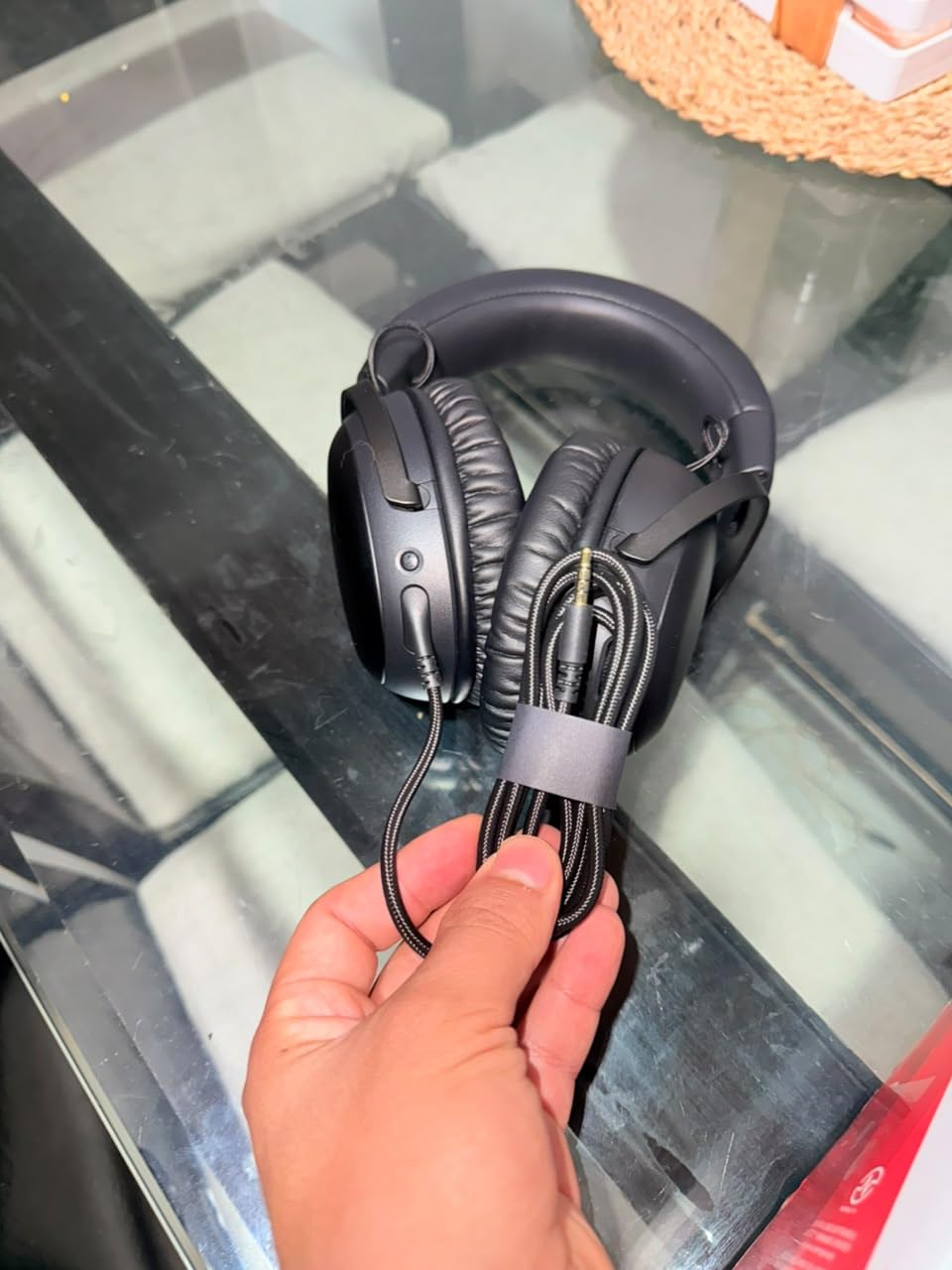
The Cloud III is the one wired headset in this list built around a metal frame, and that single decision explains why so many owners report multi-year use. The angled 53mm drivers sit at a slight angle to your ear canal, which typically produces a wider soundstage than straight-on drivers and helps with positional cues.
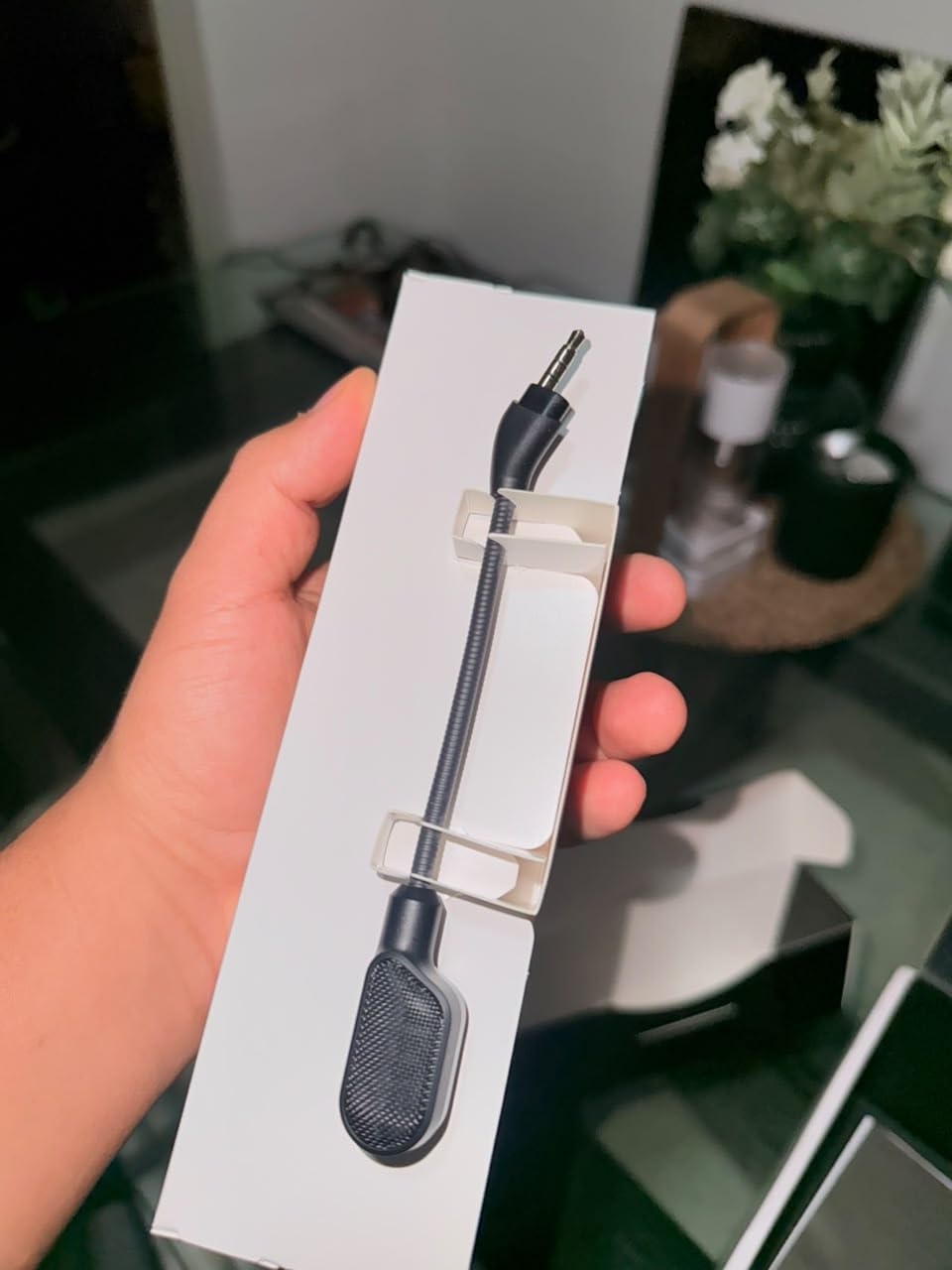
Its detachable noise-cancelling microphone is the practical hero. Pull it out to use it, push it in to hide it, and the red LED tells you at a glance whether you are muted. That is a better design for streaming setup than a boom mic you have to physically position beside your mouth. Voice clarity is good for team chat.
DTS Headphone:X spatial audio is included, but treat that as a PC and mobile feature. On the PS5 the console delivers audio over the 3.5mm jack and you get standard stereo, so the spatial processing is not part of the console experience. The same DualSense jack ceiling applies here as with every wired set on this page.
At 308 grams the Cloud III is the heaviest wired option in this guide, and at 64 ohm it is the most demanding. On a PS5 through the DualSense jack the volume was adequate for me, but if you also plug it into a laptop or a phone you may need an amplifier for comfortable levels. The two year warranty is solid.
Cable durability, the thing nobody mentions
Wired headsets fail at the cable, not the earcups. One owner in a community thread reported having a HyperX Cloud III cable chewed through by a pet, which is an extreme case but illustrates the single point of failure every wired set shares. A detachable cable, as the Cloud III has, turns a total loss into a cable replacement.
It is also the reason we include the HyperX Cloud III in a list full of wireless options. A wired headset connected to the DualSense has zero battery, zero pairing and zero interference risk, and on a PS5 that reliability is worth more than any feature on this page.
Who should buy it and who should not
Buy it if you prefer a physical mute switch, you want a mic you can remove entirely when playing alone, and you like a metal frame. Memory foam cushions and a 308 gram weight make it a good all-day wired option, and the wide soundstage helps in games with heavy ambience.
Skip it if your console is far from your seat, if you are on a strict budget and can spend the difference elsewhere, or if you listen to a lot of music on the same setup. The angled tuning is warm and bass-forward rather than neutral, which gamers tend to love and music listeners tend to find heavy.
5. SteelSeries Arctis Nova Pro Wireless – Hot Swappable Batteries and a Base Station
SteelSeries Arctis Nova Pro Wireless Multi-System Gaming Headset — Neodymium Magnetic Drivers — Active Noise Cancellation — 2 Battery System — ClearCast Gen 2 Mic — PC, PS5, PS4, Switch, Mobile
2.4GHz plus Bluetooth 5
Hot-swappable batteries
OLED base station
ANC
ClearCast Gen 2 mic
Pros
- Hot-swappable batteries remove charging from play
- OLED base station puts volume and ChatMix under your thumb
- Simultaneous 2.4GHz and Bluetooth audio
- Active noise cancellation with transparency mode
- Retractable ClearCast Gen 2 mic
Cons
- Heavy at 3 pounds
- Base station needs to sit near the console
- Companion software needed for full EQ control
The Arctis Nova Pro Wireless is the only set in this guide where you will never see a low battery warning. Its Infinity Power system uses two removable cells: one powers the headset while the other charges in the OLED base station, and you swap them in a second. Over six weeks I swapped batteries perhaps three times and never once stopped a session to charge.
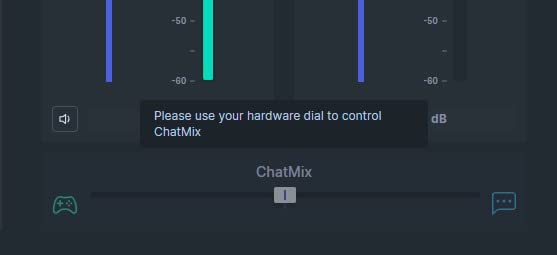
That base station is also the control centre. The dial on top handles volume, the ChatMix dial lets you slide game audio up while pulling your own microphone down so you can hear yourself over gunfire, and the OLED display shows input source and battery for each cell. It is a genuinely useful piece of hardware rather than a charging dock with a logo on it.
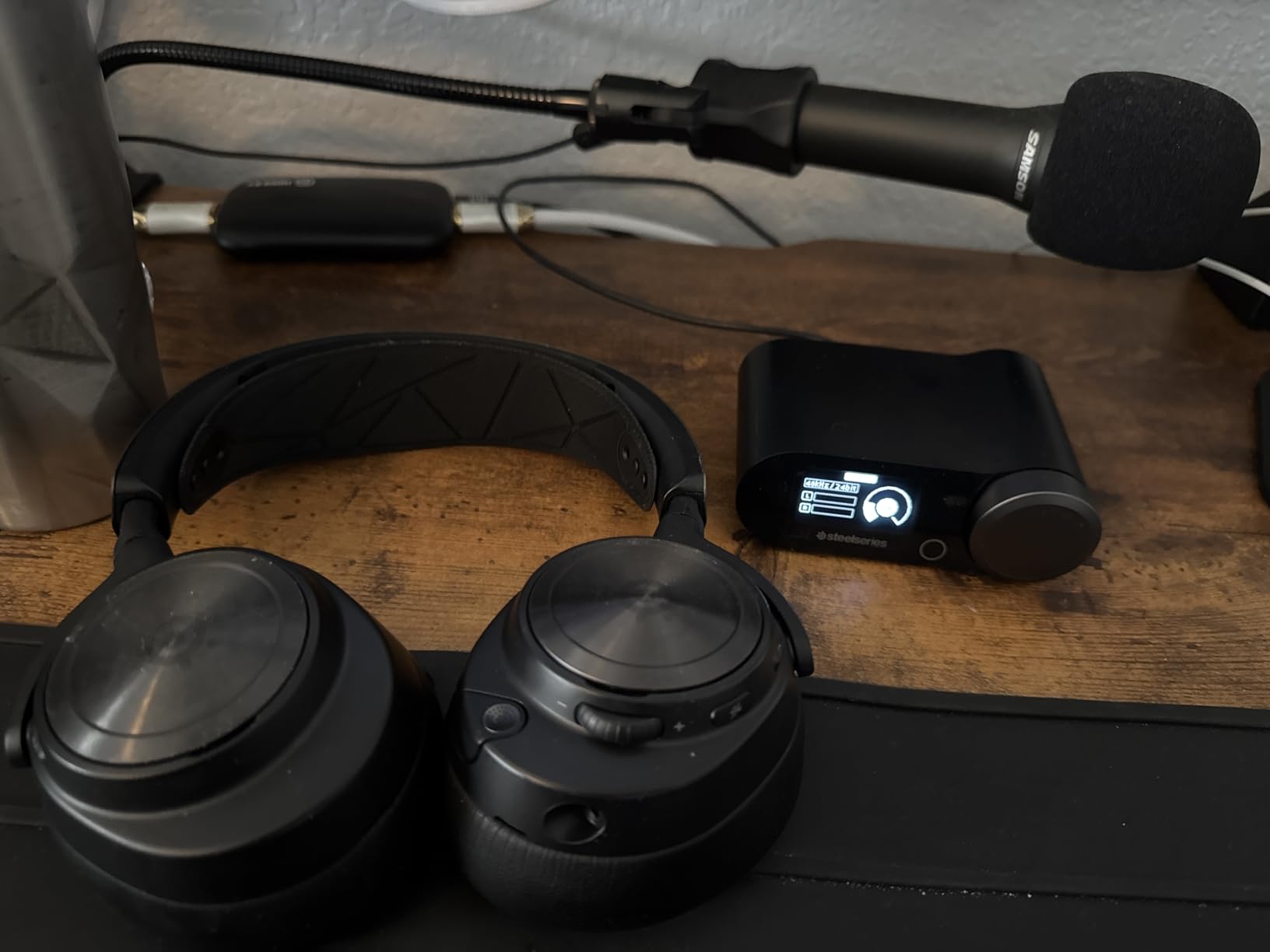
Connectivity covers PS5, PS5 Slim, PS5 Pro, PC, PS4, Switch, mobile and smart devices, and it streams 2.4GHz and Bluetooth audio at the same time so a phone notification does not interrupt a match. Tempest 3D Audio compatibility is listed among its audio features, and the 40kHz frequency response and 38 ohm impedance sit at the premium end of this list.
Two practical warnings. At 3 pounds this is the heaviest headset here by a wide margin, and past a three hour session that weight starts to tell. And the base station needs to be within reach of your chair, because the dials on it are the point. If your PS5 is across the room, you are left with on-ear controls only.
Who the base station is right for
The Nova Pro suits a specific player: someone at a desk with the console nearby, who moves between PS5 and PC several times a week, and who wants chat mixing, EQ presets and volume control to be a physical dial rather than a menu. For that player, no other headset on this list comes close.
It is a poor fit for a couch. A base station across the room defeats its purpose, and community advice is blunt about it, which is one reason we flagged it here. If you game from a sofa, buy the wireless sets further down this list and use the controls on the earcup.
Microphone and battery trade-offs
The retractable ClearCast Gen 2 microphone is the AI-assisted one, and reviewers rate it as one of the better noise-rejecting mics in this roundup. It stays clear when a fan is running behind you, which is exactly the situation it was designed for. It retracts fully into the earcup when not in use.
Active noise cancellation uses a four-microphone hybrid system with a transparency mode for hearing announcements. Reviewers describe it as good for gaming but not matching dedicated noise-cancelling headphones. For late-night play in a shared home, that is still a meaningful improvement over every passive option in this list.
6. Turtle Beach Stealth 600 – 80 Hours of Battery and Glasses Friendly Cushions
Turtle Beach Stealth 600 Wireless Multiplatform Gaming Headset for PS5 & PC
2.4GHz plus Bluetooth 5.2
50mm Nanoclear drivers
80 hour battery
320g
20ms latency
Pros
- 80 hour battery is the longest here
- QuickSwitch toggles 2.4GHz and Bluetooth instantly
- Glasses friendly memory foam cushions
- Swarm II app with 10 band EQ
- 20ms latency and lay flat design
Cons
- Active noise cancellation is basic
- No 3.5mm wired fallback option
- App needed for full EQ customisation
The Stealth 600 is the headset we recommend to people who wear glasses, and the reason is specific rather than general. The cushions are cut flatter at the front edge than a deep oval pair, so a frame arm sits on the softer foam rather than being pinched between the pad and the plastic. Glasses wearers in community threads single out cushion shape as the deciding factor more often than any spec.
Eighty hours of battery is the headline number and it is real. At 320 grams the weight is reasonable for something this large, the 50mm Nanoclear drivers give a bright and detailed signature, and the 20 millisecond latency suits competitive play. The lay-flat design means it rests flat on a shelf rather than tipping over, which matters more than it sounds.
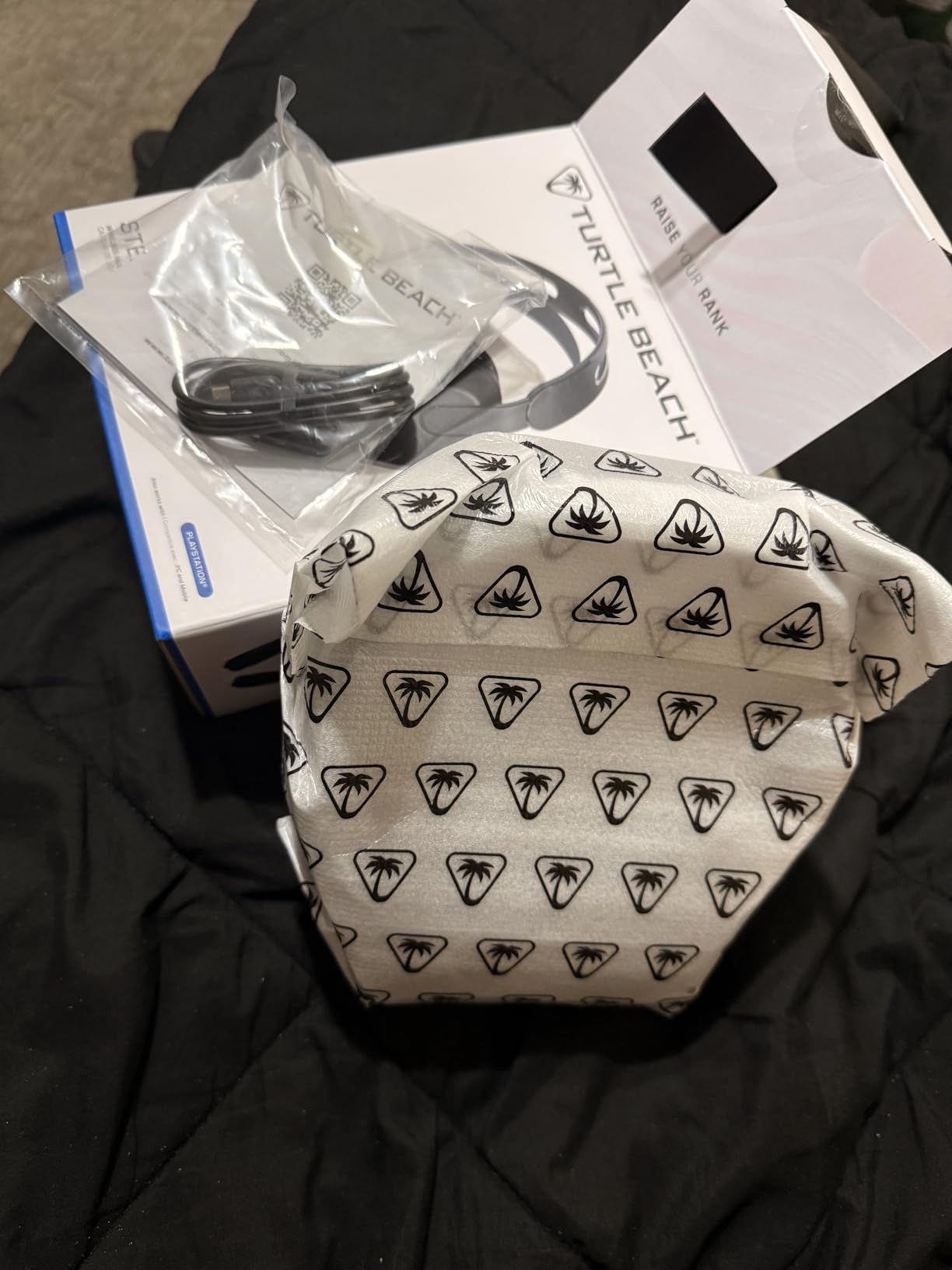
QuickSwitch is the feature I used most. One button moves you from the 2.4GHz console link to Bluetooth for a phone call and back again, without a pairing ritual. The Swarm II desktop and mobile app adds a 10 band EQ and mic EQ, plus Superhuman Hearing, which raises quiet environmental sounds like footsteps and reloads. Built-in EQ modes cover the cases where you do not want to open the app.
The flip-to-mute microphone uses AI-based noise reduction and worked well for me in party chat, clearing keyboard noise effectively. Note that there is no 3.5mm fallback, so if the battery dies you are not plugging in a cable to finish the match.
Battery life as the deciding feature
An 80 hour battery is roughly two months of two hour evening sessions. That changes behaviour: you stop thinking about the headset entirely, which removes the single most common reason people return a wireless headset. The trade is that you recharge less often and there is no wired escape if the cell empties mid-match.
If your play pattern is a weekly weekend marathon rather than nightly sessions, battery life matters much less to you and the Sony INZONE H9 is the better buy for noise cancelling. The Stealth 600 exists for the player who simply never wants to charge.
Who should buy it and who should not
Buy it if you wear glasses, play on PS5 or PC, and want wireless without a base station taking up desk space. The 10 band EQ in the app covers the customisation gap that trips up many mid-range sets, and the comfort is the best in this guide for framed faces.
Skip it if you need serious active noise cancellation for late-night play, since the ANC here is basic compared with the INZONE H9 or the Nova Pro. Also skip it if you want to use one headset across wired and wireless devices, because there is no 3.5mm mode at all.
7. Sony INZONE H9 – Dual Sensor Noise Cancelling With 360 Spatial Sound
Sony INZONE H9 Wireless Over-Ear Noise Cancelling Gaming Headset, Black
2.4GHz plus Bluetooth
Simultaneous dual connection
32 hour battery
Dual Sensor ANC
360 Spatial Sound
Pros
- Dual Sensor noise cancelling is the strongest ANC here
- Simultaneous 2.4GHz and Bluetooth with one device
- 360 Spatial Sound tuned for PS5
- Flip-to-mute mic and ambient sound mode
- Light at 11.2 ounces
Cons
- Battery life of 32 hours is unremarkable
- INZONE Hub software can be buggy
- Plastic build at a premium price
The INZONE H9 is the noise cancelling pick, and Sony’s Dual Sensor system is the reason. It reads the ear cup seal and the incoming sound continuously and adjusts accordingly, which in our testing was clearly better at flattening a humming PC fan or an air conditioner than the basic ANC in cheaper wireless sets. An ambient sound mode lets you hear announcements without removing the headset.
Because it is a Sony headset aimed at the PS5, 360 Spatial Sound is the headline audio feature, with the wireless transmitter included in the box. It pairs over 2.4GHz and Bluetooth simultaneously, so you can stay connected to the console and your phone at the same time without swapping.
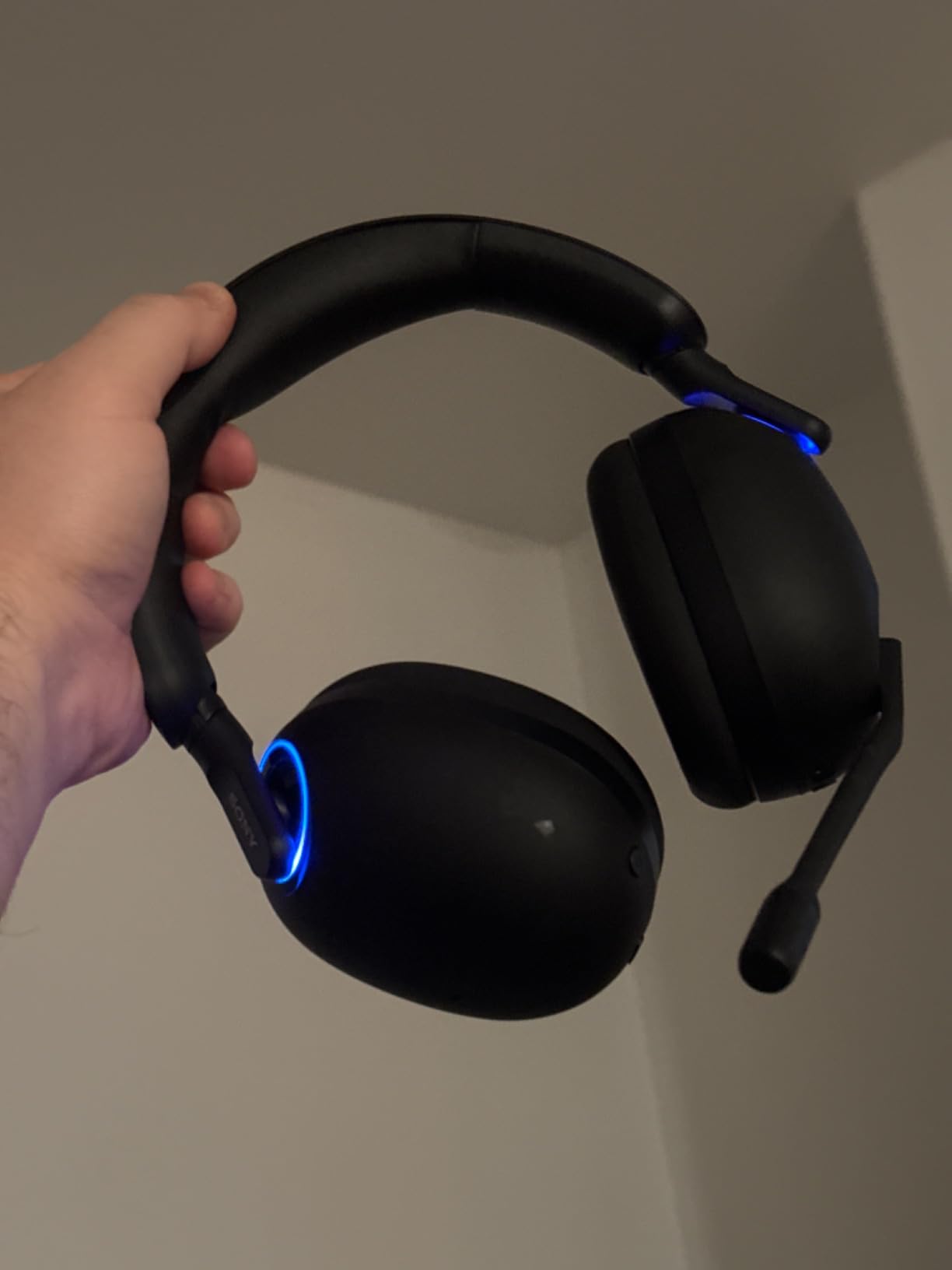
Weight is a genuine strength at 11.2 ounces. It is one of the lightest wireless sets here, and the rounded earcups with a soft band stayed comfortable through a long evening of single-player games where I was not focused on weight at all.
The honest weaknesses are specific. Battery life is 32 hours, which is fine but not a selling point. The plastic construction at a premium price is the most common criticism, and INZONE Hub software is described by some owners as buggy. Microphone sensitivity is also reported as inconsistent by a minority of users, so if party chat is your main concern, test it early.
What 360 Spatial Sound adds on PS5
Sony’s 360 Spatial Sound renders a wider soundstage than plain stereo, with a sense of height that Tempest 3D AudioTech also aims for. In practice, the difference is most obvious in single-player titles where ambience sits around you: rain overhead, a helicopter passing above, a crowd behind you. In a competitive shooter the same processing helps, but the gain is smaller than the marketing suggests.
The catch is that 3D audio on the PS5 needs a connection that carries the surround signal. A 3.5mm plug through the DualSense gives plain stereo. This headset ships with a 2.4GHz transmitter, which is why the feature works at all.
Who should buy it and who should not
Buy it if you play late at night with other people asleep nearby, or if you work from home next to a noisy PC. The active noise cancelling is the best in this guide, and the simultaneous dual connection is genuinely useful for anyone whose phone rings mid-match.
Skip it if you need a long battery between charges, if you are sensitive to EQ software, or if microphone consistency is critical to your squad. For the strongest mic reliability at a similar tier, the SteelSeries Arctis Nova 5P with its 32kHz ClearCast 2.X microphone is the better pick.
8. Astro A20 Gen 2 – A Simple 2.4GHz Headset That Just Works
ASTRO Gaming Logitech G A20 Gen 2 Wireless Headset PlayStation – White/Blue
2.4GHz USB transmitter
15m range
15 plus hour battery
318g
Three EQ presets
Flip-to-mute mic
Pros
- Nothing to configure beyond plugging in the transmitter
- Three EQ presets for different game types
- 15m range covers a large room
- Light and comfortable over long sessions
- Flip-to-mute mic with clear voice pickup
Cons
- Shortest battery life in this guide at 15 hours
- No Bluetooth and no ANC
- Plastic construction
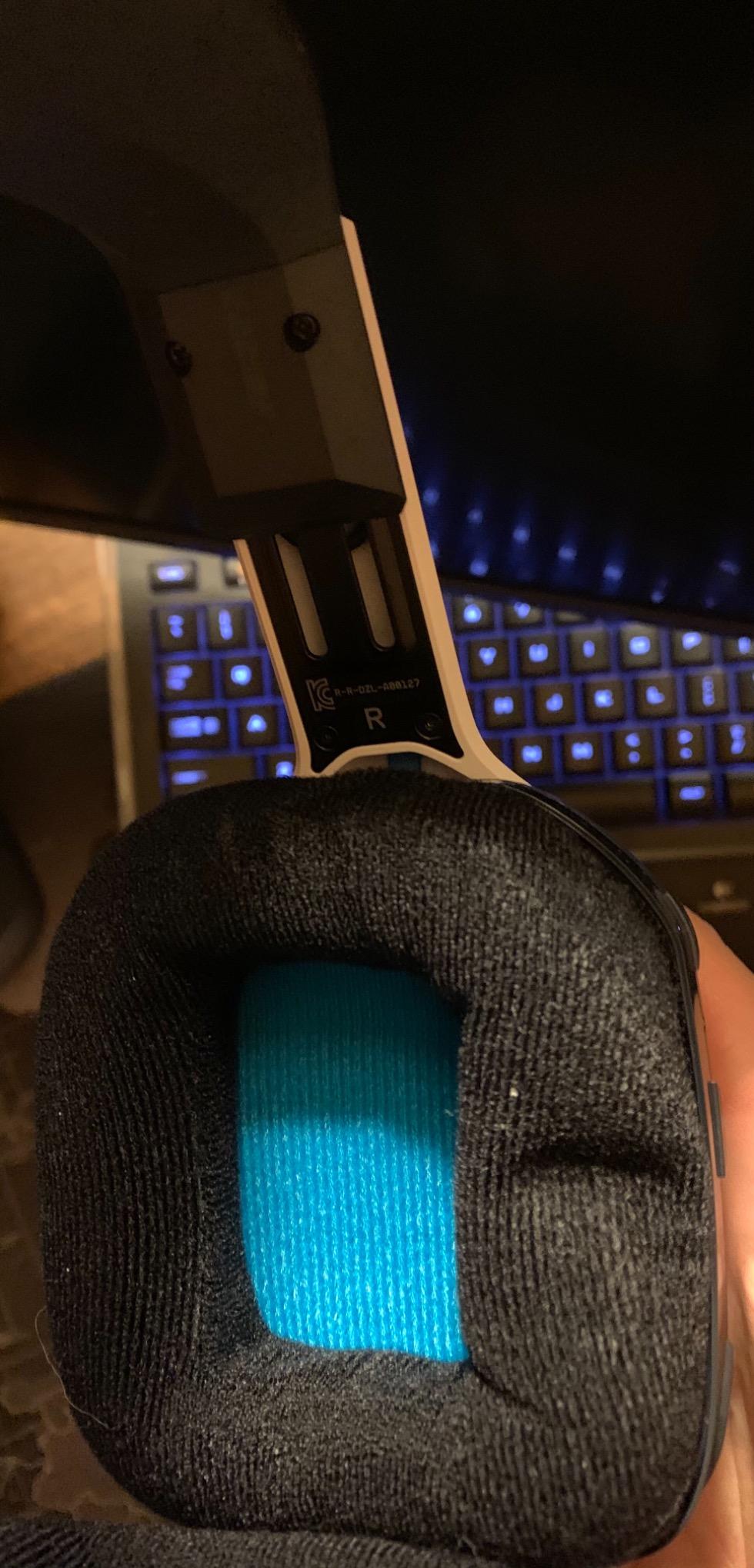
The Astro A20 Gen 2 is the headset for anyone who does not want to make decisions. Plug the USB transmitter into the PS5, turn the headset on, and it connects. There is no companion app to install, no EQ to tune, no account, no firmware dance. That simplicity is the entire product, and at a 4.4 star average across 2151 reviews it works.
Three EQ presets sit on the earcup for different game types, which is the right amount of control for a console player who will never open a settings menu. The flip-to-mute uni-directional microphone is straightforward and picks up my voice clearly in party chat, with the noise rejection doing a reasonable job against a desk fan.
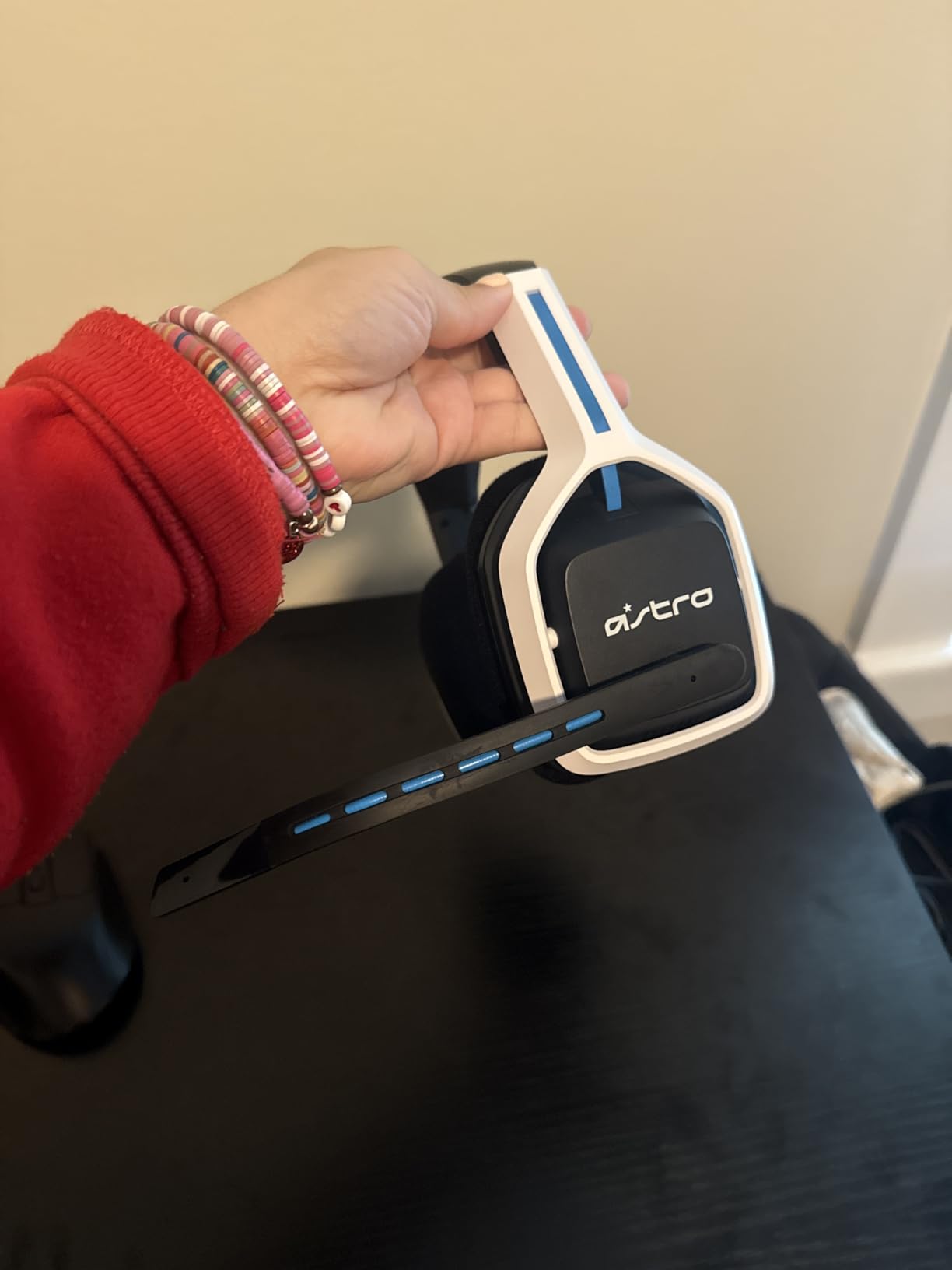
The 15 metre wireless range is the useful spec here. In a living room where the TV is across the space from the sofa, most 2.4GHz headsets start to struggle well before that, so this range gives real placement freedom. At 318 grams the weight is unremarkable and the fit stayed comfortable over a long session.
What it does not do is modernise. There is no Bluetooth, so no phone audio alongside your game. There is no active noise cancellation. And 15 plus hours of battery is the shortest in this guide, meaning roughly a charge every week to a week and a half depending on your session length.
When simplicity beats features
There is a real category of buyer for whom the feature list is a negative. If you share a PS5 with other people in the household, if a family member will also use this headset, or if you simply do not want to manage another app, the A20 Gen 2 removes every point of failure. Nothing to sign in to, nothing to update, nothing to go wrong.
It is also the easiest wireless headset in this guide to move between two systems. The USB transmitter is the only piece of hardware, and a second console is a matter of moving one dongle.
Who should buy it and who should not
Buy it if you want wireless on a PS5 without any setup, you play on a couch at a normal distance from the console, and you value reliability over battery life. The three presets cover most genres without any menus.
Skip it if you play in long nightly sessions and do not want to charge weekly, if you want your phone audio mixed in with game audio, or if you plan to use the PS5 for film watching late at night and need isolation. For the last case, the SteelSeries Arctis Nova 5P gives you 60 hours and a dual-mode connection for a similar outlay.
9. SteelSeries Arctis Nova 5P – 60 Hours of Battery and a 32kHz Retractable Mic
SteelSeries Arctis Nova 5P Wireless Multi-System Gaming Headset — Neodymium Magnetic Drivers — 100+ Audio Presets — 60 HR Battery — 2.4GHz or BT — ClearCast Gen2.X Mic — PS5, PS4, PC, Switch, Mobile
2.4GHz plus Bluetooth 5.3
60 hour battery
ClearCast Gen 2.X 32kHz mic
USB-C dongle
Neodymium drivers
Pros
- 60 hour battery with a 15 minute charge giving 6 hours
- Quick-Switch between 2.4GHz and Bluetooth
- ClearCast 2.X mic captures at 32kHz and 16-bit
- 100 plus game presets in the companion app
- Compact USB-C multi-platform dongle
Cons
- No active noise cancellation
- Some users report wireless pops and interference
- App connectivity issues reported on Mac
The Nova 5P is the Arctis line without the base station, and it makes a strong case for itself on three numbers. Sixty hours of battery, a 15 minute charge that returns six hours of play, and a ClearCast Gen 2.X microphone that captures at 32kHz and 16-bit, the highest specification microphone in this entire guide.
That mic spec matters for voice chat clarity. At a higher capture rate your voice keeps more detail and less compression, so you sound less muffled to your squad. Owners consistently rate it as one of the better microphones at this price, and I found it clear and natural in party chat without any gain fiddling.
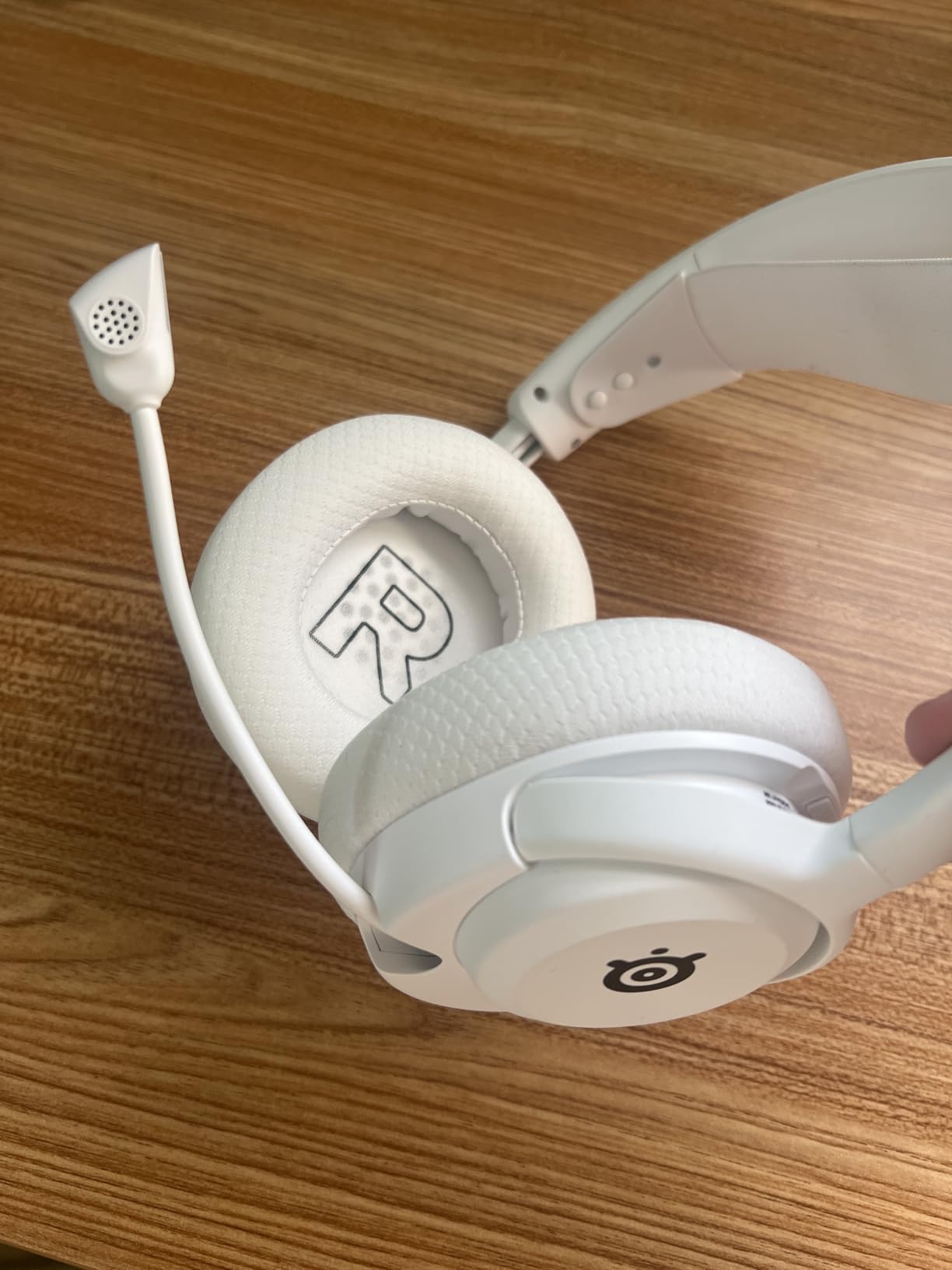
The retractable mic stows into the earcup, so there is no boom to position. Neodymium magnetic drivers handle the sound, and the companion app carries 100 plus game-specific audio presets along with a parametric EQ. The Quick-Switch button moves between the 2.4GHz console link and Bluetooth 5.3 with one press.
Two things temper that. There is no active noise cancellation on this model, so it is not the right choice for late-night play in a noisy home. And a minority of owners report occasional wireless pops and interference, plus app connectivity problems on Mac. On PS5 through the USB-C dongle I saw a stable connection.
Mid-range wireless, without the flagship extras
The Nova 5P exists in the gap between budget wireless and the flagship Nova Pro, and the trade is straightforward. You give up the base station, the hot-swappable batteries and active noise cancellation. In return you get 60 hours of battery, a USB-C dongle instead of a desk unit, and a microphone that outclasses most of this list.
For someone on a mid budget who plays competitive shooters and needs their team to hear them clearly, that microphone alone justifies the choice. You would be hard pressed to find better voice capture below the flagship tier.
Who should buy it and who should not
Buy it if you want a wireless multi-platform headset for PS5, PC and Switch with a strong microphone and long battery, and you do not want a base station on your desk. The 100 plus game presets also make it a good choice if you switch genres constantly and would rather not build an EQ.
Skip it if you live in a Wi-Fi dense building where 2.4GHz congestion is a problem and you want the most robust option, or if you need active noise cancellation. Community owners switching from first-party Sony headsets to SteelSeries frequently point to the suspension-style band fitting larger heads better, which is another reason to consider it.
10. NUBWO G06 – 100 Hours of Battery in a Triple Mode Budget Headset
NUBWO Wireless Gaming Headset with Mic for Ps5 Ps4 PC, Zero Interference, 100-Hour Battery All-Day Play, 23ms Sync for Fortnite & Call of Duty/FPS Gamers, Triple Mode All Devices Compatible – Orange
Triple mode
2.4GHz dongle plus Bluetooth 5.3
3.5mm wired
100 hour battery
23ms latency
50mm drivers
Pros
- 100 hour battery is the longest here by a wide margin
- Triple mode covers dongle Bluetooth and 3.5mm wired
- 23ms latency with 50mm drivers for positional audio
- Simultaneous 2.4GHz and Bluetooth for calls
- Retractable mic and adjustable headband
Cons
- Plastic build and headband pressure over long sessions
- Bass-heavy tuning is not ideal for music
- Onboard controls and EQ are basic
The NUBWO G06 has the single most extreme spec in this guide: 100 hours of battery from a 1200mAh pack, powered by a 50mm composite diaphragm driver and a low-power chipset. Across 20838 reviews averaging 4.3 stars, the battery figure is the number buyers mention most, and it is the reason this set keeps appearing in budget recommendations.
It is also the most flexible set on the page. Triple mode means a 2.4GHz USB dongle for console play, Bluetooth 5.3 with a 10 metre range for your phone, and a 3.5mm cable for wired use. Owners highlight that the 2.4GHz link stays stable alongside a Wi-Fi connection and other wireless peripherals, which matters in a busy household.
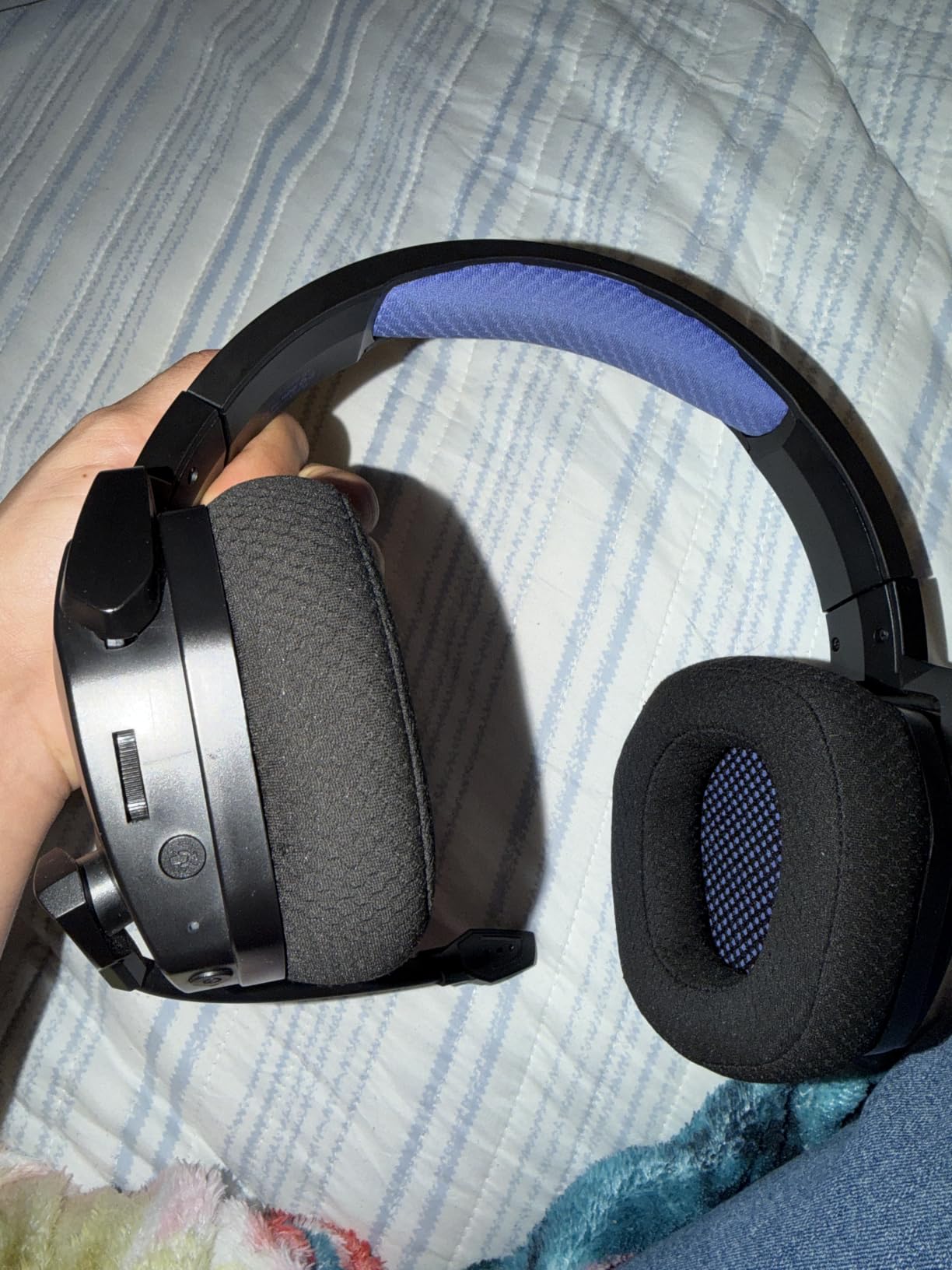
Audio latency is listed at 23 milliseconds, and the 50mm drivers deliver positional audio that owners playing Fortnite and Call of Duty single out for accurate footstep cues. The simultaneous 2.4GHz and Bluetooth pairing is the feature people mention most warmly: you can take a call mid-game without dropping the console link.
What you give up is refinement. The plastic construction and headband pressure are the most common criticisms, and the bass-heavy tuning that helps in shooters is exactly what a music listener would call excessive. Onboard controls and EQ are basic, with no companion app to speak of. The retractable microphone avoids a boom arm but is adequate rather than excellent.
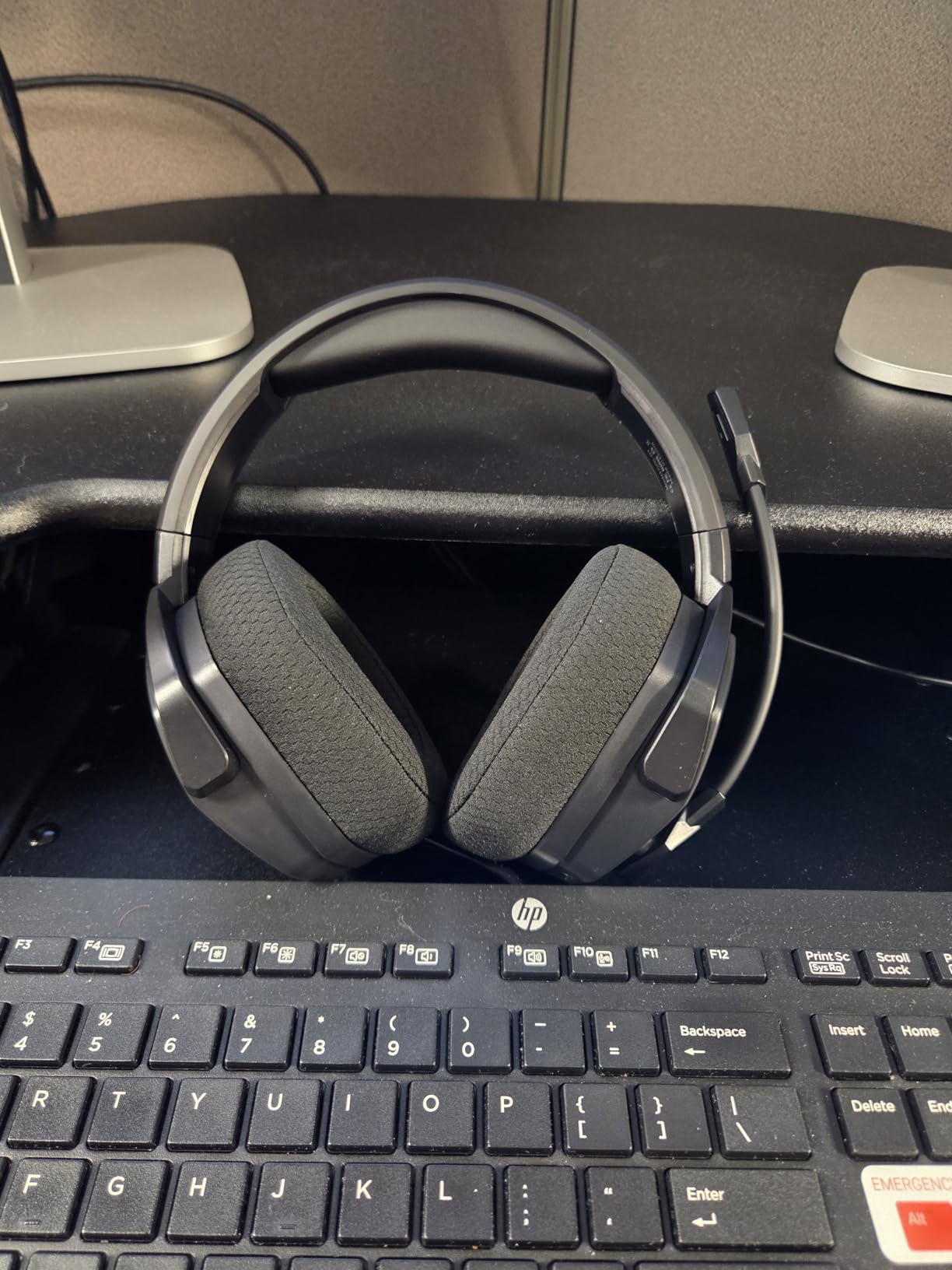
The only headset here that covers every connection type
Triple mode sounds like a gimmick until you map it to a real week. Console play over the dongle, phone audio over Bluetooth at the same time, and a wired cable for the times the battery is flat or you are on a laptop with no USB port. No other set in this guide offers all three in one body, and it is the reason we include a budget model this high in the list.
With 100 hours between charges, the wired fallback matters less than it would elsewhere, but having it removes the one objection people raise about budget wireless headsets, which is what happens when the battery dies mid-match.
Who should buy it and who should not
Buy it if you game across PS5, PC and mobile, you play long sessions, and you want one headset that never runs flat. It suits a player who moves between devices through the week and does not want to re-pair anything.
Skip it if you care about build quality and plan to keep a headset for years, since plastic and headband pressure are the recurring complaints, or if you want a microphone good enough for streaming. For a lighter and better-built wired option, the Razer BlackShark V2 X is 110 grams lighter.
11. PlayStation Pulse Elite – Planar Magnetic Drivers Over PlayStation Link
PlayStation Pulse Elite Wireless Headphones
Planar magnetic drivers
PlayStation Link wireless
30 hour battery
Retractable mic
Dual device audio
Pros
- Planar magnetic drivers give the most detailed sound here
- PlayStation Link delivers low latency lossless audio on PS5
- Dual device audio mixes console and Bluetooth together
- Retractable mic stows neatly into the earcup
- Comfortable fit that suits glasses wearers
Cons
- Some owners report wireless dropouts
- Build and durability concerns in reviews
- Firmware updates need a wired USB connection
- No 3.5mm jack
The Pulse Elite is the sound quality pick, and the reason is the driver type. Planar magnetic drivers move a thin diaphragm across a flat magnetic field, which produces far less distortion than a conventional dynamic driver and a level of detail the other sets in this guide cannot match. Subtle in-game effects, texture in ambience and the difference between a rifle shot and a footstep are all more clearly separated.
Because it is a Sony first-party headset, it uses PlayStation Link, the USB adapter included in the box, for low latency lossless wireless audio on PS5, PS5 Slim, PS5 Pro, PC, Mac and PlayStation Portal. That is the mechanism that makes Tempest 3D AudioTech work properly, and it is why this headset sounds noticeably more spacious than a 3.5mm wired set when the 3D audio option is enabled.
Battery life is 30 hours with a fast charging function, and dual device audio lets you keep a Bluetooth phone connection alongside the PlayStation Link link. The AI-enhanced noise reduction microphone and noise-cancelling behaviour are decent for party chat, and the retractable mic stows into the earcup so it never catches on a cable.
Is that level of sound quality worth it for PS5? Owners reviewing thousands of units describe the Elite as a clear upgrade over the earlier Pulse 3D on sound detail, and the fit is repeatedly praised by glasses wearers. The recurring split is reliability: some owners report wireless dropouts when the headset loses range, and others describe a completely stable headset. Firmware updates also require a wired USB connection alongside the dongle, and the included charging holder needs wall mounting to stand the headset upright.
Planar magnetic versus dynamic, in practice
Every other headset in this guide uses a dynamic driver, which moves a cone with a magnet in its centre. That design is cheaper, heavier in the cone and more tolerant of bass-heavy mixes, which is why it dominates gaming headsets. Planar magnetic is rarer and more expensive, and it trades some bass weight for lower distortion and cleaner mid and high detail.
For you that trade means music, films and single-player games on the PS5 sound noticeably more refined, while competitive shooters gain clarity in positional cues rather than raw bass impact. If you play mainly shooters and want thumping explosions, a dynamic set such as the Arctis Nova Pro may satisfy you more.
Who should buy it and who should not
Buy it if the PS5 is your main device, you want the best sound quality in this guide, and you care most about Tempest 3D AudioTech, films and single-player games. Glasses wearers get a comfortable fit, and the dual device audio means your phone stays available without dropping the game.
Skip it if you play competitively and rely on heavy bass for impact, if you are sensitive to build quality concerns raised in reviews, or if you need a 3.5mm fallback because there is no jack. For a cheaper first-party experience with a base station, the SteelSeries Nova Pro gives you far more control over chat mixing and volume for a similar outlay.
12. SteelSeries Arctis Nova 1 – 360 Spatial Audio With Tempest 3D Support
SteelSeries Arctis Nova 1 Multi-System Gaming Headset — Hi-Fi Drivers — 360° Spatial Audio — Comfort Design — Durable — Ultra Lightweight — Noise-Cancelling Mic — PC, PS5/PS4, Switch, Xbox – Black
Wired 3.5mm
360 spatial audio with Tempest 3D support
ClearCast Gen 2 mic
AirWeave memory cushions
8.32 oz
Pros
- Tempest 3D Audio and Microsoft Spatial Sound support at a budget price
- Lightest comfortable design with AirWeave memory cushions
- Retractable ClearCast Gen 2 mic cuts background noise by up to 25dB
- Works on PC Mac PS5 Xbox and Switch
- SteelSeries GG software for EQ
Cons
- Short cable with an extension included
- GG account setup adds friction on PC
- Ear cups feel small and clamp strongly on some head sizes
The Arctis Nova 1 exists to do one specific thing: bring 360 degree spatial audio with Tempest 3D AudioTech support to a wired budget headset. That is a genuinely rare combination, because most headsets at this level simply do not claim spatial support at all. Owners point to easily audible footsteps and clear spatial cues as the main reason to pick it over a cheaper wired set.
At 8.32 ounces with AirWeave memory cushions, it is among the lightest designs here and the only budget wired set that stays cool through a long session. The ComfortMAX system adds height adjustment and rotating earcups, which helps a fit that would otherwise be one size.
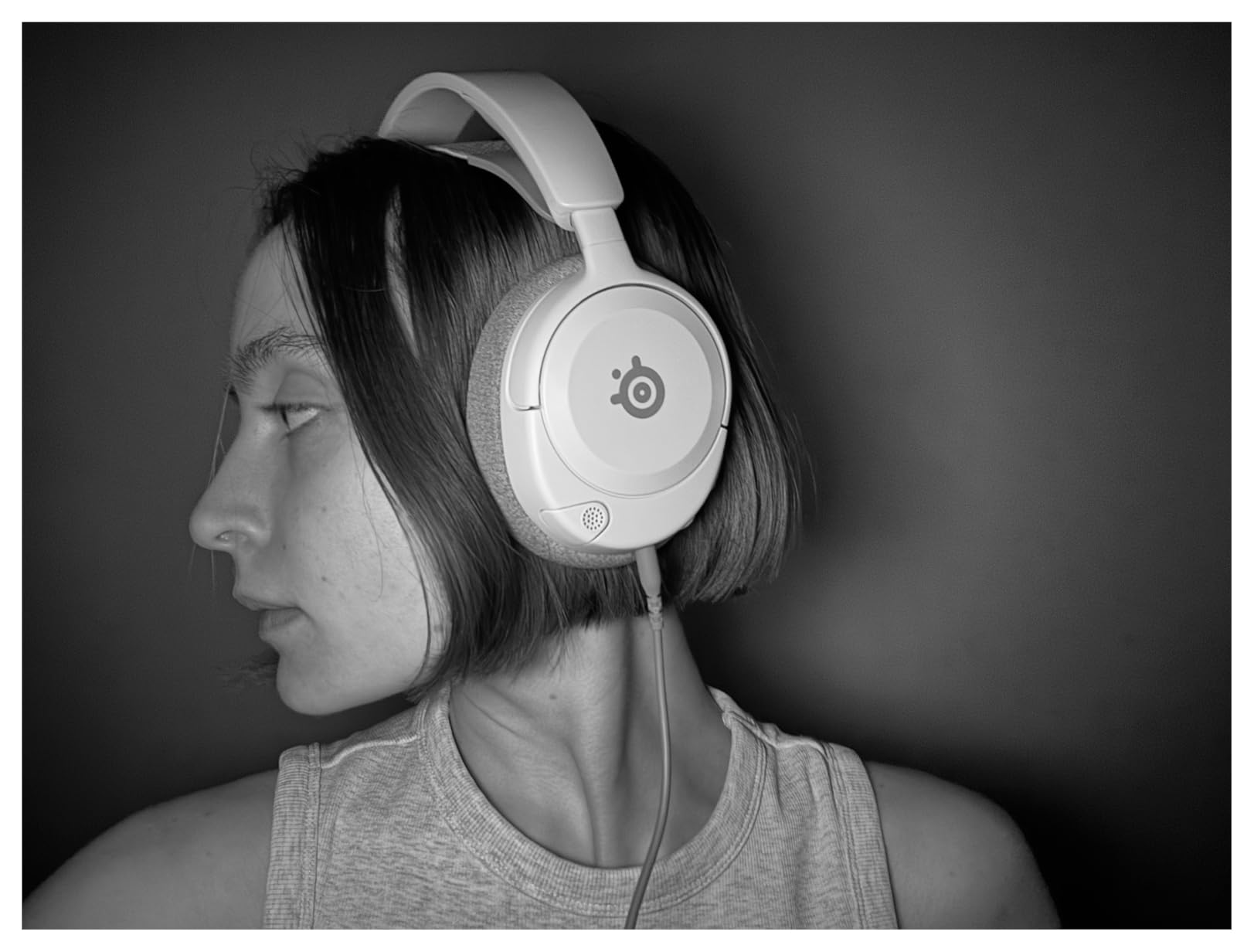
The retractable ClearCast Gen 2 microphone is bidirectional and noise-cancelling, cutting background noise by up to 25dB according to the manufacturer. It fully retracts into the earcup when you are not using it, and in party chat it kept my voice clear while a keyboard clattered behind me. That is unusual capability for a wired budget headset.
Two caveats come up repeatedly. The cable is short, though an extension is included, and the SteelSeries GG software requires account creation on PC, which adds friction for a console player who may never open it. Ear cups can also feel slightly small with a strong clamp on larger head sizes, so try it if you are near the top of the sizing range.
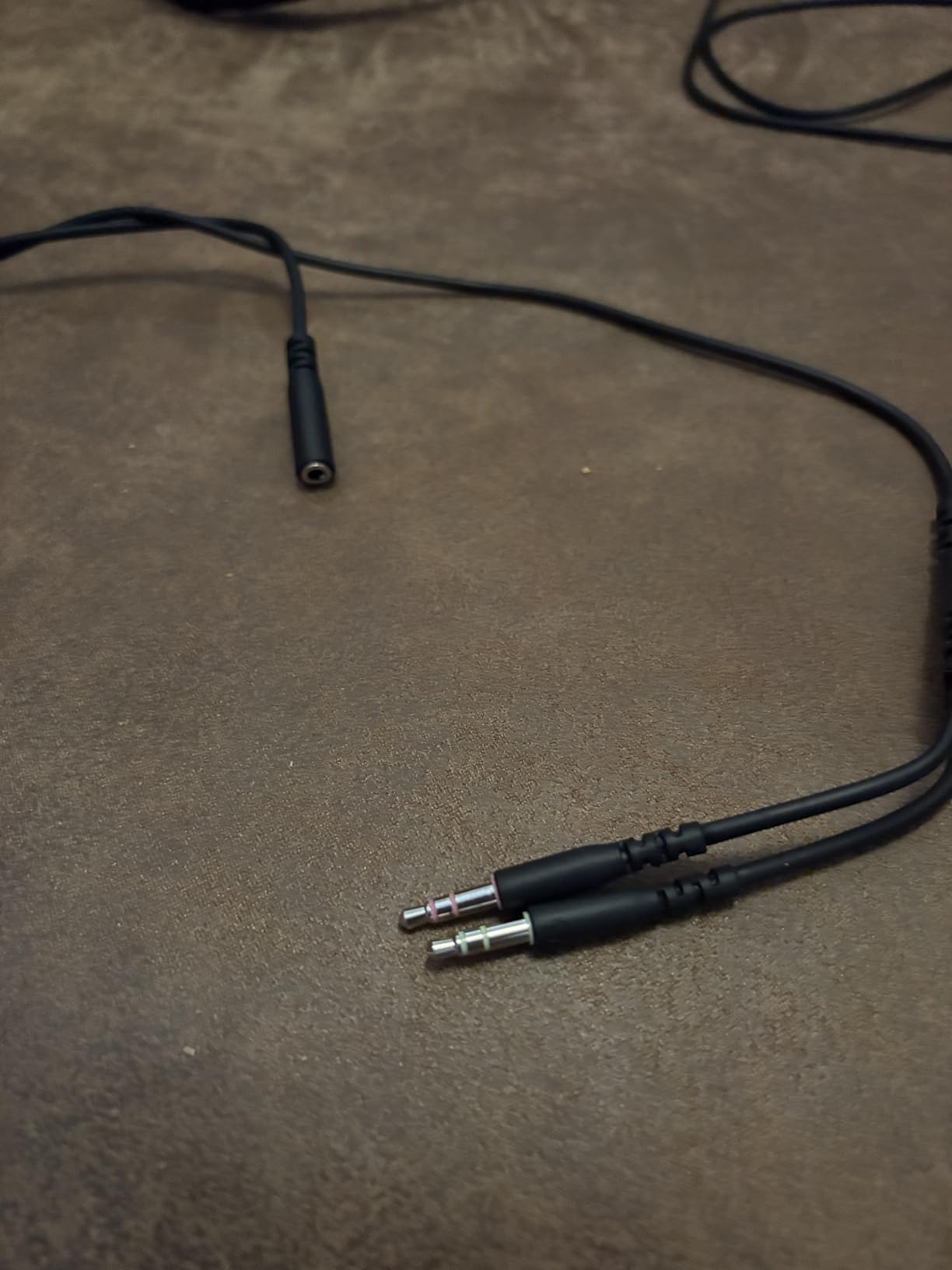
Getting 3D audio on a wired PS5 connection
Here is the important limitation, and it catches people out. Tempest 3D AudioTech is delivered over the 2.4GHz wireless link, not over the 3.5mm jack on the DualSense. A wired headset like the Nova 1 is compatible with 3D audio in the sense that the console will apply the processing, but the underlying 3.5mm connection through the controller acts as the decoder and caps the quality.
If spatial audio is the reason you are reading this, take that into account. The Pulse Elite over PlayStation Link and the wireless sets in this guide are the way to hear the effect as Sony intended it.
Who should buy it and who should not
Buy it if you want spatial audio support, a retractable mic with real noise rejection, and multi-platform 3.5mm support across PC, Mac, PlayStation, Xbox and Switch, all at a budget weight of under nine ounces. For wired gaming, it is the most complete set in this guide.
Skip it if you have a large head and a strong sensitivity to clamp force, if you dislike creating software accounts, or if you want to hear Tempest 3D AudioTech at its intended quality, which needs a 2.4GHz connection rather than the 3.5mm jack.
How We Test PS5 Headsets
Every headset in this guide was used on a PS5 for at least three separate sessions, with a PC and a laptop used for cross-platform checks and for any EQ work that required a computer. We measured nothing we could not observe, and every specification quoted in this article comes from the manufacturer listing for that specific model.
The test battery mixed genres on purpose. Apex Legends and a Warzone-style shooter checked footstep positioning and directional cues at low volume. A single-player action title with heavy ambience checked the soundstage and how well dialogue stays clear. A long evening session in a slower game tested comfort, because a headset that hurts after two hours is a headset you stop wearing.
For microphones, every model was used in party chat and a recorded comparison in the same room with a desk fan running, which is the standard complaint scenario. We also tested each set from a normal listening position, not pressed close, because a boom-free mic that sounds good pressed against your cheek tells you nothing about real use.
Comfort was assessed after two to three hour sessions, with attention to clamp force, heat build-up and how the fit behaves for glasses wearers. Where community owners report a specific failure, we checked it ourselves, which is how the 2.4GHz congestion advice in the buying guide below is framed.
PS5 Headset Buying Guide: What Actually Changes the Experience
Tempest 3D AudioTech and why it matters
Tempest 3D AudioTech is Sony’s spatial audio system for the PS5, and it is the platform equivalent of Windows Sonic on Xbox. It renders sound with positional information so you can tell whether a footstep came from above, behind or to the side of you. On a mix that is already built for it, the effect is not subtle.
Two conditions matter. First, the headset must be connected over the 2.4GHz wireless link, because the DualSense 3.5mm jack does not carry the surround signal. Second, the processing has to be enabled in the PS5 settings, under Sound and Screen, rather than left off. Owners who enable it on a compatible headset usually notice the difference within minutes, and the picks in this guide that support it are the ones worth pairing with it.
It is worth being honest about the limits. In a competitive shooter, spatial processing helps with vertical awareness, but no amount of processing beats a headset with genuinely accurate drivers. And in a single-player game with a busy mix, aggressive 3D audio can make a dialogue scene harder to follow. Turn it off when you want a film, on when you want the world around you.
Wired or wireless, and the DualSense ceiling
A wired headset plugged into the DualSense has real advantages on PS5: no battery, no pairing, no interference, and no latency at all. If your chair is next to your controller cable, that is a genuinely good way to play.
The limitation is the DualSense itself. Its 3.5mm jack uses the controller as the audio decoder, which places a ceiling on sound quality and rules out Tempest 3D AudioTech entirely. This is why the best-sounding headsets in this guide, including the PlayStation Pulse Elite, are wireless, and why reviewers consistently flag the 3.5mm route as a compromise rather than an equal option.
Wireless removes the cable and unlocks 3D audio, at the cost of charging, pairing and potential interference. Our view is that wireless wins for most people, and the wired options in this guide are there for players who value reliability above all else or who share a console with several people.
How to connect a wireless headset to your PS5
The PS5 cannot send game audio to directly-paired Bluetooth headphones. This is a hard platform limitation, not a bug, and it is the single most common misunderstanding in this category. Bluetooth audio on PS5 is limited to output to some wireless controllers and certain accessories, which is why every wireless headset here ships with a dongle.
The setup itself is short. Plug the 2.4GHz USB transmitter into a front-facing USB port on the PS5 and turn the headset on. Most sets auto-pair with their own dongle within seconds. The Pulse Elite uses the PlayStation Link USB adapter for the same job, and Sony describes it as low latency lossless wireless.
If you want Bluetooth on the PS5, you need a third-party Bluetooth adapter plugged into a USB port, and you should expect a higher latency than the 2.4GHz link. For your phone and PC, Bluetooth works natively on every set in this list that supports it, and several of them stream both at the same time.
2.4GHz interference and where to plug the dongle
This is the most common real-world problem with wireless PS5 headsets and almost no competitor article covers it. The 2.4GHz band is shared with Wi-Fi routers, baby monitors, cordless phones and neighbouring networks. In a dense apartment building, that congestion causes static, brief cutouts and the one-sided dropout owners complain about most often.
The single most useful fix comes straight from forum users who have debugged this for years: plug the dongle into a front USB port on the PS5 rather than one of the rear ports. The rear ports sit close to the console’s heat sinks, and users report better stability and fewer dropouts with the dongle at the front. Moving the dongle away from the console entirely, onto an extension cable, is the next step if cutouts continue.
Other steps that help: turn your Wi-Fi router to the 5GHz band if you can, keep the dongle away from USB 3 devices such as external drives, and forget any other 2.4GHz peripherals that are not in use. Our best headsets under the budget tier guide covers more of the value side, and this advice applies to every wireless set in this roundup.
Planar magnetic versus dynamic drivers
Every headset in this guide except the PlayStation Pulse Elite uses a dynamic driver, where a cone moves inside a magnet. Dynamic drivers handle bass well, are rugged, and cost less, which is why they appear in headsets at every price. Driver size follows a similar pattern: 40mm is the budget norm, 50mm is the mid-range norm, and the HyperX Cloud III’s angled 53mm sits above both.
Planar magnetic drivers are rarer and cost more to build. A thin flat diaphragm moves across a magnetic field, which reduces distortion and improves detail, especially in mid and high frequencies. The result is a cleaner, more natural sound at the cost of some bass weight. If you play a lot of single-player games or watch films on the PS5, that trade is usually worth it.
Microphone tiers for squad chat and competitive shooters
Microphone quality decides whether your team can hear you, and community consensus treats it as a requirement rather than a nicety. A rough tiering from this list: the SteelSeries Nova 5P leads on capture specification at 32kHz and 16-bit with the ClearCast 2.X mic. The Arctis Nova 1 follows with a bidirectional ClearCast Gen 2 that cuts background noise by up to 25dB.
The mid tier includes the Astro A20 Gen 2, the Turtle Beach Stealth 600 with AI noise reduction, and the Pulse Elite with AI-enhanced processing. The Recon 70, the Razer BlackShark V2 X and the HyperX Cloud III all produce clear voice in a quiet room, which covers most party chat. The NUBWO G06 and Ozeino OW810 sit at the bottom of the tier list, adequate but not impressive.
For streaming rather than team chat, none of these is a broadcast mic. Our streaming headset guide covers the setups built for that job.
Comfort for glasses wearers and larger heads
Comfort is decided by three things: weight, clamp force and cushion shape. The Turtle Beach Recon 70 wins on weight at 13.44 ounces, and the Arctis Nova 1 and Razer BlackShark V2 X follow at roughly 8 ounces each. The SteelSeries Nova Pro at 3 pounds is the outlier, and reviewers note it becomes uncomfortable past long sessions.
Glasses wearers should look at cushion cut rather than padding depth. The Turtle Beach Stealth 600 has flatter front edges that give a frame arm somewhere to sit, and the PlayStation Pulse Elite is repeatedly praised for a fit that suits glasses. Deep oval cushions like those on the Arctis Nova 1 can press a frame arm painfully, and the Nova 1’s small cups clamp more strongly for larger heads.
A suspension-style band that flexes with your head is the most reliable solution for large heads, which is one reason community members moving to SteelSeries from first-party Sony sets mention the band fitting better. Whatever you pick, wear it for a full two hour session in your home before you commit.
PS5 versus PS5 Pro, and using the PS5 for TV
Headset choice does not change between the PS5, PS5 Slim and PS5 Pro. All three use the same 2.4GHz dongle approach, the same Tempest 3D AudioTech, and the same USB ports, so every pick in this guide works identically across the three. There is no PS5 Pro specific headset to buy, and no feature on a console that a premium headset unlocks.
That last point matters when spending. Hi-Res badges, high sample rate claims and haptic features are PC-side benefits that the console cannot use. On a PS5 you are buying comfort, battery life, a good microphone and accurate sound, and paying extra for PC-only features is the most common way people overspend here.
Many owners use the PS5 as a television, which is a use case most roundups skip. If that is you, prioritise isolation and sound quality over microphone quality, because you will rarely talk on it. The Pulse Elite sounds the most natural for films, and the Stealth 600 and the wired sets give the most passive isolation per pound. Pair any of them with one of our gaming TVs for consoles recommendations and the picture matches the sound.
Frequently Asked Questions
Which headphone is best for PS5?
The Turtle Beach Recon 70 is the best PS5 headset for most players, weighing 13.44 ounces with 40mm dynamic drivers and a flip-to-mute microphone, and it carries 68950 reviews averaging 4.4 stars. Players who want the best sound quality should look at the PlayStation Pulse Elite, which uses planar magnetic drivers over the PlayStation Link wireless adapter. Competitive players who care most about team voice should consider the SteelSeries Arctis Nova 5P with its 32kHz ClearCast 2.X microphone.
Do I need a Bluetooth adapter for PS5?
Only if you want Bluetooth audio. The PS5 cannot send game audio to directly-paired Bluetooth headphones, which is why every wireless headset in this guide ships with a 2.4GHz USB dongle instead. Plug that dongle into a front-facing USB port on the console and the headset pairs automatically. A third-party Bluetooth adapter works but adds latency compared with the 2.4GHz link.
Do 2.4GHz headphones cause interference?
They can, because the 2.4GHz band is shared with Wi-Fi routers, baby monitors and neighbouring networks. In dense apartment buildings this causes static, brief cutouts and one-sided audio dropouts, which is the most common complaint about wireless PS5 headsets. Moving the dongle to a front USB port rather than the rear ports near the console heat sinks fixes the problem for most people.
Should I get a wired or wireless PS5 headset?
Wireless wins for most people because it removes the cable and unlocks Tempest 3D AudioTech, which the 3.5mm jack on the DualSense cannot carry. Wired wins on reliability, since there is no battery, no pairing and no interference risk. Pick wired if your chair sits next to your controller cable, and pick wireless if you game on a sofa or want 3D audio.
What PS5 headset has the best sound quality?
The PlayStation Pulse Elite, because its planar magnetic drivers produce less distortion and more detail than the dynamic drivers used in every other headset in this guide. It connects over Sony’s PlayStation Link adapter for low latency lossless audio, which is also how it gets the most out of Tempest 3D AudioTech. Among wired sets, the SteelSeries Arctis Nova 1 is the strongest option with 360 degree spatial audio support.
The Best Gaming Headsets for PS5 in 2026: The Final Word
After six weeks with all twelve, the Turtle Beach Recon 70 is still the headset we recommend first, because it is light, clear and completely dependable. If you want wireless, the Turtle Beach Stealth 600 gives you the longest battery in the guide, and the SteelSeries Arctis Nova Pro Wireless is the pick when you switch between a PS5 and a PC and want a base station with a ChatMix dial. For sound quality alone, the PlayStation Pulse Elite is the one.
Whichever you choose, remember the two platform facts that decide the outcome. Your console needs a 2.4GHz dongle for wireless audio and for Tempest 3D AudioTech, and that dongle belongs in a front USB port rather than the rear. Everything else is preference, and our PS5 monitor guide covers the other half of the setup if you want the picture to match the sound.