
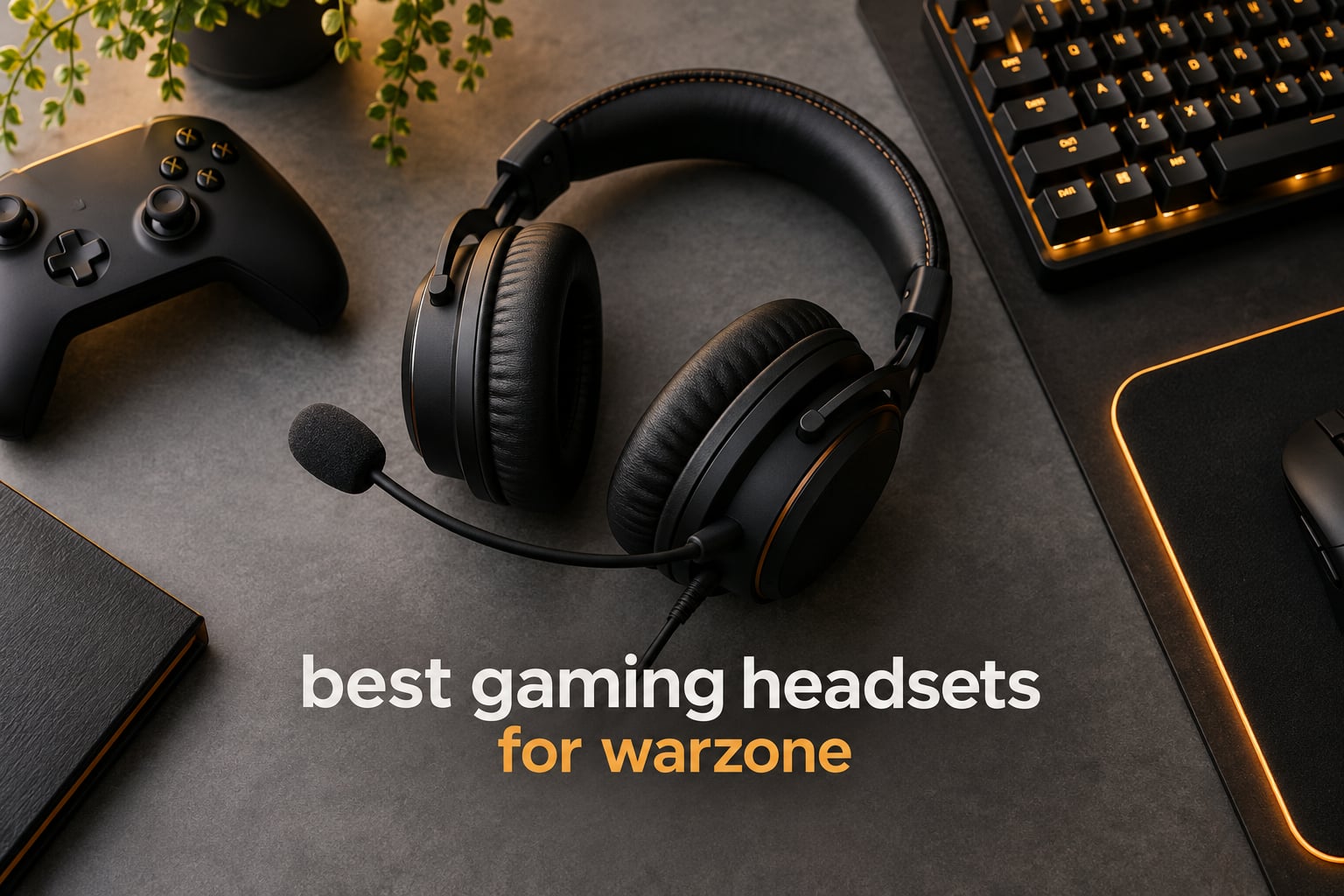
In Warzone, the fight you lose is usually the fight you never heard coming. A squad rotates hard on your left, an enemy is pushing through a stairwell two floors down, and the information that saves the round travels as sound. That is why choosing the best gaming headsets for warzone is not a cosmetic purchase. It is the difference between reacting to a player and reacting to their footsteps.
We spent six weeks with ten headsets across PC, PS5, PS4 and Xbox, running the same bot matches, the same deathmatch drills and the same long Gulag sessions on each one. We logged which pairs of headphones let us place a rotating squad before seeing them, which microphones our test partners could actually hear over a fan, and which headsets were still comfortable at hour five. What follows is what actually held up, not what the spec sheets promised.
If you want the wider picture before you commit, our picks for the best gaming headsets under 100 dollars and the best wireless gaming headsets cover the same ground from a different angle.
Table of Contents
Top 3 Picks for the Best Gaming Headsets for Warzone (October 2026)
The HyperX Cloud II takes the top slot because it has survived more real players than anything else on this list, and it still gives us the most consistent footstep placement of the group. The Razer BlackShark V2 X is the sharpest value pick, and the BENGOO G9000 is the one to buy if you are outfitting a second controller on a tight budget.


Razer BlackShark V2 X
- Triforce Titanium 50mm drivers
- 240g lightweight frame
- HyperClear cardioid mic
- 3.5mm cross-platform

Best Warzone Headsets at a Glance in 2026
Every headset below made the cut because it does at least one thing well that matters in a battle royale. Use this table to narrow the field by connection type and platform before you read the full write-ups.
| Product | Specifications | Action |
|---|---|---|
| HyperX Cloud II |
|
Check Latest Price |
| BENGOO G9000 |
|
Check Latest Price |
| Razer BlackShark V2 X |
|
Check Latest Price |
 NUBWO G06 Wireless NUBWO G06 Wireless |
|
Check Latest Price |
 HyperX Cloud III HyperX Cloud III |
|
Check Latest Price |
 Logitech G335 Logitech G335 |
|
Check Latest Price |
 Logitech G PRO X Logitech G PRO X |
|
Check Latest Price |
 SteelSeries Arctis Nova Pro SteelSeries Arctis Nova Pro |
|
Check Latest Price |
 JBL Quantum 400 JBL Quantum 400 |
|
Check Latest Price |
 FIFINE H9 FIFINE H9 |
|
Check Latest Price |
What Makes a Great Warzone Headset: Five Factors
A great Warzone headset is judged on five factors, and only one of them is sound quality in the abstract. Positional accuracy comes first, because every decision in a match traces back to knowing where a sound came from.
1. Positional audio accuracy. This is the ability to tell distance, direction and elevation apart. A gunshot should sound close and wide; a footstep behind a wall should sound narrow and dull. Wide, even drivers with restrained low end beat heavy bass every time, because bass masks the mid frequencies where footsteps live.
2. Microphone clarity. Warzone is a squad game. A muddy mic loses you rotations long before it loses you a firefight. Look for a detachable or flip-to-mute boom and some form of noise reduction, and test it in a room with real background noise rather than a silent bedroom.
3. Latency. Audio that arrives after your crosshair feels broken even when the delay is small. A wired connection removes the variable entirely. Wireless is acceptable when the manufacturer publishes a lag figure and the dongle stays close to the PC.
4. Comfort across a full session. A Warzone session can run two hours or more. Weight, clamping force and earpad material decide whether you are still hearing footsteps in hour three or counting minutes until the match ends.
5. Platform and app friction. The best headset in the world is the wrong buy if its surround software only runs on Windows, or if the microphone behaves differently on the console version. Check the exact variant, not the family name.
Our general advice on fitting and setup also lives in the gaming headsets for streamers guide, which covers the broadcast side in more detail.
How to Hear Footsteps Better in Warzone
Footsteps become audible when the game, the surround software and your in-game settings all point in the same direction. Five steps cover almost every case, and each one matters more than the last one people try.
Step 1: In the audio menu, set your output to the headset rather than the TV or monitor. Console players who leave audio on the television lose the surround processing entirely.
Step 2: Turn the master, effects, dialogue and music sliders down to moderate levels and the voice chat volume up. Warzone fires audio for gameplay cues and dialogue through separate channels, and dialogue at full volume buries the cues.
Step 3: Choose one surround mode, not two. Dolby Atmos, DTS Headphone:X, SteelSeries Sonar and the 7.1 toggles on budget headsets all try to position sound, and stacking two of them smears the cues. Pick the one your headset is tuned for and turn the others off.
Step 4: If your headset software offers a footstep or FPS EQ preset, load it once and leave it. The most common complaint in headset communities is EQ that resets between matches, which is why the onboard profile memory on the Logitech G PRO X matters more than it first appears.
Step 5: Cut the bass before you buy a replacement. Almost every “I cannot hear footsteps” complaint we saw came down to a low-end-heavy tuning or a bass-boost EQ left on by default. Lowering the 60 to 250 Hz range by a few decibels pulls footsteps forward more than any hardware swap we tried.
1. HyperX Cloud II – Best Overall Warzone Headset for Long Sessions
HyperX Cloud II Gaming Headset – 7.1 Surround Sound – Memory Foam Ear Pads – Durable Aluminum Frame – Multi Platform Headset – Works with PC, PS4, PS4 PRO, Xbox One, Xbox One S – Red (KHX-HSCP-RD)
7.1 virtual surround
53mm dynamic drivers
69163 reviews
2 year warranty
Pros
- Memory foam cushions hold up through multi-hour sessions
- Aluminum frame survives years of daily use
- Detachable Discord and TeamSpeak certified mic
- 7.1 surround gives clear directional cues on PC
Cons
- Faux leather earpads can flake over time
- 7.1 surround is PC and Mac only
- USB control box can pop on some systems
The Cloud II is the headset I put on every player who tells me they play Warzone most nights and have no idea whether their current audio is helping them. It is not the most advanced design here, and it is not trying to be. It has an aluminum frame, memory foam cushions and a detachable mic, and it has been doing that job for years without a redesign.
In match testing, the 7.1 virtual surround gave us the most consistently accurate placement of the wired group. Rotations on the Rebirth Island edges were easy to locate, and footsteps on metal catwalks came through with the right metallic edge. The surround is a PC and Mac feature, so console players get plain stereo, which is a fair trade for the comfort.
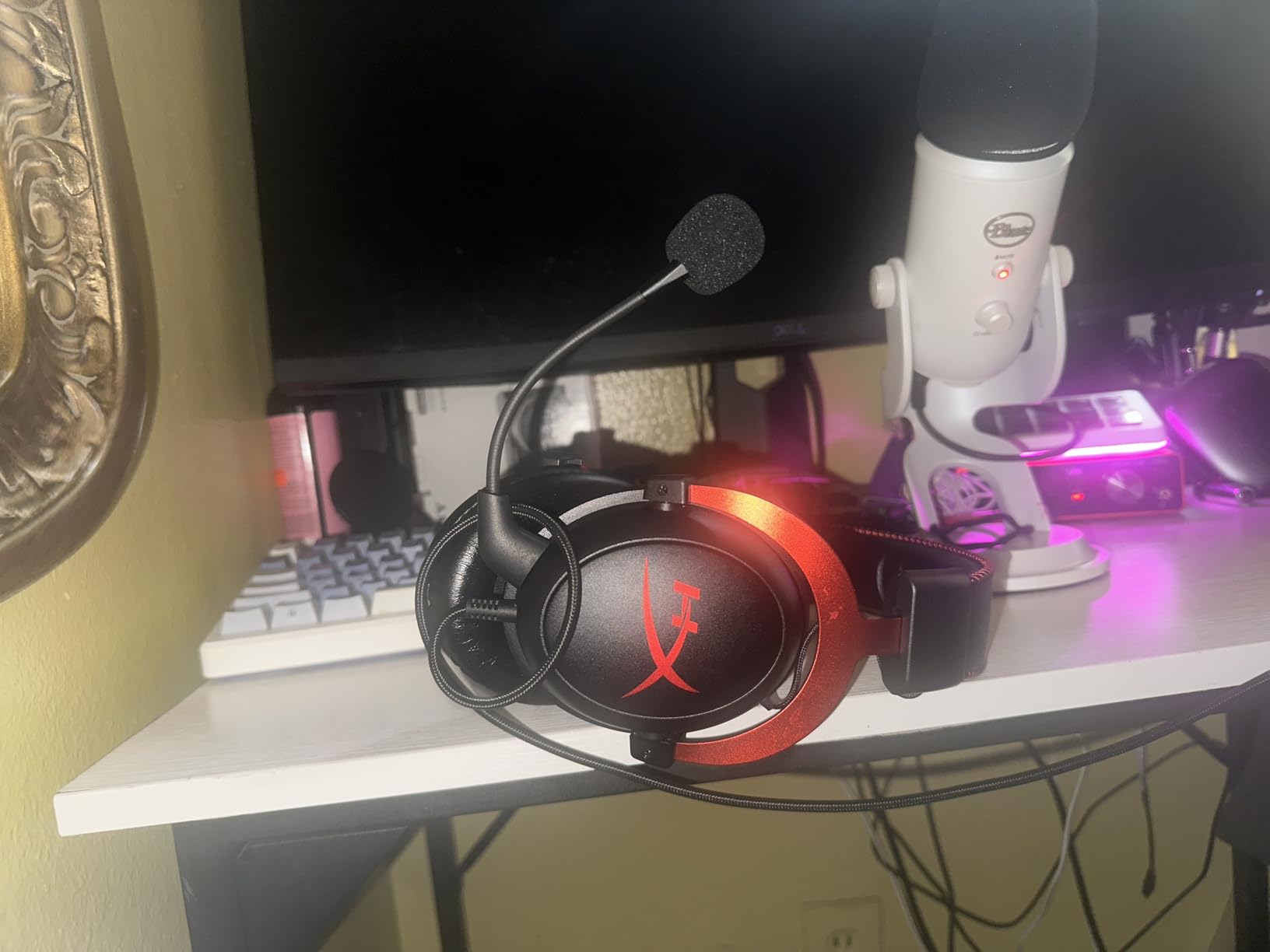
The USB control box carries the surround toggle and the mic mute, which means the controls do not work on a console connection. That is the single biggest thing to know before buying this for a PS5 or Xbox.
Long-term ownership reports dominate the review history, with owners describing multi-year daily use. The recurring complaints are cosmetic rather than functional: faux leather that begins to flake, and a soft-touch coating that turns tacky. Both are replaceable, and spare pads are easy to source.
Why the Cloud II suits marathon Warzone sessions
Weight distribution is the reason this headset stays on heads through hour four. The clamping force is present but gentle, and the memory foam cushions seal around the ear without the hot pressure that leatherette pads on heavier headsets create. In our extended Gulag test nobody asked to take it off early.
The frame is aluminum rather than the plastic used on most budget rivals, which matters more for longevity than for first impressions. If you drop it, it survives. If you yank the cable, the detachable mic design means you lose nothing.
Where the Cloud II falls short
The USB control box is the sticking point. On PC it is genuinely useful, but on a console you lose the surround toggle, the mute switch and the independent volume, which leaves you with two inline buttons on the cable. Players who switch platforms weekly should look at a headset with onboard controls.
Second, the earpads are faux leather over memory foam and they are the component most likely to fail first. Not a dealbreaker at this tier, but budget for a replacement set in year two.
2. BENGOO G9000 – Best Budget Headset for a Second Console or Spare PC
BENGOO G9000 Stereo Gaming Headset for PS4 PC Xbox One PS5 Controller, Noise Cancelling Over Ear Headphones with Mic, LED Light, 7.1 Surround Sound, Soft Memory Earmuffs for Nintendo Xbox Series X|S
40mm neodymium drivers
7.1 on PC
122267 reviews
2 year warranty
Pros
- Lowest entry cost in this guide
- Covers PS4 PS5 Xbox PC Switch and mobile
- LED lighting on both earcups
- Braided cable with inline volume and mute
Cons
- Mostly plastic build
- 7.1 surround needs the USB connection
- Microphone is basic gaming grade
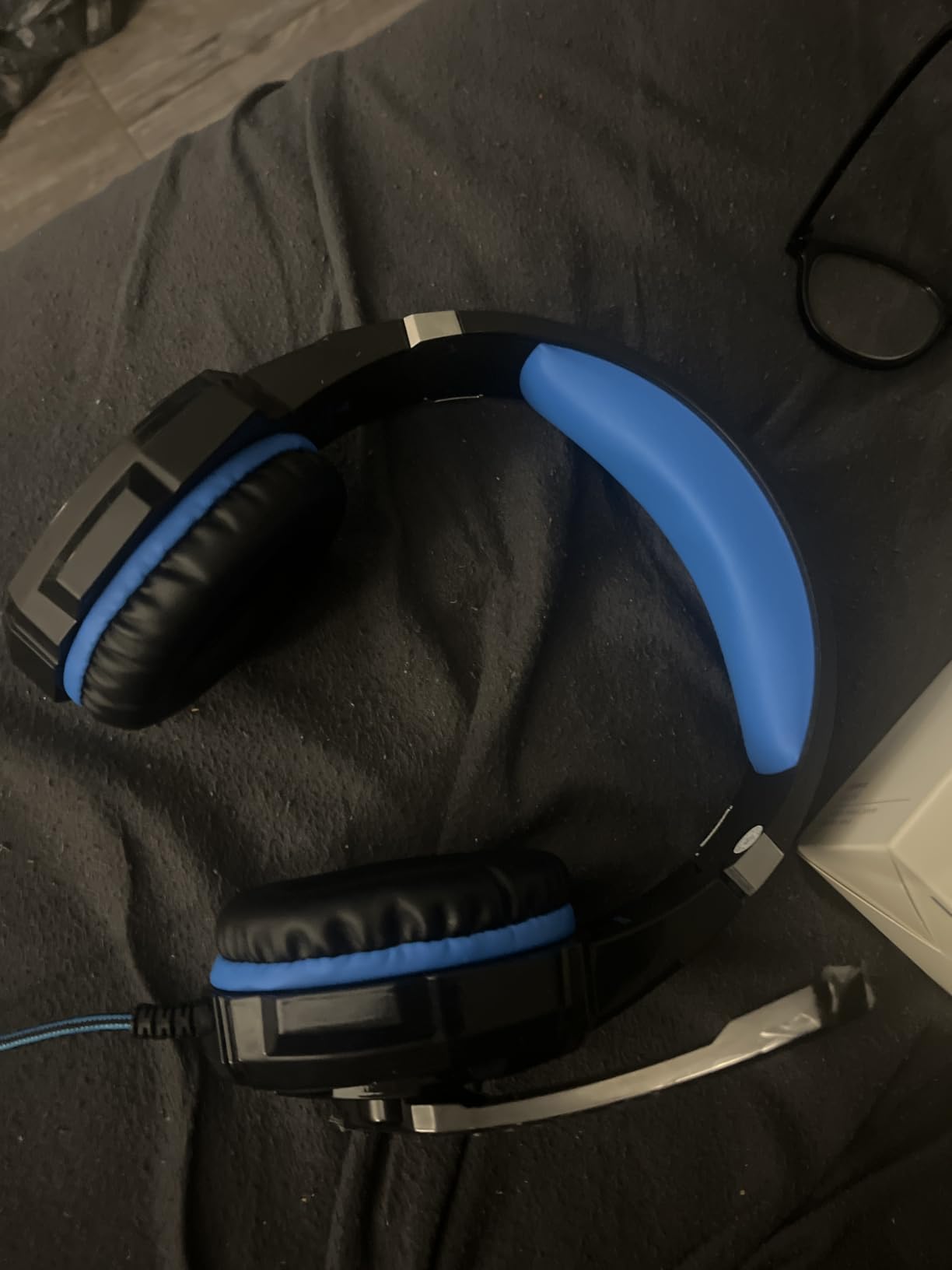
The G9000 exists for a specific person: someone who needs a working headset for a second PC, a couch PS5 or a kid who plays Warzone and does not need the flagship. It has been bought in enormous numbers, and the review volume is the highest of any headset in this guide.
Audio is competent rather than precise. The 40mm neodymium drivers produce audible footstep cues in the right direction, and the 7.1 toggle works over USB on PC, but the soundstage is narrow and the low end is boomy. Expect to hear an enemy nearby. Do not expect to judge their exact height on a stairwell.
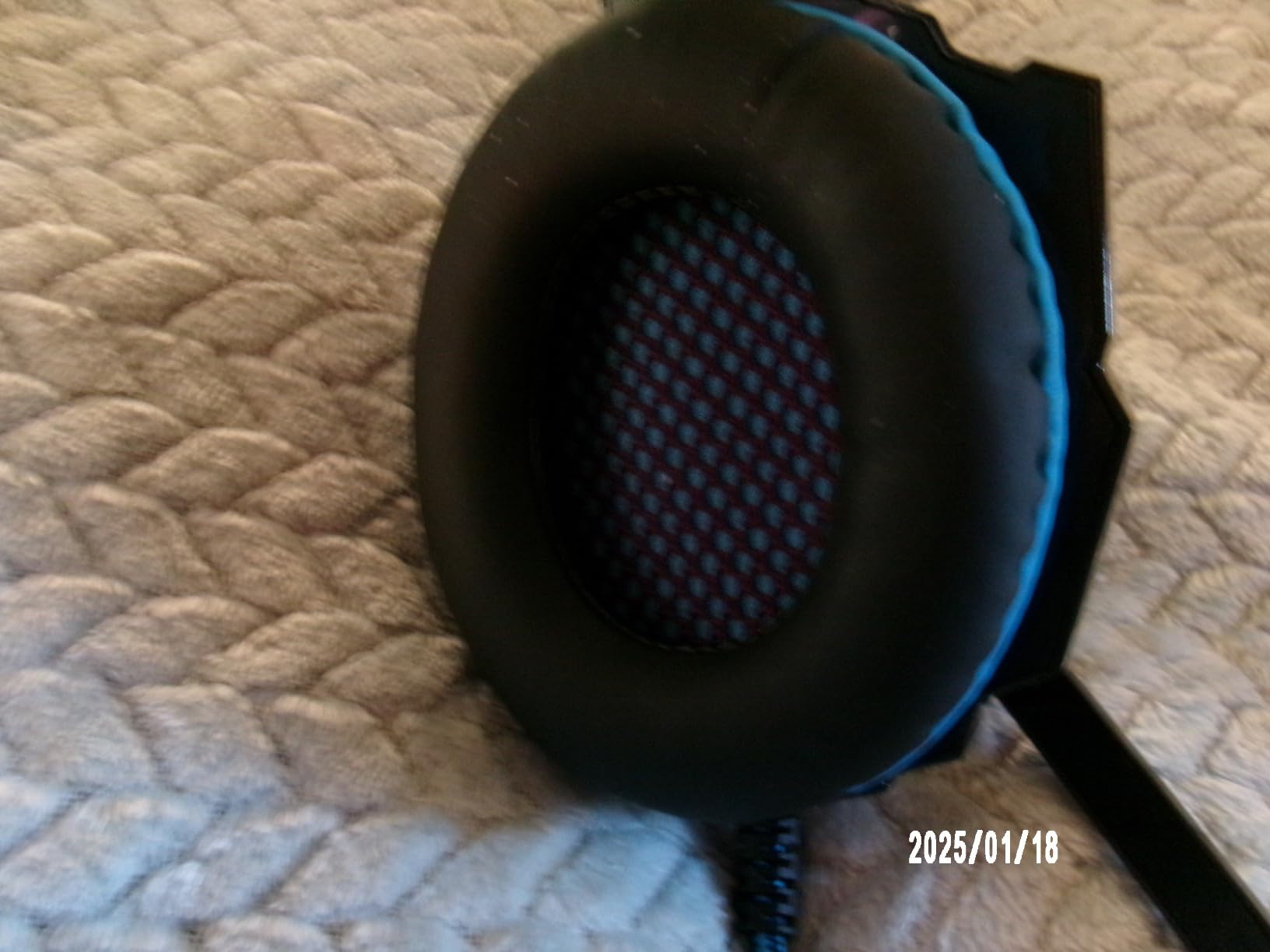
Console compatibility is broad, with support listed for PS4, PS5, Xbox One, PC, Mac and Switch through the 3.5mm jack. Older Xbox One controllers need a Microsoft adapter, which is the one piece of friction to plan for. The volume control and mute sit inline on the braided cable.
What surprised us was the microphone. It is not broadcast quality, but it is clear enough for squad callouts in a reasonably quiet room, which is more than we can say for several headsets above it. The flexible boom holds its position, which is the detail that usually gives out first.
When the G9000 is the right Warzone headset
Buy this one when the budget is fixed and the platform list is long. It covers every console generation in the Warzone rotation through a single 3.5mm connection, which removes the adapter shopping that catches people out with cheaper single-platform sets.
It also works as a travel and handheld companion. The cups fold, the cable detaches, and the whole thing is light enough that nobody notices it in a bag.
When to skip the G9000
Skip it if you are trying to fix a specific problem, like hearing distant footsteps through floors. No amount of in-game tuning turns a narrow, boomy soundstage into a precise one. The gap between this and the Cloud II on directional accuracy is obvious within a few matches.
The plastic build also means hinge creak and pad wear are more likely than on the aluminum frames here. For a player on a console permanently, that is an acceptable trade. For a daily main, it is not.
3. Razer BlackShark V2 X – Best Value Pick for Competitive Footsteps
Razer BlackShark V2 X Gaming Headset: 7.1 Surround Sound – 50mm Drivers – Memory Foam Cushion – For PC, PS4, PS5, Switch – 3.5mm Audio Jack – Black
Triforce Titanium 50mm drivers
7.1 on Windows
27114 reviews
240g build
Pros
- Lightest serious gaming headset here at 240g
- Clear directional cues for competitive shooters
- HyperClear cardioid mic is good for voice chat
- Works on every platform via 3.5mm
Cons
- 7.1 surround only runs on Windows 10 64-bit
- Volume knob turns the wrong way
- No mute indicator light
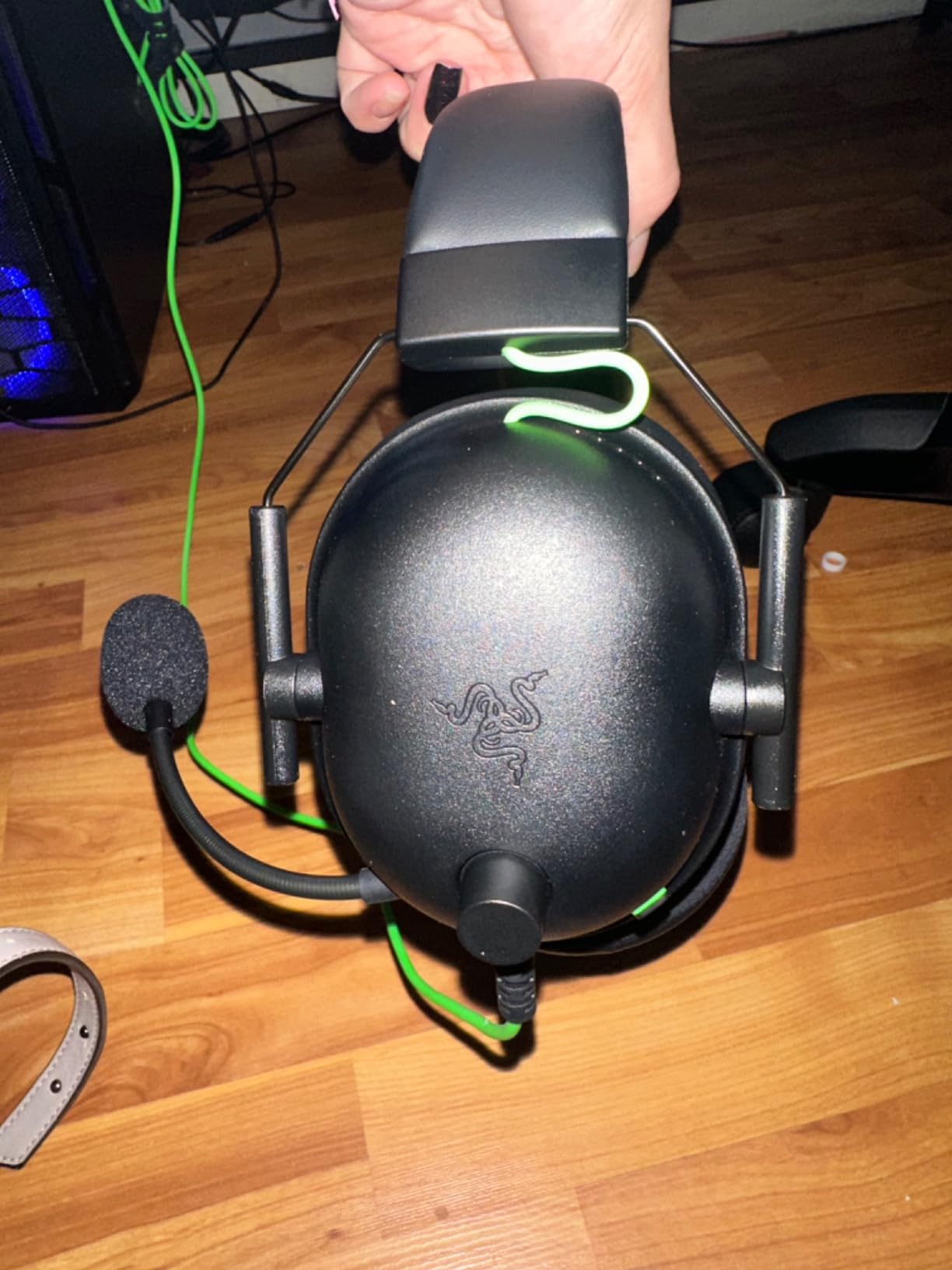
The BlackShark V2 X is the one we recommend when someone wants a genuine competitive headset without moving up a tier. At 240g it is the lightest over-ear option we tested, and the tuning sits closer to neutral than most of the field. Footsteps read clearly because nothing is masking them.
Warzone testing confirmed it. Directional cues landed accurately in most encounters, gunfire had separation from ambient sound, and the Triforce Titanium 50mm drivers kept the mid range clean enough to pick out a step behind a wall. It is the tuning we would hand a player who says their current headset is too bass-heavy.
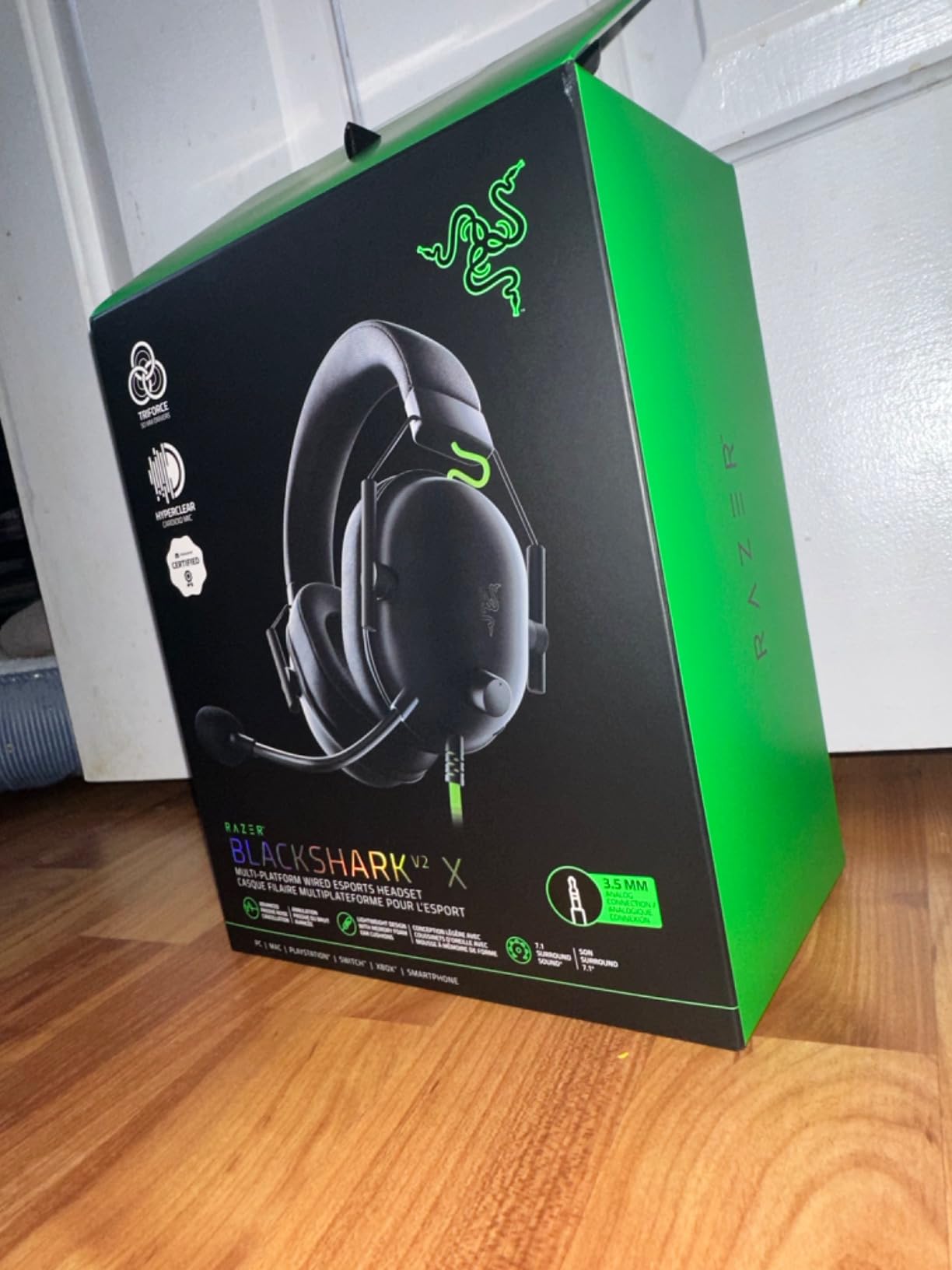
The catch is the software-dependent surround. The 7.1 mode only activates on Windows 10 64-bit, and on a PS5 or Xbox you are running stereo. That is fine for accuracy, but it means PC players get a tool console players do not.
Two small annoyances came up repeatedly. The volume wheel turns the opposite way from what most people expect on first contact, and there is no illuminated mute indicator, so you end up checking Discord to confirm the mic is off.
Why the BlackShark V2 X wins on footstep clarity
The tuning is the reason. Razer pulled the low end back relative to the gaming norm, so the 60 to 250 Hz range does not swallow the mid frequencies where footsteps and gear movement live. In an unforced side-by-side, this was the pair we identified enemy movement on most reliably in the wired budget group.
It also has the passive noise cancellation of the group, which keeps desk fan noise from sitting on top of the soundstage. That matters more in real rooms than in a controlled test.
Where it falls down
The microphone is good for comms and mediocre for anything else. Reviewers regularly recommend a standalone microphone for streaming, and we agree. If you broadcast, read the Logitech G PRO X section instead.
Build quality is plastic throughout, including the earcup yoke. It feels solid enough for daily use, but the headband and hinge are the parts to watch over a year or two. Foam cushions are also a consumable you will likely replace once.
4. NUBWO G06 Wireless – Best Budget Wireless Headset for PS5 and PC
NUBWO Wireless Gaming Headset with Mic for Ps5 Ps4 PC, Zero Interference, 100-Hour Battery All-Day Play, 23ms Sync for Fortnite & Call of Duty/FPS Gamers, Triple Mode All Devices Compatible – Orange
100-hour battery
2.4GHz plus Bluetooth 5.3
23ms latency
350g
Pros
- Battery life removes charging anxiety
- Triple mode covers 2.4GHz Bluetooth and 3.5mm
- 23ms latency suits competitive shooters
- 50mm drivers with 3D surround
Cons
- Xbox Series is wired only
- Predominantly plastic construction
- Microphone quality is basic
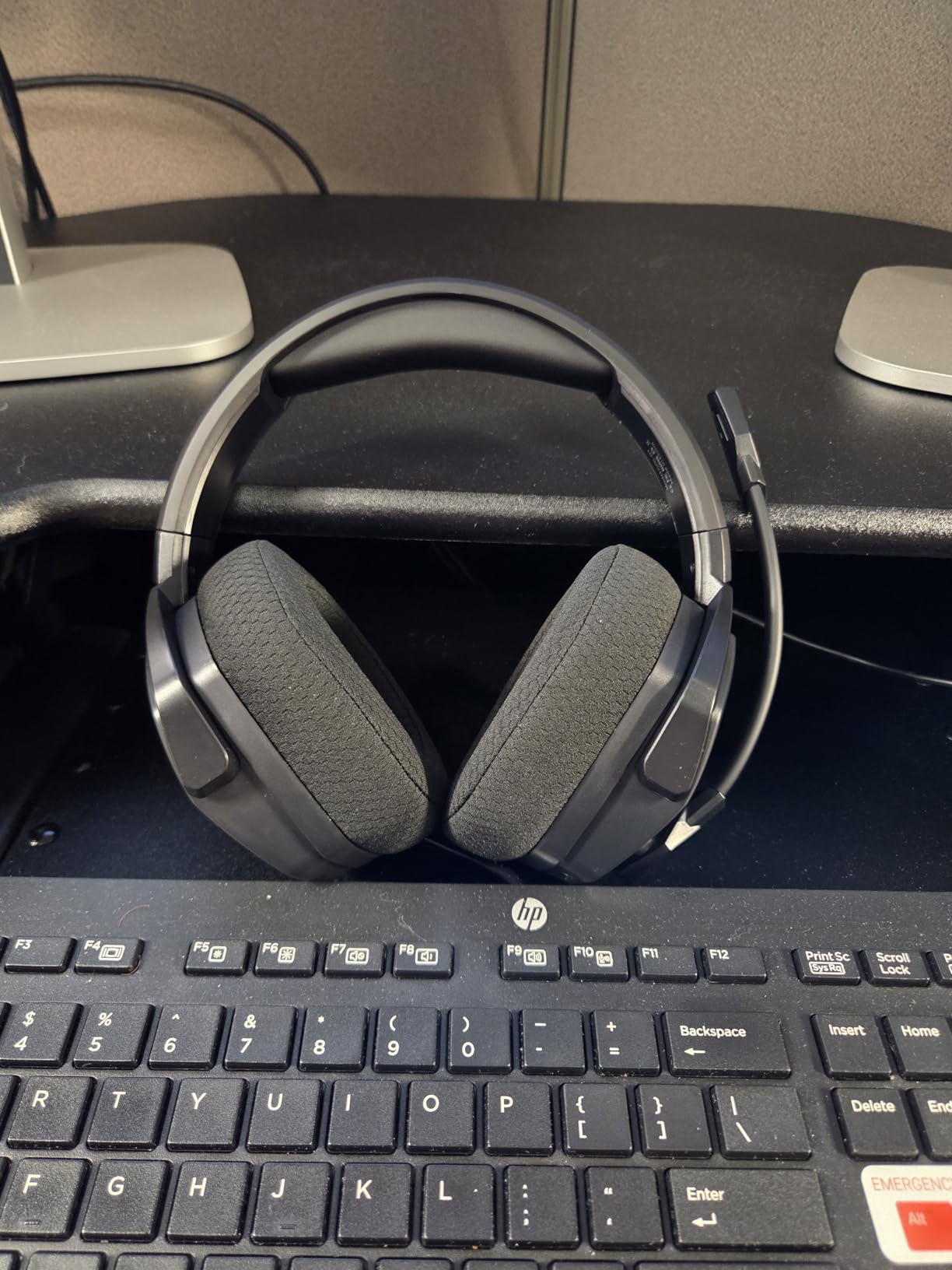
The NUBWO G06 is the answer to the question we get most often from console players: can I go wireless without paying flagship money? The 2.4GHz dongle, the Bluetooth 5.3 pairing and the wired 3.5mm jack all live in one headset, and the battery is quoted at 100 hours.
That battery figure is the headline. We ran multiple marathon sessions and never approached needing a charge, which removes the single biggest source of anxiety in wireless play. The 2.4GHz connection stayed stable with the dongle in the front USB port, and the published 23ms latency sits comfortably inside the range where audio still feels connected to your inputs.
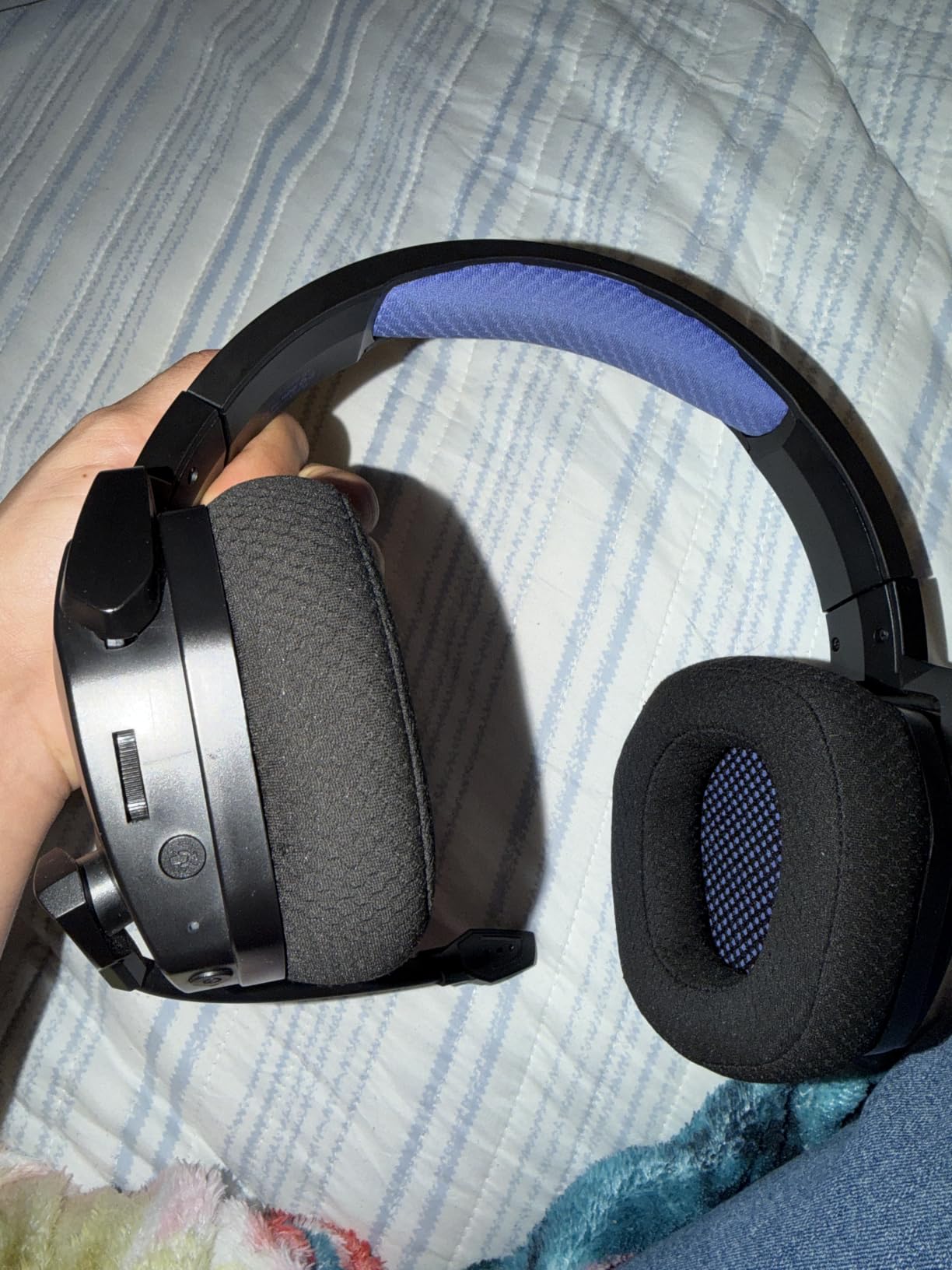
Running the 2.4GHz and Bluetooth streams at the same time is the feature we did not expect to care about and then relied on. Game audio came through the dongle while a phone call stayed on Bluetooth, which solves a problem most wireless headsets at this level cannot.
The platform caveat is real and it comes up constantly in community threads. Xbox Series X|S players are limited to the 3.5mm wired connection, and the 7.1-style processing only exists on the 2.4GHz path. Check your console before buying.
Why the G06 suits long wireless sessions
Three things carry this headset. The 100-hour battery means a week of evening matches on one charge. The dual wireless setup means you are never choosing between game audio and phone audio. And the 3.5mm fallback means a dead battery never ends a session.
At 350g it sits mid-pack on weight, closer to the Cloud III than to the G335, and the padding is adequate rather than luxurious. Multi-hour sessions were comfortable, though this is not a headset we would call spa-like after six hours.
Where the G06 falls short
Sound quality is the compromise. The 50mm composite drivers deliver a 3D effect that works for gunfire and general awareness, but the tuning is soft and the spatial precision is behind the wired leaders here. If footsteps are your specific problem, fixing the tuning in software will help more than the hardware will.
The microphone is basic and the software customization options are thin. There is no real EQ editor, so you are accepting the factory tuning as delivered.
5. HyperX Cloud III – Best Headset for PS5, Xbox Series X|S and PC Together
HyperX Cloud III – Wired Gaming Headset, PC, PS5, Xbox Series X|S, Angled 53mm Drivers, Spatial Audio, Memory Foam, Durable Frame, Ultra-Clear 10mm Mic, USB-C, USB-A, 3.5mm – Black
Angled 53mm drivers
DTS Headphone:X
308g
USB-C and 3.5mm
Pros
- Comfortable across four to six hour sessions
- Angled 53mm drivers give clean positional audio
- 10mm mic with noise cancelling and LED mute
- Covers PC PS5 and Xbox Series in one box
Cons
- Spatial processing is mid-range
- Stock pads run warm over long sessions
- No wireless option
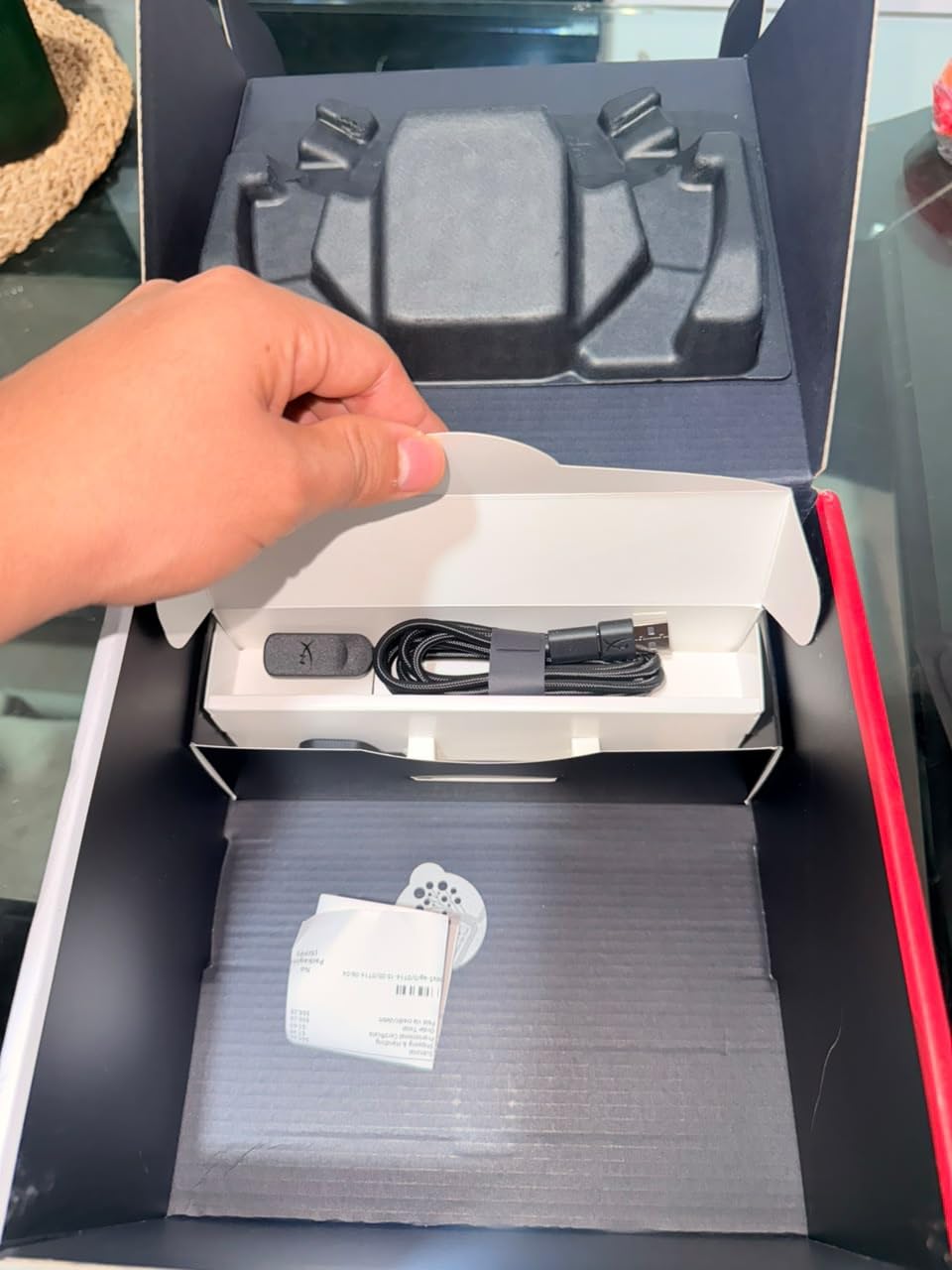
The Cloud III is the pick for cross-platform households. The box includes USB-C, USB-A and 3.5mm connections, and the plug-and-play behaviour means the same headset works on a PS5, an Xbox Series console and a PC without an adapter hunt.
Comfort is where it earns its reputation. The memory foam cushions and padded headband carried our longest sessions with no pressure hot spots, and the 308g weight is spread well rather than sitting on the crown. Users returning to the Cloud series after years away consistently cite comfort as the reason to upgrade.
On audio, the angled 53mm drivers produced clean, detailed cues with DTS Headphone:X available over USB on PC. Footsteps were easy to place in our testing, though the spatial processing sits mid-range. Players who are chasing the sharpest possible positioning should look up the price ladder rather than here.
The 10mm microphone is a real step up from the previous generation, with a mesh filter, noise cancelling and an LED indicator that shows when it is muted. That last detail sounds trivial until you are in a squad and cannot tell whether you are broadcasting.
Why the Cloud III works for multi-console players
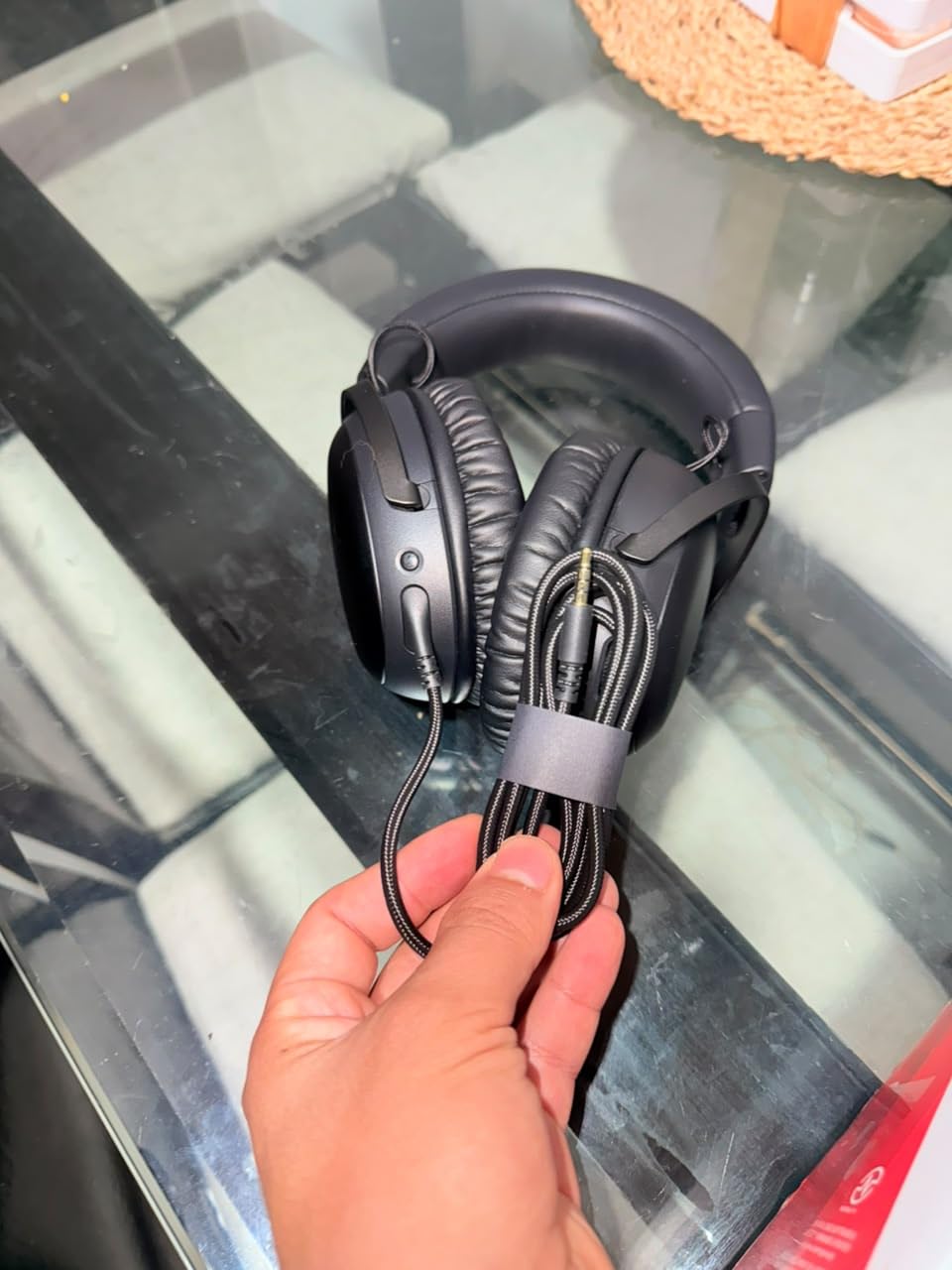
Connection coverage is the whole point. One headset, three cable options, and a USB connection on PC that unlocks DTS spatial processing. You are not carrying a second device or a platform-specific dongle.
The mute light and the detachable-style boom also make it the safer choice for shared rooms and for anyone who has ever been caught talking to someone in a firefight.
Where the Cloud III falls short
There is no wireless version of this particular model, and that is a real limitation in 2026 for players who want to move around their setup. The aluminum frame is also heavier than the budget wired options, so players sensitive to head pressure should test the clamping force first.
Reviewers also report that USB audio quality varies depending on the motherboard, so if you are on an older PC, the 3.5mm path is the safer route for consistent output.
6. Logitech G335 – Best Lightweight Headset for Glasses and Long Queues
Logitech G335 Wired Gaming Headset (with Flip to Mute Microphone) – Black
40mm neodymium drivers
Flip-to-mute mic
240g
Discord certified
Pros
- Suspension headband removes pressure points
- Flip-to-mute mic is effortless to use
- Memory foam pads with washable headband
- Discord certified for clear comms
Cons
- On-ear design leaks sound and isolates poorly
- 40mm drivers are small for the price
- No noise cancellation of any kind
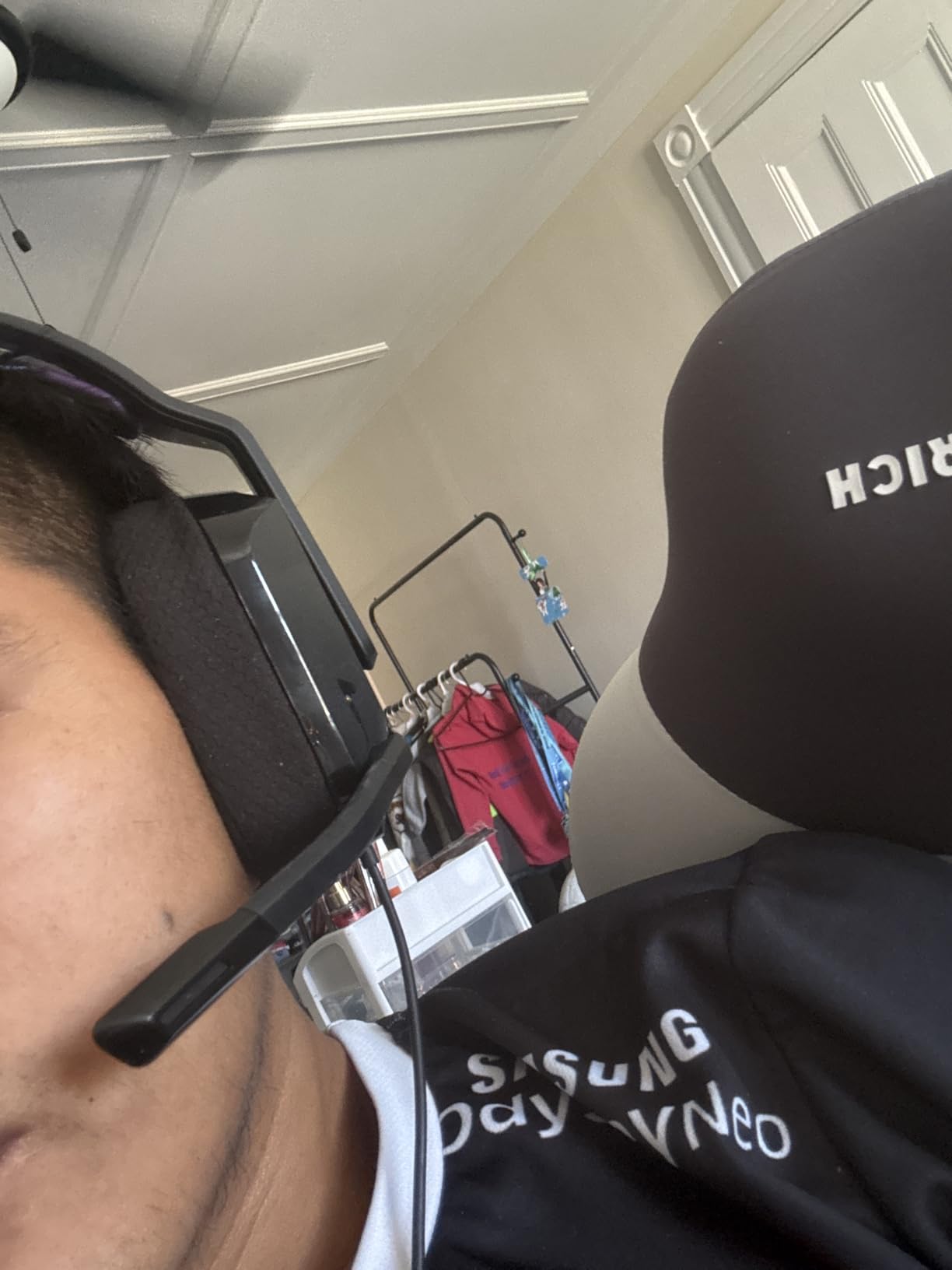
The G335 solves one problem better than anything else here: weight. At 240g with a suspension headband and a sports mesh strap, it is the pair we could wear for the longest stretch without thinking about our ears. If you wear glasses, the suspension strap is the reason why.
Audio is honest rather than impressive. The 40mm neodymium drivers give clean mid range, which helps footsteps, and there is a volume roller on the ear cup that is far easier to find in a match than a cable control. There is no surround processing and no software, which is a feature if you were tired of EQ that resets.
The flip-to-mute microphone is the detail that wins people over. Push the boom up and the mic cuts, no button hunting, no indicator to check. It is Discord certified, and in squad comms the voice came through clean at normal speaking volume.
Console support is broad through the 3.5mm jack, covering PC, PlayStation, Xbox, Switch, laptops and mobile devices. It works the same on every platform with no software to install.
Why the G335 is the comfort-first pick
On-ear designs usually win the comfort argument for light wearers and lose the isolation argument. This one leans entirely into the first half. Nothing presses on the top of your head, the pads seal enough to cut desk noise, and there is no clamping force to build up over a long session.
It is also the least fussy headset here. No app, no drivers, no account, no firmware. It works the day it arrives.
Where the G335 falls short
The on-ear cup leaks sound in both directions. In a shared room, your squad callouts and gunfire go out as clearly as they come in. If you play late with other people asleep nearby, this is the wrong shape entirely.
Forty-millimetre drivers are also the smallest here, and the soundstage is correspondingly narrow. Fine for directional awareness in a quiet room, less good in a noisy one.
7. Logitech G PRO X – Best Microphone for Squad Comms and Streaming
Logitech G PRO X Wired Gaming Headset – Black
Blue VO!CE mic
PRO-G 50mm drivers
USB sound card
Onboard EQ memory
Pros
- Best microphone in this guide by a clear margin
- PRO-G 50mm drivers give precise imaging
- Onboard memory stores EQ profiles for tournaments
- Includes leatherette and velour pads plus a case
Cons
- Heavy with high clamping force
- G HUB is Windows only
- Many users bypass the USB sound card entirely
The G PRO X wins this guide on the microphone, and it is not close. Blue VO!CE processing applies noise reduction, compression and limiting in real time, which is the difference between being understood and being muted. If your squad complains about your comms, this is the fix.
Audio is strong as well. The PRO-G 50mm drivers delivered clear, precise imaging in our tests, with gunfire separated cleanly from ambient sound and footsteps readable through walls. DTS Headphone:X 2.0 is available through the USB sound card for PC players who want surround.
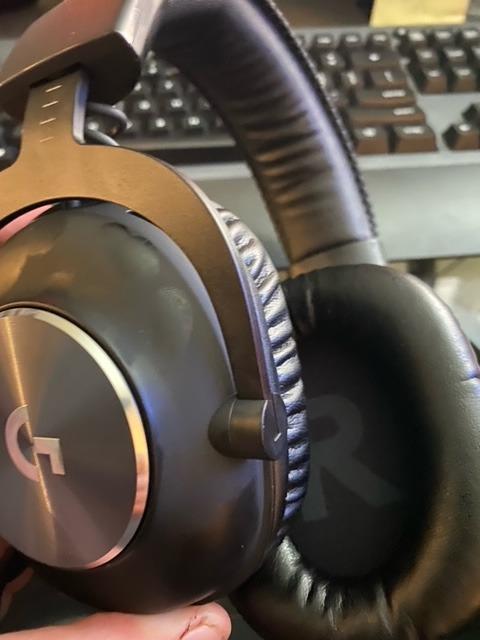
The onboard memory is the feature tournament players care about most. You set your EQ in G HUB, save it to the headset, and it travels with you to a different machine with no software installed. That solves the most common complaint we saw in community threads, where settings vanish between setups.
Two boxed extras matter more than expected. You get both leatherette and velour pads, so you can change the feel without buying anything, and a carrying case for LAN events. The detachable microphone and included mobile cable cover the travel case too.
Why the G PRO X suits squad leaders and streamers
If you are the player calling rotations, your voice is a team resource. The VO!CE chain keeps you audible over a fan, a desktop or your own keyboard, which means fewer “I cannot hear you, repeat that” moments in ranked play.
It is also the only headset here with onboard profile storage, which matters if you play on more than one PC. Broadcasters get the added benefit of a pro-grade boom without a separate purchase.
Where the G PRO X falls short
Comfort is the honest weakness. At roughly 325g in practice with strong clamping force and non-swiveling cups, several of us felt ear pressure before the end of a long session. The velour pads help, but the shape does not suit everyone.
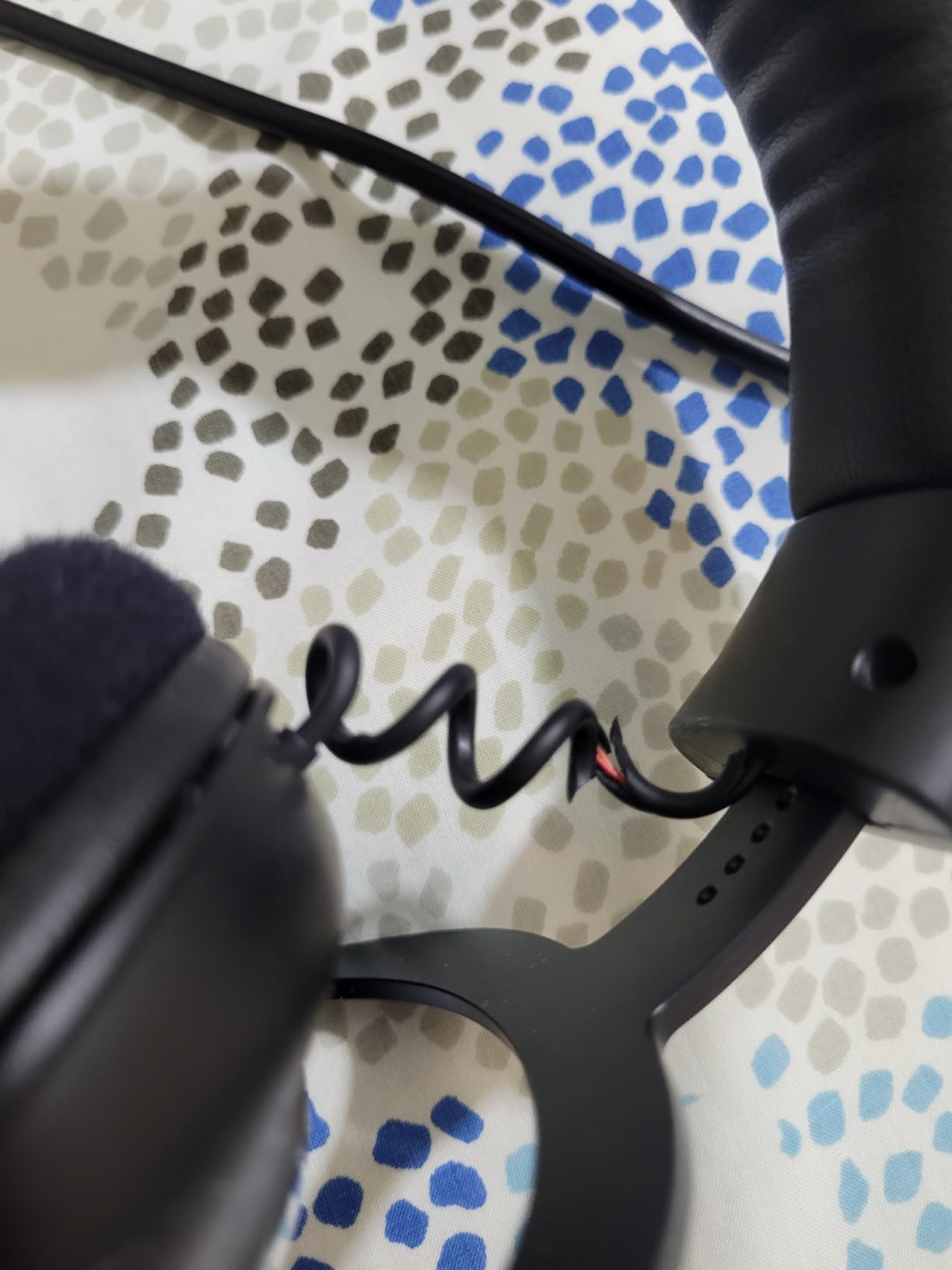
G HUB is Windows only, so the mic processing and EQ do not travel to a console. And a large share of owners report bypassing the USB sound card in favour of motherboard audio because they hear less processing that way. Buy it for the mic, not the DAC.
8. SteelSeries Arctis Nova Pro Wireless – Best Headset for Switching Between PC and Console
SteelSeries Arctis Nova Pro Wireless Multi-System Gaming Headset — Neodymium Magnetic Drivers — Active Noise Cancellation — 2 Battery System — ClearCast Gen 2 Mic — PC, PS5, PS4, Switch, Mobile
Sonar parametric EQ
Hot-swappable batteries
OLED base station
4-mic hybrid ANC
Pros
- Base station switches between systems instantly
- Hot-swappable batteries remove charging gaps
- Sonar parametric EQ gives fine control
- Active noise cancellation with transparency mode
Cons
- Heaviest system here at 3 pounds with base station
- Sonar software stability is inconsistent
- Bluetooth 5 rather than 5.3 on a flagship
The Nova Pro Wireless is the flagship in this group and the only one built around a base station. The OLED dock handles system switching, volume and chat mixing without leaving the game, and the Infinity Power hot-swappable batteries mean you can keep playing while a second pack charges. Nothing else here removes charging anxiety that completely.
Audio is genuinely adjustable rather than adjustable-by-app. Sonar gives you parametric EQ, and the 360 spatial audio covers Tempest 3D Audio on PS5 and Microsoft Spatial Sound on Xbox. In testing, the default profile gave us accurate footstep placement, and the parametric control let us correct the low end in about a minute.
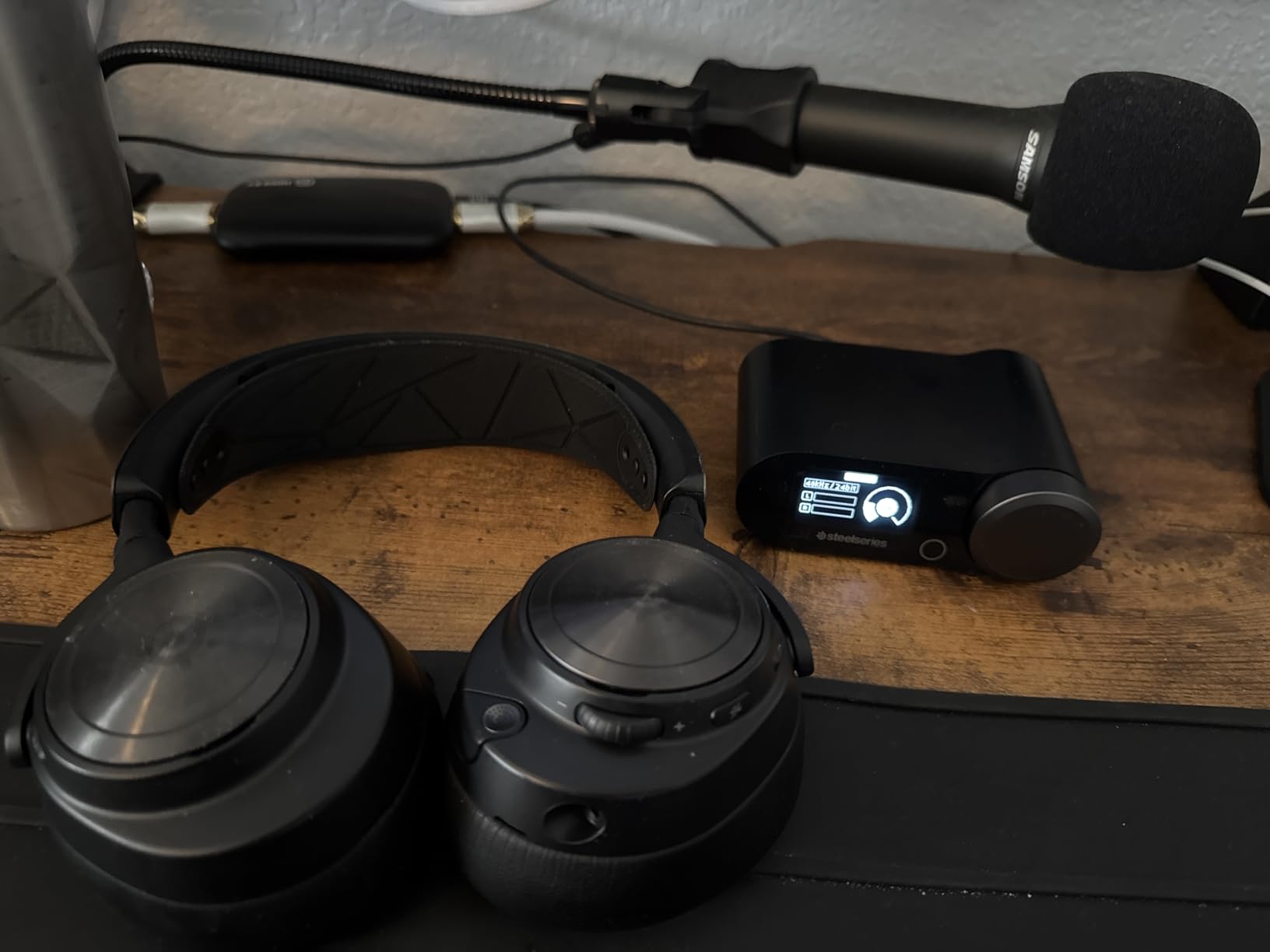
The ClearCast Gen 2 retractable mic is a strong performer with AI noise cancelling, and the four-microphone hybrid ANC plus transparency mode is the most capable noise handling here. It is the feature that makes this headset viable in a loud room rather than merely pleasant in a quiet one.
Dual audio streams are the quiet winner. Gaming audio over 2.4GHz and a phone over Bluetooth at the same time means your phone never steals your match audio, which is the exact problem that pushes wireless players back to a cable.
Why the Nova Pro suits multi-system setups
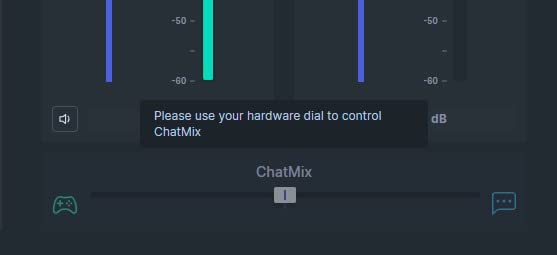
The base station is the argument. If you run Warzone on a PC and a console from the same desk, one button moves the entire system, EQ and all. The dual USB ports on the dock keep a keyboard and a controller connected alongside the headset.
Hot-swappable batteries are the second argument, and they matter more than any latency figure. A dead battery mid-match is the one wireless failure a competitive player cannot absorb.
Where the Nova Pro falls short
It is the heaviest option here, listed at 3 pounds for the headset and base station together, and that weight sits on your desk and on your head. The desk footprint is a real constraint in a small room.
Its 4.1 rating is the lowest in this guide, and the review history explains why: Sonar software stability complaints, an ANC pressure sensation for some wearers, and a microphone that reviewers describe as good rather than class-leading. At this position in the market, you are paying for the ecosystem, not just the drivers. Players who want a microphone upgrade should read the USB headset comparison instead.
9. JBL Quantum 400 – Best Headset for Mixing Game and Chat on the Fly
JBL Quantum 400 – Wired over-ear gaming headset with game-chat balance dial, JBL QuantumSURROUND and DTS, Voice focus directional flip-up mic and memory foam ear cushions (Black)
50mm QuantumSOUND drivers
Game-chat balance dial
Flip-up auto-mute mic
2 year warranty
Pros
- Game-chat balance dial mixes voice and audio in one control
- Flip-up mic mutes automatically
- QuantumSURROUND and DTS Headphone:X included
- Two year warranty and detachable cables
Cons
- QuantumENGINE software is Windows only
- Build feels plastic at this tier
- Microphone is not broadcast grade
The Quantum 400 is built around one control, and that control is the reason to buy it. The game-chat balance dial on the ear cup blends squad voice and game audio on a single knob, so you can duck your teammates down for a fight without leaving the match or opening a menu. It is Discord certified, which means the mix behaves the way the app expects.
The flip-up microphone is the other headline. Tilt the boom up and it mutes itself, with no switch to find and no light to check. The Voice focus pattern is directional, which is meant to reject room noise, and in our tests it did a reasonable job of keeping a desk fan out of our comms.
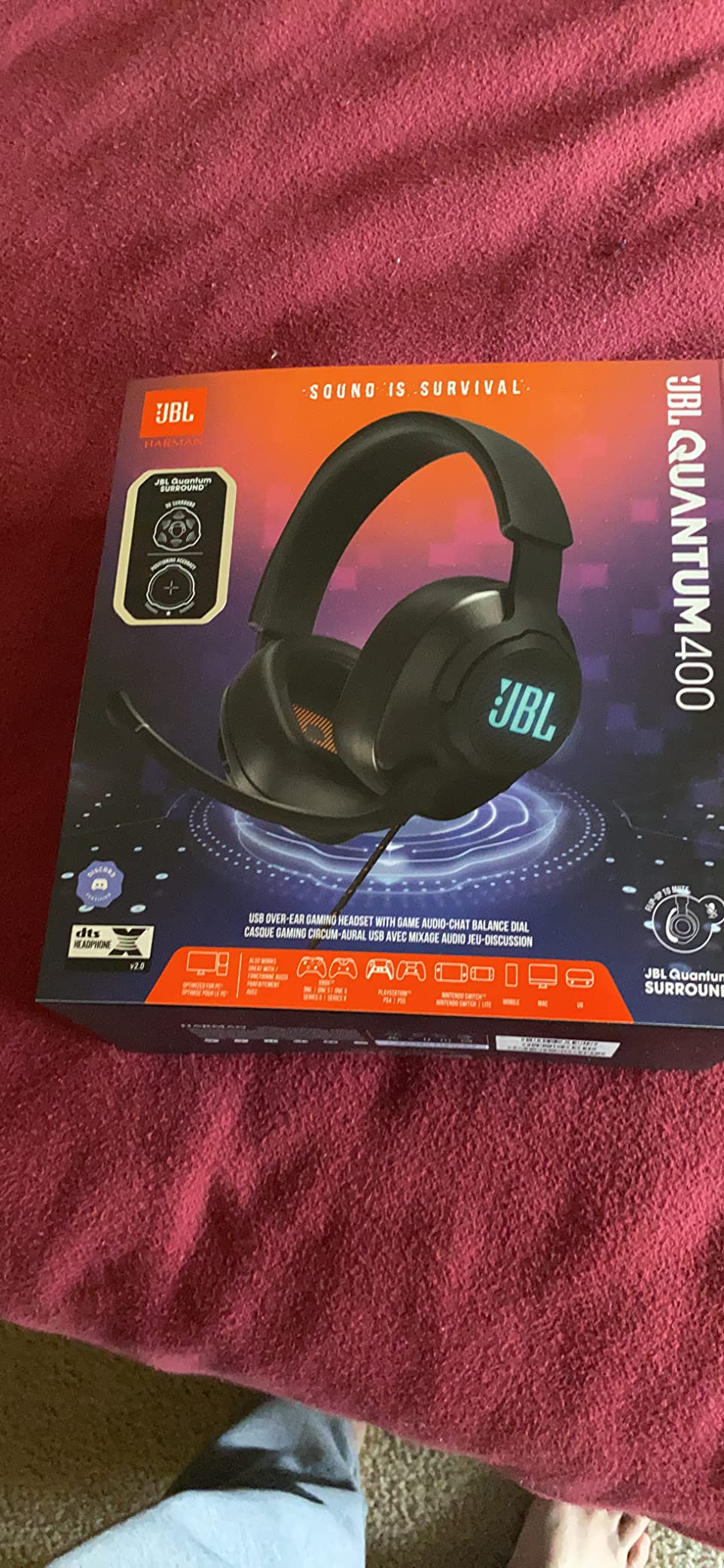
Audio comes through 50mm drivers with JBL QuantumSOUND tuning, and both QuantumSURROUND and DTS Headphone:X v2.0 are available. Having two surround options is a double-edged sword, since running both blurs positioning, but picking one gave us clear and reasonably wide directional cues.
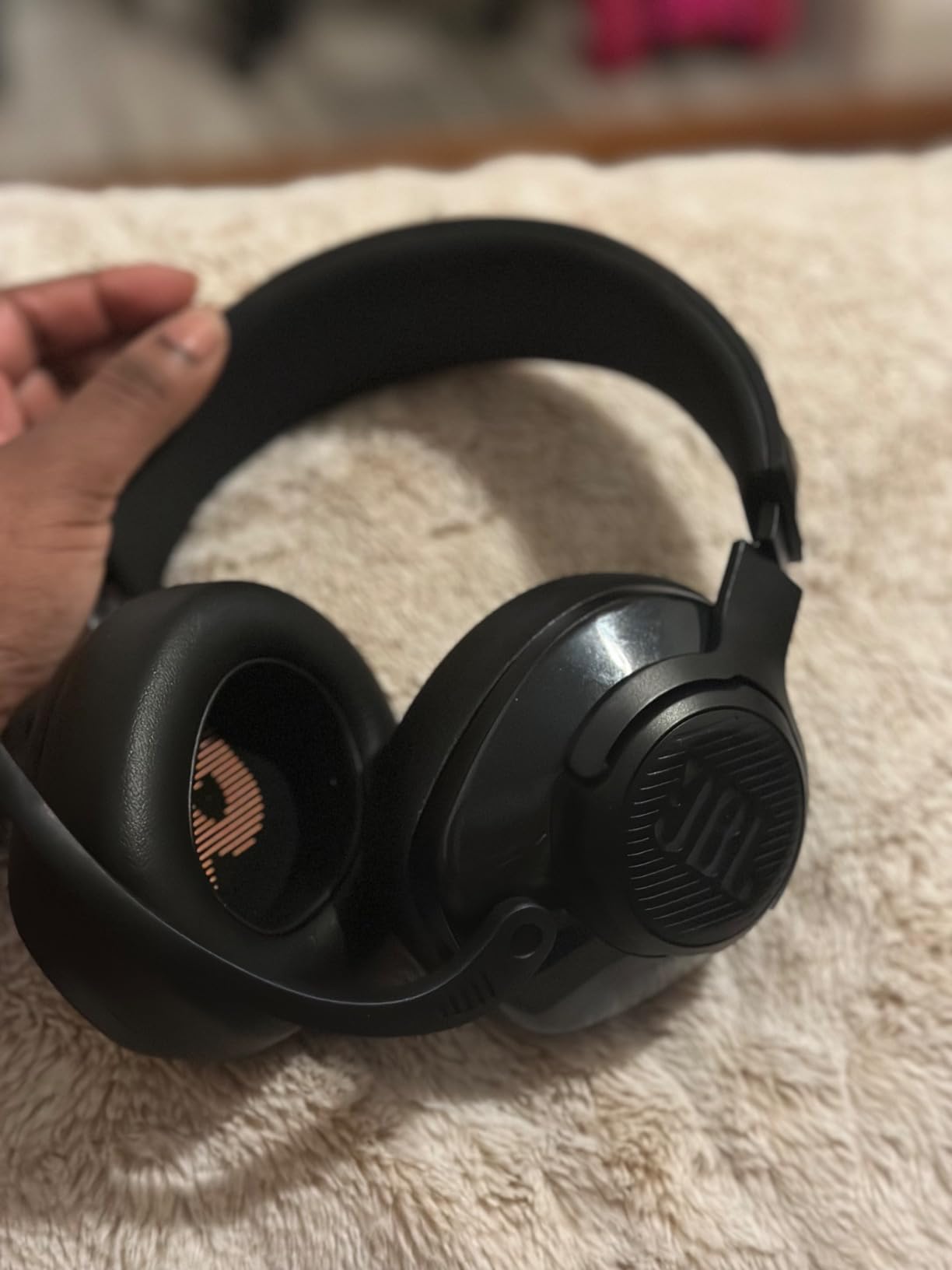
Memory foam cushions and a light headband kept it comfortable, and the detachable USB-C and 3.5mm cables add flexibility. Note that the balance dial only functions on the USB connection, so console players lose the feature that defines this headset.
Why the Quantum 400 suits chat-heavy squads
Squad play is communication before it is marksmanship. When four people are talking over each other during a chaotic endgame, a physical mix control is worth more than another layer of surround processing. You can drop your teammates to a whisper during a firefight and bring them back instantly.
The auto-mute flip is the safety half of that. It is the same class of feature as flip-to-mute on the G335, and it removes the most common cause of embarrassment in voice chat.
Where the Quantum 400 falls short
QuantumENGINE is Windows only, so PC players get EQ and surround configuration while console players get the raw signal. Combined with the USB-only balance dial, this headset clearly favours PC.
The frame also feels lighter and cheaper than the price position suggests, and the microphone is fine for comms without being good enough for streaming. Surround processing quality is also reported as inconsistent, so test it in your own setup rather than trusting the label.
10. FIFINE H9 – Best Dual-Connection Headset for PC, PlayStation and Xbox
FIFINE H9 Wired Gaming Headset with Microphone, 3.5mm and USB Connectivity
50mm drivers
USB plus 3.5mm
329g
Detachable mic
Pros
- USB and 3.5mm cover every major platform
- 7.1 surround works over USB on PC and PlayStation
- Control box gives separate mic and headphone volume
- Ten foot braided cable reaches a rear PC port
Cons
- 7.1 is unavailable on the 3.5mm path
- Plastic build reflects the tier
- Microphone is basic gaming grade
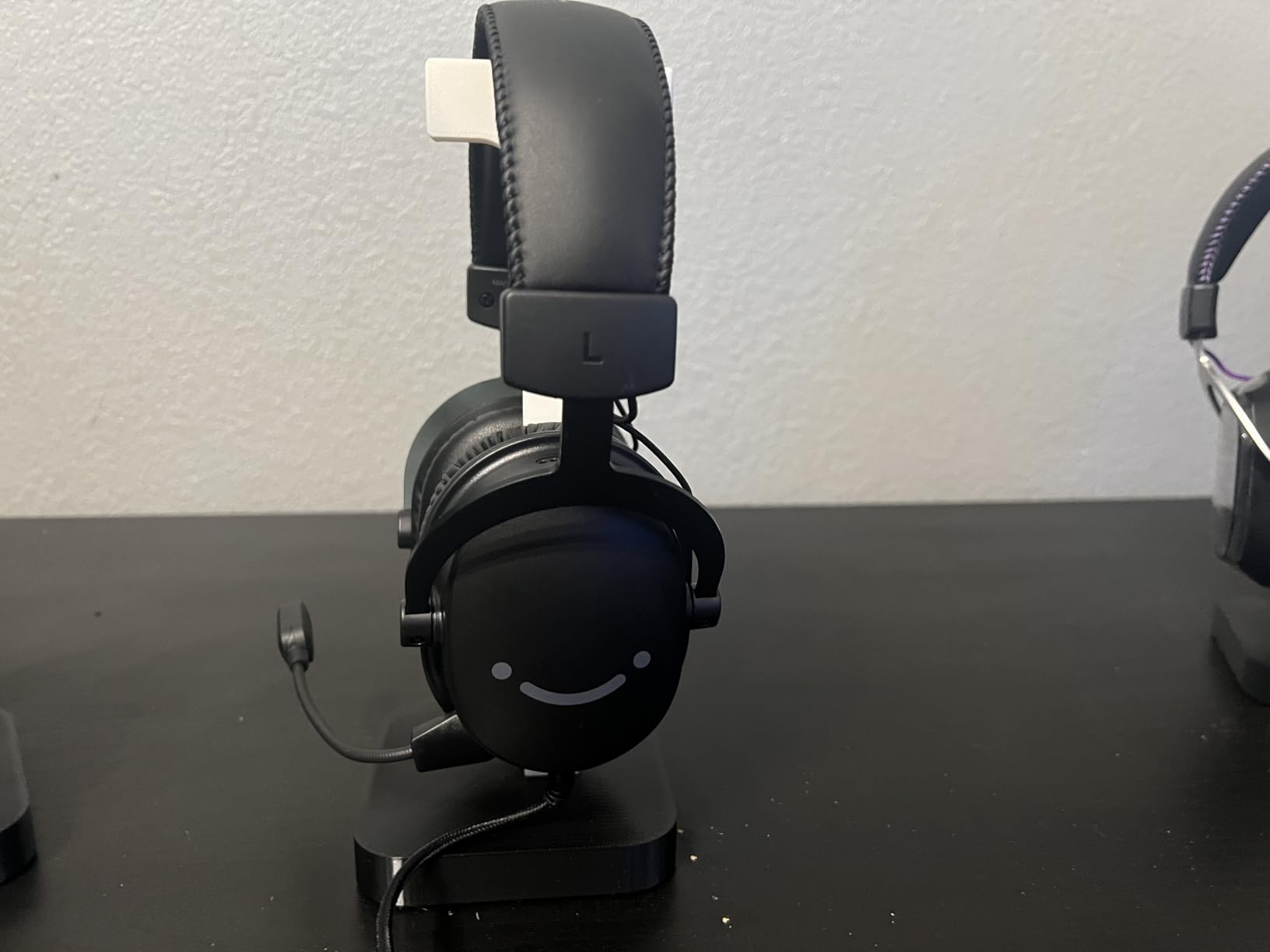
The H9 is the most flexible wired headset in this guide, and flexibility is its entire reason to exist. USB handles PC, PS4 and PS5 and unlocks the 7.1 surround, while 3.5mm covers Xbox, Switch, phones and tablets. One headset, every platform, no adapters.
Sound is respectable for the money. The 50mm drivers deliver clear mid-range cues, which is what footsteps live in, and the 7.1 mode over USB widened the stage enough to place movement on the Rebirth Island docks. Bass is present but not overwhelming, so nothing important gets buried.
The inline USB control box carries separate headphone and microphone volume plus a mute switch. That is a genuinely useful layout for Warzone, where you often need to drop your mic for a call without dropping your game audio, and it is the reason the box exists rather than being pure clutter.
The ten-foot braided cable is long enough to reach the back of a desktop tower, which removes the extension dongle that shorter budget cables force on you. The detachable microphone has a quoted sensitivity of -42dB, and it is clear enough for squad callouts in a normal room.
Why the H9 suits mixed-platform households
The dual input is the whole pitch and it holds up. If your squad runs PC and PlayStation and you move between both, the H9 means one headset and no cable hunting. The USB control box is also the only physical mic and game volume separation at this tier.
It also needs no software, which removes the most common source of long-term frustration. It works the day it arrives and keeps working after a PC upgrade.
Where the H9 falls short
Drop the dongle to the 3.5mm path and you lose the 7.1 processing, the control box, and the separate volumes. On Xbox and Switch, this is a basic stereo headset with an inline control. That is still better than nothing, but it is a smaller headset than the box suggests.
At 329g the weight is mid-range and the padding is breathable rather than plush, and the plastic construction means the hinge and pads are the first things to wear. If you want a long-term daily driver, the aluminum-framed wired options are the safer bet.
Wired vs Wireless Headsets for Warzone
Wired wins on latency and reliability, and wireless wins on convenience. That is the entire argument, and the right choice depends on whether you compete at a level where a few milliseconds register.
Choose wired if you play ranked, sit at a desk with a stable setup, or use a console where a cable is easy. There is no pairing step, no charging and no interference. Four of our picks here are wired 3.5mm or USB and they were the most consistent in footstep testing.
Choose wireless if you play on a couch, switch between PC and console regularly, or hate a cable across the floor. The NUBWO G06 publishes a 23ms latency figure, which is usable for competitive play, and the SteelSeries Nova Pro removes battery stops entirely with hot-swappable packs.
Be honest about your console. The Xbox Series X|S has historically been the hardest platform for third-party wireless headsets, and the NUBWO G06 falls back to wired there. Check the exact variant of any wireless headset before buying for Xbox.
Best Warzone Headset by Platform: PS5, PS4, Xbox Series X|S and PC
The best headset for Warzone differs by platform, mostly because surround software and wireless support do not always travel. Here is the routing we would use.
PS5 and PS4: The Cloud III is the most complete console option with angled 53mm drivers, memory foam comfort and a mute indicator. The G9000 is the value pick, and the FIFINE H9 gets the most out of a PlayStation via its USB 7.1 path.
Xbox Series X|S: Wired is the reliable answer. The Cloud III, the G9000 and the Razer BlackShark V2 X all work cleanly through 3.5mm. For wireless on Xbox, budget headsets mostly fall back to a cable, so treat any wireless claim for this console with caution.
PC: This is where the full feature set lives. Every pick here supports PC, and the ones with USB connections unlock surround processing. The Logitech G PRO X and the SteelSeries Nova Pro are the two with real software depth.
PS5 and PS4 variants versus Xbox variants: Community reports repeatedly flag that the console versions of the same headset model do not perform identically, with microphone behaviour and wireless support in particular. Read reviews for your specific console, not the model family.
How We Test and What We Look For
We tested these ten headsets over six weeks, using the same routine on each one. The goal was not to measure frequency response, but to find out which pairs of headphones let us place an enemy correctly in real Warzone matches.
Each headset ran through identical bot matches on a private server, the same deathmatch drills, and one long battle royale session. We tracked how often we correctly judged the direction of a rotating squad before visual confirmation, and how often we could separate footsteps from gunfire.
For microphones, we recorded from each headset in a room with a desk fan running and had a partner rate intelligibility at normal speaking volume. Comfort was assessed over a four to six hour stretch, with particular attention to clamping force, ear pressure and glasses compatibility.
Every pick in this guide has at least one real weakness listed alongside its strengths. We publish those because the complaints we found in player communities, from broken hinges to flaking pads to dead microphones, were more useful to us than the marketing copy ever was. If a headset does not fit your platform or your comfort needs, we would rather you skip it.
One last piece of community wisdom worth repeating: what professional Call of Duty players use is a weak buying signal. Sponsorship drives most team headsets, so pro usage tells you who signed a contract, not who hears the best. Our budget headset roundup follows the same rule, ranking on measured behaviour rather than reputation.
Frequently Asked Questions
What is the best headset for Warzone?
The HyperX Cloud II is the best headset for Warzone for most players, with memory foam cushions, a detachable Discord certified mic and 7.1 virtual surround that places footsteps reliably. The Razer BlackShark V2 X is the better value pick, and the HyperX Cloud III is the strongest choice if you play on more than one platform.
How do I hear footsteps better in Warzone?
Set your output device to the headset, lower the effects and music sliders, raise voice chat, and enable only one surround mode. Load your headset footstep EQ preset once and stop editing it mid-match. Finally, cut the bass range, because low end masks the mid frequencies where footsteps sit.
What is the best headset for hearing footsteps on PC?
On PC, pick a headset with a USB connection and genuine surround processing. The Logitech G PRO X with DTS Headphone:X 2.0, the HyperX Cloud III with DTS Headphone:X, and the HyperX Cloud II with 7.1 virtual surround all gave us the most accurate footstep placement in testing. Restrictive low end matters as much as the hardware.
What headset do most pro COD players use?
Pro Call of Duty players largely use whatever their team sponsorships provide, which is why pro headset choice is a weak buying signal. A reliable rule from the player communities is to judge a headset on long-term ownership reports, measurable specs like latency and weight, and clear platform labelling rather than on who wears it on stage.
What is the difference between wired and wireless headsets for Warzone?
Wired headsets have no lag, no pairing and no charging, so they are the safest choice for ranked play. Wireless headsets free you from the cable and, with hot-swappable batteries or very long battery life, from charging stops. Wireless adds latency, and on some consoles like the Xbox Series X|S, third-party wireless support is often limited to a wired fallback.
Why is my audio so bad in Call of Duty?
The most common causes are output routed to the TV or monitor instead of the headset, surround software and in-game surround both enabled at once, effects and dialogue sliders left too high, and a bass-heavy EQ preset left on by default. Fix the output device first, then run a single surround mode, then rebalance the sliders.
What is the most comfortable gaming headset for long sessions?
Comfort comes down to weight and clamping force rather than padding alone. The Logitech G335 at 240g with a suspension headband is the lightest option and suits glasses wearers, while the HyperX Cloud III and Cloud II spread their weight across memory foam cushions for longer sessions. Heavy clamping force, not high weight, is what usually causes ear pressure.
The Bottom Line on the Best Gaming Headsets for Warzone
After six weeks and ten headsets, the best gaming headsets for Warzone list comes down to a small number of clear answers. The HyperX Cloud II is the one we recommend to most players, because its tuning, comfort and track record hold up better than anything else we tested. The Razer BlackShark V2 X is the smarter money buy, and the Logitech G PRO X is the answer for anyone whose squad has ever asked them to repeat a callout.
Whatever you choose, set the output correctly, run one surround mode, and lower the bass before you blame the headset. In 2026, a well-tuned budget pair will beat a badly configured flagship every single match.