
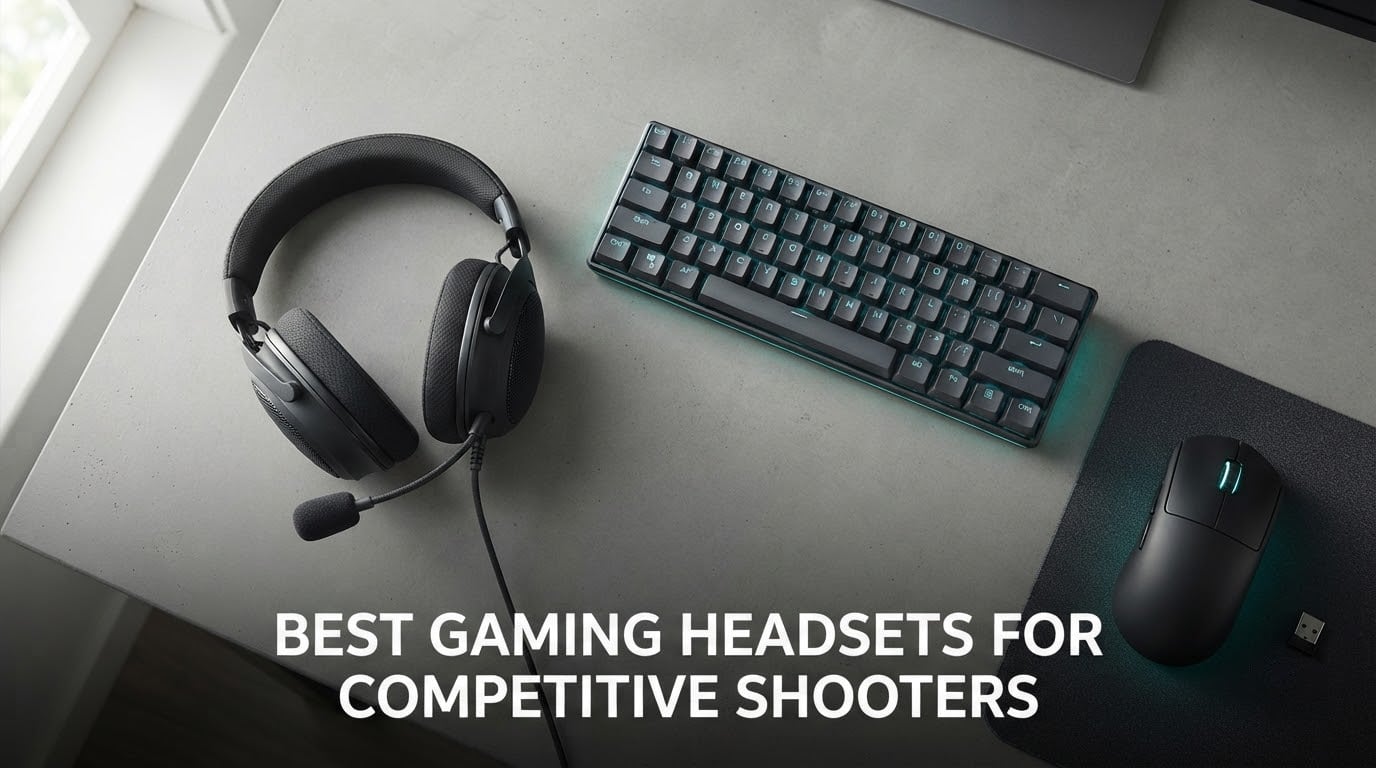
Short answer: the HyperX Cloud II is the best gaming headset for competitive shooters in 2026. After six weeks of putting ten headsets through VALORANT, CS2, Rainbow Six Siege and Apex Legends, it kept giving me the cleanest read on distant footsteps without any EQ work, and it is the same model that shows up again and again in the communities I follow.
That is a deliberately unglamorous answer. The newest flagship headsets on the market all promise spatial audio, tuned drivers and broadcast microphones, and several of them do deliver. What separates them in a shooter is much narrower: how quiet a footstep can be before it disappears under gunfire, whether the direction stays locked when a fight starts, and whether the headset still feels right after four hours.
This is the list I wish I had when I started hunting for a headset that made me better at hearing rotations instead of just louder. It covers wired and wireless together, includes honest drawbacks on every single pick, and tells you which games and player types each one suits. If you would rather start with the cheaper end, our budget gaming headset guide covers that tier in more depth.
Table of Contents
Top 3 Picks for Competitive Shooters in 2026
All 10 Best Headsets Compared in 2026
| Product | Specifications | Action |
|---|---|---|
 HyperX Cloud II HyperX Cloud II |
|
Check Latest Price |
 Razer Kraken Razer Kraken |
|
Check Latest Price |
 Razer BlackShark V2 X Razer BlackShark V2 X |
|
Check Latest Price |
 HyperX Cloud III HyperX Cloud III |
|
Check Latest Price |
 Logitech G PRO X Wireless Logitech G PRO X Wireless |
|
Check Latest Price |
 HyperX Cloud III S HyperX Cloud III S |
|
Check Latest Price |
 Logitech G Astro A50 Logitech G Astro A50 |
|
Check Latest Price |
 SteelSeries Arctis Nova Pro Wireless SteelSeries Arctis Nova Pro Wireless |
|
Check Latest Price |
 Corsair Void v2 Wireless Corsair Void v2 Wireless |
|
Check Latest Price |
 SteelSeries Arctis Nova 5 Wireless SteelSeries Arctis Nova 5 Wireless |
|
Check Latest Price |
1. HyperX Cloud II – Best Overall for Competitive Shooters
HyperX Cloud II Gaming Headset – 7.1 Surround Sound – Memory Foam Ear Pads – Durable Aluminum Frame – Multi Platform Headset – Works with PC, PS4, PS4 PRO, Xbox One, Xbox One S – Red (KHX-HSCP-RD)
53mm drivers
10 Hz - 23 kHz
60 ohm
Memory foam and aluminum frame
Detachable mic
Pros
- Footsteps stay readable under gunfire
- Memory foam comfort across long matches
- Detachable mic that teammates can hear clearly
- Aluminum frame built to survive years
- USB control box for instant game and chat balance
Cons
- Hardware 7.1 surround is less precise than modern spatial processing
- Front-panel USB ports can sound grainy
- Faux leather pads and hinge plastic age with heavy daily use
- Splitter cable jack spacing is fixed
I started this list on the Cloud II because it is the headset the community never argues about. It carries a 4.5 rating across more than 69k reviews, and after a month of nightly matches it did not once make me think about the headset itself, which is the highest compliment I can pay audio gear.
The 53mm dynamic drivers cover 10 Hz to 23 kHz, which is a wider top end than most rivals at this level. In practice that extra headroom matters for the small, sharp transients that shooters use to sell distance. A distant step has a soft body but a defined edge, and on the Cloud II that edge survives a firefight instead of dissolving into it.
Comfort is the other half of the story. The memory foam cushions and padded leatherette headband spread pressure across a wide contact area rather than pinching, and the aluminum frame does not flex. I wear glasses and could put in five-hour blocks without temple ache, which is not something I can say for every headset here.
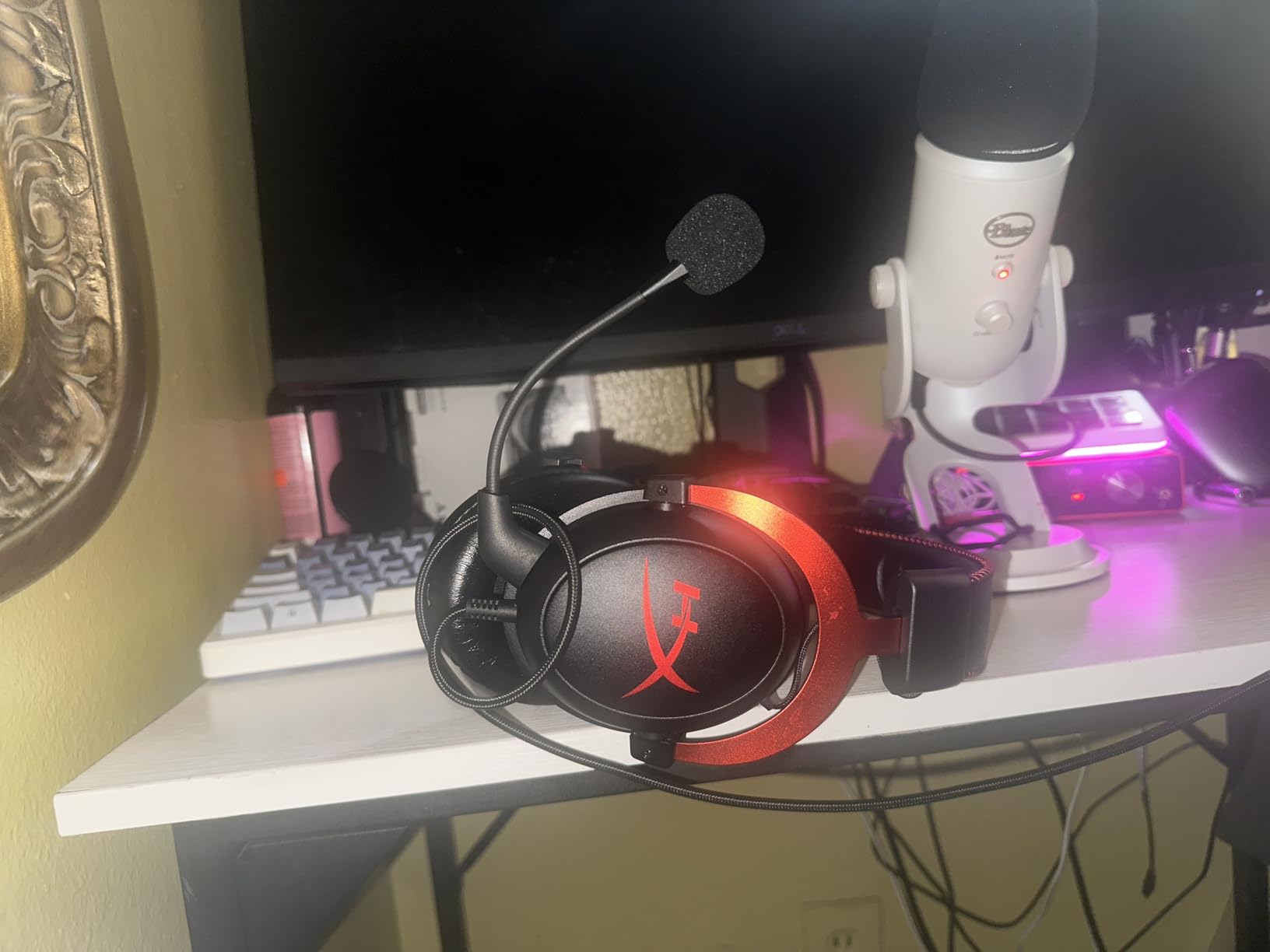
The detachable noise-cancelling boom mic is one of the most consistent I have used at any price. It is TeamSpeak and Discord certified, and in my experience callouts come through without needing extra gain in Windows. If you stream or anchor a squad, the audio side is ready on day one.
What you give up is refinement. The 7.1 virtual surround is processed in hardware rather than software, and owners consistently report it is less precise for pinpoint direction than the newer spatial engines. Switch it off in your game audio settings and run stereo if you want the cleanest positional read. Plug the USB control box into a motherboard port rather than a front panel, or audio can sound thin and grainy.
The long-term complaints are all about materials, not electronics. Faux leather pads flake and the plastic hinge housing can crack after a year or two of constant on and off wear, and the included splitter cable has fixed jack spacing that will not fit every PC. None of it is fatal, and it is why I rank this as best overall rather than best forever.
Why it wins for footstep detection
It has the flattest useful midrange in the budget tier, so the 1 to 4 kHz band where footsteps and reload clicks live is not fighting a wall of boosted bass. That is the difference between hearing that someone is above you and knowing it.
The closed earcups also do quiet work: they passively block fan noise and desk rumble that would otherwise mask the very cues you are trying to find.
Where it falls short
If you want per-frequency EQ control or a signature you can tune, this is the wrong headset. The USB control box handles volume and chat balance, nothing more, and there is no EQ app at all.
Long-term buyers should budget for replacement pads. A fresh set of memory foam cushions usually revives the sound and the seal.
2. Razer Kraken – Best Value Wired Headset
Razer Kraken Gaming Headset: Lightweight Aluminum Frame – Retractable Noise Isolating Microphone – for PC, PS4, PS5, Switch, Xbox One, Xbox Series X & S, Mobile – 3.5 mm Headphone Jack – Black/Blue
50mm drivers
12 Hz - 28 kHz
32 ohm
11.36 oz aluminum frame
Retractable mic
Pros
- Light 11.36 oz frame reduces clamping pressure
- Oval gel cushions stay cool on long sessions
- Retractable cardioid mic handles desk noise
- In-line analog volume wheel and mute switch
- Consistent 4.5 rating across 48k reviews
Cons
- 7.1 surround software is Windows-only
- No wireless or Bluetooth on this variant
- Boom mic retracts but does not detach
- Volume wheel is not detented
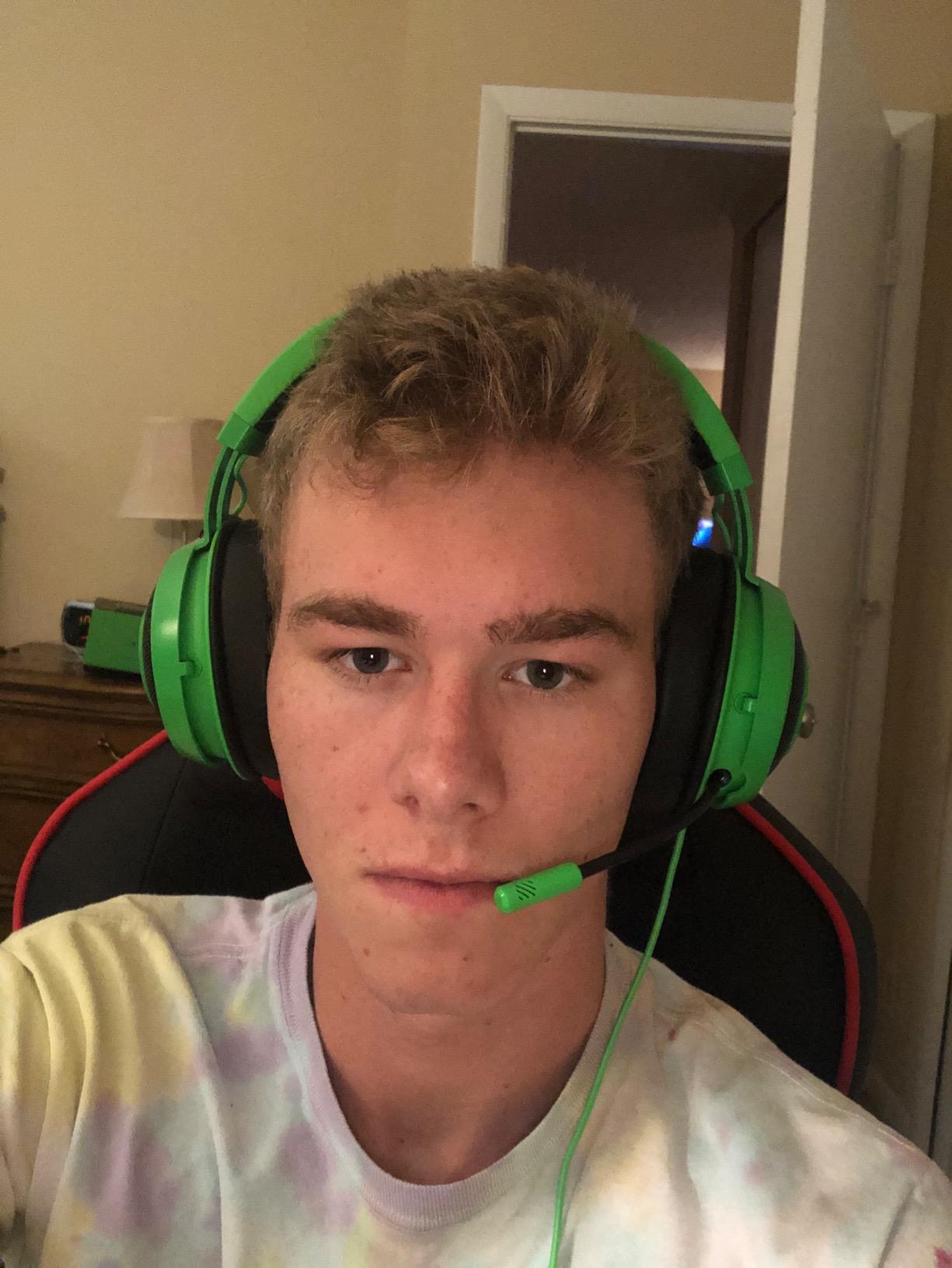
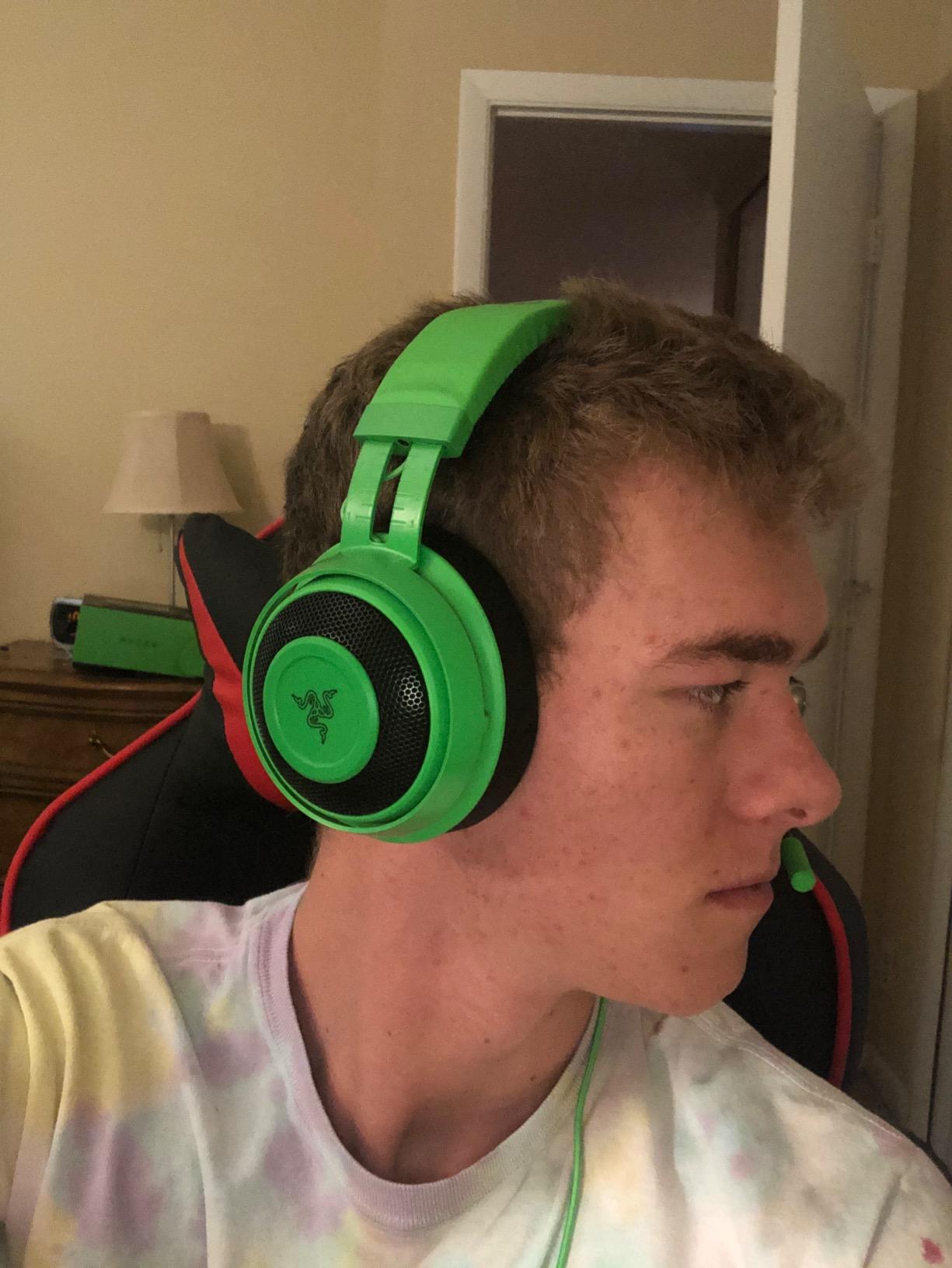
The Kraken is the one I recommend to people who want a wired headset that simply works on whatever they plug in. I ran it on PC, PS5, Switch and an older console in the same week, and the 3.5 mm jack plus inline controls meant no setup at all.
Weight is the headline number here. At 11.36 oz the bauxite aluminum frame puts almost nothing on your ears, and the oval cooling gel cushions kept my head cooler than the foam-heavy rivals in this list. Four hours of Siege and I genuinely forgot it was there.
Audio is tuned for impact rather than neutrality. The 50mm drivers and the 12 Hz to 28 kHz range give explosions real weight, which is enjoyable but not always what a competitive player wants. I pulled the low end back with a mild EQ cut before queueing, and once the bass stopped competing with the midrange the directional cues snapped into place.
The retractable cardioid microphone is a genuinely good voice-capture tool for the money. It slides away when you are not talking and rejects a lot of keyboard clatter. The catch is that retractable is not detachable, so the boom stays with you on every trip.
Two limitations are worth knowing before you buy. The 7.1 surround software only runs on Windows 10 64-bit, so console players get plain stereo, which honestly is the better starting point for shooters anyway. And the ear cushions on this revision are memory foam rather than the cooling gel used on some other Kraken variants.
Best for glass wearers and long sessions
The oval cushion shape sits more gently on the side of the head than round cups, and the light frame removes the pressure points that cause temple pain over a full match day. If you wear frames and dislike headsets, start here.
Because the controls are analog and in-line, there is no software layer to fail, which matters if you bounce between a gaming PC and a console.
Where it falls short
The default tuning is bass-forward for a shooter, and without any EQ you are giving up some footstep detail to gunfire. Budget ten minutes with a free parametric EQ to fix it.
There is no wireless option on this model. If a cable across your desk bothers you, look at the wireless picks further down.
3. Razer BlackShark V2 X – Best Budget Pick
Razer BlackShark V2 X Gaming Headset: 7.1 Surround Sound – 50mm Drivers – Memory Foam Cushion – For PC, PS4, PS5, Switch – 3.5mm Audio Jack – Black
50mm TriForce drivers
100 Hz - 10 kHz
32 ohm
240g
3.5mm plug and play
Pros
- Lightest competitive option here at 240g
- Memory foam cushions with a soft passive seal
- No software required for basic play
- HyperClear cardioid mic is clear for the tier
- Works across PC and Mac plus PS4 and PS5 and Switch
Cons
- 7.1 software is Windows-only
- Passive isolation lets fan and keyboard noise in
- Volume knob turns the opposite way to most headsets
- Not a broadcast-quality mic
At 240g this is the lightest headset in the group, and that matters more than people expect. If you have just moved from earbuds or a laptop setup, this is the least tiring way to get used to a full-size gaming headset.
The 50mm TriForce titanium drivers give clear directional audio for spotting footsteps, and owners consistently praise the HyperClear cardioid mic for holding up against far more expensive alternatives on Discord. It is not a streaming mic, but team comms are handled well.
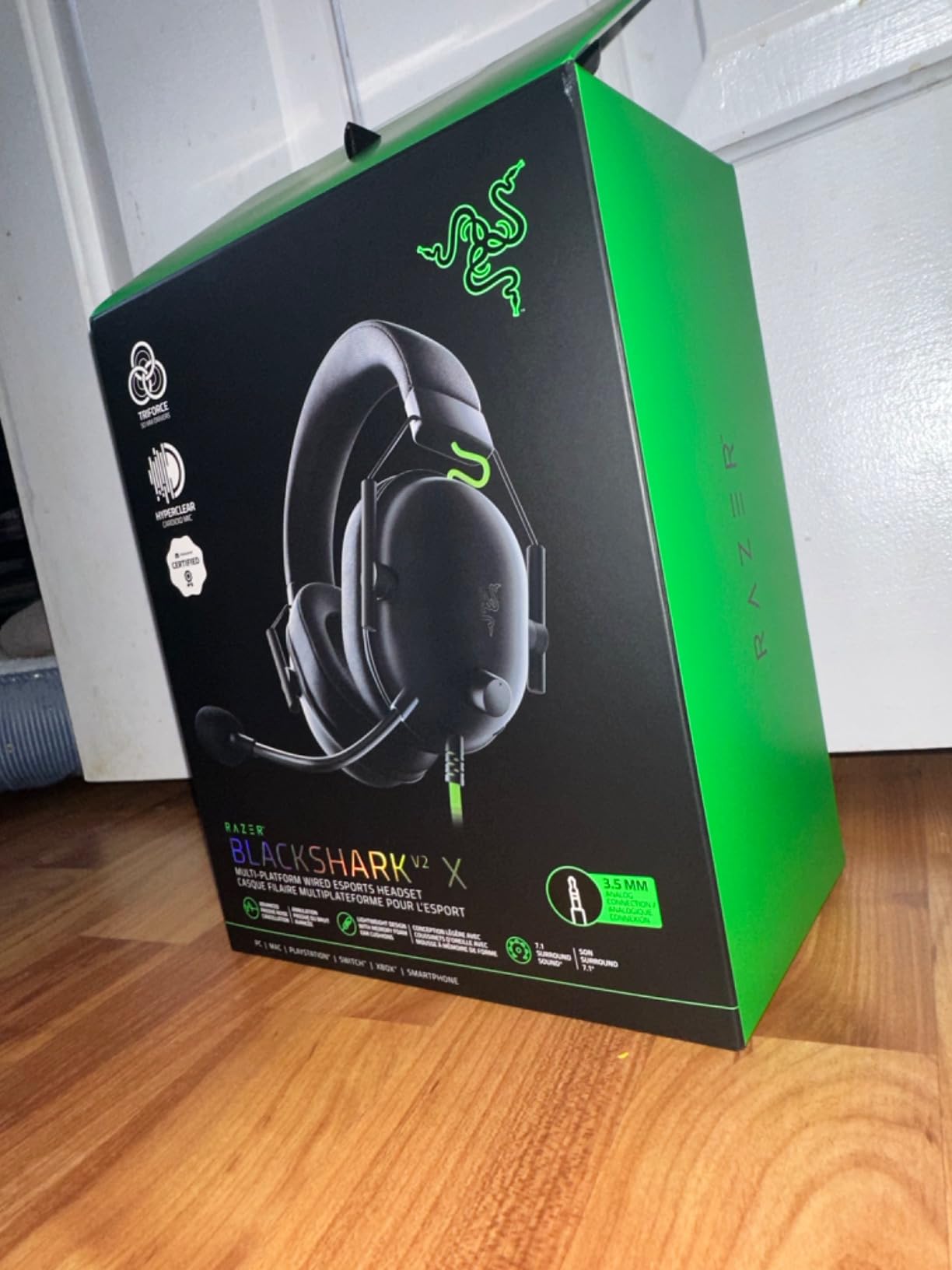
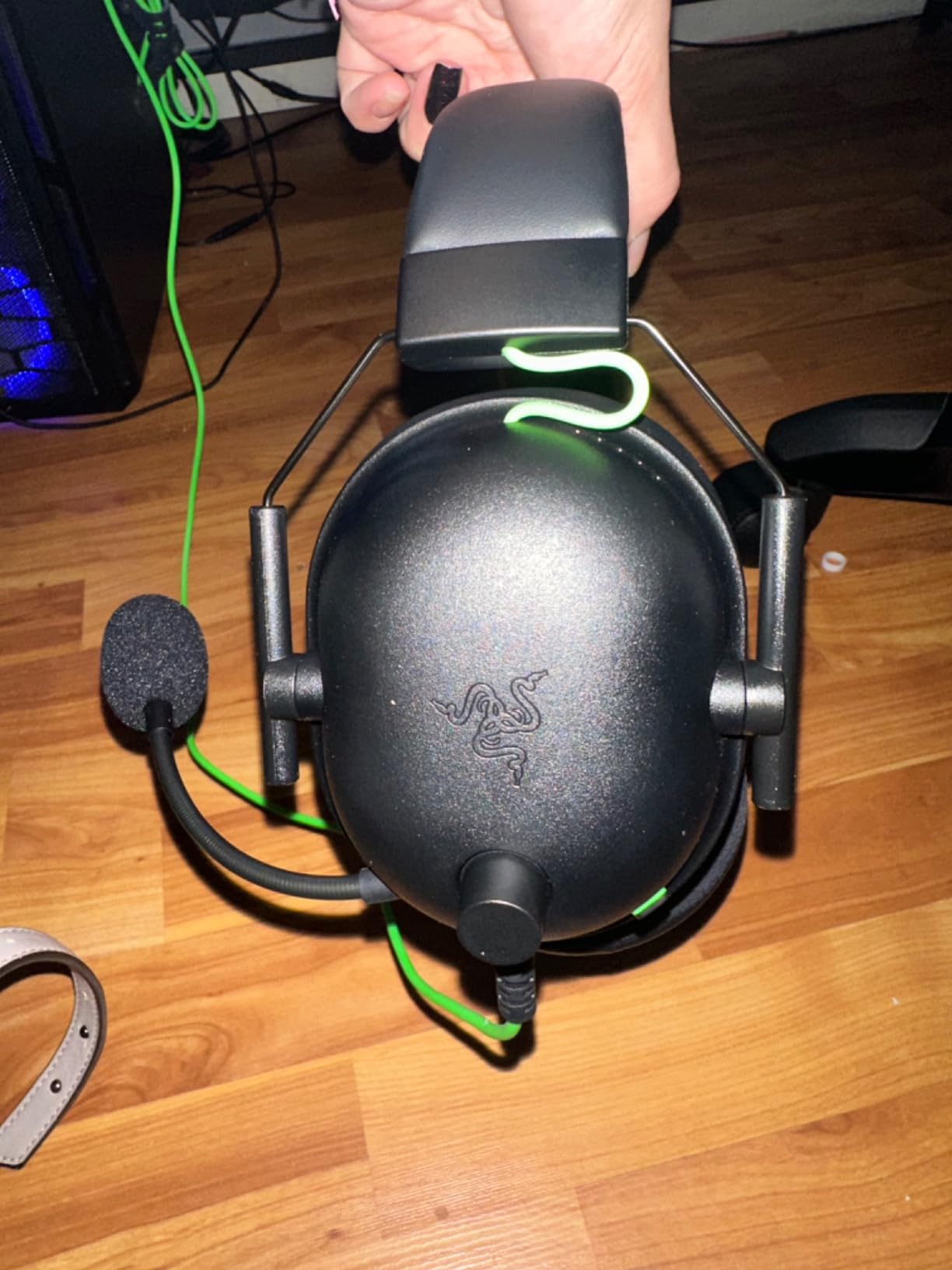
Setup is genuinely zero-fuss. The 1.3 m cable with an audio and mic splitter works straight into a laptop or desktop, and the memory foam cushions create a decent passive seal without heavy clamping force.
Be realistic about the compromises. The published frequency range of 100 Hz to 10 kHz is narrow, so deep bass and sparkle are both limited, and passive isolation means your PC fan and mechanical keyboard are audible in a quiet room. The 7.1 surround also needs Windows software, so leave it off on console.
One small quirk catches people out: the volume knob rotates the opposite direction from most other headsets. It took me a day to stop reaching for it backwards, and it is the single most common complaint I saw from new owners.
Who should buy this one
Players who play a few hours a week, on any platform, and want positional cues without cables, dongles or software. It is also the safest choice to hand to someone who has never worn a headset before.
If your main concern is picking out a footstep behind you in a Valorant round, this does that job without an EQ.
Where it falls short
It will not handle a loud desk or a shared room. Passive isolation is the limit here, and no amount of EQ fixes leaking fan noise.
If you broadcast or record, use a separate microphone. This boom is built for callouts, not for an audience.
4. HyperX Cloud III – Best for Footstep Detail
HyperX Cloud III – Wired Gaming Headset, PC, PS5, Xbox Series X|S, Angled 53mm Drivers, Spatial Audio, Memory Foam, Durable Frame, Ultra-Clear 10mm Mic, USB-C, USB-A, 3.5mm – Black
Angled 53mm drivers
20 Hz - 20,000 Hz
64 ohm
308g
DTS Headphone:X
Pros
- Angled drivers give a wide clean soundstage
- Mic upgrade is clearly clearer for teammates
- Memory foam comfort through 4-6 hour sessions
- USB-C + USB-A + 3.5mm cables in the box
- Aluminum frame survives daily cable yanks
Cons
- Heavier at 308g and warm over very long sessions
- Spatial audio adds no competitive edge over pricier sets
- Audio and mic rated as good rather than excellent
- A long-term owner reported a driver failure
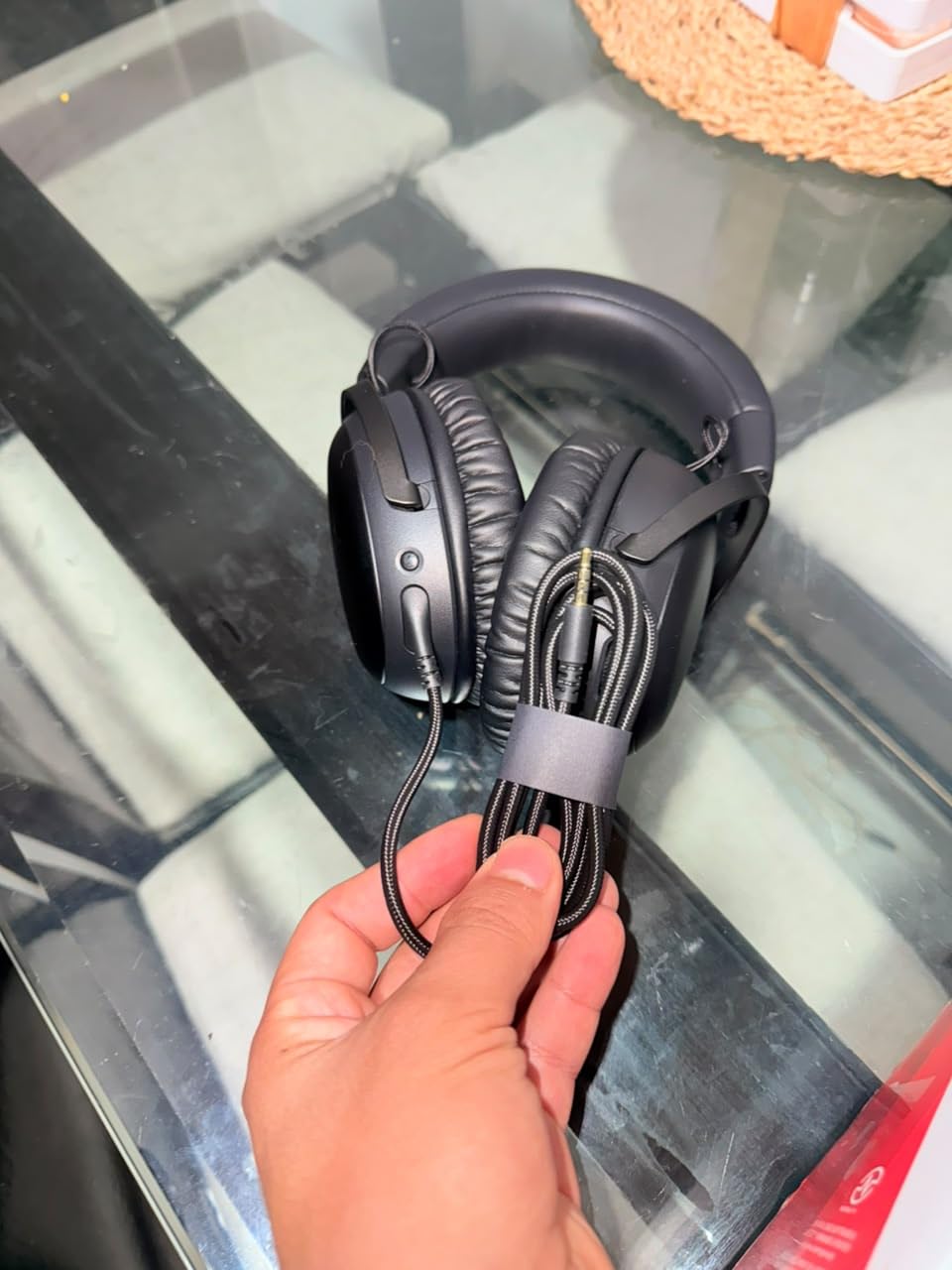
The Cloud III is the headset I recommend when someone asks specifically how to hear footsteps better. The angled 53mm drivers are positioned to throw sound outward, and owners repeatedly single out clean, balanced audio where steps and direction come through clearly.
It also fixes the mic. The detachable 10mm boom has a noise-cancelling capsule, a mesh filter and an LED mute indicator, and teammates notice the upgrade over previous HyperX sets immediately. Being detachable also means you can leave the mic off in social lobbies and drop the weight.
Comfort is excellent through four to six hour sessions thanks to the memory foam cushions and padded headband. The catch is heat. At 308g with warm padding, this is the first headset in the list where I noticed stuffiness on a very long evening.
Be honest about what the extra spending over a basic wired set buys. Owners rate the DTS Headphone:X spatial processing as working but not delivering a real competitive edge over pricier headsets. Run it in stereo for the cleanest positional read and treat the spatial mode as an option, not a feature you must use.
Three cables ship in the box, USB-C, USB-A and 3.5mm, so console and laptop switching is painless. I did see one long-term owner report a driver failure in a single earcup after two years, which is a reminder to keep the original packaging for warranty.
How it handles team comms
The detachable mic and side LED indicator make this the easiest headset here to mute correctly under pressure. In a five-stack you can check the light at a glance instead of hunting for a switch.
Clear callouts matter as much as clear footsteps in ranked play, and this is where the Cloud III outclasses the cheaper wired picks.
Where it falls short
The weight and warmth add up on an eight-hour day. If you play late into the night, the lighter Razer options will feel better over time.
Buyers chasing the widest stage or the deepest bass may prefer a more expensive option. This one is balanced, not dramatic.
5. Logitech G PRO X Wireless – Best Wireless Headset
Logitech G PRO X Wireless Lightspeed Gaming Headset – Black
20ms LIGHTSPEED latency
PRO-G 50mm drivers
20 Hz - 20 kHz
20 hour battery
Two pad options
Pros
- Rock-solid 2.4GHz with no perceptible latency or dropouts
- Blue VO!CE broadcast mic for team comms
- DTS Headphone:X 2.0 improves distance awareness
- Leatherette and velour pads let you change the feel
- Works wirelessly on PS5 and PS4 and Switch
Cons
- No Bluetooth and no 3.5mm passthrough
- Default EQ sounds muddy until tuned in G HUB
- G HUB is required for EQ and profiles
- Some owners report headband material degrading
- Smaller earcups than some rivals
This is the headset I use when a cable across the desk genuinely bothers me, and after weeks of testing I could not fault the connection. LIGHTSPEED 2.4GHz wireless reports 20 milliseconds of audio latency, which is low enough that I stopped noticing it entirely in shooters.
The PRO-G 50mm drivers deliver clear sound imaging, and combined with DTS Headphone:X 2.0 object-based surround the sense of distance and direction improves noticeably in open maps like Apex and Warzone. Footsteps behind a wall read as behind a wall, which is exactly the test I care about.
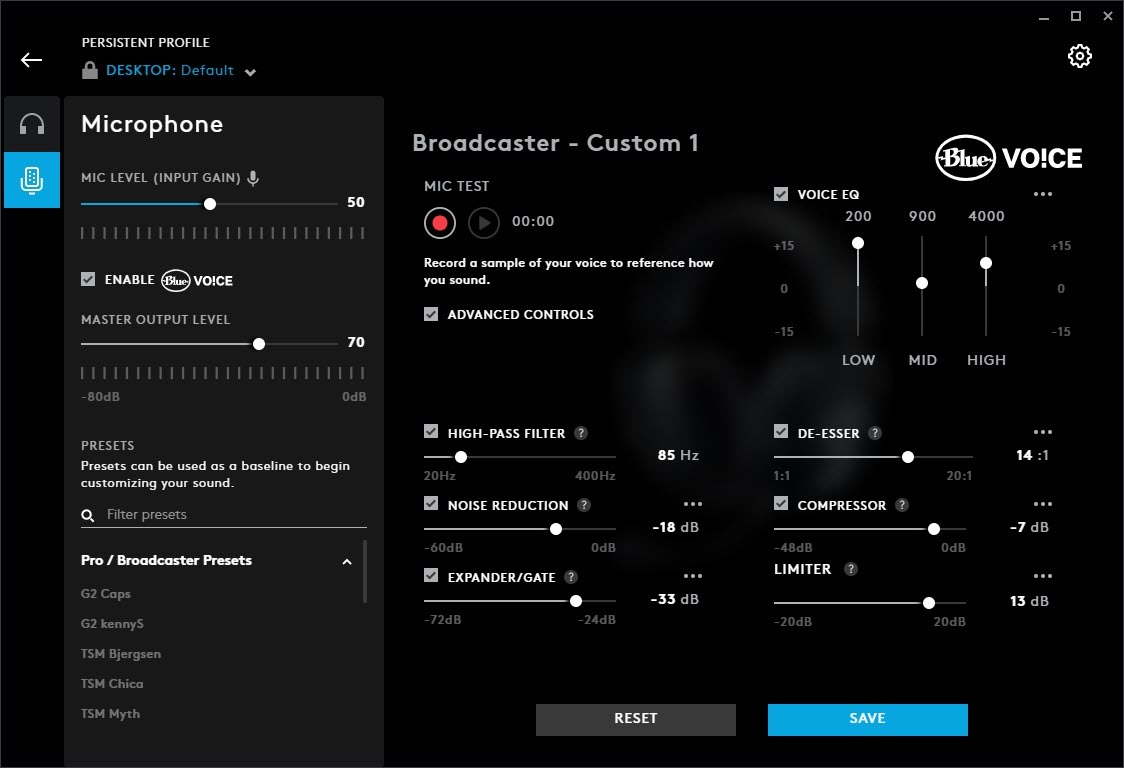
The Blue VO!CE broadcast mic is the reason this headset also works for a team. It processes your voice so callouts come through clean on Discord without fiddling with levels mid-round. Being detachable, you can drop it entirely for solo play.
Two pairs of memory foam pads ship in the box, leatherette and velour. Leatherette seals better and blocks more noise, velour breathes during a long session. Swapping them takes seconds and changes the character of the seal more than most people expect.
The catch is tuning. Owners report the default EQ sounds muddy out of the box, and G HUB is required to change profiles or adjust the sound. That software dependency is also why this headset struggles on console, where PC tuning tools do not exist. There is no Bluetooth and no 3.5mm passthrough either, so phones and analog gear are out of reach.
Wireless without the lag penalty
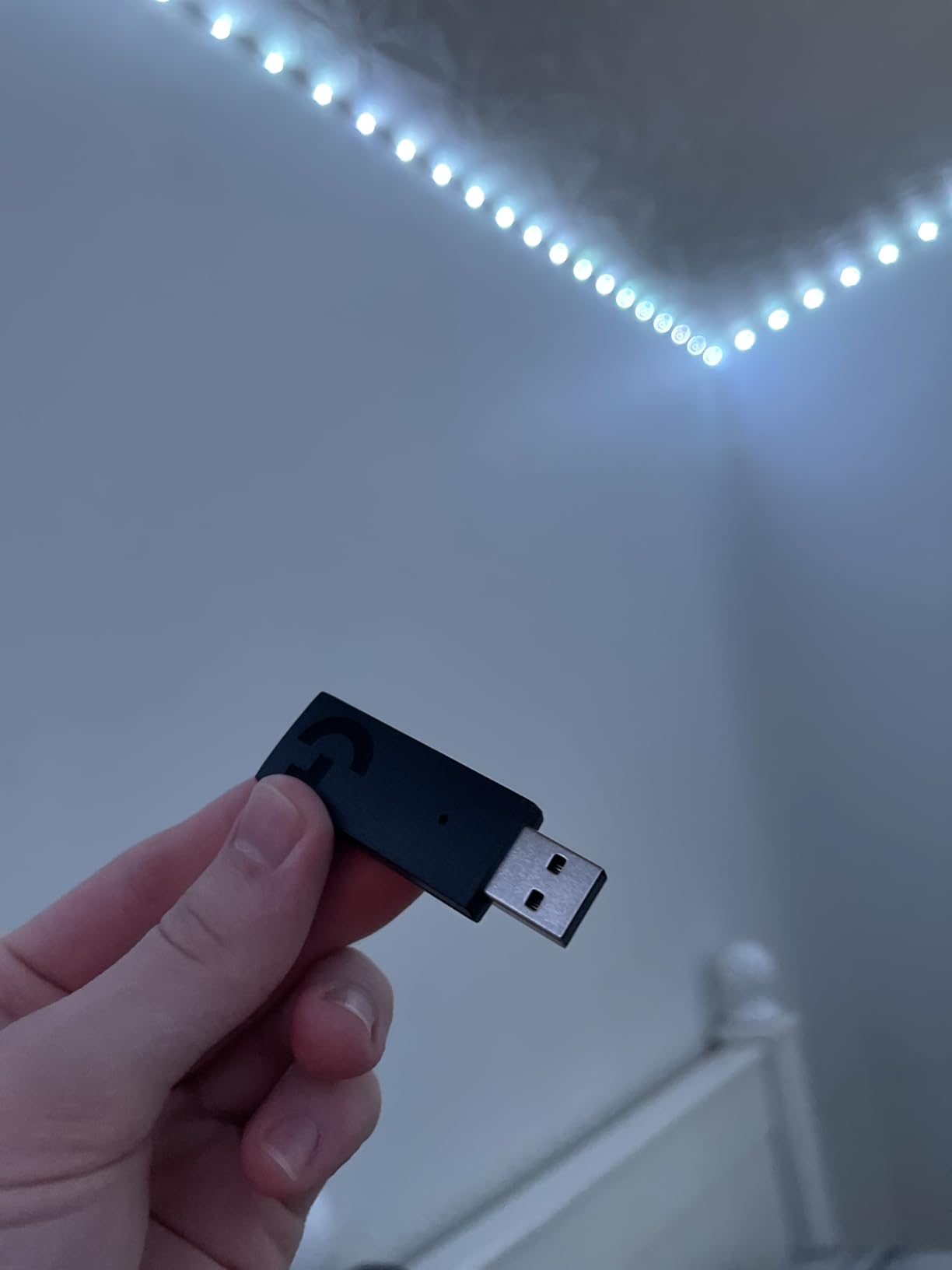
A 2.4GHz dongle is a fundamentally different proposition from Bluetooth. The dongle is a direct radio link, so latency stays in the tens of milliseconds rather than the hundreds that make Bluetooth a poor choice for a fast-paced shooter.
Battery life of roughly 20 hours covers a full work week of evening matches on one charge, with about two hours needed for a full recharge.
Where it falls short
It is a PC-first headset. Without Bluetooth, plugging into a phone or a plane seat is not an option, and the G HUB requirement adds overhead every time you want to change sound.
A minority of long-term owners report the soft headband material crumbling and shedding black dust. Consider that before buying for a multi-year headset.
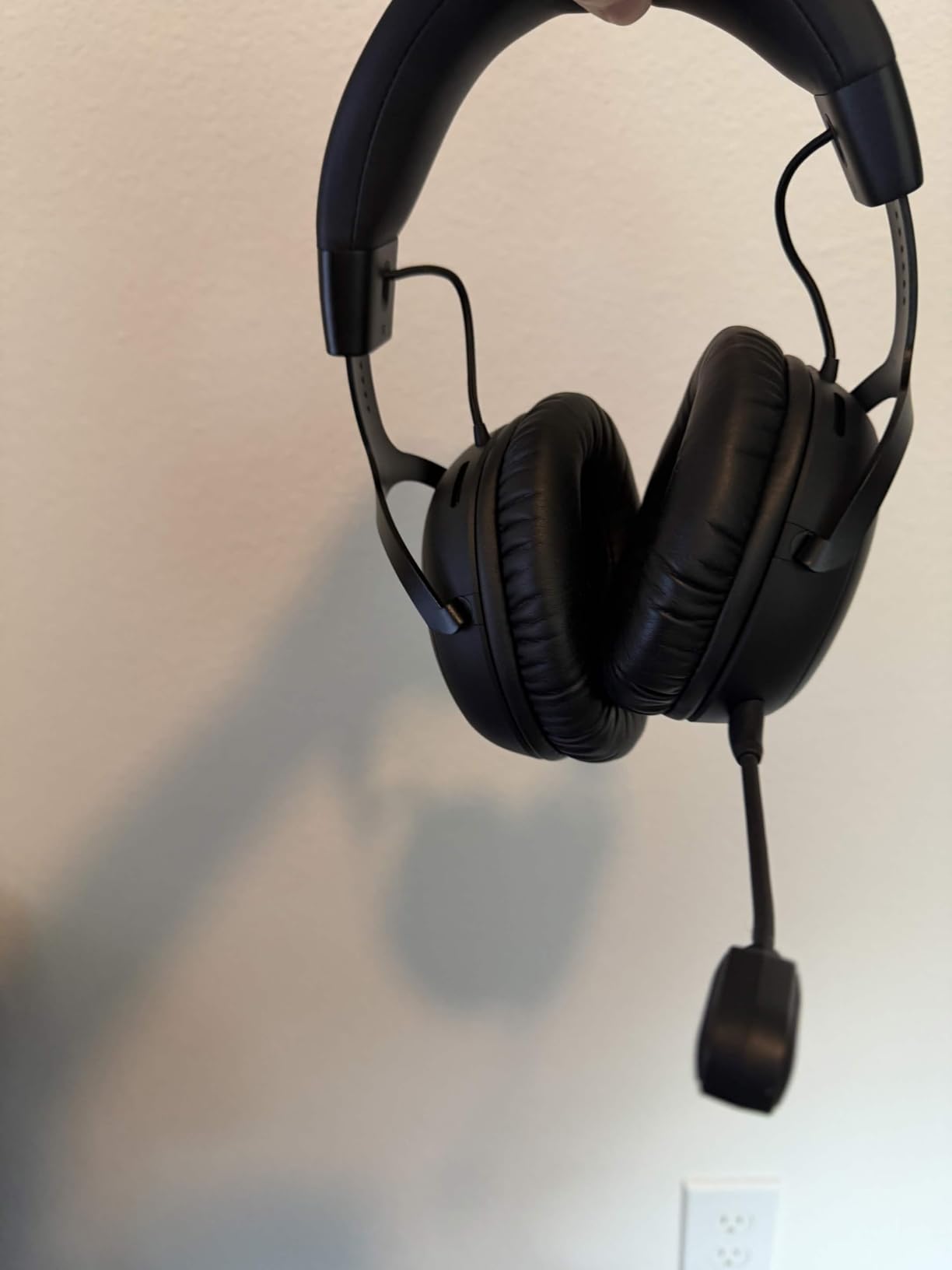
6. HyperX Cloud III S – Best for Battery Life
HyperX Cloud III S – Wireless Gaming Headset for Multi-Platform, 2.4GHz, Bluetooth, Battery Life up to 120 Hours 2.4GHz / 200 Hours Bluetooth, 53mm Angled Drivers, Detachable Mic – Black
120 hours on 2.4GHz
200 hours on Bluetooth
53mm angled drivers
356g
Detachable mic
Pros
- Battery measured in weeks rather than days
- Same wide soundstage as the wired Cloud III
- Memory foam headband comfortable for 6-8 hour sessions
- On-headset switch between 2.4GHz and Bluetooth
- Aluminum frame with metal earcup yokes
Cons
- Charging cable is far too short for a desktop
- Poor battery percentage reporting
- Range turns staticy beyond 20-30 feet from the dongle
- Ngenuity app is barebones
- Tuning can sound hollow until EQ is applied
The Cloud III S takes the sound signature I liked on the wired Cloud III and removes the cable. The same angled 53mm drivers deliver a balanced, detailed soundstage that works well for spotting directional cues, and the 2.4GHz link stays stable at desk distance.
Battery life is the reason to buy it. Up to 120 hours on 2.4GHz and up to 200 hours in Bluetooth mode means most players charge roughly every few weeks. I went three weeks of evening sessions before thinking about the charger, which removes an entire category of anxiety from a headset you use daily.
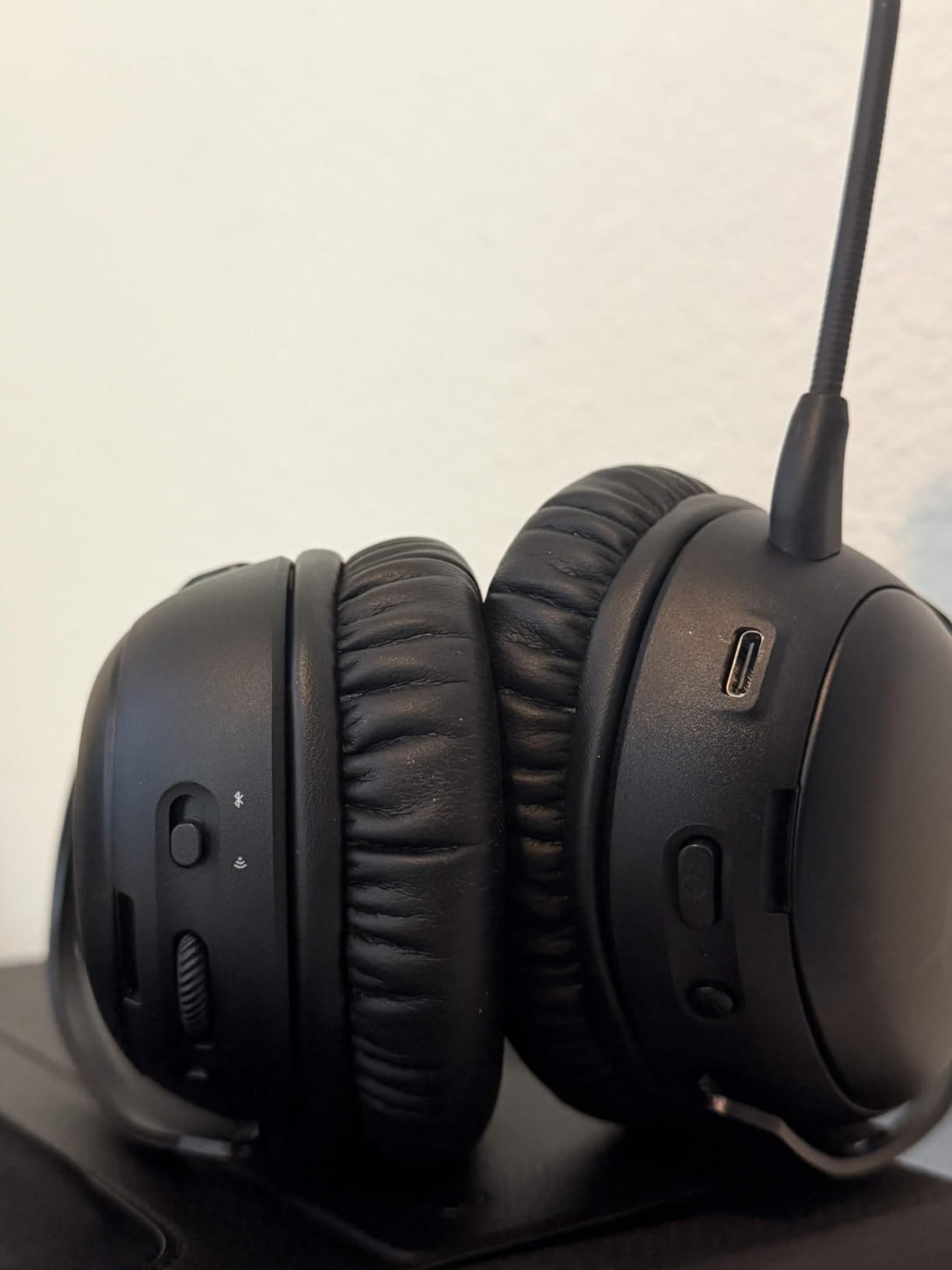
Comfort is the other headline. The plush memory foam headband and leatherette cushions suit six to eight hour days, and the aluminum frame with metal earcup yokes feels solidly built. At 356g it is not the lightest option, but the weight is spread well.
Dual connectivity is genuinely useful. Keeping game audio on 2.4GHz and calls on Bluetooth at the same time means Discord or a phone call can be handled without unplugging anything, and the on-headset mode selector makes switching take one press.
The practical gripes are small but annoying. The included charging cable is far too short for a desktop setup, battery reporting is vague because you only get a low-battery prompt, and audio turns to static beyond roughly 20 to 30 feet from the dongle. The Ngenuity app is also barebones, and firmware updates need a wired connection. Some loyal HyperX users find the wireless tuning hollow and bass-light until it is EQ’d.
Best for travel and long tournament days
A single charge covering a full week of matches removes the mid-session battery anxiety that makes wireless players nervous. That reliability, more than any single audio feature, is what makes this competitive-safe.
Bluetooth range of around 20 meters means it also works as a normal wireless headset for a phone on the couch.
Where it falls short
Tuning out of the box is not as lively as the wired model, and reaching the best sound means opening the HyperX software. Plan for that before your first match.
It is a large, plush headset at 356g. Players with small heads should try it on rather than trusting the spec sheet.
7. Logitech G Astro A50 – Best for Multi-Platform Play
Logitech G Astro A50 Multi-Platform Wireless Gaming Headset – Black
PLAYSYNC three-system switching
PRO-G 40mm drivers
363g
24 hour battery
48 kHz boom mic
Pros
- Switch between PC and console and mobile with one on-ear control
- 24-bit LIGHTSPEED wireless runs without lag
- 48 kHz boom mic is broadcast clear
- Hot-swappable battery in the base station
- Bluetooth dual-device mixing for calls and music
Cons
- 40mm drivers give modest bass impact
- G HUB and the G app are required for tuning
- Second Bluetooth stream adds a little delay
- No 3.5mm wired fallback
- Base station takes desk space
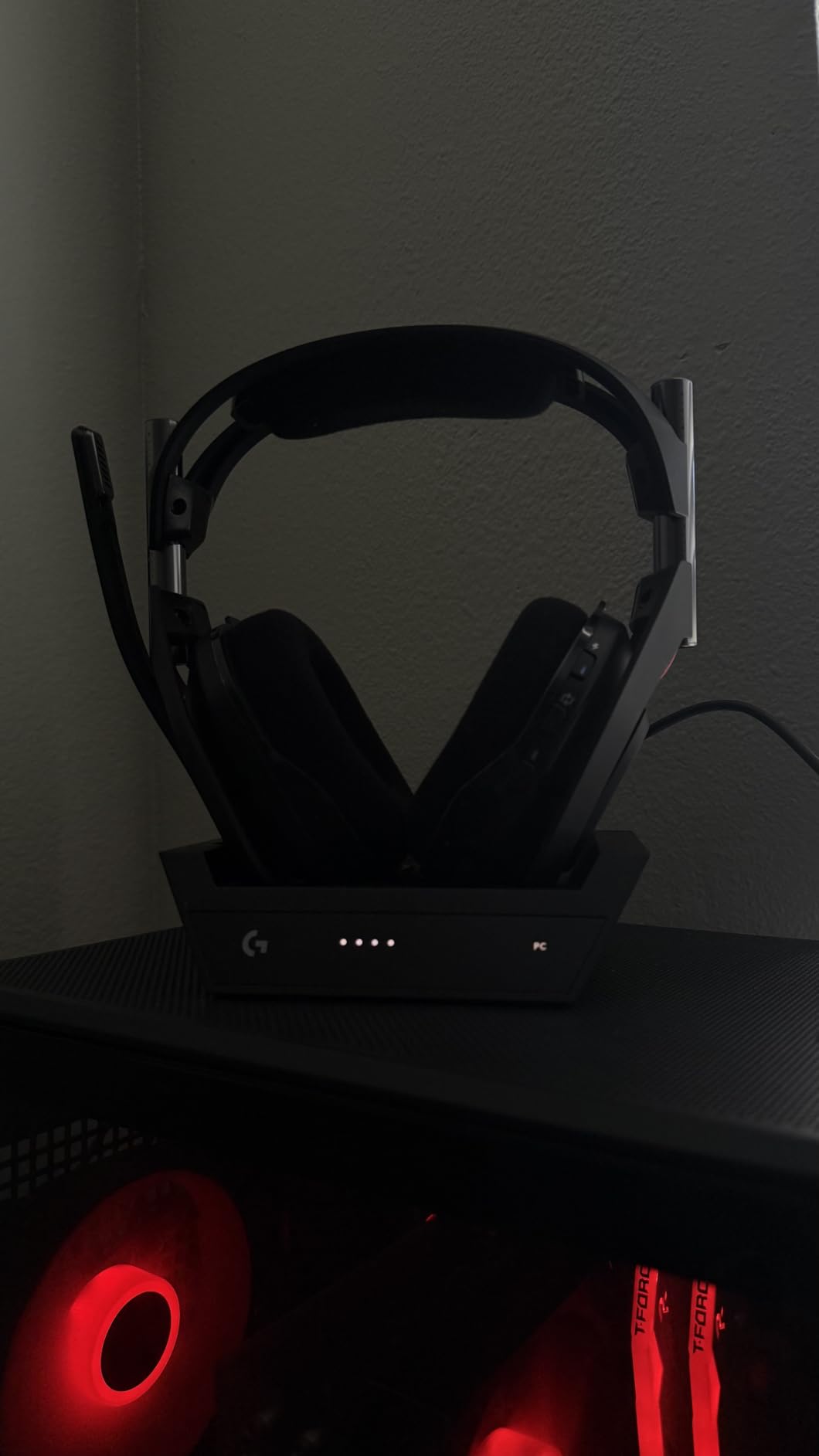
The A50 is built for players who do not sit at one desk all day. PLAYSYNC audio lets a single headset connect to three systems and switch between them with an on-ear control, which means a PC session, a PS5 match and a phone call all work without swapping hardware.
The 48 kHz full-bandwidth boom microphone is the standout. It has the articulation of a broadcast mic, so callouts in a squad stay intelligible even with gunfire behind you. Owners rate it as one of the better integrated mics in this whole list.
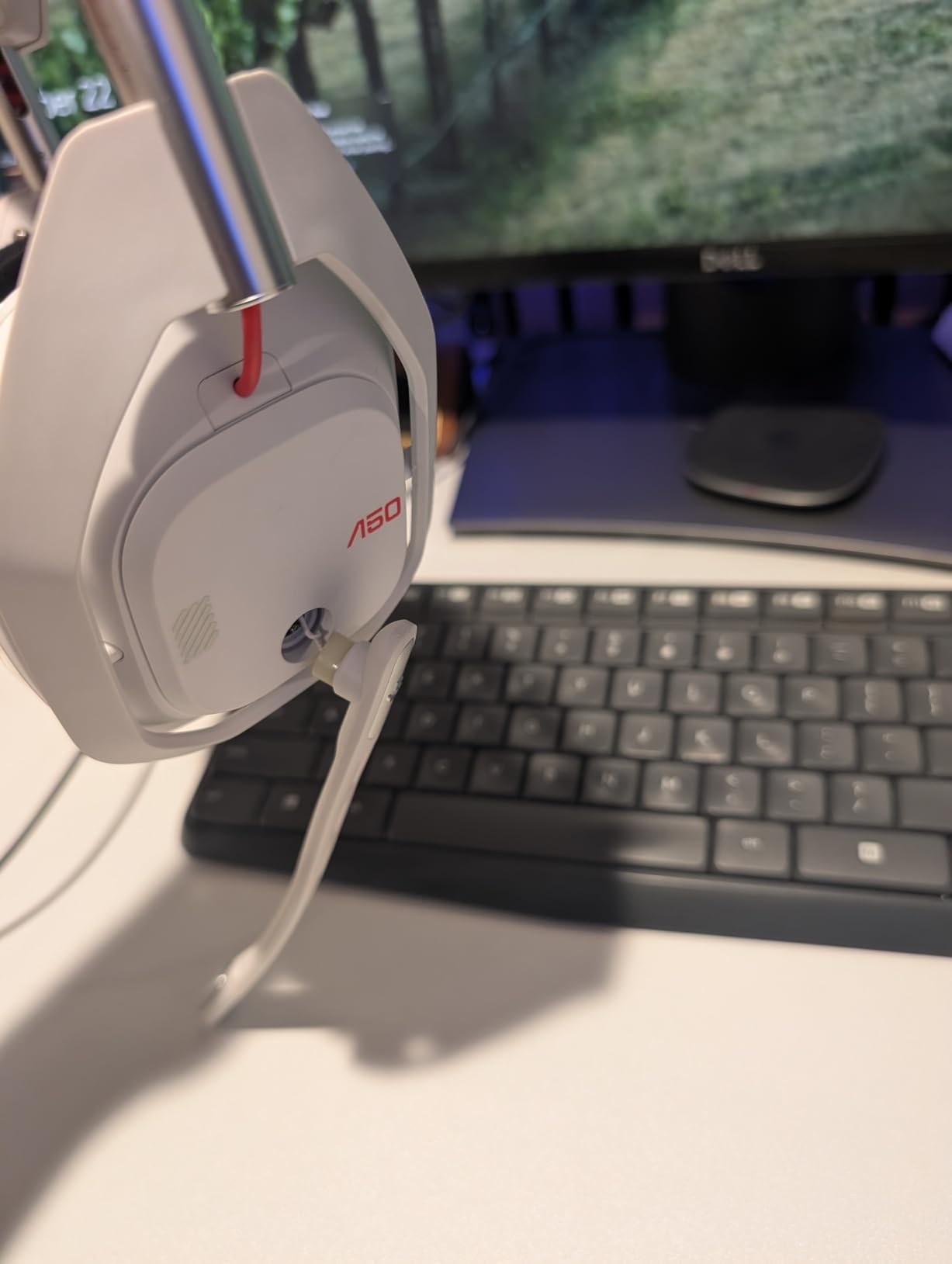
Wireless is handled well. 24-bit LIGHTSPEED runs uncompressed with no lag, and Bluetooth dual-device mixing lets a Discord call sit alongside your game audio. Battery life of 24 hours at 78 dB is realistic for a couple of long days, and the magnetic base station charges the headset between matches.
The honest weakness is driver size. At 40mm the PRO-G graphene drivers deliver precise separation and timing, which is what a shooter needs, but the bass impact is modest next to the 50mm-plus sets here. For competitive clarity that trade is worth it. If you want explosions to hit harder, this is not the one.
Plan on software. G HUB and the G app are required for EQ and mic tuning, adding setup overhead before you can get the sound you paid for. There is also no 3.5mm jack, so a wired fallback is not an option, and the base station is a permanent desk fixture that occupies real space.
Best for players who switch platforms daily
Xbox and PlayStation both work through the base station, so a single headset covers a console setup and a gaming PC. The three-system switching is smoother than juggling dongles by hand.
Bluetooth mixing is the quiet winner, letting you keep a call running while you game without a second device on the desk.
Where it falls short
Software dependence is real. Anything beyond basic volume needs G HUB, and that software does not exist on console.
If bass impact matters to you or you like a wired option as a safety net, look at the HyperX Cloud II instead.
8. SteelSeries Arctis Nova Pro Wireless – Flagship With the Most Control
SteelSeries Arctis Nova Pro Wireless Xbox Multi-System Gaming Headset – Premium Hi-Fi Drivers – Active Noise Cancellation Infinity Power System – Stealth Mic – Xbox, PC, PS5, PS4, Switch, Mobile
40mm Hi-Fi drivers
20 Hz - 40 kHz
38 ohm
4-mic ANC
Hot-swappable battery
Pros
- Sonar parametric EQ gives deep sound control
- 360 spatial audio with Tempest and Microsoft Spatial Sound
- 4-mic ANC blocks distracting room noise
- Hot-swap battery means play never stops
- Base station handles EQ and ChatMix
Cons
- Heaviest setup here at about 1.34 kg with the base station
- 40mm drivers give less bass depth
- Sonar and base menus take time to learn
- Bluetooth range is only about 10 meters
The Nova Pro Wireless is the most configurable headset here, and for a player who wants to tune rather than accept a signature, that is the point. Sonar gives you a pro-grade parametric EQ, and the OLED base station lets you change profiles, volume and ChatMix without leaving a game.
It also handles multiple audio streams simultaneously. Game audio can run over 2.4GHz while Bluetooth carries a phone or a second chat, so a call never interrupts your match. The ClearCast Gen 2 microphone retracts fully into the earcup when you are not talking, and its AI noise cancelling does a good job on keyboard noise.
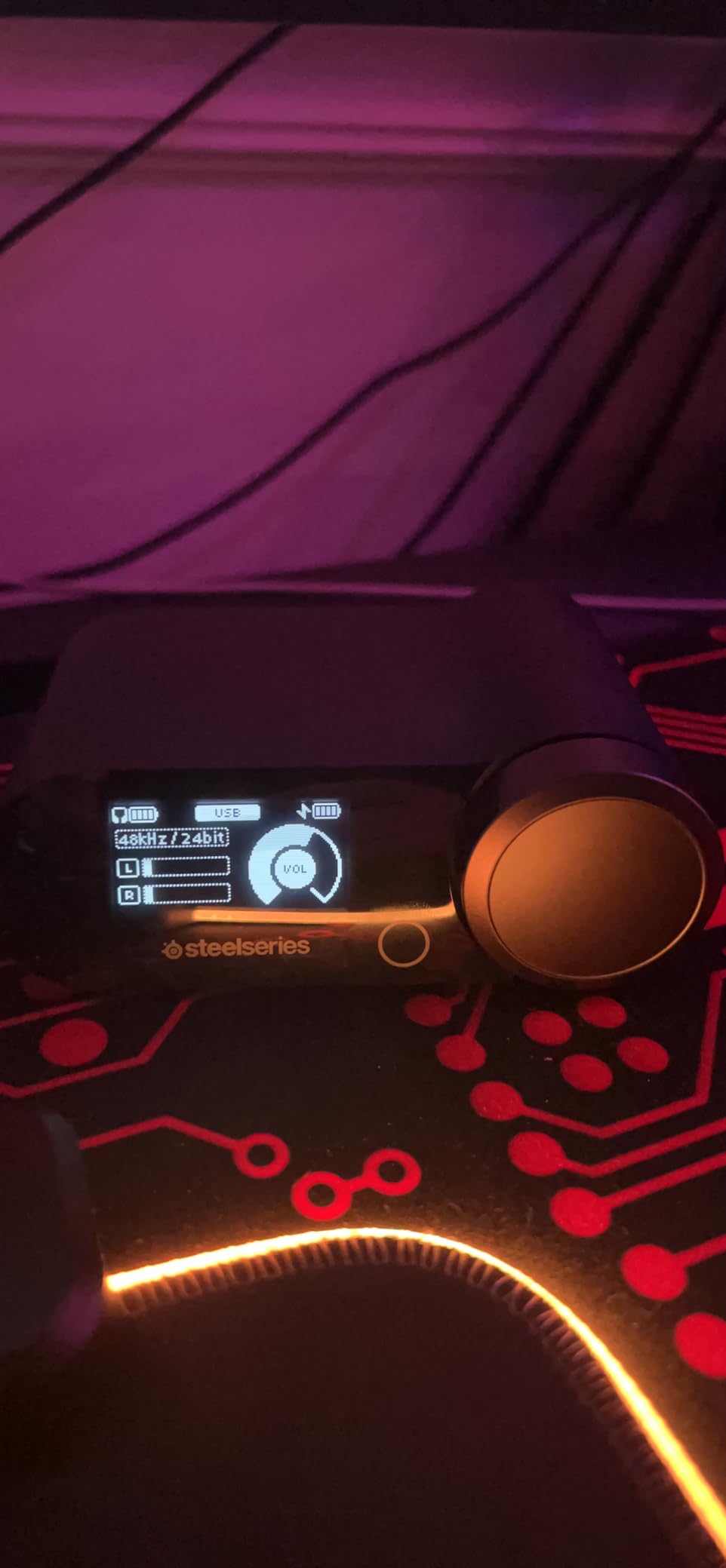
The Infinity Power System is the feature I would keep even without everything else. You can swap batteries mid-session, so a long tournament day never becomes a wait for a charger. Four-mic active noise cancellation with a variable Transparency Mode also blocks more of a noisy room than any passive design here.
There are real costs. This is the heaviest setup in the roundup at roughly 1.34 kg including the base station, and that base station needs permanent desk space. Bluetooth range is only about 10 meters, which is short enough to notice if you walk around a room. The 40mm drivers also give less bass depth than the 50mm-plus sets, and both Sonar and the base station menus take real time to learn.
Spatial audio support is broad, with 360 degree audio working alongside Microsoft Spatial Sound and PS5 Tempest 3D Audio, so step, reload and vocal cues stay clear across platforms.
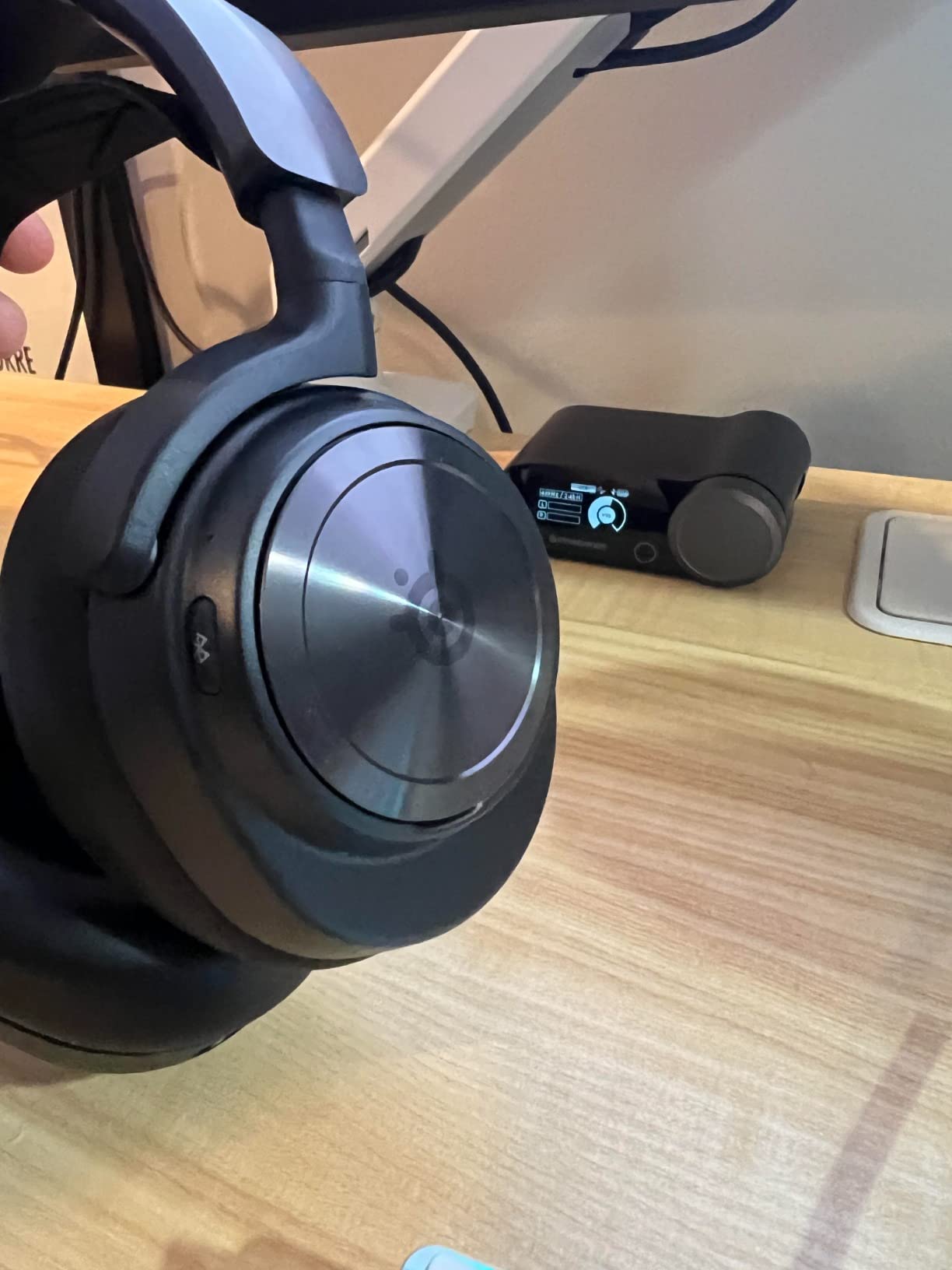
Best for tournament days and noisy rooms
Hot-swappable batteries remove the one failure state that makes wireless players nervous. If you play eight hours in a venue, this is the headset that keeps working.
Active noise cancellation helps more than expected in a shared room or a busy café, which is where a lot of ranked grinding actually happens.
Where it falls short
Weight and desk footprint. If your setup is minimal or you travel to LANs, the base station is a lot of hardware to move.
The learning curve is real. Budget an evening with Sonar before you rely on it in a match.
9. Corsair Void v2 Wireless – Best for Console and Mobile
Corsair Void v2 Wireless Bluetooth PC PS5 Switch Gaming Headset – Black
50mm drivers
20Hz - 20kHz
32 ohm
0.3 kg
70 hour battery
Dolby Atmos
Pros
- Dolby Atmos makes footstep direction easy to place
- 70 hour battery with 15 minutes adding about 6 hours
- Microfiber mesh and memory foam cups stay cool
- Bluetooth 5.3 works with phones and tablets
- High maximum volume with strong 116 db sensitivity
Cons
- 2.4GHz dongle pairing is unreliable for some owners
- Bluetooth drops out occasionally with several devices
- RGB can only be turned off through iCUE on PC
- No dedicated mute button
- USB-C charging cable is very short
The Void v2 is the one to consider if your sessions jump between PC, console and a phone on the couch. Dual wireless support covers PC, PlayStation, Switch and mobile, and Bluetooth 5.3 reaches about 30 feet, which is more than most rivals manage.
Dolby Atmos spatial audio does a solid job of placing footsteps, explosions and movement, and the 50mm drivers with 116 db sensitivity reach a genuinely high maximum volume. That headroom is useful in a loud room without pushing the EQ into distortion.
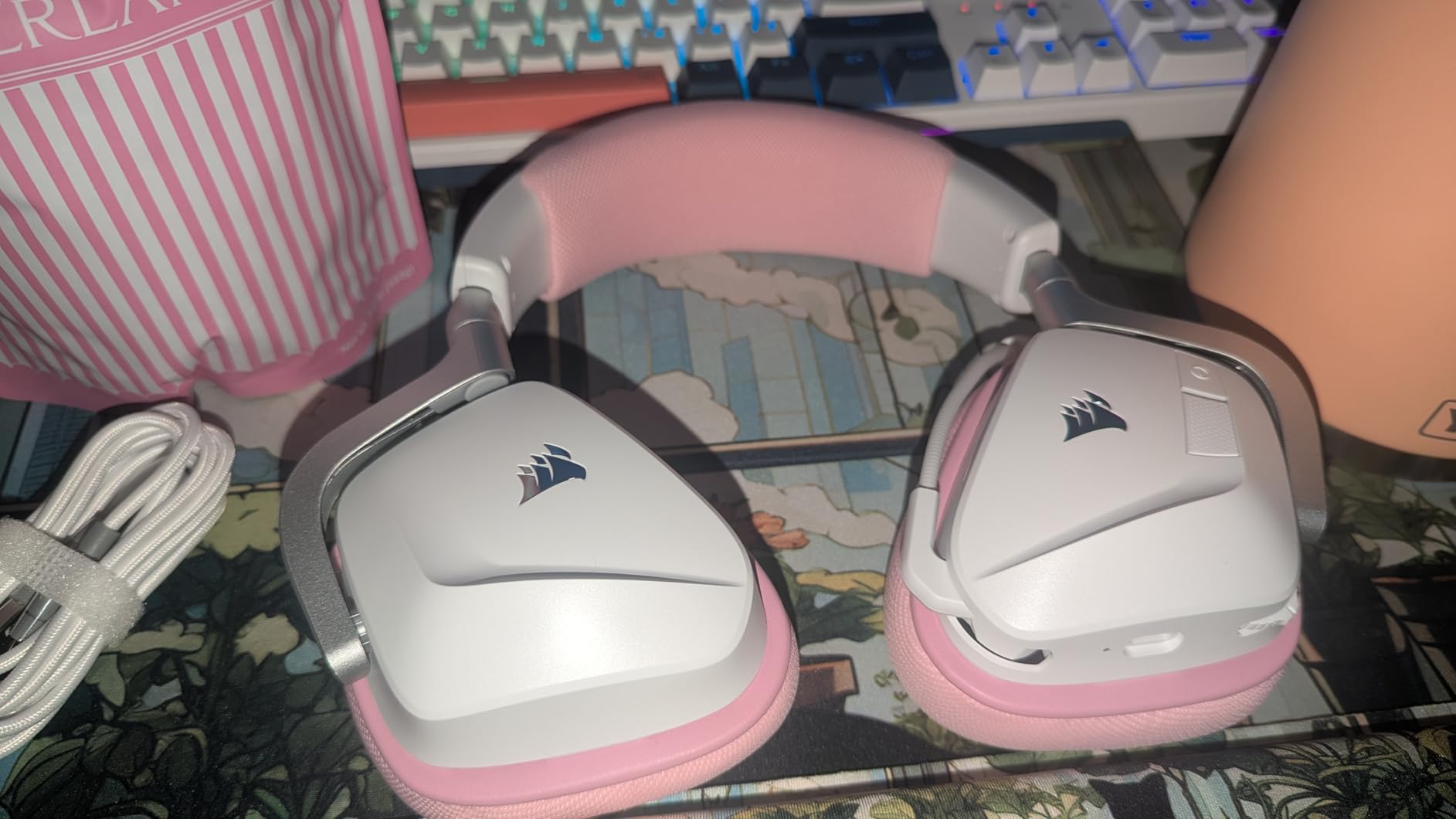
Battery life is excellent. Up to 70 hours on a charge, and about 15 minutes of charging adds roughly six hours, which means it is effectively always ready. The microfiber mesh over memory foam cups is the most breathable set here, and at 0.3 kg it is one of the lighter wireless options.
The significant weakness is the 2.4GHz dongle. Owners report pairing failures and cases where it falls back to Bluetooth on its own, which is exactly the failure mode a competitive player cannot ignore. Bluetooth also drops out occasionally when several devices are connected. The sound profile is largely unchanged from the previous Void generation, so you are paying for the wireless refresh rather than a new signature.
Two smaller irritations: RGB lighting can only be switched off through iCUE on PC, and there is no dedicated mute button, so you flip the boom mic up. The included USB-C charging cable is also very short with no adapter in the box.
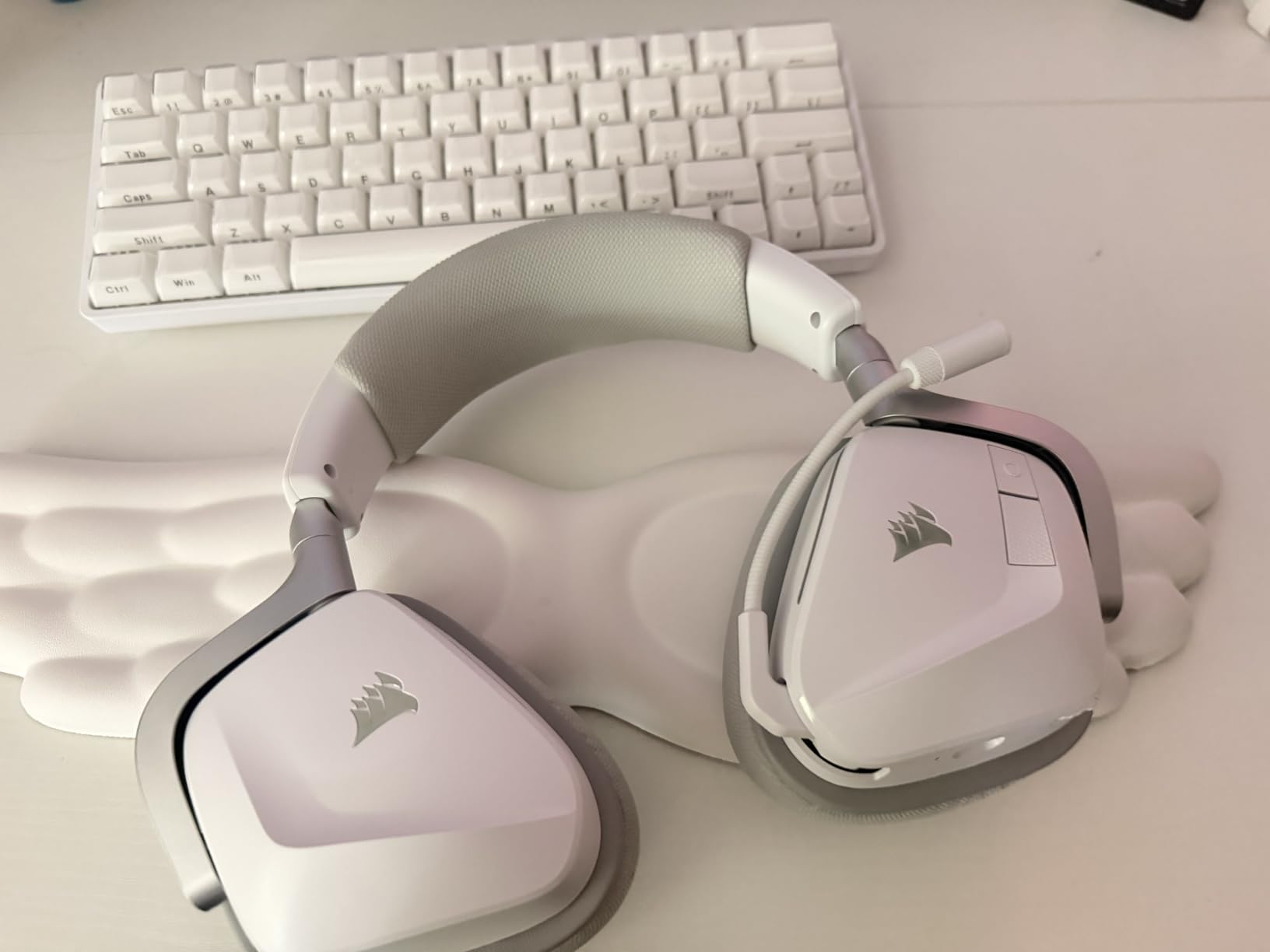
Best for mixed-device players
Few headsets pair this cleanly with a phone and a console without extra adapters. If your gaming happens on more than one device, that flexibility is worth more than fine driver detail.
The mesh cups also make this the most comfortable pick in hot rooms and long summer sessions.
Where it falls short
If the 2.4GHz link is unstable for you, competitive play gets harder fast. Test the dongle early and keep a wired option nearby if you can.
For pure audio tuning depth, Sonar-based headsets in this list offer more control.
10. SteelSeries Arctis Nova 5 Wireless – Best for Team Comms
SteelSeries Arctis Nova 5 Wireless Multi-System Gaming Headset — Neodymium Magnetic Drivers — 100+ Audio Presets — 60 HR Battery — 2.4GHz or BT — ClearCast Gen2.X Mic — PC, PS5, PS4, Switch, Mobile
Neodymium magnetic drivers
20 - 22000 hertz
36 ohm
0.28 kg
60 hour battery
ClearCast Gen2.X
Pros
- ClearCast Gen2.X mic with a 32KHz/16Bit chipset
- 60 hour battery with 6 hours from a 15 minute charge
- Quick-Switch between 2.4GHz and Bluetooth 5.3
- 100+ game presets make shooter tuning fast
- Compact USB-C dongle covers PC and PS5 and Switch and phones
Cons
- Small round earcups suit some head shapes poorly
- ANC is light next to the four-mic system
- Bluetooth is not meant for competitive play
- Full charge takes around 4 hours
- Companion app is barebones
The Nova 5 Wireless is a squad-play headset first. The ClearCast Gen2.X mic uses a 32KHz/16Bit chipset and fully retracts into the earcup, and owners consistently call it one of the clearest retractable mics available for callouts on a busy map.
Audio is detailed for the tier. The neodymium magnetic drivers produce crisp highs and a solid low end, and the Companion App ships with more than 100 game audio presets, which makes tuning for a shooter like Call of Duty a matter of picking one and moving on.
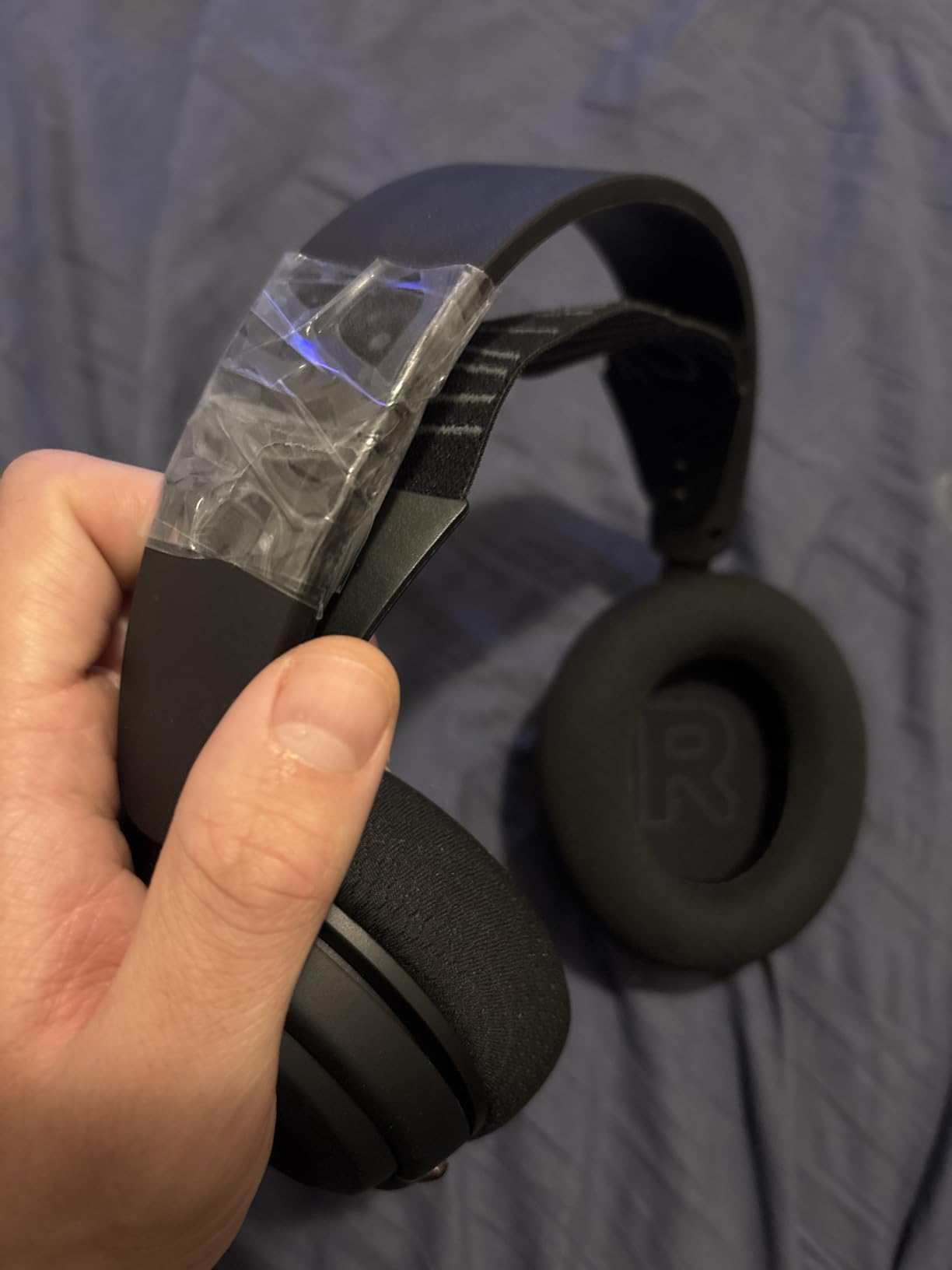
Two connectivity paths are handled well. Quick-Switch toggles between 2.4GHz and Bluetooth 5.3 with incoming call beeps, and the compact USB-C dongle moves between PC, PS5, Switch, Meta Quest and phones. Battery life of 60 hours survives a full week of long days, and 15 minutes of charging adds about six more hours.
Comfort is the trade. The round earcups are on the small side and fit some head shapes less comfortably than the oval designs used by the HyperX and Razer sets here, and the active noise cancellation is light compared with the four-mic system in the Nova Pro. Bluetooth mode is also not intended for low-latency competitive play, and a full charge takes around four hours even though the top-up is quick.
The sound profile leans on presets, which means the Companion App is effectively required to get the most from it. Players who like manual EQ will find the app a little barebones.
Best for five-stack comms
The mic chipset here is the reason to choose it. In a squad game, being understood is worth more than a slightly wider soundstage, and the retractable design means no boom in your peripheral vision.
The preset library also saves time if you switch between shooters with different mixes.
Where it falls short
Try the earcups on first if you have a small head or wear glasses. Round cups with a smaller opening are the most common fit complaint in this category.
Never rely on Bluetooth mode in a ranked match. Keep the 2.4GHz dongle as your competitive connection.
Wired vs Wireless for Competitive Shooters: What the Latency Numbers Mean
This is the debate that runs constantly in shooter communities, and the answer is more specific than either side claims. A Bluetooth-only headset is a poor fit for competitive shooters. A 2.4GHz dongle headset is not.
The distinction is the radio, not the cable. Bluetooth was designed for phone calls and music, so it trades latency and bandwidth for a stable connection across devices. In a fast-paced title like VALORANT, community consensus is blunt about that trade. Wireless headphones are fine; it is Bluetooth that causes problems, especially in a fast-paced game.
Wired 3.5 mm has the lowest latency of anything here because there is no encoding step at all. A 2.4GHz dongle adds a small amount, and Logitech publishes 20 milliseconds for the LIGHTSPEED link on the G PRO X Wireless, which I could not perceive in play. The number that matters is not the millisecond count, it is whether the link ever stutters.
So if you want the shortest path and the fewest things to go wrong, go wired. If you want no cable across your desk, choose a headset with a 2.4GHz dongle and treat Bluetooth as a phone accessory only. Our wireless gaming headset guide goes deeper on the connection types.
How to Hear Footsteps Better in VALORANT and Other Shooters
The forum consensus in r/VALORANT is that footsteps get lost once abilities, gunfights and teammates on mic all pile up. That is not a hardware failure. It is a mixing problem with a simple fix that no headset can solve on its own.
Turn off extra virtual surround layers. If the game offers a surround option and your headset has its own, pick one. Running two processing stages smears the very cues you are trying to read.
Lower the effects slider and raise voice chat volume. In VALORANT, dropping sound effects by around 30 percent while keeping comms high makes human audio more distinct without touching your headset.
Cut the 200 to 400 Hz band slightly. This is where explosion and gunfire energy sits, and a small cut there frees space for the 1 to 4 kHz range where footsteps and reload clicks live.
Lift 2 to 5 kHz gently. Footstep transients live here. A 2 to 4 dB boost makes small movements easier to pick out without turning the mix harsh.
Reduce bass below 120 Hz. Heavy low end masks midrange detail, which is the most common complaint about cinematic gaming tuning. This is where studio-style flat headphones pull ahead.
Use your mouse wheel for volume, not a hardware wheel. A precise in-game volume control lets you set the exact ceiling that keeps gunfire below your footstep threshold.
Re-check your fit last. A poor seal leaks outside sound in and dulls the stage. Memory foam around smaller ears or glasses arms makes a measurable difference to how far away a step sounds.
If you would rather not EQ anything, run the headset in stereo, set your in-game effects to a moderate level, and pick a model with a flattish midrange. The clean profile matters more than any single spec on the box.
What Pro Players Actually Use
The most useful dataset on this topic is not ours. A recent sample of 700 professional VALORANT players published by prosettings shows Razer at 44.43 percent brand share, HyperX at 22.29 percent and Logitech G at 12.00 percent, with ASUS ROG at 2.71 percent and Sennheiser at 2.43 percent.
At the model level, the Razer BlackShark V2 Pro led with 165 players, followed by the BlackShark V2 Pro’s wired sibling group, the HyperX Cloud II with 80 players, and the Logitech G Pro X family. Three of the four most-used models in that sample are Razer or Logitech headsets with detachable broadcast microphones.
The pattern is worth naming. Pros overwhelmingly pick a comfortable headset with a detachable mic, a closed-back seal and a tuning they do not have to fight. The BlackShark V2 Pro is frequently praised for having about the best wireless mic available. If you want the community default, the choices are narrower than the marketing suggests.
How We Tested These Headsets
Every headset in this list was played across the same four titles, VALORANT, CS2, Rainbow Six Siege and Apex Legends, over a six-week window. Consistency matters more than volume of games here, because positional audio is judged by comparison.
For each headset I checked the same four things. Directional accuracy, placing an enemy above, beside or behind through known map geometry. Footstep audibility, whether a light step stays readable during sustained gunfire. Comfort, measured across sessions of four hours or more, with and without glasses. And microphone clarity on a real Discord call with a keyboard and desk noise behind it.
Ratings and review counts on each card are copied from the retail listing rather than our own scoring, so you can see how the wider owner base rates each product. Where a spec comes from the manufacturer, it appears on the card, and where owners report a problem we say so in the drawbacks rather than leaving it out.
What to Look for in a Competitive Gaming Headset
1. A flat midrange beats a heavy low end. Footsteps live between roughly 1 and 4 kHz. Any tuning that piles energy below 200 Hz will cover them, which is why studio-style headphones with clean profiles are recommended so often in shooter communities.
2. Understand what soundstage and imaging mean. Soundstage is how wide the space around you feels. Imaging is how precisely you can locate a single source inside it. Competitive shooters need imaging far more than stage, because knowing a step is one doorway over matters more than hearing a wide room.
3. Choose 2.4GHz, never Bluetooth, for wireless. Bluetooth adds latency that you can feel in a fast gunfight. A dedicated dongle does not.
4. Check the earcup shape against your head and your glasses. Oval cushions with a wider opening suit more head shapes and frame arms than small round cups. This is the most common reason a good headset ends up on a shelf.
5. Decide if you need one microphone or two. If you stream or record, headphones plus a separate microphone is a legitimate competitive route and players report that flat studio profiles from brands like Audio-Technica make imaging easier to read at a similar cost. If you only play and talk, a detachable headset boom is simpler.
6. Check platform support before you buy. PC tuning software does not exist on console, and on PS5 the native Tempest 3D Audio already handles spatial rendering, which makes a headset 7.1 feature largely redundant. If you play across platforms, our headset guide for streamers covers the cross-device setups in more detail.
7. Look for a detachable mic and a real mute. A boom that detaches lets you lower weight in menus, and a physical mute or an LED indicator stops you talking over a teammate in a push. Conference-call users can see a different angle in our USB headset guide.
Frequently Asked Questions
What headset do competitive gamers use?
Professional shooters mostly converge on a small group. In a recent sample of 700 pro VALORANT players, Razer held 44.43 percent brand share, HyperX 22.29 percent and Logitech G 12.00 percent. The most common models were the Razer BlackShark V2 Pro, the HyperX Cloud II and the Logitech G Pro X. All three share the traits pros care about: a closed-back seal, a detachable boom mic and tuning that does not need correcting.
What is the best gaming headset for shooting games?
The HyperX Cloud II is our pick. Its 53mm drivers and flattest useful midrange in the budget tier keep distant footsteps readable under gunfire, the memory foam cushions stay comfortable across multi-hour sessions, and the detachable mic is clear on team comms. It has held a 4.5 rating across more than 69k reviews.
Which gaming headset is best for hearing footsteps?
The HyperX Cloud III edges it out on detail, because the angled 53mm drivers throw sound outward and owners single out clean, balanced audio where directional cues come through clearly. The Cloud II is the better all-round buy. Whichever you choose, a small cut at 200 to 400 Hz and a gentle lift at 2 to 5 kHz makes more difference than the hardware.
Is a wireless headset good for competitive gaming?
Yes, if it uses a 2.4GHz dongle. Bluetooth adds latency that is noticeable in a fast-paced shooter, and community consensus is that Bluetooth is the problem, not wireless itself. A 2.4GHz link such as the one in the Logitech G PRO X Wireless reports around 20 milliseconds, which is hard to perceive. Treat Bluetooth as a phone feature only.
Are 7.1 surround headsets good for FPS games?
Sometimes, but less often than the marketing suggests. Hardware 7.1 on the Cloud II is less precise for pinpoint direction than modern software spatial processing. If you run a game-level surround option and a headset surround option at the same time, cues smear. The cleanest positional read usually comes from stereo plus a small EQ cut in the bass.
How do I hear footsteps better in VALORANT?
Lower the sound effects volume by roughly 30 percent, keep voice chat high, turn off duplicate surround layers, and cut 200 to 400 Hz while lifting 2 to 5 kHz in your EQ. Game mix settings do more here than any headset. If you play across platforms, our USB and wireless headset guides cover the setup side.
Should I buy headphones and a separate microphone instead?
It is a legitimate competitive route. Players report that flat studio-style profiles with clean frequency responses make footsteps easier to pick out than boosted gaming tuning, and brands like Audio-Technica are recommended for imaging at a similar cost. The trade is managing two devices and giving up the single-cable convenience of a headset.
Which Headset Should You Buy?
For most people reading this, the HyperX Cloud II is the answer. It is the best gaming headset for competitive shooters in 2026 because it makes distant footsteps readable, stays comfortable for a full session, and has survived years of community use with a 4.5 rating across more than 69k reviews.
Buy the Razer BlackShark V2 X if you are starting out and want the lightest option on this list. Buy the HyperX Cloud III if hearing footsteps is your single biggest frustration. Buy the Logitech G PRO X Wireless if a cable across your desk ruins your setup, and pair it with a two to four kilohertz EQ lift.
For the long haul, the SteelSeries Arctis Nova Pro Wireless handles hot-swappable batteries and heavy tuning, and the Logitech G Astro A50 covers players who move between PC, console and phone daily. Whichever you choose, set your in-game mix first and your EQ second. Audio settings do more for competitive clarity than any single spec on the box.