
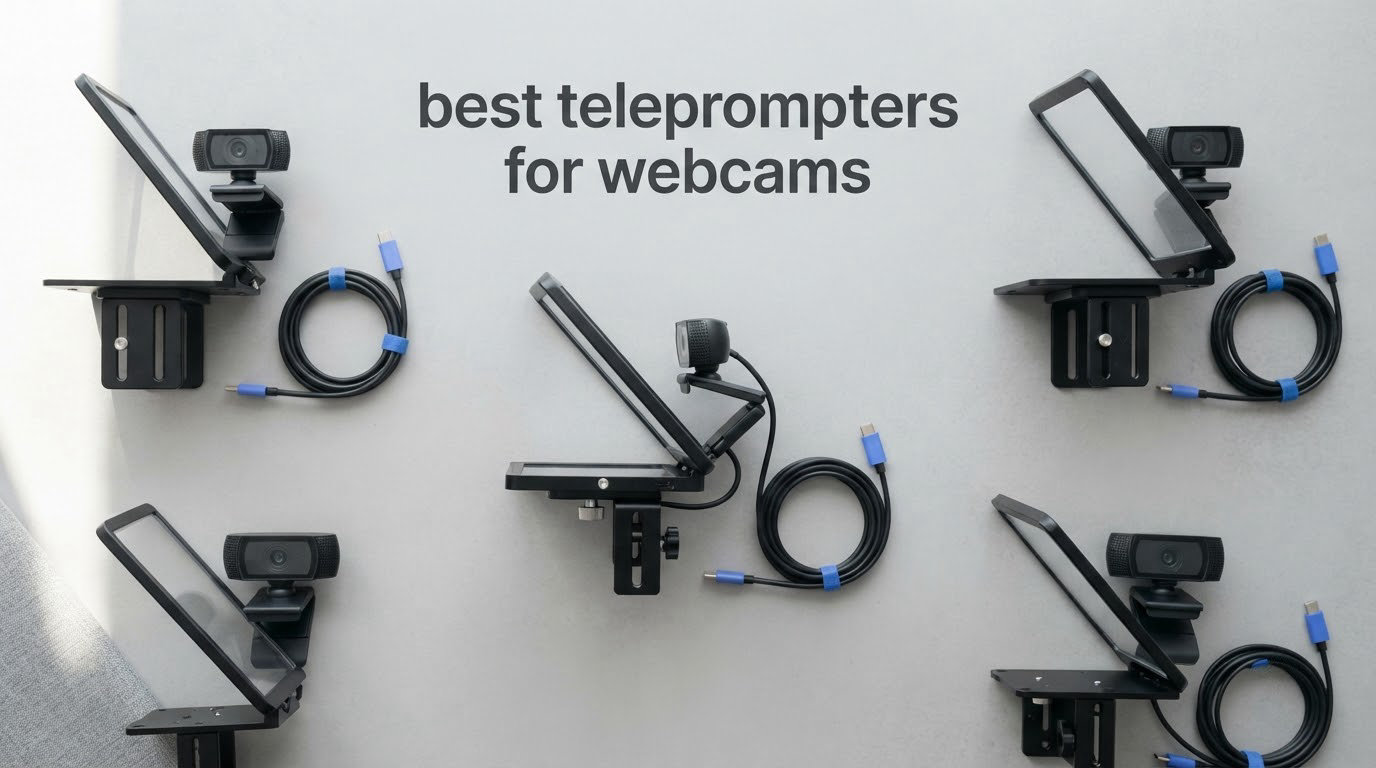
The best teleprompters for webcams are beam-splitter glass rigs that mount to a tripod or stand rather than to a lens, all-in-one units with a built-in display, or nothing but a scrolling script app. Webcams have no lens thread, so the whole fitting problem is different from a DSLR rig. Get the mount wrong and the glass ends up beside the lens instead of in front of it.
That mounting problem is exactly where most webcam creators get stuck. A thread on r/NewTubers asked for a physical prompter that works with a MacBook webcam or a clip-on webcam rather than an app, and the answers kept circling the same wall: almost every teleprompter sold today is built around a lens adapter ring, and a webcam does not have a lens to adapt. So before any product in this list, here is how these ten actually attach to a bare webcam.
We put ten teleprompters through the same checks, weighing bare-webcam compatibility first, then reading distance at desk range, then how the glass behaves in a normal lit room. Most of these need a phone or tablet as the script surface, which is a real cost line people forget, so we call that out in every section. For the wider picture on the hardware itself, our general teleprompter roundup covers DSLR and studio rigs, and our best webcams for streaming picks pairs well with anything below.
Table of Contents
Top 3 Picks for Webcam Teleprompters in 2026

NEEWER X11 2-in-1 Teleprompter
- Built-in 9-inch LCD monitor
- Screen mirroring from phone or tablet
- 11-inch coated beam splitter glass
- Works as a second PC display

Elgato Prompter
- Built-in 9-inch drag-and-drop display
- Works with webcams and laptops
- Camera Hub app for text control
- Stream Deck support

NEEWER X14 III Teleprompter
- 14-inch beamsplitter with 71% transmission
- 3m reading range
- Manfrotto 501PL quick release plate
- Silent Bluetooth remote
Best Teleprompters for Webcams in October
| Product | Specifications | Action |
|---|---|---|
| NEEWER X11 2 in 1 Teleprompter 11 inch with Monitor |
|
Check Latest Price |
| Elgato Prompter with Built-in Screen |
|
Check Latest Price |
| NEEWER Teleprompter X14 III |
|
Check Latest Price |
 Desview T12S 12.9 inch Metal Teleprompter Desview T12S 12.9 inch Metal Teleprompter |
|
Check Latest Price |
 Desview P13 13 Inch Aluminum Teleprompter Desview P13 13 Inch Aluminum Teleprompter |
|
Check Latest Price |
 Desview T5 Teleprompter Desview T5 Teleprompter |
|
Check Latest Price |
 LENSGO 9.7 inch Teleprompter LENSGO 9.7 inch Teleprompter |
|
Check Latest Price |
 Glide Gear TMP 750 Teleprompter Glide Gear TMP 750 Teleprompter |
|
Check Latest Price |
 Little Prompter Compact Personal Teleprompter Little Prompter Compact Personal Teleprompter |
|
Check Latest Price |
 AMBITFUL 7.5 inch Mini Teleprompter AMBITFUL 7.5 inch Mini Teleprompter |
|
Check Latest Price |
1. NEEWER X11 2-in-1 Teleprompter – Best Overall for Webcams
NEEWER X11 2 in 1 Teleprompter 11″ with Monitor, Supports Screen Mirroring
11-inch coated glass,75 percent transmission,Built-in 9-inch 1024x768 LCD
Reads clearly to 2.5 m
Arca-type holder rated to 2 kg
Pros
- No tablet or phone needed out of the box
- Acts as a second Windows or macOS display
- 75 percent transmission stays readable at 2.5 m
- Arca holder makes webcam swaps fast
Cons
- Drivers needed for HDMI and external monitor use
- Phone mirroring limited to DP-protocol devices
- 1024x768 panel is modest for long scripts
This is the one we kept coming back to. The X11 ships as a prompter and a monitor in a single box, which matters more for webcam work than for DSLR work because a laptop user has no spare tablet sitting on the desk. You plug one USB-C cable into the computer and the display behaves like any second screen.
The beam splitter is 11 inches with multi-coated HD glass rated at 75 percent light transmission, readable to about 2.5 m. That figure is generous for a webcam, since most of us sit between 40 and 70 cm from the lens, and the extra headroom means text stays crisp on a tall monitor setup too.
The Arca-type holder gives you 10 cm of horizontal and 3 cm of vertical adjustment, and the QR plate with 1/4 inch screw is rated to 2 kg. That is plenty for a webcam, a laptop, or a small camera, and it means you are not drilling holes or hunting for adapters. For the mount itself, follow the section on teleprompters for content creators where the rig options are compared more fully.
Two things catch people out. USB-A to HDMI needs a driver, and phone mirroring only works on DP-protocol devices, so a cable-less tablet will not land in the hood. Voice sync is not supported either, so the mirrored phone feed and the prompter screen can drift apart if you rely on audio cues.
Why it works with a bare webcam
It never asks for a lens. The camera sits on top of the Arca plate behind the glass, and a webcam with a clip or a 1/4 inch thread bolts straight on. Nothing about the optical path assumes a focal length longer than a webcam’s, which is the entire reason DSLR-style prompters fail here.
Because the built-in LCD is a real monitor, you can keep live chat, a script, and your call timer on one screen with the glass handling the reading. For Zoom, Teams, and Meet recordings, that removes the awkward second-laptop dance entirely.
Where it falls short
The 1024×768 panel is the weak point. It is fine for a 60-second intro and cramped for a ten-minute script, where you end up scrolling through a lot of dense grey text. If your work is long-form scripted, the larger glass in the X14 III is the better buy.
It is also the heaviest of the three all-in-one options at 1.3 pounds of prompter, plus whatever computer you are already running. If you are recording on a single laptop with no second screen to spare, the software route below costs nothing and takes an afternoon to set up.
2. Elgato Prompter – Best for Laptop and Streaming Workflows
Elgato Prompter, Teleprompter with Built-in Screen
9-inch built-in display,1080p effective resolution
Compatible with webcams, laptops and phones
0.69 kg, USB powered
2 year manufacturer warranty
Pros
- All-in-one design needs no tablet or phone
- Drag and drop works like a normal monitor
- Natural eye contact on calls and streams
- Camera Hub app adjusts text and chat
- Stream Deck integration
Cons
- Requires a PC or Mac rather than standalone use
- Free DisplayLink software needed on Mac and Android
- 9-inch screen is smaller than 14 to 17 inch pro units
The Elgato Prompter is the most webcam-native design in this list. It lists webcams, laptops, smartphones, DSLRs and personal computers as compatible devices, which tells you the manufacturer actually thought about people without a camera body.
Setup is genuinely simple. Attach the camera, plug in USB, and move any window onto the display the way you would on a second monitor. No drivers on Windows, no assembly, and the whole unit is 0.69 kg with a footprint of 11.1 by 8.82 by 8.62 inches, so it lives on a desk without taking the desk over.
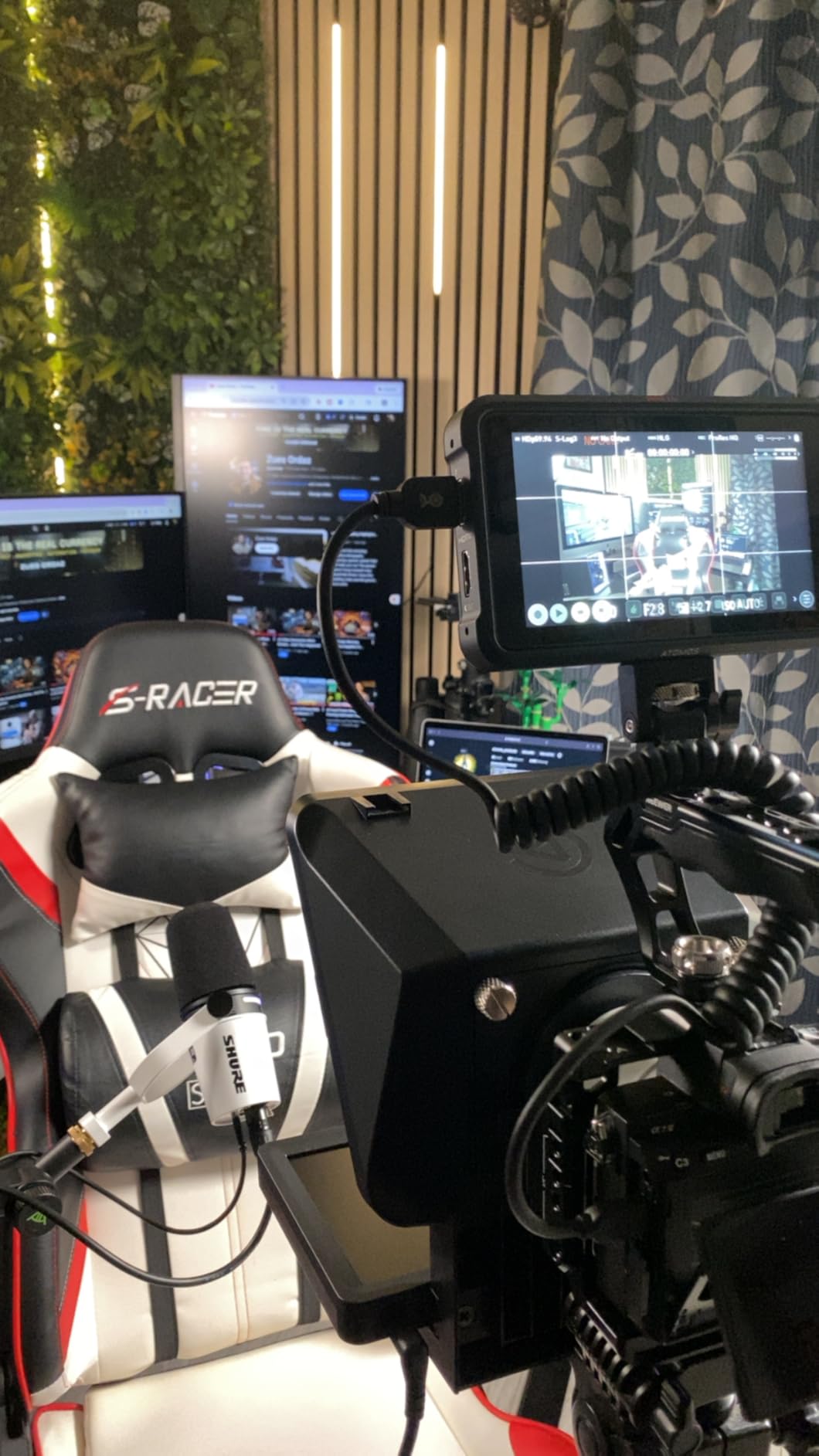
The Camera Hub app handles the text and chat appearance, which is where most generic teleprompter apps fall down. You can set the reading speed, the size of the text block, and how live chat renders, and the glass reflection can be dialled back with a dark interface rather than a bright white page.
It also integrates with Stream Deck, so a single button press can start the scroll mid-sentence or trigger a scene change. For live sellers running an auction-style stream, that beats reaching for a Bluetooth remote with one hand while the other is on a mouse.
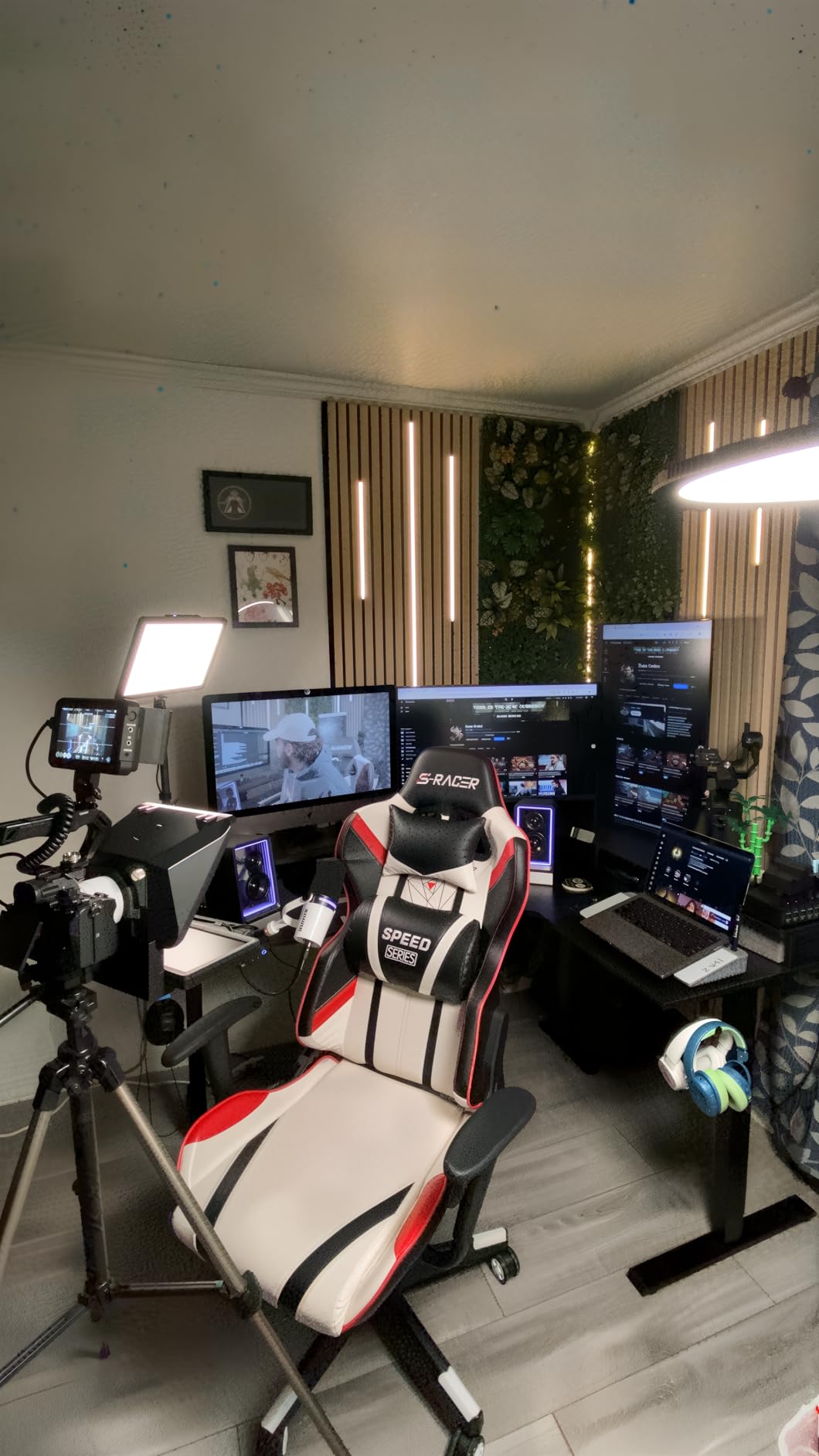
Why it works with a bare webcam
Nothing depends on a lens thread, and the mount accepts a wide range of cameras including wide lenses. Elgato states it supports more cameras than any other prompter in the category, and the wide-angle tolerance is exactly what you want when a webcam sits closer to the glass than a DSLR would.
It is also the one product here that doubles as a genuinely useful second monitor. Reading chat, notes and a script from a single laptop is the workflow this was designed for, and reviewers consistently point out that the eye contact on video calls is noticeably more natural than reading off a second display off to the side.
Where it falls short
It is a computer accessory, not a standalone device. If you want to record from a phone in a room with no laptop, this does nothing for you, and the same applies to anyone whose only screen is a tablet.
Mac and Android users need a free download of DisplayLink software, which is a small friction that trips people up on first launch. The 9-inch screen is also the smallest display in the built-in-display class, so long scripts mean more scrolling and smaller type.
3. NEEWER X14 III – Best Large Glass That Still Folds Flat
NEEWER Teleprompter X14 III with RT113 Remote/App Control, 14″ Beamsplitter
14-inch beamsplitter,71 percent transmission
10 foot reading range
5.2 pounds, folds to 10x12.4x18.7 inches
Manfrotto 501PL plate
Pros
- Large glass stays readable at 3 m
- All-metal frame feels solid
- 501PL plate makes camera changes quick
- Assembly-free and folds into the case
- Silent remote avoids clicks on tape
Cons
- Thin hood zipper lets backlight through
- Display tray locks but does not clamp
- Phone mounting less reliable than tablet
- NEEWER app lacks margin control
The X14 III solves a problem the smaller prompters create: a 14-inch glass with 71 percent light transmission and a 3 m reading range means you can sit back from a desk setup and still read without squinting. At webcam distances that is overkill, but it is exactly what you need when the camera is across the room rather than clipped to a monitor.
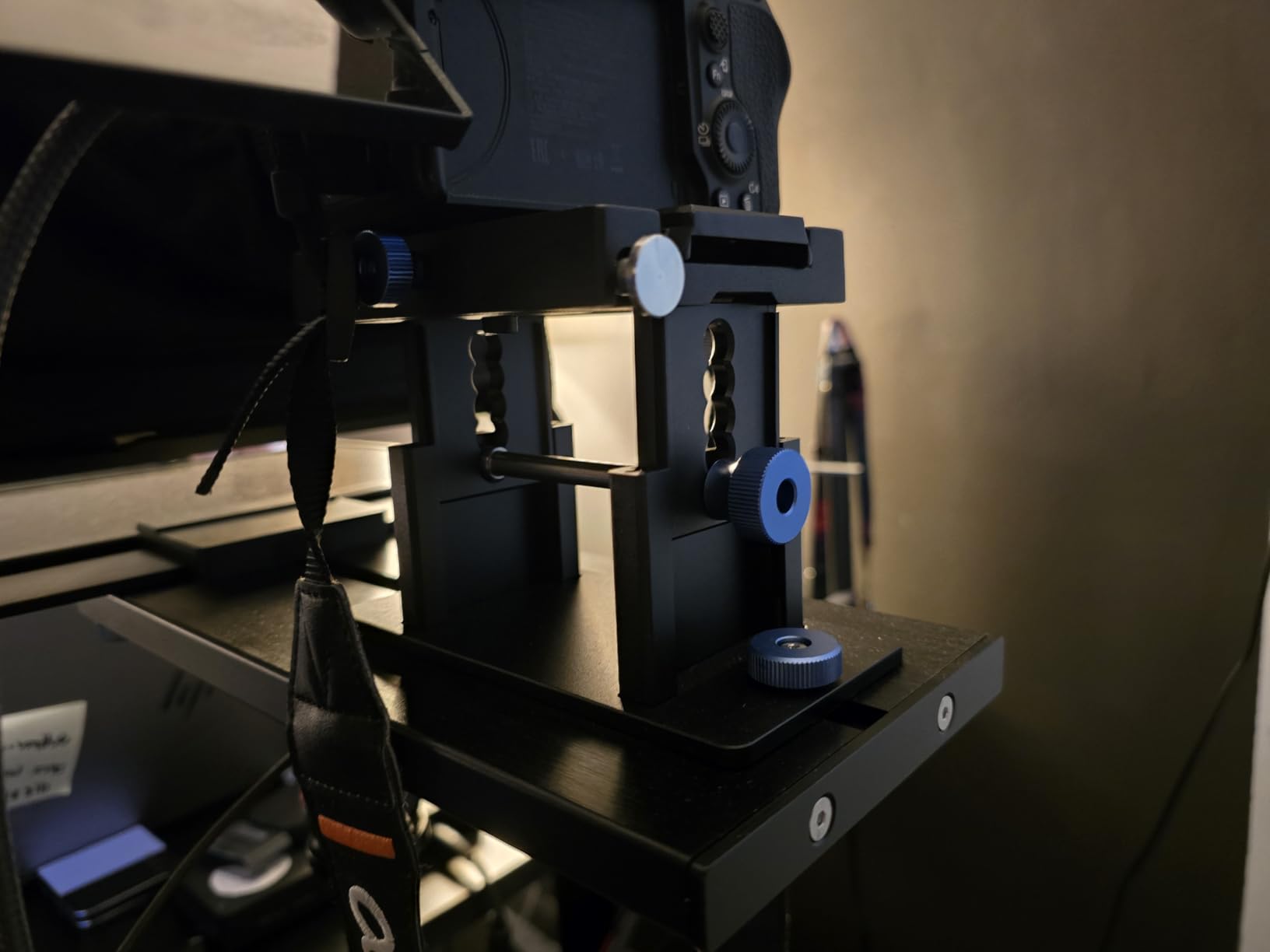
It is the most thoughtfully engineered unit here. The camera mount uses a QR plate compatible with Manfrotto 501PL and locks from the top with no alignment, and it carries 69 to 100 mm of vertical adjustment plus 171 mm horizontal. The U-shaped bracket holds a 45 degree tilt so the text sits where your eyes naturally land.
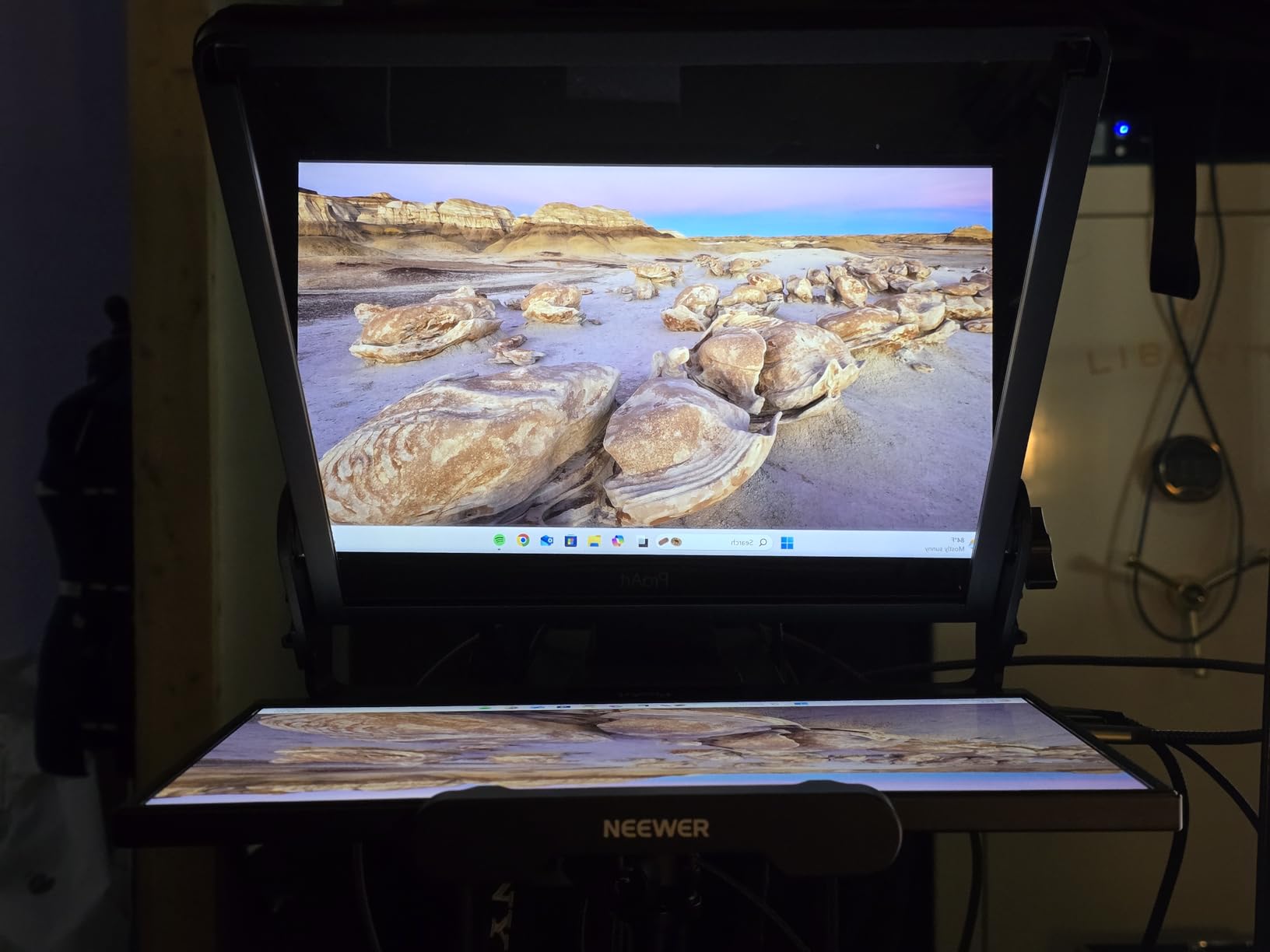
It is assembly-free and folds into the included carry case at 10 by 12.4 by 18.7 inches. Most of the frame is metal, which is the reason it feels like studio equipment rather than a desk accessory, and it carries a one year manufacturer warranty.
The RT113 remote pairs over Bluetooth inside the NEEWER Teleprompter app and has silent buttons, so nothing beeps into a recorded take. It works with iOS 11 and Android 6 or later, and the device holder expands to 8.7 inch wide screens, covering iPad Pro models, iPad mini, and large Android phones.
Why it works with a bare webcam
The 501PL plate is the answer. A webcam on a small tripod head, a laptop with a clip mount, or a camera on a counterweighted stand will all bolt on without the lens adapter rings that trip up DSLR-focused prompters. The vertical adjustment range is generous enough to sit a clip-on webcam high enough to clear the device tray.
Because the glass is large and the tilt is fixed at 45 degrees, you can push the whole rig 1 to 2 m back from the desk and keep reading comfortably. That is the configuration we would choose for a solo video podcast where the camera is on a separate stand rather than perched on a monitor.
Where it falls short
At 5.2 pounds, it is heavy, and the thin light-sealing zipper on the hood banding lets glow through from behind in a dim room. If you shoot at night without a front light, expect a faint halo on the frame edges unless you tape the seam.
The display tray locks but does not clamp, so a tablet can shift if you bump the stand. The NEEWER app also has no margin adjustment, and the remote only works inside NEEWER’s own app, so you cannot pair it with a third-party scroller.
4. Desview T12S – Best Metal Build for Fixed Setups
Desview T12S 12.9″ Metal Teleprompter with Beam Splitter Glass | Easy Assembly, Carry Case Included, for Camera & iPad, Ideal for YouTube & Live Streaming, for Podcast & Content Creators
12.9-inch semi-transparent mirror glass
Aviation-grade aluminum frame
3 kg, accommodates tablets to 12.9 inch
12 month warranty
Pros
- Largest viewing area in its class
- Aluminum body resists the flex plastic kits develop
- Anti-reflective coating keeps ghosting low
- Bluetooth remote plus free app
- Hard aluminum case included
- Tool-free assembly
Cons
- Heaviest unit here at 3 kg
- Bluetooth remote and app are required to drive the script
The T12S has the highest average rating of the ten, and the reason shows up in the material. Aviation-grade aluminum does not flex when you tighten a mount, which matters on a desk rig where you adjust the camera position a dozen times in an afternoon.
The glass is a colour-neutral semi-transparent mirror with an advanced anti-reflective coating, and it takes tablets up to 12.9 inches. That is the same footprint as an iPad Pro, so a single tablet works for both scripting and, if you use a second device, chat display.
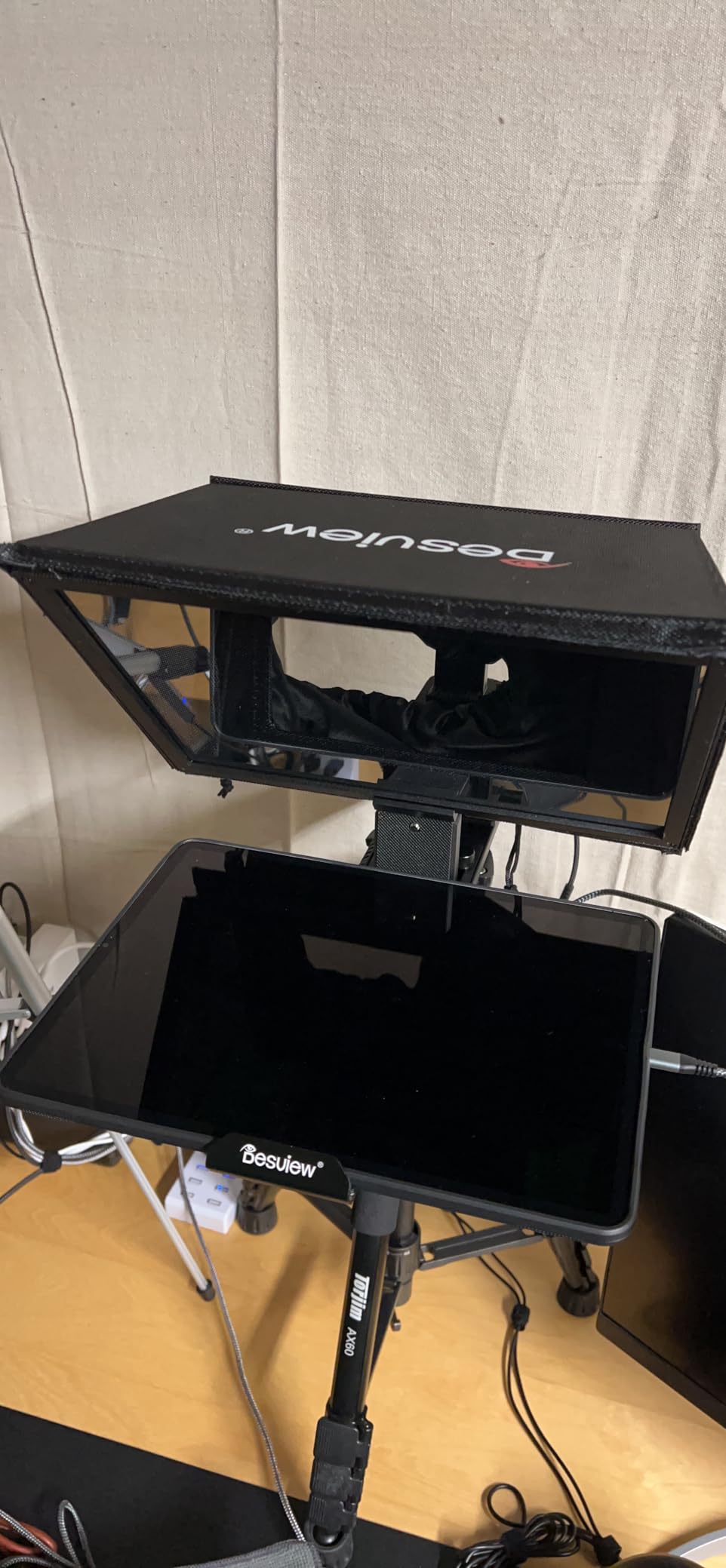
Assembly is tool-free, which is unusual at this size. The Bluetooth remote and the free Desview app for iOS and Android handle script editing, scroll speed and text size, so you are not stuck with a fixed scroll rate baked into hardware.
It supports DSLRs, mirrorless cameras and camcorders, but the mount is a standard plate rather than an Arca system, so a webcam goes on via its own 1/4 inch thread or a monitor arm clamp. There is a custom-fitted aluminum case included, which is the right kind of protection for a 3 kg object with glass in it.
Why it works with a bare webcam
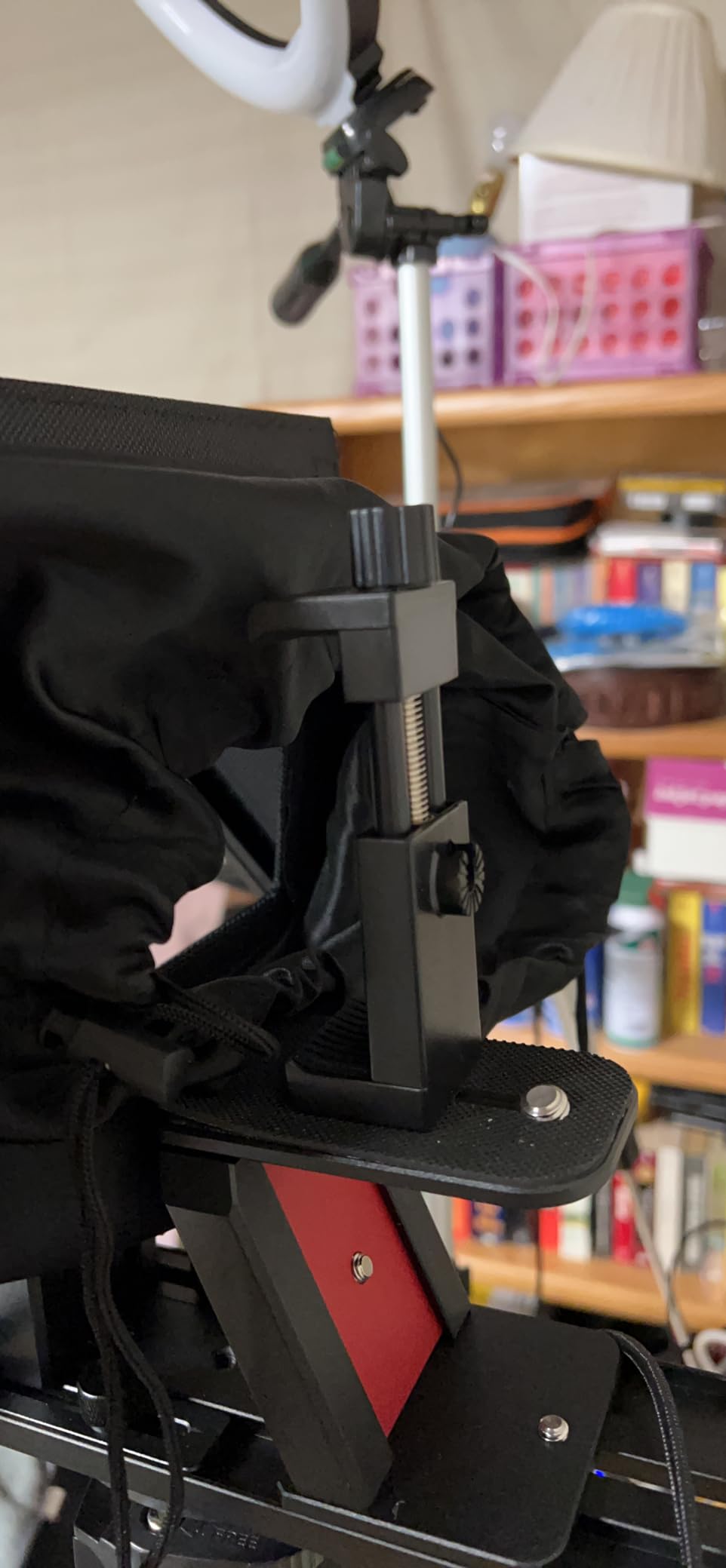
A webcam has no lens to adapt, and this is the one prompter in the list that does not pretend otherwise. You put the webcam on top, the tablet below, and the glass between them at eye level. The large mirror is the reason it works at all for a webcam, because it lets you sit further back than a small glass would allow.
It is a good fit for a fixed studio corner that never gets packed away. If your setup lives at a desk and you record a course or a weekly show there, the metal body and the case are the parts you will still appreciate in a year.
Where it falls short
Three kilograms is the heaviest unit here by a wide margin, and there is no battery or portable power path, so it is a one-place tool. Anyone filming in different rooms will find that harder than they expect.
The app and the Bluetooth remote are the only way to drive the scrolling, so a failed pairing means a dead prompter until the connection recovers. And the 12.9 inch capacity means you need a tablet that size, which is a separate purchase if you do not already own one.
5. Desview P13 – Best Mid-Size Glass for Small Desks
Desview P13 Teleprompter 13 Inch Aluminum Alloy with High Definition Glass, Compatible with iPad Tablet Camera DSLR, Portable No-Assembly Design for Video Recording
13-inch 7H hardness beam split glass
70/30 visible light transmission
1.7 kg, fits tablets to 13 inch
Detachable sun hood included
Pros
- Crisp text without ghosting
- Quick to assemble out of the box
- Bluetooth remote pairs easily
- Free app with simple paste-and-run entry
- Works with 16mm wide lenses
- Soft bag keeps it portable
Cons
- Phone mount may not fit every handset
- Close-up work only since wide shots show the prompter
- Soft bag is not a hard case
- Documentation is unclear on first setup
- Remote feels cheap
The P13 sits in the middle of the class and does the plainest version of the job. A 13-inch pane of 7H hardness glass with 70/30 visible light transmission and an anti-ghosting coating is a proven combination, and 1.7 kg is light enough to move between rooms without a case full of foam.
It handles both 35 mm horizontal shooting and vertical, which covers a landscape course video and a vertical short from the same kit. The detachable sun hood helps outdoors, and the Bluetooth remote plus free Desview app give you the usual script, font and speed controls.
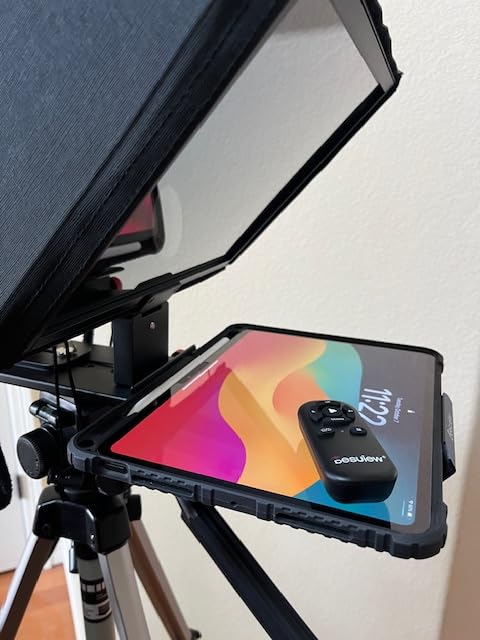
Buyers report it setting up in minutes and avoiding vignetting even on a 16mm wide lens, which is a useful data point because a webcam is a wide lens by default. The included Oxford cloth bag is enough for a car boot but not for checked luggage with a hard case requirement.
Warranty is one year manufacturer. It includes the remote, the body, and the cloth bag, with no app purchase required, so the ongoing running cost is only whatever tablet you use as the screen.
Why it works with a bare webcam
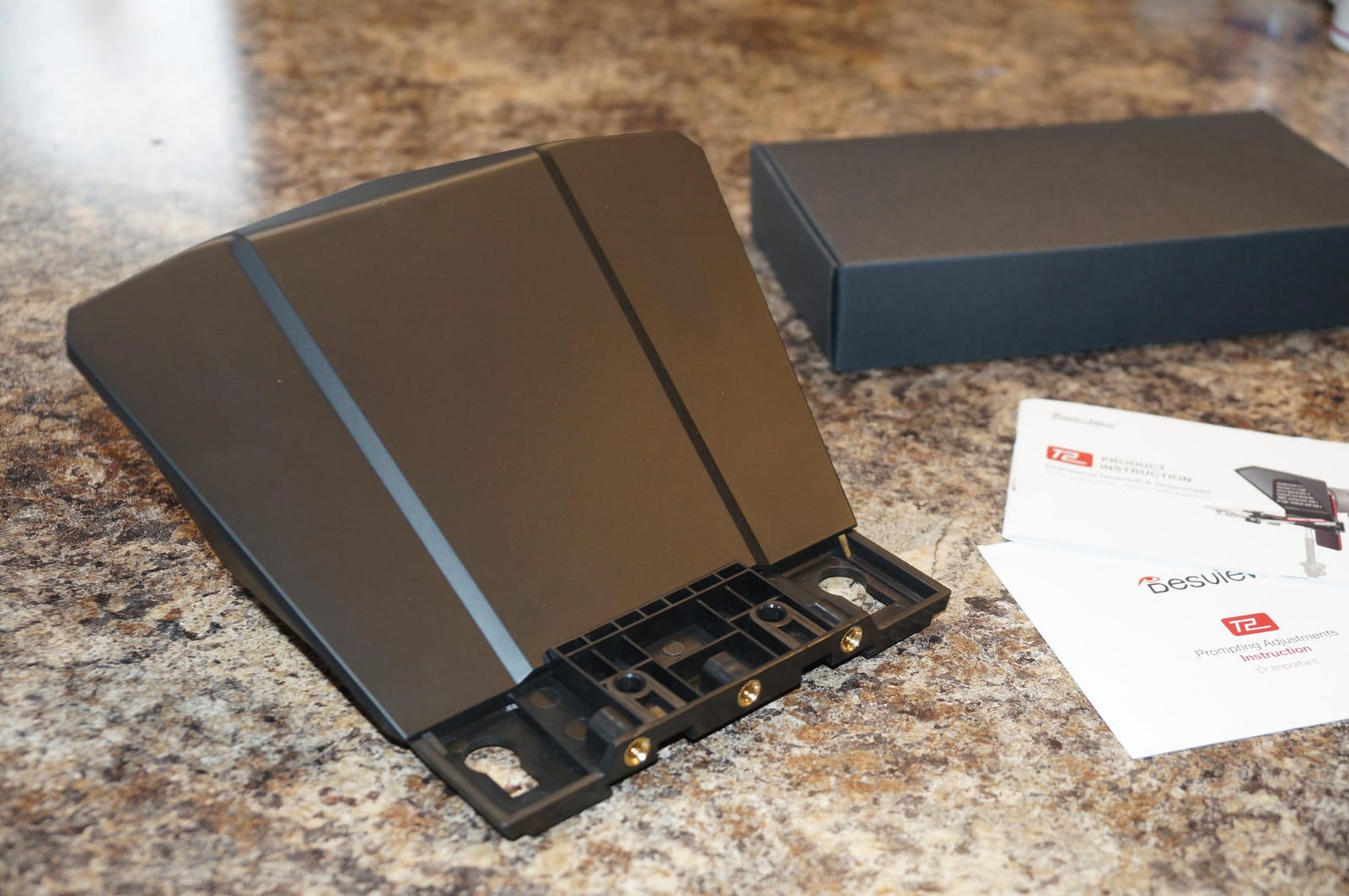
The glass is wide enough that a clip-on webcam can sit behind it without vignetting the frame, which is a real failure mode with 7.5 inch and 8 inch kits. The mount takes a plate, so a webcam on a small tripod head or a monitor arm attaches directly.
For someone who records a talking-head video at a desk and wants a genuine prompter rather than a phone balanced on a stand, this is the most straightforward middle option. It does the job without the folding mechanisms that introduce wobble.
Where it falls short
It is a close-up tool. Buyers note that wider framings pick up the prompter body in frame, so it is not the pick for anything with a moving camera or a pulled-back shot.
The included phone mount does not fit every handset, and some buyers found the documentation unclear on getting it running. The remote is the part most often described as feeling cheap, which is worth knowing before you rely on it for start and pause.
6. Desview T5 – Best Mounting Plate for Existing Camera Rigs
Desview T5 Teleprompter for Smartphone & Tablet, Video Recording | Compatible with DSLR Cameras. Includes 49-82mm Adapter Rings, Coated Glass, Bluetooth Remote, Free App for Streaming
Coated anti-scratch beam splitter glass
Supports phones, tablets to 11 inch, DSLRs
0.52 kg, adapter rings 49-82mm
Foam light seal to reduce glare
Pros
- Long mounting plate accepts Arca-type clamps and cages
- Light at 0.52 kg and quick to attach
- Full set of 49-82mm adapter rings
- Coated glass gives a clear image
- Bluetooth remote and app with txt and docx import
- Self-check view on a second phone
Cons
- Phone holder poorly made and can block side buttons
- Not usable with a cased iPhone or an iPhone Pro 16
- Holder must be unscrewed to remove
- Free app does not use the full tablet screen
- Glass can knock the metal frame when folding
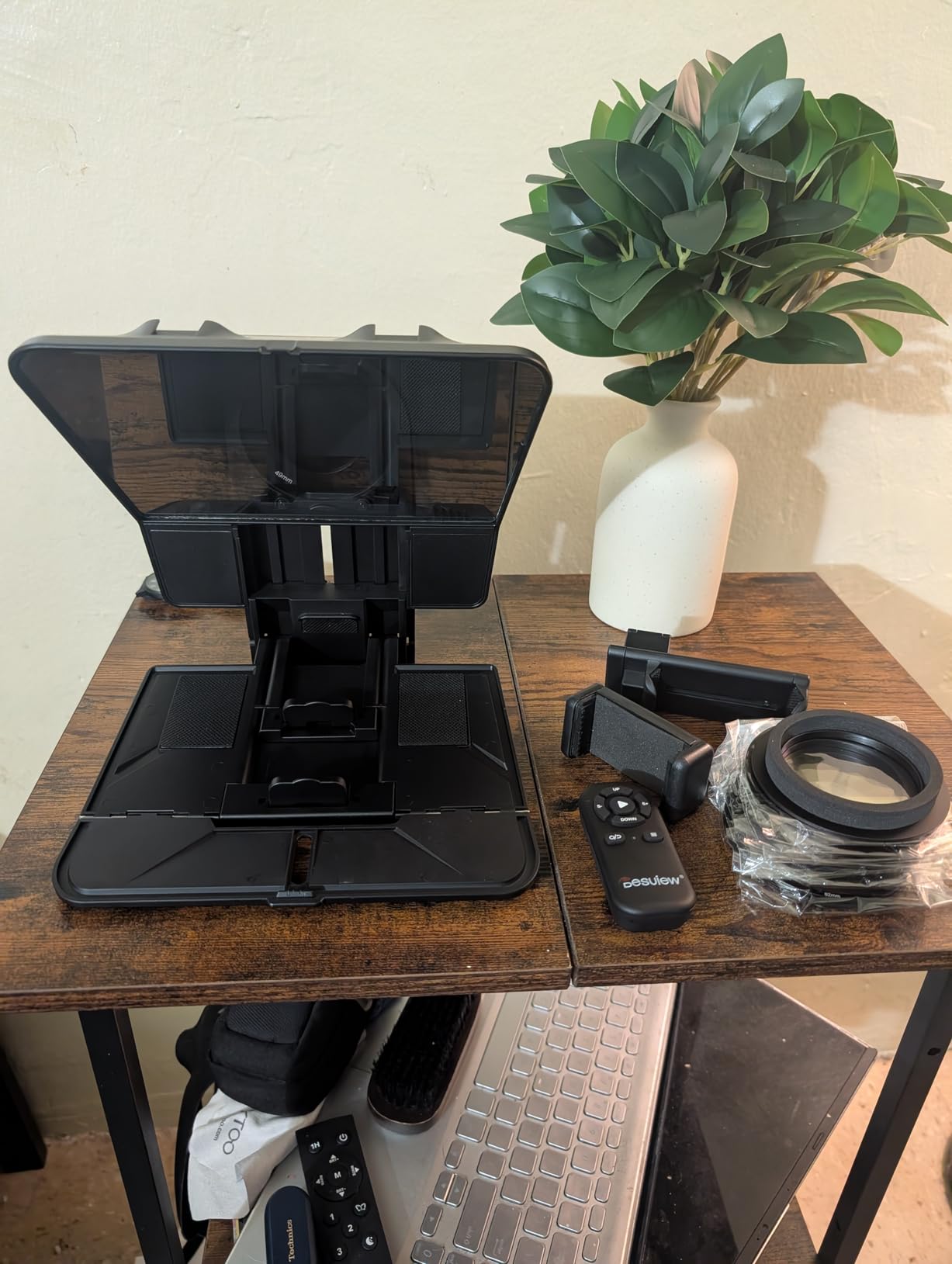
The T5 is the pick if you already own rig hardware. Its long mounting plate accepts Arca-type clamps and cages, so a prompter drops onto a cage you built for something else instead of forcing you to re-plate your whole setup. Videographers single that plate out as the most versatile in its bracket.
It weighs 0.52 kg, which is light for its size, and the front panel height adjusts so you can match different shooting angles. The glass is high-grade coated with an anti-scratch design, and a foam light seal reduces the glare that would otherwise wash out the text.
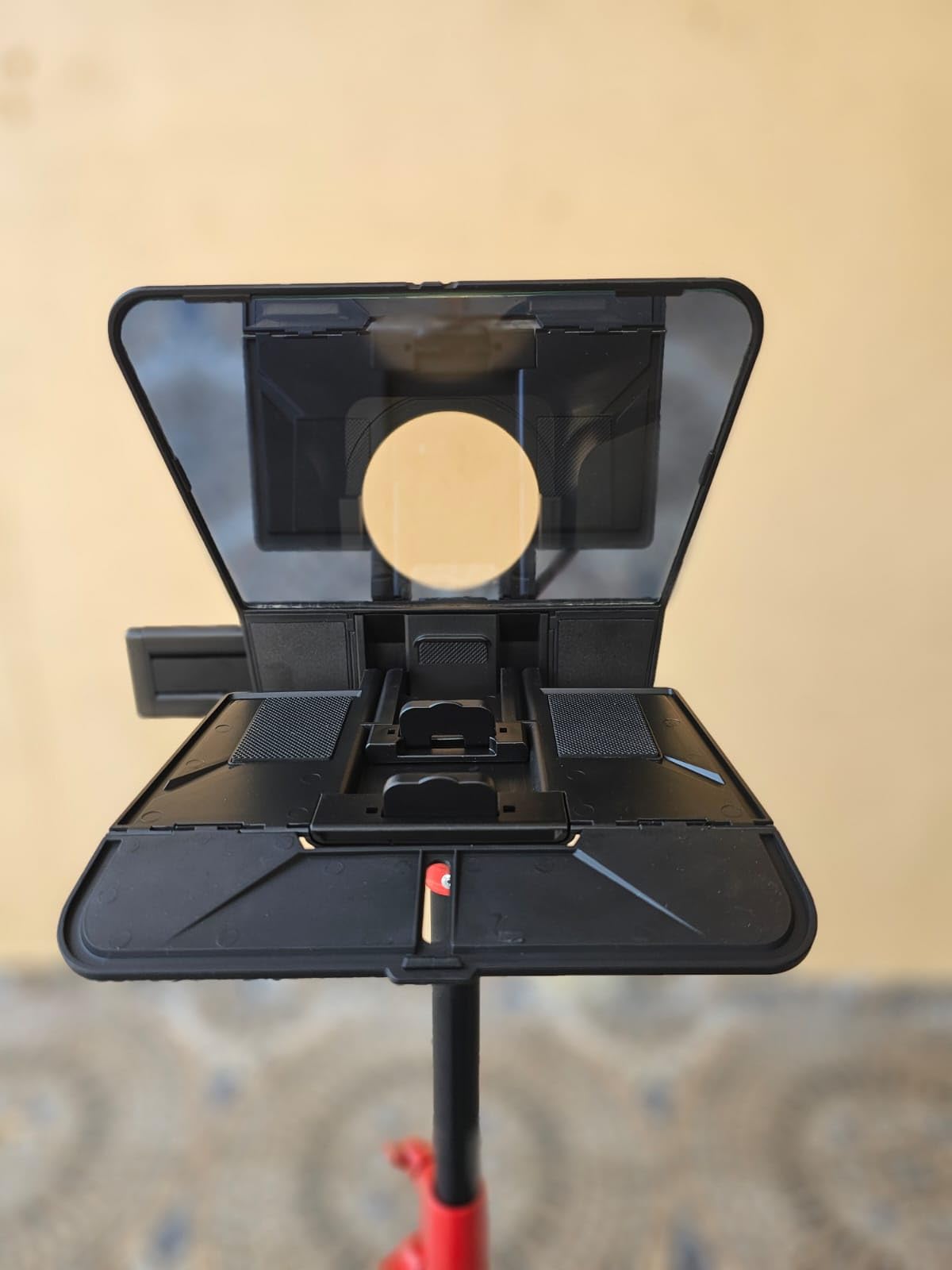
The Bluetooth remote handles play, pause, speed and page turn with one-key on and off plus an auto sleep after five minutes idle. The free app imports txt and docx, adjusts font size, colour, background, mirroring and rotation, and adds a countdown timer you can start your recording against.
There is a real-time self-check function that lets a second phone monitor the shooting status, which is genuinely useful when you are filming alone and cannot reach the tablet. A one year warranty with lifetime free maintenance is included.
Why it works with a bare webcam
The Arca-style plate is the reason. A webcam on a monitor arm, a small tripod head, or a desk stand clamp all mount without an adapter ring, and the wide plate keeps the camera square to the glass so you are not constantly re-aligning after a bump.
It is also the lightest unit here that still takes a tablet, at 0.52 kg. If you move between a home desk and an office, that difference is what makes it a daily tool rather than a cupboard item.
Where it falls short
The phone holder is the weak point. Buyers report it blocking side buttons on larger phones, and it will not take a cased iPhone or an iPhone Pro 16, which is a real limitation if your phone has a case on it.
You have to unscrew the holder to remove it, which is awkward for travel, and the free app does not use the full tablet screen when enlarged. The glass can also knock against the metal frame during folding, so pack it with care.
7. LENSGO 9.7 inch Teleprompter – Best Folding Prompter That Disappears in a Bag
LENSGO 9.7” Teleprompter for Camera iPad Tablet Smartphone w/Remote Control, APP Compatible with iOS & Android System for Online Teaching Vlogger Live Streaming Interview, Fold in One Sec
9.7-inch class coated glass
Folds flat in one second, 450 g
Supports 17mm wide angle lenses
Phone clip, remote and 8 adapter rings included
Pros
- Folds flat almost instantly for packing
- Very light at 450 g
- Special coating reduces ghosting
- Multiple cold shoes for mic
- tripod and light
- Remote plus app for speed and font
- Cold shoes support a full accessory rig
Cons
- Script app is a separate download and needs updating
- Image-based scripts cannot be resized
- Smaller glass limits reading distance
The LENSGO folds flat in about a second and weighs 450 g, which is the whole pitch. It is a prompter you can put in a camera bag on a Monday and be reading from on a Tuesday, which none of the metal kits in this list can claim.
The glass is industry-standard beam splitter with a special coating, sized to the 9.7 inch device class, and it supports tablets below 9.7 inches. Multiple cold shoes let you attach a microphone, a tripod and a video light, so it is the only ultralight kit here that takes a full lighting rig.
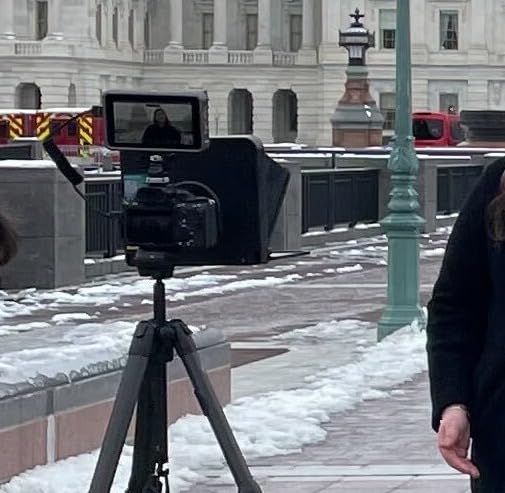
It handles both vertical and horizontal placement, and shoots from the left or the right, which is useful if your desk setup dictates where the light is. Wide angle lenses from 17 mm are supported, and the glass locks at a fixed 45 degree angle so there is nothing to adjust mid-shoot.
The free script app on iOS and Android handles start, pause, speed up, speed down, background and font colour. You can paste text directly, upload a TXT file or pick an image, and the phone clip plus six shading rings are in the box with eight camera lens adapter rings.
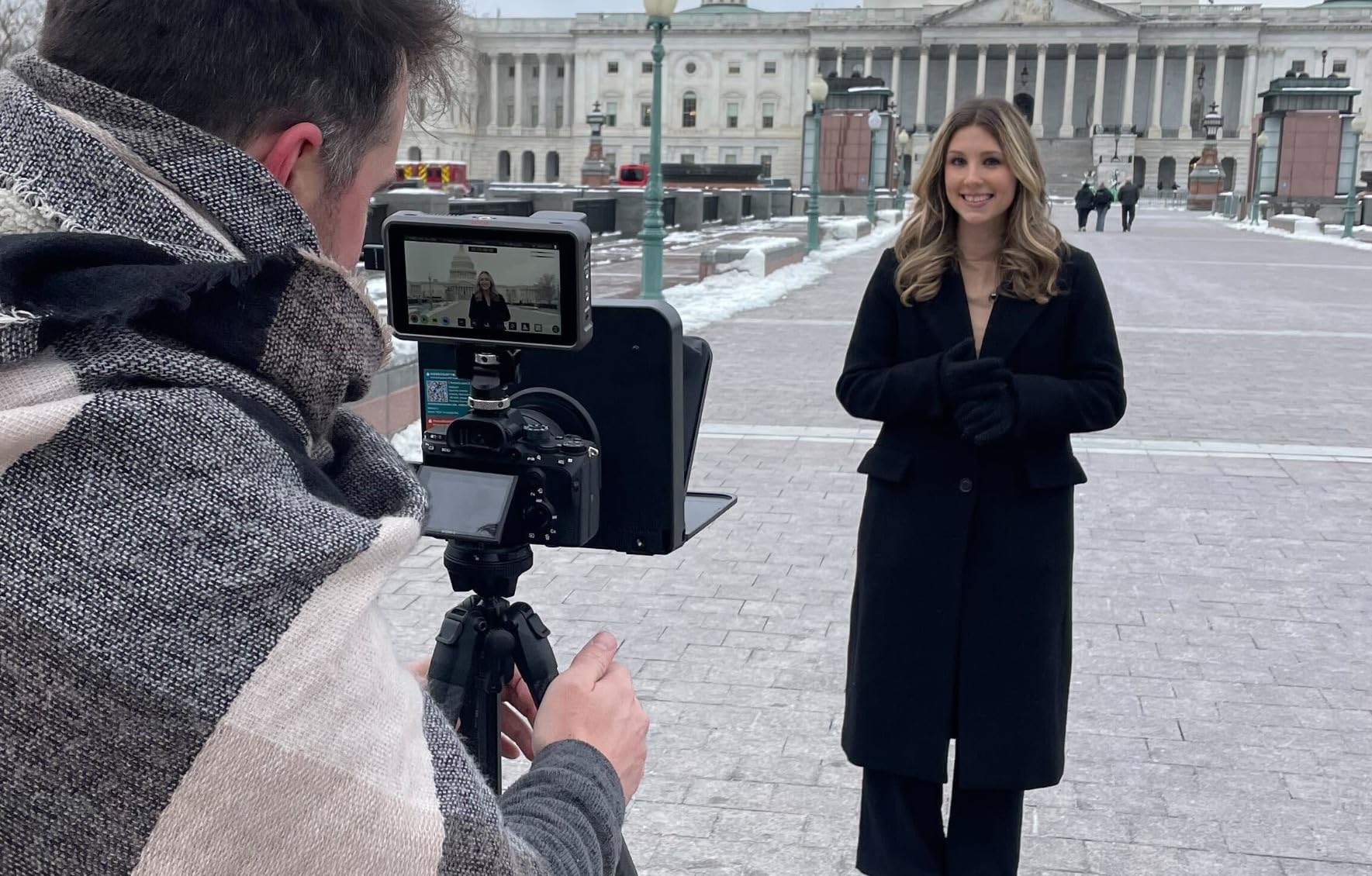
Why it works with a bare webcam
Same principle as the other beam-splitter kits: the camera goes behind the glass on a plate, not through a lens adapter. A 17 mm wide-angle tolerance is generous, and a webcam is a wide lens, so there is no vignetting risk from the phone sitting close to the pane.
The folding design is the real webcam argument. If your recording spot is a shared desk where you set up and pack down each day, a unit that goes flat and weighs less than a bag of lenses changes how often you bother to record at all.
Where it falls short
The script app is a separate download and buyers report it sometimes needs updating before a script will display properly. Image-based scripts cannot be resized, so paste your text rather than importing a screenshot.
Reading distance is the other limit. A 9.7 inch class glass is fine at arm’s length and awkward beyond about 1 m, so it suits a close webcam position rather than a camera across the room.
8. Glide Gear TMP 750 – Best for Studio Distance, Heaviest to Move
Glide Gear TMP 750 Teleprompter – All Camera & Smartphones, Tablets – 17″ Glass, Hard Case, No Assembly
11 by 12 inch 70/30 beam-splitting glass
Text visible to 15 feet
8 pounds, aluminum construction
15mm rail compatible
Pros
- Largest glass in the mid range
- Readable at 15 feet for studio set-ups
- Rigid hood and aluminum build
- 15mm rail fits third-party cheese plates and cages
- Extra mounts for lights and microphones
- Hard case and preformed foam included
Cons
- Single small knurled camera screw is weak
- Glass angle has no stop and can fall onto the device
- Instructions are poorly written
- Case clasps and zippers are unreliable
- Tablet sits too close for wide angle lenses
The TMP 750 is the odd one out here, and that is the point. It carries an 11 by 12 inch pane of 70/30 beam-splitting glass with text visible to 15 feet, which is studio and small-stage territory rather than a desk at 60 cm.
The glass angle is adjustable for comfortable reading while filming, and the 15mm rail compatibility lets it integrate into an existing camera rig with third-party cheese plates and cages. It accepts large tablets including iPad Pro, iPad Air, iPad mini and most foldable laptops.
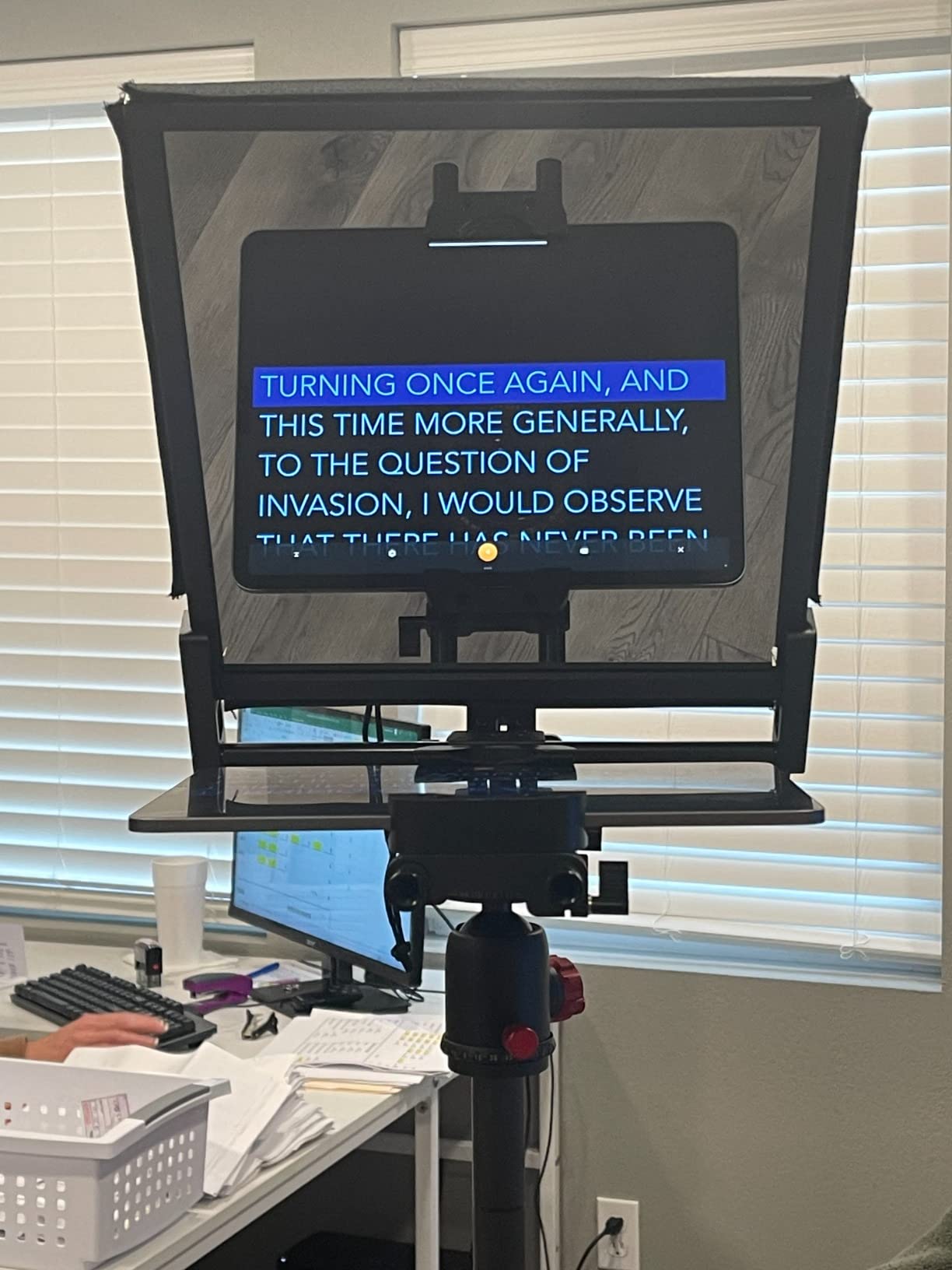
It is aluminum with a protective hood, and it comes with a hard case and preformed foam. There is a one-year expectation carried by the brand and a maximum recommended load of 8 pounds, so it is built to stay put once set up.
A teleprompter app with a mirror text feature is required but not included, so you bring your own scroller. That is a small detail, but it means the box does not do everything on its own and you need to pick a third-party app before the first shoot.
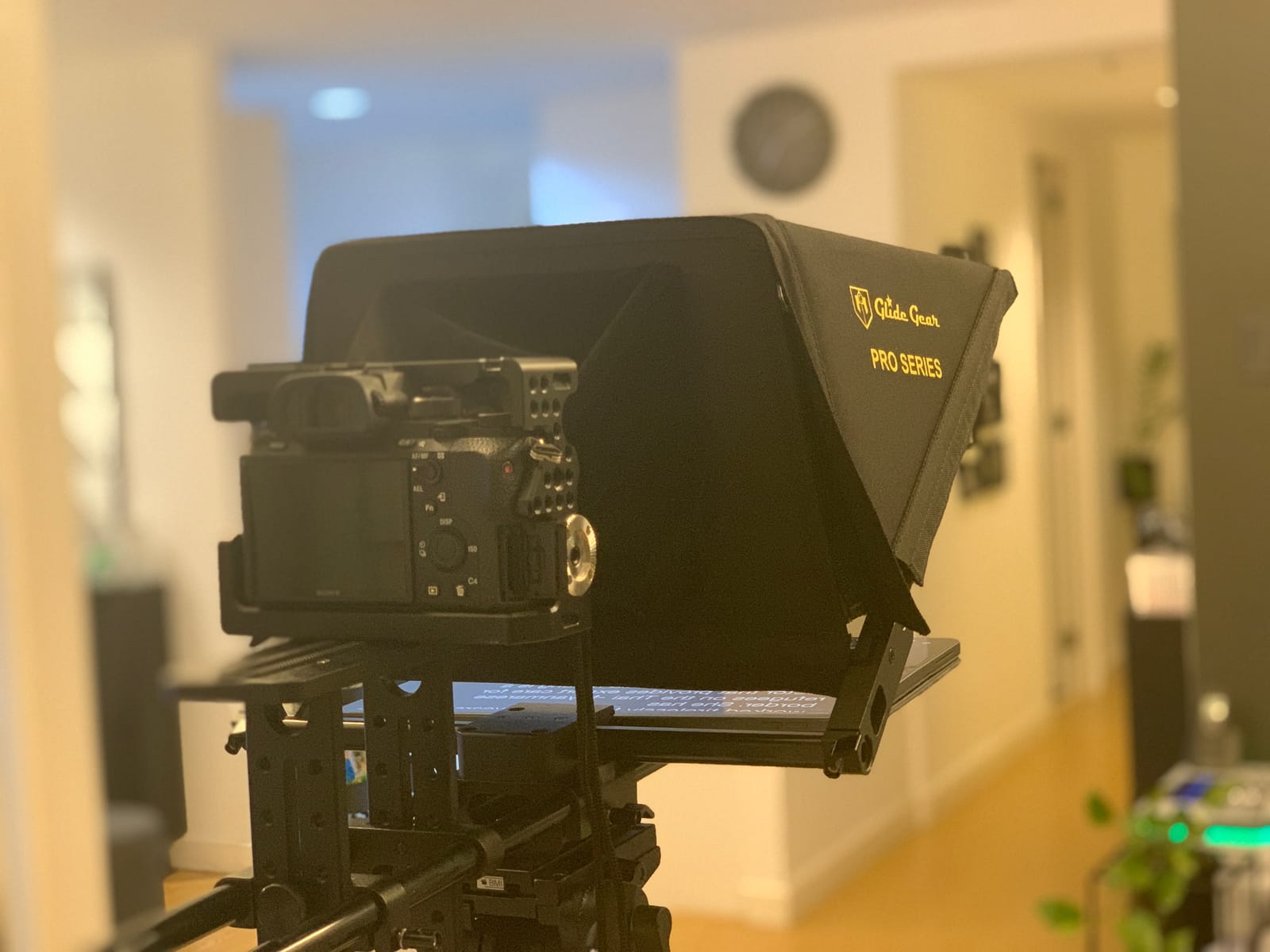
Why it works with a bare webcam
A webcam on a 15mm rail plate or a 1/4 inch thread bolts on, and the large hood gives you room to fit a clip-on camera without blocking its sensor. At 15 feet of readable text, the camera can sit well back from the desk, which is how a small studio or a teaching space usually works.
That distance changes the geometry in your favour. Further back means a narrower angular read of the glass, less eye movement on playback, and a shot that does not include the prompter body in frame the way a close-up desk rig does.
Where it falls short
The single small knurled camera attachment screw is the most repeated complaint, and several buyers report modifying it. The glass angle has no stop, so it can fall forward onto the device and crack it if you tilt it hard.
Instructions are thin, the case clasps and zippers are widely considered unreliable for checked baggage, and the tablet sits so close to the glass that it will not work with wide angle lenses. At 8 pounds and a folded size of roughly 22 by 15 by 5 inches, it is a two-person carry that requires disassembly to fit back in its case.
9. Little Prompter Compact – Best for Travel and Laptop Cameras
Little Prompter, The Original Compact Personal Teleprompter for Video Production. No Studio Required. Perfect for DSLRs, Webcams, and Built-in Laptop Cameras. Use with iOS or Android.
Compact 6 inch screen, foldable body
Folds to 6 by 6 by 6 inches
14.08 ounces, tripod bar included
Works with laptops and webcams
Pros
- Folds to a small cube for travel
- Quick setup that beginners pick up fast
- Works with webcams
- laptops and iPads
- Clear image quality through the glass
- Founder offers free replacement hardware
- Tripod attachment bar included
Cons
- 6 inch viewing area is hard to read past about 4 feet
- Plastic body and screws crack or strip
- Clamp may not fit very large monitors
- Laptop webcams can capture the prompter body
- Teleprompter software not included
The Little Prompter is the only kit in this list built around a laptop in the first place. The listing names DSLRs, webcams and built-in laptop cameras directly, and it folds down to a 6 by 6 by 6 inch cube at 14.08 ounces. That is a genuinely different proposition from everything else here.
You clamp an iPhone, iPad or other device as the script source, and the tripod attachment bar included lets you put a camera on top of a tripod. The screws are designed to snap rather than damage your equipment when over-tightened, which is a small design decision that tells you who it was made for.
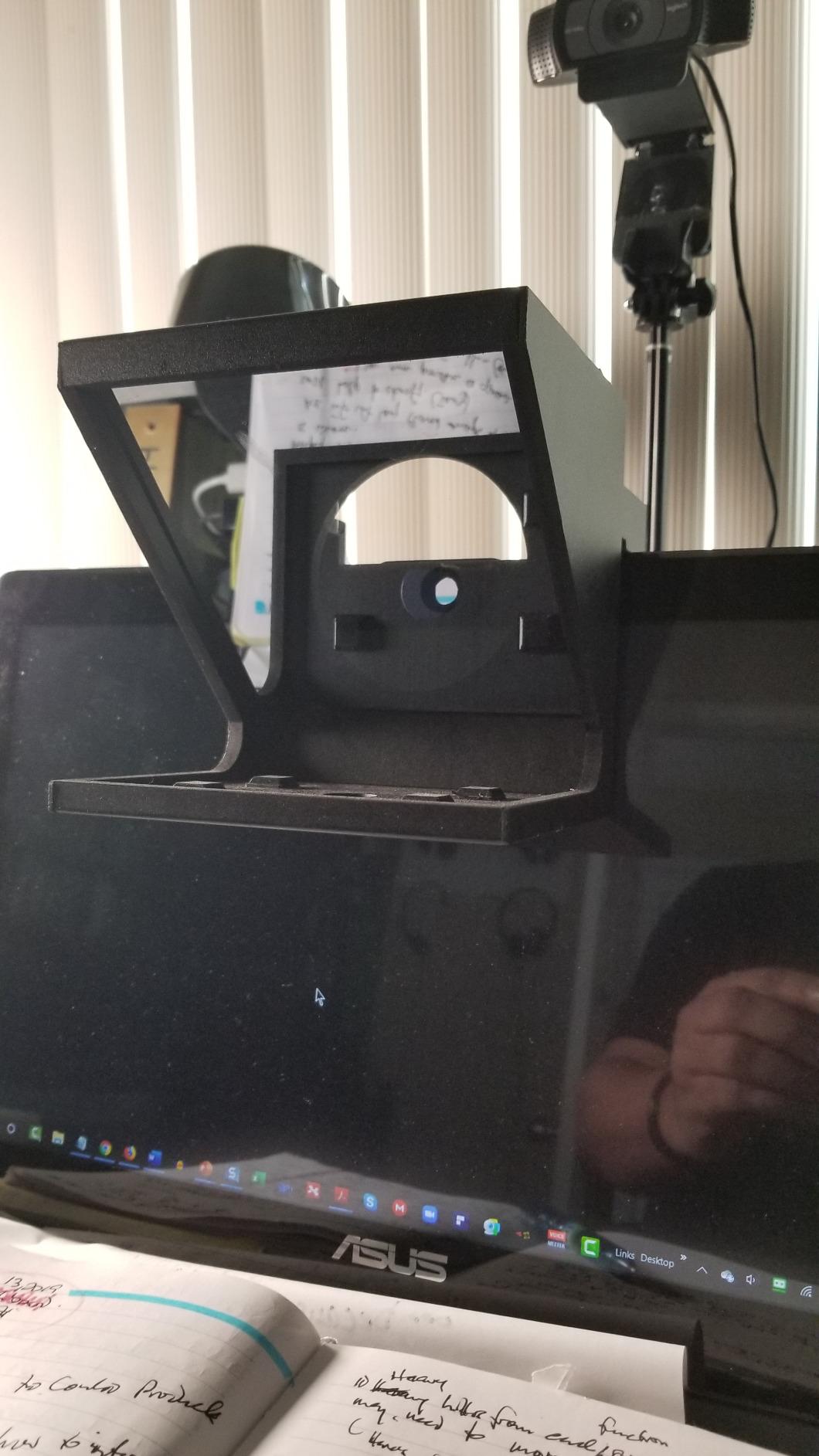
No app is included, but it works with any third-party iOS or Android teleprompter app, so you are not locked into one vendor’s scrolling software. Long-standing owners describe it as the easiest compact prompter to learn and report clear image quality despite the glass.
There is also a service angle worth knowing about: the founder has been known to send free replacement hardware. That matters more for a plastic kit than a metal one, because plastic is the component most likely to crack.
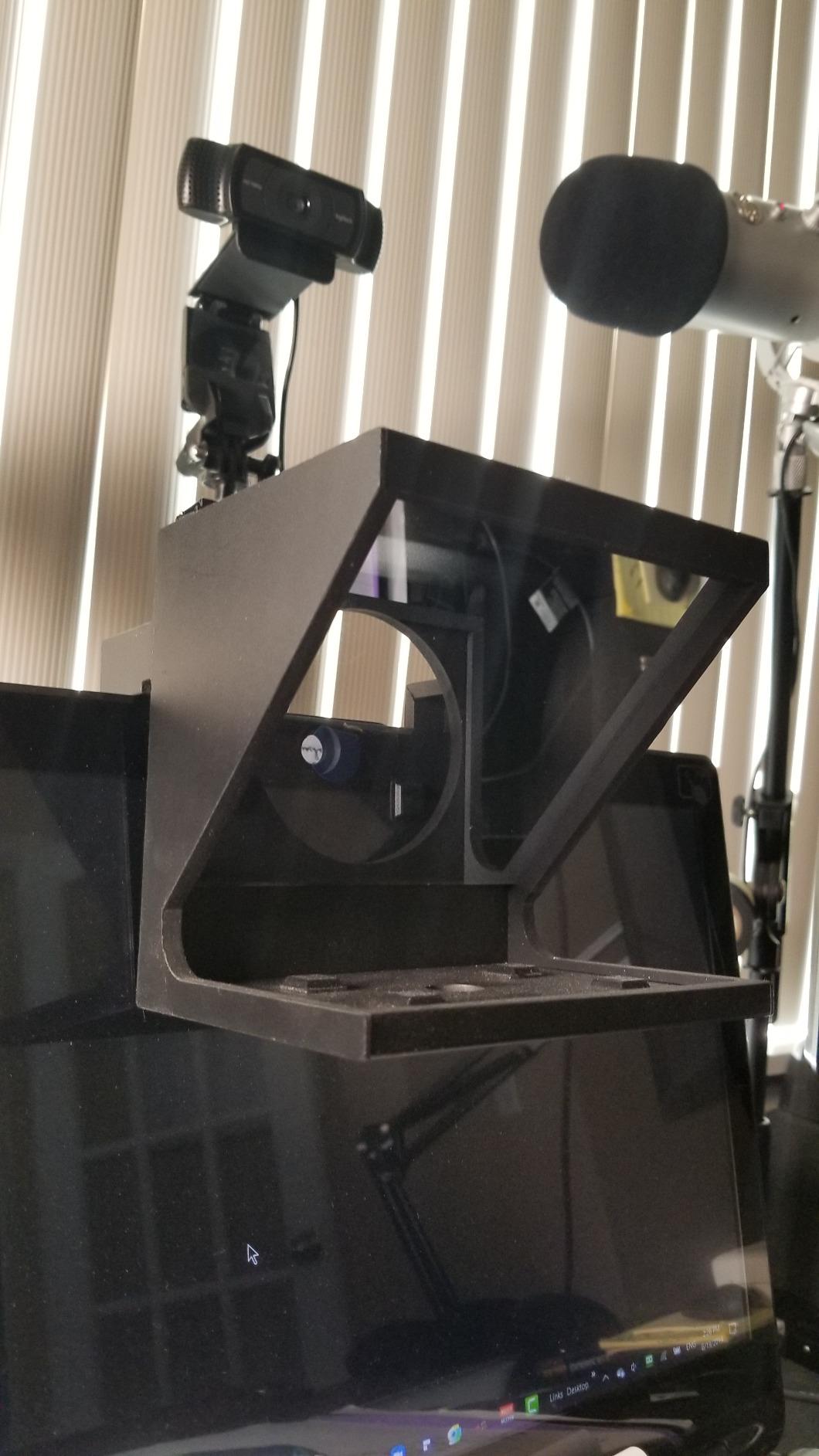
Why it works with a bare webcam
This is the clearest answer in the roundup. The product is designed around a laptop screen and a clip-on or built-in webcam, and the 6 inch class viewing area is sized for exactly that working distance. Nothing is oversized for a desk, which is what makes it comfortable at 40 cm.
Because the whole thing folds into a cube, it moves between a home desk, a co-working space and a client site without a separate bag. For someone recording sales demos on the road, that portability is the actual product.
Where it falls short
Text is hard to read beyond about 4 feet, so this is a close-range prompter only. The plastic body and screws are reported to crack or strip, and the clamp may not be wide enough for a very large desktop monitor.
Owners also note that a laptop’s built-in webcam can pick up the body of the prompter in frame, since the built-in camera sits at the top of the screen where the hood sits. Use a clip-on webcam raised above the lid rather than the built-in one and the problem disappears.
10. AMBITFUL 7.5 inch Mini Teleprompter – Best Budget Starter Kit
AMBITFUL 7.5” Mini Teleprompter W/Desktop Tripod for Smartphone & DSLR
7.5-inch coated glass, 350 g body
Desktop tripod included in the box
Bluetooth remote and dedicated app
Standard 1/4 inch screw mount
Pros
- Lowest barrier to entry in the roundup
- Light at 350 g and fits in a camera bag
- Desktop tripod means no separate support needed
- Coated glass keeps text sharp
- Remote and app for speed
- pause and font
- Adapter rings cover 49-77mm
Cons
- Phones only
- no tablet support
- 7.5 inch glass limits reading distance
- Wide angle support only above 35mm
- Glass and hood feel fragile to some
The AMBITFUL is the cheapest way to find out whether prompting suits you, and the included desktop tripod is the reason. You open one box and you have a prompter, a stand, a remote, adapter rings, a phone clip and a manual, with nothing else to buy.
The prompter body itself is 350 g and folds, with 7.5-inch high light transmittance coated glass and anti-ghosting performance. The standard 1/4 inch screw mount works with tripods and photography stands, so swapping the desktop tripod for a proper stand is a two-second change.
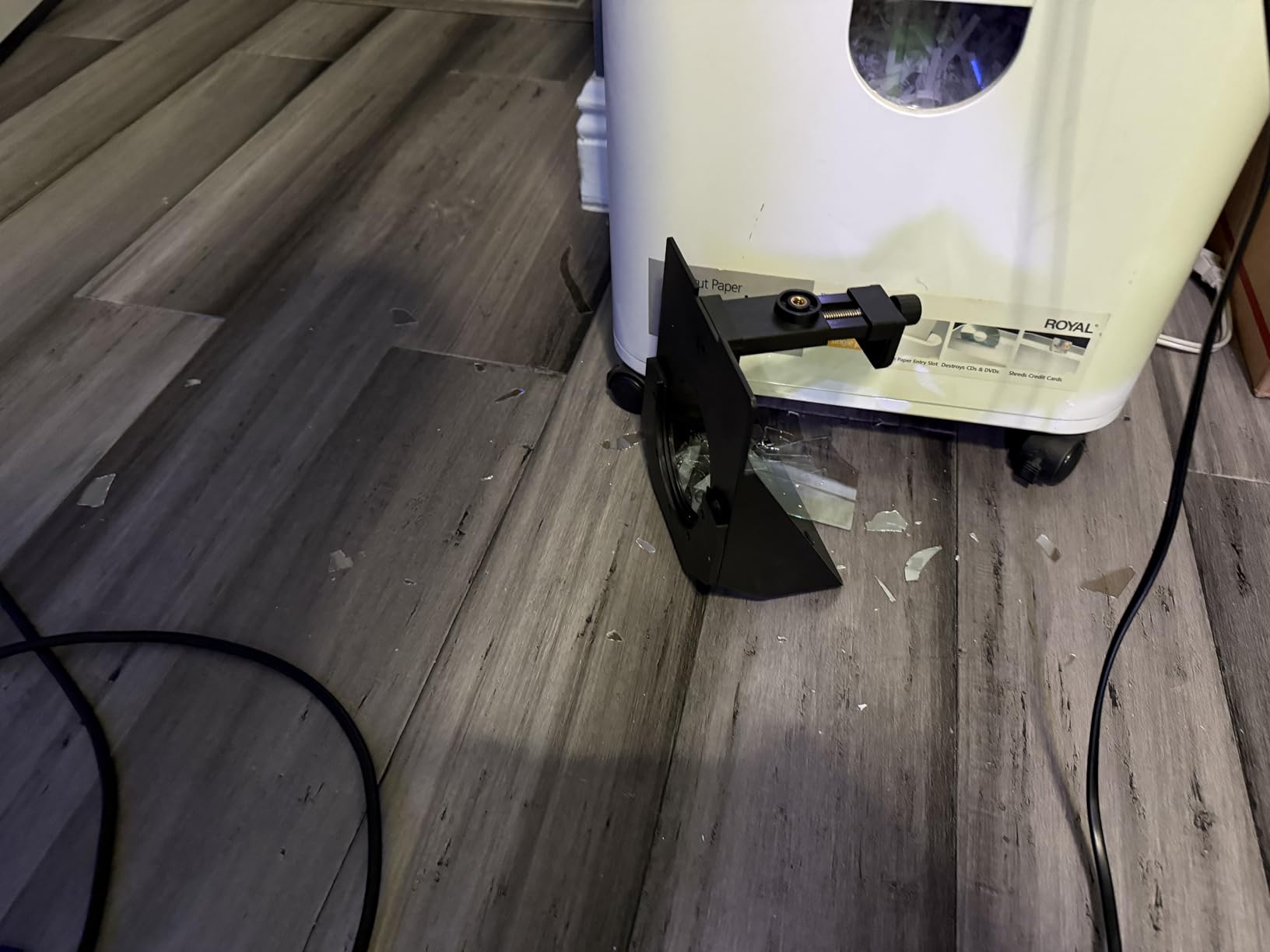
The Bluetooth remote handles scroll speed, pause and text switching, and the dedicated app covers font size, colour and switching between horizontal and vertical. Adapter rings from 49 to 77 mm cover most DSLR and mirrorless mounts for when you outgrow the webcam stage.
It is rated at 4 stars from 440 reviews, which makes it the most reviewed entry-level unit we looked at. Buyers treat it as a starter kit rather than a studio tool, and price that framing accordingly.
Why it works with a bare webcam
The included desktop tripod is the answer. A clip-on webcam or a small USB webcam bolts to the 1/4 inch mount, the phone sits in the holder behind the glass, and you are recording within a couple of minutes of opening the box with no additional hardware.
At 350 g it is the lightest unit in the roundup, so it moves between rooms easily. If you are recording on a laptop with a clip-on webcam at 50 cm, the small glass is the right size for that distance rather than a limitation.
Where it falls short
It does not take tablets, only phones, and the 7.5 inch glass limits you to close reading distances. Wide angle support is only above 35 mm, which is a DSLR-oriented spec and does not apply to a webcam at all.
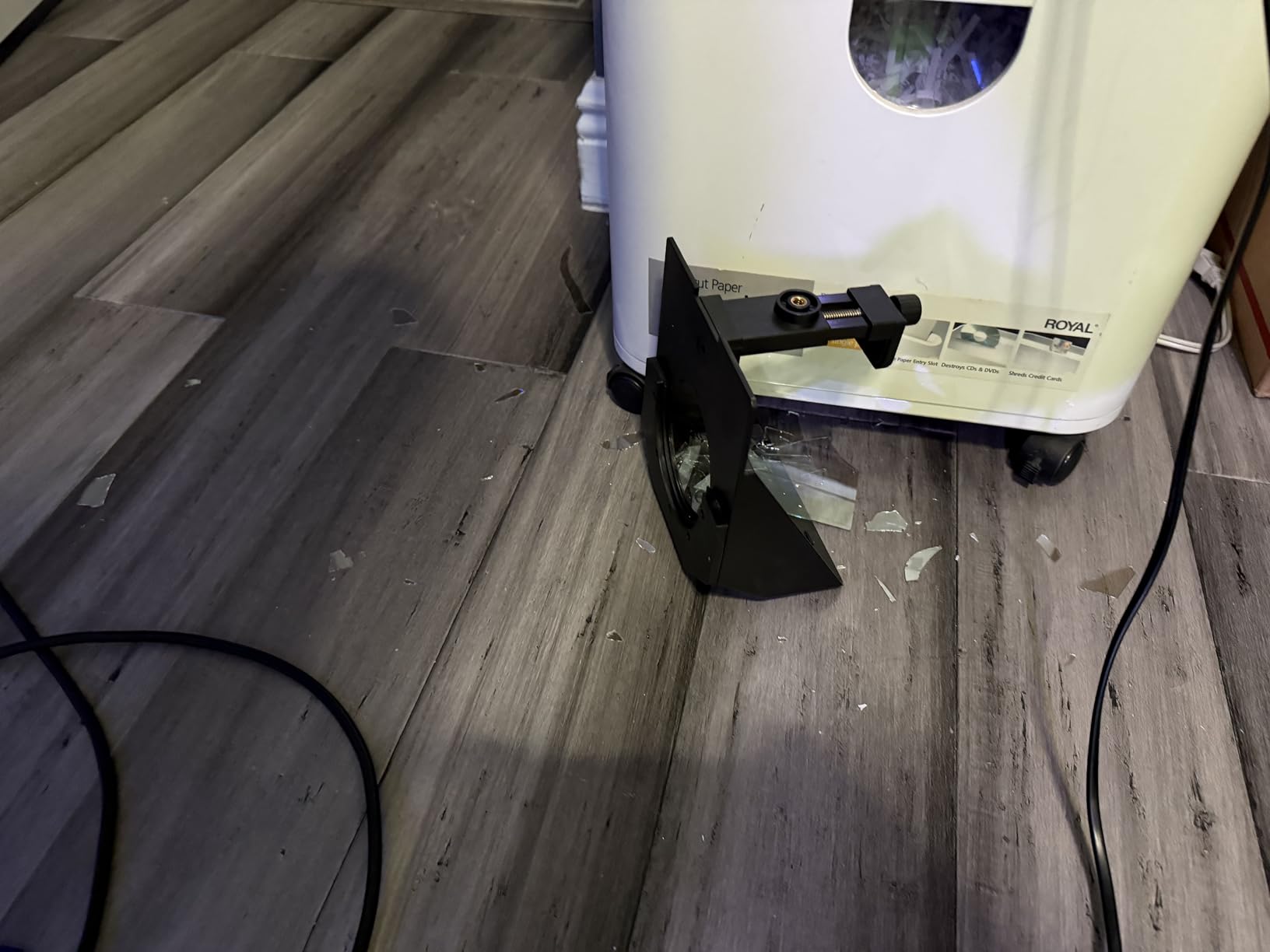
Some buyers report the glass and hood feeling fragile, so treat it as a desk item rather than travel kit. And you still need a phone running a teleprompter app, which is a separate cost the box does not cover.
How to Mount a Teleprompter to a Webcam
This is the step every product page skips, and it is where most webcam setups fail. A webcam has no lens thread, so the DSLR-style adapter ring approach is a dead end. You mount to the camera’s support instead.
Method one: the monitor arm or desk clamp
Clamp a monitor arm to the desk, run the arm up behind the display, and bolt the prompter to the end of the arm with a 1/4 inch screw. Your webcam clips to the top of the prompter and the tablet or built-in display sits in the tray below the glass. This is the cleanest route for a fixed desk because you can push the whole rig back and forth and the camera stays square to the glass. It is also the route the higher resolution webcams in our 4K roundup handle best, since they need the extra space to sit clear of the hood.
Method two: a light stand or small tripod
Any stand with a 1/4 inch screw takes a webcam, and most of the prompters here use the same thread. This is the fastest method for testing, and the AMBITFUL includes a desktop tripod for exactly this reason. Watch the working height: if the prompter sits at chest level and the webcam is 1.5 m away, you need a 9.7 inch glass or larger to read comfortably.
Method three: the laptop itself
Use the laptop display as the script surface. The Elgato Prompter and the NEEWER X11 both register as external displays on Windows and macOS, so you drag a teleprompter window onto them and the glass does the reflection. The Little Prompter is designed for this case. Raise a clip-on webcam above the lid rather than using the built-in camera, or the hood will appear in frame.
Method four: the zero-hardware route
Skip the glass entirely. Run a teleprompter app in camera mode, set the text column narrow and position it close to the centre of the frame, and use a dark interface so the screen brightness does not read as a rectangle beside your face. It is free, it takes an afternoon, and for a lot of webcam work it is genuinely enough. Our budget webcam picks pair with this route without any extra hardware at all.
Beam Splitter Glass or an App: What Webcam Users Actually Need
Why beam splitter glass behaves differently at webcam range
Beam splitter glass is coated to reflect roughly 70 to 75 percent of the light from the script display toward your eyes while passing the rest through to the camera. The NEEWER X11 is quoted at 75 percent transmission readable to 2.5 m, the X14 III at 71 percent to 3 m, and the Desview P13 uses a 70/30 split. Those ranges assume a large glass and a generous lighting setup.
A webcam sits close, usually between 40 and 70 cm, which is the easy end of that math. The smaller 7.5 inch and 8 inch units read fine at that range and fall apart past a metre, which is why they are desk-only products. The trade is the other direction too: a 17 inch pane at 15 feet is wasted on a monitor-mounted webcam.
Webcam versus DSLR: four differences that matter
There is no lens thread, so adapter rings are irrelevant. There is usually no flip screen, so you cannot angle the camera to match a tall glass the way you would with a mirrorless body. Focal length is short and fixed, so wide-angle behaviour is the default and any vignetting shows up immediately. And the whole rig is lighter, which means a cheap stand will do the job that a proper tripod handles on a DSLR.
How to kill screen reflections
Reflections in the camera feed are the most common complaint about any prompter, and they are fixable. Use a dark interface rather than a white page, dim the display to roughly the brightness of your face, and tape a matte black card behind the phone or tablet so it does not light the glass from behind. The X14 III’s thin hood zipper is a known weak point for exactly this reason.
Free versus paid, and where your scripts live
The hardware-versus-app question comes down to total cost, not quality. A glass prompter plus a phone or tablet is a real outlay, and a paid app adds to it. A free scrolling app with camera mode, scroll speed and text size control costs nothing and stores scripts on the device. For proprietary or unreleased scripts, local storage is the safer choice because nothing is uploaded to a server you do not control. Our full teleprompter roundup goes deeper on the hardware side of that comparison.
The 30-Second Teleprompter Audition Test
Before you commit to any of these, run this. It costs nothing and it eliminates the two failure modes that matter: text too far from the lens, and scroll too fast.
Step one. Record 30 seconds of yourself reading a paragraph aloud with the prompter in place. Do not perform for the camera, just read at a normal speaking pace.
Step two. Play it back with the sound off. Watch only your eyes. If they flick down or to the side, the text block is too low, too wide, or the scroll speed is wrong. This is the whole test.
Step three. Narrow the text column to two or three lines and move it up toward the lens, then lower the scroll speed by about a quarter. Re-record and check again. Most scripts that look readable on the screen become unreadable at speaking speed, so the correction is nearly always smaller text and a slower scroll than feels right.
Step four. Check the raw camera feed for reflections and for the prompter body appearing in frame. If either shows up, dim the display and raise the camera before you adjust anything else.
If a unit fails this in hardware, it will fail in software too. That is the fast way to know whether a tablet-based glass prompter is going to work for you before you commit to a screen purchase.
Frequently Asked Questions
What teleprompter can I use with my webcam?
Any beam-splitter teleprompter that mounts to a tripod, light stand or monitor arm works with a bare webcam, because a webcam has no lens thread to adapt. Put the camera behind the glass on its 1/4 inch mount and the phone or tablet in the tray below. The all-in-one units that ship with a built-in display, such as the NEEWER X11 and the Elgato Prompter, also register as a second Windows or macOS display, which makes them the simplest choice for laptop users.
What is the best teleprompter app for recording with my camera?
Look for three things: a camera mode that overlays your script on the live camera view, full control over scroll speed and text size, and local script storage so your files stay offline. A narrow two or three line text column placed near the centre of the frame produces the most natural eye line. Avoid apps that only mirror a script, because without camera mode you are still looking at a second screen.
How do I add a teleprompter to my camera?
Mount the prompter to a tripod, light stand or monitor arm first, since a webcam attaches by its own thread or clamp rather than through a lens adapter. Align the glass so it sits on the same axis as the lens, then load your script onto a phone, tablet or the built-in display. Finally, match the scroll speed to your speaking pace and dim the display until reflections disappear from the camera feed.
What is the best teleprompter app for the web?
For browser-based recording, you need either an app that runs in a tab with a camera overlay, or a hardware prompter that registers as a second display on your computer. The second route is more reliable for Zoom, Teams and Meet because the glass handles the reading and the meeting software never sees the script window. A dark interface and a narrow text column keep the on-screen version from producing obvious eye drift on playback.
Do I need a DSLR to use a teleprompter?
No. Every unit in this roundup works with a bare webcam, a laptop camera or a phone. The DSLR adapter rings included with kits like the Desview T5 and the LENSGO 9.7 inch prompter exist for people who already own a camera body, and you can ignore them entirely if you do not. What you do need is a way to hold the prompter, which is any stand with a 1/4 inch screw or a monitor arm clamp.
Which Webcam Teleprompter Should You Buy?
The NEEWER X11 2-in-1 is our pick overall, because the built-in 9-inch LCD removes the phone-or-tablet decision entirely and it doubles as a second computer display. It carries the most reviews of anything we tested at 4.4 stars across 1653 ratings, and the 75 percent transmission glass is readable far beyond a normal desk distance.
Buy the Elgato Prompter instead if you are on a Mac or Android and want the simplest possible screen-mirroring experience, or if Stream Deck control matters to your stream. Buy the NEEWER X14 III if the camera sits across the room rather than clipped to a monitor, since its 14-inch glass reads to 3 m.
For a fixed studio corner, the Desview T12S is the one that will still feel solid in a few years, with an aluminum body and a 4.5 star average. For travel, the Little Prompter folds to a cube and is built for a laptop webcam from the start. The AMBITFUL is the cheapest way to find out whether you like being prompted at all, and the LENSGO is the one that folds fast enough to live in a camera bag.
And if your script is under five minutes and you record on a laptop, skip the hardware. A free scrolling app in camera mode with a narrow dark text column will get you most of the way, and you can always graduate to glass later once you know how much you rely on it.