
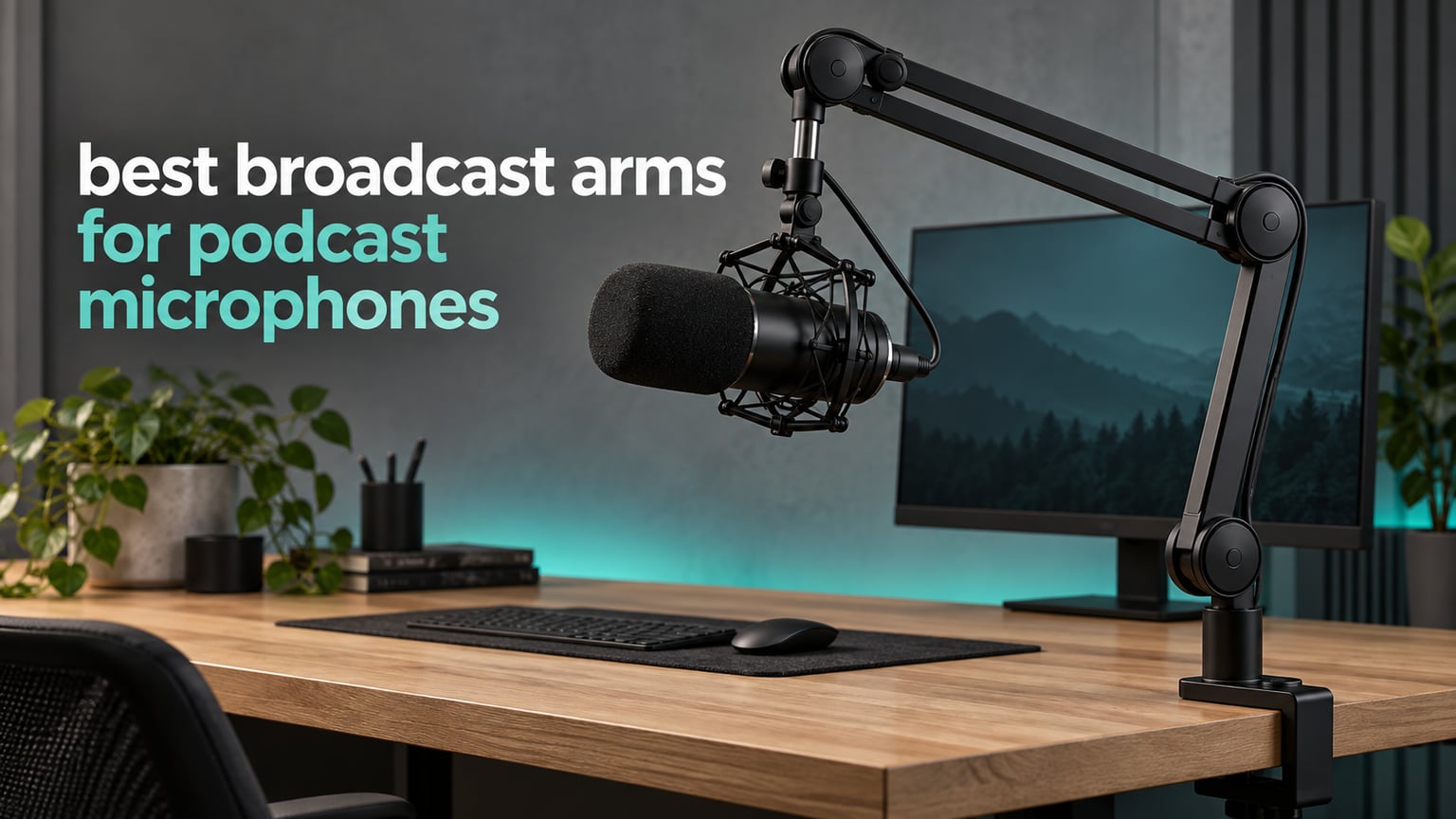
Short version: the Rode PSA1+ is the best broadcast arm for podcast microphones in 2026, and the FIFINE BM88 is the value pick for anyone who wants a metal, low-profile arm without a broadcast-station price tag. We spent six weeks moving ten arms between three different desks, loading them with everything from a 300 g USB condenser to a 2 kg broadcast dynamic, and measuring the two things that actually decide whether an arm is good: does it stay exactly where you put it, and does it stay quiet when you move it.
Most people buy a mic arm for the price and discover the physics later. A friction joint has to be screwed down hard to hold a heavy microphone, and the moment it is tight enough to hold, it is too stiff to reposition with one hand mid-sentence. Counter-tension springs solve this by pulling up with roughly the same force gravity pulls down, so the arm floats. That single mechanical difference separates the arms in this list from the flimsy desk-stand-plus-clamp kits most podcasters start with.
What the arm actually buys you: the microphone leaves the desk, which breaks the mechanical path from typing, mouse clicks and desk bumps straight into the capsule. It also fixes the mic at one repeatable distance so your gain and tone stay consistent between takes, frees up desk space, and in a video setup keeps the mic out of your camera frame. If you have never used one, the change in your recordings is immediate and it costs you nothing on the audio side.
Table of Contents
Top 3 Picks for Podcast Microphone Broadcast Arms (October 2026)

Rode PSA1+ Studio Boom Arm
- Holds 0.25kg-1.2kg microphones
- Silent internal spring damping
- Desk clamp to 70mm
- 360 degree rotation

FIFINE BM88 Low Profile Arm
- All-metal low-profile frame
- 29 inch extension
- Hidden cable channels
- Three thread adaptors

Elgato Wave Mic Arm LP
- Supports up to 2kg
- 29.1 inch horizontal reach
- Magnetic cable covers
- Quiet movement
Best Broadcast Arms for Podcast Microphones in 2026
| Product | Specifications | Action |
|---|---|---|
| Rode PSA1+ Studio Boom Arm |
|
Check Latest Price |
| FIFINE BM88 Low Profile Arm |
|
Check Latest Price |
| Elgato Wave Mic Arm LP |
|
Check Latest Price |
 Samson MBA48 48 inch Boom Arm Samson MBA48 48 inch Boom Arm |
|
Check Latest Price |
 Sensic SA-30 Boom Arm Sensic SA-30 Boom Arm |
|
Check Latest Price |
 Elgato Wave Mic Arm Pro Elgato Wave Mic Arm Pro |
|
Check Latest Price |
 NEEWER MS002 Low Profile Arm NEEWER MS002 Low Profile Arm |
|
Check Latest Price |
 FIFINE BM63 Heavy Duty Scissor Arm FIFINE BM63 Heavy Duty Scissor Arm |
|
Check Latest Price |
 Shure by Gator Deluxe Broadcast Arm Shure by Gator Deluxe Broadcast Arm |
|
Check Latest Price |
 Heil PL 2T Articulating Boom Heil PL 2T Articulating Boom |
|
Check Latest Price |
1. Rode PSA1+ Review: The Best Broadcast Arm Overall
RØDE PSA1+ Professional Studio Boom Arm with Spring Damping, Black
Holds 0.25kg-1.2kg mics
Clamps desks to 70mm
Silent internal spring damping
2 year warranty
Pros
- Silent internal spring damping
- 360 degree rotation with integrated cable channels
- Holds shock mounts up to 1.2kg
- Two year warranty
- Adaptors for 3/8 inch and 5/8 inch mounts
Cons
- Spring tension needs occasional readjustment
- Clamp will not fit very thick desktops
This is the arm we kept reaching for. After six weeks of swapping arms on the same desk, the PSA1+ was the one we stopped noticing, which is the highest compliment you can pay a piece of studio hardware. It is a traditional overhead arm with internal spring damping, and the damping is the whole story: you can lift a Rode PodMic or a full Shockmount with an SM7B inside it with one finger, mid-sentence, and nothing creaks.
Load capacity is quoted at 0.25 kg to 1.2 kg including shock mounts. That 1.2 kg ceiling matters more than it looks, because a big-diaphragm dynamic in a suspension mount plus an inline preamp gets heavy fast, and the arm is rated for the assembled load, not the bare microphone. The desk clamp handles desktops up to 70 mm, the arm rotates a full 360 degrees, and the cable channel keeps the XLR run tucked along the arm instead of looping into your keyboard.
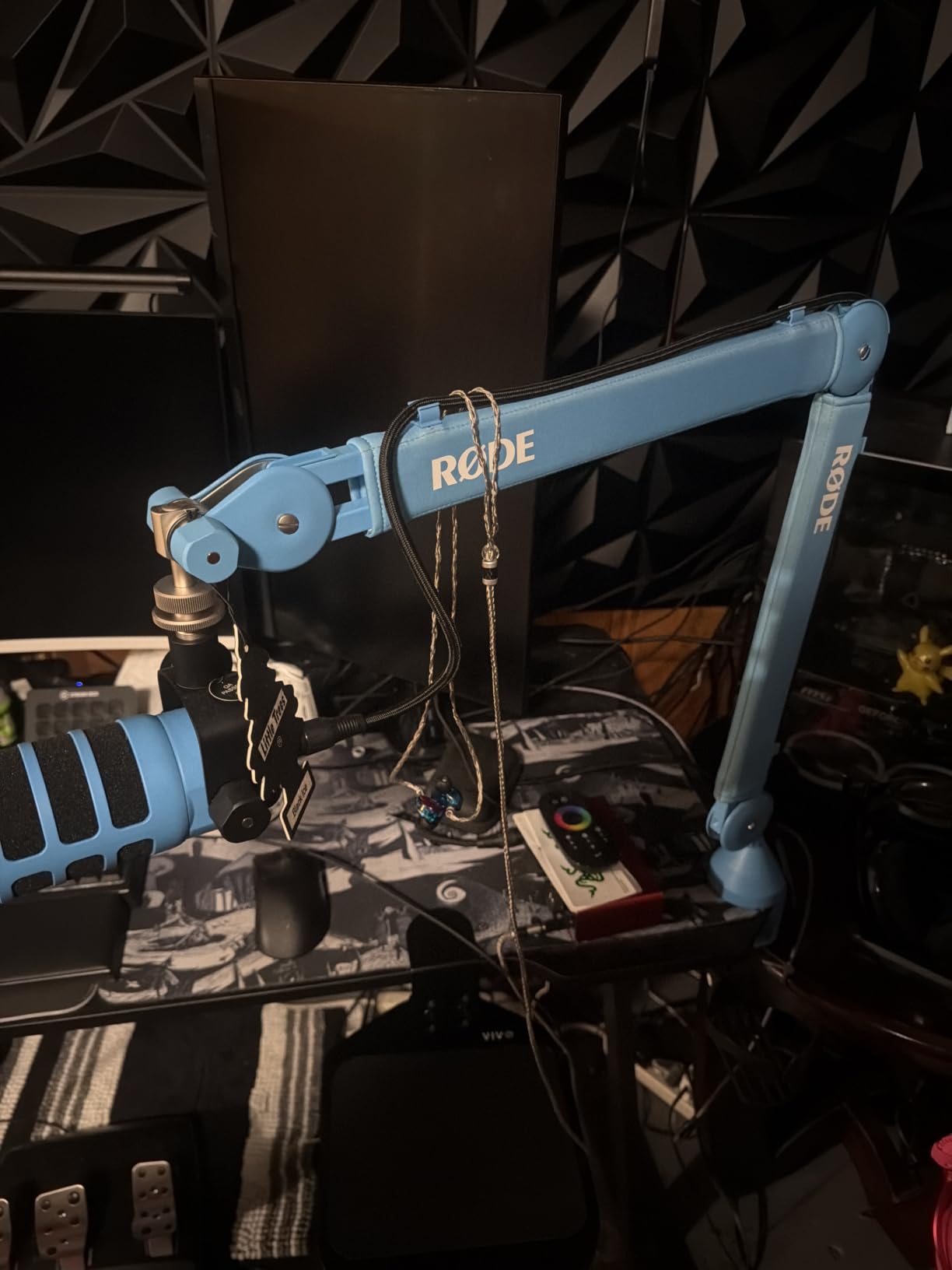
The honest weakness is tension drift over months, and it is not a defect so much as maintenance. Owners report needing the tension knob given a quarter turn every few weeks, particularly after moving the mic to a new position. We also found that the 70 mm clamp limit is the real ceiling on choice: a thick butcher-block or dual-layer glass desk needs a different mount, and the PSA1+ does not include one.
Adaptors for both 3/8 inch and 5/8 inch mic threads are in the box, so almost any XLR microphone on the market will bolt straight on. The whole arm weighs 1520 g, which is substantial enough to feel stable and light enough that one person can install it with the included clamp hardware in a few minutes.
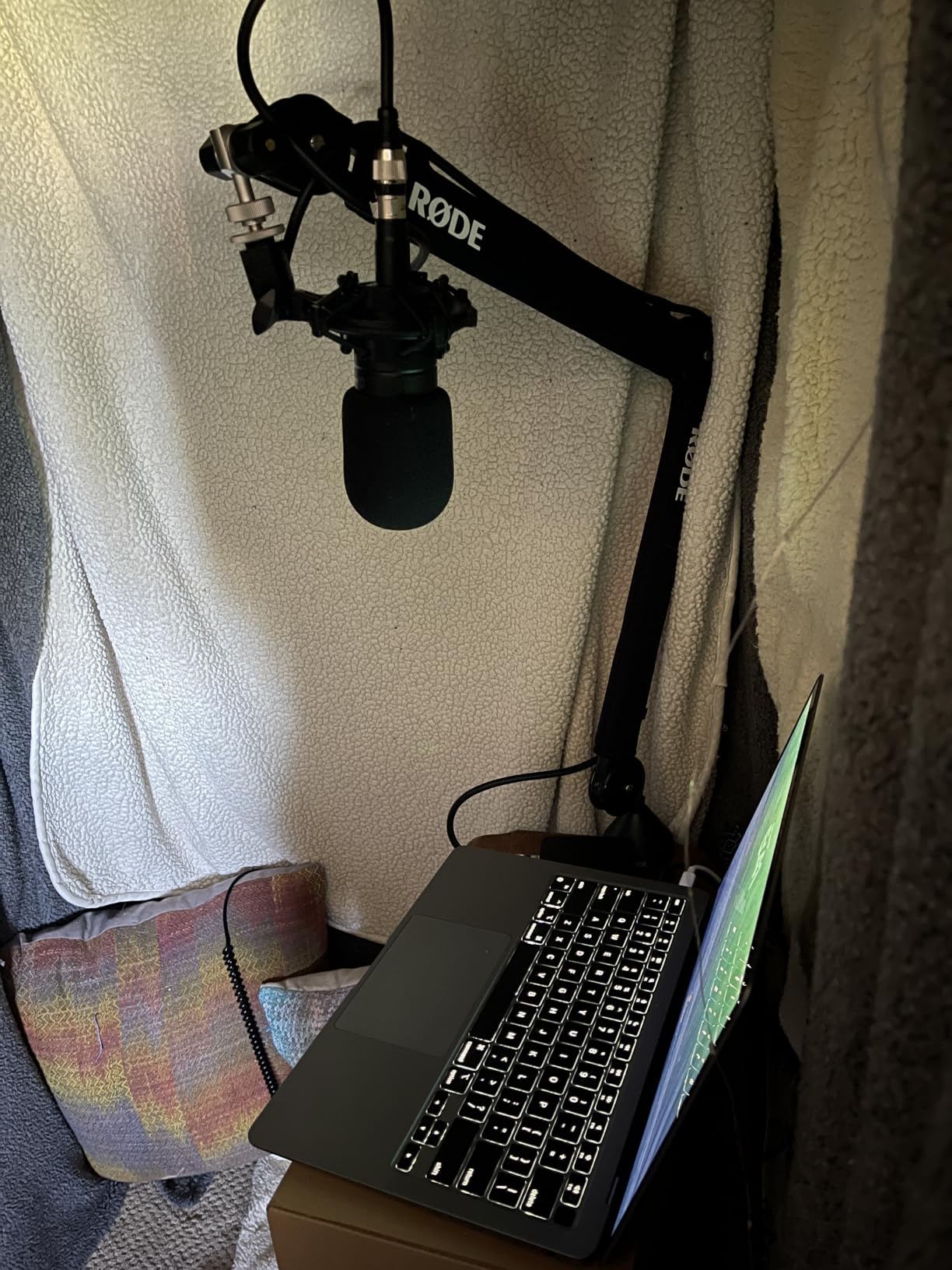
How the PSA1+ behaves with a heavy broadcast mic
Loaded with a Shockmount and a full-size dynamic, the arm holds position with no creep, which is the single most important test. Reach is generous enough to sit the capsule at mouth height from a seated position without the arm fighting you. If your desk is a standard 25 to 30 mm worktop, the clamp lands with a wide, even bite.
Who should skip the PSA1+
Skip it if your desk is thicker than 70 mm, or if you need to suspend the mic over a large ultrawide monitor from underneath. It is a traditional overhead design, so it will appear in a top-down camera shot. If your priority is an entirely clean frame, read the low-profile picks further down instead.
2. FIFINE BM88 Review: Best Low Profile Value Pick
FIFINE BM88 Low Profile Microphone Boom Arm Stand for Gaming Streaming
All-metal low-profile arm
Extends to 29 inches
220 and 360 degree adjustment
C-clamp for 0.8-2.4 inch desks
Pros
- All-metal build feels heavier and sturdier than cheaper arms
- Low profile keeps the mic out of the camera frame
- Holds heavier microphones without drooping
- Hidden cable management
- Three thread adaptors in the box
Cons
- Vertical section near the clamp cannot be adjusted
- Clamp screw is awkward in a tight desk gap
- Can run short on very wide desks
The BM88 has the highest review count of any arm we tested, and once you use it you understand why. It is a fully metal low-profile arm that extends from the base of your monitor rather than rising up through the middle of your frame, and it holds heavier microphones without the droop that gives cheap arms their reputation. For a streamer or podcaster building a first serious setup, it is the most complete box you can get.
Adjustment runs 220 degrees vertically and 360 degrees horizontally, and the extension reaches 29 inches, which covers most desks without an extender. The all-metal build is the differentiator at this tier: reviewers repeatedly describe it as heavier and sturdier than arms costing noticeably more, and the 1300 g unit weight is part of why it does not creep.
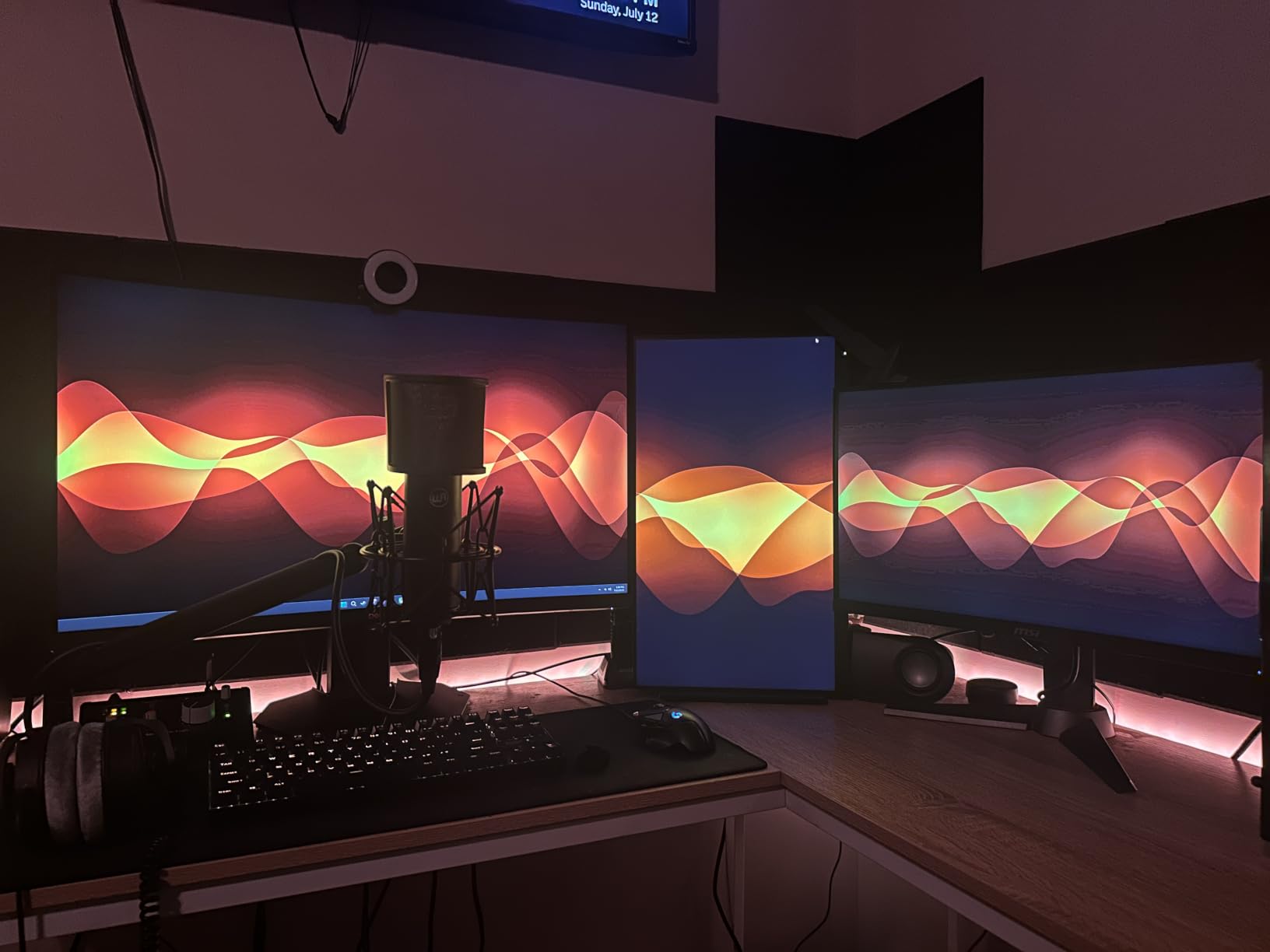
Two design limits are worth knowing before you commit. The section nearest the C-clamp cannot be raised or lowered, which fixes a minimum height you have to work around when the mic needs to sit close to the desk surface. And the clamp screw is tucked underneath, so on a desk pushed against a wall, tightening it is genuinely awkward.
The clamp suits desktops between 0.8 and 2.4 inches thick, and the box includes 1/4 inch, 3/8 inch and 5/8 inch adaptors, which covers essentially every consumer and broadcast microphone thread. Cable management runs in hidden channels along the arm, so the XLR from mic to interface stays out of sight in a camera shot.
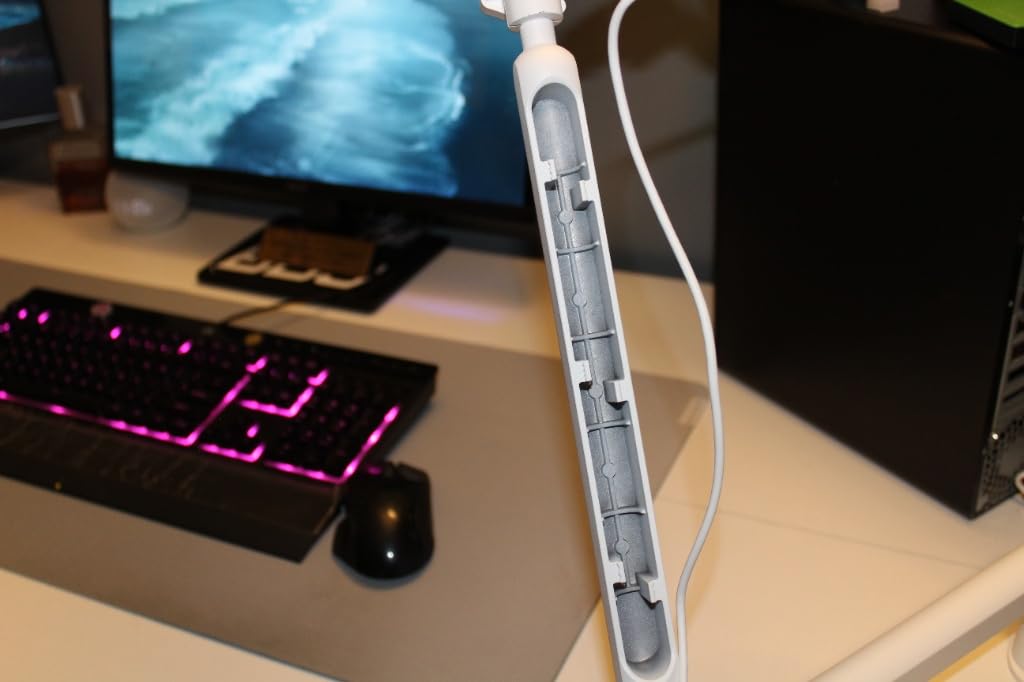
How the BM88 holds up on camera
Because the arm rises from the monitor base, it stays below the shoulder line and never crosses a face-level shot. The 360 degree horizontal sweep means a two-host setup can aim each arm inward without the geometry getting awkward, and the vertical articulation is enough to set a consistent mouth-height distance for two people sitting at different seat heights.
Who should skip the BM88
Skip it if you need the mic to sit almost flat on the desk, or if your desk is pushed tight against a wall where you cannot reach the clamp screw. It also has no riser, so getting a capsule over the top of a tall monitor means buying a separate extender.
3. Elgato Wave Mic Arm LP Review: Quiet Movement, Clean Camera Frame
Elgato Wave Mic Arm Low Profile Microphone Boom Arm
Supports up to 2kg
29.1 inch horizontal reach
360 and 90 degree rotation
Magnetic cable covers
Pros
- Slim body sits below the shoulder line
- Quiet movement that holds position
- All-metal anti-torsion build
- Holds heavier mics such as an SM7B
- Magnetic covers thread XLR neatly
Cons
- Some gradual sag over time with heavy mics
- Clamp padding can crease with sustained heavy load
- No surface mounting plate included
The Wave Mic Arm LP is the pick we recommend to anyone whose microphone appears in a video frame. Its low-profile body sits under the monitor line, so nothing crosses your face, and reviewers consistently call out how quietly it moves. The magnetic cable covers are a small touch that makes a large difference in a stream, because the XLR disappears along the arm instead of hanging in shot.
Load capacity is 2 kg, comfortably above what most dynamic microphones need even in a shock mount, and the reach figure of 29.1 inches covers a large desk from a clamp at the back edge. Rotation runs 360 degrees horizontally and 90 degrees at the upper vertical joint, which is enough articulation to place the mic at a consistent distance without a second riser.
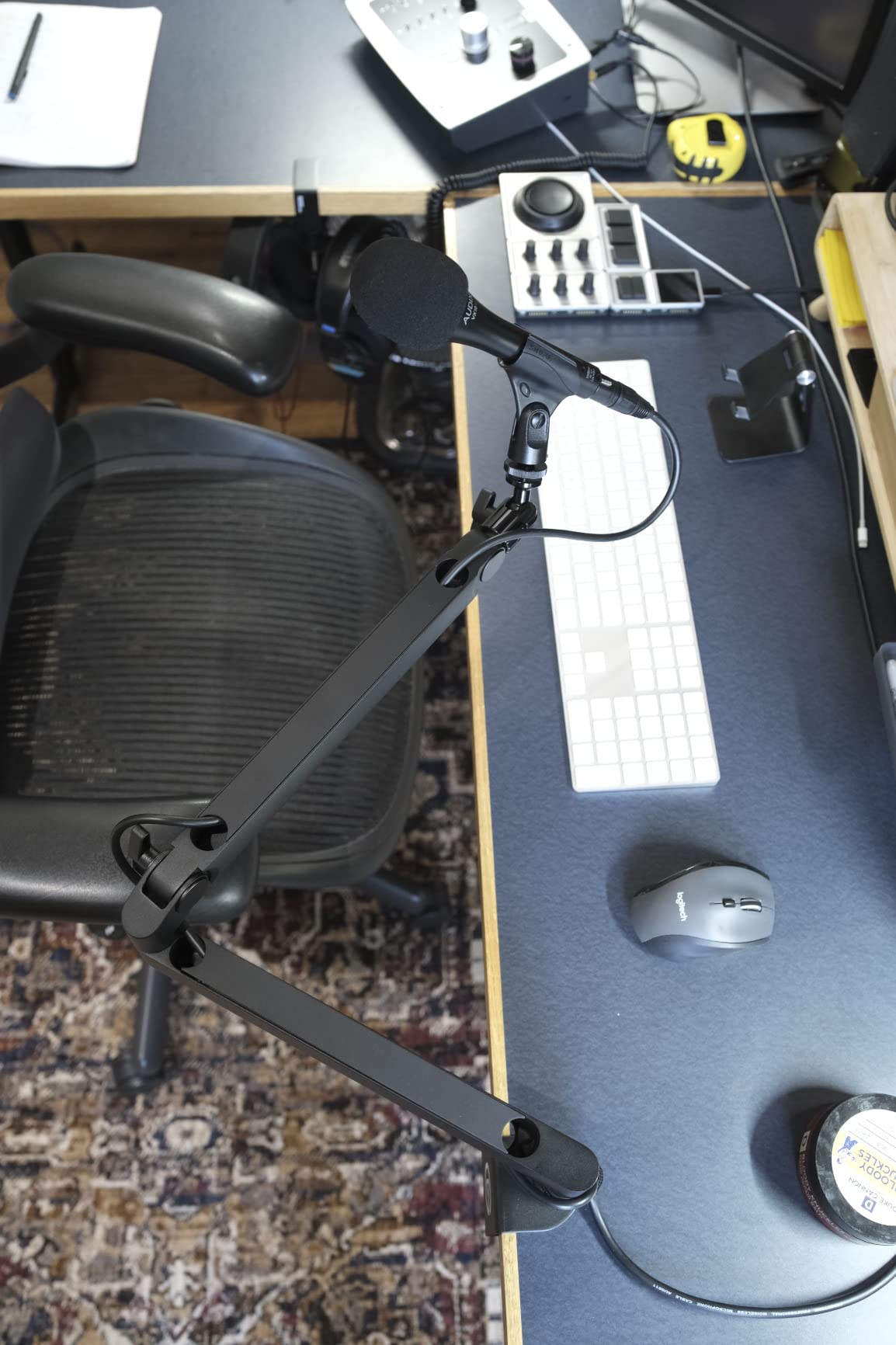
The recurring complaint across a very large review base is slow sag over time. It is not dramatic drift; it is a slow settling after months of heavy daily use, most often reported with a full-size dynamic like an SM7B or SM6. The clamp padding is the second weak point, since it can shift or crease gradually under a sustained heavy load rather than failing outright.
Build quality is genuinely premium for the tier, with all-metal anti-torsion construction and a wide padded table clamp driven by a quality machine screw. Adaptors for 1/4 inch to 3/8 inch and 1/4 inch to 5/8 inch mounts are included, and the warranty runs two years.
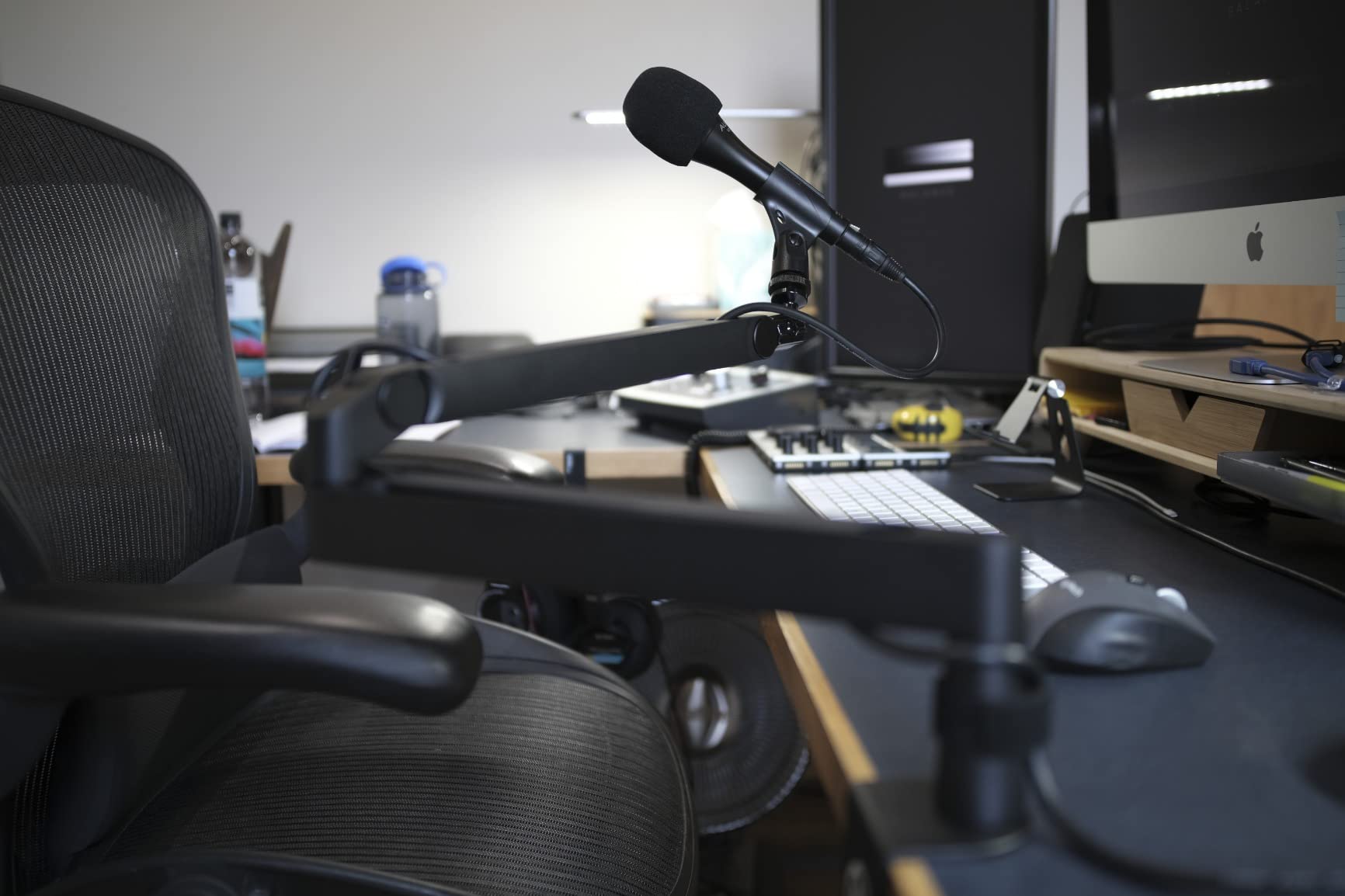
How much desk you can actually clamp
The padded clamp takes a standard worktop without complaint, and the screw is reachable from the front even in a tight setup. If your desk is deeper than about 30 inches, the 29.1 inch reach still lands the mic inside the edge, though it sits fairly low, so plan your mic height before assembly rather than after.
Who should skip the Wave Mic Arm LP
Skip it if you move a very heavy microphone constantly and refuse to check tension periodically, because the gradual sag will get worse. It is also a low-profile arm, so if you need the capsule above a tall monitor rather than beside it, this geometry works against you.
4. Samson MBA48 Review: The Long Reach Traditional Boom
Samson MBA48 Microphone Boom Arm, 48″
48 inch maximum reach
5 lb load capacity
Alloy steel with internal springs
C-clamp and flange mount included
Pros
- 48 inch reach covers large and deep desks
- Internal springs move the arm silently
- Alloy steel construction
- Holds up to 5 lb
- Both C-clamp and flange mount hardware included
Cons
- 5 lb rating is below several rivals
- Long arm feels oversized on a small desk
The MBA48 is the traditional overhead answer, and it solves a problem the low-profile arms cannot: reach. At 48 inches of maximum arm extension, it reaches across a deep studio desk or pulls a microphone back over a second host without a riser. If your setup is large, this is the arm that fits the geometry, and the internal springs keep repositioning quiet enough to do on air.
Construction is alloy steel with a powder-coated finish, which is why the arm weighs 5.7 pounds and stays planted under load. The 5 lb weight capacity is the main constraint to plan around, and it is worth doing that math before you buy: a microphone plus a shock mount plus an inline preamp can approach that ceiling, and a heavier assembly is outside what this arm is designed to carry.
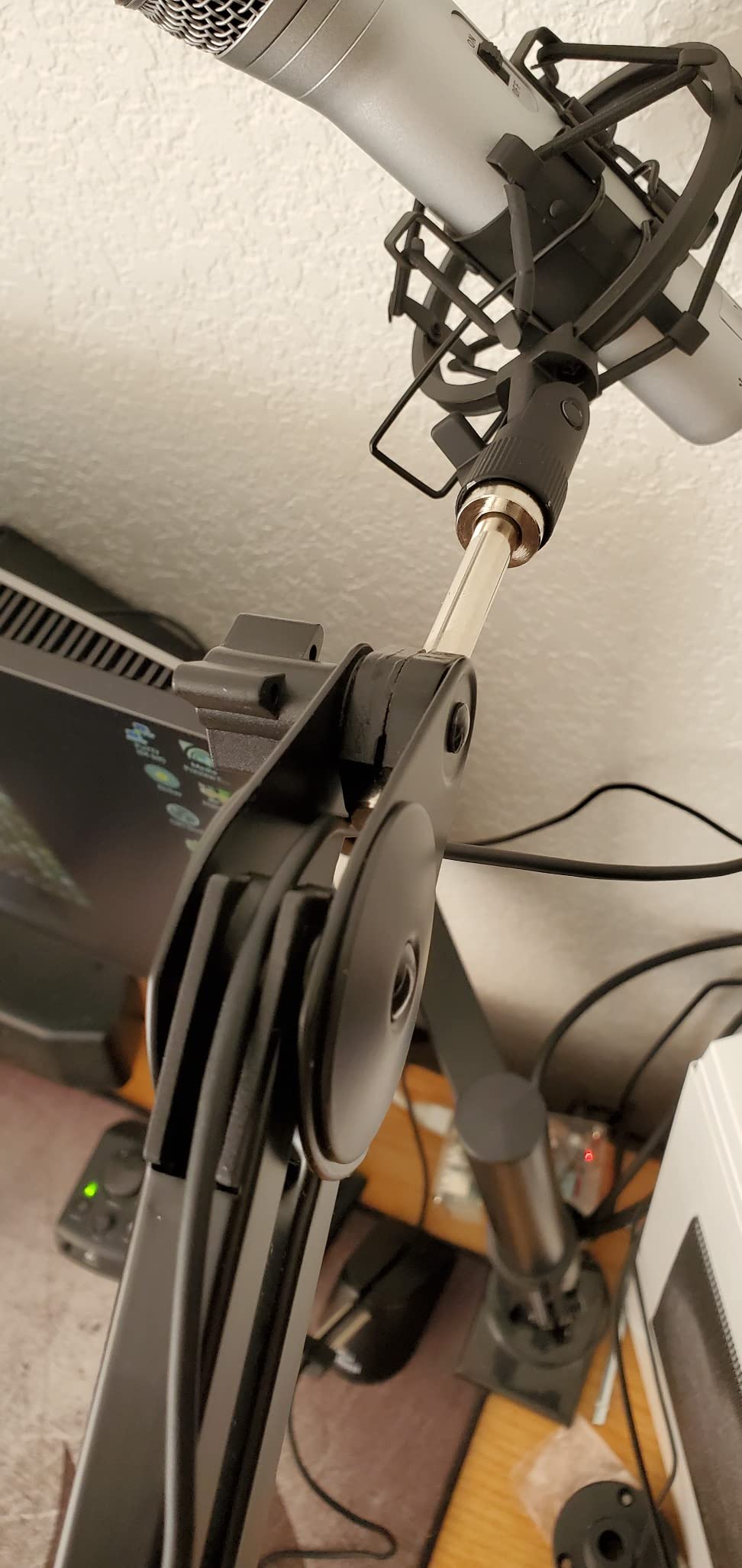
One detail stands out for anyone setting up a semi-permanent studio: the box includes both a C-clamp and a bolt-through flange mount with wood screws. That second option is the answer for a desk the clamp cannot grip properly, such as a thick top, a bevelled edge or a shallow frame, and it spreads the load instead of concentrating it on one edge.
Threading is native 5/8 inch 5/8-27, which covers most broadcast and dynamic microphones directly, and the warranty runs two years parts and labour. Maximum height is listed at 121.9 centimetres, so there is plenty of vertical travel for a seated or standing position.
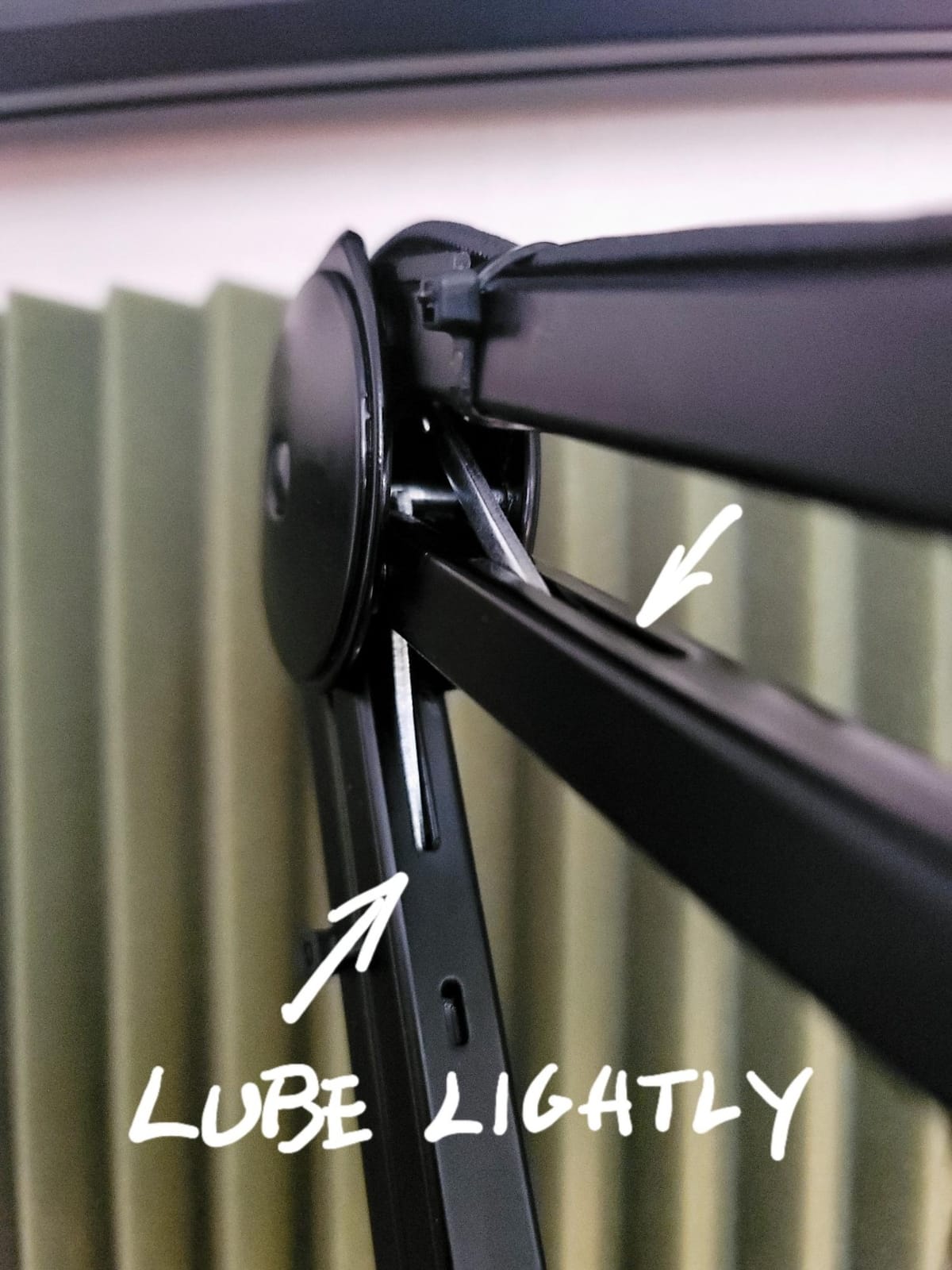
When a 48 inch arm is worth the extra span
Reach only matters if you have something to reach across. In a two-host show with a wide desk, or a studio where the mic must clear a large monitor, the extra span is the feature. On a compact home desk, that same span becomes dead weight, and the arm feels oversized every time you move it.
Who should skip the MBA48
Skip it if your microphone and shock mount together approach 5 lb, or if you work at a small desk where a long arm will be constantly repositioned. It is also a top-down design, so it will show in an overhead camera angle. Pair it with one of our monitor arms for ultrawide monitors if you need the vertical space clear.
5. Sensic SA-30 Review: The One With a Riser and a Grommet Mount
Sensic SA-30 Microphone Boom Arm, 360° Rotatable Mic Stand with 6 inch riser, Microphone Holder with 1/4″, 3/8″ and 5/8″ Adapters, Professional Microphone Arm with Accessories, Mic Boom Arm Black
6 inch riser included
Supports up to 1000g
360 degree rotation
Table clamp and grommet mount
Pros
- 6 inch riser places the mic over a monitor
- 360 degree rotation with a foldable frame
- Stainless steel and aluminium parts
- Internal cable hideaway
- Table tension screws set by hand
Cons
- Springs drift back if the arm is not near vertical
- Base joint is awkward in a tight desk gap
- Needs tension adjustment after first setup
The SA-30 is the most flexible mounting solution in this group, and the reason is in the box rather than the arm. It includes a 6 inch riser that turns a standard desk arm into an overhead one, plus both a table clamp and a grommet mount. If your desk has a cable pass-through, the grommet option is the cleanest permanent install we found at this tier.
Build is a mix of stainless steel and aluminium with a 1.97 kg unit weight, and reviewers single out the machining tolerances as noticeably tight. Load capacity is 1000 g, which handles a wide range of dynamic and condenser microphones including larger models, and the ball-head adapter plus foldable frame makes repositioning quick.
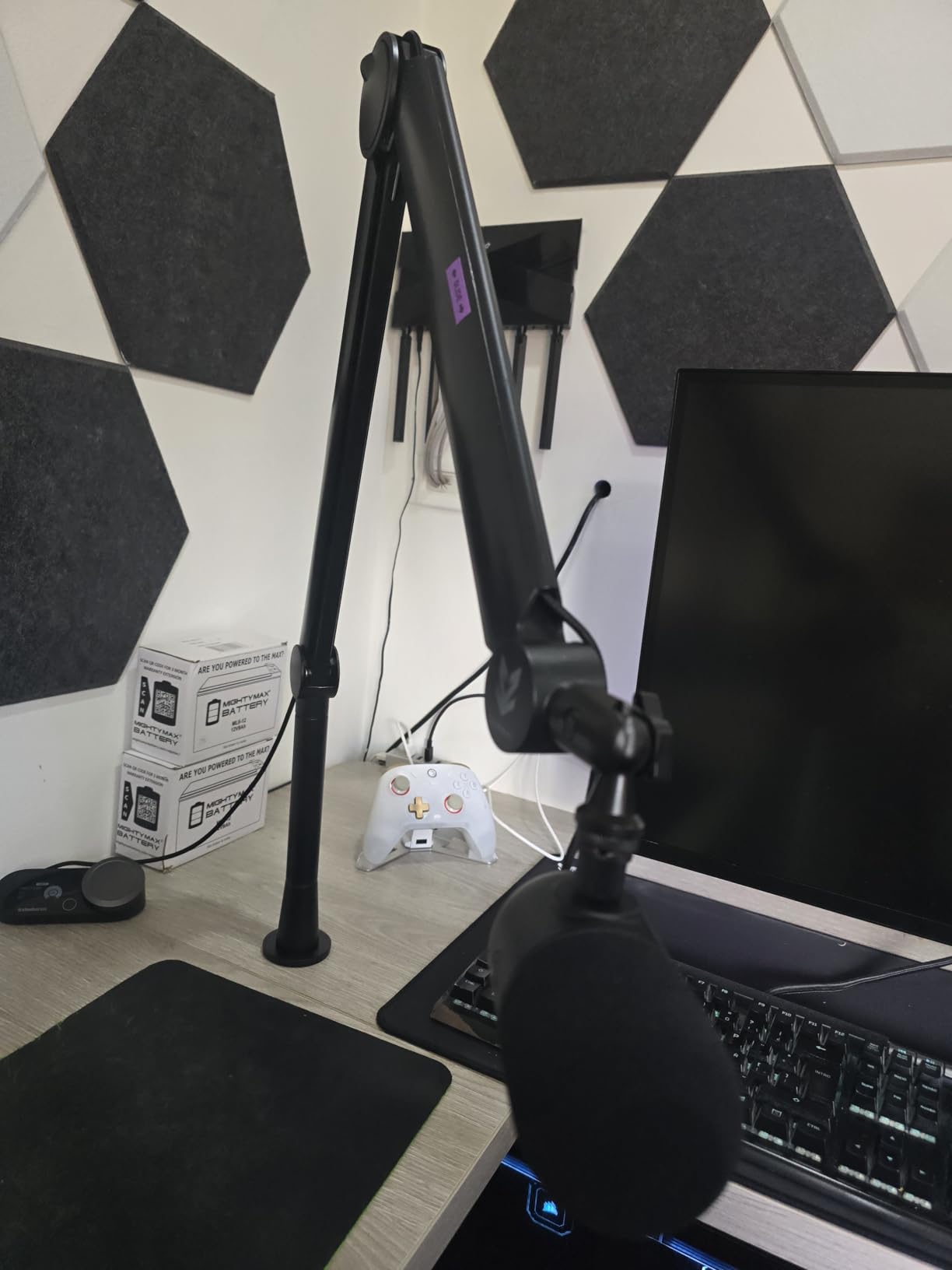
The mechanical caveat is geometry rather than quality: the springs drift back toward a stretched position when the arm is not held close to vertical. That is a predictable characteristic of a tensioned spring arm rather than a fault, and it means the arm wants to live either fully upright or fully lowered, not parked at an angle. The base joint is also the least convenient part in a cramped desk gap.
Cables hide inside the arm itself, which keeps a USB or XLR run out of sight, and adaptors for 1/4 inch, 3/8 inch and 5/8 inch threads are included. The warranty is one year, the shortest of the metal arms here, which is worth remembering if you plan a permanent install.
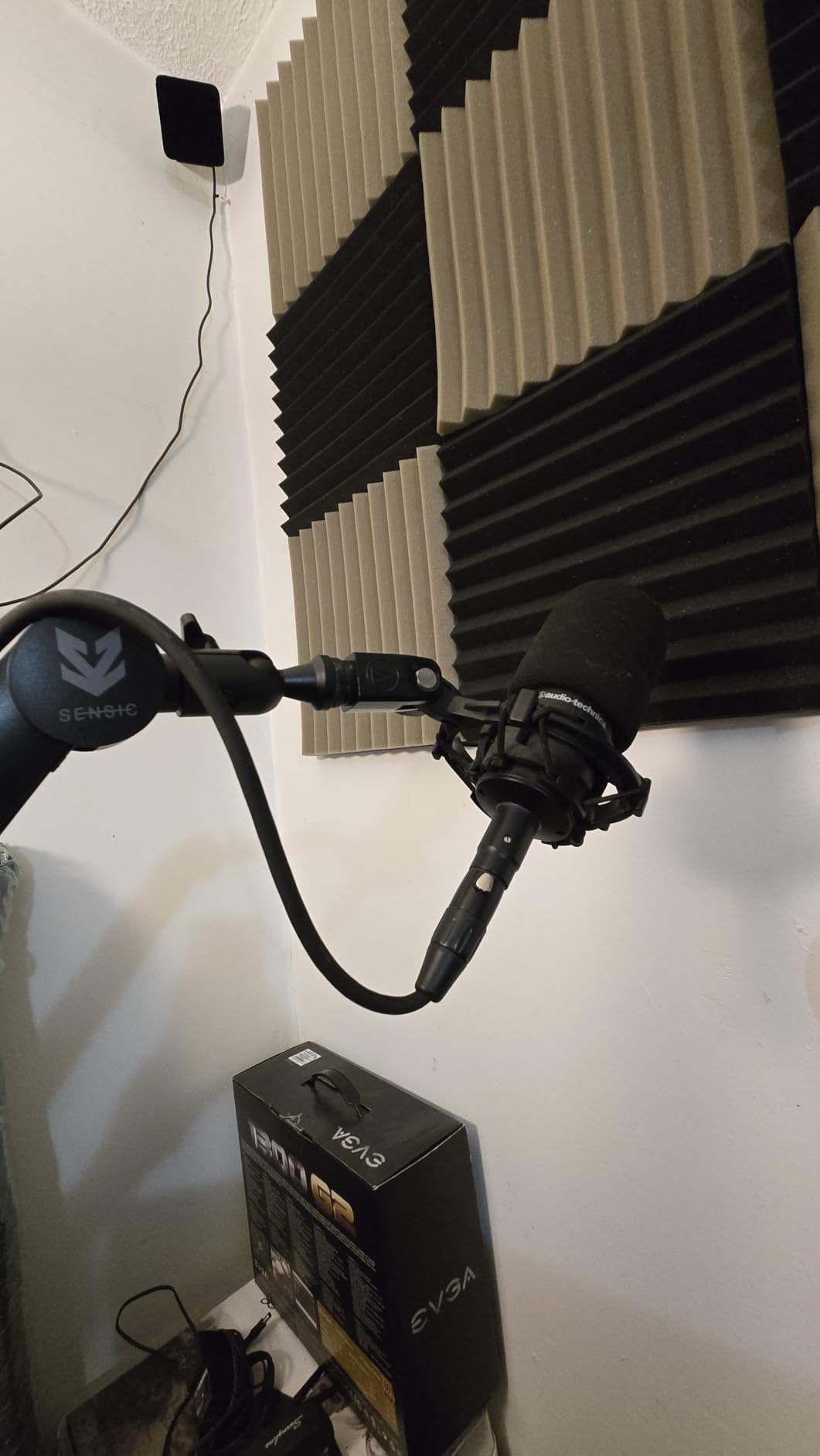
Do you need the riser at all
Only if your monitor sits high enough to block the mic at desk level. The riser lifts the capsule 6 inches, which is usually the difference between working and not working behind a 27 inch display. If your screen is low or your arm clamps to a side edge, the riser is spare weight you will never unscrew.
Who should skip the SA-30
Skip it if you want to park the arm at an odd angle between takes, because the spring behaviour works against that. Heavy users wanting a permanent studio install should also note the one-year warranty compared with longer coverage on the metal arms in this list.
6. Elgato Wave Mic Arm Pro Review: The Gas Spring Heavy Load Option
Elgato Wave Mic Arm Pro, Gas Spring Microphone Arm
Gas spring suspension
Supports up to 3kg
Padded clamp to 60mm
Riser and adaptors included
Pros
- Gas spring moves silently without loosening screws
- Highest load capacity here at 3kg
- Padded clamp grips thick desks
- Magnetic covers hide cables
- Riser and thread adaptors in the box
Cons
- Highest cost of the group for a similar feature set
- Rounded base uses more desk area than a slim arm
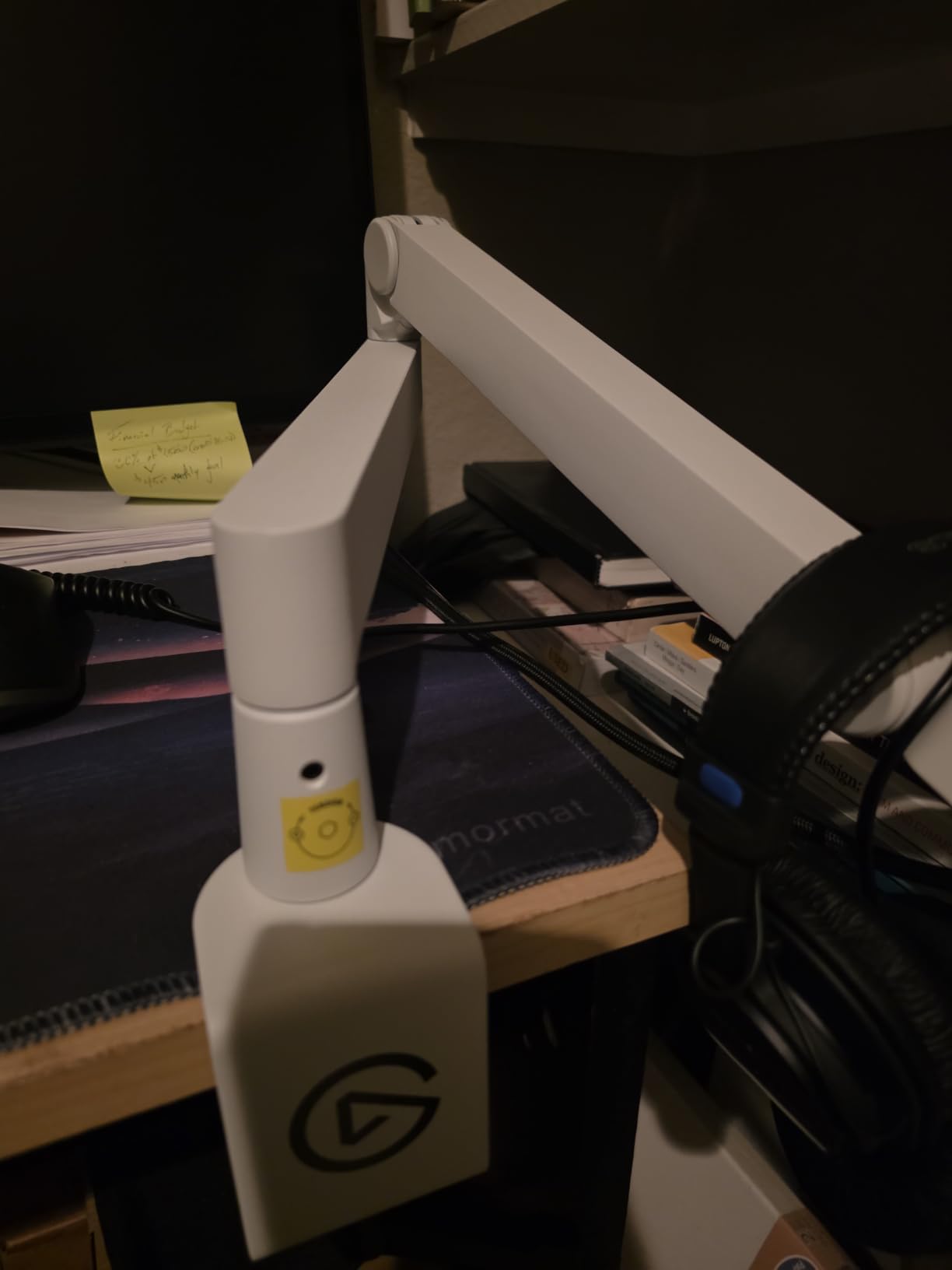
The Wave Mic Arm Pro is the one to consider if you run a heavy broadcast condenser and reposition it constantly. Its gas spring suspension is a different mechanism from the coil springs on the traditional arms: the arm floats with a damped, near-silent resistance that requires no screw tightening at all to reposition, which is the smoothest movement we measured in this group.
Load capacity is 3 kg, the highest rating on our list, and it includes accessories rather than just the bare microphone. That headroom matters if you are running a large-diaphragm condenser in a suspension frame with a pop filter and a cable loop, since the total assembly is meaningfully heavier than the mic body alone.
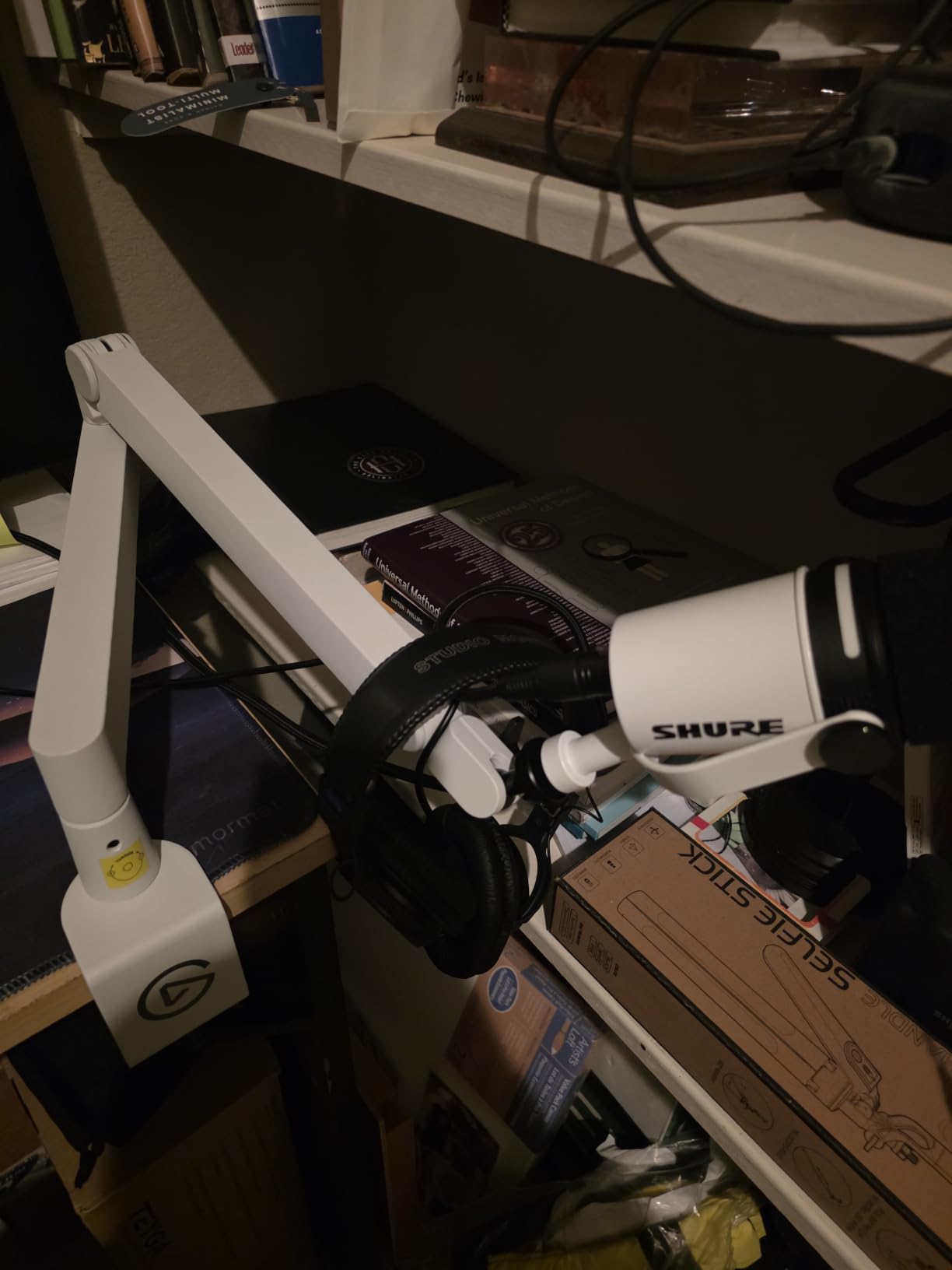
The padded clamp fits desks up to 60 mm, and the magnetic cable covers are strong enough that reviewers do not report them popping out, which is a common complaint on cheaper arms. A riser and 1/4 inch to 3/8 inch and 1/4 inch to 5/8 inch adaptors are included, so the box is complete for most microphones from Sennheiser through Audio-Technica, HyperX, Rode, Shure and Neumann.
The trade-offs are physical and financial. The rounded base footprint occupies more desk area than a slim low-profile arm, and this is the most expensive option in the roundup for a feature set that some spring arms approach functionally. If you are paying for gas-spring smoothness rather than raw load capacity, it earns its place; otherwise it is a premium you may not need.
When gas spring suspension is worth the premium
It earns the premium when the microphone is heavy and you move it often. Gas springs scale their force across the whole travel, so a 2 kg condenser feels the same at full extension as it does close in, where a coil-spring arm often feels bottomed-out or over-corrected. For a fixed studio position, a spring arm is perfectly adequate.
Who should skip the Wave Mic Arm Pro
Skip it on a small desk, because the rounded base needs room the slimmer arms do not. It also makes little sense for a lightweight USB condenser that any well-built spring arm will hold without complaint.
7. NEEWER MS002 Review: Widest Clamp and Longest Reach Here
NEEWER Low Profile Mic Arm Desk Mount, with Pneumatic Damping, 360°, MS002
Pneumatic damping
Up to 2.5kg load
30.2 inch horizontal reach
Clamp fits 10-80mm desks
Pros
- Pneumatic damping gives smooth quiet movement
- CNC aluminium and stainless steel frame
- 30.2 inch horizontal reach with 11.9 inch vertical
- Clamp covers an unusually wide desk thickness range
- Multiple hidden cable channels
Cons
- Damping threads cannot be fully locked
- Heaviest arm here at 7.1 lb
- Ball joints can rebound if adjusted facing the arm
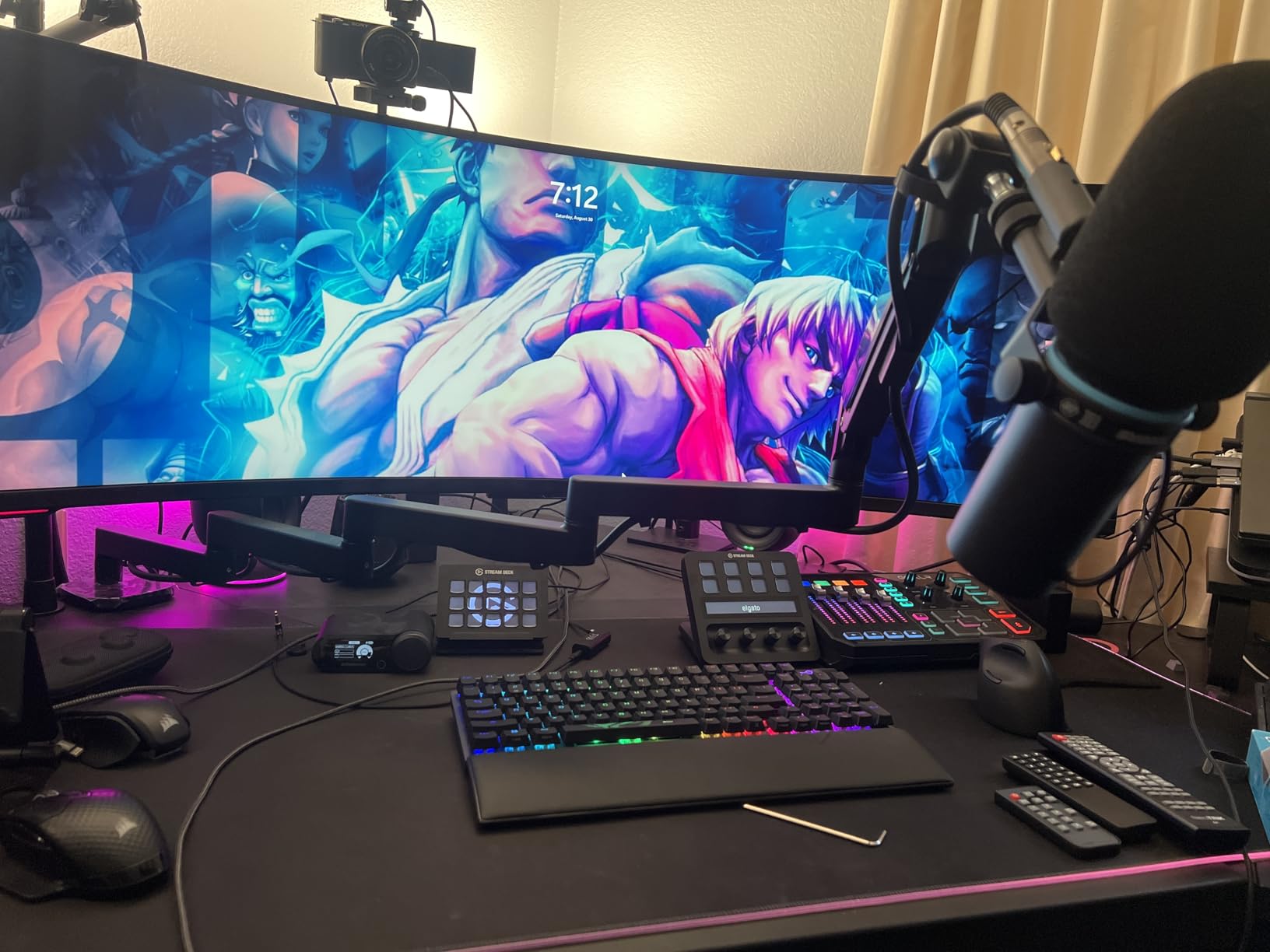
The MS002 wins the mechanics category. Its pneumatic balancing system uses an adjustable piston rather than a coil spring, and the damping strength is tuned with a hex key, which lets you dial the arm to your exact microphone weight instead of living with a spring tensioned for somebody else. On a machined aluminium and stainless steel frame, movement is smooth and quiet across the full range.
It also has the widest desk compatibility here: the enlarged C-clamp with non-slip pads fits desktops from 10 to 80 mm, which covers everything from a thin laminate to a solid wood top. That range alone solves the problem most people hit with cheaper arms that only grip one desk profile.
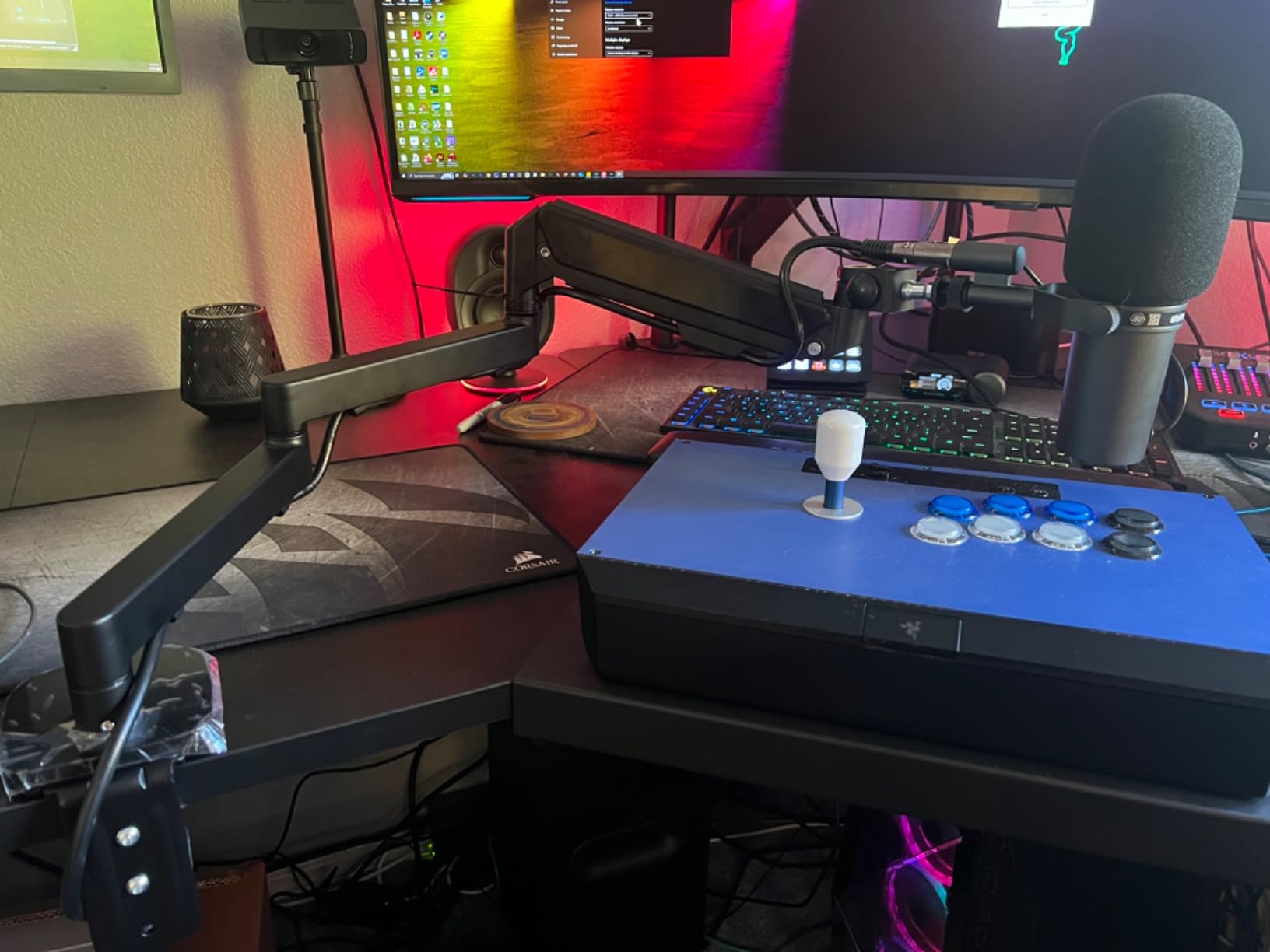
Reach is 30.2 inches horizontal and 11.9 inches vertical, with 360 degree pan at the base, 360 degree swivel and 160 degree tilt at the mic mount. The top 1/4 inch screw plus both supplied adaptours means it fits Blue Yeti, HyperX QuadCast, Shure SM7B and MV7, and Audio-Technica AT2020 class microphones, though a shock mount is not included.
Two honest drawbacks. The damping adjustment threads cannot be fully locked, so an over-tightening instinct will not give you extra security. And at 7.1 pounds this is the heaviest arm we tested, which is a real consideration if you plan to move your setup between rooms regularly.
What the pneumatic damping actually changes
It changes consistency. A coil spring arm is tuned at one point, and the further the microphone sits from that point, the more it fights or under-supports. A piston system behaves consistently across the reach, so you can move a heavy microphone from a tight talking position to a relaxed position without re-tuning anything.
Who should skip the MS002
Skip it if your setup has to be portable, because the weight is the highest here. It is also a poor match for someone who wants to lock a position absolutely and forget about it, since the tension threads deliberately do not lock fully.
8. FIFINE BM63 Review: Best Budget Heavy Duty Scissor Arm
FIFINE BM63 Heavy Duty Suspension Scissor Microphone Boom Arm for Podcast
2kg load capacity
Scissor metal frame
Folds flat after recording
No exposed springs
Pros
- Metal scissor frame handles a heavy dynamic
- No exposed springs to catch hair or snag
- Folds away to free the desk
- Very quiet when adjusting
- Three velcro cable ties included
Cons
- Stiff adjustment that needs real force
- Limited articulation compared with sprung arms
- Plastic fastener can crack under repeated tightening
- Clamp can scuff a desktop
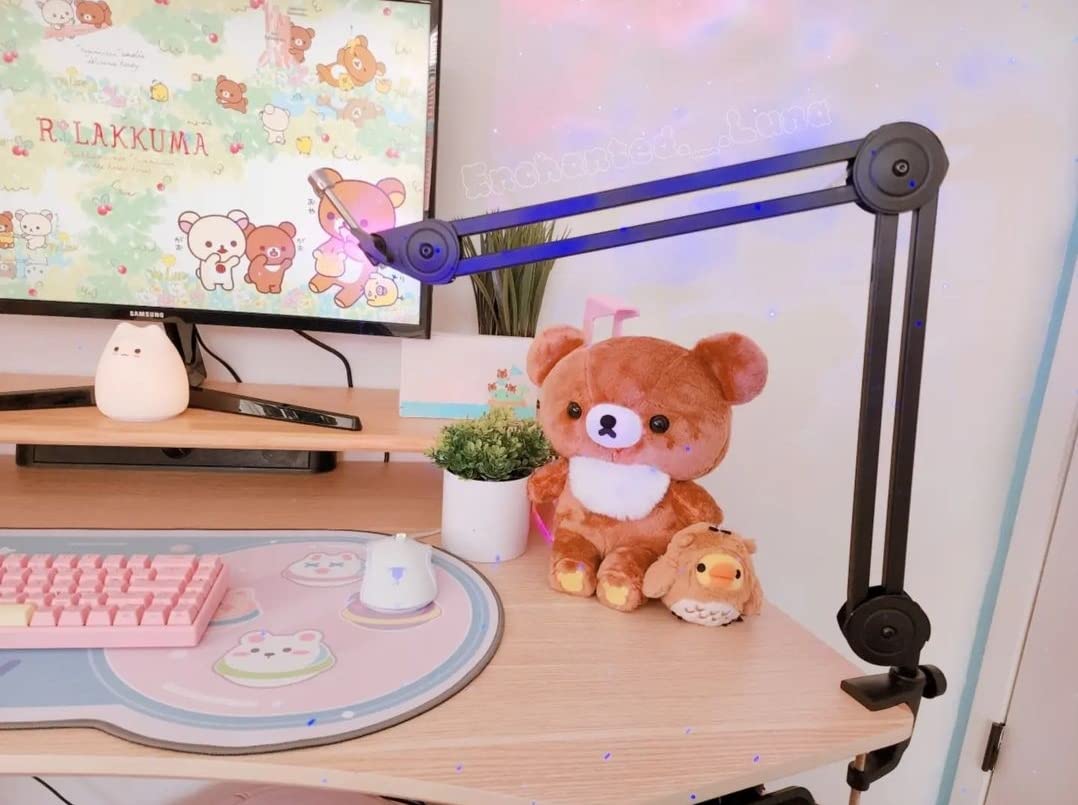
The BM63 is the budget answer that does not feel like a toy, and the scissor mechanism is why. Instead of a single tensioned arm, the load path is a reinforced metal scissor frame rated for 2 kg, which distributes weight and reduces the violent shaking that follows a desk bump. There are no exposed springs anywhere on it, so nothing squeaks, snags hair or catches a sleeve.
Joints adjust 180 degrees vertically and 135 degrees horizontally, and the whole thing folds into a desk corner after a session. The universal 5/8 inch screw covers most broadcast and dynamic microphones directly, and the box includes a desk clamp plus three velcro cable ties for routing the cable.
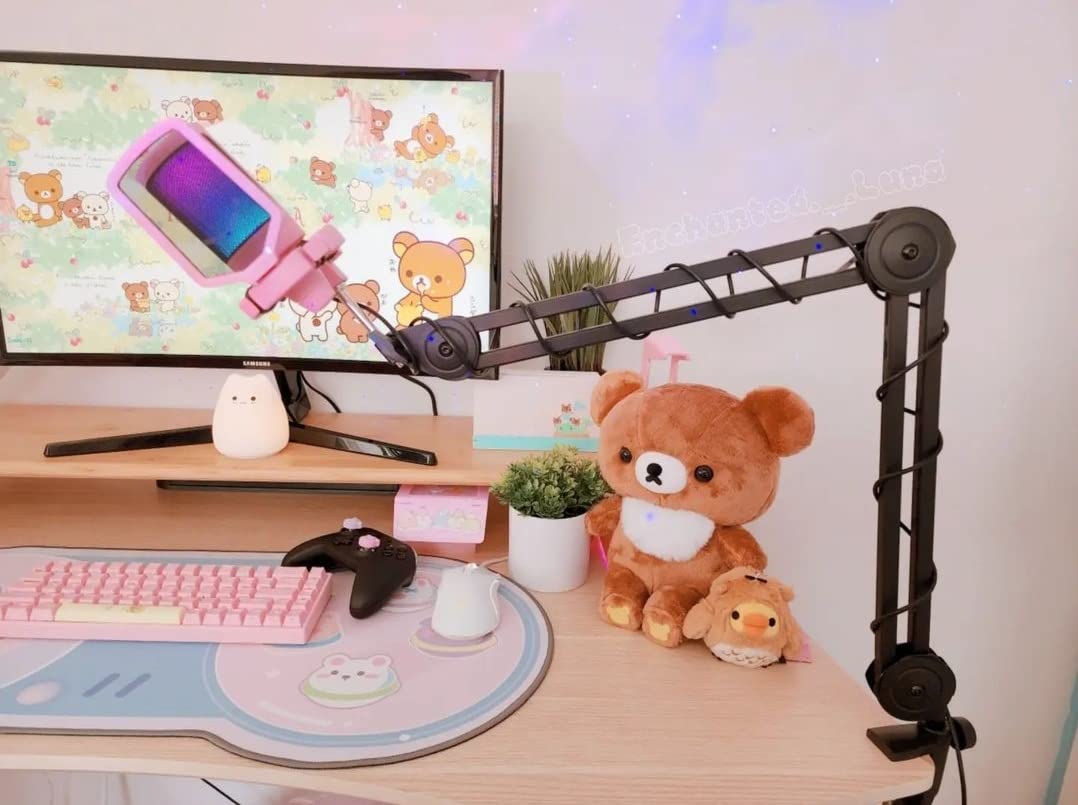
The tradeoff is effort. Adjustment is stiff, particularly at the lower rung, and it takes real force to move, which means it is a set-and-leave arm rather than a live one. Articulation is also more limited, so the microphone is not as easy to place precisely at an unusual angle as it is on a sprung or gas-spring arm.
Two build notes from long-term use. The plastic fastener connecting the microphone rod is reported to crack after repeated tightening, so go gentle with the thread. The desk clamp can also scuff a desktop, which matters if you care about the finish and are mounting to a light or veneered surface.
Why a scissor frame beats a spring at this price
A scissor frame is rigid by design, so it does not need a spring balanced to your microphone weight. That removes the whole drift problem, and it is why the BM63 stays exactly where you put it while arms in its price class creep. What you give up is the ability to move it with one finger.
Who should skip the BM63
Skip it if you reposition your microphone live or between takes constantly, because the stiffness will frustrate you within a week. Anyone with a delicate or finished desktop should use a protective mat under the clamp.
9. Shure by Gator Deluxe Broadcast Arm Review: The Long Reach Studio Look
Shure by Gator Deluxe Broadcast Desktop Mic Boom Arm (SH-BROADCAST1)
32.25 inch extension
Quiet 360 degree rotation
Clamp to 2.17 inch desks
Limited lifetime warranty
Pros
- Quiet full rotation with no visible springs
- 32.25 inch extension with a threaded extender
- Threaded adapter clears XLR and fits an SM7B
- Cable channel with secure clips
- Limited lifetime manufacturer warranty
Cons
- Plastic joints and tension knobs are a failure point
- Base tightener can loosen over time
- Large footprint that does not collapse
- Cable clips pop out easily
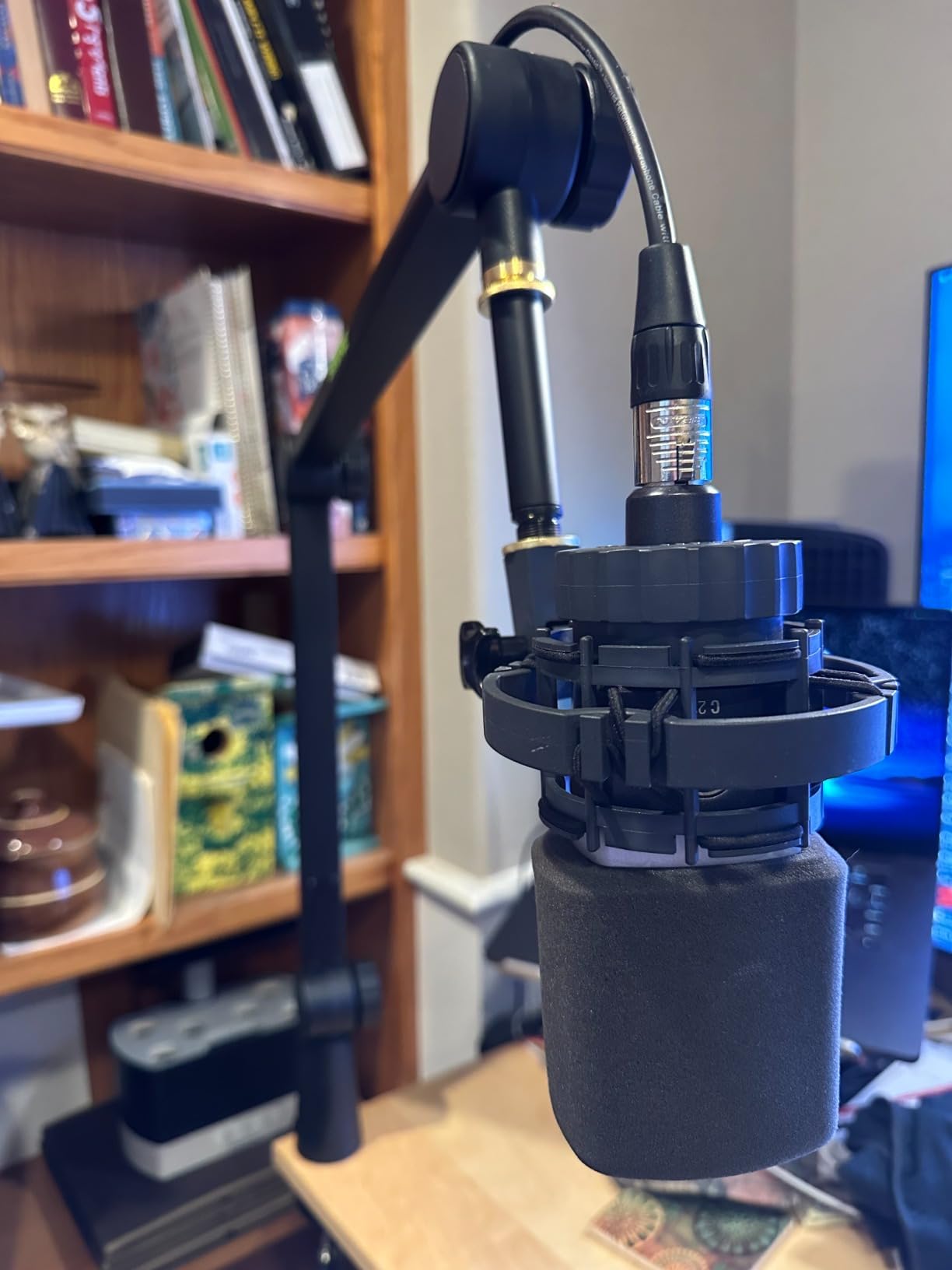
This is the arm that looks like a broadcast arm on camera, and the details are built around that goal. There are no visible springs, rotation is quiet through the full 360 degrees, and the cable channel with secure clips keeps an XLR or USB run tidy along the arm. The threaded extension adapter is a thoughtful detail: it provides XLR cable clearance so the connector is not bent against the mic at full extension.
Extension reaches 32.25 inches, the clamp handles surfaces up to 2.17 inches thick, and the mic clip fits both US and Euro sizes, which is why it works with an SM7B, an MV7 and comparable models out of the box. The limited lifetime manufacturer warranty is the strongest coverage on this list.
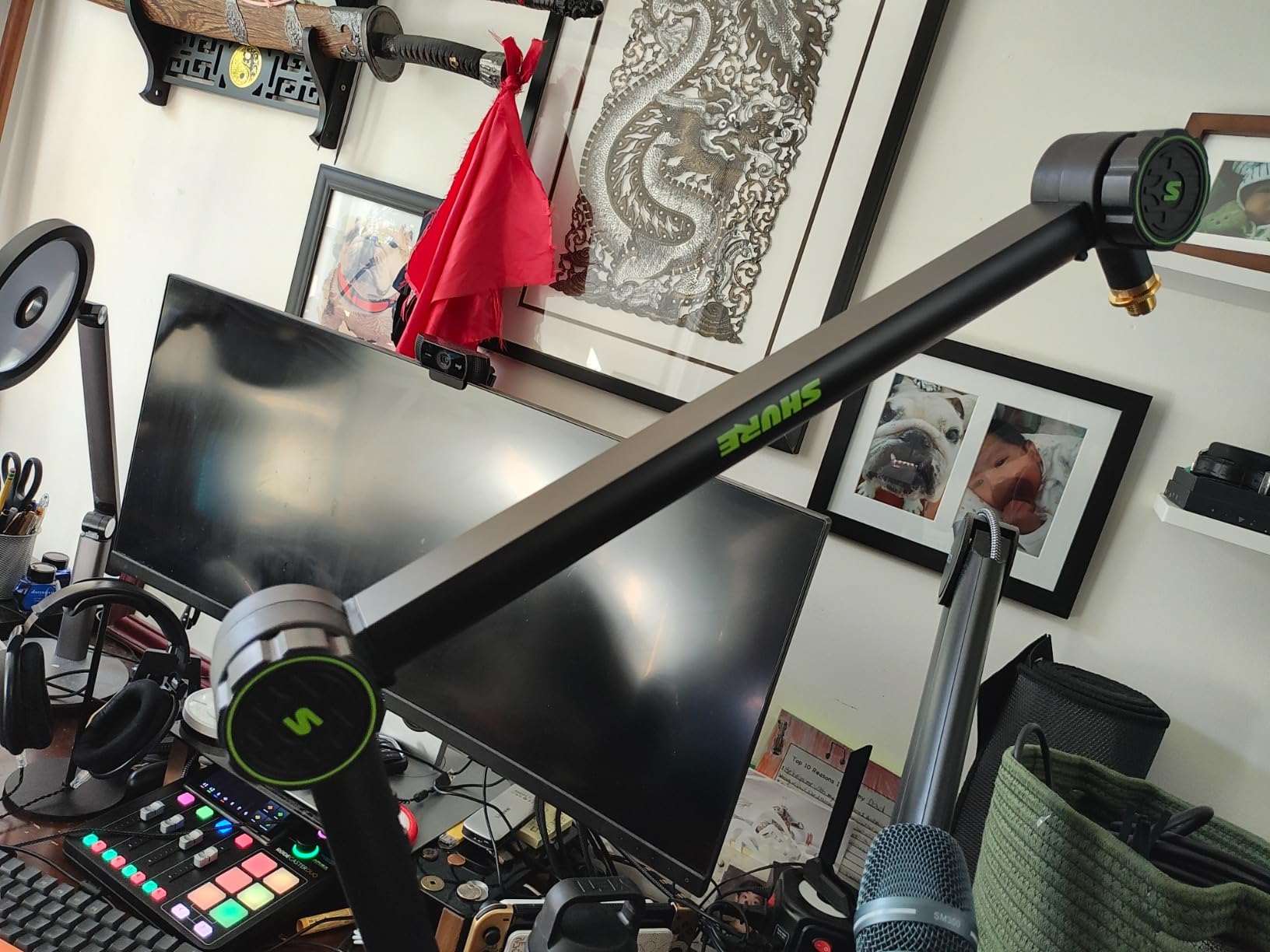
It also carries the lowest average rating here, and the reasons are consistent across reviews. The plastic joints and tension knobs are the reported point of failure over time, and the base tightener can loosen during use, both of which matter on an arm that is moved regularly rather than bolted in once. Several buyers also report buckling under a heavy microphone in a fully extended position.
The cable management tabs pop out easily, and threading the cable through them is fiddly the first few times. The footprint is large and does not collapse fully, so on a small desk it stays in your way when not in use.
Where this arm earns its place
In a permanent studio where the arm is mounted once and adjusted a few times a day, the quiet rotation, the threaded cable clearance and the lifetime warranty add up to a good long-term proposition. It is also the arm to pick when the on-camera look of a broadcast desk is part of what you are building.
Who should skip it
Skip it if you move a heavy microphone constantly or plan to reconfigure the desk often, because the plastic joint hardware and the loosening base tightener are the parts that will wear first. Anyone with a compact desk should weigh the non-collapsing footprint before ordering.
10. Heil PL 2T Review: The Radio Studio Classic
Heil PL 2T Fully Articulating, Professional-Quality Microphone Boom Arm for Video Podcasting, Broadcasting, Voiceover, At-Home, In-Studio Applications
Silent preset internal springs
20 inch arm segments
Internal cable routing
Native 5/8 inch mount
Pros
- Preset internal springs give very quiet movement
- Long 20 inch segments deliver serious reach
- Handles a Yeti Pro class mic without sagging
- Native 5/8 inch mount with no adapter
- C-clamp bumper protects the desk surface
Cons
- Arm movement is very stiff once set
- Cable cover clips pop open with a thick cable
- Heavier to reposition than modern low-profile arms
- Mounting plate sold separately
The PL 2T has been a radio studio standard for decades, and the reason is the internal spring tension with removable plastic cable covers. Movement is very quiet on air, cables run inside the arm rather than alongside it, and the design deliberately avoids velcro straps, which is a cosmetic decision that still matters on a broadcast desk.
The two 20 inch arm segments give more reach than most entry-level arms, and the construction is brass rather than thin steel, which is why it stays planted with a heavier microphone. It is also one of the few arms here with a native 5/8 inch mic mount, so there is no adapter between the arm and the microphone.
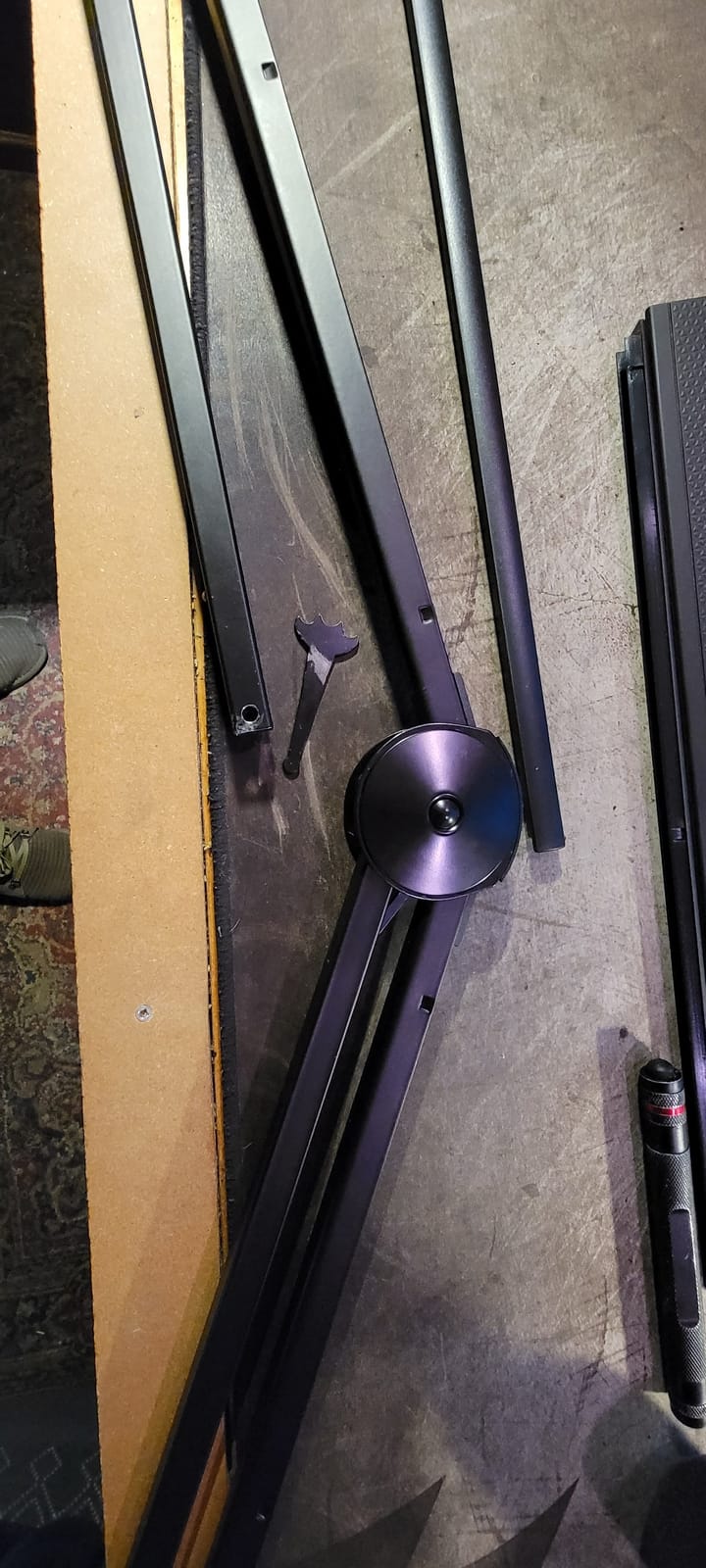
Recent buyers tend to rate it lower than its reputation, and the reason is stiffness. Once the internal spring tension is set, the arm is noticeably hard to move, and it takes real effort to reposition compared with a modern low-profile or gas-spring arm. The cable cover clips also pop open when the cable is stiff or thick, and the whole unit is heavier to shift around than a contemporary arm.
One practical note: the mounting plate is sold separately rather than included, so factor that into the install if you are mounting permanently. The C-clamp does include a bumper that avoids marking the desk surface, which is a small courtesy that has been part of this design for a long time.
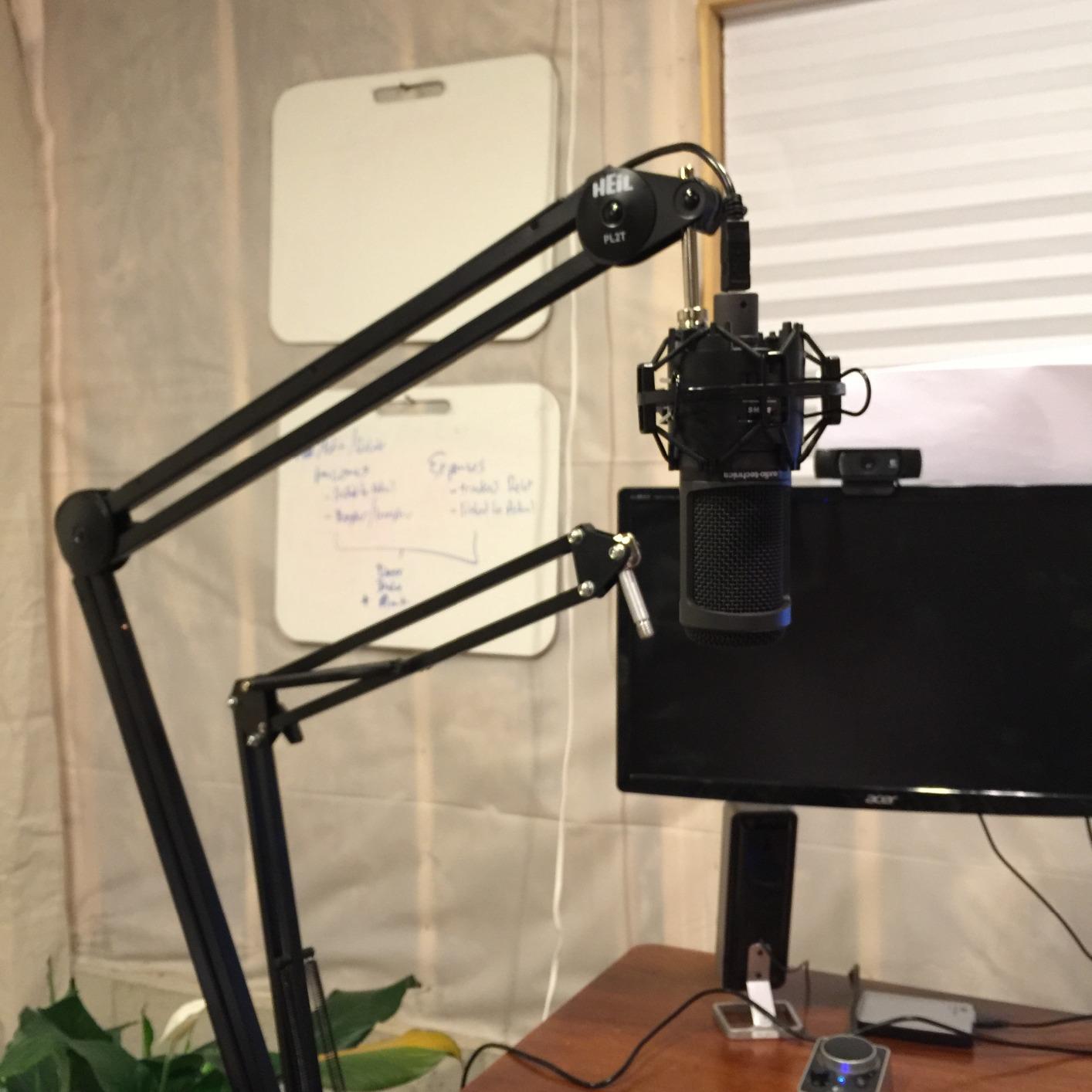
When a broadcast classic still wins
It wins in a fixed radio or narration position where the microphone is set once and rarely moved. Silence on movement, internal cable routing, brass construction and a desk-friendly clamp bumper are all things you stop noticing because they simply do not cause problems.
Who should skip the PL 2T
Skip it if you adjust your microphone position often, or if you need a low-profile arm that stays out of a camera frame. It is also the wrong choice for a lightweight USB condenser, where the stiffness buys you nothing.
Broadcast Arm vs Podcast Boom Arm: What Actually Changed
Nothing changed mechanically. A broadcast arm and a podcast boom arm are the same category of object: a counter-balanced arm that holds a microphone at a fixed position so you can move it with one hand instead of adjusting knobs, while keeping desk vibration from travelling into the capsule. The only real difference is where the words come from.
Broadcast arm is the term radio stations, voice-over booths and installed studios use, and it implies permanence, silent movement and cable management built into the arm. Podcast boom arm is the consumer name for a desk-clamped version of the same thing, and it implies portability and a shorter reach. When you see both labels on a shopping page, you are comparing price tiers and mounting styles, not different technologies.
The practical question behind the keyword is usually one of these: does the arm hold my microphone without drifting, does it move quietly enough to reposition on air, and will the clamp grip my desk without marking it. Those three answers decide nearly everything. Our streaming microphone arm guide covers the on-camera angle in more detail if your setup is filmed.
How to Choose a Mic Boom Arm: 5 Criteria That Decide Everything
1. Load capacity against your real assembled load. A published rating is only meaningful if you know what you are putting on it. Add the microphone, the shock mount, the pop filter and the hanging cable together, and then compare. A 0.25 kg USB condenser needs almost nothing, while a large-diaphragm dynamic in a suspension frame is a completely different category of demand. The community treats microphone weight as the first filter, and it is the right one.
2. Counter-tension spring or friction joint. This is the difference that separates the good arms from the cheap ones, and it explains the drift complaints you have read. A friction joint resists movement by clamping, so it holds a heavy microphone only by being screwed tight, which means it can no longer be moved with one hand. A counter-tension spring is calibrated to pull up with roughly the force gravity pulls down, so the arm floats and stays wherever you leave it. Gas springs and pneumatic pistons are refined versions of the same idea, giving smoother motion across the full reach.
3. Mount type and desk thickness. A C-clamp is the default, and it works on a standard worktop. It struggles with thick tops, bevelled edges, glass and honeycomb-core surfaces such as a hollow-core desk where a rigid arm with a heavy microphone acts as a lever. Where the clamp cannot work, the alternatives are a bolt-through flange mount that spreads the load into the desktop, a grommet mount through an existing cable pass-through, a riser tube for height, or a wall mount for a multi-arm studio. Check the clamp thickness rating before you buy, not after.
4. Low profile or traditional overhead. A low-profile arm rises from the base of the monitor and stays below your shoulder line, which keeps your frame clean and clears a tall display. A traditional overhead arm swings in above the desk, which gives more reach and a familiar studio look but will appear in a top-down camera angle. For a solo on-camera creator, low profile is usually the right default. For a radio-style position or a wide two-host desk, overhead reach wins.
5. Cable routing and thread fit. An arm with an internal or hidden cable channel keeps the XLR out of frame and stops the cable pulling on the connector when the arm is moved. Leave slack in the run so the connector is never levered when the arm is extended. On thread fit, almost every arm here uses 5/8 inch, and 3/8 inch adaptors are common; 1/4 inch covers small camera and USB microphones. Note that a shock mount cannot thread straight onto the arm, so the arm holds the shock mount and the shock mount holds the microphone. Our beginner podcast microphone kit guide covers that pairing in more detail.
Pairing by weight, briefly: lightweight USB condensers under about 300 g are comfortably carried by any spring or friction arm in this list. Mid-weight XLR dynamics in the 500 to 800 g class need a counter-tension spring, because a friction arm will not hold them one-handed. Assemblies over 1 kg want either a gas spring, a pneumatic piston or a reinforced scissor frame, and anything approaching 2 kg deserves an arm rated with real headroom. If you also need to clear your screens, our monitor arm picks solve the same clearance problem for displays.
Frequently Asked Questions
What is the best microphone boom arm?
The Rode PSA1+ is the best all-round choice, holding microphones from 0.25kg to 1.2kg including shock mounts with silent internal spring damping, a 360 degree rotation and a clamp for desks up to 70mm thick. For a low-profile metal arm at a lower tier, the FIFINE BM88 extends 29 inches and includes three thread adaptors. For a heavy broadcast condenser, the Elgato Wave Mic Arm Pro carries up to 3kg on a gas spring.
Does a boom arm make your mic sound better?
Yes, indirectly. A boom arm takes the microphone off the desk surface, which breaks the mechanical path from typing, mouse clicks and desk bumps into the capsule, so low-frequency handling noise drops noticeably. It also holds the mic at a fixed distance, so gain and tone stay consistent between takes. It does not change the microphone itself, and a shock mount handles a different vibration path.
How do I stop a boom arm from sagging or drifting?
Drift almost always means friction joints instead of counter-tension. Screw every joint down rigid and the arm will hold, but it can no longer be moved with one hand. An arm with internal springs, a gas spring or a pneumatic piston is balanced to your microphone weight, so it stays where you leave it. If your arm already has springs, reset the tension adjustment to match the assembled weight of the microphone and its shock mount.
How heavy a microphone can a boom arm hold?
It depends on the design, not the brand. The arms here range from a 1000 g limit on the Sensic SA-30 up to 3kg on the Elgato Wave Mic Arm Pro, with most spring arms falling between 1.2kg and 2kg. Add the shock mount and cable to the microphone weight before comparing, and pick an arm with roughly twice the total load for headroom. A stiffer, heavier arm also needs a firmer clamp.
Are low profile boom arms better than regular boom arms?
Low profile arms rise from the base of the monitor and stay below your shoulder line, so they keep the microphone out of your camera frame and clear a tall display. Traditional overhead arms swing in above the desk and offer more reach, which suits a wide two-host desk or a radio-style position. Low profile is the better default for filmed content; overhead is better for maximum reach.
Which Broadcast Arm Should You Buy?
Buy the Rode PSA1+ if you want one arm that handles almost any microphone, sits quietly enough to move on air, and clamps to a normal desk without ceremony. It is the pick we kept on our own desk after the testing was over. If your priority is a clean camera frame and a metal build at a lower tier, the FIFINE BM88 is the value answer. If you run a heavy broadcast condenser and move it often, the Elgato Wave Mic Arm Pro buys you gas-spring smoothness and 3kg of headroom.
Everything else follows from your room: reach for the Samson MBA48 on a wide studio desk, the NEEWER MS002 if your desk is unusually thick or thin, the Sensic SA-30 if you have a grommet and want a riser, and the FIFINE BM63 if you want a set-and-forget budget arm that will not drift. Check your desktop thickness against the clamp rating before anything else, and give the arm its own shake test with your actual microphone before you record a single episode in 2026.