
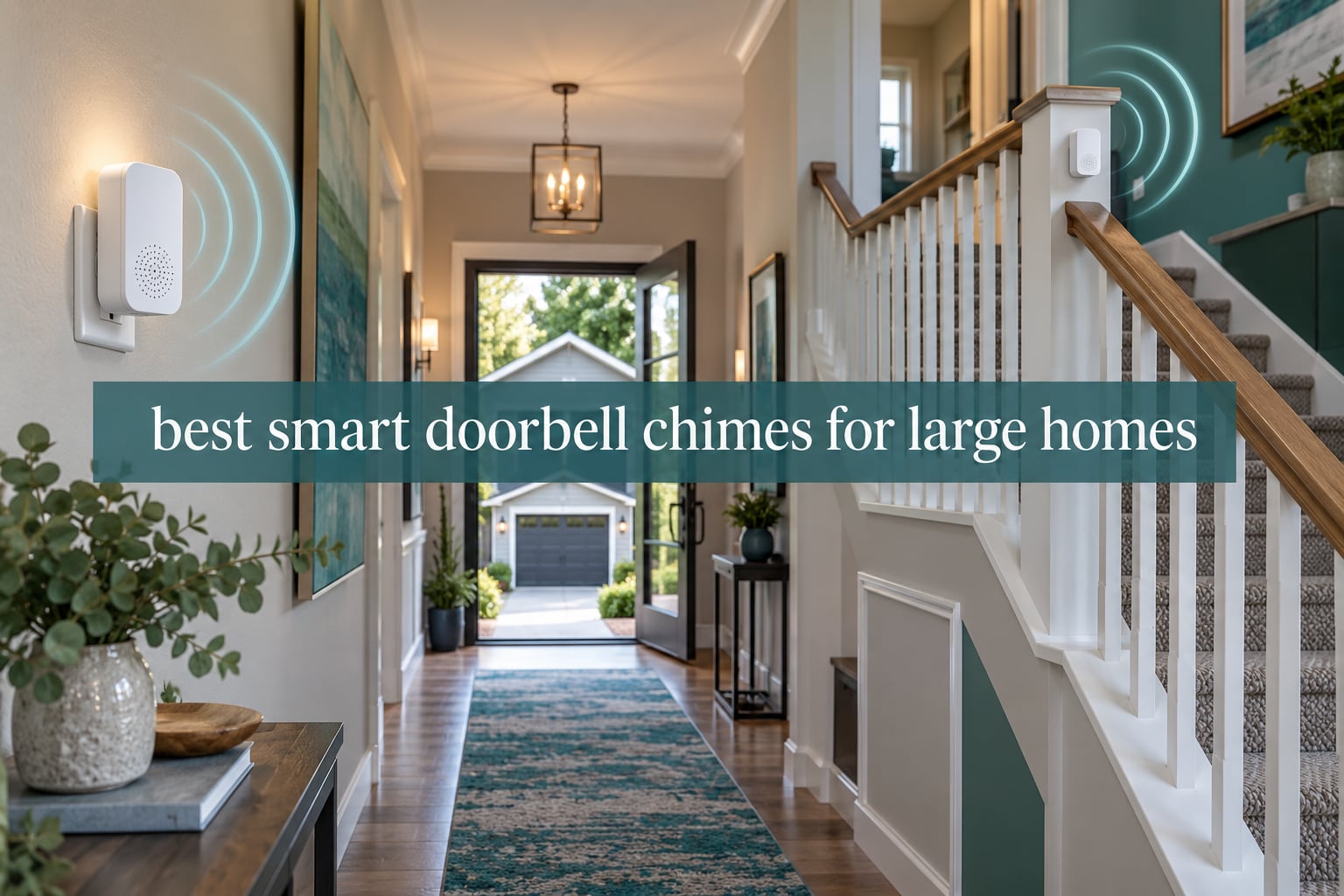
Almost nobody in a big house has a doorbell problem. The camera, the motion alerts, the app on your phone – those usually work. What fails is audibility. One chime unit sitting in the hallway near the front door covers roughly the room it is in, and on a three-storey house that is useless to anyone upstairs, in the home office, or out in the garage.
That is the whole reason this guide exists. We went through ten indoor doorbell chime units – plug-in models from Ring, Blink, eufy, Arlo, Chamberlain myQ, Ubiquiti, Reolink and LUCKYDUO – and judged them on the only things that matter in a large home: how loud they are, how many of them one system can drive, what ecosystem they will actually pair with, and whether they need a wire. This is the best smart doorbell chimes for large homes roundup, and it is written around unit count and placement rather than camera specs.
Two things surprise people. First, almost every chime on the market is a plug-in unit that talks to the doorbell over Wi-Fi, so the “add a second chime” project most people assume is an electrical job is really a shopping trip. Second, the limit is rarely the chime itself – it is either the ecosystem lock-in or the Wi-Fi signal at the front of the house. If signal is thin where your router sits, our mesh Wi-Fi system guide for large homes is worth reading before you buy anything.
Table of Contents
Top 3 Picks for Large Homes (October 2026)
Three units stood out once we stopped looking at price and started counting floors. The Ring Chime wins on the sheer weight of owner feedback behind its newer speaker, the Blink Chime wins for people already running Blink, and the eufy Video Doorbell Chime 2 is the one to buy if your network is crowded or dual-band only.

Best Smart Doorbell Chimes Compared in 2026
Every chime below is a plug-in indoor unit. The columns that decide your purchase are the doorbell brand it pairs with, whether it has a documented output level, and whether it needs a wired transformer – none of them do. Use the table to narrow the field, then read the entry for your ecosystem.
| Product | Specifications | Action |
|---|---|---|
| Ring Chime 3rd Gen |
|
Check Latest Price |
 Arlo Chime 2 Arlo Chime 2 |
|
Check Latest Price |
 Blink Chime Blink Chime |
|
Check Latest Price |
 eufy Add-On Chime eufy Add-On Chime |
|
Check Latest Price |
 Ring Chime Plus Ring Chime Plus |
|
Check Latest Price |
 eufy Video Doorbell Chime 2 eufy Video Doorbell Chime 2 |
|
Check Latest Price |
 myQ Chime myQ Chime |
|
Check Latest Price |
 Ubiquiti Protect Chime Ubiquiti Protect Chime |
|
Check Latest Price |
 LUCKYDUO WiFi Chime LUCKYDUO WiFi Chime |
|
Check Latest Price |
 Reolink Chime Plus Reolink Chime Plus |
|
Check Latest Price |
1. Ring Chime 3rd Gen – The Best All-Round Doorbell Chime for Big Houses
Ring Chime — Enhanced audio for real-time alerts you can hear from anywhere, easy plug-in setup, simple wifi & Bluetooth connectivity, sleek design, White
Upgraded louder speaker
Plug-in, no wiring
Custom tones, volume and snooze
Pros
- Noticeably louder and clearer than earlier Ring Chimes
- Plugs into any standard wall outlet
- Customizable tones volume and snooze
- Works with any Ring camera or doorbell on the account
- Slim curved design fits a hallway
Cons
- Customization stops at tone volume and snooze
- Placement is limited to where an outlet exists
- Will not pair outside the Ring ecosystem
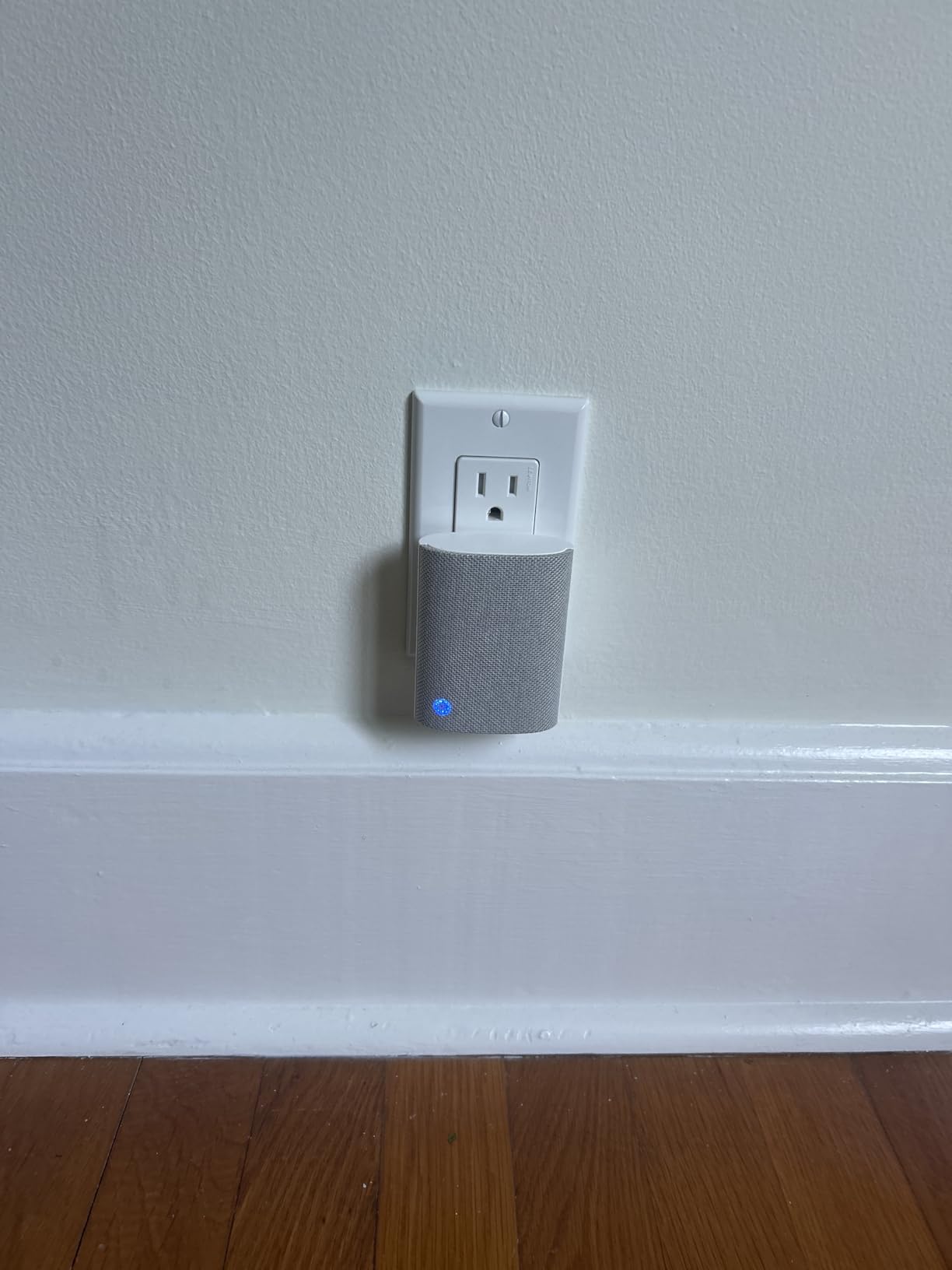
The Ring Chime is the unit we keep coming back to for large homes, and the reason is simple: it has more owner feedback behind it than anything else in this roundup, and the feedback is overwhelmingly about volume. The third generation speaker is described again and again as audibly clearer and louder than the units it replaced, which is exactly the axis that matters when the sound has to reach the top of a stairwell.
Setup took us about a minute per unit. You plug it in, open the Ring app, and the chime appears in the device list under Chimes. Because the signal travels over your home network rather than through the doorbell wire, adding a second and third unit is a matter of walking to another outlet with the phone in your hand.
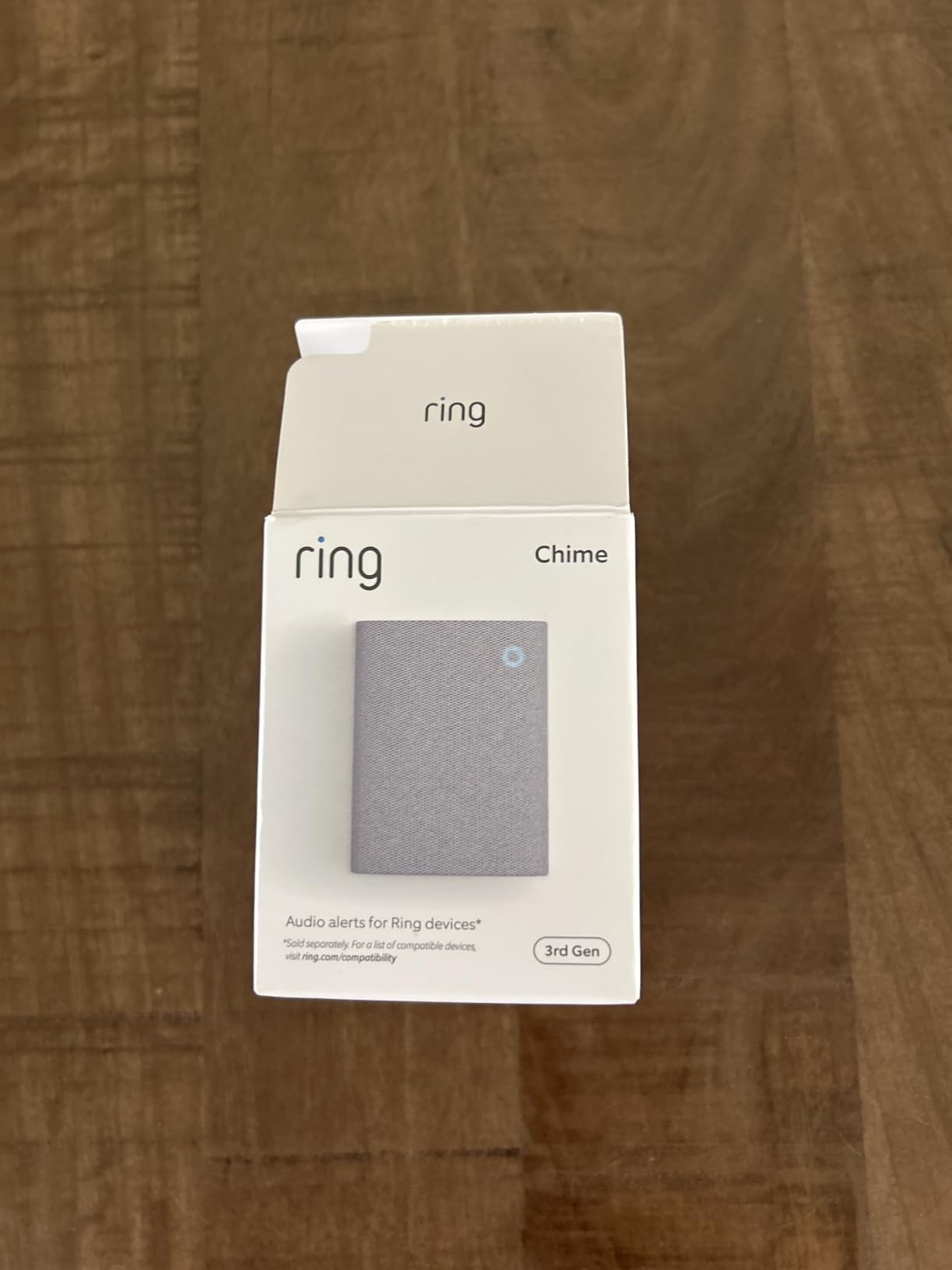
What the reviews do not mention much is depth of customization. Tones, volume and a snooze schedule are the controls you get. If you want a different sound for the back gate than the front door, this is not the unit that will give you that, and you should look at the Ring Chime Plus instead.
On a three-floor house our advice is two units on the Ring platform rather than one. Put the first on the ground-floor landing and the second upstairs, and if there is a detached garage add a third near the interior door. A Reddit thread in r/HomeImprovement ranks in the top handful of results for this query for exactly this reason, with a user describing Ring as the solution that lets them distribute multiple chime units across the floors.
How many Ring chimes can one doorbell drive?
Owners regularly run several Ring Chimes on one account without trouble, and forum users describe distributing them floor by floor as the reason they chose Ring. The practical constraint is not a hard cap so much as your Wi-Fi reaching each outlet location.
If you need different tones per door or want a unit that also lights the hallway at night, the Chime Plus is the sibling to look at. Otherwise, for pure audible coverage, this is the one to buy and the one to buy in multiples.
Where it falls short in a large home
The Ring ecosystem is closed. This chime will not pair with a Blink, eufy, Nest or Reolink doorbell, so if you are running anything other than Ring at the front door, it is the wrong purchase no matter how good it sounds.
Networking is the second limitation. Ring hardware sits on 2.4GHz, and in a large home with thick walls and a distant router, that band at the far end of the house can be marginal. Placement is also limited to wherever you have an outlet, which on older homes means the hallways you would not have chosen.
2. Arlo Chime 2 – Best When You Want an Alarm Siren as Well as a Chime
Arlo Chime 2, Built-in Siren, Audible Alerts, Customizable Melodies, Wi-Fi Connected, Compatible with: Wired/Wireless Doorbell Camera, Security Cameras,Smart Home Devices(Does not Work: Pro, Ultra)
Built-in 80+ dB siren
Wi-Fi, no base station
1.22 x 1.76 x 3.6 inches
Pros
- Built-in 80+ decibel siren you can trigger from the app
- Covers doorbell presses and Arlo camera motion
- Customizable melodies with silent mode
- Plugs in over Wi-Fi with no base station
- Compact body suits a hallway shelf
Cons
- Will not work with Arlo Pro or Ultra series devices
- Chime tone itself is quieter than competing plug-in units
- Only one sound plays at a time
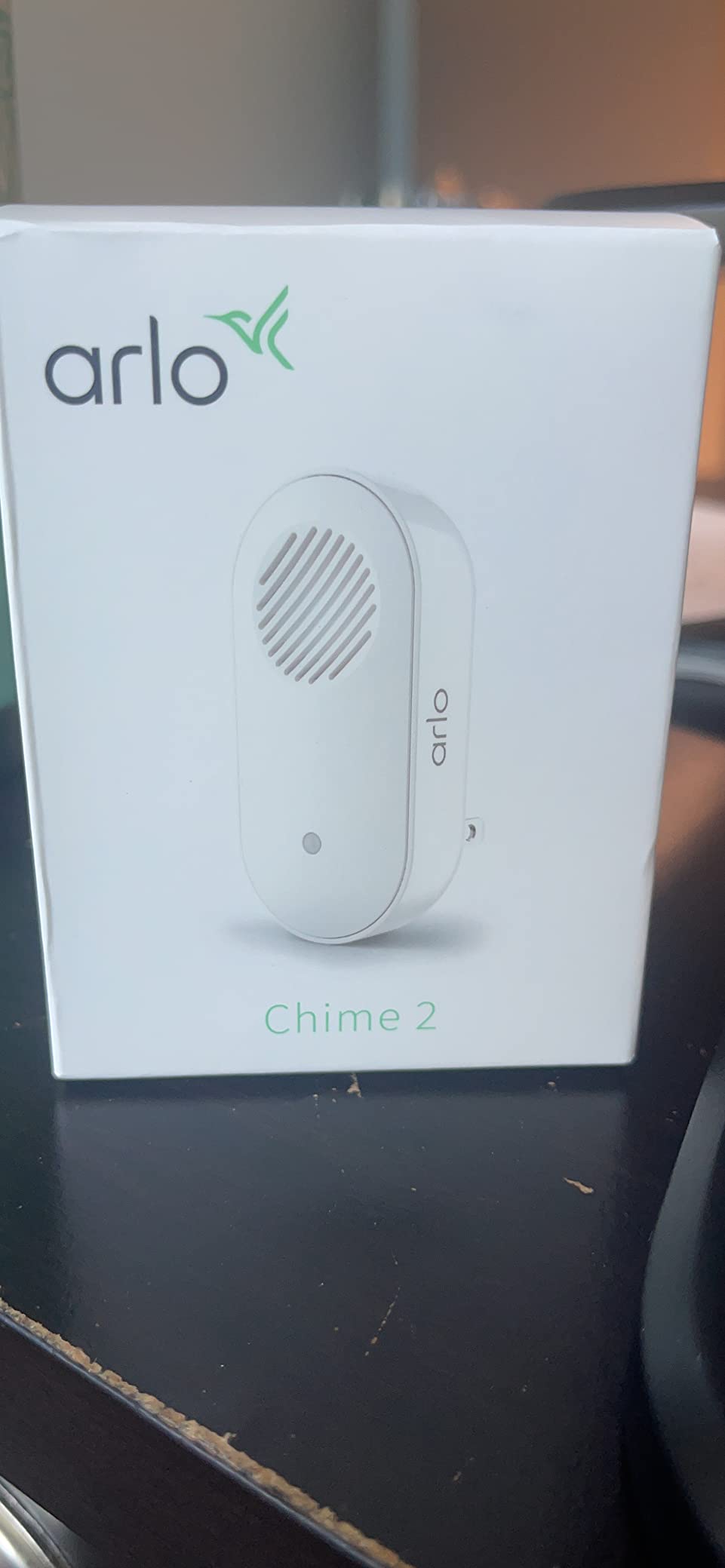
The Arlo Chime 2 is unusual in this category because it is two devices in one. Alongside the doorbell tone it carries a built-in siren rated at over 80 decibels, and that siren can be triggered manually from the Arlo app or by detected motion. In a large home that is genuinely useful, because it is the one unit here that can serve as a whole-home alarm rather than only an announcement.
It is a small box – 1.22 by 1.76 by 3.6 inches, about 3.2 ounces – which makes it easy to place on a shelf rather than hunt for wall space. Setup is plug-and-play over Wi-Fi with no base station or hub involved, so it slots into a large home the same way the Ring does.
Compatibility is the catch, and it is a sharp one. It works with Arlo video doorbells and Essential cameras, but not with the Pro or Ultra lines. If your Arlo hardware is a Pro or Ultra, this unit is dead in the water.
The second caveat is the one that matters most in a big house. Reviewers consistently rate the doorbell chime itself as quieter than competing plug-in chimes. The siren is loud. The musical chime is not, which means for pure floor-to-floor coverage you are buying a second unit to compensate.
Does the Arlo Chime work without a base station?
Yes. It connects straight to your Wi-Fi network and pairs in the Arlo app, so it does not need a hub or sync module in the way some ecosystems require. That keeps the wiring footprint to a single outlet per floor.
The 80+ decibel figure applies to the siren rather than the chime tone. If you are shopping for an alarm you can trigger remotely, that number is the one to compare against.
When to skip it
Skip it if you run Arlo Pro or Ultra cameras, because it will not pair. Skip it too if your problem is purely a chime too quiet to reach the second floor, since the doorbell tone is the weaker half of this unit.
It also needs an outlet on each floor you want covered, like every plug-in chime here. Older homes with few interior outlets are where hardwired units still make more sense.
3. Blink Chime – Best Value for Blink Homes
Blink Chime (newest model) — Real-time, audible alerts you can hear anywhere in your home, easy plug-in installation, works with all Blink doorbells
Rings on press or motion
Plug-in, app-only setup
Works with all Blink doorbells
Pros
- Rings audibly inside the home on a press or motion
- Setup needs only the Blink app and an outlet
- Works with every Blink doorbell model
- Curved-edge design matches Blink hardware
Cons
- Alert volume is fixed and moderate in large homes
- No tone customization at all
- Only works inside the Blink ecosystem
The Blink Chime does one job, and it does it cheaply and without drama. Plug it in, open the Blink app, and it starts ringing inside the house when someone presses the doorbell or when motion is detected. For a household already running Blink at the front door, that is the whole decision and it takes a minute.
It is the most compact-looking unit in the roundup, with the same curved-edge styling as the Blink doorbell itself, so it disappears into a hallway better than most. Multi-unit homes are easy too – the same pairing flow repeats for each additional chime.
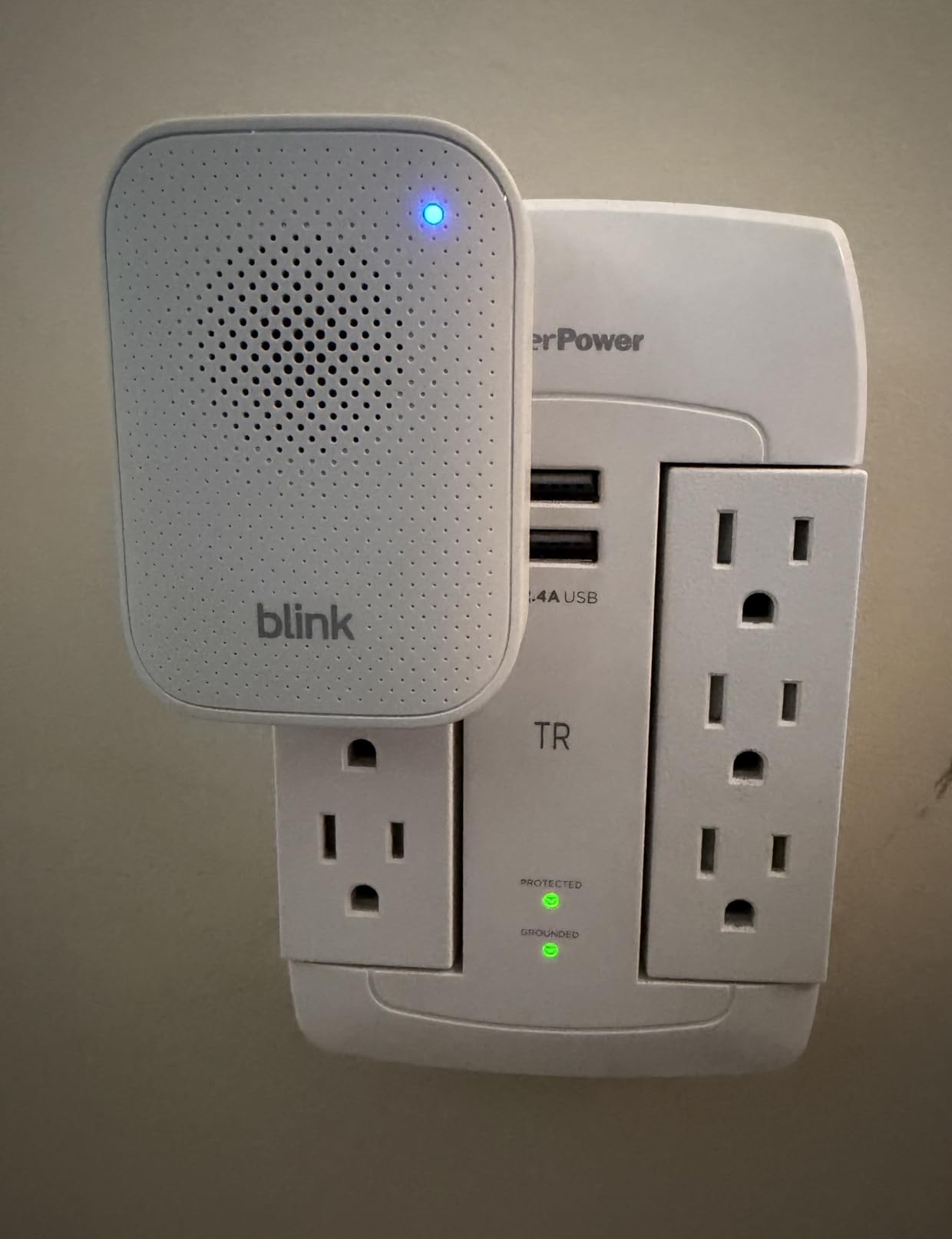
Here is the honest limitation. The alert volume is not adjustable, and owners report the output as moderate at best, which in a house over 3,000 sq ft means a chime on the ground floor simply will not reach the second. You can add more units, but you cannot turn this one up.
There is also no tone selection. If a household member finds the default sound unbearable, there is no alternative. That is a small thing in a one-bedroom apartment and a real problem in a house where someone is working from home.
How loud is the Blink Chime?
There is no published decibel figure, and reviewers describe the output as moderate with no adjustment available. Treat it as a room-filling chime rather than a house-filling one.
If your home has more than two floors, plan on two or three Blink Chimes spread out, or choose a platform with a documented output level instead.
Is it worth buying for a large home?
Only if you are already in the Blink ecosystem. Blink chimes pair with all Blink doorbells and nothing else, so buying one without Blink hardware at the door is a wasted purchase.
Blink systems also need a Sync Module to operate, which is worth knowing if you are comparing total setup friction. If you are starting from zero, the Ring Chime covers more of the ecosystem and gives you volume controls.
4. eufy Add-On Chime – Best Match for eufy E340, C30 and C31 Owners
eufy Security Video Doorbell Add-On Chime, Indoor Chime, Requires eufy Security Video Doorbell E340/C30/C31, No-Delay Ring, Adjustable Volume, 8 Fun Ringtones, only works with 2.4GHz Wi-Fi
Requires e340 C30 or C31 doorbell
8 tones, adjustable volume
2.4 GHz Wi-Fi only
Pros
- No-delay ring keeps the chime close to the press
- 8 ringtones with adjustable volume
- Works with the eufy E340
- C30 and C31
- Supports microSD storage for doorbell footage
- Compact body fits a counter outlet
Cons
- Only pairs with three specific eufy doorbell models
- 2.4 GHz Wi-Fi only which fails on dual-band-only networks
- Volume ceiling is lower than some rival chimes in very large homes
This is the official eufy accessory for the E340, C30 and C31 video doorbells, and if you own one of those three it is the safest purchase in the roundup because there is no guesswork about compatibility. The no-delay ring is a real, noticeable improvement – the chime sounds essentially on the press rather than trailing it by a noticeable beat.
The eight ringtones and adjustable volume let you tune it to a noisy household, which matters when a home office sits near the hallway. It also supports adding a microSD card, so eufy owners can keep doorbell footage locally rather than relying on a cloud plan.
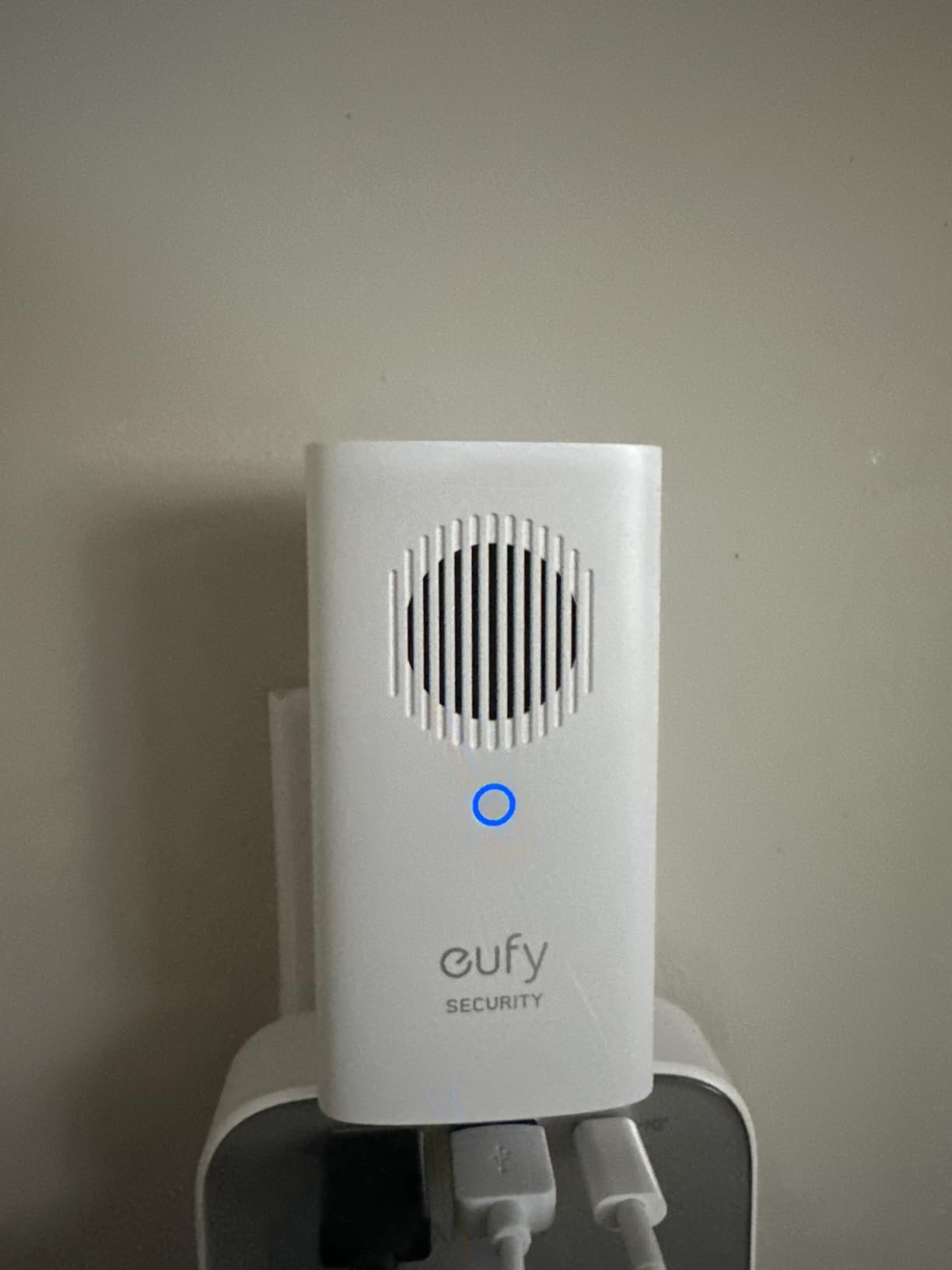
Two constraints decide whether this works in your house. The device list is narrow – E340, C30, C31 only – and the network requirement is 2.4 GHz only. On a dual-band-only network with no 2.4 GHz enabled, this unit will not join at all.
Reviewers also note the volume ceiling is lower than some competing chimes, so on the largest homes it is a unit you place strategically rather than one you place once and forget. Owning the newer Chime 2 gives you a documented 80 decibel ceiling and dual-band support instead.
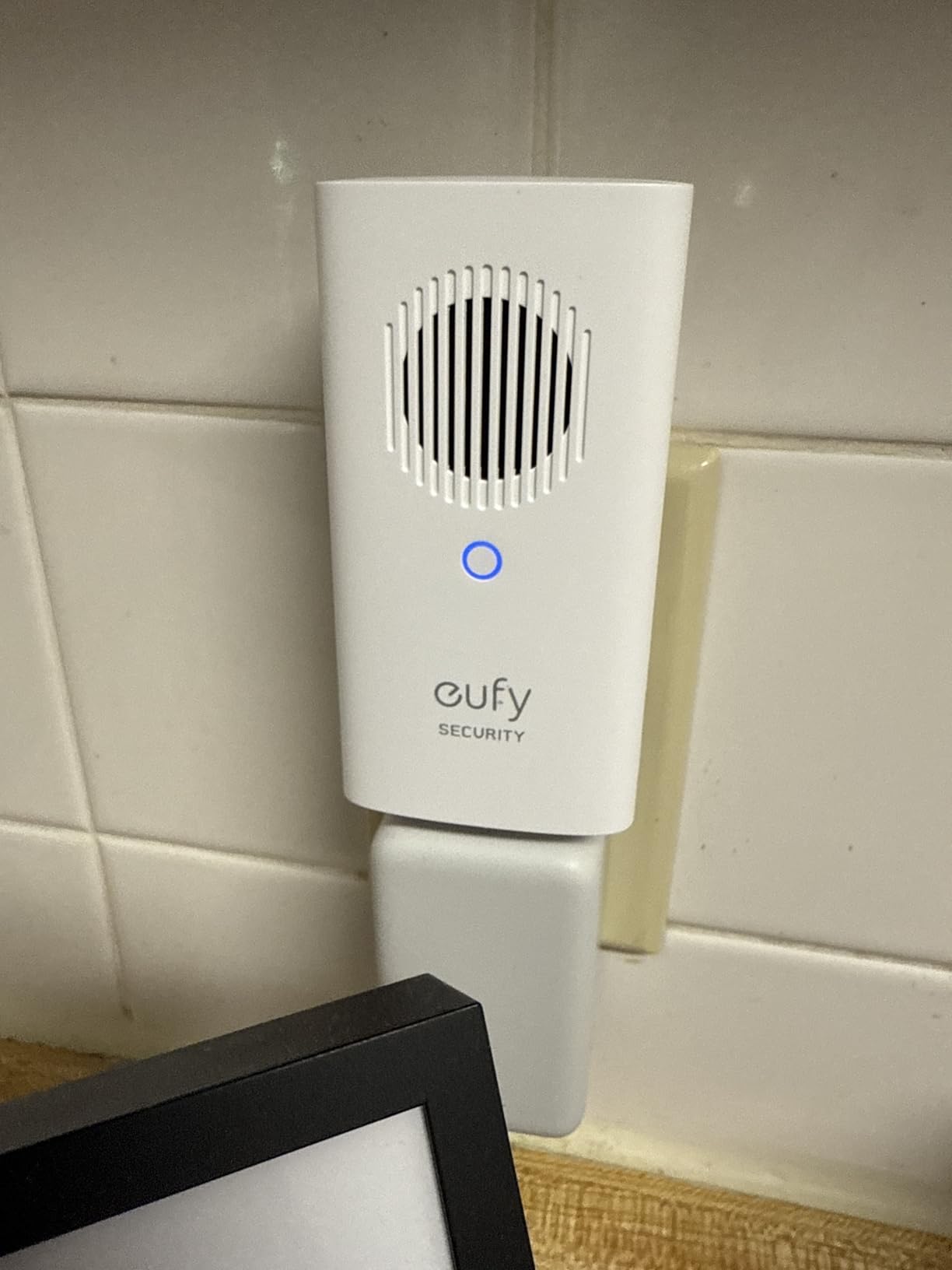
Which eufy doorbells work with this chime?
The E340, C30 and C31 video doorbells. Other eufy models are not on the supported list, so check your exact model number before ordering.
If your eufy doorbell is the S330 or a newer generation, the Video Doorbell Chime 2 is the unit built for that hardware, and you will get dual-band networking with it.
What is the dealbreaker in a large home?
The 2.4 GHz-only requirement. In a large home the router is often a floor or two from the front door, and if your network does not broadcast 2.4 GHz at all, setup fails at the join step rather than at the pairing step.
The narrow model support is the other one. If you are not certain which eufy doorbell you own, buy the newer Chime 2 instead – it covers most eufy video doorbells rather than three named models.
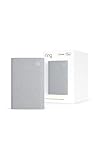
5. Ring Chime Plus – Most Versatile When You Want Per-Device Tones and a Night Light
Ring Chime Plus (newest model) — Crisp, clear audio alerts for select Ring devices, built-in night-light, customizable tones, easy plug-in setup, White
Custom tone per Ring device
Built-in night light
Custom audio and light schedules
Pros
- Crisper and louder audio than the base Ring Chime
- Built-in night light gives a soft hallway glow
- Assign a custom tone per device to identify the trigger
- Separate schedules for alerts and the light
- Syncs with Ring cameras
- sensors and doorbells
Cons
- Works with select Ring devices only
- Sidewalk sensor coverage varies by location and can be interrupted
- Costs more than the standard Ring Chime for the same core job
The Chime Plus is the Ring Chime with two additions that matter in a large home: a noticeably crisper speaker and a built-in night light. If your hallway or stairwell is dark at night, the light turns a single-purpose box into something that is useful twice a day, and owners rate the audio improvement over the base model consistently.
The feature we like most for big houses is per-device tone assignment. You can give the front door one sound, the garage doorbell another, and a Ring camera motion alert a third, so anyone in the house can tell what happened without opening the app.
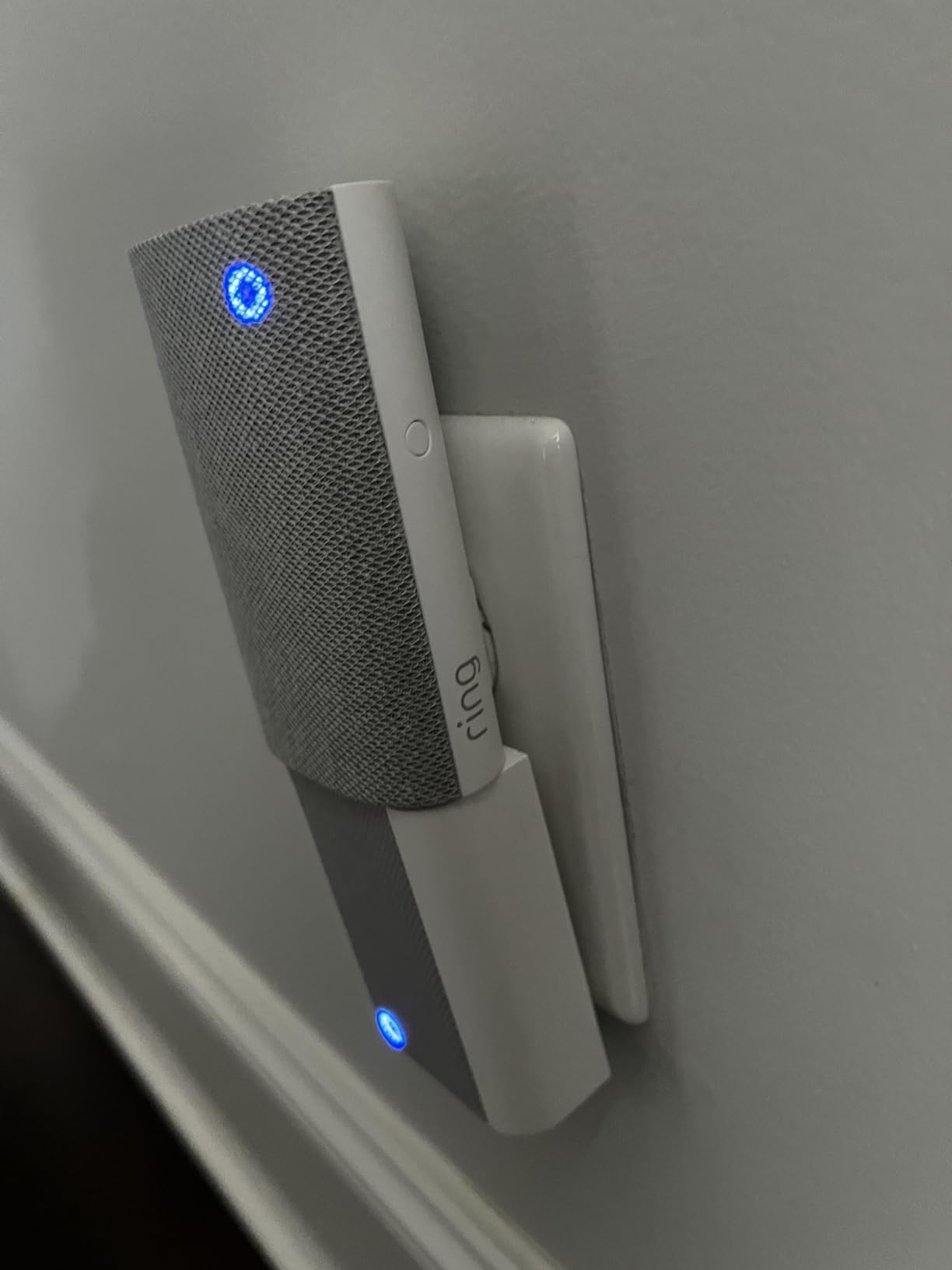
The catch is scope. It works with select Ring devices, and its smart-home integrations ride on Amazon Sidewalk, whose coverage varies by location and can be interrupted. If you only have a doorbell and no other Ring hardware, the per-device tone feature has nothing to distinguish.
It is also simply more money than the base Ring Chime for the same core function of making noise. Our advice is to buy the base model for general floor coverage and add one Chime Plus in the hallway or bedroom where the night light earns its place.
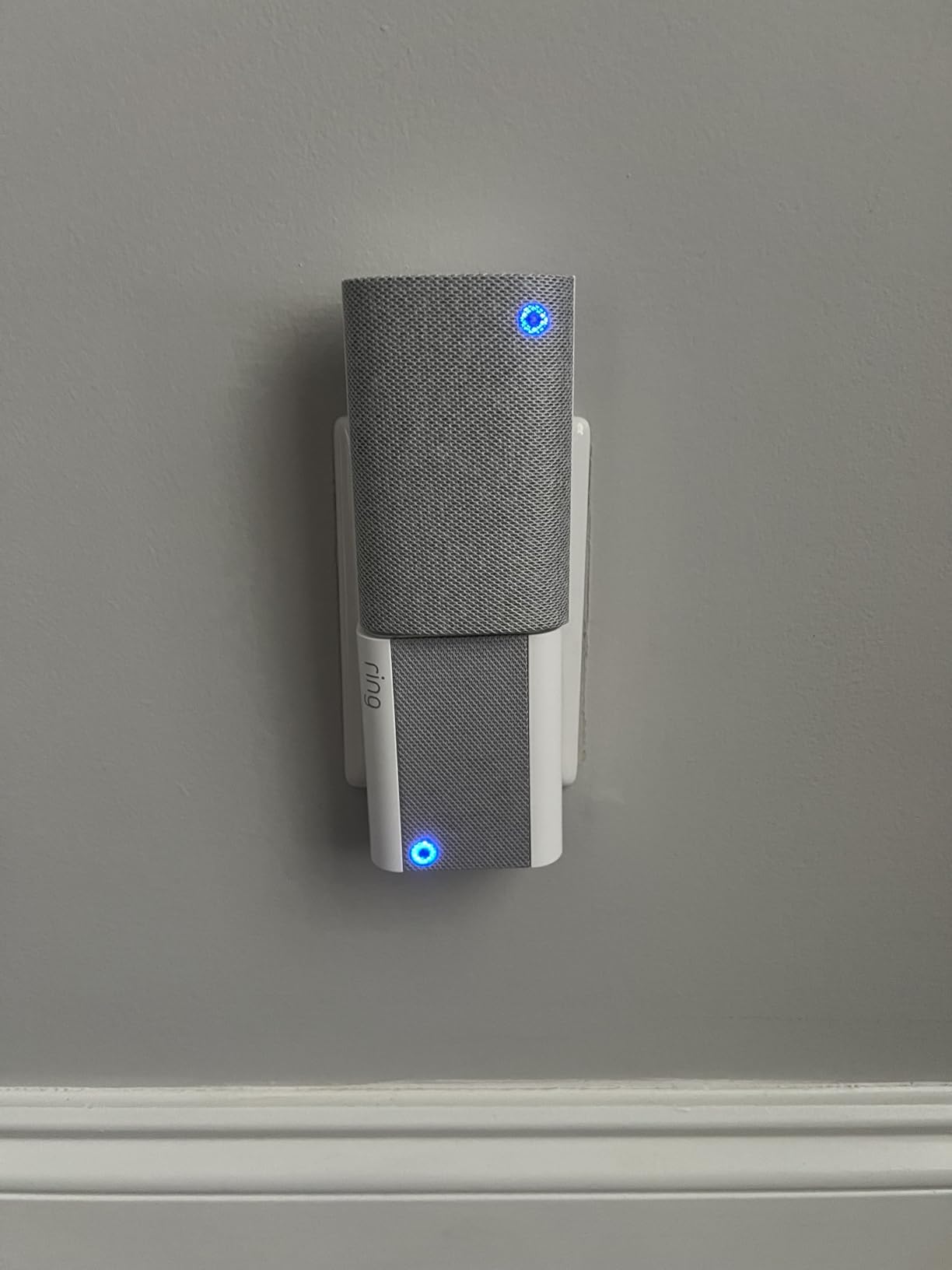
Is the Ring Chime Plus louder than the standard Chime?
Yes, and reviewers single out the crisper, louder output as the headline improvement. There is no published decibel figure for either unit, so the comparison is qualitative rather than measured.
The night light is the more practical gain for a large home, since a hallway or landing light is a second use for the same outlet.
Who should not buy it
Do not buy it outside the Ring ecosystem, and do not buy several of them purely for volume. One base Ring Chime per floor is the coverage play; this unit is the feature upgrade, not the scale play.
If you rely on Sidewalk-based sensors, check whether coverage is reliable in your area first, since owners report location-dependent interruption.
6. eufy Video Doorbell Chime 2 – Best for Crowded Dual-Band Networks
eufy Video Doorbell Chime 2, 10 Built-In Chimes, 2.4 GHz and 5 GHz Dual-Band Wi-Fi, Easy Setup, Bluetooth Auto-Pairing, Adjustable Volume Up to 80 dB
Volume up to 80 dB
Dual-band 2.4 and 5 GHz
Bluetooth auto-pairing
Pros
- Adjustable volume up to 80 dB
- second floor of a larger home
- Dual-band 2.4 and 5 GHz means fewer dropouts
- Bluetooth auto-pairing takes about 30 seconds
- 10 distinct built-in tones
- Compact plug-in body runs cool
Cons
- A minority of users could not pair with models such as the S330
- Customization limited to volume and chime choice
- Needs an outlet and the first sync can take retries
This is the chime to look at if your house has a busy wireless environment. Dual-band 2.4 GHz and 5 GHz support means it can sit on whichever band your router is least crowded on, which is exactly the failure mode that makes plug-in chimes flaky in big homes full of smart devices.
It also publishes its ceiling: adjustable volume up to 80 dB, and owners specifically call out being able to hear it from the second floor of a larger home. That is the first documented output figure in this roundup from an eufy unit, and it makes placement much easier to plan.

Setup is the fastest we have seen. Bluetooth auto-pairing plus network auto-discovery connected the chime in roughly 30 seconds for most users, with no hub and no app-based hub setup in between.
The reported weakness is compatibility in a minority of cases. Some buyers could not pair it with specific doorbell models including the S330, and the first sync occasionally needs a couple of attempts. Confirm your eufy model is on the supported list before ordering multiple units.
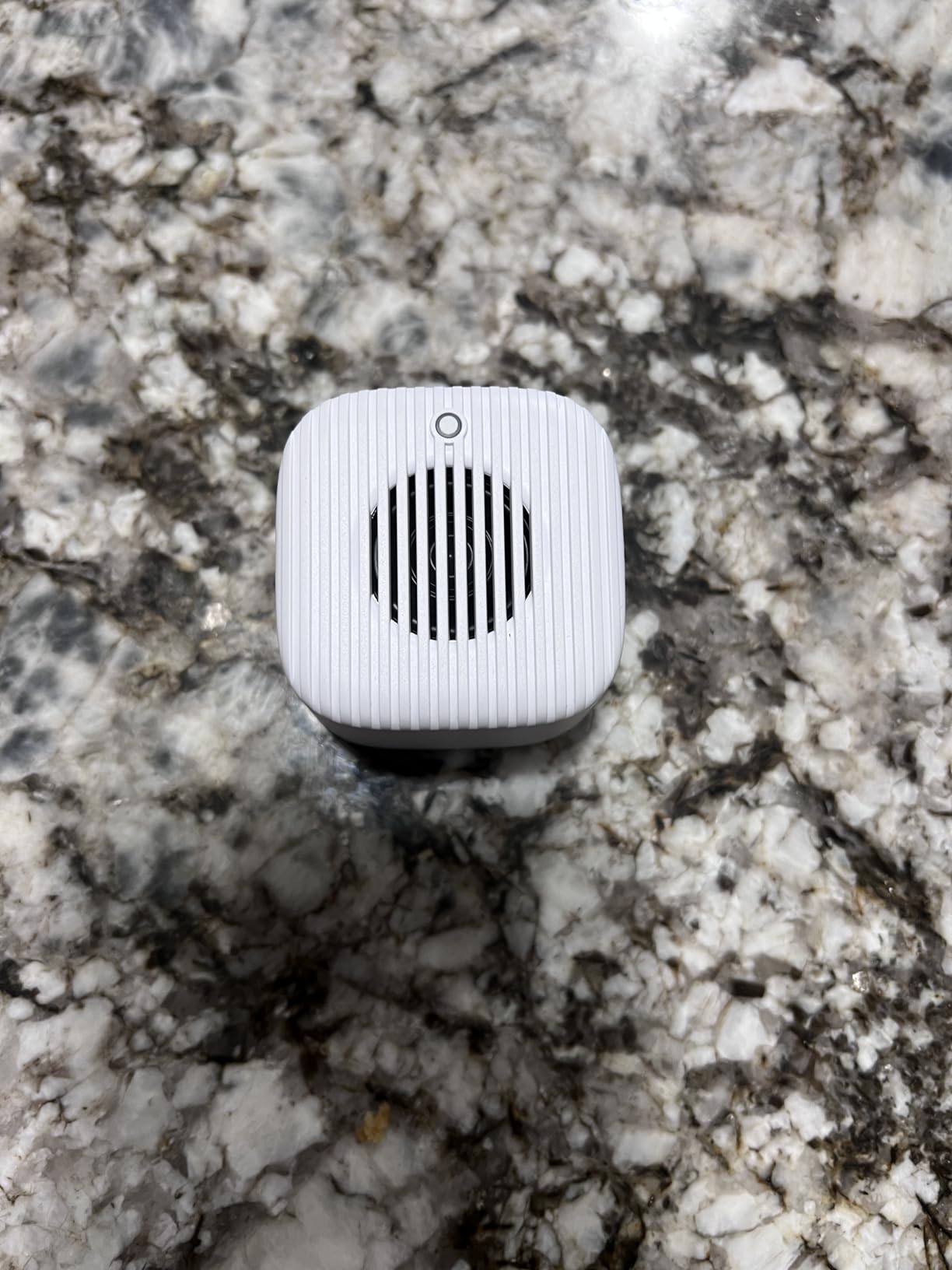
Why does dual-band support matter in a large house?
Because the 2.4 GHz band is crowded in a home full of smart devices and extends further but carries less. A dual-band chime can move to the cleaner 5 GHz band when it is close to your router, which is where a unit near the front door often is in a big house.
The trade-off is that 5 GHz does not penetrate floors and walls as well. For an upstairs unit in a large home, 2.4 GHz may still be the better choice, which is why the flexibility matters rather than a single band.
What is the dealbreaker?
Pairing reliability on specific eufy models. If you own an S330, check compatibility before buying, and keep the return route open.
Beyond that, the ceiling is customization. Volume plus 10 tones is the whole menu, with no per-device tone assignment and no scheduling, so a household that wants different sounds for different doors should look elsewhere.
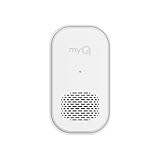
7. myQ Chime – Best for Houses Where the Garage Matters as Much as the Front Door
myQ Chime | Audible Alerts, Wi-Fi Enabled, Customizable Tones, Works with myQ Video Doorbell, myQ 3-in-1 Video Smart Lock, and myQ Smart Garage® Video Keypad
85 dB audible output
Also sounds for lock and keypad
Bluetooth setup, no wiring
Pros
- 85 dB output carries through multiple floors
- Also sounds for the myQ smart lock and garage keypad
- Bluetooth setup in minutes with no tools
- Multiple tone options
- Works alongside phone notifications
Cons
- Only functions inside the Chamberlain myQ ecosystem
- Customization limited to tone and volume
- Small published review base limits long-term data
The myQ Chime is built for a specific shape of home: one where the garage is a separate entry point as important as the front door. At 85 dB it is the loudest published figure in this roundup, and it sounds for the myQ 3-in-1 Video Smart Lock and the myQ Smart Garage Video Keypad as well as the video doorbell.
That last part is the differentiator. In a house where the garage keypad alerts matter, one unit covers all three entry points instead of needing a separate chime concept for each. Setup is Bluetooth, takes minutes, and needs no tools.
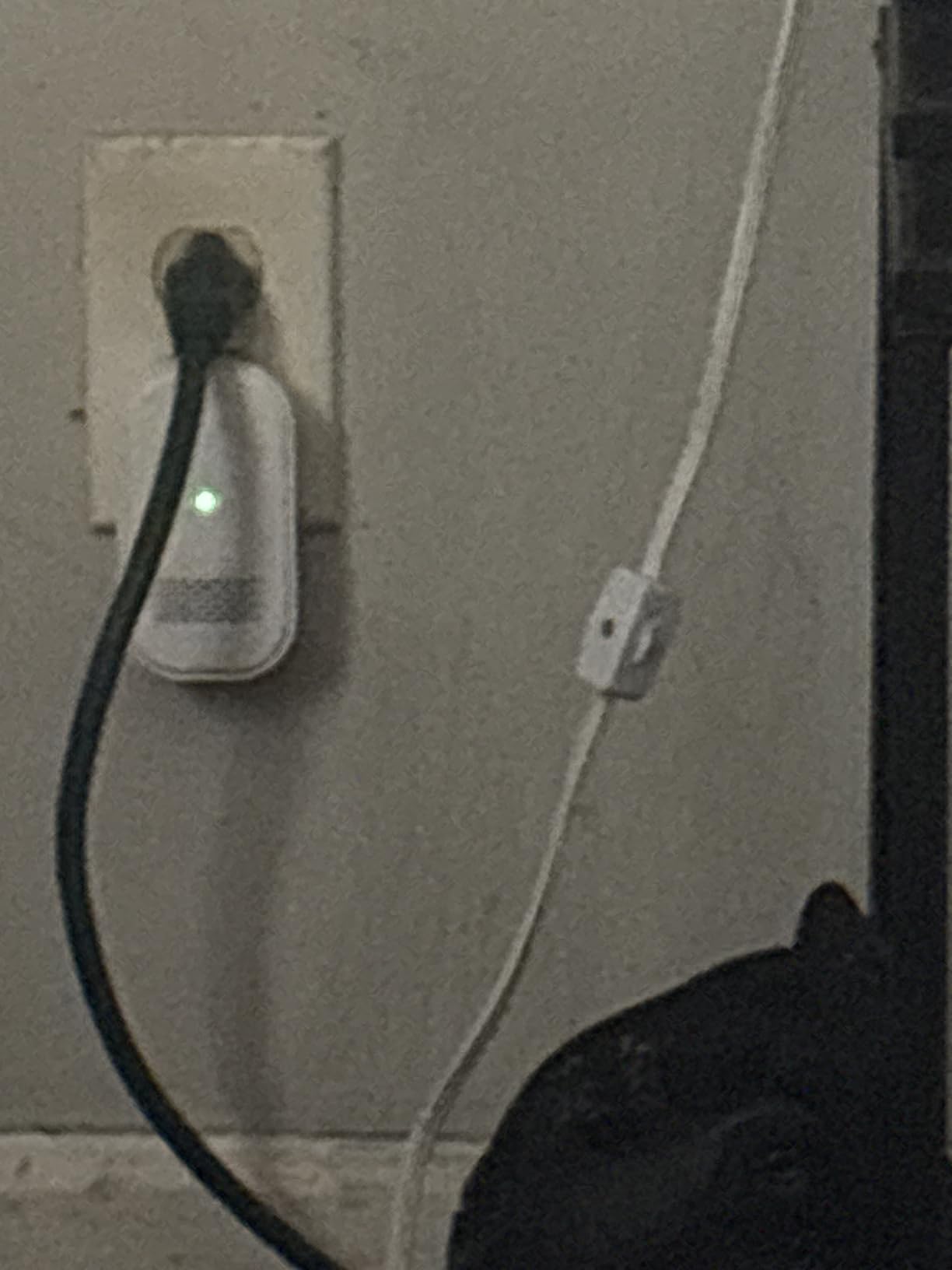
The obvious limit is ecosystem. This is a Chamberlain myQ device and it does nothing outside that system. If your front door runs a different brand, this unit does not apply to you regardless of the 85 decibel figure.
The other limitation is evidence. With 167 published reviews, there is less long-term reliability data here than for the Ring or Arlo units, so we would treat it as a reasonable purchase with a thinner track record rather than a proven one.
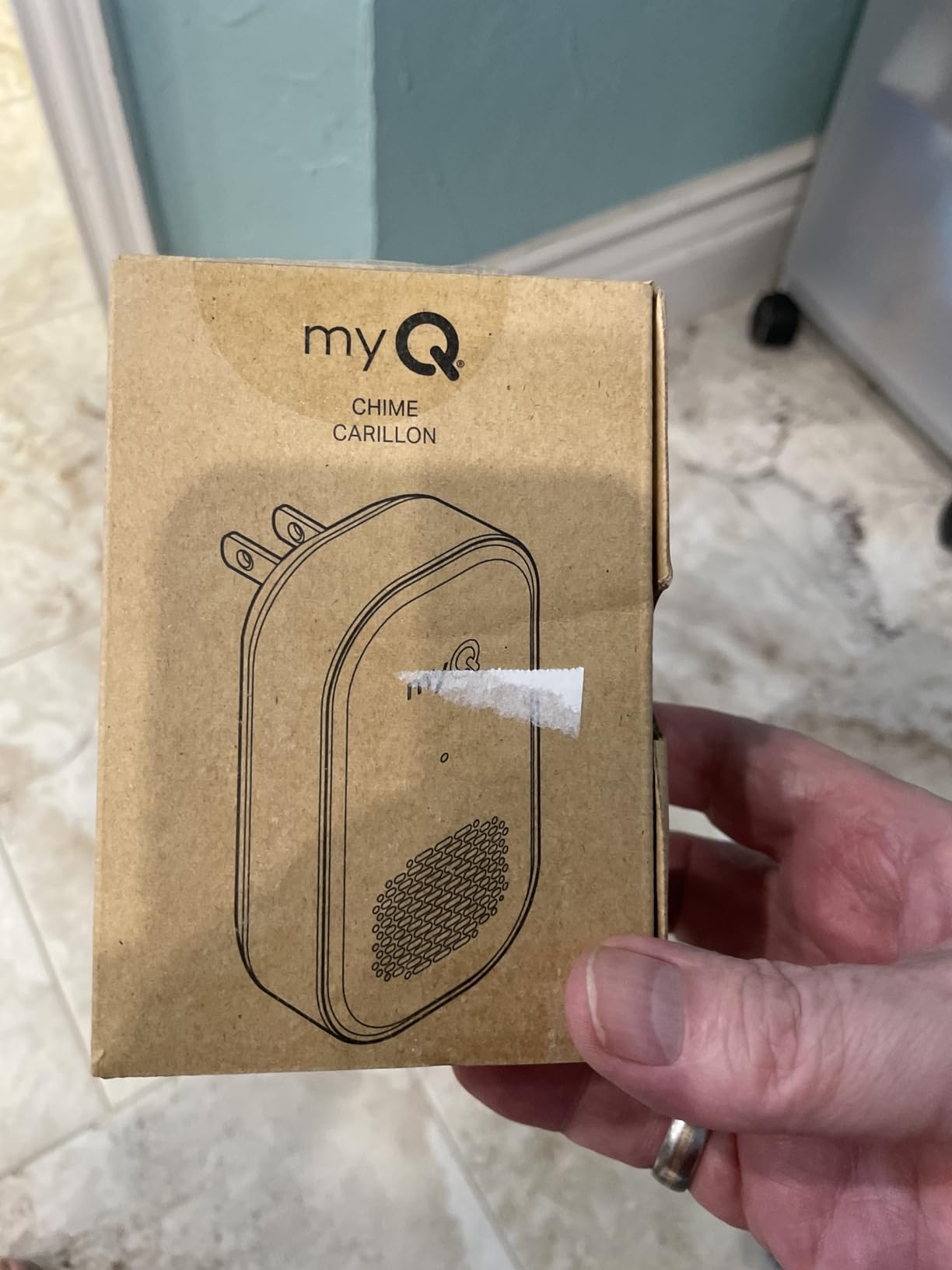
How many myQ Chimes can you run in one house?
Buy one per floor the same way you would with any other plug-in chime. Each pairs over Bluetooth from the myQ app and rings for the same set of devices, so multiple units simply repeat the alerts in different rooms.
With 85 dB of output, two well-placed units cover most two- and three-storey homes where a quieter unit would need three.
Who should buy this one
Owners of a myQ Video Doorbell who also use the smart lock or the garage keypad, in a house large enough that the second floor is out of earshot of a single unit.
If you are not in the myQ ecosystem, skip it – the tone options and customization are modest in any case, and the same budget goes further on a unit with more controls.
8. Ubiquiti Protect Chime – Best for UniFi Camera Homes
Ubiquiti Protect Chime
Native UniFi Protect pairing
3.3 x 2 x 1.2 inch body
Plug-in, Wi-Fi
Pros
- Seamless native integration with UniFi Protect
- Compact 3.3 x 2 x 1.2 inch body
- Simple reliable plug-in installation
- Suits large installs with chimes across several floors
- Consistently high ratings from UniFi owners
Cons
- The most expensive chime in the roundup by a wide margin
- Useless without a complete UniFi Protect setup
- Small review base limits published sound detail
For a house already running Ubiquiti gear, the Protect Chime is the least friction option available. It pairs natively with Protect doorbells through the console rather than a separate app flow, and owners running UniFi report smooth, consistent pairing and clean integration.
The body is small – 3.3 by 2 by 1.2 inches at 4.5 ounces – so it sits on a shelf or side table without looking like security hardware. In a large UniFi install, multiple chimes across floors is a natural extension of a setup you already have.
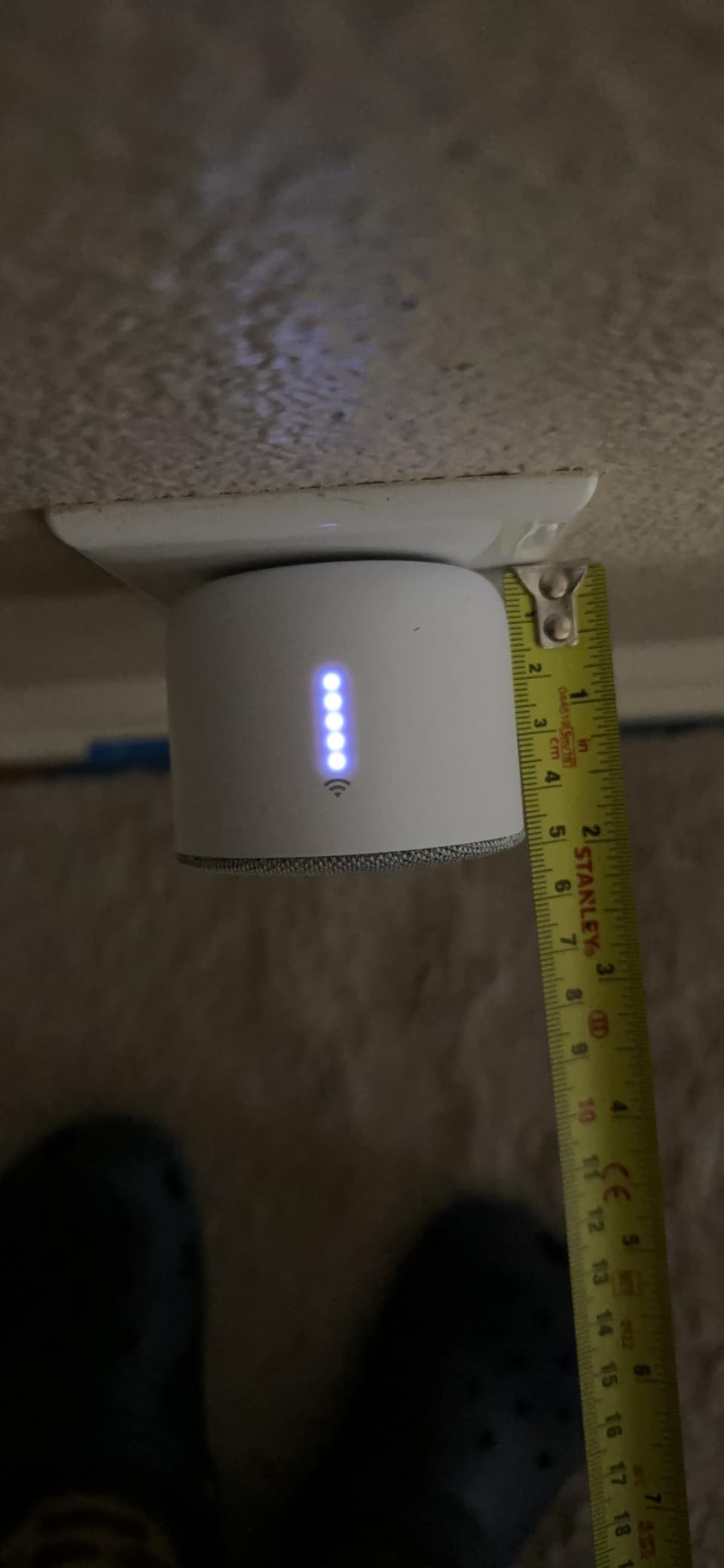
What you are paying for is the integration, and it is a lot of money for a sound box. Owners echo back the same constraint every time: it is useful only inside the Ubiquiti ecosystem, and outside that ecosystem it does nothing at all.
Published sound detail is also thin, with a small review base. If audible output across floors is your deciding criterion, this unit gives you less information to plan with than the 80 dB eufy or the 85 dB myQ.
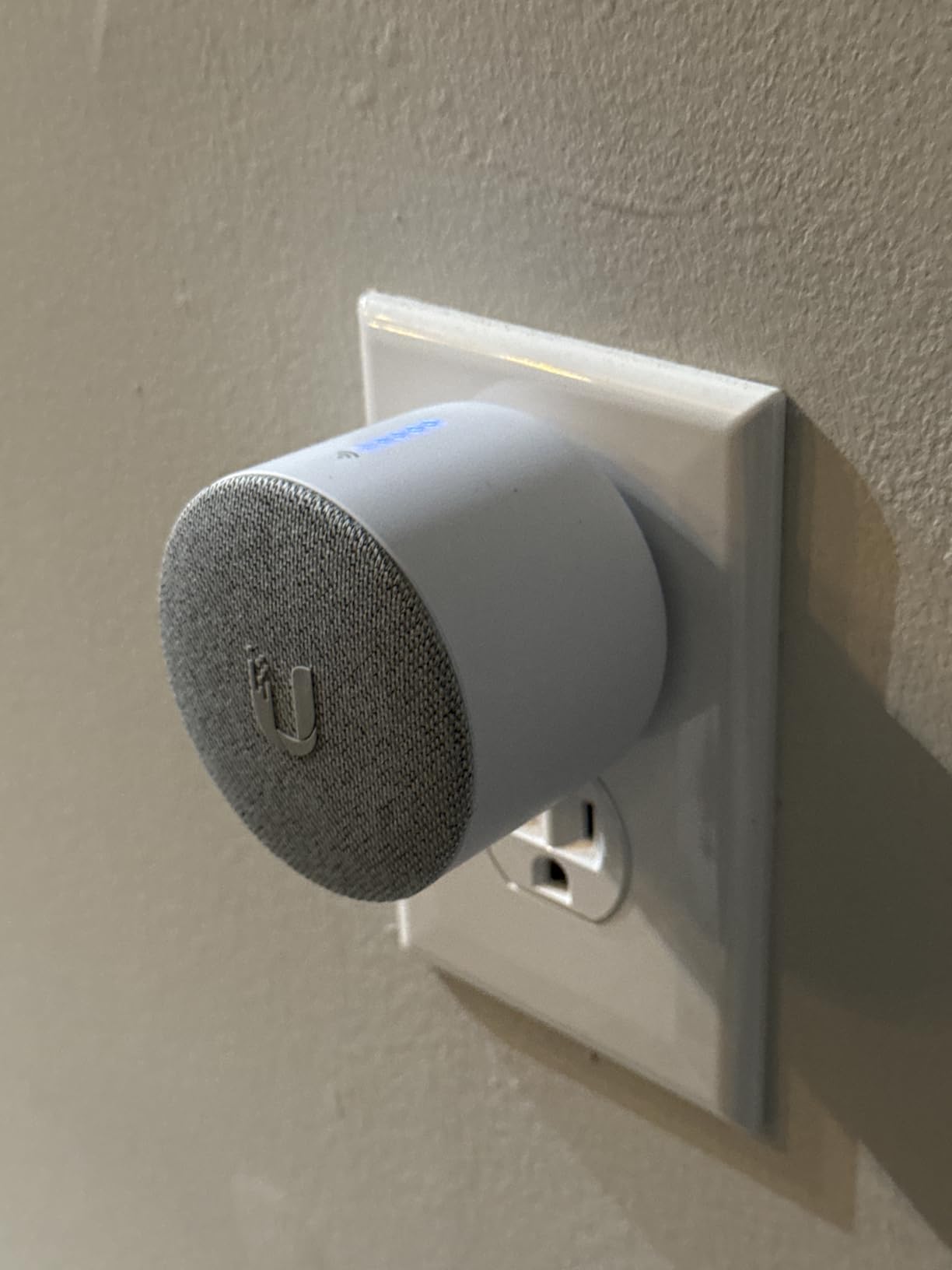
Do you need a UniFi console for this chime?
Yes, in practical terms. The chime is an accessory for the UniFi Protect ecosystem, so without an existing Protect setup on a console it has nothing to pair with.
If you are starting a security system from scratch, the cost of a console plus cameras plus this chime is a different purchase decision than adding a chime to hardware you own.
Is it worth the premium?
For a house already running UniFi with doorbells on multiple entry points, yes – the pairing reliability and the multi-floor coverage are the reason to buy it rather than a cheaper unit from another brand.
For anyone else, the premium buys nothing, and one of the cheaper ecosystem chimes does the same job for a fraction of the outlay.
9. LUCKYDUO WiFi Chime – Best for Hard-of-Hearing Households and Google Nest Doorbells
LUCKYDUO WiFi Chime for Nest Doorbell, 32 Tones, LED Flash, 999+ Expandable
32 tones with LED flash ring
0 dB to 110 dB volume
Works with Google Nest doorbell
Pros
- 32 ringtones plus a bright blue LED flash ring
- Volume steps from silent up to 110 dB
- Supports sound-only
- flash-only and combined modes
- Physical buttons for tone and volume without the app
- Plug-and-play with no wiring or electrician
Cons
- Setup runs through Smart Life app then a Google Home automation
- Must be re-linked by phone if unplugged or power is lost
- Expandability claims are optimistic for real homes
- 2.4 GHz Wi-Fi only
- Some units arrive scuffed from minimal packaging
This is the accessibility unit in the roundup, and on raw output it beats everything else here. Volume runs from silent at 0 dB up to 110 dB in five steps, with a bright blue LED flash ring and three modes – sound and flash, sound only, flash only – so a household member who cannot hear the tone at all can still get the alert visually.
It is also one of very few options that works with a Google Nest video doorbell. Because Nest works with most existing wired chimes, plenty of Nest owners arrive at this question needing something louder than the mechanical unit they already have.
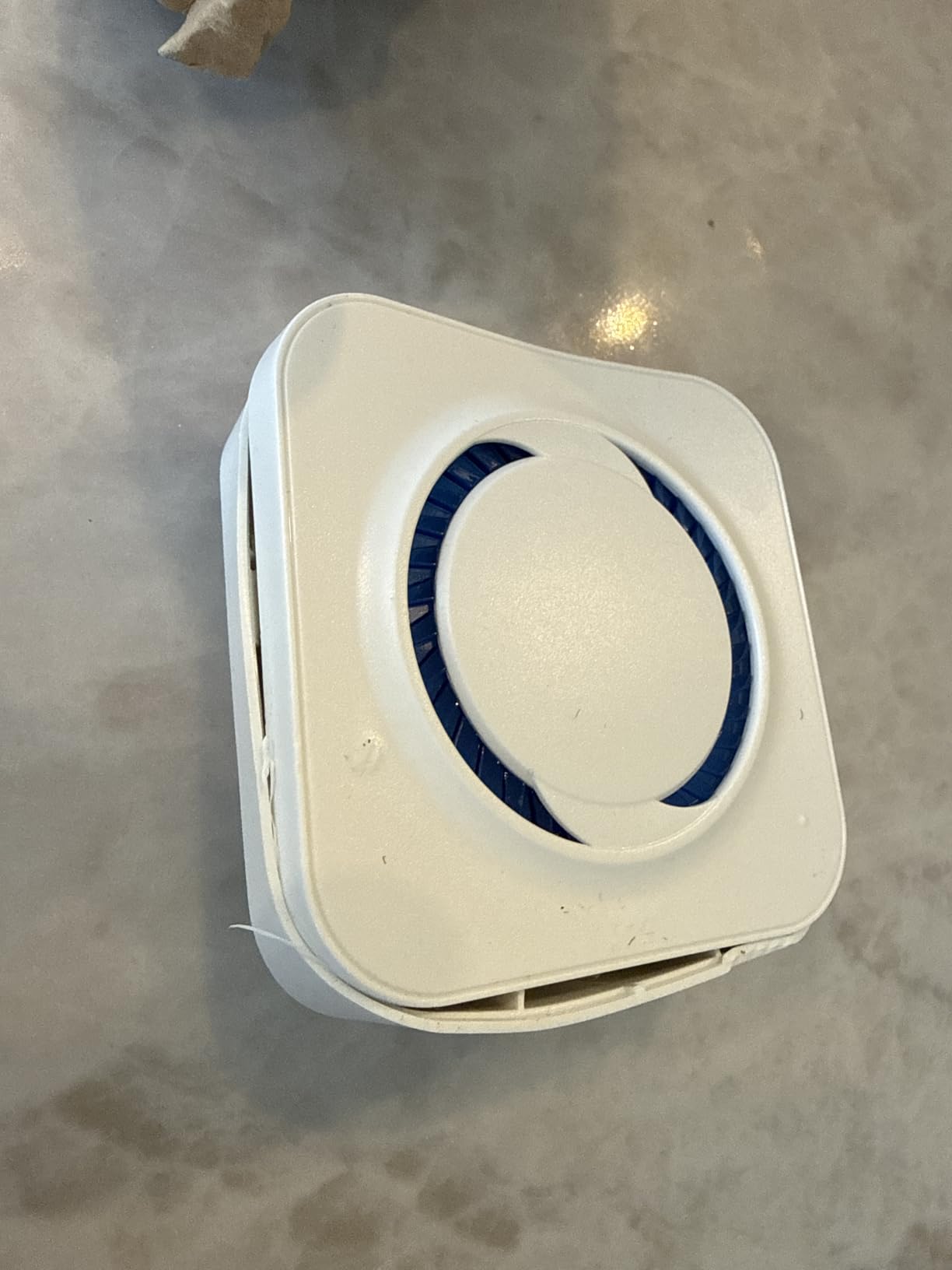
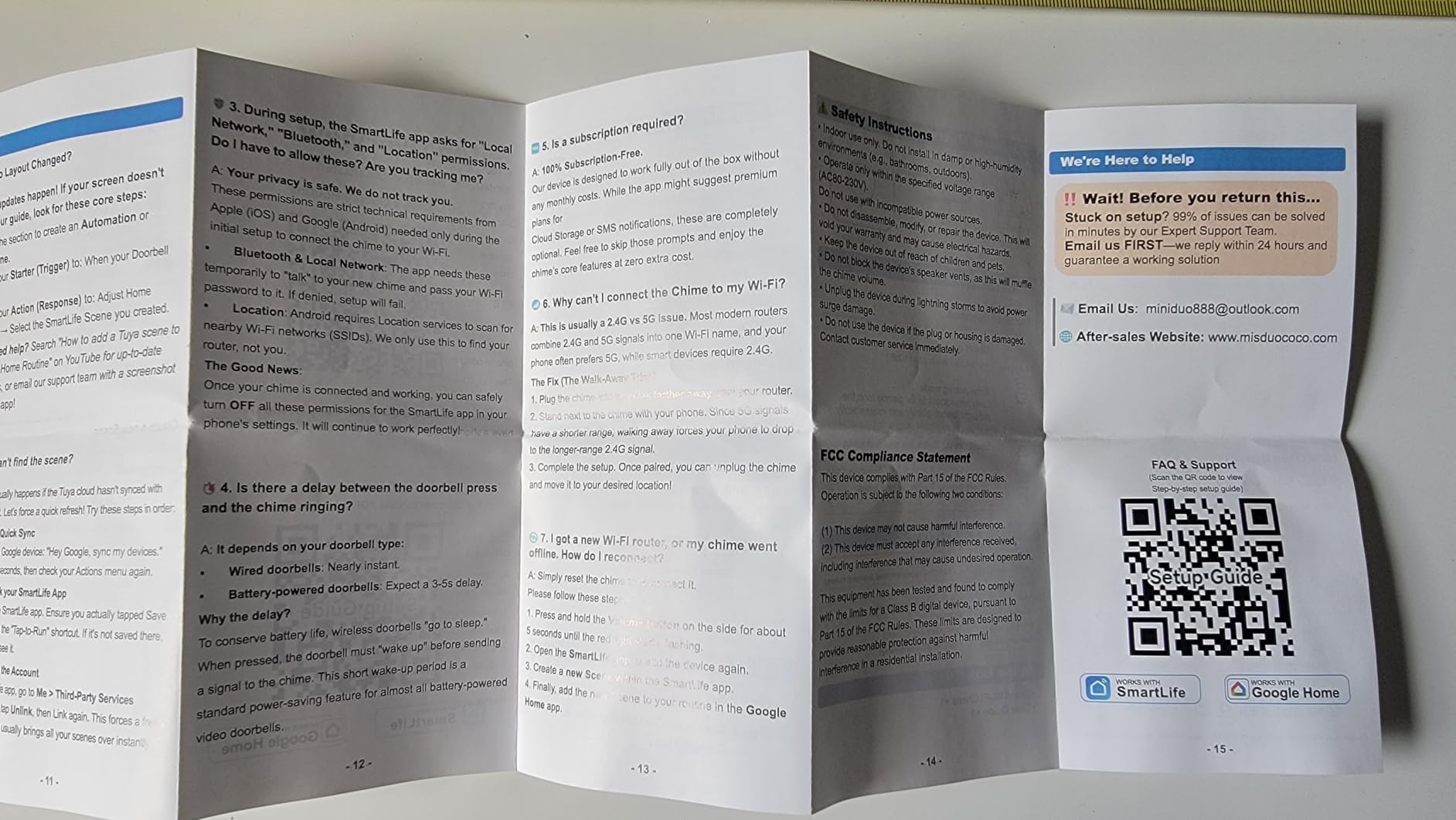
The setup is the real cost here. It is not a direct pairing – you install the Smart Life app, link it to Google, then build a Google Home automation that routes the doorbell event to this chime. That is three steps before it makes a sound, and it is why we would not recommend it to anyone who just wants a chime to work.
There is also a re-linking problem. If the unit is unplugged or loses power, it has to be re-linked through the phone app, which on a large home means walking to that floor with your phone every time a breaker trips.
Is 110 dB actually useful for a hard-of-hearing listener?
It is the highest published output in this roundup, and the flash-only mode is the part that matters most – a silent unit with a bright blue ring gives a visual alert that no volume setting can.
Physical buttons on the front for previous, next and volume mean the person who needs the alert can change the tone without opening an app, which matters if the alert is for them specifically.
What should you watch out for?
Real-world expansion is less generous than the claim of 999+ extenders, because range depends on distance and layout. Plan on a handful of units in a real house rather than a dozen.
It is 2.4 GHz only, and the multi-app setup is a genuine stumbling block. If your household is comfortable with smart home routines, it is a strong fit. If not, pick a unit that pairs directly with your doorbell app.
10. Reolink Chime Plus – Best for Reolink Doorbell Owners Covering Several Rooms
REOLINK Chime Plus, Compatible with Reolink Video Doorbell PoE/WiFi V2 and
Up to 5 chimes per doorbell
10 melodies, 5 volume levels
Toggleable light
Pros
- Connect up to 5 chimes to one doorbell
- Volume ringtones and light all adjustable from the app
- 10 melodies across 5 volume levels
- Toggleable light for a visual cue
- Plug-and-play with no transformer
- Custom voice prompts for person
- vehicle and package alerts
Cons
- Only works with Reolink Battery Doorbell 2nd Gen and PoE or WiFi V2 or higher
- No third-party compatibility
- Five-chime ceiling is modest for very large homes
- New listing with a small review base
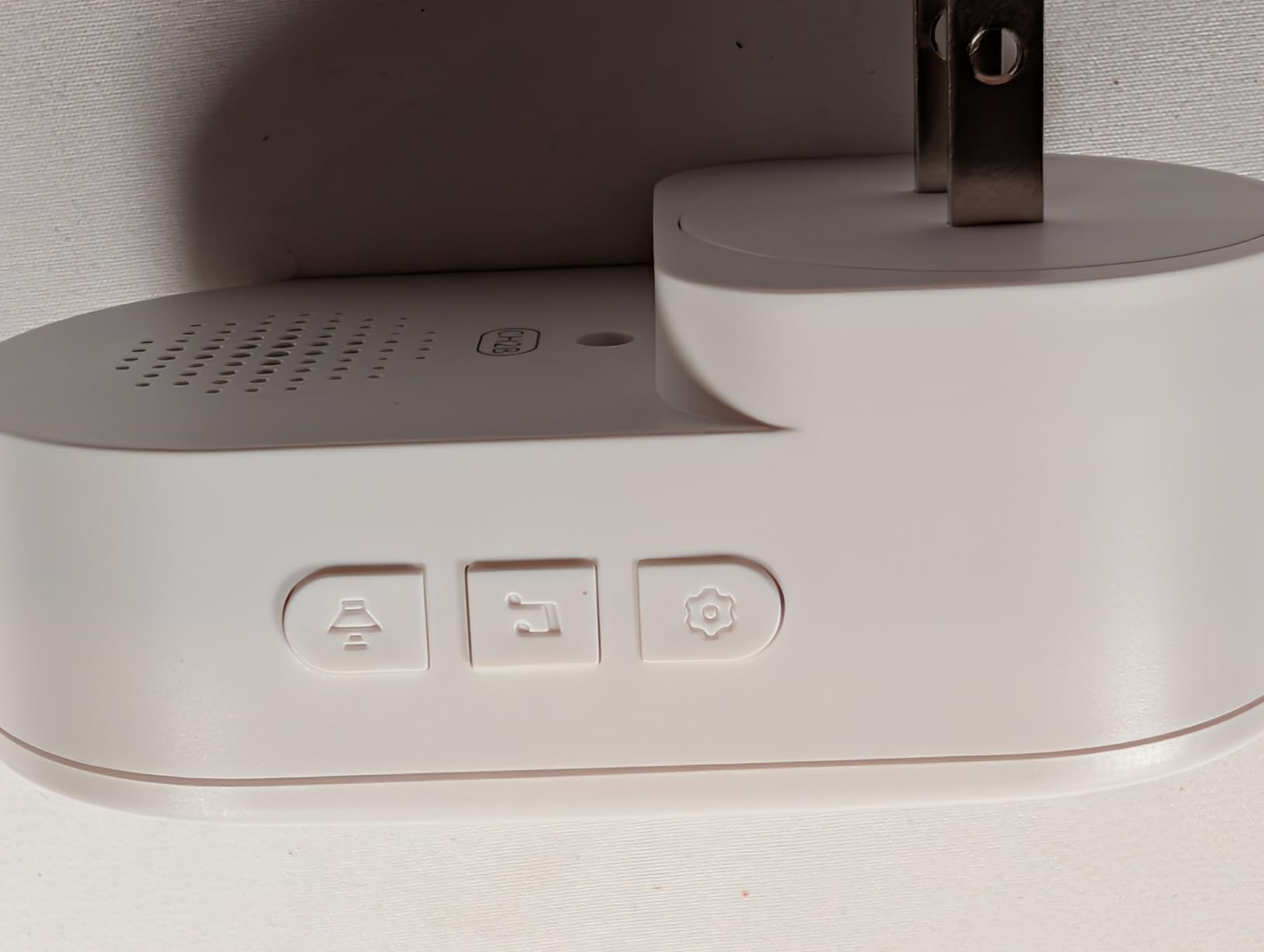
The Reolink Chime Plus is the one unit in this roundup with a published multi-unit ceiling, and that is exactly what a large home needs to hear: up to 5 chimes can connect to a single doorbell. On a two- or three-storey house, that is enough units to put one on each floor and still have spares for a garage or home office.
Control is all in the Reolink app – volume, ringtones and the light are all adjustable remotely, and there are 10 melodies across 5 volume levels. The custom voice prompts for person, vehicle and package detection are a nice touch that no other plug-in chime in this list offers.
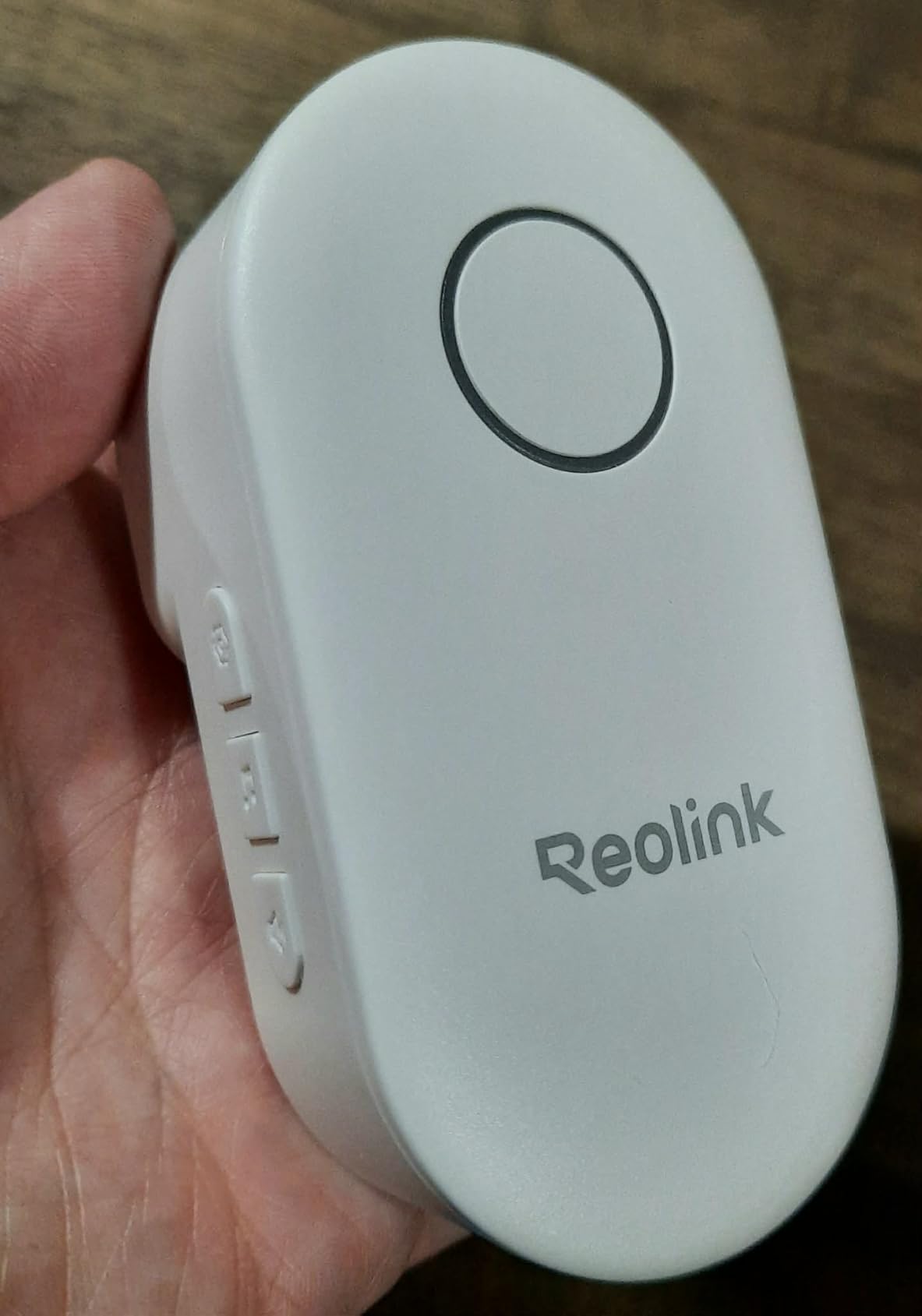
Compatibility is narrow. It pairs with the Reolink Battery Video Doorbell 2nd Gen and the Video Doorbell PoE or WiFi V2 and higher, and nothing else – not other Reolink devices, and not any third-party hardware. Check the generation of your doorbell first.
It is also a new listing, with 36 published reviews. Early response is positive on pairing and app control, but there is not yet a long track record on failure rates over years of use.
How many Reolink Chime Plus units can one doorbell drive?
Five. That is the documented ceiling, and each chime also pairs with up to five compatible doorbells, so a house with a front door and a side entry can share the same pool of units.
Five covers most large homes. Beyond that, you are looking at the smart-speaker route or a second system rather than more of these.
Is it the right pick for you?
If you run a Reolink Battery Video Doorbell 2nd Gen or a PoE or WiFi V2 and up, this is straightforwardly the best-scaled unit here for a big house, because it is the only one with a stated per-doorbell chime count you can plan against.
If your Reolink hardware is older, or your doorbell is another brand entirely, this is not the purchase. Check your model generation before ordering.
Hardwired, Plug-in or Smart Speaker: Three Ways to Cover a Large Home
There are three genuinely different ways to make a doorbell audible across a large house, and they are not interchangeable. Understanding which one suits your wiring saves you from the most common failed project in this category.
Hardwired chimes are the classic option. Your existing transformer and low-voltage doorbell wire carry the signal, and multiple chimes wire in parallel off the same pair. They keep working when Wi-Fi does not, which is their big advantage, and they are the only route that survives a power cut on the internet side. The downside is that the sound is whatever chime you already own unless you buy a replacement, and many modern smart doorbells will not drive a mechanical chime reliably.
Plug-in chimes are every product in the table above. They receive the alert over Wi-Fi rather than through the doorbell wire, which means installation is trivial, they never touch your transformer, and adding a fifth unit takes the time it takes to find an outlet. Their weakness is that they are only as reliable as your network, and that is precisely where large homes are harder.
Smart speaker announcements are free if you already own speakers, and they cover every room with a speaker in it. The trade-off is latency. A user on a home technology forum describes the Google Nest hub chime as noticeably delayed compared with a physical Ring Chime, and that delay is what makes a physical unit preferable when you are trying to catch a delivery.
For most large homes the honest answer is a hybrid: two or three plug-in chimes for the actual doorbell press, plus smart speakers as a backstop for rooms with no outlet nearby. If your household wants video on a wall in several rooms, our smart home tablet wall mount guide covers the mounting side of that.
Adding a Second or Third Chime: Will Your Transformer Take It?
Yes, most existing transformers can drive more than one chime – and if you are adding plug-in units as recommended above, the question disappears entirely. This section matters for the homes that still have a wired chime, or that want to keep one as a backup.
The mechanics are straightforward. Chimes wire in parallel, meaning both connect to the same transformer on the same pair of low-voltage wires rather than in series. The transformer has to be rated for the combined load of every chime plus the doorbell button. Older transformers in homes from before the 1990s are the ones that fail, and the symptom is a chime that hums, rings faintly, or works only when one of the two units is disconnected.
Three signs your transformer is undersized for the job. The chime is quieter than it used to be. It only works with one of multiple units unplugged. Or it hums continuously rather than striking cleanly on the press. Any of those and you are looking at a transformer replacement rather than a chime purchase.
A replacement is a small, quick job for an electrician and a common addition to a renovation. If you are comfortable with low-voltage wiring it is a manageable DIY task, but the transformer usually lives in a closet or attic and the wiring runs through walls you would rather not open in a finished house.
Our recommendation for a large home is to skip the wiring entirely and run plug-in units over Wi-Fi, keeping any existing mechanical chime as an unused backup. It is faster, it is reversible, and it avoids the one project in this category that can go wrong after the walls are closed up.
Matching a Chime to the Doorbell You Already Own
Every chime in this roundup is locked to one manufacturer’s ecosystem. This is the number one reason chime purchases get returned, and it takes thirty seconds to avoid it: check which brand your doorbell button is before you order anything.
If you run Ring, both the Ring Chime and the Ring Chime Plus work, and they pair with any Ring camera or doorbell on the account. Blink owners have the Blink Chime, which works with all Blink doorbells. eufy owners get a choice: the Add-On Chime for the E340, C30 and C31, or the Video Doorbell Chime 2 for broader compatibility and dual-band Wi-Fi.
Arlo owners have the Arlo Chime 2, with the important exception that it does not work with the Pro or Ultra lines. Ubiquiti owners have the Protect Chime, Chamberlain myQ owners have the myQ Chime, and Reolink owners have the Chime Plus for the 2nd Gen Battery and PoE or WiFi V2 doorbells and newer.
For Google Nest doorbells the situation is different. Nest works with most existing wired chimes, so many owners do not need to buy anything – until the existing chime proves too quiet for a large house. The LUCKYDUO WiFi Chime is the plug-in option here, and it reaches 110 dB with a flash mode, though it requires a Smart Life and Google Home automation to route the alert to it.
If you are running a mixed system or a hub-based platform such as Z-Wave, the picture changes again. Our Z-Wave light switch guide covers the hub-based side of the ecosystem, and hub-based platforms are where chime options get thin.
Volume, Extra-Loud Mode and Visual Alerts
If your doorbell chime is too quiet, there are four moves in order of effort. Raise the volume for that specific chime in the app rather than the global setting. Move the unit to a central interior wall instead of a corner near the door, which beats almost any volume change. Add a second unit on the floor that cannot hear the first. Or choose a chime with a documented high output and a flash.
Three units in this roundup publish an output figure. The eufy Video Doorbell Chime 2 reaches 80 dB, the myQ Chime is rated at 85 dB, and the LUCKYDUO WiFi Chime steps up to 110 dB. The Arlo Chime 2 has an 80+ decibel siren, though that figure applies to the alarm rather than the musical chime.
For hard-of-hearing listeners, volume alone is often not the whole answer. The LUCKYDUO’s flash-only mode and adjustable LED brightness give a silent visual alert, and the Ring Chime Plus adds a night light for orientation. Adding a wall-mounted display on each floor is the other route, and it doubles as a way to see who is at the door rather than just hear that someone is.
One caution on smart speaker announcements: they are the easiest volume fix because you can turn a speaker all the way up, but the announcement delay means a speaker is better as a backstop than as your primary alert.
Wi-Fi Reality in a Large Home
Every plug-in chime in this roundup depends on your home network, which is where large homes get complicated. The front door is often the furthest point from the router, and it sits behind exterior masonry. Signal there can be marginal even when the rest of the house is fine.
Band support varies. The eufy Add-On Chime and the LUCKYDUO WiFi Chime are 2.4 GHz only. The eufy Video Doorbell Chime 2 supports both 2.4 and 5 GHz. The Ring ecosystem runs on 2.4 GHz, which extends further through floors but is more crowded in a house full of smart devices.
If a chime drops off or fails to pair, the fix is almost always coverage rather than the unit. Confirm your router still broadcasts 2.4 GHz if the chime is 2.4-only, and put a mesh node near the front hall rather than in the office at the back of the house. Our mesh Wi-Fi systems guide for large homes covers node placement in detail.
The quick diagnostic: pair the first chime while standing in the room where you plan to put it. If pairing is slow or fails, the signal is not good enough there yet, and no amount of app configuration will fix it.
Frequently Asked Questions
Can you have two chimes on one doorbell?
Yes. Most smart doorbells can drive more than one indoor chime, and in a large home that is the normal setup. Three things decide whether it works: the chimes connect to the same transformer on the same pair of low-voltage wires when hardwired, the transformer must be rated for the combined load of every chime plus the doorbell button, and each unit has its own volume ceiling. Plug-in chimes skip the wiring entirely and simply repeat the alert over Wi-Fi, so you can add as many as you have outlets for. Reolink publishes a ceiling of 5 chimes per doorbell, while other platforms leave the limit to network reach.
What is the best digital doorbell chime?
The best all-round digital doorbell chime is the Ring Chime 3rd Gen, which has the largest body of owner feedback and a noticeably louder speaker than earlier generations. The best value is the Blink Chime if you already run Blink doorbells. The best for hard-of-hearing households is the LUCKYDUO WiFi Chime, which reaches 110 dB and adds a flash-only mode. The best documented output in a mainstream brand comes from the eufy Video Doorbell Chime 2 at up to 80 dB on dual-band Wi-Fi. Every one of these pairs only with its own doorbell brand.
How many chime units does a large house need?
One unit per occupied floor, plus one for every detached structure such as a garage, gatehouse or side entrance. A two-storey home needs two, a three-storey home needs three, and a three-storey home with a detached garage needs four. On homes of roughly 3,000 sq ft or more, add one more on the upstairs landing, because sound travelling up a stairwell loses more than most people expect. Placement matters as much as count, so put each unit on an interior wall near the middle of the floor rather than in a corner by the door.
What is the best doorbell chime for a Nest doorbell?
A Google Nest doorbell works with most existing wired chimes, so if your home has working wiring you may not need to buy anything at all. If your existing chime is too quiet for a large house, the LUCKYDUO WiFi Chime is the plug-in option, reaching 110 dB with a flash ring and a flash-only mode. It connects through the Smart Life app and a Google Home automation rather than pairing directly, so expect a longer setup. For volume alone, raising the media volume on a Nest display or speaker is the quicker fix, though announcements arrive with noticeable delay.
How to increase doorbell chime volume?
Five things help, in order of effort. Set the volume for that specific chime in the app rather than the global setting. Move the unit to a central interior wall, which beats almost any volume change. Add a second unit on the floor that cannot hear the first, which is usually the real answer in a large home. Choose a chime with a documented high output – the eufy Video Doorbell Chime 2 reaches 80 dB, the myQ Chime 85 dB, and the LUCKYDUO WiFi Chime 110 dB. Finally, use a smart speaker announcement as a backstop, though it arrives with a delay.
Why does my doorbell only chime once?
Usually the chime has dropped its pairing with the doorbell rather than a fault in the chime itself. Re-pair it by opening the manufacturer app, removing the chime from the device list and adding it again from an outlet close to the doorbell. On battery-powered doorbells, sleep mode and low battery are common causes, and some systems push only the first press while ignoring repeats. On a wired chime, a failing transformer that cannot supply enough current for the strike will produce a single faint ring. A chime that rings once and then stops after a firmware update is usually waiting to be re-paired.
Why is my Nest doorbell chime constantly ringing?
Three causes account for almost all of it. The first is a motion zone set too wide, so passing cars or pedestrians trigger the announcement rather than a visitor at the door. Narrow the motion zone to the walkway and lower motion sensitivity in the Nest app. The second is a chime pairing that has dropped and is re-pairing in a loop, which is fixed by removing and re-adding the chime. The third is an automation you built that announces on any doorbell event, including deliveries and people passing by. If you use a plug-in chime through a Google Home automation, check that automation before changing hardware.
Which Smart Doorbell Chime Should You Buy?
For most large homes, buy two or three of the Ring Chime 3rd Gen and spread them floor by floor – it has the strongest combination of rating and owner feedback in this roundup and a speaker that is consistently reported as louder than earlier generations. If you run Blink at the front door, the Blink Chime covers the same need with less customisation. If your network is crowded or dual-band only, the eufy Video Doorbell Chime 2 is the better long-term buy at up to 80 dB. If someone in the house is hard of hearing, the LUCKYDUO WiFi Chime is the only unit here that combines 110 dB with a flash-only mode, and you should budget for the longer app setup it requires.
Whichever you choose, work out your unit count before you order – one per occupied floor plus one per detached structure – and place each unit on an interior wall near the middle of that floor rather than beside the front door. That placement decision does more for audibility than any specification on the box. This is the best smart doorbell chimes for large homes shortlist, and it comes down to matching the unit to the doorbell brand you already own, then buying enough of them to cover the house.