
Matter was supposed to end the argument about which smart home hub to buy. Five years in, the argument is alive and well, because most people still cannot name the two jobs a hub has to do. One job is pairing and controlling Matter devices. The other is carrying the low-power Thread mesh traffic that most Matter sensors run on. A box can do the first without the second, and plenty of boxes do the second without being a good general-purpose hub.
We spent weeks putting twelve candidates through that lens: what radios are actually inside, whether automations keep running when the internet drops, what happens to the Zigbee and Z-Wave gear you already own, and how much setup a non-technical person is realistically looking at. The results are the best smart home hubs for Matter devices available in 2026, ranked by how completely they handle the role most people are actually shopping for.
If you are still building out from scratch, start with our plain-English guide to the Matter standard. If you already own a hub and want a second opinion on it, our earlier general smart home hub roundup covers the non-Matter options too.
Short answer: do Matter devices need a hub? Yes, in practice. Matter devices need a Matter controller to pair, hold credentials and run automations, and Thread-based Matter devices additionally need a Thread border router to reach your IP network. A hub that does both jobs means one box, one app and one place to troubleshoot when a device drops offline. You do not need a separate physical device for each role, but you do need both roles covered somewhere in your setup.
Table of Contents
Top 3 Picks: Matter Hubs in 2026

Aeotec Smart Home Hub V3
- Matter
- Z-Wave Plus
- Zigbee and Wi-Fi in one box
- Functions as a SmartThings hub
- Many automations run locally
- Wired Ethernet or Wi-Fi

SwitchBot Hub 3
- Matter Bridge for up to 30 devices
- Infrared blaster for 100000+ appliances
- 2.4 inch screen with rotary dial
- Built-in temperature and humidity sensor

Aqara Hub M3
- Thread Border Router plus Matter bridge
- Handles 127 Aqara Zigbee and 127 Thread devices
- PoE and dual-band Wi-Fi
- 360 degree infrared blaster with feedback
Best Matter Hubs Compared at a Glance in October
| Product | Specifications | Action |
|---|---|---|
| Aeotec Smart Home Hub V3 |
|
Check Latest Price |
| SwitchBot Hub 3 |
|
Check Latest Price |
| Aqara Hub M3 |
|
Check Latest Price |
 Home Assistant Green Home Assistant Green |
|
Check Latest Price |
 Homey Pro mini Homey Pro mini |
|
Check Latest Price |
 Hubitat Elevation C-8 Pro Hubitat Elevation C-8 Pro |
|
Check Latest Price |
 Amazon Echo Hub Amazon Echo Hub |
|
Check Latest Price |
 Homey Pro 2026 Homey Pro 2026 |
|
Check Latest Price |
 Aqara Hub M100 Aqara Hub M100 |
|
Check Latest Price |
 Tapo H110 Tapo H110 |
|
Check Latest Price |
 Flic Hub Mini Flic Hub Mini |
|
Check Latest Price |
 Philips Hue Bridge Philips Hue Bridge |
|
Check Latest Price |
1. Aeotec Smart Home Hub V3 – Best Overall Matter Hub for Mixed-Protocol Homes
Aeotec Smart Home Hub, Works as a SmartThings Hub, Z-Wave, Zigbee, Matter Gateway, Compatible with Alexa, Google Assistant, WiFi
Matter, Z-Wave Plus
Zigbee SmartThings
Ethernet or Wi-Fi
1.1 lb
Pros
- Covers Matter
- Z-Wave Plus
- Zigbee and Wi-Fi in one enclosure
- Acts as a SmartThings hub so existing setups can consolidate
- Many automations now execute locally for speed and reliability
- Accepts both Ethernet and Wi-Fi so placement is flexible
- Over 2100 reviews averaging 4.2 stars
Cons
- Z-Wave Plus radio only on the V3 model
- North American 908.42 MHz Z-Wave region
- Automation depth is limited to the SmartThings app
This is the hub we keep coming back to because it is the least special-purpose box on the list. It carries Matter, Z-Wave Plus, Zigbee and Wi-Fi in a single white enclosure, and it registers as a SmartThings hub so anyone already running that platform can consolidate instead of starting over.
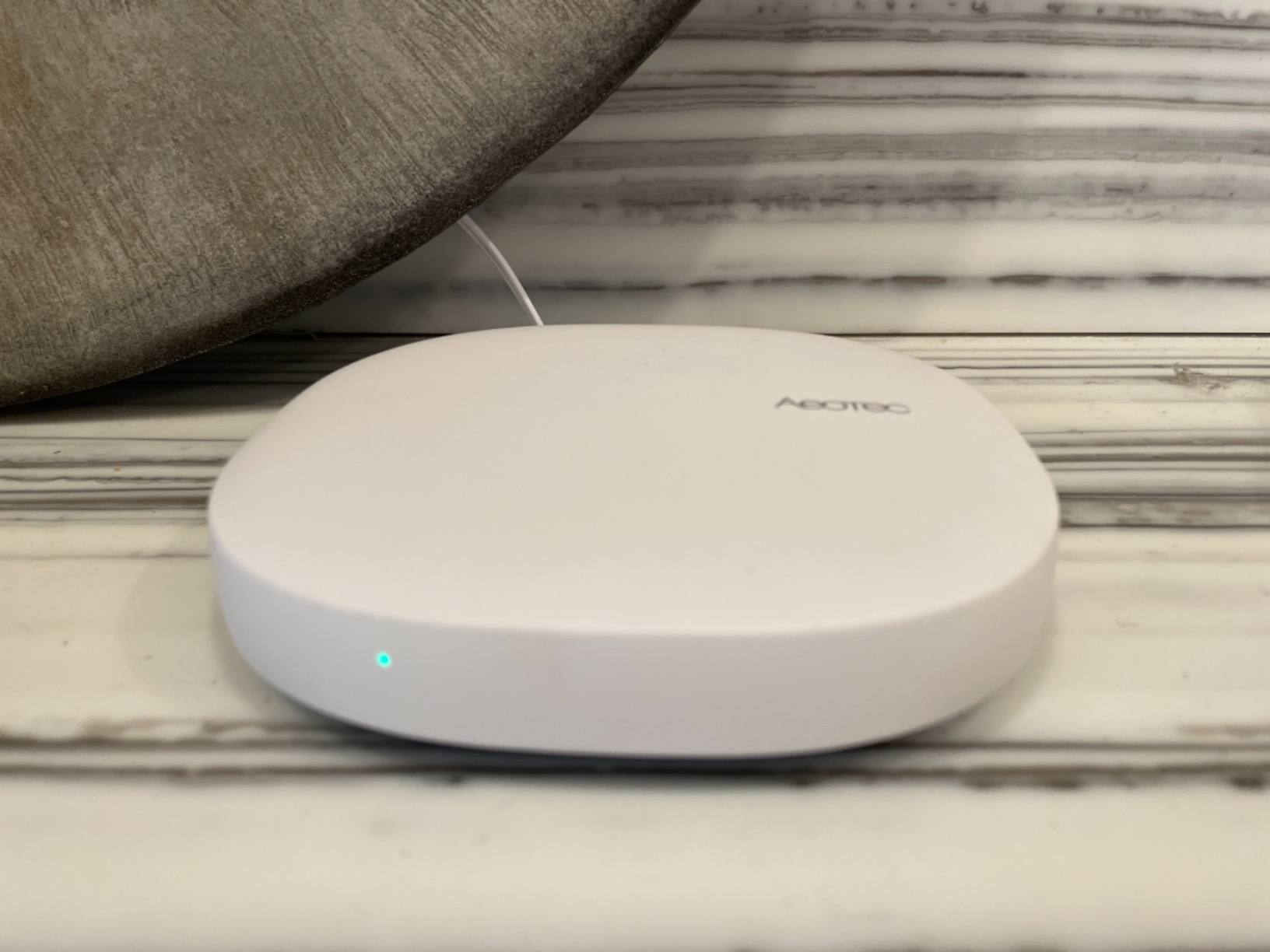
What sold us was the local execution behaviour. Reviewers consistently describe scenes becoming noticeably faster once automations moved onto the hub itself, which is the single change that makes a smart home feel like it works. The SmartThings app handles pairing and scene building, and for a mixed-protocol household that is a reasonable trade.
The wiring flexibility matters more than it sounds. Ethernet keeps the hub on the network even if Wi-Fi degrades, which is the same resilience argument that makes the Hue Bridge popular a dozen years later.
Check the hardware revision before you buy
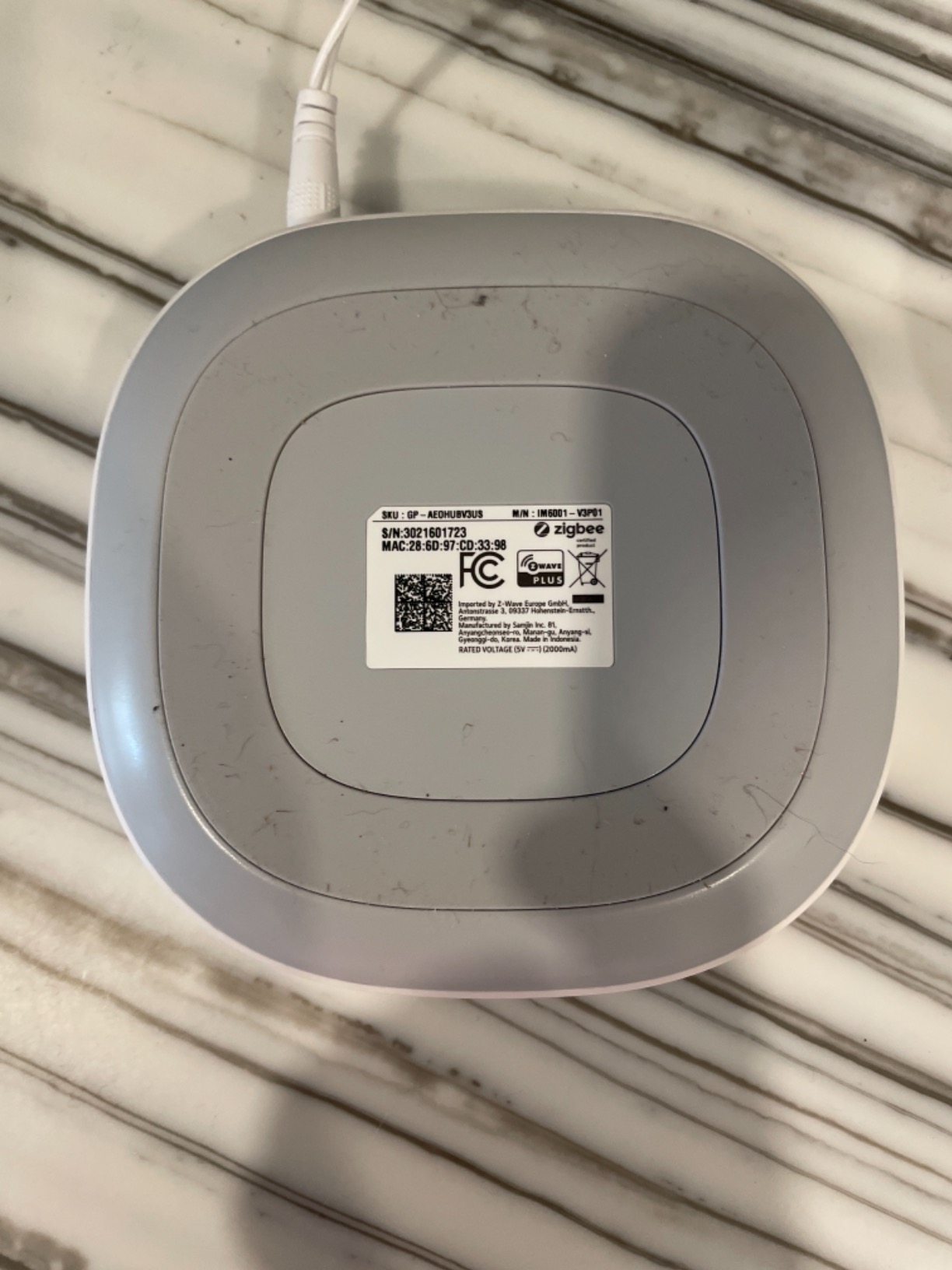
The recurring caveat in reviews is revision-dependent, not design-dependent: the Z-Wave Plus radio is a V3 feature, and newer V4 variants ship without Z-Wave. If your plan involves any Z-Wave locks, sensors or switches, confirm the listing you are buying is the V3.
The second caveat is region. This unit is built for the 908.42 MHz Z-Wave band used in North America. Buyers elsewhere should confirm regional Z-Wave frequency support before ordering.
Who should look past this one
If your automations need real scripting, deep conditional logic or a huge integration library, the SmartThings app will feel like a ceiling rather than a foundation. Home Assistant Green and Hubitat exist for exactly that reason.
It is also not a touch-friendly control panel. If the plan is a wall-mounted dashboard the family can glance at, that is a different product category entirely.
2. SwitchBot Hub 3 – Best Value Hub for Matter Plus Infrared
SwitchBot Hub 3 (3rd Gen), Smart Home Hub with 2.4″ IPS Screen & Knob Control, WiFi Thermometer Hygrometer, IR Remote (Matter/Bluetooth 200m), Alexa/Google/Apple Home Compatible
Matter Bridge for up to 30 devices
2.4 inch IPS screen with rotary dial
Infrared, Bluetooth 200m, climate sensor
Pros
- Infrared
- Matter bridge
- climate sensor and dial in one unit
- Rotary knob and scene buttons give tactile control without an app
- Temperature and humidity readings can trigger automations
- Exposes SwitchBot curtains and blinds to Apple Home and Alexa
- Screen shows lock status
- weather and alerts
Cons
- 2.4GHz Wi-Fi only so dual-band routers may need band selection
- Infrared only so RF devices like ceiling fans and garage openers are unsupported
- 3.9 average reflects a split between hardware and software
The SwitchBot Hub 3 is the odd one out in this roundup because it is as much an appliance remote as it is a Matter device. The infrared blaster covers more than 100,000 IR appliances, and the Bluetooth radio reaches SwitchBot gear 200 metres away. For a home with a pile of legacy air conditioners, televisions and projectors, that consolidates a drawer full of remotes.
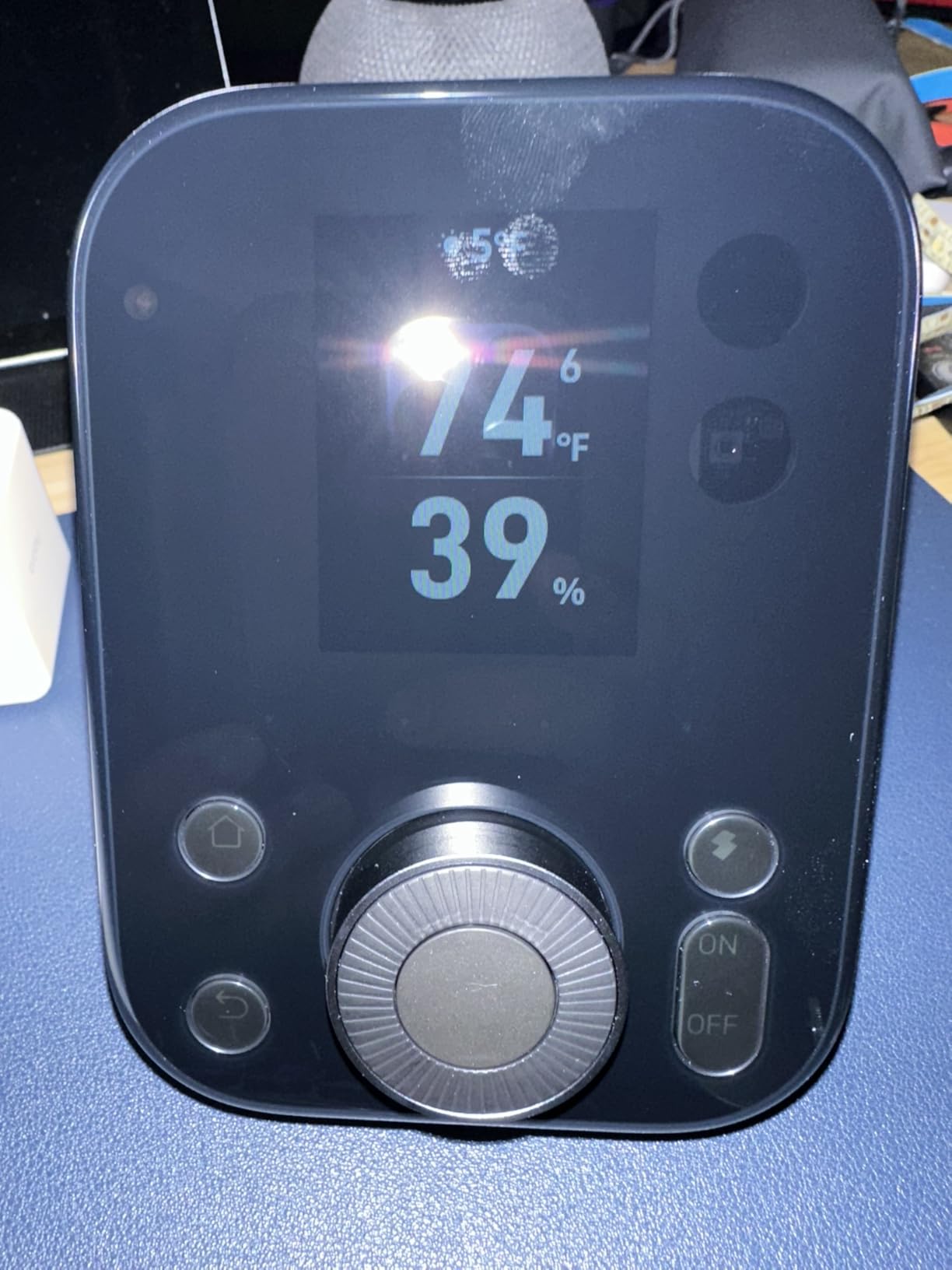
The 2.4 inch IPS screen with the Dial Master knob is a genuinely useful control surface. Adjusting the air conditioner by one degree without opening an app is the kind of thing that decides whether a household actually adopts the hub or quietly stops using it.
The built-in thermometer and hygrometer, accurate to within 0.2 degrees, are more than a display gimmick. They give the hub real sensor inputs that can drive automations on their own.
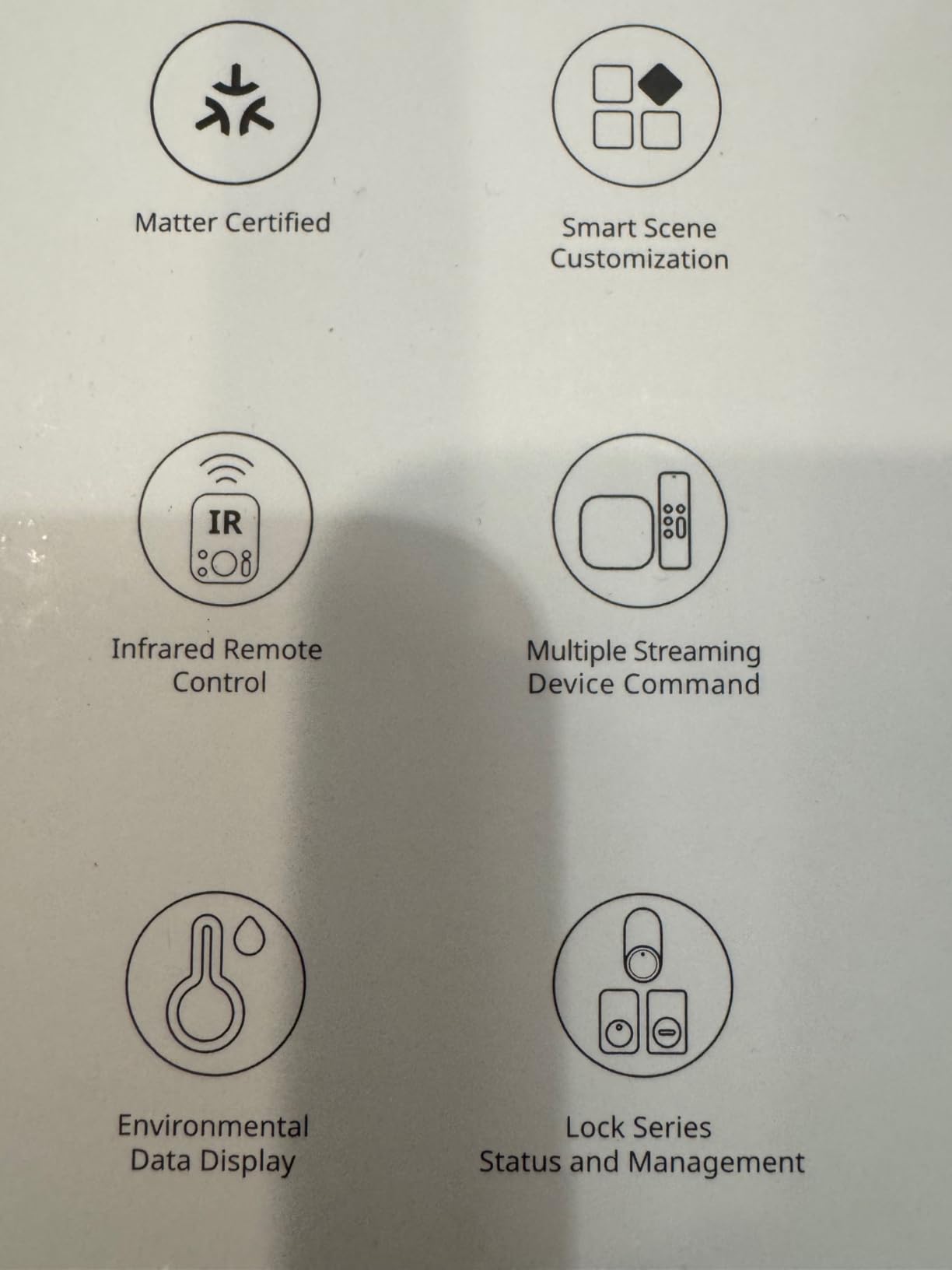
Understand what the Matter Bridge actually does here
This is a bridge, not a controller. It exposes SwitchBot curtains and BlindTilt devices to Apple Home, Alexa and Google Home, and it manages up to 30 Matter devices. It is not a general-purpose Matter controller for a mixed estate of lights, locks and thermostats from many brands.
Wi-Fi is 2.4GHz only. On a dual-band router that can mean manual band selection, which is the single most common complaint theme in the three-star reviews.
Where the limits bite
Infrared means infrared. Ceiling fans, garage door openers and other RF-controlled devices are out of scope, and the lock status and CO2 screen widgets need SwitchBot accessories that cost extra on top.
If your home has no legacy IR appliances, most of what makes this unit distinctive goes unused, and a more protocol-focused hub serves you better.
3. Aqara Hub M3 – Best Premium Matter Hub for Aqara and Thread Homes
Aqara Smart Home Hub M3 for Advanced Automation, Matter Controller, IR
Thread Border Router and Matter bridge
127 Aqara Zigbee plus 127 Thread
PoE, dual-band Wi-Fi, 360 degree IR
Pros
- Thread Border Router and Matter bridge in a small fanless unit
- High device ceilings at 127 Zigbee and 127 Thread devices
- Local automations run fast and survive outages
- PoE plus dual-band Wi-Fi gives flexible installation
- No microphone or camera with 8GB encrypted local storage
- Infrared blaster reports status back rather than firing blind
Cons
- Zigbee radio accepts Aqara devices only
- Thread repeaters needed for full Thread capacity
- 2A power adapter not included
- Only one AC unit can be exposed to Matter
The M3 is the upgrade path for anyone who started with an older Aqara hub. Owners describe adopting existing Zigbee devices and watching their automations shift to local execution, while picking up a Thread Border Router and a Matter bridge along the way.
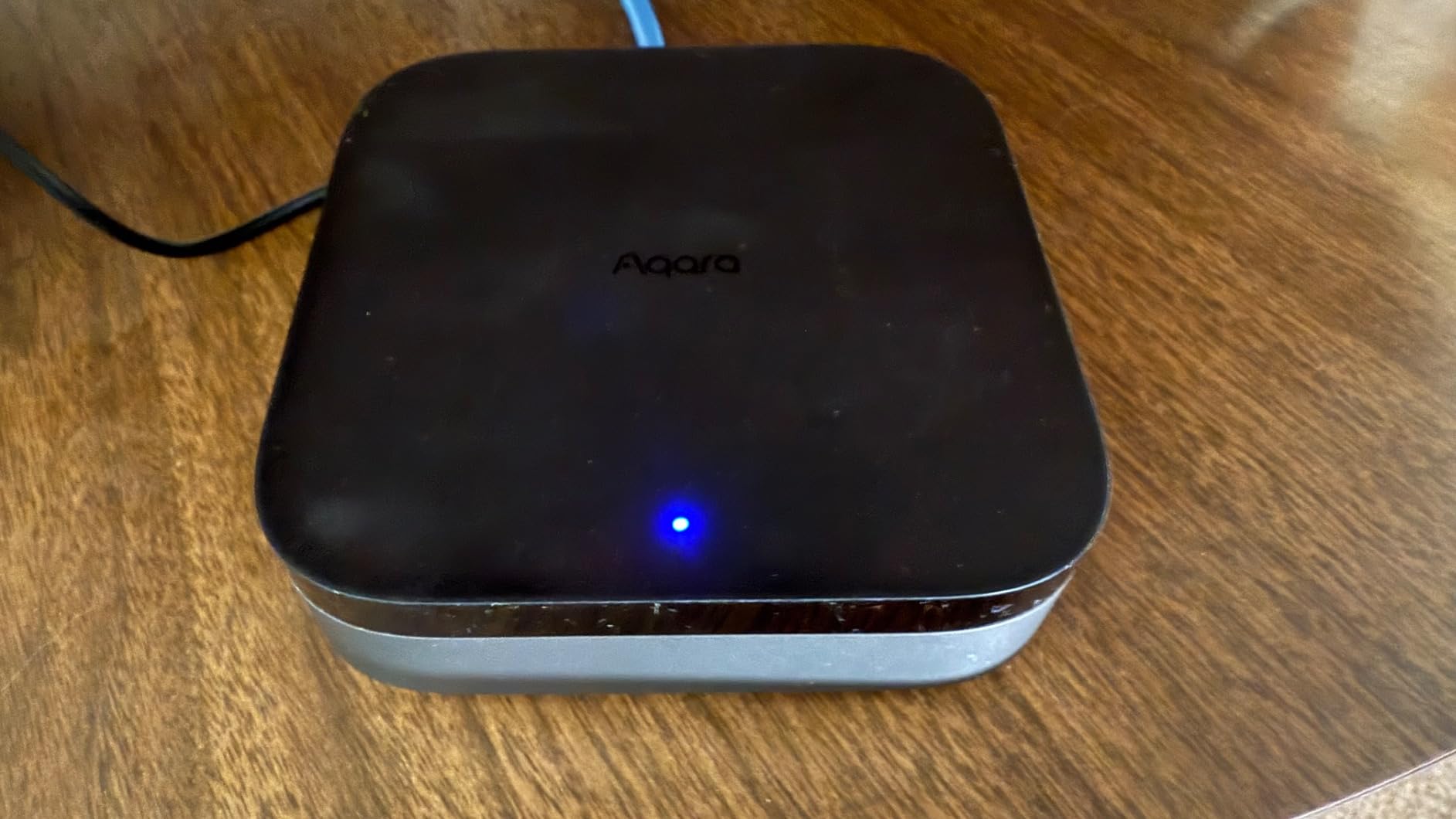
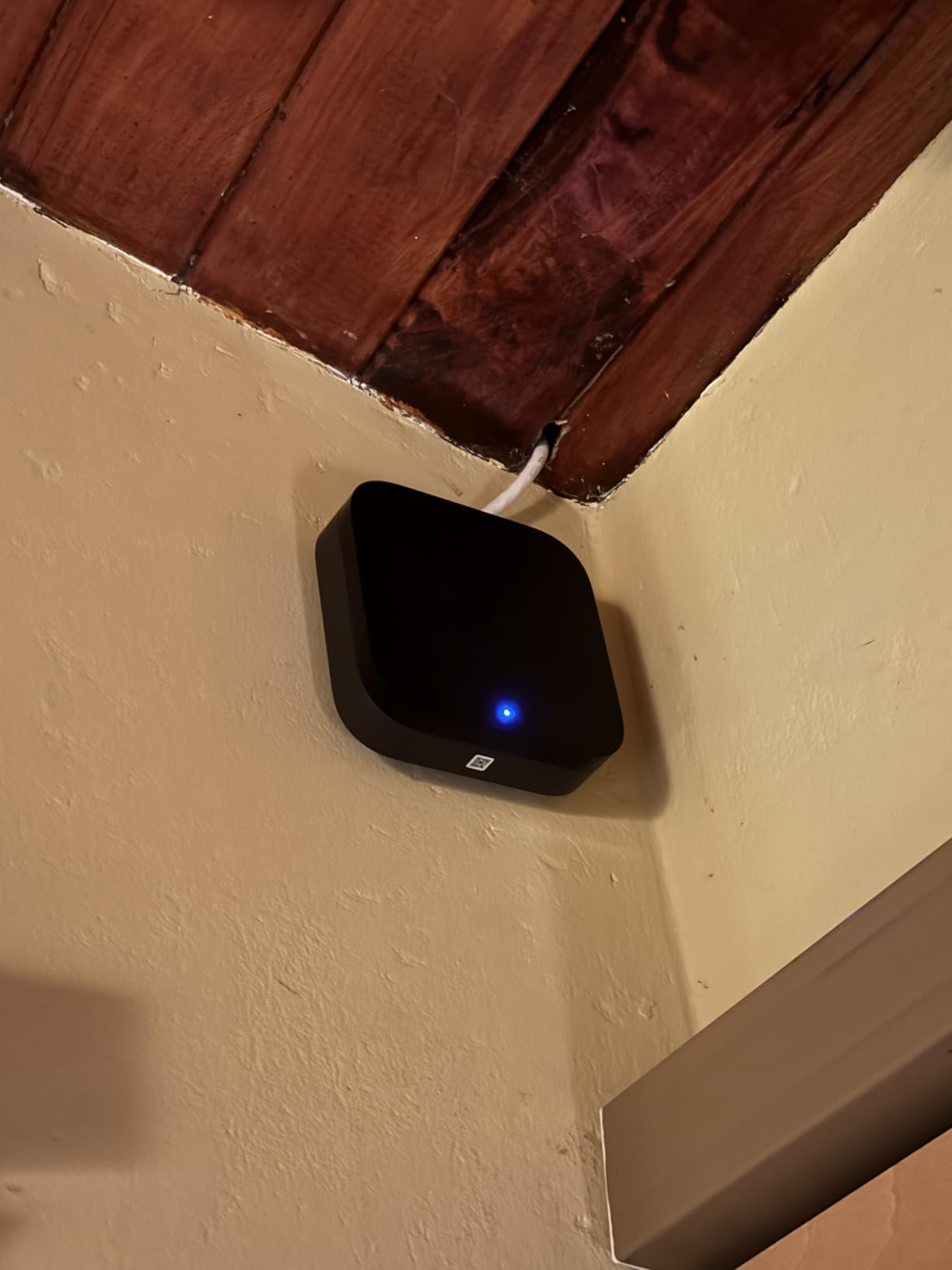
Installation options are unusually good for a hub. Dual-band Wi-Fi with WPA3, a Power over Ethernet port and a USB-C input that can carry a mini-UPS for battery backup. The vendor recommends placing it 6 to 19 feet from the router, which is a specific and helpful number rather than a vague suggestion.
There is no microphone and no camera, and 8GB of end-to-end encrypted local storage backs the hub up. For a device that sits in the middle of a home, that is a reasonable privacy posture.
Check whether you are locked into Aqara
The Zigbee radio takes Aqara devices only. Third-party Zigbee gear will not pair, so this is not the multi-vendor mixed-protocol box that someone with a decade of sensors accumulated will want.
Reaching the full 127-device Thread ceiling needs Thread repeaters, and only one air conditioner can be exposed to Matter at a time. The 2A adapter is not in the box, which is an easy trip-up on day one.
Why the infrared blaster is better than it sounds
Unlike emit-only blasters, this one has feedback and learning, so it can confirm an appliance actually changed state. That is what allows it to present a single air conditioner to Matter as a proper thermostat.
For Aqara-heavy homes with mixed Thread and Zigbee devices, that combination of reliability and capability is hard to find anywhere else in this price class.
4. Home Assistant Green – Best Hub for Fully Local Automations
Home Assistant Green | Smart Home hub with Advanced Automation | Official Home Assistant Hardware
Home Assistant OS preinstalled
Quad-core, 4GB RAM, 32GB storage
Gigabit Ethernet, 2 USB ports
Pros
- Home Assistant OS preinstalled so setup starts at plugging in Ethernet
- Silent fanless hardware drawing only a couple of watts
- Fully local so automations stay fast and work offline
- Data stays on the device and exports anywhere
- Expands with Z-Wave
- Zigbee and Thread USB radios
Cons
- Significant setup and learning curve for new users
- Ships without radios so those dongles cost extra
- Remote access and voice assistants need a cloud subscription or a self-hosted workaround
- Some units arrived running Home Assistant Container instead of OS
This hub has the strongest rating profile in the entire roundup: 73% five-star ratings and only 2% three-star. That is unusual for a product with a steep learning curve, and it tells you the people who rate it low are not disappointed users so much as people who bought the wrong thing.
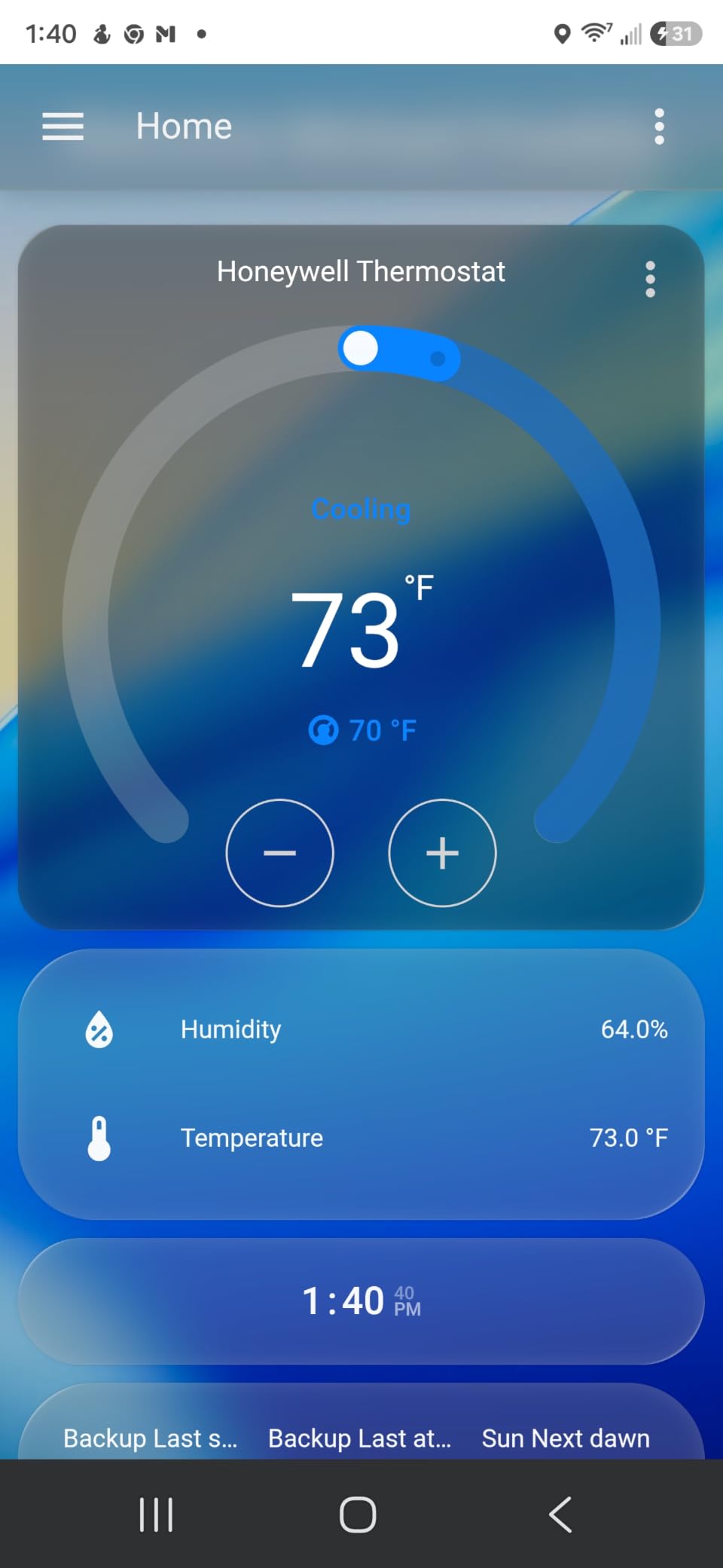
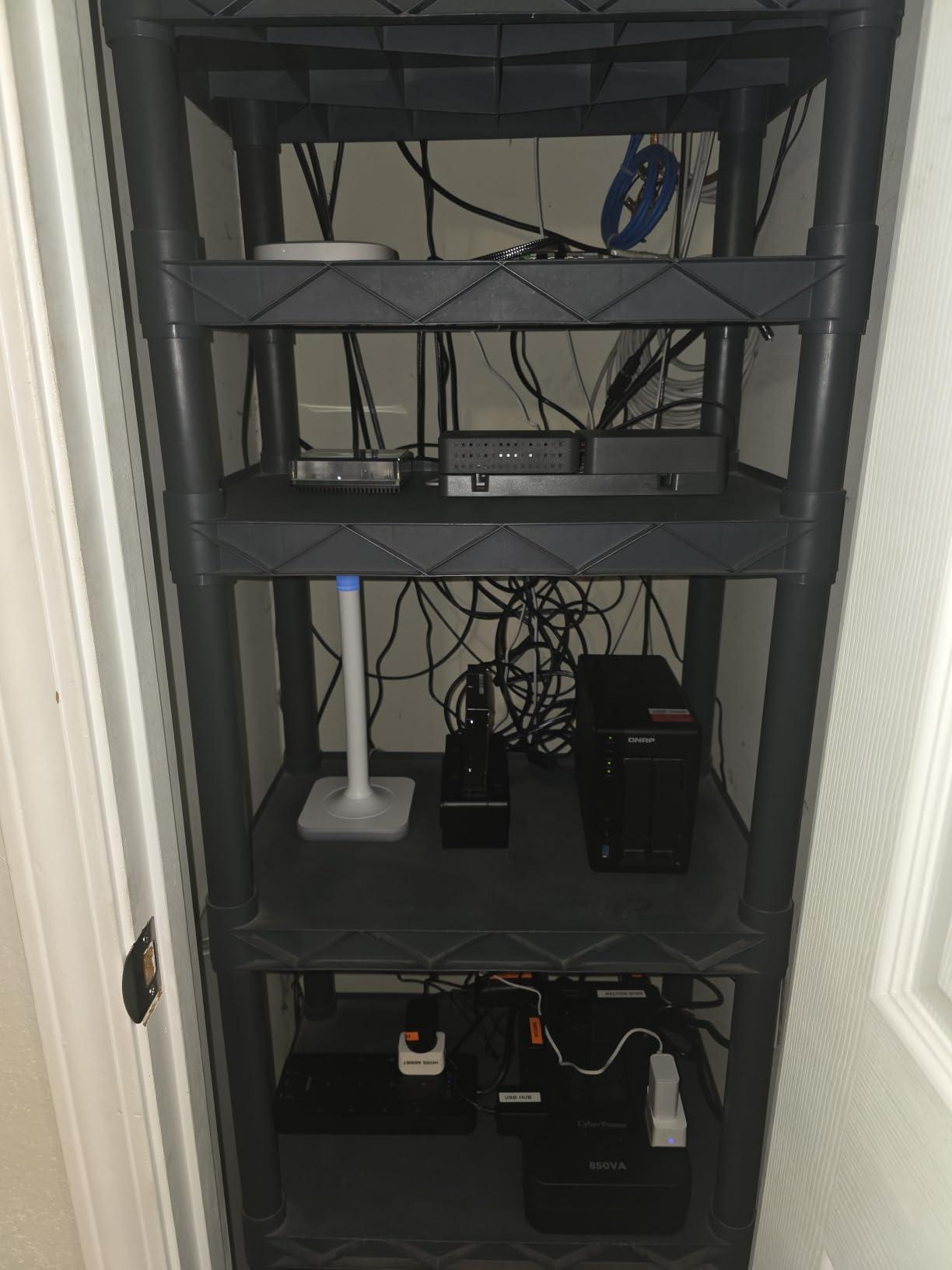
Out of the box it is a 4.41 inch square of fanless hardware with a quad-core processor, 4GB of LPDDR4X RAM and 32GB of storage, wired over Gigabit Ethernet. Home Assistant OS is already installed, so the first step is plugging in the included power supply and Ethernet cable.
The payoff is ownership. Data stays on the device, automations run locally, and nothing stops working when your ISP does. One reviewer describes running more than 60 devices locally with near-instant response, and the community integration library keeps expanding what is possible.
Decide honestly about the setup time
Home Assistant rewards patience and punishes impatience. If you are comfortable with YAML, add-ons and a little troubleshooting, the ceiling here is higher than any other hub in this list. If you want a working dashboard in an afternoon, start elsewhere.
Radio support depends on what you plug in. Z-Wave, Zigbee and Thread all need USB dongles bought separately, and physical dongle seating is a known friction point that occasionally requires reseating before the radio is recognised.
Understand the trade you are making
Remote access and voice assistant integration need a Home Assistant Cloud subscription or a self-hosted workaround, so the fully free path exists but takes more work. Some examples have also arrived running Home Assistant Container rather than OS, which removes add-on support entirely.
One detailed report describes Thread border router behaviour disrupting an existing Thread network, so if you already run a Thread mesh elsewhere, read the current documentation before committing.
5. Homey Pro mini – Best Hub for Simple Local Setup Across Many Brands
Homey Pro mini | Smart Home Hub for Home Automation – Features Zigbee, Ethernet, Matter & Thread. Compatible with Apple Siri, Amazon Alexa & Google Home.
Zigbee, Matter, Thread and Ethernet
Works with 1000+ brands via Homey Apps
Local processing, no subscription
Pros
- Drag-and-drop interface is the most approachable we tested
- Everything runs locally
- with one owner verifying it across a VLAN-segmented firewall
- Mixed-brand setups across ecobee
- Govee
- TP-Link
- Meross and IKEA worked out of the box
- No monthly fee for remote access or voice assistants
- Regular firmware updates including direct device updates
Cons
- Needs the separate Homey Bridge for Z-Wave
- Bluetooth and infrared
- Less flexible than Home Assistant
- Flow cards limited to a 40ms minimum interval
- Moods can only be edited on mobile
The Homey Pro mini sits in the middle of this list, and deliberately so. It has the drag-and-drop flow editor people like about consumer platforms and the local-first processing people insist on from enthusiast ones, and it asks for no subscription to keep either.
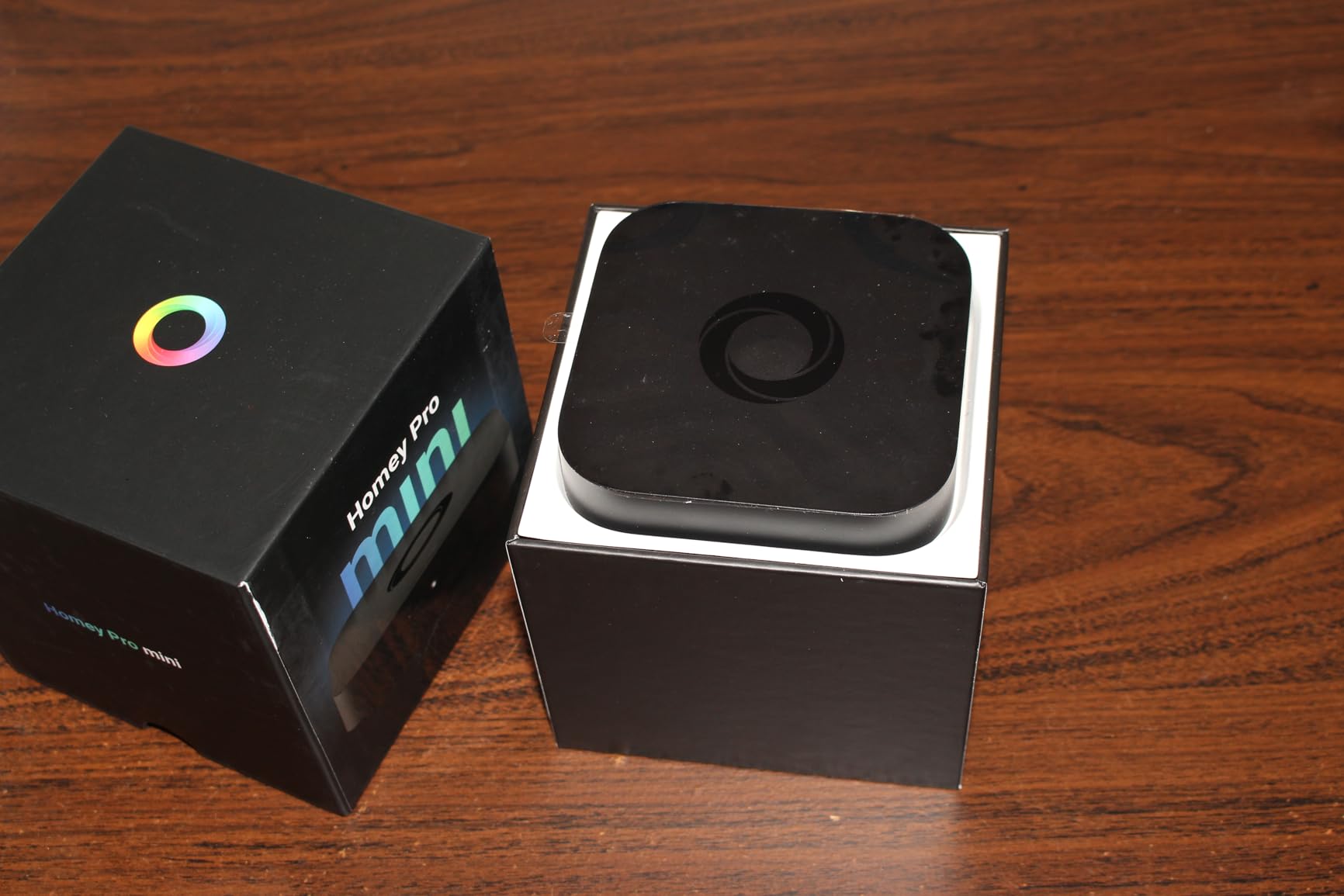
Out of the box it carries Zigbee, Matter, Thread and Ethernet. That combination of radios covers a wide range of real homes, and reviewers report mixed-brand setups working without intervention.
With only 77 ratings, the review history is thin, but the distribution is unusually healthy: 25% four-star, the largest share in this group, and just 5% one-star. People are broadly satisfied rather than ecstatic.
Check which radios you actually need
The mini does not include Z-Wave, Bluetooth or infrared. Those arrive with the separately sold Homey Bridge, so budget for the extra box if your home has Z-Wave locks or legacy appliances rather than assuming the headline hub covers everything.
Onboard memory is limited, which constrains how many apps you can install at once. The flow editor has real constraints too: a 40ms minimum interval between commands, and intensity values rounded to two decimals.
Who will be frustrated
If you want to write custom logic or push the boundaries of what an automation can do, Home Assistant offers far more room. The trade here is a smaller ceiling in exchange for a much shorter path to a working system.
Keep an eye on the platform’s ownership situation as well. A large corporate stake in the company behind Homey is a background risk that applies to any hub bought on a multi-year horizon.
6. Hubitat Elevation C-8 Pro – Best Hub for Z-Wave and Zigbee Reliability
Hubitat Elevation C‑8 Pro Smart Home Hub, Local Control and Automations
Z-Wave 800, Z-Wave Long Range, Zigbee 3.0
Matter 1.5 and Bluetooth
2.0 GHz processor, 2GB RAM
Pros
- Older and newer Z-Wave and Zigbee devices pair on the first try
- True local automations that keep running through an outage
- External Z-Wave and Zigbee antennas deliver noticeably stronger range
- No subscription and free software updates add device support over time
- Smallest full-size enclosure here at 2.95 by 3.23 inches
Cons
- Web UI and app widely regarded as clunky
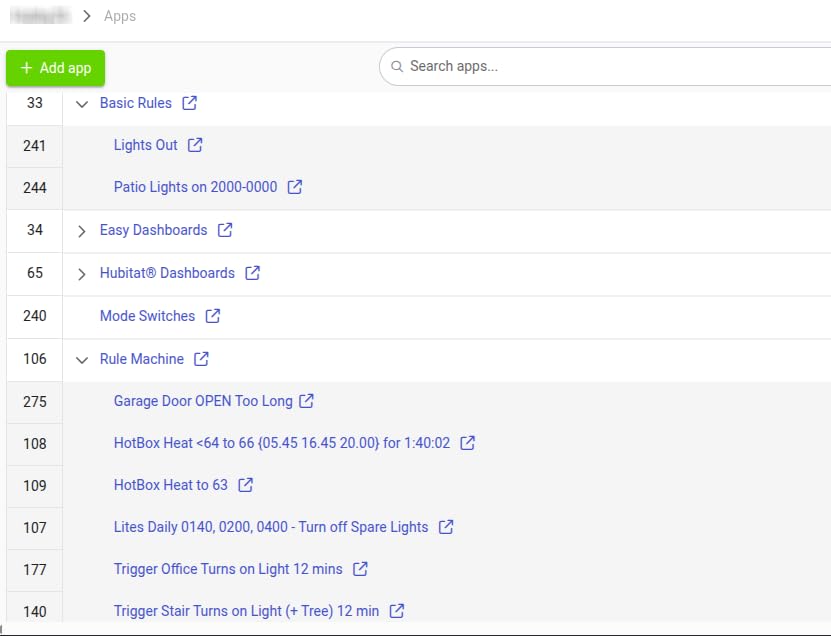
- Rule Machine has a steep learning curve and no copy-paste
- Complex rules can take 15+ seconds to render and occasionally drop conditions
- Remote control away from home can require a paid subscription
Hubitat’s argument is compatibility, and it is a strong one. Z-Wave 800 Series, Z-Wave Long Range, Zigbee 3.0, Matter 1.5 and Bluetooth in a 2.95 by 3.23 inch body, with more than 1,000 devices across over 100 brands supported and free continuous software updates with no paywall.
The external Zigbee and Z-Wave antennas are not a spec-sheet nicety. Owners with larger homes report the difference in range being immediately obvious, and that is exactly the problem people hit when a 20-device mesh starts dropping nodes.
Experienced users consistently rate the hardware as fast, local and reliable, and describe it as a clean migration path off older controllers.
Understand why the rating is split
The 3.8 average comes almost entirely from Rule Machine rather than the hardware. Heavy users report persistent-storage latency, browser rendering bottlenecks, corrupted conditions and ghost variables, and several have moved complex logic to Node.js against the Maker API instead.
Complex rules can also take 15 seconds or more per edit to render, which makes iterating on a large rule set genuinely painful. If your automations are simple, the interface is fine.
Check the fine print before you commit
Core automations and local processing carry no mandatory subscription, but remote control from outside the home can require a paid plan. That is a different trade from a hub that never asks for money.
Some users also report devices showing an incorrect status that needs a manual resync, and secure hub access is limited to a single user, which matters in a household with more than one administrator.
7. Amazon Echo Hub – Best Matter Hub That Doubles as a Wall Control Panel
Amazon Echo Hub (newest model), 8″, Redesigned with customizable control and Alexa+, Compatible with thousands of devices
8 inch wall-mounted display
Hub radios for Wi-Fi, Bluetooth, Zigbee, Matter, Thread
Physical mic off button
Pros
- Wall dashboard is readable from a distance and customisable into sections
- Built-in radios cover Wi-Fi
- Bluetooth
- Zigbee
- Matter
- Sidewalk and Thread
- Works as a Thread Border Router
- which owners credit with stabilising shade motors
- Physical mic-off button and stated privacy controls
- Family members can manage lights
- locks and alarms without the app
Cons
- Interface is slow and stutters
- No device group support
- Weak built-in speakers
- In-wall power needs a PD3.0 adapter and there is no ethernet port
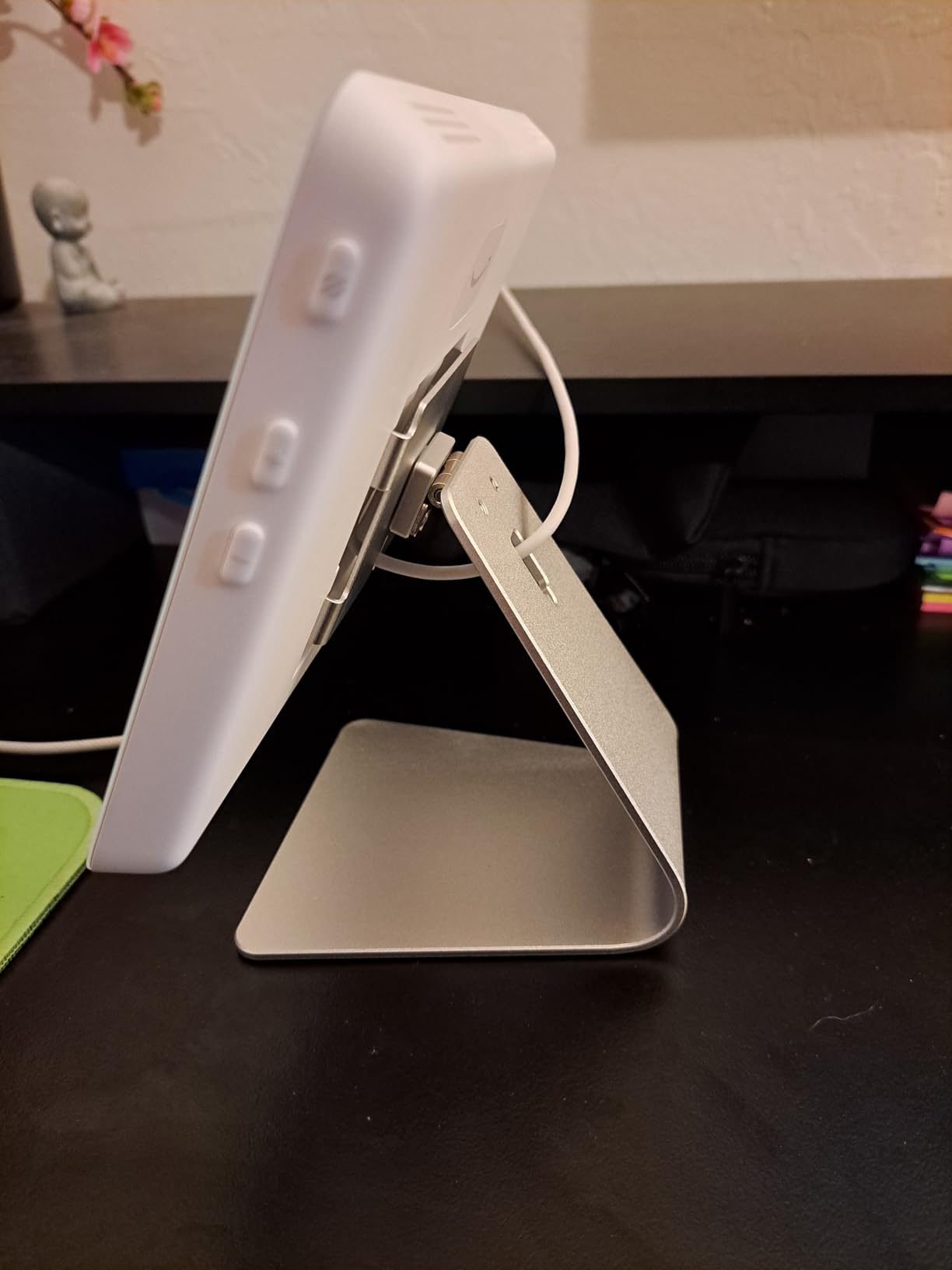
Nobody else in this roundup does what the Echo Hub does, which is why it is here despite a 3.9 rating. It is an 8-inch wall-mounted control panel with hub radios for Wi-Fi, Bluetooth, Zigbee, Matter, Sidewalk and Thread built in, and it doubles as a Thread Border Router.
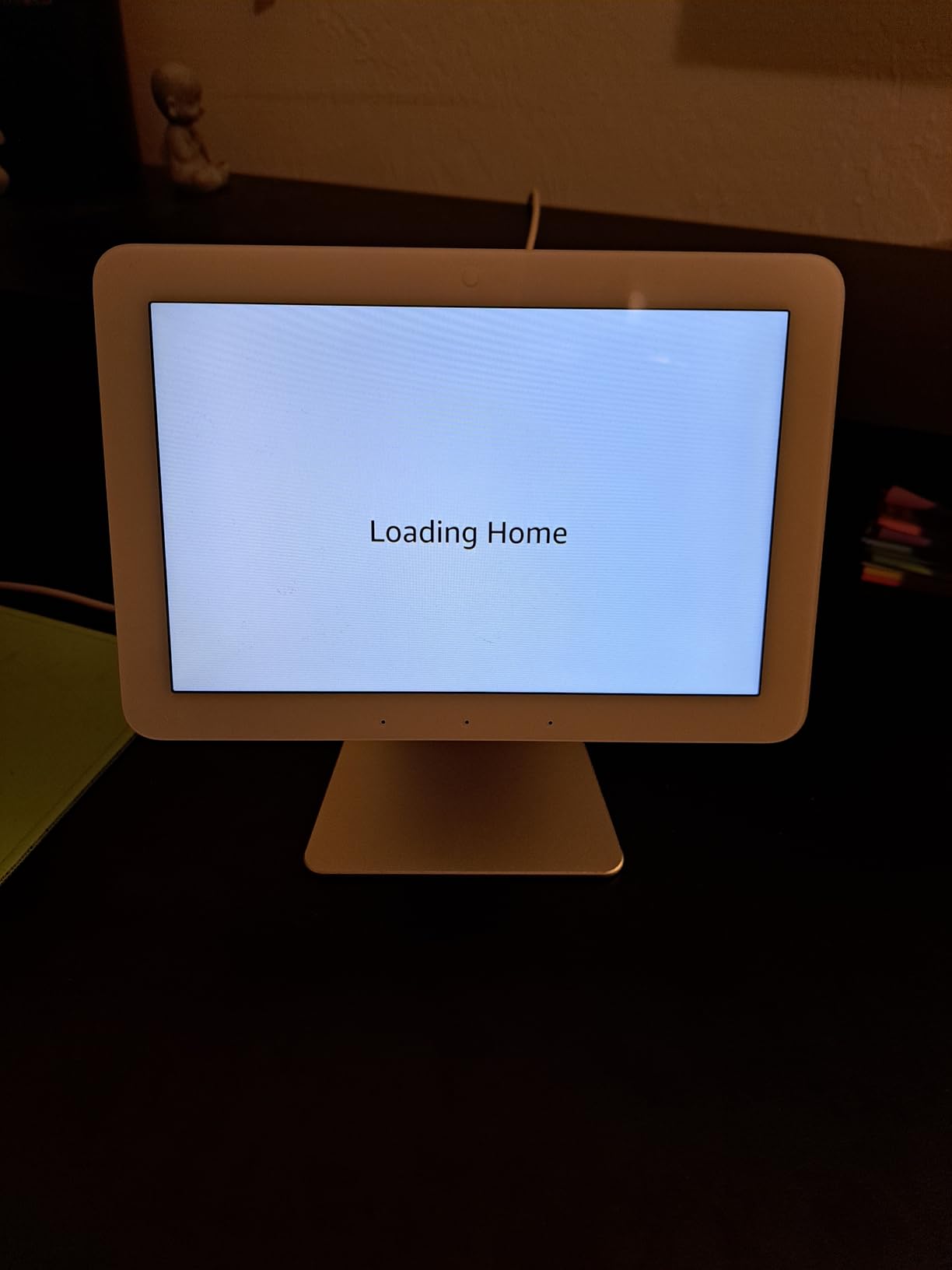
Owners who treat it as a dedicated wall panel, for lights, Ring alarm status, thermostat and camera views, rate it highly and buy more units for other floors. That is the use case it was designed for.
Several reviewers specifically credit the Thread Border Router with stabilising Thread shade motors, which is a real-world symptom of an underpowered Thread network.
Set expectations about the software
The interface is slow and stutters, and device groups are not supported, so favouriting a group of devices does nothing useful. Device settings management is weaker than the phone app, and the built-in speakers supplement rather than replace a real Echo.
It is not a video device and it is not a general-purpose home controller. The 14% share of one-star reviews comes from widget editing that locks up or blanks the screen, plus a handful of reports of faulty power adapters causing startup errors.
Plan the installation properly
In-wall power is the hard part. It requires a PD3.0 or PD3.1 adapter rather than standard Power over Ethernet, and there is no ethernet port at all. The wall mount and table-top stands are both sold separately.
Brightness and proximity sensor settings are also hard to tune precisely, which matters in a hallway or a bedroom.
8. Homey Pro (2026) – Best Hub for Seven Protocols and Professional Installs
Homey Pro (2026) | Smart Hub for Home Automation – Features Z-Wave Plus, Zigbee, Wi-Fi, BLE, Infrared, Matter & Thread. Compatible with Siri, Alexa & Google Home.
Seven protocols in one hub
Local-first processing, minimal cloud
50,000+ devices from 1,000+ brands
Pros
- Most protocols in a single hub
- including Z-Wave Plus
- Zigbee
- IR
- BLE
- Matter and Thread
- Metal enclosure with screw terminals for professional installation
- Double the RAM of the previous generation
- Local-first processing with data stored on the hub
- Energy monitoring and solar-generation scheduling
Cons
- Lowest average rating in this roundup at 3.5
- Smallest review base at 44 ratings so reliability is unproven
- Advanced flows require scripting knowledge
- Voice assistants depend on the cloud ecosystem
On paper this is the most capable unit here. Seven technologies, a metal enclosure with screw terminals, IP40 rating, double the RAM of the previous generation, and support for more than 50,000 devices across over 1,000 brands.
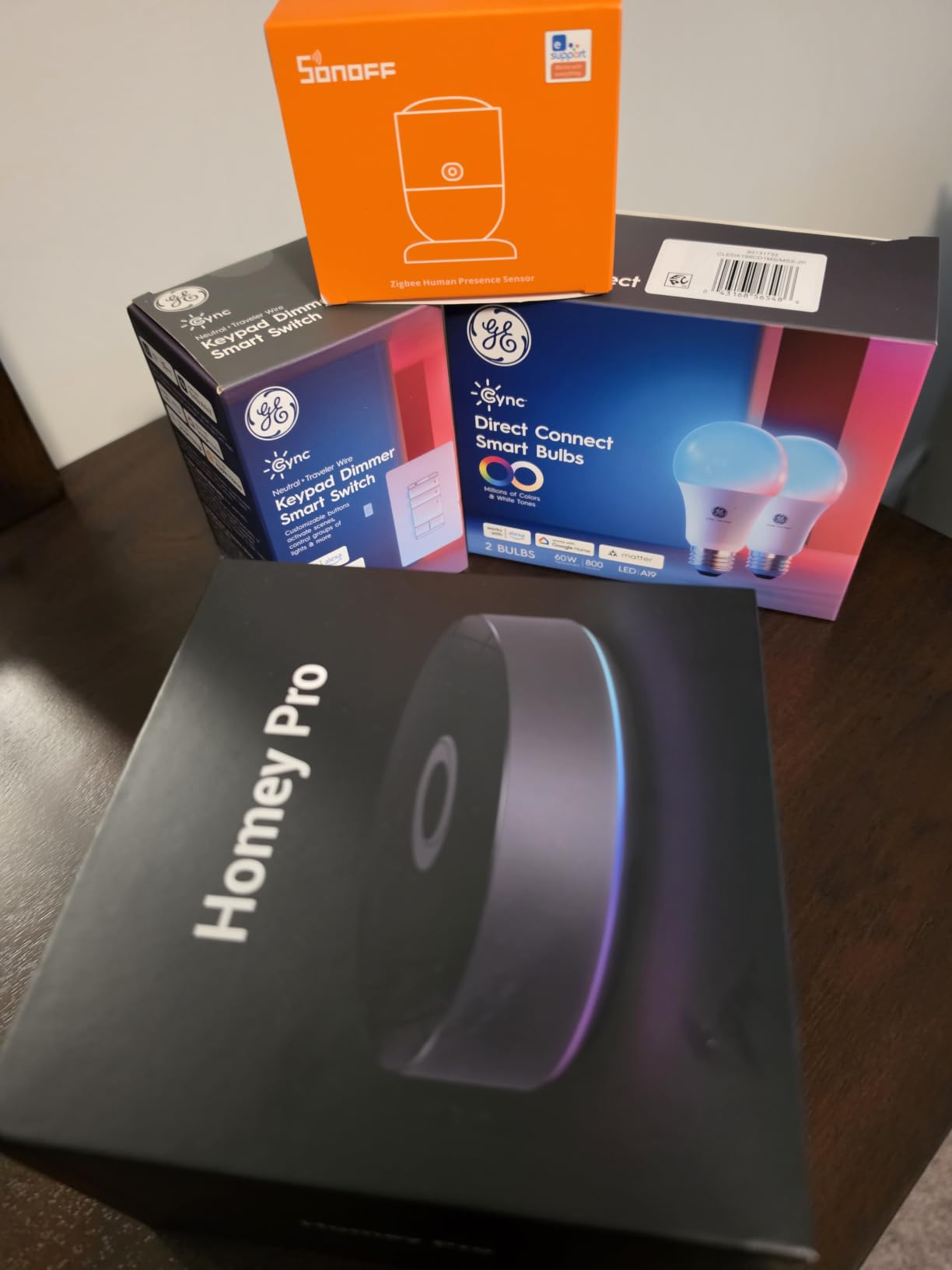
All protocols are handled locally with data stored on the hub and minimal cloud dependency, and Homey Flow plus Advanced Flows cover whole-home automation including energy usage and solar generation scheduling.
The screw terminals and wall-mount support make it the natural fit for an install that goes into a panel rather than a shelf.
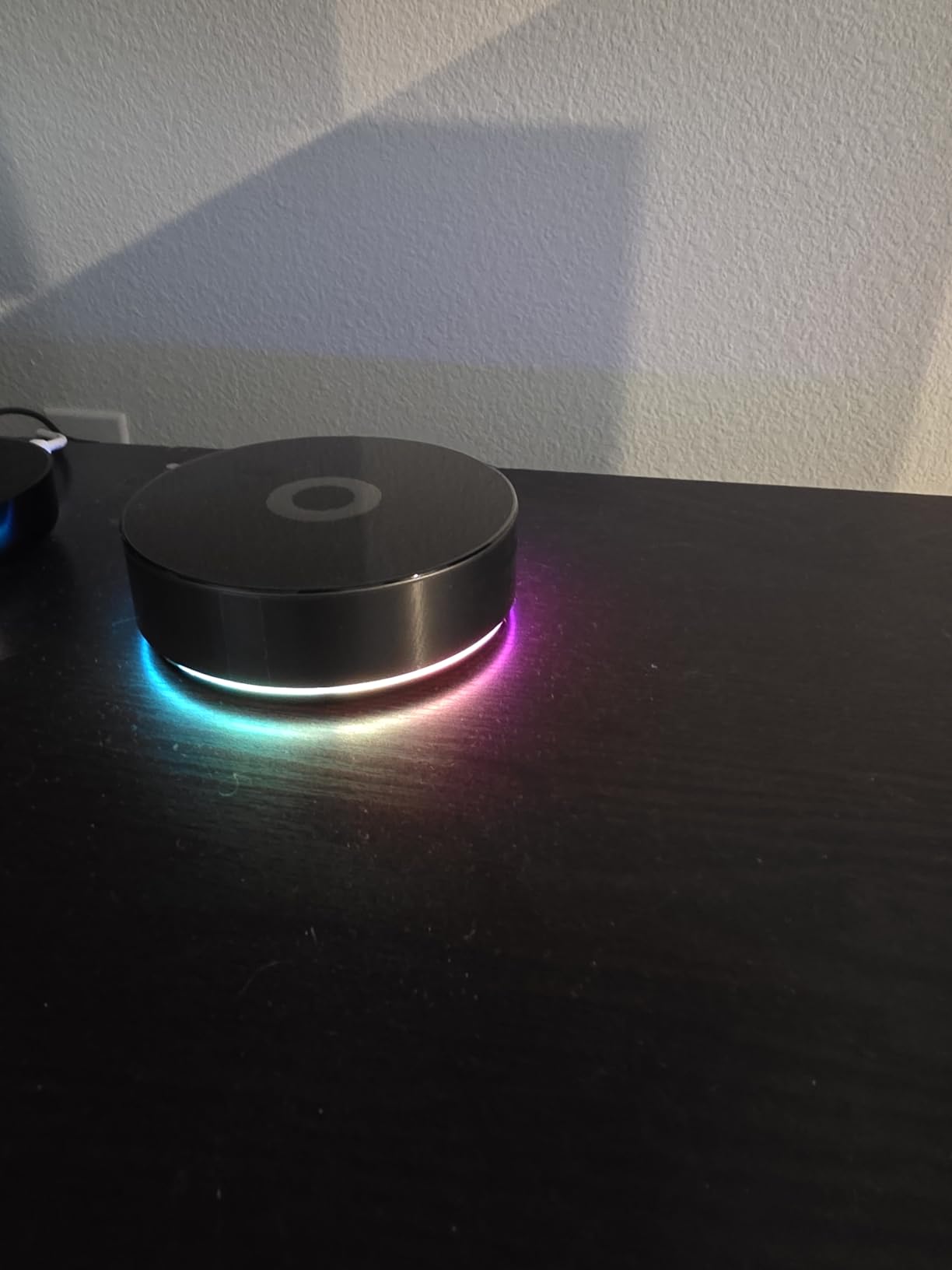
Weigh the evidence carefully
This is the newest and least proven product in the roundup. Forty-four ratings and a 3.5 average, the lowest of the twelve, including a 21% one-star share. The distribution is unusual: a high four-star share alongside five-star ratings suggests broadly satisfied buyers who are rarely delighted.
The advanced flow features undercut the simplicity pitch, because complex logic needs scripting knowledge. And despite voice being listed as a control method, the voice assistants depend on the cloud ecosystem.
Decide if you need every radio
Homey Pro mini covers Zigbee, Matter, Thread and Ethernet at a fraction of the commitment. If you do not run Z-Wave Plus devices plus infrared plus Bluetooth, the extra hardware buys you complexity rather than capability.
Given the thin rating history, this is one to watch as more examples reach homes rather than one to build a whole automation on today.
9. Aqara Hub M100 – Best Budget Matter Controller for Aqara Sensors
Aqara Smart Hub M100 for Home Automation, Matter Controller, Wi-Fi
Thread Border Router, Matter Bridge and controller
20 Aqara Zigbee plus 20 Thread
2.4GHz Wi-Fi 6 with WPA3
Pros
- Inexpensive dedicated Matter controller
- Thread Border Router and Matter Bridge in a stick-sized enclosure
- Local automation keeps rules running when Wi-Fi or the cloud drops
- Frequently cited as a fix for flaky Matter-over-Thread Aqara devices
- Works as a Matter bridge feeding sensors into Home Assistant and Hubitat
- Wi-Fi 6 with WPA3 at this size is unusual
Cons
- Zigbee radio supports Aqara devices only
- Modest capacity at 20 plus 20 devices
- 5V 0.5A power adapter not included
- Some owners report devices failing to onboard or dropping offline
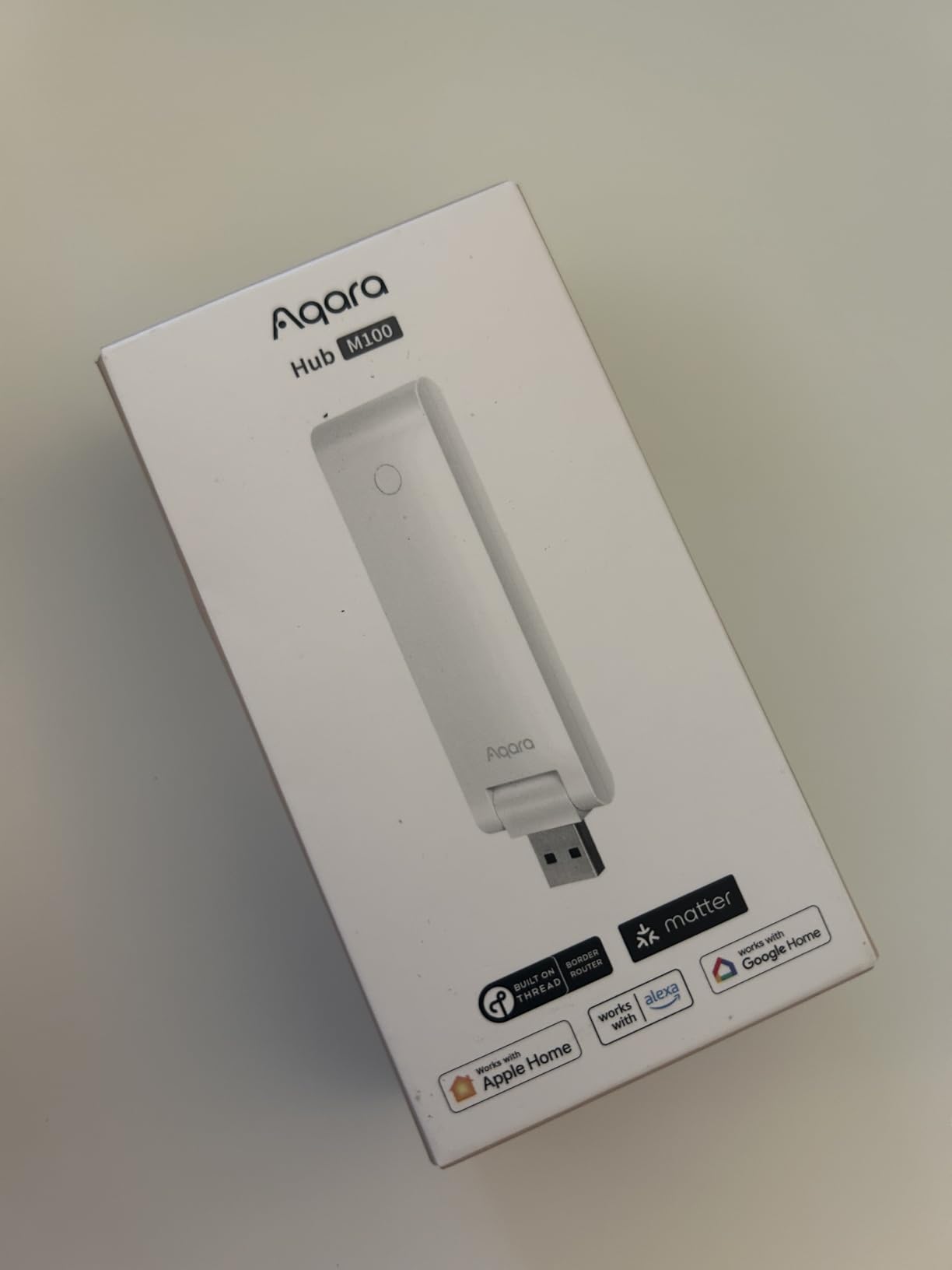
The M100 is a USB-A stick with a Thread Border Router, a Matter Bridge and a Matter controller inside it, covering 1500 to 2000 square feet. For an Aqara household whose Matter-over-Thread sensors keep dropping, reviewers describe it as an inexpensive fix.
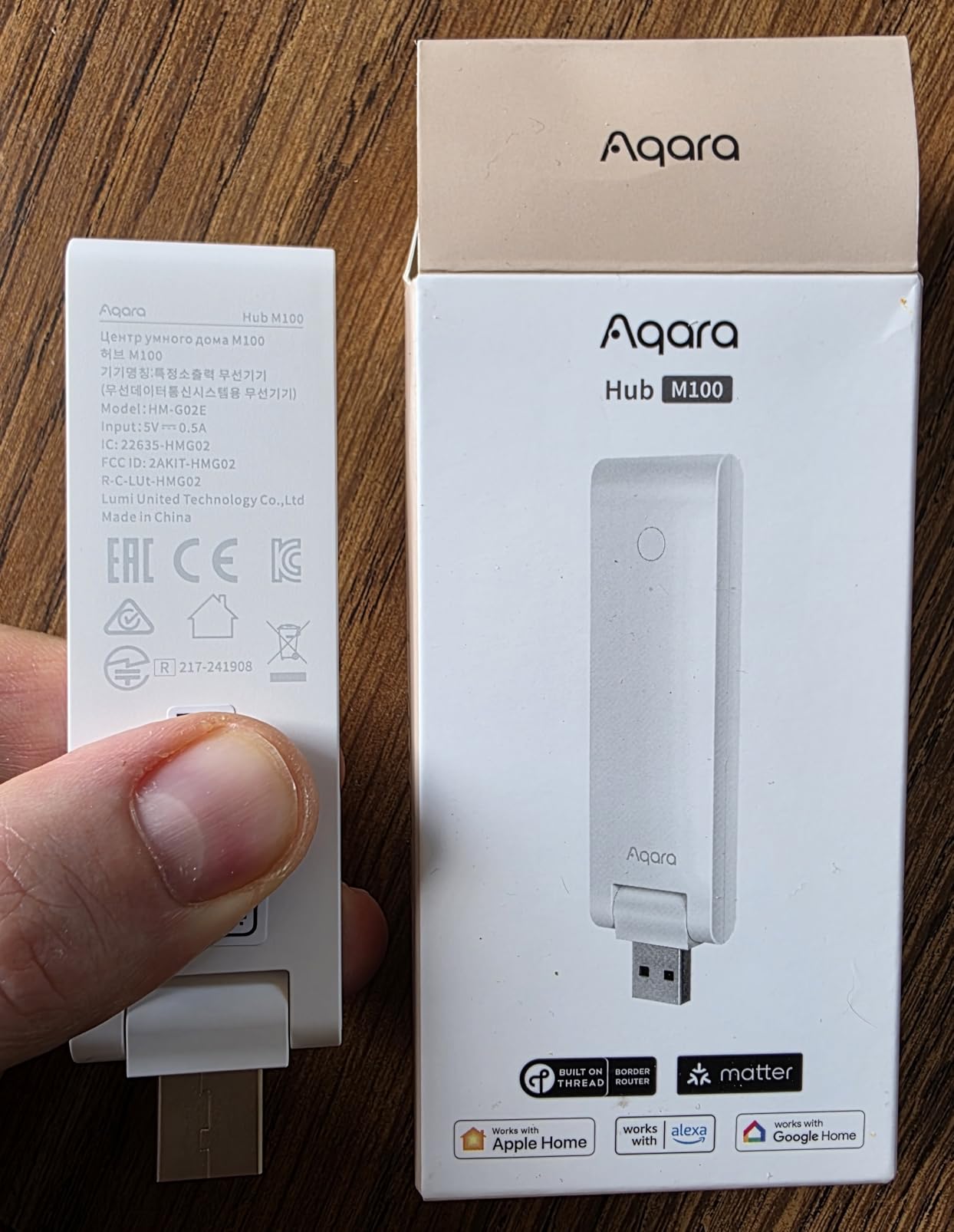
It also works as a bridge into other ecosystems, exposing Aqara features such as facial recognition to Home Assistant and other Matter platforms. The adjustable 210-degree mounting shaft lets you tuck it somewhere sensible rather than behind a cabinet.
Local automation for Zigbee and Matter devices means rules keep running when the Wi-Fi or the cloud connection drops, which is more than many similarly sized units promise.
Know exactly who it is for
The Zigbee radio takes Aqara devices only, and the ceiling is 20 Aqara Zigbee plus 20 Thread devices. That is enough for a small apartment, and not enough for a house that has been automated for a decade.
Wi-Fi is 2.4GHz only, and the 5V 0.5A power adapter is not included, so keep it continuously powered and check your router band settings.
Read the one-star reviews
Buyers who came to it expecting a general-purpose Matter controller report onboarding failures and devices going offline. That group explains the 17% one-star share, the highest among the Aqara units here.
As a specialist accessory inside an Aqara system it earns its place. As a standalone whole-home controller, one reviewer considers it of limited value.
10. Tapo H110 – Best Matter-Certified Hub for Infrared and Tapo Devices
Tapo Smart IR & IoT Hub w/ Chime, Matter-Certified, H110, Universal Remote
Matter-certified IR and IoT hub
8000+ infrared brands, 18 appliance types
93 dB built-in alarm
Pros
- Matter-certified at the entry price point
- Built-in 93 dB alarm removes the need for a separate chime accessory
- Covers 8000+ infrared brands across 18 appliance types
- Connects Tapo sensors
- buttons
- doorbells
- bulbs
- plugs and cameras
- Wall-mountable with included 3M adhesive
Cons
- Small review base of 151 ratings so long-term reliability is less proven
- 2.4GHz Wi-Fi only
- Primarily an IR and Tapo hub rather than a Z-Wave or Zigbee controller
- Legacy appliances need manual button scanning or mapping
The Tapo H110 does two jobs that usually need two devices: it bridges 8,000-plus infrared brands across 18 appliance types, and it carries a 93 dB built-in alarm that most people would otherwise buy a separate chime for.
It is Matter-certified, so voice control reaches Alexa, Google Assistant and Siri through Matter rather than a proprietary path. GPS geofencing can switch appliances on arrival and departure, which is a small touch that works well for a garage dehumidifier or a porch light.
It weighs 2.4 ounces, draws 5 volts, and comes with 3M adhesive for wall mounting. TP-Link also commits to seven years of EU spare parts.
Know the scope before you count on it
This is an infrared and Tapo-device hub, not a Z-Wave or Zigbee multi-protocol controller. If your plan is to consolidate mixed legacy gear, look at the SwitchBot Hub 3 or the Aeotec instead.
Pairing legacy appliances means scanning or mapping each remote button, which is tedious the first time and a one-off cost after that. Wi-Fi is 2.4GHz only.
Weigh the thin history
With 151 ratings and two thirds of them at five stars, the early numbers are good but short. A relatively new hub has not been through the multi-year failure testing that separates proven hardware from hopeful hardware.
For Tapo-heavy homes with a cupboard full of IR remotes, it covers a lot of ground. For everyone else, one of the broader hubs will serve better.
11. Flic Hub Mini – Best Compact Hub for Physical Button Control
Hub Mini | Smart Home Hub | Controls Matter, Alexa, SmartThings, Philips Hue, Nanoleaf, Govee… Compatible Devices Through Flic Button or Flic Twist
Bluetooth and Wi-Fi connectivity
50 metre (150 foot) optimised range
Sub-0.1 second response latency
Pros
- Very compact computer that bridges Flic physical buttons to smart home devices
- Optimised 50 metre range
- Sub-0.1 second response latency
- Extends Flic Controller battery life beyond 2 years per charge
- Two-year manufacturer warranty
Cons
- Requires a Flic Controller sold separately
- Tiny 65-review base makes reliability hard to judge
- Very limited to a single connected controller
- Very narrow purpose as a button-control bridge
The Flic Hub Mini solves one specific problem well. It takes Flic Buttons and Flic Twists, which are physical wall controls, and turns them into triggers for Matter, Alexa, SmartThings, Philips Hue, Nanoleaf and Govee devices.
Response latency is listed under 0.1 seconds, which is the sort of figure that matters when the control is a physical button. A person pressing a switch expects the light to respond the way a light switch responds, not like a web page loading.
It is also the smallest option in this roundup, drawing power over USB-C and doing nothing else, which is a virtue when you are hiding it behind a television.
Understand the dependency
It does not do much on its own. Flic Controllers are sold separately, and it is designed around one controller at a time, so scale is limited by design rather than by a fault.
With 65 ratings and an 18% one-star share, reliability is genuinely hard to judge. This is an accessory, not a home’s automation brain.
Who should buy it anyway
People who have spent real money on Flic Buttons and want them to trigger scenes across ecosystems, particularly in a home where a touchscreen is not wanted on the wall.
If you are choosing a hub for the first time, the shortlist in this roundup has more relevant options.
12. Philips Hue Bridge – Best Matter-Compatible Hub for Hue Lighting Only
Philips Hue Bridge, Unlock the Full Potential of Hue Bridge System, Multi-Room and Out-of-Home Control, Create Automations and Zones, Smart Lighting Hub, Works with Voice and Matter-Compatible
Zigbee mesh bridge wired by ethernet
Up to 50 lights and accessories
Two-year warranty
Pros
- Most proven product in the roundup
- with a 4.5 average across over 11400 reviews
- Zigbee mesh is more reliable than direct-connect Wi-Fi bulbs
- Wired ethernet gives consistent connectivity
- Lights keep working when Wi-Fi goes down
- Automatic firmware updates and a two-year warranty
Cons
- Handles Hue lighting only rather than whole-home control
- Must be wired into a router or modem
- One controllable bridge per app instance limits large homes
- Hue Sync entertainment needs a separate HDMI Sync Box
The Hue Bridge is the least capable hub in this list and the most proven, and for a lighting-only household that trade is worth making. It carries a 4.5 average across more than 11,400 reviews, with 76% five-star ratings, and it has been on the market since 2015.
The technical reasons are simple. Zigbee mesh traffic does not compete with your Wi-Fi, the bridge is wired over ethernet rather than connected wirelessly, and the lights keep working when the Wi-Fi connection drops. Long-term owners describe hardware that has run for over a decade without a single bulb failure.
It also bridges to Matter, so Hue lights and accessories can join Apple Home, Google Home, Alexa and Home Assistant alongside everything else you own.
Know the topology limit
One bridge supports up to 50 lights and accessories, and only one bridge is controllable per app instance. In a large home across multiple floors, that means occasional unreachable lights on a big Zigbee mesh, which is the most common complaint in the reviews.
Hue Sync entertainment features require the separately sold HDMI Sync Box, and the bridge is not a wireless device, so it needs a real ethernet run to your router.
Why it still earns a place
Because it demonstrates the principle the whole category is built on: a wired, low-bandwidth mesh is more dependable than direct Wi-Fi connections. If your lighting is Hue, the Bridge is the cheapest insurance in the smart home, and our Matter smart lights comparison covers what to pair it with.
For anything beyond lighting, pair it with one of the general-purpose hubs above rather than expecting it to run your home.
Matter Controller vs Thread Border Router: What Each Role Does
A Matter controller is the box that pairs your devices, stores the credentials, and runs the automations that tell those devices what to do. It is the brain. Pair a Matter device to a controller and it appears as a device that can be controlled locally, joined to rooms and scenes, and included in routines.
A Thread border router is the box that carries Thread mesh traffic from your sensors onto your IP network. Thread is a low-power mesh protocol that runs on a 2.4GHz band, and it needs IPv6 to move between devices and the wider network. The border router is the doorway. Without one, Thread-based Matter devices cannot reach anything outside their own mesh.
That distinction is where most buying confusion comes from. A product can be one without the other: an Aqara M100 is both, a Hue Bridge is neither in the Thread sense, and an Apple TV or Echo device can act as a Thread border router without being a good Matter controller. The Matter device buying guide we keep updated flags which categories are worth prioritising first.
In practice, buying one hub that does both jobs means a single box to install, a single app to learn, and one support path when something fails. That is the entire argument for the top of this list.
Thread Border Router Placement and Keeping Matter Traffic Off Your Router
The most common thread on this topic right now asks a very specific question: can a hub keep Matter device traffic away from the main router? The answer is that the traffic still uses your IP network, but you have far more control over it than most people assume.
The approach owners recommend is a second, older router running in access point mode, with your Matter and Thread devices joined to that separate network. Matter traffic then has its own segment instead of competing with streaming and gaming devices on the main network, and it keeps working when your ISP connection fails.
Placement matters as much as topology. Thread is a mesh protocol, so a border router in a metal cabinet or behind a television will give you poor results. Several hubs in this roundup include a specific placement recommendation, and the Aqara M3’s 6 to 19 feet from the router is a good example of the kind of guidance that is worth reading before mounting anything.
On running two border routers, the experience in the forums is that a second one is usually unnecessary unless you have a large house with a genuinely multi-floor Thread mesh. A badly placed second border router can complicate commissioning rather than improve coverage, and commissioning frustration is already the most common complaint category in Matter setups.
If a device shows as offline, the fastest checks are: is the border router reachable, is the device within mesh range, and is your main router 2.4GHz band congested. A crowded 2.4GHz channel near a microwave will hurt Thread more than it hurts Wi-Fi, because the mesh is low-bandwidth and retry-prone.
Matter Over Thread vs Matter Over Wi-Fi
Matter runs over two transports and the difference is the single most useful thing to understand before buying a hub. Matter over Wi-Fi keeps devices on your existing 2.4GHz network, which is simple and needs no extra radio. Matter over Thread puts devices on a separate low-power mesh, which is more resilient and far more power-efficient.
Thread wins on battery life and on keeping working when Wi-Fi does not. That is why door sensors, leak sensors and most Matter locks ship with Thread support. Wi-Fi wins on simplicity for mains-powered devices where power draw is irrelevant, which is why plugs, bulbs and thermostats often support both.
The practical rule: Thread for anything battery-powered, Wi-Fi for anything that plugs into a wall. A good hub supports both, and a hub that supports only one will eventually frustrate you.
What Is Replacing Zigbee and Z-Wave in 2026
Short answer: nothing is replacing them, which is the most common misunderstanding about Matter. Matter is a new application layer that runs over existing radios, including Zigbee, Thread and Wi-Fi. Legacy Zigbee and Z-Wave devices do not become Matter devices overnight.
Community consensus is consistent on this point: Matter removes vendor lock-in for new devices, but it does not remove the need for bridges to the equipment you already own. Lutron SmartBridge-style controllers and IKEA’s older Zigbee gear are the usual examples of hardware that stays outside the Matter ecosystem.
On reliability, the honest comparison favours Zigbee for narrow tasks. Zigbee has a decade of field history in lighting and sensors, and a wired bridge feeding a dedicated mesh is extremely dependable. Matter over Thread matches that resilience with better security and faster commissioning once everything is paired.
So the best smart home hubs for Matter devices in 2026 are rarely single-protocol boxes. The ones that last are the ones that speak Matter and Thread today while still absorbing the Zigbee and Z-Wave hardware already bolted to your walls.
Local vs Cloud Processing and Migrating a Legacy Smart Home
Local processing means the hub evaluates your automations itself. Cloud processing means your rules live on the vendor’s servers and the hub relays messages to them. The difference decides what happens when your internet drops, and in a cloud-first setup the answer is that only the physical switches keep working.
That outage test is worth running before you commit. Disconnect your router from the internet, trigger three or four automations you actually care about, and see which still fire. Hubs described as local in our reviews should pass that test. Hubs with a heavy cloud component will not, and no amount of marketing changes that.
To migrate an existing Zigbee or Z-Wave home without replacing anything, start by listing every device and the protocol each one speaks. Then pick a hub that speaks all of them, which in this roundup means the Aeotec Smart Home Hub or the Hubitat C-8 Pro. Pair the existing devices into the new hub, rebuild the automations, and only then decommission the old one.
Do not delete the old hub until a full week of normal use has passed. Legacy devices with unusual parameters sometimes behave differently on a new controller, and keeping the old bridge powered gives you a fallback while you find them.
For apartment and renter setups, or homes under ten devices, the smaller units here cover the requirement. For a home with 20 or more devices across mixed protocols, the extra radios and processing on the larger hubs start to pay for themselves. Our smart home picks aimed at simpler household routines are worth a look if the people using the home need fewer moving parts.
Frequently Asked Questions
Do Matter devices need a hub?
Yes, in practice. A Matter device needs a Matter controller to pair, hold its credentials and run automations, and any device running over Thread additionally needs a Thread border router to reach your IP network. One hub can cover both roles, which is why most people choose a single box rather than two.
What is a Matter hub and Thread border router?
A Matter hub pairs and controls Matter devices and runs your automations. A Thread border router carries low-power Thread mesh traffic from sensors onto your IP network. Many hubs do both jobs, so one device can handle Matter devices end to end.
What is the difference between Matter over Wi-Fi and Matter over Thread?
Matter over Wi-Fi keeps devices on your existing 2.4GHz network, which is simple but shares airtime with everything else. Matter over Thread uses a separate low-power mesh, which is more resilient, survives a Wi-Fi outage and is far better for battery-powered sensors. Mains-powered devices work well on either.
What is replacing Zigbee?
Nothing is replacing Zigbee outright. Matter is an application layer that runs over Zigbee, Thread and Wi-Fi, so it does not convert existing Zigbee devices. Those devices still need a hub that speaks Zigbee, which is why most current hubs support Matter and legacy protocols together.
Can a smart home hub work without internet?
Yes, if the hub processes automations locally rather than in the cloud. Local hubs keep running lights, locks and sensors during an ISP outage. Cloud-dependent hubs stop executing routines, leaving only physical switches. Before buying, unplug your router and test whether your key automations still fire.
Final Verdict on the Best Smart Home Hubs for Matter Devices in 2026
For most people buying their first Matter hub, the Aeotec Smart Home Hub is the right answer. It covers Matter, Z-Wave Plus, Zigbee and Wi-Fi, it runs many automations locally, and at more than 2,100 reviews it has the evidence behind it.
The SwitchBot Hub 3 is the smarter buy if your home is full of legacy infrared appliances, and the Aqara Hub M3 is hard to beat inside an Aqara-and-Thread household. If lighting is the only thing you automate, the Philips Hue Bridge remains the most proven option in this roundup.
Whatever you choose, buy the hub that does both jobs, runs your automations locally, and speaks the protocols your existing devices already speak. That combination is the only thing that makes a smart home feel reliable.