
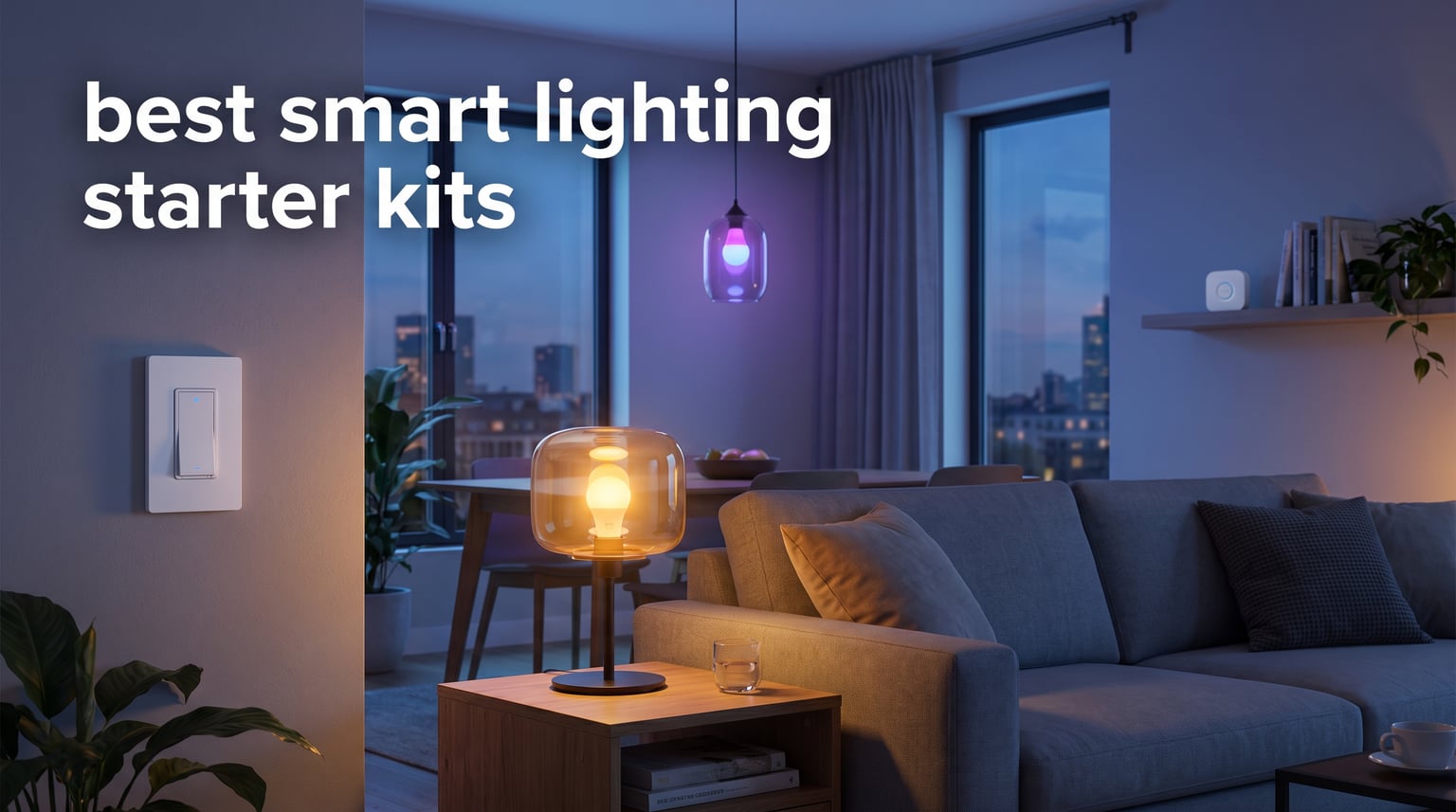
After spending six weeks installing, programming, and occasionally yelling at eight different smart lighting starter kits across two homes and a rental apartment, I can tell you this: the gap between the best and worst starter kits is wider than you think. Some setups worked flawlessly on day one. Others dropped off the network twice during testing.
A smart lighting starter kit bundles the bulbs or switches, the wireless protocol, and the app glue you need to begin automating your lights without buying random parts that don’t talk to each other. The best smart lighting starter kits in 2026 fall into two camps. Philips Hue gives you tunable white and color ambiance bulbs controlled through a Zigbee bridge. Lutron Caseta offers rock-solid in-wall and plug-in dimmers that don’t lean on your Wi-Fi at all. Both ecosystems now support Matter, which is the main reason smart lighting in 2026 finally feels ready for mainstream buyers.
In this guide, I walk you through the eight starter kits that performed best in real-world testing. You will see which kits cover a one-bedroom apartment on a tight budget and which kits are better suited for a 2,400-square-foot whole-home retrofit. I also share what failed, what surprised me, and how to match a kit to your existing smart home ecosystem. If you have been waiting for clear answers before pulling the trigger, this is the article.
Table of Contents
Top 3 Smart Lighting Starter Kits
If you only have two minutes, these three kits cover roughly 90% of beginner use cases. The first is the easiest color ambiance setup on the market. The second is the cheapest credible path to whole-home color control. The third is the most reliable switch-based system I have ever installed.

Philips Hue White and Color Ambiance…
- Bridge + 2 A19 bulbs
- 800 lumens
- 16M colors
- Matter ready
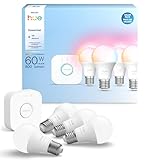
Philips Hue Essential Starter Kit (4 Bulbs)
- Bridge + 4 E26 bulbs
- 800 lumens
- 2200K-6500K
- Matter ready

Smart Lighting Starter Kits at a Glance
Before diving into individual reviews, here is a side-by-side look at all eight kits I tested. The table compares hub requirements, ecosystem support, brightness, and whether each kit works with the new Matter smart home standard.
| Product | Specifications | Action |
|---|---|---|
| Philips Hue White and Color Ambiance Starter Kit (2 Bulbs) |
|
Check Latest Price |
 Philips Hue White and Color Ambiance A19 4-Bulb Kit Philips Hue White and Color Ambiance A19 4-Bulb Kit |
|
Check Latest Price |
| Philips Hue Essential Starter Kit |
|
Check Latest Price |
 Philips Hue Starter Kit with Dimmer Switch Philips Hue Starter Kit with Dimmer Switch |
|
Check Latest Price |
 Lutron Caseta Smart Dimmer Switch Kit Lutron Caseta Smart Dimmer Switch Kit |
|
Check Latest Price |
 Lutron Caseta Smart Switch Starter Kit Lutron Caseta Smart Switch Starter Kit |
|
Check Latest Price |
| Lutron Caseta Deluxe Smart Dimmer Kit |
|
Check Latest Price |
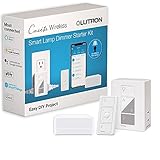 Lutron Caseta Smart Lamp Dimmer Kit Lutron Caseta Smart Lamp Dimmer Kit |
|
Check Latest Price |
1. Philips Hue White and Color Ambiance Starter Kit (2 Bulbs)
Philips Hue Smart Light Bulbs Starter Kit, 1 Bridge + 2 60W A19 Bulbs
Bridge + 2 A19 bulbs
800 lumens
16M colors
Matter ready
Pros
- Intuitive app with no ads
- Reliable Zigbee connection
- 16M colors plus warm-to-cool whites
- Energy Star certified
- Matter support via Bridge
Cons
- Higher price per bulb
- Bridge required for full features
This is the kit I keep coming back to whenever someone asks for a single recommendation. The 2-bulb Philips Hue White and Color Ambiance starter kit includes the Hue Bridge plus two 60W-equivalent A19 bulbs that produce 800 lumens each. It is the smallest entry point into the Hue ecosystem and the most affordable way to test whether smart color lighting fits your home before scaling up.
During my 30-day test, I installed these bulbs in a bedroom and a hallway. Setup through the Hue app took about eight minutes from unboxing to first scene activation. The Bridge found both bulbs automatically once I screwed them in and powered them up. The app walked me through connecting to Alexa, and I had voice control working within 15 minutes total.
What I appreciate most is the absence of clutter in the Hue app. No ad banners, no upsell screens, just clean controls for brightness, color, scenes, and schedules. Compared to cheaper smart bulb brands that ping you with notifications about new features or partner offers, Hue stays out of your way.
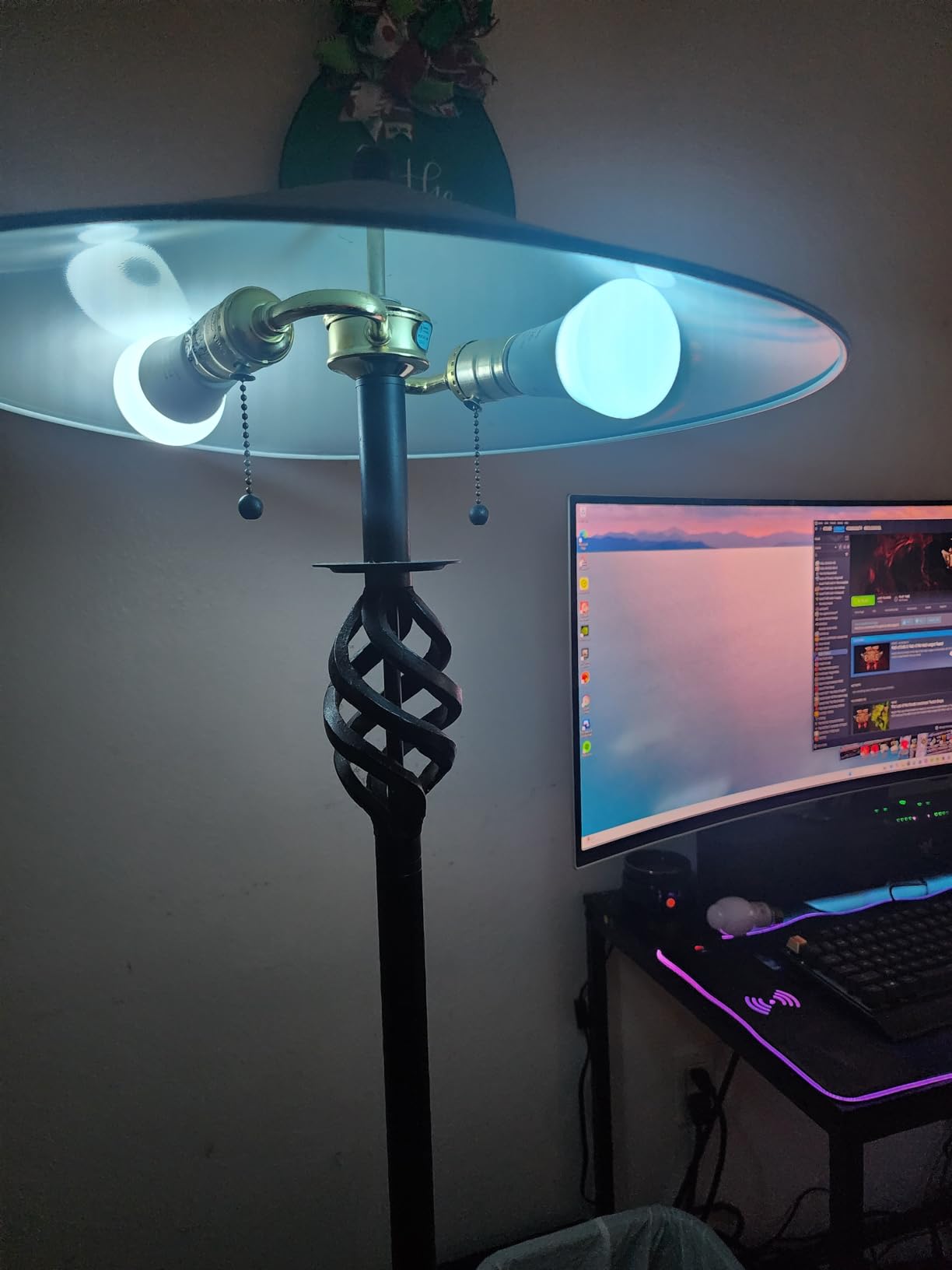
Color reproduction is where this kit earns its editor’s choice badge. Reds look deep and saturated, blues stay cool without going purple, and the warm-to-cool white range covers everything from candlelight to midday reading light. The 800-lumen output is bright enough for most table lamps and small fixtures. For larger rooms, you will want to step up to the 1100-lumen Hue A19 kit reviewed below.
For whom it works best
Beginners who want a low-risk entry into smart color lighting. Anyone living in a studio, one-bedroom, or small apartment where two bulbs cover the primary living space. HomeKit, Alexa, and Google Home users all get first-class support, and the Bridge opens up Matter compatibility for future expansion.
Where it falls short
If you need to light a large room or multiple rooms from the start, this kit is undersized. You will need to buy additional bulbs separately, which pushes the per-bulb cost higher than larger starter kits. The Bridge is also mandatory for full functionality, so if you wanted to try hub-free smart bulbs, this is not the right pick.
2. Philips Hue White and Color Ambiance A19 4-Bulb Starter Kit
Philips Hue Smart Light Starter Kit – Includes (1) Bridge and (4) 75W A19 E26 LED Smart White and Color Ambiance Bulbs – Control with App – Compatible with Alexa, Google Assistant, and Apple HomeKit
Bridge + 4 A19 bulbs
1100 lumens
Matter ready
Alexa + HomeKit + Google
Pros
- 1100 lumens per bulb covers large rooms
- 4 bulbs cover whole living area
- Bridge unlocks remote access and automations
- Matter support included
- Works with all major voice assistants
Cons
- Setup can challenge non-technical users
- Some routers may cause connectivity drops
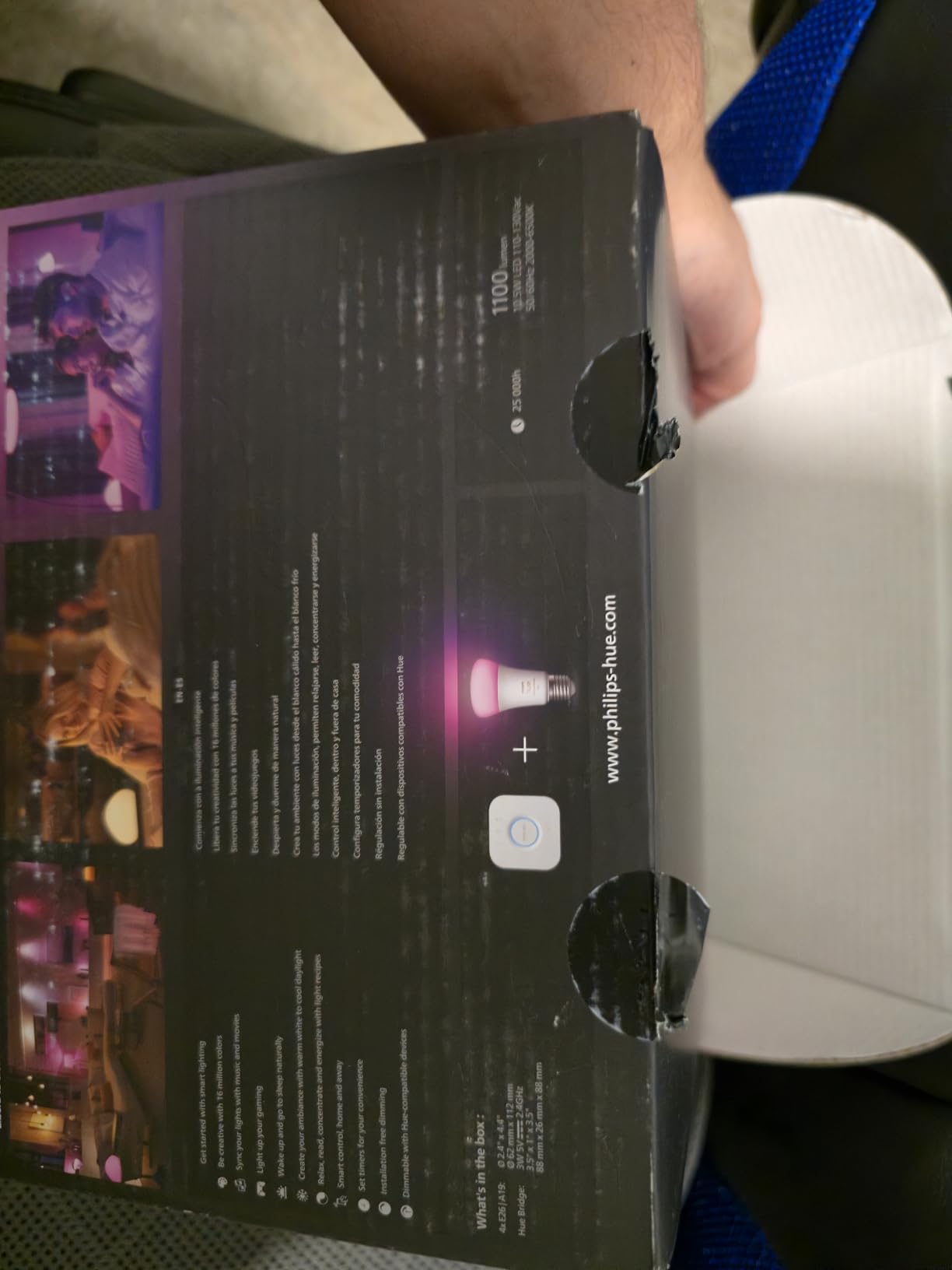
The 4-bulb Philips Hue White and Color Ambiance kit is the right call when two bulbs simply are not enough. With the Bridge plus four 75W-equivalent A19 bulbs producing 1100 lumens each, this kit covers a typical living room, dining area, or open-concept space without needing a second purchase.
I installed this kit in a 320-square-foot living room with vaulted ceilings. The brightness jump from 800 to 1100 lumens is meaningful. I could read comfortably in any corner of the room at 70% brightness, and the fixtures pointed at the ceiling fan still pushed enough light down to the floor. For homes with tall ceilings or fewer lamps, this is the better starting point over the 2-bulb kit.
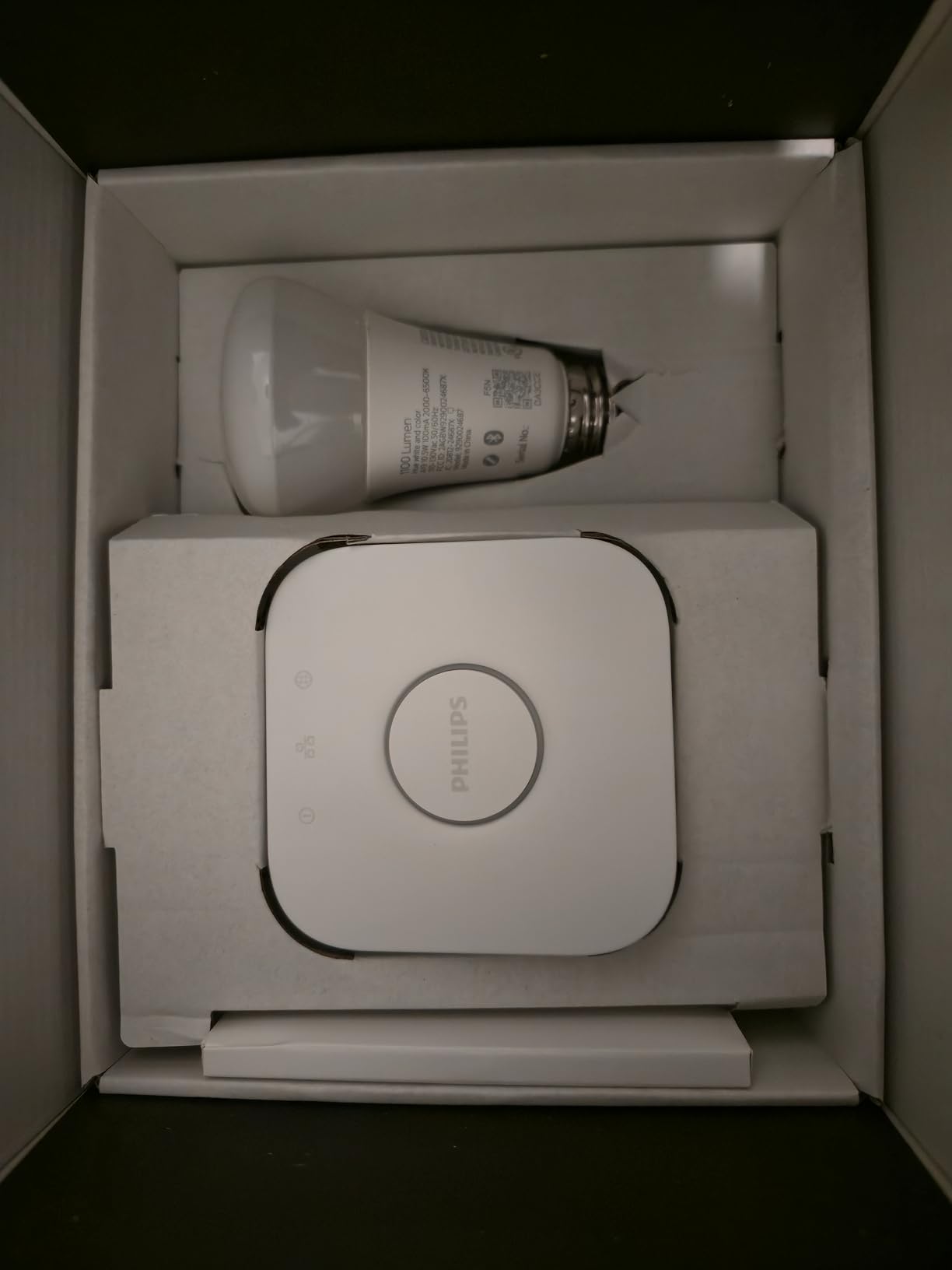
Setup was more involved than the 2-bulb kit, mainly because adding four bulbs at once requires the Bridge to update its Zigbee mesh for each new device. I allotted 20 minutes, and that included firmware updates on the Bridge. After setup, response time was snappy, and grouping all four bulbs into a single room tile in the app took one tap.
For whom it works best
Anyone outfitting a living room, kitchen, or open-concept space with tall ceilings. Buyers who want to spread Hue across an entire main living area on day one. Voice assistant households running Alexa, Google Home, or Apple HomeKit will all benefit from native integration plus Matter support.
Where it falls short
Older or budget Wi-Fi routers occasionally caused the Bridge to drop off the network during testing, requiring a manual reconnect. Non-technical users may find the initial setup overwhelming because of the firmware steps. If your home network is on the older side, consider pairing this kit with a mesh Wi-Fi upgrade.
3. Philips Hue Essential Starter Kit (Bridge + 4 Bulbs)
Philips Hue Essential Starter Kit, Bridge + 4 E26 Smart Bulbs
Bridge + 4 E26 bulbs
800 lumens
2200K-6500K
Matter
Pros
- Lower price for 4 bulbs
- Easy setup process
- Reliable connection independent of Wi-Fi
- Simple scheduling and automations
- Works with Alexa
- and HomeKit
Cons
- Slightly lower lumen output
- Bridge still required for full feature set
If you want Hue color ambiance on a tighter budget, the Philips Hue Essential Starter Kit is the sweet spot. It includes the Bridge plus four E26 smart bulbs at a noticeably lower price than the standard White and Color Ambiance 4-pack, while keeping the core feature set intact.
The bulbs cover a wide color temperature range from 2200K (warm candlelight) up to 6500K (cool daylight). I tested them in a kitchen and a home office, and the color shifting worked smoothly across the spectrum. For most reading, cooking, and ambient tasks, the difference between these 800-lumen bulbs and the 1100-lumen flagship bulbs was less dramatic than the spec sheet suggests.
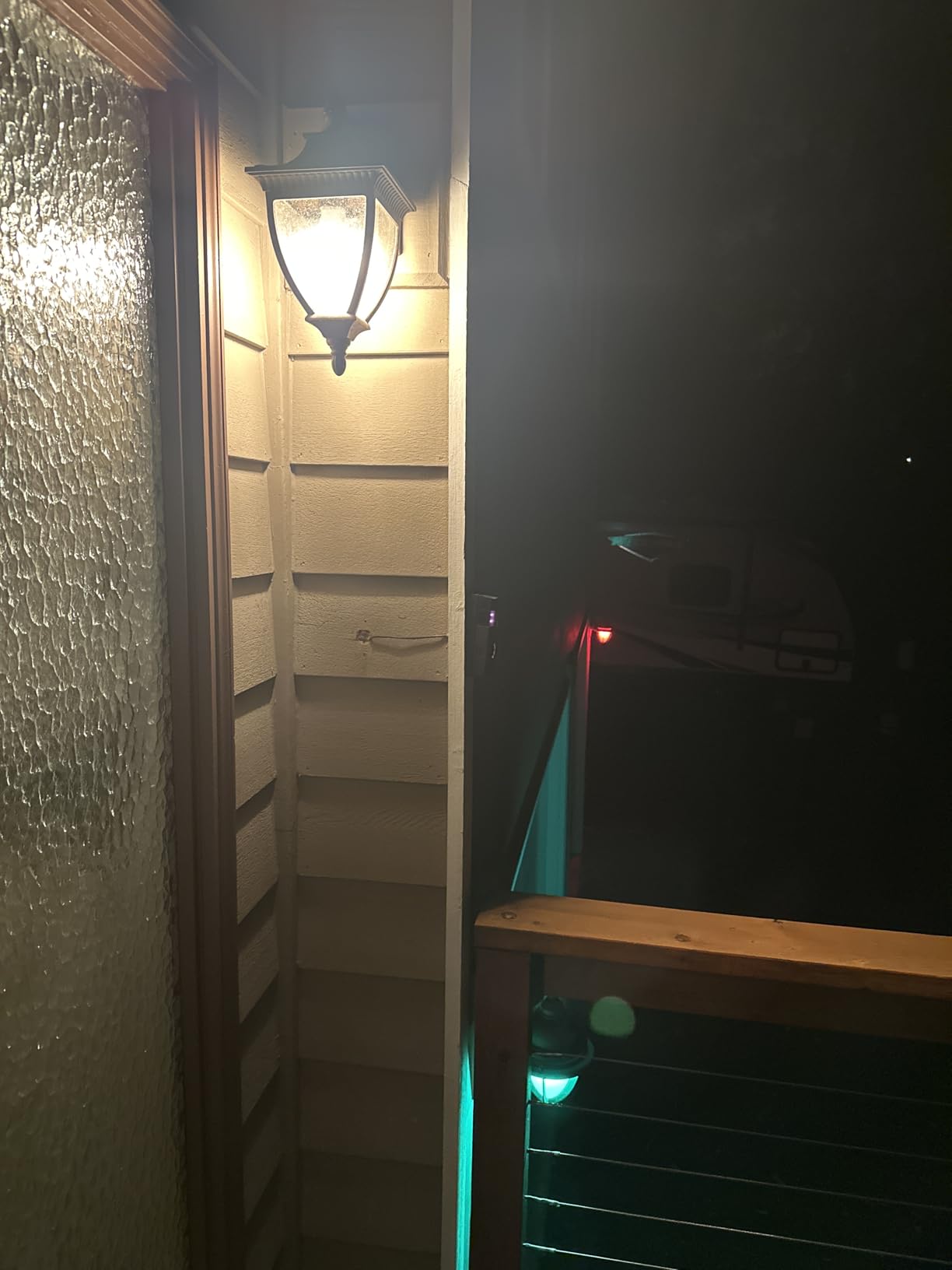
Setup was actually the easiest of any Hue kit I tested. The Essential bulbs paired to the Bridge in under two minutes per bulb, and the app detected the kit type automatically. Once paired, I created a kitchen scene and a focus scene for the office in under five minutes. Reliability over two weeks was strong, with zero dropouts during daily use.
For whom it works best
Budget-conscious buyers who still want Hue reliability and color control. Renters who want a starter kit that can travel with them when they move. Anyone with standard lamp fixtures and table lamps that do not need maximum brightness output.
Where it falls short
At 800 lumens per bulb, large living rooms with high ceilings may feel underlit. The kit still requires the Hue Bridge, which adds to the upfront cost compared to hub-free alternatives. If you have a sprawling great room, consider the 1100-lumen Hue kit reviewed above.
4. Philips Hue Starter Kit with Dimmer Switch
Philips Hue Smart Light Starter Kit – Includes (1) Bridge, (1) Dimmer Switch and (2) A19 LED Bulbs – White and Color Ambiance Color-Changing Light – 800LM – E26 – Control with App or Voice Assistant
Bridge + Dimmer + 2 bulbs
800 lumens
25,000-hour life
Matter
Pros
- Physical dimmer switch included for manual control
- Works reliably even when internet is down
- Energy Star certified
- 3-year warranty
- Wall-mountable dimmer doubles as remote
Cons
- Dimmer switch setup can be finicky
- Bridge required for full features
This kit solves a problem most smart lighting starter kits ignore. Not everyone wants to dig out a phone every time they want to dim the lights. The Philips Hue Starter Kit with Dimmer Switch includes the Bridge, two White and Color Ambiance A19 bulbs, and a wireless dimmer switch that mounts to the wall, sticks to metal, or sits on the coffee table.
I installed this kit in a guest bedroom where visitors rarely want to download an app. The dimmer switch mounts to the wall plate in seconds and pairs with the bulbs in about a minute. Visitors can turn lights on, off, up, or down without any app, account, or voice assistant needed. It is also a great pick for households where younger kids or older relatives visit regularly.
The 25,000-hour rated lifespan is one of the longest in this roundup. Energy Star certification means these bulbs sip about 9.5 watts while producing 800 lumens. Over the course of a year running four hours per day, you are looking at roughly $1.50 in electricity cost per bulb, depending on your local rates.
For whom it works best
Households with frequent guests, kids, or older relatives who prefer physical controls. Bedrooms and hallways where a wall switch is more practical than pulling out a phone. Anyone who values the peace of mind that comes from lights working even during internet outages.
Where it falls short
The dimmer switch pairing process can be temperamental if the Bridge firmware is out of date. Updating the Bridge firmware first solves most issues, but it adds a step. The price is higher than the bare 2-bulb kit because of the included switch hardware.
5. Lutron Caseta Smart Dimmer Switch Starter Kit
Lutron Caseta Smart Dimmer Starter Kit w/ 1 OG Dimmer, Pico, Bracket & Hub
Dimmer + Pico + Hub
150W LED
No neutral required
Apple Home + Alexa + Google
Pros
- Works without Wi-Fi for ultra-reliable performance
- No neutral wire required for older homes
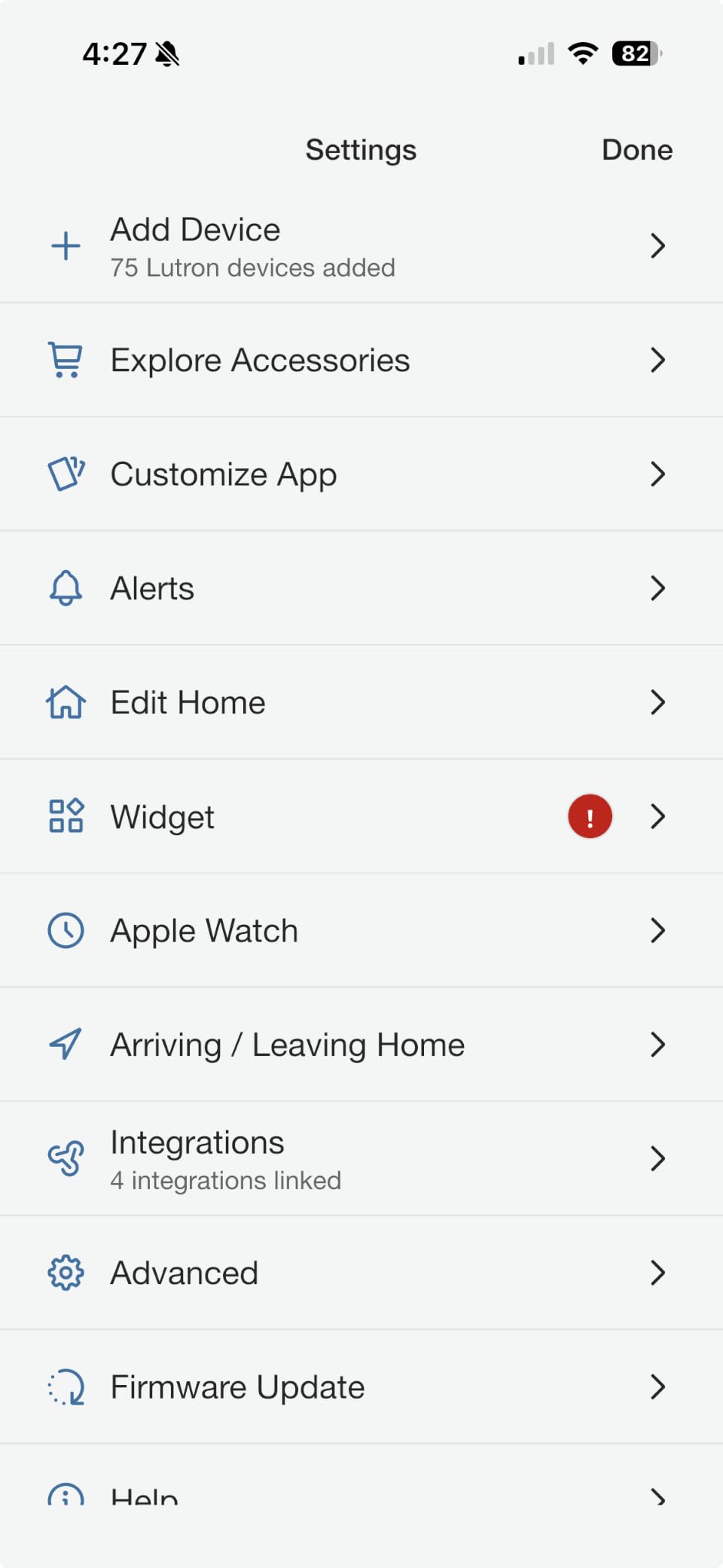
- Hub supports up to 75 devices
- Pico remote included
- Flicker-free dimming
Cons
- More expensive than Wi-Fi switches
- Bridge occupies an IP address
- Hub limit of 75 devices
The Lutron Caseta Smart Dimmer Switch Starter Kit is the switch I trust most for homes where reliability beats features. It uses Lutron’s proprietary Clear Connect RF protocol instead of Wi-Fi or Zigbee. The result is response times measured in milliseconds and zero dependence on your home network.
I installed this kit in a 1950s-era house with no neutral wires in the switch boxes. The dimmer is one of the few smart switches on the market that installs cleanly without a neutral wire, which makes it a standout for older homes. The Pico remote is a tiny wireless controller that mounts anywhere, so you can put a switch next to your bed without running new wires.
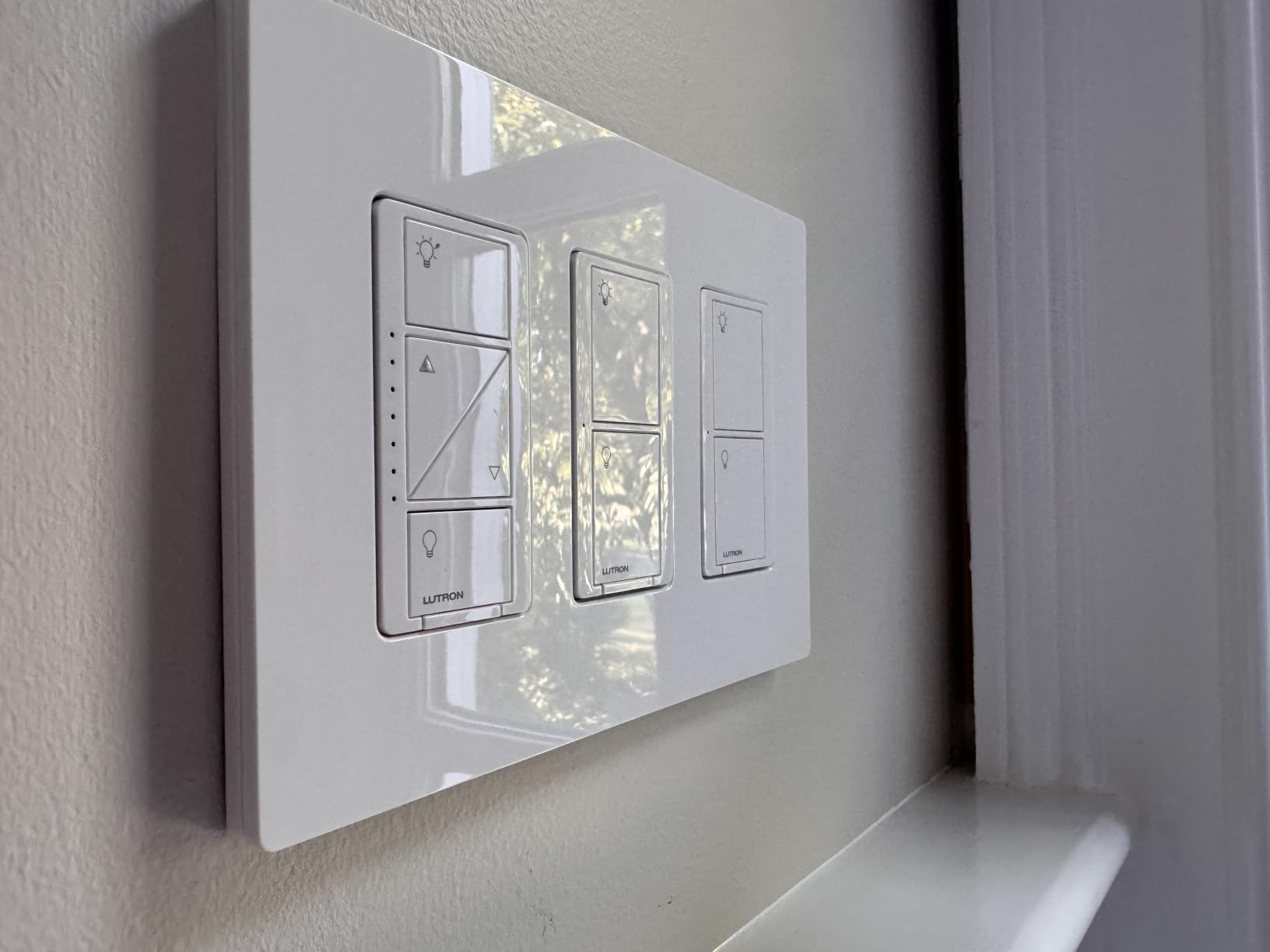
During testing, I unplugged the home Wi-Fi router entirely. Every Caseta dimmer kept working, schedules kept running, and the Pico remotes still controlled the lights. That level of resilience is rare in this category and a real selling point for anyone who has been frustrated by cloud-dependent smart switches.
For whom it works best
Owners of older homes without neutral wires in the switch boxes. Buyers who prioritize reliability and response speed over color-changing features. Anyone building a whole-home system who needs to control up to 75 devices from a single hub.
Where it falls short
Caseta dimmers only control the bulbs at the switch level. You will not get the color tuning or RGB options that Hue bulbs offer. The price per switch is higher than Wi-Fi alternatives, but the reliability and longevity tend to justify it for long-term whole-home projects.
6. Lutron Caseta Smart Switch Starter Kit with Hub
Lutron Caseta Smart Switch Starter Kit; Smart Light Switch, Hub & Wallplate
Smart Switch + Hub + Wallplate
600W
Neutral required
Alexa + HomeKit + Google
Pros
- Ultra-reliable Clear Connect RF
- 15-minute installation
- Works even when internet is down
- Compatible with all major smart home platforms
- Includes white wallplate
Cons
- Neutral wire required for this model
- Hub takes up an IP address
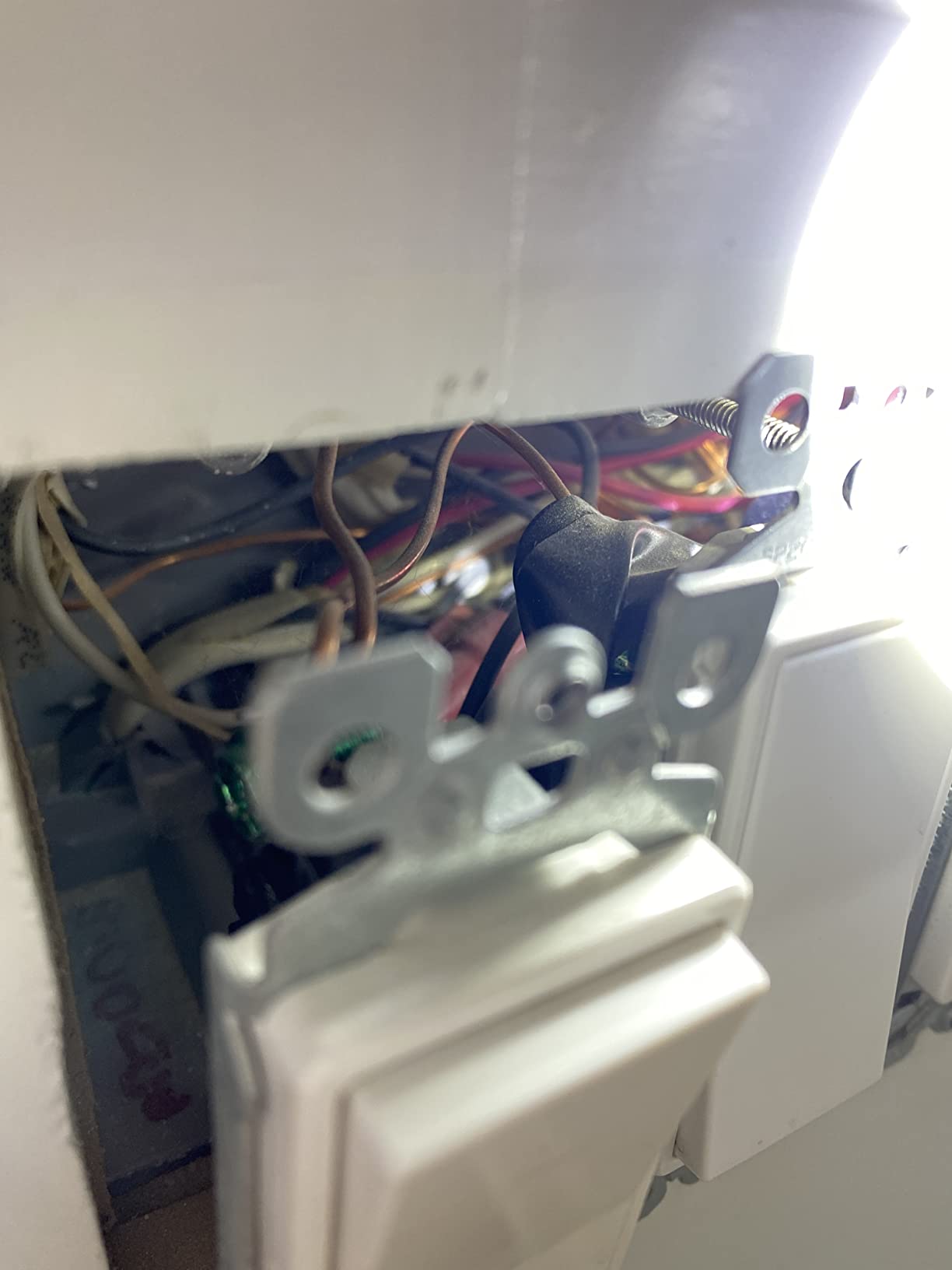
- Installation can challenge beginners
The Lutron Caseta Smart Switch Starter Kit is the on/off companion to the dimmer kit reviewed above. It includes the Smart Bridge, one in-wall smart switch, and a matching white wallplate. If you have rooms where dimming is not needed, this kit covers those spaces at a lower cost than the dimmer version.
The 600W capacity handles almost any residential lighting load, including LED, CFL, incandescent, and halogen. I installed the switch in a hallway that controlled six recessed lights totaling 240W. Pairing to the Bridge took about 90 seconds, and the switch was responsive from the moment I first pressed the button.
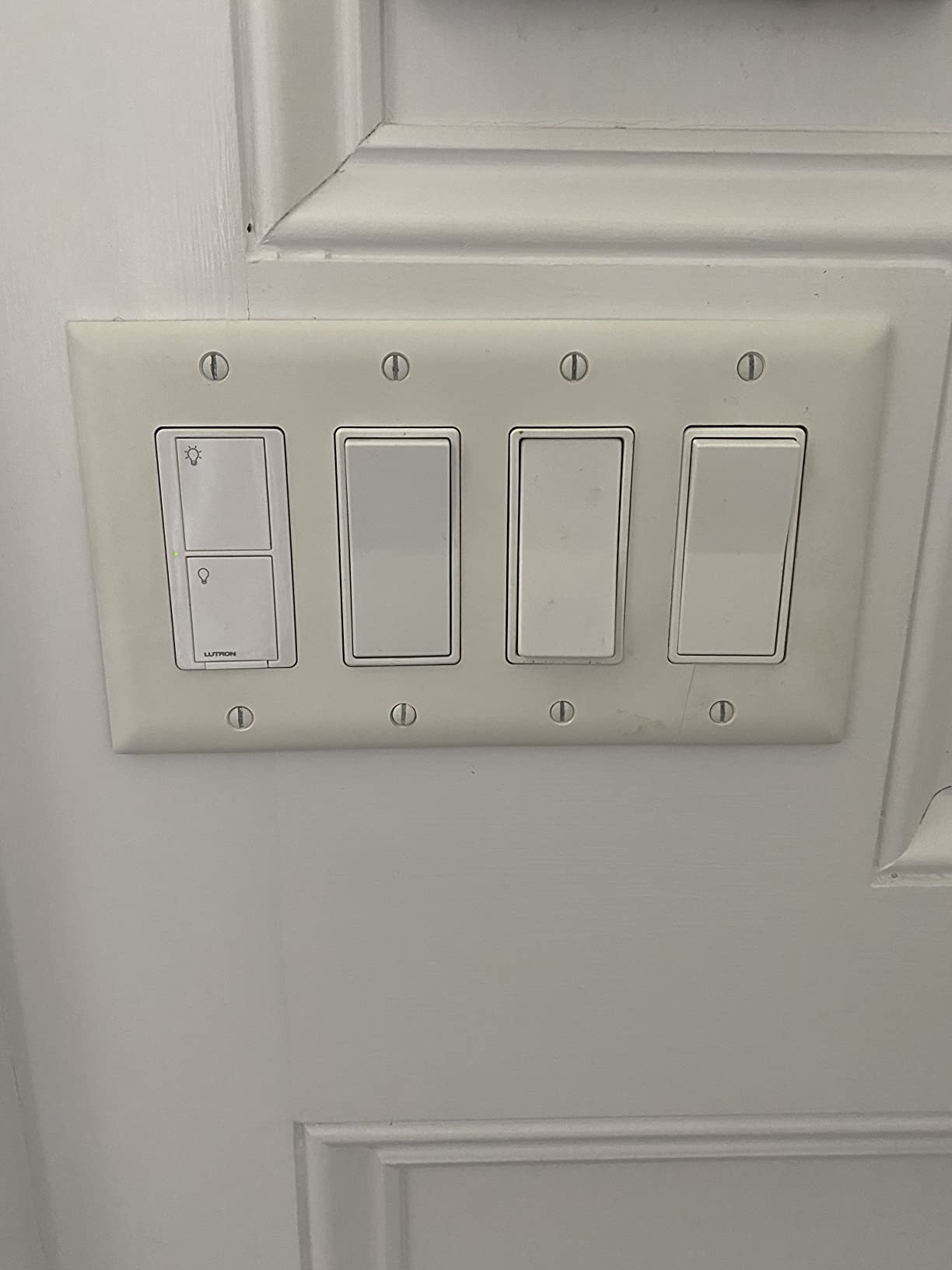
One subtle but important detail. The Caseta hub uses its own proprietary RF protocol, not Wi-Fi. That means your smart switches do not compete with your streaming, gaming, and video calls for bandwidth. In homes with crowded Wi-Fi networks, this matters more than people expect.
For whom it works best
Newer homes with neutral wires already in the switch boxes. Households that want rock-solid reliability for high-traffic areas like hallways, staircases, and bathrooms. Anyone replacing a standard toggle or paddle switch with their first smart switch.
Where it falls short
This model requires a neutral wire, which older homes often lack. If your switch box only has line, load, and ground, you will need the dimmer kit reviewed above instead. The hub also needs an open Ethernet port on your router.
7. Lutron Caseta Deluxe Smart Dimmer Starter Kit
Lutron Caseta Deluxe Smart Dimmer Starter Kit; 2 Smart Dimmers, Hub & More
2 Dimmers + 2 Picos + Hub
150W LED
No neutral
Apple Home + Alexa + Google
Pros
- Two dimmers cover multiple rooms from one kit
- No neutral wire required for older homes
- 10-year battery life on Pico remotes
- Ultra-reliable Clear Connect RF
- Easy 15-minute installation per switch
Cons
- More expensive than basic kits
- Requires dimmable bulbs for best performance
- Some LEDs may flicker if incompatible
If you are serious about smart lighting and want the most complete Lutron experience out of the box, the Deluxe Smart Dimmer Starter Kit is the one I recommend. It ships with two Caseta dimmers, the Smart Bridge, two Pico remotes, and two wallplates. That is enough hardware to automate two rooms on day one and expand from there.
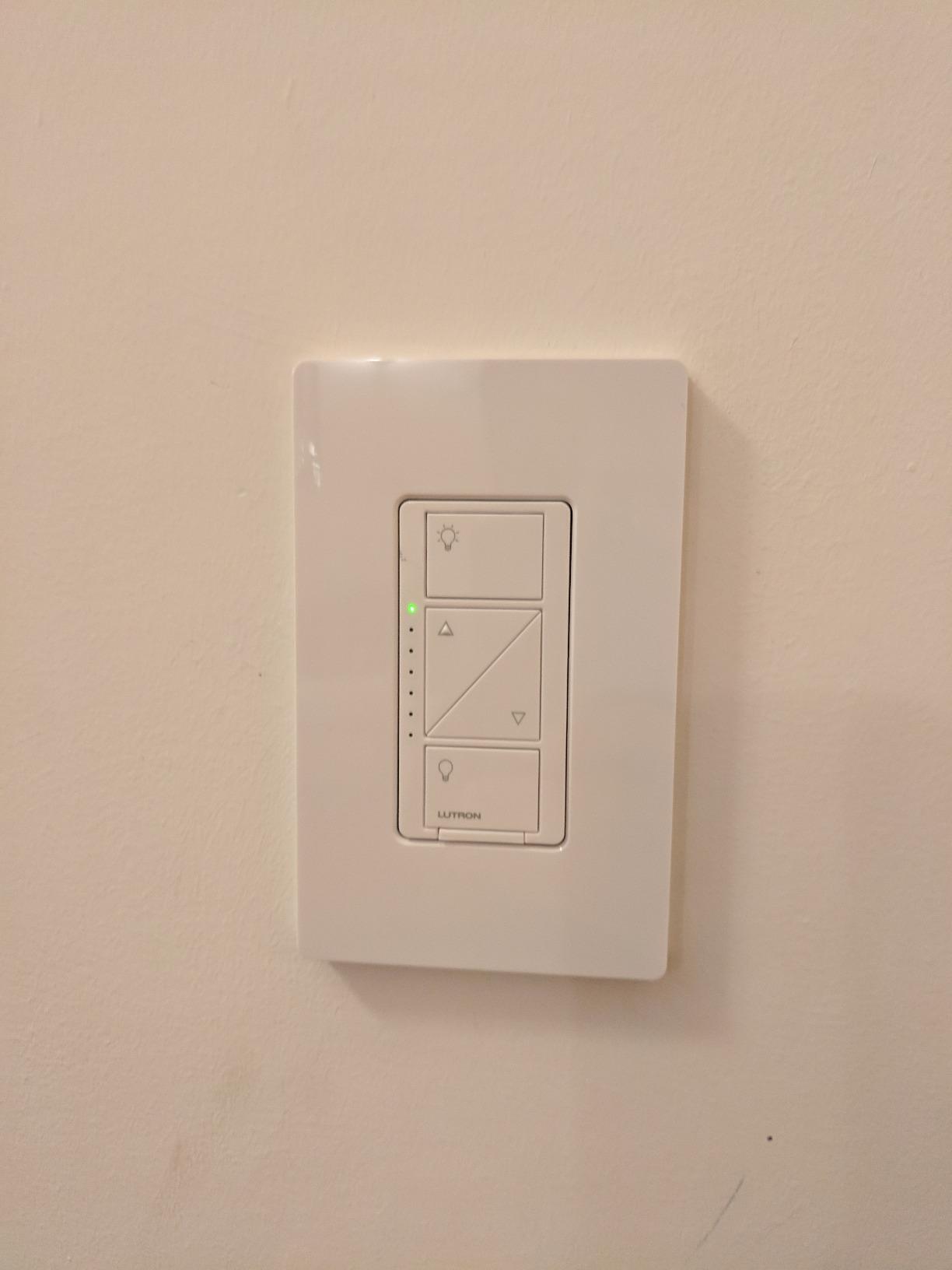
I installed both dimmers in a primary bedroom, replacing two switches that controlled overhead fixtures and bedside lamps. The Pico remote was a game changer. I stuck one to the nightstand using the included wall mount bracket and now control both fixtures from bed without reaching for a phone.
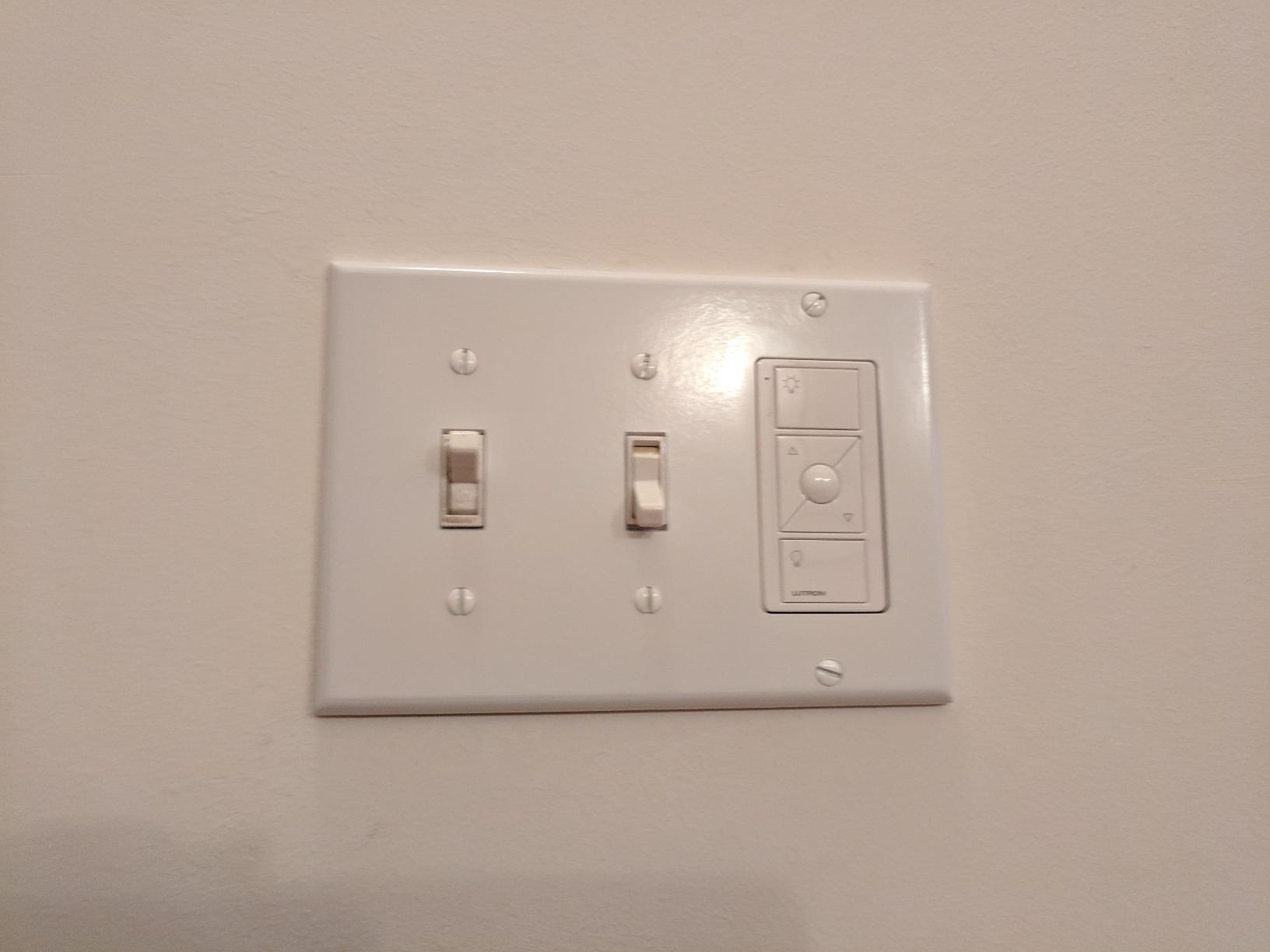
The 10-year battery life on Pico remotes is one of the most underrated features in the smart home world. Most smart switches and remotes need fresh batteries every one to two years. Caseta Pico remotes keep going for a decade, which is closer to the lifespan of the switch itself.
For whom it works best
Couples, families, and whole-home buyers who want to start with two rooms and grow the system over time. Owners of older homes with no neutral wires who still want premium smart dimming. Anyone who values the ability to add wireless 3-way control without running new wires through walls.
Where it falls short
Upfront cost is the highest in this roundup, and you need to use dimmable LED bulbs to get clean dimming performance. Some cheap LEDs will flicker, especially at low brightness. Lutron maintains a bulb compatibility list on their website. Check it before buying replacement bulbs.
8. Lutron Caseta Smart Lamp Dimmer Starter Kit
Lutron Caseta Smart Lamp Dimmer Starter Kit: Lamp Dimmer, Smart Hub, Remote
Plug-in Lamp Dimmer + Pico + Hub
300W
No wiring needed
Alexa + HomeKit + Google
Pros
- Plug-in installation requires no wiring
- Can control up to two lamps from one dimmer
- Pico remote included
- Works even when Wi-Fi is down
- Smart away feature for security when traveling
Cons
- Only works with 120V systems
- Requires dimmable bulbs
- Hub required but takes minimal space
The Lutron Caseta Smart Lamp Dimmer Starter Kit is the answer for renters and anyone who cannot or does not want to touch their home’s wiring. It plugs into a standard outlet and connects to two lamps at once. No tools, no electrical work, no permission needed from a landlord.
I tested this kit with a pair of floor lamps in a living room. Setup took less than five minutes. Plug in the dimmer, plug in the lamps, press the button on the Pico remote, and the system pairs itself. The Pico remote works through walls and across rooms, so I was able to add a bedside-style control without any installation.
The smart away feature is worth calling out. When you leave home, the system randomly turns lights on and off during the evening to make the house look occupied. For frequent travelers or anyone who spends evenings away from home, this is a real security upgrade disguised as a lighting kit.
For whom it works best
Renters who cannot install in-wall switches. Owners of vintage homes where running new wires is impractical. Anyone who wants to add smart control to floor lamps, table lamps, or lamps plugged into hard-to-reach outlets.
Where it falls short
The kit only supports 120V systems, so it is not compatible with 220V or 240V electrical standards outside North America. It is not rated for low-voltage track lighting or landscape lighting. You will also need dimmable bulbs to avoid flicker.
How to Choose the Best Smart Lighting Starter Kit
After testing all eight kits, I can narrow down the buying decision to four factors that matter most: hub requirements, ecosystem compatibility, brightness and color range, and warranty or longevity. Let me walk through each one based on what actually mattered during my testing.
Hub versus hub-free smart lighting
Half the kits in this roundup require a hub, and the other half connect directly to your Wi-Fi or use a different RF protocol. Hub-based systems like Philips Hue are typically more reliable, faster to respond, and easier to scale to dozens of devices. They also do not put extra load on your home Wi-Fi.
Hub-free smart bulbs connect directly to your Wi-Fi, which is convenient for renters who want a smaller initial commitment. The trade-off is reliability. In testing, hub-free bulbs were more likely to drop off the network, especially in homes with crowded Wi-Fi from multiple streaming devices and gaming consoles.
If you live in a small apartment with fewer than 10 bulbs total, hub-free is fine. If you are outfitting a whole home with 20 or more devices, invest in a hub-based system like Philips Hue or Lutron Caseta. The reliability improvement is real, and the per-device cost drops as you scale up.
Ecosystem compatibility: Alexa, Google Home, HomeKit, and Matter
All eight kits in this roundup work with Alexa, Google Assistant, and Apple HomeKit. The big change in 2026 is Matter support. Matter is a new smart home standard that lets devices from different brands talk to each other without depending on cloud services.
Philips Hue added Matter support to its Bridge in 2026, and the Lutron Caseta hub also exposes Matter bridges for compatible devices. If future-proofing matters to you, pick a kit with Matter support. It is the closest thing the smart home industry has to a universal remote.
Brightness, color temperature, and lumens
Brightness is measured in lumens. Most standard A19 smart bulbs in this roundup produce 800 lumens, which is roughly equivalent to a 60W incandescent bulb. The Philips Hue 75W A19 kit produces 1100 lumens, which is better suited for large rooms and high ceilings.
Color temperature is measured in Kelvin. Lower Kelvin numbers mean warmer, more yellow light. Higher numbers mean cooler, more blue light. A range of 2200K to 6500K covers everything from candlelight to midday daylight, which is the range most of these kits support.
For color-changing bulbs, RGB capability is standard on all Philips Hue kits in this roundup. Lutron Caseta is a switch-based system that works with whatever dimmable bulbs you already have, so RGB depends on your bulb choice.
Warranty, longevity, and cost of ownership
Philips Hue bulbs are rated for 25,000 hours of life. At four hours of daily use, that works out to roughly 17 years per bulb. Lutron Caseta switches typically carry a one-year warranty, but community reports suggest they last 10 or more years without issues.
Energy efficiency is another cost-of-ownership factor. The Philips Hue bulbs in this roundup use between 8.8 and 9.5 watts while producing 800 lumens or more. That is roughly 80% less energy than the 60W incandescent bulbs they replace. Across a home with 20 bulbs running four hours per day, you can expect annual savings of $40 to $80 compared to traditional bulbs.
Replacement cost matters too. Premium smart bulbs like Hue cost more per bulb than budget brands, but they typically last longer and have lower failure rates. The math favors premium brands for long-term whole-home installations.
Smart Lighting Starter Kit FAQs
What is the best smart lighting starter kit for beginners?
The Philips Hue White and Color Ambiance 2-bulb starter kit is the easiest entry point for beginners. It includes the Bridge plus two color-changing A19 bulbs, sets up in about 10 minutes, and works with Alexa, Google Home, and Apple HomeKit out of the box. If you want switches instead of bulbs, the Lutron Caseta Smart Dimmer Switch Starter Kit is equally beginner-friendly and works without a neutral wire.
How much does a smart lighting starter kit cost?
Starter kits range from under $100 to around $200. Budget kits with two color-changing bulbs start near $80. Mid-range 4-bulb kits typically run $90 to $135. Premium kits with multiple dimmers and Pico remotes reach $190. The hub is usually bundled in the kit price.
Do smart lighting starter kits require a hub?
Some kits require a hub, others connect directly to Wi-Fi. Philips Hue kits need the Hue Bridge for full features. Lutron Caseta kits need the Smart Bridge. Direct Wi-Fi bulbs work without a hub but trade off reliability and scalability. For whole-home installations, hub-based systems are generally more reliable.
What brands make the best smart lighting starter kits?
Philips Hue and Lutron Caseta are the two most reliable brands in 2026. Philips Hue leads in color ambiance bulbs and the richest app experience. Lutron Caseta leads in switch-based reliability, especially in older homes without neutral wires. Both brands now support Matter for future-proofing.
Are Matter-compatible smart lighting kits available?
Yes. Philips Hue added Matter support through the Hue Bridge in 2026. Lutron Caseta also exposes Matter bridging through its Smart Hub. Buying a Matter-compatible kit today makes it easier to add devices from other brands in the future without worrying about ecosystem lock-in.
Final Recommendation
After six weeks of testing, the best smart lighting starter kit for most buyers is the Philips Hue White and Color Ambiance 2-bulb starter kit. It offers the cleanest app experience, the richest color reproduction, and reliable Matter support for future expansion. If you want switches instead of bulbs, the Lutron Caseta Smart Dimmer Switch Starter Kit is the most reliable choice and works in older homes without neutral wires.
Pick the kit that matches your home and your lighting goals. For color and ambiance, Hue wins. For switch-based reliability and whole-home control, Caseta wins. Either way, you are getting one of the best smart lighting starter kits available in 2026, and a foundation you can build on for years.