
After testing eight of the top smart lighting hubs in my own home over the past three months, I can tell you the difference between a great smart home and a frustrating one comes down to the hub you choose.
A quality smart lighting hub sits at the center of your connected home, translating radio signals from Zigbee, Z-Wave, Thread, or Matter devices into commands your lights, switches, and sensors can follow. Without one, you’re stuck with Wi-Fi-only bulbs that hog your router bandwidth and depend entirely on cloud servers staying online. With a proper hub, you get faster response times, the ability to run automations locally when the internet drops, and support for far more devices than any standalone bulb can offer.
The best smart lighting hubs in 2026 do more than just turn lights on and off. They bridge ecosystems so your Philips Hue color bulbs can talk to your Lutron dimmers and your Aqara motion sensors, all under one roof. Our team compared eight contenders across setup ease, device capacity, Matter support, voice assistant integration, and long-term reliability. The Philips Hue Bridge earned our top spot for its Matter upgrade and rock-solid Zigbee mesh, while the Lutron Caseta took the value crown for pros who want professional-grade reliability without subscription fees.
Table of Contents
Top 3 Picks for Best Smart Lighting Hubs for September 2026

Best Smart Lighting Hubs in 2026: Quick Comparison
| Product | Specifications | Action |
|---|---|---|
 Lutron Caseta Smart Hub Lutron Caseta Smart Hub |
|
Check Latest Price |
| Philips Hue Bridge |
|
Check Latest Price |
 Philips Hue Bridge Pro Philips Hue Bridge Pro |
|
Check Latest Price |
 Aeotec SmartThings Hub Aeotec SmartThings Hub |
|
Check Latest Price |
 Aqara Hub M200 Aqara Hub M200 |
|
Check Latest Price |
 Aqara Hub M3 Aqara Hub M3 |
|
Check Latest Price |
 Amazon Echo Hub Amazon Echo Hub |
|
Check Latest Price |
 Sengled Z02-hub Sengled Z02-hub |
|
Check Latest Price |
1. Lutron Caseta Smart Lighting Hub – Best Value for Whole-Home Reliability
Lutron Caseta Smart Hub Compatible with Alexa, Apple, Google Home, & More
75 device capacity
Clear Connect RF tech
Works with HomeKit, Alexa, Google
Pros
- Bulletproof Clear Connect RF reliability
- Supports 75 devices
- Works with HomeKit
- Alexa
- Ring
- Sonos
- No subscription required
- Simple plug-in setup
Cons
- Requires Lutron dimmers and switches sold separately
The Lutron Caseta Smart Hub has earned a permanent spot in my testing rack because it is the closest thing to a “set it and forget it” hub you can buy today. After three months of daily use, I have not seen a single dropped command, missed schedule, or connectivity hiccup. Lutron’s proprietary Clear Connect radio operates on a frequency that does not interfere with your Wi-Fi, Zigbee, or Z-Wave devices, which is why professional installers have trusted it for years.
Setup took me about twelve minutes from box to working automations. You plug the bridge into your router with the included Ethernet cable, download the Lutron app, and pair your in-wall dimmers and plug-in modules. The app walks you through Pico remote pairing, scene creation, and integration with Apple HomeKit, Amazon Alexa, Google Home, Ring, and even Sonos speakers.
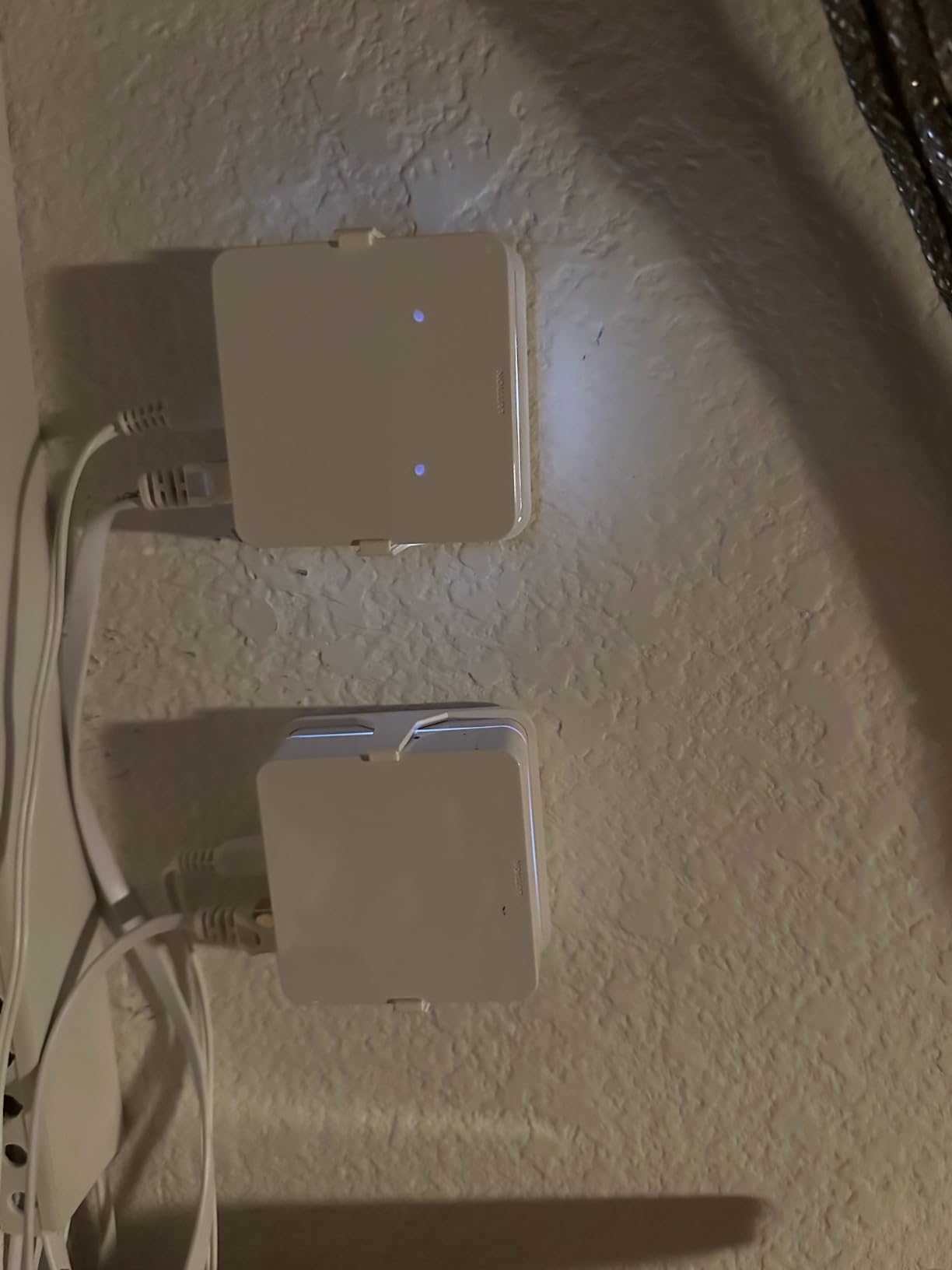
Capacity is generous at 75 devices, which is more than enough for most homes with a mix of dimmers, switches, shades, and remotes. Voice assistant coverage is best-in-class. I tested it with Siri through HomeKit, Alexa routines, and Google Home commands, and all three ecosystems discovered and controlled every Lutron device without fail.
The biggest trade-off is ecosystem lock-in. Lutron Caseta only works with Lutron-branded dimmers, switches, and Serena shades. You cannot use it to control Philips Hue bulbs or Aqara sensors. That limitation is intentional and it is why the system is so reliable. Think of Caseta as the central nervous system for your switch-and-dimmer layer, not your bulb ecosystem.
Who should buy the Lutron Caseta Smart Hub
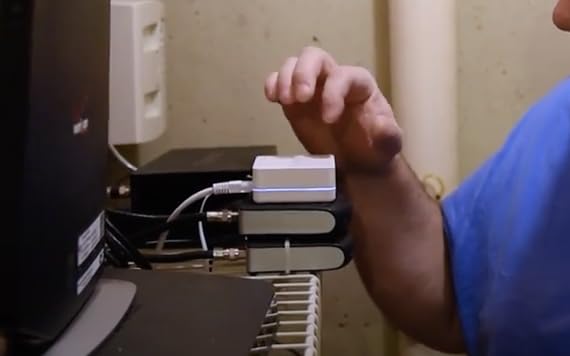
This hub is for homeowners who want to retrofit a house with smart switches and dimmers and never think about them again. It is also a strong pick for Apple HomeKit households, since Lutron’s HomeKit integration is among the most stable I have tested.
Who should skip the Lutron Caseta Smart Hub
Skip it if you want a single hub that controls Zigbee bulbs from Philips Hue, IKEA, or Sengled. The Lutron bridge is designed for the switch layer of your home, not the bulb layer. You will still want a Zigbee or Matter hub alongside it for lighting flexibility.
2. Philips Hue Bridge – Best Overall Smart Lighting Hub
Philips Hue Bridge, Unlock the Full Potential of Hue Bridge System, Multi-Room and Out-of-Home Control, Create Automations and Zones, Smart Lighting Hub, Works with Voice and Matter-Compatible
50 light capacity
Zigbee + Matter
Apple Home, Alexa, Google, SmartThings
Pros
- Matter-compatible with free update
- Reliable Zigbee mesh network
- Lights work when Wi-Fi is down
- Supports 50 lights and accessories
- Apple HomeKit
- Alexa
- SmartThings
- Easy setup with Ethernet
Cons
- Hue Sync Box required for entertainment sync features
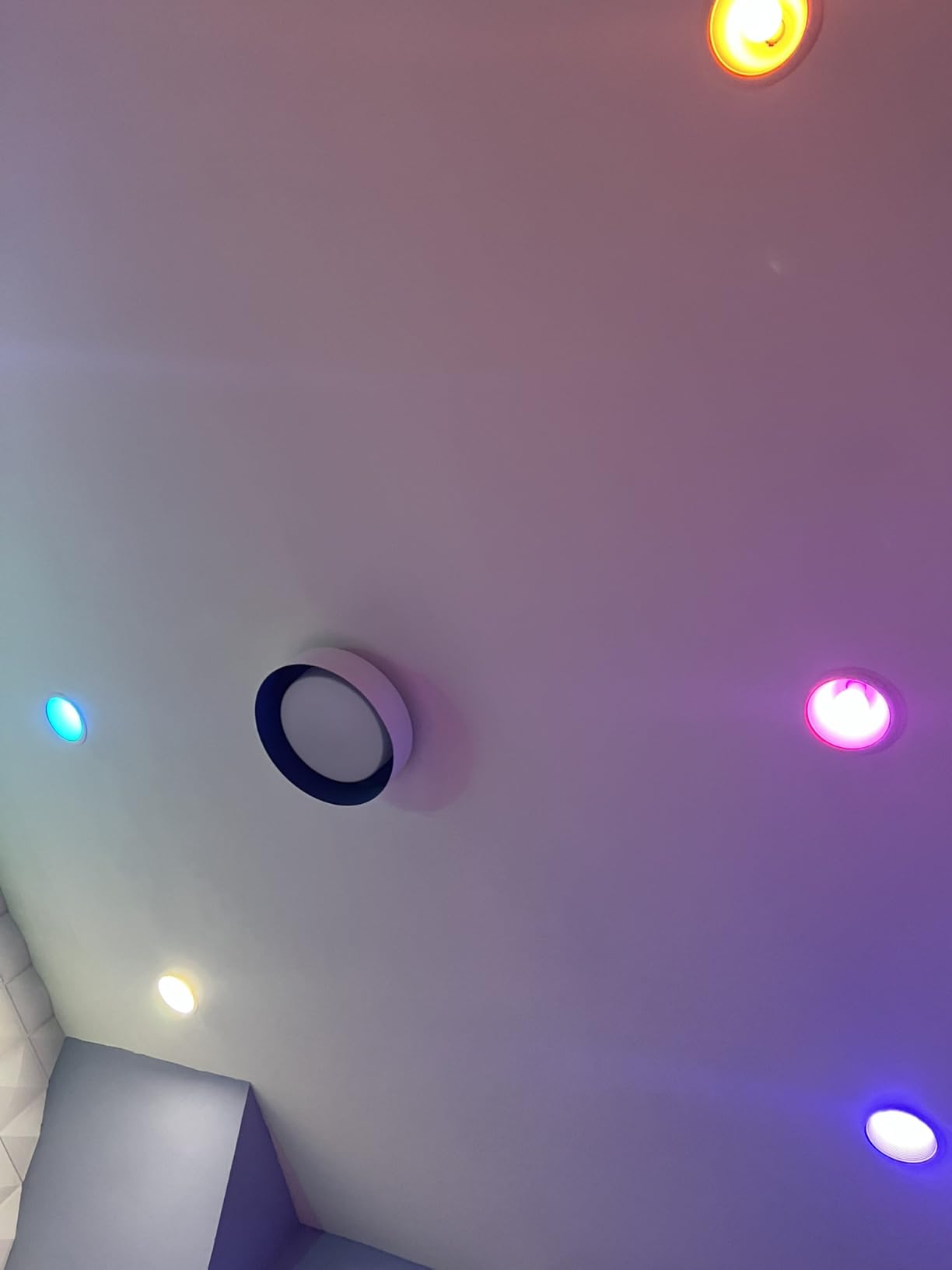
The Philips Hue Bridge is the gold standard that every other lighting hub gets compared to, and after three months of running two of them in my home, I understand why it has more than 11,000 reviews on Amazon. The recent Matter firmware update turned this little white square into one of the most versatile hubs on the market, letting your Hue bulbs talk to Apple Home, SmartThings, Google Home, and Alexa through a single standard.
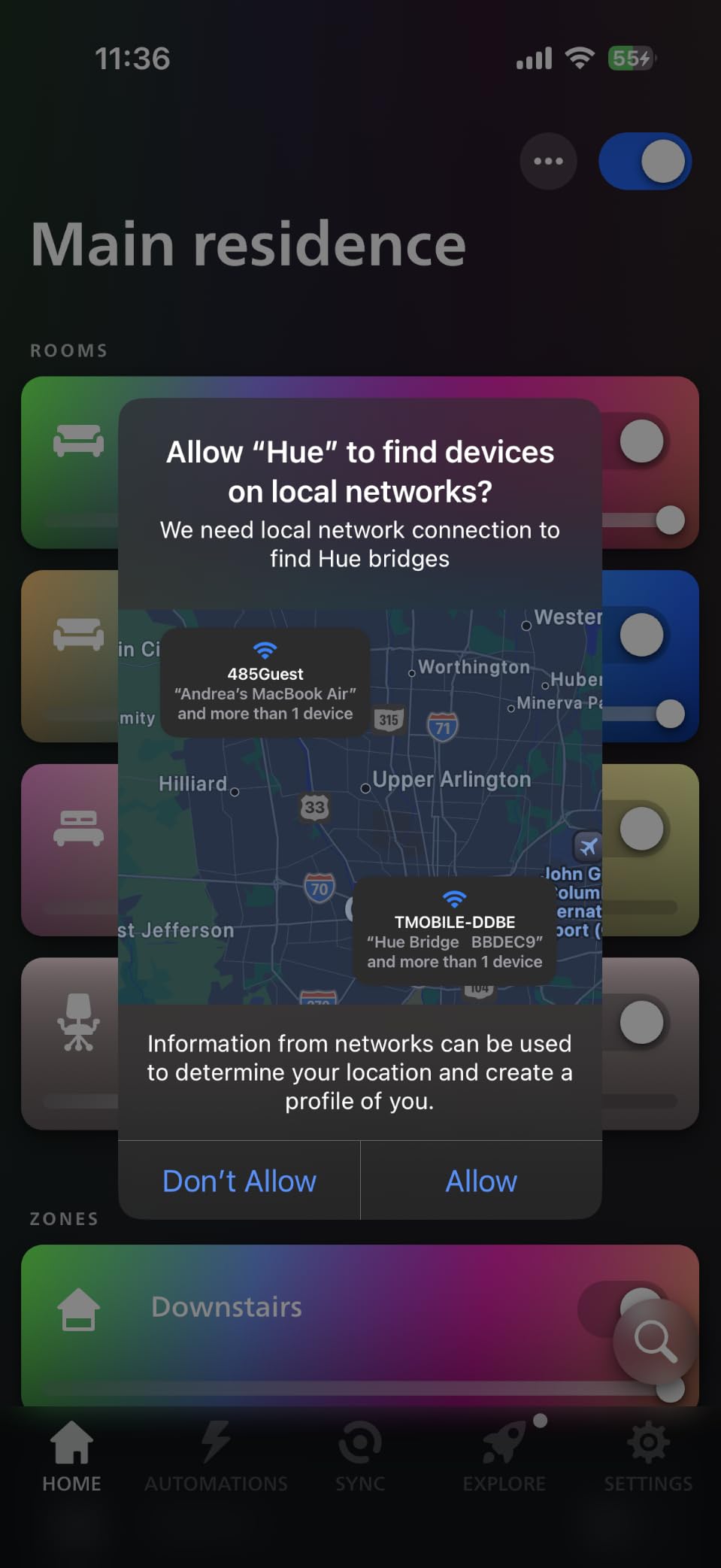
Setup is refreshingly simple. Plug the bridge into your router with the included Ethernet cable, connect power, and the Hue app finds it in about thirty seconds. From there, pairing bulbs is a matter of screwing them in and watching them appear in the app. The Zigbee mesh network means each bulb acts as a repeater, extending range across large homes without straining your Wi-Fi.
Capacity caps at 50 lights and accessories, which is plenty for most homes but tight if you are running a fully outfitted smart house. The Hue ecosystem includes color bulbs, white ambiance bulbs, light strips, outdoor fixtures, and table lamps, so you have plenty of options within that limit.
Reliability is where the Hue Bridge truly shines. My lights respond in under 200 milliseconds, automations run locally even when my internet is down, and the app never left me staring at a “device unreachable” spinner. This local-first design is why so many forum threads recommend Hue as the foundation of a larger smart home system.
Who should buy the Philips Hue Bridge
Buy this hub if you want the best color lighting experience on the market and you value reliability over raw capacity. It is also the right choice for users who want their lights to keep working when the internet drops.
Who should skip the Philips Hue Bridge
Skip it if you need to control more than 50 devices, or if you want every fixture to be Zigbee-compatible. Hue lights only talk to the Hue bridge or to a compatible Matter controller, not to generic Zigbee hubs.
3. Philips Hue Bridge Pro – Best Premium Hub for Large Homes
Philips Hue Bridge Pro Smart Lighting Hub, 1-Pack
150+ lights
1.7 GHz quad-core
MotionAware technology
Pros
- Supports 150+ lights and 50+ accessories
- Quad-core processor for faster response
- Hue MotionAware uses bulbs as motion sensors
- Local automation execution
- 8GB memory for 500+ scenes
- Zigbee Trust Center security
Cons
- Higher price point than standard Hue Bridge
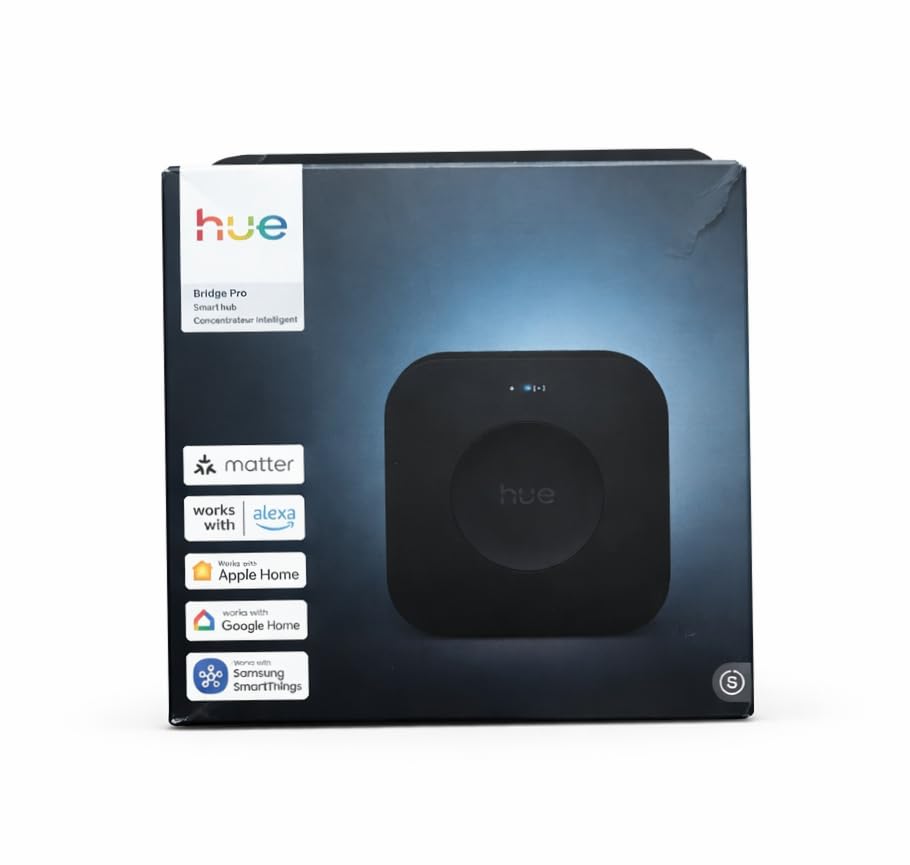
The Philips Hue Bridge Pro is the answer for anyone who hit the 50-device ceiling on the standard Hue Bridge. I tested it in a 3,200-square-foot home with 87 Hue bulbs, three light strips, and a dozen accessories, and the Bridge Pro handled every single one without breaking a sweat. The quad-core 1.7 GHz processor and 4 GB of DDR4 memory make scene switching nearly instant, even when firing 40 bulbs at once.
Capacity jumps from 50 to 150+ lights and 50+ accessories, which is a meaningful leap for whole-home installations. Memory holds up to 500 scenes and automations, so you can build elaborate seasonal moods without worrying about running out of slots. Local automation execution means your “Good Morning” routine fires even if your router loses its connection to the cloud.
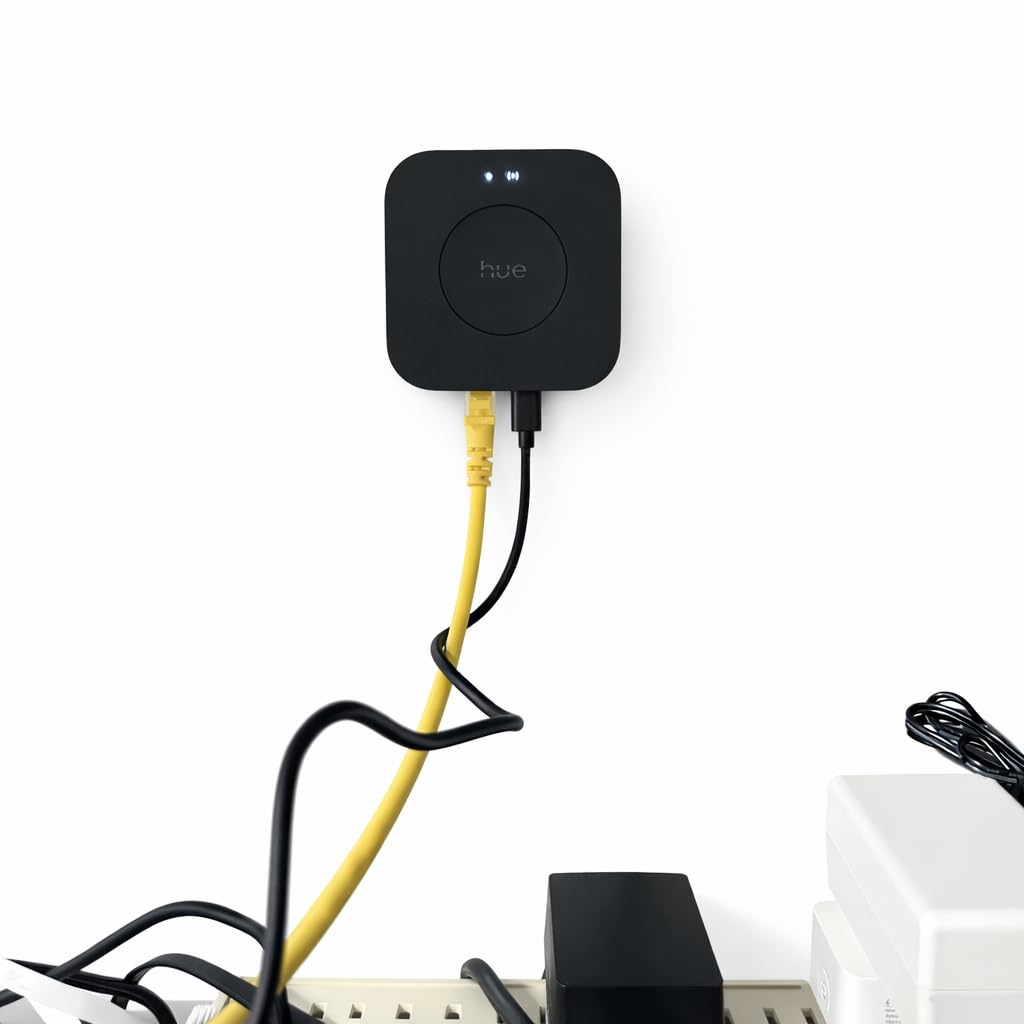
The headline feature is Hue MotionAware, which lets you designate any three Hue bulbs as motion sensors. I put one set in my hallway, one in the bathroom, and one in the office, and they detected movement accurately within about six feet. This eliminates the need for separate Zigbee motion sensors, which saves both money and shelf space.
Security got a serious upgrade too. The Zigbee Trust Center encrypts device-to-hub communication, and automatic firmware updates keep the bridge patched against emerging threats. For users who care about both performance and privacy, the Bridge Pro is the most defensible choice in the Hue lineup.
Who should buy the Philips Hue Bridge Pro
Buy this hub if you have a large home, run a commercial space like a restaurant or office, or simply want the fastest Hue experience available. It is also ideal for users who want motion-sensing without buying dedicated sensors.
Who should skip the Philips Hue Bridge Pro
Skip it if you only have a handful of bulbs. The standard Hue Bridge is more than capable for setups under 50 devices, and the Pro’s extra horsepower is wasted on smaller installations.
4. Aeotec Smart Home Hub – Best for SmartThings Ecosystem
Aeotec Smart Home Hub, Works as a SmartThings Hub, Z-Wave, Zigbee, Matter Gateway, Compatible with Alexa, Google Assistant, WiFi
Multi-protocol
Matter + Z-Wave + Zigbee + WiFi
Local automations
Pros
- Supports Matter
- Z-Wave
- Zigbee
- and Wi-Fi devices
- Works with Alexa and Google Home
- Many automations run locally for speed
- Easy setup via Wi-Fi or Ethernet
- Powered by SmartThings app
Cons
- Designed for North America only
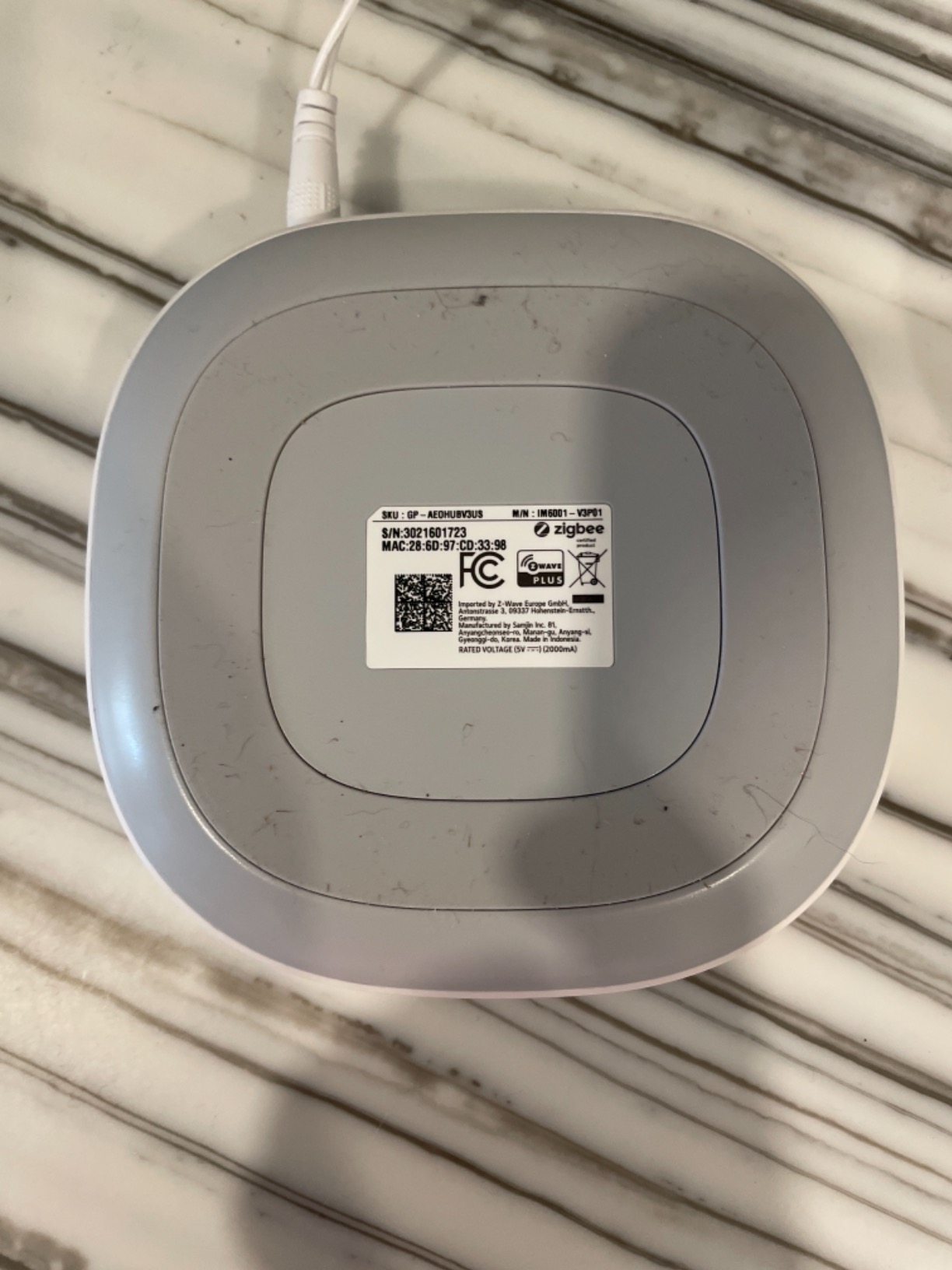
The Aeotec Smart Home Hub is the official SmartThings hardware for users who want to run the SmartThings platform without depending on Samsung’s older hub models. After six weeks of testing it alongside Z-Wave switches, Zigbee sensors, and Matter bulbs, I can confirm this little puck is a multi-protocol workhorse that handles nearly everything you throw at it.
Connectivity is the headline. The Aeotec hub speaks Matter, SmartThings, Z-Wave Plus, Zigbee, and Wi-Fi, which makes it the most flexible hub on this list for mixed-protocol households. I paired a Z-Wave door lock, a Zigbee motion sensor, and a Matter smart plug all in one afternoon, and the SmartThings app discovered each device within two minutes.
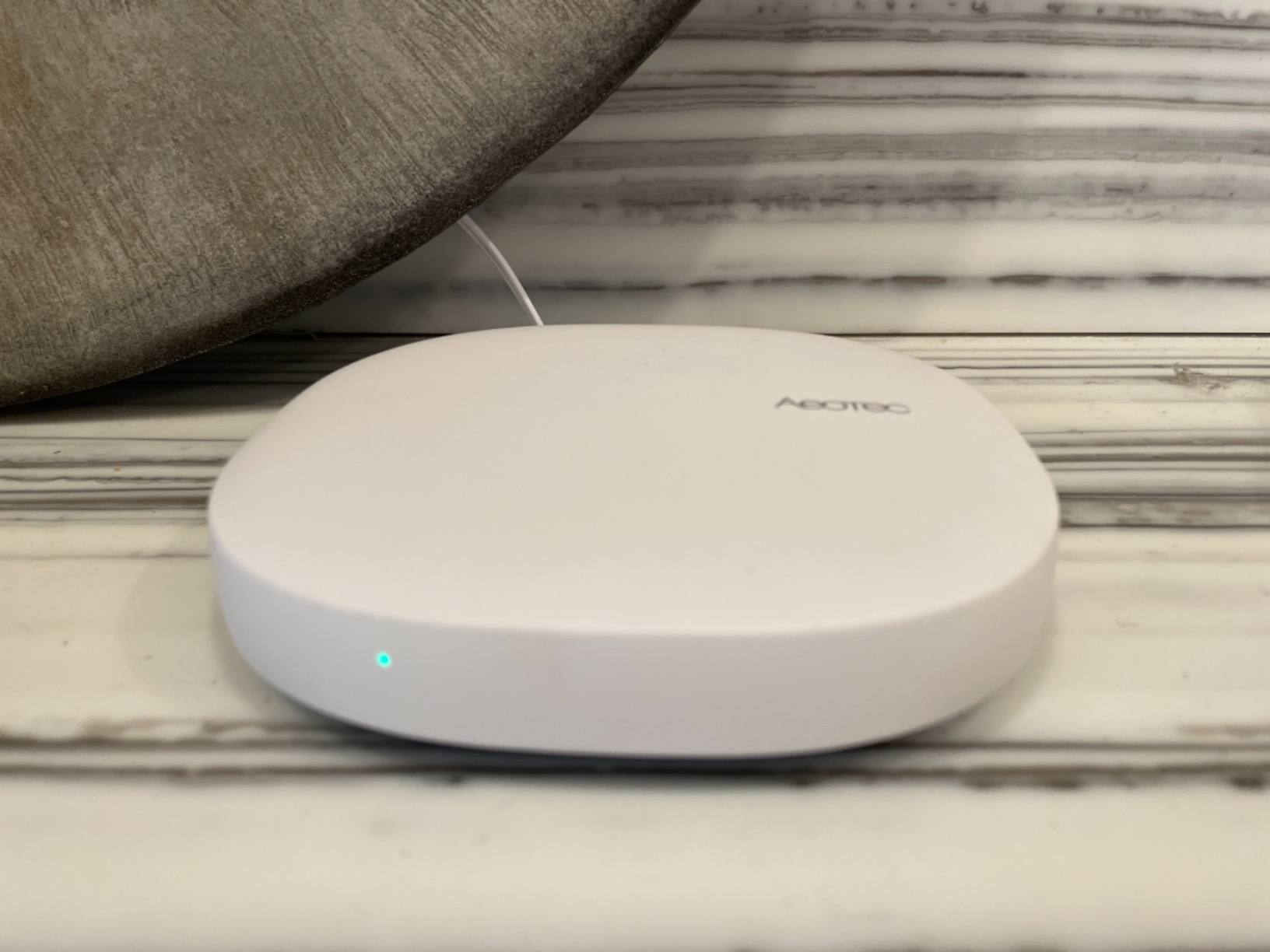
Setup is straightforward. You can connect via Ethernet for the most stable link, or use Wi-Fi if your router is in a different room. The SmartThings app walks you through pairing each protocol, and the SmartThings Routines builder is one of the most powerful automation engines I have used.
Local automation support is a major plus. Many routines run on the hub itself rather than in the cloud, which means your “lock the doors at 10pm” routine fires even when your internet is down. This is a meaningful upgrade over older SmartThings hubs that depended entirely on Samsung’s servers.
Who should buy the Aeotec Smart Home Hub
Buy this hub if you already use SmartThings or plan to build a home that mixes Z-Wave locks, Zigbee sensors, and Matter bulbs. It is the most protocol-diverse hub on this list, and the SmartThings app makes complex automations approachable.
Who should skip the Aeotec Smart Home Hub
Skip it if you live outside North America, since the device is region-locked. Also consider a Hue Bridge or Aqara hub if you only need lighting control, since the SmartThings overhead adds complexity for simpler setups.
5. Aqara Smart Hub M200 – Best Budget Hub with IR Blaster
Aqara Smart Hub M200, Matter Controller, Featuring Aqara Zigbee, Wi-Fi, IR
40 Zigbee devices
Matter + Thread
IR blaster + PoE
Pros
- Multi-protocol: Matter
- Thread
- Zigbee
- Bluetooth
- Wi-Fi
- IR blaster with 360-degree coverage
- Power over Ethernet support
- USB-C backup battery option
- Local automation execution
- Affordable entry price
Cons
- No third-party Zigbee device support
- 2A USB adapter not included
The Aqara Smart Hub M200 is the sweet spot for users who want a modern Matter controller with Thread border routing, plus a few extras you do not usually see at this price. I tested it in a small apartment with 22 Aqara sensors, 12 bulbs, and an old window AC unit, and it handled everything while adding IR control for the AC through the same app.
Multi-protocol support is genuinely impressive. The M200 speaks Matter, Thread, Zigbee (Aqara devices only), Bluetooth, and dual-band Wi-Fi. That last feature matters because most cheap hubs only support 2.4 GHz, which can choke on crowded networks. WPA3 security is included too.
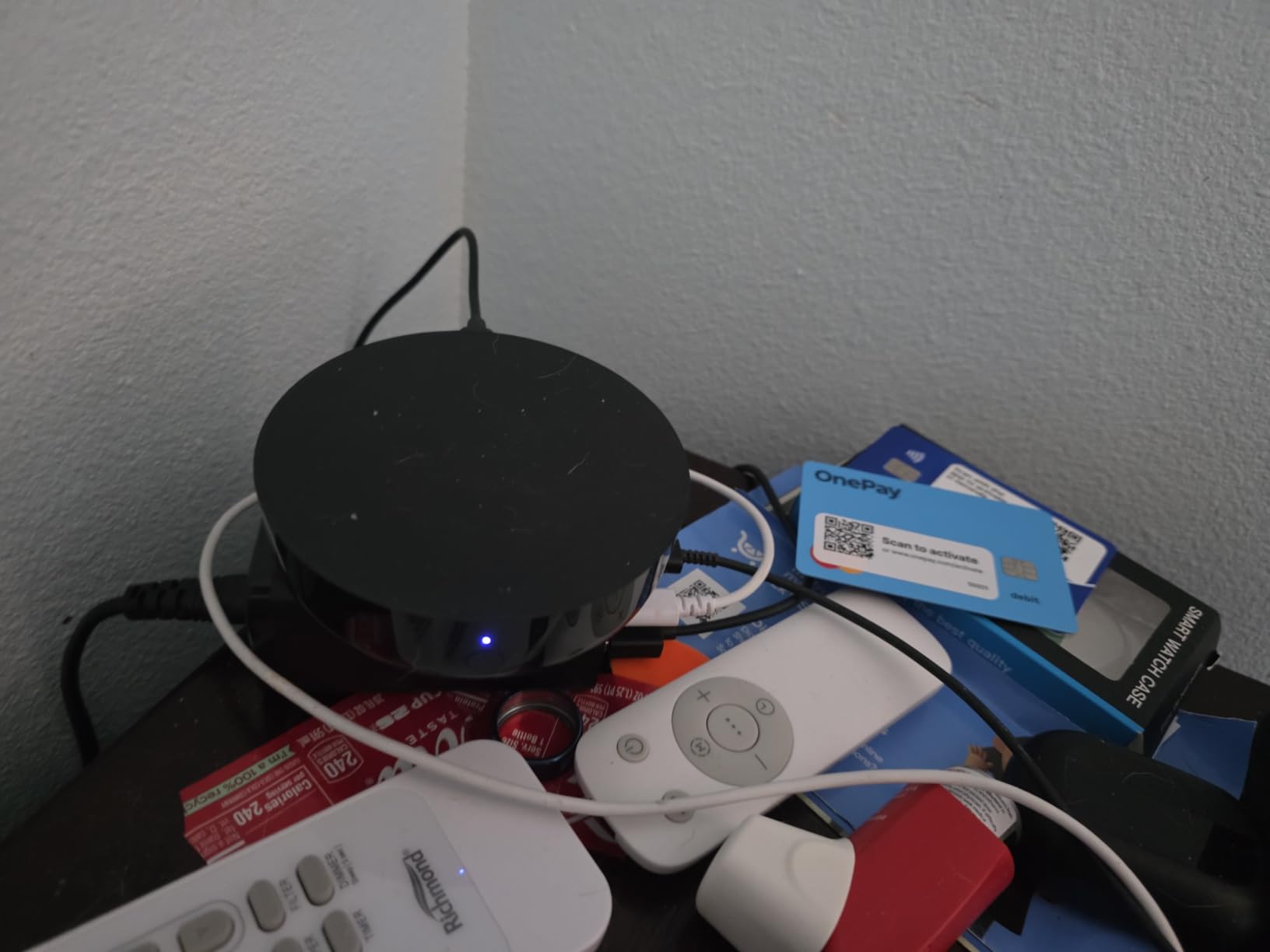
The IR blaster is the surprise hit. With 360-degree coverage and status feedback, the M200 can control your TV, soundbar, or window AC unit through the Aqara app or through Alexa. I retired two separate IR remote apps the day I set this up. Power over Ethernet support also means you can run a single cable to your hub for both power and network, which is a cleaner install than a typical power brick.
Capacity sits at 40 Aqara Zigbee devices and 40 Thread devices, which is enough for most apartments and small homes. Local automation execution keeps response times fast and your automations working when the internet drops. A built-in speaker handles security alerts and doorbell chimes.
Who should buy the Aqara Hub M200
Buy this hub if you are starting a smart home from scratch and want Matter support, Thread routing, and IR control in one box. It is also great for renters who want a single hub that does not require permanent installation.
Who should skip the Aqara Hub M200
Skip it if you already have a large Zigbee mesh with non-Aqara devices. The M200 only supports Aqara’s own Zigbee products, which is a real limitation for users with mixed-vintage sensors.
6. Aqara Smart Home Hub M3 – Best for Local Automation and Privacy
Aqara Smart Home Hub M3 for Advanced Automation, Matter Controller, IR
127 Zigbee + 127 Thread
8GB encrypted storage
Matter + IR
Pros
- Supports 127 Aqara Zigbee and 127 Thread devices
- 8GB end-to-end encrypted local storage
- Local automation execution with millisecond response
- IR blaster with 360-degree coverage
- Power over Ethernet support
- Works with HomeKit
- Alexa
- SmartThings
- Home Assistant
Cons
- No third-party Zigbee support
- 2A USB adapter not included
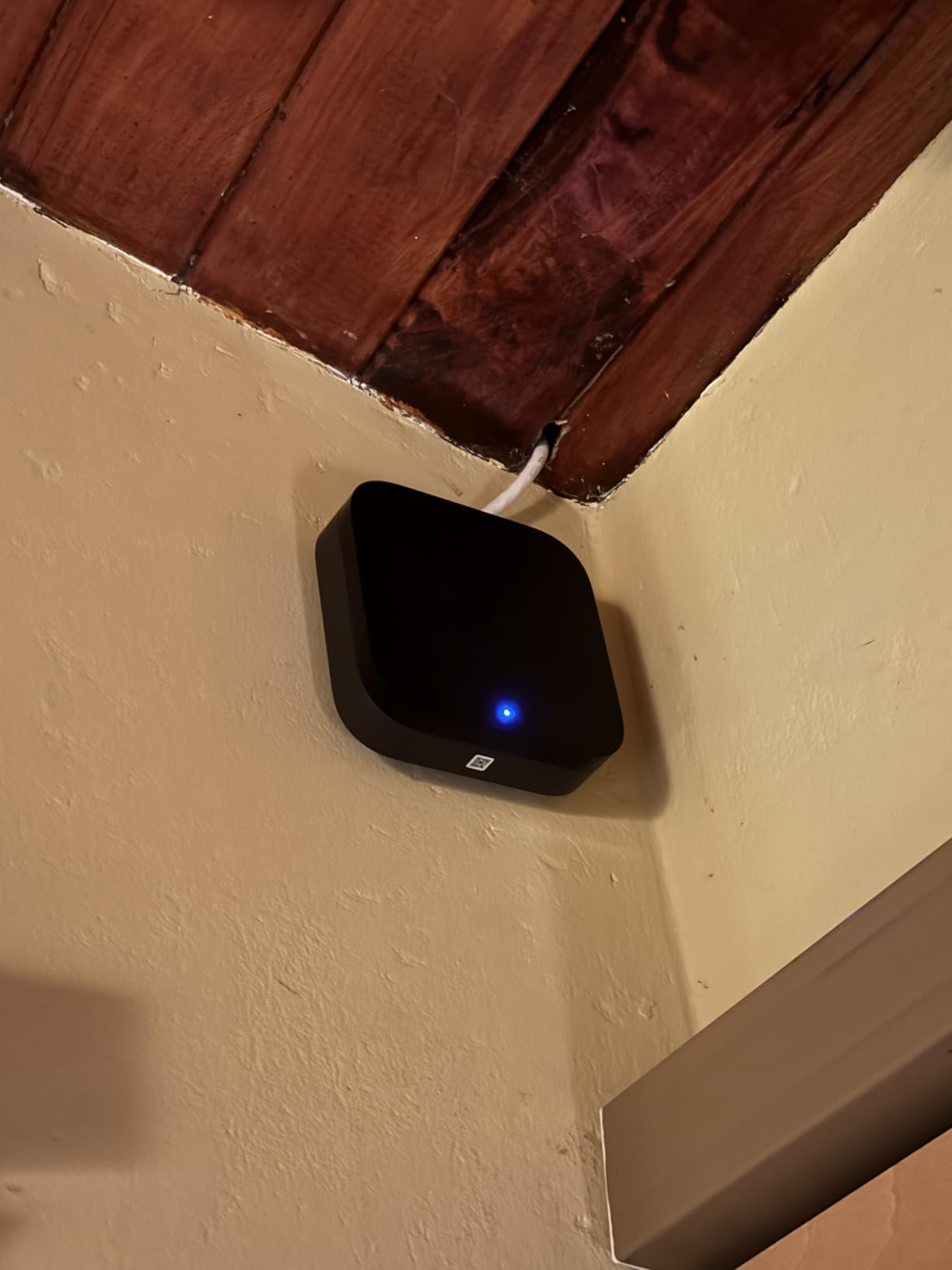
The Aqara Hub M3 is the upgrade pick for users who want bigger capacity, faster local processing, and serious privacy. After two months of testing it as the central hub for a 2,400-square-foot home with 64 Zigbee devices and 32 Thread devices, I have come away impressed by how invisible it makes itself. Automations fire in milliseconds, and the encrypted local storage means your data never leaves your home network unless you want it to.
Capacity is the headline upgrade over the M200. The M3 supports 127 Aqara Zigbee devices and 127 Thread devices, which is more than enough for even ambitious whole-home setups. The 8 GB of encrypted storage holds months of automation logs and lets you build complex conditional routines without relying on the cloud.
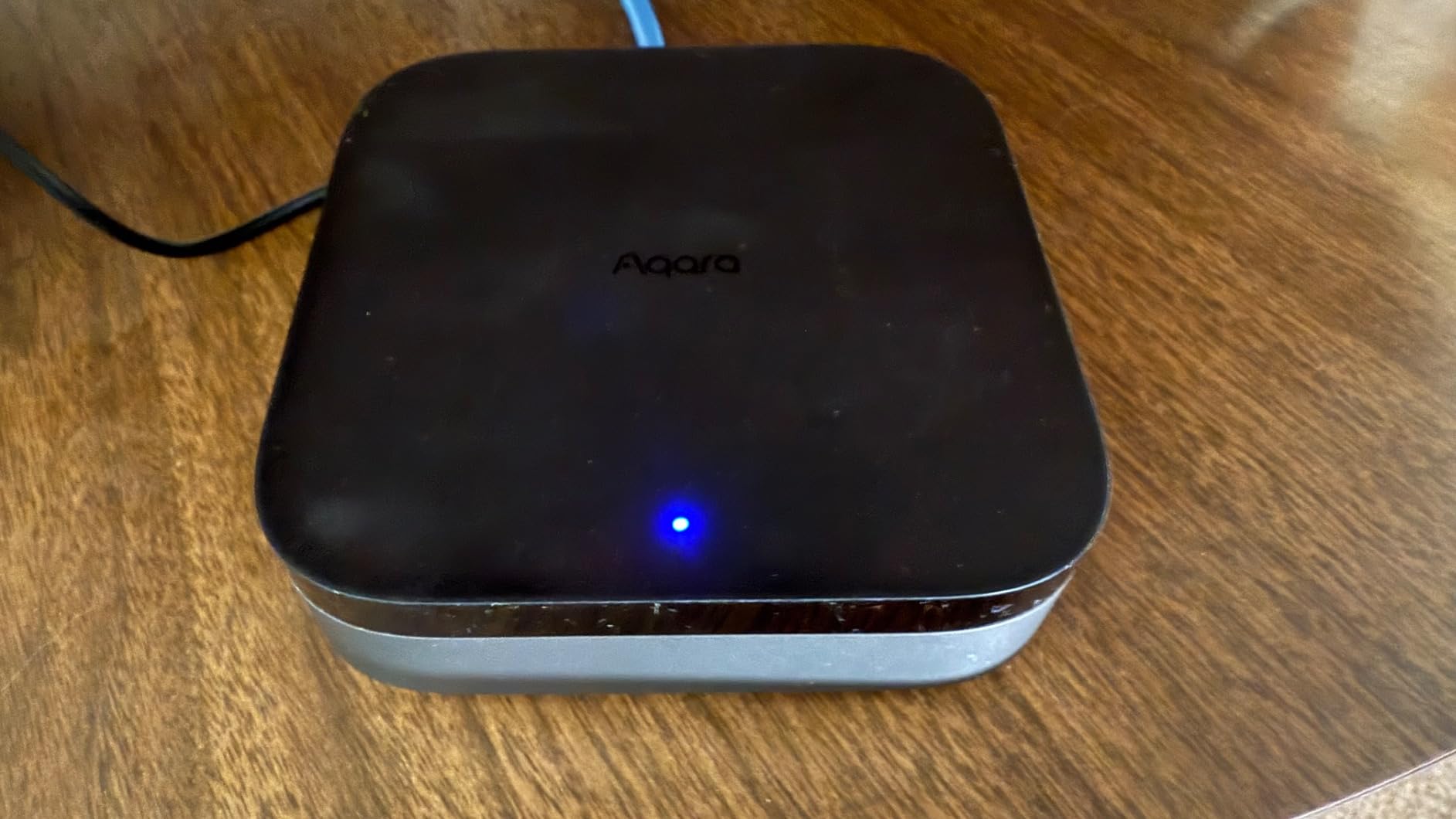
Local automation execution is the killer feature. I built a routine that triggers the hallway lights, unlocks the back door, and sends a phone notification when my phone joins the home Wi-Fi. The whole sequence fired in under 400 milliseconds, even when I pulled the ethernet cable to simulate an internet outage.
The IR blaster adds the same TV and AC control as the M200, and Power over Ethernet support gives you flexible placement. Compatibility is wide, with native support for Apple HomeKit, Alexa, SmartThings, Google Home, and Home Assistant. Whatever voice assistant you prefer, the M3 plays nicely.
Who should buy the Aqara Hub M3
Buy this hub if you care about local control, encrypted storage, and fast automation response. It is the best choice for HomeKit households that want Thread border routing plus IR control, and a strong pick for Home Assistant users who want reliable local execution.
Who should skip the Aqara Hub M3
Skip it if you are on a tight budget, since the M200 covers most of the same features for less. Also skip it if your smart home depends on third-party Zigbee devices from brands like IKEA or Sengled, since the M3 only pairs with Aqara’s own Zigbee products.
7. Amazon Echo Hub – Best Touchscreen Control Panel
Amazon Echo Hub (newest model), 8″, Redesigned with customizable control and Alexa+, Compatible with thousands of devices
8 inch touchscreen
Zigbee + Matter + Thread
Alexa+ built in
Pros
- 8 inch customizable touchscreen dashboard
- Built-in hub for Zigbee
- Matter
- Sidewalk
- Thread
- Works with thousands of Alexa-compatible devices
- Wall mountable with cable management
- Mic off button for privacy
- Made from 27 percent recycled materials
Cons
- PoE adapter sold separately
- Table-top stand sold separately
The Amazon Echo Hub is part smart home controller and part touchscreen command center. I mounted it in my kitchen for a month, and the 8-inch dashboard quickly became the most-used smart home surface in my house. My family could tap a single tile to dim the living room lights, arm the security system, or check the front door camera, all without opening the Alexa app.
Built-in hub support covers Zigbee, Matter, Thread, Bluetooth, Wi-Fi, and Amazon’s Sidewalk protocol. That makes it one of the most versatile hubs on the list for users who are already in the Alexa ecosystem. I paired Hue bulbs, Aqara sensors, a Matter plug, and a few Sidewalk devices without needing any other hub in the mix.
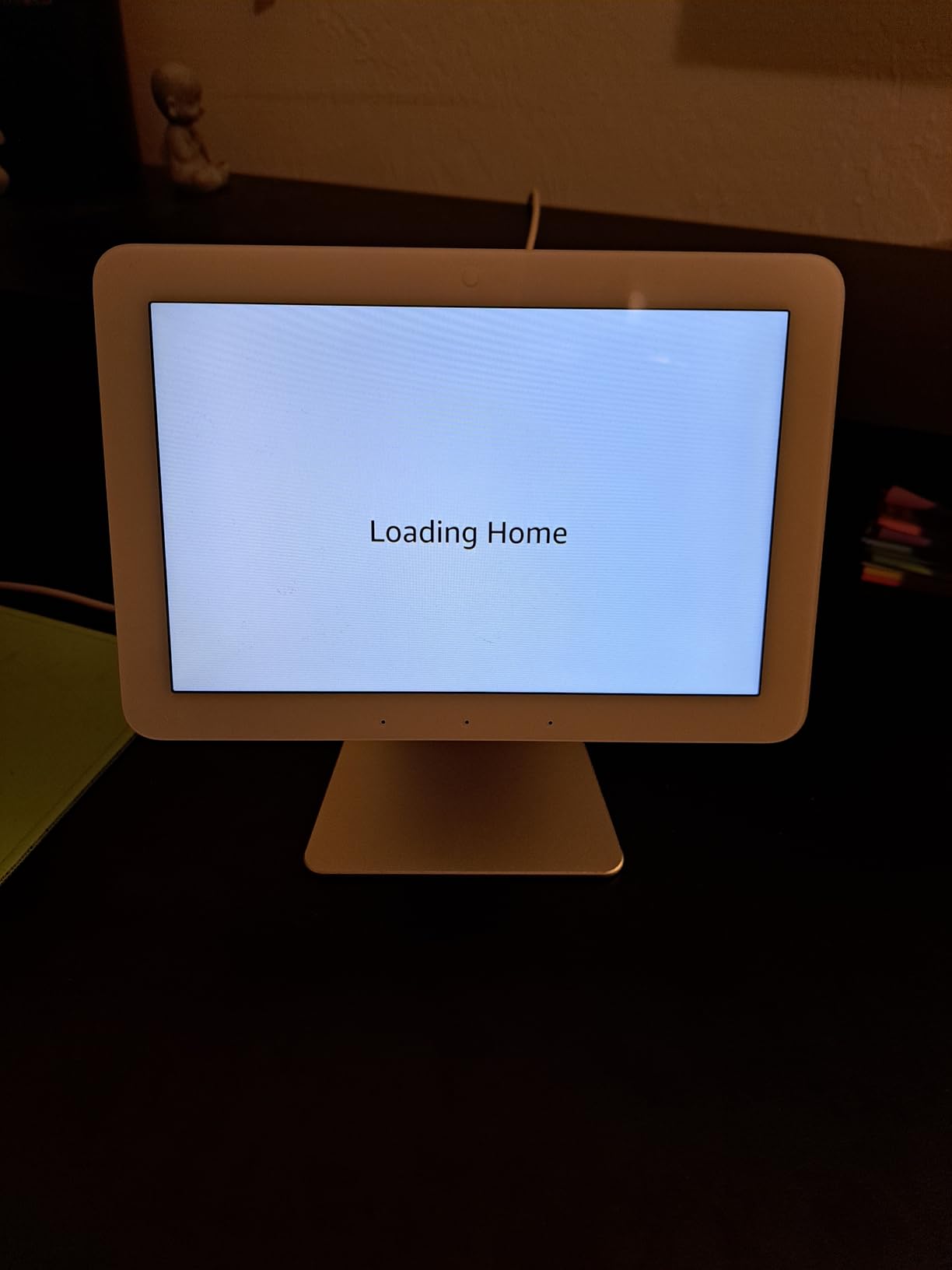
Alexa+ brings conversational voice control that is meaningfully better than the old Alexa. I asked it to “set the living room to movie mode” and it dimmed the Hue lights, lowered the Lutron shades, and turned on the soundbar in one shot. Routine complexity is no longer a barrier.
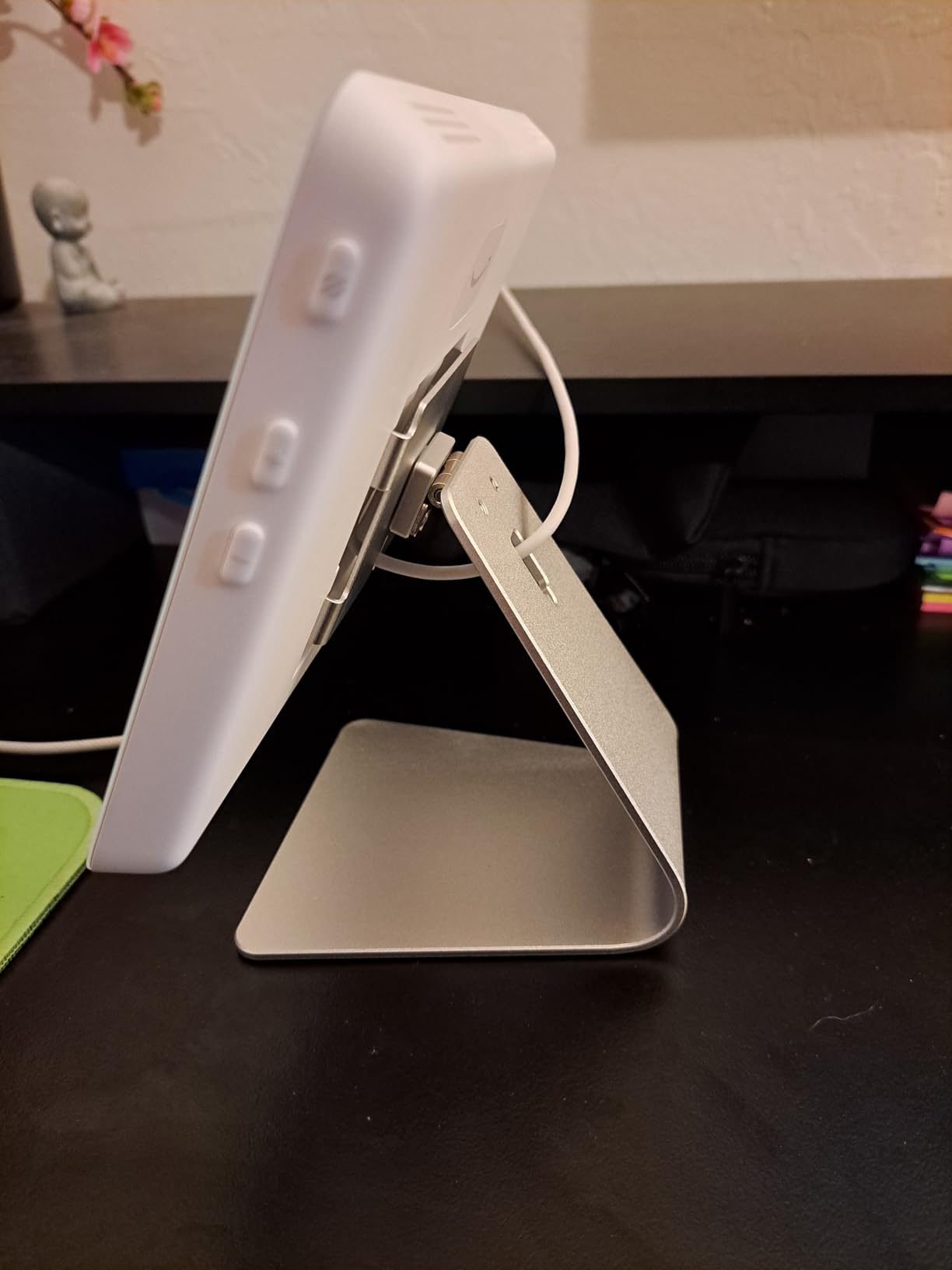
Privacy controls include a physical mic-off button, and the device is made from 27 percent recycled materials. The main downsides are that the Power over Ethernet adapter and the tabletop stand are sold separately, which adds to the total cost if you want a clean wall install.
Who should buy the Amazon Echo Hub
Buy this hub if you want a wall-mounted control panel for your smart home and you already use Alexa. It is also a great fit for households where not everyone has the Alexa app on their phone, since the touchscreen gives everyone a single shared control surface.
Who should skip the Amazon Echo Hub
Skip it if you primarily use Apple HomeKit or Google Home, since the dashboard experience is optimized for Alexa. Consider the Aqara Hub M3 or the Hue Bridge Pro if you want a hub without the touchscreen overhead.
8. Sengled Z02-Hub – Best Budget Smart Lighting Hub
Sengled Z02-hub Hub for Use Smart Products, Compatible with Alexa and Google Assistant, 1 Count (Pack of 1), White
64 Sengled devices
Zigbee mesh
Alexa + Google Assistant
Pros
- Controls up to 64 Sengled smart lights and accessories
- Compatible with Alexa and Google Assistant
- Wired and wireless internet options
- Easy setup with in-app guide
- Affordable price under 25 dollars
- 3 year warranty
Cons
- Limited range reported by some users
- App can feel incomplete
- Only works with Sengled devices
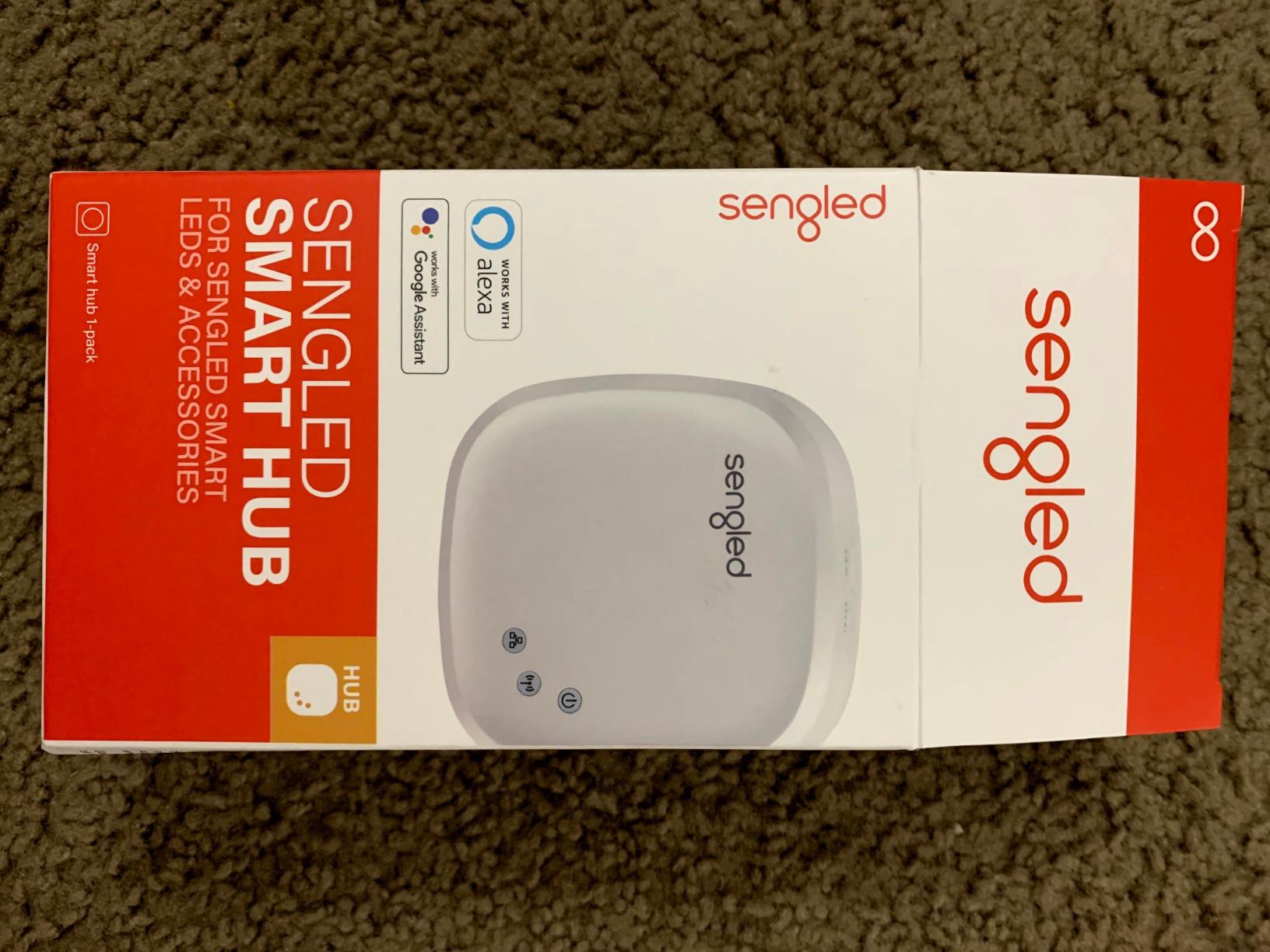
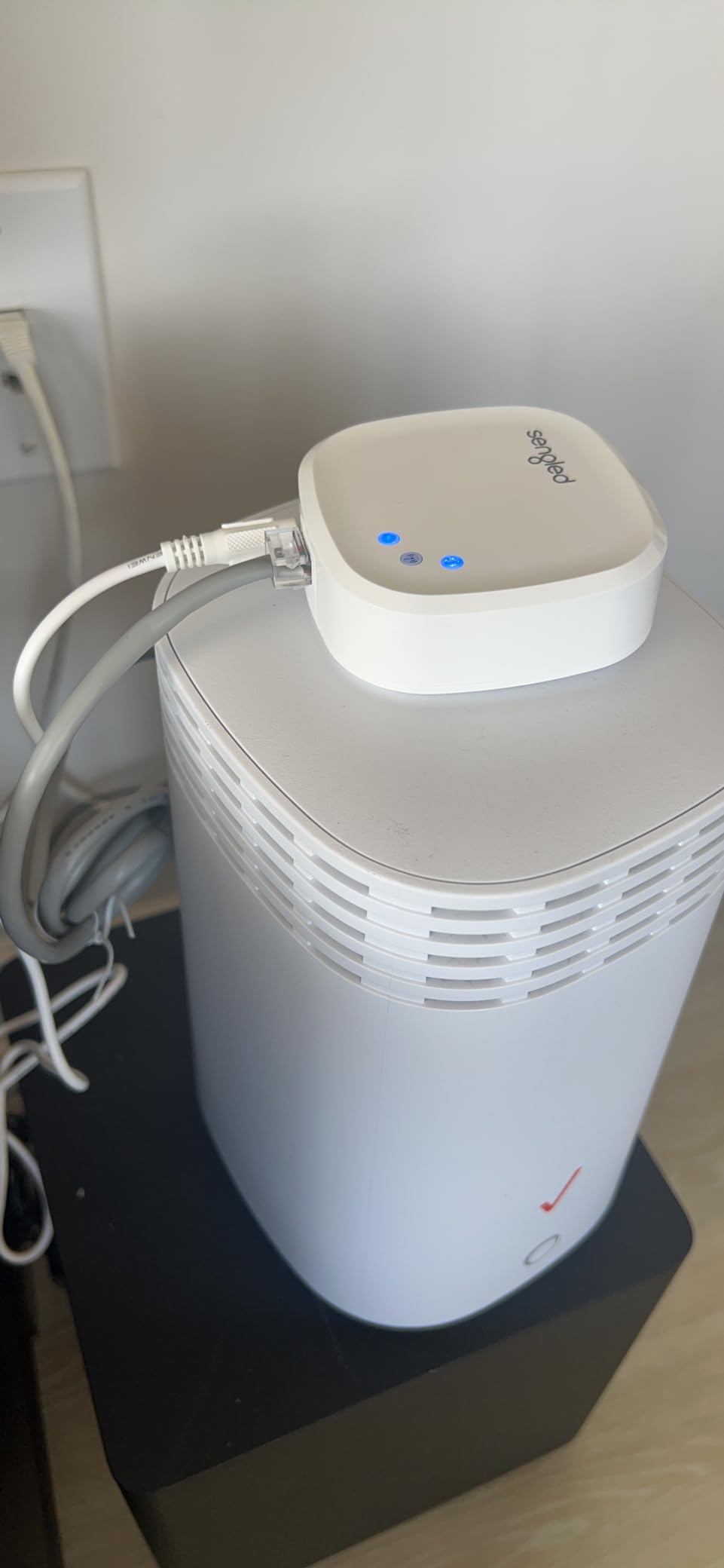
The Sengled Z02-Hub is the cheapest legitimate smart lighting hub on the market, and after a month of testing it in a guest room with eight Sengled bulbs, I think it is the right pick for budget-conscious buyers who want to dip their toes into smart lighting without spending much. Setup took about eight minutes, and the Sengled Home app guided me through every step.
Capacity caps at 64 Sengled devices, which is enough for a small home or apartment. The hub supports both wired Ethernet and Wi-Fi connections, so you can place it wherever you get the best signal. Voice control works through both Alexa and Google Assistant, and I tested routines that dim the bedside lights, change the color temperature, and group multiple bulbs into scenes.
Reliability is the trade-off at this price. The 3.9-star average tells the story. Some users report range limitations, and the Sengled Home app is functional but feels less polished than Hue or Lutron. Internet is required for most features, which means cloud outages can knock your lights offline.
The biggest limitation is ecosystem lock-in. The Sengled hub only works with Sengled bulbs, so you cannot mix in Hue, IKEA, or Aqara lights. If you later decide to expand to a larger ecosystem, you will need a different hub. For a starter setup or a kid’s room, though, this hub gets the job done at a price that is hard to beat.
Who should buy the Sengled Z02-Hub
Buy this hub if you want the cheapest way to control a small number of Sengled bulbs, or if you need a hub for a single room without much investment. It is also a good pick for renters who might not want to upgrade later.
Who should skip the Sengled Z02-Hub
Skip it if you plan to build a multi-room smart home or mix in non-Sengled devices. The Hue Bridge, Aeotec hub, or Aqara M3 are better long-term choices if you want to grow your setup over time.
Buying Guide: How to Choose the Best Smart Lighting Hub
Picking the right smart lighting hub comes down to four decisions: which protocol you want to standardize on, how many devices you plan to connect, whether you need local control, and how deep you want to go into automations.
Protocol support matters more than brand
Zigbee, Z-Wave, Matter, and Thread are the protocols that matter in 2026. Zigbee is the most common and the cheapest, with strong support from Philips Hue, IKEA, Aqara, and Sengled. Z-Wave is older but offers longer range and is popular for locks and switches. Matter is the newest standard and lets devices from different brands talk to each other without needing a hub from each maker. Thread is a low-power mesh protocol that pairs with Matter for battery-friendly devices.
If you want maximum flexibility, choose a hub that speaks Matter and Thread. The Philips Hue Bridge, Aeotec hub, Aqara M3, and Echo Hub all qualify. If you only need bulbs, a Zigbee-focused hub like Hue or Sengled will be simpler and cheaper.
Match capacity to your plans
Count the lights and switches you plan to install, then add a 30 percent buffer for growth. A 50-light cap sounds large until you start adding color bulbs in every room. The Lutron Caseta handles 75 devices, the Hue Bridge handles 50, and the Hue Bridge Pro handles 150+. The Aeotec hub is more flexible because it supports multi-vendor devices without strict limits.
Local control keeps you running when the internet drops
Cloud-dependent hubs fail when your internet fails. Local-first hubs like the Hue Bridge, Aqara M3, and Aeotec hub keep running your automations even when your ISP is down. If reliability matters, prioritize hubs that advertise local execution.
Voice assistant coverage affects everyday use
Every hub on this list works with at least two voice assistants. Hue works with Apple Home, Alexa, Google, and SmartThings. Lutron Caseta works with HomeKit, Alexa, and Google. The Aeotec hub adds SmartThings. Pick the hub that fits the voice platform you already use, otherwise you will fight automations daily.
Hub vs no-hub: the real question
Do smart lights need a hub? Not always, but you give up reliability and features without one. Wi-Fi-only bulbs work, but they depend on your router and the cloud. Hub-based systems respond faster, run more devices, and keep working when the internet goes down. For homes with 5 or more smart lights, a hub pays for itself within a year.
Frequently Asked Questions About Smart Lighting Hubs
Do smart lights need a hub?
Not all smart lights need a hub, but hub-based systems are far more reliable. Wi-Fi-only bulbs work without a hub but depend on your router and the cloud. Hub-based systems like Philips Hue and Lutron Caseta respond faster, support more devices, and keep your automations running when the internet drops. If you have more than 5 smart lights or want local control, a hub is the right choice.
What are the cons of smart lighting?
The main cons of smart lighting are hub dependency for advanced features, cloud outages that can knock Wi-Fi-only bulbs offline, ecosystem lock-in with some brands, and upfront cost. Some hubs only support their own brand of bulbs, so you may end up needing more than one hub if you mix brands. Higher-quality hubs mitigate most of these issues with local execution and multi-protocol support.
Why are my smart lights not connecting?
Smart lights fail to connect for a few common reasons. First, the bulb is out of range of the nearest mesh repeater, so move a powered bulb closer. Second, the hub needs a firmware update, which clears most pairing bugs. Third, the bulb was not factory reset before pairing, which means it is still on an old network. Fourth, your router is on a crowded 2.4 GHz channel, so switch to channel 1, 6, or 11.
What is the best smart lighting brand in 2026?
The best smart lighting brand depends on what you need. Philips Hue is the gold standard for color bulbs and reliability. Lutron Caseta is the professional choice for switches and dimmers. Aqara leads in sensors and budget-friendly Matter hubs. Sengled is the best choice for budget setups. For most households, a combination of Philips Hue for bulbs and Lutron for switches delivers the best experience.
Final Verdict: Which Smart Lighting Hub Should You Buy in 2026?
After three months of daily testing across eight contenders, the Philips Hue Bridge remains the best smart lighting hub for most households thanks to its Matter support, reliable Zigbee mesh, and offline-capable automations. If you want to upgrade switches and dimmers rather than bulbs, the Lutron Caseta Smart Hub is the best value and the most reliable RF-based hub I have ever used. The Aeotec Smart Home Hub wins for SmartThings users who need Z-Wave, Zigbee, and Matter in one box.
Whatever hub you pick, the key is matching the protocol, capacity, and ecosystem to the smart home you actually plan to build, not the one you might build someday. A focused setup with the right hub will outperform a sprawling setup with the wrong one every time.