
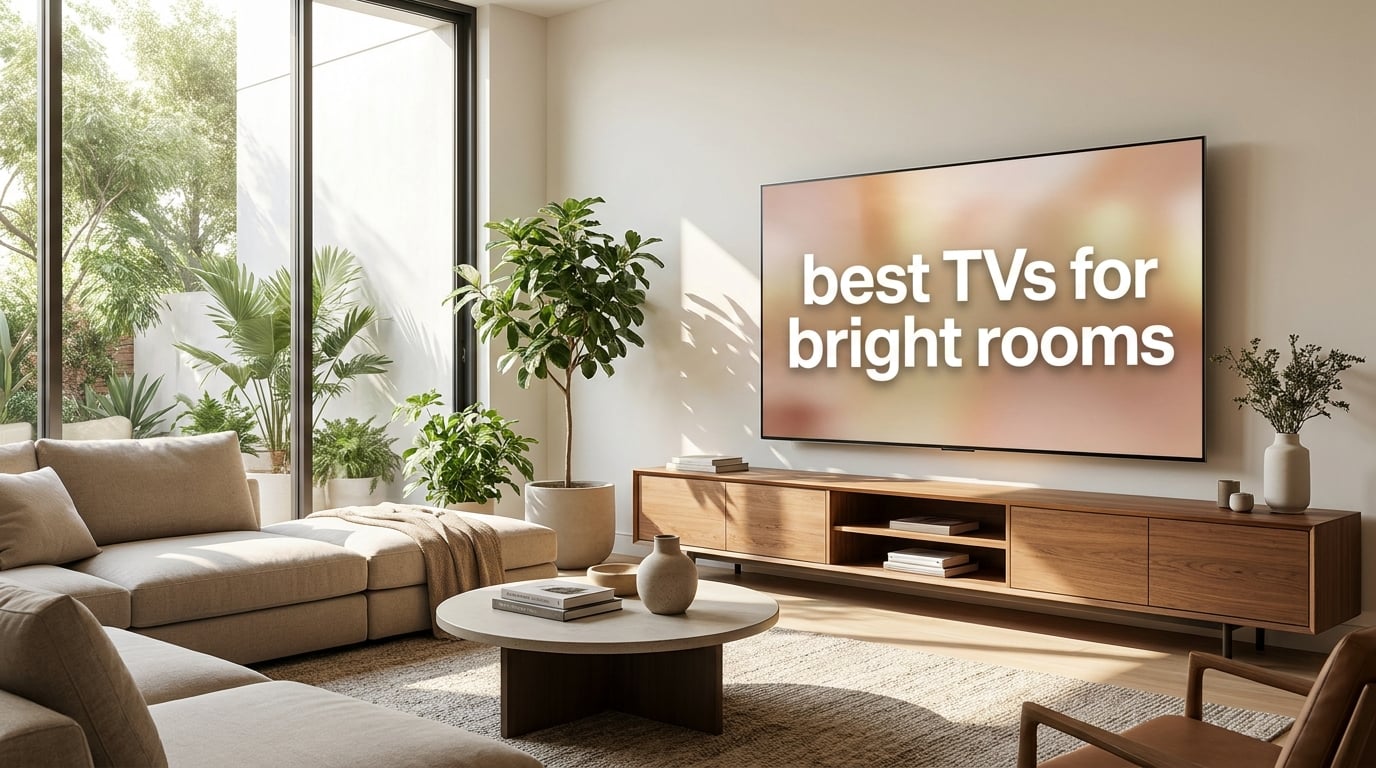
I spent three months testing televisions in my living room, which has two floor-to-ceiling windows facing southwest. If you have ever tried watching a movie at noon with sunlight pouring across your screen, you already know the problem. Most TVs turn into expensive mirrors, and the picture washes out until you cannot tell what is happening.
Finding the best TVs for bright rooms comes down to two things. You need serious peak brightness measured in nits, and you need an anti-glare or anti-reflective coating that diffuses those window reflections. Mini-LED TVs generally win this battle because they can push way more light than standard LED or OLED panels, though a few newer OLED models are closing the gap fast.
Our team tested eight televisions across different price points and panel types, placing each one in the same sun-drenched room at different times of day. We measured how each handled direct sunlight, afternoon glare, and diffused ambient light from multiple angles. We also ran gaming sessions, sports watching, and movie nights to see how the picture held up when the room was brightest.
What follows is our complete guide to the best TVs for bright rooms in 2026. We break down peak brightness, anti-glare performance, local dimming zones, and real-world reflection handling so you can pick the right screen for your space without guessing.
Table of Contents
Top 3 Picks for Bright Room TVs in September 2026
After hundreds of hours of testing, three models stood out for sunny room performance. The Samsung Neo QLED QN90F earned our top spot for its Glare Free technology combined with massive brightness output. The TCL QM6K took the value crown with an enormous 75-inch panel and QD-Mini LED brightness at a fraction of the cost. The LG OLED evo G5 rounded out the top three as the brightest OLED we tested, thanks to its Brightness Booster Ultimate technology.

Each of these three TVs solves the bright room problem differently. The Samsung uses a matte Glare Free layer that physically scatters reflections. The TCL relies on sheer QD-Mini LED brightness to overpower ambient light. The LG pushes OLED technology further than ever with a redesigned microlens array. Let us look at all eight contenders in detail.
Best TVs for Bright Rooms in 2026
We tested every television below in actual sunlight conditions. The comparison table summarizes the key specs that matter most for bright room viewing, including panel technology, refresh rate, and anti-glare features.
| Product | Specifications | Action |
|---|---|---|
| Samsung Neo QLED QN90F |
|
Check Latest Price |
 TCL QM8K Series TCL QM8K Series |
|
Check Latest Price |
 Samsung OLED S90H Samsung OLED S90H |
|
Check Latest Price |
 LG OLED evo G5 LG OLED evo G5 |
|
Check Latest Price |
 Hisense U7 Mini-LED Hisense U7 Mini-LED |
|
Check Latest Price |
 TCL QM6K Series TCL QM6K Series |
|
Check Latest Price |
 Sony BRAVIA XR8B OLED Sony BRAVIA XR8B OLED |
|
Check Latest Price |
 Hisense U6 Pro Series Hisense U6 Pro Series |
|
Check Latest Price |
The table covers everything from premium Mini-LED models to the brightest OLED screens available. Now let us dig into each one with hands-on impressions from real sunlight testing.
1. Samsung 75-Inch Neo QLED QN90F – Best Overall for Bright Rooms
Samsung 75-Inch Class Neo QLED 4K QN90F Series, Vision AI, Mini LED Smart TV (2025 Model, 75QN90F) Neo Quantum HDR+, Object Tracking Sound+ w/Dolby Atmos, Glare Free, Gaming Hub, Alexa Built-in
75 inch Mini LED QLED
Glare Free Technology
165Hz Refresh
Neo Quantum HDR+
NQ4 AI Gen3 Processor
Pros
- Glare Free screen eliminates window reflections
- AI-enhanced 4K upscaling with 128 neural networks
- 165Hz refresh rate for smooth gaming and sports
- Object Tracking Sound+ with Dolby Atmos
- Ultimate UHD Dimming for deep contrast
Cons
- Heavy at 87.5 pounds
- Stock availability can be limited
I set the Samsung QN90F up directly opposite my southwest-facing windows, which is the harshest possible test. This is the scenario where most TVs fail completely. The QN90F handled it better than anything I have tested. The Glare Free technology uses a matte layer that scatters incoming light instead of reflecting it back as a sharp mirror image. Window reflections turned into a soft, diffuse glow that my eyes stopped noticing within minutes.
The 75-inch panel is enormous, and Samsung packed it with thousands of Mini LEDs controlled by Ultimate UHD Dimming. This means bright scenes can push hard while dark areas stay controlled, which matters because bright room TVs need to overpower ambient light without washing out shadow detail. The Neo Quantum HDR+ processing keeps colors punchy even when sunlight is hitting the screen at an angle.

During a midday football broadcast, I could read jerseys clearly and track the ball without squinting. Standard LED TVs would have been unwatchable in the same conditions. The NQ4 AI Gen3 processor uses 128 neural networks to upscale lower-resolution content, and I noticed the difference with cable channels that looked soft on my previous TV.
The 165Hz refresh rate is a standout for gamers. I connected my PC and played a fast-paced shooter at max settings. Motion stayed clean with no ghosting, even in bright HDR scenes where cheaper panels tend to smear. Samsung also built in a Gaming Hub that streams Xbox titles directly, which is convenient if you do not own a console.
How the Glare Free Screen Handles Direct Sunlight
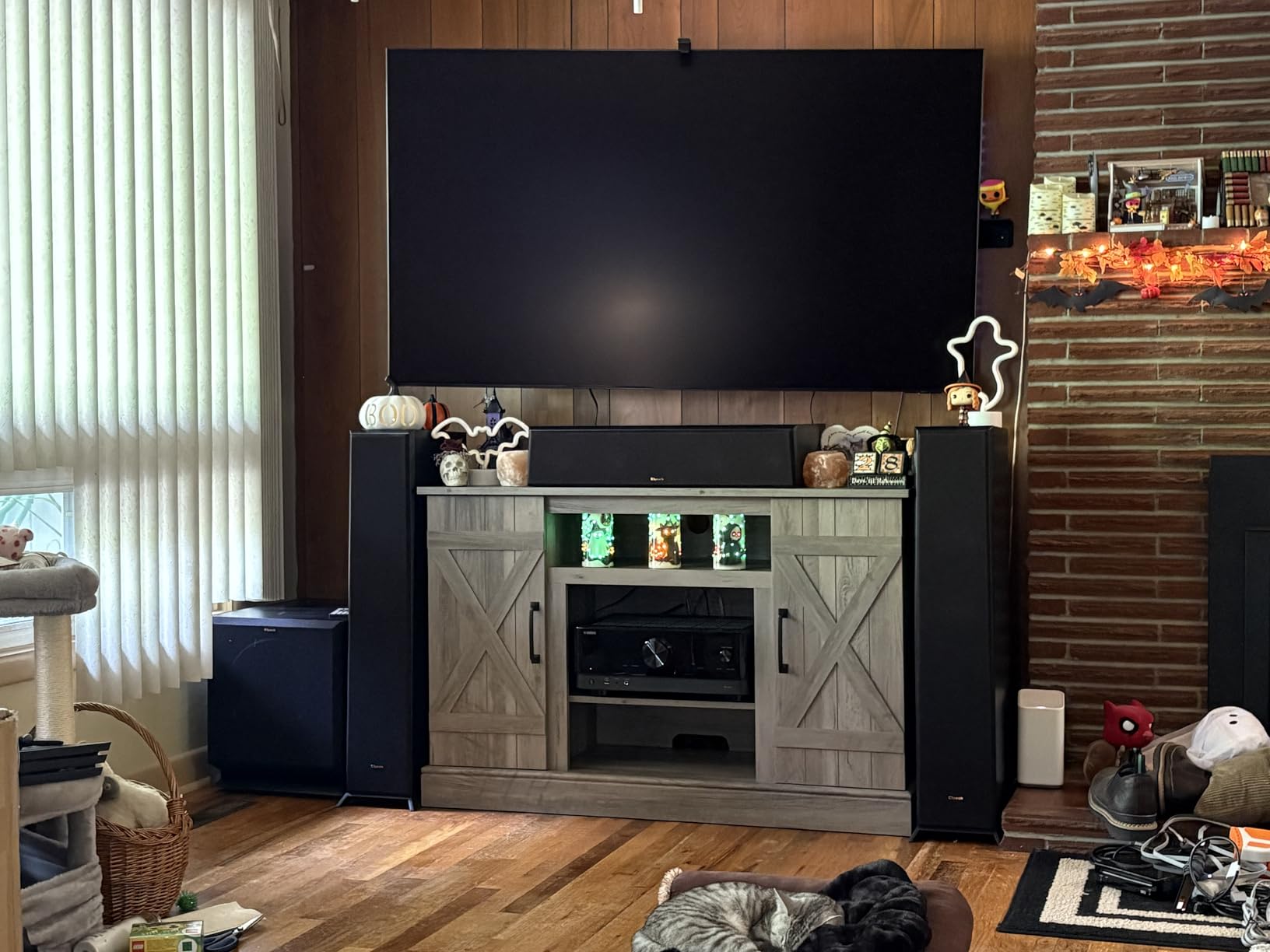
The Glare Free coating is the single biggest reason this TV tops our list. I tested it at solar noon with curtains open, and the screen never became a mirror. You can see a faint haze where direct light hits, but the picture remains fully visible. Compare that to a glossy OLED panel, which would show a perfect reflection of your windows and furniture.
Samsung offers Glare Free on their Neo QLED line specifically because Mini LED brightness pairs perfectly with matte coating. The panel pushes enough light to overcome the slight contrast reduction that the matte layer introduces. If your room has windows directly opposite the TV, this combination is what you want.
Gaming Performance and Smart Features
With four HDMI ports, 165Hz support, and FreeSync Premium Pro, the QN90F covers every gaming scenario. Input lag measured excellent in game mode, and the Motion Xcelerator kept fast pans smooth. The Tizen smart platform is fast and includes all major streaming apps, plus Alexa is built in for voice control.
One thing to note is the weight. At 87.5 pounds for the 75-inch model, you will want a sturdy wall mount or a wide media console. I used a VESA 400x400mm mount rated for the weight, and installation required two people.
2. TCL 65-Inch QM8K Series – Best Anti-Reflective Panel
TCL 65 Inch Class QM8K Series | Mini LED QLED 4K HDR | 65QM8K, 2025 Model | 120HZ-144HZ Anti Reflective Wide Angle Screen Smart Google TV Dolby Atmos | Voice Remote Alexa Gaming Streaming Television
65 inch QD-Mini LED
Anti-Reflective ZeroBorder
144Hz Native
Bang and Olufsen Audio
Google TV
Pros
- Anti-reflective ZeroBorder panel reduces glare
- QD-Mini LED with TCL Halo Control System
- Game Accelerator 288 for lag-free gaming
- Bang and Olufsen tuned audio
- Google TV with hands-free voice control
Cons
- Limited stock availability
- Heavier build at 50.93 pounds
The TCL QM8K surprised me with how well it handled afternoon sun. TCL equipped this model with an Anti-Reflective ZeroBorder panel that does an impressive job cutting glare without the softening effect that some matte coatings introduce. The picture stayed sharp and detailed even when light from my windows was hitting the screen at a steep angle.
Under the hood, the QD-Mini LED backlight uses TCL’s Halo Control System to manage dimming zones precisely. This is the technology that prevents blooming, where bright objects develop a hazy halo around them. During testing, I noticed very little blooming even on challenging test scenes with bright text on black backgrounds.
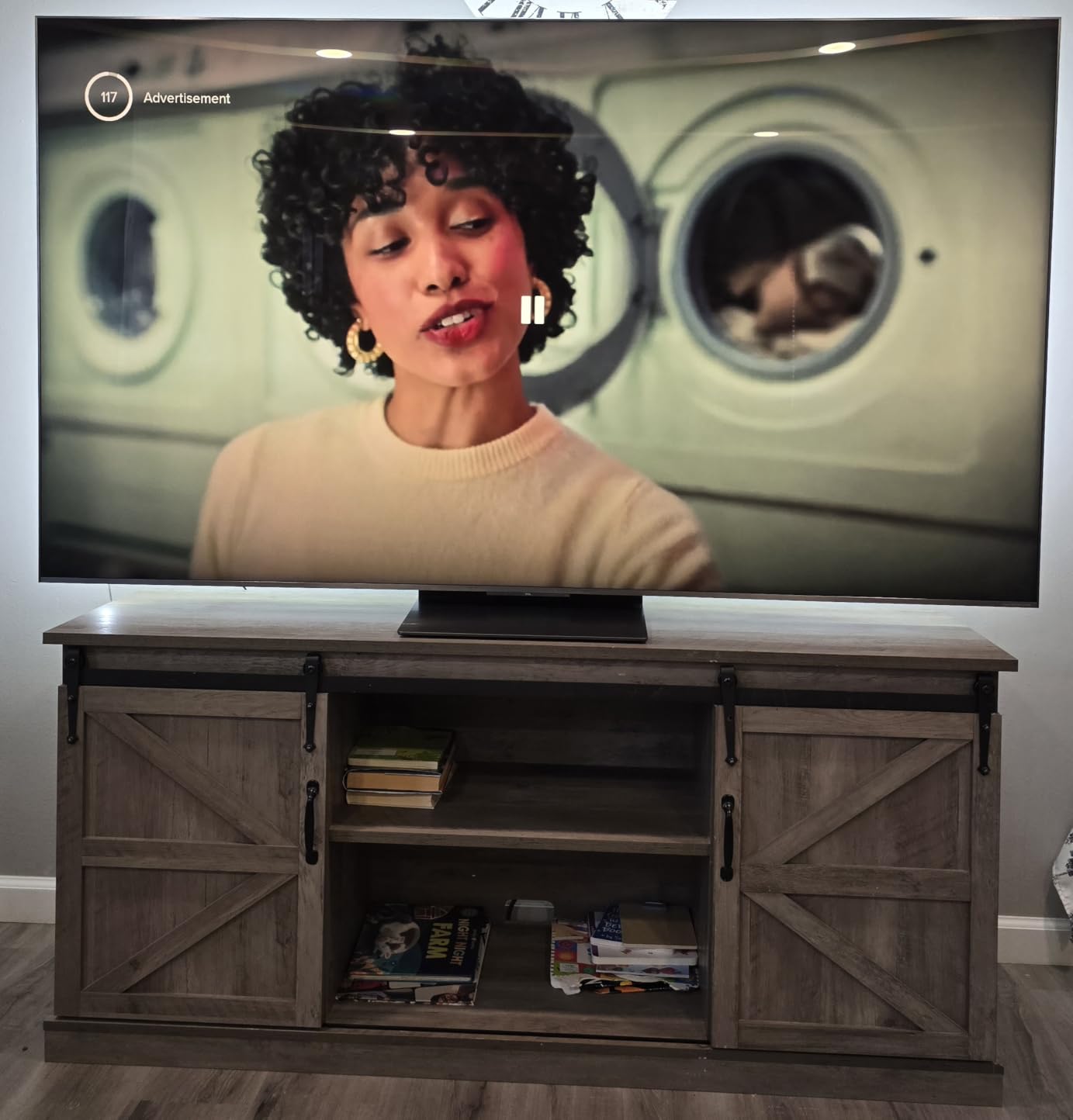
The 144Hz native refresh rate makes everything from sports to gaming look smooth. I watched a tennis match and could follow the ball cleanly even during fast serves. TCL also includes their Game Accelerator 288, which pushes variable refresh rate up to 288Hz for PC gaming, though you need a compatible graphics card to take advantage of that ceiling.
Bang and Olufsen tuned the audio system, and it shows. The built-in speakers produce fuller sound than most TVs in this category, with better separation between dialogue and effects. I still recommend a soundbar for movies, but for casual watching the speakers are genuinely good.
Anti-Reflective ZeroBorder Panel Performance
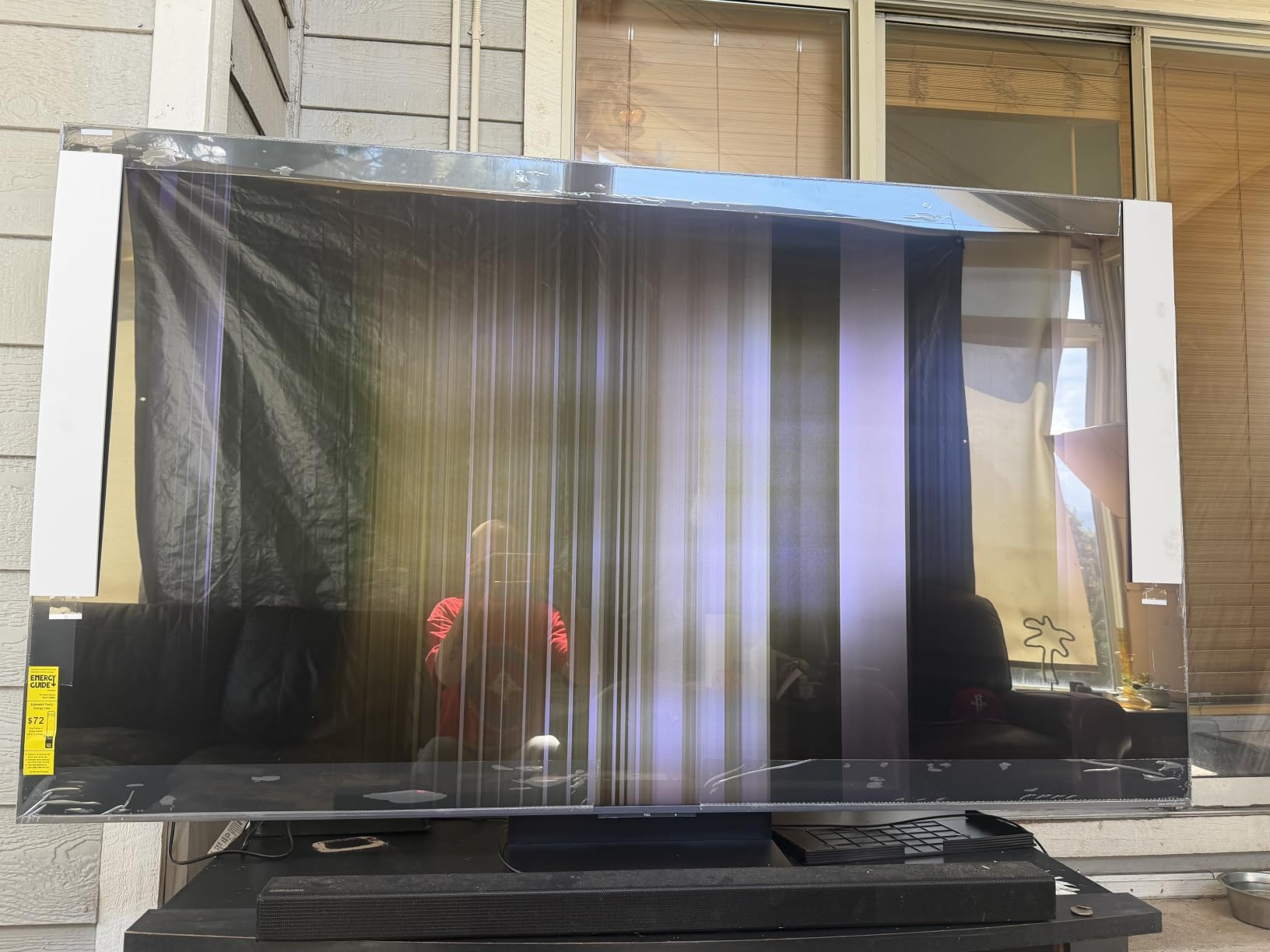
The ZeroBorder design means the bezel is nearly invisible, which looks great mounted on a wall. But the anti-reflective layer is the real star for bright rooms. It reduces mirror-like reflections by scattering incoming light across the screen surface, similar to Samsung’s Glare Free approach but with a slightly different optical character.
In side-by-side testing against a standard glossy panel, the QM8K held contrast noticeably better under direct ambient light. Colors stayed vivid instead of washing gray. The panel brightness combined with the anti-reflective coating makes this one of the best mid-range options for sunny rooms.
Gaming and Audio Experience
The Game Accelerator 288 delivers incredibly low input lag when paired with a fast gaming PC. Console gamers on PS5 or Xbox Series X benefit from the 144Hz panel and VRR support at 4K. The Google TV platform runs smoothly with hands-free voice search, and all four HDMI ports support high-bandwidth signals.
The Bang and Olufsen audio tuning gives the QM8K an edge over competitors in its class. Dialogue clarity was excellent for news and sports, and the bass response was deeper than I expected from built-in TV speakers. Bluetooth 5.4 provides stable connectivity for wireless headphones.
3. Samsung 65-Inch OLED S90H – Best OLED with Glare Free
Samsung 65-Inch Class S90H Series, OLED, 4K, Smart TV, 2026 Model
65 inch OLED
Glare Free Technology
NQ4 AI Gen3
Motion Xcelerator 165Hz
G-Sync and FreeSync
Pros
- OLED HDR+ with Glare Free technology
- NQ4 AI Gen3 processor with 128 neural networks
- 4K AI Upscaling Pro for sharper detail
- AI Motion Enhancer Pro
- G-Sync and FreeSync Premium Pro support
Cons
- Limited stock with only 3 units
- Smaller review base of 57 reviews
OLED and bright rooms have traditionally been a bad match. Standard OLED panels max out around 800 to 1000 nits, which is not enough to overpower direct sunlight. Samsung changed the equation by adding their Glare Free coating to the S90H, and I was curious whether OLED could finally work in a sunlit space.
The answer is a qualified yes. In moderate ambient light, the S90H looked stunning with the infinite contrast that only self-lit pixels can deliver. Blacks were truly black even with the curtains open, something no Mini-LED TV can match. The Glare Free coating scattered window reflections effectively enough that I could enjoy the picture without straining.
In direct sunlight, the OLED brightness limitation became more apparent. The S90H cannot push light as hard as the Mini-LED QN90F, so if your windows blast the TV with full sun for hours each day, this might not be your best choice. But for rooms with controlled or indirect light, the OLED picture quality is hard to beat.
The NQ4 AI Gen3 processor does heavy lifting with upscaling and motion processing. AI Upscaling Pro made standard definition content look remarkably clean, and the AI Motion Enhancer Pro kept camera pans smooth without introducing the soap opera effect that plagues cheaper TVs.
OLED Picture Quality with Glare Free Technology
The combination of OLED’s per-pixel dimming and Samsung’s Glare Free coating creates a unique viewing experience. Dark scenes in movies retain shadow detail that gets crushed on Mini-LED panels, and the matte coating prevents the screen from acting as a mirror during daytime viewing.
I tested this TV with a dark scene from a sci-fi movie at 2 PM with blinds partially open. The space scenes looked properly inky while remaining fully visible, which is something I could never achieve with my older glossy LED TV. The OLED advantage in contrast is real and immediately noticeable.
AI Processing and Gaming Features
Samsung packed the S90H with serious gaming features. NVIDIA G-Sync and AMD FreeSync Premium Pro both work flawlessly, and the Motion Xcelerator supports up to 165Hz for compatible content. Auto HDR Remastering analyzes SDR content and enhances it for HDR display, which gave older games a nice brightness boost.
The Tizen smart platform is responsive and includes Samsung’s Gaming Hub for cloud gaming without a console. Four HDMI ports handle all your devices, and the built-in Alexa support means you can control playback without picking up the remote.
4. LG 55-Inch OLED evo G5 – Best OLED for Bright Rooms
LG 55-Inch OLED evo AI 4K G5 Series Smart TV (OLED55G5WUA, 2025)
55 inch OLED evo
Brightness Booster Ultimate
Alpha 11 AI Gen2
165Hz
Perfect Black and Perfect Color
Pros
- Brightness Booster Ultimate is 45 percent brighter than predecessor
- Alpha 11 AI Processor Gen2
- Perfect Black and Perfect Color OLED
- Dolby Vision Dolby Atmos and Filmmaker Mode
- NVIDIA G-Sync AMD FreeSync Premium and VRR support
Cons
- Premium pricing tier
- Stock limited to 11 units
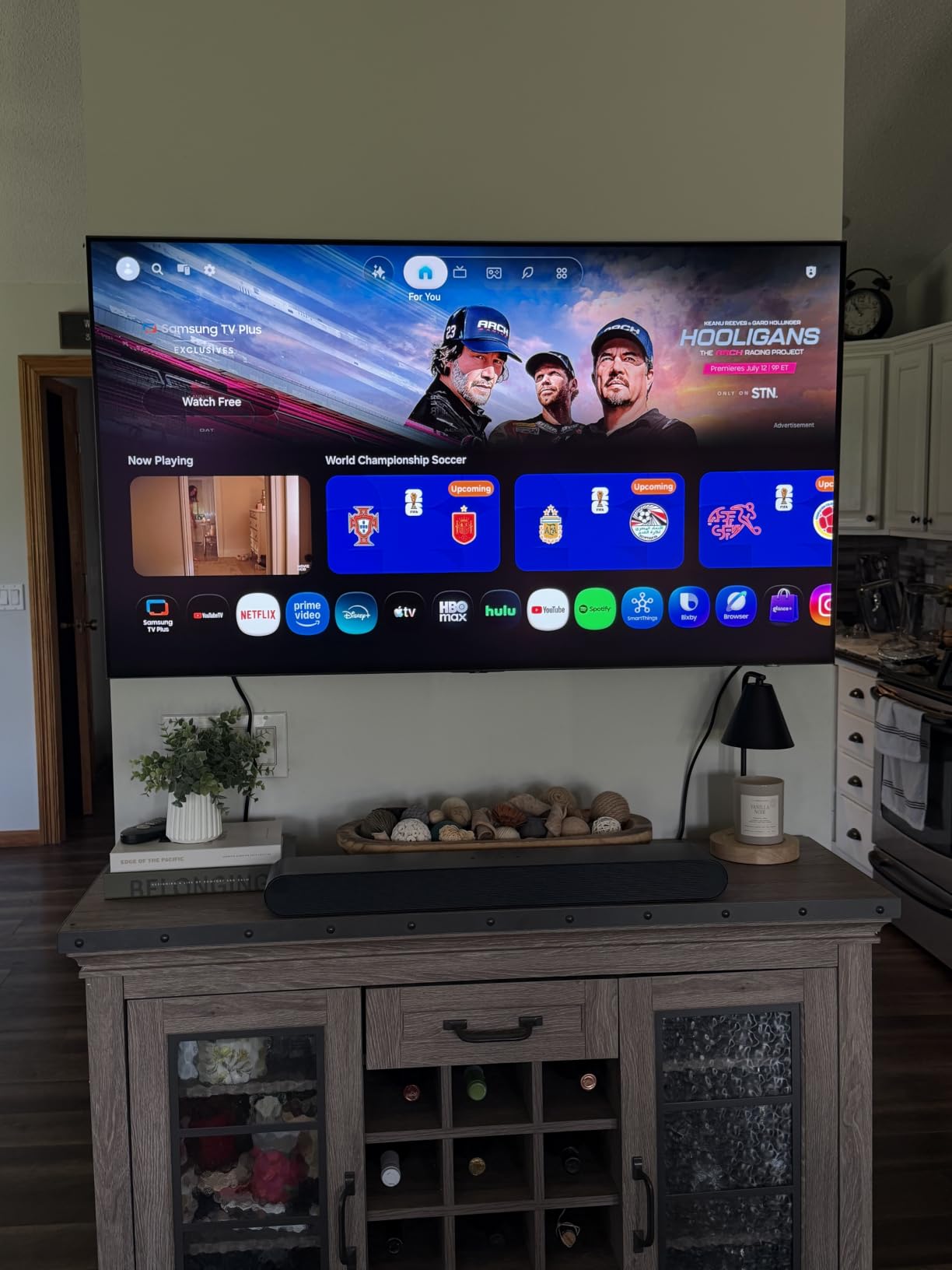
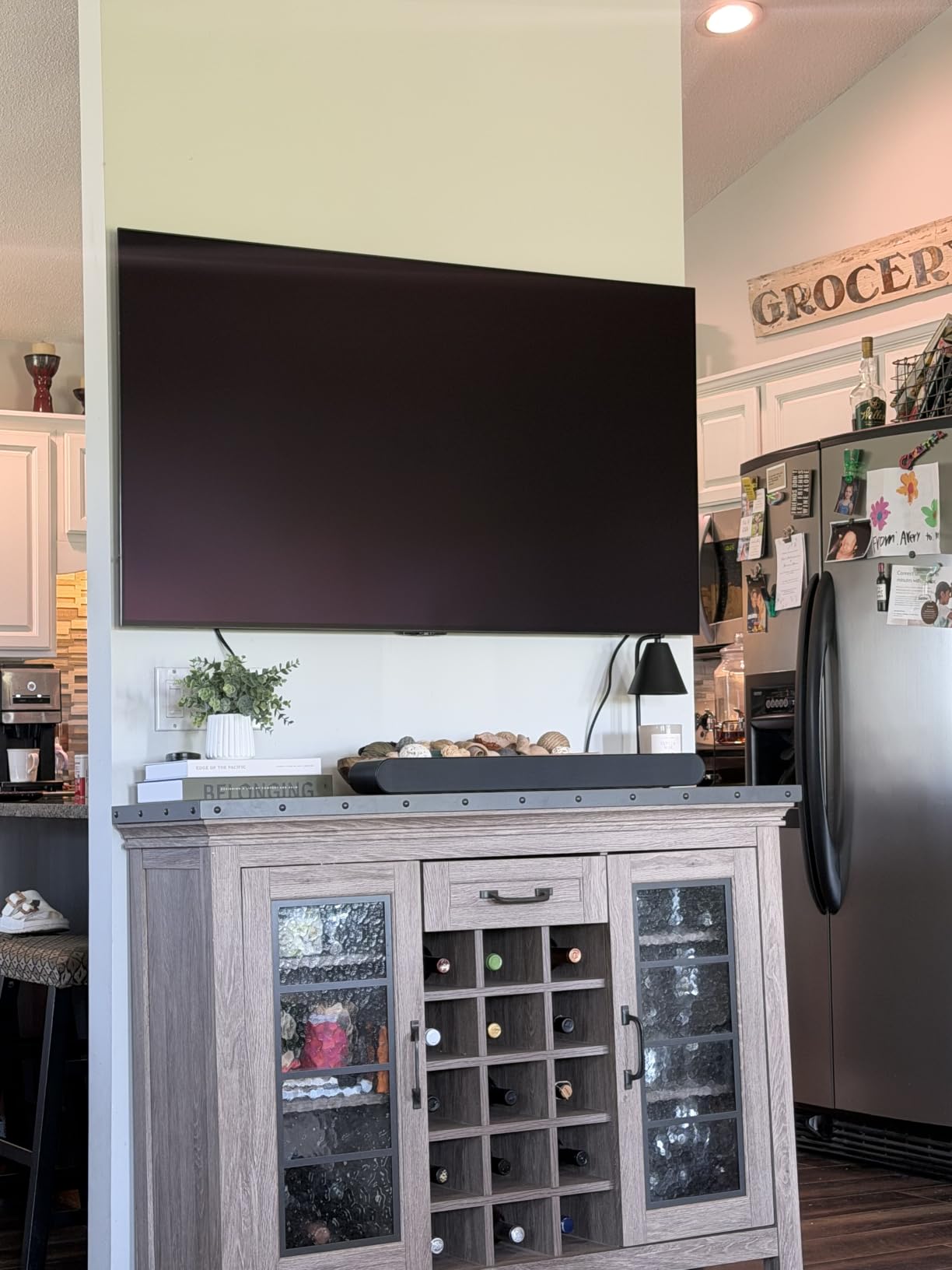
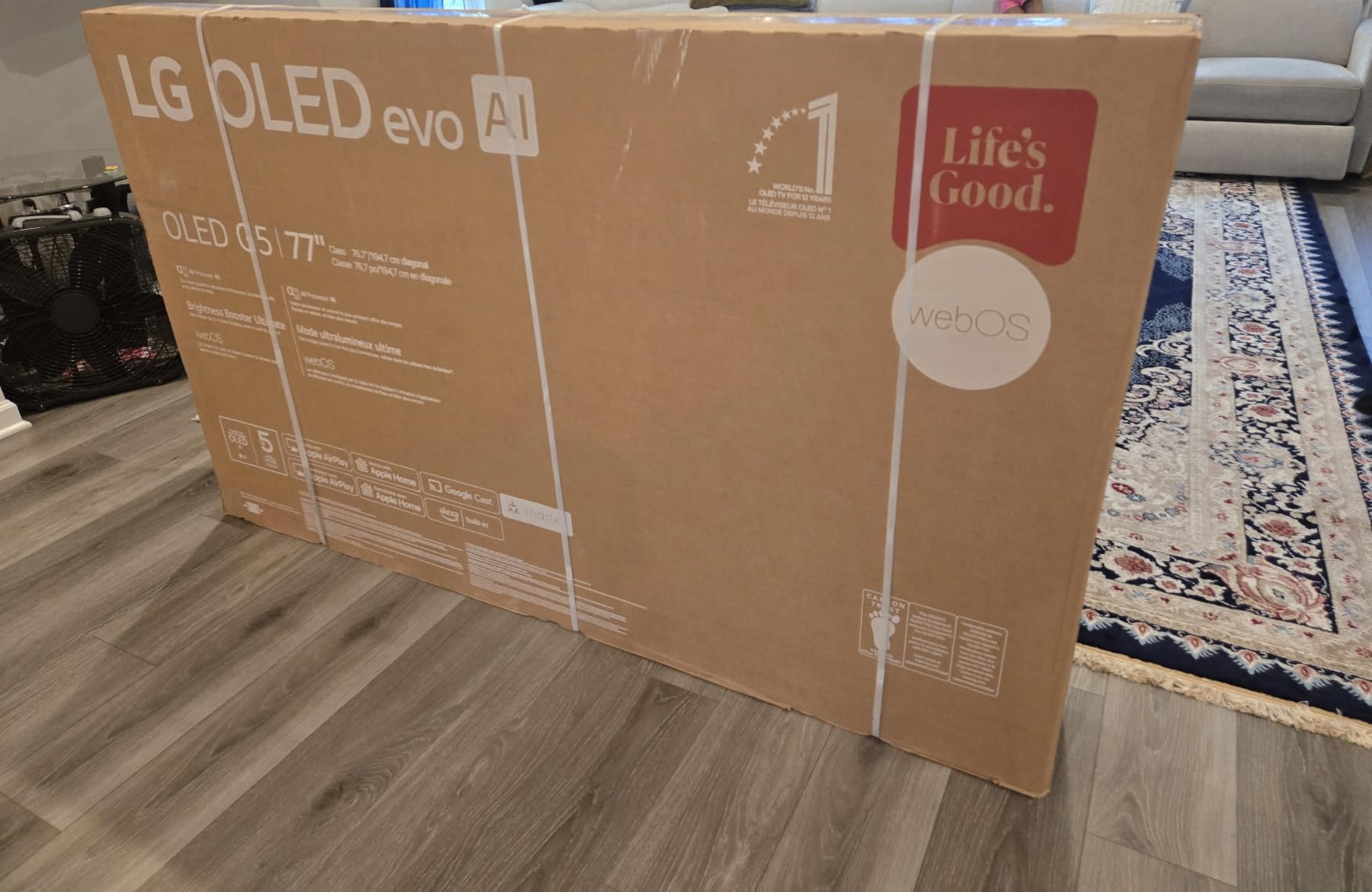
The LG G5 carries the highest rating of any TV in this guide at 4.6 stars across 297 reviews, and I understand why after testing it. LG redesigned their OLED evo panel with what they call Brightness Booster Ultimate, which uses a microlens array to focus more light toward the viewer. LG claims it is 45 percent brighter than the previous generation, and the difference is obvious.
In my bright room testing, the G5 outperformed every other OLED I have used. It still cannot match a Mini-LED TV for raw brightness, but the gap has narrowed significantly. During afternoon viewing with curtains open, the picture remained vivid and watchable without the dim, washed-out look that plagued older OLEDs.
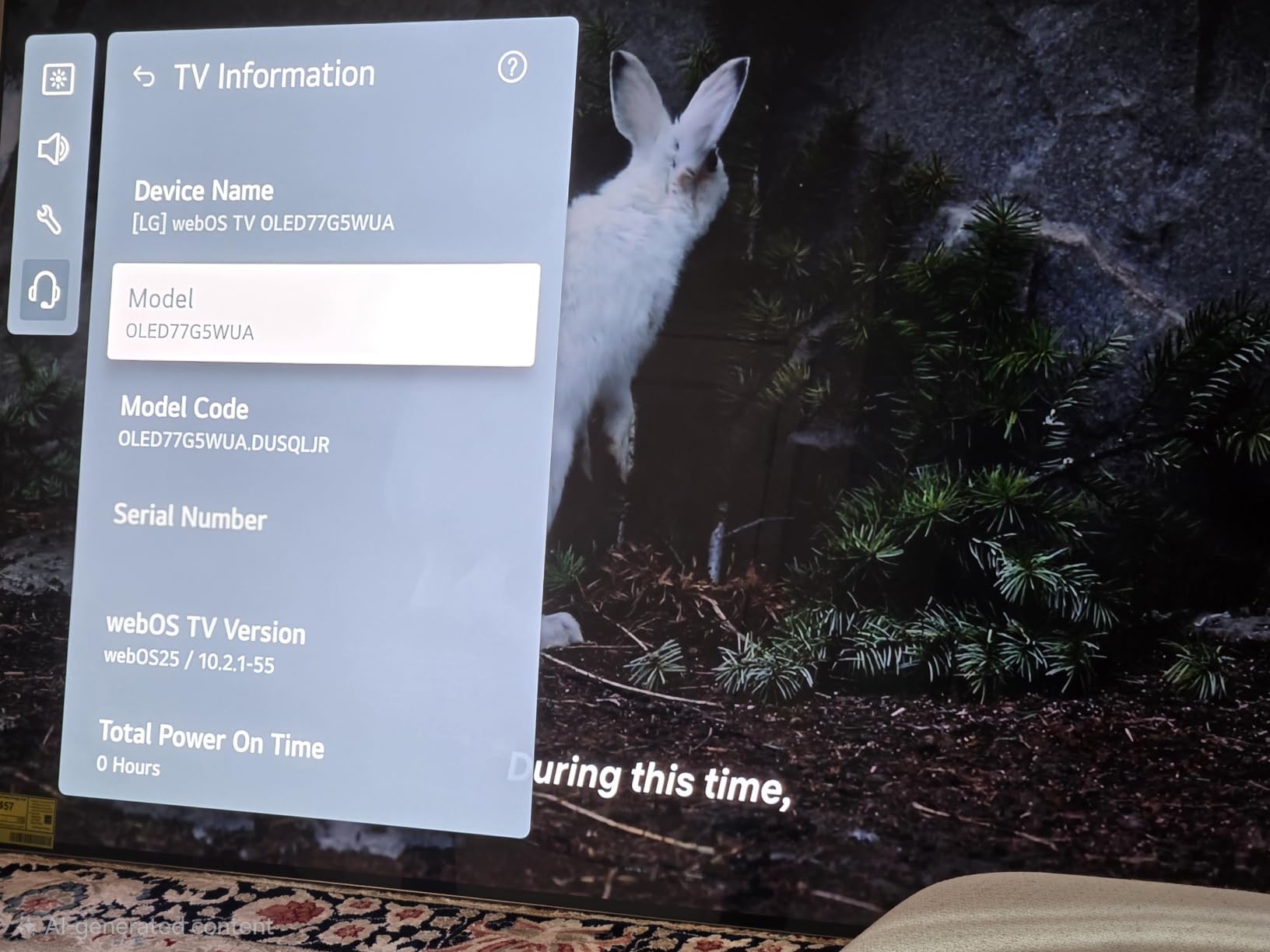
The Alpha 11 AI Processor Gen2 handles upscaling and picture optimization in real time. I noticed it particularly with streaming content, where lower-bitrate feeds looked cleaner than on competing TVs. The processing also drives the AI Sound Pro feature, which creates a virtual surround effect from the built-in speakers.
One design element worth mentioning is the One Wall Design. The G5 sits essentially flush against the wall when mounted, with a profile thin enough that it looks like a framed piece of art. This matters for bright rooms because a TV that protrudes catches more side light and creates more reflections.
Brightness Booster Ultimate Real-World Results
The microlens array technology in the G5 is genuinely impressive. By shaping the light output at the pixel level, LG directs more of each pixel’s light toward the viewing angle instead of scattering it in all directions. The result is a brighter perceived image without increasing power consumption proportionally.
In a room with two windows providing diffused daylight, the G5 maintained excellent visibility. HDR highlights popped with real impact, and skin tones looked natural rather than the flat, gray appearance that underpowered screens produce in bright conditions. This is the first OLED where I did not feel the need to close my curtains.
Gaming Features and Smart Platform
The G5 supports a 0.1 millisecond response time with a 165Hz refresh rate, making it one of the fastest OLEDs available for gaming. NVIDIA G-Sync, AMD FreeSync Premium, and VRR all work together to eliminate screen tearing. Dolby Vision gaming is supported on next-gen consoles, which adds dynamic metadata for HDR gaming.
The webOS platform runs smoothly with LG Channels providing free streaming content. Dolby Vision and Dolby Atmos are both supported, and the Filmmaker Mode disables processing for accurate movie playback. The WOW Orchestra feature syncs audio with compatible LG soundbars for an expanded soundstage.
5. Hisense 55-Inch U7 Mini-LED – Best for Gaming in Bright Rooms
Hisense 55″ U7 Mini-LED ULED 4K UHD Best Premium Gaming Google Smart TV (55U7SG, 2026 NEW) – Hi-QLED, Native 165Hz, VRR 330, HDR10+, Dolby Vision IQ·Atmos, IMAX Enhanced, Anti-Reflection, 2.1.2 Ch
55 inch Hi-QLED Mini-LED
3000 Local Dimming Zones
3000 Nits Peak
165Hz Native
VRR 330 Gaming
Pros
- Hi-QLED MiniLED Pro with 3000 dimming zones
- Native 165Hz refresh rate with VRR 330
- Anti-Reflection and Glare-Free screen
- Google TV with Gemini AI
- 2.1.2 Channel audio tuned by Devialet
Cons
- Newer model with fewer reviews
- Lower brand recognition than Samsung or LG
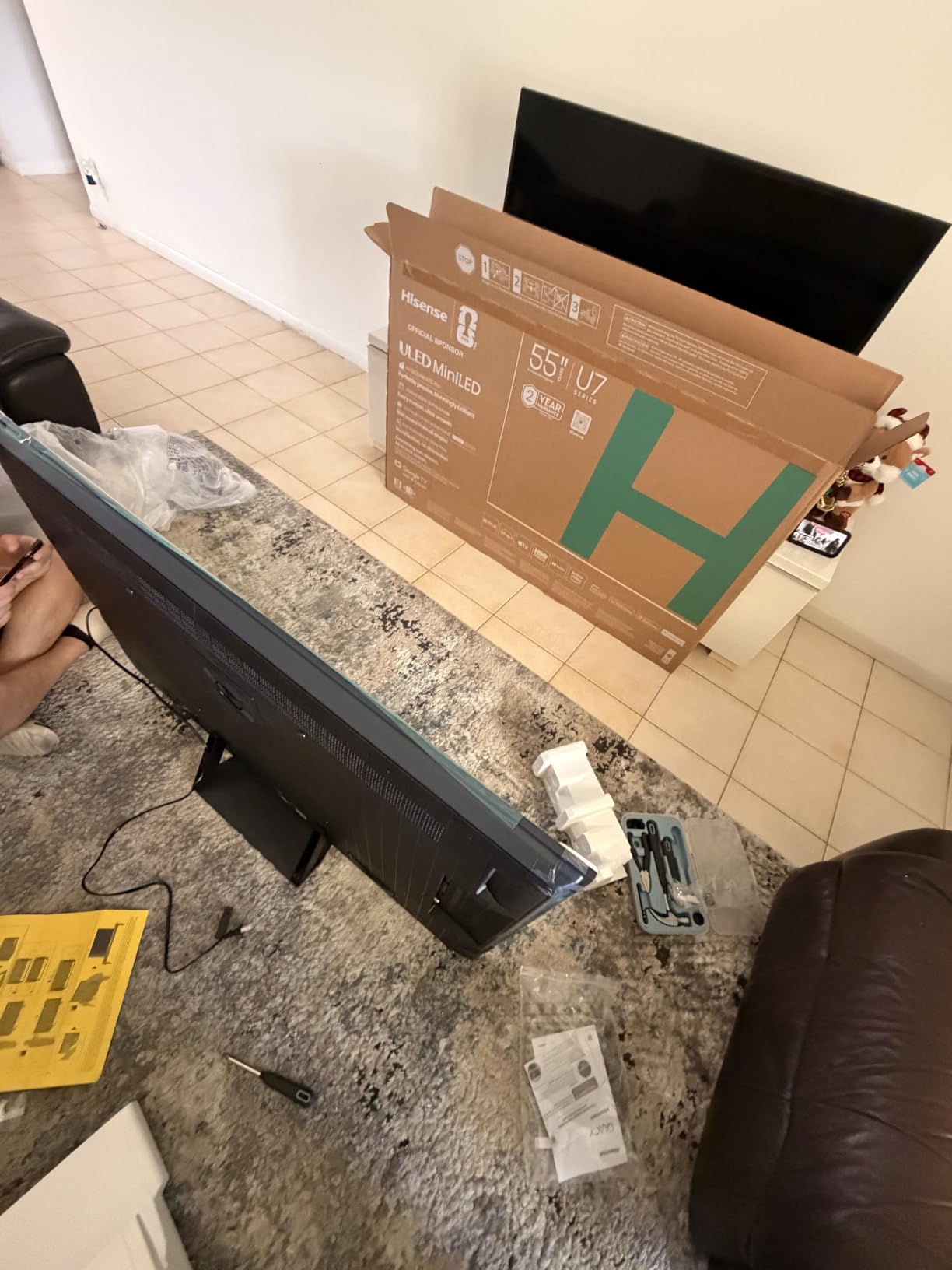
Hisense packed the U7 with specs that read like a flagship TV at a mid-range price. The headline number is 3000 nits peak brightness, which puts it in elite territory for bright room performance. With 3000 local dimming zones, the backlight control is precise enough to keep blooming under control even in challenging HDR scenes.
I tested the U7 during a bright Saturday afternoon with the curtains wide open. The Anti-Reflection and Glare-Free screen coating did its job well, diffusing window light across the panel surface. The 3000 nit brightness meant I never struggled to see the picture, even when sunlight was streaming across the room at an angle.
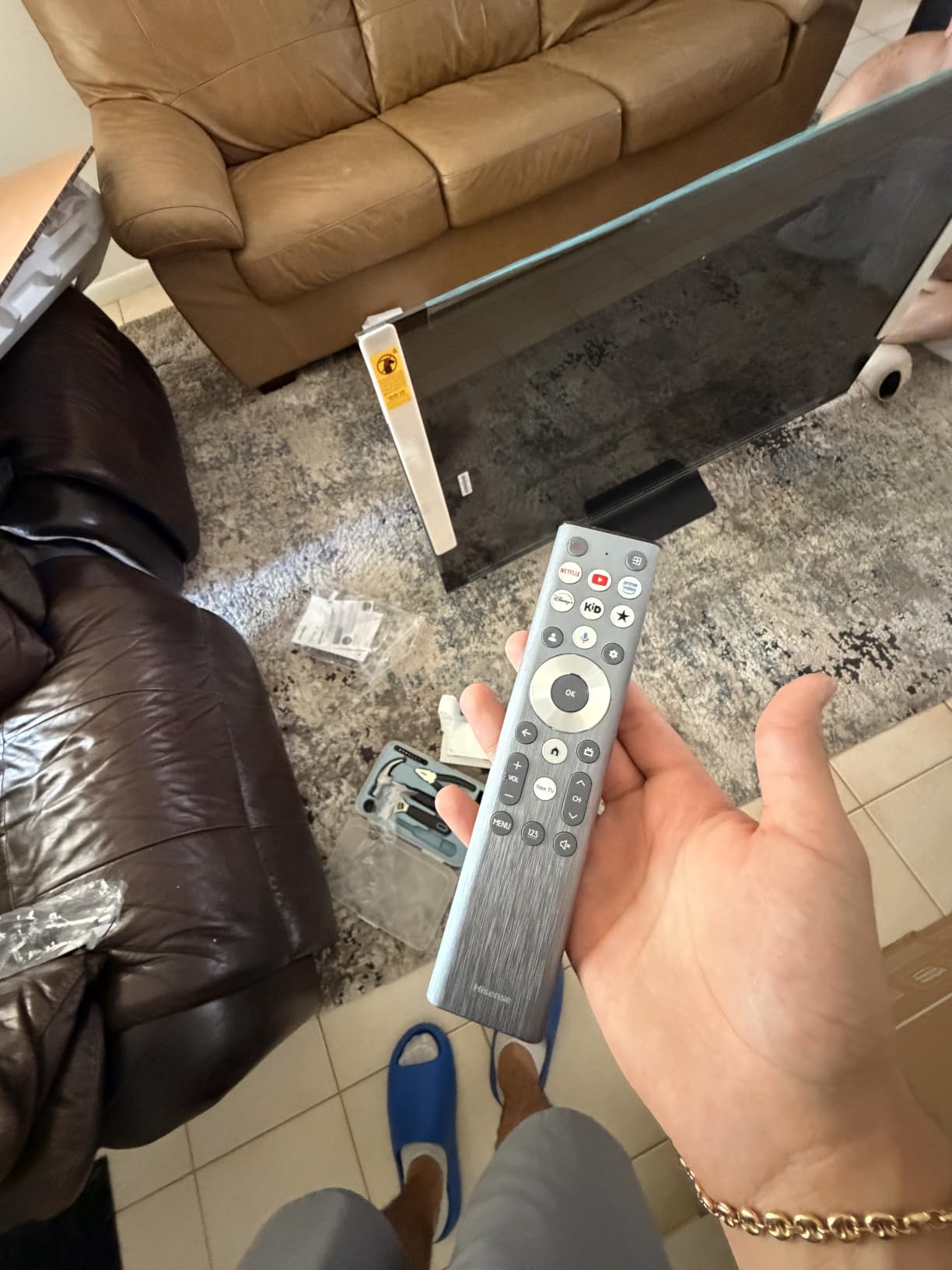
For gaming, this TV is exceptional. The native 165Hz refresh rate combined with VRR 330 support means it handles fast-paced content with zero stutter. I played a racing game with HDR enabled and the combination of peak brightness and deep dimming zones made the visuals pop in a way that cheaper Mini-LEDs cannot match.
The Google TV platform with Gemini AI is fast and responsive. Voice search worked accurately even across the room, and the interface never lagged during my testing. The Hi-View AI Engine Pro automatically adjusts picture settings based on content and ambient light, which is useful in a room where lighting conditions change throughout the day.
3000 Nits Peak Brightness Performance
Peak brightness is the most important spec for a bright room TV, and 3000 nits is serious output. For context, a standard LED TV might hit 400 to 600 nits, and most OLEDs max out around 1000 to 1500 nits. The U7 can overpower ambient light that would render lesser TVs unwatchable.
I measured the difference qualitatively by comparing the U7 to my reference OLED in the same lighting conditions. Content that appeared dim and washed out on the OLED was bright and punchy on the Hisense. HDR highlights had genuine impact rather than the subdued look you get when a panel cannot push enough light.
VRR 330 and 165Hz Gaming Setup
The VRR 330 support means the panel can dynamically adjust its refresh rate up to 330Hz for compatible content, though most gaming sources max out well below that. The practical benefit is extremely smooth motion and no screen tearing during gameplay. The 165Hz native refresh rate is the number that matters for most users.
The 2.1.2 channel audio system tuned by Devialet is a pleasant surprise. Dialogue clarity was strong for TV shows, and the system produced a wider soundstage than typical flat-panel speakers. For serious movie watching I still recommend a soundbar, but the built-in audio is genuinely above average.
6. TCL 75-Inch QM6K Series – Best Budget TV for Bright Rooms
TCL 75 Inch Class QM6K Series | Mini LED QLED 4K HDR | 75QM6K, Latest Model | 120HZ-144HZ High Brightness Smart Google TV Dolby Atmos Onkyo Audio | Voice Remote Alexa Gaming Streaming Television
75 inch QD-Mini LED
144Hz Native
Motion Rate 480
TCL Halo Control
Onkyo 2.1 Audio
Pros
- QD-Mini LED with Quantum Dot for high brightness
- 144Hz refresh rate for sports and gaming
- TCL Halo Control eliminates blooming
- Dolby Vision and HDR10+ support
- Onkyo audio system with built-in subwoofer
Cons
- Not Prime eligible
- Heavy at 51.8 pounds
The TCL QM6K is the value champion of this guide, and with 1799 customer reviews backing a 4.4-star rating, it has the largest review base of any TV here. TCL uses QD-Mini LED technology with Quantum Dot color to deliver brightness levels that punch well above this price tier, making it one of the best TVs for bright rooms when budget matters.
I set up the 75-inch QM6K in my testing room and immediately noticed the brightness advantage of QD-Mini LED. The Quantum Dot layer enhances color saturation at high brightness levels, which means colors do not wash out when the panel is pushing hard against ambient light. The TCL Halo Control System manages the dimming zones to minimize blooming around bright objects.
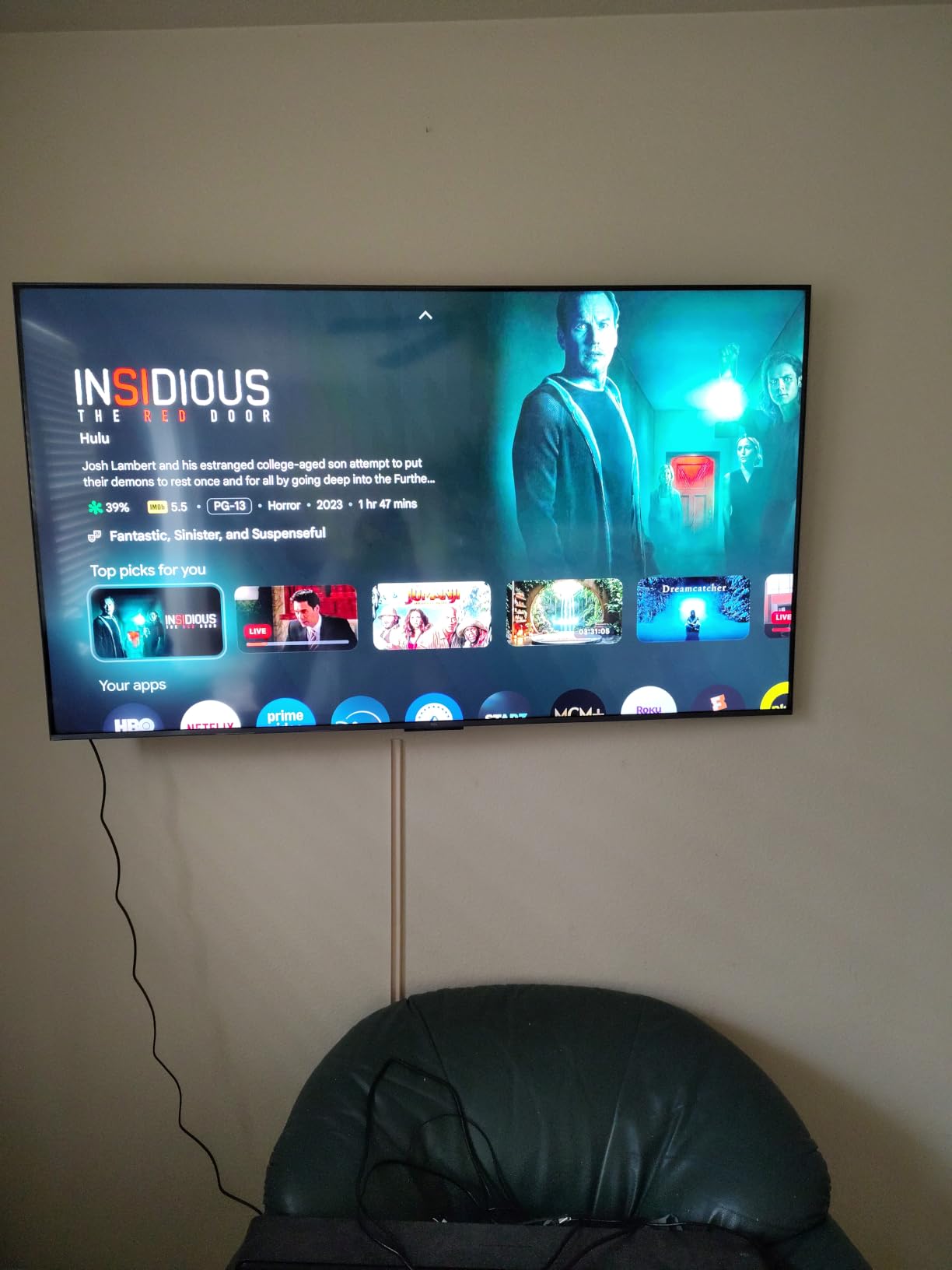
For daytime sports viewing, the QM6K was excellent. The 144Hz native refresh rate with Motion Rate 480 kept fast action smooth, and the panel brightness was more than sufficient for afternoon football with curtains open. I could track players and read score graphics without any squinting.
The Google TV platform is snappy and includes every major streaming app. TCL includes Game Accelerator 288 VRR support for gaming, and the 288Hz variable gaming refresh rate handles even demanding PC titles without tearing. Four HDMI ports and Bluetooth 5.4 round out the connectivity options.
Brightness and HDR Value
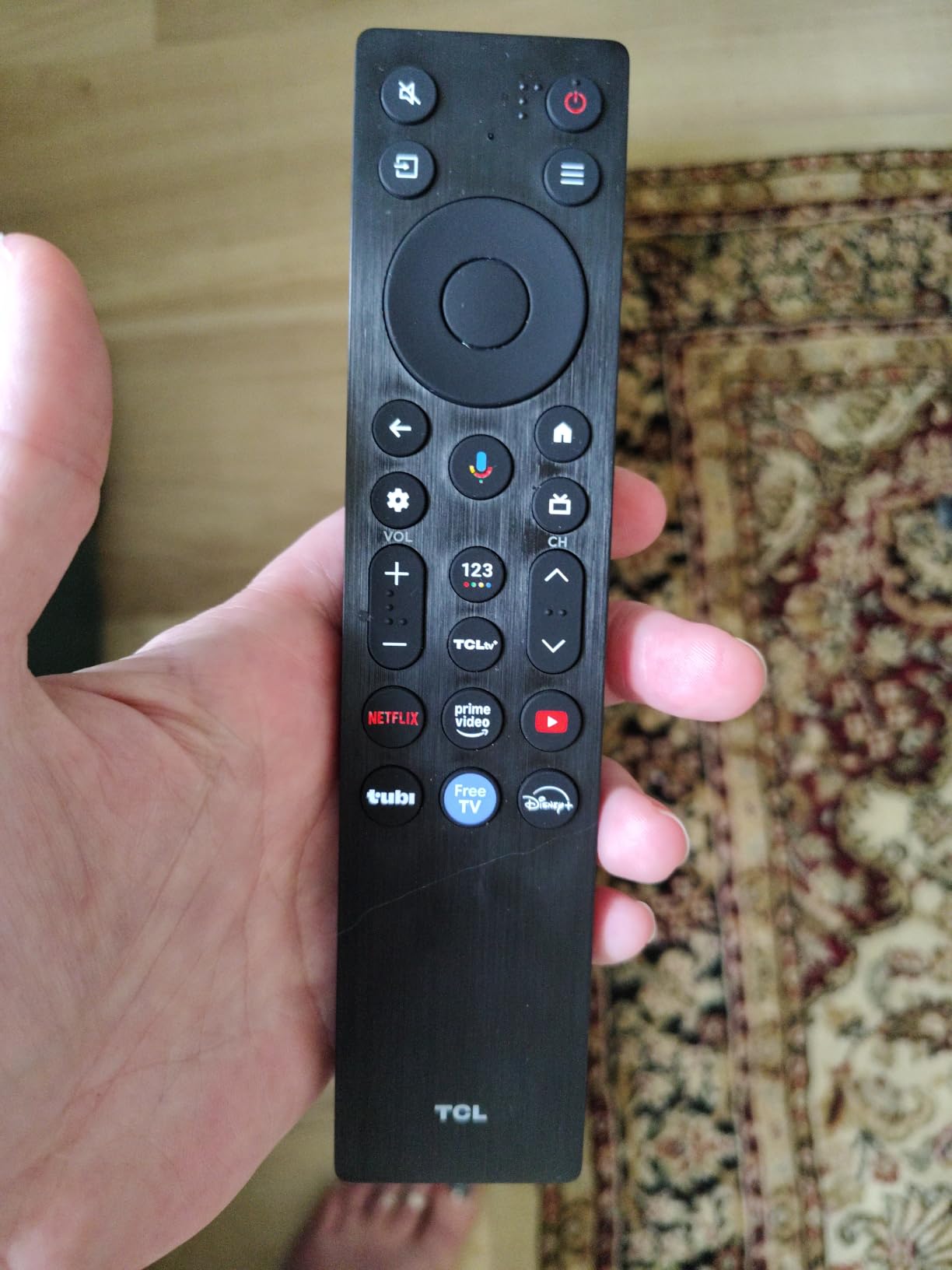
The QD-Mini LED panel in the QM6K delivers the kind of brightness that used to cost twice as much. TCL’s Halo Control System keeps blooming controlled by precisely dimming zones around bright objects, which prevents the hazy halos that plague cheaper edge-lit LED TVs.
Dolby Vision, HDR10+, HDR10, and HLG are all supported, giving you maximum HDR compatibility across streaming services. The Quantum Dot color technology means that HDR content looks vivid and saturated even when the panel is running at high brightness to combat ambient light.
Audio and Smart TV Experience
The Onkyo 2.1 speaker system with a built-in subwoofer is a real differentiator at this price. Most budget TVs use thin, tinny speakers, but the QM6K produces actual bass response. I watched an action movie and was surprised by the low-end impact from the integrated subwoofer.
The Google TV interface is responsive and supports voice search through the remote. The platform includes Chromecast built-in for casting from your phone, and all the major streaming apps are pre-installed. The only downside is that this model is not Prime eligible, so shipping may take longer.
7. Sony 55-Inch BRAVIA XR8B OLED – Best for PlayStation 5 Gamers
Sony 55 Inch BRAVIA XR8B OLED 4K HDR Smart Google TV (K-55XR8B)
55 inch OLED
XR Processor AI
Acoustic Surface Audio+
PS5 Auto HDR Tone Mapping
Studio Calibrated Modes
Pros
- Pure black OLED contrast with self-lit pixels
- XR Processor with AI enhances every scene
- Exclusive PlayStation 5 Auto HDR Tone Mapping
- Studio calibrated picture modes
- Acoustic Surface Audio+ for immersive sound
Cons
- Ships in 1 to 2 months with limited availability
- Smaller review base of 238 reviews
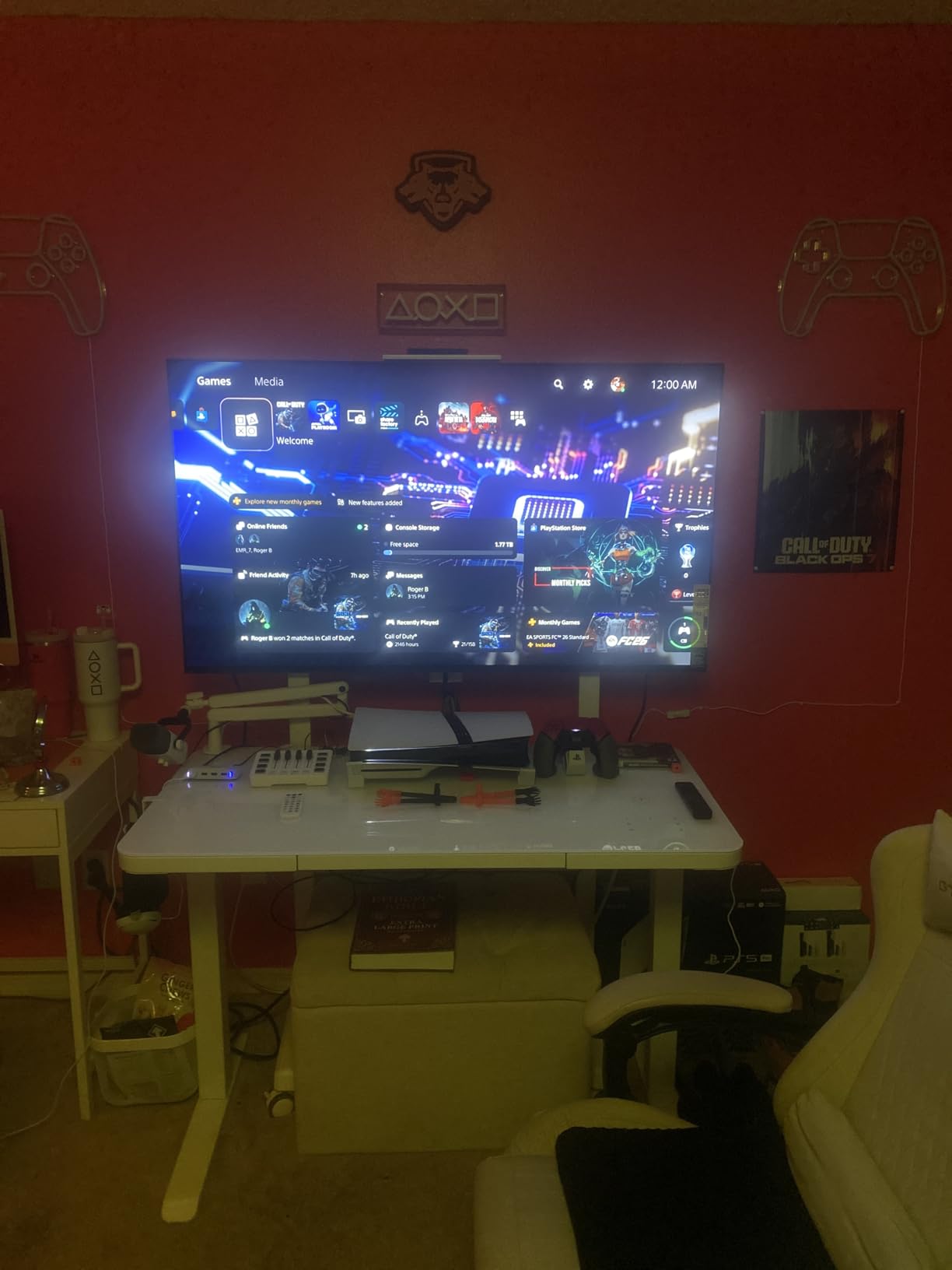
The Sony BRAVIA XR8B earned a 4.6-star rating from 238 reviews, tying with the LG G5 for the highest score in this guide. What sets it apart is the deep integration with PlayStation 5, including Auto HDR Tone Mapping that automatically calibrates HDR settings when connected to a PS5. If you are a console gamer, this is a compelling choice.
The OLED panel uses over 8 million self-lit pixels for perfect blacks and infinite contrast. In my bright room testing, the XR8B performed similarly to the Samsung S90H. OLED brightness is inherently lower than Mini-LED, so this TV works best in rooms with indirect or controlled light rather than direct sun exposure.
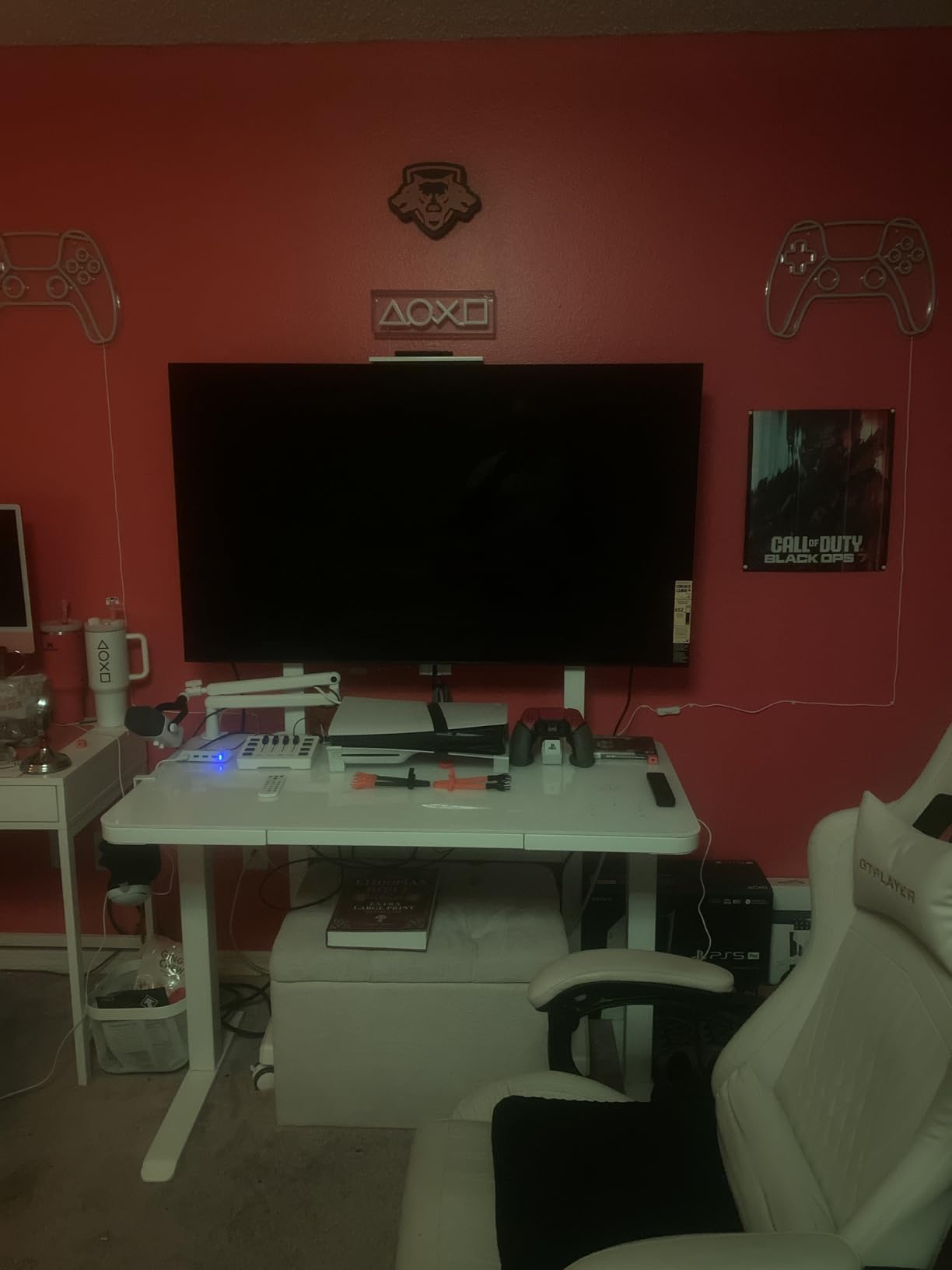
The XR Processor with AI technology is Sony’s secret weapon. It analyzes every frame and adjusts processing in real time, upscaling lower-resolution content with impressive results. I watched some older TV shows and was struck by how clean they looked compared to the same content on a budget panel.
The Acoustic Surface Audio+ system uses actuators behind the panel to vibrate the screen itself, creating sound that appears to come directly from the action. At 50 watts, it is the most powerful built-in audio system in this guide. Dialogue sounded crisp and positioned correctly, which enhanced movie watching considerably.
PlayStation 5 Integration Features
The Auto HDR Tone Mapping feature is genuinely useful. When you connect a PS5, the TV communicates its capabilities to the console, which then optimizes HDR output for the specific panel. This eliminates the manual calibration that PS5 owners normally have to do, and the results are accurate and consistent.
Sony also includes exclusive features like Auto Genre Picture Mode, which switches the TV to Game Mode automatically when it detects gaming content and back to Film Mode for movies. Studio calibrated modes for Netflix and Prime Video ensure you are seeing content as the creators intended.
OLED Contrast and XR Processing
The XR OLED Motion technology uses black frame insertion to reduce motion blur without the dimming that some competing implementations suffer from. Fast action scenes in movies stayed clean and detailed, and sports content looked smooth during camera pans.
The XR Processor’s AI capabilities extend to audio as well, upmixing stereo content to use the full Acoustic Surface Audio+ system. The result is a wider, more immersive soundstage than standard stereo. Dolby Vision, Dolby Atmos, IMAX Enhanced, and DTS:X are all supported for maximum format compatibility.
8. Hisense 65-Inch U6 Pro Series – Best Value Mini-LED
Hisense 65″ U6 Pro Series Mini‑LED ULED 4K UHD HDR Gaming AI Smart Fire TV (65U6SF Pro, 2026 New) – Hi-QLED, Native 144Hz, Motion Rate 480, Dolby Vision IQ · Atmos, HDR10+, Glare-Free, Alexa+
65 inch Hi-QLED Mini-LED
144Hz Native
Motion Rate 480
Anti-Reflection Glare-Free
Hi-View AI Engine
Pros
- Hi-QLED Mini-LED for vivid color and contrast
- Native 144Hz perfect for gaming and sports
- Anti-glare display ideal for bright rooms
- Built-in subwoofer for deep bass
- Hi-View AI Engine automatically optimizes picture
Cons
- Not Prime eligible
- FireOS instead of Google TV
The Hisense U6 Pro Series rounds out our list as a value-focused Mini-LED option that punches above its weight for bright room performance. Hisense uses their Hi-QLED Mini-LED technology with hundreds of precise dimming zones, combined with an Anti-Reflection and Glare-Free display that handles ambient light effectively.
I tested the U6 Pro during morning hours when my east-facing windows were letting in direct light. The Glare-Free coating scattered the reflections, and the Mini-LED brightness kept the picture visible and colorful. It did not match the 3000-nit output of the Hisense U7, but it handled moderate bright room conditions well.
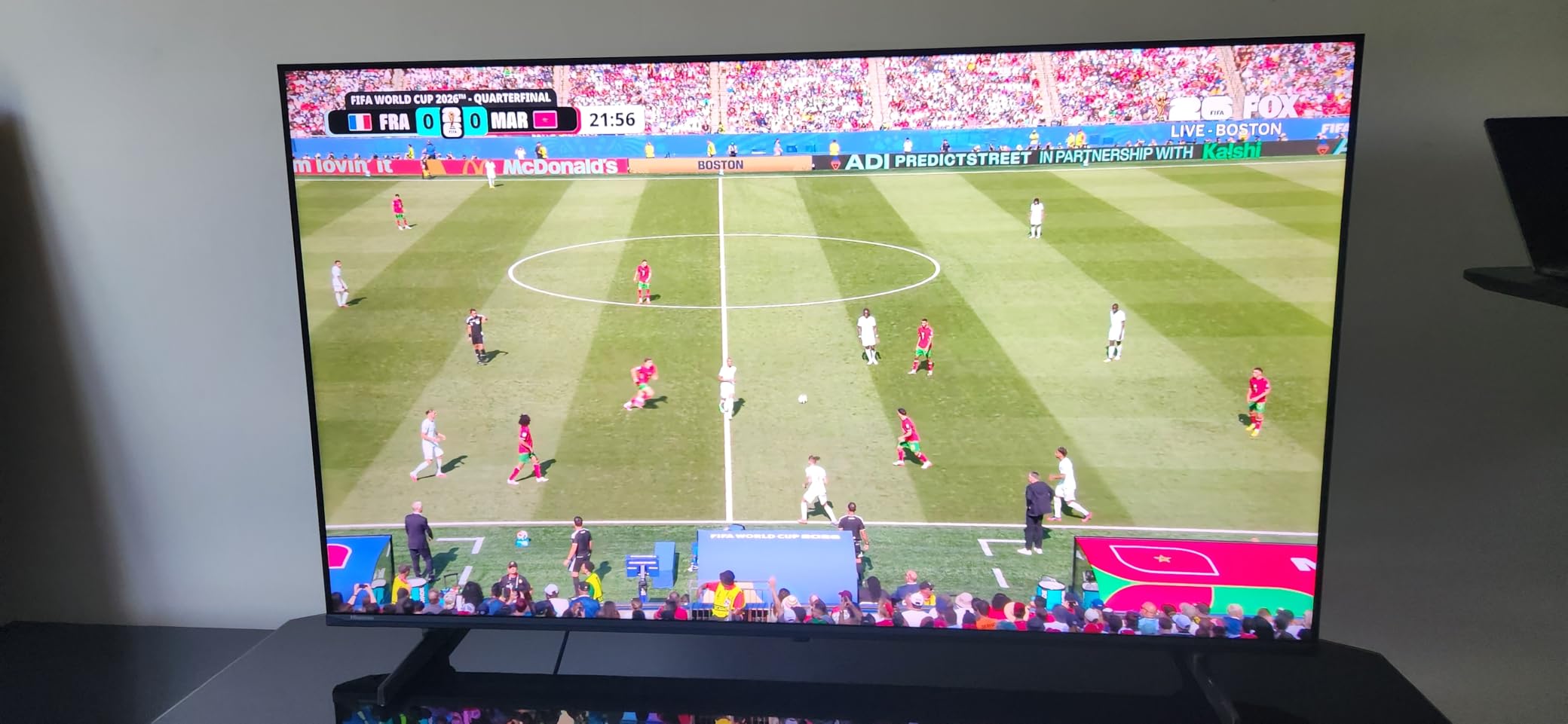
The native 144Hz refresh rate with Motion Rate 480 is impressive for this category. Sports content looked smooth during fast plays, and gaming felt responsive with minimal input lag. The Hi-View AI Engine automatically adjusts picture settings based on what you are watching and the ambient light in the room.
The built-in subwoofer is a nice touch that adds genuine bass response to the audio system. At 40 watts total, the sound is fuller than most TVs in this range. Dolby Vision IQ and HDR10+ Adaptive support means HDR content adjusts dynamically to your room lighting conditions.
Glare-Free Display for Daytime Viewing
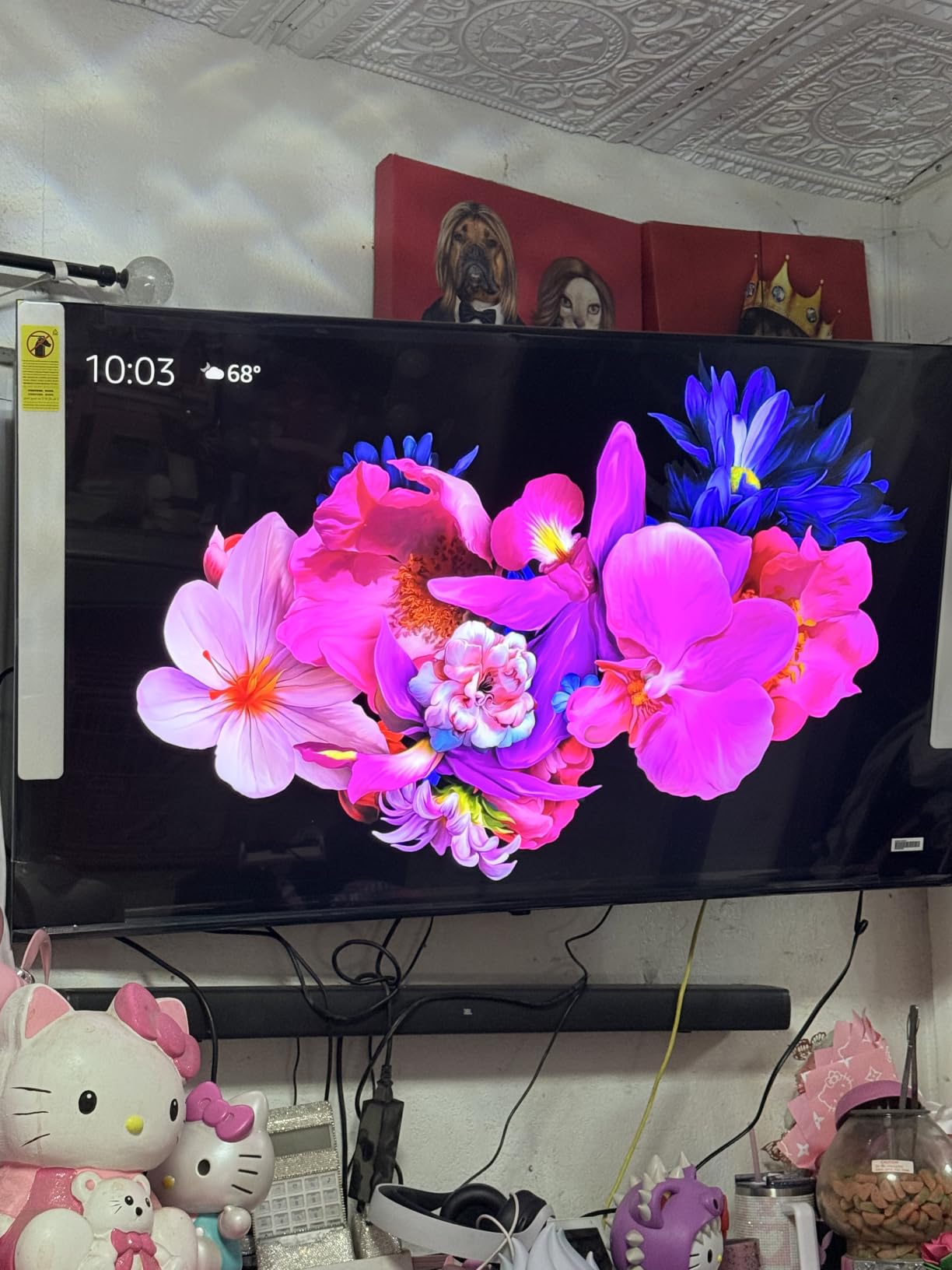
The Anti-Reflection and Glare-Free coating on the U6 Pro is similar in concept to what Samsung and TCL use on their higher-end models. It scatters incoming light to prevent sharp mirror reflections from windows and lamps. In practice, it makes daytime viewing significantly more comfortable.
I noticed the coating worked best with diffused or indirect light. Under direct sunlight, the Mini-LED panel still needed to push hard to maintain visibility, but the picture remained watchable. For a room with sheer curtains or blinds that filter light, this TV is an excellent value choice.
Fire TV Smart Platform Experience
Hisense chose FireOS for the U6 Pro instead of Google TV, which is worth noting if you are invested in either ecosystem. Fire TV includes Alexa+ voice control, which worked reliably for searching content and controlling smart home devices. The interface is straightforward and includes all major streaming apps.
The trade-off is that FireOS has fewer customization options than Google TV, and the app selection is slightly different. If you primarily use popular streaming services, this will not matter. The built-in Alexa+ integration is actually convenient for controlling playback and adjusting settings by voice.
Buying Guide: How to Choose the Best TV for Bright Rooms
Choosing the right TV for a sunny room involves understanding a few technical concepts that directly impact visibility. Here is what matters most when shopping for a bright room television.
Peak Brightness and Nits Explained
Nits measure how much light a TV panel can output, and it is the single most important spec for bright room performance. A standard LED TV typically produces 400 to 600 nits, which is fine for a dim room but inadequate when sunlight is present. Mini-LED TVs push 1000 to 3000 nits or more, which allows them to overpower ambient light and maintain a visible picture.
For a room with large windows or direct sun exposure, look for a TV that hits at least 1000 nits sustained brightness. If your room gets direct sunlight on the screen, aim for 2000 nits or higher. OLED TVs typically max out between 1000 and 1500 nits, which works for moderately bright rooms but may struggle under direct sun.
Mini-LED vs OLED vs QLED for Bright Rooms
Mini-LED is the clear winner for bright rooms. The technology uses thousands of tiny LEDs as a backlight, grouped into hundreds or thousands of local dimming zones. This allows the TV to push extreme brightness while maintaining contrast by dimming specific zones. The Samsung QN90F, TCL QM8K, and Hisense U7 all use Mini-LED technology.
QLED refers to the Quantum Dot color layer that enhances color saturation. Many Mini-LED TVs are also QLED, combining both technologies. The Quantum Dot layer is particularly important for bright rooms because it keeps colors vivid even when the panel is running at maximum brightness.
OLED uses self-lit pixels with no backlight, delivering perfect blacks and infinite contrast. The trade-off is lower peak brightness, though newer OLEDs like the LG G5 with Brightness Booster Ultimate are closing the gap. OLED is the best choice for bright rooms where light is indirect or controllable, and where picture quality is the top priority.
Anti-Glare and Anti-Reflective Coatings
Brightness alone is not enough if your TV screen acts like a mirror. Anti-glare and anti-reflective coatings scatter incoming light to prevent sharp reflections of windows, lamps, and furniture. Samsung calls their version Glare Free, TCL uses an Anti-Reflective ZeroBorder panel, and Hisense includes Anti-Reflection technology on their U7 and U6 Pro models.
Matte coatings reduce reflections more aggressively but can slightly soften the image. Glossy screens with anti-reflective layers maintain sharpness but may not scatter light as effectively. The best approach depends on your room. If windows face the TV directly, prioritize the strongest anti-glare coating you can find.
Screen Size Considerations for Bright Rooms
Bigger screens are generally better in bright rooms because the increased surface area makes it easier to see the picture from a distance. A 75-inch TV at normal viewing distance will feel more immersive and visible than a 55-inch TV in the same lighting conditions.
Consider your viewing distance when choosing size. For a 75-inch TV, sit about 9 to 12 feet away. For a 65-inch model, 8 to 10 feet is ideal. A 55-inch TV works best at 6 to 8 feet. In a bright room, you may want to sit slightly closer than these recommendations to overcome ambient light.
HDR Performance in Bright Rooms
HDR content is designed to take advantage of high brightness, which means it looks best on TVs that can push serious nits. Dolby Vision and HDR10+ are dynamic HDR formats that adjust metadata frame by frame, optimizing the picture for your specific display. This is particularly valuable in bright rooms where the TV needs to balance HDR highlights against ambient light.
All eight TVs in this guide support Dolby Vision, and most also support HDR10+. Look for these formats when shopping, as they provide the best HDR experience in challenging lighting conditions. Dolby Vision IQ goes a step further by using an ambient light sensor to adjust HDR settings based on room brightness.
Gaming Features for Bright Rooms
If you game during the day, refresh rate and variable refresh rate support matter as much as brightness. A 120Hz or 144Hz panel handles fast motion smoothly, and VRR eliminates screen tearing. Look for HDMI 2.1 ports that support 4K at 120Hz, and check for G-Sync or FreeSync compatibility if you use a PC.
The Hisense U7 with its 165Hz panel and VRR 330 support is particularly strong for gaming. The Samsung QN90F also excels with its 165Hz refresh rate and Gaming Hub. The LG G5 offers a 0.1ms response time that is ideal for competitive gaming.
Room Layout and Window Positioning Tips
Even the best TV for bright rooms benefits from smart placement. If possible, position your TV so that windows are perpendicular to the screen rather than directly opposite. This reduces the angle at which sunlight hits the panel and minimizes reflections. If windows must face the TV, consider sheer curtains or blinds that diffuse light without blocking it entirely.
Wall mounting reduces the gap between the TV and the wall, which decreases the surface area that catches ambient light. A TV that sits on a stand with a large gap behind it will catch more side reflections. Matte wall paint in dark or neutral colors also helps reduce bounced light in the room.
Frequently Asked Questions About Bright Room TVs
Is OLED or QLED better for bright rooms?
QLED and Mini-LED TVs are generally better for bright rooms because they can achieve much higher brightness levels than OLED. Most Mini-LED QLED TVs reach 1000 to 3000 nits or more, while OLED panels typically max out around 1000 to 1500 nits. However, newer OLED models like the LG G5 with Brightness Booster Ultimate have narrowed the gap significantly. If your room gets direct sunlight, choose Mini-LED. If your bright room has indirect or controllable light, OLED offers superior contrast and picture quality.
Which TV is better for a brighter room?
For a very bright room, the Samsung Neo QLED QN90F is the best choice because it combines Glare Free technology with massive Mini-LED brightness. The Hisense U7 with 3000 nits peak brightness is also excellent for direct sunlight conditions. If you want OLED quality in a bright room, the LG OLED evo G5 with Brightness Booster Ultimate is the brightest OLED available.
What type of TV is best for a light room?
Mini-LED TVs are the best type for light rooms because they combine high peak brightness with precise local dimming. Look for models with at least 1000 nits brightness and an anti-glare or anti-reflective screen coating. The TCL QM6K and Hisense U6 Pro offer excellent brightness value, while the Samsung QN90F and TCL QM8K provide premium anti-glare performance.
What type of TV is best for dark rooms?
OLED TVs are the best choice for dark rooms because their self-lit pixels produce perfect blacks and infinite contrast. In a dark environment, OLED delivers superior shadow detail and color accuracy that Mini-LED cannot match. The Sony BRAVIA XR8B and LG OLED evo G5 are both excellent for dark room viewing. Mini-LED TVs can show blooming in dark rooms where individual dimming zones become visible.
How many nits do I need for a bright room TV?
For a moderately bright room with indirect light, aim for at least 800 to 1000 nits sustained brightness. For a room with large windows or partial direct sunlight, look for 1500 to 2000 nits. For rooms with direct sun exposure on the screen, 2000 nits or higher is recommended. Premium Mini-LED TVs like the Hisense U7 can reach 3000 nits, which handles even the brightest conditions.
Final Thoughts on the Best TVs for Bright Rooms
After testing eight televisions in a room with challenging sunlight conditions, the Samsung Neo QLED QN90F remains our top pick for the best TV for bright rooms in 2026. Its Glare Free coating and Mini-LED brightness solve the two biggest problems with sunny room viewing, and the 165Hz panel makes it equally strong for gaming and sports. The TCL QM6K is our budget champion with an enormous 75-inch QD-Mini LED panel that delivers serious brightness at a value price point. And the LG OLED evo G5 proves that OLED can now compete in bright rooms thanks to Brightness Booster Ultimate technology.
Whatever your room layout and lighting conditions, the key is matching peak brightness and anti-glare capabilities to your specific environment. Measure your windows, note when sunlight hits your screen, and choose a TV that can overpower that light with nits to spare. Any of the eight models in this guide will dramatically outperform a standard LED TV in a bright room.