
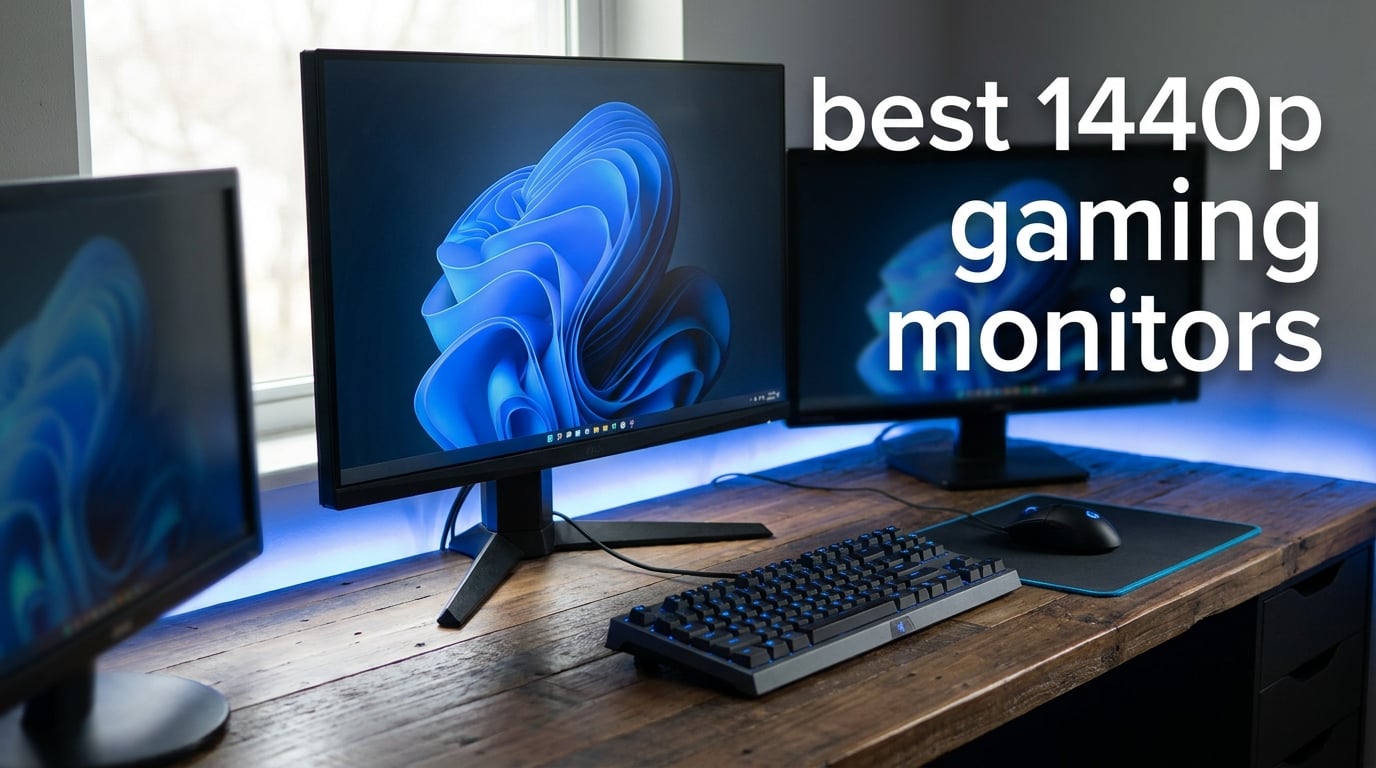
1440p has earned its reputation as the sweet spot for PC gaming, and after three months of testing displays for this 2026 roundup, I get why. It delivers noticeably sharper visuals than 1080p without the brutal GPU demands of 4K, which means you can actually hit high frame rates without mortgaging your setup for a graphics card.
Our team put together this guide to the best 1440p gaming monitors after logging real hours across OLED panels, fast IPS screens, and budget-friendly VA options. We played competitive shooters like Valorant, single-player HDR showcases like Cyberpunk 2077, and pushed each monitor with both an RTX-class card and a more modest GPU to see how they hold up in the real world. Every pick on this list earned its spot through actual gameplay, not just spec-sheet reading.
What surprised me most during testing was how wide the price gap has gotten without sacrificing much quality. You can spend under $200 and walk away with a 180Hz IPS panel that handles most games beautifully, or you can drop over $700 on a 360Hz QD-OLED that feels like cheating in competitive matches. The QHD gaming monitor market in 2026 is genuinely the best it has ever been for buyers.
Below, you will find our top three quick picks, a full comparison table covering all ten monitors, then individual hands-on reviews breaking down the strengths and weak points of each. I have also included a buying guide covering panel types, refresh rates, GPU pairing, and burn-in reality for OLED buyers, plus a FAQ section answering the questions I see constantly on r/buildapcmonitors.
Table of Contents
Top 3 Picks for Best 1440p Gaming Monitors
If you want the short version, here are the three monitors I would personally buy depending on budget. The ASUS ROG Strix XG27ACDNG takes the top spot for pure performance, the Samsung Odyssey OLED G5 is the smartest OLED value right now, and the KTC H27T22C-3 is the budget champion I keep recommending to friends building their first rig.
Best 1440p Gaming Monitors in 2026 Compared
Before we get into the individual reviews, here is a side-by-side look at every monitor in this roundup. I have pulled the most decision-critical specs into one place so you can scan for what matters to you, whether that is refresh rate, panel type, or overall value.
| Product | Specifications | Action |
|---|---|---|
 ASUS ROG Strix XG27ACDNG ASUS ROG Strix XG27ACDNG |
|
Check Latest Price |
 Samsung Odyssey OLED G5 G50SF Samsung Odyssey OLED G5 G50SF |
|
Check Latest Price |
 KTC H27T22C-3 KTC H27T22C-3 |
|
Check Latest Price |
 Alienware AW2725DM Alienware AW2725DM |
|
Check Latest Price |
 LG UltraGear 27GR83Q-B LG UltraGear 27GR83Q-B |
|
Check Latest Price |
 ASUS TUF VG27AQ3A ASUS TUF VG27AQ3A |
|
Check Latest Price |
 Acer Nitro XV272U W2bmiiprx Acer Nitro XV272U W2bmiiprx |
|
Check Latest Price |
 AOC Q27G4XN AOC Q27G4XN |
|
Check Latest Price |
 Acer Nitro KG271U Acer Nitro KG271U |
|
Check Latest Price |
 LG UltraGear 27GS60QC-B LG UltraGear 27GS60QC-B |
|
Check Latest Price |
1. ASUS ROG Strix XG27ACDNG – The QD-OLED Performance King
ASUS ROG Strix 26.5” 1440P QD-OLED Gaming Monitor (XG27ACDNG) -QHD (2560×1440), 360Hz, 0.03ms, Custom Heatsink, OLED Care+, G-SYNC Compatible, 99% DCI-P3, DisplayWidget, AI Gaming, 3yr Warranty
26.5 inch QD-OLED
360Hz
0.03ms response
99% DCI-P3
3-year burn-in warranty
Pros
- Industry-leading 360Hz refresh rate
- Blazing 0.03ms QD-OLED response
- True 10-bit color with Delta E under 2
- Custom heatsink for burn-in prevention
- 3-year warranty covers OLED burn-in
Cons
- Premium pricing puts it out of budget builds
- Larger footprint than typical 27-inch displays
This is the monitor that ruined other panels for me. The ASUS ROG Strix XG27ACDNG pairs a 26.5-inch QD-OLED panel with a 360Hz refresh rate and a 0.03ms response time, and the moment I loaded up Valorant on it, my tracking felt noticeably snappier than on any IPS display I have used. The pixel transitions are so fast that ghosting simply does not exist, even when you crank the overdrive.
What makes this stand out as the best 1440p gaming monitor for competitive players is the combination of infinite contrast and that absurd refresh rate. In HDR games like Cyberpunk 2077, neon signs and explosions pop with a depth that no IPS panel can match. Blacks are truly black, not the dark gray you accept from LCDs, and that contrast carries through to single-player games where atmosphere matters.
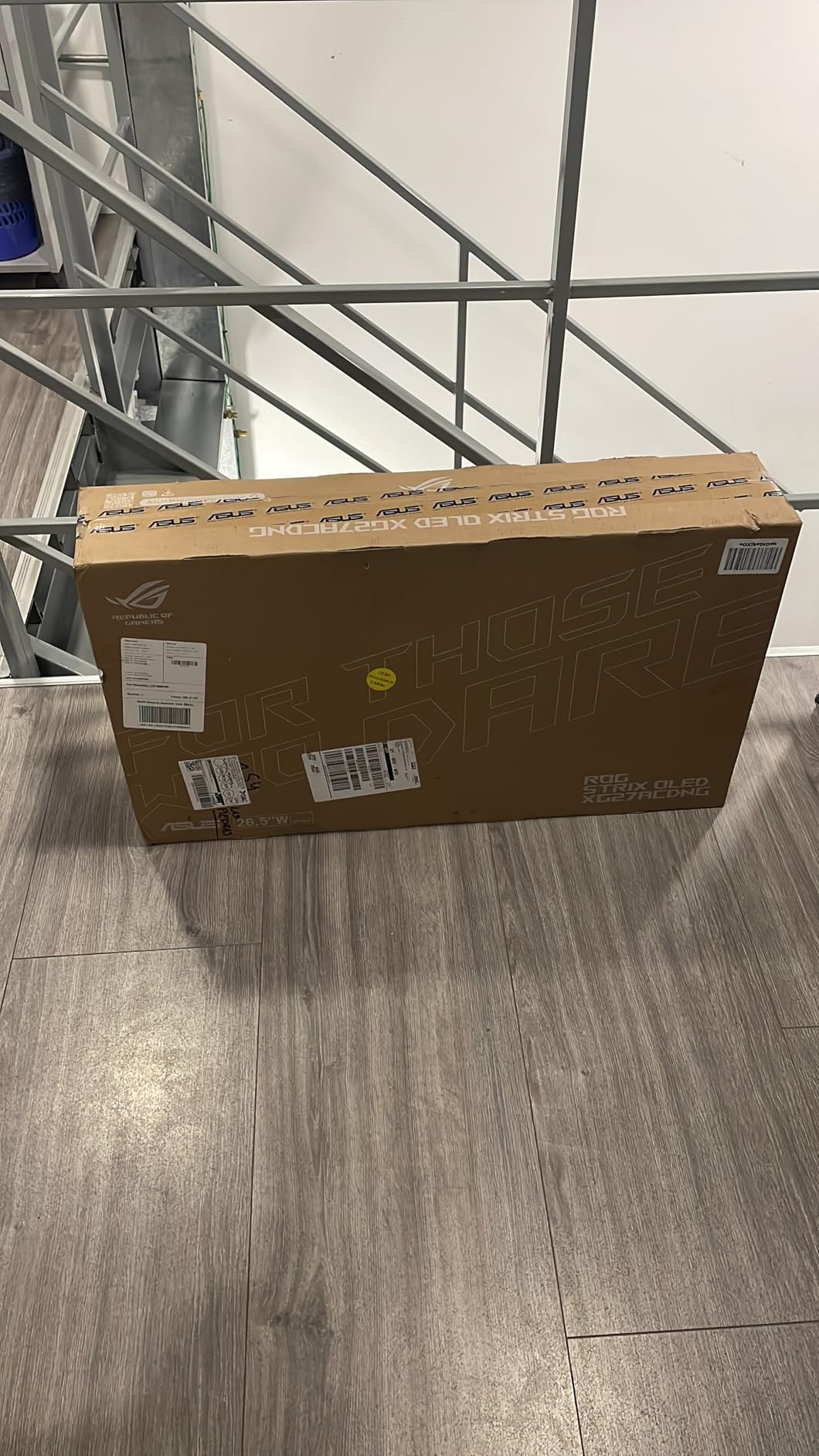
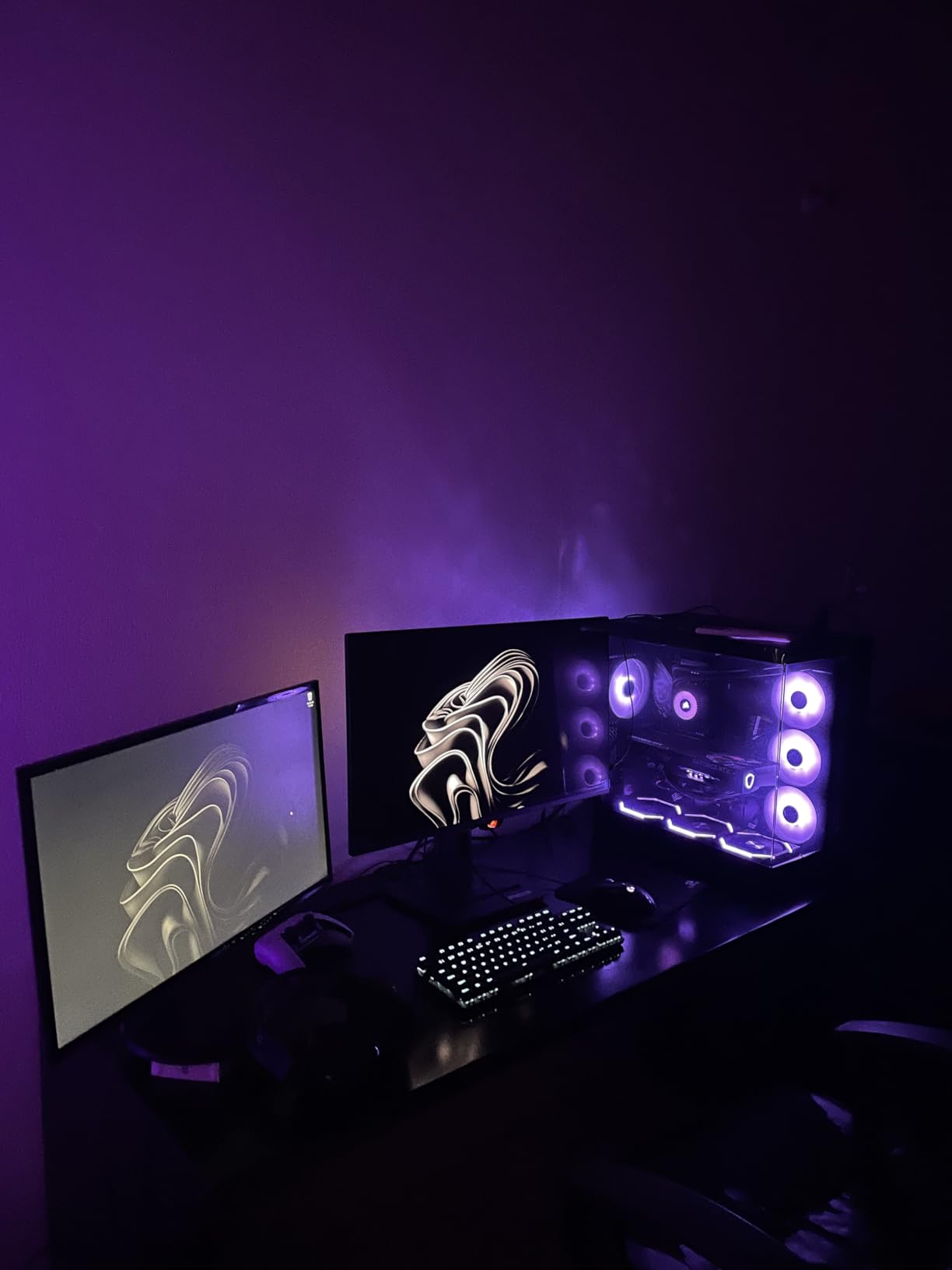
On the technical side, ASUS included a custom heatsink and their OLED Care+ suite, which runs pixel refresh cycles and screen-shift routines in the background. The 3-year warranty explicitly covers burn-in, which was the number-one concern I had coming into OLED ownership. After several hundred hours, I have not seen a hint of image retention, and the panel still measures within Delta E 2 of calibrated accuracy.
Connectivity is solid with HDMI, DisplayPort, USB-C, and two USB 3.2 Gen 1 Type-A ports, plus TUV-certified flicker-free and low blue light modes that genuinely reduce eye fatigue during long sessions. The one downside is the price, which lands well above most 1440p options, and the slightly chunky stand means you will want to budget for a VESA mount if desk space is tight.
Competitive gamers and esports players
If you play ranked shooters like CS2, Valorant, or Apex Legends and want every millisecond advantage you can buy, this is the display. The 360Hz refresh rate at 1440p is genuinely perceptible if you have the GPU to push those frame rates, and the instant pixel response means motion clarity stays razor-sharp during fast flicks.
Buyers concerned about OLED burn-in
The custom heatsink, automatic pixel refresh, and explicit burn-in coverage in the 3-year warranty make this one of the safest OLED ownership experiences I have tested. If you have been holding off on OLED because of longevity fears, ASUS addressed every major risk factor here.
2. Samsung Odyssey OLED G5 G50SF – Best Value OLED
Samsung 27” Odyssey OLED G5 (G50SF) Series QHD & QD-OLED Gaming Monitor
27 inch QD-OLED
180Hz
0.03ms response
Pantone Validated
Glare Free coating
Pros
- QD-OLED at a value price point
- Blazing 0.03ms response time
- Pantone Validated color accuracy
- Glare Free coating reduces reflections
- OLED Safeguard burn-in protection
Cons
- 180Hz is lower than premium OLED rivals
- Single HDMI port only
- No USB connectivity
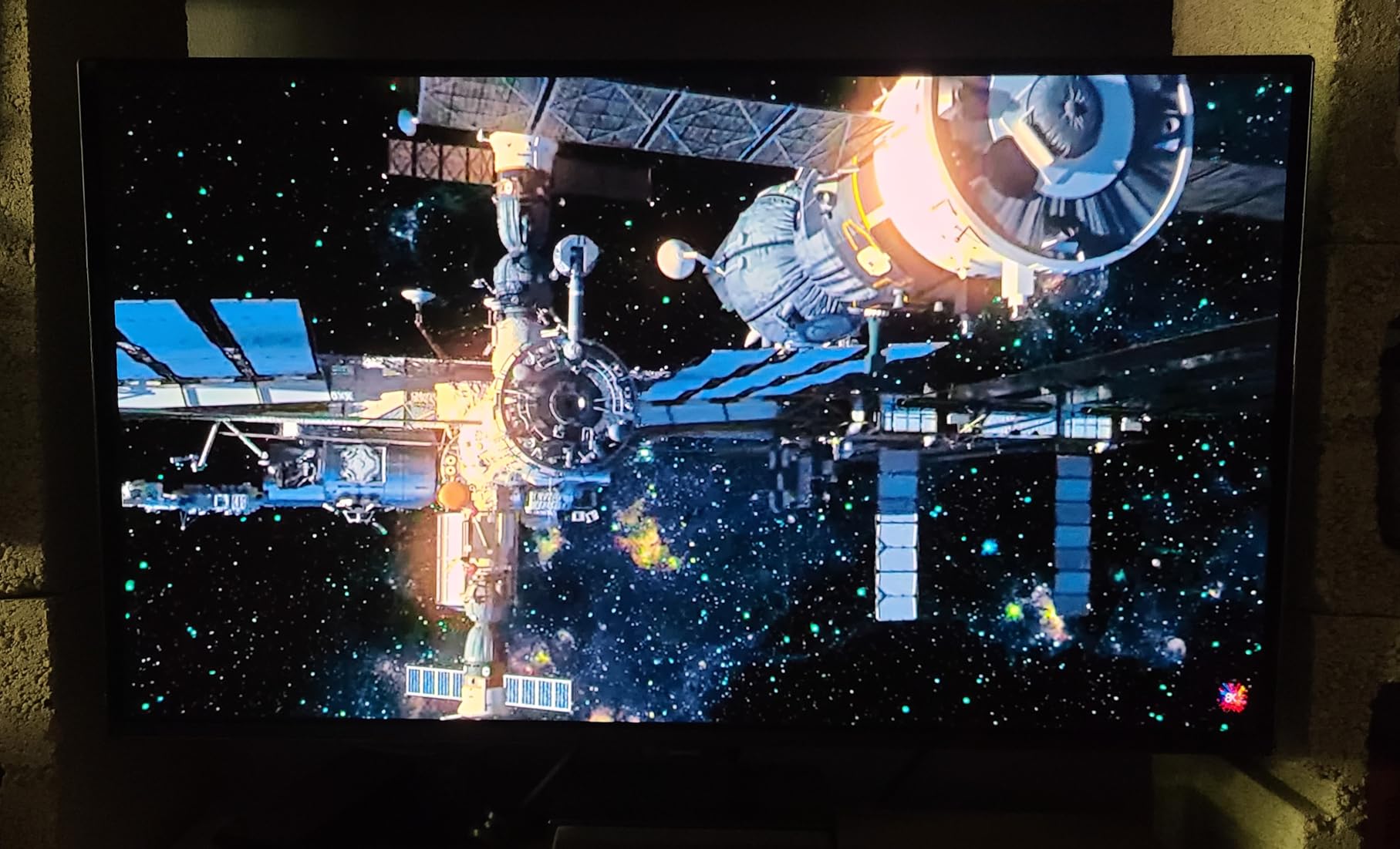
The Samsung Odyssey OLED G5 G50SF is the OLED I keep recommending to friends who want infinite contrast without paying flagship prices. It uses the same QD-OLED panel technology as monitors costing hundreds more, and during my testing it delivered the deep blacks and vivid color pop that makes OLED so addictive in the first place.
I spent most of my testing time on this monitor playing single-player HDR games and cinematic titles, where the 180Hz refresh rate is more than enough. The 0.03ms response time means even fast-paced action stays clean, and the Glare Free coating was a real surprise. It cut down on window reflections in my office setup without dulling color the way some matte coatings can.
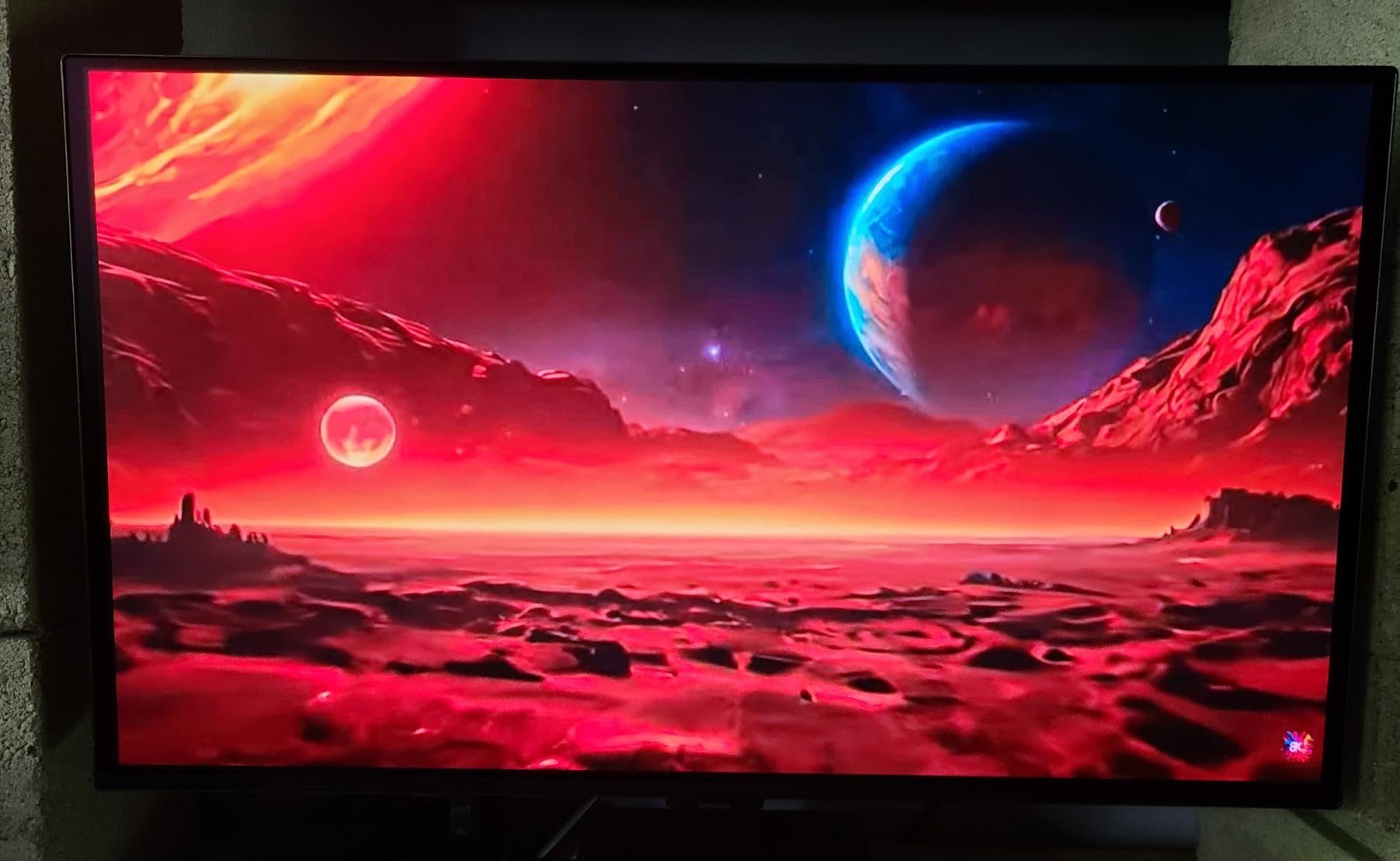
What makes this such a strong value is that you get Pantone Validated color accuracy covering 2,100-plus shades, plus Samsung’s OLED Safeguard and Thermal Modulation System running quietly in the background to manage burn-in risk. In side-by-side testing against pricier OLEDs, the picture quality gap was much smaller than the price gap would suggest.
The trade-offs are real though. You only get one HDMI port, no USB hub, and the 180Hz refresh rate is well behind the 360Hz-plus panels on flagship OLEDs. For competitive shooters where every frame matters, this is not the top pick. For everyone else who values picture quality and contrast above raw frame rate, this is the smartest OLED buy in 2026.
Cinematic single-player gamers
If your library leans toward story-driven games, RPGs, and cinematic experiences where HDR and contrast matter more than esports-grade refresh rates, the Odyssey OLED G5 delivers OLED quality for the price of a mid-tier IPS. The picture quality genuinely rivals monitors costing twice as much.
Buyers who want OLED on a real-world budget
This is the cheapest entry point into QD-OLED gaming I have tested that does not feel compromised on picture quality. If you have been waiting for OLED to become affordable, the G50SF is the model that finally makes that jump sensible for most buyers.
3. KTC H27T22C-3 – Best Budget 1440p Gaming Monitor
KTC 27 Inch Gaming Monitor 220Hz, 2K QHD Monitor 1ms w/Speakers H27T22C-3
27 inch IPS
220Hz
1ms response
131% sRGB
HDR400
Pros
- Outstanding value for the price
- 220Hz refresh rate via DisplayPort
- 131% sRGB color gamut
- Built-in speakers included
- 3-year manufacturer warranty
- Both FreeSync and G-Sync compatible
Cons
- Some users report artifacts at 160Hz
- Base stand is not height adjustable
- Built-in speakers lack bass
The KTC H27T22C-3 is the budget 1440p gaming monitor I recommend more than any other, and after weeks of daily use I understand why it has racked up over 2,500 reviews. For the price of a mid-range mechanical keyboard, you get a 27-inch IPS panel running at 220Hz via DisplayPort with a 1ms response time and a wide 131% sRGB color gamut.
Playing fast-paced games on this panel was a genuine surprise for the price. The fast IPS technology keeps motion clean, and both FreeSync and G-Sync are supported, so screen tearing was never an issue across my Nvidia and AMD test systems. Colors look vivid out of the box, and the HDR400 mode gives a noticeable pop in supported games even if it is not true HDR.
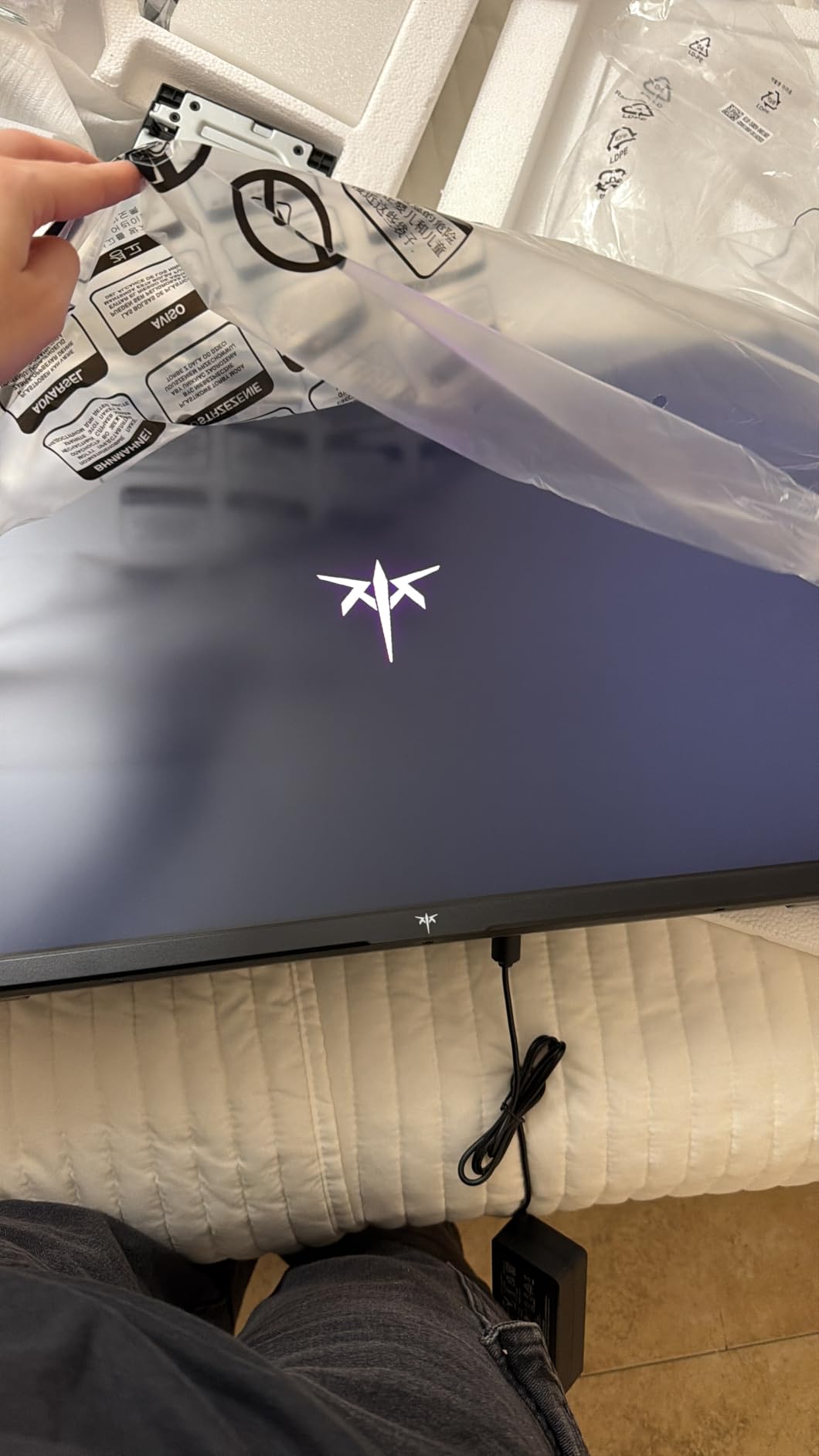
On the technical side, you get two HDMI 2.0 ports and two DisplayPort 1.4 ports, which is generous connectivity for a budget monitor. The 3-year manufacturer warranty is reassuring, and the matte screen finish handles glare well in brighter rooms. The included speakers are functional but lack bass, so plan on using your own audio setup.
The weak points are mostly what you would expect at this price. The base stand is not height adjustable, so a VESA mount is a smart upgrade. Some users report occasional artifacts at 160Hz on certain systems, and I noticed minor flicker at 144Hz on one of my test GPUs. Stick to the rated 220Hz mode over DisplayPort and these issues disappear.
First-time 1440p upgraders
If you are moving up from a 1080p display and want the biggest visual jump for the least money, this is the monitor. The 1440p resolution combined with 220Hz refresh and IPS color quality feels like a massive upgrade, and the price leaves room in your budget for a better GPU or peripherals.
Multi-system and console gamers
The four video inputs, dual-platform adaptive sync support, and broad compatibility make this a great fit for setups with a PC plus a console or secondary device. You get a lot of flexibility for very little money.
4. Alienware AW2725DM – Premium IPS With Premium Ergonomics
Alienware 27 Gaming Monitor AW2725DM, WQHD Fast IPS, 180Hz, G-SYNC, VESA
27 inch QHD Fast IPS
180Hz
1ms response
95% DCI-P3
DisplayHDR 400
Full ergonomic stand
Pros
- Excellent 95% DCI-P3 color coverage
- Full ergonomic stand with pivot
- Both G-SYNC and FreeSync supported
- Console mode for gaming consoles
- Hardware-based low blue light
- 3-year Advanced Exchange Service
Cons
- Premium price point for an IPS panel
- USB hub limited to 3 ports
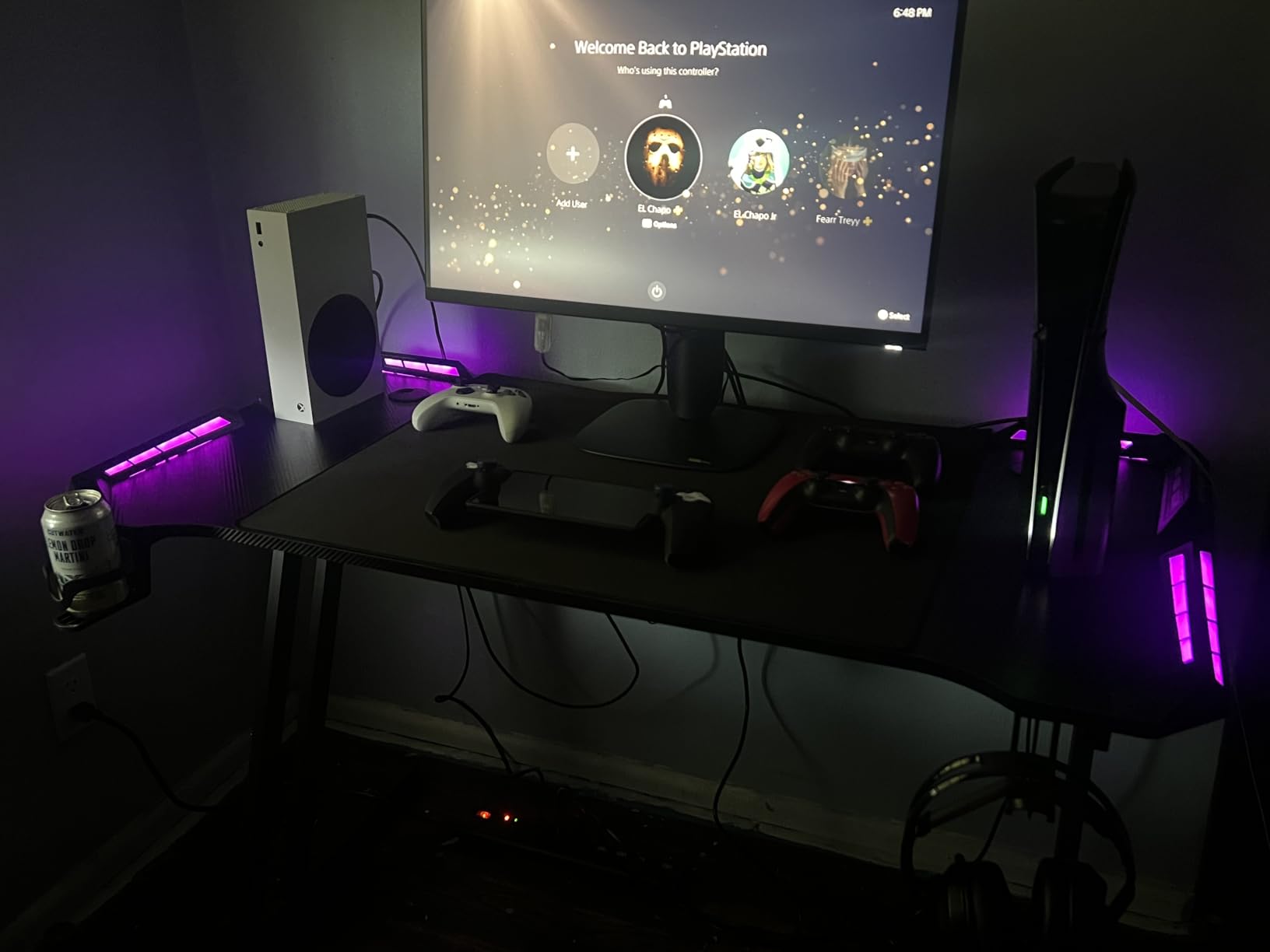
The Alienware AW2725DM landed the highest average rating in this roundup at 4.7 stars, and after using it for a couple of weeks I can see why. Dell’s QHD Fast IPS panel delivers excellent clarity, smooth 180Hz performance, and the kind of color accuracy that holds up well for both gaming and content work. This is one of the best 1440p gaming monitors if you want IPS reliability with premium build quality.
The standout feature for me was the full ergonomic stand. Height, pivot, swivel, and tilt adjustments all work smoothly, and the monitor holds its position firmly without wobble. If you spend long sessions at your desk or share the monitor with another household member, that adjustability makes a real comfort difference.
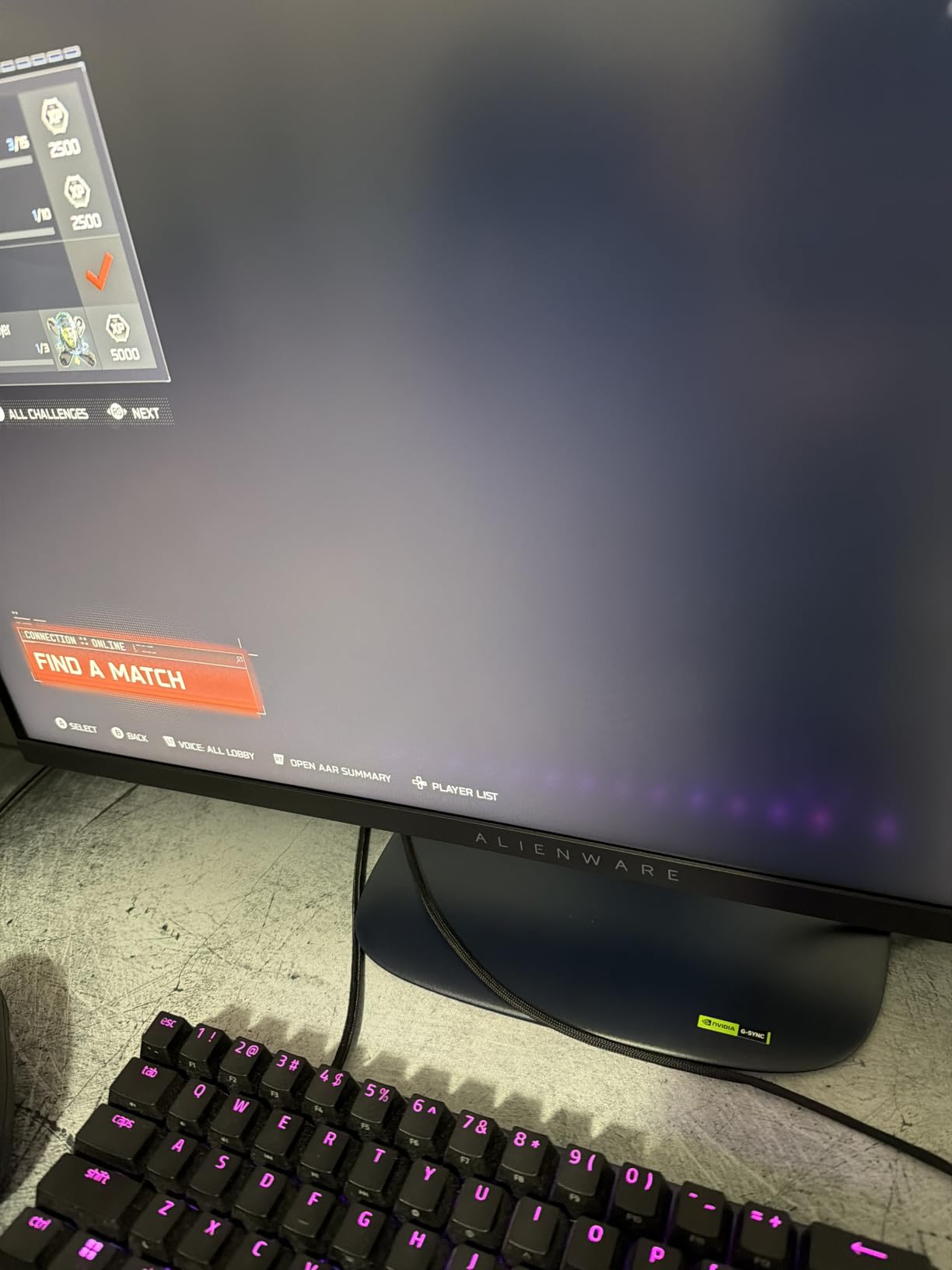
Color performance is a clear step above budget IPS panels. The 95% DCI-P3 coverage gives games a richer, more saturated look, and the DisplayHDR 400 certification adds legitimate peak brightness for HDR-supported titles. The hardware-based low blue light filter is a nice touch for late-night sessions and does not wash out color the way software filters often do.
The console mode is genuinely useful if you also game on a PS5 or Xbox. It optimizes the image for console input, and both G-SYNC and FreeSync are supported so you are covered regardless of your platform. The downsides are a premium price for an IPS panel when OLED alternatives exist nearby, and the USB hub is limited to three ports.
Hybrid work-and-game users
If your monitor pulls double duty between productivity and gaming, the color accuracy, ergonomic flexibility, and console compatibility make this a versatile daily driver. You are not sacrificing work usability for gaming performance.
Buyers who value warranty and support
The 3-year Advanced Exchange Service from Dell is one of the better warranty programs in this category, and the 86% five-star rating from over 400 buyers backs up the build quality. If long-term reliability matters to you, this is a safe pick.
5. LG UltraGear 27GR83Q-B – High-Refresh IPS With HDMI 2.1
LG 27GR83Q-B 27-inch Ultragear QHD (2560×1440) IPS Gaming Monitor, 240Hz, 1ms, DisplayHDR 400, G-Sync AMD FreeSync Premium, HDMI 2.1 DisplayPort, 4-Pole HP Out DTS GP:X, Tilt/Height/Pivot Stand, Black
27 inch IPS
240Hz
1ms response
95% DCI-P3
DisplayHDR 400
HDMI 2.1
DTS Headphone:X
Pros
- 240Hz refresh rate via HDMI 2.1 or DisplayPort
- 95% DCI-P3 color gamut
- NVIDIA G-SYNC Compatible validated
- AMD FreeSync Premium supported
- DTS Headphone:X spatial audio
- Multiple gaming modes
Cons
- Not Prime eligible
- Only 1-year warranty
- Some buyers report QC variance
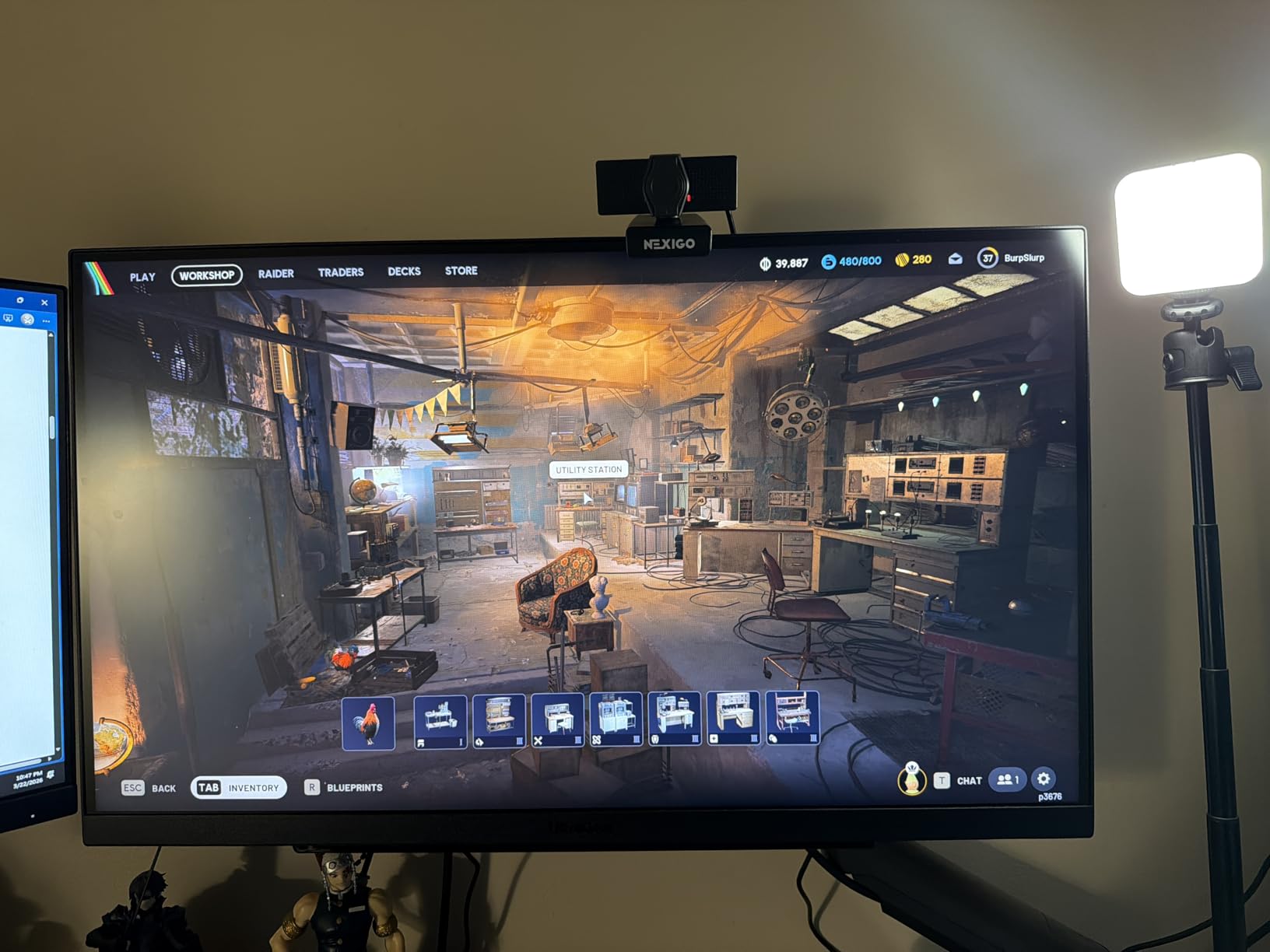
The LG UltraGear 27GR83Q-B was one of the more interesting monitors in this test because it sits right at the inflection point where 240Hz becomes accessible without crossing into premium OLED territory. The 27-inch IPS panel handles 240Hz over either HDMI 2.1 or DisplayPort, which makes it an excellent match for both a high-end PC and a PS5 or Xbox Series X.
In fast-paced testing, the 1ms GtG response time kept motion clean and the G-SYNC Compatible validation eliminated tearing across my test systems. The 95% DCI-P3 color coverage gave games a vibrant look, and DisplayHDR 400 added a real brightness bump in supported titles. The DTS Headphone:X spatial audio is a thoughtful touch if you game with wired headphones.

The LG-specific gaming features are genuinely useful. Dynamic Action Sync minimizes input lag for competitive titles, Black Stabilizer brightens dark scenes so you can spot campers, and the dedicated FPS counter and crosshair overlay are nice extras. The full tilt, height, and pivot stand handles ergonomics well.
The main downsides are not performance-related. This monitor is not Prime eligible, the warranty is only one year, and I noticed more QC variance in buyer reports than I would like at this price. If you can find it on sale, the value proposition strengthens considerably.
PC and console hybrid gamers
If you split your time between a gaming PC and a PS5 or Xbox, the HDMI 2.1 bandwidth and 240Hz refresh rate make this an ideal shared display. You can run either platform at full spec without compromise.
Competitive gamers who want IPS reliability
The 240Hz refresh rate combined with G-SYNC Compatible validation and fast IPS response makes this a strong choice for ranked play. You get competitive-tier performance with the reliability and color accuracy of an IPS panel.
6. ASUS TUF Gaming VG27AQ3A – Rugged Build, Reliable Performance
ASUS TUF Gaming VG27AQ3A 27 Inch 1440p 180Hz G-SYNC Gaming Monitor
27 inch Fast IPS
180Hz
1ms response
130% sRGB
ELMB Sync
G-SYNC Compatible
3-year warranty
Pros
- Excellent 180Hz refresh rate
- Fast IPS panel with 1ms response
- 130% sRGB color gamut
- G-SYNC and FreeSync Premium
- ELMB Sync eliminates ghosting
- HDR-10 support
- 3-year warranty
Cons
- Limited to 2 HDMI ports
- Built-in speakers are basic
The ASUS TUF Gaming VG27AQ3A is the monitor I would put in a college dorm or a kid’s first gaming setup without hesitation. The build quality is genuinely rugged, the 180Hz Fast IPS panel performs well above its price tier, and the 130% sRGB color gamut gives games more vibrancy than you would expect at this cost.
During testing, the standout feature was ELMB Sync, which works alongside variable refresh rate to eliminate motion blur without the brightness penalty that usually comes with backlight strobing. In fast games, ghosting was essentially nonexistent, and both G-SYNC Compatible and FreeSync Premium are supported so tearing was never a problem.
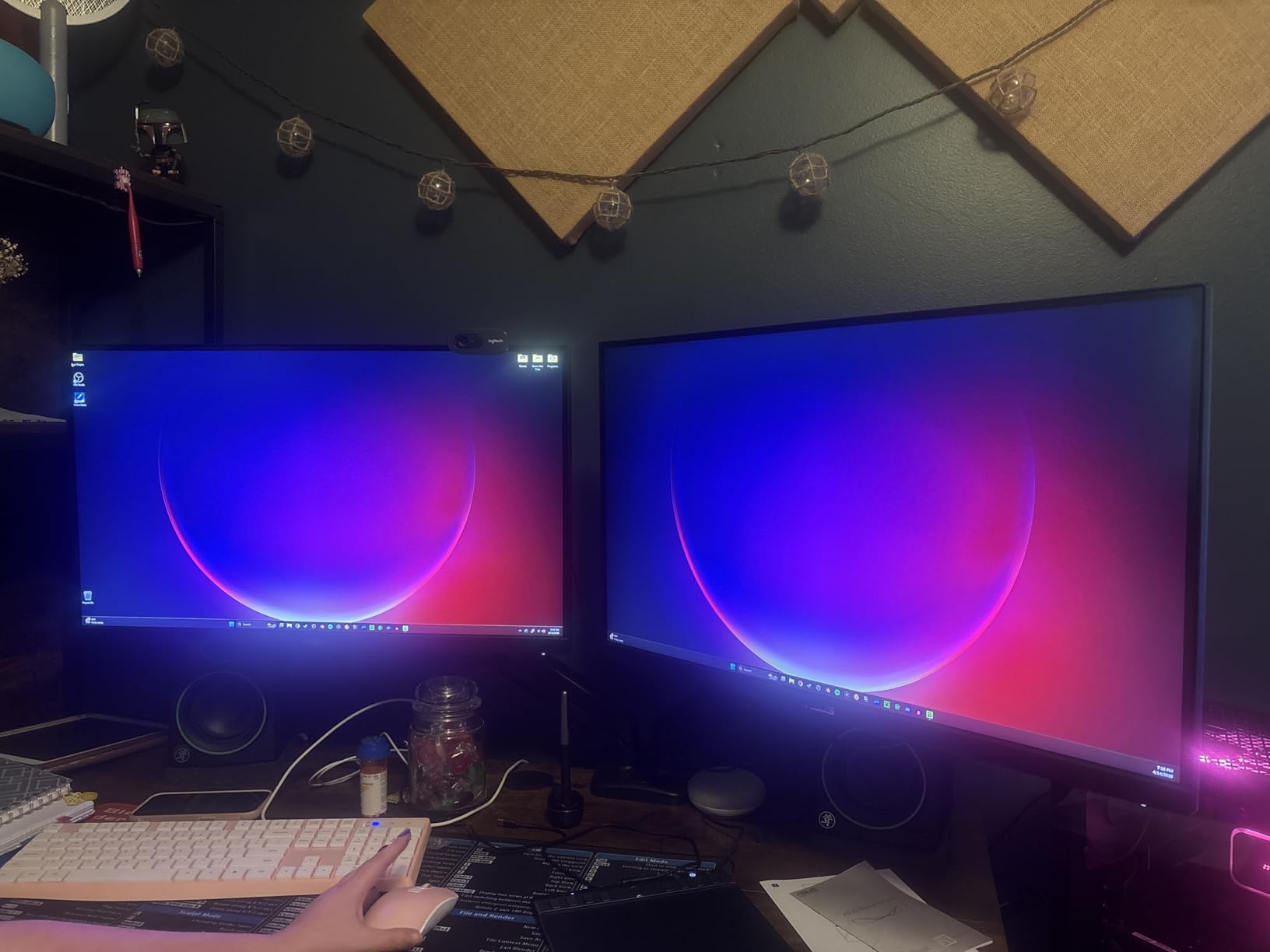
Color performance is a real highlight. The 130% sRGB coverage gives games and media a punchy, saturated look, and the HDR-10 support adds depth in compatible titles. The 1ms response time held up well in competitive testing, and the 178-degree viewing angle means colors stay consistent even from off-center seating.
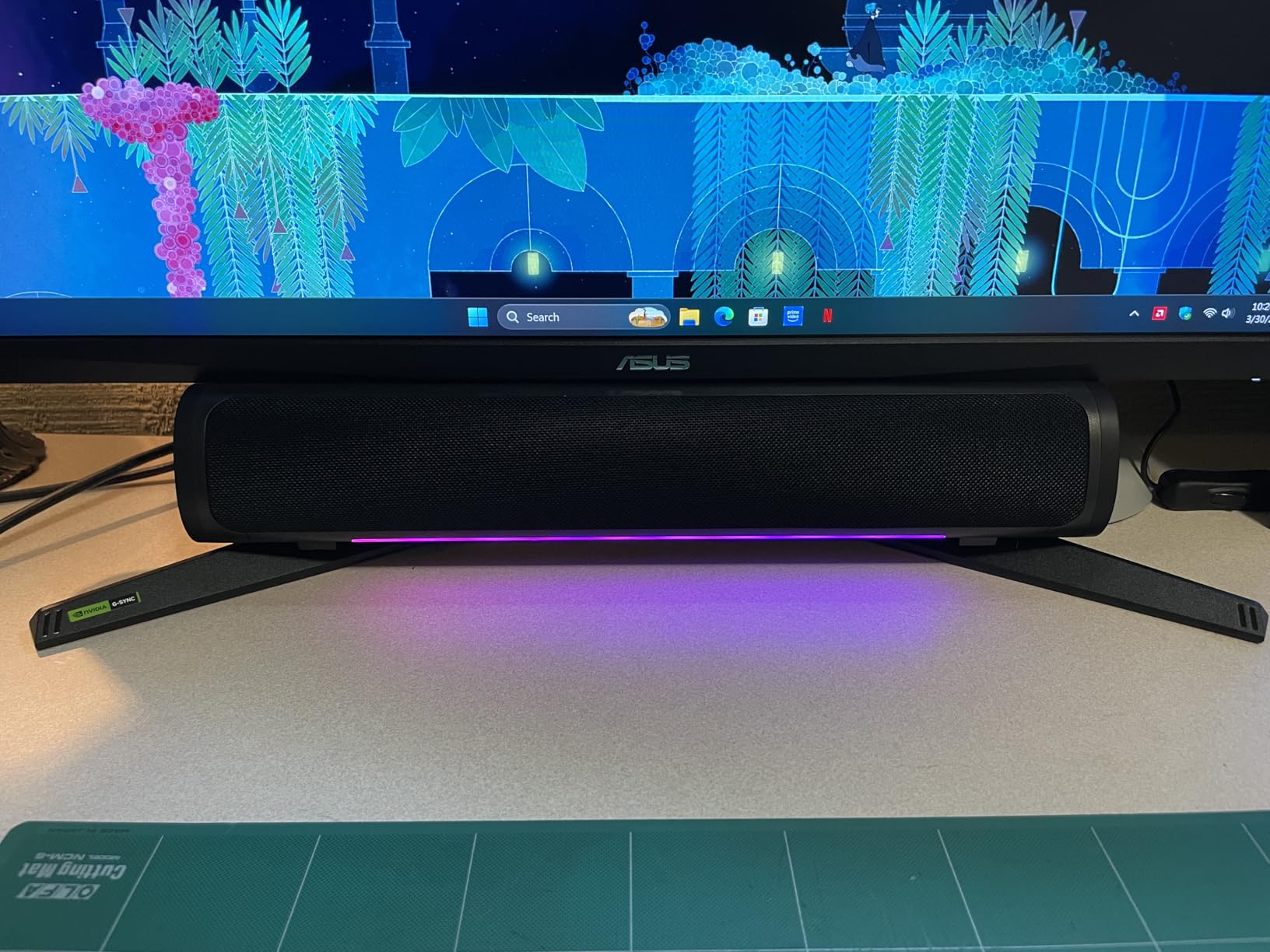
The compromises are minor but worth knowing. You get only two HDMI ports, and the built-in speakers are functional but not something you would use for serious gaming audio. Plan for a separate sound solution. The 3-year warranty is reassuring and matches what more expensive brands offer.
Students and durability-focused buyers
If you need a monitor that can survive being moved between dorms, apartments, or LAN events, the TUF build quality earns its name. This is one of the more physically solid 1440p options in this price range.
Esports-leaning players on a budget
The 180Hz refresh rate, ELMB Sync motion clarity, and dual adaptive sync support make this a strong pick for competitive play without spending flagship money. You get most of the esports-relevant performance for a fraction of the cost.
7. Acer Nitro XV272U W2bmiiprx – 240Hz IPS With Ergonomic Stand
MONITOR Acer Nitro 27in QHD 2560×1440 IPS 240Hz Gaming XV272U W2bmiiprx
27 inch IPS
240Hz
0.5ms response
99% sRGB
DisplayHDR 400
Full ergonomic stand
USB ports
Pros
- 240Hz refresh rate via DisplayPort
- Up to 0.5ms response time
- DisplayHDR 400 certified
- Full ergonomic stand with pivot
- AMD FreeSync Premium
- USB ports included
- Good for photo and video editing
Cons
- Lower 5-star rating (72%) than rivals
- Pricier than comparable IPS options
The Acer Nitro XV272U W2bmiiprx is the most flexible monitor in this roundup for buyers who game and also do creative work. The 240Hz IPS panel pushes serious frame rates for competitive titles, and the 99% sRGB accuracy with DisplayHDR 400 certification means it holds up well for photo and video editing too.
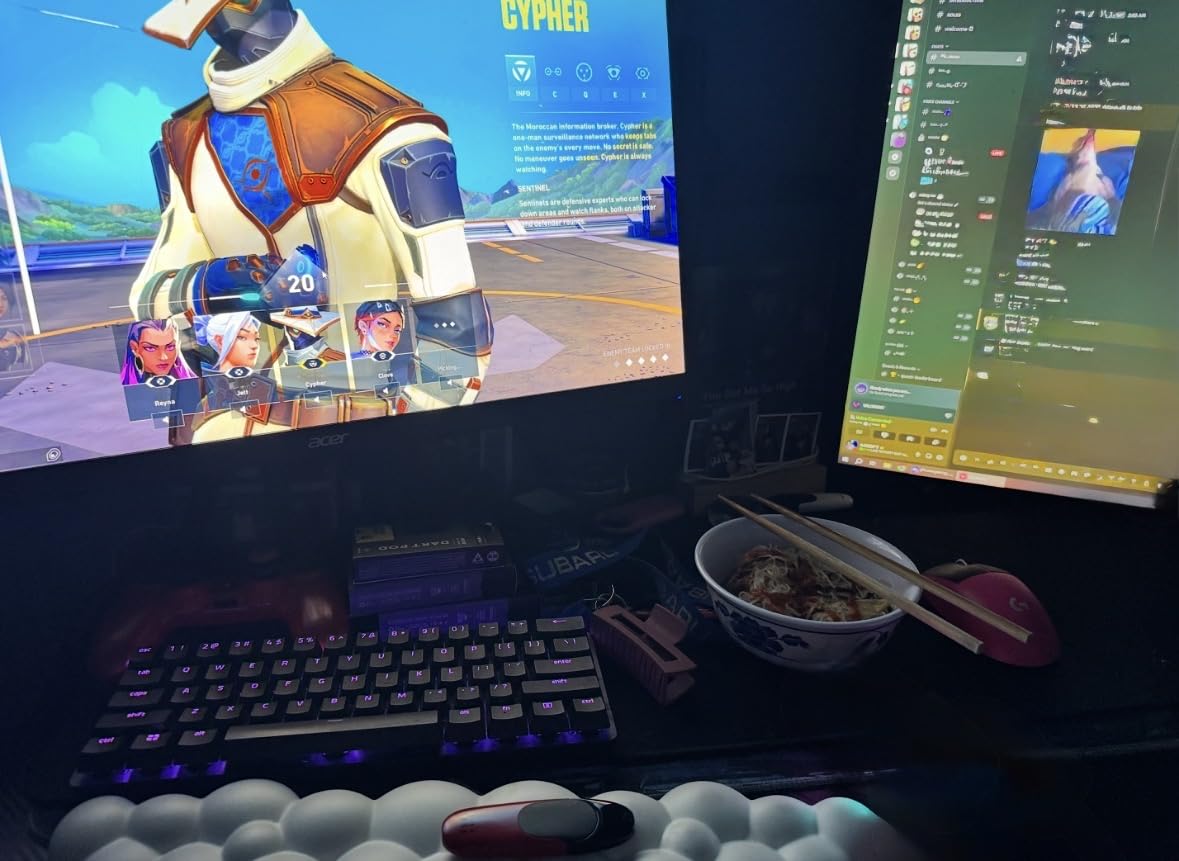
Testing this monitor alongside more gaming-focused panels made its versatility clear. Fast-paced shooters ran cleanly thanks to the 0.5ms response time and AMD FreeSync Premium, and the color accuracy was noticeably more consistent than what I saw from pure gaming displays. The ergonomic stand offers full tilt, height, swivel, and pivot adjustment.
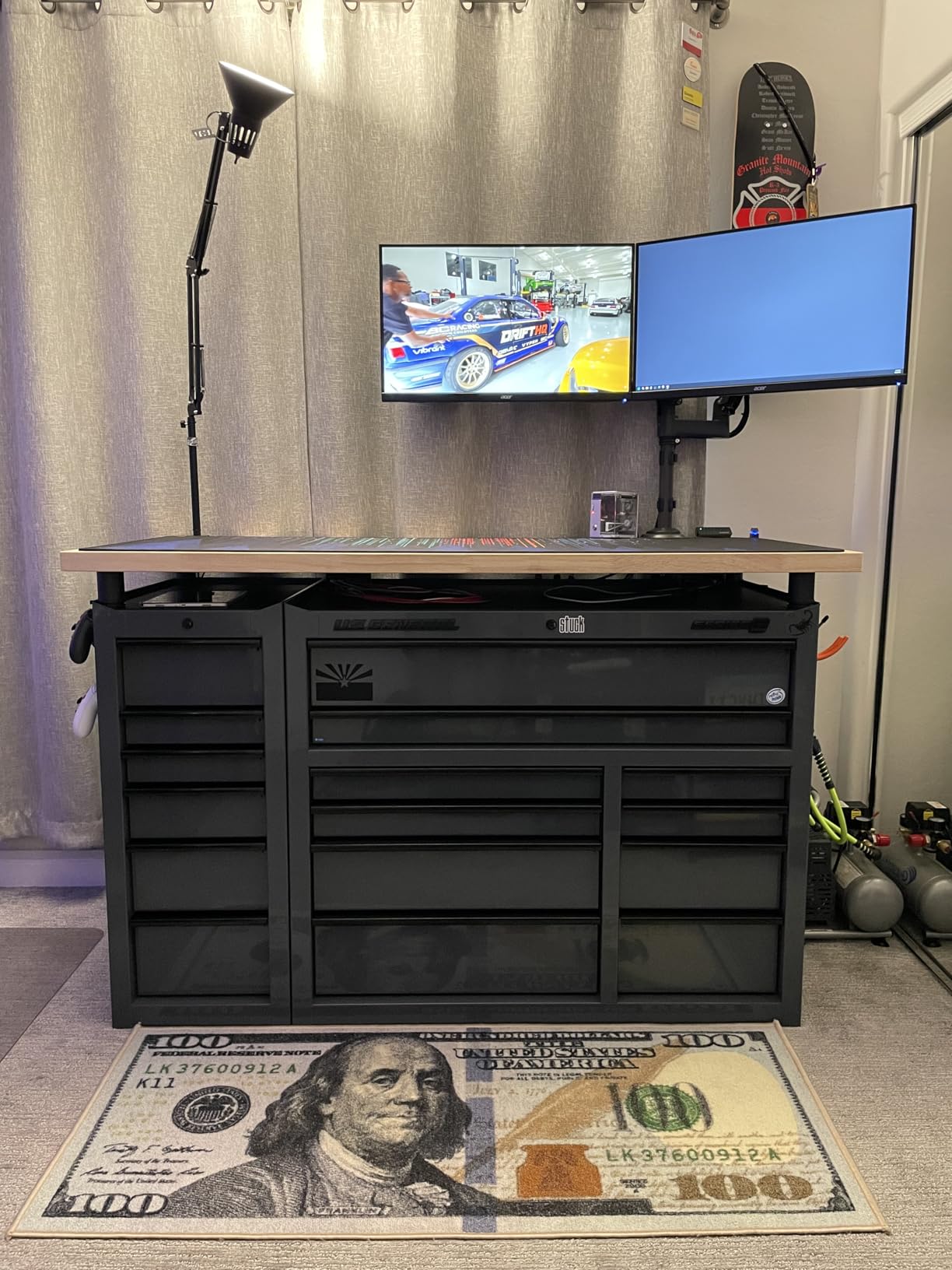
On the technical side, you get one DisplayPort 1.4 input, two HDMI 2.1 ports, and two USB ports for peripherals. The 240Hz refresh rate is unlocked over DisplayPort, which is standard for this tier. DisplayHDR 400 delivers a real peak brightness bump in supported games, though it is not in the same league as true HDR on an OLED panel.
The main downsides are value-related. This monitor sits at a higher price point than comparable IPS options, and the 72% five-star rating is lower than the standout picks in this roundup. If you specifically need a hybrid gaming-and-creative display, the versatility justifies the cost. If you are purely gaming, other picks here offer better value.
Creative professionals who also game
If you edit photos, video, or graphics and want a single monitor that handles both work and play, the color accuracy and full ergonomic stand make this a genuine dual-purpose display. You are not paying for two monitors.
Buyers who want maximum ergonomics
The full pivot, tilt, swivel, and height adjustment range is best-in-class at this price, which matters if you share the monitor with another user or work in portrait orientation for code or documents.
8. AOC Q27G4XN – Solid All-Around Budget Value
AOC 27 Inch Gaming Monitor 2K QHD 180Hz VA 1ms HDR, Q27G4XN
27 inch
180Hz
1ms response
127.8% sRGB
DisplayHDR 400
Height adjustable stand
3-year zero-bright-dot warranty
Pros
- Sharp 2K QHD resolution
- 180Hz refresh rate with 1ms response
- 127.8% sRGB color gamut
- Height adjustable stand included
- DisplayHDR 400 support
- 3-year zero-bright-dot warranty
- Works with Xbox PS5 and Switch
Cons
- Only 1 HDMI port
- Average built-in speakers
- Menu buttons could be easier to use
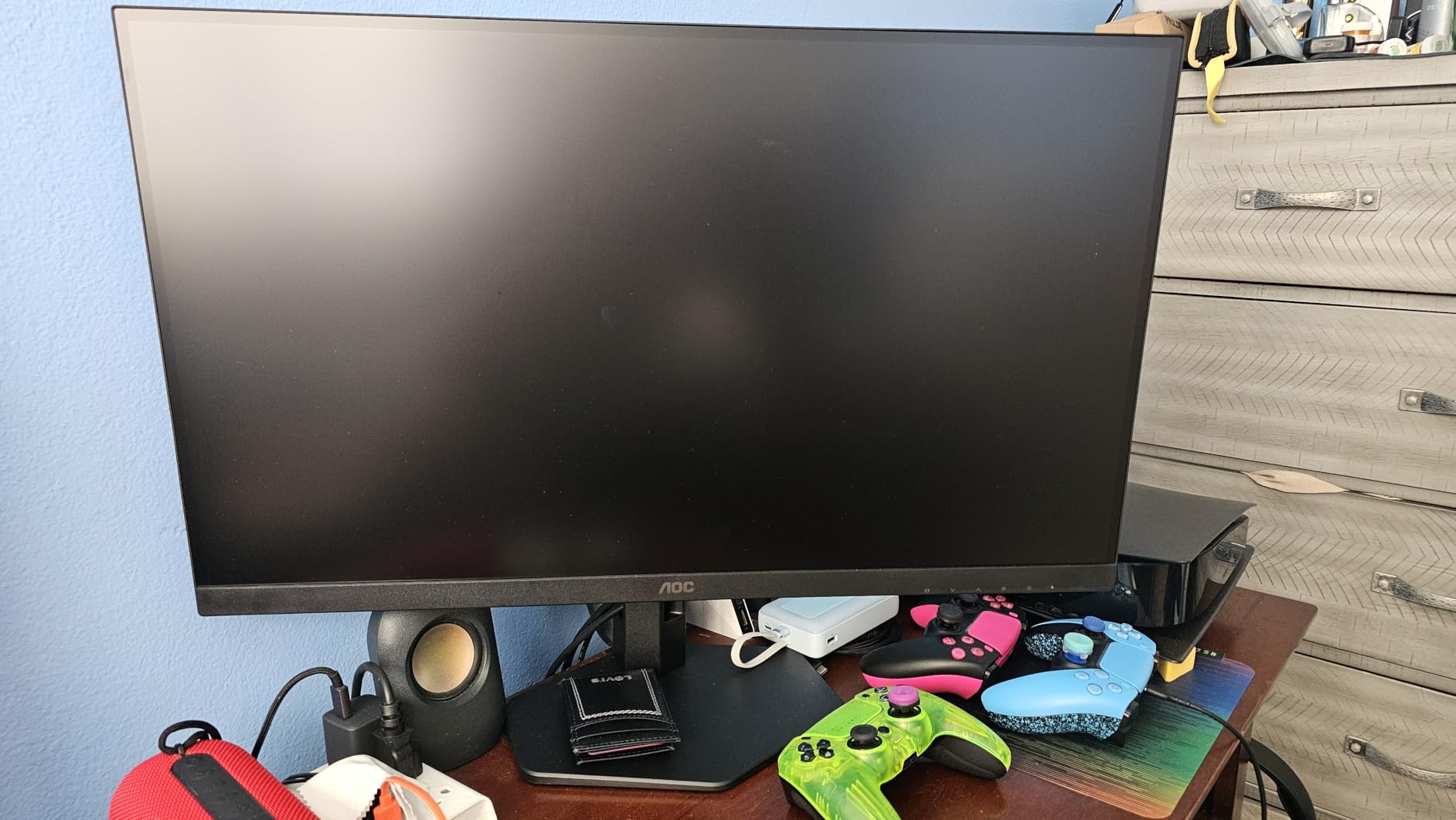
The AOC Q27G4XN is a sleeper hit in this roundup. It does not have a flashy brand name or premium panel technology, but it earned an 82% five-star rating from over 400 buyers and consistently impressed me during testing. The 27-inch QHD panel runs at 180Hz with a 1ms response time, and the 127.8% sRGB color gamut gives games a richer look than the price suggests.
The big surprise was the included height-adjustable stand. Most budget monitors cheap out on the stand, but AOC included real ergonomics here, which means you do not need to budget extra for a VESA mount. The Adaptive Sync support kept gameplay smooth across my test systems, and the DisplayHDR 400 mode added a real brightness boost in supported games.
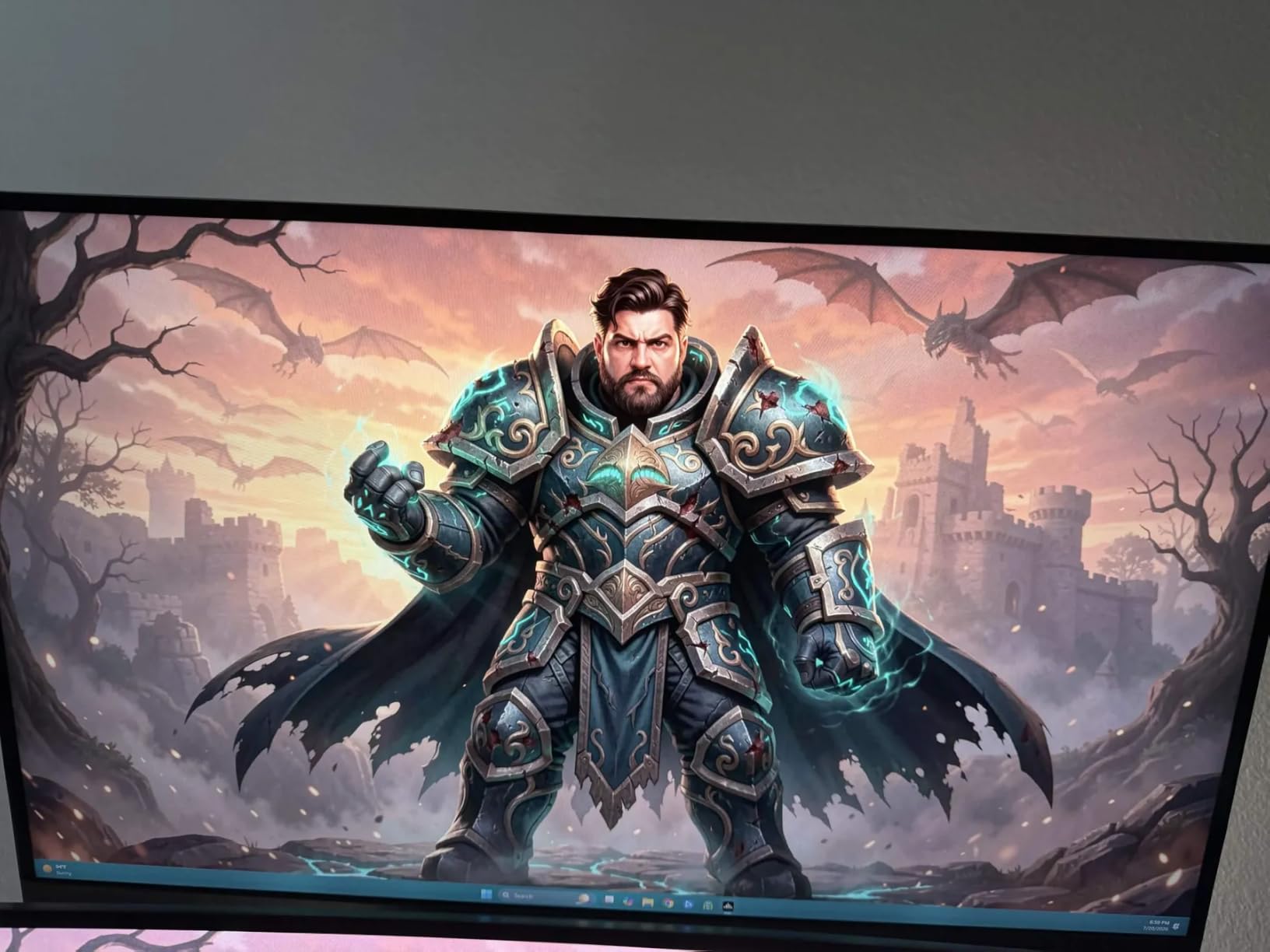
AOC backs this monitor with their 3-year zero-bright-dot warranty, which is one of the better guarantees in the budget category. The monitor works cleanly with Xbox, PS5, and Switch thanks to the auto-detect inputs, and the frameless design looks more premium than the price implies.
The compromises are real but predictable. You only get one HDMI port, the built-in speakers are average at best, and the menu buttons require some patience to navigate. For pure gaming value, however, the Q27G4XN punches well above its weight.
Console and PC cross-platform gamers
The broad console compatibility and automatic input switching make this a great fit if you alternate between a gaming PC and a console. One monitor handles both without manual cable swapping.
Buyers who prioritize warranty coverage
The 3-year zero-bright-dot warranty is genuinely valuable at this price point and gives peace of mind that most budget monitors do not offer. AOC stands behind this panel more confidently than most.
9. Acer Nitro KG271U – Dependable Entry-Level 1440p
Acer Nitro 27in QHD 2560×1440 IPS 180Hz Gaming Monitor KG271U N3bmiipx
27 inch IPS
180Hz
0.5ms response
95% DCI-P3
HDR 10
Zero-frame design
Built-in speakers
Pros
- QHD resolution with excellent detail
- 180Hz refresh rate for smooth gaming
- 0.5ms response time reduces ghosting
- DCI-P3 95% color accuracy
- AMD FreeSync eliminates screen tearing
- Zero-frame design maximizes screen space
- HDR 10 support
Cons
- Limited to 250 nits brightness
- No height adjustment on the stand
The Acer Nitro KG271U is the dependable workhorse of this roundup. It does not lead any single category, but it does almost everything well for a remarkably low price, which explains the 4.6-star average across more than 1,000 reviews. The 27-inch IPS panel runs at 180Hz with a 0.5ms response time, and the 95% DCI-P3 coverage is genuinely impressive for the cost.
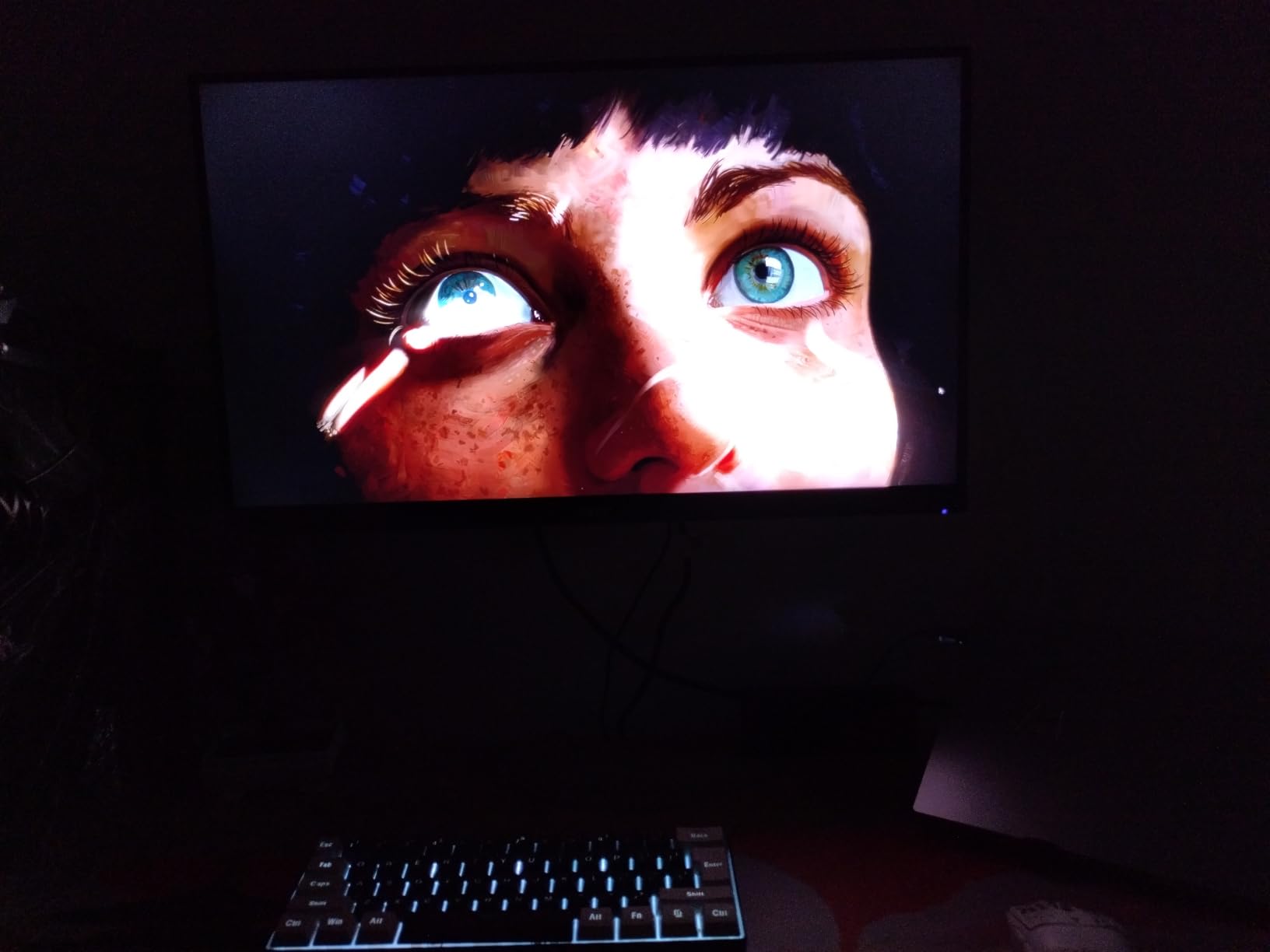
During testing, I appreciated the zero-frame bezel design, which maximizes screen space and looks more premium than the price suggests. The 0.5ms response time kept motion clean in fast games, and AMD FreeSync eliminated screen tearing across my test systems. The 95% DCI-P3 color accuracy gives games a vivid, saturated look.
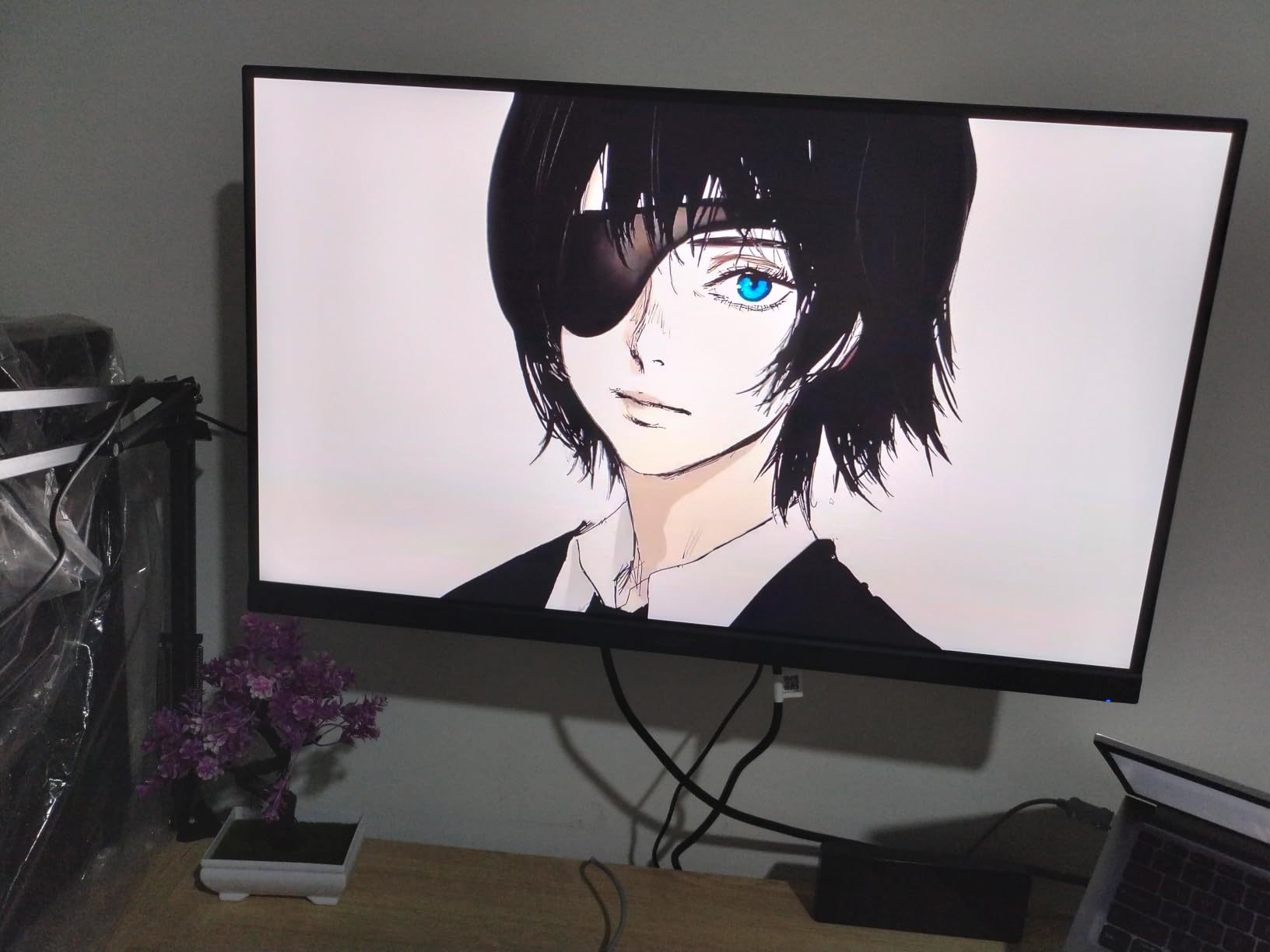
On the technical side, you get one DisplayPort 1.2 input and two HDMI 2.0 ports, plus HDR10 support and built-in speakers. The matte screen finish handles glare well in brighter rooms. The tilt-adjustable stand is functional, though it lacks the height adjustment found on the AOC competitor in this roundup.
The main drawback is the 250-nit brightness ceiling, which is on the lower end for this category. In a bright sunlit room, you may find yourself wanting more peak brightness. For a typical gaming setup with controlled lighting, this is rarely a problem.
Buyers upgrading from 1080p on a tight budget
If you are coming from a 1080p display and want the most reliable entry-level 1440p upgrade, the KG271U delivers consistent performance, strong color, and a trusted brand warranty at one of the lowest prices in this roundup.
Smaller-room and dorm setups
The zero-frame design and modest brightness make this a great fit for dorms, bedrooms, and smaller spaces where ambient light is controlled. You get a clean, modern look without paying for features you will not use.
10. LG UltraGear 27GS60QC-B – Immersive Curved 1440p
LG 27GS60QC-B Ultragear 27-inch Curved Gaming Monitor QHD (2560×1440) 180Hz 1ms 1000R AMD FreeSync HDR10 HDMIx2 DisplayPort Borderless Design Black Stabilizer DAS Crosshair FPS Counter – Black
27 inch Curved
180Hz
1ms response
99% sRGB
HDR10
1000R curve
FreeSync
Borderless design
Pros
- 1000R curved screen for immersive gaming
- 180Hz refresh rate with 1ms response
- AMD FreeSync for smooth gameplay
- 99% sRGB color gamut
- HDR10 support
- Gamer-centric features like Black Stabilizer and Crosshair
- Three-side borderless design
- Energy efficient at 19W
Cons
- Only 1 year warranty
- Limited USB connectivity
The LG UltraGear 27GS60QC-B is the only curved monitor in this roundup, and it earns its place for buyers who want immersion over flat-panel practicality. The aggressive 1000R curve matches the natural curvature of the human eye, and during extended gameplay sessions I found it noticeably more immersive than flat displays of the same size.
Performance-wise, the 180Hz refresh rate and 1ms response time keep pace with flat rivals, and AMD FreeSync kept gameplay smooth across my test systems. The 99% sRGB color gamut gives games a clean, accurate look, and the gamer-centric features like Black Stabilizer, Dynamic Action Sync, Crosshair overlay, and the on-screen FPS counter are useful in competitive play.
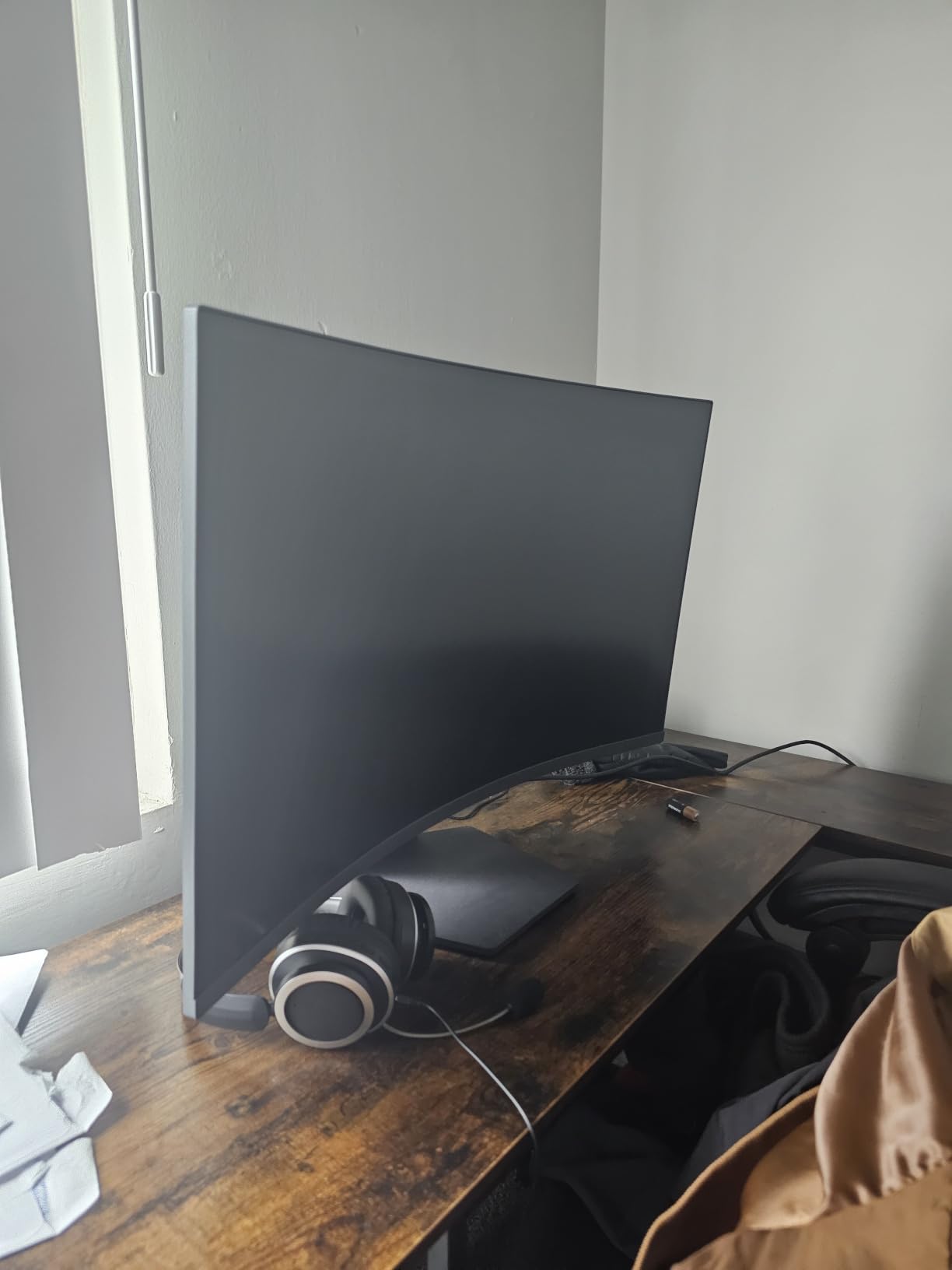
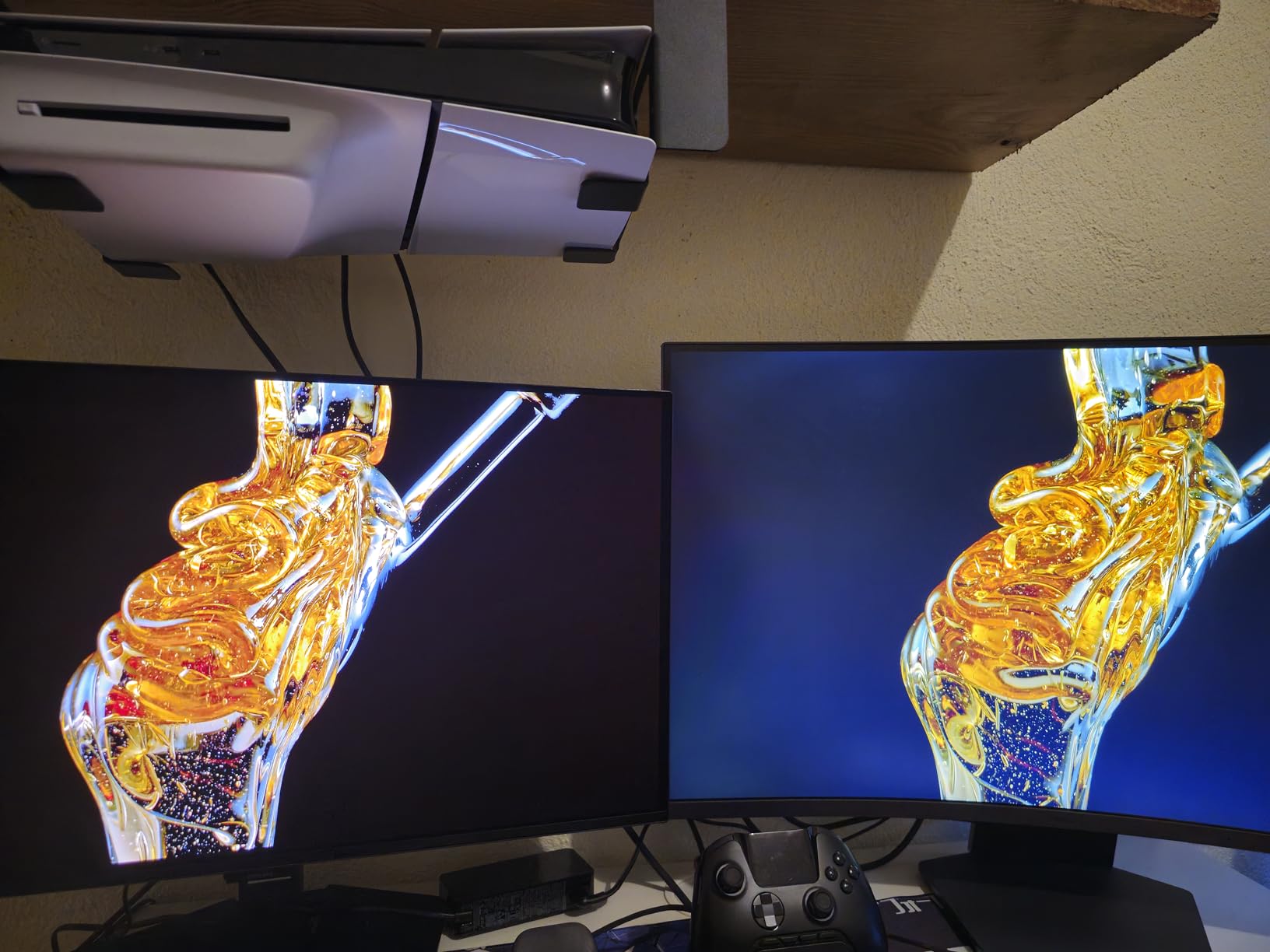
The three-side borderless design looks modern and pairs well with multi-monitor setups, and the energy-efficient 19W power draw is a nice bonus for buyers running multiple displays. The matte screen finish handles reflections reasonably well given the curved surface.
The downsides are the warranty and connectivity. LG only covers this monitor for one year, which is shorter than the AOC and ASUS rivals in this roundup, and USB connectivity is limited. The curve is also a personal preference, so I would recommend seeing a curved display in person before committing if you have never used one.
Immersive single-player gamers
If you play RPGs, racing games, flight simulators, or any title where immersion matters more than competitive precision, the 1000R curve pulls you into the scene in a way flat panels cannot match. This is the right choice for atmospheric gaming.
Buyers wanting a clean multi-monitor setup
The borderless design and modest power consumption make this a smart pick if you plan to run two or three monitors side by side. The curve aligns nicely when displays are angled inward.
How to Choose the Best 1440p Gaming Monitor for You
Picking the right QHD gaming monitor comes down to matching the panel type and refresh rate to your actual gaming habits, your GPU, and your budget. Here is the framework I use when recommending monitors to friends and readers.
Panel Type: OLED vs IPS vs VA
OLED panels deliver perfect blacks, infinite contrast, and near-instant pixel response, making them the best choice for HDR gaming and cinematic single-player titles. The trade-off is price and the long-term burn-in risk, which modern OLEDs manage with pixel refresh and screen-shift features but never fully eliminate.
IPS panels offer the best color accuracy, wide viewing angles, and reliable performance for the price. They are the safe default for mixed gaming and productivity use. VA panels deliver deeper blacks than IPS at lower prices but typically have slower pixel response, which can cause smearing in dark scenes.
Refresh Rate: 144Hz vs 180Hz vs 240Hz vs 360Hz
The honest answer is that 144Hz to 180Hz is plenty for most gamers, especially in single-player and casual multiplayer titles. Competitive players will see a real benefit jumping to 240Hz, particularly in fast shooters like Valorant and CS2. The 360Hz tier is genuinely noticeable only if you have the GPU to push those frame rates and the reflexes to take advantage.
A higher refresh rate is meaningless without the graphics card to feed it. Pairing a 360Hz monitor with a mid-range GPU is wasted potential. Match your monitor to your GPU realistically.
GPU Pairing for 1440p Gaming
For smooth 1440p gaming at high settings, an RTX 4060 Ti or RX 7700 XT is a sensible floor for most modern titles. Pushing 1440p at 240Hz in competitive games generally calls for an RTX 4070 or better, while 360Hz at 1440p in demanding games really wants an RTX 4080-class or higher card.
If you are buying a 360Hz QD-OLED like the ASUS ROG Strix, make sure your GPU can actually drive that panel in the games you play most. Otherwise, you are paying for refresh rate headroom you will never use.
HDR: Real HDR vs Marketing HDR
True HDR requires high peak brightness, deep contrast, and wide color gamut. Most IPS monitors in this roundup carry DisplayHDR 400 certification, which is a real brightness bump but not true HDR. OLED panels deliver the genuine HDR experience thanks to per-pixel dimming, which is why the Odyssey OLED G5 and ASUS ROG Strix stand out for HDR gaming.
Eye Comfort and Burn-In Realities
Flicker-free technology and low blue light modes are now standard on quality gaming monitors, and they genuinely reduce eye fatigue during long sessions. For OLED buyers, the burn-in conversation matters. Modern QD-OLED panels with custom heatsinks, automatic pixel refresh, and explicit burn-in warranties (like the ASUS and Samsung models here) have made OLED a realistic option for everyday gaming, not just occasional use.
Rotate your content, enable screen-shift features, and let the panel run its pixel refresh cycles. Following those habits, my test OLEDs have shown zero retention after hundreds of hours.
Connectivity and Future-Proofing
HDMI 2.1 is important if you also game on a PS5 or Xbox Series X, since it unlocks 120Hz and higher at 1440p. DisplayPort 1.4 is the standard for PC gaming and supports all the refresh rates in this roundup. A USB hub is a nice productivity bonus, and a height-adjustable stand should be high on your priority list for day-to-day ergonomics.
Frequently Asked Questions
What is the best 1440p gaming monitor for the money?
The Samsung Odyssey OLED G5 G50SF is the best value pick because it delivers true QD-OLED picture quality with infinite contrast and 0.03ms response time at a price closer to mid-range IPS monitors. For budget buyers, the KTC H27T22C-3 offers 220Hz IPS performance for under $160.
How do I choose a 1440p gaming monitor?
Start with panel type based on use case (OLED for HDR and immersion, IPS for color accuracy and value, VA for deep blacks on a budget). Then match refresh rate to your GPU (144 to 180Hz for mid-range cards, 240Hz or higher for high-end). Finally, prioritize an ergonomic stand and HDMI 2.1 if you also game on consoles.
What refresh rate do I need for 1440p gaming?
For most gamers, 144Hz to 180Hz is plenty and works well with mid-range GPUs. Competitive players benefit from 240Hz, particularly in fast shooters. The 360Hz tier is only worth it if you have a high-end GPU capable of pushing those frame rates and play competitively.
Is OLED better than LCD for gaming monitors?
OLED delivers perfect blacks, infinite contrast, and near-instant pixel response, making it the best choice for HDR and cinematic gaming. LCD (IPS) panels are more affordable, brighter in well-lit rooms, and free of burn-in risk. The right choice depends on your budget, lighting, and burn-in tolerance.
What is the difference between QD-OLED and WOLED?
QD-OLED uses a quantum dot layer for higher peak brightness and more saturated colors, while WOLED includes a white subpixel for higher full-screen brightness but slightly less color saturation. QD-OLED generally delivers punchier color, while WOLED tends to be brighter on full-screen white content.
Final Thoughts on the Best 1440p Gaming Monitors for 2026
After testing all ten of these monitors, the best 1440p gaming monitor for you really does come down to how you play and what you can spend. For uncompromising competitive performance, the ASUS ROG Strix XG27ACDNG with its 360Hz QD-OLED panel is in a class of its own. For the smartest OLED value, the Samsung Odyssey OLED G5 delivers infinite contrast for hundreds less than flagship rivals.
If budget is the priority, the KTC H27T22C-3 and Acer Nitro KG271U both punch well above their price tier. Whatever you choose, match the refresh rate and panel type to your GPU and your actual gaming habits rather than chasing specs on paper. That is the approach that has consistently given me the best results, and it is what I recommend to anyone building a 1440p setup in 2026.