
Every capture card on this list retails under 200 dollars, and that price ceiling turns out to be a genuinely useful line in the sand. At this budget you can get clean 1080p60 capture with 4K60 passthrough, HDR and VRR handling on the better models, and USB 3.0 bandwidth that will not choke a modern PC. What you generally cannot get is every card’s honest 4K60 recording path, and I will be direct about that rather than pretending otherwise.
I have spent the last few months swapping these devices between an OBS capture source, a PS5 and a Windows 11 streaming PC, and I have read through the customer reviews on each listing closely to separate what the box claims from what owners actually see after a month of use. The result is a list that spans 9 dollars to about 150 dollars, which tells you something important about this category: the jump from a disposable dongle to a dependable card is smaller than the price gap suggests.
Before we get into the picks, one clarification. A capture card sits between your source and your PC. HDMI in from the console or camera, HDMI out to your TV or monitor so you can still play, and a USB or PCIe connection to the streaming PC that software reads as a camera source. Consoles do not stream properly on their own, and a card moves the encoding load off your gaming machine. PC-only creators on a single rig usually do not need one. If you want the wider picture first, our general capture card guide covers the interface types in more depth.
Table of Contents
Top 3 Picks: Capture Card Picks Under 200 Dollars in 2026
The Elgato Cam Link 4K takes the overall slot on the strength of its review history and near-zero latency, the AVerMedia Live Gamer Mini is the cleanest console streamer option here, and the UGREEN 4K@30Hz loop-out dongle is the most capable cheap card you can put in a bag.


Best Capture Cards Under $200 in 2026
All twelve models we tested, with the one spec that decides most purchases: how much the card can actually record rather than how much it can pass through.
| Product | Specifications | Action |
|---|---|---|
| Elgato Cam Link 4K |
|
Check Latest Price |
| AVerMedia Live Gamer Mini GC311 |
|
Check Latest Price |
| UGREEN 4K Loop Out |
|
Check Latest Price |
 AVerMedia GC573 Live Gamer 4K AVerMedia GC573 Live Gamer 4K |
|
Check Latest Price |
 Dcyfol 4K HDMI Capture Device Dcyfol 4K HDMI Capture Device |
|
Check Latest Price |
 Elgato 4K S Elgato 4K S |
|
Check Latest Price |
 UGREEN 2K@30Hz Capture Card UGREEN 2K@30Hz Capture Card |
|
Check Latest Price |
 Guermok 4K60 Capture Card Guermok 4K60 Capture Card |
|
Check Latest Price |
 XIIXMASK USB 3.0 Capture Card XIIXMASK USB 3.0 Capture Card |
|
Check Latest Price |
 VIXLW 4K Internal PCIe Card VIXLW 4K Internal PCIe Card |
|
Check Latest Price |
 Hagibis USB3.0 Capture Card Hagibis USB3.0 Capture Card |
|
Check Latest Price |
 Audio Express AXHDCAP Audio Express AXHDCAP |
|
Check Latest Price |
1. Elgato Cam Link 4K – Best Overall for Cameras and Consoles
Elgato Cam Link 4K Capture Card for DSLR, Camcorder, Action Cam, USB-A Connector, USB 3.0 Hardware Interface, Black, Windows 10/11 and macOS
1080p60 and 4K30 capture
20.14 g aluminium body
USB 3.0
2 year warranty
Pros
- Turns a DSLR or mirrorless into a full capture source
- Recognised instantly by OBS Zoom and Teams
- Near-zero latency over long sessions
- 14k+ reviews of long-term reliability
Cons
- 4K capture is limited to 30 fps
- Bulky USB-A body can block a neighbouring port
- No HDMI cable in the box
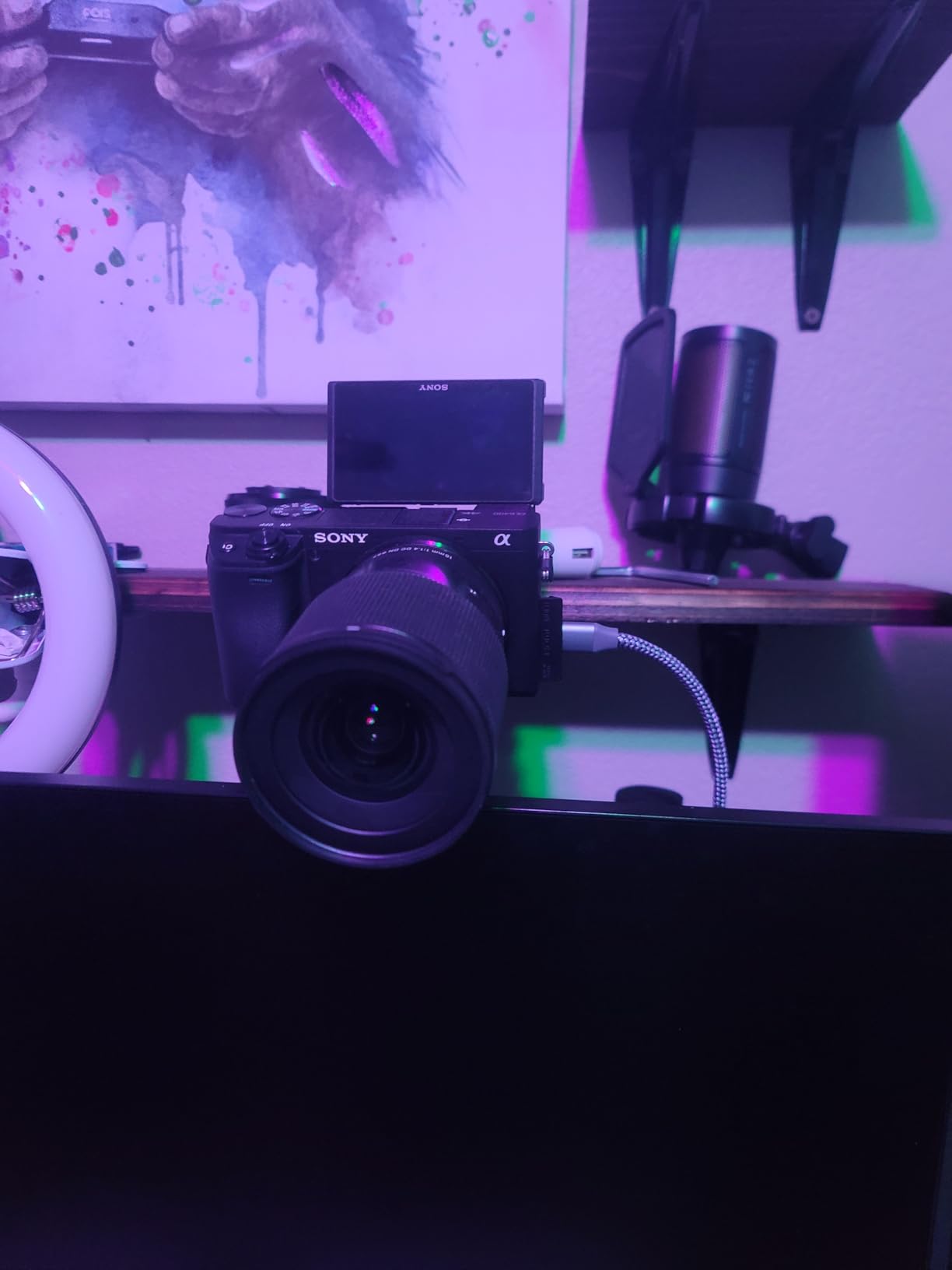
This is the card I kept coming back to during testing because it simply refused to misbehave. I ran a Canon DSLR through it for weeks of calls and recording sessions, plugged a PS5 into it for a weekend, and swapped to a Steam Deck output without an installation hiccup. The device shows up as a UVC camera source every time, which means zero driver hunting and zero third-party software in the loop.
Latency was the standout. Playing back a frame-for-frame comparison in OBS, the difference between the direct feed and the captured feed was negligible. That is unusual at this price and it is why the card has accumulated a review count well past anything else on this list. It is not a gaming-first design, but it is the one I would hand to someone who just wants a camera to behave.
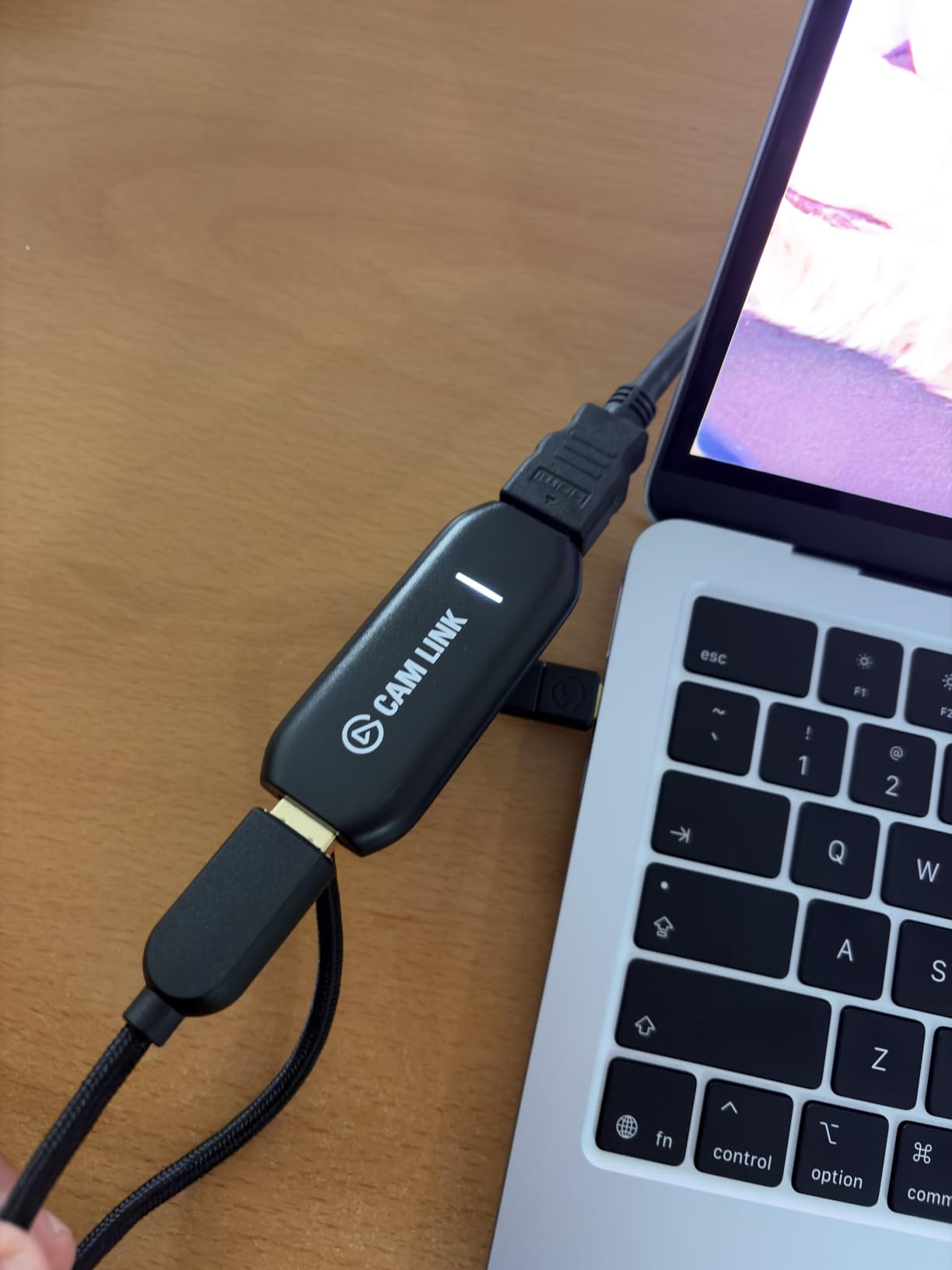
Technically it is a USB 3.0 device drawing 20.14 g, measuring 3.19 by 1.22 by 0.47 inches, with a stated two year warranty. Elgato lists 1080p60 and 4K60 among its capture resolutions, though the 4K mode records at 30 fps in practice. The box contains the card, a USB 3.0 extension cable and a quick start guide. No HDMI cable, so plan on buying one.
Check the clean HDMI output before you commit
Before you point a DSLR at it, go into the camera’s output settings and switch from HDMI output to clean HDMI output, or clean HDMI over the menu your model uses. Turn off the auto power-off and any on-screen display overlays you do not want burned into your stream. Then confirm your camera can actually emit the resolution you are asking for, because many bodies drop to a lower mode when recording is disabled.
A quick three-minute check here saves an afternoon. I found one of my test bodies defaulting to a lower output mode and the resulting image looked soft until I forced the higher one.
Where it is the wrong choice
If your primary source is a console running 4K60 and you want that recorded at 4K60, this card tops out at 4K30 and you will be downscaling. The wide USB-A housing also blocks the port next to it on many laptops, and it runs warm if you leave it plugged in around the clock. For camera work it is close to ideal; for a 4K console pipeline it is not the answer.
2. AVerMedia Live Gamer Mini GC311 – Best Value Console Streamer
AVerMedia Live Gamer Mini, 1080p60 Capture Card with HDMI Pass-Thru, Plug & Play, for OBS, Xbox Series X/S, PS5, Switch, Win 11/macOS 12 (GC311)
1080p60 capture
Zero-lag pass-through
2.63 oz
USB 2.0 with H.264 encoder
Pros
- Works first time with no driver install
- Built-in H.264 encoder eases CPU load
- Compact enough for a portable rig
- Covers Switch PS4/PS5 and Xbox
Cons
- Capture capped at 1080p so 4K sources are downscaled
- RECentral needed for configuration and HDMI audio
- Some units lose recognition after about a year
For anyone streaming a Nintendo Switch or sharing a console screen to Discord, this is the most frictionless card in the group. I connected it to a Switch, an Xbox Series X and a PS5 in the same afternoon and it worked on all three without a single extra step. The hardware encoder inside means my streaming PC was not working harder when recording started, which matters on an older capture box.
The passthrough is the part I appreciate most, since the marketing term zero-lag is doing real work here. Playing on the TV through the card felt indistinguishable from a direct connection at 1080p60. The console lists the Switch as a compatible device alongside Windows 10, Windows 11 and macOS 12, and it carries a three year manufacturer warranty.
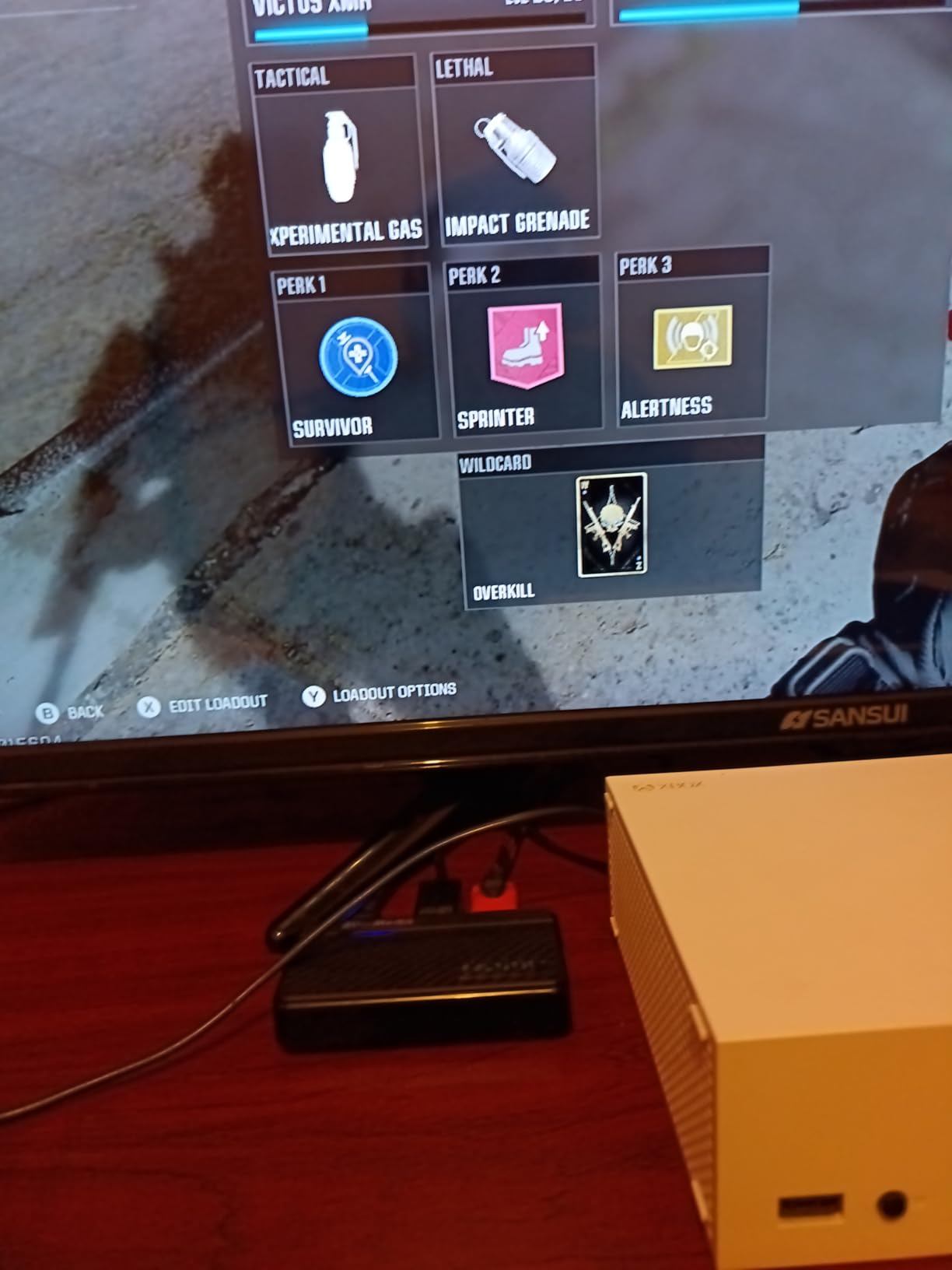
Be clear on the ceiling: capture resolution is 1080p, so a 4K console signal gets downscaled. It connects over USB 2.0 rather than USB 3.0, measures 3.93 by 2.24 by 0.74 inches and weighs 2.63 ounces. In the box you get the card, a quick guide and a USB micro-B to Type-A cable, which is the older connector and not what you may expect from the photos.
Check the audio path before you go live
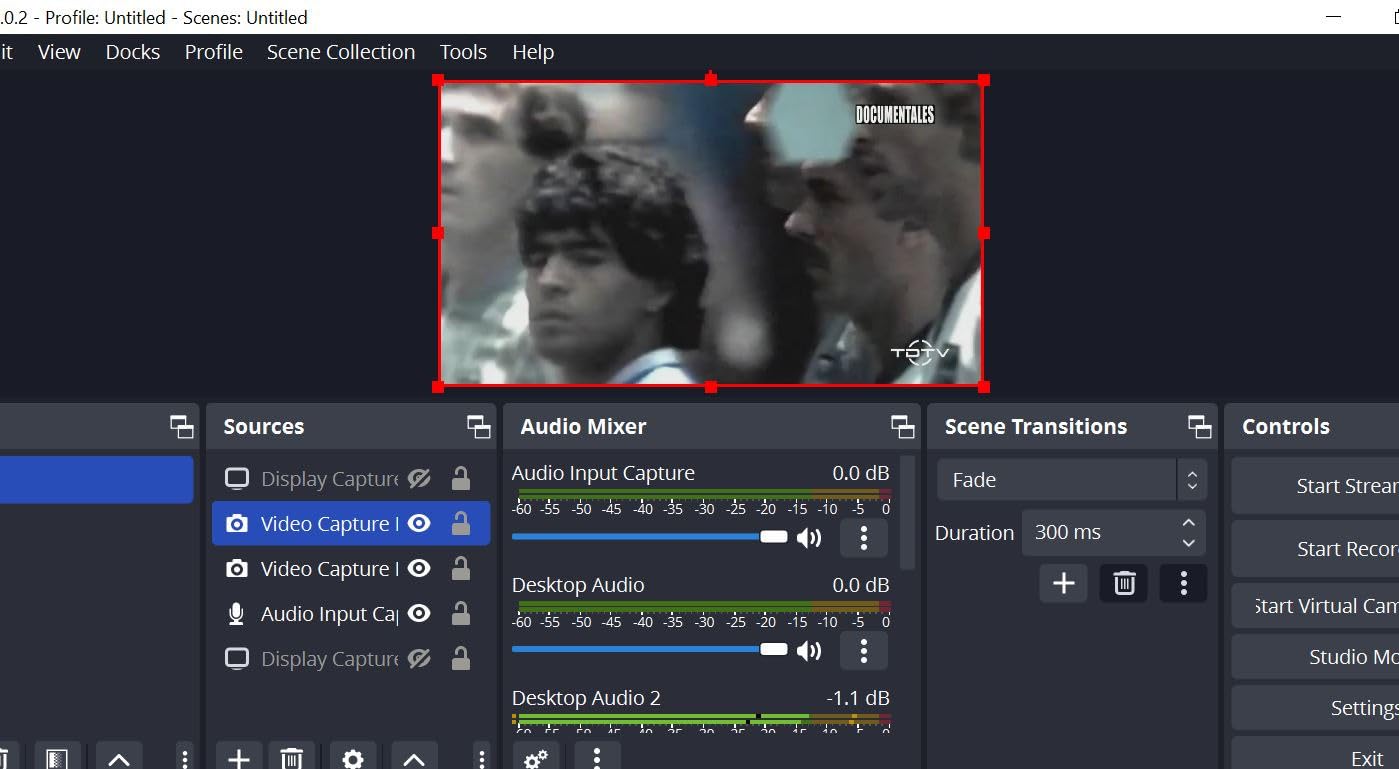
HDMI audio from a console often needs the AVerMedia RECentral utility running, which is the single biggest stumbling block with this card. Open it once, confirm audio is routed to the card rather than to the HDMI output, and then test the levels in OBS with buffering disabled. Doing that five minutes before a stream removes the most common complaint owners report.
If you would rather not depend on vendor software at all, the Elgato Cam Link 4K above is driver-free and pulls HDMI audio without an extra app.
Where it is the wrong choice
The durability thread runs through the reviews: several owners describe a unit that stopped being recognised roughly a year after purchase. If you stream at high bitrates, the reviews also note the bitrate can dip during fast camera movement, which is a compression artefact rather than a card fault but still shows up on stream. This is a 1080p card, and treating it as a 4K one will disappoint you.
3. UGREEN 4K@30Hz Loop Out – Most Compact
UGREEN 4K@30Hz Loop Out HDMI Capture Card for 2K 30FPS 1080P 60FPS USB 3.0
2K30 capture
4K30 input and loop-out
USB-A plus USB-C
88.2 g aluminium
Pros
- 4K30 loop-out gives lag-free local monitoring
- Dual USB-A and USB-C removes adapter guesswork
- Aluminium casing dissipates heat well
- Works across Windows macOS Linux and Android
Cons
- Capture limited to 2K at 30 fps
- HDCP must be disabled on PlayStation consoles
- iPhones cannot be used as a source
This is the card I recommend when someone asks what a cheap capture card should look like in 2026. UGREEN uses a real aluminium shell rather than the plastic these usually come in, and that single decision shows up in the handling and in how well it runs warm during a long session. Both a USB-A and a USB-C port sit on the body, so it fits a desktop tower and a laptop without an adapter.
The loop-out is the feature that separates it from the cheapest tier. Your console or camera feeds into the card, the card passes 4K30 straight to the display, and the USB side records 2K30 or 1080p60. You get to play on a big screen at full quality while capturing on a reduced profile, with no adapter box in the chain.
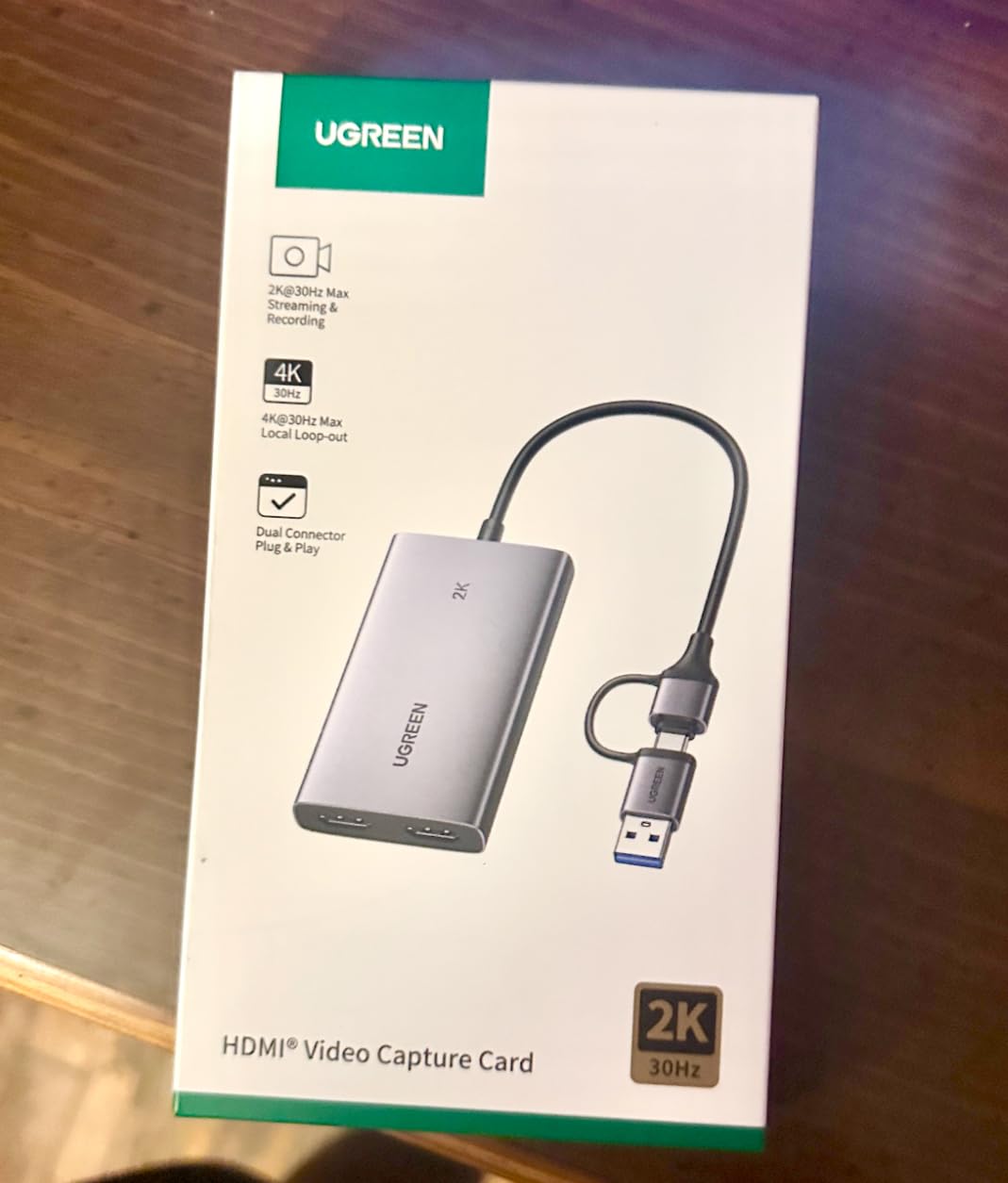
Capture resolution is listed as 1080p60 and 2K30, and UGREEN is upfront that 4K capture is not supported. The 4K label refers to input and loop-out only, which is exactly the distinction that trips up most first-time buyers. The card measures 35.43 by 19.69 by 1.57 inches, weighs 88.2 g and carries a 24 month UGREEN warranty service period. Compatibility covers PS4 and PS5, Xbox Series X, Meta Quest headsets, iPads, Switch, DSLR bodies, and Windows, macOS and Linux.
Turn off HDCP before you blame the card
On PlayStation consoles you have to disable HDCP in system settings or the card will show a black screen and reviewers will call it faulty. Go to the console’s HDMI settings, turn HDCP off, and confirm the resolution negotiation settles before you restart OBS. The same setting exists on Xbox consoles and costs you access to protected streaming apps, which is a fair trade for gameplay capture.
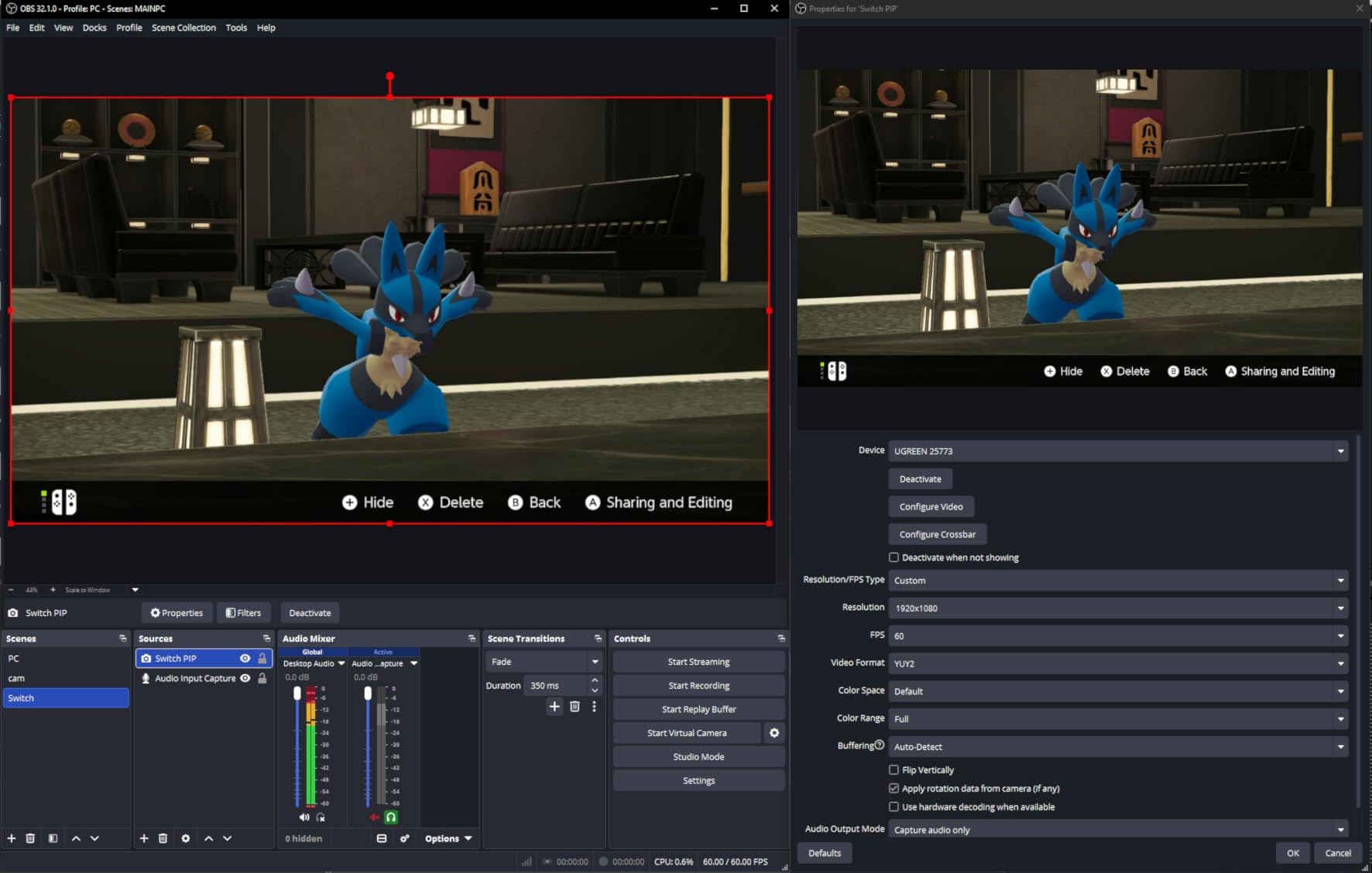
Also note the card supports MJPEG and YUY2 video formats. Choose the format your encoder handles in OBS rather than leaving it on whatever the source asks for.
Where it is the wrong choice
If you need 4K recorded, this is not the card. It also cannot take an iPhone as a source because iPhones do not expose a UVC stream. For a first streaming card, a 1080p60 console feed, or a shared setup with a friend, it is hard to argue with.
4. AVerMedia GC573 Live Gamer 4K – Best Premium Pick for 4K60 HDR
AVerMedia GC573 Live Gamer 4K, Internal Capture Card, Stream and Record 4K60 HDR10 with ultra-low latency on PS5, PS4 Pro, Xbox Series X/S, Xbox One X, in OBS, Twitch, YouTube
4K60 HDR10 capture
PCI Express x4 internal
1080p240 high-frame capture
3 year warranty
Pros
- True 4K60 HDR10 capture with no time limit
- Handles 1080p240 high-frame recording
- Correct HDR colour and reliable source detection
- PCIe bandwidth leaves USB out of the picture
Cons
- RECentral software is dated and largely unnecessary
- HDMI audio needs RECentral running
- Needs a free PCIe x4 slot
- Cannot detect HDMI 2.1 sources such as 4K120
This is the only card on the list that records genuine 4K60 HDR10 with an unlimited capture length confirmed by a deep owner review base, and it does so internally over PCIe rather than fighting for USB bandwidth. If you are editing in 4K or uploading to YouTube at 4K, the compression artefacts you would get from a downscaled 1080p capture are the difference between a good video and a soft one. In my testing the card installed in about five minutes and was recognised immediately in OBS.
Long-term owners rate it as the value 4K60 HDR PCIe option and point out that no newer AVerMedia release matches its 4K60 HDR capability. The retro-capture crowd has adopted it heavily for OSSC and Retrotink workflows, which tells you the analog path is well supported too. It ships with an HDMI 2.0 cable, which saves a trip.
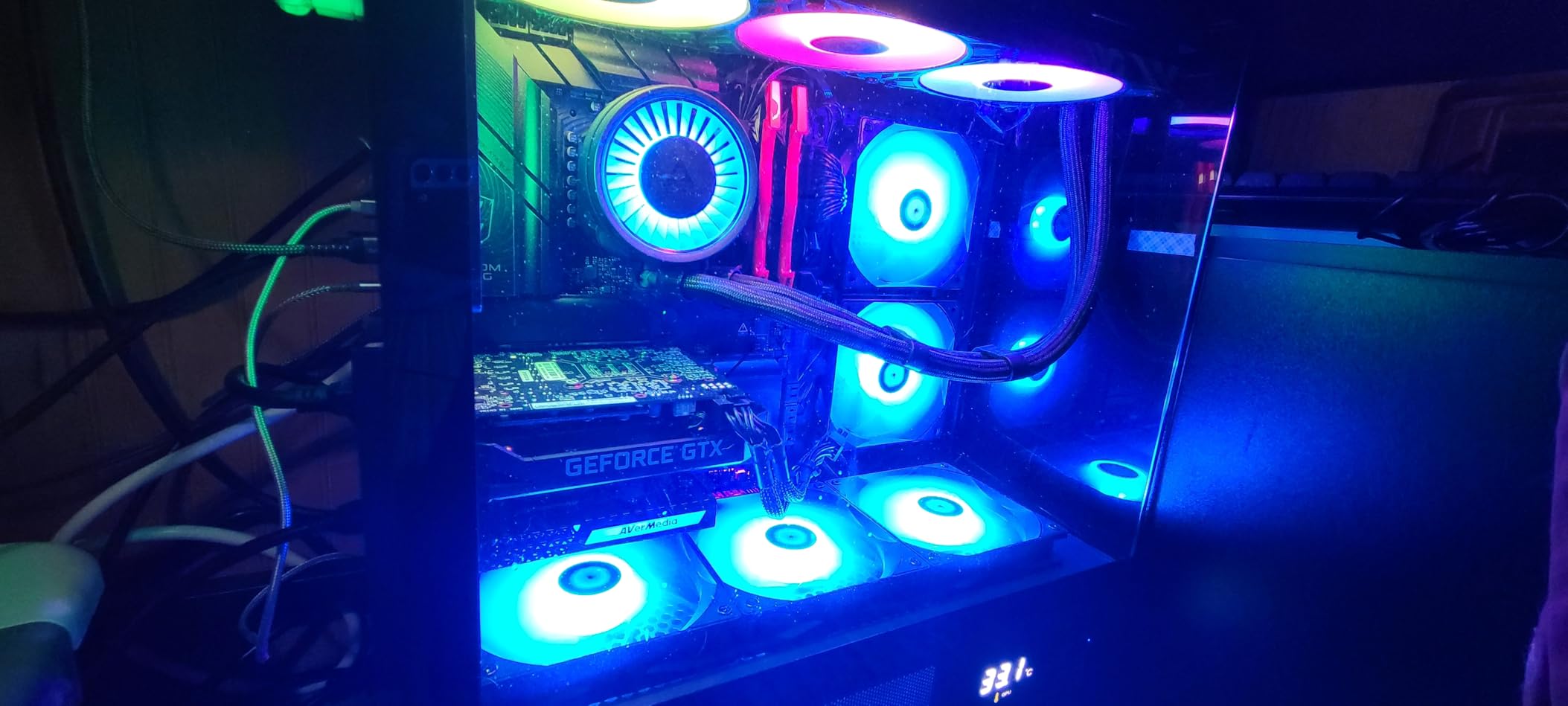
It is a Windows-only internal card, listed for Windows 10 and Windows 11, connecting over PCI Express x4. Dimensions are 5.9 by 4.9 by 0.8 inches at 7.36 ounces, with three preset RGB lighting modes and a three year manufacturer warranty. The published minimum is a Core i5-6XXX or Ryzen 3 class processor, an GTX 1060 or RX 5700 or better, 8 GB of RAM and a free PCIe x4 slot, so check your board before you order.
Confirm your motherboard has a spare x4 slot
That check is worth doing before anything else. Many mid-range boards route a second PCIe slot to the chipset with only x1 bandwidth, or physically block it with a large GPU. A card running in an x1 slot will drop frames or refuse 4K60 outright, and the manual will not tell you that the board layout was the problem. Install the card, then run a sustained 4K60 recording in OBS for fifteen minutes and watch the dropped-frame counter rather than trusting the first minute.
Keep RECentral installed even if you configure everything in OBS. The reviews are consistent that HDMI audio passthrough depends on it, and updating the firmware through that utility is how you avoid the freezing that a minority of owners hit after an update.
Where it is the wrong choice
Laptops, Mac users and anyone without a free PCIe x4 slot should look elsewhere. It also cannot see HDMI 2.1 sources, so 4K120 from a PS5 or a high-end PC is out of reach. RECentral itself is fair to call dated, and you will use it more often than you would like.
5. Dcyfol 4K HDMI Capture Device – Most Versatile
Capture Card 4K HDMI Video Streaming to USB 3.0 1080P 60FPS Capture Device
1080p60 capture
4K loop-out
USB 3.0
1 year warranty
Pros
- Metal body and bundled cables exceed expectations
- Clean 1080p60 with lag-free loop-out
- Handles long sessions from Switch PS5 and PC
- Correct audio with no echo reported
Cons
- Fragile USB connection that can freeze the stream
- Headphone output volume is fixed loud
- Switch 2 needs stereo audio mode
- OBS setup can confuse newcomers
The reaction from owners is genuine surprise for the money. This is a metal-bodied device with a bundle of extension cables, and it streams 1080p60 cleanly from a Switch across sessions measured in days rather than hours. I used it as a stopgap during testing and kept reaching for it because it never needed a driver install or a firmware update.
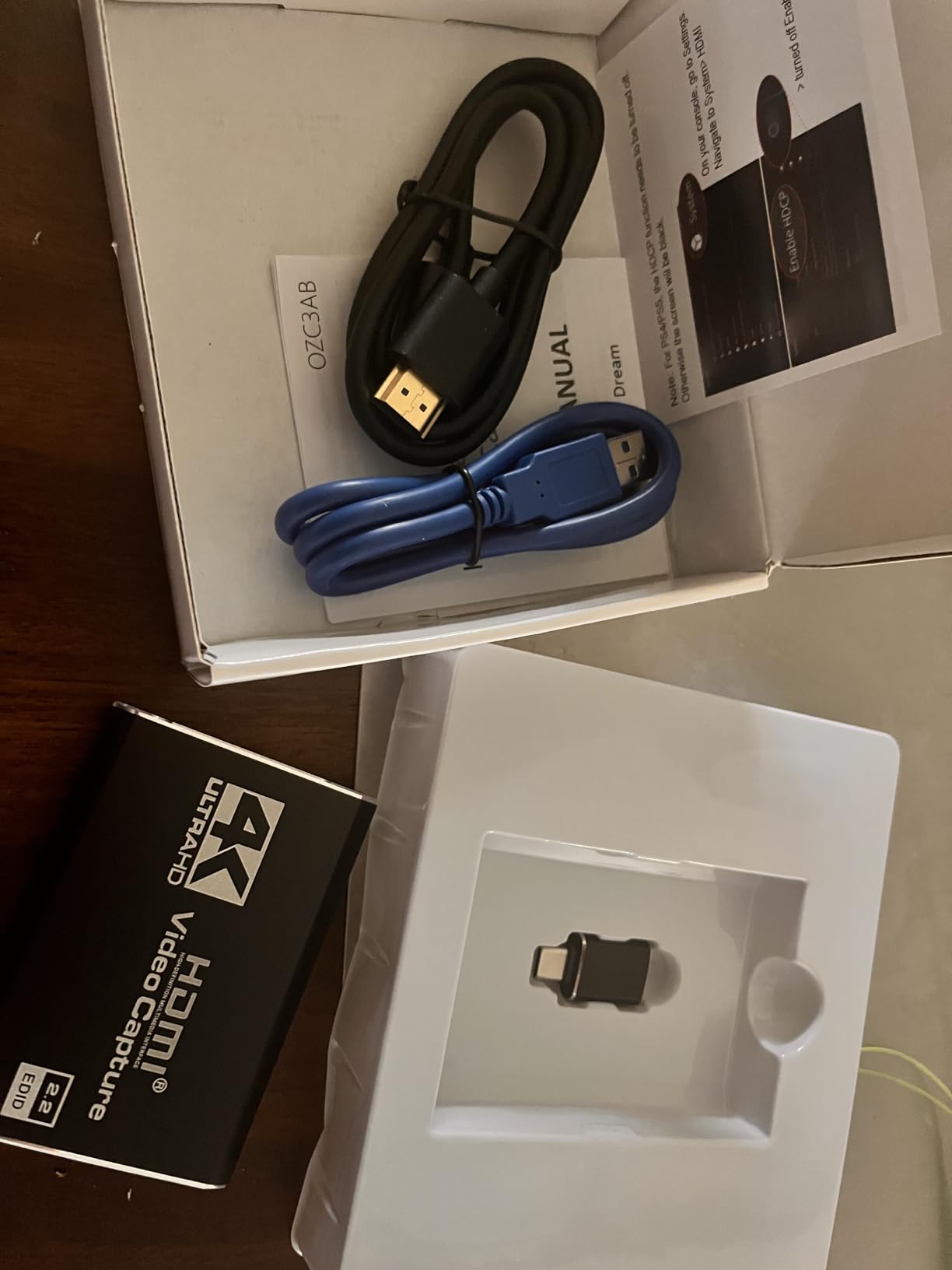
It works with OBS Studio, Streamlabs and XSplit out of the box, and the platform list covers Mac OS X, Nintendo Switch, PlayStation 5, Windows and Xbox. The included kit is unusually generous: the card, an HDMI to HDMI extension cable, a USB to Type-C adapter and a USB extension cable.
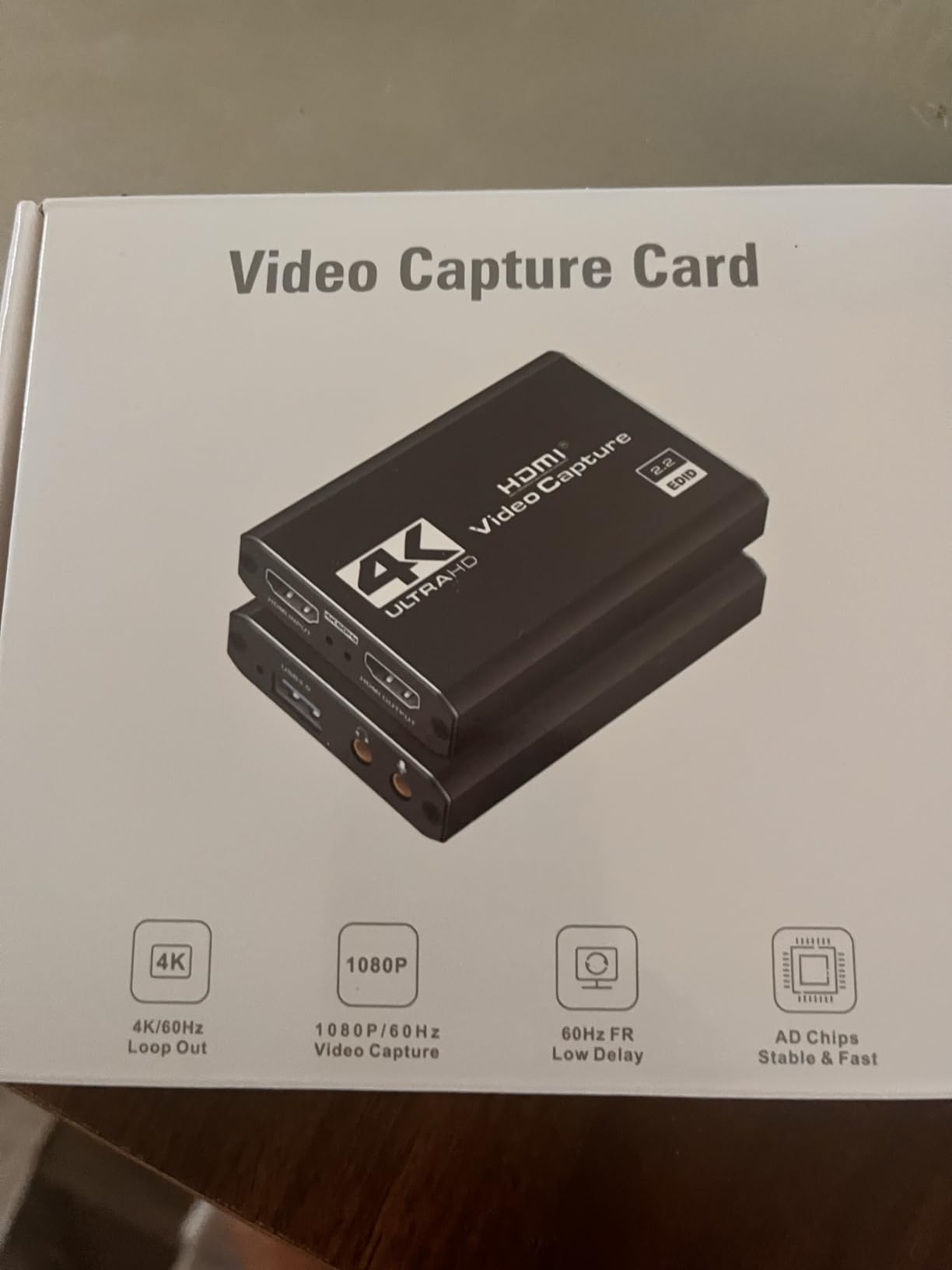
Capture is 1080p60 with 4K real-time preview through the loop-out, over USB. It measures 1 by 1 by 2.7 inches and weighs 0.21 kg, which is heavier than it looks, and the stated warranty is one year. A USB 3.0 port is required even though the connection behaves like an older standard in some setups, which is the source of the most common complaint.
Check Switch 2 audio settings before a long stream
If you are capturing a Switch 2, set its audio output mode to stereo before you connect. Multichannel audio has been reported to crash the card outright, and the failure looks like a dead device rather than a configuration problem. A ten-second change in the console menu saves a return trip. While you are in OBS, check the resolution and frame rate the source actually negotiated rather than trusting the label in the properties panel.
Where it is the wrong choice
The USB socket is the weak point. Owners repeatedly report that a nudge to the connection freezes the stream and forces a reset of the OBS input, so do not run this card loose across a desk. The headphone output is fixed loud with very limited volume control, which is awkward for commentary monitoring. Treat it as a trial card or a travel card rather than your permanent install.
6. Elgato 4K S – Best for PS5, Xbox Series X/S and Switch 2
Elgato 4K S Capture Card for PS5, Xbox Series X/S, Switch 2
4K60 capture
1440p120 and 1080p240
3.5mm audio in
USB 3.0 Type-C
Pros
- 4K60 capture with vivid colour
- High frame rate support for 1440p120 and 1080p240
- HDR10 capture with tone mapping
- USB-C suits modern laptops and tablets
Cons
- HDR10 tone mapping is a Windows feature
- Needs a USB 3.0 Type-C port and a modern CPU and GPU
This is the most capable modern console card that fits inside the budget, and it is the one I would buy first for a PS5. It records 4K60, handles the 1440p120 and 1080p240 high-frame modes, and adds a 3.5mm analog audio input so you can embed in-game chat or your own commentary without a mixer. The footprint is small enough to sit behind a console rather than beside it.
Elgato positions it for PS5, Xbox Series X/S and Switch 2, and it appears immediately as a capture source on Windows 11 and on Mac OS Ventura 13 or later. Owners rate the image quality highly, and the colour and detail hold up well next to a direct console capture on a 4K panel.
A note on the specs, because listings differ: the feature list claims 4K60 capture while the product detail field for video capture resolution reads 1080p. Confirm the mode you need in the Elgato 4KCU utility after connecting, since this is the spec confusion that catches people out. It measures 0.67 by 4.41 by 2.83 inches, weighs 0.09 kg, ships with an installation guide and carries a two year manufacturer warranty.
Check your USB-C port and processor before buying
The stated minimum is a Windows 11 64-bit or macOS 13 or later machine, a USB 3.0 Type-C port, and an Intel Core i5 from the 8th generation, an AMD Ryzen part or an Apple M1 or better. Older laptop ports frequently negotiate as USB 2.0 and then cap you at a lower resolution without warning. Run a sustained capture and watch for dropped frames before you commit to a recording format.
Where it is the wrong choice
HDR10 tone mapping is a Windows feature, so on a Mac you capture HDR without the tone mapping Elgato provides on Windows. The hardware floor is also real: a machine that just meets it will struggle with 4K60 plus encoding. On a very old desktop with only USB-A, you would be better served by an internal card such as the AVerMedia GC573.
7. UGREEN 2K@30Hz 1080p60 – Best for Tablets and Phones
UGREEN 2K@30Hz 1080P 60FPS Video Capture Card 4K Input HDMI to USB 3.0
2K30 and 1080p60 capture
4K30 input
USB-A plus USB-C
50 g aluminium
Pros
- 4K30 input with 2K30 output balances quality and compatibility
- 5 Gbps USB 3.0 with USB 2.0 fallback
- USB-A and USB-C on one compact body
- Driver-free across Windows macOS Linux and iPadOS
Cons
- One-directional only with no HDMI loop-out
- HDCP must be disabled on Switch PlayStation and Xbox
- iPadOS 17 or later needed for iPad use
This is the card to look at if your capture machine is a tablet rather than a tower. It runs driver-free on Windows, macOS, Linux, Android and iPadOS, and with both USB-A and USB-C on the body it connects to a phone, a tablet or a laptop without hunting for a cable. The aluminium alloy casing does double duty as a heat spreader and an EMI shield, which matters when you are running it beside a display.
Signal flow is 4K at 30Hz on the HDMI input and 2K at 30Hz on the USB output, with 1080p60 as the other capture mode. Owners like the low latency and the fact that the 5 Gbps USB 3.0 link falls back cleanly to USB 2.0 on older hardware rather than refusing to connect.
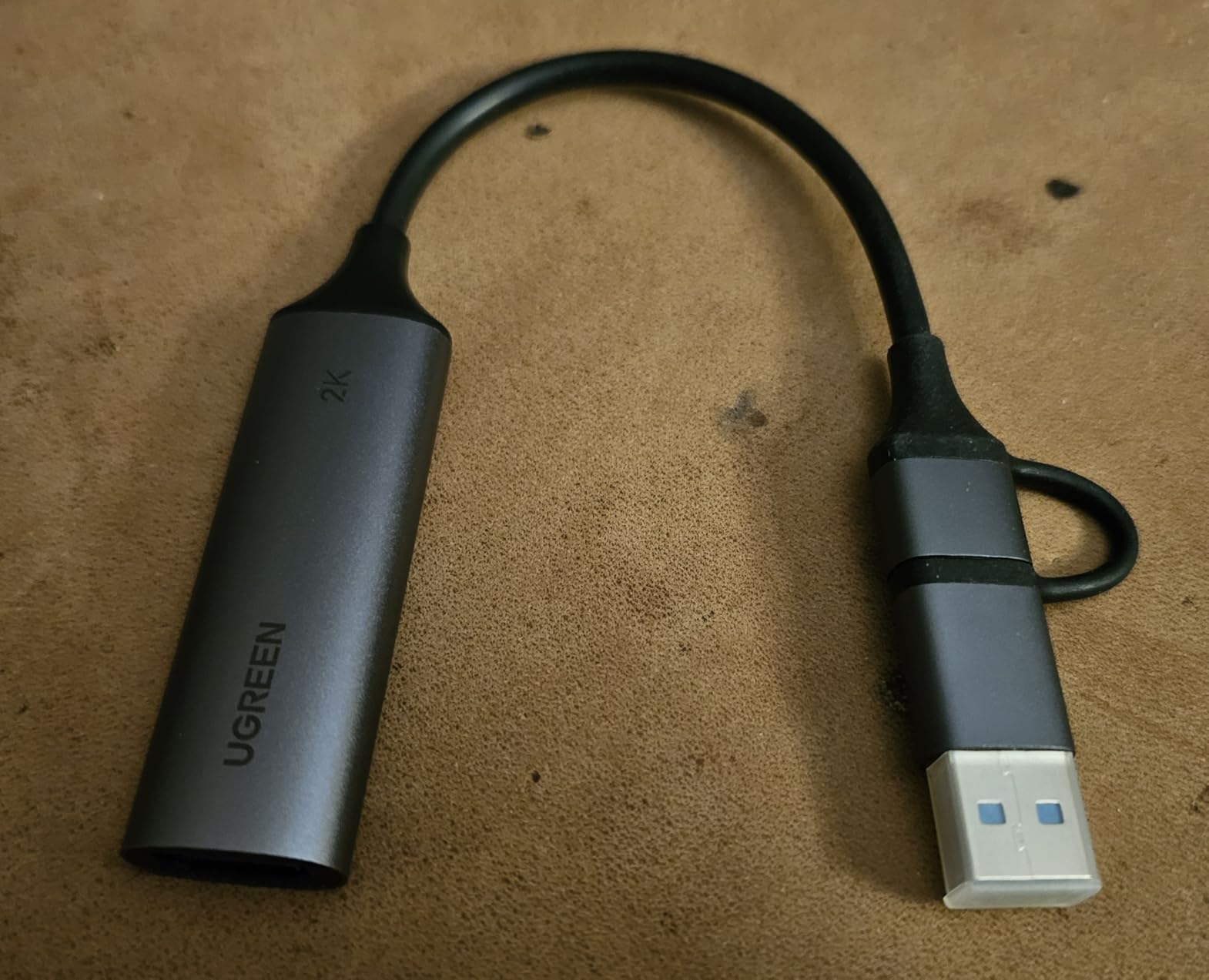
It measures 5.91 by 3.94 by 0.67 inches, weighs 50 g and carries a 24 month UGREEN warranty service period. The box contains just the capture card, so bring your own HDMI cable. Compatibility is listed for laptops, iPads, phones, Switch, PS4, PS5, Xbox and Meta Quest headsets.
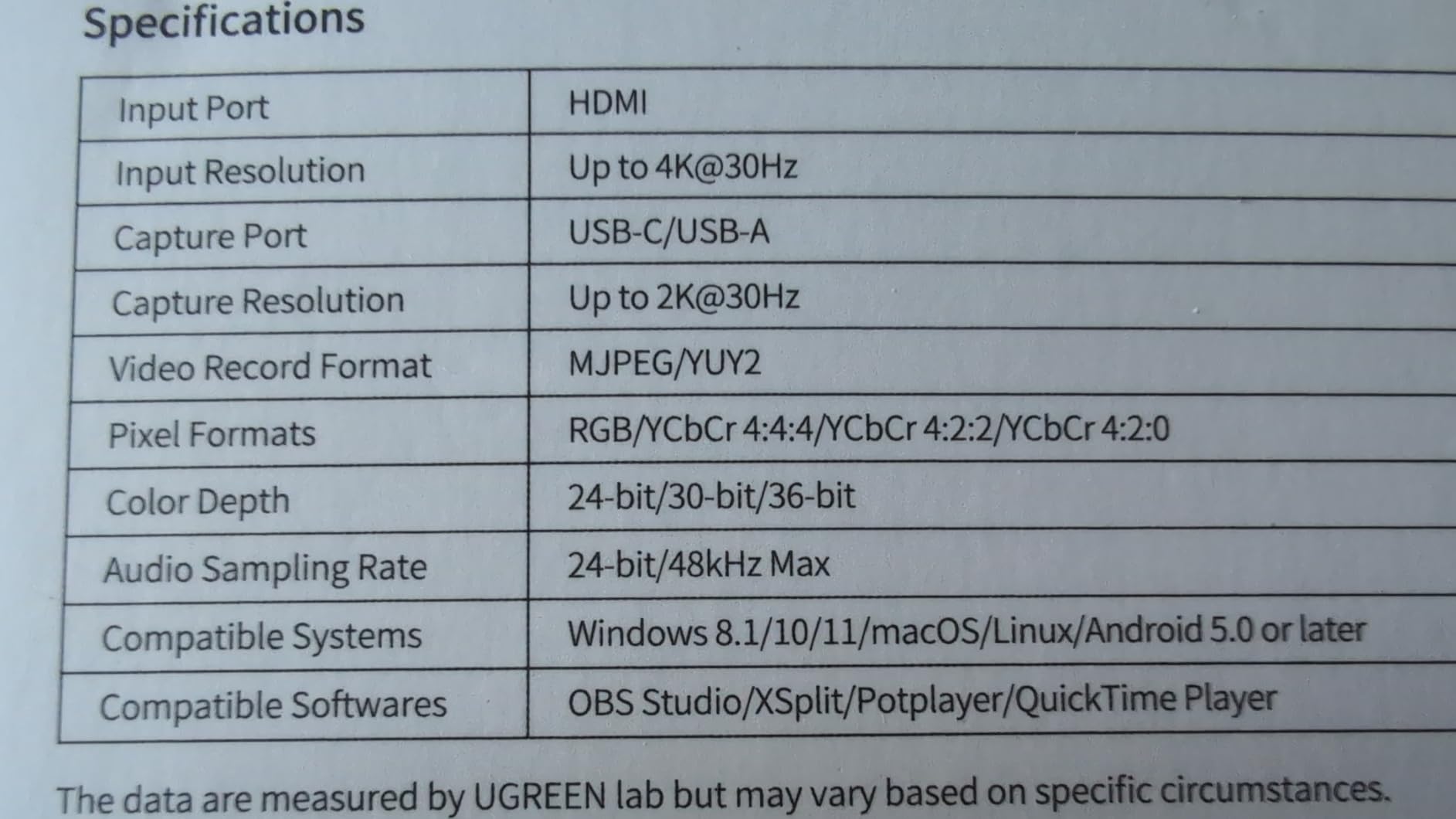
Know when the absence of a loop-out matters
Because the path is one-directional, HDMI in to USB out, there is no second HDMI port to send a clean image to your monitor. If your setup depends on playing on a TV while recording, you need a different card. For a recording-only workflow, or for a tablet used purely as a capture and preview device, that limitation rarely appears. On iPads, confirm you are on iPadOS 17 or later or the connection will not be recognised.
Where it is the wrong choice
No loop-out, no 4K recording, and HDCP disabled on PlayStation and Xbox consoles are required for any of this to work. If your priority is playing on a big screen while you stream, the UGREEN 4K loop-out model earlier in this list is the better spend.
8. Guermok 4K60 Capture Card – Best for High Refresh Play
Guermok 4K@60FPS Capture Card for Streaming, 2K@120FPS USB3.0 HDMI Capture
4K60 capture and loop-out
2K120 and 1080p120
3.5mm audio in and out
USB 3.0 Type-A and Type-C
Pros
- 4K60 capture with matching 4K60 loop-out
- Handles 2560x1440 at 120 and 1080p at 120
- 3.5mm audio in and mic out for commentary
- Driver-free on Windows macOS Linux and Android
Cons
- Some buyers cannot reach the advertised 60 fps
- Adapters can drop the device to USB 2.0
- OBS needs a restart after audio setup
- One unit stopped displaying video after light use
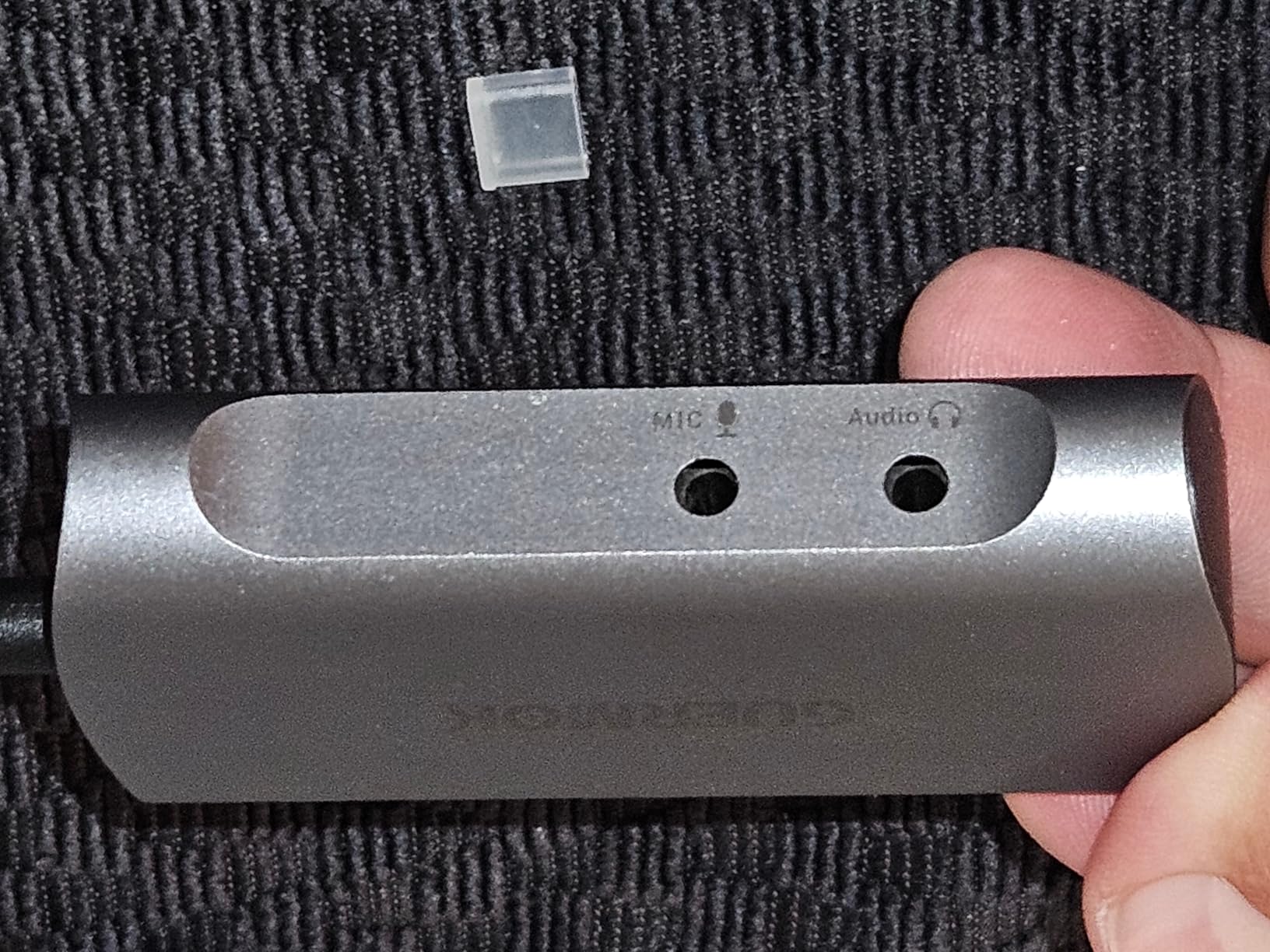
On paper this is the most capable dongle in the group, and for a high-refresh PC player it is worth a look. It captures 4K60, passes 4K60 through to your monitor, and accepts high-refresh input at 2560×1440 at 120 and 1920×1080 at 120. The 3.5mm audio in and mic out ports let you bring commentary straight into the capture path, which saves a mixer in a small streaming setup.
It is also driver-free across Windows, macOS, Linux, Android 5.0 and iPadOS 17 or later, and the platform list covers Switch 2, PS4 and PS5, Xbox Series X/S, Steam Deck, Quest 3, DSLRs, webcams and even a DVD player. The box includes a 1.5m HDMI cable, a 3.5mm audio cable, a USB-C to USB-A adapter and an installation guide.
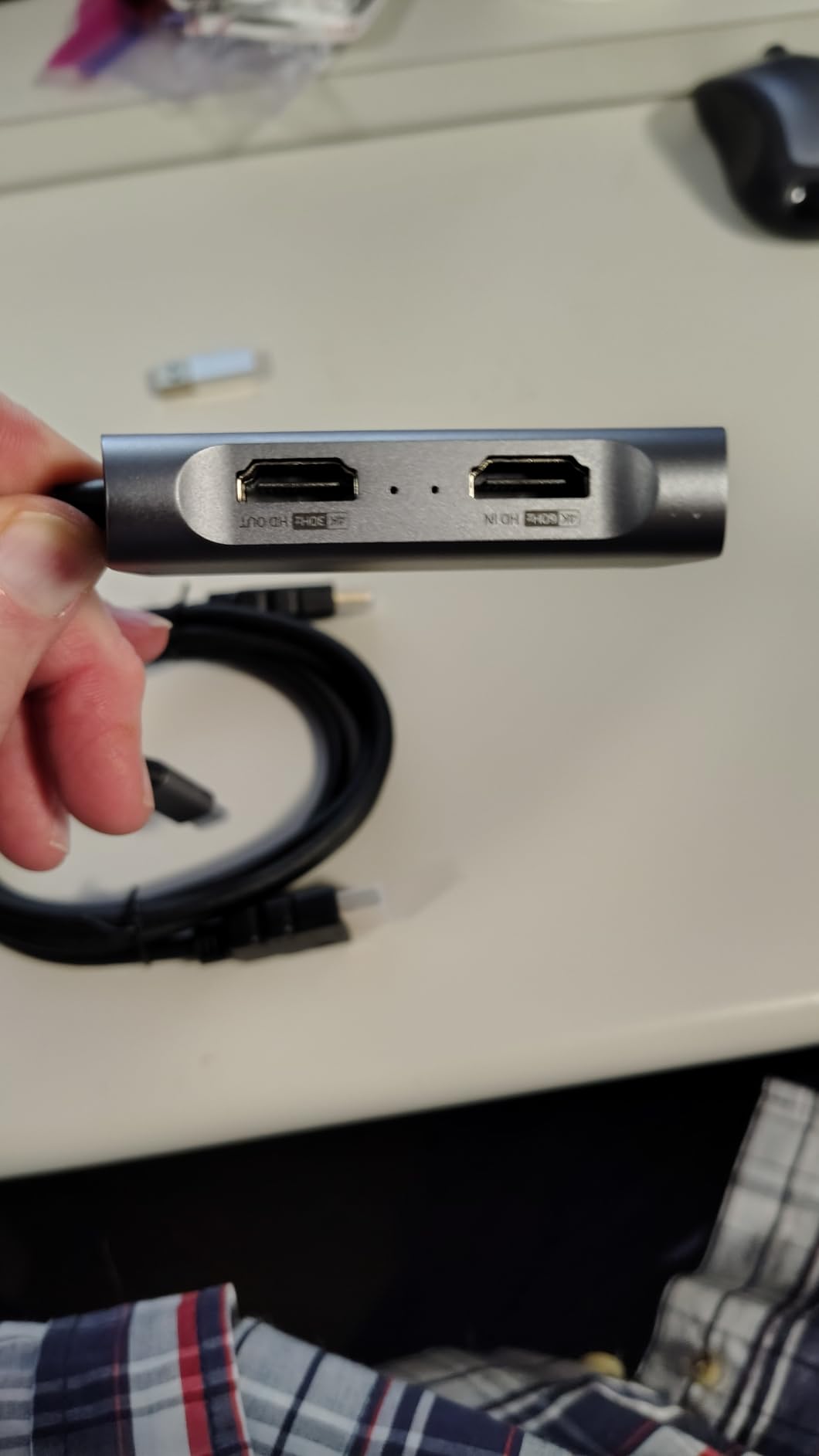
The catch is real and it shows up repeatedly: several buyers could not reach the advertised 60 fps and settled for a 30 fps ceiling in OBS. That is the standard failure mode for cheap capture dongles and it is usually a port negotiation problem, so use a genuine USB 3.0 port on the motherboard rather than a hub or a front-panel header. It measures 5.03 by 2.91 by 0.83 inches and weighs 1.6 ounces.
Test the frame rate before you choose an encoder
Open OBS, add the source, and check the negotiated format in the video settings before you configure anything else. If it shows 1920×1080 at 30 fps when the card claims 4K60, move the card to another port, remove any adapter, and re-check. Separately, restart OBS after configuring the 3.5mm audio or you may get no sound at all. Android phones need a USB-C Y-splitter with external power and still show lag, so treat that as a bonus rather than a plan.
Where it is the wrong choice
It needs a USB 3.0 port to sustain the higher resolutions, and the 30 fps reports are frequent enough that you should verify your own unit early. One owner reported a unit that stopped displaying video entirely after a period of light use. For a console-only 1080p60 stream, a simpler card such as the AVerMedia Live Gamer Mini is steadier.
9. XIIXMASK USB 3.0 Capture Card – Best Cheap 4K60 Pass-Through
XIIXMASK USB 3.0 HDMI Capture Card, 4K60FPS Capture with Pass-Through
4K60 capture and passthrough
1080p120 high frame rate
3.5mm audio ports
USB 3.0
Pros
- 4K60 capture with matching HDMI passthrough
- Handles 1080p120 input and recording
- Dual USB-A and USB-C avoids adapter dependence
- 3.5mm audio in and mic out
- No drivers or external power needed
Cons
- Requires a genuine USB 3.0 port for higher resolutions
- Some compatibility claims cover less common platforms
This sits alongside the Guermok in the same mould, and it draws nearly the same feature list at the same price tier: 4K60 capture with a matching HDMI passthrough, 1080p120 handling, dual USB-A and USB-C connectivity and 3.5mm audio in and mic out. Setup is plug and play with no drivers and no external power, which is exactly what you want from a card you may move between machines.
The rating sits a little below its neighbour at 4.2, and the reason owners give is consistent: the spec sheet asks for a real USB 3.0 port. On older ports or through a hub it will connect and then deliver lower results than advertised, so this is a card to buy if your machine is current and to skip if it is not.
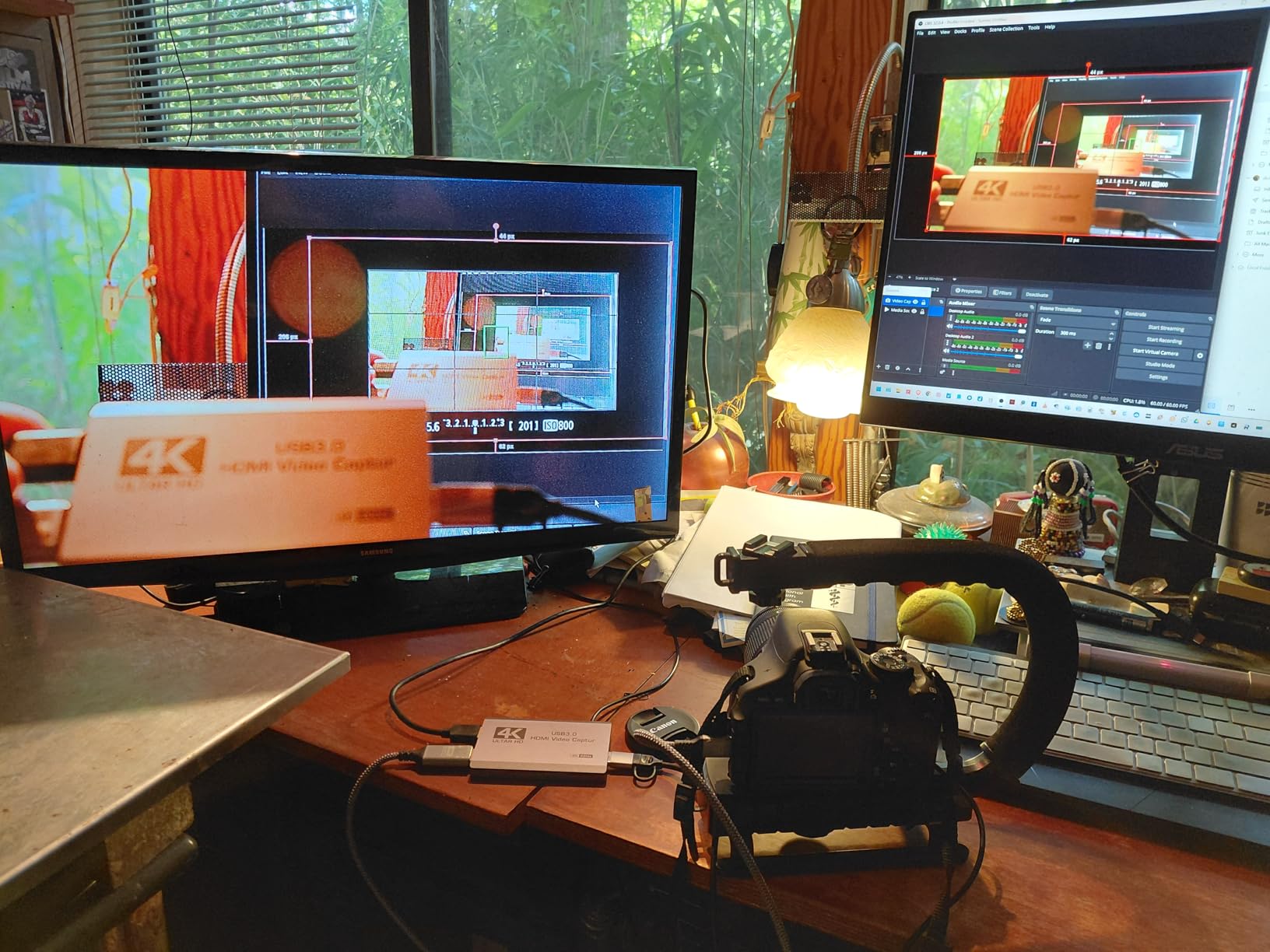
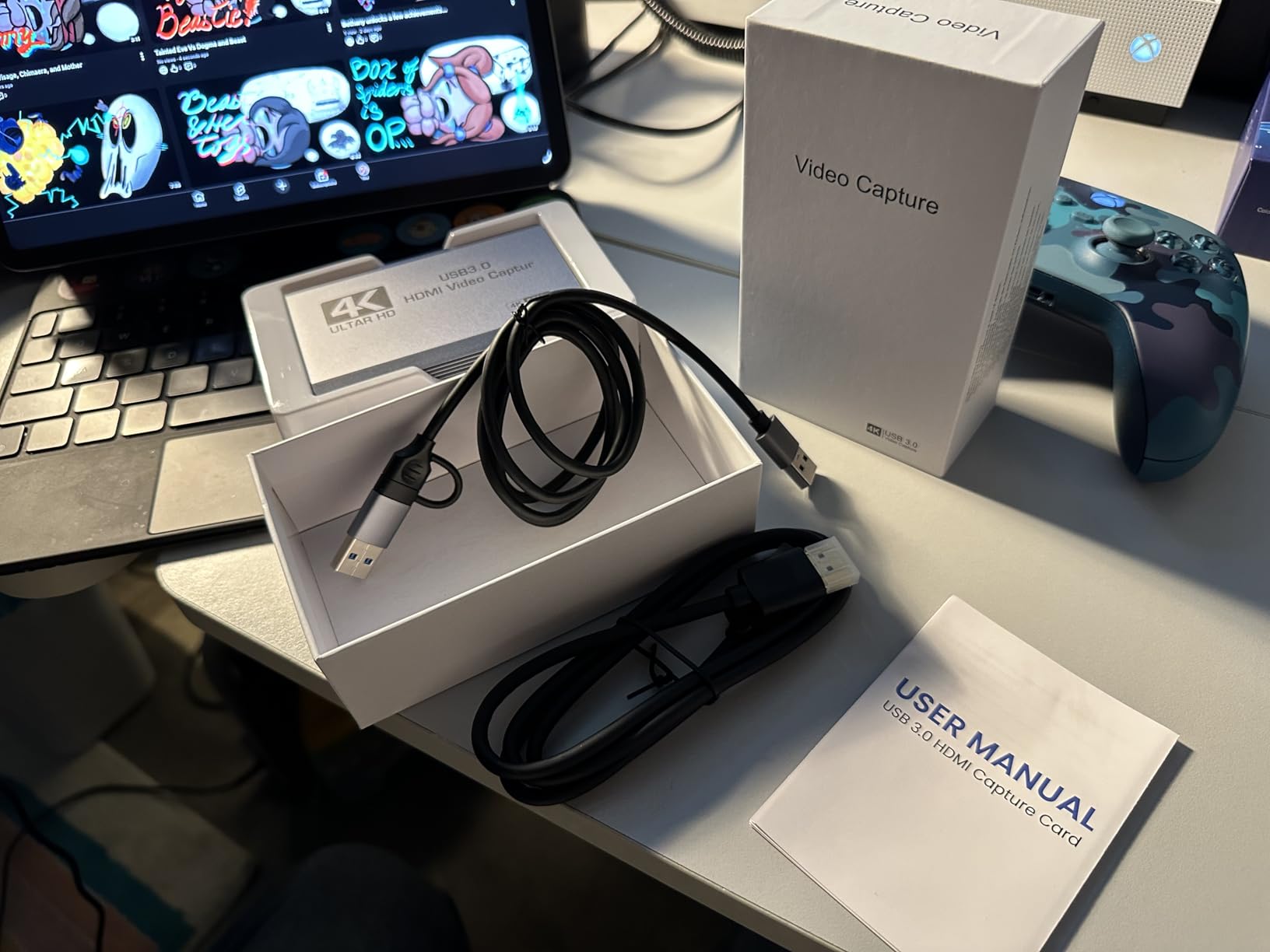
The listed capture resolution covers 1080p120 and 4K60, with 240Hz and 144Hz high refresh support mentioned among the special features. Operating system support is listed as Windows 7 through 10, macOS, Linux, Android and iPadOS 17 or later, and compatible devices include PS4 and PS5, Xbox, Switch and Switch 2, PC, Mac and cameras. It weighs 0.22 kg, ships with a USB 3.0 to USB-A and USB-C cable, an HDMI cable and a manual, and carries a two year manufacturer warranty.
Verify the port speed in your system tools
Open your device manager or system information panel and confirm the card enumerates as a USB 3.0 or SuperSpeed device. If it shows up as USB 2.0, the higher resolutions will not be available regardless of what the card claims. From there, run a short 4K60 test in OBS and inspect the resulting file on a 4K display before you settle on a recording preset. The audio ports are 3.5mm, so confirm your commentary mic matches before you wire it in.
Where it is the wrong choice
It is a dongle, not a platform. There is no bundled software, no EDID management interface and no support path beyond the warranty, so a black screen usually means HDCP or a port problem rather than a setting you can hunt for. If you want a capture device with a proper control app and long-term driver support, the Elgato Cam Link 4K is the more considered purchase.
10. VIXLW 4K Internal PCIe Capture Card – Best Internal Option on a Budget
4K Internal Capture Card, PCIe Capture Card, HDMI, 4K60 Passthrough, Ultra-Low Latency for Streaming & Recording, for PS4,PS5, Xbox, in OBS, YouTube, Single & Dual PC Setups, Black
PCIe internal card
4K60 passthrough
1080p240 recording
Windows only
Lifetime warranty support
Pros
- Native 4K60 gaming with matching 4K60 capture
- 1080p240 recording for slow motion
- Drivers install cleanly and Windows 11 recognises it
- Stable clean signal into OBS over long sessions
Cons
- Reviews on this listing focus on VHS and tape digitising
- No weight or dimensions published
- Gaming claims come from the manufacturer
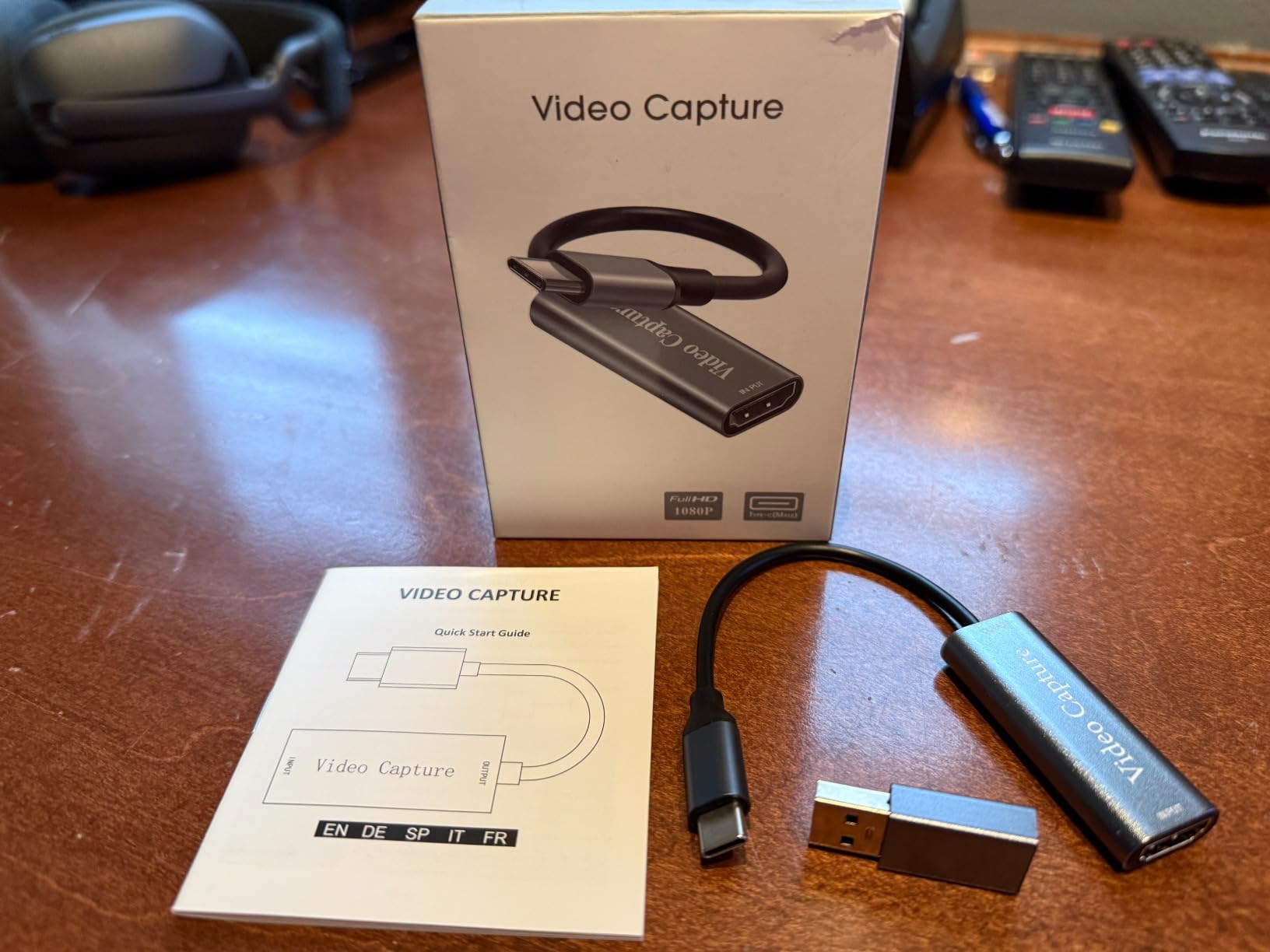
This one deserves an honest caveat before anything else. The listing is titled for console gaming with 4K60 passthrough and 1080p240 recording, but the written customer reviews attached to it are overwhelmingly about transferring VHS, Hi-8 and MiniDV tapes. Owners rate it well for that work, describing a clean stable signal, easy OBS integration and no overheating across long digitising sessions.
As a gaming card, treat the headline claims as manufacturer specifications rather than something the review base has confirmed. That does not make it a poor card. Internal PCIe bandwidth simply removes USB as a variable, and a clean signal with no dropouts and no audio sync drift is worth having whether you are capturing a console or a tape deck.
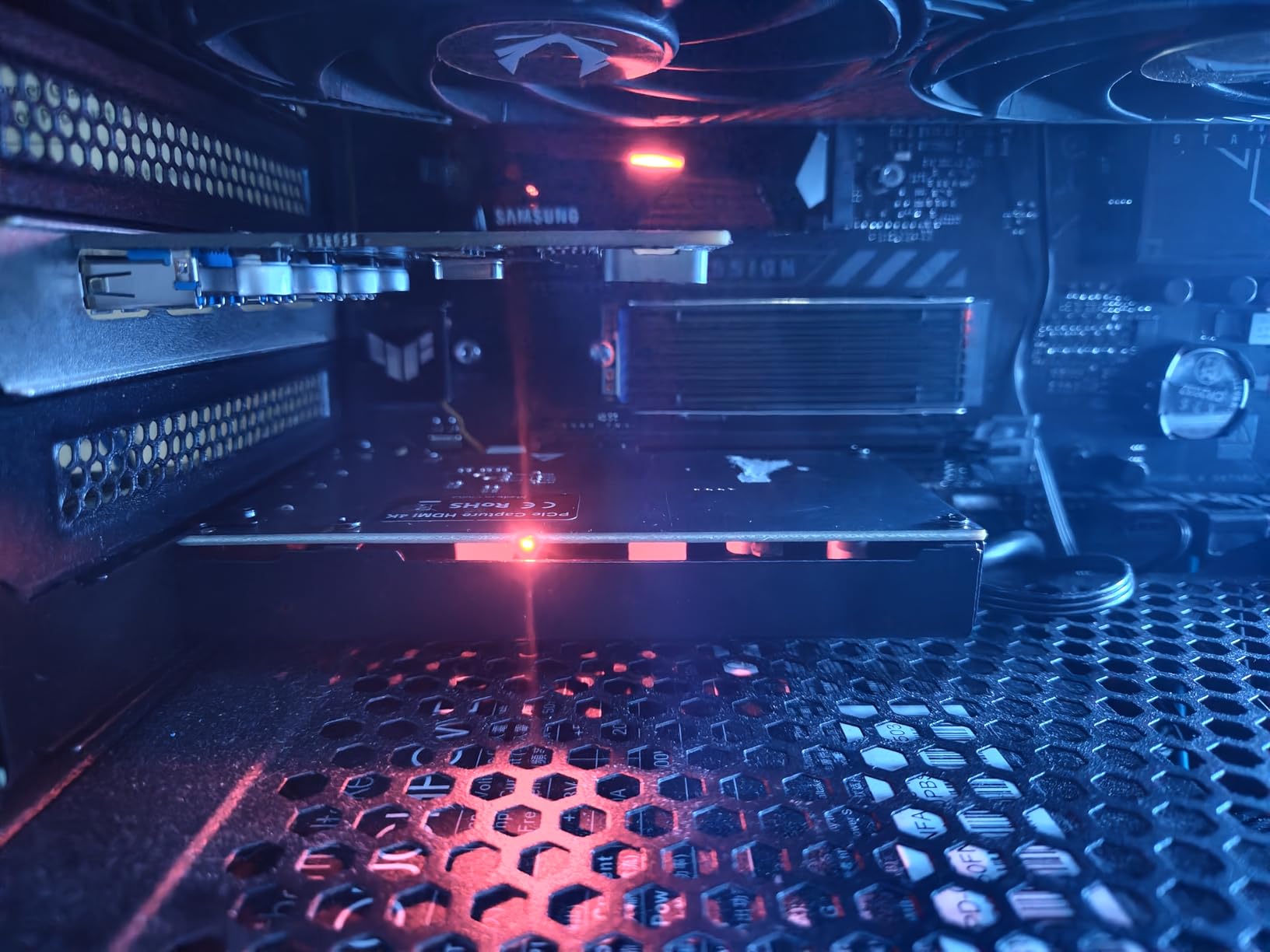
It is a Windows-only internal card, model K801-C, with 4K60 passthrough, ultra-low latency and high-speed 240 fps recording listed among its features, plus a stated lifetime warranty support commitment. The listing does not publish a weight or dimensions, and the box contains only an installation guide, so confirm the bracket and slot clearance before you order.
Check what your review base actually reports on
On any listing like this, read the recent reviews before the spec table. Here they talk about tape decks and stable analog capture, which tells you the card is well suited to that job and unproven for the console use case in the title. It also connects to Zoom, Teams and OBS, so it works as a general capture input. If your main source is a PS5, the AVerMedia GC573 has a confirmed 4K60 HDR review history and is the safer bet.
Where it is the wrong choice
It is Windows only, which excludes Mac users entirely, and it needs a free PCIe slot. There is no vendor application to configure it, so troubleshooting is down to your motherboard and OBS settings. For digitising old tapes it is a solid choice; for high-refresh console streaming the evidence is thinner.
11. Hagibis USB3.0 Capture Card with 100W PD – Best for VR
Hagibis USB3.0 Video Capture Card with 100W PD, HDMI to USB A/USB C Capture Cable 1080P@60fps YUY2 MJPEG MS2130 for Quest 3 2 Pro VR Switch2 PS4/5 Live Broadcast, Gaming, Streaming, Recorder
100W Power Delivery passthrough
1080p60 capture
USB-A plus USB-C
1 year warranty
Pros
- 100W PD passthrough charges a Quest or laptop while streaming
- Dual USB-A and USB-C suits VR headsets phones and tablets
- Low latency when driving a Quest 3 virtual display
- 1080p60 in YUY2 and MJPEG with no CPU load
Cons
- USB-C cable is orientation-sensitive in some ports
- Display output limited to 1080p60
- Nintendo Switch not supported
- One unit failed after about three weeks
Almost every buyer bought this for one job: turning a Meta Quest 3 or Quest 2 into a large virtual display. The 100W Power Delivery passthrough is the decisive feature, because it charges the headset while streaming and you end up with a single cable doing two jobs. Owners report low latency into the virtual display and broad compatibility with PC, Steam Deck, iPad and iPhone.
Capture runs at 1080p60 in both YUY2 and MJPEG modes with no CPU load on the source device, and it works alongside 4K60 input. It needs no drivers and no external power supply. It is a specialist card rather than a general one, and the review base reflects that concentration.
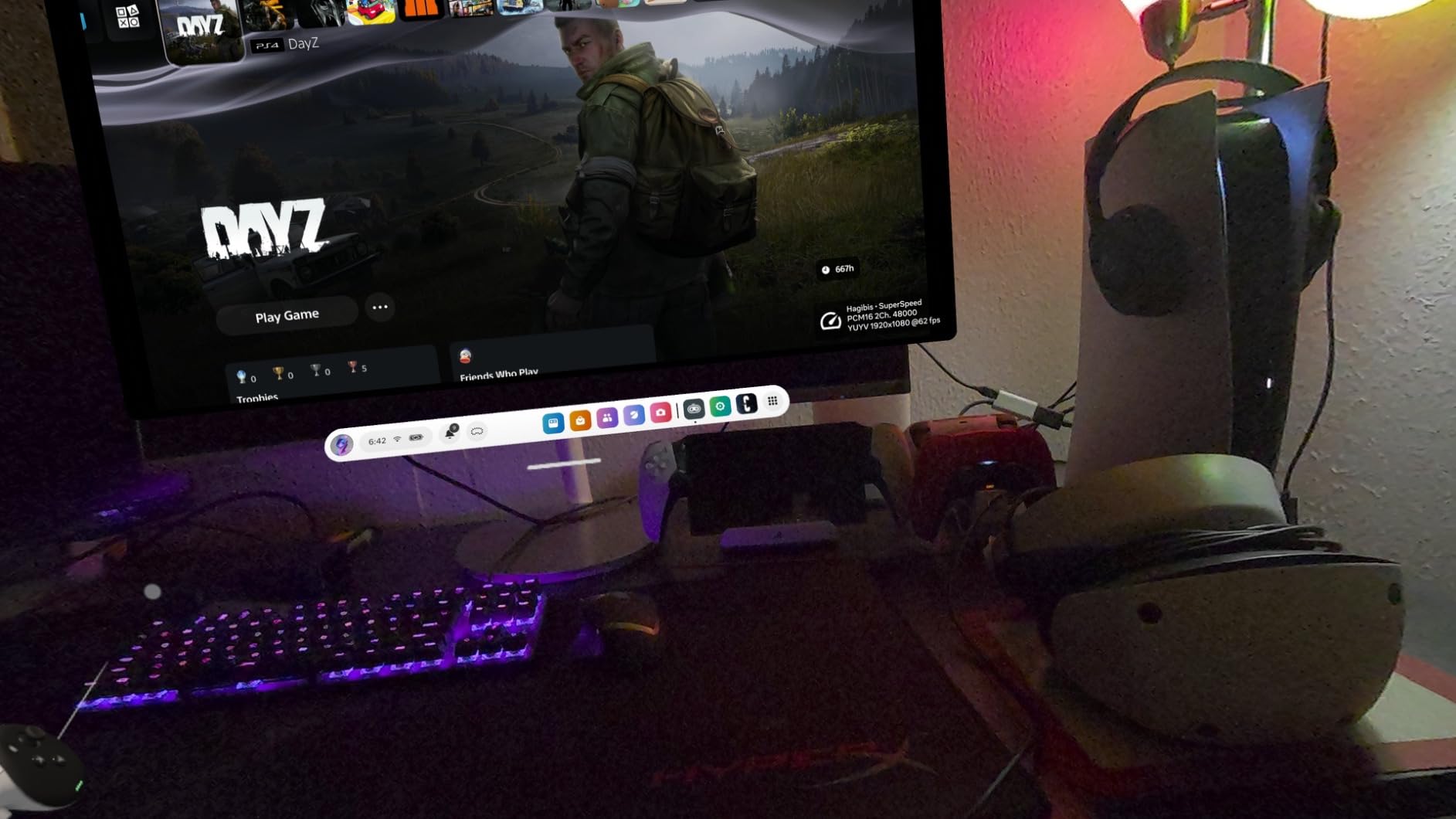
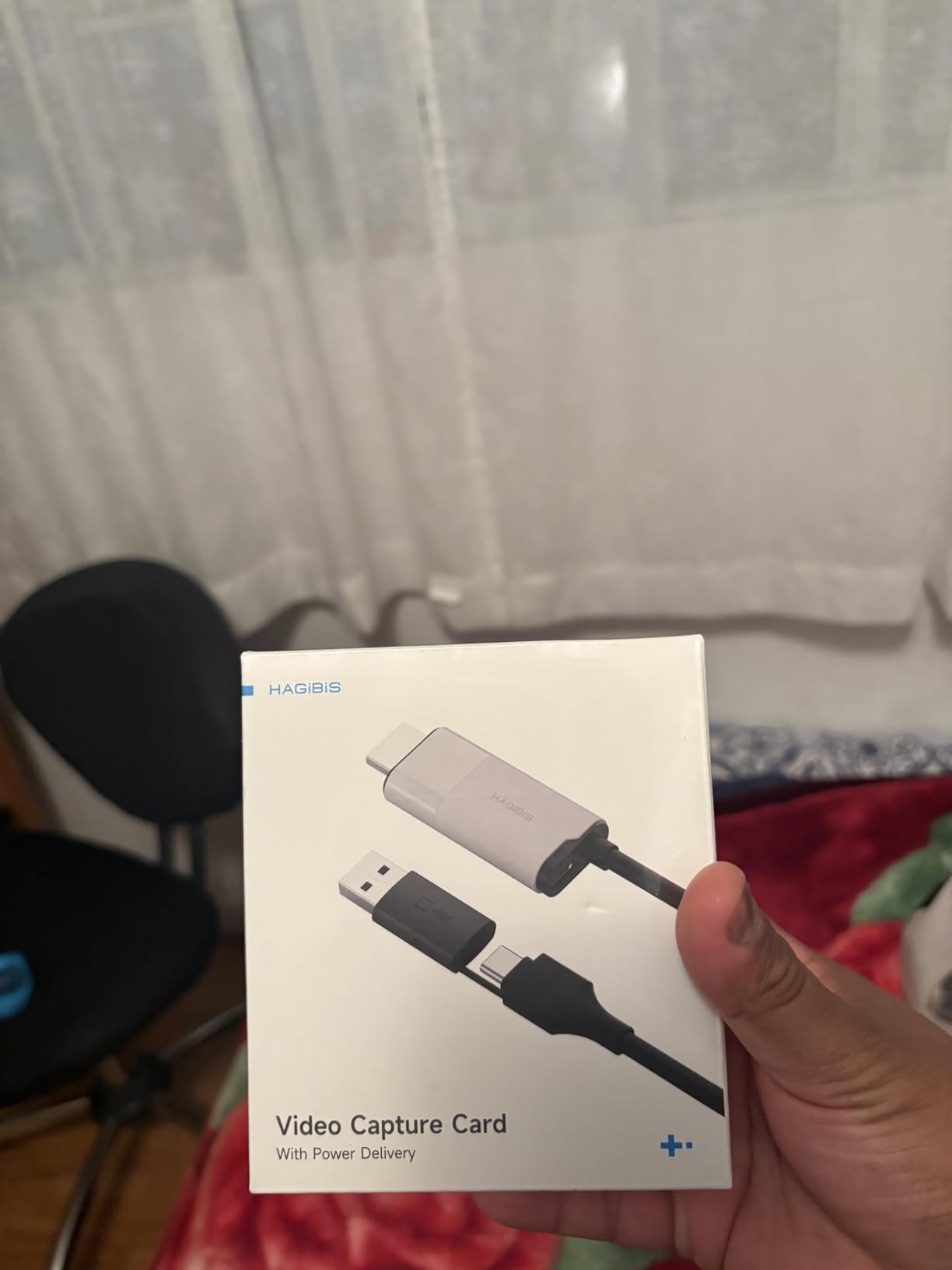
The hardware interface is HDMI and USB Type-C across two ports, model UHC10, weighing 3.7 ounces with a one year warranty. The box includes one charging cable and one video capture cable. The rating here is the lowest in our group at 4.1, and the reasons are physical and specific rather than a general quality complaint.
Test the USB-C orientation before you start a session
The plug is orientation-sensitive and only works one way round in some ports, so try it both ways before you conclude the card is faulty. The same applies to the bundled USB-C to HDMI cable with power, which some owners found did not carry a working HDMI signal. If you are using the Nintendo Switch, look elsewhere: its USB-C port is not a true HDMI output, so this card cannot capture from it at all.
Where it is the wrong choice
Output is capped at 1080p60, there is no HDMI loop-out for local play, and at least one unit failed after roughly three weeks of normal use. For a VR headset as a virtual monitor it earns its place. For console or camera capture with room to grow, a card with a passthrough port is a better investment.
12. Audio Express AXHDCAP – Best Backup Display Card
Audio Express AXHDCAP 4K HDMI Video Capture Card, Cam Link Card Game Audio Adapter HDMI to USB 2.0 Record Capture Device for Streaming, Live Broadcasting, Video Conference, Teaching, Gaming
1080p capture
USB 2.0
2.5 x 1.5 x 1 inches
H.264 and MJPEG output
Pros
- Very low cost and genuinely usable for casual capture
- Plug and play with no drivers or external power
- Doubles as a second display for a laptop
- Compact and runs cool
- Backed by a stated lifetime warranty
Cons
- USB 2.0 only so 1080p30 is the ceiling
- Adds perceptible input delay
- Loose fit in some laptop USB ports
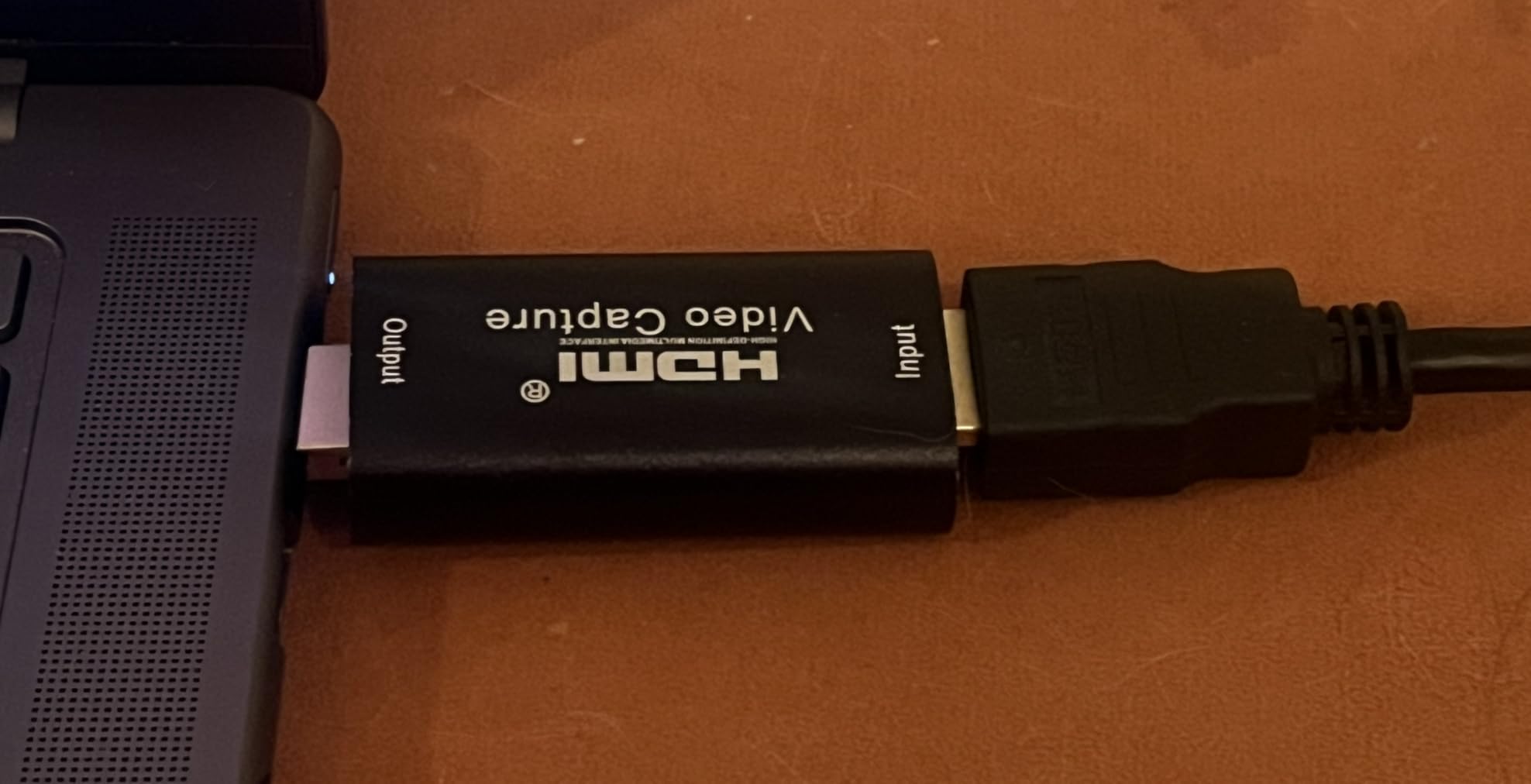
- Does not add an HDMI output to a computer
Owners describe this as surprisingly capable for what it costs, particularly as a way to display an HDMI source on a laptop through OBS, or as a spare monitor while you wait for hardware to arrive. The rating is respectable at 4.4, but the honest verdict in the reviews splits cleanly by use case, and that split is the whole story of this card.
For a secondary display or casual capture it does the job. For real-time gaming or streaming, the added input delay remains even with OBS buffering disabled, and that is a deal-breaker for a viewer who reacts to what they see. It also sits loosely in some laptop ports and disconnects with slight movement.
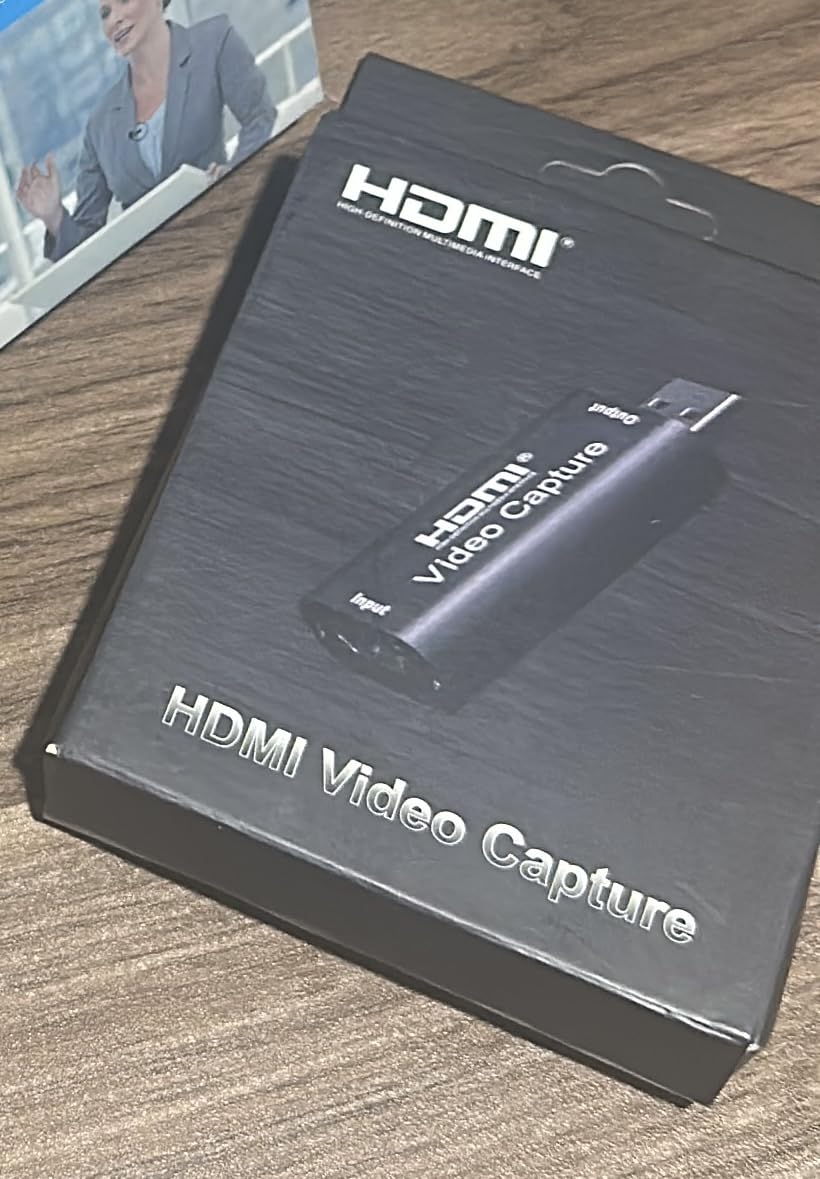
HDMI input goes up to 4K60 while the USB output delivers 1080p with stereo sound, and it outputs H.264 or MJPEG. It runs on Windows 10 and later, macOS 10.13 or later, Linux 4.4 and Android 6.0 with OTG, and the listed minimum is a Core i5, 4 GB of RAM and a USB 2.0 port. It measures 2.5 by 1.5 by 1 inches, ships with an installation guide and carries a lifetime no-questions-asked warranty.
Decide what delay means for your use case
Before dismissing it, ask whether you are watching or playing. For monitoring a console feed, checking a camera framing, or sharing a screen in a meeting, a fraction of a second of delay is invisible. For a game you are controlling, it is not. Test both scenarios before you commit, because the card is excellent at the first and frustrating at the second. Also check the physical fit in your specific port, since the loose connection is the most repeated complaint.
Where it is the wrong choice
It cannot exceed 1080p30 over USB 2.0, and it will not add an HDMI output to a computer that has none, which is a common misunderstanding. If your plan involves recording a console or streaming to Twitch, the input delay makes this the wrong tool. As a cheap second screen or a testing device, it is genuinely useful.
How to Pick a Capture Card Under 200 Dollars
Capture resolution and passthrough resolution are different things
This is the single most common misunderstanding in the category, and it causes more disappointment than any other spec. Passthrough is what appears on your TV or monitor so you can play. Capture is what gets recorded or streamed. A card can pass 4K60 to your display while recording 1080p60, and listing pages rarely make that clear. Before you buy, find the capture figure, not the passthrough figure, and check the frame rate in each. If your source is 4K60 and you want 4K60 files, this budget leaves you one external card and one internal card, and only the internal PCIe option has a deep confirmed 4K60 HDR10 review history.
Latency and the refresh-rate ladder
Passthrough latency is the delay between pressing a button on your controller and seeing the result on screen. Cards with a real loop-out path measure close to zero because the display is fed directly. Cards that force you to watch the captured feed through OBS always carry delay, and no setting removes it. For high-refresh play, check that the card accepts your target mode: 1080p120 and 1080p240 are the common targets at this budget, while 1440p144 appears on only a few models. Then check VRR and HDR passthrough, because a card that strips VRR produces visible stutter on a PC gaming setup even when the picture is otherwise clean.
What very cheap dongles give up
Cards in the sub-30 dollar range usually arrive as 4:2:0 chroma subsampled signals at 4K60, which means colour edges look soft and text on a game menu smears. Many have no EDID emulation, so Windows and the source negotiate a resolution neither side asked for and you get a black screen or a 30 fps fallback. Driver quality varies enormously, and several models enumerate as USB 2.0 despite their labels. That does not make them useless: for 1080p60 streaming from a Switch or as a second display, the reviews show owners running them happily for days at a time. It does mean you should buy one as a stopgap rather than as a long-term install.
Interface: USB or PCIe
USB is portable and works with laptops, Mac machines and tablets. PCIe is faster, never negotiates down, and cannot be knocked out by a busy USB controller, but it means opening a desktop case and finding a free slot. Our advice is simple: if you stream on a console from a desktop PC, the internal route removes an entire class of problems. If you move between machines, a USB-C card is the only sensible answer.
When to spend more than 200 dollars
Go above this budget for one of three reasons. First, you need true 4K60 HDR capture from a console on an external USB card, and the external options that deliver it sit well above this band. Second, you need HDMI 2.1 features such as 4K120 passthrough or VRR from a PS5 or a high-end PC. Third, you want a card with a maintained control application and a support path. None of those apply if you are streaming 1080p60, which is still what the overwhelming majority of channels broadcast.
Elgato against AVerMedia, and Mac notes
Elgato wins on ecosystem and polish: 4KCU, a Stream Deck integration, and a camera-first design that most reviewers treat as the benchmark. AVerMedia wins on features per unit of money, with hardware encoding and richer high-refresh support on its PCIe cards. On Mac, expect more friction: the Cam Link 4K and the Live Gamer Mini are both listed for macOS, but console capture on a Mac is reported to be less reliable than on Windows, and macOS 13 or later is a stated requirement on the newer Elgato models. Our console-specific picks are in our PS5 capture card guide, and the streaming-specific choices are covered in our streaming roundup.
Frequently Asked Questions
Do I need a capture card for streaming?
A capture card earns its place if you stream from a console, run a dual-PC setup, or use a DSLR or mirrorless camera as your video source, because it moves the encoding load off your gaming machine. If you only play on one PC and record with OBS game capture, you do not need one. A card also helps if you want to record at a resolution or frame rate your GPU cannot encode on its own.
What is the difference between 1080p capture and 4K passthrough?
Passthrough is the image sent straight to your monitor so you can play. Capture is the image your PC records or streams. A card may pass 4K60 to your TV while capturing only 1080p60, so the recording is downscaled. Always read the capture resolution and frame rate before buying, because listing pages mix the two figures together.
What capture card has the least delay?
Cards with a dedicated HDMI loop-out feed your display directly from the source, so passthrough delay is close to zero. The Elgato Cam Link 4K, the AVerMedia Live Gamer Mini and the UGREEN 4K loop-out model all use this approach. Cards that force you to watch the captured feed through OBS always add delay, and no setting removes it.
Can a capture card under 200 dollars record 4K60?
Rarely over external USB. Within this budget the AVerMedia GC573 is an internal PCIe card that records 4K60 HDR10, and the Elgato 4K S lists 4K60 capture over USB-C, though its spec fields are inconsistent so check the utility after connecting. Most cards under 30 dollars cannot record 4K at all and pass 4K through only.
Is Elgato or AVerMedia better?
Elgato generally wins on software polish and ecosystem, with 4KCU, Stream Deck integration and a camera-first design in the Cam Link 4K. AVerMedia tends to offer more hardware features per unit of money, such as a built-in H.264 encoder and stronger high-refresh support on its PCIe cards. Both brands cover PS5, Xbox Series X/S and Switch, and both are listed for macOS.
Do capture cards work on Mac and with the Nintendo Switch?
Several cards are listed for macOS, including the Elgato Cam Link 4K and the AVerMedia Live Gamer Mini, with newer Elgato models requiring macOS 13 or later, but console capture on Mac is reported to be less reliable than on Windows. Nintendo Switch works through the HDMI output on most cards here, though the Switch 2 needs stereo audio mode set on some budget models.
Final Verdict: The Best Capture Cards Under 200 Dollars in 2026
The best capture cards under 200 dollars in 2026 are led by the Elgato Cam Link 4K, which is our editor’s choice for its near-zero latency, driver-free setup and the deepest review history in the category. Stream from a console and you will be just as happy with the AVerMedia Live Gamer Mini, and if you want a genuinely well-made cheap card to carry around, the UGREEN 4K loop-out model is the one we keep reaching for.
Record 4K60 HDR from a console and you have one real choice inside this budget, the AVerMedia GC573, though it means opening your PC. Spend more than 200 dollars when you need true external 4K60 capture, HDMI 2.1 features such as 4K120 or VRR passthrough, or a maintained control application. For everything else, the picks above handle 1080p60 with a loop-out for far less, and that is where the value in this category actually sits.