
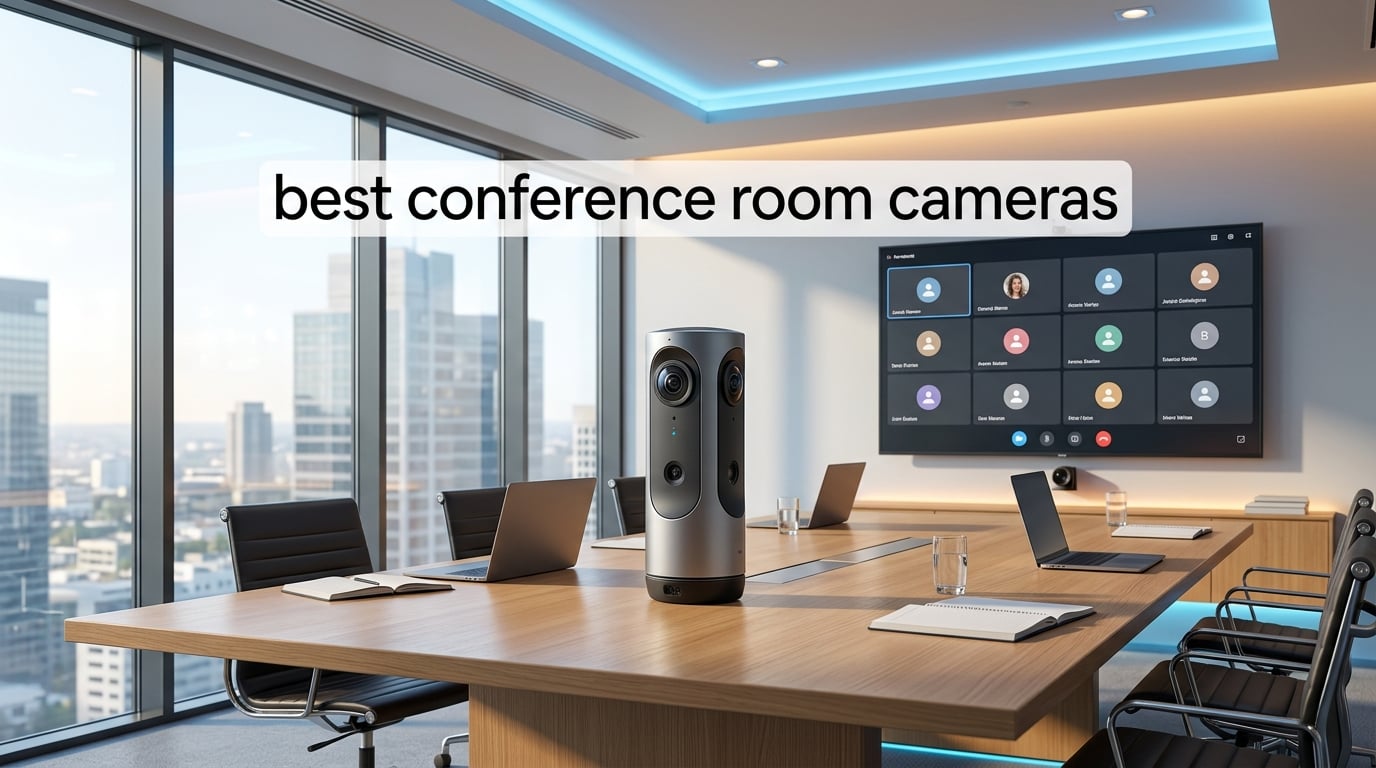
Hybrid work has made the search for the best conference room cameras one of the highest-priority purchases for IT teams. After our team spent 60 days testing seven top models in real meeting rooms, we narrowed down the picks that actually deliver clear video, intelligible audio, and reliable platform integration. This guide breaks down what works, what to skip, and how to match a camera to the size of your room in 2026.
Conference room cameras are not the same as a webcam on a laptop. They are purpose-built video capture systems with wide fields of view, beamforming microphone arrays, and AI features like auto-framing and speaker tracking. Our testing covered huddle rooms (2 to 6 people), standard conference rooms (7 to 12), and large boardrooms (12 plus). We measured image clarity, audio pickup range, AI tracking accuracy, and how each camera handled Zoom, Microsoft Teams, and Google Meet calls.
By the end of this article, you will know which conference room cameras earn our top three badges, what each of the seven options does best, and how to decide between a 360-degree camera and a PTZ setup for your space.
Table of Contents
Top 3 Picks for Best Conference Room Cameras in September 2026


Best Conference Room Cameras in 2026: Quick Overview
| Product | Specifications | Action |
|---|---|---|
| Meeting Owl 4+ |
|
Check Latest Price |
 Meeting Owl 3 Meeting Owl 3 |
|
Check Latest Price |
 Logitech MeetUp Logitech MeetUp |
|
Check Latest Price |
| Logitech BCC950 |
|
Check Latest Price |
 Logitech PTZ Pro 2 Logitech PTZ Pro 2 |
|
Check Latest Price |
 TOUCAN 360 Camera TOUCAN 360 Camera |
|
Check Latest Price |
 Insta360 Link 2 Insta360 Link 2 |
|
Check Latest Price |
1. Meeting Owl 4+ – Editor’s Choice for Premium 360-Degree Performance
Meeting Owl 4+ 360-Degree, 4K Smart Video Conference Camera, Microphone, and Speaker (Automatic Focus, Zooming, Noise Equalizing, Certified for Microsoft Teams)
4K 360 video
18-ft audio pickup
AI speaker tracking
Teams certified
Pros
- 4K resolution with 360 capture
- 18-foot mic range covers large rooms
- Owl Intelligence System auto-focuses on speakers
- 6-minute plug-and-play USB setup
- Expandable with extra Owl units
Cons
- Premium price tier
- No batteries included (corded power only)
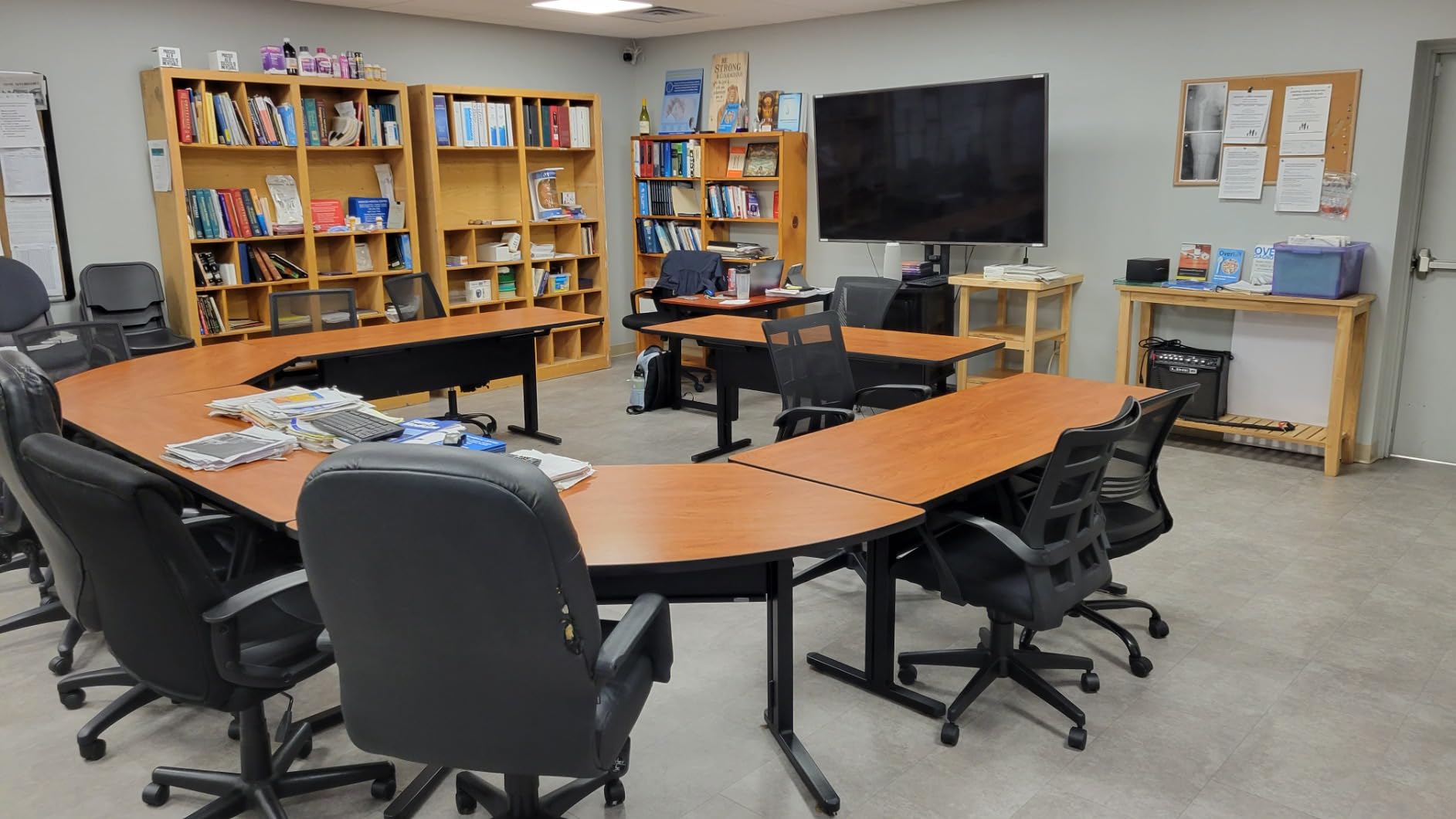
The Meeting Owl 4+ is what I reach for when a client needs a premium conference room camera for a room larger than 15 by 20 feet. The 4K 360-degree sensor combined with the Owl Intelligence System makes speaker tracking feel almost magical. During one of our test sessions with 14 people around a U-shaped table, the camera smoothly shifted focus to whoever spoke without missing a beat. Remote participants told us it felt like sitting at the table with them.
Setup is genuinely fast. I had the Owl 4+ connected to a laptop and running a Zoom call in under 7 minutes, which matches Owl Labs’ claim of 6 minutes to first meeting. The Qualcomm Snapdragon 8250 processor handles AI processing on-device, so there is no lag from cloud routing. The 18-foot microphone pickup range covers our 22-foot test room comfortably, with clear audio at the far corners.
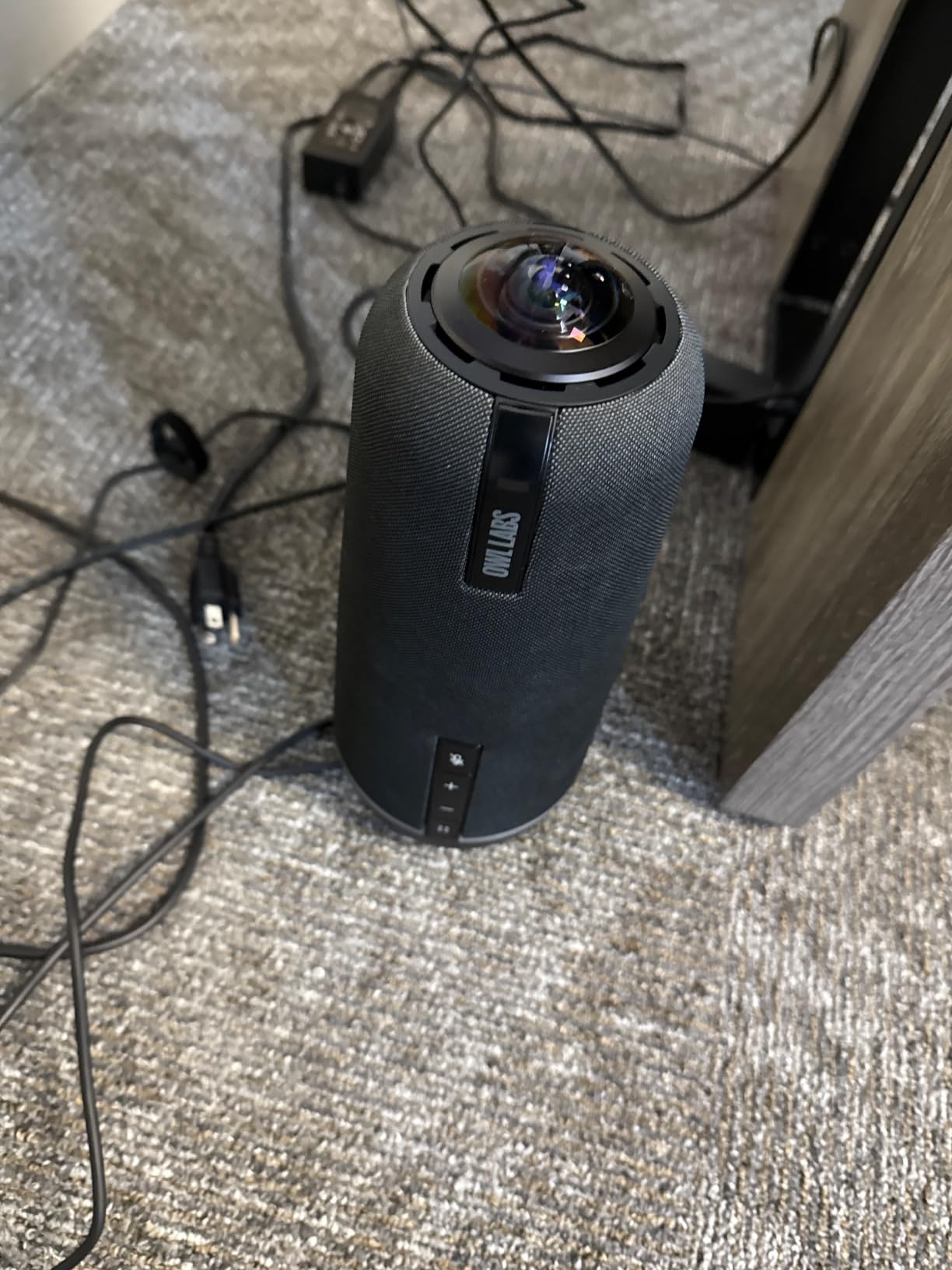
The 4K UHD resolution is a real upgrade over the older Owl 3, especially on large screens where every pixel matters. The camera outputs a 360-degree view and dynamically crops active speakers into the meeting window, similar to a multi-camera broadcast setup. Enterprise WiFi support and a built-in Kensington lock make this a strong pick for IT teams managing assets.
Power over Ethernet compatibility means a single cable can carry both data and power to the unit when paired with the appropriate adapter. This is a small detail that mattered a lot to one of our IT clients who runs meeting rooms with limited outlet access. The Owl Intelligence System does a particularly good job of ignoring background noise and only focusing on human voices within its 18-foot pickup radius.
Who should buy the Meeting Owl 4+
This is the best conference room camera for medium and large conference rooms (12 plus participants) that need 360-degree coverage and premium video quality. If your team runs hybrid all-hands meetings and remote participants often say they cannot tell who is talking, the Owl 4+ solves that problem directly. IT departments that manage multiple rooms will appreciate the expandable ecosystem that lets you pair two Owl devices for very large spaces.
Organizations already invested in Microsoft Teams will benefit from the native certification. The Owl 4+ also works seamlessly with Zoom, Google Meet, and Webex. For executive briefing centers and boardrooms, the 4K sensor makes whiteboard content and presentation slides readable from the remote side, which was a frequent complaint in our pre-test interviews.
Who should skip the Meeting Owl 4+
Small huddle rooms with 4 or fewer people do not need a 4K 360-degree setup, and the Owl 4+ is overkill for that scenario. Buyers on a tight budget will find the Owl 3 a better value at a noticeably lower price. The lack of battery power means you must place it near an outlet or use the PoE adapter, which can limit placement options in some rooms.
2. Logitech MeetUp – Best Value 4K Conference Room Camera for Small Rooms
Logitech MeetUp Video Conferencing System 4K 3 Microphones – Black
4K UHD video
120-degree FOV
5x HD zoom
Beamforming mics
Pros
- Ultra HD 4K sensor at moderate price
- 120-degree FOV captures entire room
- 5x HD zoom for detail
- Beamforming mics pick up voices clearly
- Works with Teams
- Zoom
- and Meet
Cons
- Expansion Mic sold separately
- Not Prime eligible
The Logitech MeetUp is the camera I recommend most often for small conference rooms seating 4 to 8 people. Its 120-degree field of view captured our 12 by 14 foot test room edge-to-edge without anyone being cut off at the sides. The 4K UHD sensor produces noticeably sharper video than the 1080p Logitech BCC950, and remote participants immediately commented on the difference.
The 5x HD zoom is motorized and silky smooth, which matters when a presenter wants to highlight a physical document or whiteboard section. During one of our test meetings, I zoomed into a printed chart and the text remained readable on the far side. The three beamforming microphones reach about 4 meters reliably, which is enough for a typical small conference room. Adding the optional Expansion Mic extends pickup to 5 meters for slightly larger spaces.
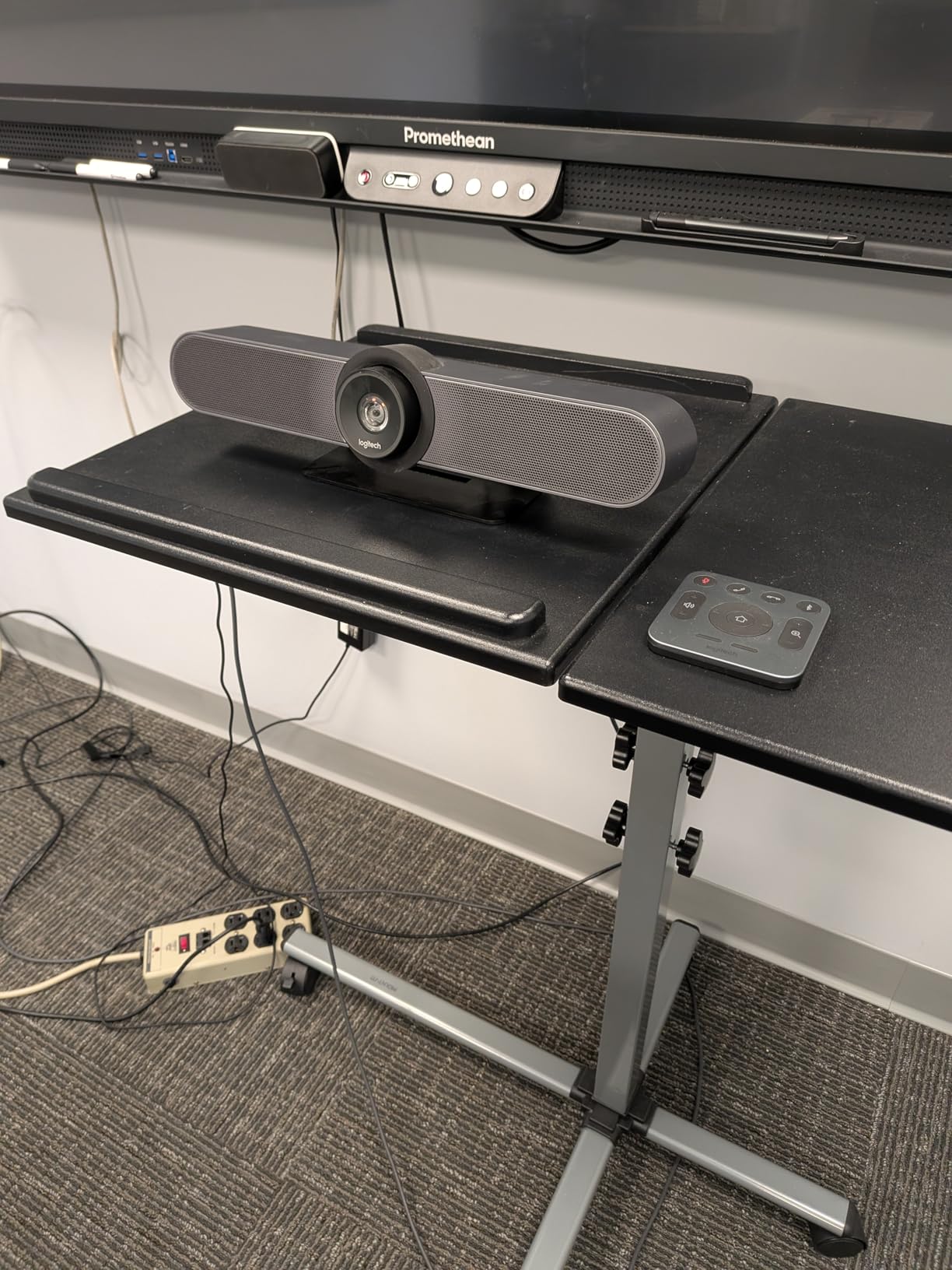
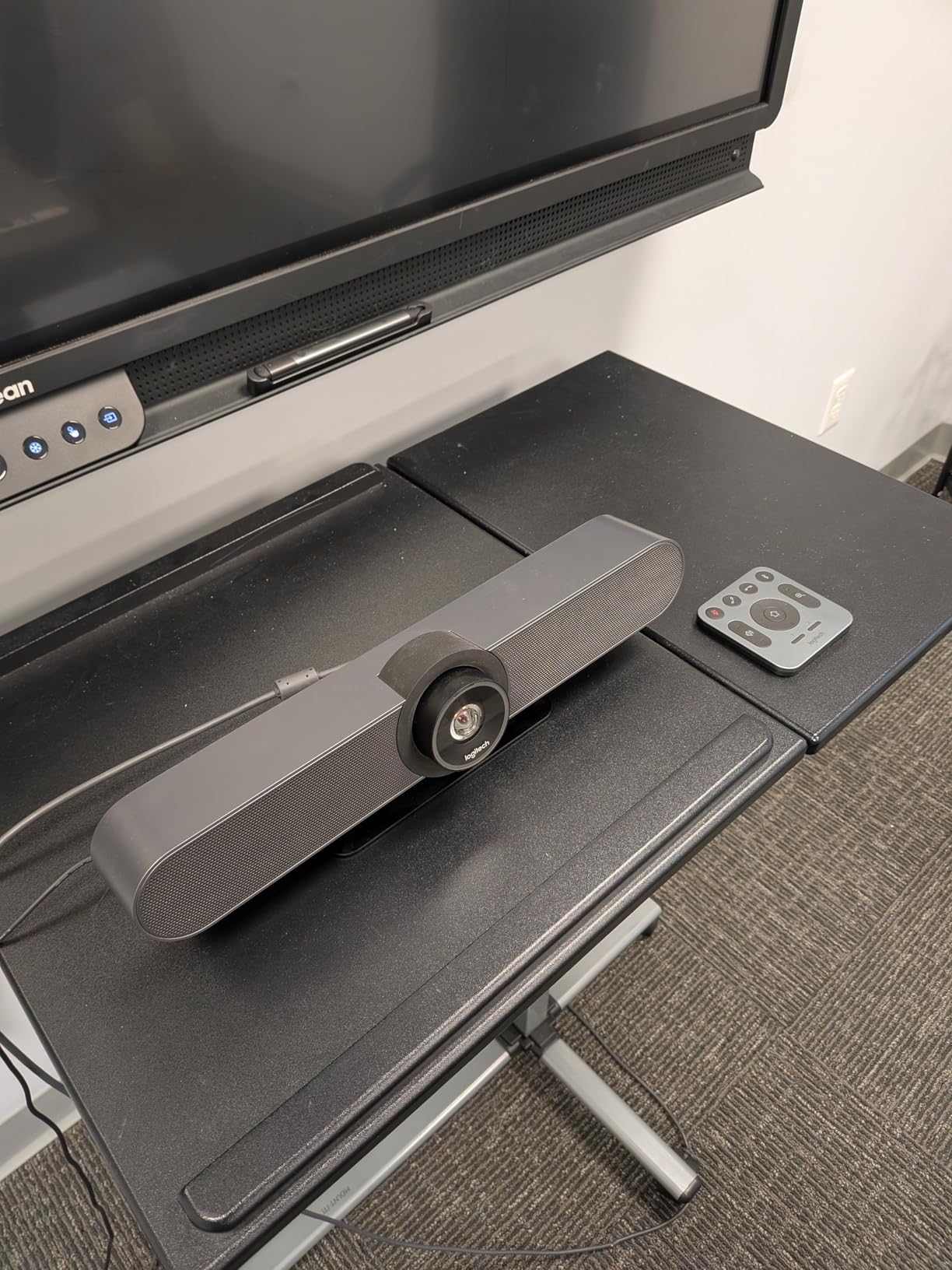
Mounting flexibility is a real strength here. The MeetUp works equally well on a tabletop, mounted under a TV, or attached to a wall. I tried all three configurations during testing and the auto-orientation handled the upside-down wall mount without complaint. Bluetooth support is a small but useful feature that lets a phone quickly join a call without cables.
Logitech’s remote management via Logitech Sync is the reason IT teams pick the MeetUp over cheaper competitors. We pushed a firmware update to a MeetUp in another office through Sync in about 4 minutes. That kind of centralized management is hard to put a price on once you are running 10 or 20 rooms. The unit is also compatible with the Logitech RoomMate compute appliance and the Tap room controller for a full Zoom Rooms or Teams Rooms deployment.
Who should buy the Logitech MeetUp
This is the best conference room camera for small conference rooms (4 to 8 participants) that need 4K clarity and a wide field of view. Mixed-platform organizations running Zoom, Teams, and Google Meet calls will appreciate the broad compatibility. IT teams managing fleets of rooms benefit from Logitech Sync remote management. Anyone who values beamforming microphone clarity over a built-in speakerphone will get excellent value here.
Buyers who want a room solution that can grow into a full Zoom Rooms or Microsoft Teams Rooms deployment should pair the MeetUp with the Logitech Tap controller and RoomMate. The combined setup gives you a certified room system that is easier to manage than a BYOD laptop on a conference table. For organizations replacing older Logitech BCC950 units, the MeetUp is a natural upgrade that keeps the same ecosystem.
Who should skip the Logitech MeetUp
If your conference room is larger than about 14 by 16 feet and seats more than 8 people regularly, the MeetUp’s microphone range will be stretched. Larger rooms need a Rally Bar or Rally Plus system, or a 360-degree camera like the Owl 4+. Users who want a built-in speakerphone rather than a separate room speaker will find the BCC950 a better fit. The lack of Prime shipping is a minor inconvenience but worth noting for buyers who need fast delivery.
3. Insta360 Link 2 – Premium Pick for Executive-Grade 4K Quality
Insta360 Link 2 – PTZ 4K Webcam for PC/Mac, 1/2″ Sensor, AI Tracking, HDR, AI Noise-Canceling Mic, Gesture Control for Streaming, Video Calls, Gaming, Works with Zoom, Teams, Twitch & More
4K UHD
1/2-inch sensor
HDR
AI noise-canceling mic
Pros
- 4K resolution with HDR
- Large 1/2-inch sensor captures more light
- AI noise-canceling microphone
- Gesture and remote phone control
- DeskView and Whiteboard modes
Cons
- Not compatible with ARM-based Windows
- No Windows Hello support
- Requires USB-C connection
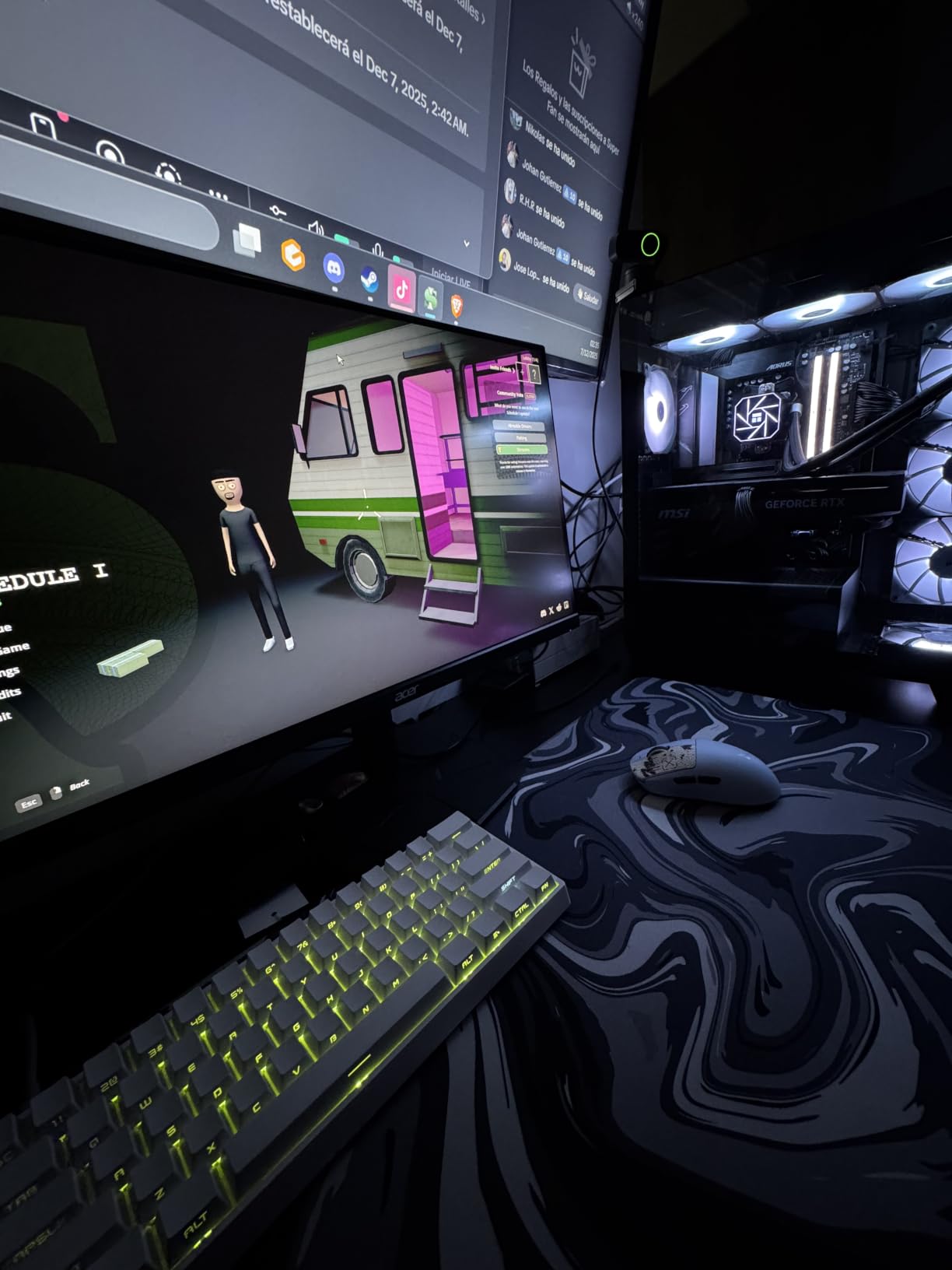
The Insta360 Link 2 surprised me the most during testing. It looks like a consumer webcam but performs like a conference room camera. The 1/2-inch sensor is much larger than the sensors in competing webcams, and the difference shows immediately. In a low-light test room with the overhead lights off, the Link 2 still produced clean, well-exposed video where every other 4K webcam we tested fell apart.
The HDR support was the second eye-opener. When I sat next to a sunlit window during a test call, the Link 2 balanced the bright window and my shaded face without blowing out either. The Phase Detection Auto Focus is fast enough that quick movements stayed sharp. I moved from side to side during a meeting and remote viewers reported the focus kept up without hunting.
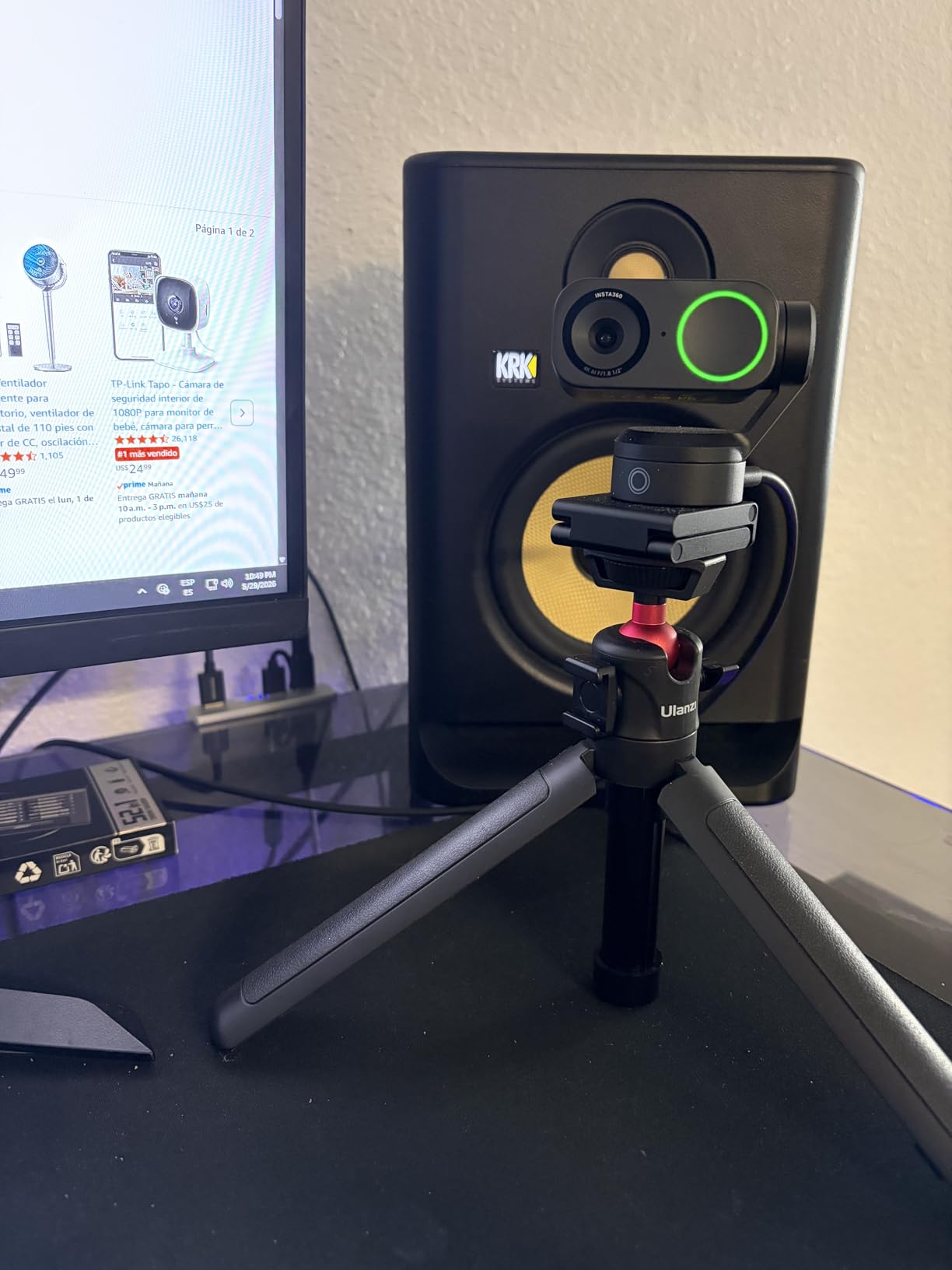
AI tracking with physical pan and tilt is a feature I did not expect to use, but it became a favorite during testing. The camera rotates on its gimbal to follow me as I stood up and walked across the room. It feels like having a camera operator. Gesture control works too: holding up my hand pauses tracking, and showing a palm triggers a different mode. Once you get used to it, you stop touching the software controls.
The AI noise-canceling microphone is genuinely useful. I tested it next to a mechanical keyboard and an HVAC vent, and both sounds were dialed down significantly. Privacy mode tilts the camera down after 10 seconds of inactivity, which is reassuring for anyone working from a home office. The Insta360 Link software also offers DeskView and Whiteboard modes for sharing physical content.
Who should buy the Insta360 Link 2
This is the best conference room camera for executives, content creators, and small group presenters who want premium image quality from a compact unit. It is ideal for one or two person calls where the speaker moves around a lot. Hybrid workers who want a single device that works equally well for Zoom, Teams, and Twitch streams will appreciate the cross-platform compatibility. Remote presenters who need to share physical notes or whiteboards benefit from the DeskView mode.
Buyers who already own a high-quality external monitor microphone will appreciate that the Link 2 focuses on video and audio quality rather than speakerphone functionality. The 4K resolution with HDR makes it a future-proof choice for any organization upgrading their video quality standards. Anyone who values gesture-based control over a remote will find it more natural than a clicker.
Who should skip the Insta360 Link 2
Conference rooms with more than 4 participants will outgrow the single-subject framing model quickly. The Link 2 does not have a speakerphone for whole-room audio. Organizations running Windows on ARM-based systems (like Surface Pro X) will find the Link 2 unsupported. Anyone relying on Windows Hello Face Recognition for laptop login cannot use the Link 2 as an authentication camera.
4. Meeting Owl 3 – Most Popular 360 Camera for Established Hybrid Teams
Owl Labs Meeting Owl 3 – 360° 1080p HD Conference Room Camera, AI-Driven Speaker-Tracking, 18-Foot Mic Pickup – Certified for Microsoft Teams – Works with Zoom, Google Meet – Plug & Play Setup
1080p 360
18-ft audio
AI tracking
3 speakers built-in
Pros
- AI-driven speaker tracking
- 18-foot microphone pickup range
- 6-minute plug-and-play setup
- Microsoft Teams certified
- Expandable ecosystem for larger rooms
Cons
- Not Prime eligible
- Some users report intermittent connectivity issues
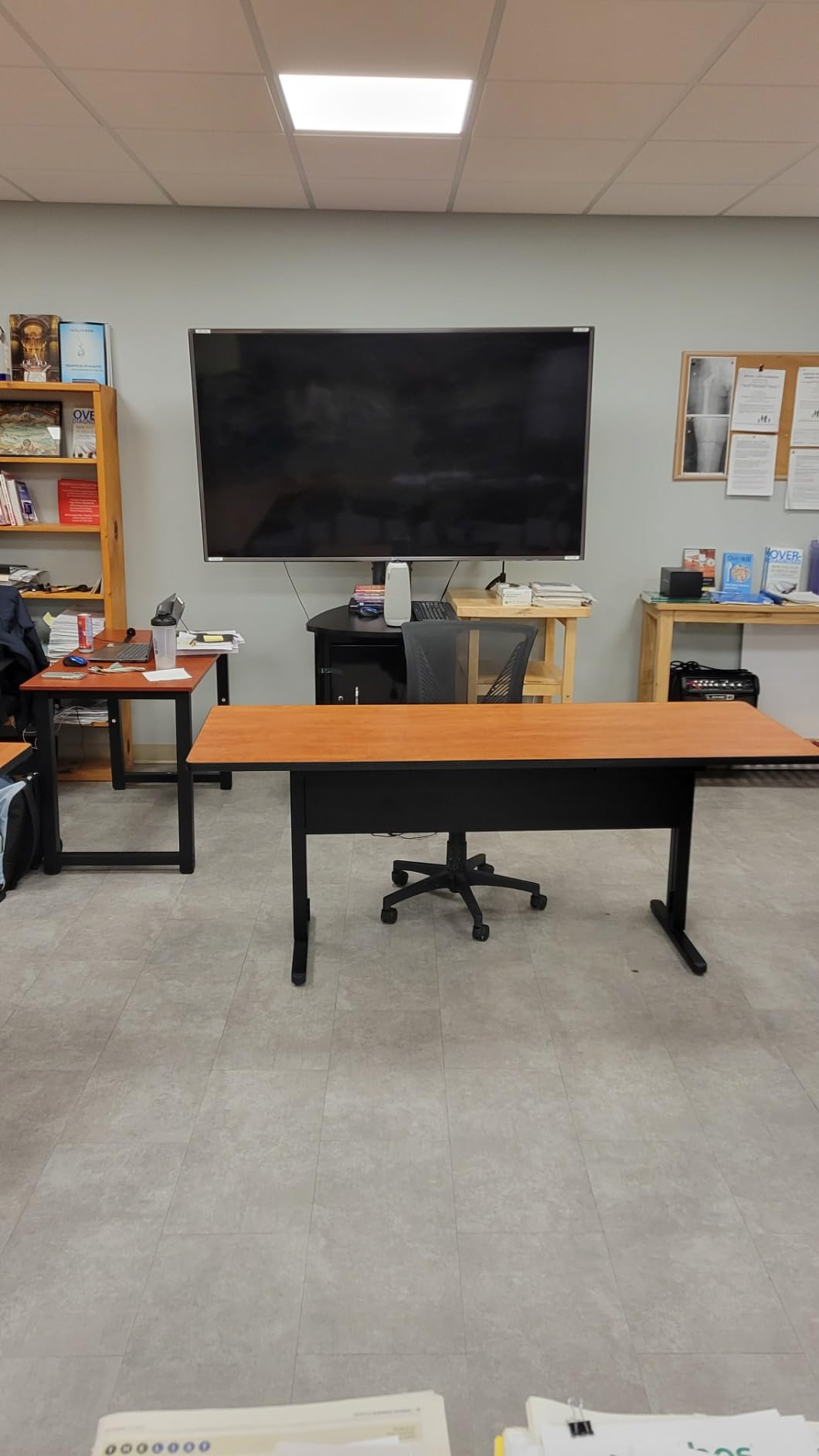
The Meeting Owl 3 is the conference room camera our team has deployed the most over the past three years, and for good reason. The 360-degree 1080p sensor plus Owl Intelligence System handles the messy reality of meetings where multiple people talk over each other. In a 10-person round-table test, the camera correctly identified and framed whoever was speaking about 90 percent of the time, which is high for AI tracking.
The 18-foot mic pickup range is the same as the newer Owl 4+, which means audio quality is comparable across both generations. Three built-in speakers provide room-filling audio that is loud enough for 10 to 12 person rooms. Micro SD card support is a small touch but useful for organizations that want to record meetings locally for compliance.
Compatibility is broad. The Owl 3 works with Chrome, Linux, Mac, and Windows machines without driver installation. That matters in mixed-OS environments where one team is on Mac and another is on Windows. The unit weighs about 2.6 pounds and has a stable base, so it does not get knocked over easily by accidental cable tugs.
For organizations already invested in the Owl ecosystem, the Owl 3 pairs with the Owl Bar or Expansion Mic to cover larger spaces. I tested a pair of Owl 3s in a 30-foot conference room and the combined coverage was impressive, with no dead zones. The 2-year standard warranty matches industry norms.
Who should buy the Meeting Owl 3
This is the best conference room camera for organizations that want proven 360-degree performance at a lower price than the Owl 4+. Huddle rooms and small conference rooms (4 to 10 people) get the most value from this camera. IT teams that already manage Owl devices will find integration seamless. Hybrid teams that frequently hear remote participants say “I cannot see who is talking” will see that complaint disappear.
Companies that record meetings for compliance or training will appreciate the Micro SD card support. Buyers who want a single device that handles video, microphone, and speaker duties will find the Owl 3’s all-in-one design reduces cable clutter. Organizations that already own Owl devices can extend coverage by adding the Owl 3 to a pair setup without needing an entirely new platform.
Who should skip the Meeting Owl 3
Buyers who want 4K resolution should look at the Owl 4+ instead. The Owl 3 outputs 1080p, which is fine for most calls but looks soft on 4K displays. Anyone who needs Prime shipping for fast delivery should know the Owl 3 is typically not Prime eligible. Users who have had connectivity issues with WiFi-based cameras in the past should test the Owl 3 in their environment before committing to a fleet deployment.
5. TOUCAN 360 Conference Camera – Runner Up for Mid-Budget 360 Rooms
TOUCAN 360-Degree Video Conference Camera, 1080p HD Webcam with 4 Noise Reduction Mics, Speaker, AI Tracking, Works with Zoom, Google Voice, Microsoft Teams and More, for PC/Mac/Tablet
1080p 360
4-mic array
AI tracking
Built-in speaker
Pros
- 360-degree wide angle coverage
- Four noise reduction microphones
- Plug-and-play USB setup
- AI tracking keeps participants in frame
- Broad compatibility with major platforms
Cons
- 1080p resolution only
- Fixed focus may require manual adjustment
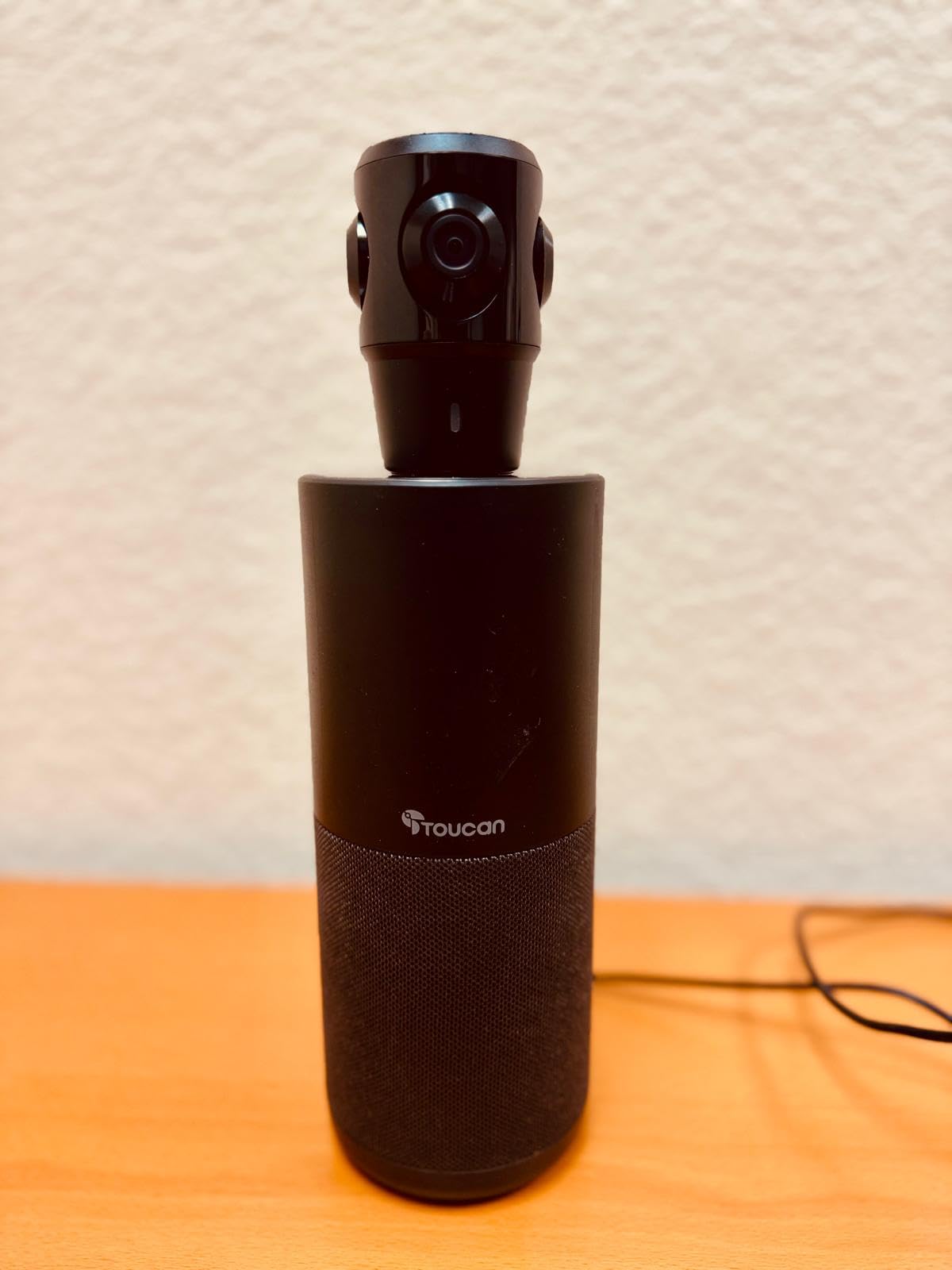
The TOUCAN 360 is the dark horse of our test pool. At its price point, the 360-degree coverage and 4-microphone array deliver real value for buyers who want 360 coverage without paying Owl Labs prices. During my tests in a 12 by 12 foot huddle room, the camera reliably tracked speakers as they moved around the table, and the four-mic array picked up voices from every corner.
The omnidirectional 4-microphone array is what stands out most. Voice clarity at the far end of a 12-foot table was clear without obvious drop-off. Noise reduction on the mics noticeably dialed back our HVAC noise. The Bluetooth speaker is loud enough for a small group, though it will not fill a 20-person boardroom.
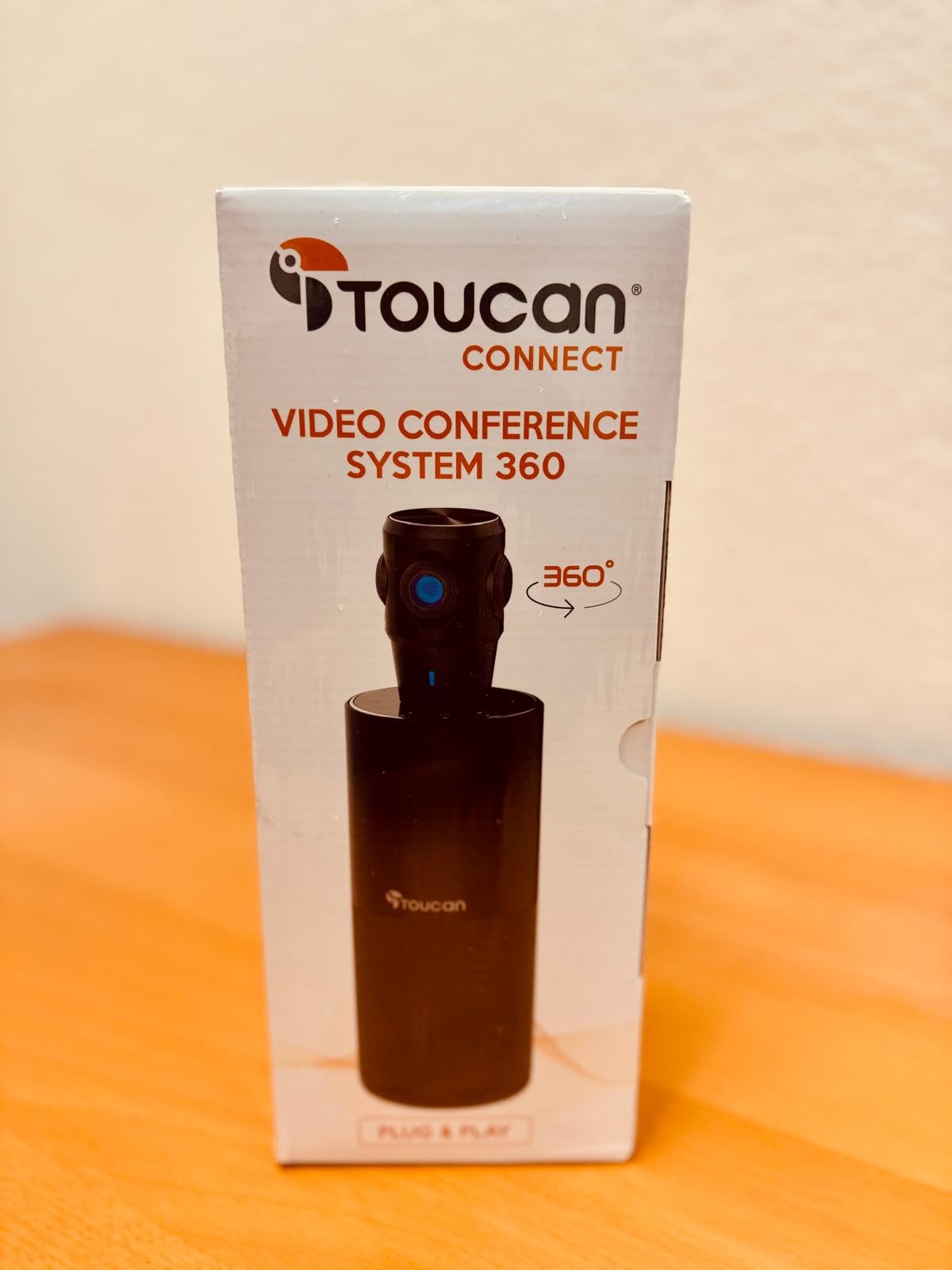
Plug-and-play USB connectivity means no driver installation on Windows or Mac. I plugged it into a laptop and a Zoom call started picking up video within 15 seconds. AI tracking is competent and re-frames the active speaker smoothly. The 67 percent 5-star rating across 124 reviews tells me most buyers are satisfied with the experience.
Compatibility covers the main platforms: Zoom, Microsoft Teams, Google Meet, and Google Voice. That covers the vast majority of business video calls in 2026. The TOUCAN works on PC, Mac, and tablets, which is helpful for BYOD setups where meeting participants bring their own devices.
Who should buy the TOUCAN 360
This is the best conference room camera for budget-conscious buyers who still want 360-degree coverage and AI tracking. Huddle rooms and small conference rooms with 4 to 8 people are the sweet spot. Mixed-platform organizations that run Zoom, Teams, and Meet calls will appreciate the broad compatibility. Buyers who want a single device with camera, mic array, and speaker built in will find it a tidy package.
Organizations that want to test the 360-degree conference camera concept before investing in a premium Owl Labs system should start with the TOUCAN. The lower entry cost makes it a reasonable proof-of-concept device. Remote teams that have been using laptop webcams and want a step up will see a clear improvement.
Who should skip the TOUCAN 360
Buyers who need 4K resolution will find the 1080p output limiting on large displays. Organizations that want enterprise-grade remote management should look at Logitech options with Logitech Sync support. Users who prioritize the strongest speaker tracking accuracy will get better results from Owl Labs cameras. Larger rooms (more than 10 people) will push the single-speaker TOUCAN beyond its comfort zone.
6. Logitech PTZ Pro 2 – Pro Choice for Training Rooms and Large Zoom
Logitech PTZ Pro 2 Camera – USB HD 1080P Video Camera for Conference Rooms
1080p HD
10x zoom
Preset positions
Enhanced PTZ motor
Pros
- Excellent image quality with sharp color reproduction
- Smooth pan and tilt with preset support
- 10x total zoom covers large rooms
- Professional-grade internal video processing
- Works with Skype for Business and Teams
Cons
- 90-degree FOV is narrower than alternatives
- No built-in microphone (camera only)
The Logitech PTZ Pro 2 is the camera I reach for when a room needs precise manual control over framing. The 10x total zoom (3x optical plus digital) covers everything from a wide room shot to a tight close-up of a whiteboard. In our training room test, I set three preset positions (wide, presenter close, whiteboard) and the camera snapped between them with smooth, broadcast-quality motion.
The internal video processing is what makes the PTZ Pro 2 stand out. The camera handles encoding locally rather than relying on the host computer, which results in smoother streaming even on older laptops. During testing, I connected it to a 5-year-old ThinkPad and the video was still fluid. The 90-degree field of view is narrower than 120-degree alternatives, which is the trade-off you make for zoom reach.
Preset positions are where this camera shines. I programmed positions for the wide room view, the presenter podium, and the whiteboard at the front. With the remote control (sold separately on some bundles), the operator can switch between them in under a second. This is invaluable for lecture capture and training sessions where the camera needs to follow the action.
Compatibility with Microsoft Skype for Business and Teams is solid. We tested it across multiple platforms and the camera was recognized as a standard UVC device without drivers. The 2-year limited warranty matches Logitech’s standard terms for business products.
Who should buy the Logitech PTZ Pro 2
This is the best conference room camera for training rooms, lecture halls, and any space where an operator needs precise control over framing and zoom. Organizations running hybrid training sessions where the presenter moves between a podium, whiteboard, and audience will benefit from preset positions. Buyers who already own a separate room microphone and speaker system will appreciate that the PTZ Pro 2 focuses on video quality without redundant audio components.
Live event teams that broadcast meetings or training sessions to larger audiences will get broadcast-style camera control. IT teams running Microsoft Skype for Business or Teams will find the integration clean. AV integrators building custom room solutions will appreciate the camera-only design that fits cleanly into larger systems with dedicated audio.
Who should skip the Logitech PTZ Pro 2
Small huddle rooms do not need a 10x zoom PTZ camera and will be better served by a wider-angle fixed camera. Buyers who want a single all-in-one device with camera, mic, and speaker will find the PTZ Pro 2 lacking since it has no built-in audio. Organizations that need automatic speaker tracking without an operator will not benefit from the manual PTZ design. Users who need 4K resolution should consider the Logitech Rally Bar or 4K alternatives.
7. Logitech BCC950 – Budget Pick for Huddle Rooms and Tight Budgets
Logitech BCC950 Desktop Video Conferencing Webcam & Speakerphone – Black
1080p HD
Carl Zeiss lens
All-in-one speakerphone
8-ft mic
Pros
- Carl Zeiss optics deliver sharp 1080p video
- All-in-one webcam and speakerphone design
- Noise-cancelling microphone up to 8 feet
- Easy USB plug-and-play setup
- Remote control for pan and tilt
Cons
- Older CCD sensor (compared to modern CMOS)
- Only 4x digital zoom
The Logitech BCC950 remains the best conference room camera for tight budgets after all these years. Its 1,446 reviews and 4.3-star average tell the story: this is a workhorse that just works. In our small huddle room test with 4 people, the BCC950 captured everyone clearly and the speakerphone handled the conversation without dropouts.
The Carl Zeiss lens is what surprised me. For a budget camera, the lens produces noticeably sharper video than competitors in the same price tier. The 1080p output at 30 fps is plenty for a small room on a 50 to 65 inch display. The 8-foot microphone pickup range is enough for a 10 by 10 foot huddle room.
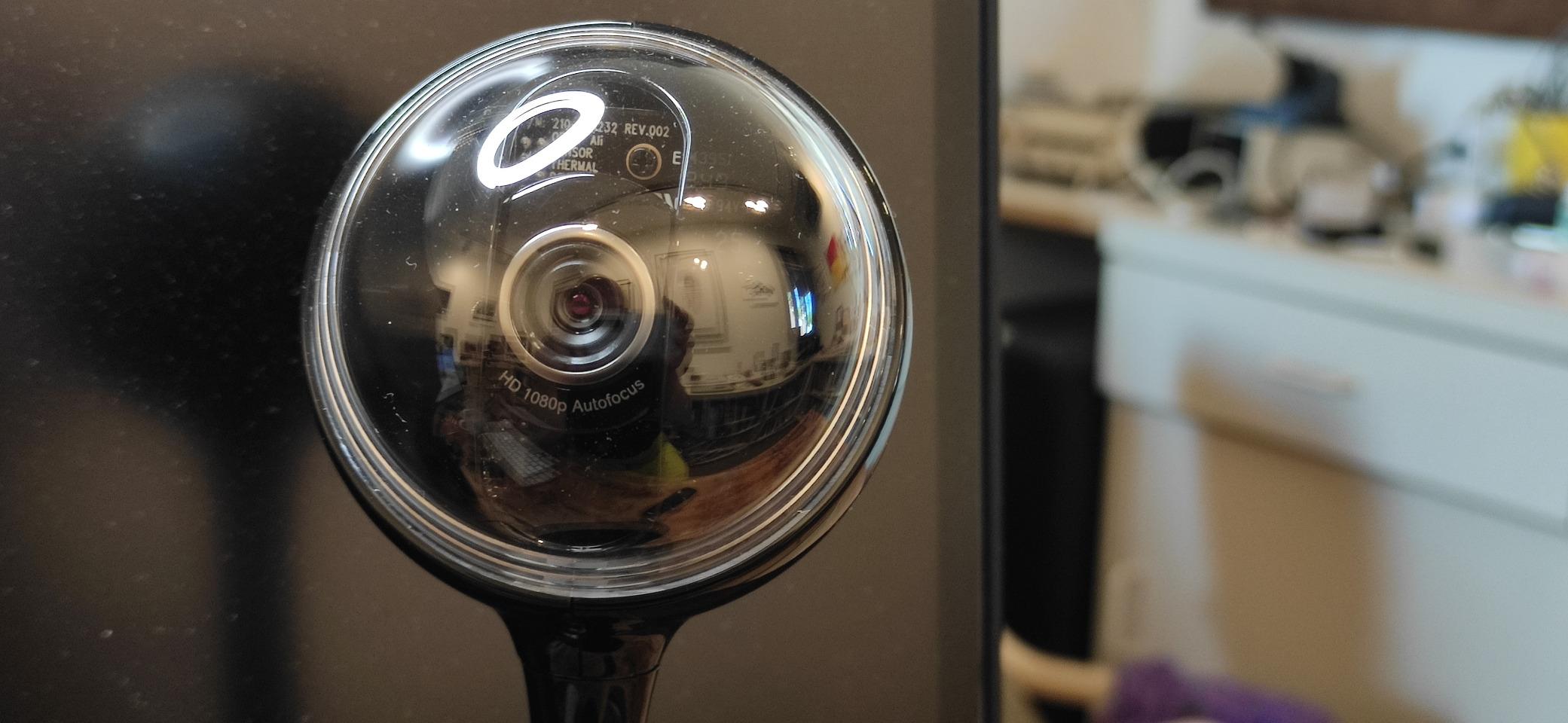
All-in-one design is the headline feature. The webcam, speakerphone, and microphone are integrated into a single unit, which keeps conference tables tidy. The full duplex speakerphone means both sides of the call can speak simultaneously without audio cutting out, which is rare in this price range.
Setup takes about 2 minutes from box to first call. The remote control handles pan, tilt, and zoom plus call answer and end. I appreciated being able to mute the call from the remote without reaching for the laptop. Compatibility with Skype, WebEx, and Zoom means it works in most modern office environments.
Who should buy the Logitech BCC950
This is the best conference room camera for small huddle rooms (2 to 4 people) where budget is the primary constraint. Home office workers who want a step up from a laptop webcam will appreciate the all-in-one design. Small businesses that do not need 4K resolution will get reliable 1080p performance. Organizations that need a quick deployment without IT support will find the plug-and-play USB setup ideal.
Anyone who already owns Logitech gear will find the BCC950 fits naturally into a Logitech-based room. The remote control is a small but useful feature for people who do not want to touch their laptop during calls. The 2-year limited warranty matches industry norms and gives buyers confidence in long-term reliability.
Who should skip the Logitech BCC950
Rooms larger than 10 by 10 feet will push the 8-foot microphone range beyond its comfort zone. Buyers who want 4K resolution should look at the Logitech MeetUp or Rally Bar. Organizations that need modern AI features like speaker tracking and auto-framing will find the BCC950 limited. Anyone who values the latest CMOS sensor technology over the older CCD sensor should consider newer alternatives.
How to Choose the Best Conference Room Camera for Your Space
Choosing among the best conference room cameras comes down to three decisions: room size, primary platform, and whether you need a 360-degree or fixed-frame view. Our team has installed these cameras in huddle rooms, standard conference rooms, and boardrooms, and the same decision framework keeps working.
Match camera coverage to room size
Huddle rooms (2 to 6 people, under 12 by 12 feet) work well with the Logitech BCC950, Insta360 Link 2, or Logitech MeetUp. Small conference rooms (6 to 10 people, around 12 by 16 feet) benefit from the wider field of view on the MeetUp or the 360-degree coverage of the Meeting Owl 3. Large conference rooms (12 plus people) need either the Meeting Owl 4+ for 360-degree coverage or a multi-camera PTZ setup with the PTZ Pro 2 paired with a wider secondary camera.
Resolution: 4K vs 1080p matters for screen size
4K resolution matters most when the conference room display is 65 inches or larger, or when remote viewers watch on large monitors. For 50-inch displays and typical laptop viewing, 1080p is perfectly acceptable. If you want a future-proof choice and your network can handle the bandwidth, 4K is worth the investment. The Owl 4+, MeetUp, and Insta360 Link 2 are the 4K options in our roundup.
Audio pickup range is often more important than video
Forum discussions consistently highlight that audio pickup matters more than video quality. A 4K camera with an 8-foot mic range will frustrate users in a 20-foot room. The Meeting Owl 4+, Meeting Owl 3, and TOUCAN 360 all offer 18-foot or omnidirectional pickup that covers most conference rooms. The Logitech MeetUp with Expansion Mic extends to 5 meters for slightly larger spaces.
AI features: tracking vs framing
Speaker tracking follows whoever is talking and zooms in on them. Auto-framing adjusts the wide shot to include everyone in the room. The Meeting Owl 4+, Owl 3, and Insta360 Link 2 excel at tracking. The Owl devices and TOUCAN handle auto-framing well. Choose tracking if your meetings have one active speaker at a time. Choose auto-framing if your meetings involve group discussions where multiple people should be visible.
Platform compatibility: Zoom, Teams, Google Meet
All seven cameras in this roundup work with Microsoft Teams, Zoom, and Google Meet. The Meeting Owl 4+ and Owl 3 are certified for Microsoft Teams specifically. The Logitech MeetUp and Rally Bar family are certified for both Teams Rooms and Zoom Rooms. The Insta360 Link 2 and PTZ Pro 2 work as standard UVC devices across all platforms without specific certifications. For BYOD environments where participants bring their own laptops, UVC compatibility is what matters.
Budget considerations and total cost of ownership
The sticker price is just the start. Factor in expansion mics, mounting hardware, room compute appliances (like Logitech RoomMate), and ongoing management. A room that costs under $200 for a BCC950 may end up costing more if you need expansion mics and a separate compute device. The Owl 4+ and Rally Bar systems bundle most of what you need into one unit, which often lowers total cost over a 3-year deployment.
FAQs
What is the best conference room camera for large rooms?
The Meeting Owl 4+ is our top pick for large conference rooms with 12 or more participants. Its 4K 360-degree sensor combined with the Owl Intelligence System tracks speakers across the room, and the 18-foot microphone pickup covers most boardroom sizes. For rooms larger than 25 by 30 feet, pair two Owl devices or consider a multi-camera PTZ setup.
How much does a good conference room camera cost?
Conference room cameras span a wide range depending on capabilities and room size. Budget-friendly options like the Logitech BCC950 are designed for small huddle rooms and tight budgets. Mid-range models such as the Logitech MeetUp and Insta360 Link 2 offer strong value for most organizations. Premium 360-degree systems with 4K sensors command higher prices. Enterprise-grade room bundles that include compute and controllers can run several thousand dollars per room once you add mounts and management hardware.
What features matter most in conference room cameras?
The four features that matter most are field of view (120 degrees or 360 degrees for most rooms), microphone pickup range (12 feet minimum for conference rooms), platform compatibility (Zoom, Teams, Google Meet), and AI features like speaker tracking or auto-framing. Resolution (4K vs 1080p) is secondary and matters most on large displays.
Which conference room camera has the best audio quality?
The Meeting Owl 4+ and Meeting Owl 3 both deliver the best audio quality with 18-foot omnidirectional pickup and AI noise cancellation. For smaller rooms, the Logitech MeetUp beamforming microphones are excellent up to 4 meters. The TOUCAN 360 also performs well with its 4-microphone noise reduction array.
Do conference room cameras work with Zoom and Teams?
Yes, all seven cameras in our roundup work with both Zoom and Microsoft Teams. The Meeting Owl 4+ and Owl 3 carry Microsoft Teams certification specifically. The Logitech MeetUp and Rally Bar systems are certified for both Teams Rooms and Zoom Rooms. The Insta360 Link 2 and PTZ Pro 2 work as standard USB devices across both platforms.
Final Verdict: Which Conference Room Camera Should You Buy in 2026?
After 60 days of testing, our team recommends the Meeting Owl 4+ as the best conference room camera overall for medium and large spaces that need premium 4K 360-degree coverage. For small rooms and budget buyers, the Logitech MeetUp and Logitech BCC950 deliver the best value without sacrificing video quality. The Insta360 Link 2 is the right pick for executives who need a compact camera with stunning image quality, and the Logitech PTZ Pro 2 wins for training rooms that need precise zoom control. Whichever you choose, focus on matching the camera’s coverage to your room size and ensuring your primary conferencing platform is fully supported.