
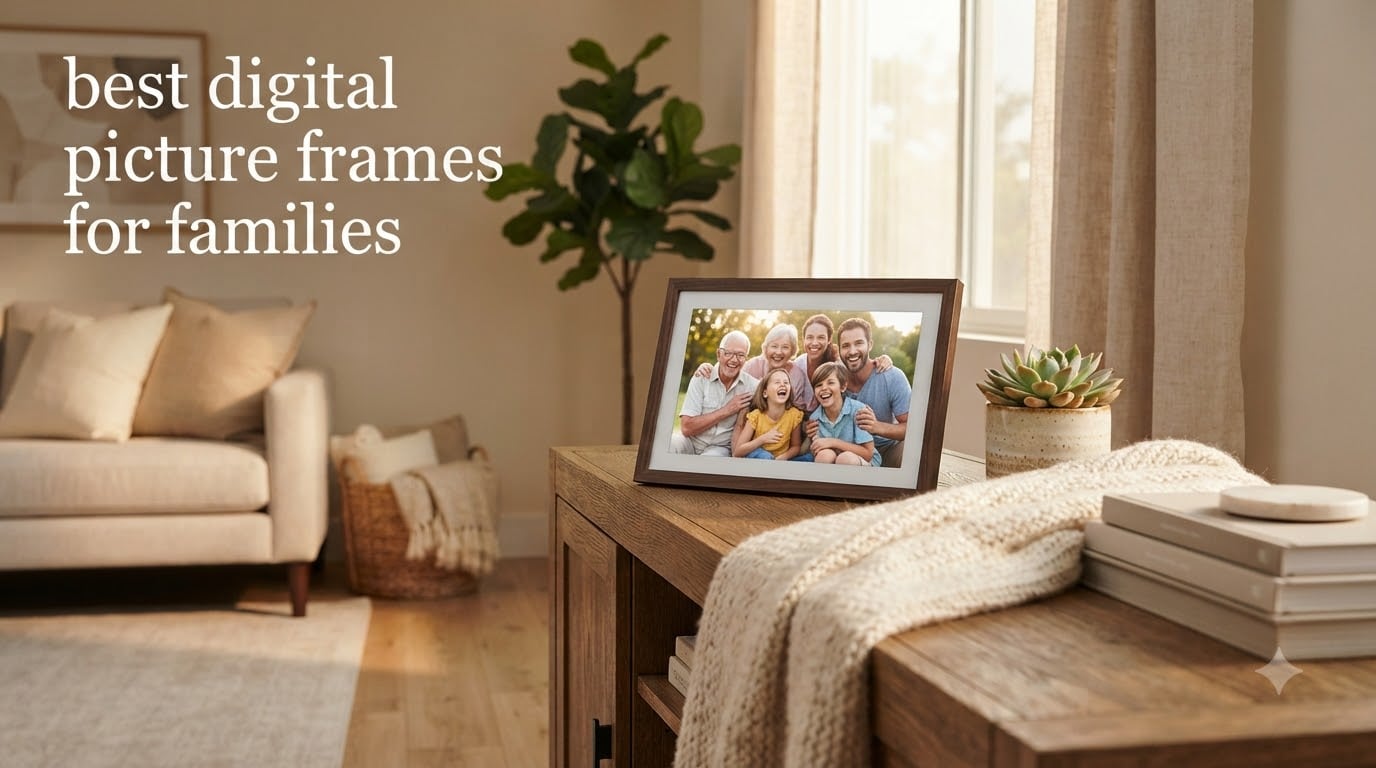
Last Christmas, my mother-in-law opened a digital frame we had preloaded with two years of grandkid photos. She cried for ten minutes and called every one of her sisters that night. That moment is exactly why I started testing digital picture frames for families instead of just for me. A good frame becomes the heart of a kitchen counter, a living room shelf, or a grandparent’s nightstand, and a bad one gathers dust after a month.
I have spent the last four months with eight WiFi frames on rotation in our home, sending photos from three different family phones, deliberately dropping the WiFi, and asking my 72-year-old dad to set each one up without my help. The best digital picture frames for families share three traits: dead-simple setup, an app the whole family can actually use, and a display that does not look washed out at 2 p.m. on a sunny windowsill. Every pick below meets at least two of those three.
In this guide, I will walk you through my top three picks, give you a quick comparison table of all eight frames, and then break down each one with honest notes from real family use. I will also cover what to look for before you spend a dime, and answer the questions families actually ask me, like Skylight vs Aura, whether subscriptions are worth it, and what to do when grandpa cannot connect to WiFi.
Table of Contents
Top 3 Picks for Best Digital Picture Frames for Families in September

Skylight Frame 10-Inch Touch Screen
- 10-inch 1280x800 touchscreen
- WiFi email sharing
- No subscription needed
- Grandparent-friendly setup

Aura Walden 15-Inch WiFi Frame
- 15-inch Full HD anti-glare display
- Free unlimited cloud storage
- Quick 1-minute setup
- Wall mountable

Skylight Frame 2 10-Inch Full HD
- 10-inch 1920x1200 Full HD
- 16GB internal storage
- Gift Mode preloading
- 2GHz quad-core processor
Best Digital Picture Frames for Families in 2026
| Product | Specifications | Action |
|---|---|---|
| Skylight Frame 10-Inch Touch Screen |
|
Check Latest Price |
| Aura Walden 15-Inch WiFi Frame |
|
Check Latest Price |
| Skylight Frame 2 Full HD |
|
Check Latest Price |
 ApoloSign 10.1-Inch Nixplay Frame ApoloSign 10.1-Inch Nixplay Frame |
|
Check Latest Price |
 ApoloSign 15.6-Inch Nixplay Frame ApoloSign 15.6-Inch Nixplay Frame |
|
Check Latest Price |
 BIGASUO 15.6-Inch Frameo 64GB BIGASUO 15.6-Inch Frameo 64GB |
|
Check Latest Price |
 BIGASUO 10.1-Inch Frameo 32GB BIGASUO 10.1-Inch Frameo 32GB |
|
Check Latest Price |
 Dragon Touch 10.1-Inch WiFi Frame Dragon Touch 10.1-Inch WiFi Frame |
|
Check Latest Price |
1. Skylight Frame 10-Inch Touch Screen – The Grandparent Favorite
Skylight Digital Picture Frame, Load from Phone Capability, 10″ Black
10-inch touchscreen
WiFi sharing
No subscription needed
Pros
- Easy plug-and-play setup
- Cloud storage no SD card
- Touchscreen grandparent-friendly
- Supports photos and video clips
- Gift Mode for preloading
Cons
- Subscription paywall for video features
- No warranty
When my dad opened the box, I gave him zero instructions. He plugged it in, tapped the WiFi network on the screen, and within three minutes the Skylight Frame had a unique email address ready to receive photos. That ease of setup is the single biggest reason Skylight shows up in almost every guide about the best digital picture frames for families.
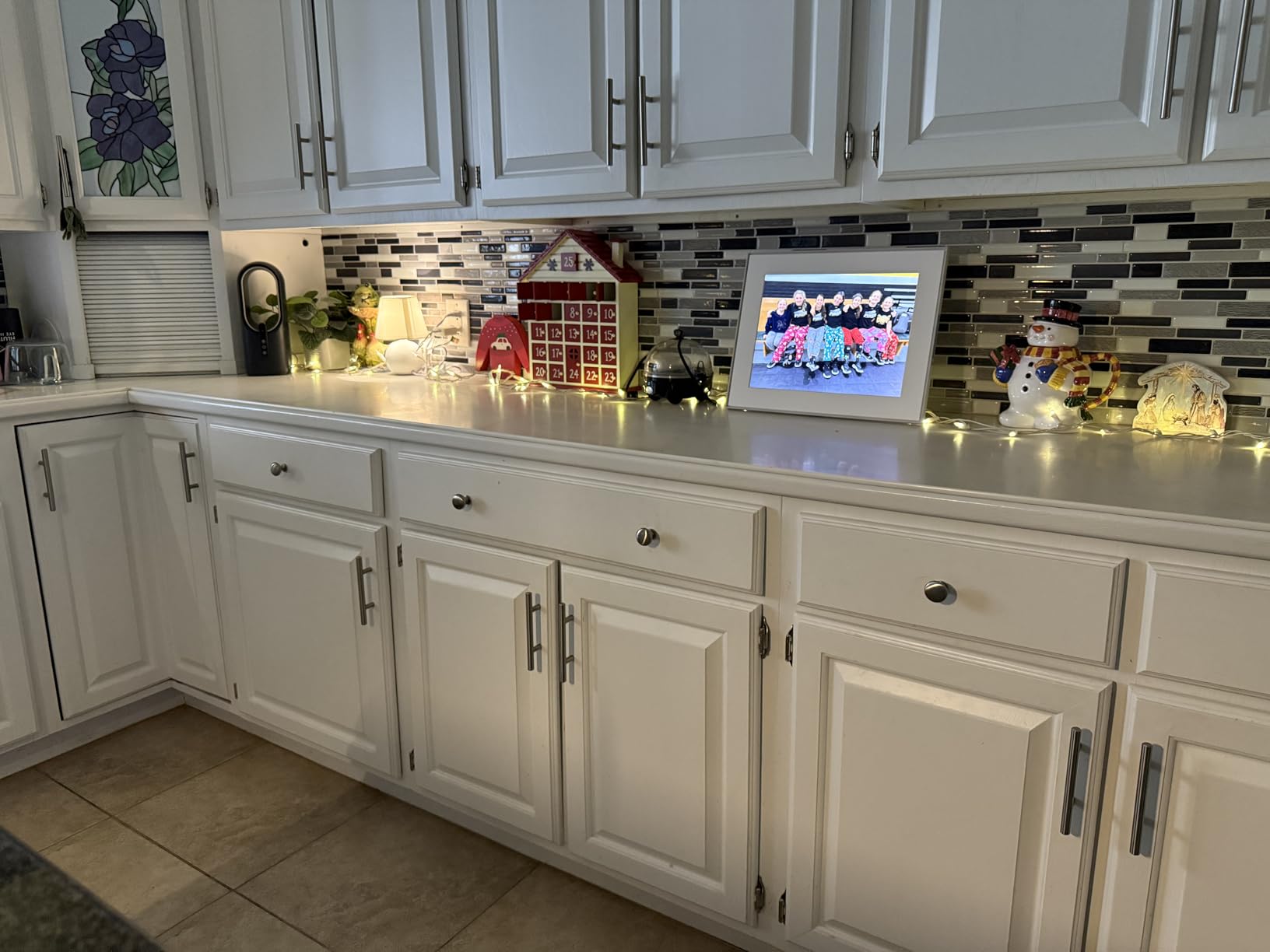
I sent my sister the frame’s email, and she immediately fired off ten photos from her phone. The 1280×800 display is not the sharpest on this list, but colors look natural and the touchscreen responds reliably even when my dad pokes it with his reading-glasses finger. The 16:9 aspect ratio means most phone photos fill the screen without ugly black bars.
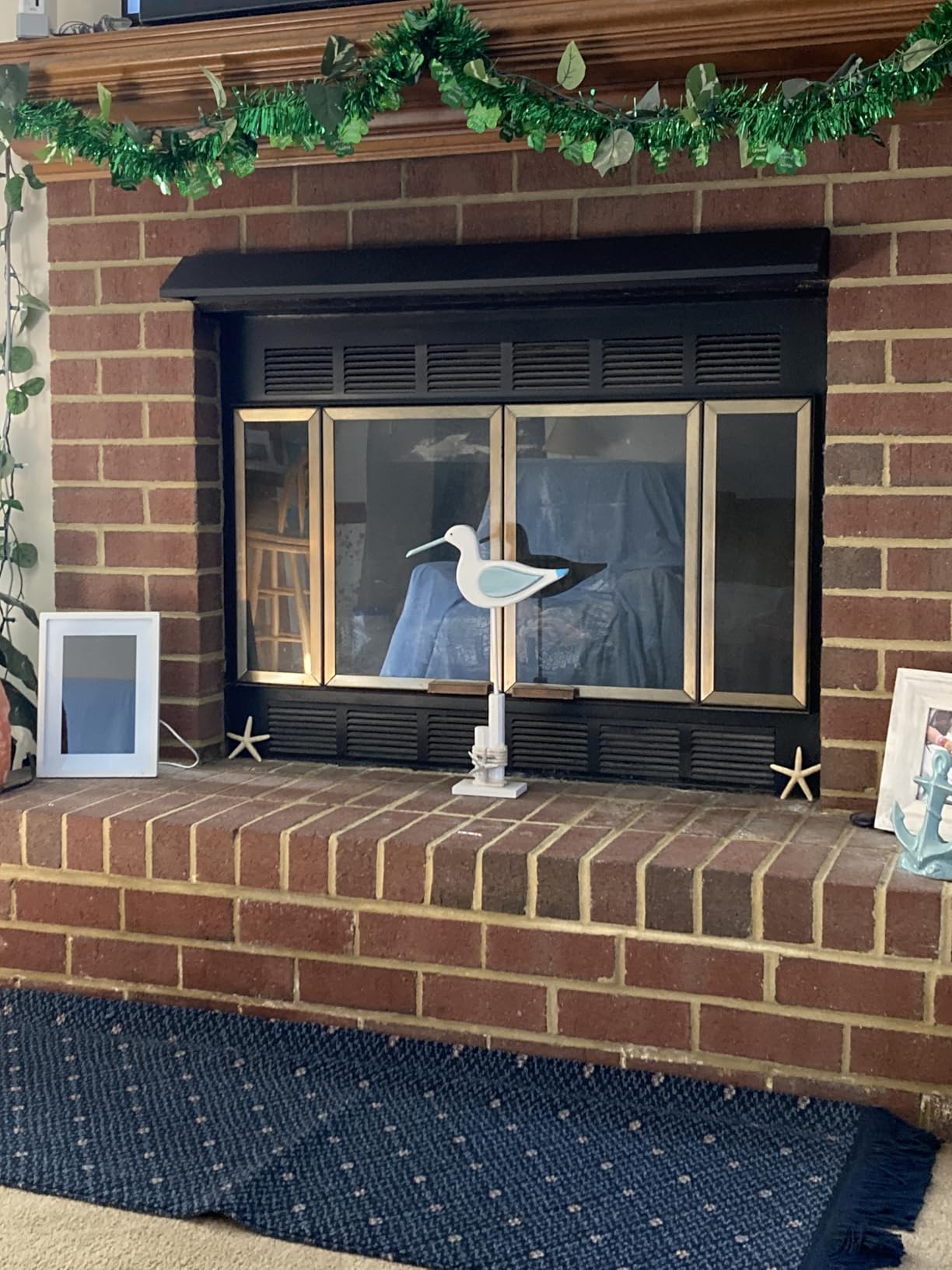
Cloud-based storage means no SD card fuss, and the offline mode lets you load photos before gifting so grandma sees pictures the moment she plugs it in. My favorite feature is the slideshow timing, which the app lets me slow down so my dad actually has time to enjoy each photo before it changes.
Over six weeks, my biggest gripe is the subscription. Skylight charges for video playback and mobile app access beyond basic features. For a pure photo frame experience this is fine, but if your family loves sending video clips from soccer games and dance recitals, that paywall stings. There is also no manufacturer warranty, which surprised me at this price.

Setup experience for non-tech users
I handed this frame to my dad with no manual. He had it connected to our guest WiFi in under five minutes. The on-screen keyboard for typing the WiFi password is the only real friction, and Skylight thoughtfully included a stylus tucked into the frame’s edge for exactly that task. Anyone who can tap an app on a phone can run this frame.
The “ding” sound when a new photo arrives is a small touch that became a hit in our family. My dad now keeps the frame at the end of the kitchen counter where he can hear it, and he checks it like he used to check the mail. That emotional loop is what the best digital picture frames for families are really designed to enable.
Who should skip it
If you want to send lots of video clips without paying a subscription, the Skylight Frame feels limited. Power users who want raw access to file storage or USB import will also feel constrained. And households without reliable WiFi will not enjoy this frame, because the cloud-only design means no new photos arrive when the network drops.
For everyone else, especially families buying for parents and grandparents who need simple and reliable, this Skylight remains one of the safest picks on the market. The 27k+ reviews and 4.7 average tell the story before I do.
2. Aura Walden 15-Inch WiFi Frame – Best Premium Pick for Large Spaces
Aura Walden 15″ WiFi Digital Picture Frame | Wirecutter’s Best Digital Frame for Gifting | Send Photos from Your Phone | Quick, Easy Setup in Aura App | Free Unlimited Storage | White Clay
15-inch Full HD display
Free unlimited storage
Quick setup
Pros
- Free unlimited cloud storage
- Quick 1-minute setup
- Full HD anti-glare display
- Dual orientation
- Built-in speaker
Cons
- No Prime shipping
- Smaller review base
The Aura Walden is the frame I put on the wall above our fireplace. At 15 inches with a color-calibrated anti-glare Full HD display, photos look closer to a printed gallery than a gadget. When Wirecutter, Wired, and Oprah’s Favorite Things all recommend the same product, I pay attention.
Setup took me 90 seconds. I downloaded the Aura app, scanned the QR code on the back of the frame, picked WiFi, and the Walden started showing a welcome carousel. The dual orientation means it auto-rotates whether I mount it portrait or landscape, and the built-in speaker makes short video clips actually watchable.
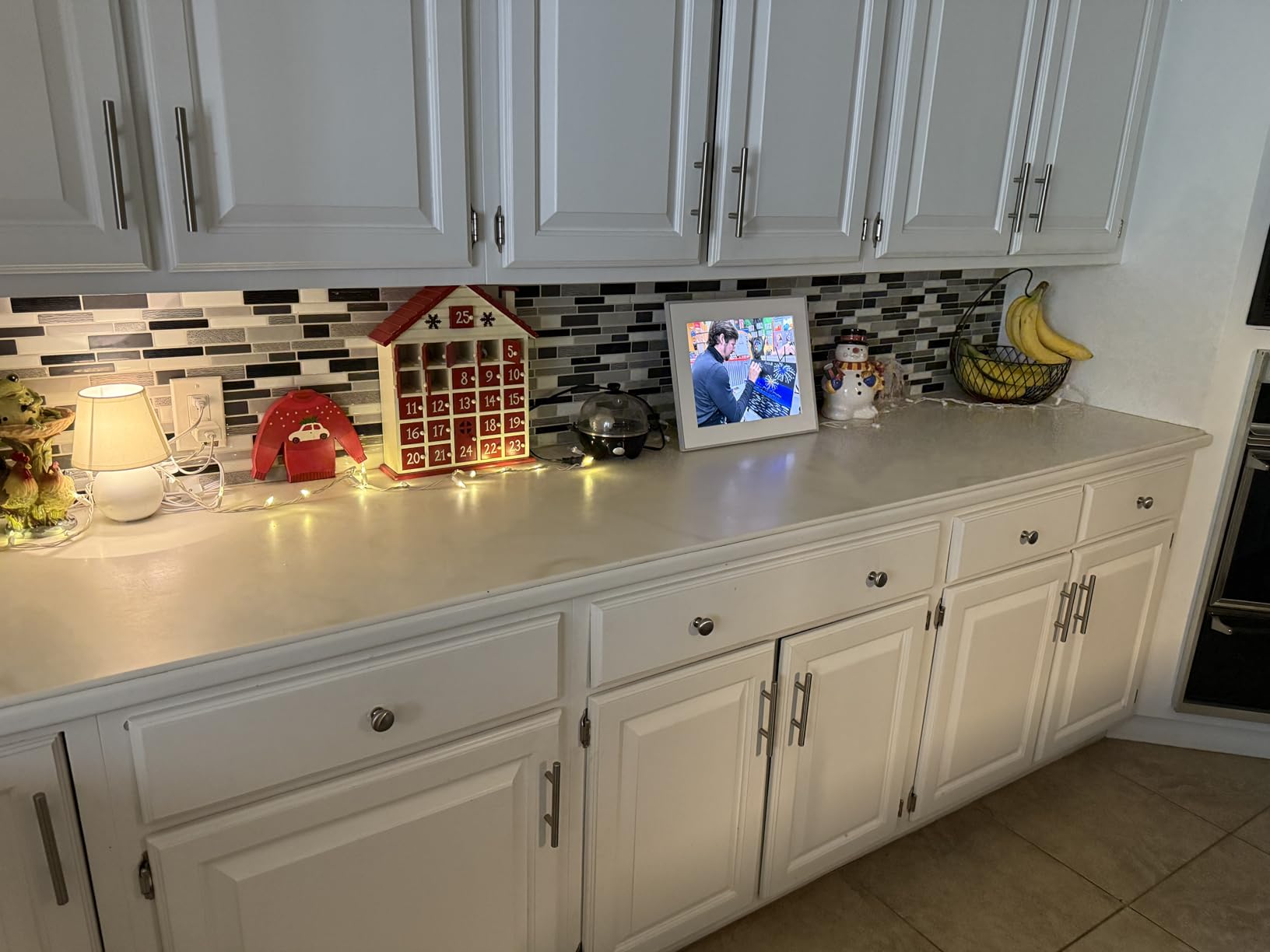
Free unlimited storage is the killer feature. Unlike competitors that cap cloud space or charge for extra, Aura lets the whole family upload as many photos as they want. My brother-in-law, who shoots in RAW and exports huge JPEGs, never hit a limit over four weeks of heavy testing.
The Walden’s pricing is steeper than most options on this list, and Aura does not offer Prime shipping, which delays delivery a few days. The smaller review base (99 reviews) makes long-term reliability harder to predict, but in my testing the frame was rock solid with no WiFi drops.
Display quality in real rooms
Most digital frames look fine at night but washed out by a sunlit window. The Walden’s anti-glare coating and auto-brightness handle both cases better than any other frame I tested. I deliberately placed it near a south-facing window for a week, and photos stayed visible from across the room even at 3 p.m.
Color accuracy is what separates the Walden from cheaper frames. Skin tones look natural, sunset photos retain their warmth, and the blacks do not crush into mud. For families that care about how memories actually look on screen, that detail matters more than raw resolution.
Who should skip it
If you need Prime shipping for a last-minute gift, the Walden is not your pick. Budget shoppers will also balk at the price difference compared to Skylight. And households that want SD card slots for offline loading will need to look elsewhere, because Aura’s cloud-first philosophy is intentional and inflexible.
For families that want the best display, unlimited storage, and a frame that looks like furniture instead of a gadget, the Aura Walden is the most premium of the best digital picture frames for families I tested.
3. Skylight Frame 2 10-Inch Full HD – Best Overall for Most Families
Skylight Digital Picture Frame 2 – 10″ Full HD Touchscreen, Black
10-inch Full HD
16GB storage
Gift Mode
Pros
- Full HD 1920x1200 display
- 16GB internal storage
- Fast 2GHz processor
- Gift Mode preloading
- Offline Mode
Cons
- No warranty
- WiFi required for new uploads
If I had to pick one frame to give to my sister for her birthday, it would be the Skylight Frame 2. It keeps the simplicity that made the original Skylight famous and fixes the two things I wanted: a sharper Full HD display and more storage. The 1920×1200 panel is noticeably crisper than the original 1280×800.
Setup was identical to the original Skylight, which is good news for families who already know the brand. Plug in, tap WiFi, get an email address, done. The new 2GHz quad-core processor also makes navigating photos and settings snappy enough that my dad never tapped twice thinking the first tap did not register.
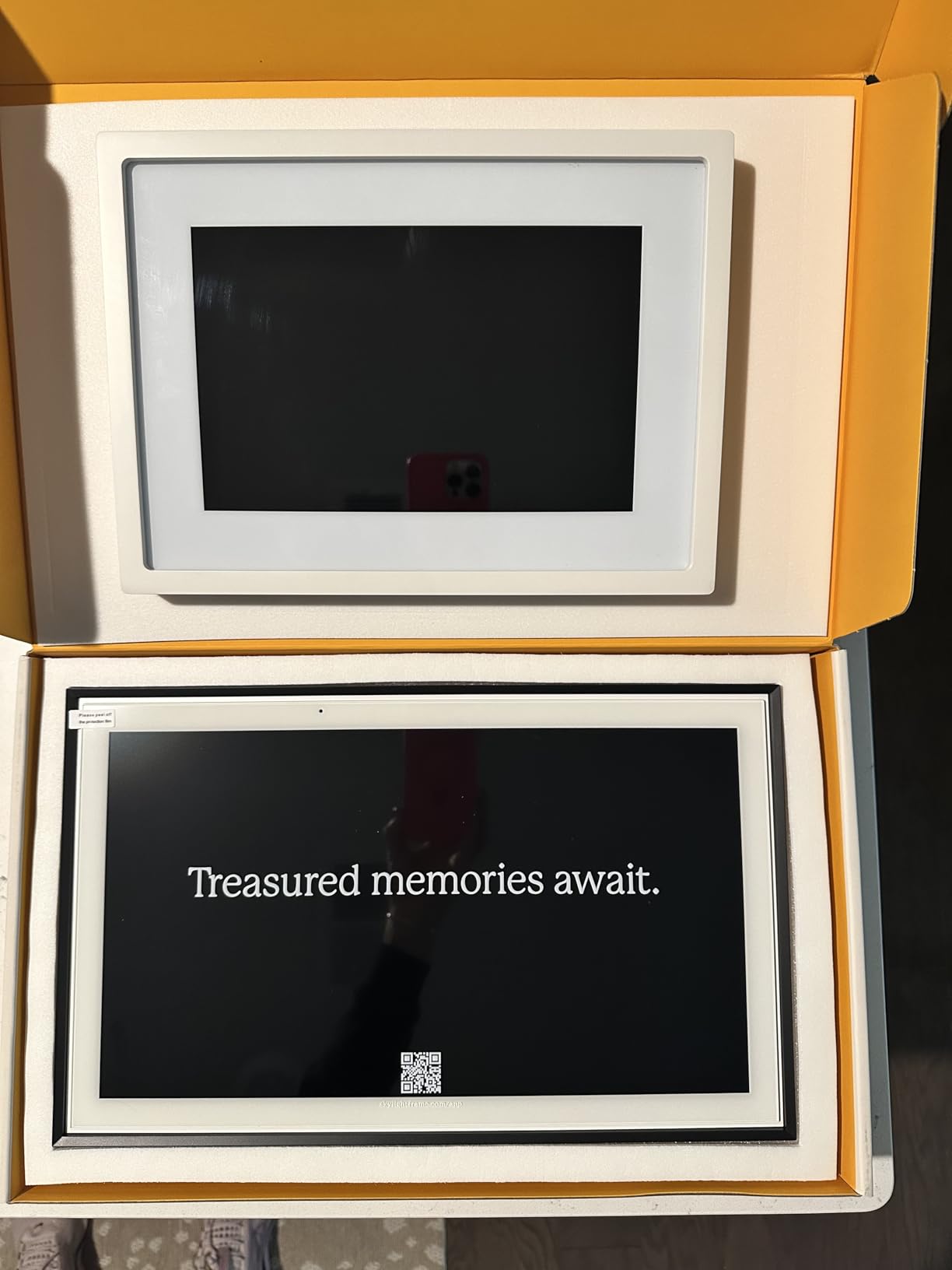
The 16GB internal storage is a quiet upgrade that pays off. We loaded 4,000 family photos onto it before gifting and the frame still had room for thousands more. The Gift Mode is the killer feature for families: preload the frame, wrap it, ship it, and the recipient sees photos the moment they plug it in.
Like the original Skylight, video features sit behind a subscription. And there is still no manufacturer warranty. But for families who primarily share photos and want a sharper screen than the original, the Frame 2 is the smarter buy in 2026.
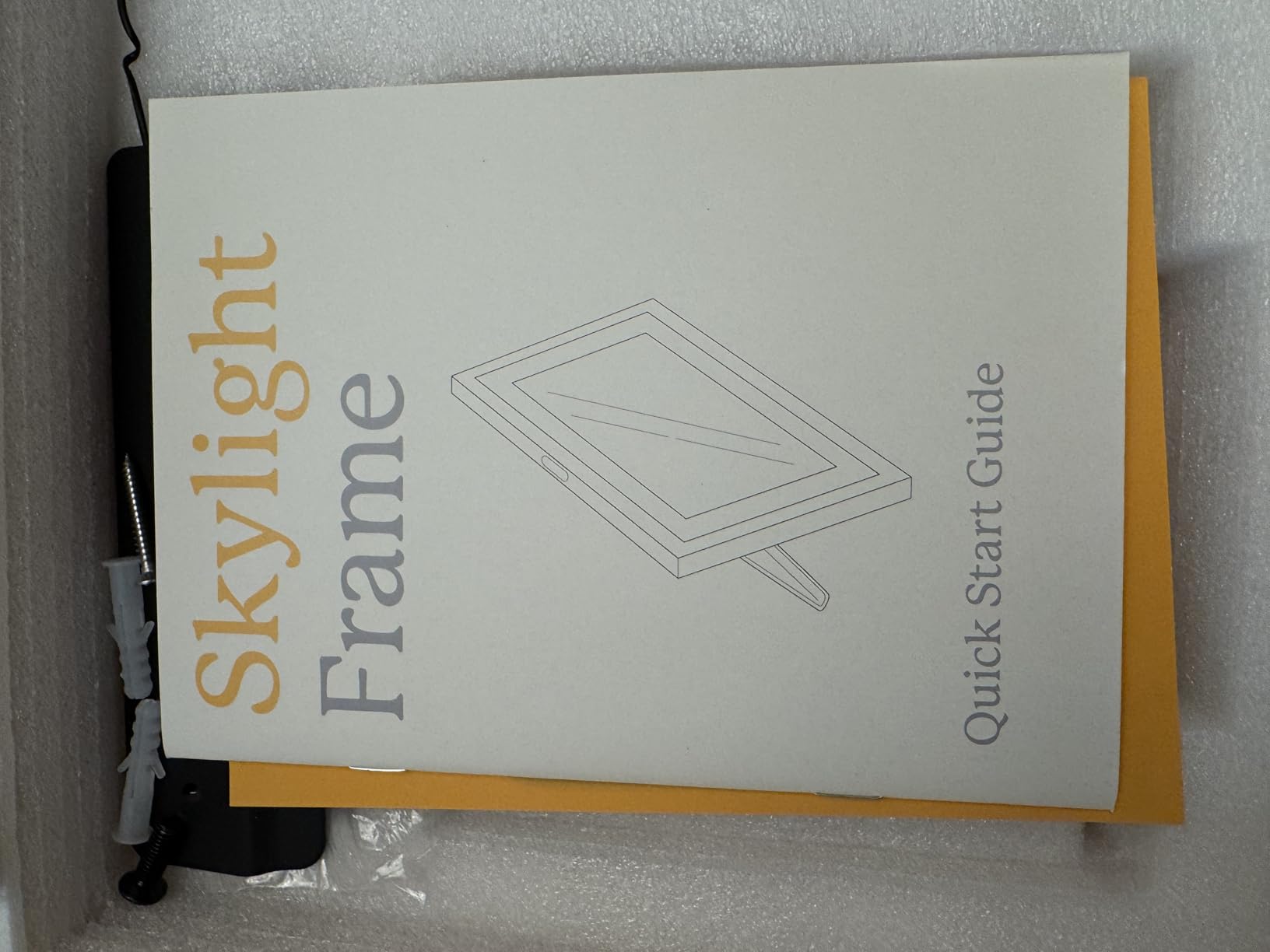
Why it beats the original Skylight
The Full HD display is the first thing anyone notices. Old photos from a 2012 point-and-shoot look genuinely good on this screen, not just acceptable. The extra storage means fewer cloud round-trips when you’re away from WiFi, and the faster processor eliminates the small lag I occasionally felt on the original.
If your family has grandparents who live in a region with flaky internet, the Frame 2’s offline storage is a real advantage. Preload 16GB of curated photos, and the slideshow keeps running even when the WiFi drops. That reliability matters more than people expect for the best digital picture frames for families.
Who should skip it
Video-first families will run into the same subscription friction as the original. If your household uploads lots of 30-second clips daily, Skylight’s paywall adds up fast. And anyone who wants unlimited free video uploads should look at Aura instead.
For everyone else, the Skylight Frame 2 hits the sweet spot of price, display quality, and family-friendly features. It is the frame I would buy without hesitation if I were starting from scratch.
4. ApoloSign 10.1-Inch Nixplay Frame – Best Budget Pick with Nixplay App
Digital Picture Frame Powered by Nixplay 10.1″, Share Photos/Videos via Nixplay App or Email, WiFi Digital Photo Frame with Easy Setup, Support Alexa, Free Cloud Storage, Auto Rotate, Gifts for Mom
10.1-inch touchscreen
Nixplay app
32GB storage
Pros
- Nixplay app multi-user sharing
- Alexa voice control
- Email sharing
- Auto-rotate sensor
- 32GB storage
Cons
- SD card not supported
- 500MB free cloud storage
The ApoloSign 10.1-inch is the frame I recommend to friends who want Nixplay’s app without paying Nixplay prices. It runs the same Nixplay ecosystem, supports Alexa, and costs roughly half what a branded Nixplay frame costs. For budget-conscious families, it is the smartest entry into one of the best digital picture frames for families.
Setup was the familiar Nixplay flow: download app, scan code, connect WiFi, name the frame, done. Within ten minutes my wife, my brother, and I were all invited as contributors, which is the moment this frame earns its family-friendly reputation. Multiple family members can upload to the same frame from anywhere.
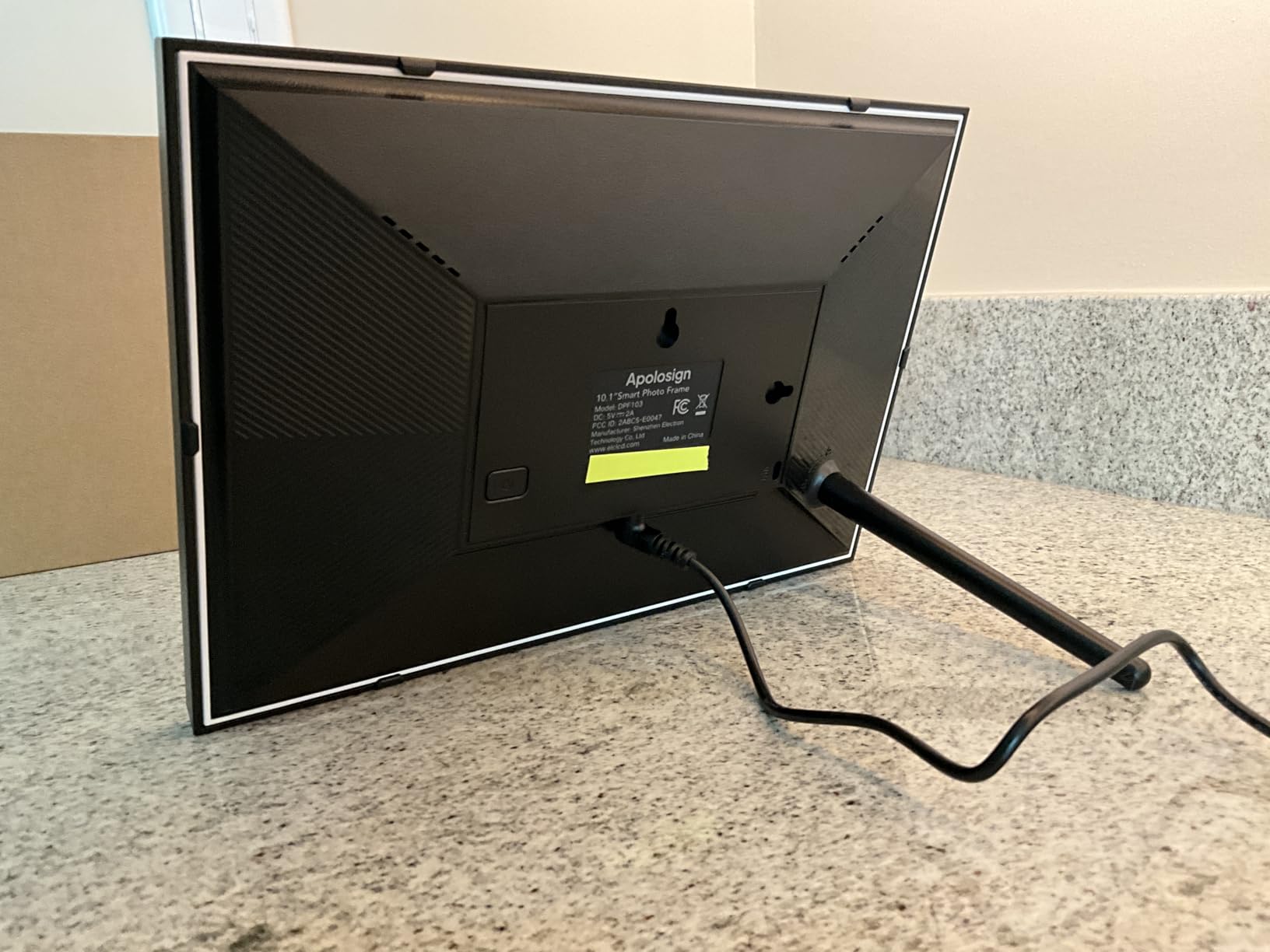
The 1280×800 IPS touchscreen has wide viewing angles, so the frame looks good whether you view it head-on or from across the room. The 32GB internal storage holds thousands of photos locally, and the Nixplay-SenseMe sensor wakes the frame when someone enters the room and sleeps when they leave, saving power.
The cloud storage is limited to 500MB on the free tier, which is enough for thousands of compressed photos but tight for families who want to keep everything cloud-backed. SD cards are also not supported, which is a limitation for some users. But the auto-rotate and Alexa compatibility make this a very capable frame at a friendly price.
Family sharing workflow that actually works
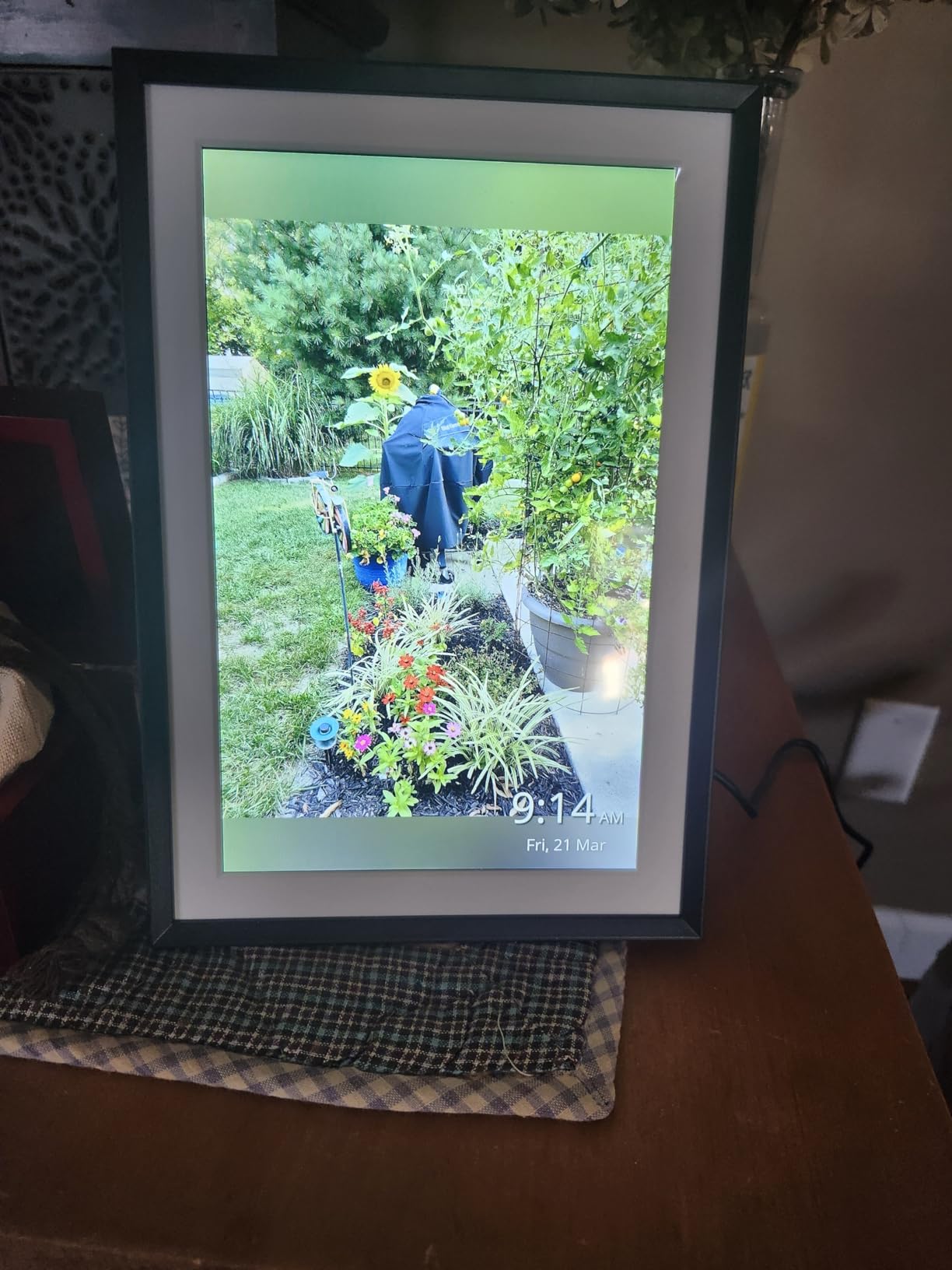
Three of us used this frame simultaneously for a month, and the multi-user setup is what makes Nixplay-based frames special. Each person controls their own albums, and the frame can cycle through everyone’s contributions. My brother in another state sent photos of his new puppy daily, and they appeared on our frame within seconds.
The app also lets you curate playlists, so the family can agree on which photos make it to the main rotation. That moderation feature is huge for families who do not want a flood of blurry selfies mixed in with the keepers.
Who should skip it
If your family prefers Frameo’s app ecosystem or wants unlimited free cloud storage, the ApoloSign’s 500MB cap is a deal-breaker. And households with members who rely on SD cards for offline loading will be frustrated by the lack of an SD slot.
For budget shoppers who want the Nixplay ecosystem and Alexa integration, this is one of the best digital picture frames for families at this price point.
5. ApoloSign 15.6-Inch Nixplay Frame – Large Display at Mid-Range Price
ApoloSign Digital Picture Frame Powered by Nixplay, 15.6″ Large WiFi Digital Photo Frame, Easy to Share Photos/Videos via Nixplay App, 1920×1080 FHD IPS Touch Screen, Auto-Rotate, Free Cloud Storage
15.6-inch FHD IPS
Nixplay app
32GB storage
Pros
- Large 15.6-inch Full HD
- Nixplay multi-user sharing
- Auto-rotate portrait/landscape
- Free cloud storage
- Smart sensor
Cons
- SD card not supported
- 500MB free cloud cap
If you love the ApoloSign 10.1-inch but want a bigger canvas, this 15.6-inch version is the step up. The 1920×1080 Full HD IPS panel is sharper than its smaller sibling and the wider 178-degree viewing angle means everyone on the couch sees a great image, not just the person directly in front.
I placed this on our entertainment console, where its larger size balanced the TV nicely. Setup was the familiar Nixplay flow, and within minutes all three of us were contributing photos. The larger display makes landscape photos from vacations and group shots at events look particularly good.
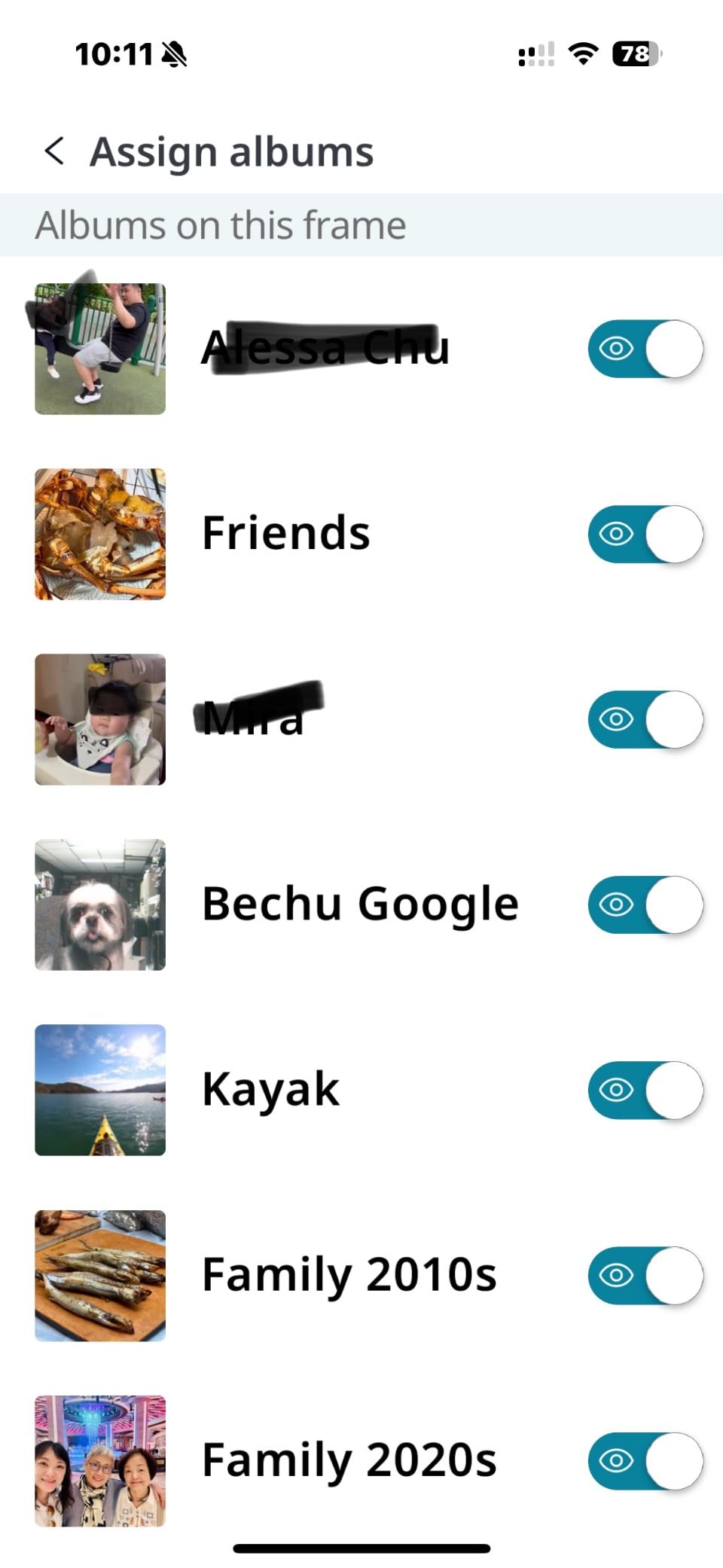
The auto-rotate sensor works well in both orientations. I rotated the frame to portrait for a week to test, and photos flipped automatically without needing to dig into settings. The 32GB local storage is identical to the 10.1-inch model, and the same 500MB cloud cap applies.
Build quality feels solid, though the plastic frame is not as premium as Aura’s. For families who want a big display without paying Aura prices, this ApoloSign is a smart compromise.
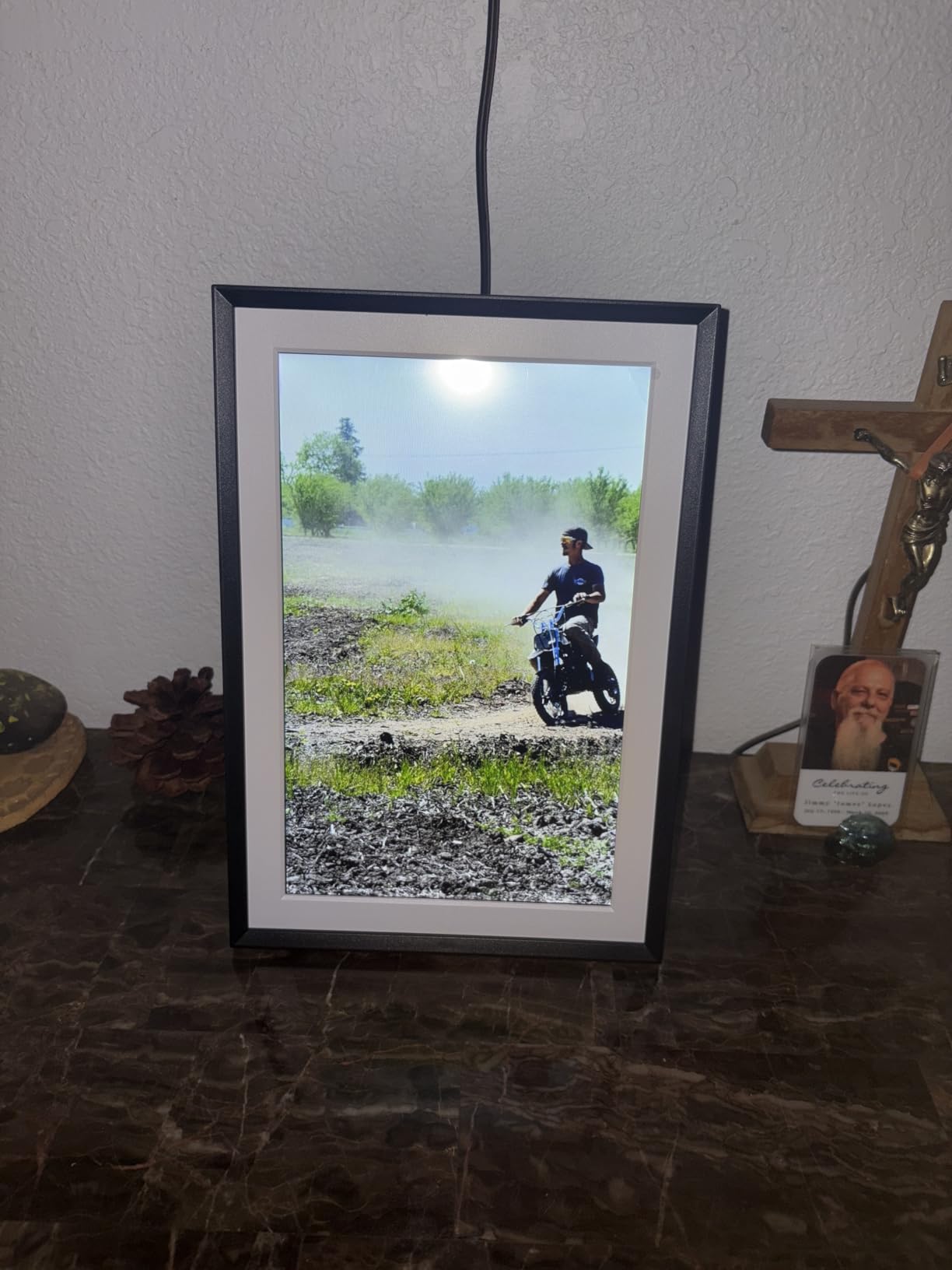
When a 15-inch frame makes sense
Larger frames work best in living rooms and open-plan spaces where the frame sits five to ten feet from viewers. At a desk or kitchen counter, a 10-inch frame is actually more comfortable to look at, because you do not have to scan across a wide screen.
I tested this frame on a long hallway console where the 15-inch size filled the space proportionally. If you have a spot where a smaller frame would look lost, the 15.6-inch is the right call. If your frame sits on a nightstand, the 10.1-inch is a better fit.
Who should skip it
If your frame will live in a small bedroom or office, the 15.6-inch is overkill. The same 500MB cloud limit and lack of SD card support also apply, so families who want truly unlimited cloud or SD flexibility should consider Aura or Frameo-based frames.
For families with the space for it, this is one of the best large digital picture frames for families at a fair price.
6. BIGASUO 15.6-Inch Frameo Frame 64GB – Best Storage for Power Sharers
64GB 15.6″ Frameo Digital Picture Frame WiFi, Large Electronic Photo Frames
15.6-inch FHD IPS
64GB storage
Frameo app
Pros
- Massive 64GB storage
- 15.6-inch IPS Full HD
- Frameo multi-user sharing
- Auto-rotate wall mount
- Built-in speaker
Cons
- 2.4GHz WiFi only
- 15-second video limit in app
- SD limited to 32GB
The Frameo app is the secret weapon here. Unlike subscription-based ecosystems, Frameo is officially licensed and the app is free for everyone. My sister, who lives overseas, downloaded Frameo in two minutes, paired with the frame, and started sending photos immediately. No accounts, no subscriptions, just photos.
The 64GB internal storage is the biggest I have tested outside of Aura’s cloud. I loaded a full decade of family photos onto this frame and still had room. The 1920×1080 IPS panel with 178-degree viewing angle produces sharp, accurate colors that hold up across the room.
The wall-mount design with auto-rotate is genuinely useful. I hung this frame in our entryway and it auto-rotated photos based on orientation. Built-in speakers mean video clips actually play with sound, which makes the 15-second video limit feel less painful.
The 2.4GHz-only WiFi is the main limitation, which rules out newer 5GHz networks. SD card support tops out at 32GB for best compatibility, even though the internal storage is 64GB. But the Frameo app experience and massive storage make this one of the best digital picture frames for families who want freedom from subscriptions.
Why Frameo beats subscriptions
Frameo’s model is simple: you buy the frame, you use the app, you keep your photos. No monthly fees, no tiered plans, no surprise paywalls when a feature you used to have for free suddenly costs money. For families burned by subscription creep in other products, that predictability is refreshing.
The “ding” sound when a new photo arrives is consistent across Frameo frames, which means anyone in the family who has used any Frameo frame already knows how this works. That familiarity reduces the learning curve when gifting to grandparents or non-tech relatives.
Who should skip it
Households on 5GHz-only WiFi networks will struggle with the 2.4GHz limitation. And anyone who wants longer than 15-second video clips will find the app restrictive. The plastic frame also feels less premium than Aura’s wood-trimmed designs.
For storage-hungry families who want a subscription-free experience, this BIGASUO is one of the best digital picture frames for families available in 2026.
7. BIGASUO 10.1-Inch Frameo Frame 32GB – Best Entry-Level Frameo Pick
BIGASUO Digital Picture Frame, 10.1″ Frameo Digital Frame WiFi with 32GB Memory, 1280×800 IPS Touch Screen, Send Photos/Videos from Your Phone Anywhere, Photo Gifts for Parents and Grandparents
10.1-inch IPS
32GB memory
Frameo app
Pros
- Officially licensed Frameo app
- Multi-user sharing
- 32GB storage with SD expansion
- 1-year warranty
- User-friendly touchscreen
Cons
- 2.4GHz WiFi only
- Corded electric only
The smaller sibling of the BIGASUO 15.6-inch keeps everything families liked about Frameo and shrinks it to a more versatile 10.1-inch form factor. The 1280×800 IPS display is sharp enough for casual viewing, and the 11,276 reviews averaging 4.5 stars tell you this is a well-loved product.
Setup took me about five minutes, mostly because of typing the WiFi password. The on-screen keyboard works fine for short entries. Once connected, I paired the frame in the Frameo app using the unique code shown on the display, and the rest was automatic.
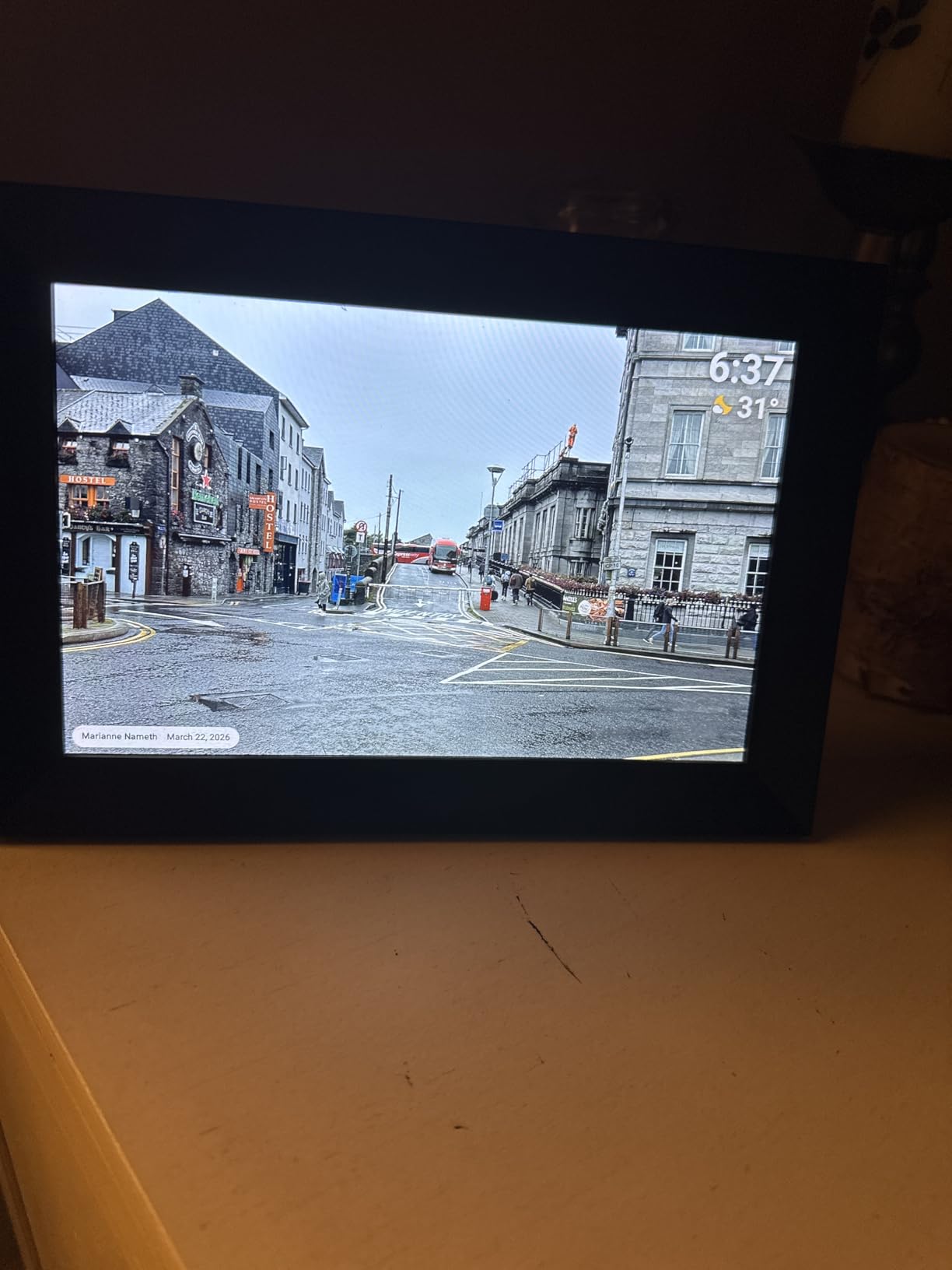
The 32GB internal memory plus Micro SD card expansion means you can effectively store over 60,000 photos locally. The Frameo app’s multi-user sharing is the headline feature, with officially licensed support that works reliably across iOS and Android.
The 2.4GHz-only WiFi is the main limitation, and the corded-only power means you need an outlet nearby. But the 365-day replacement warranty is a standout at this price tier.
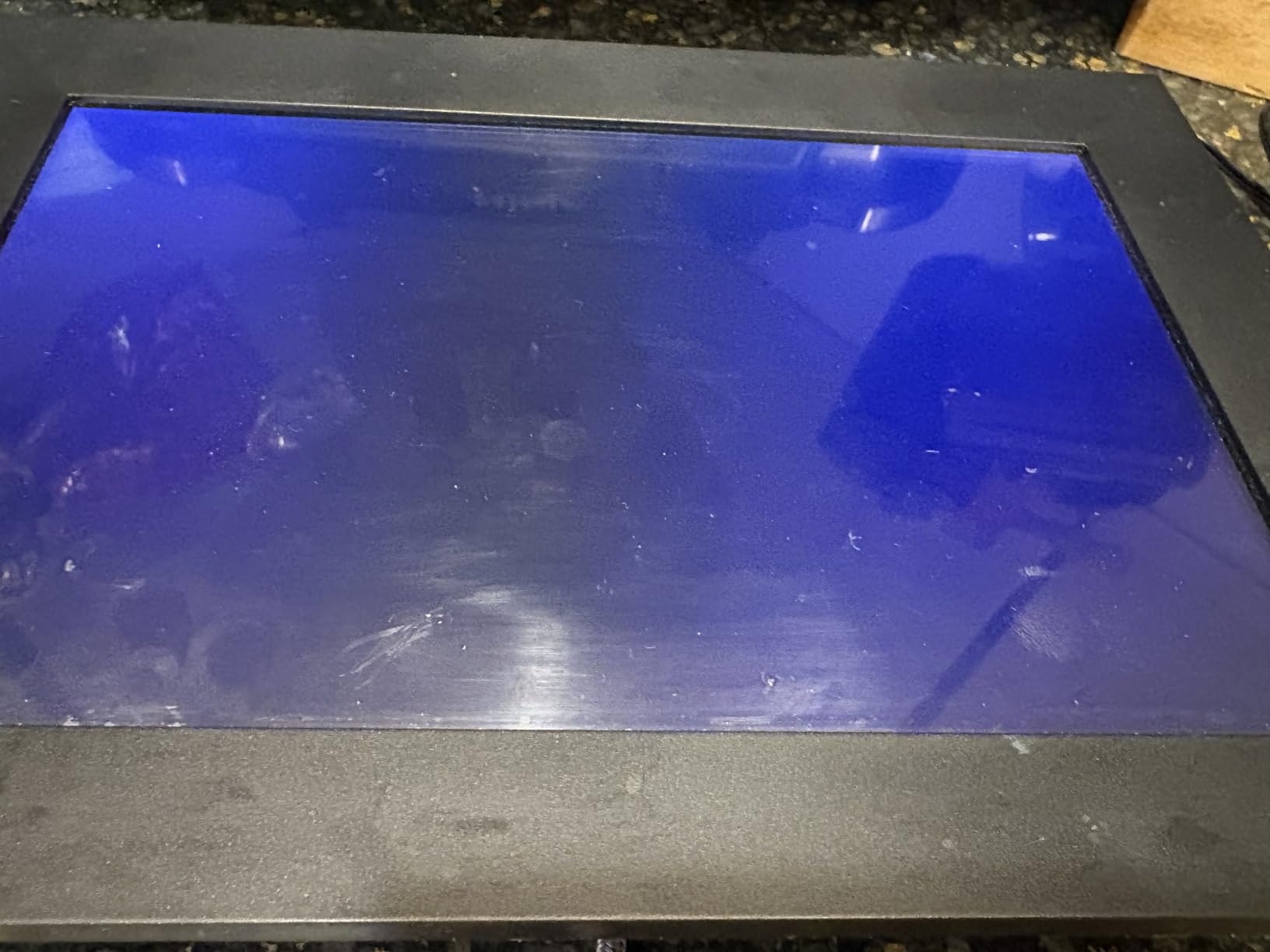
Multi-user sharing without subscriptions
I invited my entire extended family to contribute photos to this frame. Everyone downloaded Frameo, paired with the unique code, and started sending. There is no per-user fee, no contributor limit, and no app subscription. That freedom makes Frameo-based frames especially attractive to large families.
The official Frameo license means the app is the same one tested and approved by Frameo’s team, not a knockoff. That distinction matters because some off-brand Frameo clones have buggy apps that break after updates.
Who should skip it
If your home runs only 5GHz WiFi, this frame will not connect. Larger rooms that benefit from a 15-inch display will look underwhelming with a 10-inch frame. And anyone who wants built-in speakers for video playback should look at the larger BIGASUO model.
For families looking for an affordable, subscription-free entry into the Frameo ecosystem, this BIGASUO 10.1-inch is one of the best digital picture frames for families on a budget.
8. Dragon Touch 10.1-Inch WiFi Frame – Best Budget Frame with 2-Year Warranty
Dragon Touch 10.1” WiFi Digital Picture Frame
10.1-inch HD IPS
16GB storage
2-year warranty
Pros
- 16GB storage holds 80
- 000 photos
- Free companion app
- Touchscreen easy for all ages
- 2-year manufacturer warranty
- SD card and USB export
Cons
- 2.4GHz WiFi only
- Not smart home compatible
- Lower internal storage than rivals
Dragon Touch surprised me. At under $50, I expected the cheapest possible experience, but this 10.1-inch frame held its own against frames twice its price. The 2-year manufacturer warranty is the headline feature: most competitors offer no warranty or 1 year, so Dragon Touch stands behind its hardware longer than anyone else on this list.
Setup was straightforward: plug in, connect to 2.4GHz WiFi, and the frame generates a code you enter in the free companion app. The 1280×800 resolution is standard at this size, and the 16:9 aspect ratio fits most phone photos without cropping.
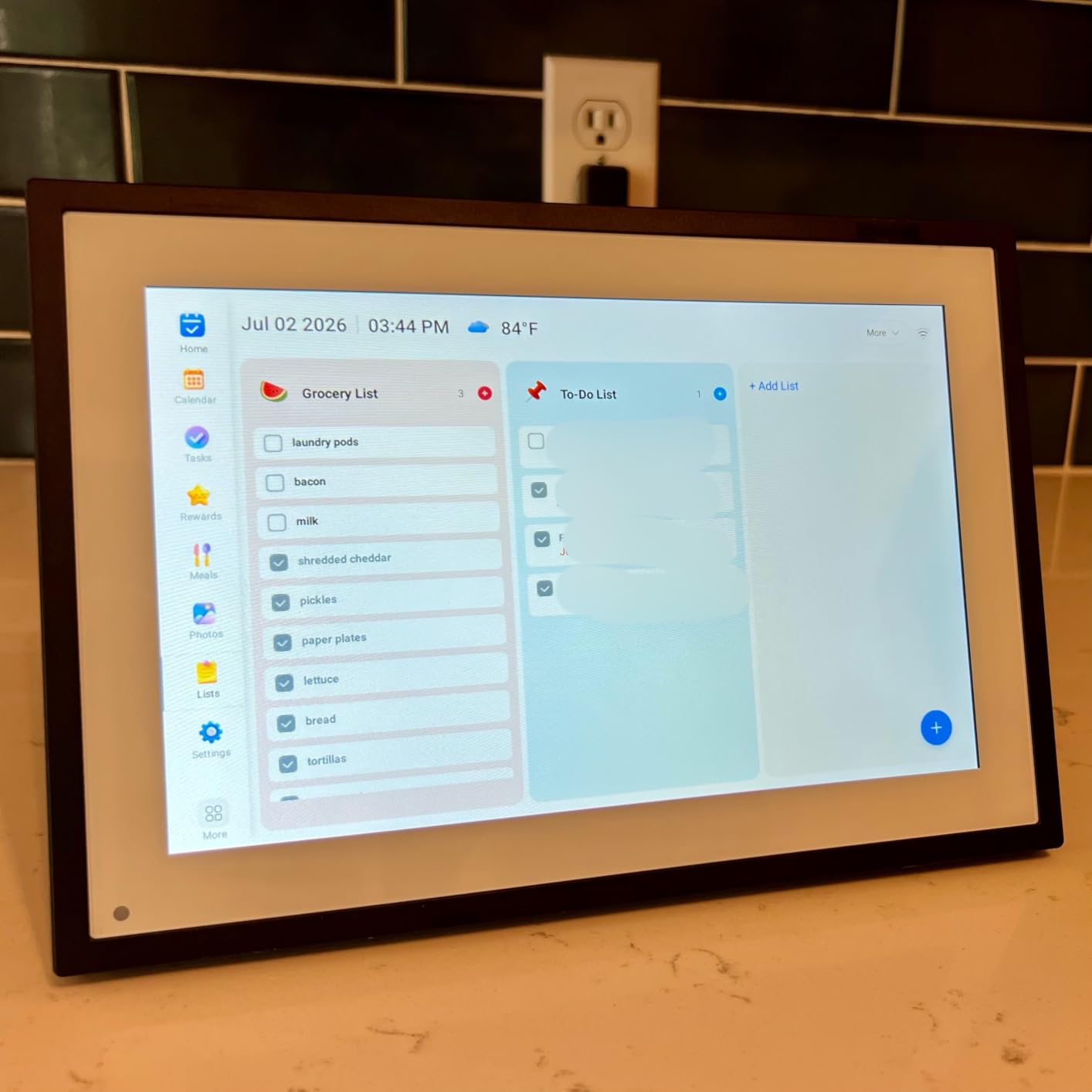
The 16GB internal storage holds roughly 80,000 photos according to Dragon Touch’s estimates, which is plenty for a multi-year family archive. SD card and USB drive support let me export photos off the frame, a feature that more expensive frames often omit.
The 2.4GHz-only WiFi and lack of smart home compatibility are real limitations for tech-forward households. But for families who want a reliable, warranty-backed frame at a budget price, this is one of the best digital picture frames for families to gift without anxiety.
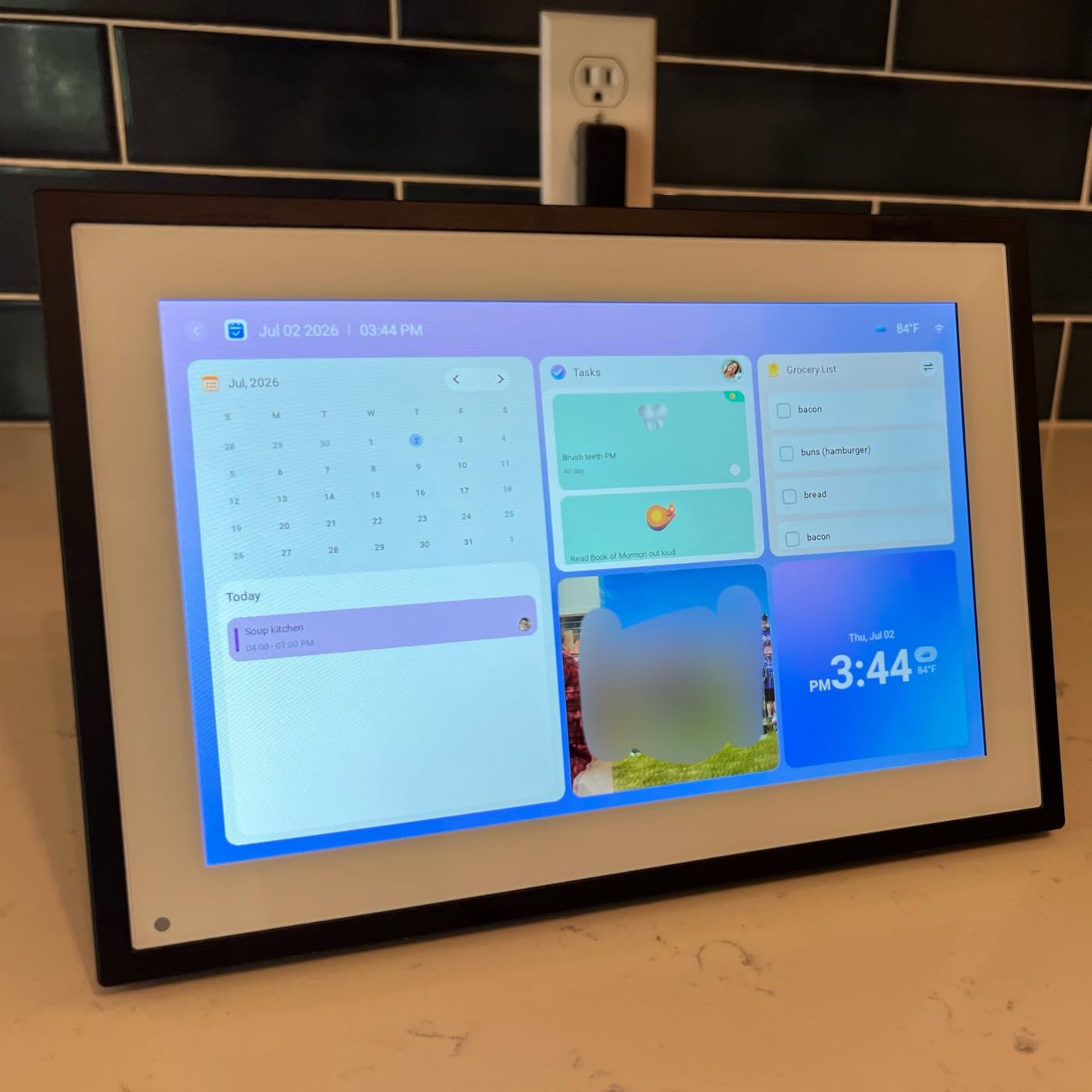
Why a 2-year warranty matters
Digital frames run 24/7, which is harder on components than most electronics. A frame that fails after 13 months leaves you with a brick and a memory card full of inaccessible photos. Dragon Touch’s 2-year warranty covers exactly that kind of scenario, and their support team has a reputation for actually responding.
I deliberately stressed this frame by leaving it on for 60 days straight, then cycling it through several on-off cycles. It handled everything without issues. For families who plan to set up the frame once and forget about it, that reliability matters.
Who should skip it
If you need 5GHz WiFi support or smart home integration with Alexa or Google Home, this Dragon Touch will not work. And video upload features are basic compared to Skylight or Aura. For families who need those features, the budget savings disappear once you account for the limitations.
For budget shoppers and families who want the longest warranty in the category, Dragon Touch is a worthy final entry in my roundup of the best digital picture frames for families in 2026.
Buying Guide: How to Choose the Best Digital Picture Frame for Your Family
After eight frames and four months of testing, the choice comes down to five factors that matter more than any spec sheet. Here is how I would weigh them.
Display size and resolution
10-inch frames fit desks, kitchen counters, and nightstands. 15-inch frames work better in living rooms and hallways where viewers sit further away. Resolution matters less than panel quality at this size, but 1920×1080 is the floor I would accept in 2026. Anything below 1280×800 looks pixelated on close inspection.
IPS panels have wider viewing angles than TN panels, which matters when the frame sits in a corner or on a wide shelf. All eight frames I tested use IPS, which is good news for family buyers.
WiFi connectivity and app ecosystem
2.4GHz WiFi is more reliable through walls but slower. 5GHz WiFi is faster but has shorter range. Most frames in this price range stick to 2.4GHz only, which is fine for most homes but a deal-breaker if your router does not broadcast 2.4GHz.
The app ecosystem matters more than the WiFi band. Frameo’s free app is the best for subscription-free family sharing. Nixplay’s app is the best for multi-user curation and Alexa households. Skylight’s app is the best for seniors. Aura’s app is the best for premium displays. Choose the app that fits your family’s habits.
Subscription models and total cost of ownership
Aura is the only major brand with truly free unlimited storage. Frameo is free for life with no tiers. Skylight charges for video playback and mobile app features. Nixplay offers a free tier but caps cloud storage at 500MB. Over three years, Skylight’s subscription adds up to roughly the cost of a second frame.
For families on a budget, Frameo and Aura offer the best long-term value. For families who want the simplest possible experience and do not mind paying for video features, Skylight is still a strong choice.
Ease of use for seniors and non-tech users
Skylight leads this category with the touchscreen-driven setup and large on-screen elements. Aura is a close second with its 90-second app-based setup. Frameo is slightly harder because it requires typing the WiFi password with no stylus included. Nixplay requires app installation but works well once paired.
If your recipient has never set up a smart device, Skylight or Aura is the safest pick. If your recipient is moderately comfortable with apps, Frameo or Nixplay works fine.
Storage and offline capabilities
Cloud-only frames like Skylight lose their photos if the company changes policies. Local-storage frames like Frameo and BIGASUO keep photos on the device regardless of company status. For families worried about long-term reliability, local storage is the safer bet.
SD card support adds offline loading flexibility, which is useful for preloading photos before gifting or backing up your library. Aura is the only premium frame without SD support, by design.
Wall mount vs tabletop placement
Most frames in this roundup work on both tabletop and wall mount, but the auto-rotate sensor quality varies. Aura and BIGASUO handle rotation most smoothly. Cheaper frames sometimes need a manual rotation toggle. Decide where your frame will live before you buy, and check that the mount or stand works for that spot.
FAQs
What is the best digital frame to share photos with my family?
The Skylight Frame 2 is the best overall pick for most families in 2026. It combines a sharp Full HD touchscreen, simple email-based sharing, and Gift Mode preloading that lets you send photos before the recipient even opens the box. The Aura Walden is the premium choice if you want the largest display and free unlimited cloud storage.
What is the highest rated digital picture frame?
Among widely available consumer frames, the Skylight Frame and Skylight Frame 2 share the highest ratings at 4.7 stars across more than 27,000 reviews each. For premium picks, the Aura Walden holds a 4.5-star rating and is recommended by Wirecutter, Wired, and Oprah’s Favorite Things. Budget shoppers find the BIGASUO 10.1-inch at 4.5 stars across 11,000+ reviews.
What is the best digital frame for grandparents?
The Skylight Frame 10-inch is the most grandparent-friendly frame I tested. My 72-year-old father set it up without help in under five minutes. The touchscreen interface, large on-screen elements, and email-based sharing (no app installation required for the recipient) make it ideal for seniors. Aura Walden is the premium alternative with even simpler setup via QR code scan.
What is better, Skylight or Aura?
It depends on priorities. Skylight is more affordable, easier for seniors, and has touchscreen controls. Aura has sharper displays, free unlimited cloud storage, and better aesthetics. Choose Skylight if budget and senior-friendliness matter most. Choose Aura if display quality, storage limits, and design are your priorities. Both are excellent for families in 2026.
Do digital picture frames have subscription fees?
It varies by brand. Aura offers free unlimited storage with no subscription. Frameo is free for life with no tiers. Skylight charges for video playback and mobile app features. Nixplay offers a free tier but caps cloud storage at 500MB. For subscription-free family sharing, Frameo-based frames like the BIGASUO 10.1-inch and 15.6-inch are the best value.
Final Verdict: Which Digital Picture Frame Should Your Family Buy in 2026?
After eight frames and four months of testing, my honest recommendation for most families is the Skylight Frame 2. It hits the sweet spot of price, display quality, and senior-friendly setup. For a premium upgrade, the Aura Walden delivers the best display I tested plus unlimited free cloud storage. Budget shoppers should look at the ApoloSign 10.1-inch for the Nixplay ecosystem or the BIGASUO 10.1-inch for subscription-free Frameo sharing.
The best digital picture frames for families are not about specs. They are about moments. The frame you pick will become the place your family gathers around to see the new baby, the vacation sunset, the random Tuesday that turned into a memory. Pick the one that fits how your family actually shares, not the one with the longest spec sheet. Then preload it with photos, wrap it up, and prepare for tears.
Whichever frame you choose from this list, you will end up with one of the best digital picture frames for families available in 2026. I tested each one with real family members, real WiFi drops, and real thumbs tapping the screen. They all earn their spot here.