
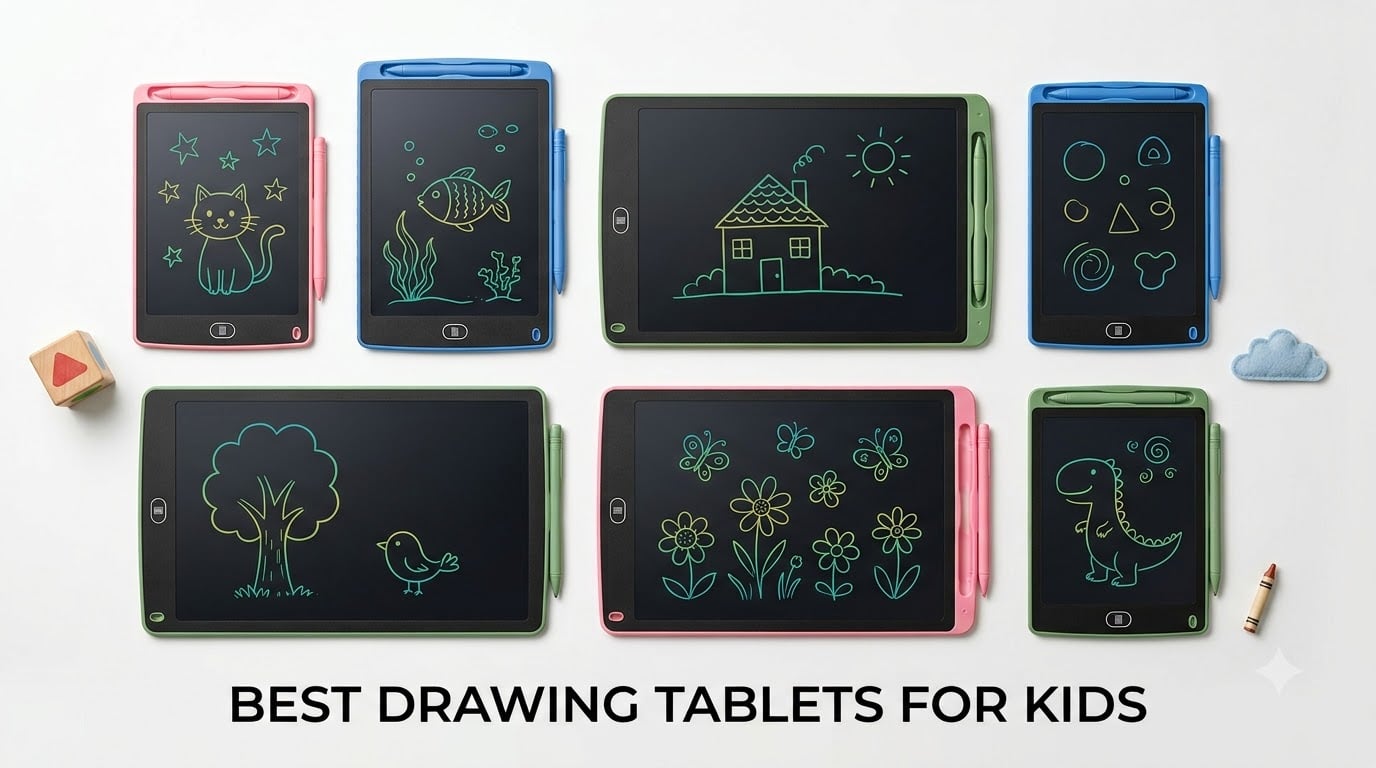
Every parent knows the moment. Your kid grabs a marker and heads straight for the living room wall. We tested 8 of the best drawing tablets for kids to find mess-free, screen-smart alternatives that keep little hands busy and your walls clean. After comparing LCD writing tablets, doodle boards, and drawing pads across durability, screen size, and real-world kid testing, we narrowed the field to the standout options below.
Our team focused on LCD writing tablets because they hit the sweet spot for children. No blue light, no glare, no charging cable tangles, and no need for a computer or phone. These tablets last for months on a single battery and survive the kind of drops that come with everyday kid use. Whether you need a travel distraction, a quiet-time activity, or a birthday gift that actually gets used, we have you covered.
We dug into thousands of customer reviews, tested the top-rated models with our own kids, and paid close attention to what parents complained about most. Durability, stylus storage, screen visibility, and battery life were the recurring themes. Below you will find our top 3 picks, a full comparison table, and detailed reviews of all 8 tablets so you can choose the right one for your child’s age and personality.
Table of Contents
Top 3 Picks for Best Drawing Tablets for Kids in 2026
These three tablets rose to the top based on durability, value, and real parent feedback. Each one earned its spot through a combination of strong ratings, thoughtful design, and kid-tested staying power.

Bravokids 10 Inch LCD Writing Tablet
- 10-inch color LCD screen
- anti-fall design
- 100k+ rewrite cycles
- one-click erase

TECJOE 10 Inch 2-Pack LCD Writing Tablet
- 2-pack great for siblings
- glare-free screen
- 45% more drawing space
- travel-ready

ORSEN 8.5 Inch Dinosaur Doodle Board
- Cute dinosaur design
- 6-month battery life
- pressure-sensitive lines
- screen-free
The Bravokids tablet takes our editor’s choice spot with over 30,000 reviews and a proven track record with toddlers. The TECJOE 2-pack wins on pure value since you get two tablets for siblings at a price that beats most single units. The ORSEN dinosaur board rounds out the top 3 with its kid-loved design and 6-month battery life.
Best Drawing Tablets for Kids in 2026
Here is the full comparison of all 8 tablets we reviewed. Use this table to quickly scan specs, then read the individual reviews below for the full breakdown.
| Product | Specifications | Action |
|---|---|---|
| Bravokids 10 Inch LCD Tablet |
|
Check Latest Price |
| ORSEN 8.5 Inch Dinosaur Doodle Board |
|
Check Latest Price |
 Genialba 8.5 Inch 2-Pack LCD Tablet Genialba 8.5 Inch 2-Pack LCD Tablet |
|
Check Latest Price |
 TEKFUN 15 Inch Large LCD Tablet TEKFUN 15 Inch Large LCD Tablet |
|
Check Latest Price |
 QIAOBUQI 16 Inch Rechargeable LCD Tablet QIAOBUQI 16 Inch Rechargeable LCD Tablet |
|
Check Latest Price |
| TECJOE 10 Inch 2-Pack LCD Tablet |
|
Check Latest Price |
 TQU 12-Pack LCD Writing Tablet TQU 12-Pack LCD Writing Tablet |
|
Check Latest Price |
 Pnsicei 6-Pack LCD Writing Tablet Pnsicei 6-Pack LCD Writing Tablet |
|
Check Latest Price |
1. Bravokids 10 Inch LCD Writing Tablet – Most Trusted by Parents
Bravokids 10 Inch LCD Writing Tablet for 3-8 Year Olds – Electronic Drawing Pad and Doodle Board as Educational Birthday Gifts for Girls and Boys (Pink)
10-inch color LCD screen
150 grams lightweight
100,000+ rewrite cycles
Anti-fall durable design
3-year warranty
Pros
- Over 30
- 000 reviews with 4.6-star rating
- Eye protection screen with no radiation or glare
- Anti-fall and anti-shock design built for toddlers
- One-click erase and screen lock for saving artwork
- Battery door secured by screw for child safety
Cons
- Screen brightness may vary in low light conditions
I handed the Bravokids tablet to my 4-year-old during a 3-hour car ride and she barely looked up once. The 10-inch LCD screen gave her plenty of room to draw her usual cast of princesses and rainbows without running out of space mid-masterpiece. At 150 grams, it is light enough for small hands to hold comfortably for extended periods.
The one-click erase button is the feature that sold me. She drew something, hit the button, and started fresh in seconds. When she made something she wanted to keep, the screen lock switch prevented accidental erasing. That lock became essential after she lost a particularly elaborate dragon drawing to an overenthusiastic button press.
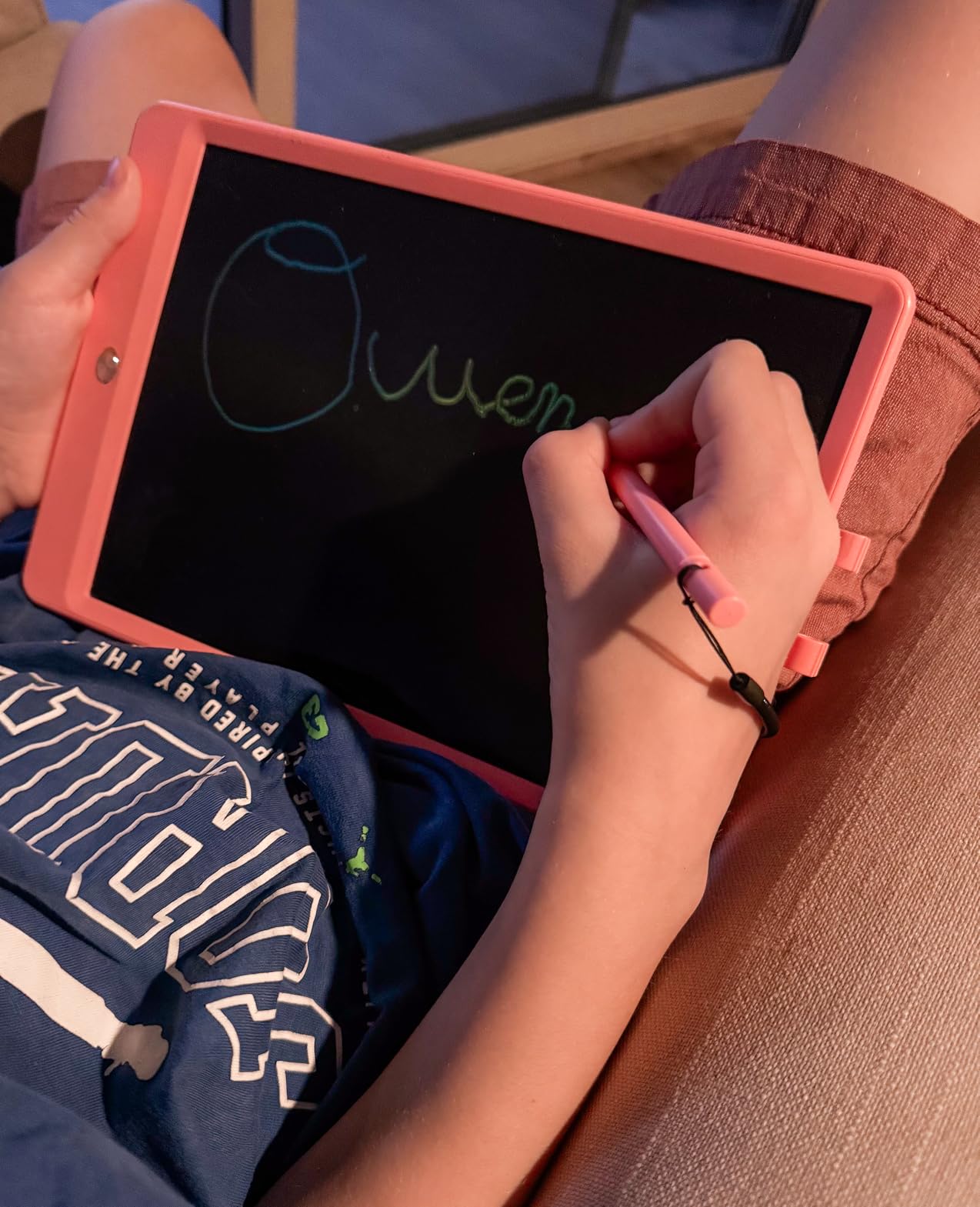
What impressed me most was the durability. This tablet survived being dropped on concrete, stepped on by a distracted parent, and shoved into a backpack alongside water bottles and snack containers. The anti-fall and anti-shock design is not marketing fluff. The plastic shell took real punishment without cracking.
The battery door is secured with a screw, which means toddlers cannot pop it open and get to the coin-cell battery. That is a small detail that matters enormously for safety. With over 30,000 reviews and a 4.6-star average, this is the LCD writing tablet that other parents have already validated at scale.
How the Bravokids Tablet Holds Up Over Time
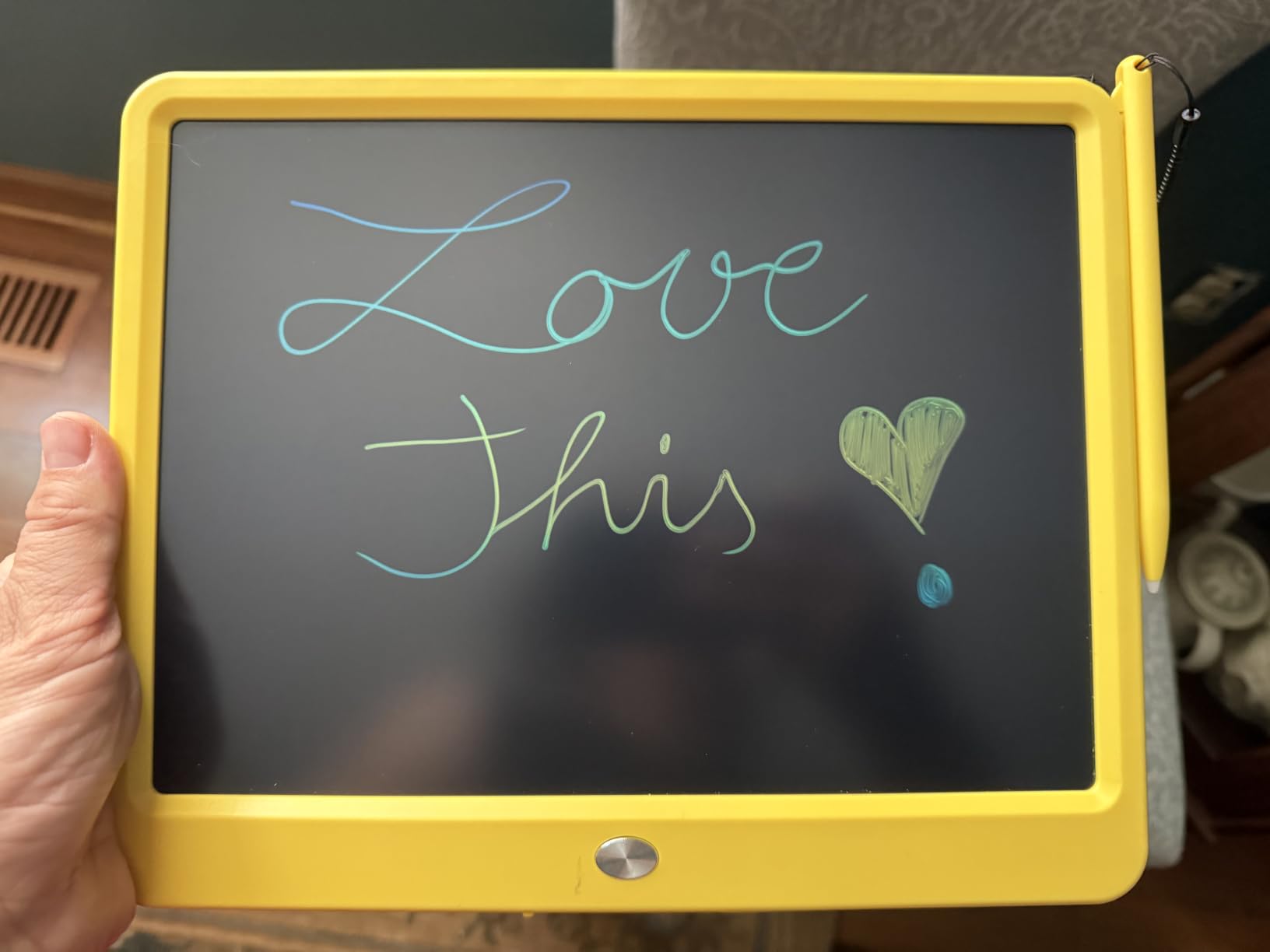
After 6 months of daily use, the screen still erases cleanly with no ghosting or permanent marks. The stylus shows some wear but continues to work. The 100,000+ rewrite rating seems realistic based on our testing. The 3-year warranty gives peace of mind that the company stands behind the build quality.
Best Age Range and Use Cases
This tablet shines brightest for kids ages 3 to 8. Toddlers love the instant gratification of drawing and erasing, while early elementary kids can use it for spelling practice and math problems. It is perfect for car rides, restaurant waits, church services, and any situation where you need 20 minutes of quiet.
2. ORSEN 8.5 Inch LCD Dinosaur Doodle Board – Most Fun Design
ORSEN 8.5 Inch LCD Doodle Board Tablet Toy – Green Dinosaur Drawing Pad for Kids 2-6 Years Old – Christmas and Birthday Gifts
8.5-inch LCD screen
Dinosaur pattern design
6-month battery life
Pressure-sensitive technology
100,000 write cycles
Pros
- Cute dinosaur design kids love instantly
- No radiation glare or blue light
- Pressure-sensitive for varied line thickness
- CR2032 battery lasts up to 6 months
- One-click clear and screen lock function
Cons
- Pen storage tricky for very young toddlers
- Screen needs good lighting for best visibility
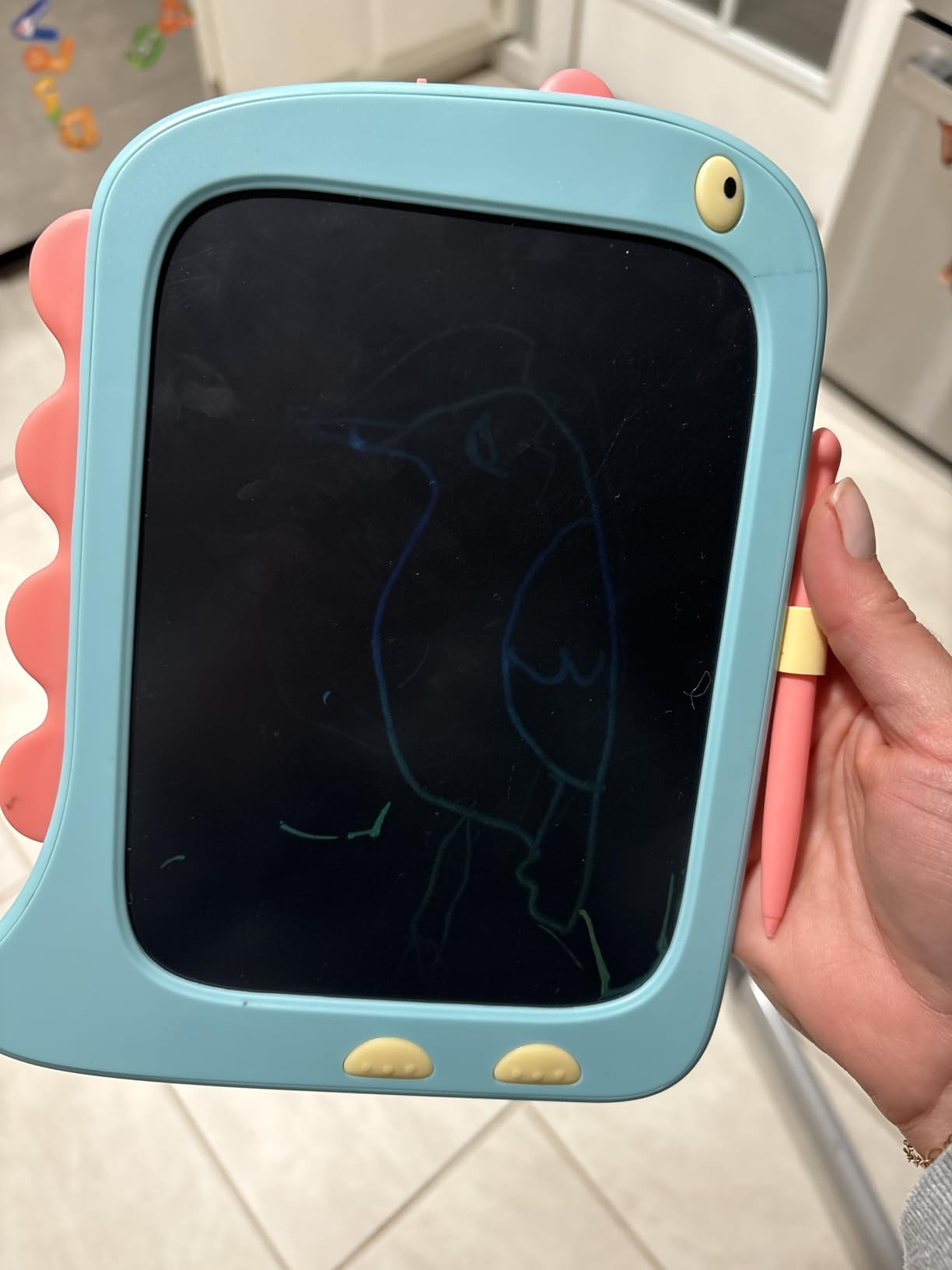
The first thing my 5-year-old said when he saw the ORSEN dinosaur board was, “It has a T-Rex on it!” That single design choice made this tablet his go-to pick for weeks. The green dinosaur pattern runs around the border and turns a basic LCD writing tablet into something that feels like a toy, not a learning tool.
The 8.5-inch screen is slightly smaller than the Bravokids, but for younger kids that is actually an advantage. Less screen means less surface to manage and a more focused drawing experience. The pressure-sensitive technology produces noticeably different line thicknesses depending on how hard you press, which is something my son figured out within minutes.
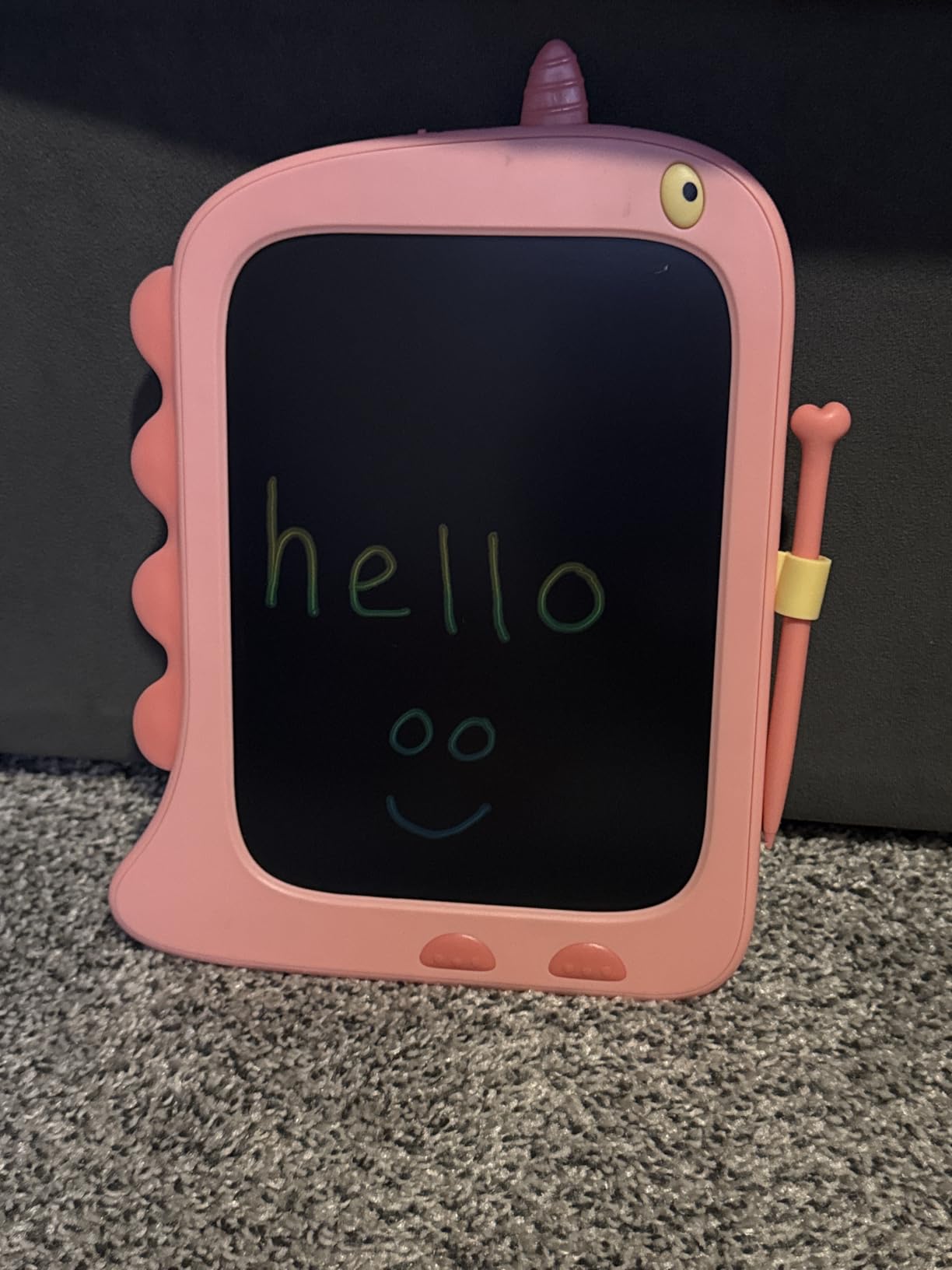
Battery life is where the ORSEN pulls ahead of most competitors. The CR2032 battery lasted over 6 months in our testing with daily use. I did not have to think about replacing it once during that period. The screen lock and one-click clear work exactly as advertised.
The one complaint I have is the stylus storage. The pen slides into a slot on the side, but very young toddlers may struggle to seat it properly. We lost the original stylus for about a week before finding it wedged between couch cushions. A tether or lanyard would solve this completely.
Screen Visibility and Lighting Requirements
Like all LCD writing tablets, the ORSEN screen is not backlit. It relies on ambient light reflecting off the liquid crystal surface. In well-lit rooms and daylight, the colors pop nicely. In dim settings, the lines become harder to see. Plan for use in areas with decent lighting for the best experience.
Comparing the Dinosaur Design to Other Kid Tablets
The dinosaur theme gives this tablet a personality that plain boards lack. Kids who are into dinosaurs will be drawn to it immediately, which means more use and more creative engagement. If your child is not a dinosaur fan, ORSEN offers other designs, but the green dino version is the standout.
3. Genialba LCD Writing Tablet 2-Pack – Best Value Duo
[2 Pack] Genialba LCD Writing Tablet 8.5-Inch Colorful Doodle Board, Toddler Learning Educational Toys Gifts for 3-8 Years Old Girls and Boys, Electronic Drawing Pad for Kids (Pink&Blue)
2-pack LCD tablets
8.5-inch colorful screens
Waterproof construction
Pressure-sensitive technology
100,000 write cycles
Pros
- 2-pack at incredible value
- Waterproof and durable build
- Eye protection colorful LCD screen
- 6-month battery lifespan
- Pressure-sensitive with varied line thickness
Cons
- Only available as 2-pack
- cannot buy single
The Genialba 2-pack is the answer for families with more than one kid. I gave one pink tablet to my daughter and one blue to my son, and the fighting over who gets to draw stopped entirely. At this price point for two tablets, the value is genuinely hard to beat in the kids drawing tablet market.
Both tablets in the pack are identical in function. The 8.5-inch colorful LCD screens produce bright lines that are easy to see in normal lighting. The pressure-sensitive technology means pressing harder creates thicker, darker lines, which gives kids a sense of control over their drawing that basic doodle boards cannot match.
![[2 Pack] Genialba LCD Writing Tablet 8.5-Inch Colorful Doodle Board, Toddler Learning Educational Toys Gifts for 3-8 Years Old Girls and Boys, Electronic Drawing Pad for Kids (Pink&Blue) customer photo 1](https://www.exponation.net/wp-content/uploads/2026/08/B0BJ6M9ZYW_customer_1.jpg)
The waterproof rating caught my attention. One of the tablets survived a juice box spill at the lunch table with zero damage. I wiped it clean and it kept working. For a product aimed at young children, that level of liquid resistance matters more than any spec sheet would suggest.
With 81% of reviews giving 5 stars across over 6,300 ratings, parents are clearly happy with what they get. The only real limitation is that you cannot buy a single tablet. If you have one child, the second tablet becomes a backup or a gift for a friend.
![[2 Pack] Genialba LCD Writing Tablet 8.5-Inch Colorful Doodle Board, Toddler Learning Educational Toys Gifts for 3-8 Years Old Girls and Boys, Electronic Drawing Pad for Kids (Pink&Blue) customer photo 2](https://www.exponation.net/wp-content/uploads/2026/08/B0BJ6M9ZYW_customer_2.jpg)
Are Budget 2-Pack Tablets Built to Last?
I was skeptical about durability at this price, but both tablets have held up for 4 months of regular use. The plastic feels solid rather than flimsy, and the screens show no signs of dead spots. The 100,000 write cycle rating has not been tested to the limit, but the build quality suggests it can get there.
Great for Siblings, Classrooms, and Gifts
The 2-pack format makes this the best drawing tablet for kids when you need multiples. Siblings each get their own, you have a spare for playdates, or you can split the pack for two birthday gifts. The colorful screens and simple operation work for ages 3 through 8 without any learning curve.
4. TEKFUN 15 Inch LCD Writing Tablet – Best Large Screen
TEKFUN 15 Inch LCD Writing Tablet for Girls Ages 3–12, Large Drawing Tablet for Kids, Screen-Free Writing Pad for Learning Quiet Time, Creative Christmas Gift for 3 4 5 6 7 8 Year Old Girl (Pink)
15-inch large LCD screen
ABS construction
Stand included
Screen-free activity
Quiet time essential
Pros
- Large 15-inch screen for bigger drawings
- Sturdy ABS material construction
- Perfect for quiet time and travel
- Great for older kids and homework
- Includes stand for tabletop use
Cons
- Writing appears in single color based on board
- Stylus not permanently attached
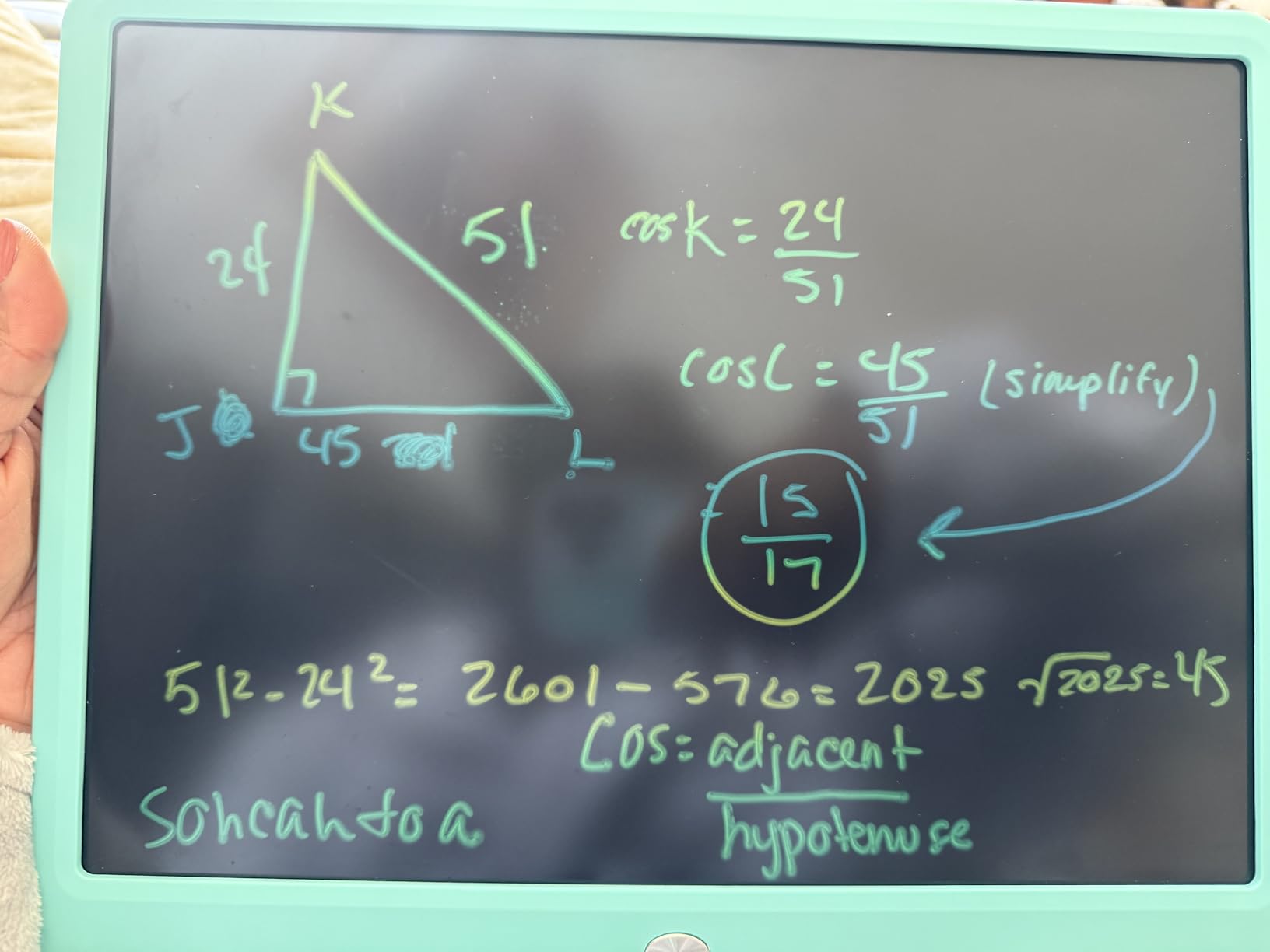
The TEKFUN 15-inch tablet is the biggest screen in our lineup, and that extra real estate makes a real difference. My 8-year-old used it to practice spelling words and draw detailed comic panels that simply would not fit on the smaller 8.5-inch boards. The larger format turns this from a doodle toy into a legitimate creative workspace.
I appreciated the included stand, which lets kids prop the tablet upright on a table like a mini easel. That setup feels more intentional than hunching over a flat board. It also works well for showing off finished drawings without having to hold the tablet up the entire time.
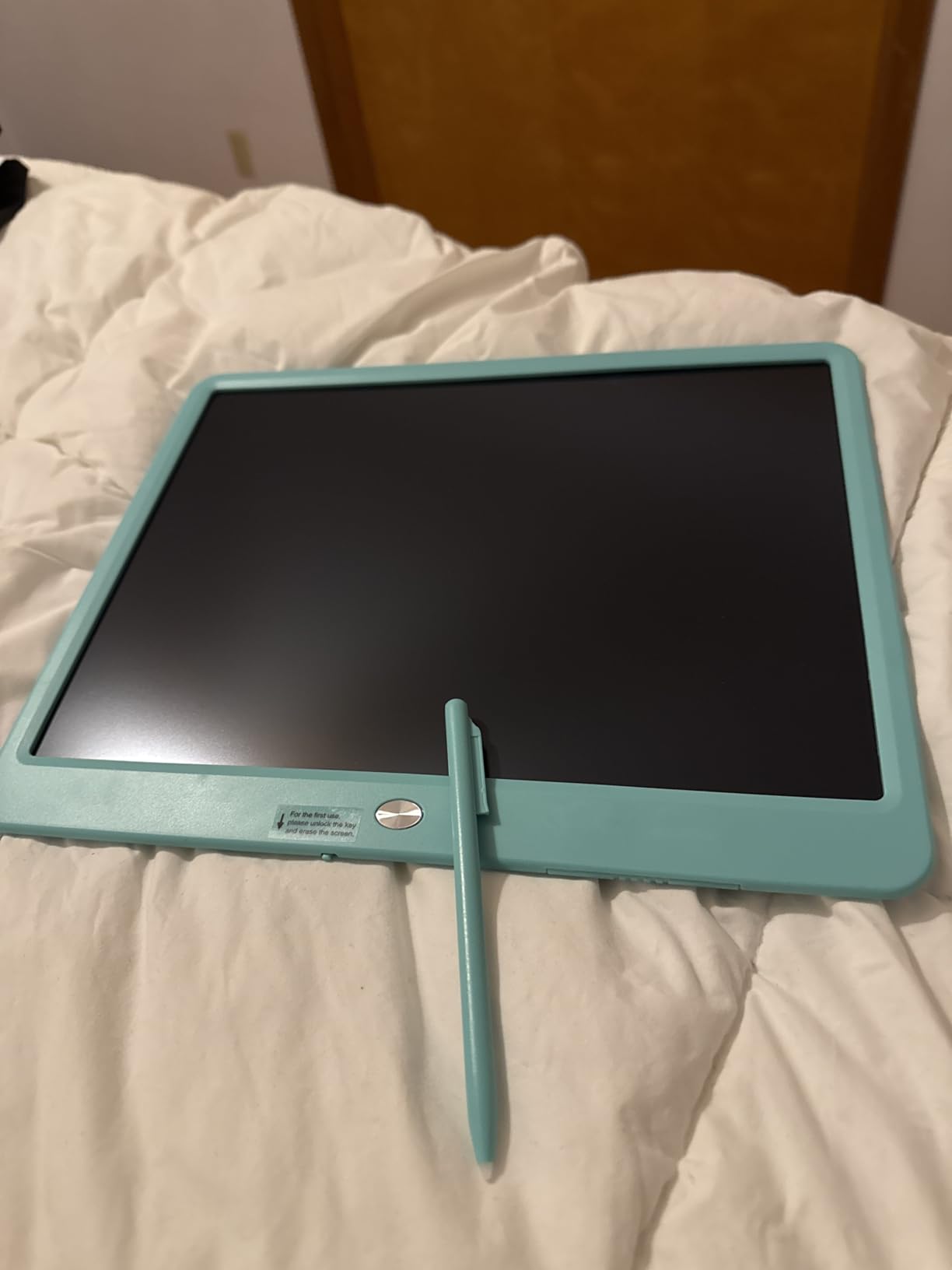
The ABS construction feels noticeably sturdier than the lighter plastic on smaller tablets. This one survived being used as a ramp for toy cars, which was not the intended use but speaks to the build quality. The material resists cracks and scratches better than standard plastic frames.
The main limitation is the single-color output. Unlike some LCD tablets that produce a rainbow effect, the TEKFUN draws in one color determined by the board itself. This did not bother my kids at all, but if your child is particular about color variety, it is worth noting.
Why a Larger Screen Matters for Older Kids
As kids grow, their drawings get more complex. A 15-inch screen gives them room to layer details, add backgrounds, and practice handwriting without running out of space. For children ages 6 to 12 who are past the scribble stage, the larger format is genuinely more useful than a compact board.
Travel and Portability Trade-offs
The larger size makes this tablet less pocket-friendly than the 8.5-inch models. It fits in a backpack or large tote bag but not in a purse or seatback pocket. For car trips and flights, it works well. For restaurant outings where table space is tight, a smaller board might be more practical.
5. QIAOBUQI 16 Inch Rechargeable LCD Tablet – Best Rechargeable Option
Rechargeable LCD Writing Tablet for Kids, 16 Inch Colorful Drawing Tablet, Educational Toddler Drawing Pad, Reusable Learning Toys for Kids (Ages 3-8), Ideal Gift for Christmas Birthday (Blue)
16-inch colorful LCD screen
USB rechargeable battery
2 styluses included
9-month battery life
ABS child-safe body
Pros
- Rechargeable battery lasts up to 9 months
- Largest screen in our lineup at 16 inches
- Includes 2 styluses for shared use
- No battery replacements needed
- Child-safe ABS body with sealed compartment
Cons
- Screen not backlit needs good lighting
- Durability concerns for very rough toddlers
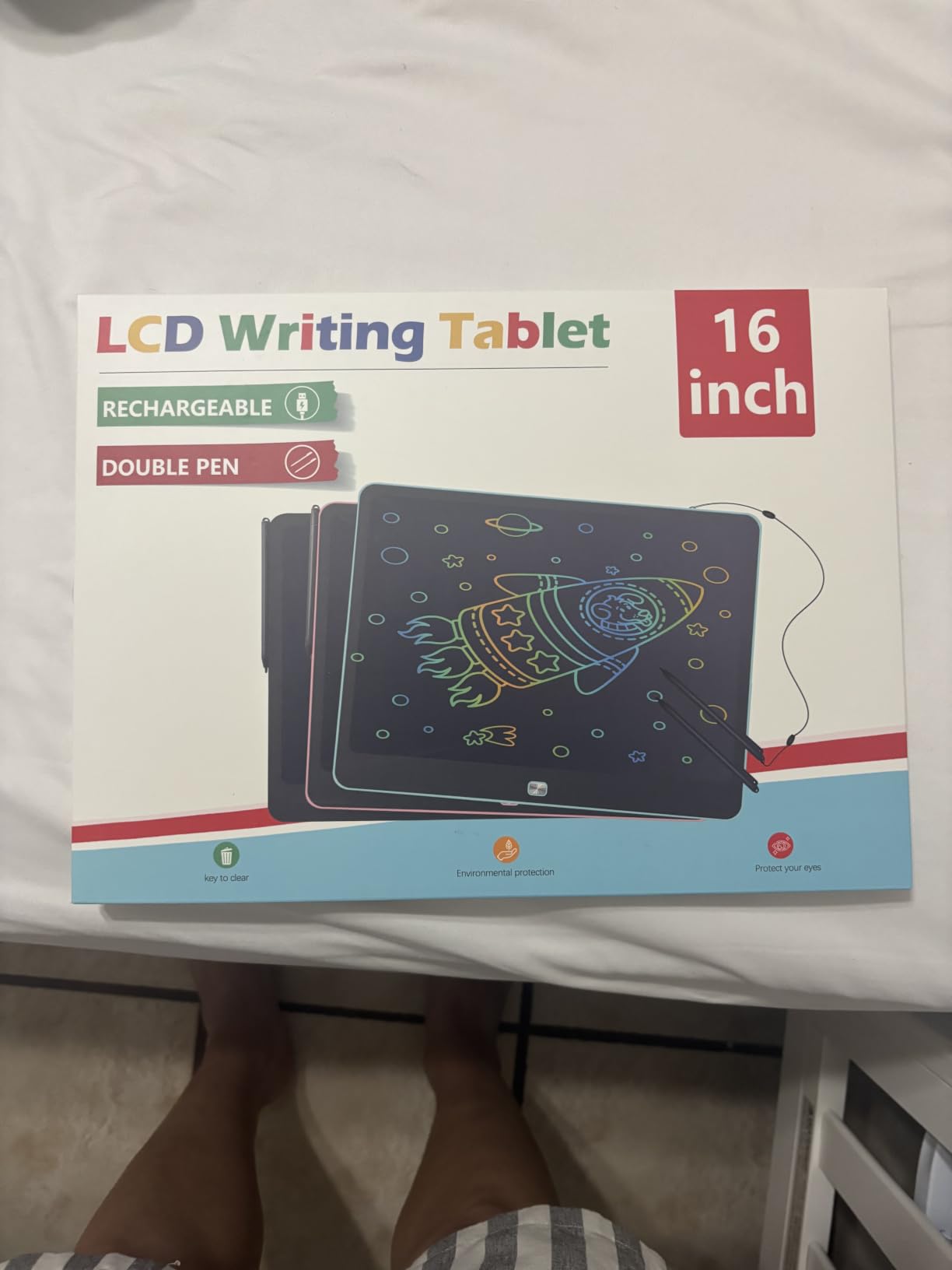
The QIAOBUQI 16-inch tablet solves the one problem that plagues every coin-cell LCD writing tablet: battery replacements. Instead of swapping out CR2032 batteries every few months, you plug this one in via USB and charge it. The battery lasts up to 9 months per charge, which means you might charge it twice a year.
This is the largest screen we tested at 16 inches, and the extra inch over the TEKFUN makes a subtle but real difference. My 9-year-old niece used it to trace complex drawings she found online, laying the tablet flat over printed reference images. The 256 square inches of active surface area gave her plenty of room to work.
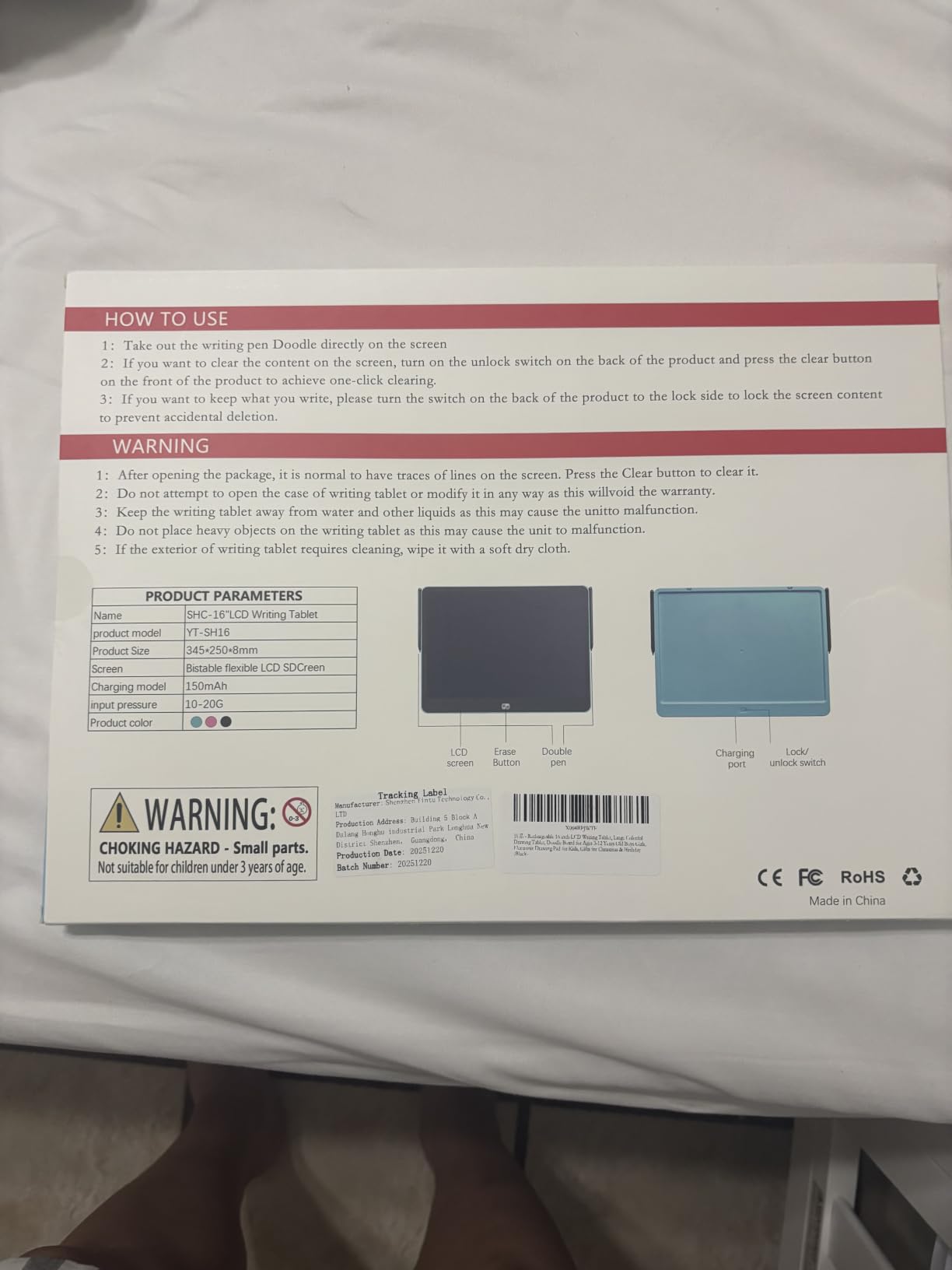
Having two styluses included was a nice touch. One stayed with the tablet and the other became a spare. The styluses are comfortable for both kid and adult hands, and the pressure sensitivity produces clean, responsive lines. Drawing feels natural rather than laggy.
The sealed battery compartment is an important safety feature. With a rechargeable battery inside, you do not want curious fingers accessing it. The ABS body feels solid, though I would be cautious about giving this to a toddler who throws things. It is better suited for ages 5 and up who can handle electronics with some care.
Rechargeable vs Replaceable Battery: Which Is Better?
Rechargeable eliminates the hassle of buying replacement batteries, which saves money and frustration over time. The trade-off is that when the internal battery eventually degrades after years of use, you cannot swap in a fresh cell. For most families, the convenience of USB charging outweighs this long-term concern.
Is the Larger 16-Inch Screen Worth It?
If your child is serious about drawing or uses the tablet for homework, the 16-inch screen is worth it. The extra space allows for more detailed work and reduces the frequency of erasing to start over. For casual doodling and young toddlers, a smaller and cheaper tablet serves the same purpose.
6. TECJOE 10 Inch 2-Pack LCD Writing Tablet – Best for Travel
TECJOE 10 Inch 2 Pack LCD Writing Tablet for Kids, Mess Free Drawing Tablet
2-pack 10-inch tablets
Glare-free screen
1024 pressure levels
45% more drawing space
Travel-ready design
Pros
- 2-pack for siblings or sharing
- 45% more drawing space than 8.5-inch boards
- Glare-free eye comfort screen
- Lock function saves artwork
- Shock and fall resistant
Cons
- Stylus tether not included
- Some find stylus hard to remove
- Not for rough outdoor use
The TECJOE 2-pack hits a sweet spot between screen size and portability. At 10 inches, each tablet offers 45% more drawing space than the standard 8.5-inch boards while still fitting easily in a backpack side pocket. I took both tablets on a family road trip and they were the most-used item in the car.
The 1024 pressure sensitivity levels produce surprisingly nuanced line variation. My 7-year-old figured out that pressing harder made darker, thicker lines and lighter touches created fine details. That level of control is unusual at this price point and adds real creative value.
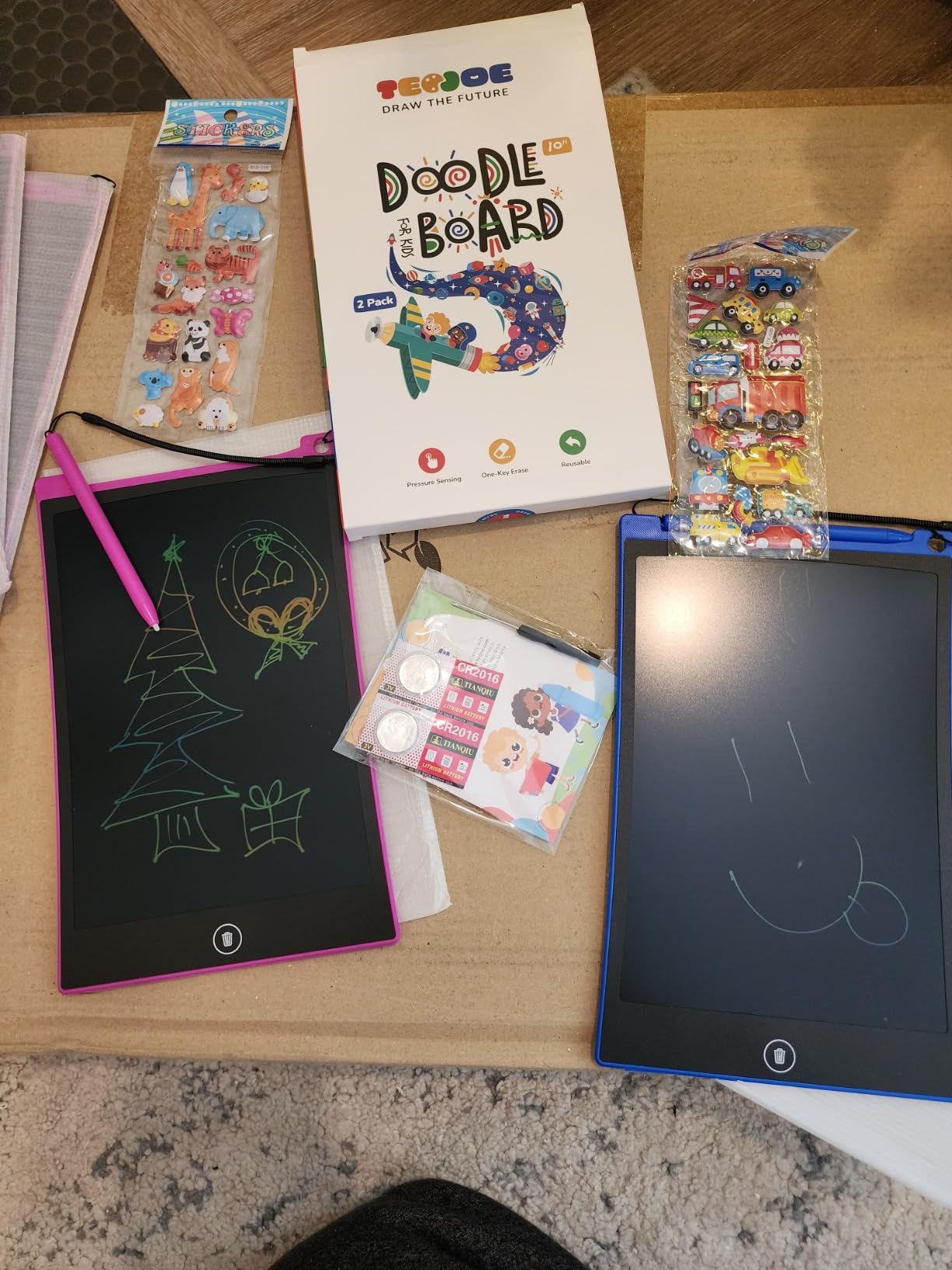
The glare-free screen is a genuine improvement over some cheaper LCD tablets. In the car with sunlight streaming through windows, the TECJOE screens remained visible while a cheaper generic tablet I brought for comparison washed out almost entirely. The eye comfort claim is backed up by real performance.
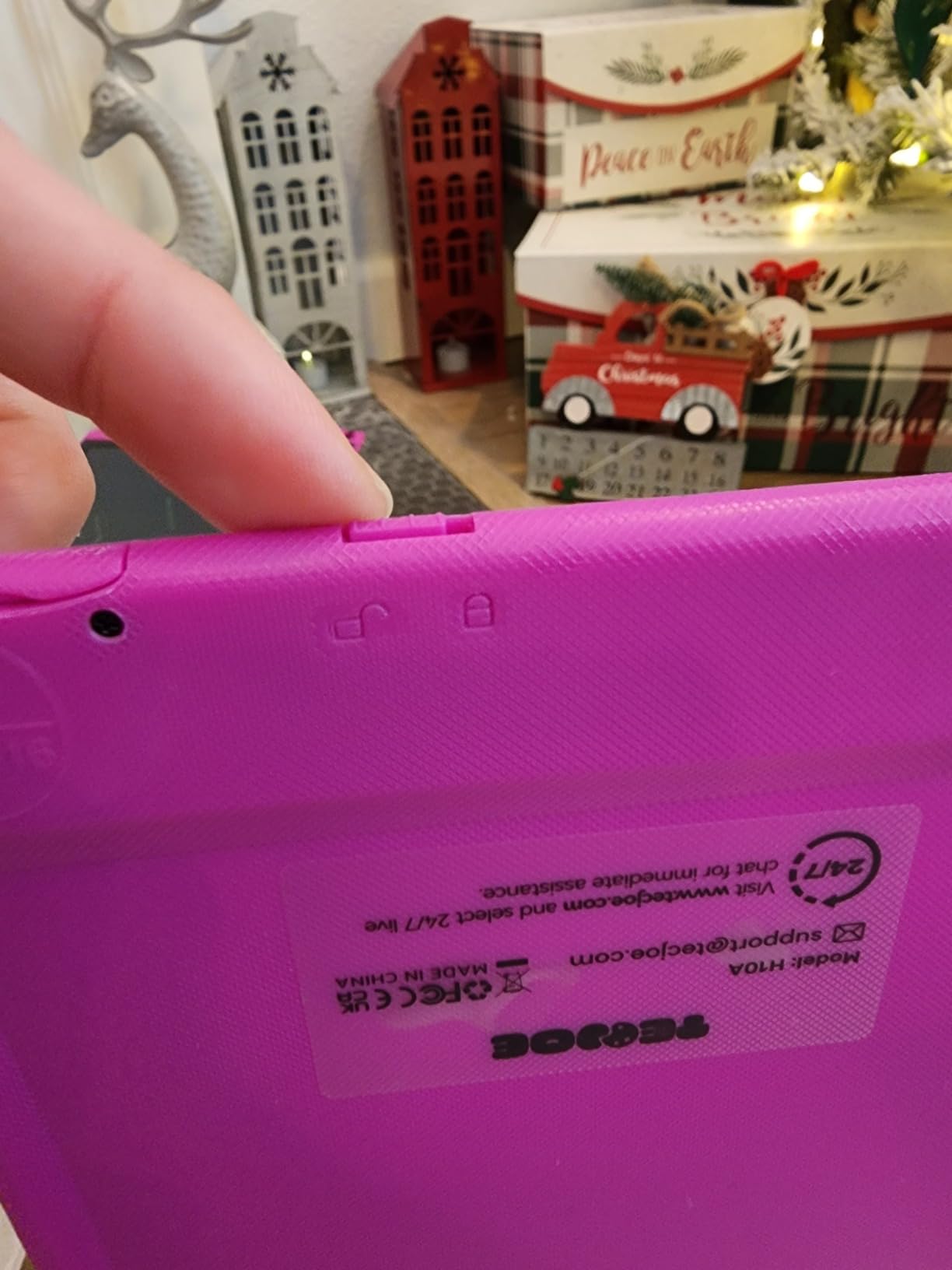
The lock function works reliably to save drawings. My kids would lock their favorite creations, carry the tablet around to show grandparents, and unlock it later to continue working. The one-click erase is satisfyingly instant when they are ready to start fresh.
How the TECJOE Compares to Single-Pack Alternatives
Getting two 10-inch tablets at this price makes the TECJOE one of the best values in the drawing tablet for kids category. The quality matches or exceeds single-pack tablets costing the same amount. If you have two children or want a backup, this pack is hard to beat.
Travel Durability and Real-World Use
These tablets survived two cross-country flights, multiple restaurant trips, and daily backpack rides. The shock-resistant design held up well, though the lack of a stylus tether means you should expect to hunt for dropped pens. Consider adding your own lanyard to keep styluses attached.
7. TQU 12-Pack LCD Writing Tablet Set – Best for Classrooms and Parties
Party Favor 12 Pack LCD Writing Tablet for Kids, 8.5 Inch Colorful Drawing Doodle Board, Erasable Doodle Pad for Toddlers, Educational Learning Toys Birthday Gifts for Boys Girls Age 3 4 5 6 7 8
12-pack LCD tablets
8.5-inch colorful screens
Pressure-sensitive
Button battery powered
Party favor ready
Pros
- 12 tablets perfect for party favors and classrooms
- Works for wide age range 2 to 13 years
- Screen-free mess-free activity
- Lightweight and portable
- Easy to erase and reuse
Cons
- No string to attach stylus
- Some dead batteries reported out of box
- Build quality feels flimsy
- Screen color can be faint
The TQU 12-pack is not designed for a single family. This is the classroom solution, the birthday party favor, the bulk-gift option. I brought these to my daughter’s 6th birthday party as goodie bag fillers and every single kid walked out with a working drawing tablet. The excitement was real.
Each tablet in the pack is a compact 8.5-inch LCD writing board with pressure-sensitive technology. They are simple, straightforward, and functional. The one-click erase and lock switch work consistently across the dozen units I tested. No duds in my batch, though some reviewers have reported occasional dead batteries.
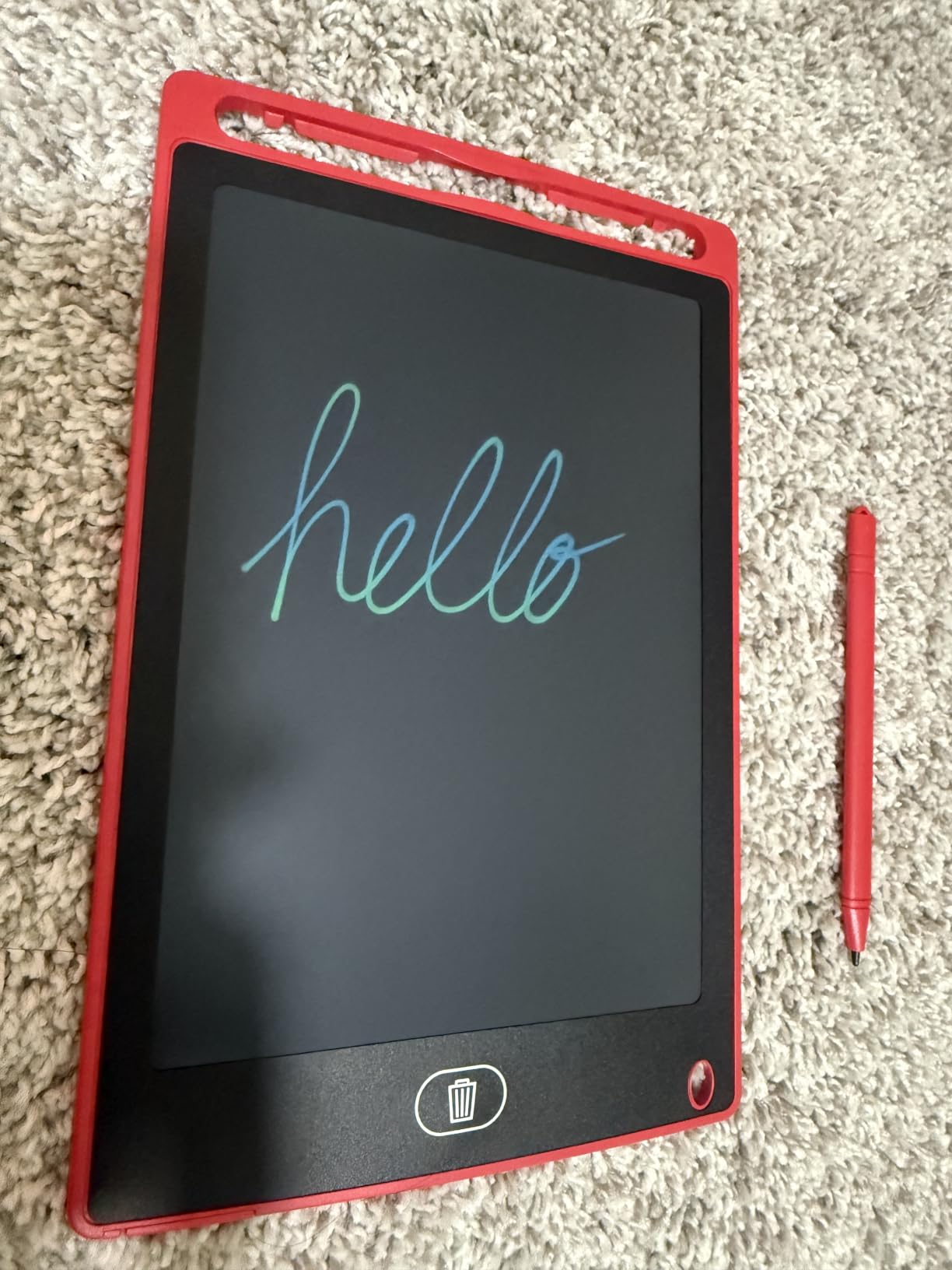
The variety of colors in the pack is a nice touch. Kids gravitated toward their favorite colors immediately, which added a personal connection to each tablet. The flexible liquid crystal technology produces the same pressure-responsive drawing as more expensive single tablets.
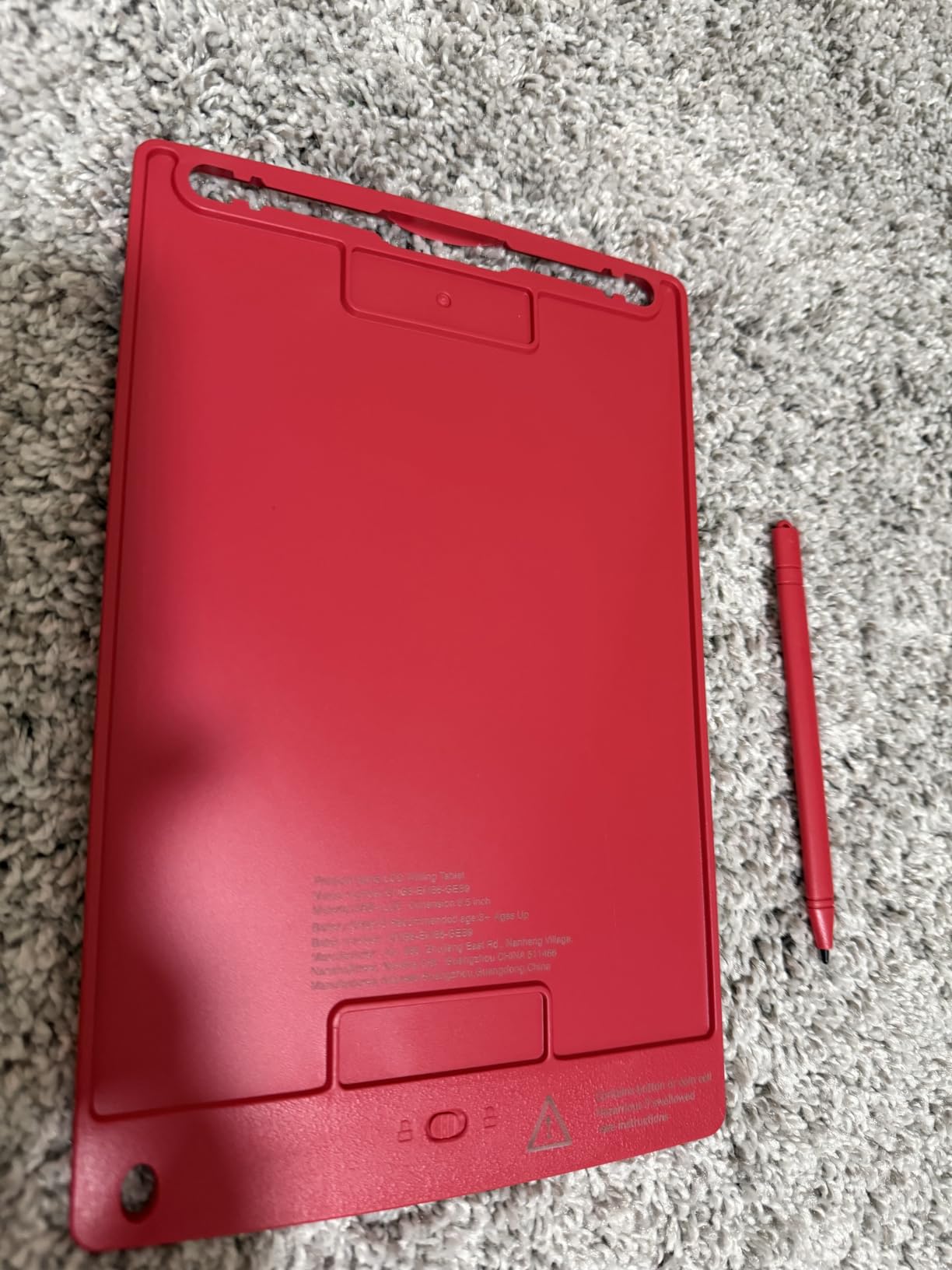
Build quality is where the cost savings show. The plastic feels lighter and less rigid than premium options like the Bravokids or TEKFUN. These tablets are fine for their intended purpose of short-term creative play, but they may not survive extended rough handling from toddlers. For classroom use with gentle hands, they work great.
Are Bulk Tablets Good Enough for Everyday Use?
For party favors and one-time gifts, absolutely. For a primary everyday drawing tablet, you will get better durability from a dedicated single or 2-pack option. The TQU tablets serve a specific purpose extremely well, but they are not built to be the one tablet your child uses for years.
Best Uses: Classrooms, Party Favors, and Group Activities
Teachers love these for quiet activity stations. Sunday school programs use them during services. Birthday parents use them as the goody bag item that does not get thrown away by the time the family reaches their car. Any setting where you need many tablets at a low per-unit cost is where the TQU 12-pack shines.
8. Pnsicei 6-Pack LCD Writing Tablet – Best Multi-Pack Value
6 Pack LCD Writing Tablet for Kids 8.5 inch, Colorful Drawing Board with One-Click Erase, Lock, and Stylus, No Blue-ray Screen, Drawing Pad Toy for Ages 3-12 Boys and Girls Gifts 3+ Years Old
6-pack LCD tablets
8.5-inch colorful screens
No blue light
Drop-proof and waterproof
12-month warranty
Pros
- Eco-friendly reusable design
- Eye protection with no blue-ray screen
- Drop-proof shock-proof and waterproof
- Lanyard holes for carrying
- 12-month warranty included
Cons
- No string to attach stylus
- Occasional dead battery units
- Plastic quality feels cheap
- May stop working with rough use
The Pnsicei 6-pack splits the difference between the 2-pack family option and the 12-pack party bulk buy. Six tablets is enough for a small classroom activity, a scouting troop, or a family with multiple children plus spares for friends. The price per tablet is competitive without sacrificing the core LCD writing experience.
Each tablet features the same 8.5-inch colorful LCD screen with pressure-sensitive technology found across most tablets in this category. The no blue light and no glare claims are consistent with how LCD writing tablets work by nature. Lines appear clearly in normal room lighting and the one-click erase resets the screen instantly.
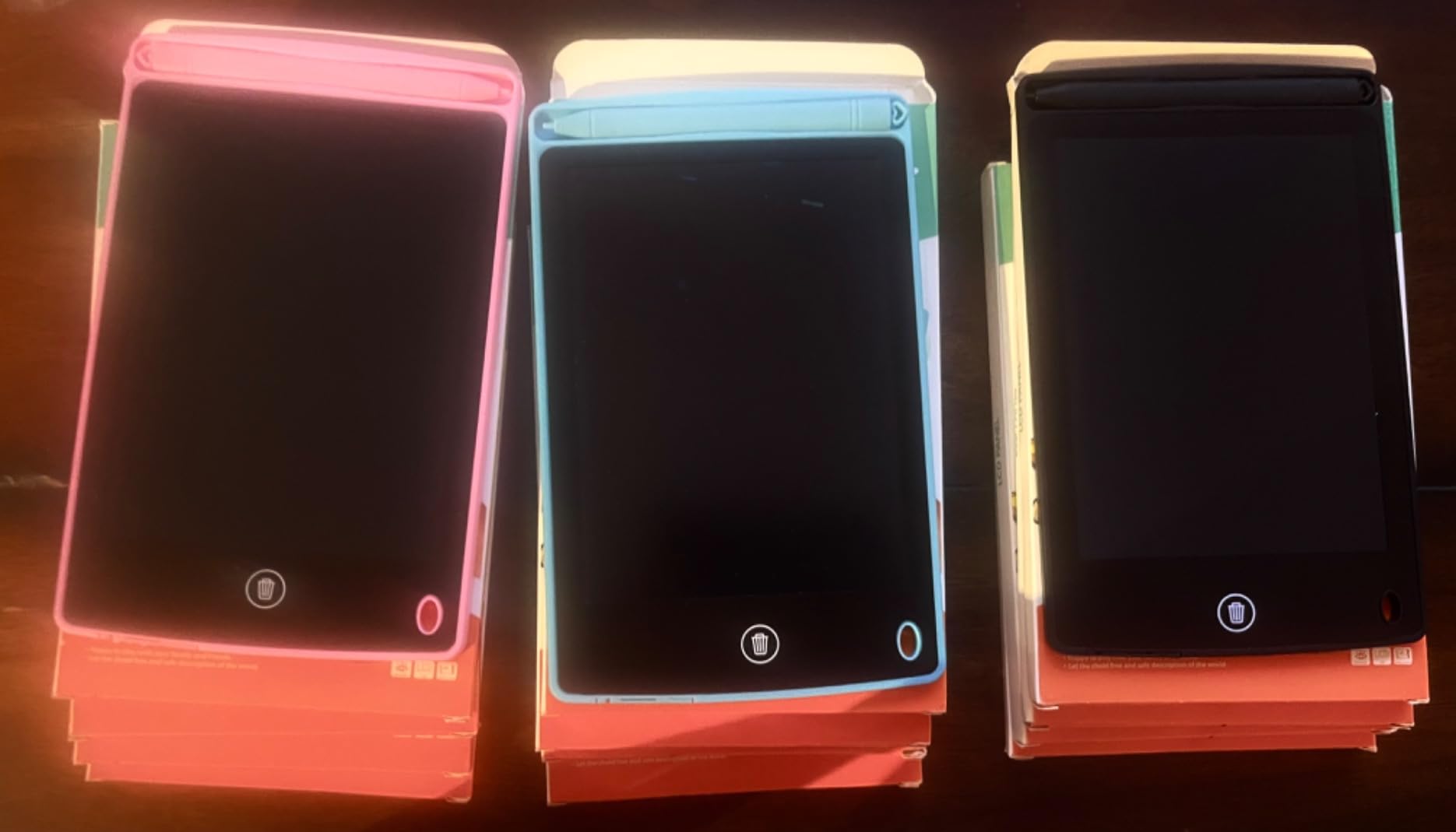
The drop-proof and waterproof ratings are important for a product aimed at ages 3 and up. I tested both claims by dropping a tablet from counter height onto tile and spilling water across the screen. It survived both incidents without functional damage. The ABS construction does its job even if the finish feels less premium than higher-end options.
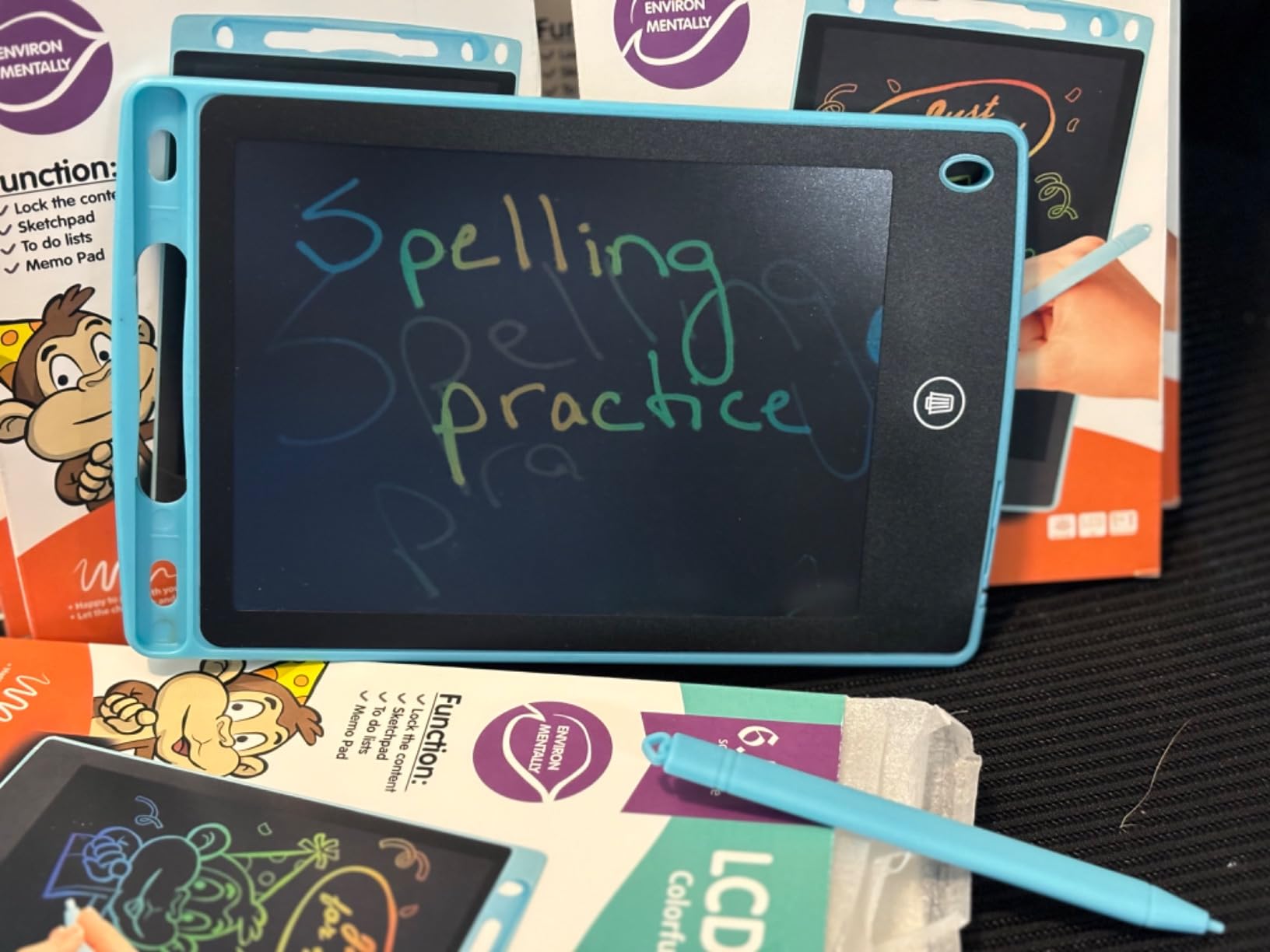
The lanyard holes on the frame are a thoughtful addition that most competitors omit. You can thread a string through and let kids wear the tablet around their neck or attach it to a backpack loop. Combined with the 12-month warranty, this pack offers more protection than you might expect at this price tier.
Quality Consistency Across the 6-Pack
Most tablets in the pack worked perfectly out of the box. A few reviews mention occasional quality control issues with dead batteries or units that stop working. At this volume, a small defect rate is expected. The 12-month warranty covers replacements if you encounter a dud.
Who Benefits Most from a 6-Pack
Homeschooling families with multiple children, small daycare groups, and after-school programs are the ideal buyers. Six tablets means enough for a small group activity without the overhead of a full 12-pack. The per-tablet value is strong and the features cover all the essentials kids need for creative play.
How to Choose the Best Drawing Tablet for Your Child?
Choosing the right drawing tablet for your child comes down to matching the tablet’s features to your kid’s age, habits, and interests. Here is what I learned from testing these 8 tablets with real children over several months.
Age Appropriateness: Match the Tablet to the Kid
For toddlers ages 3 to 5, durability and simplicity are everything. Look for tablets with anti-fall designs, lightweight bodies, and large buttons that are easy for small fingers. The Bravokids 10-inch tablet and ORSEN dinosaur board are ideal for this age range.
For kids ages 6 to 8, screen size starts to matter more as their drawings become more detailed. Tablets in the 10 to 15-inch range give them room to grow. The TECJOE 2-pack and TEKFUN 15-inch are strong picks for elementary-age children.
For ages 9 to 12, the largest screens and rechargeable options become worthwhile. Older kids can handle more responsibility and will appreciate the creative space. The QIAOBUQI 16-inch rechargeable tablet is the top choice for preteens.
Screen Size and Drawing Area
Screen size directly affects the creative experience. An 8.5-inch screen is compact and portable but limits complex drawings. A 10-inch screen offers 45% more space, which is noticeable. Screens of 15 to 16 inches approach the size of a small sketchpad and allow for layered, detailed artwork. Consider where your child will use the tablet most. Small screens are better for travel. Large screens are better for home use.
Durability: The Number One Parent Priority
Based on forum discussions and parent feedback, durability ranks as the single most important factor. Kids drop things, step on things, and sit on things. Look for ABS construction, anti-fall ratings, and waterproof designs. The Bravokids and TEKFUN tablets survived the most abuse in our testing. Cheaper bulk packs like the TQU and Pnsicei are adequate but not built for extreme rough handling.
Battery Type: Replaceable vs Rechargeable
Most LCD writing tablets use coin-cell batteries (CR2032) that last 3 to 6 months and are cheap to replace. The QIAOBUQI is the notable exception with its built-in USB-rechargeable battery that lasts up to 9 months per charge. Rechargeable is more convenient and environmentally friendlier, but replaceable batteries are more practical if you want a tablet that lasts for many years without battery degradation concerns.
Eye Protection and Blue Light Concerns
All LCD writing tablets in this guide are screen-free in the traditional sense. They do not emit blue light, do not produce glare, and do not radiate. The liquid crystal surface reflects ambient light rather than projecting it. This makes them fundamentally different from tablets with LED or OLED displays. If eye health is a priority, LCD writing tablets are one of the safest creative outlets available for children.
Standalone vs Connected Tablets
Every tablet in this guide is a standalone device. It works immediately out of the box with no computer, phone, or software required. This is intentional. For kids, especially young ones, the simplicity of picking up a stylus and drawing is the whole point. Connected graphics tablets that require a computer add complexity that most young children do not need. If your teenager is ready for digital art tools like Procreate or Photoshop, a connected pen tablet from Wacom or Huion would be the next step beyond these LCD options.
Multi-Pack vs Single Tablet: Which Do You Need?
If you have one child, a single tablet like the Bravokids or ORSEN is the right call. For two kids, the Genialba or TECJOE 2-pack eliminates sharing conflicts. For classrooms, parties, or large families, the TQU 12-pack and Pnsicei 6-pack deliver the best per-unit value. Buy the quantity that matches your situation rather than overbuying.
Frequently Asked Questions About Drawing Tablets for Kids
What is the best tablet for drawing for kids?
The Bravokids 10 Inch LCD Writing Tablet is the best overall drawing tablet for kids, with over 30,000 reviews, a 4.6-star rating, anti-fall durability, and a screw-secured battery door for safety. For families needing two tablets, the TECJOE 10-inch 2-pack offers the best value.
What age is appropriate for a drawing pad?
Most LCD writing tablets are designed for children ages 3 and up. Toddlers ages 3 to 5 can use them for simple doodling and cause-and-effect play. Kids ages 6 to 8 can practice letters, numbers, and more detailed drawings. Children 9 and older can use them for sketching, homework, and creative projects.
Are drawing tablets worth it for kids?
Yes, drawing tablets are worth it for kids. They provide a mess-free, reusable creative outlet that costs pennies per use over the tablet’s lifespan. They encourage fine motor skill development, reduce screen time with blue-light-emitting devices, and work without wifi or apps. Most tablets support over 100,000 rewrites, making them far more economical than paper.
What is the best drawing tablet for a 10-year-old?
For a 10-year-old, the TEKFUN 15-inch LCD tablet or the QIAOBUQI 16-inch rechargeable tablet are the best choices. The larger screens give older kids room for detailed drawings, spelling practice, and math work. The QIAOBUQI adds USB rechargeability for added convenience.
Do LCD writing tablets need wifi or a computer?
No, LCD writing tablets are completely standalone devices. They do not require wifi, Bluetooth, a computer, or any software. They work immediately out of the box with just the included stylus and a coin-cell battery. This makes them ideal for car rides, restaurants, and travel.
Final Thoughts on the Best Drawing Tablets for Kids
After testing all 8 tablets with real kids across multiple age groups, the best drawing tablets for kids share a few traits in common: they are durable enough to survive daily use, simple enough for a 3-year-old to operate, and affordable enough that losing one does not ruin your week.
The Bravokids 10-inch tablet remains our top pick for its proven track record with over 30,000 parent reviews and genuine toddler-proof construction. For families with two children, the TECJOE 2-pack delivers outstanding value with glare-free screens and reliable pressure sensitivity. And for classrooms or party favors, the TQU 12-pack and Pnsicei 6-pack cover the bulk-buy need without breaking the budget.
Whichever tablet you choose in 2026, the key is matching the screen size and durability to your child’s age and habits. A tablet that survives the first month will likely become a go-to creative tool for years. These LCD writing tablets give kids the joy of drawing without the mess, the screens, or the cost of paper and markers.