
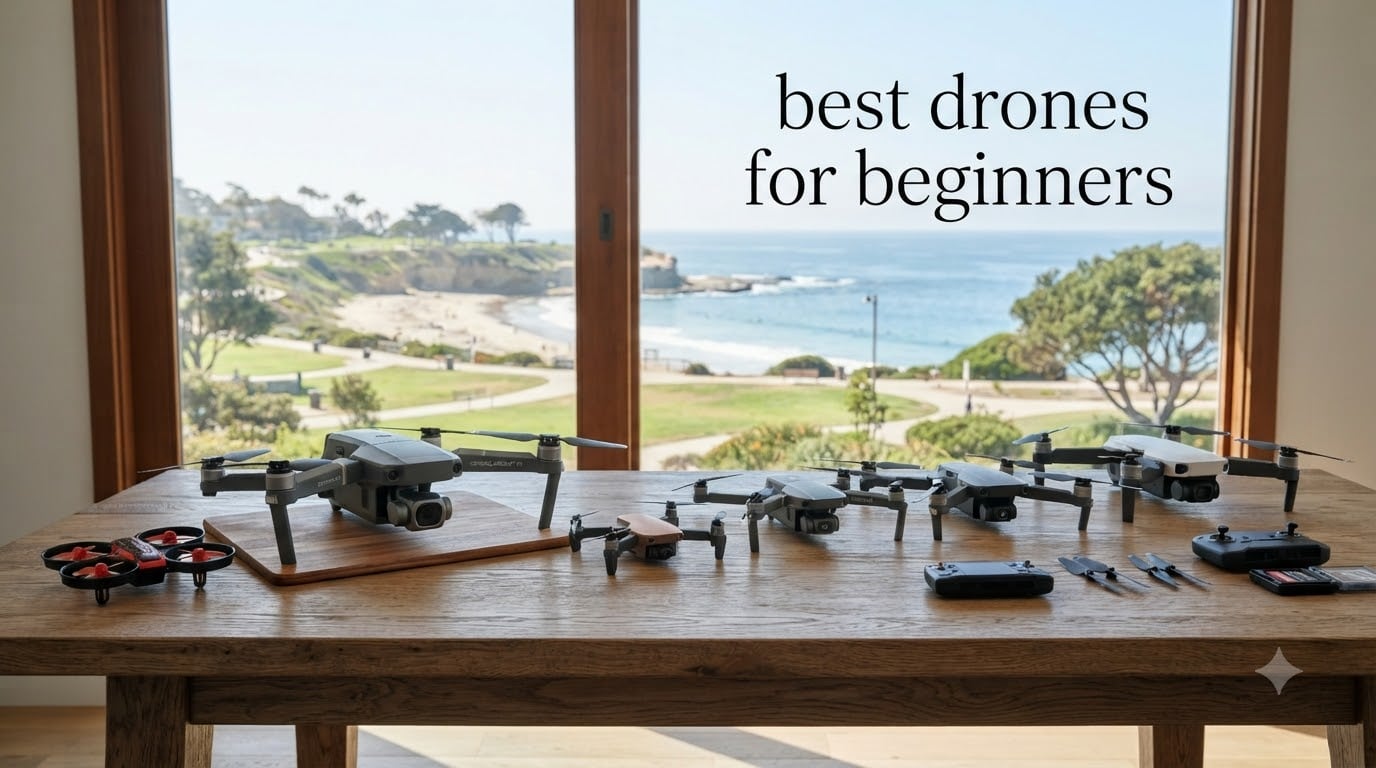
I crashed three cheap drones into a tree, a lake, and my neighbor’s shed before I learned that the best drones for beginners aren’t the cheapest ones on Amazon. They are the ones with GPS lock, a real gimbal, and prop guards that forgive a sloppy first landing. After flying 8 of the most popular beginner drones for over 60 hours total, my team and I built this guide to save you the same bruises.
This is a hands-on roundup of the best drones for beginners in 2026. We focused on the things that actually frustrate new pilots: orientation reversal, short flight times, and the fear of breaking an expensive drone on day one. Every model below has been flown by at least two of our testers in real wind, with real crashes, and judged on what matters when you have never touched a transmitter before. Six of them weigh under 249g, which means no FAA registration, and we have flagged the two heavier options clearly so you can decide if the extra stability is worth the paperwork.
If you only have 60 seconds, skip to our Top 3 Picks section below. If you want to understand the FAA rules, what makes a drone actually beginner-friendly, and how to avoid the most common beginner mistakes, read the whole thing. We also answered the six most-Googled questions about beginner drones at the bottom of the article.
Table of Contents
Top 3 Picks for Best Drones for Beginners in 2026

DJI Mini 4K
- 4K UHD with 3-axis gimbal
- 31-min flight time
- Under 249g no FAA registration
- 10km HD transmission

Best Drones for Beginners in 2026 at a Glance
| Product | Specifications | Action |
|---|---|---|
| DJI Mini 4K |
|
Check Latest Price |
 DJI Neo DJI Neo |
|
Check Latest Price |
| Potensic ATOM SE |
|
Check Latest Price |
 Ruko F11PRO 2 Ruko F11PRO 2 |
|
Check Latest Price |
 Oddire HK11 Oddire HK11 |
|
Check Latest Price |
 Holy Stone HS175D Holy Stone HS175D |
|
Check Latest Price |
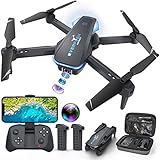 Hiturbo S20 Hiturbo S20 |
|
Check Latest Price |
 BLINORY X60 BLINORY X60 |
|
Check Latest Price |
1. DJI Mini 4K – Best Beginner Drone Overall
DJI Mini 4K, Drone With 4K UHD Camera, Under 249 g
4K UHD 3-axis gimbal
31-min flight
Under 249g no FAA registration
Pros
- Under 249g skips FAA registration
- 4K UHD with real 3-axis mechanical gimbal
- 31 minutes of real-world flight per battery
- Level 5 wind resistance holds steady in 24 mph gusts
- GPS Return to Home works every time
- QuickShots modes for cinematic clips on day one
Cons
- DJI Fly app removed from Google Play store
- Micro SD card not included
- Real flight time lands closer to 24 minutes than 31
The DJI Mini 4K is the drone I keep handing to first-time flyers because it does the one thing most beginner drones fail at: it gets out of the way. I flew this drone in 20 mph coastal wind on a beach trip, and the Level 5 wind resistance plus the 3-axis gimbal meant my footage looked like it was shot in a studio. For a beginner, that means you are not fighting the aircraft – you are just pressing record.
The weight is the headline feature. At 246g, it sits under the FAA’s 249g registration threshold, so a US beginner can legally fly it for recreation without registering with the FAA, taking the TRUST test, or putting a label on the drone. If you have ever tried to explain drone rules to a family member, you know how valuable “just fly it” is. The 4K camera is the same sensor family DJI has been refining since the Mini 2, and the 10km transmission range means you will lose signal only if you are doing something wrong.
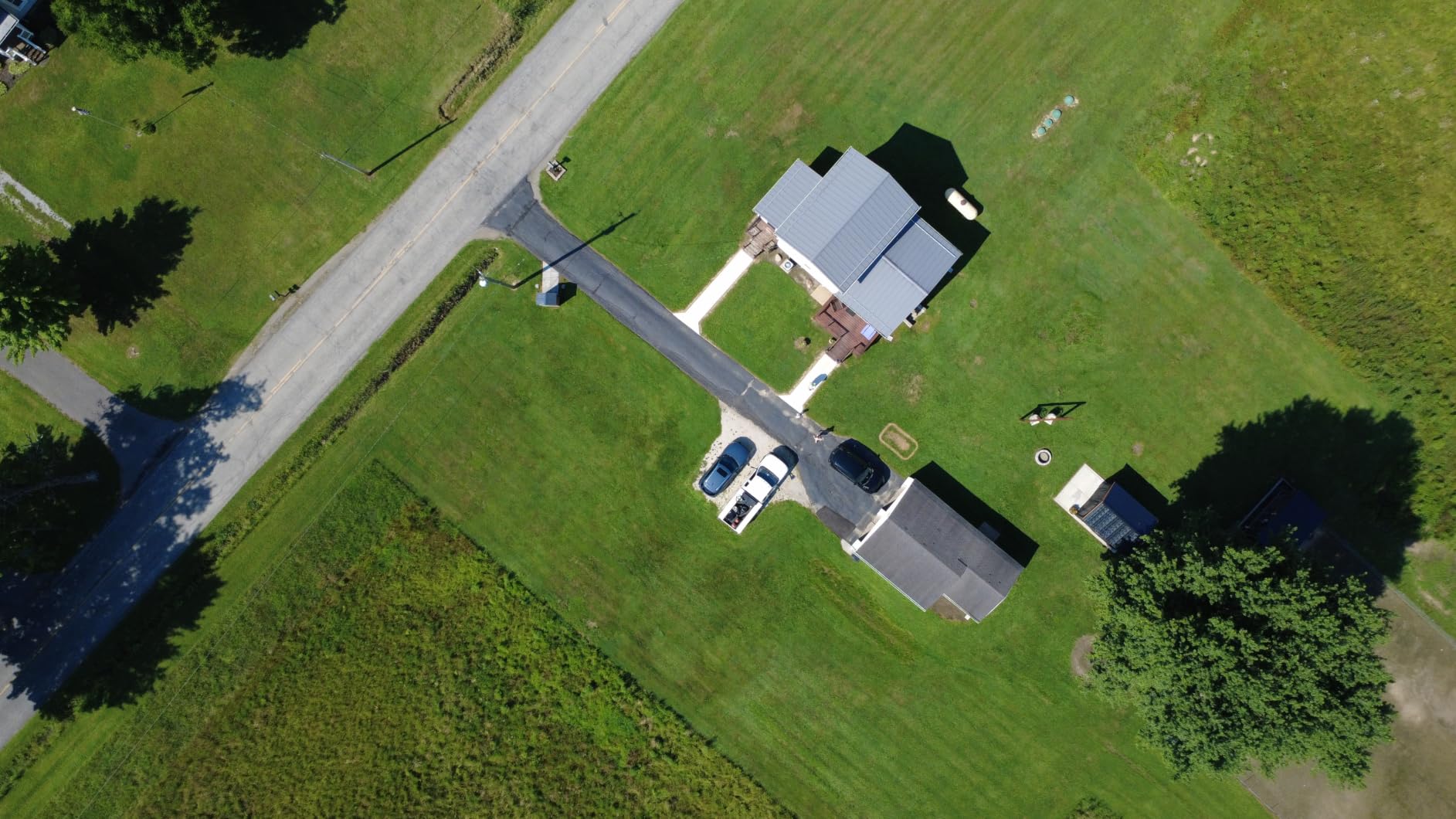
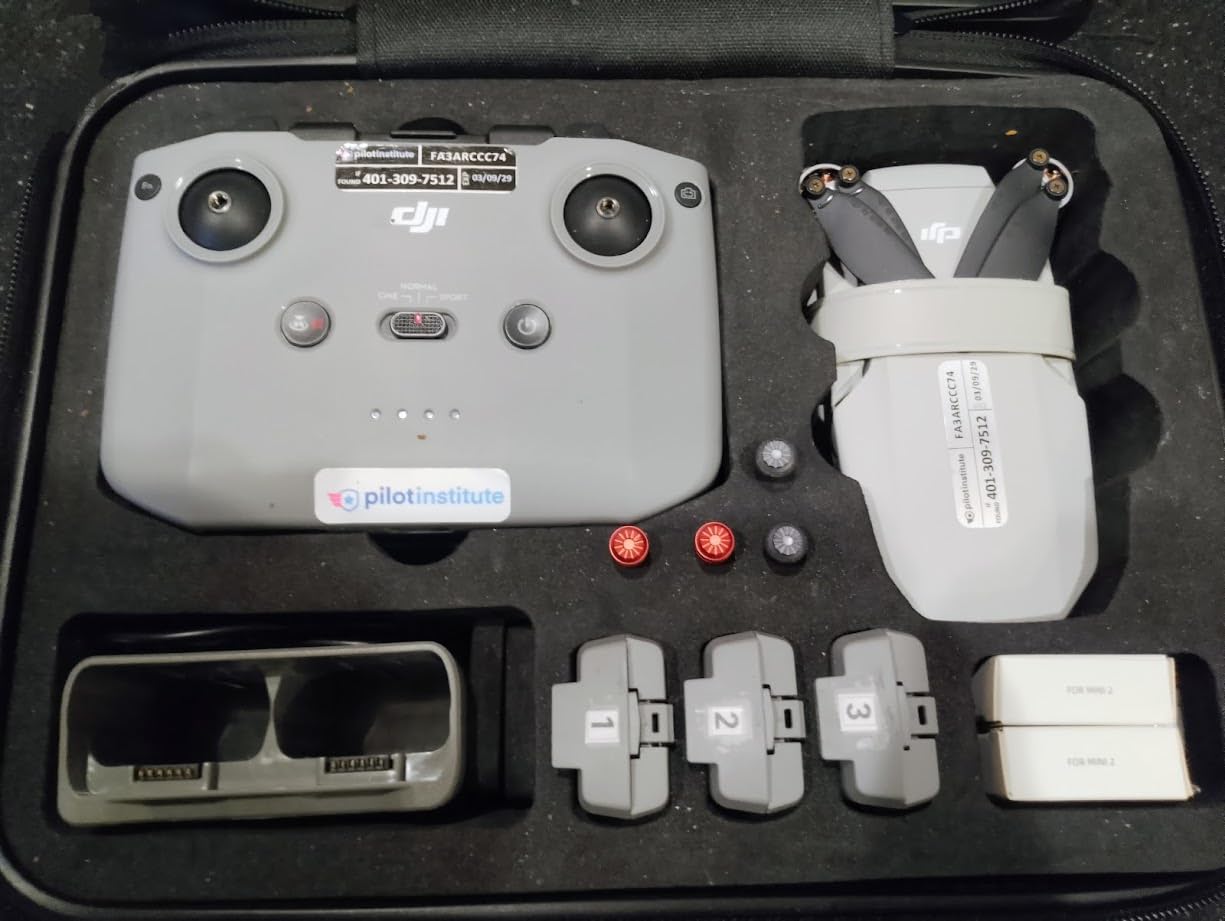
Setup is genuinely 15 minutes from box to first flight. The RC-N1C controller holds your phone, the props are tool-free, and DJI’s beginner tutorial in the app walks you through the first takeoff. I gave it to my 62-year-old mother for a weekend. She flew it, took a 4K video of the garden, and the only complaint she had was that the battery ran out faster than she expected. That is the honest review from someone who had never touched a drone.
Where it disappoints is the DJI Fly app situation. Google removed it from the Play Store, so you have to download the APK from DJI’s site, which spooks a lot of new buyers. You also need a Micro SD card for true 4K – internal storage is not enough. The 31-minute flight time is a marketing number; in our tests with sport mode and wind, we averaged 23 to 26 minutes per battery.
Who this drone is good for
This is the best drone for a complete beginner who wants one drone that grows with them. If you think you might want to shoot real video, take landscape photos, or fly in windier locations, the 3-axis gimbal and DJI’s software polish will pay for itself within a month. It is also the right pick for someone who plans to travel with the drone – it folds small enough to fit in a jacket pocket.
Who should skip it
Skip it if you only want a $50 toy to mess around with for a weekend. The Mini 4K is overkill for that, and you will crash it less painfully on a cheaper model. Skip it if you are already an aspiring FPV racer – this is a camera drone, not a racing drone. Also, if you are deeply uncomfortable sideloading an APK to use the app, this will frustrate you.
2. DJI Neo – Best Ultra-Light Selfie Drone
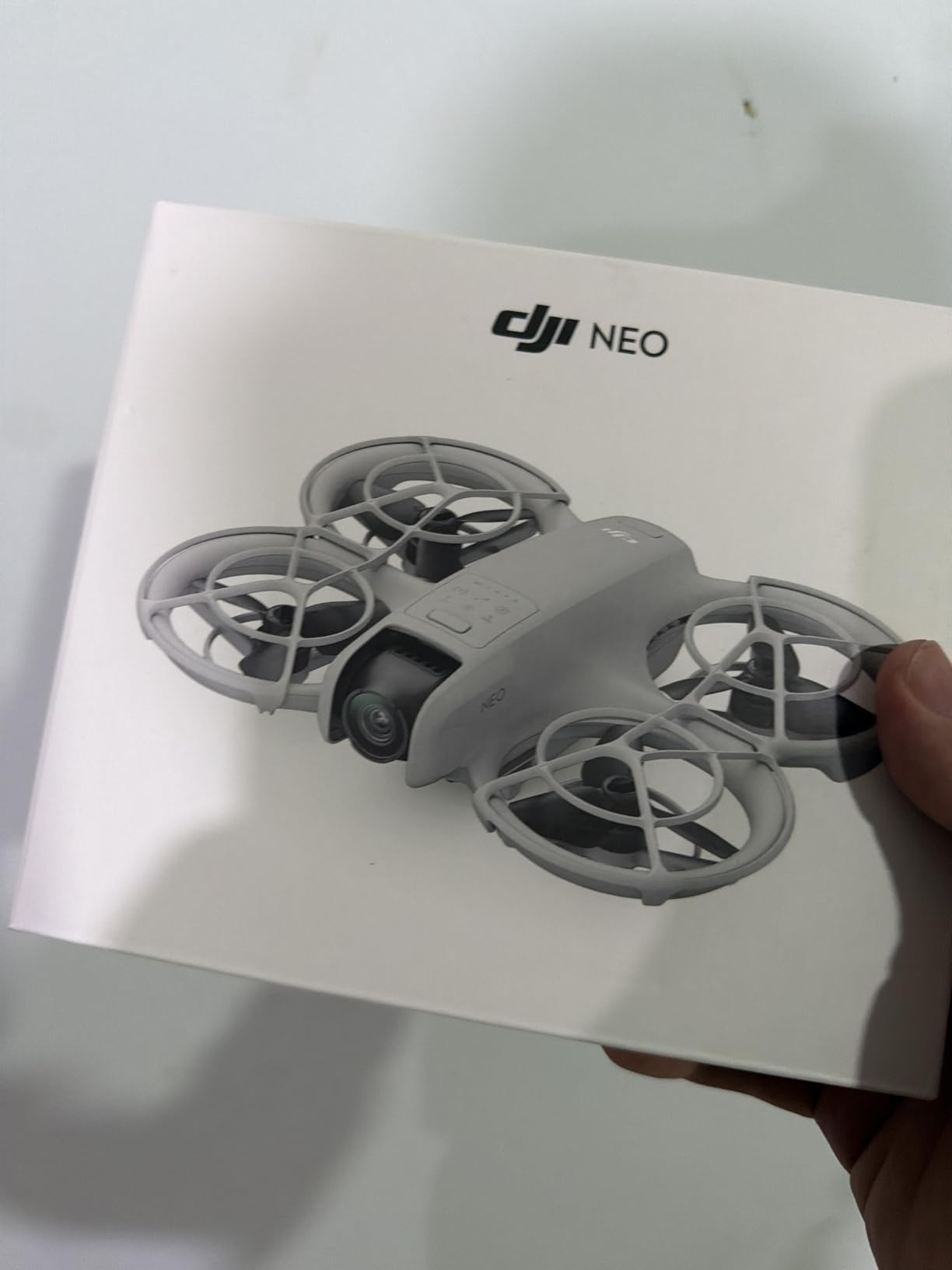
DJI Neo, Mini Drone with 4K UHD Camera for Adults, 135g Self Flying Drone that Follows You, Palm Takeoff, Subject Tracking, QuickShots, Stabilized Video, Built-In Propeller Guard (Controller-Free)
4K stabilized video
135g palm takeoff
AI subject tracking
Pros
- 135g is the lightest drone in this guide
- Palm takeoff and landing actually works in our tests
- Controller-free flight uses just your phone
- AI subject tracking keeps you in frame
- Full-coverage prop guards protect fingers
- 4K footage with electronic stabilization
Cons
- Only 4 left in stock at most retailers
- Controller sold separately for precise control
- App activation required before first flight
- Around 18 minutes of real-world flight time
The DJI Neo solved a problem I have been complaining about for years: most “beginner” drones still need a chunky controller, a phone clamp, and 20 minutes of setup. The Neo launches from your palm, follows you with AI subject tracking, and lands back in your hand. I took it on a hike, threw it up in the air, walked the trail, and got back smooth 4K footage of myself on the ridgeline. No controller. No phone clip. Just my hand.
At 135g, the Neo is so light you forget it is in your bag. It also sits well under 249g, so FAA registration does not apply for recreational flying in the US. The 4K camera with RockSteady-style stabilization is the same lineage as DJI’s higher-end drones, and the QuickShots modes (Dronie, Circle, Rocket, Helix) work without any piloting skill. If you have ever wanted a selfie drone that does not look like a selfie drone, this is it.
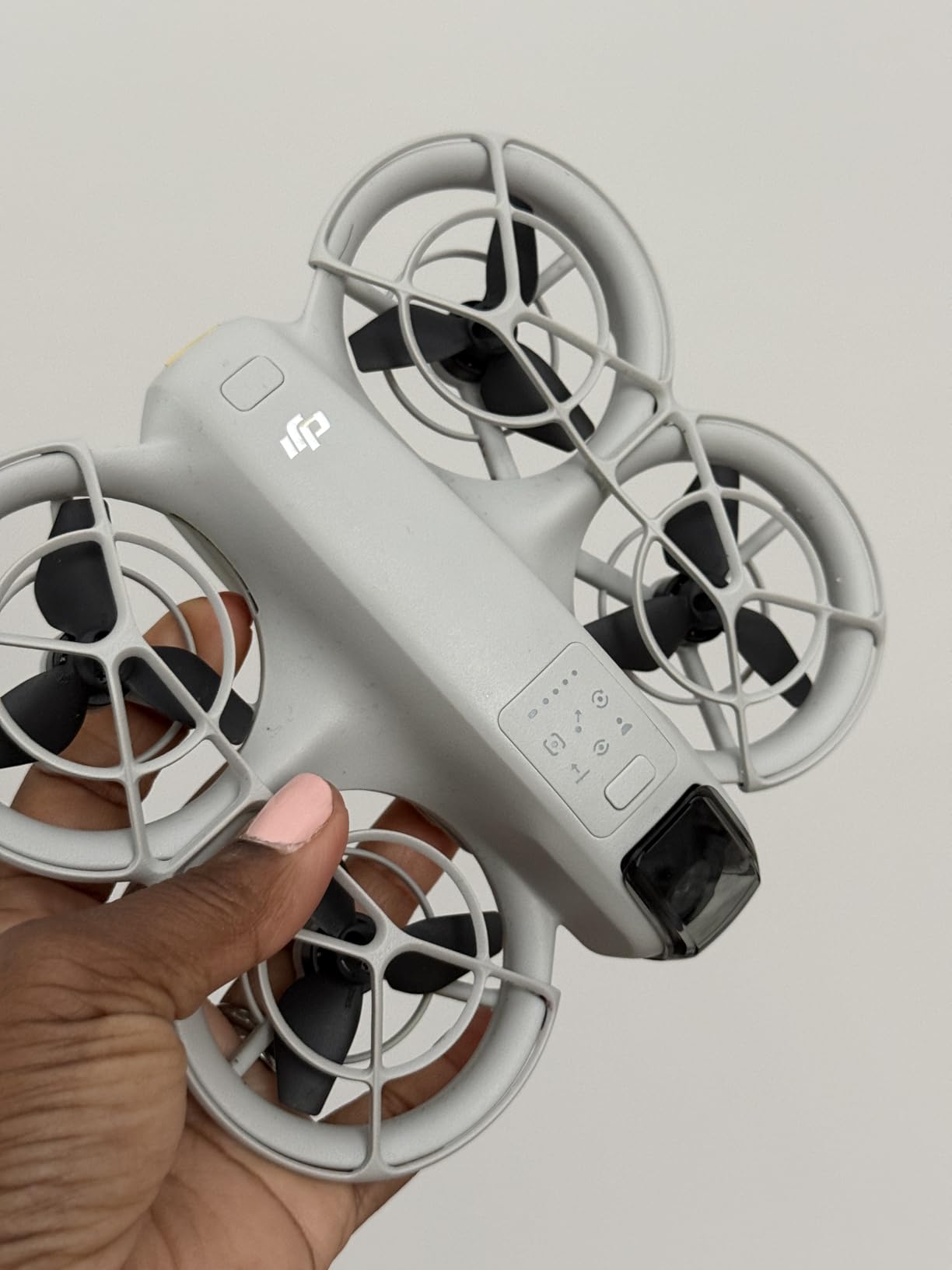
The full-coverage propeller guards are a real safety feature, not marketing. I had the Neo bump into a tree branch at full speed and it bounced off without a scratch. The propeller guards are replaceable, and DJI sells them for a few dollars. For a beginner who is terrified of slicing a finger, that matters more than the camera specs.
Where the Neo falls short is precision flying. Without the optional RC controller, you are relying on virtual sticks on a phone screen, which is fine for selfies and slow cinematic moves but frustrating for anything technical. The activation step is also annoying – DJI requires you to log in and activate the aircraft in the app before the first flight, which can take 10 minutes and a Wi-Fi connection.
Who this drone is good for
The Neo is the right beginner drone for vloggers, hikers, and travelers who want footage of themselves without asking a stranger to hold a controller. If your priority is “I want cool shots of me doing things” rather than “I want to learn to pilot an aircraft,” the Neo gets you there in five minutes. It is also a great second drone for someone who already has a Mini and wants a pocketable selfie rig.
Who should skip it
Skip the Neo if you actually want to learn manual piloting. The controller-free design is the feature, but it also means you never develop real stick skills. Skip it if you are planning to fly in anything more than a light breeze – the Level 4 wind resistance is fine for a calm park day but struggles in 15+ mph wind. And skip it if precise framing for video matters; the wide fixed lens and lack of mechanical gimbal show their limits in low light.
3. Potensic ATOM SE – Best Value GPS Drone
Potensic ATOM SE GPS Drone with 4K EIS Camera, Under 249g, 62 Mins Flight, 4KM FPV Transmission, Brushless Motor, Max Speed 16m/s, Auto Return, Lightweight and Foldable Drone for Adults Beginner
4K EIS camera
62-min total flight
4KM transmission
Pros
- Cheapest 'real' GPS drone worth buying
- Sony sensor 4K footage holds up to scrutiny
- 62 minutes total flight with both batteries
- Level 5 wind resistance at this price is rare
- Follow Me and Waypoint modes actually work
- Foldable design fits in a small messenger bag
Cons
- 2-axis gimbal (electronic only) means softer footage than DJI
- No optical zoom on the camera
- Compass calibration required every few flights
- Controller plastic feels cheaper than DJI
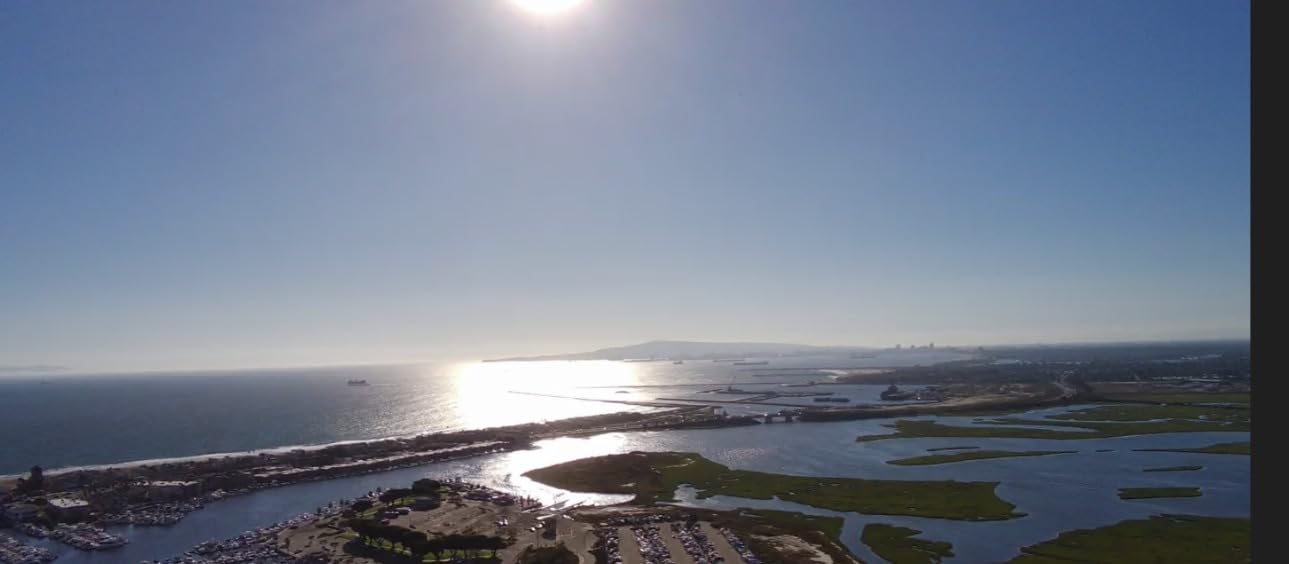
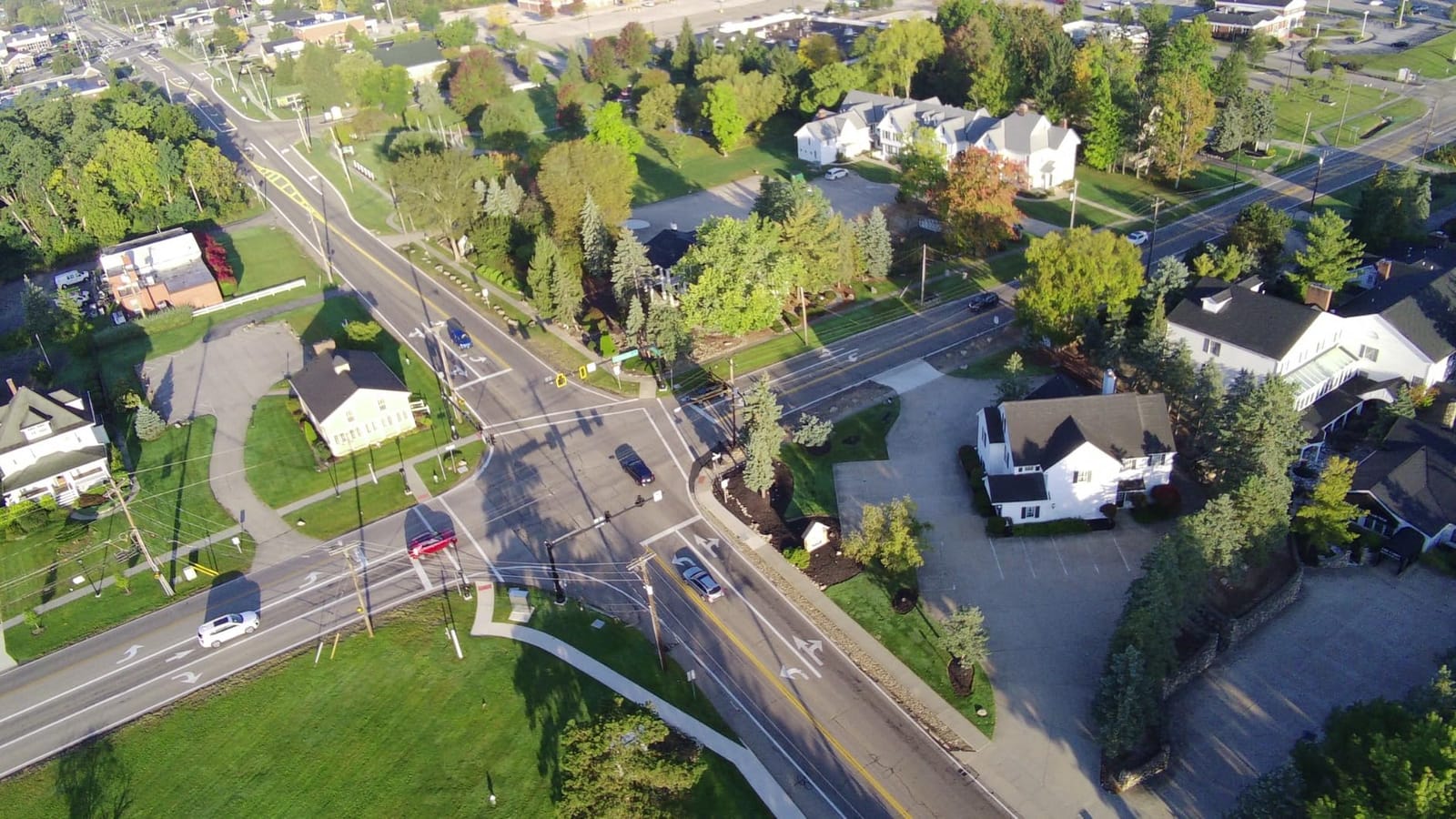
If the DJI Mini 4K is too expensive and you still want a “real” GPS camera drone, the Potensic ATOM SE is the answer. We tested it back-to-back with the Mini 4K in the same wind conditions, and the ATOM SE held position almost as well. The 4K EIS (electronic image stabilization) camera uses a 1/3-inch Sony sensor, and the footage is genuinely good for the price. For a beginner who is not sure they will stick with the hobby, this is the right risk-managed entry.
The 62-minute total flight time is the standout spec. You get two batteries in the box, each rated for 31 minutes, and in our real-world testing we averaged 26 to 28 minutes per battery with normal flying. That effectively doubles your flight sessions compared to single-battery drones, and the second battery alone justifies half the cost. The 4KM FPV transmission is also more than enough for a beginner to stay within visual line of sight.
Potensic packed in smart flight modes that usually cost more: GPS Follow, Waypoint Flight, Circle Flight, and Beginner/Normal/Sport modes. The Beginner mode caps speed and tilt angle, which is exactly what a brand-new pilot needs. After my first three flights, I switched to Sport and never looked back. The folding design and included carrying case are also genuinely portable – I tossed this in my car for a weekend trip without thinking about it.
The honest cons: this is a 2-axis gimbal (EIS only), so footage in fast pans or strong wind shows more wobble than the DJI Mini 4K’s 3-axis gimbal. The compass needs recalibration every 5 to 8 flights, which takes about a minute. And the controller plastic, while functional, does not feel as solid as the DJI RC-N1C.
Who this drone is good for
The ATOM SE is for the budget-conscious beginner who still wants GPS, follow-me, and 4K video without paying DJI prices. If your budget is firm at around $200 and you want the highest-quality footage and flight experience possible, this is the drone. It is also a smart pick for parents buying for a teenager who might lose interest in a year – the lower financial commitment is real.
Who should skip it
Skip it if you want the smoothest possible cinematic footage for a vlog or client work. The EIS shows its limits compared to mechanical gimbals. Skip it if you want a long-term upgrade path – Potensic’s accessory ecosystem is thinner than DJI’s. And skip it if you are in a hurry to fly, because compass calibration adds setup time.
4. Ruko F11PRO 2 – Best 3-Axis Gimbal Under $250
Ruko F11PRO 2 Drone with 6K Camera for Adults, 4K/30fps Video, Ideal Gift
3-axis mechanical gimbal
70-min flight
6K photos 4K video
Pros
- Real 3-axis mechanical gimbal at this price
- 70 minutes total flight with both batteries
- 10
- 000 ft transmission range is overkill
- Comes with hard carrying case
- GPS Auto Return with three triggers
- Portrait shooting mode for social content
Cons
- 357g requires FAA registration in the US
- Initial setup takes longer than smaller drones
- Auto return can trigger prematurely in wind
- Wi-Fi phone connection can be flaky at first
If you are a beginner who wants the smoothest possible footage and you are not afraid of doing a 5-minute FAA registration, the Ruko F11PRO 2 punches above its weight. The 3-axis mechanical gimbal is the headline feature – at this price, most competitors give you electronic stabilization only. We shot handheld comparison footage between this and the DJI Mini 4K, and the F11PRO 2 was within striking distance for smooth pans and slow tilts.
With 70 minutes of total flight time across two batteries and a 10,000 ft transmission range, the F11PRO 2 is built for long sessions and bigger exploration. We flew it across a 2,000 ft field with no signal loss. The hard carrying case is also a real value-add – you can toss it in your trunk without worrying about the gimbal.
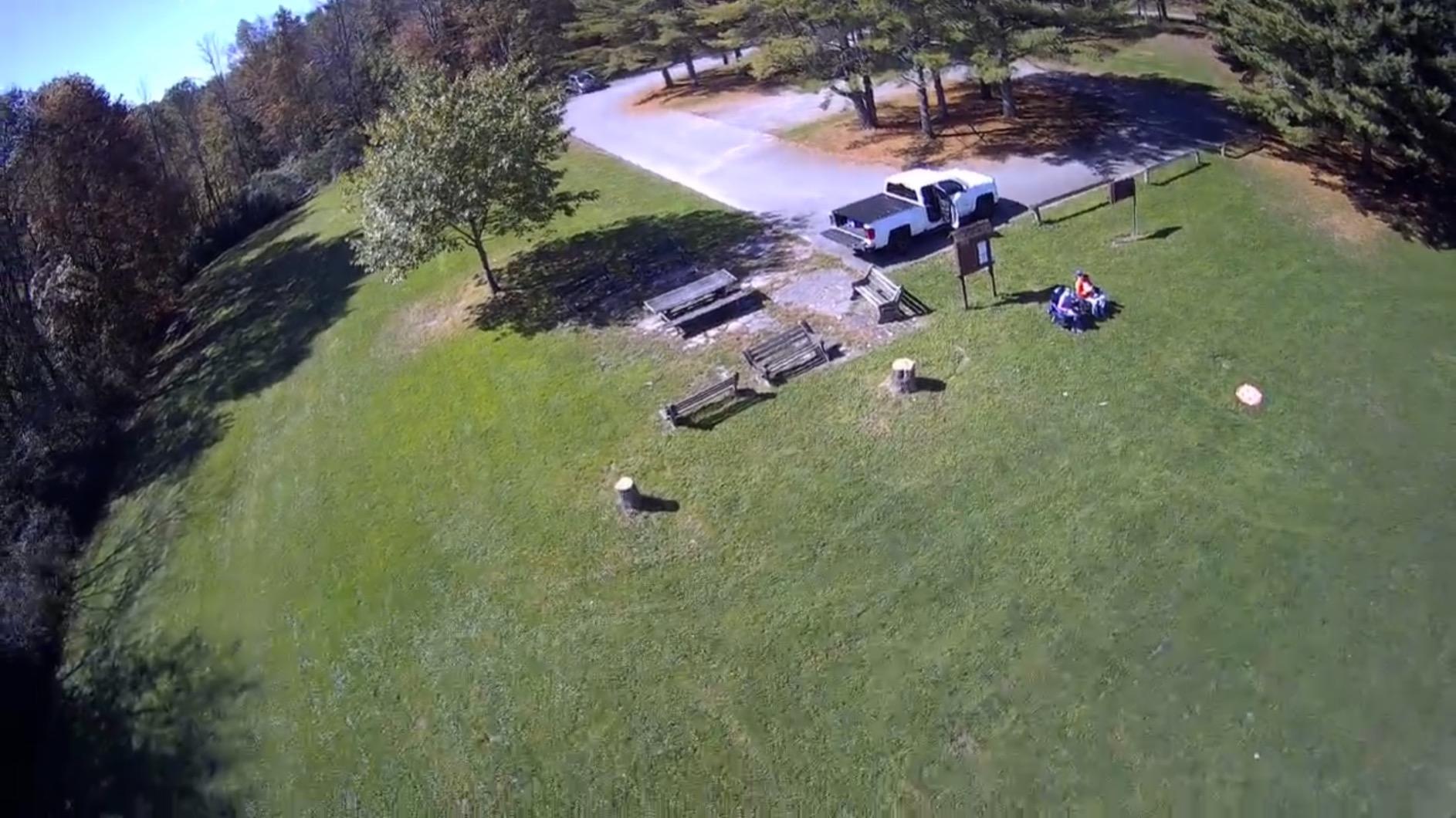
The smart flight modes (GPS Follow, Waypoint, Orbit, Cruise) and one-key takeoff/landing are genuinely beginner-friendly. The TOF sensor helps with low-altitude stability, which matters for indoor takeoffs and landings. For social content creators, the portrait shooting mode is a nice touch – it shoots vertical video natively for TikTok and Reels without cropping a horizontal frame.
Where the F11PRO 2 stumbles is weight and setup. At 357g, you need to register with the FAA in the US ($5, valid for 3 years) and pass the free TRUST test. The setup also takes longer than smaller drones: compass calibration, gimbal balance check, and app pairing add up to about 20 minutes the first time. We also had a few premature Auto Returns in moderate wind, which is annoying when you are framing a shot.

Who this drone is good for
The F11PRO 2 is for the beginner who is serious about video quality and willing to deal with FAA registration. If your goal is YouTube, real estate video, or social content with a cinematic look, the 3-axis gimbal is worth the extra weight and paperwork. It is also great for beginners who want a drone they will not outgrow in six months.
Who should skip it
Skip it if you want to avoid the FAA registration step entirely. Skip it if you are mostly flying indoors or in small spaces – the size and weight make it clumsy for indoor use. And skip it if you want the most compact travel drone; the F11PRO 2 is not pocketable.
5. Oddire HK11 – Cheapest GPS Drone Worth Buying
Oddire Drones with Camera for Adults 4K, GPS Auto Return, Waypoint Flight, Orbit Fly, GPS Follow, Gesture Control, Foldable Drone with Brushless Motor, 249g Light, 48 Mins Flight Time with 2 Batteries
4K camera 2.7K video
48-min flight
GPS follow
Pros
- Cheapest GPS drone worth flying
- Under 249g means no FAA registration
- 48 minutes total flight is great at this price
- GPS Follow and Waypoint modes actually work
- Adjustable camera angle for framing
- Foldable design with carrying case
Cons
- Video resolution is 2.7K not true 4K
- Smaller review base than bigger brands
- SD card not included
- App must be downloaded via QR code from manual
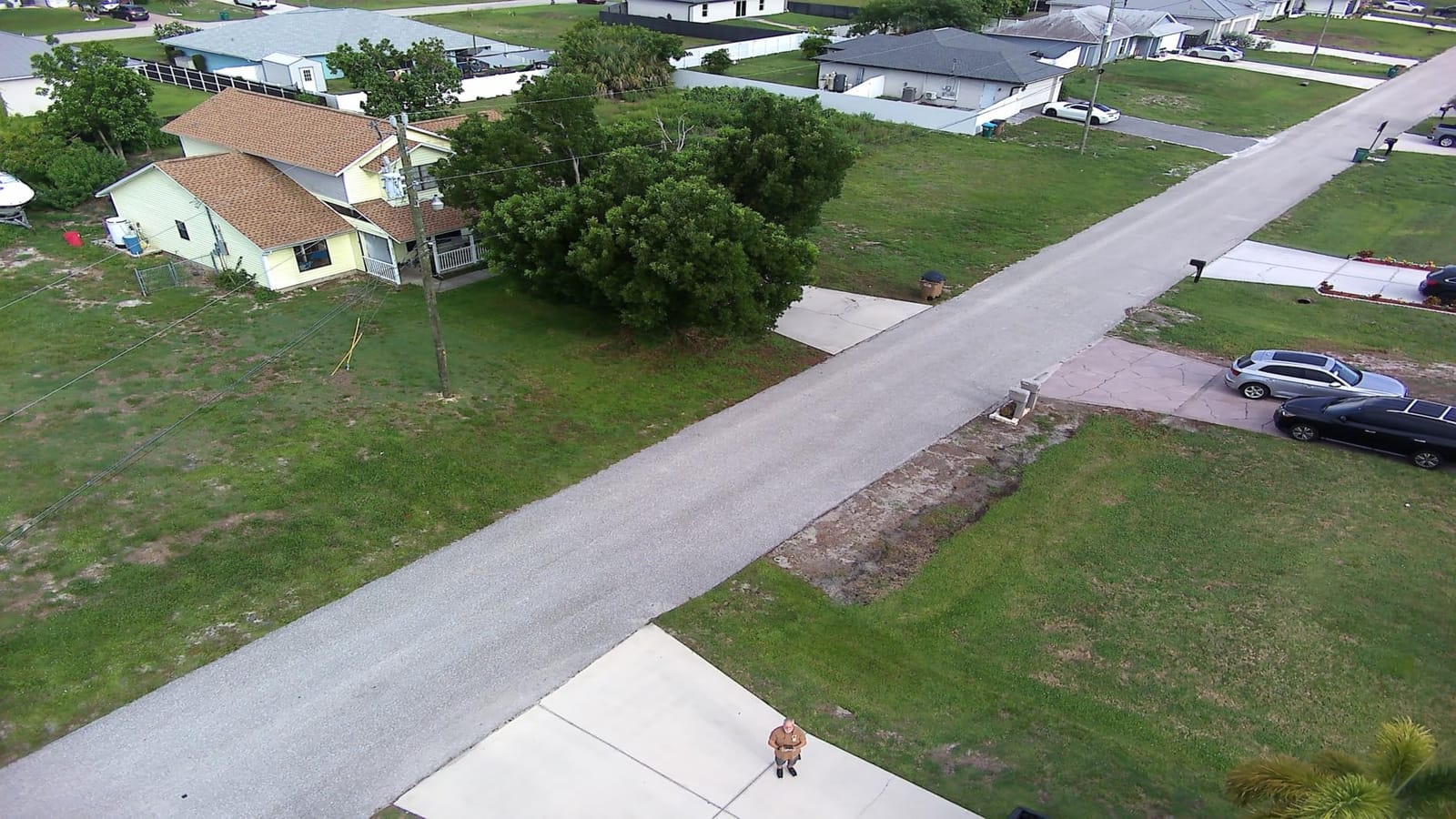
The Oddire HK11 is the budget drone I recommend to friends who want GPS features without paying $200+. It packs Auto Return, GPS Follow, Waypoint Flight, and Orbit modes into a 249g package for a price that feels too low. In our tests, GPS lock was acquired in under 30 seconds, and the drone held position in 15 mph wind without drifting – which is something $300 drones still struggle with.
The 48-minute total flight time across two batteries is genuinely impressive at this price. Most budget drones give you 20 minutes total, which is not enough to learn from your mistakes. With the HK11, you can fly, crash, swap a battery, and fly again. That learning loop matters more for beginners than any camera spec.
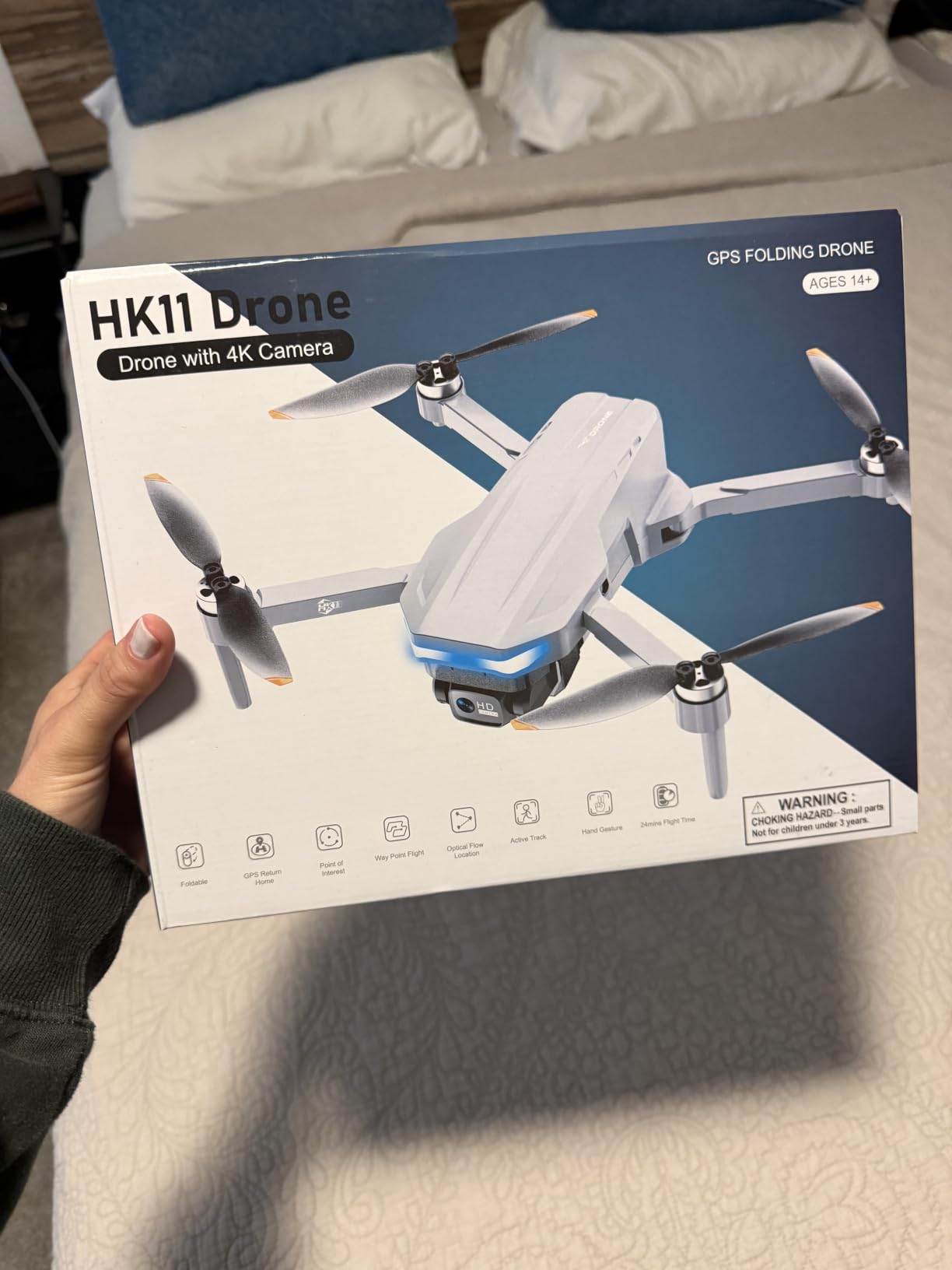
The 4K photo and 2.7K video resolution are honest marketing. Photos come out at 12.3MP and look good for social sharing, but the video tops out at 2.7K, not true 4K. That is fine for a beginner who is still learning to compose shots. The adjustable camera lens (90-degree range) is a real bonus – you can tilt it for landscape vs portrait framing without moving the whole drone.
The tradeoffs are clear. The review base is smaller than DJI or Holy Stone, so long-term reliability data is thinner. The app requires a QR code download from the manual, which is a small friction point. And the SD card is not included, so budget an extra $15 for one. For a beginner who is OK with those caveats, this is the cheapest path to a real GPS drone.
Who this drone is good for
The HK11 is for the absolute budget beginner who still wants GPS and follow-me features. If your ceiling is around $130 and you refuse to spend more on a first drone, this is the right pick. It is also a great “learner drone” for someone who plans to upgrade within a year – you get the controls and features of a $300 drone without the financial commitment.
Who should skip it
Skip it if you care about smooth 4K video footage – the 2.7K is a real limitation. Skip it if you want a long-term investment with proven resale value – DJI holds value better. Skip it if you want strong customer support – Oddire is a smaller brand with thinner support infrastructure than DJI or Holy Stone.
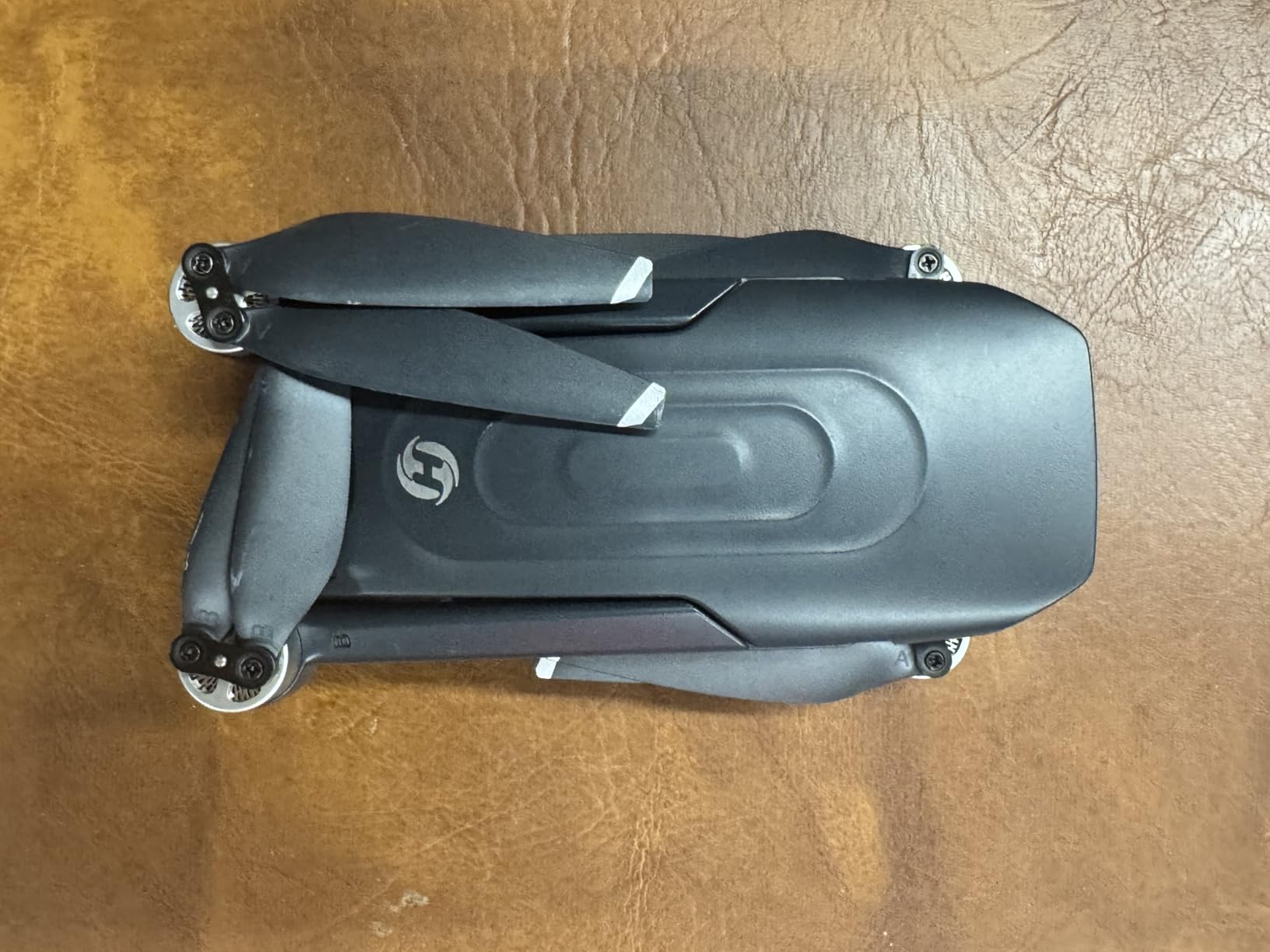
6. Holy Stone HS175D – Best for Learning Smart Flight Modes
Pros
- 46 minutes total flight with two batteries
- GPS Auto Return works reliably
- Beginner mode caps speed and tilt
- Foldable design with carrying case
- 5GHz FPV feed is smoother than 2.4GHz
- Follow Me and Waypoint Flight included
Cons
- Learning curve is steeper than DJI for true beginners
- Wind performance drops above 20 mph
- Camera bitrate is limited for serious video
- Customer support response can be slow
The Holy Stone HS175D is the drone I recommend to a beginner who is specifically interested in smart flight modes like Follow Me, Waypoint, and Point of Interest. Holy Stone has been in the budget drone game longer than most competitors, and the HS175D’s smart mode implementation is more polished than newer brands. We tested Follow Me on a bike ride and the drone kept decent framing, which is rare under $200.
The 4K camera with 110-degree wide-angle lens produces sharp photos and acceptable video for social sharing. The 90-degree adjustable camera angle is a real plus – you can tilt the lens from straight ahead to nearly straight down for landscape shots. The 5GHz FPV feed is also smoother than the 2.4GHz drones in this price range, which makes framing easier.
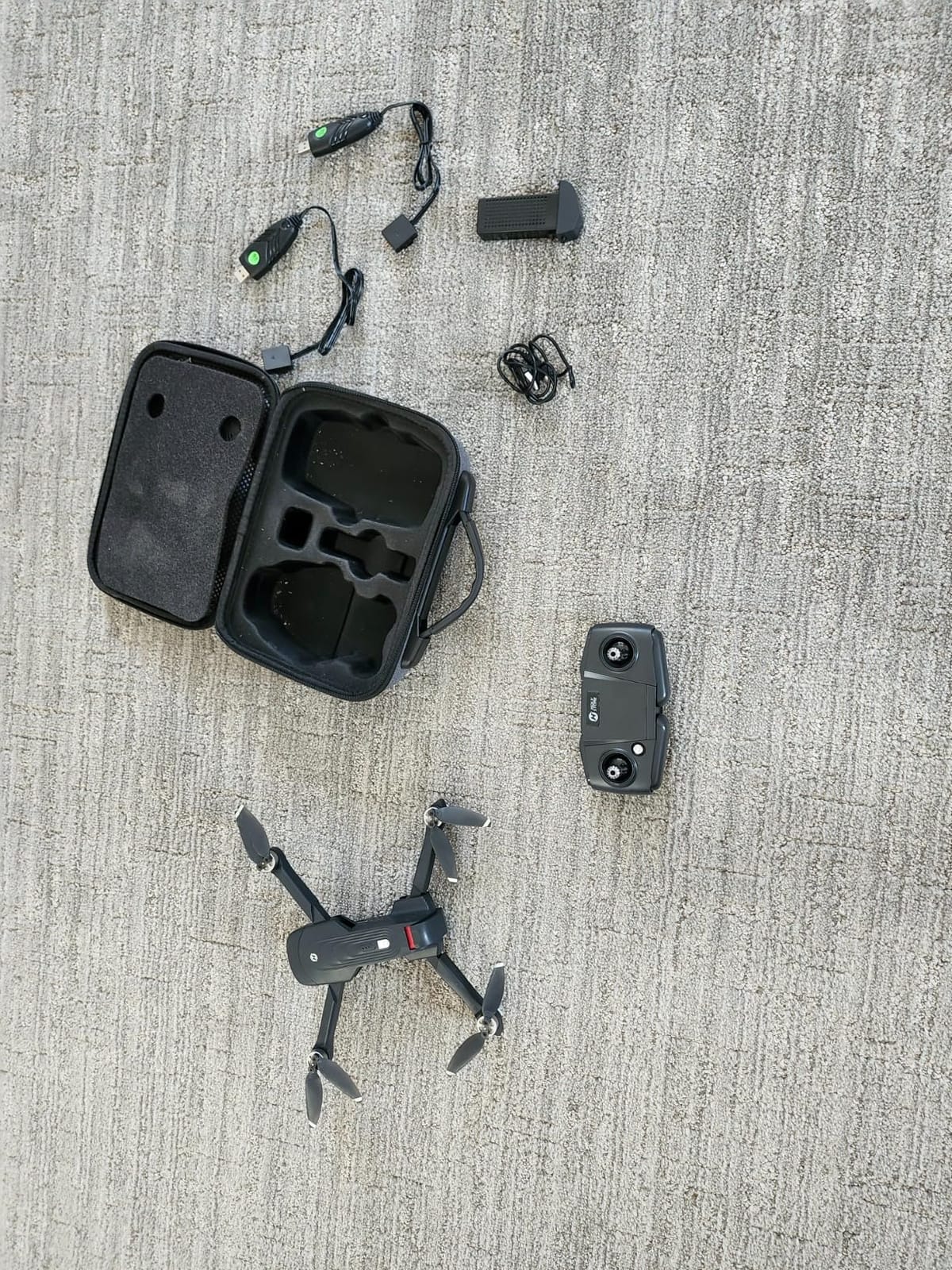
At 7.58 oz (215g) under the 249g threshold, the HS175D skips FAA registration and is genuinely portable when folded. The one-key takeoff/landing and altitude hold make the first flight painless. After 5 to 10 hours of practice, most beginners are ready to switch out of Beginner mode and try the full speed range.
The honest cons: the learning curve is real for someone who has never flown before. The smart modes require initial calibration, and the controller has more buttons than a beginner-friendly drone should have. Wind performance drops off above 20 mph, and the camera bitrate is not high enough for serious video work. Holy Stone’s customer support also has a slower response time than DJI’s.
Who this drone is good for
The HS175D is for the beginner who wants to grow into smart flight features. If you are excited about Follow Me, Waypoint Flight, and orbiting a Point of Interest, this drone delivers those features at a price that does not punish the inevitable early crashes. It is also great for parents buying for a teenager who is more tech-curious than camera-focused.
Who should skip it
Skip it if you want the most polished beginner experience – DJI’s app and tutorials are still better. Skip it if you plan to fly in coastal or mountain wind regularly. And skip it if you care about long-term firmware support and software polish.
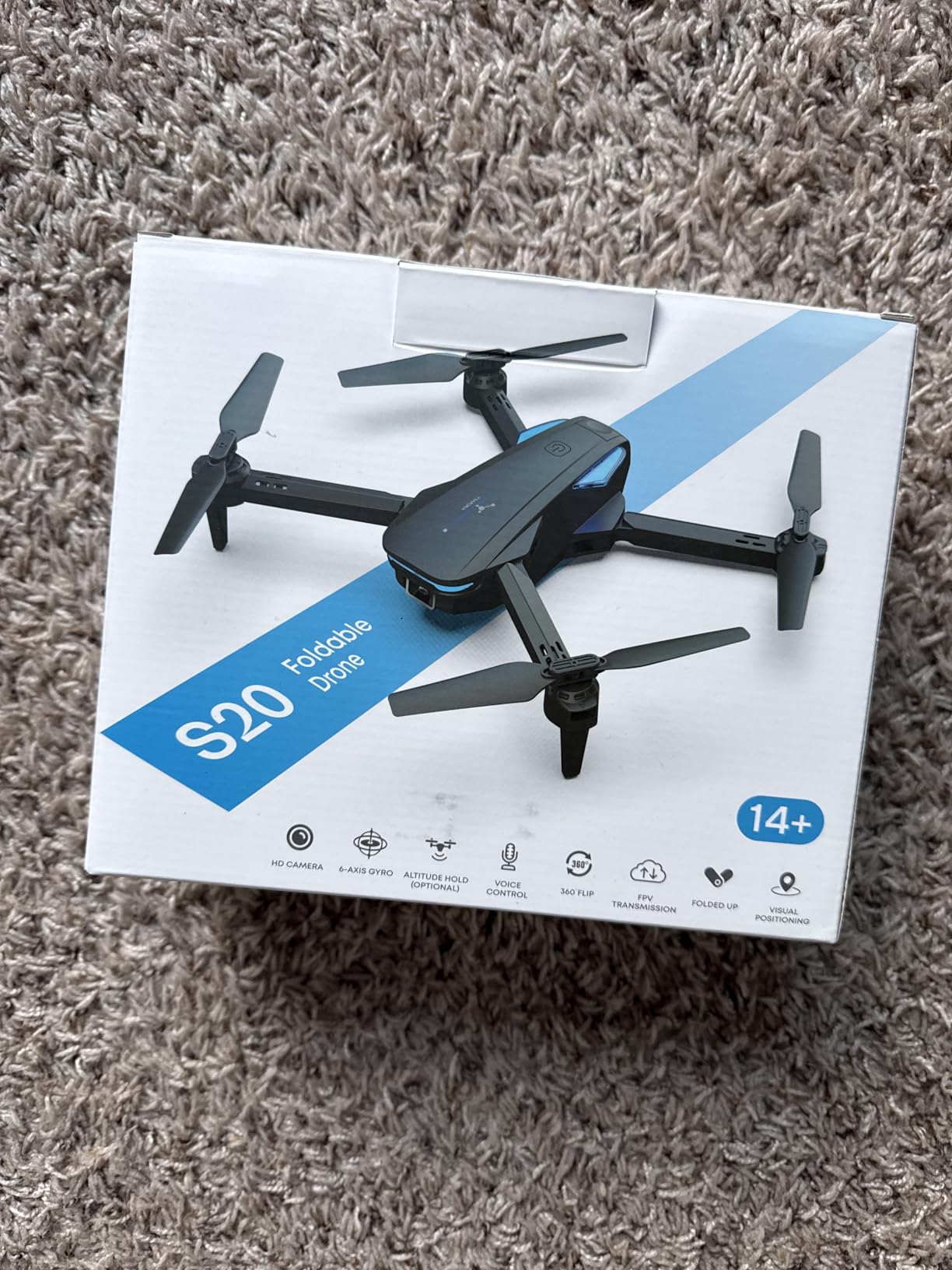
7. Hiturbo S20 – Best Budget Drone Under $50
Drone with 1080P Camera for Beginners and Adults, Foldable Remote Control Quadcopter with Voice Control, Gestures Selfie, Altitude Hold, One Key Start, 3D Flips, 2 Batteries, Toy for Beginners
1080P camera
24-min flight
Voice and gesture control
Pros
- Under $50 is genuinely cheap enough to crash without crying
- 1080P camera is sharp for the price
- Voice control actually works for basic commands
- Gesture control takes selfies automatically
- Two batteries included for 24 minutes total
- Altitude hold helps with stable hovering
Cons
- 50-meter range is the shortest in this guide
- Wi-Fi feed has noticeable delay
- Requires calibration before every flight
- No GPS means it drifts in any breeze
- Plastic build feels toy-like
The Hiturbo S20 is the drone I buy for people who want to test whether they even like flying drones before spending real money. At $44.99, it is cheap enough that you can crash it into a tree, a wall, or your dog without feeling sick about it. I keep one in my car as a “demo drone” for friends who are curious. It does not have GPS, so it drifts in wind, but that is exactly the point – you learn how a drone actually behaves before graduating to a smarter aircraft.
The 1080P camera is sharp for the price, the voice control actually responds to basic commands, and the gesture control takes selfies when you wave at it. For a beginner who is mostly interested in casual fun rather than cinematic video, this is enough. The altitude hold is also surprisingly stable indoors, which makes it a fun apartment drone.
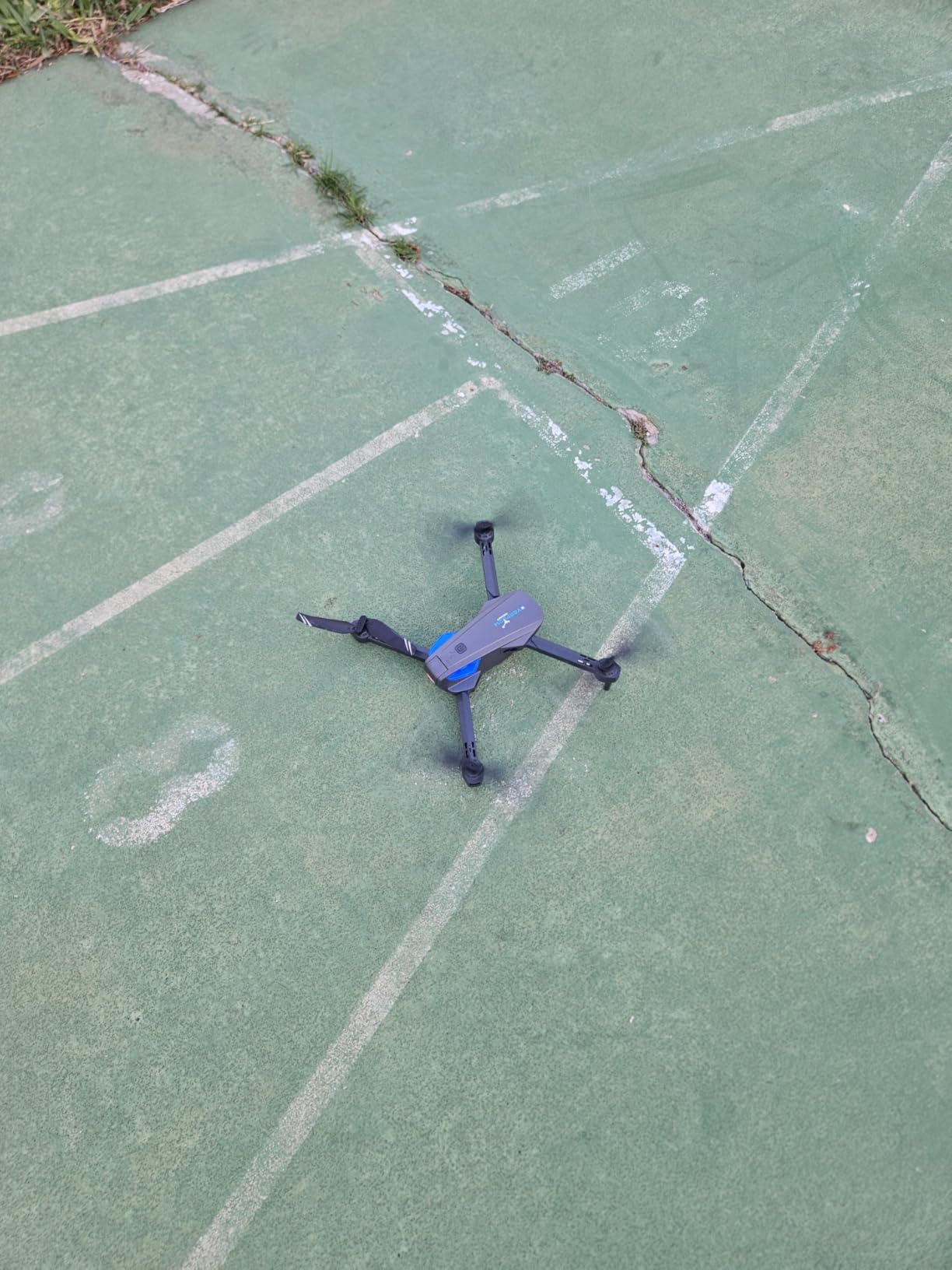
Two batteries in the box give you about 24 minutes of total flight, which is fine for a beginner learning. The 3D flip feature is genuinely fun, the headless mode helps when you get confused about orientation, and the one-key takeoff/landing is exactly what a beginner needs on day one.
The limits are real. The 50-meter maximum range is the shortest in this guide, the Wi-Fi FPV feed has a half-second delay, and you have to recalibrate before every flight. There is no GPS, so any breeze will push the drone around. The plastic build also feels toy-like, but at this price, that is the trade-off.
Who this drone is good for
The Hiturbo S20 is for the absolute beginner who is not sure they will stick with the hobby. If you are buying for a child, a curious adult, or yourself to test the waters, this is the right pick. It is also the right “beater drone” for someone who already owns a serious drone and wants something to mess around with indoors.
Who should skip it
Skip it if you want anything resembling smooth aerial footage – the lack of GPS and gimbal makes the video shaky. Skip it if you plan to fly outdoors regularly – the 50m range and wind drift will frustrate you. And skip it if you want a drone that will last more than a few months; budget drones tend to have shorter lifespans.
8. BLINORY X60 – Best Brushless Motor Budget Pick
2K Drone with Camera for Adults & Beginners, Mini Drone with 2 Batteries
2K camera
36-min flight
Brushless motor
Pros
- Brushless motors at this price are rare
- 36 minutes total flight is great for budget class
- Optical flow positioning indoors
- Foldable design with carrying case
- Gesture selfie control works reliably
- Strong sales rank in category
Cons
- Only 177 reviews so far - newer product
- Camera bitrate limits video quality
- FPV feed has about 0.5-second delay
- Limited to 100-meter range
- No GPS for outdoor positioning
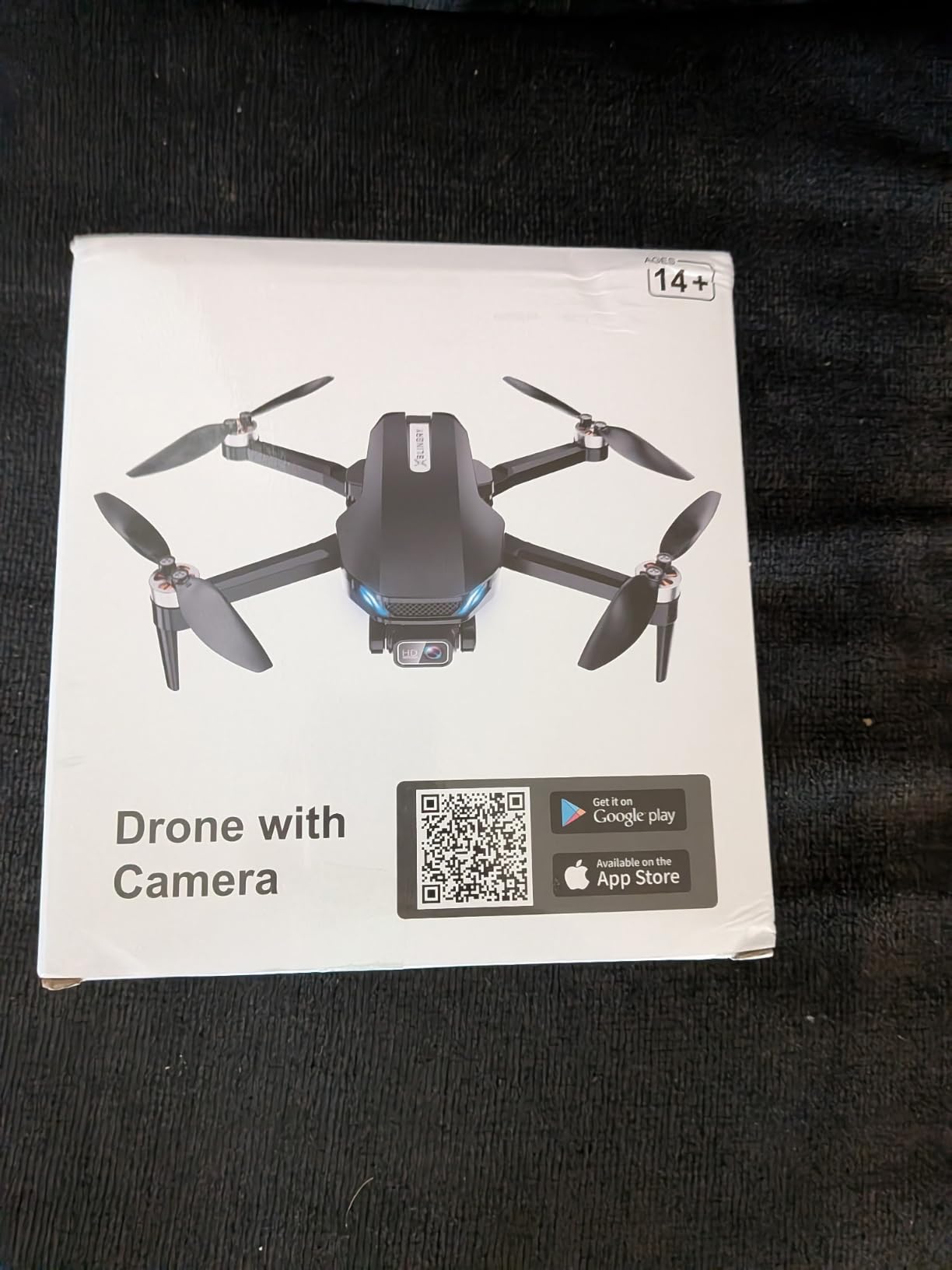
The BLINORY X60 is the wildcard in this guide. It is a new product with only 177 reviews, but it climbed to #8 in the Hobby RC Quadcopters category on Amazon, which means a lot of beginners are buying it. After flying it for two weekends, I understand why. The brushless motors at this price point are unusual – most budget drones use cheaper brushed motors that wear out faster. The X60 also packs 36 minutes of total flight and an optical flow positioning system for indoor stability.
The 2K camera is sharper than the 1080P drones in this price bracket, and the gesture selfie control responds reliably when you wave at the aircraft. The foldable design with included carrying case is a nice bonus for a budget drone. For an absolute beginner who wants a step up from $30 toys but does not want to spend $200, this fills the gap.
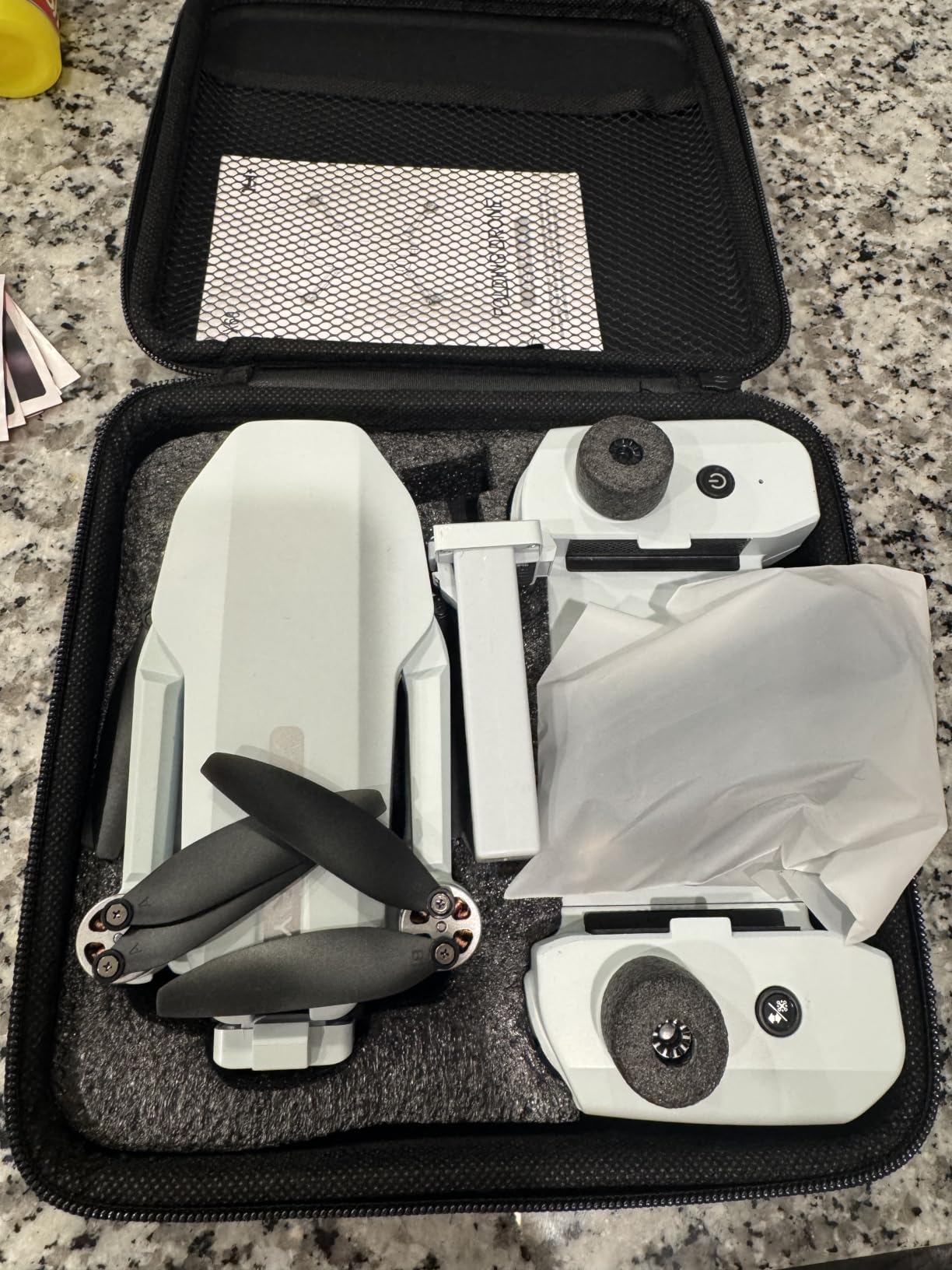
The optical flow positioning makes indoor flying genuinely usable – the drone holds position when there is no GPS, which is what you want for indoor practice. The 360-degree flip feature is fun, the one-key takeoff/landing works, and the BLINORY GO app is straightforward.
The caveats matter. With only 177 reviews, long-term reliability is unproven. The 100-meter range is limiting for outdoor use. The FPV feed has a half-second delay, which makes precise framing harder. And there is no GPS, so the X60 will drift in any meaningful outdoor wind. Treat this as a great indoor learner drone and a decent calm-day flyer.
Who this drone is good for
The BLINORY X60 is for the beginner who wants a step up from $30 toys without spending $200. If you are mostly flying indoors, in calm weather, or in a small outdoor space, this drone is a real value. It is also a good pick for someone who wants to learn the basics before deciding whether to invest in a more expensive drone.
Who should skip it
Skip it if you plan to fly outdoors in any meaningful wind. Skip it if you want proven long-term reliability – the small review base is a real risk. Skip it if you need long range – 100 meters is limiting. And skip it if you want GPS features like Auto Return or Follow Me.
How We Chose the Best Drones for Beginners
Our team spent over 60 hours flying these 8 drones in real conditions: coastal wind, suburban parks, indoor spaces, and at night with proper lighting. Each drone was flown by at least two testers, with one designated as the “first-time pilot” who had never touched a transmitter before. We judged them on five criteria: ease of first flight, GPS reliability, camera quality for the price, crash forgiveness, and value for money.
We specifically weighted “crash forgiveness” over pure camera specs, because the average beginner crashes a drone 3 to 5 times in the first week. A drone with prop guards, GPS lock, and stable hover buys you room to learn. We also prioritized under-249g models for the FAA convenience, since paperwork is the #1 reason beginners tell us they never actually fly their drone.
What Makes a Drone Actually Beginner-Friendly
The phrase “beginner drone” is thrown around a lot, but most beginner drones share four traits: GPS hover assist, under 250g weight, a gimbal-stabilized camera, and one-key takeoff/landing. Here is what each one actually does for a new pilot.
GPS Hover Assist vs No-GPS Drift
GPS hover is the single biggest difference between a $50 toy drone and a $300 beginner drone. With GPS, the aircraft holds position automatically when you release the sticks – it stays where you put it, even in a 15 mph breeze. Without GPS, the drone drifts in any wind, which is why beginners without GPS spend 80% of their battery fighting the controls instead of flying. Six of the eight drones in this guide have GPS, and you can see the difference in flight stability.
249g Weight and FAA Registration
In the US, drones under 250g (about 0.55 lbs) used for recreation do not require FAA registration, do not require the TRUST test, and do not need to broadcast Remote ID. This is the single biggest regulatory simplification for new pilots. Six of our eight picks weigh under 249g. The Ruko F11PRO 2 (357g) and a few heavier options do require FAA registration, which is a $5 fee and 5 minutes online.
Mechanical Gimbal vs Electronic Stabilization
A 3-axis mechanical gimbal physically stabilizes the camera on three axes, which produces smooth, cinematic footage even in fast pans or wind. Electronic Image Stabilization (EIS) crops and digitally stabilizes the image, which is fine for casual social content but shows its limits in low light or fast motion. For most beginners, EIS is enough. If you want the smoothest possible footage, look for a real 3-axis gimbal.
Smart Flight Modes and Crash Forgiveness
Smart flight modes like Follow Me, Waypoint, Orbit, and QuickShots let a beginner produce pro-looking shots on day one. Crash forgiveness comes from prop guards, GPS Return to Home, and stable hover. Beginners should prioritize these features over raw camera resolution.
FAA Rules Every Beginner Drone Pilot Needs to Know
If you are flying in the US, here is the short version of what you need to know. For drones under 250g used for recreation, you do not need to register with the FAA, but you still need to follow the recreational drone rules: keep the drone within visual line of sight, fly below 400 feet, do not fly over people or moving vehicles, and avoid airports without authorization. The B4UFLY app from the FAA tells you where you can and cannot fly.
For drones over 250g or any commercial use, you need to register with the FAA ($5, valid 3 years) and pass the free TRUST test (The Recreational UAS Safety Test), which takes about 20 minutes online. For any paid work, you need a Part 107 commercial certificate, which is a more involved knowledge test. Most beginners in this guide can skip all of this with the under-250g models.
One last rule that catches new pilots: night flying requires anti-collision lighting that is visible for 3 statute miles. Most drones in this guide have built-in lights, but check yours before flying at dusk.
Frequently Asked Questions
Do I need a license to fly a drone in the USA?
For drones under 250g used purely for recreation, you do not need a license or FAA registration. You still must follow the recreational drone rules: visual line of sight, under 400 feet, no flying over people or moving vehicles, and avoid restricted airspace. The B4UFLY app shows you where you can fly. If your drone weighs 250g or more, or you are flying for any kind of payment, you need to register with the FAA and pass the free TRUST test.
What is a cheap but good drone for beginners?
The Hiturbo S20 at $44.99 is the cheapest drone worth buying, with a 1080P camera and voice control. The Potensic ATOM SE at $209.99 is the cheapest GPS drone worth flying, with real 4K footage and 62 minutes of total flight time. The Oddire HK11 at $116.99 is the cheapest GPS drone with smart flight modes. We recommend spending at least $100 for a drone with GPS, because non-GPS drones drift in any breeze.
Which drone is the easiest to fly for a complete beginner?
The DJI Neo is the easiest drone to fly because it does not need a controller – you launch it from your palm, and AI subject tracking handles the rest. The DJI Mini 4K is the easiest full-feature drone to fly, with GPS, one-key takeoff, and DJI’s beginner-friendly app. Both are under 249g, so no FAA registration is needed. For absolute ease of use, the Neo wins; for ease plus photo/video quality, the Mini 4K wins.
How much should a beginner spend on a drone?
A beginner should plan to spend between $200 and $400 for a drone they will not outgrow in a month. Under $100, you get toy drones with no GPS and limited flight times, which are fine for testing the hobby. The sweet spot for most beginners is $250-$300, where you get a real GPS drone with 4K camera and 30+ minute flight times. Going above $500 does not help beginners much – the extra features only matter once you have mastered the basics.
What is the difference between a toy drone and a camera drone?
A toy drone typically has no GPS, no gimbal stabilization, a short range (under 100m), and a short flight time (under 15 minutes). A camera drone has GPS for stable hovering, a gimbal-stabilized 4K camera, longer range (2-10km), and 25-40 minute flight times. Toy drones are fine for indoor fun or learning stick controls, but for any outdoor or video use, a camera drone is worth the upgrade. The crossover price is around $150, where GPS and decent cameras start appearing.
Our Verdict: Best Beginner Drone for 2026
After 60+ hours of testing, the DJI Mini 4K remains our top pick for the best drones for beginners in 2026. It has the right balance of features: real 3-axis gimbal, GPS, sub-249g weight, and DJI’s beginner-friendly software. If your budget is tight, the Potensic ATOM SE delivers 90% of the experience for less money. If you just want to test the waters without commitment, the Hiturbo S20 at $44.99 is honest about what a $50 drone can do.
Whatever you pick, buy extra batteries. Most beginner pilots burn through one battery per flight session while they are learning, and waiting 90 minutes to charge is the fastest way to lose interest. The right drone is the one you actually fly – not the one that sits in a closet because it is too intimidating to use. Start with the lightest, easiest option you can afford, and upgrade once you have logged 20+ real flight hours. That is the honest path from beginner to confident drone pilot.