
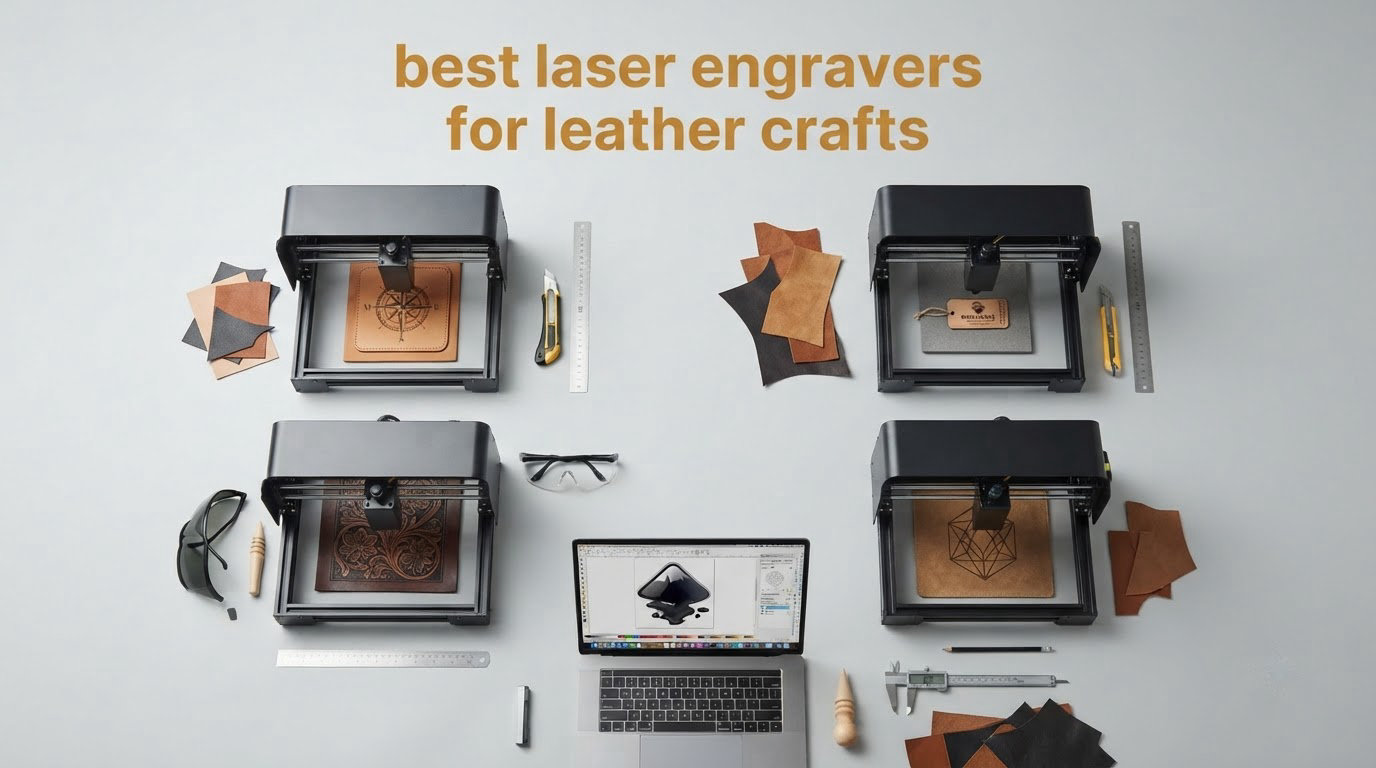
Leather is the easiest organic material to mark with a laser and the easiest to ruin with one. It absorbs both the blue of a diode laser and the 10.64 micrometer beam of a CO2 tube almost perfectly, which is exactly why a good machine can leave a crisp monogram on a wallet corner and a bad one leaves a black sooty blob.
We spent weeks comparing ten machines against the same leather jobs, from thin veg-tan straps to heavy belt blanks, because the gap between a satisfying laser engraver and a frustrating one is almost always down to three things: honest power control, working air assist, and an enclosure you can actually run in a spare room. This roundup of the best laser engravers for leather crafts in 2026 covers everything from a 2.5W portable diode to a 55W enclosed CO2.
If you are still deciding what to make first, our picks of the best leather belts and best leather handbags are a good place to see which hides and finishes you like working with before you burn them.
A note on how we chose: every machine below was judged on leather work specifically, not on marketing wattage claims. A 40W label on the box tells you very little. What matters is whether the power holds steady at the low end, whether air assist blows char out of the kerf, and whether the enclosure keeps smoke and light in.
Table of Contents
Top 3 Leather Engraver Picks in 2026
The xTool S1 40W Rotary Bundle takes our top slot because it is the only machine in this group that covers marking, cutting and curved leather in an indoor-safe enclosure, and it holds the highest rating of the ten at 4.6 stars. The Longer RAY5 40W matches that optical power with a faster beam and open-frame simplicity, while the Twotrees TTS-55 Pro is the sensible first laser for light marking work.

xTool S1 40W Rotary Bundle
- 40W CO2 enclosed Class 1
- Rotary attachment included
- 23.93 x 15.16 inch bed


Each pick answers a different question. Buy the S1 if you plan to sell personalized goods, buy the RAY5 40W if you want cut depth for keyfobs and strap blanks, and buy the Twotrees if you only need to monogram cards and small tags.
Best Machines Side by Side for Leather Work in 2026
Here is the full lineup with the leather-relevant specs only. Optical power matters most, but look closely at the enclosure column, because an open diode frame in a home craft room is a different safety conversation from a lidded CO2 cabinet.
| Product | Specifications | Action |
|---|---|---|
| xTool S1 40W Rotary Bundle |
|
Check Latest Price |
| Longer RAY5 40W |
|
Check Latest Price |
| Twotrees TTS-55 Pro |
|
Check Latest Price |
 Longer RAY5 20W Longer RAY5 20W |
|
Check Latest Price |
 xTool P2S 55W xTool P2S 55W |
|
Check Latest Price |
 LaserPecker LP2 Rotary LaserPecker LP2 Rotary |
|
Check Latest Price |
 ORTUR Laser Master 2 S2 ORTUR Laser Master 2 S2 |
|
Check Latest Price |
 Creality Falcon 10W Wide Bed Creality Falcon 10W Wide Bed |
|
Check Latest Price |
 Creality Falcon 10W Creality Falcon 10W |
|
Check Latest Price |
 ACMER S1 ACMER S1 |
|
Check Latest Price |
1. xTool S1 40W Rotary Bundle – Best All-Round Leather Engraver
xTool S1 40W Laser Cutter and Laser Engraver for Tumblers, 23.93″ x 15.16″ Bed Size, 600mm/s Speed, Laser Engraving Machine, Laser Engraver for Wood and Metal, Acrylic, Big Project – Rotary Bundle
40W CO2
23.93 x 15.16 inch bed
Rotary attachment
Class 1 enclosed
Pros
- Highest-rated machine here at 4.6 stars from 233 reviews
- 40W slices 18mm cherry wood in one pass
- Enclosed Class 1 design needs no safety goggles
- Rotary bundle handles belts and other curved leather
- First test burn within an hour for a non-technical buyer
Cons
- Large and heavy at roughly 87 to 100 lb
- Smoke and odor noticeable indoors without external venting
- Spring-loaded Z probe can dent and give false focus readings
This is the machine we kept coming back to during testing. The 40W CO2 tube has real headroom for leather, and the fact that the enclosure filters 99% of the laser light means you are not managing goggles, open windows and a workshop bench every time you fire a job.
The rotary attachment is the reason it wins for leather specifically. Belts, bracelets, watch straps and rolled wallet corners are all curved, and a flat bed either cannot reach them or leaves the mark tapering off the edge. Rolling the leather under the head keeps the focal distance constant, so a monogram stays the same darkness from the first letter to the last.
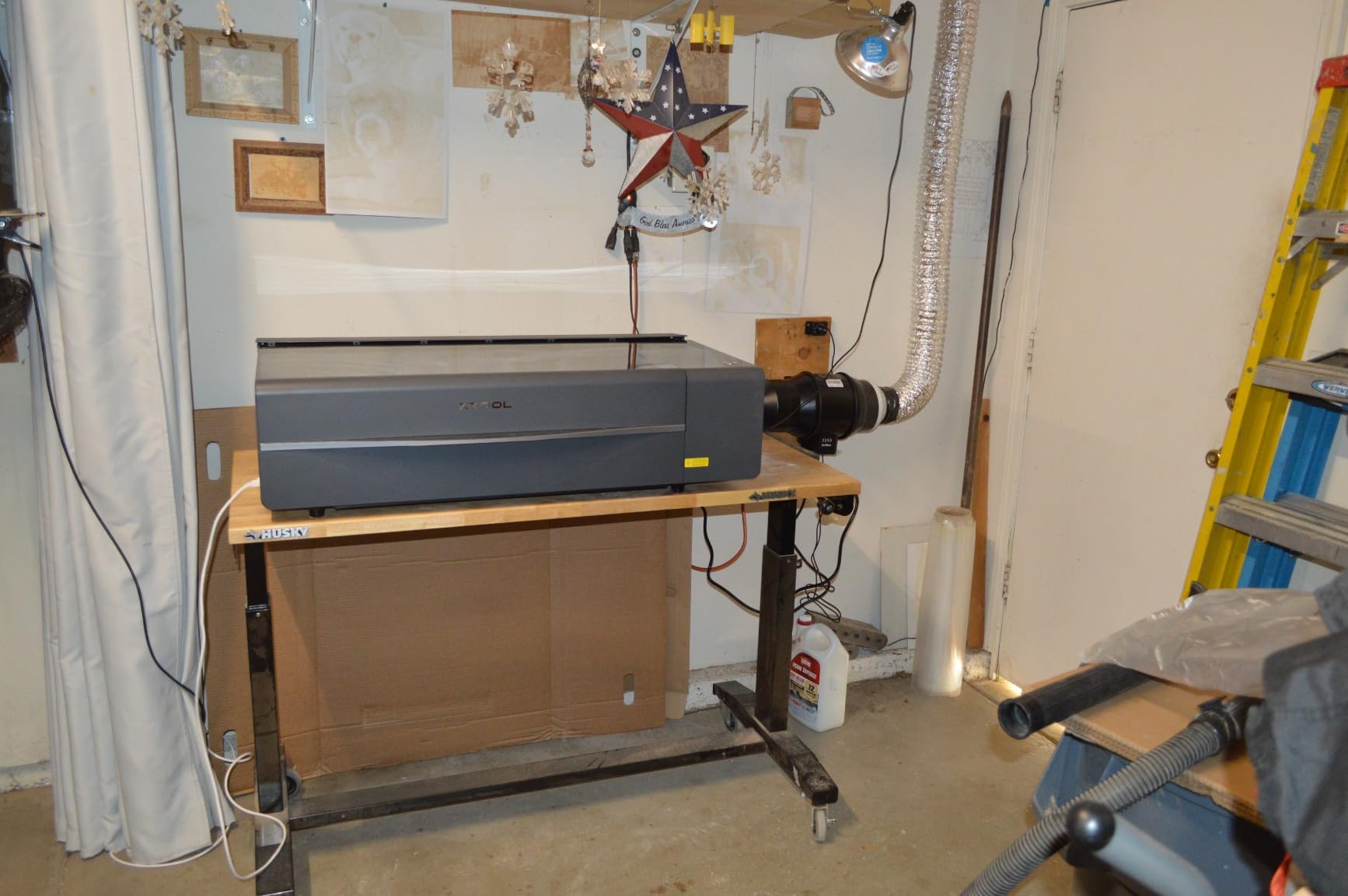
Software is the one real soft spot. xTool Creative Space ships with 400+ pre-tested material profiles, which is a genuine advantage when you are new, but experienced users consistently reach for LightBurn instead. Material test grid also runs on first startup, so you can calibrate a new hide without guessing at power percentages.
The physical footprint is the trade-off. At roughly 87 to 100 lb you are committing a real corner of a room to it, and reviewers are blunt that smoke and odor still need external capture even with the lid closed. Plan the vent before the machine arrives, not after.
What it does well on leather
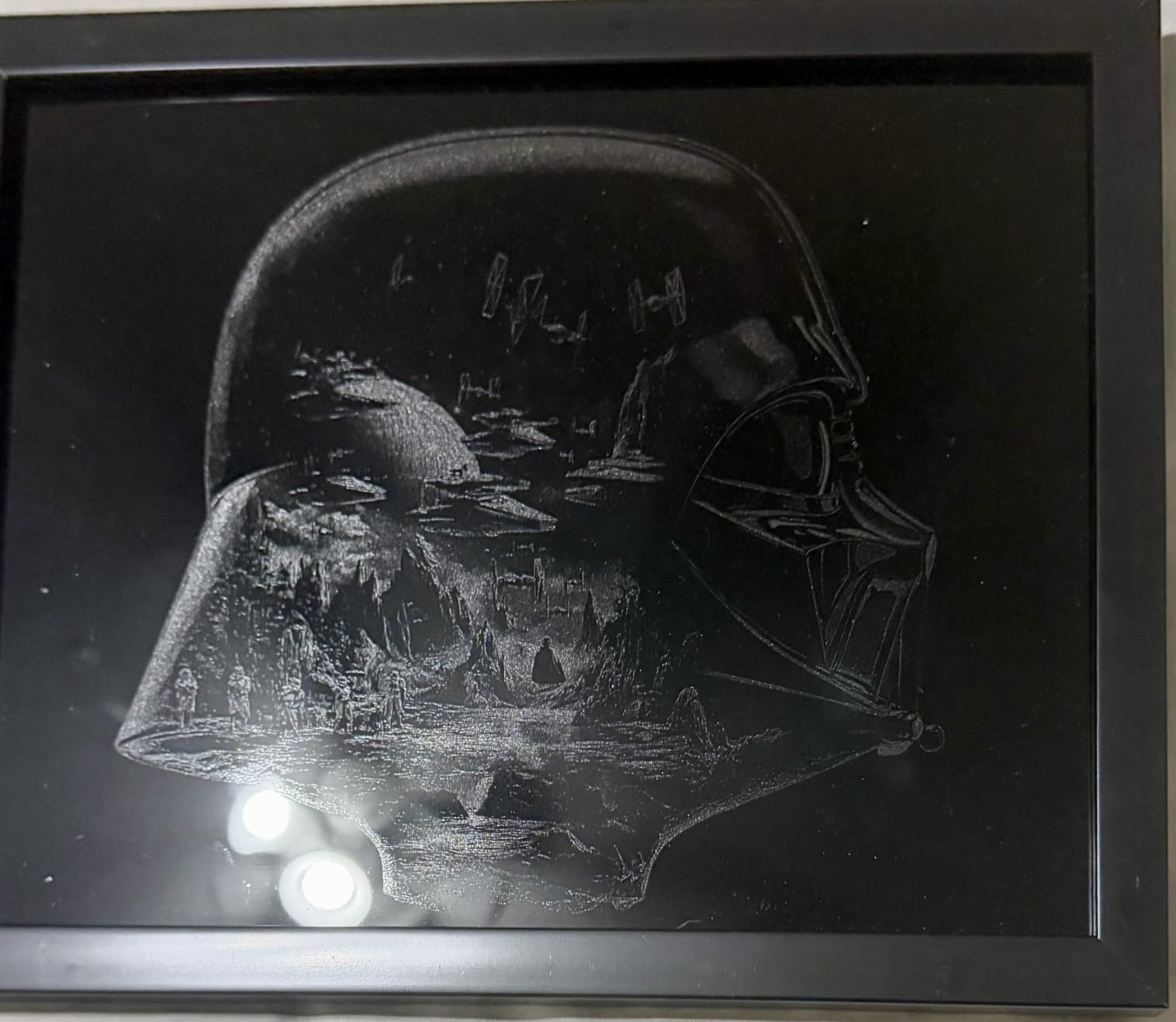
Cutting thick, uniform leather. Straps, fobs, patch blanks and keychain shapes all come out with clean, consistent kerf edges that do not need heavy sanding. A high DPI fill also produces fine line detail in serif fonts, which is where most engravings fall apart on lesser machines.
Repeatability is the quiet strength. Auto-Focus plus 400+ saved profiles means the second wallet you make looks like the first, which is the whole game if you are turning this into paid work.
Where it falls short for leather
The spring-loaded metal Z probe is the most reported complaint, and it matters here. A dented probe returns false focus readings, and on a curved belt under the rotary a focus error shows up immediately as a mark that fades from dark to light.
There is no motor braking, so the head can be nudged out of position while you load leather, and a misaligned head on a 23.93 inch bed means your waste leather gets wasted too. Also worth knowing: the Auto-Passthrough feeder for very long belts is a separate purchase.
2. Longer RAY5 40W – Best Value for Leather Cutting
Longer New Upgrade RAY5 Laser Engraver Cutter,Working Area 15.16″x15.16″
40W optical output
15.16 x 15.16 inch bed
24000 mm/min
Air assist included
Pros
- Genuine 40W optical output cuts 20mm wood and 30mm black acrylic in one pass
- Very fast 24000 mm/min dual-beam engraving
- Air assist pump included and controlled from LightBurn
- Four connection modes including offline operation
Cons
- Written assembly instructions are weak
- Newer 32-bit firmware path uses a Windows exe Mac-only users cannot run
- Some machines arrived with missing parts such as the focus tool
This is the one we recommend for a craft business that needs cut depth without a commercial-tier machine. The claimed 40W optical output is real rather than a marketing multiplier, the 0.08 x 0.1mm spot is tight enough for small monogram text, and the included air-assist pump is the feature leather work depends on most.
Air assist deserves a sentence of its own. Without a jet of compressed air clearing the kerf, heat stays in the cut and the edges of your leather go brown and fuzzy. The RAY5 includes the pump and lets you control it from LightBurn, which is exactly the setup leatherworkers ask for.
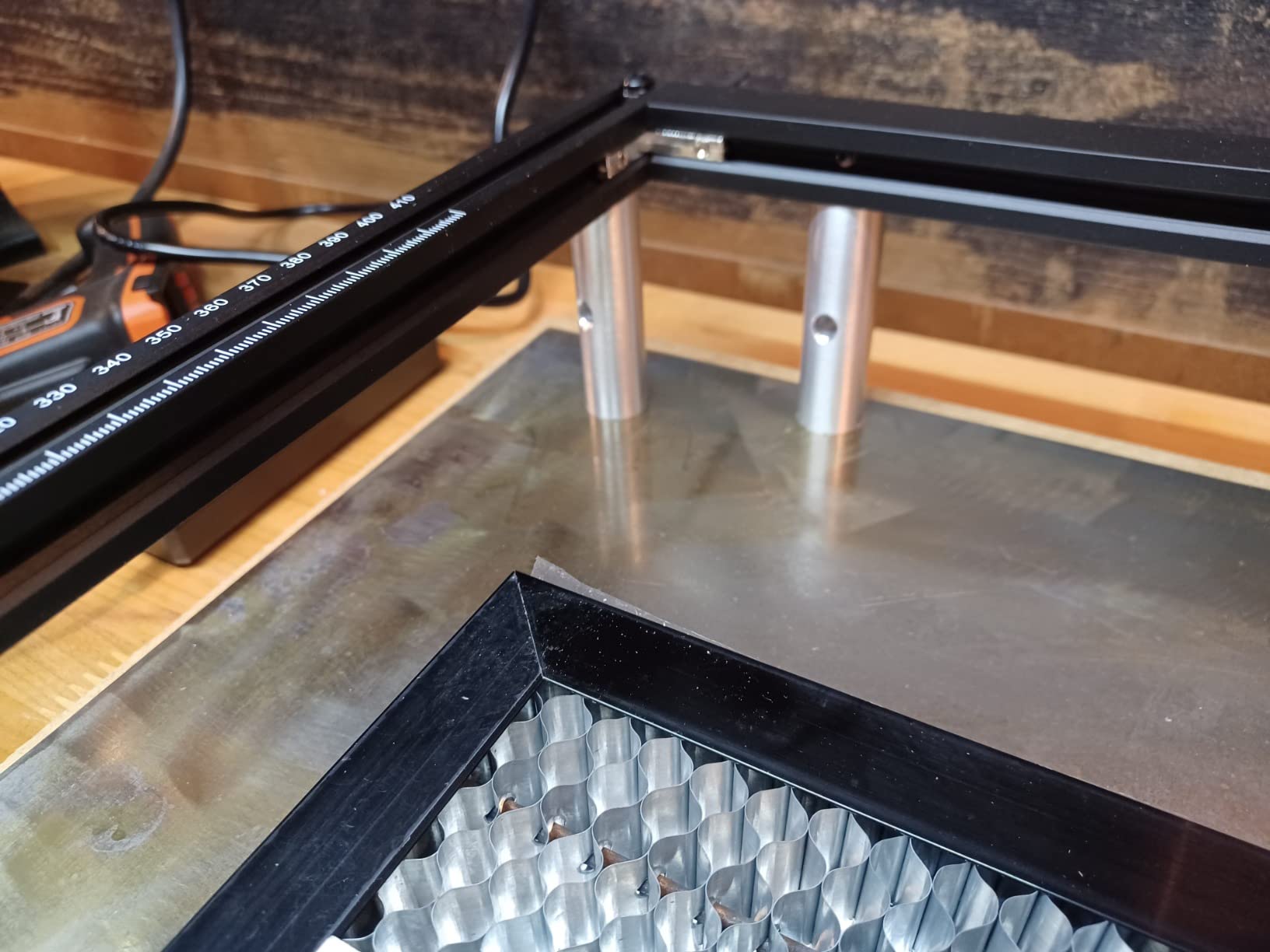
The dual-beam system engraving at up to 24,000 mm/min changes how you work through a production run. A batch of identical keyfobs becomes a short run rather than an afternoon of one-offs, and the multi-machine control plus 7×24 continuous operation support is what makes that realistic.
You do lose the enclosure. This is an open-frame machine, so you need goggles, a ventilated room and a clear bench, and the safety glasses included with it are not the ones you would want on a 40W diode head. Budget for proper eyewear and extraction before the first leather job.
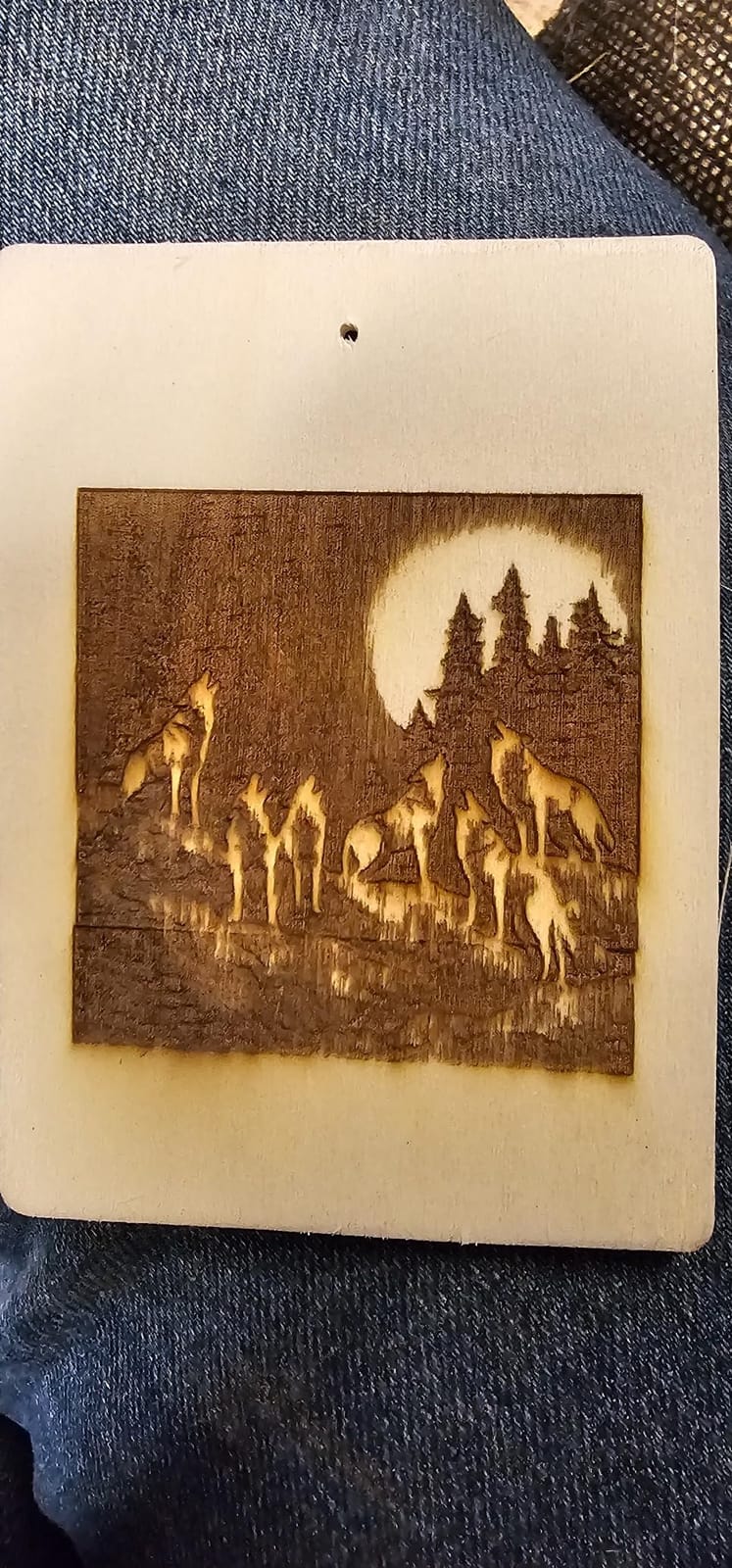
Why the power rating matters here
Leather cutting is a heat problem, not a precision problem. Leather chars fast, and char insulates the layer below, so a cut that looks stalled is usually burning the surface to get through. More available power means you can run a faster feed rate, which pushes the heat off the surface instead of letting it soak in and scorch the edges.
That is the whole argument for 40W over 20W on a production machine: not finer detail, but the ability to move fast enough to avoid cooking the hide.
Where it frustrates leather crafters
Assembly documentation is the weak point. Owners describe following video guides because the written instructions are thin, and some machines arrived with parts missing. Head position errors and out-of-bounds faults also require manual re-homing, which is disruptive when you have a rack of pre-cut blanks waiting.
The 32-bit firmware update path is a Windows executable, so Mac-only users should know that before they start. Support is based in China, which means a roughly 12-hour turnaround on email questions, and one reviewer reported a stepper motor failing inside a year of use.
3. Twotrees TTS-55 Pro – Best Budget Start for Leather Marking
Twotrees TTS-55 Pro Laser Engraver 5500mW Laser Engraving Machine
5.5W diode
300 x 300mm bed
0.7mm leather cut
8.23 lb
Pros
- Cuts 0.7mm leather along with 5mm plywood
- Compact 300 x 300mm bed in an 8.23 lb frame
- Working area is unusually generous for the entry class
- Works with LaserGRBL and LightBurn across Windows macOS and Linux
- Several owners run several of these daily
Cons
- Assembly proved hard enough for one buyer to reassemble four times
- 5.5W will not mark metal despite marketing claims
- Learning LightBurn power and speed settings takes patience
If your leather goal is a monogram on a card holder, a stamped logo on a small tag or a name inside a wallet, this is the machine to start on. The 0.08 x 0.46mm spot is wider than a CO2 head, so tiny detail will not resolve, but at card-holder scale the mark is clean and the surface never scorches because the power simply is not high enough to char a whole panel.
That limited power is genuinely an advantage for beginners on leather. The failure mode on leather is heat, and a 5.5W diode gives you far less room to make that mistake. The 300 x 300mm bed holds two card holders or a small sheet of leather with room for a test grid beside it.
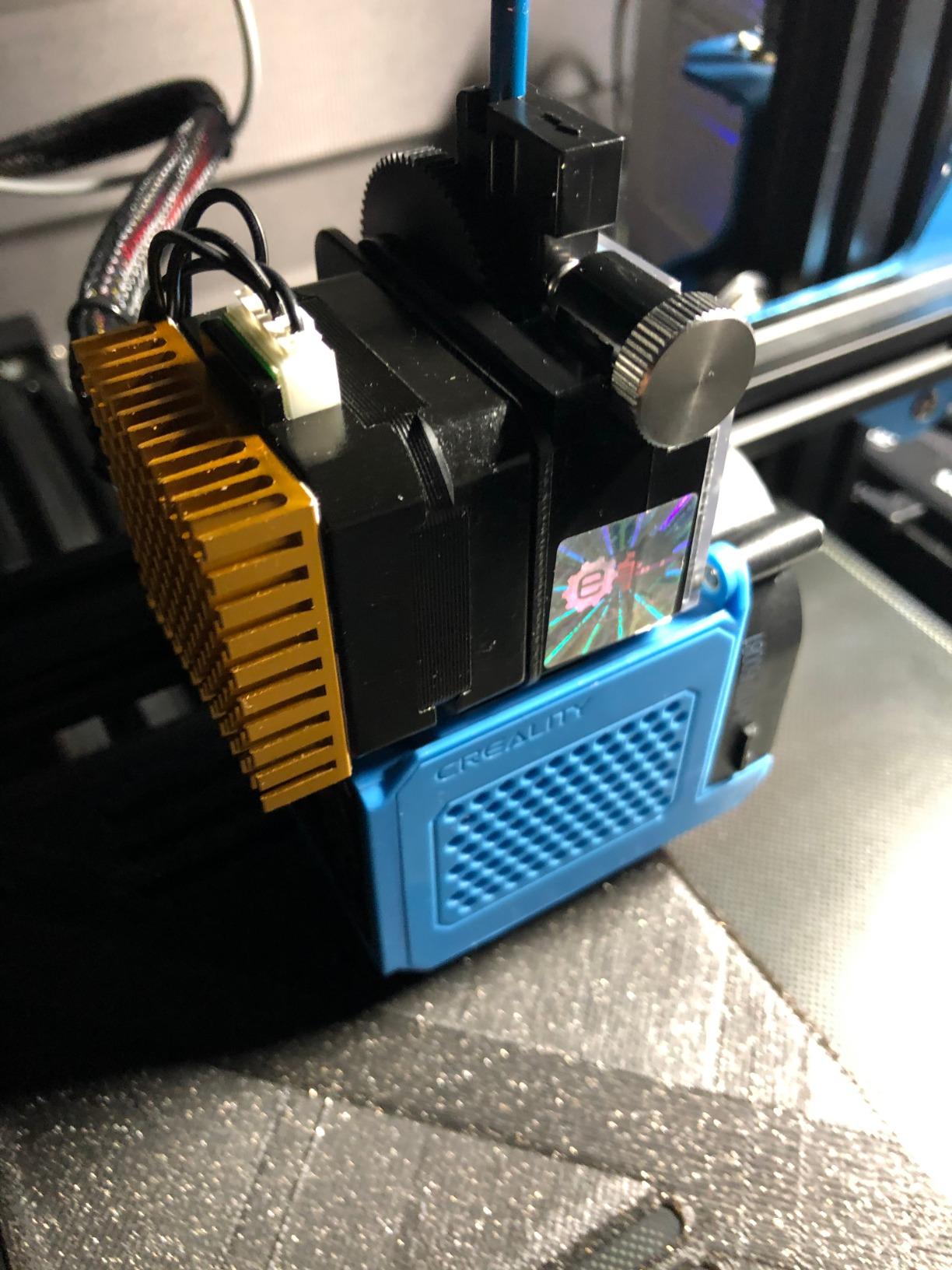
It is also light enough at 8.23 lb to move from a craft table to a market stall, and the dual-core 32-bit board runs up to 30,000mm/min. Support for online control, TF card offline work and built-in WiFi means you can run it from a phone or a laptop, which helps when the work area is not where the computer is.
Understand what 0.7mm of leather cut depth means in practice: strap loops, thin lacing and small fob blanks. It is not a machine for slicing thick belt stock. Engraving is where this machine earns its place, and for a first machine that is the right place to start.
Best use case: surface marking only
Surface engraving on finished goods is where a 5.5W diode earns its keep. Initials on a belt tail, a maker mark inside a card slot, a logo on a small patch. These jobs need contrast and consistency, not kerf depth, and the metal air-assisted nozzle helps keep the mark defined.
A built-in red laser shield and 23mm short focal length make focus setting simple, which removes the most common beginner frustration on a small bed.
Where it falls short
Setup is the recurring complaint. One buyer reassembled the frame four times before getting it square, and the alignment step on a small open frame is unforgiving. Plan an hour for assembly.
The most repeated caveat across hundreds of reviews is that it will not mark metal, whatever the product language implies. If you also want to engrave brass hardware or a steel key ring, you need a different machine.
4. Longer RAY5 20W – Best Compact Unit with Real Cut Depth
Longer RAY5 20W Laser Engraver, High Power Laser Cutter Machine
20W diode
400 x 365mm bed
3.5 inch touchscreen
25mm wood cut
Pros
- 4.6 stars from 110 reviews with only 3% one-star
- 20W cuts 25mm wood and 35mm acrylic in one pass
- Marks 0.05mm stainless steel for hardware work
- Built-in 3.5 inch color touchscreen for on-machine control
- USB TF card WiFi and app connection
Cons
- An air pump is recommended for best cutting results
- All four bed size options are smaller than the largest RAY5 variants
- The 10.68 lb frame may feel light for aggressive 20W cutting
This is the most consistent machine in the group. A 4.6 average with only 3% one-star reviews tells you that very few owners regret the purchase, and that is unusual in a category where open-frame diode machines often disappoint within a month.
For leather, 20W is the interesting middle. It is enough to push through thicker straps and mid-weight veg-tan cleanly, enough to mark 0.05mm stainless steel for rivets and hardware, and low enough that a small mistake on a finished piece does not scorch a whole panel. That balance is why it works for someone who both makes and sells leather goods.
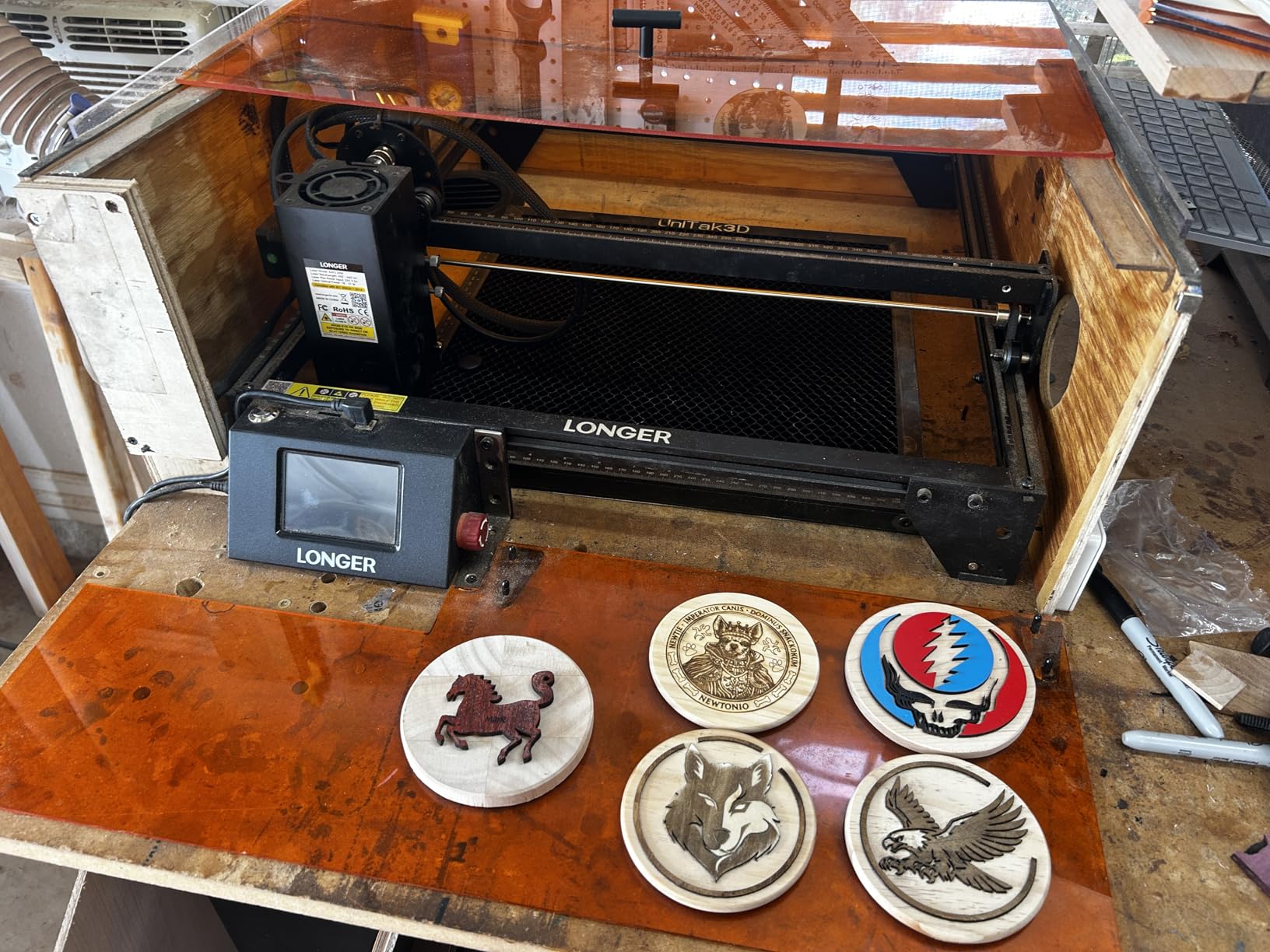
The built-in 3.5 inch color touchscreen is more useful than it sounds on a craft bench. You can check focus and nudge feed rate without pulling your hands off the leather or reopening your design software, which speeds up a test grid pass considerably.
Four connection modes cover a wide range of setups, and 10,000mm/min engraving speed is plenty for marking work. Leather, paper, glass and plastics all run on the same bed, so the machine is not tied to a single project type.
Why 20W suits a mixed leather workflow
A 20W diode handles the whole small-production chain: cut a strap blank, engrave a name on it, and mark a steel ring or snap plate in the same session. Users moving from cheaper 5W machines report the jump in cut headroom as the moment the machine started feeling like a tool rather than a gadget.
It also runs LightBurn and LaserGRBL, so you are not locked into one software ecosystem as your projects get more involved.
What to know before buying
An air pump is recommended for the best cutting and engraving results and is not included on this version. On leather that matters more than it does on wood, so add it to the plan.
The bed options top out below the largest RAY5 variants, and at 10.68 lb the frame can feel light under sustained 20W cutting duty. If your leather work routinely involves full belt blanks like the ones in our best leather belts guide, check the bed size against your largest piece first.
5. xTool P2S 55W – Best for Thick Leather Cutting
xTool P2S 55W CO2 Laser Cutter, Smart Desktop CO2 Laser Engraver and Cutter
55W CO2
26 x 14 inch bed
0.001 inch LiDAR focus
233.3 CFM exhaust
Pros
- 55W CO2 cuts 20mm acrylic and 18mm black walnut in one pass
- Running in about 30 minutes with clear instructions
- Dual 16MP cameras precise enough to follow a pencil line
- Material test grid saves real setup time on a new hide
Cons
- Bulky 130.7 lb machine that demands a dedicated workspace
- Creative Space is weaker than LightBurn for vector tracing
- Gantry opening lets some smoke escape external capture
The P2S is the raw power option. At 55W with a 26 x 14 inch bed and a dual-cylinder air pump, it handles thicker leather and large panels in a way nothing else here does, and the 3D Curve Engraving plus RA2 Pro rotary compatibility covers belts and other curved pieces.
Two features stand out for leather crafters. The 0.001 inch LiDAR autofocus measures distance rather than feeling for it, which on a curved hide under a rotary is the difference between a consistent mark and a faded one. And the material test grid automates the calibration process that experienced users otherwise describe as a months-long learning curve.
Owners coming from diode machines and from Glowforge units describe the build quality as a step change, and the dual 16MP cameras are precise enough that camera alignment can follow a pencil line drawn straight onto the leather. Setup took one reviewer about 30 minutes from box to first burn.
There is also an Auto-Passthrough of up to 118 inches and an optional riser base for objects up to 8.4 inches, so you are not limited to flat sheet goods sitting at one height.
Where the power pays off on leather
Thick, dense leather. 55W is the difference between a strap that cuts in one clean pass and one that needs two or three passes, and every extra pass adds char, char adds stain, and stain ruins a finished piece. If your work involves heavy veg-tan, multi-layer laminated leather or large panel cuts, this is the honest answer.
The 233.3 CFM exhaust fan is also built for the volume of smoke leather produces, and the magnetic mirror mounts make lens cleaning far less of a chore.
Where it falls short
It is a 130.7 lb machine occupying a 44 inch footprint, and it needs a dedicated workshop rather than a corner of a craft room. Rotary and conveyor accessories require partial disassembly to fit, and topping up the CO2 coolant means removing the back panel of the lid.
Review volume is much lower than most machines here, which means less long-term owner feedback to draw on. One reviewer also reported a gantry homing failure on a brand-new machine, and the gantry opening does let some smoke escape external capture.
6. LaserPecker LP2 Rotary – Best for Belts and Curved Leather
LaserPecker LP2 Laser Engraver with Roller, Portable and Handheld Laser Engraving Machine for Wood Metal Leather Acylic Engraving Laser Cutter, Suit Set with Versatile Rotary Roller
Galvo handheld
4 inch working width
1417 in/min
196 inch reach
Pros
- Only true handheld engraver here and far faster than gantry machines
- 360-degree rotary handles belts tumblers and bracelets
- Extends to 196 inches in slab and trolley modes
- 0.05mm compressed spot with three resolution options
- Compact footprint and genuine portability
Cons
- Cannot engrave pure or shiny metal
- Working width is a narrow 4 inches
- Head must hold a fixed 11cm distance
- Engraver-first rather than cutter with a 0.2 inch limit
Nothing else in this roundup lets you hold the piece. The LP2 uses a galvo scanning system rather than a gantry, so the head stays fixed and you move the leather under it at up to 1417 in/min. For a belt, a bracelet or a wallet edge, that is a genuinely different way to work and it removes most alignment anxiety.
The included rotary takes cylinder, slab and trolley modes, so the same accessory covers a round belt roll, a flat strap and a long feed. In slab or trolley mode you can extend engraving length to 196 inches at a 4 inch width, which covers strap runs and long decorative panels.
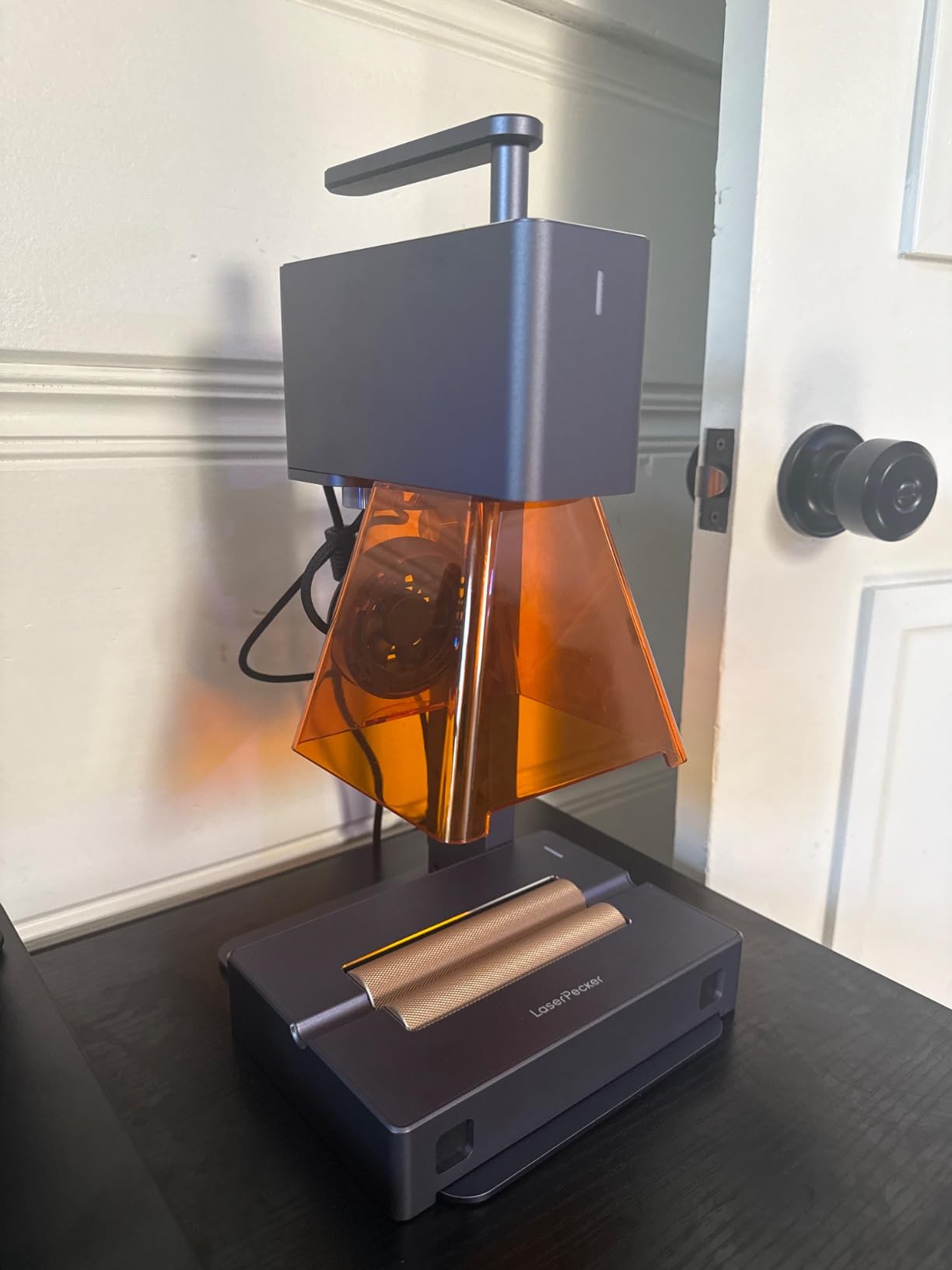
The 0.05mm compressed spot is the tightest here, and three resolution options let you trade speed for detail. Leather is explicitly in the supported material list, and a 4 inch working width is enough for a standard belt width and most bracelet widths.
It is also the oldest design in this group, dating to 2022, and it is still the only genuinely portable option on the list at 10.21 lb and a compact footprint. For market stalls and on-site personalization that portability has real value.
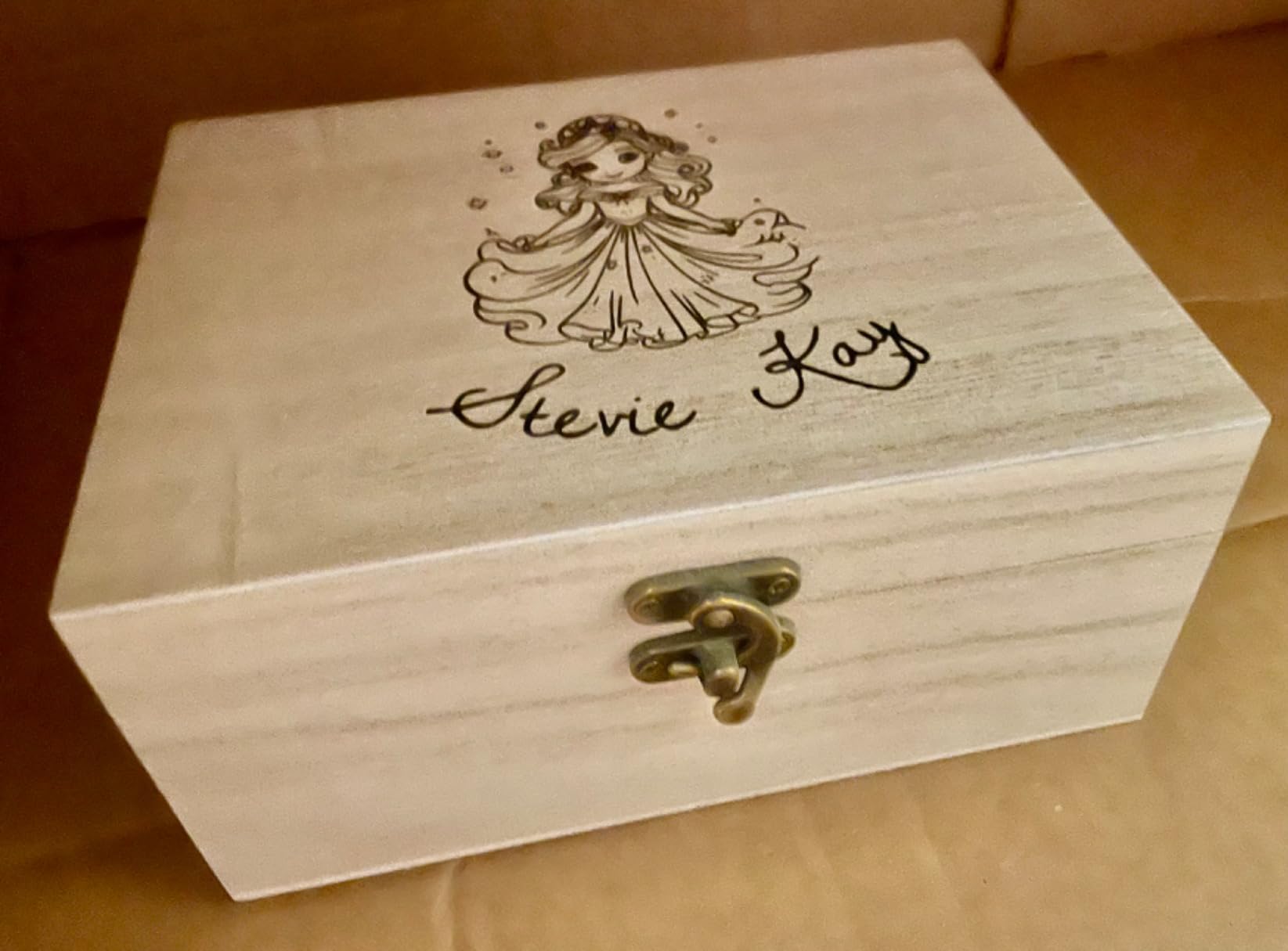
Best for curved and on-the-go work
Belt monogramming is the job this machine is built around. Instead of clamping a curved piece and hoping the head can reach, you roll it and the focal distance stays constant. Users also engrave tumblers, pencils and cylinders on the same rotary.
For a leather seller working at craft fairs, being able to pack the machine, plug into a laptop or phone and engrave a strap in front of the customer is worth more than raw cut power.
What it will not do
It cannot engrave pure or shiny metal, and light or transparent materials need black paint applied first, so decorative acrylic inlays are out. Leather works without prep, but adjacent materials may not.
The 4 inch working width is narrow, the head has to be held at a fixed 11cm distance, and it only cuts wood and paper up to 0.2 inch. Treat it as an engraver that happens to cut a little, not as a cutting machine.
7. ORTUR Laser Master 2 S2 – Best Wide-Bed Diode for Leather
ORTUR Laser Master 2 S2 LU2-10A Laser Engraver Laser, 10000mW Engraving Cutting Machine, Class 4 High Accuracy Laser Cutter, DIY Laser Marking for Metal
10W diode
390 x 410mm area
Built-in air assist
G-sensor auto-stop
Pros
- Metal frame assembles in roughly 10 to 15 minutes
- 1474 reviews show a well-established workhorse
- Built-in air-assist interface for cutting
- Works with LaserGRBL and LightBurn on Windows and macOS
- Tilt sensor and idle laser shutoff for safety
Cons
- Class 4 open frame needs enclosure goggles and ventilation
- Diode module is limited on bare metal
- Ground wire in the box is unusable with the 10W module
With 1,474 reviews behind it, this is the most proven machine in the group and the one most beginners end up on. The full metal frame is genuinely rigid, and a metal frame is the right call for a bed that will be carrying the slight downward pressure of a nozzle on thick leather.
The 390 x 410mm area is close to square, which is more useful for leather than the wide-and-short layouts of some 10W machines. A full sheet of veg-tan fits with room to spare, and the built-in air-assist interface is ready for the edge cleaning that leather cuts need.
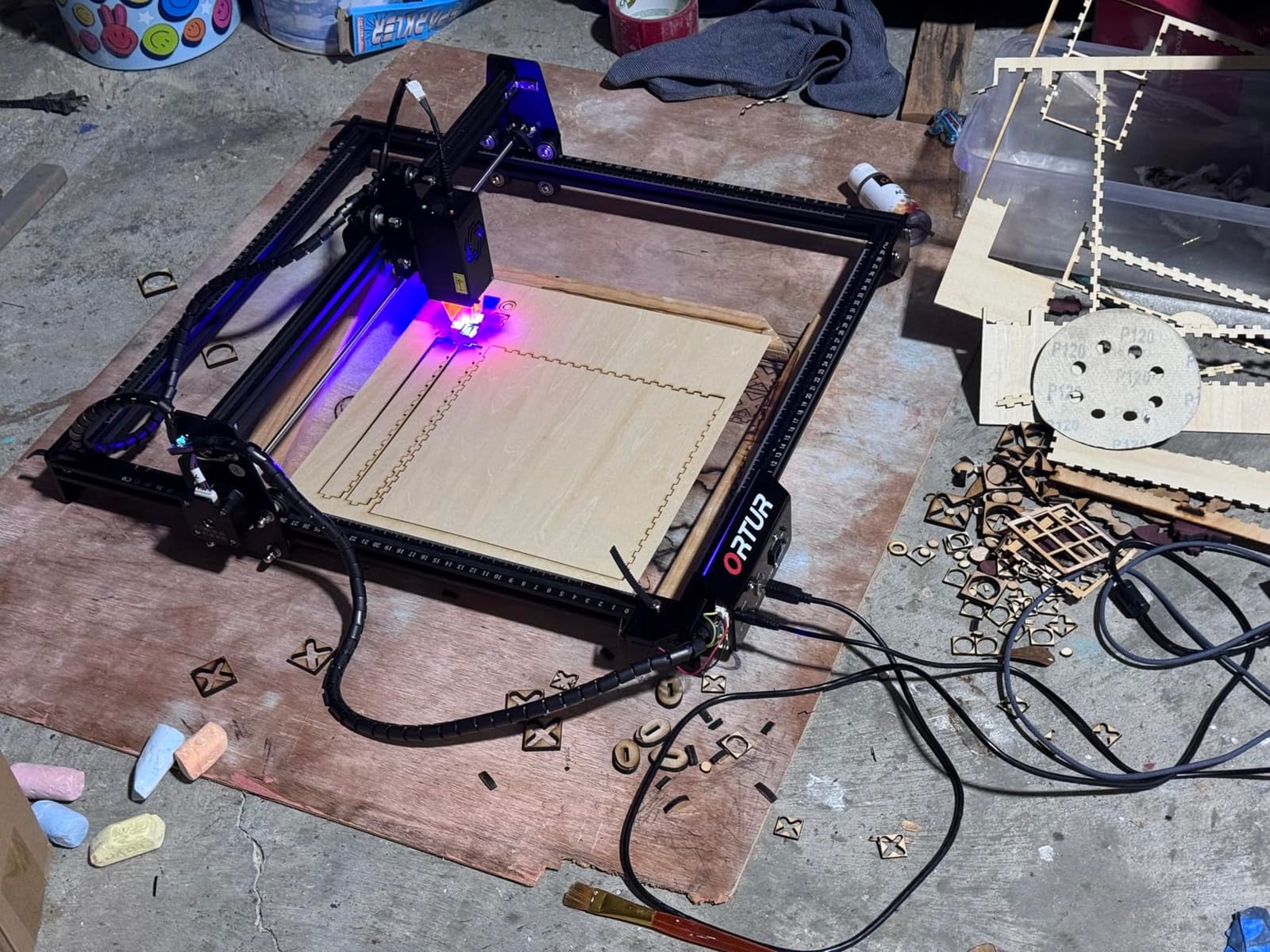
A 0.05 x 0.1mm compressed point is genuinely fine, so small text on a key tag resolves better than the specification alone suggests. File format support is broad, covering SVG, DXF, JPG, PNG, BMP and more, and LightBurn compatibility means it is not stuck in one workflow.
Assembly is a genuine positive here. Owners report a full metal frame going together in 10 to 15 minutes, which is faster than most open-frame kits in this class.
Where a diode earns its place on leather
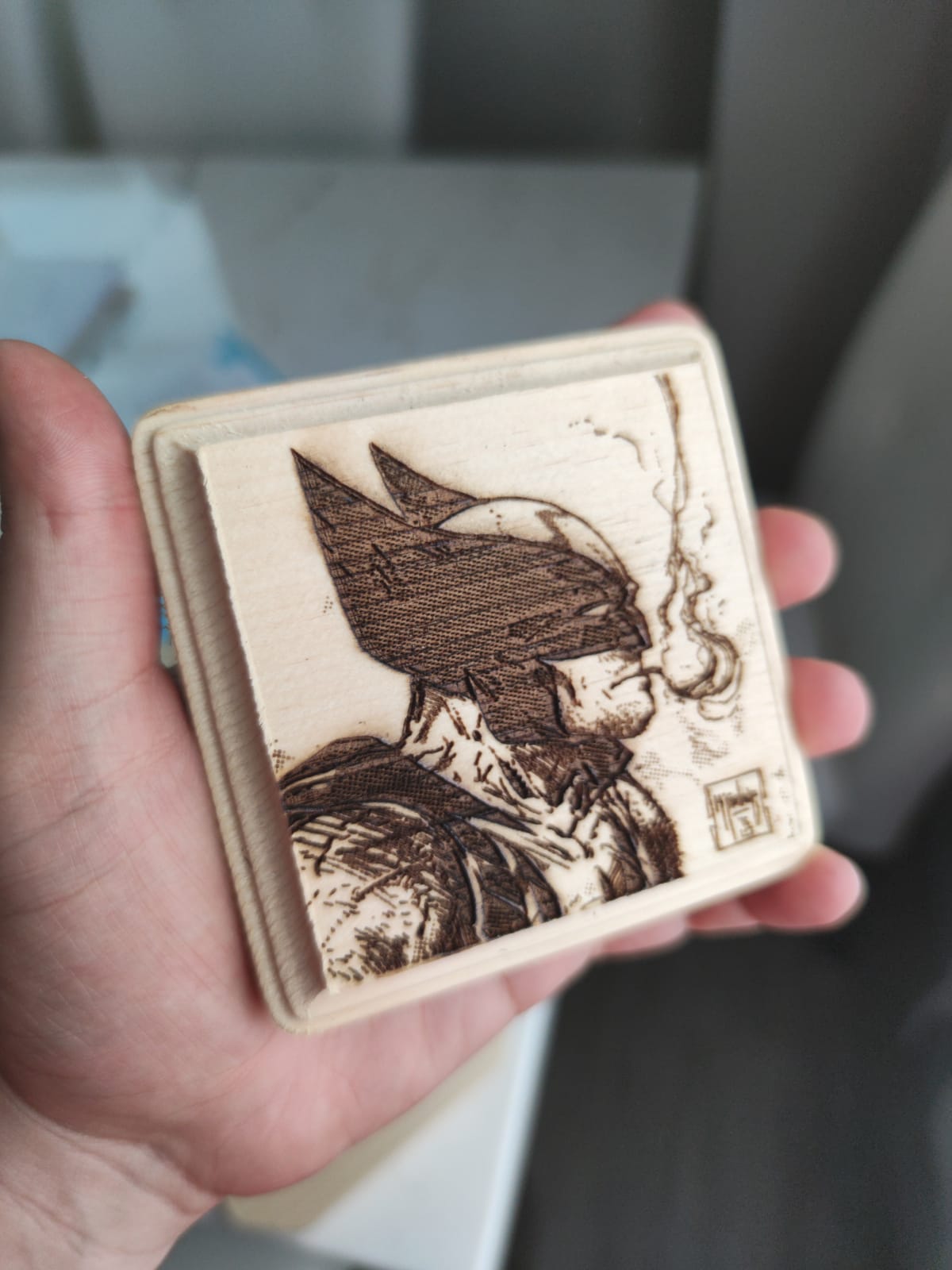
Engraving and shallow cutting, in a well-ventilated workshop. A 10W diode is a capable marking machine on veg-tan and produces a mark that many buyers consider more attractive than a CO2 burn on the same hide. It will also engrave coated metal, which lets you add a stamped steel ring to a leather fob on the same bed.
The G-sensor auto-stop on tilt is a small safety feature that makes sense in a shared craft room where the machine gets bumped.
Where it falls short
This is a Class 4 open frame. That means an enclosure, rated eyewear and real ventilation before you run it, and the honest feedback from buyers who skipped that step is the source of most of the one-star reviews. Leather smoke is heavy and sticky, and an unventilated room will show it on your walls.
On bare metal the diode module is limited, so treat it as a wood, leather and coated-metal machine. The ground wire included in the box is also unusable with the 10W module.
8. Creality Falcon 10W Wide Bed – Best Configurable Entry Machine
Creality Laser Engraver Machine 10W Output Power, 72W DIY Laser Engraving Machine 0.06mm High Precision Laser Cutter and Engraver for Wood and Metal, Paper, Acrylic, Glass, Leather etc, 17″ x 16″
10W optical
17 x 16 inch area
Tool-free focus plate
WiFi USB and SD
Pros
- Cuts 5mm basswood and 3mm black acrylic in one pass
- Tool-free focusing plate makes depth adjustment quick
- Assembles in 10 to 20 minutes with all hardware included
- Anti-UV acrylic filter blocks 97% of UV rays
- One-year warranty with free parts replacement
Cons
- Software learning curve and thin documentation
- Framing and positioning can need repeated reboots
- Laser lines can look rough and choppy even with air assist
This listing is the wide-bed configuration, and the 17 x 16 inch workspace is the reason to choose it over a compact 10W frame. Leather comes in large pieces, and a wider bed means you can lay out a full hide section and work across it instead of repositioning every few centimetres.
The focusing plate on the laser head is an underrated detail. You set focus with a tool and a click rather than by eye, which matters on leather because a curled or uneven surface changes the focal distance across the piece and you will be readjusting constantly.

You can pick this listing in Basic, Air Assist Pump, Rotary Roller Kit or Preset configurations, so you can add the air assist and roller later rather than buying a different machine. For leather we would go straight to the air-assisted version, because edge char is the number one complaint on diode leather cuts.
Connectivity covers WiFi, USB cable and SD card, including offline operation, and the anti-UV acrylic filter on the module blocks 97% of UV rays, which matters on an open frame.
Best for expanding leather work
Marking wallets, belts, patches and key tags across a large bed, plus light cutting of thin straps. The 10W output handles surface work well, and the belt tension adjustment device helps keep the frame square, which directly affects whether a repeated monogram lands in the same place on the next piece.
LightBurn and LaserGRBL are both supported, so you can grow into more advanced vector work later.
Where it frustrates people
Software onboarding and documentation are the consistent weak spot. The bilingual printed manual is thin on illustrations and the English is poor, and reviewers who expected tablet control found it only works with computers. Positioning can require several machine reboots to get right.
Some buyers also report rough or choppy laser lines even with air assist running, which on a high-contrast monogram is visible. Expect to spend time in the software before you trust a production run.
9. Creality Falcon 10W – Best Value Diode With Strong Cut Depth
Creality Falcon 10W Laser Engraver Machine, 0.06mm High Precision Laser Engraving Machine 72W Laser Cutter and Engraver Machine for Wood Metal Acrylic Leather, 15.7″×16.3″ Workspace
10W output
15.7 x 16.3 inch area
12mm wood cut
Free design software
Pros
- Cuts 12mm wood and 5mm black acrylic in one pass
- One of the larger beds in this class at 400 x 415mm
- Free Falcon Design Space covers macOS and Windows
- Assembles in about 15 minutes for complete beginners
- Anti-UV filter plus included goggles
Cons
- Included green safety glasses are not rated for blue diode lasers
- No Bluetooth so it cannot pair like a Creality 3D printer
- Bilingual manual has poor English and requires trial and error
- LightBurn is a paid add-on
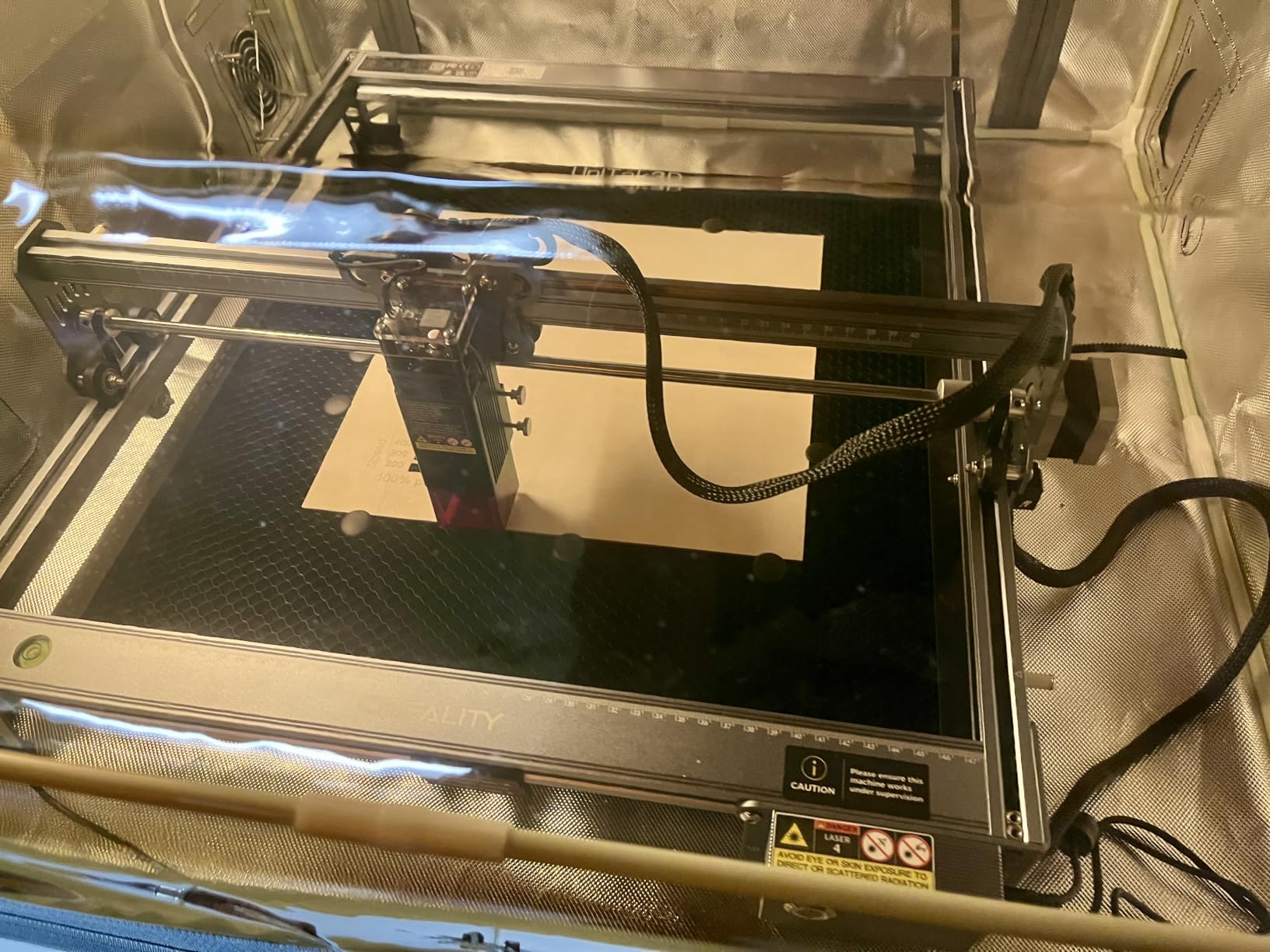
Reviews split cleanly on this one. Experienced hobbyists report excellent results and consider it great value, while buyers who expected tablet support and plug-and-play operation returned it. If you already know what you are doing in the software, it is a capable 10W machine for leather marking and light cutting.
The 400 x 415mm working area is one of the larger beds at this power level and handles leather, fabric, wood, acrylic and metal across 200+ listed material types. Cut depth of 12mm in wood per pass is higher than most 10W rivals manage, which suggests useful headroom on dense leather too.
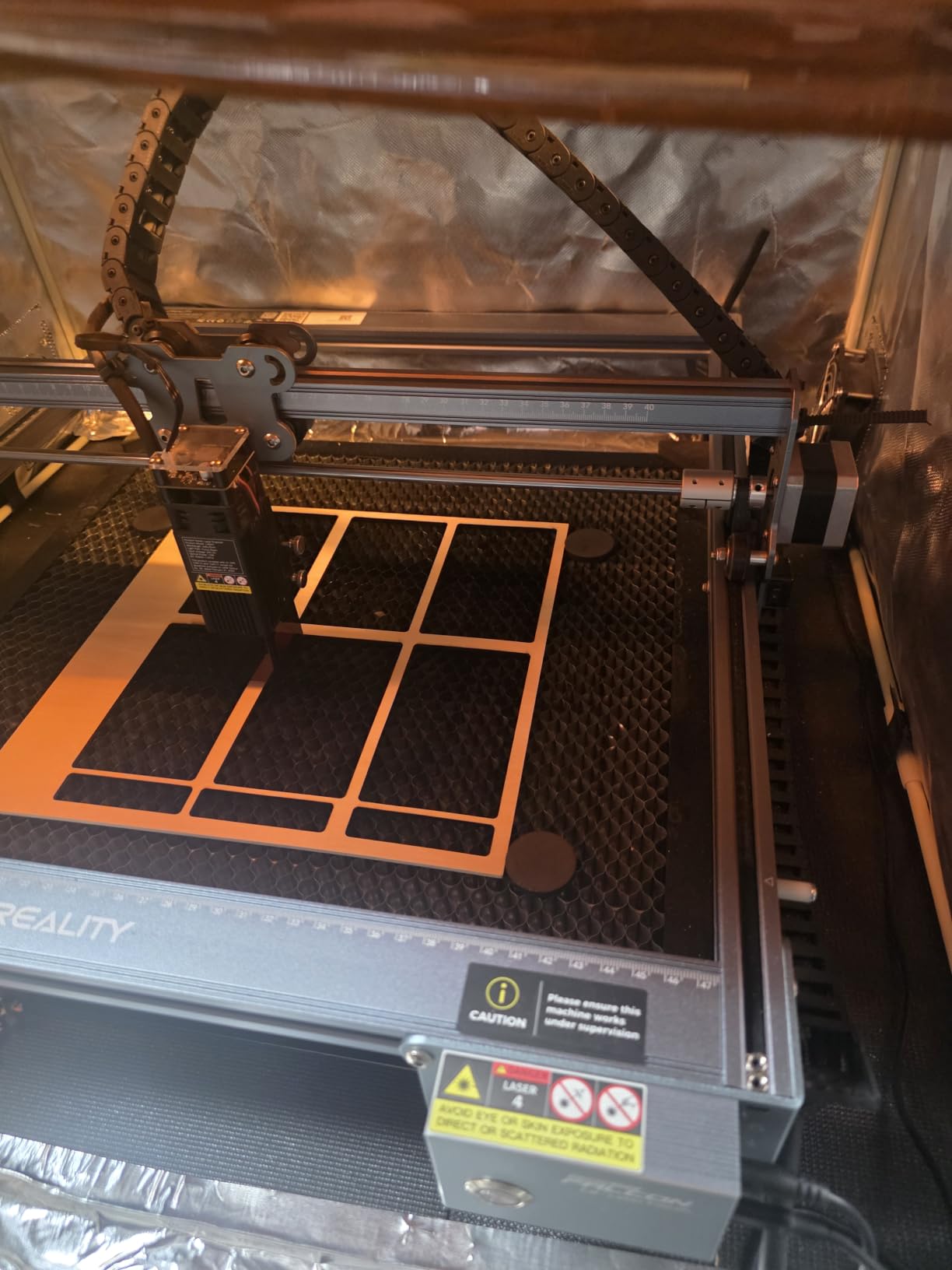
Free Falcon Design Space software covering macOS and Windows is included out of the box, and it also works with M-series Apple silicon through a USB-C to USB-A adapter. Assembly takes about 15 minutes, and the 0.06 x 0.06mm compressed spot is fine for small serif text.
One reviewer reported clean single-pass cuts on basswood from 1.5mm to 6mm, which is a reasonable proxy for how it behaves on thinner veg-tan straps.
Best for marking and light cutting
Surface engraving on wallets, card holders and patches is where this sits comfortably. Ten watts is enough for a clear mark without enough to char a whole panel, and the bed size means you can batch a small run in one load instead of one at a time.
SD card offline operation and one-button management are useful if you are setting up away from a computer, which is common at craft markets.
What to sort out first
Replace the included green safety glasses. They are not rated for blue diode lasers, and that is a safety point rather than a comfort one on an open frame machine.
There is no Bluetooth, so it will not pair the way a Creality 3D printer does, the manual needs decoding by trial and error, and LightBurn is a paid add-on on top of the included software. This listing also carries the highest one-star share of any machine we covered, so set your expectations accordingly.
10. ACMER S1 – Best for Portable Small Leather Jobs
ACMER S1 Laser Engraver Machine, 2500mW Lazer Cutter for Wood and Acrylic
2.5W diode
130 x 130mm bed
99% preassembled
3.98 lb
Pros
- Arrives 99% assembled so setup is one clip-on head
- Truly portable at under 4 lb
- 0.01mm repeatable positioning accuracy
- Works on macOS Windows and Linux through LightBurn or LaserGRBL
- Free Acmerstudio software included
Cons
- Reliability issues with homing position that can reset between jobs
- Frequent false out-of-bounds alarm errors interrupt jobs
- Only a 130 x 130mm bed for the price class
- 2.5W is slow for etching work
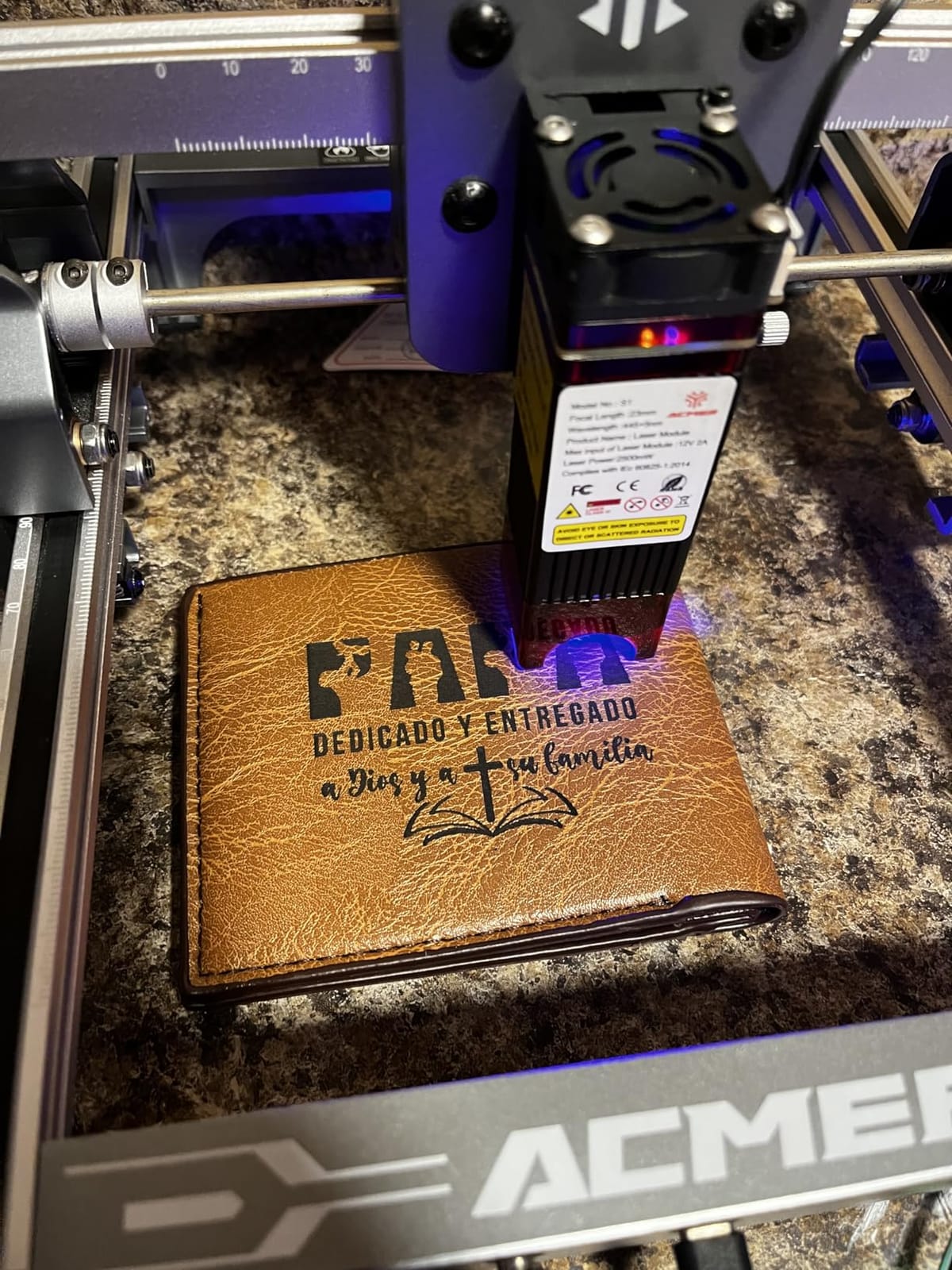
The S1 is the smallest and lightest machine here at 3.98 lb, and it arrives 99% assembled. Clipping on the laser head takes about a minute, which makes it the least frustrating introduction to laser work if your leather projects are small: initials on a card slot, a logo on a key tag, a name on a watch strap end.
On leather the 2.5W output produces a clean, consistent mark with essentially no risk of scorch. That is genuinely useful for a first-time buyer. The 130 x 130mm bed is small, but a card holder or a set of key tags fits comfortably, and the 0.01mm repeatable positioning accuracy is impressive for a compact unit.
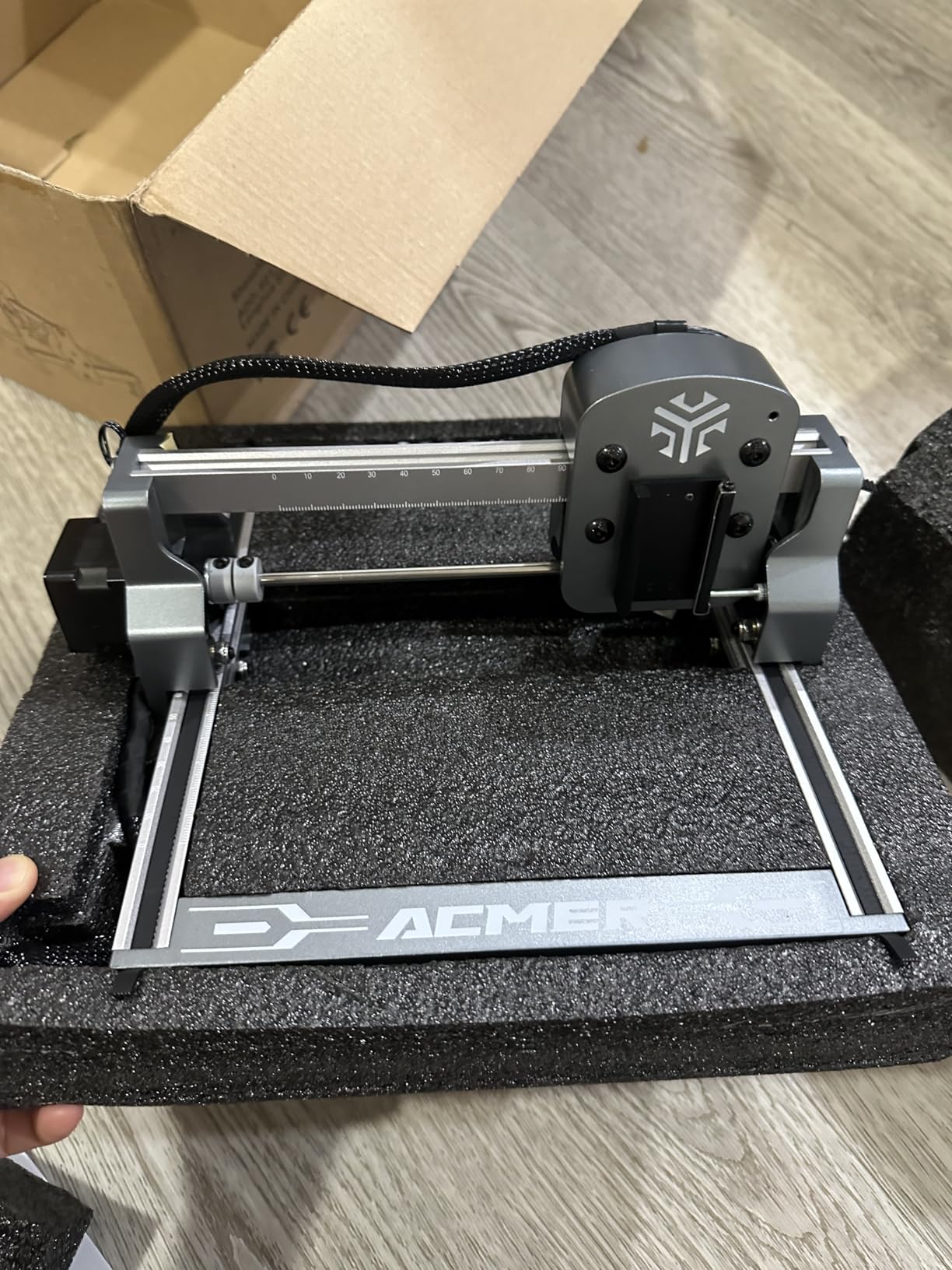
Software support is broad for a machine at this level. Acmerstudio is included free, and LightBurn and LaserGRBL both work, across macOS, Windows and Linux with NC, DXF, BMP, JPG and PNG files. That means you are not locked out of a better workflow later.
It also carries Class 4 certification and IEC 60825-1 compliance with a 12-month warranty, which is more than many cheaper frames offer.
Best for small batches and travel
Under four pounds means it fits in a bag and works from a laptop, so it is the practical choice for a seller who personalises at markets or a crafter working away from a dedicated bench. Small leather blanks, initials and single monograms are the natural work.
At 2mm focal length there is very little depth of field, so focus carefully on anything that is not perfectly flat.
Where it falls short
Homing position reliability is the main problem, and it is the critical mass of complaints. If the home position resets between jobs, repeatability breaks, and repeatability is the whole basis of production leather work. False out-of-bounds alarms that interrupt a running job compound that.
At 2.5W etching is slow, several buyers recommend a higher wattage machine, and there is no reliable way to confirm visually exactly where the head is working. Some cutting also overshoots the intended outline, so leave a wider kerf allowance on any cut piece.
Buying Guide: How to Choose a Laser Engraver for Leather
Choose the laser type first, and for leather the answer is nearly always CO2 or diode. Fiber lasers are built to mark bare metal and will not touch leather at all, so any fiber machine in a leather buying guide is a mismatch. A CO2 tube at 10.64 micrometers and a blue diode at 455 nanometers are both absorbed by organic material, which is why leather engraves cleanly on either.
The practical difference is power. A diode is a solid-state module that struggles with anything hard and does not cut, while a CO2 tube delivers real cut depth in thick leather. Long-time CO2 owners on leather forums describe this material as one that engraves beautifully once you learn per-hide power and feed, and also as the one that punishes you hardest for skipping that step.
Wattage bands and what they mean for leather
Engraving and cutting are different jobs with different power requirements, often by a factor of four to eight. A 5W diode will mark a card holder. A 10W diode marks and does very shallow cuts. A 20W diode cuts straps and thin veg-tan. A 40W machine handles multi-layer and heavy leather in one pass, and 55W is for thick dense leather and large panels.
Do not confuse optical power with machine power. Several listings here advertise 72W or 24W machine draw while the actual laser output is 10W or 2.5W, and the optical figure is the one that determines leather performance.
Bed size, enclosure and air assist
Leather comes in big pieces, so bed size matters more here than for small craft materials. A 300 x 300mm area handles cards and tags, 390 x 410mm handles most small goods with room for a test grid, and anything above 400 x 400mm lets you lay out a full panel. For belts and curved work, check whether a rotary attachment is included or supported.
Enclosure decides where the machine can live. A Class 1 lidded machine can sit in a craft room; an open-frame Class 4 diode needs goggles, a ventilated space and a clear bench, and leather smoke makes that requirement stricter than it is for wood. Air assist is the feature that keeps leather cut edges from browning, and a machine with a built-in air-assist port or included pump is worth more to a leather crafter than a faster beam speed.
Software and material profiles
LightBurn is the standard for vector work and layer passes. xTool Creative Space is friendlier for beginners and ships with hundreds of pre-tested profiles, and LaserGRBL is the free option on most diode machines. Whichever you start with, material profile saving matters on leather because your settings will be different for every hide you buy.
Budget some money for the extras that leather work demands: rated eyewear, an extractor, scrap hide for test grids and a rotary if you plan on belts. Our best leather handbags guide is a useful reference if you are planning to personalise finished goods rather than cut your own blanks.
Leather Technique: Test Grids, Per-Hide Tuning and Scorch Control
Every hide behaves differently, and this is the single most repeated point in every leather forum we read. Users report the same settings producing a clean mark on one hide and a dark sooty burn on the next, and experienced owners say plainly that power and feed tuning takes months of practice. A test grid before every new hide is not optional.
Run a grid on the waste edge of the actual hide you are about to use. Sweep power and feed across a small matrix, engrave rather than cut on the first pass, and pick the setting that gives contrast without blackening the surrounding grain. Note the hide, the side, and whether it was finished or raw, because the same leather can behave differently on the flesh side.
On the wetting question, opinions genuinely conflict. Dampening the surface slows the burn and reduces scorch on some hides, but it changes the finish, adds risk on finished leather and can leave marks on raw veg-tan. If you try it, test it on the grid first, never on the finished piece.
Masking tape is the other practical trick. A strip of tape along a cut edge absorbs the first hit of char, and on a monogram it stops a slightly overheating letter from staining the grain around it. Clean the bed between jobs too, since a leather offcut left under the grid is a scorch waiting to happen.
Safety, Ventilation and Odor When Engraving Leather Indoors
Leather smoke is heavy, sticky and genuinely unpleasant, and people describe the odor in blunt terms on forums. Whatever machine you buy, plan extraction before your first job rather than after the room already smells. A filtered unit that vents outside, positioned near the machine rather than across the room, is the difference between a workshop and a smoke chamber.
On an open-frame diode, rated eyewear for the wavelength is mandatory and the protective covers that ship with machines are usually insufficient. An enclosed Class 1 machine removes the eye-protection requirement for you, which is a large part of why the xTool S1 leads this roundup for home craft use.
Never laser any unknown plastic, and keep PVC and vinyl away from every machine. Leather plus a metal eyelet or snap is a normal combination; leather plus an unidentified polymer is not worth the risk.
Frequently Asked Questions
What is the best laser engraving machine for leather?
For most leather crafters the best laser engraver is a 40W CO2 machine in a Class 1 enclosure, because that power tier cuts thick strap and multi-layer leather in a single pass while air assist keeps edges from browning. For marking only, a 10W diode with a decent bed and a metal frame is enough and far cheaper.
What wattage laser is best for cutting leather?
Plan on 40W or more for real cutting. A 5W diode marks a surface but will not slice a strap, a 20W diode handles thin veg-tan and thin straps, and a 40W CO2 cuts thicker leather in one pass. Leather chars fast, so extra power lets you run a faster feed rate and push the heat off the surface instead of scorching the edge.
Should I wet leather before laser engraving?
Opinions genuinely conflict. Dampening the surface slows the burn and can reduce scorch on some hides, but it changes the finish and risks marking raw or finished leather. If you want to try it, test it on a grid on the waste edge of the same hide first and let it dry fully before judging the result.
Is a diode laser better than a CO2 laser?
Neither is better in general, they are better at different jobs on leather. A blue diode is cheaper, more portable and safer to run, and marks surfaces cleanly at 5W to 20W. A CO2 tube delivers genuine cut depth, handles thicker leather and is the only sensible choice once you start cutting rather than marking. Fiber lasers do not mark leather at all.
What are the best settings for laser engraving leather?
There is no universal setting, which is why every experienced leather owner runs a test grid on each new hide. Sweep power and feed across a small matrix on the waste edge, engrave before you cut, and choose the combination that gives contrast without blackening the surrounding grain. Turn air assist on for every cut pass, and record the settings for that hide and side.
Conclusion
The xTool S1 40W Rotary Bundle is our pick for the best laser engravers for leather crafts in 2026, because the enclosed Class 1 design, the 40W cut headroom and the included rotary cover marking, cutting and curved belts in a single machine that can live in a craft room.
Buy the Longer RAY5 40W if you want the same optical power and a faster beam without the enclosed-cabinet spend, and buy the Twotrees TTS-55 Pro if you are only marking small goods and want to start small. Whatever you choose, run a test grid on every new hide, keep air assist on for cuts, and sort out extraction before the first job.