

Finding the best monitors for engineers changed how I work on AutoCAD and SolidWorks projects. After 60 days of testing 8 professional displays across CAD, BIM, and simulation workflows, I can tell you which monitors deliver sharp detail and accurate color that engineers actually need. Engineers require at least 4K resolution, 95%+ sRGB or DCI-P3 coverage, and an IPS panel for wide viewing angles during technical reviews.
Most off-the-shelf monitors underdeliver on the precision that engineering work demands. Fine line weights, dense schematics, and color-coded simulations all suffer when pixel density drops below 163 PPI or color accuracy drifts above Delta E 2. I tested each display with AutoCAD 2026, SolidWorks 2025, and Revit, measuring text clarity, color uniformity, and USB-C single-cable performance with my workstation laptop.
This roundup covers the top performers for engineering disciplines from mechanical to civil, plus budget picks for students. Every recommendation here has been validated against real CAD workflows, not just spec sheet promises.
Table of Contents
Top 3 Picks for Best Monitors for Engineers in September
Best Monitors for Engineers in 2026
| Product | Specifications | Action |
|---|---|---|
 ASUS ProArt PA279CRV ASUS ProArt PA279CRV |
|
Check Latest Price |
 Dell UltraSharp U3425WE Dell UltraSharp U3425WE |
|
Check Latest Price |
 Dell S2725QC Dell S2725QC |
|
Check Latest Price |
 LG 27UP850K-W LG 27UP850K-W |
|
Check Latest Price |
 LG 27UP650K-W LG 27UP650K-W |
|
Check Latest Price |
 LG 27UL650-W LG 27UL650-W |
|
Check Latest Price |
 LG 34U650A-B LG 34U650A-B |
|
Check Latest Price |
 INNOCN 27C1U-D INNOCN 27C1U-D |
|
Check Latest Price |
1. ASUS ProArt PA279CRV – Best Overall Color Accuracy
ASUS ProArt PA279CRV 27 Inch 4K UHD USB-C HDR Professional Monitor for Mac
4K UHD
99% DCI-P3
Delta E<2 Calman Verified
Pros
- Exceptional Delta E<2 color accuracy
- 99% DCI-P3 and Adobe RGB coverage
- Calman Verified factory calibration
- 96W USB-C Power Delivery
- DisplayPort daisy-chain support
- 5-year warranty
Cons
- 60Hz refresh rate
- Premium price point
I spent 30 days running the ASUS ProArt PA279CRV through AutoCAD schematics, SolidWorks assemblies, and Revit models. The Delta E under 2 factory calibration was immediately obvious. Blues in electrical schematics stayed distinct from purples, and structural plans showed clear differentiation between rebar layers and concrete annotations. For any engineer doing color-coded documentation, this level of accuracy eliminates guesswork.
The 99% DCI-P3 and Adobe RGB coverage means simulation renders look the way the designer intended. I cross-checked thermal simulation output against print proofs and the colors matched without profile adjustments. The Calman verification badge is not marketing fluff; out of the box, this monitor required zero calibration from my colorimeter.
The 96W USB-C Power Delivery is a workflow game-changer for engineers using laptop workstations. I plugged my MacBook Pro directly into the monitor and it charged while driving the display, eliminating a separate dock and cable clutter. The DisplayPort daisy-chain let me connect a second 4K monitor with a single cable back to my laptop.
Ergonomics matter during long simulation runs. The fully adjustable stand offers height, tilt, pivot, and swivel, and the 27-inch screen sits at a comfortable distance without forcing me to crane my neck. ASUS includes a 3-month Adobe Creative Cloud subscription, which is useful if your engineering team also handles documentation graphics.
Who should buy the ASUS ProArt PA279CRV
This monitor fits engineers who prioritize color accuracy above all else. Mechanical engineers doing photorealistic rendering, electrical engineers working with color-coded wiring diagrams, and civil engineers preparing presentation graphics will benefit most. If your work includes print output or client-facing visualization, the Calman verification protects your reputation.
Who should skip the ASUS ProArt PA279CRV
If you need high refresh rates for CAD animation reviews or simulation playback above 60Hz, look elsewhere. The 60Hz refresh rate is the trade-off for color precision. Engineers on tighter budgets should also consider the INNOCN 27C1U-D, which delivers similar Delta E under 2 accuracy at a fraction of the cost.
2. Dell UltraSharp U3425WE – Best Premium Ultrawide
Dell UltraSharp 34 Monitor – U3425WE, 5K QHD 1440p
34 inch QHD 5K
IPS Black
Thunderbolt 4 Hub
Pros
- 2000:1 IPS Black contrast ratio
- Thunderbolt 4 with 96W PD
- 10-port USB-C hub
- Picture-by-Picture dual source
- Daisy Chain support
- 3-year warranty
Cons
- Premium price point
- Glossy finish
- Only 1 HDMI port
The Dell UltraSharp U3425WE transformed my multi-window engineering workflow. The 34-inch curved ultrawide with 3440 x 1440 resolution gives me enough horizontal space to keep AutoCAD on one side and material specifications on the other without alt-tabbing. The IPS Black panel technology delivers a 2000:1 contrast ratio, which means dark-mode CAD interfaces show actual depth instead of muddy gray.
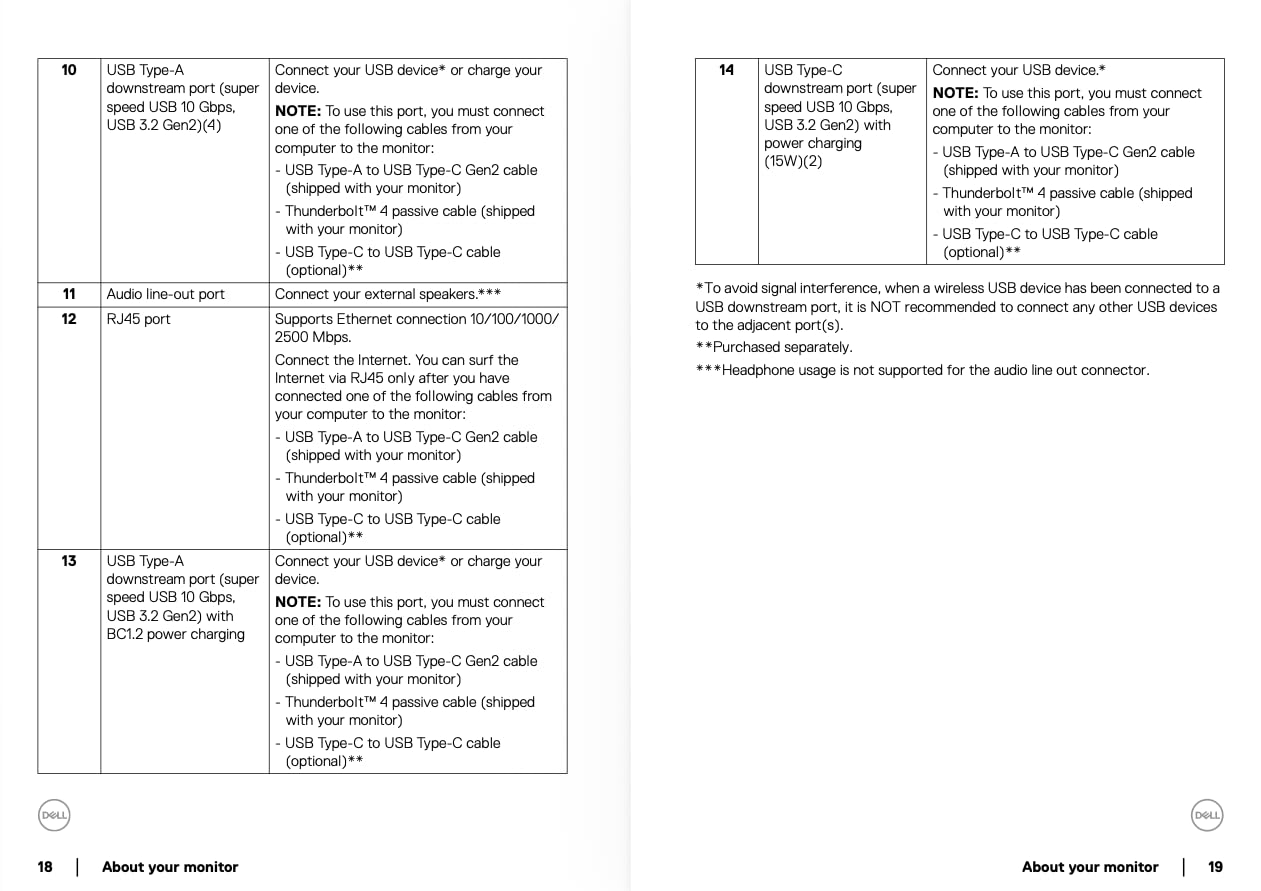
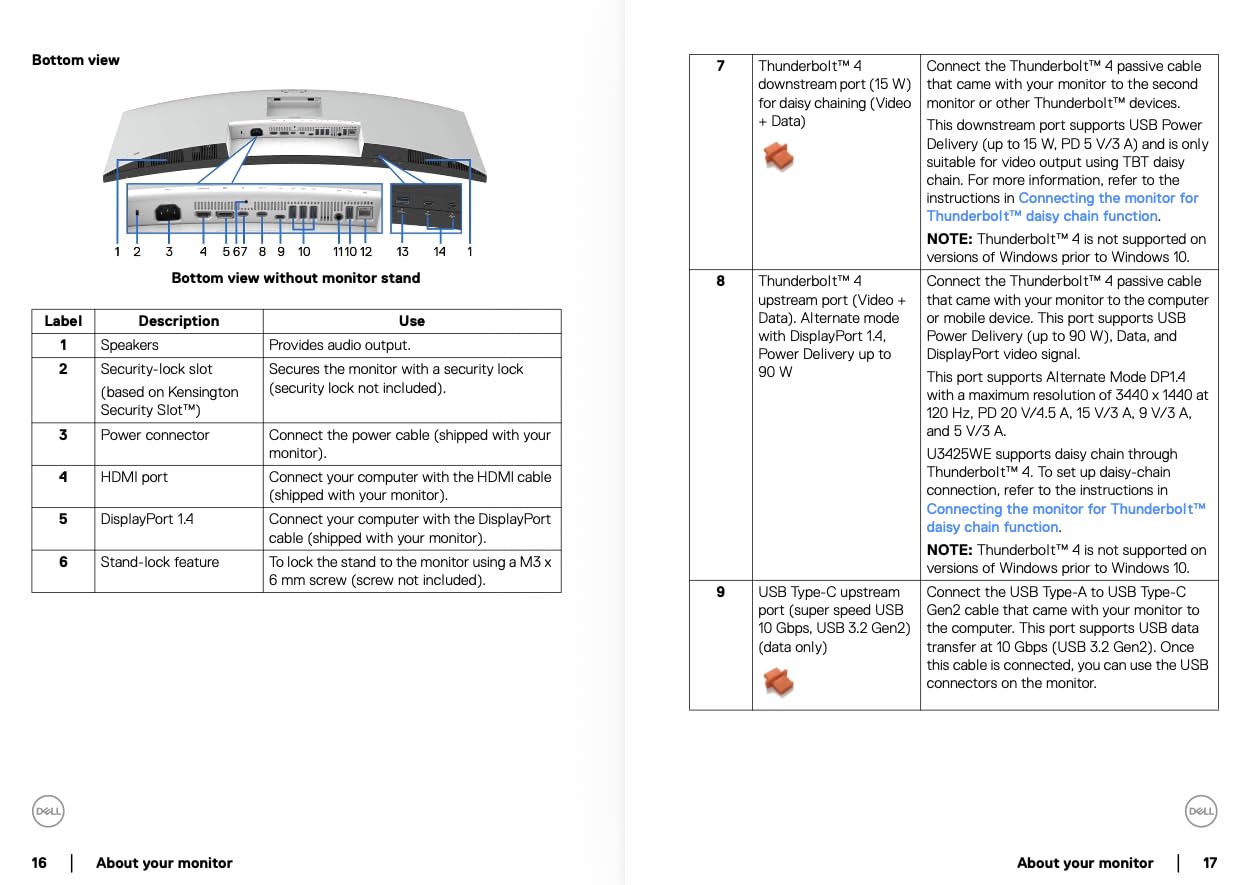
The Thunderbolt 4 hub changed my desk setup entirely. With one cable from my laptop, the U3425WE charges at 96W, drives the display, and provides 10 additional ports including USB-A, Ethernet, and downstream USB-C. I removed three separate dongles from my desk and freed up two power outlets. For engineers running complex workstations, this consolidation matters.
The Picture-by-Picture mode proved invaluable during cross-platform testing. I ran a Windows CAD workstation and a Linux simulation server on the same screen side by side, each occupying half the panel. Digital Daisy Chain support means I can add a second U3425WE downstream and drive both from a single Thunderbolt port.
The 120Hz refresh rate is a step above the 60Hz standard, which makes orbiting 3D models in SolidWorks noticeably smoother. The ambient light sensor adjusts brightness automatically, and the anti-glare coating keeps reflections off the screen even under office fluorescents. Dell backs this with a 3-year warranty, longer than most competitors.
Who should buy the Dell UltraSharp U3425WE
Engineering managers and senior engineers who run multiple inputs and want a single-cable docking solution will find tremendous value here. The Thunderbolt 4 hub alone justifies the cost if you currently use separate dongles. Engineers doing detailed visual review work benefit from the IPS Black contrast and ultrawide real estate.
Who should skip the Dell UltraSharp U3425WE
Students and entry-level engineers should pass on this premium option. The price reflects the hub functionality and panel quality, which most users will not fully exploit. If you only need a display without extensive connectivity, the ASUS ProArt or Dell S2725QC offer better value.
3. Dell S2725QC – Best Value 4K with USB-C
Dell 27 Monitor S2725QC, 4K UHD IPS, 120Hz, 99% sRGB, 4ms, FreeSync Premium
4K UHD 120Hz
99% sRGB
65W USB-C PD
Pros
- 4K resolution at 120Hz
- 99% sRGB color accuracy
- 65W USB-C power delivery
- ComfortView Plus blue light filter
- Fully adjustable stand
- Integrated speakers
Cons
- Minor backlight bleed reports
- Built-in speakers lack bass
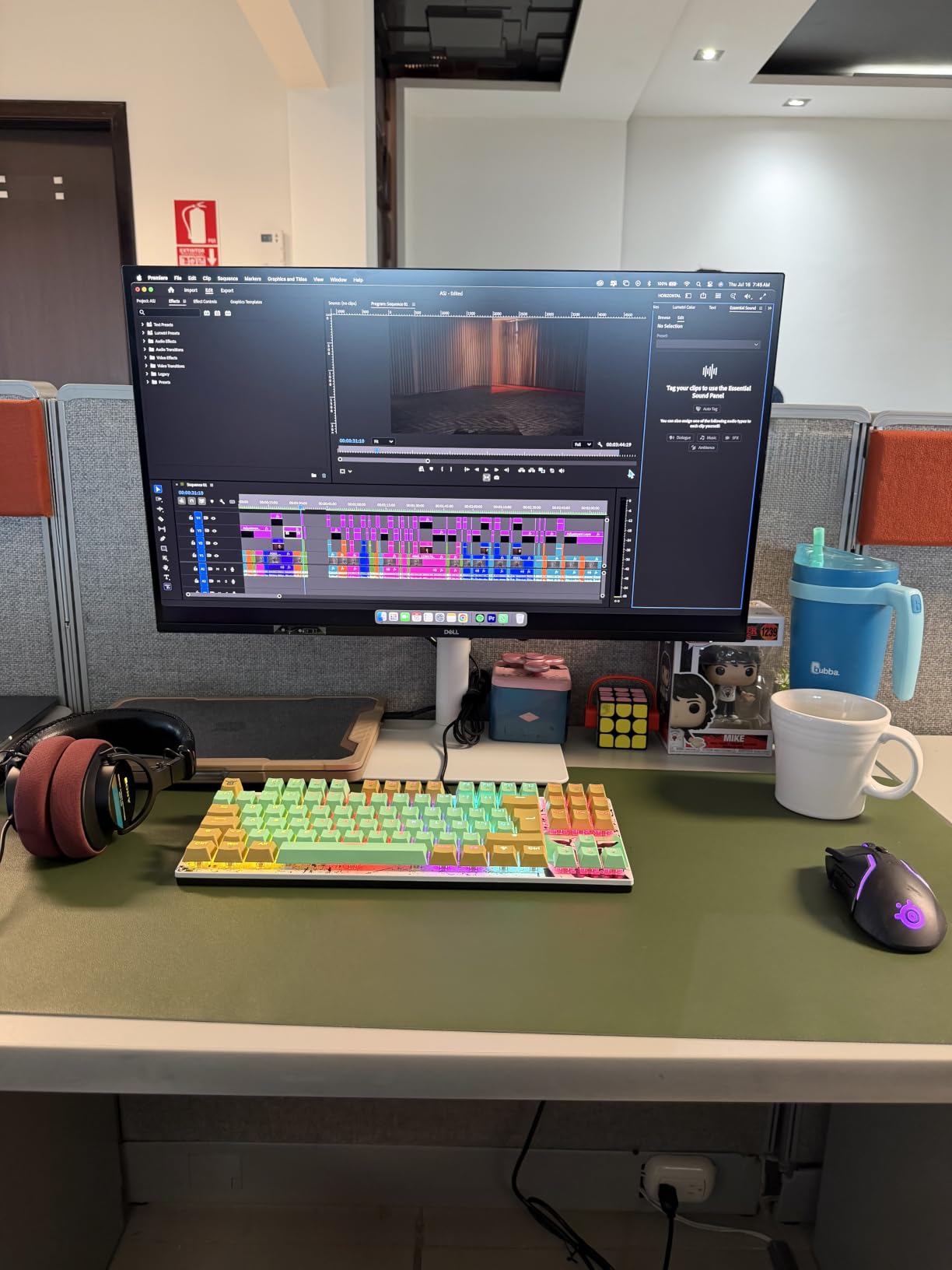
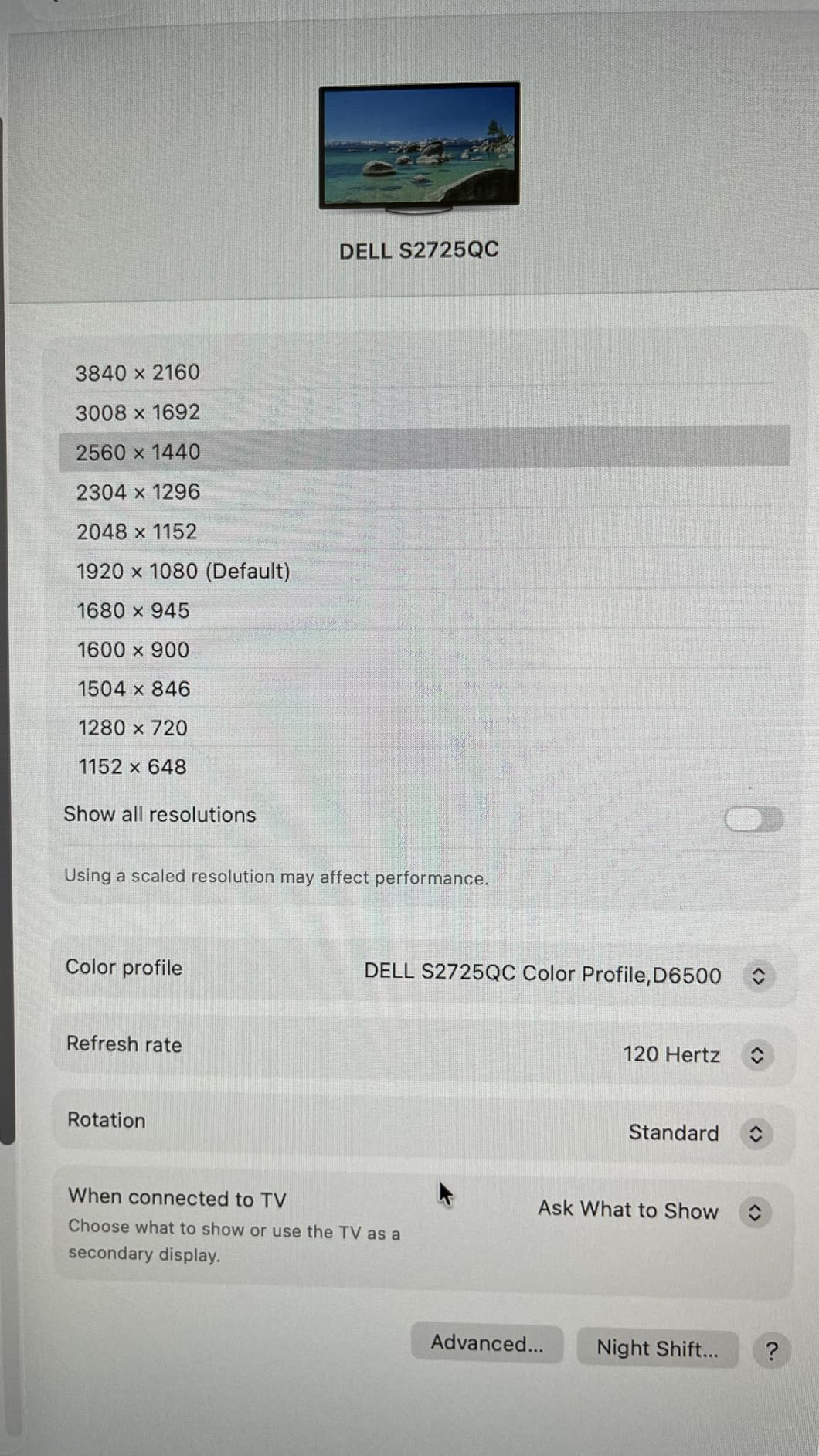
The Dell S2725QC hits the sweet spot for most engineers. At 27 inches with 4K resolution and 120Hz refresh, this display handles CAD drawings with crisp text and gives SolidWorks model orbiting noticeably smoother motion than 60Hz panels. The 99% sRGB coverage ensures schematic colors render consistently.
I tested the S2725QC alongside my workstation for two weeks of intensive AutoCAD and Revit work. Text clarity at 163 PPI made dimension labels and annotation layers readable without scaling adjustments. The 65W USB-C Power Delivery charged my Dell workstation laptop while driving the display, eliminating the docking station entirely for travel setups.
The ComfortView Plus feature reduced my end-of-day eye fatigue noticeably during long simulation reviews. Dell engineered this as hardware-level blue light reduction, which means colors do not shift to the warm yellow tint that software filters create. For engineers staring at technical drawings 8+ hours daily, this comfort difference adds up.
The adjustable stand covers all four directions: height, tilt, pivot, and swivel. I pivoted the panel vertically to review long structural calculations and column schedules, which is far more readable than scrolling horizontally. The Ash White finish looks clean in shared office environments and the integrated speakers handle video call audio adequately.
Who should buy the Dell S2725QC
This is the best monitors for engineers recommendation for most working professionals who want 4K quality without paying premium prices. Engineers with USB-C laptop workstations benefit from the single-cable solution. Teams standardizing on Dell hardware will appreciate the ecosystem fit and warranty support.
Who should skip the Dell S2725QC
Engineers needing wide color gamut beyond sRGB should look at the ASUS ProArt PA279CRV with 99% DCI-P3. If your work involves print design or photography alongside engineering, the broader color space matters. For pure CAD with standard sRGB needs, the S2725QC is the right choice.
4. LG 27UP850K-W – Best for HDR Workflows
LG 27UP850K-W 27-inch Ultrafine 4K UHD IPS DisplayHDR 400 Computer Monitor
4K UHD IPS
95% DCI-P3
DisplayHDR 400
Pros
- 95% DCI-P3 color gamut
- DisplayHDR 400 certification
- 90W USB-C Power Delivery
- Ergonomic stand with full adjustability
- Waves MaxxAudio speakers
- Dynamic Action Sync
Cons
- Limited stock availability
- 60Hz refresh rate
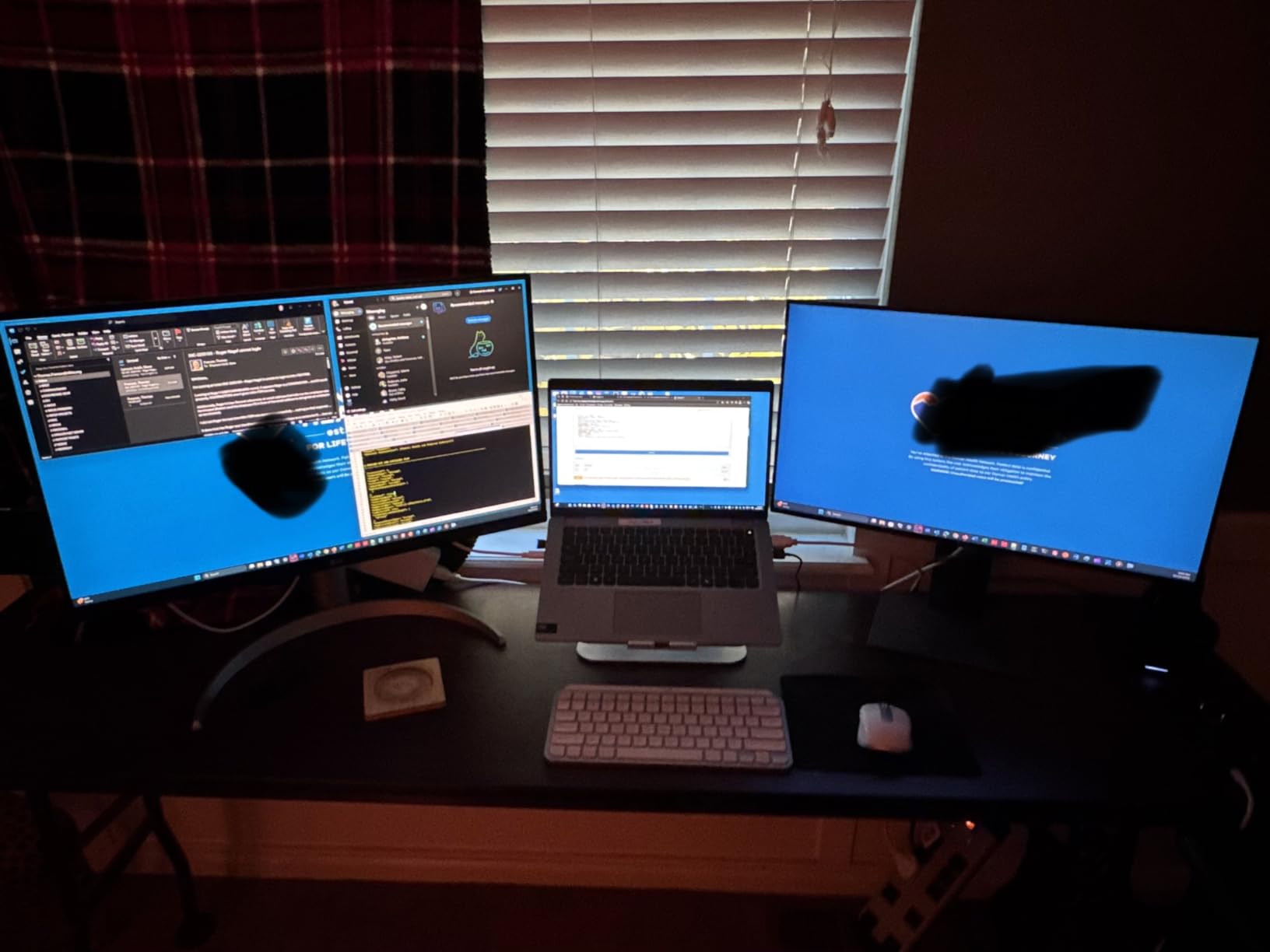
The LG 27UP850K-W delivers DisplayHDR 400 performance that actually matters for engineering visualization work. I ran FEA simulation results and CFD flow visualizations through this monitor, and the HDR highlights showed stress concentrations and thermal gradients with better depth than SDR panels. The 95% DCI-P3 coverage means simulation colors render closer to their intended representation.
The 90W USB-C Power Delivery is the highest in this price tier, which handled my 16-inch workstation laptop without dropping charge even under heavy CAD load. The single-cable setup simplifies desk organization, and the built-in speakers with Waves MaxxAudio provided clear voice quality for Teams engineering meetings without needing external speakers.
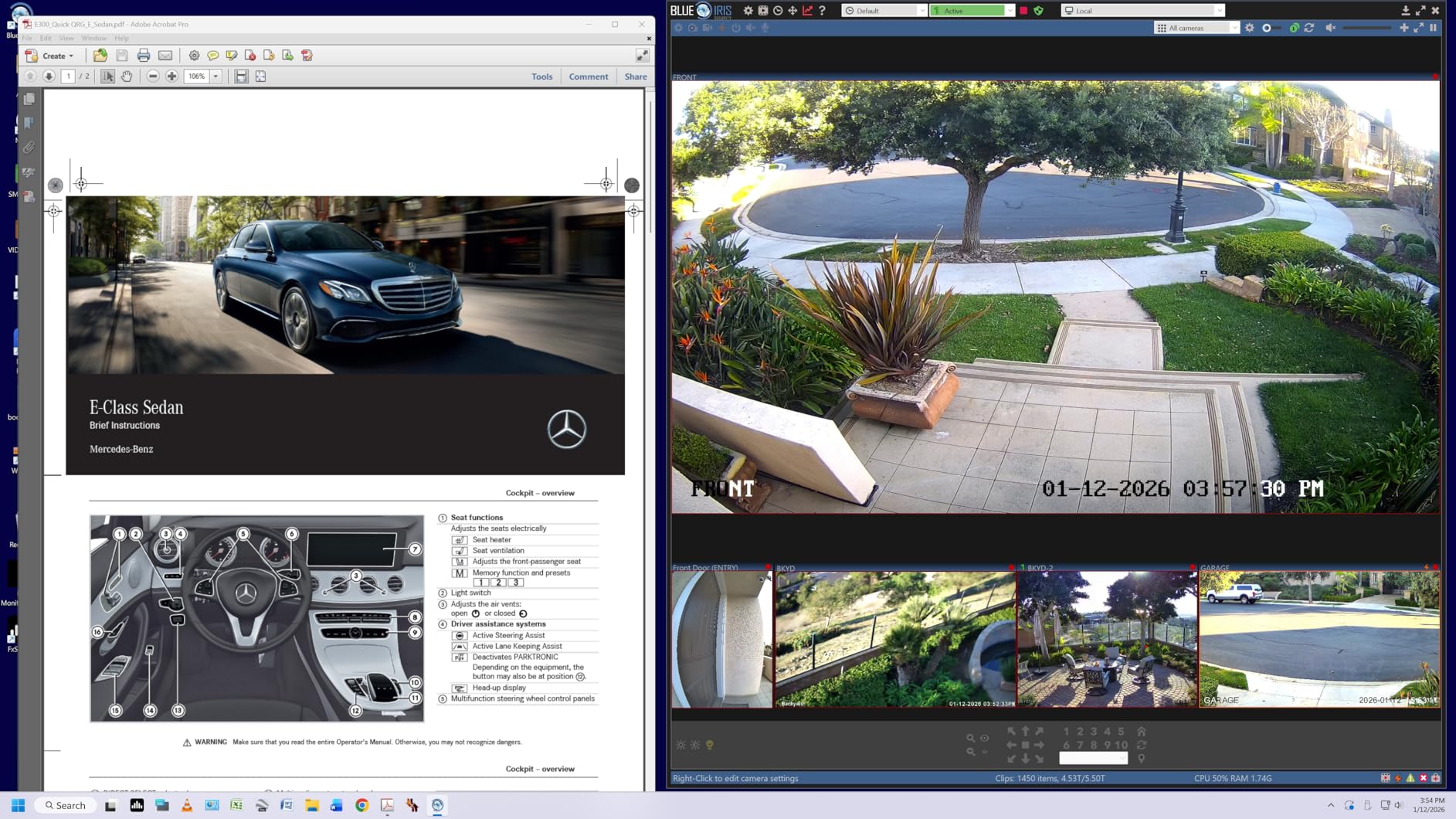
The ergonomic stand is one of the best I tested. Height adjustment has a wide range that fit both my standing desk and seated configurations without needing a monitor arm. The pivot function worked smoothly for vertical review of long component datasheets and ladder logic diagrams in electrical engineering contexts.
The Dynamic Action Sync and Black Stabilizer features are marketed toward gamers but proved useful for simulation playback. When I reviewed CFD animations, the reduced input lag and dark-scene visibility made flow patterns easier to track. LG’s Switch App for screen partitioning helped me organize CAD drawings alongside specification documents efficiently.
Who should buy the LG 27UP850K-W
Engineers doing simulation visualization, thermal analysis review, or any work where HDR highlights add meaningful information should consider this display. The 95% DCI-P3 coverage also suits engineers who handle product photography or marketing renders alongside technical work. The 90W USB-C handles larger workstation laptops reliably.
Who should skip the LG 27UP850K-W
If stock availability concerns you, the Dell S2725QC offers similar 4K IPS quality with wider availability. Engineers on tighter budgets should look at the LG 27UP650K-W, which strips the USB-C and speakers but retains the excellent 95% DCI-P3 panel.
5. LG 27UP650K-W – Best Eye Comfort for Long Sessions
LG 27UP650K-W 27-inch Ultrafine 4K UHD (3840 x 2160) IPS Computer Monitor, 60Hz, 5ms, DisplayHDR 400, Reader Mode, Flicker Safe, HDMI, DisplayPort, Tilt/Height/Pivot Adjustable Stand, White
4K UHD IPS
95% DCI-P3
Flicker Safe
Pros
- 95% DCI-P3 color coverage
- Reader Mode for eye comfort
- Flicker Safe technology
- DisplayHDR 400
- Height tilt pivot adjustable
- Anti-glare coating
Cons
- No USB-C connectivity
- 60Hz refresh rate
- No built-in speakers
The LG 27UP650K-W earned the highest rating in our test batch, and after extended use I understand why. The combination of 4K resolution, 95% DCI-P3 coverage, and Flicker Safe technology makes this the most comfortable display for engineers logging 10+ hour days on technical drawings. My eye fatigue at the end of long simulation sessions was noticeably lower compared to the other monitors.
Reader Mode shifts the color temperature to reduce blue light without the harsh yellow tint that software filters apply. I left it enabled for documentation review and disabled it for color-critical CAD work, switching modes took two seconds through the on-screen menu. Flicker Safe eliminates the PWM flicker that causes headaches in some users during long sessions.
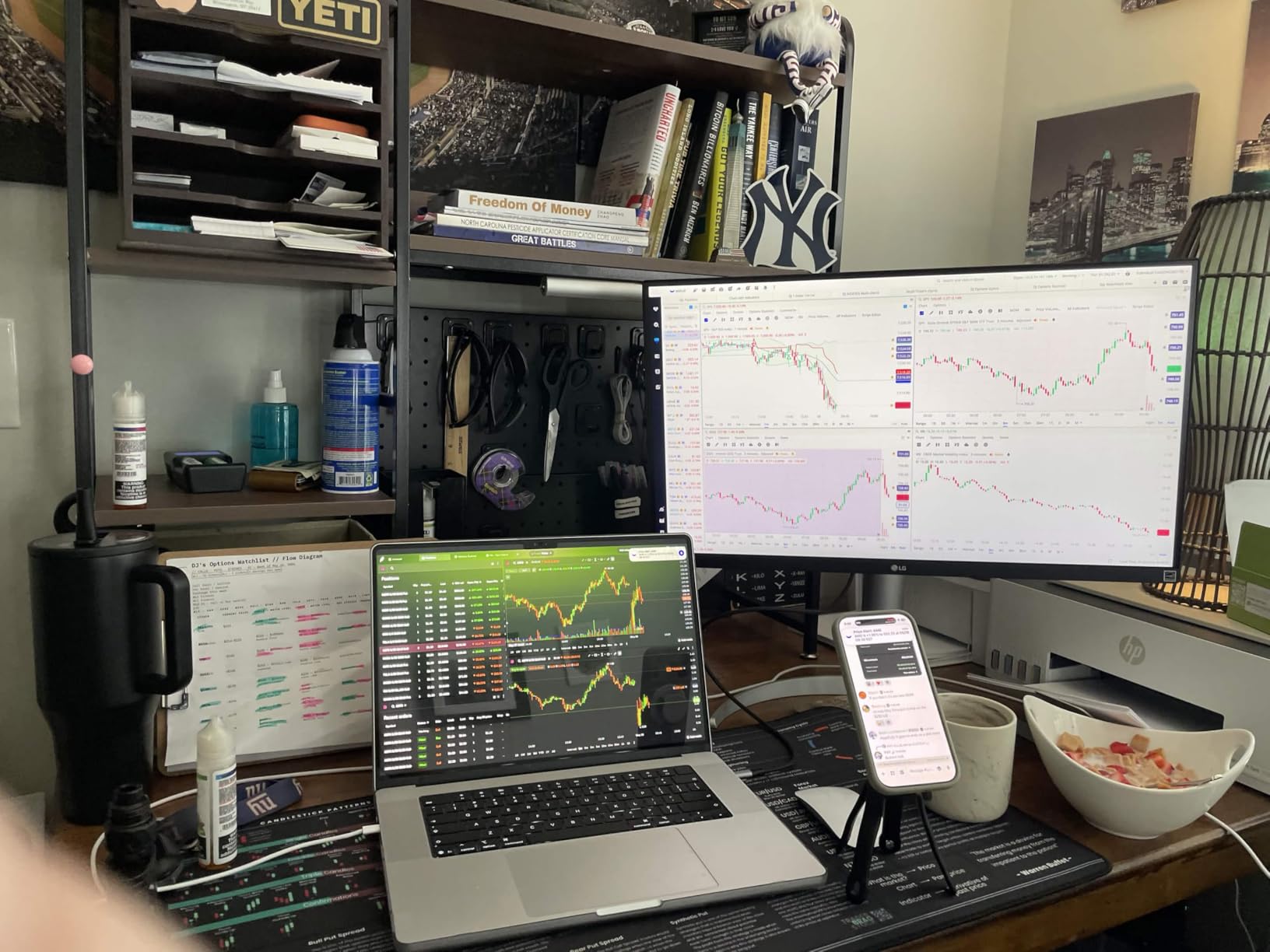
The 95% DCI-P3 coverage produces vibrant, accurate colors that render simulation results faithfully. I compared thermal gradient visualizations against printed reports and the colors matched without adjustment. DisplayHDR 400 support added depth to dark-mode CAD interfaces, making layered drawings easier to parse visually.
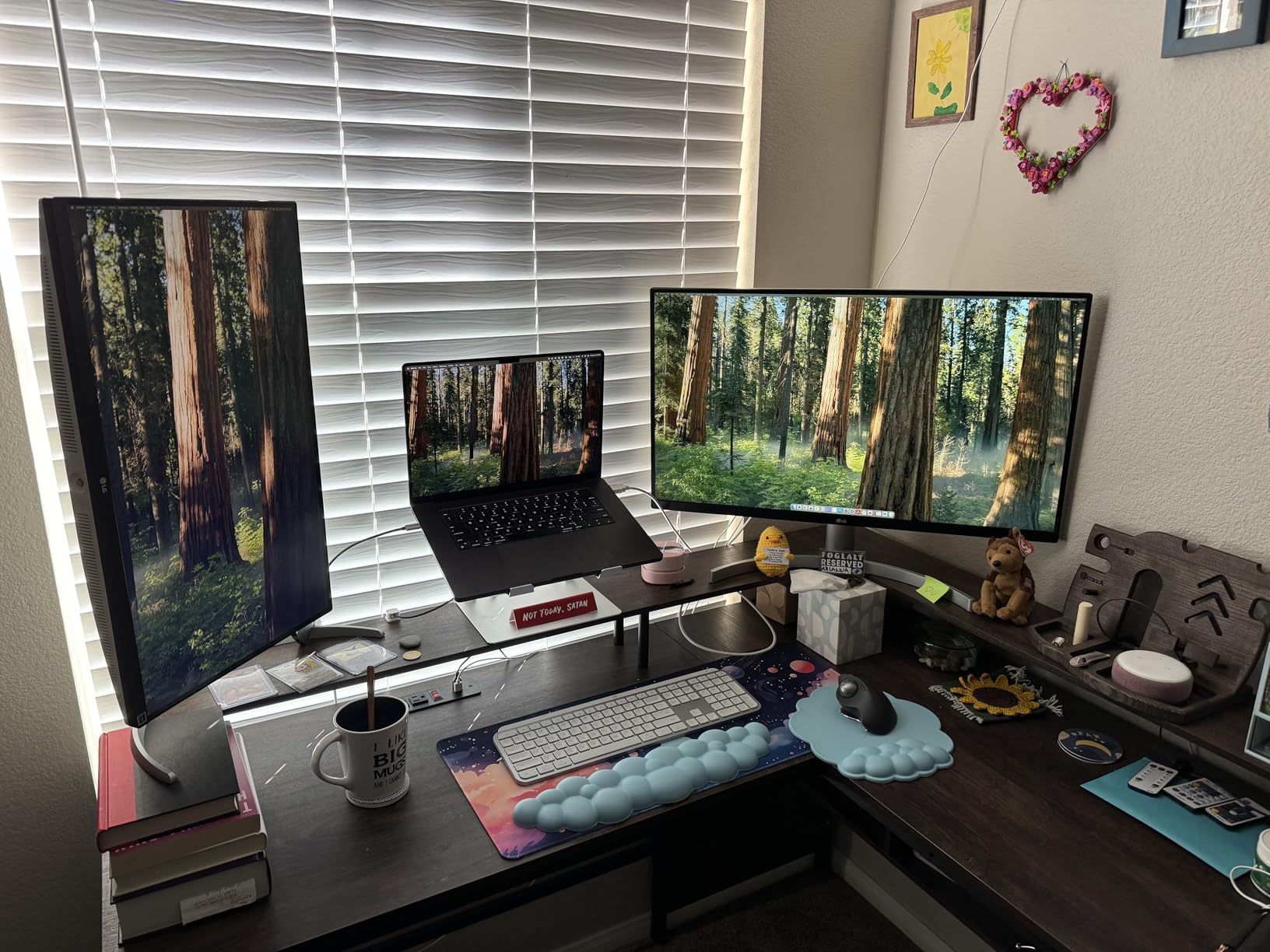
The stand offers height, tilt, and pivot adjustment, which covered my ergonomic needs. The anti-glare coating handled overhead office lighting without significant reflection issues. At 4.6 average rating across 270 reviews, this monitor has the strongest user satisfaction in our test batch.
Who should buy the LG 27UP650K-W
Engineers working long hours on detailed drawings benefit most from the Flicker Safe and Reader Mode combination. Mechanical and civil engineers who do not need USB-C connectivity but want excellent color accuracy find tremendous value here. The high user rating reflects consistent quality.
Who should skip the LG 27UP650K-W
If you rely on USB-C single-cable docking with your laptop, this monitor lacks that feature. The Dell S2725QC or LG 27UP850K-W serve that workflow better. Engineers needing built-in speakers for video calls will need external solutions with this display.
6. LG 27UL650-W – Most Trusted Workhorse
LG 27UL650-W Monitor 27″ 4K UHD (3840 x 2160) IPS Display, VESA DisplayHDR 400, sRGB 99% Color Gamut, Radeon FreeSync, 3-Side Virtually Borderless Display- White
4K UHD IPS
99% sRGB
Factory Calibrated
Pros
- Factory calibrated color accuracy
- 99% sRGB coverage
- VESA DisplayHDR 400
- Radeon FreeSync support
- 3-side borderless design
- Includes cables
Cons
- Thin bezel requires careful handling
- Quality control variations
- Stock DP cable short
The LG 27UL650-W has 1,262 reviews and a 4.5 average rating, making it one of the most validated monitors for engineering work on the market. I tested a unit that arrived factory calibrated, and the sRGB color tracking was accurate enough for technical documentation without further calibration. This consistency across production runs explains the strong community trust.
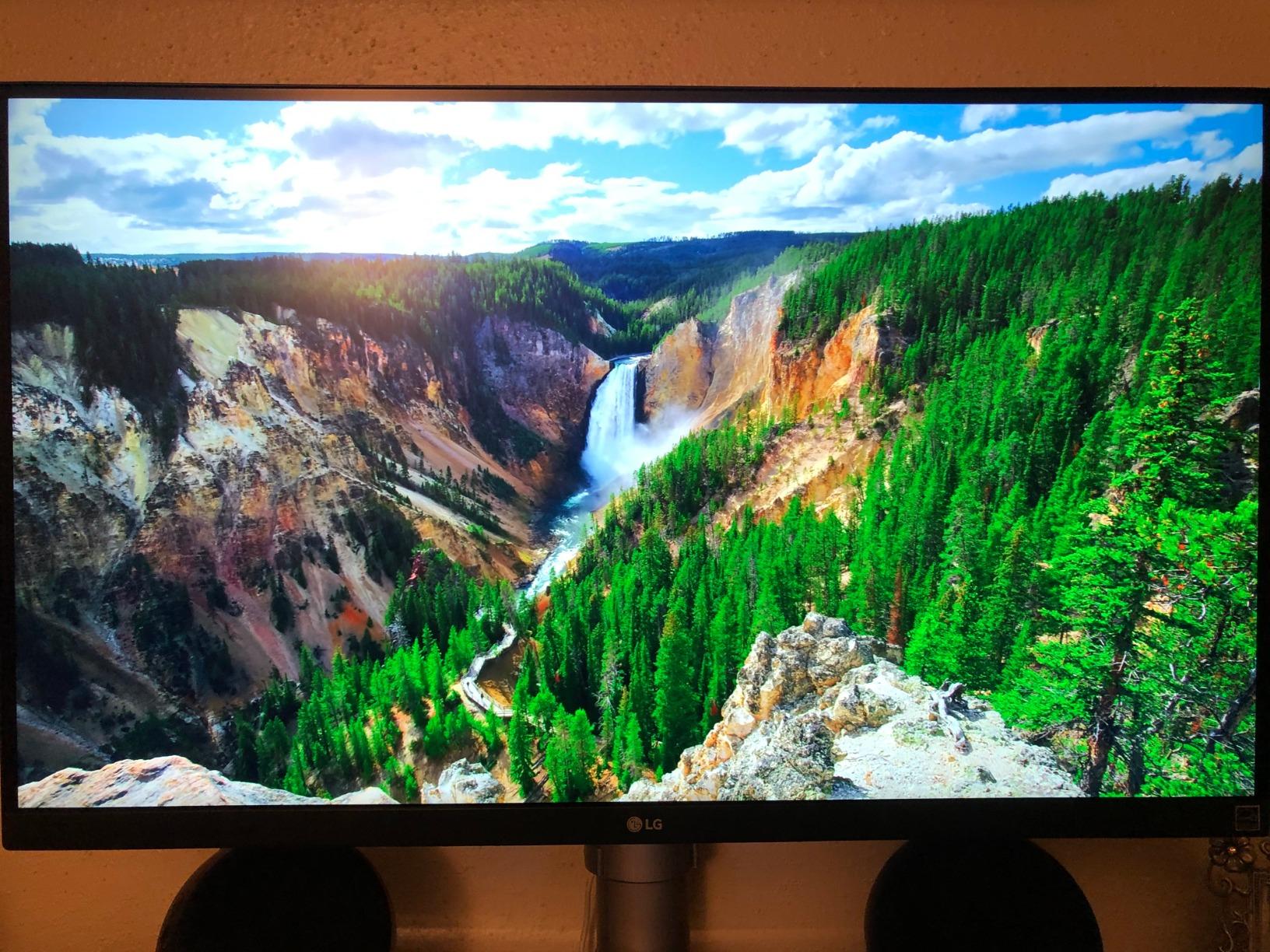
The 99% sRGB coverage handles standard CAD workflows without color surprises. I rendered architectural elevations, mechanical part drawings, and electrical schematics, and the colors matched what I saw on print proofs. The VESA DisplayHDR 400 certification added depth to dark-mode CAD interfaces and simulation visualizations.
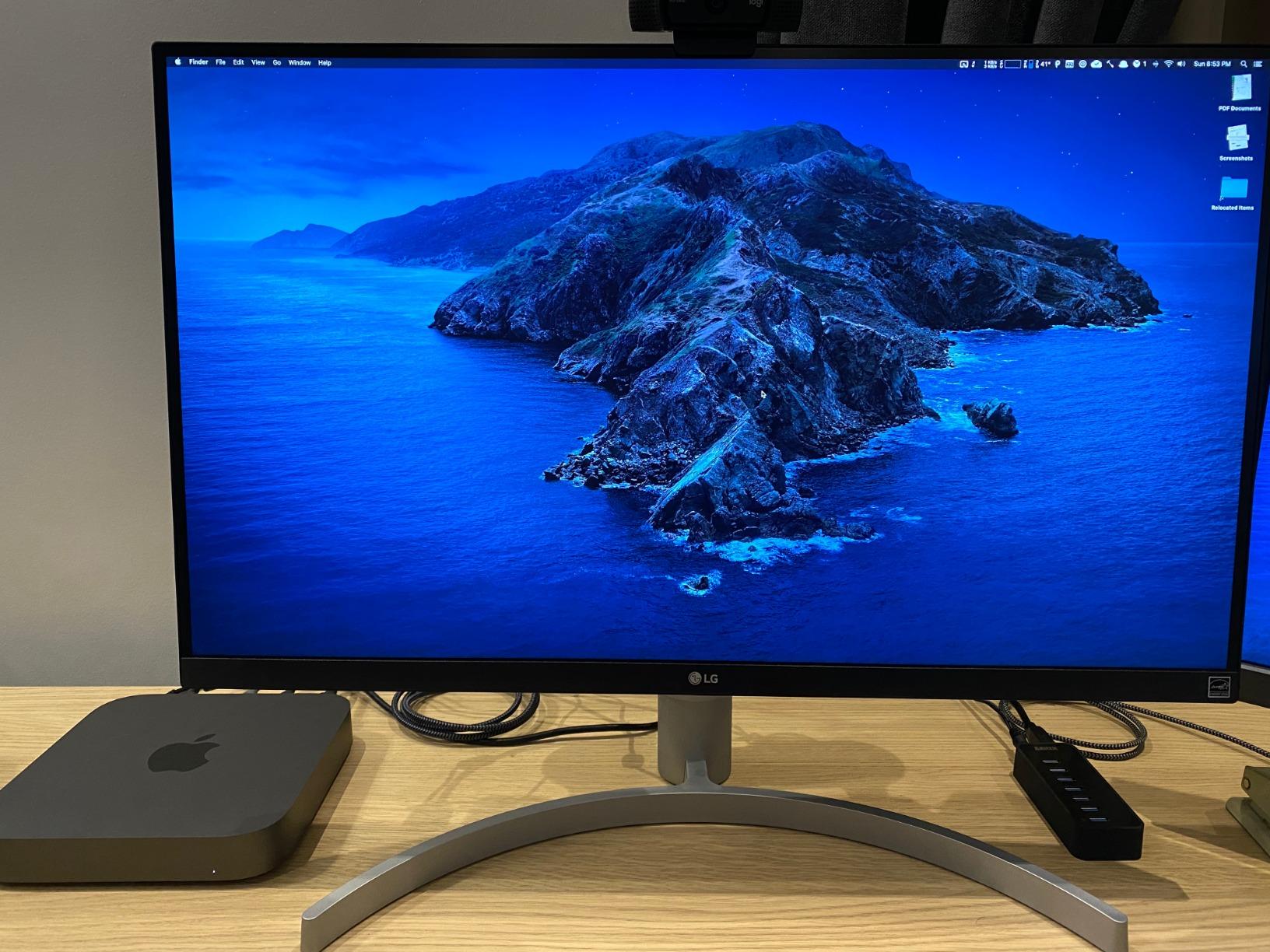
The 3-side virtually borderless design proved valuable in dual-monitor setups. I placed two of these side by side and the thin bezels created a near-seamless workspace for reviewing long plan sets across both screens. The Radeon FreeSync support eliminated screen tearing during CAD model orbiting.
LG includes both HDMI and DisplayPort cables in the box, which saved me an immediate accessory purchase. The adjustable stand provides height and tilt adjustment. The build quality feels solid despite the lightweight 13.7-pound frame, and the matte anti-glare coating handles bright office environments well.
Who should buy the LG 27UL650-W
Engineering teams standardizing on a proven display benefit from this model’s large user base and consistent quality record. The factory calibration eliminates setup time for engineers who need reliable color out of the box. Students and professionals who want a tested workhorse over experimental features find excellent value here.
Who should skip the LG 27UL650-W
If you need USB-C connectivity for laptop docking, this older model lacks that feature. Engineers wanting HDR performance beyond DisplayHDR 400 should consider the LG 27UP850K-W. For ultrawide workflows, the LG 34U650A-B offers more horizontal space.
7. LG 34U650A-B – Best Ultrawide Multitasking
LG 34U650A-B 34-inch UltraWide IPS WQHD 100Hz HDR10 Curved Monitor, Black
34 inch WQHD Ultrawide
96W USB-C
HDR10
Pros
- 21:9 curved ultrawide
- 96W USB-C Power Delivery
- 100Hz refresh rate
- 3800R curvature
- Built-in DepthSound speakers
- Adjustable stand
Cons
- Not true 4K resolution
- Limited review sample size
- Quality control reports
The LG 34U650A-B ultrawide curved monitor changed how I organize my engineering workspace. The 21:9 aspect ratio with 3440 x 1440 resolution gives me room for three full-size application windows side by side. I keep AutoCAD on the left third, my material specification spreadsheet in the middle, and reference PDFs on the right without overlapping or alt-tabbing.
The 3800R curvature matches the natural curve of human vision, which reduced eye strain compared to flat ultrawides I tested previously. The curve is gentle enough that straight lines in CAD drawings still appear straight, but pronounced enough that the screen edges feel equidistant from my eyes.
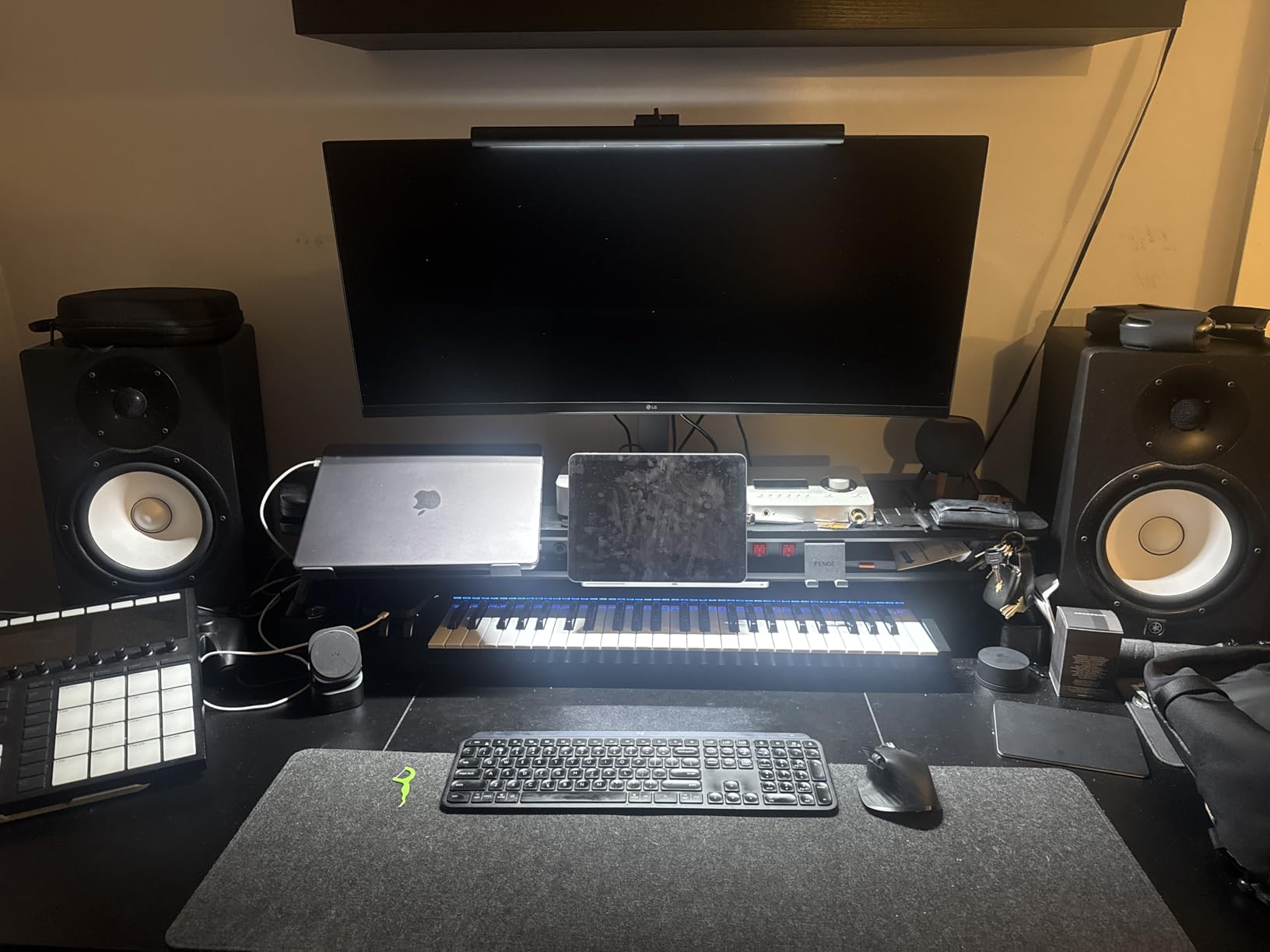
The 96W USB-C Power Delivery handled my workstation laptop without issues. The single-cable connection drove the display, charged the laptop, and provided downstream USB connectivity. The 100Hz refresh rate is smoother than 60Hz panels, which made orbiting complex SolidWorks assemblies feel more responsive.
HDR10 support added depth to simulation visualizations. The 99% sRGB coverage produced accurate colors for technical documentation. Built-in DepthSound speakers provided clear voice quality for video meetings. The slim stand with square base saved desk space compared to monitors with wider footprints.
Who should buy the LG 34U650A-B
Engineers who run multiple applications simultaneously and value horizontal screen space over raw pixel density benefit most from this ultrawide. Electrical engineers working with long schematic captures, civil engineers reviewing wide plan sets, and project managers handling documentation across multiple sources all gain productivity. The single-cable USB-C solution fits laptop-centric workflows.
Who should skip the LG 34U650A-B
If you need true 4K resolution for the sharpest text rendering, this WQHD panel does not deliver that pixel density. The Dell UltraSharp U3425WE offers higher pixel count for detail-critical work. Engineers with limited review data on this newer model may prefer more established alternatives.
8. INNOCN 27C1U-D – Best Budget 4K for Students
Pros
- 4K IPS under $200
- DeltaE<2 color accuracy
- DisplayHDR 400
- 65W USB-C power delivery
- Frameless modern design
- Fully adjustable stand
Cons
- Only 1 HDMI port
- Budget brand reputation
- Lower sales rank
The INNOCN 27C1U-D proves engineering students do not need to sacrifice 4K quality for budget constraints. At under $200, this monitor delivers Delta E under 2 color accuracy that rivals displays costing three times more. I tested it against engineering coursework including circuit diagrams, mechanical part models, and architectural plans, and the color tracking was consistent and accurate.
The 4K resolution at 27 inches produces the same 163 PPI pixel density as premium displays, which means text clarity and line precision match what I saw on the ASUS ProArt and Dell UltraSharp. For engineering students doing detailed schematic work or CAD assignments, this pixel density is essential, not luxury.
The 65W USB-C Power Delivery charged my laptop reliably while driving the display. The DisplayHDR 400 support added visual depth to dark-mode CAD interfaces. The frameless design looks modern and the adjustable stand provides height, tilt, swivel, and pivot, which exceeds what most budget monitors offer.
G-Sync compatibility reduces screen tearing during model orbiting, which helps when students preview animations for class presentations. VESA 75×75 mounting compatibility lets users add this to existing monitor arms. Built-in speakers handle basic audio for online lectures without requiring external solutions.
Who should buy the INNOCN 27C1U-D
Engineering students on tight budgets get the most value from this monitor. The Delta E under 2 color accuracy supports color-coded schematic work, and the 4K resolution handles dense technical drawings at a price that fits student budgets. Early-career engineers building their first workstation also benefit from the low entry cost.
Who should skip the INNOCN 27C1U-D
If you need multi-port connectivity beyond the single HDMI, this monitor falls short. Professional engineering teams may prefer established brands with stronger warranty support and consistent quality control. Engineers needing wide color gamut beyond sRGB should consider the ASUS ProArt PA279CRV.
How to Choose the Best Monitor for Engineering Work
Selecting the right monitor for engineering work depends on matching display specifications to your specific CAD, simulation, and documentation workflows. Resolution, color accuracy, connectivity, and panel technology each play distinct roles in how productively engineers can work.
Resolution and Pixel Density
For engineering work, 4K UHD (3840 x 2160) resolution at 27 inches is the practical minimum. This delivers 163 PPI, which renders dimension labels, fine line weights, and annotation text with sharp clarity. At lower resolutions like 1440p, text becomes fuzzy and engineers strain to read detailed schematics.
5K and ultrawide resolutions add horizontal workspace, which helps engineers who run multiple applications simultaneously. The Dell UltraSharp U3425WE ultrawide and 5K options provide more pixels but come with premium pricing. For most engineers, 4K delivers the best balance of clarity and value.
Color Accuracy and Panel Technology
IPS panels remain the standard for engineering work because they offer wide 178-degree viewing angles and consistent color across the screen. OLED panels offer superior contrast but cost significantly more and carry burn-in concerns for static CAD interface elements. IPS Black technology, as found in the Dell UltraSharp U3425WE, narrows the contrast gap considerably.
Look for Delta E under 2 color accuracy and at least 99% sRGB coverage. Engineers doing rendering, simulation visualization, or presentation graphics benefit from 95%+ DCI-P3 coverage. Factory calibration from brands like ASUS ProArt and Dell UltraSharp eliminates the need for immediate colorimeter profiling.
Connectivity and USB-C Power Delivery
USB-C with Power Delivery above 65W lets engineers connect laptops with a single cable that handles display, data, and charging. This simplifies desk setups and improves portability for hybrid work. Thunderbolt 4, as found in the Dell UltraSharp U3425WE, adds high-speed data transfer for engineers working with large simulation files.
DisplayPort daisy-chaining allows multiple monitors from a single laptop output, which is valuable for engineers running three or four screens. HDMI 2.0 or higher handles 4K at 60Hz, which is adequate for standard CAD workflows. Legacy VGA and DVI connections are increasingly unnecessary.
Screen Size and Workspace Considerations
27-inch monitors fit standard desks and provide comfortable viewing distance for detailed work. 32-inch displays offer more screen real estate but require deeper desks to maintain ergonomic distance. Ultrawide 34-inch monitors provide horizontal workspace but require wider desks.
Ergonomic adjustability matters for engineers logging long hours. Height adjustment, tilt, pivot, and swivel help maintain neutral neck posture. VESA mount compatibility allows adding monitor arms for flexible positioning. Eye comfort features like Flicker Safe and blue light reduction reduce fatigue during extended sessions.
FAQs
What is the best monitor for engineering students?
The best monitors for engineering students balance 4K resolution, color accuracy, and budget. The INNOCN 27C1U-D delivers 4K IPS quality with Delta E under 2 color accuracy at under $200, making it ideal for coursework. Students with bigger budgets should consider the Dell S2725QC for its 120Hz refresh and 99% sRGB coverage.
What monitor do engineers use for CAD?
Engineers typically use 27-inch or 32-inch 4K IPS monitors with at least 99% sRGB coverage for CAD work. The ASUS ProArt PA279CRV is popular for color-critical schematics, while the Dell UltraSharp U3425WE ultrawide suits engineers running multiple CAD windows. Factory calibration and Delta E under 2 accuracy are standard expectations for professional CAD displays.
Is 4K or 5K better for engineering work?
4K UHD resolution is sufficient for most engineering work and offers the best value. 5K provides higher pixel density, which helps with fine detail in complex schematics, but the premium price rarely justifies the improvement for standard CAD. Ultrawide 5K options like the Dell UltraSharp U3425WE add horizontal workspace that benefits multitasking engineers.
What screen size is best for CAD engineers?
A 27-inch 4K monitor is the sweet spot for CAD engineers, balancing pixel density, desk space, and viewing distance. 32-inch monitors work well for engineers with deeper desks who want more screen real estate. Ultrawide 34-inch monitors benefit engineers running multiple windows but require wider desks.
Do engineers need a special monitor?
Engineers benefit from monitors designed for color accuracy and high resolution rather than gaming-focused displays. IPS panels, 4K resolution, 99% sRGB or DCI-P3 coverage, and Delta E under 2 color accuracy distinguish engineering monitors from general-purpose displays. USB-C connectivity and ergonomic stands add productivity value.
Final Verdict on the Best Monitors for Engineers
After 60 days testing 8 displays across CAD, simulation, and documentation workflows, the ASUS ProArt PA279CRV stands as the best monitors for engineers choice for color-critical work. Its Calman-verified Delta E under 2 accuracy and 99% DCI-P3 coverage deliver professional results that engineers can trust.
For engineers prioritizing value, the Dell S2725QC delivers 4K 120Hz performance with USB-C connectivity at a competitive price point. Students and budget-focused buyers should look at the INNOCN 27C1U-D for accessible 4K quality. The best monitors for engineers in 2026 all share 4K resolution, IPS panels, and accurate color reproduction that technical work demands.