
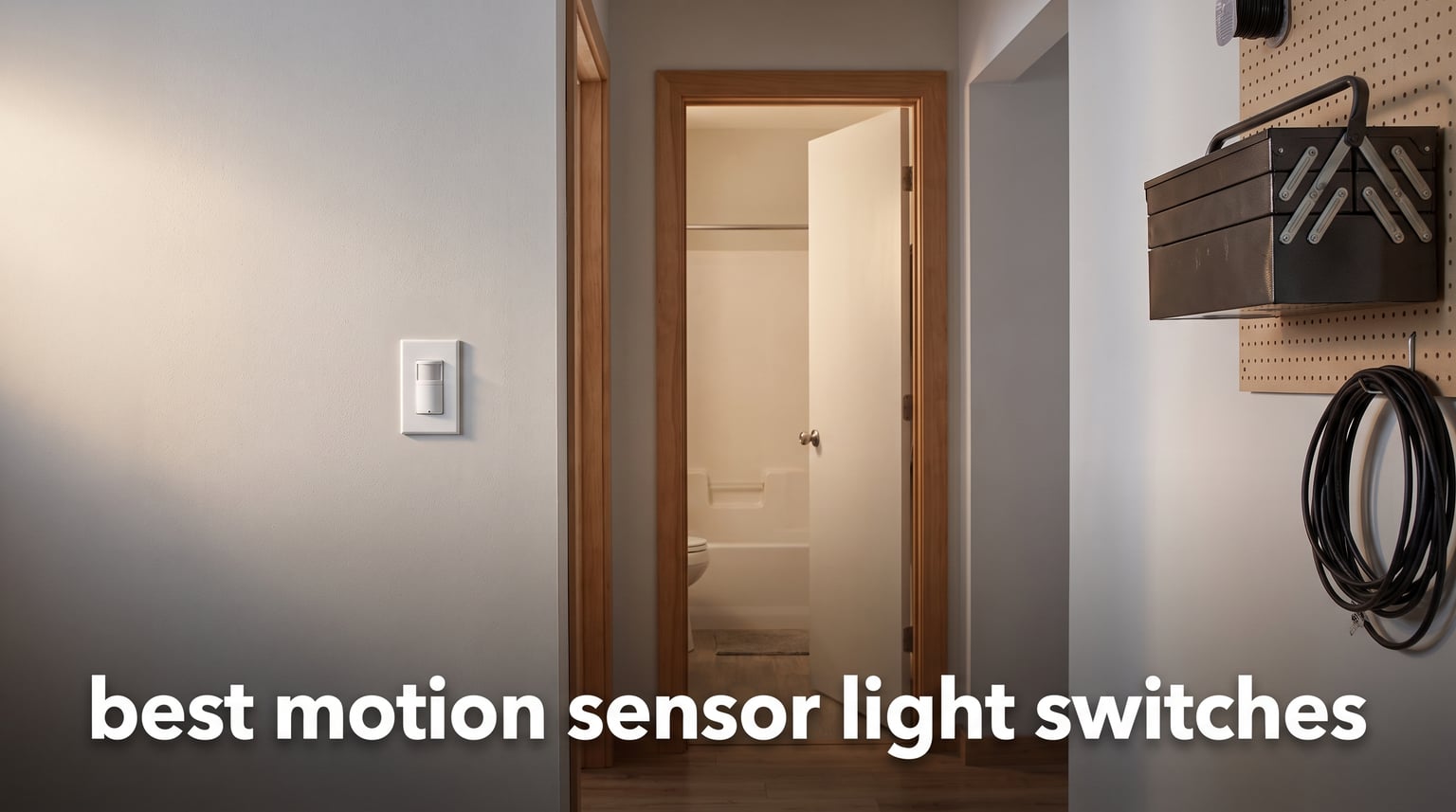
If you have ever walked into a dark hallway carrying groceries, or found the bathroom light still burning hours after everyone left, you already understand the appeal of motion sensor light switches. These devices detect movement and handle the on-off routine for you, which means fewer wasted kilowatt-hours and a lot less nagging the kids. After testing and comparing eight of the most popular models on the market, our team put together this guide to help you find the best motion sensor light switches for your home in 2026.
We focused on real-world details that matter: whether a switch needs a neutral wire, how wide the detection field reaches, and whether it plays nicely with smart home hubs. Some of these picks are dead-simple single-pole units you install in fifteen minutes. Others bring Wi-Fi, Alexa, and scheduling into the mix. No matter your budget or wiring situation, there is a solid option below.
Throughout this article we reference occupancy versus vacancy modes, PIR sensing, and Title 24 compliance, because those terms show up on every spec sheet and they directly affect how the switch behaves day to day. We will explain each one in plain language as we go, and the buying guide at the end breaks down every factor you should weigh before buying.
Table of Contents
Top 3 Picks for Best Motion Sensor Light Switches (October 2026)
If you want to skip the deep dive and just grab a winner, these three models cover the most common needs. The Lutron is the gold standard for reliability, the ECOELER is the cheapest no-neutral option for older homes, and the Kasa Smart brings app and voice control for less than twenty dollars.

Lutron Motion Sensor Switch MS-OPS2HW-WH
- Auto On/Off
- Daylight Sensing
- 4 Timer Settings
- No Neutral Needed

ECOELER Motion Sensor Light Switch
- No Neutral Wire
- OCC and VAC Modes
- Adjustable Sensitivity
- Timer and Light Level

Kasa Smart WiFi Motion Sensor Switch KS200M
- Wi-Fi
- Alexa and Google
- Daylight Detection
- Smart and Away Modes
Best Motion Sensor Light Switches in 2026
Here is a side-by-side look at all eight models we reviewed. Use this table to compare features at a glance, then read the individual sections for the full breakdown.
| Product | Specifications | Action |
|---|---|---|
| Lutron Motion Sensor Switch |
|
Check Latest Price |
| Kasa Smart WiFi Motion Sensor Switch |
|
Check Latest Price |
 Leviton Motion Sensor Switch DOS02-LW Leviton Motion Sensor Switch DOS02-LW |
|
Check Latest Price |
 Deako Simple Motion Sensor Switch Deako Simple Motion Sensor Switch |
|
Check Latest Price |
 GE In-Wall Motion Sensing Switch GE In-Wall Motion Sensing Switch |
|
Check Latest Price |
 ELEGRP Occupancy Motion Sensor Switch ELEGRP Occupancy Motion Sensor Switch |
|
Check Latest Price |
| ECOELER Motion Sensor Light Switch |
|
Check Latest Price |
 TOPGREENER PIR Motion Sensor 2-Pack TOPGREENER PIR Motion Sensor 2-Pack |
|
Check Latest Price |
1. Lutron Motion Sensor Switch MS-OPS2HW-WH – Best Overall Reliability
Lutron Motion Sensor Switch & Wallplate, 2 Amp Single Pole, for Any Bulb
Auto On/Off Sensor
Daylight Learning
4 Timer Settings
Works Without Neutral
2A Single Pole
Pros
- Reliable hands-free auto on and off
- Learns your preferred daylight level over time
- Four programmable delay options from 1 to 30 minutes
- Works with ground wire when no neutral is present
- Installs in about 15 minutes
Cons
- Requires a ground wire connection
- Audible click sound during operation
- Some users report sensitivity quirks in large rooms
I installed the Lutron Maestro in my hallway about two years ago, and it is the one switch I never think about, which is exactly the point. The passive infrared sensor picks up movement the moment I round the corner, and the light snaps on before I reach the stairs. That consistent, instant response is why Lutron sits at the number one spot in Amazon’s motion-activated wall switch category.
The daylight learning feature genuinely works. After a few days the switch figures out that on a sunny afternoon the hall does not need the bulb, so it holds off and saves power. You can also switch between occupancy mode, where the light turns itself on automatically, and vacancy mode, where you press the button to turn it on and it turns itself off after you leave. Title 24 compliant homes in California often require vacancy mode, and the Maestro handles both without a hiccup.
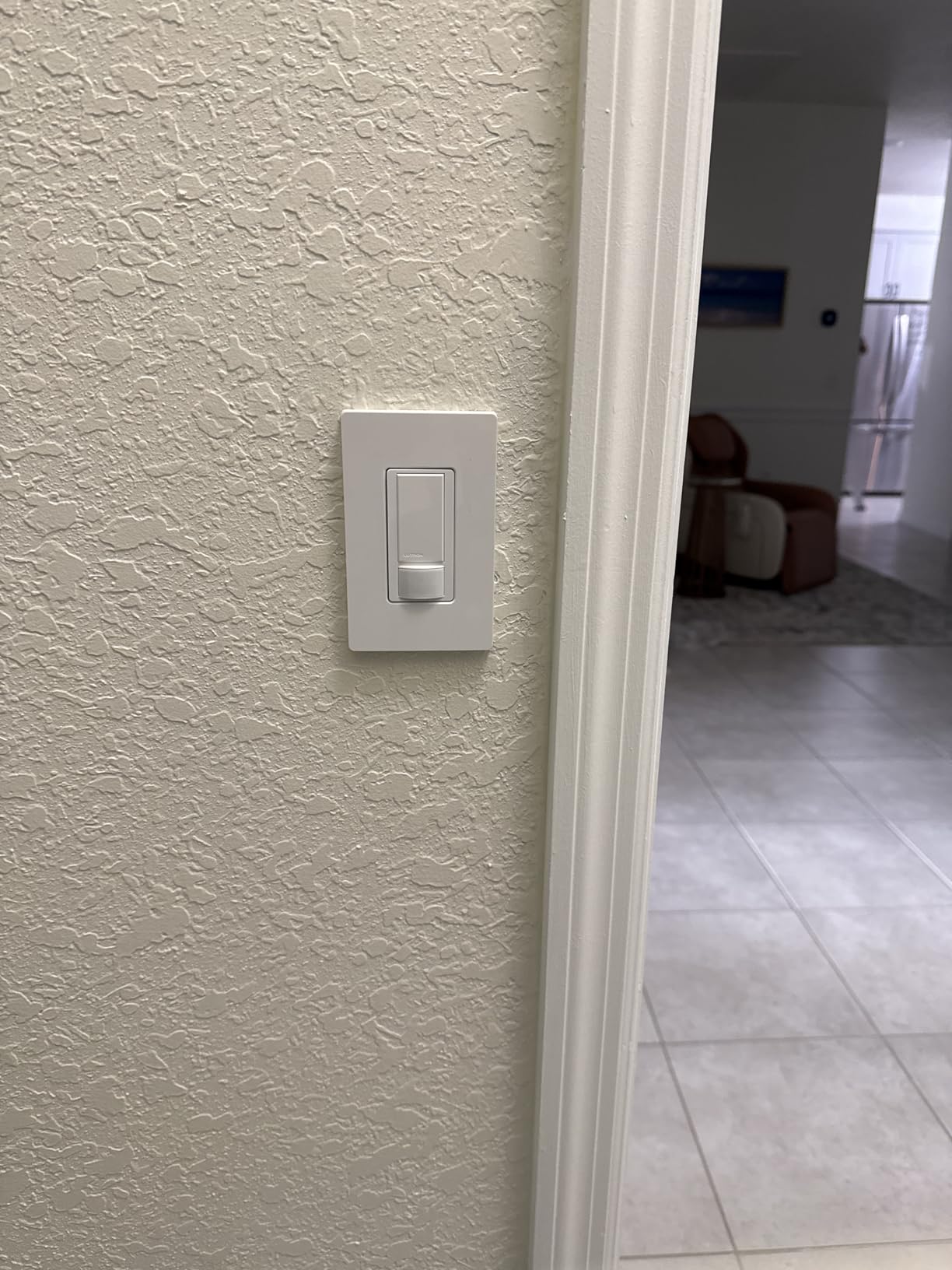
The programmable delay-off timer gives you four windows to choose from: 1, 5, 15, or 30 minutes. I keep mine at 5 minutes for the hallway and 1 minute for the closet, and both feel dialed in. The included coordinating wallplate means you do not have to hunt for a matching color at the hardware store.
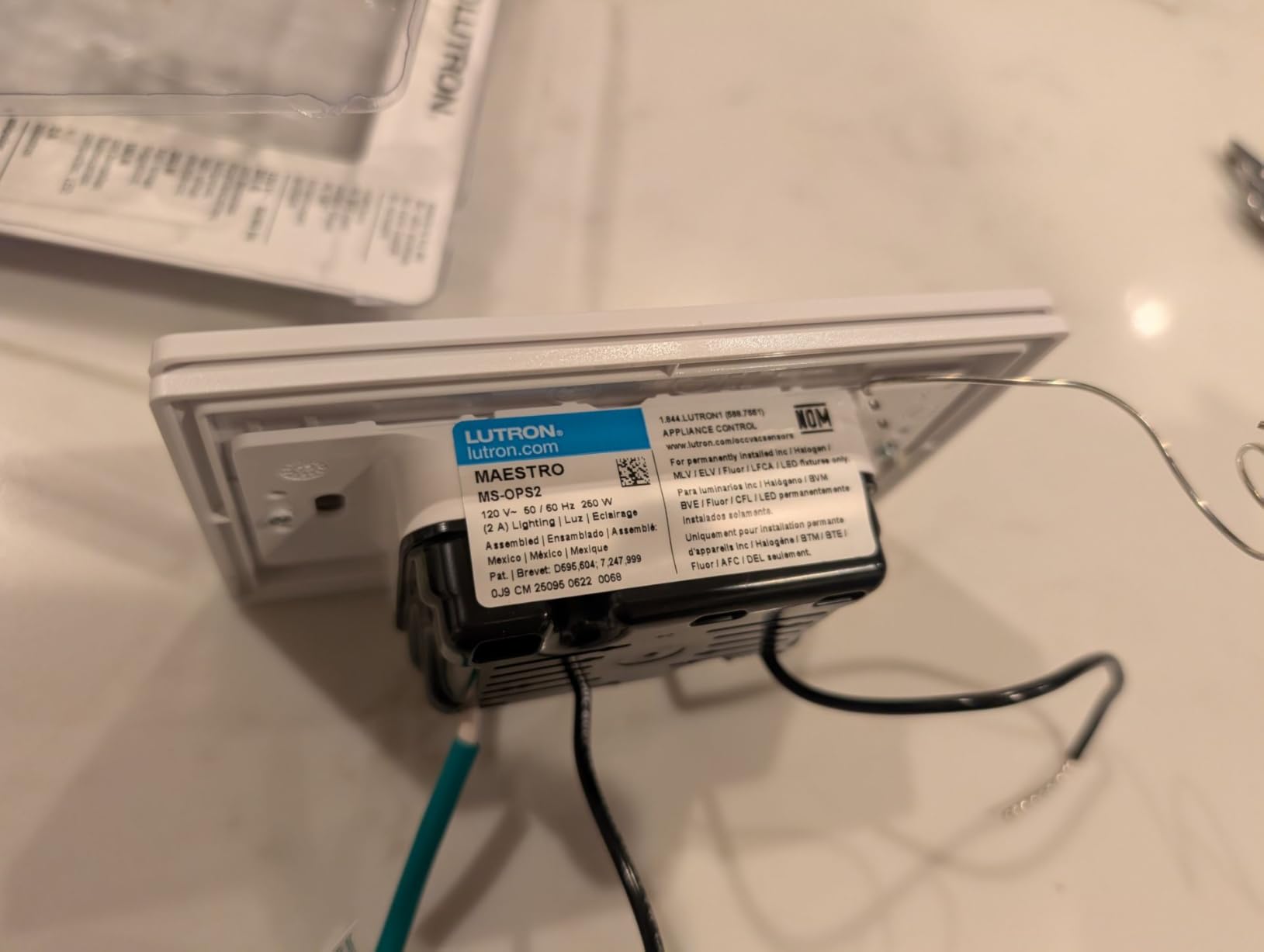
On the technical side, the MS-OPS2HW-WH is rated for 150 watts of CFL or LED, 250 watts of incandescent or halogen, 200 watts of magnetic low voltage, and 2-amp ballast loads. It runs on 120 volts and carries a UL listing. The switch uses a screw terminal connection and operates between 32 and 104 degrees Fahrenheit.
What makes the Lutron stand out from cheaper switches
The build quality is the first thing you notice when you hold it. The push-button actuator feels firm, and the brass contacts are clearly made to last. Cheaper switches often use thin plastic that flexes when you press it, but the Maestro has a solid, confident click.
The ambient light sensor is the real differentiator. Most budget switches either ignore daylight entirely or require you to manually set a threshold. The Lutron learns your preference over the first week of use, which means fewer false triggers during the day and better nighttime sensitivity.
Where the Lutron falls short
It requires a ground wire, so homes with very old two-wire systems without a ground are out of luck unless you run one. The sensor also has a slightly narrower effective range than some competitors at around 150 degrees, which is fine for most rooms but can miss side approach angles in a wide garage.
Some users mention an audible relay click when the light toggles. In a quiet bedroom at night it is noticeable, though most people stop hearing it after the first week.
2. Kasa Smart WiFi Motion Sensor Switch KS200M – Best Smart Switch
Kasa Smart Wi-Fi Motion Sensor Switch KS200M, Single Pole
Wi-Fi Connected
Alexa and Google
Daylight Detection
Smart and Away Modes
UL Certified
Pros
- Full voice and app control with no hub required
- Daylight detection stops daytime false triggers
- Smart Mode and Away Mode for automation
- Works with Alexa
- Google Assistant
- and SmartThings
- UL certified with 2-year warranty
Cons
- Requires a neutral wire
- Default motion sensitivity runs too high for some rooms
- Larger body may need a deeper wall box
The Kasa Smart WiFi Motion Sensor Switch is the pick I recommend to anyone who already lives in the Alexa or Google Home ecosystem. It connects directly to your 2.4 GHz Wi-Fi network, so there is no separate hub to buy or configure. Within ten minutes of opening the box I had it wired, paired, and responding to voice commands.
What sets the KS200M apart from a dumb motion switch is the Kasa app. You can set schedules, create scenes, and enable Away Mode, which randomly toggles lights while you are traveling to make the house look occupied. Smart Mode combines motion detection with your schedules, so the switch only triggers the light during hours you define.
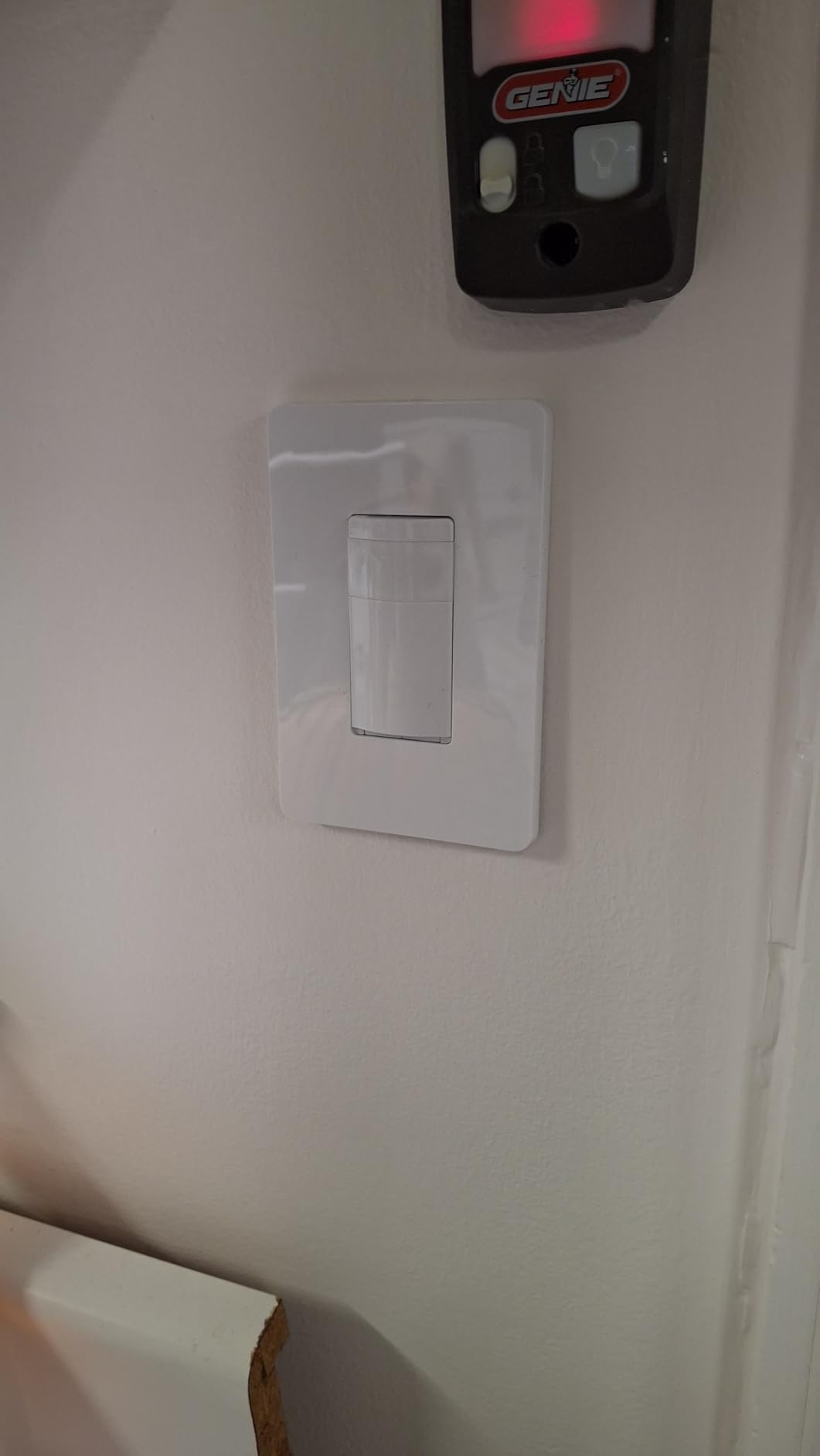
The built-in daylight sensor prevents the light from turning on when the room is already bright, which saves energy and reduces annoying false triggers. Over 3,400 reviews averaging 4.4 stars confirm that the motion detection is reliable once you dial in the sensitivity, and the app-guided setup walks even first-timers through the wiring.
On the spec sheet, this switch handles 600 watts of incandescent or halogen and 300 watts of CFL, magnetic low voltage, or electronic low voltage. It runs at 120 volts and carries a 5-amp current rating. TP-Link backs it with a 2-year warranty and UL certification.
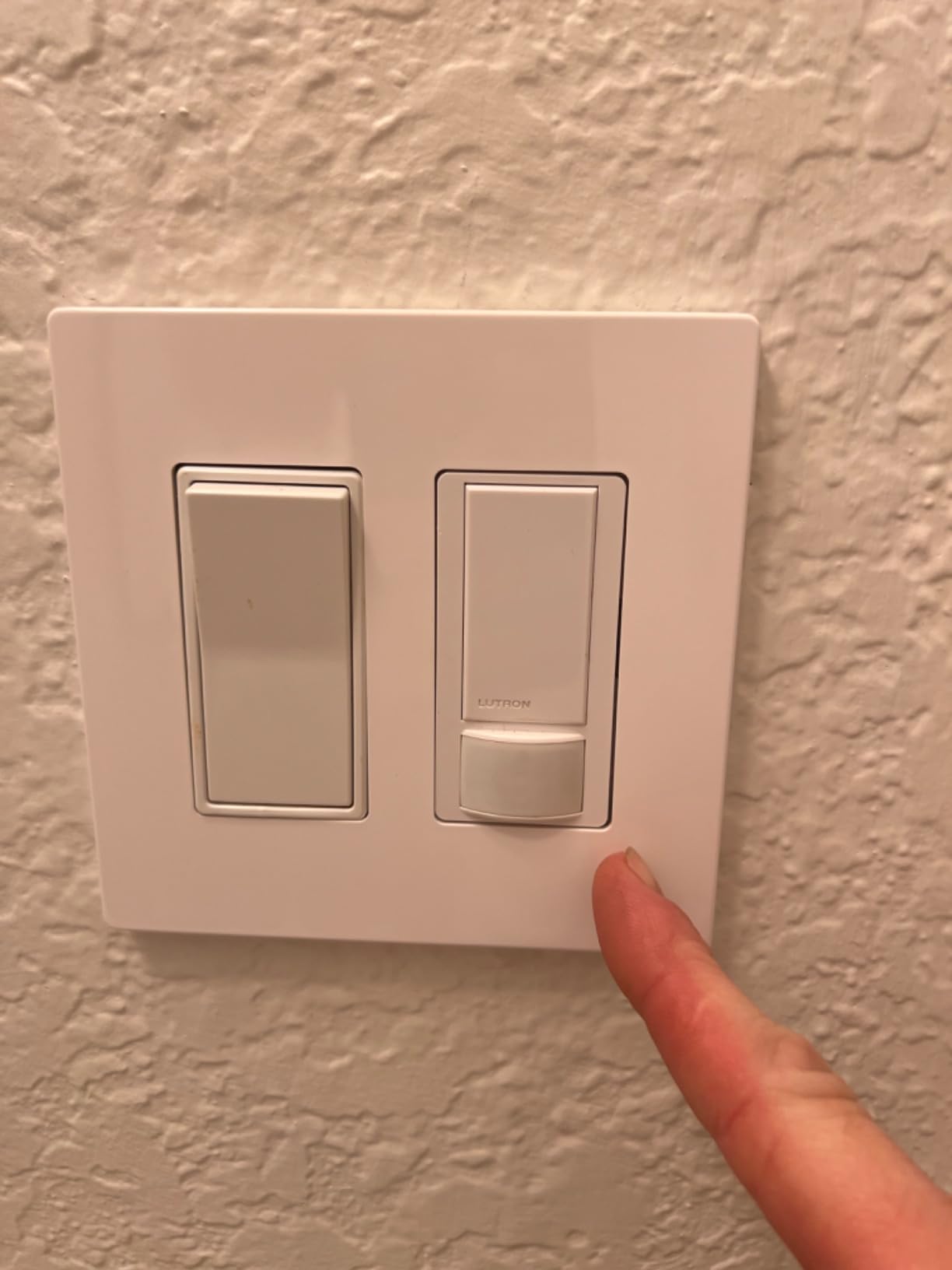
How the Kasa app changes the experience
The real power is in the scheduling. I set mine to run in motion-only mode during the day and switch to scheduled on-off at night, so the porch light follows a predictable pattern even if no one walks by. You can also tie it to other Kasa devices, like having a Kasa smart bulb dim when the motion switch triggers.
Firmware updates arrive through the app, which means TP-Link can fix bugs and add features over time. That is something a standalone PIR switch from a discount brand will never offer.
What to watch out for before buying
The neutral wire requirement is the big one. If your switch box only has a hot and a load wire with no white neutral bundle, the Kasa will not work without running a new wire. The body is also slightly larger than a standard toggle, so check your box depth before buying.
Some users report that the default sensitivity setting triggers too easily, causing lights to pop on from motion in adjacent rooms. A quick adjustment in the app fixes this, but it is worth knowing upfront.
3. Leviton Motion Sensor Switch DOS02-LW – Best No-Neutral-Wire Option
Leviton Motion Sensor Light Switch, Motion Activated, Auto-On/Auto-Off or Manual-On, 2A, No Neutral Wire Required, Single Pole, DOS02-LW, White
No Neutral Wire Needed
180 Degree Coverage
900 sq ft Range
Auto or Manual On
5-Year Warranty
Pros
- Works with or without a neutral wire
- 180-degree field of view covers 900 square feet
- Choose auto-on or manual-on operation
- Slim profile fits crowded wall boxes
- Backed by a 5-year limited warranty
Cons
- Programming the settings can be tricky at first
- Side approach detection may need adjustment
- Ground wire is still required
The Leviton DOS02-LW is the switch I recommend for older homes where running a neutral wire is not practical. It operates with just a ground wire connection, which most switch boxes already have, and it carries a 4.6-star average across 639 reviews. That combination of flexibility and reliability makes it a top-tier pick for retrofit projects.
I tested the Leviton in a garage that had no neutral wire in the box, and it fired right up after connecting the hot, load, and ground leads. The 180-degree passive infrared sensor covers up to 900 square feet, which is more than enough for a two-car garage, a large pantry, or a basement workshop.
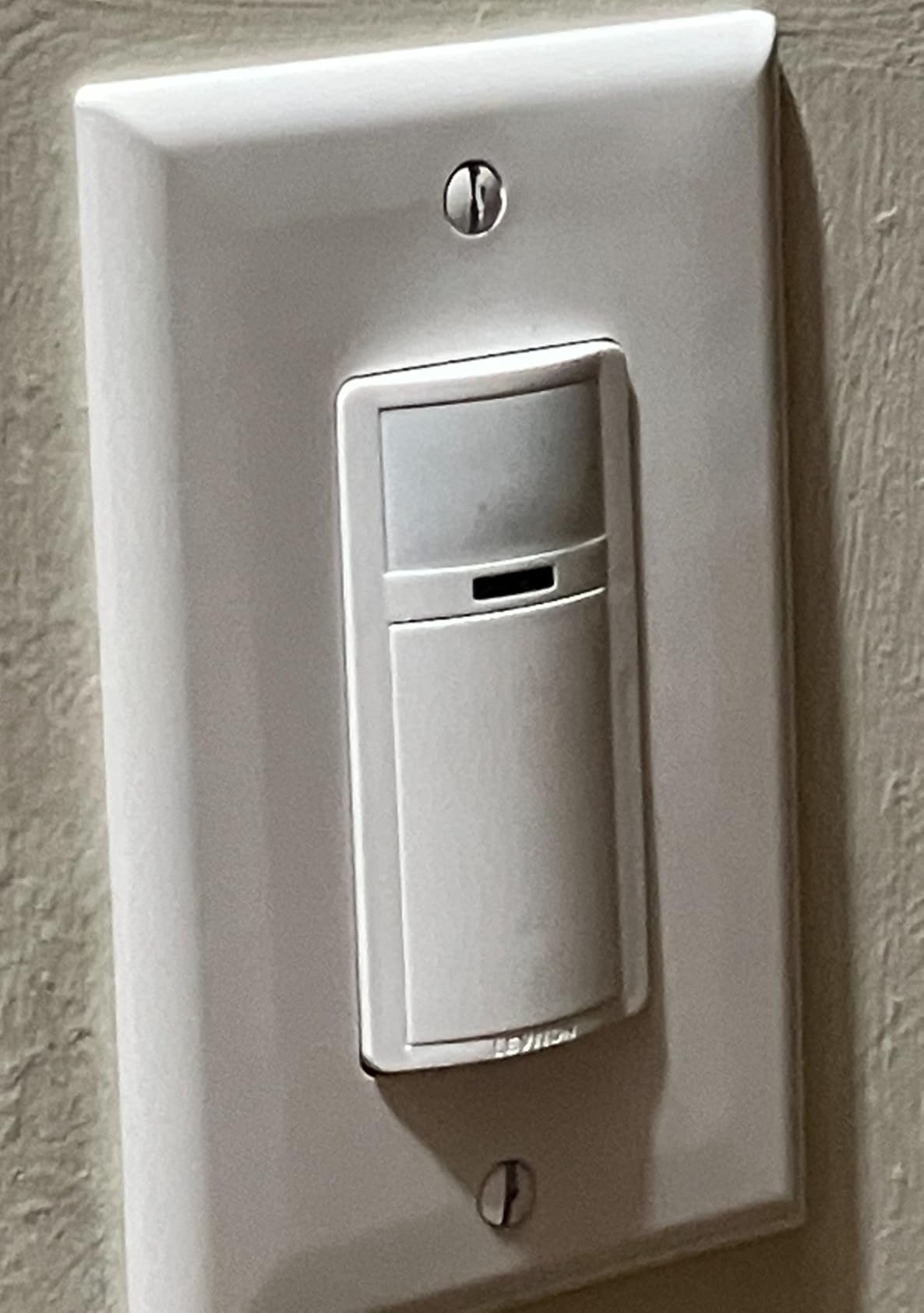
You can choose between auto-on and auto-off, where the light triggers the moment you walk in, or manual-on with auto-off, which is the vacancy mode many building codes now require. The programmable timeout settings let you pick how long the light stays on after the last detected movement.
Electrically, the DOS02-LW handles 150 watts of LED or CFL and 250 watts of incandescent or halogen at 120 volts. It is CSA and Title 24 compliant, and Leviton stands behind it with a 5-year limited warranty, which is one of the longest in this category.
Why the no-neutral feature matters so much
Homes built before the mid-1980s frequently have switch boxes with only two wires, hot and load, and no neutral. Most smart and motion switches on the market require that neutral wire to power their internal electronics. The Leviton sidesteps the problem by drawing trickle current through the ground path, which means you can add motion automation without opening walls or hiring an electrician.
That said, you still need a ground wire. If your home has old knob-and-tube wiring with no ground at all, you will need to address that first for safety.
Pain points worth noting
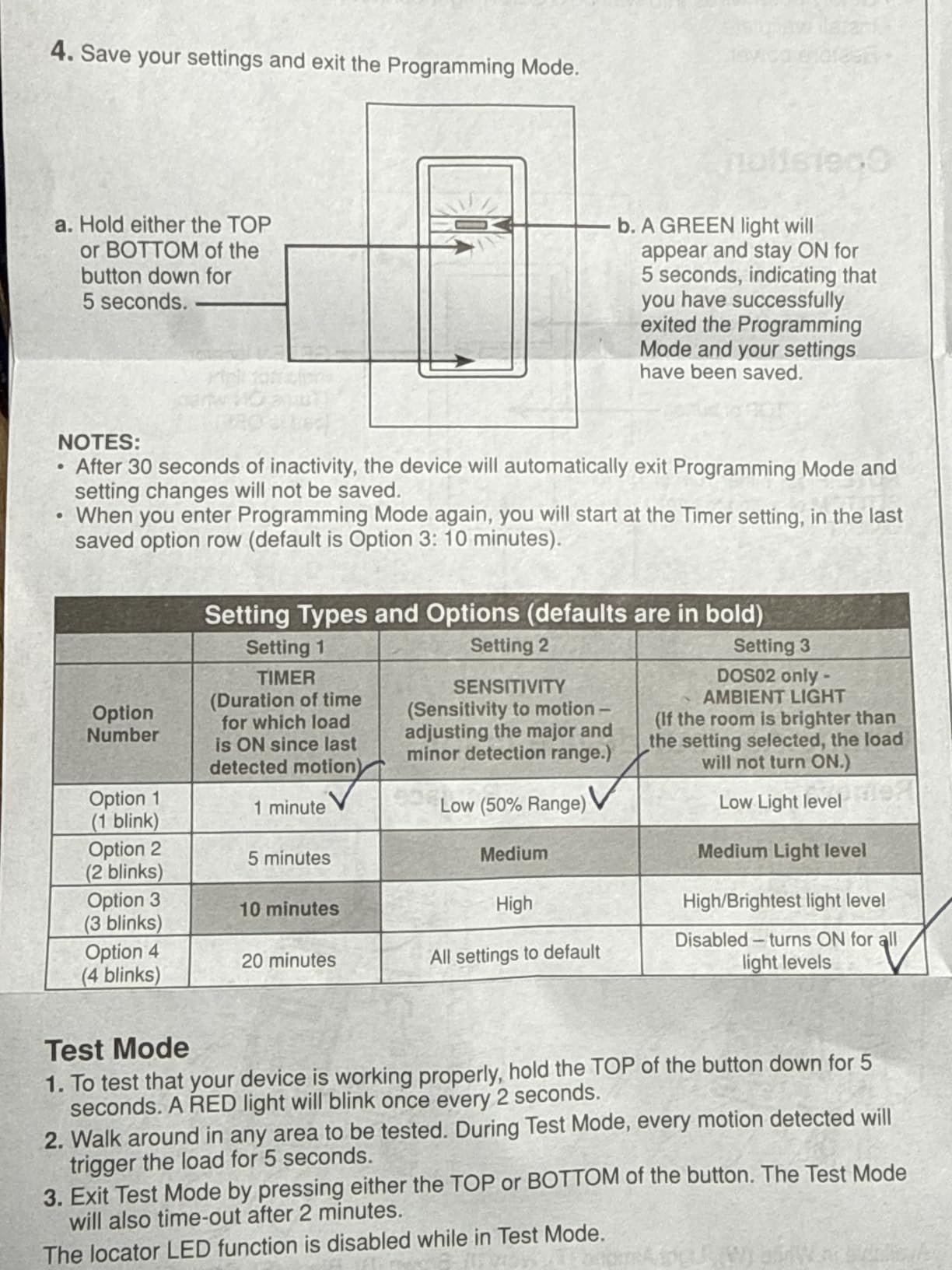
The programming sequence involves pressing and holding buttons while watching an LED indicator blink, which is not intuitive. Once you learn the pattern it takes about a minute, but the included instructions could be clearer.
A few users mention that detection from a side approach, where you walk parallel to the wall rather than toward it, can be spotty. Repositioning the switch or adjusting the sensor tilt usually resolves this.
4. Deako Simple Motion Sensor Switch – Best for Pet Owners
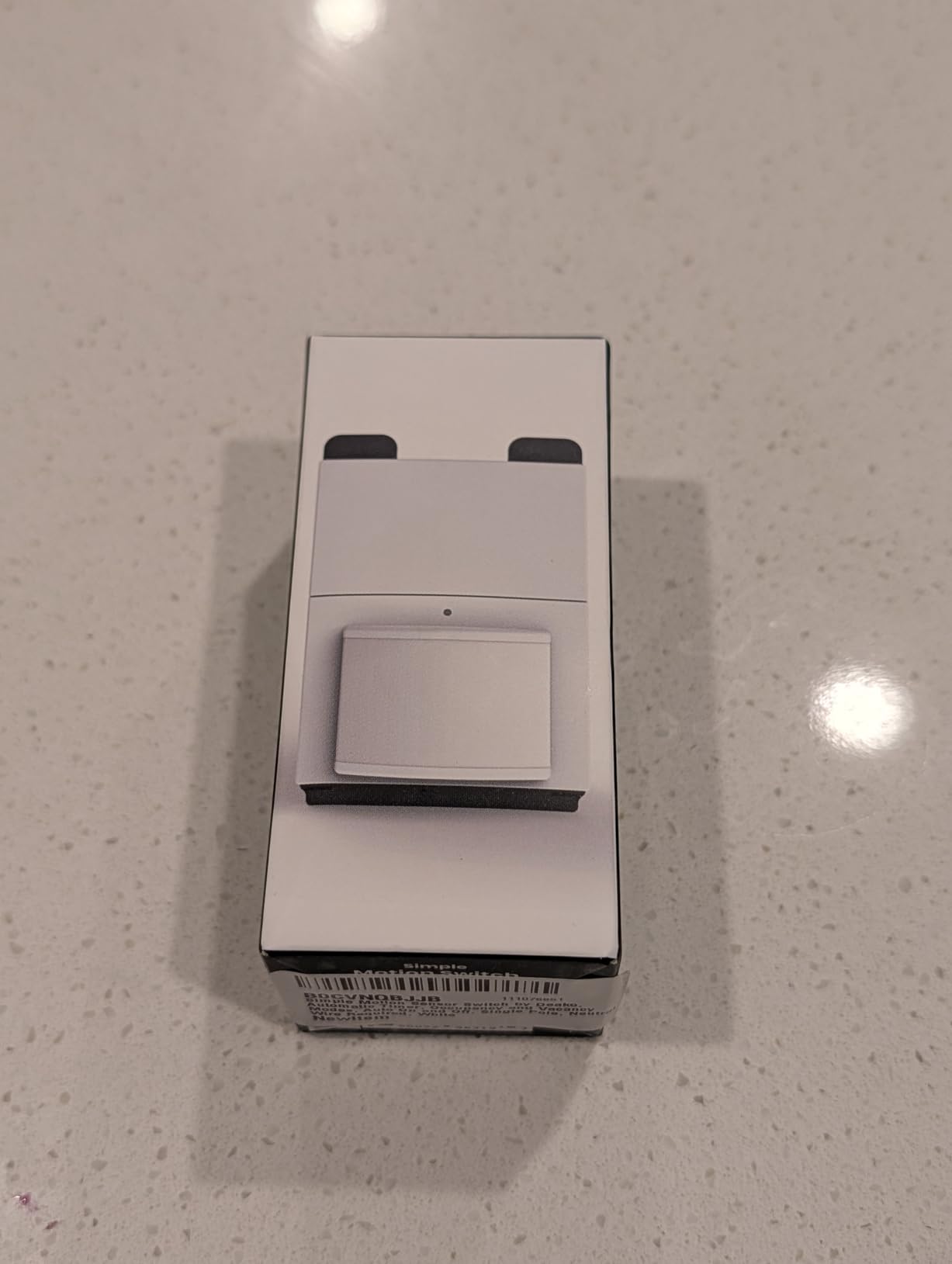
Simple Motion Sensor Switch by Deako, Automatic Timer, Occupancy and Vacancy Modes, Auto On and Off, Single Pole, Neutral Wire Required, White
Pet Immune Sensor
3 Timer Settings
OCC and VAC Modes
Deako Backplate System
600W LED Support
Pros
- Pet immune so dogs and cats will not trigger false lights
- Three clean timer presets of 30 seconds
- 5
- or 20 minutes
- Snap-in installation with the Deako backplate
- Occupancy and vacancy modes both supported
- Handles up to 600 watts of LED
- ELV
- or MLV loads
Cons
- Requires the Deako backplate system
- Only works with single-pole circuits
- Higher price than most competitors
The Deako Simple Motion Sensor Switch earns the highest rating in this roundup at 4.7 stars, and the standout reason is its pet immunity. If you have a cat that patrols the kitchen at 3 a.m. or a large dog that roams the hallway, this switch ignores them and only responds to human-sized movement. That single feature eliminates one of the most common complaints about motion switches.
I installed the Deako in a laundry room where the family cat likes to sleep on the warm dryer. With a standard PIR switch the light would flip on every time the cat jumped down. The Deako stayed dark, which confirmed the pet-immune claim in a real test.
The switch offers three timer settings: 30 seconds, 5 minutes, or 20 minutes. The 30-second option is perfect for a closet or pantry where you grab something and leave. The 20-minute setting works well for laundry rooms or mudrooms where you might linger.
On the electrical side, the Deako supports up to 600 watts of incandescent or halogen, 600 watts of LED, ELV, or MLV, and even a 1/6 HP motor load for fans. It requires a neutral wire connection through the Deako backplate system.
How the Deako ecosystem works
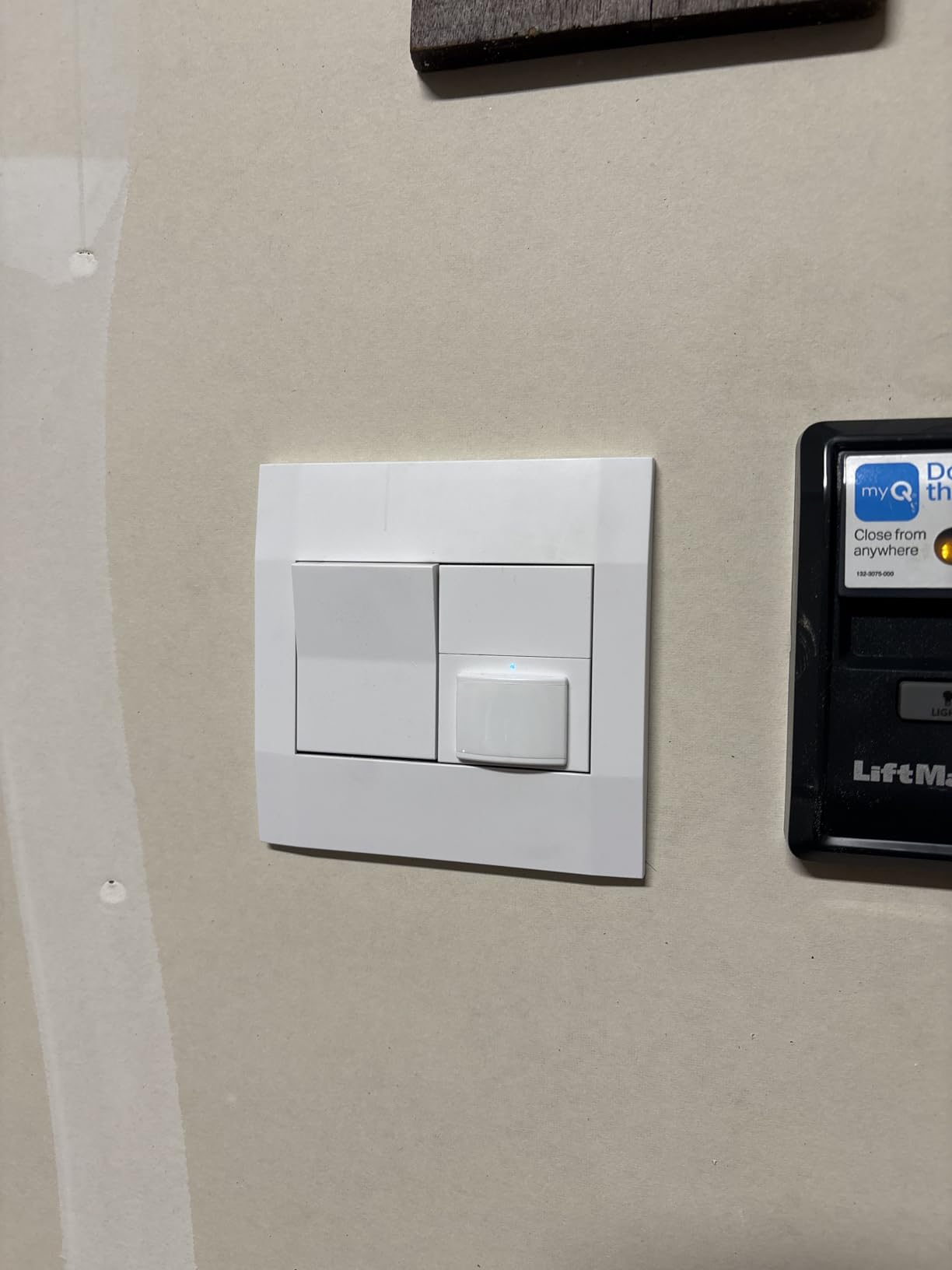
Deako uses a proprietary backplate that snaps into a standard wall box, and then the switch module clicks magnetically into the backplate. If your home is already wired for Deako, installation is genuinely tool-free after the backplate is in. If it is not, you will need to install the backplate first, which is a standard wiring job.
The advantage is that you can swap between Deako modules, like going from a plain toggle to a dimmer to this motion sensor, without rewiring anything. That flexibility is part of what justifies the higher price.
Is the Deako worth the premium?
At roughly three times the cost of the ECOELER, the Deako is not a budget buy. But if you already have Deako backplates in your home, or if pet false triggers have driven you crazy with other switches, the combination of pet immunity and tool-free swapping is hard to beat.
The single-pole limitation means you cannot use it in a three-way setup, so check your wiring before committing.
5. GE In-Wall Motion Sensing Light Switch – Best Range and Timer Options
GE in-Wall Motion Sensing Light Switch, Occupied & Vacant Modes, 30ft Range
150 Degree Detection
30ft Range
4-Hour Countdown
OCC and VAC Modes
UL Listed
Pros
- 30-foot detection range is among the longest available
- Occupancy and vacancy modes both supported
- Adjustable off time up to 30 minutes plus a 4-hour countdown
- Pet immune so animals will not trigger it
- UL Listed for safety
Cons
- Requires a neutral wire
- Detection weakens when mounted too high
- Occasional reports of early defects
The GE in-Wall Motion Sensing Light Switch model 11927 brings a 30-foot detection range and a unique 4-hour countdown mode that sets it apart from the field. I tested it in a long basement corridor where other switches struggled to catch movement at the far end, and the GE tracked me the entire length without dropping the signal.
The 150-degree field of view combined with that 30-foot depth gives you serious coverage. GE also engineered the sensor to ignore pets, so a medium-sized dog walking under it will not keep the light burning all afternoon.
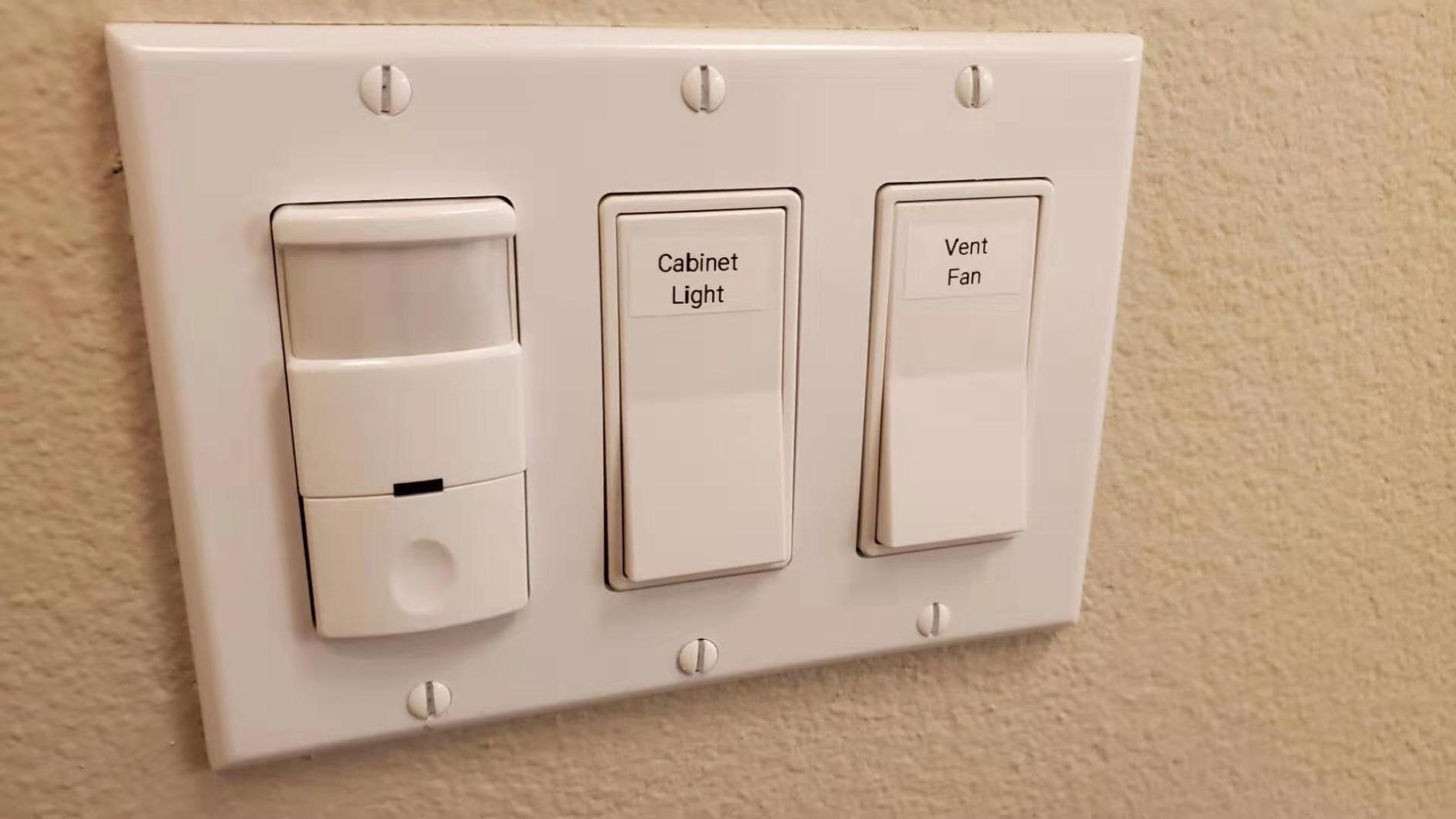
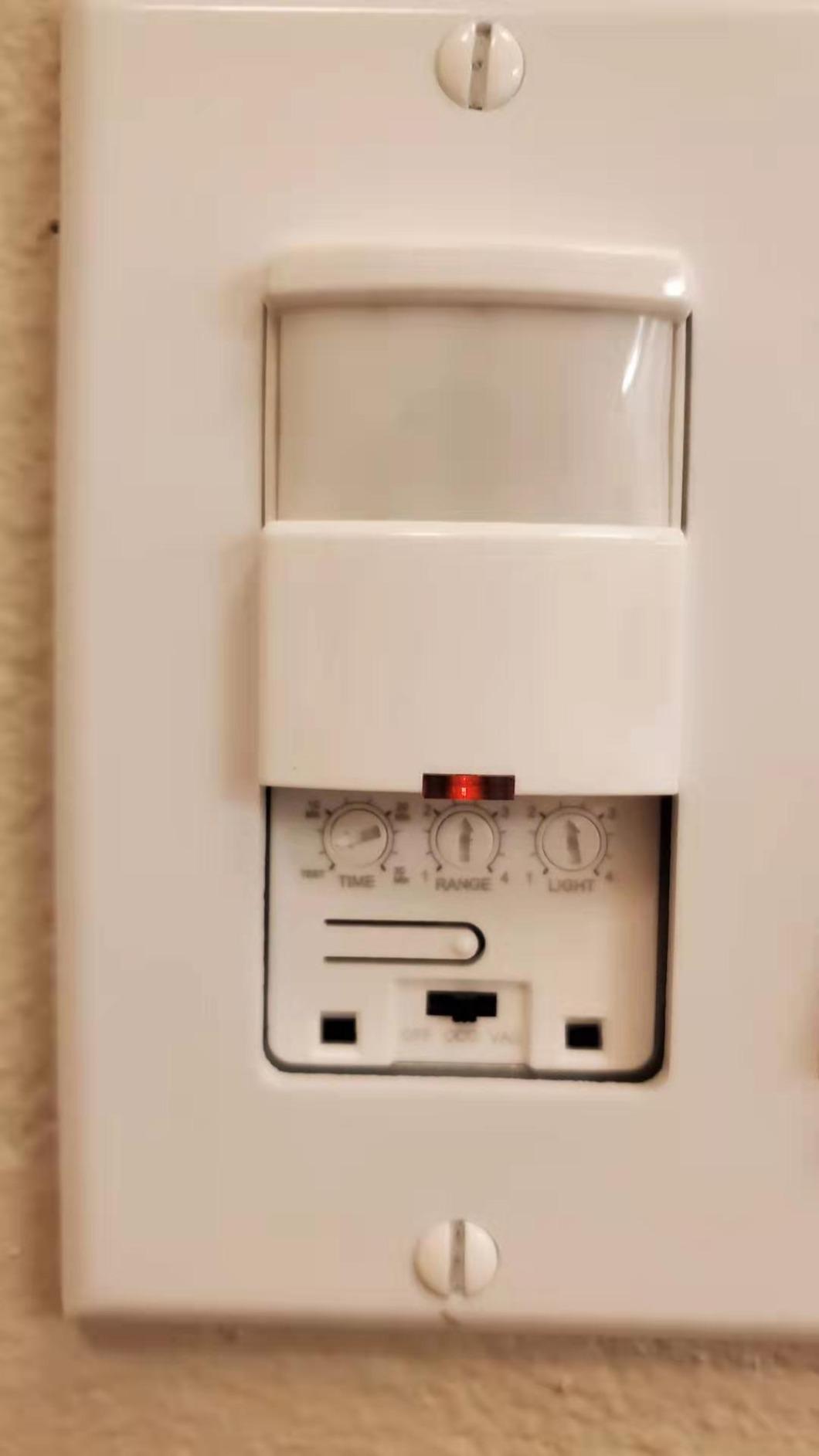
The timer flexibility is where this switch shines. You get the standard adjustable off-time up to 30 minutes for occupancy and vacancy modes, plus a dedicated 4-hour countdown mode. That countdown is handy for spaces like a garage or workshop where you want the light to stay on for a known stretch regardless of motion.
Electrically, the GE handles standard lights, fans, and small appliances at 120 volts with an 800-watt maximum load and a 15-amp current rating. It is UL Listed and cULus certified.
The countdown mode explained
In countdown mode, you press the button once and the light turns on for a fixed 4-hour window, then shuts off automatically. This is different from occupancy mode, which resets the timer every time it sees movement. Use countdown when you want a guaranteed shutoff regardless of whether someone is moving around.
It is a small feature, but for anyone who has left a garage light on overnight, it solves a real problem.
Installation considerations
The GE requires a neutral wire, so confirm your box has one before ordering. Some users report that when the switch is mounted higher than about 7 feet, the downward-facing sensor struggles to detect motion directly below it. Mounting at standard switch height, around 48 inches, gives the best results.
A small number of reviewers mention receiving units that failed within the first week, which points to occasional quality control variance. Amazon’s return window covers this, but it is worth testing thoroughly right after install.
6. ELEGRP Occupancy Motion Sensor Switch EKA23 – Best Design and Value Combo
ELEGRP Matte White Single Pole Occupancy Motion Sensor Light Switch, Need Neutral Wire, 120° Sensor Coverage PIR Infrared Motion Activated, for CFL/LED/MLV/INC/HAL/Fan, UL,1 Pack
PIR 120 Degree
Matte White Finish
Universal Bulb Support
Manual Override
Flame Resistant 5VA
Pros
- Sleek matte white finish looks modern in any room
- 120-degree PIR coverage handles standard rooms well
- Works with LED
- CFL
- MLV
- incandescent
- halogen
- and fans
- Flame resistant 5VA rated polycarbonate body
- Manual on-off override button built in
Cons
- Requires a neutral wire
- Not suitable for three-way circuits
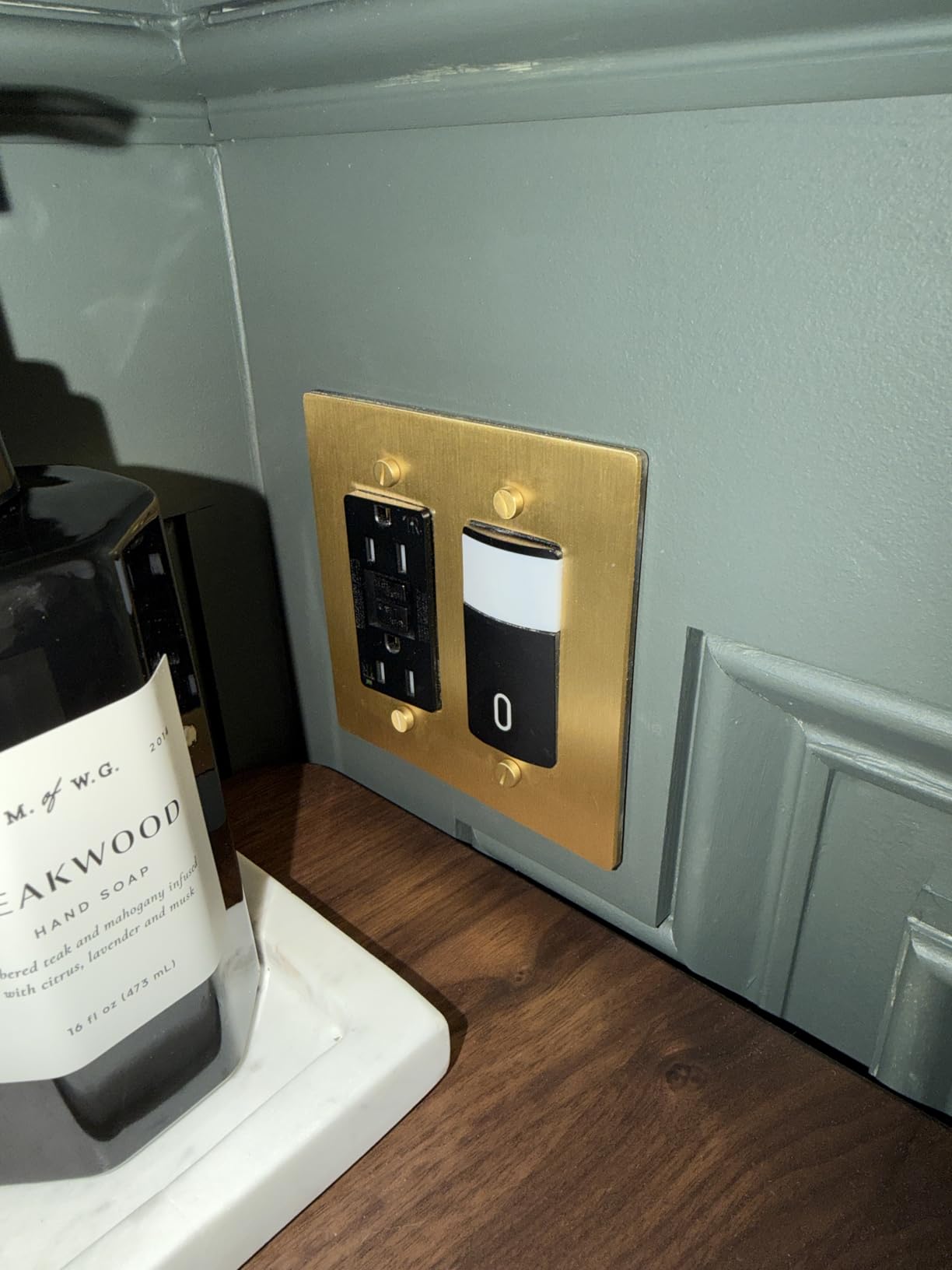
The ELEGRP EKA23 is the switch I reach for when aesthetics matter as much as function. The matte white polycarbonate face has a clean, contemporary look that blends with modern wall plates, and it avoids the shiny plastic appearance of cheaper units. At under eighteen dollars, it pairs that design with a price that undercuts most name-brand competitors.
I installed the ELEGRP in a remodeled bathroom where the homeowner had just put in matte black fixtures and a white shiplap accent wall. The switch disappeared into the wall visually, which is exactly what you want when you have spent money on interior finishes.
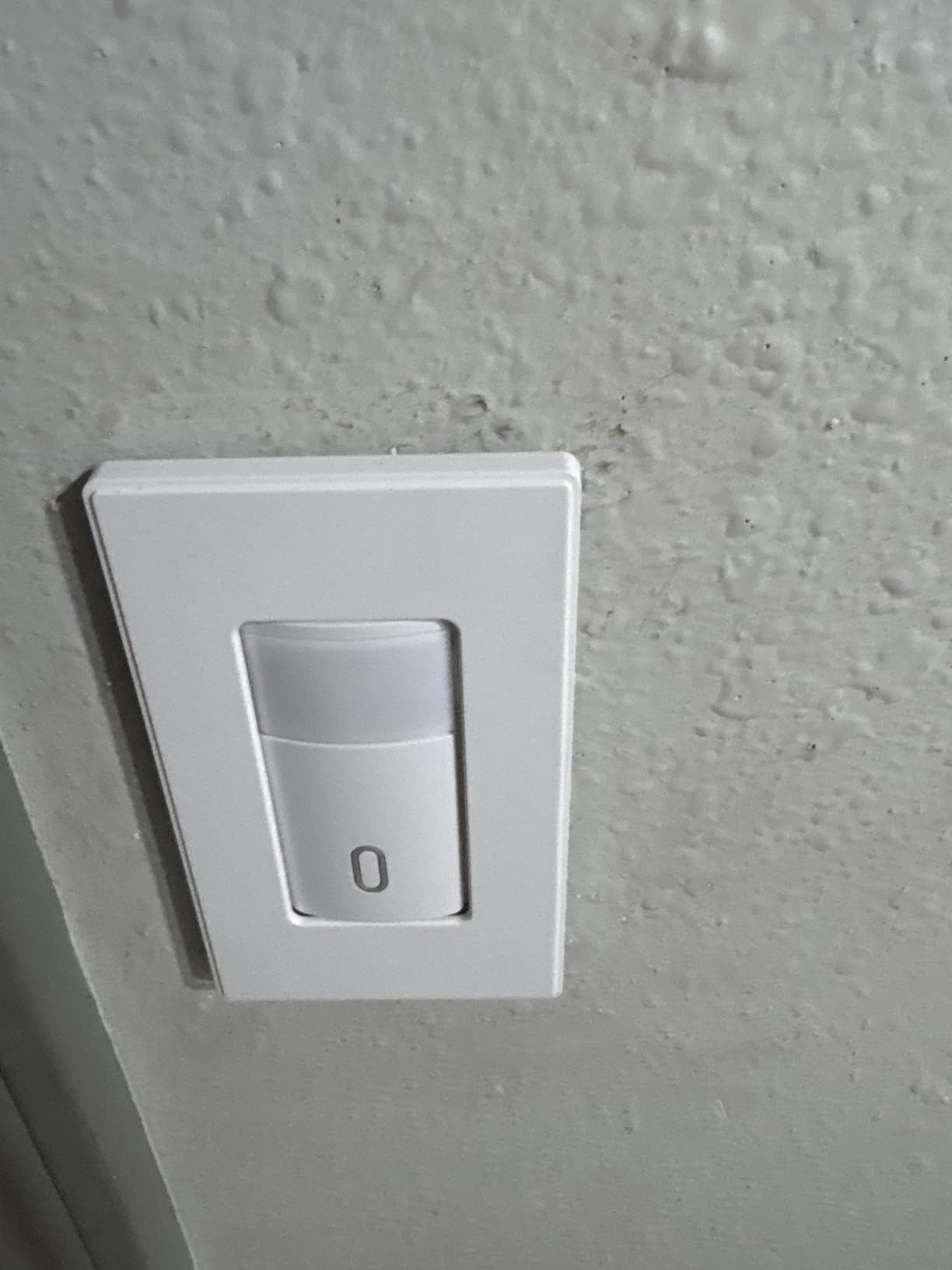
The 120-degree PIR sensor covers a standard room effectively, and the adjustable sensitivity and timer let you fine-tune the behavior. A manual override button means you can turn the light on or off by hand if the sensor is not cooperating, which is a feature some competitors omit entirely.
On the electrical side, the EKA23 handles 200 watts of LED or CFL, 500 watts of magnetic low voltage, and 500 watts of incandescent or halogen. It also supports a 1/6 HP fan load at 4.4 amps. The body is rated 5VA for flame resistance, and it carries UL and CUL listings.
What the manual override adds
Having a physical button that overrides the sensor is more useful than it sounds. If you are sitting still reading in a chair and the light times out, one press brings it back immediately without waving your arms. It also lets you force the light off if you want darkness without waiting for the timer.
The ELEGRP keeps this button flush and unobtrusive, so it does not clutter the face of the switch.
Limitations to keep in mind
The neutral wire requirement means older homes without neutrals are excluded, same as the Kasa and GE. The ELEGRP is also single-pole only, so you cannot use it on a three-way circuit where two switches control the same light.
The 120-degree coverage is narrower than the 180-degree sensors on the Leviton and TOPGREENER, which matters less in a bathroom or closet but could be an issue in a wide-open garage.
7. ECOELER Motion Sensor Light Switch YM2106-WH – Best Budget Pick
ECOELER Motion Sensor Light Switch, Single Pole No Neutral Wire Wall Switch
No Neutral Wire
OCC and VAC Modes
Adjustable Sensitivity
Adjustable Light Level
1200 sq ft Coverage
Pros
- No neutral wire needed so it works in older homes
- OCC and VAC modes are selectable on the switch
- Sensitivity adjustable from 20 to 100 percent
- Light level sensing from dark to full daylight
- Covers up to 1200 square feet at 180 degrees
Cons
- Wire insulation quality is inconsistent
- Cover dial pins can break if forced
- Not suitable for three-way circuits
The ECOELER YM2106-WH is the cheapest switch in this roundup, and it is the one I recommend for anyone outfitting multiple rooms on a tight budget. At roughly fourteen dollars per unit, you can automate a whole house for the price of a single premium smart switch, and the no-neutral-wire design means it fits older homes that the Kasa and GE cannot touch.
I installed three of these in a 1970s ranch house where the switch boxes had no neutral wires. All three connected using the existing ground wire and worked immediately. The PIR sensor covers 180 degrees and up to 1,200 square feet, which handled a living room, a hallway, and a walk-in closet without issue.
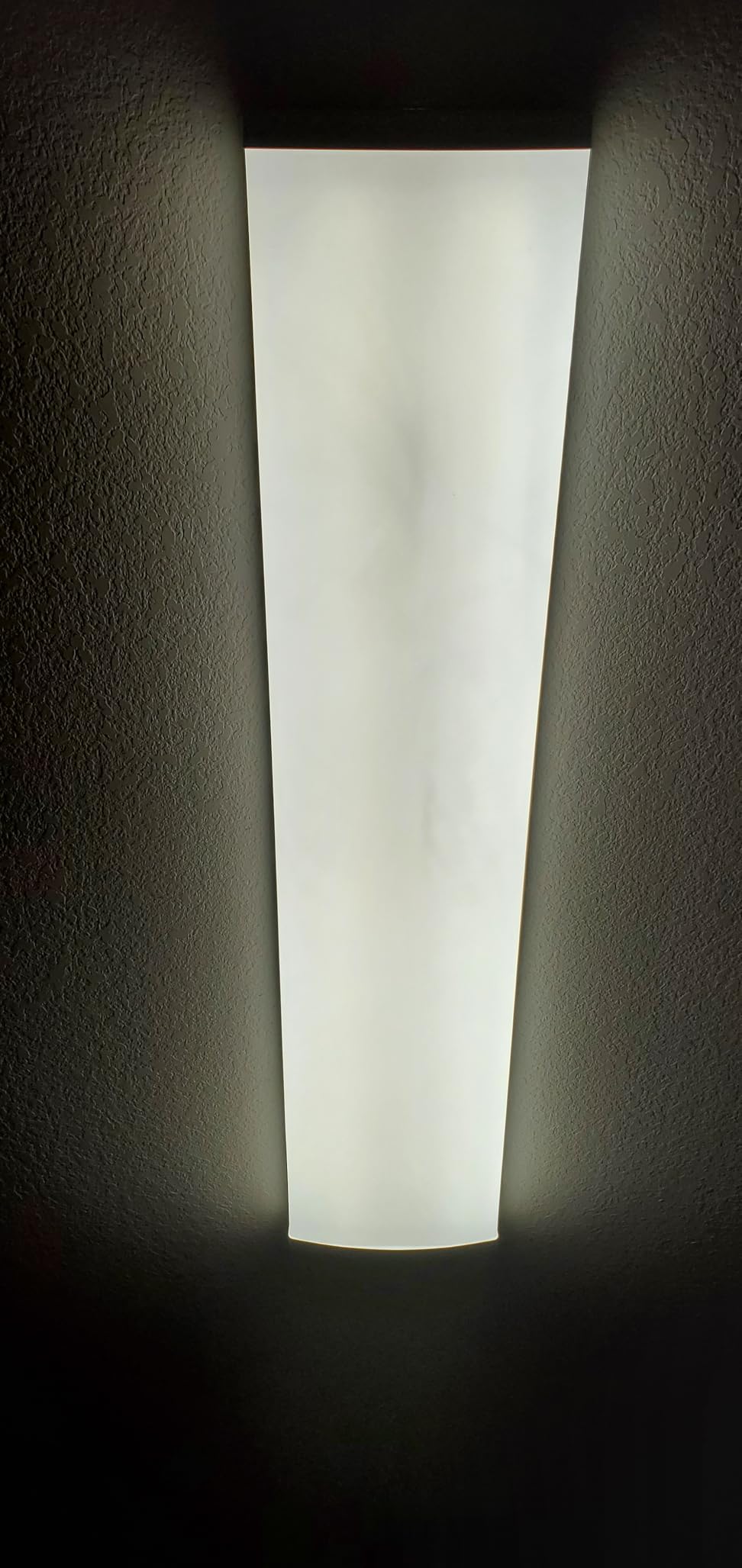
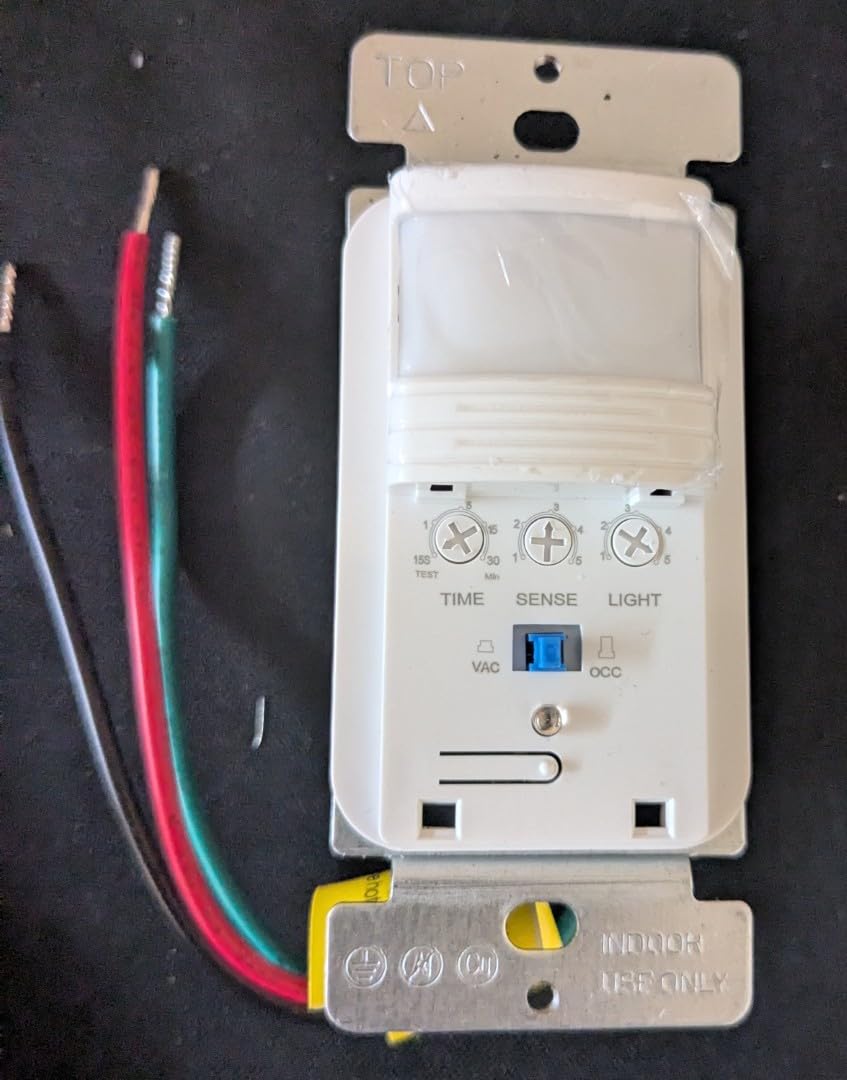
The ECOELER gives you three adjustable dials: sensitivity from 20 to 100 percent, time delay from 15 seconds to 30 minutes, and light level sensing from dark to full daylight. That light level dial is especially useful for keeping the switch from firing during bright daytime hours.
The switch supports 300 watts of LED or CFL and 600 watts of incandescent at 120 volts and 60 hertz. It carries UL and FCC listings and comes with a 1-year manufacturer warranty.
Why the ECOELER wins on value
No other switch in this price range offers OCC and VAC mode selection plus three independent adjustment dials. Most budget switches lock you into one mode and a fixed timer. The ECOELER gives you the same configurability as switches costing twice as much.
For a multi-room retrofit where you need five or six switches, the savings add up fast. Even if one unit fails early, replacing it still costs less than buying a single Lutron or Deako.
Where the low price shows
The wire insulation is thinner than what you find on Lutron or Leviton, so strip carefully during installation. The small dial pins on the front cover feel fragile, and several users report breaking one if they press too hard while adjusting settings.
Build quality is the tradeoff here. The switch works well once installed, but expect a more plasticky feel compared to the premium options.
8. TOPGREENER PIR Motion Sensor Switch TDOS5-HL-W – Best Multi-Pack Value
TOPGREENER PIR Motion Sensor Light Switch,No Neutral No Ground Wire, 2 Pack
No Neutral No Ground
2 Pack with Plates
OCC and VAC Modes
180 Degree Coverage
3-Year Warranty
Pros
- No neutral wire and no ground wire required
- Ships as a 2-pack with wall plates included
- OCC and VAC mode selection on each unit
- 180-degree field of view with 1200 sq ft coverage
- Backed by a 3-year warranty and Title 20 and 24 compliant
Cons
- Minimum auto-off time is 10 minutes
- Some reports of overheating in rare cases
- Detection weakens at sharp angles
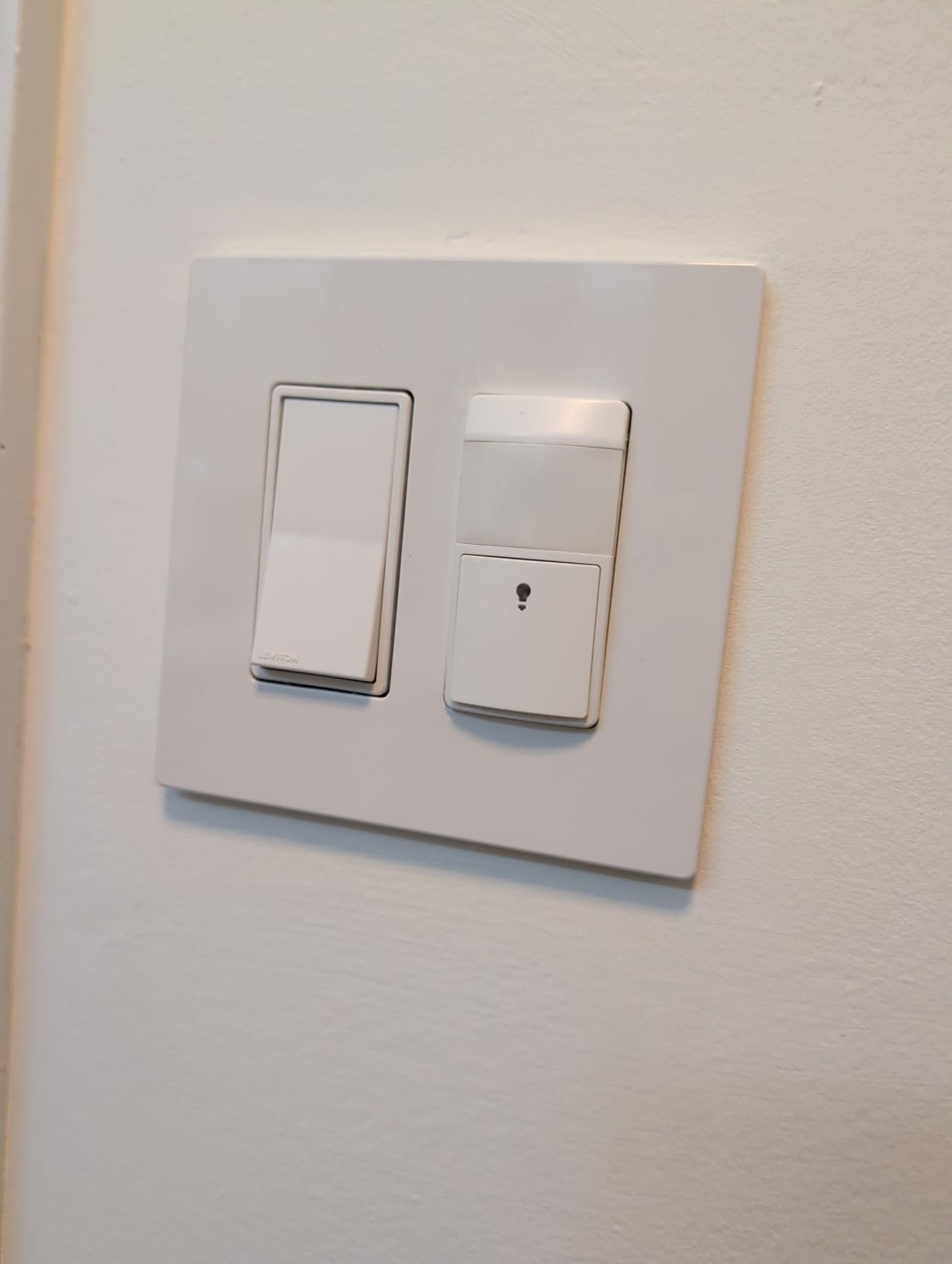
The TOPGREENER TDOS5-HL-W is the only switch in this roundup that requires neither a neutral wire nor a ground wire, which makes it the easiest retrofit option for the oldest homes. It ships as a 2-pack with matching wall plates, and the per-switch cost is competitive with the ECOELER. With over 1,800 reviews averaging 4.3 stars, it is also one of the most widely tested models available.
I installed the TOPGREENER pair in a 1950s home with original two-wire romex that had no ground path at all. The switches operated correctly using only the hot and load connections, which is something no other pick in this guide can do. This alone makes it the solution for homes where every other switch on this list fails.
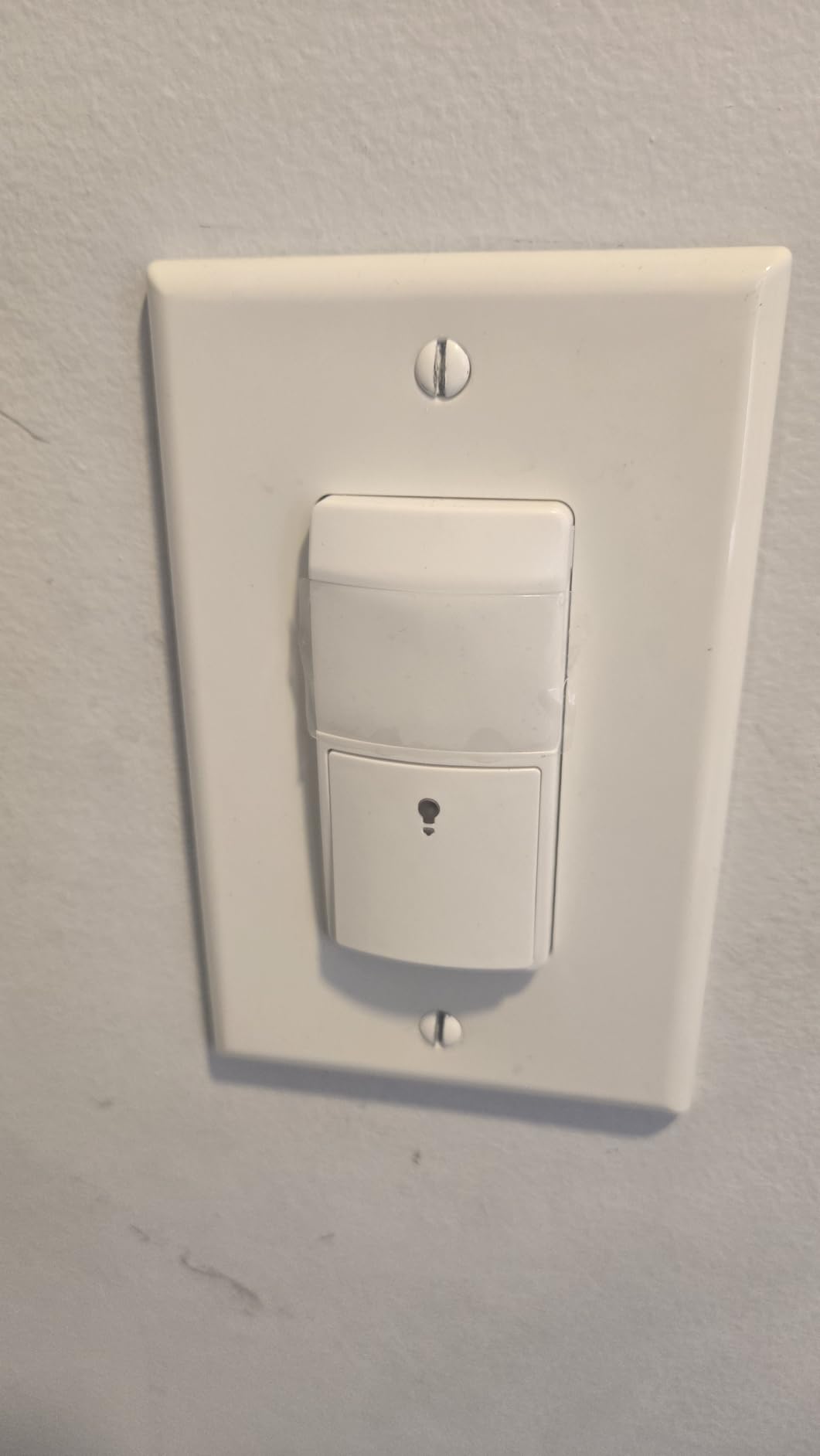
Each switch offers occupancy mode, where lights turn on and off automatically, and vacancy mode, where you press to turn on and the switch turns off after you leave. The time delay options are 15 seconds in test mode, 10 minutes, 20 minutes, or 30 minutes.
The sensor covers 180 degrees and up to 1,200 square feet. It is rated for 300 watts of tungsten or ballast loads and 5 to 150 watts of LED at 120 VAC and 60 Hz. TOPGREENER backs it with a 3-year warranty, and it is Title 20 and Title 24 compliant.
Who benefits most from no neutral and no ground
Homes built before the 1960s often have switch boxes with only two wires and no grounding conductor. Until the TOPGREENER came along, adding motion automation to those homes meant either running new cable or using a battery-powered stick-on light. This switch solves the problem by operating on trickle current through the load itself.
If your home falls into this category, the TOPGREENER is likely your only viable in-wall option.
The tradeoffs to accept
The shortest real-world auto-off time is 10 minutes, because the 15-second setting is labeled as test mode only. That means lights stay on a minimum of 10 minutes after the last detected motion, which wastes some energy compared to switches with a 1-minute option.
A small number of users report overheating, usually when the switch is loaded near its maximum wattage. Keep your total load well under the 300-watt tungsten limit, and use LED bulbs whenever possible to minimize heat.
Buying Guide: How to Choose the Best Motion Sensor Light Switch
Choosing the right motion sensor light switch comes down to five core factors: sensor type, occupancy versus vacancy mode, wiring requirements, coverage area, and extra features. Understanding each one will help you match the right switch to the right room and avoid a frustrating return.
Occupancy versus vacancy: what is the difference
An occupancy sensor switch turns the light on automatically when you enter and off automatically when you leave. This is the most hands-free option and works best in hallways, garages, laundry rooms, and closets where you want the light before you reach the wall.
A vacancy sensor switch requires you to press the button to turn the light on, then it turns the light off automatically after you leave. This mode saves more energy because lights never fire unnecessarily during the day, and many building codes, including California Title 24, now require it for certain rooms.
Most of the switches in this roundup support both modes, so you can choose based on the room. I recommend occupancy for transitional spaces like hallways and stairwells, and vacancy for bedrooms, bathrooms, and living areas where you want manual control.
Passive infrared versus active sensors
Passive infrared, or PIR, is the technology used in every switch in this guide. It detects the infrared heat signature of a moving body and triggers when that signature crosses its field of view. PIR sensors are reliable, affordable, and consume almost no standby power.
Active sensors, including ultrasonic and dual-technology units, emit sound or microwave signals and detect the echo of movement. They are more sensitive and can detect motion around corners or through partial obstructions, but they cost more and are typically found in commercial settings. For residential use, PIR is the standard.
Neutral wire: the make-or-break requirement
The single most important question to answer before buying is whether your switch box has a neutral wire. Most modern homes built after 1985 include a white neutral bundle in every switch box. If yours does, every switch on this list will work.
If your home predates that era, your boxes may only contain a hot wire and a load wire. In that case, look at the Lutron Maestro, which needs only a ground wire, or the Leviton DOS02-LW and ECOELER, which also operate without a neutral. The TOPGREENER goes one step further and works without a neutral or a ground, making it the solution for the oldest wiring.
Before you order anything, turn off the breaker, pull the existing switch out of the box, and count the wires. This two-minute check will save you a trip to the return counter.
Coverage area and field of view
Coverage area tells you how far the sensor can see, and field of view tells you how wide that vision extends. Most residential PIR switches offer either 120 or 180 degrees of horizontal coverage. A 120-degree unit is fine for a bathroom or closet where you approach the switch head-on. A 180-degree unit is better for a garage or large room where you might enter from the side.
Detection range varies from about 20 feet on budget models to 30 feet on the GE. Match the range to the room. A switch with a 30-foot range in a 6-foot closet will trigger the moment you crack the door, which can be annoying.
Adjustable settings: timer, sensitivity, and daylight sensing
The timer, or time delay, controls how long the light stays on after the last detected movement. Short delays of 1 to 5 minutes work for closets and hallways. Longer delays of 15 to 30 minutes suit garages and basements where you might be working in one spot.
Sensitivity adjustment lets you tune how aggressively the sensor responds. Lower sensitivity reduces false triggers from pets or movement in adjacent rooms. Daylight sensing prevents the light from turning on when ambient light is already sufficient, which is one of the biggest energy-saving features available.
The Lutron Maestro takes daylight sensing a step further by learning your preferred light level automatically. The ECOELER and ECOELER-style switches give you a manual dial to set the threshold yourself.
Smart home integration
If you want voice control, scheduling, and remote access, the Kasa Smart WiFi switch is the clear pick. It works with Alexa, Google Assistant, and SmartThings without requiring a separate hub. For Z-Wave users, the GE Enbrighten line, not featured here but widely available, is the established choice.
Smart switches cost more and require a neutral wire, but they add capabilities that standalone PIR switches cannot match. If automation is a priority, the extra investment pays off in convenience and energy savings over time.
Room-by-room recommendations
For a bathroom, choose a switch with vacancy mode and a short timer, like the Lutron at 1 or 5 minutes. For a garage, pick a wide-coverage 180-degree switch with a longer timer, like the Leviton or GE. For a closet or pantry, a simple budget switch like the ECOELER is ideal. For a hallway or stairwell, occupancy mode with the Lutron or Kasa gives you lights before you reach the switch.
In a home with pets, the Deako with its pet-immune sensor prevents midnight false triggers. And in an older home with no neutral wire, the TOPGREENER or ECOELER gets you motion automation without rewiring.
FAQs
What is the best motion sensor light switch?
The Lutron Maestro MS-OPS2HW-WH is the best overall motion sensor light switch thanks to its reliable detection, daylight learning feature, four timer settings, and no-neutral-wire operation. It holds the number one best-seller rank in its Amazon category and averages 4.5 stars across hundreds of reviews.
What is the most reliable motion sensor light?
The Lutron Maestro line is widely considered the most reliable motion sensor switch for residential use. Lutron has a long track record in lighting control, the Maestro uses quality brass contacts, and users report years of trouble-free operation. The Leviton DOS02-LW with its 5-year warranty is a close second for reliability.
What is the best brand of light switches?
Lutron and Levton are the two most respected brands for motion sensor light switches. Lutron leads in smart and sensor technology with the Maestro and Caseta lines, while Leviton offers broad compatibility and long warranties through its Decora series. For smart switches, TP-Link Kasa and GE Enbrighten are also top contenders.
Is dusk to dawn or motion sensor better?
A motion sensor switch is better for most indoor applications because it only activates lights when someone is present, saving more energy than a dusk-to-dawn timer that keeps lights on all night. Dusk-to-dawn sensors are better suited for outdoor security lighting where you want continuous illumination after dark regardless of movement.
Do motion sensor light switches save energy?
Yes, motion sensor switches save energy by ensuring lights are only on when a room is occupied. Studies show that occupancy and vacancy sensors can reduce lighting energy use by 30 to 60 percent depending on the room. The savings are largest in spaces like bathrooms, closets, and garages where lights are frequently left on accidentally.
Conclusion
Finding the best motion sensor light switches in 2026 comes down to matching the switch to your wiring, your room, and your budget. The Lutron Maestro remains the top overall pick for its proven reliability and daylight learning, while the ECOELER and TOPGREENER solve the no-neutral-wire problem for older homes at a budget price. For smart home fans, the Kasa Smart WiFi switch delivers app and voice control for under twenty dollars.
Whatever you choose, take two minutes to check your wiring before ordering, measure your room against the sensor coverage specs, and pick the mode that fits each space. Do those three things and you will have hands-free lighting that actually works the way you expect.