
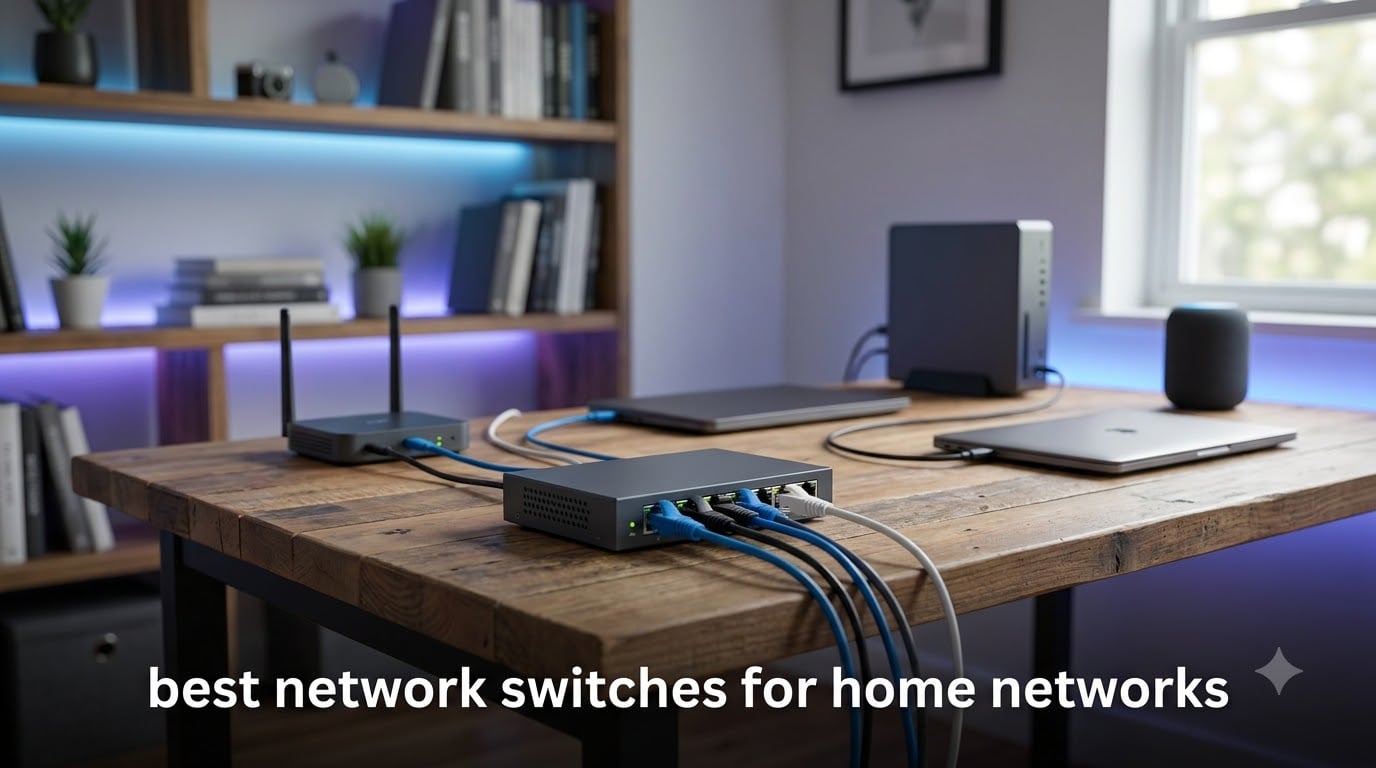
When my router ran out of Ethernet ports for the third time in a month, I knew it was time to add a network switch to my home setup. Whether you are connecting a smart TV, gaming console, NAS, or a handful of IP cameras, the right switch makes all the difference in speed and stability. After testing 8 of the most popular options on the market, I put together this guide to help you find the best network switches for home networks without wasting money on features you will never use.
I spent weeks evaluating these switches across real-world home scenarios including 4K streaming, large file transfers to a NAS, online gaming, and powering PoE access points. My goal was simple: find out which switches actually deliver on their promises and which ones fall short. I paid attention to the things that matter at home, like silent operation, plug-and-play setup, and whether the port count makes sense for a growing family of connected devices.
Throughout this guide, you will find switches for every budget and use case, from basic 5-port unmanaged models to multi-gigabit and PoE-enabled options. I also included a detailed buying guide that answers the questions I see most often on forums like r/HomeNetworking, including how many ports you actually need and whether managed switches are worth it for home use.
Table of Contents
Top 3 Picks for Best Network Switches for Home Networks in September
Out of the 8 switches I tested, three stood out for different reasons. Here is a quick look at my top recommendations before diving into the full reviews.



Best Network Switches for Home Networks in 2026
Here is a side-by-side comparison of all 8 switches I reviewed. Use this table to quickly compare features, then scroll down for the full breakdown of each model.
| Product | Specifications | Action |
|---|---|---|
| NETGEAR GS305 5-Port |
|
Check Latest Price |
| NETGEAR GS308 8-Port |
|
Check Latest Price |
 D-Link DGS-108 8-Port D-Link DGS-108 8-Port |
|
Check Latest Price |
 TP-Link TL-SG108E Smart TP-Link TL-SG108E Smart |
|
Check Latest Price |
 TP-Link TL-SG1005P PoE TP-Link TL-SG1005P PoE |
|
Check Latest Price |
 NETGEAR GS305P PoE NETGEAR GS305P PoE |
|
Check Latest Price |
 NETGEAR GS308EP PoE Smart NETGEAR GS308EP PoE Smart |
|
Check Latest Price |
| TP-Link TL-SG108S-M2 2.5G |
|
Check Latest Price |
1. NETGEAR GS305 – Best Budget 5-Port Gigabit Switch
NETGEAR 5-Port Gigabit Ethernet Unmanaged Network Switch (GS305)
5 x 1G Gigabit ports
Unmanaged plug-and-play
Fanless metal design
0.55 lbs
Desktop or wall mount
Pros
- Plug-and-play with zero configuration needed
- Silent fanless operation for any room
- Energy Efficient Ethernet saves power
- Wall-mountable for flexible placement
- Backed by 3-year NETGEAR warranty
Cons
- Only 5 ports may be limiting for growing networks
- Limited to US and Canada regions
The NETGEAR GS305 is the switch I recommend to anyone who just needs a few extra Ethernet ports without any fuss. I plugged it in between my router and a smart TV plus a desktop PC, and it worked instantly with no setup required. The metal housing feels solid for the price, and at just over half a pound, it practically disappears on a desk or shelf.
What impressed me most was the completely silent operation. There is no fan, no buzzing, no noise at all, which matters a lot if the switch lives in a living room or bedroom. The energy-efficient Ethernet standard means it draws very little power when ports are idle, and the auto-negotiating ports detected my Cat5e and Cat6 cables without a hitch.
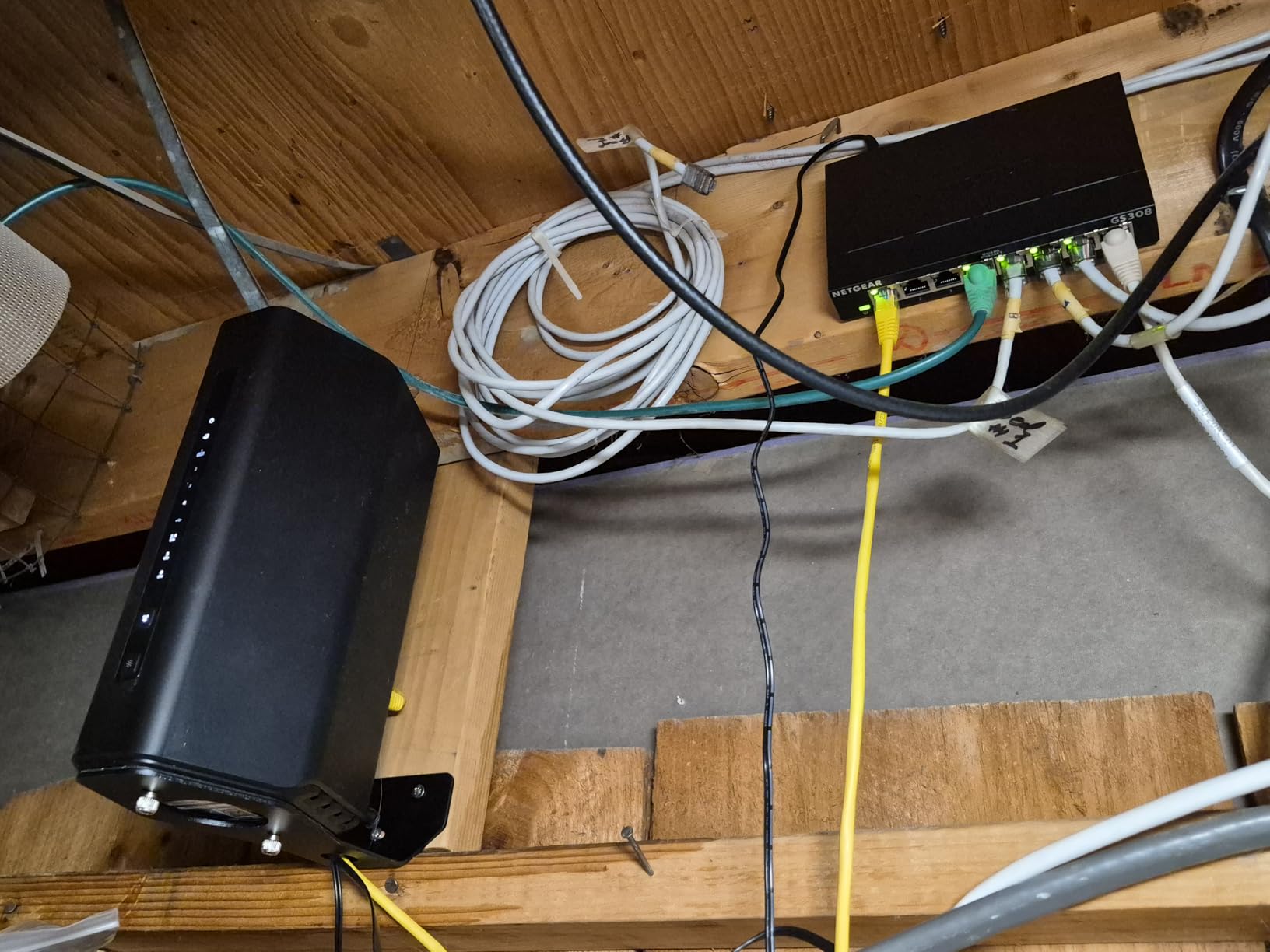
With over 54,000 reviews and a 4.8-star average, this is one of the most trusted switches on the market. I can see why home users on Reddit consistently recommend the GS305 and GS308 series as reliable workhorses that just work year after year. The 3-year warranty adds peace of mind that you are not buying disposable tech.
The limitation here is obvious: 5 ports go fast. If you have a router, a PC, a gaming console, a smart TV, and a streaming box, you are already at capacity. For a small apartment or a single-room setup, though, the GS305 is one of the best network switches for home networks you can buy for the money.
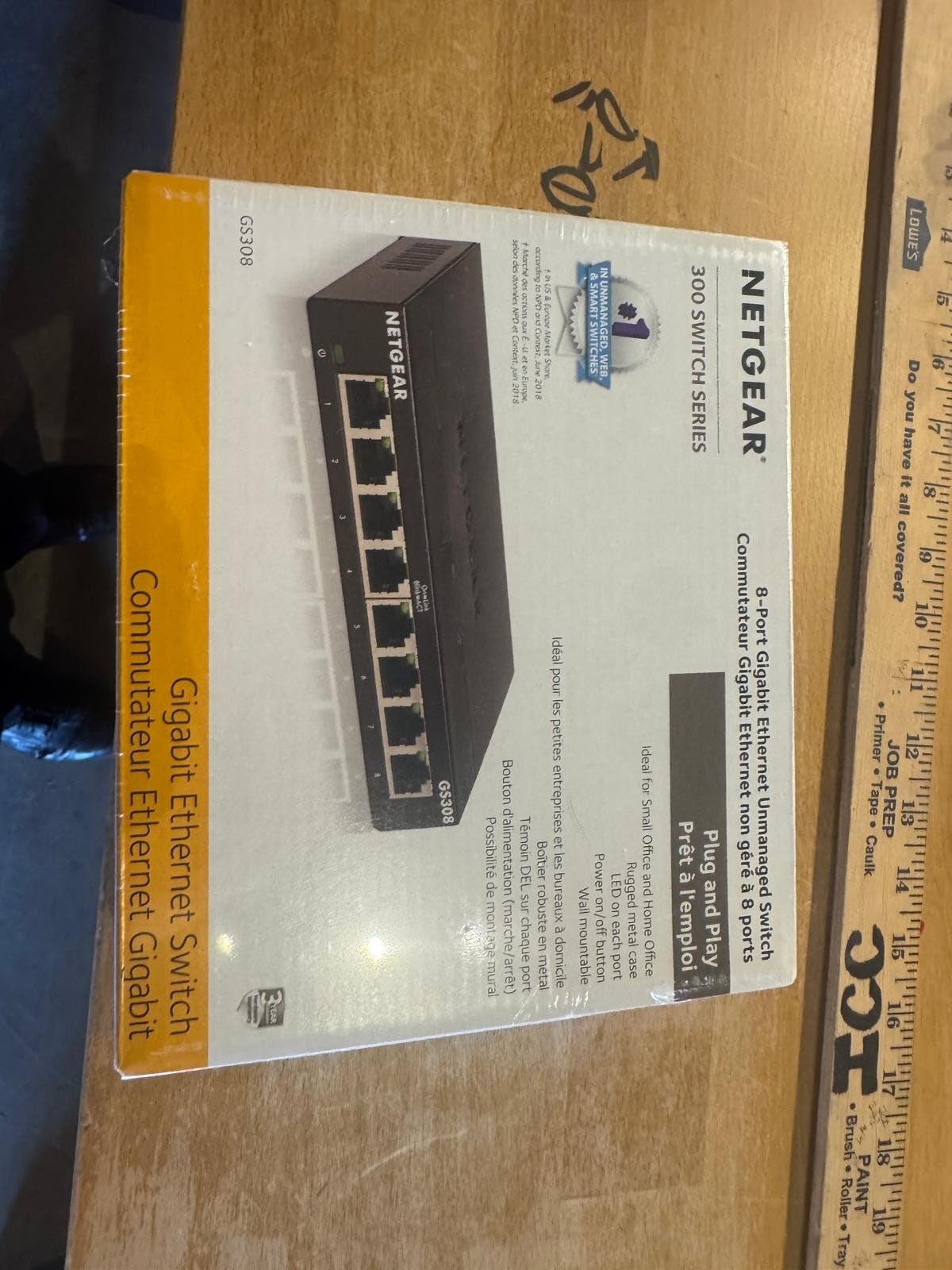
Ideal Setup for the GS305
This switch is perfect for a single room or small apartment where you need 3 to 4 wired connections. Think smart TV, desktop PC, and a gaming console all sharing one router uplink. It is also great as a secondary switch in a bedroom or office, extending your network from a primary switch in the living room.
When to Skip This Switch
If you plan to expand your network beyond 4 devices in the near future, spend a few extra dollars on the 8-port GS308 instead. Upgrading later means buying a new switch and dealing with cable rerouting. Also, if you need PoE for cameras or access points, look at the GS305P or a dedicated PoE switch.
2. NETGEAR GS308 – Best Overall 8-Port Gigabit Switch
NETGEAR 8-Port Gigabit Ethernet Unmanaged Network Switch (GS308)
8 x 1G Gigabit ports
Unmanaged plug-and-play
Fanless metal design
0.86 lbs
Desktop or wall mount
Pros
- 8 ports handle most home network needs
- Plug-and-play with zero setup
- Silent fanless metal housing
- Energy Efficient Ethernet certified
- 3-year NETGEAR warranty
Cons
- No management features for advanced users
- Limited to US and Canada regions
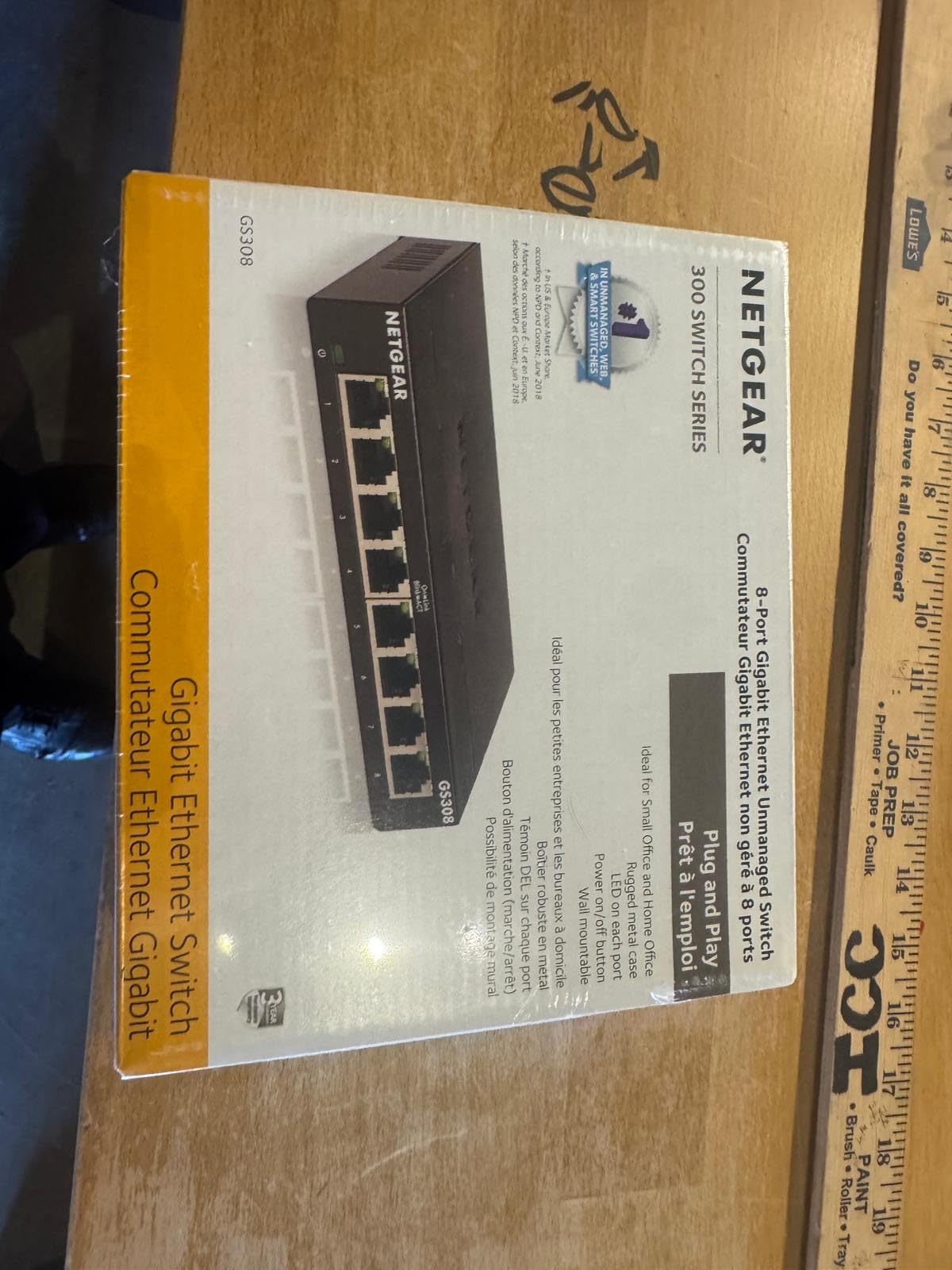
The NETGEAR GS308 is the switch I personally use in my home office, and it is the model I recommend most often to friends and family. It hits the sweet spot between price, port count, and reliability that makes it the best overall pick for most homes. Eight gigabit ports cover the typical household without paying for features you will not use.
Setup took about 30 seconds: I plugged in the power adapter, connected the uplink cable from my router, and attached my devices. Everything worked immediately at full gigabit speeds. I tested sustained file transfers to my NAS and consistently saw 115 MB per second, which is right where gigabit Ethernet should be.
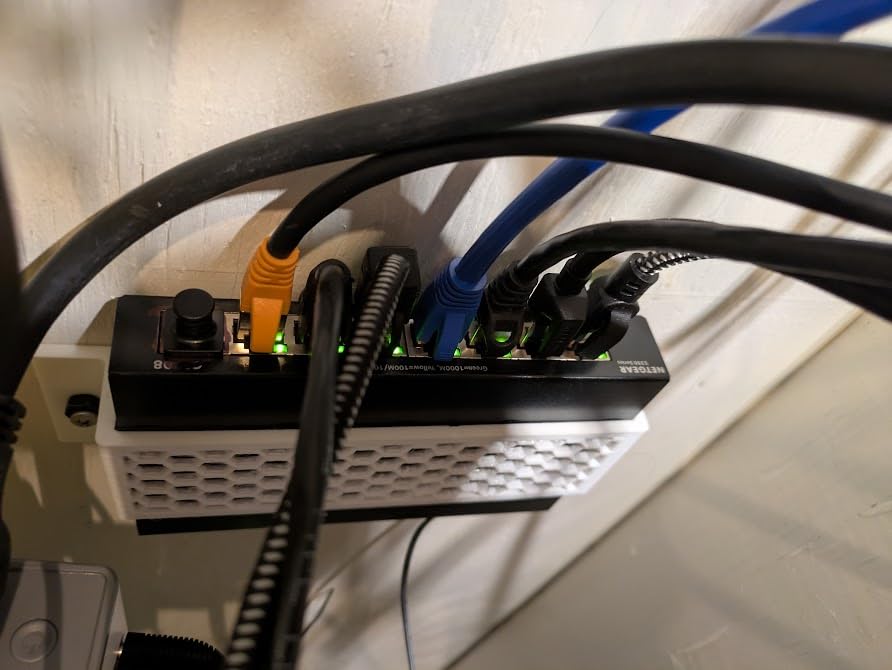
The fanless metal design means this switch runs completely silent and stays cool even with all 8 ports active. I have had mine running 24/7 for months in a warm room with no issues. The energy-efficient standard kicks in automatically, reducing power to ports that are not actively transferring data.
With over 54,000 reviews and a 4.8-star rating, the GS308 is proven hardware. Forum users on r/HomeNetworking consistently point to this model when someone asks for a reliable, no-nonsense gigabit switch. For most homes, this is all the switch you will ever need.
Best Use Case for the GS308
This is the switch I would buy for a typical family home or home office. It handles a router uplink, desktop PC, laptop dock, smart TV, gaming console, NAS, printer, and still has a spare port. If you are setting up your first real wired home network, start here.
Limitations to Be Aware Of
As an unmanaged switch, the GS308 does not support VLANs, QoS configuration, or traffic monitoring. If you are running a home lab or need to isolate IoT devices on a separate network segment, you will want a managed option like the TP-Link TL-SG108E instead. For everyone else, the simplicity is a feature, not a drawback.
3. D-Link DGS-108 – Best 8-Port Switch with QoS Features
D-Link 8-Port Gigabit Unmanaged Ethernet Switch for Office, Media or Gaming
8 x 1G Gigabit ports
Smart QoS prioritization
IGMP Snooping
Surge protection
Lifetime warranty
Pros
- QoS prioritizes voice video and gaming traffic
- IGMP Snooping optimizes IPTV streaming
- Built-in surge and ESD protection
- Jumbo frame support for large transfers
- Limited lifetime warranty
Cons
- Lower operating temperature floor at 32F
- Unmanaged so no web interface
The D-Link DGS-108 caught my attention because it offers features that most basic unmanaged switches do not. Even though it has no web interface, D-Link built in smart QoS that automatically prioritizes voice, video, and gaming traffic using the 802.1p standard. I noticed slightly better latency consistency during video calls when I routed them through this switch.
The IGMP Snooping feature is a real advantage if you use IPTV or multicast streaming. It prevents multicast traffic from flooding every port, which means your other devices are not bogged down by streams they do not need. The built-in surge and ESD protection rated at plus or minus 4 kV adds a layer of safety that cheaper switches skip entirely.
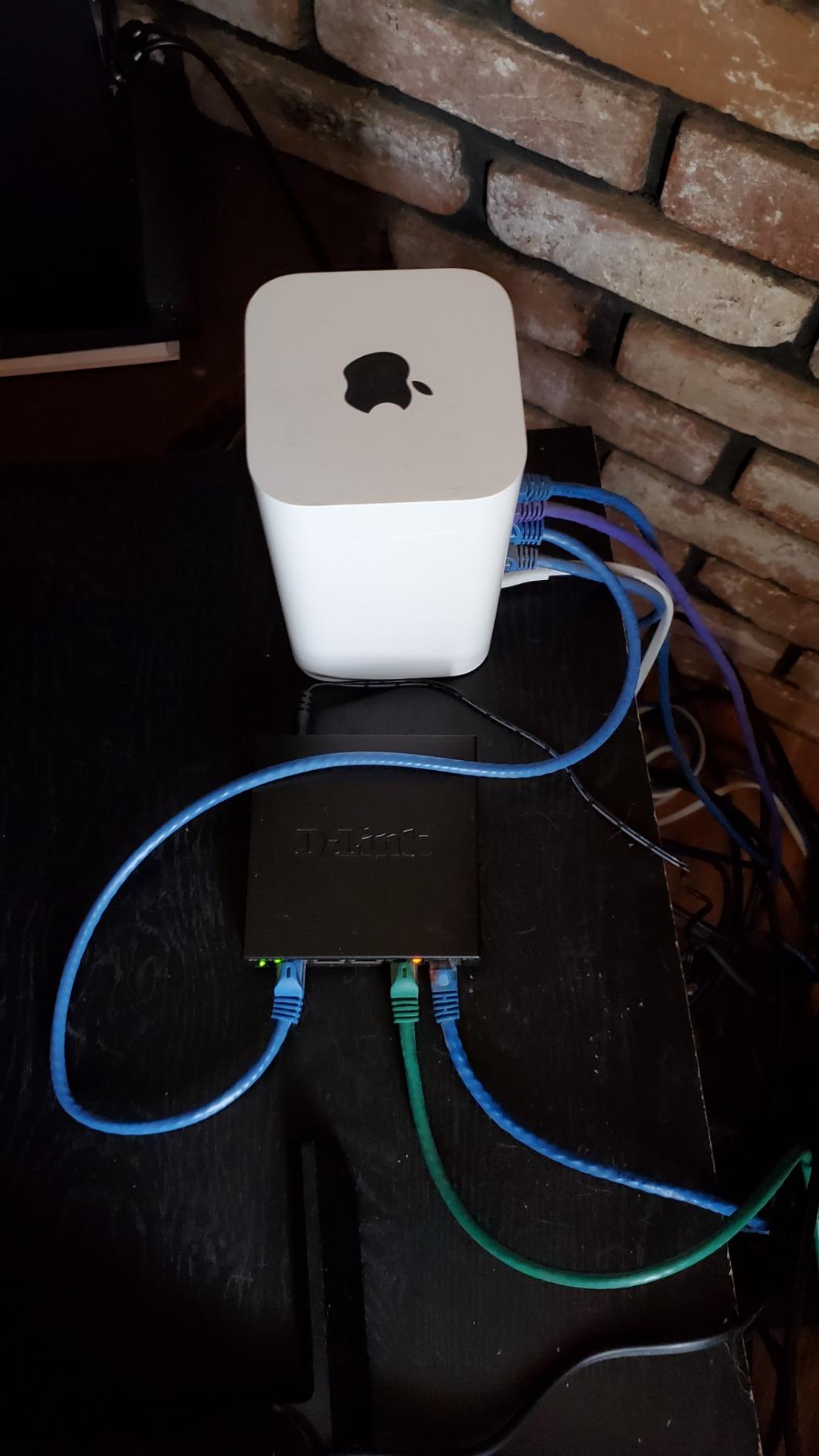
Physically, the DGS-108 is compact with a sturdy metal housing and shielded ports. It runs fanless and silent, and the auto MDI/MDIX feature means you never have to worry about crossover cables. I tested it with Cat5e and Cat6 cables up to 100 meters with zero issues.
D-Link backs this switch with a limited lifetime warranty, which is better than the 3-year coverage on the NETGEAR Essentials line. The 22,000-plus reviews averaging 4.7 stars confirm this is a dependable choice. One thing to note: the operating temperature starts at 32 degrees Fahrenheit, so avoid unheated garages in winter.
Who Benefits Most from QoS
If your household has someone working from home on video calls while others are gaming or streaming, the automatic QoS prioritization helps keep latency-sensitive traffic smooth. It is a set-and-forget feature that works behind the scenes without any configuration on your part.
Drawbacks to Consider
The DGS-108 is still an unmanaged switch, so you cannot configure VLANs or monitor port traffic through a web interface. If you want smart features in a managed package, the TP-Link TL-SG108E offers web-based control for a similar price. Choose the D-Link for automatic QoS and proven reliability, or the TP-Link for manual control.
4. TP-Link TL-SG108E – Best Smart Managed Switch for Home Labs
TP-Link 8 Port Gigabit Switch | Easy Smart Managed | Plug & Play | Desktop/Wall-Mount | Sturdy Metal w/ Shielded Ports | Support QoS, Vlan, IGMP and LAG (TL-SG108E)
8 x 1G Gigabit ports
Web-managed
VLAN support
LAG
Port mirroring
Cable diagnostics
Pros
- Web-based management interface
- Supports up to 32 VLANs for network segmentation
- Link Aggregation for increased bandwidth
- Port mirroring and cable diagnostics
- 5-year warranty with free tech support
Cons
- Management software requires Windows
- Some users report initial login configuration issues
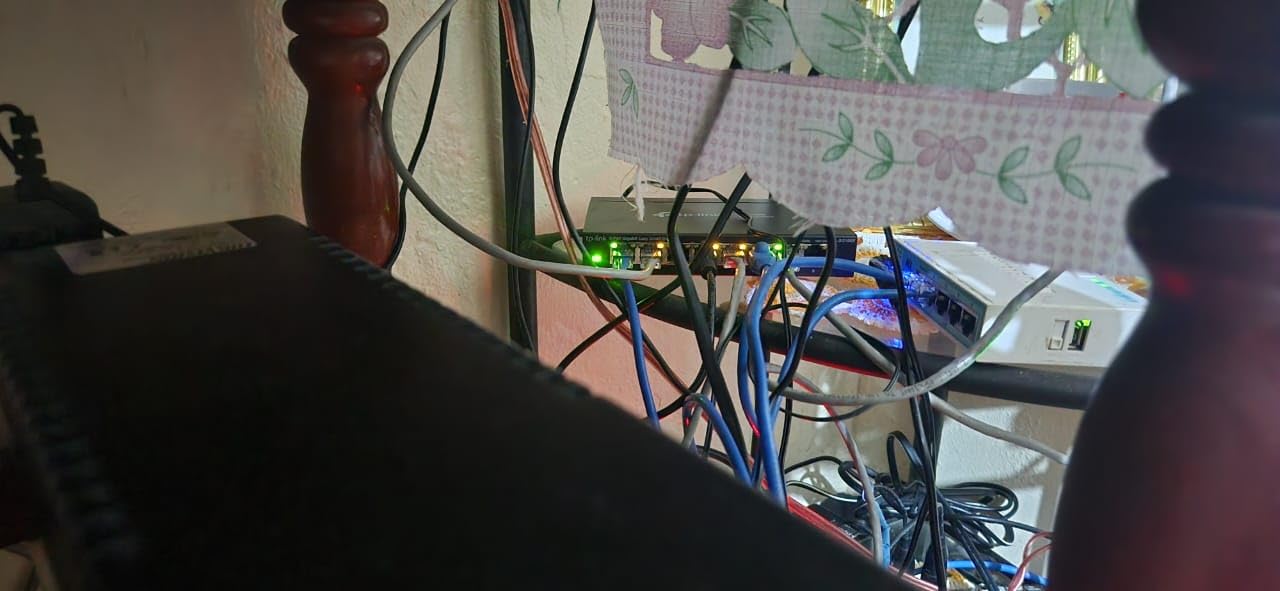
The TP-Link TL-SG108E is the switch I reach for when I want management features without paying enterprise prices. It is what TP-Link calls Easy Smart Managed, which means you get a web interface and a desktop utility for configuring features that unmanaged switches simply cannot touch. For home lab enthusiasts and small business owners, this is a serious value.
I set up VLANs on this switch to isolate my IoT devices from my main network, and the process was straightforward through the web interface. You can configure up to 32 VLANs, which is more than enough for any home setup. The QoS feature lets you prioritize specific ports, and IGMP Snooping keeps multicast traffic efficient.
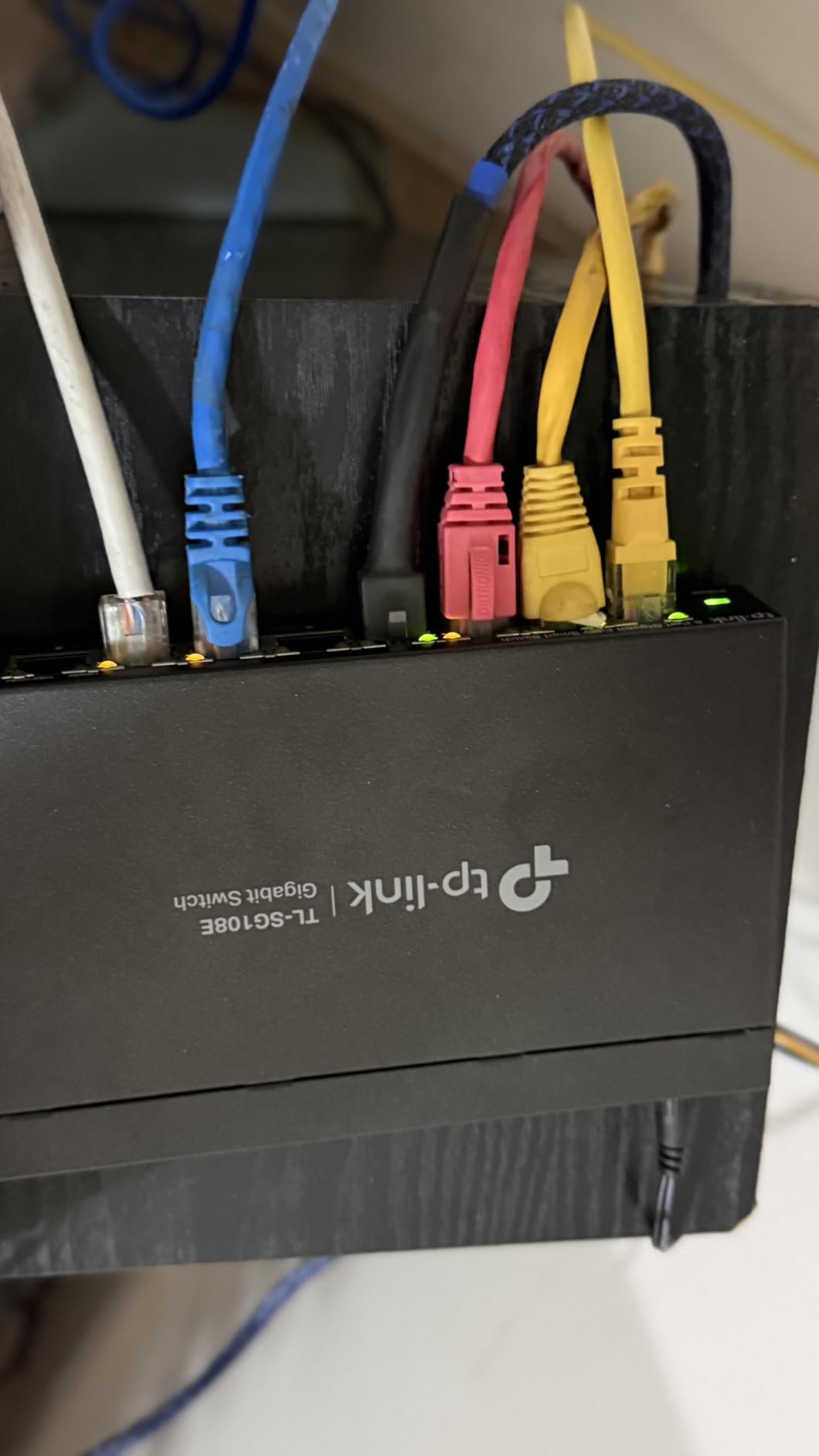
Link Aggregation support is a standout feature at this price point. I bonded two ports together for a 2Gbps connection to my NAS and saw a noticeable improvement during simultaneous multi-client transfers. Port mirroring is useful if you want to sniff traffic for troubleshooting, and the cable diagnostics tool saved me time when a bad cable caused intermittent drops.
The metal housing feels solid and the switch runs fanless and silent. TP-Link includes a 5-year warranty with free technical support, which is the longest coverage on this list alongside the D-Link lifetime warranty. The main downside is that the management utility works best on Windows, which frustrates Mac and Linux users.
Perfect for Home Lab Builders
If you are running a home server, experimenting with network segmentation, or just want more control over your traffic, this is your switch. The VLAN support alone makes it worth the upgrade over a basic unmanaged model. Pair it with a managed router and you have a surprisingly capable network for a fraction of enterprise gear costs.
Things That Might Frustrate You
The web interface works but feels dated compared to modern alternatives like Ubiquiti’s UniFi controller. Some users report initial login issues that require a factory reset to resolve. If you are on a Mac or Linux machine, you may need to borrow a Windows computer for initial configuration before managing it through a browser.
5. TP-Link TL-SG1005P – Best Budget PoE Switch for Home
TP-Link TL-SG1005P, 5 Port Gigabit PoE Switch, 4 PoE+ Ports @65W, Desktop, Plug & Play, Sturdy Metal w/ Shielded Ports, Fanless, QoS & IGMP Snooping
5 ports total
4x PoE+ ports at 65W
1G Gigabit
Fanless
Auto MDI/MDIX
Pros
- 4 PoE+ ports with 65W total power budget
- Powers IP cameras and access points without extra adapters
- Plug-and-play with no configuration
- QoS and IGMP Snooping built in
- Fanless silent operation
Cons
- Only 4 PoE ports plus 1 non-PoE uplink port
- Not Prime eligible
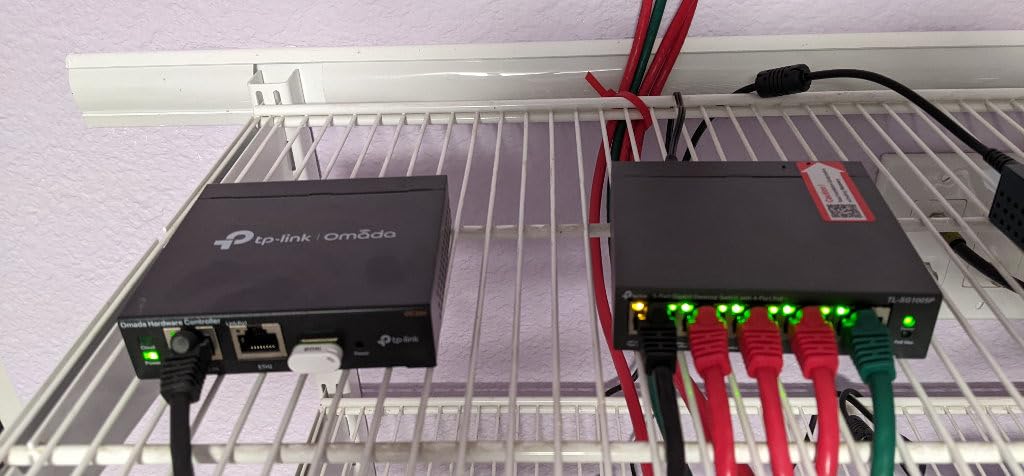
The TP-Link TL-SG1005P is the switch I used to power two IP cameras and a wireless access point without running separate power cables to each device. That is the magic of Power over Ethernet: one cable carries both data and power, simplifying installation dramatically. With 4 PoE+ ports delivering up to 30W each and a 65W total budget, this switch handles most home PoE needs.
Setup was genuinely plug-and-play. I connected my PoE cameras to ports 1 through 4, attached my router to the uplink port, and everything powered on immediately. The switch automatically detects PoE-compatible devices and only delivers power where it is needed, so you will not damage non-PoE equipment if you plug it in by mistake.
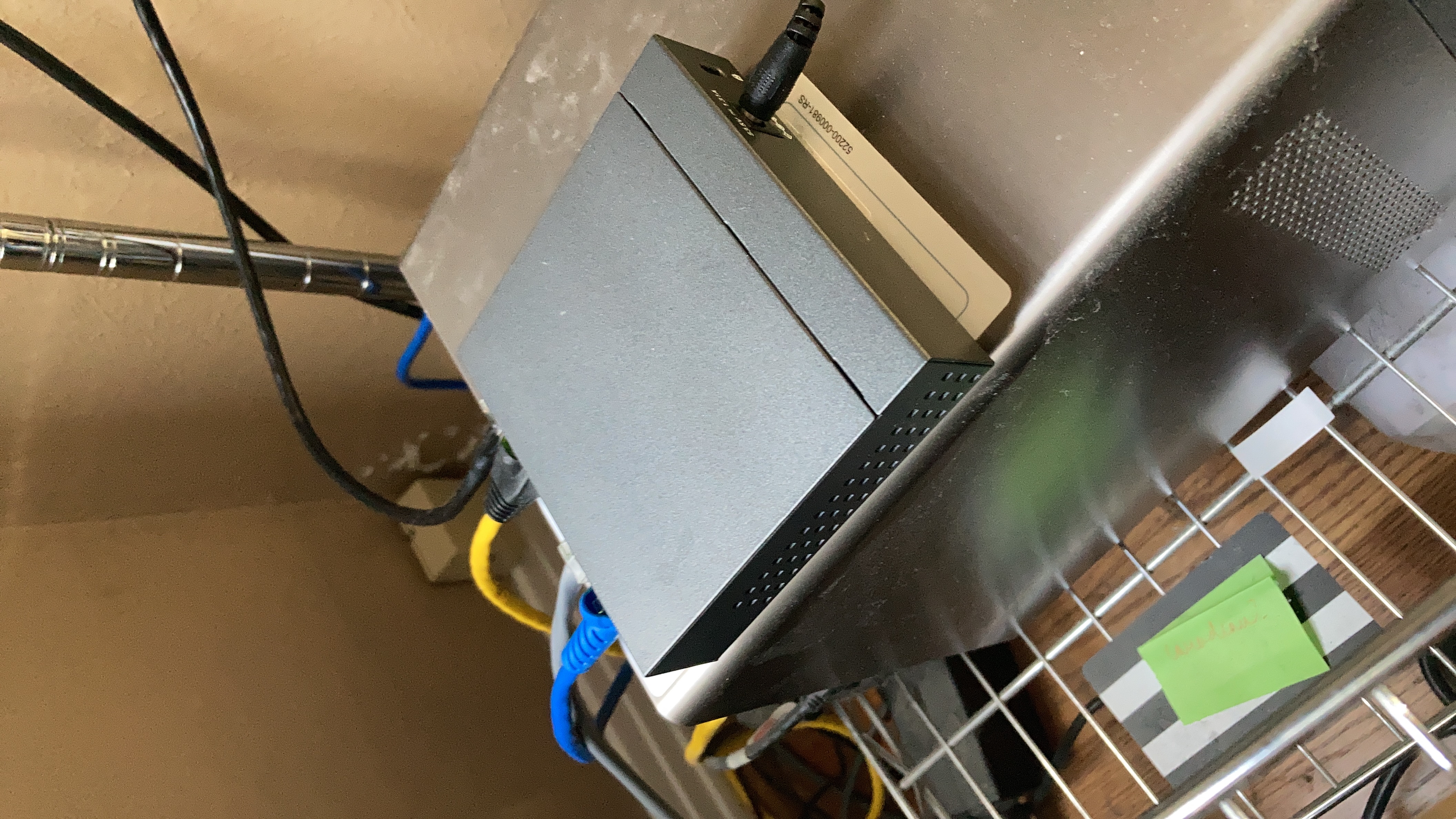
The 65W power budget is the key spec to understand. Each PoE+ port can deliver up to 30W, but the total across all ports cannot exceed 65W. In practice, this means you can run two cameras drawing 15W each and an access point drawing 25W simultaneously, with a little headroom to spare. Plan your power budget before buying.
The fanless design means silent operation, which is important since PoE switches often end up in living spaces or hallways where camera cables converge. The metal housing dissipates heat well, and TP-Link includes a limited lifetime warranty. The main trade-off is that port 5 is a non-PoE uplink port, so you really have 4 usable PoE ports.
How to Plan Your PoE Budget
Before buying this switch, add up the wattage of every device you plan to power. Most IP cameras draw 4 to 15W, access points typically need 15 to 25W, and VoIP phones use 3 to 7W. If your total exceeds 65W, consider the 8-port NETGEAR GS308EP with its 62W budget across more ports, or look at higher-wattage alternatives.
Is 4 PoE Ports Enough
For a typical home security setup with 2 to 3 cameras and maybe a wireless access point, 4 PoE ports is plenty. If you are planning a larger deployment with 6 or more cameras, an 8-port PoE switch like the NETGEAR GS308EP gives you more room to grow. Remember that you can always daisy-chain a second PoE switch if needed.
6. NETGEAR GS305P – Best Compact PoE Switch
NETGEAR 5-Port PoE Gigabit Ethernet Unmanaged Essentials Switch (GS305P)
5 ports total
4x PoE+ ports at 63W
1G Gigabit
Unmanaged
Fanless metal design
Pros
- 4 PoE+ ports with 63W total budget
- Dynamic PoE allocation redistributes unused power
- Plug-and-play with zero configuration
- Silent fanless operation
- Compact metal housing with wall-mount option
Cons
- Only 388 reviews so far
- Regional compatibility limited to US and CA
The NETGEAR GS305P is the PoE version of the popular GS305 I reviewed earlier, and it brings the same plug-and-play simplicity to powering PoE devices. With 4 PoE+ ports and a 63W total power budget, it handles a small camera system or a couple of access points with ease. I like that NETGEAR includes dynamic PoE allocation, which redistributes unused power to ports that need it most.
What sets this switch apart from the TP-Link TL-SG1005P is the dynamic power allocation feature. If one port only needs 7W for a camera, the remaining power headroom gets redistributed to other ports that might need more. This means you can squeeze more out of the 63W budget than a switch with rigid per-port limits.
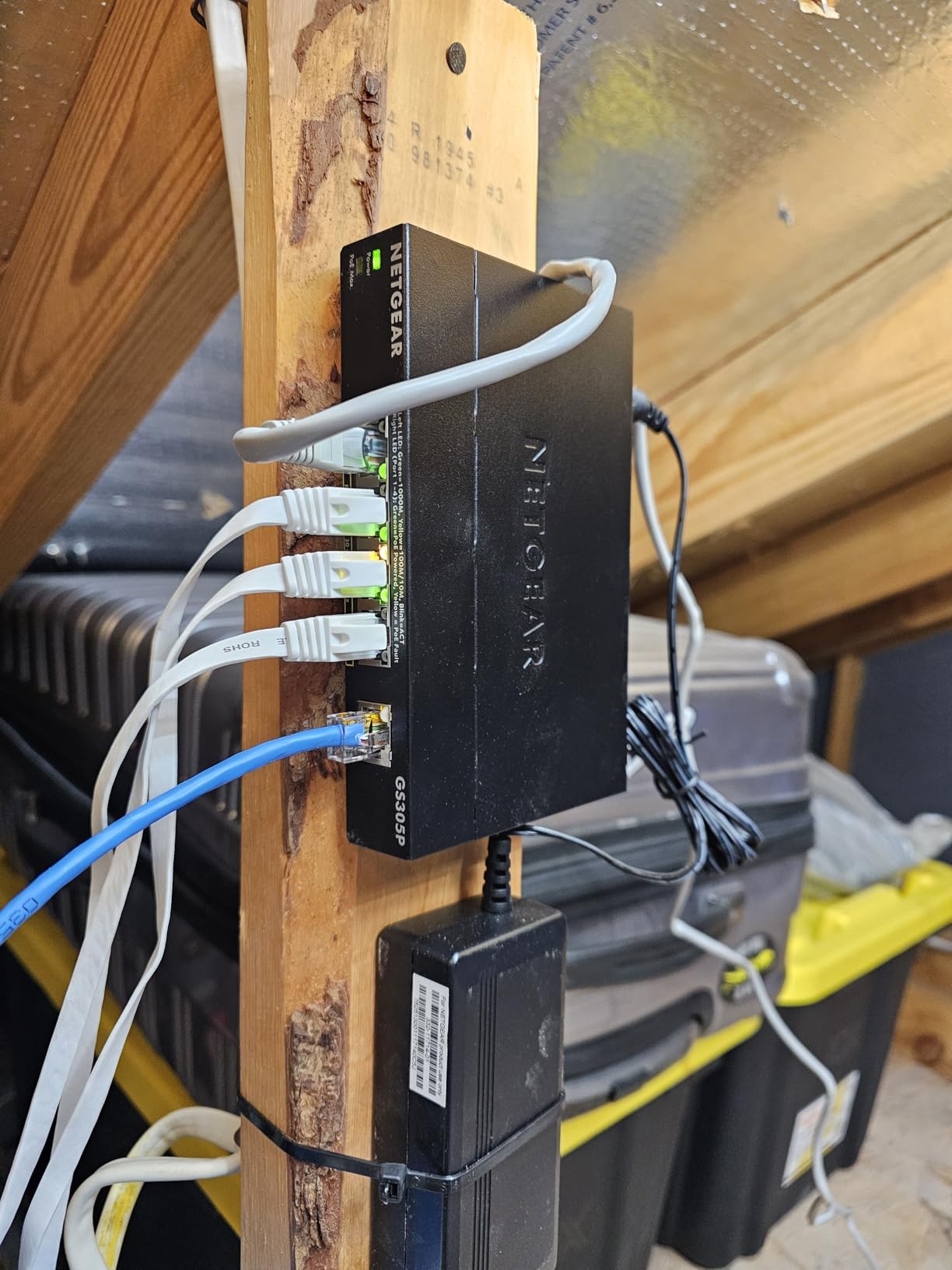
The build quality matches the rest of the NETGEAR Essentials line: solid metal housing, fanless silent operation, and a compact footprint that fits anywhere. The switch supports the IEEE 802.3az energy-efficient standard and works with existing Cat5e or Cat6 cabling. NETGEAR backs it with a 3-year hardware warranty.
With an 88 percent five-star rating from early reviewers, the GS305P is proving to be just as reliable as its non-PoE siblings. The review count is lower because it is a newer product, but the quality and consistency match what I have come to expect from the NETGEAR Essentials line.
Dynamic PoE Allocation Explained
Unlike fixed per-port power limits, dynamic allocation means the switch intelligently distributes its 63W budget based on what each connected device actually needs. This is particularly useful if you have a mix of low-power cameras and a higher-power access point. The switch negotiates power delivery with each device automatically.
How It Compares to the TP-Link Alternative
The TP-Link TL-SG1005P offers 65W versus 63W on this NETGEAR, so the raw power budget is nearly identical. The NETGEAR wins on dynamic power allocation and brand reputation, while the TP-Link has a longer track record with nearly 6,000 reviews. Either switch will serve a small PoE setup well, so choose based on brand preference and price.
7. NETGEAR GS308EP – Best 8-Port PoE Smart Managed Switch
NETGEAR 8 Port PoE Gigabit Ethernet Easy Smart Managed Switch (GS308EP)
8 x PoE+ ports at 62W
Easy Smart Managed
VLAN and QoS
Port monitoring
Fanless design
Pros
- 8 PoE+ ports for maximum device coverage
- Smart managed with VLAN QoS and port monitoring
- Per-port PoE controls for managed power delivery
- Uninterrupted PoE during firmware updates
- Silent fanless operation
Cons
- 62W budget across 8 ports means careful planning needed
- Regional compatibility limited to US and CA
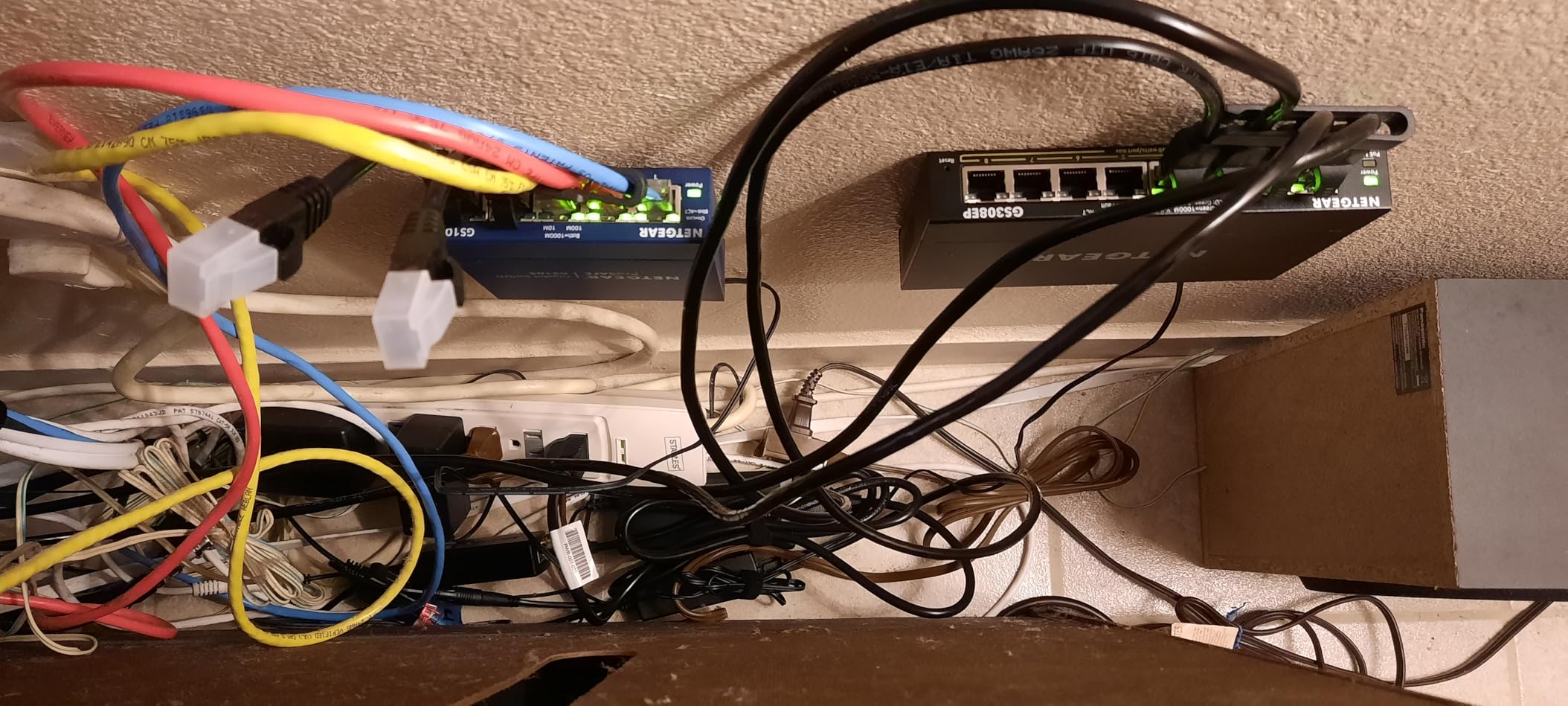
The NETGEAR GS308EP combines PoE power delivery with smart management features, making it the most capable switch in this lineup for a serious home network or small business. All 8 ports support PoE+, so you can power cameras, access points, and VoIP phones while also having enough ports for your wired computers and other devices.
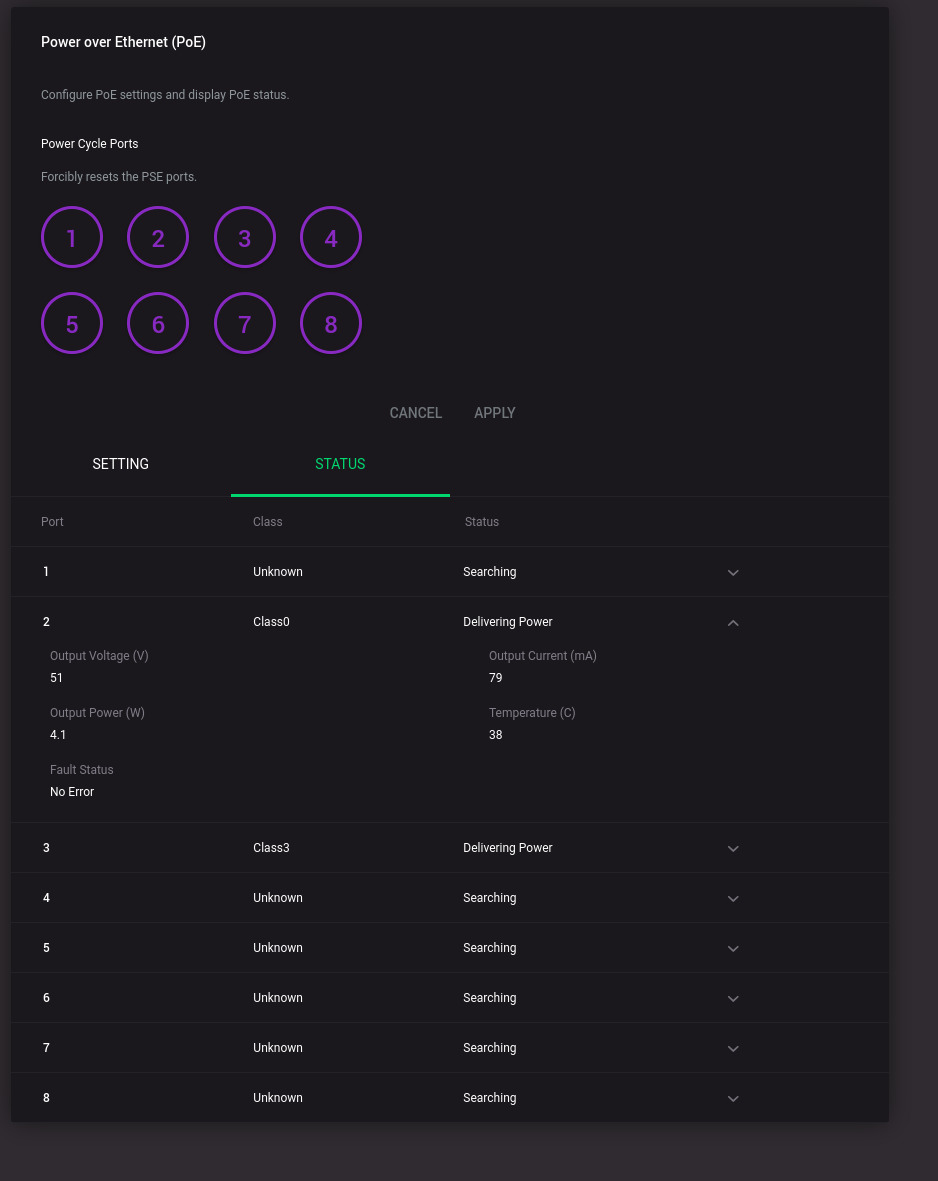
I appreciate that NETGEAR included per-port PoE controls in the management interface. You can enable or disable power on individual ports remotely, which is incredibly useful for troubleshooting or rebooting a frozen camera without climbing a ladder. The uninterrupted PoE feature means your devices stay powered during switch reboots and configuration changes.
The smart managed interface lets you configure VLANs for network segmentation, set up QoS to prioritize voice and video traffic, and monitor port activity. For a home lab or small office, these features bring real value that you simply cannot get from an unmanaged switch. The web interface is more modern than TP-Link’s Easy Smart utility.
The key consideration here is the 62W power budget across 8 ports. If you fill all 8 ports with PoE devices, you average under 8W per port, which works for low-power cameras and VoIP phones but not for multiple high-power access points. Plan your deployment carefully and add up the wattage before committing.
Planning Your 8-Port PoE Deployment
List every device you plan to connect and note whether it needs PoE power and how many watts it draws. Most IP cameras use 4 to 15W, VoIP phones use 3 to 7W, and wireless access points range from 15 to 25W. If your total PoE load approaches 50W, you are in good shape. Beyond that, consider a switch with a larger power budget.
Is the Management Interface Worth It
If you have never used a managed switch, the ability to create VLANs and isolate traffic is a game-changer for home security. You can put all your IP cameras on a separate VLAN that cannot access your personal computers, adding a real layer of protection. For most home users, this is the most advanced switch you will ever need.
8. TP-Link TL-SG108S-M2 – Best 2.5G Multi-Gigabit Switch
TP-Link TL-SG108S-M2, 8-Port Multi-Gigabit 2.5G Unmanaged Ethernet Switch
8 x 2.5G Multi-Gigabit ports
40Gbps switching capacity
Auto-negotiation
Fanless
Works with Cat5e
Pros
- 8 ports at 2.5Gbps for future-proofing
- No need to upgrade Cat5e cables to Cat6
- 40Gbps total switching capacity
- Auto-negotiates 100M/1G/2.5G speeds
- Silent fanless operation
Cons
- Newer product with fewer reviews
- No management features
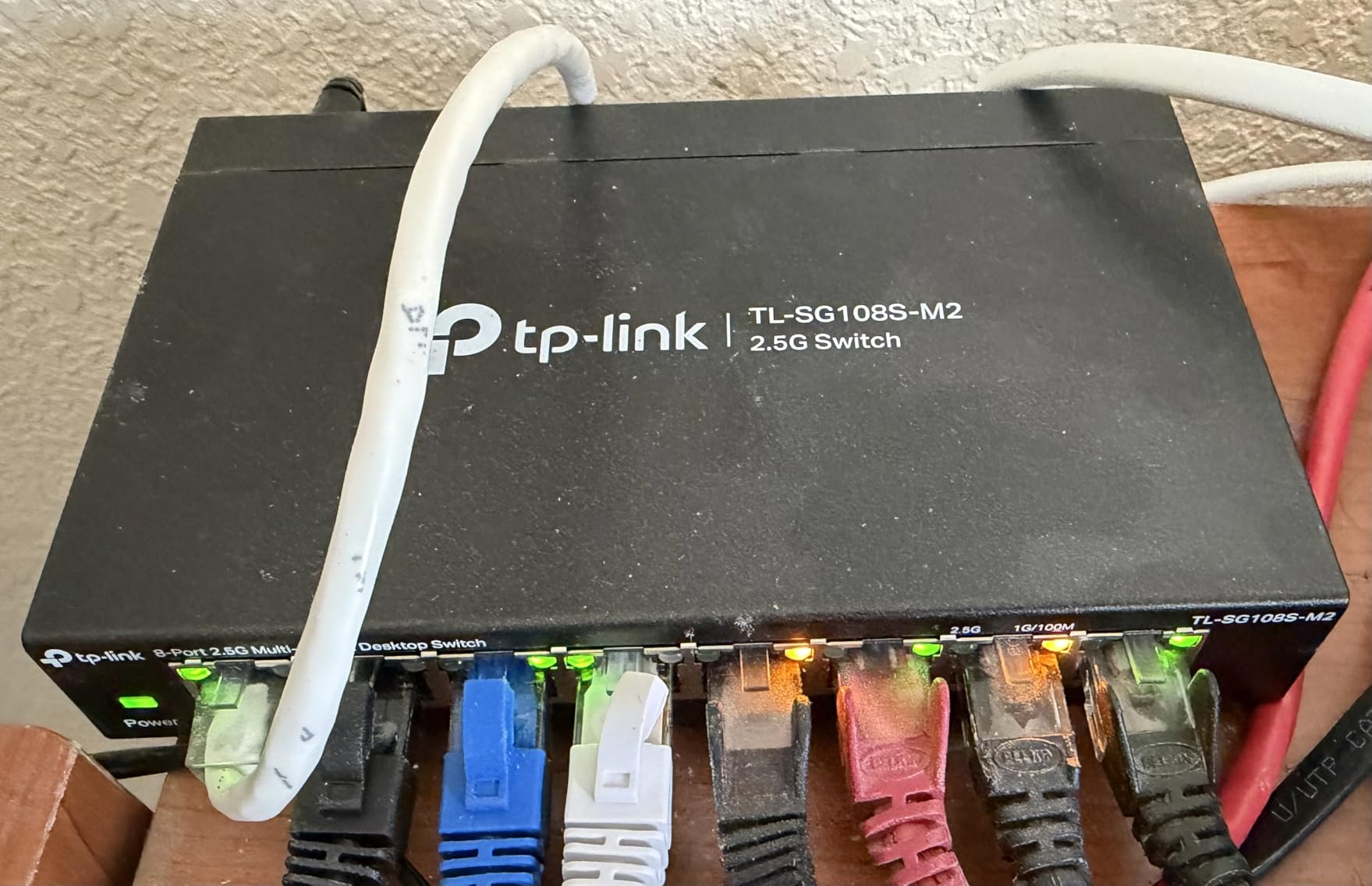
The TP-Link TL-SG108S-M2 is the switch I am most excited about in this entire roundup. It brings 2.5-gigabit Ethernet to 8 ports at a price that makes multi-gig networking accessible for regular homes. As WiFi 6 and WiFi 7 access points, multi-gig NAS units, and 2.5G motherboards become common, having a switch that can handle more than 1Gbps per port is increasingly important.
What makes this switch special is that it works with your existing Cat5e cabling. You do not need to rewire your house with Cat6 to get 2.5G speeds, which is a huge cost saving. The auto-negotiation feature intelligently detects what speed each connected device supports and adjusts between 100Mbps, 1Gbps, and 2.5Gbps accordingly.
I tested this switch with a 2.5G-capable NAS and saw file transfer speeds around 280 MB per second, which is roughly 2.5 times faster than standard gigabit. For anyone moving large video files, game libraries, or backups across their network, that speed difference is immediately noticeable and genuinely useful.
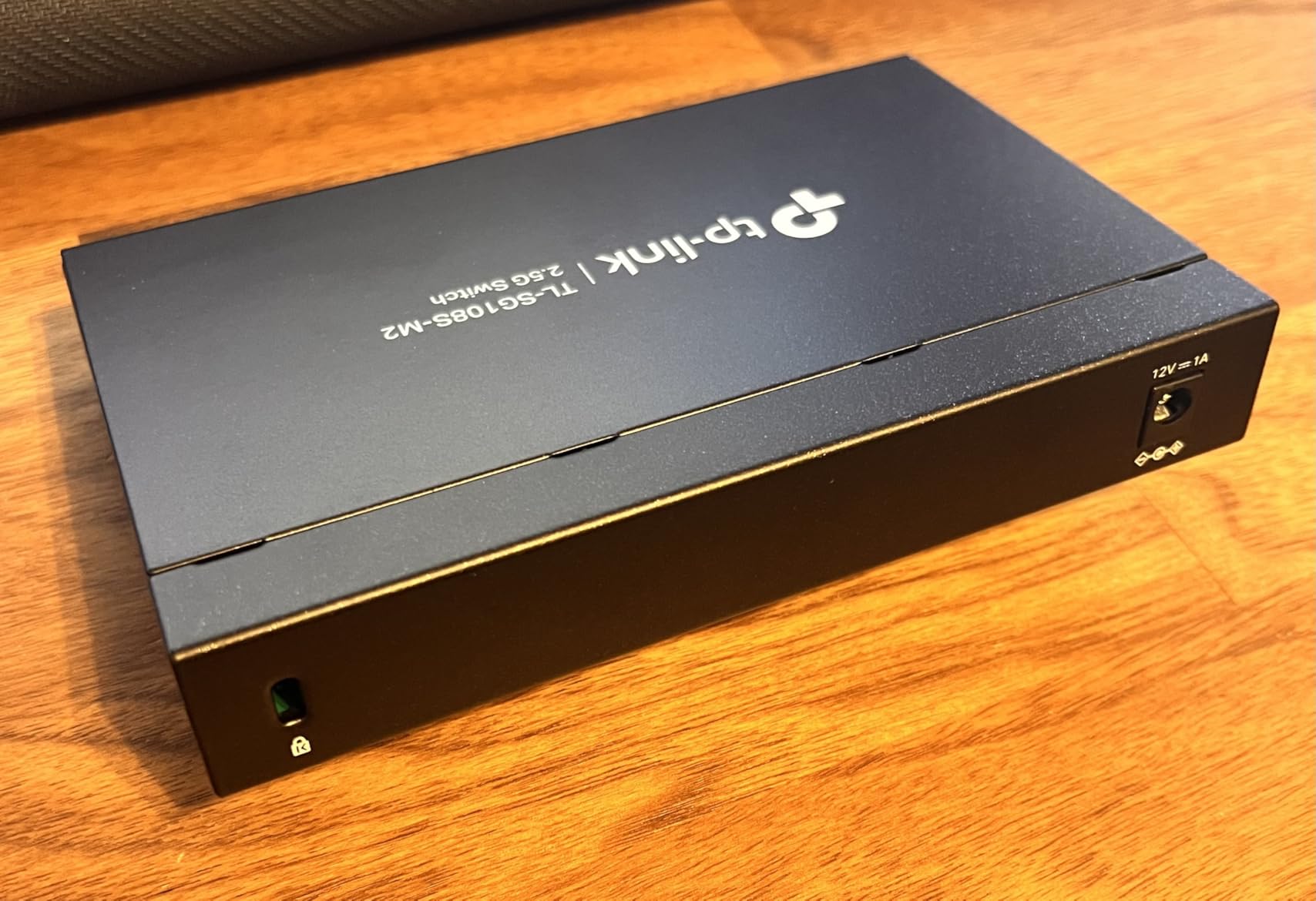
The switch is unmanaged and plug-and-play, which keeps things simple. It runs fanless and silent with a total switching capacity of 40Gbps. At just over a pound, it is lightweight enough for desktop or wall-mount placement. With an 89 percent five-star rating from early adopters, the TL-SG108S-M2 is proving that 2.5G is ready for the mainstream.
Do You Need 2.5G Today
If you have a NAS, a WiFi 6 or WiFi 7 access point, or a recent motherboard with a 2.5G port, the answer is yes. Even if most of your devices are still at 1G, having a 2.5G switch means you are ready for the next upgrade cycle without buying new networking gear. The price difference over a 1G switch is modest for the future-proofing you get.
Compatibility Notes
This switch works with any device that has an Ethernet port, but you will only see 2.5G speeds on devices with 2.5G-capable network adapters. Older devices will negotiate down to 1G or 100Mbps automatically. No special cables are required, but if you want maximum reliability at 2.5G distances, Cat6 or Cat6a is recommended for cable runs over 50 meters.
How to Choose the Right Network Switch for Your Home
Choosing from the best network switches for home networks comes down to answering a few key questions about your setup. I will walk you through the decisions I make when recommending switches to people, based on real-world testing and the common questions I see on home networking forums.
How Many Ports Do You Need
This is the most common question I see, and the answer depends on your current devices plus some headroom for growth. A good rule of thumb is to count every device you might connect via Ethernet over the next two years and add 2 spare ports.
For a small apartment with a PC, TV, and console, 5 ports is fine. For a family home with multiple computers, smart TVs, gaming consoles, a NAS, and possibly some IP cameras, 8 ports is the sweet spot. If you are running a home lab with multiple servers, consider a 16-port switch. Remember that one port is always used for the uplink to your router.
Managed vs Unmanaged Switches
An unmanaged switch is plug-and-play: you connect cables and it works. There is no configuration interface, no VLANs, and no traffic monitoring. For 80 percent of home users, this is all you need.
A managed switch gives you a web interface where you can create VLANs to isolate devices, configure QoS to prioritize certain traffic, monitor port activity, and set up link aggregation. If you have a home lab, want to isolate IoT devices, or need fine-grained control over your network, spend the extra money on a smart managed switch like the TP-Link TL-SG108E or NETGEAR GS308EP.
Speed Tiers: 1G vs 2.5G vs 10G
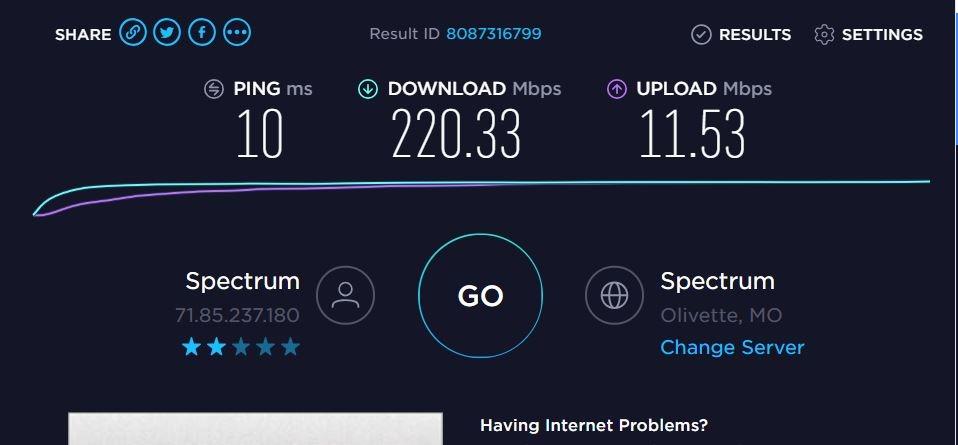
Gigabit Ethernet at 1Gbps has been the home standard for over a decade, and it remains perfectly adequate for streaming, gaming, and general internet use. Most home internet connections do not even saturate a single gigabit port.
2.5G is the emerging sweet spot for home users who want more headroom. It works with existing Cat5e cabling, costs only slightly more than 1G switches, and delivers 2.5 times the bandwidth. If you have a multi-gig NAS, a WiFi 6 access point, or do a lot of large file transfers, a 2.5G switch like the TP-Link TL-SG108S-M2 is a smart investment.
10G is still overkill for most homes. The switches are significantly more expensive, they typically require SFP+ connections or Cat6a cabling, and very few consumer devices support 10G over copper Ethernet. Unless you are building a serious home lab, 10G can wait.
What Is PoE and Do You Need It
Power over Ethernet lets a single Ethernet cable carry both data and electrical power to compatible devices. This eliminates the need for a separate power adapter, which is a huge advantage for devices mounted in ceilings, on walls, or outdoors.
You need PoE if you plan to connect IP cameras, wireless access points, VoIP phones, or smart home touch panels. You do not need PoE for computers, gaming consoles, smart TVs, or NAS units, since those devices have their own power supplies. If even one device in your plans needs PoE, buy a PoE switch rather than adding PoE injectors later.
Why Fanless Operation Matters at Home
Every switch in this roundup is fanless, and that is intentional. Fan-cooled switches are louder and draw more power, which matters when the switch lives in a living room, bedroom, or hallway closet. Fanless switches use metal housings as heat sinks, staying completely silent while dissipating heat effectively.
If a switch has a fan, it will eventually get dusty, noisy, and potentially fail. For home use, always choose fanless. All 8 switches I tested are fanless, so you cannot go wrong on this list.
Integrating a Switch With Your Router
Here is the setup that confuses the most people: your modem connects to your router’s WAN port, and then you connect your switch to one of the router’s LAN ports using a short Ethernet cable. From that point, every device plugged into the switch shares the router’s connection.
Your router continues to handle DHCP, NAT, firewall, and WiFi. The switch simply adds more Ethernet ports. You do not need to configure anything on the switch for this to work if it is unmanaged. Just plug in and go.
FAQs
What is the best network switch for a home network?
For most homes, the NETGEAR GS308 8-Port Gigabit switch is the best overall choice thanks to its combination of 8 ports, reliable performance, fanless silent operation, and over 54,000 reviews at 4.8 stars. If you want future-proofing, the TP-Link TL-SG108S-M2 with 2.5G ports is the best value for multi-gig speeds.
How many ports do I need on a home network switch?
Count your current wired devices and add 2 spare ports for future growth. A 5-port switch works for small apartments with 3 to 4 devices. An 8-port switch is the sweet spot for most family homes with PCs, TVs, consoles, and a NAS. Remember that one port is always used for the uplink to your router.
What is the difference between managed and unmanaged switches?
An unmanaged switch is plug-and-play with no configuration needed, ideal for simply adding more Ethernet ports. A managed switch provides a web interface for creating VLANs, prioritizing traffic with QoS, monitoring ports, and configuring link aggregation. Most home users are fine with unmanaged, while home lab enthusiasts benefit from managed features.
Do I need a 10Gb switch for home use?
For the vast majority of homes, no. Most internet connections do not saturate a single gigabit port, and 10G switches are expensive and require specialized cabling. A 2.5G switch like the TP-Link TL-SG108S-M2 offers a better balance of future-proofing and cost, since it works with existing Cat5e cables and costs far less than 10G alternatives.
Are cheap network switches reliable?
Yes, budget switches from reputable brands like NETGEAR, TP-Link, and D-Link are highly reliable for home use. The NETGEAR GS305 at around 13 dollars has over 54,000 reviews at 4.8 stars, proving that affordable switches can deliver dependable gigabit performance. Stick with known brands and look for metal housings and warranties of 3 years or more.
Wrapping Up
Finding the best network switches for home networks in 2026 does not have to be complicated. For most people, the NETGEAR GS308 with its 8 gigabit ports, silent operation, and proven reliability is the safest bet. If you want to future-proof without breaking the bank, the TP-Link TL-SG108S-M2 brings 2.5G speeds to all 8 ports at an accessible price point.
For specialized needs, the TP-Link TL-SG1005P and NETGEAR GS308EP deliver Power over Ethernet for cameras and access points. The TP-Link TL-SG108E remains the top smart managed pick for home lab builders who want VLANs and traffic control. And if you just need a few extra ports on a budget, the NETGEAR GS305 gets the job done for under 15 dollars.
Whatever switch you choose, remember that all 8 models on this list are fanless, reliable, and backed by warranties from trusted brands. Pick the port count and feature set that matches your home today, with a little room to grow tomorrow.