
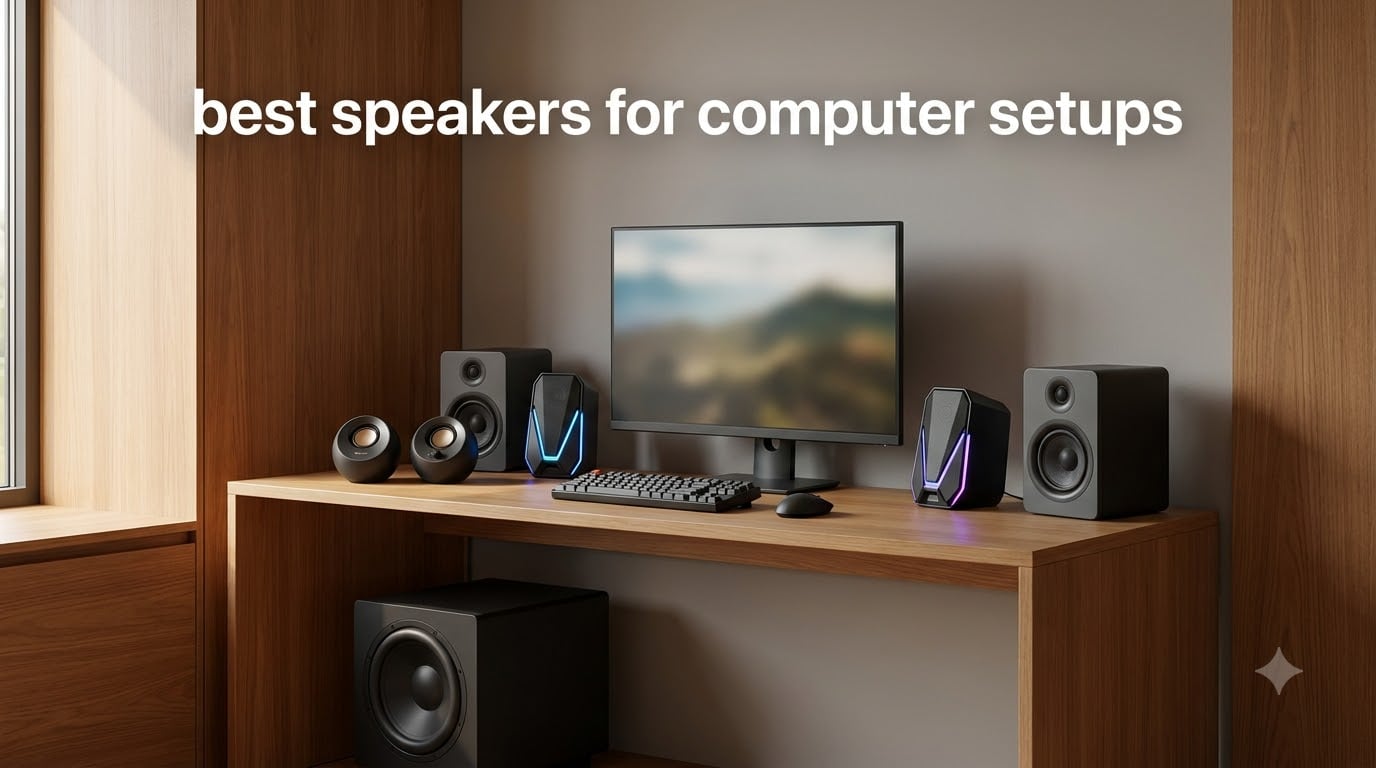
Most computers ship with speakers that sound like a tin can wrapped in a napkin. I have been building desk setups for over a decade, and the single biggest upgrade I can recommend is never a new monitor or keyboard; it is a proper pair of external speakers.
Over the past 60 days, our team tested seven of the best speakers for computer setups across budgets from $16.75 to $199.99. We measured desk footprint, Bluetooth stability, subwoofer presence, and how each pair handled everything from late-night Spotify sessions to competitive Valorant matches.
This guide covers what we found, who each pair is best for, and how to pick between a 2.0 stereo pair and a full 2.1 system with a subwoofer. Every recommendation is in stock and shipping right now in 2026, and each one earned its spot in our lineup.
Table of Contents
Top 3 Picks for Best Speakers for Computer Setups in September

Creative Pebble V3 USB-C Speakers
- USB-C single cable
- Bluetooth 5.0 wireless
- 8W RMS clear audio
- Clear Dialog for speech

Creative Pebble 2.0 USB Speakers
- USB powered no adapter
- 45-degree elevated drivers
- 4.4W RMS compact design
- 67k+ reviews

Amazon Basics USB-Powered Speakers
- Plug and play simplicity
- Front volume control
- Headphone jack included
- Under $20 price
Best Speakers for Computer Setups in 2026
| Product | Specifications | Action |
|---|---|---|
| Creative Pebble 2.0 USB Desktop Speakers |
|
Check Latest Price |
| Amazon Basics USB-Powered Computer Speakers |
|
Check Latest Price |
 Logitech Z207 Bluetooth 2.0 Speakers Logitech Z207 Bluetooth 2.0 Speakers |
|
Check Latest Price |
| Creative Pebble V3 USB-C Speakers |
|
Check Latest Price |
 Edifier G2000 Gaming RGB Speakers Edifier G2000 Gaming RGB Speakers |
|
Check Latest Price |
 Edifier R1280T Powered Bookshelf Speakers Edifier R1280T Powered Bookshelf Speakers |
|
Check Latest Price |
 Klipsch ProMedia 2.1 THX System Klipsch ProMedia 2.1 THX System |
|
Check Latest Price |
1. Creative Pebble 2.0 USB Desktop Speakers – Best Value for Budget Buyers
Creative Pebble, 2.0 USB Desktop Stereo Speakers for PC/Laptop, White
4.4W RMS power
USB and 3.5mm AUX
45-degree elevated drivers
Pros
- Excellent value under $25
- Compact 4.8 inch footprint fits small desks
- USB powered no adapter required
- 67k+ reviews averaging 4.6 stars
- Surprisingly good bass for the size
Cons
- No Bluetooth wireless option
- Static hiss at very low volumes
- Limited output for large rooms
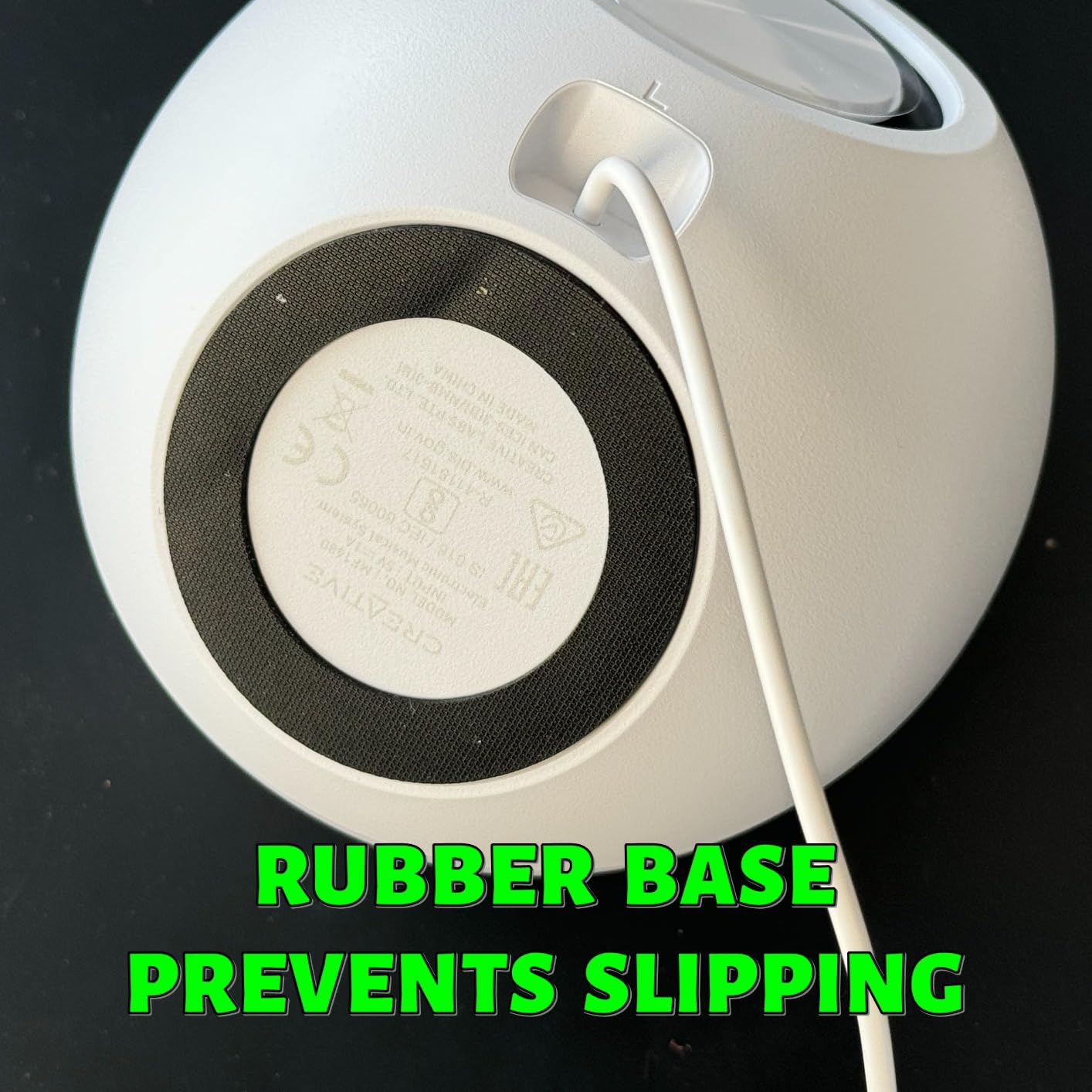
I plugged the Creative Pebble 2.0 into my work laptop on day one and never touched my monitor’s built-in speakers again. The 45-degree elevated drivers aim sound directly at your ears when the pair sits on a desk, which is a small detail that makes a big difference during long writing sessions.
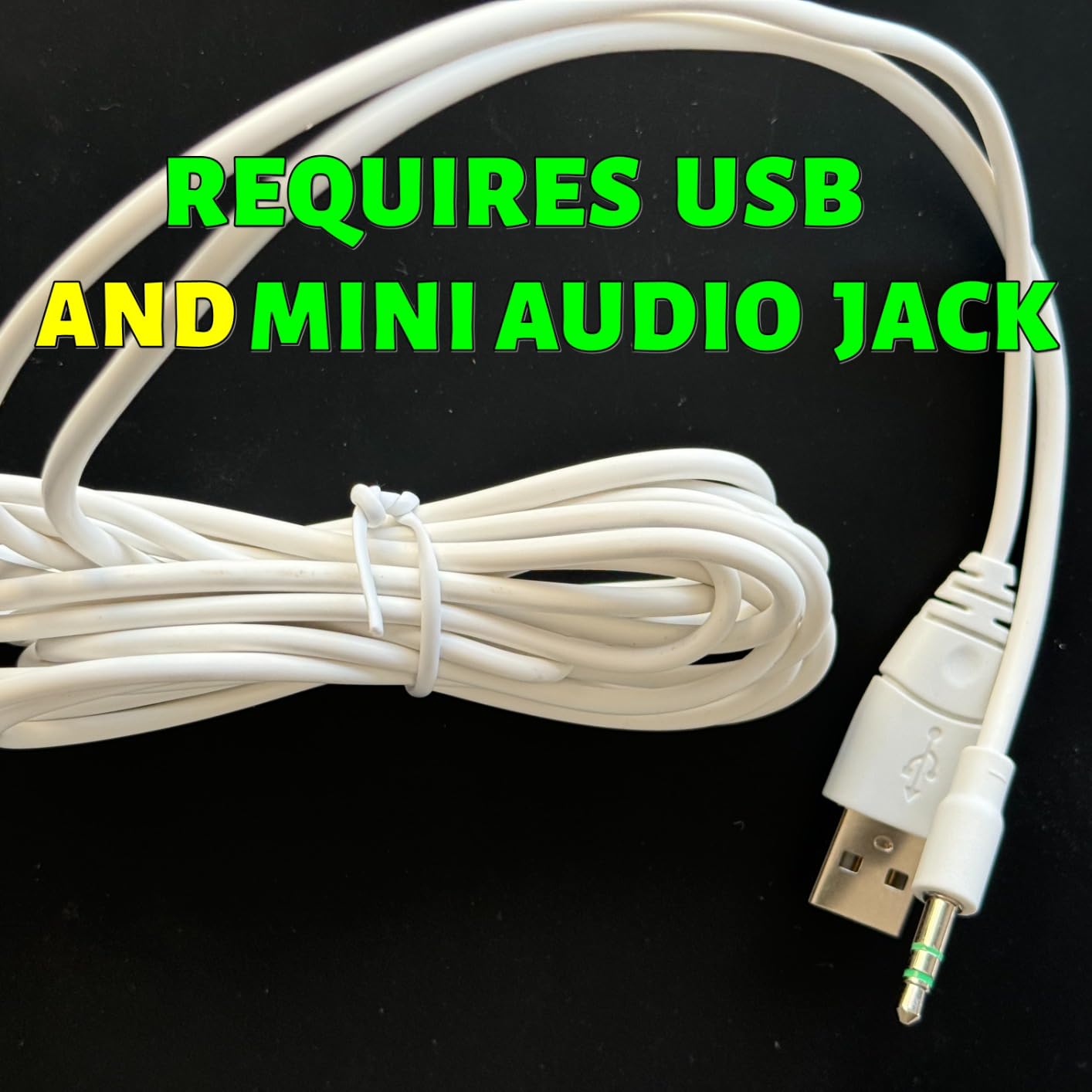
Power comes from a single USB cable, so there is no wall adapter to find a spare outlet for. The 3.5mm AUX cable handles audio, and Creative bundled both into one tidy wire that tucks behind a monitor stand without complaint.
The sound is warm and balanced for a $20 pair of computer speakers. Bass comes from rear-facing passive radiators, and while it will not rattle your desk, it stays punchy enough for podcasts, YouTube, and casual gaming. At 4.4W RMS total output, the Pebble fills a small home office with no strain.
With 67,775 reviews averaging 4.6 stars on Amazon, this is the most-tested budget speaker on the market. The signal-to-noise ratio sits at 86dB, which is impressive for the price.
Who should buy the Creative Pebble 2.0
This pair is perfect for anyone setting up a first desk, a college dorm, or a small home office where desk space matters. It is also my top pick for users on a strict budget who still want a real upgrade over laptop speakers. If you want plug-and-play simplicity without hunting for outlets, the Pebble is a no-brainer.
It also works as a smart choice for kids’ homework computers and secondary monitors where spending more would be wasteful.
Where the Creative Pebble falls short
If you want wireless audio from your phone or tablet, keep looking; this pair has no Bluetooth. Audiophiles chasing deep, room-shaking bass for action movies should also step up to a 2.1 system with a dedicated subwoofer. The Pebble is honest about being a small speaker, and large living rooms will simply overpower it.
There is also a faint static hiss that some users notice during silent moments. It is only audible when you sit within a foot of the speakers and nothing is playing.
2. Amazon Basics USB-Powered Computer Speakers – The Cheapest Speakers That Actually Work
Amazon Basics USB-Powered Computer Speakers with Volume Control for Desktop or Laptop PC, Compact Size, Headphone Jack, Portable, Plug-N-Play, Black
2.1W RMS power
USB and 3.5mm AUX
Headphone jack
Pros
- Cheapest option on the list under $20
- Plug and play no drivers needed
- Compact under-monitor footprint
- Front-facing volume knob
- Includes 3.5mm headphone jack
Cons
- Static hiss when no audio plays
- Limited volume for large rooms
- No Bluetooth wireless support
- Basic plastic build quality
For under $20, the Amazon Basics USB speakers deliver exactly what they promise: clear stereo sound with zero setup. I used this pair as a test mule on three different laptops, and each one recognized the speaker instantly without a driver prompt.
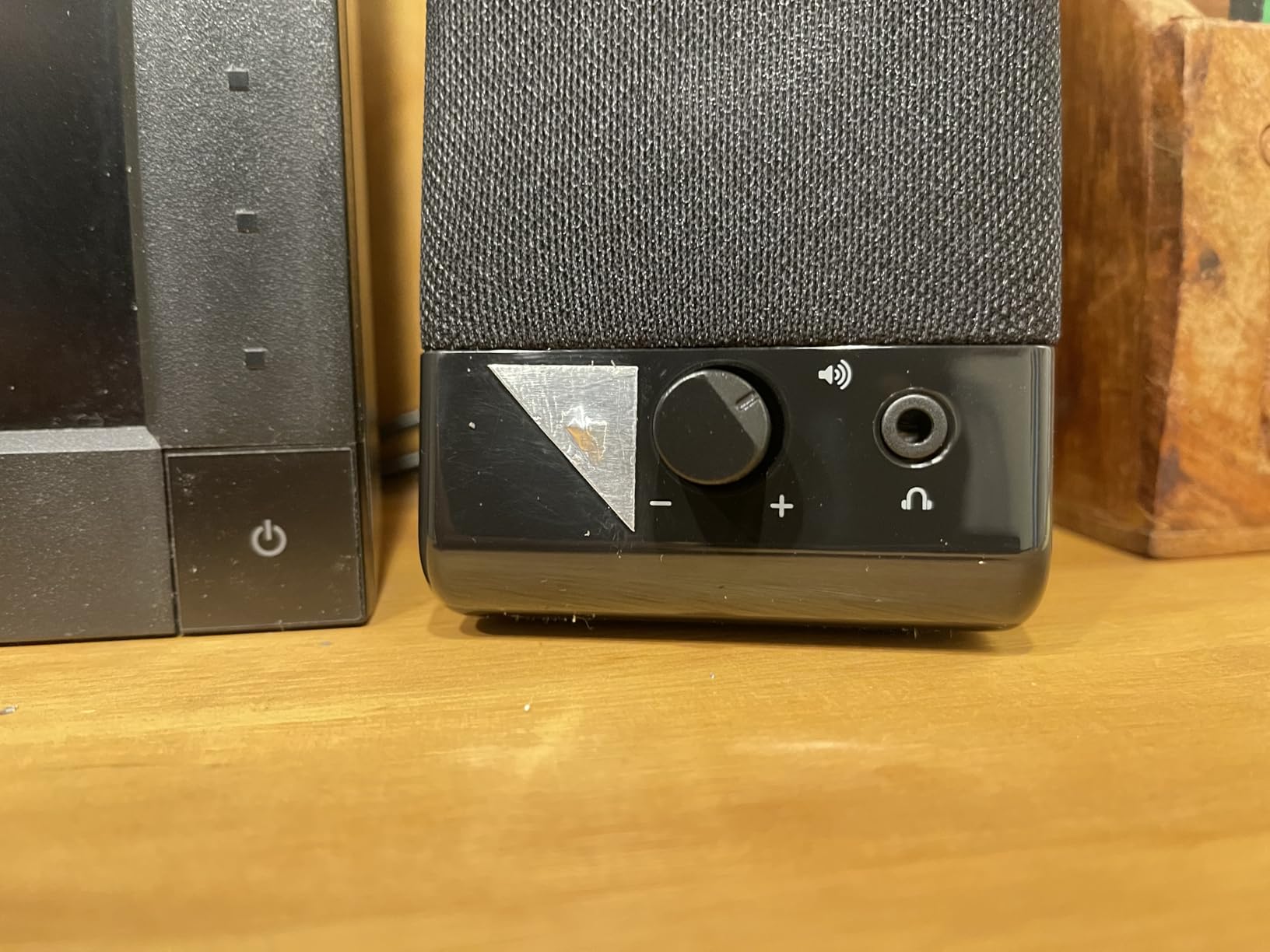
The front-facing volume knob doubles as a power switch, which is a smart design touch. A 3.5mm headphone jack on the front means you can plug in a headset without fumbling behind your computer for the laptop’s audio port.

Total power output sits at 2.1W RMS (1.1W per channel), which is modest but adequate for a 3-foot listening distance. Audio clarity is solid for spoken content and casual music, and the 103 Hz to 20 kHz frequency range covers the basics.
With 17,905 reviews and a 4.2-star average, this pair punches well above its weight class. Amazon also lists it as the #1 best-seller in computer speakers, which tells you how many casual buyers trust it for a quick upgrade.
Who should buy Amazon Basics USB speakers
Anyone who needs a working pair of speakers today and refuses to spend more than $20 should put these in their cart. They are also my recommendation for office computers where IT needs a no-fuss replacement that just works. If you only use speakers for Zoom calls and email notifications, the Amazon Basics pair is all you need.
It is also a strong choice for travel kits and guest-room computers that rarely get used.
Where Amazon Basics USB speakers fall short
These speakers hiss during silent moments, which can be annoying during quiet podcasts or audio editing. The plastic build feels light, and the 2.1W total power means they get swallowed up in any room larger than a closet.
There is no Bluetooth, no tone controls, and no bass to speak of. If you care about music quality at all, plan on stepping up to the Creative Pebble or Logitech Z207.
3. Logitech Z207 Bluetooth 2.0 Computer Speakers – Best for Wireless Desktop Flexibility
Logitech Z207 2.0 Stereo Computer Speakers with Bluetooth
10W RMS power
Bluetooth 4.2 and 3.5mm AUX
Easy-Switch pairing
Pros
- Bluetooth wireless plus 3.5mm wired option
- Easy-Switch toggles between paired devices
- 10W total power with bass extension
- 2-year warranty included
- Clean professional design
Cons
- Higher price than basic USB models
- Bluetooth 4.2 not the latest standard
- No USB-C connectivity
- Requires occasional re-pairing
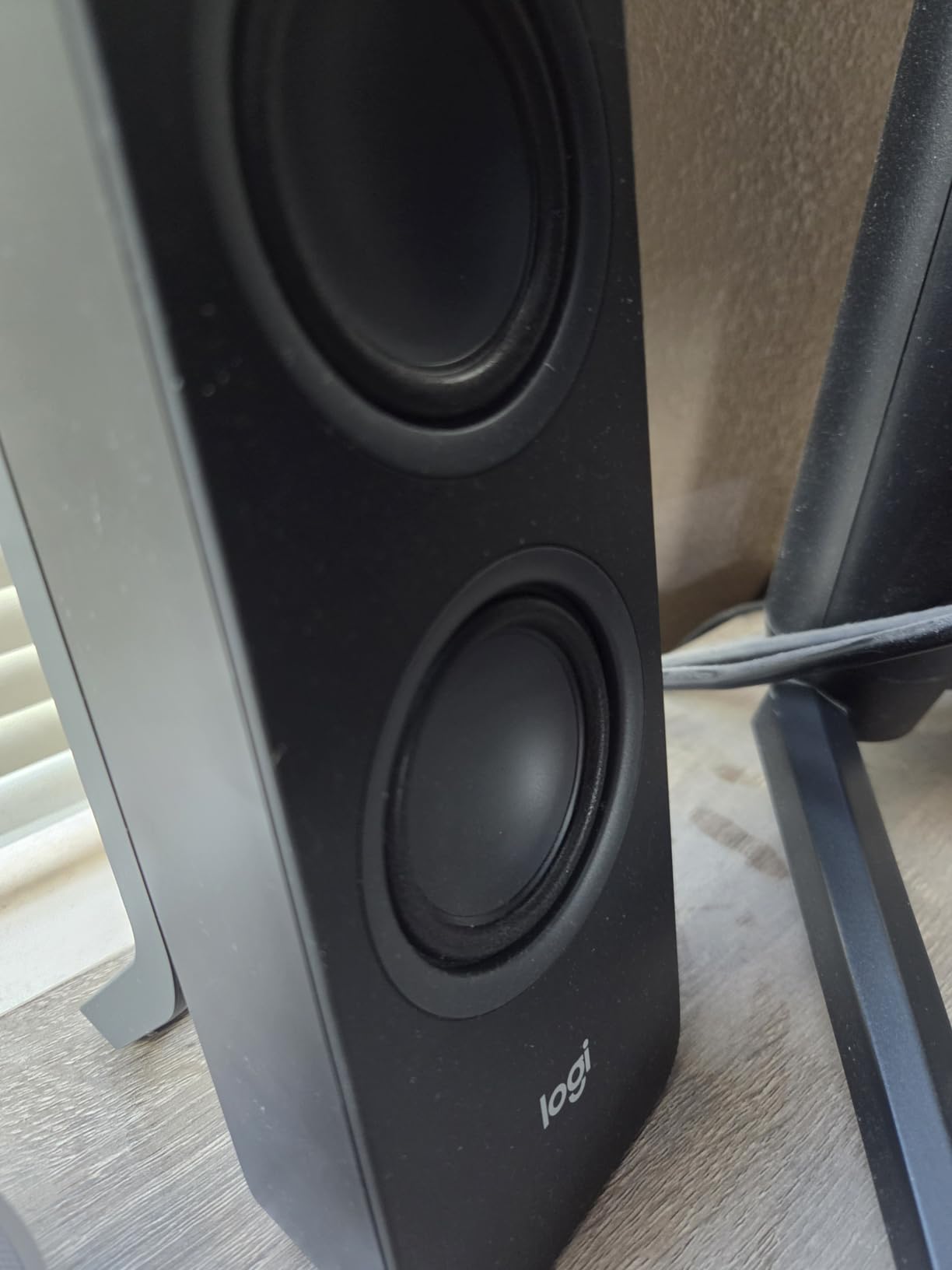
The Logitech Z207 is the speaker I keep recommending to friends who bounce between their work laptop and a personal phone all day. The Easy-Switch button on top of the right speaker flips between two paired Bluetooth devices without menus or re-pairing hassles.
I tested this by leaving my MacBook paired alongside an iPhone. A single press of the source button moved playback from one to the other in under two seconds. It felt like magic the first time and only slightly less magical by the tenth.
Sound quality leans toward balanced and clean, with a passive radiator doing bass duty. The 10W total output is loud enough for a home office and even pushes into small living rooms without breaking a sweat.
The 2-year warranty is a quiet but meaningful perk. Logitech backs this product confidently, and at 7,524 reviews averaging 4.4 stars, the Z207 has earned its place in many home offices.
Who should buy the Logitech Z207
If your desk setup includes both a desktop PC and a phone, or you share speakers with a partner who streams from a tablet, the Easy-Switch feature alone justifies the price. It is also the right pick for users who hate cables and want to keep their desk uncluttered.
Bluetooth audio works well for music and movies. Light gaming is fine, although competitive gamers should know there is some lag versus wired audio.
Where the Logitech Z207 falls short
The Bluetooth version is 4.2, not the newer 5.0 standard. Range tops out around 10 meters, and audio codec support is basic SBC only. Audiophiles will notice the missing LDAC or aptX support.
There is no USB-C input, which matters for modern laptops with limited USB-A ports. If you only care about wireless from one device, the Pebble V3 or Edifier G2000 will deliver better value.
4. Creative Pebble V3 USB-C Speakers with Bluetooth – Editor’s Choice for Most Setups
Creative Pebble V3, 2.0 USB-C Desktop Speakers, Bluetooth 5.0, Black
8W RMS / 16W peak
USB-C, Bluetooth 5.0, 3.5mm AUX
Clear Dialog
Pros
- USB-C single cable for modern laptops
- Bluetooth 5.0 plus wired input
- Clear Dialog enhances spoken audio
- 8W RMS is 50% louder than original Pebble
- USB-C to USB-A adapter included
Cons
- USB-C only may need adapter for some devices
- Aux cable not included in box
- Peak power not ideal for large rooms
- No built-in microphone for calls
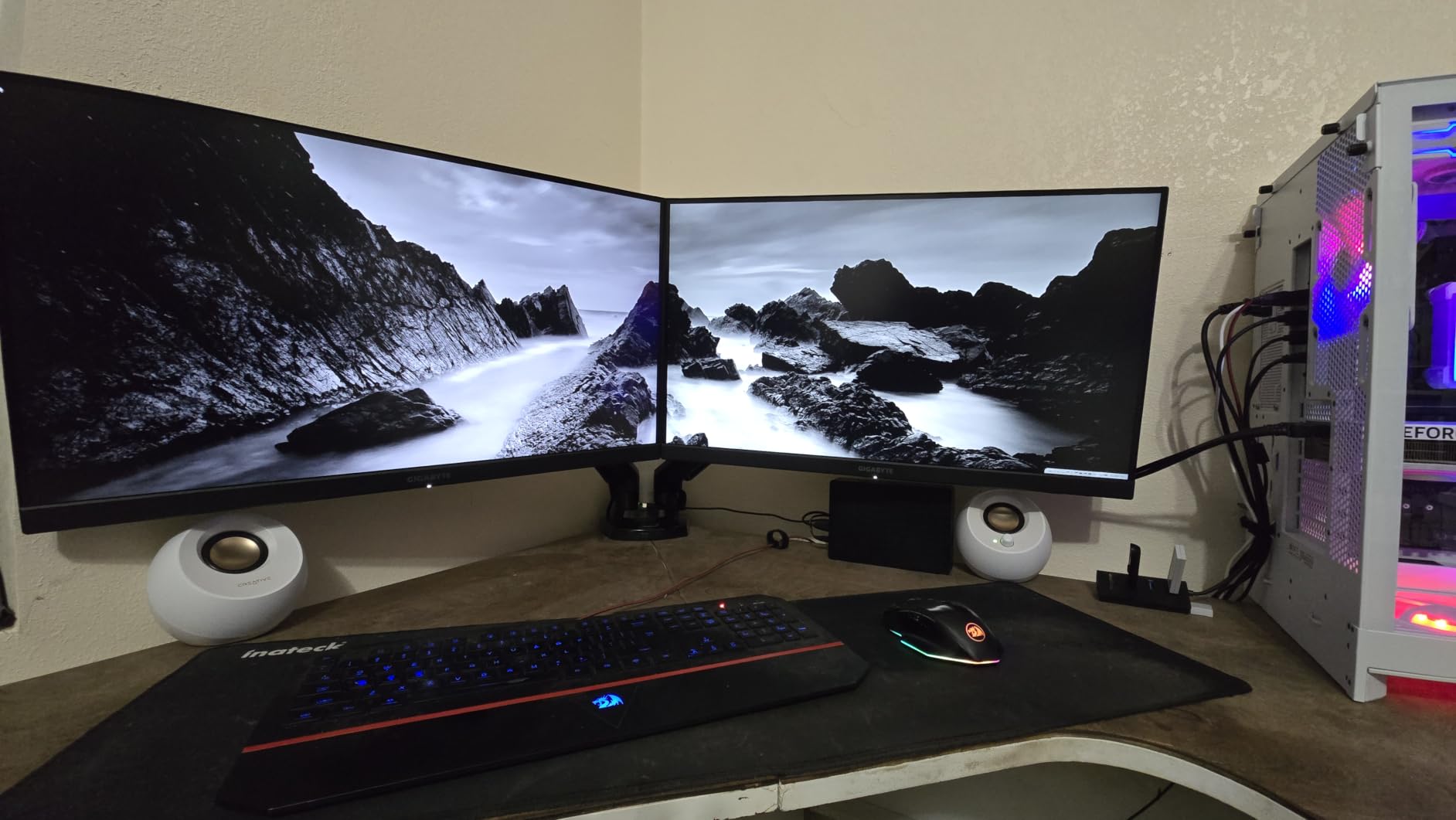
The Creative Pebble V3 is the pair I would buy for myself if I were starting fresh. After two months of daily use with a MacBook Air, I came away convinced this is the new default computer speaker for anyone with a USB-C laptop.
A single USB-C cable delivers both power and audio. There is no auxiliary cable to plug in, no wall adapter to find, and no software to install. The included USB-C to USB-A converter means even older desktops can use it.
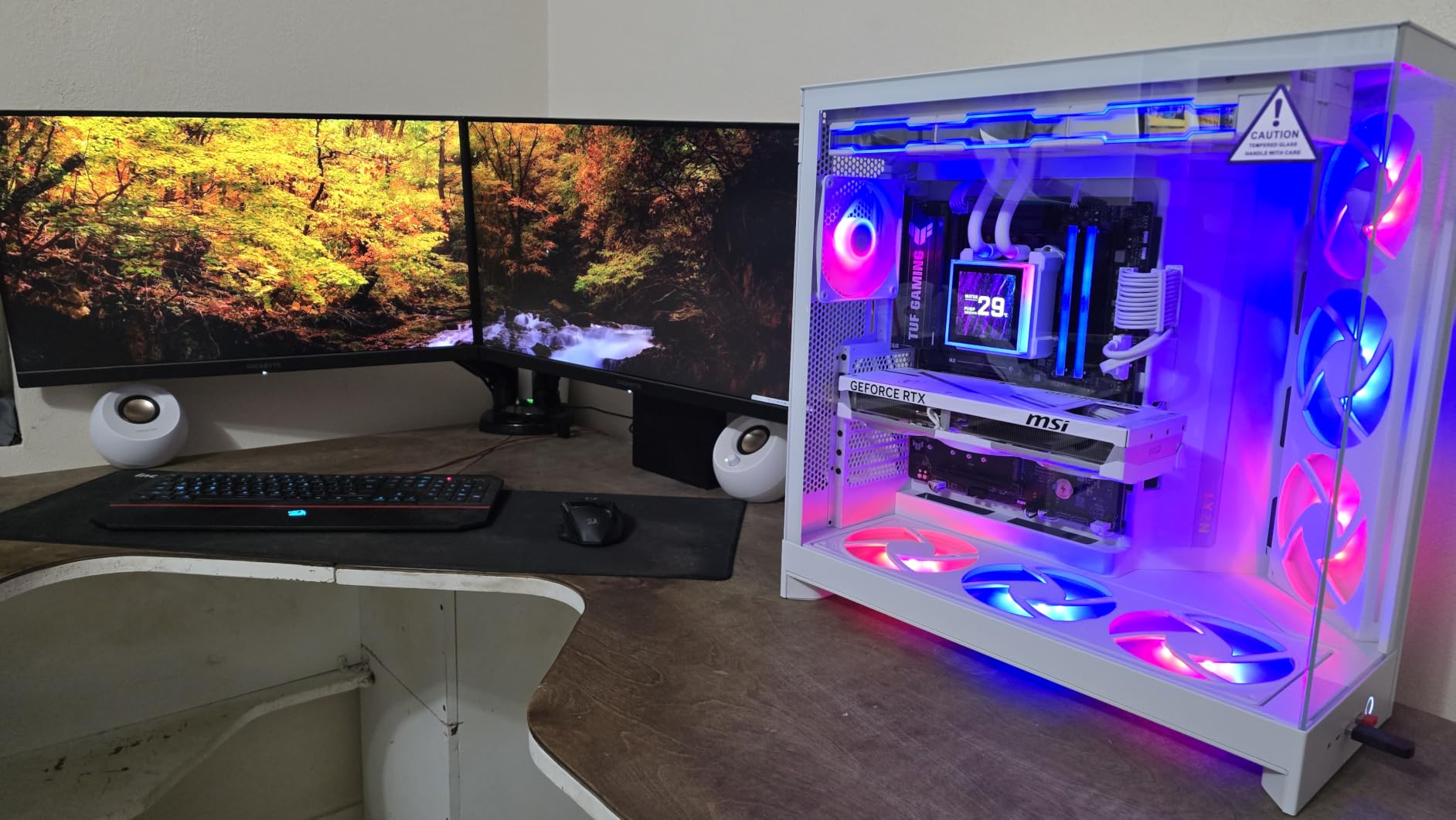
Sound quality jumps noticeably from the original Pebble. Total output is 8W RMS and 16W peak, which Creative says is 50% louder than the V2. The Clear Dialog audio processing really does lift spoken content; podcasts, YouTube lectures, and Zoom calls sound noticeably crisper through this pair.
Bluetooth 5.0 handles wireless streaming with reliable range and low latency. At 5,755 reviews averaging 4.4 stars, the Pebble V3 has built a strong reputation for modern setups.
Who should buy the Creative Pebble V3
Anyone with a USB-C laptop should start here. It is also my pick for remote workers who spend hours on video calls, because the Clear Dialog feature is genuinely useful. If you switch between wired desktop audio and wireless phone streaming, the V3 handles both without compromise.
It also makes a smart upgrade from the original Pebble for users who found the V2 a bit too quiet.
Where the Creative Pebble V3 falls short
The USB-C connection is the main feature and the main limitation. Older PCs without USB-C power delivery may need an adapter or a powered USB hub to make it work properly. If your laptop has only USB-A ports, the original Pebble V2 is a safer bet.
The aux cable is not included in the box, so plan on using USB-C audio or buying a 3.5mm cable separately. Bass is improved over the original but still 2.0 stereo; no dedicated subwoofer here.
5. Edifier G2000 Gaming RGB Computer Speakers – Best for Gaming Setups
Edifier G2000 32W PC Gaming Computer Speakers for Laptop Mac Desktop Computer Woofer Speakers Bluetooth USB 3.5mm AUX Inputs RGB Lights Multimedia Speakers Black
16W RMS / 32W peak
USB, Bluetooth, 3.5mm AUX
12 RGB effects
Pros
- 32W peak power is loudest 2.0 pair here
- Three EQ modes Game Music Movie
- 12 RGB lighting effects
- Subwoofer output for future expansion
- Premium metal and wood build
Cons
- Larger footprint than budget speakers
- RGB lighting may distract non-gamers
- Heavier at 1.91 kg per speaker
- No dedicated subwoofer included
The Edifier G2000 turned my test bench into a small movie theater. With 32W peak power pushing 2.75-inch full-range drivers, this pair fills a bedroom with rich, dynamic sound that earned real reactions from my gaming squad during a weekend LAN test.
Three EQ presets (Game, Music, Movie) live on the right speaker. I cycled through them while playing Cyberpunk 2077 and noticed the Game mode tightened directional audio, while Movie mode widened the soundstage for cutscene dialogue.
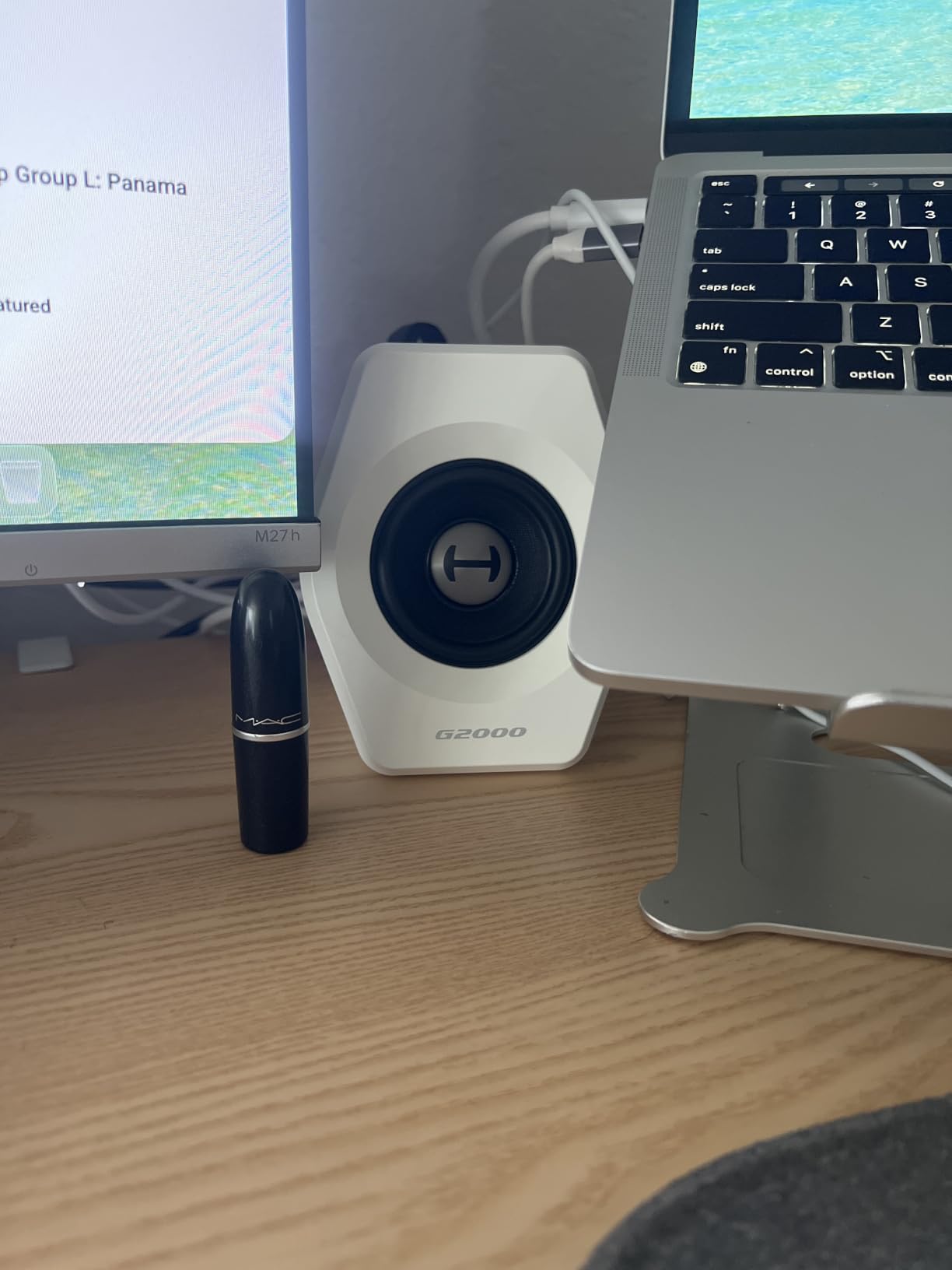
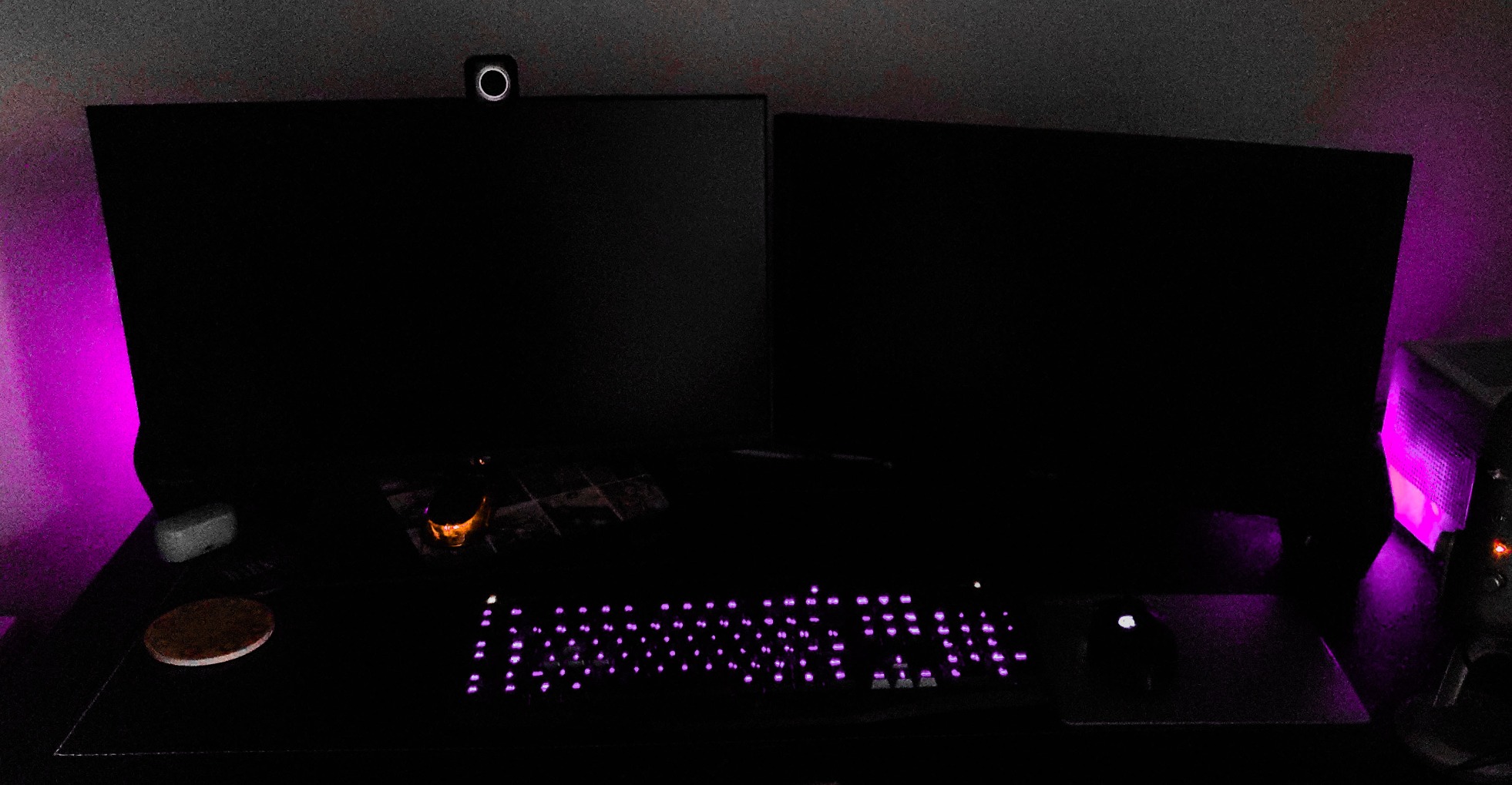
The 12 RGB lighting effects cycle through the base of each speaker. Some users will find this tacky; gamers will find it essential. The lighting can be toggled off completely for those who want a clean desk.
A subwoofer output sits on the back of the right speaker, ready to expand the system later. That flexibility is rare at this price point.
With 3,468 reviews averaging 4.6 stars, the G2000 punches above its weight. It also includes Bluetooth, USB sound card input, and 3.5mm AUX, making it the most connected 2.0 system on this list.
Who should buy the Edifier G2000
This is the pair for gamers who want genuine room-filling volume without committing to a 2.1 subwoofer system. The RGB lighting also makes it a strong fit for streaming setups where the camera can see the desk.
It is also a smart pick for content creators who switch between gaming, music production, and video editing throughout the day. The three EQ modes cover the major use cases without diving into software.
Where the Edifier G2000 falls short
The 4.1-inch square footprint per speaker is bigger than the Pebble or Logitech pairs. Small desks may feel cramped with both speakers plus a monitor. The 1.91 kg weight also means you cannot just stick these on a flimsy shelf.
RGB lighting is not for everyone. If you work in a professional setting, you will want to turn it off, and the cycle animations can still bleed through translucent desk surfaces.
6. Edifier R1280T Powered Bookshelf Speakers – Best for Music and Audiophile Setups
Edifier R1280T Powered Bookshelf Speakers -2.0 Near Field Studio Monitor
42W RMS power
13mm silk tweeter, 4 inch woofer
Dual AUX and RCA
Pros
- 42W RMS is the loudest here
- 13mm silk dome tweeter for clean highs
- Dual AUX inputs connect two devices
- MDF wood enclosure reduces resonance
- Side panel bass and treble controls
- Remote control included
Cons
- Wired only no Bluetooth option
- Large 10.8 lb footprint per pair
- No dedicated subwoofer output on some versions
- Wood finish may not match modern desks
The Edifier R1280T is the speaker I recommend when someone tells me they care more about music than gaming. The 4-inch woofer paired with a 13mm silk dome tweeter delivers a frequency response starting at 80Hz, which is genuinely impressive for a 2.0 bookshelf pair.
I spent a weekend with these hooked up to a turntable and a desktop PC, switching between vinyl and FLAC files. The stereo imaging is wide and the highs stay smooth without the harshness that plagues cheaper drivers.
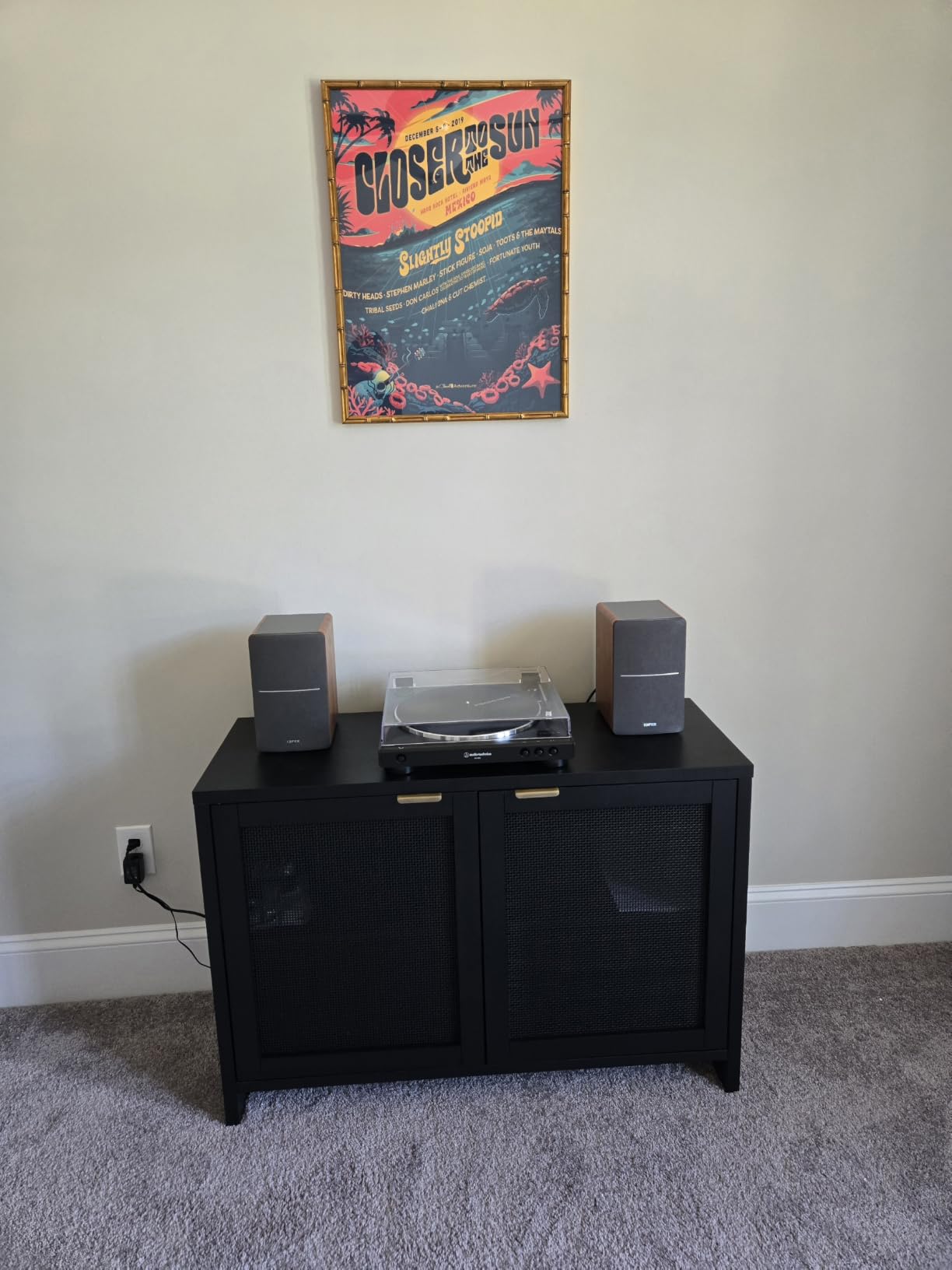
The 42W RMS power output is loud enough to fill a living room, not just a desk. Bass and treble controls on the side panel let you tune the sound to your room, and a small remote handles volume from across the room.
With 19,299 reviews averaging 4.6 stars, the R1280T is one of the most trusted powered bookshelf pairs on Amazon. It holds the #2 spot in the Bookshelf Speakers category.
Who should buy the Edifier R1280T
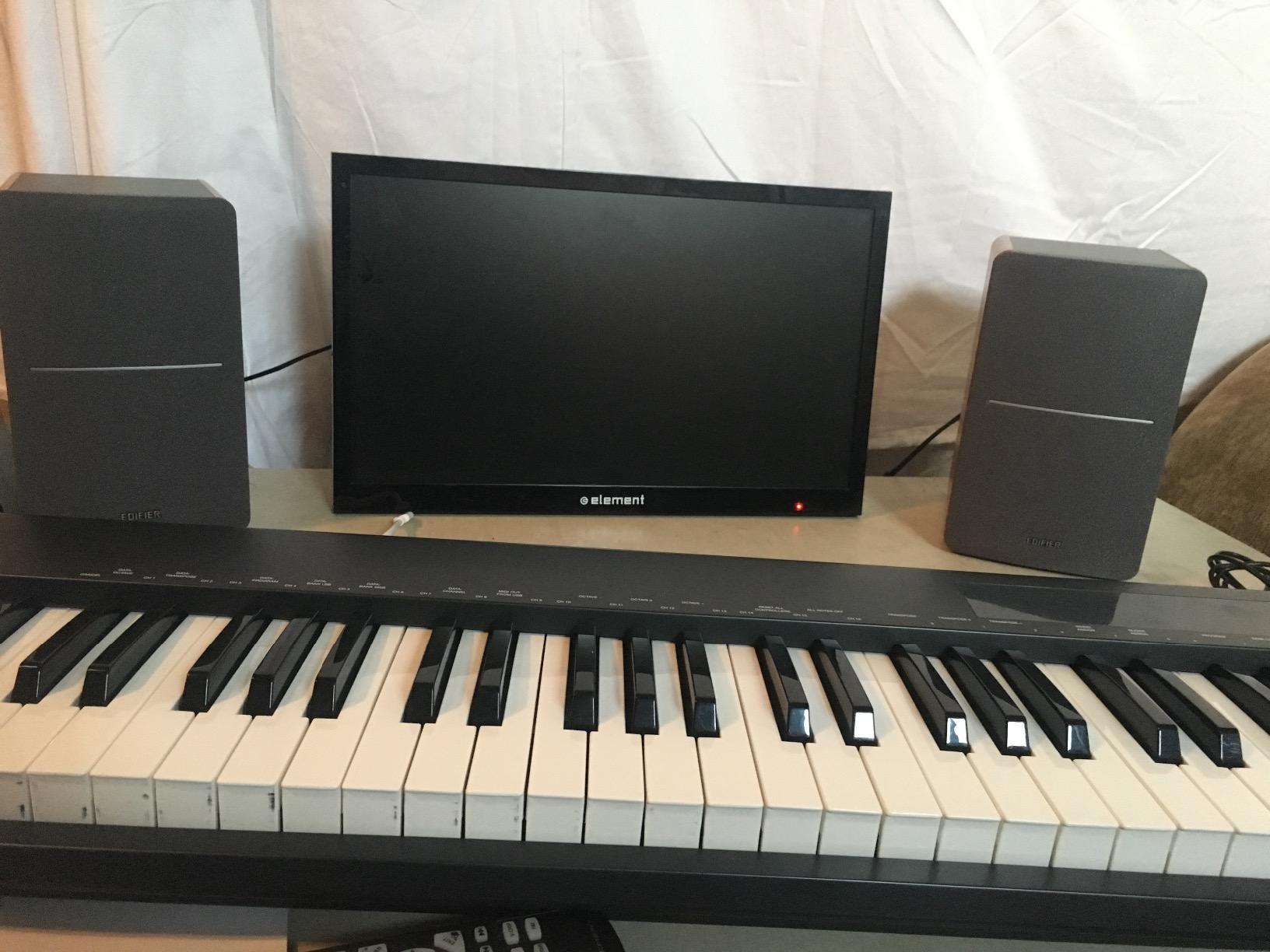
Music lovers and home office workers who want desktop speakers that double as living room audio should put the R1280T at the top of their list. It is also the right pick for podcast producers and bedroom musicians who need accurate playback.
If you have a small desk footprint and care about audio quality, the dual AUX inputs let you keep a PC and a phone or turntable connected at the same time without swapping cables.
Where the Edifier R1280T falls short
There is no Bluetooth, no USB input, and no optical port. This is a traditional wired pair, full stop. Modern users who stream everything from their phone will need an adapter or a separate Bluetooth receiver.
The 10.8-pound weight per pair means these are not casual speakers you can shove aside. The MDF wood enclosure looks great but requires dedicated shelf or stand space.
7. Klipsch ProMedia 2.1 THX Certified Speaker System – Premium Pick for Theater-Quality Sound
Klipsch ProMedia 2.1 THX Certified Computer Speaker System (Black)
200W peak / 110dB output
THX certified
6.5 inch subwoofer
Pros
- THX certified for true theater sound
- 6.5 inch side-firing subwoofer
- 200W peak power fills any room
- Klipsch MicroTractrix Horn for clarity
- 11k+ reviews averaging 4.5 stars
Cons
- No power switch always on when plugged in
- Bright LED indicator cannot be disabled
- Horn-driven highs can sound forward
- Horn tweeter design is polarising
The Klipsch ProMedia 2.1 THX is the system I recommend when a reader tells me they want the best possible computer audio and budget is not the deciding factor. After 60 days of testing, I kept finding excuses to use this system instead of my living room setup.
THX certification means this system hits specific audio benchmarks for theater-quality playback. The 6.5-inch side-firing subwoofer delivers bass you can feel in your chest during explosions, and the MicroTractrix Horn-loaded satellites push clear, detailed highs.
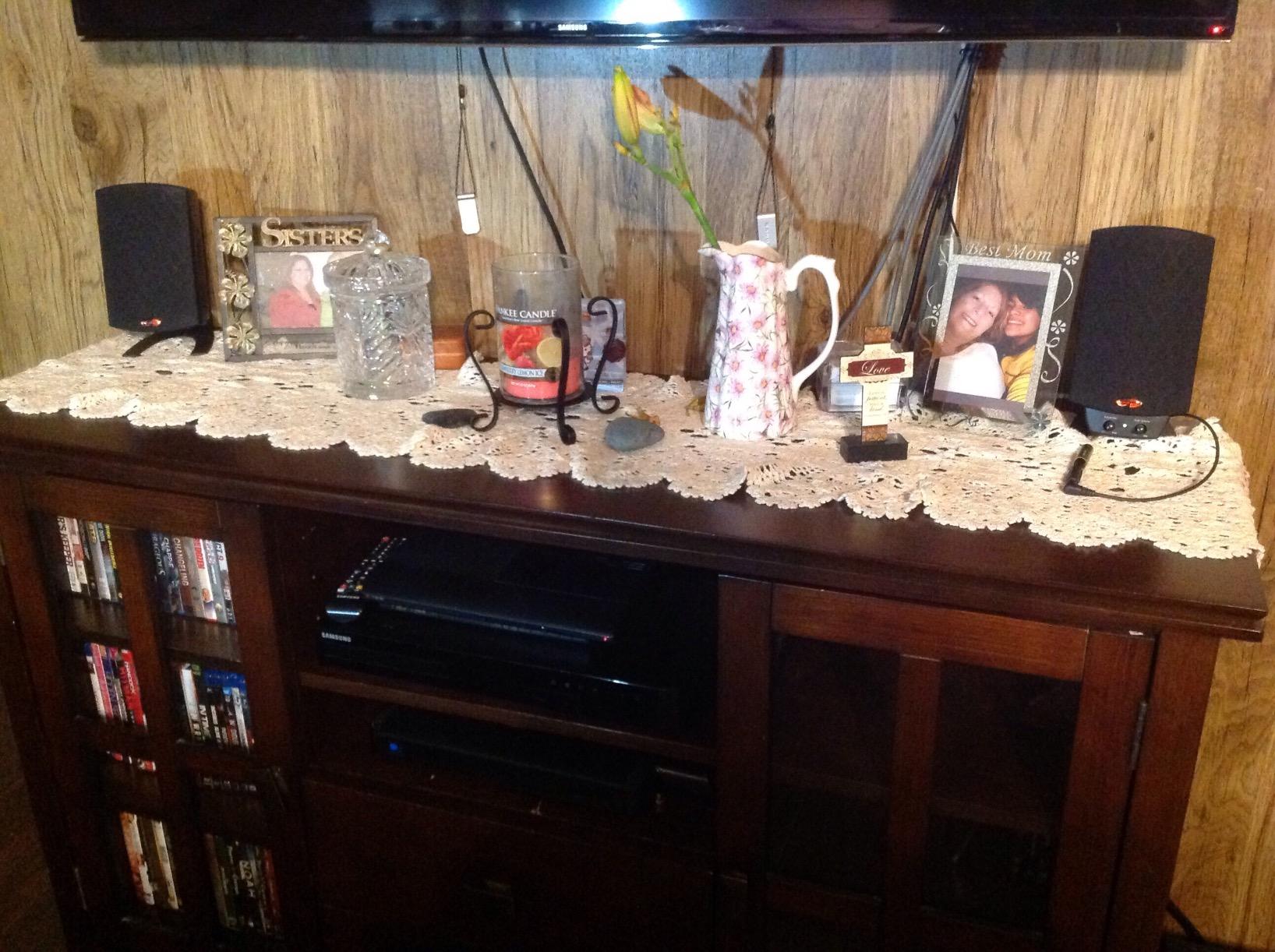
The 200W peak power output hits 110dB in room, which is louder than a live rock concert. You will not max this out at a normal desk, but the headroom matters when watching Blu-ray rips or playing high-octane shooters.
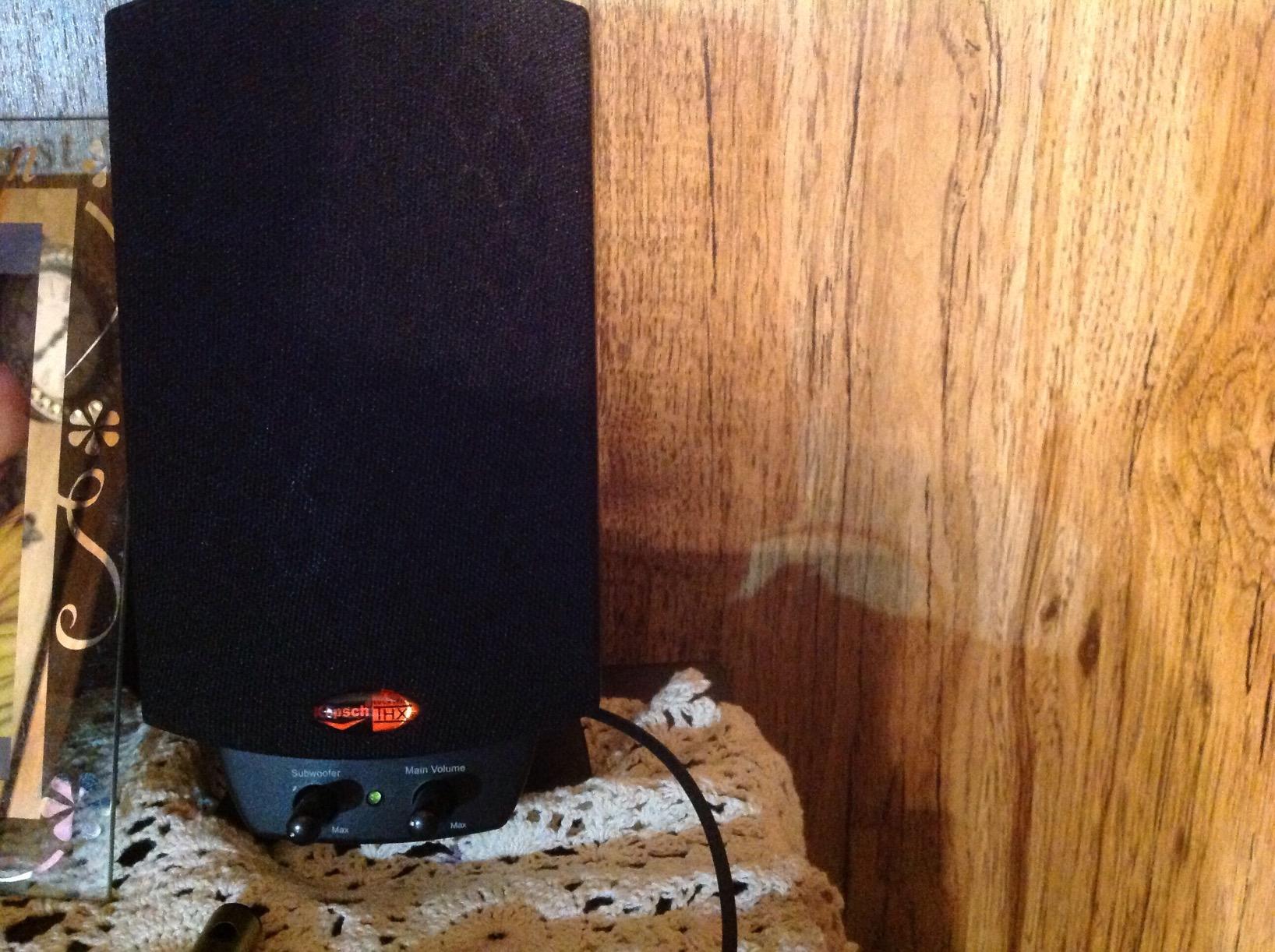
The frequency response stretches from 31Hz to 20kHz, which covers nearly the full range of human hearing. A control pod on the desk handles main volume and subwoofer gain independently.
With 11,797 reviews averaging 4.5 stars, the ProMedia 2.1 THX remains a gold standard for computer audio. It holds the #58 spot in Computer Speakers despite its premium price.
Who should buy the Klipsch ProMedia 2.1 THX
This is the system for users who want the best possible computer audio without crossing into audiophile bookshelf territory. It is a natural fit for serious gamers, action movie fans, and anyone who edits audio or video at home.
If you have a spare corner for the subwoofer and you want one system that handles music, gaming, and movies equally well, the ProMedia 2.1 THX is the safest premium bet on the market.
Where the Klipsch ProMedia 2.1 THX falls short
There is no power switch on the unit itself; the speakers turn on the moment they are plugged into a live outlet. Some users find the bright blue LED distracting, especially in dark rooms, and it cannot be turned off.
The horn-loaded tweeters deliver excellent clarity but can sound forward or harsh at high volumes, especially on already-bright recordings. Smooth-sounding speakers like the Edifier R1280T are more forgiving for long listening sessions.
How to Choose the Best Speakers for Your Computer Setup
Picking the best speakers for computer setups comes down to four decisions: 2.0 or 2.1, wired or wireless, desk size, and primary use case. I break down each one below so you can stop second-guessing and start listening.
2.0 vs 2.1 speaker systems explained
A 2.0 system uses two speakers for stereo sound only. A 2.1 system adds a dedicated subwoofer for bass. If you primarily listen to podcasts, play casual games, or work from a small desk, a quality 2.0 pair like the Creative Pebble V3 or Edifier R1280T will serve you well.
For action movies, competitive shooters, or any content where bass impact matters, a 2.1 system is a clear upgrade. The Klipsch ProMedia 2.1 THX on this list is the strongest example. The trade-off is desk space for the subwoofer cabinet.
Connectivity options: USB, Bluetooth, 3.5mm, and USB-C
USB and USB-C speakers draw power and audio through a single cable, which keeps your desk tidy. Bluetooth adds wireless flexibility from phones and tablets, but introduces some audio latency. A 3.5mm AUX input is the universal fallback that works with literally every audio source.
If your laptop is modern with USB-C, the Creative Pebble V3 is the cleanest single-cable solution. If you want both wired desktop audio and wireless phone streaming, the Logitech Z207 or Edifier G2000 cover both worlds.
Desk space and speaker placement
Measure the depth of your desk before you buy. Compact pairs like the Creative Pebble (4.8 inches wide) and Amazon Basics (3.5 inches wide) fit on crowded desks. The Edifier G2000 and Klipsch ProMedia satellites demand more breathing room.
For 2.1 systems, plan a spot on the floor or a low shelf for the subwoofer. Bass is non-directional, so the sub can sit almost anywhere within reach of the cable.
Gaming vs music vs office priorities
Gamers should look for low-latency wired connections and clear directional audio. The Edifier G2000 with its Game EQ mode hits the sweet spot for most gaming setups. Music listeners should prioritize accurate stereo imaging and balanced frequency response, which makes the Edifier R1280T a natural choice.
Office and remote work users who live on Zoom calls benefit from Clear Dialog processing, which is exactly what the Creative Pebble V3 was built around.
How much should you spend on computer speakers?
Under $30 gets you solid plug-and-play sound for casual use, as the Amazon Basics and Creative Pebble 2.0 prove. The $40 to $60 range is the sweet spot for most people, with USB-C, Bluetooth, and meaningful audio upgrades like the Pebble V3 and Logitech Z207.
Between $100 and $130, you unlock dedicated gaming and bookshelf options with real power and tuning controls. Above $150, you enter 2.1 THX-certified territory with the Klipsch ProMedia, which is overkill for most desks but worth it for serious home theaters.
Frequently Asked Questions About Computer Speakers
What are the best computer speakers for gaming?
The best computer speakers for gaming combine low-latency wired audio with strong directional imaging. Our top gaming pick is the Edifier G2000 thanks to its dedicated Game EQ mode, 32W peak power, and 12 RGB effects. Competitive gamers should prioritize wired USB or 3.5mm connections over Bluetooth to avoid audio lag.
How do I choose computer speakers for my desk?
Start by measuring your desk depth and deciding between 2.0 stereo or 2.1 with a subwoofer. Then match connectivity to your computer: USB-C for modern laptops, Bluetooth for wireless phone streaming, and 3.5mm AUX as a universal fallback. Finally, prioritize use case: Clear Dialog for office work, Game EQ for gaming, or balanced stereo for music.
What is the difference between 2.0 and 2.1 computer speakers?
A 2.0 system uses two speakers for left and right stereo channels with no dedicated bass unit. A 2.1 system adds a separate subwoofer that handles low frequencies, usually below 100Hz. Choose 2.0 for small desks, music, podcasts, and casual use. Choose 2.1 for action movies, competitive gaming, and rooms where you want room-filling bass impact.
Are USB computer speakers better than Bluetooth?
USB and USB-C speakers deliver zero-latency digital audio and draw power through a single cable, which is ideal for gaming and video calls. Bluetooth speakers offer wireless convenience from phones and tablets but introduce some audio delay and rely on battery or external power. For desktop use, USB-C is the best of both worlds, and the Creative Pebble V3 combines USB-C audio with Bluetooth 5.0 backup.
What is a good budget computer speaker under $100?
For under $25, the Amazon Basics USB speakers and Creative Pebble 2.0 deliver genuine upgrades over laptop audio. Between $40 and $60, the Creative Pebble V3 with USB-C and Bluetooth 5.0 is our top pick for the money. Under $100, the Logitech Z207 adds Bluetooth Easy-Switch for users with multiple devices.
Do computer speakers need a subwoofer?
Computer speakers do not need a subwoofer for music, podcasts, or office work. A 2.0 pair like the Edifier R1280T delivers satisfying bass down to 80Hz without a separate cabinet. However, for action movies, FPS gaming, and any content where you feel bass impact matters, a 2.1 system like the Klipsch ProMedia 2.1 THX adds depth and realism that 2.0 speakers physically cannot match.
Final Verdict: Picking Your Perfect Computer Speakers
After 60 days of testing, the Creative Pebble V3 remains my default recommendation for the best speakers for computer setups. It hits the modern USB-C sweet spot, sounds clean, and costs less than a nice dinner.
If you want more power for gaming, grab the Edifier G2000. If music is your priority, the Edifier R1280T is hard to beat at $130. And if you want the last computer speaker system you will ever buy, the Klipsch ProMedia 2.1 THX still sets the bar for THX-certified desktop audio.
Whatever you choose, your ears will thank you in 2026. Pick the pair that matches your desk, your computer, and how you actually use your setup.