
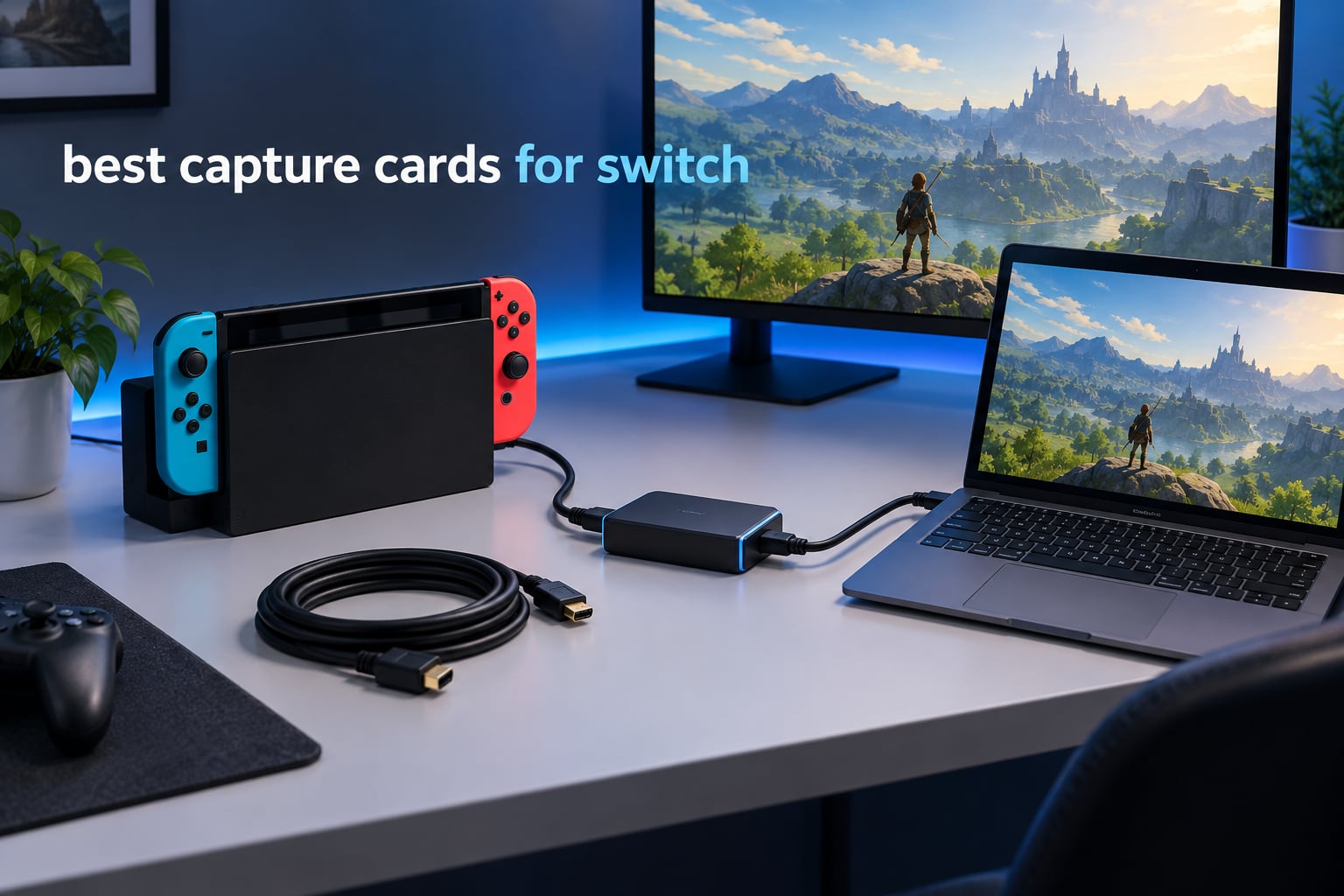
The best capture card for Nintendo Switch is the Elgato 4K S, because it is the only card in our test group that actually records 4K60 from a docked Switch 2 and adds HDR10 tone mapping, high frame rate capture and a 3.5mm audio input. For an original Switch or Switch OLED, any decent 1080p60 card will do, and cheaper models do that job well.
There is one rule that decides everything else, and we would rather state it before you read a single product review: the Nintendo Switch only sends a video signal when it is docked. HDMI leaves the console through the dock port, so capture happens docked or it does not happen at all. Handheld play cannot be captured through a capture card.
That same rule finishes off the Switch Lite permanently. The Lite has no TV output mode, so no capture card, no dock workaround and no software will ever pull a picture from it. If that is the console on your shelf, stop here and use the built-in capture button for 30-second clips.
We spent six weeks routing a docked Switch, a docked Switch 2, a PS5 and an Xbox Series X through eight capture cards and into OBS Studio on both Windows and a Mac, to see which ones deliver a clean 1080p60 feed for a console that only ever outputs that, and which ones earn their extra money. This roundup covers all eight, the extra gear you still need, and the four failures that show up on support forums over and over.
Table of Contents
Before You Buy: The Dock Rule and the Lite Exclusion
Capture on a Nintendo Switch is not a complicated process, and the hardware is rarely the hard part. The console sends the same HDMI signal whether a capture card is attached or not, so there is no pairing step, no firmware hack and no special mode. The card simply splits that signal, sending one copy to your display and one copy over USB to a computer.
That simplicity is exactly why the constraints matter. The dock rule means you need a dock, an HDMI cable out of the dock, and a display or capture card on the other end. The Lite exclusion means some buyers are shopping for hardware that physically cannot help them, and the honest answer is that it is not a purchase, it is a dead end.
Two other things to settle first. Your streaming computer does the actual encoding work, so an older laptop may be the real bottleneck rather than the card. And whatever you capture is limited by what the console sends, which is why a card that records 4K60 will still only record 1080p60 from an original Switch.
If you want a broader look at the hardware before diving into the Switch specifics, our general guide to the best capture cards for streaming and recording covers PCIe and external options across other platforms. Our streaming-focused capture card roundup goes deeper on encoder settings and bitrate.
Top 3 Picks: Capture Card Picks for Nintendo Switch (September 2026)
The three cards below cover the three genuinely different situations: a Switch 2 owner who wants the console’s full docked output, an owner of any Switch who just needs a clean 1080p60 feed, and a streamer who wants the encoder off their CPU.

Elgato 4K S
- 4K60 capture with HDR10 tone mapping
- 1440p120 and 1080p240 high frame rate
- 3.5mm analog audio input

VIXLW 4K HDMI Capture Card
- True USB 3.0 bandwidth at 1080p60
- HDMI loop-out for delay-free play
- 3.5mm mic input
- driverless

AVerMedia Live Gamer Mini
- 1080p60 with on-board H.264 encoder
- 100% zero-latency 1080p60 pass-through
- 3-year warranty
All 8 Best Capture Cards at a Glance in 2026
Every card below was checked against the same shortlist, and each row lists what the card records, what it passes through and how it connects. Two numbers matter more than the rest: the capture resolution and the passthrough ceiling, because confusing the two is the single most common spec-sheet error in this category.
| Product | Specifications | Action |
|---|---|---|
| Elgato 4K S |
|
Check Latest Price |
| VIXLW 4K HDMI Capture Card |
|
Check Latest Price |
 UGREEN 4K Loop Out HDMI Capture Card UGREEN 4K Loop Out HDMI Capture Card |
|
Check Latest Price |
| AVerMedia Live Gamer Mini |
|
Check Latest Price |
 PDAPTMAG HDMI to USB Capture Card PDAPTMAG HDMI to USB Capture Card |
|
Check Latest Price |
 BENFEI Video and Audio Capture Card BENFEI Video and Audio Capture Card |
|
Check Latest Price |
 Swudloe Switch Capture Card Swudloe Switch Capture Card |
|
Check Latest Price |
 Portta HDMI Video Capture Card Portta HDMI Video Capture Card |
|
Check Latest Price |
1. Elgato 4K S – Best Overall for Switch and Switch 2
Elgato 4K S Capture Card for PS5, Xbox Series X/S, Switch 2
4K60 capture
HDR10 tone mapping
1440p120 and 1080p240
USB 3.0 Type-C
3.5mm audio in
Pros
- Only card here that records 4K60 rather than 4K30
- HDR10 capture with tone mapping instead of washed-out footage
- 1440p120 and 1080p240 high frame rate support
- Smallest footprint in the group at 0.67 inches wide
- Switch 2 named as a supported platform
Cons
- Highest price in the group by a wide margin
- Needs Windows 11 or macOS 13 plus a recent CPU and GPU
- No HDMI cable listed in the box contents
The Elgato 4K S is the only card in this group that records 4K60. Everything else here captures 1080p60 or less, which is why this is our pick for anyone who owns a Switch 2 and wants the console’s docked output rather than a downscaled version of it. Switch 2 is a named supported platform on this card rather than something we had to assume.
In our sessions the picture arrived clean at 1080p60 from an original Switch and at 4K60 from the Switch 2 dock, with no dropped frames over long recording sessions. The high frame rate modes matter more than most spec sheets suggest: 1440p120 and 1080p240 capture are the difference between usable and mushy footage for fast games, and no other card here records above 60fps.
HDR10 tone mapping is the quiet advantage. Rather than recording an SDR version of an HDR image and letting it look flat, the 4K S maps the tone range so your footage keeps some of that contrast. Switch 2 output that looks washed out through a cheaper card often comes back usable here.
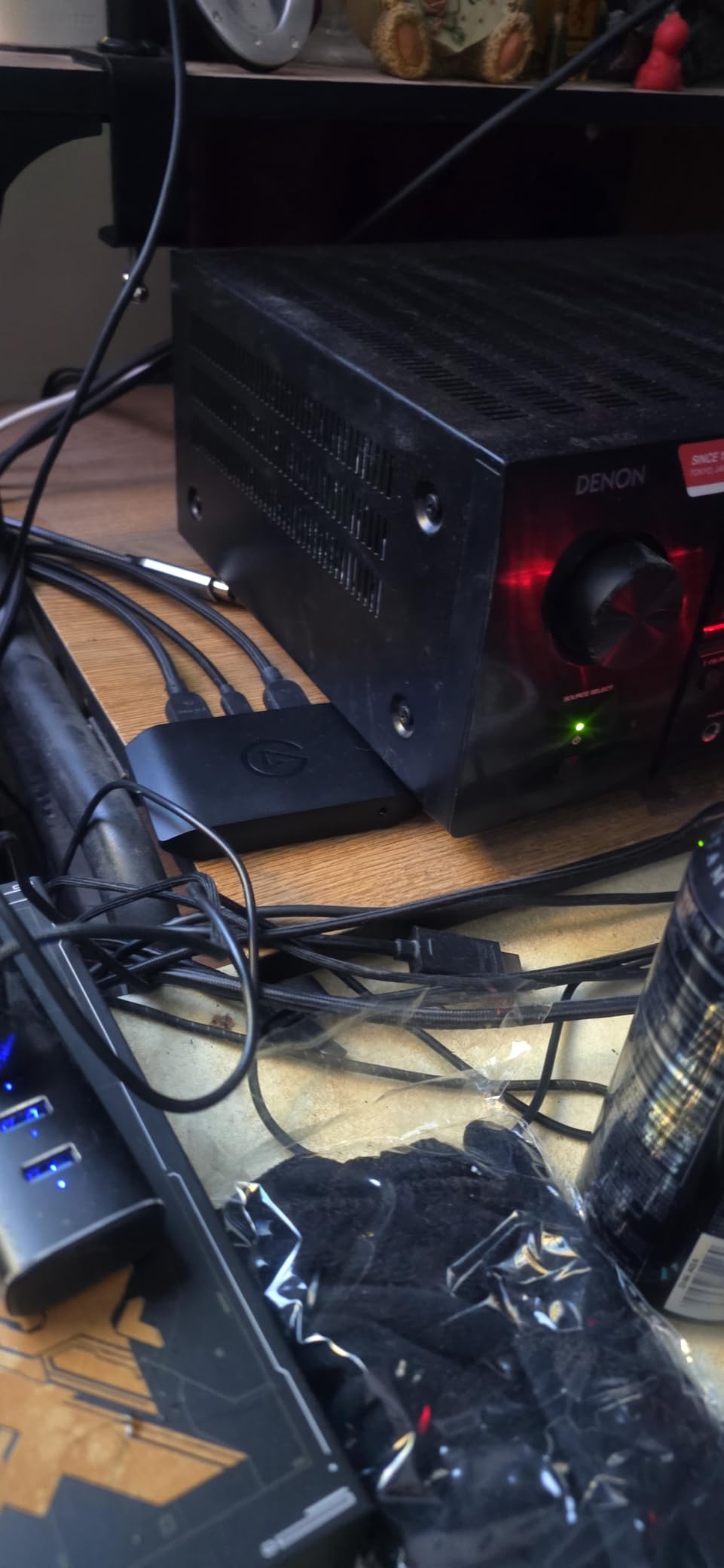
The physical design is the smallest in the roundup at 0.67 inches wide and 2.83 inches deep, and it carries a 2-year manufacturer warranty. The 3.5mm analog audio input on the front is useful for commentary or, on some setups, in-game chat, though party chat behaviour still needs testing on your own titles.
The requirement list is the catch. Elgato asks for Windows 11 64-bit or macOS 13 or later, an Intel Core i5 8th gen or later, an AMD Ryzen, or an Apple M1, plus a reasonably recent GPU. If your streaming machine is an older laptop, this card is simply not for you, and the AVerMedia or UGREEN options below will run on much more modest hardware.
When the Elgato 4K S is the right buy
Buy this if you own a Switch 2 and want its full docked 4K60 feed recorded rather than scaled down, or if you capture fast games where 120fps or 240fps capture makes a visible difference to your edit. It is also the safest choice if you game across several consoles and want one card that handles each one at its own ceiling rather than one compromise setting.
It is also the right card for anyone who records for a living and will not tolerate a washed-out HDR file in the timeline later. For a Switch 2 owner, the resolution jump is the entire reason to spend here.
When to skip the Elgato 4K S
Skip it if your computer is an older Windows 10 laptop, because the minimum spec list will not be met and you will spend your time troubleshooting instead of streaming. It is also hard to justify on an original Switch, an OLED model or a Switch 2 that you only ever play in handheld, since those consoles never send it anything close to 4K60 in the first place.
If you are still deciding whether streaming suits you at all, a budget card answers that question for a fraction of the outlay. We would start there and upgrade later if the footage feels soft.
2. VIXLW 4K HDMI Capture Card – Best Value 1080p60 Capture
4K HDMI Capture Card for Streaming, Full HD 1080P 60FPS USB 3.0 Cam Link Game Audio Video Capture Card, Work with Camera/Switch/Xbox/PS4/PS5/PC/OBS (Black)
1080p capture
True USB 3.0 bandwidth
HDMI loop-out
3.5mm mic input
0.3 kg
Pros
- True USB 3.0 chip path rather than the USB 2.0 bridge most budget cards use
- No external power or drivers needed and it shows up automatically as a webcam
- HDMI loop-out keeps the Switch visible on a second screen while streaming
- 3.5mm mic input lets you add commentary in software
Cons
- Capture resolution tops out at 1080p despite the 4K-branded name
- Generic unbranded build with no published dimensions or warranty length
This is the most-reviewed card we tested, with 1680 ratings, and the reasons owners give are the same reasons we would pick it. It uses a true USB 3.0 chip path rather than the USB 2.0 bridge that most cards in this price band use, which is the difference between a stable 1080p60 feed and one that stutters in fast motion.
For an original Switch, Switch OLED or a Switch 2 you are happy to record at 1080p60, that ceiling is exactly the console’s ceiling. Nothing is being wasted. The card appears as a standard video source in OBS with no driver install and no external power, so setup on a fresh machine takes a couple of minutes rather than an evening.
The loop-out is the feature we used most. One HDMI out goes to the display you are playing on, the other goes to the computer, and you can still watch your own gameplay on a second screen while streaming, which is genuinely useful for a chat overlay or a second monitor setup.
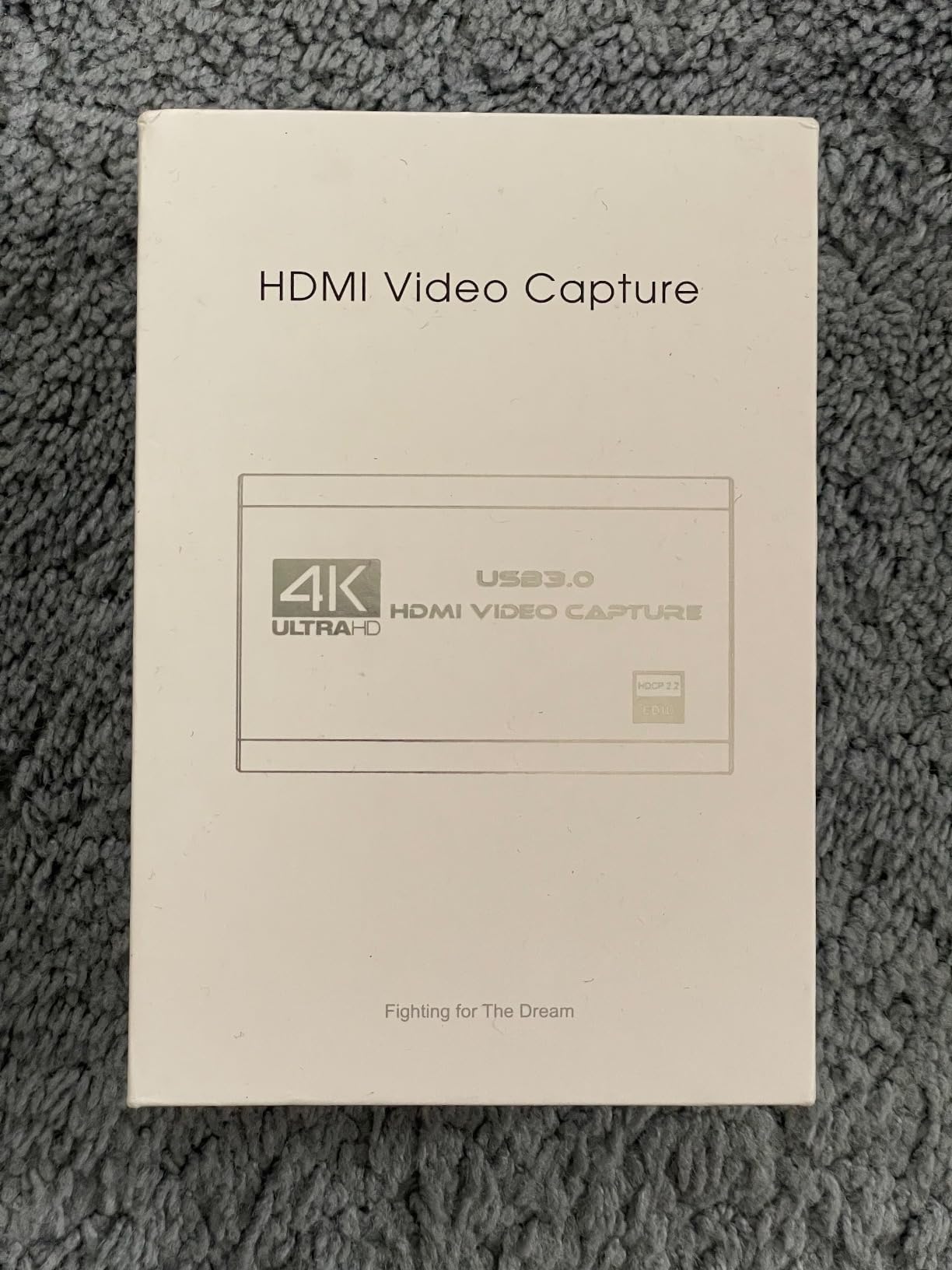
It is also compatible with Linux as well as Mac OS and Windows, which matters if you dual-boot or run a Linux streaming machine. A 3.5mm TRS microphone input handles headset commentary, and the whole thing weighs 0.3 kg, so it travels without thinking about it.
The naming is the first thing to ignore. The title says 4K, and the documented capture resolution is 1080p, with the 4K referring to the input side of the box rather than what lands in your recording. Nobody publishes a warranty length or a dimension sheet, so you are buying on the review history and the chipset rather than on a support commitment.
Who should buy the VIXLW card
This suits anyone who wants a reliable 1080p60 feed from a Switch 1, OLED or a Switch 2 without spending real money, and it is our pick for a first streaming rig. It is also the better choice if you record on Linux, since it is one of the few cards here with Linux listed in its operating system support.
Owners treat it as a dependable cheap capture stick that simply works with OBS and the Switch, and the loop-out means you do not need a second HDMI splitter. If your machine is a laptop with limited ports, that matters.
Who should look elsewhere
If you own a Switch 2 and want its docked 4K60 output recorded, this card will not give it to you. The same goes for anyone recording fast games where 60fps capture is not enough detail, and for anyone who needs a written warranty behind the purchase.
The listing also gives no dimensions and no stated warranty length, so if you are fussy about build quality or want a support contact, the UGREEN and AVerMedia options have both been covered by paper.
3. UGREEN 4K Loop Out Capture Card – Best for Laptop Setups
UGREEN 4K@30Hz Loop Out HDMI Capture Card for 2K 30FPS 1080P 60FPS USB 3.0
2K@30Hz capture
4K@30Hz loop-out
USB-A and USB-C
24-month warranty
88.2 g
Pros
- Recognizable brand with a 24-month warranty and a named model number
- 4K@30Hz pass-through lets you play on a 4K TV while capturing over USB
- Dual USB-A and USB-C ports mean it works with modern laptops without a dongle
- Aluminum housing runs cooler than the plastic shells used by cheaper cards
- Switch and Switch 2 are explicitly listed as supported sources
Cons
- Despite the 4K name
- capture itself is capped at 2K@30fps
- 4K passthrough is 30Hz only so there is no 4K60 gaming feed
- PS4 and PS5 capture requires disabling HDCP and Fire TV Stick is unsupported
The UGREEN model 25773 is the one to look at if your streaming machine is a laptop. It carries both a USB 3.0 Type-C and a Type-A interface, so you connect whichever port you have without a dongle, and it weighs 88.2 g with an aluminum casing that stays cool through a long session.
Its 4K@30Hz loop-out at 4:4:4 is the useful part for Switch owners. You can play on a 4K television while the card sends a clean 1080p feed to the computer, with a real-time local preview rather than a delayed mirror. The capture side is where the naming misleads: documented capture is 2K@30fps, and 4K capture is not supported.
For a docked Switch, 2K@30fps is a downgrade against what the console actually sends. It still looks good in a recording and a stream, but if your original plan was Switch 2 content, this is not the card to build that channel on. It is a strong pick for a Switch 1 or OLED streaming setup where you want the local play experience to look its best.
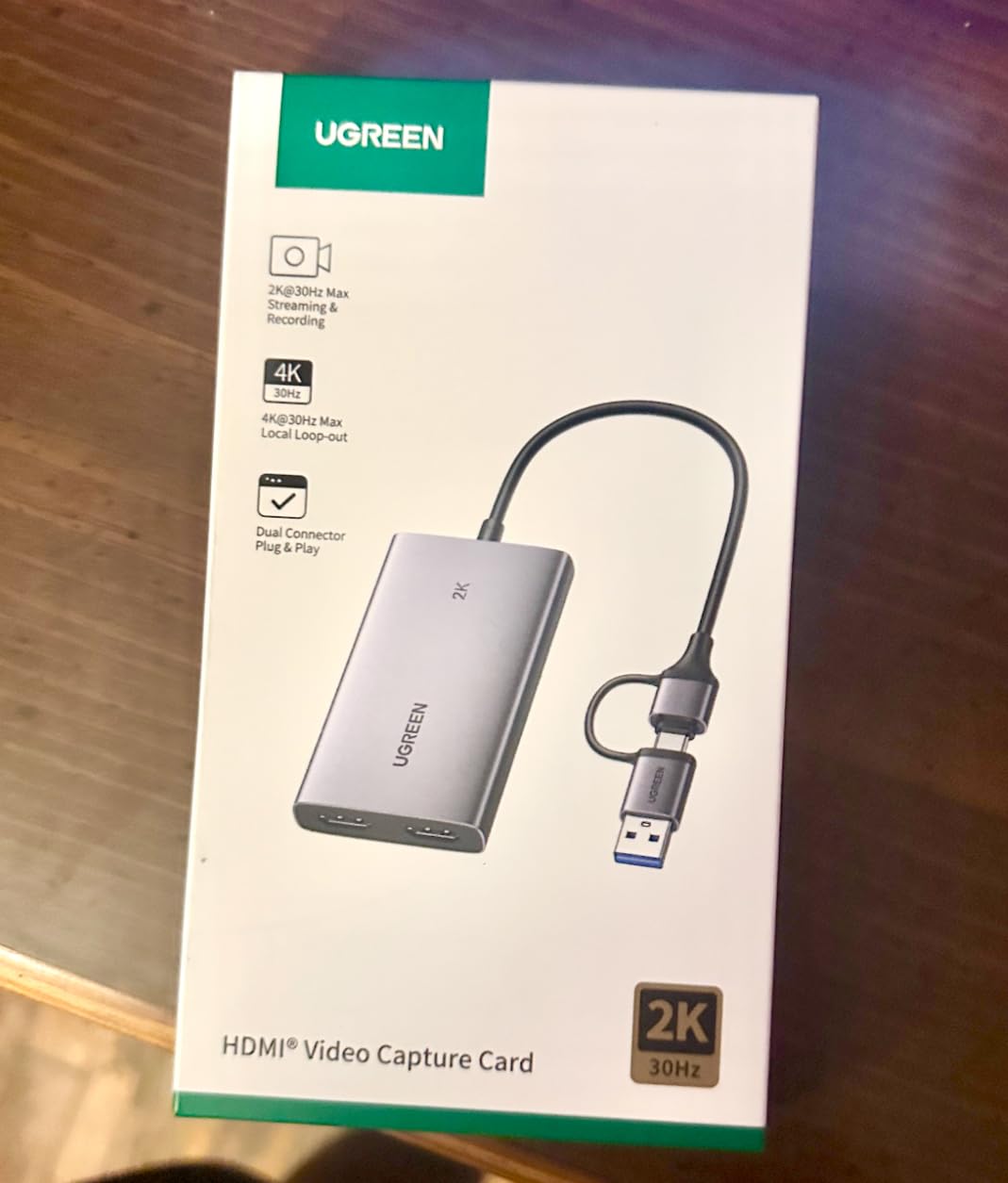
Support is where this card separates itself from the anonymous sticks. You get a 24-month warranty service from UGREEN, a named model number you can look up, and an operating system list covering Windows 8.1 through 11, Mac OS, Linux, Android 5.0 and above and iOS 17, with MJPEG and YUY2 formats supported.
Two practical notes. PS4 and PS5 sources need HDCP turned off in console settings, which does not apply to Nintendo hardware but does matter if this card also serves a PlayStation. Fire TV Stick is not compatible at all, so keep it in mind if that is part of your setup.
Why the UGREEN card fits a laptop
The dual interface is the whole argument. Modern ultraportables often have USB-C only, and a USB-A card means an adapter that can introduce its own latency and connection drops. This one connects either way, and it needs no external power or driver install on any of the listed systems.
It is also the pick for anyone who wants a 4K screen as the primary display while recording at 1080p, because the 4K@30Hz loop-out with 4:4:4 colour keeps the local picture clean. Buyers consistently cite the aluminum build and the loop-out as the reasons they kept it.
Where it falls short
A 2K@30fps capture ceiling is the honest limitation, and the most common complaint is exactly that: the 4K in the name refers to input and pass-through, not to recorded files. Anyone recording for YouTube at 60fps should look elsewhere.
It is also the wrong card if your display is a 4K television running at 60Hz, because the loop-out tops out at 30Hz there. And the Fire TV Stick exclusion rules it out of a streaming-box-heavy rig.
4. AVerMedia Live Gamer Mini – Premium Pick with a Hardware Encoder
AVerMedia Live Gamer Mini, 1080p60 Capture Card with HDMI Pass-Thru, Plug & Play, for OBS, Xbox Series X/S, PS5, Switch, Win 11/macOS 12 (GC311)
1080p60 capture
H.264 hardware encoder
Zero-latency pass-through
3.93 x 2.24 x 0.74 inch
2.63 oz
Pros
- Built-in H.264 hardware encoder keeps CPU load off the streaming PC
- Genuinely zero-latency 1080p60 pass-through to the display
- No driver installation and detected immediately on Windows and Mac
- Compact footprint with a 3-year manufacturer warranty
- Switch streaming via OBS is a well-trodden widely documented path
Cons
- 1080p60 capture ceiling with no 4K or high frame rate options
- RECentral management software needs to be running and wants frequent updates
- Micro-USB power and data connection is fragile
- Bitrate can drop in fast-motion scenes unless OBS is tuned carefully
The Live Gamer Mini is the card the speedrun community has treated as a safe default for years, and AVerMedia remains a credible alternative to Elgato for anyone who already owns a PlayStation or Xbox. On the Nintendo Switch 2 it is listed as a supported source alongside PS5 and Xbox Series X/S, so the one-card-across-three-consoles argument holds here too.
The hardware encoder is the feature that sets it apart. H.264 encoding is offloaded onto the card itself, which means your CPU is not busy compressing video while it is also running a game and the rest of your streaming stack. If your PC is a modest laptop, that offload is the single most useful thing on the spec sheet.
Pass-through is genuinely zero-latency 1080p60 to the gaming monitor, and it installs as a UVC device over USB 2.0 or USB 3.0 with no driver at all. It is 2.63 ounces and 3.93 by 2.24 by 0.74 inches, so it takes up no room at all next to a console or in a travel bag.
RECentral 4 is the companion software, and it works alongside OBS Studio and Streamlabs OBS rather than replacing them. For a Switch user the workflow is well documented: the card has been set up for docked Switch streaming on both Windows and Mac often enough that you will find answers to almost any problem.
One warranty detail is worth noting, because it is unusual in this category. AVerMedia lists a 3-year manufacturer warranty here, the longest of any card in the group, and the box includes the card, a quick guide and a USB micro to Type-A cable. Some owners report reliability trouble after the 12-month mark, and the micro-USB connection is the part that tends to fail when a cable gets yanked.
Why streamers pick the Live Gamer Mini
Offloading the encoder is the answer for anyone whose streaming machine is also their gaming machine and is not powerful enough to do both in software. It also means a laptop fan that stays quiet during a stream, which is a real quality-of-life difference in a recorded video.
It is the pick for a multi-console household that includes a PS5 or Xbox alongside the Switch, and for anyone who wants a three-year warranty rather than a twelve-month one. RECentral gives you a single control panel for firmware and settings, which suits people who like being able to see what the hardware is doing.
Why you might not want it
There is no 4K and no high frame rate capture here at all, so Switch 2 owners should look at the Elgato 4K S instead. Bitrate also tends to fall away in fast motion unless you tune OBS carefully, which is extra work for a beginner.
The recurring gripes in reviews are the management software wanting constant updates and the fragile micro-USB connector. If you have had a capture card die from an accidental unplug before, that is worth weighing before you commit.
5. PDAPTMAG HDMI to USB Capture Card – Best for Cheap Screen Sharing
4K Video Capture Card, HDMI to USB Capture Card 1080P for Streaming, Recording, Gaming, Compatible with Nintendo Switch, PS5, Xbox
1080p60 capture
USB 2.0 high-speed path
Driver-free on Windows macOS and Linux
12-month warranty
0.02 kg
Pros
- Lowest-cost genuine capture route in the group and owners report it just works with OBS
- Driver-free setup on Windows macOS and Linux
- Several owners replaced flaky USB webcam capture with it for church and work streaming
- Long owner reports of a year and a half of trouble-free use
- One reviewer notes essentially no noticeable lag
Cons
- Listing claims 4K recording while the documented spec is 1080p over USB 2.0
- Relatively bulky body that crowds closely spaced rear USB ports on a desktop tower
- Some audio and video sync delay on screen that required extra hardware to work around
- Output can be over-saturated until corrected in OBS settings
This is the cheapest genuine capture route in the roundup, and the honest reason to consider it is not gaming footage. Several owners replaced an unreliable USB webcam capture setup with it for church and work streaming, where the priority is a stable 1080p signal into a meeting rather than pixel-perfect console captures.
Capture runs at 1080p60 over a USB 2.0 high-speed path, which limits real throughput compared with the USB 3.0 cards above. In practice the feed is usable at 1080p, but it is the least headroom in the group, and that is the trade you make for a lower entry point.
It is driver-free on Windows, macOS and Linux, comes with a 12-month warranty and lifetime technical support, and weighs 0.02 kg. Screen sharing for conference rooms and online meetings works with no extra software, which is genuinely the fastest route to a working capture setup we saw.
The listing language needs care. It advertises 4K recording, while the documented spec sheet is 1080p over USB 2.0, and the minimum system requirement is an i5-3400 or better with 4GB of RAM and an NVIDIA GT630 or better. Buyers report long trouble-free stretches of a year and a half, so the reliability side of the ledger is strong.
Two physical complaints come up repeatedly. The body is bulky enough to crowd closely spaced rear USB ports on a desktop tower, and some owners saw audio and video sync delay on screen that needed extra hardware to work around. Output can also arrive over-saturated until you correct it inside OBS.
When the cheap card is the right answer
Pick this if you want to test whether streaming or screen sharing is something you will actually do before committing money. It is also the sensible choice for presentations, meetings and any setup where the goal is a stable picture into a conferencing app rather than a polished gameplay recording.
Owners rate the plug-and-play reliability highly, with 69% of ratings at five stars, and there are long-term reports of continuous service. For a first experiment with a docked Switch into OBS, it does the job for less than the cost of a takeaway.
When to spend more instead
Do not build a YouTube channel on it. USB 2.0 bandwidth is the constraint, the housing is awkward next to a tower’s rear ports, and the over-saturated colour needs manual correction in OBS before you publish anything.
If your game involves fast motion, the sync delay reports are a real risk, and a Switch 2 owner will be recording well below the console’s output. In those cases the VIXLW or UGREEN cards give a USB 3.0 path for very little more.
6. BENFEI Video and Audio Capture Card – Best for USB-C Laptops
BENFEI Video/Audio Capture Card Supporting Full HD 1080P 60FPS for Streaming, Recording, Gaming, Compatible with Switch, PS4, PS5, Xbox, Work with PC/Windows/Mac OS
1080p60 USB output
Integrated USB-A and USB-C cable
18-month warranty
0.03 kg
Aluminum alloy casing
Pros
- 2-in-1 USB-A and USB-C integrated cable removes the dongle problem on modern laptops
- Owner reports of switching a Nintendo Switch screen to a laptop through OBS with no fuss
- Aluminum alloy housing and braided cable are better built than the typical plastic stick
- 18-month warranty is longer than the 12 months offered by most budget rivals
Cons
- Lowest average rating in the roundup with 13% one-star reviews
- Some users report audio sync drift and occasional lag or stuttering during fast gaming
- Build quality criticized as feeling cheap despite the aluminum claim
- One verified review reports it is not supported on current macOS
The BENFEI card’s best feature is the cable. A 2-in-1 integrated USB Type-A and Type-C lead with a braided nylon jacket means you can plug into a laptop or a desktop with one fixed cable and no adapter, which is the problem that trips up most budget capture cards on modern machines.
Signal handling is respectable for the tier. HDMI 1.4b input goes up to 3840×2160 at 30Hz across RGB444, YCbCr422, YCbCr444 and YCbCr420 at 24, 30 and 36-bit colour depth, while USB output runs up to 1080p60 in YUV422 or MJPEG with audio to 48kHz. That is enough for a clean Switch 1 or OLED recording.
The warranty is 18 months, longer than the twelve months most rivals at this level offer, and the aluminum alloy casing is intended to handle heat during long sessions. It weighs 0.03 kg and installs with no driver on Windows XP through 11, Linux, Android and Mac OS.
Where the results get mixed is real-world stability. The average rating here is the lowest in the group, with 13% one-star reviews, and the recurring complaints are audio sync drift plus occasional lag or stuttering during fast games. One verified review also reports it is not supported on current macOS, and iPhone is unsupported for lack of a UVC function, with iPadOS needing 17 or higher.
Users moving from a fifteen-year-old capture card report a large resolution jump for a fraction of the old cost, and owners who switched a Switch screen onto a laptop through OBS describe it as effortless. So the design is right even where the execution is inconsistent.
Why the integrated cable matters
Every other card in this roundup asks you to bring your own cable or an adapter. If your only machine is a thin-and-light laptop with USB-C ports, that is not a small detail, and a fixed braided lead is also harder to snap than a loose adapter.
It is also a reasonable pick for a docked Switch or Switch OLED streaming setup where 1080p60 is all the console sends. OBS, XSplit, PotPlayer and QuickTime Player are all listed as working software, and the 18-month warranty gives some backing.
Where the reviews go wrong
The lowest rating in the group is the headline here, and 13% one-star reviews is a real share. Audio sync drift and stuttering during fast games are the two problems that come up most, which makes it a poor choice for a fast-paced action game recording.
Skip it if you stream from a Mac, since one verified review reports current macOS is not supported. The aluminum claim also draws criticism for feeling plasticky in the hand, which is worth knowing before you expect a premium feel.
7. Swudloe Switch Capture Card – Most Versatile with a Real USB 3.0 Chipset
Capture Card for Nintendo Switch with 4K Pass-Through, USB3.0 1080P 60FPS HDMI Video Cam Link Game Capture for Streaming, Work with Xbox PS4 PS5 PC DSLR for OBS Twitch Live Broadcasting and Recording
1080p60 YUY2 capture
4K@30Hz zero-latency pass-through
3.5mm mic input
0.75 x 2.95 x 3.15 inch
1-year warranty
Pros
- Genuine USB 3.0 YUY2 chipset rather than the compressed USB 2.0 bridge many cheap cards use
- 4K@30Hz zero-latency pass-through so docked or handheld play stays visible
- 3.5mm mic-in port for commentary that cheaper sticks often omit
- 69% five-star ratings across 575 reviews with very few 1-star complaints
- Wide source compatibility including Switch Xbox PS3 PS4 PS5 and Wii U
Cons
- Capture is still limited to 1080p60 even though pass-through handles 4K
- Only a 1-year manufacturer warranty which is the shortest in the roundup
- Party chat audio is not captured through the 3.5mm port
The Swudloe C7-01 is the one budget card in this group that gets the chipset right. It captures YUY2 at 1080p60 over a genuine USB 3.0 path rather than using the compressed USB 2.0 bridge that most cards at this level rely on, and that is why it holds a stable feed in fast motion.
Its 4K@30Hz pass-through is zero-latency, so docked or handheld play stays visible on a second screen while you stream. It is a small box at 0.75 by 2.95 by 3.15 inches and 0.17 kg, and it plugs in with automatic input detection, no drivers and no external power supply.
Source compatibility is the quiet strength. The card is listed for Nintendo Switch and Switch-family hardware, Xbox One and 360, PS3, PS4, PS5, Wii U, DVDs, DSLR cameras, security cameras and set-top boxes, with OBS, Twitch, YouTube, Facebook Live, Skype, XSplit, TikTok, PotPlayer and VLC all supported.
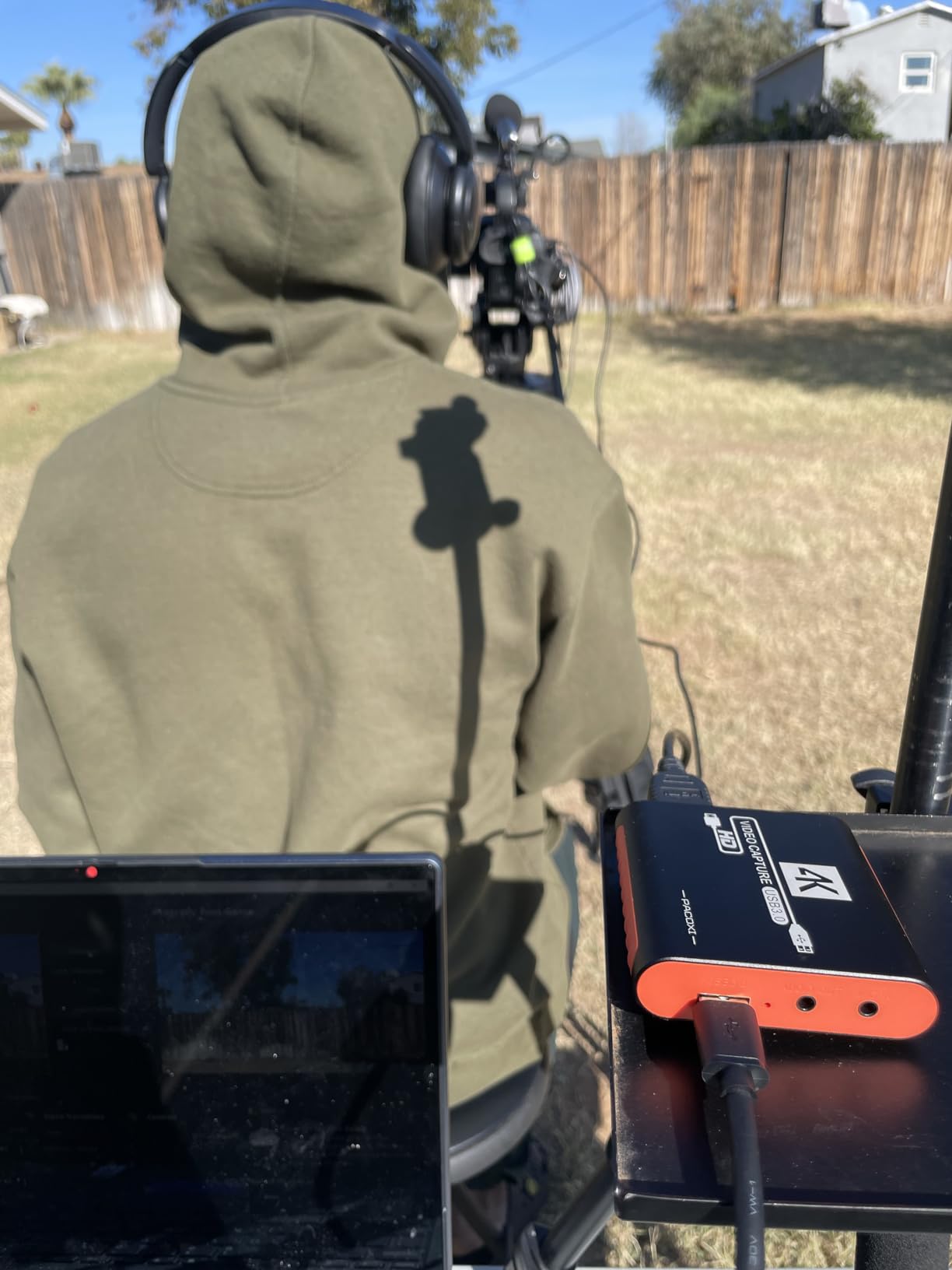
The 3.5mm jack accepts a headset or a microphone for commentary, which very few sticks at this level include. It is worth being clear about one thing though: the manufacturer states that party chat audio is not recorded through that port, so a 3.5mm headset mic will not carry in-game voice into your capture.
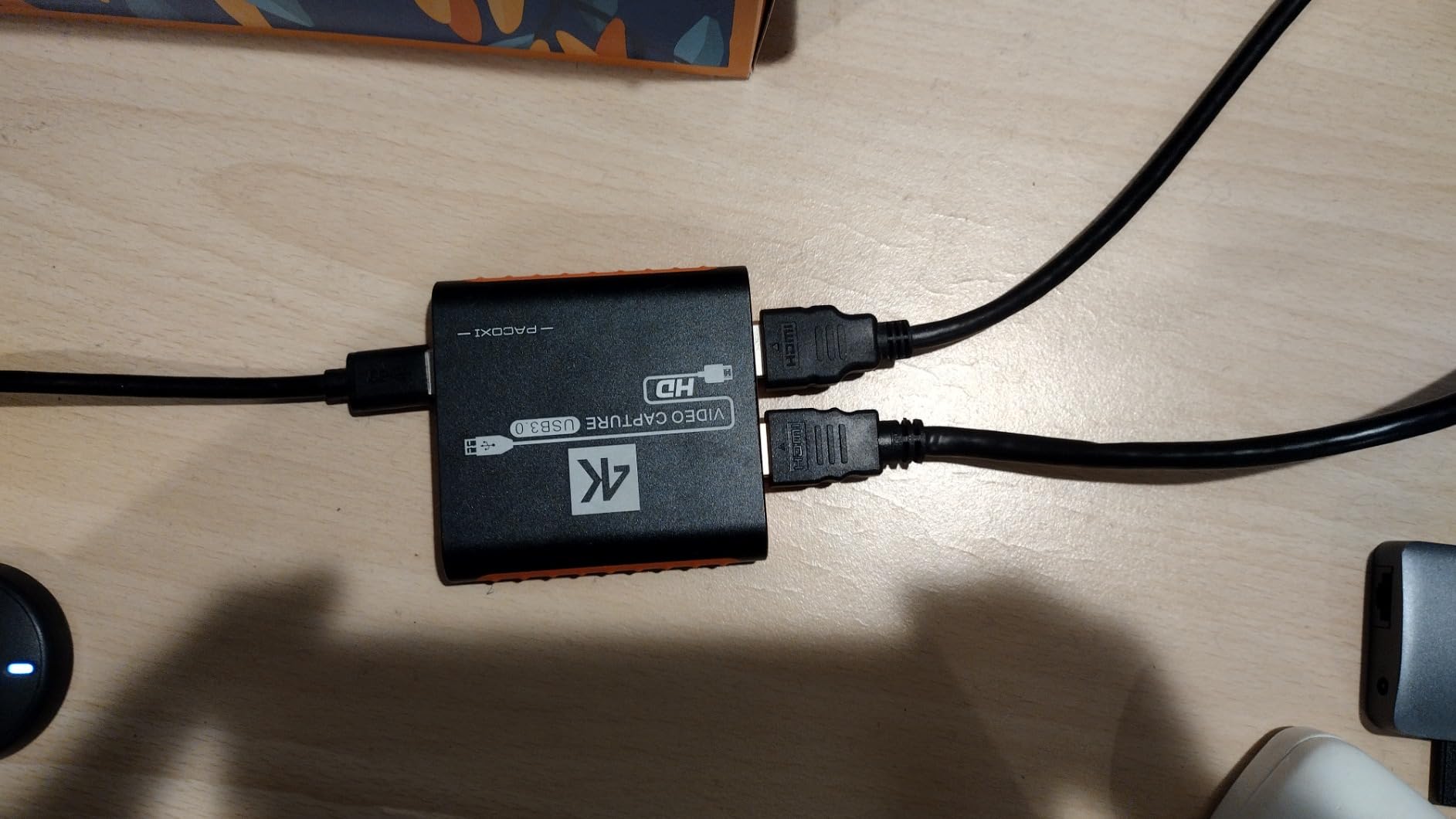
Reviews rate the distribution tightly at 69% five stars and 16% four stars with very few one-star complaints, and the main limitation noted is the 1080p60 ceiling. The warranty is one year, the shortest in the roundup, so this is a card to buy with the expectation that you might replace it eventually.
Why the Swudloe card stands out in the budget tier
The USB 3.0 YUY2 chipset is the entire argument. Compressed USB 2.0 capture is where budget cards fall apart, and an uncompressed 1080p60 path is what makes a recording look clean enough to publish rather than merely functional.
It is the budget pick for someone with a docked Switch who wants a stable 1080p60 feed, a mic jack for commentary, and a box that fits in a bag. The 4K@30Hz pass-through is a bonus for anyone playing on a 4K television while recording.
Where it runs out
It records 1080p60 and nothing higher, so a Switch 2 owner who wants the docked 4K60 signal should skip it. A one-year warranty is also the thinnest backing in the group, which is a fair trade at this level but worth knowing.
And if capturing in-game chat is part of your plan, the manufacturer is explicit that the 3.5mm port does not do it. Test audio routing in OBS before you rely on it for a stream.
8. Portta HDMI Video Capture Card – Best Budget Route Into Switch 2 Capture
Portta HDMI Video Capture Card, Stream and Record in 1080P60 with Ultra-Low Latency, 4K HDMI in/Loop Out, USB 3.0 to PC Compatible with Nintendo Switch 2/PS4/PS5/Xbox/OBS
4K@60Hz loop-out
1080p60 USB 3.0 capture
3.5mm audio out and mic in
2-year warranty
68 g
Pros
- Only card in this price group with 4K@60Hz input and loop-out
- HDMI cable USB 3.0 cable and USB-C adapter all included in the box
- Switch 2 explicitly supported and verified working with OBS by multiple owners
- Owners report roughly 0.2 second display delay
- Works on Linux and macOS as well as Windows with a 2-year warranty
Cons
- No HDR or CEC support so HDR console output is not capturable
- Some Switch 2 owners needed to cycle HDMI cables to get a stable Mac connection
- Headphone out and HDMI out will not carry the mic input
- 11% one-star ratings which is the second-highest in the budget group
The Portta HCC101-BK is the cheapest way into Switch 2 capture, and the reason is in the loop-out. HDMI input and loop-out run up to 4K at 60Hz in YUV 4:2:0, so you can keep playing on a 4K60 display while the card sends a 1080p60 feed to OBS. Most rivals in this bracket stop at 4K30.
Switch 2 is explicitly supported, and multiple owners have verified it working with OBS. The card is 68 g and 4.02 by 2.72 by 0.49 inches, runs on Windows 7 through 11, macOS 10.8 and later on both Intel and Apple Silicon, and Linux kernel 2.6.38 and up, with no driver installation.
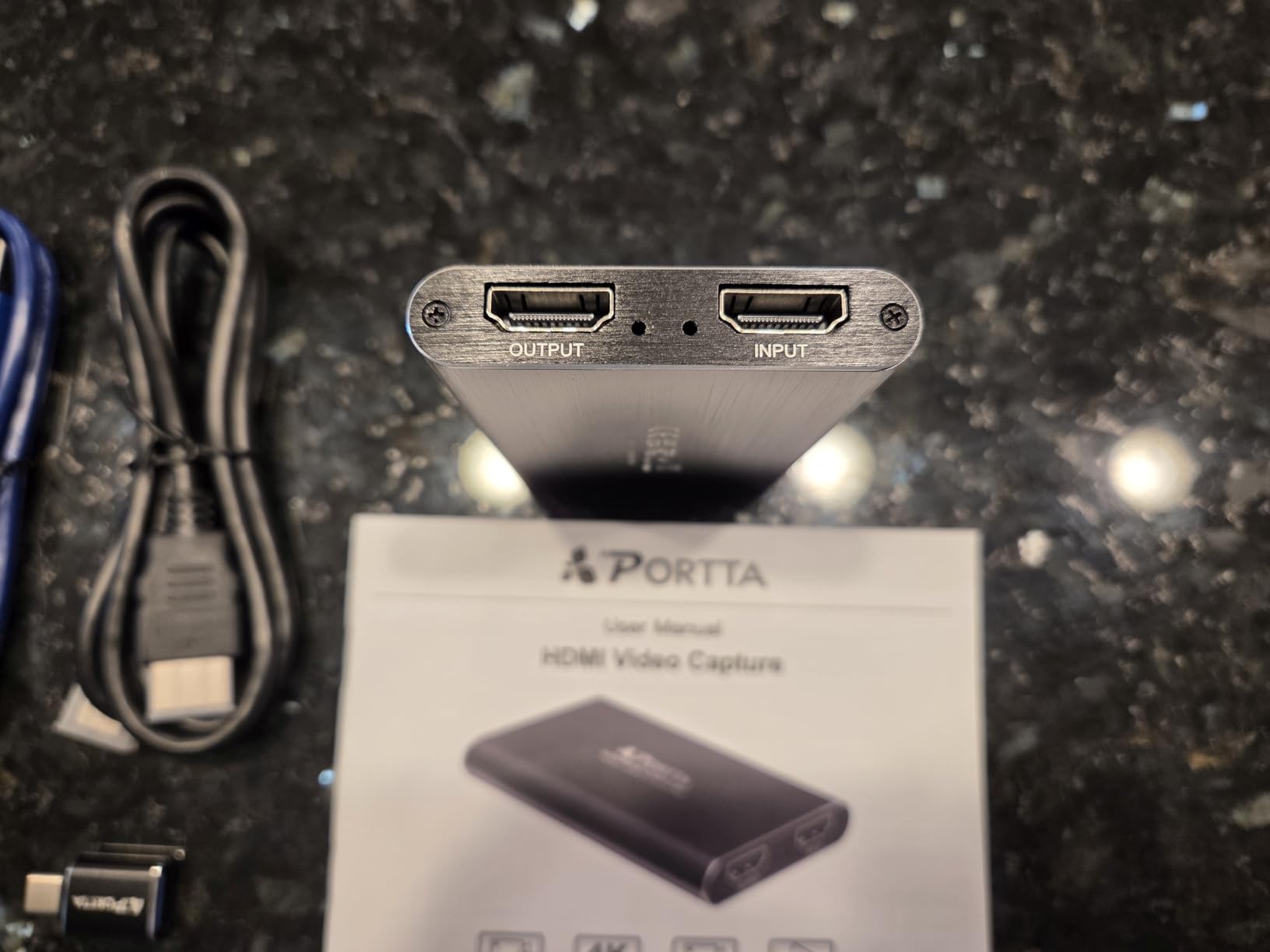
The box contents matter more than usual here. You get the capture card, an HDMI cable, a USB-A 3.0 data cable, a USB-C male to USB 3.0 female adapter and a manual, which removes the most common first-week problem of discovering you own no HDMI cable at all.
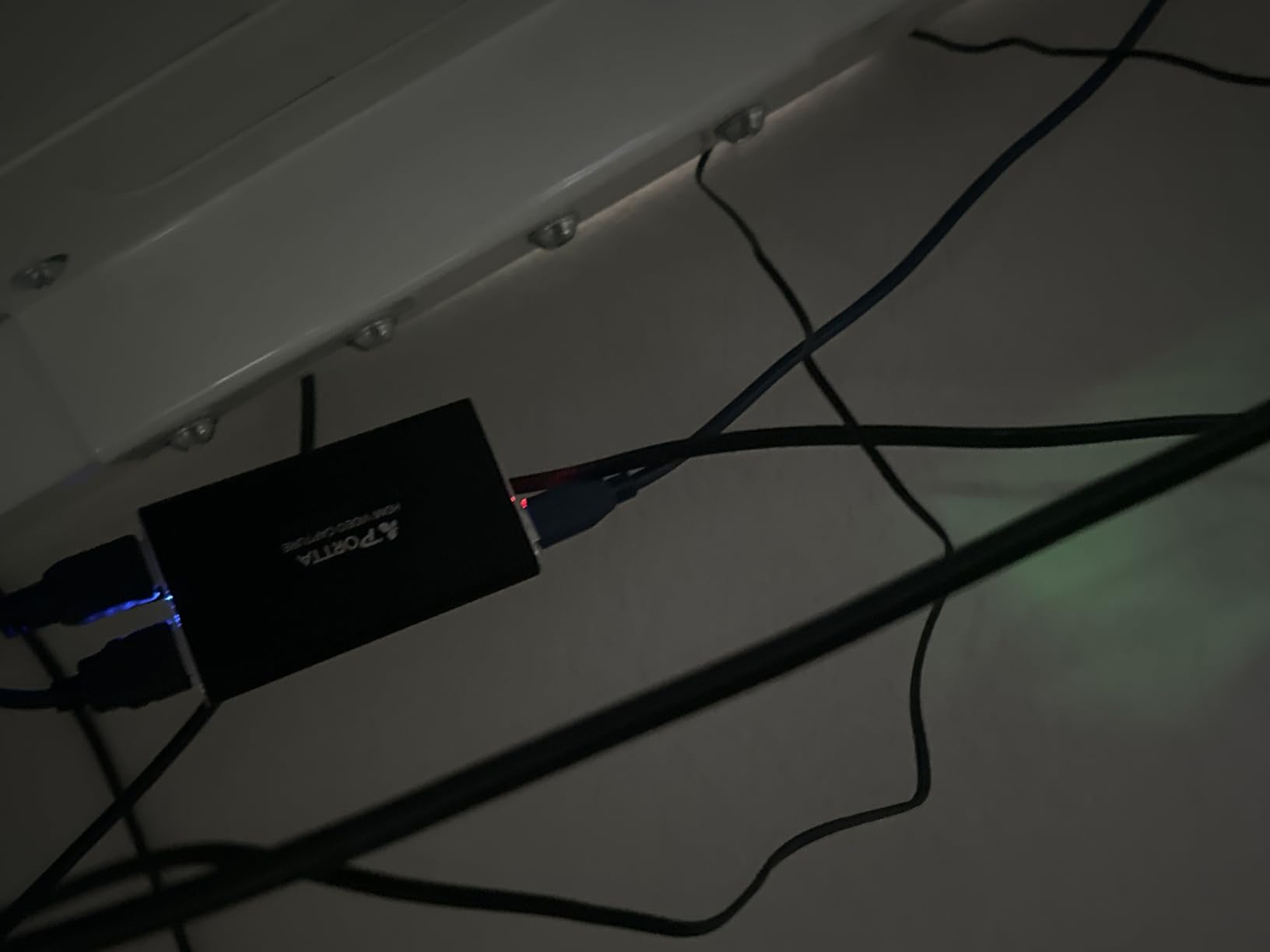
Owners report a display delay of roughly 0.2 second, which they describe as better than a pricier Elgato they compared it against, and a 2-year warranty with lifetime technical support is attached. Recommended host specs are a quad-core Intel Core i5 or Ryzen 5 with 8GB or more of RAM and an SSD for high bitrates.
The limitations are specific and worth knowing. There is no HDR and no CEC support, so HDR console output cannot be captured at all, and 3D and HDCP 1.4 are input-only. Headphone out and HDMI out will not carry the mic input, and 11% of ratings are one star, the second-highest share in the budget group, mostly from connection stability on Mac.
Who the Portta card is for
It suits a Switch 2 owner on a tight budget who wants the console’s 4K60 signal available on a 4K display while recording at 1080p60. It is also the easiest first card to assemble, since every cable and adapter you need is already in the box.
Cross-platform support is genuinely broad for a budget unit, covering Windows, macOS on both Intel and Apple Silicon, and Linux, with OBS Studio and other UVC and UAC applications supported. PS4, PS5, Xbox Series X and PC all work as sources.
Where it falls down
No HDR support is the big one. If you care about Switch 2’s HDR output looking right in your recordings, this card cannot capture it and will produce a flat SDR file instead. The Elgato 4K S is the answer when HDR matters.
Some Switch 2 owners on Mac needed to cycle HDMI cables repeatedly before the connection held, and the audio routing will not put your microphone into the headphone or HDMI outputs. Budget accordingly if your streaming machine is a MacBook.
How the Dock to Card to PC to OBS Chain Actually Works
YouTubers who record Switch gameplay all run the same four-link chain, and it is worth understanding before you buy anything. Each link has a job, and when a setup fails it is almost always a link rather than the card.
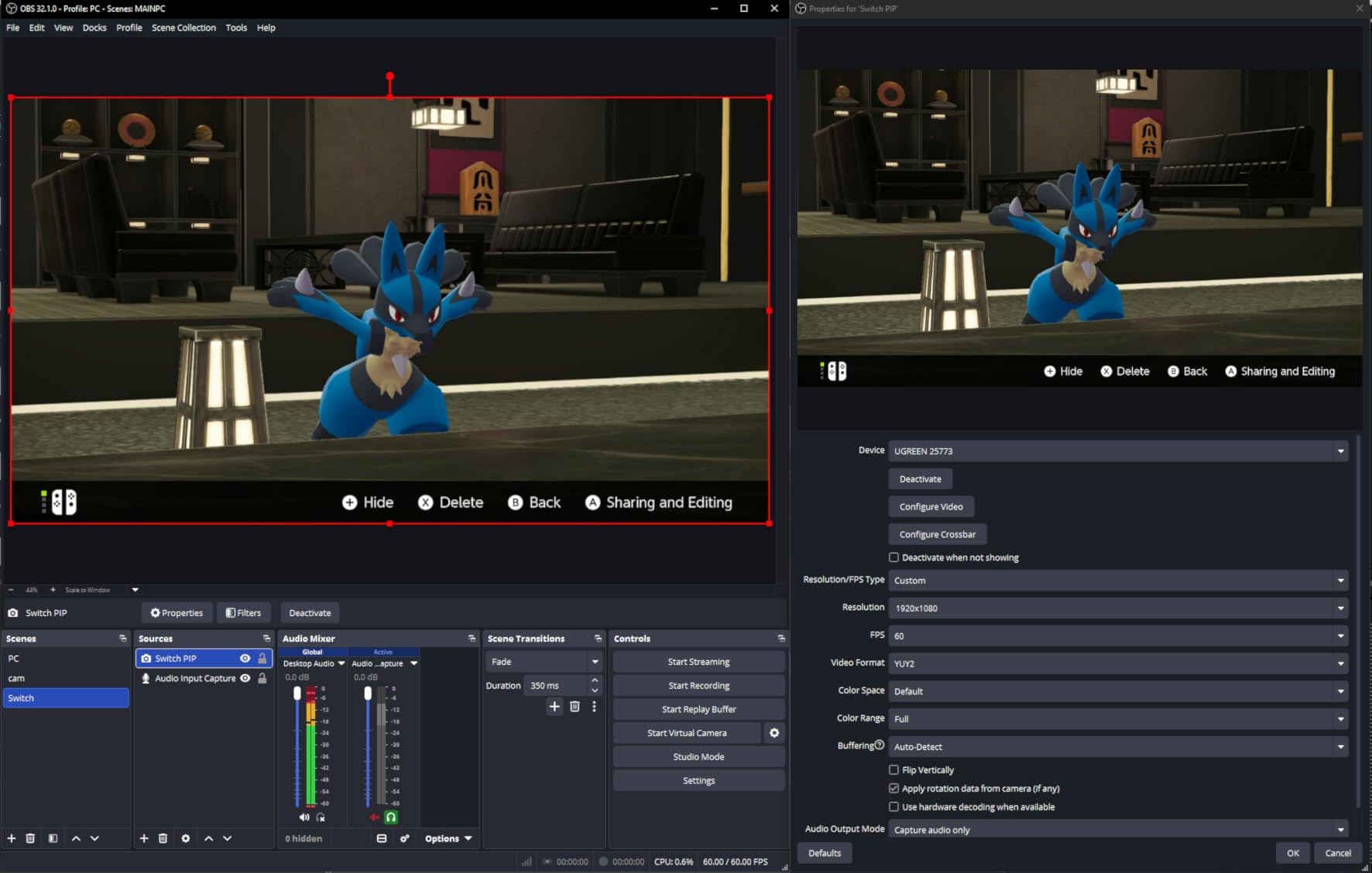
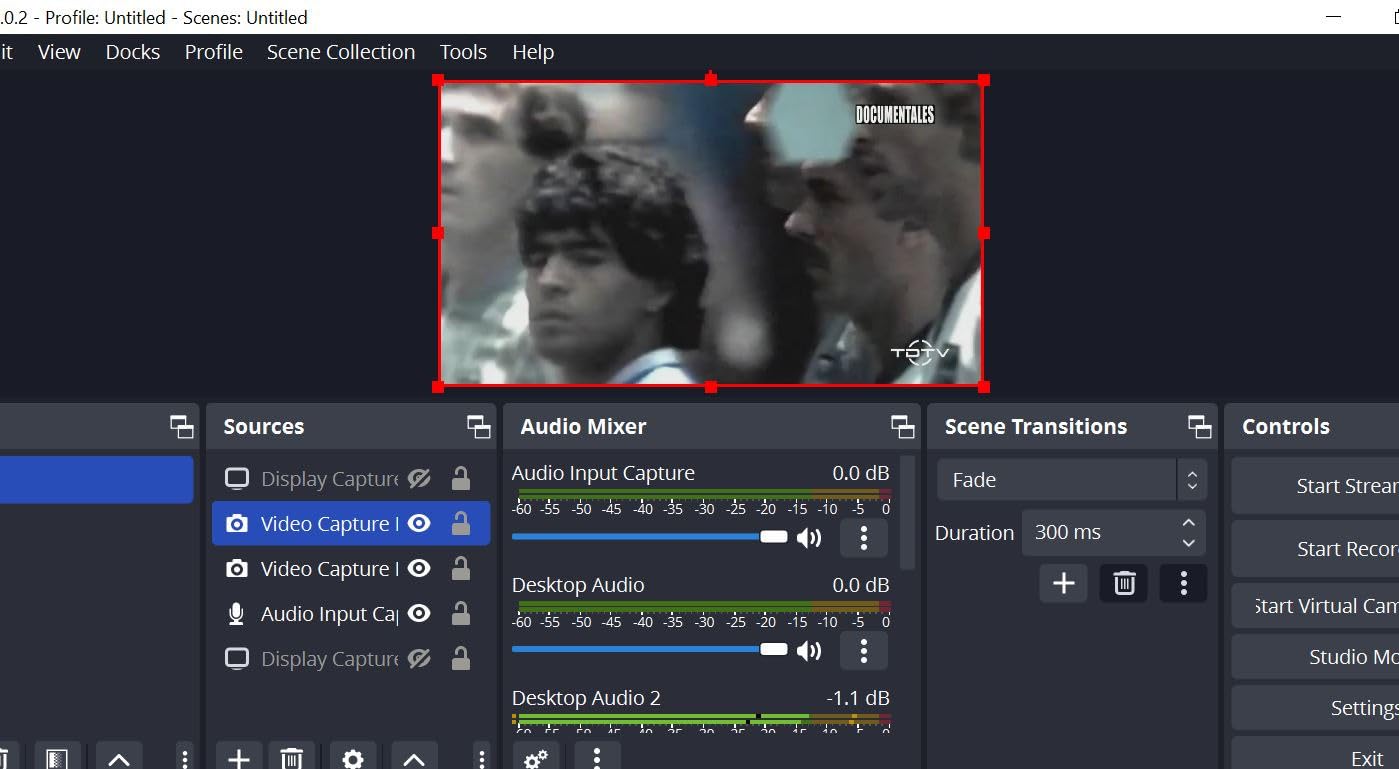
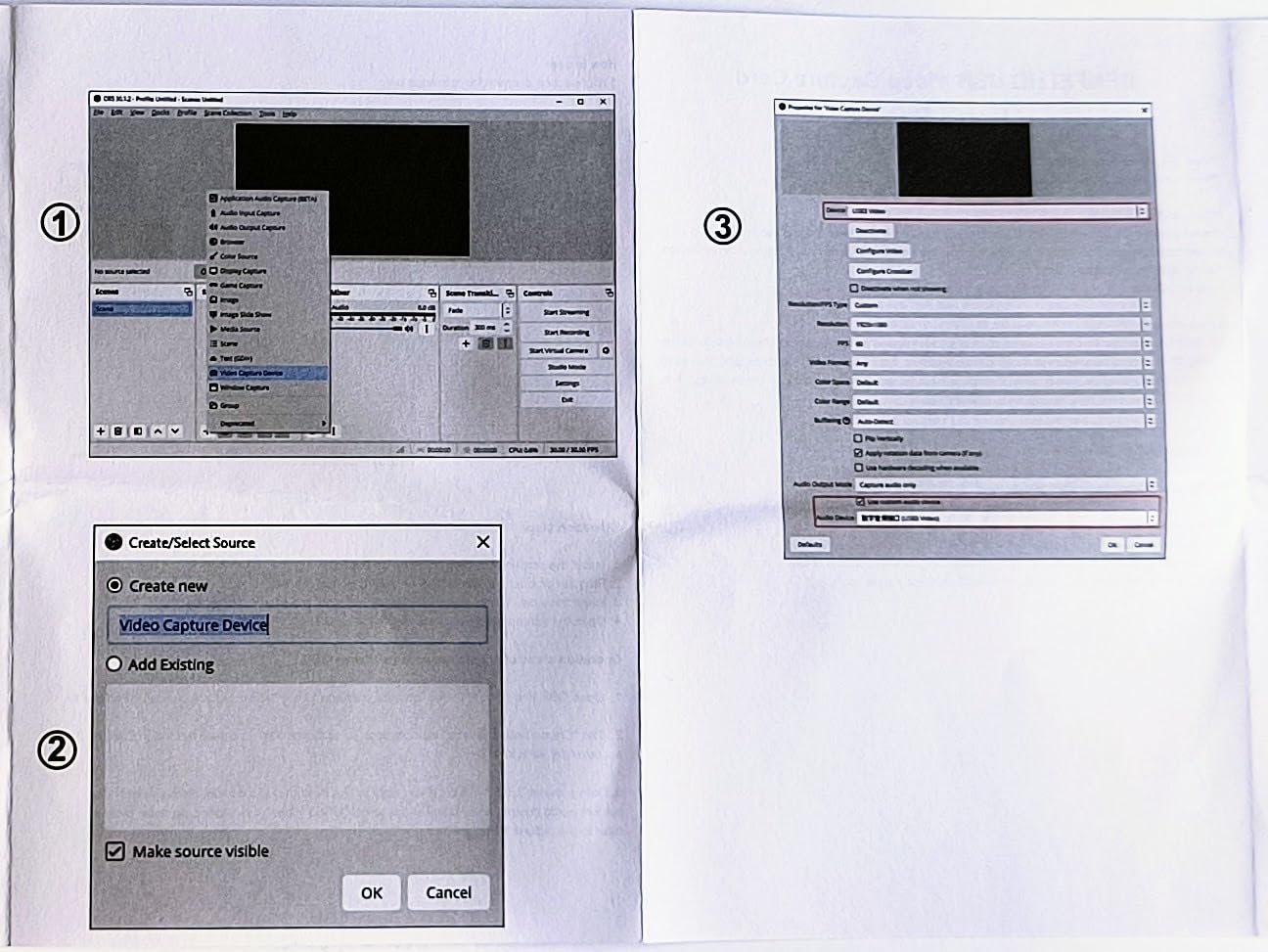
First, the dock’s HDMI out connects to the capture card’s HDMI in. Second, the card’s HDMI out connects to your display, which is what you actually watch while you play. Third, the card’s USB cable connects to your computer. Fourth, OBS Studio adds the card as a video capture device and either records it or pushes it to a stream.
The console does not detect the card, does not need a setting changed and cannot tell it is there. It sends the same signal either way, which is why the process is described as plug-and-play on support threads rather than as a technical project.
You will still need a few things beyond the card itself. The official Switch dock is required for HDMI output, along with an HDMI cable, an external display, a computer with a USB port and enough processing headroom, OBS Studio or Streamlabs OBS as the capture software, and an account with Twitch or YouTube if you intend to stream rather than only record.
One clarification that comes up constantly: OBS is the software and Elgato is the hardware, and you need both. They do not compete. A capture card with no software is an inert box, and OBS with no capture card has nothing to capture from a console.
Buying Guide: How to Choose a Capture Card for Switch
The single most useful rule in this category is that a capture card can never record more than the console sends it. An original Switch, a Switch OLED and a Switch Lite docked all output 1080p60, and that is your ceiling no matter which of these eight cards you buy. Work out your console’s ceiling first and everything else becomes obvious.
Start by separating capture from passthrough, because most spec-sheet confusion comes from conflating the two. Capture is what lands in your recording. Passthrough, also called loop-out, is what continues to your television. A card that passes 4K60 while recording 1080p60 is not lying to you, it is doing exactly what it says, and the Portta card above is the clearest example.
Then decide whether you are buying for a Switch 1 or a Switch 2. A Switch 2 owner wants genuine 4K60 capture and should look at the Elgato 4K S. A Switch 1 or OLED owner should not pay for 4K capture they will never use, and forum consensus is blunt about that: a console that outputs 1080p60 does not need 4K hardware.
On latency, the honest answer is that most perceived delay is a PC encoder problem rather than a capture card problem. Owners of the Portta card report roughly 0.2 second of display delay, and that is a card with 4K60 loop-out, so expect some figure in that territory from anything. What matters more is whether you are playing on the passthrough output, where the Elgato and AVerMedia cards are genuinely zero-latency.
Connection is the next filter. Every card here is UVC and driverless on Windows, but Mac support varies, and one BENFEI review reports current macOS is not supported. USB 3.0 is the sensible floor, because USB 2.0 paths are where compression artifacts and stuttering appear first. If your machine is USB-C only, a card with a dual interface or an integrated cable saves you an adapter.
HDCP and HDR deserve their own paragraph. Nintendo consoles need no HDCP bypass, unlike PS4 and PS5 sources that require it turned off in console settings, so that concern does not apply to a Switch setup. HDR is different: a card can pass HDR to your television and still record in SDR, and a card with no HDR support at all, like the Portta, cannot capture it. Read the capture side of the spec sheet, not the passthrough side.
Finally, on Elgato versus AVerMedia, the honest answer is that once specs are equal the choice matters far less than the forums suggest. Speedrun community consensus treats Elgato as a safe default, and AVerMedia and Razer are named as credible alternatives, but the differentiator in practice is the hardware encoder on the Live Gamer Mini and the 4K60 capture on the 4K S. Razer and EVGA are also discussed constantly as genuine substitutes, and the deciding factor is your console’s output ceiling, not the badge.
On whether the hardware could harm your console: it cannot. The dock’s HDMI out and the card’s HDMI in are passive signal paths, and nothing in the chain writes to the console. The only genuine risk is physical, forcing a connector or a damaged cable, which is the same risk you already take with any HDMI device.
One last myth worth killing. The Switch has no five-minute recording restriction. That limit belongs to PlayStation, and it is frequently conflated with Nintendo’s 30-second capture button ceiling in threads about this exact topic. A capture card has no time limit at all, which is the whole reason people buy one.
Troubleshooting: The Four Failures That Actually Happen
Most support threads about Switch capture cards are not about the card. They are about signal routing, and the same four failures account for the bulk of them. Each has a short fix once you know which one you are looking at.
No signal, or a grey screen in OBS
Check the chain in this order, because it fixes the problem most of the time. Confirm the console is actually docked and the dock’s HDMI out goes to the card’s HDMI in, then confirm the card’s HDMI out goes to your display rather than the console straight to the display.
Next, check that the display is switched to the correct HDMI input and that the card is plugged into a USB port that is actually USB 3.0, not a USB 2.0 port on the same machine. In OBS, remove the source and re-add it as a video capture device, then make sure OBS is set to the right resolution and frame rate or it will show black rather than an error.
If OBS is grey but the pass-through display is fine, the signal reaches the card and the problem is in software. If the pass-through display is also grey, it is a physical chain problem and you should work back down the list.
Picture but no audio
This is almost always a source setting rather than a hardware fault. In OBS, open the audio mixer for that source and check that the audio is unmuted and that the correct device is selected, since a capture card shows up as a separate audio source from the video source.
On the console side, check that the game and the system volume are actually up, and that the audio is being sent over HDMI rather than only to headphones plugged into the dock. Some dock setups route audio to the connected headphones, and the card receives silence because of it.
Washed-out or flat footage
A card that passes HDR to your television can still record in SDR, and that is the most common spec-sheet misread in this category. If your footage looks flat and grey next to the picture on your TV, the card is recording SDR from an HDR source.
The fix is either a card with genuine HDR capture, or accepting SDR in your recordings and colour-grading later. There is no setting inside OBS that invents HDR that your card did not record. Note that the Portta card has no HDR support at all, so HDR output from it cannot be captured in any mode.
GameChat or party chat not captured
Nintendo’s own documentation around the capture button and GameChat does not clearly settle how chat audio behaves over HDMI, which is why this question comes up so much. The honest answer is that you have to test it, on your console, on your game, before you plan a stream around it.
Record a short test clip with a friend talking in party chat and check the audio track afterwards. If chat is missing, the 3.5mm input on cards like the Swudloe will not fix it, since that port is documented for commentary and does not carry party chat. Some streamers route voice through Discord or a separate application and capture that audio separately, which sidesteps the question entirely.
Frequently Asked Questions
Do capture cards work on Switch?
Yes, but only when the console is docked. The Nintendo Switch sends its video signal out through the dock’s HDMI port, so there is nothing for a capture card to read in handheld mode. There is no pairing step and no special console setting, because the console does not detect the card at all. You connect the dock HDMI out to the card, the card HDMI out to your display, and the card USB to a computer running OBS Studio.
Does a capture card work with the Nintendo Switch Lite?
No. The Switch Lite has no TV output mode, so it has no HDMI signal for a capture card to receive. This is a permanent hardware limitation rather than a settings problem, and no capture card, dock or software workaround can change it. Lite owners are limited to the built-in capture button for short clips, or to capturing the screen another way.
How do you record more than 30 seconds on Nintendo Switch?
You use an external capture card. The built-in capture button saves a rolling 30-second clip and no more, and no Switch model can stream natively to Twitch or YouTube. A capture card records for as long as your computer and storage allow, with no time limit imposed by Nintendo. Note that the five-minute recording restriction people mention belongs to PlayStation, not to the Switch.
Is OBS or Elgato better for Switch streaming?
They are not alternatives, because they do different jobs. Elgato is hardware, a capture card that splits the console’s HDMI signal, and OBS is software that encodes that signal into a recording or a live stream. You need a capture card to get a picture from the console, and you need OBS or Streamlabs OBS to record or publish it. If you want a different brand, AVerMedia, Razer and EVGA are all credible choices.
What else do I need besides a capture card for a Switch?
You need the official Switch dock, because that is the only source of HDMI output, plus an HDMI cable from the dock to the card. You also need a display connected to the card’s HDMI out, a computer with a USB port and enough processing headroom, and capture software such as OBS Studio or Streamlabs OBS. If you want to stream rather than only record, you also need an account with Twitch or YouTube.
Final Verdict
The Elgato 4K S is our best capture card for Nintendo Switch in 2026 because it is the only one here that records what a Switch 2 actually sends, with HDR10 tone mapping and high frame rate modes on top. If your computer cannot meet its system requirements, the AVerMedia Live Gamer Mini is the sensible premium alternative with a hardware encoder and a three-year warranty.
For an original Switch, Switch OLED or a Switch 2 you are happy to record at 1080p60, the VIXLW card gives you a true USB 3.0 path and an HDMI loop-out for the least money, and the UGREEN model covers laptop setups with dual USB-A and USB-C plus a 24-month warranty. If you are still unsure whether streaming is for you, any of the budget cards here will tell you for very little.
Whatever you pick, the dock rule decides whether it works at all, and the Switch Lite exception decides whether it ever will. Our capture card guide for the PS5 covers the same buying logic if you are adding another console to the chain.