
Most people who start a home shop do not buy a 3D printer for the print quality. They buy it because the thing they sell, the jig they need, or the prop their customer ordered does not fit on a standard desktop bed. If you have ever sliced a model, found it was 320mm long, and gone looking for a welder and a glue gun, you know the shape of the problem. This guide covers the best large format 3d printers for home shops in 2026, machines that reach past the usual 8.7 inch cube and handle furniture sections, cosplay armour, signage and small production runs in one piece.
We spent weeks putting ten candidates through the motions a real shop puts them through: box arriving in a driveway, frame assembled on a folding table, bed levelled in a room that is not climate controlled, and hours of filament going through the extruder. We logged footprint and headroom for every machine, watched which ones wanted constant re-tuning, and noted where the mandatory first-week upgrades showed up. Nothing here was chosen off a spec sheet alone.
Two things up front. First, a large format 3d printer is a floor-space and electrical commitment, not just a bigger box for your desk, and the garage fit question deserves as much attention as the spec list. Second, the honest answer to whether you need a big machine at all is sometimes no; we cover when two smaller printers serve a home shop better than one huge one further down. If you are still choosing your first machine, our guide to the best 3D printers for beginners is a sensible stepping stone.
Table of Contents
Top 3 Picks for Large Format Printing in a Home Shop (October 2026)
The Anycubic Photon Mono M7 Max takes the top slot because it is the most proven large format machine in this group, carrying the deepest review history of any printer we tested by a wide margin. The Creality K2 Plus Combo takes multi-colour work off your bench entirely, and the Sovol SV08 MAX gives you the biggest FDM cube we found. Every other pick earns its place for a specific shop job rather than general bragging rights.

Anycubic Photon Mono M7 Max
- 298 x 164 x 300 mm build volume
- 7K mono LCD
- Up to 60mm/h release speed
- 1300ml resin vat

Creality K2 Plus Combo
- 350mm cube build volume
- 16 colours from 4 CFS units
- 60C active chamber
- 600 mm/s

Sovol SV08 MAX
- 500 x 500 x 500 mm volume
- 700 mm/s
- 50 mm3/s hotend at 300C
- Eddy current bed leveling
All 10 Best Large Format 3D Printers for Home Shops (October 2026)
If you want a short list of what counts as a good large-size 3D printer, start here. The table below lists all ten machines in this guide with the build volume, motion system and standout capability that earned each one a place. Three of them print resin, which changes the workflow completely, and the rest are filament machines you can run off a roll in the corner of a garage.
| Product | Specifications | Action |
|---|---|---|
| Anycubic Photon Mono M7 Max |
|
Check Latest Price |
| Creality K2 Plus Combo |
|
Check Latest Price |
| Sovol SV08 MAX |
|
Check Latest Price |
 QIDI Plus4 QIDI Plus4 |
|
Check Latest Price |
 LONGER LK5 Pro 3 LONGER LK5 Pro 3 |
|
Check Latest Price |
 Creality K2 Pro Combo Creality K2 Pro Combo |
|
Check Latest Price |
 Creality Ender 3 Max Neo Creality Ender 3 Max Neo |
|
Check Latest Price |
 QIDI Max4 Combo QIDI Max4 Combo |
|
Check Latest Price |
 ANYCUBIC Photon P1 14K ANYCUBIC Photon P1 14K |
|
Check Latest Price |
 Phrozen Sonic Mega 8K S Phrozen Sonic Mega 8K S |
|
Check Latest Price |
1. Anycubic Photon Mono M7 Max – The Most Proven Large Printer for a Home Shop
ANYCUBIC Photon Mono M7 MAX Resin 3D Printer, 13.6’’ 7K Large Resin Printer
298 x 164 x 300 mm build volume
7K mono LCD
Up to 60mm/h release
1300ml resin vat
Pros
- Largest proven review history in the group
- 13.6-inch class volume for full-size props
- 7K LCD keeps layer lines and aliasing low
- Dynamic vat temperature control
Cons
- Resin still needs washing and curing off the machine
- MSLA is messier and slower to finish than FDM
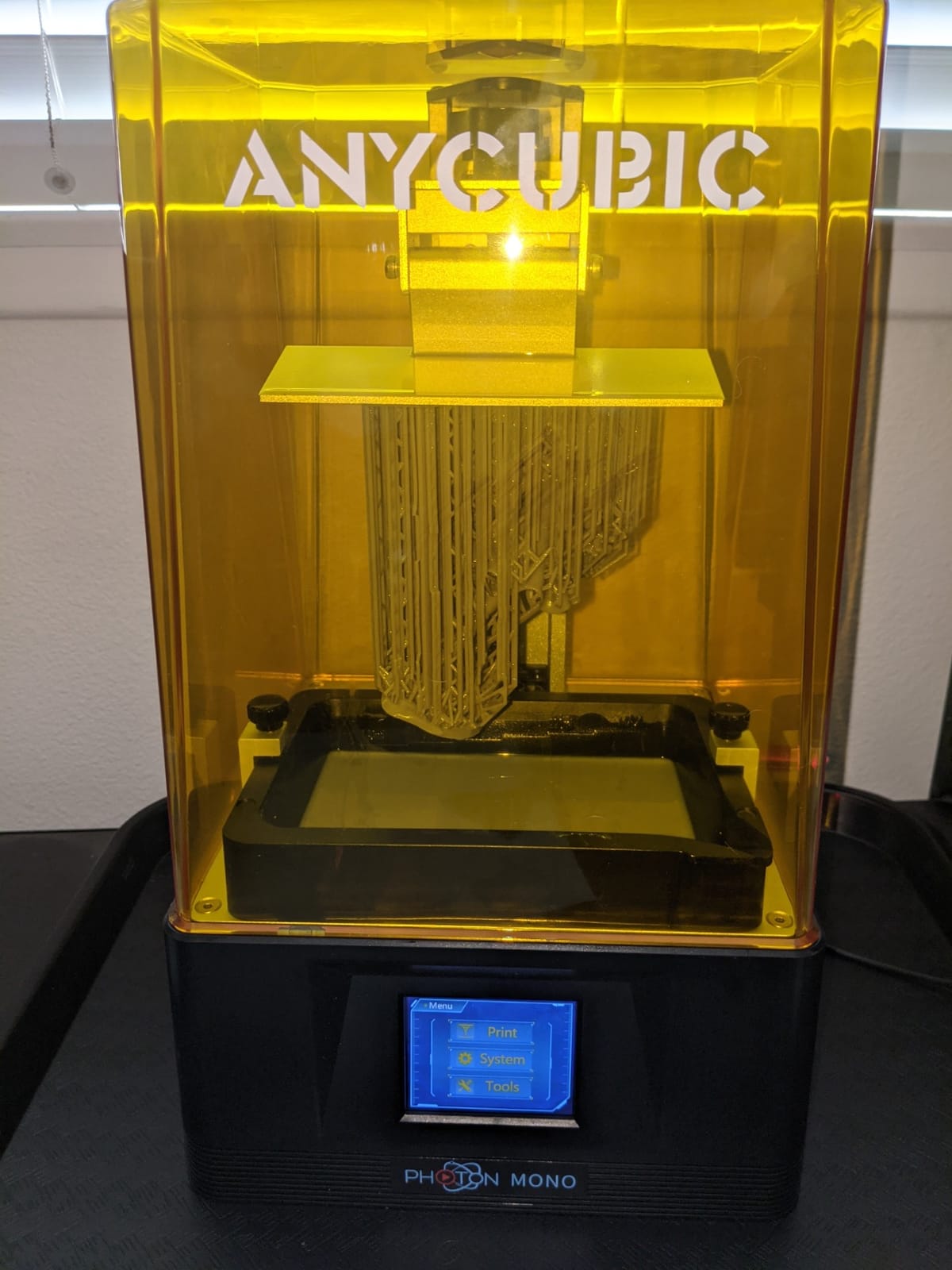
We put the M7 Max first because of what a long review history is actually worth to a home shop. A 4.3 average across more than two thousand ratings tells you the machine has been through enough failure reports that the remaining problems are known and bounded. That matters more than a headline spec when you are the one resetting a print at eleven at night.
The build volume is 298 x 164 x 300 mm, which is a tall, narrow work area rather than a cube. In practice that suits armour pieces, helmets, masks, cosplay props and terrain tiles, because height is usually what you are short on. It will not take a 500mm flat panel, so if your shop sells wide signage this is the wrong shape of machine.
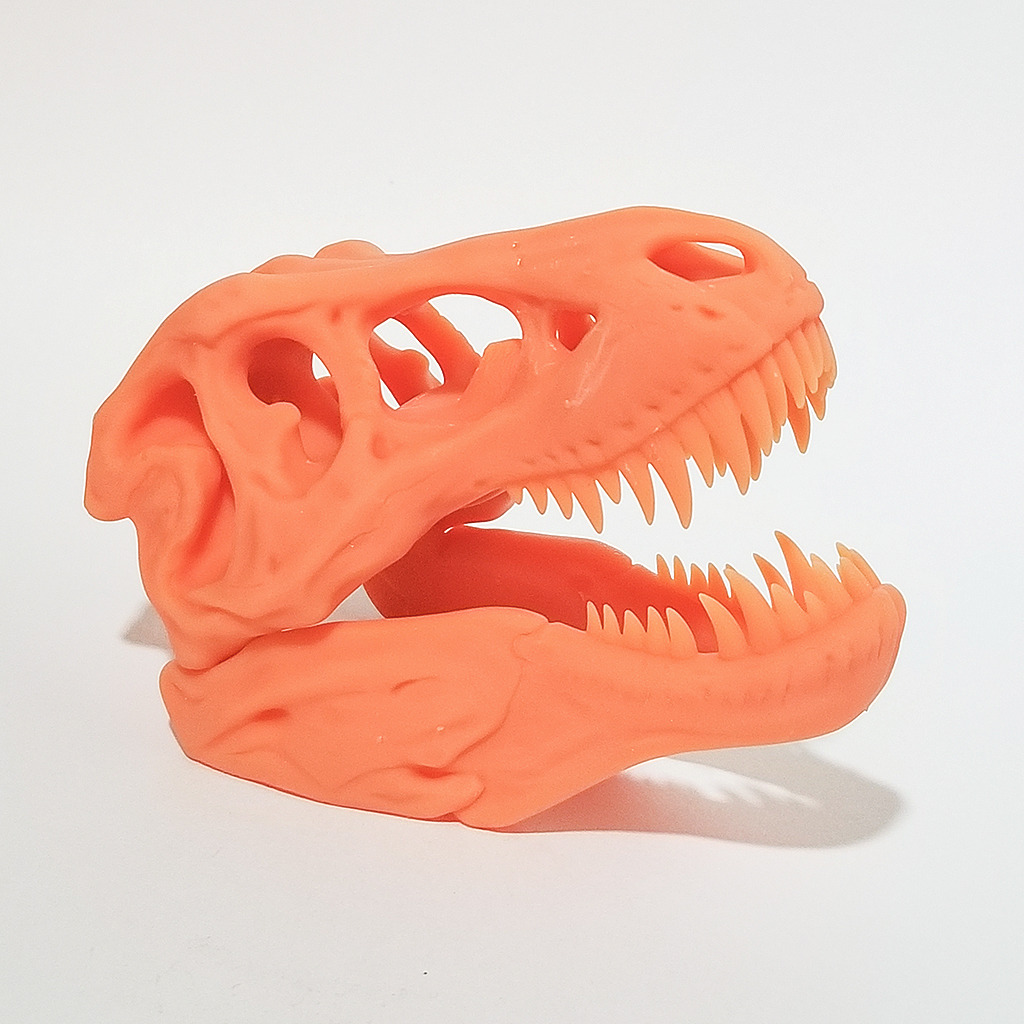
The optics are the real story. A 7K mono LCD driven by the LighTurbo 3.0 COB source keeps the light angle within three degrees across the panel, and in the parts we printed the stair-stepping that usually gives away resin work was hard to find without looking for it. The light angle alone is why we would not downgrade screen size here for a bigger, blurrier panel.
Cycle time matters more than most buyers expect, because a shop pays for the labour standing next to the machine. Release speed is claimed at up to 60mm per hour through the intelligent release system, a large jump over the previous generation, and the 1300ml vat means you are not refilling between every plate. Dynamic vat temperature control is the quiet hero on tall prints, because resin viscosity shifts as the vat warms and that is where plate failures usually start.
Where this printer earns its keep in a shop
If you sell finished resin objects, this is a production tool rather than a hobby machine. A full-height plate of miniatures or a set of matching cosplay pieces comes off in one run, and the same parts come off again the next week looking identical, which is exactly what a customer paying for a commissioned set wants to hear.
The 7K panel also makes it viable for jewellery-scale and game detail work, which is a good bridge to our best 3D printers for miniatures picks if resin output becomes the bulk of your revenue.
Where it will frustrate you
Resin is a different job, not a better one. Washing and curing are separate steps, gloves and ventilation are not optional, and a finished part takes longer to get out of the machine than a filament part of similar size. If your products are moulds, jigs or shop fixtures rather than finished objects, an FDM machine will serve you faster.
It also weighs 52.8 pounds and stands 31 inches tall, so it needs a real bench and about 20 x 20 inches of clear floor beneath it, plus headroom above for the flip-open lid. Measure that before you order, because a machine you cannot get through the door is an expensive shelf.
2. Creality K2 Plus Combo – Best for Multi-Colour and Multi-Material Work
Creality K2 Plus Combo 3D Printer, Multi Color Printing with New CFS 600mm/s High-Speed Full Auto-Leveling Dual Al Camera Next-Gen Direct Drive Extruder Large Build Volume 13.78×13.78×13.78inch
350 x 350 x 350 mm build volume
Up to 16 colours from 4 CFS
60C active chamber
600 mm/s
Pros
- 16-colour printing removes post-print painting
- 350mm cube is a true large format bay
- 60C chamber handles ASA and PPA
- Dual AI cameras catch failures
Cons
- 17% of ratings are one-star on setup and reliability
- Full 16-colour capability needs extra CFS purchases
The K2 Plus Combo is the machine you buy when the paint booth is the bottleneck. With four linked CFS units feeding it, it prints up to sixteen colours in a single job, and a sign or a cosplay piece that used to need an afternoon of hand painting comes off the plate finished. For a home shop selling coloured goods, that changes the labour math more than any speed number.
The 350mm cube is a genuine large format bay, and unlike the resin machines in this list it handles both filament sizes and colour changes without a wet post-processing step. FOC step-servo motors drive it to 600 mm/s with 30000 mm per second squared of acceleration, so the speed claim is supported by the drive train rather than being a headline figure.
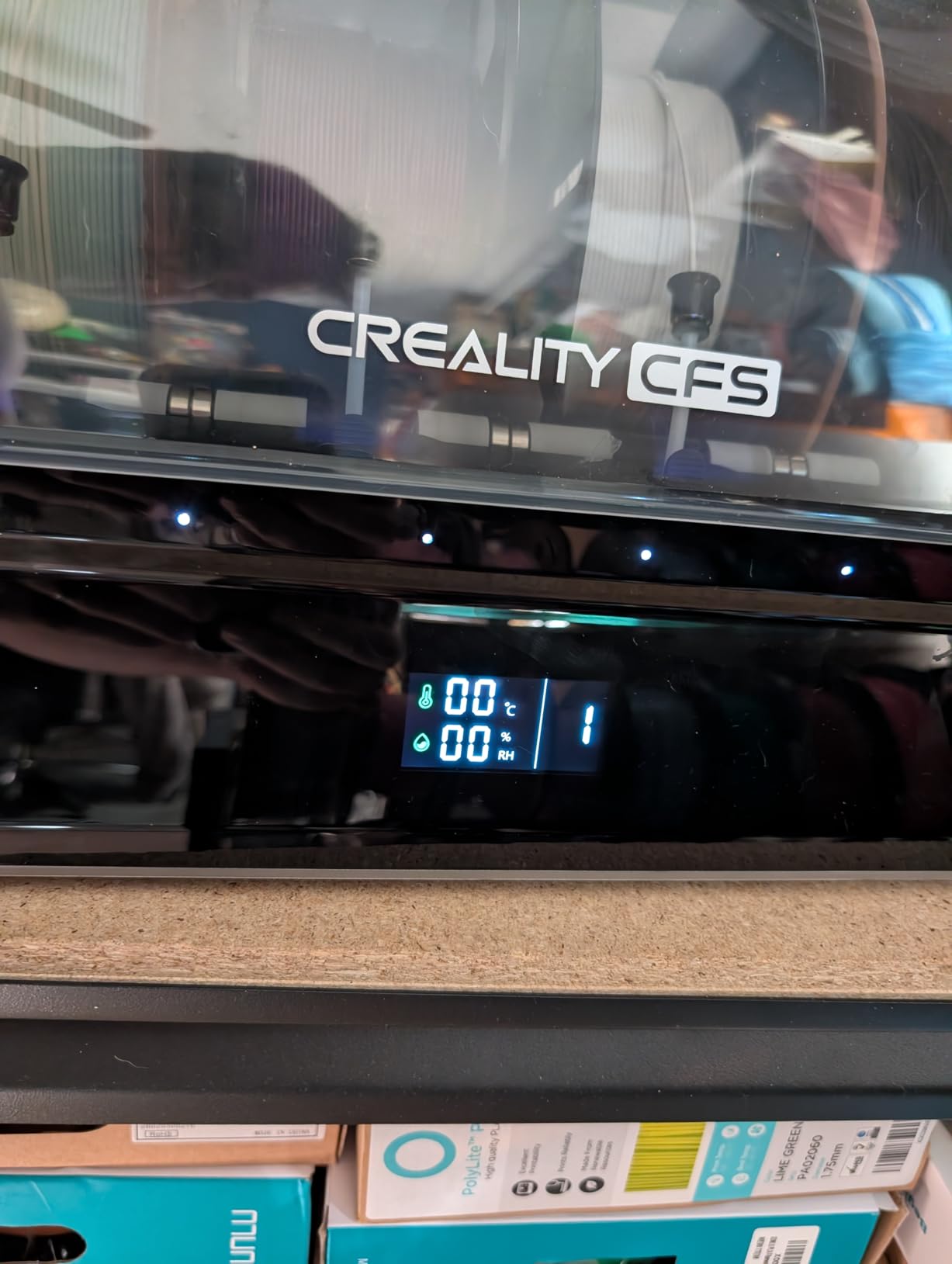
The active chamber is the part that separates this from a cheaper enclosed machine. Heating to 60C is what makes ASA and PPA practical in a shop that is not heated, because warp is a chamber-temperature problem before it is a bed-adhesion problem. Pair that with a hardened steel nozzle rated to 350C and you can run the composites that ordinary hotends smear.
Two AI cameras do real work here. The chamber camera watches for spaghetti failures and the toolhead camera feeds flow and pressure advance tuning back to the machine, which is the feature that pays for itself if you run overnight jobs and cannot supervise every layer.
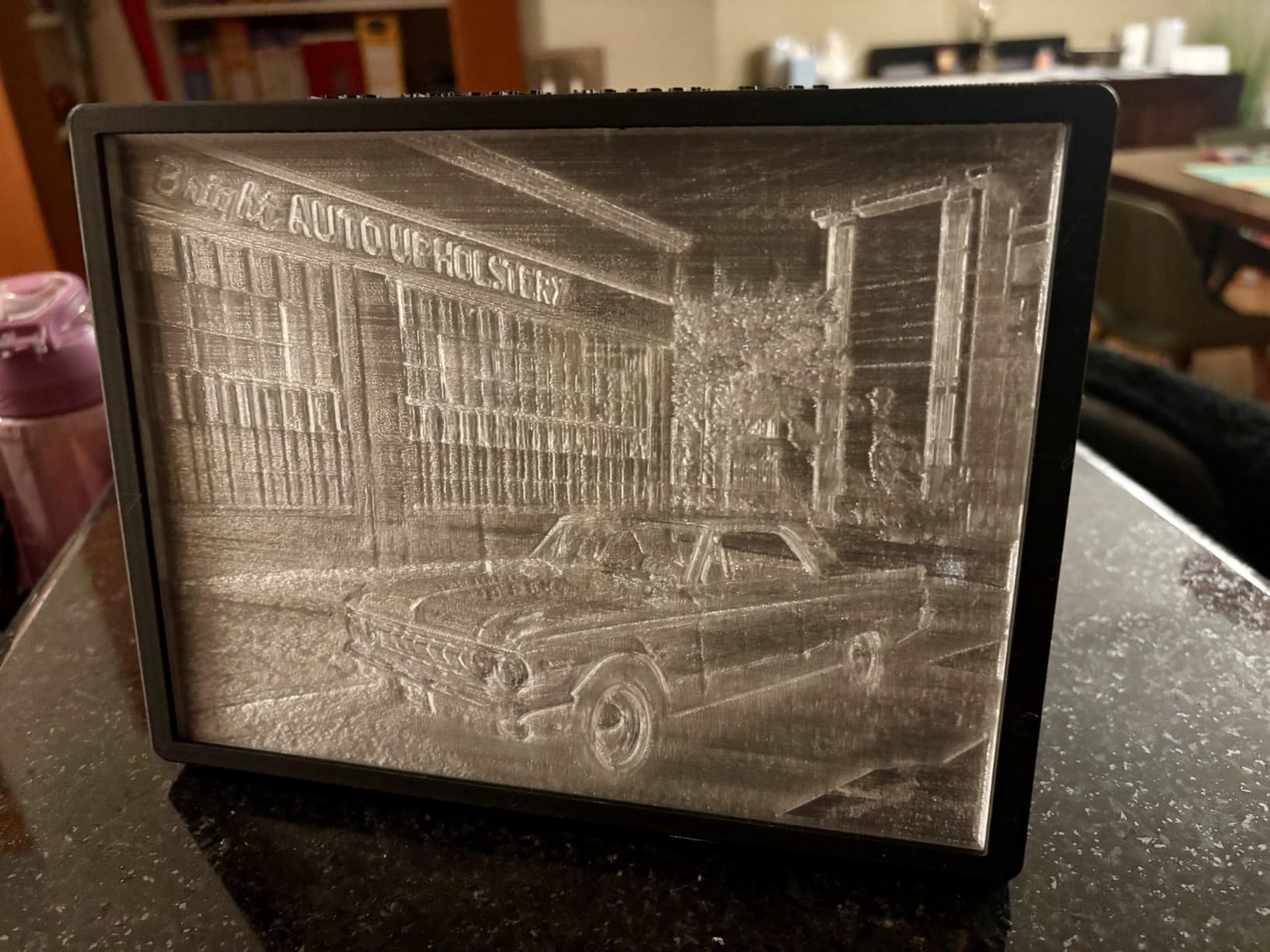
What makes it worth the extra setup
Colour without painting. A four-colour job on this machine takes one print, while the same job on a single-extruder machine takes four prints, four changes and a clean-up window between each. If you sell anything with more than one colour, that difference alone justifies the machine.
The dual independently motorised Z-axis with auto bed tilt is also a genuine upgrade over a single-motor Z, because it holds squareness on a 350mm plate where a single screw can introduce a twist.
What to budget for mentally
Full sixteen-colour capability means buying four CFS units rather than one. The one-star share sits at 17% of ratings, concentrated around early setup and early reliability, so treat the first week as a commissioning period and print test parts before a customer deadline lands.
At 70.4 pounds and 16.1 x 15.4 x 18.7 inches it is not a two-person lift, and the die-cast frame needs a flat, rigid surface. Give it a dedicated table rather than a folding camp table.
3. Sovol SV08 MAX – Best for Genuinely Oversized Props
Sovol SV08 MAX CoreXY 3D Printer, Voron 2.4 700mm/s High Speed 3D Printers
500 x 500 x 500 mm build volume
700 mm/s, 40000 mm/s2
50 mm3/s hotend at 300C
Eddy current leveling
Pros
- Biggest FDM cube available in this guide
- CoreXY motion keeps large models steady
- Eddy current scanning automates bed calibration
- HD camera with time-lapse
Cons
- Heated chamber is a separate module purchase
- 4.1 average reflects a visible share of one-star reviews
If your work physically will not fit on a 350mm plate, the SV08 MAX is the answer and no other machine in this guide competes. A 500 x 500 x 500 mm build volume is a genuine cube, which means a full-size chair seat, a wide armour panel or a large cosplay prop prints as one object rather than as segments you have to bond together.
CoreXY kinematics keep the moving mass low across the whole bed, and at this plate size that is the difference between a clean surface and visible ringing on a tall wall. The motion system is specified for 700 mm/s with 40000 mm per second squared of acceleration, and the 50 mm per second cubed high-flow nozzle gives you the melt rate to actually use it.
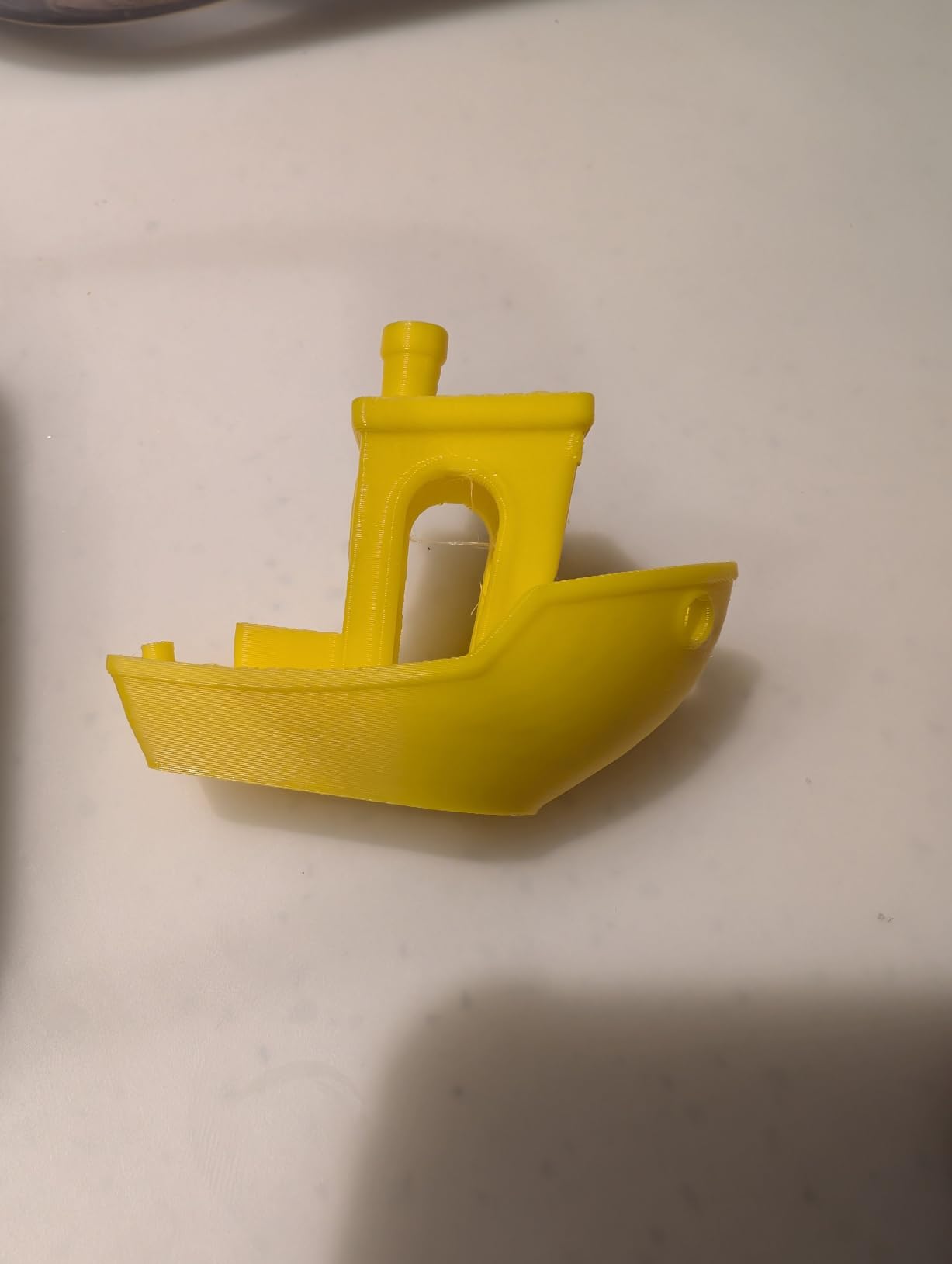
Bed levelling is automated by an eddy current sensor with pressure-sensing touch points, which matters here more than on a smaller machine because a 500mm plate has far more ways to be out of flat. The nozzle park positions are repeatable, so a levelled bed stays levelled between jobs.
Monitoring is handled by a built-in 1280×720 HD camera wired into Obico cloud monitoring for time-lapse and remote watching. For a machine that runs jobs you are not standing next to, that is not a gimmick, it is how you know the print is still alive at two in the morning.
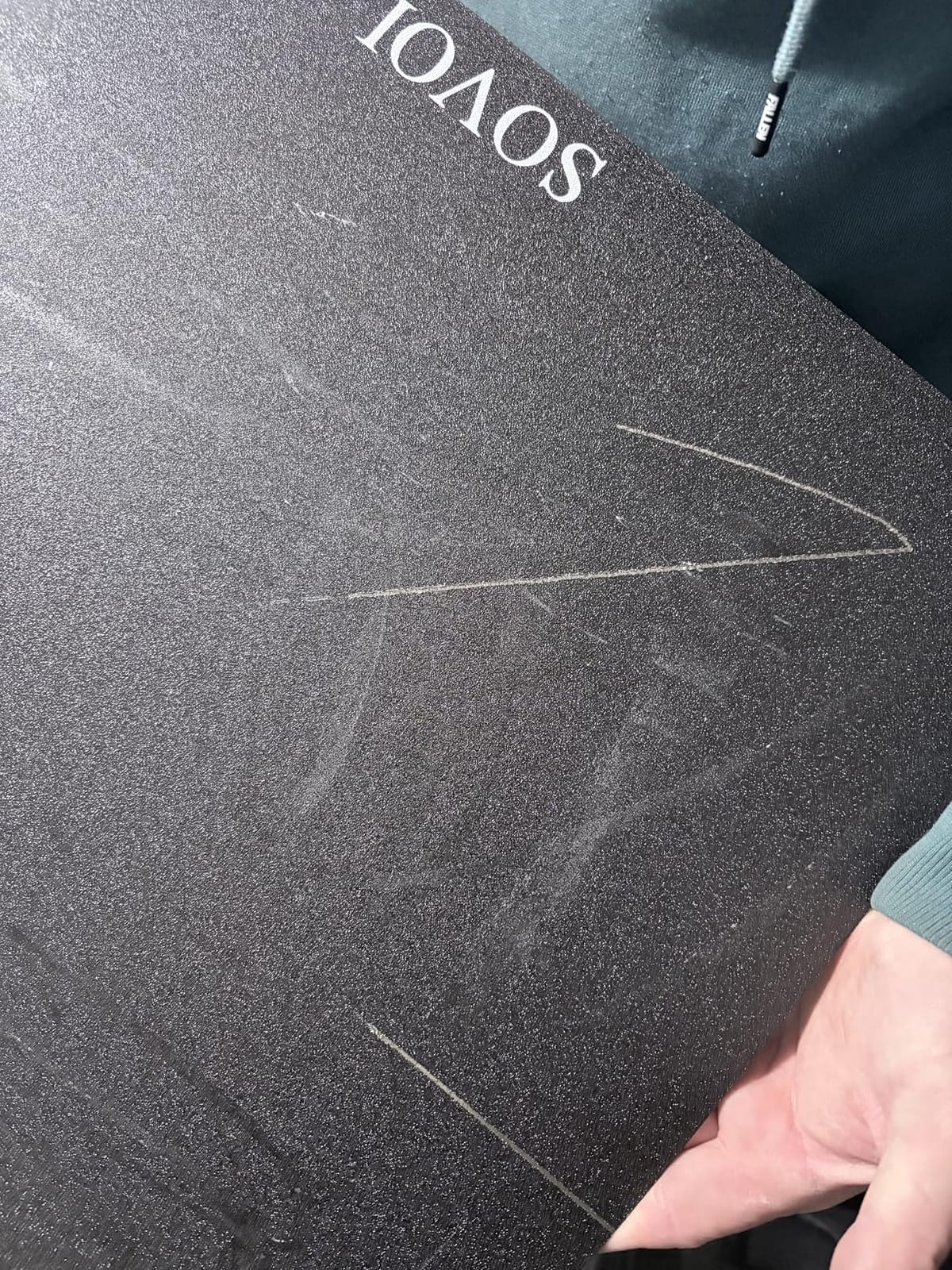
Why the size earns its cost in a shop
Splitting a large part into printable sections costs you glue, filler, clamping time and a finish that never quite matches. A 500mm cube removes that step entirely, and for a product you sell by the piece the saved finishing labour is usually the biggest margin item in the whole job.
The 0.6mm and 0.8mm nozzles sold separately make it a thick-part machine as well as a large one, which suits furniture-scale work where layer adhesion matters more than surface finish.
What to check before you commit
It weighs 86.8 pounds and occupies 28 x 27.6 x 29.5 inches, and that is the machine itself rather than including a stand or filament storage. The floor space you plan must include walking room on the loading side.
There is a reserved interface for an optional heated chamber module that is not included. If your shop prints ABS or ASA in a cold garage, budget for that module, because the 300C hotend alone will not stop corner warp in an unheated room.
4. QIDI Plus4 – Best for High-Temperature Filaments in a Cold Shop
QIDI PLUS4 3D Printer, 65℃ Chamber Heating, 370°C Integrated Nozzle
305 x 305 x 280 mm build volume
65C chamber with 400W heater
370C multi-metal nozzle
CoreXY platform
Pros
- 65C chamber reduces warping on engineering materials
- 370C nozzle covers PPS-CF and PA-CF
- Dual motor-driven Z holds precision
- Camera and remote app for unattended runs
Cons
- Steep calibration curve for first-time owners
- PEI sheet can be gouged by a bad early Z setup
- QIDI BOX pairing can be finicky
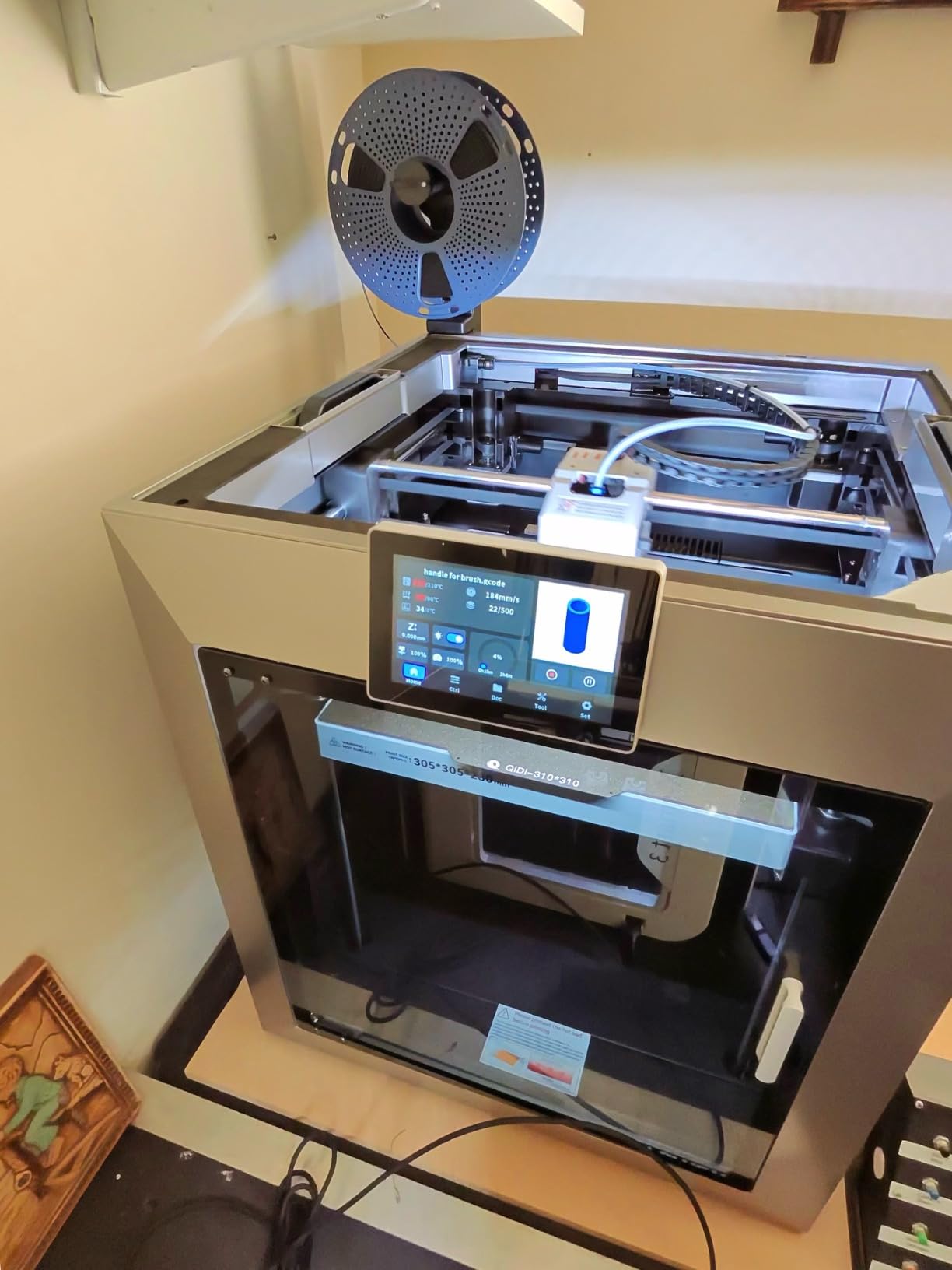
The Plus4 exists for one reason, and that reason is heat. A 400W second-generation active chamber rated to 65C with air circulation and dual-layer insulation is the single most useful number in this entire guide for a shop that prints ABS, ASA, polycarbonate or carbon-filled nylon in a space you do not heat in winter.
The hotend is an 80W high-temperature unit with a multi-metal integrated throat nozzle rated to 370C, which is among the highest nozzle ratings in this class. That is what opens up PPS-CF, PPA-CF/GF, PA and PC alongside the everyday materials, and it means one machine can cover both a customer prototype and a functional workshop part.
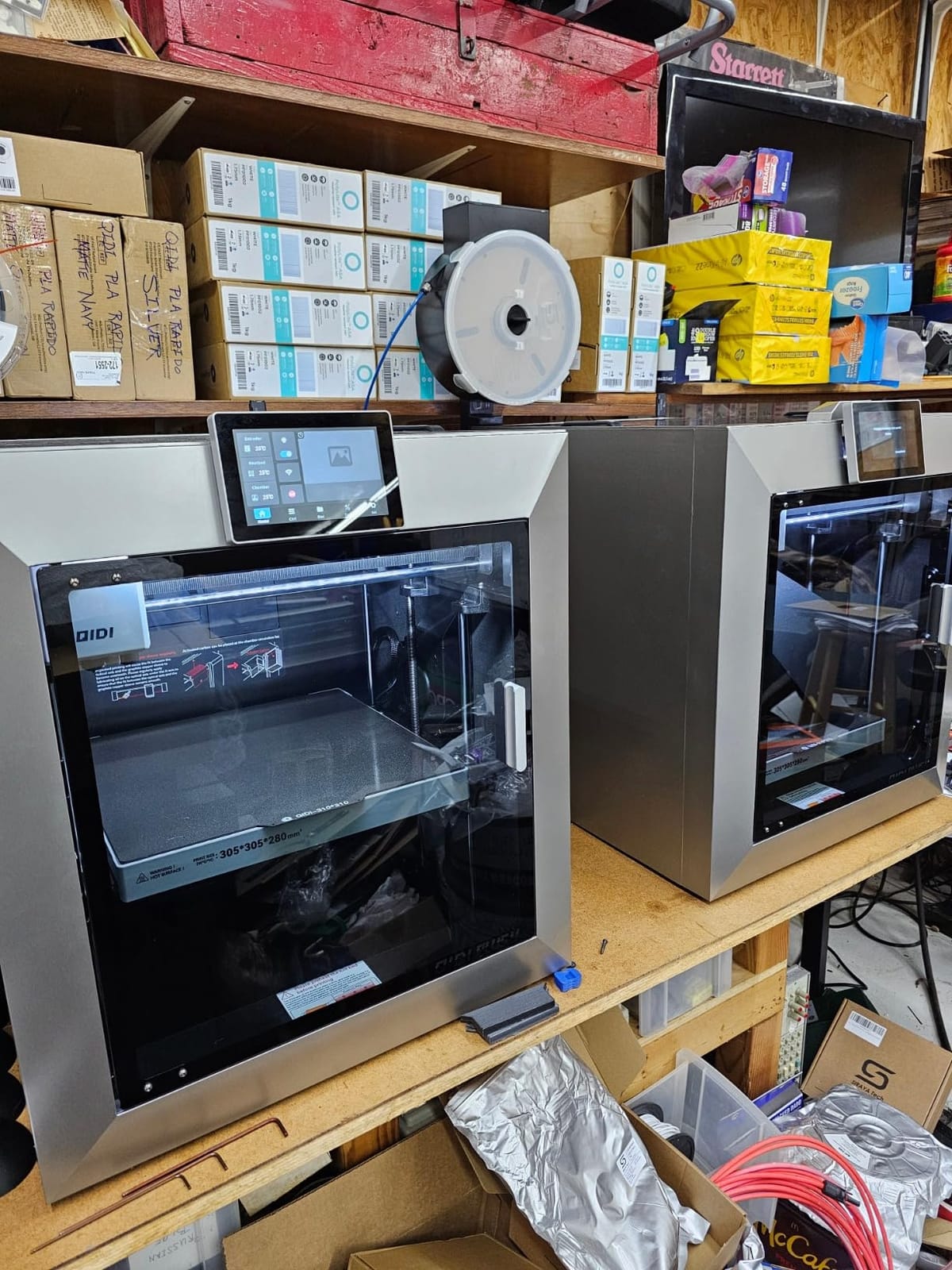
Mechanics are handled well. The CoreXY platform is inherited from the X-Plus3, so the motion tuning is mature rather than new, and the independent dual motor-driven Z-axis runs on 10mm linear shafts and lead screws, which is the hardware that keeps Z precision steady across a long build.
For unattended work there is an HD camera with time-lapse, a QIDI app for remote printing, and filament wrap and break detection with an integrated filament cutter, so a snapped filament pauses the job instead of laying a metre of spaghetti on the plate.
What makes it the cold-garage choice
Warp is a chamber temperature problem. A 65C chamber means the air around the part is hot enough that the layer that just landed does not cool faster than the layers below it, and that is the whole argument for putting a heated chamber above a bigger heated bed in an unheated room.
The 6mm thickened aluminium heated bed and area-probed calibration also mean the first layer holds when the room temperature is swinging, which is exactly the week of the year that ruins ABS prints in a garage.
What to expect as a new owner
Owners consistently describe a real learning curve. Budget a day of calibration and test prints before the machine goes into production, and read the QIDI BOX documentation carefully, because pairing the multi-filament feeder with the slicer is the most common source of frustration on an otherwise excellent machine.
It weighs 59.4 pounds and measures 19.29 x 20.07 x 22.24 inches, so it is a two-person carry at minimum. QIDI support is repeatedly described as responsive, which matters a lot when the spare part you need is a heated chamber component.
5. LONGER LK5 Pro 3 – Budget Pick Route Into a 300mm Build Volume
LONGER LK5 Pro 3 3D Printer, Open Source Mainboard, TMC2209 Silent Drivers, 11.8×11.8×15.7 Inch Large Size, Resume Printing, 95% Pre-Assembled, Perfect for Beginners, Home & School DIY FDM Printer,
300 x 300 x 400 mm build volume
180 mm/s print speed
Open source mainboard
TMC2209 silent drivers
Pros
- Tallest build volume in its class at 400mm
- Open firmware is rare at this tier
- TMC2209 drivers run unusually quiet
- 95% pre-assembled lowers the setup barrier
Cons
- Glass bed struggles with adhesion on some filaments
- Stock firmware is less polished than name-brand rivals
The LK5 Pro 3 answers a question the rest of this list ignores: what do you get if you want a genuinely large printer without spending shop money? The answer is a 300 x 300 x 400 mm build volume with a reinforced frame, and for most home shops starting out that is the volume they actually needed all along.
The 400mm height is unusually tall for this tier, and on a machine that weighs 28.6 pounds it is remarkable. Most of that is the triangular diagonal-bar frame, which is a genuinely stiff structure for the money and shows up as a lack of vibration in tall prints.
Two details make it friendlier than its price suggests. The mainboard and firmware are open source, so you can flash G-code-supporting firmware, add sensors and run it under whatever control software you prefer later. And the TMC2209 stepper drivers are the quiet ones, which matters if the printer lives near where you work or sleep.
At 95% pre-assembled, the setup job is an hour of frame checks rather than a weekend of building, and X/Y bed calibration, filament exhaustion detection and power-loss resume are all included.
Who it suits
A maker moving up from a small machine, a school or community workshop, or a shop that needs a second unit to run alongside a better machine. The open platform means you are not locked into one slicer or one vendor’s ecosystem when the machine outlives its original firmware.
It is also the honest answer if your prints are mostly props and shop fixtures rather than engineering parts, where the 180 mm/s speed and 0.1mm claimed precision are more than sufficient.
What to fix on day one
The lattice glass heated bed is the weak point. Owners report adhesion and warping issues with some filaments on glass, so plan to swap in a flexible spring steel sheet early rather than debugging adhesion for a month.
The open-source firmware is also a double-edged sword: the community options are excellent, but the factory software is less polished than what you would get from a larger brand. Decide which way you want to go before you start tuning.
6. Creality K2 Pro Combo – Best for Batch Production on a 300mm Plate
Creality K2 Pro Combo (A) 3D Printer, Multicolor Color Printing with CFS, 600mm/s High-Speed, Dual AI Camera, Active Chamber Heating, Auto Leveling, Large Build Volume 300×300×300mm
300 x 300 x 300 mm build volume
60C active chamber
600 mm/s, 20000 mm/s2
Dual AI cameras
Pros
- Bundle includes a CFS
- RFID filament and hardened nozzle
- 60C chamber cuts corner warp on ASA and PPA
- Area-probed auto leveling saves setup time
- Hardened extruder handles composites at 40 mm3/s
Cons
- 17% of ratings are one-star on early reliability
- Four-colour operation needs more CFS units
The K2 Pro Combo is the batch-production pick because of what arrives in the box. A CFS, 500g of RFID filament and a hardened steel nozzle are included, so multi-colour printing works on the first run instead of after a second purchase and a firmware update. For a shop that needs colour repeatability, that is the difference between testing and producing.
Mechanically it is a 300mm cube driven to 600 mm/s with 20000 mm per second squared of acceleration on FOC step-servo motors and linear rails. The 60C active chamber is the same spec that makes ASA and PPA behave, and it is the feature that protects a long production run from corner warp in an unheated space.
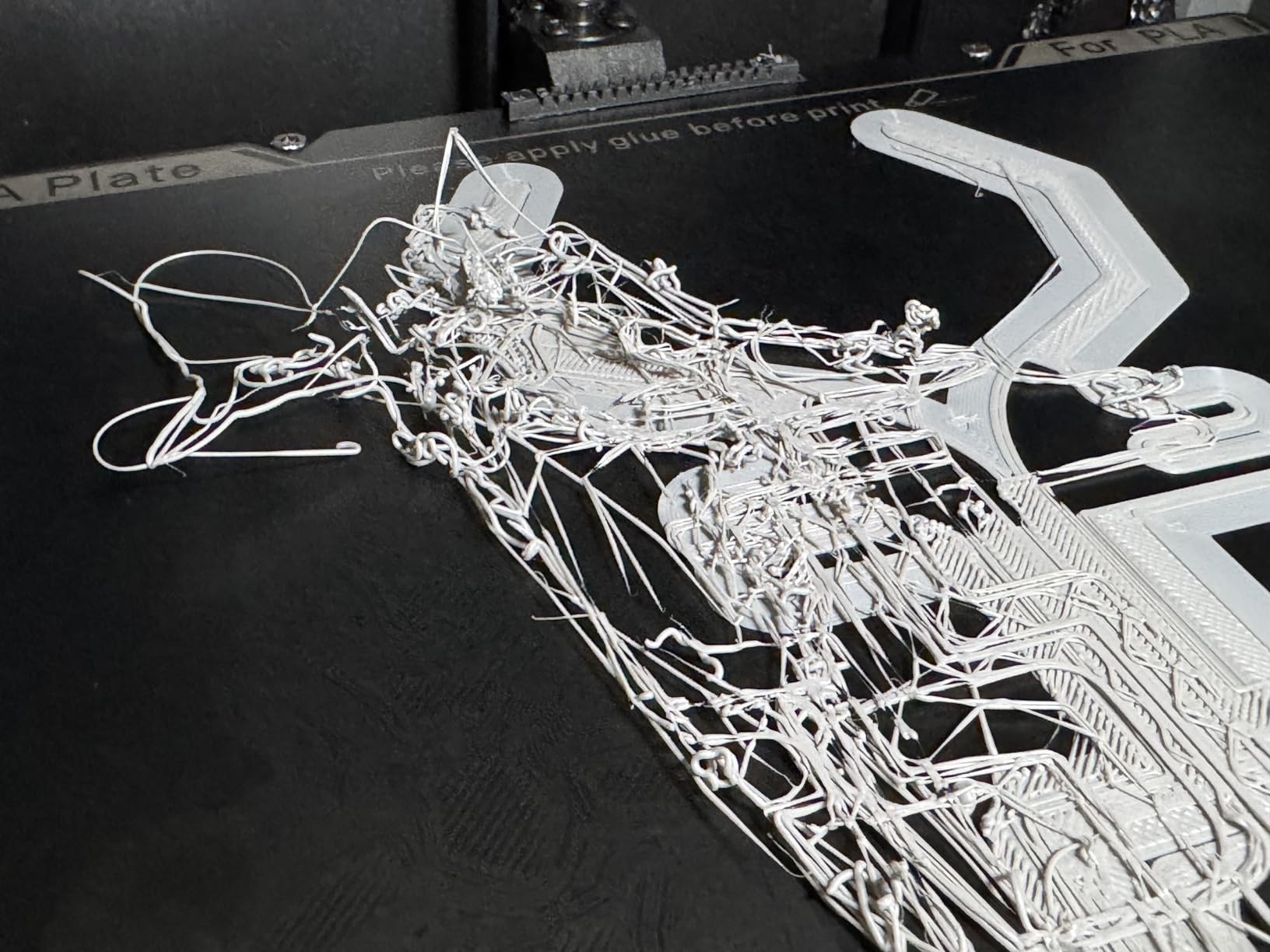
The two AI cameras are aimed at throughput rather than novelty. The chamber camera handles failure detection, plate checking and time-lapse, and the nozzle camera does real-time flow and pressure advance tuning, which means the machine corrects its own extrusion before a bad layer ruins a twelve-hour job.
Area-probed auto leveling is a bigger deal on a 300mm plate than it sounds, because probing the whole surface catches the gentle bow that a five-point probe walks straight past.
Why it fits a production run
A 300mm cube filled with identical small parts is the highest-value job a home shop can hand a filament printer, and the direct-drive extruder with 40 mm per second cubed of flow has the throughput to keep up with it. Add the active chamber and an overnight batch no longer needs babysitting for temperature reasons.
Creality OS with WiFi and LAN remote monitoring means you can start the next run from a phone while the current one finishes, which is how a one-person shop keeps a machine busy.
What gives us pause
Seventeen percent of ratings are one-star, and those reviews cluster on early units failing before settling in. If you buy this for production, do the commissioning prints in the first week and keep a spare nozzle on the shelf.
Reaching four or more colours means buying additional CFS units, so treat the included single unit as a starting point rather than the finished multi-material setup.
7. Creality Ender 3 Max Neo – Best Value for a 300mm Bed
Creality Ender 3 Max Neo 3D Printer, CR Touch Auto Leveling Bed Dual Z-Axis Full-metal Extruder Ender 3D Printer Large Print Size 11.8×11.8×12.6in
300 x 300 x 320 mm build volume
CR Touch auto leveling
Dual Z-axis frame
32-bit silent mainboard
Pros
- Entry-level route to a 300mm-class bed
- Dual Z-axis keeps tall parts steady
- Silent 32-bit board with sensing and power recovery
- Long-term owners call it a reliable workhorse
Cons
- Stock PTFE tubing and brass hotend wear out and cause clogs
- Glass bed should be replaced with a PEI spring steel sheet
- Firmware and screen support is fragmented
The Ender 3 Max Neo is a low-cost way into a 300mm-class bed, and that alone puts it on this list. If you are setting up a home shop on a tight budget and need oversize prints now, this is the machine that gets you printing oversized parts this week rather than after a saving period.
The mechanical bits are sensible. A dual Z-axis design keeps tall prints from wobbling, the 32-bit mainboard is quiet, and you get filament runout sensing and power-loss recovery, both of which are things you only appreciate after a long print dies at hour nine.
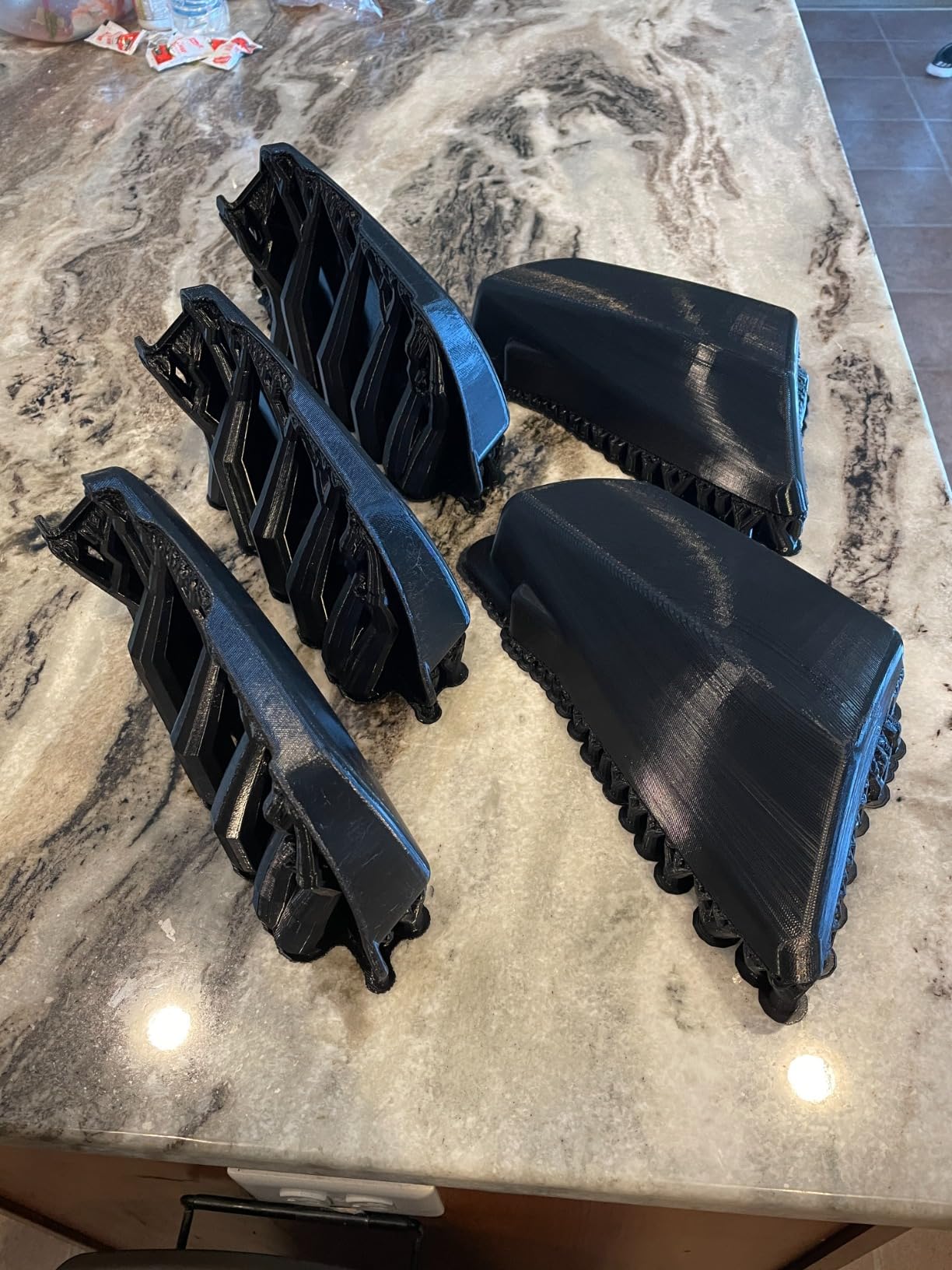
Long-term owners are unusually positive about it as a workhorse, and the recurring theme is that once the three mandatory upgrades are done it runs reliably for years. That is a different kind of recommendation than a good first impression, and for a shop it is the more useful one.
CR Touch handles bed levelling automatically in most cases, though owners report it still leaves manual levelling in play on a large bed, which is a physical reality of a 300mm plate rather than a fault.
What it does well
The 300 x 300 x 320 mm bay is a usable working volume, and at 29 pounds it is by far the easiest machine here to move, re-level or carry between the workshop and a market stall. For a shop that prints at more than one location, that portability is worth real money.
The 4.3-inch colour screen and full-metal extruder make it a straightforward machine to hand to somebody else in the household, which matters when two people share one workspace.
The three upgrades nobody skips
Replace the glass bed with a PEI spring steel sheet, replace the stock PTFE tubing, and fit a bi-metal heat break. Without those three the extruder clogs and under-extrudes, and that is the source of most of the complaints in the review record.
Stringing on the large bed is common until settings are tuned, and the filament sensor detects a missing spool but not a mid-spool stoppage. Firmware and screen support is fragmented, so budget an evening for the initial configuration rather than assuming a plug-and-play experience.
8. QIDI Max4 Combo – Best for Maximum Build Volume and Pro-Grade Output
QIDI Max4 Combo 3D Printer, 390×390×340mm Build Volume, 65℃ Heated Chamber
390 x 390 x 340 mm build volume
800 mm/s, 30000 mm/s2
65C active chamber
Full-surface silicone bed
Pros
- 390mm build volume for oversize filament work
- 800 mm/s with closed-loop X/Y motors
- 65C chamber makes ABS-CF and PPS-CF practical
- Owners report no manual levelling needed
Cons
- Polar Cooler is a separate purchase
- QIDI BOX can be loud and will not auto-switch empty spools
- 120 pounds needs a purpose-built table
The Max4 Combo is the step-up machine in this guide, and the build volume is the headline: 390 x 390 x 340 mm, which is 55% more than the previous generation. For a shop that has already outgrown a 300mm plate, this is the step that removes splitting and bonding from most jobs.
The drivetrain is the most advanced here, with closed-loop motors on X and Y, 800 mm/s maximum speed and 30000 mm per second squared of acceleration. The 2mm Z lead screw with an anti-backlash nut is the detail that keeps a tall print straight at this scale.
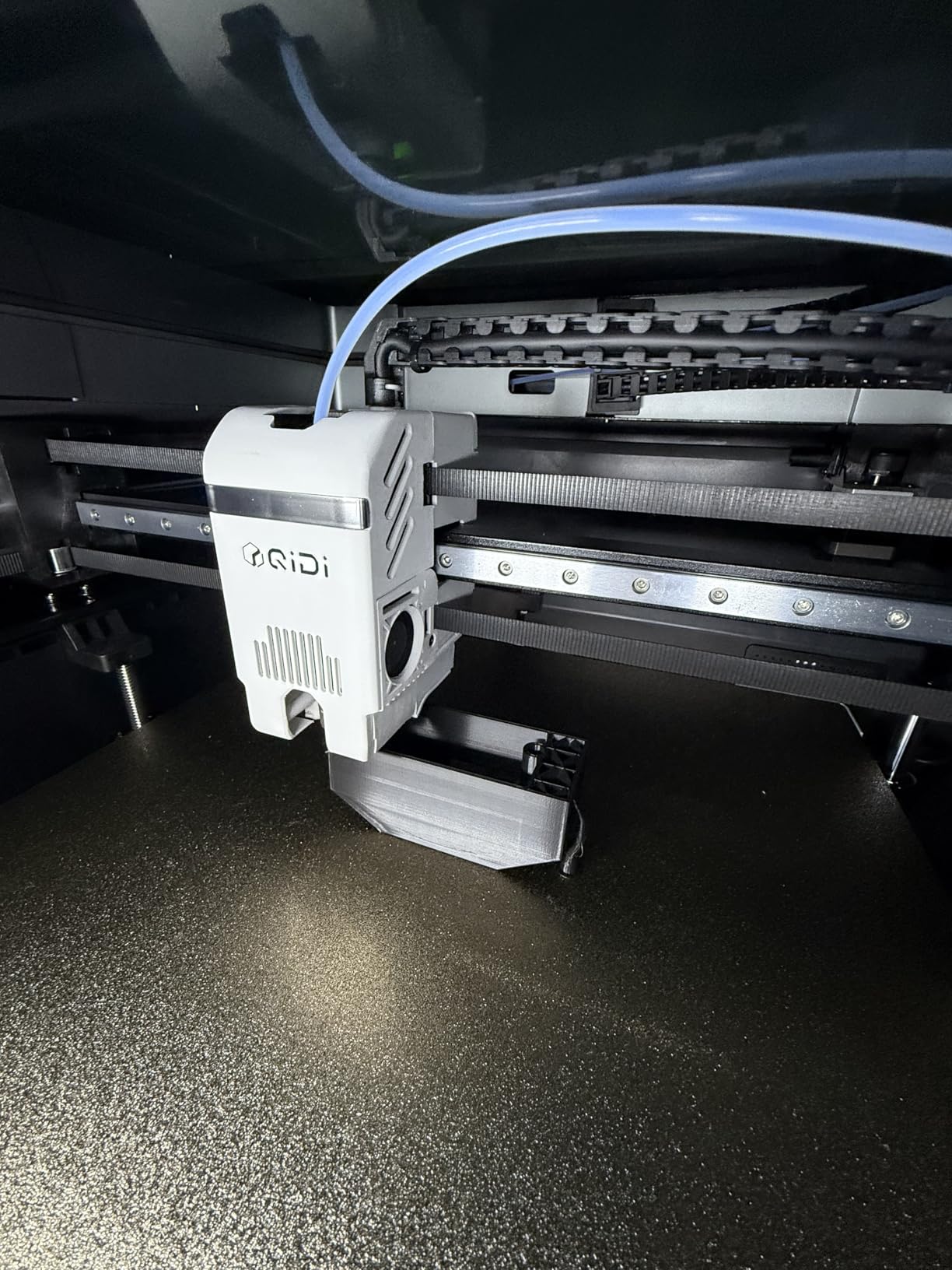
The bed is full-surface silicone rather than a coated PEI sheet, and owners consistently report that this is a flat plate with genuinely strong first-layer adhesion. Combined with 65C active chamber heating, ABS-CF, PC and PPS-CF become practical rather than theoretical.
Calibration is where this machine separates itself. Owners report that out-of-box setup works without manual levelling, and a built-in AI camera detects anomalies such as spaghetti failures and pauses the print instead of wasting the rest of the job.
Where a shop gets value from it
Enclosure plus large volume plus a hotend rated for composites means one machine can print a customer-facing ASA part, a carbon-filled nylon fixture and a large signage blank in the same week. For a shop that does not want three machines in three rooms, that consolidation is the return.
QIDI support is described by owners as next-day and human rather than templated, which is the kind of thing that matters when a machine this size fails on a Friday.
What to plan around
It weighs approximately 120 pounds. That is not a printer you set on an existing desk; it needs a purpose-built heavy table rated for the load, and you should confirm your floor can take it before the pallet arrives.
The Polar Cooler is sold separately despite the chamber marketing, and the QIDI BOX multi-filament unit can be loud and does not auto-switch when a spool runs out. A small number of units also arrived with a defective toolhead drive gear, and the quick-start documentation is sparse for a machine this complex.
9. ANYCUBIC Photon P1 14K – Best for Fine Detail and Small Precision Parts
ANYCUBIC Photon P1 14K Resin 3D Printer with Auto-Leveling
10.1 inch 14K mono LCD
16.8 x 24.8 micron pixel size
Factory auto-leveling
Wave Release technology
Pros
- Sharpest LCD in this roundup at 14K
- Factory-calibrated auto-leveling removes the hardest setup step
- Wave Release cuts release force by 60%
- Handles resins up to 8000 cps viscosity
Cons
- Smallest build volume of the resin options here
- Resin workflow still needs washing and curing
The Photon P1 14K is the detail pick. A 10.1-inch 14K mono LCD at 13312 x 5120 pixels gives a 16.8 x 24.8 micron pixel size, which is finer than anything else in this guide and fine enough for small precision parts where edge definition is the whole point.
It also solves the setup problem that makes resin printers intimidating. Smart Leveling 3.0 is factory calibrated, self-checks before each print and gives real-time pressure feedback at four corners, so you are not tuning Z offsets on your first night with a resin vat open.
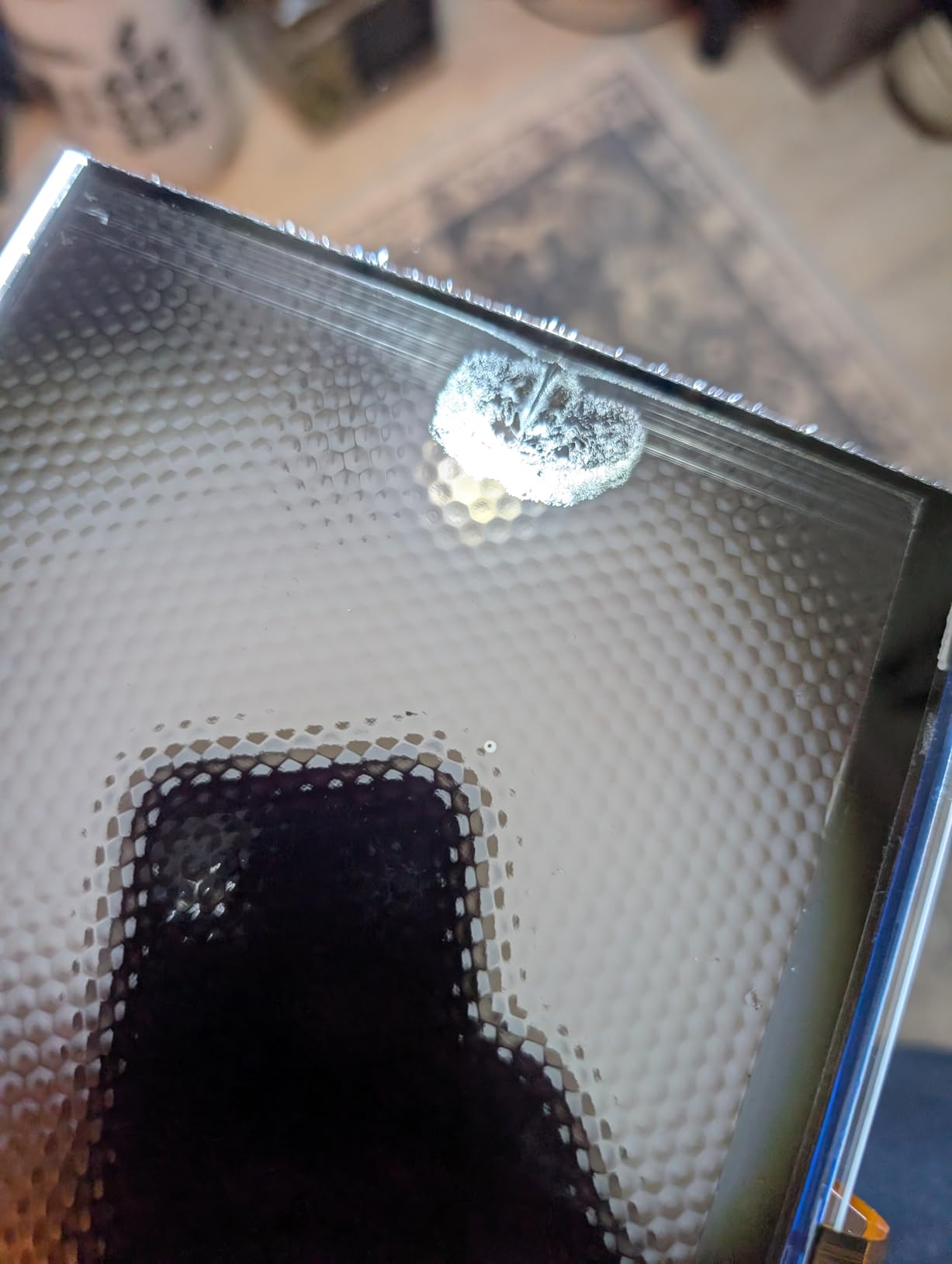
Wave Release Technology generates a micro-airflow during the lift that cuts release force by 60%, which is what turns a plate of forty small parts from a coin flip into a repeatable batch. The AI monitoring verifies plate installation and bottom-layer separation, plus resin level and vat residue, before a job starts.
Viscosity handling is the sleeper feature. It manages resins up to 8000 cps, roughly forty times the viscosity of a standard resin, which opens up tough production materials for functional shop parts rather than display pieces only.
What it is best used for
Small precision components, jewellery, model and game detail, and replacement parts for equipment where a 16 micron pixel makes the difference between a part that fits and one that does not. At 0.3 mm minimum printable aperture, it handles genuinely fine geometry.
The ball screw Z-axis with precision guide rails gives repeatable lifting, which is the mechanical half of why the release-force reduction actually translates into reliable plates.
What it will not do
It has the smallest build volume of the resin machines here, so this is a detail machine rather than an oversized-prop machine. If your product is a metre of cosplay armour, look at the M7 Max or a filament option instead.
As with any resin printer, washing, curing and safe handling happen off the machine. Budget bench space and ventilation for that workflow rather than assuming the print coming off the plate is finished.
10. Phrozen Sonic Mega 8K S – Best for Resin Batch Throughput
phrozen Sonic Mega 8K S LCD/MSLA Resin 3D Printer, 43 µm High Resolution, 15 inch Mono LCD Screen, Fast Production Accurate Details, Large Printing Size L12.99xW7.28xH11.81 Printing Volume
330 x 185 x 300 mm plate
15 inch 8K LCD at 43 micron
Up to 80 miniatures per batch
Pros
- Genuinely large plate for batch production
- 43 micron XY detail on a 15 inch screen
- ACF film and TR300 resin speed up cycles
- Built-in drip hanger recovers resin
Cons
- Bare feature set with no WiFi or camera or filtration or vat heater
- Short warranty on some regional units
- 43 micron XY is not competitive with 16K rivals
The Sonic Mega 8K S is built around throughput rather than features. The 330 x 185 x 300 mm plate is genuinely large, and Phrozen claims a batch of 80 detailed quarter-scale miniatures in under 90 minutes, which is the kind of number that decides whether resin batch production is worth doing at all.
That speed comes from the ACF fluoropolymer film and TR300 high-speed resin working together. The film reduces the suction force on release, so a tall plate of miniatures does not tear off and start again, and that reduced force is what makes continuous runs realistic rather than theoretical.
Detail is handled by a 15-inch 8K mono LCD at 43 micron XY resolution, which is more than sufficient for tabletop scale work. The lift-up lid design reduces vertical and lateral clearance needs, which matters in a shop where the bench is already crowded, and the built-in metal drip hanger drains resin back into the vat instead of wasting it.
Owners who are comfortable with resin rate it as reliable once dialed in, and several report fast LCD replacement under warranty.
Where it fits a production workflow
If you sell miniatures, terrain or game accessories in volume, the batch claims here are the reason to consider it. A 90-minute plate cycle with a short release profile means a resin machine can be productive in the same window where an FDM machine is still on the first layers of a long job.
Its no-frills approach suits an experienced operator, because there is no interface to learn. The whole front of the machine is the workflow.
What to weigh before buying
There is no onboard WiFi, camera, air filtration or resin vat heating on this machine. You are buying a fast, simple production tool and handling monitoring and environment yourself.
Some regional units carry a short 3-month warranty, and owners report expensive out-of-warranty screen and power supply replacements. Several also report electronics failing after the machine is moved, so plan its final position before delivery day rather than after.
How to Choose a Large Format 3D Printer for a Home Shop
A large format 3d printer is one whose build volume reaches roughly 300mm (12 inches) or more on at least one axis, usually 12 x 12 x 12 inches or bigger. That threshold is what separates a shop machine from a desktop one: below it, an oversize part gets split and bonded, and above it, the part comes off the plate whole.
Build volume and build plate area are not interchangeable numbers. A machine can have a large tallest axis and a narrow footprint, which suits helmets and tall props but not flat signage, so match the shape of the bay to the shape of what you sell before you compare anything else.
1. Motion system: CoreXY, Cartesian and delta explained
CoreXY puts both motors on the rear of the frame and moves only the toolhead, which keeps moving mass low and stays accurate at high speed across the whole plate. Most of the enclosed machines in this guide use it, and it is the reason they can hold 600 to 800 mm/s without ringing on tall walls.
Cartesian moves an axis per motor, typically with lead screws on Z. It is simpler to build, cheaper to buy and easier to service at home, but it is heavier and slower, which is why the budget picks here feel it most on large plates. Delta uses three towers and a toolhead on the end of carbon rods, giving fast motion and a big vertical build, at the cost of a tuning curve that a first-time owner will feel.
2. Chamber temperature matters more than you expect
In an unheated garage, warp is a chamber problem before it is a bed problem. Machines with an actively heated chamber to 60C or 65C will hold ASA, ABS, polycarbonate and carbon-filled nylon flat, while a cheaper enclosed machine will lift corners on the same part in January.
Pair the chamber with a nozzle rating that covers your materials. A 300C nozzle handles everyday engineering filaments; if you need PPS-CF or PA-CF, you are looking at the 350C and 370C hotends in this group.
3. Batch size is the real economic argument
The best large format 3d printer for a home shop is rarely the one with the biggest cube. It is the one that fills its plate with parts you actually sell, because throughput is parts per plate times plates per month. A 300mm plate packed with small identical items beats a 500mm cube running one oversized prototype every three days for a shop selling accessories.
This is also where multiple smaller printers can win. Three well-chosen 300mm machines running different materials in parallel can beat one large printer on total output, and they cost less than a single machine in the top of this list.
4. Software, monitoring and unattended running
Check what the machine does when nobody is watching, because that is most of the week. Built-in cameras with remote monitoring, filament runout and break detection, power-loss recovery and auto-pause on detected failure all turn an overnight print from a gamble into a job you can leave running.
Also check the slicer. Machines running Klipper-style firmware and open mainboards invite community tuning, which is an advantage if you enjoy that and a liability if you want a box that works out of the box.
5. Ongoing costs, not just purchase
Running costs are filament, electricity and wear parts. Large beds use more filament per layer, a 500mm machine running overnight draws real power every hour it is idle-but-printing, and the wear items on a big machine are larger and pricier than on a small one, especially PEI sheets, nozzles and belts.
Plan for a filament dryer or dry box as a first purchase rather than an upgrade. Moisture picked up in a humid shop causes popping, stringing and layer adhesion failures that look like machine faults and are not.
6. Footprint, headroom and where the hobby tier ends
Measure before you order. Footprints here run from about 17 x 20 x 18 inches for the Creality K2 Pro Combo to 28 x 28 x 30 inches for the QIDI Max4 Combo, and the resin machines need extra headroom above the lid plus a wash and cure station alongside. You also need walking room on the loading side, not just the printer’s own footprint.
Where does a home shop stop and industry begin? The machines in this guide all sit in the enthusiast and small-production tier, with enclosed chambers, cameras and auto-leveling but no heated-build industrial options and no robotic tool changes. Above this tier sit enclosed industrial machines with steel frames, full material drying and automated handling, which belong in a production facility rather than a residential garage.
Setting Up a Large Printer in a Garage or Workshop
Is it okay to set up a 3D printer in a garage? Yes, with three things handled properly: electrical load, ventilation and temperature. A large printer is a heater in an enclosed box, so treat the space like a small workshop rather than a corner of a storeroom.
1. Put it on a dedicated circuit. A heated chamber at 60C, a 400W heater and a heated bed on one large machine can pull enough load to share with a welder or compressor and trip a breaker mid-print. Ask an electrician to run a proper outlet if your existing circuit is shared.
2. Keep resin work separate from filament work. Resin needs gloves, ventilation and a wash and cure station with its own drainage. If you are buying an MSLA machine for a home shop, the ventilation question comes before the machine choice.
3. Control temperature swings. A cold garage in winter is the single biggest cause of failed ABS and ASA prints. An actively heated chamber helps a lot, but keeping the room itself above freezing protects the electronics, the filament and the bed.
4. Dry your filament. Nylon, PETG, TPU and fibre-filled materials absorb moisture quickly in a humid shop. A filament dryer or a sealed dry box with a hygrometer is inexpensive and prevents a whole category of confusing failures.
5. Level the bed in the room it will run in. Bed levelling is temperature-sensitive, so a bed levelled in a warm hallway can be off by the time you start an overnight job in a cold garage. Re-check after the room has been at its typical night temperature.
6. Plan the bench around the machine, not the machine around the bench. Leave room to open lids, swap spools and remove a finished plate, and put the machine somewhere you can hear it. Large printers are loud enough that neighbours notice overnight runs, so agree the hours before you start rather than after.
One safety note worth stating plainly: printers, filament and resins produce fumes and fine particles, so keep a working smoke or particulate alarm in the space and never run a machine in a room you sleep in. If you also cut metal in the same shop, keep the printer away from the extraction plume.
Frequently Asked Questions
What is the best 3D printer for business use?
For a home shop, the best choice is a machine that fills its build plate with parts you actually sell and can run overnight without supervision. The Anycubic Photon Mono M7 Max is the most proven option for finished resin goods, while the Creality K2 Pro Combo suits filament batch runs with multi-colour needs. Match the technology to the product: resin for detail and finish, filament for jigs, fixtures and props.
Which large format 3D printer has the best quality?
Quality here is decided by the motion system and the screen, not the build size. On resin, the 7K mono LCD and tight light angle of the Anycubic Photon Mono M7 Max give the cleanest large surfaces, and the 14K panel of the Anycubic Photon P1 wins on fine detail. On filament, CoreXY machines such as the QIDI Plus4 hold accuracy at speed better than lead-screw Cartesian designs.
Is it okay to set up a 3D printer in a garage?
Yes, provided you handle three things. Run the printer on a dedicated electrical circuit rather than sharing one with a compressor or welder. Keep resin printing separate with gloves, ventilation and a wash and cure station. And keep the room above freezing, because cold ambient temperature is the main cause of failed ABS and ASA prints. Add a smoke or particulate alarm and check local fire rules for your setup.
How much space does a large 3D printer take up?
Plan on the machine footprint plus working clearance. A 300mm-class enclosed machine such as the Creality K2 Pro Combo measures 17 x 20 x 18 inches, while the QIDI Max4 Combo is 28 x 28 x 30 inches and weighs about 120 pounds. Resin machines need extra headroom above the lid and space for a wash and cure station beside them. Leave walking room on the loading side too.
Do large 3D printers use more electricity?
They do, and mostly while printing rather than while idle. A machine with an actively heated chamber to 60 or 65C runs a 400W-class chamber heater alongside a heated bed, so a long overnight job costs meaningfully more than a small printer covering the same time. Print during off-peak hours if your tariff is time-based, and switch off at the wall when the shop is empty rather than leaving the machine on standby heat.
Which Large Format Printer Should You Buy
If you want one recommendation from this guide, take the Anycubic Photon Mono M7 Max. It has the deepest proven record of any machine here, a 13.6-inch class build volume, a 7K panel that keeps surfaces clean, and a release cycle fast enough to make batch resin work a real business rather than a hobby.
Pick something else if your work is different. Go filament and multi-colour with the Creality K2 Plus Combo, oversize filament work with the Sovol SV08 MAX, cold-garage engineering materials with the QIDI Plus4, or maximum filament volume with the QIDI Max4 Combo. For a first machine on a tight budget, the LONGER LK5 Pro 3 reaches a 300mm bay for less than any enclosed option here.
One last piece of honest advice. Buy the machine that fits your floor space and your electricity, not the one with the biggest number on the box, and if your plate is going to be full of small parts most of the time, compare the price against two smaller machines before you commit. That comparison has saved more home shops money than any spec sheet. For the rest of the workshop kit, start with our best plasma cutters for home shops and best large format displays guides.