
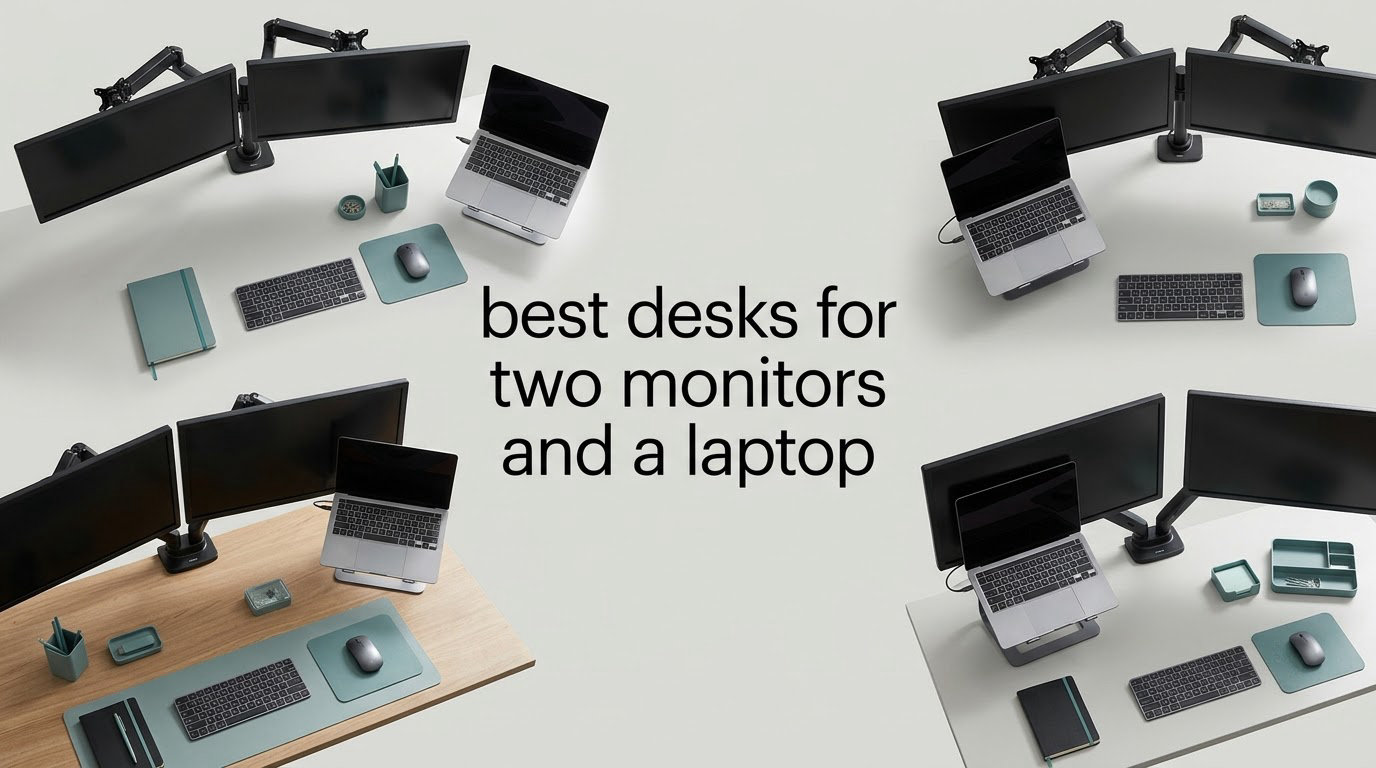
The best desks for two monitors and a laptop need 60 inches of width and about 28 inches of depth. That combination gives you two 27-inch screens side by side, an open laptop, and usable space for a keyboard and mouse. Anything narrower fits the screens and then leaves you nowhere to put anything else.
We spent weeks measuring tops, frames, depths and load ratings across twelve large workstations to find the ones that actually handle this footprint. Every desk below lists its exact width, depth and height, plus the complaint that shows up most often in owner reviews. Pick by depth first, because depth is what determines whether the keyboard ends up jammed against your stomach.
Our short answer for most people: a 70 to 71 inch top with a 23.6 inch or deeper surface and a steel frame gets you the most usable setup for the money. The best computer desks for dual monitors roundup covers the shorter options, and our standing desks for heavy monitors guide goes deeper on load ratings. What follows is the full 2026 breakdown, ordered by who each desk suits best.
Table of Contents
Top 3 Picks for Two Monitors and a Laptop in 2026

Coleshome 71 Inch Desk with Power Outlet
- 70.9 inch top
- 3 AC outlets plus USB and Type-C
- Powder-coated steel frame
- Headphone hook and keyboard tray

DlandHome 71 Inch Large Computer Desk
- 165 lb load capacity
- 70.8 inch top
- Adjustable feet for uneven floors
- Glossy engineered wood top

Huuger 70 Inch Office Desk
- 70.9 inch desktop
- 0.75 inch thick top
- Keyboard tray and headphone hook
- Reinforced steel tube frame
Two notes on this trio. The Coleshome is the one we keep coming back to because the built-in outlets remove the floor power strip entirely, which is the single biggest source of cable clutter in a three-device setup. The DlandHome pairs a very large review history with a published 165 lb load rating, which matters if you plan to clamp monitor arms to it.
Best Desks for Two Monitors and a Laptop in 2026
| Product | Specifications | Action |
|---|---|---|
| Coleshome 71 Inch Computer Desk with Power Outlet |
|
Check Latest Price |
| DlandHome 71 Inch Large Computer Desk |
|
Check Latest Price |
| Huuger 70 Inch Office Desk with Storage |
|
Check Latest Price |
 SEDETA 66 Inch Reversible L Shaped Desk SEDETA 66 Inch Reversible L Shaped Desk |
|
Check Latest Price |
 HUANUO 71 x 30 Inch Electric Standing Desk HUANUO 71 x 30 Inch Electric Standing Desk |
|
Check Latest Price |
 SANODESK 71 x 32 Inch Electric Standing Desk SANODESK 71 x 32 Inch Electric Standing Desk |
|
Check Latest Price |
 SEDETA 79 Inch Gaming Desk with LED Lights SEDETA 79 Inch Gaming Desk with LED Lights |
|
Check Latest Price |
 Bestier 71.5 Inch L Shaped Computer Desk Bestier 71.5 Inch L Shaped Computer Desk |
|
Check Latest Price |
 OSCHF 71 Inch Extra Long Desk with Shelf OSCHF 71 Inch Extra Long Desk with Shelf |
|
Check Latest Price |
 OffiGo 55 Inch U Shaped Electric Standing Desk OffiGo 55 Inch U Shaped Electric Standing Desk |
|
Check Latest Price |
 AODK 71 Inch L Shaped Desk with 5 Drawers AODK 71 Inch L Shaped Desk with 5 Drawers |
|
Check Latest Price |
 AODK 55 Inch Standing Desk with Drawers AODK 55 Inch Standing Desk with Drawers |
|
Check Latest Price |
A note on that table: width is the headline number on most listings, but the depth column is the one that decides whether you are comfortable. Eight of these twelve tops measure 23.6 inches deep or less, which is fine for a single screen and tight for two.
1. Coleshome 71 Inch Computer Desk with Power Outlet – Best Overall for a Three-Device Setup
Coleshome 71 Inch Computer Desk with Power Outlet
70.9"W x 23.6"D x 29"H
Powder-coated steel frame
3 outlets, 1 USB, 1 Type-C
Headphone hook and keyboard tray
Pros
- 70.9 inch top fits two monitors plus an open laptop
- Built-in power and charging ports cut cable clutter
- Powder-coated steel frame stays rigid under load
- Assembly completes in about 30 minutes with included tools
Cons
- 23.6 inch depth is shallow behind a dual-monitor array
- No drawer
- so accessories sit on the top or hang on the hook
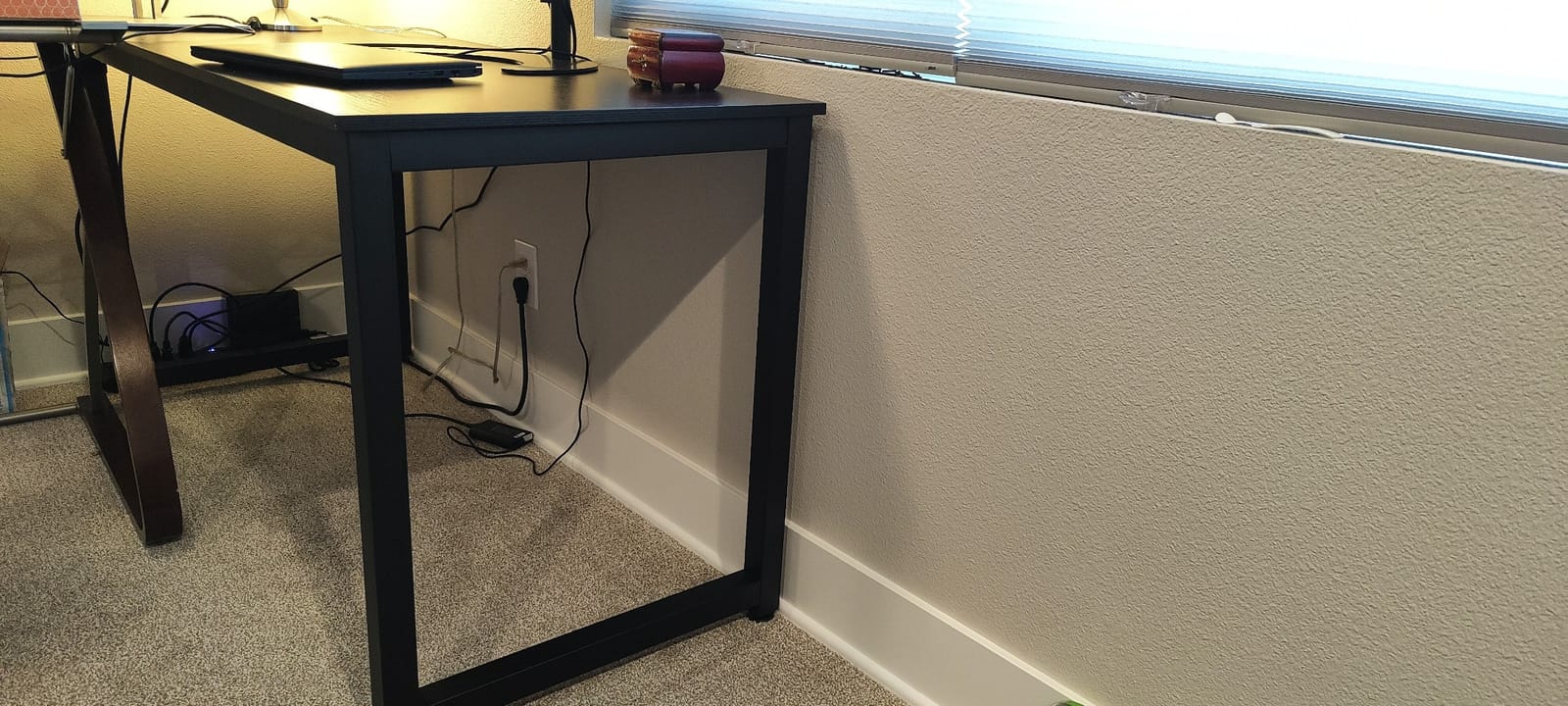
This is the desk we set up first in our own test room, and the reason it stayed was the power hub. Three AC outlets, one USB charging port and one Type-C port are built into the frame, so the monitor power bricks, the dock and the laptop charger all plug into the desk instead of a strip lying on the floor. With two monitors and a laptop, that removes the single ugliest part of the build.
The frame is powder-coated steel with a triangle brace under the panel, and it did not flex when we leaned on the front edge with both forearms. Assembly took about half an hour with the included tools, and the numbered hardware made the sequence easy to follow.
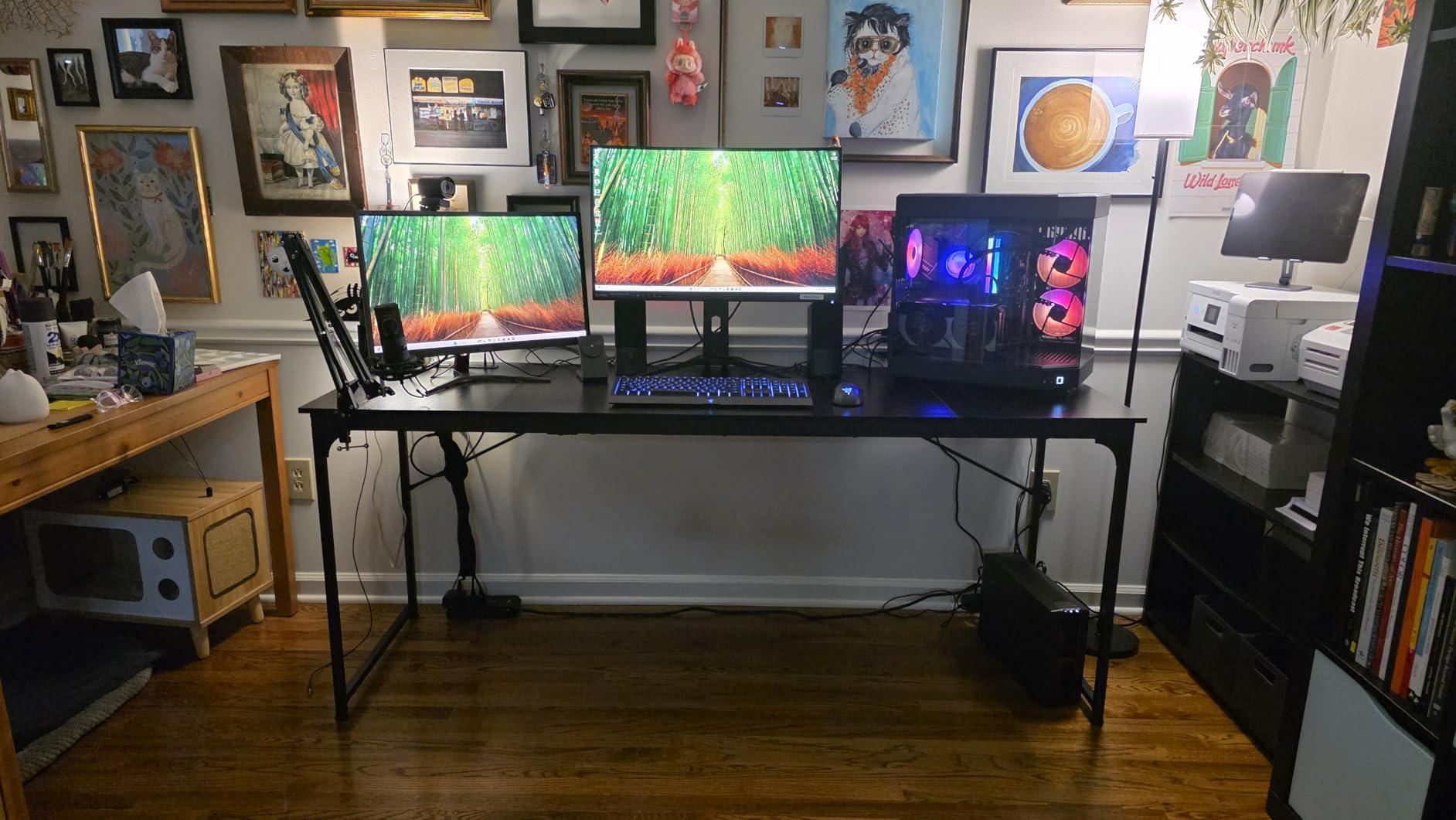
The honest limitation is depth. At 23.6 inches this is one of the shallower tops in the group, and with two monitor bases in place you are working in a narrow band. Our fix was to move both screens onto arms, which pushed the panels back and gave the keyboard an extra few inches of breathing room. If you want to keep the original stands, test the reach before committing.
There is no drawer anywhere on this desk, so pens, chargers and headphones need a home. The headphone hook under the panel is genuinely useful, and the keyboard tray keeps the board out of the way when you are not typing. Owner reviews average 4.5 stars across nearly 1,800 ratings, with the shallow depth named as the main recurring drawback.
When this desk works best
This suits anyone running a work laptop alongside a personal dual-monitor setup, because the built-in hub is what makes a dock-and-screen workflow repeatable. It also suits a bedroom or spare room where a heavier desk with drawers is not worth the moving effort. Anyone under six foot will find 29 inches a comfortable working height with a normal office chair.
When it will frustrate you
Skip it if you plan to grow into 32-inch panels, because 70.9 inches leaves almost no margin once a larger bezel appears. It is also the wrong choice for a dedicated sit-stand setup, since the height is fixed. If you need storage for a printer, a docking station and a stack of notebooks, the L-shaped options further down carry more of that load.
2. DlandHome 71 Inch Large Computer Desk – Best Value With a Published Load Rating
DlandHome 71 inches Large Computer Desk, Retro, Metal Frame, 23.6 in Wide
70.8"W x 23.6"D x 29.5"H
165 lb maximum load
E1 grade particle board top
Powder-coated metal frame
Pros
- Over 3500 ratings from owners
- 165 lb maximum load capacity is a published figure many sellers omit
- Height adjusters level the desk on uneven floors
- Four legs and eight screws make assembly simple
Cons
- 23.6 inch depth is tight for a dual-monitor plus laptop footprint
- Glossy finish shows fingerprints and smudges
- No built-in power or cable management
The DlandHome is the pick if you want a heavily reviewed desk with a load number most sellers hide. Its 165 lb maximum load capacity is published plainly, and the desk weighs 45.4 pounds before you add monitors, arms and a tower. That headroom is what lets you clamp two monitor arms and a laptop dock to the same surface without worrying about the top.
Assembly is four legs and eight screws, and the double screw installation method plus height adjusters kept it steady on an uneven floor in our test room. The gloss on the particle board panel is smooth and pleasant to write on, though it does show smudges quickly.
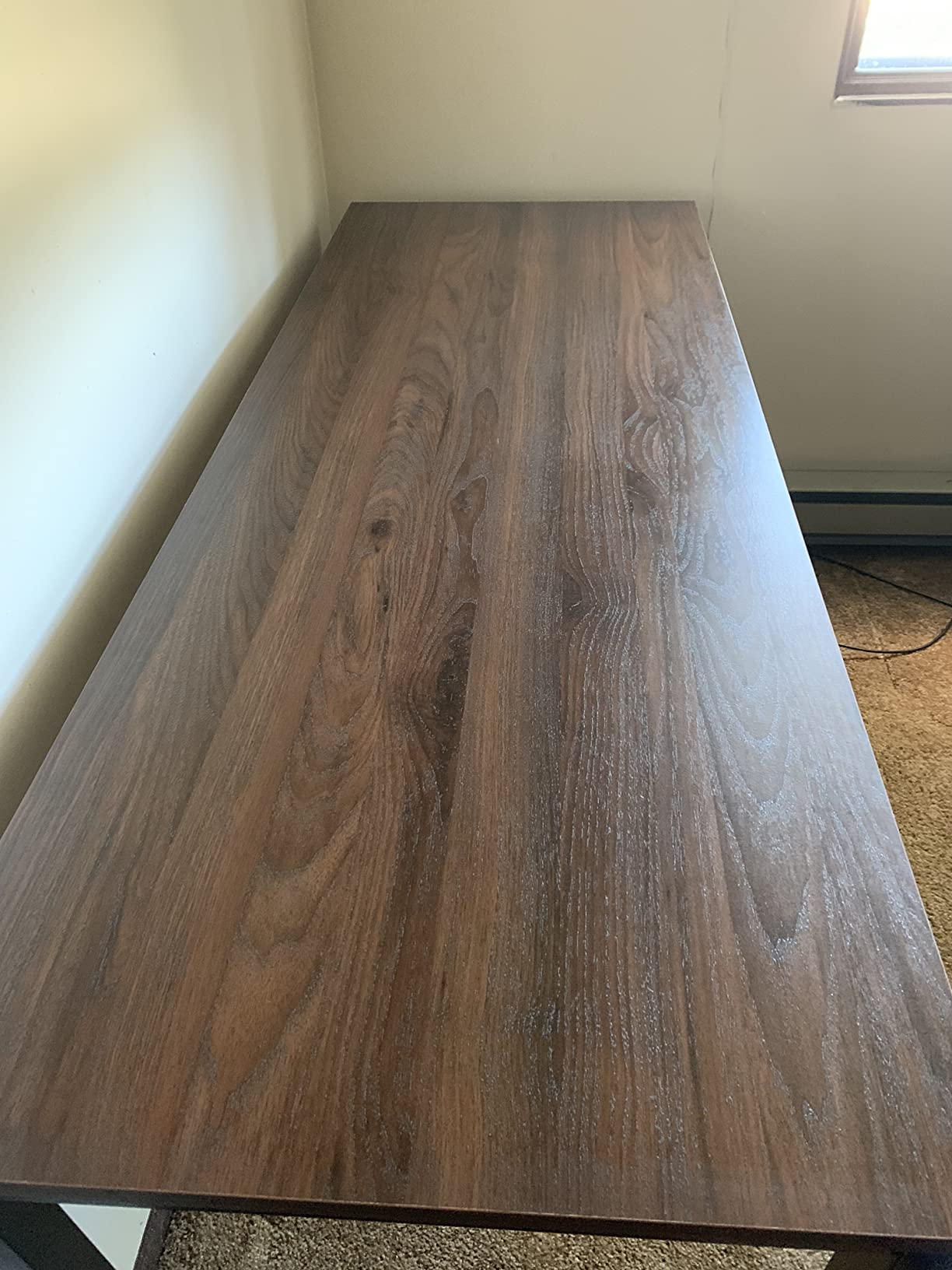
Depth is the same 23.6 inches as the Coleshome, so the same limitation applies. With two 27-inch monitors on their original stands, the usable strip in front of the screens is narrow. Reviewers report that the same approach fixes it: arm-mounted monitors, or accepting a tighter keyboard position. There is no power hub here at all, so budget for a strip or a dock with its own power.
Across more than 3,500 ratings averaging 4.5 stars, the recurring positives are the sturdy steel frame, the smooth top and the simple build. The recurring negatives are the shallow depth and the glossy finish. It also carries more owner ratings than any other straight top in the roundup.
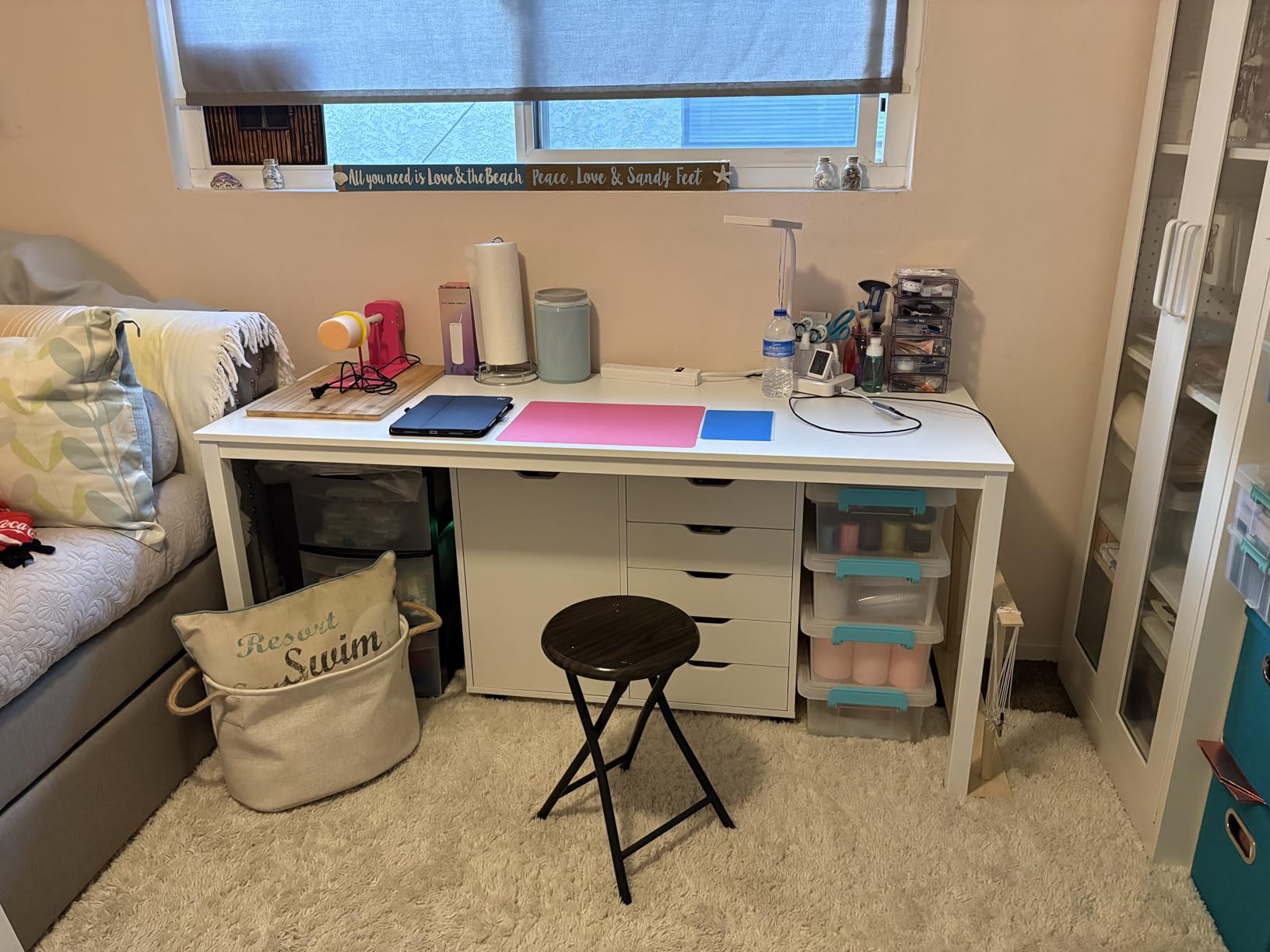
When this desk works best
It is a broad match for a home office that doubles as a gaming corner, because there is room for a tower under one end and two screens above. It is also the sensible pick if you plan to mount monitor arms and want a desk whose load rating is documented rather than inferred. Anyone who types and writes a lot will like the smooth gloss surface.
When it will frustrate you
It is a poor match if you need charging at the desk without a separate hub, and it will frustrate you if you are sensitive to shine on a dark surface. People who like a warm wood tone should look at the OSCHF further down, which uses a matte panel with a visible grain. Anyone over six foot two may find 29.5 inches a bit low without a footrest.
3. Huuger 70 Inch Office Desk – Most Versatile for Three Screens or a Tower and a Laptop
Huuger Computer Desk, 70 Inch Office Desk, Gaming Desk with Storage, Writing Desk Work Desk for Home Office, Study, Long Simple Desk, Large Legroom, Metal Frame, Black
70.9"W x 23.6"D x 29.7"H
0.75 inch thick top
Steel tube frame with struts
Keyboard tray and headphone hook
Pros
- Owners regularly fit two or three 27 inch monitors plus a tower
- Reinforcement struts under the top limit flex
- Generous legroom lets the chair slide in easily
- Assembly completes in under 40 minutes
Cons
- Top arrives in three sections with two seams that catch a pen tip
- Sharp 90 degree front edges dig into forearms without a mat
- Slight play under heavy typing until the underframe bars are tightened
- 23.6 inch depth is shallow for monitor arms
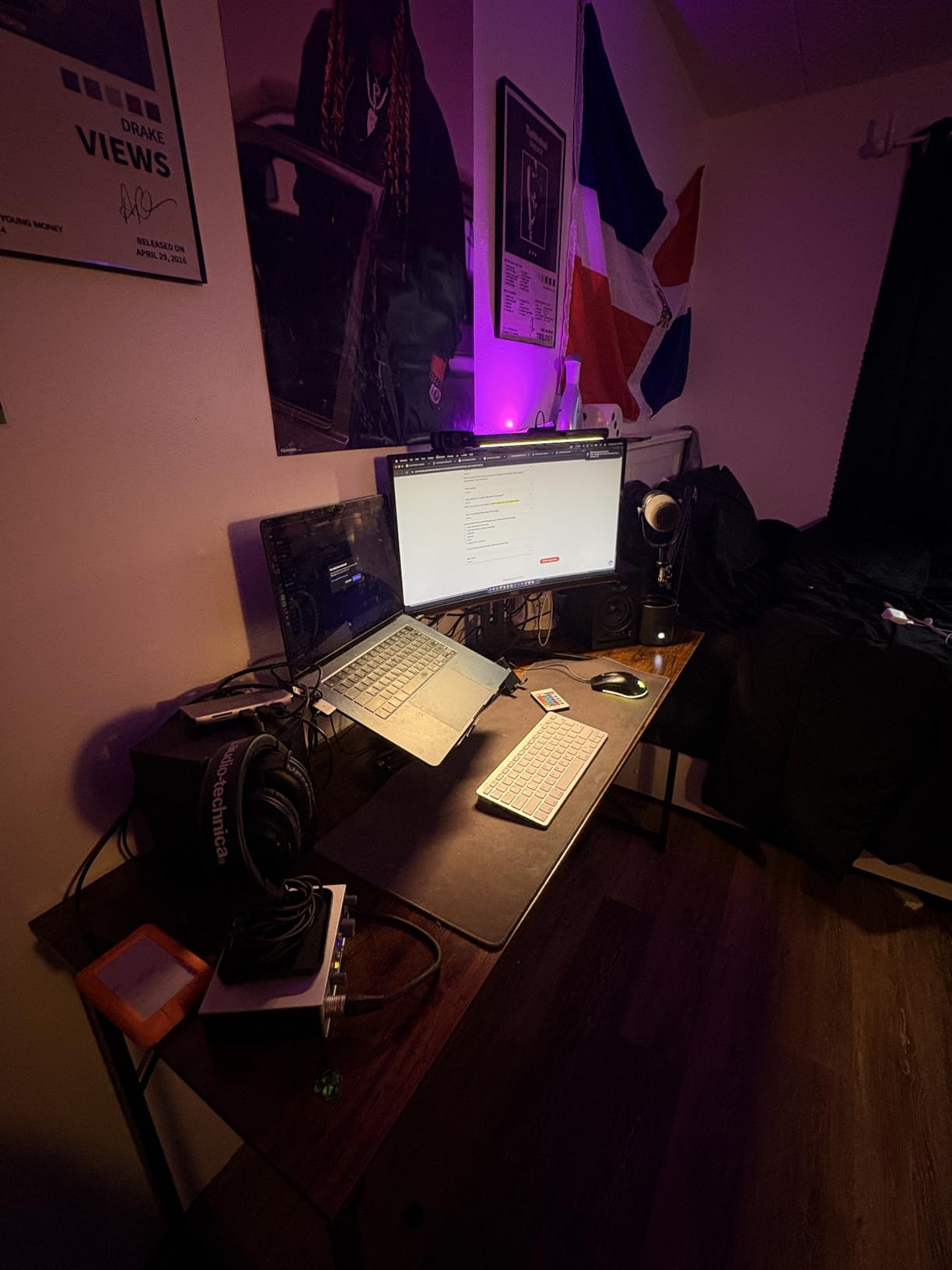
Owners of this desk keep reporting the same thing: they put three 27-inch monitors on it, or two monitors plus a desktop tower, and it holds. The 0.75 inch top thickness is the important number here, because it clears the minimum most monitor arm clamps need. That single spec makes this a flexible option for building a multi-screen rig on a fixed desk.
The frame uses thick steel tubes with reinforcement struts running underneath the panel. Those struts are what stop the top from bowing in the middle across a 70 inch span, and tightening them removes the small amount of play that some owners report on day one.
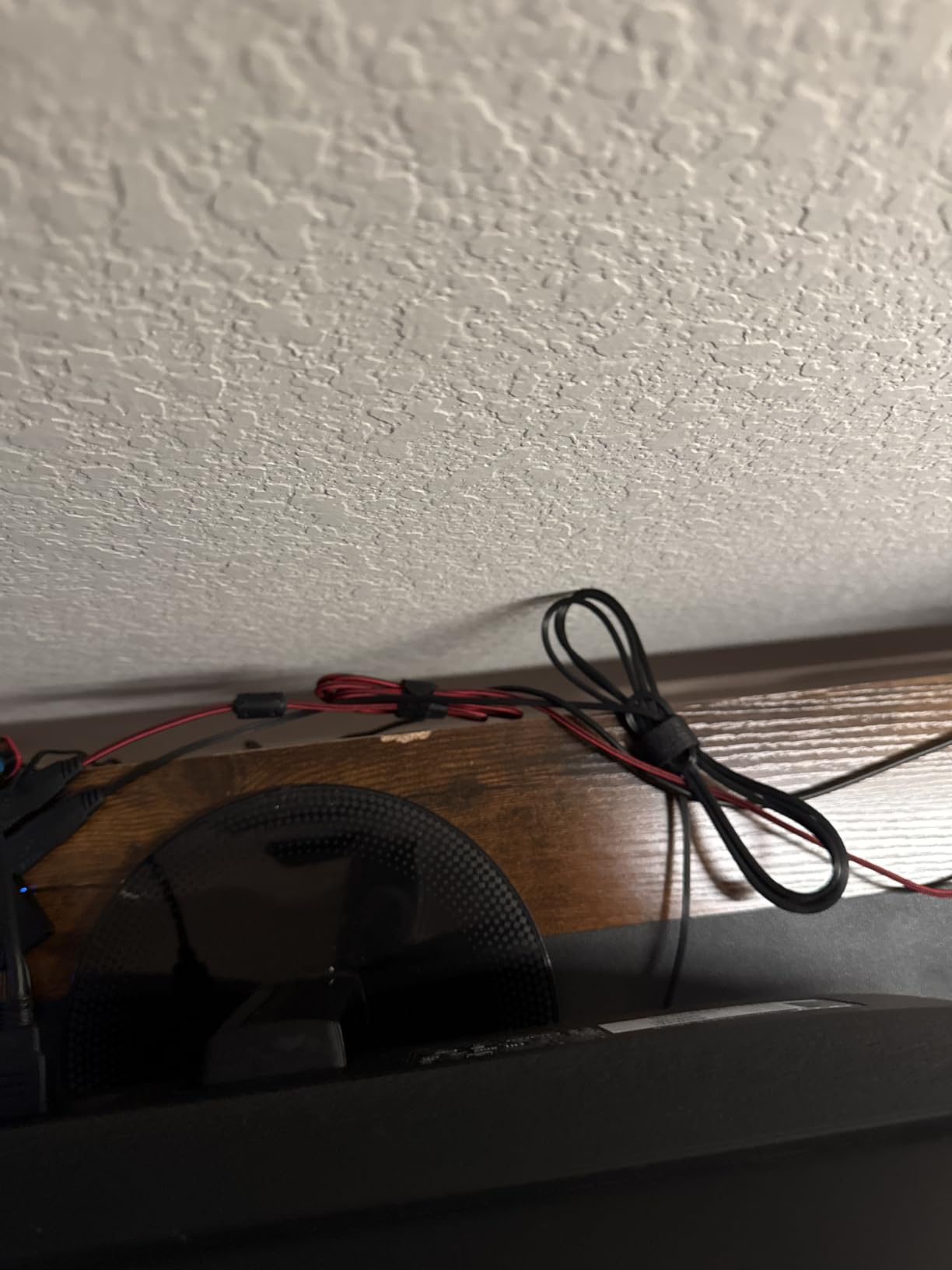
Two details deserve attention before you buy. The top arrives as three sections, which leaves two hairline seams running across the work surface, and those seams catch a pen tip when you write. The front edges are also sharp at 90 degrees, so a desk mat is close to essential if you rest your wrists on the edge. Neither is a dealbreaker, but both are things you notice in week one.
Despite the listing language about storage, there is no shelving or drawer in this configuration. What you do get is a keyboard tray and a headphone hook. Across more than 3,000 ratings at 4.5 stars, reviewers describe it as good value against similarly sized name-brand desks, with the struts and legroom as the standout features.
When this desk works best
This is the one to pick if your plan is to grow to a third screen, or if you want a tower on the desk rather than a laptop. It also suits a shared family computer space, since 70.9 inches of width can take a work setup on one end and a kid’s homework station on the other. Add a desk mat and it works in a room where people sit at it daily.
When it will frustrate you
It is the wrong desk for anyone who values a seamless writing surface, because the panel seams run the full width. It also suits short monitors and small peripherals better than it suits large 32-inch panels with wide bases, because 23.6 inches of depth does not leave room behind them. If you plan to sit-stand, this fixed height will not work.
4. SEDETA 66 Inch Reversible L Shaped Desk – Best for Built-In Storage and Power
SEDETA 66″ Reversible L Shaped Computer Desk with Power Outlet, File Drawer
66.9"W x 48"D x 34.6"H
300 lb recommended weight
4 outlets and 2 USB ports
File drawer, CPU stand and shelves
Pros
- L shape holds a dual-monitor plus laptop setup on the main run
- Built-in charging station removes the floor power strip
- File drawer
- printer shelf and CPU stand keep gear off the surface
- Return section can face either way to suit the corner
- 1 inch top takes a monitor arm clamp
Cons
- At 80.3 pounds it is hard to reposition after assembly
- A single file drawer is minimal storage for the footprint
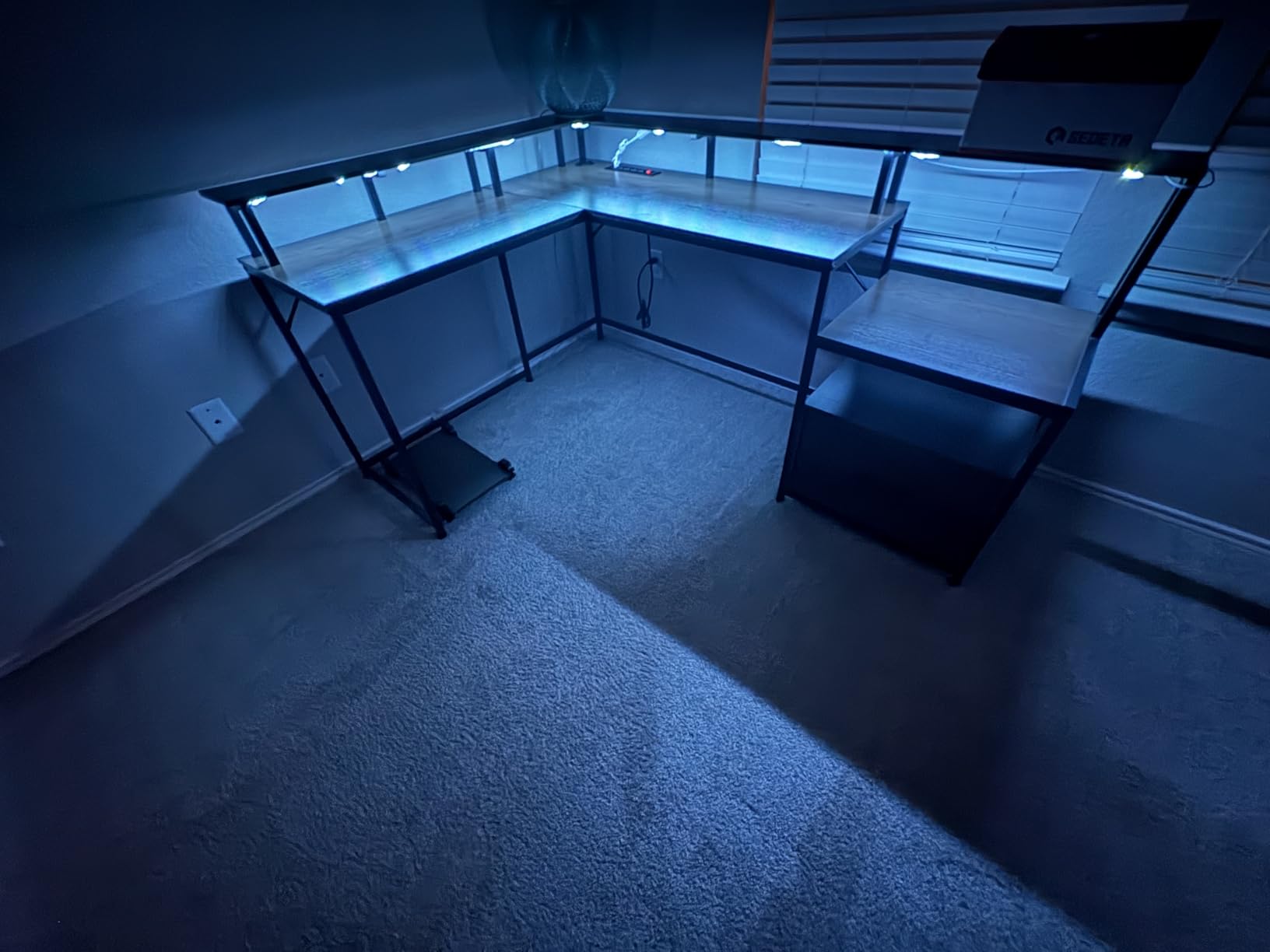
This desk draws more owner ratings than any other in the group, past 4,000, and the reason is the storage density. The 66.9 inch main run takes both monitors and a laptop, while a file drawer, a printer cabinet, two open shelves and a CPU stand absorb the equipment that would otherwise eat your work surface.
The 1 inch thick top is thicker than most of the fixed-height tops here, which makes it a secure surface for clamp-mounted monitor arms. Owners who clamp arms to it report no cracking or creeping over time, and the thick panel also resists the monitor stand crushing issue that thinner tops suffer.
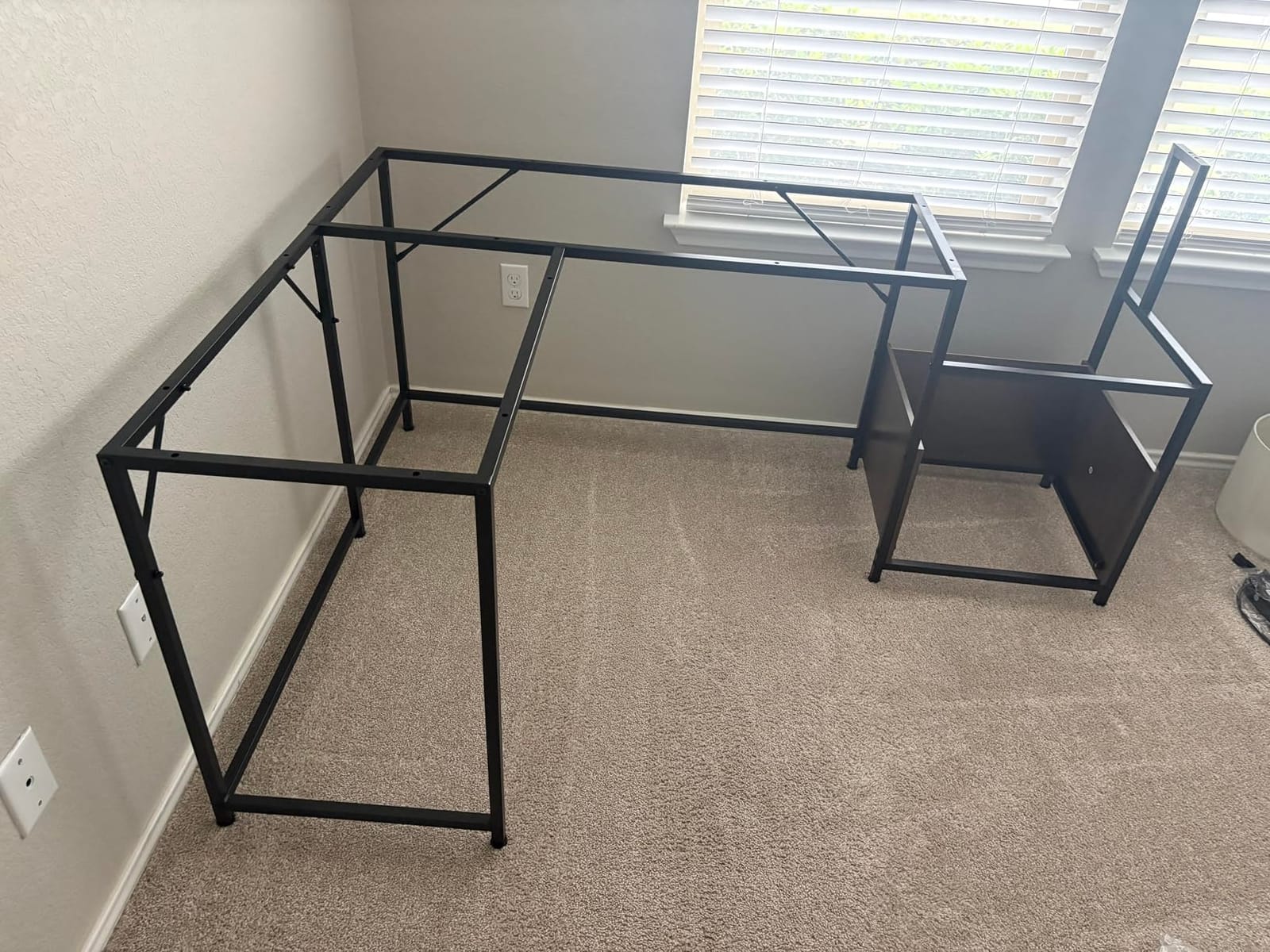
The power station is a genuine time saver: four outlets and two USB ports are built into the desk, so the two monitors, the dock and a lamp all connect at the frame. Add the RGB light strip with app control and 29 dynamic modes, and the desk handles the lighting and charging side of a build on its own.
The trade-off everyone mentions is weight. At 80.3 pounds assembled, this is not something you slide across a room to find the right light. Plan the corner first, then build it there. The reversible L shape helps, because you can assemble it to suit whichever wall and whichever orientation the room gives you.
When this desk works best
It suits a dedicated office corner where you have a printer, a tower and a filing need, because the shelves and drawer absorb all three. Anyone whose work involves documents rather than screens will like the file drawer taking letter, A4 and legal sizes. It also works well for a work and gaming split, with the return run reserved for a second machine.
When it will frustrate you
It is a poor fit for a small room, because a 66 inch main run plus a 48 inch return needs a real corner. It also frustrates anyone who plans to move desks often or who wants a sit-stand setup. People who dislike RGB lighting may find the included light strip more than they asked for, though it runs on a separate control.
5. HUANUO 71 x 30 Inch Electric Standing Desk – Best for Sitting and Standing at Depth
HUANUO 71 x 30 Inch Large Electric Standing Desk, Brushless Motor, Black
70.8"W x 29.5"D
220 lb load capacity
27.9 to 46.5 inch lift range
Brushless motor under 55 dB
Pros
- 29.5 inch depth leaves real space behind a dual-monitor array
- Brushless motor runs quietly and smoothly
- Owners fit a 34 inch ultrawide plus a 27 inch screen and a laptop at once
- Carbon steel frame does not shift front to back
- 4 memory presets
Cons
- Three top sections can sit slightly uneven with a mouse
- A small amount of shake on soft flooring
- Desktop and frame arrive in two packages
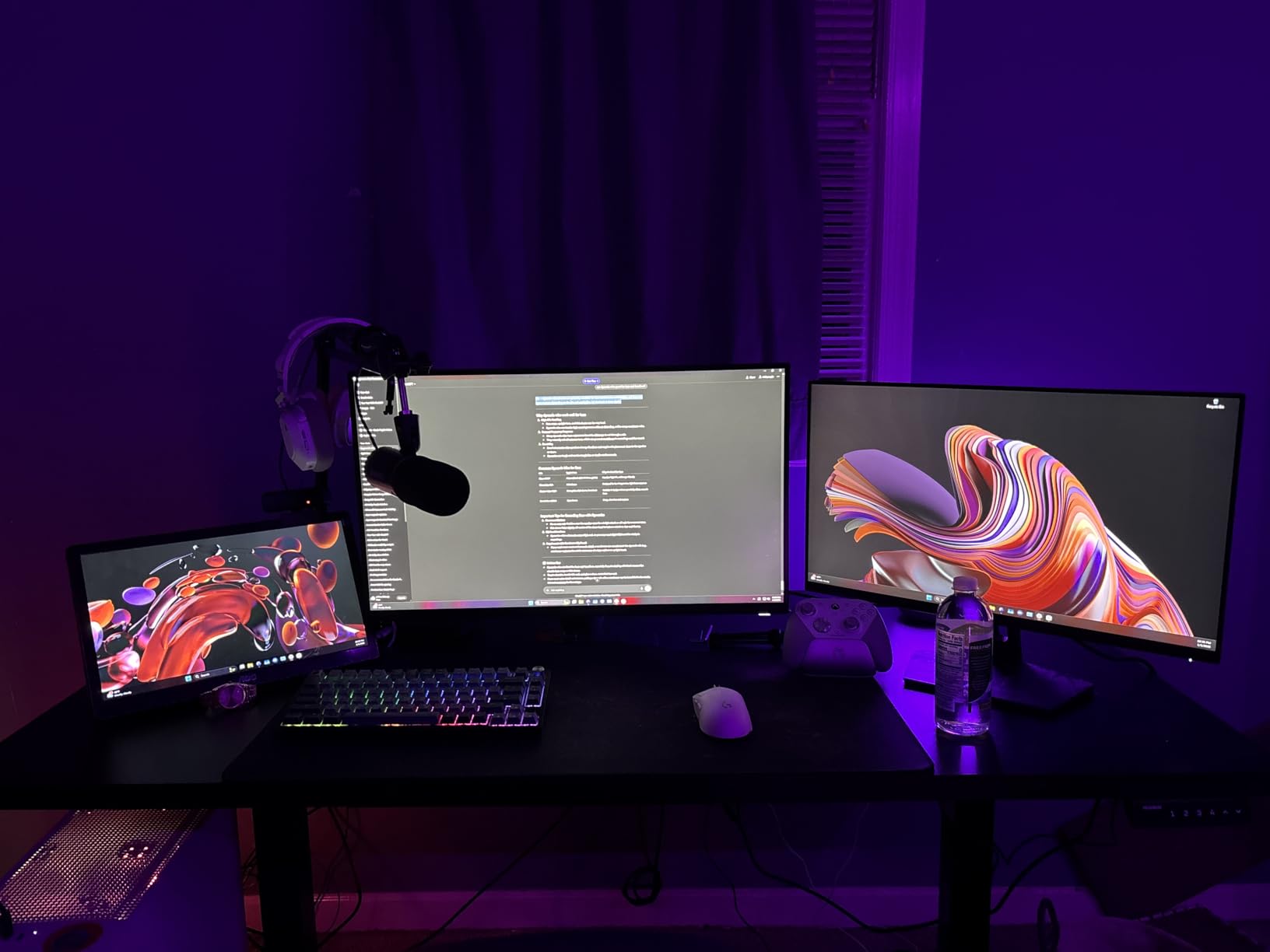
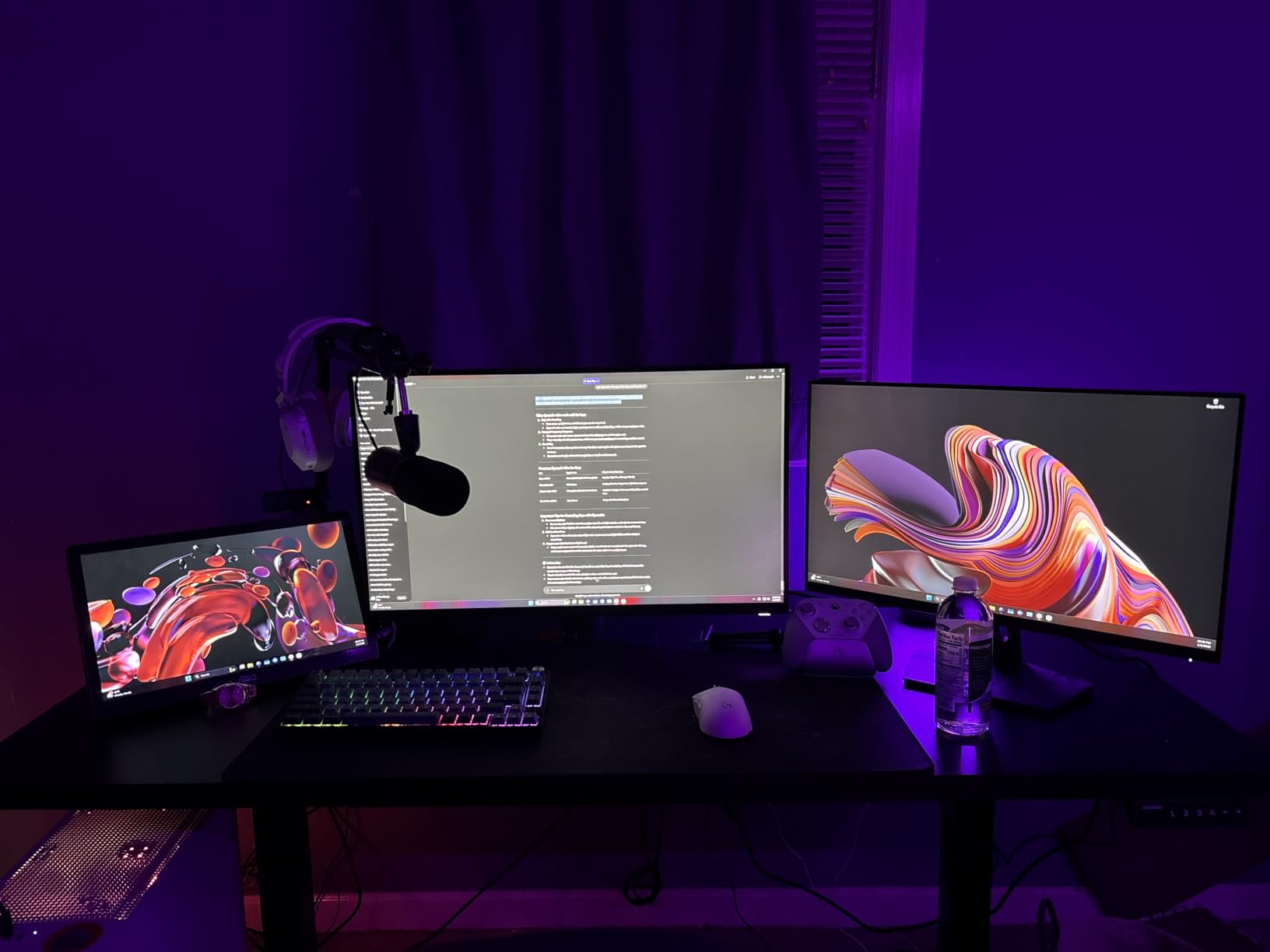
Depth is the headline on this one. At 29.5 inches, this top leaves close to six more inches of front-to-back working space than the 23.6 inch desks above it, and that is the difference between a relaxed keyboard position and a cramped one. Owners report fitting a 34-inch ultrawide, a 27-inch screen, a portable monitor and a laptop on it at the same time.
The 220 lb load rating sits on a carbon steel frame with longer plates, thicker columns and wider feet, and that combination is what keeps the desk from rocking when you type at standing height. Wobble at full height is the most common complaint about wide electric desks, and the heavier frame here is aimed squarely at that.
The brushless motor runs under 55 decibels and was tested over 100,000 lift cycles. Four memory presets take the desk between sitting and standing in one button press, which is what makes a 20-8-2 sitting and standing rhythm realistic in practice. The height range is 27.9 to 46.5 inches, wide enough for most adults including taller users.
Two practical notes. The top is made of three sections, so the panels can sit marginally uneven and you will feel it with a mouse if you do not level them. The instructions also allow a power driver on the top locking screws, and over-torquing strips the particle board, so tighten those by hand.
When this desk works best
This suits hybrid workers who split the day between sitting and standing, and it carries the highest published load rating of the electric desks in this roundup. A cable management tray and two hooks are included, which matters more than usual here because standing desks need cable slack across the full lift range. It also works for a creator running an ultrawide alongside a laptop.
When it will frustrate you
It is not the choice if your floor is soft carpet, where even this frame picks up a little shake. Anyone who needs drawers or a hutch should look at the SEDETA L-shaped option instead. With 355 ratings behind it, the long-term track record here is shorter than the fixed-height desks higher up this list.
6. SANODESK 71 x 32 Inch Electric Standing Desk – Best for the Deepest Work Surface
SANODESK 71”x32” Large Electric Computer Height Adjustable Standing Desk
71"W x 32"D
154 lb load capacity
28.9 to 46.5 inch lift range
Monitor arm and keyboard tray included
Pros
- 32 inch depth is the deepest surface in this roundup
- Thickened steel pipe frame resists wobble under a heavy user and a PC
- 4 memory presets for multi-user height switching
- Under-desk cable tray fits a surge protector and spare cables
Cons
- Lowest rating in the group at 4.2 stars
- Some desks arrive with misaligned or missing pre-drilled holes
- Listing states no assembly instructions are included
- Legs sit wider than the top so the desk cannot sit flush to a wall
Thirty-two inches of depth is more working room than any other straight top in this roundup, and for a dual-monitor setup that is the number that keeps your elbows where they belong. It is three inches deeper than the HUANUO and nearly nine inches deeper than the common 23.6 inch top, which changes what you can put behind the monitors.
Unusually, a monitor arm and a keyboard tray are included in the box. On a deep surface like this the arm matters, because you can pull the panels back to arm’s length and still have a full depth of desk in front of them. The thickened steel pipe frame is rated to 154 lb, and owners report it staying steady under a heavy user plus a desktop PC.
When this desk works best
It suits people who work close to their screens and hate reaching forward, which is exactly the complaint that shows up with shallow tops. It also works for anyone who wants two monitors on arms without giving up desk depth. The four memory presets make it a good shared desk for two users of different heights, and the cable tray has room for a full surge protector.
When it will frustrate you
Check your room first, because the legs sit wider than the top and the desk cannot be pushed flush against a wall. You will also need to allow extra clearance behind it, since a 32 inch deep top juts out. Buyers who want a quiet, confident build should note this is the lowest-rated desk in the group, with a meaningful share of one-star feedback about assembly alignment and missing instructions.
7. SEDETA 79 Inch Gaming Desk with LED Lights – Best for a Full Monitor Shelf
SEDETA 79” Gaming Desk with LED Lights, Hutch and Storage Shelves, Black
78.8"W x 21.6"D x 60"H
300 lb recommended weight
Monitor shelf for two 28 inch screens
RGB strip with music sync
Pros
- Monitor tray holds two 28 inch monitors with room for a lamp
- Grommets on both sides simplify cable routing to displays
- Two large shelves take a full-size tower or a console
- Open design keeps a wide desk from crowding the room
- Top stays firm with no sagging under heavy displays
Cons
- 21.6 inch depth is shallow for a keyboard and mouse placed up close
- Assembly takes 2 to 3 hours for one person
- Legroom is limited under the raised monitor shelf
- Included L-shaped hex key wears out quickly
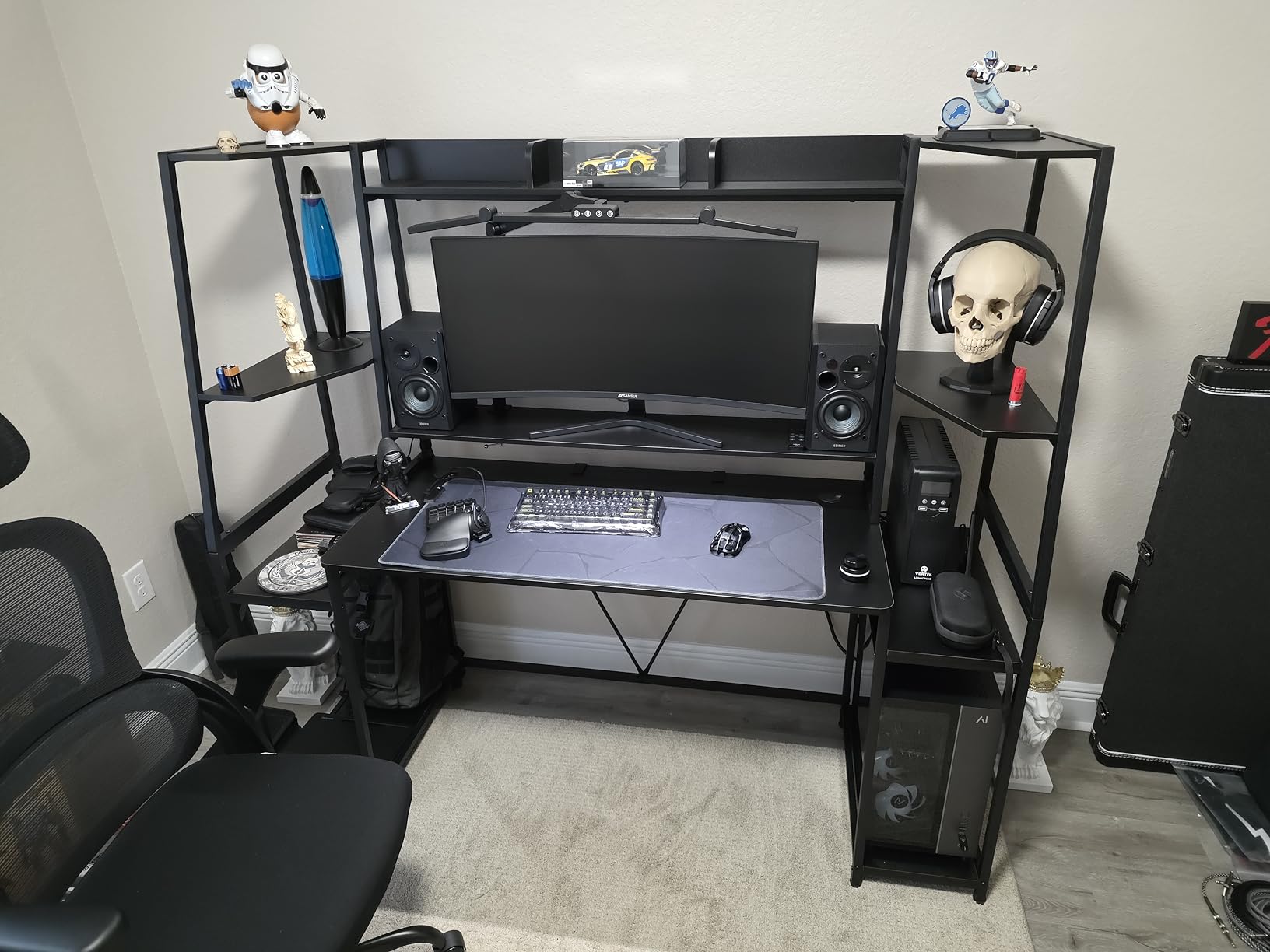
The defining feature is the raised monitor shelf, and it changes the depth problem. Screens sit up at eye level instead of at desk level, which means your 21.6 inch surface is not competing with two monitor bases. Owners run two 28-inch panels on the tray with room for a lamp beside them, and the shelf itself does not sag.
At 4.7 stars from 781 ratings, this draws strong owner feedback, and reviewers single out the cable grommets on both sides as the feature that makes the build clean. Those grommets matter more here than usual, because a gaming setup adds a console, a capture card, speakers and a headset to the usual monitor and laptop wiring.
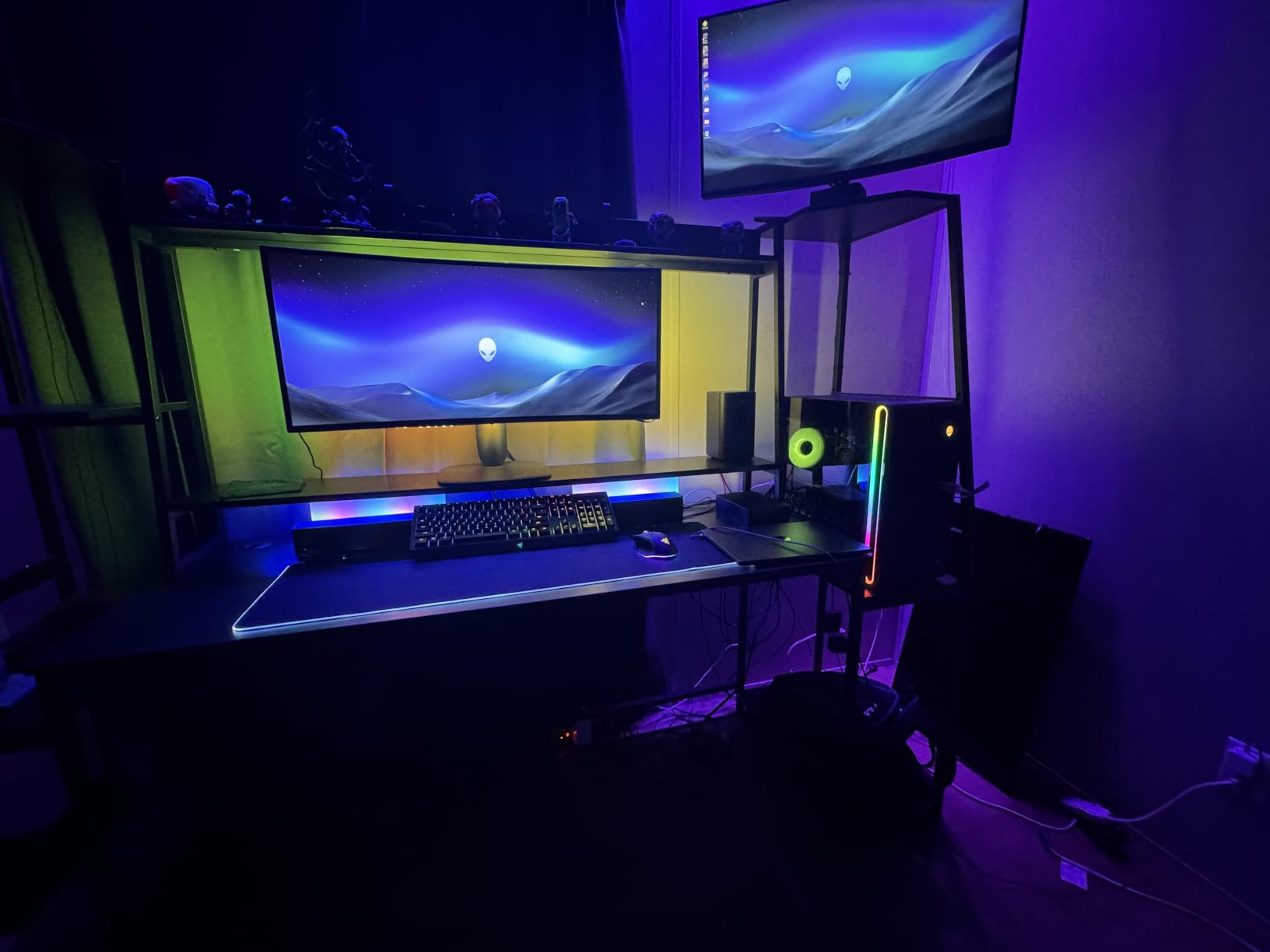
Underneath, two large storage shelves take a full-size tower, speakers or a second machine, and the 300 lb recommended weight leaves plenty of headroom. The RGB strip offers 60,000+ colours, 29 flashing modes, music sync and app control, with a timer for scheduling it off at night.
The trade-offs are real. Assembly is a two to three hour job for one person, the included L-shaped hex key wears out quickly, and the monitor shelf frame sides can sit slightly out of square until you apply pressure during the build. Legroom under the raised shelf is tight enough that you may need to use the lower rear support posts.
When this desk works best
It suits a streamer or gamer who wants the screens higher than eye level and the tower out of sight, and it suits anyone whose desk doubles as a console station. The 78.8 inch width also gives a household room for two setups side by side. Pair it with a monitor picked for a standing or raised surface to get the most from the shelf height.
When it will frustrate you
It is the wrong desk for someone who types for hours with nothing on the shelf, because the 21.6 inch depth leaves little room for a keyboard and mouse up close. Anyone in a hurry on assembly will not enjoy a two to three hour build. People who need sit-stand flexibility should skip past this one entirely.
8. Bestier 71.5 Inch L Shaped Computer Desk – Best L-Shape With Power and a Tilt Grid
Bestier 71.5″ L Computer Desk with Power Outlets, Rustic Brown
71.5"L x 19.7"D x 35.8"H
4 outlets and 2 USB ports
5.9 inch monitor shelf
Side racks for tower and printer
Pros
- Runs two 24 inch or two 27 inch monitors on the raised front board with no sagging
- 4 AC outlets and 2 USB ports power monitors
- speakers and lamps
- Alloy steel construction that does not wobble or creak
- Panels wipe clean and resist water stains
Cons
- 19.7 inch depth is shallow and monitor stands overhang the shelf
- LED remote is missing on some desks
- Assembly takes closer to 3 hours and the desk is heavy for one person
- Height may be too tall for shorter users
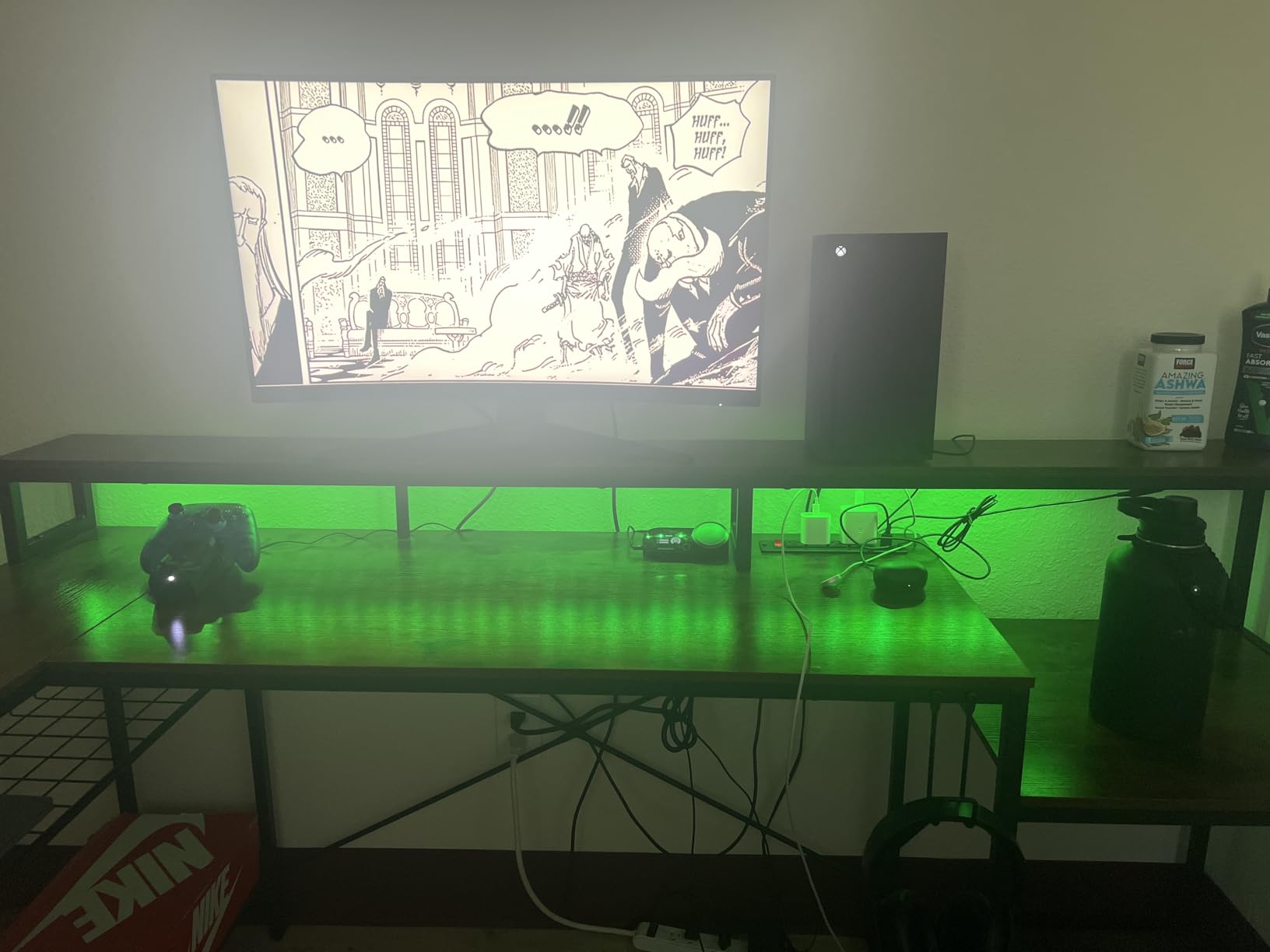
The metal grid is the part that separates this from the other L-shaped desks. It sets to three heights and tilts, so you can angle two monitors inward to reduce neck rotation instead of sitting flat against a fixed board. Owners report running two 24-inch or two 27-inch panels on the raised front section with no sagging after months of use.
Power is built in at 4 AC outlets and 2 USB charging ports, rated for 1500 watts across six devices. In practice that covers both monitors, a pair of speakers and a desk lamp without a floor strip. The RGB strip under the shelf runs 20 static colours and 22 dynamic modes with adjustable speed and brightness.
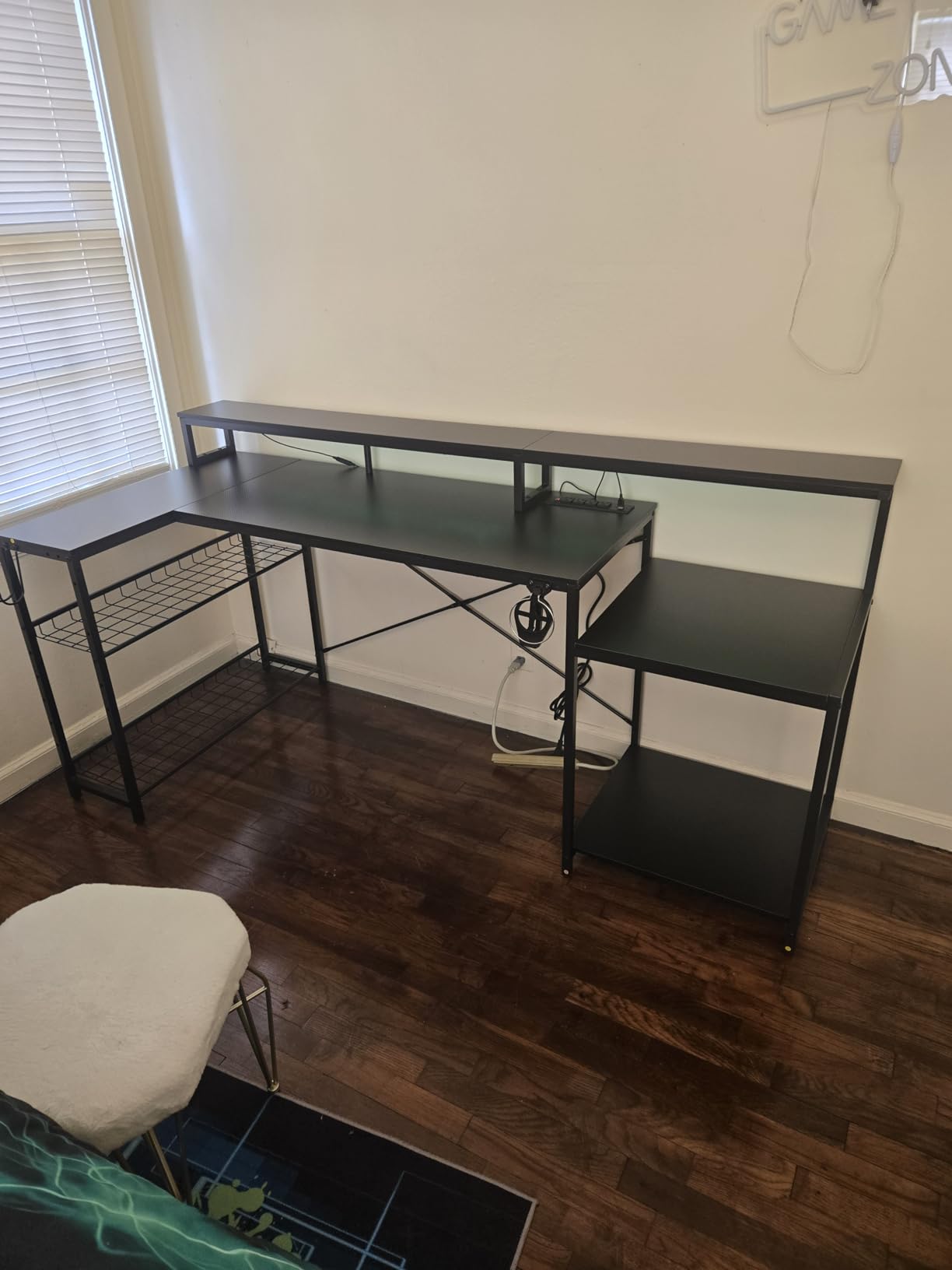
Depth is the weakness. At 19.7 inches this is a shallow top, and reviewers note that monitor stands overhang the 5.9 inch shelf because it is narrower than the base. Arm-mounting solves it, but plan for that before assembly rather than after. The desk also weighs 52.6 pounds and the build takes closer to three hours than the listed hour.
Small but real issues: some desks arrive without the LED remote, leaving the strip on one colour, and the surface picks up fingerprints even though the marks wipe off. The 35.8 inch overall height means shorter users may need a raised chair to work comfortably at the surface.
When this desk works best
This suits a corner office where you want the screens angled rather than squared up, which is the whole point of the tilting grid. Side racks take a CPU stand, a printer and other equipment, so the L return handles gear storage instead of paper. It also suits anyone whose cables are the constant frustration, because the six built-in outlets cover most devices.
When it will frustrate you
It is not the right pick for a small room or for anyone who needs a deep working surface for a keyboard and mouse. The long build and the weight make it a two-person job in practice. If you want storage drawers rather than open racks, the AODK L-shaped desk further down carries five of them.
9. OSCHF 71 Inch Extra Long Desk with Storage Shelf – Best Single-Piece Top
OSCHF 71-Inch Extra Long Desk with Storage Shelf, Warm White
71"W x 23.6"D x 30"H
Load capacity near 600 lb
Single-piece desktop
Shelf 14.6 inches above the floor
Pros
- Single-piece top removes the mid-desk seam
- so writing and mousing stay smooth
- Under-desk shelf adds storage without cutting into legroom
- Owners confirm two large gaming monitors fit comfortably
- Stainless steel frame does not wobble or creak when leaned on
- Rounded corners and adjustable foot pads for uneven floors
Cons
- No cable cutouts
- so cords need zip ties or tape
- Two screw sizes are supplied and the longer ones can punch the veneer
- Heavy top makes single-person assembly difficult
- 23.6 inch depth is modest beside the 71 inch width
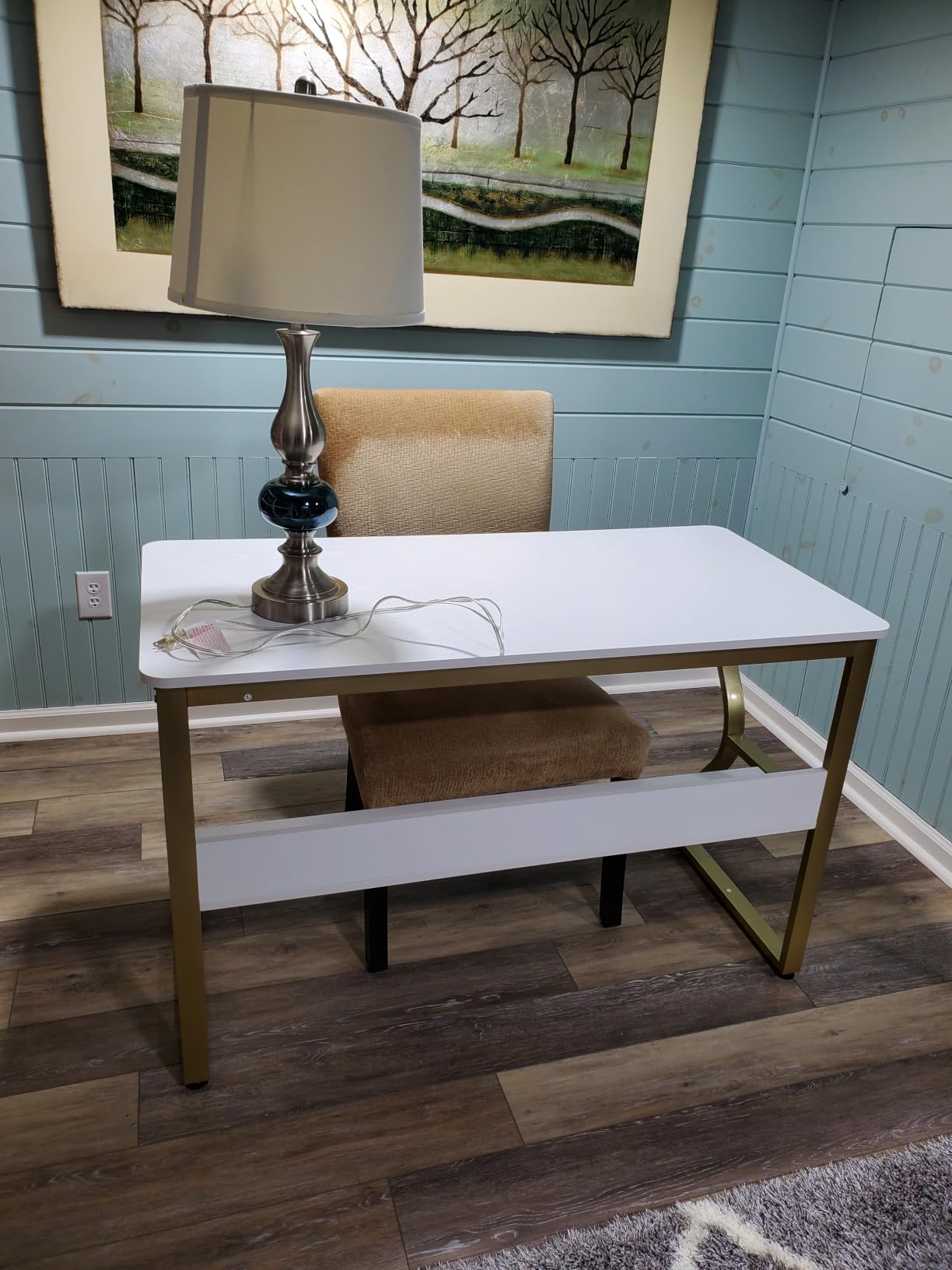
The single-piece top is the reason to choose this desk. Several competitors ship a 71 inch surface as three panels with two hairline seams running across it, and those seams catch a pen tip and interrupt a mouse wheel. This top is one whole board, so the surface is flat end to end. At 4.7 stars from 346 ratings, that detail comes up repeatedly in reviews.
The load rating is published as near 600 pounds on a stainless steel frame, far more than two monitors and a laptop need. Owners report no wobble and no creaking even when leaning on the desk, and the surface has shown no rust in humid conditions.
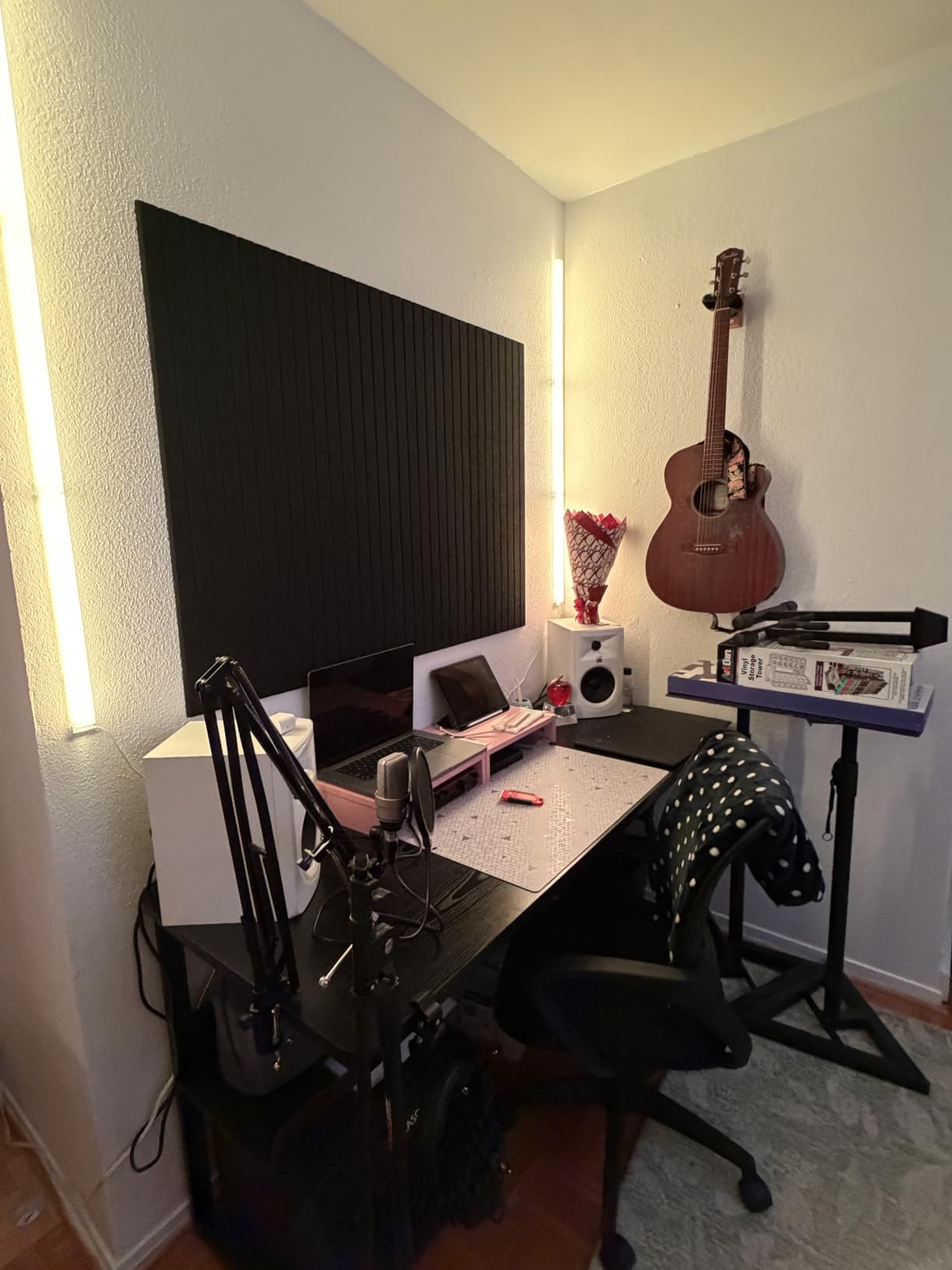
The under-desk shelf sits 14.6 inches above the floor, high enough that your legs still stretch out underneath, and it doubles as a stiffener across the frame. That height is a genuine design decision rather than an accident, and it is why the desk does not flex across a 71 inch span.
Two assembly warnings for the single-board design. Two different screw sizes come in the box, and the longer ones can punch through the top veneer if fitted in the wrong hole. At least one owner also received a box with no instructions in it. There are no cable cutouts at all, so plan on zip ties or an adhesive cable channel for a three-device setup.
When this desk works best
It suits anyone who writes, draws or does precision work, because a seamless surface changes how the desk feels over a full workday. It also works for a shared room, a study or a conference table, since the single board handles books and laptops as well as monitors. Rounded corners make it a safe pick in a family space where kids use the same desk.
When it will frustrate you
It is not the pick if you need power at the desk or tidy cable routing out of the box, because there is no hub and no grommet. The 15 millimeter top is thin, which also means a clamp-mounted monitor arm is a question you should settle before ordering. And the heavy one-piece top means a second pair of hands for the build.
10. OffiGo 55 Inch U Shaped Electric Standing Desk – Best for Small Rooms With Two Corners
OffiGo 55 Inch U Shaped Electric Standing Desk with Keyboard Tray, White
55.1"W x 29.1"D x 33.1"H
154 lb load capacity
28.3 to 46.5 inch lift range
Full-size monitor shelf for two displays
Pros
- U shape gives a deep return on both sides
- so the setup fits without crowding
- Monitor shelf is designed to hold two monitors and frees desk surface
- 3 preset buttons make sit and stand switching quick
- Built-in 3 outlets and 2 USB ports cut cable clutter
- Carbon steel frame is steady for the 154 lb rating
Cons
- 55 inch main width is among the tightest in the group so monitor placement needs care
- Requires two people to assemble
- Listed dimensions are tighter than the marketing suggests
- No drawer storage in this configuration
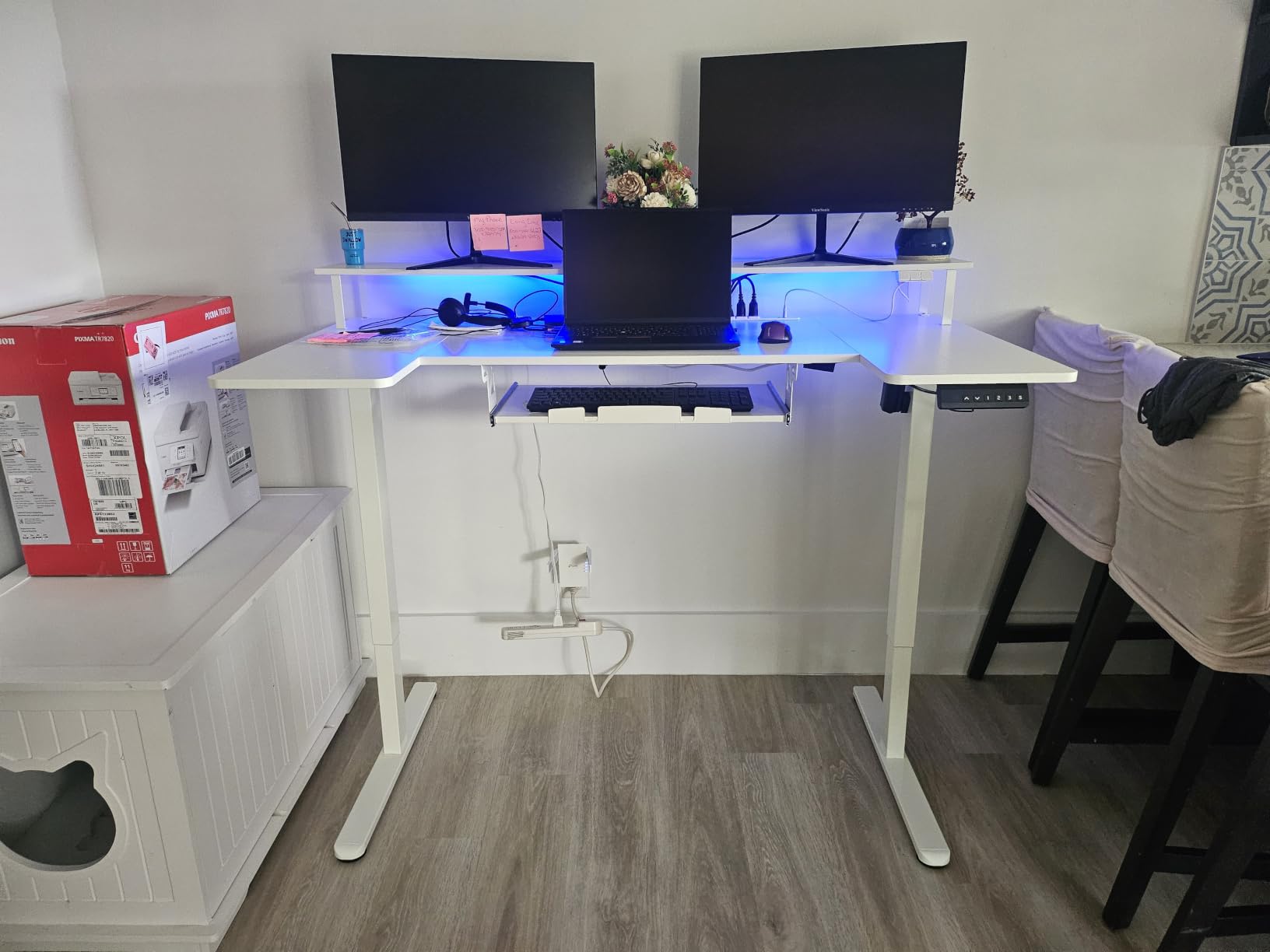
The U shape is the trick here. Instead of one long run and one short return, you get a corner on both sides, so the 29.1 inch depth continues around the far edge. That means a dual-monitor plus laptop setup fits without everything competing for the same strip of surface, even though the main width is only 55.1 inches.
It is also electric. The height range runs 28.3 to 46.5 inches with three preset buttons, the carbon steel frame is rated to 154 lb, and the full-size monitor shelf is built to carry two displays. The 3 outlets and 2 USB ports are built into the frame, and an LED strip offers 10 colours and 10 modes.
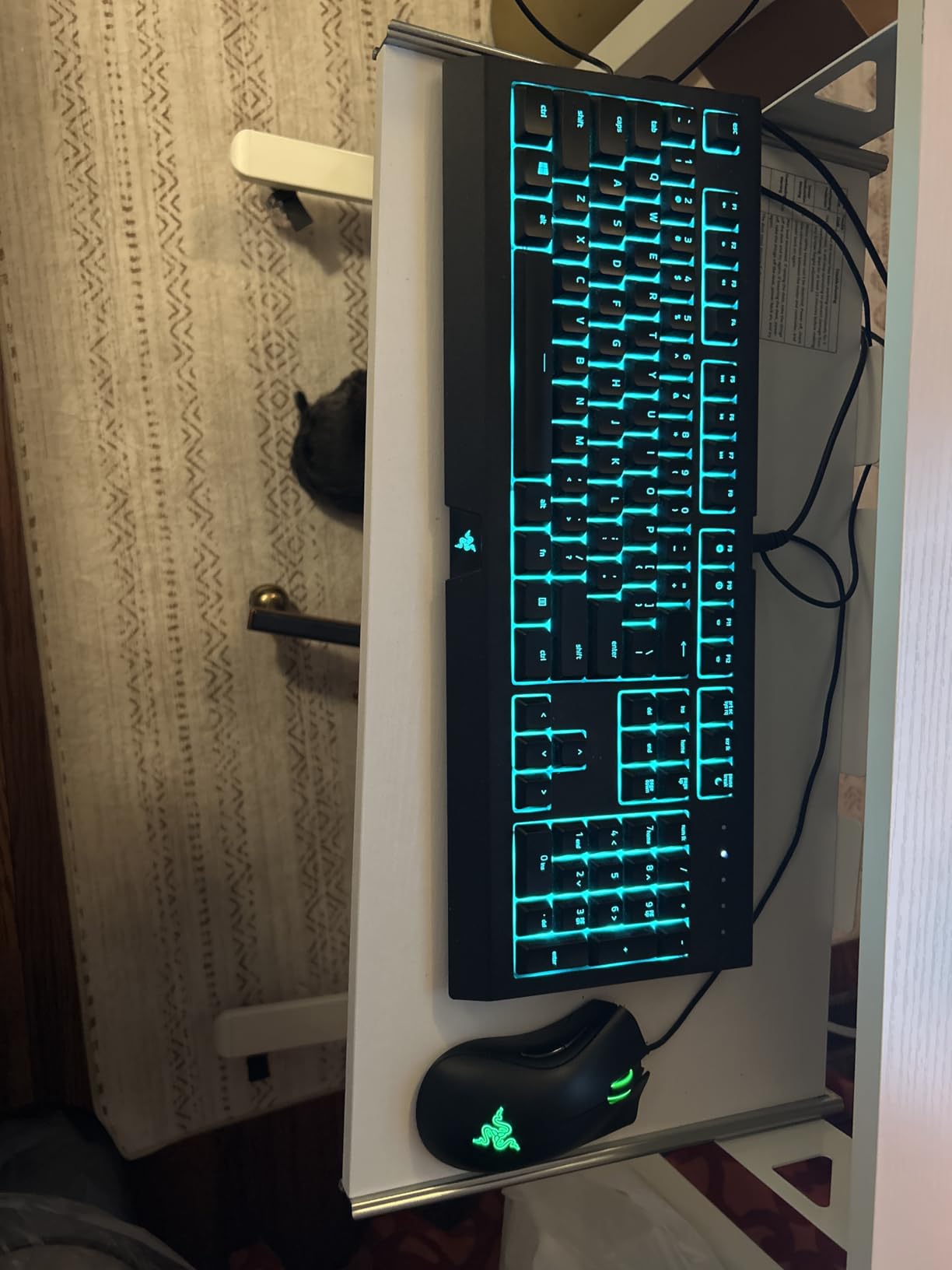
The point reviewers raise most is the 55 inch main width. It is among the tightest in this group, so the monitors need careful placement and the laptop goes on a return rather than between them. Also note that the listed dimensions are tighter than the marketing suggests, so measure your corner before ordering. Assembly takes two people.
At 4.7 stars from 565 ratings, owners are most enthusiastic about the two-corner footprint, the dual-monitor shelf and the preset height controls with integrated power. The recurring caution is straightforward: confirm the room and the monitor footprint first.
When this desk works best
This suits a hybrid worker in a room where a 71 inch top simply will not fit, because the U footprint uses two corners instead of one long wall. It also works well for a work and gaming split, with one return reserved for a second machine. Anyone who wants sit-stand without giving up built-in power will find all three here.
When it will frustrate you
It will frustrate you if you have two 32-inch panels and want them centred on one straight run, because 55 inches is tight for that. Anyone who needs storage drawers should look at the AODK options, since this configuration has none. And if you are building alone, plan on a second person for assembly.
11. AODK 71 Inch L Shaped Desk with 5 Drawers – Best for Drawer-Heavy Workloads
AODK 71 inch L Shaped Desk with 5 Drawers, LED Light & 2 Power Outlets
71"W x 18.9"D x 60.7"H
5 fabric drawers, 1 file drawer
6 tier open shelving
2 power hubs, 3 outlets and 2 USB each
Pros
- Main run holds two monitors
- a printer
- a console and a full-size keyboard
- Deepest storage in the roundup with 5 drawers and 6 shelf tiers
- Fabric drawers hold up better than buyers expected
- Return section can face either way so the desk suits either corner
- Frame is solid with no desktop flex under heavy equipment
Cons
- 18.9 inch main depth is quite shallow
- Three drawers under the work area take a lot of knee space
- Included extension outlets have no on and off switches
- CPU stand is too small for most towers
Storage is the pitch, and it is genuinely deep. Five fabric drawers including one file cabinet, plus six tiers of open shelving, move a printer, a console and a stack of documents off the work surface entirely. One owner runs two monitors, a printer, a PS5 and a full-size keyboard on the main run and still has writing space, which is a real result for an L-shaped desk.
Power is unusually generous here. There are two built-in hubs, each with 3 AC outlets and 2 USB ports, so six outlets and four USB ports sit in the frame with no floor strip needed. The LED strip uses a milky diffuser with 10 colours and 10 dynamic modes, which is softer than the bare strips on some competitors.
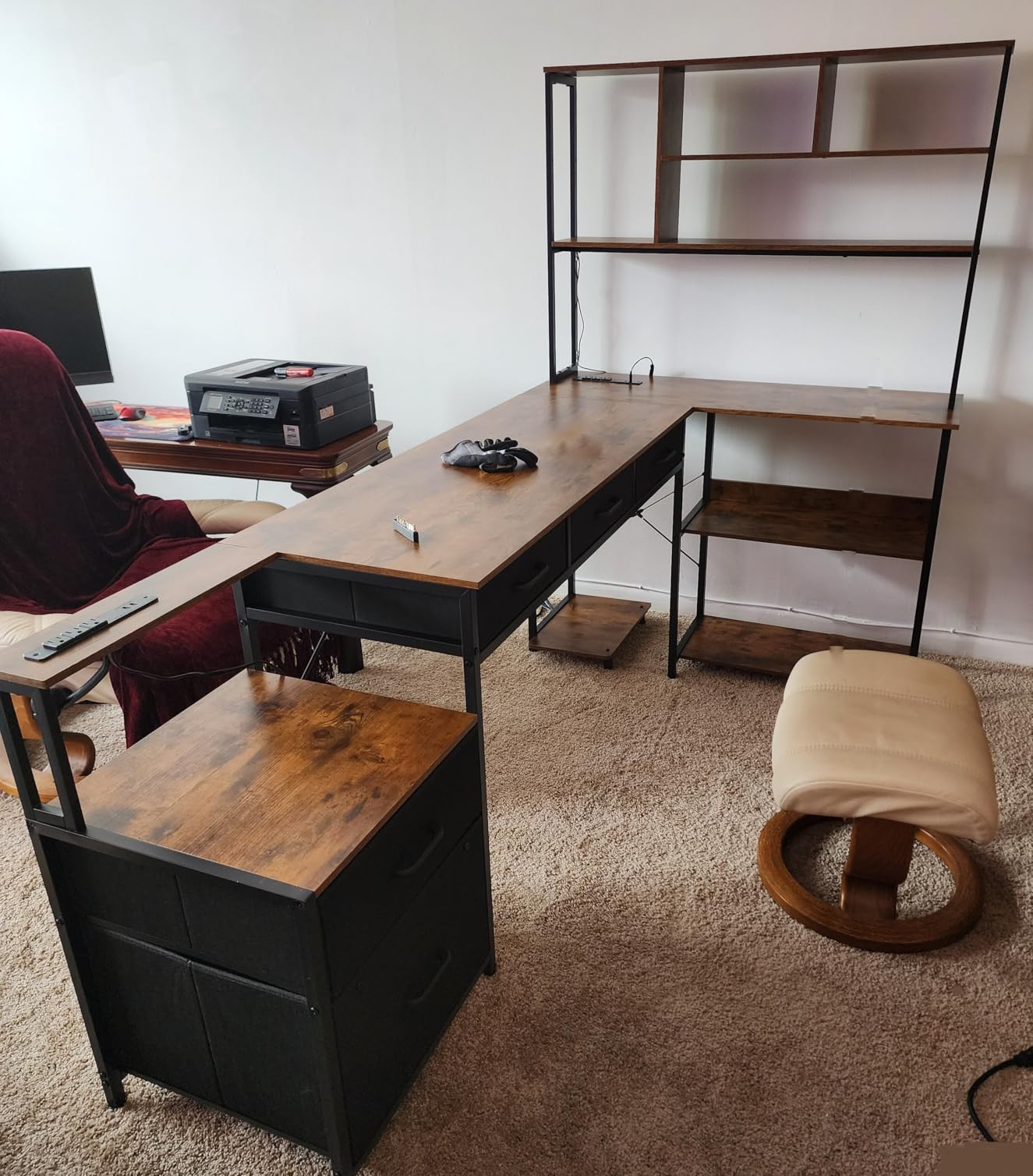
Depth is the trade-off, and it is a significant one. The main desktop is 18.9 inches deep, which means the front edge sits close to you whether the room is deep or not. The three drawers beneath the work area also eat knee space, and taller users will feel that more than shorter ones. The cantilevered lower shelf carrying the extension outlets has no support bracket underneath, and some owners report it cracking under load.
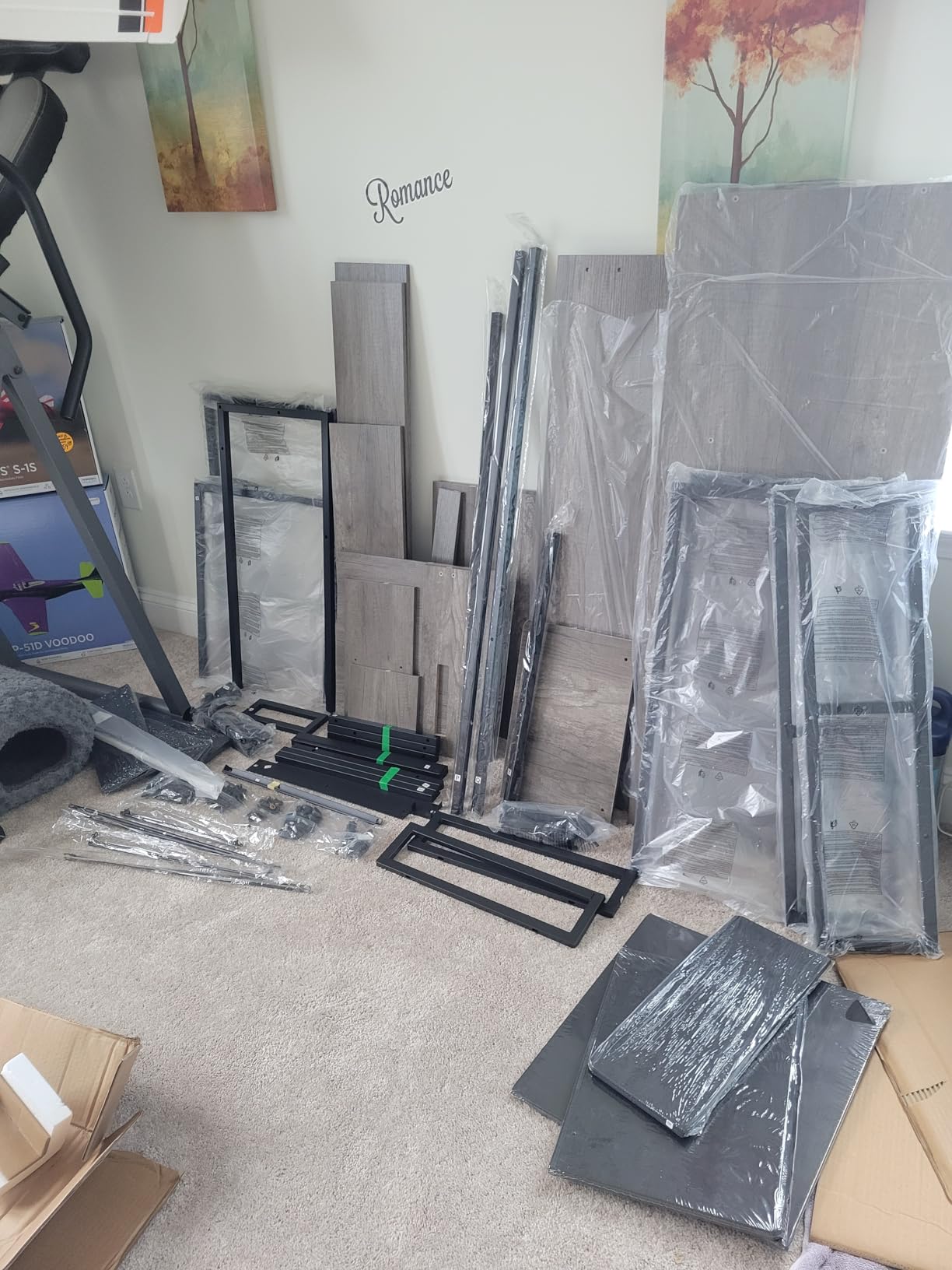
Two smaller notes: the CPU stand is too small for most full-size towers, and the extension outlets have no on and off switches, so connected devices draw power continuously. Assembly is long and listed as a two-person job. Across 841 ratings at 4.6 stars, the fabric drawers and the solid frame are praised consistently once the build is done, and the recurring criticisms are design details rather than build quality.
When this desk works best
It suits paperwork-heavy roles, students and anyone who juggles a printer, files and a screen-heavy setup at once, because five drawers and six shelf tiers absorb the clutter. The return section can face either way, so the desk suits either corner of the room. It is also a good fit for a work and gaming room where the console lives on the desk rather than under it.
When it will frustrate you
It is the wrong pick if you type for hours in a shallow space, because 18.9 inches of depth is a narrow main surface. Anyone with a large tower will find the CPU stand too small. Buyers who want sit-stand should skip to one of the electric options in this roundup.
12. AODK 55 Inch Standing Desk with Drawers – Best Compact Sit-Stand Option
AODK 55 Inch Standing Desk with Drawers & Keyboard Tray, Rustic Brown
55"W x 21.25"D x 30.9"H
29.9 to 46.1 inch lift range
3 memory presets
2 fabric drawers and keyboard tray
Pros
- Motor is quiet enough that reviewers note it barely disturbs a sleeping pet
- Full-size monitor shelf raises two displays and frees desk area for a laptop
- 3 memory presets cover sitting and standing plus walking pad and bike heights
- Built-in 3 outlet and 2 USB hub plus a hidden cable tray
- Rustic brown finish has a convincing grain
Cons
- 55 inch width and 21.25 inch depth are tight for two large monitors plus a laptop
- Keyboard tray is snug so a full-size keyboard and mouse will not fit together
- Wobble appears at full height
- Maximum standing height of 46.1 inches is low for taller users
The monitor shelf is what rescues a 55 inch footprint. It raises two displays to a comfortable height and hands back the surface they would otherwise occupy, which is exactly the space a laptop needs. One owner runs a 32-inch and a 24-inch screen on it with the laptop below, which tells you how the shelf changes the math.
The motor is the other standout. Reviewers describe it as quiet enough to leave running, and the three memory presets are genuinely useful because they cover sitting, standing, walking pad and bike heights rather than just two desk positions. The range is 29.9 to 46.1 inches, with two fabric drawers, a keyboard tray, a hidden cable tray and a built-in 3 outlet and 2 USB hub.
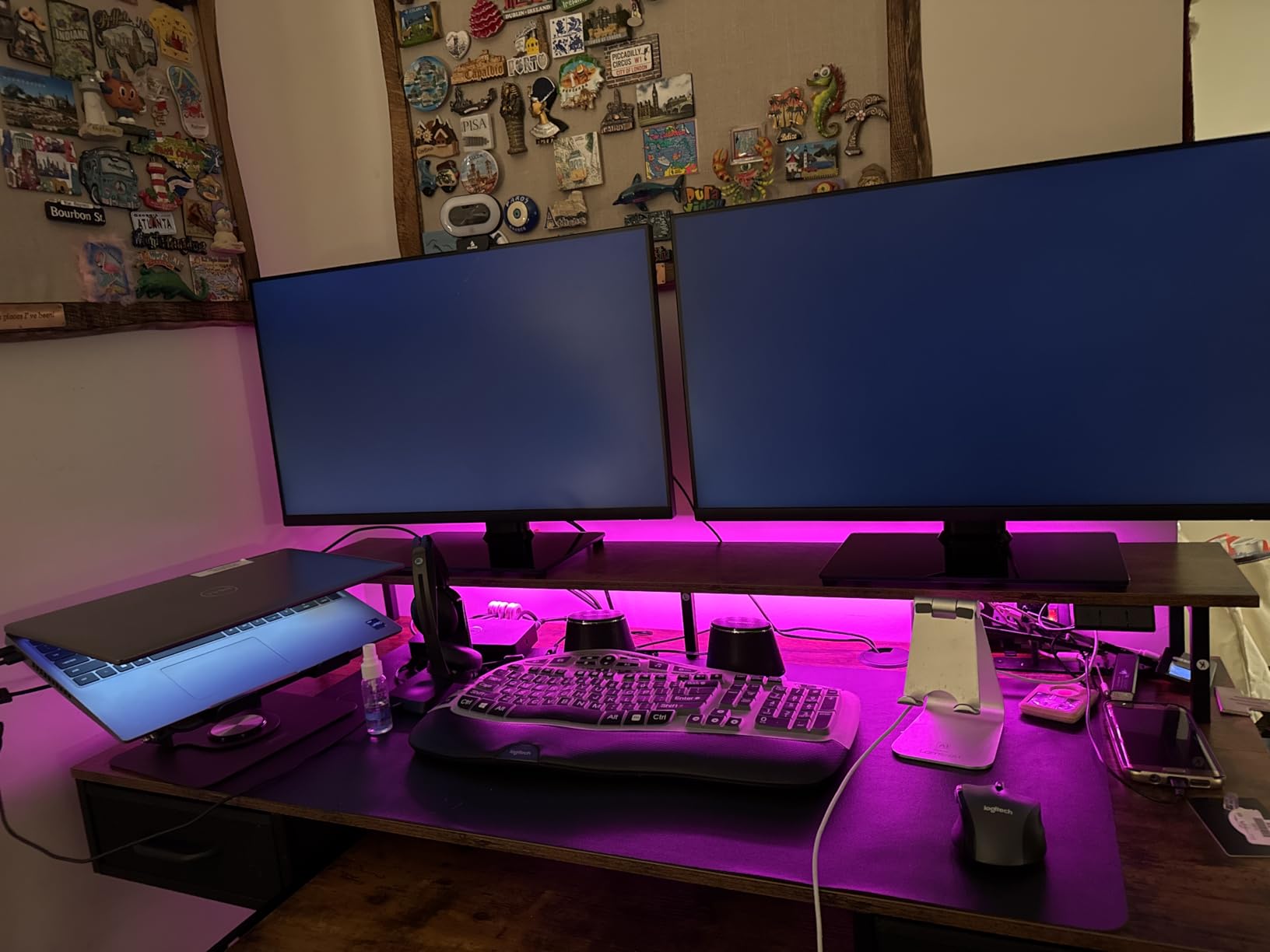
Where it falls short is width and depth together. At 55 by 21.25 inches, this is the most compact surface in the roundup, and it asks more of the shelf than a 70 inch top would. The keyboard tray is also snug enough that a full-size keyboard and a mouse will not sit side by side on it, which is a nuisance if you switch between typing and mousing often.
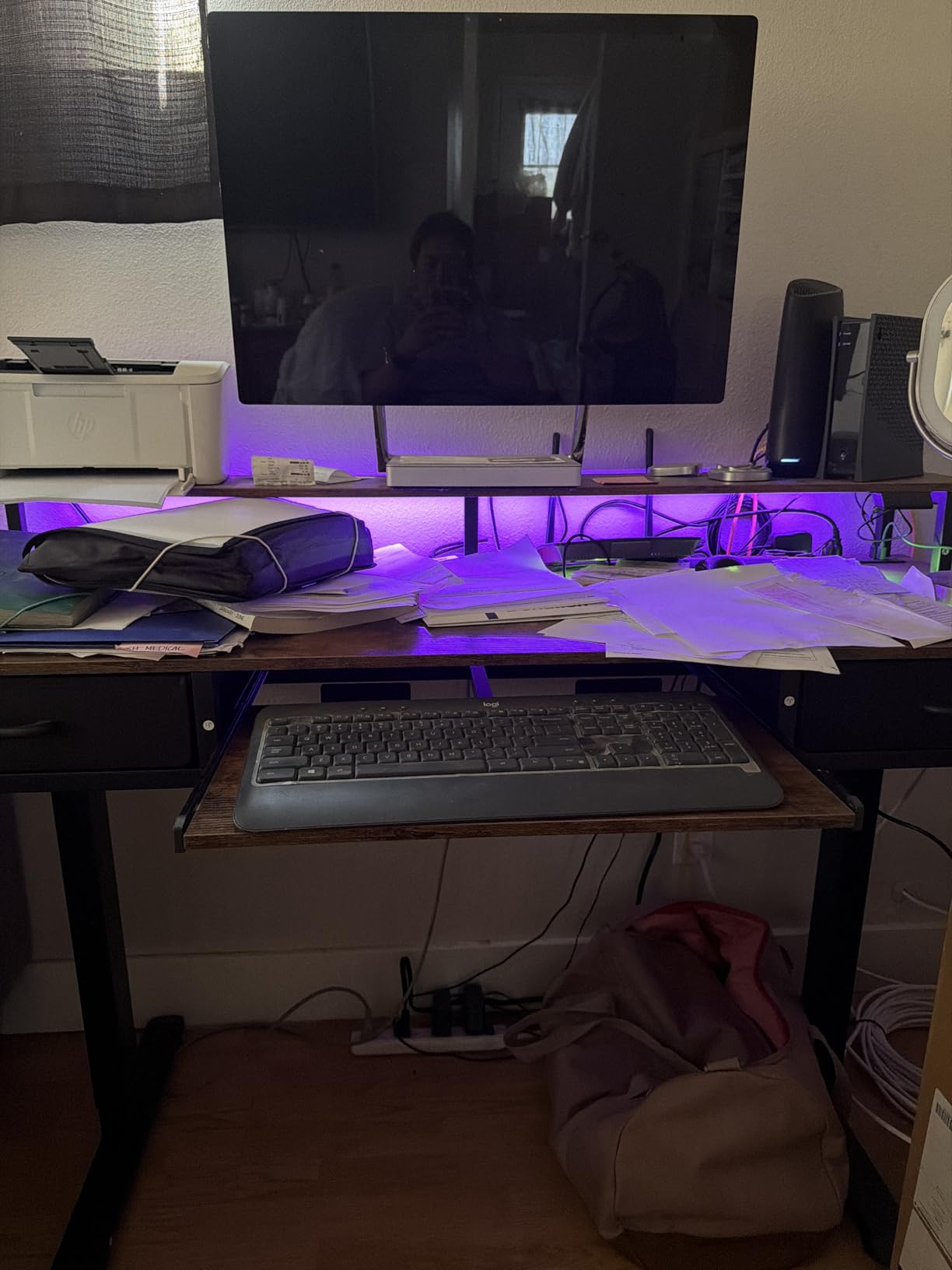
There is a little wobble at full height, and the maximum standing height of 46.1 inches is low for taller users even with spacers under the feet. The fabric drawers are best kept to light items like pens and cables rather than a stack of books. Across 762 ratings at 4.5 stars, the silent motor and the raised shelf are what reviewers mention most.
When this desk works best
It suits a hybrid worker in a small room who wants to change posture through the day without giving up a monitor shelf. The preset heights suit households where two people share the desk at different times. It is a good match if you use one large screen and one smaller secondary rather than two matching panels.
When it will frustrate you
It will frustrate you if you want two 27-inch panels plus an open laptop all on the same surface, because the shelf is doing the heavy lifting and the 21.25 inch depth is limited. Taller users will want a taller maximum, and anyone who prefers a keyboard and mouse on the main surface will feel the keyboard tray size. It weighs 65.1 pounds, so plan the position before building.
Buying Guide: What Actually Matters for a Dual-Monitor Plus Laptop Desk
Width is what everyone shops on and depth is what determines whether you are comfortable, so start there. Two 27-inch monitors plus an open laptop need 66 to 71 inches of width and 28 to 30 inches of depth to stay comfortable. Below 55 inches, only a vertical secondary screen or a pair of smaller 24-inch panels works, and even then the laptop has to go on a riser.
Next is the desktop thickness, because it decides whether you can clamp monitor arms at all. Clamps need roughly 0.75 inches of solid material, and thinner panels get slowly crushed or warped over time. Several desks here are at or above that threshold: the Huuger at 0.75 inches, the SEDETA L-shape at 1 inch, and the AODK L-shape at 0.75 inches. The 15 millimeter OSCHF top and the 0.6 inch OffiGo top are the two to check before ordering an arm.
Load capacity and arm capacity are different numbers, and this is the point most listings blur. The desk rating covers everything on the surface. Each monitor arm clamp has its own limit, usually far lower, so add your screens and arms to the desk total rather than assuming a 220 lb desk means a 220 lb monitor mount. For standing desks, treat the published rating as a total including your monitors, arms, dock, laptop and any tower on the top.
Cable slack is the detail that fixes the complaints buyers regret most. A dual-monitor setup plus a laptop dock roughly doubles your cable count, and a standing desk makes it worse because every cable must have enough slack to move through the full lift range without snagging. Look for a cable tray or a channel, and check the grommet count. The SEDETA gaming desk, the AODK 55 and the HUANUO all include one.
Then decide where the laptop lives, in this order: closed clamshell on a dock for a clean single-cable workflow, a raised riser shelf beside the monitors so the screen sits at eye level, a vertical mount, or flat on the desk as a last resort. A KVM switch or a docking station handles the common pattern of a work laptop driving the same two personal monitors, which is the workflow owners on r/buildapc and r/techsupport describe most often. Our laptop stands for desks guide covers the riser options in detail.
Monitor layout matters as much as desk size. Side by side with both screens angled inward in a cockpit shape reduces neck rotation and is why owners on r/StandingDesk advise buying 6 to 8 inches wider than the raw hardware span. The alternative is one primary screen at eye level with a secondary mounted vertically beside it, which fits more comfortably on a narrower desk. A third option is a slight inward angle with the laptop as a dedicated third panel.
Finally, check the room before you check the features. Measure the wall run, then add 36 to 48 inches for chair clearance and a walkway behind. A 71 inch desk in a 10 foot wall leaves you about an inch of slack once a 48 inch chair zone is added, and buyers who skip this step are the ones ending up with a desk they have to live around. If your room is tight, the U-shaped and L-shaped options use corners rather than wall length, and our monitors for small desks guide covers the screens that fit that footprint.
Frequently Asked Questions
What size desk should I get for 2 monitors and a laptop?
For two 27-inch monitors and an open laptop, look for a top at least 66 inches wide and 28 to 30 inches deep. Two 27-inch panels use roughly 48 inches of width on their own, and an open laptop adds another 13 to 15 inches. Add 5 to 8 inches for a mouse, desk mat and phone. Most owners end up on 70 or 71 inches, and anything under 55 inches fits the screens but leaves no usable space for a keyboard.
What is the best standing desk for having two monitors and a laptop?
Look at depth and frame weight first, then the load rating. The HUANUO 71 x 30 inch desk stands out here with a 29.5 inch deep top on a 220 lb carbon steel frame and a brushless motor under 55 decibels. If you want even more room behind the screens, the SANODESK 71 x 32 inch model has the deepest surface in our roundup at a 154 lb rating. Wobble at standing height is the most common complaint about wide electric desks, so a heavier frame matters more than extra presets.
What is the best desk setup for a laptop and two monitors?
The most repeatable setup is a closed clamshell laptop on a dock, with both monitors driven from the dock and a single cable back to the machine. The second best is a raised riser or monitor shelf that lifts the laptop to eye level and hands back desk surface. Desk models with built-in power help here: the Coleshome 71 and the SEDETA 66 inch L-shape both include multiple AC outlets and USB ports so you are not relying on a floor strip.
What is the best layout for 2 monitors and laptop?
Side by side with both monitors angled inward toward you is the most comfortable long-term layout, and it works best on a desk 6 to 8 inches wider than the raw screen span. The second option is one primary screen at eye level with a secondary mounted vertically, which fits on a narrower desk. The third is a slight inward angle with the laptop open as a dedicated third panel on a riser. Avoid placing the laptop flat between the monitors, since that forces you to look down all day.
Is a 47 inch desk big enough for two monitors?
Only with help. A 47 inch top fits two 24-inch panels, but you get roughly 48 inches of usable width once bezels and the centre gap are counted, so a laptop has nowhere to go. On a 47 inch desk, mount both screens on arms, run one panel vertically, and use a laptop stand outside the monitor span. For two 27-inch panels plus a laptop, 66 to 71 inches is the workable range.
How can I set up dual monitors on an L-shaped desk?
Put both monitors and the laptop on the long main run, not split across the return. Centre the two screens on the main run with a 4 to 6 inch gap and angle them inward toward your head position. Use the return for the laptop, a keyboard tray, or a second machine so the main surface stays a single working zone. On the Bestier 71.5 inch L-shape, the tilting metal grid lets you raise and angle the two panels, which reduces neck rotation further.
Final Verdict: The Best Desks for Two Monitors and a Laptop in 2026
The Coleshome 71 Inch Computer Desk is our pick for the best desks for two monitors and a laptop in 2026. Its 70.9 inch top, built-in power hub and rigid steel frame cover the three-device workload without a floor power strip, and owner ratings hold at 4.5 stars across nearly 1,800 reviews. If you want a clearly documented load rating before you clamp arms, the DlandHome 71 at 165 lb is the alternative, and if you plan to run three screens on a fixed desk, the Huuger 70 handles it.
Go deeper only when you have a reason. The HUANUO 71 x 30 and the SANODESK 71 x 32 earn their place if you sit and stand, the SEDETA 66 L-shape if you need storage and power, and the OffiGo 55 U-shape if a 71 inch top will not fit your wall. Measure the room, check the depth, then order.