
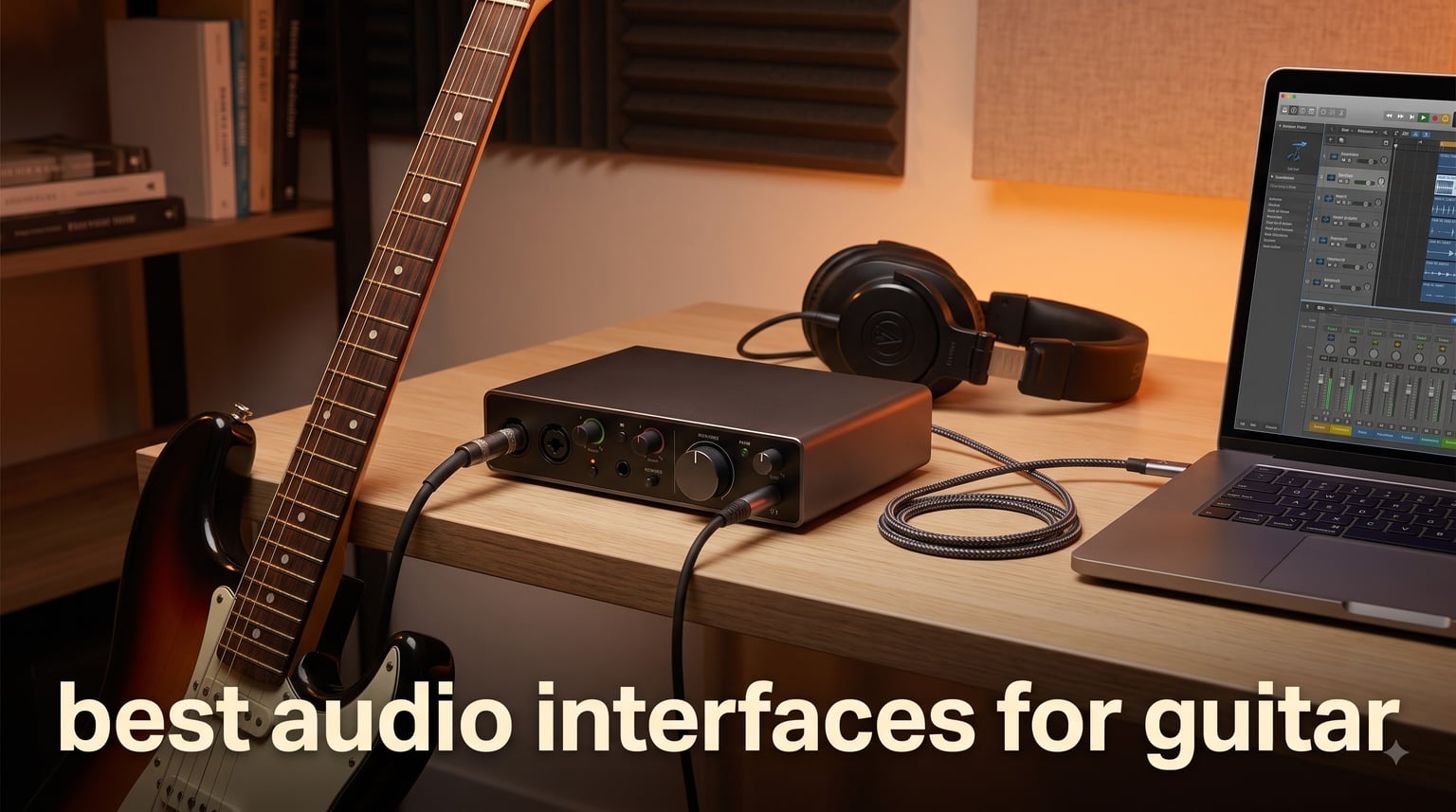
Recording guitar direct into your computer used to mean dealing with thin, buzzy tones and frustrating latency. A dedicated guitar audio interface changes everything, giving you clean preamps, proper Hi-Z instrument inputs, and the low-latency monitoring you need for serious recording.
Our team tested 8 of the most popular options on the market to find the best audio interfaces for guitar in 2026. We spent weeks running electric guitars, acoustic-electrics, and basses through each unit, paying close attention to tone quality, latency performance, driver stability, and real-world ease of use.
Whether you are building your first home studio, want something portable for mobile recording, or need professional-grade converters for amp simulation plugins like Neural DSP and AmpliTube, we have a recommendation that fits. Every interface on this list has a Hi-Z instrument input designed specifically for guitar, so you will not need any extra DI boxes to get started.
Table of Contents
Top 3 Picks for Best Audio Interfaces for Guitar in October
These three interfaces stood out across our testing for different reasons. The Scarlett Solo delivers unmatched value and software, the MOTU M2 offers the best converters in this price range, and the M-Track Solo is the most affordable option that still gets the job done.


Best Audio Interfaces for Guitar in 2026
Here is a side-by-side look at all 8 interfaces we tested. Compare the key specs at a glance, then scroll down for the full breakdown of each one.
| Product | Specifications | Action |
|---|---|---|
| Focusrite Scarlett Solo 3rd Gen |
|
Check Latest Price |
 MOTU M2 USB-C MOTU M2 USB-C |
|
Check Latest Price |
 IK Multimedia AXE I/O One IK Multimedia AXE I/O One |
|
Check Latest Price |
 PreSonus Studio 24c PreSonus Studio 24c |
|
Check Latest Price |
| M-AUDIO M-Track Solo |
|
Check Latest Price |
 Arturia MiniFuse 1 Arturia MiniFuse 1 |
|
Check Latest Price |
 IK Multimedia iRig HD 2 IK Multimedia iRig HD 2 |
|
Check Latest Price |
 PreSonus AudioBox 96 25th Anniversary PreSonus AudioBox 96 25th Anniversary |
|
Check Latest Price |
1. Focusrite Scarlett Solo 3rd Gen – Best Overall for Guitarists
Focusrite Scarlett Solo 3rd Gen USB-C Audio Interface
24-bit/192kHz
Hi-Z instrument input
Air mode
USB connectivity
Pros
- Pro-grade preamps with switchable Air mode
- High-headroom instrument input prevents clipping
- Zero-latency direct monitoring
- Massive software bundle included
- 29k+ reviews with 4.7 rating
Cons
- Some users report USB connectivity issues
- May require driver installation on some systems
I plugged my Fender Stratocaster into the Scarlett Solo 3rd Gen and immediately understood why this is the best-selling audio interface in the world. The Hi-Z instrument input has plenty of headroom, meaning even active pickups and hot humbuckers did not clip or distort on the way in.
The Air mode switch is where things get interesting for guitarists. Engaging it adds a bright, open character to the high frequencies that reminds me of what a good studio preamp does. For recording clean electric guitar parts or acoustic-electric tracks, Air mode adds a professional sheen without needing any plugins.
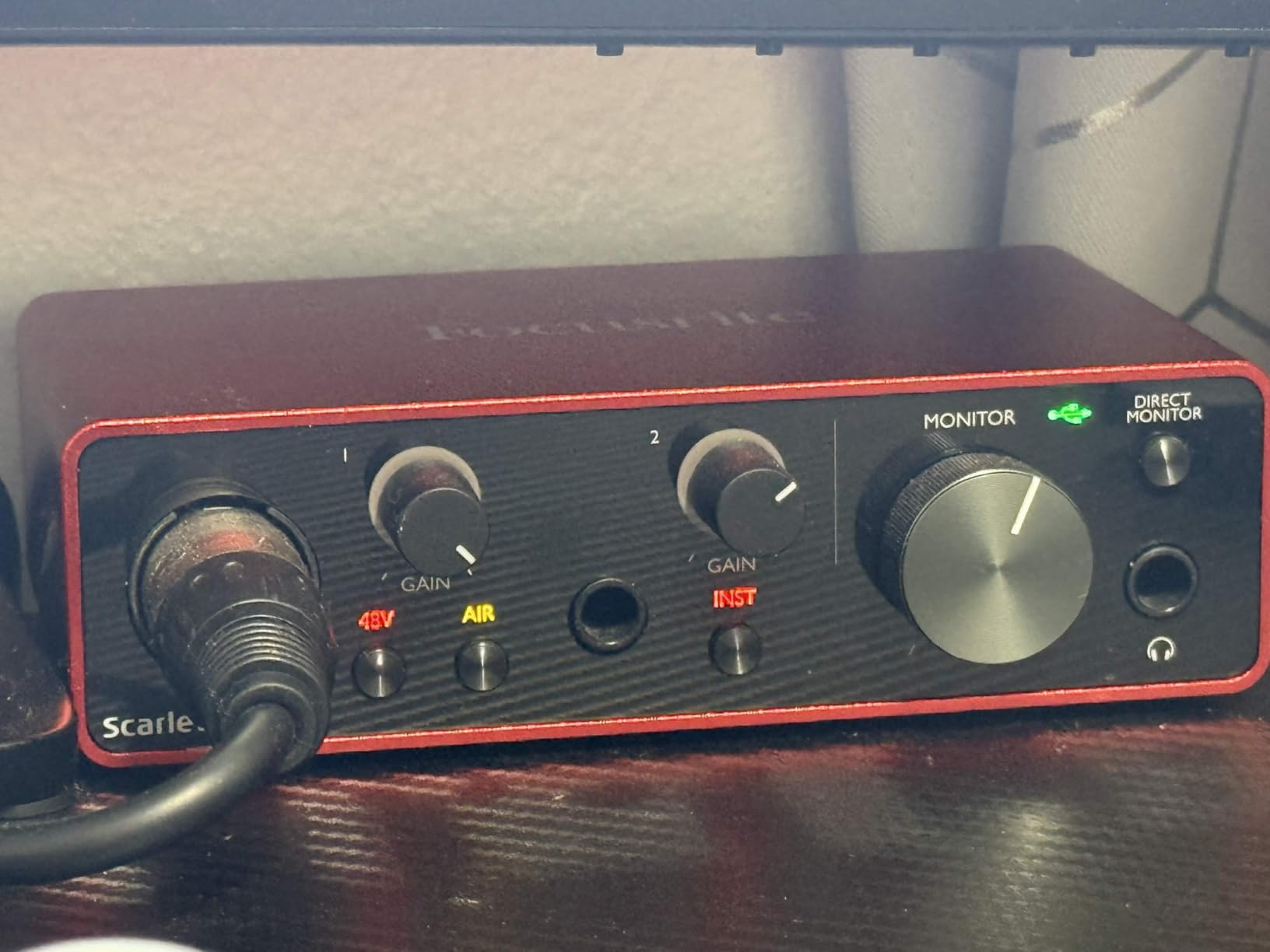
Latency was a non-issue during our testing. The direct monitoring switch routes your input straight to the headphones, so you hear yourself instantly with zero delay. I recorded for hours through Neural DSP plugins without any noticeable lag between my playing and what I heard.
The build quality feels solid despite the lightweight 0.77-pound body. The gain knob has a smooth, dampened feel, and the green and red LED rings around it give you instant visual feedback on your input levels. At this price point, the Scarlett Solo punches well above its weight.
Software Bundle and Plugin Compatibility
Focusrite includes Pro Tools Intro+, Ableton Live Lite, Cubase LE, and the Hitmaker Expansion bundle. That Hitmaker Expansion packs studio-grade plugins including Focusrite Red 2 and Red 3 EQ and compression, Softube saturation, and Marshall amplifier emulation.
For guitarists, this means you can start recording and processing tones right out of the box without spending extra on plugins. The Scarlett Solo is also fully compatible with Neural DSP, AmpliTube, Guitar Rig, and any other amp simulation software you prefer.
Direct Monitoring and Latency Performance
The Scarlett Solo uses Focusrite’s third-generation preamp design with a dedicated direct monitoring switch. When enabled, you hear your dry guitar signal with zero latency alongside whatever your DAW is playing back.
If you want to monitor through plugins in real time, I found the round-trip latency low enough for comfortable playing at a 128-sample buffer size. On a modern computer, that translates to roughly 5-7 milliseconds of delay, which is imperceptible for most players.
2. MOTU M2 USB-C – Best Value for Serious Recording
MOTU M2 USB-C Audio Interface
24-bit/192kHz
USB-C
2 preamps
Hardware monitoring
Pros
- Professional-grade ESS Sabre converters
- USB-C connectivity
- Hardware monitoring with front-panel LCD
- Crystal-clear preamps
- 2-year warranty
Cons
- Premium price point
- Some features better suited for Windows users
The MOTU M2 is the interface I kept reaching for during serious recording sessions. The difference in converter quality between the M2 and budget interfaces is immediately noticeable when you listen back to your recordings side by side.
Guitar tones captured through the M2 sound fuller and more detailed, with a wider stereo image when recording in stereo. The ESS Sabre converters that MOTU uses are the same class found in interfaces costing twice as much. For guitarists who care about capturing every nuance of their playing, this matters.
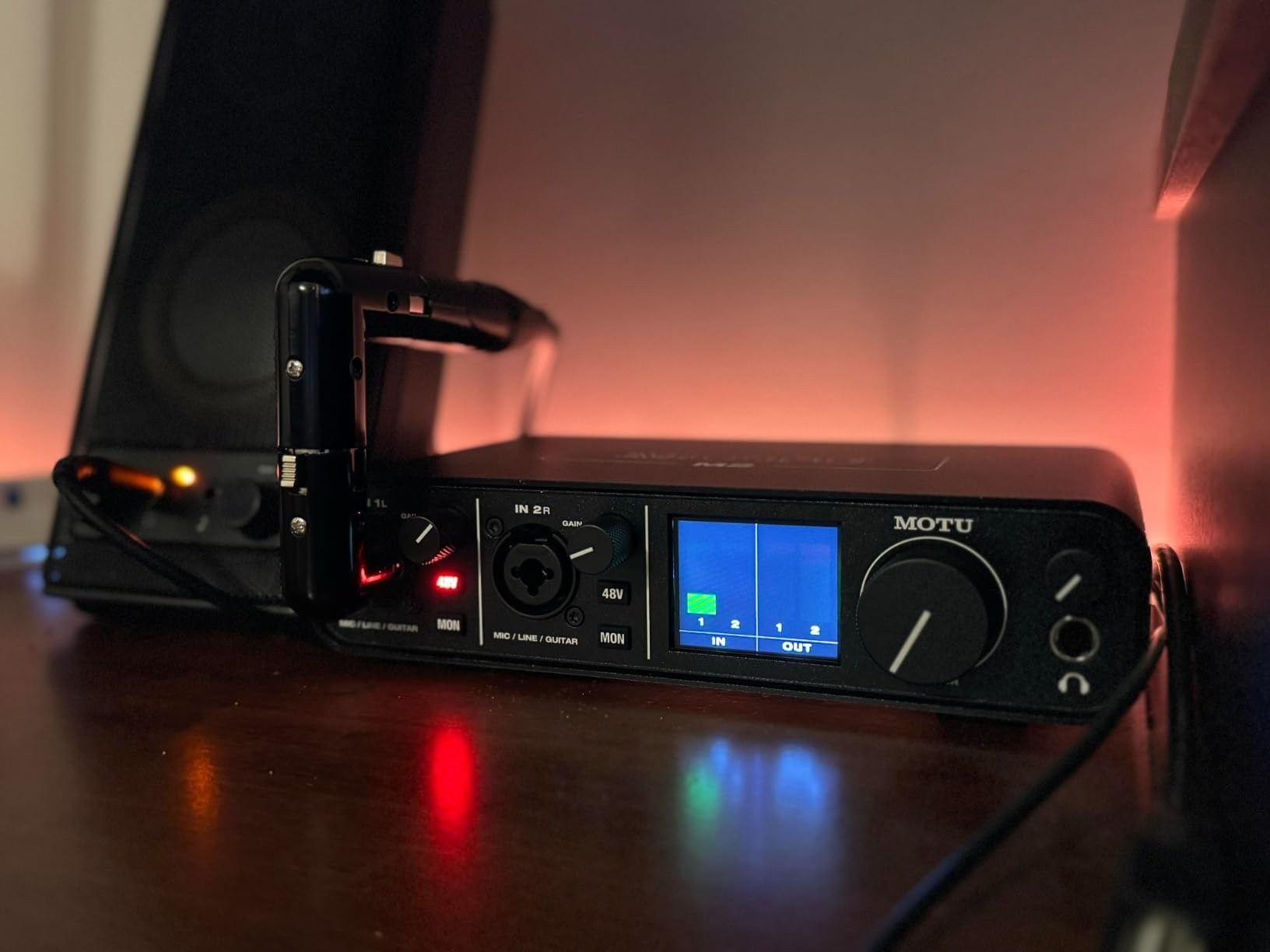
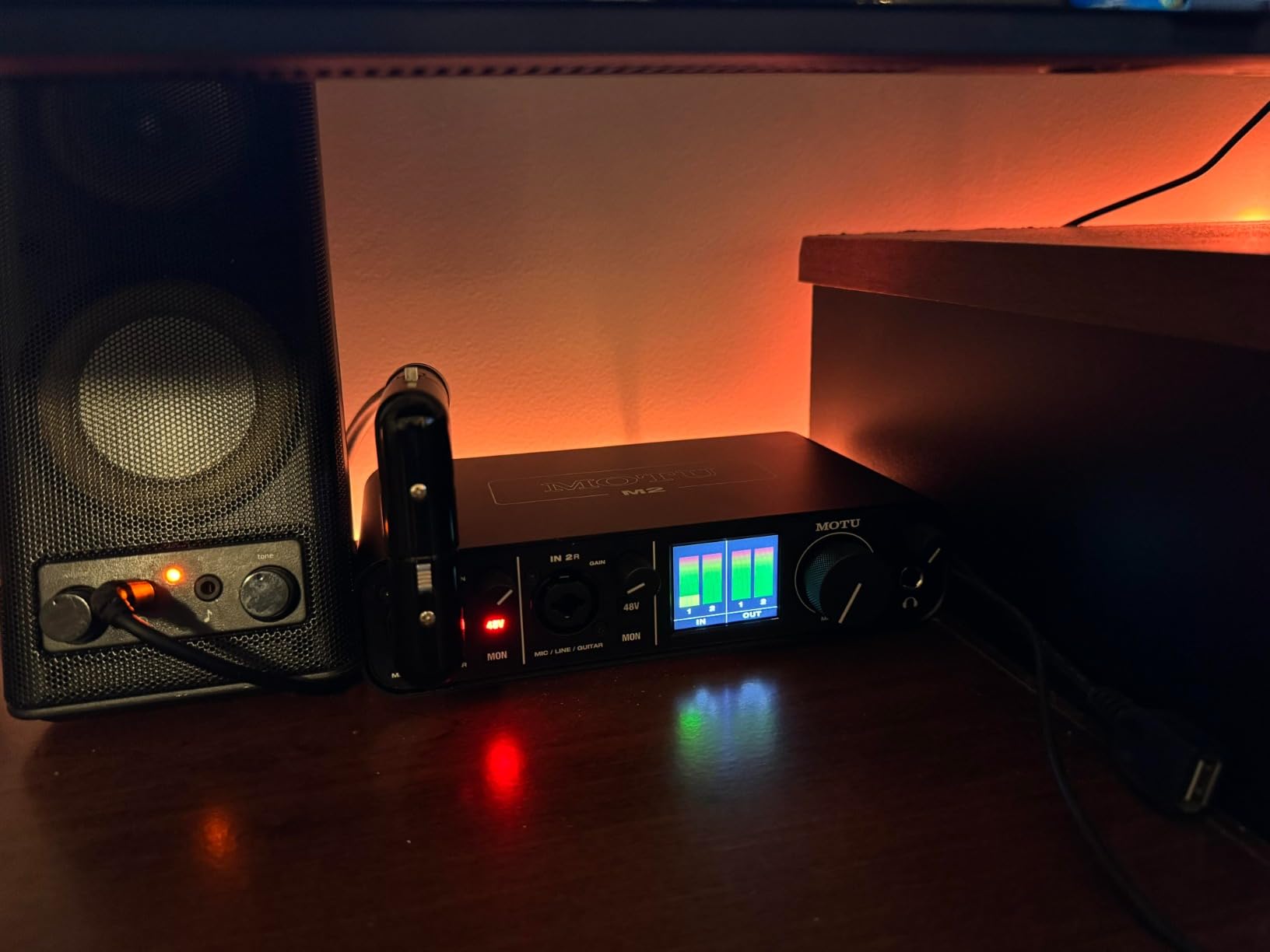
The front panel features a full-color LCD screen that shows input and output levels simultaneously. I found this far more useful than the simple LED rings on other interfaces, especially when setting gain for quiet single-coil pickups versus loud active pickups.
USB-C connectivity means you get faster data transfer and a reversible connector that actually stays put. MOTU includes both USB-C to USB-C and USB-C to USB-A cables, so you are covered regardless of what ports your computer has.
Preamp Quality and Converters
The two preamps in the MOTU M2 deliver clean, transparent gain with very low noise. I tested them with a vintage low-output single-coil Strat and had no trouble getting a strong signal without introducing hiss. The gain range is wide enough for everything from passive guitars to hot active pickups.
The ESS Sabre32 Ultra DAC technology gives the M2 a 129dB dynamic range, which is exceptional at this price. In practical terms, your quietest fingerpicked passages and your loudest power chords both come through with full detail and no digital harshness.
Driver Stability Across Platforms
MOTU has a strong reputation for driver stability, and our testing confirmed it. On Windows, the ASIO drivers performed flawlessly with Neural DSP, AmpliTube, and Guitar Rig at buffer sizes as low as 64 samples. On Mac, the class-compliant Core Audio driver worked without needing any installation.
Forum users on Gearspace and Reddit consistently praise the M2 for never dropping connections during long sessions, which is a common complaint with cheaper interfaces. For guitarists recording multiple takes over several hours, that reliability is worth paying extra for.
3. IK Multimedia AXE I/O One – Best for Guitar Tone Shaping
IK Multimedia AXE I/O One – Professional USB Audio Interface with Z-TONE advanced guitar tone shaping, AmpliTube and TONEX software included, high-resolution recording studio equipment
24-bit/192kHz
Z-TONE impedance circuit
Active/Passive selector
AmpliTube 5 SE
Pros
- Z-TONE impedance circuit for tone shaping
- Active/Passive pickup selector
- High-res 192kHz converters
- Includes AmpliTube 5 SE and TONEX SE
- Amp output for re-amping
Cons
- Limited to 3 channels
- Higher price for single-input interface
The AXE I/O One is built specifically for guitarists, and it shows in every design decision. The Z-TONE impedance circuit is the standout feature, letting you dial in the exact input impedance that matches your pickups and playing style.
I tested the Z-TONE with a Les Paul loaded with humbuckers and a Strat with single-coils. Turning the impedance knob from minimum to maximum changes the high-end response dramatically. At lower impedance settings, the tone gets warmer and smoother. At higher settings, it becomes brighter and more aggressive. This is like having multiple input stages in one unit.
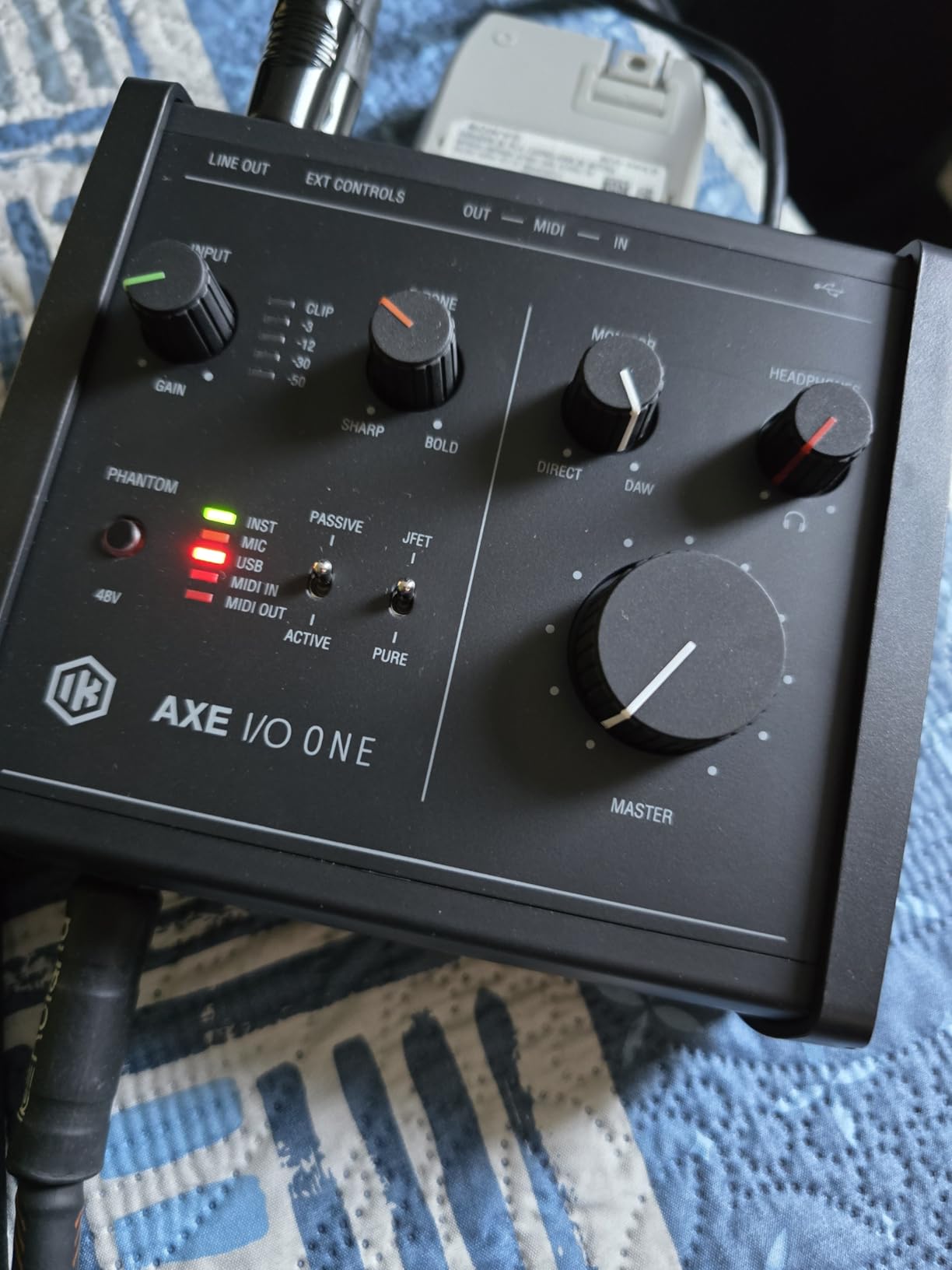
The active/passive pickup selector switch is another thoughtful touch. It optimizes the input gain structure for whatever type of pickups your guitar has, so you get the ideal signal level without fiddling with the gain knob for minutes.
The dedicated amp output on the back panel is designed for re-amping, which is a huge bonus for producers. You can send a recorded DI signal back out through the AXE I/O One into a real amplifier and capture it with a microphone for hybrid tones.
Z-TONE Impedance Circuit Explained
Most audio interfaces have a fixed input impedance for their instrument input, usually around 1 megaohm. The Z-TONE circuit lets you adjust this from 1 megaohm down to 2.2 kiloohms. Lower impedance settings load your pickups differently, changing the resonant peak of your tone.
In practice, this means you can fine-tune how your guitar interacts with amp simulation plugins. A darker-sounding guitar can be brightened up by adjusting the impedance, and an overly bright guitar can be tamed. No other interface at this price offers this level of input control.
Software Bundle and TONEX Integration
The AXE I/O One ships with AmpliTube 5 SE and TONEX SE, both of which are IK Multimedia’s flagship guitar processing software. TONEX uses machine learning to model any amplifier, cabinet, or pedal with stunning accuracy, and it works seamlessly with the AXE I/O’s input stage.
The combination of Z-TONE tone shaping and TONEX modeling creates a guitar recording chain that rivals what professional studios achieve with much more expensive setups. For guitarists who want the deepest level of tone control, the AXE I/O One is hard to beat.
4. PreSonus Studio 24c – Best for Home Studio Builders
PreSonus Studio 24c 2×2, 192 kHz, USB Audio Interface with Studio One DAW Recording Software
24-bit/192kHz
XMAX-L preamps
USB-C
MIDI I/O
Pros
- XMAX-L mic preamps for professional sound
- USB-C bus-powered
- MIDI In/Out
- Includes Studio One Artist
- 4 LED level meters
- Low-latency direct monitoring
Cons
- Not Prime eligible
- 1-year warranty shorter than competitors
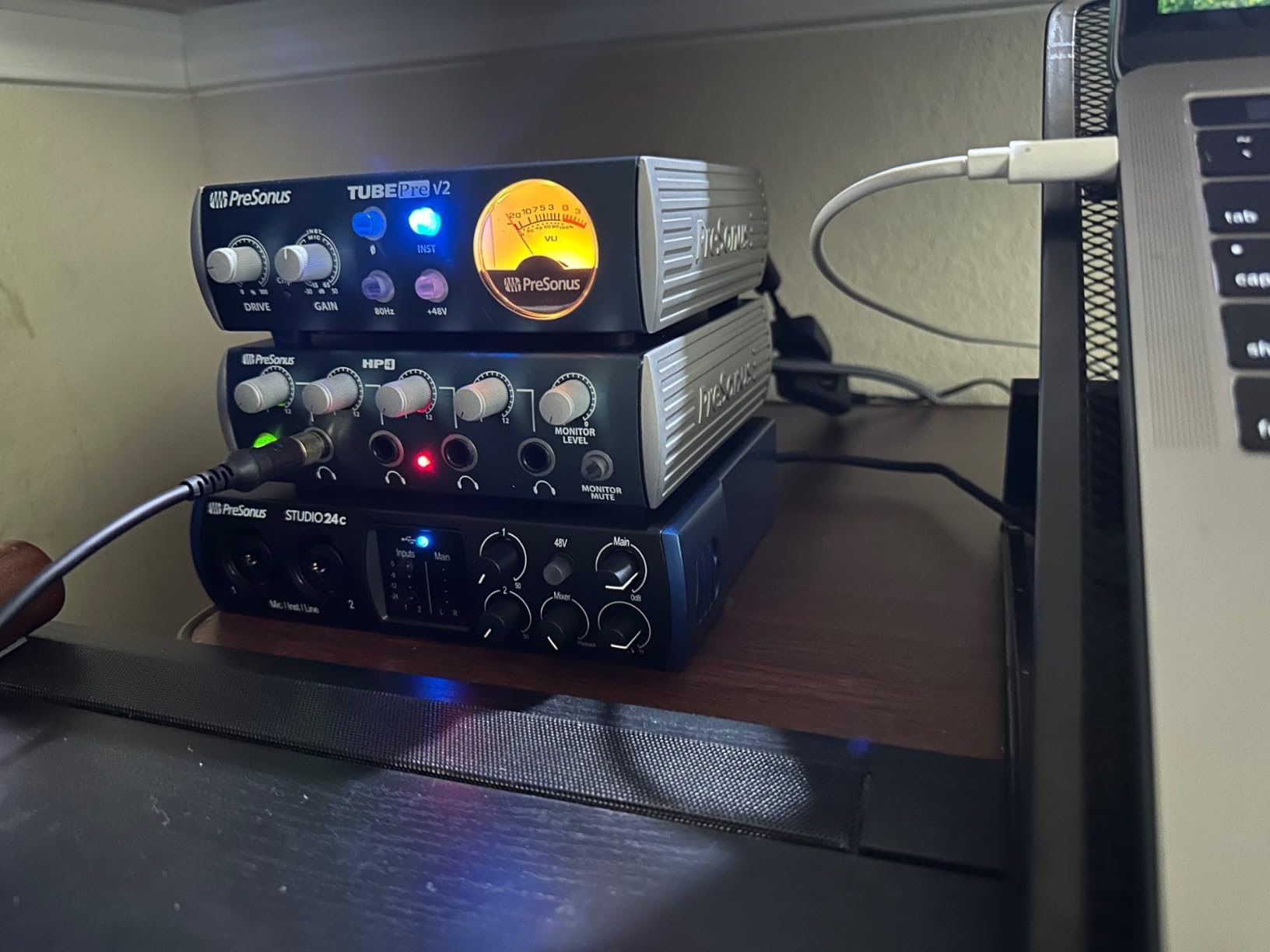
The PreSonus Studio 24c is a 2-in/2-out interface that nails the fundamentals of home recording. I ran my Telecaster through the instrument input and was impressed by how clean and noise-free the signal was, even at higher gain settings.
The XMAX-L preamps have a reputation in the recording community for being transparent and musical, and my testing confirmed that. They do not color your sound, which is exactly what you want when using amp simulation plugins. Your guitar tone remains pure and uncolored on its way into the DAW.
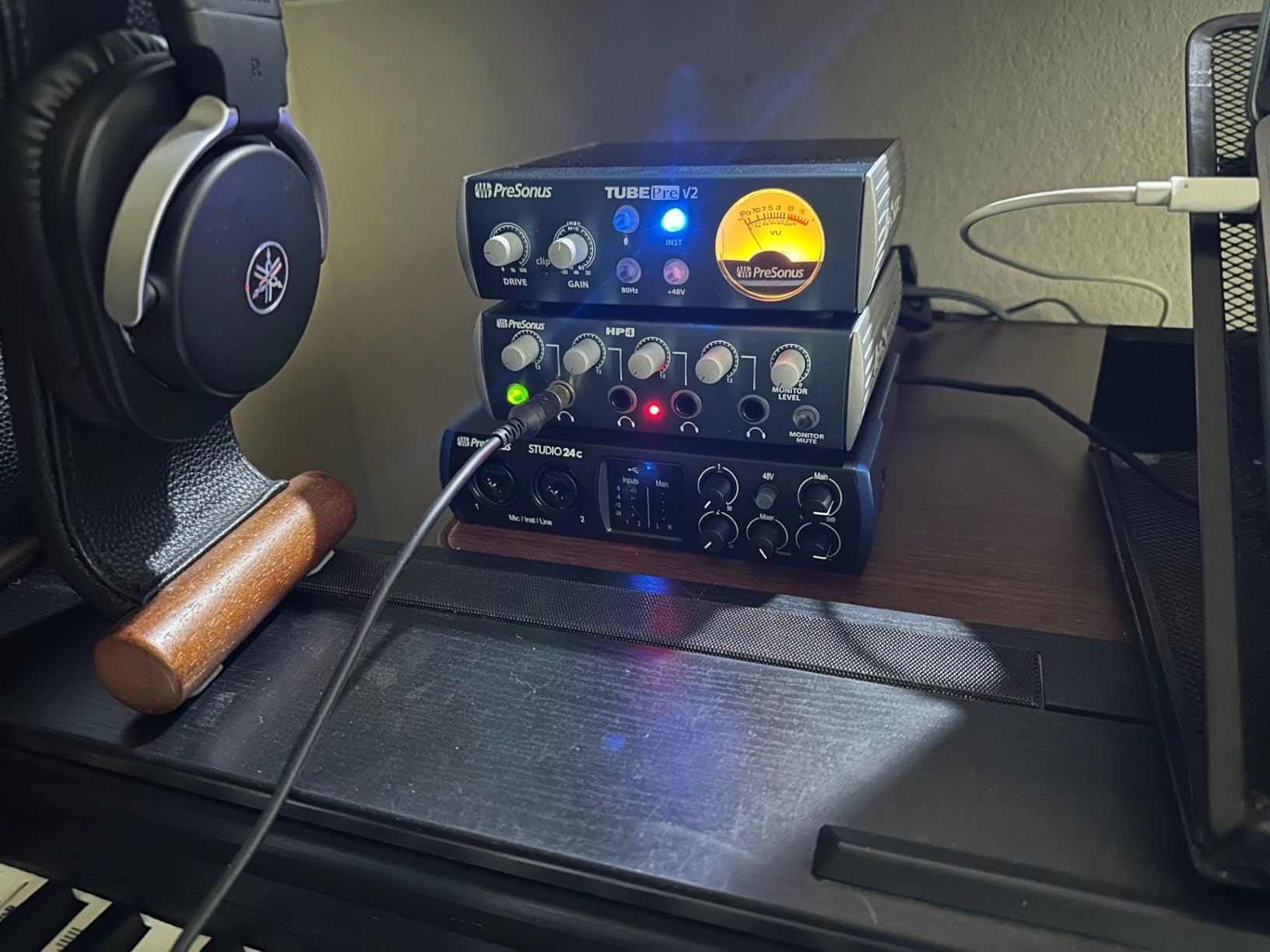
USB-C bus power means no wall adapter to worry about. The interface draws all its power from your computer, making it genuinely portable. PreSonus includes both USB-C to USB-C and USB-C to USB-A cables, so you are ready to record on any machine.
The front panel layout is clean and intuitive. Four ladder-style LED meters give you instant feedback on both input and output levels, and the mixer knob blends between your direct input and DAW playback for low-latency monitoring.
XMAX-L Preamps and Sound Quality
The XMAX-L preamp design is a solid-state Class A configuration that PreSonus developed for their professional interfaces. The L variant is a lower-noise version optimized for the compact Studio series. In my tests, these preamps delivered clean, consistent gain across the full range.
I compared recordings of the same guitar passage through the Studio 24c and a budget interface, and the difference was clear. The PreSonus captured more transient detail and had a lower noise floor, especially noticeable on clean, quiet passages where every bit of detail counts.
Studio One Integration and Workflow
The included Studio One 6 Artist Edition is a full-featured DAW that many guitarists actually prefer over Ableton or Pro Tools for recording. The deep integration between the Studio 24c and Studio One means setup takes literally minutes, with all routing handled automatically.
You also get compatibility with every major DAW including Ableton Live, FL Studio, Cubase, Pro Tools, Logic Pro, and Reaper. If you already have a preferred DAW, the Studio 24c works as a standard class-compliant interface with zero friction.
5. M-AUDIO M-Track Solo – Best Budget Pick Under $50
M-AUDIO M-Track Solo USB Audio Interface
48kHz
Crystal Preamp
XLR and DI inputs
USB connectivity
Pros
- Most affordable option in this roundup
- Crystal Preamp for clean mic signal
- USB/Direct switch for zero latency
- Includes MPC Beats and Ableton Live Lite
- Lightweight and portable
Cons
- Only 48kHz sample rate
- 1-year warranty
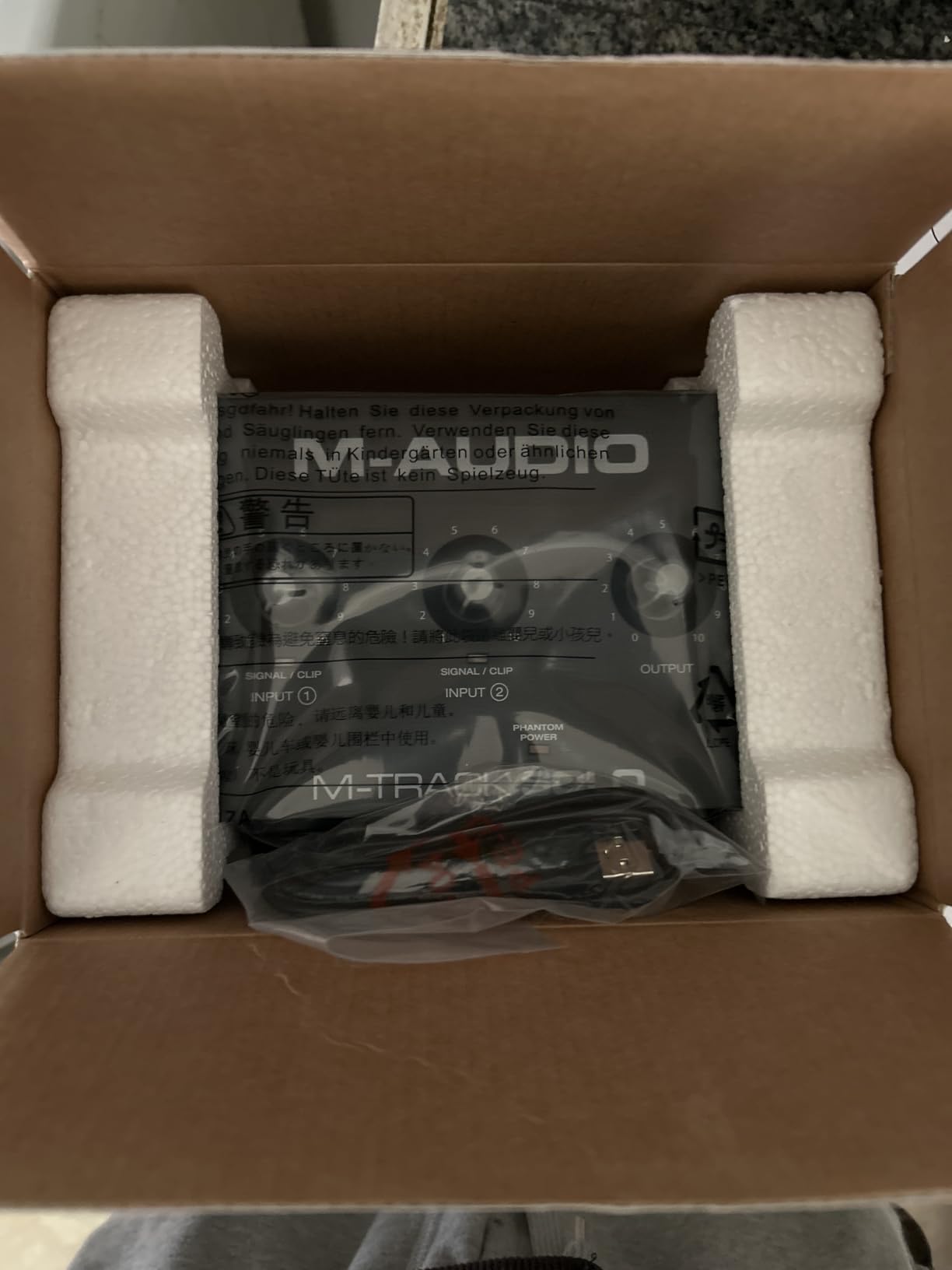
The M-Track Solo proves that you do not need to spend a lot to start recording guitar. At under $50, it is the most affordable interface in this roundup, and it covers all the basics that a beginner guitarist needs to get recording.
I plugged my acoustic-electric into the instrument input and was pleasantly surprised by the signal quality. The preamp has enough gain for most passive pickups, and the USB/Direct monitoring switch lets you hear yourself without any latency issues. For practice demos and songwriting demos, it delivers everything you need.
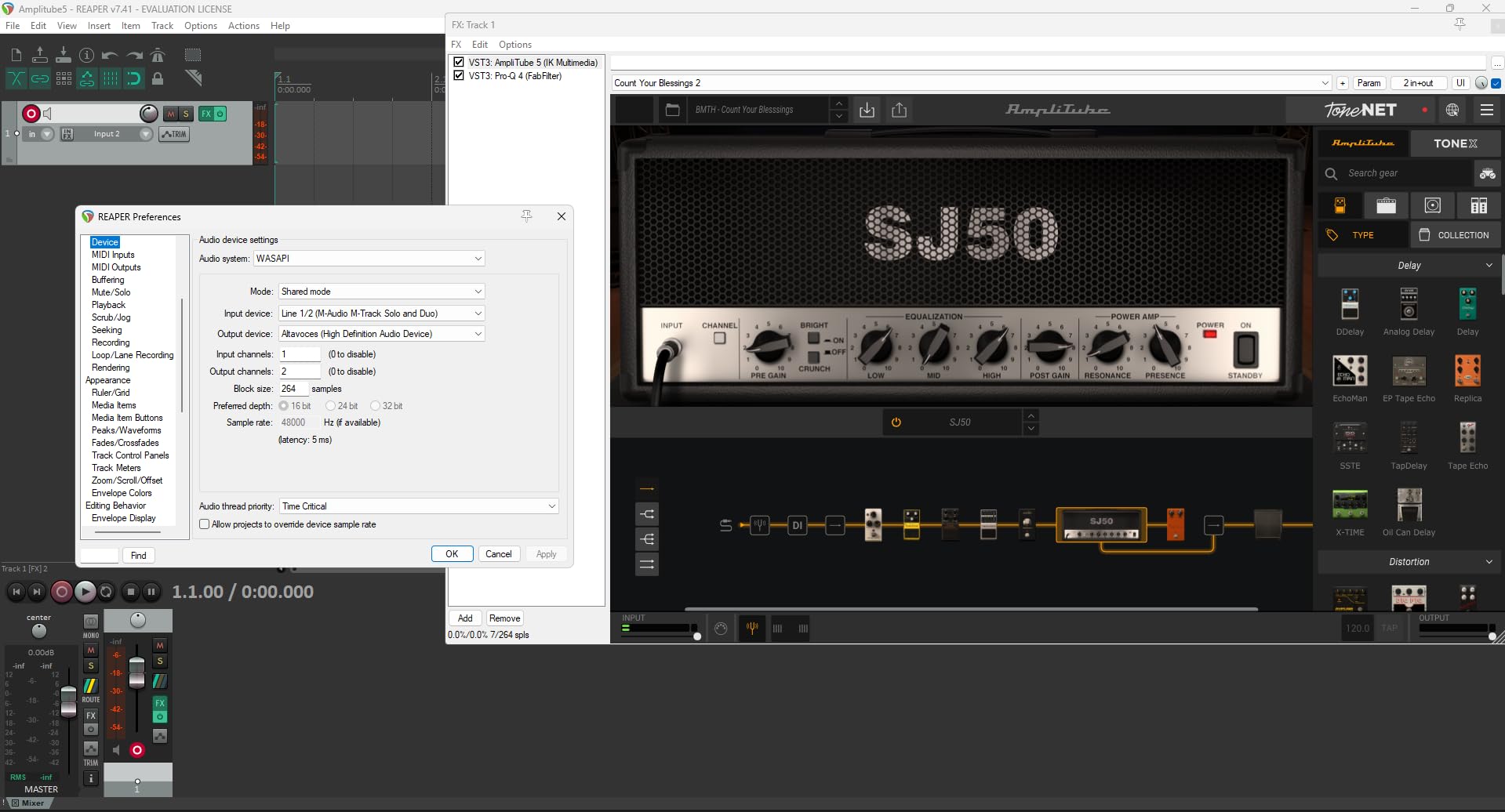
The build is lightweight plastic, which keeps the cost down and makes it easy to toss in a gig bag. At 10.6 ounces, it is one of the lightest interfaces available. The simplicity of having just one knob per input makes it very approachable for first-time users.
The included software bundle is solid for the price. MPC Beats gives you a beat-making platform, and Ableton Live Lite handles multitrack recording. For guitarists who also want to produce full songs, having both tools is a nice touch.
Input Options and Versatility
The M-Track Solo offers three input types: a balanced XLR for microphones, a balanced 1/4-inch TRS line input, and an unbalanced 1/4-inch TS instrument input. This covers the most common recording scenarios for a guitarist who also sings or records vocals.
The combo XLR input includes phantom power, so you can use condenser microphones for recording acoustic guitar. The impedance of 1 megaohm on the instrument input is standard for guitar and works well with most passive and active pickups.
Limitations to Consider
The 48kHz sample rate is the main trade-off at this price. While 48kHz is perfectly fine for most home recording and demo work, it does not offer the same high-frequency detail as the 96kHz or 192kHz interfaces on this list. For most listeners, the difference is negligible, but audiophiles may notice.
The 1-year warranty is shorter than the 2 to 5-year warranties offered by competitors. If you plan to use the interface heavily over several years, you may want to consider a more robust option. But for getting started on a tight budget, the M-Track Solo is genuinely impressive.
6. Arturia MiniFuse 1 – Best Build Quality and Warranty
Arturia MiniFuse USB Audio & MIDI Interface, MiniFuse 1
24-bit/192kHz
110dB dynamic range
MIDI I/O
Loopback
USB-C
Pros
- 5-year warranty best in class
- 110dB dynamic range
- Loopback for streaming
- MIDI I/O included
- Compact metal build
- Comprehensive software bundle
Cons
- Single input channel may limit some users
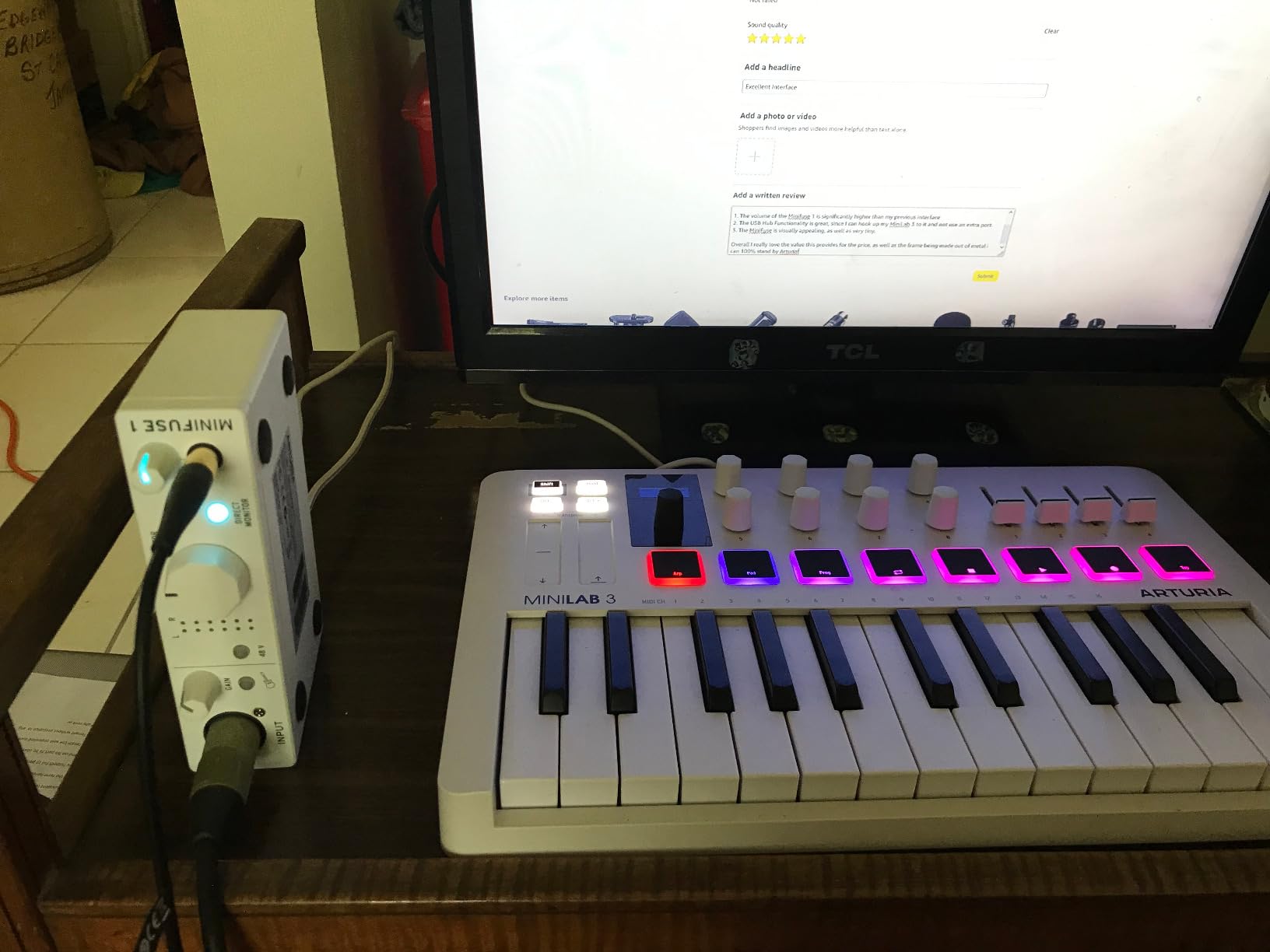
Arturia is known for their synthesizers and plugins, and the MiniFuse 1 brings that same attention to quality into the audio interface world. The first thing I noticed when unboxing it was the solid metal chassis that feels built to last decades.
The 5-year warranty backs up that build quality claim. No other interface in this price range comes close to that level of coverage. Arturia clearly stands behind their hardware, which gives you peace of mind for long-term studio use.
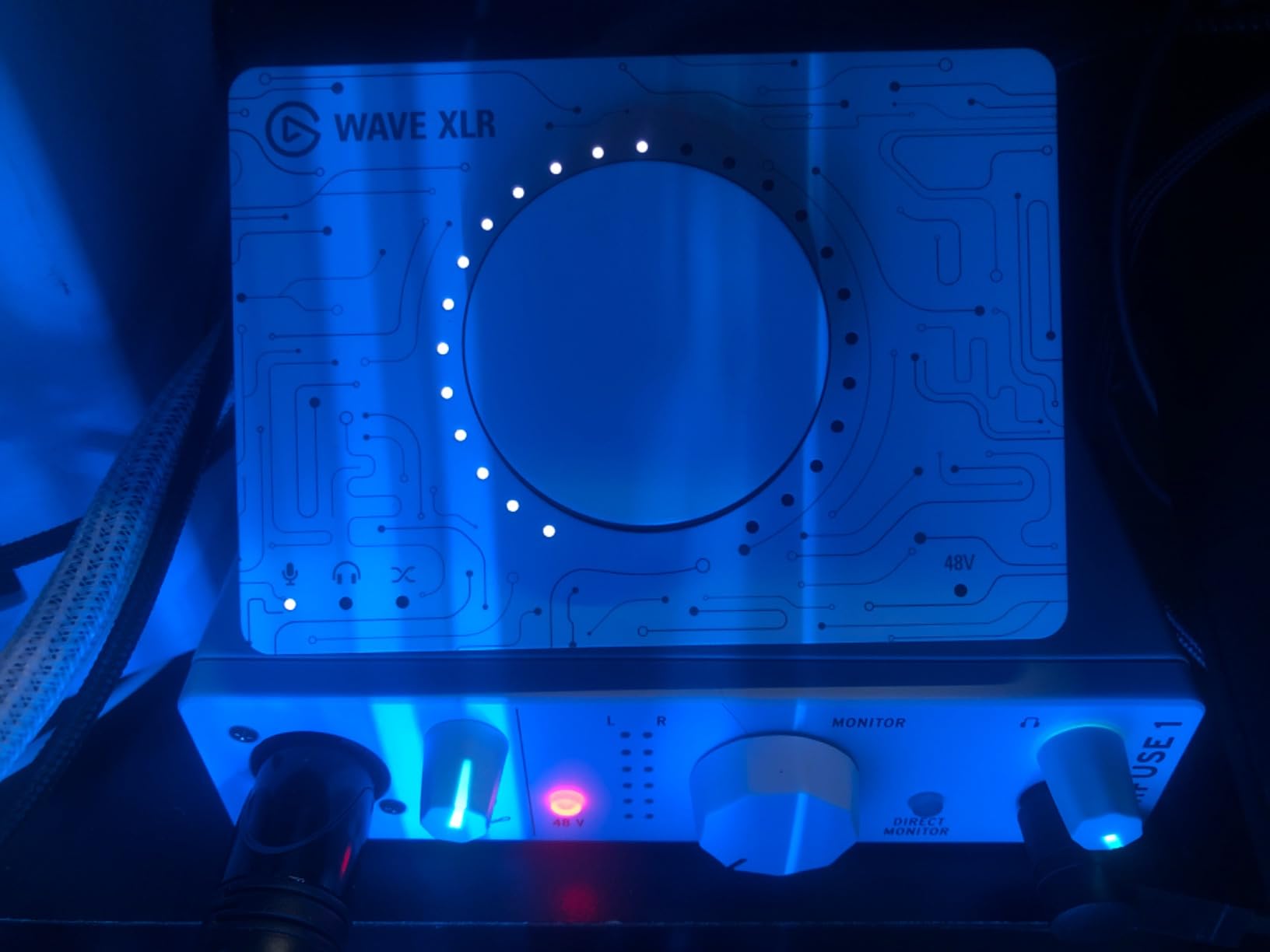
Sound quality is excellent, with a 110dB dynamic range that captures every nuance of your playing. I recorded fingerstyle acoustic guitar through the combo input and was struck by how much detail came through in the quiet passages. The noise floor is impressively low for a single-channel interface.
The loopback feature is a standout for guitarists who also stream or create video content. It captures both your interface input and your computer’s audio simultaneously, so you can record yourself playing along with backing tracks in a single take.
Build Quality and Warranty
The MiniFuse 1 uses a full aluminum enclosure with weighted knobs that feel premium. Every connector on the back panel is firmly mounted, and the unit has enough heft to stay put on your desk without sliding around when you plug in cables.
The 5-year warranty covers manufacturing defects and is significantly longer than the 1 to 2-year warranties common in this price range. For guitarists who record regularly, this long-term protection adds real value to the purchase.
Loopback and Streaming Capabilities
The loopback function routes your computer’s audio back into your recording software alongside your live input. This is perfect for guitarists who stream on YouTube or Twitch, because your audience hears both your guitar and any backing tracks or software amps simultaneously.
The included software bundle is also worth mentioning. You get Ableton Live Lite, Analog Lab Intro with hundreds of synth sounds, Arturia FX plugins, NI Guitar Rig 6 LE, Auto-Tune Unlimited, and a Splice Creator Plan. For guitarists, Guitar Rig 6 LE alone makes this bundle worthwhile.
7. IK Multimedia iRig HD 2 – Best for Mobile and iOS Recording
IK Multimedia iRig HD 2 guitar audio interface for iPhone, iPad, Mac, iOS and PC with USB-C, Lightning and USB cables and 24-bit, 96 kHz music recording
24-bit/96kHz
iOS and PC compatible
Hi-Z input
AmpliTube ready
Pros
- Works with iPhone iPad Mac and PC
- Includes USB-C Lightning and USB cables
- 96kHz sample rate
- FX/Thru switch for amp connection
- Headphone output for silent practice
- Unlocks AmpliTube content
Cons
- Single channel instrument input only
- No microphone input
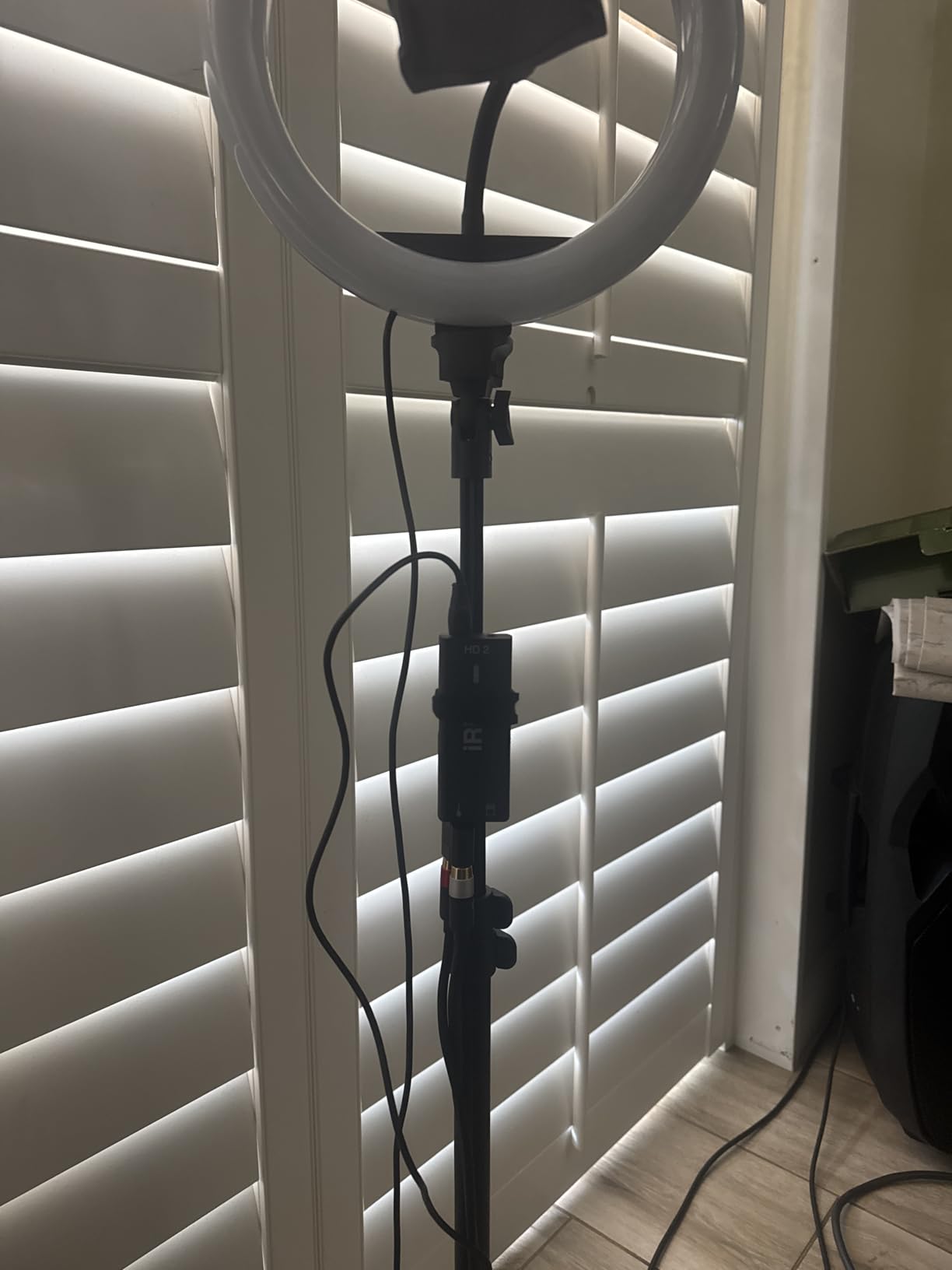
The iRig HD 2 is the interface I grab when I want to record guitar ideas on my iPhone or iPad. It is purpose-built for mobile musicians, with a compact form factor that fits in your pocket and cables for every device you might own.
I tested it with an iPad running AmpliTube and was recording within 30 seconds of plugging in. The class-compliant design means no drivers to install on iOS or macOS. On a phone or tablet, the iRig HD 2 transforms your device into a full guitar rig with amp modeling and effects.
The 96kHz sample rate is the highest in its mobile class, giving you better-than-CD quality recording on the go. For songwriting demos, practice sessions, and capturing ideas when inspiration strikes, the audio quality is more than sufficient.
The FX/Thru switch on the side is a clever feature for guitarists who play live. In FX mode, you can send your processed signal to an amplifier or PA system. In Thru mode, you bypass effects for a clean feed to your amp while still recording the dry signal.
Mobile and iOS Connectivity
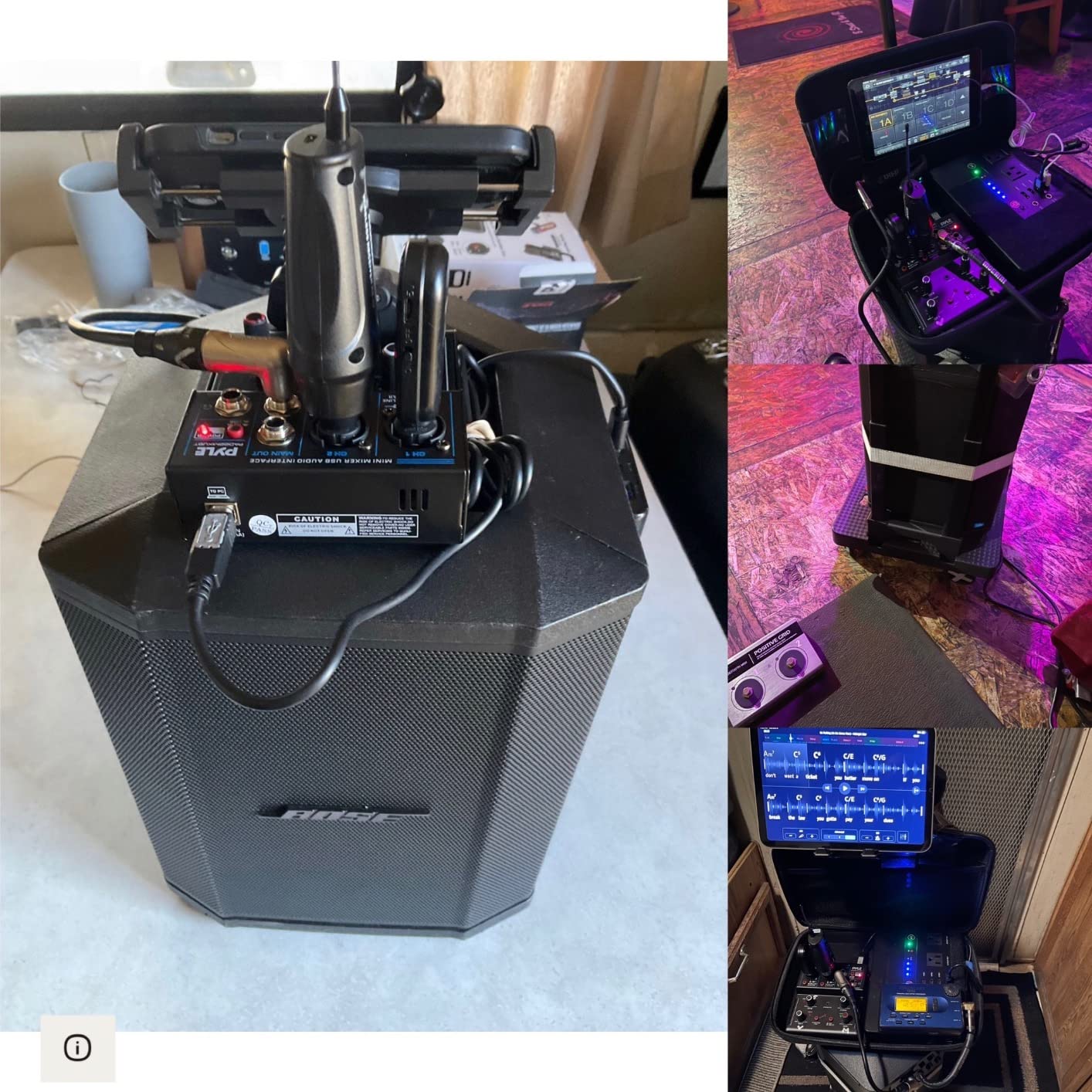
The iRig HD 2 ships with three cables: USB-C, Lightning, and standard USB-A. This means it works with the latest iPhones, older Lightning devices, Macs, PCs, and even Android phones with USB-C. No other interface in this roundup offers this level of cross-platform mobile compatibility.
On iOS, the iRig HD 2 unlocks exclusive content within AmpliTube, including additional amplifiers and effects models. If you already use AmpliTube on your phone or tablet, the iRig HD 2 gives you the full mobile guitar rig experience without any adapters.
AmpliTube Integration
IK Multimedia includes AmpliTube 5 SE and TONEX SE with the iRig HD 2, giving you professional-grade amp modeling on both mobile and desktop. The integration between the hardware and software is seamless, with the interface automatically recognized by both apps.
For practicing with headphones, the dedicated headphone output with its own preamp and level control delivers plenty of volume. I found it loud enough for monitoring even with high-impedance headphones, which is not always the case with mobile interfaces.
8. PreSonus AudioBox 96 25th Anniversary – Best for MIDI and External Gear
PreSonus AudioBox 96 25th Anniversary USB Audio Interface
24-bit/96kHz
2 Class-A preamps
MIDI I/O
Bus-powered
Pros
- 2 Class-A mic preamps
- MIDI I/O for external gear
- USB bus-powered
- Includes Studio One Artist and $1000+ plugin suite
- Phantom power
- Durable build
Cons
- USB 2.0 not USB-C
- 1-year warranty
The AudioBox 96 is the workhorse of this roundup. It does not have the flashiest specs, but it gets the basics right with two quality preamps, MIDI connectivity, and a software bundle that adds real value for guitarists who also produce music.
I connected my guitar to input 1 and a microphone to input 2, recording both simultaneously without issues. The Class-A preamps delivered clean, consistent sound, and the high-headroom instrument input handled my humbucker-equipped guitar without any clipping.
The all-metal enclosure feels rugged enough for gig use. At 2 pounds, it has more heft than the plastic alternatives, which gives you confidence that it will survive being thrown in a backpack or taken to different recording locations.
USB bus power means you can record anywhere with a laptop. No power supply to carry, no batteries to replace. Just plug in the USB cable and start recording. The 25th Anniversary edition also ships with updated firmware and improved drivers over previous versions.
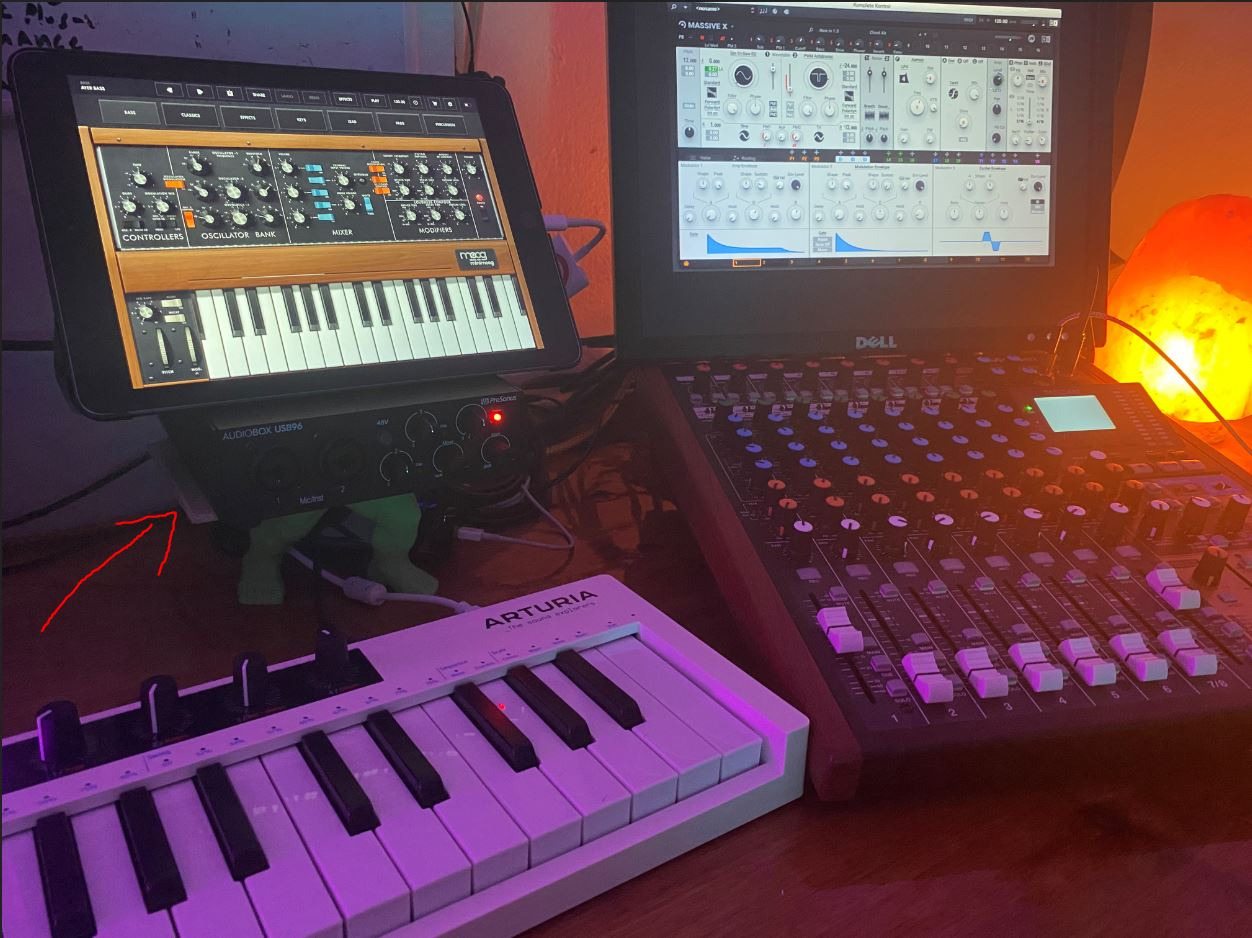
MIDI I/O and External Gear
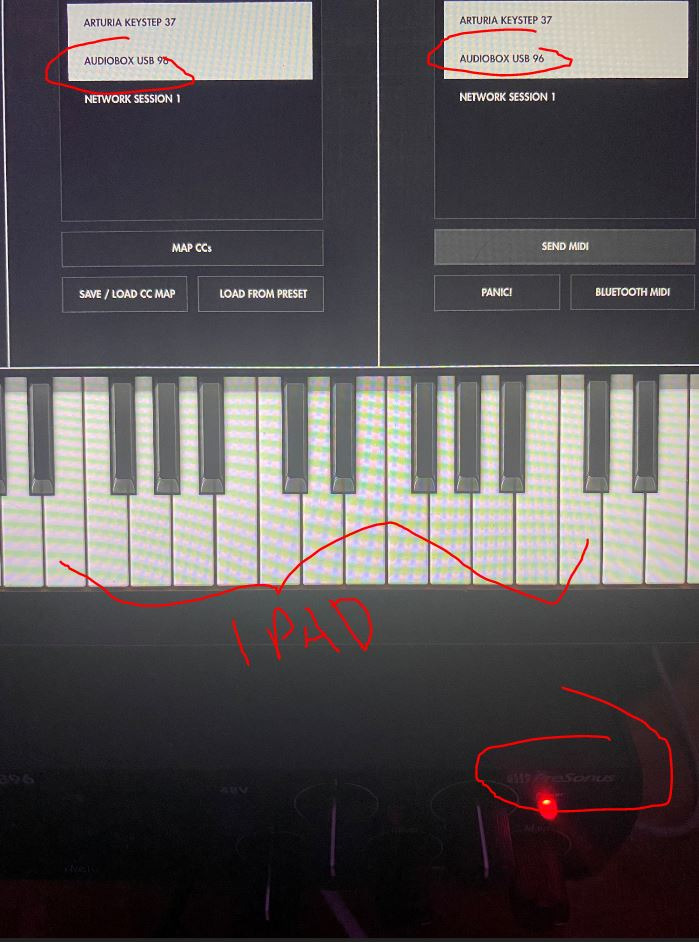
The 5-pin MIDI input and output ports are a significant advantage for guitarists who also use synthesizers, drum machines, or MIDI foot controllers. Most interfaces at this price omit MIDI connectivity, so the AudioBox 96 stands out in this regard.
If you use a MIDI controller to switch patches in your amp simulation software, or if you want to connect a synthesizer alongside your guitar recordings, having built-in MIDI saves you from buying a separate MIDI interface. This makes the AudioBox 96 a great hub for a small project studio.
Bus-Powered Portability
Being fully USB bus-powered means the AudioBox 96 draws all its power from your computer’s USB port. This makes it genuinely portable for recording guitar anywhere you can bring a laptop. No need to find a wall outlet or carry a power adapter.
The included Studio One Artist DAW and Studio Magic Plug-In Suite represent over $1,000 worth of software. The Studio Magic suite includes plugins from Brainworx, Eventide, and other respected developers, giving you professional tools for mixing and processing your guitar recordings from day one.
Buying Guide: How to Choose a Guitar Audio Interface
Choosing the right audio interface for guitar comes down to understanding a few key specifications and matching them to your specific needs. Here is what matters most when recording guitar.
Hi-Z Instrument Input
The single most important feature for guitarists is a dedicated Hi-Z instrument input. Hi-Z stands for high impedance, and it matches the output impedance of electric guitar pickups. Without proper impedance matching, your guitar tone will lose highs, sound thin, and lack punch.
Every interface on our list includes a Hi-Z instrument input, which is why they all qualify as guitar audio interfaces. If you are comparing interfaces not on this list, make sure the instrument input is specifically labeled as Hi-Z or high impedance.
Sample Rate and Bit Depth
Sample rate determines how many times per second the interface captures your audio signal. For guitar recording, 48kHz is the practical minimum, 96kHz offers better detail, and 192kHz provides the highest fidelity. Bit depth of 24-bit is standard across all serious interfaces.
Higher sample rates capture more high-frequency detail, but they also require more processing power and storage. For most home recording, 48kHz or 96kHz is plenty. The 192kHz interfaces on our list give you headroom for professional projects.
Number of Inputs
For solo guitar recording, a single instrument input is sufficient. If you want to record guitar and vocals simultaneously, or mic an amplifier while also capturing a DI signal, you need at least two inputs. Think about your recording workflow before deciding.
Interfaces with MIDI I/O add another dimension, letting you connect keyboards, drum machines, and control surfaces. The PreSonus AudioBox 96 and Studio 24c, plus the Arturia MiniFuse 1, all include MIDI connectivity for expanded studio setups.
Direct Monitoring and Latency
Direct monitoring routes your input signal straight to your headphones, bypassing the computer entirely. This gives you zero-latency monitoring, which is essential for comfortable recording. Without it, you will hear a distracting delay between your playing and what comes through your headphones.
Every interface on our list offers some form of direct monitoring. The Scarlett Solo uses a simple switch, while the MOTU M2 and PreSonus Studio 24c use a blend knob that lets you mix your direct signal with DAW playback at adjustable levels.
Software Bundle Value
The included software can add hundreds of dollars in value. Focusrite includes Pro Tools Intro and Hitmaker Expansion, PreSonus bundles Studio One Artist, IK Multimedia ships with AmpliTube and TONEX, and Arturia provides Guitar Rig 6 LE plus multiple creative tools.
For guitarists, having amp simulation software included means you can start recording processed tones immediately without buying separate plugins. Consider what software you actually want to use when comparing interfaces, because it can significantly affect your total cost.
USB-C vs USB-A Connectivity
USB-C is becoming the standard for audio interfaces because it offers faster data transfer, reversible connectors, and better power delivery. The MOTU M2, PreSonus Studio 24c, and Arturia MiniFuse 1 all feature USB-C connectivity.
USB-A interfaces still work perfectly fine on older computers, and most USB-C interfaces include a USB-A cable in the box. If your computer only has USB-C ports, make sure the interface you choose includes the right cable or pick a USB-C native model.
FAQs
What audio interface do professional guitarists use?
Professional guitarists typically use higher-end interfaces like the Universal Audio Apollo series for studio work, but many pros rely on the MOTU M2 or Focusrite Scarlett for home and project studios. The key factors pros look for are clean preamps, low latency, and reliable drivers. For mobile work, the IK Multimedia iRig HD 2 is popular among touring musicians.
How many inputs do I need for recording guitar?
For solo guitar recording, one instrument input is enough. If you want to record guitar and vocals at the same time, or mic a cabinet while also capturing a DI signal, you need two inputs. Interfaces like the PreSonus AudioBox 96 and MOTU M2 offer two inputs for simultaneous recording.
What is the best budget audio interface for guitar?
The M-AUDIO M-Track Solo at under $50 is the best budget option for guitar. It includes a Hi-Z instrument input, zero-latency monitoring, and bundled software. For slightly more, the Focusrite Scarlett Solo 3rd Gen offers significantly better preamps and 192kHz recording at a still-affordable price.
Do I need an audio interface for recording guitar?
Yes, if you want quality recordings. A guitar audio interface provides the Hi-Z input that guitar pickups require, clean preamps for a strong signal, low-latency monitoring for comfortable playing, and proper analog-to-digital conversion. Plugging directly into a computer sound card will give you noisy, thin recordings with high latency.
What specs matter most in a guitar audio interface?
The most important specs are a Hi-Z instrument input for proper impedance matching, at least 24-bit depth, a sample rate of 48kHz or higher, direct monitoring for zero-latency playback, and stable drivers for your operating system. Build quality and included software are also significant factors in long-term value.
Final Verdict: Which Guitar Audio Interface Should You Buy?
After testing all 8 interfaces over several weeks, our top recommendation for most guitarists is the Focusrite Scarlett Solo 3rd Gen. It delivers the best combination of sound quality, features, software bundle, and proven reliability at a price that makes sense for the majority of players.
If you want the best audio quality available, the MOTU M2 with its professional-grade converters is worth the extra investment. Guitarists who want the deepest tone control should look at the IK Multimedia AXE I/O One with its Z-TONE impedance circuit. And for absolute beginners on a budget, the M-AUDIO M-Track Solo gets you recording for under $50.
The best audio interfaces for guitar all share one thing in common: they have a proper Hi-Z input that respects your guitar’s tone. Pick the one that matches your budget and recording needs, and you will hear the difference immediately compared to recording through a standard computer input. All 8 interfaces on this list are solid choices for 2026 and beyond.