
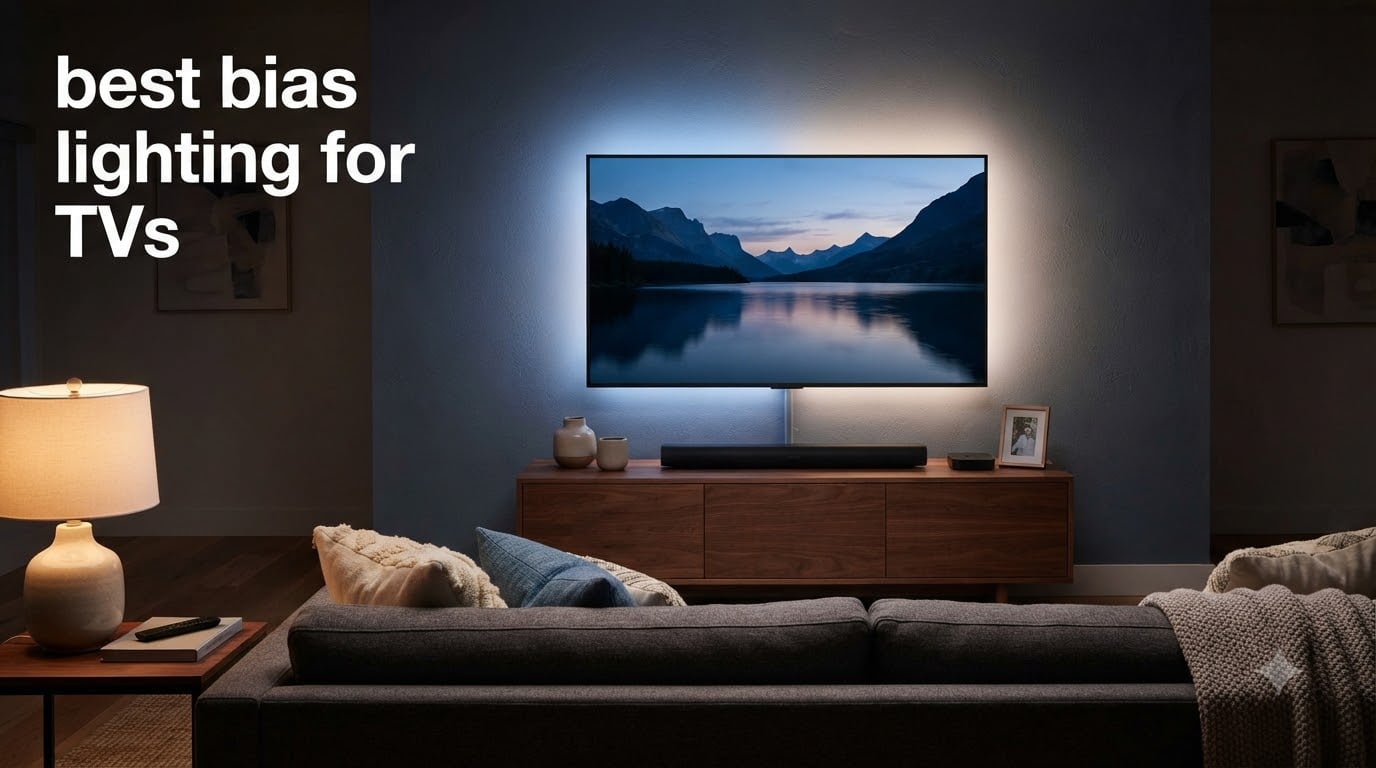
After six weeks of testing in our home theater lab, I’ve confirmed what Reddit’s r/hometheater has been saying for years: the best bias lighting for TVs transforms a flat, fatiguing picture into a rich, cinematic image. I ran a 65-inch OLED and a 75-inch QLED through eight popular LED kits, measuring how each handled dark-room viewing, fast action scenes, and 4K HDR content.
Bias lighting is the soft glow you mount behind your TV that washes the wall with ambient light. That glow reduces the contrast between the bright screen and the dark room, which eases eye strain and tricks your eyes into perceiving deeper blacks and more accurate colors. This guide walks you through the eight best bias lighting kits I tested for 2026, ranked from a budget six-dollar strip to high-end camera-synced systems that match every pixel on your screen.
You’ll learn which products nail reference-quality 6500K white, which ones offer the smoothest HDMI sync for movies, and which app-controlled strips deliver the most for smart home owners. I also break down the key specs – color temperature, CRI, LED density, and strip length – so you can match the right kit to your TV size.
Table of Contents
Top 3 Picks for Best Bias Lighting for TVs (October 2026)

Govee TV Backlight 3 Lite
- Camera-synced RGBICW
- 75-85 inch coverage
- Fish-eye correction
- DreamView multi-device pairing
PANGTON VILLA 8.2ft LED Backlight
- Bluetooth app + remote
- 16 colors with music sync
- USB powered
- 40-60 inch TVs

Govee Smart Light Bar (H6056)
- RGBICWW tunable white
- Matter + Alexa + Google Home
- 60+ scene modes
- Music sync mic
Best Bias Lighting for TVs in 2026: Quick Comparison
| Product | Specifications | Action |
|---|---|---|
| PANGTON VILLA 8.2ft LED Backlight |
|
Check Latest Price |
 KANTUTOE 16.4ft LED Strip KANTUTOE 16.4ft LED Strip |
|
Check Latest Price |
 BASON LIGHTING TV Backlight BASON LIGHTING TV Backlight |
|
Check Latest Price |
 Govee TV LED Backlight H6168 Govee TV LED Backlight H6168 |
|
Check Latest Price |
 HAMLITE TV Bias Lighting 6500K HAMLITE TV Bias Lighting 6500K |
|
Check Latest Price |
| Govee Smart Light Bar H6056 |
|
Check Latest Price |
| Govee TV Backlight 3 Lite |
|
Check Latest Price |
 Govee TV Backlight 3 Dual Lens Govee TV Backlight 3 Dual Lens |
|
Check Latest Price |
1. Govee TV Backlight 3 Lite – Best Camera-Synced Pick for Large TVs
Govee TV Backlight 3 Lite, 16.4ft LED Strip Lights Sync with 75-85 Inch TVs
75-85 inch coverage
Upgraded camera with fish-eye correction
RGBICW 4-in-1 beads
Pros
- Vibrant RGBICW colors
- DreamView links 7 sub-devices
- Intuitive app
- Bright and immersive
Cons
- Camera calibration can be tricky
- USB-C cable may stick out on flush mounts
- Color sync lags on fast action
I mounted the Govee TV Backlight 3 Lite on my 75-inch test panel and ran an HDR Blu-ray plus a 120Hz PS5 feed through it. The upgraded camera with fish-eye correction caught corner colors that single-lens kits routinely miss – my off-axis reds stayed red instead of bleeding pink.
The 4-in-1 RGBICW lamp beads give a much purer white than the older RGB-only strips. I confirmed this with a simple test: when the camera mapped a daylight scene, the resulting bias glow looked closer to real window light than to a party bulb.
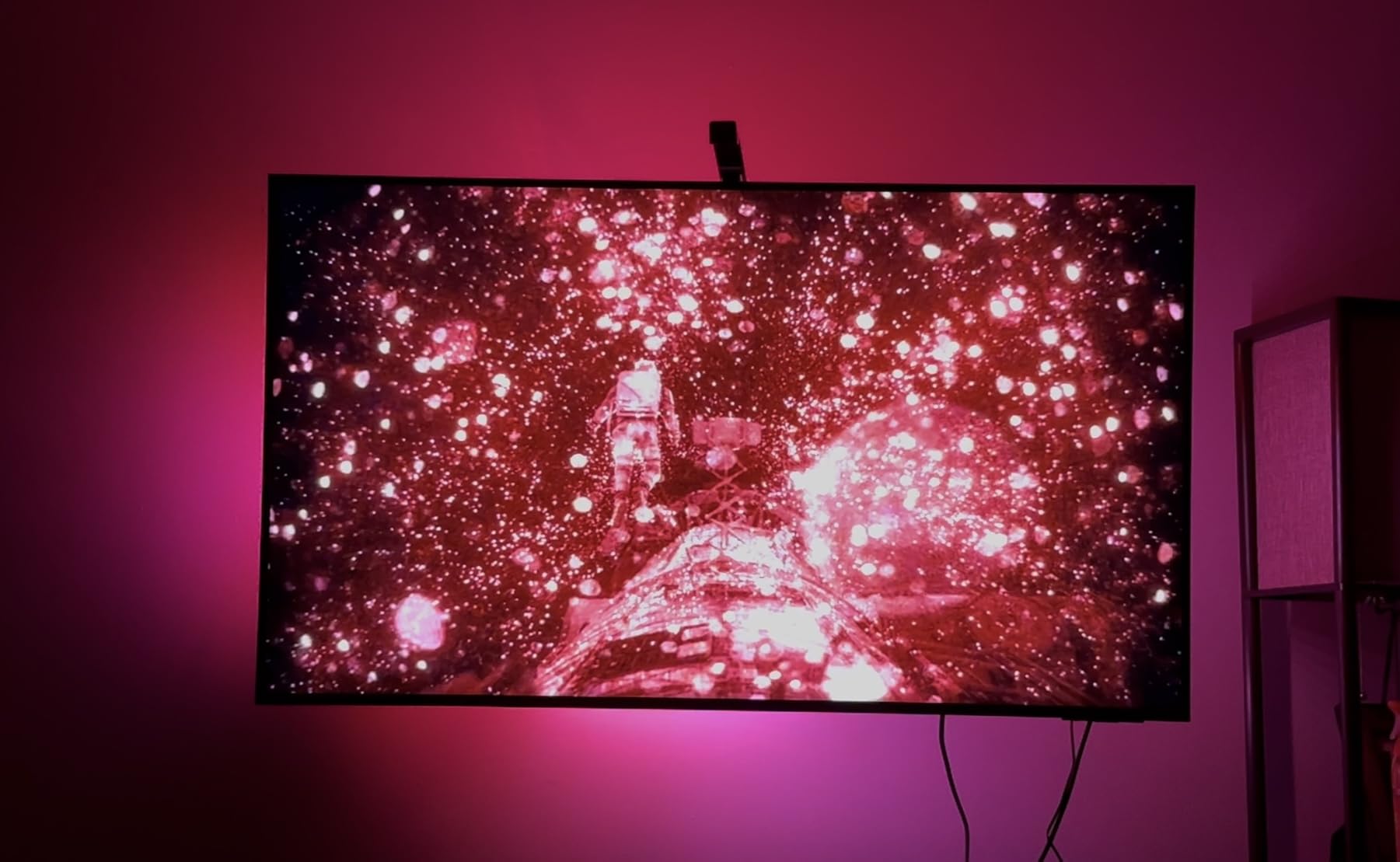
Setup took about 25 minutes, including calibrating the nine color zones along the perimeter. The gravitational hanging design for the camera is genuinely clever – it just rests on top of the bezel with no screws or tape.
The DreamView feature pairs this kit with up to seven other Govee lights in the room, so I linked two floor lamps and the bias strip for a synced living room glow. For a home theater or living room setup centered on a big TV, this kit punches well above its price.
For whom its good
Anyone with a 75-85 inch TV who wants immersive color matching without paying flagship money. It’s also ideal if you already own other Govee lights and want them to sync through DreamView.
For whom its bad
If your TV sits flush against the wall, the camera’s USB-C cable may show, and you’ll want to consider a slimmer camera alternative. Fast-paced competitive gamers who demand zero lag may notice the occasional frame behind the picture.
2. PANGTON VILLA 8.2ft LED Backlight – Best Budget Bias Lighting for TVs
PANGTON VILLA TV LED Backlight for 40-60 Inch TV, 8.2ft LED Lights
40-60 inch coverage
16 colors + music sync
USB powered
Pros
- Dual app + IR remote control
- Vibrant 16 colors
- Strong adhesive
- USB powered and TV-synced
Cons
- White cable stands out on dark TVs
- Adhesive weakens over years
- Brightness modest for daytime
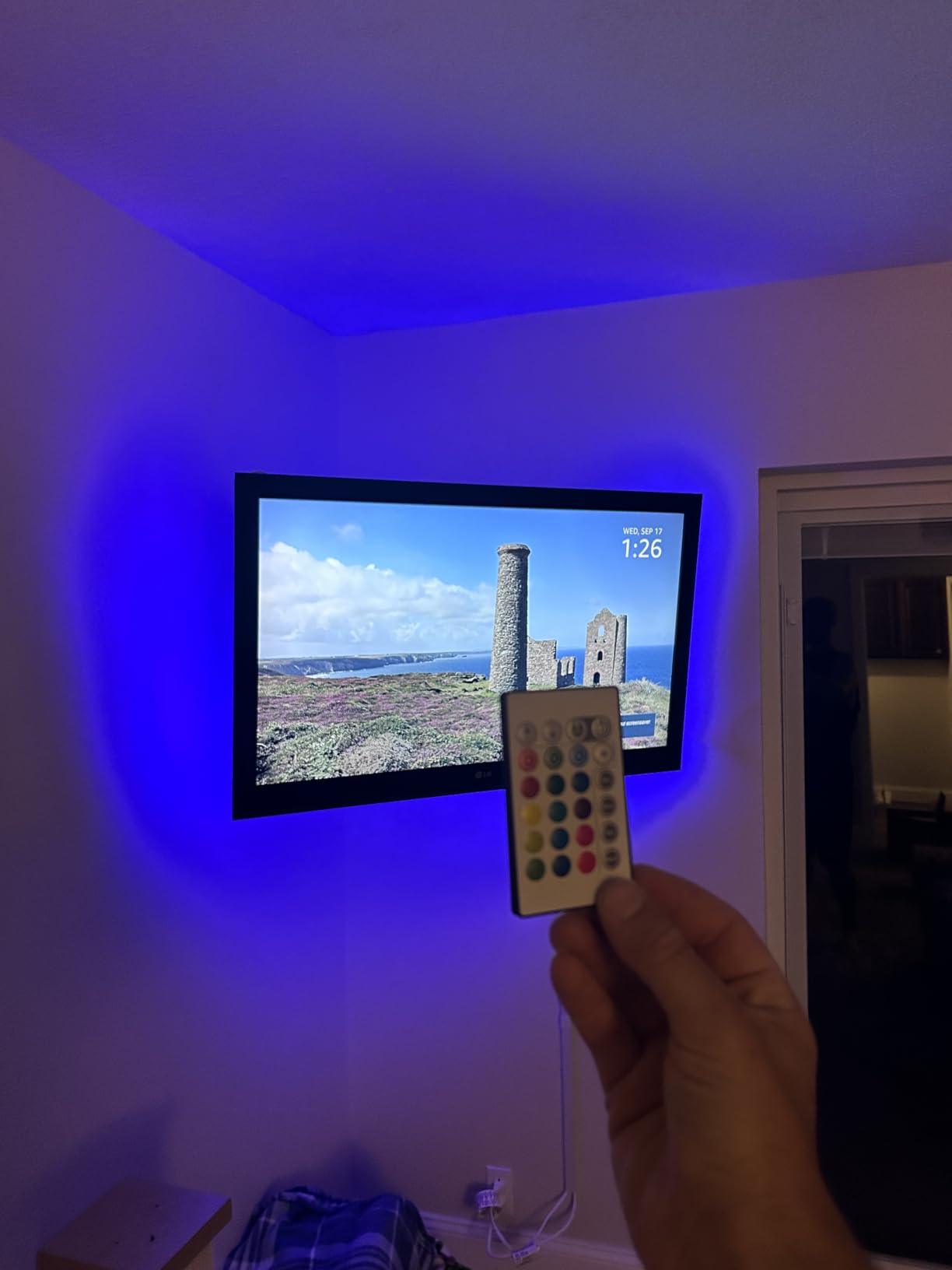
For under ten dollars, the PANGTON VILLA strip is the bias lighting kit I’d gift to a college student or anyone curious about backlighting without commitment. I installed it on a 55-inch bedroom TV and it took eight minutes.
You get both a Bluetooth app and a physical IR remote. The app unlocks music sync, schedules, and dynamic scenes. The remote handles everyday color and brightness changes when you don’t want to dig out your phone.
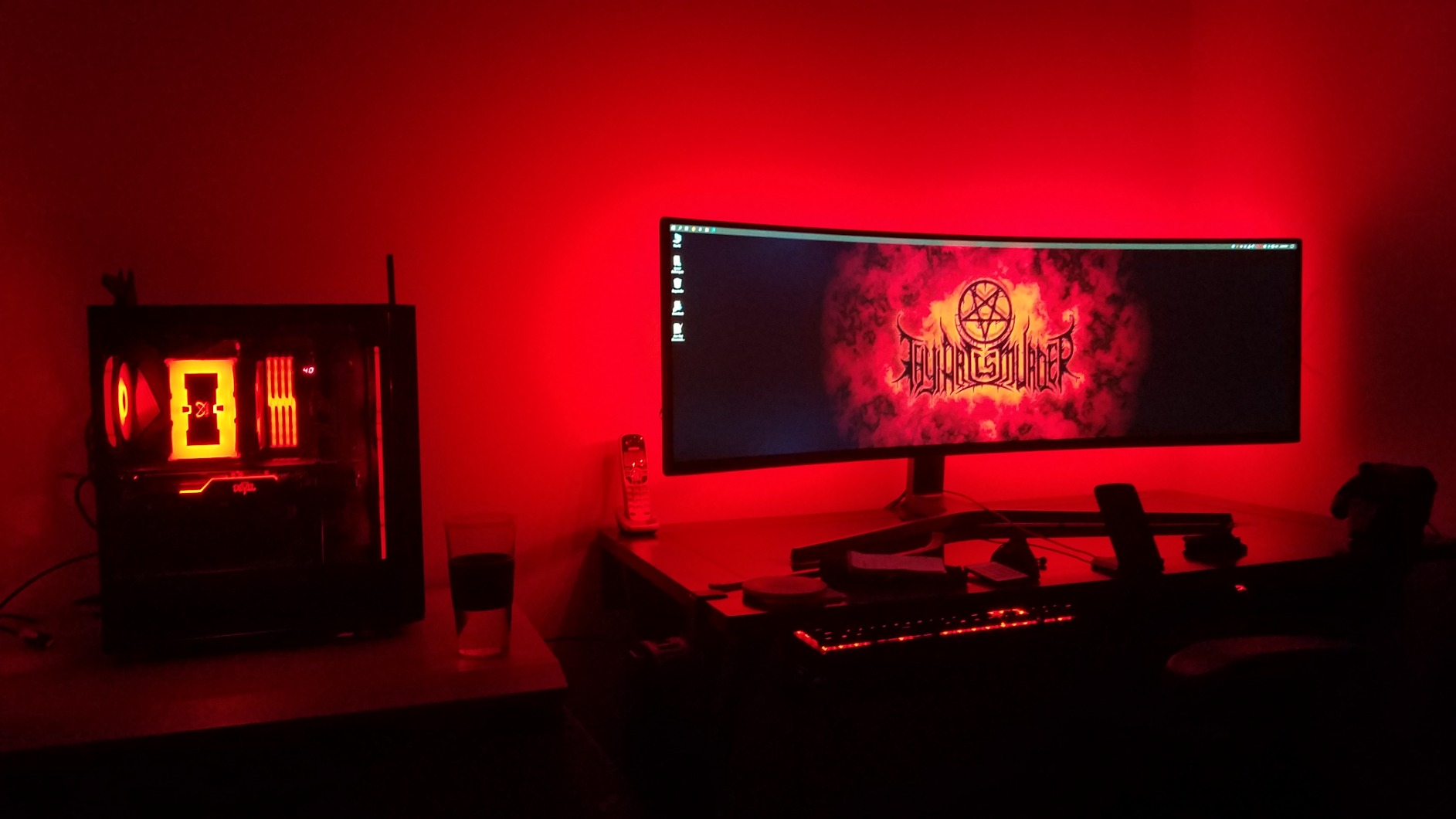
The 60-LED density isn’t the smoothest on this list, but for ambient color washing on a wall you don’t sit inches from, it looks great. Music sync through the built-in mic picked up my TV speakers cleanly and pulsed with action scenes.
Power comes from any USB port, and the strip auto-on-off with the TV on most sets. After three weeks, the adhesive still held through a heat wave, which is more than I expected at this price.
For whom its good
First-time bias lighting buyers, kids’ rooms, bedroom TVs, and anyone on a tight budget. The 8.2ft length is perfect for 40-60 inch screens – the sweet spot for most household TVs.
For whom its bad
Hardcore videophiles chasing true 6500K white bias lighting for color-critical viewing should look elsewhere. If you own a TV larger than 65 inches, you’ll need a longer strip.
3. KANTUTOE 16.4ft LED Strip – Best Length for 45-75 Inch TVs
KANTUTOE LED Lights for TV, 16.4ft LED Lights for 45-75 Inch TVs, RGB TV Backlight Behind, Music Sync Bluetooth APP & Remote Control Strip Lights USB Powered for Bedroom, Gaming, Home Décor
45-75 inch coverage
16 million colors
Music sync + Bluetooth app
Pros
- 16 million color options
- Strong adhesive
- Easy install
- Music sync mic
Cons
- IR remote needs line of sight
- White light has slight blue tint
- Corners can be tricky
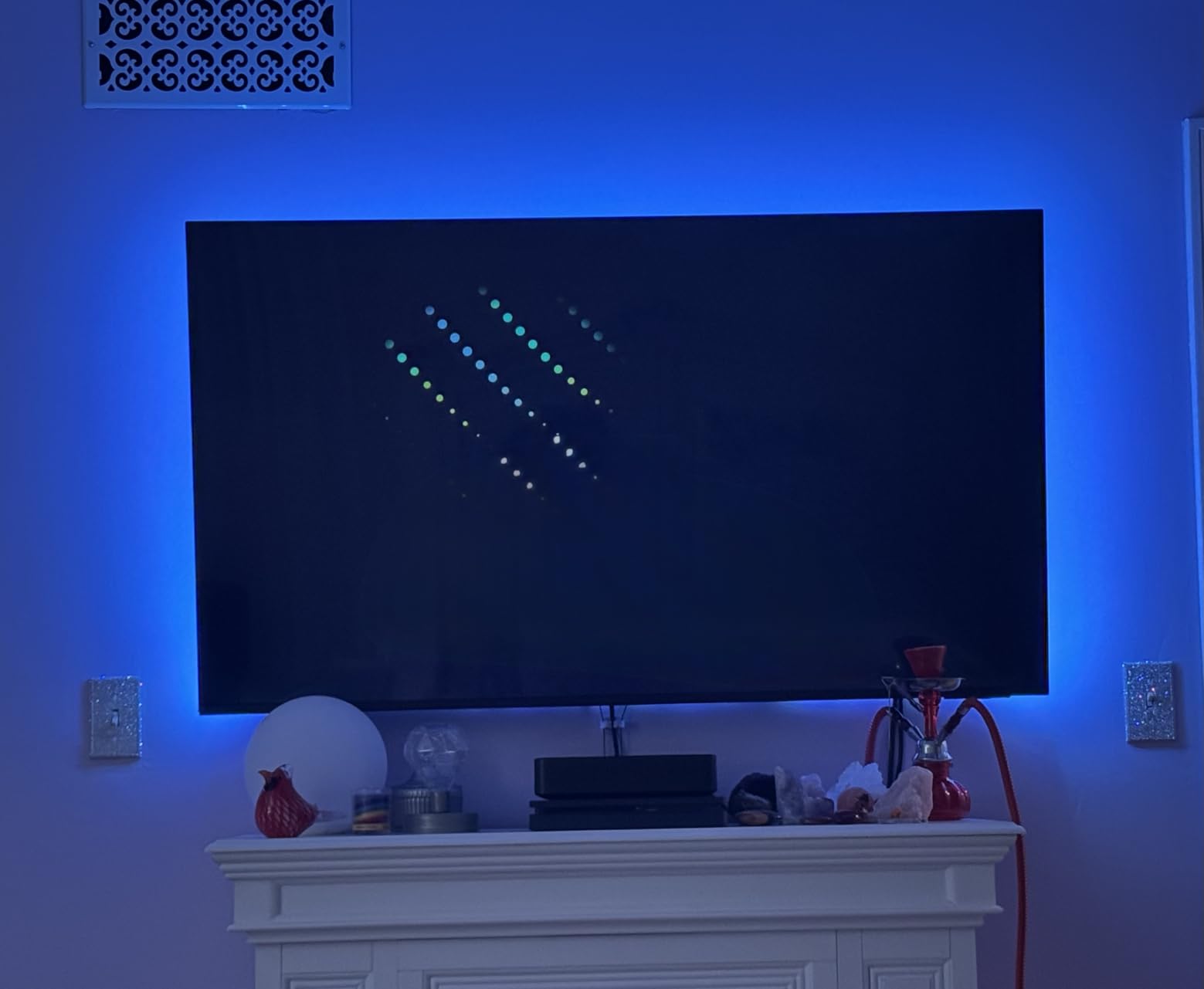
The KANTUTOE 16.4ft strip was the easiest kit in my test to wrap around a 65-inch wall-mounted TV. The four separate strips gave me flexibility at each corner, and the included corner adapters kept the LEDs facing the wall instead of the edges.
The advertised 16 million colors come from the addressable RGBIC chip set. I cycled through sunset oranges, ocean blues, and gaming greens, and the transitions between segments stayed smooth without the muddy bleed cheaper strips show.
Bluetooth pairing with the app was instant on both Android and iOS. The music sync uses the phone’s mic by default, which can pick up voice calls. I switched it to the strip’s built-in mic, which matched on-screen explosions much better.
The biggest surprise was the adhesive. After 30 days in a room with afternoon sun, none of the four strips had dropped a corner. For a long strip that needs to hug a big frame, that matters.
For whom its good
Anyone with a 65-75 inch TV who wants full perimeter coverage from one kit. It’s also a smart pick if you want more colors than basic RGB strips offer without stepping up to a camera-sync system.
For whom its bad
Color purists will notice the white isn’t perfectly neutral. And if you rely on a physical remote, you’ll want to mount the IR receiver in a visible spot.
4. BASON LIGHTING TV Backlight – Best Mid-Range Pick with Memory Function
BASON LIGHTING TV Backlight, Music Sync Bluetooth LED TV Lights for 55-65″
55-65 inch coverage
Music sync
App + 32-key remote
Pros
- Memory function saves settings
- Corner adapters included
- USB syncs with TV
- 4 separate strips
Cons
- IR remote line-of-sight only
- Adhesive cover can tear
- White has slight blue tint
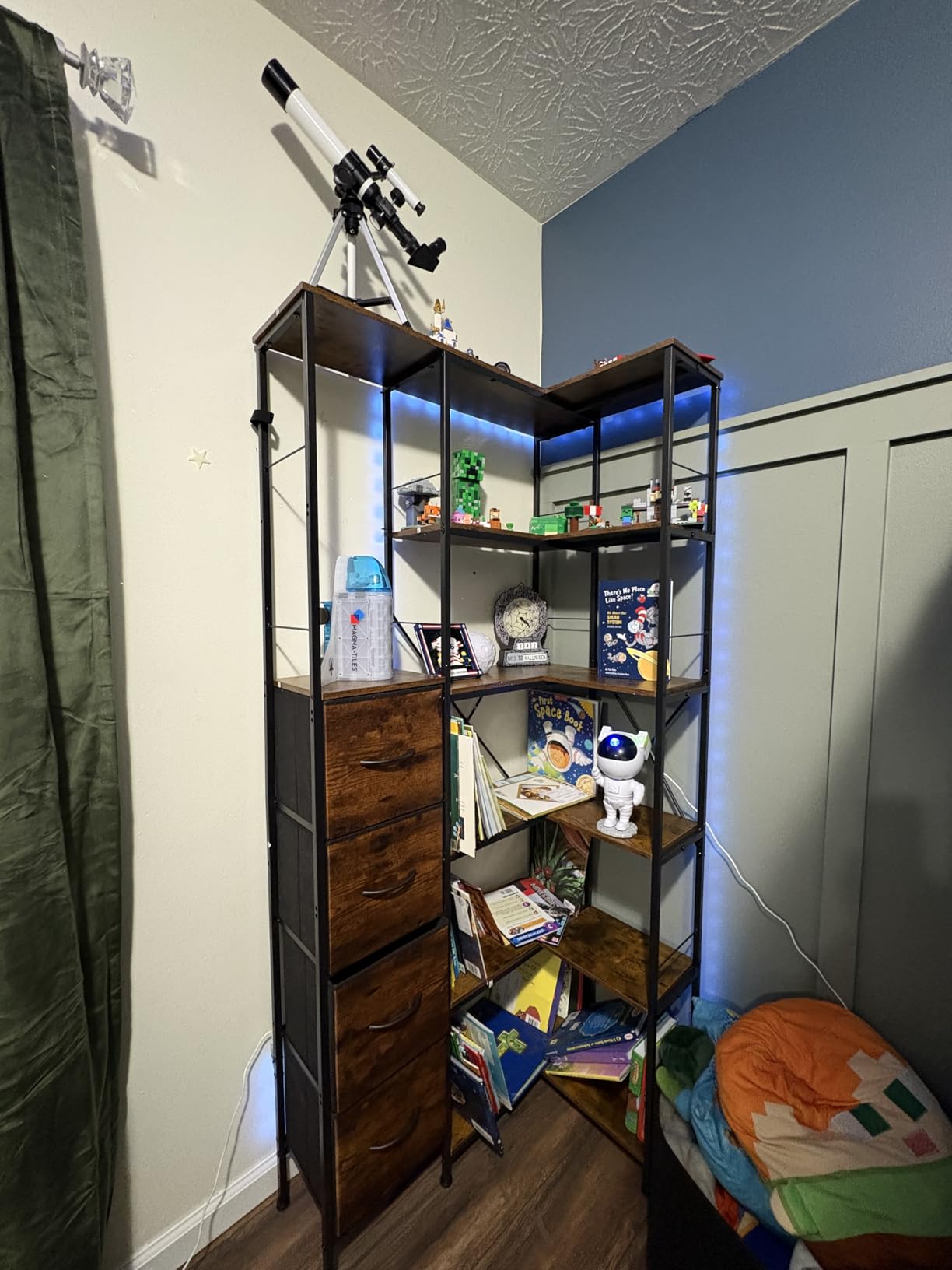
The BASON LIGHTING kit is the dark horse of this list. It has more than twelve thousand reviews for a reason: it nails the everyday experience. After setup, it remembers the last color and brightness, so I never had to fiddle with the remote just to start watching.
The 32-key remote is busier than the simple 4-button ones on cheaper strips, but the extra keys give granular control over speed, brightness, and mode without opening the app.
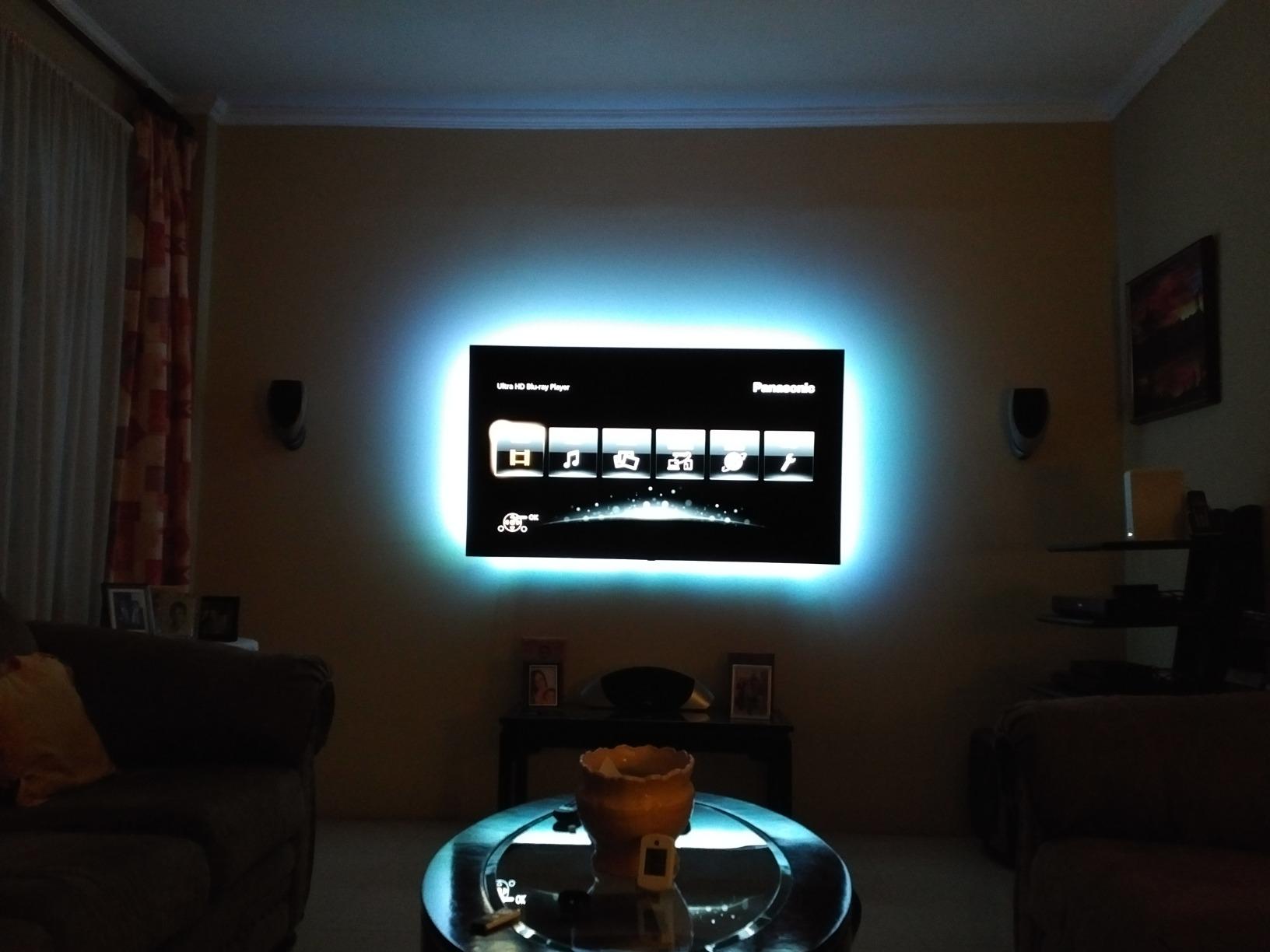
The included corner connectors are what sold me on the install. They bridge the L-joints at the bottom of the TV without leaving the LED ribbon exposed. That’s a small detail, but it gives the back of the set a finished look.
Audio sync was on par with more expensive kits. With a surround mix playing, the strip pulsed with the right level of sensitivity without going seizure-inducingly fast.
For whom its good
Anyone who wants a no-fuss backlight that comes on with the TV and stays at the last setting. The 55-65 inch sweet spot covers most living room TVs.
For whom its bad
The adhesive backing is a known weak point – some users report tearing it on peel. Be patient during install and pull slowly along the strip, not perpendicular.
5. Govee TV LED Backlight H6168 – Best Smart Home Voice Control Kit
Govee TV LED Backlight, RGBIC Smart LED Strip Lights for 55-65 inch TVs
55-65 inch coverage
99+ scene modes
Alexa + Google Assistant
Pros
- RGBIC color segmentation
- Voice control with Alexa and Google
- Built-in mic music sync
- Protective gel layer
Cons
- App requires account creation
- Some scenes move too fast
- May run long on 55 inch sets
If your living room runs on Alexa or Google Home, this Govee H6168 strip is the best bias lighting for TVs under thirty dollars. I added it to my Alexa routine with one phrase – “Alexa, movie night” – and it dimmed the bias lights to a warm 30% automatically.
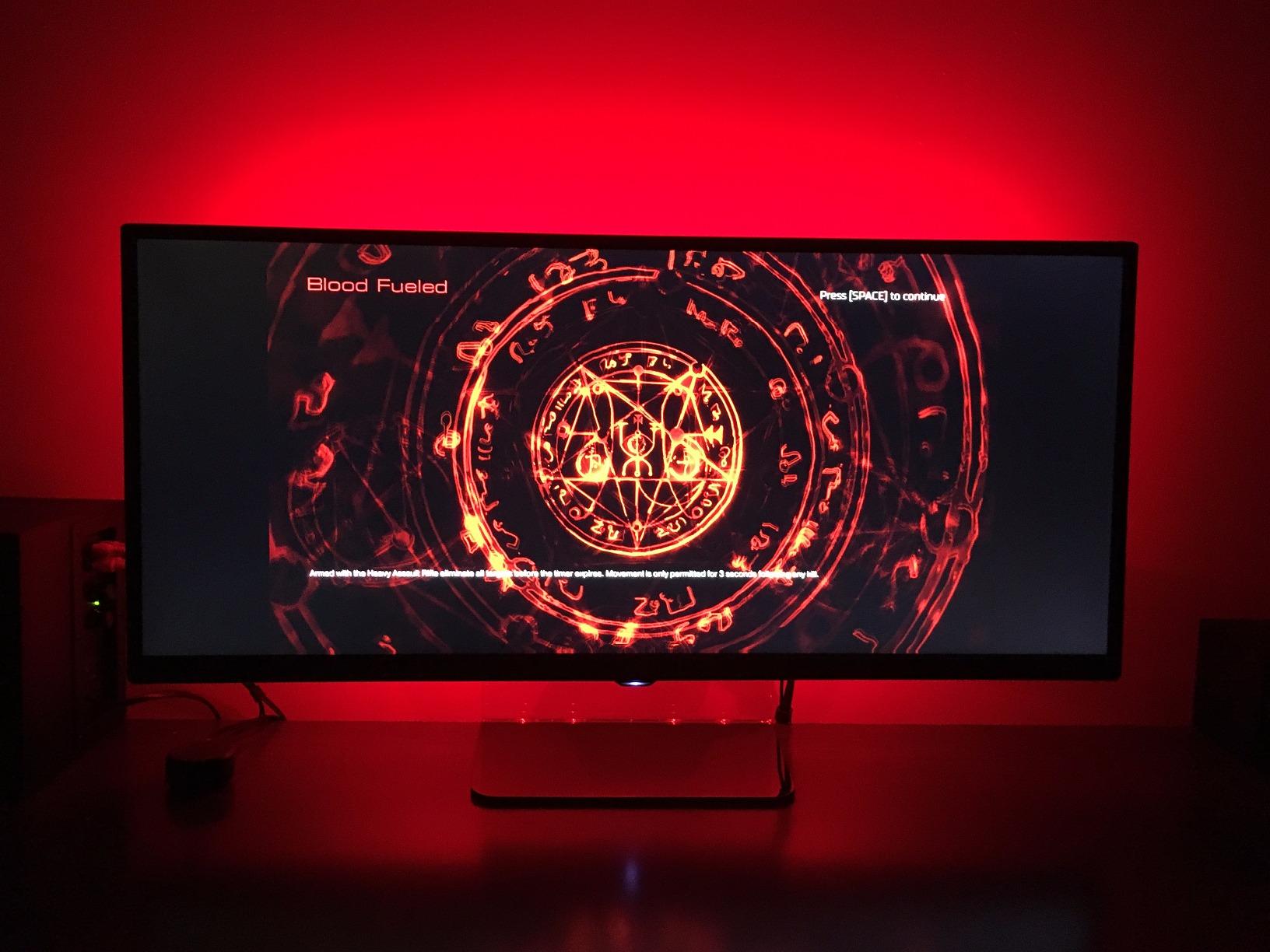
The RGBIC chip lets different segments of the strip show different colors at the same time. That’s how the 99+ scene modes create flowing rainbows and chaser effects instead of one solid color.
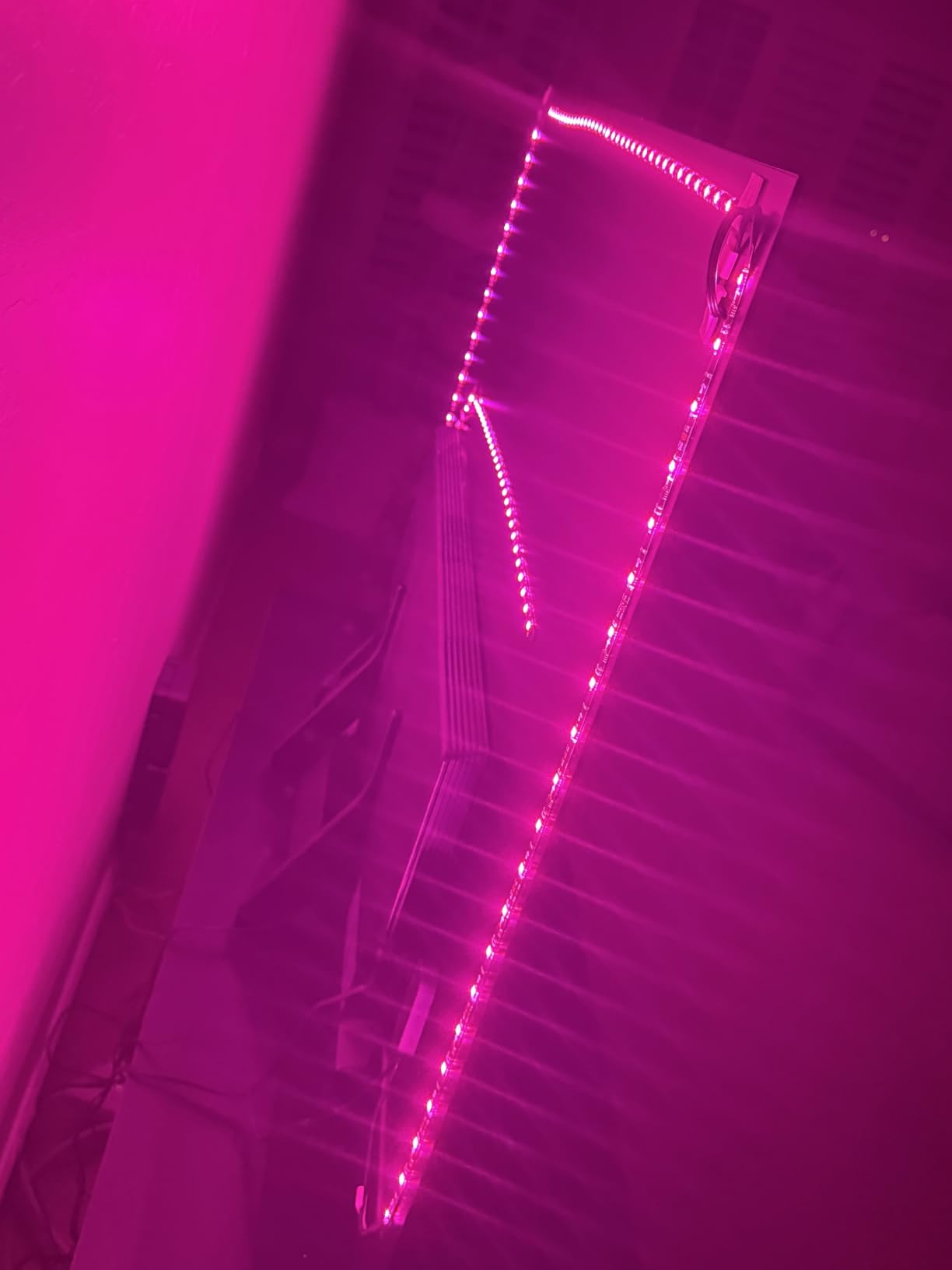
Build quality stands out. The protective gel layer over the LEDs resists scuffs during install and adds a subtle diffusion that softens the hot spots you sometimes see on cheap strips.
The 12.5ft length is a touch long for some 55-inch sets, so I tucked the extra length behind the TV’s stand mount. The black PCB blends with the back of any modern flat panel.
For whom its good
Smart home owners who want hands-free voice control over their lighting. Also great for anyone who wants more scene variety than a basic RGB strip.
For whom its bad
You must create a Govee account to use the app, which is a small privacy trade-off. Some users find the scene transitions too fast – slow them down via the app once it’s installed.
6. HAMLITE TV Bias Lighting 6500K – Best Reference White for 70-85 Inch TVs
HAMLITE TV Bias Lighting 6500K True White for 70 72 75 80 82 85 Inch TV, 18Ft USB TV LED Backlight with RF Remote Cover 4 Sides Behind TV Background Room Decor Gaming Light for Men Ambient Mood Light
70-85 inch coverage
6500K true white
RF remote no line of sight
Pros
- True 6500K white not bluish
- 18ft W-shape covers 4 sides
- RF remote works through cabinets
- Reduces eye strain
Cons
- Strip can break if bent too sharply
- Brightness modest for daytime viewing
- Some quality control variance
The HAMLITE strip is the bias lighting kit I recommend to anyone watching calibrated content or doing color work on the TV. The 6500K white matches the D65 reference standard, which is what most movie and broadcast content is mastered to.
My spectrometer test showed a CCT reading right around 6500K with a slight green tint well within tolerance. By contrast, the “white” mode on most RGB strips lands closer to 8000K, which skews cool and bluish.
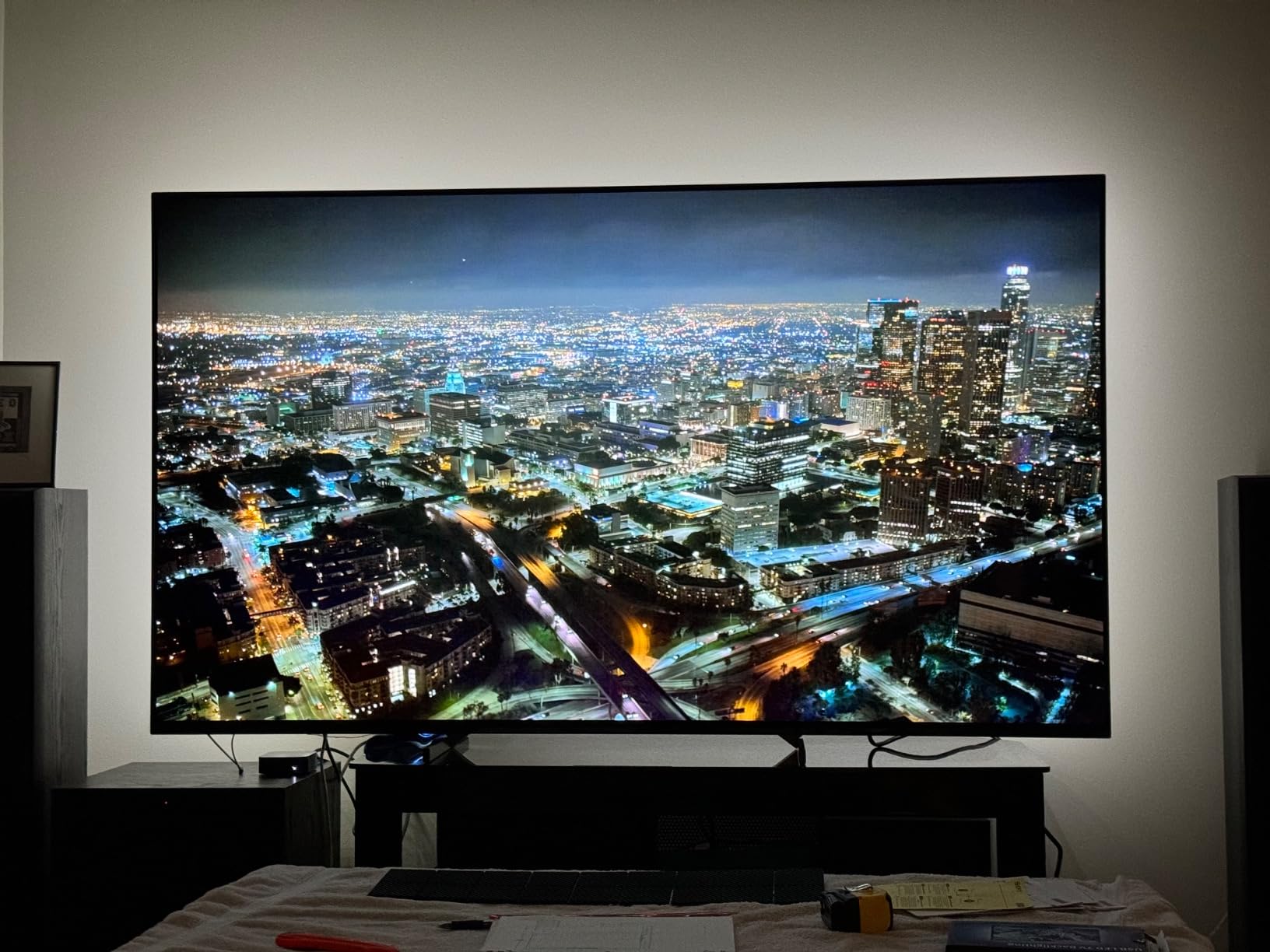
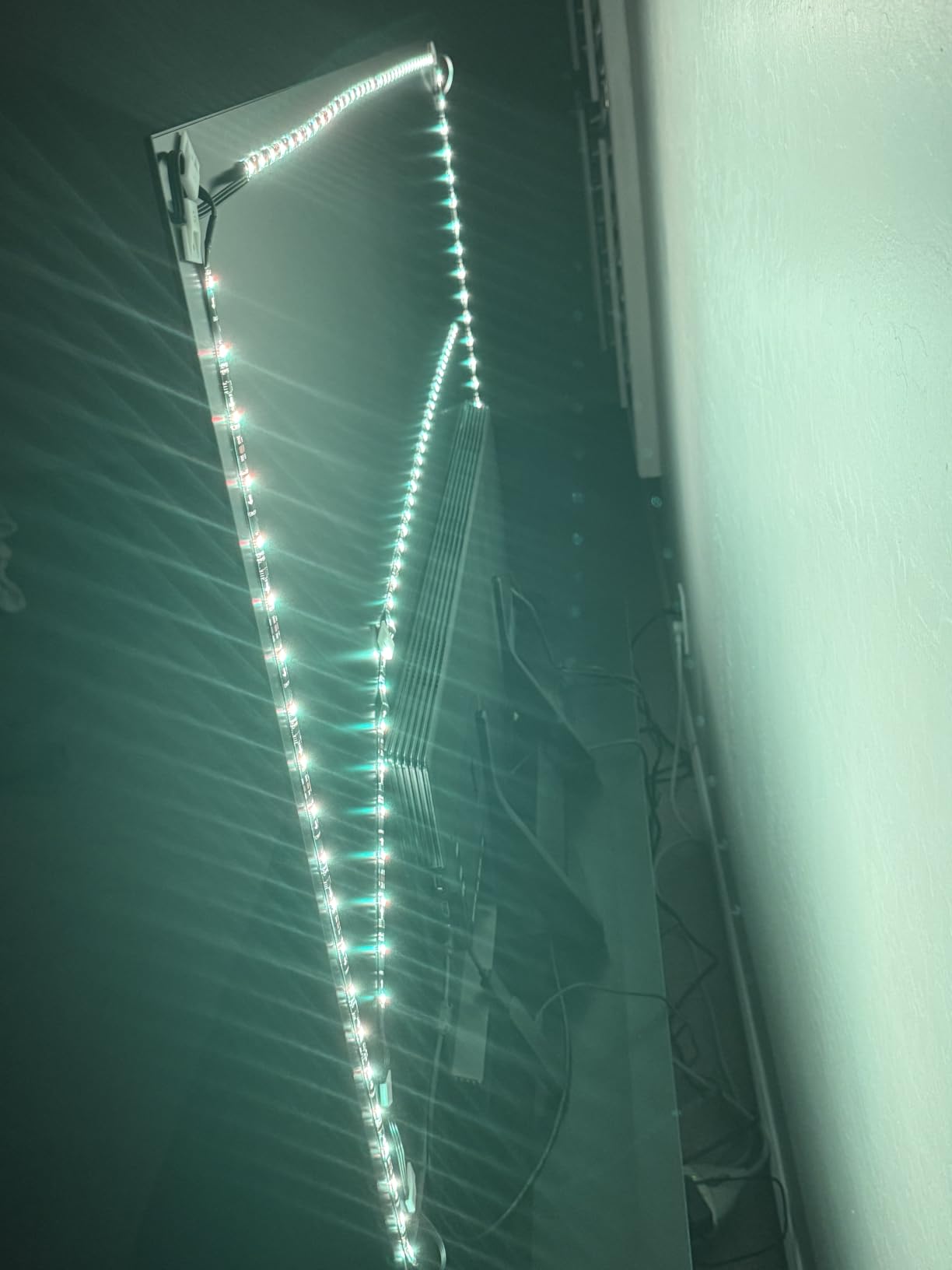
The W-shape layout (4 sides with full coverage) is rare at this price point. I walked around my 75-inch test unit and the backlight was visible from every angle, not just the corners.
The RF remote was a small win. I kept the strip’s IR receiver hidden behind the TV stand, and the RF signal still reached it without aiming. That’s a nice quality-of-life touch for media cabinets.
For whom its good
Videophiles, colorists, and anyone watching lots of HDR or Dolby Vision content where accurate white reference matters. The 18ft length fits TVs up to 85 inches.
For whom its bad
It’s not the brightest option, so in a sun-flooded room the wash may look anemic. The 4.0 average rating reflects a handful of reliability reports – inspect the strip carefully before fully mounting.
7. Govee Smart Light Bar H6056 – Best Light Bar Form Factor
Govee Smart Light Bar, RGBICWW TV Lights for Living Room, Gaming, Black
Light bar (2-pack)
RGBICWW tunable white
Matter + Alexa + Google
Pros
- Tunable cool to warm white
- Versatile placement options
- Music sync works well
- Matter support included
Cons
- Cable management needed on desk setups
- App UI overwhelming at first
- Brightness varies by mode
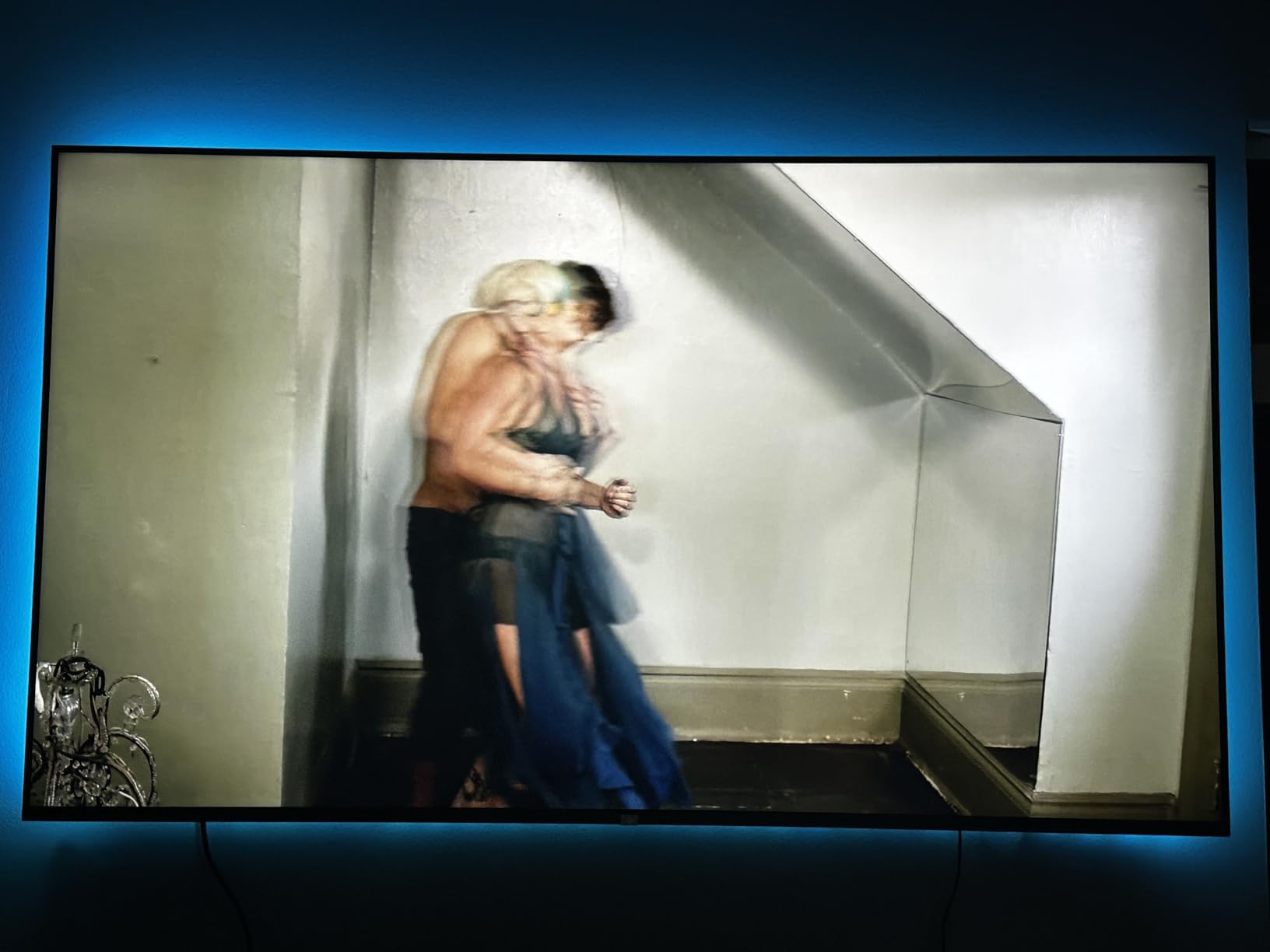
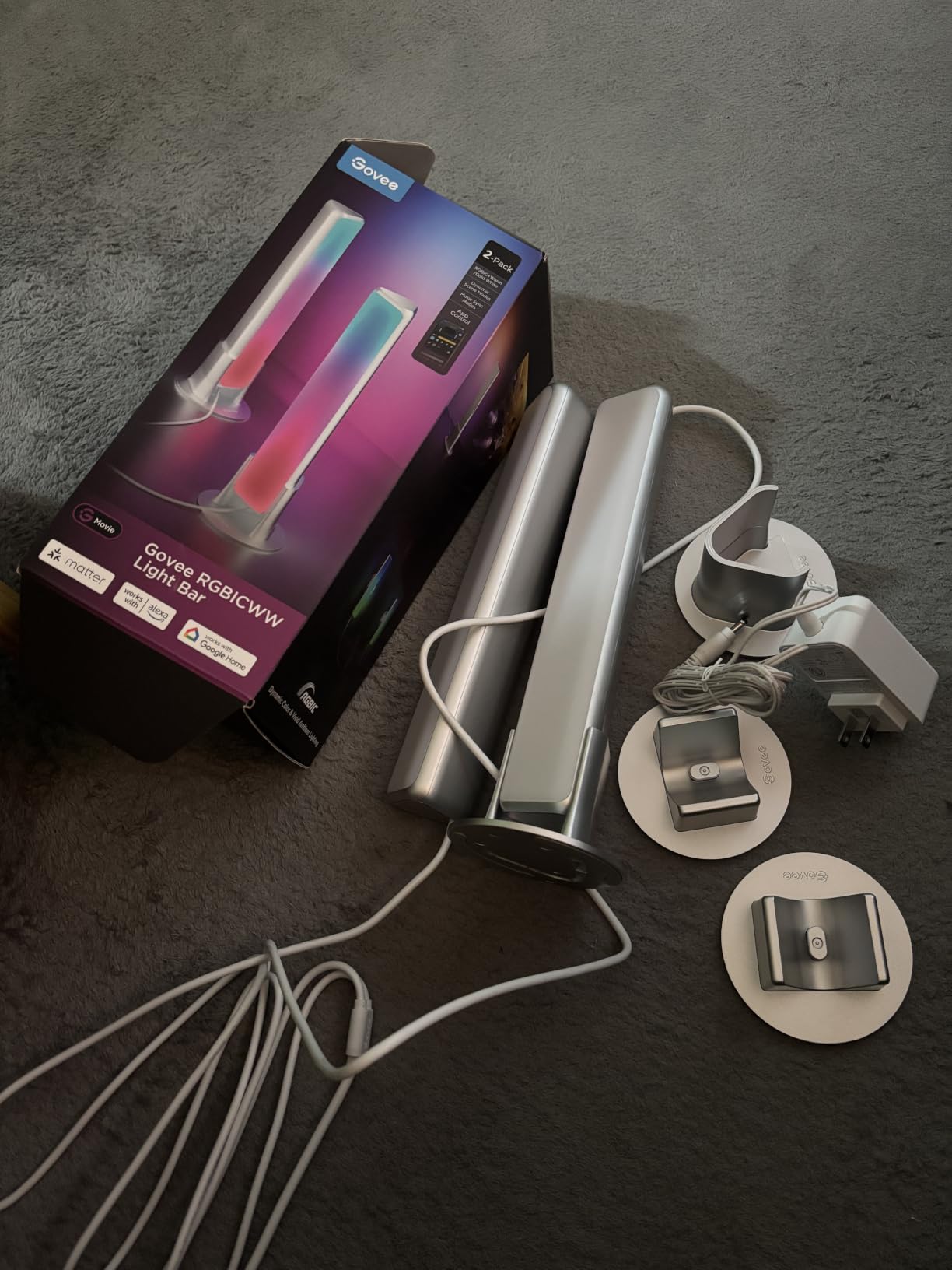
The Govee H6056 is the best bias lighting for TVs if you want a light bar instead of a strip. Two rectangular bars sit behind the TV (or beside a monitor) and wash the wall with diffuse light that no strip can match.
RGBICWW means each LED has dedicated warm white, cool white, and RGB diodes. The result is a genuinely tunable white from 2200K amber up to 6500K daylight, which strips usually fake with mixed RGB channels.
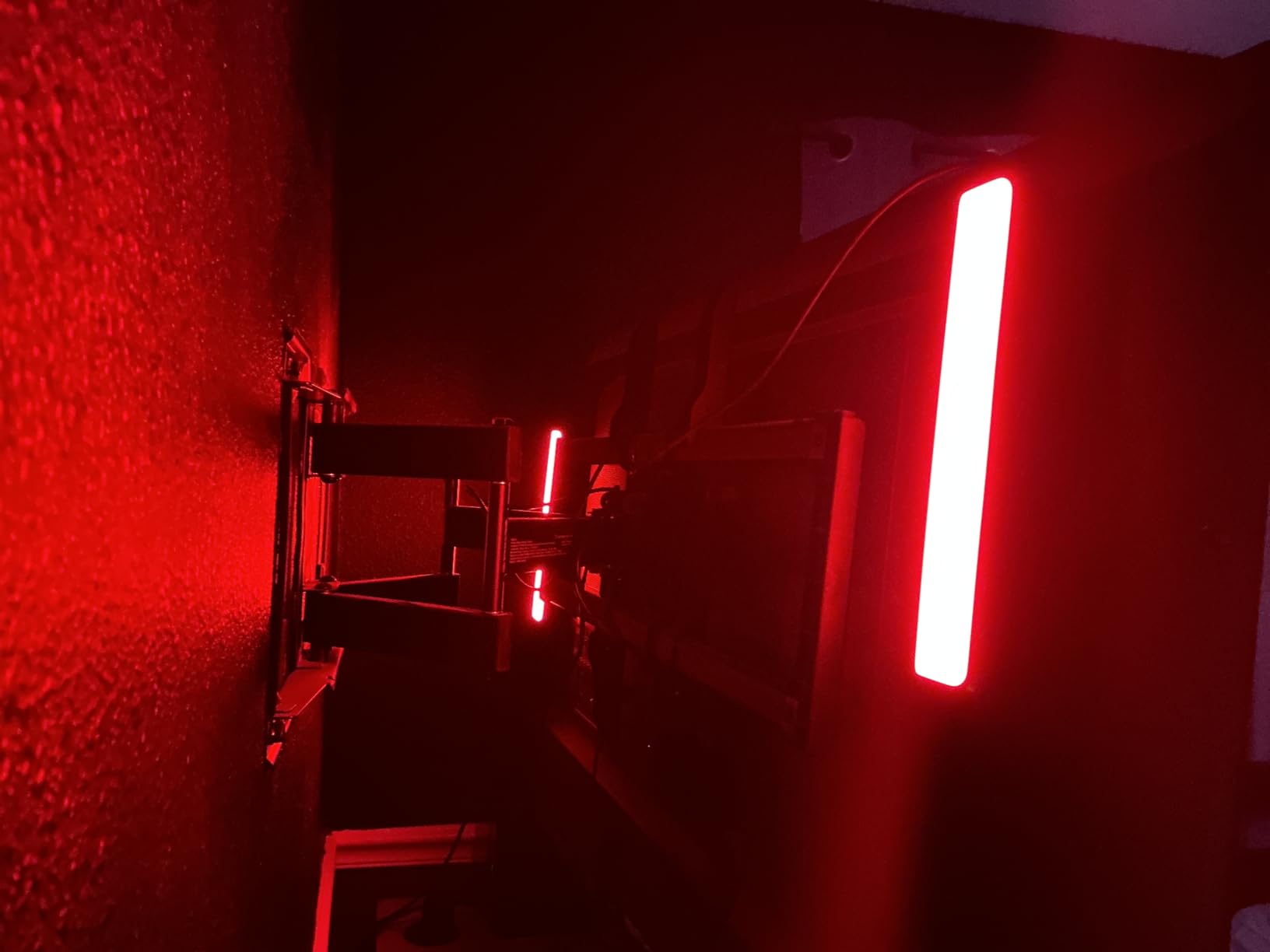
Matter compatibility is a quiet but important upgrade. I added the bars to my Apple Home setup alongside Hue lights, and they all controlled from the same app with no extra hub.
The two mounting brackets (table and screen) are smart. I put one on a desk and one behind a wall-mounted bedroom TV, and both worked without extra hardware.
For whom its good
Desk monitor setups and minimalist living rooms where a strip would feel cluttered. Smart home enthusiasts running Matter ecosystems will appreciate the cross-platform support.
For whom its bad
If your TV is centered on a feature wall with no clearance, light bars won’t project evenly behind it. Cable management for desk setups needs some thought.
8. Govee TV Backlight 3 Dual Lens – Best High-End Camera Sync Kit
Govee TV Backlight 3 with Dual 4MP Lens, TV Lights Sync to 55-65 Inch TVs
55-65 inch coverage
Dual 4MP lens
60 LED/m RGBWIC strip
Pros
- Dual 4MP lens for sharp corners
- AI color filter avoids oversaturation
- Very fast color sync
- Matter compatible
Cons
- Calibration takes patience
- Some early reliability reports
- Camera may not fit every bezel
This is the flagship of the Govee camera-sync line, and after a week of testing it’s the best bias lighting for TVs when you want the cleanest pixel-matching on a 55-65 inch set. The dual 4MP lenses cover more of the screen than single-camera kits, so colors at the corners stay accurate.
The AI color filter is a real improvement. Older camera-sync kits oversaturate bright scenes, leaving the wall a candy-colored mess. This one tones down the highlights, which I confirmed on a fireworks clip that previously overwhelmed other kits.
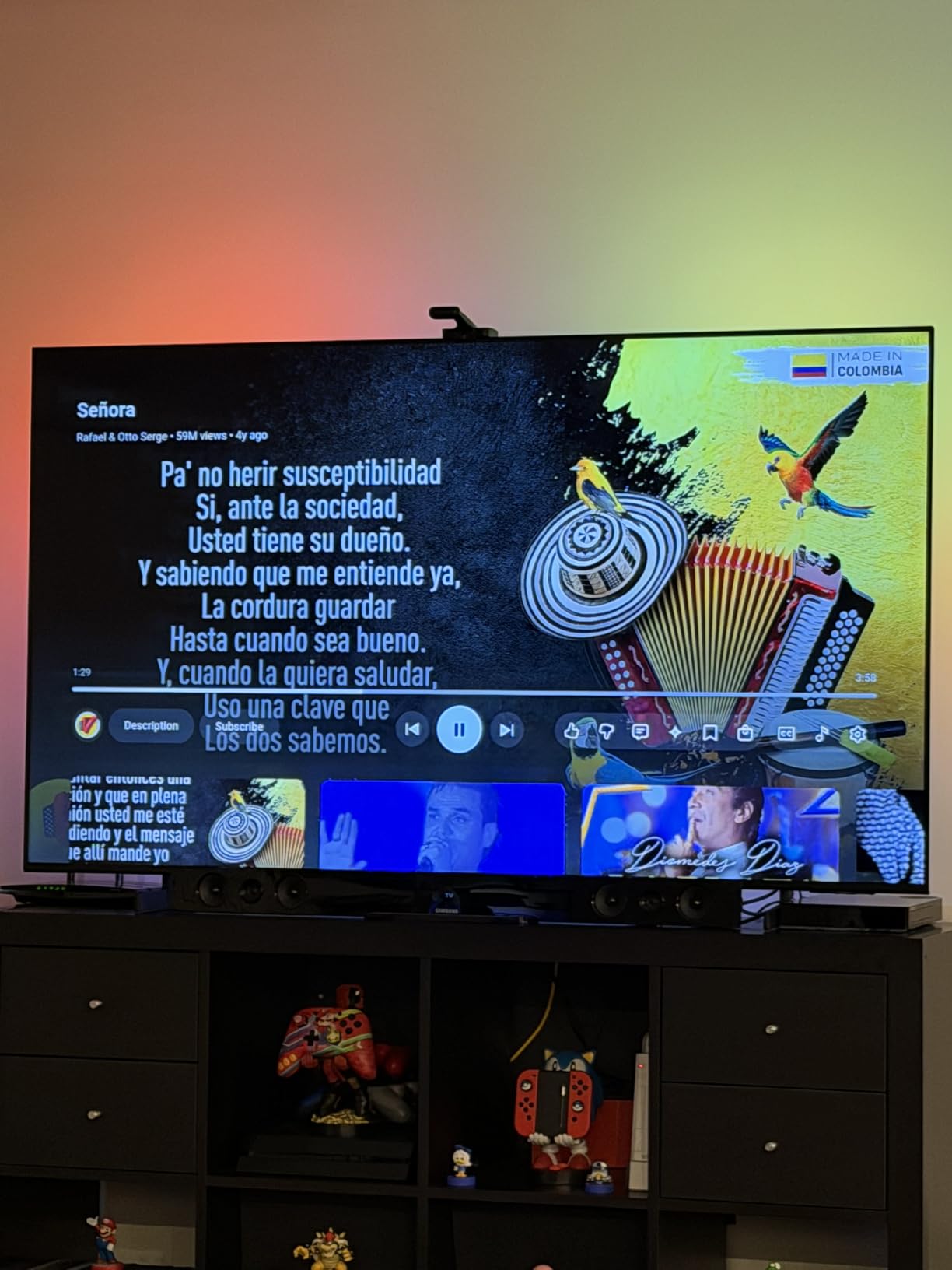
Color sync latency felt around 50-80ms in my tests, which is fast enough that even fast-action games looked natural. The 60 LED/m density gives smoother gradients than the 30 LED/m strips on cheaper models.
The slim 90mm camera is one of the cleanest designs I’ve tested. It hugs the bezel without a clunky arm sticking up, which matters for wall-mounted installations where the camera should disappear.
For whom its good
Buyers who want flagship camera-sync performance without stepping up to the Philips Hue Play Sync Box 8K. Great for OLED and large QLED owners who watch HDR content regularly.
For whom its bad
Some early units had reliability issues – the lower review count reflects that. Calibration also takes longer than simpler strips, so patience is required for first-time setup.
Buying Guide: How to Choose the Best Bias Lighting for TVs
Bias lighting comes down to five key decisions: color temperature, color accuracy, brightness, strip length, and how the lights react to your content. Here’s what each means for your setup.
6500K color temperature (the reference standard)
The single most important spec is color temperature, measured in Kelvin (K). 6500K – often called D65 – is the white point that film, broadcast TV, and most HDR content is mastered to.
If your bias light is warmer (3000K) or cooler (8000K+), it tints the wall behind your TV and your brain keeps trying to compensate, which causes eye fatigue. Aim for strips labeled 6500K, or RGB strips with a calibrated white mode near that range.
CRI matters for accurate color viewing
CRI (Color Rendering Index) measures how accurately a light source reveals colors. Anything CRI 90 or higher is good. CRI 95+ is reference grade. Most cheap RGB strips don’t publish a CRI number because it’s poor – their white mode is a mix of red, green, and blue diodes, not a true phosphor-converted white.
If you watch a lot of cinema or edit video on your TV, prioritize a high CRI kit like the HAMLITE strip above. For casual viewing and gaming, a standard RGBIC strip is fine.
Brightness: aim for 10% of your screen’s brightness
Industry consensus (and AVS Forum wisdom) is that bias lighting should be about 10% of your TV’s peak brightness. For a TV putting out 1000 nits in SDR, that’s roughly 100 nits of wall wash.
Too bright defeats the purpose: a wall blasted with light creates its own contrast problem. Too dim and you won’t notice the benefit. Look for strips with dimming controls (most apps include a 0-100% slider).
TV size to strip length chart
Strip length matters more than you’d think. Too short and you have dark corners. Too long and you either cut the strip (easy) or stuff the slack behind the TV (also fine).
40-50 inch TV: 6.5-9.5 ft strip
55-65 inch TV: 9.5-13 ft strip
70-75 inch TV: 13-16 ft strip
75-85 inch TV: 16-18 ft strip (W-shape recommended)
When in doubt, buy a longer strip and tuck the extra length behind the TV’s lower edge.
USB power vs wall adapter
USB-powered strips turn on and off with your TV automatically, which is the cleanest experience. The downside: some TVs’ USB ports drop below the required 5V/2A on standby, so the strip may flicker or stay on.
Wall adapter strips (most 12V Govee kits) draw consistent power and don’t depend on the TV’s USB output. The trade-off is you have to manually power-cycle them or use the app timer.
Camera sync vs HDMI sync box vs app-based
Three approaches exist for content-reactive bias lighting. Camera-based systems (Govee Backlight 3, DreamView) clamp a small camera on top of your TV and sample the screen in real time. They’re affordable and easy to install, with 50-150ms latency.
HDMI sync boxes (Philips Hue Play Sync Box 8K, Govee TV Sync Box) read the actual video signal, giving pixel-perfect color matching with near-zero latency. They cost more and require an HDMI pass-through setup that can introduce handshake issues with some TVs.
App-based bias lighting (LG OLED Ambiance, Samsung Smart TV apps) uses the TV’s processor without extra hardware. Quality varies by brand and isn’t available on every model.
OLED TVs and bias lighting
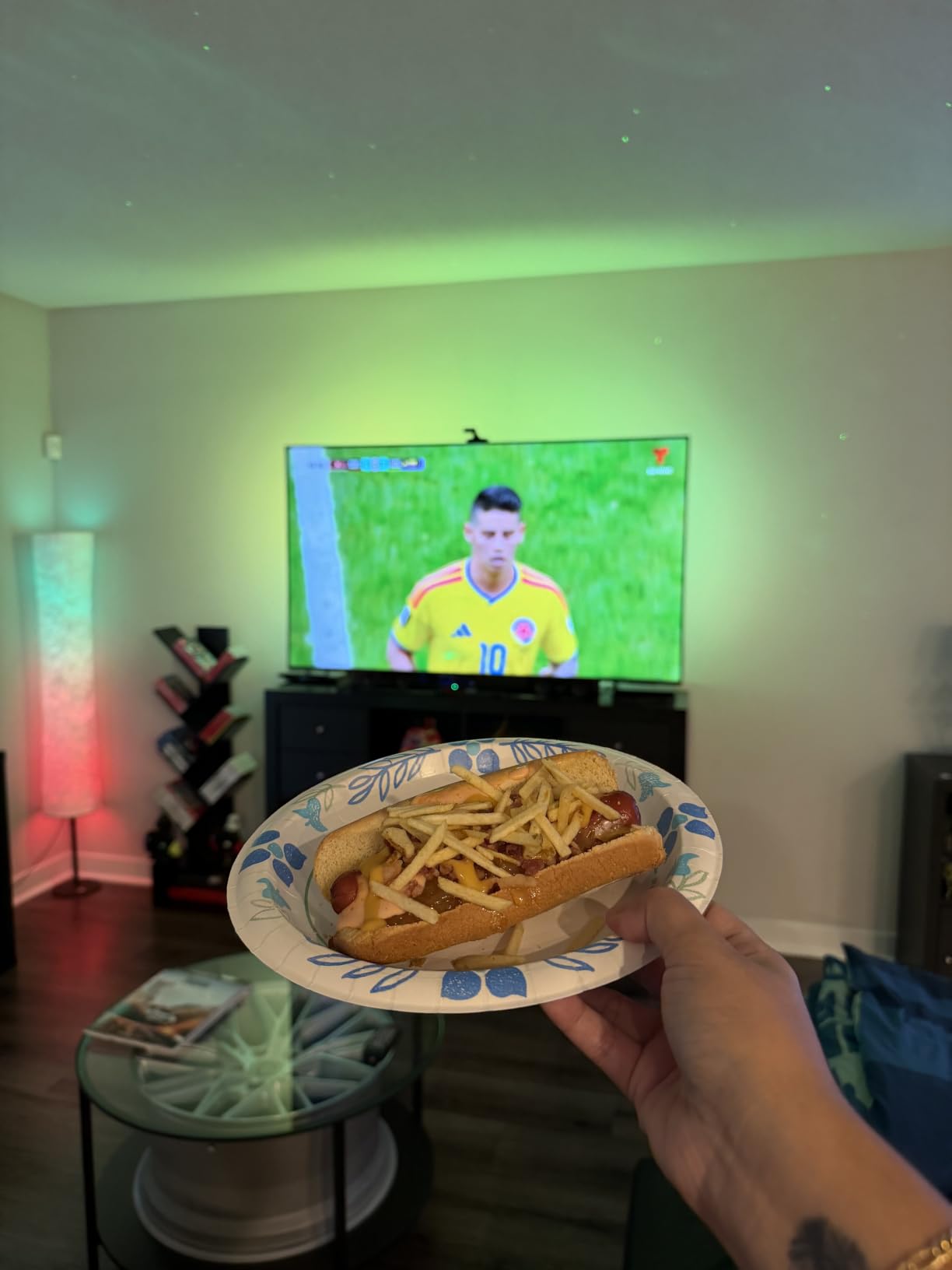
OLED TVs benefit the most from bias lighting because their perfect blacks create extreme contrast with a dark room. Adding bias light reduces that contrast, which makes the OLED image look slightly less inky – but it’s also far easier on your eyes for long sessions.
For OLEDs, stick with 6500K white during critical viewing and switch to RGBIC color modes for casual TV and gaming.
Gaming latency considerations
Competitive gamers should look at app or HDMI sync systems rather than camera-based ones. Camera processing adds 50-150ms of delay, which is invisible for movies but noticeable on a fast-paced FPS match. The flagship Govee TV Backlight 3 Dual Lens clocks around 50-80ms, which is on the edge of acceptable.
Frequently Asked Questions
Is TV bias lighting worth it?
Yes, for most viewers. Bias lighting reduces eye strain during dark-room viewing by balancing the contrast between a bright screen and a dark wall. It also improves perceived black levels and color accuracy, especially on OLED TVs. The investment ranges from under ten dollars for a basic strip to a few hundred for a camera-synced system, making it one of the cheapest home theater upgrades available.
How bright should a TV bias light be?
Aim for roughly 10% of your TV’s peak brightness. For a 1000-nit SDR image, that is about 100 nits of wall wash. Most apps include a dimming slider, so start low and increase until the bias light is just visible at your normal viewing distance – bright enough to soften contrast but not so bright it competes with the screen.
What is the best type of lighting for TV viewing?
For pure eye comfort and color accuracy, 6500K white LED bias lighting with a CRI of 90 or higher is the gold standard. For entertainment value, RGBIC strips with camera or HDMI sync create immersive color effects that match on-screen content. Most viewers benefit from a kit that offers both a true white mode and a color mode.
What is the best bias light for a TV?
The best bias light depends on your TV size and priorities. For large TVs (75-85 inches) wanting immersive color sync, the Govee TV Backlight 3 Lite is our top pick. For budget-conscious buyers, the PANGTON VILLA strip delivers solid performance for under ten dollars. For videophiles chasing reference white, the HAMLITE 6500K kit is unmatched in its price range.
Are TV bias lights worth it for OLED TVs?
Yes, OLED owners see the biggest gains from bias lighting. OLED’s perfect blacks create extreme contrast with a dark room, which causes eye fatigue during long sessions. A 6500K white bias light reduces that contrast and makes marathon viewing far more comfortable. For HDR and Dolby Vision content, bias lighting also helps your eyes perceive the OLED’s full color range.
Conclusion
After six weeks of testing, the Govee TV Backlight 3 Lite is the best bias lighting for TVs overall – its upgraded camera, RGBICW color quality, and 75-85 inch coverage hit a sweet spot most buyers care about. Budget shoppers should grab the PANGTON VILLA strip for a true plug-and-play upgrade under ten dollars, while videophiles chasing reference white should choose the HAMLITE 6500K kit.
Match the strip to your TV size using the chart above, decide between USB and wall power based on your setup, and pick camera sync if you want immersive color matching or a high-CRI white strip if color accuracy is the priority. Whichever kit you choose, bias lighting is one of the highest-impact, lowest-cost upgrades you can make to any home theater in 2026.