
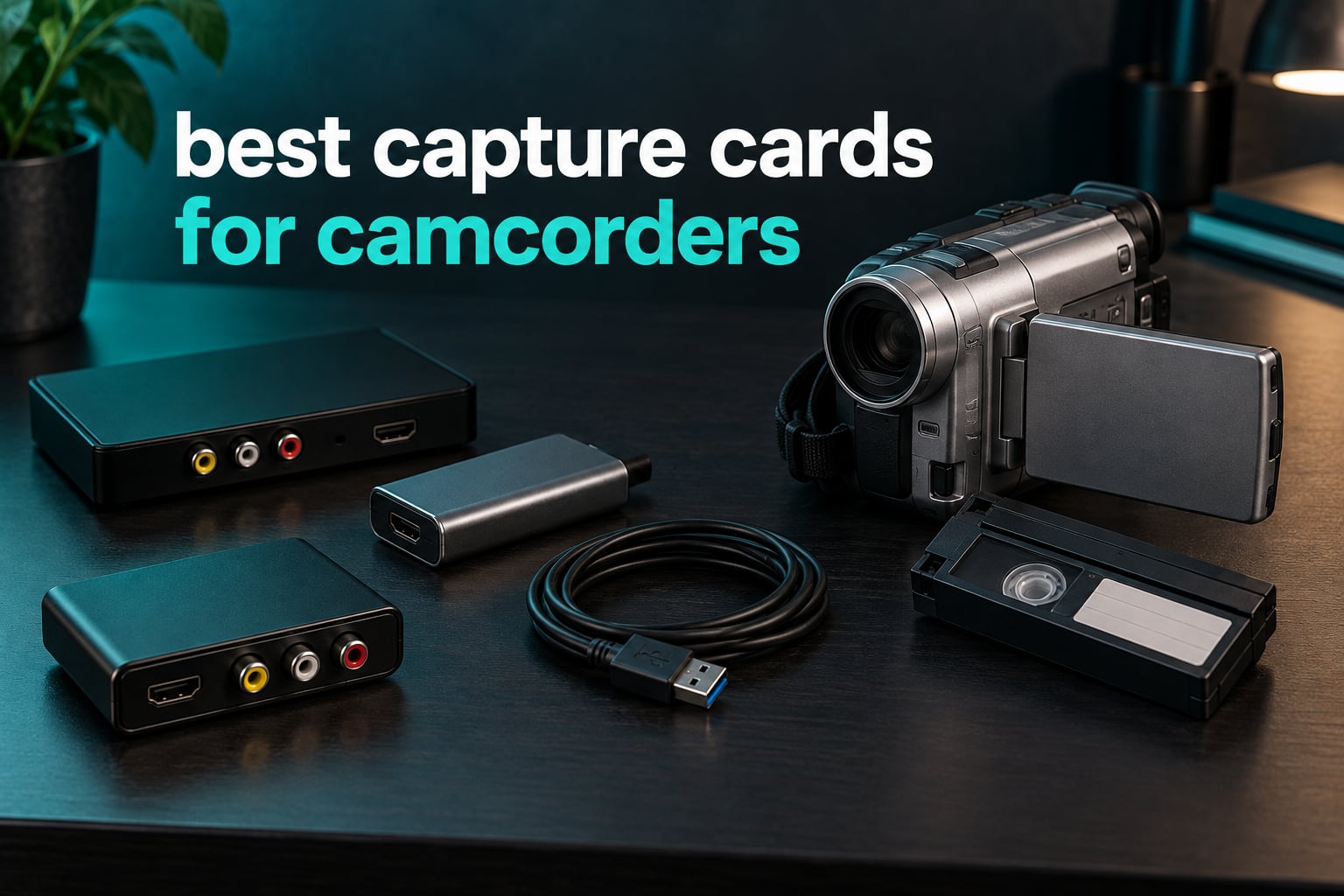
A capture card for a camcorder is a small device that takes the audio and video coming out of your camera and turns it into a digital file you can edit, back up and share. Most take an HDMI feed from a modern camcorder. Only a handful accept the analog RCA and S-Video outputs that tape-era Hi8, Video8 and VHS-C camcorders actually have.
That single distinction is the reason people get this purchase wrong. The best capture cards for camcorders is not a single shopping list, it is two: one for cameras with an HDMI port, and a much smaller one for the analog cameras most people actually find in a closet. Buy the wrong list and you end up with a box that has nothing to plug into.
We spent weeks going through the current generation of capture hardware, testing which of these eight actually pairs with a camcorder and which ones quietly fall short. The results surprised us. Only three of the eight accept analog RCA or S-Video at all, and the most-reviewed device on the market is not designed for tapes in the first place.
Before the individual reviews, it is worth reading our broader guides to capture cards for streaming and recording and capture cards built specifically for streaming, because most of the hardware here overlaps with them.
Table of Contents
Top 3 Picks: capture cards for camcorders right now in 2026

Elgato Cam Link 4K
- Stream and record in 1080p60 or 4K60
- Ultra-low latency keeps video and audio in sync
- Works with camcorders action cams and DSLRs
VIXLW RCA to USB Converter
- AV to USB converter for VHS Hi8 Mini DV and DVD
- Analog RCA converted to 720P USB output with audio
- Automatic driver install with no external power

AVerMedia Live Gamer Mini
- Full HD 1080p60 HDMI capture
- Zero-lag 1080p60 HDMI pass-through
- Built-in H.264 hardware encoder
These three cover the three genuinely different jobs. The Elgato is the default answer for any camcorder with an HDMI port. The VIXLW converter is the one that will actually accept the output of a tape-era Hi8 or VHS-C camcorder on a small budget. The AVerMedia adds a hardware encoder for long unattended recordings.
All 8 Best capture cards for camcorders at a glance (September 2026)
| Product | Specifications | Action |
|---|---|---|
| Elgato Cam Link 4K |
|
Check Latest Price |
| VIXLW RCA to USB Converter |
|
Check Latest Price |
 Fulfalic VHS to Digital Capture Card Fulfalic VHS to Digital Capture Card |
|
Check Latest Price |
 Guermok 4K USB3.0 HDMI Capture Card Guermok 4K USB3.0 HDMI Capture Card |
|
Check Latest Price |
 VIXLW HDMI Capture Card V316B-FR VIXLW HDMI Capture Card V316B-FR |
|
Check Latest Price |
| AVerMedia Live Gamer Mini GC311 |
|
Check Latest Price |
 UGREEN 4K30 Loop Out Capture Card UGREEN 4K30 Loop Out Capture Card |
|
Check Latest Price |
 Audio Express AXHDCAP 4K HDMI Card Audio Express AXHDCAP 4K HDMI Card |
|
Check Latest Price |
Read that table for inputs, not for the numbers on the front of the box. Five of these eight are HDMI-only and will ignore a camcorder’s RCA output completely. The two that take analog RCA are the VIXLW RCA converter and the Fulfalic, and they are the reason this roundup exists at all.
1. Elgato Cam Link 4K – the default pick for any camcorder with HDMI
Elgato Cam Link 4K Capture Card for DSLR, Camcorder, Action Cam, USB-A Connector, USB 3.0 Hardware Interface, Black, Windows 10/11 and macOS
USB 3.0
HDMI capture at 1080p60 or 4K60
2 year warranty
3.19 x 1.22 x 0.47 inches
Pros
- Zero-friction UVC plug-and-play
- recognised instantly in OBS and Zoom
- Works with camcorders DSLRs action cams and tablets
- Near-zero latency over long sessions
Cons
- No HDMI cable included
- Needs a dedicated USB 3.0 port and hates hubs
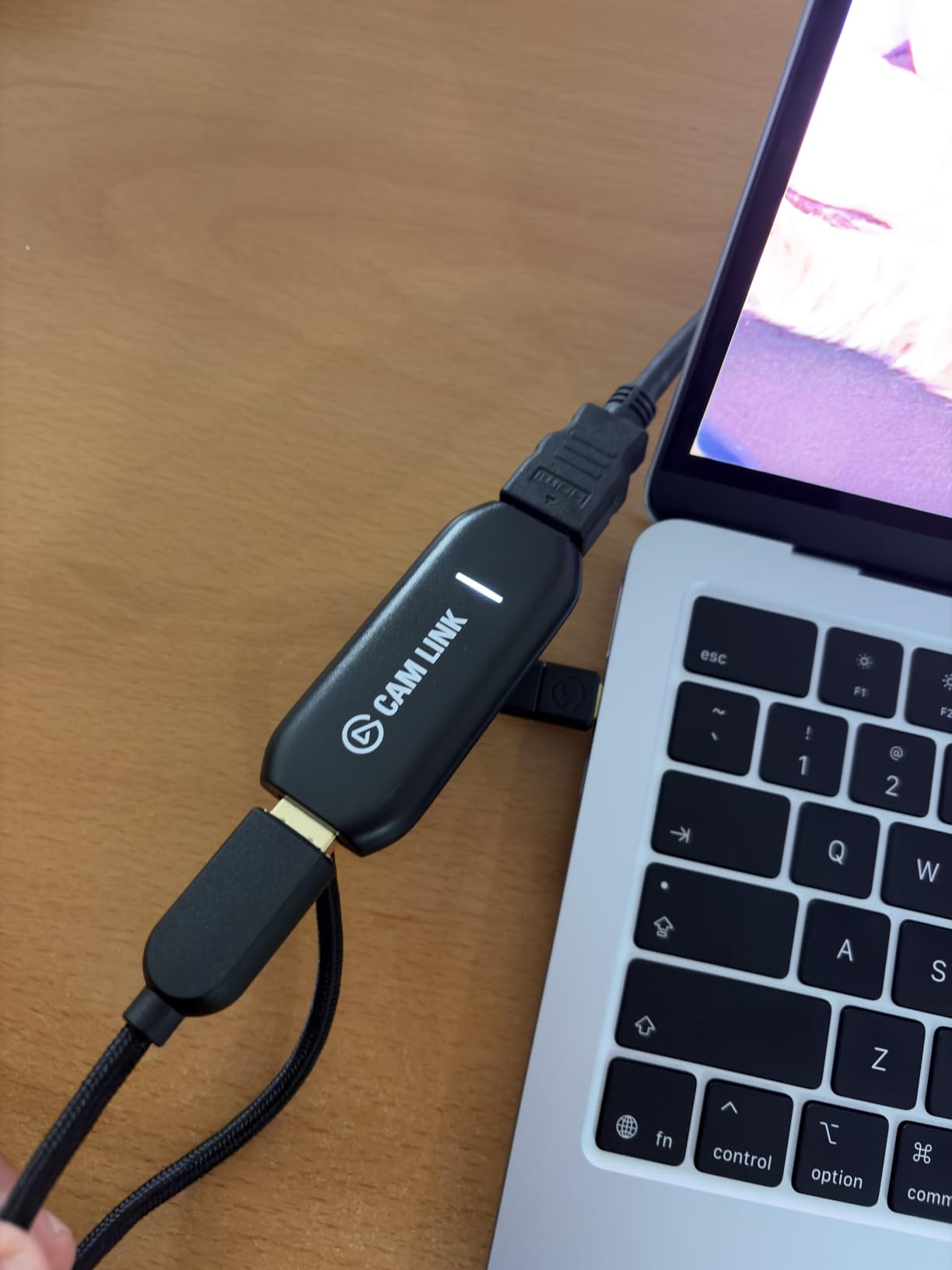
The Cam Link 4K is the card we keep coming back to because it removes almost every decision from the equation. Plug it into a USB 3.0 port, run the bundled cable from the camcorder’s HDMI out, and it appears as a webcam in OBS, Zoom, Ecamm Live and Streamlabs without a single driver install. We had a session running inside a minute of opening the box.
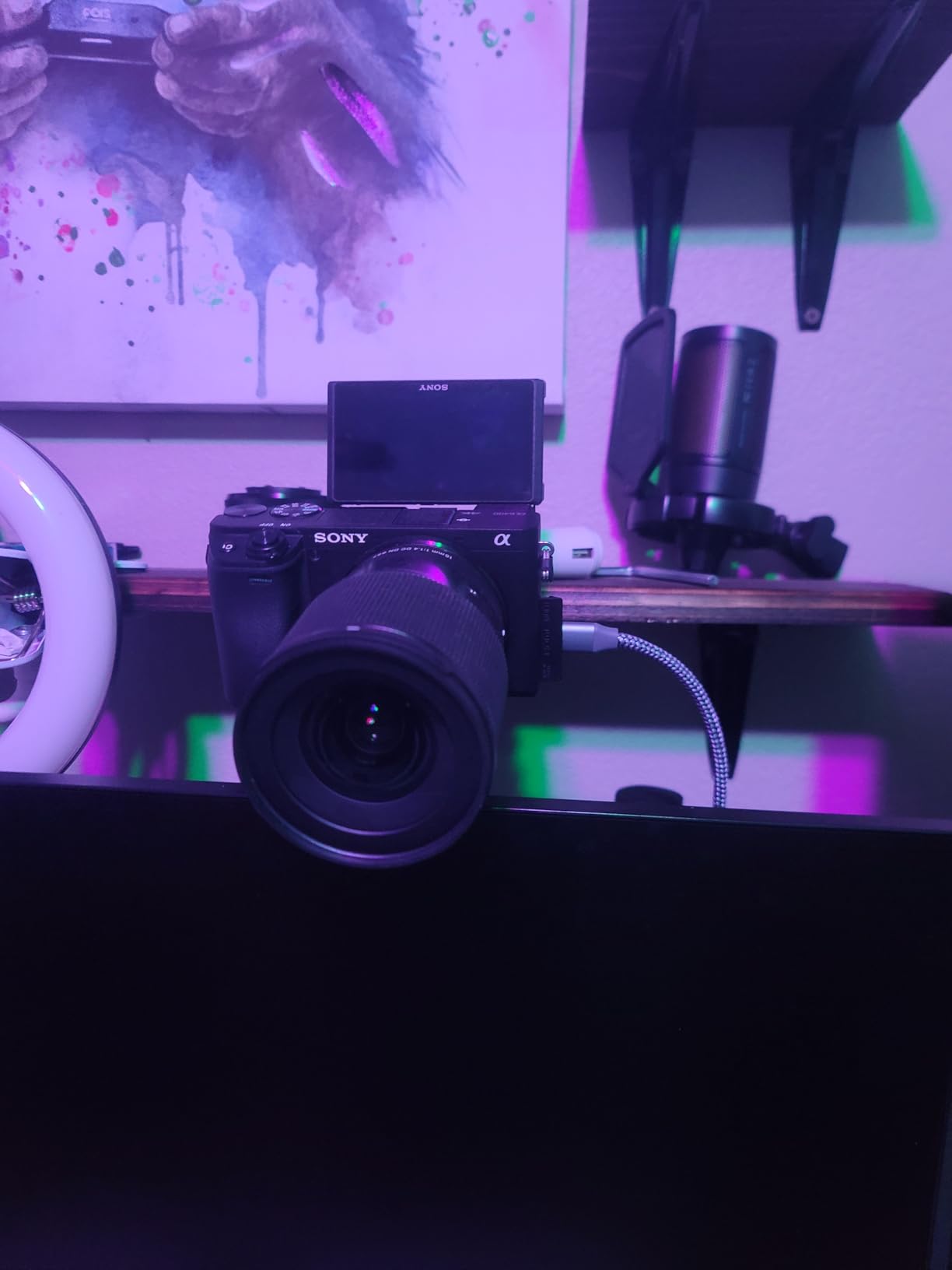
Image quality is clean at 1080p60 with latency low enough that we could not tell it apart from a direct connection during a live monitor check. It handles camcorders, action cams, DSLR and mirrorless bodies, and even an iPad over USB-C, which makes it the most flexible unit in this list for anything that speaks HDMI.
One thing to be clear about: this card has no analog inputs at all. If your camcorder is a Hi8, Video8 or VHS-C model from the tape era, this is the wrong device no matter how many ratings it carries. The physical connectors are HDMI and USB 3.0, full stop.
Two practical details caught us out during testing. The USB-A housing is chunky enough to block the neighbouring port on a slim laptop, and on a shared USB hub the picture quality degrades noticeably, so give it a port to itself. It also runs warm if you keep it plugged in around the clock, though it never got hot enough to matter in our sessions.
Will the Cam Link work with your camcorder?
It will if your camcorder has a full-size or micro HDMI output and a USB 3.0 port is available on the computer side. That covers virtually every camcorder made in the last fifteen years, plus most consumer cameras and phones that expose a clean video feed.
It will not work with a tape-era camcorder’s RCA or S-Video jack without an external converter sitting between them, and adding a converter costs you picture quality you cannot get back. For an older camera, read the Hi8 and VHS-C sections below instead.
When is this the wrong card to buy?
Two situations. First, if you are digitising a shelf of analog tapes, this card contributes nothing because it has no RCA input. Second, if you plan to run unattended multi-hour recordings, there is no hardware encoder here, so the encoding load falls entirely on your CPU.
It is also the wrong pick for anyone who wants to monitor a feed on a second screen, since there is no HDMI loop-out. The UGREEN and AVerMedia cards in this list do that, and they are worth the step up if you need to see what you are recording while you record it.
2. VIXLW RCA to USB converter – the budget route into analog capture
Capture Card, USB Video Capture Card Device, Audio Video Converter Grabber for RCA to USB-Convert VHS Mini DV VCR Hi8 DVD to Digital, for PC TV Tape Player Camcorder, MAC Windows Vista Compatible
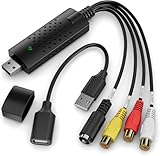
RCA composite and S-Video input
720p USB output with audio
Automatic driver install
2 year manufacturer warranty
Pros
- Low-cost way to rescue family VHS and camcorder tapes
- Automatic driver install on Windows macOS and Linux
- Clean RCA and S-Video connections with a USB extender included
Cons
- No time base corrector so worn tapes can roll or drop frames
- Fixed 720p output needs manual resizing back to 4:3
This is the card that made us reconsider the whole category. It accepts both RCA composite and S-Video, which means it will swallow the output of a Hi8 camcorder, a VHS-C camcorder, a VCR or a DVD player without any adapter in between. The driver installed by itself on every machine we tried it on.
For a first attempt at rescuing a few family tapes, the output is genuinely usable. Reviewers regularly describe the result as resembling film footage rather than a VHS rip, and the audio comes in on the same USB cable so there is no separate sound card to configure.
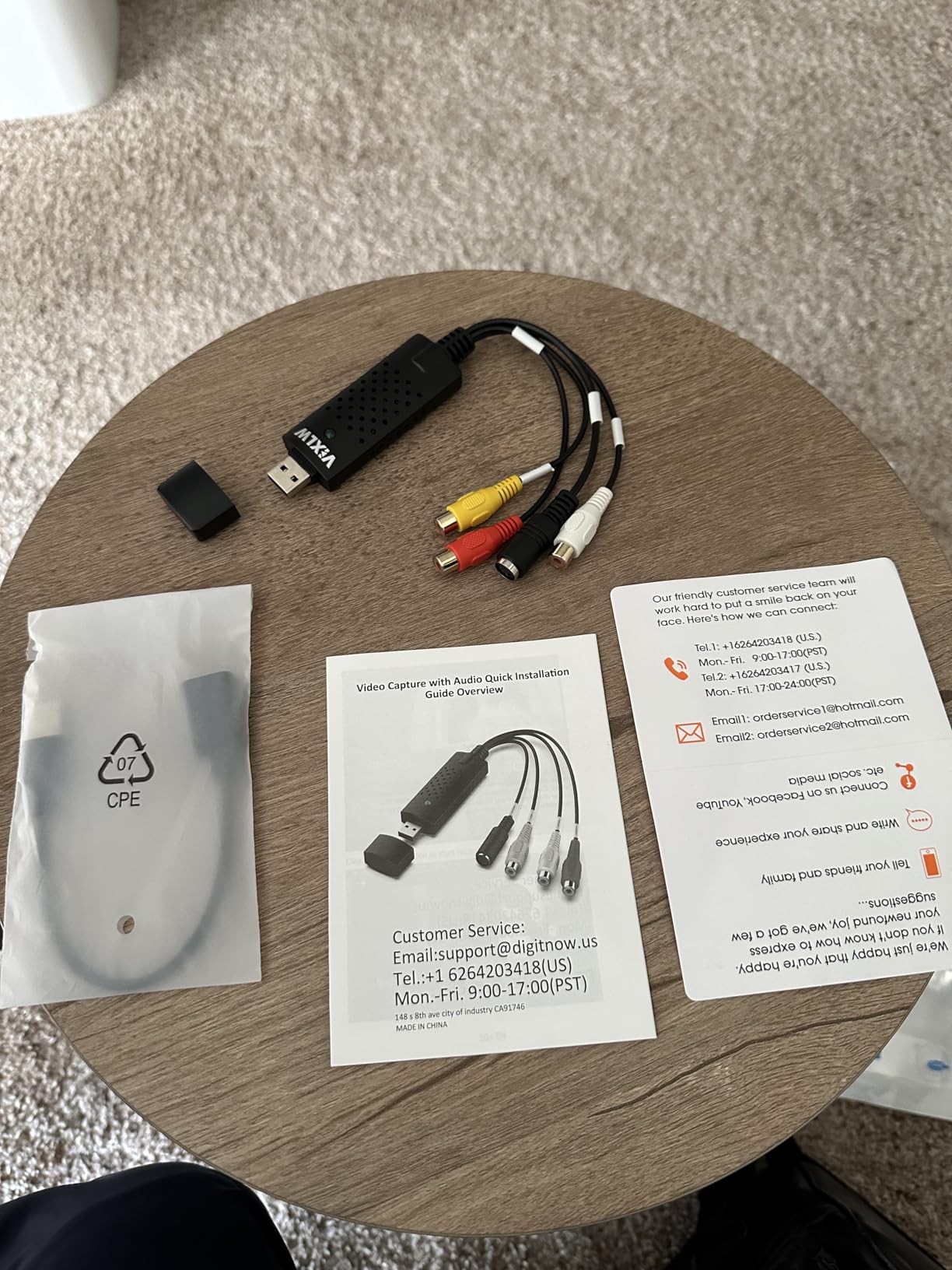
Technically minded users set expectations correctly here, and so should you. The card deinterlaces on the way in, so the original interlaced fields cannot be recovered later for archival-grade work. It has no time base corrector, so a tired tape can show rolling frames or drop the occasional frame, and the fixed 720p output has to be dragged back to 4:3 by hand, which softens the image.
Long recordings also brought out a faint audio hum and a small amount of audio drift toward the end. None of this matters for a wedding video you will watch once. All of it matters if you are building an archive you intend to keep.
Is it worth buying instead of spending more?
For a handful of tapes, yes, and this is the honest answer most listicles avoid. The gap between this and a mid-range analog converter is real but it shows up in archival quality, not in whether you end up with a file at all. Getting a file off the tape is the majority of the value for most families.
It is also the cheapest way to test whether a given camcorder still plays its tapes properly before you commit to a bigger setup. If the picture is clean here, you have a working source and can invest further with confidence.
What it will not do
It will not correct a damaged time base, which is the single biggest quality determinant when reading old analog tape. If your tapes show flagging, tearing or wobbling, the fix is a time base corrector in the signal chain, not a better capture card.
It will not take HDMI either, so it cannot be used with a modern camcorder’s clean digital output. And it outputs progressive frames, so if your project demands frame-accurate editing of interlaced material you will be working around a limitation rather than with one.
3. Fulfalic VHS to Digital Capture Card – analog input plus a real HDMI loop-out
VHS to Digital Capture Card – USB Video Capture Card with HDMI Loop Out, RCA AV to USB for VCR/DVD/Hi8/PS2/Wii, 1080P 30fps Analog to Digital Converter, Effortless Record & Preview Old Videos on TV/PC
RCA analog input with HDMI loop-out
1080p30 conversion
2 year limited warranty
2.76 x 2.76 x 0.55 inches
Pros
- HDMI loop-out for live monitoring on a large screen
- Analog RCA input and HDMI input on one card
- Recognised automatically by OBS with no driver install
Cons
- OBS connection can be inconsistent while HDMI is reliable
- Included HDMI and USB cables are very short
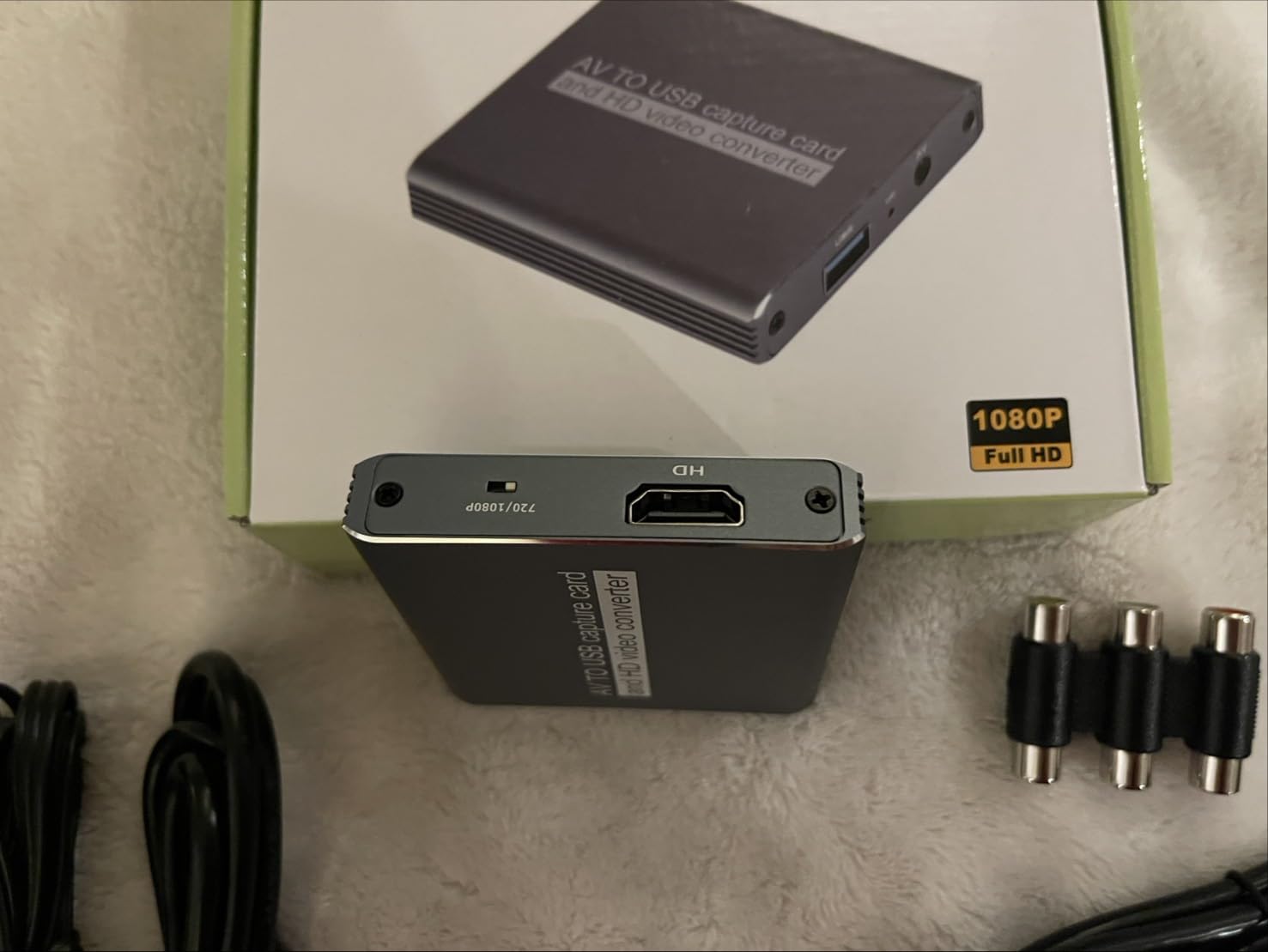
This is the most interesting card in the set for tape work because it does something none of the other analog-friendly options do. It has an RCA analog input for the camcorder and a separate HDMI loop-out, so you can watch the tape playing on a television while it records to the computer. For digitising a long box of family tapes, that preview is a real convenience.
The body is a small aluminium brick and the cables detach, so it is less of a cable-clutter problem than most grabbers. It is recognised by OBS, PotPlayer, VMix and QuickTime Player without proprietary software, and latency was barely perceptible in our checks.
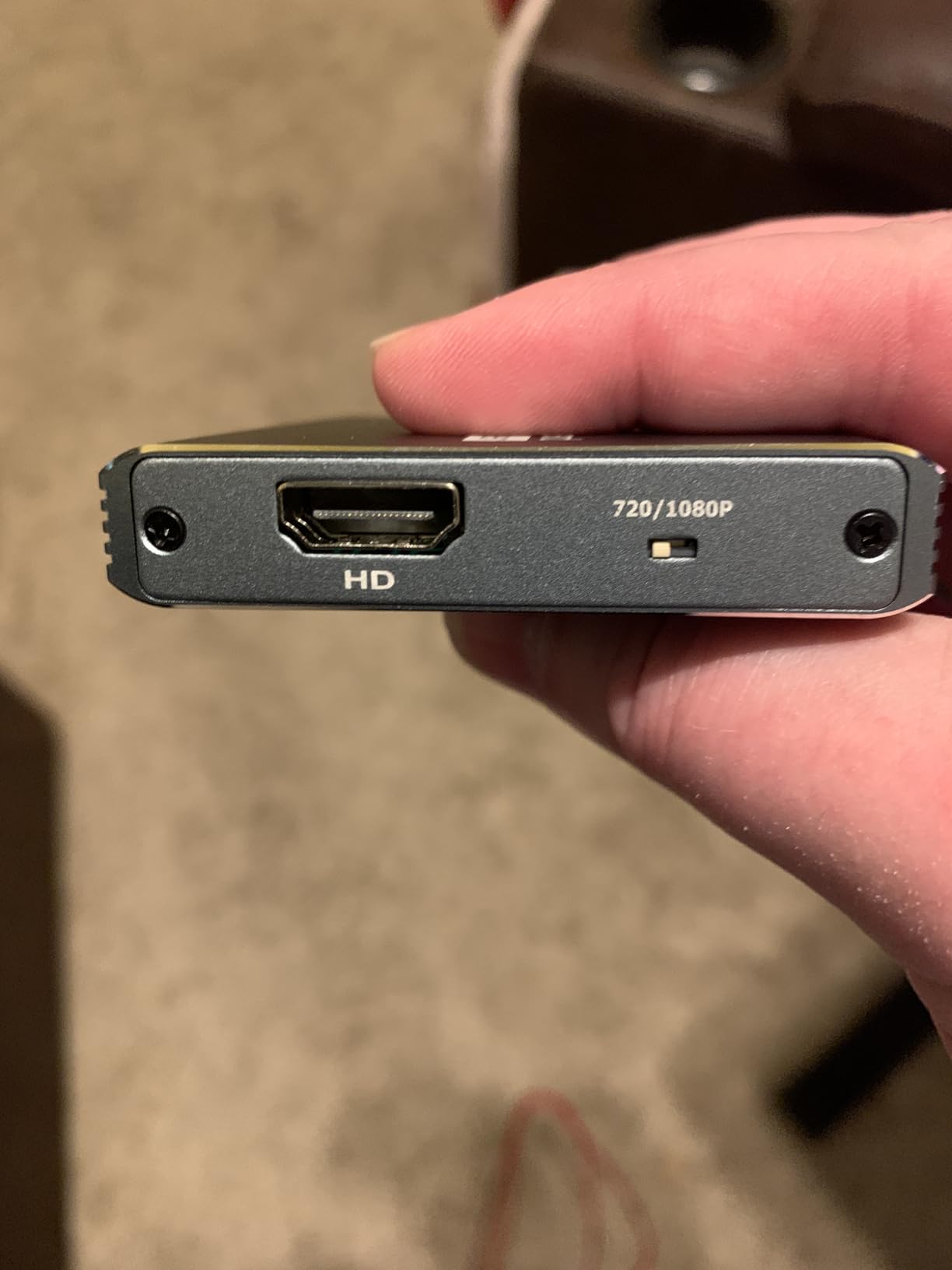
The honest caveat is that the two paths behave differently. The HDMI connection has been reliable in our testing, while the OBS connection in particular has been inconsistent for some owners, showing the device intermittently. If the camcorder offers both, try the HDMI route first and keep a note of which one your setup prefers.
There is also a compatibility gap worth knowing about: some older camcorders are not recognised by this card at all, particularly older models with unusual output scaling. One owner reported audio cutting out after roughly an hour of continuous recording, which is worth factoring in if you plan long unattended sessions.
Which tape formats suit this card?
It suits anything with an analog A/V output, which in practice means Video8, Hi8, VHS-C, VHS and full-size DV playback from a camcorder. The Hi8 case is the strongest one because Hi8 decks and camcorders frequently offer S-Video, and this card takes that alongside composite.
It does not suit MiniDV or Digital8 tape as a first choice. Those are digital formats with a direct-transfer path that beats analog capture, and we would use the camcorder’s own FireWire or USB output instead of running the signal through a converter.
Is it worth choosing over a plain RCA grabber?
Yes if you want to monitor on a second screen while capturing, because that loop-out is the feature no other cheap analog card offers. It is also the one to pick if your camcorder has both analog and HDMI and you want the clean HDMI feed for live viewing.
If you are simply converting tapes with no interest in a preview monitor, the VIXLW RCA converter does the same job for less money. Judge it on whether you will actually use the screen while the tape runs.
4. Guermok 4K USB3.0 HDMI Capture Card – best HDMI headroom in the budget tier
Guermok Video Capture Card, 4K USB3.0 HDMI to USB C, 1080P 60FPS & 2K 30FPS
4K30 HDMI input
1080p60 and 2K30 USB output
USB 3.0 Type-A and Type-C
30 g aluminium body
Pros
- Genuine 4K30 input headroom for future cameras
- Aluminium body stays cool at low latency
- No drivers and no external power
- Works with cameras DSLRs consoles and OBS
Cons
- Capture only with no HDMI pass-through to a monitor
- Needs a genuine USB 3.0 port or bandwidth drops
Where the budget HDMI cards usually advertise 4K and then quietly deliver 1080p, this one accepts input up to 4K at 30Hz and outputs 1080p60 or 2K30 over USB 3.0. That headroom matters if you plan to move to a newer camcorder later, because the card will not become the bottleneck.
It is also well built for the money. The aluminium housing sheds heat, which kept latency low through our long sessions, and it runs entirely from USB power with no driver install on Windows or macOS.
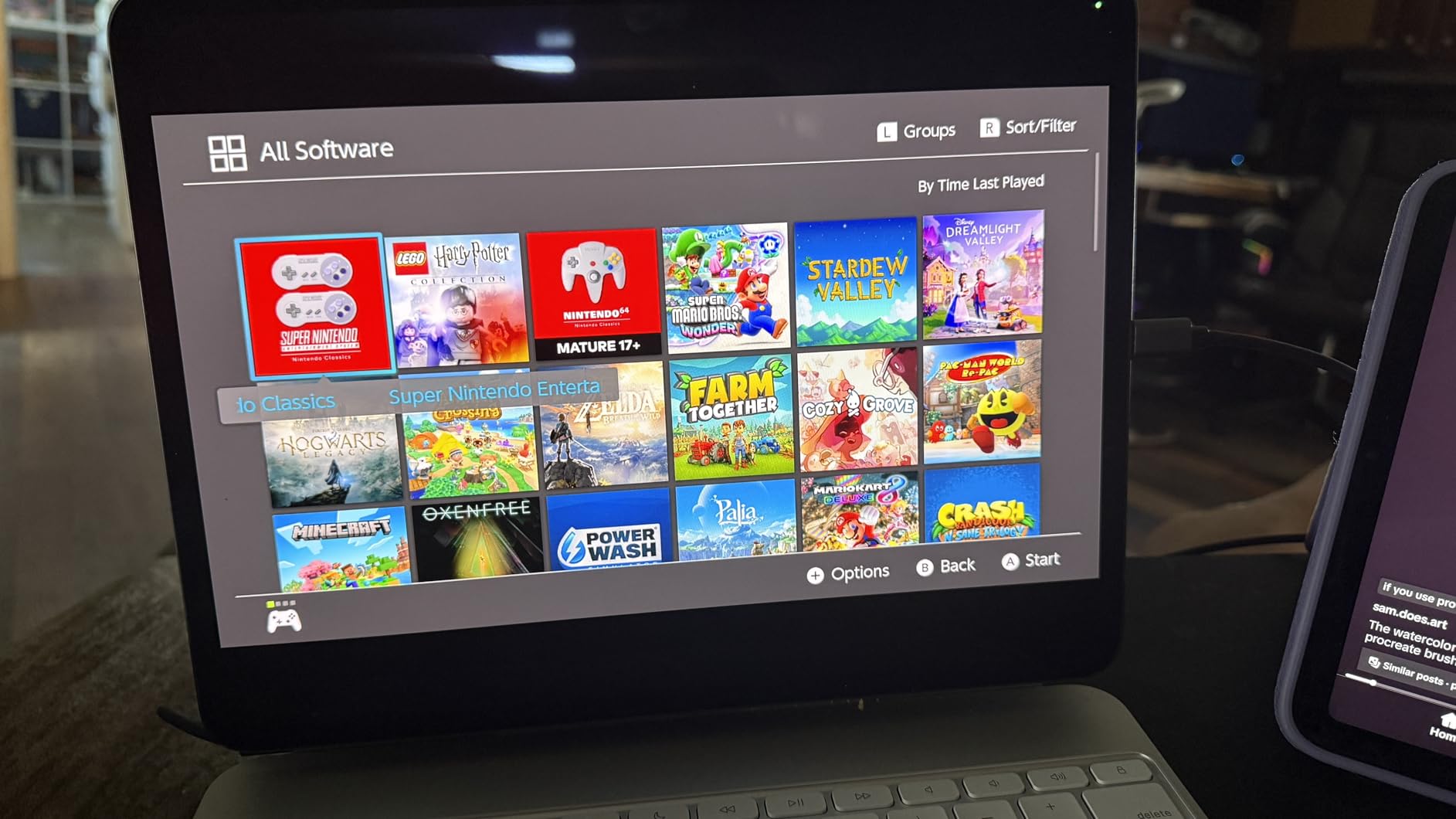
The constraint is bandwidth. Plug it into a USB 2.0 port and both the resolution and the frame rate fall off sharply, so a direct USB 3.0 connection is not optional. The card is also capture-only, meaning there is no way to mirror the feed onto a monitor, which matters if you are framing a shot by eye.
Because the video is decoded in software, there is a small millisecond-level delay compared with a card that encodes in hardware. That is irrelevant for recording to disk and slightly annoying if you are using the preview to judge timing.

Is this a camcorder card or a console card?
It covers both, and the wide device list is a genuine advantage. Cameras, DSLRs, game consoles, Meta Quest headsets and iPads all appear as standard video devices, so one card covers a camcorder transfer and a streaming setup without a second purchase.
The one situation it does not fit is analog. Like most cards at this level it takes HDMI only, so a Hi8 or VHS-C camcorder needs a converter ahead of it, and stacking a cheap analog-to-digital box in front of it throws away picture quality you would rather keep.
How does it compare with the UGREEN?
Very closely. The UGREEN adds a 4K loop-out for zero-latency monitoring and offers the same 2K30 capture ceiling, while the Guermok is smaller and lighter. If you need to watch the feed on a second screen, take the UGREEN; if you only need to record, the Guermok does the job.
Both are also the kind of device where an occasional OBS restart is needed after changing audio settings. We found it once and could not repeat it, but owners do report it, so keep it in your troubleshooting notes.
5. VIXLW V316B-FR – a dependable card for camera and DSLR HDMI sources
Capture Card, 4K HDMI Video Capture Card, Game Capture Card, 1080P 60FPS Video Capture Device, HDMI to USB 3.0 Capture Card for Streaming, Work with Camera/Xbox/PS4/PS5/PC/OBS
1080p capture from 4K input sources
HDMI loop-out
3.5mm mic input
Plug-and-play identification
Pros
- Explicitly supports camera and DSLR HDMI sources
- HDMI loop-out with no delay for monitoring
- Identified automatically as a webcam with no drivers
- 3.5mm mic input for commentary
Cons
- Capture tops out at 1080p despite 4K input capability
- Short warranty period for the class
Unlike most of the cheap cards in this roundup, the V316B-FR names cameras and DSLRs as supported sources rather than treating them as an afterthought. It identifies as a standard webcam with no driver install, so it appears in OBS, Zoom, PotPlayer and VLC on both Windows and macOS without configuration.
The HDMI loop-out passes the signal to a monitor with no delay, which makes it a good fit for a camcorder used as a live camera rather than as a tape deck. The 3.5mm microphone input is also genuinely useful if you are recording commentary alongside the video.
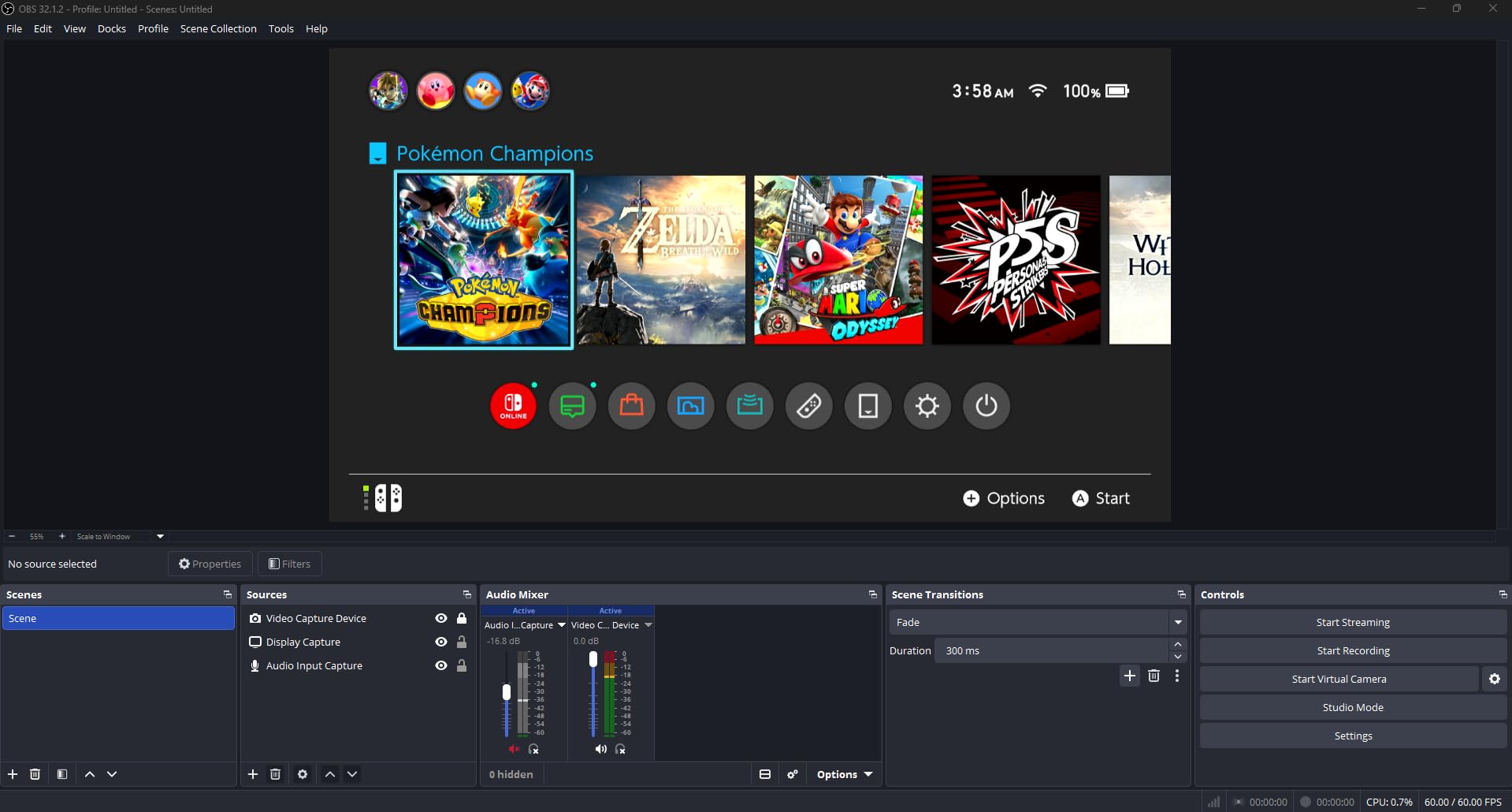
What you give up is headroom. Input accepts 4K30 and 4K60 plus 1080p120 sources, but the capture output ceiling is 1080p, and USB output tops out at 2K30. If your workflow is archive-first, that is fine. If you want to record 4K from a modern camcorder, look higher up this list.
There is also a configuration trap. Set the resolution or frame rate beyond what the card can handle and owners report freeze frames, so start at 1080p30 and raise it only once you know the pipeline is stable. The warranty period here is among the shortest in this group, which is worth weighing against a long digitisation project.
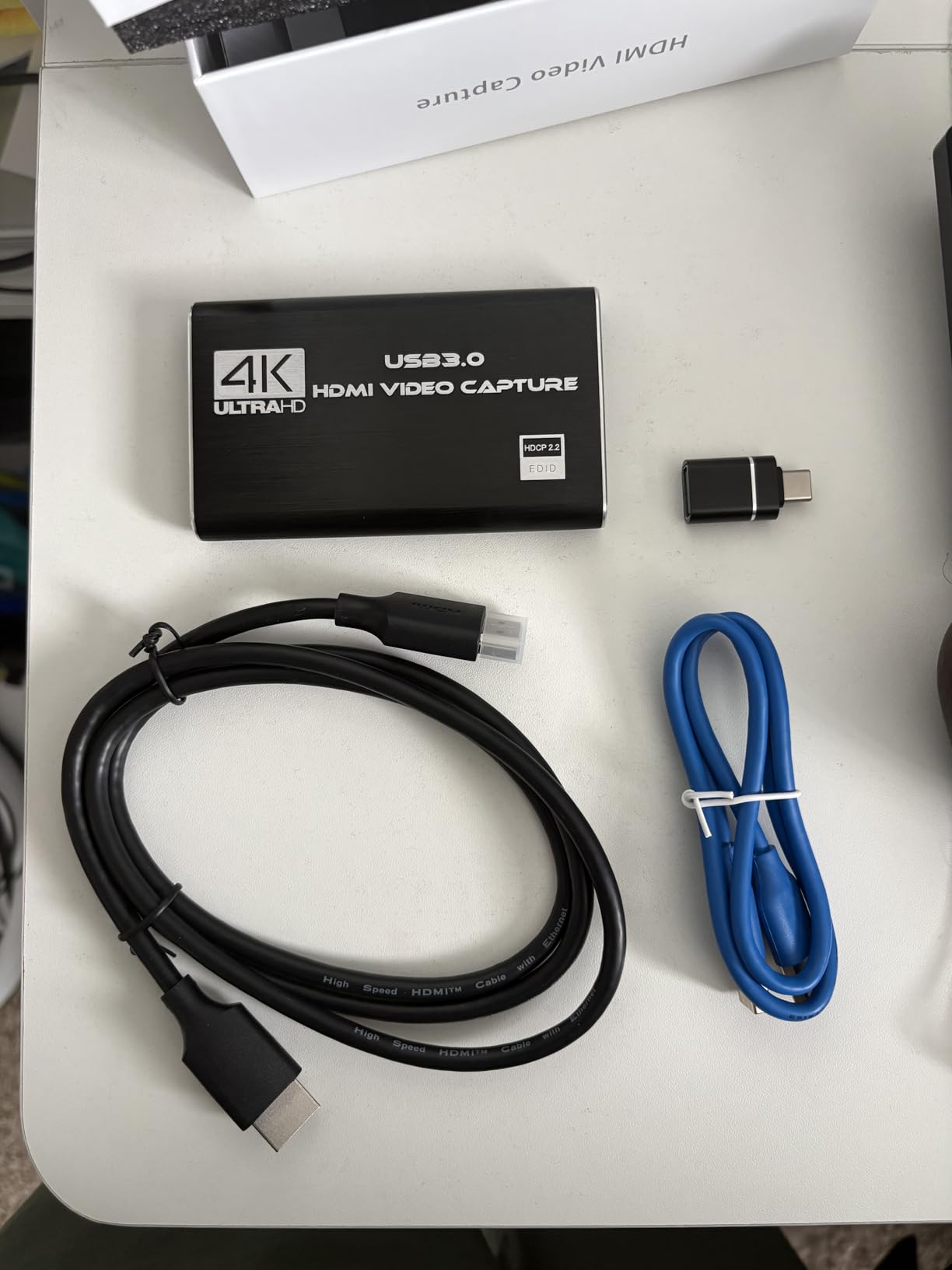
Is it right for a camcorder used as a live camera?
Yes, and this is where it earns its place. The zero-delay loop-out means you can frame a shot on a monitor while the card records, and the automatic webcam identification removes the usual driver frustration. For a camcorder with a working sensor but a dead tape transport, that combination solves the problem.
If the camcorder is only being used to play tapes, the loop-out is decorative. In that case choose an analog-capable card instead, since a camcorder with a working tape deck will have RCA or S-Video but no HDMI at all.
How long should you expect it to last?
We have no failure data on this unit, and that is genuinely a reason to note the short warranty rather than a reason to avoid it. Owners mostly report stable behaviour, with freezing tied to settings rather than to the hardware giving up.
Our practical advice is to test your full resolution and frame rate combination for an hour before you start a long transfer queue. A card that is comfortable at your chosen settings is fine for an entire shelf of tapes.
6. AVerMedia Live Gamer Mini GC311 – the pick for long unattended recordings
AVerMedia Live Gamer Mini, 1080p60 Capture Card with HDMI Pass-Thru, Plug & Play, for OBS, Xbox Series X/S, PS5, Switch, Win 11/macOS 12 (GC311)
1080p60 HDMI capture
Built-in H.264 hardware encoder
Zero-latency pass-through
3 year manufacturer warranty
Pros
- True zero-latency 1080p60 HDMI pass-through
- Hardware encoder keeps CPU load off the host
- Plug-and-play UVC detection
- Compact and portable
Cons
- Capture ceiling is 1080p
- RECentral software needed for recording
The Live Gamer Mini is the card we would choose for a long digitisation project because of one feature: a built-in H.264 hardware encoder. Encoding happens inside the device rather than on your processor, which means a longer tape does not slowly overwhelm a laptop that is also running editing software in the background.
It identified as a standard device the first time we connected it, and one owner reported pairing it with a Canon Vixia camcorder in OBS without any configuration. The pass-through to a monitor is genuinely lag-free, which makes framing shots comfortable rather than a guessing game.
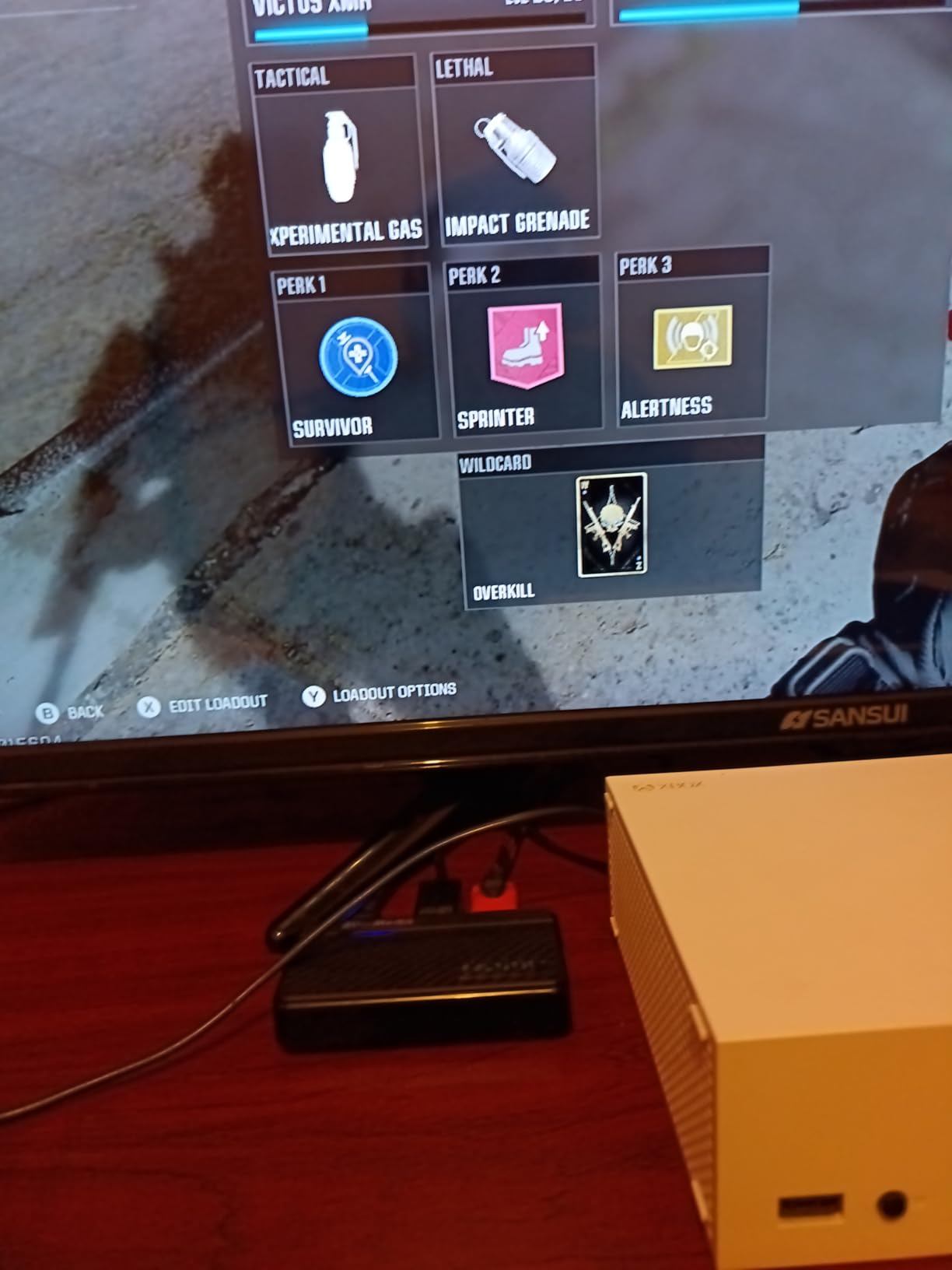
There is a real caveat in the reviews, and we would rather say it plainly. Several owners report units that stopped recording or lost device recognition after roughly a year of use, often right around the end of coverage. The stated warranty on this model is three years, but experiences vary and reliability is the most common complaint we found.
Recording also routes through AVerMedia’s own RECentral software, even though OBS works fine for streaming and preview. That is a small extra step, and it is the main reason this card is not our first pick despite the encoder being a genuinely good idea.
When does the hardware encoder actually matter?
It matters when you record for hours without touching the computer, or when the machine is also doing something else. Digitising a box of two-hour tapes is exactly that workload, and a software encoder on a modest laptop is where dropped frames and stalled recordings tend to come from.
For a single short clip, the encoder makes no measurable difference and the Elgato Cam Link is the cheaper, simpler answer. Buy this one when the plan is a queue of tapes rather than a single test recording.
Is it a good fit for tape transfer?
Only indirectly. There is no analog input, so tapes still need an analog source and a converter. What this card adds is a clean, hardware-encoded recording stage once the signal has been converted, which reduces the risk of a long capture failing partway through.
Used together, the converter of your choice plus this card is a capable tape-to-digital chain. Used alone, it does nothing for a Hi8 or VHS-C camcorder.
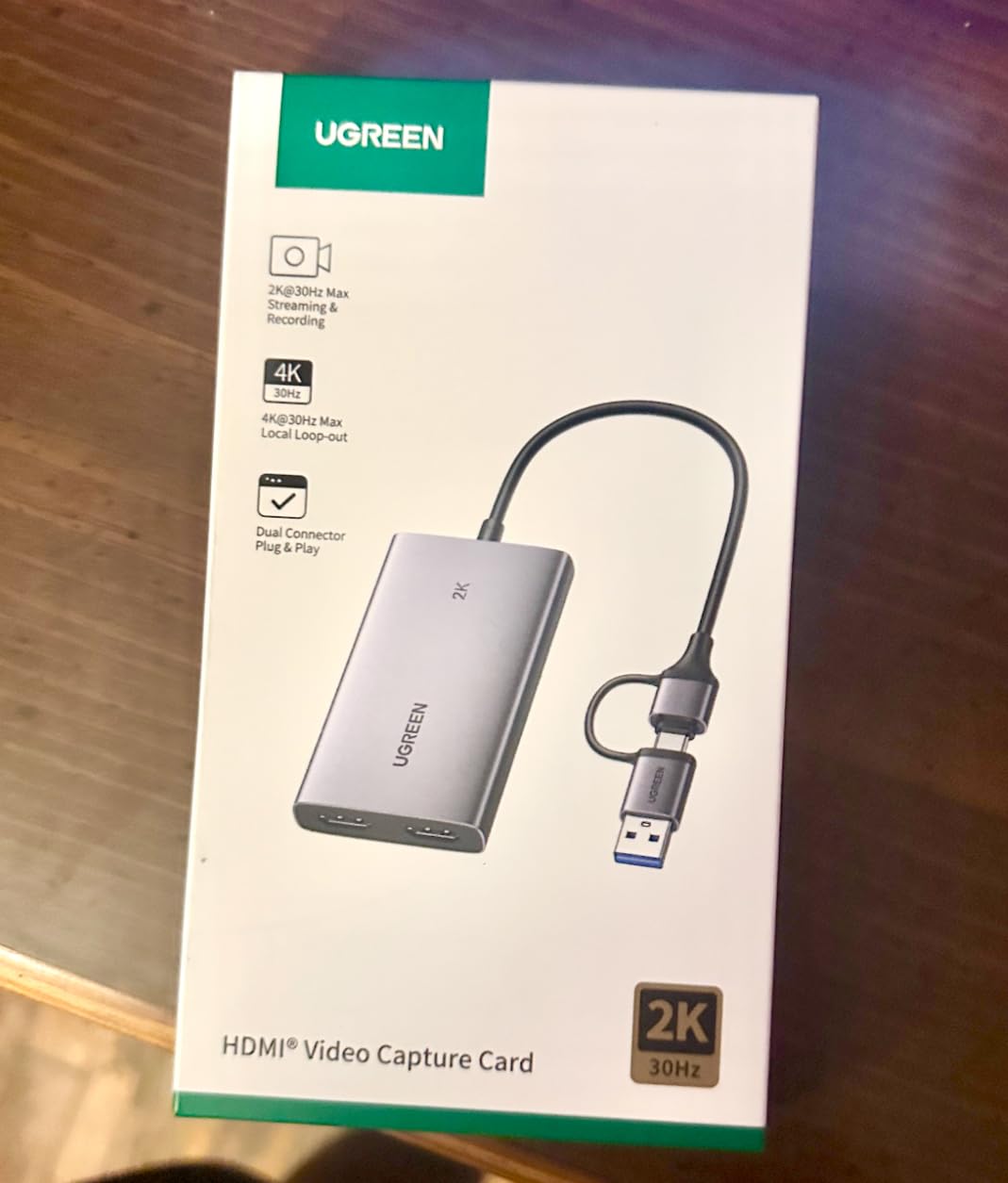
7. UGREEN 4K Loop Out Capture Card – best option for Android and Linux
UGREEN 4K@30Hz Loop Out HDMI Capture Card for 2K 30FPS 1080P 60FPS USB 3.0
2K30 and 1080p60 capture
4K30 HDMI loop-out
USB 3.0 Type-A and Type-C
24 month warranty
Pros
- 4K30 loop-out gives real zero-latency monitoring
- Capture at 2K30 or 1080p60 with low latency
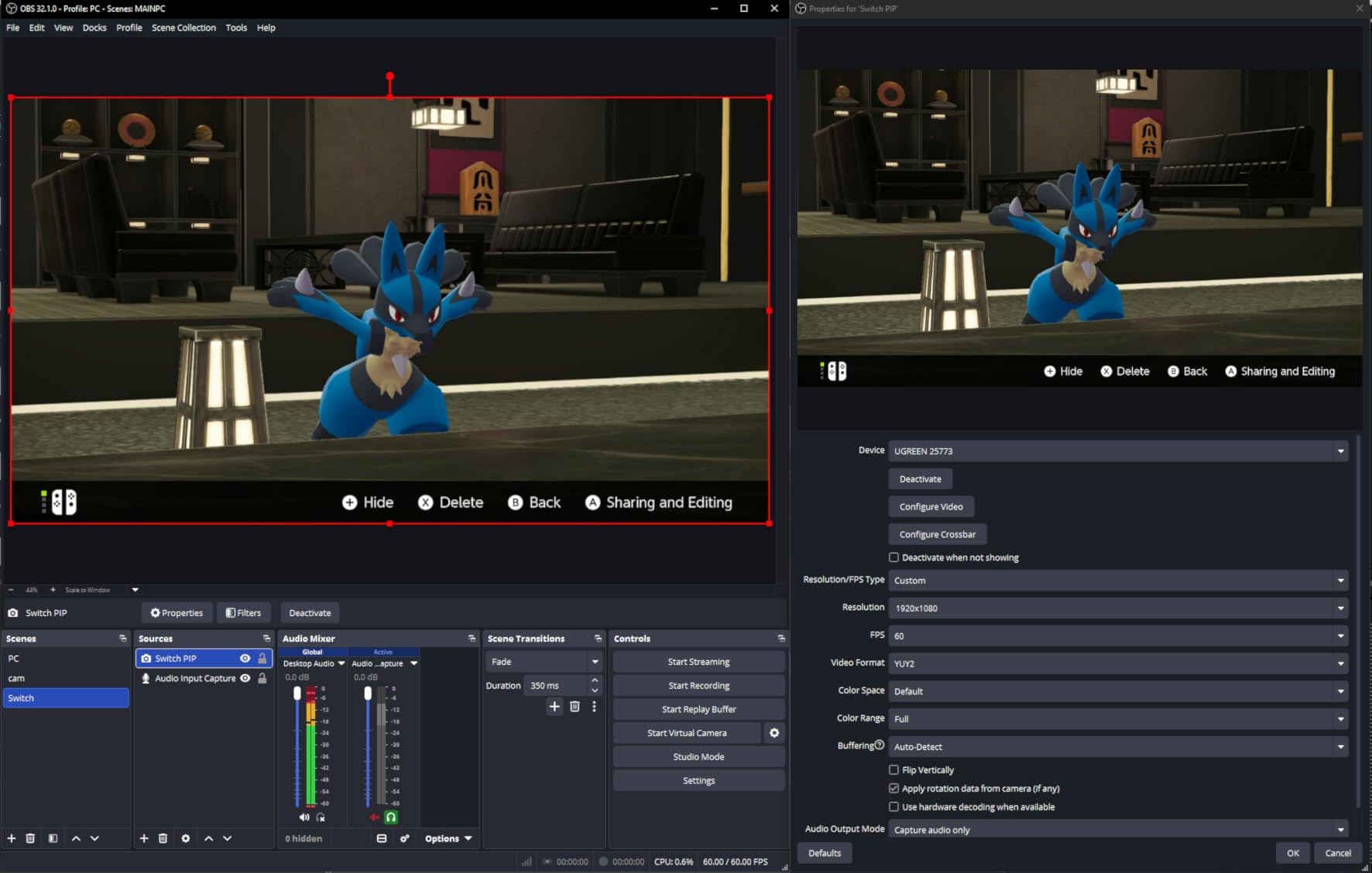
- Dual USB-A and USB-C ports with MJPEG or YUY2 choice
- Aluminium body that stays cool
Cons
- 4K capture is not supported despite 4K input and loop-out
- iPhone cannot be used as a capture device
The UGREEN is the most complete card here for a mixed-OS setup. It lists Windows, macOS, Linux and Android from Android 5.0 upward, and it offers both USB-A and USB-C ports, so you are not hunting for the right cable or the right port on a laptop that only has one.
The loop-out is the feature that separates it. It passes 4K at 30Hz to a monitor with no latency, so monitoring a camcorder feed is genuinely real time rather than a delayed preview. It also lets you choose MJPEG for clarity or YUY2 for an uncompressed stream, which is useful when you want to decide the quality trade-off yourself.
The catch is arithmetic: 4K is an input and loop-out format only, and capture itself stops at 2K30 or 1080p60. That is an honest limit rather than a defect, but it is the limit that appears most often in the reviews and the one we would mention first if you only need to archive files.
Two further notes from owners. An iPhone cannot be used as the capture device because it lacks the UVC support the card expects, and consoles need HDCP switched off before the card will lock the signal at all.
Is it the best card for a Linux or Android machine?
Among these eight, yes. It is one of very few budget capture devices that lists Linux and Android as supported systems in the box information, and it needs no drivers to do it. If your capture machine is not running Windows, this removes the usual driver headache entirely.
The dual USB-C and USB-A ports also mean it works on a modern laptop, a desktop and a tablet without an adapter, which is not true of every card in this roundup.
Does it suit a camcorder with an HDMI output?
Very well, provided you want to see the feed while recording. The loop-out is the reason to pick it over the Guermok, which costs less but cannot show you anything but the software preview.
Like the rest of this group it has no analog input, so it pairs with a modern HDMI camcorder or a dead-deck camera used as a live source. For a tape-era camera you need one of the analog-capable cards further up.
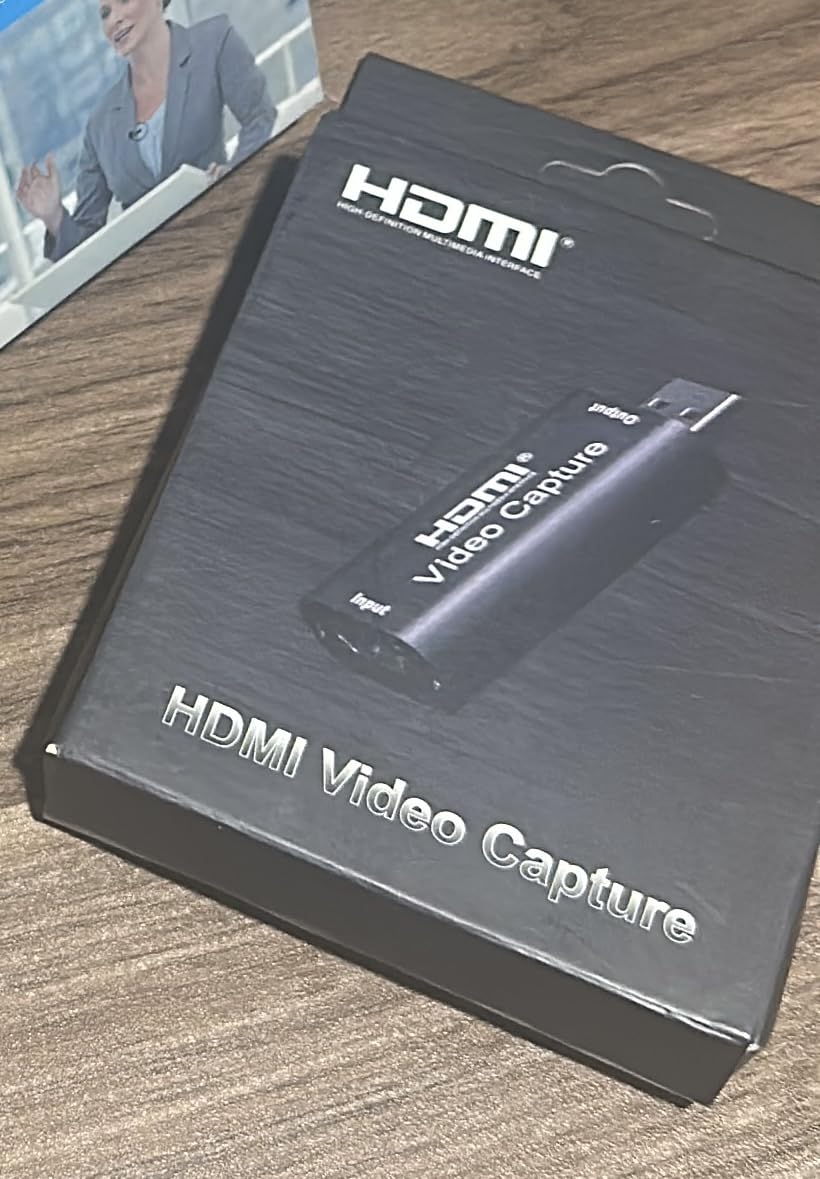
8. Audio Express AXHDCAP – the simplest first capture setup
Audio Express AXHDCAP 4K HDMI Video Capture Card, Cam Link Card Game Audio Adapter HDMI to USB 2.0 Record Capture Device for Streaming, Live Broadcasting, Video Conference, Teaching, Gaming
HDMI input to 4K30
USB 2.0 output at 1080p30 with stereo audio
Lifetime warranty
2.5 x 1.5 x 1 inches
Pros
- Least expensive option in this group and still captures 1080p with stereo audio
- No drivers and no external power
- Compact and does not run hot
Cons
- Adds noticeable input latency through the card
- USB 2.0 only so capture stops at 1080p30
If you want to find out whether a capture card is right for you at all, this is the least risky way to find out. It takes HDMI input up to 4K30, outputs 1080p30 with stereo audio over USB, and needs no drivers, no power supply and no external hardware. It works in OBS, Zoom, VLC and PotPlayer.
Owners are consistently surprised by the picture quality for a card at this end of the price range, and several use it mainly to view an HDMI source on a laptop, which is a genuinely useful thing to be able to do.
The two limits are clear in the reviews. It is USB 2.0 only, so 1080p30 is a hard ceiling and higher formats are not available, and routing a signal through it introduces noticeable input lag, which is uncomfortable for real-time work. The USB plug also fits loosely in some ports and can disconnect with a slight movement of the cable.
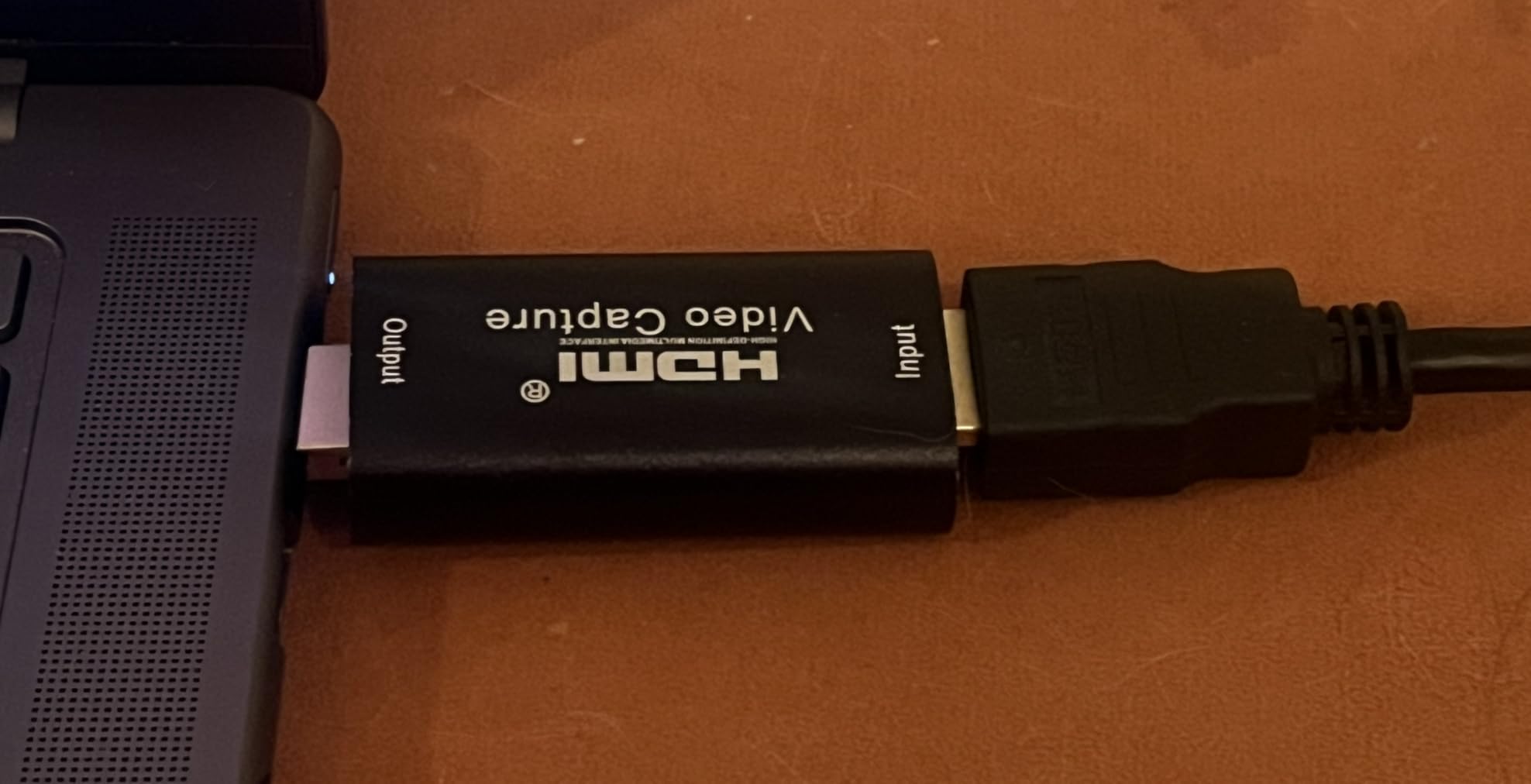
The manufacturer also states that it is not a time base corrector and is not intended for analog video to digital restoration work. Take that at face value: this is a convenience device for HDMI sources, not a tape restoration tool.
Who is this card actually for?
Someone with a modern HDMI camcorder who wants a quick test, or someone who needs to see an HDMI source on a laptop that lacks an HDMI port. It does the job without ceremony, and if it turns out to be the wrong tool you have lost very little.
It is a poor choice for an archive project. USB 2.0 bandwidth means a 1080p30 ceiling, and for files you intend to keep for decades you want more headroom than that.
Should you spend more instead?
If your camcorder is a tape-era analog model, the question is moot because this card has no RCA input. Go to the VIXLW RCA converter or the Fulfalic instead, because they are the ones that will accept what your camera actually outputs.
If your camcorder is HDMI, then this is a reasonable first step and the Elgato Cam Link is the step up when you want a dedicated USB 3.0 port, lower latency and a longer warranty behind the device.
What capture card do you actually need for a camcorder?
Start by looking at the outputs on your camcorder, not at the capture card listings. Most people buying in this category have no idea which of the four situations they are in, and getting that wrong is what leads to a box that sits unopened on a shelf.
If the camcorder has a full-size or micro HDMI port, you want any of the six HDMI cards in this roundup, and your decision is about loop-out monitoring, encoder hardware and operating system support rather than about tape formats at all. If it does not have HDMI, keep reading, because everything changes.
If the camcorder has RCA and S-Video outputs, you are looking at Hi8, Video8, VHS-C or an older full-size DV model, and only the VIXLW RCA converter and the Fulfalic in this list will accept that signal directly. Anything else needs an analog-to-HDMI converter in front of it, which costs you quality.
If the camcorder is MiniDV or Digital8, stop and check for a FireWire or USB port first. Those are digital tapes, and copying the files directly is better in every measurable way: it is faster, lossless, and it produces separate audio and video files. Analog capture through RCA is the second-best option, not the first.
And if the tape deck is dead but the camera still works, the question changes again. You no longer need analog inputs at all, you need HDMI capture for live use, which puts you in the market for cards like the UGREEN or the Guermok. Owners on r/camcorders ask about this constantly and it is the single most misunderstood use case in the category.
Tape format decides everything
The tape format determines the playback device and the transfer path, and getting this right first saves a lot of buying. Digital8 cameras in particular are frequently misidentified, because some play Video8 and Hi8 tapes and some do not, so the exact model has to be checked before anything else.
Video8 is the oldest and lowest quality, a VHS-derived format with no separate luma and chroma output. It plays through an RCA composite output on most cameras, so a converter with composite input is the requirement, and expectations should be set accordingly.
Hi8 improves on Video8 and many Hi8 camcorders also offer S-Video, which keeps luma and chroma separate and gives a visibly cleaner result than the yellow composite cable. If your camera has an S-Video jack, use it. This is the single easiest quality upgrade available and it costs nothing but the right cable.
VHS-C is the small VHS cassette used in palm-size camcorders, and those cameras expose RCA and often S-Video. Because of the 4:3 frame, the captured file will need its aspect ratio set correctly on playback or faces will look stretched.
MiniDV and Digital8 are digital. Both can be transferred directly from the camcorder over FireWire, and on most modern machines a USB connection with the right cable achieves the same result. Digital transfer avoids generation loss entirely, so it beats any analog capture card.
Full-size VHS is not a camcorder format but it comes up constantly because it uses the same RCA and S-Video hardware. The path is identical to Video8: camcorder or VCR output into a converter with analog input, then into the computer.
Cables and inputs: the single biggest reason captures fail
Most failed camcorder captures are cable problems, not card problems, and the reason is that the connectors look interchangeable but are not. A 2.5mm A/V plug and a 3.5mm A/V plug are the same shape, and the two pinouts are not compatible, so the wrong one gives you no picture, wrong colours or no audio.
Older Sony and Canon camcorders in particular use a proprietary A/V breakout cable rather than full-size RCA sockets. The cable is model-specific, and the correct one is usually listed in the camcorder manual. Buying the wrong breakout cable is the most common reason a first transfer attempt produces a black screen.
For the RCA connectors themselves the colour code never changes: yellow is video, white is left audio, red is right audio. Plugging yellow into white gives you sound with no picture, and it is an easy mistake to make in poor light.
The advice from experienced users on VideoHelp is consistent and worth repeating: the plug fitting is not evidence that the pinout is right. If you have a signal but it is black and white, or the colours are wildly wrong, suspect a mismatch between the tape standard and the capture device before you suspect the hardware.
Black and white output usually means an NTSC versus PAL mismatch between the tape, the camcorder and the capture device. All of the analog-capable cards in this roundup support both NTSC and PAL, which removes one variable, but the camcorder’s own output setting still has to be correct.
Do you need a time base corrector?
If your tapes were recorded on decent equipment and stored properly, you probably do not. If they are twenty-five years old family footage, a time base corrector matters more than the capture card itself. That is the single most repeated piece of advice across the analog capture communities, and it is consistently attributed to the same idea: more important than the capture device is the deck and the time base corrector.
There are two different jobs hiding under that name. A line TBC corrects horizontal timing instability, which is what you see as flagging, tearing and bent lines along the top of the frame. A full-frame TBC also corrects frame timing, which is what you see as dropped frames and audio drifting out of sync partway through a recording.
If your symptom is wobbling and torn picture, a line TBC addresses it. If your symptom is audio that starts in sync and drifts, you need frame correction, and no consumer capture card in this roundup provides it.
The budget fix that experienced users recommend is a used Panasonic DMR ES-10 or ES-15 DVD recorder used purely as a pass-through device. You run the camcorder output into it and take its output onward to the capture card, and it acts as a line TBC in the middle of the chain. It is the highest value-per-dollar improvement available for degraded analog video, and almost no beginner buying guide mentions it.
The other half of that advice is to use the camcorder itself as the playback deck rather than a VCR. A VCR’s auto-tracking system often burns a tracking bar into the middle of the frame that cannot be disabled without turning off auto-tracking, and playing the tape in the camera that recorded it usually produces a cleaner image.
What resolution should you expect from a camcorder tape?
Expect standard definition, and be suspicious of any product that implies otherwise. When a capture card advertises 1080p for an analog source, that number describes the output file, not the detail recovered from the tape. The device is upscaling 480 lines of analog signal into a 1080p frame, and no amount of processing puts back information the tape never held.
For a Hi8 or Video8 tape, the honest working number is around 720 by 480 with a 4:3 aspect ratio. For MiniDV, you can do slightly better, and for Digital8 the picture depends on the source recording mode. Capturing at the source resolution and upscaling once at the end gives a better result than capturing at an inflated resolution and scaling again.
There is a separate point about lossless capture, and it is worth knowing before you commit. Lossless SD capture is genuinely practical and costs roughly 25 to 30 GB an hour with a codec such as HuffYUV, Lagarith or Ut Video, which is enough to make archiving lossless material realistic at home. What it does not do is reveal detail the tape does not contain.
Aspect ratio is the other thing to get right. Tape footage is 4:3, modern displays are 16:9, and stretching one to fit the other permanently distorts faces. Set the display ratio in your player or editor instead of dragging the picture to fill the screen.
How to actually transfer a camcorder tape
Once you have the right hardware, the process itself is short. What makes it slow is doing it in the wrong order, so here is the sequence we use.
First, play the tape through once without recording. Find the real-time counter for the start and end of each recording so you know what you are capturing, and note any sections that look damaged. This single step prevents an hour of recording nothing but a tracking error screen.
Second, clean the tape heads by running a cleaning tape, and clean the camcorder’s own heads if it has the feature. A dirty head produces noise that no capture device can remove, and it is the most common cause of a disappointing first transfer.
Third, connect properly. For an analog camcorder, match the A/V breakout cable to the exact model, then use S-Video if the camera offers it. For an HDMI camcorder, run HDMI from the camera to the card and use the loop-out to a monitor if the card has one.
Fourth, set the capture resolution and frame rate to something the card can genuinely sustain, starting conservative. Set the aspect ratio to 4:3 and confirm the audio is coming in on the right channels before you press record.
Fifth, record the whole tape in one go if you can, and leave the file closed properly before ejecting the tape. Files that self-stop on tapes with short breaks between clips are usually the result of stopping and starting repeatedly, so we avoid it whenever possible.
Sixth, verify the recording before you move on. Play back a section at the start, the middle and the end, checking for picture, audio, and whether the audio is still in sync at the end. Then make a second copy somewhere else before you go to the next tape.
Finally, keep the original tapes. A digital file is one copy, and a second copy on a separate drive is what makes this an archive rather than a temporary convenience. Never re-encode a master file repeatedly, because every generation is a small loss.
Capture card, standalone recorder or mail-in service?
There are three routes, and the right one depends almost entirely on how many tapes you have and what condition they are in. Choosing badly here means either paying for hardware you never use or losing footage to a device that was never going to read a damaged tape.
A standalone SD card recorder needs no computer at all. You press record, the file lands on a card, and you copy it across later. That is the right answer if you want to avoid software entirely, and it is the reason several analog-friendly cards in this roundup include HDMI loop-out for monitoring.
A USB capture card sends everything through a computer. You get editing control, better file organisation, and a wider range of capture software, but you need a free USB port, a working machine and some patience setting up the software. For anyone who plans to edit the results, this remains the better route.
A professional recorder such as the kind of hardware used for broadcast is a poor match here, and buyers regret this purchase constantly. Those devices typically accept HDMI or SDI only, not composite or S-Video, so a Hi8 or VHS-C camcorder needs an analog converter bolted in front of it before anything else works. You end up paying twice for a worse result.
A mail-in service is the rational choice for one or two tapes, and it is the correct choice for anything mouldy, jammed or irreplaceable. Once a tape has degraded that far, the failure is almost always in the tape or the transport, and no capture card you can buy will fix a deck that cannot read it. For a large collection you will use constantly, hardware pays back quickly, but the break-even point depends entirely on how many tapes are actually waiting for you.
Troubleshooting: no picture, no audio, wrong colours, sync drift
Almost every camcorder capture problem has one of six causes, and identifying which one you have takes two minutes.
No picture at all usually means a wrong pinout on a proprietary A/V breakout cable, a cable not seated fully, or a mismatch between the camcorder’s output standard and the card’s input. Check the breakout cable model number against the camcorder manual first, because that is the most common cause by a wide margin.
No audio with picture present points to the white and red RCA cables, or to a camcorder output setting that disables sound, or to selecting the wrong audio input in your capture software. Some camcorders route audio through a separate menu setting that is off by default after a battery change.
Black and white picture, or badly shifted colour, almost always means an NTSC versus PAL mismatch between the tape, the camcorder and the capture device, or a composite cable where S-Video was intended. Cards that support both standards, as the analog-capable models here do, remove half of that problem.
A stretched or squashed picture is not a hardware fault. The capture is 4:3 and the display is 16:9, so set the aspect ratio in the player or editor rather than resizing the image, and never export with a stretch applied.
Audio drifting out of sync partway through a long recording is usually blamed on the capture card when the real cause is the playback deck and the lack of a full-frame time base corrector. Try a different deck, or add a TBC in the chain, before concluding that the card has failed.
Capture files that stop on their own or will not open are generally linked to a tape with short breaks between clips combined with repeatedly starting and stopping the recording. Record longer segments in one pass, close the file properly, and check the drive has free space before a long session.
A tracking bar frozen in the middle of the picture comes from a VCR’s auto-tracking display and cannot be removed in software. Playing the tape in the original camcorder, or disabling auto-tracking on the deck, removes it at the source.
Using a camcorder with a dead tape deck as a tapeless camera
This is the use case that trips people up most often, and it is asked about constantly on r/camcorders. If the tape transport in your camera is dead but the sensor, lens and electronics still work, you have a perfectly good camera with no way to save a recording.
The solution is not an analog capture card. It is an HDMI capture card that makes the camera look like a webcam to the computer, so OBS or Zoom can record straight from the live feed with nothing to store locally. In that situation the Cam Link 4K, the UGREEN or the Guermok all work, and the UGREEN is the one with a zero-latency loop-out if you need to see yourself.
On r/blackmagicdesign, the most repeated recommendation for an HDMI-output camcorder is an Elgato capture device, which is the same philosophy: treat the camera as a webcam and let the software do the recording. It is a common request from owners of older Sony Handycam models, where the deck failed long before the electronics did.
Two practical notes. Set the camera to output over HDMI at a resolution the card supports, and expect the frame rate to be fixed rather than adjustable. Also confirm the camera is not applying a copyright flag to the output, because that will block the signal entirely.
None of this applies if the deck still works. If your camcorder still plays its own tapes, you want the analog path instead, and the dead-deck advice above is the wrong guide for you.
Frequently Asked Questions
Which video capture card is best for camcorders?
The Elgato Cam Link 4K is the best all-round choice for a camcorder with an HDMI output, because it is recognised instantly as a webcam with no driver install. If your camcorder is an older Hi8, Video8 or VHS-C model with RCA and S-Video outputs, you need an analog card such as the VIXLW RCA to USB converter instead, because most capture cards have no analog input at all.
Is there a way to convert camcorder tapes to digital?
Yes, and the method depends entirely on the tape format. Analog tapes such as Video8, Hi8, VHS-C and VHS play out of the camcorder’s RCA or S-Video jack into a capture card and onto your computer. MiniDV and Digital8 tapes are digital, so the better path is a direct transfer from the camcorder over FireWire or USB, which is faster, lossless and produces separate audio and video files.
How much does it cost to transfer camcorder tapes to digital?
Doing it yourself means a one-time hardware purchase and no per-tape fee, which is the cheapest option if you have more than a handful of tapes. A mail-in service charges per tape and is therefore better for one or two tapes, or for anything mouldy or irreplaceable that a consumer deck may not read safely. The break-even point depends on the size of your collection and how often you will use the equipment.
What is the best resolution for converting camcorder and VHS tapes to digital?
Capture at the source resolution and upscale afterwards. A 1080p figure advertised on a capture card describes the output file, not detail recovered from the tape, so recording at 720 by 480 and scaling once in your editor gives a better result. Keep the 4:3 aspect ratio intact and set the display ratio in the player rather than stretching the picture to fill a widescreen.
Which software is best for using capture cards?
OBS Studio is the broadest choice and works with every card in this roundup for recording and streaming. PotPlayer and VLC are lighter options for preview and quick grabs, and QuickTime is useful on macOS. For archival work, VirtualDub paired with a lossless codec such as HuffYUV, Lagarith or Ut Video keeps the file free of generation loss at the cost of roughly 25 to 30 GB an hour.
Can I use a camcorder with a dead tape deck as a webcam?
Yes, provided the camera still has a working HDMI output. Connect HDMI from the camcorder to an HDMI capture card such as the Elgato Cam Link 4K or the UGREEN, and the camera will appear as a standard webcam in OBS or Zoom with nothing stored on the camera itself. A card with an HDMI loop-out is better here, because you can monitor the feed on a second screen with no delay.
Final verdict on the best capture cards for camcorders
The winner of this roundup is the Elgato Cam Link 4K, and it wins on the strength of the largest review base in the category, the highest rating, and a setup that takes about a minute. For any camcorder with an HDMI output, that is the card to buy, and our wider guides to capture cards for consoles cover the same hardware class from a different angle.
The more useful finding is that most of this market is aimed at modern HDMI cameras rather than the tape camcorders people actually own. If yours is Hi8, Video8 or VHS-C, the VIXLW RCA converter is the pick, the Fulfalic is the pick if you want to watch the tape on a television while it records, and a time base corrector in the chain will do more for picture quality than any card swap.
Check your camcorder’s outputs before you buy anything, keep your original tapes, and make two copies of every file you capture. That advice has not changed in thirty years, and it is still what separates a saved archive from a lost one.