
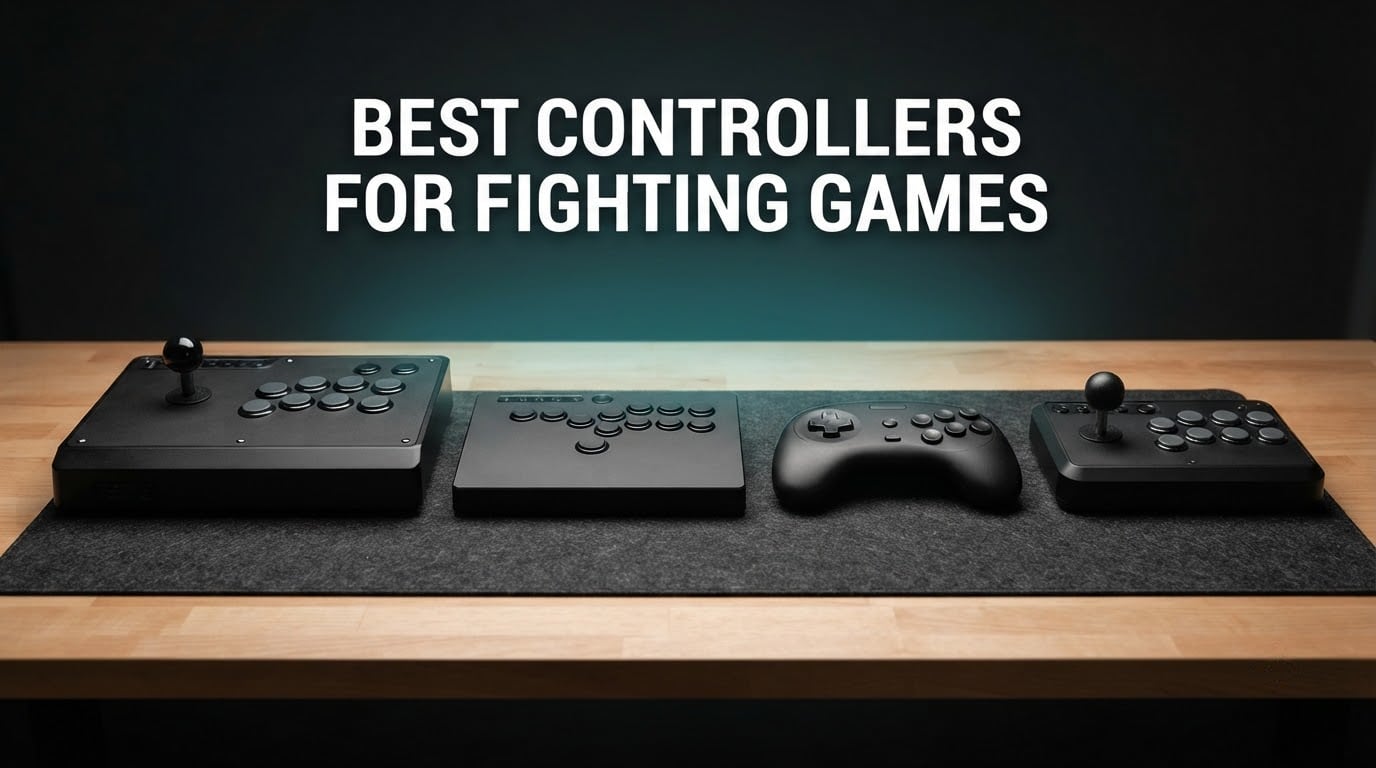
Fighting games are decided by a handful of inputs repeated hundreds of times a match, and the hardware in your hands decides how reliably you land them. A quarter-circle forward, a dragon-punch motion, a charge hold, a double-tap dash – on a standard gamepad each one runs through an analogue stick that can creep, a deadzone that swallows the first few degrees, and four small face buttons you have to hit one at a time. The best controllers for fighting games remove one of those problems entirely: an arcade stick snaps its joystick to one of eight fixed directions, a leverless controller deletes the stick and replaces it with four direction buttons, a fightpad keeps a gamepad shape but adds a six-button face grid, and a hitbox-style slab goes fully flat.
Those four archetypes sit at the center of this guide, and each one is right for a different player. Balltop arcade sticks are what the competitive scene was built on, and they reward a full commitment to the genre. Leverless all-button controllers have grown fast because they remove drift completely and suit players who came from a gamepad. Fightpads are the compromise for couch play and travel. Hitbox-style layouts are a niche that almost every roundup on this topic skips, so we cover them in the buying guide even where no dedicated pick claims the slot.
We spent weeks putting these twelve controllers through the same routine: Street Fighter 6 training mode for motion inputs, Guilty Gear -Strive- for the 2D button layout, Tekken 8 for 3D spacing, and enough alt-tabbing to confirm that every compatibility claim on the box is real. The full lineup sits in the table below, and each pick gets an individual verdict further down. If you only read one section, start with the overall winner and then check whether your platform matches it.
Table of Contents
Top 3 Picks for Fighting Game Controllers in 2026

8BitDo Arcade Stick
- Tri-mode Bluetooth
- 2.4G and wired
- Sanwa-compatible mounting plate
- 4.6 from over 4500 reviews

MAYFLASH F300 Fight Stick
- Widest platform list of any pick here
- Accepts Sanwa Denshi parts
- Turbo with multiple speeds

Victrix Pro BFG
- Swappable six-button fight pad module
- Four sticks three D-pads four gates
- Sony 3D audio and three profile slots
Best Controllers for Fighting Games at a Glance in 2026
Twelve controllers, four archetypes, one table. Everything below is copied from the manufacturer specifications and the aggregate buyer feedback, so you can scan the compatibility column first and then narrow down.
| Product | Specifications | Action |
|---|---|---|
| 8BitDo Arcade Stick |
|
Check Latest Price |
| MAYFLASH F300 |
|
Check Latest Price |
 MAYFLASH F700 Elite MAYFLASH F700 Elite |
|
Check Latest Price |
 Nacon Daija Nacon Daija |
|
Check Latest Price |
 Qanba N3 Drone 2 Qanba N3 Drone 2 |
|
Check Latest Price |
 HORI Fighting Stick Alpha HORI Fighting Stick Alpha |
|
Check Latest Price |
 HORI Fighting Stick Mini HORI Fighting Stick Mini |
|
Check Latest Price |
 Victrix Pro FS-12 Victrix Pro FS-12 |
|
Check Latest Price |
 Haute42 T16 Pro Haute42 T16 Pro |
|
Check Latest Price |
 8BitDo All-Button Arcade Controller 8BitDo All-Button Arcade Controller |
|
Check Latest Price |
 Haute42 R16 Haute42 R16 |
|
Check Latest Price |
| Victrix Pro BFG |
|
Check Latest Price |
The short version by category:
Balltop arcade stick, best overall: the 8BitDo Arcade Stick, because it works wired or wireless and takes Sanwa parts without a rebuild.
Balltop arcade stick on a budget: the MAYFLASH F300, which supports more platforms than anything else we tested.
Wireless balltop: the MAYFLASH F700 Elite, with genuine Sanwa components and a hidden dongle compartment.
Pure Sanwa authenticity: the Nacon Daija, which opens from the front with the tools stored inside.
PS5 with a hardware mode switch: the Qanba N3 Drone 2.
Modding project: the HORI Fighting Stick Alpha, whose clamshell case opens for maintenance.
Travel and laptop bags: the HORI Fighting Stick Mini at under half a kilo.
Long-session wrist comfort: the Victrix Pro FS-12 with its built-in foam lap pad.
Nintendo Switch: the Haute42 T16 Pro, which runs out of the box on Switch and PC.
Xbox Series X and S: the 8BitDo All-Button Arcade Controller, the only officially licensed leverless option in this group.
PC and Steam Deck: the Haute42 R16, with GP2040-CE firmware and browser-based configuration.
One device for everything: the Victrix Pro BFG, whose fight pad module snaps onto a normal gamepad.
If you also juggle a lot of other peripherals, our guides to the best DJ controllers and the best video wall controllers cover the rest of the desk setup, and both share the same input-latency considerations we weigh here.
1. 8BitDo Arcade Stick – Best Overall Balltop Arcade Stick
8Bitdo Arcade Stick for Switch & Windows, Arcade Fight Stick Support Wireless Bluetooth, 2.4G Receiver and Wired Connection
16 buttons
Switch and PC
Bluetooth, 2.4G, wired
USB-C
Pros
- Three connection modes including wired USB-C
- 2.4G and Bluetooth
- Universal mounting plate accepts standard Sanwa sticks and buttons
- Mode dial relabels the layout with backlit indicators
- 4.6 rating across more than 4500 reviews
Cons
- Switch and PC only
- other consoles need an adapter
- Supplied square restrictor gate feels imprecise on diagonals
- Modding requires a narrow T10 Torx screwdriver
I put this one first because it answers the question most newcomers actually have, which is not which stick is fastest but which one will still be in a drawer in two years. The 8BitDo Arcade Stick is a full-size balltop stick with a universal mounting plate, so the joystick and buttons come apart with a screwdriver and drop into whatever Sanwa or Kuzuna parts you prefer later. That single design decision turns a mid-range stick into a platform.
Connectivity is where it beats most of its rivals. Three options are available – Bluetooth, a 2.4G wireless receiver with a hidden storage compartment in the base, and wired USB-C – which means the same unit works on a couch, a desk and a local bracket without anyone swapping hardware. The switch and PC mode dial physically relabels the button layout with backlit indicators, so nobody is guessing which button is down and which is right after a system change.
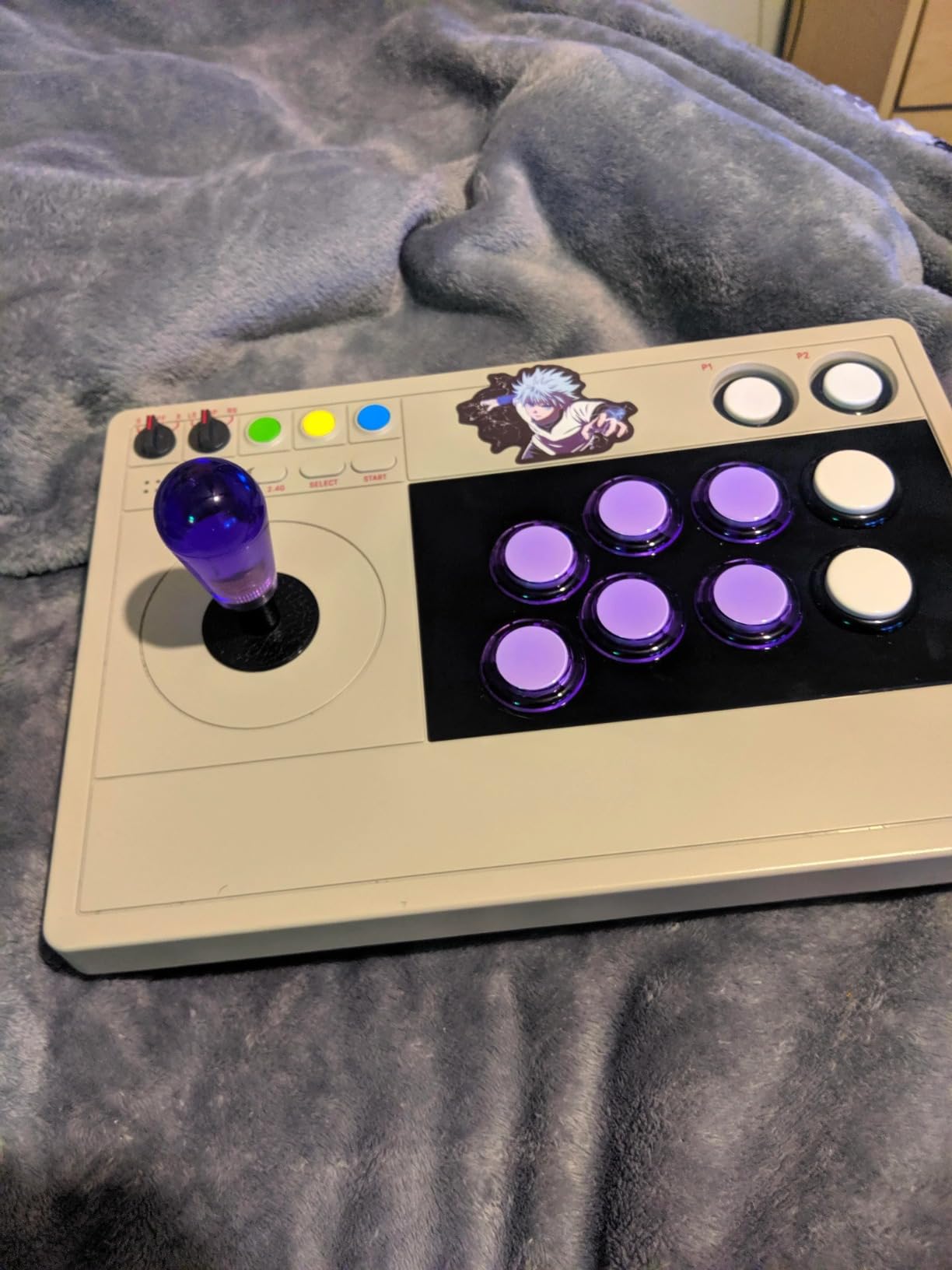
In training mode the stick settles quickly. It registers instantly on PC and Linux through XInput, which is the right call for anyone who plays fighters on a PC or a handheld. At 4.6 across more than 4500 reviews it also has one of the largest and most stable feedback bases in this category, and the community pattern is consistent: people buy it, use it as supplied, and then upgrade the gate.
That square restrictor gate is the one genuine complaint we keep hearing. Diagonals feel imprecise out of the box, and the standard fix is a cheap octagonal Sanwa gate, which is a five-minute job. The buttons are also on the loud side, and P1 and P2 buttons do not behave as start buttons in every title. Neither issue is a dealbreaker, but both are worth knowing before you buy.
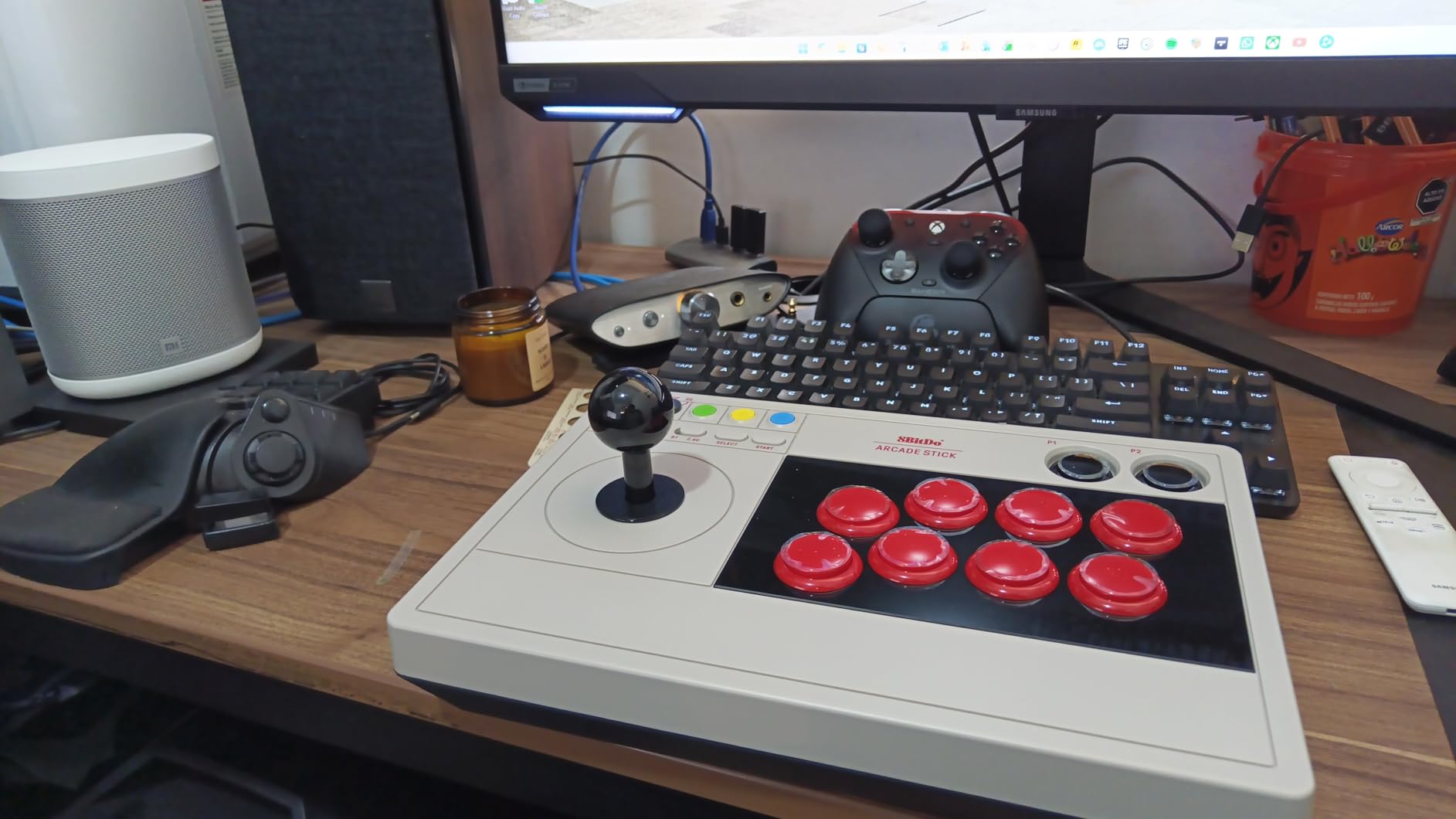
This is the right stick if you want one device for Switch and PC
It arrives as a working stick with no assembly, no adapter and no firmware step, and the wireless modes mean you can move it to the couch without replugging anything. For Switch and PC players who also want the option to drop in Sanwa parts, it is the least friction path we found.
The wireless modes make it a good fit for a living-room setup with two players on one system. The 2.4G receiver hides in the base, so nothing dangles.
This is the wrong stick if you own a PlayStation or Xbox console
Out of the box it targets Switch and Windows only. PlayStation and Xbox need a third-party adapter, which is a cheap fix but an extra step, and licensed PlayStation sticks are covered elsewhere in this list.
If you play at a desk and never travel, the wired USB-C connection is more than enough. If you want a stick you can carry to a friend’s local, the size is the limiting factor rather than the electronics.
2. MAYFLASH F300 Arcade Fight Stick – Best Value Starter Stick
MAYFLASH F300 Arcade Fight Stick Joystick for Switch/Switch 2, PS4, PS3, Xbox Series S/X, Xbox One, Xbox 360, macOS, Windows, Steam Deck and more
4 buttons
17 platform families
USB
2 kg
90 day warranty
Pros
- Widest platform list in the group
- from Switch to Xbox 360 to Steam Deck
- Accepts Sanwa Denshi buttons and joysticks
- XINPUT and DINPUT both supported on PC
- Turbo functions with multiple speed settings
Cons
- Only four buttons
- which is thin for competitive 2D fighters
- PS5 needs a separate MAYFLASH adapter
- Bulky 22 by 13 by 11 inch footprint
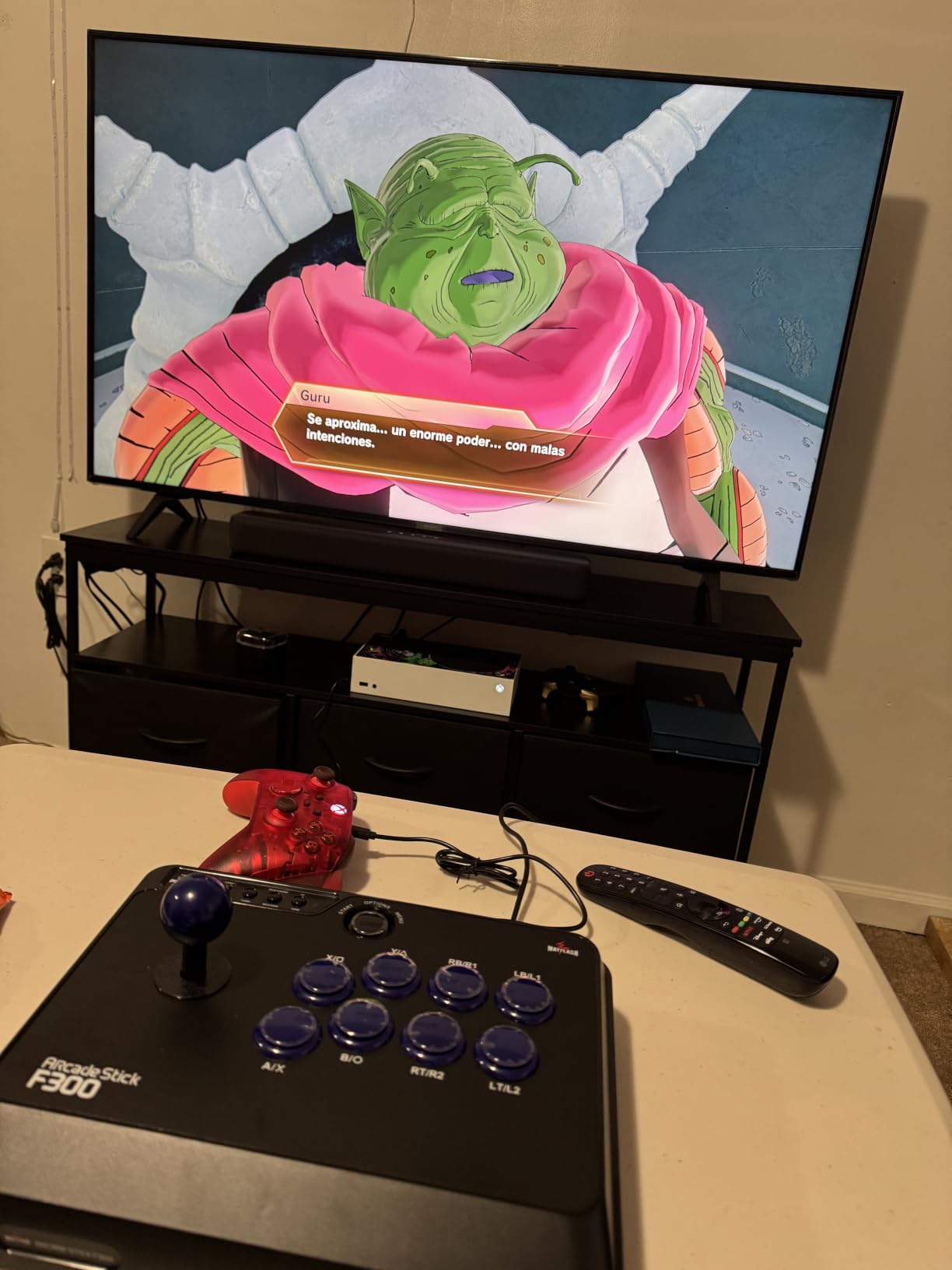
The F300 has the largest review base of anything we tested, at more than 6800 reviews, and the reason is durability rather than hype. It is a heavy two-kilo box with a replaceable top panel and a mounting layout that accepts standard arcade parts, which is why owners describe it as a long-running budget favorite that survives being moved between homes.
Platform coverage is its real argument. The compatibility list runs from Switch, Switch 2, PS3 and PS4 through Xbox 360, One and Series S and X, on to Windows, macOS, Steam Deck, Android and even mini consoles. If your gaming setup changes over the next few years, this stick will not be the reason you have to buy again.
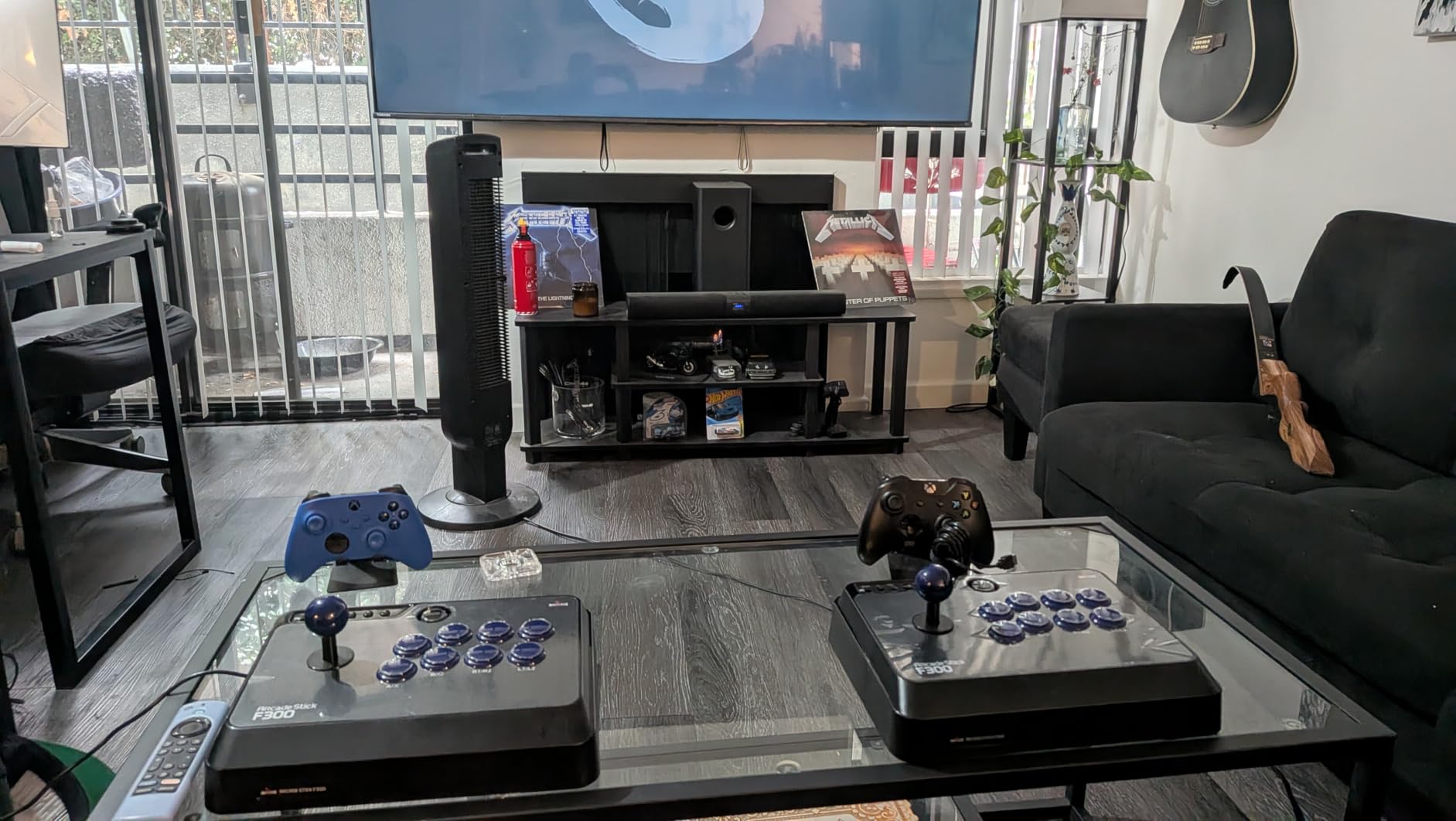
Turbo functions with multiple speed settings are included, and PC players get both XINPUT and DINPUT, so older titles and indie fighters that still expect DirectInput will behave. For a beginner moving up from a gamepad, it removes the adapter problem entirely and costs you nothing but a bigger desk footprint.
The limitation is the button count. Four buttons is enough for shmups, retro arcade games and casual sessions, but it will not hold the six-button layouts that competitive 2D fighters use, and the deep case means the joystick sits further away than it does on a slimmer stick. PS5 also requires an additional MAYFLASH adapter.
This is the right stick if you are undecided about platforms
Nothing else in this group covers Switch, both PlayStation generations, three Xbox generations, PC, macOS and Steam Deck without an accessory. That makes it the safe first purchase for a household with more than one system.
It is also the stick to buy if you plan to learn arcade classics alongside fighters, because the platform list covers mini consoles too.
This is the wrong stick if you want a competitive six-button layout
Four buttons is the deciding factor. Once you move past beginner-friendly fighters into characters that need three simultaneous punches and a kick, the layout will frustrate you.
It is also the bulkiest option here at 22 by 13 by 11 inches, so it stays home rather than travelling. And at two kilos it is heavy enough to stay planted but not heavy enough to feel premium.
3. MAYFLASH F700 Elite – Best for Wireless Balltop Play
MAYFLASH Arcade Stick F700 Elite with Sanwa buttons and joystick for PS5, PS4, Switch/Switch 2, Windows, Apple, Android and more. Fighting Stick Support Wireless Bluetooth, 2.4G and Wired Connection
Sanwa 8-button
Sanwa 4-way gate
Bluetooth, 2.4G, wired
PS5 PS4 Switch PC
Pros
- Genuine Sanwa components
- eight responsive buttons and a precision four-way gate
- Bluetooth 2.4G and wired USB with a hidden compartment for the dongle
- Native PS5 support plus wired headset passthrough for game audio and chat
- Heavy build with a full-size anti-slip mat
Cons
- Not compatible with Xbox Series S/X or Xbox One
- that needs the F700X model
- Only rated for fighting games rather than other genres
- At 3.5 kg it is one of the heaviest sticks here
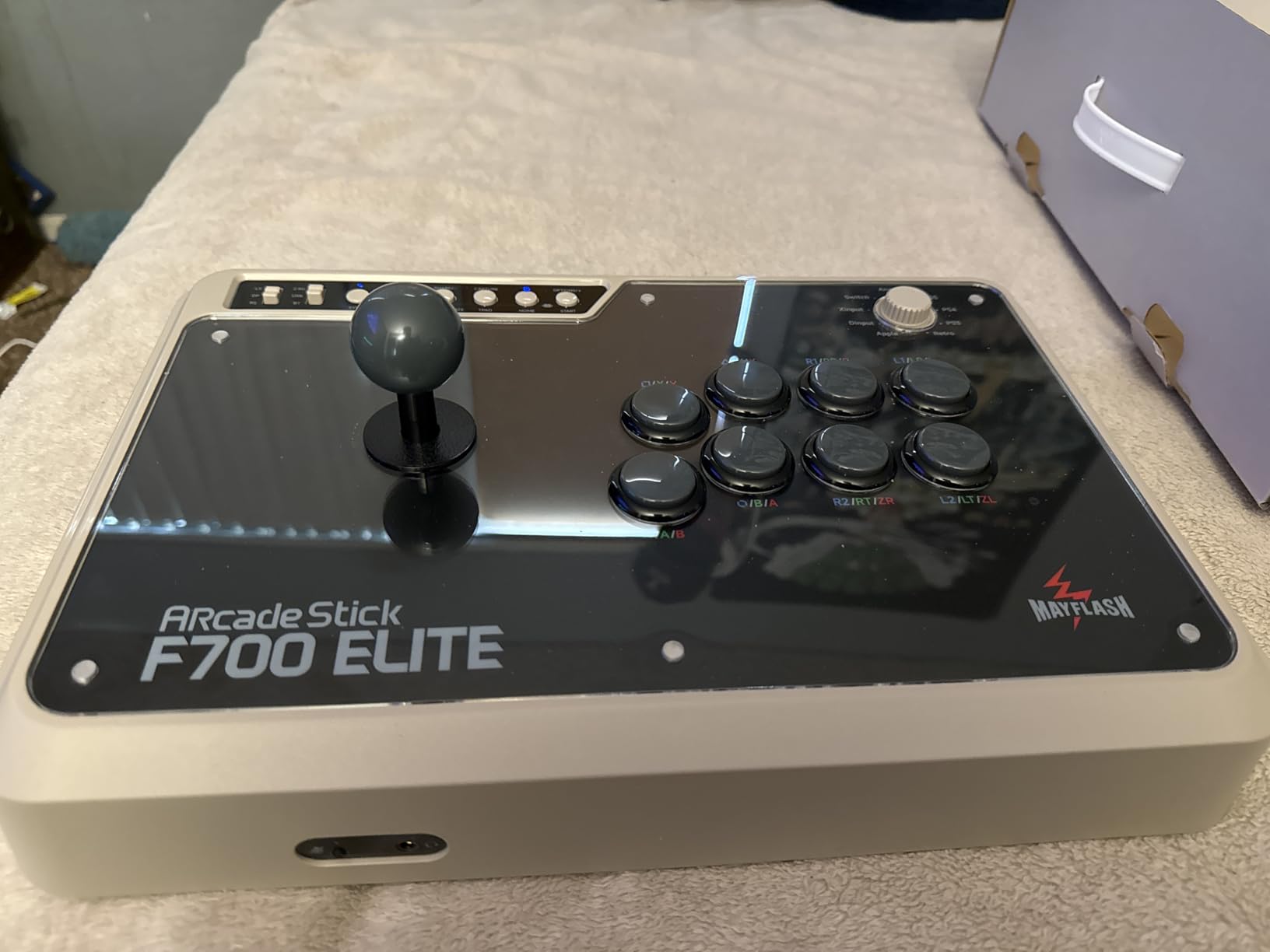
The F700 Elite arrives with genuine Sanwa buttons and a Sanwa joystick as standard, and that changes the feel immediately. Sanwa parts are what real arcade cabinets use, so a stick that comes with them saves you the most common first mod.
Wireless is the headline. Bluetooth, 2.4G and wired USB are all present, and the 2.4G receiver stores in a hidden compartment so the cable is not lost. Native PS5 support means Street Fighter 6, Tekken 8 and Mortal Kombat all work without a dongle, and the wired headset port carries in-game audio and online chat on PS5, PS4 and PC XInput.
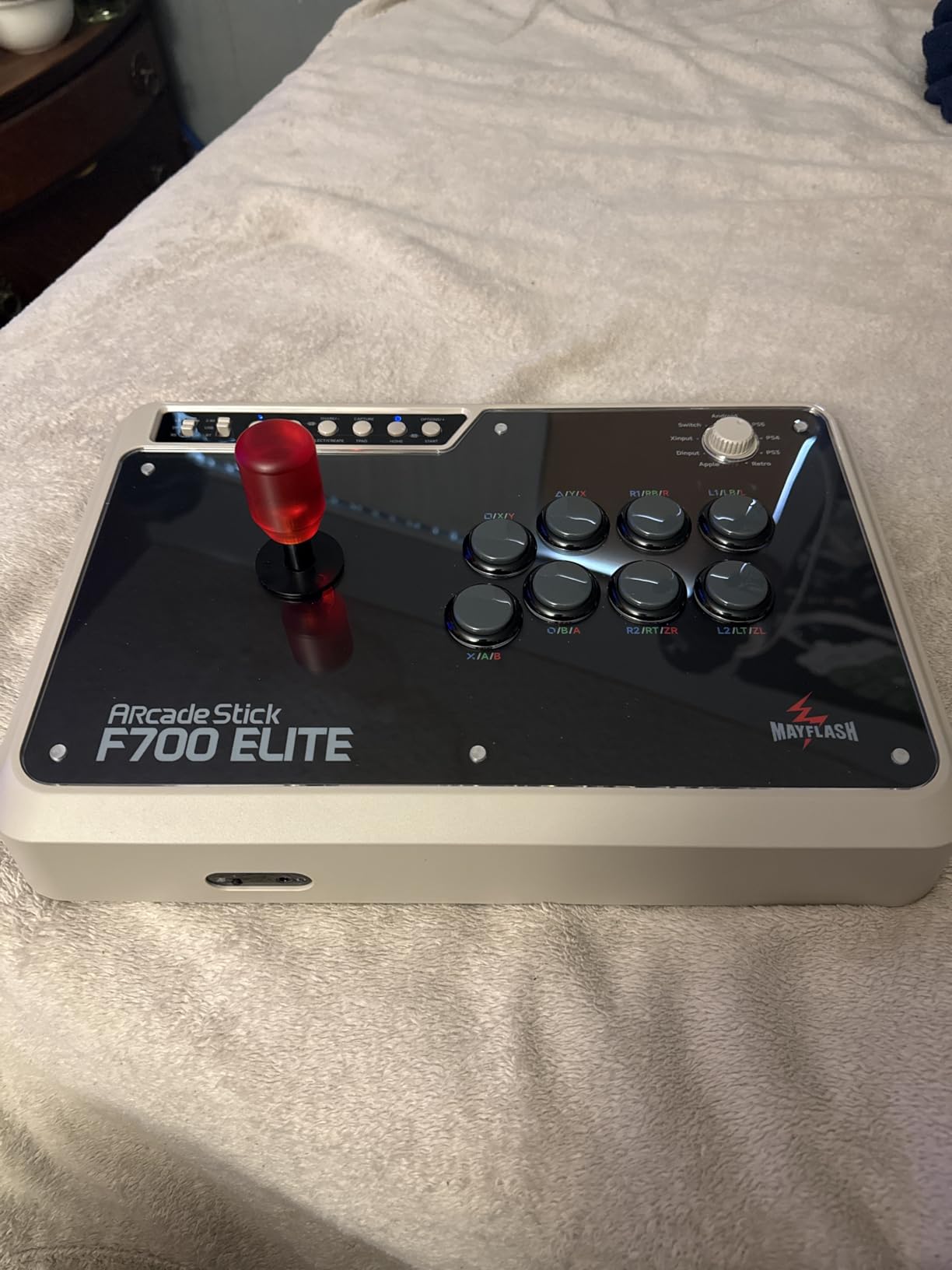
The four-way gate is tighter than an octagonal one, which makes diagonals feel deliberate rather than accidental. Turbo functions with adjustable speed settings and a full-size anti-slip mat round out a feature list that is denser than anything else in this group. The 4.6 rating is high, though the review base of 136 reflects how recently it arrived.
Two things to plan around. There is no Xbox Series or Xbox One support, so if your main system is a Series X or S you need the F700X variant instead. And at 3.5 kg it is the heaviest stick we tested, which means it stays on one desk rather than travelling between venues.
This is the right stick if you want real Sanwa parts with no first mod
Buying it means the joystick and buttons are already the ones most modders would install. If authenticity at the component level matters to you, this is the shortest route we found.
The wired headset passthrough is also a genuine advantage for online play, since many sticks leave you reaching for a second controller to talk.
This is the wrong stick if you play on Xbox
The Xbox line is a separate product. Buying the F700 Elite for a Series X or Series S means an adapter at best and no function at worst.
Its 3.5 kg weight is the other limit. If you planned to bring this to local brackets, you will be carrying it under one arm every time.
4. Nacon Daija – Best for Authentic Sanwa Parts and Tool-Free Modding
Nacon Daija Arcade Fight Stick Officially Licensed for PlayStation
8 buttons
Sanwa joystick and actions
PS5 PS4 PC
7.7 lb
1 year warranty
Pros
- Authentic Sanwa joystick and action buttons
- the parts used on real arcade cabinets
- Case opens from the front with quick-release buttons and tools stored inside
- Two interchangeable joystick heads included
- Full button mapping with up to four on-stick profiles via Nacon software
Cons
- Flat rectangular front edge digs into the forearm during angled lap play
- PlayStation and PC only
- no Xbox or Switch support
- 7.7 pounds makes travel awkward
The Daija was developed with professional players for Street Fighter, Tekken, Guilty Gear -Strive- and Mortal Kombat, and it includes a Sanwa joystick and Sanwa action buttons. It is officially licensed for PS5, PS4 and PC, and the fit and finish are closer to a real cabinet part than anything else in this group.
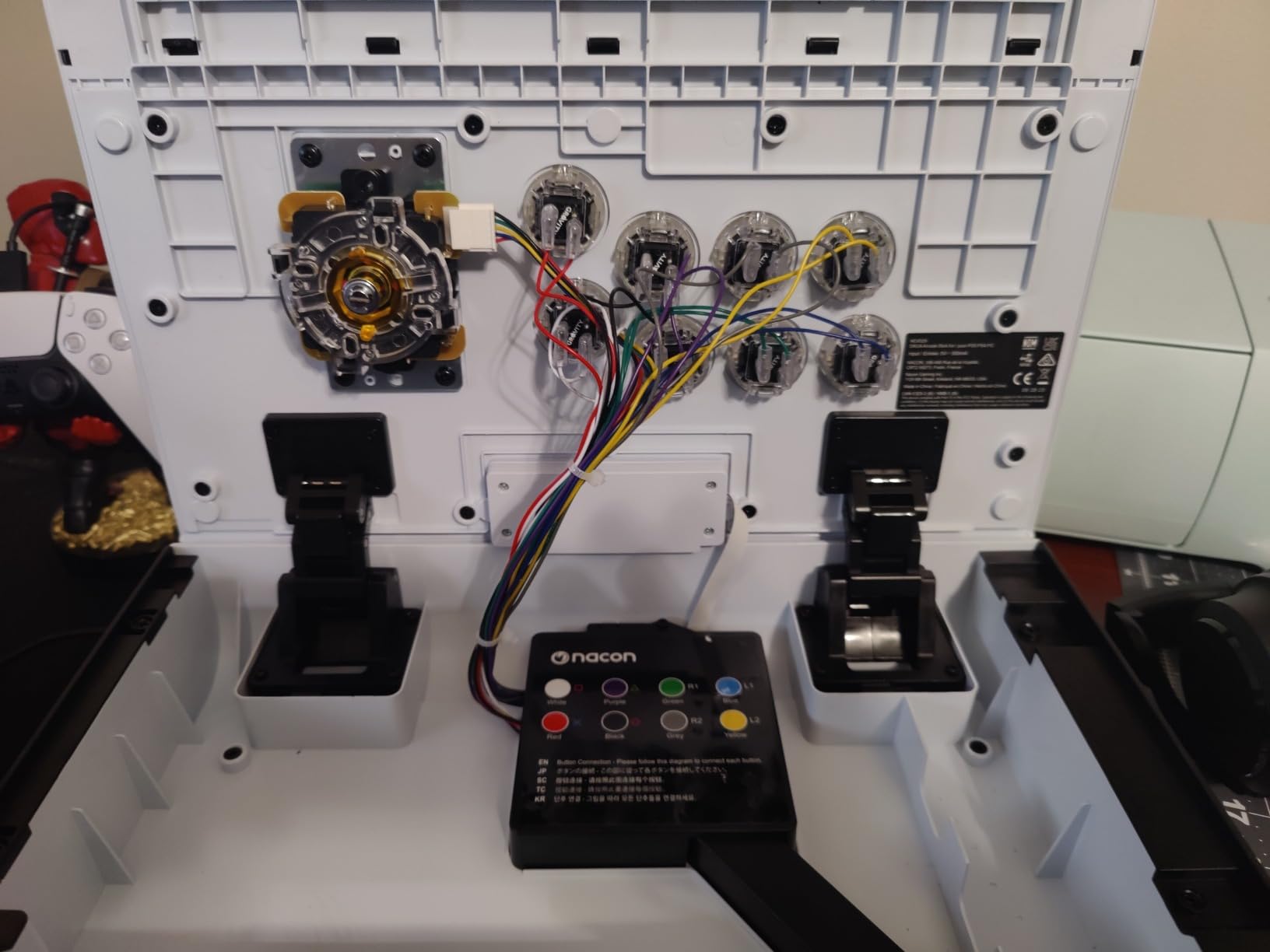
Modding is the standout feature. The case pops open from the front using quick-release buttons, and the tools plus a spare ball top live inside the case rather than in a separate box. You also get two interchangeable joystick heads so you can change the feel without buying a new stick, which is the difference between a stick that ages and one that gets tuned.
Nacon software handles full button mapping with up to four profiles stored on the stick, a button lock function to stop accidental presses, and a customizable front plate with three options plus a print template. A textured palm rest and grippy rubber base keep it stable in lap play, and a detachable three-meter USB-A to USB-C cable with a 3.5mm jack is included.
The recurring complaint is shape. A flat rectangular front edge can dig into the forearm during angled lap play, and at 7.7 pounds the Daija is a serious object to move. On PC, the LS-versus-D-pad setting can cause missed inputs in some titles until firmware is updated, and the 4.2 rating reflects a visible share of one-star feedback.

This is the right stick if you plan to mod over time
Front-opening access, included tools and two joystick heads mean the first upgrade takes minutes rather than an evening. If you will change parts more than once, that flexibility pays for itself.
It is also the pick for anyone who wants a stick that looks and feels like a piece of arcade heritage on the desk, since the customizable front plate is part of the design rather than an accessory.
This is the wrong stick if you play on Xbox or Switch
Licensing is PlayStation and PC only. An Xbox or Switch player would be running adapters constantly, which is friction this price should not have.
The weight and the front edge shape both argue against extended lap sessions. If you sit cross-legged and angle the stick, the forearm comfort matters more than the component pedigree.
5. Qanba N3 Drone 2 – Best Officially Licensed Stick for PS5
Qanba N3 Drone 2 Wired Joystick for PlayStation 5/4 and PC (Fighting Stick) Officially Licensed Sony Product
Qanba OV7 OMRON joystick
30mm B30 buttons
PS5 touchpad
4 lb
1 year
Pros
- Genuine Qanba OV7 OMRON switch joystick and Qanba 30mm B30 buttons
- Full control panel including the PS5 touchpad plus a 3.5mm mic input with mute
- Hardware mode switch for PS5 PS4 and PC with no adapters
- Audible directional clicks that help build muscle memory
Cons
- Supplied buttons are loud and often get padded or swapped to Sanwa parts
- Square restrictor gate out of the box limits diagonal precision
- Fixed short cable and light enough to shift on the lap
Long-time players on r/fightsticks have a quality floor they quote often – anything lighter or flimsier than a Qanba Drone tends to get talked down. The N3 Drone 2 is that idea in its current form: an officially licensed Sony stick with a hardware mode switch covering PS5, PS4 and PC, so no adapter ever enters the picture.
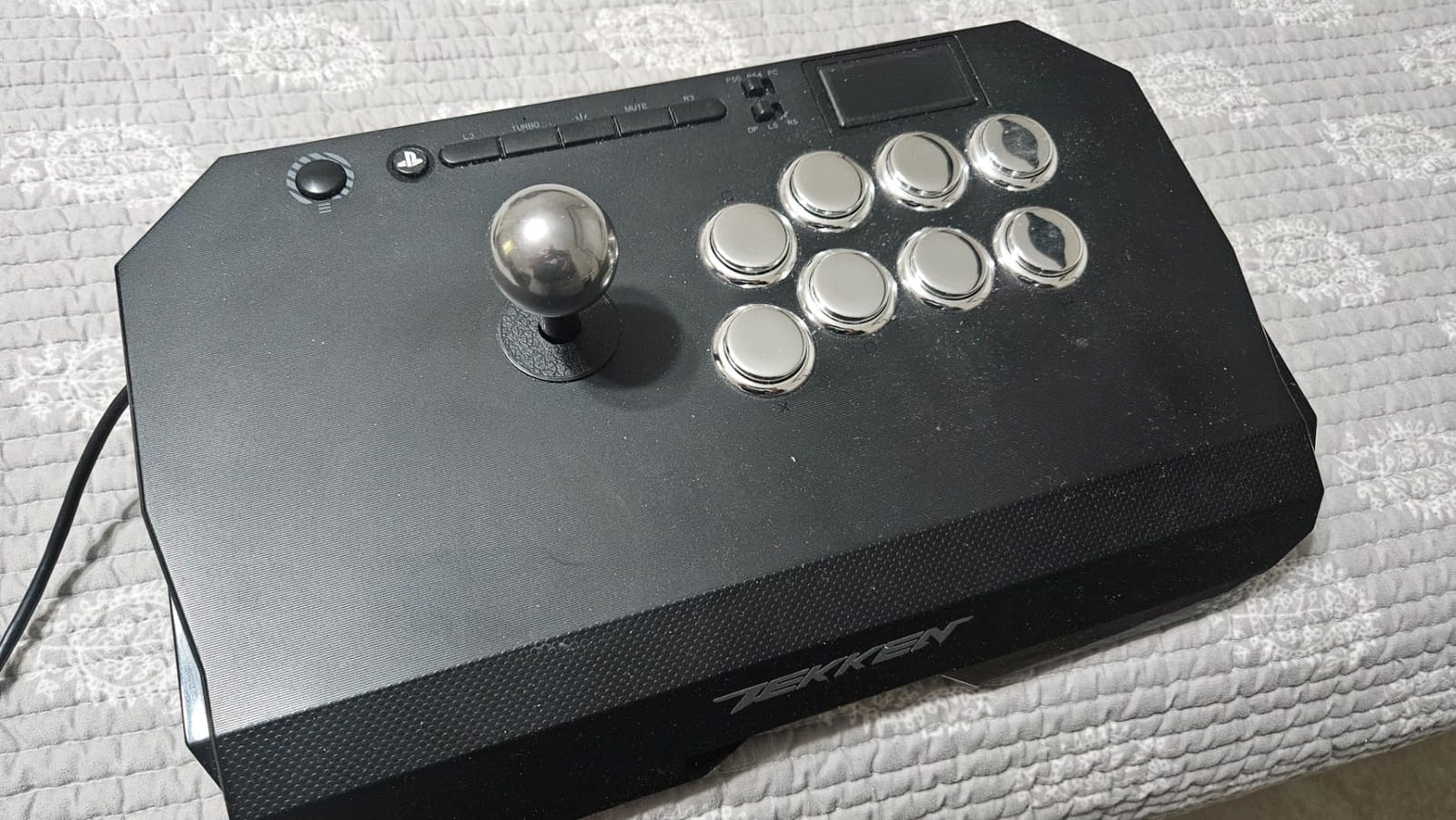
The joystick is a Qanba OV7 with OMRON switch internals, and the buttons are 30mm Qanba B30s. What stands out in practice is the sound – the directional clicks are audible, which is exactly what you want while learning motion inputs, because you can hear the gate catch instead of guessing. The full control panel carries the PS5 touchpad, share and options buttons, and a 3.5mm microphone input with a mute control.
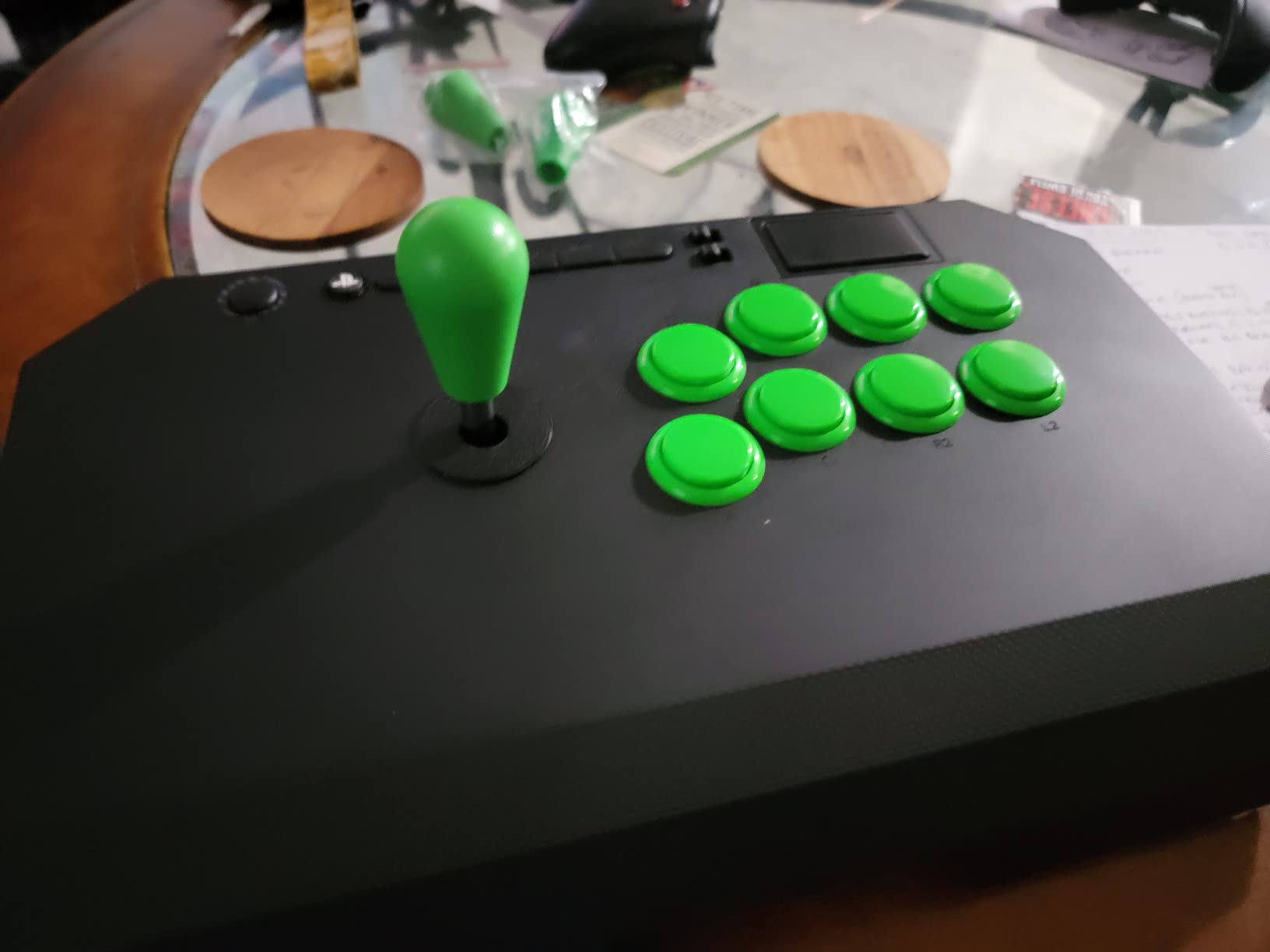
At four pounds it is one of the lighter sticks we tested, with a cubby hole for stowing the cable and a panel that is straightforward to customize. There are no rattles in the case, which is more than several sticks at this level can say, and the 4.5 rating is backed by owners who compare the Qanba parts favourably against more expensive models.
Two easy first mods are likely. The buttons are loud, and a square restrictor gate out of the box is fine for straight motions but blunt on diagonals for some players. The cable is fixed rather than detachable and runs short, and the mute button has been reported not to mute on PS5.
This is the right stick if PS5 is your main system
The hardware mode switch means PS5, PS4 and PC are covered with a flip rather than a software change, and the touchpad is on the panel where games expect it. That combination is the reason this is the pick for PlayStation players.
It is also a good first serious stick, because the two upgrades most people want – a better gate and quieter buttons – are standard parts rather than anything exotic.
This is the wrong stick if you move between venues often
Four pounds is light for a full-size stick, and heavier joystick-driven players can shift it on the lap during fast two-dimensional fighter inputs. A heavier body would help more than anything else here.
The fixed cable is the second limit. It cannot be swapped for a longer one, and it sits in the way if your console is on a shelf rather than under the desk.
6. HORI Fighting Stick Alpha – Best for Modding and PS5
HORI PlayStation 5 Fighting Stick Alpha – Tournament Grade Fightstick for PS5, PS4, PC – Officially Licensed by Sony
Hayabusa buttons and joystick
PS5 PS4 PC
1.5 kg
1 year warranty
Pros
- Native PS5 support
- no legacy adapter needed for Street Fighter 6 and other current titles
- Clamshell case opens for easy modding with the cable stored inside
- Hayabusa buttons and joystick for crisp consistent inputs
- Replaceable top panel artwork and built-in carry handles
Cons
- Predominantly plastic chassis feels less rigid than a metal-body stick
- Hayabusa buttons have a short throw that some players find overly sensitive
- No turbo buttons and changing top panel artwork means removing the buttons
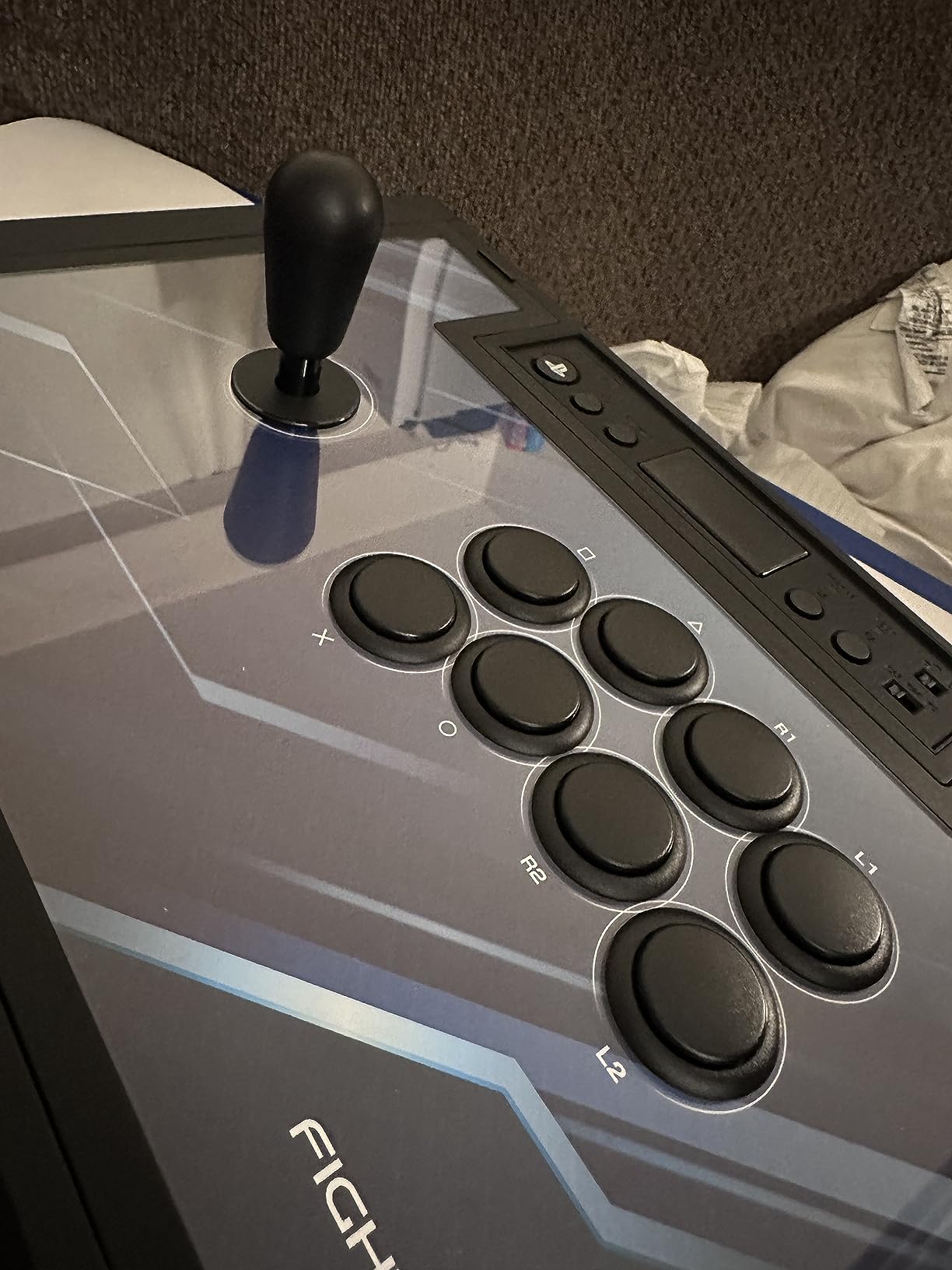
The Alpha is the easiest route to a modern, PS5-native tournament stick. It is officially licensed by Sony, works on PS5, PS4 and PC, and at 1.5 kg it is light enough to carry by the built-in handles – which is unusual for a full-size stick and the reason it shows up at locals as often as it does on a desk.
Everything inside is Hayabusa, HORI’s long-standing pro component line, and that combination is the reason the 4.6 rating across 857 reviews holds up. The touchpad, share and options buttons sit on the control panel where your hands already are, and the top panel takes replaceable artwork so the stick can be re-skinned rather than replaced.
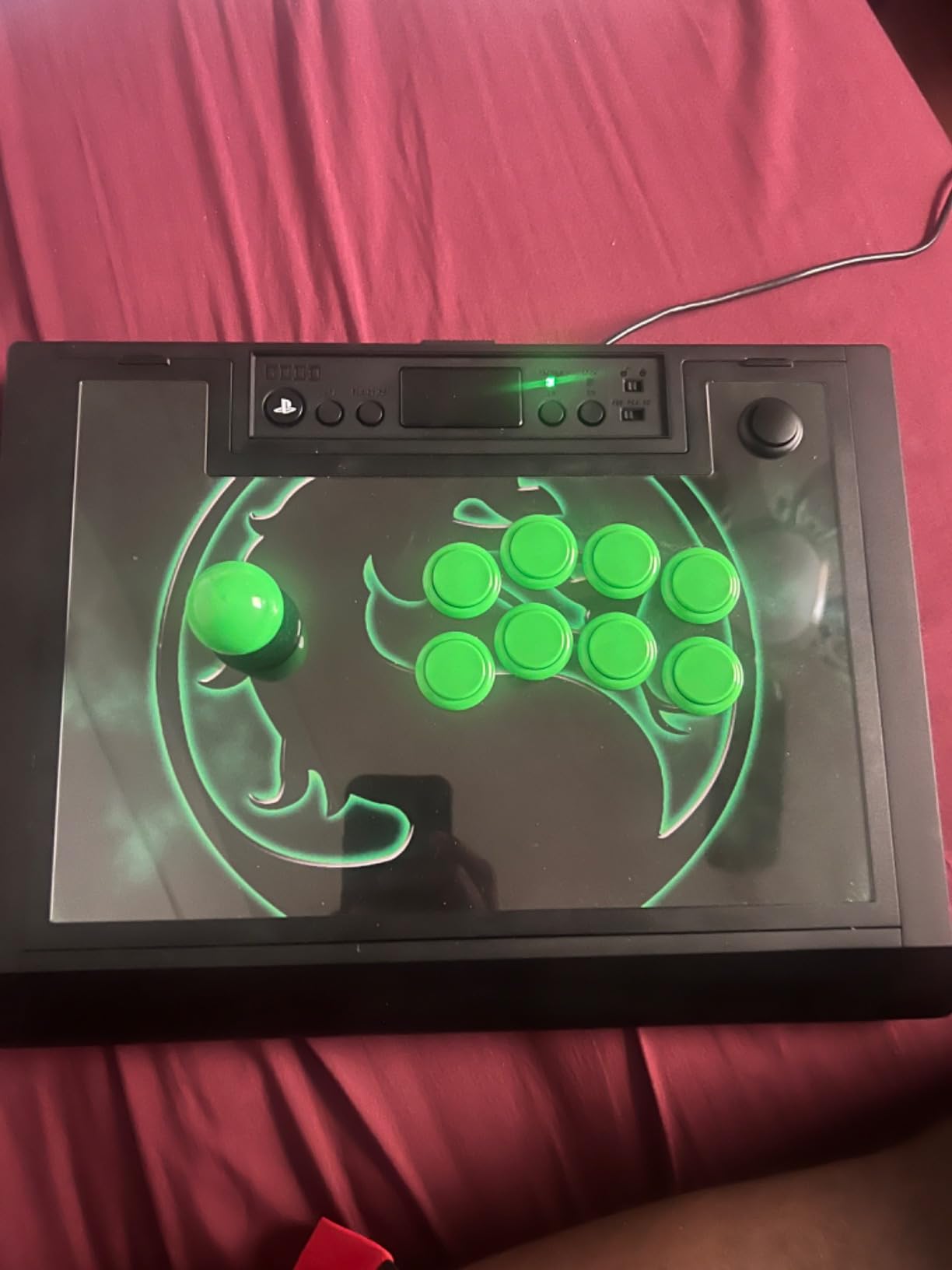
Modding access is the practical headline. The clamshell case opens for maintenance, customization and cable storage, and the cord stows inside the shell instead of trailing across the floor. If you are the kind of player who intends to change parts eventually, that access is the feature that pays off.
The trade-offs are honest ones. The chassis is predominantly plastic and flexes more than a metal-bodied stick when you lean on it, Hayabusa buttons have a short throw that some players find overly sensitive, and there are no turbo buttons. Swapping the top panel artwork also means removing the buttons first, which is a small but real annoyance.
This is the right stick if you want PS5 support and plan to tinker
Native PlayStation support removes the adapter step entirely, and the opening case means the first mod is a screwdriver job rather than a disassembly project. For a player who plans to graduate to Sanwa parts within a year, that is the sensible order of operations.
Carry handles and 1.5 kg of weight also make it one of the few full-size sticks that is realistic to take to a friend or a local bracket.
This is the wrong stick if you prefer a long, deliberate button press
Hayabusa buttons actuate fast and light, which helps when you are mashing during a scramble. If you prefer a firmer, more deliberate press, the short throw takes some getting used to.
If rigid construction matters more than portability, the aluminum bodies lower down are the alternative, and they cost more and weigh considerably more.
7. HORI Fighting Stick Mini – Best for Travel and Local Events
HORI Fighting Stick Mini for PS5, PS4, and PC – Officially Licensed by Sony
8-button layout
467 g
Portable
Sony licensed
1 year warranty
Pros
- Full-size buttons and a responsive HORI joystick despite the tiny footprint
- Genuinely portable at 467 g and small enough for a laptop bag
- Plug and play on PS5 PS4 and PC across SF6 KOF XV and Tekken 8
- Best-in-class value for a first or casual fight stick
Cons
- Very light
- so it slides or tips on the lap during fast 2D fighter inputs
- No PS5 touchpad button so a second controller is needed for some games
- Layout feels cramped for large hands given the full-size buttons
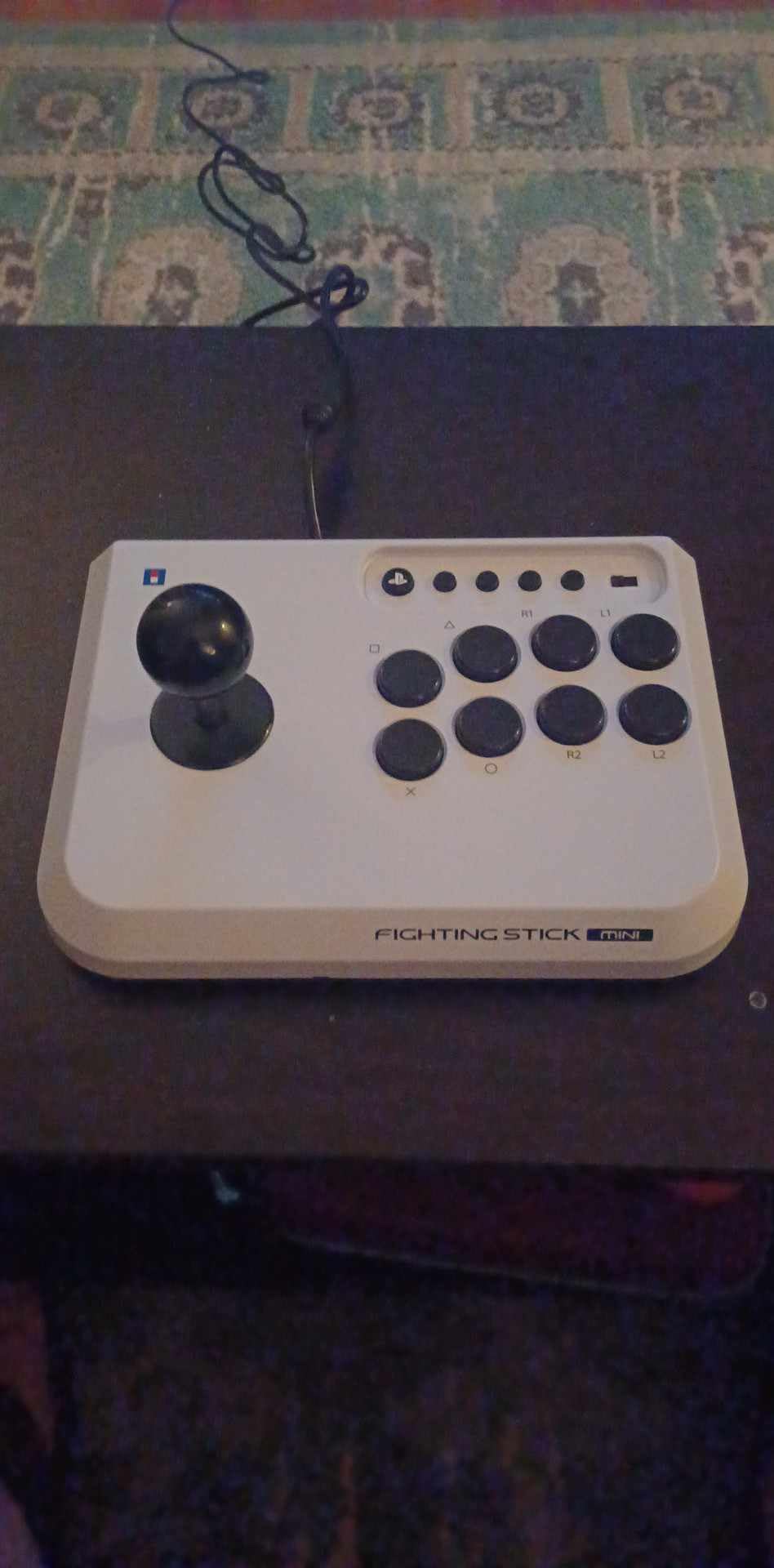
The Mini solves a problem none of the other sticks here address: getting to a local bracket. At 467 grams and a footprint under six inches wide, it fits a laptop bag, and it still has full-size arcade buttons and a HORI joystick rather than the miniature parts a small stick usually compromises on.
It is officially licensed by Sony and runs straight on PS5, PS4 and PC. That means Street Fighter 6, The King of Fighters XV and Tekken 8 all work with no adapter and no configuration, which makes it a genuinely useful first fight stick rather than a token accessory.
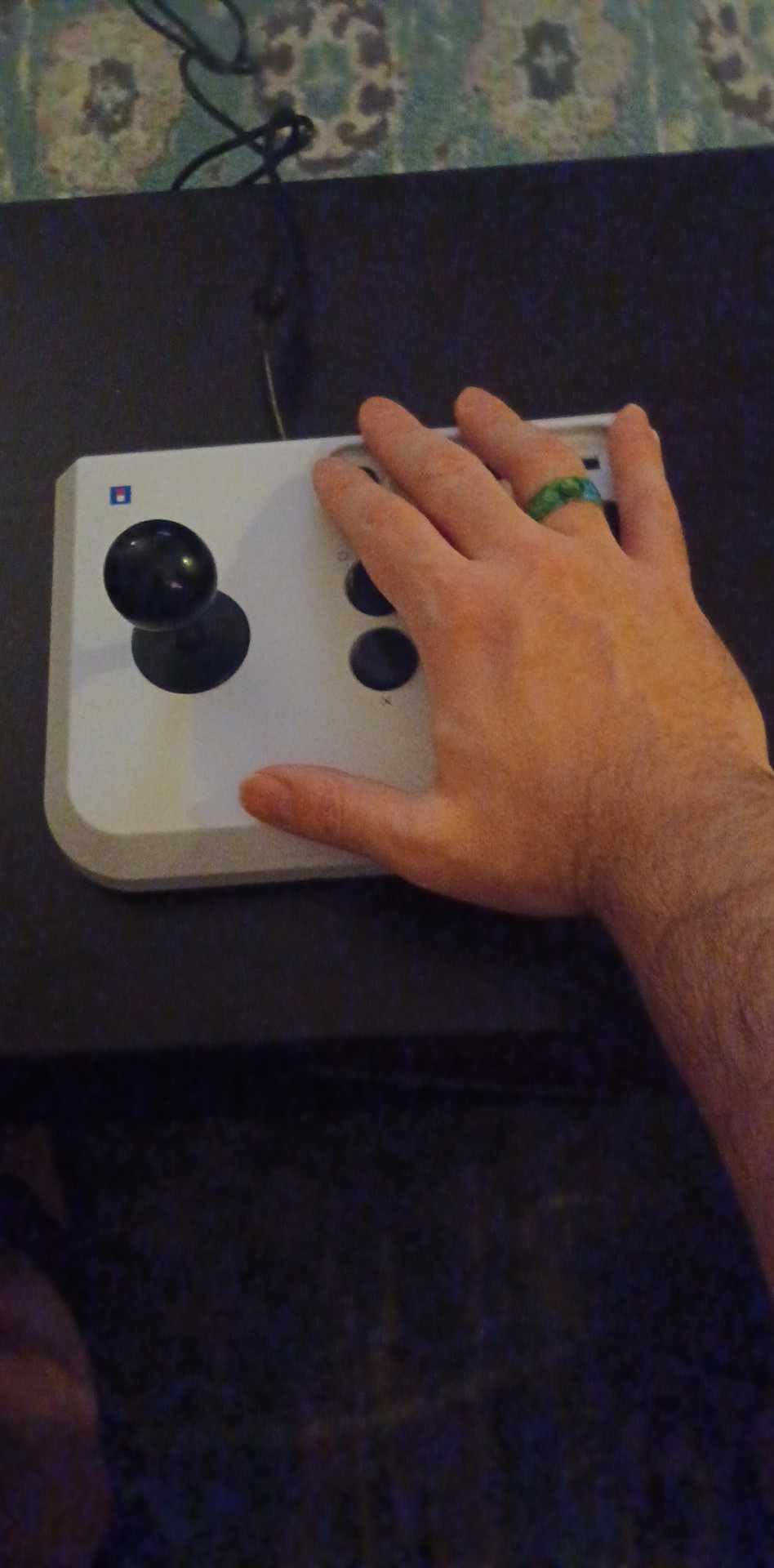
Reviewers consistently describe the joystick and button quality as better than the low build would suggest, and the 4.2 rating across 640 reviews reflects a product that does its job without pretending to be a tournament stick. The classic eight-button layout with a HORI V-cut joystick housing is a sensible choice for players who want arcade and fighting games in one device.
The weight is the recurring complaint, and it is a legitimate one. Because the Mini is so light it slides or tips on the lap during fast two-dimensional fighter inputs, and a second controller is needed for any game that wants the PS5 touchpad. Some buyers also report arriving sticks with dead buttons.
This is the right stick if you play away from home
Nothing else in this group disappears into a bag this easily. If you split your time between home, a friend’s place and a local event, the Mini is the only one here we would describe as genuinely portable.
It is also a sensible casual or couch stick, because full-size buttons in a small body will not strain a wrist the way a gamepad does after a long evening.
This is the wrong stick if you play competitively at home
Light means mobile. A stick that slides during a dash or a charge hold costs frames, and that is the one thing competitive players cannot absorb. If your main sessions are at a desk, the added stability of a heavier body is worth more than portability.
Large hands may also find the full-size buttons cramped in the tight layout, which is a sizing issue rather than a quality one.
8. Victrix Pro FS-12 – Best for Wrist Comfort on Long Sessions
Victrix Pro FS-12 Fight Stick Arcade Controller, PlayStation, PS5, PS4, PC
Aircraft-grade aluminum
6.28 degree wrist slope
24mm and 30mm Sanwa
Tournament Mode
Pros
- Single-piece aircraft-grade aluminum chassis with no flex
- Pro-grade 24mm and 30mm Sanwa Denshi buttons plus a lockable control bar
- 6.28 degree wrist slope and built-in foam lap pad are the most comfortable wrist rest here
- Durable carrying handles and cable organizers for tournament travel
Cons
- The priciest option in this group and hard to justify for a beginner
- Included buttons feel hard and hollow so many owners replace them
- 7.8 pounds is a real travel burden and the interior is cramped for mods
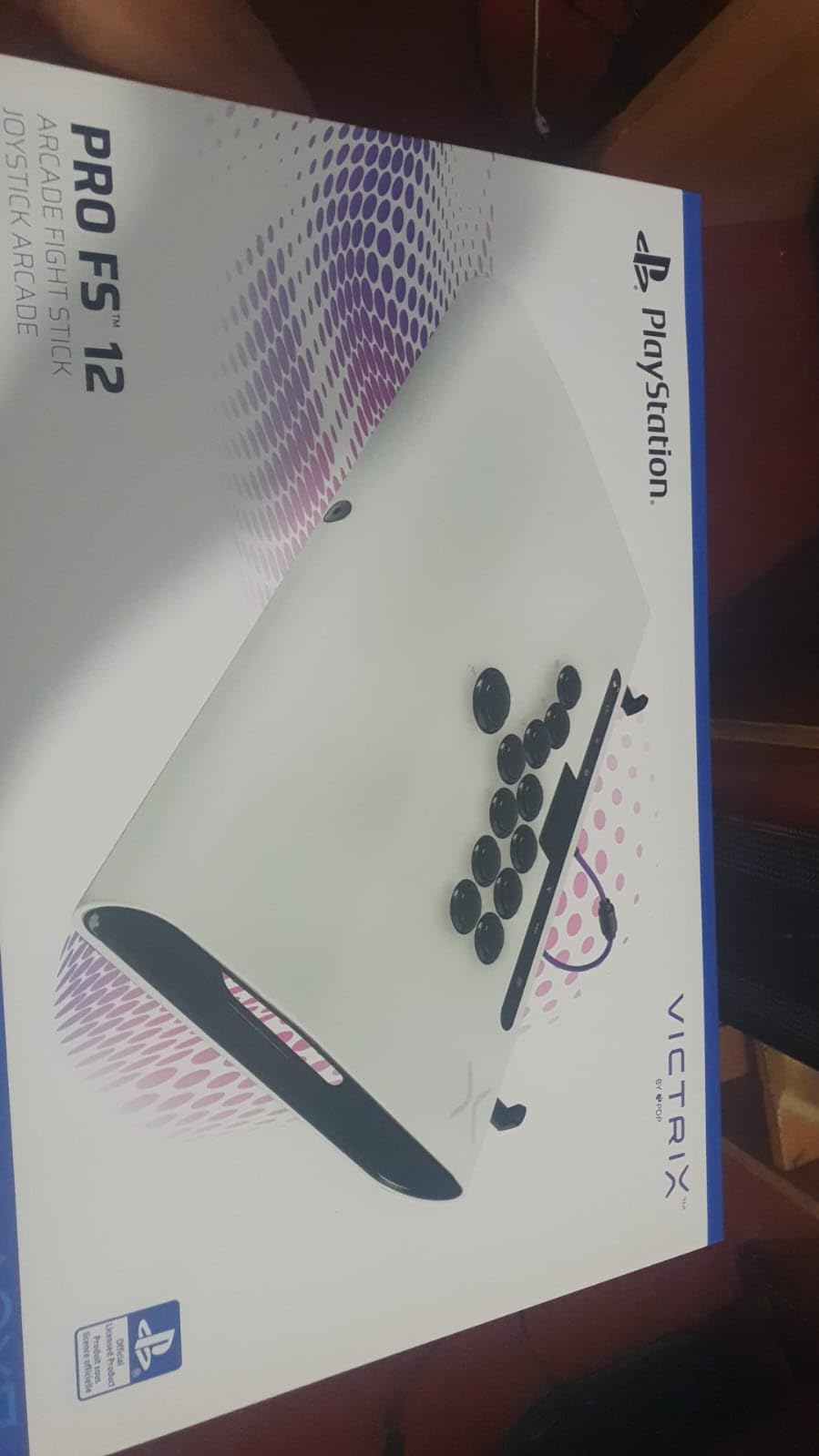
The FS-12 is the stick you notice after two hours. Its single-piece aircraft-grade aluminum chassis has no flex at all, and the 6.28-degree wrist slope with a built-in foam lap pad is the most considered wrist support in this group. Owners describe it as the most comfortable setup they have used, and for players who already have wrist issues from gamepad play that matters more than any spec.
The control hardware is tournament grade: 24mm and 30mm Sanwa Denshi buttons, a detachable joystick, and a control bar carrying the PlayStation touchpad with a Tournament Mode that locks the bar out so an accidental press cannot cost you a game. A quick-access back panel with a well-organized interior and an included Allen wrench makes mods manageable, and RGB lighting runs along the top panel and sides.
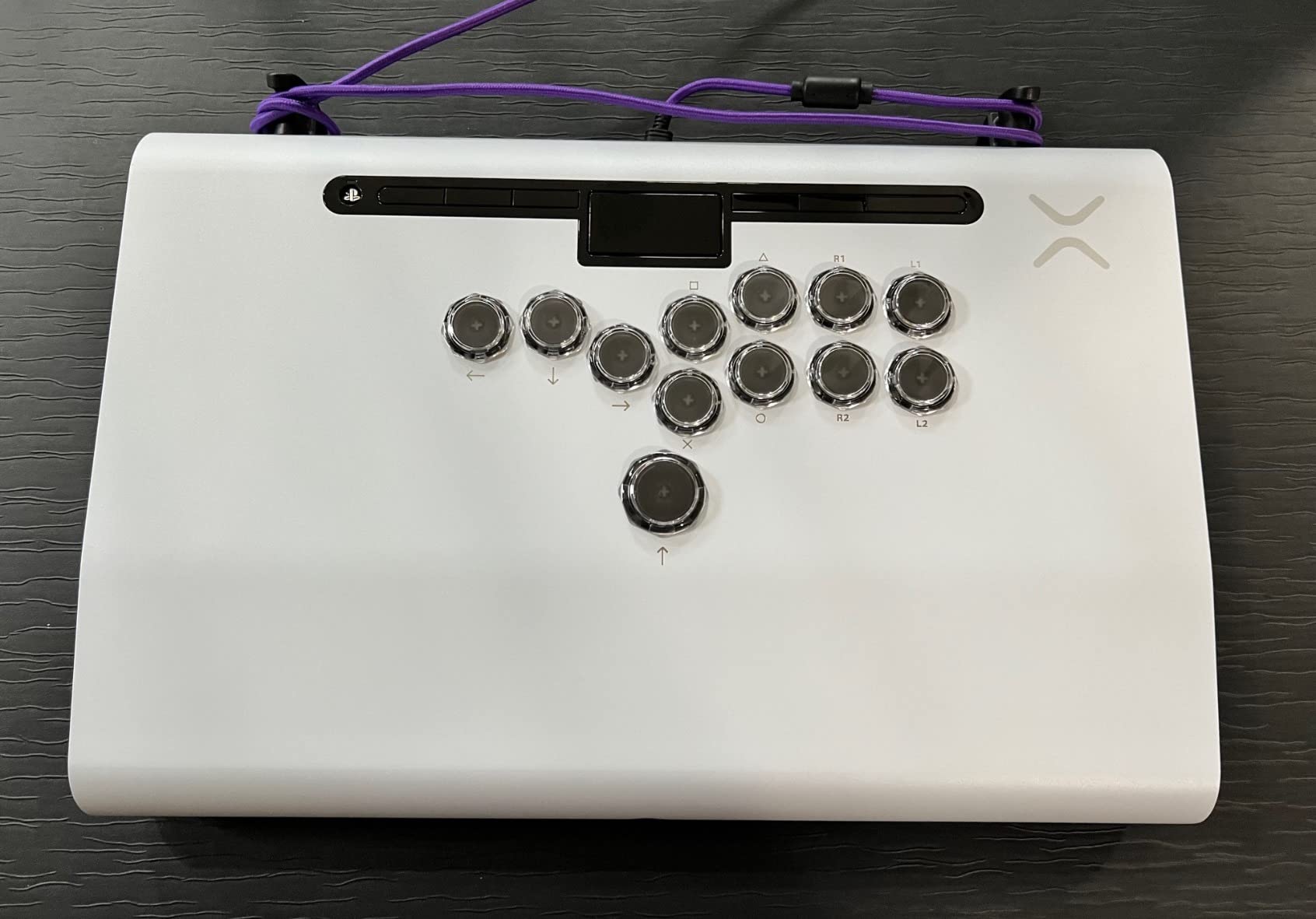
A built-in mode switch covers PS5, PS4 and PC, and the carrying handles plus cable organizers are aimed squarely at people who carry a stick to events. At 4.3 across 275 reviews, the feedback is unusually consistent: this is the best-built and most comfortable hardware owners have owned.
It is also the priciest stick here, and reviewers openly question the value for a beginner. The buttons it arrives with feel hard, hollow and loud, and a large share of owners replace them immediately. At 7.8 pounds it is heavy to travel with, the interior is cramped for screw-in button work, and there are reports of a USB-C port that disconnects if the cable is nudged.
This is the right stick if you play long sessions or have wrist pain
The wrist slope and foam lap pad reduce the extension angle that causes strain, and the rigid aluminum body means no flex under a heavy grip. If you already feel discomfort after a few matches on a gamepad, this solves a problem no other pick here addresses as directly.
Tournament Mode is the other reason committed players gravitate to it, because a locked control bar removes an entire category of avoidable mistakes.
This is the wrong stick if you are starting out
It is the priciest option in the group and the one reviewers most often caution beginners away from, partly because the buttons need replacing anyway. Budget for a second set of buttons before you commit.
The 7.8-pound weight also cancels out the travel-oriented hardware. The handles are well made, but carrying this to a local is a two-trip job rather than a one-trip one.
9. Haute42 T16 Pro – Best Leverless for Nintendo Switch
Haute42 T16 Pro Leverless Arcade Stick, Hot-Swap 16-Key Controller (Black)
16-key leverless
Hot-swappable switches
Under 1ms latency
SOCD cleaning
Pros
- True 16-key all-button leverless layout aimed at competitive inputs
- Every switch is hot-swappable so mechanical switches can be mixed without soldering
- Full SOCD cleaning support and sub-1ms input latency
- Per-key custom RGB lighting and programmable turbo functions
Cons
- PS5 use requires the separately sold Booter5 adapter
- Leverless layout carries a real learning curve compared with a joystick
- Some buyers find the included switch feel unpolished
The T16 Pro is a true 16-key leverless controller, and that number matters. Most leverless designs give you four directions plus a handful of extra keys; a 16-key layout gives every finger a dedicated attack button, which is the layout a growing share of competitive 2D players have moved to.
Every switch sits in a hot-swap socket, so you can mix mechanical switch types without a soldering iron. The platform list runs from PC, Steam Deck, PS3 and PS4 through to Switch, and it supports a keyboard mode for anything else. SOCD cleaning is full, which means simultaneous opposing directions resolve to neutral instead of producing a diagonal nobody asked for.
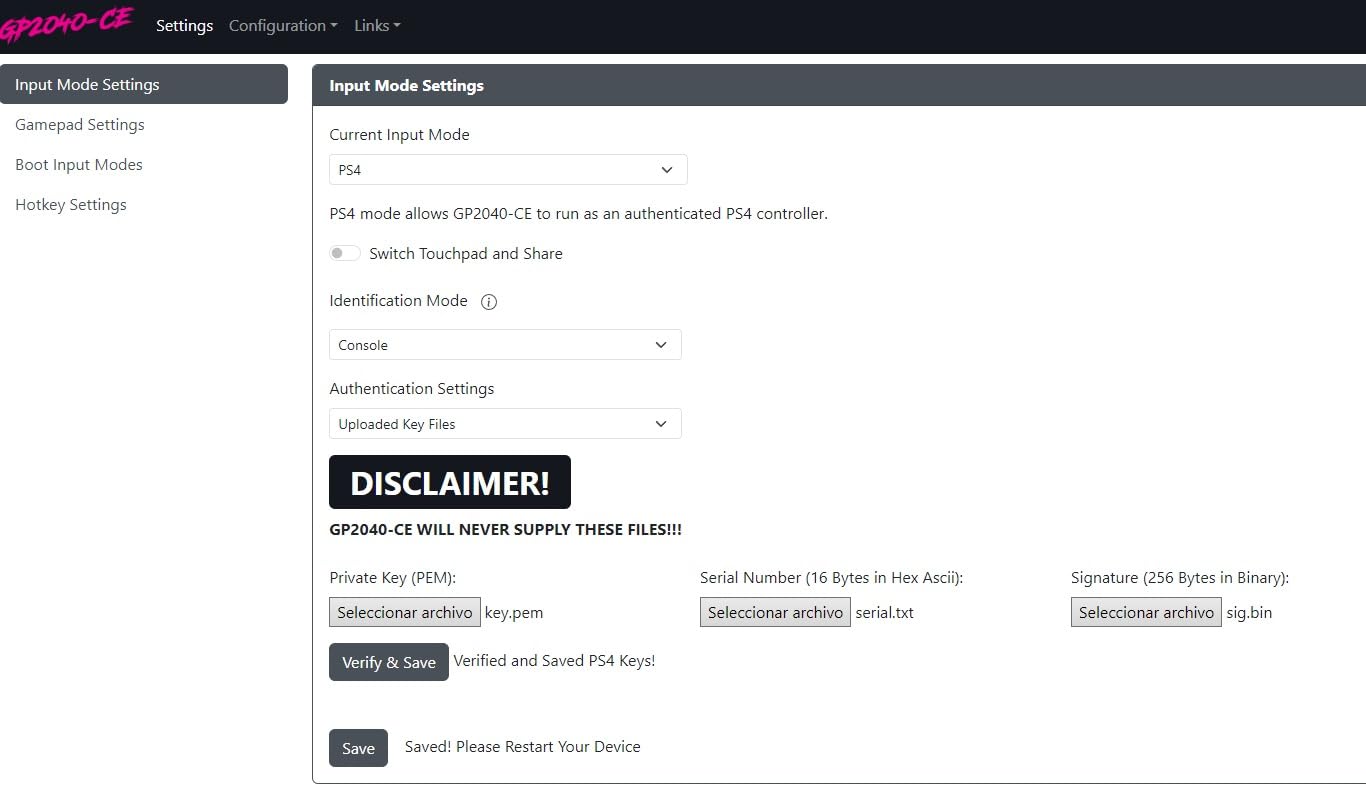
Latency is the headline spec: the manufacturer rates it under 1ms, which is the kind of figure leverless designs exist to deliver. Per-key RGB and programmable turbo functions round out the package, and an in-box setup guide plus manufacturer support cover the learning curve that comes with the format.
PS5 requires the separately sold Booter5 adapter, which is a real friction point for a console-first buyer. Around ten percent of ratings sit at three stars, with the feel of the supplied switches being the common complaint, and hot-swapping to something you prefer is the obvious fix.

This is the right controller if you have outgrown a joystick
It removes drift entirely because there is no analogue axis to wear, and the 16-key layout gives you far more attack options than a four-button stick. Players who have already trained motions on a balltop often find the switch to leverless is the single biggest input-quality jump available.
Hot-swappable sockets mean you can tune the feel to your hands over a weekend rather than committing blind.
This is the wrong controller if you are still learning motions
There is a real learning curve, and it arrives at the worst possible moment if you are still trying to perform a quarter-circle reliably. Learn motions on a gated joystick first, then move to leverless once they are automatic.
Switch and PC players get the best out of it. PS5 owners should factor the adapter into the decision, and the included switches are worth replacing.
10. 8BitDo All-Button Arcade Controller – Best Leverless for Xbox
8BitDo All-Button Arcade Controller for Xbox Series X|S, Xbox One & PC
Xbox Series X
S One PC
Leverless quad movement
80 g
2.4G wireless
Pros
- The only officially licensed leverless arcade controller here for Xbox Series X|S Xbox One and PC
- Quad-movement leverless layout tuned for fast and accurate inputs
- 16 Kailh Wizard low-profile mechanical switches on a hot-swappable PCB
- Extremely thin and light at roughly A4 size and 80 g
Cons
- 2.4G wireless only with no wired connection option listed
- Xbox focused so PlayStation and Nintendo users need a separate device
- 80 g offers little resistance to shifting during intense play
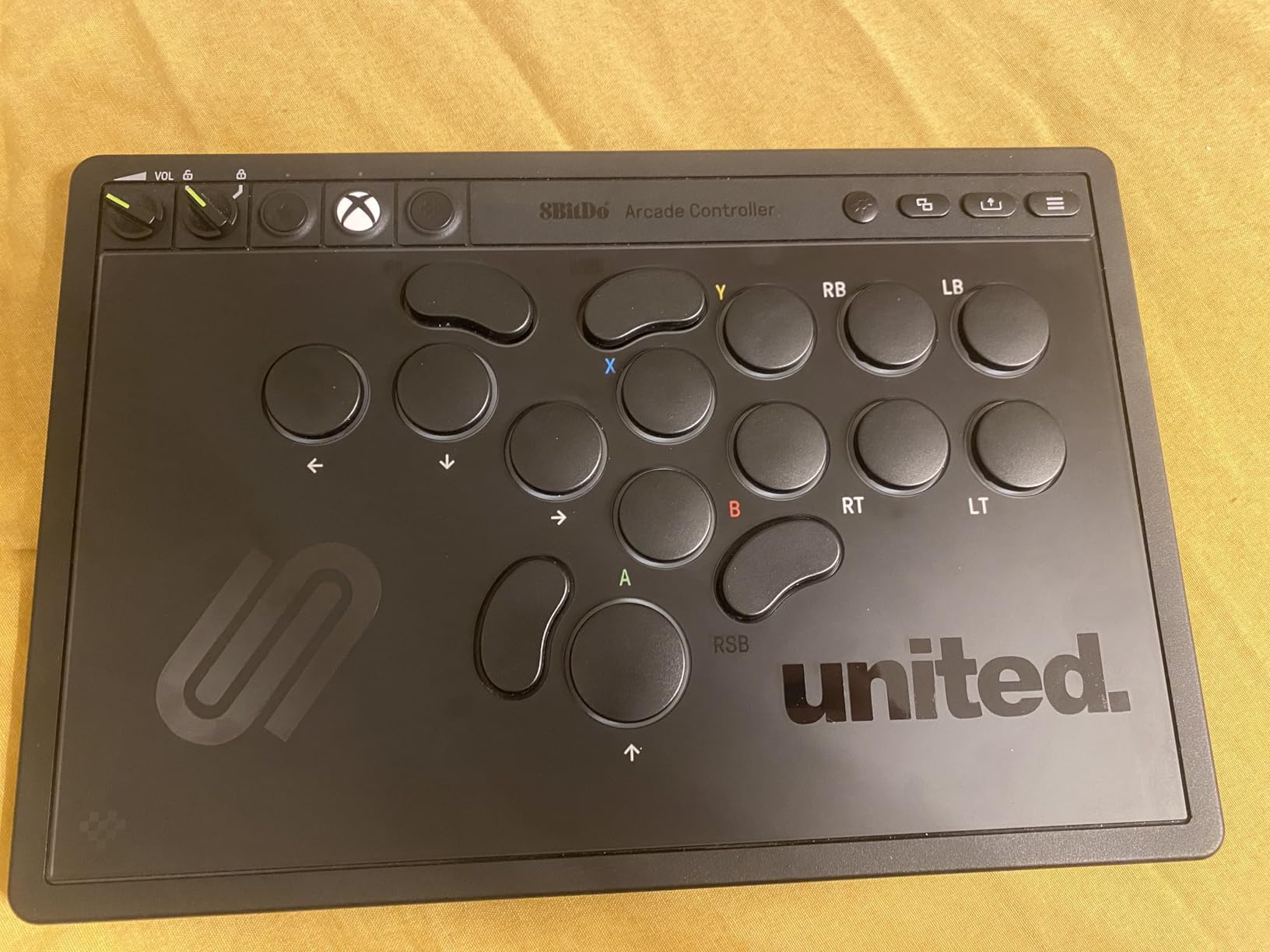
Xbox players have had the thinnest pick list in this category for years, mostly unlicensed third-party devices. This is the officially licensed answer: a leverless all-button arcade controller that works on Xbox Series X and S, Xbox One and Windows PC, with no adapter anywhere in the chain.
The layout is a quad-movement leverless arrangement tuned for fast, accurate inputs, and the switches are 16 Kailh Wizard low-profile mechanical units seated on a hot-swappable PCB. Replaceable lock caps, two programmable buttons, an independent control panel, a 3.5mm audio jack with volume control and RGB lighting cover the rest.
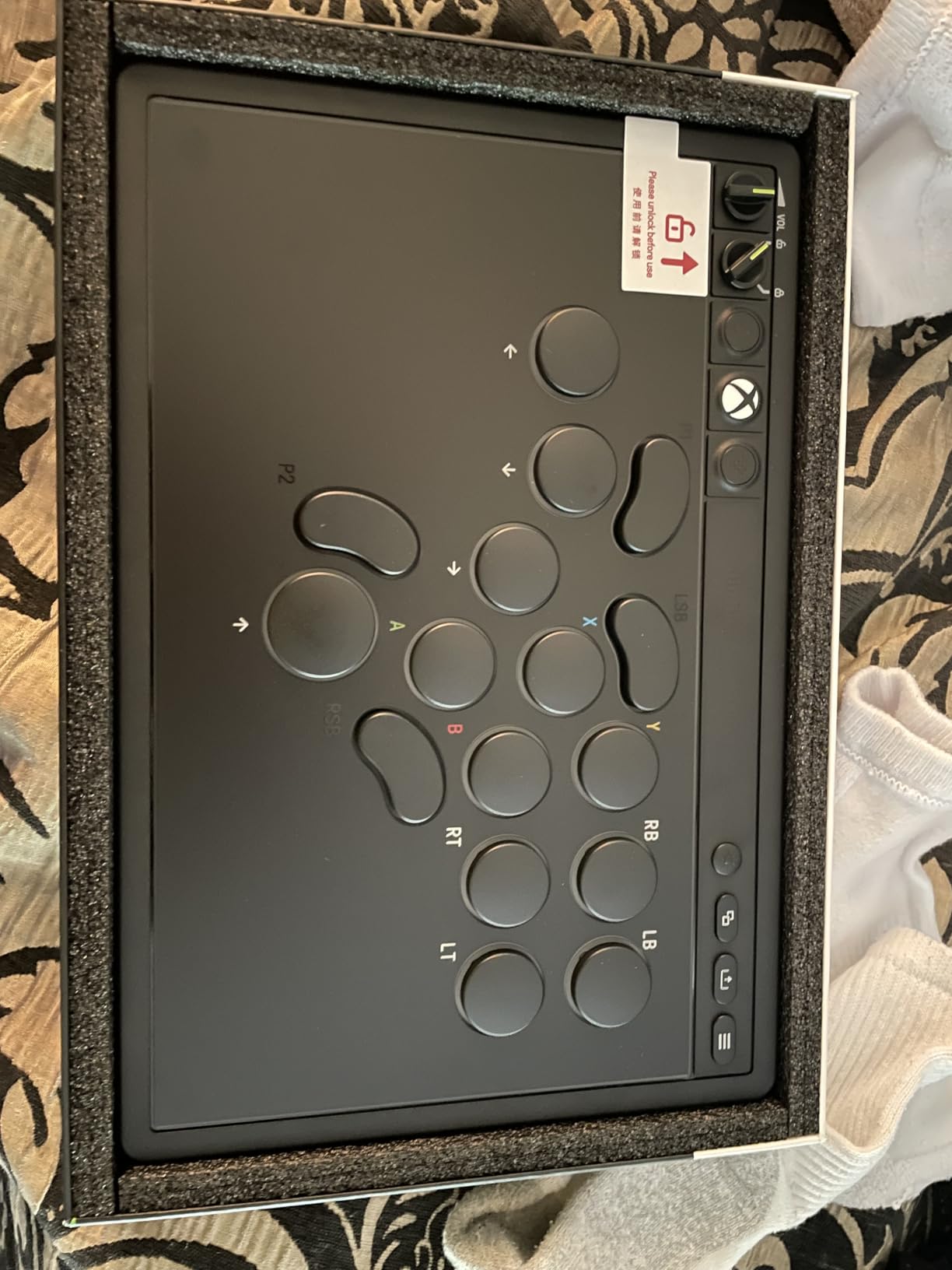
Size is the surprise. At roughly A4 dimensions, 1.6 cm thick and 80 grams, it is the smallest and lightest device we tested, and it goes into a laptop bag without a thought. For a handheld or a shared living-room setup, that changes what you can realistically do with it.
The 4.6 rating across 250 reviews is strong for a product this new. The limitations are structural rather than quality issues: 2.4G wireless only with no wired option, an Xbox focus that excludes PlayStation and Nintendo, and a weight so low that hot-swappable parts offer little resistance to shifting during intense play.
This is the right controller if you own an Xbox Series X or S
Official licensing removes the guesswork that comes with unlicensed pads, and the leverless format sidesteps drift entirely. Xbox players who were waiting for a licensed alternative now have one.
The 80-gram body also works as a secondary controller, which makes couch multiplayer with a friend on the same system straightforward.
This is the wrong controller if you want a wired connection or PlayStation support
Wireless-only means you cannot fall back to a cable for the lowest possible latency, which matters more in tournament play than most buyers expect. Be aware that low-profile hot-swap only accepts switches that physically fit that footprint.
Xbox licensing also cuts the other way. PlayStation and Nintendo players are excluded entirely, so this is a device for one platform rather than a universal one.
11. Haute42 R16 – Best Leverless for PC and Steam Deck
Haute42 Leverless Controller Arcade Stick: Haute42 R16 Black Controller
780 g leverless
RP2024 with GP2040-CE
Under 1ms latency
1 year warranty
Pros
- Thin and light at 780 g with an added rim for a retro arcade look
- Hot-swappable mechanical switches so no soldering is needed
- Raspberry Pi RP2024 chip with GP2040-CE firmware for under 1ms latency and web-based configuration
- Includes switches a puller spare caps anti-slip pads and a 1.5m USB cable
Cons
- PS4 and PS5 use requires an adapter and Mac support is keyboard mode only
- Leverless layout demands a real adjustment period coming from a joystick
- Smaller review base than the rest of the group
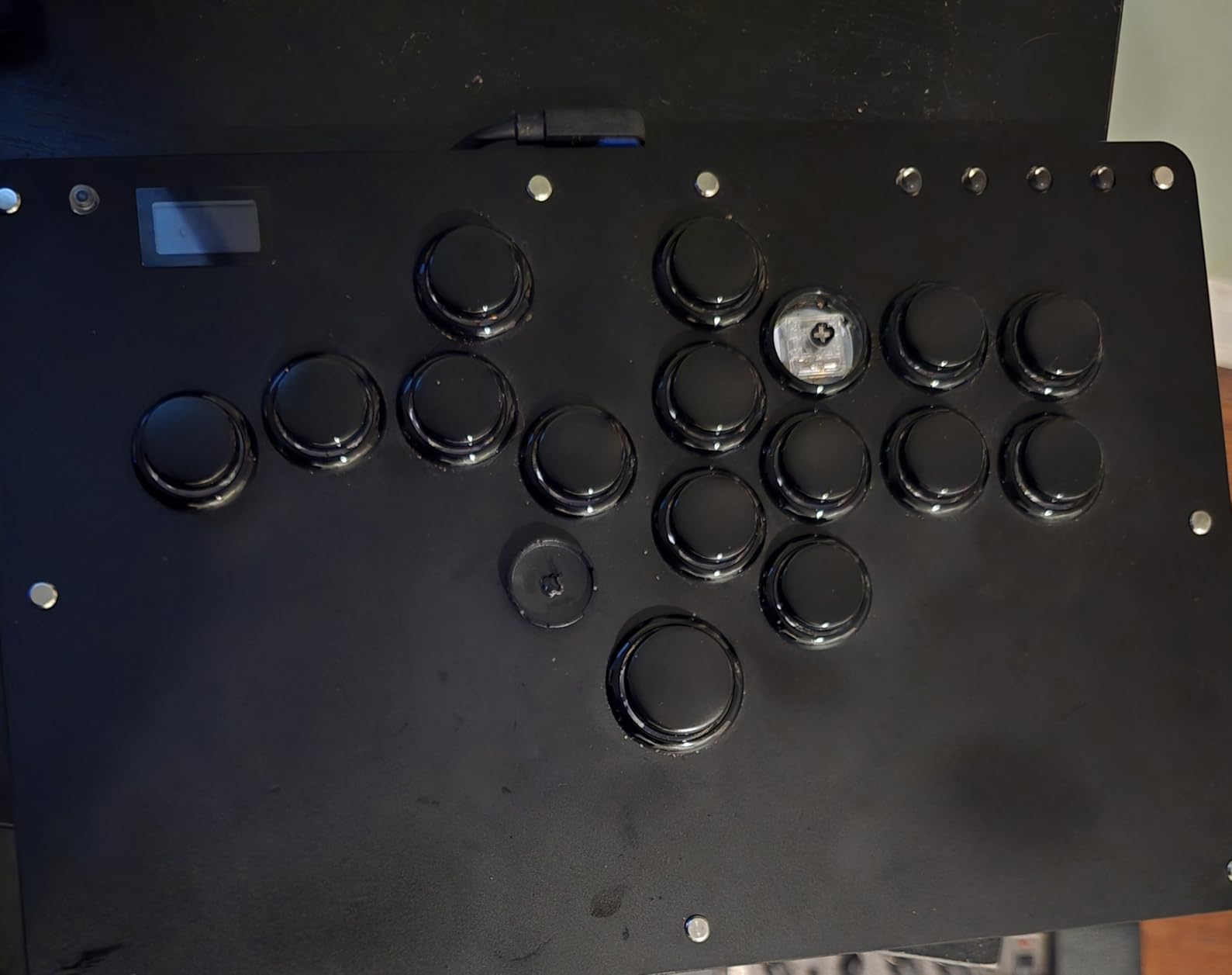
The R16 is built around a Raspberry Pi RP2024 chip running GP2040-CE firmware, and that decision explains almost everything about it. The latency is rated under 1ms, and configuration happens through a web interface rather than a desktop app, so you can retune a button layout from a phone browser on the same network before a bracket starts.
It works out of the box on PC, Steam Deck, PS3, PS4 and Switch, and at 780 grams with a 12.5mm-thick body it stays flat and light on a lap or a small table. The M2 button is relocated to the pinky side and an added rim gives it a distinctive retro arcade silhouette that stands apart from the usual flat leverless slabs.
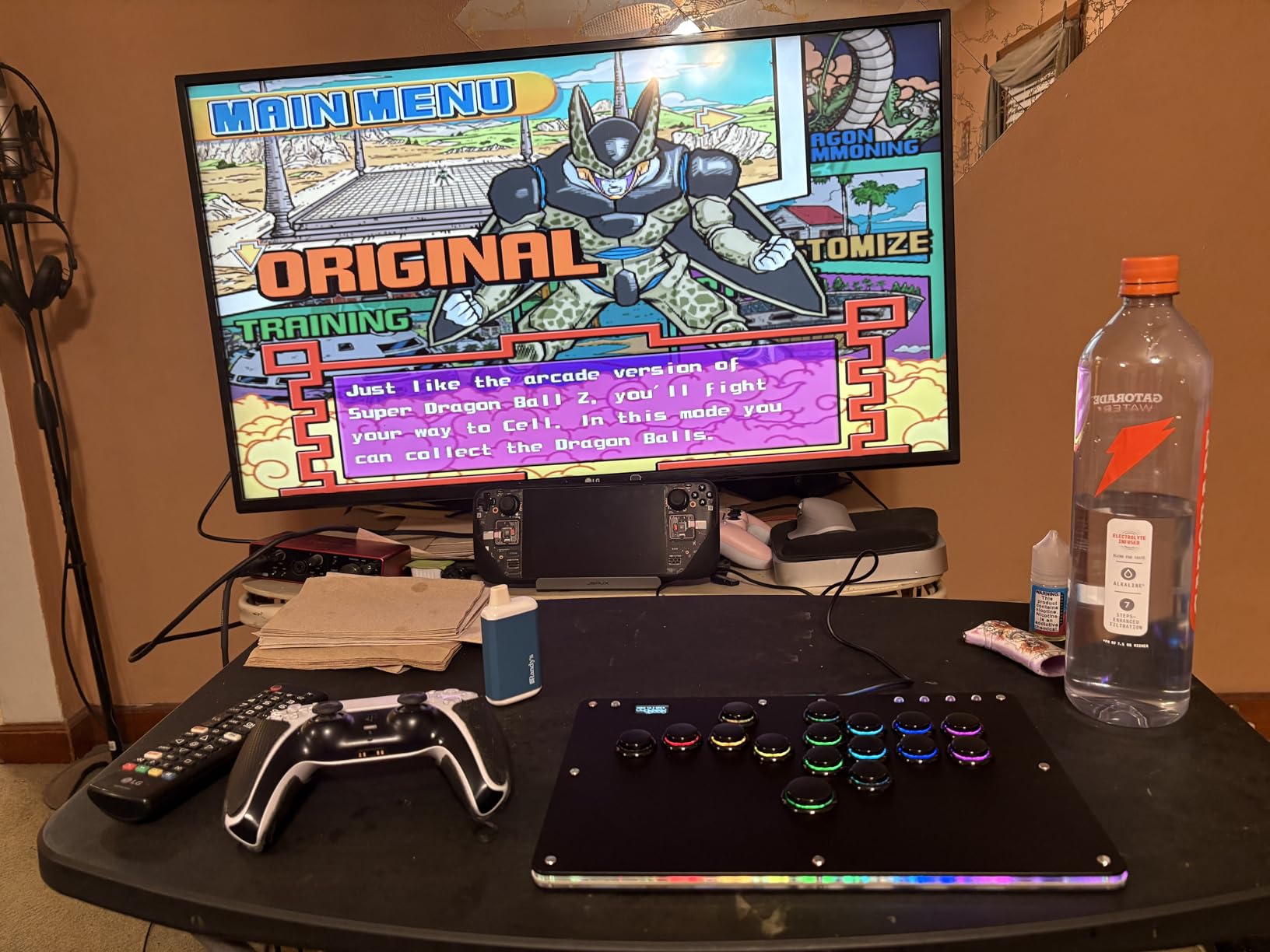
The box is unusually generous: low-profile switches, a puller, two spare 6mm button caps, eight anti-slip pads, a 1.5m USB cable and a manual. Hot-swappable sockets let you change feel without tools, and per-key custom RGB plus turbo functions cover the rest. The 4.5 rating is solid, though 132 reviews is a smaller base than most here.
PlayStation consoles need an adapter, and Mac support is keyboard mode only, so the native target is PC and Switch. As with any leverless design, moving from a joystick takes real adjustment, and the smaller review base means less long-term wear data exists.
This is the right controller if your main platform is PC or a handheld
Native PC support with browser-based configuration means you can adjust the layout in under a minute, which is the whole advantage of the GP2040-CE firmware. Steam Deck owners get a genuinely portable leverless option for the first time.
Web configuration also travels with you, so a saved profile is not tied to one machine.
This is the wrong controller if you need native PlayStation support
PlayStation consoles need a separate adapter, and Mac support is keyboard mode only. If you need licensed button mapping on PS5 or PS4 out of the box, one of the officially licensed sticks earlier in this list is the safer buy.
Retro styling is also a matter of taste, and with 132 reviews the long-term switch wear data is thinner than the picks with four-figure review counts. If you want the widest evidence base before committing, a higher-review-count option is the safer call.
12. Victrix Pro BFG – Best Multipurpose Controller for PS5
Victrix Pro BFG Wireless Gaming Controller: Tekken 8 Rage Art, PS5, PS4, PC
Swappable fight pad module
Bluetooth
PS5 PS4 PC
4 back buttons
3 profiles
Pros
- Swappable six-button fight pad module lets a standard gamepad act as a fightpad
- Four interchangeable sticks three D-pads and four gates give extensive layout customization
- Four remappable back buttons plus three profile slots
- Officially licensed by Bandai Namco and Sony with Sony 3D audio on PS5
Cons
- A gamepad form factor does not replicate the lever and button feel of a true arcade stick
- Modular parts add bulk and complexity compared with a single-purpose stick
- Around 10% of ratings are one star
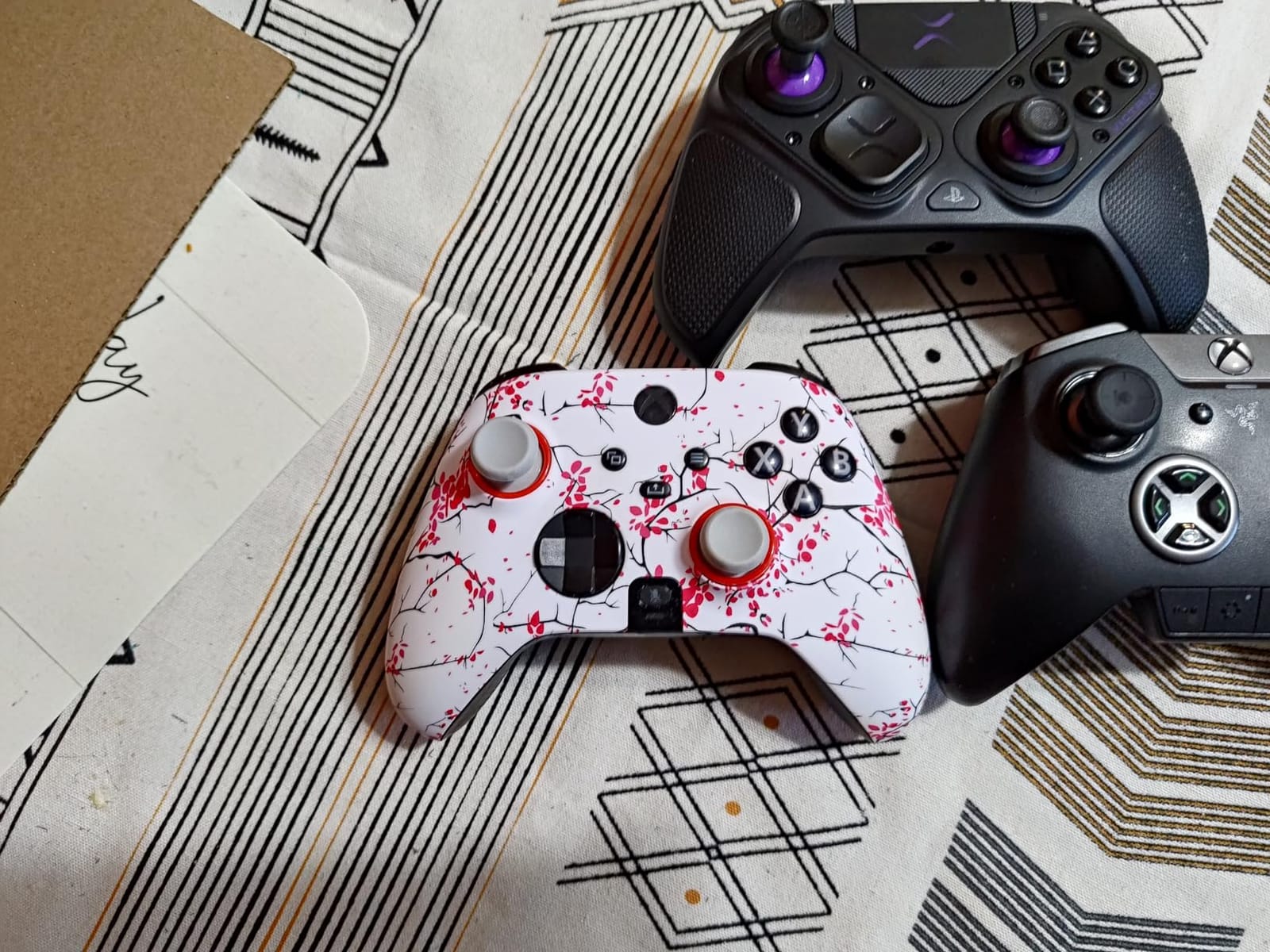
The BFG answers a question the rest of this list sidesteps: what if you play shooters and fighters on the same console? It is a full wireless gamepad – 298 grams, Bluetooth, with hair triggers, paddles, a headphone jack and Sony 3D audio on PS5 – with a swappable left-side module that turns it into a six-button fightpad when a fighter is on screen.
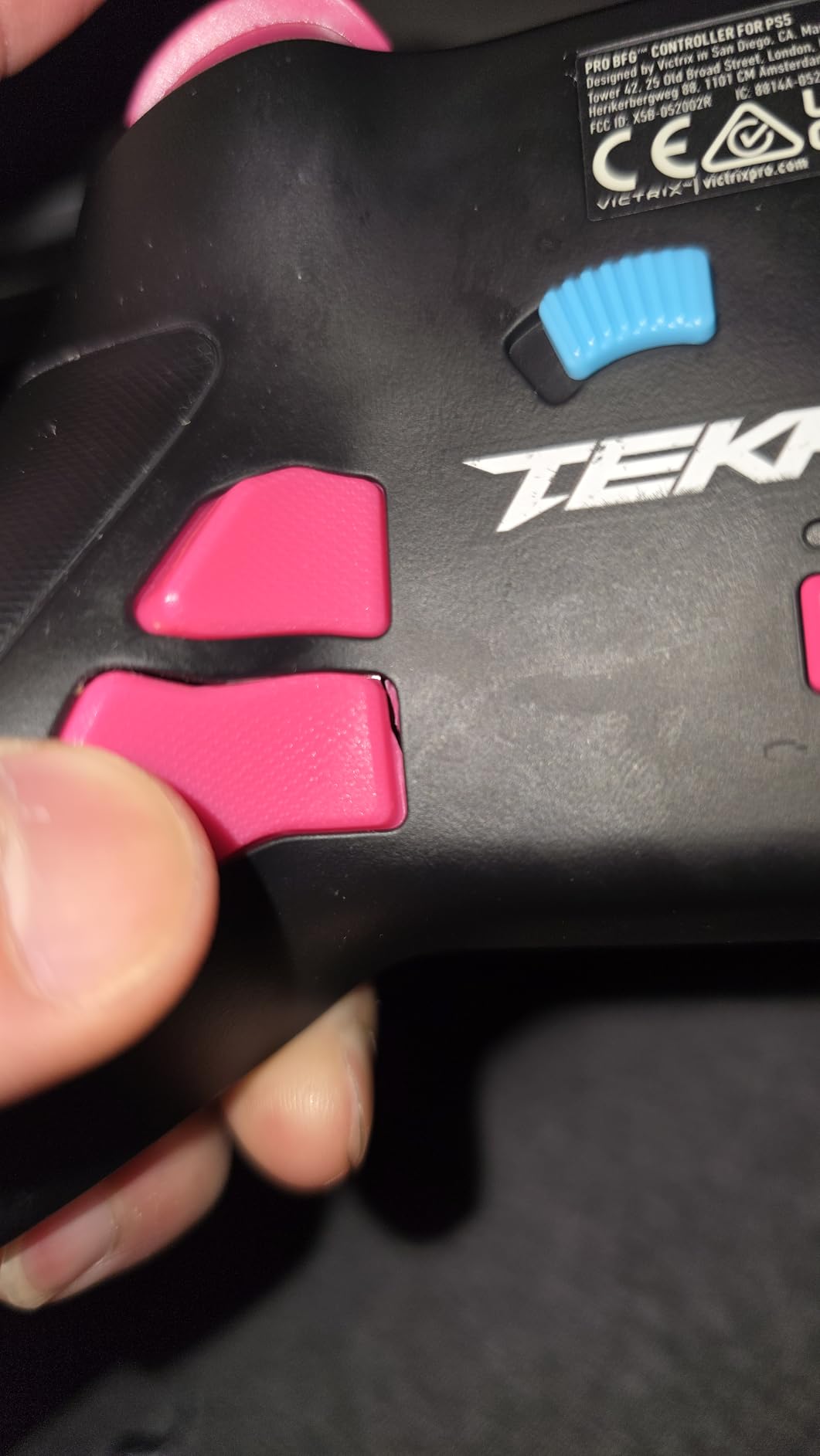
The modularity goes further than one module. Four interchangeable sticks, three D-pads and four gates mean you can rebuild the directional layer rather than buying a new controller, and four remappable back buttons plus three profile slots cover the per-game setups most competitive players cycle through. Official Bandai Namco and Sony licensing is included, with the Tekken 8 artwork signalling what it was designed around.
With close to 4000 reviews behind it, the BFG is one of the most battle-tested devices in this category, and the feedback reflects a clear user profile: people who want fighting-game layout options without giving up a general-purpose controller. The 2-year limited warranty from PDP is also the longest stated here.
The compromise is unavoidable. A gamepad shell does not replicate the lever-and-button feel of a true arcade stick, the modular parts add bulk and complexity compared with a single-purpose stick, and roughly ten percent of ratings sit at one star, which is the highest visible dissatisfaction share of any pick on this list.
This is the right controller if you play more than fighters
It is the only pick here that doubles as a complete console controller. A player with a mixed library gets fightpad access on demand and a normal gamepad for everything else, from one device that also works on PS4 and PC.
Three profile slots make it easy to keep a training layout, a tournament layout and a general layout on the same hardware.
This is the wrong controller if you want stick precision
For one-on-one competitive play, a gated balltop or a leverless with dedicated direction buttons beats a stick by a measurable margin. The fightpad module improves on a standard gamepad; it does not close the gap to a real stick.
The module swaps also add bulk, and the one-star share suggests the in-between experience is not a fit for everyone.
What Type of Fighting Game Controller Is Right for You?
Most buying mistakes in this category come from answering the wrong question. Instead of asking which controller is best, work out which input you are trying to fix. Here is how the four archetypes actually compare, followed by the specs that decide the rest.
Arcade stick, leverless, fightpad or hitbox – the honest comparison
A balltop arcade stick gives you a gated joystick and 30mm buttons. It is the most proven input for competitive 2D fighters because a quarter-circle either registers or it does not, and there is no intermediate reading. The cost is desk space, noise and weight.
A leverless all-button controller removes the stick entirely and uses four direction buttons with fast optical or magnetic switches. Drift is impossible because there is no analogue axis to wear, and latency figures are the lowest of any type. The cost is a genuine adjustment period while your muscle memory is rebuilt.
A fightpad keeps a gamepad shape and adds a six-button face grid. It is the compromise for couch play, shared households and travel. It will never be the fastest input, but it is the least disruptive to a living room.
A hitbox-style all-button controller is a flat, angled slab with no stick and no wrist movement, built for players who want to rest their hands flat. It is a genuine niche, and the community treats it as a premium specialist category rather than a mainstream recommendation – which is why no dedicated pick claims that slot in our list. If a hitbox appeals to you, expect to pay specialist prices and to source carefully.
8-gate, 4-gate or leverless: what the directional layer changes
An 8-gate restrictor lets the stick register only eight fixed directions, so a motion input lands exactly where the game expects. A 4-gate cut holds the stick more rigidly, which suits players who push hard and want the diagonals to demand more travel. Most sticks here ship with a square or four-way gate and accept an octagonal Sanwa gate as a cheap upgrade.
Leverless designs use four direction buttons instead, and the question players actually ask is whether that beats a gate. For motion inputs the answer is usually yes, because the buttons are discrete – you either pressed the diagonal or you did not. The cost is that you must re-learn to press them without rocking your thumb, which is why most people move to leverless after they have motions down on a stick.
Hall Effect and TMR sensors: do they actually fix drift?
Drift is a wear problem. A conventional potentiometer joystick uses a resistive contact that rubs against a wiper every time you move the stick, and after thousands of hours the contact wears unevenly, which is why a character walks forward on its own. Hall Effect and TMR sticks replace that contact with a magnetic sensor that reads stick position without physical contact, so there is nothing to wear.
That means magnet-based sticks are not a fix for an already-drifting joystick – they are a fix for never having that problem. A drifting stick is a component replacement, not a software setting. Among the twelve controllers here, the leverless designs solve drift structurally by removing the analogue axis altogether, and that is the argument for them that drift discussions tend to miss.
Input latency and polling rate: what the numbers actually tell you
Polling rate is how often a controller reports your input to the system, expressed in hertz. Higher numbers mean the console is asking more often, so the gap between your physical press and the game registering it shrinks. Marketing labels such as 8K polling refer to very high rates, and while the practical difference at human reaction speeds is small, it is measurable in a lab.
For actual play, the order of importance is shorter than vendors suggest. A wired connection removes wireless overhead entirely, so any stick with a USB cable is already at the low end. Among the picks here, the two leverless boards that publish latency figures both rate under 1ms. For everything else, treat latency claims as secondary and judge the gate feel, the switch type and the build weight first.
Match the controller to the game you actually play
For 2D fighters such as Street Fighter 6, Guilty Gear -Strive- and The King of Fighters XV, the six-button face layout and a gated stick or leverless directional layer are what matter. Button size, spacing and the reliability of simultaneous presses decide your matches.
For 3D fighters such as Tekken 8 and Virtua Fighter, the stick is used for direction and the face for limbs, so a gamepad-style stick with a good D-pad and hair triggers is often more practical than a fightpad. This is where the Victrix Pro BFG earns its place – the Noir-style layout and paddles suit 3D spacing better than a six-button grid.
For retro arcade and shmups, a four-button stick covers almost everything, which is why the budget-friendly four-button options remain genuinely useful rather than outdated.
Platform choice constrains the pick more than price does
Licensing decides the field. Officially licensed sticks for PS5 cover the console natively; Xbox-focused products are increasingly officially licensed too, but fewer of them exist; Switch and PC have the widest third-party support because the platform is permissive. Check that your exact console is on the compatibility list, not just the brand family.
Wireless is generally accepted for local play, but wired remains the default recommendation for actual tournament play, where a dropped packet or a sleeping receiver is a lost round. If you compete, treat wireless as a convenience and a wired connection as your baseline.
A beginner upgrade path that makes sense
Start with a mid-range stick you can learn on – the gate and button quality at that level is enough to train motions properly. When you know which direction you want to take, spend on components: an octagonal Sanwa gate and a set of Sanwa buttons changes the feel more than any body upgrade, and it is a fraction of the cost of a new chassis.
Only after that does a premium leverless or an aluminum stick make sense, because at that point you know your gate size, your button throw preference and your platform. Skipping straight to the most expensive option tends to produce buyer’s remorse, and reviewers on the enthusiast-tier picks say so directly. If your game nights stretch beyond the console, our guide to the best lawn games covers the backyard side of the same argument.
Frequently Asked Questions
What is the best arcade stick for fighting games?
The 8BitDo Arcade Stick is the best all-round choice, because it works wired or wirelessly on Switch and PC, includes a universal mounting plate that accepts standard Sanwa parts, and holds a 4.6 rating across more than 4500 reviews. For a strictly wired, officially licensed PlayStation stick, the HORI Fighting Stick Alpha is the equivalent pick.
Which is better for fighting games, an arcade stick or a controller?
For competitive 2D fighters, a balltop arcade stick is better, because a gated joystick registers only eight fixed directions and 30mm buttons make simultaneous presses easy to hit. A gamepad is better if you play a mixed library, sit on a couch, or travel, since it is smaller, quieter and lighter. Leverless all-button controllers sit between the two and remove drift entirely.
Is a leverless fightstick worth it?
A leverless controller is worth it once your motion inputs are already reliable on a gated joystick. It removes analogue drift completely, gives four discrete direction buttons that cannot misread a diagonal, and the boards in this group publish latency figures under 1ms. The tradeoff is a genuine adjustment period while your muscle memory is rebuilt around pressing directions instead of moving a stick.
What is the best fight pad controller?
The Victrix Pro BFG is the best all-round fight pad, because a swappable module adds a six-button grid to a full wireless gamepad while four interchangeable sticks, three D-pads and four gates cover the rest of the layout options. If you want pure stick precision rather than a gamepad with fighting layouts, a balltop stick is a better investment.
Is an arcade stick better than a Hitbox?
Both remove the problems of a gamepad stick, but in different ways. An arcade stick keeps a gated joystick and large buttons, so it preserves muscle memory from other arcade games. A hitbox uses a flat angled all-button slab with no stick, resting your hands flat and removing wrist movement entirely. Hitboxes are a premium specialist niche, so an arcade stick is the more practical starting point for most players.
Do Hall Effect controllers eliminate stick drift?
Hall Effect and TMR sticks read position using a magnetic sensor with no physical contact, so there is no wiper to wear out, which is why they do not develop drift the way potentiometer sticks do. They prevent drift rather than fixing an already drifting stick. A stick that already drifts needs a component replacement, and leverless controllers avoid the problem entirely by removing the analogue axis.
The Verdict on the Best Controllers for Fighting Games
After all of that, the best controllers for fighting games fall into a small number of honest answers. For most players the 8BitDo Arcade Stick is the one to buy: it is usable the day it arrives, it works wired and wirelessly, and it takes Sanwa parts when you are ready. For a PlayStation household, the HORI Fighting Stick Alpha or the Qanba N3 Drone 2 covers the same ground with a hardware mode switch and no adapters. For Xbox, the 8BitDo All-Button Arcade Controller is the only licensed leverless route we found.
The mistake we see most often is buying on appearance before buying on inputs. Check the gate, check the button size, check the platform, and only then decide how much the chassis is worth to you. Upgrade in stages – a better gate and quieter buttons first – and you will end up with hardware that suits you rather than the most expensive thing on the shelf. Whatever you pick, give it a few weeks of training mode before you judge it, because the difference between a good stick and a great one is measured in frames you stop dropping, not in how it looks on a desk in 2026.