
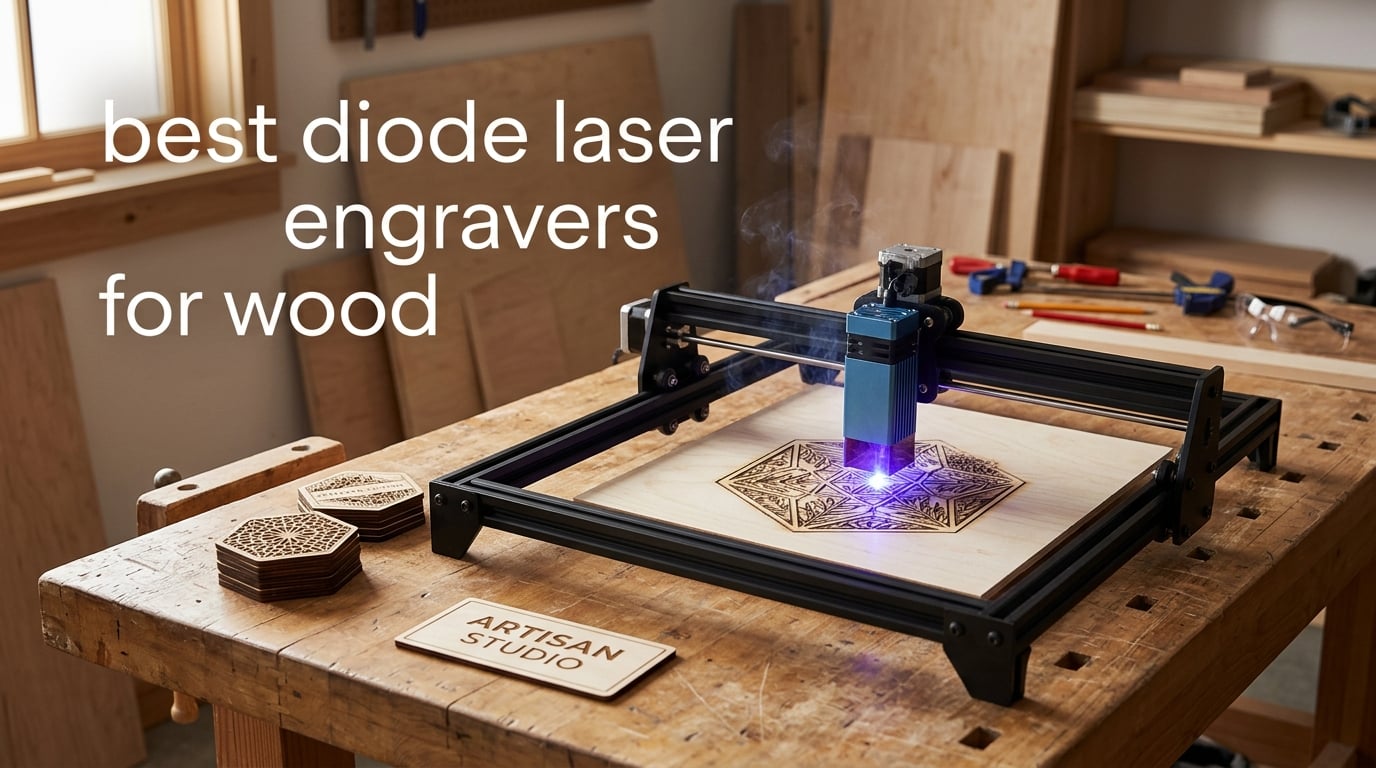
A diode laser engraver is a desktop CNC machine that burns designs into wood with a 455nm violet diode module. It is the cheapest, safest and simplest laser type for engraving basswood, plywood and thin hardwood, and it handles wood better than a CO2 tube does in most home shops. The catch is power, and that is where most buyers get it wrong.
Manufacturers print a wattage on the side of the machine, but that number is usually electrical input power, not the optical output reaching the wood. Two machines labelled 10W can behave like a 4W and a 9W on the same basswood, and a firmware setting in the motion controller caps the real figure without telling you. Our picks below are ordered by what each one actually does to wood, not by the sticker on the box.
We also leaned on what owners post in communities like r/Laserengraving and the LightBurn forum, where the same themes come up repeatedly: test grids on 3mm basswood beat spec sheets, the controller max-power value is free to fix, and air assist matters more than another two watts. If you are still choosing raw material, our wood router buying guide covers the machine side of shaping and prep work.
Everything below is updated for 2026 and every machine is scored on the same four wood questions: how deep does it cut, how clean is the engraving, how safely can you run it indoors, and can you keep the software unlocked.
Table of Contents
Top 3 Picks for Wood Engraving (October 2026)
Best Diode Laser Engravers for Wood in 2026
| Product | Specifications | Action |
|---|---|---|
 Ortur Laser Master 2 S2 Ortur Laser Master 2 S2 |
|
Check Latest Price |
 Twotrees TTS-10 Pro Twotrees TTS-10 Pro |
|
Check Latest Price |
 ACMER S1 6W ACMER S1 6W |
|
Check Latest Price |
 Creality Falcon 10W Creality Falcon 10W |
|
Check Latest Price |
 ATOMSTACK Swift 12W ATOMSTACK Swift 12W |
|
Check Latest Price |
 LONGER Ray5 20W LONGER Ray5 20W |
|
Check Latest Price |
 Creality Falcon A1 Creality Falcon A1 |
|
Check Latest Price |
 WAINLUXPRO K10 5W WAINLUXPRO K10 5W |
|
Check Latest Price |
 Carverall K15 Pro Carverall K15 Pro |
|
Check Latest Price |
 xTool M2 10W xTool M2 10W |
|
Check Latest Price |
 Woxcker L2 MAX Woxcker L2 MAX |
|
Check Latest Price |
 WECREAT Vista 10W WECREAT Vista 10W |
|
Check Latest Price |
1. Ortur Laser Master 2 S2 – The Best Diode Laser Engraver for Wood Overall
ORTUR Laser Master 2 S2 LU2-10A Laser Engraver Laser, 10000mW Engraving Cutting Machine, Class 4 High Accuracy Laser Cutter, DIY Laser Marking for Metal
10W optical
Cuts 20mm wood
390 x 410mm bed
LaserGRBL and LightBurn
Pros
- Cuts 20mm wood in a single pass
- Modular metal frame that is easy to service
- Works with both LaserGRBL and LightBurn
- G-sensor tilt stop and auto laser-off
Cons
- Class 4 source needs enclosure and eye protection
- Some reports of modules needing realignment
- Diode source will not mark bare metal
This is the machine we keep coming back to for wood because it is the only one in the group that states a 20mm wood cut in its own specifications, and owners back that up. Basswood and birch ply at 10 to 15mm come through in a single pass, which is far beyond what most 10W open frames manage.
The 390 x 410mm bed is the largest in this group and the full-metal chassis is modular, so a bent rail or a dead module is repairable rather than a write-off. Assembly is quick for a machine of this size.
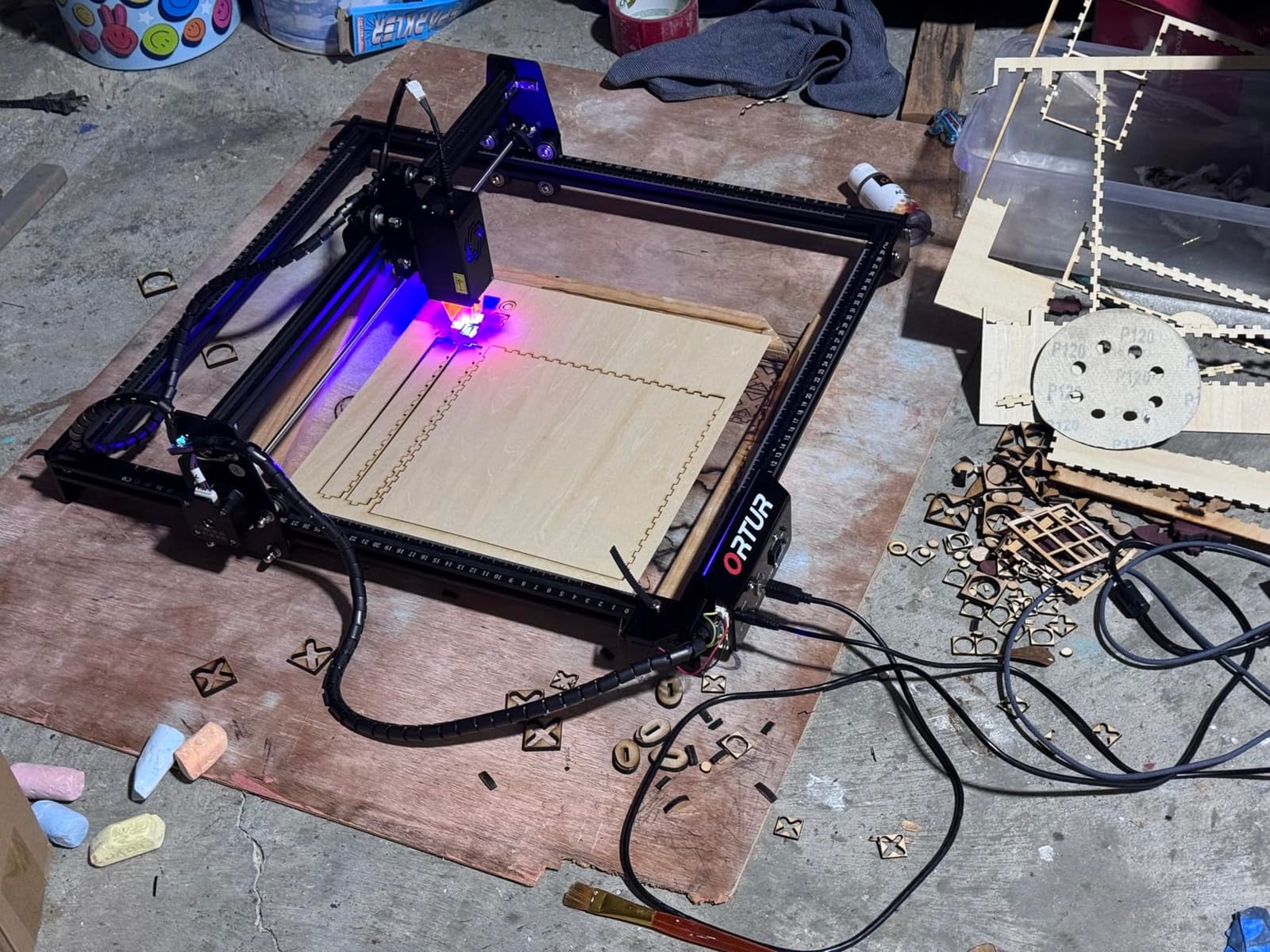
The soft spot is the learning curve, not the hardware. It ships as a Class 4 source, so an enclosure, proper eyewear and extraction are on you from day one, and a few owners report firmware or motion faults that needed board work. None of that changes the fact that it puts the most wood through it per watt here.
Software is the other reason it wins. It runs LaserGRBL out of the box and LightBurn when you outgrow the free tool, so you are never locked into a cloud account.
How it handles thicker wood and plywood
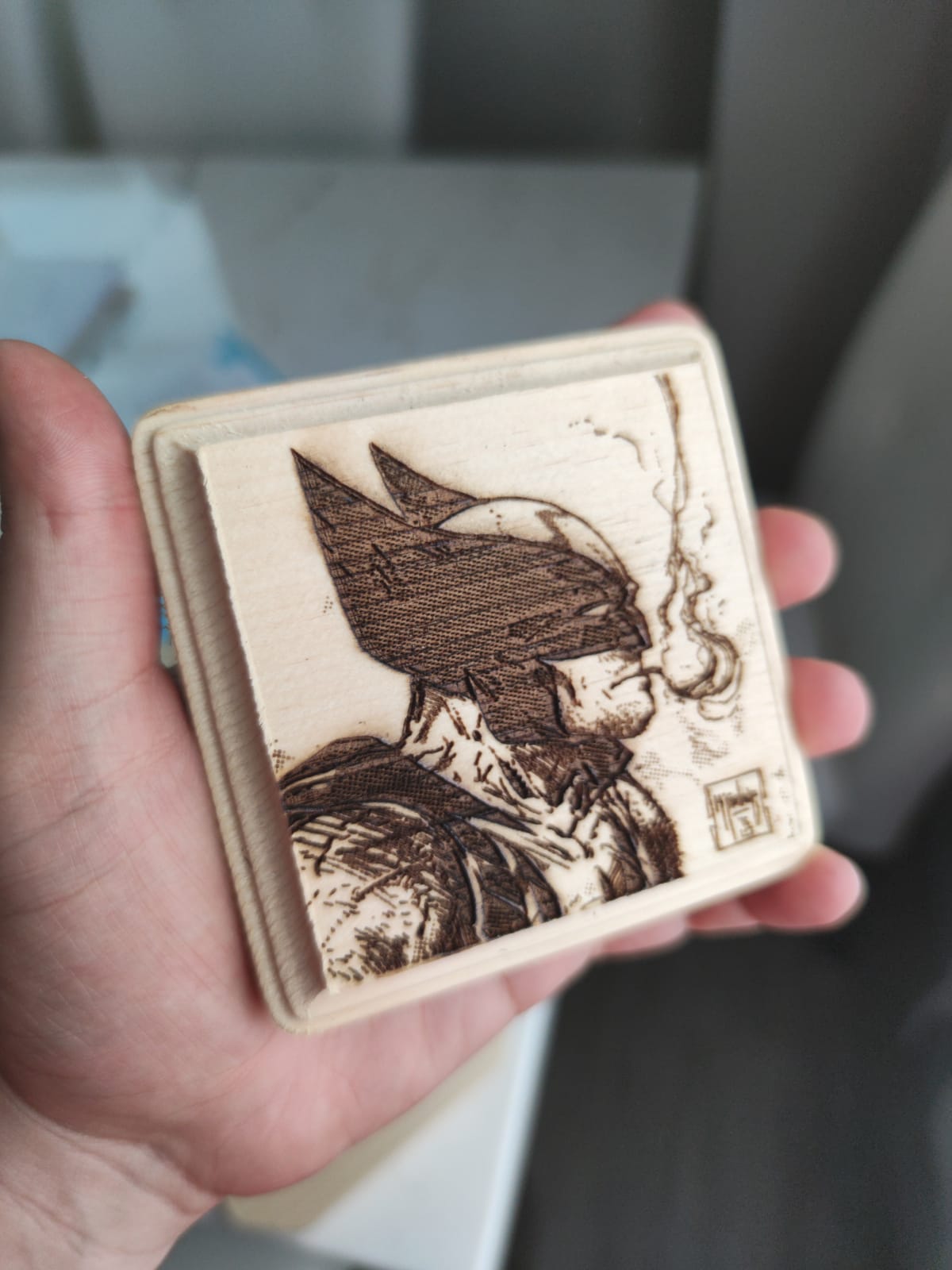
At 10W optical you get a single pass through roughly 20mm of wood, and multiple passes push past that. For birch ply signs and basswood prototypes this removes the slow multi-pass dance most 10W machines force on you.
Air assist matters here more than anywhere else. The module has a built-in air assist interface, and blowing debris off the kerf is the difference between a clean edge and a scorched one on thicker cuts.
When it is the wrong choice
If you work in an apartment or a shared room, an open Class 4 frame is the wrong first purchase, whatever its cutting ability. Owners also flag occasional module alignment drift on individual machines, so buy where returns are painless.
It is a metal engraver in name only. A 455nm diode will not mark bare steel or aluminium, and no setting changes that.
2. Twotrees TTS-10 Pro – Best Value Diode Laser Engraver for Wood
Twotrees TTS-10 Pro Laser Engraver,10000mW High Precision Laser Engraving
10W 450nm
300 x 300mm bed
Dual Y steppers
TF card offline
Pros
- Dual Y-axis steppers keep motion accurate
- Offline TF card workflow avoids computer dependency
- Strong certification list and 12 month warranty
- Good balance of price and cutting power
Cons
- Assembly is hard for a first laser
- Some units report intermittent software freezes
- Bare stainless steel will not mark
The TTS-10 Pro is the pick for anyone who wants honest wood performance without stepping up a tier. Owners report deep, fast work on wood, bamboo and leather right out of the box, and the 300 x 300mm bed takes a full sheet of common plywood offcuts.
Motion quality is the stand-out. Dual Y-axis 42 stepper motors on GT2 belts and an aluminium alloy frame are the reason lines stay straight and circles stay round, which is exactly what separates a wavy engraved curve from a clean one.
The 32-bit dual-core board runs LightBurn and LaserGRBL from lbrn or nc files, and the TF card slot means you can run repeat production batches without a computer tethered to the machine. That is a genuine small-shop advantage.
Buyers who already own a laser rate it well. First-timers hit the assembly and initial alignment wall hardest, and a minority report software freezes that need a restart or a firmware fix.
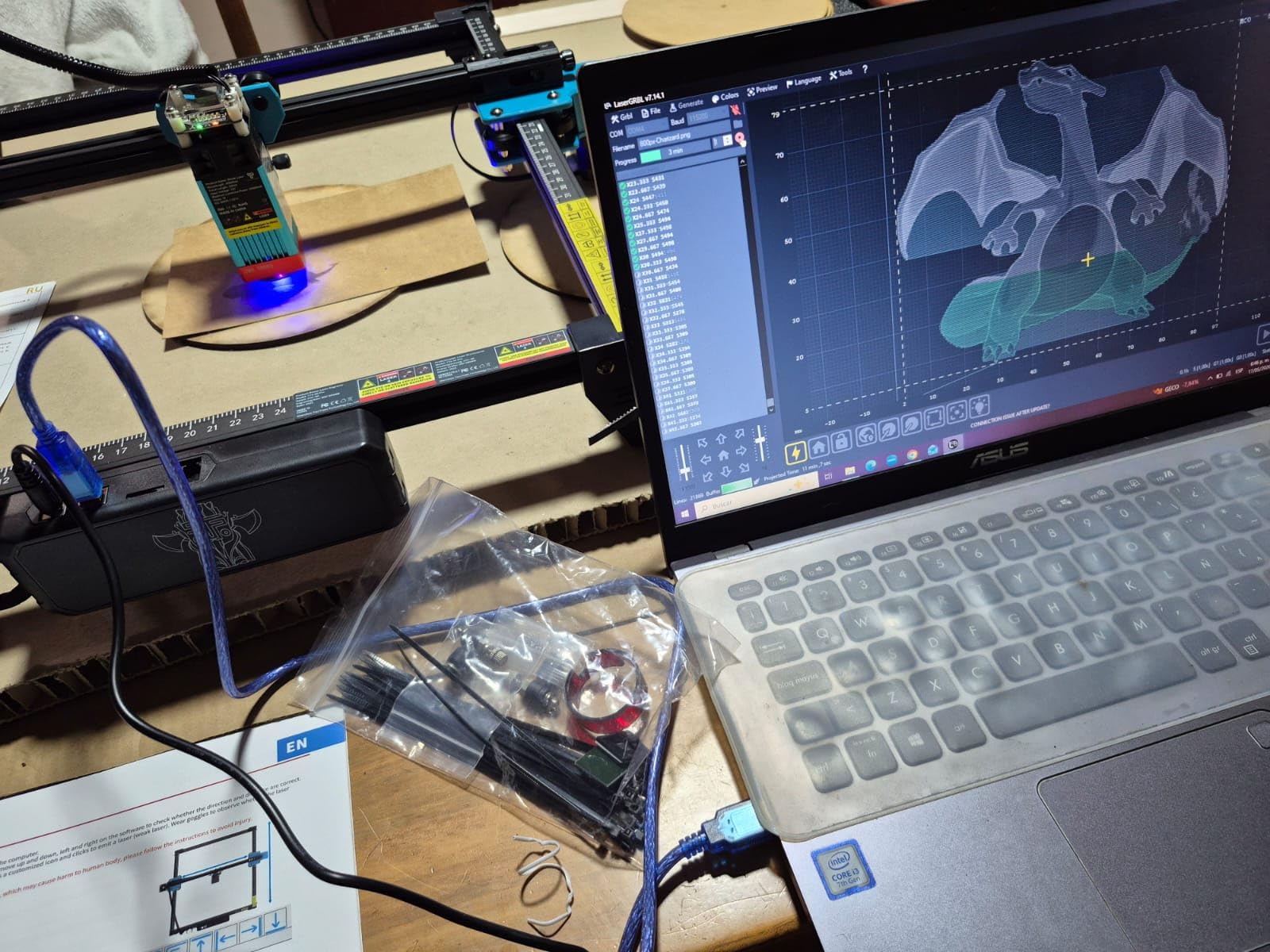
What the dual-motor frame means for engraving detail
Two Y-axis motors keep the gantry level across the full width of the bed, so a 200mm-wide engraving at the far edge behaves like the same design in the middle. On a lighter single-motor frame, that is where circles flatten and corners chew.
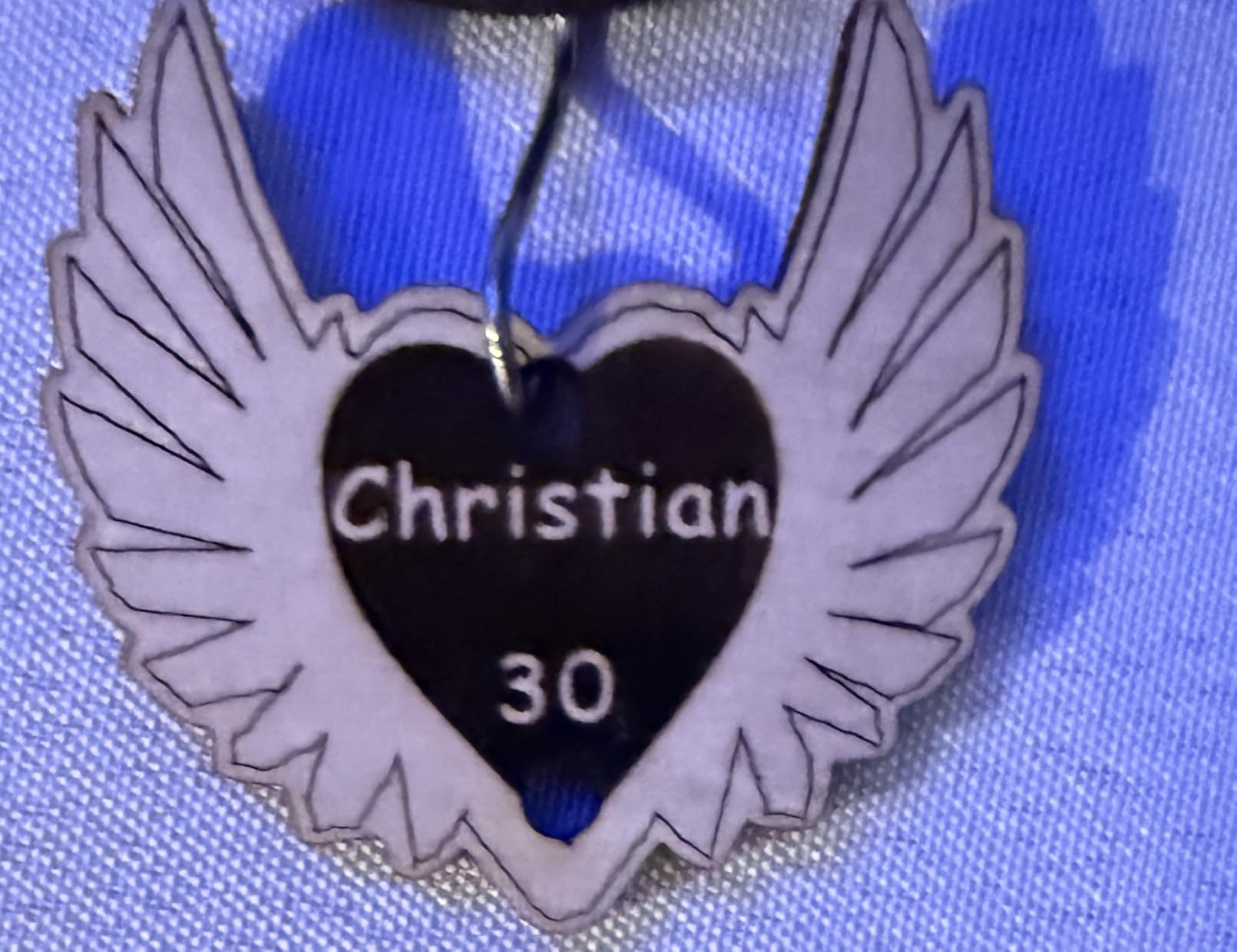
The 0.069mm spot is tight enough for text at a readable size without upscaling, which matters for personalised signs and board games.
Where it falls short
Setup is the weak point. The frame needs careful square alignment before the first cut, and doing it badly produces the wavy-line complaints that show up in almost every open-frame review on the web.
It also has no meaningful metal story. Coated surfaces mark; bare stainless and aluminium do not.
3. ACMER S1 – Best Budget Diode Laser Engraver for Small Wood Pieces
ACMER S1 Laser Engraver Machine, 6000mW Lazer Cutter for Wood and Acrylic
6W diode
130 x 130mm bed
99 percent preassembled
Free studio software
Pros
- Arrives almost fully built so you engrave immediately
- Free bundled software with AI design tools
- Cleansly cuts thin plywood and MDF
- Compact 2kg body stores anywhere
Cons
- 130 x 130mm bed is very small
- Home position is not repeatable between jobs
- Frequent out-of-work-area alarm errors
The ACMER S1 is for tags, coasters, jewellery blanks and small signs, and for those jobs the 6W diode is genuinely enough. Thin plywood and MDF cut cleanly once you dial in focus and power.
It arrives 99 percent assembled, so a one-minute laser head installation is the whole setup. The free ACMER Studio software means you can start without buying a LightBurn licence, which changes the real cost of getting going.
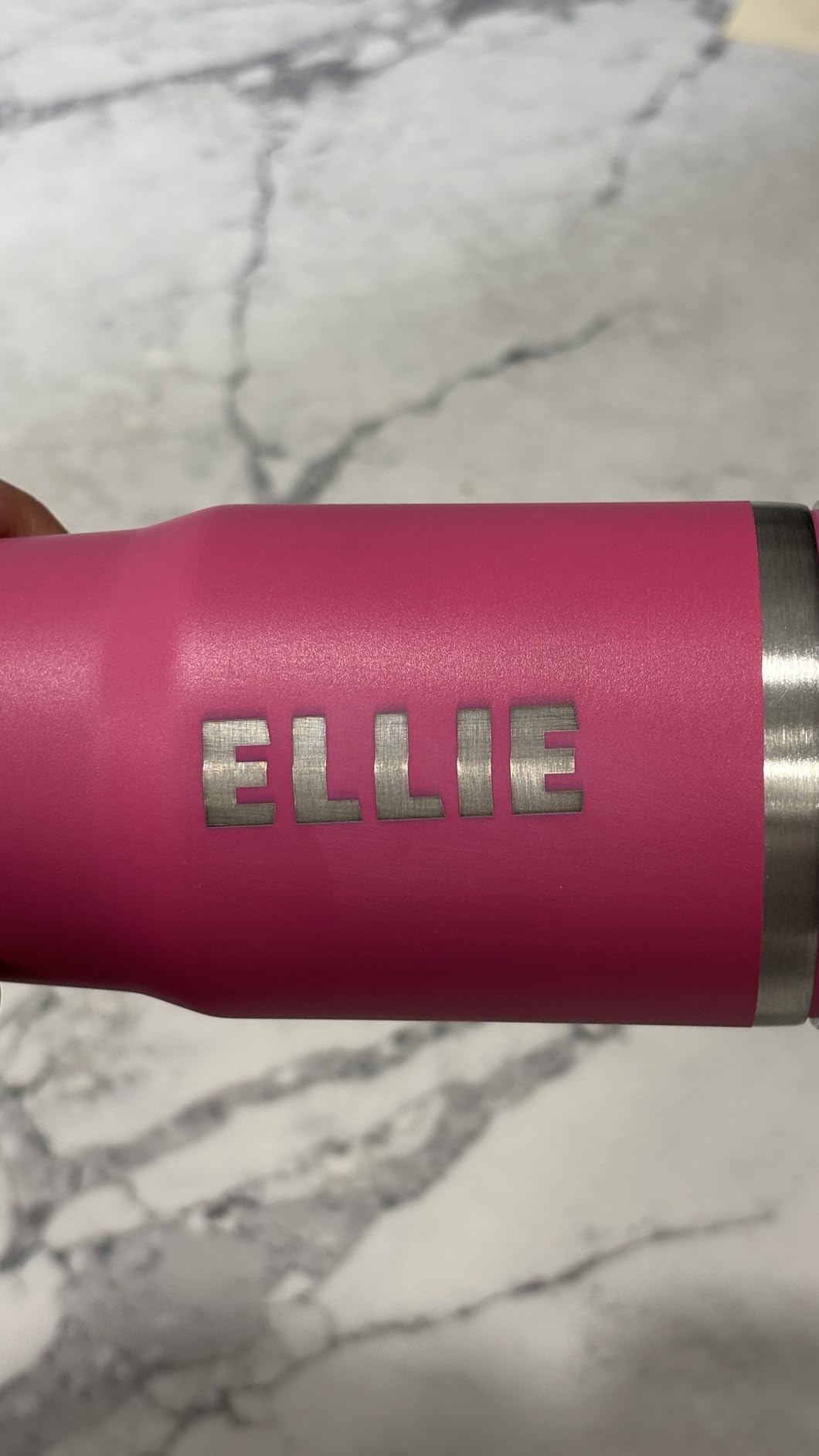
At 2kg and 250 x 250mm, it lives on a small bench and moves between rooms. Reviewers doing occasional gift work are largely satisfied once focus and power are set.
The consistent complaint is repeatability. The home position is not repeatable between jobs, and spurious out-of-work-area alarms interrupt runs, which matters if you plan batches.
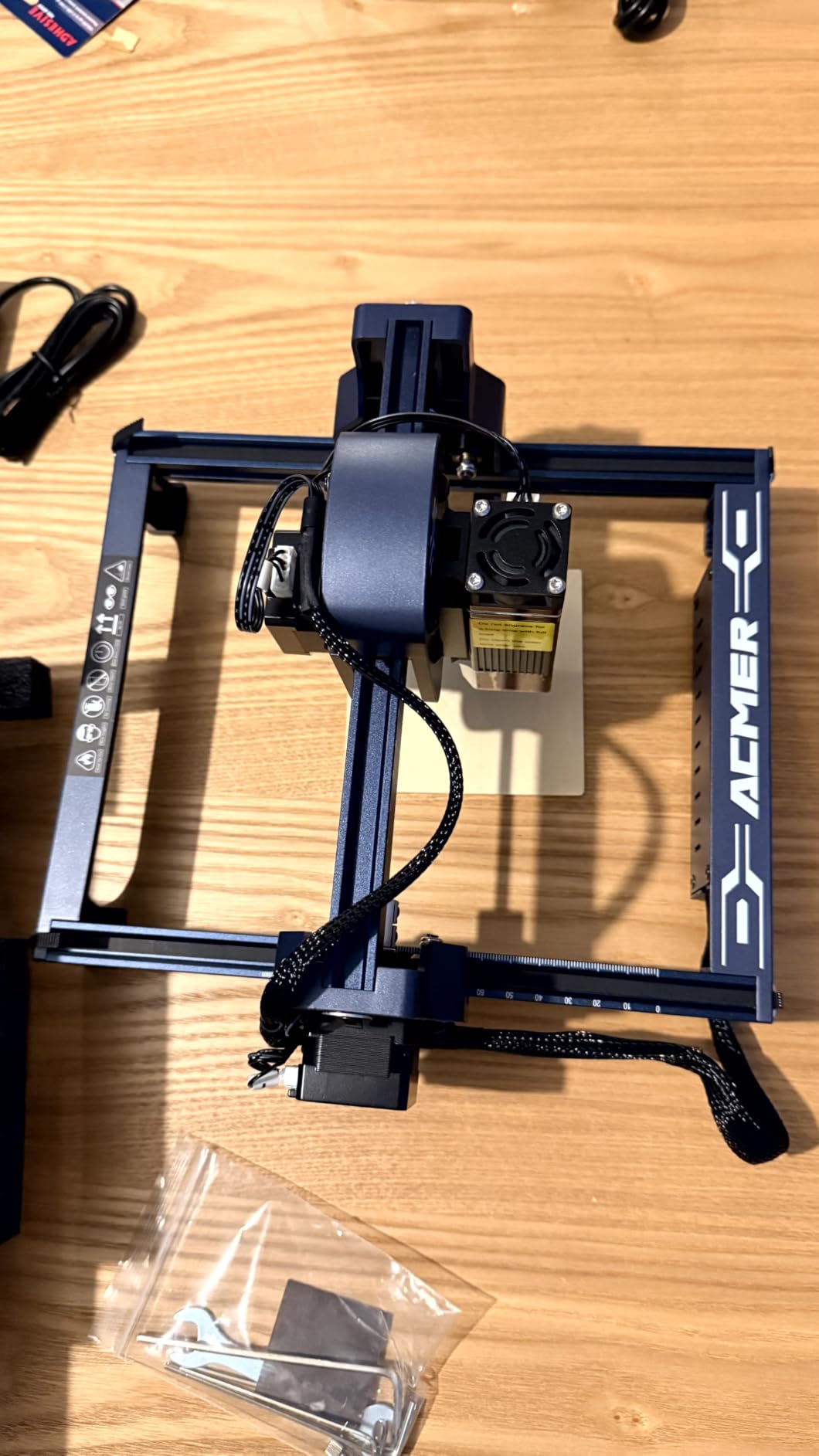
Which wood jobs fit inside a 130 x 130mm bed
Coasters, name tags, small pen blanks, and pattern pieces for layered projects all fit comfortably. Anything approaching a full sheet needs a bigger machine, so this is a companion tool rather than a shop centrepiece.
Neighbouring-spool tricks help a little with odd shapes, but they cost setup time on every job.
When to save up instead
If your work involves cutting thicker wood or engraving larger boards, 6W is slow and the small bed becomes the bottleneck, not the power. Two of our higher picks cover that case for a modest step up.
Open frame plus no containment also means extraction is entirely on you before you burn a lot of MDF.
4. Creality Falcon 10W – Best for Fast Assembly and Clean Thin Cuts
Creality Laser Engraver Machine 10W Output Power, 72W DIY Laser Engraving Machine 0.06mm High Precision Laser Cutter and Engraver for Wood and Metal, Paper, Acrylic, Glass, Leather etc, 17″ x 16″
10W output
One pass through 5mm basswood
22 x 25in frame
Pros
- Single pass through 5mm basswood and 3mm acrylic
- Stiff all-aluminium frame with steel rails
- Tool-free focusing plate speeds setup
- Assembles in 10 to 20 minutes
Cons
- Open frame with no fume containment
- LaserGRBL is barebones next to LightBurn
- Coated surfaces only for metal
Creality built this one for people who want to be cutting on the same afternoon they unbox it. Assembly takes 10 to 20 minutes, and the tool-free focusing plate on the laser head removes the fiddly focus-height guesswork that trips up first-time owners.
On wood, the headline claim is a single pass through 5mm basswood, and reviewers confirm it happens at speed rather than through a slow crawl. The all-aluminium frame with steel shaft wheel guide rails keeps accuracy steady over long jobs.

Data transfer works three ways, Wi-Fi, USB and SD card, and both LaserGRBL and LightBurn are supported, so you can start free and move up later. A 97 percent UV filtering shield on the module adds a layer of protection while you work.
The one-star share in reviews reflects the alignment learning curve and open-frame safety rather than hardware failure. That is manageable, but you need ventilation in place before you start.
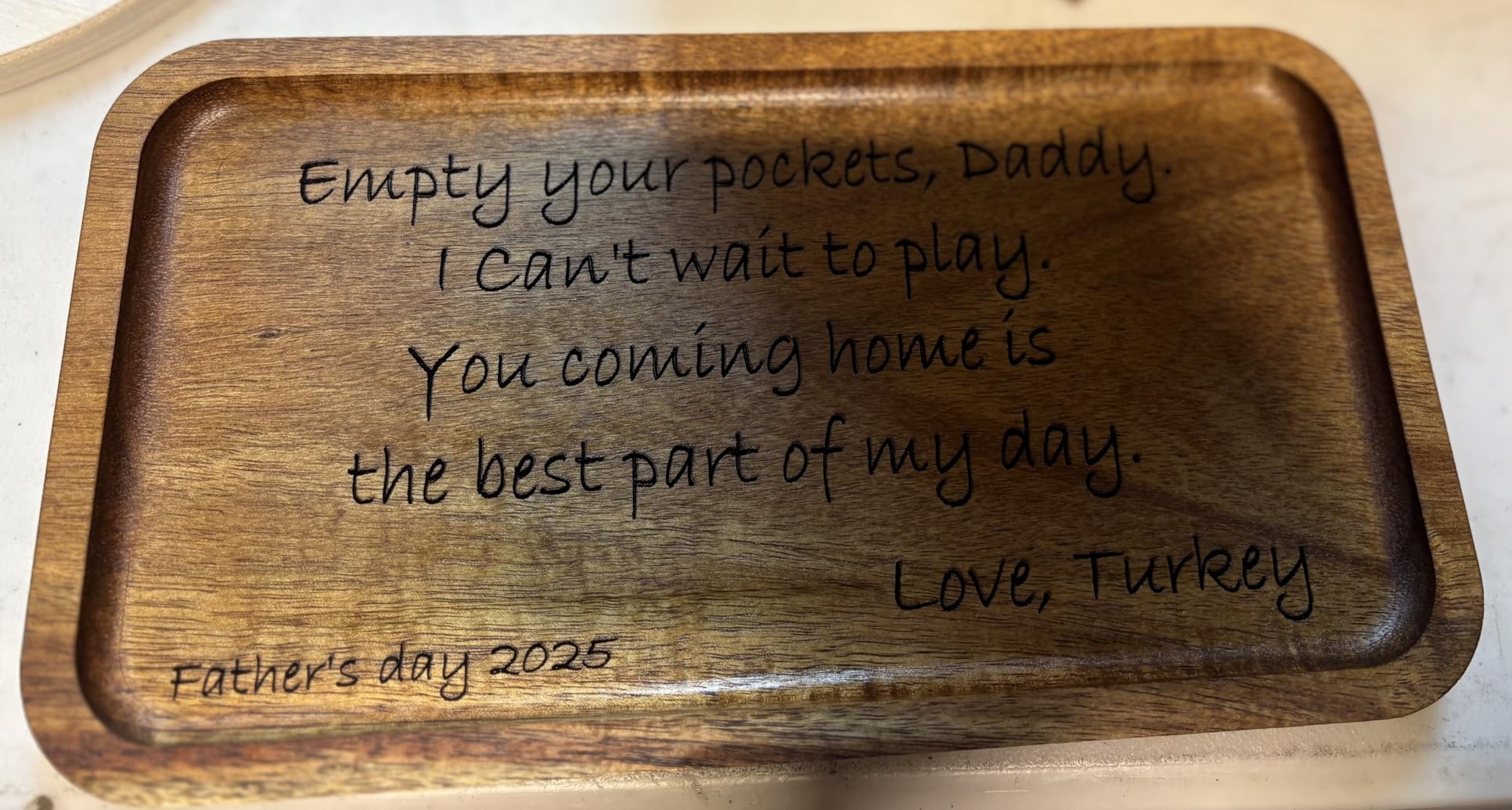
Where a 10W open frame is at its limit
Expect clean single-pass cuts into thin sheet goods and good surface engraving, not hardwood. Pine and walnut at 10mm or more mean multiple passes and a slower workflow than the Ortur or the Ray5.
Frame squareness matters more than most sellers admit. Checking the gantry with a proper laser level before your first job prevents the wavy-curve problems that people blame on the laser.
What you need to add before cutting
Air assist and a fume extractor are not part of the package on the open-frame version. A bed of honeycomb or slats also pays for itself quickly by stopping the workpiece tipping into the beam.
Budget for those three accessories before the machine, not after.
5. ATOMSTACK Swift 12W – Best Budget Cutting Power for Wood
ATOMSTACK Swift 12W Laser Engraver Cutter for Wood & Metal
12W diode
400mm/s
300 x 300mm bed
Magnetic safety cover
Pros
- 12W output at up to 400mm/s gives real cutting headroom
- Quick assembly with removable magnetic cover
- Works with LightBurn and LaserGRBL
- 365 day warranty with responsive support
Cons
- Highest one-star share in this group at 16 percent
- Enclosed variant needed for fume control
- Listed dimensions are not reliable
On paper the Swift 12W is the best cutting power per pound in this lineup, 12W of optical output with a 0.06 x 0.08mm spot and engraving speeds up to 400mm/s on a 300 x 300mm bed. Enthusiastic owners say it cuts wood noticeably faster than the 10W crowd.
It also has a long focal length optical setup with a built-in screw rod, which helps when your material is not perfectly flat. The removable magnetic protective cover and included glasses are nice touches at this level.
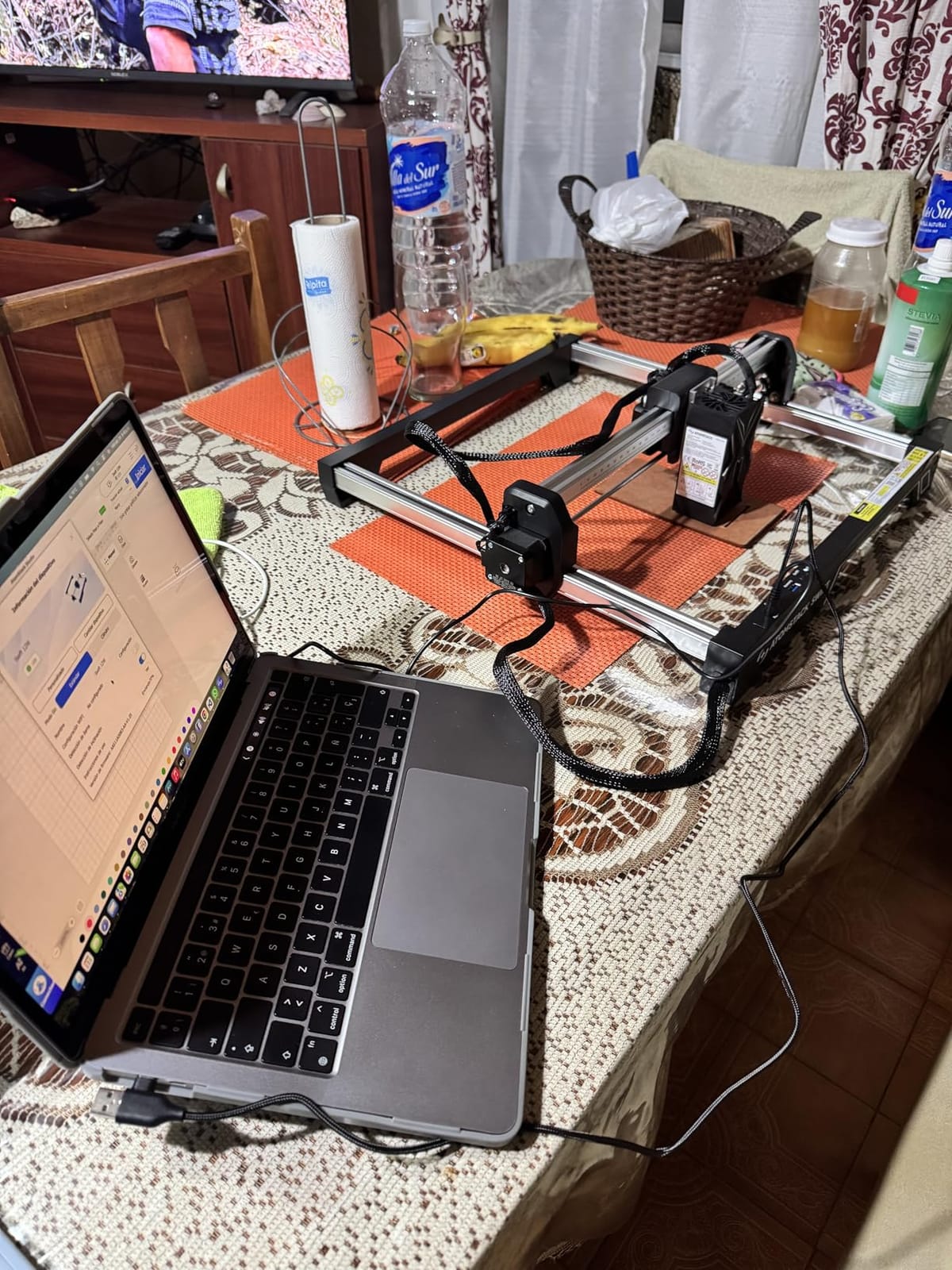
Connectivity is Type-C and USB alongside an app, LightBurn and LaserGRBL, so you are not locked into one path. Support is repeatedly described as responsive, and the warranty runs 365 days.
The reliability spread is the issue. A 16 percent one-star cluster points to alignment, connection and consistency problems on some machines, so keep the return window firmly in mind.
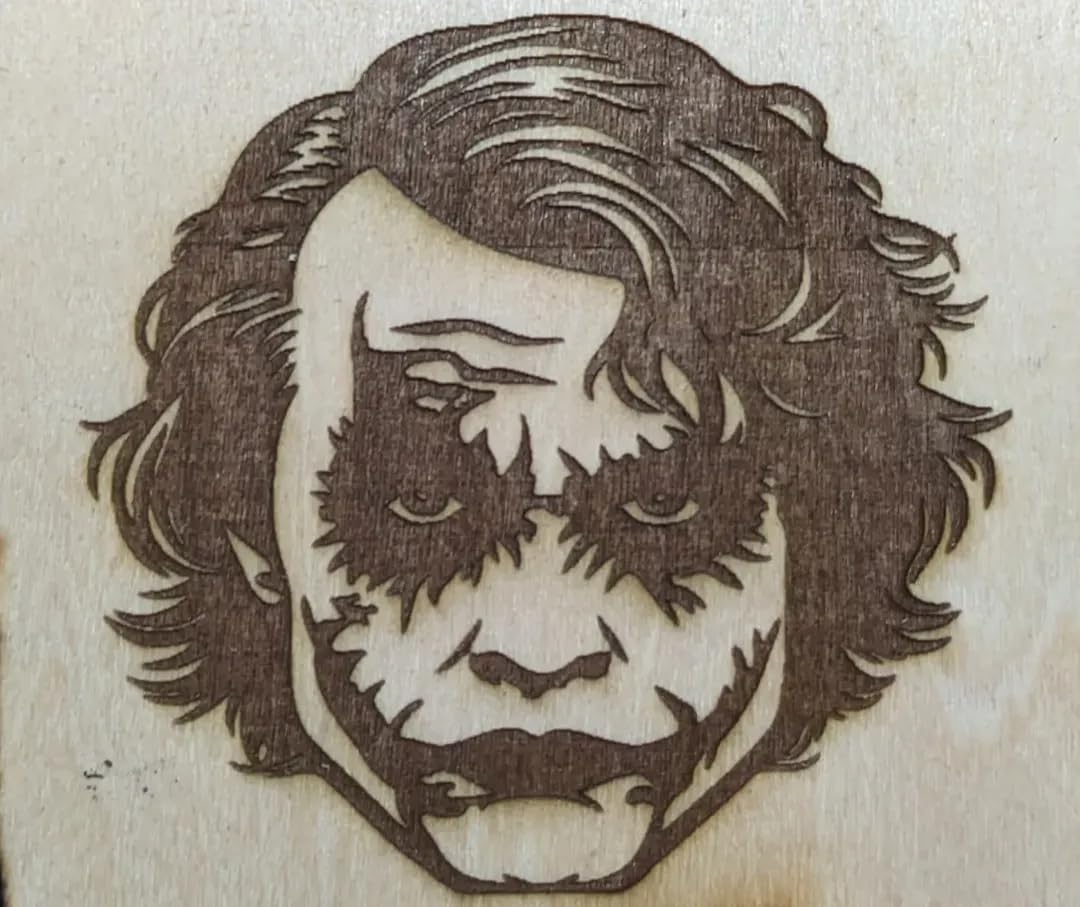
How 12W changes wood work
The jump from 10W to 12W is small on paper and noticeable in practice, mostly as fewer passes through the same hardwood. Where a 10W machine needs three or four passes on 8mm stock, the Swift usually gets close in one or two.
Air assist and enclosure are the real enablers of that performance, and the bare frame leaves both to you.
When the spec sheet and the reviews disagree
Variable results across individual machines are the recurring theme, so treat the 12W figure as a ceiling rather than a guarantee. Run a test grid on basswood on the day it arrives and keep the results.
Buy it if you want cutting speed on a budget and will do the calibration work. Skip it if predictability matters more to you than watts.
6. LONGER Ray5 20W – Best for Thick Wood and Hardwood Cutting
LONGER Ray5 Laser Engraver and Cutter Machine,20W Laser Engraver, 400×356mm
20W module
15mm pine single pass
400 x 365mm bed
Enclosed
Pros
- Single pass through 15mm pine and 8mm acrylic
- 256 colour palette gives smoother wood contrast
- Full enclosure with emergency stop and overheat protection
- Unusually well equipped controls for the tier
Cons
- Lowest average rating in the group
- Enclosed housing adds bulk and weight
- Smaller review base than older picks
If your work involves actually cutting wood rather than darkening its surface, this is the machine in the group built for it. The 20W module single-passes 15mm pine and 8mm acrylic, and multi-passes reach 25mm of wood.
The 256-colour palette is an underrated feature here. Wood grain shades slowly, and a wider palette produces smoother tonal transitions on bark, plywood face veneer and layered projects than a two-tone dither.
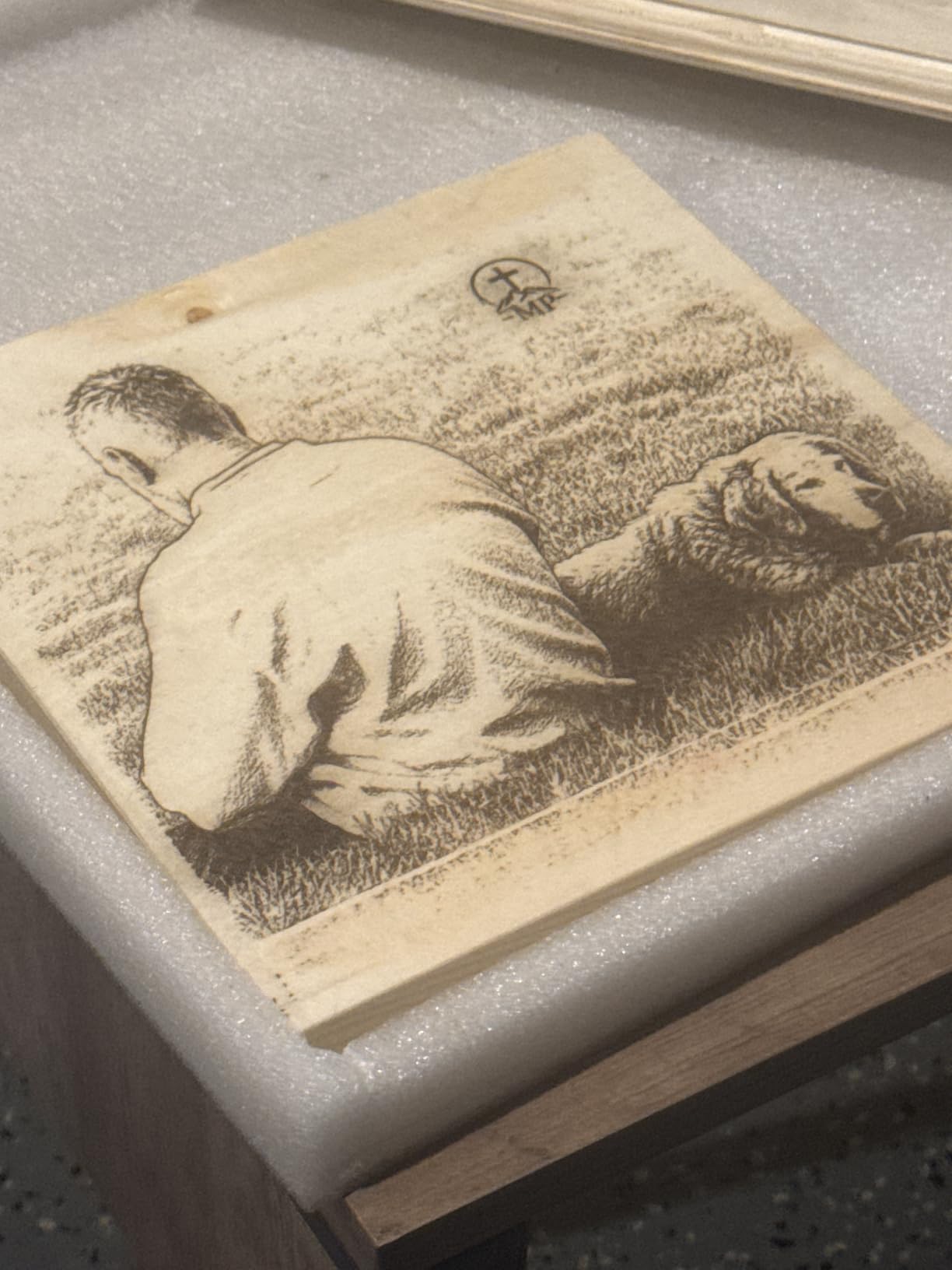
Controls are unusually good for the money: a 3.5-inch touchscreen plus USB, TF card, Wi-Fi and app control, with a single board able to run multiple machines for studio batches. The full enclosure includes emergency stop, motion, overheat and active cooling protection.
The 400 x 365mm bed takes full sheets of birch ply, which matters more for wood than the extra wattage does. LaserGRBL and LightBurn are both supported.
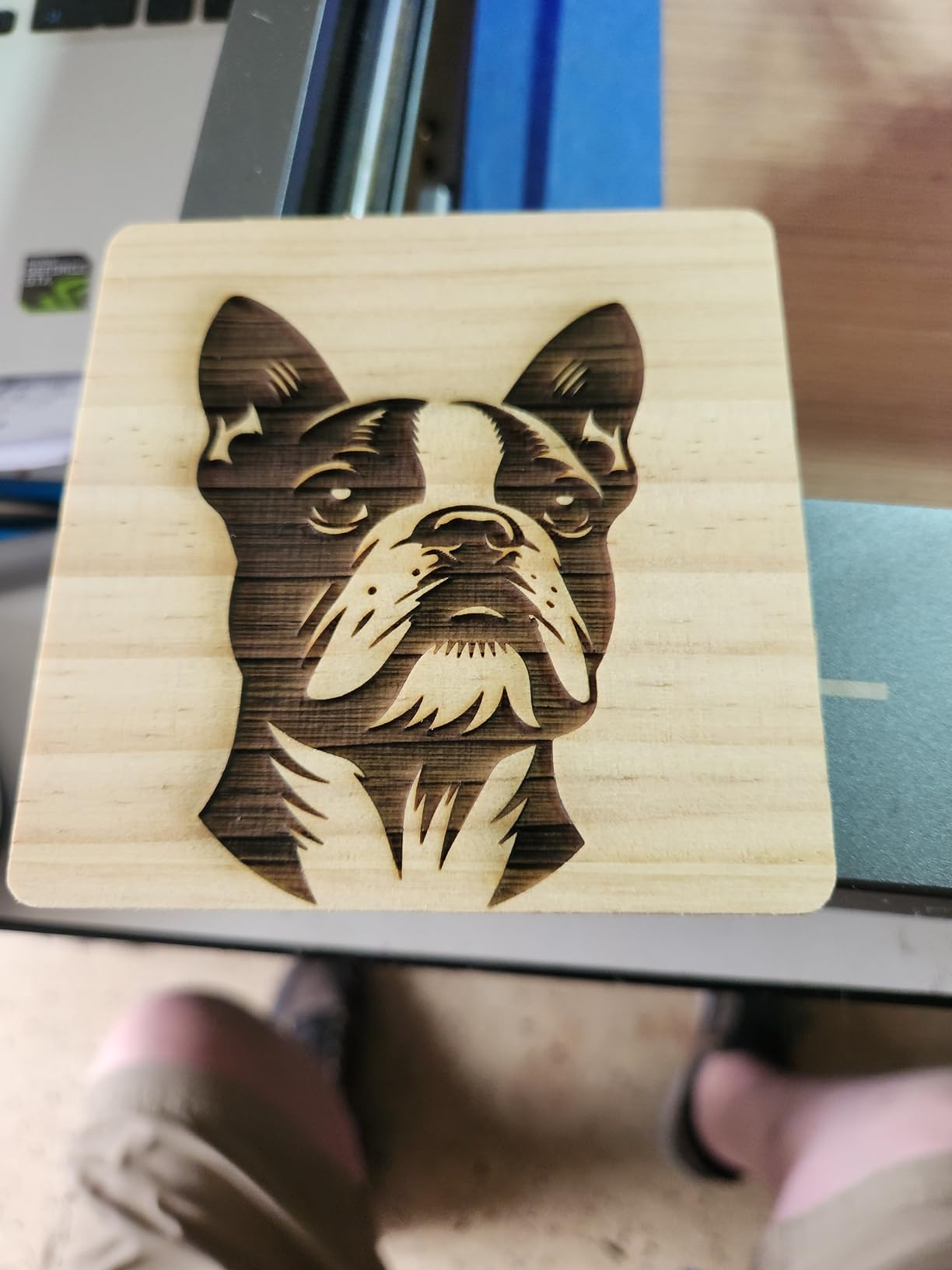
What 20W actually changes for a wood shop
Cutting pine without a fight. Single-pass through 15mm means your kerf stays narrow, edges stay square and a sign takes minutes rather than an afternoon of passes. On a 10W machine the same job is a different experience.
The enclosure is the second big win, because a 20W job produces noticeably more smoke and particulate than a 5W job.
The compromises to plan around
It carries the lowest average rating here at 4.0 with a 16 percent one-star share, which usually reflects early-production variance rather than a design fault. A smaller review base than the established picks means less field history.
The enclosure adds weight and footprint, so measure the bench before you commit.
7. Creality Falcon A1 – Best Enclosed Diode Laser for a Home Wood Shop
CREALITY FALCON A1 10W Laser Engraver, 80W Enclosed Laser Cutter and Engraver Machine with Air Assist, Smart Camera Positioning, 600mm/s Speed, Smart Material Recognition, Ideal for Wood & Metal
10W output
Class 1 enclosed
600mm/s
381 x 305mm bed
Pros
- Class 1 dual door enclosure is safe in a family home
- 600mm/s CoreXY motion is about three times typical
- Pre-calibrated camera speeds positioning
- Material presets cut down trial and error
Cons
- 43.6lb weight and small bed for its size
- Will not fit a 500 x 500mm honeycomb panel
- Cannot cut acrylic or mark mirrored surfaces
The Falcon A1 solves the problem that stops most people buying an open frame at all. It is a Class 1 machine with dual doors that filter 99 percent of laser radiation, plus auto-lock, emergency stop and smoke control, which means it can sit in a room with other people in it.
Speed is the second headline. The CoreXY system with dual motors reaches 600mm/s, roughly three times a typical open frame, so a full sheet of engraved signage moves in minutes.
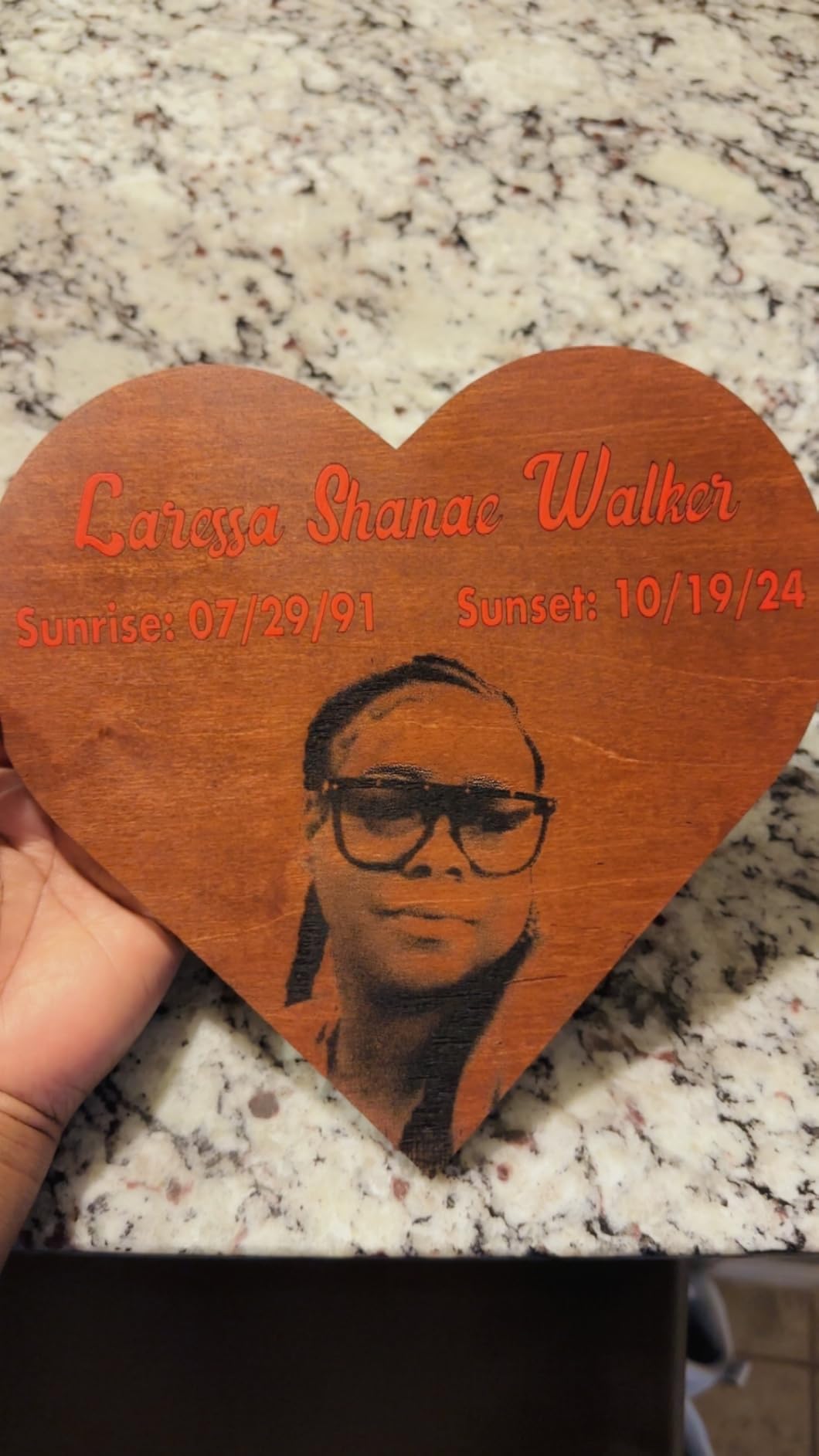
The pre-calibrated HD camera gives full-frame positioning and can extract the outline of a printed graphic to align against, which cuts wasted material. Falcon Design Space ships with preset material parameters and LightBurn, LaserGRBL and Cutlabx all work.
For wood specifically, the enclosure changes the result. Smoke and flame no longer drift across the bed, so thin ply and small components stay flat and uncharred at the edges.
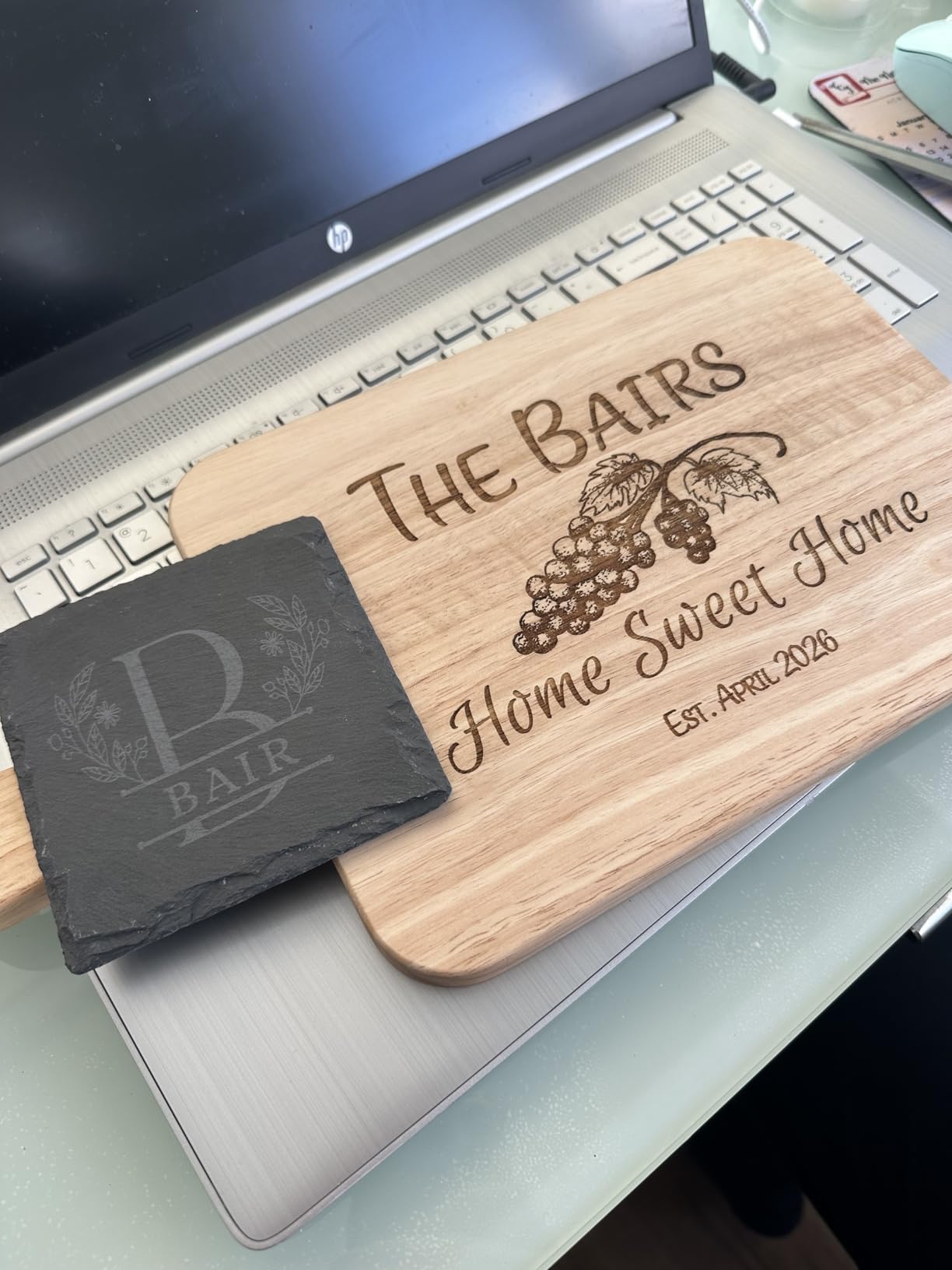
What a Class 1 enclosure really buys you
It removes the goggles-from-every-job rule and lets you run without chasing a shop corner. It also acts as a fire break, which matters when you are cutting thin ply that can catch at a poor focus height.
Air assist is included in the bundle, which on a wood machine is not a minor extra.
Physical limits to plan for
At 43.6lb with a 25 x 22 x 10.5 inch package, it is a two-person lift, and the 381 x 305mm bed is small relative to that footprint. It will not accept a 500 x 500mm honeycomb panel, so plan upgrades around that.
Reflective plastics and mirror finishes are out, and acrylic cutting is unsupported.
8. WAINLUXPRO K10 5W – Best First Laser for Tiny Wood Tags
WAINLUXPRO K10 5W Laser Engraver, Class 1 Enclosed Engraving Machine
5W laser
80 x 80mm bed
Class 1 enclosed
1.9kg body
Pros
- Class 1 enclosure is safe in a family home
- Weighs 1.9kg and stores in a drawer
- Works on wood leather glass acrylic cardboard and fabric
- TF card slot allows offline batch runs
Cons
- 80 x 80mm bed is tiny and home position is bottom-left
- Bundled Cutlabx software reduces image quality
- No marking on bare or reflective metal
The K10 is proportioned for a different job: jewellery tags, key rings, small logos and labels. At 1.9kg with an 80 x 80mm bed you can lift it with one hand and set it on a cutting board or a chair arm, which is a trick open-frame machines cannot do.
It is fully enclosed and Class 1 with tilt-stop and lid-open safety, so it is the least intimidating first laser in this group. The smart memory stores the last file for one-button repeat runs.
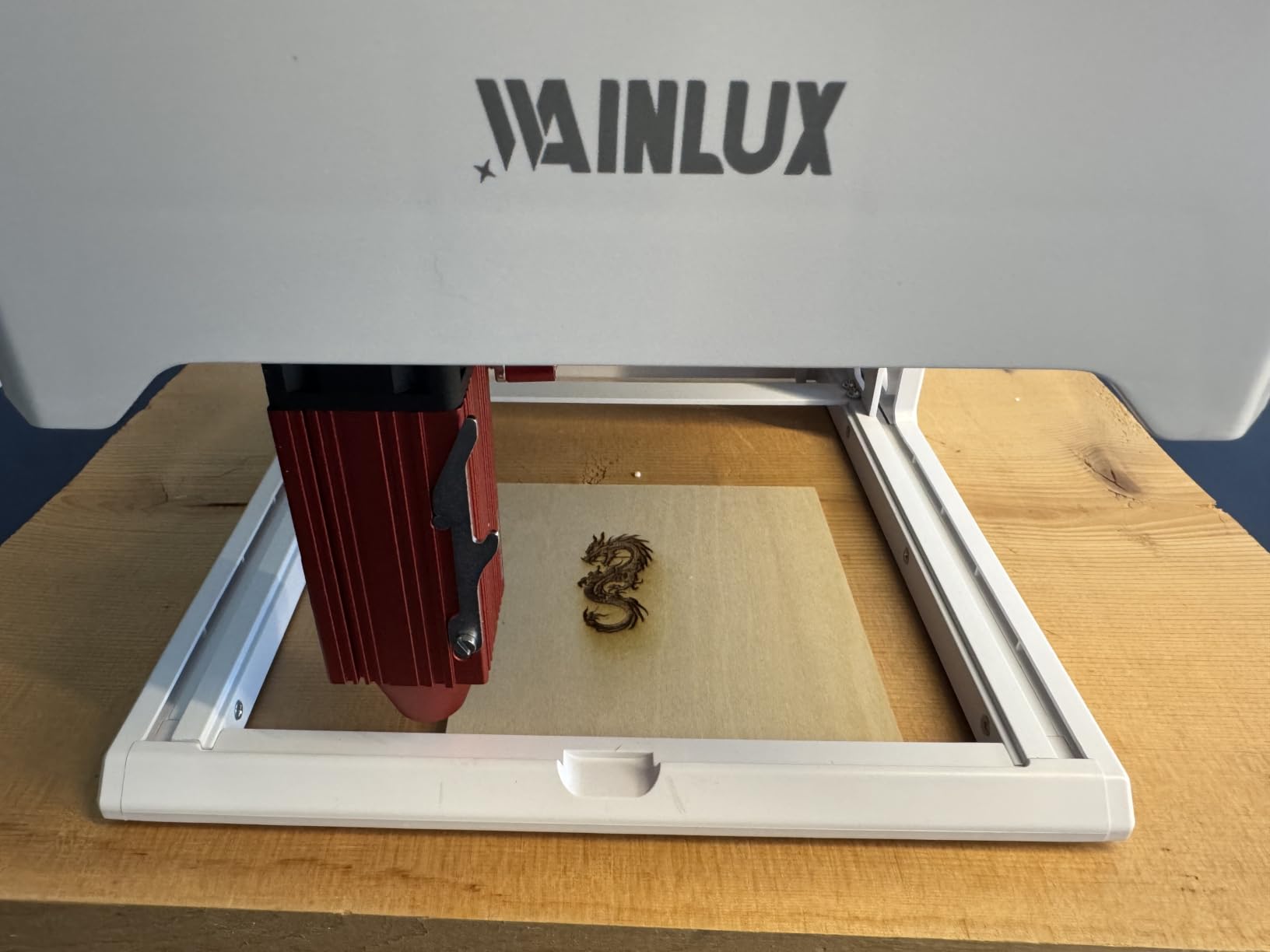
Wi-Fi, USB and TF card offline modes all work, and LightBurn, LaserGRBL and Cutlabx are supported, so software is not a limit. It cuts 3mm basswood, which is enough for thin tags and inlay work.
Support is the quiet strength. Owners whose first experience went wrong describe the team turning it around, which matters at this price.
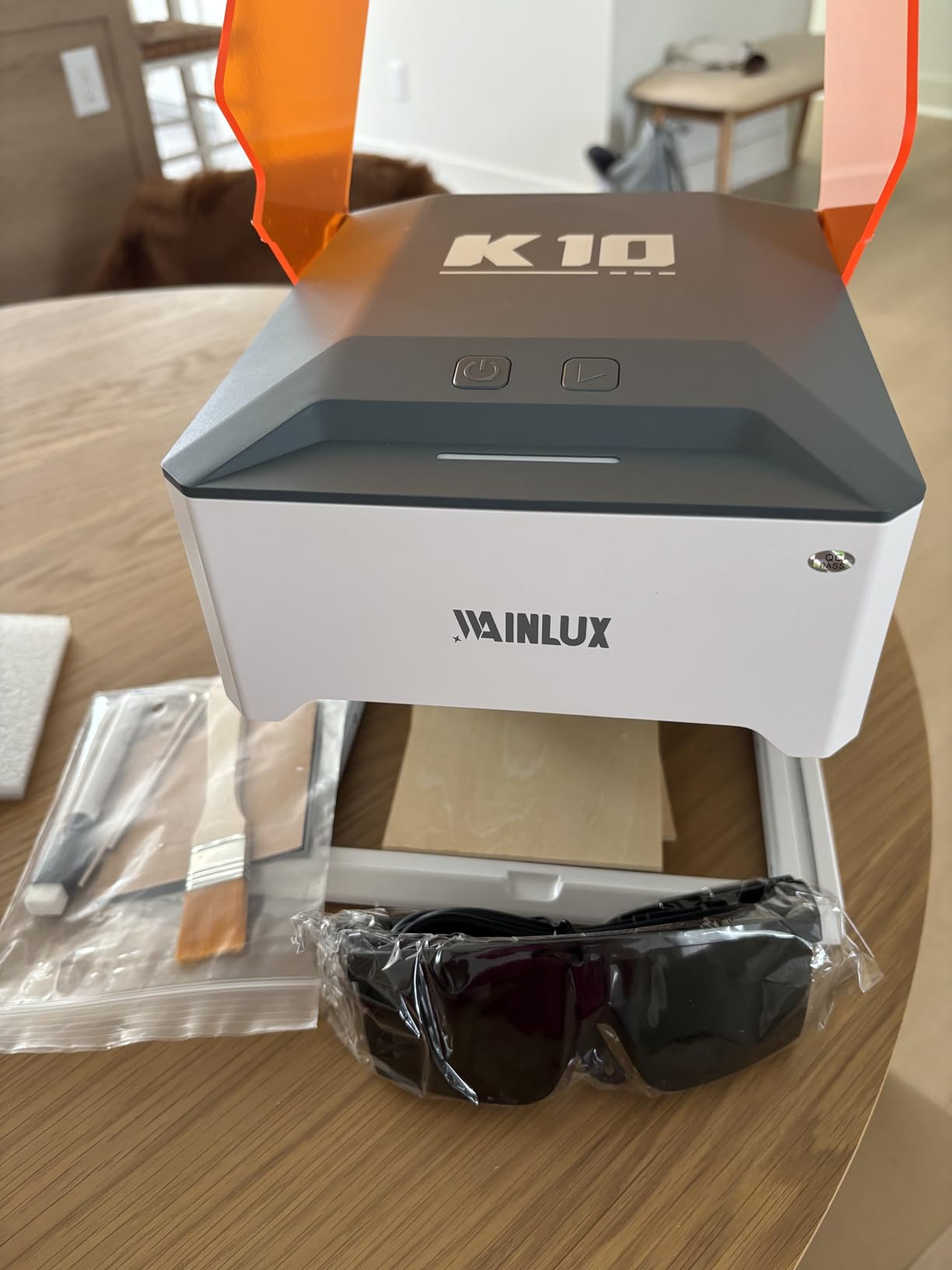
What fits in an 80 x 80mm bed
Small pendants, coaster-sized blanks, leather patches, cardboard prototypes and short runs of identical tags. Because the home position is bottom-left, the usable area is smaller than the number suggests, so measure your parts first.
Batch work is where the TF card slot pays off, since you can run repeats without a tethered computer.
When a bigger bed changes everything
The moment your project needs a sign, a full coaster set on one sheet, or anything you would rather not tile into four quadrants, this machine becomes a companion rather than a tool. The bundled Cutlabx software also softens image quality, so a LightBurn licence is the practical upgrade.
Reflective and bare metal surfaces will not mark at all.
9. Carverall K15 Pro – Best A4 Work Area for Small Signs
Carverall K15 Pro Laser Engraver 10W-Laser Engraving Machine for Coated Metal Wood Acrylic Glass Stone, Near A4 Work Area Offline Engraving CNC DIY Lazer Cutter for Home & Crafting 10000mW Class 1
10W verified output
A4 bed
Cuts 12mm plywood
IR upgrade path
Pros
- A4 work area in a machine that slides under a desk
- Verified 10W output cuts 12mm plywood
- Assembles in about 3 minutes with 6 screws
- Heightening columns handle tall items
- Upgradeable to a 1W IR head
Cons
- CutLabX is unstable so a LightBurn licence is likely needed
- Air assist enclosure camera and honeycomb are extras
- Manual has wrong page references
The K15 Pro is repeatedly described in reviews as the best value in the 10W class, and the numbers back it. Output is verified at 10.36 to 10.58W, and it cuts 12mm of plywood and 8mm of acrylic, which is well past the class average.
The 11.8 x 7.9 inch A4 bed is unusually useful for small signage, and four heightening columns let you engrave tall objects like gift boxes rather than only flat sheet material.
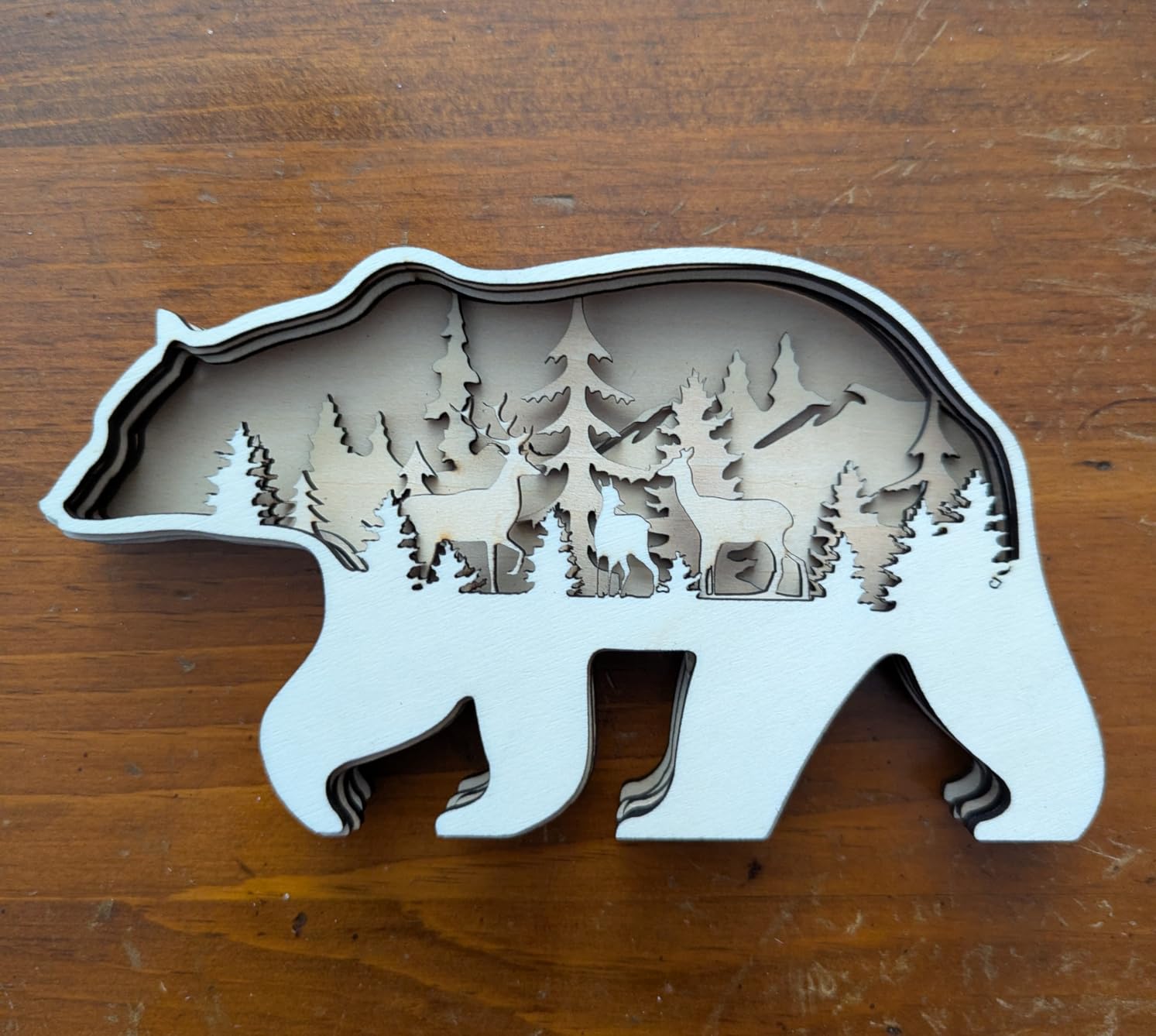
Setup takes about three minutes with 6 screws, and the starter kit includes safety glasses, materials and tools. Speed reaches 15000mm/min with 0.01mm precision, and a one-touch smart focus handles the focus step.
The upgrade path is worth noting. A 1W infrared head can be added for stainless steel and aluminium later instead of replacing the machine.

Why verified output matters on a wood job
A stated output that has been measured at the beam is rare in this category, and it is the number that determines passes per cut. Verified 10W on 12mm plywood is a real result, not a marketing rounding of a 48W electrical input.
For signage, the A4 bed plus a 15000mm/min ceiling means a batch of labels is a short job rather than an evening.
The real cost of ownership
Reviewers are blunt about this: the bundled CutLabX software is unstable enough that a LightBurn licence is often needed in practice, and air assist, an enclosure, a camera and a honeycomb bed are all add-on purchases. Ventilation is not included either.
Budget for those before the machine and the value case holds. The manual also has wrong page references, so budget an hour of setup time.
10. xTool M2 10W – Best Polished Setup and Camera Positioning
xTool M2 10W Laser Engraver, Built-in Dual Cameras, Class 1 Enclosed Safe Laser Engraving Machine for DIY Craft on Wood, Leather, Felt, Fabric, Paper
10W Class 1 enclosed
Dual cameras
A3 bed
xTool Studio software
Pros
- Best rated machine in the group at 4.5
- Built-in dual cameras make positioning easy
- Guided out of box setup walks first timers through alignment
- Expandable to colour printing with the inkjet module
Cons
- Smallest review base in the group at 39 reviews
- About 1 inch of vertical clearance only
- LightBurn is not supported
- Rotary and inkjet modules cost extra
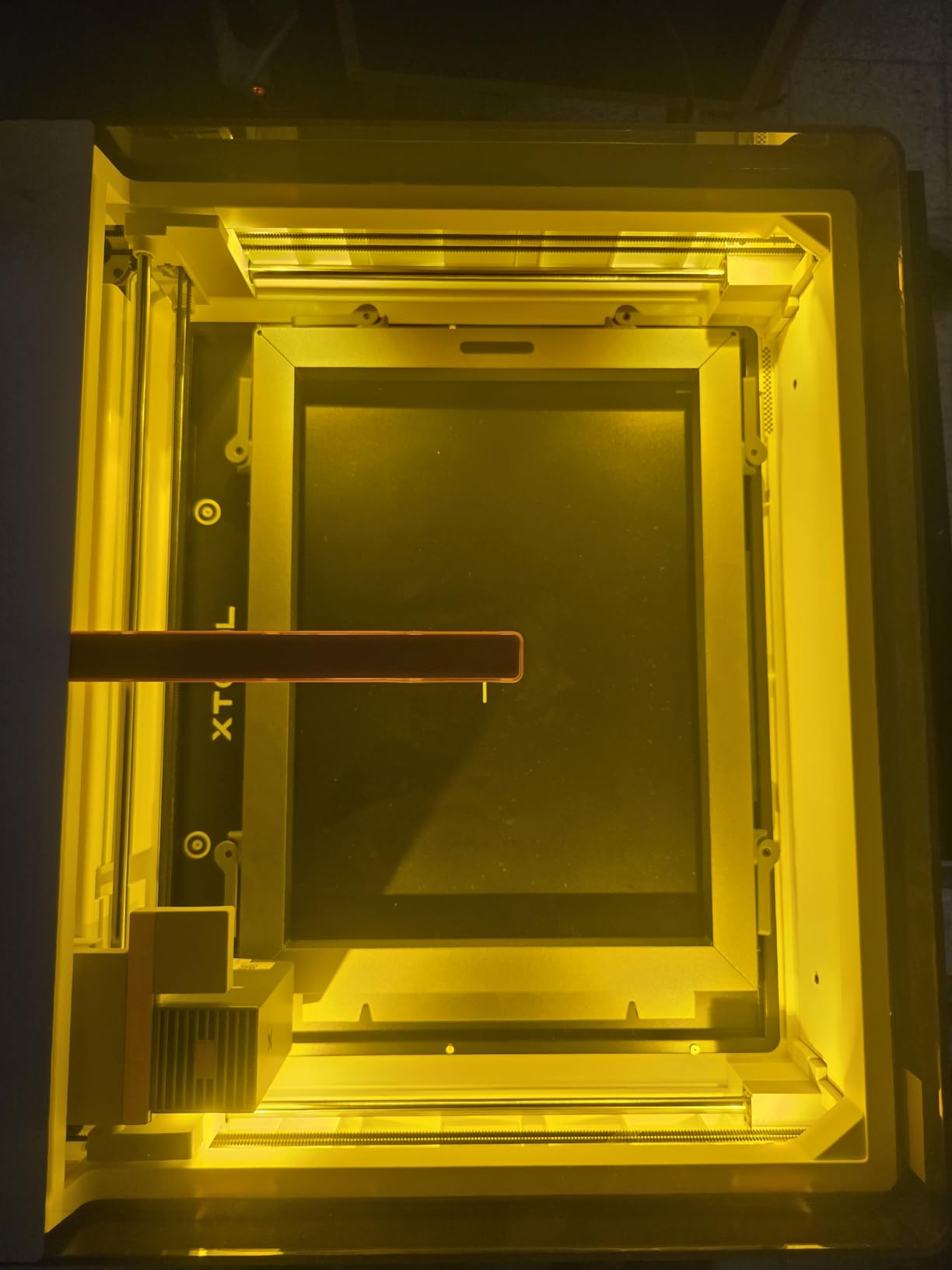
The xTool M2 is the most polished experience we found. The built-in dual cameras give a real-time workspace preview and the Place and Go motion fusion feature picks out a target and centres it, which removes the most tedious part of laser work on irregular wood shapes.
It is fully enclosed and Class 1, rated at 10000mW standard output, with an A3-class engraving area and 36.2lb of machine behind it. Guided setup walks a first-time owner through alignment rather than leaving them to guess.
For wood, the colour option matters more than it sounds. A dual-mode architecture accepts an optional CMYK inkjet module for print-to-cut workflows, so a wood blank can be printed and then cut to the printed line. The inkjet module and RA3 Lite rotary are sold separately.
It ranks fourth in Jewelry Making Engraving Machines and Tools, and owners consistently praise xTool support.
Where the cameras pay off on wood
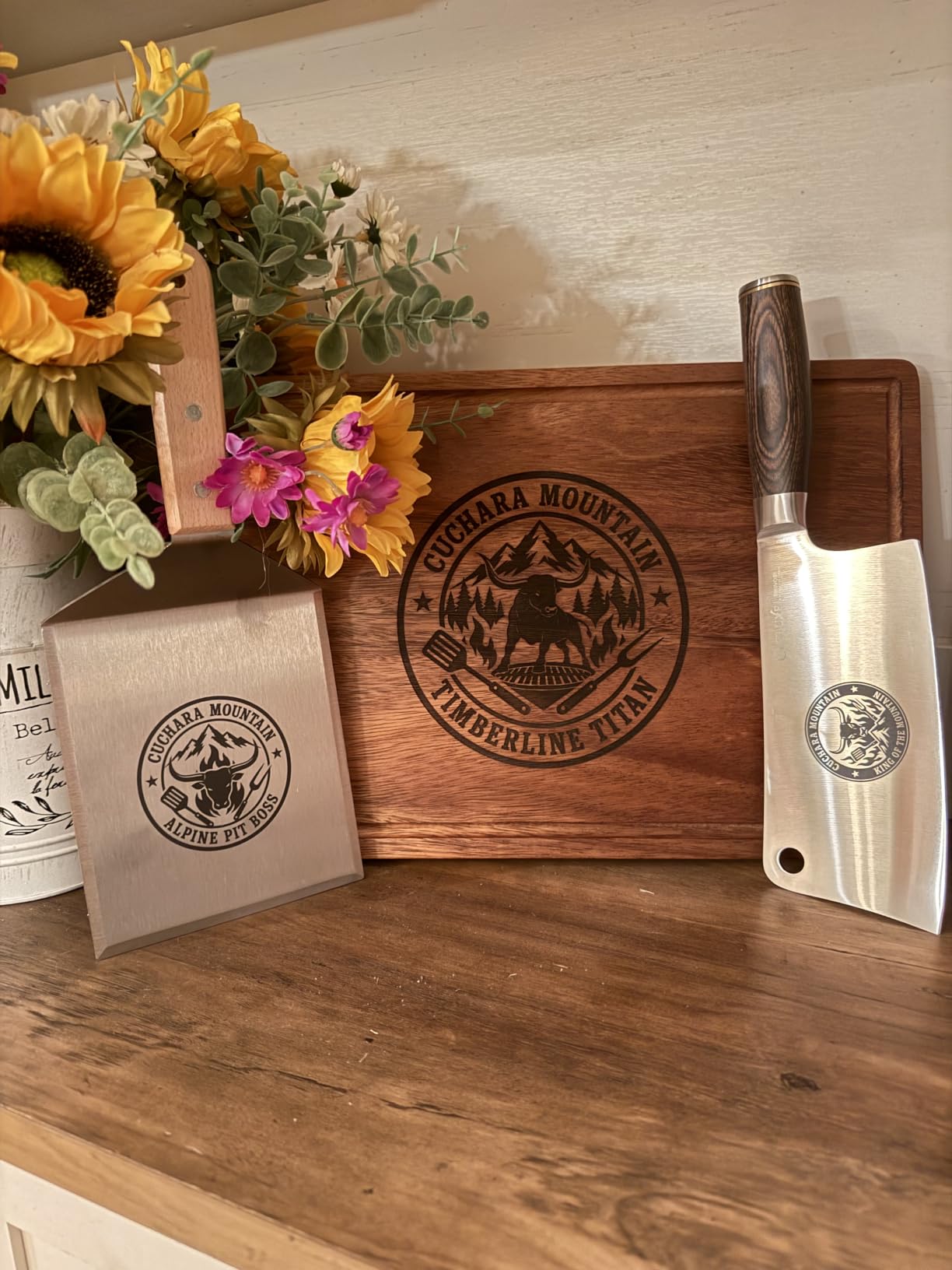
Anything with an irregular outline: coasters, bottle-shaped paddles, offcuts, hardware-store timber. The camera extracts the shape and places the artwork inside it, so a design no longer needs to be manually centred on an odd blank.
There is a workaround for pieces that cover the registration marks, which owners mention directly.
What to weigh before buying
The rating is the highest here at 4.5, but the review count is the lowest at 39, so long-term durability is unproven. Vertical clearance is roughly 1 inch and the standard honeycomb bed nearly fills it, which limits thicker stock.
Software is the real trade-off. It runs xTool Studio, not LightBurn, which advanced users find limiting. You will also need an xTool air purifier for safe indoor use.
11. Woxcker L2 MAX – Best Safety Package on an Enclosed 10W
Laser Engraver 10W for DIY Maker, Small Business, 300×300mm Large Area, 20,000mm/min High-Speed Engraving Machine, 0.01mm Ultra-Precision for Wood, Metal, Leather, 360° Enclosure, Class 1 10000mW
10W Class 1
300 x 300mm
20000mm/min
Flame detection
Pros
- 20000mm/min is among the fastest claimed here
- 360 degree enclosure contains fumes dust and noise
- Flame detection plus tilt stop and safety lock
- Five part modular assembly cuts setup time
Cons
- Smallest mid-priced review base at 83
- Enclosure is heavy and large for a 300mm bed
- Air assist and rotary are optional extras
The L2 MAX is the enclosure to look at if you want containment without the footprint of a full studio machine. The 360-degree aluminium body contains fumes, dust and operating noise, and the safety suite includes lid-open auto-stop, flame detection, emergency stop, a safety lock and a 15-degree tilt stop.
That flame detection is unusual at this tier and directly relevant to wood, where a thin offcut catching at a poor focus height is the most common fire risk you will meet.
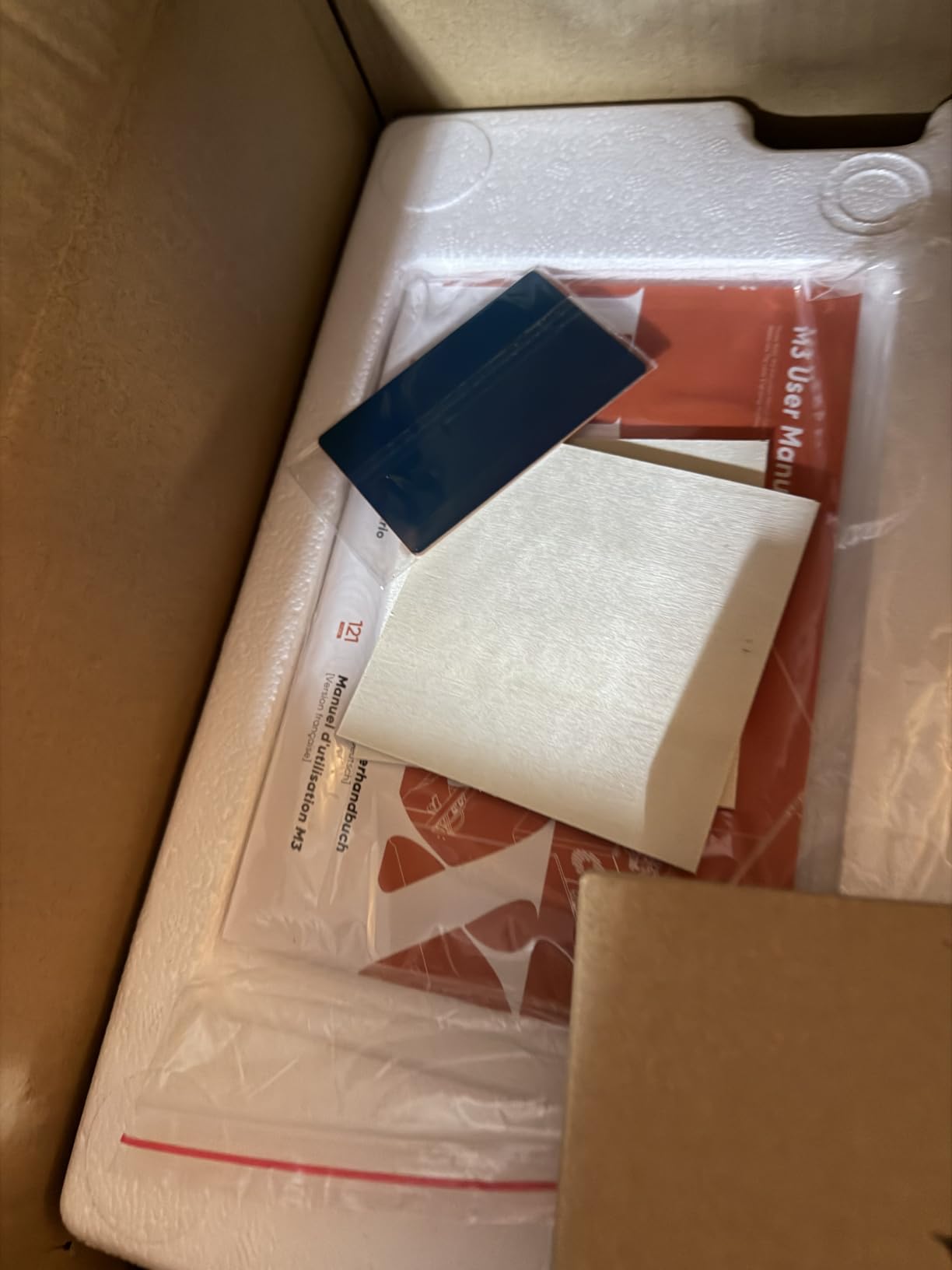
Speed reaches 20000mm/min on a 0.01mm square focus point and a 300 x 300mm bed, so small wood jobs finish fast and text stays sharp. Five-part modular assembly saves roughly 30 to 40 minutes of setup compared with a one-piece frame.
LightBurn, LaserGRBL and Cutlabx all work, with Wi-Fi, USB, app and TF card control. Air assist and rotary roller are supported as options.
Why containment changes wood work specifically
Wood smoke and fine particulate are the reason a diode machine gets banned from shared rooms. Inside an enclosure, the extraction point can be small and near the source, and the fire risk from a smouldering edge is contained instead of spreading across a bench.
For someone engraving MDF or plywood in a garage, that is worth more than extra watts.
What the specs do not cover
The 4.4 score comes from 83 reviews, so the field history is thinner than the numbers suggest. At 9.1kg the enclosure is heavy for a 300 x 300mm bed, and air assist is an extra purchase, which is a strange omission on a machine built around containment.
Confirm the footprint fits your bench before you order.
12. WECREAT Vista 10W – Best All-in-One with Rotary and Extraction
WECREAT Vista 10W Laser Engraving Machine with 9-in 1 Rotary, Smart HD Camera, Compact Diode Desktop Laser Engraver for Beginners DIY Hobbyist Wood Leather Glass Metal Jewelry Gifts Making
10W Class 1
16.34 x 11.42in bed
600mm/s
9-in-1 rotary
Pros
- Metal enclosure with air assist and CleanAir extractor included
- TopView camera with auto-focus positioning
- 9-in-1 rotary removes manual tumbler calibration
- Full LightBurn support with a large design library
Cons
- Heaviest machine here at 53.9lb
- Large 30 x 23.62in footprint
- Modest installed base in crafts categories
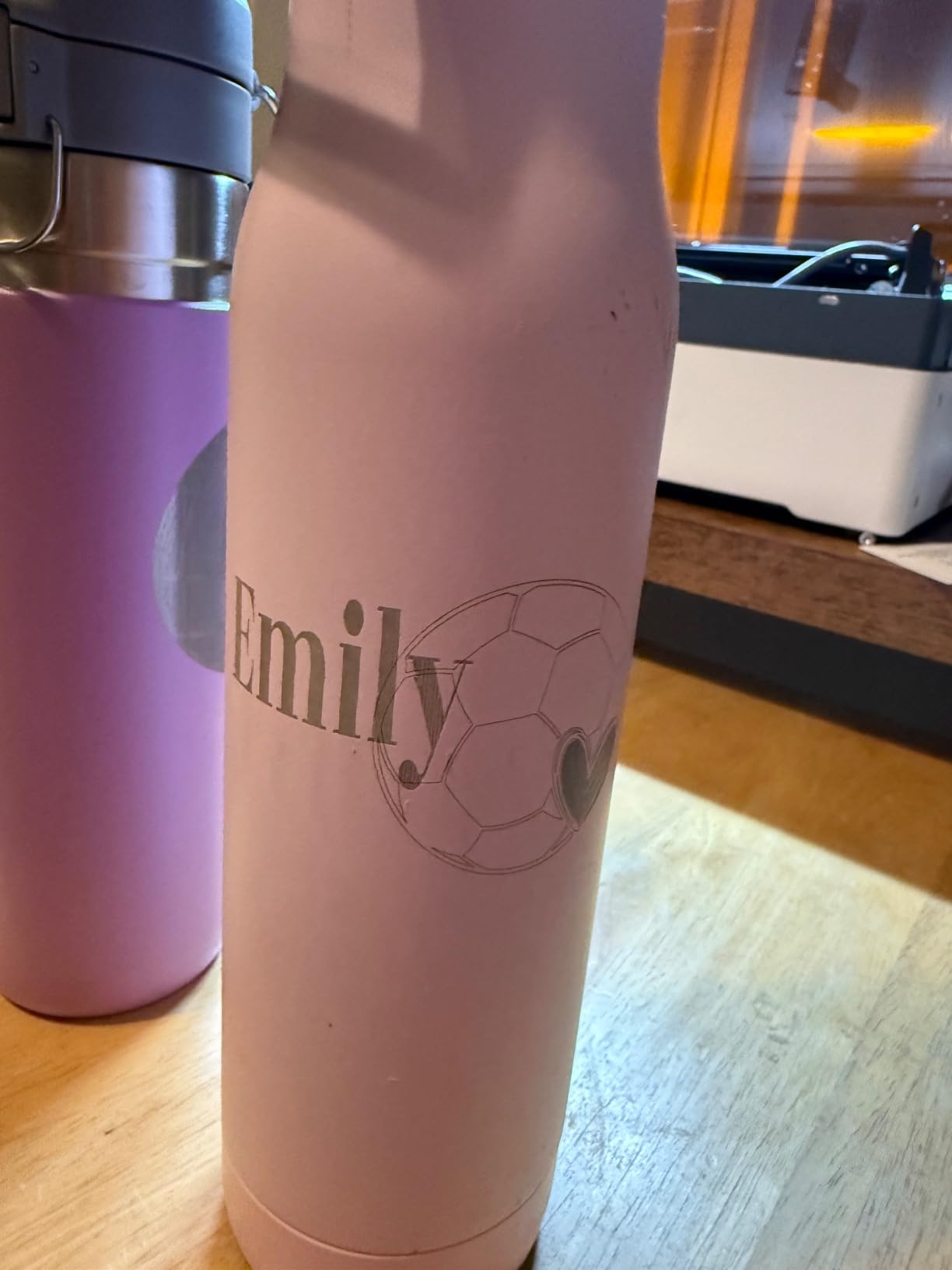
The Vista is the most complete package in the roundup and the easiest to justify as a single purchase. It arrives as a fire-retardant metal enclosure with air assist and a CleanAir fume extractor already built in, so the safety hardware that most open-frame buyers assemble separately is simply part of the machine.
The TopView HD camera gives distortion-free scanning and auto-focus positioning, and the bundle includes a 9-in-1 rotary kit with the patented 90-degree FlipLaser attachment, which is a large shortcut if you ever engrave a tumbler or a cup.
Software is a real strength. It supports LightBurn in full, plus the WeCreat MakeIt library with more than 2000 projects, 500 typefaces and thousands of SVGs, which shortens the learning curve considerably.
The 0.06 x 0.04mm spot is the tightest in the group, and the 16.34 x 11.42 inch work area at 600mm/s takes a good sheet of plywood for a sign run.
Who this bundle is built for
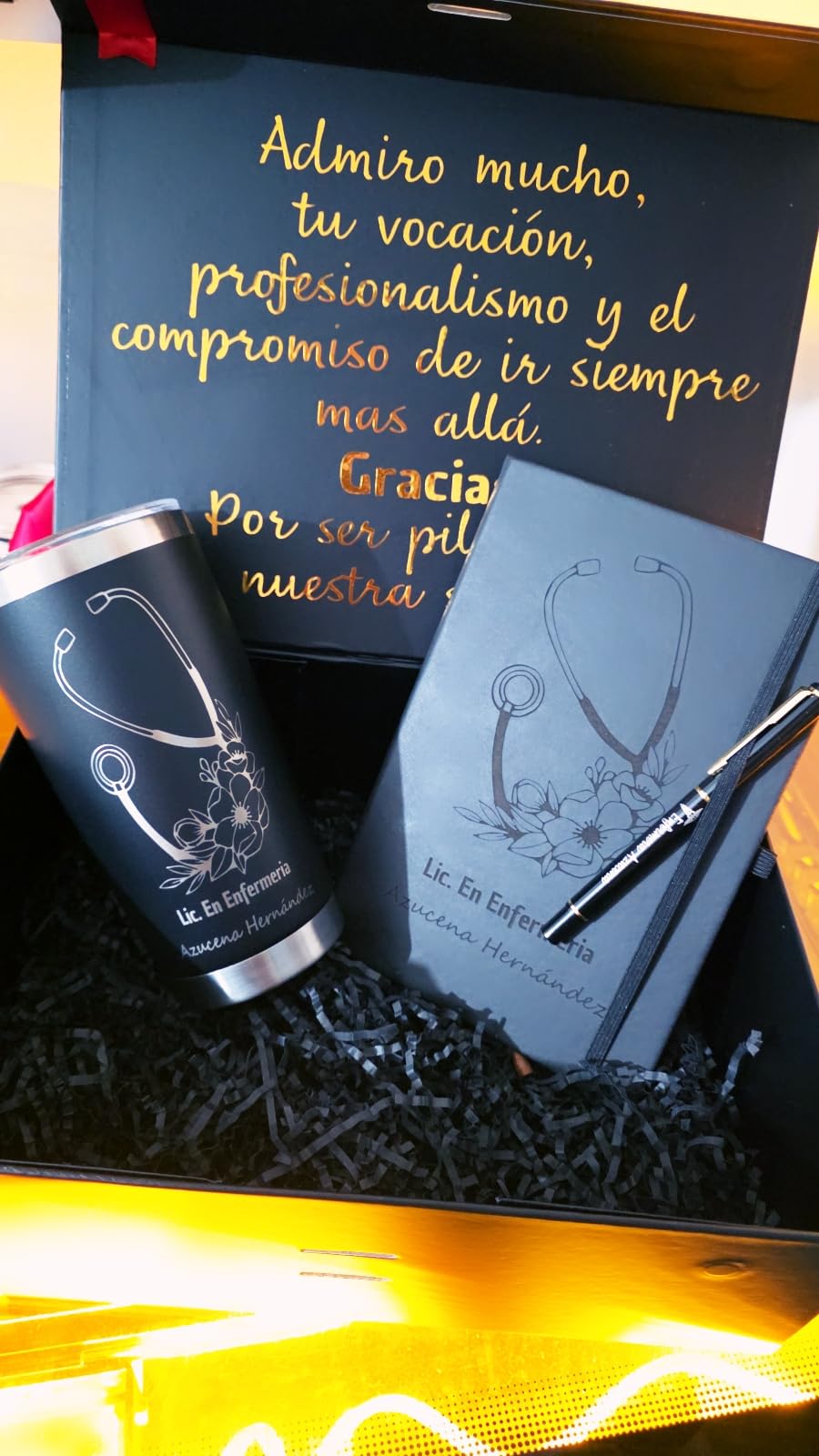
Anyone who wants a wood shop on day one without a shopping list. Enclosure, extraction, air assist, camera and rotary are all present, and reviewers describe that completeness as removing most of the calibration and safety work other machines leave to the buyer.
For a small business personalising gifts, that consolidation is the entire value argument.
Where the cost and size bite
It is the heaviest machine here at 53.9lb with a 30 x 23.62 inch footprint, so it needs a dedicated bench and a clear path to get it into place. The 70-review track record is modest, and its ranking in Arts and Crafts categories suggests a smaller installed base than the cheaper machines.
An optional 2W infrared module extends it to plastics and coated metal later.
How to Choose a Diode Laser Engraver for Wood
Optical power is not the number on the box
Most listings quote two figures. The optical output is what burns the wood; the electrical input power is what the power supply draws. A 10W diode is typically a machine rated well above 10W on the power supply, and the reverse error is common too, where a machine claims 48W output for a 6W diode.
The second thing nobody mentions is the controller cap. The GRBL firmware max-power command and LightBurn’s S-Value Max can disagree, and when the firmware value is lower than the software value the machine simply never delivers full power. A LightBurn forum poster reported exactly this: a value sitting at 255 against a software default of 1000, and matching the two numbers fixed the perceived underperformance for free.
Test it yourself with a grid of power and speed combinations on 3mm basswood, a void-free uniform sheet, with focus and air assist fixed. Whatever cuts through cleanly is your real maximum, and it is different on every machine.
Work area decides your project size
Bed size limits output more often than wattage does. Anything under 200mm is a tag machine, 300mm is a coaster and small sign machine, and 400mm or more takes full sheets. The Creality Falcon A1 is the case to remember, a large footprint with a 381 x 305mm bed that will not take a 500mm honeycomb panel.
Enclosure decides where you can put it
Class 1 enclosed machines filter the beam and the smoke, which means they can work in a room with people and pets in it. Open Class 4 frames need goggles for every job, a dedicated extraction point, and honest fire precautions. There is no compromise here, so choose for your actual room.
Software freedom matters more than features
LaserGRBL is free and adequate for engraving files. LightBurn costs a one-time fee, handles multi-layer and rotary jobs, and is what the community tunes against. Cutlabx, xTool Studio and the manufacturer tools are convenient and can be limiting. Check the software before the hardware, because a locked machine cannot be rescued by a better gantry.
Wood Species, Settings and Realistic Cut Depth
Basswood is the diagnostic standard because it is uniform and void-free, so a failed cut means the machine, not the timber. Birch and Baltic birch plywood give excellent contrast and clean edges for layered projects. Pine cuts fastest but the resin causes flare-ups and smudging, so scan the board first and pick knot-free areas. MDF engraves crisply and cuts easily, but the dust and formaldehyde binder mean extraction is not optional. Walnut and other hardwoods give the richest burn but need multiple passes and patience.
As a rule of thumb from the numbers above, a 6W class machine single-passes 3mm, a 10W class machine reaches 5 to 12mm depending on the frame, and a 20W module single-passes 15mm of pine. Air assist and a single focus height decide as much as the wattage does.
Laser Safety With Wood
Wear OD6+ rated eyewear matched to the wavelength whenever a Class 4 machine is powered, including during alignment and focus checks. Keep the beam path clear and never leave an open frame running unattended, because a gantry stall mid-job is a documented fire risk on diode systems.
Never engrave PVC, vinyl or any plastic containing chlorine, and skip painted, stained or pressure-treated lumber, since the coatings and preservatives release toxic fumes when they char. An enclosed machine with integrated extraction is the simplest way to remove this risk, which is why three of our picks rate so highly for indoor use.
Frequently Asked Questions
What is the best laser engraving machine for wood?
For most home and small shop wood projects, a 10W to 20W diode laser is the best balance of price, safety and cut depth. The Ortur Laser Master 2 S2 leads our list because it single-passes 20mm of wood and keeps both LaserGRBL and LightBurn available. Choose an enclosed Class 1 model such as the Creality Falcon A1 if you need to run it in a shared room.
Which is better, CO2 or diode laser?
For wood at a home or small business scale, a diode laser is usually better: it costs far less, needs no consumable tube, vents more simply and engraves wood with strong contrast. A CO2 tube cuts thicker hardwood and plywood faster and cleaner, but it needs water cooling, an air compressor and a ventilation duct, and the tube is a consumable that eventually fails.
Is LightBurn better than LaserGRBL?
LightBurn is better once you outgrow simple engraving files. It supports layers, rotary jobs, better image control and lets you set the maximum S-Value power, which directly affects how hard a diode machine drives the wood. LaserGRBL is free, fast and perfectly adequate for single-layer engraving, so it is a sensible place to start.
What are the best settings for a laser engraver to engrave wood?
Set focus with the manufacturer plate, enable air assist, then run a test grid across power and speed on scrap of the same species. On basswood and birch ply, start in the 30 to 60 percent power range and adjust speed until the line is dark but not smoking. Pine needs lower power and more passes because resin runs, and MDF needs extraction.
What is the average lifespan of a laser engraving machine?
A well-maintained diode engraver commonly runs for thousands of hours of cutting time, and the main limiters are the motion system and the optics rather than the diode itself. Keeping the lens and mirrors clean, blowing the rails regularly and using air assist cuts smoke off the optics, which is the single biggest cause of a faded beam over time.
Final Verdict
The Ortur Laser Master 2 S2 is the best diode laser engraver for wood in this group, because it is the only one that puts 20mm of wood through in a single pass while keeping the frame repairable and the software unlocked. Buy the Twotrees TTS-10 Pro if you want a stiffer frame for less, and the Creality Falcon A1 or Woxcker L2 MAX if the machine has to share a room with people.
Whatever you choose, run a test grid on 3mm basswood on day one, check the controller max-power setting against your software value, and buy an enclosure or an extractor before you burn a pile of MDF. That advice has not changed since 2026 began, and it still separates a good machine from a disappointing one.