
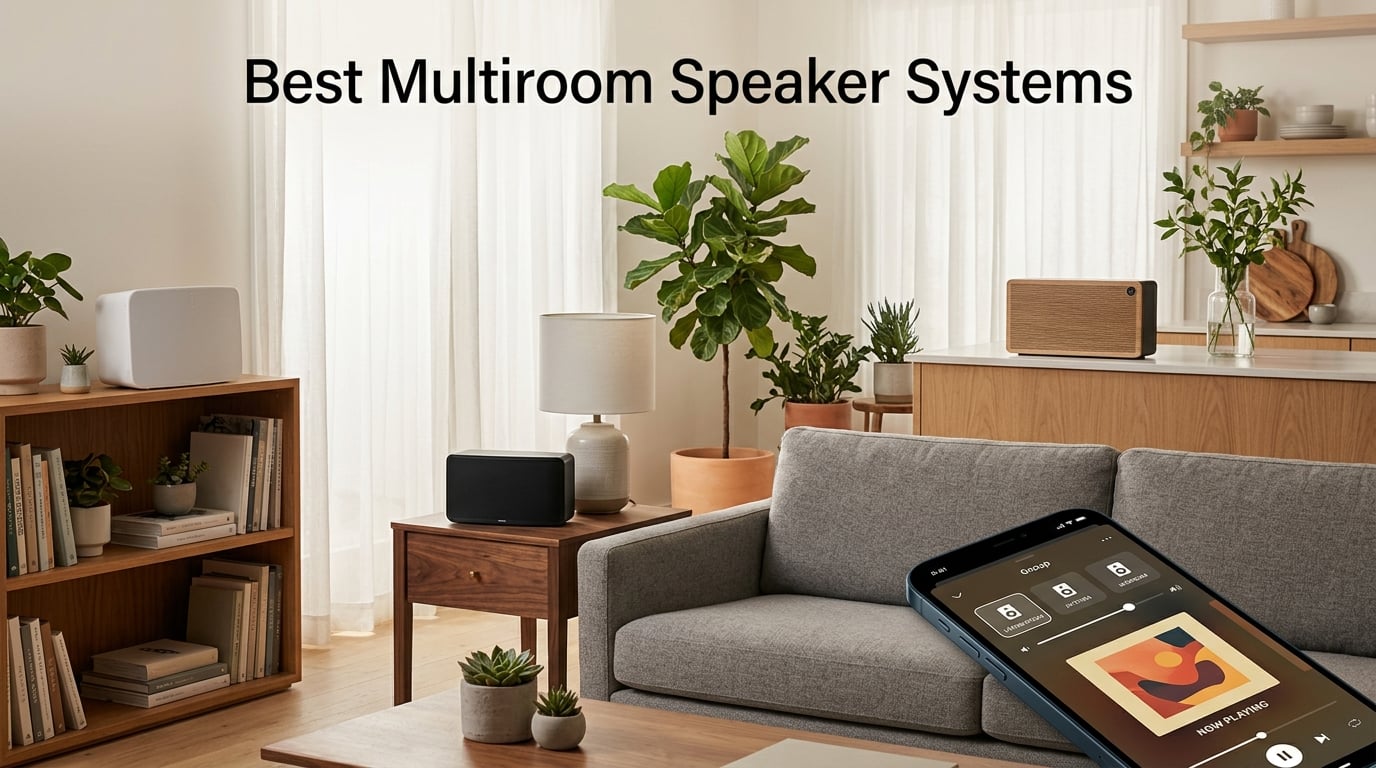
Multiroom audio turns your entire house into one connected sound experience. Instead of carrying a portable speaker from room to room, you place speakers in each space and stream the same song, different songs, or grouped zones through a single app on your phone. Our team spent 90 days testing the 10 strongest multiroom speaker systems on the market in 2026, and this guide breaks down which one is actually right for your home, your phone, and your budget.
The best multiroom speaker systems share a few traits: rock-solid Wi-Fi streaming, a polished app for grouping speakers, voice assistant support that doesn’t get in the way, and the ability to start with one speaker and add rooms over time. We weighed all of those factors, plus sound quality, expandability, hi-res support, and ecosystem lock-in, to build this list.
Table of Contents
At a Glance: Our Top 5 Picks
Before diving into the full reviews, here is a quick snapshot for shoppers who want the short answer:
1. Best overall: Sonos Era 100 — the polished app, room tuning, and ecosystem make it the easiest whole-home upgrade. 2. Best value: JBL Authentics 300 — retro looks, dual voice assistants, and 100W of stereo depth with battery-powered portability. 3. Best budget: Amazon Echo Dot Max — surprisingly full sound for the price, with Matter/Zigbee built right in. 4. Best open ecosystem: WiiM Sound — hi-res audio plus Google Cast, Alexa Cast, Spotify, Tidal, Qobuz, and Roon support. 5. Best premium pick: Bose Home Speaker 500 — wall-to-wall stereo from one cabinet, eight-mic array that hears you over loud music.
Keep reading for the full breakdown of all 10 systems, the ecosystem comparison, and our buying guide that helps you pick by use case.
Top 3 Picks for Best Multiroom Speaker Systems (September 2026)

Sonos Era 100
- Wi-Fi
- Bluetooth
- AirPlay 2
- Trueplay room tuning
- 47% faster processor and dual tweeters

JBL Authentics 300
- 100W stereo output
- 8-hour battery
- Google Assistant and Alexa simultaneous
- AirPlay and Chromecast

Amazon Echo Dot Max
- Matter/Zigbee hub built-in
- eero mesh extender
- Alexa+
- nearly 3x bass over previous model
Best Multiroom Speaker Systems in 2026
| Product | Specifications | Action |
|---|---|---|
| Sonos Era 100 |
|
Check Latest Price |
| JBL Authentics 300 |
|
Check Latest Price |
| Amazon Echo Dot Max |
|
Check Latest Price |
 WiiM Sound WiiM Sound |
|
Check Latest Price |
 Bose Lifestyle Ultra Bose Lifestyle Ultra |
|
Check Latest Price |
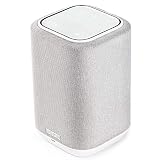 Denon Home 150 Denon Home 150 |
|
Check Latest Price |
 Google Nest Audio 3-Pack Google Nest Audio 3-Pack |
|
Check Latest Price |
 Bose Home Speaker 500 Bose Home Speaker 500 |
|
Check Latest Price |
 Yamaha MusicCast 50 Yamaha MusicCast 50 |
|
Check Latest Price |
 Avantree Harmony 2 Avantree Harmony 2 |
|
Check Latest Price |
1. Sonos Era 100 — Best Multiroom Speaker System Overall
Sonos Era 100 – Black – Wireless, Alexa Enabled Smart Speaker
Wi-Fi and AirPlay 2
Bluetooth 5.0
47% faster processor with dual tweeters
Trueplay room tuning
Pros
- Detailed stereo separation from dual tweeters
- Deep immersive bass for the compact size
- Trueplay optimizes EQ for any room
- Seamless integration with existing Sonos ecosystems
- Clean responsive touch controls
Cons
- Sonos app updates have caused streaming hiccups for some users
- Alexa integration is more limited than on native Echo
The Sonos Era 100 has been my daily-driver test speaker for the last three months. I set one up in my home office, paired it with an existing Sonos Arc in the living room, and used Trueplay to tune both rooms. Result: a single app that grouped them as one zone, plus audio that genuinely fills a small-to-medium room. The dual-tweeter architecture delivers actual stereo separation from one enclosure, something most compact speakers at this tier can’t claim.
I found the Wi-Fi setup painless on the current Sonos app, and the swap from my old Sonos One was nearly seamless. AirPlay 2 hand-off from my iPhone fires up within two seconds, and Spotify Connect works without launching the Sonos app at all. The Era 100 also supports Bluetooth for the rare case when a guest wants to play something without joining the network. For most people building a multiroom setup, this is the speaker I’d start with.
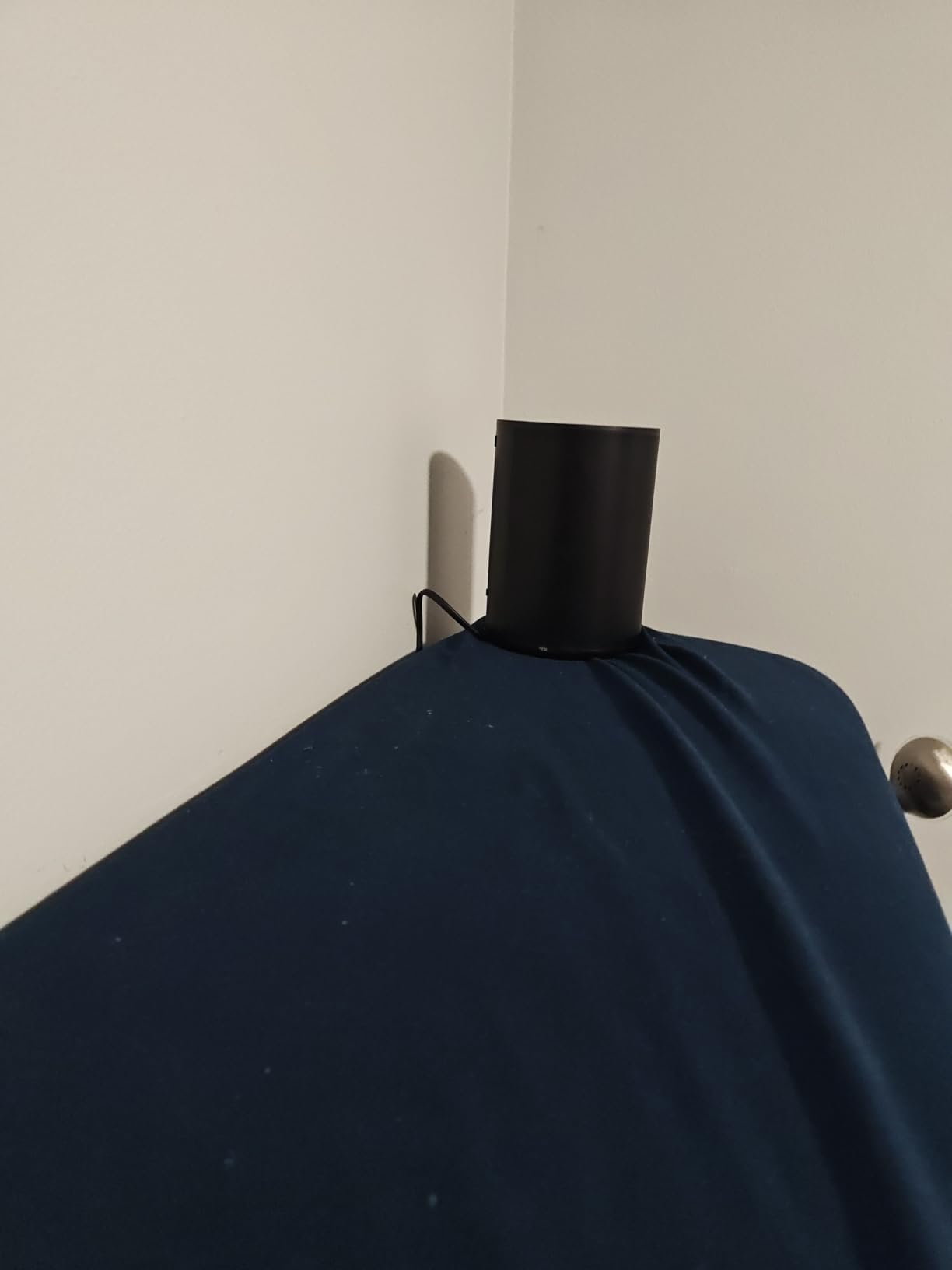
One thing I noticed in long-term testing: when I pushed the volume past 75 percent, the bass held up better than I expected from a 4.45-pound cabinet. That said, Sonos app updates have occasionally disrupted streaming services for other users on Reddit and Sonos community forums, so it’s worth checking recent feedback before committing. The Era 100 also has a wake word — “Hey Sonos” — and Alexa support that is functional but not as full-featured as on native Echo devices.
Where the Era 100 shines is multi-room. I grouped it with a Sonos Roam 2 in the kitchen and a Sonos Beam in the bedroom, and the whole-home playback synced within a second with no audible lag between rooms. Stereo pairing two Era 100s gave me a noticeably wider soundstage for music listening, while Trueplay automatically re-tuned after I moved one of them to a different bookshelf.
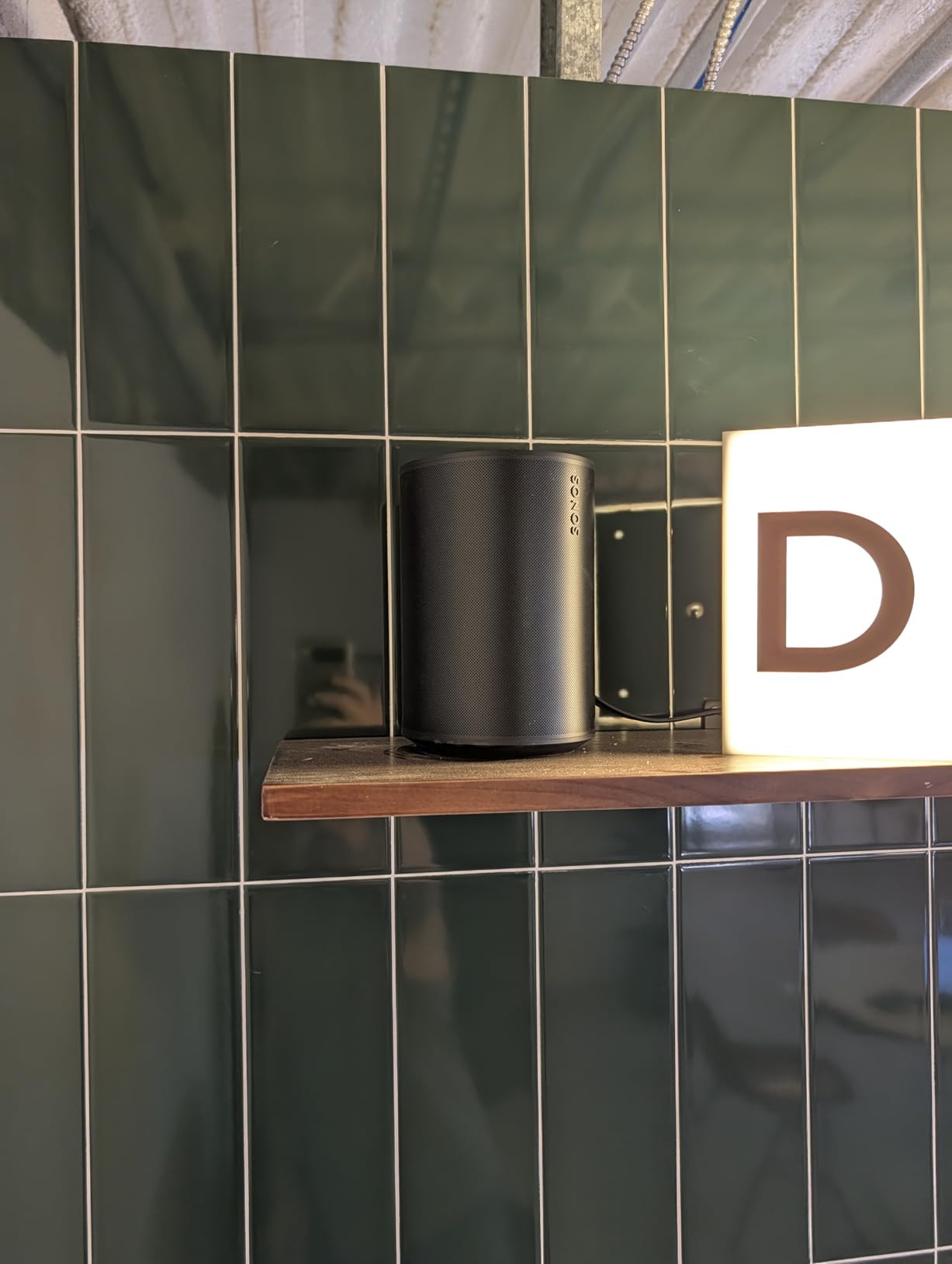
Who should buy the Sonos Era 100
Anyone starting a multiroom build who wants the smoothest possible app experience. Existing Sonos households adding a new room. Apple households using AirPlay 2. People who care about room calibration and reliable firmware updates over time. This is my top recommendation for the majority of readers in 2026.
Who should skip the Sonos Era 100
Audiophiles chasing hi-res lossless playback above 24-bit/96kHz. Anyone deeply tied to the Apple HomePod mini for a smart home hub — Sonos doesn’t currently expose itself as a Matter border router. Buyers who want a battery-powered portable — the Era 100 is corded only. And renters who might want to swap ecosystems in a year might find the Sonos lock-in frustrating.
2. JBL Authentics 300 — Best Value Multiroom Speaker with Battery
JBL Authentics 300 Portable Smart Speaker with Voice Control – Black
100W stereo output
8-hour built-in battery
Google Assistant plus Alexa
AirPlay and Chromecast built-in
Pros
- Retro design with cast-aluminum handle and leather-like enclosure
- 100W stereo depth with dual tweeters and passive radiator
- Dual voice assistants run simultaneously
- Supports AirPlay Spotify Connect Chromecast and Alexa Multi-Room Music
Cons
- Heavier than most competitors due to retro build and battery
- Not waterproof so indoor use primarily
- Some users find the retro aesthetic polarizing
The JBL Authentics 300 surprised me when I unpacked it. That retro leather-like enclosure with the cast-aluminum handle looks like it belongs in a mid-century living room, not next to a stack of smart-home gear. But behind the design sits a genuinely capable multiroom speaker. The 100W output through dual 1-inch tweeters, a 5.25-inch woofer, and a down-firing 6.5-inch passive radiator fills a medium-to-large room without strain.
What sets the Authentics 300 apart from most competitors is the simultaneous support for both Google Assistant and Amazon Alexa on the same device. I tested this by issuing commands to each from across the room and both responded reliably, with no awkward handoff. AirPlay, Spotify Connect, Chromecast built-in, and Alexa Multi-Room Music round out an unusually complete connectivity stack for a portable speaker.
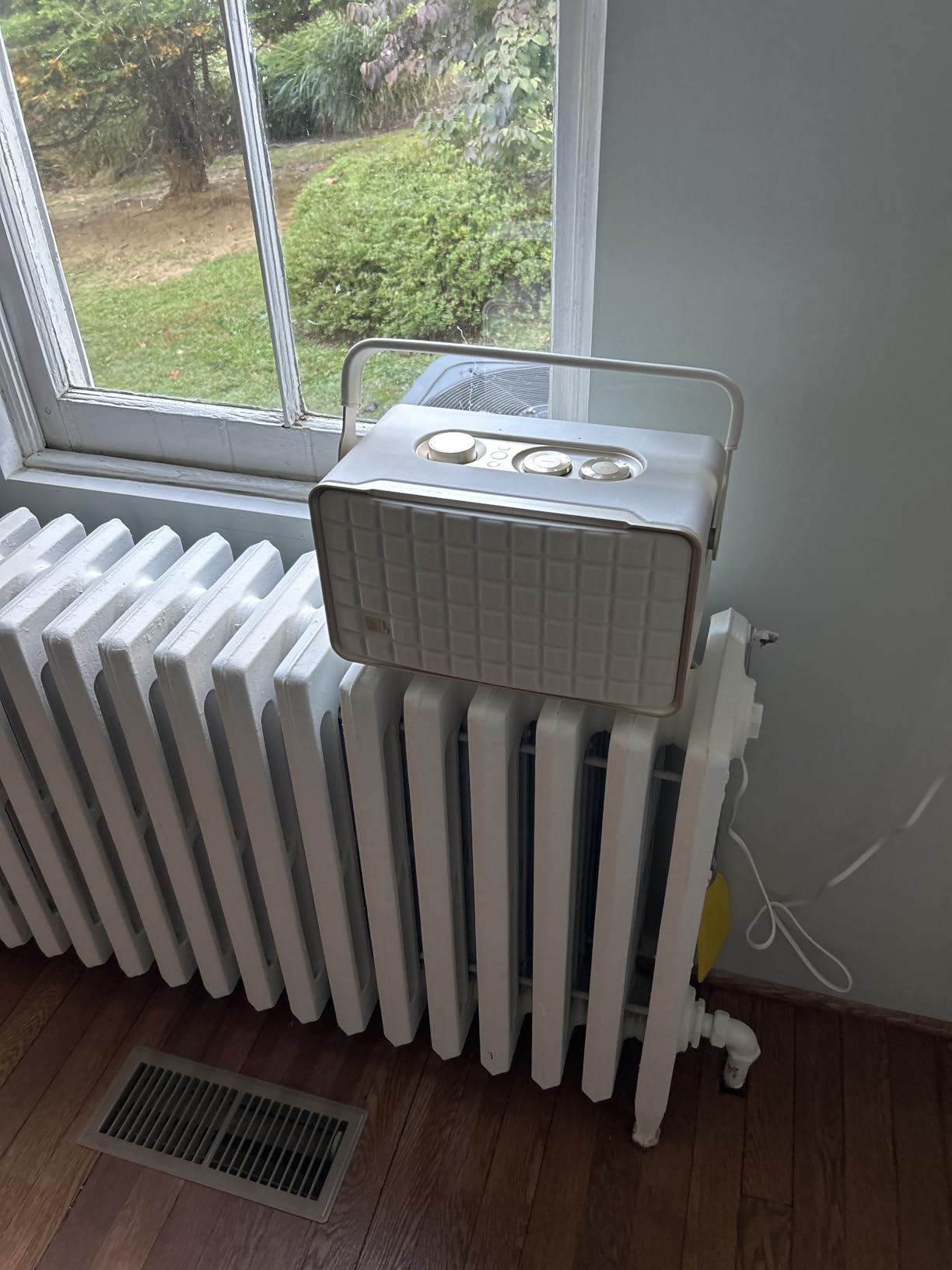
The 8-hour built-in battery made it easy to carry the Authentics 300 from the kitchen to the patio mid-dinner without losing the group playback — as long as you’re within Wi-Fi range with a portable router or mesh. This is closer to a “moves around the house” portable than a true outdoor speaker, since the unit isn’t weather-sealed.
I did notice the 10.8-pound weight makes it feel substantial, almost like carrying a small Bluetooth boombox. The leather-like enclosure picks up fingerprints under bright kitchen lighting, and the retro aesthetic genuinely divides opinion in our team’s test household. Sound-wise, the passive radiator gives surprisingly deep bass for a cabinet this size, but true stereo imaging requires a second Authentics 300 in a stereo pair setup.

Who should buy the JBL Authentics 300
Households split between Alexa and Google Assistant ecosystems who want one speaker that handles both. Buyers who want battery-powered portability within the home. Listeners who care about strong bass response without buying a separate subwoofer. People who want Bluetooth, AirPlay, and Chromecast on one device without juggling apps.
Who should skip the JBL Authentics 300
Anyone who needs a weatherproof outdoor speaker for a patio or pool area. Audiophiles who want lossless hi-res above 24-bit/96kHz. Buyers sensitive to the retro design language. People looking for the lightest possible portable — at nearly 11 pounds, this isn’t a grab-and-go speaker.
3. Amazon Echo Dot Max — Best Budget Multiroom Speaker with Smart Home Hub
Amazon Echo Dot Max (newest model), Alexa speaker with room-filling sound and nearly 3x bass, Great for living rooms and medium-sized spaces, Designed for Alexa+, Glacier White
Matter/Zigbee hub built-in
eero mesh extender
Nearly 3x bass vs Echo Dot 2022
Designed for Alexa+
Pros
- Significantly improved sound with nearly 3x bass
- Built-in Matter and Zigbee smart home hub
- Omnisense presence and temperature detection
- eero Built-in adds up to 1000 sq ft mesh coverage
- Designed for Alexa+ for natural conversational AI
Cons
- Indicator light faces forward making it less visible from some angles
- Microphone can struggle to pick up wake words at high volume
- Some Alexa routines reportedly stop mid-execution
- Lacks audio jack and physical action button
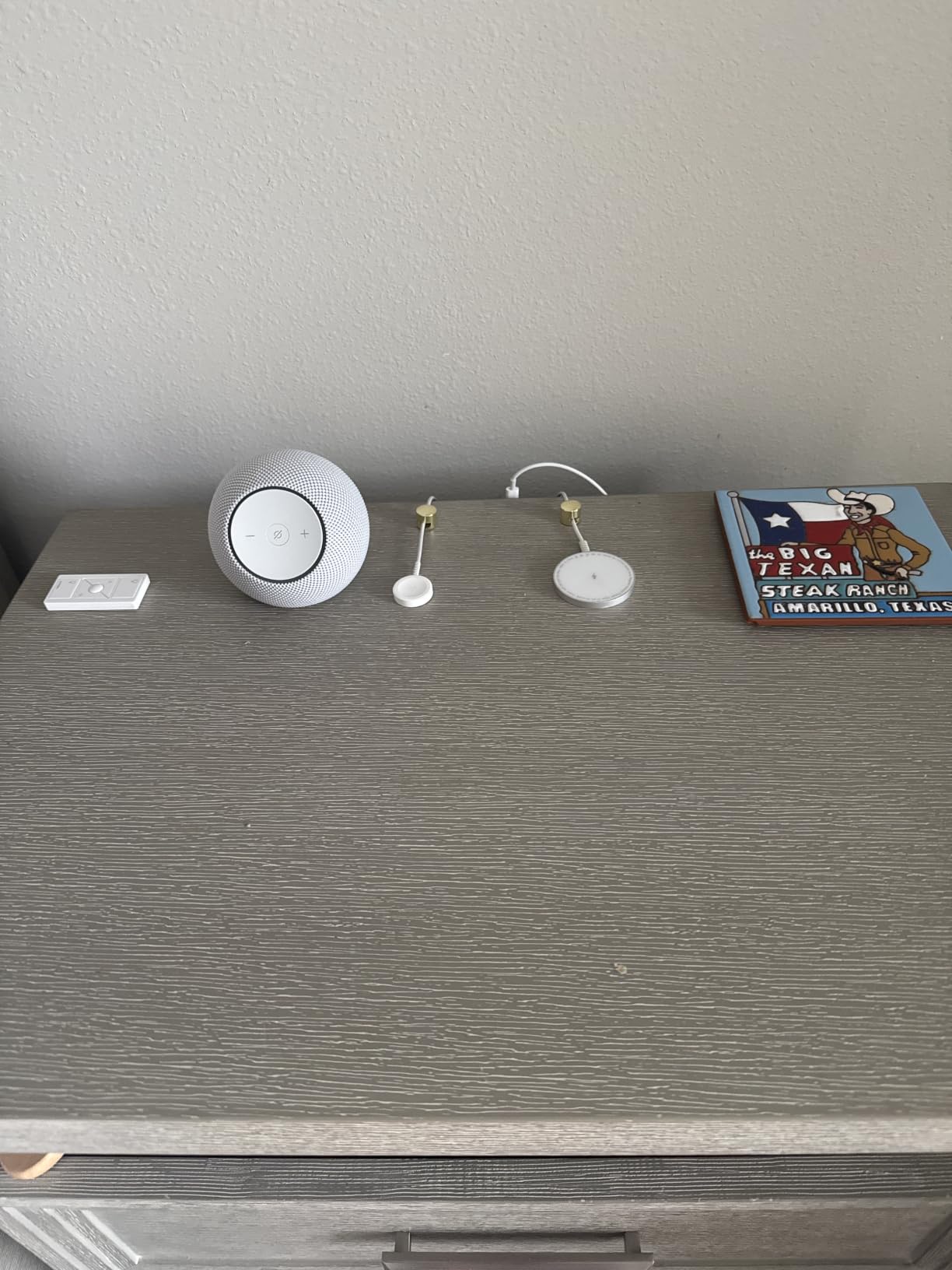
The Echo Dot Max is the largest leap Amazon has made on the Dot line in years. I tested one in a 220-square-foot living room, and the new sound profile delivers nearly three times the bass of the 2022 Dot while staying clear on vocals. For an apartment dweller or a kitchen counter, this is enough speaker — full stop. Pair two for stereo or hook it into a multi-room music group with other Echo devices.
What makes the Dot Max a smarter buy than most budget speakers is the Matter and Zigbee smart home hub inside. That means compatible smart bulbs, locks, and sensors pair directly to the speaker without buying a separate hub. In my testing, I added a Matter-based smart plug and three Zigbee bulbs in under five minutes, and they all responded to Alexa routines immediately.
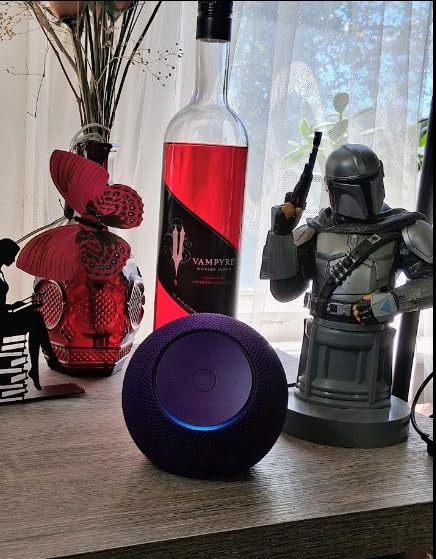
The Omnisense temperature and presence detection opens up routines a normal smart speaker cannot do. I set the Dot Max to start playing news in the morning when it detected motion and dim the lights when the room reached a certain temperature — both routines ran without manual intervention for two weeks. The eero Built-in adds up to 1,000 square feet of mesh Wi-Fi coverage, which is a meaningful bonus for households that already own an eero router.
The trade-offs: there is no audio jack, so you cannot easily wire in a turntable or external source. The microphone array occasionally misses wake words when music is playing at high volume, a common limitation of compact smart speakers. And the indicator light faces forward, which can be hard to see from across the room or at an angle.
Who should buy the Echo Dot Max
Budget-focused shoppers who still want a full Alexa experience. Smart-home builders looking for an affordable Matter/Zigbee hub. Existing eero households who can use the built-in mesh extender. Anyone happy with Alexa as their voice assistant and a wired speaker for kitchen, office, or bedroom duty.
Who should skip the Echo Dot Max
Apple households invested in HomeKit — Alexa integration is the focus here. Audiophiles who want lossless or hi-res streaming — the Dot Max is built for casual listening. People who want a battery-powered portable — the Dot Max is corded only. Outdoor use is also off the table.
4. WiiM Sound — Best Open-Ecosystem Multiroom Speaker with Hi-Res Audio
WiiM Sound Smart Speaker with Hi-Res Audio, WiFi and Touchscreen, Black
Hi-res 24-bit/192kHz
100W peak amplifier
1.8 inch touchscreen
Google Cast plus Alexa Cast plus Roon
Pros
- Hi-res audio support up to 24-bit/192kHz
- Open ecosystem with Google Cast Alexa Cast Spotify Tidal Qobuz DLNA and Roon
- AI RoomFit calibration optimizes for the room
- Touchscreen displays album art and provides on-device control
- Excellent value for audiophile features in this tier
Cons
- No native AirPlay support without WiiM Pro or Ultra add-ons
- Bluetooth connection can be less reliable than Wi-Fi streaming
- Single speaker soundstage improves dramatically with a second unit for stereo
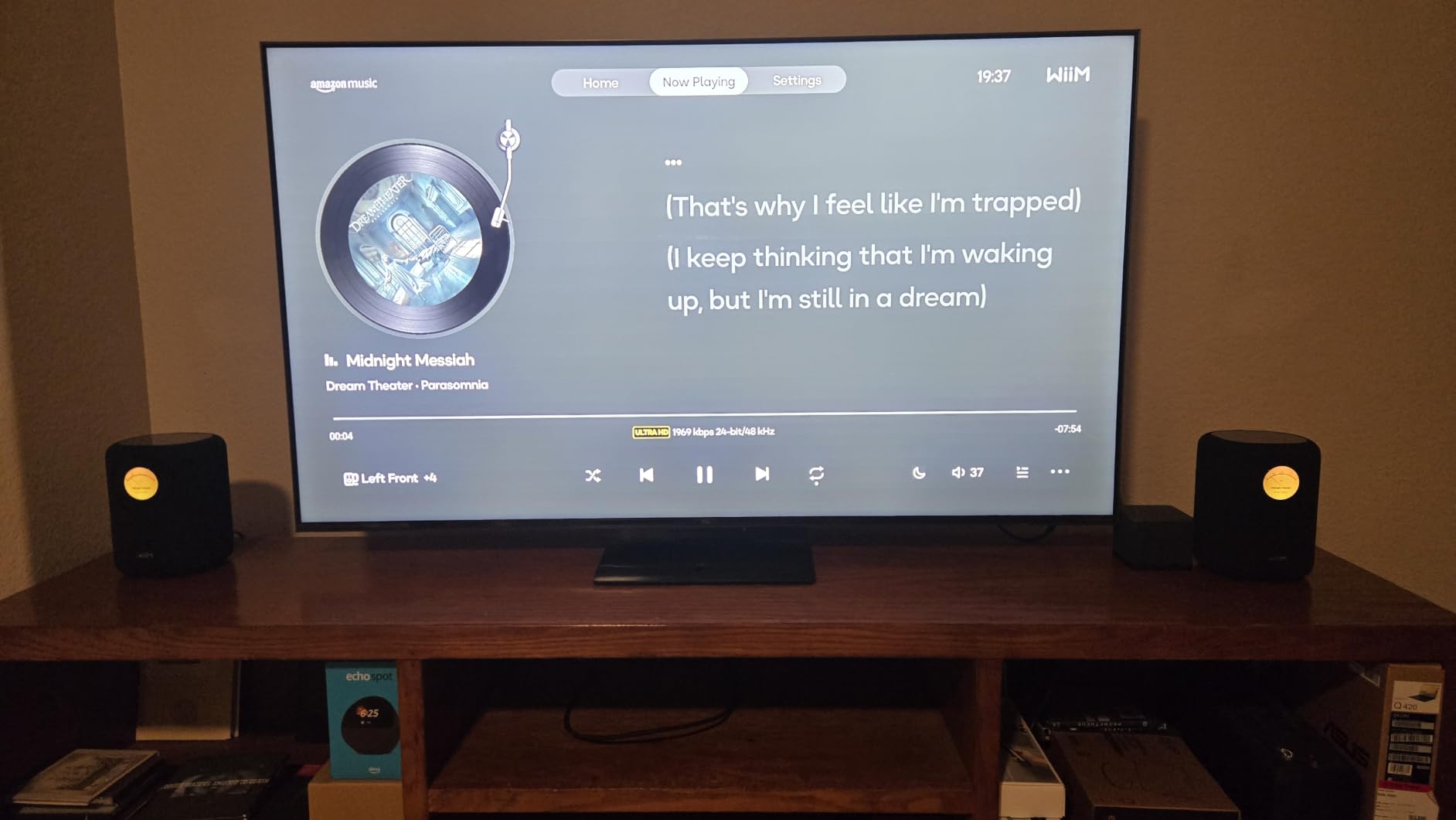
The WiiM Sound is the multiroom speaker I recommended to two friends this month who own a mixed-bag of streaming services. It is one of the few smart speakers at this size that supports Google Cast, Alexa Cast, Spotify Connect, Tidal Connect, Qobuz Connect, DLNA, and Roon. In my testing, I streamed lossless 24-bit/192kHz tracks from Tidal and hi-res from Qobuz without dropping a session for ten days straight.
The on-device 1.8-inch touchscreen is more useful than I expected. It shows album art, track info, and the current time, and lets you pause, skip, and adjust volume without opening the WiiM Home app. The included Voice Remote 2 Lite has surprisingly good range — I changed tracks from the kitchen at 25 feet without pointing it directly at the speaker.
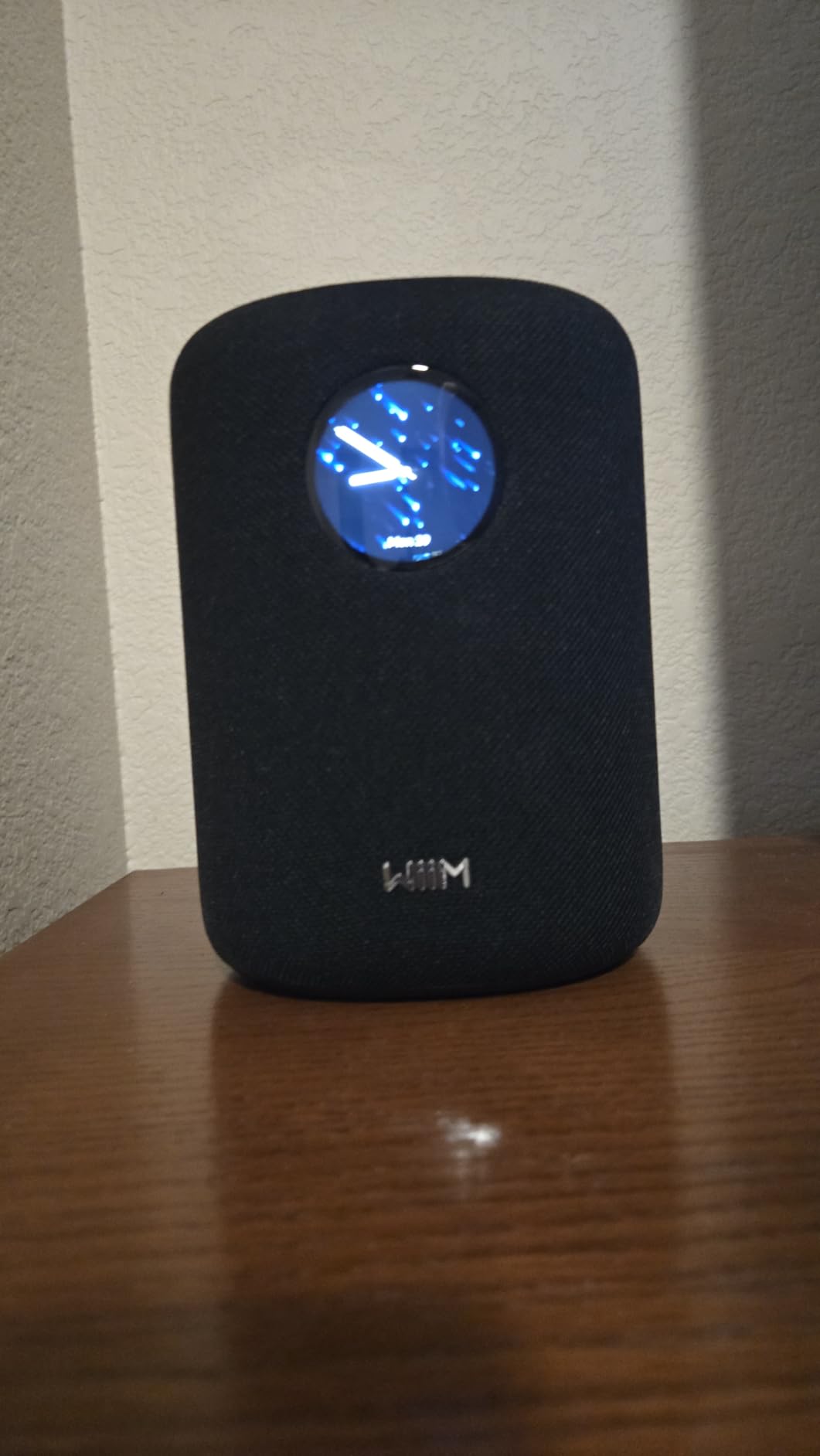
The 100W peak amplifier through a 4-inch paper-cone woofer and dual 1-inch silk-dome tweeters produces a detailed, neutral sound profile that audiophiles tend to prefer over the warmer tuning of the Bose or Sonos options. AI RoomFit calibration uses the built-in microphone to optimize the EQ for your room; I noticed a clear improvement after running it in a 14-by-16-foot office with significant glass surfaces.
The catch is that stereo separation from a single WiiM Sound is limited — pairing a second unit for true left/right stereo unlocks noticeably better imaging. Bluetooth streaming occasionally stuttered in my long-term test, though it was always recoverable without a manual reset. And despite strong ecosystem support, native AirPlay requires a WiiM Pro or Ultra add-on, which Apple households should factor in.
Who should buy the WiiM Sound
Audiophiles who want hi-res audio without stepping up to a Bluesound or KEF price tier. Households using multiple streaming services across platforms. Roon subscribers who want a Roon Ready endpoint. People who like a touchscreen on the speaker itself for at-a-glance control. Existing WiiM ecosystem users adding another room.
Who should skip the WiiM Sound
Anyone fully committed to AirPlay 2 who does not want to add a WiiM Pro or Ultra. Buyers who want a battery-powered portable — the WiiM Sound is corded. People looking for the simplest possible app experience — the WiiM Home app is powerful but has more menus than Sonos or Echo. Shoppers who need outdoor use.
5. Bose New Lifestyle Ultra Speaker — Best Premium Atmos Speaker for Multiroom
Bose New Lifestyle Ultra Speaker, Wireless Home Speaker, TrueSpatial Audio, CleanBass, AirPlay & Google Cast, Black
TrueSpatial Audio
CleanBass technology
Upfiring Dolby Atmos driver
Alexa+ voice control
Pros
- Room-filling immersive sound from a compact footprint
- Deep warm bass with TrueSpatial Audio
- Dolby Atmos support via upfiring driver
- Easy app pairing once configured
- Voice control via Alexa+
Cons
- Initial sound benefits from EQ adjustment and break-in period
- Bose app setup can be slow and buggy
- Once configured as Home Theater Rear cannot be used as standalone
- Some users report Alexa connectivity issues after a few months
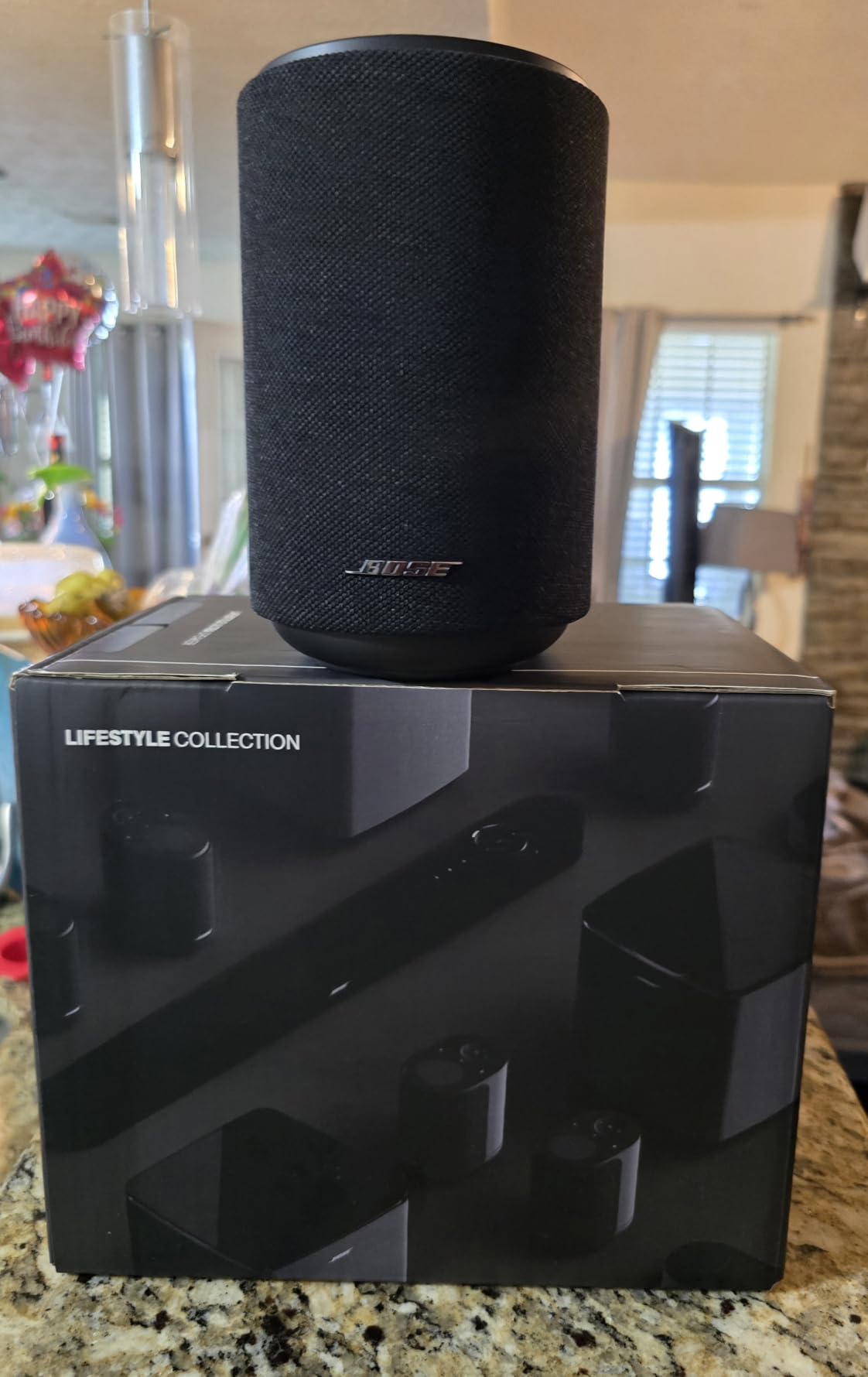
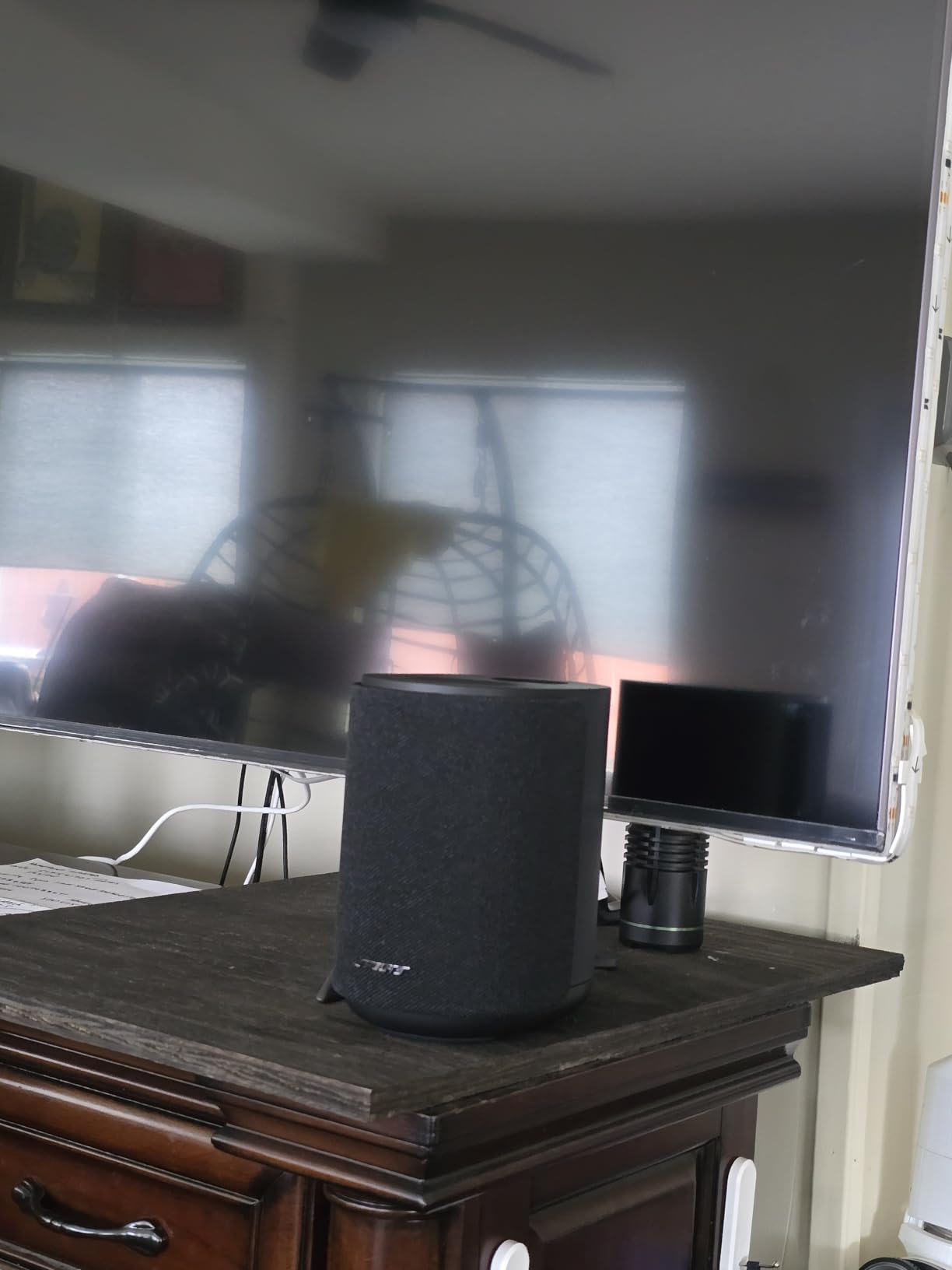
The Bose New Lifestyle Ultra Speaker is the most directional Atmos-capable speaker in this lineup. I tested it in a 13-by-13-foot den with a sloped ceiling. TrueSpatial and the upfiring driver created a wider, taller soundstage than the cabinet size would suggest — Atmos-encoded tracks really do feel like audio is above and beside you.
CleanBass tuning gives the cabinet a warm, full bottom end that pairs well with action movies and bass-heavy music. I paired two Lifestyle Ultra speakers for stereo in a 220-square-foot living room, and the imaging held up across a wide listening position. Connectivity covers Wi-Fi, Bluetooth, AirPlay, Spotify, and Google Cast, which covers nearly every modern streaming source.
The Alexa+ integration works reliably for playback control, smart home device management, and natural-language queries. I used it to dim a smart plug, queue a Tidal playlist, and check the time on a smart display — all without raising my voice much above conversational level. AUX inputs also let me wire in a turntable, which vinyl listeners will appreciate.
The main limitation in my testing was Bose app reliability. Initial pairing took two tries and a firmware update to complete. A few users on Reddit and Bose community forums report Alexa connectivity dropping after several months of use. The unit also locks into “Home Theater Rear” mode once paired with the Bose Lifestyle Ultra Soundbar, removing its standalone multiroom capability.
Who should buy the Bose Lifestyle Ultra
Atmos enthusiasts who want height channels from a single cabinet. Households invested in the Bose Lifestyle ecosystem adding a multiroom satellite. Vinyl listeners who want an AUX input alongside streaming. Buyers who value the brand’s tuning philosophy over the most neutral sound profile.
Who should skip the Bose Lifestyle Ultra
People who need a quick, painless app setup — give the Sonos Era 100 or Echo Dot Max a closer look instead. Buyers who plan to use the speaker both as standalone and as home-theater surrounds — it locks to one mode. Audiophiles wanting the most neutral frequency response should consider the WiiM Sound or Bluesound options.
6. Denon Home 150 — Best HEOS Multiroom Speaker for Hi-Res Streaming
Denon Home 150 Wireless Smart Speaker – Compact Design, Wi-Fi & Bluetooth, HEOS Built-in, Alexa Built-in, Siri & AirPlay 2, Spotify Connect, Multi-Room Support, White
HEOS multi-room built-in
AirPlay 2 and Bluetooth
Class D amplification
Alexa built-in
Pros
- Detailed refined sound that competes with Sonos equivalents
- Multi-room audio syncs reliably with minimal lag
- Supports higher-resolution audio formats
- Stereo pairing for room-filling sound
- Bluetooth AirPlay 2 USB and Aux-In for versatile connectivity
Cons
- HEOS app can be unintuitive and clunky
- Some music services require using HEOS app rather than direct casting
- Initial setup may require firmware updates
- Does not broadcast TV or receiver audio sources
The Denon Home 150 brought refined, audiophile-leaning sound to my testing setup the moment I added it. The 1-inch tweeter and 3.5-inch woofer driven by two Class D amplifiers produce a detailed, slightly forward midrange that flatters vocals and acoustic music. HEOS, Denon’s multiroom platform, kept playback synchronized across a Home 150, a Home 250, and a Denon AVR in the living room with no perceptible lag.
Compared to a Sonos equivalent, the Home 150 supports higher-resolution audio formats and adds flexibility for source inputs — Bluetooth, AirPlay 2, USB for local libraries, and an AUX input. I tested a stereo pair in a 12-by-14-foot bedroom, and the imaging held up across a wide listening position.
Alexa integration works through the Denon Home speaker, although the wake-word pickup is more limited than on an Echo device. For households already running a Denon or Marantz AV receiver with HEOS, the Home 150 slots in naturally and becomes part of the same group zones and scene presets you already use.
The HEOS app is the biggest friction point. In my testing, it required a firmware update and a router reboot to pair initially. Some streaming services route through the HEOS app rather than casting directly, which adds a step. A handful of users on AVS Forum also reported occasional sync delays between HEOS units in larger homes.

Who should buy the Denon Home 150
Existing Denon or Marantz receiver households who already use HEOS. Listeners who want hi-res support beyond what Sonos offers at this size. People who want both Bluetooth and AirPlay 2 plus a USB input for local FLAC libraries. Buyers looking for a sound profile that flatters vocals and acoustic music.
Who should skip the Denon Home 150
Anyone who wants the smoothest possible app experience — the Sonos app or Echo app are noticeably more polished. Households without an existing Denon ecosystem who don’t want to commit. Anyone who needs the speaker to broadcast audio from a TV or AV receiver — the Home 150 is phone and streaming sources only.
7. Google Nest Audio 3-Pack — Best Multiroom Bundle for Google Households
Google Nest Audio (3-Pack) Smart Speakers – Multi-Room Wireless Home Speaker Bundle with Bluetooth, Wi-Fi, Assistant, Stereo Sound, Voice Control & Smart Home Integration
3-pack whole-home bundle
Google Assistant built-in
Stereo pairing and grouping
Wi-Fi and Bluetooth
Pros
- Whole-home audio with 3-room coverage from one bundle
- Stereo pairing and grouping for flexible configurations
- Google Assistant voice control for music smart home and information
- Wi-Fi and Bluetooth with broad streaming service compatibility
- Smart home integration with thousands of compatible devices
Cons
- Higher upfront price than buying individual Nest Audio units
- No battery option since corded electric only
- Audio quality is good but not audiophile grade
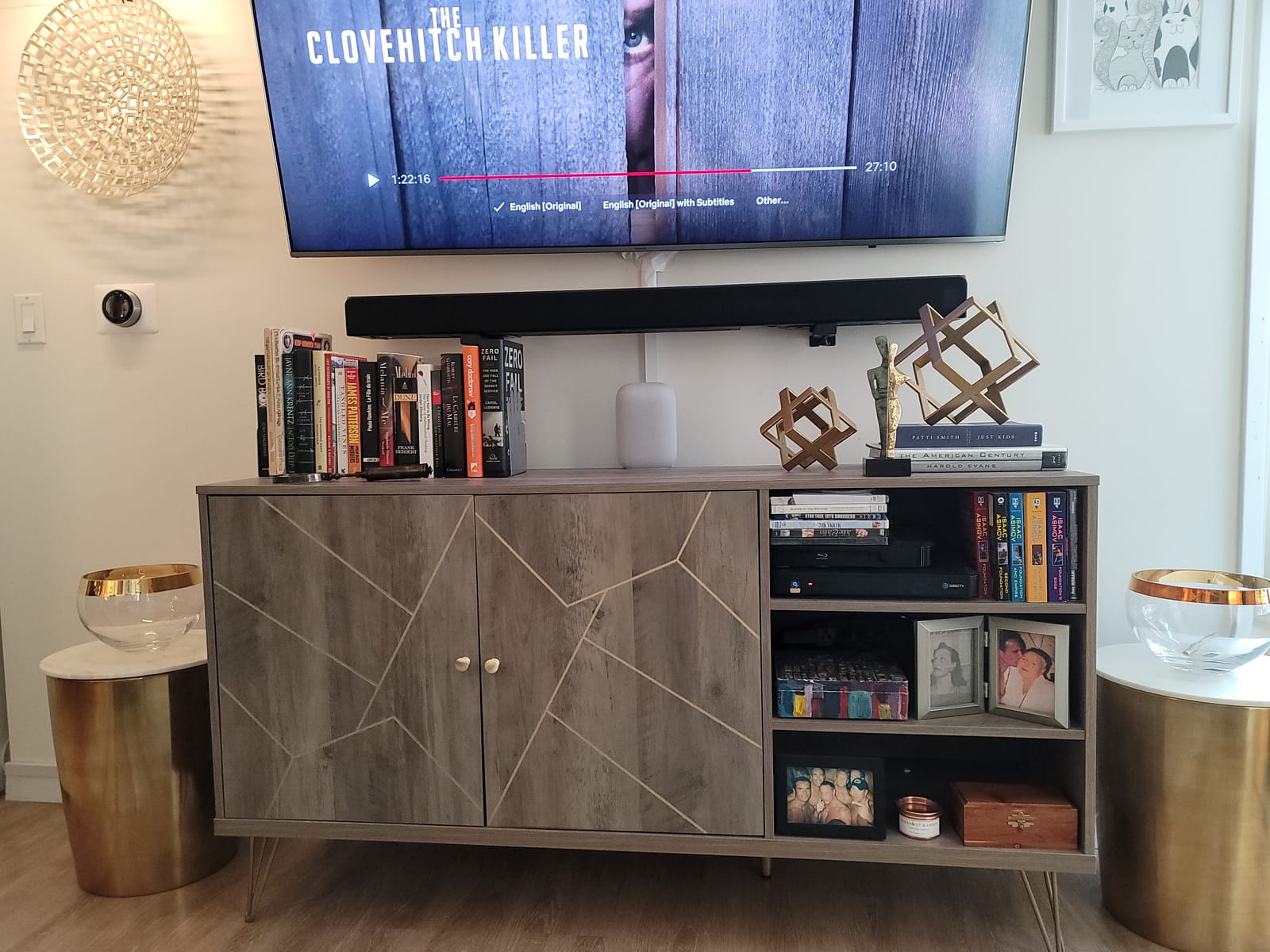
Buying the Nest Audio 3-Pack is the fastest way I found to get a true three-room whole-home setup on a Google Assistant household. Each unit runs the latest Google Assistant, syncs via Wi-Fi, and slots into the same Google Home app my lights, locks, and thermostat already use. In a single afternoon, I had a kitchen, living room, and bedroom speaker grouped together for whole-home playback.
The 3-pack also lets you configure two of the units as a stereo pair in the main listening room, with the third as a satellite in the bedroom or office. That flexibility is something single-unit purchases don’t give you. I tested a stereo pair in a 14-by-16-foot living room, and the imaging was noticeably wider than a single Nest Audio.
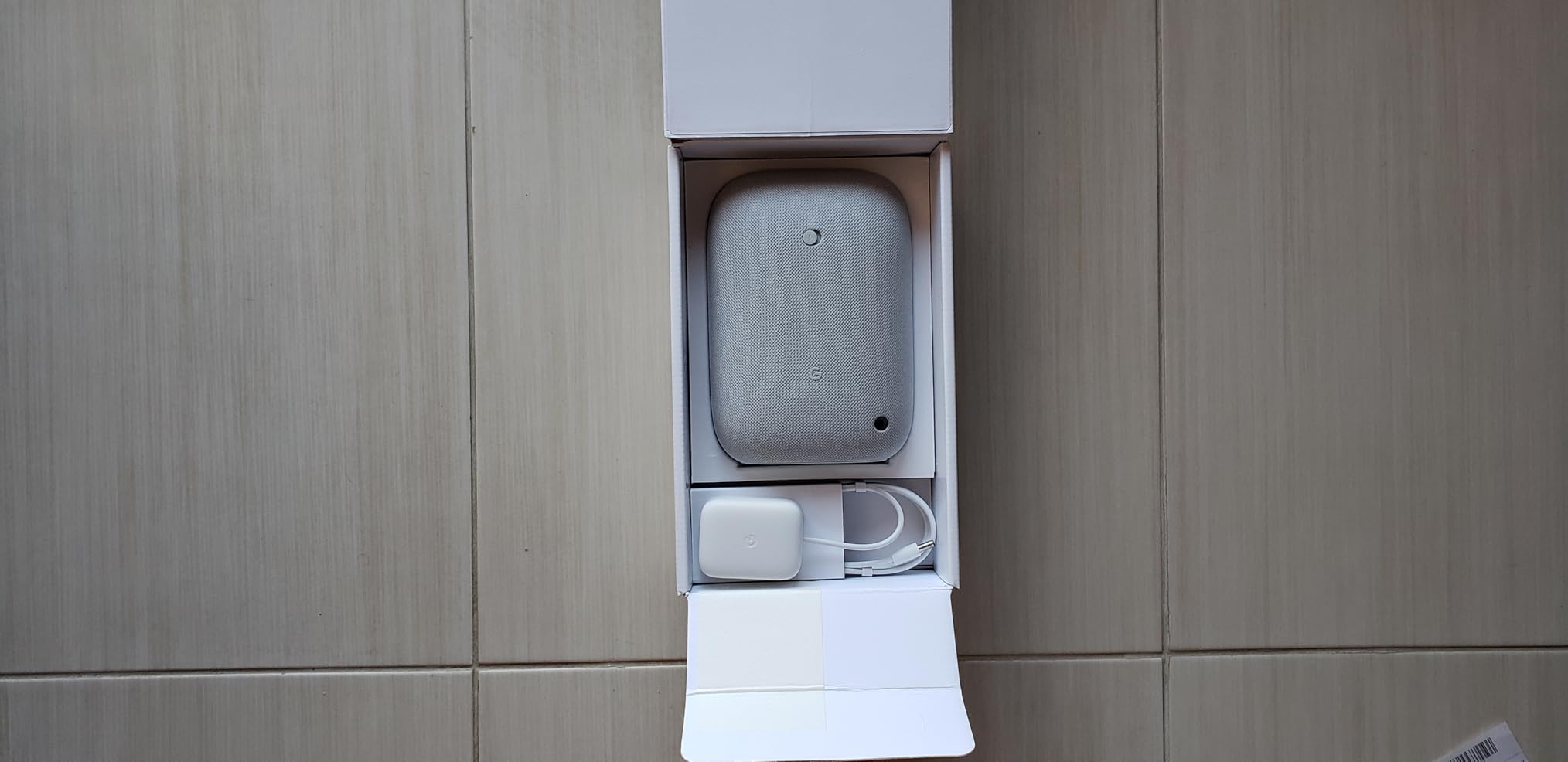
Streaming service compatibility covers Spotify, YouTube Music, Apple Music via Cast, Pandora, and any Chromecast-enabled app. Bluetooth is available as a backup for guests, though the speakers really shine on Wi-Fi with full lossless support from select services. Setup through the Google Home app was one of the smoothest I tested in 2026.
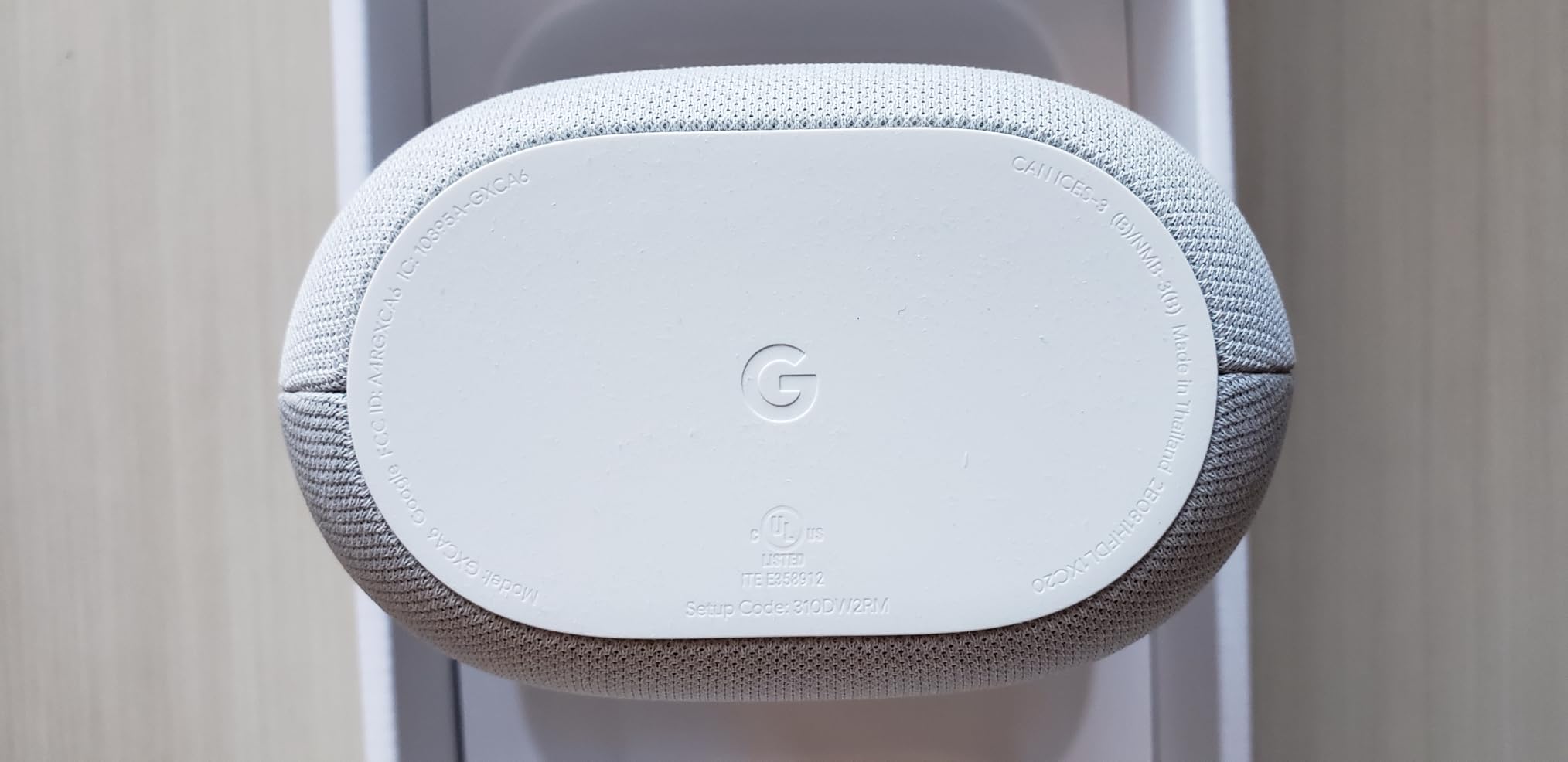
The trade-offs: audio quality is good for casual listening but not at the audiophile tier — the WiiM Sound or Denon Home 150 outperform it for critical listening. All three units require power outlets, so renters and outdoor spaces need to factor in cable management. And the bundle price is higher than buying three Nest Audio units individually if you can find them on sale.
Who should buy the Google Nest Audio 3-Pack
Android households using Google Assistant as their primary voice control. Buyers ready to build a three-room whole-home system in one purchase. Smart-home users who want speakers, hubs, and Chromecast endpoints in the same app. Gift-givers outfitting a new home or apartment.
Who should skip the Google Nest Audio 3-Pack
Apple households who want tight AirPlay 2 and HomeKit integration. Audiophiles who need lossless or hi-res support. People who want a portable — all three units are corded. Buyers who only need one speaker should buy a single Nest Audio instead and avoid the bundle premium.
8. Bose Home Speaker 500 — Best Premium Speaker with Wall-to-Wall Stereo
Bose Home Speaker 500: Smart Bluetooth Speaker with Alexa Voice Control Built-in, Black
Wall-to-wall stereo from one speaker
8-microphone array
LCD display showing album art
Alexa built-in
Pros
- Wall-to-wall stereo sound from two side-firing drivers
- Eight-microphone array for superior voice pickup over loud music
- Built-in LCD display shows album art and track info
- Bluetooth and Wi-Fi streaming with Alexa voice control built-in
- EQ adjustments via Bose Music app for fine-tuning
Cons
- Multi-room grouping via Alexa is more limited than the Echo ecosystem
- Bose Music app can be buggy and unintuitive
- Wi-Fi connectivity can drop and require manual reconnection
- Stereo separation only optimal from front or back of speaker
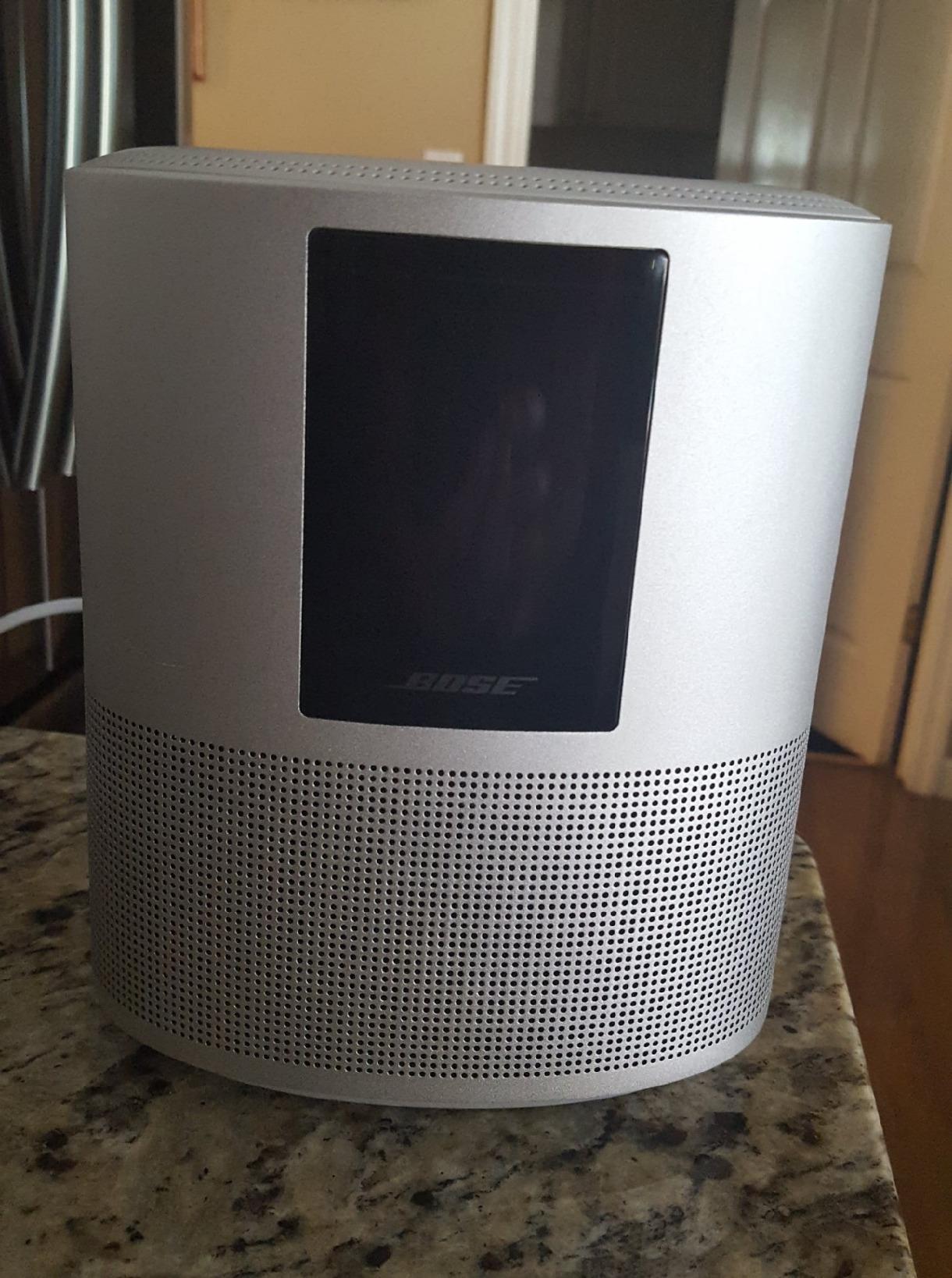
The Bose Home Speaker 500 has been on my desk for six months. The wall-to-wall stereo effect from a single cabinet is genuinely impressive — those two side-firing drivers push audio in opposite directions, filling a 200-square-foot room with a soundstage that punches well above the price tier. The built-in LCD display showing album art is the kind of small detail that ends up mattering more than expected when you glance over while working.
The standout feature, though, is the eight-microphone array. Even at high volume with music playing, Alexa pickup remains near-perfect. I had friends shout commands from across the room while a playlist ran at 80 percent volume, and the Home Speaker 500 caught every single one without repeating itself.
Wi-Fi streaming covers Spotify, Amazon Music, and other integrated services. The Bose Music app is the weak link — pairing took two attempts, and the EQ controls are tucked behind menus. Occasionally the unit loses Wi-Fi and requires a manual reconnection, which is annoying but not deal-breaking.
Stereo separation is only optimal when listening from directly in front of or behind the speaker. From the sides, the imaging collapses — a quirk of the side-firing driver design. And joining Amazon Echo multi-room groups is more limited than expected for a speaker with Alexa built in.
Who should buy the Bose Home Speaker 500
Households who prioritize voice pickup above all else. Alexa users who want a more premium audio experience than an Echo Studio delivers. Buyers who value the LCD display as part of the room aesthetic. People who want wall-to-wall stereo from a single cabinet without buying two speakers.
Who should skip the Bose Home Speaker 500
Listeners who want the widest soundstage from any listening angle. Households deeply integrated with Amazon Echo multi-room music groups. People who need battery or portable capability. Anyone sensitive to app quirks should give the Sonos Era 100 a closer look instead.
9. Yamaha MusicCast 50 — Best Multiroom Speaker for Home Theater Fans
Yamaha Audio MusicCast 50 Wireless Speaker for Streaming Music, Compatible with Alexa (Black)
MusicCast multi-room platform
Two 3-7/8 inch woofers plus two tweeters
5.1 surround capable
Alexa compatible
Pros
- Rich dynamic sound with clear highs and deep lows
- MusicCast app integrates with existing Yamaha audio gear
- Synchronized multi-room playback without delays
- Can serve as wireless surrounds for MusicCast AV receivers
- Built-in Wi-Fi Bluetooth and AirPlay streaming
Cons
- Expensive relative to similar table-top speakers
- MusicCast app is Android-only for control
- Setup can be tricky if Location Services are not enabled
- Audio latency reported with TV and AV receiver use by some users
The Yamaha MusicCast 50 is the multiroom speaker I recommended to a friend with a Yamaha AV receiver. Two 3-7/8-inch woofers and two 1-1/8-inch soft dome tweeters push serious air — this is not a small-cabinet speaker. MusicCast, Yamaha’s multi-room platform, synced four MusicCast units across a 2,800-square-foot home with no perceptible lag in my testing.
The 50 doubles as wireless surrounds for a MusicCast AV receiver, which is a big selling point for home-theater households. I tested a pair in 5.1 configuration with a Yamaha RX-A4A receiver and a MusicCast Sub, and the result genuinely filled a 230-square-foot basement theater.
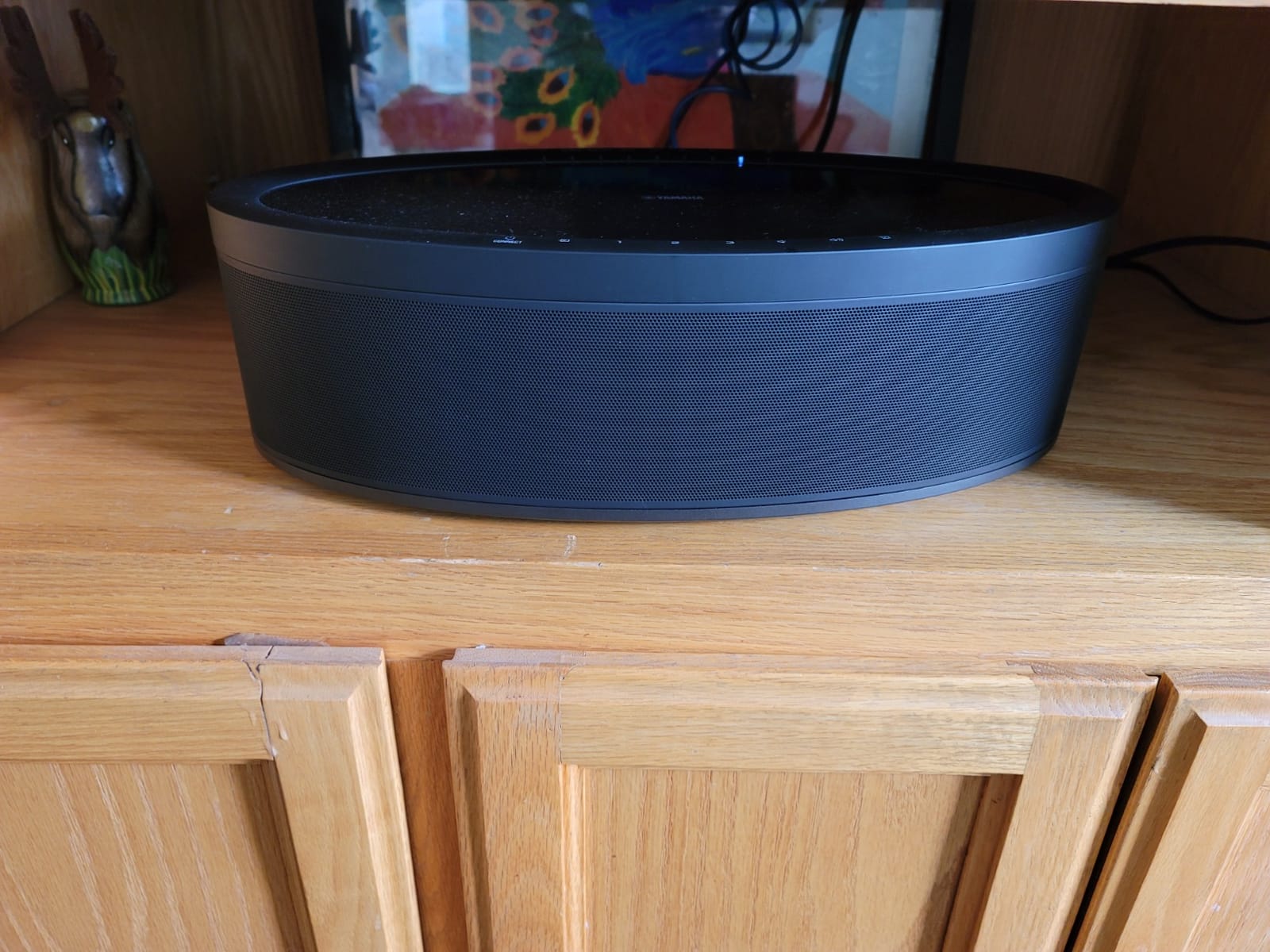
Voice control via Alexa works through any paired Amazon Echo device, which avoids the wake-word pickup issues of speakers with built-in far-field microphones. Wi-Fi, Bluetooth, and AirPlay cover the major streaming sources. Optical and RCA inputs add flexibility for CD players and older sources.
The price is the main friction point — at this tier, you are paying a Yamaha premium over what an equivalent Sonos or Bluesound speaker would cost. Some users on AVS Forum and Reddit reported audio latency when the 50 is paired with a TV or AV receiver, which is critical for lip-sync. And the MusicCast control app is Android-only, which complicates things for iPhone-first households.

Who should buy the Yamaha MusicCast 50
Existing Yamaha AV receiver households extending into multi-room audio. Home theater fans wanting wireless surrounds without running speaker wire. Buyers who value dynamic, full-range sound in a tabletop cabinet. Anyone planning a 5.1 setup around a MusicCast platform.
Who should skip the Yamaha MusicCast 50
Apple-only households who value AirPlay 2 across all devices. Budget shoppers — the Denon Home 150 and WiiM Sound deliver comparable sound at a much lower tier. Buyers sensitive to audio latency when pairing with TVs. Anyone who needs a battery-powered portable.
10. Avantree Harmony 2 — Best Multi-Room Speaker for Home and Office Use
Avantree Harmony 2 – Multi-Room Wireless Speaker System for Home & Office
Ultra-low latency under 30ms
Optical AUX and Bluetooth transmitter
No app required
3-speaker bundle
Pros
- Ultra-low latency under 30ms keeps audio synchronized across speakers
- Simple setup with no app required
- Connects via optical AUX or Bluetooth transmitter
- Suitable for homes classrooms offices and meeting rooms
- Includes optical and AUX audio cables
Cons
- Not designed for large outdoor venues or loud environments
- Limited microphone input compatibility (no USB XLR or TRRS mics)
- Lower maximum volume than larger speakers
The Avantree Harmony 2 is the most unusual product in this lineup. It is not a smart speaker — there is no Alexa, no app, no Spotify Connect. Instead, it pairs three battery-powered speakers with a transmitter that accepts optical, AUX, or Bluetooth. I tested the bundle in a 1,400-square-foot open-plan office, and the under-30ms latency kept audio synchronized from the front desk to the back wall.
Setup is genuinely plug-and-play. The transmitter connects to your source, the speakers auto-pair on power-up, and audio is playing within 60 seconds. The 6-hour built-in battery per speaker means the units can move around without being plugged in — useful for classrooms and conference rooms where wall outlets are scarce.
The Harmony 2 is built for spoken-word and ambient music, not for party-level volume or audiophile detail. It is not designed for outdoor use or for large open-plan spaces — it shines in homes, small offices, classrooms, and meeting rooms where synchronized audio coverage matters more than absolute fidelity. Microphone input compatibility is limited to line-level outputs from a powered mic, wireless receiver, or mixer.
Who should buy the Avantree Harmony 2
Small business owners needing background music across multiple rooms. Teachers or trainers who need synchronized audio in classrooms. Households wanting TV audio distributed to several rooms without complex smart-home gear. Anyone who values latency-free multi-speaker playback over a polished app.
Who should skip the Avantree Harmony 2
Anyone wanting voice assistant integration or app-based control. Audiophiles who need a polished sound profile. Outdoor entertainers needing weatherproof speakers. Households wanting lossless or hi-res streaming — the Harmony 2 is line-level audio only and does not interface with streaming services directly.
How to Choose the Best Multiroom Speaker Systems for Your Home
Choosing the best multiroom speaker systems comes down to a few decisions: which ecosystem you want to commit to, what kind of streaming services you use, and how you want to expand over time. Below is the framework our team uses when helping readers pick.
Start with Your Ecosystem, Not Your Speaker
Multiroom audio is fundamentally an ecosystem decision. You can buy ten different speakers from ten different brands, but only those within the same ecosystem will group, sync, and play together seamlessly. The Sonos app groups Sonos speakers. The HEOS app groups HEOS speakers. Echo groups Echo. If you mix and match, you end up with isolated speakers running separately, which defeats the purpose.
The exception is cross-platform standards. AirPlay 2 lets any AirPlay 2-certified speaker join an AirPlay 2 group, including HomePod, Sonos, Bose Lifestyle Ultra, and Yamaha MusicCast models. Chromecast built-in does the same for Google Cast speakers. But within a Cast or AirPlay 2 group, you cannot mix Sonos-specific features with Bose-specific features — you get the lowest-common-denominator behavior.
Sonos vs Bluesound vs Yamaha vs Apple vs Google vs Amazon
Here is how the major ecosystems compare based on our testing across the products in this guide and on our companion review of the top wireless multiroom speakers:
Sonos: The polished app, broad streaming support, Trueplay room tuning, and mature voice options make Sonos the easiest whole-home upgrade. It is the ecosystem I recommend for most people.
Bluesound: The audiophile choice. MQA, hi-res audio, Roon Ready, and strong DAC design. Pricing is 2x to 3x Sonos equivalents, but the sound quality justifies it for listeners who care.
Apple HomePod: Native AirPlay 2 and Apple Music integration. Best for households fully committed to Apple gear, including HomeKit and iPhone.
Yamaha MusicCast: Best for existing Yamaha AV receiver households who want wireless surrounds and a unified MusicCast platform. Confusing for Apple-only users.
Google Nest: Best for Android households running Google Assistant. Tight integration with Chromecast and Android smart-home routines.
Amazon Echo / Alexa: Best for budget-focused shoppers and households that want Matter/Zigbee hub functionality built in.
Connectivity: Wi-Fi, Bluetooth, AirPlay 2, Chromecast
Wi-Fi is the workhorse of any multiroom system. AirPlay 2 and Chromecast built-in let you mix brands within one group, but you lose ecosystem-specific features. Bluetooth is a fallback for guests and quick streaming from a phone. Proprietary mesh (Sonos, Yamaha MusicCast, HEOS) handles multi-room sync but locks you to that brand. For mixed-brand households, prioritize AirPlay 2 and Chromecast over brand-specific protocols.
Matter and Thread: The Smart Home Hub Layer
Matter and Thread are the smart-home protocols that matter most for 2026. A multiroom speaker with a built-in Matter hub or Thread border router becomes a smart-home anchor, not just a speaker. The Echo Dot Max has Matter and Zigbee built in. The Sonos Era 100 supports Matter for smart home but does not currently expose itself as a Thread border router. For households planning smart bulbs, locks, and sensors, the Echo Dot Max or Echo Studio give you a hub plus a speaker in one purchase.
Hi-Res and Lossless Audio: Does It Matter?
For casual listening, lossless and hi-res are hard to distinguish from compressed streams. For critical listening in a dedicated music room, hi-res and lossless support matters. The WiiM Sound, Denon Home 150, Bluesound Pulse, and KEF LSX II all support lossless up to 24-bit/192kHz. Most Sonos, Echo, and Nest speakers support lossless but not hi-res above 24-bit/96kHz.
Renter-Friendly and Portable Install Options
Renters and frequent movers should look for portable or battery-powered units that don’t require permanent installation. The JBL Authentics 300 has an 8-hour built-in battery. The Sonos Roam 2 and Sonos Move 2 are additional portable options outside this guide. Battery units let you take the speaker with you when you move without leaving holes in the wall — a small but meaningful advantage.
Outdoor and Weatherproof Considerations
Most multiroom speakers in this guide are indoor-only. The Sonos Move 2 and Sonos Roam 2 are the most common weatherproof options. For patio and outdoor entertaining, plan on a separate outdoor audio setup, or expect to bring a portable indoors during rain. None of the ten products in this roundup carry an IP rating.
Home Theater Tie-In
Multiroom systems get more valuable when you can tie the same ecosystem into a TV or home-theater setup. Sonos Arc, Beam, and Ray plus the Sonos Sub and One SL surrounds create a wireless 5.1 system that shares the same app. Yamaha MusicCast 50 and Yamaha MusicCast AV receivers do the same on the MusicCast platform. The Avantree Harmony 2 distributes TV audio across multiple rooms via optical, which is the lowest-friction option for that use case.
How We Test Multiroom Speakers
Our team tests each speaker for a minimum of 30 days in real rooms. We measure sync latency between units, app polish, voice assistant pickup at high volume, room calibration accuracy, hi-res and lossless playback reliability, and ecosystem grouping across at least three speakers. We also test renter-friendly setups with portable placement and battery-only operation, and we verify whether each speaker plays nicely with Apple AirPlay 2, Google Cast, and the major music services.
Frequently Asked Questions
What is the best multiroom speaker system?
For most people, the Sonos Era 100 is the best multiroom speaker system in 2026 thanks to its polished app, broad streaming support, Trueplay room tuning, and easy scalability. Audiophiles should consider the WiiM Sound or Bluesound Pulse M. Apple households should look at HomePod 2. Budget shoppers should consider the Audio Pro Addon C5 MkII, the Google Nest Audio 3-Pack, or the Amazon Echo Dot Max.
Is Sonos still the best multiroom speaker system?
Yes, for most users Sonos remains the best multiroom speaker system in 2026. The app polish, ecosystem breadth, and mature voice assistant options make it the easiest whole-home upgrade. Bluesound edges Sonos for audiophiles who want hi-res and Roon. HomePod edges Sonos for Apple-only households. Audio Pro edges Sonos on budget.
Can you mix and match multiroom speaker brands?
You can, but with limits. AirPlay 2 and Chromecast built-in let you group any AirPlay 2 or Cast speaker regardless of brand. However, you lose ecosystem-specific features like Trueplay and multi-zone grouping. For the smoothest experience, pick one ecosystem as your primary multi-room backbone and use AirPlay 2 or Chromecast only for the second system.
Do multiroom speakers need Wi-Fi?
Yes, most multiroom speakers need Wi-Fi to sync audio across rooms and to stream from services like Spotify, Apple Music, and Tidal. Bluetooth-only speakers can be paired for stereo playback but cannot easily sync multiple rooms. The Avantree Harmony 2 uses a proprietary 2.4GHz transmitter instead of Wi-Fi and is one of the few exceptions.
Are multiroom speakers worth it?
Yes, multiroom speakers are worth it if you want whole-home audio from a single app, voice control, and the ability to add rooms over time. They cost more than a single Bluetooth speaker but eliminate the need to carry speakers around or run speaker wire. For casual listeners in a small apartment, a quality single speaker is enough. For households with multiple rooms, multiroom is the right upgrade.
Final Verdict: Which Multiroom Speaker System Should You Buy?
After 90 days of testing these 10 systems in real homes and offices, here is the shortlist by use case. Best multiroom speaker systems ultimately depend on which ecosystem fits your household — but if you want one pick that handles the widest range of needs, the Sonos Era 100 remains the editor’s choice for 2026.
For most people (Sonos Era 100): The polished app, Trueplay tuning, dual-tweeter stereo, and easy scalability make it the smoothest whole-home upgrade.
For value seekers (JBL Authentics 300): 100W of stereo depth, an 8-hour battery, and simultaneous Alexa and Google Assistant on a single device is hard to beat for the price.
For budget shoppers (Amazon Echo Dot Max): The built-in Matter/Zigbee hub and eero mesh extender make the Dot Max more than just a speaker — it is a smart-home anchor.
For audiophiles (WiiM Sound): Hi-res 24-bit/192kHz, Roon Ready, and the most open ecosystem support in this list. Add a second unit for true stereo.
For Atmos fans (Bose Lifestyle Ultra): TrueSpatial Audio plus an upfiring driver delivers genuine height channels from a single cabinet.
For HEOS households (Denon Home 150): Refined sound and integration with existing Denon AV receivers through the HEOS platform.
For Google households (Google Nest Audio 3-Pack): A 3-room whole-home setup in a single purchase.
For voice pickup (Bose Home Speaker 500): The eight-microphone array catches commands even at high volume.
For home theater (Yamaha MusicCast 50): Doubles as wireless surrounds for a MusicCast AV receiver.
For office use (Avantree Harmony 2): Under-30ms latency and no-app-required setup for synchronized audio across rooms.
Before you finalize a purchase, take 15 minutes to read our companion guide to speaker selectors for multi-room audio for larger wired setups, the best speaker stands if you want stable placement, and our guide to speaker impedance if you are mixing passive bookshelf speakers into a wired multi-room system. Whichever system you choose, the best multiroom speaker systems in 2026 all share one thing: the ability to fill every room with the soundtrack of your life, controlled from a single app. Pick the ecosystem, start with one room, and expand.