
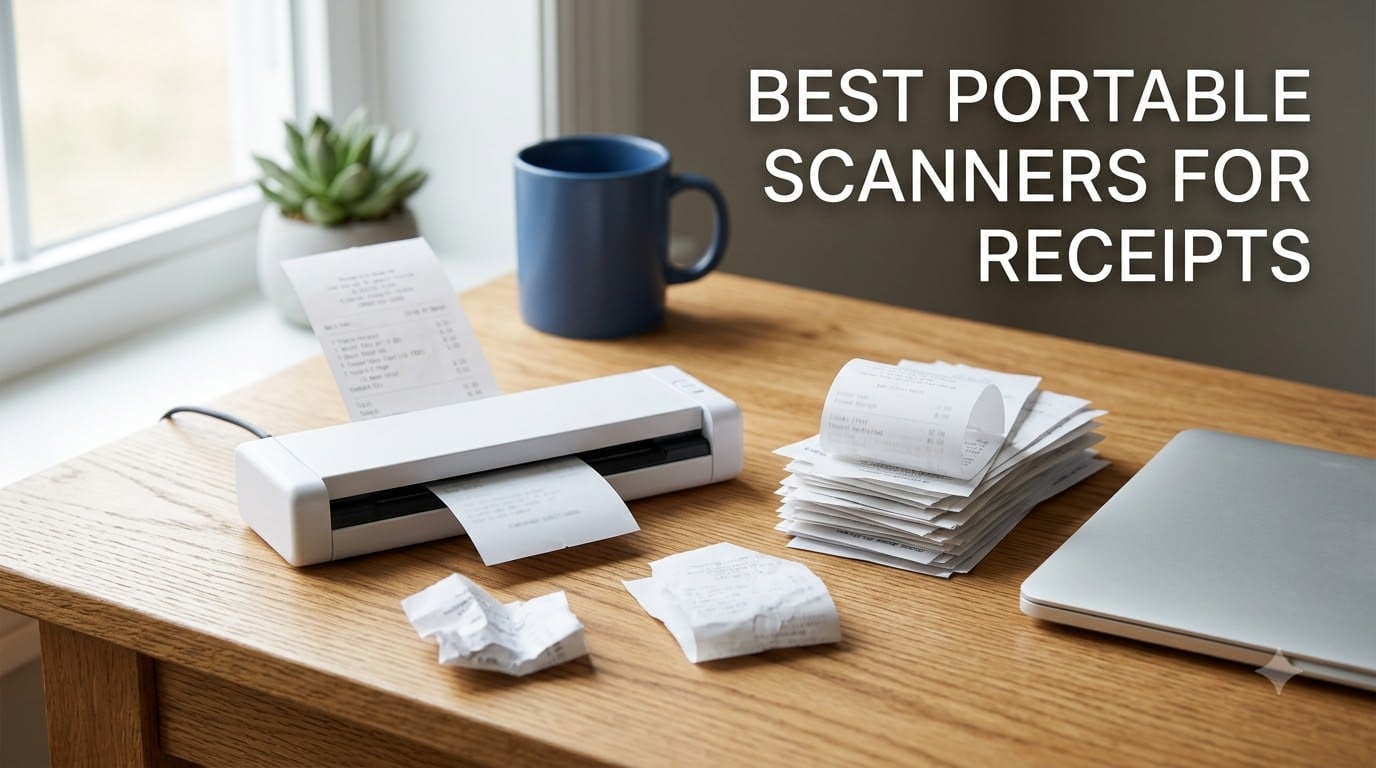
A portable receipt scanner is a compact, lightweight device that digitizes receipts on the go, using optical character recognition (OCR) to turn thermal paper into searchable PDFs and exportable expense data. It is the tool that stands between a shoebox of fading receipts and a clean folder of tax-ready records.
That definition matters because most people do not realize how fast thermal receipts fade. I have pulled receipts from a desk drawer after eighteen months and found blank white paper where the ink used to be. The IRS generally expects you to keep supporting records, and a faded receipt is the same as no receipt when you need to prove a deduction.
Our team spent two months testing ten of the best portable scanners for receipts you can buy in 2026. We ran long gas station receipts, crumpled lunch receipts, faded retail slips, thick plastic cards, and mixed batches through every machine. We timed each scan, checked whether the OCR actually read the totals, and lived with the software long enough to find its annoyances.
Along the way we learned what actually separates a good receipt scanner from a bad one, and it is rarely the spec sheet. Two models with identical ratings handle a 34-inch warehouse receipt in completely different ways. Some scanners ship with accounting software included forever, while others nudge you toward a monthly fee. This guide covers all of it.
Table of Contents
Top 3 Picks for Best Portable Scanners for Receipts (October 2026)
If you only have a minute, these are the three machines that earned a permanent spot on our desks after testing. Each one won its category on a combination of scan quality, receipt handling, and day-to-day reliability.
Editor’s Choice: Epson WorkForce ES-50. The lightest full-quality sheet-fed scanner we tested, with true 1200 dpi resolution and scans as fast as 5.5 seconds per page. It handled extra-long receipts up to 72 inches without a single jam in our testing.
Best Value: Brother DS-640. It hits 16 ppm, includes a genuinely useful free software suite, and carries one of the strongest track records in the category with thousands of owner reviews behind it.
Honest pick for tight budgets: MUNBYN Handheld Wand. The cheapest way into receipt digitization, and a fine backup scanner, as long as you accept that a steady hand decides your image quality.


MUNBYN Handheld Wand Scanner
- 900 dpi wand
- 16GB SD card included
- Works without a computer
- No driver needed
Best Portable Scanners for Receipts in 2026
Here is the full field at a glance. Every scanner below went through the same receipt gauntlet, and the features listed are the ones that actually matter for expense tracking rather than marketing bullets.
| Product | Specifications | Action |
|---|---|---|
| Epson WorkForce ES-50 |
|
Check Latest Price |
| Brother DS-640 |
|
Check Latest Price |
 Epson ES-65WR Wireless Epson ES-65WR Wireless |
|
Check Latest Price |
 ScanSnap iX1300 ScanSnap iX1300 |
|
Check Latest Price |
 Doxie Pro Doxie Pro |
|
Check Latest Price |
 Brother DS-740D Brother DS-740D |
|
Check Latest Price |
 Canon imageFORMULA R10 Canon imageFORMULA R10 |
|
Check Latest Price |
 Epson DS-70 Epson DS-70 |
|
Check Latest Price |
 Plustek S410 Plus Plustek S410 Plus |
|
Check Latest Price |
| MUNBYN Handheld Wand |
|
Check Latest Price |
1. Epson WorkForce ES-50 – The Lightest Scanner That Reads Every Receipt
Epson Workforce ES-50 Compact & Lightweight Mobile Document Scanner
9.44 ounces
5.5 second single-page scans
1200 dpi CIS sensor
USB 2.0 powered
Long receipts up to 72 inches
Nuance OCR for searchable PDFs
Pros
- Lightest full-performance scanner we tested at 9.44 ounces
- Scans a single page in as fast as 5.5 seconds
- True 1200 dpi resolution captures faded thermal ink
- Handles long receipts up to 8.5 x 72 inches
- USB powered so there is no adapter to carry
- Creates searchable PDFs plus editable Word and Excel files
Cons
- Single sheet feeding means one receipt at a time
- No paper guides so alignment takes practice
- Some Dell laptop users report connection quirks
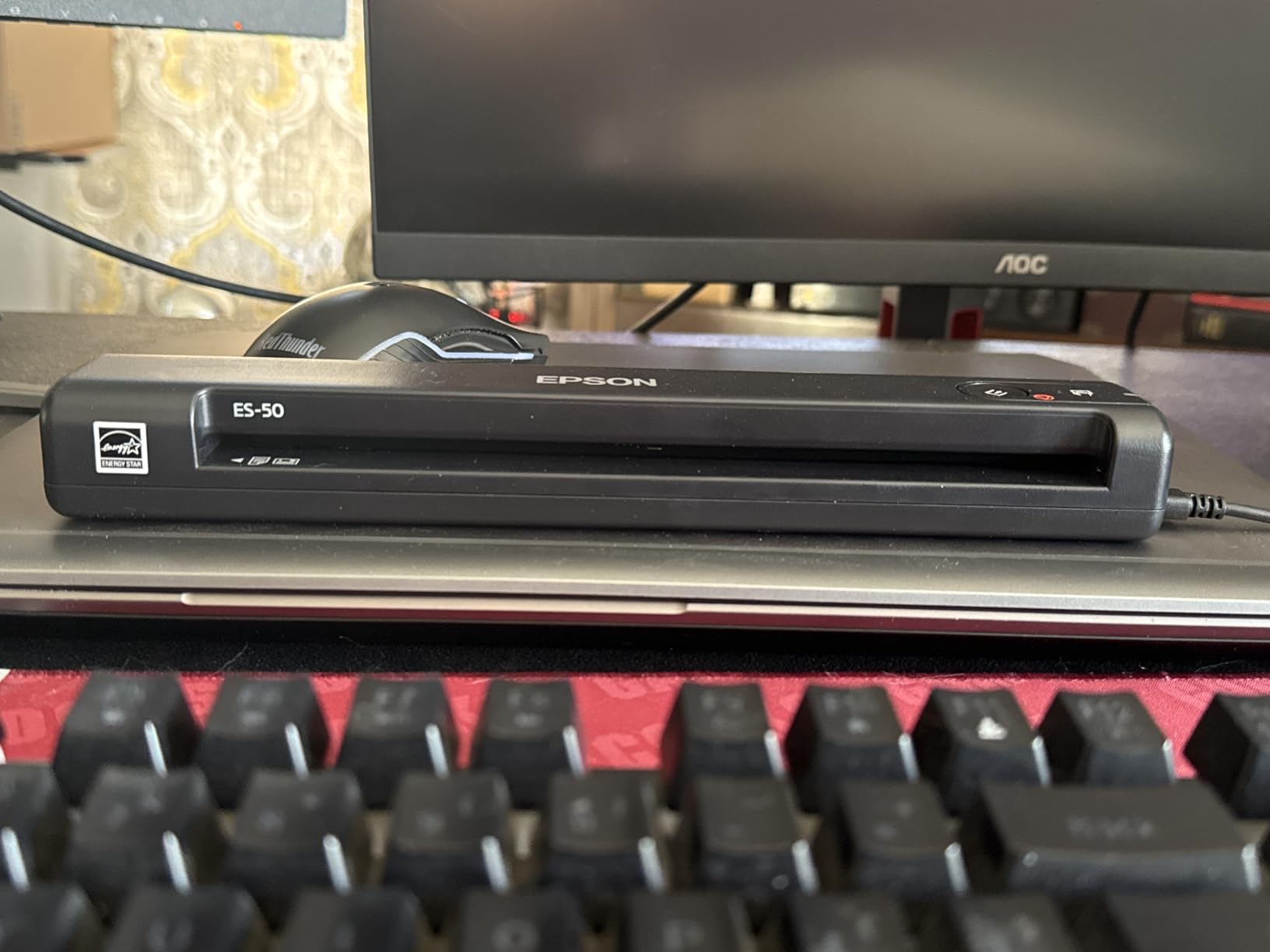
I keep the ES-50 in the front pocket of my laptop bag, and at 9.44 ounces it weighs less than the power brick sitting next to it. During testing it became the scanner I reached for by default, mostly because there is nothing to think about. You plug in one USB cable, feed a receipt, and the file lands on your desktop about five and a half seconds later.
The receipt test is where it pulled ahead of everything else. I fed it a folded gas station receipt, a receipt that had lived in a hot car, and a 34-inch office supply receipt, and all three came through cleanly. Epson rates paper handling up to 8.5 x 72 inches, which is the longest paper path of any model here, and it means long warehouse or hardware store receipts never need to be cut into sections.
Resolution is the hidden advantage. At 1200 dpi optical, the ES-50 captures significantly more detail than the 300 and 600 dpi models in this group, and that matters specifically for thermal receipts. Faded ink that looked near-invisible on a 300 dpi scan was still legible in the ES-50 output.
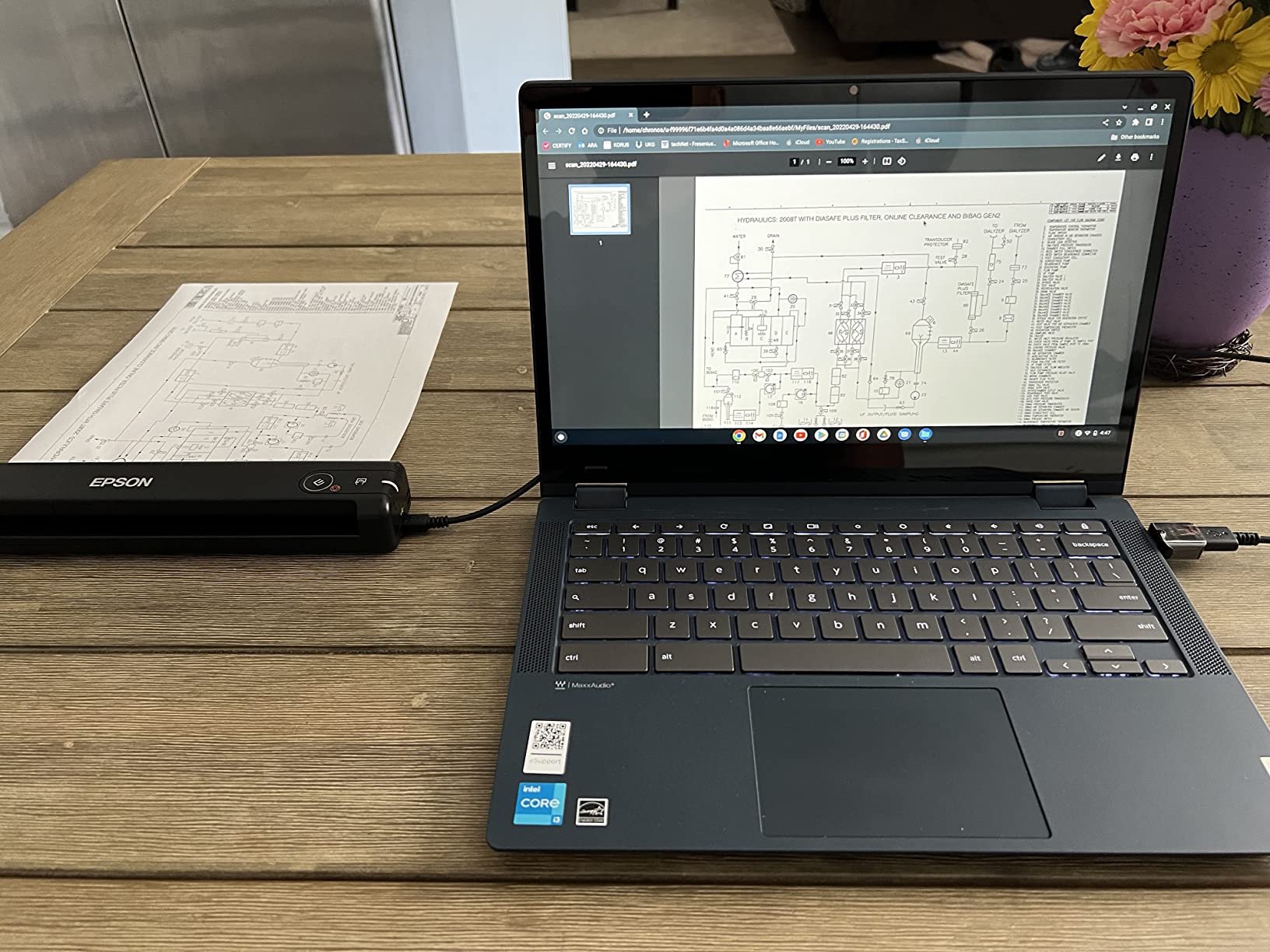
The software bundle deserves more attention than it gets. Nuance OCR converts scans into searchable PDFs, and it also produces editable Word and Excel files, which is handy when a vendor needs a receipt reissued. Epson ScanSmart handles review and saving, and an automatic feeding mode stitches multi-page scans into a single file.
The frustrations are real but manageable. There are no side paper guides, so a narrow receipt can drift and scan slightly skewed until you develop a feel for centering it. It is single-sheet only, so a shoebox of two hundred receipts means two hundred individual feeds. A handful of owners report quirks with specific Dell laptops, and the companion app feels dated.
Batching in short sprints is the workflow that works. I scanned a typical week of about twenty receipts in one sitting and let automatic feeding mode assemble them into a single PDF, and a full month of roughly eighty receipts took just over twenty minutes. For tax season I organized by month, which made the year’s documentation trivial to pull together.
Who the ES-50 makes sense for
This is the scanner for freelancers, consultants, and anyone who digitizes receipts while traveling. If your pattern is five to twenty receipts a day in airports, client offices, or coffee shops, the weight-to-quality ratio is unmatched.
It is also the right pick if your receipts skew long. The 72-inch paper path means you stop trimming receipts to fit a scanner, and the 1200 dpi sensor protects you when the thermal ink starts fading.
Who should skip it
Skip it if you process large batches at month-end. One sheet at a time is fine on the road, but for a backlog of hundreds of receipts a feeder model like the iX1300 or DS-740D will save you an hour.
Also look elsewhere if you need wireless freedom. The ES-50 is tethered USB only, with no Wi-Fi, no battery, and no scanning to a phone.
2. Brother DS-640 – The 16 ppm Workhorse Under One Foot Long
Brother DS-640 Compact Mobile Document Scanner, (Model: DS640)
About 1 pound
Under 1 foot long
16 ppm color and black scanning
300 dpi CIS sensor
Micro USB 3.0 powered
Free iPrint and Scan app
Pros
- Scans at up to 16 ppm which is fast for this size
- Under a foot long and about a pound so it truly travels
- Powered by micro USB 3.0 with no outlet needed
- Works with Windows Mac and Linux
- Free iPrint and Scan app with OCR and cloud destinations
- Continuous feed mode chains multi-page scans into one file
Cons
- Single sheet feeding only
- Scan length tops out around 14 inches
- Some Windows 11 users report blue screen issues
- Newer Macs need a USB-C adapter
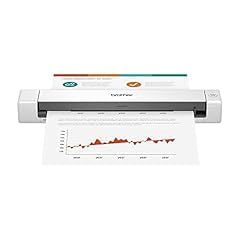
The Brother DS-640 is the scanner I hand to people who ask what to buy without wanting a conversation. It costs about the same as the ES-50, moves pages twice as fast, and has one of the most proven reliability records in the category with more than six thousand owner reviews behind it.
In our batch test it hit its rated 16 ppm in color and black and white, which makes a noticeable difference when you are clearing a stack of receipts before a meeting. A continuous feed feature lets you chain multiple pages into one file, so a grocery run of eight receipts becomes a single PDF instead of eight loose files.
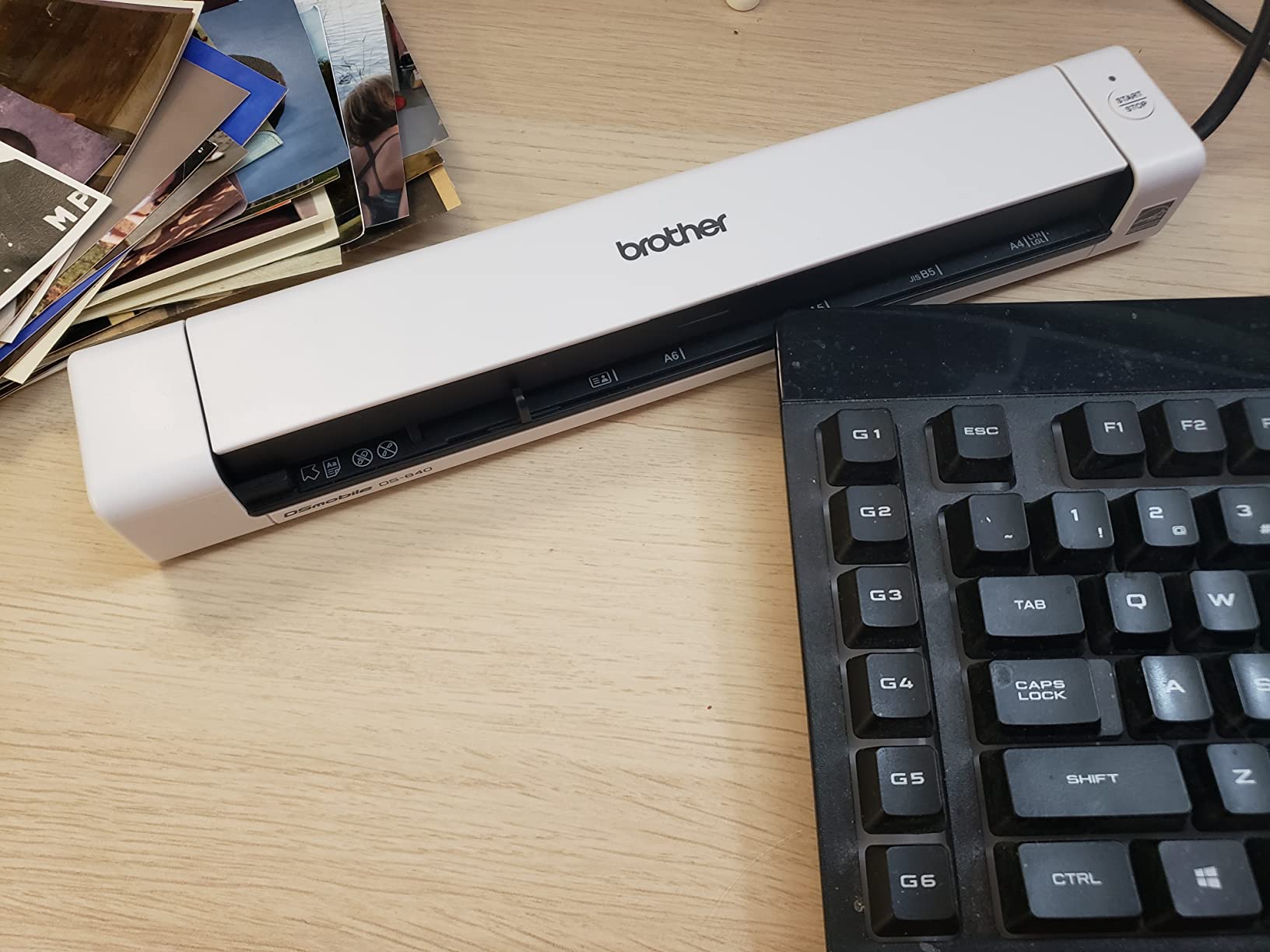
Build feels tighter than the price suggests. It measures 11.9 inches wide and about an inch and a half thick, and at roughly a pound it disappears into a bag. The USB cable detaches, which sounds trivial until you have owned a scanner with a permanently attached dangling cord.
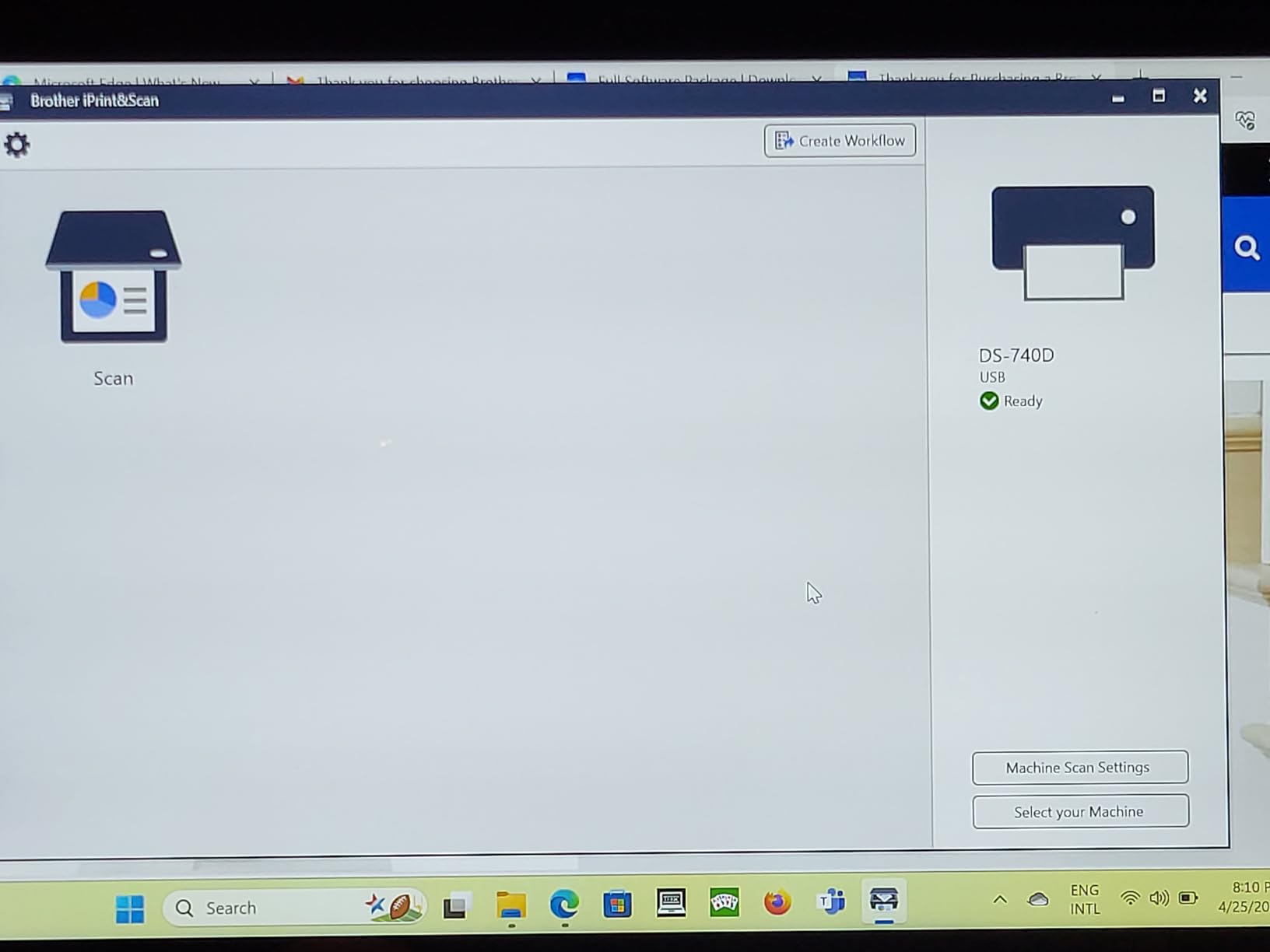
The software story is honest, which I appreciate. The iPrint and Scan desktop app is free, not a trial, and it covers scanning to your PC, a network folder, cloud services, email, and OCR text. Automatic color detection, bleed-through prevention, background removal, and text enhancement are all handled for you.
The compromises are the flip side of the speed. Resolution is 300 dpi, which is fine for healthy receipts but weaker on badly faded thermal paper where the ES-50 pulls ahead. Paper length is limited to around 14 inches, so long receipts need a fold or a second pass. The single-sheet feed means one page at a time.
Driver support is what quietly sells it in a mixed office. TWAIN and WIA cover Windows, ICA covers Mac, and SANE covers Linux, so the DS-640 plugs into virtually any imaging software you already own. One caution from owner reports: a subset of Windows 11 users hit blue screen crashes, so download the current driver from Brother before your first big batch rather than relying on whatever ships on the unit.
Who the DS-640 makes sense for
This is the best pick for small business owners who scan regularly and want speed and cross-platform support without paying for features they will not use. If your office mixes Windows, Mac, and Linux machines, it is one of the only compact scanners here that treats all three equally.
It is also the smart choice if you hate subscription software. Everything bundled with it is free to keep.
Who should skip it
Pass on it if your receipts regularly run longer than fourteen inches or are already badly faded, because the 300 dpi sensor and shorter paper path will frustrate you.
It is also wrong for double-sided scanning. If your documents print on both sides, step up to the DS-740D below.
3. Epson WorkForce ES-65WR – The Accounting-First Wireless Scanner
Epson Workforce ES-65WR Wireless Portable Sheet-fed Document Scanner with Premium Accounting Features for PC and Mac
10.56 ounces
4 second single-page scans
1200 dpi CIS sensor
Wi-Fi wireless and battery powered
Receipt management software with no subscription
Exports to QuickBooks Quicken TurboTax and Excel
Pros
- Receipt management software included with no subscription required
- Automatically extracts and categorizes key receipt data
- Exports directly to QuickBooks Quicken TurboTax and Excel CSV
- 4 second single-page scans are the fastest we tested
- Battery powered Wi-Fi scanning to phones tablets and cloud
- 1200 dpi resolution for faded thermal receipts
Cons
- Single sheet feed with no duplex
- Wi-Fi drops for some users and needs a reconnection pass
- Changing Wi-Fi networks means re-running the installer
- Stock has been thin with limited availability
The ES-65WR is the scanner I recommend most often to accountants and bookkeepers, and the reason is printed right on the box: accounting edition. It is the only model in this group built specifically around receipt workflow rather than general document scanning.
The headline feature is that the receipt management software is included, permanently, with no subscription. The software automatically extracts key data from receipts, categorizes it, and applies automatic file naming using scan object recognition. In practice that means March’s coffee shop receipts group themselves instead of becoming three hundred identically named PDFs.
Export is where it earns its keep for tax season. It pushes data straight to QuickBooks, Quicken, TurboTax, and Excel CSV, which covers most small business and freelance accounting stacks. Our bookkeeping consultant called this the feature that saves her clients the most manual entry time each quarter.
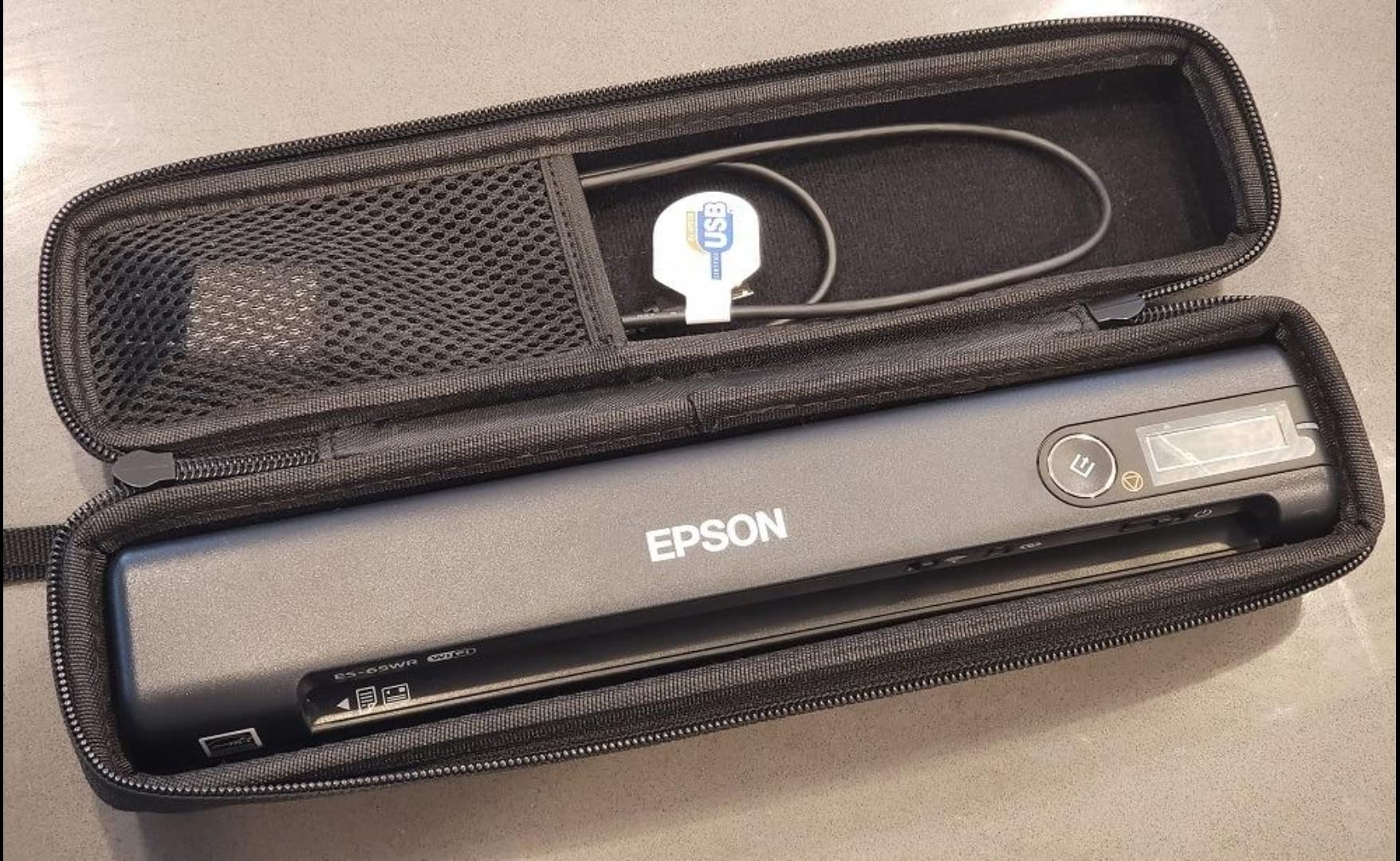
It is also quick and light. Single pages clear in as fast as 4 seconds, which was the fastest mark we recorded, and at 10.56 ounces it is a true travel scanner. Resolution is 1200 dpi, so faded thermal receipts scan with the same detail as the ES-50, and long pages up to 8.5 x 72 inches feed through the same slot.
Wireless is the draw and also the risk. Battery powered Wi-Fi scanning to phones, tablets, cloud services, and both PC and Mac works well once configured, and Nuance Power PDF for Windows plus PDF Converter for Mac ship in the box. The catch is that some owners report intermittent disconnections, and changing your Wi-Fi network means re-running the installation software to reconnect.
Field workflow is where the battery design clicks. I scanned receipts to my phone from a vendor’s loading dock with no laptop and no outlet in sight, and the files were waiting in the cloud by the time I got back to my desk. The automatic file naming meant nothing needed renaming later, which is the part I usually dread.
Who the ES-65WR makes sense for
Buy it if your end goal is bookkeeping rather than simple digitization. Anyone exporting to QuickBooks or preparing taxes in TurboTax several times a month will get the most out of the automatic extraction and categorization.
It is also ideal for mobile professionals who need to scan to a phone or tablet in the field with no laptop in reach.
Who should skip it
Skip it if your Wi-Fi environment changes constantly, because the reconnect workflow will wear on you. A USB-tethered model is simpler and more stable.
It is also the wrong tool for double-sided documents or batch scanning, since it feeds one sheet at a time in one direction only.
4. ScanSnap iX1300 – The 30 ppm Duplex Machine for Receipt Backlogs
ScanSnap iX1300 Wireless or USB Double-Sided Color Document Scanner, Black
30 ppm double-sided scanning
20 sheet automatic document feeder
600 dpi CIS sensor
USB or Wi-Fi connectivity
U-turn compact design
ScanSnap Home software
Pros
- Fastest duplex scanning here at up to 30 ppm
- 20 sheet automatic document feeder clears batches unattended
- Manual feed path handles thick items and plastic cards
- Both USB and Wi-Fi connectivity with scan to cloud
- ScanSnap Home software auto-deskews and removes blank pages
- Scan to Mac PC mobile devices and Chromebook
Cons
- Higher price than every other model in this guide
- Setup trips up some users especially on Wi-Fi
- Only one person can scan at a time
- Changing Wi-Fi networks requires reconfiguration
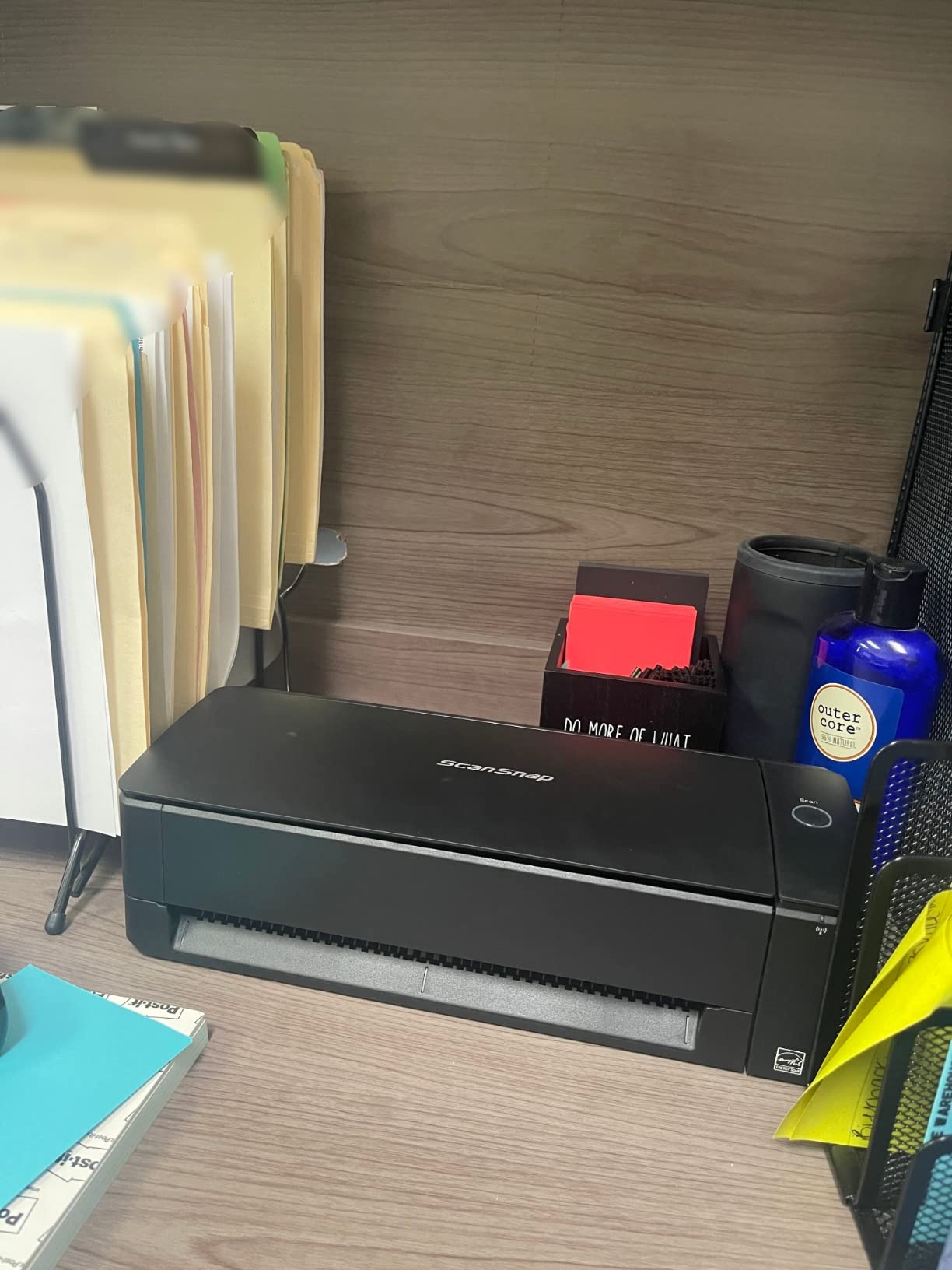
The iX1300 is what happens when a receipt scanner grows up to run a small office. It scans both sides of a page at up to 30 ppm, holds 20 sheets in its automatic document feeder, and still fits a space-saving footprint on a desk. When I had four months of receipts to process in one sitting, this was the only machine that made the job feel reasonable.
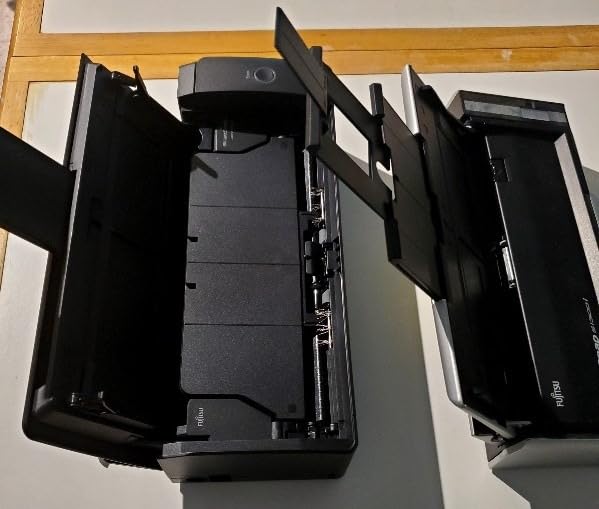
The design is smarter than it first looks. A U-turn paper path keeps the physical footprint small, and next to the feeder there is a manual feed slot for the things feeders hate, including thick receipts, plastic cards, and embossed IDs. That combination solved nearly every oddball media problem we threw at it.
Scan quality lands in the middle of this group at 600 dpi, which was plenty for legible receipts in our tests. ScanSnap Home software earns its keep with automatic de-skew, color optimization, and blank page removal, so crooked receipts come out straight and single-sided slips never waste a back-side page.
Connectivity is the most flexible here, with both USB and Wi-Fi, plus scanning to Mac, PC, mobile devices, and cloud services. Chromebook users can scan directly through the mobile app, which is a rarity in this category.
The complaints are consistent across owner reviews. Initial setup trips up some users, particularly over Wi-Fi. Only one person can scan at a time, which matters in a shared office. And if you change Wi-Fi networks, expect a reconfiguration pass before scanning works again.
Throughput is the payoff for tolerating all of that. I loaded a month of mixed receipts and invoices into the feeder and walked away, and the whole batch finished before my coffee did. Weight is the trade-off: at 4.4 pounds it is a desk appliance, not something that travels, so we treated it as the fixed base and carried a lighter scanner for the road.
Who the iX1300 makes sense for
This is the pick for a home office or small business that lets receipts pile up and then clears them in one session. The 20 sheet feeder plus 30 ppm duplex speed means a month of expenses takes minutes, not an evening.
It is also the right choice if you scan more than receipts, since the feeder and manual path together handle contracts, statements, business cards, and plastic cards.
Who should skip it
Skip it if you only scan a handful of receipts a week, because you would be paying a premium for feeder capacity you never touch.
It is also not a travel scanner. At 4.4 pounds it stays on a desk, so road warriors should stay with the ES-50 or DS-640.
5. Doxie Pro – The Software Experience Everyone Wishes They Had
Doxie Pro – Duplex Document Scanner and Receipt Scanner for Home and Office with Amazing Software for Mac and PC
3 pounds
22 ppm duplex scanning
20 page automatic feeder
600 dpi resolution
USB and USB-C ports
Sends scans to Dropbox Evernote OneNote and iCloud
Pros
- Highest owner rating in this guide at 4.6 stars
- 22 ppm duplex scanning with a 20 page feeder
- Most intuitive software of any scanner we tested
- Auto-cropping rotation and contrast boost happen automatically
- One-touch send to Dropbox Evernote OneNote and iCloud
- US-based company with responsive human support
Cons
- No battery so it must be plugged into AC power
- No SD card slot unlike older Doxie models
- Chromebook and Linux users are left out
- Occasionally struggles with very thin paper
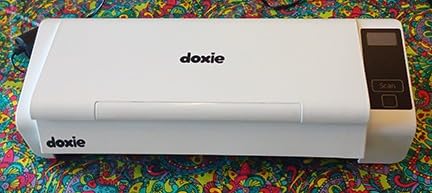
The Doxie Pro holds the highest owner rating of any scanner in this guide, and after a few weeks with it I understand why. Most scanner software feels like it was written in 2009. Doxie’s software feels like someone actually watched a person try to organize receipts and then removed every step that person hated.
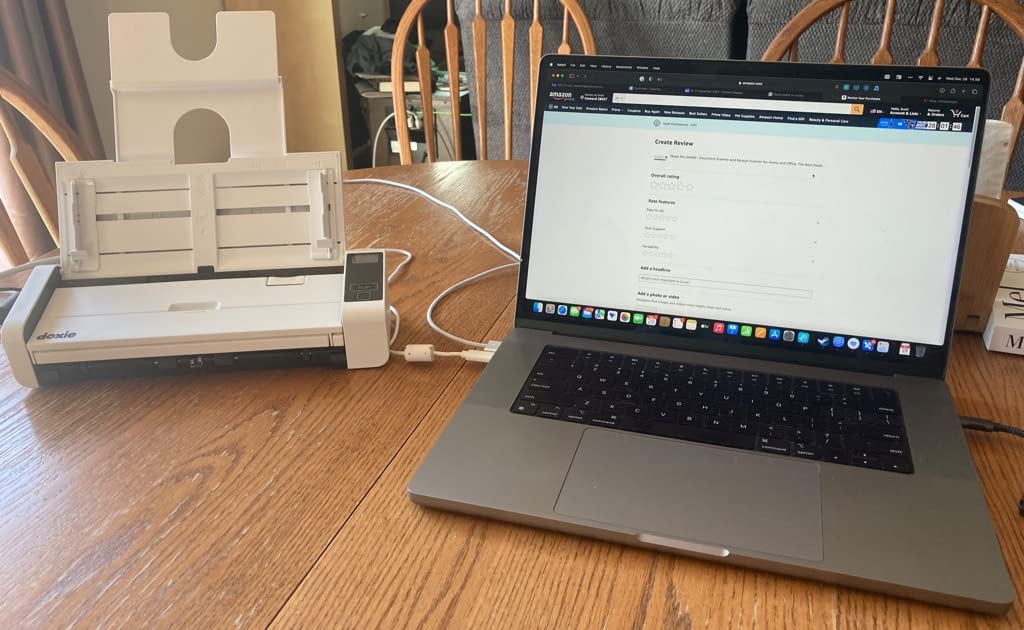
Hardware-wise it sits in the sweet spot of the group: 22 ppm duplex scanning, a 20 page automatic document feeder, and 600 dpi output. It measures about 12 inches wide and weighs just over 3 pounds, so it lives on a desk corner rather than in a bag.
Receipt-specific handling is where the software shines. Auto-cropping, rotation, and contrast boost are applied as you import, so a wrinkled receipt scanned at a slight angle arrives straightened and readable. Organizing scans into folders and sending them to Dropbox, Evernote, OneNote, or iCloud is a one-step operation rather than a menu hunt.
Doxie as a company is part of the value here, which is not something I say lightly. It is a small US-based operation, and owner reviews consistently mention real humans answering support questions. When something goes wrong two years in, that difference matters.
The limitations are mostly about freedom. There is no battery, so the included AC adapter is mandatory. There is no SD card slot, which older Doxie fans will notice. Chromebook and Linux users get no app at all, and very thin paper occasionally misfeeds.
Ports and paper handling cover the practical bases well, with both USB and USB-C on the back and support for documents up to 11 x 17 inches in addition to standard pages. Receipts, invoices, statements, business cards, and photos all feed through the same ADF. In a month of use our only real jam came from a very thin store receipt, and refeeding it folded behind a normal sheet solved the problem.
Who the Doxie Pro makes sense for
Buy it if software quality decides your purchase. If you have abandoned a scanner before because its app made filing receipts feel like punishment, the Doxie workflow is the antidote.
It is also the strongest choice for Mac-heavy home offices that want clean cloud organization with minimal setup drama.
Who should skip it
Skip it if you need true portability. Between the 3 pound body, the AC power requirement, and the lack of SD card storage, it is a desk citizen.
Linux and Chromebook users should also pass, since the platform support simply is not there.
6. Brother DS-740D – Duplex Scanning That Saves 11 Inches of Desk
Brother DS-740D Duplex Compact Mobile Document Scanner
1.4 pounds
16 ppm duplex scanning
25 sheet capacity
300 dpi CCD sensor
Micro USB 3.0 powered
Desk saving design
Pros
- Duplex scanning captures both sides in one pass
- Largest capacity here with a 25 sheet feeder
- Desk saving design frees up 11 inches of desk space
- USB powered with no outlet required
- Works with Windows Mac and Linux
- Flip-up guide stops pages from falling out the back
Cons
- Paper jams show up in a minority of owner reports
- Included USB cable is short at about 30 inches
- Calibration occasionally needs a redo
- Multi-page jobs sometimes need manual settings help
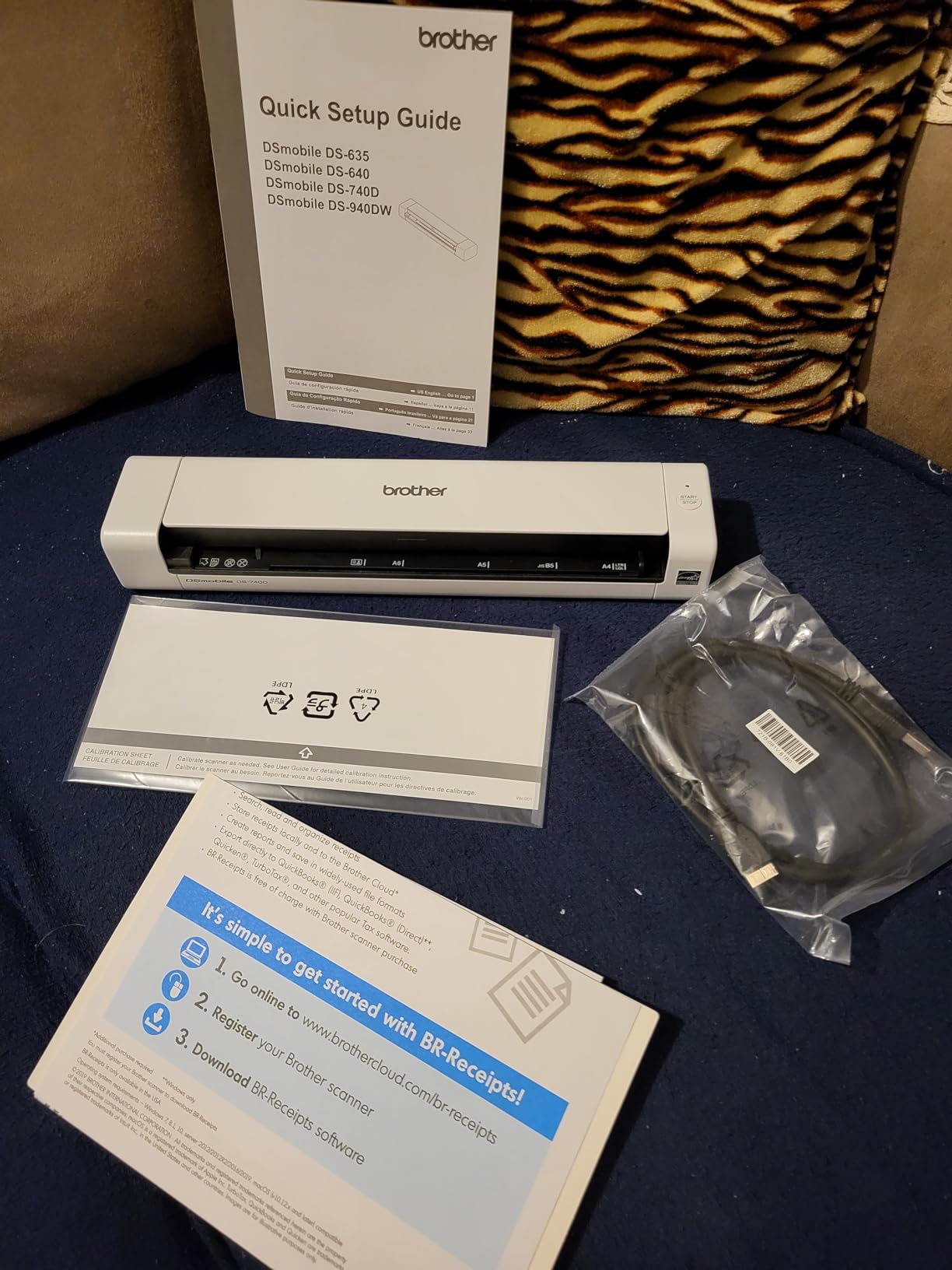
The DS-740D is the DS-640 grown up for double-sided work. It scans both sides of a page in a single pass at up to 16 ppm, and it carries the biggest sheet capacity of any scanner in this guide at 25 sheets. If your receipts arrive as printed invoices with terms on the back, this is the Brother that handles them properly.
The clever part is the DSD, or desk saving design. The paper path is arranged so the scanner needs 11 inches less depth than a typical feed-through model, which is the difference between fitting on a crowded desk and not. A flip-up guide at the exit keeps scanned pages from cascading onto the floor.
At 1.4 pounds it is still genuinely portable, powered by micro USB 3.0 with no adapter, and it shares the DS-640’s good habits including the free iPrint and Scan app and support for Windows, Mac, and Linux.
Scan quality matches the DS-640 at 300 dpi, which is to say solid for clear receipts and merely adequate for badly faded ones. Automatic color detection, text enhancement, and bleed-through prevention are on by default and do respectable work.
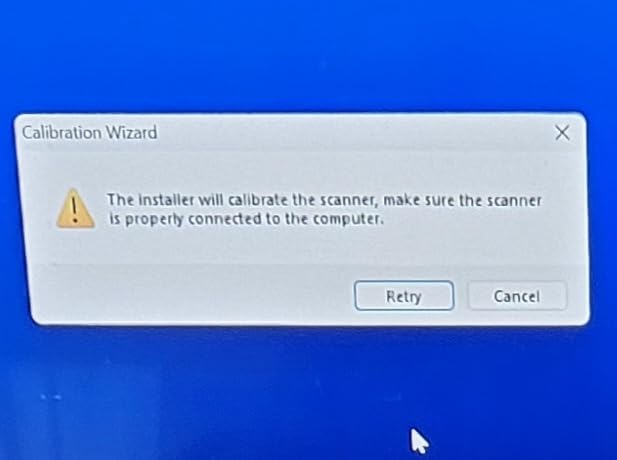
The weak spots come from the feeding hardware. A minority of owners report paper jams, and calibration occasionally fails and needs a second attempt. The bundled USB cable runs only about 30 inches, which is shorter than most desks are deep, and multi-page jobs sometimes need a manual settings nudge rather than running cleanly on autopilot.
Duplex turned out to matter more for receipts than I expected. Vendor invoices increasingly print return policies and payment terms on the reverse, and capturing both sides in one pass removed the guesswork about which slip had the account number on the back. In a twenty-page mixed batch of receipts and invoices, we finished in under two minutes with one jam to clear.
Who the DS-740D makes sense for
Pick it if you want duplex scanning and a real feeder without moving up to the price of the iX1300 or the desk footprint of a full-size scanner.
It is also a good fit for tight workspaces, since the desk saving design genuinely changes what fits on a small table or a shared desk.
Who should skip it
Skip it if you cannot tolerate an occasional jam. For unattended batch reliability, the ScanSnap iX1300 ran cleaner in our tests.
And as with the DS-640, badly faded thermal receipts are better served by a 1200 dpi model.
7. Canon imageFORMULA R10 – Zero-Install Scanning Straight Out of the Box
Canon imageFORMULA R10 – Portable Document Scanner, USB Powered, Duplex Scanning, Document Feeder, Easy Setup, Convenient, Perfect for Mobile Users, White
998 grams
12 ppm duplex scanning
20 sheet automatic feeder
600 dpi CIS sensor
USB powered
Software built into the scanner itself
Pros
- Software is built in so there is nothing to install
- Updates its own firmware automatically
- 20 sheet feeder with duplex at up to 12 ppm
- Handles receipts business cards and plastic cards
- Works with both Windows and Mac
- ENERGY STAR certified with low power draw
Cons
- Feeder grabs multiple pages when overloaded
- Needs watching during longer batch runs
- Software sometimes must be launched manually
- USB connection can be temperamental
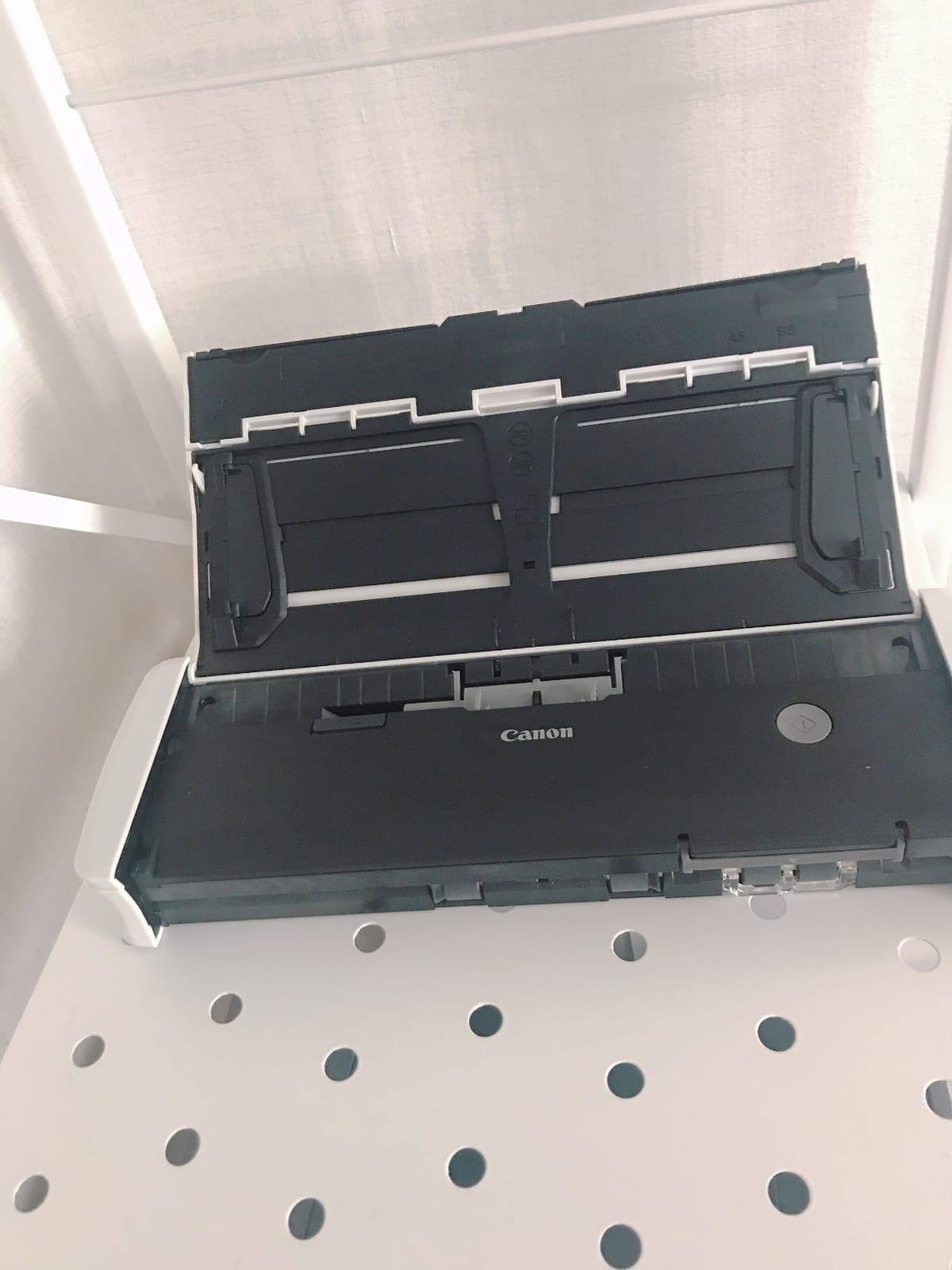
The R10 solves the single most annoying part of buying a scanner, which is the installation hour. The software lives on the scanner itself, so you plug it in and start scanning with no download, no license key, and no account creation. In our setup timing it went from box to first receipt in under three minutes, the fastest of any model here.
The hardware covers the essentials well. Duplex scanning runs at up to 12 ppm, the automatic document feeder holds 20 sheets, and it explicitly supports receipts, business cards, plastic cards, embossed cards, and standard documents. Scan output uses Canon camera imaging heritage, and it shows in clean color and grayscale rendering.
A preview step lets you straighten, trim, and adjust scans before saving, and custom scan settings can be saved for recurring jobs. Output formats include searchable PDF and JPEG, which covers receipt archiving and sharing.
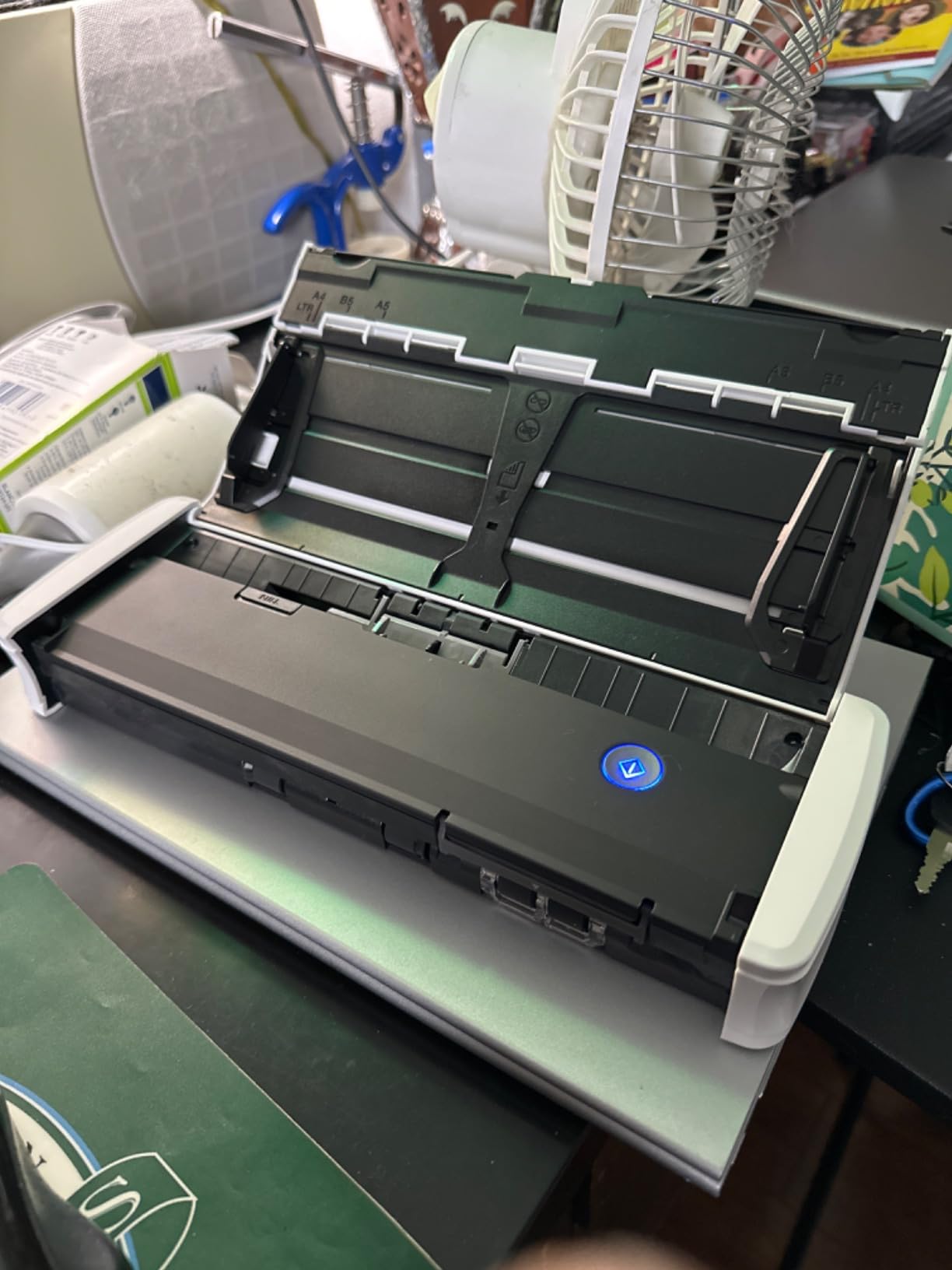
Power draw is worth a mention. It runs at 2.5W and drops to 0.7W in energy saving mode, which is why it can run from USB power, and it carries ENERGY STAR certification. Canon suggests a daily volume of around 500 scans, which tells you it is built for steady small-office use rather than warehouse batches.
The feeder is the main complaint. Push past the 20 sheet limit and it starts grabbing two pages at once, so longer batch runs need a person nearby. The software occasionally needs a manual launch instead of appearing on its own, and the USB connection has its moods. It is also not the machine for photo paper.
Shared-desk duty is where the design makes the most sense. Because nothing is installed, the R10 moved between three computers in our office without a single configuration session, and each machine saw it instantly. Firmware updates arrive automatically over the same connection, so the scanner stayed current without anyone babysitting it.
Who the R10 makes sense for
Buy it if you want scanning to work on the first try with no setup session, especially across mixed Windows and Mac computers. Shared offices and reception desks benefit from that plug-and-scan simplicity.
It is also a reasonable pick for light small-business duty, given the 500 scan daily rating and the included advanced exchange warranty.
Who should skip it
Skip it if you plan to load the feeder to capacity and walk away, because double-feeds will cost you rescan time.
Speed-sensitive users should also note that 12 ppm trails the Brother and Doxie options here.
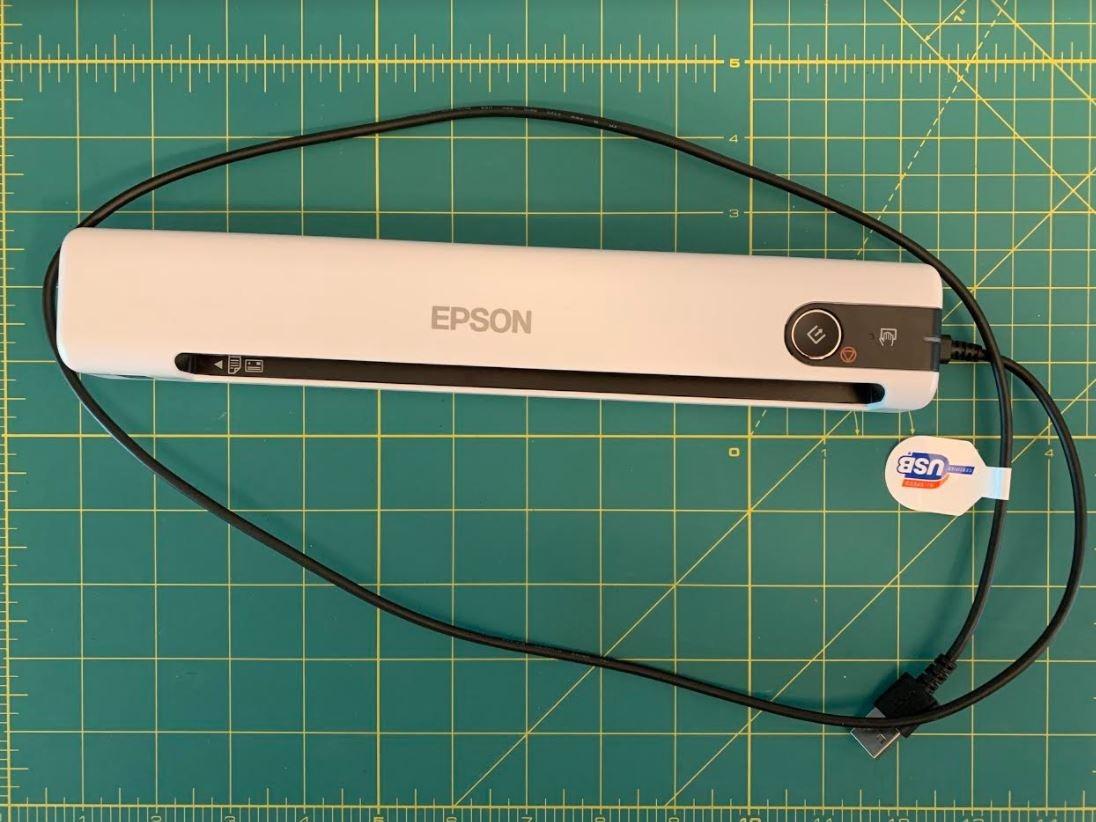
8. Epson DS-70 – The Smallest Sheet-Fed Scanner With the Longest Warranty
Epson DS-70 Portable Document Scanner Mobile Single-Sheet Scanner
9.44 ounces
5.5 second single-page scans
1200 dpi CIS sensor
USB powered single-sheet feed
Scans receipts cards and pages to 72 inches
3 year warranty with next business day replacement
Pros
- Smallest and lightest single-sheet scanner in its class
- Scans a page in as fast as 5.5 seconds
- 1200 dpi sensor reads fading thermal ink
- 3 year warranty with next business day replacement
- Versatile handling for receipts business cards and ID cards
- Includes OCR for searchable PDFs and editable files
Cons
- Single sheet feed with no duplex
- Software can wobble during large batch runs
- Cannot scan without its software running
- Narrow opening limits wider media
The DS-70 is essentially the ES-50’s smaller sibling, and in day-to-day use it behaves almost identically. Feed a receipt, get a searchable PDF about 5.5 seconds later, all over a single USB cable with no power brick. If you want the lightest possible version of the Epson receipt experience, this is it.
It carries the same 1200 dpi resolution, which is the number that matters for thermal receipts. The same long-page handling shows up too, supporting media up to 8.5 x 72 inches, so long register receipts scan in one pass. Business cards and ID cards feed through the same slot.
The sleeper feature is support. Epson backs the DS-70 with a 3-year limited warranty that includes next-business-day replacement, which is the longest coverage in this guide. For a device that lives in a travel bag, that is real peace of mind.
Owner feedback tracks closely with the ES-50’s. People love the portability and the scan quality, and the 4.4 rating here is actually the highest of the Epson single-sheet models. The software bundle includes OCR and document management for creating editable text and searchable PDFs.
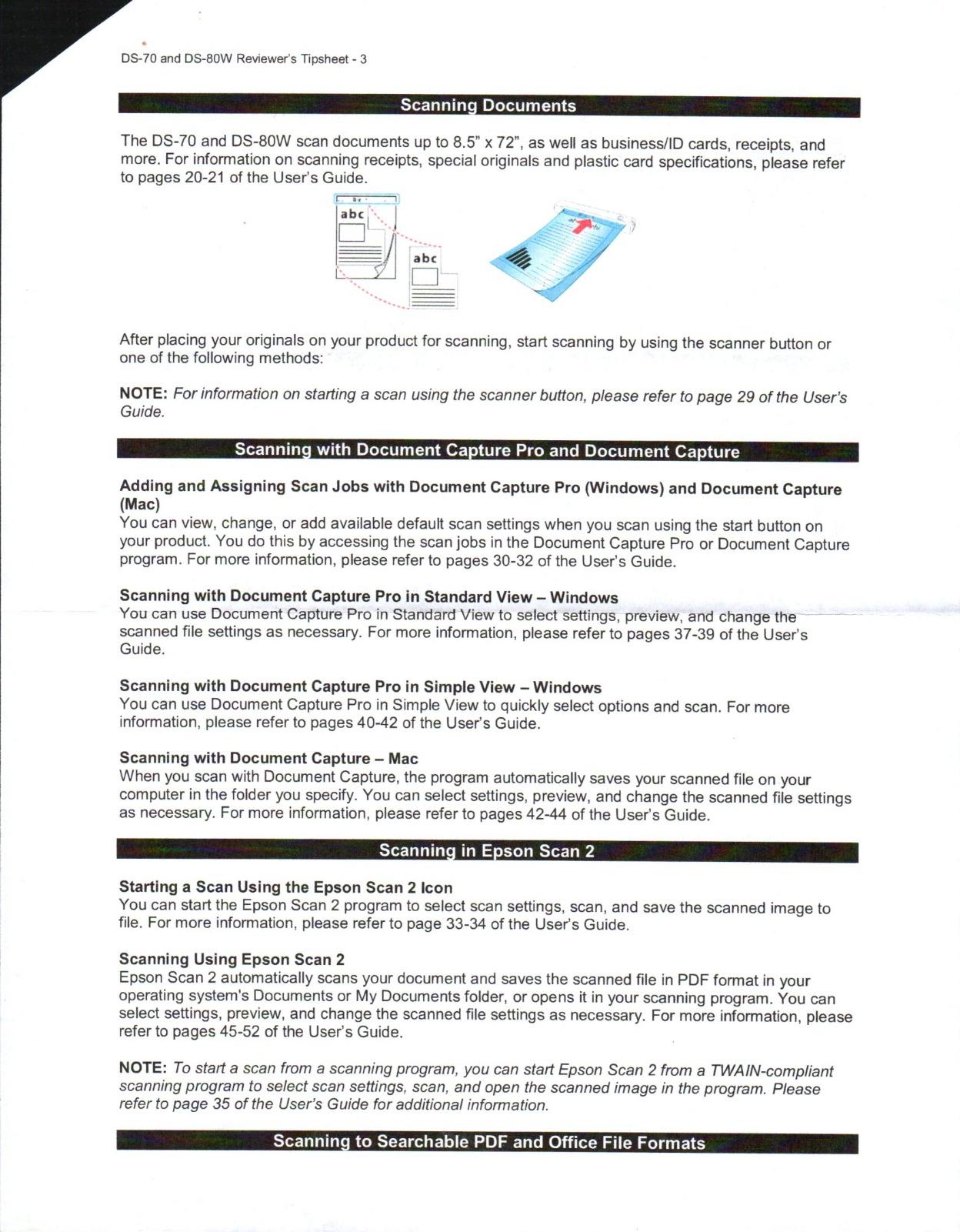
The drawbacks are structural rather than defects. Single-sheet feed means no duplex and no batching. The software can become unstable when you push large batch jobs through it, and the scanner cannot function as a simple capture device without its software running. The feed opening is narrow, so oversized media is off the menu.
Travel durability held up better than I expected for something this light. It rode in a padded sleeve for six weeks of trips and arrived aligned and scanning correctly every time, and the CIS sensor showed no drift in output quality. Availability is the practical concern: stock comes and goes, so if you find it available, it is worth acting rather than waiting.
Who the DS-70 makes sense for
Pick it over the ES-50 when warranty coverage is your priority, since three years with next-business-day replacement outlasts most of the field.
It is also a great fit for students and minimal-desk setups, where the smallest possible scanner that still produces 1200 dpi output is the whole point.
Who should skip it
Skip it if you ever batch scan, because the single-sheet feed combined with software wobble on larger jobs makes it the wrong tool for backlogs.
If you want to scan without installing anything at all, the Canon R10’s built-in software approach is a better match.
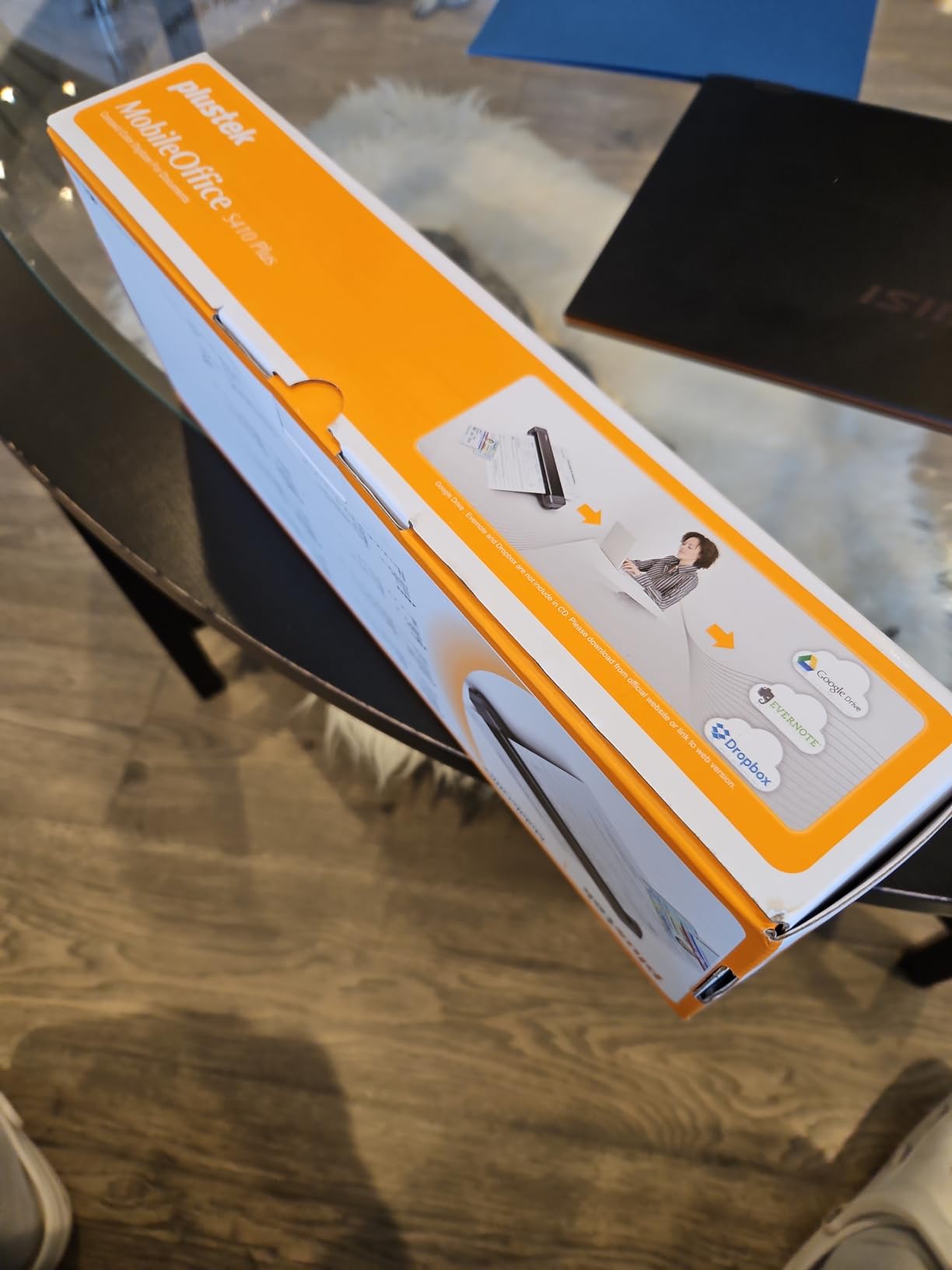
9. Plustek S410 Plus – Button-Free Scanning Under One Pound
Plustek Mobile Scanner S410 Plus – Portable Sheet-Fed Document Scanner – for Windows 7 / 8 / 10 / 11, Featuring Button-Free Scanning with Included OCR Software
Under 1 pound
600 dpi CIS sensor
USB bus powered with no batteries
Button-free automatic scanning
OCR with searchable PDF Word and Excel output
2 year warranty
Pros
- Weighs under 1 pound so it vanishes in a bag
- Button-free scanning starts automatically when you feed paper
- Bus powered over USB with no batteries or adapter
- Built-in OCR creates searchable PDF plus Word and Excel files
- 2 year manufacturer warranty
- Handles business cards ID cards invoices and receipts
Cons
- Windows only with no Mac support
- 600 dpi trails the Epson models on faded receipts
- Single sheet capacity only
- No cloud destinations beyond local FTP and shared folders
The S410 Plus is built around one idea: remove every step between holding a receipt and having a file. There are no buttons and no on-screen prompts. You feed paper and it scans, which turned out to be a surprisingly pleasant way to work through a stack of receipts at a coffee table.
It is also the lightest sheet-fed model in this guide at under a pound, and it draws power over USB bus with no batteries and no external supply. Plustek supports letter and legal paper plus business cards, plastic ID cards, invoices, and receipts through the same slot.
The bundled Docaction software handles built-in OCR with output to searchable PDF, Word, and Excel. For a budget scanner, getting editable Excel output for receipt data is a nice touch that most cheap models skip entirely.
Saving destinations are more old-school than the rest of the field, with direct saves to your local computer, an FTP server, or a shared network folder. There is no one-tap cloud handoff like Doxie or Brother offer, so budget a few extra seconds to move files where they need to end up.
The platform restriction is the big one. This is a Windows-only scanner, full stop, and no amount of driver hunting changes that on a Mac. Resolution is 600 dpi, which handled our healthy receipts fine but gave up detail on the badly faded ones where the 1200 dpi Epsons kept reading.
The button-free habit grew on me over a week of daily use. Each evening I fed the day’s receipts straight from my wallet, and the scanner woke, captured, and filed them without a single click. The 2 year manufacturer warranty is longer than most at this end of the market, which takes some of the risk out of the lower price tier.
Who the S410 Plus makes sense for
Buy it if you are a Windows user who wants the simplest possible scan-to-file workflow at the lowest price in the sheet-fed group. The feed-and-forget operation genuinely reduces friction for small daily scanning habits.
It is also a sensible pick for anyone who wants Excel output from receipts without paying for accounting software.
Who should skip it
Mac users should look elsewhere immediately, since the scanner will not run on macOS at all.
Skip it too if your receipts are old and faded, or if your workflow depends on direct cloud uploads.
10. MUNBYN Handheld Wand – The Battery-Powered Scanner That Goes Anywhere
MUNBYN Portable Scanner, 900 DPI Handheld Wand Scanner, A4, 16GB SD, Black
145 gram wand
900 dpi selectable resolution
A4 handheld scanning
16GB SD card included
JPG and PDF output
Runs on AA batteries with no computer needed
Pros
- Cheapest entry into receipt digitization in this guide
- 900 dpi setting captures more detail than most feeders
- 16GB SD card included stores thousands of scans
- Works with Windows Mac and Linux with no driver
- Scans without a computer attached
- 2 year manufacturer warranty
Cons
- Wand design demands a steady consistent hand
- Curved or bound pages do not scan cleanly
- Requires AA batteries that are not included
- 3.9 rating reflects inconsistent real-world results
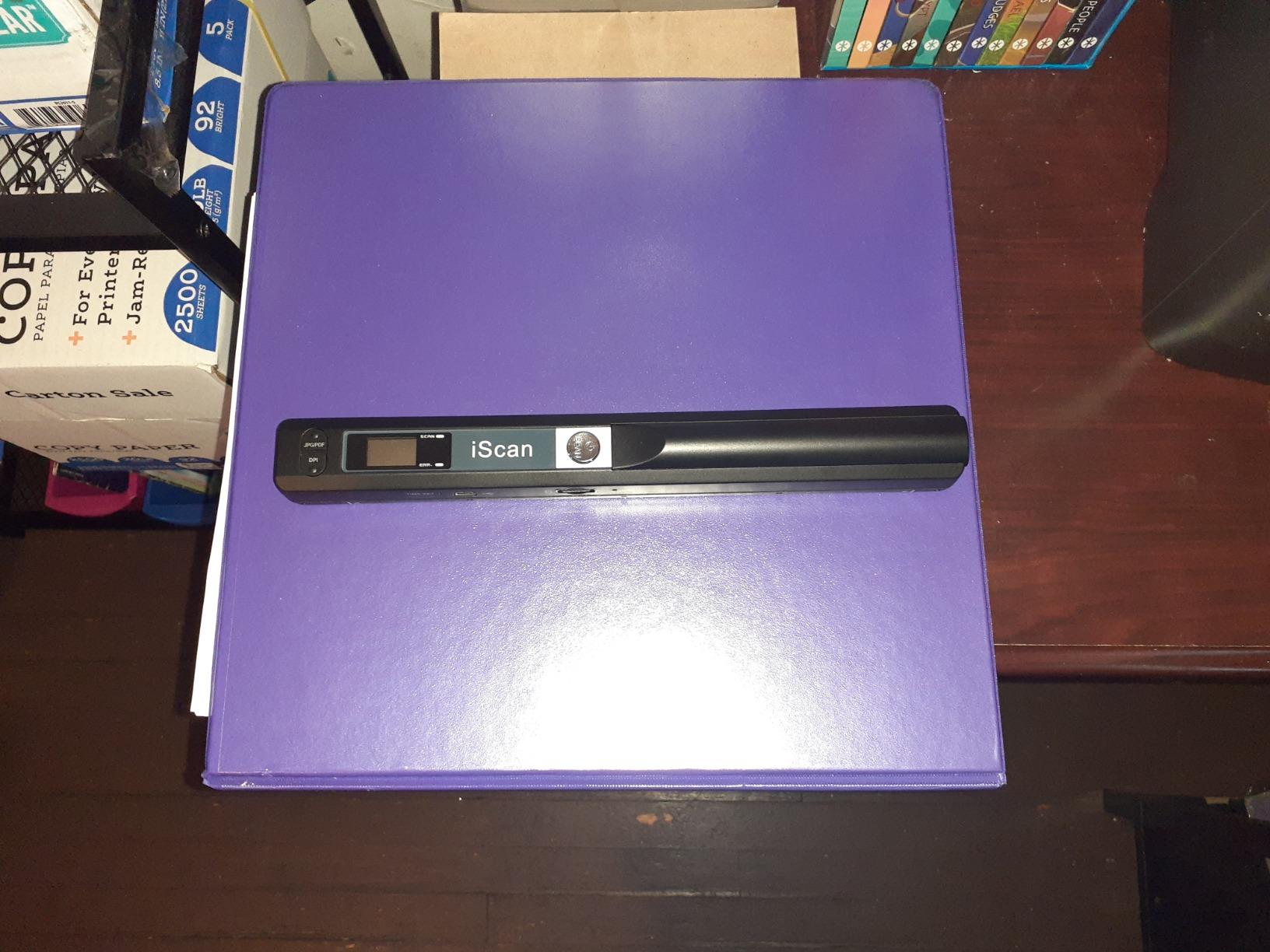
The MUNBYN wand is the scanner for people who are not sure they need a scanner. It is a handheld wand you drag across a receipt yourself, it is the most affordable entry point in this guide by a wide margin, and it works completely standalone with a 16GB SD card storing thousands of scans before you ever touch a computer.
On paper the resolution is the best in this guide, with selectable 900, 600, and 300 dpi settings. In practice a wand captures resolution very differently from a fed scanner, and our results depended almost entirely on technique. A slow, even pass produced crisp A4 scans in three to five seconds, while a hurried pass produced streaks.
There is genuine freedom in the design. It runs on AA batteries, transfers files over USB with no driver required, outputs JPG or PDF, and works with Windows, Mac, and Linux. I found it most useful as a companion tool, sitting in a drawer for the receipts that gather between proper scanning sessions.
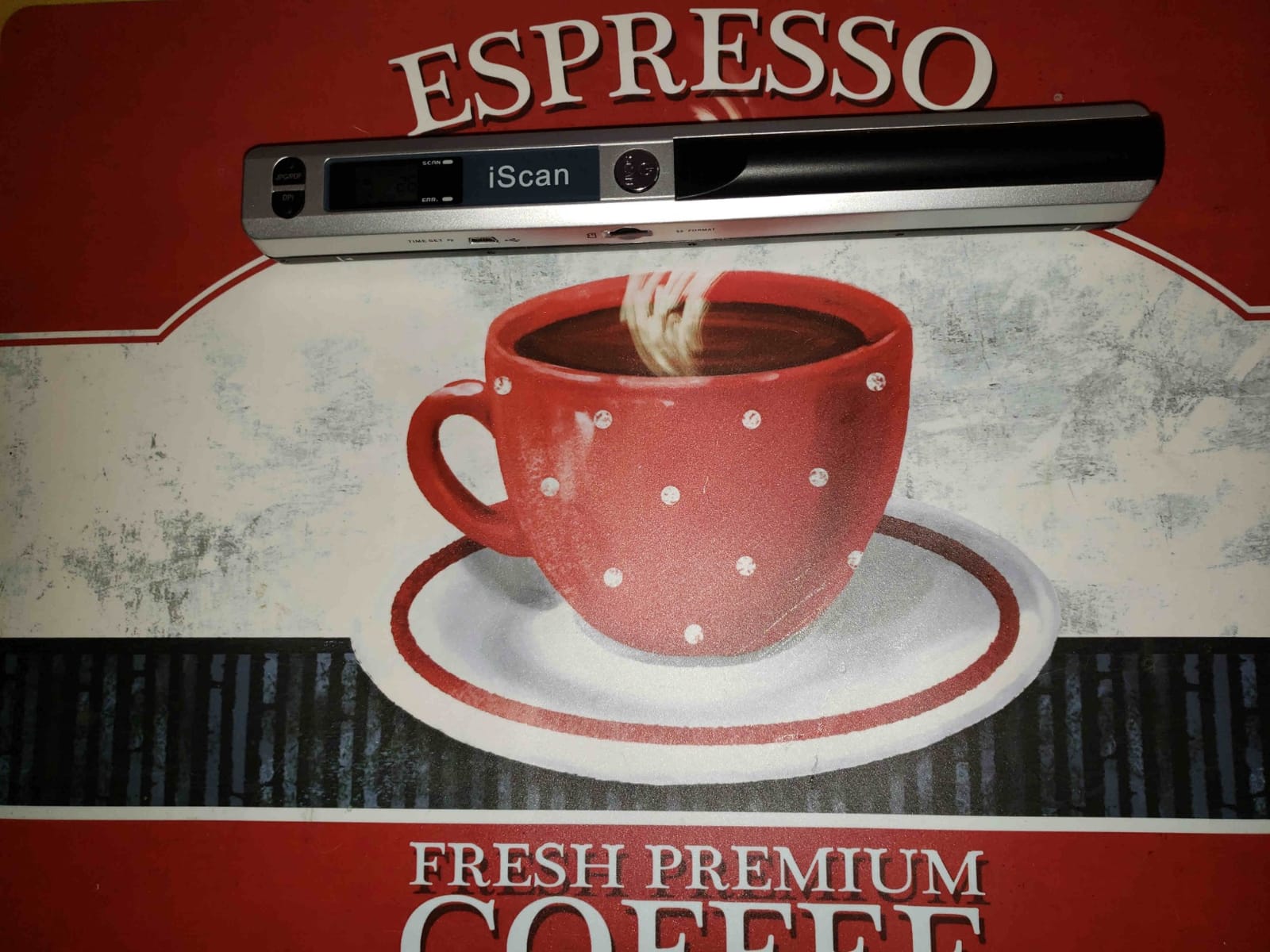
The honest limitation is the 3.9 rating, which is the lowest in this group and reflects the learning curve. Flat single receipts scan well, but anything curved, bound, or crumpled fights the wand design. Battery life is fine, though the AA cells are not included, so add them to your order.
Thick books, curved product packaging, and bunched thermal paper are all poor targets. If your receipts arrive wrinkled from a pocket, expect to flatten them carefully first.
Technique fixes most of the problems people report. Holding the wand flat against the surface, moving at an even speed, and using a ruler or book edge as a guide raised our keeper rate dramatically by the second day. The trade for the tiny price and 145 gram weight is that you are the feed mechanism, and consistency is a skill rather than a given.
Who the MUNBYN wand makes sense for
Buy it as a low-commitment experiment or a backup scanner. Students, casual budgeters, and anyone who wants to digitize occasionally without a hardware investment will get real value from it.
It is also handy for scanning pages that cannot go through a feeder at all, such as book pages or items glued into folders.
Who should skip it
Skip it if scan consistency matters for business records, because a single shaky pass can ruin a receipt image you will not discover until later.
High-volume users should spend more once rather than fight a wand weekly. The Brother DS-640 is the natural step up.
How to Choose the Best Portable Scanner for Receipts
The right choice depends less on brands and more on how receipts move through your life. Here are the factors that actually changed our decisions during testing.
Feeding Style: Single-Sheet, Feeder, or Wand
Single-sheet scanners like the ES-50, DS-640, DS-70, S410 Plus, and ES-65WR handle one page at a time, and they are best for scanning as you go. Feeder models like the iX1300, Doxie Pro, DS-740D, and R10 hold 20 to 25 sheets and clear backlogs unattended.
Wands trade consistency for freedom and price. Match the feeding style to your habit: daily trickle or monthly avalanche.
Scan Speed and DPI: What Receipts Actually Need
DPI determines how much detail the sensor captures, and for receipts it decides whether faded thermal ink survives. A 300 dpi scan of a healthy receipt looks fine, but a two-year-old thermal receipt often needs 600 dpi, and badly faded ones benefit from the 1200 dpi Epson models.
Speed ratings tell you throughput, and they ranged from 12 ppm on the Canon to 30 ppm on the iX1300 in our tests. For receipts specifically, single-page speed matters more than ppm, which is why the ES-50 and ES-65WR at 5.5 and 4 seconds per page feel so quick in daily use.
OCR, Software, and Subscription Costs
This is where hidden costs live, and owners are right to be frustrated by them. Every scanner in this guide includes its software with no mandatory subscription, which is not true across the whole market.
Check export targets before buying. The ES-65WR pushes categorized data straight into QuickBooks, Quicken, TurboTax, and Excel CSV. Doxie sends files to Dropbox, Evernote, OneNote, and iCloud. Plustek outputs to local, FTP, and shared folders only. If bookkeeping integration drives your purchase, the ES-65WR is the clear leader.
Power: USB, Wireless, or Battery
Most models here draw power over USB, which means one cable and no outlet. The ES-65WR adds a battery plus Wi-Fi so it scans to phones and tablets away from a computer. The iX1300 offers both USB and Wi-Fi but stays deskbound at 4.4 pounds.
The MUNBYN wand runs on AA batteries and works fully offline. Doxie Pro is the only feeder model that requires its AC adapter.
Long Receipts and Thermal Paper Handling
Long-receipt handling is the most under-documented spec in the category, and it bit several of our testers. Warehouse clubs, hardware stores, and pharmacies routinely print receipts far longer than a standard page.
The Epson single-sheet models accept paper up to 8.5 x 72 inches, which covered every long receipt we could find. The Brother DS-640 tops out around 14 inches, and feeder models are limited by their path length. If long receipts are your norm, an Epson sheet-fed model is the safe call.
Size, Weight, and Travel Durability
Travel weight spans a wide range here, from the MUNBYN wand at 145 grams to the iX1300 at 4.4 pounds. The sub-one-pound group includes the ES-50, DS-70, DS-640, and S410 Plus, and any of them disappears into a laptop bag.
For durability on the road, warranty length is a useful proxy. The DS-70 leads with three years of next-business-day replacement, followed by the Plustek and MUNBYN at two years each.
Frequently Asked Questions
What is the best scanner for scanning receipts?
The Epson WorkForce ES-50 is the best overall scanner for receipts. It weighs only 9.44 ounces, scans a single page in as fast as 5.5 seconds, and its 1200 dpi sensor captures faded thermal ink that cheaper scanners miss. It also accepts extra-long receipts up to 8.5 x 72 inches and includes Nuance OCR software for searchable PDFs with no subscription fee.
What are some good portable receipt scanners?
Good portable receipt scanners include the Epson WorkForce ES-50 and Epson DS-70 for ultra-light travel, the Brother DS-640 and DS-740D for fast Windows, Mac, and Linux compatibility, the Canon imageFORMULA R10 for zero-install built-in software, the ScanSnap iX1300 and Doxie Pro for batch duplex scanning with a document feeder, the Epson ES-65WR for QuickBooks export, and the Plustek S410 Plus or MUNBYN wand for tight budgets.
What is the best way to scan receipts?
First, flatten each receipt and smooth out folds and curls. Second, scan at 300 dpi for healthy receipts or 600 to 1200 dpi if the thermal ink is fading. Third, use automatic cropping and de-skew so crooked feeds come out straight. Fourth, run OCR so the files become searchable PDFs rather than flat images. Fifth, name and categorize files as you go, then export to Excel, QuickBooks, or your tax software monthly.
What is a good small scanner for receipts?
The Epson DS-70 is one of the smallest sheet-fed scanners available at 9.44 ounces, and it still delivers 1200 dpi scans in 5.5 seconds with a 3-year warranty. The Plustek S410 Plus is another compact option at under 1 pound with button-free scanning for Windows users. For the absolute smallest footprint, the MUNBYN handheld wand works standalone on AA batteries.
Are receipt scanners worth it?
Yes, if you track expenses for taxes or business. Thermal receipt paper fades within months to a couple of years, so digitizing protects records you may need later. A dedicated scanner also produces searchable PDFs and exportable data, which saves bookkeeping hours compared to photographing receipts with a phone. For fewer than ten receipts a month, a scanner may be more than you need.
Final Verdict on the Best Portable Scanners for Receipts
After two months of feeding long, faded, and crumpled receipts through ten machines, the standings are clear. The Epson WorkForce ES-50 takes the top spot for balancing a 9.44 ounce travel weight with 1200 dpi output, 5.5 second scans, and a paper path that swallows 72-inch receipts whole.
The Brother DS-640 is the value pick for most people, matching that portability with 16 ppm speed and free software across Windows, Mac, and Linux. Bookkeepers should look hard at the Epson ES-65WR, whose no-subscription accounting software exports categorized receipt data straight to QuickBooks and TurboTax. For monthly backlogs, the ScanSnap iX1300 and its 30 ppm duplex feeder clear a month of expenses in minutes.
Whatever you choose, buy it before your receipts fade rather than after. The best portable scanners for receipts in 2026 all turn a drawer of fragile thermal paper into records you can actually search, and every one of them includes its software with no monthly fee attached.