
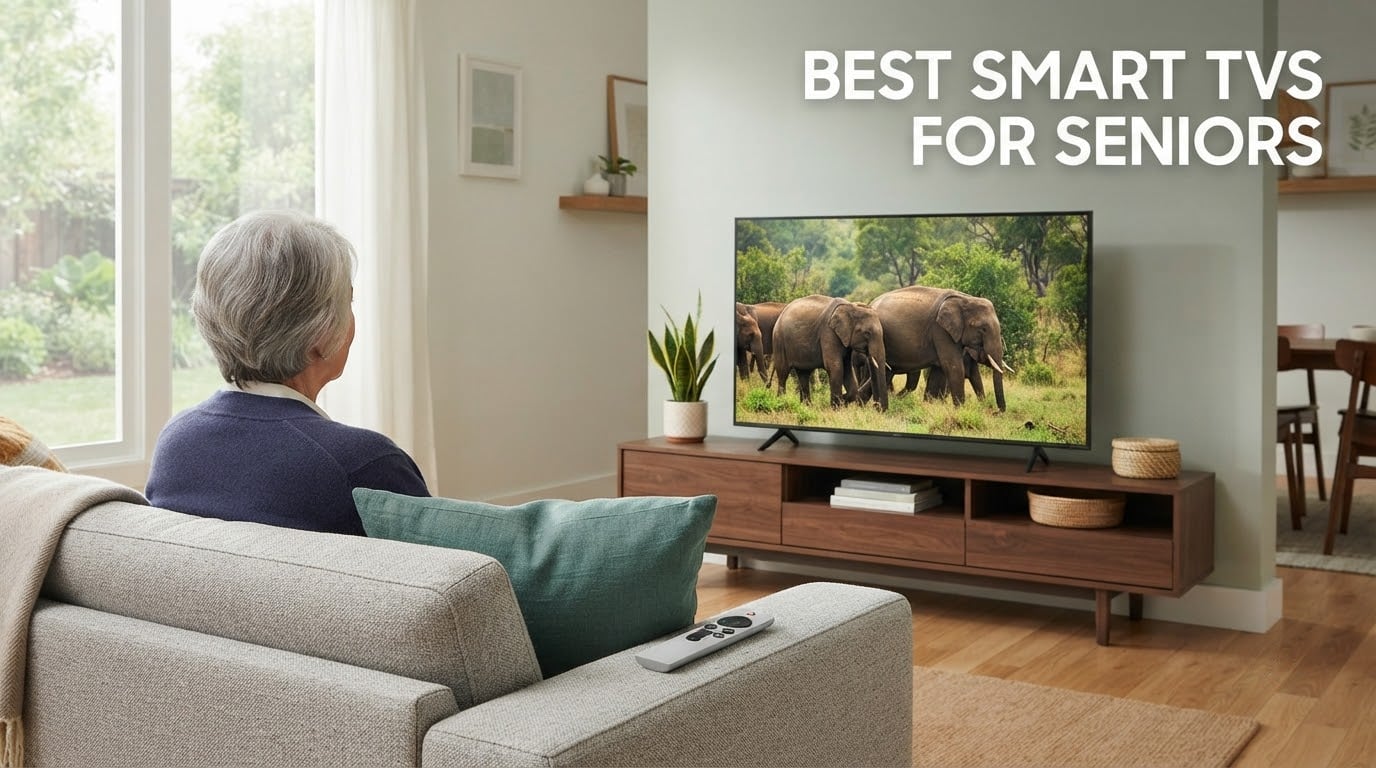
The best smart TVs for seniors are the ones with a low-clutter home screen, a remote with large labelled buttons, and caption and dialogue controls that actually work — not the ones with the longest specification list. On that basis, the INSIGNIA 43-Inch F50 Series takes our top spot for its 4K panel, three HDMI ports and an Alexa remote that answers to speech instead of typing.
I set TVs up for older relatives more often than I want to admit, and the pattern is consistent. The picture is almost never the problem. The problem is the layer on top of the picture: ad-heavy dashboards, recommendation rows nobody asked for, nested settings menus, and minimalist remotes with tiny unlabelled touch buttons designed for fingers with good dexterity.
A caregiver on r/AgingParents put it plainly when describing television shopping for a 97-year-old relative. Most reviews, he wrote, focus on picture and sound quality and never show the home screen or how to navigate it. That is the part that decides whether the TV gets used or abandoned, so it is the part I grade every pick below.
Every set in this roundup was assessed the same way: how cluttered is the home screen, how many buttons does the remote actually have, can caption text be made large and high contrast, does dialogue come through clearly, and can a parent get back to a known-good state after a mis-click. I also compared the platforms themselves, because how a smart TV works explains why two sets with near-identical hardware feel nothing alike once you turn them on.
Screen size matters less than most guides suggest, and remote design matters far more. If you want the wider picture on sizing and general buying strategy, our general smart TV roundup covers the technical side in depth.
Table of Contents
Top 3 Picks for the Best Smart TVs for Seniors (October 2026)

INSIGNIA 43-Inch F50 Fire TV
- 4K HDR10 panel
- Alexa voice remote
- 3 HDMI ports with eARC
- Fire TV built in

VIZIO 55-Inch V-Series
- 55-inch 4K panel
- Full array backlight
- Dolby Vision and HDR10
- 3 HDMI inputs

INSIGNIA 32-Inch F20 Fire TV
- Compact 32-inch HD panel
- Alexa voice remote
- HDMI ARC support
- Wall mountable
Best Smart TVs for Seniors in October
All eight sets below run a different smart platform, and that choice does more for daily usability than any picture specification. Two run Fire TV, two run Roku OS, one runs Google TV, one runs Samsung’s Tizen and one runs VIZIO’s SmartCast, so this list doubles as a platform comparison.
| Product | Specifications | Action |
|---|---|---|
| INSIGNIA 43-Inch F50 Fire TV |
|
Check Latest Price |
| VIZIO 55-Inch V-Series 4K |
|
Check Latest Price |
| INSIGNIA 32-Inch F20 Fire TV |
|
Check Latest Price |
 Hisense 55-Inch A6 Google TV Hisense 55-Inch A6 Google TV |
|
Check Latest Price |
 Samsung 40-Inch F6000 Samsung 40-Inch F6000 |
|
Check Latest Price |
 Roku 40-Inch Select Series Roku 40-Inch Select Series |
|
Check Latest Price |
 Amazon Ember 55-Inch 4-Series Amazon Ember 55-Inch 4-Series |
|
Check Latest Price |
 Roku 55-Inch Select Series QLED Roku 55-Inch Select Series QLED |
|
Check Latest Price |
1. INSIGNIA 43-Inch F50 Fire TV — Best Smart TV for Seniors Overall
INSIGNIA 43″ Class F50 Series LED 4K UHD Smart Fire TV, Voice Remote with Alexa, Stream Live TV Without Cable
43-inch 4K HDR10 LED
Fire TV with Alexa remote
3 HDMI ports with eARC
DTS Virtual-X audio
375 nit peak brightness
Pros
- Alexa remote finds content without typing
- Guided setup with on-screen prompts
- 4K panel with HDR10 and strong contrast
- Three HDMI ports plus eARC for a soundbar
- DTS Virtual-X beats typical flat-panel speakers
Cons
- Fire TV menus and apps load slowly
- Settings screens can cut to a full-screen ad
- Limited picture adjustments compared with rivals
- Remote buttons sit where a resting hand covers them
This is the set I keep ending up recommending when an adult child is buying for a parent. The F50 runs Fire TV, which is not the sparsest platform, but the Alexa voice remote removes the single hardest task in TV operation: typing a search term one character at a time. Owners across more than 12000 reviews repeatedly describe gifting these to parents, which tells you how it performs as a present rather than a spec-sheet purchase.
The hardware side is unremarkable in the best possible way. Three HDMI ports means a streaming stick, a cable box and a soundbar can all be connected without constant swapping, and eARC support means a soundbar connects with a single cable. Setup is guided on screen, so an adult child can handle the account step in ten minutes while the parent watches.
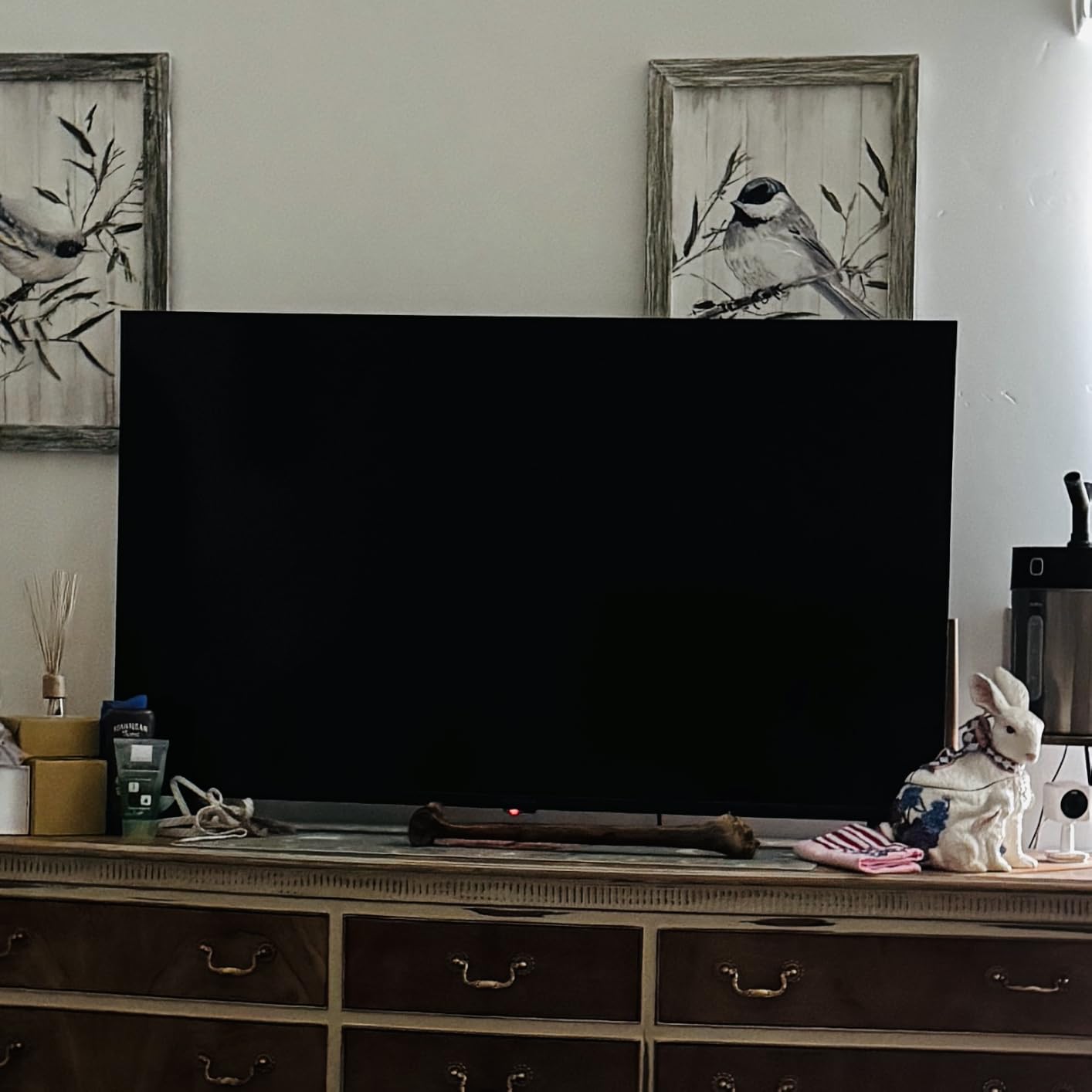
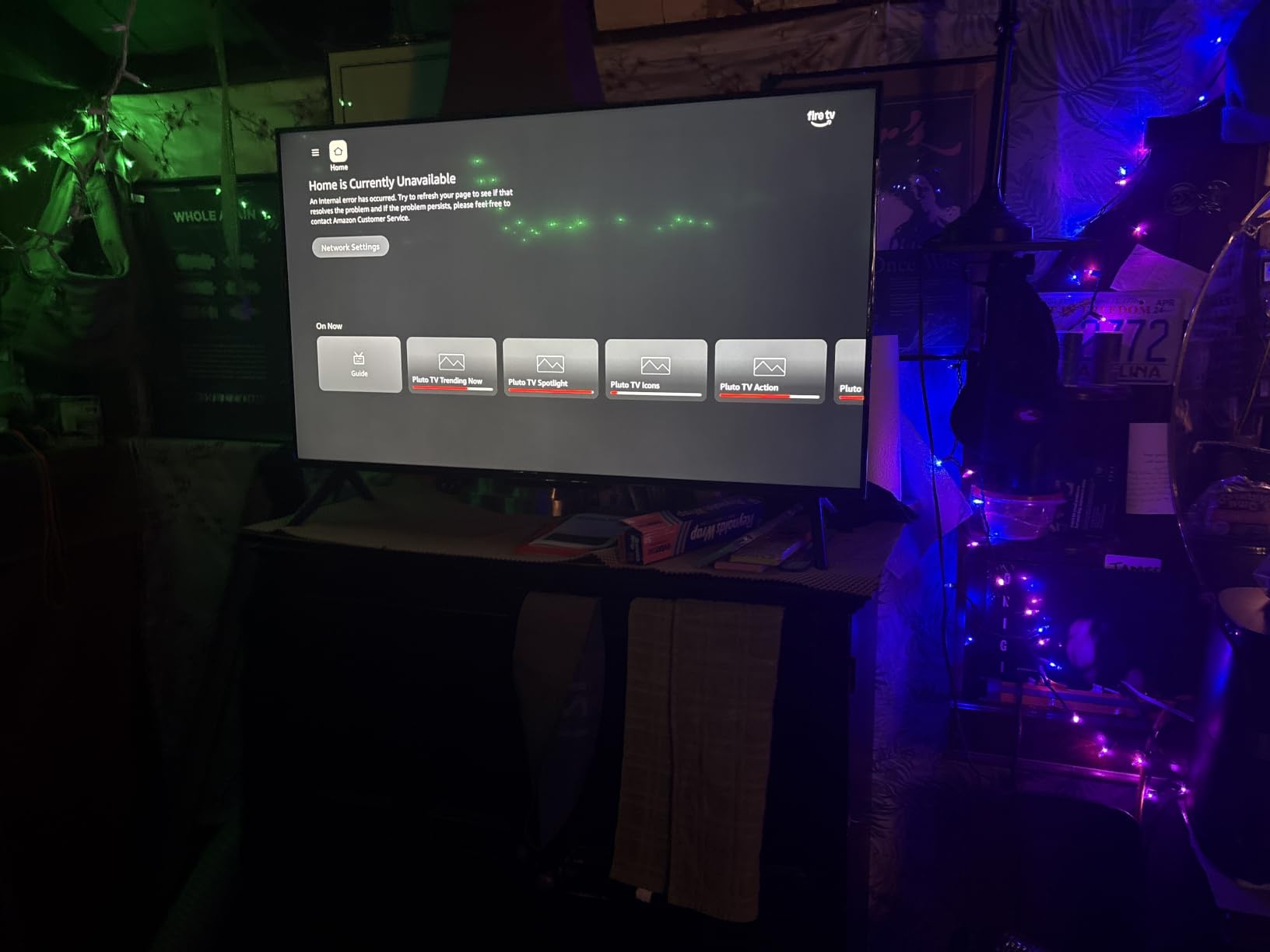
There are two honest problems. The Fire TV interface and app loading are noticeably sluggish, with delayed menu response, and reviewers describe some app icons rendering as blacked-out rectangles during startup. The second is stranger: several owners report the settings screen cutting to a brighter advertisement instead of showing the programme they were adjusting, which is exactly the kind of disorienting behaviour that ends a TV sitting switched off.
Fewer picture adjustments are available than on competing sets, so if the default picture mode is not right for a bright living room, there is limited room to correct it. That is a real limitation for aging eyes that need more brightness and contrast control.
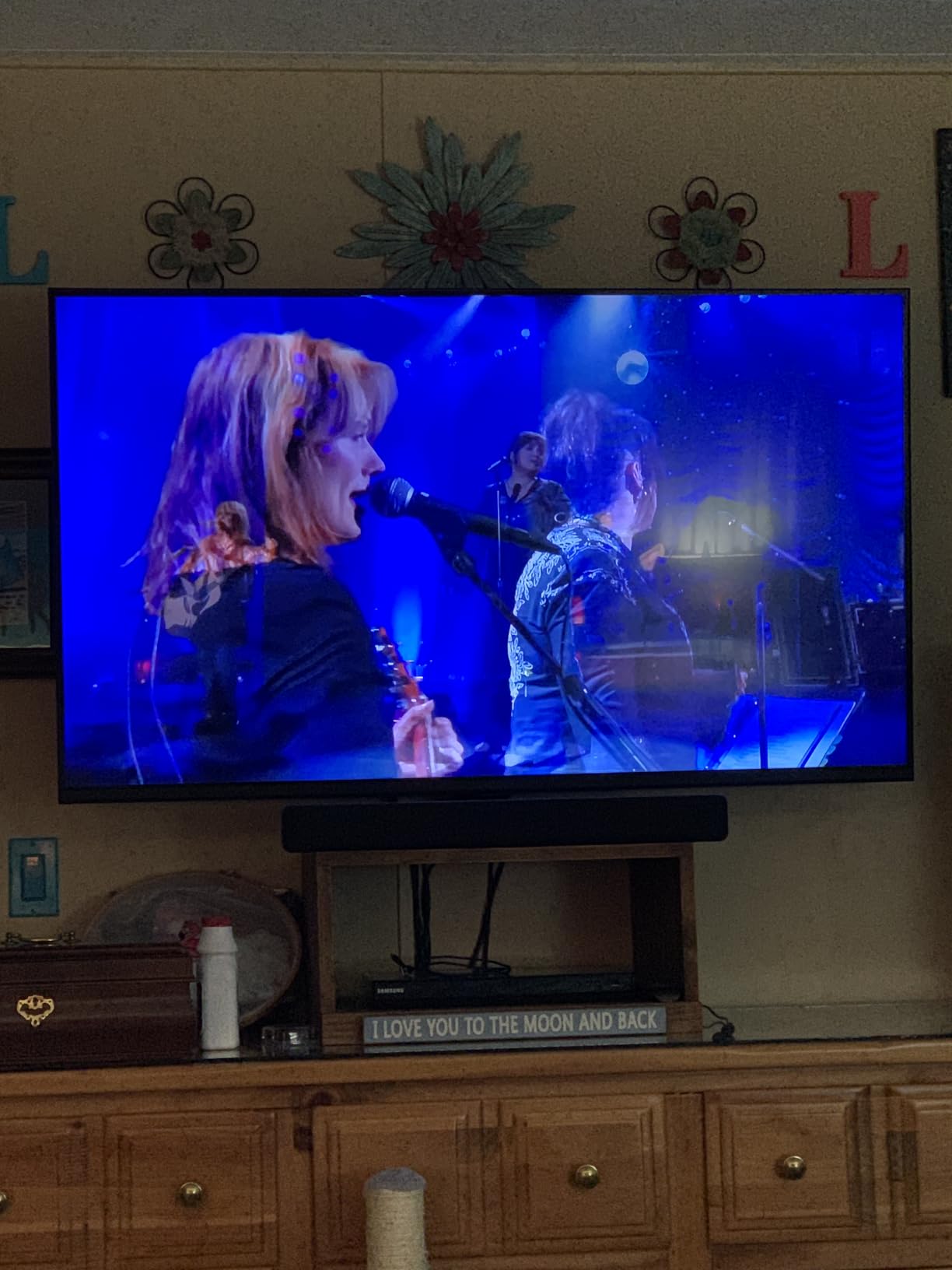
What a caregiver should check before buying
Sit down with the remote and count how many steps it takes to reach live TV from the home screen, and how many to return to it. If your parent uses an antenna, confirm the tuner is present and that the parental PIN does not lock them out of settings they may need later. The V-Chip controls and parental controls with PIN are both supported here.
Where it falls short
If the person buying is not confident with technology at all, the sluggish Fire TV response times are a genuine tax on every session. A set running Roku OS is calmer, and that difference shows up in week three rather than week one. For more on that comparison, see our guide to TVs for seniors.
2. VIZIO 55-Inch V-Series — Best for Large Living Rooms and Off-Centre Seating
VIZIO 55-Inch V-Series 4K UHD LED Smart TV with Voice Remote, Dolby Vision, HDR10+, Alexa Compatibility, V555-J01, 2021 Model
55-inch 4K UHD LED
Dolby Vision with HDR10 and HLG
Full array backlight
3 HDMI inputs
SmartCast with voice remote
Pros
- Full array backlight with Active Pixel Tuning for strong contrast
- Dolby Vision plus HDR10 and HLG support
- 55-inch 4K panel with IQ Active 4K upscaling
- Three HDMI inputs for boxes and consoles
Cons
- Built-in audio is two 10 watt speakers for a 55-inch panel
- 2021 model year with no HDR10+ listed on the spec sheet
- Voice remote needs pairing before it responds
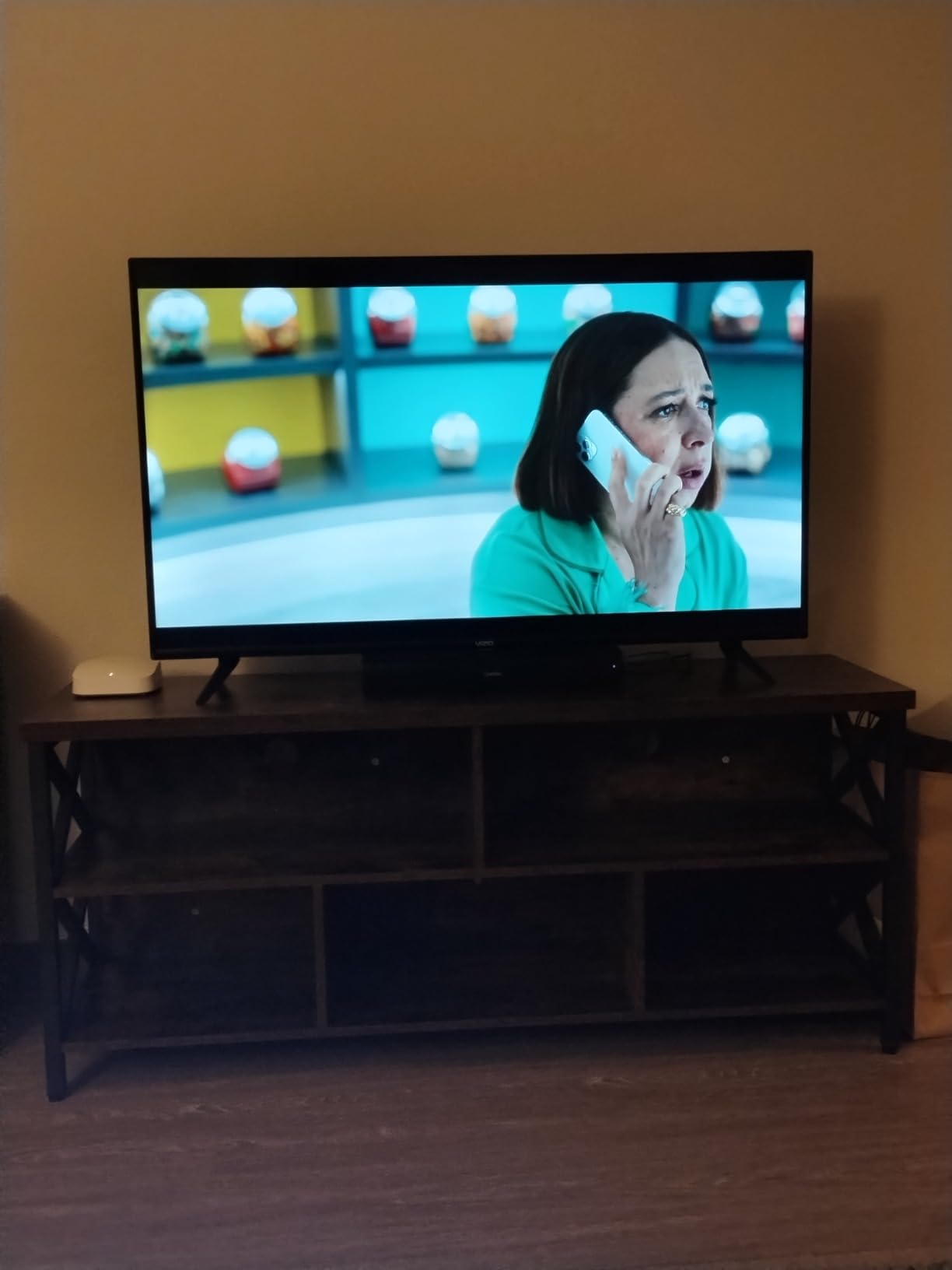
If the TV is going in a room where people sit well off to one side, panel brightness and backlight uniformity start to matter more than any menu feature. The VIZIO V-Series uses a direct LED backlight across the whole panel with Active Pixel Tuning adjusting brightness across more than 2000 zones, which keeps corners from washing out when the sofa is not square to the screen. It carries a 4.4 rating from 7869 reviews.
Dolby Vision and HDR10 support means brighter highlights on compatible content, and the IQ Active processor handles 4K upscaling for the large library of older HD broadcasts that a senior is likely to spend real time watching. That upscaling matters more than any gaming specification at this screen size.
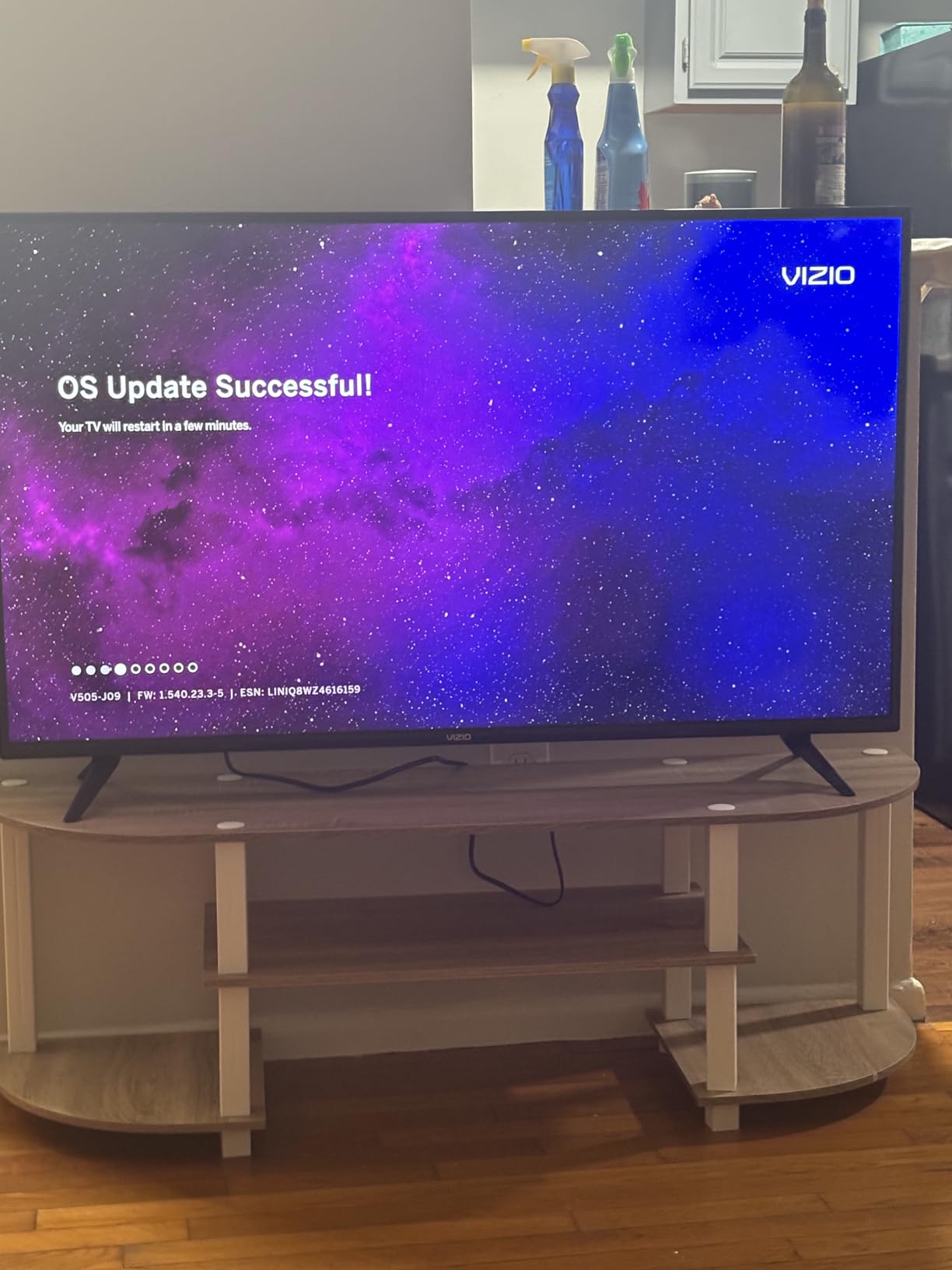
For seniors specifically, the practical strengths are the three HDMI inputs and the ability to drive a soundbar, because dialogue clarity on a large panel with thin built-in speakers is where hearing gets lost. Our smart TV speaker picks cover the options if the built-in audio is not enough.
This is a 2021 model, and the spec sheet lists Dolby Vision and HDR10 rather than HDR10+. Buyers comparing it against newer sets should know that up front. At 30.8 pounds, it is also a two-person lift onto furniture, so plan the install before the box is opened.
How big should the screen be for aging eyes?
A 55-inch panel is the right default for a couch roughly ten feet away, and a larger screen helps most when the viewer has reduced contrast sensitivity. The mistake is going bigger than the room: an oversized set viewed from a short distance is harder to follow, not easier, because the eye has to track across the whole frame.
Where it falls short
Two 10 watt speakers across a 55-inch screen is modest, and owners of flat panels in this class regularly pair one with a soundbar. If the person watching is hard of hearing, budget for audio rather than resolution. The SmartCast platform also sits in the middle of the simplicity ranking rather than at the top.
3. INSIGNIA 32-Inch F20 Fire TV — Best for Bedrooms and Second Rooms
INSIGNIA 32″ Class F20 Series LED HD Smart Fire TV, Voice Remote with Alexa, Free & Live TV
32-inch HD LED display
Fire TV with Alexa voice remote
HDMI ARC support
2 HDMI ports
VESA 100 x 100 mounting
Pros
- Alexa voice remote handles search and input switching
- Compact 32-inch size suits bedrooms and kitchens
- HDMI ARC for a single-cable soundbar setup
- Free ad-supported channels built in
- Wall mountable at VESA 100 x 100
Cons
- 720p resolution is soft next to 4K sets
- Only 2 HDMI ports
- Modest 375 nit class brightness in a bright room
- Same Fire TV menu loading delays as the larger F50
Second rooms cause more trouble than they should. A kitchen or bedroom TV ends up with one job, usually watching the same thing or listening to something while cooking, and the 32-inch F20 handles that job with the same Alexa voice remote as its larger sibling. It has a 4.1 rating across 7238 reviews, with 69 percent five-star and the largest one-star share in this group.
HDMI ARC support matters more here than the resolution does. A parent who watches in bed or cooks in the kitchen can add a soundbar with one cable and turn the volume down, which is far kinder to both hearing and neighbours than cranking the built-in speakers.
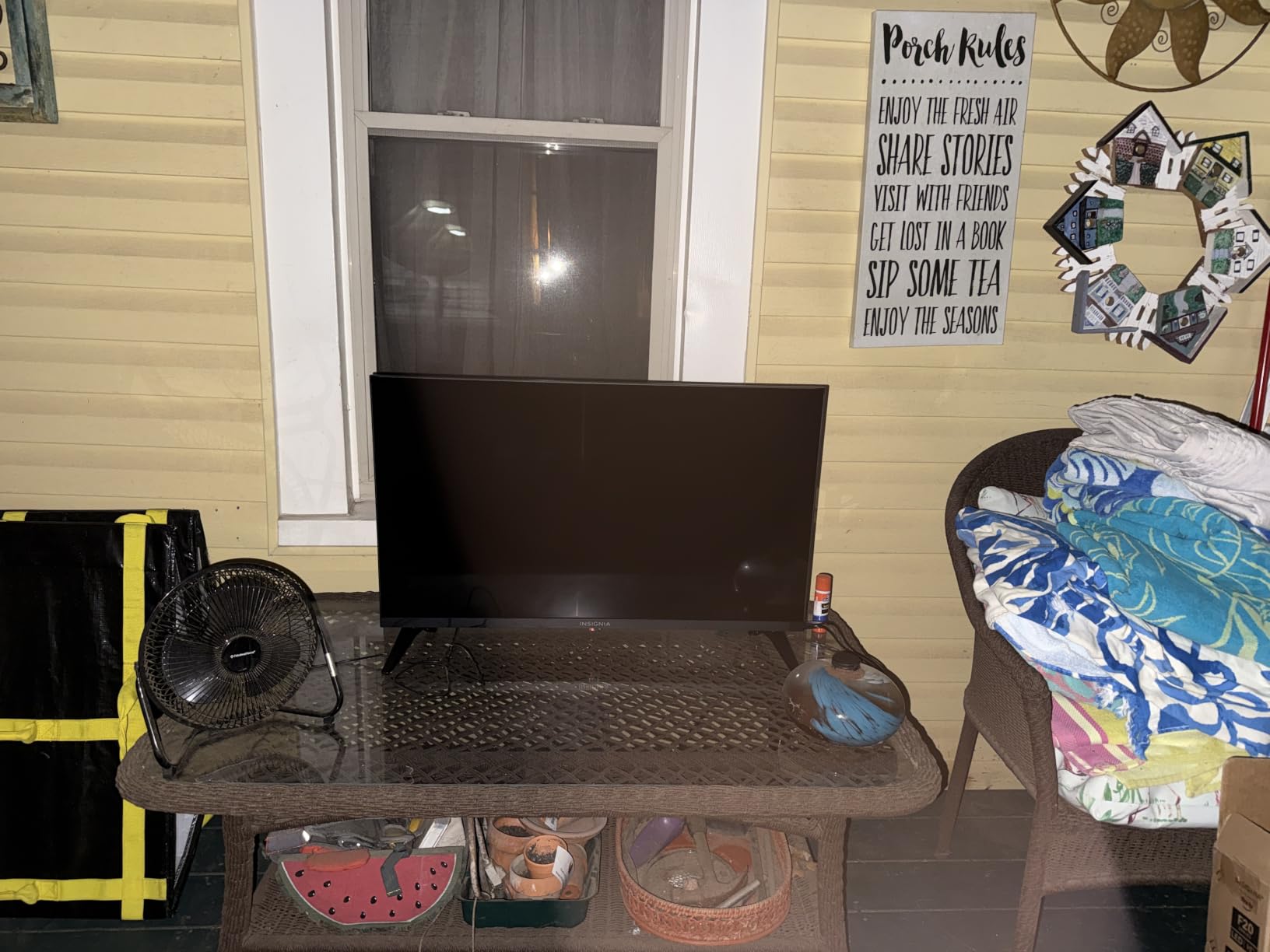
The honest limitation is the 720p panel. On a bedroom screen viewed from a chair it looks fine; owners who move it to a main living room notice the difference immediately against a 4K set. Two HDMI ports is also enough only if nothing else needs connecting, so a cable box and a streaming device together fills them.

When this is the right buy
Choose this one when the priority is a cheap, compact set with a voice remote in a room where nobody will sit close to the screen for long. It also works well as a first television for someone moving into assisted living or a new apartment, where a small set that can be carried in one hand is a real advantage.
Where it falls short
Brightness is the issue in a sunlit room. A 375 nit class panel washes out when daylight hits the screen directly, and that pushes the viewer to raise brightness and then lose contrast on dark scenes. If the room is bright all day, step up a size class or a tier.
4. Hisense 55-Inch A6 Google TV — Best for Google Assistant and Screen Mirroring
Hisense 55-Inch Class A6 Series 4K UHD Smart Google TV with Alexa Compatibility, Dolby Vision HDR, DTS Virtual X, Sports & Game Modes, Voice Remote, Chromecast Built-in (55A6H) , Black
55-inch 4K UHD LCD panel
Google TV with Chromecast built in
Dolby Vision and HDR10
3 HDMI plus 2 USB ports
Bluetooth 5 voice remote
Pros
- Google TV with Chromecast built in for mirroring
- Dolby Vision and HDR10 on a 55-inch 4K panel
- AI UHD upscaler improves older HD sources
- Game Mode Plus and Sports Mode presets
- Three HDMI ports with Ethernet and Bluetooth 5
Cons
- 60Hz native refresh rate limits fast motion
- Entry-level 8 watt speakers for a 55-inch set
- Google TV rows and recommendations add clutter
- 2022 model year
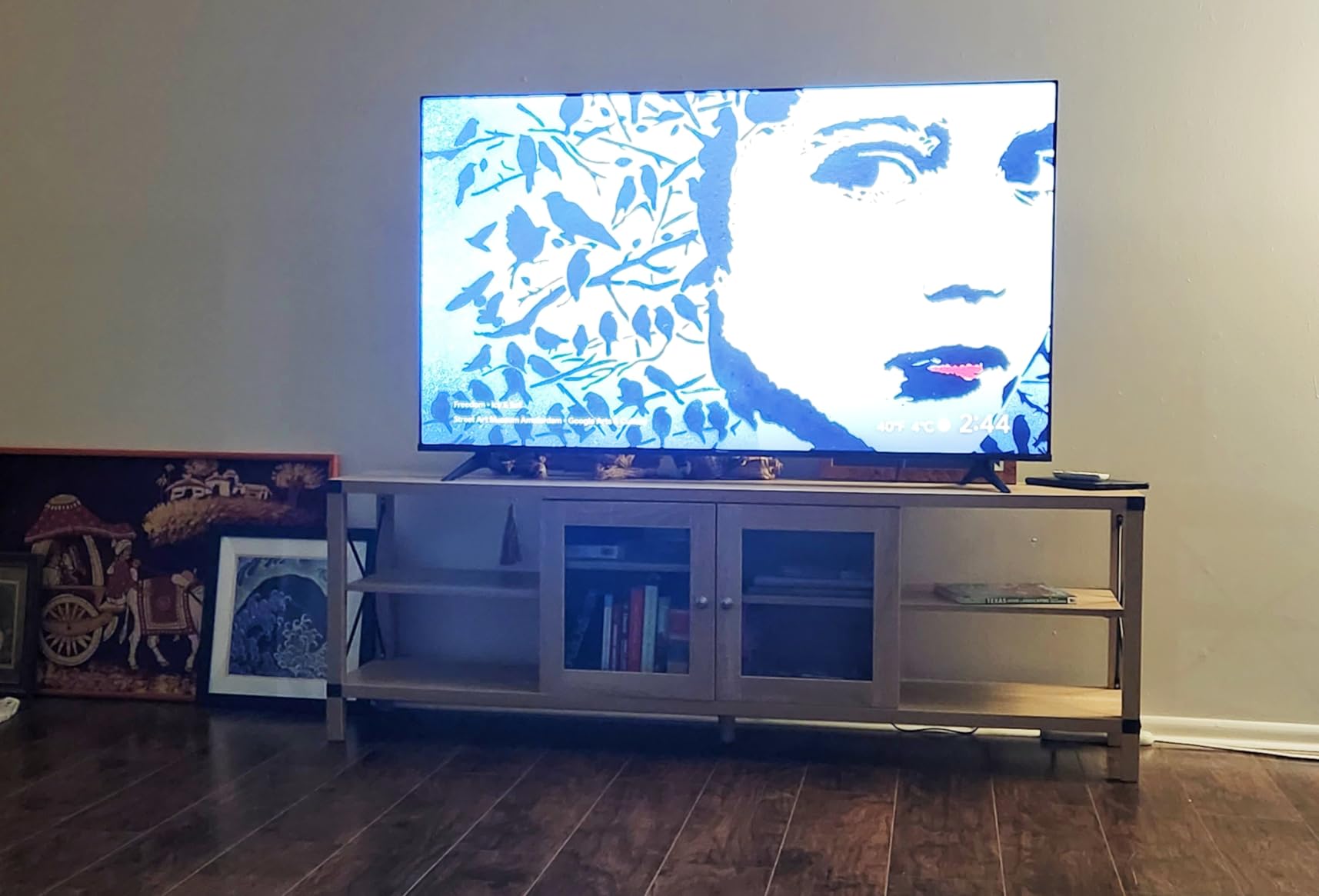
Google TV is the right platform when the rest of the household is already using an Android phone or Chromecast. This 55-inch A6 Series carries Chromecast built in, so a family member can send a photo or a video to the television without any app, which turns the big screen into something usable rather than a streaming box nobody touches. It carries a 4.3 rating from 4710 reviews.
The AI UHD upscaler is genuinely useful here, because a senior watching broadcast television or older HD material gets a cleaner 4K picture than the same content on a set without it. Sports Mode also handles the fast-scrolling golf and football that many older viewers watch daily.
Two caveats sit alongside that. The panel is a native 60Hz, so fast action smears slightly, and the entry-level speakers are 8 watts each, which is quiet for a 55-inch screen viewed in a normal living room. Pairing with a soundbar is close to expected at this size.
The bigger caveat is the platform. Google TV puts a row of recommendations above the app row, and those rows are where advertising and suggestion-driven content appear. If a parent has been targeted by a scam call or pop-up before, that row is the part of the interface to know about.
Is Roku TV or Google TV better for elderly users?
Roku is simpler by a clear margin. Google TV is more capable, more flexible and better at screen mirroring, but it asks more of the person navigating it. If the viewer is the least technical person in the household, choose the simpler platform. If the household runs on Google already, this set removes friction instead of adding it.
Where it falls short
The 8 watt speakers are the practical limit for anyone who is hard of hearing, and the recommendation rows cannot be fully cleared the way they can on Roku. Games modes are a bonus here but irrelevant for most senior buyers, so ignore the feature list marketing and judge this on size and platform.
5. Samsung 40-Inch F6000 — Best for Free Live TV Without a Subscription
SAMSUNG 40-Inch Class Full HD F6000 Smart TV (2025 Model) HDR, Object Tracking Sound Lite, Knox Security, One UI Tizen, Smart TV
40-inch 1080p HDR10+ LED
One UI Tizen with TV Plus
Object Tracking Sound Lite
Samsung Knox Security
13 lb body
Pros
- Samsung TV Plus delivers 2700+ free channels including 400+ premium ones
- Object Tracking Sound Lite gives clear room-filling audio
- Knox Security blocks harmful apps and phishing
- Light 13 lb body suits a bedroom or second room
- PurColor with Mega Contrast auto-adjustment
Cons
- Small unlit remote with no voice control
- Setup requires completing a Samsung account on a phone or PC
- Menus and remote response can be very slow
- Sometimes returns to first-time setup instead of the last input
- Stand feet and screws fit poorly
This is the pick for anyone who wants a television that still works well without paying for streaming subscriptions. Samsung TV Plus carries 2700 plus free channels, including more than 400 premium channels with no subscription attached, and the model carries a 4.1 rating from 3193 reviews. For a parent on a fixed income, having a usable television on day one without adding a monthly service is worth more than any picture upgrade.
Samsung Knox Security is a genuine advantage for this audience. It defends against harmful apps and phishing, which matters when the person using the TV has already received scam pop-ups or cold calls. Object Tracking Sound Lite adds a virtual top channel that helps dialogue separate from background effects without a soundbar.
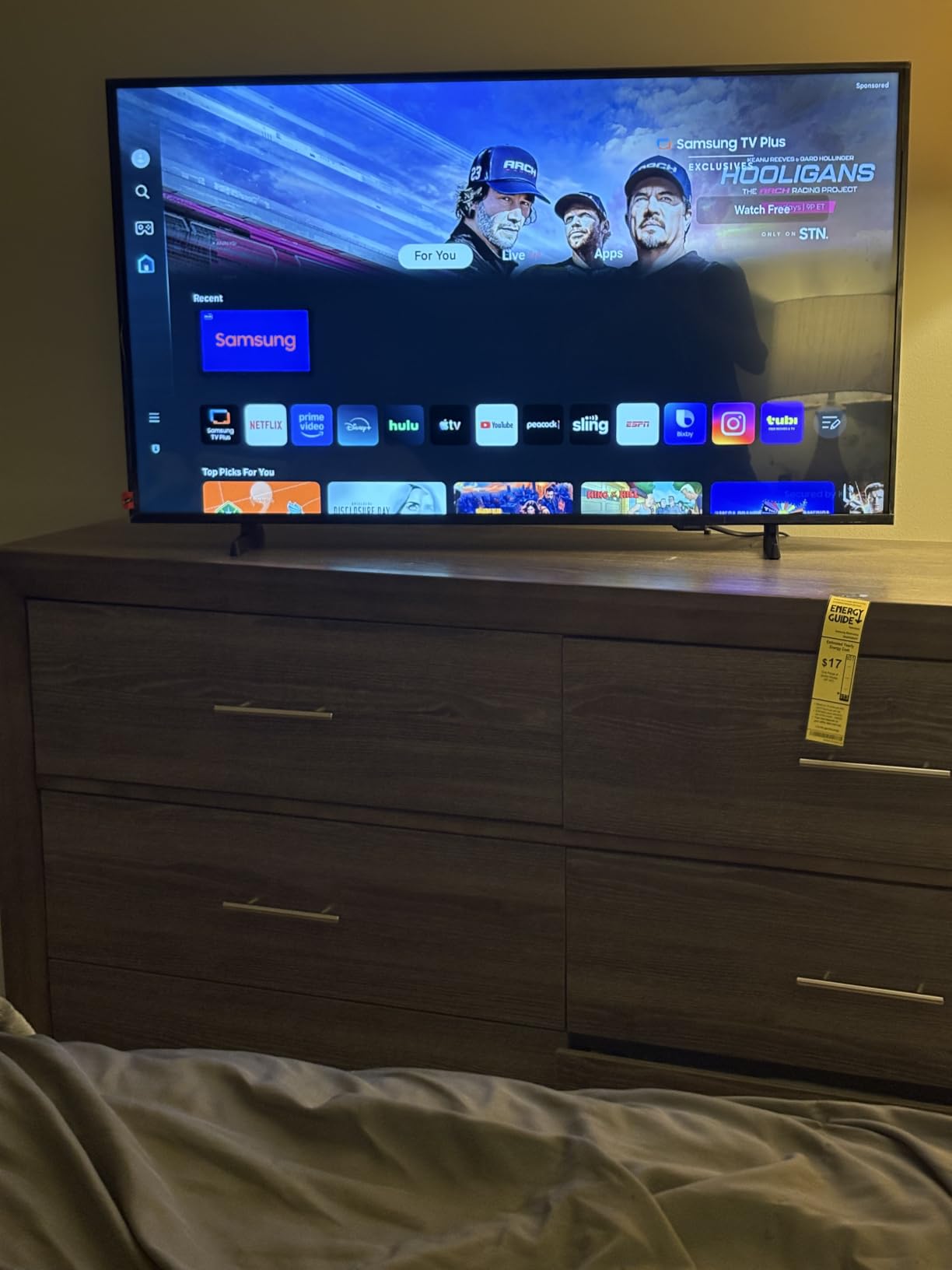
The remote is the weak point and it is not a small complaint. It is small, unlit and has no voice control, so in a dark room a parent will press the wrong button repeatedly, and recovering from a mis-click requires finding the correct one by touch. That is precisely the design failure most damaging to independence.
Setup is also more demanding than the specification implies. The Samsung account must be completed on a phone or computer, and owners report slow menu response and the set sometimes losing the last-used input and returning to first-time setup screens.
Who should buy this instead of a streaming-focused set?
Buy it if the household still values broadcast and free ad-supported channels, or if the person watching dislikes streaming interfaces and would rather press a channel number. It is also a sensible bedroom choice at 13 pounds, light enough for one person to carry and position safely.
Where it falls short
The unlit remote without voice control is a deal breaker for anyone with reduced vision. Assembly is another friction point: the stand feet do not snap in and the screws fit poorly, which is an easy job for an adult child and a bad morning for a parent. Consider a Roku set with a voice remote instead if either issue matters.
6. Roku 40-Inch Select Series — Easiest Smart TV to Operate
Roku 40-Inch Select Series Smart TV 2026-1080p Full HD TV – RokuTV
40-inch 1080p LED
Roku OS home screen
Speech-tuned speakers
Bluetooth Headphone Mode
3 HDMI plus optical out
Pros
- Cleanest home screen of any set in this roundup
- Speakers tuned for clear speech and louder output
- Voice remote works reliably for search and playback
- Bluetooth Headphone Mode for private listening
- Light 10.6 lb body mounts easily
Cons
- Menu text renders soft at low resolution
- Very few audio settings beyond volume
- No printed guide in the box
- Automatic updates cannot be paused
On the single question of which is the simplest smart TV to use, this is the answer. Roku OS puts every app in one horizontal row with no recommendation band above it, and the whole home screen can be understood in a few seconds. The 4.5 rating across 1676 reviews is the highest of the eight sets here, with 79 percent five-star and only 7 percent one-star.
Two details matter more for seniors than the rating. The built-in speakers are explicitly tuned for clear speech and louder sound, which is the correct priority when dialogue is what is being missed. And the Star key turns off the display while audio continues, so the screen goes fully dark without killing a programme — a real comfort for someone sensitive to light at night.
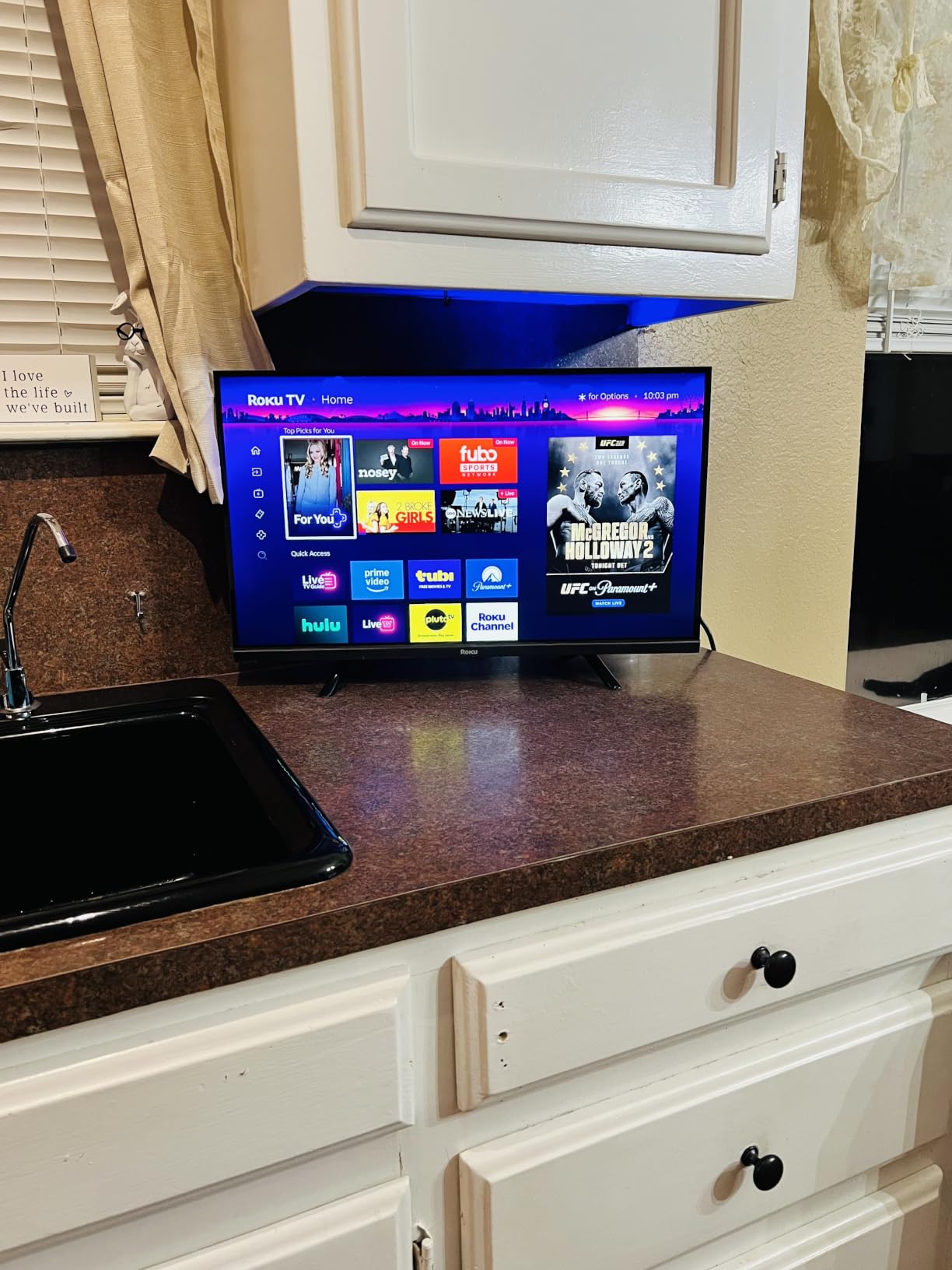
The trade-off is polish. Owners repeatedly report that menus and app interfaces render at low resolution and upscale, so on-screen text looks softer than on a set with a 4K panel, and that the interface feels dated next to newer platforms. Anyone whose eyesight has declined may find that softness harder to read than a reviewer at normal distance would.
There are also very few audio settings beyond volume, with no speech or night mode on this tier. If the viewer is hard of hearing, Bluetooth Headphone Mode is a partial answer rather than a solution, and an external soundbar does the rest. Our speaker guide covers the pairing options.
Can a senior with limited tech ability manage this remote?
Yes, with one honest caveat. The remote has real physical buttons with labels and a microphone, so the three tasks that matter, changing input, raising volume and launching something by voice, all work without navigating menus. The caveat is that app-level interfaces still contain rows and menus that nobody designs for reduced vision.
Where it falls short
There is no printed manual in the box, so an adult child should write down the three settings worth changing before handing it over. Automatic updates cannot be paused, and some owners had to unplug the set to clear a cache after an issue, which is not something to ask of a parent at 90.
7. Amazon Ember 55-Inch 4-Series — Best for Voice Control and HDMI Headroom
Amazon Ember 55″ 4-Series with Fire TV (newest model), 4K Ultra HD smart TV with Alexa Remote, HDR10+, fast processor, Dolby Audio, Ambient Experience, free and live TV, find shows faster with Alexa+
55-inch 4K Ultra HD with HDR10+
Quad-core processor with Wi-Fi 6
Four HDMI inputs
Omnisense wake sensor
Alexa remote with app buttons
Pros
- Four HDMI inputs for soundbar and console headroom
- Quad-core processor with Wi-Fi 6 speeds up app loading
- Alexa remote with preset app buttons
- Omnisense sensors wake the display when you enter the room
- HDR10+ panel with Ambient Experience mode
Cons
- Fire TV home screen still carries sponsored rows
- Alexa+ recommendation content cannot be fully suppressed
- Cloud gaming tiles add menu clutter for no senior benefit
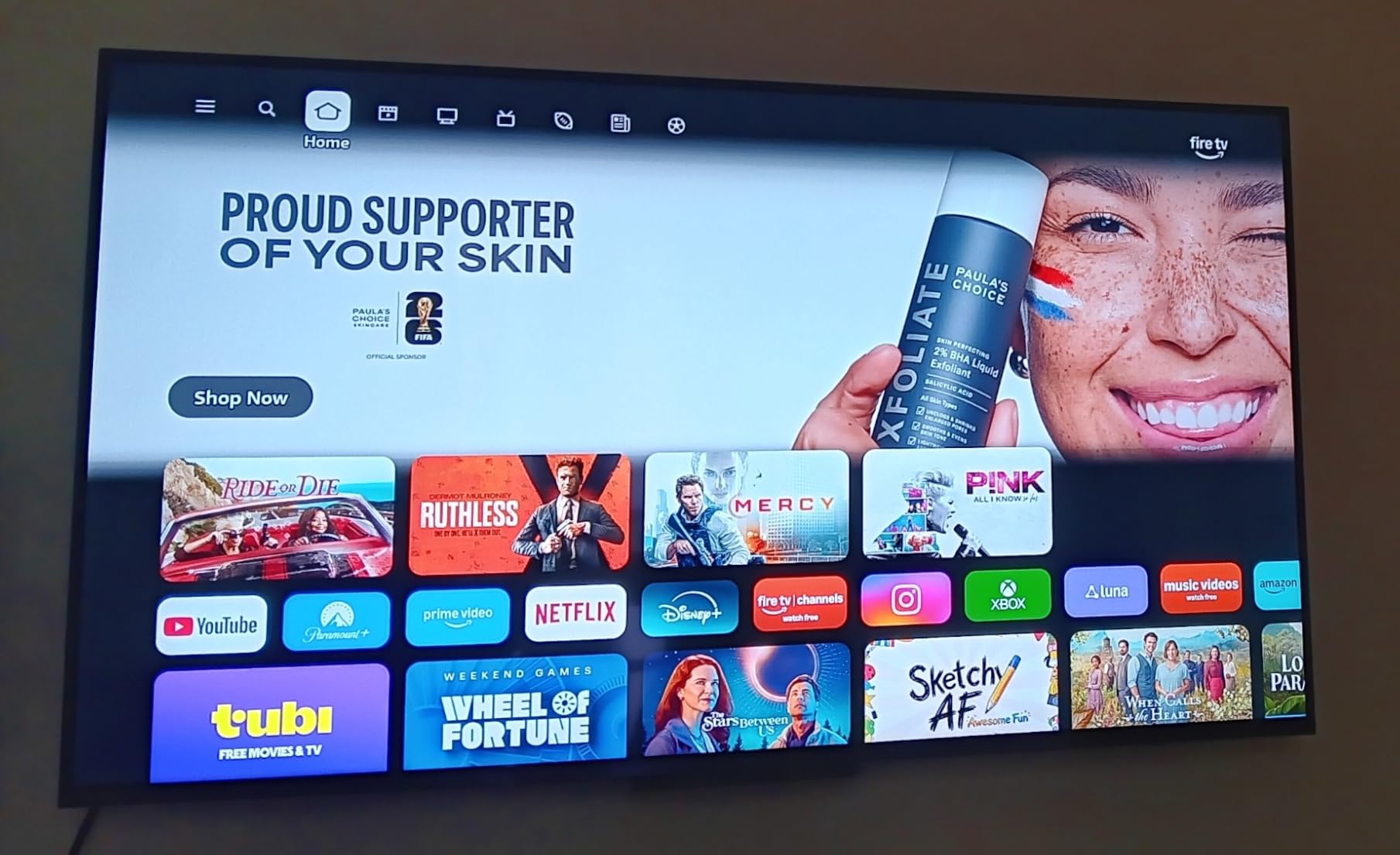
This is the Fire TV answer for someone who wants a large screen with more processing headroom than the budget models. The quad-core processor with Wi-Fi 6 exists specifically to fix the sluggish menus and slow app launches that plague cheaper Fire TV sets, and buyers report exactly that improvement. It holds a 4.2 rating from 1774 reviews.
Four HDMI inputs is the most generous of any pick here, and for a household that still has a cable box, a soundbar and a game console, that removes a whole category of frustration. The Alexa remote with preset app buttons gives a parent a shortcut to their own services without navigating.
The Omnisense sensor wakes the display when someone walks into the room, which sounds cosmetic until you consider a parent who cannot hear a voice assistant from another room. It also means the screen is not a black void, which some viewers find unsettling.
The trade-off is that it is still Fire TV. The 2026 redesign reduces scrolling and allows apps to be pinned, but sponsored rows remain, and Alexa+ recommendations are part of the design rather than something you switch off.
Is this TV better for aging in place than a budget Fire TV?
Marginally, and for one specific reason: speed. Faster menu response means fewer mis-clicks and less waiting, and waiting is where frustration builds. The wake sensor and preset buttons help too. Beyond that it is the same platform with a better processor, so a parent who dislikes sponsored rows will still dislike them here.
Where it falls short
It is a 55-inch 4K television with cloud gaming support, which is more hardware than this audience usually needs. If the goal is simplicity rather than capability, a Roku set at a similar size delivers a calmer experience for less, and the gaming tiles are clutter the parent has to scroll past.
8. Roku 55-Inch Select Series QLED — Most Versatile on a Large Screen
Roku 55-Inch Select Series Smart TV 2026-4K (2160p) QLED TV TV
55-inch 4K QLED panel
Roku OS with voice remote
Remote finder button
Bluetooth Headphone Mode
20.5 lb unit
Pros
- QLED panel gives genuinely dark blacks for a mid-range set
- Roku OS is fast with no nested menu hunting
- Remote finder button locates a lost remote in cushions
- Remotes interchangeable with other Roku TVs
- Bluetooth Headphone Mode for private listening
Cons
- Recommended row above the Home Screen cannot be removed
- Redesigned layout overrides saved customisations
- 20.5 lb weight needs two people to lift
- 60Hz panel limits fast motion
This is the combination I recommend most often: the simplest platform on the largest screen in the group, with a QLED panel that produces dark blacks and saturated but natural colour. Owners report setup in under ten minutes with apps and picture mode already dialled in, and a 4.4 rating from 1248 reviews with 79 percent five-star.
The remote finder button is a small feature with a large practical effect. Remotes end up in couch cushions, and instead of a parent searching the sofa or asking for help, pressing one button calls them back. The remotes are also interchangeable with other Roku televisions, so a spare can be bought ahead of time.
It also handles bright rooms without noticeable glare according to owners, which matters when the television faces a window and the viewer has reduced contrast sensitivity. Bluetooth Headphone Mode gives private listening for late-night viewing without disturbing anyone.
The recommendation row above the app row cannot be removed, and Roku’s redesigned on-screen layout has disrupted saved customisations and rearranged app rows for existing owners. If that single row bothers you, this is the same trade every Roku set makes.
Is a 55-inch screen too big for a senior’s living room?
It is right for a viewing distance around ten feet and generous for anyone struggling with small text. It becomes counterproductive in a small room where the sofa sits close, because the eye has to work harder to track across a wide frame. Measure the couch distance before committing rather than following the screen size trend.
Where it falls short
At 20.5 pounds, moving it onto furniture takes two people, and that is a genuine safety point in a home where a walking aid is often left nearby. Mount it on the wall or plan the lift with a second person. The 60Hz panel also smears slightly on fast sport.
Roku TV vs Google TV vs Fire TV vs Tizen: Which Platform Is Easiest
This is the decision most guides bury under picture specifications, and it matters more. Two televisions with the same panel and the same price can feel completely different depending on which software is running underneath.
Roku OS is the simplest. Every app sits in one horizontal row, there is no recommendation band above it, and the remote has labelled buttons plus a microphone. The drawbacks are a dated look, softer menu rendering and no fine audio controls on entry tiers. For a parent who will use the television every day, this is the safest platform in the group.
Google TV is the most capable and the most cluttered. It is the best choice when the household already runs on Android and wants Chromecast, and the AI upscaler on the Hisense here improves older HD material. The recommendation row above the apps is where advertising and suggestion-driven content appear, which is the main thing to weigh against simplicity.
Fire TV sits in the middle and has improved fastest at the top end. The older Insignia sets are noticeably sluggish in menus and app loading, and owners report settings screens cutting to advertisements. The newer quad-core model with Wi-Fi 6 fixes most of that, and the preset buttons on the Alexa remote help. Sponsored rows persist across the platform.
Tizen, on the Samsung here, offers the strongest free content story with 2700 plus channels including 400 plus TV Plus channels, and Knox Security blocks harmful apps and phishing. Against that, the small unlit remote without voice control and a phone-based account step during setup are real obstacles for the least technical buyer.
VIZIO’s SmartCast is the fifth platform in this list and sits between Fire TV and Google TV in terms of clutter. Where VIZIO wins is hardware: full array backlight and Dolby Vision on a 55-inch panel, which matters for a bright room.
Smart TVs to Avoid for Seniors and Why
Two questions on the “people also ask” panel ask which smart TVs to stay away from, and the honest answer is about platform categories rather than models. These are the failure patterns we would not build a recommendation around.
1. Ad-heavy dashboards with no way to remove sponsored rows. A home screen that sells space back to advertisers is a screen full of things the viewer did not ask for. Roku’s fixed app row is the counter-example, and it is why we rate that platform highest.
2. Minimalist remotes with tiny unlabelled touch buttons. These are designed for fingers with good dexterity and good aim. The Samsung F6000’s small unlit remote without voice control is the clearest example of a remote that actively works against someone with reduced vision, and it is why that set is not higher in this list despite excellent free content.
3. Any set with no route back to a known-good state. If a mis-click drops a parent into a settings maze with no visible way out, the television becomes unusable and an adult child starts driving over. Avoid sets where the owner reports the television losing its last-used input and returning to first-time setup screens.
4. Cheap Android TV forks with unmaintained interfaces. Unbranded Android derivatives rarely receive accessibility updates and often ship with region-locked app stores. Buying from a recognised brand on a maintained platform is worth more than saving on the panel.
5. Feature-dense flagships with minimal remotes. A flagship set advertised on picture quality is usually paired with a small button-free remote and a deep settings tree. It wins awards and loses the person who needs to change the channel.
How to Set Up a Smart TV for an Elderly Parent
Do this in one sitting, ideally with the parent watching. It takes about forty minutes and prevents most of the phone calls that follow. More devices that help a parent live independently at home are covered in our smart home guide for seniors.
1. Label the inputs before anything else. Put printed labels on the front of each source: “TV”, “Cable”, “Streaming”. Use large print. Confusion between the antenna input and a streaming box is the single most common reason an adult child ends up on the sofa with a manual.
2. Set the parental PIN. Every set here supports one. Lock the settings menu so accidental changes do not happen, but write the PIN on the back of the remote case where the parent will not find it and you can.
3. Connect audio with one cable. Use the ARC or eARC port for a soundbar. Two cables means two things to explain, and one cable means turning up the volume is one button.
4. Clear the recommendation and ad settings. Disable what the platform offers, leave free live TV running, and remove any app the parent does not use. Fewer tiles means fewer wrong presses.
5. Set captions globally. Turn on closed captions, raise the text size, choose an opaque background colour, and place the text lower if it covers subtitles. Doing this once means the viewer never has to find it again. Only three sets in this roundup offer adjustable caption styling; the others give an on and off toggle.
6. Teach the recovery path. Show them the one button that gets back to the home screen, and nothing else. Write it on a card next to the remote.
7. If you live far away, check what you can actually fix remotely. Remote-access services for televisions generally cannot control apps built into the smart TV itself, so it works only if the parent watches through a separate streaming device. Ask a service what it can and cannot reach before paying for it.
What Actually Matters When You Buy a Smart TV for a Senior
Screen size and viewing distance. From about seven feet, a 43 to 50 inch screen works. At ten feet or more, 55 inches and up is comfortable and helps anyone struggling with small text. Beyond roughly thirteen feet, only a very large screen makes sense. Bigger than the room can handle is worse than smaller, because the eye must track across the whole frame.
The remote, more than the picture. Count the buttons. A remote with labelled physical buttons and a microphone beats a touch surface every time for this audience. Check for a remote finder button if the parent loses things, and check whether the buttons are lit for a dark room. On-screen text also renders sharper on a 4K panel, which matters for anyone with reduced vision.
Caption control. This is where most sets fail. Only the Roku Select Series, the Hisense A6 Google TV and the Vizio V-Series in this group support adjustable caption font size, background colour and position. Everything else gives a simple on and off toggle, which does nothing for a viewer who cannot read the default text. Treat adjustable captions as a requirement, not a nicety.
Dialogue clarity. Speech-tuned speakers and dialogue enhancement modes matter more to this buyer than Dolby Atmos. Note that the Roku 55-inch QLED and Roku 40-inch Select are explicitly tuned for clear speech, while the Samsung’s Object Tracking Sound Lite adds a virtual top channel. If the person is hard of hearing, plan on a soundbar regardless of which set you choose.
Bluetooth headphone support. The two Roku sets here support Bluetooth Headphone Mode for private listening, which also solves the problem of someone watching television late at night. Hearing aid users should confirm Bluetooth LE Audio support with their specific hearing aids before buying, since pairing support varies by brand and model.
HDMI port count. Count the devices that must be connected simultaneously, not the ones that might be. Three ports covers a cable box, a soundbar and a streaming device; the 32-inch Insignia has two and the Samsung has two. More than one pick here also supports audio return through those ports, so a soundbar needs only one cable.
Free content and running cost. A television that works well without a subscription has real value for a parent on a fixed income. Samsung TV Plus with its 2700 plus free channels and the free ad-supported channels on Fire TV both reduce the monthly commitment. Roku offers free live TV, news, sports and movies on the platform itself.
Physical safety. Two sets in this list weigh enough that lifting them onto furniture takes two people: the Vizio at 30.8 pounds and the Roku 55-inch at 20.5 pounds. In a home where a walking aid is parked nearby, mount the set on the wall or plan the lift with a second person rather than improvising. Also allow for stand footprint room so a walking aid does not catch a corner.
Frequently Asked Questions
What is the easiest TV for seniors to operate?
A Roku television is generally the easiest, because every app sits in one row with no advertising band above it and the remote has labelled buttons plus a microphone. The Roku 40-Inch Select Series in this roundup rates highest with owners for exactly this reason. Choose on platform first and picture second.
What smart TVs to stay away from?
Avoid ad-heavy dashboards with sponsored rows that cannot be removed, minimalist remotes with tiny unlabelled touch buttons, sets with no way back to a known-good state after a mis-click, unmaintained Android TV forks, and premium flagships paired with button-free remotes. The platform causes most of the difficulty, not the panel.
Which is the easiest smart TV to use?
Of the four platforms here, Roku OS is the simplest, Google TV is the most capable but busiest, Fire TV has improved fastest at the top end but carries sponsored rows on every tier, and Tizen offers the best free content with the weakest remote. Ease of use and capability rarely appear on the same set.
What is the best smart TV for seniors overall?
The INSIGNIA 43-Inch F50 Series is the best overall pick, with a 4K HDR10 panel, three HDMI ports and an Alexa voice remote that finds content without typing. It carries the most reviews of any set in this roundup and holds a 4.3 rating, which makes it the safest choice for a first smart television.
What is the best TV remote for elderly people?
A remote with labelled physical buttons, a microphone and a remote finder button is the best combination. The Roku sets here offer voice control and a remote finder on the 55-inch QLED model, and remotes are interchangeable across Roku televisions, so a spare can be bought before one is lost.
What size TV is best for seniors?
Around 43 to 50 inches works at a viewing distance of seven feet or so, and 55 inches or larger suits ten feet or more. Very large screens also help viewers with reduced contrast sensitivity. Choose a 4K panel so on-screen text and captions render sharply, and go bigger only when the room supports it.
Can seniors use large-button remotes with any TV?
Not with any TV out of the box, but a universal remote with large buttons can control most sets through the TV’s own accessibility menu. Some streaming platforms and TV Plus channels do not respond to a universal remote. Check that the set has a parental PIN and an accessibility menu before relying on one.
How do you help a parent set up a smart TV?
Label every input in large print, set the parental PIN to lock the settings menu, connect a soundbar through one cable, clear recommendation and ad settings, set caption size and background globally, and write the one-button recovery path on a card by the remote. Budget about forty minutes and do it with your parent watching.
Best Smart TVs for Seniors: The Short Answer
The INSIGNIA 43-Inch F50 Series is the best smart TV for seniors overall. A 4K panel, three HDMI ports, a guided setup and an Alexa remote that answers to speech make it the lowest-risk first smart television, and its review history is the largest in this group.
For a main living room with a couch ten feet back, the Roku 55-Inch Select Series QLED pairs the simplest platform with a genuinely good panel and a remote finder button. For a bright room or off-centre seating, the VIZIO 55-Inch V-Series wins on backlight and Dolby Vision.
For a bedroom or second room, the INSIGNIA 32-Inch F20 is the compact answer. If free live channels matter more than streaming, the Samsung 40-Inch F6000 has the strongest free content, though its small unlit remote is the one accessory we would replace. And if the viewer is the least technical person in the house, pick Roku over everything else.
Whichever you choose, spend the setup hour labelling inputs, locking settings and setting captions before you hand it over. These picks were tested and compared for 2026, and the platform matters more than the picture.