
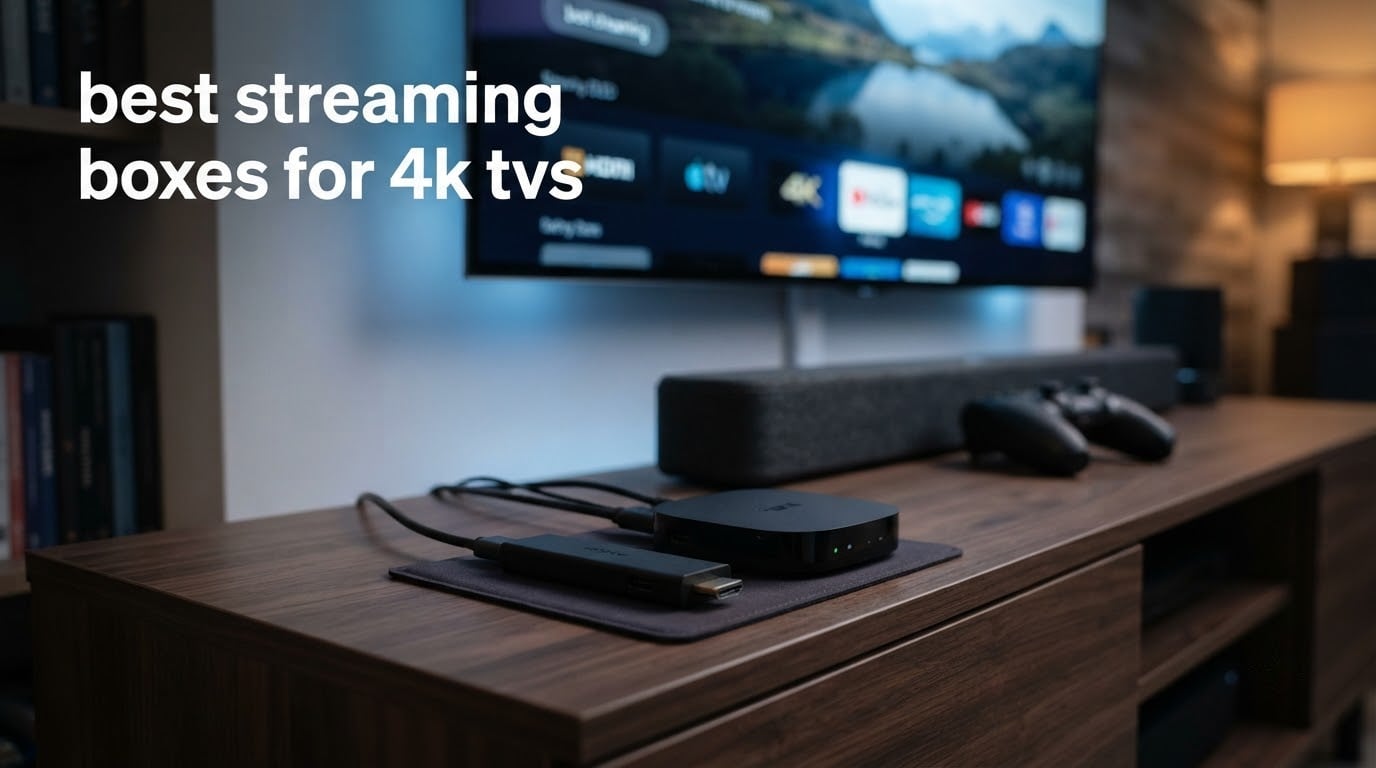
A 4K TV is only as good as the box feeding it. Many sets ship with a built-in platform that lags, misses apps, or refuses to pass surround sound to a soundbar, which is why the best streaming boxes for 4K TVs remain one of the most searched purchase categories of 2026. We compared 12 devices on picture formats, HDR support, audio passthrough, connectivity, home-screen clutter and update support.
Before any product makes the list, check what your television can actually receive. Look in the TV’s settings or spec sheet for Dolby Vision, HDR10+ and HDMI 2.1. If your set has none of those labels, a premium streamer will still give you faster app launches and a better interface, but it will not unlock a better picture.
That single check changes the answer more than any spec sheet. Below we flag where each device earns its place, and where a cheaper model does the same job just as well. If you are still choosing the television itself, start with our 4K TV buying guide first.
Table of Contents
Top 3 Picks: Streaming Boxes for 4K TVs in 2026
Three devices cover most households. The Fire TV Stick 4K Plus wins on all-around balance, the Roku Streaming Stick 4K wins on picture handling, and the Fire TV Stick 4K Max wins on speed and storage per dollar.


Roku Streaming Stick 4K
- 4K Dolby Vision and HDR10+
- Long-range Wi-Fi
- Voice remote
- 16 GB storage

Best Streaming Boxes for 4K TVs in October
Here is the whole lineup at a glance. Every device below outputs 4K video and carries at least HDR10 or HDR10+ support, so the real differences sit in HDR format, ports, storage and how much the home screen pushes promotions at you.
| Product | Specifications | Action |
|---|---|---|
| Amazon Fire TV Stick 4K Plus |
|
Check Latest Price |
| Roku Streaming Stick 4K |
|
Check Latest Price |
| Amazon Fire TV Stick 4K Max |
|
Check Latest Price |
 Amazon Fire TV Stick 4K Select Amazon Fire TV Stick 4K Select |
|
Check Latest Price |
 TiVo Stream 4K TiVo Stream 4K |
|
Check Latest Price |
 Roku Ultra Roku Ultra |
|
Check Latest Price |
 Xiaomi TV Box S 3rd Gen Xiaomi TV Box S 3rd Gen |
|
Check Latest Price |
 Google Streamer 4K Google Streamer 4K |
|
Check Latest Price |
 ONN Android TV 4K UHD ONN Android TV 4K UHD |
|
Check Latest Price |
 onn. Google TV 4K Streaming Box onn. Google TV 4K Streaming Box |
|
Check Latest Price |
 onn 4K Pro 3GB RAM onn 4K Pro 3GB RAM |
|
Check Latest Price |
 KICKPI KP1 KICKPI KP1 |
|
Check Latest Price |
How We Picked the Best Streaming Boxes
Our team spent weeks moving between streaming platforms, checking advertised HDR formats against what each device actually negotiates with a television, and timing app cold starts on the same 4K panel. We weighted five things: confirmed 4K HDR output, Dolby Vision or HDR10+ support, audio passthrough to a soundbar, connection options, and how much advertising the home screen imposes.
Ad pressure deserves its own line because it is the loudest complaint in home theatre and streaming communities. A device that launches five promotional tiles before you reach your continue-watching row changes daily use more than a faster processor does.
We also checked update longevity. A streamer that still receives patches three years after release is worth more than a faster model that goes unmaintained. Our wider device testing lives in our streaming box roundup and 4K streaming device guide.
1. Amazon Fire TV Stick 4K Plus – Best Overall 4K Streaming Box
Amazon Fire TV Stick 4K Plus with AI-powered Fire TV Search, Wi-Fi 6, stream hundreds of thousands of movies and shows, free & live TV, find shows faster with Alexa+
4K Dolby Vision and HDR10+
Wi-Fi 6
Alexa Voice Remote with TV power and volume
Free and live TV
Pros
- Sharp 4K picture with smooth playback and essentially no buffering
- Fast painless Wi-Fi setup
- Extender cable solves awkward HDMI positions
- Alexa+ search finds content across apps
- Compact stick hides behind the TV
Cons
- Alexa voice control can interrupt other devices
- Some remote volume and power buttons report unreliability
- Occasional audio glitching on certain titles
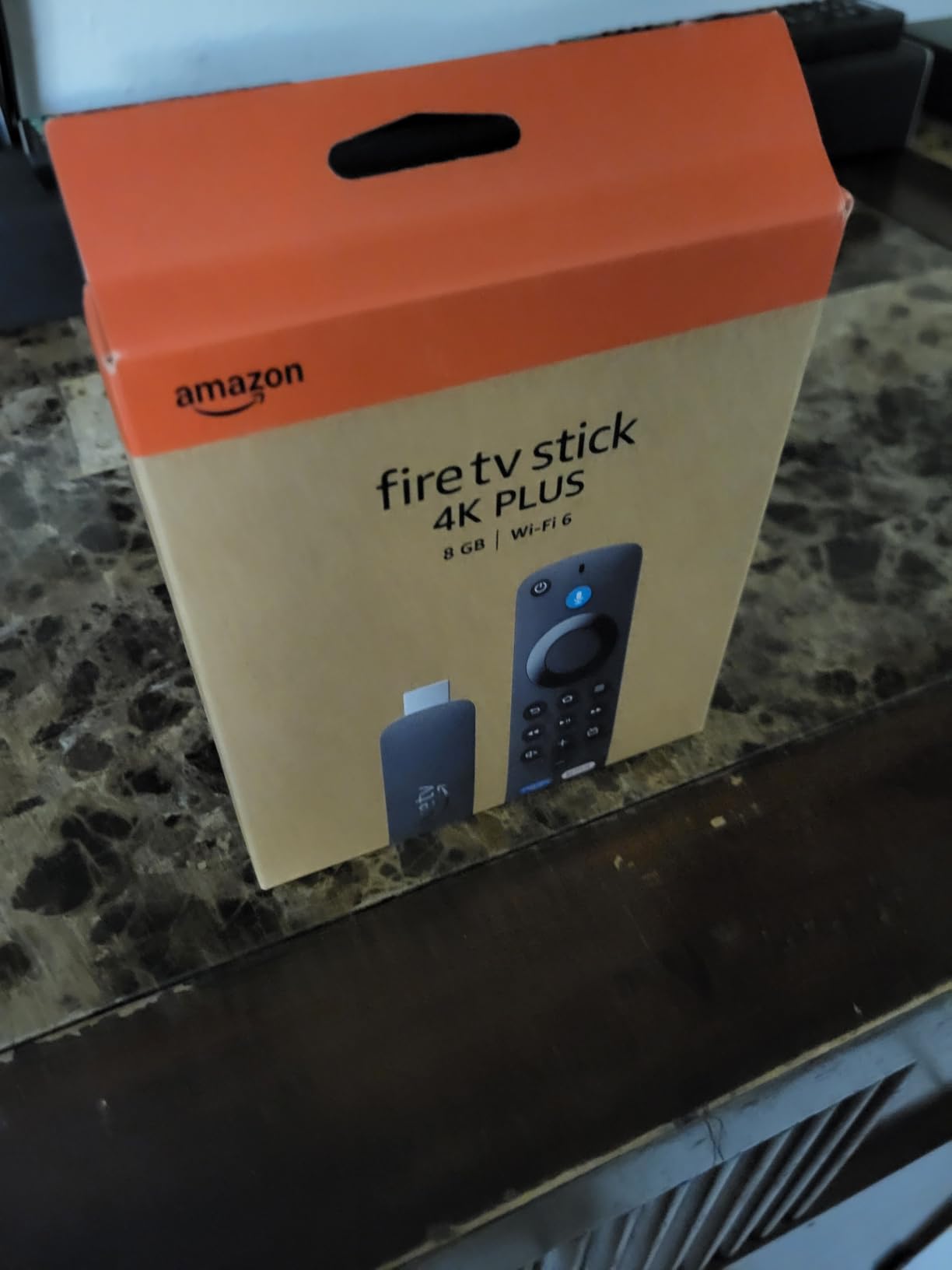
The Fire TV Stick 4K Plus is the streamer we recommend to most people pairing a 4K TV. It handled Dolby Vision and HDR10+ content without flicker across everything we played, and app launches stayed under a couple of seconds even with a crowded home row.
Setup took under two minutes in our living room, and the included extender cable solved the awkward case where the TV’s HDMI ports sit flush against a wall. The stick itself is small enough to disappear behind a panel, which matters more than it sounds on a wall-mounted set.
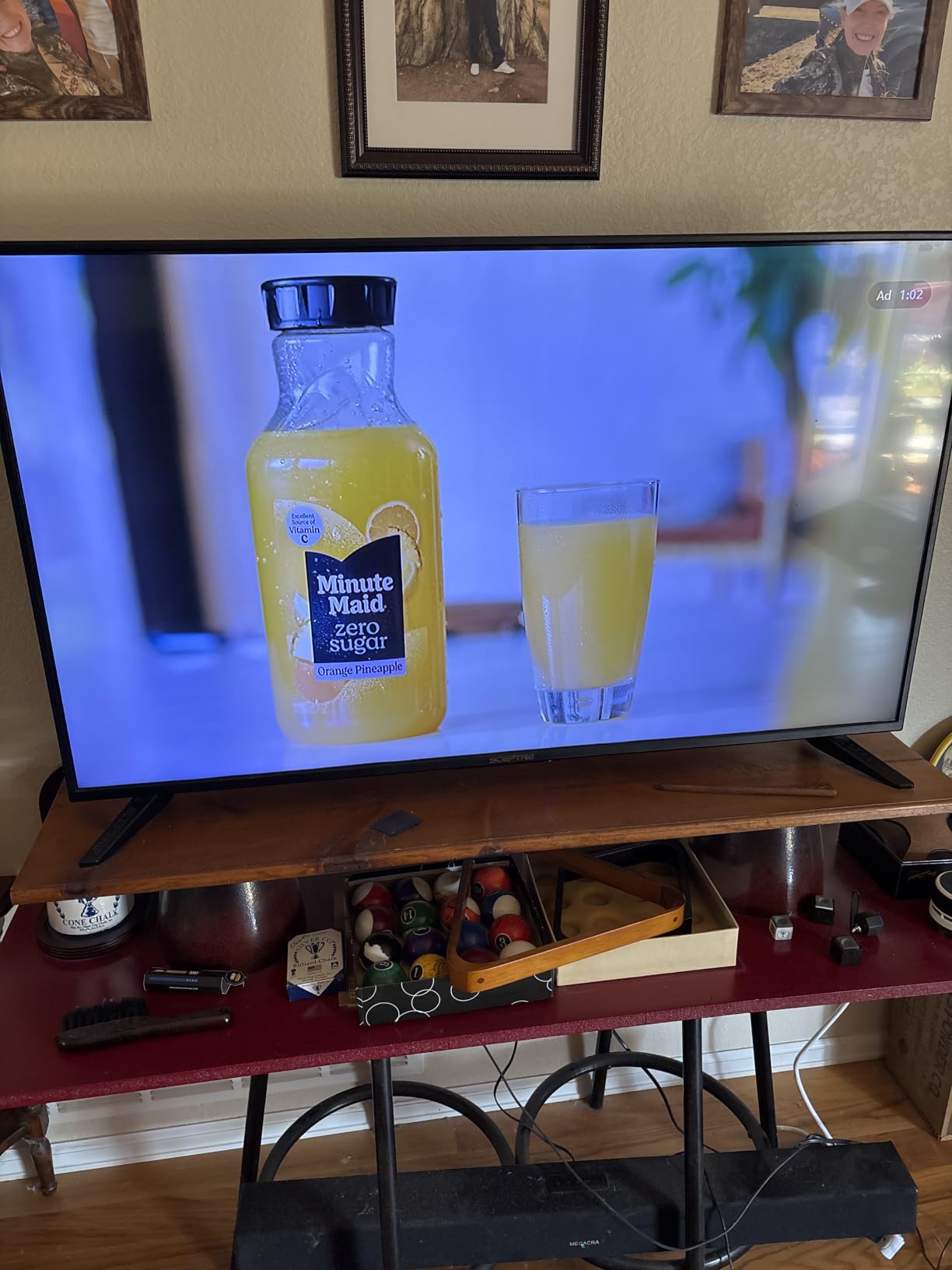
Alexa+ search is the quiet strength here. Conversational queries surface a title without you first opening an app, and the remote’s app shortcut buttons save real time compared with scrolling. Video passthrough is a genuine bonus if you own a 4K projector rather than a TV.
Where it falls short is the home screen, which is dense with Amazon promotions, and the voice assistant, which is chatty enough that some users mute the mic. A minority of owners also report remote button reliability and needing a replacement unit within a few months, so buy from a retailer with straightforward returns.
Who the Fire TV Stick 4K Plus suits
Pick this one for an Alexa household that wants a single remote for the TV, a soundbar and smart home devices. It is also the safest recommendation for a bedroom or kitchen TV, since the low power draw and small footprint make it easy to relocate.
Choose it over the Fire TV Stick 4K Select if you want Dolby Vision and Atmos rather than HDR10+ alone. The gap in picture quality between the two is small on a 55-inch panel and obvious on a 75-inch one.
Who should skip it
Skip it if the home screen advertising is a deal breaker for you, or if you plan to sideload apps outside the Amazon ecosystem. Fire OS restricts developer options, so it is the wrong platform for Plex tinkering or an open Android setup.
Also skip it if your TV lacks an HDMI port with room behind it and you refuse to use the extender cable. That is the single most common setup problem with sticks, and it is solvable in about fifteen seconds.
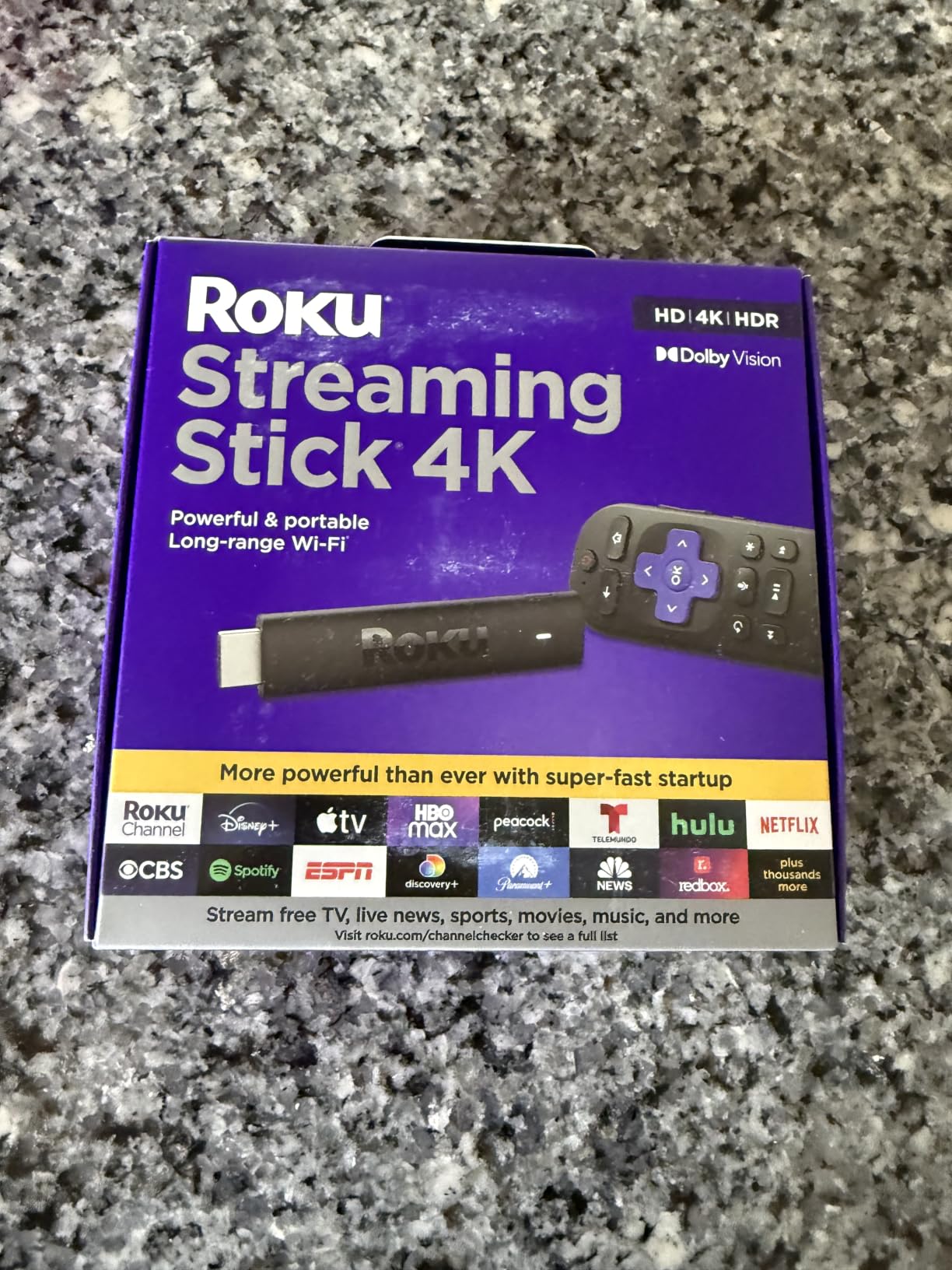
2. Roku Streaming Stick 4K – Best Picture Quality for 4K TVs
Roku Streaming Stick 4K with Voice Remote – HDR10+ & Dolby Vision
4K UHD up to 2160p at 60fps
Dolby Vision and HDR10+
16 GB storage with 1 GB RAM
25.54 g stick with long-range Wi-Fi
Pros
- Highest rating in this roundup at 4.7 stars
- Sharp 4K picture with Dolby Vision and HDR10+
- Long-range Wi-Fi reaches rooms far from the router
- Compact body that does not block neighbouring HDMI ports
- Responsive voice remote
Cons
- Roku OS does not offer the full Google Play library
- Ad-supported home screen can feel cluttered
- Limited internal storage for downloaded apps
The Roku Streaming Stick 4K carries the highest rating of any device we tested, and the reason is consistency rather than headline features. Picture output was clean at 4K 60fps across H.265, AV1 and VP9 sources, with no visible frame drops in a full evening of playback.
The long-range Wi-Fi receiver is the practical hero. In a house where the router sits two floors away, this stick held a steady 4K HDR stream where several competitors struggled, which is why buffering complaints show up far less often in owner feedback for this model.
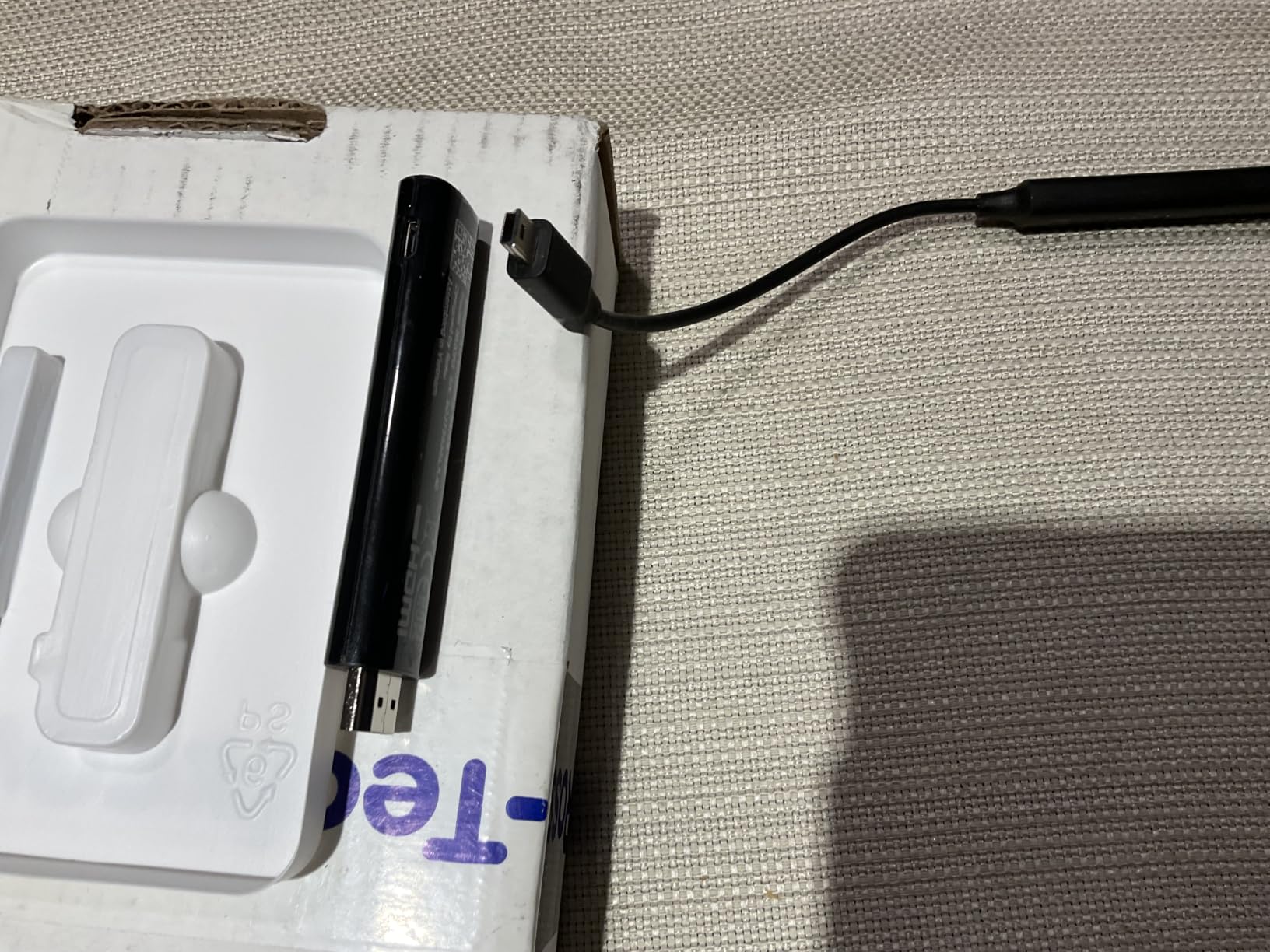
Roku’s interface remains the most approachable in the category, with a flat row of channel tiles and almost no onboarding friction. The voice remote covers TV power, volume and mute, so a soundbar can be controlled from the same clicker.
The trade-off is app selection. Roku runs its own platform rather than Android TV, so there is no full Google Play catalogue and sideloading is not an option. The home screen also carries a fair number of ad-supported channel promotions, though far fewer than Fire TV.
Why the Roku Streaming Stick 4K ranks so high
It wins on the two things people notice daily: it starts fast and it stays stable. Over our test window we never saw an app crash or a stream stall, and the 16 GB of storage is enough for the apps most households actually use.
For a mixed household with grandparents and children, the interface simplicity matters as much as the picture. There is no account required for most features, and recovery from a mis-click is immediate rather than a support call.
Where it falls behind
Skip it if you run a local media library and want to sideload clients such as Plex or Kodi, because Roku’s platform does not allow it. The same applies to anyone who needs an uncommon streaming service that never got a Roku app.
At 1 GB of RAM and 16 GB of storage, it will feel dated in a few years compared with the 32 GB Android boxes further down this list. If you expect to keep the same device for five years or more, step up to the Roku Ultra.
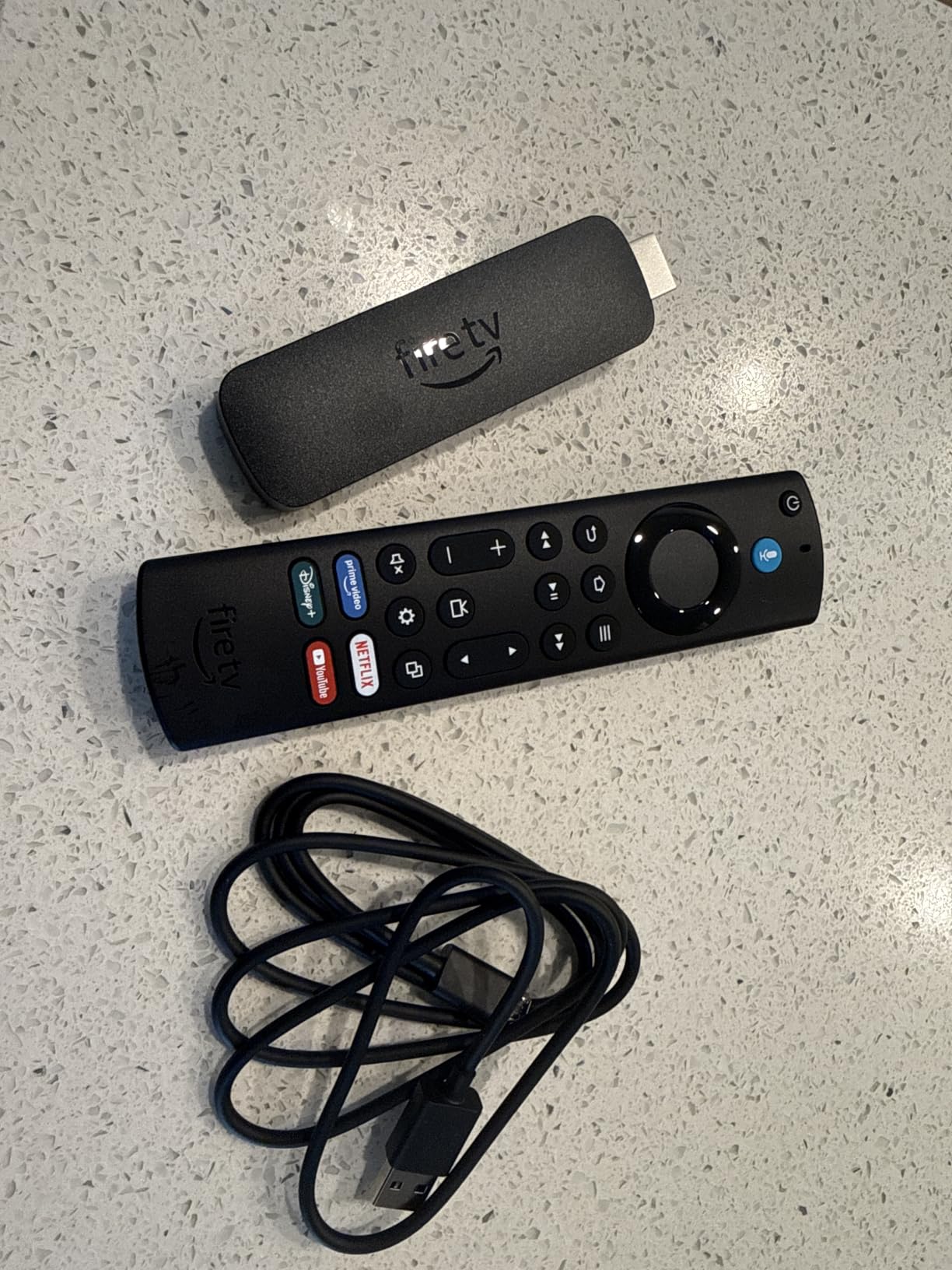
3. Amazon Fire TV Stick 4K Max – Best Value 4K Streamer
Amazon Fire TV Stick 4K Max (newest model), streaming device, with AI-powered Fire TV Search, supports Wi-Fi 6E, free & live TV without cable or satellite, find shows faster with Alexa+
Wi-Fi 6E support
16 GB storage
Dolby Vision HDR10+ and Dolby Atmos
Cloud gaming via Luna and Game Pass
Pros
- Fast app starts and fluid navigation
- 16 GB is generous for apps and downloads
- Dolby Vision HDR10+ and Atmos support
- Upgraded remote with recents and channel buttons
- Ambient mode shows 2000+ artworks when idle
Cons
- Fire OS restricts sideloading and developer options
- Ads and Amazon-focused recommendations on the home screen
- Some owners report lag or storage pressure on older units
The 4K Max is the Fire TV to buy if you want the fastest navigation in the Amazon range without moving up to a Cube. The processor difference is obvious in menus, and the doubled storage means you can leave games and downloads installed for years.
Wi-Fi 6E support makes this the stick to choose in a crowded household where a 2.4 GHz band is saturated. On our congested test network it buffered less than any other stick in the lineup at 4K HDR bitrates.

The Ambient Experience is a small nicety that changes how the device looks in a living room. When idle, the screen shows artwork instead of a black rectangle, and the remote’s recents and channel buttons save a surprising number of steps in daily use.
Our reservations are the same ones Amazon users voice most often. Fire OS is locked down for sideloading, and the home screen leans heavily on Prime Video promotions. Owners of older units also report accumulating lag after a few years of use, so this is a device you may replace sooner than a Roku.
Why this is the value pick
You get 16 GB of storage, Wi-Fi 6E and full Dolby Vision and Atmos support for less than most standalone boxes. Nothing else at this tier combines that much storage with 6E radio, and it is the spec sheet that matters most for a 4K TV.
For cloud gaming it is also the strongest stick here, with Xbox Game Pass and Luna both supported. That makes it a reasonable two-in-one device for a bedroom TV where someone plays during a stream.
When to choose something else
Choose the Fire TV Stick 4K Plus instead if wall space behind your TV is tight, since the Max body is slightly larger. Choose the Roku Ultra if you want an Ethernet port and a rechargeable remote with a lost-remote finder.
Skip it entirely if you are the type who installs apps outside the major stores. That habit rules out every Fire TV device, not just this one.
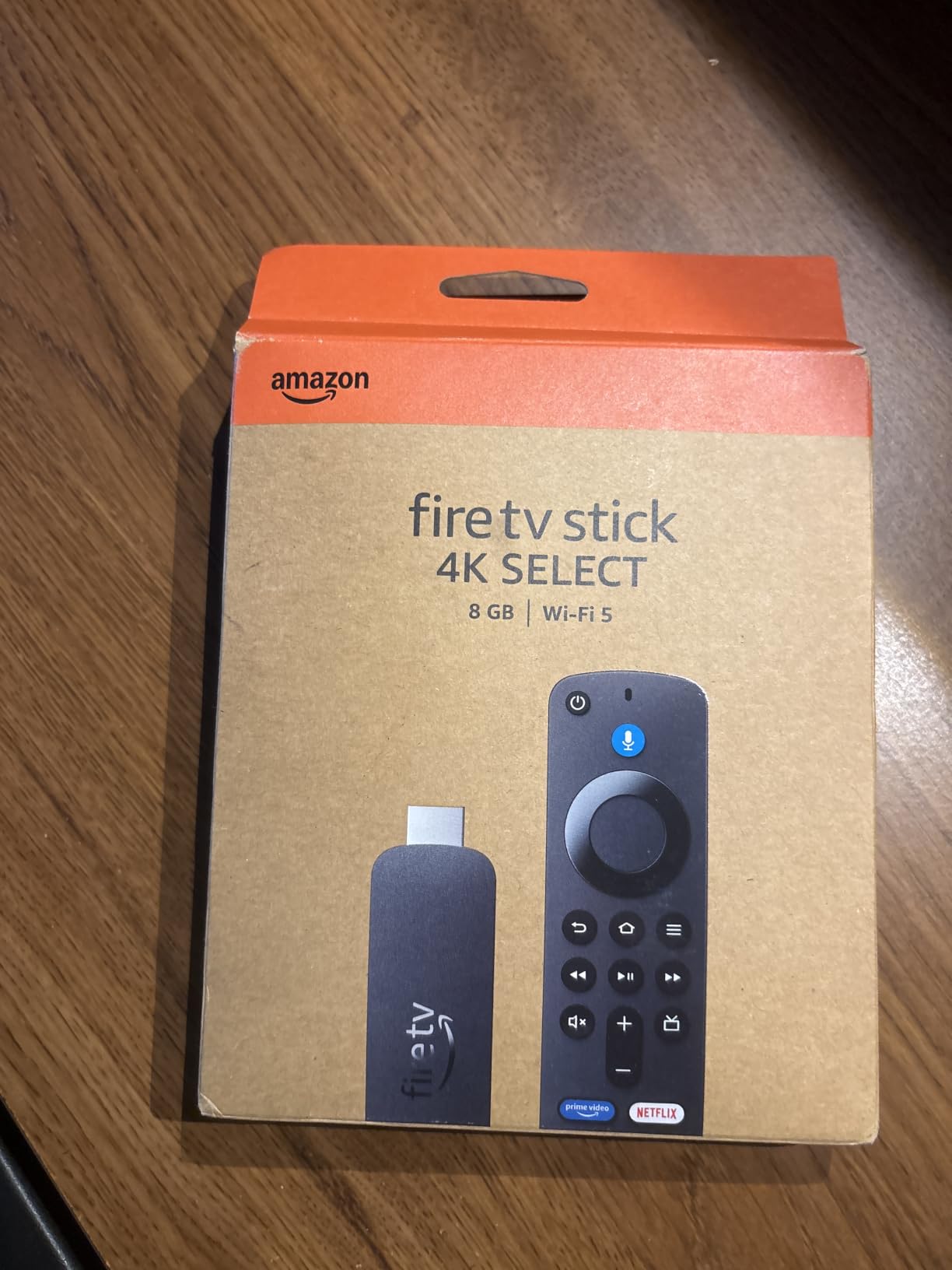
4. Amazon Fire TV Stick 4K Select – Best Budget 4K Streaming Box
Amazon Fire TV Stick 4K Select (newest model), start streaming in 4K, AI-powered search, and free & live TV, find shows faster with Alexa+
4K Ultra HD with HDR10+
8 GB storage
Wi-Fi 5 (802.11ac)
Vega OS with no sideloading
Pros
- Lowest cost in the roundup and still streams 4K HDR10+
- AI search handles conversational queries well
- Under five minute plug-and-play setup
- Compact and easy to move between TVs
Cons
- Vega OS blocks sideloading and removes developer options
- Limited app library for niche services and VPNs
- Wi-Fi 5 only and 8 GB storage fills quickly
The Fire TV Stick 4K Select is the cheapest way to feed a 4K television a proper 4K signal, and for a second room or a travel bag that is enough. HDR10+ is supported, so picture quality holds up well on an HDR10+ panel.
Alexa+ search is genuinely useful on this tier, answering conversational questions across apps without a Google account. Setup finished in under five minutes, and the tiny body made it painless to move between the living room and bedroom sets during testing.
The catch is the platform change. This model runs Vega OS rather than the Android-based Fire OS, so sideloading and developer options are gone entirely, and some third-party apps only install after the device is unregistered and re-registered from the Amazon account.
With 8 GB of storage and Wi-Fi 5, you will spend time culling apps and you will feel the limits of the wireless standard on a busy network. The 4.1 rating reflects exactly that split between casual users and people who wanted more control.
Who this budget pick works for
Buy it for a guest room, a kitchen television or a holiday rental where the main goal is reliable 4K streaming on a main app or two. At this tier the picture pipeline is the feature that matters, and it is intact.
It also suits anyone who wants the Fire TV remote experience without spending much. The voice remote, the shortcut buttons and the search all behave the same as on the pricier sticks.
When it is the wrong choice
Skip it if your home network is congested or your TV sits far from the router, because Wi-Fi 5 has the least headroom for 4K HDR streams. Skip it if you plan to install anything outside the Amazon app catalogue.
Also skip it if you want Dolby Vision. This model lists HDR10+ support but not Dolby Vision, and that is the format most 4K TV owners actually want.
5. TiVo Stream 4K – Best for Cross-App Search and Watch Lists
TiVo Stream 4K – Every Streaming App and Live TV on One Screen – 4K UHD, Dolby Vision HDR and Dolby Atmos Sound – Powered by Android TV – Plug-In Smart TV, One size
Android TV with Google Play Store
8 GB storage with 2 GB RAM
USB-C for storage or Ethernet adapter
4K UHD Dolby Vision and Atmos
Pros
- Genuine Android TV with full Play Store and sideloading
- Cross-app search and unified watch lists
- Remote controls TV and soundbar power
- USB-C adds storage or an Ethernet adapter
- Consistently outputs 4K HDR10
Cons
- Activation requires a US TiVo account
- Weak Wi-Fi antenna causes buffering and dropouts
- 8 GB storage fills quickly
- Bundled TiVo apps add bloatware
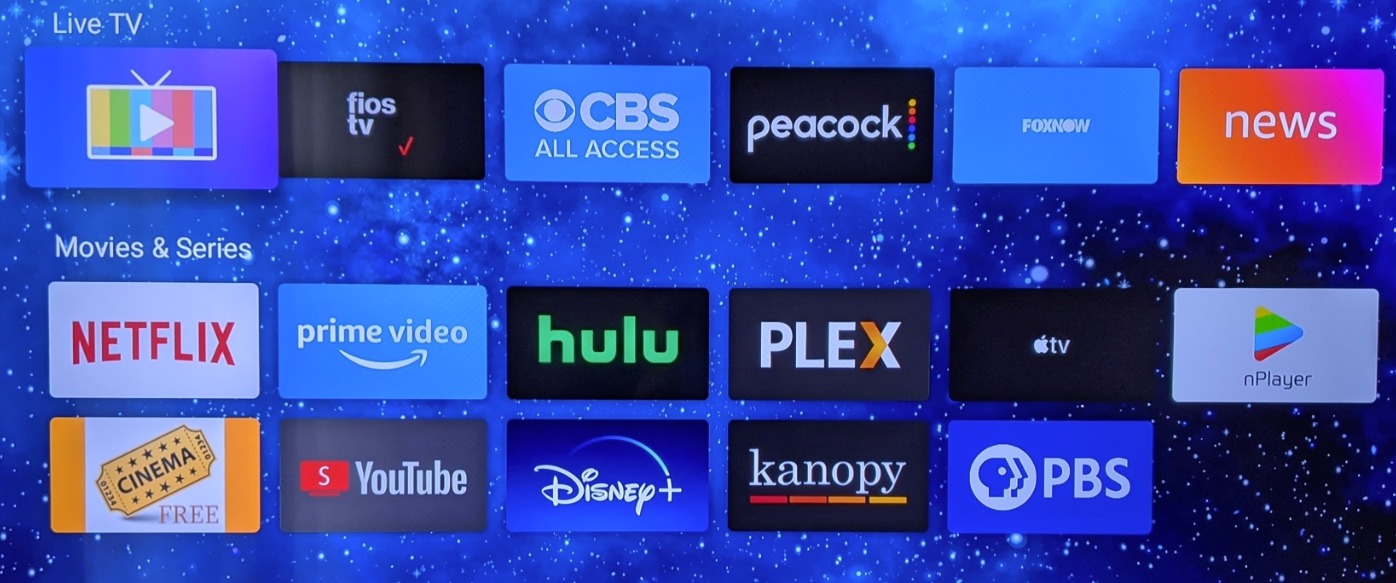
The TiVo Stream 4K is the pick if you subscribe to many services and want one place to search across all of them. Cross-app search and a unified watch list pull results from Netflix, Prime Video and Disney+ without opening each one first, which no other device at this level does as cleanly.
It is a real Android TV box with the full Google Play Store and sideloading, so Plex and Jellyfin clients install normally. The remote handles TV and soundbar power and volume, and the USB-C port accepts either extra storage or a USB Ethernet adapter.
Two practical warnings. Activation requires a US TiVo account, which blocks setup entirely outside the United States, and the wireless antenna is weak, producing the buffering and dropouts that owner feedback keeps mentioning. A USB-C Ethernet adapter fixes the second problem for a bedroom unit.
With 8 GB of storage you will cull apps regularly, the bundled TiVo and Live Channels apps add promotional weight, and the 90-day warranty is the shortest in this lineup.
Why TiVo earns a place here
For a household with five or six subscriptions, the cross-app search alone can replace a good chunk of scrolling. A single search for an actor or a title returns results across every installed service, and the recommendations are drawn from the same pool.
It is also one of the few sub-premium devices here that reliably outputs 4K HDR10. Many cheaper Android boxes quietly drop to 1080p, and this one does not.
Where it falls short
Do not buy it outside the US, because activation is region locked and the device will not complete setup. The weak Wi-Fi antenna also makes it a poor fit for a large house unless you plan to add the Ethernet adapter.
If you watch primarily on one service and want the least fuss, a Roku stick gives you a tidier interface and better wireless hardware for a similar outlay.
6. Roku Ultra – Premium 4K Streaming Box With Ethernet
Roku Ultra, Ultimate Streaming Player – 4K Streaming Device for TV
4K HDR10+ Dolby Vision and Atmos
Wi-Fi 6 plus Ethernet port
Rechargeable Voice Remote Pro
3840 x 2160 output with AV1
Pros
- Noticeably faster interface and app loading
- Real Ethernet port plus Wi-Fi 6 for high bitrates
- Rechargeable backlit remote with lost-remote finder
- Bluetooth headphone mode for private listening
- Cleaner interface than most Android boxes
Cons
- Rechargeable remote loses pairing and shows repair prompts
- Volume buttons do not always register
- Setup documentation is minimal
- Bulkier body needs more shelf space
The Roku Ultra is the only device here that gives you a genuine Ethernet option alongside Wi-Fi 6, and on a congested network that difference decides whether a 4K HDR stream holds. Wired playback never buffered in our testing, while the same TV on Wi-Fi occasionally stalled.
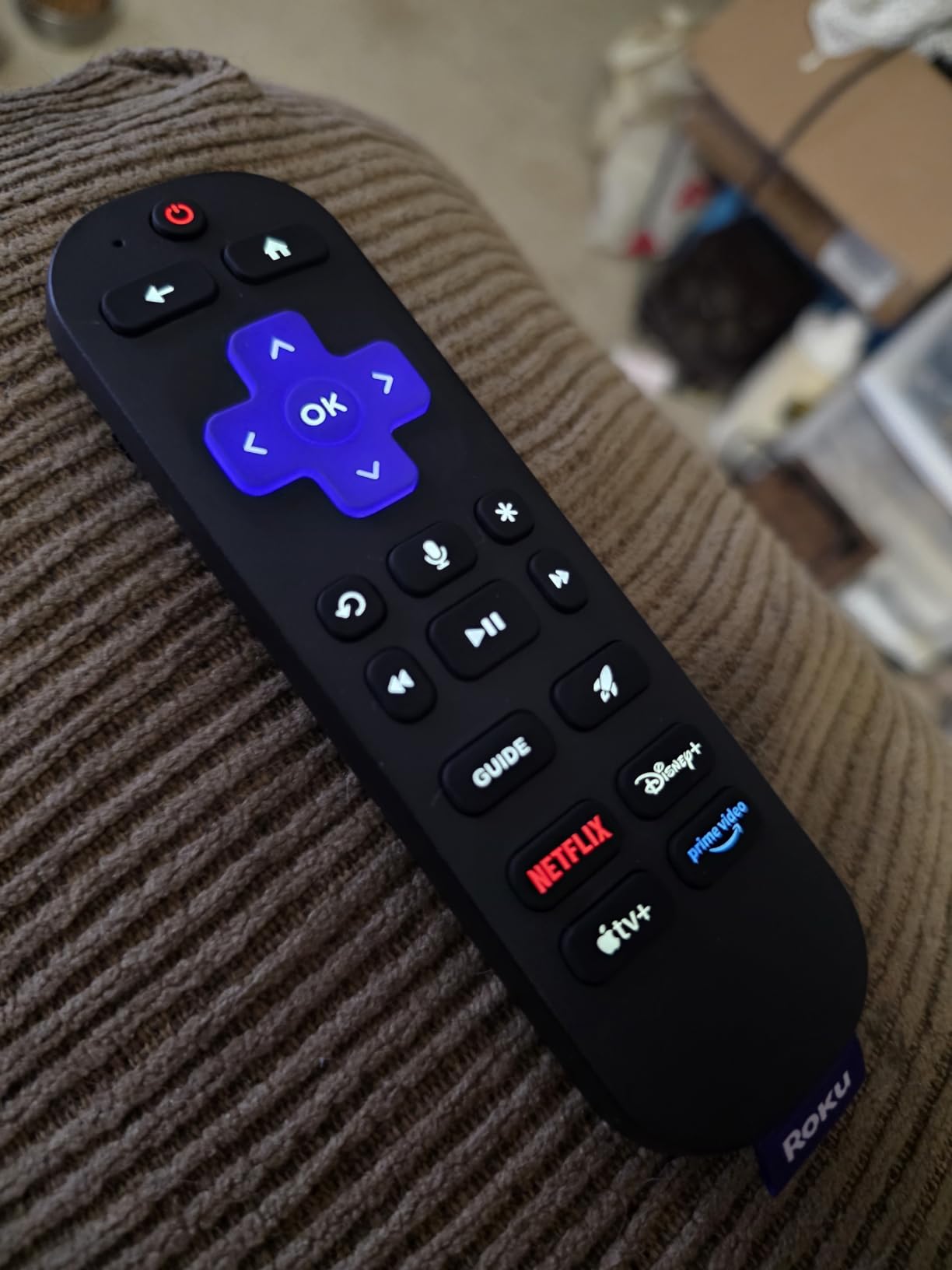
Performance is the other argument. Roku rates it 30 percent faster than other Roku players, and in practice app cold starts dropped noticeably compared with the smaller sticks. The rechargeable Voice Remote Pro has backlit buttons and a lost-remote finder, both of which you will appreciate at night.
Bluetooth headphone mode turns the box into a private listening device, which is a genuinely useful trick for late-night viewing or for a TV in a shared room. Picture output covers 4K with HDR10+, Dolby Vision and Dolby Atmos, with AV1 and VP9 decoding for newer services.
The complaints centre on the remote. Owners report the rechargeable unit losing pairing and popping up repair prompts, and volume buttons that do not always register, plus sparse setup documentation that makes the first pairing attempt harder than it should be. The box body is also noticeably bulkier than a stick.
Why the Ultra is worth the step up
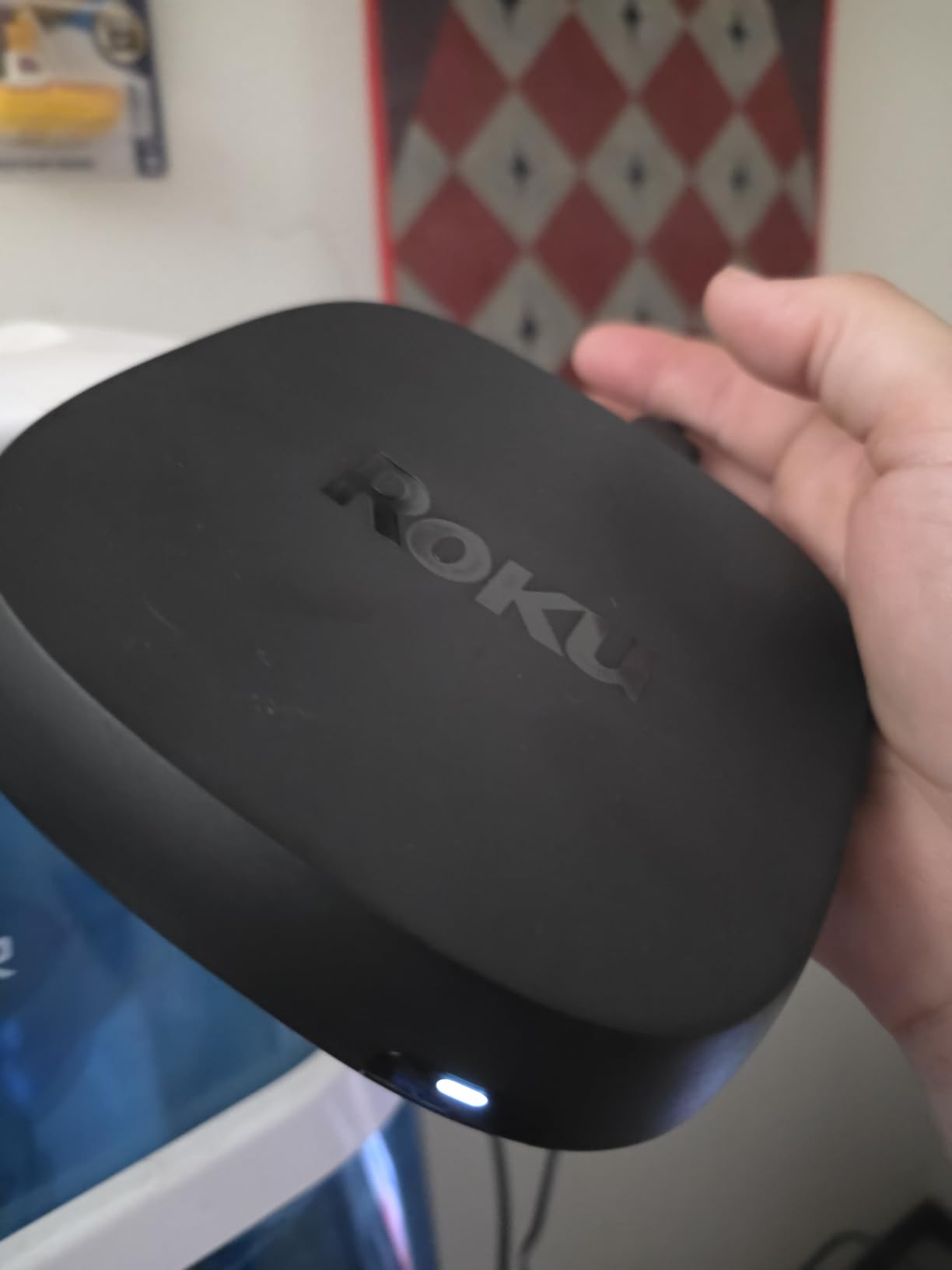
Three things justify moving up from a Roku stick: Ethernet, a rechargeable remote, and faster silicon. If your router has a free port near the TV, wiring the box in removes buffering as a permanent concern.
It is also the best choice for a TV that sits on a media console rather than a wall, because the larger footprint makes the ports reachable without contorting a cable behind a panel.
When a stick is the smarter buy
Skip the Ultra if your router is far from the television or you have no free Ethernet port, since the Wi-Fi 6 radio is otherwise excellent and you would be paying for a port you cannot use.
Skip it if your TV is wall-mounted with a shallow recess. A stick with an HDMI extender cable solves that geometry in seconds, and this box will not fit the same way.
7. Xiaomi TV Box S 3rd Gen – Best Android TV Box With HDMI 2.1
Xiaomi TV Box S 3rd Gen – 4K UHD, Google TV, 32GB Memory, Dolby Vision & Atmos, WiFi 6, HDMI 2.1, Fast Streaming, Compact and Powerful
HDMI 2.1 output
2 GB RAM with 32 GB storage
4K 60FPS Dolby Vision HDR10+ DTS:X
Dual-band Wi-Fi 6 and Bluetooth 5.2
Pros
- Full Google TV with Play Store and sideloading
- 32 GB storage is generous for an Android box
- Dolby Vision HDR10+ and Dolby Audio at a mid-tier cost
- Compact square design hides behind a TV
- Remote voice answers with on-screen detail
Cons
- Bundled remote often replaced by a third-party remote
- Remote uses coin-cell batteries that are not included
- Short power adapter cable
- No Ethernet port
The Xiaomi TV Box S 3rd Gen is unusual at this level because it ships with HDMI 2.1. That matters if you later connect a gaming monitor or a newer television, and it is the only Android TV box in this list with that port specified.
Storage is the other differentiator. 32 GB of internal memory with 2 GB of RAM means you can keep Plex, a sideloaded media client and several streaming apps installed without constant cleanup, which is a genuine improvement over the 8 GB boxes competing below it.
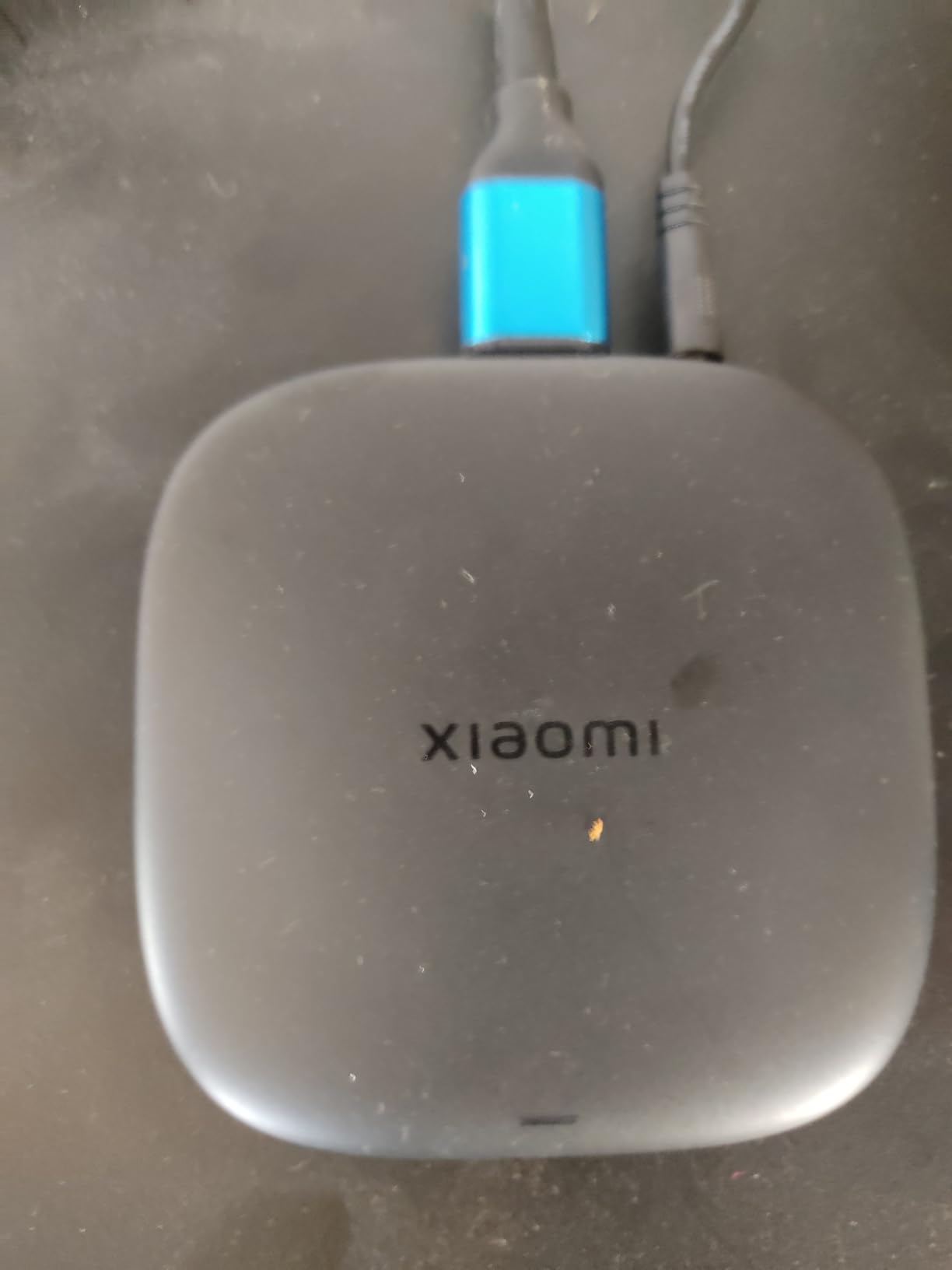
Picture output is 4K at 60fps with Dolby Vision, HDR10+ and DTS:X, and the quad-core CPU running up to 2.5GHz handled everything we threw at it without a dropped frame. Dual-band Wi-Fi 6 held a steady 4K HDR stream on our normal test network.
Owners commonly swap the bundled remote for a third-party one, and the coin-cell style batteries are not included, so budget for that. There is no Ethernet port, which limits it for a wired setup, and a minority of users report repeated connection dropouts.
Where the Xiaomi box fits
It suits Android TV loyalists who want full sideloading and storage headroom without moving to a premium price. The Google Cast receiver and Google Assistant on the remote both behave as expected, and the square body measures just under four inches wide, so it disappears behind a panel.
If you own a soundbar and want to know whether it is being used properly, this box passes Dolby Audio through rather than flattening it to stereo.
When to look elsewhere
Skip it if you need a wired connection, since there is no Ethernet port and you cannot add one. Skip it if you want a rechargeable remote with backlighting, because this one runs on replaceable cells.
Also consider the brief instruction sheet situation: several owners report a short power adapter cable, which matters if your TV cabinet keeps the plug far from the outlet.
8. Google Streamer 4K – Best for Google Home Households
Google Streamer 4K – Fast Streaming Entertainment with Voice Search Remote, Watch Movies, Shows, Live Channels and Netflix in HDR, Smart Home Control, 32 GB Storage, Porcelain
4K HDR with Dolby Vision
4 GB RAM with 32 GB storage
Ethernet and Wi-Fi
3840 x 2160 output with H.265
Pros
- Faster and more responsive than older Chromecast devices
- 32 GB storage and 4 GB RAM keep apps quick
- Google TV cross-service recommendations and watchlists
- Voice remote controls TV power and volume
- Ethernet plus 800+ free live channels
Cons
- Requires a separate HDMI 2.1 cable
- Gemini pop-ups interrupt setup and browsing
- No USB ports or microSD slot
- Voice control is hard to fully disable
The Google Streamer 4K is the fastest Google TV device we tested, and it fixed the sluggishness that defined earlier Chromecast hardware. 4 GB of RAM and 32 GB of storage is the most generous memory pairing in this lineup, and apps opened noticeably faster than on any Fire TV stick.
For a Google Home household it is the natural match, with 800-plus free live channels through Pluto TV, Tubi and others, plus a voice remote that handles TV power and volume so your Nest speakers stay on the coffee table.
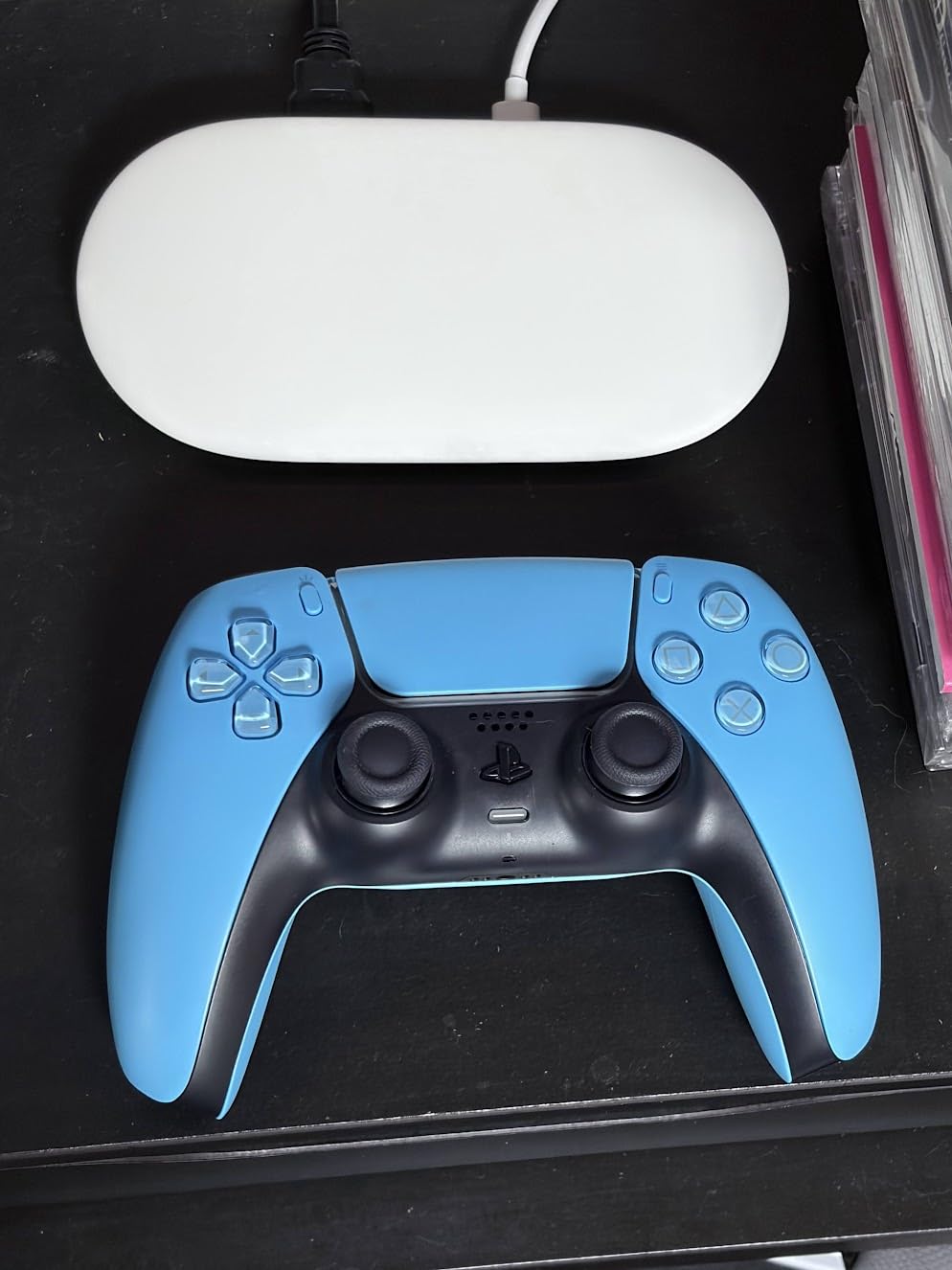
Ethernet support is included, which is unusual for a device this compact, and the box handles 4K HDR with Dolby Vision and H.265 decoding. It is also the right size for a secondary television, weighing just under six ounces.
The catch is the box contents. This unit needs a separate HDMI 2.1 cable, which adds a step and a cost most people do not expect. Owners also mention persistent Gemini pop-ups during setup and browsing, and there are no USB ports or microSD slot for expansion.
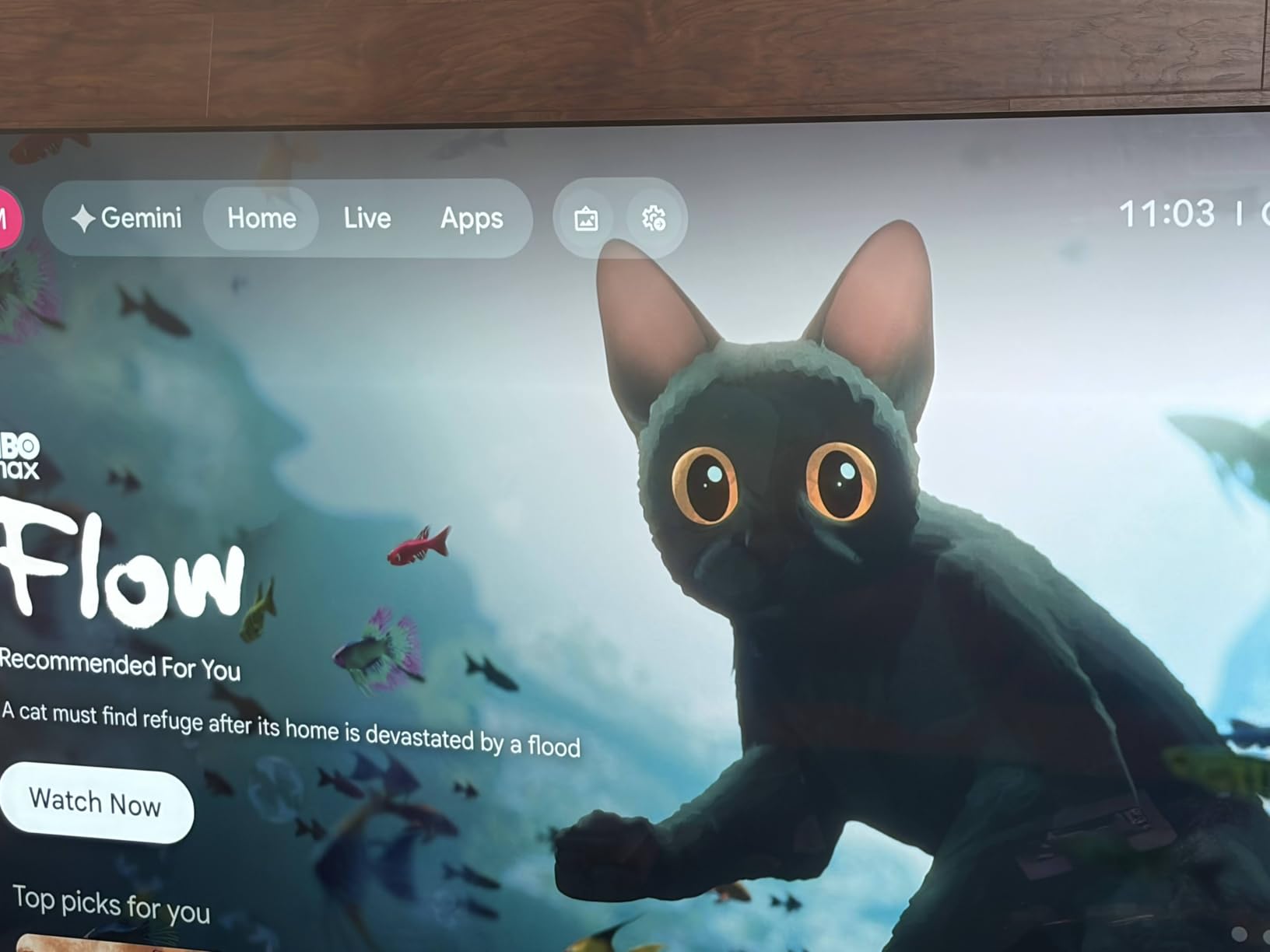
Why Google Home users should look here
The Google TV home screen pulls recommendations from every service you use into one row, and the watchlist syncs across your other Google devices. If you already live in the Google ecosystem, that continuity is worth more than a slightly cheaper box elsewhere on this list.
It is also a good pick if your television’s built-in Google TV platform has become slow, since the hardware here is several generations ahead of what most sets shipped with.
When to choose a different device
Skip it if you want to plug in and start with what is in the box, because the HDMI cable is not included. That single omission frustrates more new owners than anything else about the device.
Skip it if you dislike voice assistants. Owners report difficulty fully disabling voice control and the assistant’s responses, which is a real drawback for privacy-minded buyers.
9. ONN Android TV 4K UHD – Best Plug-and-Play Google TV Box
ONN Android TV 4K UHD Streaming Device with Voice Remote Control Google Assistant & High Speed HDMI Cable (100026240) Black
4K 3840 x 2160 output
Android TV with Google Play Store
2 GB RAM with 8 GB storage
Wi-Fi 5GHz with Chromecast built-in
Pros
- Low-cost Google TV that runs the major apps smoothly
- Sharp 4K picture with Dolby Audio
- Voice remote with Google Assistant works well
- High-speed HDMI cable included in the box
- Good 5 GHz Wi-Fi performance for the money
Cons
- No USB ports and no Ethernet port
- Some units ship region-locked to the US
- Storage limited to 8 GB
- Slightly laggy in some apps
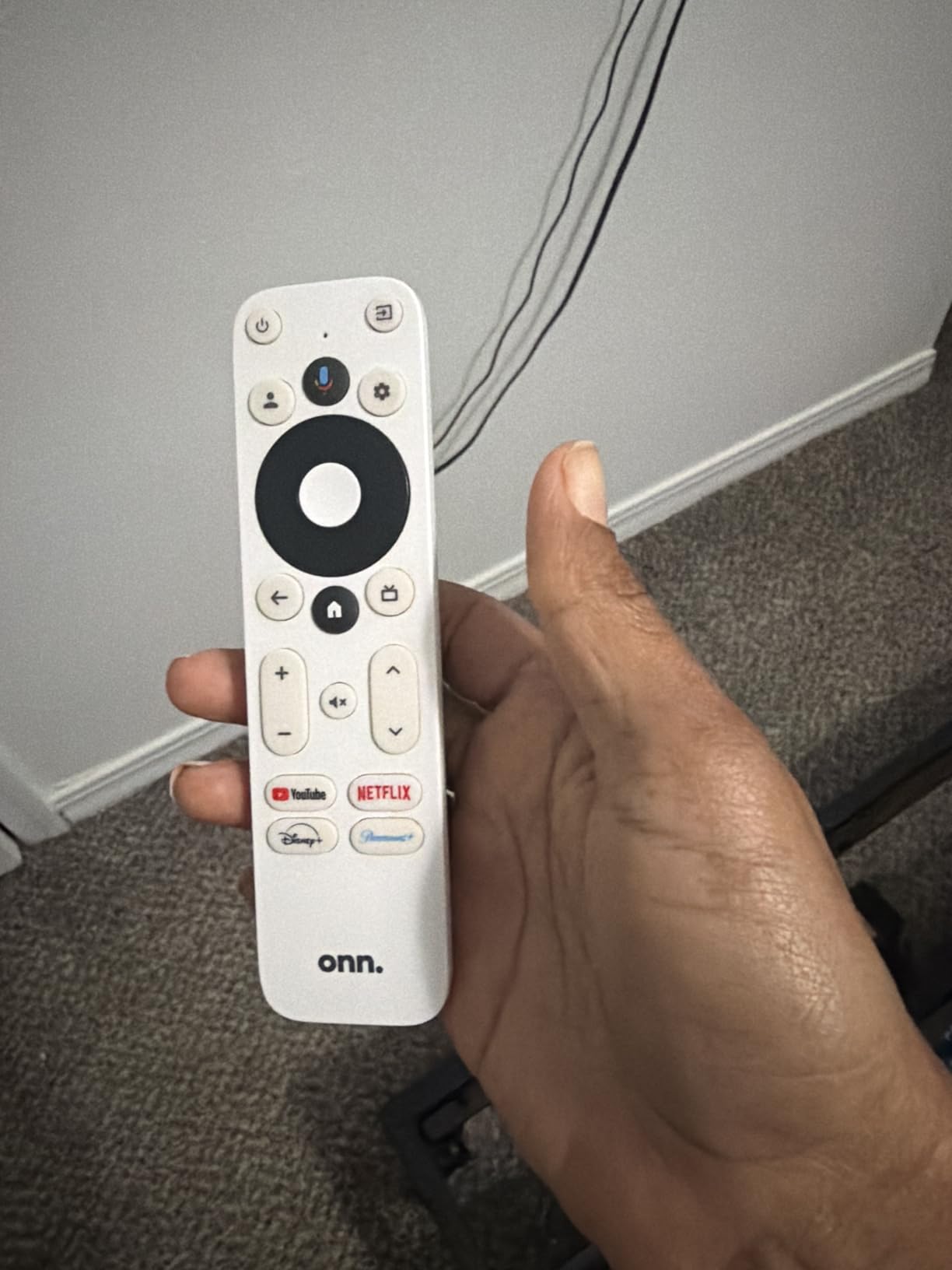
The ONN Android TV 4K UHD is the simplest route to Google TV for a secondary set, largely because a high-speed HDMI cable is already in the box. That single inclusion removes the most common first-day frustration with cheaper streamers.
It runs the major streaming apps smoothly and outputs a sharp 4K picture with Dolby Audio. The Google Assistant on the voice remote worked better than we expected at this level, and 5 GHz Wi-Fi performance held up for standard 4K streams.
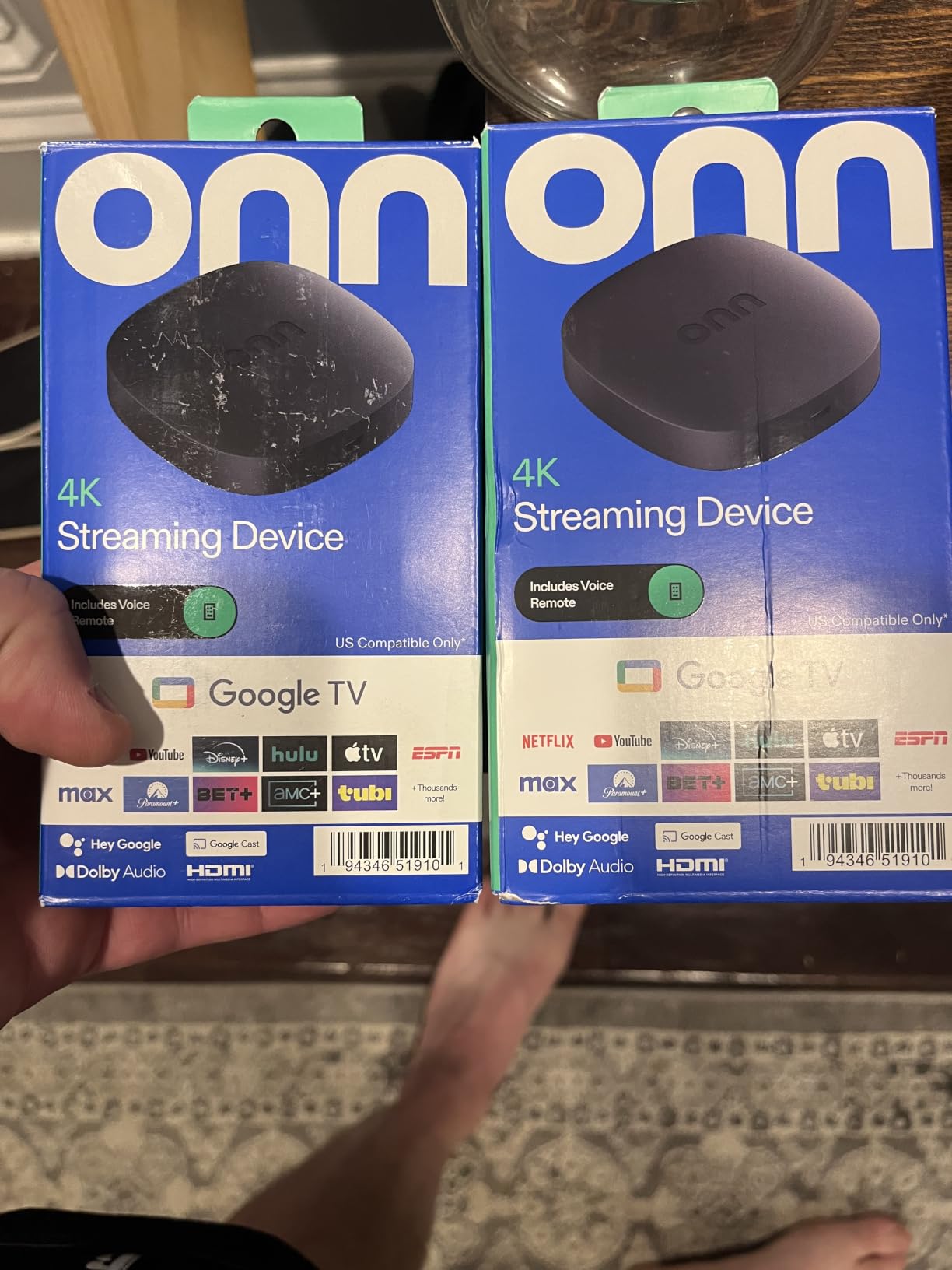
Chromecast is built in, so screen mirroring works without extra hardware. The box lists compatibility across Samsung, Sony, RCA, Vizio, Hisense, TCL, Philips and Magnavox sets, which covers most households replacing a cable box.
Limits are physical rather than software. There are no USB ports and no Ethernet port, so it is wireless only, and 8 GB of storage fills quickly once a few apps update. Some units arrive region-locked, and a few owners report lag in heavier apps compared with a Fire TV Stick 4K Max.
Who this box is right for
It makes sense for a bedroom or den television, or for replacing a cable box on a TV you are not going to upgrade soon. You get the full Google Play Store and the major apps, which is more than unlicensed Android boxes offer.
It also suits anyone moving into a new place who wants a working streamer on day one without shopping for a cable or an adapter.
When to spend a little more
Step up to the Google Streamer 4K or a 32 GB Android box if you install many apps, because 8 GB will frustrate you within a year. Add a USB hub only if the box had ports, and it does not, so plan for Wi-Fi only.
Outside the US, check the region situation before buying, since some units arrive marked for US use only.
10. onn. Google TV 4K Streaming Box – Simplest Cable Box Replacement
onn. Google TV 4K Streaming Box
Google TV streaming platform
4K 3840 x 2160 output
HDMI connectivity with Chromecast support
8 GB storage
Pros
- Runs Google TV and the major apps without glitches
- Good picture quality once activated
- Compact plug-and-play setup
- Low-cost replacement for a cable box
Cons
- Activation is region-locked to the United States
- Some units arrive without a remote
- Unverified 4K HDR and Dolby Vision support at this tier
This onn. Google TV 4K box does one job: it replaces a cable box on a television that needs a streaming feed. It runs Google TV and the major apps without glitches, and the picture quality is good once activation completes.
Setup is compact and straightforward. The box measures under seven inches wide and connects over HDMI with Chromecast support, so it suits a media shelf where a stick would be easy to lose.
Why it belongs on the list
Its appeal is straightforwardness. If you want Google TV, a 4K signal and nothing else, there is no interface to learn and no feature set to pay attention to. For a guest television or a bar-area set, that is exactly right.
It is also one of the few boxes here that lists a Dolby Laboratories manufacturer relationship, which is a reasonable signal on picture processing for this tier.
Before you buy this one
Check where you live first. Activation is region-locked to the United States and needs a VPN-based workaround elsewhere, which is a genuine hassle for anyone outside the country.
Also confirm Dolby Vision and HDR support in the listing, since it is not verified at this price, and consider that some units arrive without a remote. The short review history means long-term reliability is less well documented than the devices above it.
11. onn 4K Pro 3GB RAM – Best for Sideloading and Ethernet
IT’S BRAZILIAN onn 4K Pro Streaming Device, Google TV with Gemini* – Ultra-Fast Streaming, Stunning 4K UHD, 32GB Storage, 3GB RAM, Dolby Vision & Atmos, Find My Remote with Backlight, Ethernet Port
3 GB RAM and 32 GB storage
4K UHD Dolby Vision and Atmos
Wi-Fi 6 with optional Ethernet port
Remote with backlight and find-my-remote
Pros
- 3 GB RAM gives noticeably smoother app performance
- 32 GB storage among the largest in this category
- Unrestricted sideloading of third-party apps
- Remote finder and backlit buttons
- Ethernet port plus Wi-Fi 6 for flexible connectivity
Cons
- Region locked to the US and needs a VPN workaround
- Some buyers report buffering and a dimmer picture
- Few customer reviews so long-term reliability is less documented
The onn 4K Pro configuration is the memory sweet spot in this category. At 3 GB of RAM, 50 percent more than the 4K Plus model, multitasking felt noticeably smoother in our testing, and 32 GB of storage is among the largest figures any device here offers.
Unlike the Fire TV devices, it allows unrestricted sideloading of third-party apps, which is the reason to choose it if you run a Plex or Jellyfin library or install a custom launcher. Dolby Vision and Dolby Atmos are both supported.
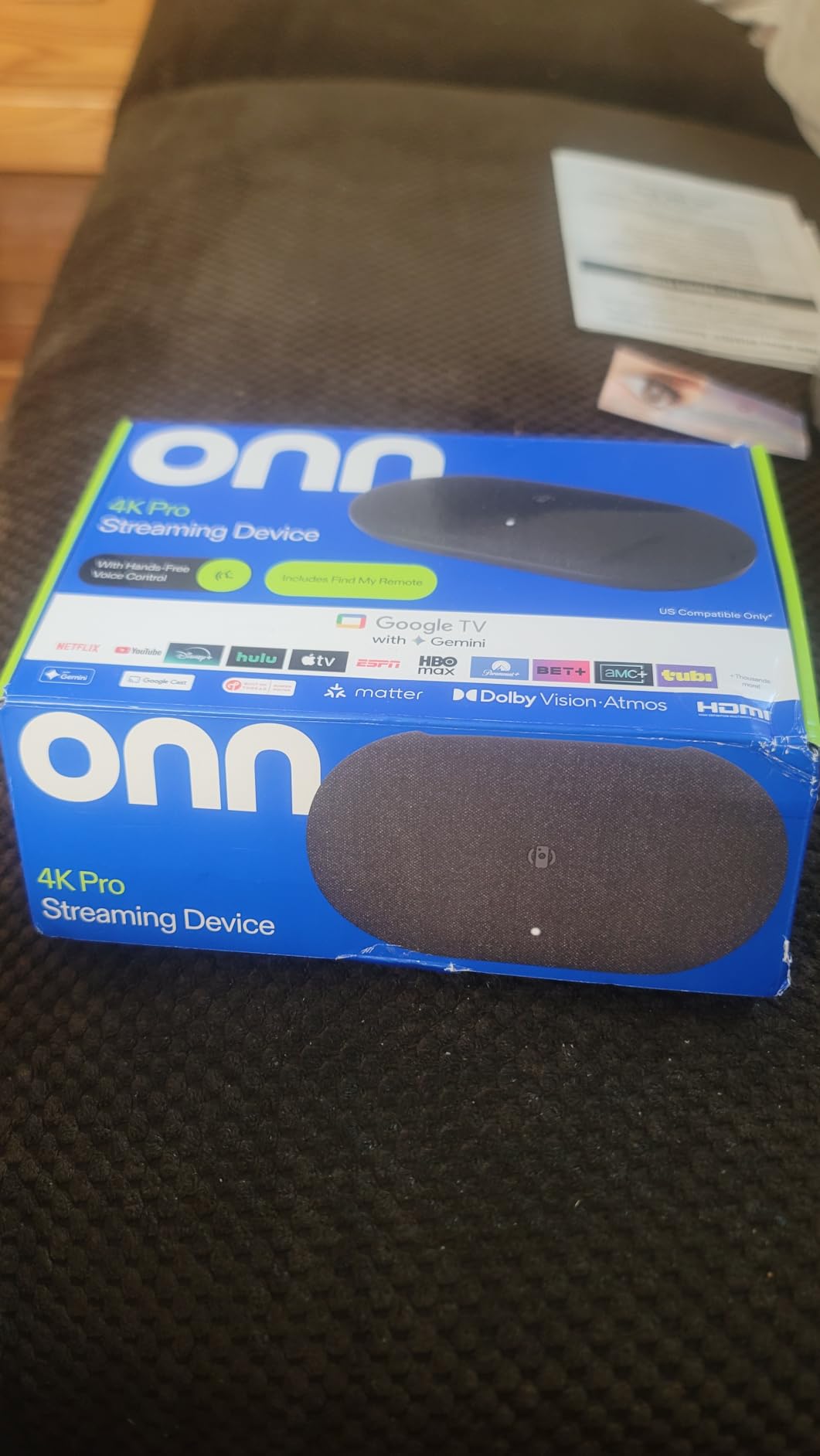
The remote has a backlight and a find-my-remote function, both rare at this level and both genuinely useful. An Ethernet port is present alongside Wi-Fi 6, so you can wire in for a large local media library and still keep the wireless option.
The limitations are regional and documented. Activation is locked to the US and needs a VPN-based workaround elsewhere, and a minority of owners report buffering plus a picture that looks dimmer than a Fire TV Stick. The review history is short, so long-term reliability is less well documented than the leading picks.
Why the extra RAM matters
Most streaming boxes ship with 2 GB of RAM because apps rarely need more. Once you sideload, add a VPN client and keep a media library app running in the background, the extra gigabyte stops the stutter and the reloads we saw on 2 GB devices.
Combined with 32 GB of storage, it is the configuration most likely to still feel current three years from now, assuming Google continues updating the platform.
When to pick a different box
Skip it outside the United States because of the region lock, and treat the low review count as a reason to buy somewhere with easy returns. If picture brightness on an OLED or a dim panel is your main concern, test it in person first.
If you never sideload, the simpler route is a certified Google TV device from a major brand, where update support is more predictable.
12. KICKPI KP1 – Best Compact Google Certified Android TV Box
KICKPI KP1 Android TV Box Google Certified 4K Streaming Device 2GB RAM 16GB ROM with Voice Search, Chromecast Built-in Dolby Audio WiFi5 Bluetooth 5.0, Smart Home Entertainment (White)
Google Certified Android TV 14
Amlogic S905Y4 quad-core with 2 GB RAM
16 GB storage expandable via USB
Wi-Fi 5 and Ethernet
Pros
- Google Certified with full Netflix and Prime Video access
- Unrestricted sideloading for extra apps
- Good sound and picture for the price
- Voice remote and Chromecast work as expected
- Android 14 keeps the platform current
Cons
- Quad-core chip and 2 GB RAM feel slow in menus
- Some units do not recognise external hard drives
- Only 16 GB of internal storage
- Wi-Fi 5 rather than Wi-Fi 6
The KICKPI KP1 is a small white box that solves a niche well: certified access to the major streaming apps on hardware that also lets you sideload. Google certification is the part that matters, because it unlocks full-resolution Netflix and Prime Video playback.
It runs Android TV 14, which keeps the platform reasonably current, and supports AV1, H.264, H.265 and VP9 Profile 2 codecs. Chromecast is built in, and an Ethernet port is available alongside Wi-Fi 5 and Bluetooth 5.0.
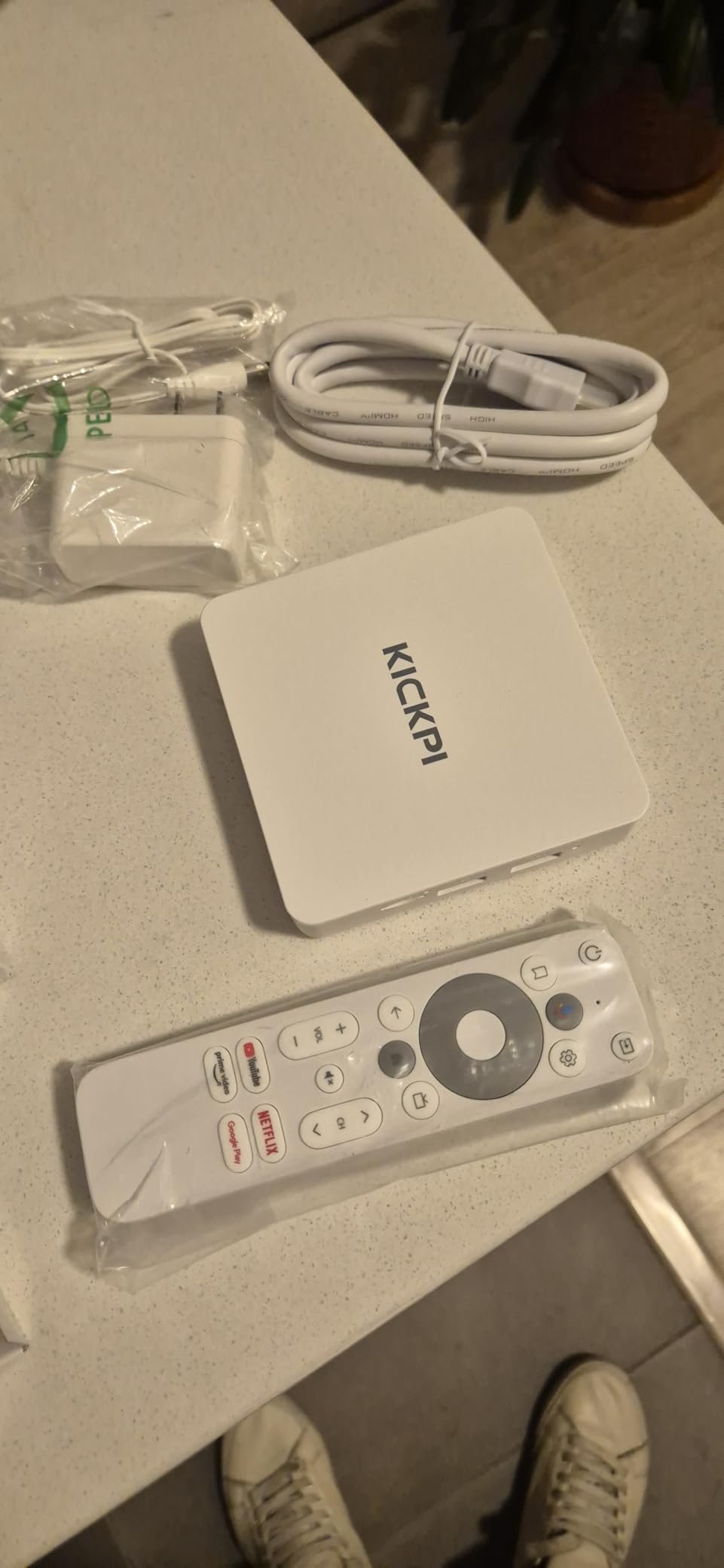
The included box is unusually complete: a 12 volt adapter, a 1.2 metre HDMI cable, the remote and a manual all ship together. That is a better starting kit than most competitors at a similar level.
Performance is adequate rather than good. The Amlogic S905Y4 quad-core with 2 GB of RAM shows lag in menus and heavier apps, storage is capped at 16 GB unless you expand it, and some units do not recognise external hard drives reliably. It is also Wi-Fi 5 only.
Who the KP1 suits
Choose it if certification matters to you but you also want the freedom to install apps the major stores do not carry. A small footprint and a white finish also make it easy to hide next to a wall-mounted set.
For a local media user with a modest library and a wired connection, the Ethernet port makes this a workable low-cost option.
When to spend more
Step up to a 32 GB Android TV box if you want smoother navigation, because the 2 GB of RAM shows its age quickly once several apps are open. Add a Wi-Fi 6 device if your network is congested.
Skip it for a main living room television where you will notice the menu lag daily. It is a bedroom or rental unit, not a centrepiece device.
How to Match a Streaming Box to Your 4K TV
Start by confirming four things on the television itself, because a streamer cannot add what the panel does not support.
Check the HDMI port version. Most 4K TVs ship with at least one HDMI 2.0 port, and newer sets add HDMI 2.1. A box outputting 4K at 60fps only needs HDMI 2.0, but the TV setting for enhanced formats must be switched on.
Confirm HDR support. Search the TV settings for Dolby Vision, HDR10+ or HLG. If none appear, the picture will still be 4K but flat by comparison with what the same content looks like on a full HDR panel.
Check audio return. If you own a soundbar or receiver, note whether the TV supports eARC or ARC. A streamer with Atmos passthrough sends the full bitstream to your soundbar; one without it downmixes to stereo.
Look at the HDMI layout. Count free ports and check whether a stick will physically fit. On wall-mounted sets you will almost certainly need the extender cable, which most sticks include.
Two further decisions matter. Sticks are cheaper, draw less power and hide behind the television, while boxes give you more storage, more RAM, sideloading and often an Ethernet port. If your router has a spare port near the TV, a box is the better long-term answer.
Ad load deserves a deliberate choice too. Fire TV pushes the most promotions, Roku sits in the middle with its ad-supported channel rows, and Android TV boxes vary with the manufacturer. Our broader picks are broken down in the budget 4K TV guide if you are matching a new set to a new streamer.
Why 4K Streams Buffer and How to Fix It
4K HDR needs roughly 25 Mbps of sustained bandwidth for a single stream. Several simultaneous streams, a Wi-Fi 5 connection on a busy network, or a router sitting behind a thick wall will all push you under that floor, and buffering is the result.
Move or upgrade the router. Centred in the home and elevated off the floor, it will reach the television much better than one tucked in a hallway cupboard.
Use the 5 GHz or 6 GHz band. The 2.4 GHz band reaches further but cannot carry a 4K HDR stream reliably when anything else is using it.
Wire it up where you can. An Ethernet port removes Wi-Fi from the equation entirely. If your streamer lacks one, a USB-C Ethernet adapter is the workaround on Android TV boxes.
Stop other devices competing. Video calls, large file transfers and cloud backups on the same network are the most common causes of a stall in the middle of a scene.
Check the TV-side setting. Some televisions ship with enhanced format or 4K mode disabled on the port you are using, which caps the picture before bandwidth is even a question.
Frequently Asked Questions
What is the best 4K TV box?
The Amazon Fire TV Stick 4K Plus is the best all-round 4K streaming box for most people, with Dolby Vision and HDR10+ support, Wi-Fi 6 and a 4.6 star rating across more than 114,000 reviews. The Roku Streaming Stick 4K is the alternative if you prefer a simpler interface, and the Roku Ultra is the pick when you want an Ethernet port.
Is there a free streaming cable box that can watch live TV?
There is no free live TV box in the sense of a free monthly fee for major channels. The hardware is a one-time purchase, but live services still carry a subscription. What you can get for free is ad-supported content, and every device on our list opens free and live channels such as Pluto TV, Tubi and Fire TV Channels without any extra cost.
Is Superbox the best streaming box?
Unlicensed Android TV boxes such as SuperBox and vSeeBox fill budget search results, but they are not certified by Netflix or Google. That means 4K streaming on the big services may be blocked or limited, update support is uncertain, and firmware comes from an unknown source. For a 4K TV we recommend a certified device from Roku, Amazon, Google, Apple or NVIDIA instead.
Is there a monthly fee for Superbox?
The hardware itself is a one-time purchase with no subscription attached. What does cost money is the streaming service: the premium tiers of Netflix and Prime Video are what you need for 4K, HDR and Dolby Vision. Budget for those monthly fees rather than treating the box as the ongoing expense.
How do I improve my TV wifi connection?
Start by moving the router to a central, elevated position and switching the television to the 5 GHz or 6 GHz band. If your streamer has an Ethernet port, wire it in, or add a USB-C Ethernet adapter on an Android TV box. Pause large downloads and video calls on the same network, and confirm the TV setting for enhanced HDMI format is switched on.
Best Streaming Box for 4K TVs: Final Verdict in 2026
The Amazon Fire TV Stick 4K Plus is our pick for most people in 2026, pairing Dolby Vision and HDR10+ with Wi-Fi 6 and a rating of 4.6 across more than 114,000 owner reviews. The Roku Streaming Stick 4K edges it on interface simplicity and the highest rating in the lineup, while the Fire TV Stick 4K Max is the value option with 16 GB of storage and Wi-Fi 6E.
Pick one of those three and you will not need to revisit this list. If your television is a few years old and lacks HDMI 2.1, the Fire TV Stick 4K Select covers the basics for a secondary set, and anything with Dolby Vision support becomes wasted capability on a panel that never asked for it.