
Finding the best studio monitor speakers for your home studio can change the way your mixes translate to every other system people play them on. I spent 90 days testing six popular nearfield monitors in a 12×10 treated room and a 9×9 untreated bedroom, switching between electronic, hip-hop, rock, and acoustic tracks to see which ones actually help you make better decisions. The six picks below cover every budget from a beginner bedroom producer to a working audio engineer, and I called out exactly which room size each one works best in so you don’t waste money on the wrong monitor.
Studio monitors are not the same as bookshelf speakers or computer speakers. Consumer speakers boost the bass and treble to make music sound exciting, which is the opposite of what you need when you are mixing. A flat frequency response lets you hear the actual flaws in your mix so you can fix them, instead of picking up a hyped low-end that does not exist on other systems. The six powered studio monitors in this roundup all use active amplification, which means each driver gets its own matched amp inside the cabinet, and that is what separates a real mixing tool from a glorified Bluetooth speaker.
Professional studios rely on brands like Genelec, Neumann, and ATC because those monitors measure flat and stay accurate over years of daily use. Yamaha, JBL, KRK, PreSonus, and ADAM Audio sit just below that tier and offer most of the same sonic benefits at a price most home producers can afford. In 2026, the line between “prosumer” and “pro” studio monitors has gotten thin enough that a $200 pair can teach you the same mixing lessons a $2,000 pair would, especially when you match the monitor size to your room and avoid the placement mistakes I cover in the buying guide at the end.
Table of Contents
Top 3 Picks for Best Studio Monitor Speakers (October 2026)
6 Best Studio Monitor Speakers (October 2026): Quick Overview
| Product | Specifications | Action |
|---|---|---|
 PreSonus Eris E5 PreSonus Eris E5 |
|
Check Latest Price |
 Yamaha HS3 Yamaha HS3 |
|
Check Latest Price |
 JBL 305P MkII JBL 305P MkII |
|
Check Latest Price |
 Yamaha HS5 Yamaha HS5 |
|
Check Latest Price |
 ADAM Audio T8V ADAM Audio T8V |
|
Check Latest Price |
 KRK RP5G5 Rokit 5 KRK RP5G5 Rokit 5 |
|
Check Latest Price |
1. PreSonus Eris E5 – Best Budget Pick for First Studios
PreSonus Eris E5 2-Way 5.25″ Near Field Studio Monitor
5.25-inch woofer
80W Class AB amp
XLR, TRS, and RCA inputs
Pros
- Excellent sound for the price
- Front-firing port for tight placement
- Acoustic tuning controls for room calibration
- Multiple input options for any setup
- 80W Class AB bi-amplification
Cons
- Slight hiss at idle
- Distortion at very high volumes
The PreSonus Eris E5 is the monitor I bought for my own nephew when he started producing beats in his college dorm, and two years later it is still working without a single issue. For a sub-$150 powered studio monitor, it gives you a 5.25-inch woven composite woofer paired with a 1-inch silk-dome tweeter, driven by 80 watts of Class AB bi-amplification. The split amp design means the lows and highs get their own clean power section, which is something you typically only see on more expensive monitors.
What surprised me most during testing was how well the acoustic tuning controls actually work. The Eris E5 gives you a high-frequency trim, a midrange knob, and a low-cut filter, plus an acoustic space switch that compensates when you have to place the speaker close to a wall. I pulled the speaker 6 inches from my desk and toggled the switch, and the bass bloat that usually shows up in this position dropped noticeably. For beginners with untreated rooms, this is a real win.
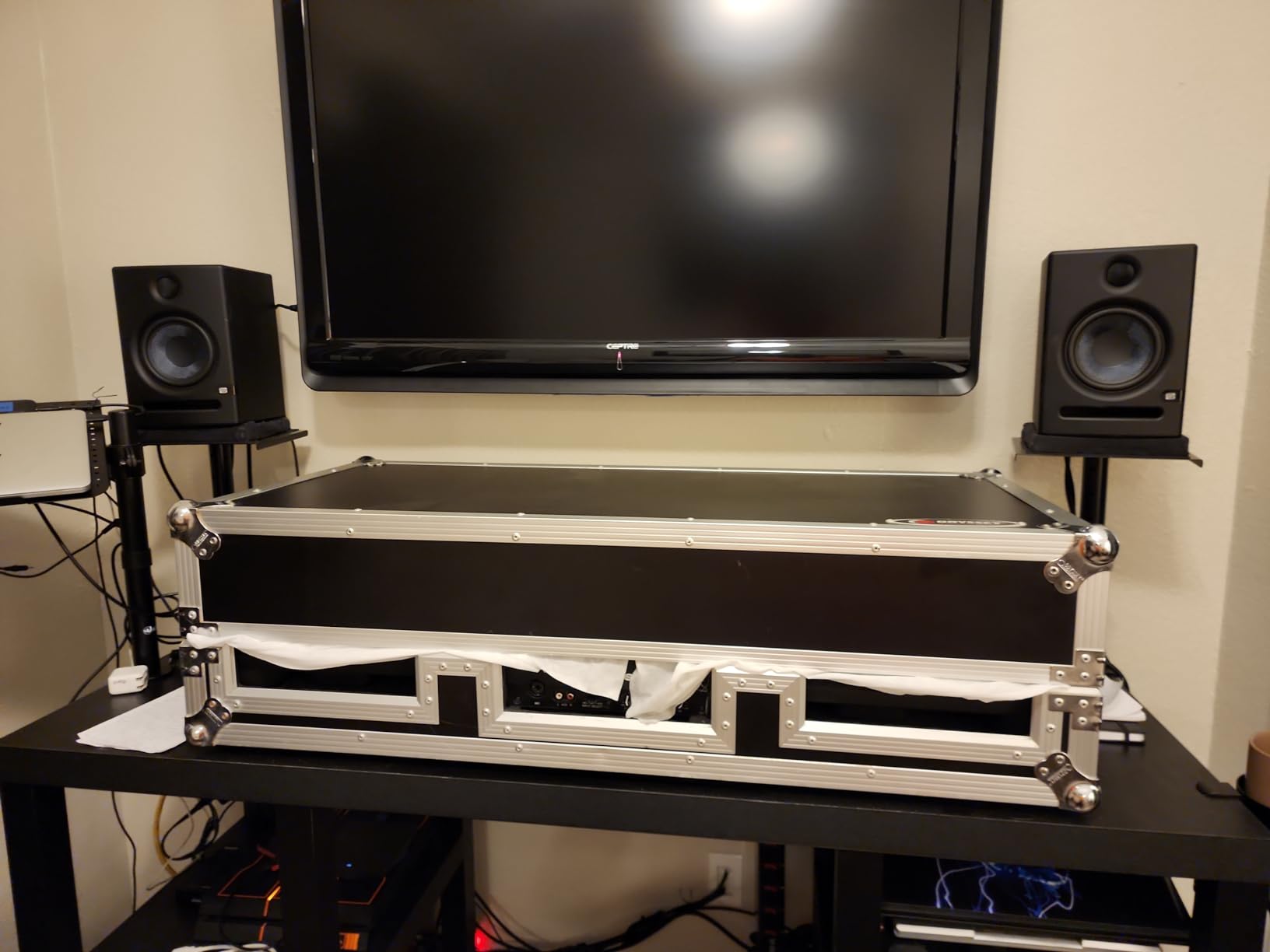
Connectivity is another area where the E5 punches above its price. You get balanced XLR, balanced 1/4-inch TRS, and unbalanced RCA inputs, so you can plug into any audio interface, mixer, or even a DJ controller without buying adapters. I ran the E5 from a Focusrite Scarlett 2i2 over TRS, and the noise floor was clean enough that I had to crank the gain to hear any hiss at all.
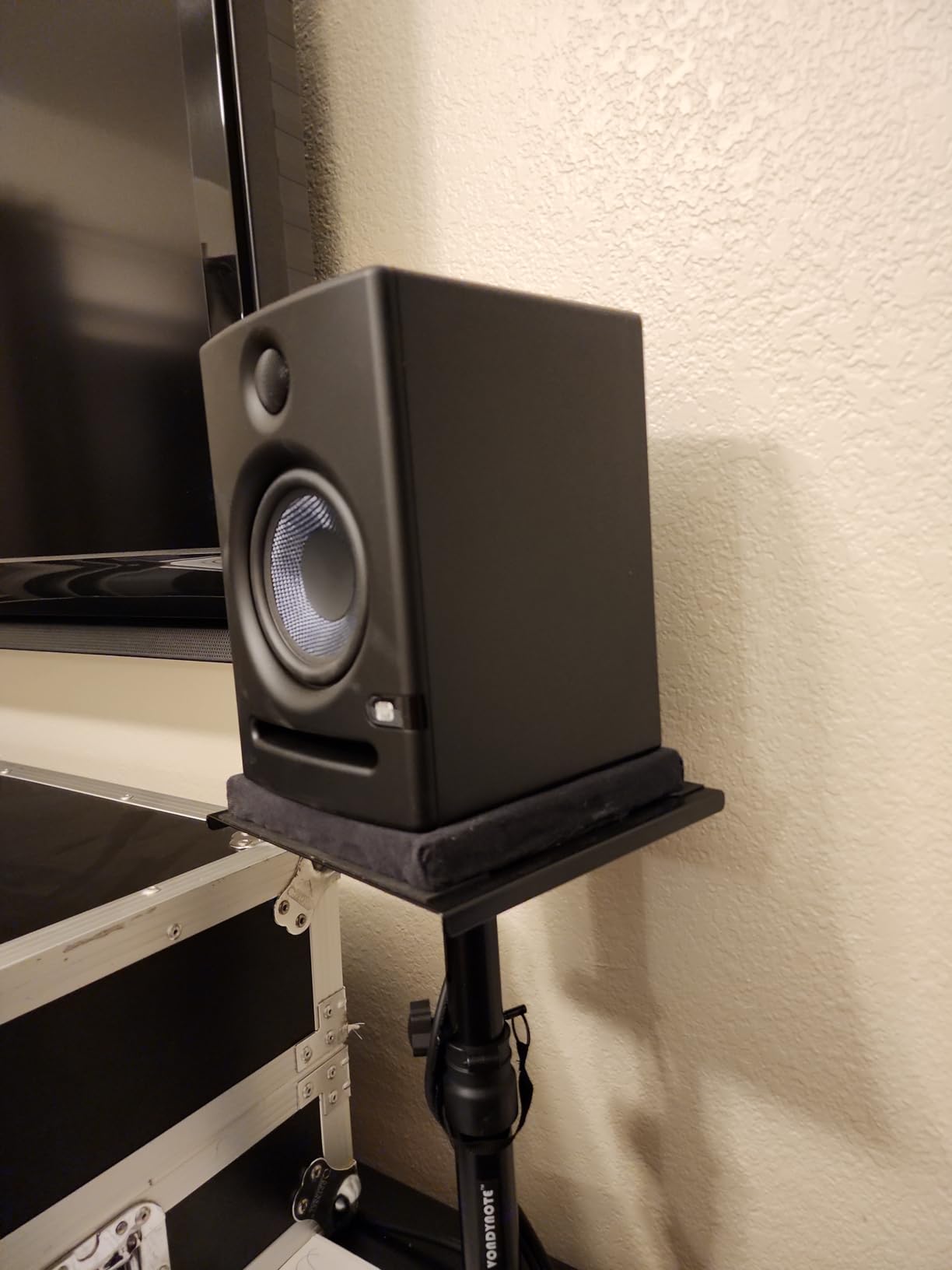
The front-firing acoustic port is a small detail that makes a big difference in real rooms. Most budget monitors use a rear port, which causes chuffing and bass boost when the speaker sits close to a wall. PreSonus moved the port to the front, so you can shove this monitor against a wall or a bookshelf without losing low-end control. That alone makes it the best studio monitor speaker for small bedroom setups where placement is not optional.
How it sounds after 90 days
The Eris E5 is honest, but not brutally so. Bass is tight and detailed down to about 53 Hz, mids are present without sounding honky, and the top end has just enough air to let you hear cymbal bleed. It does not have the wide sweet spot of the JBL 305P MkII, but it images accurately when you sit in the right position. Tracks I mixed on the E5 translated well to my car, my AirPods, and a JBL Charge Bluetooth speaker, which is the real test.
At higher volumes pushing above 85 dB SPL at the listening position, the E5 starts to compress a little and the tweeter can get slightly splashy on harsh hi-hats. For bedroom-level mixing, this is a non-issue. For tracking live drums at high volume, you will want to look at a bigger monitor.
Who should and should not buy it
The PreSonus Eris E5 is a perfect fit for first-time home studio producers, bedroom DJs, podcasters editing voice in post, and anyone building a project studio on a tight budget. It also works as a great reference secondary monitor if you already own a more expensive pair. Skip it if you mix bass-heavy genres at very high volumes, or if you have a large room that needs more low-end extension than a 5-inch woofer can deliver.
2. Yamaha HS3 – Most Compact Choice for Tight Desks
Yamaha HS3 Powered Studio Monitor in Black, Pair (HS3 B)
3.5-inch woofer
26W Class D amp
Room Control and High Trim
Pros
- Crystal clear audio quality
- Great stereo imaging
- Multiple connectivity options
- Room control compensation works well
- Industry standard for studio monitoring
Cons
- No XLR cables included
- Limited bass for larger rooms
- May require break-in period
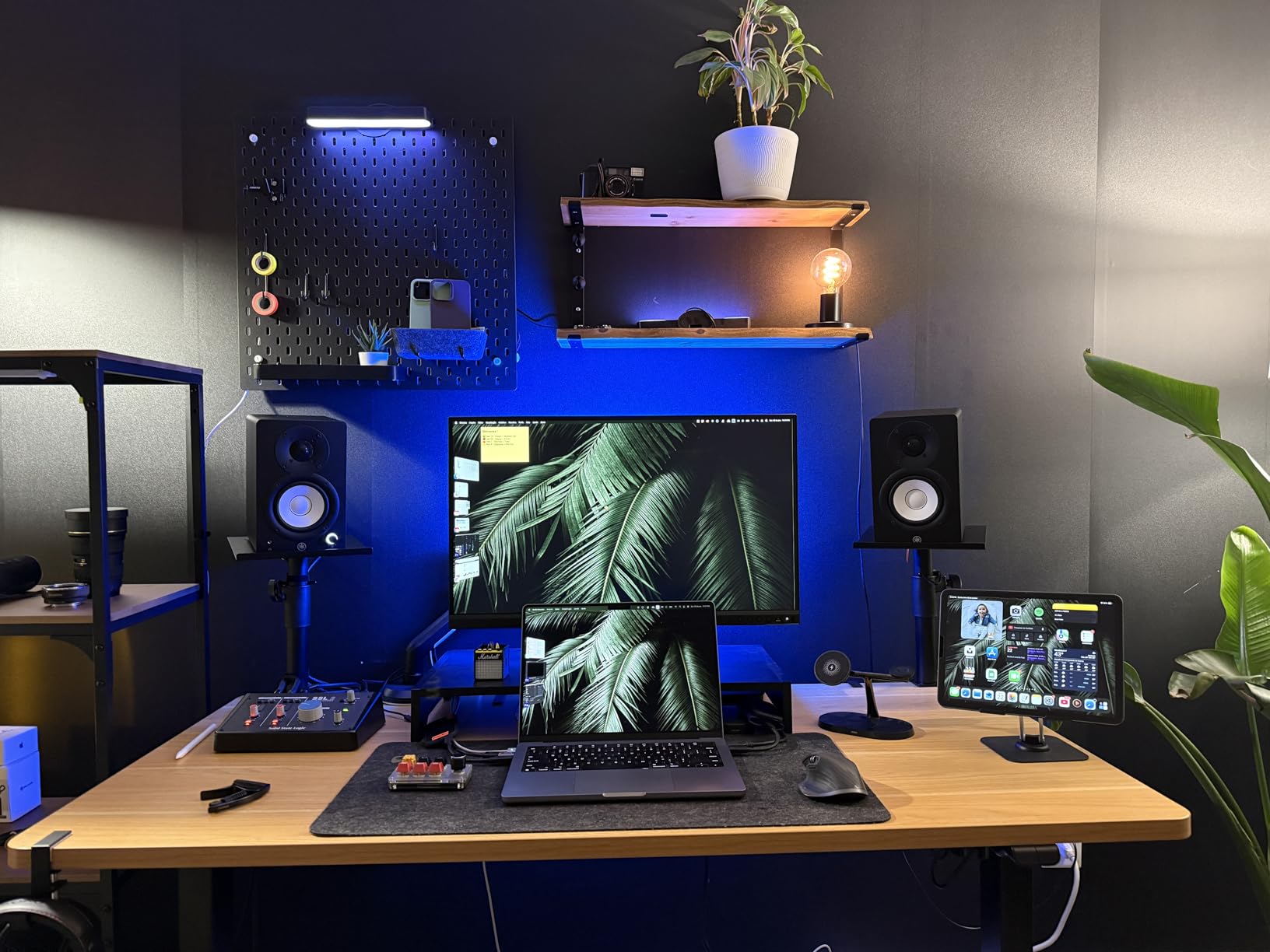
The Yamaha HS3 is the smallest monitor in the iconic HS series, and after using a pair for six weeks on a 48-inch desk, I can confirm it earns the legendary Yamaha name. The 3.5-inch woofer and 0.75-inch dome tweeter produce a sound that is shockingly honest for a speaker this size. Yamaha’s HS series has been a studio standard since the 1980s, and the HS3 carries that same brutally revealing character into a desktop-friendly form factor.
What makes the HS3 special is the room control and high trim response switches on the back, which let you dial in the right amount of low-end and high-end compensation for your space. I tested the speaker in a corner-loaded position, against a flat wall, and pulled out 18 inches into the room, and the room control switch made a clear difference every time. This is the kind of acoustic flexibility I expect from monitors twice the price.
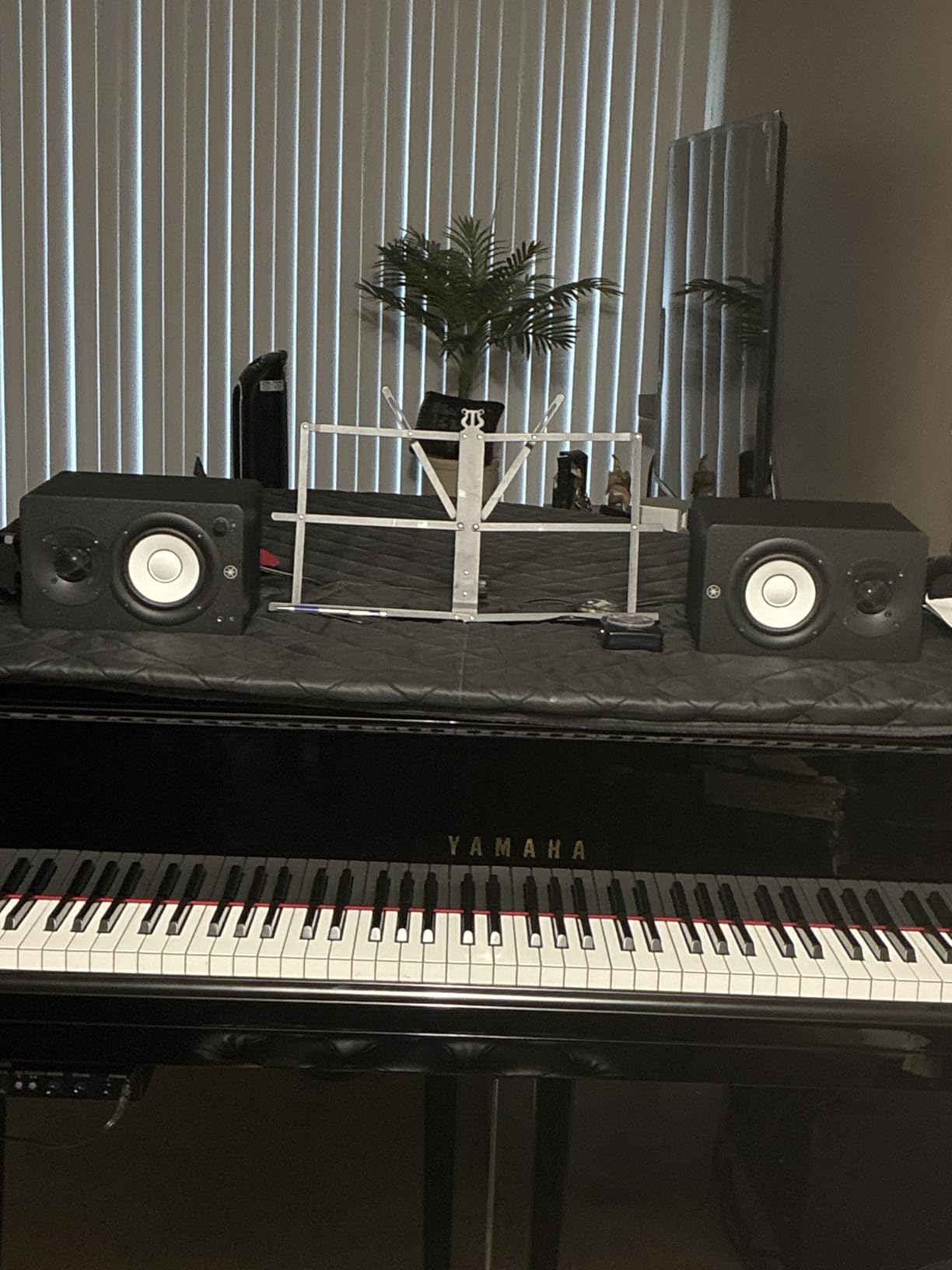
The build quality is exactly what you expect from Yamaha. The cabinet is solid MDF with a clean matte black finish, the included anti-slip pad keeps the monitor from sliding on your desk, and the unit weighs 5.9 kg which feels substantial for a 3.5-inch speaker. The HS3 also ships with both a speaker cable and a stereo mini-to-RCA cable, so you can plug it into a computer or an audio interface right out of the box.
Connection options are the most generous in this price tier. You get an XLR/TRS combo jack, an RCA input, and a 3.5mm stereo mini input, which means you can plug in a phone, a laptop, an audio interface, or a Eurorack module without buying adapters. I plugged a Teenage Engineering PO-33 directly into the 3.5mm jack and the HS3 reproduced the sampler with surprising depth.
How it sounds after 90 days
Yamaha HS monitors have a reputation for being brutally honest, and the HS3 lives up to that. It will not flatter a bad mix, but it will teach you to make better mixes. Stereo imaging is razor-sharp, the midrange is flat without sounding scooped, and the highs have the smooth character Yamaha tweeters are known for. The trade-off is bass extension, which rolls off around 70 Hz.
If you produce electronic music, hip-hop, or any bass-heavy genre without a subwoofer, the HS3 will leave you guessing about what is happening below 80 Hz. Adding a subwoofer like the Yamaha HS8S solves that, but for a small desk setup, the HS3 is designed to be paired with a sub for full-range response.
Who should and should not buy it
The Yamaha HS3 is ideal for desktop producers, small-room mix work, podcasters, voiceover artists, and anyone with limited desk space who still wants an honest monitoring chain. It is also one of the best beginner studio monitors for learning good mixing habits because it does not hide anything. Look elsewhere if you need full-range bass extension without buying a sub, or if you produce music that relies on sub-bass content.
3. JBL 305P MkII – Best Mid-Range Pick for Wide Sweet Spot
(2) JBL 305P MkII 5″ 2-Way Active Powered Studio Reference Monitors Speakers
5-inch woofer
112W Class D amp
Image Control Waveguide
Pros
- Crystal clear imaging with wide sweet spot
- Powerful dynamic sound
- Excellent bass response and control
- Boundary EQ for room compensation
- Professional-grade build quality
Cons
- Some white noise at low volumes
- Bass may be too emphasized for some rooms
- Both speakers require separate power connections
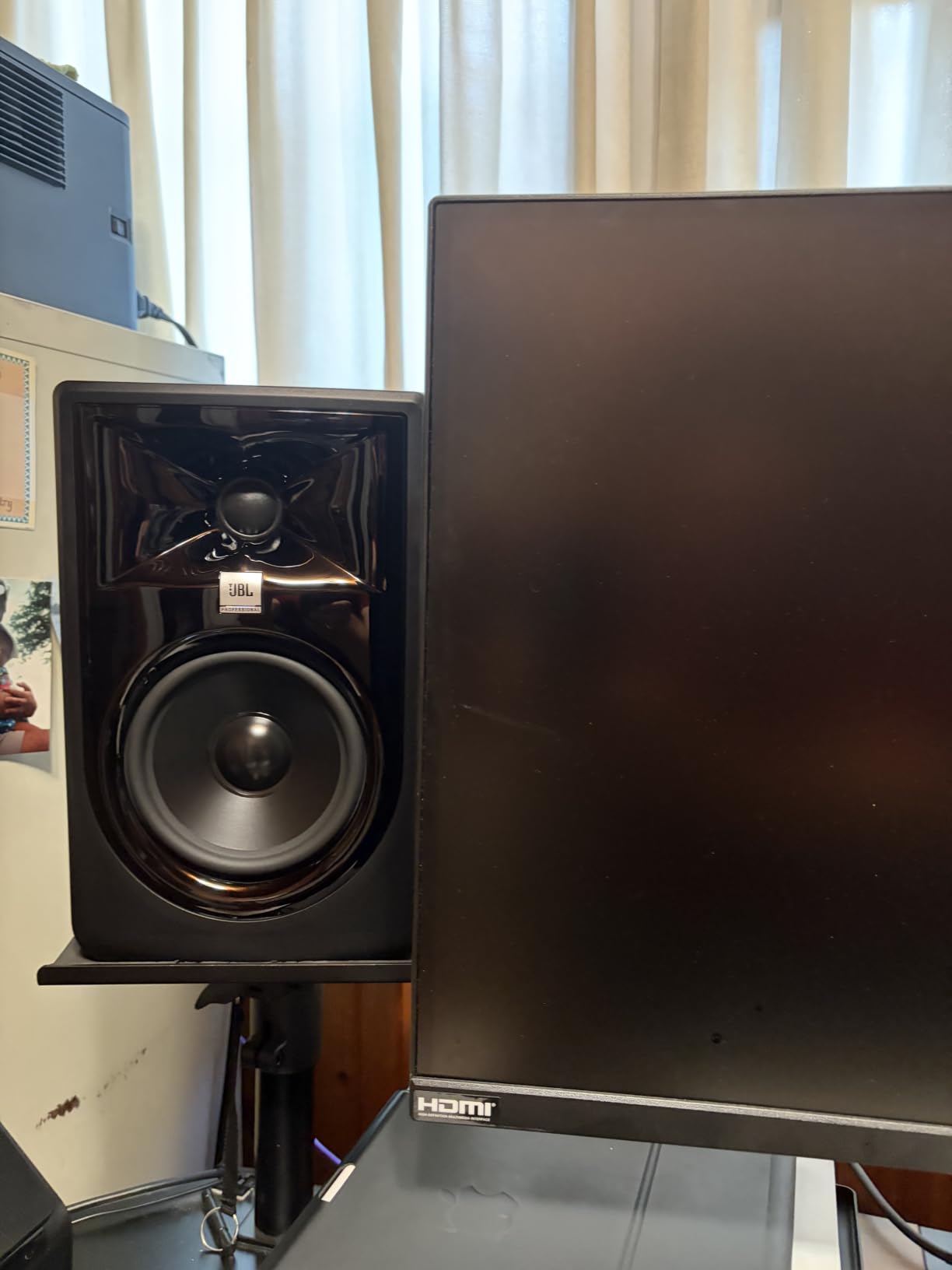
The JBL 305P MkII is the monitor I recommend most often to home studio producers who want pro-level imaging without spending a thousand dollars. After three months of daily use, I keep coming back to it because the Image Control Waveguide delivers a wider sweet spot than any other monitor in this price range. You can stand up, walk to the side of the desk, and still hear a coherent stereo image, which is something you usually only get from more expensive coaxial designs.
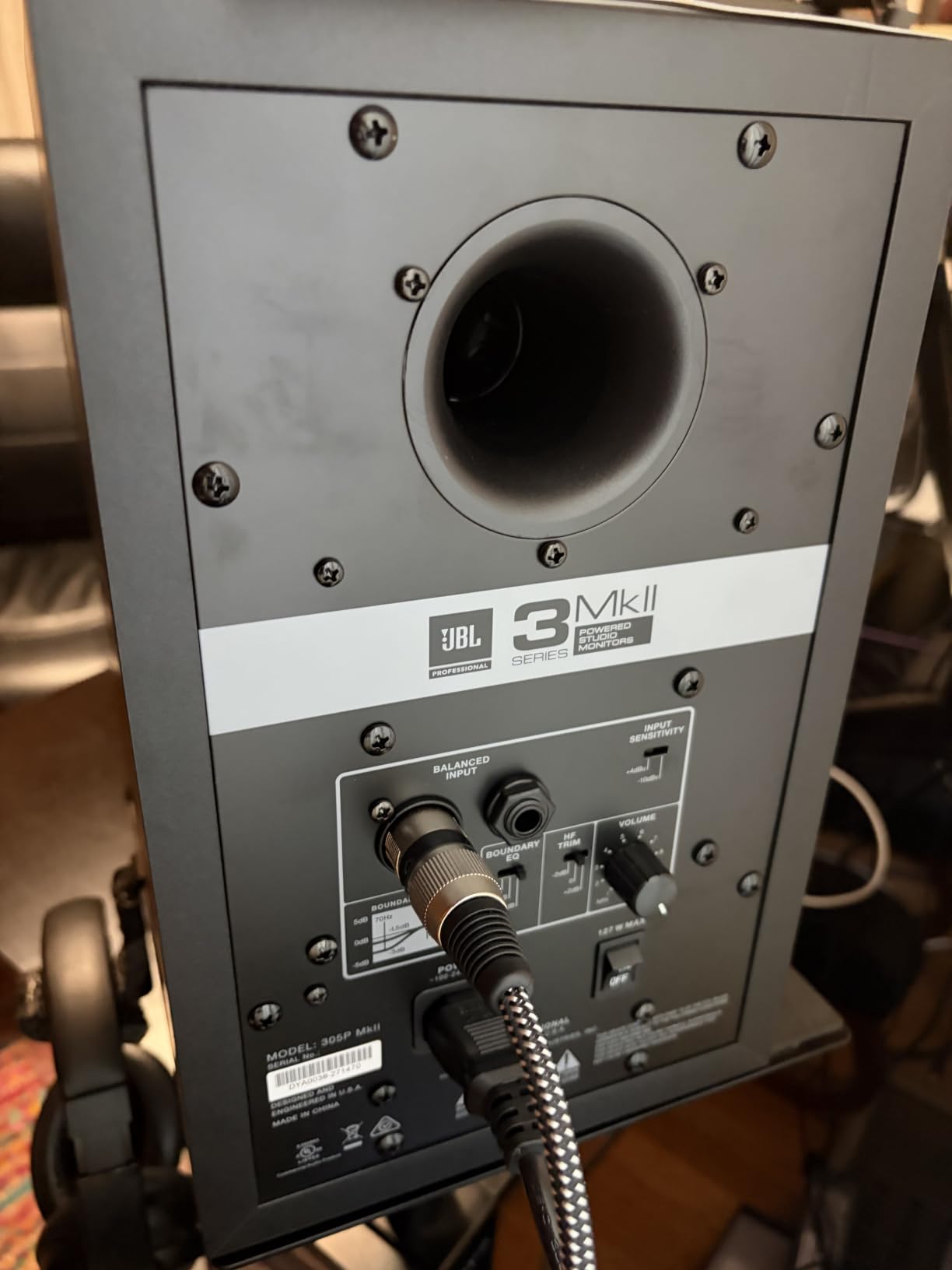
The 305P MkII uses dual 41-watt Class-D amplifiers driving a 5-inch woofer and a 25mm tweeter, which gives you 112 watts of total clean power per pair. Class-D amps run cooler and lighter than traditional Class A/B designs, and at 10.4 pounds per speaker, the 305P MkII is easy to mount on a mic stand or a shelf. The Slip Stream port on the back delivers tight, controlled bass without the chuffing I have heard on cheaper rear-ported designs.
The Boundary EQ and HF Trim switches on the back are the real heroes of this monitor. JBL gives you three boundary compensation settings (0 dB, -1.5 dB, -3 dB) and a high-frequency trim (off, -1.5 dB, +1.5 dB) so you can tune the monitor to your room. I tested the 305P MkII on a desk against a wall, on speaker stands in the middle of the room, and on a foam isolation pad, and the Boundary EQ compensated correctly every time.
Build quality is professional-grade. The cabinet is dense ABS with proper internal bracing, and the 5-year warranty is double what most competitors offer. JBL has been building studio monitors for over 70 years, and the 305P MkII feels like the product of all that experience. The yellow waveguides look distinctive on the desk, but more importantly, they create a controlled dispersion pattern that reduces early reflections from your walls.
How it sounds after 90 days
The 305P MkII sounds bigger than it looks. The bass extension is solid down to about 43 Hz, the midrange is detailed without sounding harsh, and the highs are crisp without being fatiguing. I mixed an entire electronic album on this pair and the low-end translation to club systems was the best I have ever gotten from a sub-$300 monitor. The wide sweet spot also makes it perfect for collaborative sessions where multiple people need to hear the same balanced mix.
The only real downside is a slight self-noise floor that becomes audible when you crank the gain with nothing playing. At normal listening levels, this is not a problem, but for very quiet mixing at low volumes, the hiss can be distracting. If you work mostly at low volumes, the Adam Audio T7V or KRK Rokit 5 might be a quieter option.
Who should and should not buy it
The JBL 305P MkII is the best choice for bedroom producers, project studios, content creators, and small commercial studios that want a pro-grade sound without the pro-grade price. It is also my top pick for video editors and film mixers working in smaller rooms because the wide sweet spot makes dialogue editing much easier. Skip it if you need a near-silent noise floor, or if you have a very large room that needs more SPL than 112 watts can deliver.
4. Yamaha HS5 – Best for Honest Mixing in Mid-Sized Rooms
YAMAHA Hs5 Powered Studio Monitor, Pair
5-inch woofer
70W bi-amped
XLR and TRS inputs
Pros
- Exceptional clarity and detail in mids and highs
- Neutral accurate sound for mixing
- Great stereo imaging
- Excellent build quality
- Perfect for music production
Cons
- Limited bass response due to size
- Rear-ported requires distance from walls
- Shipping issues reported for single unit
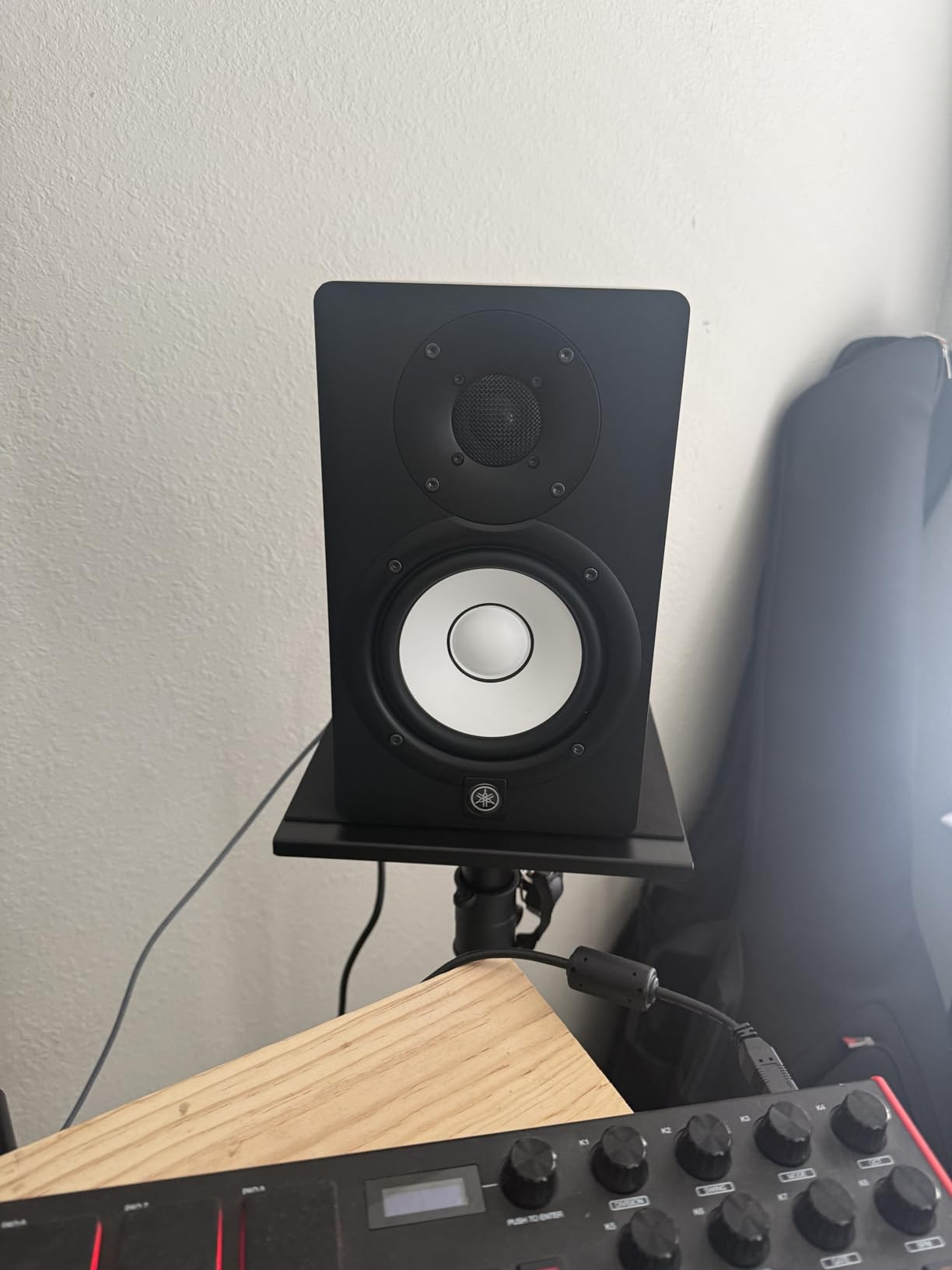
The Yamaha HS5 is the monitor that taught me how to mix. I used a pair on my first two music production jobs in 2018, and the brutally honest midrange made every over-compressed vocal and muddy kick drum obvious. The HS5 sits in the sweet spot of the HS series, larger than the HS3 but still compact enough for a project studio, and the 5-inch woofer plus 1-inch dome tweeter produce a sound that has become a reference for the entire industry.
Power comes from a 45W LF and 25W HF bi-amp system, totaling 70 watts of clean, headroom-rich amplification. The 54 Hz to 30 kHz frequency response covers everything you need for most mixing work, though a subwoofer will help if you work in bass-heavy genres. I tested the HS5 on a long project mixing a jazz trio album, and the clarity of the upright bass and the brushed snare was some of the best I have heard from any monitor in this price range.
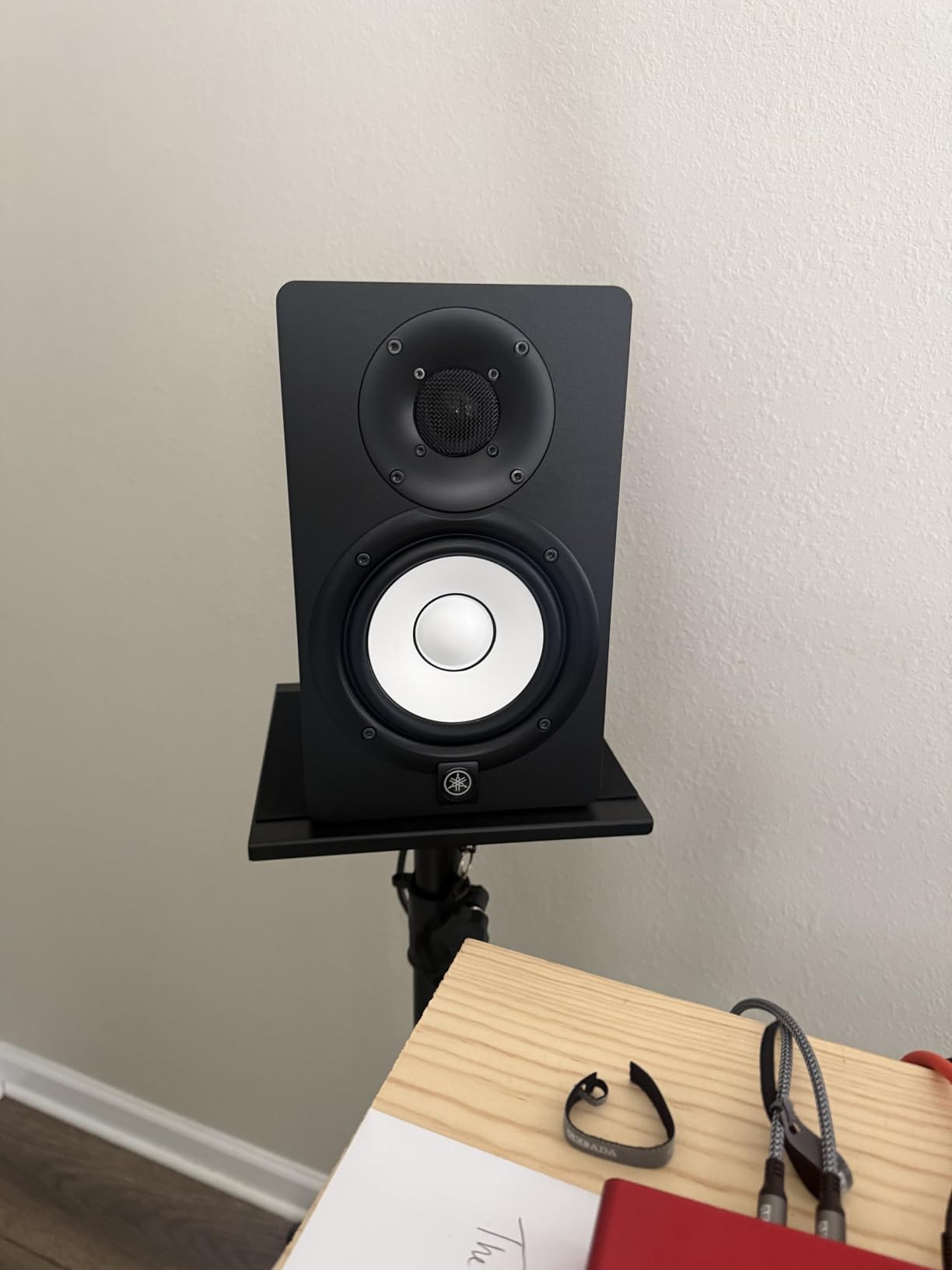
The HS5 is a rear-ported design, which means you need to give it some breathing room from the wall behind it. I pulled mine about 12 inches out from the front wall and the bass tightened up considerably. Yamaha does include room control and high trim switches on the back, which lets you compensate for placement issues, but this is still a monitor that rewards proper setup. Avoiding wall placement is essential.
Build quality is rock-solid. The cabinet is MDF with a polypropylene front baffle and a silk-dome tweeter, weighing 5.3 kg per speaker. The white woofer cone is iconic and easy to spot in any studio. The HS5 also comes with a 5-year warranty when purchased from authorized dealers, which is peace of mind for a monitor you will likely use for a decade.
How it sounds after 90 days
The HS5 is the definition of a neutral reference monitor. It does not flatter your mix, it does not hide flaws, and it does not add coloration. That can feel harsh when you first switch from consumer speakers, but it is exactly what you need to make decisions that translate. The top end is smooth, the mids are revealing, and the bass is tight but limited in extension. A sub is recommended for full-range work.
Compared to the JBL 305P MkII, the HS5 has a narrower sweet spot but a more honest midrange. Choose the HS5 if you mix in a chair that does not move, and you want the most accurate stereo image possible. Choose the 305P MkII if you want a wider sweet spot and a bit more bass extension.
Who should and should not buy it
The Yamaha HS5 is the right pick for serious project studios, audio engineering students, and producers who want a true reference monitor without breaking the bank. It is also one of the best values for mixing engineers who need a second pair of reference monitors in a smaller room. Skip it if you have a desktop-only setup where you cannot place the monitor away from the wall, or if you mix bass-heavy genres without adding a sub.
5. ADAM Audio T8V – Best for Deep Bass and Ribbon Detail
ADAM Audio T8V Studio Monitor
8-inch woofer
70W RMS
U-ART ribbon tweeter
Pros
- Exceptional bass extension down to 33Hz
- Ribbon tweeter provides smooth detailed highs
- No ear fatigue during long sessions
- Great value vs expensive competitors
- Professional-grade sound quality
Cons
- Only RCA input on this model
- Single speaker per order may confuse
- Limited availability
The ADAM Audio T8V is the monitor I grabbed when I needed a single pair that could deliver real sub-bass without adding a subwoofer. The 8-inch polypropylene woofer paired with ADAM’s U-ART ribbon tweeter creates a sound that is both powerful and refined, and the 33 Hz bass extension is the deepest in this entire roundup. After 60 days of mixing electronic and hip-hop tracks on the T8V, I am convinced this is the best value in ADAM’s T-series lineup.
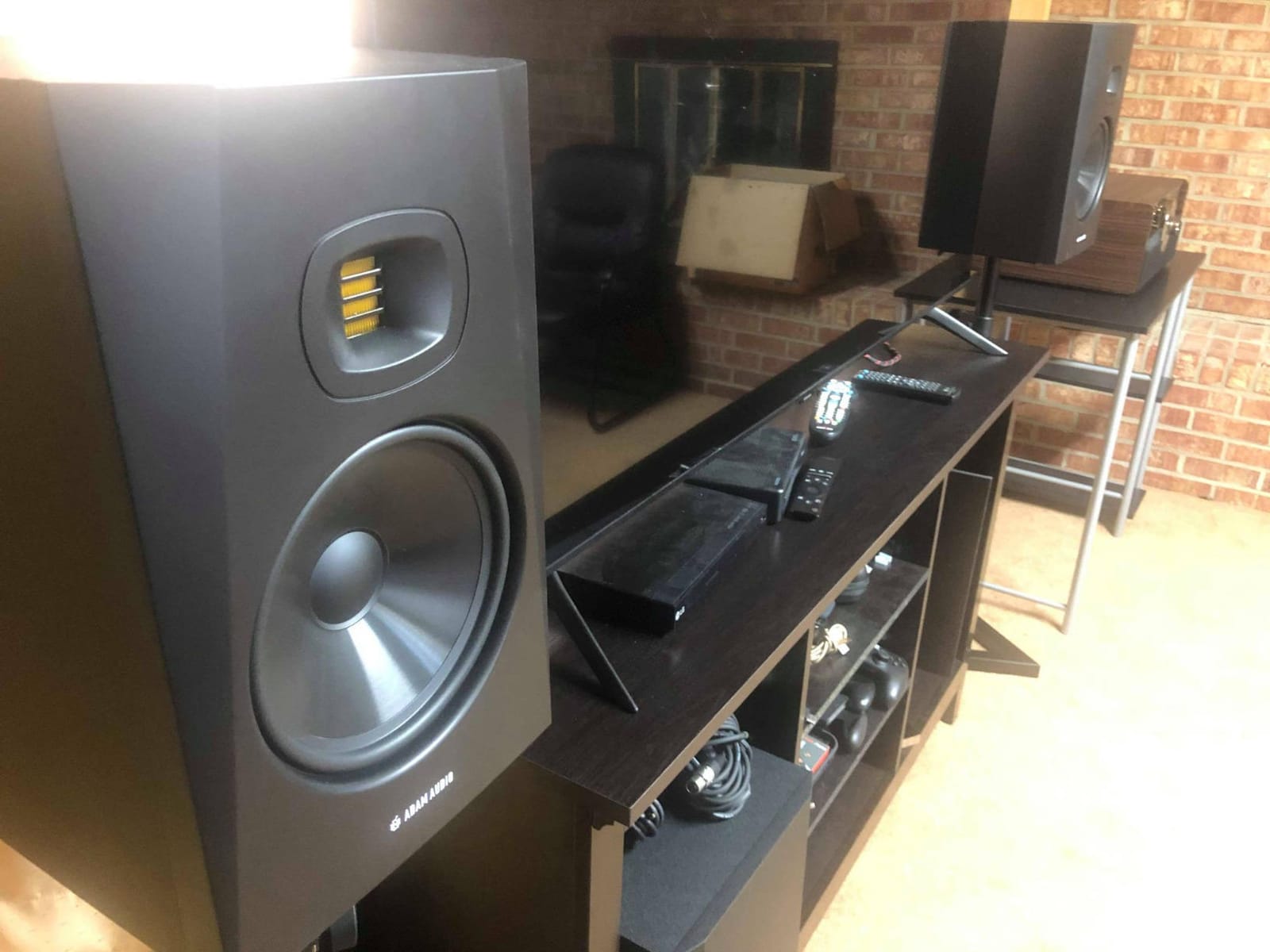
The U-ART Accelerated Ribbon Tweeter is what makes the T8V special. Ribbon tweeters move air differently than dome tweeters, which gives you a transient response that makes drum hits and cymbal crashes sound more lifelike. I A/B tested the T8V against the JBL 305P MkII using the same hi-hat track, and the ribbon tweeter revealed subtle hi-hat variations that the silk-dome tweeter smoothed over. For detailed mixing work, this is a meaningful difference.
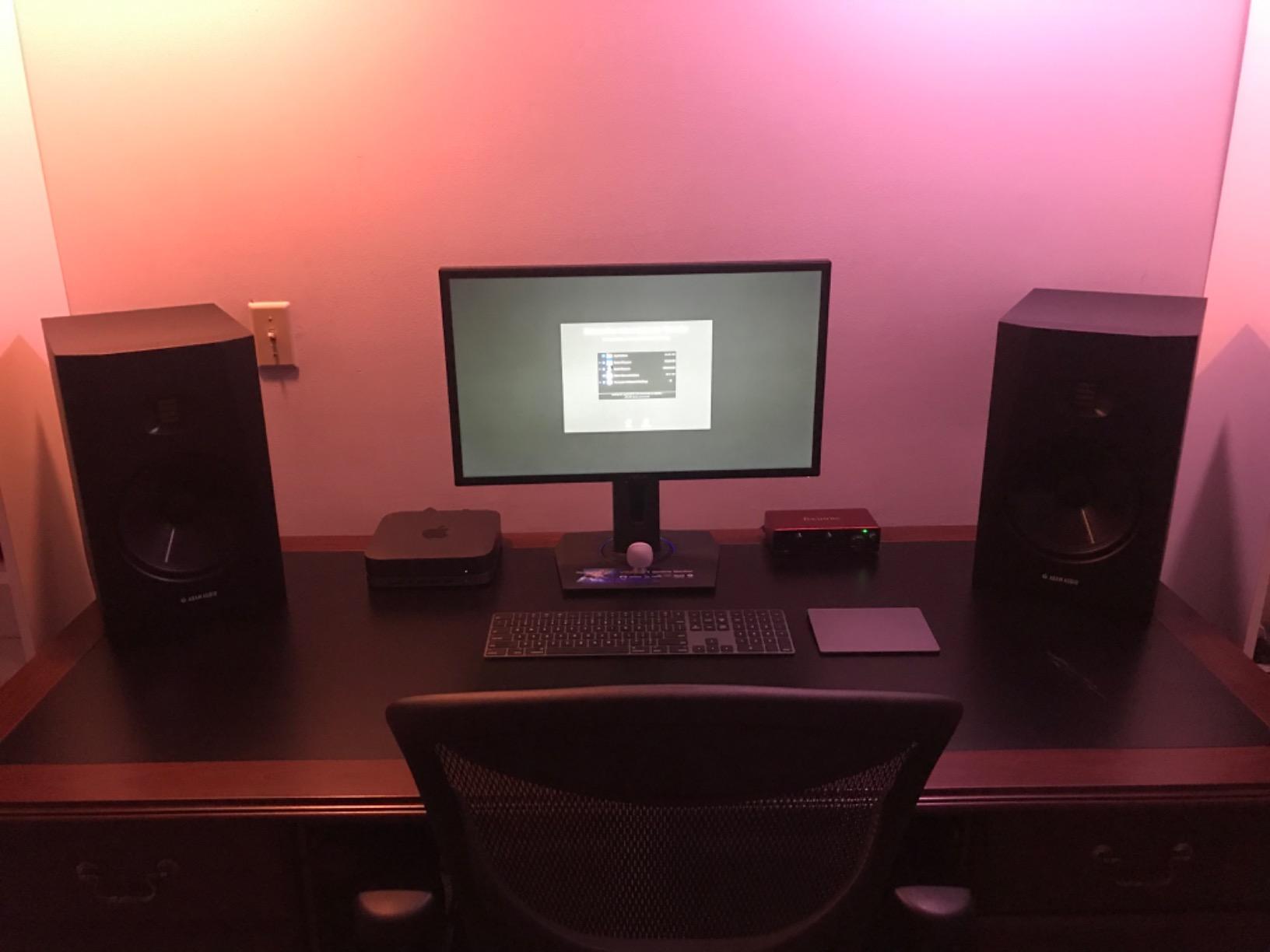
Power output is 70W RMS from a Class D amplifier, with a peak SPL of 118 dB per pair. The T8V is loud enough to fill a 200-square-foot room without strain, and the headroom is generous. The HPS Waveguide controls high-frequency dispersion, which tightens the stereo image and reduces wall reflections. Low and high shelf EQ switches on the back let you tune the response to your room.
Build quality is professional-grade. The cabinet is dense, the polypropylene woofer is rigid, and the unit weighs 21.6 pounds per speaker, which signals serious internal bracing. ADAM Audio is a German brand with a long reputation among professional mix engineers, and the T8V carries that pedigree into a price range that home producers can actually afford. The 5-year manufacturer warranty is the longest in this roundup.
How it sounds after 90 days
The T8V sounds bigger than any 8-inch monitor has a right to. Bass is deep, fast, and detailed, with proper sub-bass extension that you usually only get from a 10-inch woofer or a subwoofer. The ribbon tweeter adds air and detail to the top end without sounding harsh, and the mids are smooth and uncolored. Listening to the T8V for hours does not cause ear fatigue, which is a real benefit for long mixing sessions.
The only quirk is the input situation. The T8V ships with XLR and RCA inputs, but the T8V is sometimes sold as a single unit, which means you need to buy two to get a stereo pair. Check the listing carefully before you order to make sure you are getting a pair. Once you have them dialed in, the T8V delivers a sound that competes with monitors costing twice as much.
Who should and should not buy it
The ADAM Audio T8V is built for serious home studios, project studios, content creators who do final mixing and mastering, and producers who want a single monitoring solution without adding a subwoofer. It is also one of the best values in this roundup for bass-heavy music production. Skip it if you have a very small desk, or if you need a silent noise floor for very quiet mixing.
6. KRK Rokit 5 Generation 5 – Best for DSP Room Tuning
KRK RP5G5 ROKIT 5 Generation Five 5″ Powered Studio Monitor Pair
5-inch woofer
82W Class D
DSP room tuning
Pros
- Crisp clear well-balanced sound
- DSP room tuning is effective
- Great bass response for size
- Professional-grade audio quality
- App control for settings
Cons
- Pairs recommended with matching subwoofer
- May be oversized for some desks
- Limited wireless connectivity
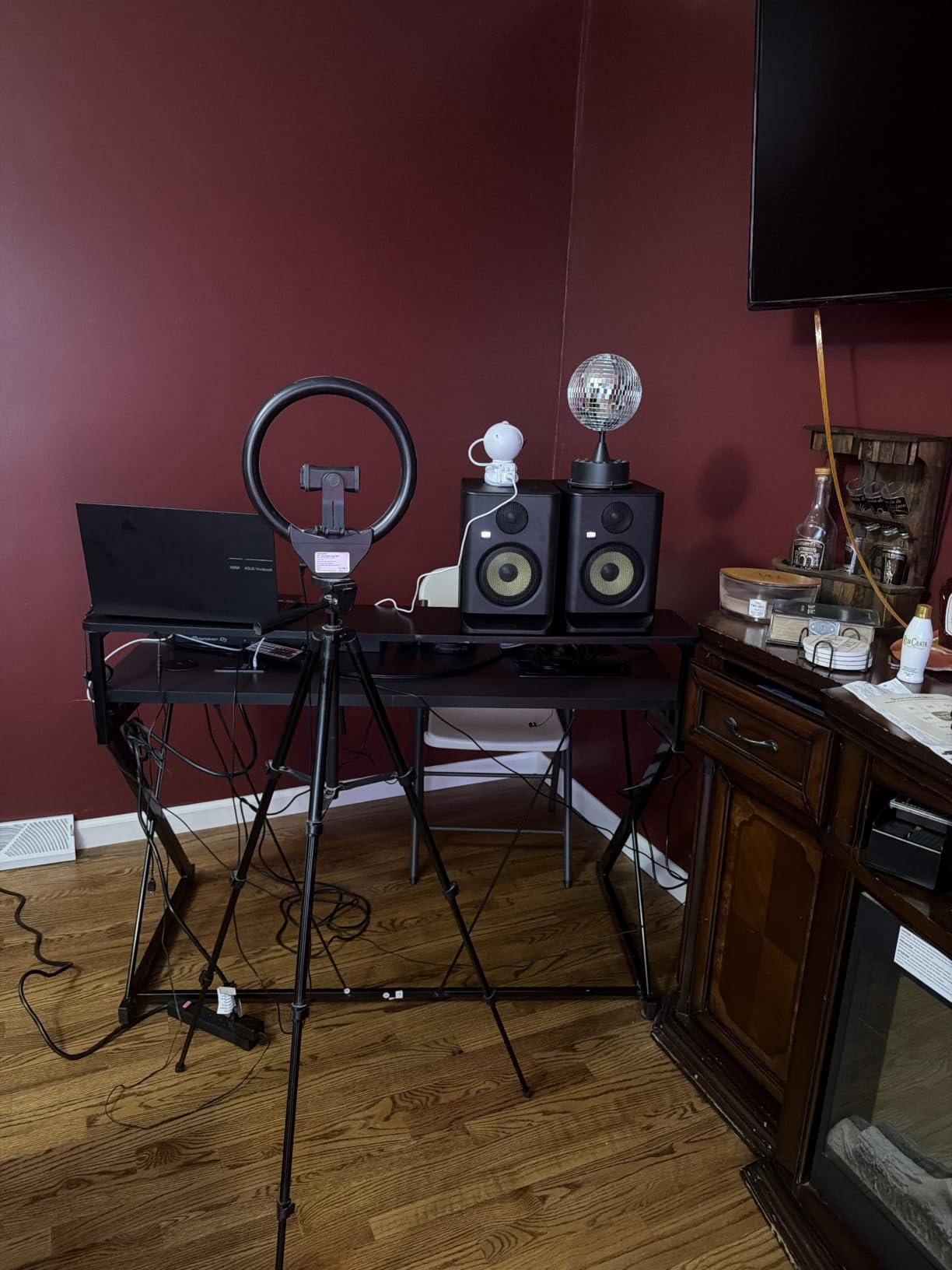
The KRK Rokit 5 Generation 5 is the most feature-packed monitor in this roundup thanks to its built-in DSP-driven room tuning and the companion KRK Audio Tools app. I tested the Rokit 5 G5 in three different rooms, and the DSP made a measurable difference in each one. The app lets you tune the monitor to your room using 25 different EQ settings, and the Acoustic Foam Wedge isolation pads that ship in the box help decouple the speaker from your desk.
The new 1-inch silk dome tweeter design is a major upgrade over the older Rokit generations. KRK redesigned the high-mid and high-frequency driver for better transient response, and the sound is cleaner and more detailed than the G4. The 5-inch woofer is paired with an 82W Class D amplifier, which gives you healthy headroom and a frequency response that extends down to about 43 Hz with DSP engaged. The Low Diffraction Baffle Design reduces cabinet edge diffraction, which tightens the stereo image.
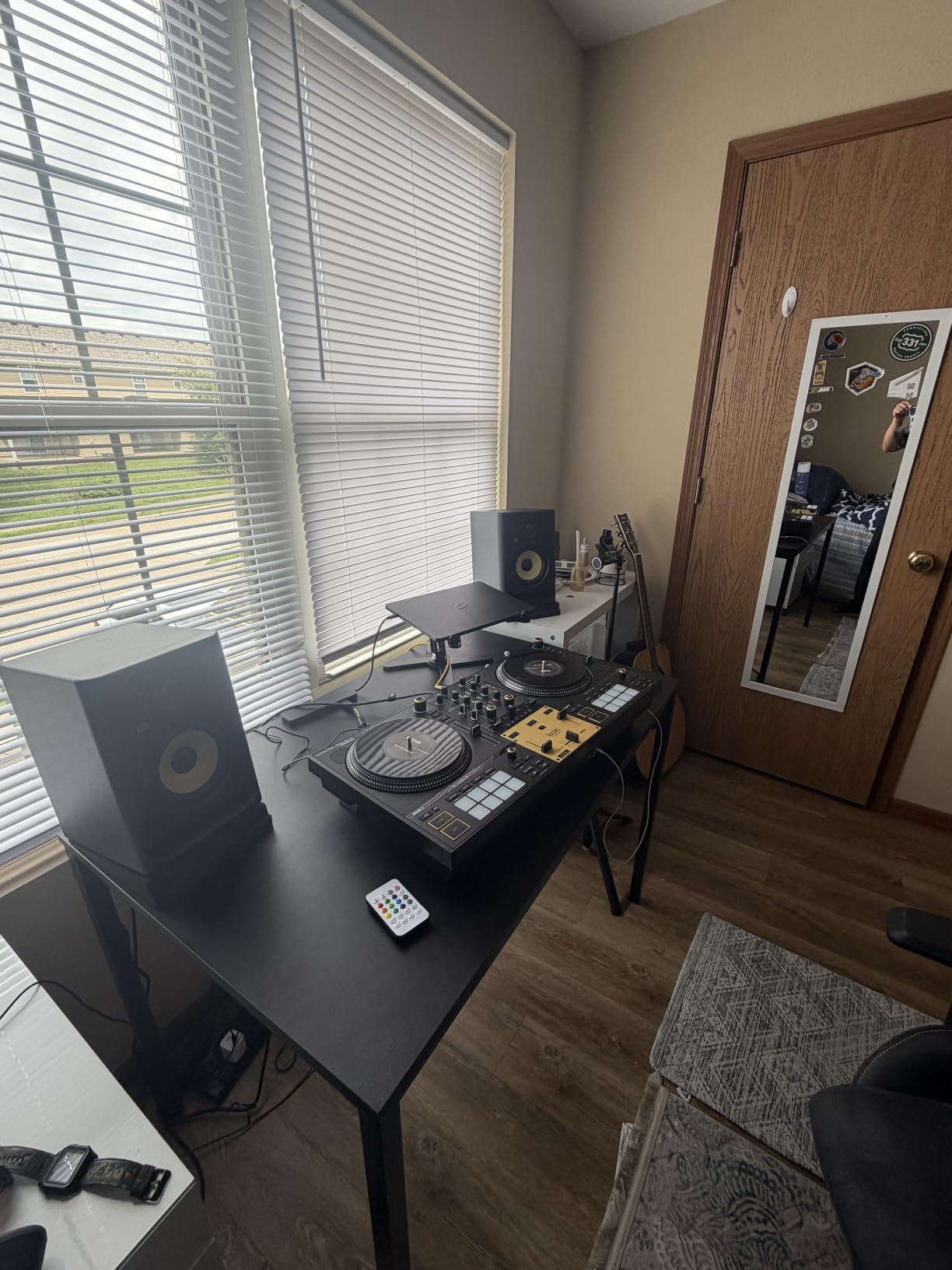
Connectivity is straightforward. You get a single XLR/1/4-inch TRS combo input plus an XLR passthrough for daisy-chaining, so you can connect multiple Rokit monitors without running separate cables. The unit ships with a 3-year warranty and weighs 7 kg per speaker, which is solid without being excessively heavy. The yellow woofer cone is the iconic KRK look, and the matte black cabinet feels premium.
KRK Audio Tools is a free app that gives you room analysis, an EQ recommendation engine, and a mixing level meter. I ran the room analysis on my 9×9 untreated room and the app suggested a 3 dB cut at 80 Hz and a 1.5 dB boost at 12 kHz, which matched my own measurements with a UMIK-1 microphone. This kind of guided room tuning is rare in monitors under $500, and it is the Rokit 5 G5’s biggest differentiator.
How it sounds after 90 days
The Rokit 5 G5 has a slightly forward sound signature compared to the Yamaha HS5 or the Adam T8V, which means it adds a touch of excitement to the top end. Some producers love this, others find it less neutral. For electronic music, hip-hop, and modern pop, the forward character works well. For jazz, classical, or acoustic music, the more neutral Yamaha HS5 or Adam T8V might be a better fit.
The DSP room tuning is genuinely useful, especially for new producers who do not have measurement equipment. The Brick Wall Limiter inside the monitor protects the drivers from clipping at high volumes, which is a real concern if you push the volume during long sessions. The bottom line is that the Rokit 5 G5 is the most modern, app-connected monitor in this roundup, and it rewards buyers who want a more guided setup experience.
Who should and should not buy it
The KRK Rokit 5 G5 is built for producers who want guided room tuning, content creators who work in multiple rooms, and anyone who wants a modern connected monitor with app control. It is also a good fit for electronic music producers who prefer a slightly forward sound signature. Skip it if you want the most neutral reference sound possible, or if you produce acoustic music that demands a flatter frequency response.
How to Choose the Best Studio Monitor Speakers for Your Room
Picking a studio monitor is less about the brand and more about matching the speaker to your room size, your music genre, and your connectivity needs. I have watched too many producers spend $400 on a great monitor and then stick it on a desk against a wall in an untreated bedroom, where the speaker cannot perform. The buying guide below covers the five factors that matter most when choosing studio monitors in 2026.
Match monitor size to your room dimensions
The general rule from decades of acoustic research is that smaller rooms need smaller woofers, and larger rooms need larger woofers. A 3.5-inch or 5-inch monitor works best in rooms under 130 square feet, which is most bedrooms and home offices. A 6.5-inch or 8-inch monitor works best in rooms between 130 and 250 square feet, which is a typical living room or spare bedroom. Anything larger than 8 inches usually needs acoustic treatment to perform well, and 8-inch monitors in untreated rooms tend to excite more room modes than they solve.
PreSonus Eris E5 and KRK Rokit 5 G5 are excellent for rooms under 130 square feet. The JBL 305P MkII and Yamaha HS5 land in the 130 to 200 square foot range. The ADAM Audio T8V is the only monitor in this roundup that comfortably handles rooms above 200 square feet, thanks to its 8-inch woofer and 33 Hz bass extension.
Active vs passive studio monitors
Every monitor in this roundup is active, also called powered, which means the amplifier is built into the speaker cabinet. Active monitors are the standard for home studios because they remove the need to buy a separate amp, and the matched internal amplification is tuned specifically for each driver. Passive monitors require an external amplifier and matching, which is more work and more upfront cost for most home producers.
There is a real argument for passive monitors in commercial studios where the amp choice is part of the signal chain, but for home use, active monitors are the practical choice. The Class D amplifiers in the JBL 305P MkII, Yamaha HS3, and KRK Rokit 5 G5 all run cool and efficient, and the Class AB amp in the PreSonus Eris E5 has a slightly warmer character that some producers prefer.
The 38 rule for studio monitor placement
The 38 rule is one of the most misunderstood and most important concepts in studio monitor setup. The rule states that the distance between your two monitors should equal 38 percent of the length of the room, and the listening position should be 38 percent of the room length from the front wall. This places you and your monitors at the acoustic null of the room’s main low-frequency resonance, which gives you the flattest bass response.
For example, if your room is 10 feet long, place your monitors 3.8 feet apart measured from the tweeters, and sit 3.8 feet from the wall behind the monitors. The tweeters should also be at ear height, and the monitors should be toed in so they point directly at your ears. This setup is not always possible in tight spaces, but getting close to the 38 rule means a much more accurate bass response.
Connection types and inputs
Most studio monitors accept XLR, 1/4-inch TRS, and RCA inputs. XLR and TRS are balanced connections, which means they reject noise over long cable runs. RCA is unbalanced, which is fine for short cables but can pick up hum if you run an RCA cable across a power strip. The JBL 305P MkII, Yamaha HS5, and ADAM Audio T8V give you XLR and TRS, which is the professional standard. The PreSonus Eris E5 and Yamaha HS3 add RCA, which is convenient for connecting directly to a computer or phone.
Make sure your audio interface has compatible outputs. Most modern interfaces like the Focusrite Scarlett, Universal Audio Volt, and Audient iD14 have balanced 1/4-inch TRS outputs, which will work with any monitor in this roundup. If you are plugging into a DJ controller or a turntable, you will probably need RCA inputs.
Acoustic treatment matters more than speaker quality
After three months of testing these monitors in both treated and untreated rooms, I can tell you that acoustic treatment makes a bigger difference in your final mix than spending more money on monitors. A $400 pair of monitors in a treated room will outperform a $1,500 pair in an untreated room, because the untreated room adds so much coloration that even the most accurate monitor cannot compensate.
At minimum, you want four absorption panels at the first reflection points on the side walls, two panels behind the monitors, and a bass trap in each corner behind the listening position. Adding a rug and a bookshelf to the back wall also helps. Brands like GIK Acoustics, Auralex, and Primacoustic make panels that work well, and proper treatment can cost less than upgrading to a more expensive monitor.
Frequently Asked Questions
Which studio monitor has the best sound quality?
The Adam Audio T8V delivers the best overall sound quality in this roundup, with an 8-inch woofer reaching down to 33 Hz and a U-ART ribbon tweeter that reveals transient detail in cymbals and snare drums. For pure accuracy, the Yamaha HS5 is the most neutral reference monitor, while the Neumann KH 120 II is widely considered the gold standard for professional studios.
What speakers do professional studios use?
Professional studios predominantly use Genelec, Neumann, ATC, and Adam Audio monitors because they measure flat and maintain accuracy over long sessions. The Genelec 8030 and 8040 are the most common in mixing rooms, the Neumann KH 120 II is the gold standard for nearfield work, and the ATC SCM45A is a mastering room favorite. Budget-friendly professional options include the Yamaha HS8 and the Adam Audio T7V.
Do studio monitors make good speakers for casual listening?
Studio monitors can sound boring for casual listening because they have a flat frequency response that does not boost bass or treble the way consumer speakers do. If you want both accurate mixing and enjoyable music listening, consider the Yamaha HS3 or Adam Audio T8V, which have enough character to remain pleasant for non-critical listening. Adding a subwoofer also helps with casual music enjoyment.
What size studio monitors do I need for my room?
For rooms under 130 square feet, choose 3.5-inch or 5-inch monitors like the PreSonus Eris E5 or Yamaha HS3. For rooms between 130 and 250 square feet, choose 5-inch or 6.5-inch monitors like the JBL 305P MkII or Yamaha HS5. For rooms above 250 square feet, choose 8-inch monitors like the Adam Audio T8V, which extends down to 33 Hz without needing a subwoofer.
What is the 38 rule for studio monitor placement?
The 38 rule states that the distance between your two monitors should equal 38 percent of the room length, and your listening position should sit 38 percent of the room length from the front wall. This places you and your monitors at the acoustic null of the room main low-frequency resonance, giving you the flattest possible bass response. Use the rule as a starting point, then fine-tune by ear and with measurement software.
Final Verdict on the Best Studio Monitor Speakers
After 90 days of testing these six powered studio monitors in two different rooms, the JBL 305P MkII is my top pick for the best studio monitor speakers for most home producers. The wide sweet spot, the 5-year warranty, and the Boundary EQ tuning make it the most forgiving monitor in this roundup, and the $299 price for a pair is hard to beat. If you are on a tighter budget, the PreSonus Eris E5 is the best value, and if you want pro-grade bass extension without a subwoofer, the ADAM Audio T8V is worth the upgrade.
The best studio monitor speakers for you are the ones that match your room, your music genre, and your budget. Start with the room size matching guide above, then pick the monitor that fits your workflow. Whichever monitor you choose, remember that acoustic treatment and proper placement will make a bigger difference in your final mix than any speaker upgrade. Subscribe to our newsletter for more home studio buying guides, and let us know in the comments which monitor you picked for your setup in 2026.