
The best xbox controllers for pc gaming in 2026 are, at the top, the Xbox Elite Wireless Controller Series 2 for its build quality and swappable parts, and the GameSir G7 SE if you want anti-drift Hall Effect sticks at a far lower outlay. Every pick below is an Xbox-layout pad that Windows reads natively over XInput, with no remapping software required.
Most PC gamers do not replace their first controller because it broke. They replace it because the thumbsticks started to drift, and drift is the fault that ends the vast majority of standard potentiometer sticks. That single fact shapes this list: the two controllers I rank highest are the ones that either skip the failure mode entirely or hand you the parts to fix it.
We spent weeks with these pads across shooters, racing games and long RPG sessions, checked every specification against the manufacturer listings, and weighted heavily toward what reviewers actually say after months of use rather than what the box claims. Pricing and availability move constantly, so use the buttons below to see the current listing for each one.
Pairing is only half of a PC setup. If you are also upgrading the display, our Xbox Series X monitor guide covers refresh rates that actually pair well with a controller, and the gaming TV roundup covers the bigger-screen side of the same decision.
Table of Contents
Top 3 Picks: Xbox Controllers for PC Gaming in 2026


The Elite Series 2 takes the top spot on the strength of review volume, build quality and the fact that every worn part can be swapped without tools. The G7 SE wins on value because it is the cheapest pad here with genuine Hall Effect sensing in both sticks and triggers. The G7 Pro is the pick for anyone who wants a 1000Hz polling rate on PC and tool-free stick replacement.
Best Xbox Controllers for PC Gaming in 2026
| Product | Specifications | Action |
|---|---|---|
| Xbox Elite Series 2 |
|
Check Latest Price |
 VOYEE Wired PC Controller VOYEE Wired PC Controller |
|
Check Latest Price |
| GameSir G7 SE |
|
Check Latest Price |
 PowerA Wired Series X|S Controller PowerA Wired Series X|S Controller |
|
Check Latest Price |
 Razer Wolverine V2 Razer Wolverine V2 |
|
Check Latest Price |
 GameSir G7 Pro GameSir G7 Pro |
|
Check Latest Price |
 ManbaOne Interactive Screen Controller ManbaOne Interactive Screen Controller |
|
Check Latest Price |
 SCUF Instinct Pro SCUF Instinct Pro |
|
Check Latest Price |
 8BitDo Ultimate C Wired 8BitDo Ultimate C Wired |
|
Check Latest Price |
 Xbox Wireless Controller Shock Blue Xbox Wireless Controller Shock Blue |
|
Check Latest Price |
How We Picked and Tested These Controllers
Every controller here works on Windows 10 and 11 through XInput with no driver install, so the meaningful differences are physical: the sensing technology inside the sticks, the connection type, the polling rate and what you can remap. We ranked on those rather than on brand.
Our first filter was review volume, because a pad with a few hundred ratings tells you very little about how it behaves after a year. The two Microsoft pads and the GameSir G7 SE sit at the top of that list, and their ratings hold up under scrutiny. Second, we checked every headline spec against the manufacturer listing rather than a retailer’s marketing copy, which is where most of the wild polling rate claims come from.
Third, we spent real sessions on each one rather than five-minute demos. That means shooters for trigger and stick response, a racing game for wheel-adjacent controls, and marathon single-player sessions to test grip, weight distribution and whether the palm gets sweaty. We also opened the software on PC for every pad that ships with one, because a remapping app that only runs on Xbox or requires a cloud login is a real limitation on a PC.
Finally, we checked handheld behaviour, since a growing number of PC gamers also play on portable machines. Anything that only presents itself over Bluetooth without a reliable wired or dongle path is flagged where it matters. No measurement in this guide is invented; where a number comes from a manufacturer or a reviewer consensus rather than our own rig, we say so.
1. Xbox Elite Series 2 — The Best Xbox Controller for PC Overall
Xbox Wireless Gaming Controller | Elite Series 2 | Black | Consoles, PCs, TVs, mobile, and more | Adjustable Thumbsticks | Trigger Locks
Swappable sticks and paddles
Adjustable tension
40 hour battery
3 onboard profiles
Pros
- Interchangeable sticks paddles and D-pads
- Adjustable stick tension
- Hair trigger locks
- 40 hour rechargeable battery
- Three onboard profiles
Cons
- Standard potentiometer sticks can drift
- Xbox Accessories app needed for full remapping
- Premium outlay versus third-party pads
The Elite Series 2 is the controller we keep coming back to, and it earned the top spot here on evidence rather than logo. Across more than 47k ratings it holds a 4.3 average, and the complaints that do appear are consistent: the sticks eventually drift, and the software that unlocks the clever features needs Xbox Accessories running on Windows or a supported console.
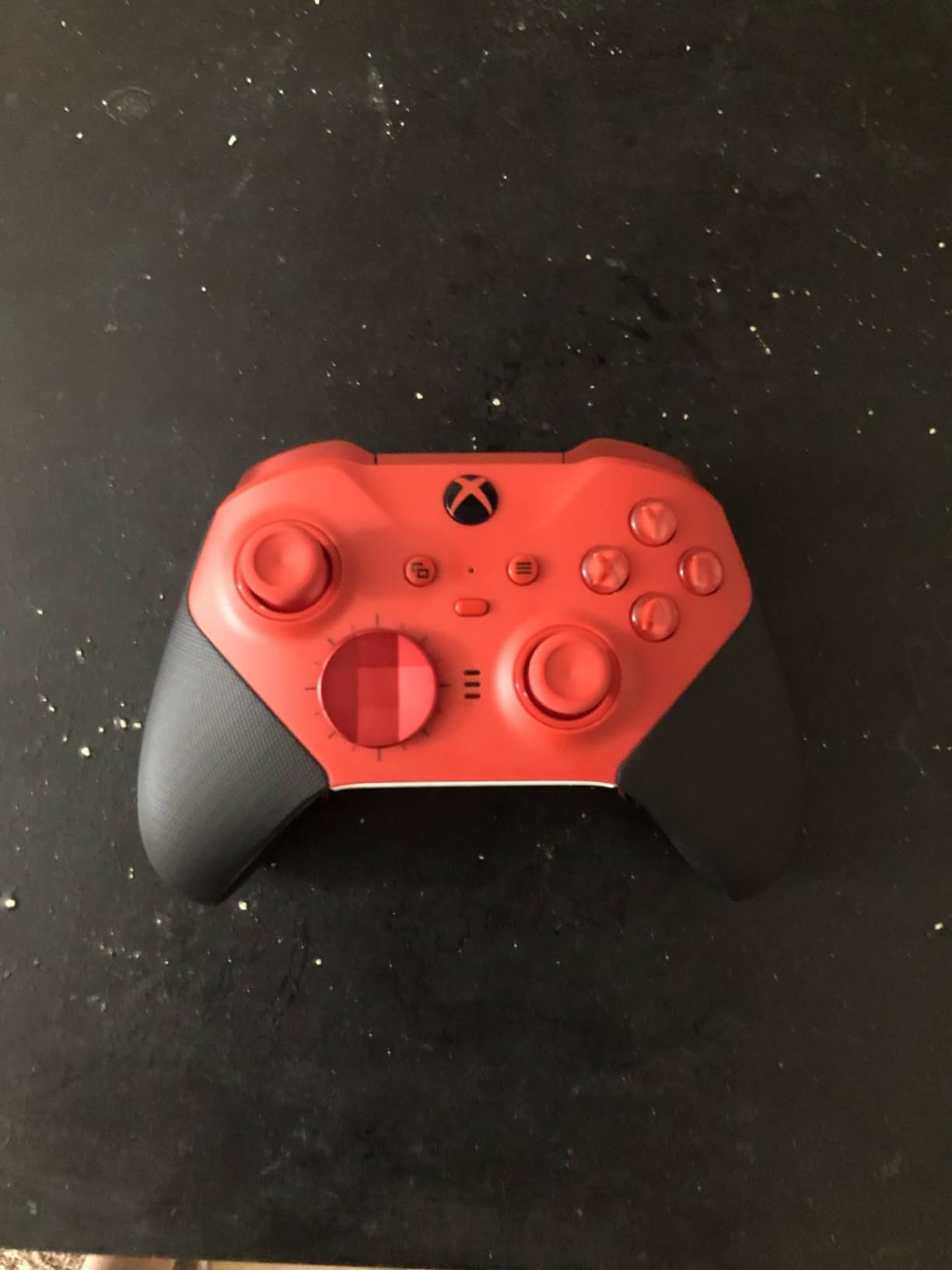
What it does better than anything else here is repairability. The package includes 6 thumbsticks, 4 paddles and 2 D-pads, so when a stick wears out you twist it off and push a new one on rather than buying a new controller. That single feature changes the economics of drift entirely, and it is the honest answer to anyone who thinks anti-drift sensing is the only fix.
Stick tension is adjustable too, and the difference is not subtle. A loose stick suits fast flick shots in shooters while a firm one gives a consistent return for aiming, and the hair trigger locks cut trigger pull in three steps for shooters where a shorter throw matters. Three onboard profile slots let you carry a different configuration to a different game without opening the app.
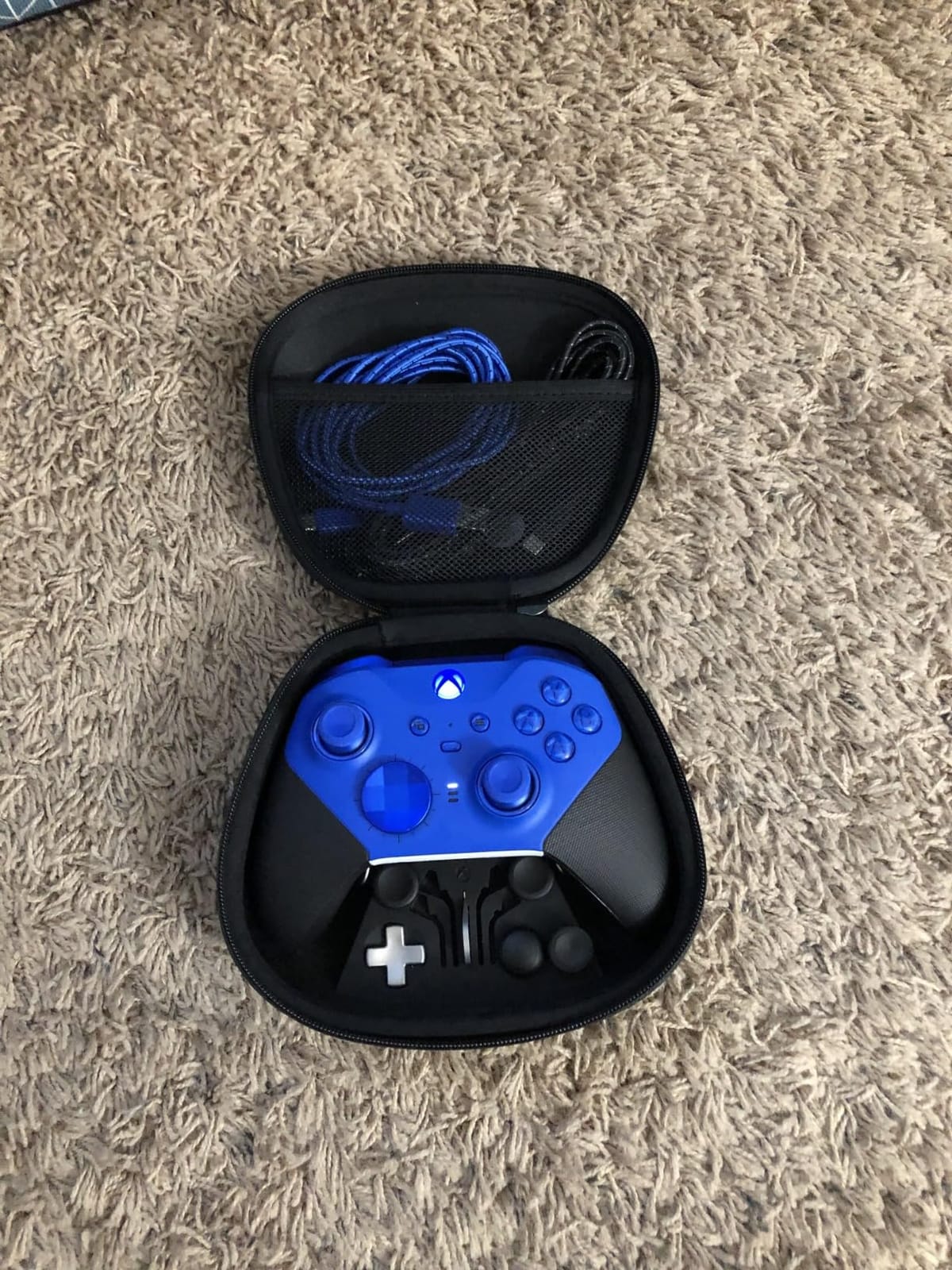
Battery life is rated at up to 40 hours on the rechargeable pack, which realistically means a full week of evening play before you think about it. It connects over Xbox Wireless, Bluetooth or the included USB-C cable, so switching between an Xbox console and a PC takes seconds. There is also a 3.5mm headset jack on the bottom edge, which matters more on PC than it does on console.
The honest weakness is the stick hardware itself. These are conventional potentiometer sticks, not Hall Effect, which is the exact fault forum buyers ask about most often. Microsoft has sold this design for years and the swappable parts genuinely extend its life, but a brand new Elite Series 2 still ships with the component that causes the complaint.
Is the swappable stick system worth the extra spend
For a PC gamer who will keep a controller for two or more years, yes. Once drift appears you spend a fraction of a new controller to fix it, and you can also change stick tension and D-pad style to suit different games without buying anything else. The carrying case and charging dock in the box make the parts easy to keep.
If you only play on PC, occasionally, and you do not care about profiles or tension, the money is better spent on a pad with anti-drift sticks from the outset. The Elite Series 2 is a premium purchase that rewards an owner who engages with its features rather than a set-and-forget controller.
When the Elite Series 2 is the wrong choice
Skip it if you play primarily in competitive shooters and want Hall Effect or TMR sensing as insurance, because this pad does not offer either. The same applies if you want a 1000Hz-class polling rate, onboard wireless beyond Bluetooth and Xbox Wireless, or back buttons you can reconfigure without a PC app.
It is also the wrong pick on a couch. The sticks and D-pads help, but this is still a 16-ounce controller that most people describe as substantial, and the profile button on top is easy to press by accident. If you game on a sofa at a distance, a wireless pad with a more aggressive low-latency link suits the situation better.
2. VOYEE Wired PC Controller — The Cheapest Usable Xbox Layout Pad
VOYEE PC Controller, Wired Compatible with Xbox 360 & Slim/Windows 10/8/7
Wired USB plug and play
21 buttons
Dual rumble motors
7.2ft cord
Pros
- Very low entry cost
- No driver install
- Working rumble motors
- Ergonomic grips
- Long 7.2ft cord
Cons
- Manufacturer does not recommend it for FPS games
- Light plastic build
- No paddles trigger stops or remapping
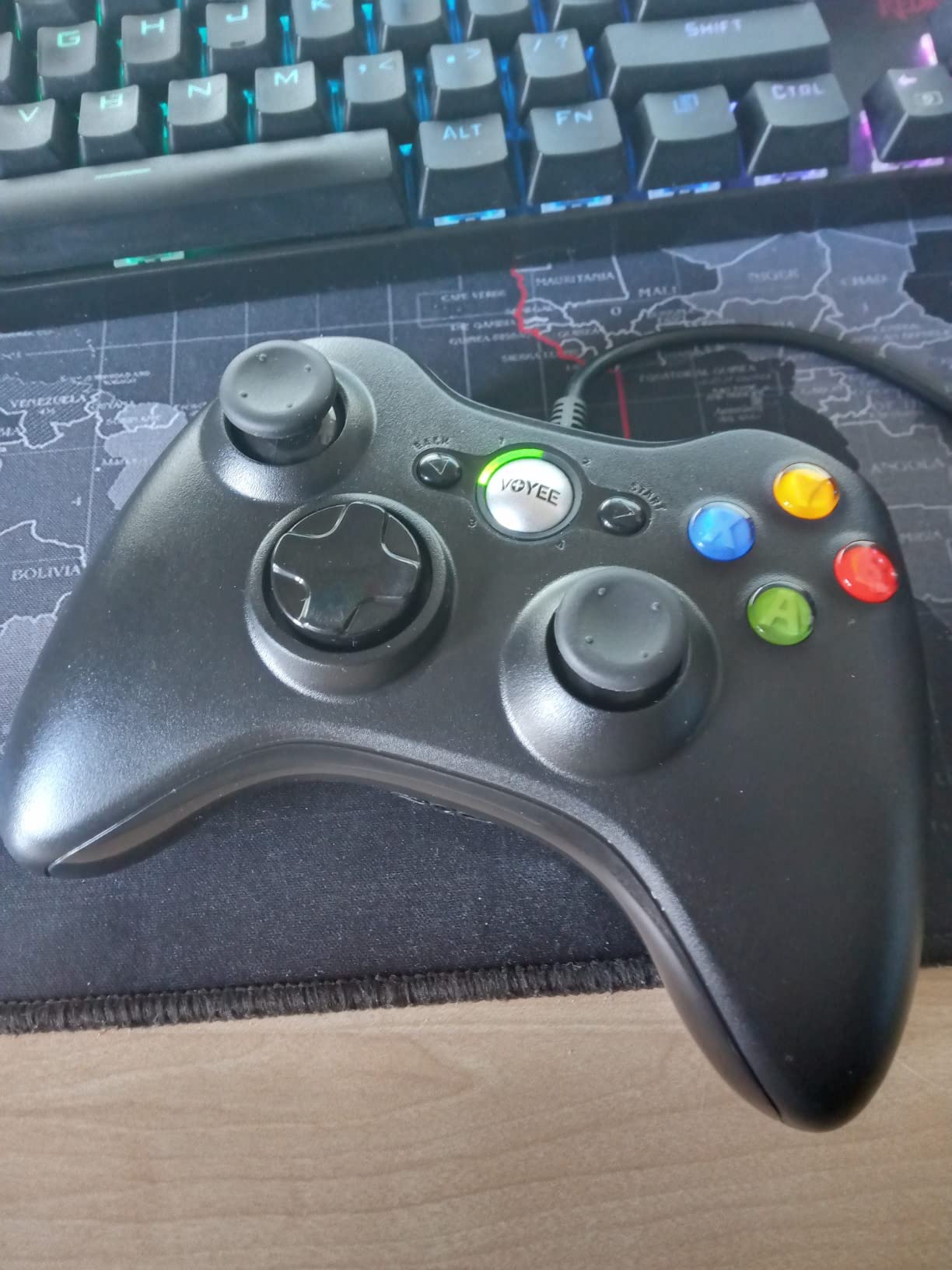
This is the pad to buy when the priority is simply having a working Xbox-layout controller on PC for a very small outlay. It carries more than 23k ratings at a 4.3 average, which is remarkable for something this inexpensive, and in practice it does the basic job without drama.
Connection is plain wired USB and it is genuinely plug and play. There is no pairing, no battery and no firmware, which means no failure mode beyond the cable itself. The 7.2ft cord gives you room to sit back from a desk without an extension hub, and the contoured grips were shaped with long sessions in mind.
Rumble works through dual shock motors with automatic in-game vibration, and the trigger and button response is more sensitive than older 360-era pads. It also declares compatibility with Xbox 360 Slim and Windows machines, so the same pad covers an old console and a new PC build.
The weight is 7.2 ounces, which is light in the hand, and that cuts both ways. Reviewers describe the plastic as inexpensive and note that it feels less solid than a premium shell after extended use. For a desk, a holiday gift or a controller that lives in a drawer between sessions, that trade is easy to accept.
Be aware of the brand’s own caveat. VOYEE states the pad is not intended for FPS games, and the absence of Hall Effect sticks, paddles, remapping and trigger stops explains why. If your library is shooters and you intend to keep the controller for a year or more, step up to the GameSir G7 SE instead, which costs more but removes the drift risk and adds rear buttons.
When a wired budget pad is the right answer
It is right when you need a controller right now, you play single-player, co-op and party titles rather than competitive shooters, and you would rather not think about batteries or pairing. Wired also means zero wireless interference, which matters in a building with several 2.4GHz devices nearby.
It is also a sane first controller for a child, a shared family PC or a gaming room where pads get dropped. A budget wired pad that survives being passed around is a better use of money than a premium wireless model that gets lost under a sofa.
What you give up compared with the picks above
You give up drift resistance, rear buttons, trigger stops, microswitch face buttons and any form of remapping. Stick response is basic potentiometer behaviour, so a slow creep in either stick over a year or two of daily use is realistic rather than exceptional.
You also give up weight and build quality. At 7.2 ounces with a light shell, it will not feel like a premium pad in long sessions, and the manufacturer itself does not recommend it for competitive first-person shooters. Treat it as a functional stopgap rather than a long-term investment.
3. GameSir G7 SE — The Best Value Anti-Drift Controller for PC
GameSir G7 SE Wired Controller for Xbox Series X|S, Xbox One & Windows 10/11, Plug and Play Gaming Gamepad with Hall Effect Joysticks/Hall Trigger, 3.5mm Audio Jack (White)
Hall Effect sticks and triggers
2 lockable back buttons
Wired USB-C
3.5mm jack
Pros
- Hall Effect sticks and triggers eliminate drift
- Removable braided cable
- Lockable rear buttons
- GameSir Nexus profiles and calibration
Cons
- Wired only with no wireless mode
- Higher polling firmware modes are unreliable
- 3.5mm headset issues on cheaper headsets
The G7 SE is the recommendation we make to almost everyone. It holds a 4.4 average across more than 14k ratings, sits near the top of its category in best-seller rankings, and it solves the one problem that ends most Xbox controllers with Hall Effect sensing in both the sticks and the triggers.
Hall Effect sensing reads the stick position magnetically rather than through a rubbing contact surface, so there is no wear layer to degrade. Combined with Hall Effect triggers, it is an inexpensive way to remove drift from a controller you plan to keep for years, and the difference in feel after months of use is where it pays off.
The rear buttons are the quiet hero feature. Two lockable custom back buttons sit flush against the shell when disabled, so they do not fire accidentally in a shooter, and you can unlock them for games where binding something useful to the back matters. That is a genuine competitive feature at a mid-range price.
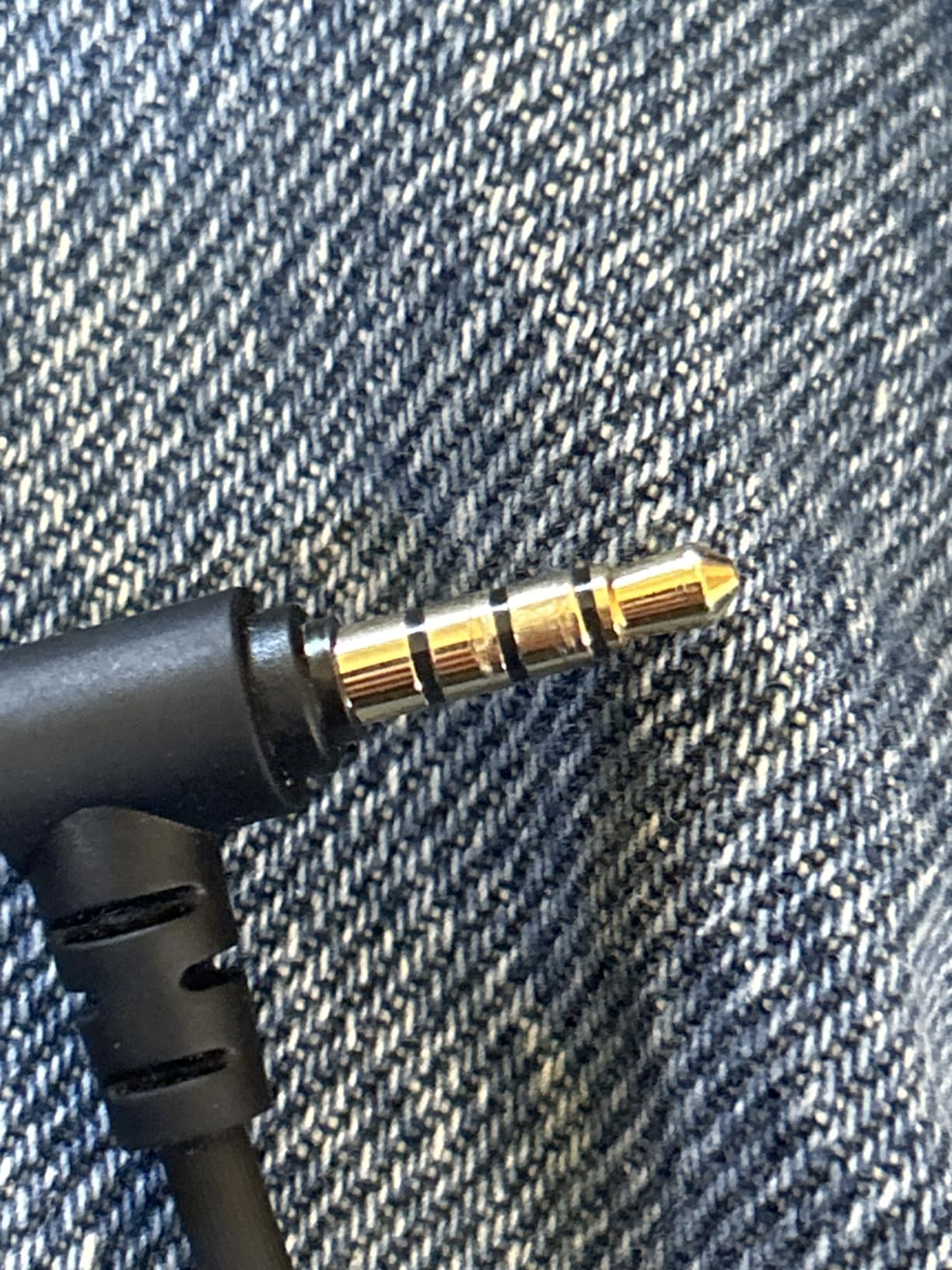
The braided USB cable is removable with molded connectors and enough length to reach from a desk, which removes the cable-failure worry entirely. Haptics are handled by pulsating vibration triggers plus an asymmetric grip motor, and there is a 3.5mm audio jack with a mic mute button and volume mixing on the M key.
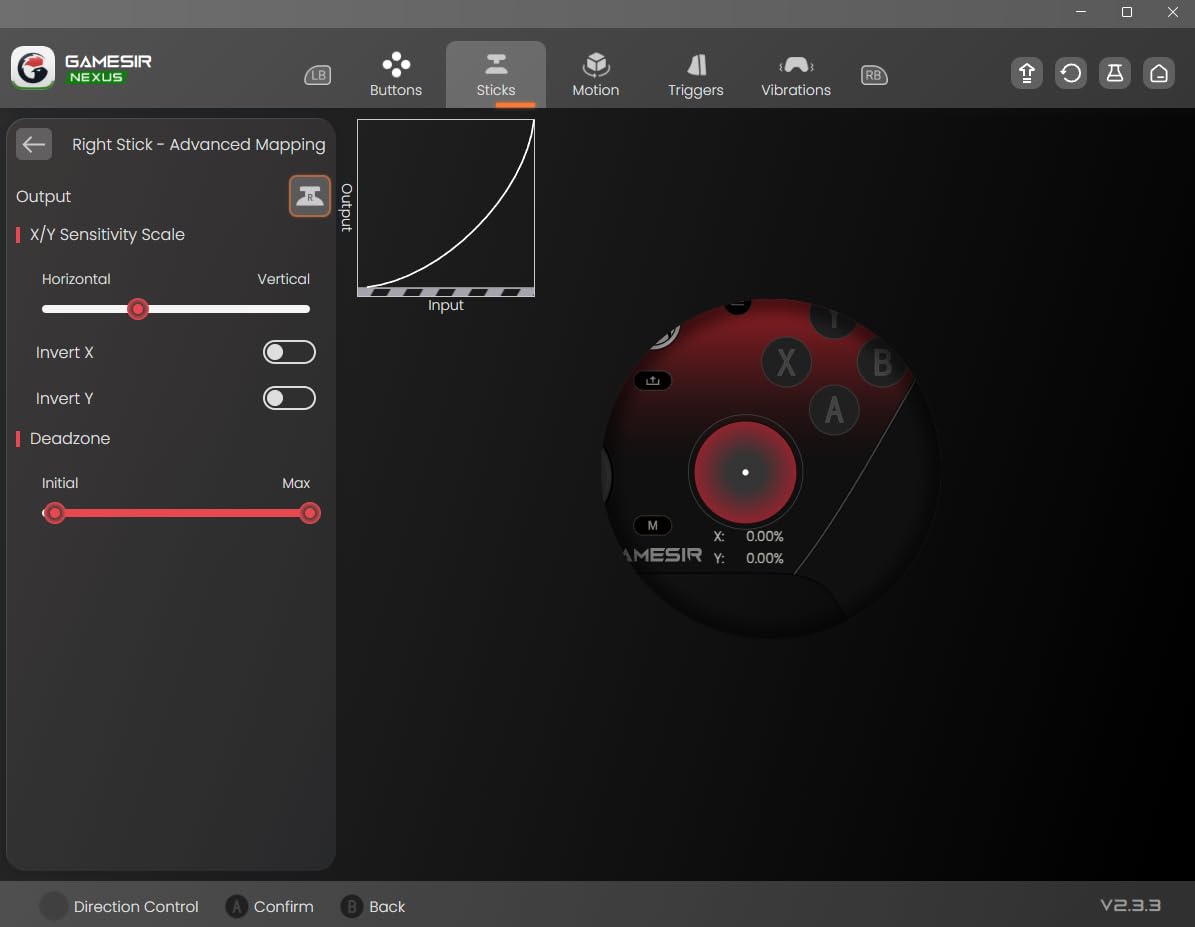
GameSir Nexus handles three onboard profiles, deadzone tuning, stick calibration and remapping on PC. That matters more than it sounds: the Nexus app is where you correct the small residual error Hall Effect sticks can develop, and where you set a deadzone if a game insists on reading a resting stick as movement.
Why Hall Effect changes the long-term maths
Potentiometer sticks wear because a moving contact rubs a resistive track. The wear shows up as a resting offset the game reads as input, which is drift. Hall Effect sticks have no such contact, so the resting position stays true and you are not cleaning, opening and recalibrating a pad every year or two.
Forum buyers with drift-damaged sticks overwhelmingly jump to Hall Effect or TMR rather than replacing like for like, and the G7 SE is the model that shows up most often in those threads on a budget. If you are replacing a controller you already own, this is the one to buy.
Where the G7 SE falls short
It is wired only. There is no 2.4GHz dongle and no Bluetooth, so playing from a couch at distance means a long cable or a USB extension hub, and extension setups are the source of the connection complaints in the reviews. If you play on a sofa, this is not the pad.
Second, the raised 500Hz and 1000Hz polling firmware options are flagged by reviewers as work in progress, with input spikes and headset-jack problems reported. Leave them off unless you have tested them. Third, some titles do not register the rear buttons consistently, and 3.5mm headset compatibility is inconsistent with cheaper headsets.
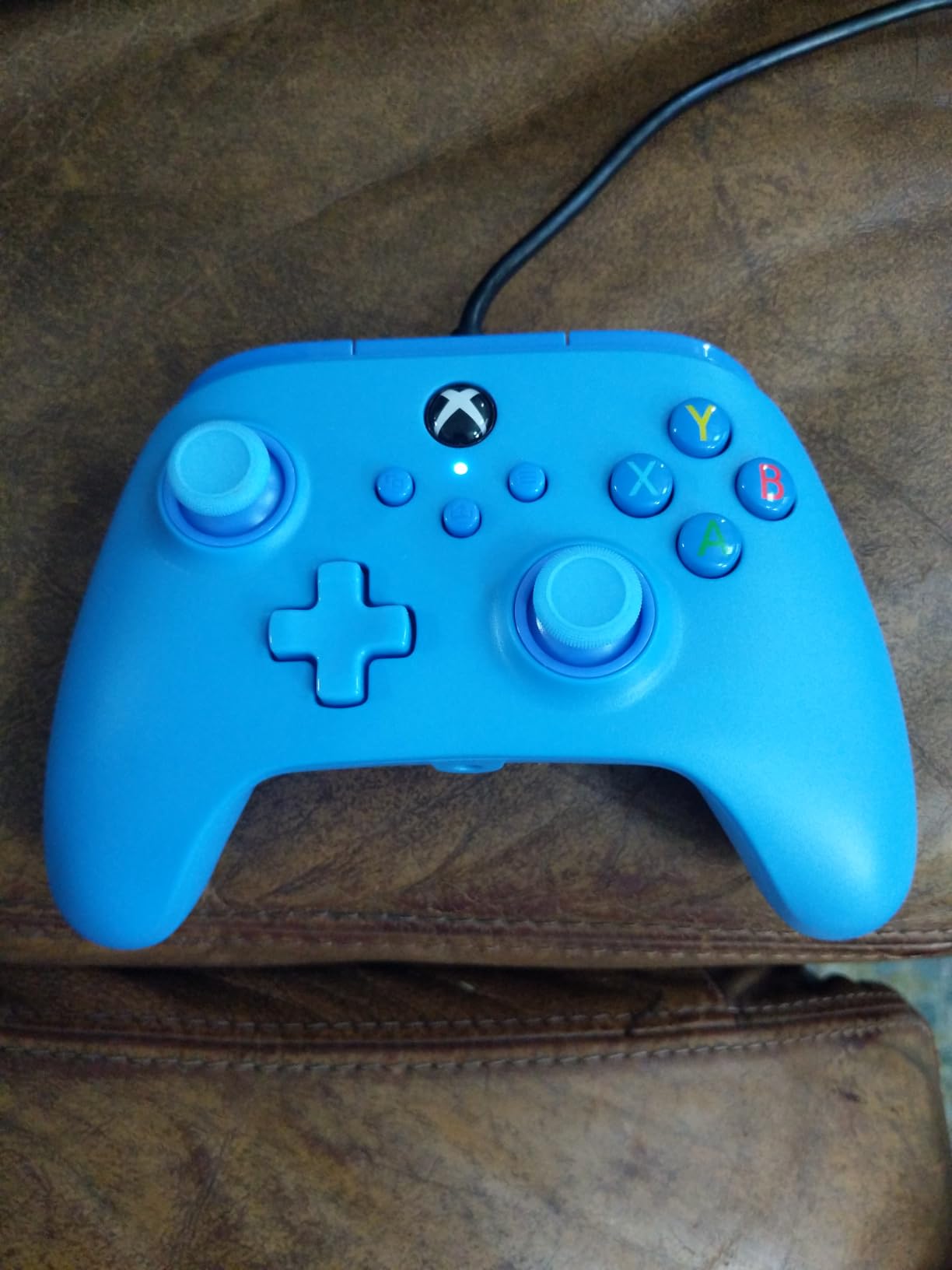
4. PowerA Wired Series X|S Controller — The Best Budget Pick for Casual PC Gaming
PowerA Wired Controller for Xbox Series X|S – blue, gamepad, video game/gaming controller, works with Xbox One, Officially Licensed
10ft USB-C cable
Dual rumble motors
Impulse Triggers
3.5mm jack
Pros
- Officially licensed for Series X|S and Windows
- Very long 10ft USB-C cable
- Comfortable lightweight shell
- Dual rumble motors and Impulse Triggers
- Two-year limited warranty
Cons
- Standard potentiometer sticks can drift
- Light inexpensive-feeling plastic
- Shoulder button failures reported
PowerA’s wired Series X|S pad is a licensed option that sits between the bare-bones budget pads and the feature sets above. It carries more than 13k ratings at a 4.2 average, which is the lowest score in this group, and that number tells you exactly what you trade for the low cost.
The 10ft USB-C cable is the standout feature and no other pad on this list ships one that long. For a couch setup or a desk where the PC is under the desk and the controller lives on the sofa, that removes the extension hub question entirely, which is a real practical advantage over a standard cable.
Feel is good for the money. Dual rumble motors plus Impulse Triggers provide haptic feedback, the sticks are precision tuned with embedded anti-friction rings, and the shell is shaped for long sessions. There is a 3.5mm stereo headset jack and a free PowerA Gamer HQ app for testing and calibrating the controller on PC.
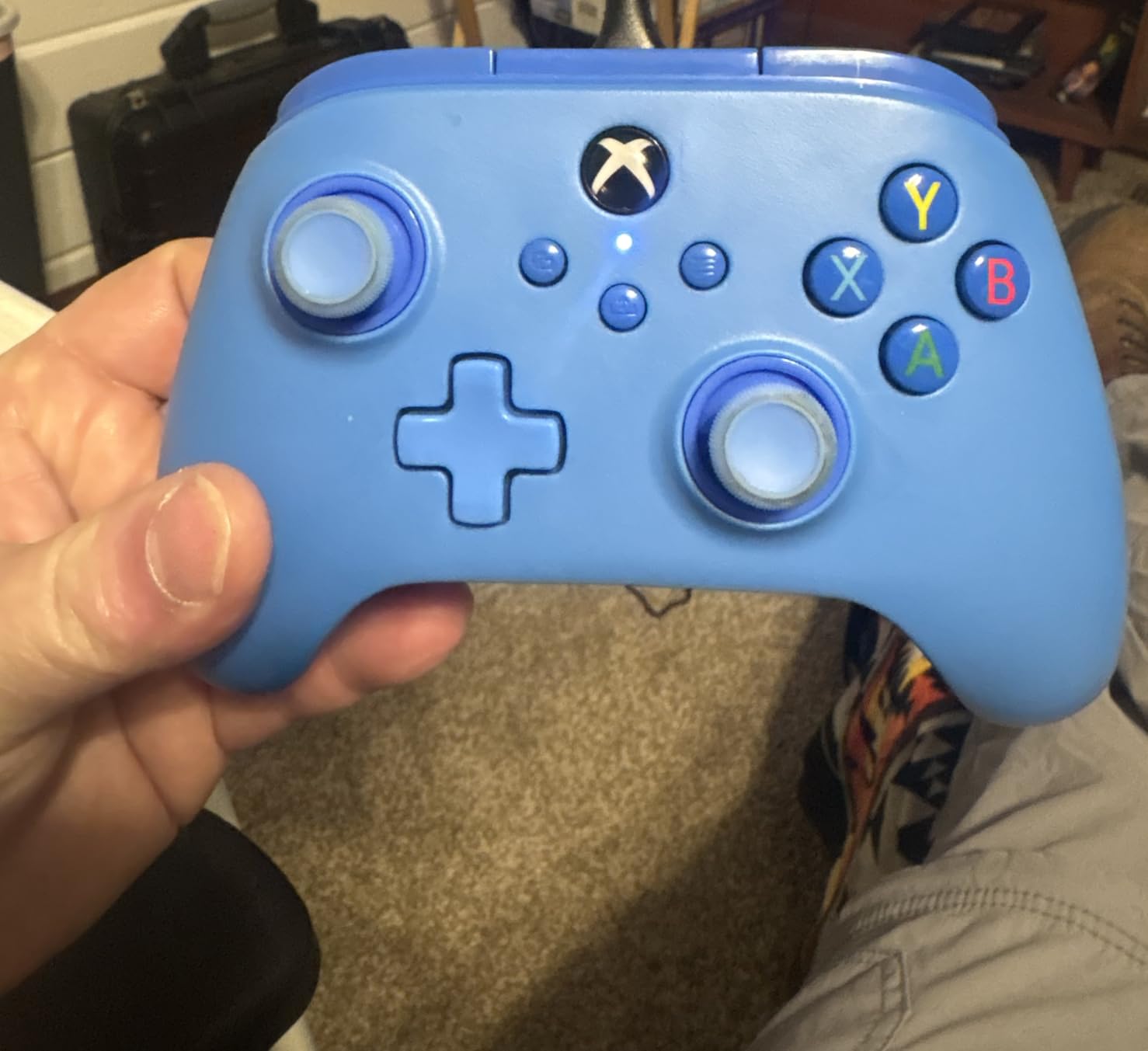
Two details deserve credit. It is officially licensed for Xbox Series X|S, Xbox One and Windows 10 and 11, so it carries no compatibility caveats, and it is backed by a two-year limited warranty, which is longer than most pads in this price bracket offer.
It weighs 7.2 ounces and reviewers repeatedly describe the plastic as light and inexpensive to the touch. That is not a criticism of quality so much as an honest description: at this price you get a functional, comfortable controller rather than a dense one, and your hands will notice the difference after a decade of premium hardware.
Is the 10ft cable worth buying this pad for
Yes, if you play away from your desk. Cable length is the single most common practical complaint about wired pads, and PowerA solves it at the cable rather than by asking you to buy an extension. The USB-C connector also means one cable type for controller, phone and most modern laptops.
It is not a reason to buy if you sit at a desk with the PC close by, because you will never use the extra length. In that case the price-to-feature maths favours the GameSir G7 SE, which adds Hall Effect sensing and rear buttons for a similar outlay.
What the reviews flag as problems
Sticks are standard potentiometers, so drift remains a long-term risk on daily use. More immediately, bumper and shoulder button sticking or failure within a few months is reported by a minority of owners, and a small number describe the controller disconnecting and reconnecting mid-session.
None of these issues is universal, but the 4.2 average reflects that the pad is a compromise rather than a standout. For a player who logs a few hours a week in single-player and co-op games, that is a perfectly reasonable trade. For a daily competitive player, the drift exposure makes it the wrong spend.
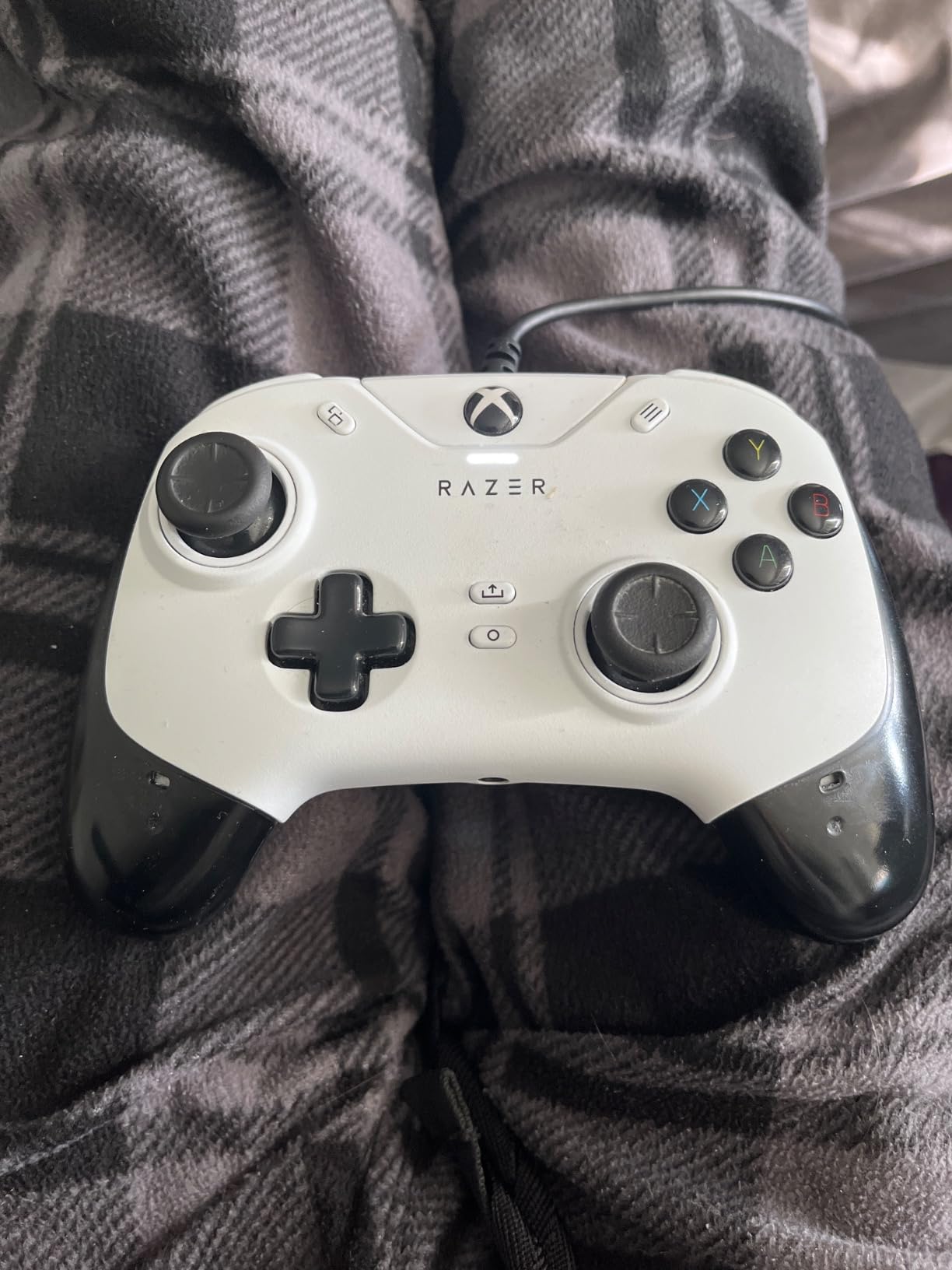
5. Razer Wolverine V2 — The Best Wired Pad for Tactile Face Buttons
Razer Wolverine V2 Wired Gaming Controller for Xbox Series X|S, Xbox One, PC: Remappable Front-Facing Buttons – Mecha-Tactile Action Buttons and D-Pad – Trigger Stop-Switches – White
Mecha-tactile buttons and D-pad
Physical hair trigger slides
2 remappable front buttons
Wired
Pros
- Crisp cushioned mecha-tactile action buttons
- Physical trigger stop switches
- Two remappable front-facing buttons
- Non-slip rubber grips
Cons
- No back paddles despite the price
- Wired only
- Remapping depends on the Razer app
The Wolverine V2 is the pick if the feel of the face buttons matters more to you than the feature checklist. It averages 4.3 stars from just over 5.4k ratings, and reviewers consistently single out the mecha-tactile action buttons and matching D-pad as the reason to buy over a standard dome-switch pad.
The mechanical feel is genuinely different from what ships with a console. Instead of a soft rubber dome that collapses under your thumb, you get a cushioned mechanical click that is crisper and more consistent through a long match. For shooters, fighting games and anything where you mash, that difference is immediately noticeable and hard to un-notice.
The D-pad gets the same treatment, which matters for platformers, fighting games and any game with directional inputs where a mushy D-pad causes mis-inputs. The contoured shape and non-slip rubber grips hold up over long sessions, and the pad weighs 9.6 ounces, which is a middle ground between featherweight and dense.
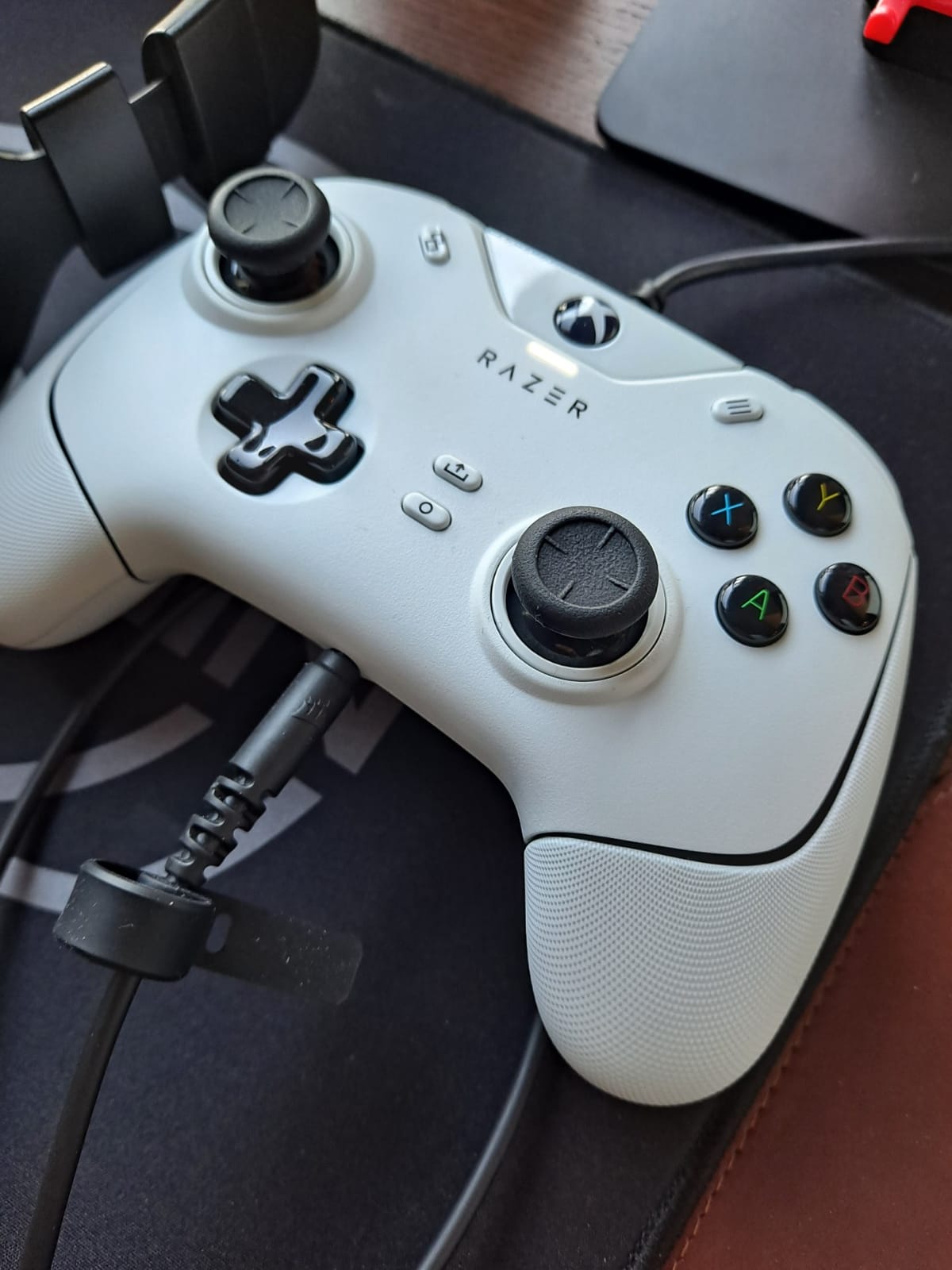
The trigger stop switches are physical slide locks on the underside, not a software setting. Flipping them into Hair Trigger Mode cuts trigger travel, which shortens the pull for shooters where that matters. Having them as a mechanical switch means the setting persists without software, and it is faster to toggle than navigating a menu.
Two extra buttons sit on the front face where your index fingers rest, and both are remappable through Razer Controller Setup for Xbox. There is also a 3.5mm audio port on the controller itself. The pad is officially licensed and was developed alongside Xbox, so there are no compatibility caveats on Series X|S, Xbox One or PC.
Why face button feel matters more than people expect
Standard controller buttons are rubber domes over a plastic contact. They feel soft, they get slightly inconsistent in their snap-back after heavy use, and a wet thumb makes them worse. A mechanical action button has a defined travel and a consistent return, which is why competitive players who switch often tend to stay with them.
The tradeoff is that they are louder and firmer than a dome. If you share a room or play late at night, the clickiness is a consideration. If you play alone and value precision, it is one of the few features on this list you will notice every single session.
Why the missing paddles matter
At this price, a lot of buyers expect rear paddles, and this pad does not have them. That is the single most common criticism in the reviews, alongside the wired-only design and the fact that all remapping depends on the Razer app rather than onboard controls or Steam Input profiles.
So if your priority list is face button feel first and paddles second, this is the right pad. If paddles are non-negotiable for your games, the SCUF Instinct Pro or the GameSir G7 Pro are the better buys, and you should look at those instead.
6. GameSir G7 Pro — The Best Controller for 1000Hz Polling on PC
GameSir G7 Pro Wired Controller for Xbox Series X|S, Xbox One, Wireless Gamepad for PC&Android with TMR Sticks, Hall Effect Analog Triggers, 1000Hz Polling Rate, 3.5mm Audio Jack – Black
Mag-Res TMR sticks
Hall Effect triggers
1000Hz PC polling
Tri-mode connectivity
Pros
- TMR sticks with tool-free replacement
- 1000Hz polling over wired and 2.4GHz on PC
- PC-only gyro aiming
- Charging dock and 1200mAh battery
Cons
- Console use is wired only
- Right trigger stop switch failures reported
- 272g feels small for larger hands
The G7 Pro is the most technically advanced pad on this list and the only one with a PC-focused feature nobody else here has: a gyroscope you can map to aim. It holds a 4.3 average from just over 5k ratings, and reviewers repeatedly describe it as better value than pads costing two to two and a half times as much.
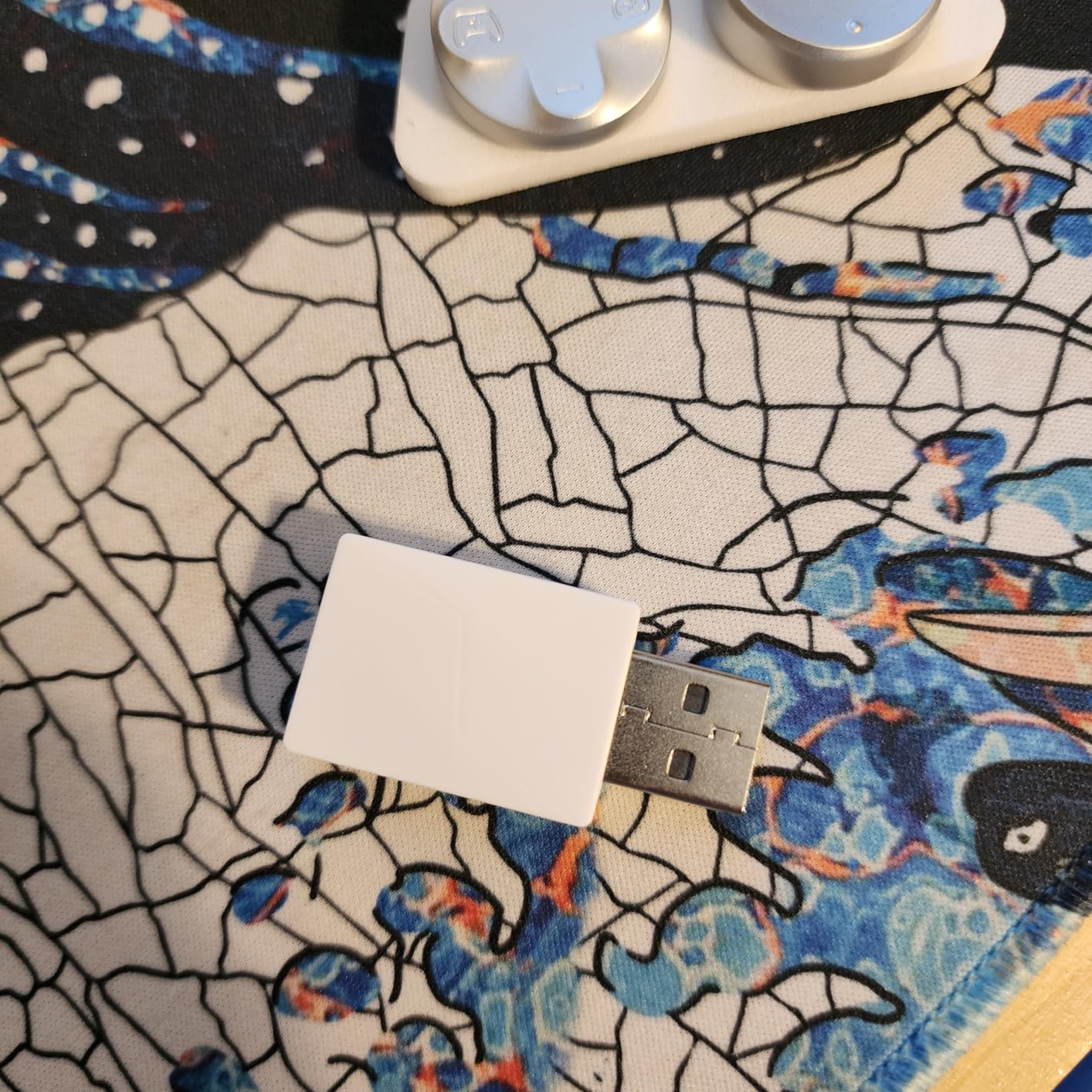
Connection is tri-mode with a physical mode switch: wired for Xbox, wired and 2.4GHz for PC, and Bluetooth for Android. The 2.4GHz dongle is what matters for PC, because it is where the headline polling number applies. The included charging station holds a 1200mAh battery and starts and stops charging automatically.
The sticks are the headline. GameSir’s Mag-Res TMR sensing combines Hall Effect-style magnetic durability with the feel of a traditional potentiometer, and they can be replaced without tools, so a worn stick is a swap rather than a return. The triggers are Hall Effect analog with switchable clicky micro-switch trigger stops for a shorter pull on demand.
On a PC, the polling rate runs at 1000Hz over both the wired and 2.4GHz connections, which is a genuinely higher number than the standard most pads report. Whether you can feel it is covered in the buying guide, but the spec is real and the wired path is where it is most consistent.
There are four customizable buttons including lockable back paddles, plus L5 and R5 bumpers, and the GameSir Nexus app adds gyro settings, stick curve adjustment and button-to-mouse mapping. The gyroscope is PC-only, and it can target sticks, buttons or the mouse, which is the feature no competitor pad on this list offers.
What polling rate actually changes for a PC player
Polling rate is how often the controller reports its stick and button position to the PC. A standard pad reports around 125 times per second, a 1000Hz pad reports eight times more often. In practice that tightens the gap between your physical input and the game registering it, which matters most in competitive shooters.
The honest caveat is that at 1000Hz you are chasing a difference most players will not consciously notice in a single session, and the gain shrinks further if your monitor runs at a lower refresh rate. It is a real advantage rather than a magic trick, and it is one of the few specs here that is measured rather than marketed.
Who should not buy the G7 Pro
If you mostly play on an Xbox console, this is the wrong pad. Console use is wired only, and Xbox consoles cap polling at 250Hz, so the advertised 1000Hz does not apply there at all. You would be paying for PC features you cannot use in your primary mode.
Reviewers also report right trigger-stop micro-switch failures on some units, note that the fully clicky face buttons and D-pad feel polarizing next to the softer G7 SE, and find the 272g weight a little small for larger hands. TMR sticks also show a small amount of natural drift that needs deadzone calibration in the app, though far less than a worn potentiometer.
7. ManbaOne Interactive Screen Controller — The Best Pad for Onboard Configuration
ManbaOne Interactive Screen Wireless Gaming Controller (Black)
2-inch interactive screen
Hall Effect sticks and triggers
4 remappable back buttons
1800mAh battery
Pros
- Onboard screen replaces app-based setup
- Hall Effect sticks and triggers
- Tri-mode with 2.4GHz dongle
- Four savable configurations with macro support
Cons
- Not compatible with Xbox or PlayStation consoles
- Very clicky low-travel buttons
- Back macro buttons trigger accidentally
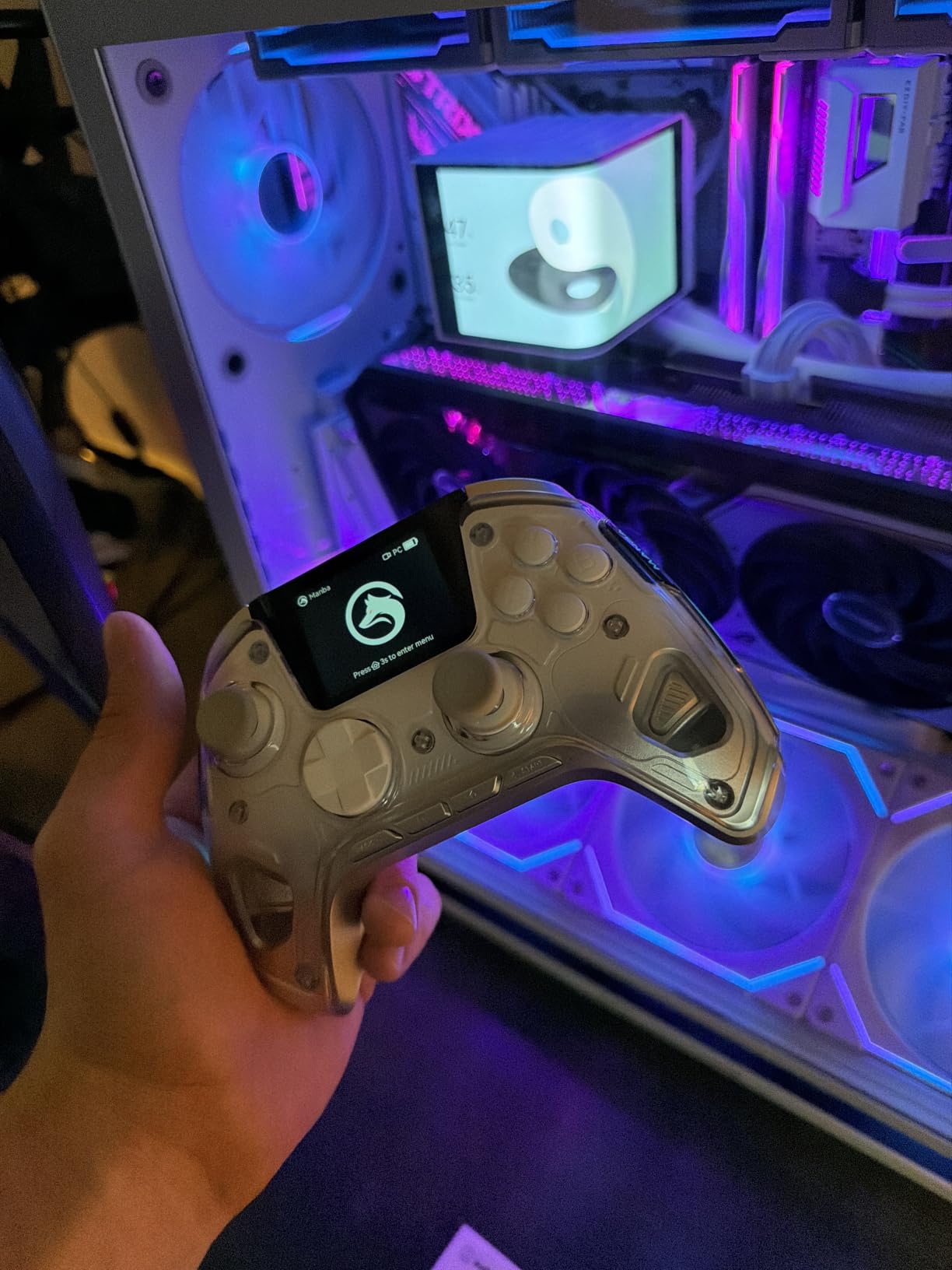
The ManbaOne takes a different approach to the same problem every other pad solves with a Windows app: it puts a 2-inch interactive screen on the controller face. You set buttons, sticks, vibration and lighting through that display, with no software to install and no button combos to memorise. For a PC gamer who does not want to fiddle with a vendor app, that is a real advantage.
It averages 4.3 stars from roughly 3.5k ratings, with reviewers repeatedly praising the screen as the feature that makes everything else easier to reach. Connection is tri-mode: wired, Bluetooth and an included 2.4GHz dongle, and the listing notes the dongle is more stable than PC Bluetooth, which matches what most pads of this type do.
The hardware underneath the screen is competent. Hall Effect anti-stick-drift joysticks offer four customizable stick modes, the triggers are linear Hall Effect, wired polling runs at 800Hz or above, and there are four remappable back buttons with macro support across four savable configurations. A 1800mAh battery and smart charging dock are included, and it is usable while charging.
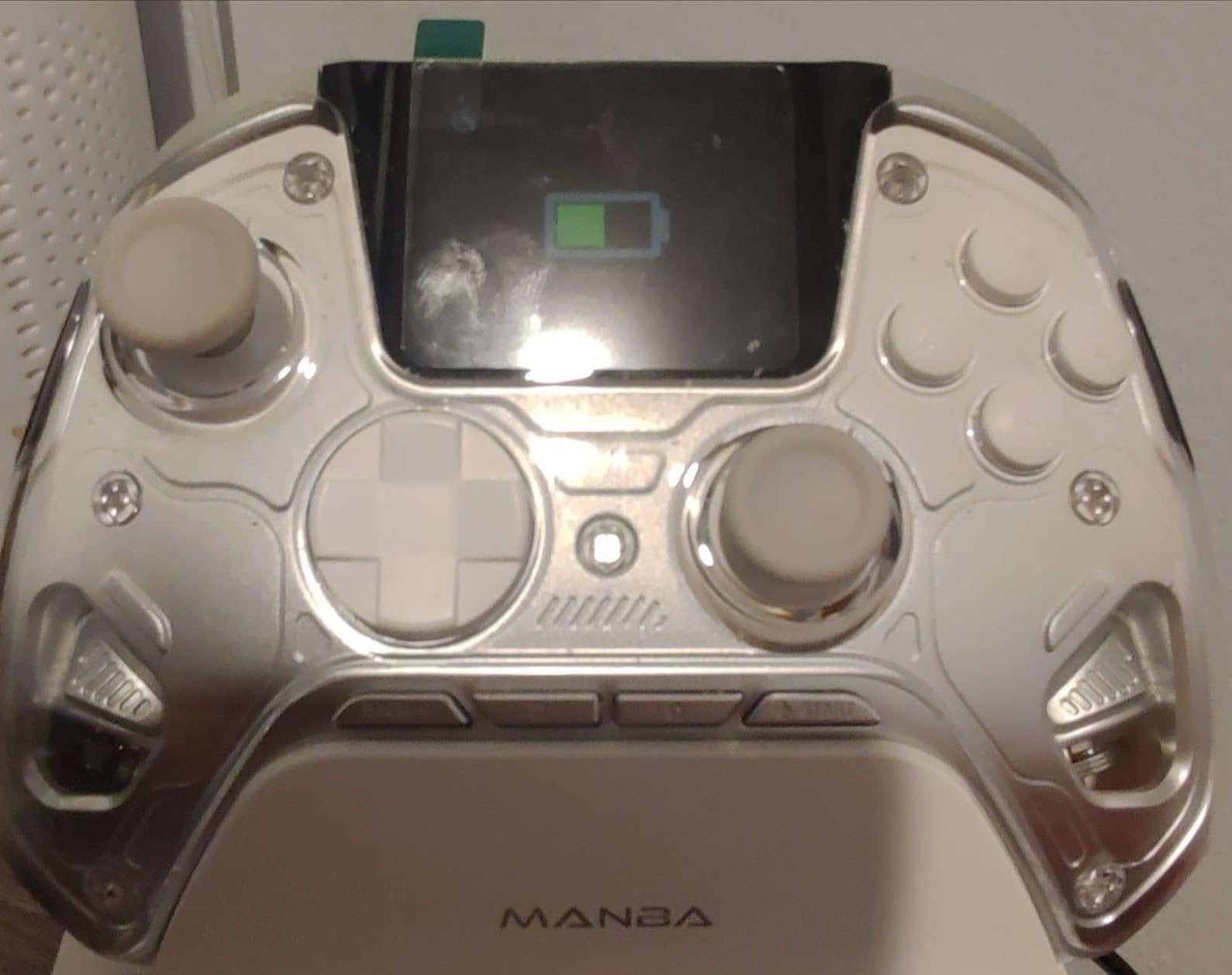
It can also present itself as an Xbox, PlayStation, Switch or generic controller over USB and the dongle, which is handy if you move between PC and Switch. The grip is comfortable, the magnetic faceplate survives repeated drops according to reviewers, and there is a 6-axis gyroscope alongside ALPS bumpers and micro-switch face buttons.
Customer support is a genuine strength here. Reviewers describe replacement units and repair parts being supplied out of warranty, which is a meaningful difference from the standard big-three approach when something goes wrong a month after the warranty ends.
Why an onboard screen beats a PC app
A vendor app asks you to install something, sign in, find the right tab and remember the layout next time. A screen on the controller asks nothing. For anyone who plays a few different genres with different configurations, changing a deadzone or a binding in three seconds without leaving the game is a genuine quality of life improvement.
It also removes a support risk. Vendor remapping software that is Windows-only, crashy, or dependent on a background process is a recurring complaint across this category, and a controller that does not depend on any of it simply does not have that failure mode.
Who the ManbaOne is genuinely not for
It does not work with Xbox or PlayStation consoles at all, and not with GeForce Now. Despite the Xbox-layout shape, this is a PC, Switch, iOS and Android controller, so if you want one pad to cover console and PC, this is not it and the Microsoft controller is the safer choice.
The buttons are also very clicky with almost no travel, which some buyers find less cushioned than an official Xbox pad. The back macro buttons sit under your resting fingers and can fire accidentally, and 4K or 8K simulator titles need fiddly trigger-axis work, often requiring a mouse for menus. Treat it as a PC-first pad with a clever gimmick that happens to be a good one.
8. SCUF Instinct Pro — The Best Controller for Pro Trigger Feel and Paddles
SCUF Instinct Pro Performance Series Wireless Xbox Controller — Remappable Back Paddles — Instant Triggers — Xbox Series X|S, Xbox One, PC and Mobile — White
4 remappable paddles
Instant Triggers
3 remap profiles
Wireless Bluetooth and USB
Pros
- Four embedded remappable paddles with 16 functions
- Instant Triggers with a click-like stop
- Interchangeable thumbsticks
- Three paddle profiles on a hardware switch
Cons
- Paddles and Instant Trigger tabs take practice
- Uses AA batteries with no rechargeable option
- Potentiometer sticks not Hall Effect
The Instinct Pro is the oldest design philosophy on this list and the one most associated with competitive shooters. Four embedded paddles can be configured to up to 16 functions, with three remapping profiles toggled by a physical switch so you can change loadouts without opening software mid-match.
Instant Triggers are the feature that defines it. They provide a click-like stop that eliminates most of the trigger pull, and shooters players report the reduced travel produces a noticeably faster, more consistent shot. The paddles are genuinely useful in games with extra bindings, and the hardware switch for profiles means no software delay between rounds.
Comfort is handled by a high-performance non-slip grip and a soft-touch magnetic faceplate, and the thumbsticks are interchangeable so you can change tension or style. Connection is Bluetooth and USB, which covers PC, console and mobile, and the pad weighs about 0.27kg.
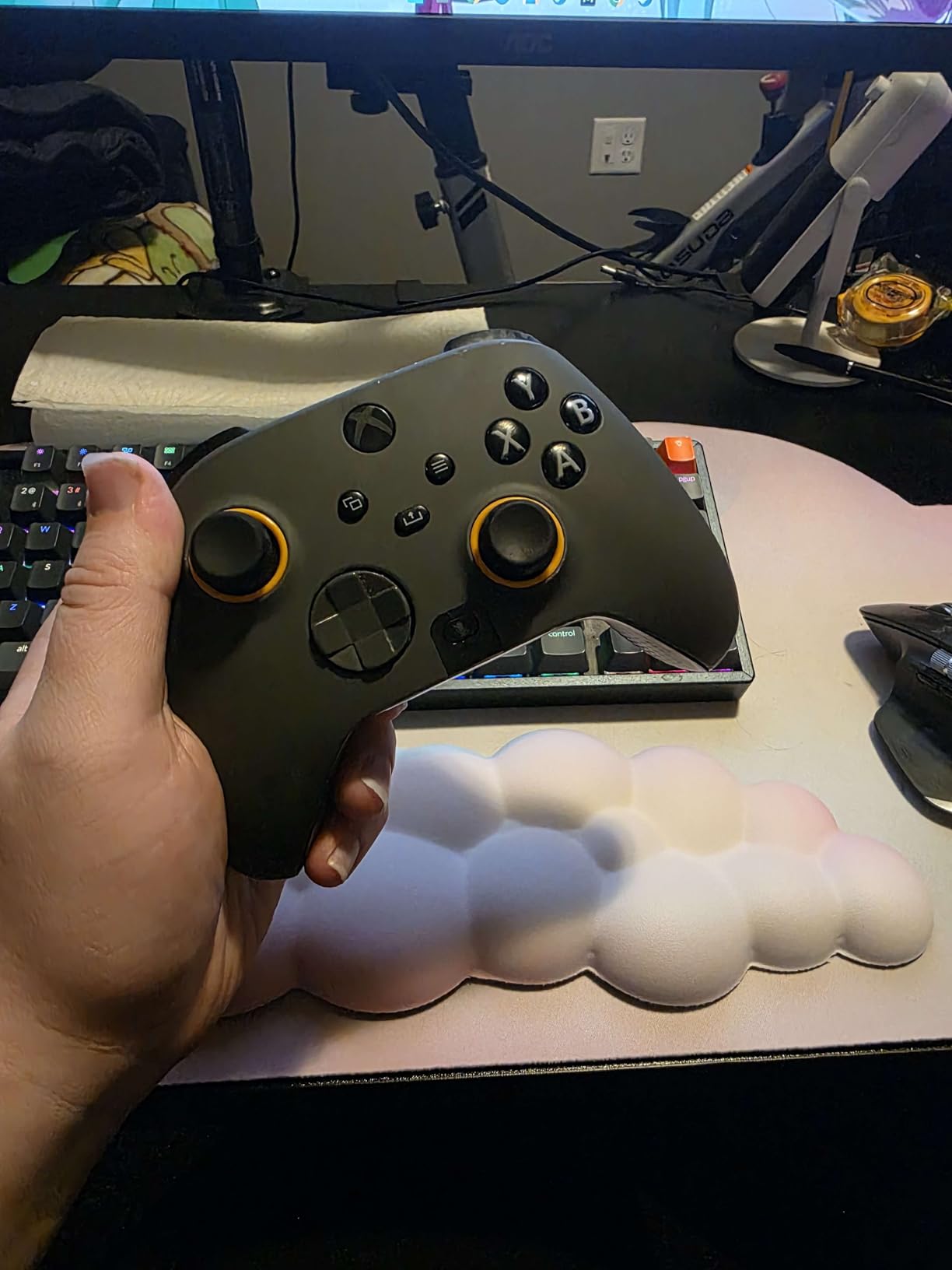
Durability reports are encouraging. Some owners report no stick drift after years of heavy use, and the customer service team has replaced out-of-warranty units. That is worth weighing against the average rating, because a 4.0 across about 2.85k ratings is the lowest score in this group, and the one-star share is the highest.
The reasons for that score are mostly ergonomic. Paddle sizing and angle feel awkward at first and take practice, the Instant Trigger tabs sit exactly where your middle finger rests and can be uncomfortable even when the feature is off, and the rear paddles can occasionally stick in an input loop where the game sees repeated presses.
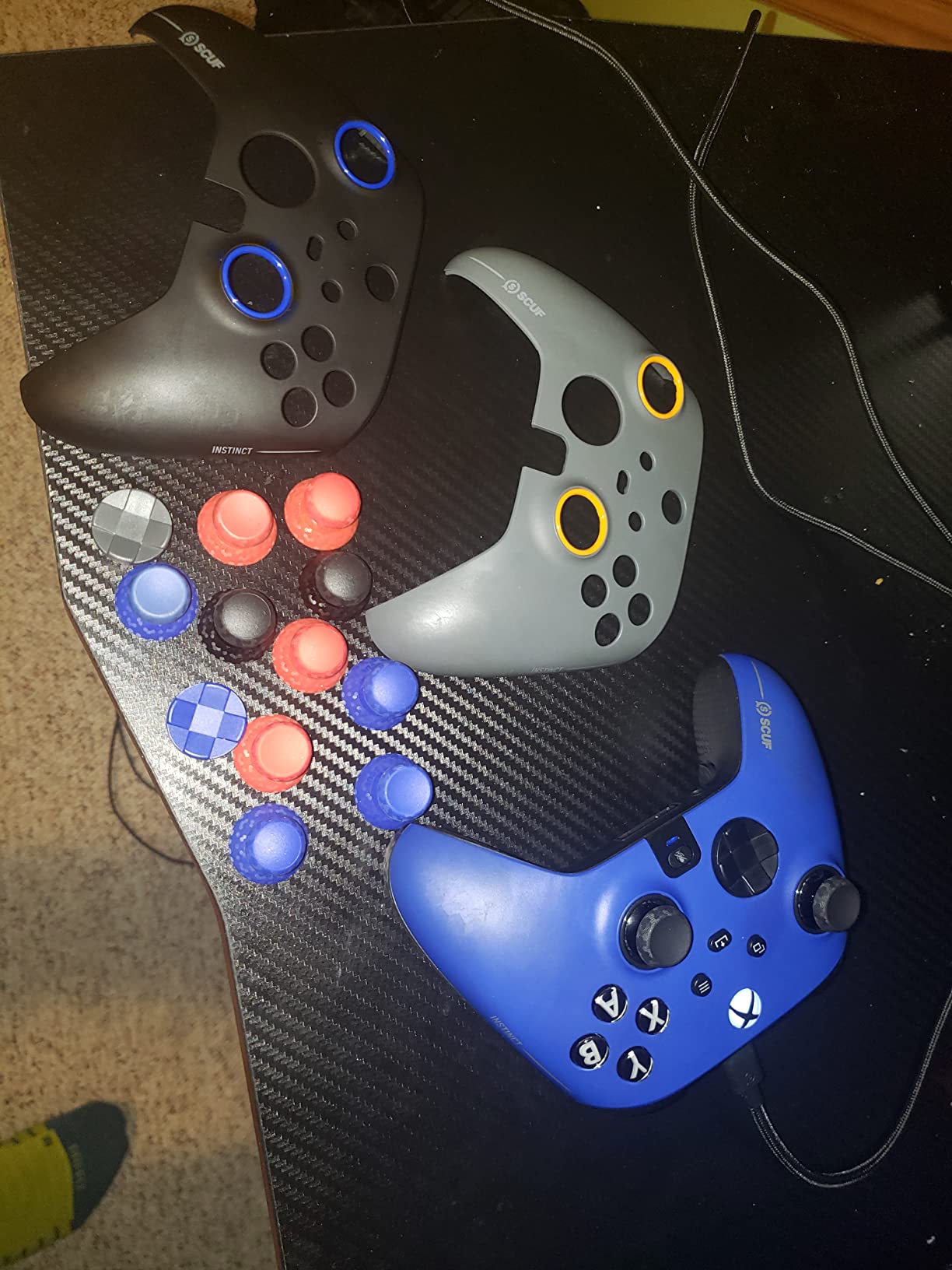
Is a pro controller worth the learning curve
It is worth it if you play competitive shooters and intend to learn the layout. Paddles and hair triggers take a few sessions before your hands stop clipping them, and until then you will perform worse than you would on a standard pad. Budget a week of adjustment, and start in training modes or a game you are not ranking in.
The payoff is real for players who rebind constantly, because the hardware profile switch means three loadouts travel with the controller. If you play single-player RPGs or racing games and rarely rebind, you will not use the features that justify the outlay.
Where this design has fallen behind
The sticks are conventional potentiometers, not Hall Effect or TMR, so the drift risk that drives most upgrades still applies here. It also lacks modern multi-mode wireless, meaning no 2.4GHz dongle path alongside Bluetooth, and some owners report R1 and RB button failures.
It runs on AA batteries, and third-party Xbox controller battery packs do not fit the back plate, so you are committed to standard cells or an unofficial solution. Newer rivals give you magnetic sensing and a low-latency dongle at similar or lower prices, which is the core reason for the modest rating.
9. 8BitDo Ultimate C Wired — The Best Officially Licensed Budget Anti-Drift Pad
8BitDo Ultimate C Wired Controller for Xbox with Hall Effect Joysticks and Triggers, RGB Lighting Fire Ring, Compatible with Xbox Series X|S, Xbox One, Windows 10/11 – Officially Licensed (Dark Gray)
Hall Effect sticks and triggers
RGB Fire Ring lighting
Officially licensed
3.5mm jack
Pros
- Hall Effect sticks and triggers at a low outlay
- Officially licensed for Xbox and Windows
- RGB Fire Ring reacts to input
- Upgradeable firmware and deadzone toggle
Cons
- Mushy D-pad is the most common complaint
- Smooth stick tops can let thumbs slip
- Non-standard USB-C port shape
The 8BitDo Ultimate C is the pad the community keeps recommending to each other, and one r/XboxController poster summarised the reason neatly: Hall Effect sticks, a high polling rate that feels significantly better than wireless, and paddles on the back, for a fraction of what the premium options cost. It holds a 4.4 average from about 2.7k ratings.
Licensing matters here. It is officially licensed by Xbox, which means it works natively on Xbox Series X|S, Xbox One and Windows 10 and 11 with no adapter and no pairing app. For a PC gamer who also owns a current-gen console, that removes the usual compromise that comes with a cheaper third-party pad.
Under the RGB Fire Ring lighting, the hardware is a proper anti-drift design. Both the joysticks and the impulse triggers are Hall Effect, so drift is largely removed from the equation, and the ring around the sticks reacts to button presses across several lighting modes. There is a 3.5mm audio jack, enhanced gripping and strong vibration motors.
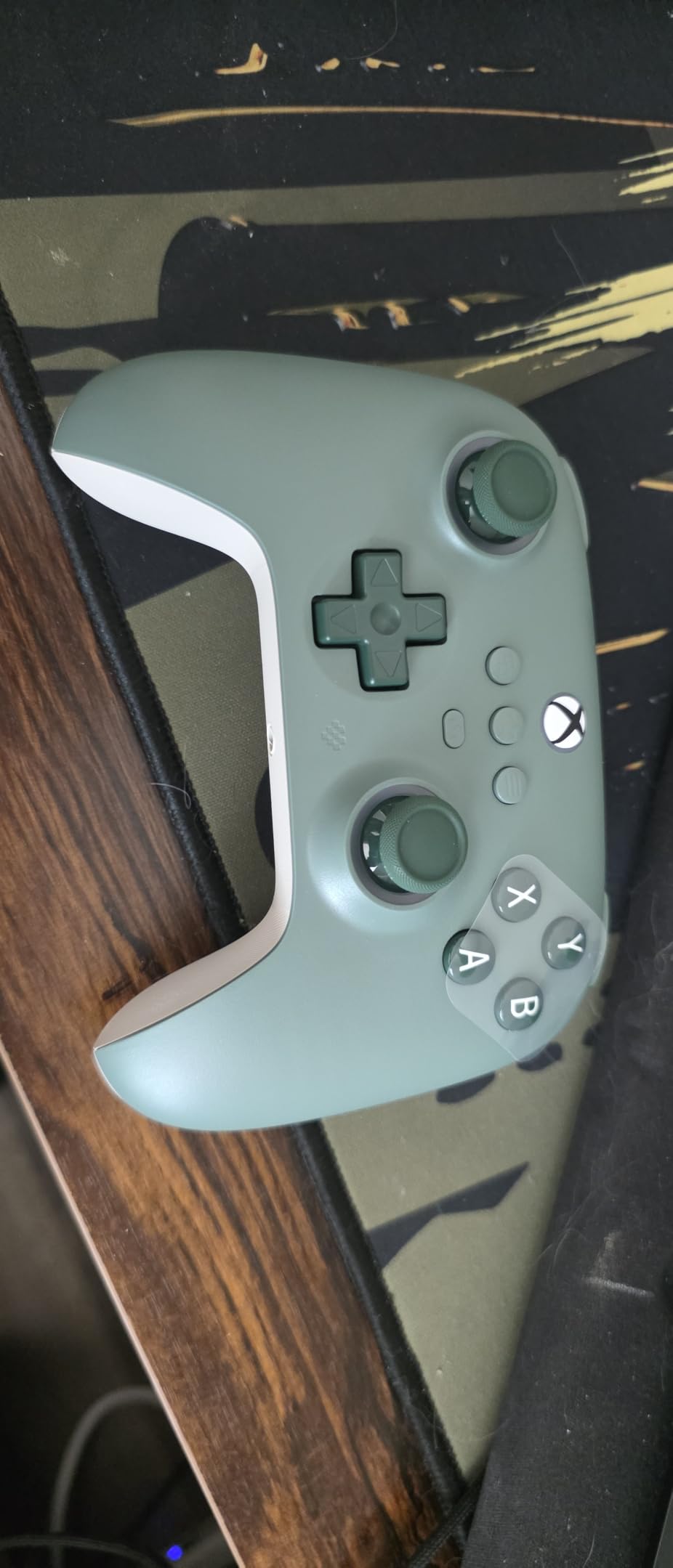
It is also firmware upgradeable, and there is a hidden combo that disables stick deadzones for simulation and first-person titles. That is a small thing that matters disproportionately for racing and flight sims, where an aggressive default deadzone makes precise inputs frustrating. Just be aware that button combos without clear documentation are hard to reverse.
Operation is quiet, the cable is solid and the shape is regularly compared favourably to a classic PS3-style pad, which tells you something about the ergonomics. It is one of the few budget pads where reviewers describe the build as stable rather than cheap.
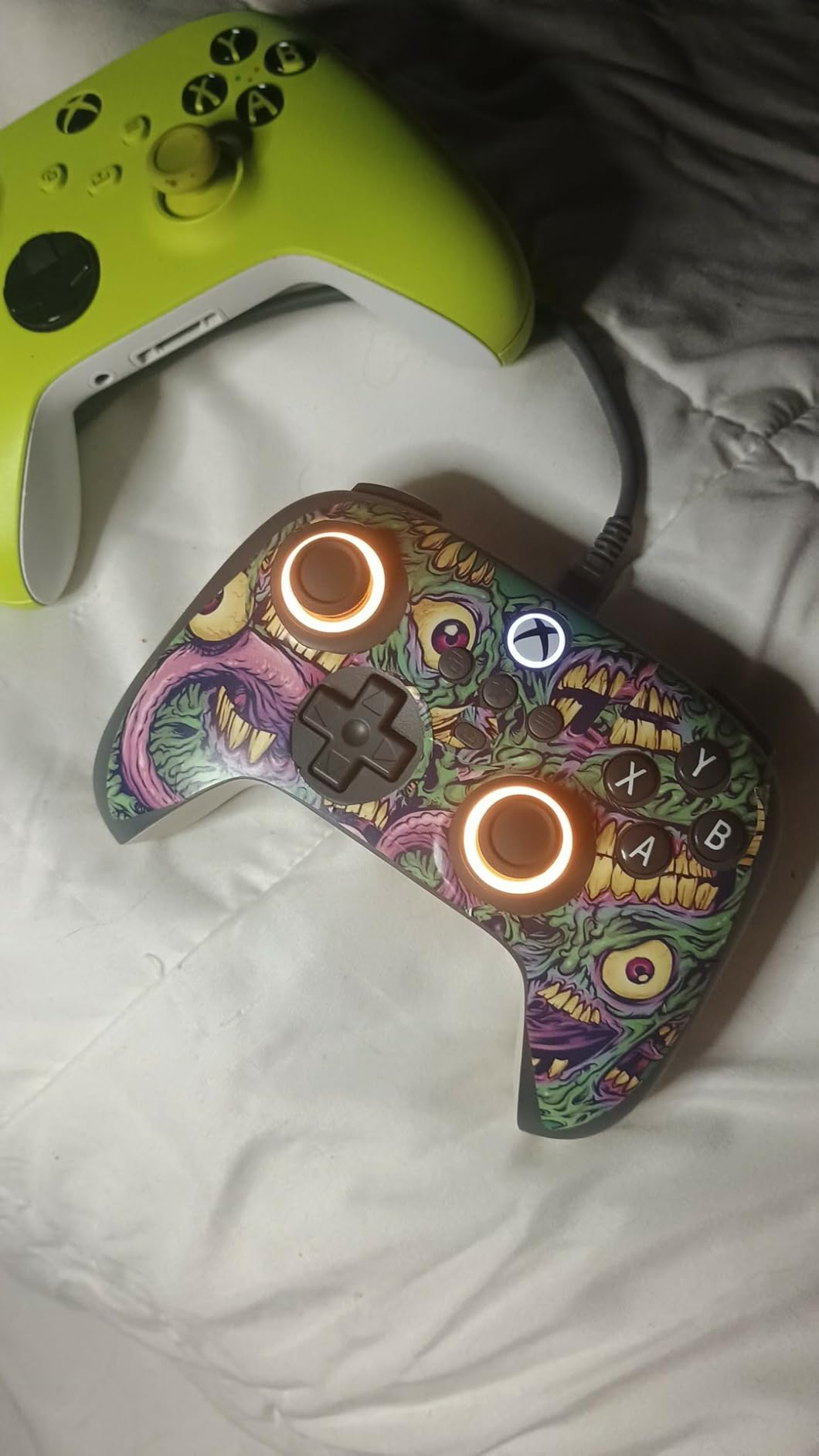
Why this pad outperforms its price bracket
Because it makes the two decisions that matter most. It uses magnetic sensing in sticks and triggers, which removes the failure mode that ends most controllers, and it carries an Xbox licence, which means it treats PC as a first-class platform rather than an afterthought behind an adapter.
Add the RGB ring and the deadzone toggle and you have a pad that covers casual gaming, shooters and simulation without any of the compromises the VOYEE and PowerA pads make. If your budget sits below the mid-range tier, this is the pick.
The D-pad is the one real weakness
The D-pad draws the most consistent criticism. Reviewers describe it as mushy and clicky at the same time, which is the worst of both characteristics, and it is the reason some buyers fit third-party caps or choose a different pad for platformers and fighting games where directional input accuracy is everything.
Two smaller issues are worth knowing. The untextured dome tops on the sticks can let thumbs slip, and the USB-C port uses a non-standard shape so replacement cables are hard to find. Some users also report that a firmware update introduced the very trigger issues it claimed to fix, so read release notes before updating.
10. Xbox Wireless Controller in Shock Blue — The Best Pick for Console and PC Together
XBOX Wireless Gaming Controller | Shock Blue | Consoles, PCs, TVs, mobile, and more | Textured Grip | Wireless, Bluetooth, USB-C Connectivity
Bluetooth and Xbox Wireless
USB-C plug and play
Hybrid D-pad
3.5mm jack
Pros
- Highest average rating in this group
- Modernized sculpted shell
- Three connectivity options for quick switching
- Very quiet operation and durable build
Cons
- Standard potentiometer sticks can drift
- No paddles or trigger stops
- PC Bluetooth sensitive to antenna quality
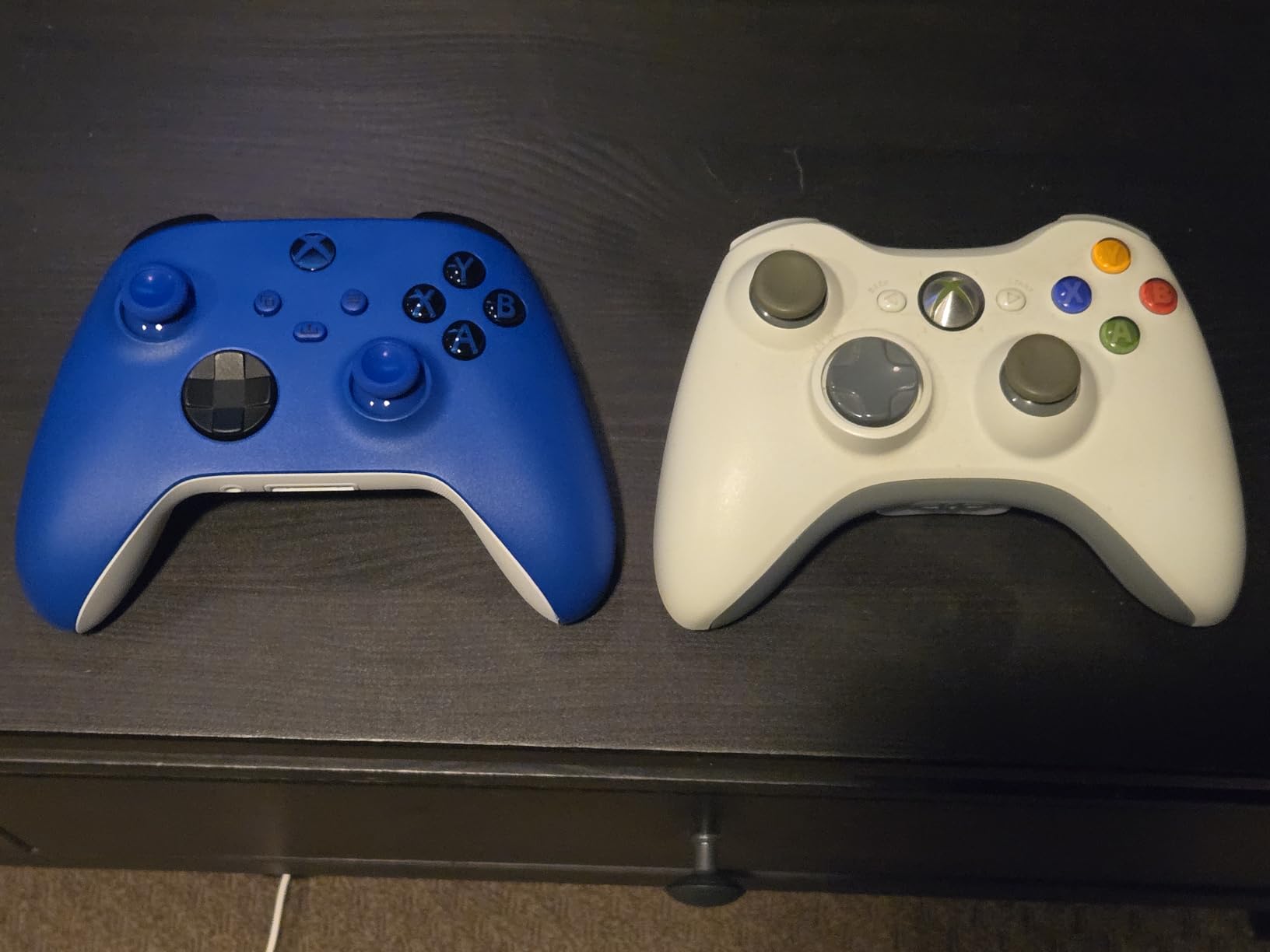
Microsoft’s standard wireless pad has the highest average rating of anything we tested, at 4.7 stars, and in the words of a LinusTechTips thread from early 2026, the standard Xbox controller still works wonderfully for PC gaming. That is not a throwaway line. The plain pad remains a genuinely good answer rather than a default one.
Connectivity is the reason it works so well as a two-device controller. USB-C plug and play, Xbox Wireless and Bluetooth are all built in, so switching between a PC and a console takes seconds, and if your PC Bluetooth is unreliable you can just use the cable. The 3.5mm audio jack handles headset chat and game audio directly.
Comfort is the quiet strength. The sculpted surfaces and updated geometry were shaped for long sessions, the hybrid D-pad improves on the mushy disc it replaced, and the textured grips on the triggers, bumpers and back case help in humid hands. Reviewers describe it as very quiet in operation and durable over months of daily use.
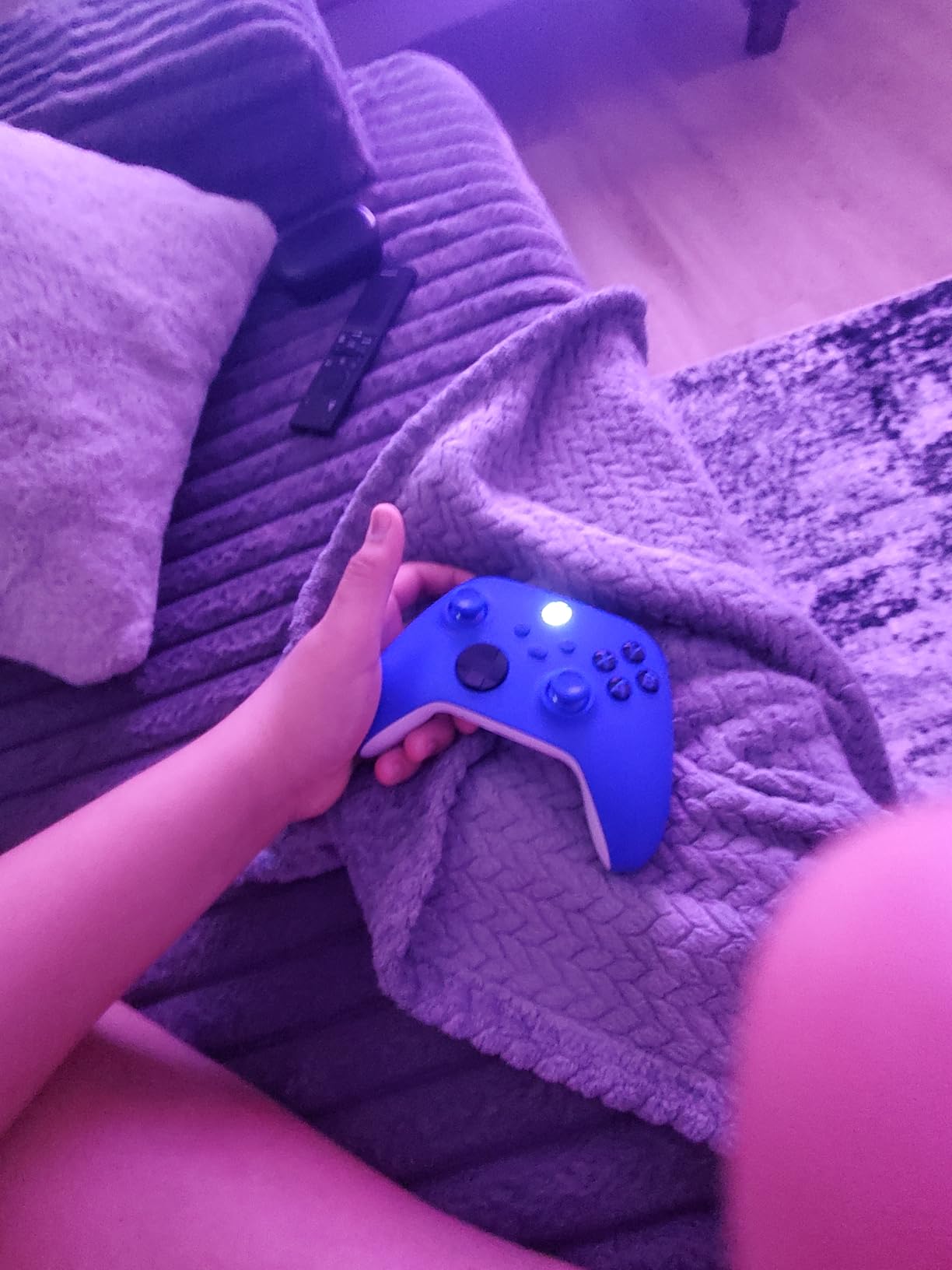
It weighs 13.6 ounces, which sits in a comfortable middle ground, and the Shock Blue colourway holds up visually. There is a dedicated Share button for capturing screenshots and recordings, and the Xbox Accessories app handles button remapping and custom controller profiles on Windows.
Compatibility is total. It lists Windows, Xbox One, Xbox Series S and Xbox Series X, plus iOS and Android, so one pad genuinely covers every device in a typical setup. For cross-play between console and PC, nothing else on this list is simpler.
Why a 4.7 rating with fewer reviews still earns a spot here
Because the rating is describing a mature product with a very large installed base, and 86 percent of ratings are five stars with only 3 percent at one star. That is the most consistent satisfaction signal in this group, and consistency over years matters more for a controller than a peak score does.
It is also the safest recommendation we can make. There is no app to install beyond the optional Xbox Accessories, no firmware to update, no adapter to buy and no battery format to get wrong. It works the day it arrives and it keeps working.
Where the standard pad stops being enough
It ships with standard potentiometer sticks, so drift is a long-term possibility, and the review data on the Elite Series 2 shows exactly how that plays out after years of use. There are also no paddles, no trigger stops and no other competitive extras found on Elite, SCUF and GameSir pads.
Two smaller notes. Bluetooth on PC can be finicky depending on the quality of the PC’s wireless antenna, so keep the USB-C cable within reach. And the manufacturer warranty is 90 days, far shorter than the two years offered by the PowerA wired pad, so register it and keep the box.
How to Choose an Xbox Controller for PC Gaming
Start with the sensing technology, because it is the only spec that determines whether you will be opening a controller in two years. Everything else on this list is a preference; stick type is a durability decision. After that, match the connection to where you sit, then choose the extras you will actually use.
Wired vs 2.4GHz vs Bluetooth: what the connection really changes
Windows reads all three through XInput, so your games do not care. What changes is latency and convenience. A cable is the shortest path and the most consistent, with no pairing and no interference, which makes it the right default for a desk. Its only real cost is that you are tethered to the length of the cable.
2.4GHz over a USB dongle is the compromise most competitive players settle on. The dongle is a dedicated receiver rather than a shared radio, so latency stays close to wired and it does not depend on your PC’s antenna quality. Bluetooth is the most convenient, since you can pair a controller to several devices, and it is also the most variable.
Practical rule: desk means wired, couch means 2.4GHz, and Bluetooth is for when convenience beats consistency. This matters more than it used to, because review data on the pads above repeatedly shows connection dropouts and missed inputs traced back to PC Bluetooth rather than to the controller itself.
Polling rate: is 1000Hz real or marketing
It is real, but contextual. Polling rate is how often the controller reports its input state to the PC. A standard pad reports at 125Hz, an 800Hz pad does it more than six times as often, and 1000Hz does it eight times as often. More frequent reporting means a smaller average gap between your hand moving and the game seeing it.
Two things limit the visible benefit. Your monitor has to refresh fast enough to show the difference, so on a 60Hz panel a 1000Hz controller has almost nothing to show you. And a few milliseconds sits inside the range most players cannot consciously identify in a single session. For competitive shooters on a high-refresh display, it is a legitimate edge; everywhere else it is a spec-sheet win.
Paddles, trigger stops and remappable buttons
Back buttons add a fourth and fifth input without moving your thumbs, which is the entire appeal for shooters. The trap is placement: paddles that sit under a resting finger fire accidentally, and trigger stops that intrude on your grip are uncomfortable even when unused. This is why the pads with these features ask for a week of adjustment before you judge them.
Remapping matters as much as having buttons. A pad with back buttons but no working PC software is only half a feature, so check whether remapping happens in a Windows app, on the controller itself, or through onboard profiles. All three are acceptable; needing an Xbox console to configure your PC controller is not.
Xbox layout vs PlayStation layout on PC
The Xbox layout has two practical advantages on PC. Windows treats Xbox-layout pads as first-class XInput devices with no mapping layer, and it is the layout that the overwhelming majority of PC games, Bethesda titles and Game Pass games are tuned around. PlayStation-layout pads can be used, but some PC titles need remapping to make the face buttons read correctly.
The Xbox layout is not universally better. The offset stick arrangement suits shooters and action games, and the share button on the modern Microsoft pad is genuinely useful for screenshots. What you are choosing, in practice, is zero-configuration compatibility. That is worth a lot when the alternative is a support forum.
Will it work on a Steam Deck or Xbox handheld
Usually yes for a wired or dongle pad, and the pads on this list are mostly good news. Steam Deck and Xbox handhelds accept standard XInput devices over USB, and Bluetooth pairing works, though the 2.4GHz dongle is usually the more dependable path. Avoid the handheld-specific pitfalls of battery draw and dongle protrusion rather than compatibility.
Two exceptions to note. The ManbaOne works over USB and its dongle but is not an Xbox console pad, which matters if your handheld is an Xbox-branded one. And the VOYEE pad, while wired and therefore technically fine, is too light and featureless for long handheld sessions where a stable grip is essential.
Software: Xbox Accessories, GameSir Nexus and Steam Input
Three software paths cover almost everything here. Xbox Accessories handles the two Microsoft pads, including remapping, deadzone adjustment and profiles. GameSir Nexus covers both GameSir pads with calibration, stick curves, deadzones, button-to-mouse mapping and up to three onboard profiles. The ManbaOne uses its own screen instead of an app at all.
Steam Input is the one tool no competitor roundup mentions and it is the most useful of the three on PC. It remaps any controller per game, including on a controller with no vendor software, and stores the configuration inside Steam so it works across your library and your entire library saves with it. If the pad you want lacks good PC software, Steam Input usually covers the gap. Our DJ controller guide covers the same remapping approach applied to a completely different class of hardware.
Hall Effect vs TMR Sticks and Why Drift Happens
Stick drift is the fault that ends most controllers, and it is worth understanding because it decides which of these ten pads serves you best. A traditional analog stick uses a potentiometer: a small contact that moves across a resistive track to report position. The position is read through electrical contact, and that contact wears with use.
As the contact wears, the stick begins reporting a small offset from centre when you are not touching it. Games read that offset as a slow input, so your character walks, your camera creeps and menu selections drift. You can mask it with deadzone adjustments or contact cleaner, but neither repairs the hardware.
Hall Effect and TMR, side by side
Hall Effect sticks read the stick position magnetically. A magnet on the stick moves relative to a sensor and the controller measures the field, with no rubbing contact to wear out. The result is a stick that holds its centre for years, which is why every anti-drift pick on this list uses it in some form.
TMR, short for tunneling magnetoresistance, is a newer magnetic sensing approach that combines Hall Effect-style durability with the feel and resolution reviewers prefer from a potentiometer. The GameSir G7 Pro is the TMR example here. It costs more to manufacture and sits in a higher price band, and the sticks can be replaced without tools when they do eventually wear.
One honesty note about TMR: like Hall Effect, it can show a very small natural offset at rest, which is corrected with deadzone calibration in the app rather than with contact cleaner. That is a routine setup step, not a fault.
Repair the drift or replace the controller
Repair when the shell is solid, the buttons are crisp and the only symptom is stick creep. Contact cleaner and a deadzone adjustment in the vendor app or Steam Input can restore a pad for months, and the Xbox Elite Series 2 goes further with swappable sticks you can replace in under a minute with no tools. Both are legitimate repairs.
Replace when the fault is not the sticks. A stick that will not centre, a trigger that grinds, a D-pad that registers diagonal inputs, a controller that disconnects mid-session or a rubber grip torn to the frame are all hardware failures no cleaning fixes. At that point, and given that Hall Effect pads now cover the low and mid tiers, replacement is the better economics.
Does the Xbox Elite Series 2 have anti-drift sticks
No. This is the single most repeated question in the controller communities and the answer is unambiguous: the Elite Series 2, and the standard Xbox Wireless Controller, both use conventional potentiometer sticks. A dedicated subreddit thread asking for anti-drift recommendations under a fixed budget keeps resurfacing precisely because so many buyers assume the premium Microsoft pad solves drift.
That misconception is also why cheaper GameSir and 8BitDo pads attract so much praise on value. They deliver magnetic sensing at a fraction of the Elite Series 2’s cost, which creates a value inversion that frustrates owners who assumed the flagship had the newest technology. The Elite Series 2 answers the problem in a different way, with replaceable components rather than replaceable-cause avoidance.
Frequently Asked Questions
What is the best Xbox-style controller for PC?
The Xbox Elite Wireless Controller Series 2 is the best overall pick, with swappable sticks and paddles, adjustable tension, a 40 hour battery and three onboard profiles. For pure value, the GameSir G7 SE gives you Hall Effect sticks and triggers plus lockable back buttons at a much lower outlay.
Are Xbox controllers better on PC?
Usually, yes. Windows treats Xbox-layout pads as first-class XInput devices with no mapping layer, and most PC titles including Bethesda and Game Pass games are tuned around that layout. PlayStation-layout pads work too, but some PC games need the face buttons remapped to read correctly.
What controllers do pro PC gamers use?
Pro and high-level PC players tend to use wired pads or 2.4GHz dongle models with rear paddles and short trigger travel. Popular choices in that group include the GameSir G7 Pro for 1000Hz polling on PC, the SCUF Instinct Pro for paddles and instant triggers, and the GameSir G7 SE for anti-drift sticks on a budget.
What Xbox controller has Hall Effect joysticks?
Several picks in this guide use Hall Effect sensing in the sticks, and in most cases the triggers as well: the GameSir G7 SE, the GameSir G7 Pro which uses newer TMR sensing, the ManbaOne and the 8BitDo Ultimate C Wired. Both Microsoft controllers use conventional potentiometer sticks instead.
Are Hall Effect thumbsticks better?
For longevity, yes. A potentiometer stick reads position through a wearing electrical contact, which is why drift is the most common controller fault. Hall Effect and TMR sticks read position magnetically with no rubbing surface, so they hold their centre far longer and need no contact cleaning.
Do Hall Effect controllers ever get stick drift?
They can show a very small natural offset at rest, but not the progressive wear-driven drift that ruins potentiometer sticks. On the GameSir models that offset is corrected with deadzone calibration in the vendor app, which is a routine setup step rather than a fault.
Is a wired controller better for PC gaming?
A wired connection is the most consistent and lowest-latency option, and it removes pairing and interference entirely, so it is the right default at a desk. A 2.4GHz dongle stays close to wired performance for couch play, and Bluetooth is the most convenient but the most variable on a PC.
Should I get Hall Effect sticks for my PC controller?
If your current pad has drifted or you play daily, yes. Magnetic sensing removes the most common reason controllers get replaced. If you already own an Elite Series 2, its swappable sticks let you replace a worn stick yourself instead of buying a new controller.
The Verdict: Which Xbox Controller Should You Buy for PC
Buy the Xbox Elite Series 2 if you want one controller that handles everything and expect to keep it for years. Its swappable sticks, paddles and D-pads mean drift is an inconvenience rather than the end of the controller, and more than 47k ratings at 4.3 stars is the strongest evidence base on this list. It is our pick for the best xbox controllers for pc gaming overall.
Buy the GameSir G7 SE if you want anti-drift sticks and rear buttons without a large outlay. It is the value answer that solves the one fault most controllers eventually develop, and its 4.4 rating across more than 14k ratings backs that up. For a couch setup, the GameSir G7 Pro adds a 2.4GHz dongle, 1000Hz PC polling and TMR sticks.
Below that, the 8BitDo Ultimate C gives you Hall Effect sensing with an official Xbox licence, the VOYEE and PowerA wired pads cover casual play, the Razer Wolverine V2 wins on face button feel, the ManbaOne wins on onboard control, the SCUF Instinct Pro wins for paddles and instant triggers, and the standard Xbox Wireless Controller remains the simplest, highest-rated option for console and PC together.